
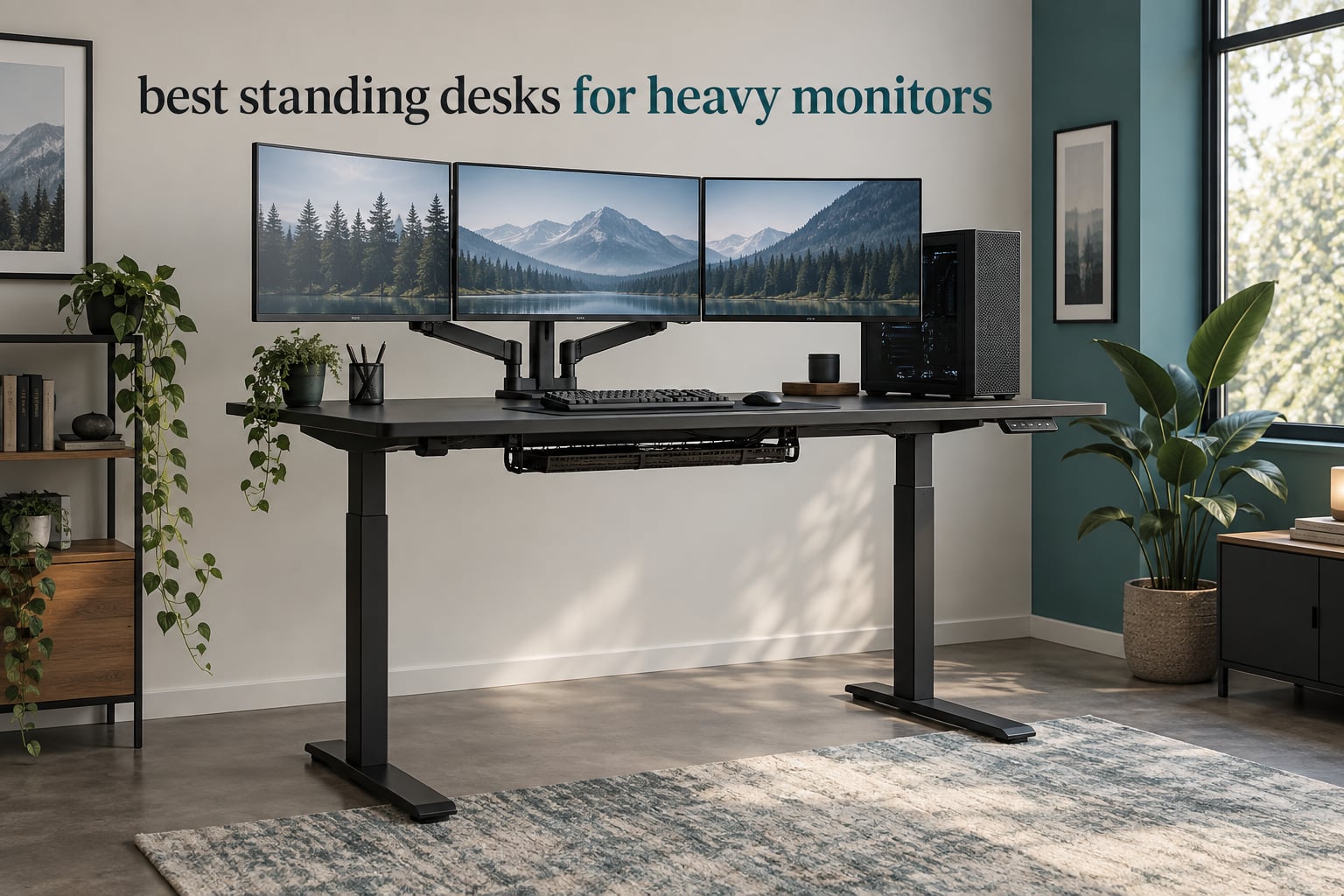
The FEZIBO 63 by 37 inch desk (220 lb rated) is our best standing desk for heavy monitors. The Monomi 71 inch model (176 lb) covers it for sheer width, and the FitStand four-leg 70.8 inch desk (264 lb) covers it for stability. Every desk below is judged on rated capacity, motor count, column travel and what happens to a heavy ultrawide or dual 32-inch setup at full standing height.
Heavy monitors create two separate problems for a sit-stand desk, and most buyers only plan for one of them. The first is raw weight. The second is torque: a monitor arm pushes the load out toward the rear edge of the desktop, which is the point farthest from the lifting columns, and that turning force is what makes a desk sway when you type at standing height.
We spent weeks comparing ten electric standing desks built for this exact problem, checking published lifting capacity against realistic gear weights, reading what owners say about wobble and motor sync, and noting which desktops actually accept a monitor arm clamp. This guide is updated for 2026 and includes a load calculation you can run in two minutes before you buy anything.
If you are still deciding on a base desk for a smaller room, our [home office standing desk picks](https://blog-idcuk.com/best-standing-desks-for-home-offices/) cover the general category. If you are not ready to replace furniture at all, a [standing desk converter](https://blog-idcuk.com/best-standing-desk-converters-for-existing-desks/) is the lower-commitment route, though the load math changes completely.
Table of Contents
Top 3 Standing Desks for Heavy Monitors in 2026

FEZIBO 63 x 37 Inch Electric Desk
- 220 lb rated capacity
- Dual crossbeam alloy steel frame
- 37 inch deep top
- 3 height presets

Monomi 71 Inch Electric Standing Desk
- 176 lb capacity
- 71 inch width
- Obstacle detection
- 3 memory presets
FitStand 79 x 31 Inch Electric Desk
- 154 lb capacity
- 79 inch wide surface
- Under 50 dB motor
- Cable box and cup holder
All 10 Best Standing Desks for Heavy Monitors (October 2026)
| Product | Specifications | Action |
|---|---|---|
| FEZIBO 63 x 37 Inch Electric Desk |
|
Check Latest Price |
| Monomi 71 Inch Electric Standing Desk |
|
Check Latest Price |
| FitStand 79 x 31 Inch Electric Desk |
|
Check Latest Price |
 SANODESK 79 x 32 Inch Dual Motor Desk SANODESK 79 x 32 Inch Dual Motor Desk |
|
Check Latest Price |
 VIVO 71 x 36 Inch Standing Desk VIVO 71 x 36 Inch Standing Desk |
|
Check Latest Price |
 HUANUO 71 x 35 Inch Electric Desk HUANUO 71 x 35 Inch Electric Desk |
|
Check Latest Price |
 FEZIBO L-Shaped 3 Motor Desk FEZIBO L-Shaped 3 Motor Desk |
|
Check Latest Price |
 FitStand 71 x 31 Inch Four-Leg Desk FitStand 71 x 31 Inch Four-Leg Desk |
|
Check Latest Price |
 EUREKA ERGONOMIC 72 Inch Desk EUREKA ERGONOMIC 72 Inch Desk |
|
Check Latest Price |
 FLEXISPOT Four-Leg Standing Desk FLEXISPOT Four-Leg Standing Desk |
|
Check Latest Price |
1. FEZIBO 63 x 37 Inch Electric Desk: Best Overall for Heavy Monitors
FEZIBO Standing Desk 63 × 37 Inch Electric Height Adjustable, Black
220 lb capacity
63 x 37 inch desktop
28.3 to 46.5 inch travel
Quiet motor under 50 dB
Pros
- Dual crossbeam alloy steel frame resists wobble at full height
- 37 inch depth fits multi-monitor and tower layouts
- 1 inch FSC-certified top accepts monitor arm clamps
- Three height presets plus 18W USB-C port
Cons
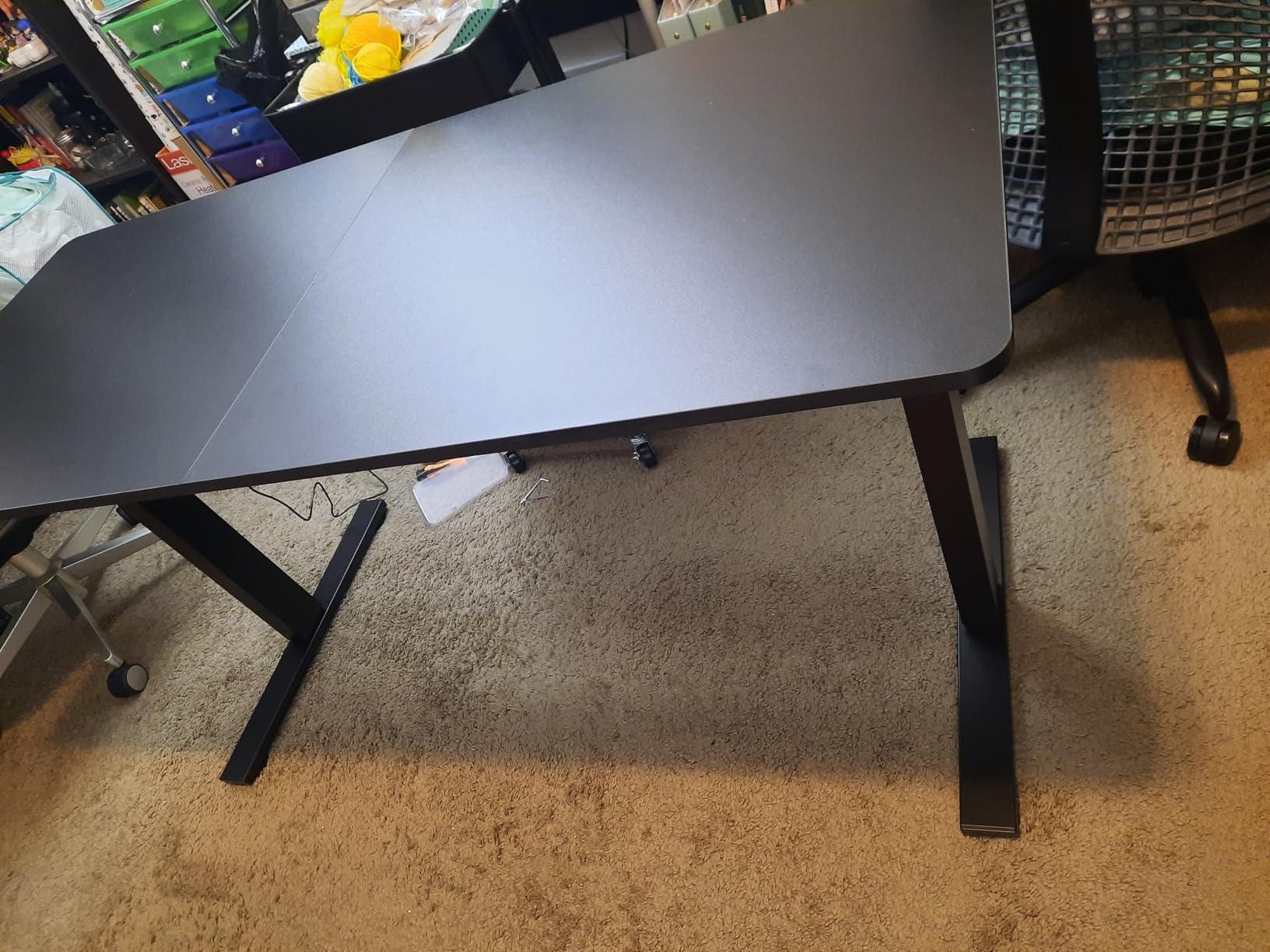
- Desktop arrives in two pieces with a visible seam
- Instructions are thin for first-time builders
- Occasional transit damage or small dents
Out of the ten desks we compared, this is the one we kept coming back to. The FEZIBO 63 by 37 pairs a 220 lb rated capacity with an integrated dual crossbeam, and that combination is the difference between a desk that stays put and a desk that rocks the moment you start typing at 46 inches. Roughly 4.8k ratings sit behind that verdict, and the stability comments show up far more often than the complaints do.
The 37 inch depth is the quiet hero here. Most competitor tops measure 30 to 32 inches deep, which leaves an articulated monitor arm sitting right over the top edge and cantilivering your displays into empty air. On this one, your screens hang over a section of solid surface, so the load path back to the crossbeam stays short.
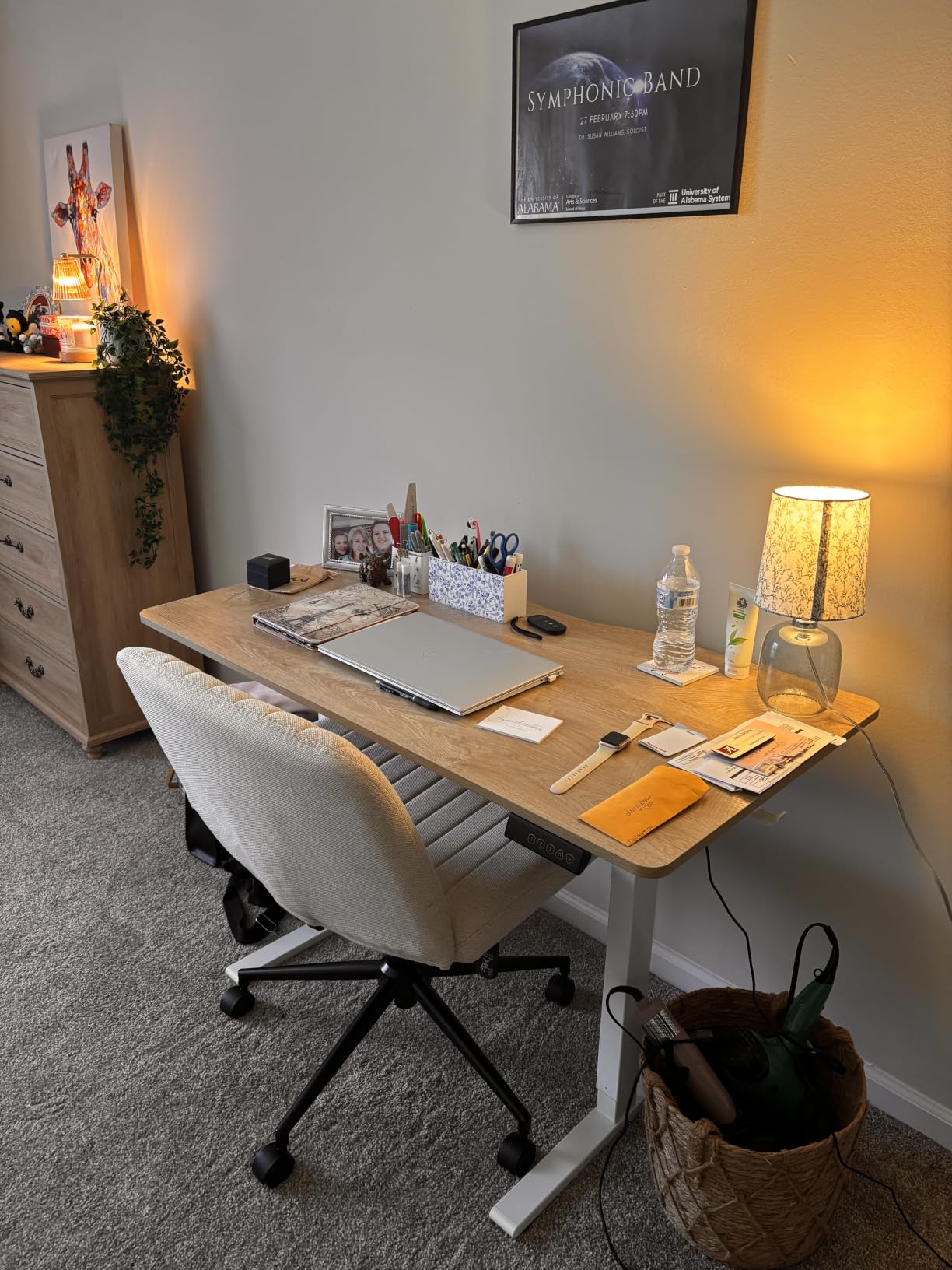
Owners running dual 27-inch and 32-inch panels plus a tower report the lift staying smooth and the motor staying under 50 dB, with three preset heights covering sit and stand. The travel runs from 28.3 to 46.5 inches, which suits most adults but leaves shorter users sitting fairly high.
The 1 inch FSC-certified engineered wood top is one of the thicker surfaces in this group, and that thickness is exactly what a clamp-mounted monitor arm needs. The built-in 18W USB-C port is a small touch that saves a charger port on a busy desk. Patented seven-step assembly with pre-assembled components keeps the build down to one sitting for most people.
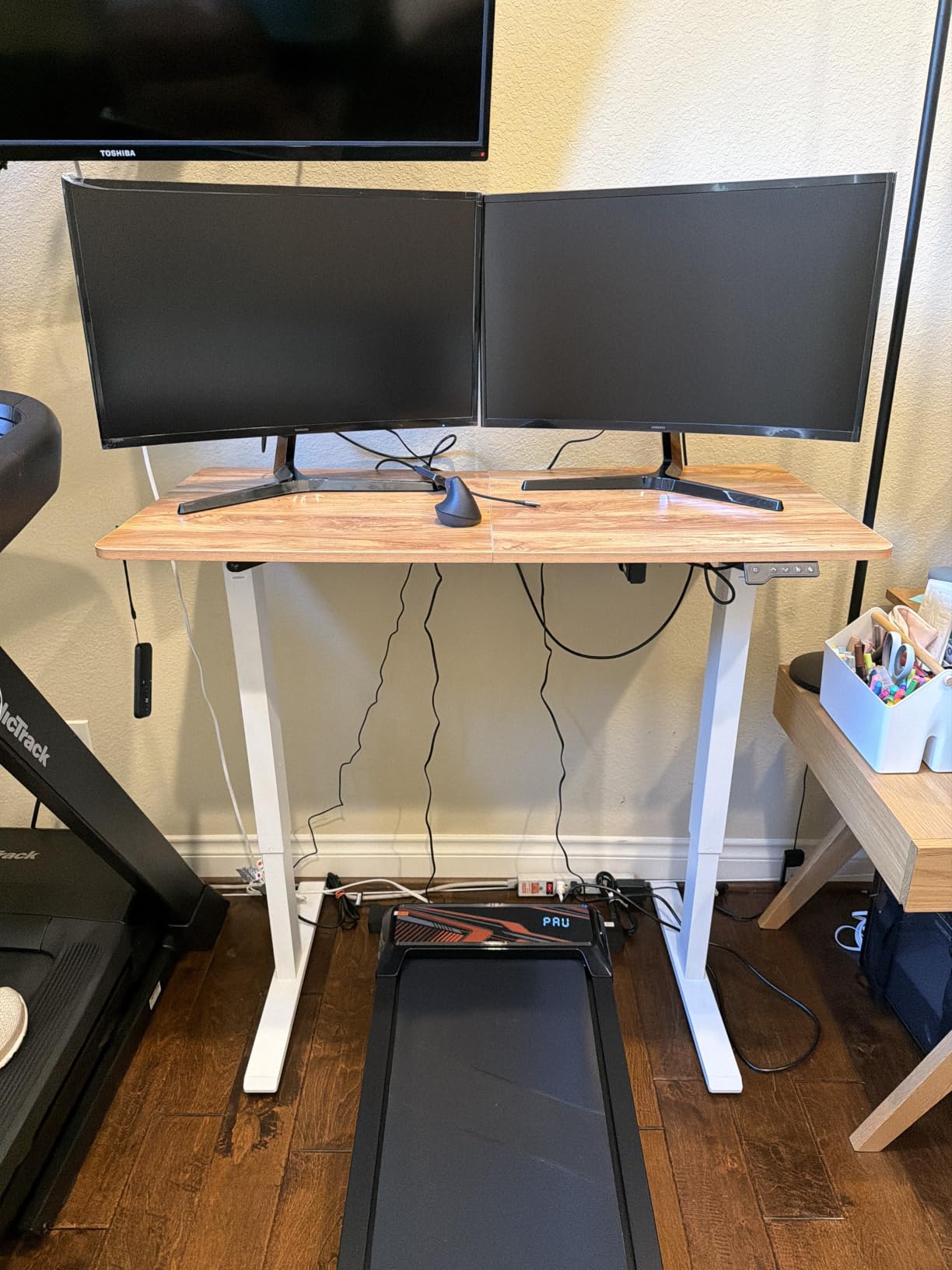
What this desk handles well
Dual 32-inch monitors on arms, a mid-tower, keyboard, mouse and a lamp all sit well inside the 220 lb rating once everything is on the surface. That gap is genuine headroom rather than running the frame at its limit, which matters because a motor working continuously near capacity is what wears out over years, not months.
Where it falls short
The desktop is delivered in two pieces, so there is a seam across the middle of a very large surface. Reviewers also call the instructions sparse, and a few report small dents or transit scuffs on arrival. None of that touches the frame or the rating, but inspect the top before you clamp an expensive arm to it.
2. Monomi 71 Inch Electric Standing Desk: Best for Wide Multi-Screen Setups
Monomi Large Electric Standing Desk 71“x31.5“ Height Adjustable,Black
176 lb (80 kg) capacity
71 x 31.5 inch top
28.35 to 46.56 inch travel
Three memory presets
Pros
- 71 inch width fits dual monitors and a tower with room to spare
- Quiet lift across the full travel
- Obstacle detection halts an obstructed descent
- Carb Phase 2 low-VOC top and headphone hook
Cons
- Multi-piece top leaves seams across the surface
- Slight rock when leaning hard on the front edge
- 28.35 inch minimum height is high for shorter users
The Monomi solves a different problem from the FEZIBO: width. At 71 inches you can place two 32-inch monitors, a tower and a printer without shuffling anything around every time you stand. Buyers running several monitors and a tower report the lift handling them without strain, and the 4.6 star average comes from a deep pool of around 2.5k ratings.
The 176 lb rating is the compromise. It is enough for a typical dual-ultrawide-plus-accessories build, but if you are stacking three large panels and a full-tower workstation on the surface, you will be using most of that number on day one, which is where the frame feels the load.
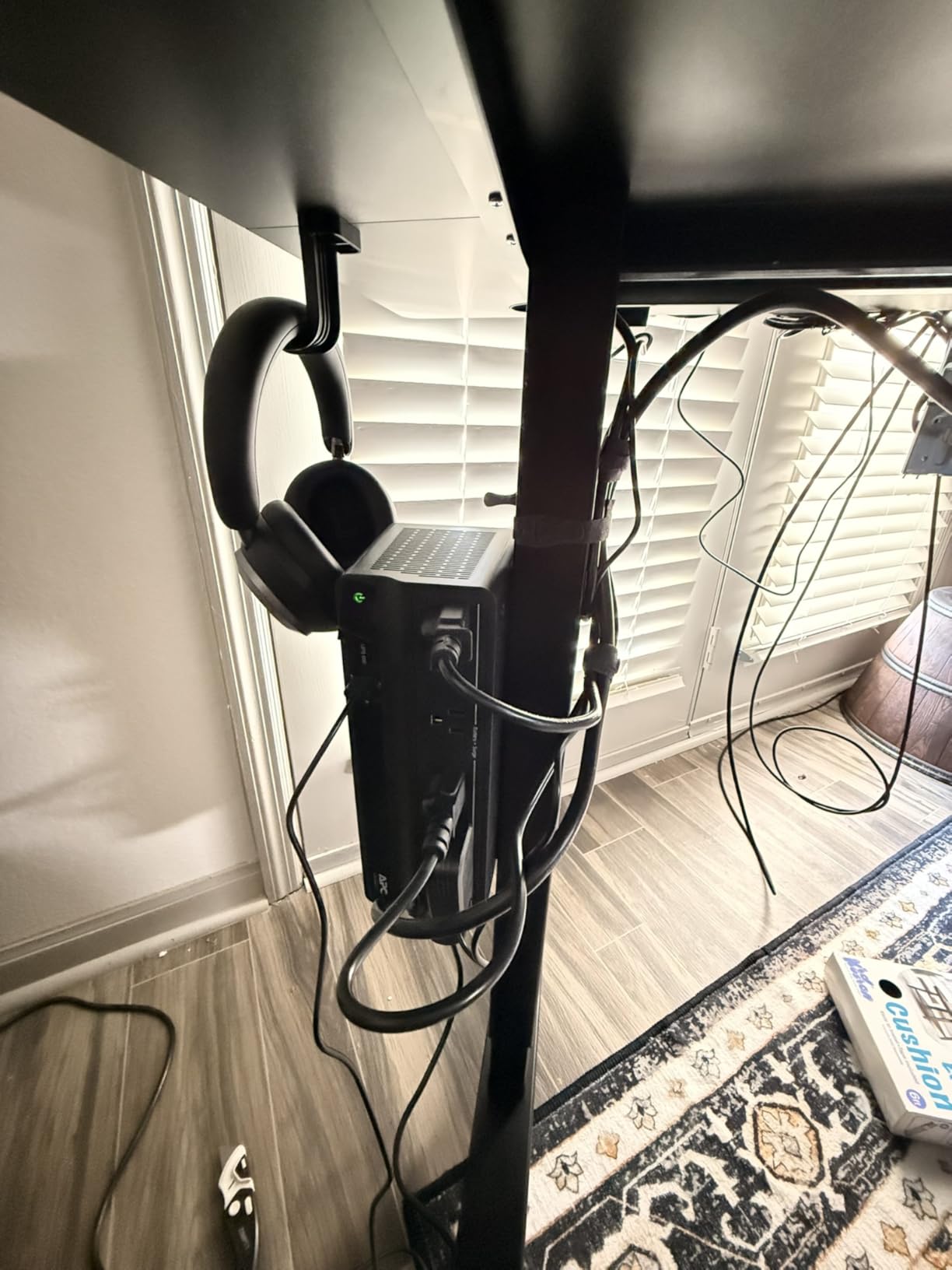
Three one-touch memory presets and obstacle detection are the practical features worth noting. Presets mean you stop fiddling with the panel every morning, and detection means a stray cable under the desk will not get dragged through the crossbar. Tool-included assembly and a headphone hook round out a well-considered package.
The top ships as multiple pieces, leaving seams, and reviewers mention a mild front-edge rock when they lean on it deliberately. The included keyboard tray is plastic and small enough that most buyers replace it. The 28.35 inch minimum height is the detail that matters most if you are under five foot nine and sit for part of the day.
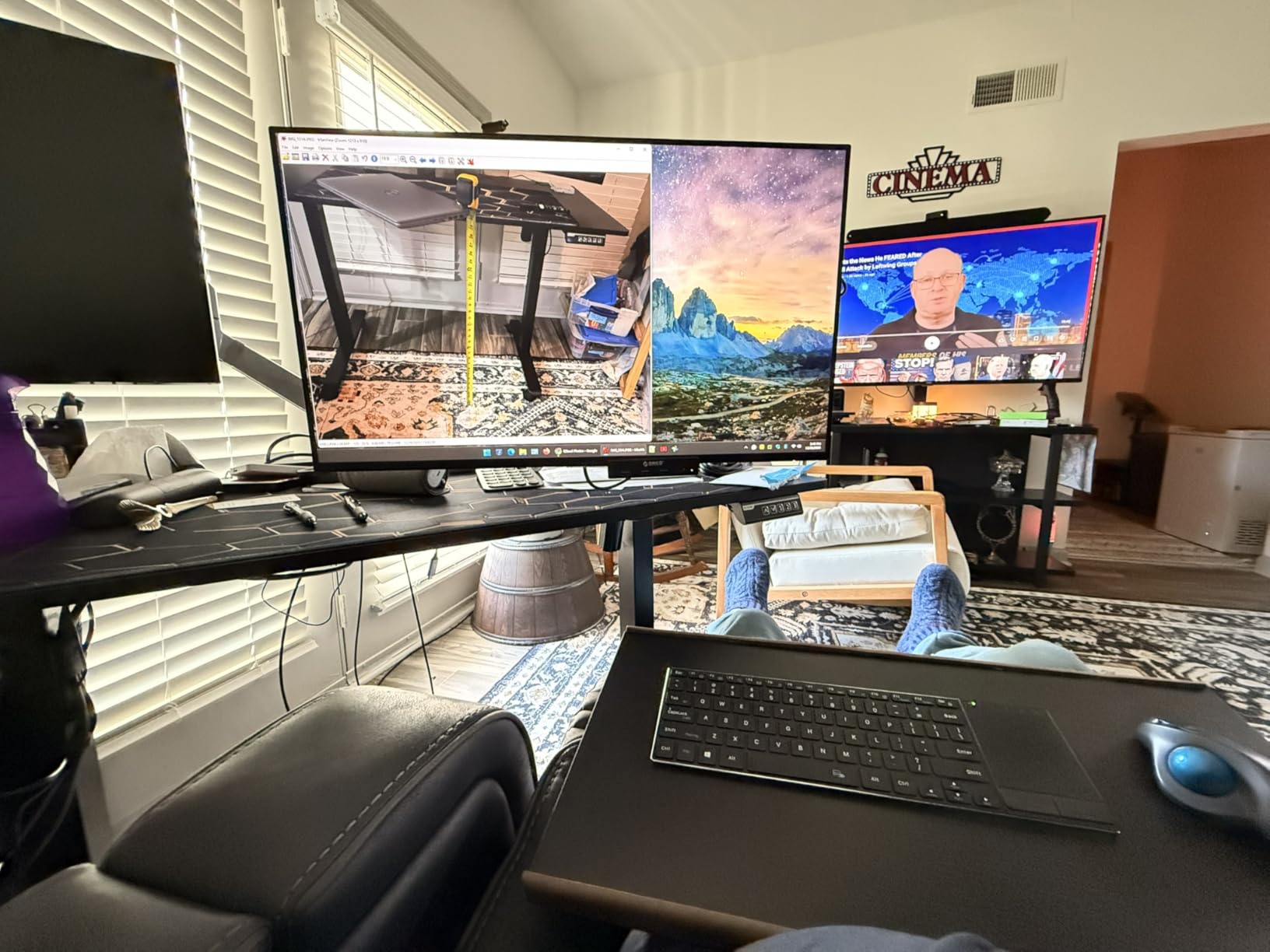
When to pick this one
Choose the Monomi when width is your binding constraint rather than weight. If your screens are wide and your rig is light, a 71 inch surface removes the daily reshuffle, and the quiet lift plus presets handle the sit-stand switch without fuss. Our [tall person standing desk guide](https://blog-idcuk.com/best-standing-desks-for-tall-people/) covers the height-range side of the equation if you are near the top of the range and need more travel than 46.5 inches gives you.
What to watch for
The multi-piece seams and the front-edge rock are the two recurring gripes. Neither affects lifting performance, but both are visible in a wide, expensive-looking surface. If appearance matters to you, factor the seams into the decision or look at a single-piece top instead.
3. FitStand 79 x 31 Inch Electric Desk: Best Value for Big Surfaces
FitStand 79”x31”Large Standing Desk Electric Adjustable for Home Office
154 lb frame capacity
79 x 31 inch desktop
28.7 to 48 inch travel
Quiet motor under 50 dB
Pros
- Huge 79 inch surface for multiple monitors and accessories
- Frame stays solid when fully raised
- Under 50 dB motor with four preset heights
- Cup holder and cable management box included
Cons
- Assembly instructions are widely criticized as inaccurate
- Top and frame come in two separate boxes
- Very heavy once assembled and awkward to move
At 79 by 31 inches, the FitStand is one of the widest surfaces we tested, and reviewers treat it as the upgrade that finally ended a cramped multi-monitor workspace. The 4.6 rating comes from a smaller pool, roughly 547 ratings, but the feedback is consistent: the frame holds up to 154 lbs and stays solid when fully raised.
This is the desk to consider if your monitors sit on their own stands rather than on arms. A single 27-inch panel on a stand is only about 12 to 15 lbs, and a rig like that leaves a huge amount of headroom under the 154 lb ceiling, which is a comfortable place to be for a frame you will use daily.
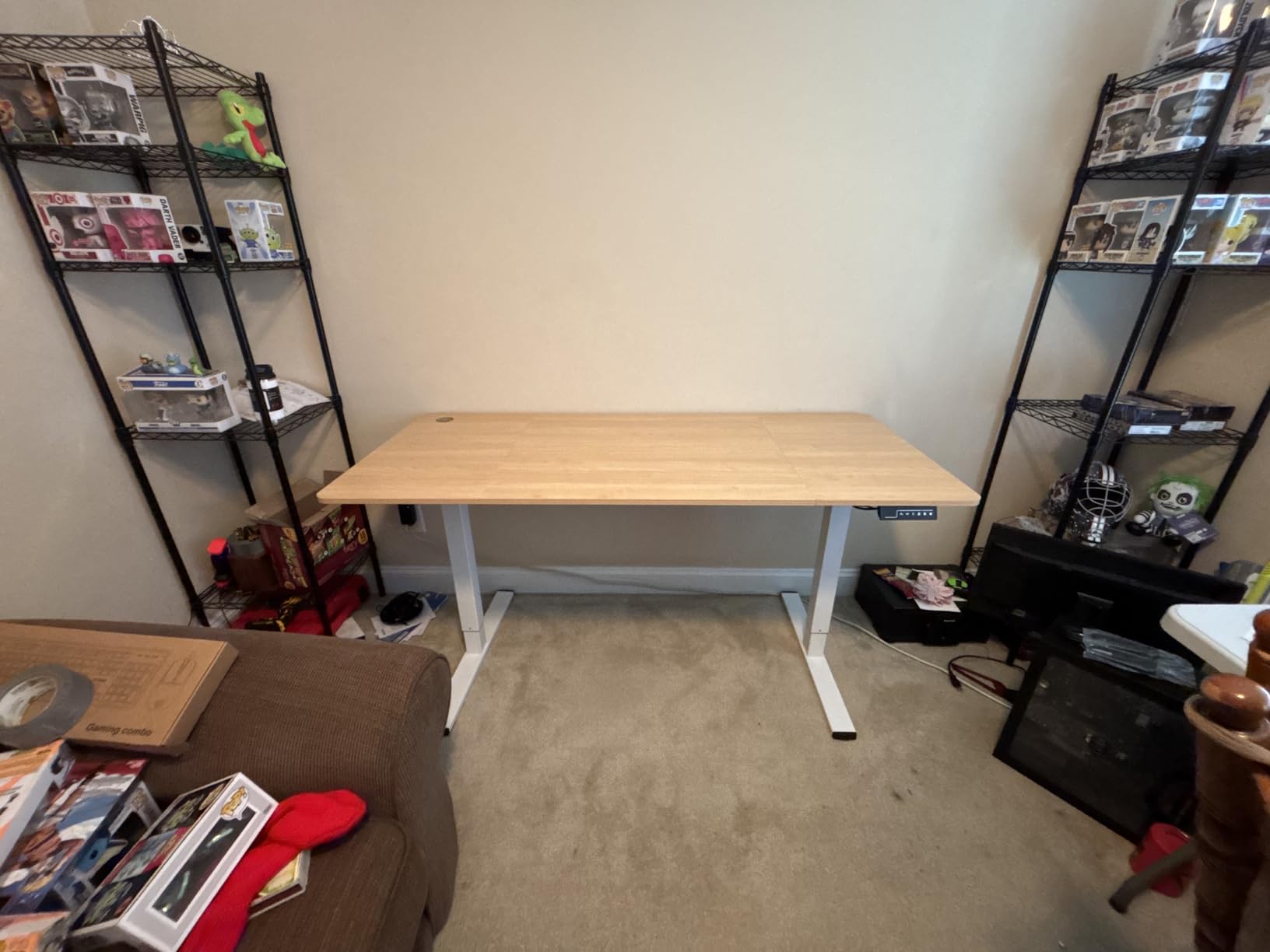
Included extras are unusually generous for this class. A cup holder, a cable management box and a hook all come in the box rather than as a separate purchase, and owners note the surface is stable enough to seat two chairs across it for meetings, which says something about the frame’s rigidity.
The honest weakness is documentation. Multiple buyers describe the assembly manual as inaccurate, and the two-box delivery means you may be assembling half a desk for a day. Once built, moving it is a genuine chore, so treat the location as fixed rather than portable.
Who this works for
A light-to-moderate rig on a very large surface. Two or three monitors on stands, a laptop, peripherals and a moderate tower all sit well inside 154 lbs, and the extra width is where the value comes from. If you later add a heavy arm and a large ultrawide, you will want to check the total again.
Before you order
Measure your doorway and stairwell. A 79 inch assembled surface is not something you carry up a flight of stairs with one person, and the weight is the reason reviewers flag moving it. Assembly is also the step most likely to frustrate you, so set aside a clear weekend rather than an evening.
4. SANODESK 79 x 32 Inch Dual Motor Desk: Best for a Confident Dual Motor Lift
SANODESK Dual Motor 79”x 32” Large Height Adjustable Standing Desk
198 lb capacity
79 x 32 inch desktop
28.3 to 47.6 inch travel
4 memory presets
Pros
- Dual motors handle 198 lbs and stay steady at full height
- Anti-collision auto-reverses on contact
- Four memory presets with one-touch control
- Cup holder and headphone hook included
Cons
- Desktop is about 15mm thick which some buyers find thin
- Substantial assembly time and hardware
- Crossbar under the desk can catch knees when seated
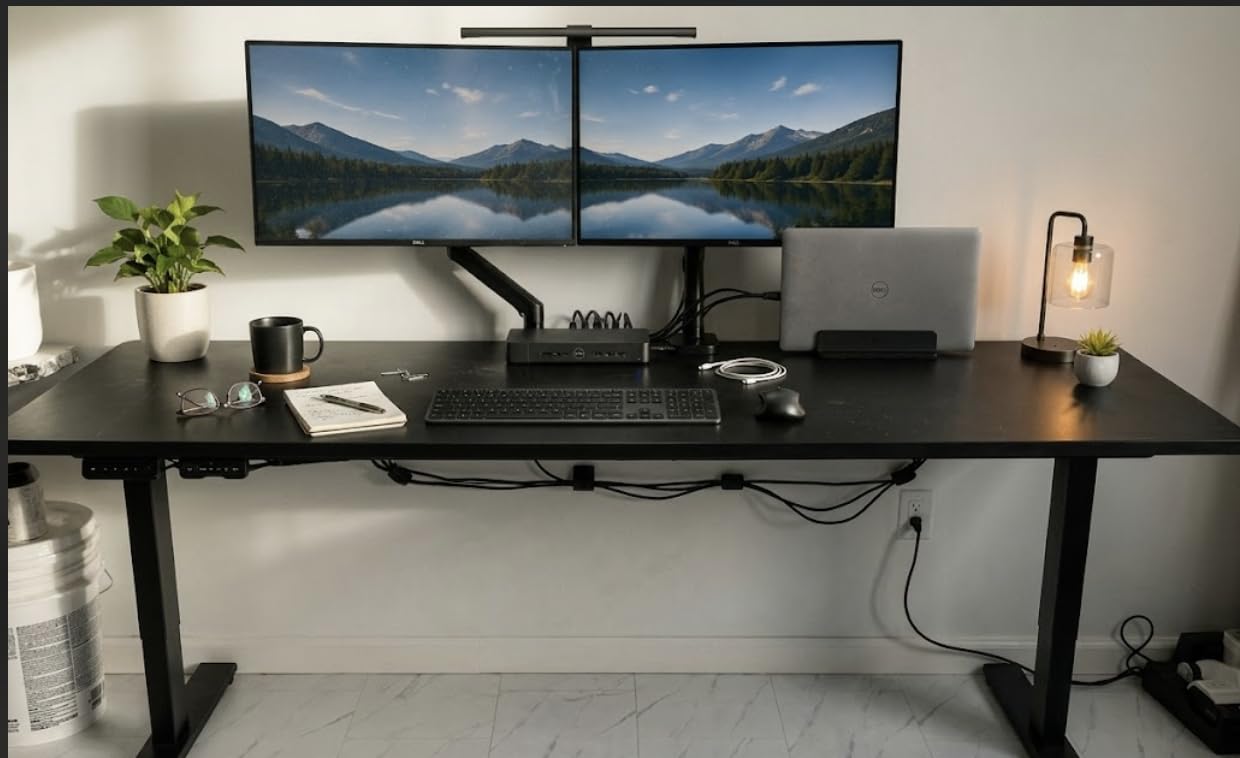
The SANODESK is one of the few desks here where the motor count is stated plainly, and that is why we like it for heavy setups. A dual-motor system shares the lifting work across two columns rather than asking one column to do everything, and owners running two or more monitors plus a PC and printer report steady, quiet movement and no wobble at the top of the travel.
At 198 lb rated, it sits in the useful middle of this group. That is enough headroom above a dual 32-inch rig on arms, and it pairs a 79 by 32 inch top with a 28.3 to 47.6 inch range, which is a wider span than most of the 79 inch models competing with it.
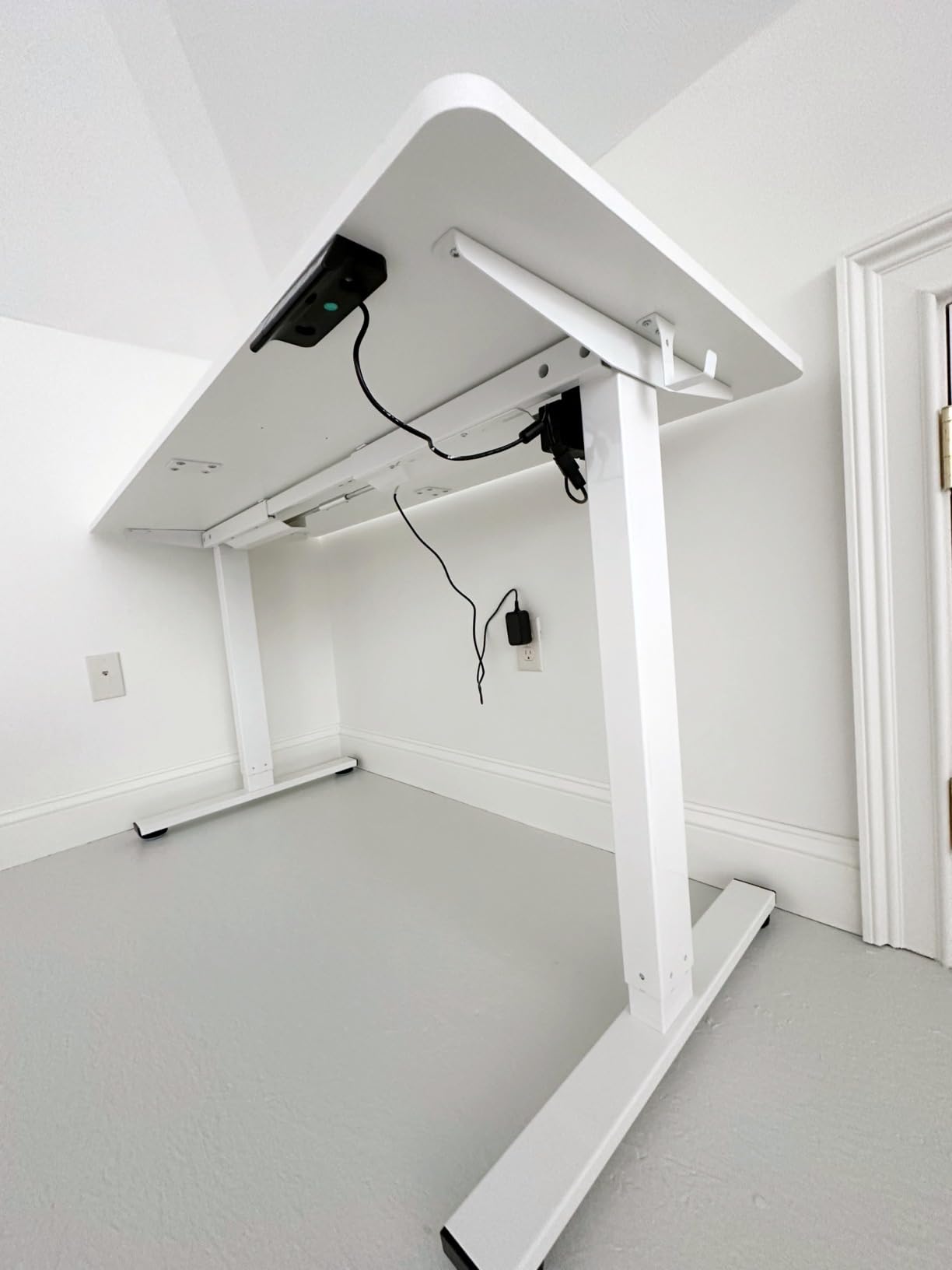
Anti-collision detection reverses the desk when it meets an obstacle, and four memory presets cover the sit and stand positions plus two spares. For a desk that lives under a fixed camera and mouse position, presets save real friction every morning.
The 15mm desktop is thinner than the one-inch tops in this roundup, and that is the specification to check against your monitor arm. Many clamps want an inch of material or a reinforcement plate. Assembly also takes longer than the packaging suggests, and reviewers mention the crossbar interfering with knees at seated height.
Checking monitor arm fit
Measure your arm’s clamp opening against the 15mm top before ordering. Heavy dual and single arms frequently specify a minimum thickness, and a clamp that is at its limit on a moving desktop is exactly the combination that produces a rattle. If your arm needs reinforcement, budget for a plate and check the desk depth as well.
What the dual motor changes
Two motors mean less strain per column, faster recovery from a jam, and better behaviour when one column meets slightly more resistance from uneven loading. The trade-off is assembly complexity and a longer build. If you can give it an afternoon and a second pair of hands, the payoff is a desk that keeps lifting smoothly for years.
5. VIVO 71 x 36 Inch Standing Desk: Best for the Tallest Height Range
VIVO Dark Gray 71 x 36 in Standing Desk, DESK-KIT-2B7G-36
220 lb frame capacity
24.5 to 50.3 inch travel
All-steel dual motor frame
71 x 35.5 inch top
Pros
- Tallest lift range here at 50.3 inches
- Extra-deep 35.5 inch top suits monitor mounts
- All-steel frame rated to 220 lb
- Push-button controller with three presets
Cons
- Particle board top is less forgiving for heavy clamp arms
- Assembly recommended for two people
- Smaller review pool than most competing models
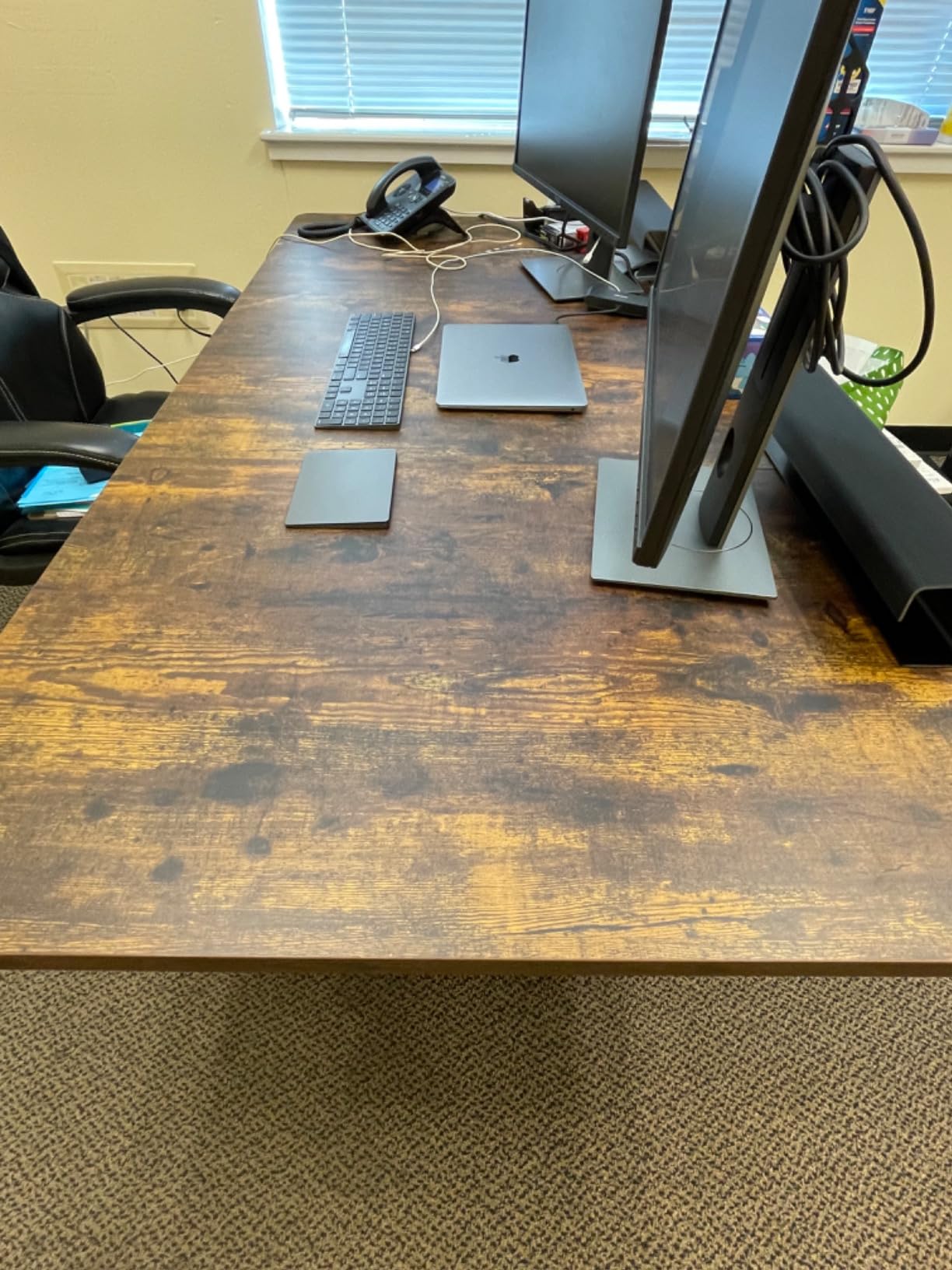
The VIVO’s distinguishing number is 50.3 inches. That is the tallest maximum height in this group, and combined with a 24.5 inch minimum it gives you a 25.8 inch span, which is what makes it work for a tall user sitting down and standing up at the same desk. Very few electric frames cover that much travel.
Underneath, it is an all-steel dual-motor frame rated to 220 lb, and reviewers say it stays steady with several monitors and a tower. The 35.5 inch depth is the second number worth caring about, because it gives an articulated arm room to clamp without pushing your displays entirely off the back edge.
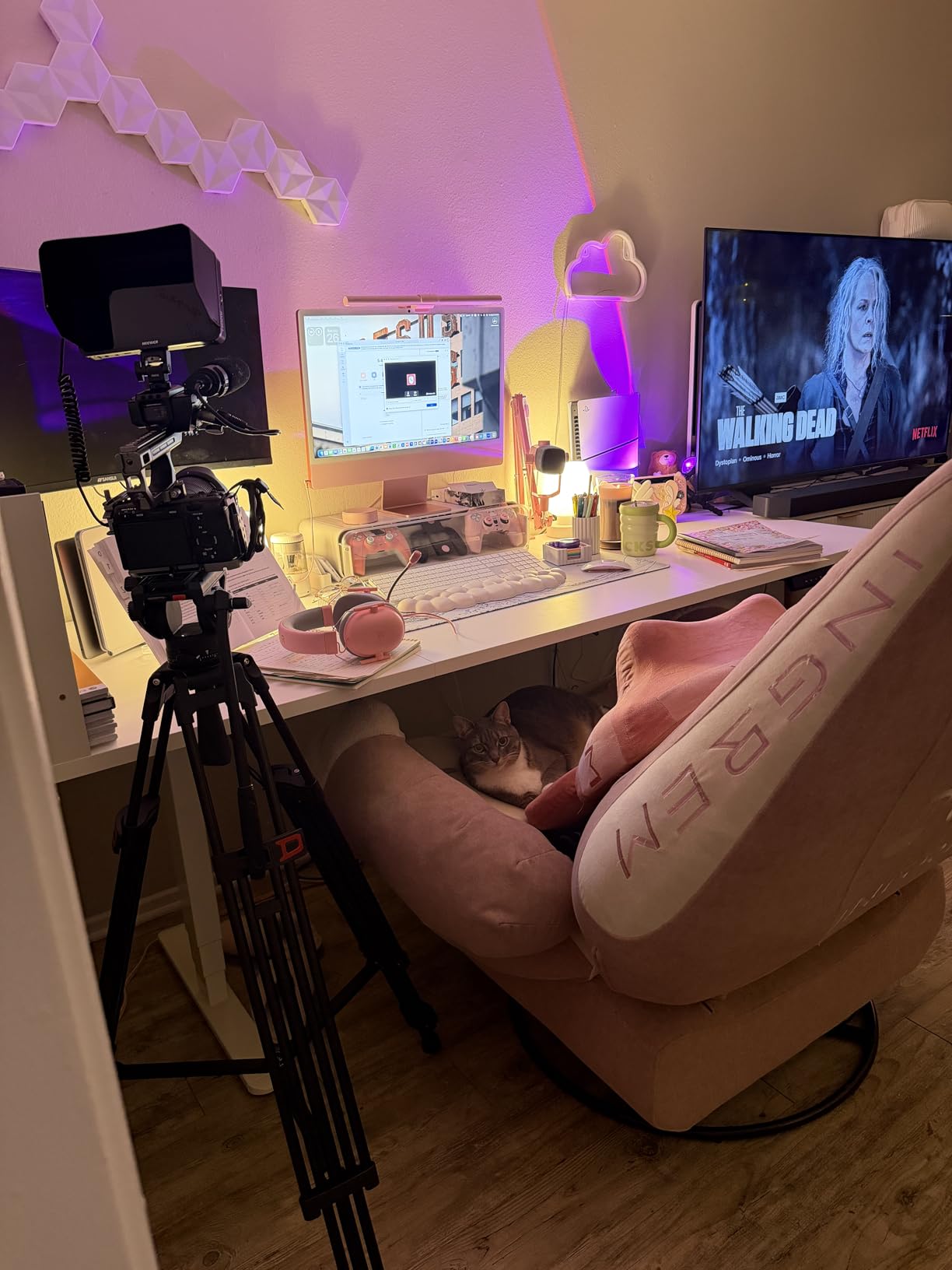
The push-button memory controller stores three heights, which is enough for sit, stand and one guest position. The dark grey top is a scratch-resistant laminate, and the package includes both the frame and the top so there is no second sourcing decision to make.
The particle board surface is the main caution. It can mark, and it is less forgiving than a thick engineered wood or solid top when a heavy clamp arm tightens down on it. Assembly is also a two-person job, and the review pool of about 445 ratings is smaller than the leaders in this list.
Is the extra height worth it
If you are tall, the 50.3 inch ceiling is the reason to buy this and no other desk here. Standing height that is too low forces you to round your shoulders or bend your neck, and that defeats the point of owning an adjustable desk. If you are between about five foot seven and six foot, the 46.5 inch ceiling on several other models is usually enough.
Monitor arm compatibility
Test the clamp before you commit. Particle board is serviceable, but a heavy arm that torques down on a hollow-core panel can crush the material around the hole over time. If you plan to run two 32-inch panels on arms, prefer the one-inch top options in this roundup unless you use a grommet mount or a through-clamp.
6. HUANUO 71 x 35 Inch Electric Standing Desk: Best for a Fast Quiet Motor
HUANUO 71 x 35 Inch Large Electric Standing Desk, Brushless Motor, Black
220 lb (100 kg) capacity
71 x 30 inch desktop
27.9 to 46.5 inch travel
Brushless motor under 55 dB
Pros
- Thicker carbon steel columns and wider feet support 220 lb
- Brushless motor lifts 75% faster and stays under 55 dB
- Tested across more than 100000 lift cycles
- 71 inch top runs three or four monitors
- Thick foam and corner protectors in the packaging
Cons
- Desktop and frame ship as two separate boxes
- Some feedback of slight front-to-back wobble while typing
- A minority report the top tearing around mounting screws
The HUANUO is the one to look at if you change height often. Its brushless motor lifts 75% faster than a standard unit and holds under 55 dB, which means sitting down and standing up several times a day does not become an event you think about. The manufacturer tested the motor across more than 100000 lift cycles, and the carbon steel columns are thicker than most frames at this capacity.
At 220 lb (100 kg) it matches the FEZIBO and VIVO for rated strength, and the listed 36 inch depth gives an arm a decent section of surface to clamp onto. Reviewers run three or four monitors on the top, which tells you the surface area is doing real work in a heavy setup.
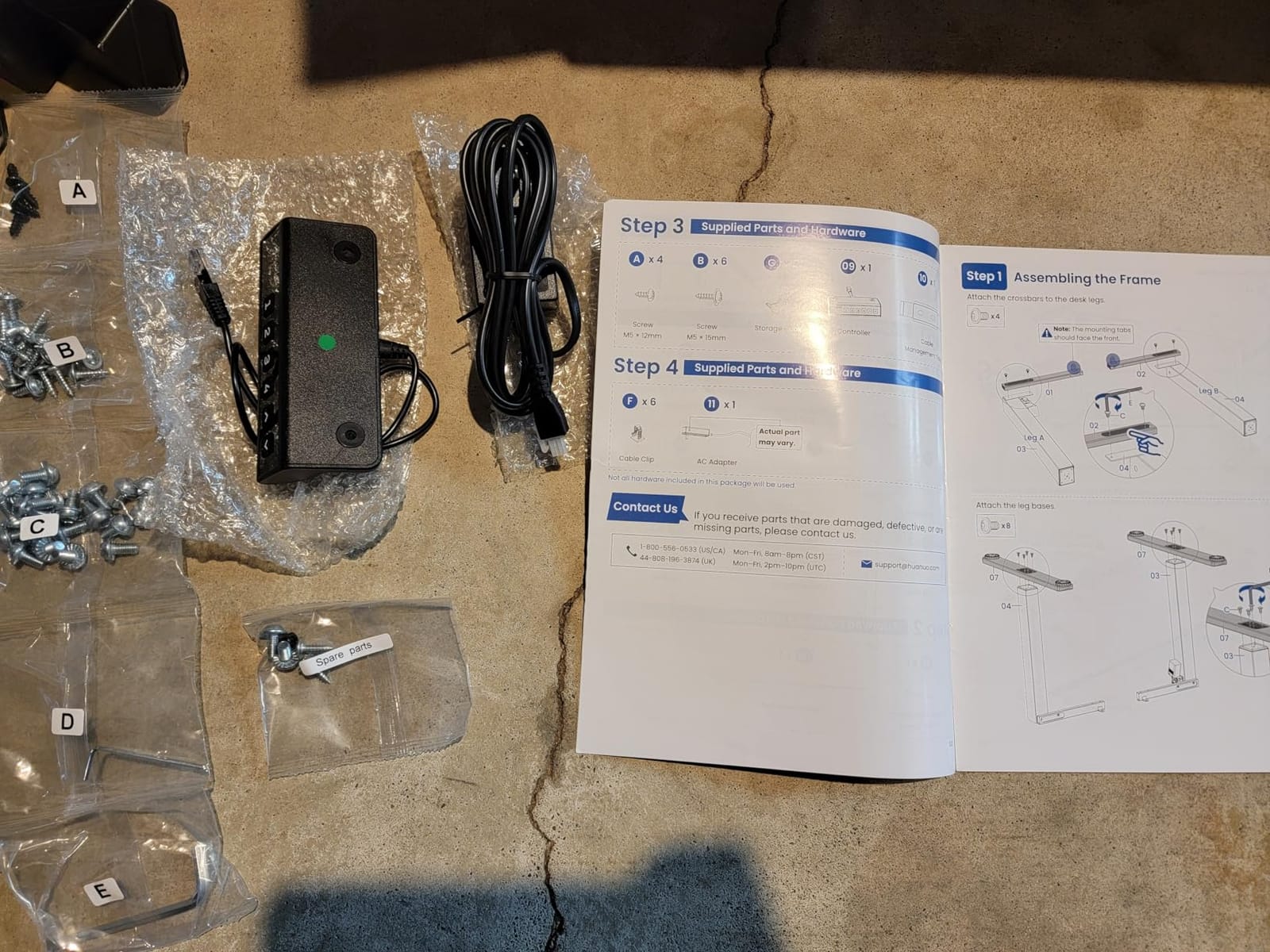
Packaging is genuinely good. Thick foam and corner protectors show up repeatedly in reviews, and that matters more than it sounds when a steel frame and a 71 inch top are crossing a warehouse. A cable management tray and two hooks are included rather than sold separately, and four memory presets cover the usual positions.
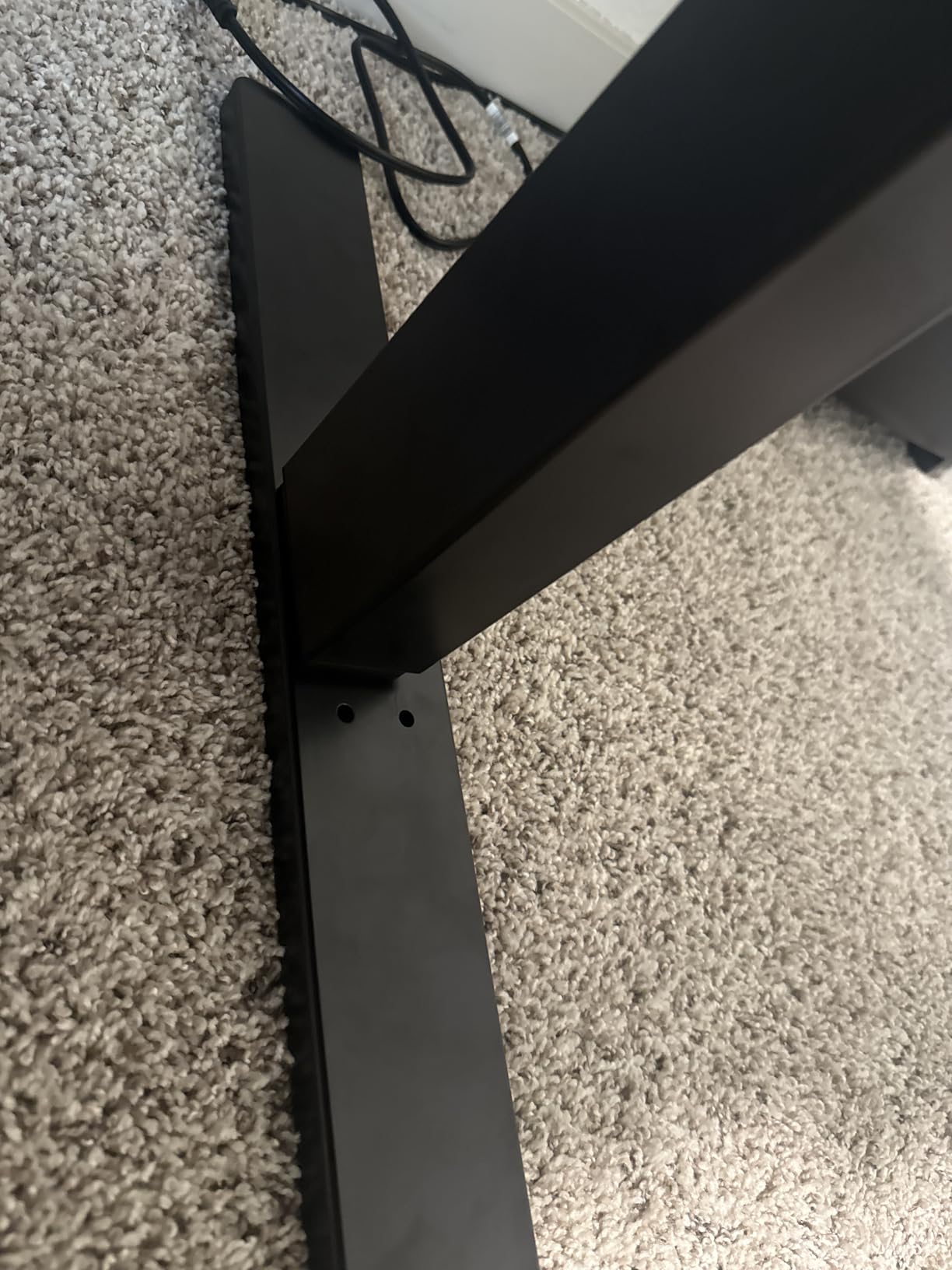
The recurring complaint is front-to-back movement while typing, which is the exact axis that hurts usability in a heavy setup. The desktop and frame also arrive as two separate deliveries, and a minority of buyers report the engineered wood tearing around mounting screws. Over-torquing with a power driver is the likely cause, so hand-tighten.
Worth it for frequent position changes
A fast motor is a feature you feel every single day and rarely notice until you go back to something slow. If you split your day between standing and sitting, the 75% faster lift and four presets make the transition close to instant. If you set your height twice a day and leave it there, this advantage largely disappears.
Handling the front-to-back movement
Front-to-back sway is the one that frustrates people, because it moves your keyboard and mouse relative to your eyes. Keep the rig centred over the frame, put the tower on a lower shelf or the floor rather than the surface, and tighten every leg and foot bolt after the first month. That alone removes most of what reviewers describe.
7. FEZIBO L-Shaped 3 Motor Desk: Best for the Heaviest Load
FEZIBO L Shaped Standing Desk with Arc LED & Power Outlet, Exclusive Uprated 3 Motors Support 330LBS, Electric Height Adjustable L Shaped Desk with Large Monitor Stand, for Home Office, Rustic Brown
330 lb capacity
63 x 48 inch L-shaped top
27.56 to 47.24 inch travel
3 height presets
Pros
- Triple-motor system rated to 330 lb
- the highest here
- L-shaped surface gives a return for a full monitor arm
- Built-in power strip with two outlets and USB-C
- 92 inch LED strip with remote control
- Lockable 360 degree swivel casters
Cons
- Heaviest build here and recommended for two-person assembly
- Assembly tools are not included
- Highest share of one-star feedback in the group
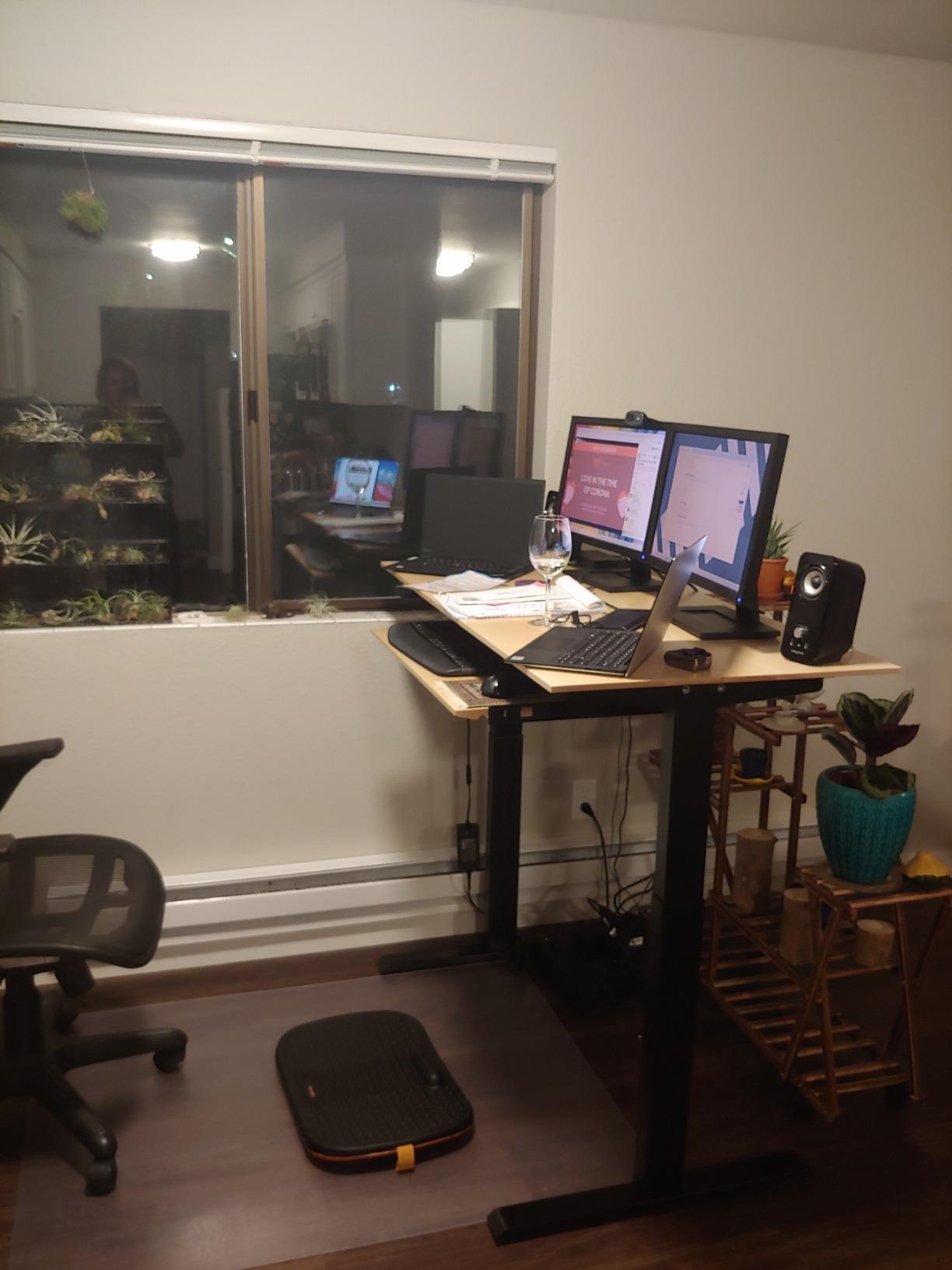
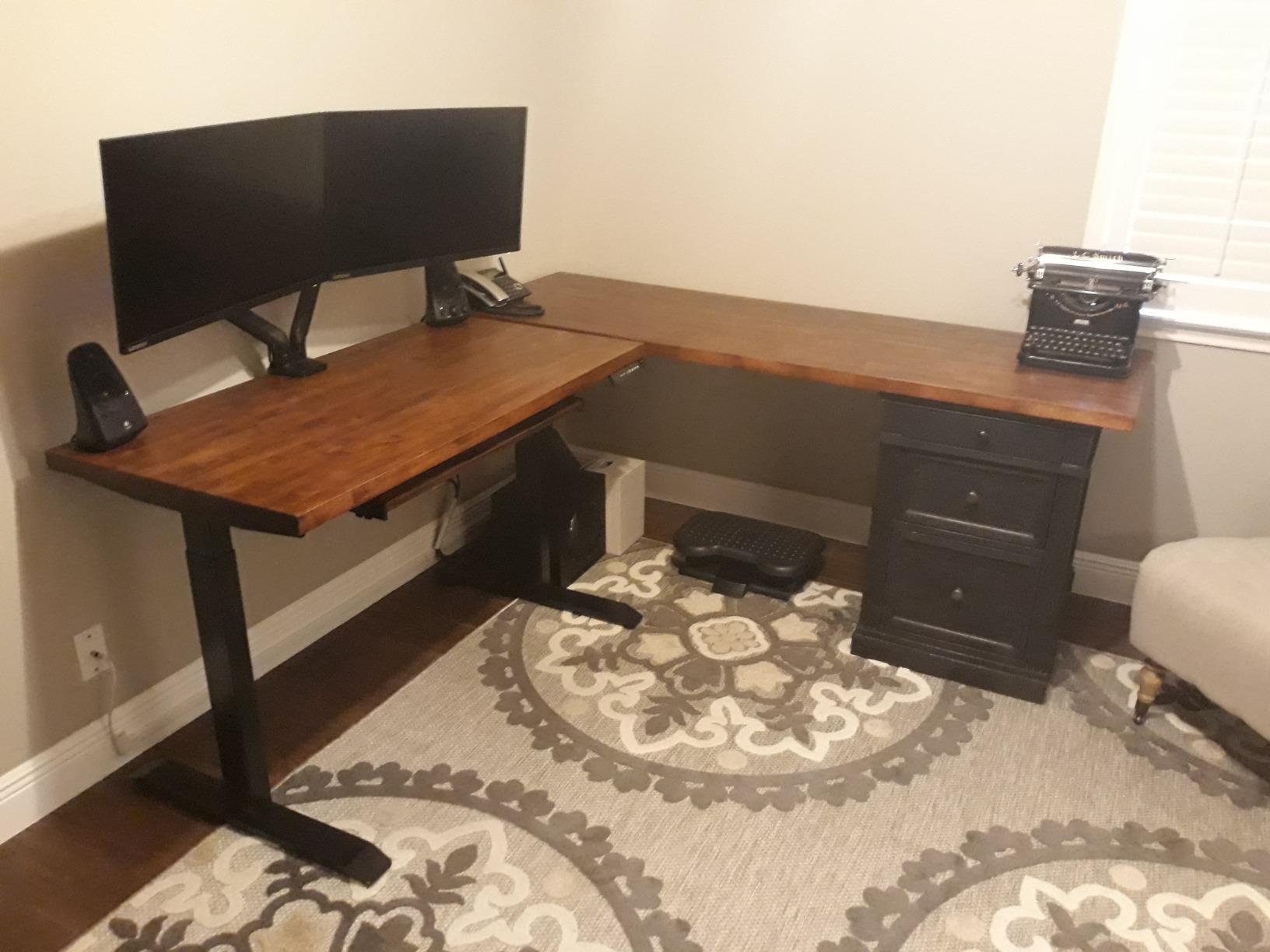
If your total rig weight is genuinely high, this is the desk with room for it. A 330 lb triple-motor rating is far above anything else we tested, and the 63 by 48 inch L-shape gives you a full return section where a long monitor arm can clamp without fighting the main work area. For trading bays, editing suites and three-screen creator rigs, that combination is hard to argue with.
The built-in monitor stand along the back edge is a genuinely useful feature with heavy displays, because it lifts the screens to eye level on a structure that is part of the desk rather than cantilevered off the rear. The power strip with two outlets, one USB and one Type-C port removes another cable from the floor.
Owners highlight the capacity, the monitor stand and the 92 inch of LED lighting with 358 preset modes as the reasons they kept it. The 1.18 inch top is thick enough for a heavy clamp arm without complaint, and the three height presets plus collision avoidance cover the basics.
The trade-offs are physical. This is the heaviest build in the group and assembly is a two-person job, and tools are not included, so budget for that before you start. The one-star share is also the highest of the ten, which mostly reflects motor and damage complaints rather than the frame failing under load.
When 330 lb is justified
Run the numbers first. A three-monitor rig on heavy arms, a full-tower, a keyboard, a drawing tablet and a laptop add up quickly, and that is where the extra 110 lb of headroom over a 220 lb desk stops being waste. If your total is much lower, this desk is solving a problem you do not have.
What the L-shape changes
An L-shape gives a place to put weight that is not in the middle of your typing area. The tower goes on the return, the second monitor arm clamps at the side, and your primary surface stays clear. It also occupies far more floor space than a straight desk, so check the room before you commit.
8. FitStand 71 x 31 Inch Four-Leg Desk: Best for High-Capacity Four-Leg Stability
FitStand 71×31 4 Leg Dual Motor Standing Desk for Home Office
264 lb capacity
Four-leg dual motor frame
70.8 x 31.5 inch top
Under 50 dB operation
Pros
- Reinforced four-leg frame with dual motors rated to 264 lb
- Owners report no monitor shake while typing or raising
- Three-panel top keeps the seam out of the work area
- Collision avoidance and a 28.5 to 47.2 inch range
Cons
- Review pool of 90 ratings is thin for a structural claim
- Slow lift that takes roughly 30 seconds sit to stand
- Very large and heavy so moving it means partial disassembly
Four legs is the structural answer to wobble. Instead of two columns with a top cantilevered between them, a four-leg frame supports the surface at four corners, so a heavy monitor arm pulling on the rear edge meets much less turning force. Owners report no monitor shake while typing or while the desk is rising, even with a 39 inch ultrawide and a 32 inch secondary display.
The 264 lb rating is the second highest here, which makes this a serious option for a three-screen rig with a tower. At 4.6 stars the satisfaction is clear, but it comes from only 90 ratings, so treat the consensus as encouraging rather than settled.
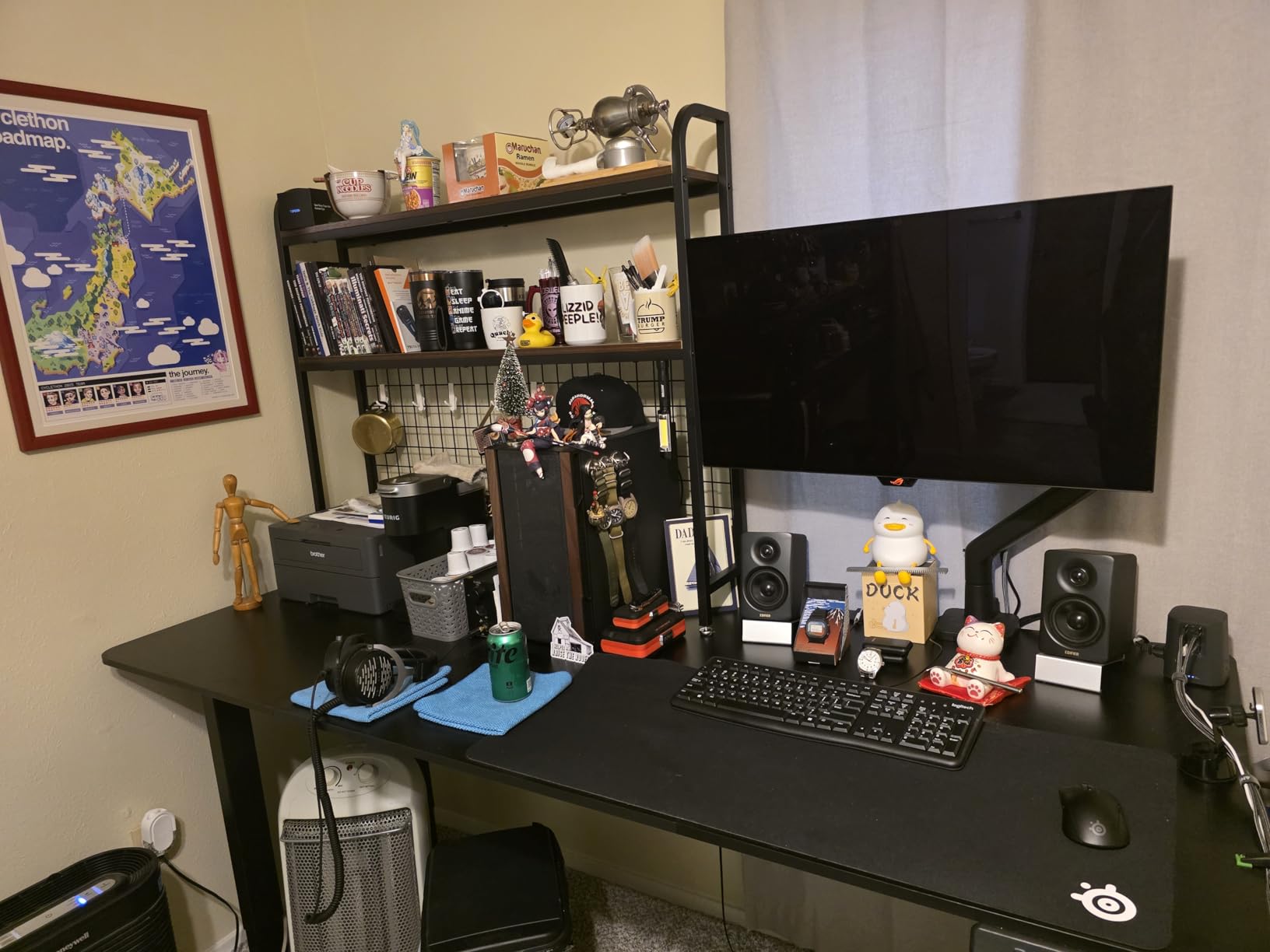
Noise stays under 50 dB and the range runs from 28.5 to 47.2 inches, which covers a sit-stand cycle for most adults. The three-panel top design is a smart detail: splitting the surface into panels keeps each piece lighter to install and, more importantly, places the seams away from the area your keyboard and mouse sit on.
The lift is slow. A full sit to stand takes roughly 30 seconds, which is a long time if you switch position several times a day. The unit is also large and heavy enough that moving it usually means partial disassembly, and assembly is time-consuming even with pre-installed threaded inserts.
Four legs versus two
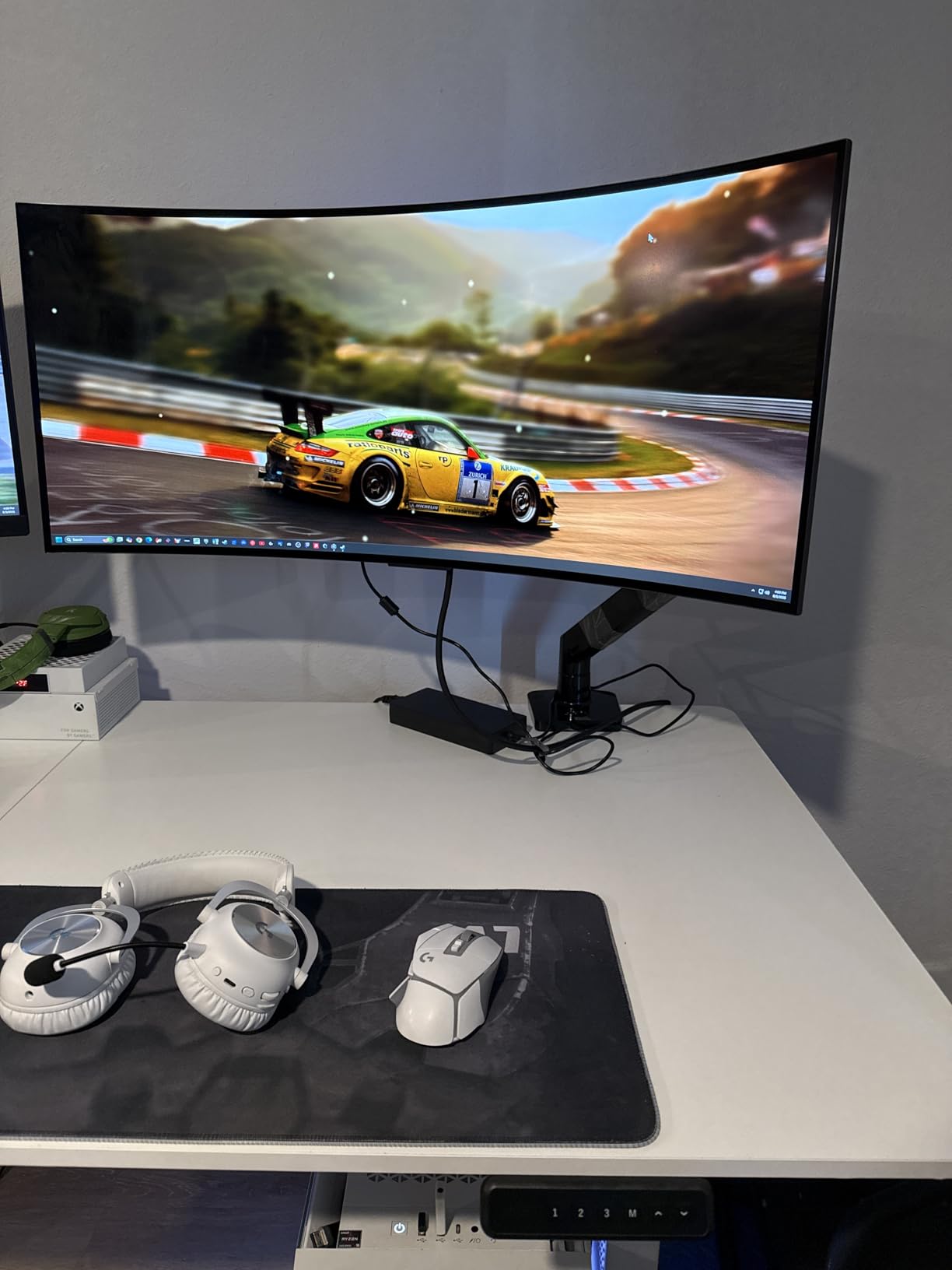
Side-to-side sway is largely solved by any two-column frame with a crossbar. Front-to-back sway, the movement that actually ruins a typing position, is the harder problem, and four legs attack it directly because the rear edge is supported instead of hanging off the end of a beam. If your monitor arms push hard on the back of the desk, this is the geometry you want.
When the slow motor matters
It matters if you are a position-switcher and it does not matter if you set your desk once in the morning. Thirty seconds is a long pause when you are standing in the middle of something, but it is a perfectly reasonable wait if you move two or three times a day. Check your own switching habits before ruling it out.
9. EUREKA ERGONOMIC 72 Inch Standing Desk: Best for Built-In Shelves
EUREKA ERGONOMIC 72″ Standing Desk, Adjustable Height Dual Motor Computer Desk with Keyboard Tray & LED Monitor Stand, Gaming Music Studio Workstation, Slot Design, Deep Walnut
220 lb capacity
29 to 48 inch travel
Dual shelves with RGB lighting
72 inch wing-shaped top
Pros
- Dual motors hold a triple-monitor setup and KVM without shake
- Configurable dual shelves support a dual-monitor arm
- Rotating tilt keyboard tray plus a full-desk mouse pad
- Integrated RGB lighting with a white work light
- Anti-collision HALL sensor and four presets
Cons
- Long and involved assembly especially for one person
- Shelf can bow slightly under a single heavy monitor
- LED wiring is not on separate circuits
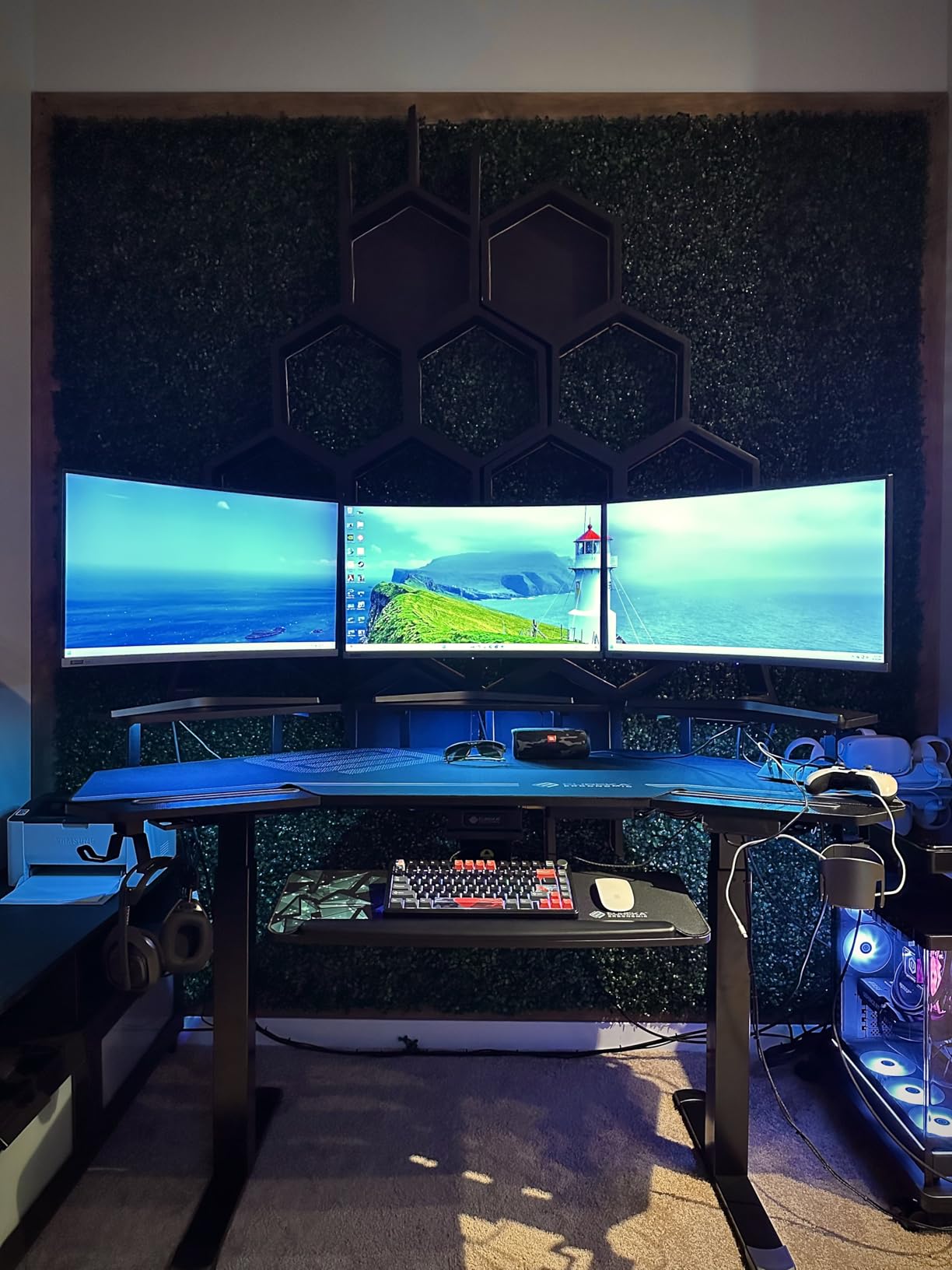
The EUREKA is the only desk in this group where a monitor riser is built into the desk rather than added to it. Two configurable shelves mount in several positions and can carry a dual-monitor arm, so your displays can live above the surface and take weight off the main top. That is a real structural benefit, not just a convenience.
Owners describe a premium build whose dual motors handle a triple-monitor setup plus a KVM without visible shake, and the 4.6 rating across 165 reviews is consistent on that point. At 220 lb the frame rating is competitive with the other large desks here, and the 29 to 48 inch range gives a tall user more standing height than most.
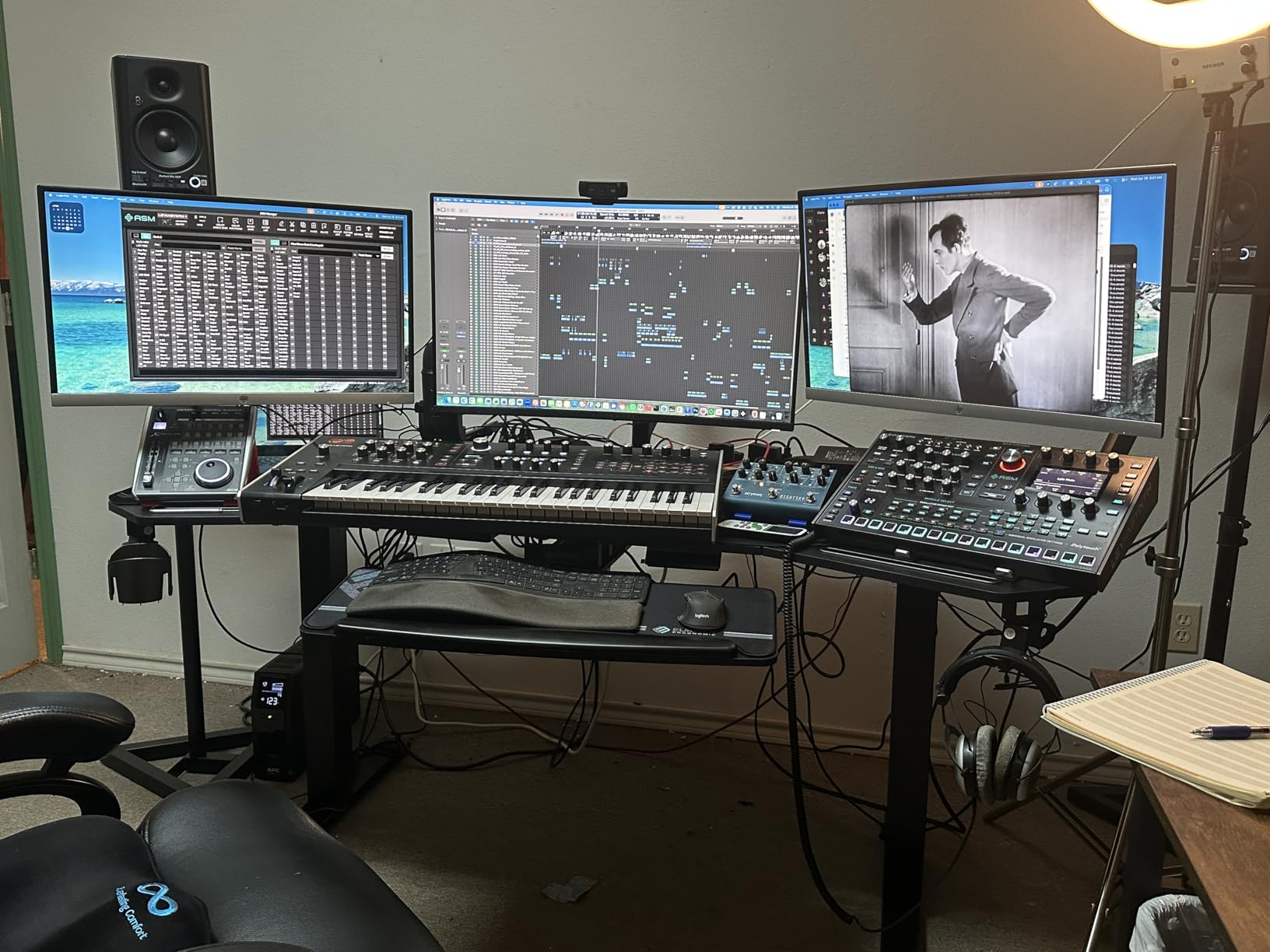
The feature list runs deep: a keyboard tray that rotates and tilts, a full-desk XXL mouse pad with a non-slip base, RGB lighting with multiple modes and a white work light, dual device slots, cable management, headphone hooks and a cup holder. It is a workstation rather than a plain desk, and the 93 lb weight reflects how much is built in.
The catch is assembly time, which reviewers describe as long and involved, particularly alone. The shelf can bow slightly under a single heavy monitor, so check the span and add support if you load one panel. The LED wiring is not on separate circuits, which makes repositioning the shelves awkward. It is also the most elaborate build here, and that complexity is what you are paying for.
Shelves as a weight solution
Placing a monitor on a shelf moves its weight higher and closer to the frame, which reduces the bend moment on the top panel. For a heavy ultrawide that you never need to reach, this is genuinely useful: the display sits higher, your desk surface clears out, and the desktop is less likely to flex when you type.
What you give up
Assembly effort and floor space. A 72 inch wing-shaped top with two shelves, a keyboard tray and lighting is a long build, and you will want a second person. If you are not prepared for that, a simpler frame in this roundup will be faster and cheaper, and the difference in wobble is smaller than the difference in build time.
10. FLEXISPOT Four-Leg Desk: Best for Four-Leg Stability
FLEXISPOT 4-Leg Standing Desk, 78″x32″, Dual Motor Electric, White
231 lb capacity
Four-leg dual motor frame
28.7 to 47.2 inch travel
Memory LED control panel
Pros
- Four-leg frame is noticeably more stable than two-leg designs
- rated to 231 lb
- Dual motors deliver smooth and very quiet adjustment
- Highest average rating in the group at 4.8 stars
- Memory LED panel stores sitting and standing heights
- Rotating hook and cup holder included
Cons
- Top splits into two pieces and shows a seam under a large mouse pad
- Top is thin and only just clears some monitor arm clamps
- Motor can be slightly jittery and lift speed is slow
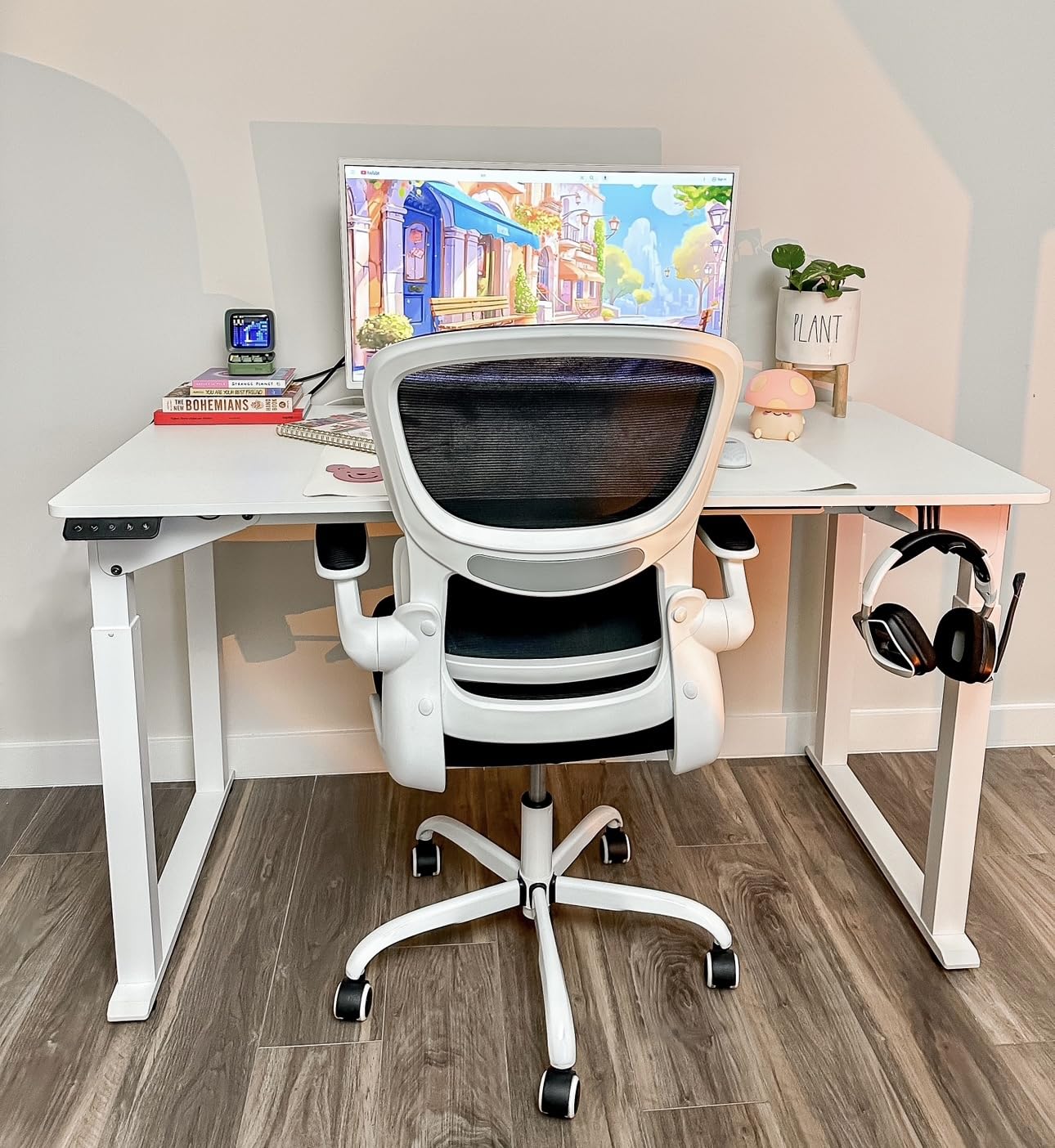
The FLEXISPOT is the one we would put in front of someone whose main fear is movement. At 4.8 stars across 59 ratings it has the highest average in the group, and the feedback is consistent: owners credit the four-leg frame with eliminating the shake they had on other sit-stand desks, across 40-plus hour weeks.
Structurally it works like the FitStand four-leg, with support at four corners instead of two, rated to 231 lb. A dual 32-inch rig on arms plus a tower and peripherals sits comfortably inside that number, and the 28.7 to 47.2 inch range covers a normal sit-stand cycle.
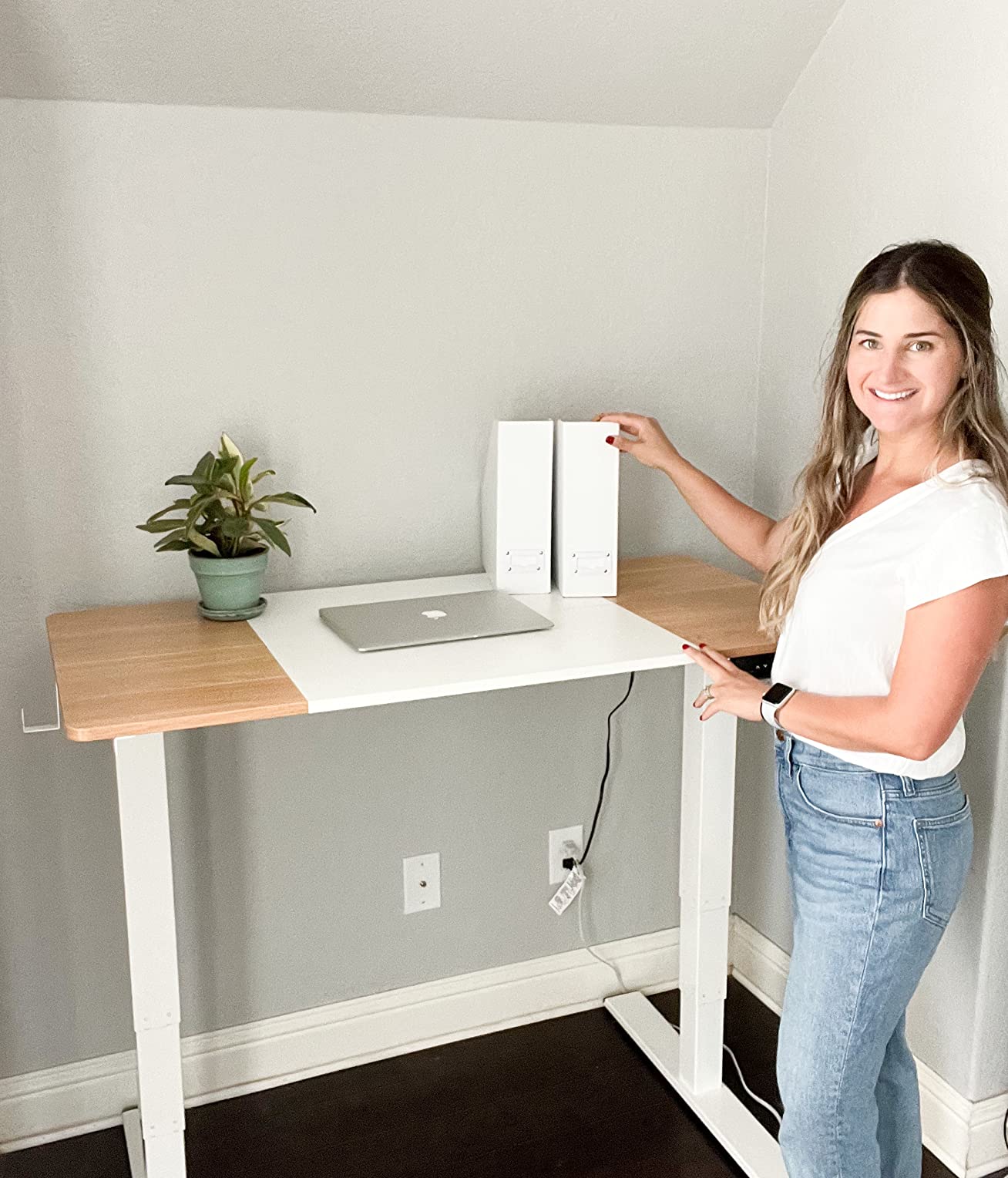
The memory LED controller stores your sitting and standing heights so the desk is ready before you sit down. Lift is smooth and quiet, and a rotating hook and cup holder are included. The listed top measures roughly 71 by 32 inches, and the white frame and top suit a bright room better than a black frame does.
The top is a two-piece split, and the seam can show under a large mouse pad. Thickness is thinner than expected and only just clears the clamp requirement for some monitor arms, which matters if you plan to add arms later. A few owners report slightly jittery motor movement and a lift speed on the slow side.
Who should buy it
Anyone whose previous desk moved. If you have typed at a standing desk before and pushed back on the frame when you leaned in, a four-leg design is the change that fixes it rather than a firmer hand or a tighter bolt. The 59-rating review base is small, so weigh that against the structural argument, which is the stronger of the two.
Check before you commit
Measure the top thickness against your monitor arm clamp and check whether the two-piece seam falls under your keyboard and mouse area. This frame is not compatible with casters or under-desk drawers, so plan the cable routing before the build. Once assembled, it stays where you put it.
How to Calculate Your Standing Desk Load
Most buyers guess at their load and then hope for the best. A five-minute calculation costs nothing and determines which capacity tier you should be shopping in. It also tells you whether a 154 lb frame is enough or whether you are one accessory away from running out of headroom.
Start with the displays. Look up the weight of each monitor, and use the actual figure rather than a guess. A single 27-inch panel on its stand is usually in the 12 to 15 lb range, while a 32-inch or an ultrawide runs noticeably heavier. Then add the arms: a heavy dual or single monitor arm plus a VESA plate and clamp assembly carries its own weight, and this is the line item people forget most.
Step three: add everything on the surface. PC tower, laptop dock, printer, keyboard, mouse, audio interface, drawing tablet, lamp and any speakers. A full-tower with peripherals is a large share of your total.
Step four: apply headroom. Do not run a desk at 100 percent of its rating. Aim for a desk rated at least 25 to 50 percent above your actual load, which keeps the motors working well below their limit and leaves room for the upgrade you will inevitably want later.
As a rough guide, a single ultrawide on a stand with light accessories sits in the under-50 lb band, dual 27-inch monitors on arms with a tower usually lands between 50 and 100 lb, and dual 32-inch panels or a three-screen rig pushes you past 100 lb. At that point, look for 250 lb or more, and consider four legs.
One more factor belongs in this calculation: where the weight sits. The rating covers total mass, not torque. A 60 lb rig centred on the desktop is easier on a frame than the same 60 lb pushed to the rear edge by a monitor arm, which is the worst possible position. Treat published capacity as a static number and your rear-edge load as the real test.
Why Monitor Arms Create Torque at the Rear Edge
A monitor arm is a cantilever. It clamps to the back of the desktop, extends outward, and holds your display away from the surface. That geometry multiplies the effective force on the clamp and on the rear edge of the desk, and the further the display sits from the frame, the more the arm works against you.
Owners on r/StandingDesk describe cantilevered arm loads in the 40 to 60 lb range for multi-monitor setups, compared with 12 to 15 lb for a single monitor on its own stand. That is why a desk that rates 200 lb can still feel unstable with two large panels, and why arm weight belongs in your load calculation rather than being treated as negligible.
Two directions of movement are worth separating. Side-to-side sway is the less bothersome one, and a two-column frame with a proper crossbar handles it well. Front-to-back sway, where the top moves toward and away from you, is the one that ruins a typing position, and it is the direction that a four-leg frame or an extra-deep top actually fixes.
Depth is the cheapest fix available. A 30 inch deep desktop puts a clamped arm almost entirely beyond the surface, so the entire rig hangs. A 35 to 37 inch top gives the clamp a solid section to grip and shortens the distance between the load and the frame, which reduces the bend in the panel and the twist in the rear edge.
Standing Desk Buying Guide: Frame, Column and Top Specs That Matter
Motor count is the first filter. A dual-motor frame shares the lifting work across two columns, resists a jam, and behaves better when one side of the surface carries more than the other. For heavy monitor setups, treat single-motor frames as a compromise rather than an option.
Second is capacity tier, and the ratings in this roundup span 154 lb to 330 lb. More than 250 lb points toward a reinforced frame or four legs. Between 175 and 220 lb covers a typical dual-32-inch rig with accessories. Under 160 lb is workable for monitors on stands but leaves little room for a tower and future upgrades.
Third is column travel. A 28.5 inch minimum is comfortable for shorter users, while 24.5 inches suits a person who sits low. A 47 inch maximum covers most adults standing, and 50 inches or more matters for tall users. Check both ends of the range, not just the headline maximum.
Fourth is desktop construction. A single-piece top is more rigid than one assembled from two or three panels, and 1 inch of thickness is what most heavy monitor arm clamps want. If a desk is spliced, check where the seams fall and avoid placing your keyboard and mouse across them.
Fifth is the supporting hardware: anti-collision detection, memory presets, a cable management tray, grommets and the warranty length. None of these add capacity, but anti-collision protects an expensive monitor and a tray keeps cable weight off the floor.
Finally, plan the assembly. Two of the desks here recommend two people, one does not include tools, and one has instructions buyers describe as inaccurate. A build that takes an afternoon is a small cost next to a frame that has to be taken apart and redone.
Standing Desks to Avoid for Heavy Monitor Setups
Avoid any single-motor frame for a multi-monitor rig on arms. One column doing all the work under a rear-edge load is the setup most likely to sync-fail or stall, and the failure tends to appear after a year or two of daily use rather than on day one.
Avoid thin tops when you plan to clamp heavy arms. A desktop around 15mm works for monitors on stands, but a clamp that exceeds the thickness requirement can crush the panel material over time. The SANODESK and the FLEXISPOT both sit near that limit, so check your arm specification first.
Avoid frames rated below your real total. A desk that is overloaded does not fail loudly. The warning signs are progressive: visible flex when you type, wobble that appears only at full standing height, a lift that slows or hesitates, creaking from the columns, and eventually error codes or a motor that stops responding. If you see more than one of those, stop adding weight and check the numbers.
Avoid very low minimum heights if you sit for part of the day, and avoid very high maximum heights if you are shorter, because a desk that cannot reach a comfortable position gets abandoned. There is no point owning a 2026 upgrade that you end up using at one height only.
Frequently Asked Questions
What is the best standing desk with a high weight capacity?
For heavy monitor setups, the FEZIBO 63 by 37 inch desk leads our 2026 roundup with a 220 lb rating and a dual crossbeam steel frame. The FEZIBO L-shaped desk carries the highest rating at 330 lb on a triple-motor frame, the FitStand and FLEXISPOT four-leg models handle 264 lb and 231 lb, and the VIVO 71 by 36 offers 220 lb with the tallest 50.3 inch travel.
How much weight can a standing desk handle?
It depends on the frame you buy. Ratings across the ten desks we compared range from 154 lb to 330 lb, and most electric frames in this category sit between 175 and 220 lb. We recommend choosing a desk rated at least 25 to 50 percent above your actual equipment weight so the motors never work near their limit.
Do monitor arms add weight to a standing desk?
Yes, in two ways. The arm and its clamp add their own physical weight to your total, and more importantly they push that weight out toward the rear edge of the desktop, which multiplies torque on the frame. Multi-monitor arm setups can add 40 to 60 lb of cantilevered load at exactly the worst point on the desk.
Will a standing desk wobble with heavy monitors?
A well-specified desk should not. Wobble comes from three things: a frame rated too close to your actual load, a thin or spliced top, and heavy weight cantilevered off the back edge by monitor arms. Four-leg frames such as the FLEXISPOT and the FitStand solve it structurally, and deeper tops of 35 inches or more reduce the problem too.
What is the 20-8-2 rule for standing desks?
It is an ergonomic guideline suggesting roughly 20 minutes standing, 8 minutes sitting and 2 minutes moving for every 30 minutes of work. The point is to change position frequently rather than picking one height for hours, which is why a fast motor and usable memory presets matter as much as raw capacity on a desk.
Conclusion: The Best Standing Desks for Heavy Monitors
The FEZIBO 63 by 37 inch desk is our best standing desk for heavy monitors, and the reason is balance rather than a single headline number: a 220 lb rating, a dual crossbeam frame, a 37 inch depth that keeps monitor arms over solid surface, and a 1 inch top that heavy clamps grip without complaint. It is the pick we would put in front of almost anyone running dual 32-inch panels.
Run the load calculation first, because it decides the tier. Under 50 lb, the Monomi and FitStand wide surfaces give you room and quiet lifts. Between 50 and 100 lb, the SANODESK dual-motor frame and the HUANUO brushless motor desk are the balanced choices. Past 100 lb, go four-leg with the FLEXISPOT or the FitStand four-leg, or step up to the 330 lb FEZIBO L-shape if your rig genuinely needs it.
Whatever you choose, measure your arm clamp against the desktop thickness and keep your rig centred over the frame. Those two habits remove most of the wobble people blame on the desk itself, and they cost nothing. Use the buttons below to check the current price for any of these frames before 2026 wraps up.