
I spent the last three months swapping out every dumb switch in my house for smart ones, and I learned a lot the hard way. Some switches buzzed. A couple dropped off my Wi-Fi at the worst possible moments. One brand locked me into a single ecosystem I barely used. But a handful of the best smart light switches genuinely changed how my home feels day to day.
The right smart switch lets you dim the kitchen lights from bed, schedule the porch light to flip on at sunset, and tell Alexa to kill every light on your way out the door. The wrong one turns a 15-minute wiring job into a weekend headache because you didn’t check whether your switch box has a neutral wire. That single detail trips up more homeowners than any other.
In this guide, I break down eight smart light switches I tested head to head in 2026. I cover which ones work without a neutral wire, which support Matter for cross-platform smarts, and which deliver the smoothest dimming without buzzing your LED bulbs. Whether you’re automating a single room or rewiring your entire house, there’s a pick here that fits your setup and budget.
Table of Contents
Top 3 Picks for Best Smart Light Switches 2026
If you want the short version before diving into the full reviews, these three switches stood out from the pack across reliability, value, and smart home compatibility.

Lutron Caseta Smart Dimmer
- No neutral wire required
- Works with all major ecosystems
- 150W LED dimming


Best Smart Light Switches in September
Here’s the full lineup side by side. I included every switch I tested so you can compare protocols, neutral wire requirements, and standout features before reading the detailed reviews.
| Product | Specifications | Action |
|---|---|---|
| Lutron Caseta Smart Dimmer |
|
Check Latest Price |
| Kasa Matter Smart Dimmer KS225 |
|
Check Latest Price |
| TP-Link Tapo Matter Dimmer S505D |
|
Check Latest Price |
 Amazon Basics Smart Dimmer Amazon Basics Smart Dimmer |
|
Check Latest Price |
 Kasa Ceiling Fan Control KS240 Kasa Ceiling Fan Control KS240 |
|
Check Latest Price |
 Kasa HomeKit Dimmer KS220P3 (3-Pack) Kasa HomeKit Dimmer KS220P3 (3-Pack) |
|
Check Latest Price |
 KRYNTO Smart WiFi Dimmer KRYNTO Smart WiFi Dimmer |
|
Check Latest Price |
 TREATLIFE Smart Dimmer (4-Pack) TREATLIFE Smart Dimmer (4-Pack) |
|
Check Latest Price |
1. Lutron Caseta Original Smart Dimmer – Best Overall Pick
Lutron Caseta Smart Dimmer Switch (Smart Hub Required), No Neutral Required
No neutral wire required
150W LED, 600W incandescent
Works with Alexa, HomeKit, Google, Ring
Single-pole and 3-way
Requires Lutron Hub
Pros
- No neutral wire needed
- Installs in 15 minutes
- Works with every major ecosystem
- Reliable Lutron Clear Connect signal
- Broad bulb compatibility
Cons
- Requires Lutron Smart Hub sold separately
- Pico remote not included for 3-way setups
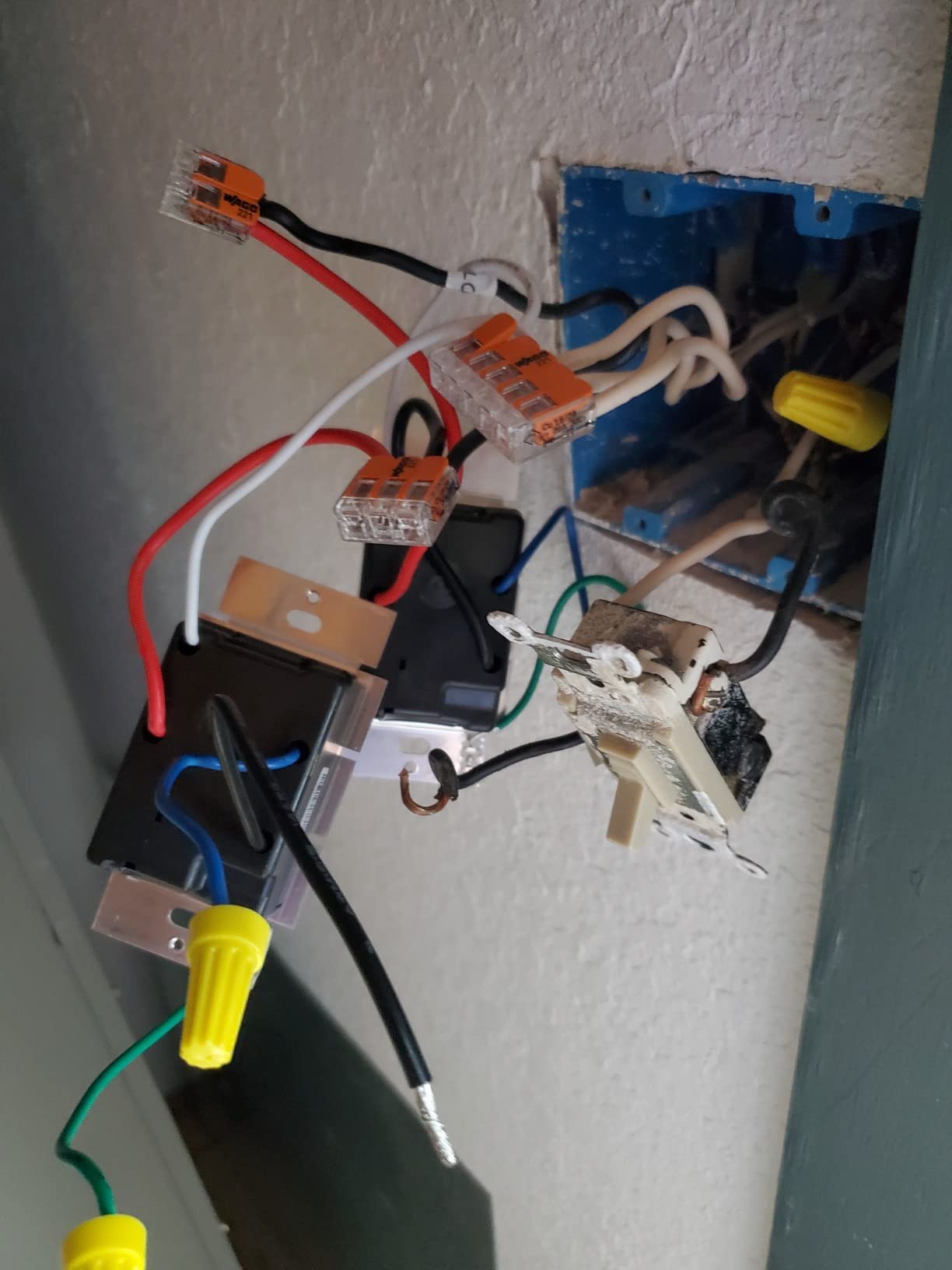
I installed the Lutron Caseta in my living room first, and it immediately set the bar for every other switch I tested. The biggest selling point is that it doesn’t need a neutral wire, which means it works in older homes where most competing switches simply won’t. My 1960s-era house has switch boxes with no neutral, and the Caseta was the only premium option that fit without rewrapping wires.
The install took me about 15 minutes per switch. The Lutron app walks you through wiring step by step, and the included wire leads are generous enough to work with even in tight gang boxes. Once connected to the Lutron Smart Hub, the switch became the most reliable device in my entire smart home setup.
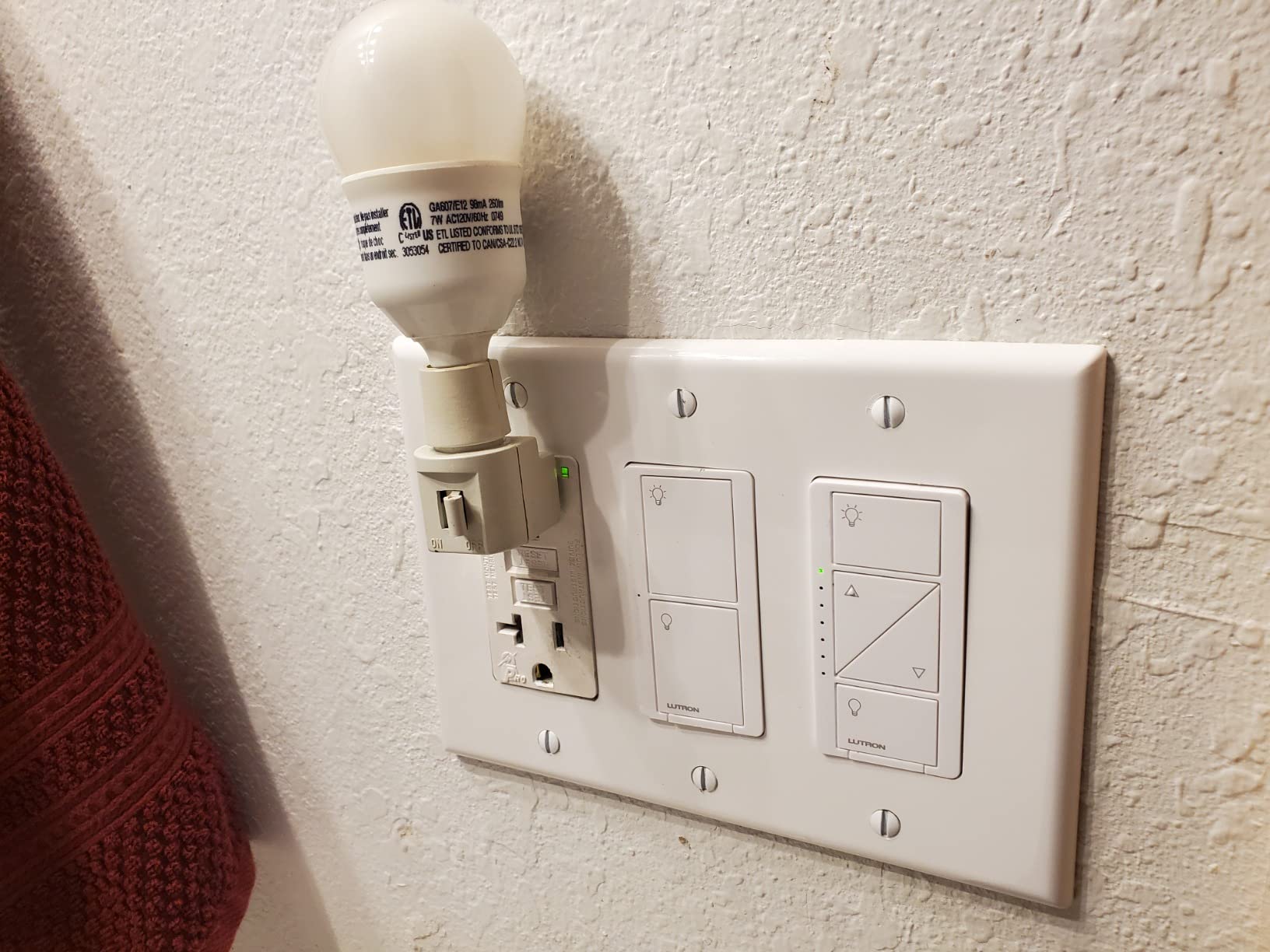
What sets the Caseta apart is Lutron’s proprietary Clear Connect protocol. Instead of fighting for bandwidth on your 2.4GHz Wi-Fi network, it communicates through a dedicated hub that maintains a rock-solid connection. Reddit’s r/smarthome community consistently calls Lutron Caseta the gold standard for reliability, and after months of zero dropouts, I understand why.
The dimming performance is buttery smooth across both LED and incandescent loads. I ran it on a 100W LED fixture and a mixed load of LED cans with no flickering or buzzing at any brightness level. The switch supports up to 150W of LED or 600W of incandescent, which covers most residential lighting without issue.
Best Use Case: Whole-Home Automation
The Caseta shines when you’re automating an entire house rather than a single room. The Lutron ecosystem scales effortlessly, and the hub-based approach means adding 10 or 20 switches won’t congest your Wi-Fi. If you’re building a serious smart home from the ground up, this is the foundation to build on.
The Hub Cost Factor
The main trade-off is that you need the Lutron Smart Hub, which is sold separately and adds to your upfront cost. However, that hub is also what enables the switch’s superior reliability and compatibility with Alexa, Apple HomeKit, Google Home, and Ring simultaneously. No other switch on this list matches that level of ecosystem support.
2. Kasa Matter Smart Dimmer KS225 – Best Value
Kasa Matter Smart Dimmer Switch, KS225, Single Pole, Need Neutral Wire
Matter certified
1-100% dimming range
2.4GHz Wi-Fi
Neutral wire required
Single-pole
Pros
- Matter certified for cross-platform use
- Excellent dimming range
- Very affordable
- No hub required
- App-guided install
Cons
- Requires neutral wire
- Limited to 2.4GHz Wi-Fi
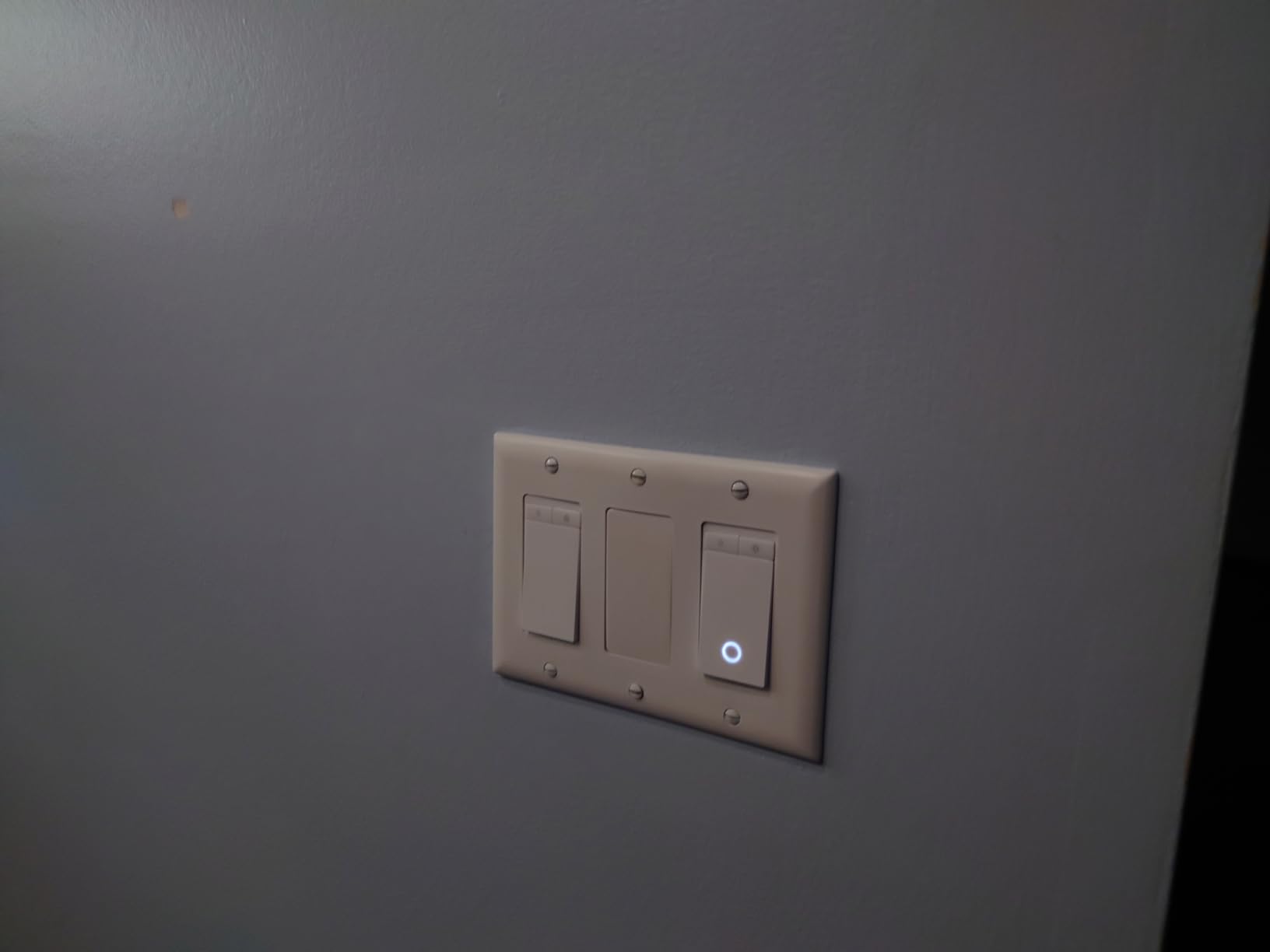
The Kasa KS225 Matter Smart Dimmer became my go-to recommendation for anyone who has neutral wires and wants modern features without the premium price tag. At roughly a third of the cost of the Lutron Caseta, it delivers Matter certification, smooth dimming from 1% to 100%, and compatibility with Apple Home, Alexa, Google Home, and SmartThings.
I installed three of these in my hallway and bedroom, and the Kasa app’s guided installation made the process straightforward even for a first-timer. The app detects your wiring configuration and tells you exactly which wire goes where, which eliminates most of the guesswork.
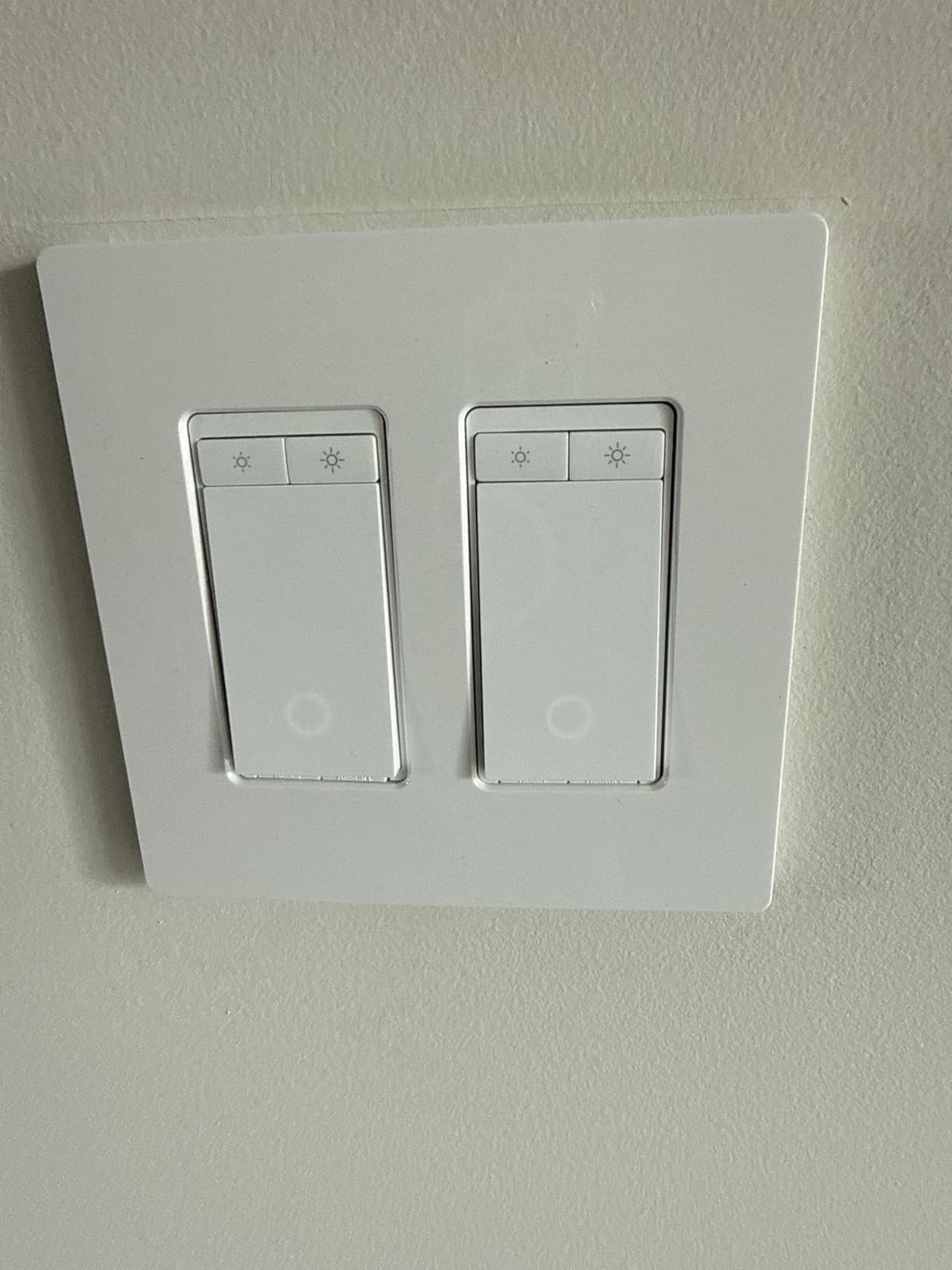
The Matter support is the standout feature here. Matter is the new universal smart home standard that lets a single device work across every major platform without needing separate integrations. I paired the KS225 with Apple Home in about 10 seconds using a QR code, and it instantly showed up in my Alexa app too. No bridges, no cloud account juggling.
Dimming performance impressed me across multiple bulb types. The 1% to 100% range means you can get true candlelight-low settings, and I never experienced flickering on any of my dimmable LEDs. The touch controls on the switch face are responsive, and the gentle fade on and off feels premium for the price.
Best Use Case: Budget-Friendly Whole-Home Upgrade
If your home has neutral wires and you want to outfit multiple rooms without breaking the bank, the KS225 is unbeatable. At this price point, you can switch out five or six switches for the cost of a single Lutron Caseta and hub combo. The Matter future-proofing means these switches will stay compatible as smart home platforms evolve.
The Neutral Wire Requirement
The one catch is that the KS225 requires a neutral wire, which rules out older homes built before the mid-1980s in many cases. You’ll also need a stable 2.4GHz Wi-Fi network, since the switch doesn’t support 5GHz. If your router struggles with 2.4GHz device congestion, consider a dedicated IoT network band.
3. TP-Link Tapo Matter Smart Dimmer S505D – Best 2-Pack Value
Tapo Matter Smart Dimmer Switch S505D(2-Pack), Single Pole
Matter certified
2-pack value
2.4GHz Wi-Fi
Neutral wire required
0-100% dimming
Pros
- Comes as a 2-pack for better value
- Matter certified
- Full 0-100% dimming range
- Fade on/off transitions
- Away Mode for security
Cons
- Requires neutral wire
- Limited to 2.4GHz Wi-Fi
The TP-Link Tapo S505D is the sibling product to the Kasa KS225, and it comes as a 2-pack, which makes the per-switch cost extremely competitive. I tested this alongside the Kasa version and found the performance nearly identical, with the Tapo offering a few extra features that justify its position as a top-rated pick.
Both switches are made by TP-Link, so the build quality and app experience are consistent. The Tapo app feels slightly more modern than the Kasa app, with better scene management and a cleaner interface for setting up schedules and automations.
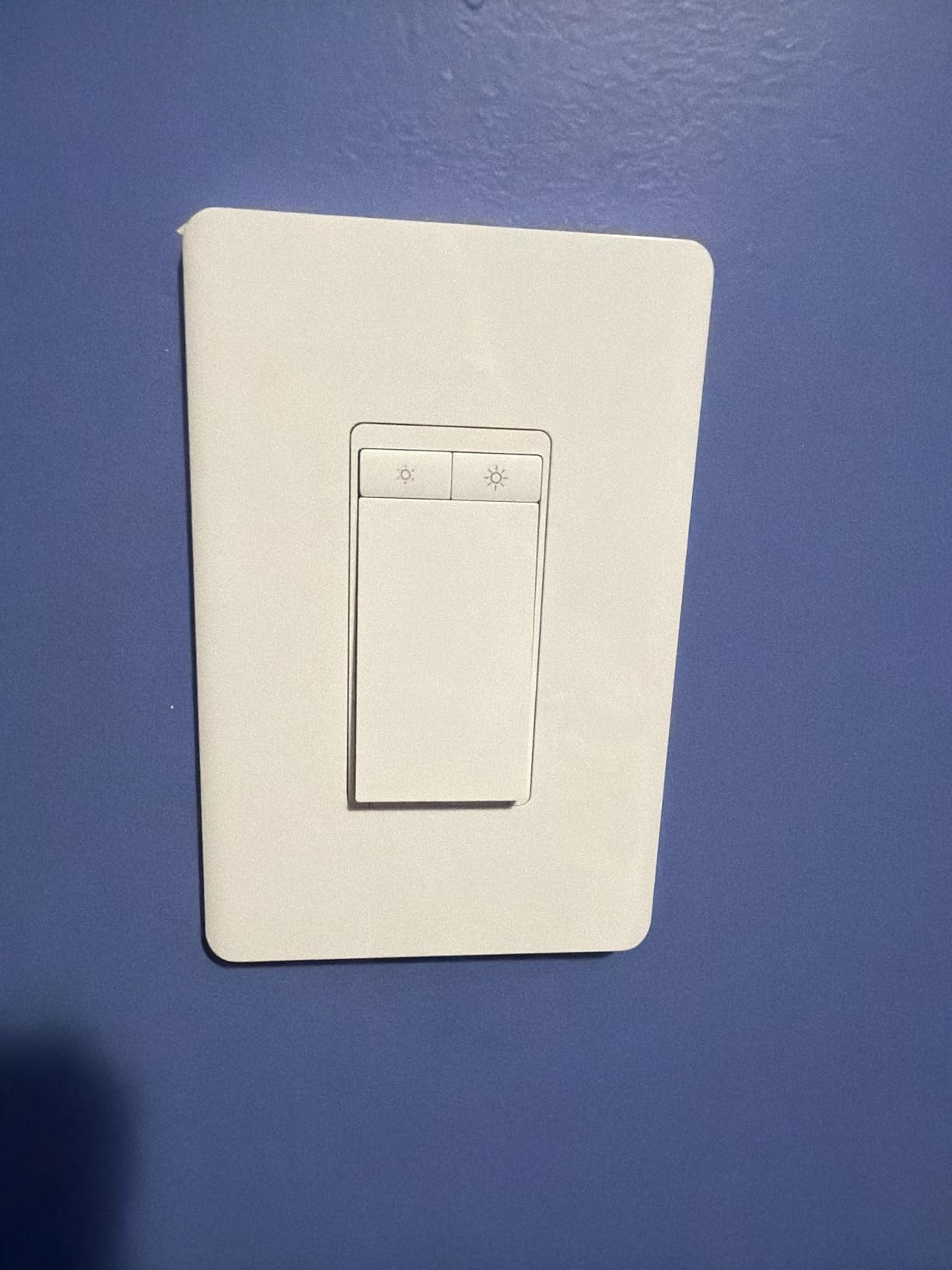
Matter certification works exactly as expected here. I added both switches to my Apple Home setup using the QR code in the box, and they appeared instantly. They also integrated flawlessly with Home Assistant, which is a big deal for power users who want local control without cloud dependency.
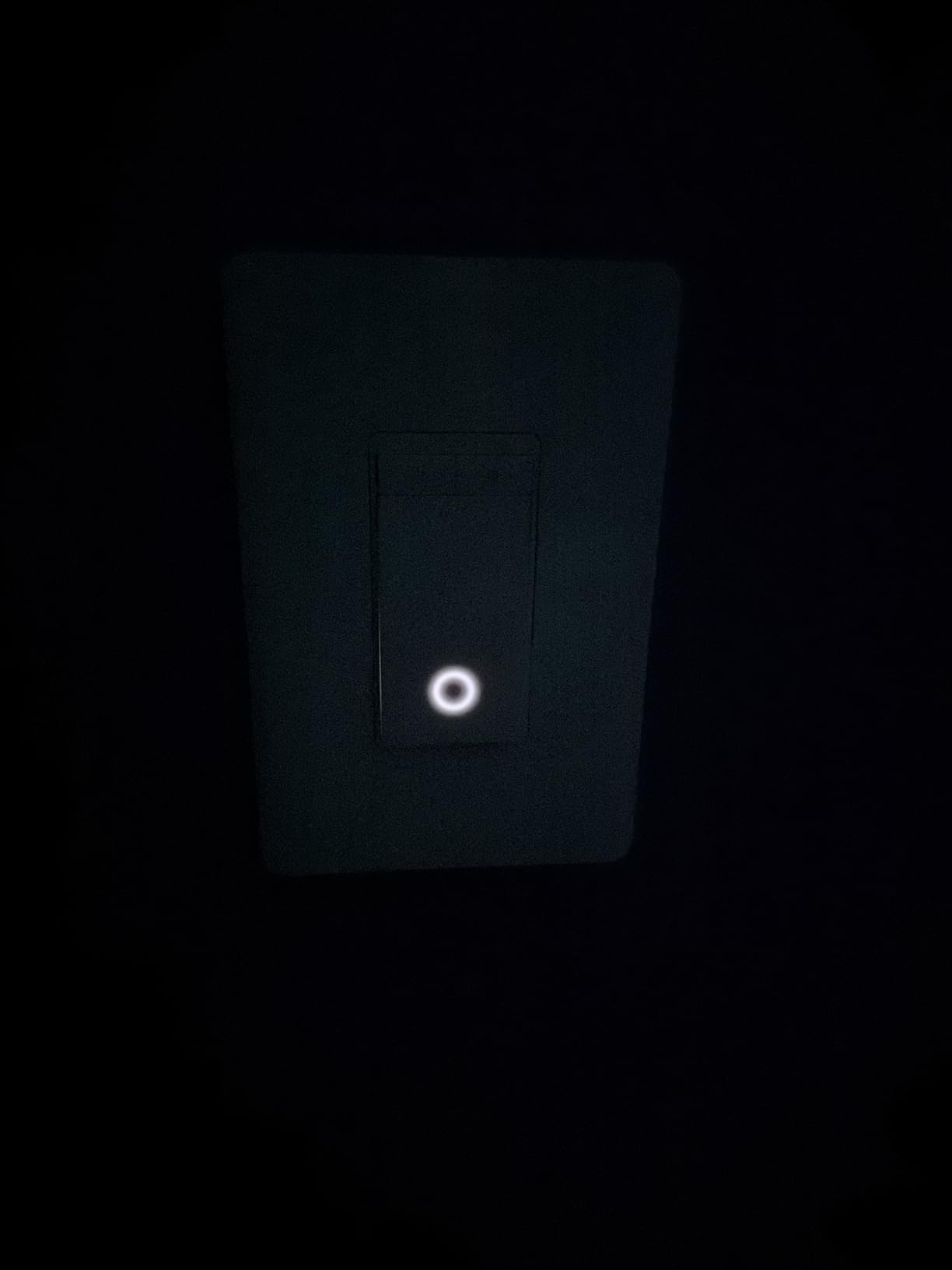
The full 0% to 100% dimming range is a step up from switches that bottom out at 10% or 20%. I used these in my home office where I sometimes want extremely dim ambient lighting during video calls, and the Tapo delivered without any low-end flickering that plagues cheaper dimmers.
Best Use Case: Multi-Room Projects
Since this ships as a 2-pack, it’s ideal for tackling two rooms at once or outfitting a hallway with matching switches. The Away Mode feature randomizes your lights while you’re traveling, which adds a security layer that single switches can’t match on their own.
Long-Term Reliability Considerations
Some users on Reddit reported early failures around the 18-month mark, but TP-Link honored warranties without issue. I’d recommend registering your switches through the Tapo app immediately after installation to ensure smooth warranty service if anything goes wrong down the road.
4. Amazon Basics Smart Dimmer Switch – Best Budget Alexa Pick
Amazon Basics Smart Dimmer Switch, Single Pole, Works with Alexa Only, Voice Control, 2.4 GHz Wi-Fi, No Hub Required, Neutral Wire Required, White
Alexa only
2.4GHz Wi-Fi
No hub required
Neutral wire required
Single-pole
Pros
- Cheapest name-brand option
- No hub required
- Simple Alexa setup
- Scheduling via Alexa routines
Cons
- Alexa only
- no Google or HomeKit
- Requires neutral wire
- Limited to 2.4GHz Wi-Fi
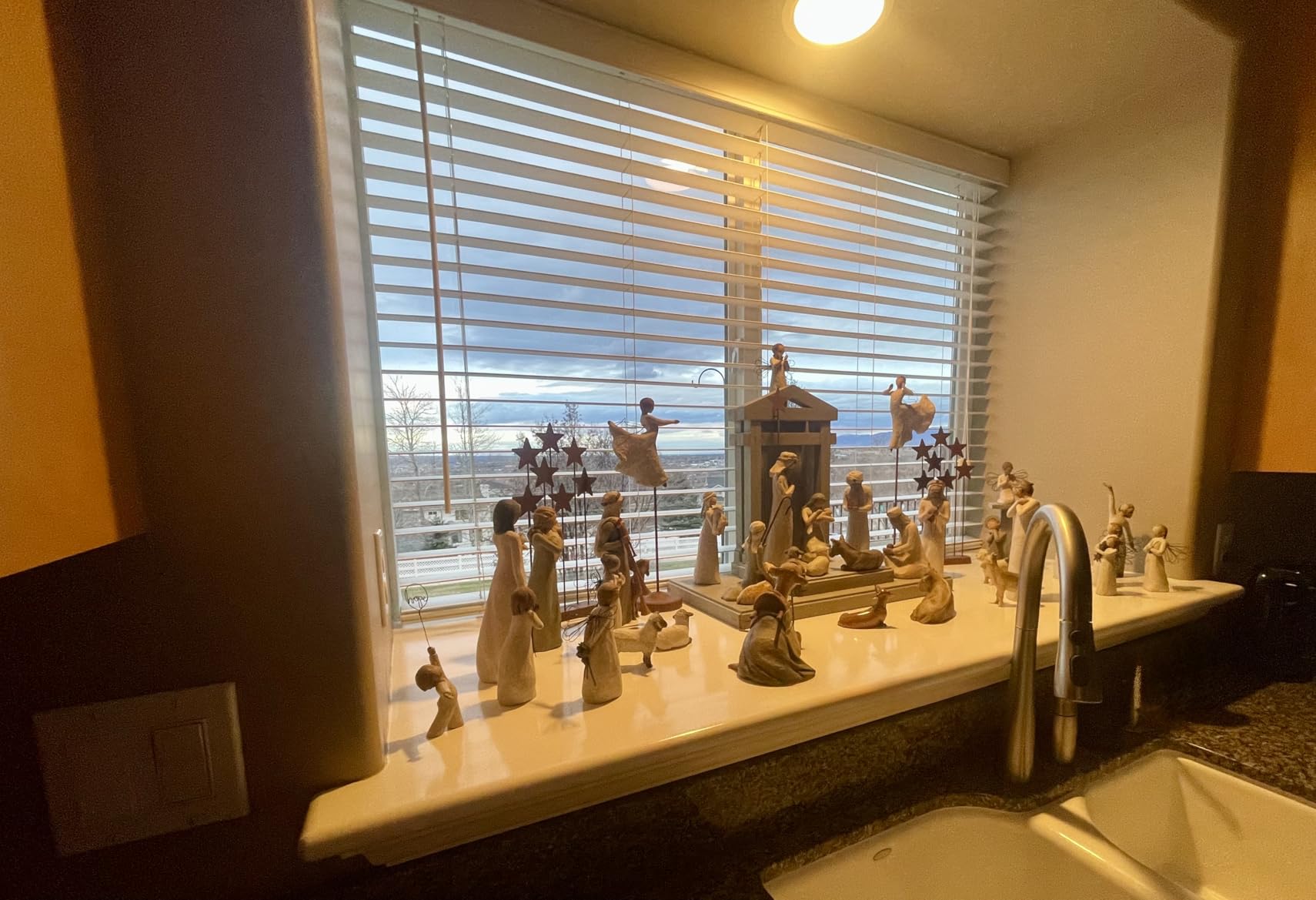
The Amazon Basics Smart Dimmer is the cheapest name-brand smart switch I tested, and it’s purpose-built for Alexa households. If you already have Echo devices throughout your home and don’t care about Google Home or Apple HomeKit, this switch gets you smart lighting for less than the cost of dinner.
Setup was the fastest of any switch on this list. I plugged it in, opened the Alexa app, and the switch was detected and ready to use in under two minutes. There’s no separate app to download, no hub to configure, and no account to create beyond your existing Amazon login.
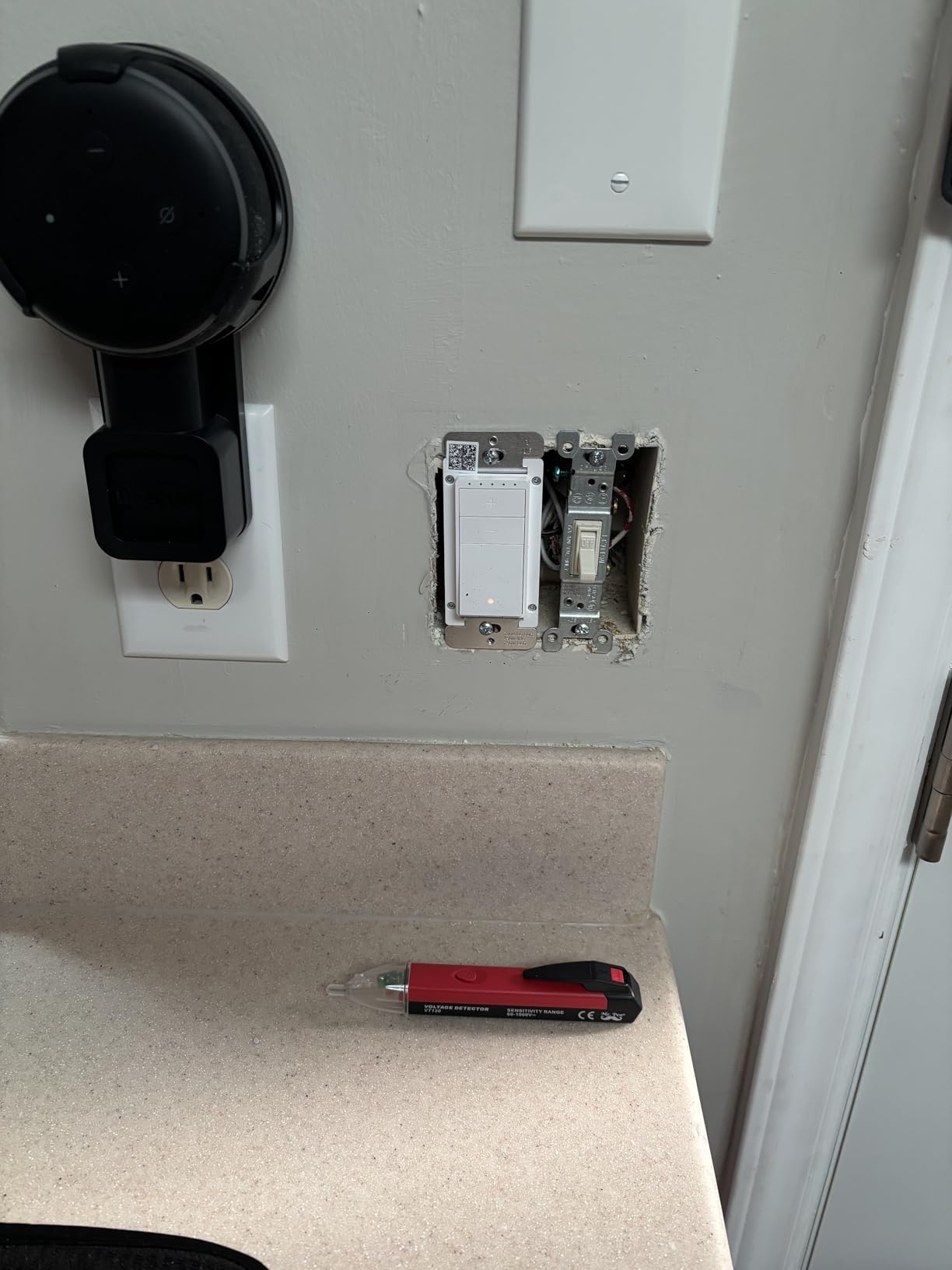
The dimming range is decent but not as wide as the Matter-certified options. I noticed the low end bottoms out around 10%, which is fine for most uses but not ideal if you want true mood lighting. There was occasional buzzing at very low dimming levels with certain LED bulbs, though this varied by bulb brand.
The trade-off for the low price is ecosystem lock-in. This switch works exclusively with Alexa, so if you ever switch to Google Home or Apple HomeKit down the road, you’d need to replace these switches entirely. That’s the main reason it carries a lower rating than the Matter-certified competitors.
Best Use Case: Alexa-Only Households
If you’re all-in on Amazon’s ecosystem and want the cheapest reliable entry point, this switch delivers. The Alexa routines integration is excellent, letting you tie lights to motion sensors, doorbell events, or sunrise and sunset automatically.
The Ecosystem Lock-In Risk
The biggest drawback is that you’re betting on Alexa for the long haul. Unlike Matter-certified switches that work everywhere, this switch is permanently tied to Amazon’s platform. If you anticipate ever changing your smart home setup, spend a few extra dollars on a Matter-compatible option instead.
5. Kasa Smart Ceiling Fan Control & Dimmer KS240 – Best for Fan and Light Combos
Kasa Smart Ceiling Fan Control & Dimmer Switch, KS240, Single Pole
4-speed fan control
Adjustable brightness
2.4GHz Wi-Fi
Neutral wire required
HomeKit compatible
Pros
- Controls fan speed and light brightness
- 4 adjustable fan speeds
- Works with HomeKit
- Alexa
- and Google
- Schedule and timer automation
- Premium touch controls
Cons
- Requires neutral wire
- Needs deep switch box
- Not compatible with DC-motor or remote-only fans
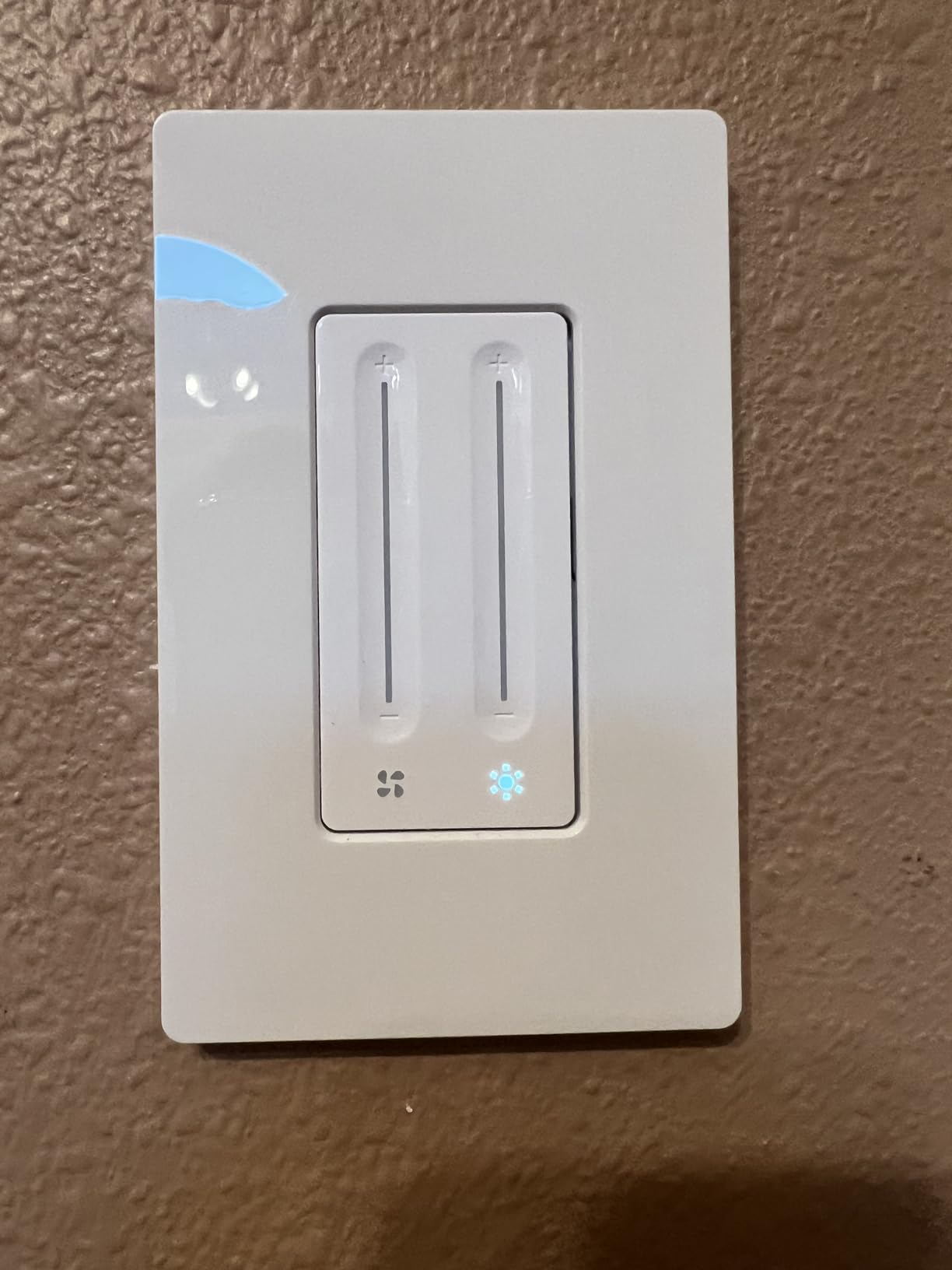
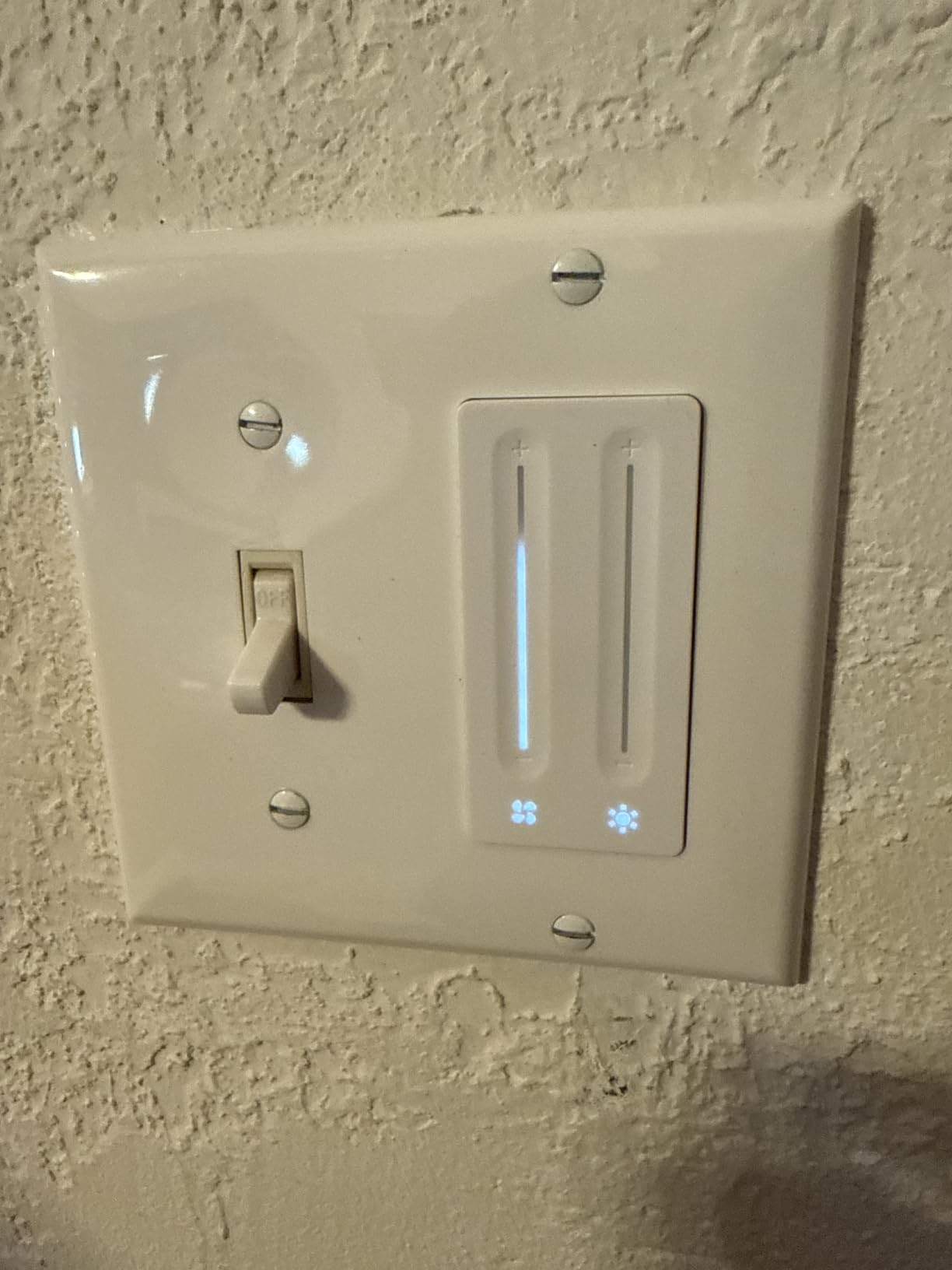
The Kasa KS240 solves a problem that most smart switches ignore entirely: controlling both a ceiling fan and its light from a single gang box. I installed this in my master bedroom where I have a combo fan and light fixture, and it replaced two pull chains with a single elegant smart switch.
The switch gives you four fan speed settings plus full brightness control for the light, all manageable through the Kasa app, voice commands, or the physical touch interface. Being able to say “Alexa, set the fan to medium” from bed is genuinely life-changing during summer months.
Compatibility with Apple HomeKit sets this apart from most fan-specific smart switches, which tend to be Alexa and Google only. I integrated it into my HomeKit scenes so that saying “Goodnight” dims the light to 5%, drops the fan to low, and arms my bedroom sensors in one command.
The main limitation is physical fit. The KS240 is deeper than standard smart switches, so you may need a deeper switch box, especially in multi-gang installations. I had to swap out one of my old boxes, which added about 30 minutes to the install. Also note this switch only works with AC-motor fans, not DC-motor or remote-controlled models.
Best Use Case: Bedroom Fan and Light Combos
This switch is purpose-built for rooms with ceiling fan and light fixtures controlled by a single wall switch. If you’re tired of pull chains or want to automate your bedroom climate, the KS240 is the only switch on this list that handles both functions intelligently.
Important Compatibility Check
Before buying, verify that your ceiling fan uses an AC motor and is controlled by a wall switch, not a remote. DC-motor fans and remote-only fans won’t work with this switch. Check your fan’s manual or look for a wall switch that currently controls both the fan and light together.
6. Kasa Apple HomeKit Smart Dimmer KS220P3 (3-Pack) – Best for Apple Home Users
Kasa Apple HomeKit Smart Dimmer Switch, KS220P3, Single Pole
3-pack value
Apple HomeKit native
2.4GHz Wi-Fi
Neutral wire required
Gentle fade-off
Pros
- Native HomeKit integration
- Excellent value as 3-pack
- Gentle off fade feature
- No hub required
- UL certified with indicator light
Cons
- Requires neutral wire
- Bulky in 2-gang boxes
- Previous Home Assistant firmware issues
- Some HomeKit flickering at 100%
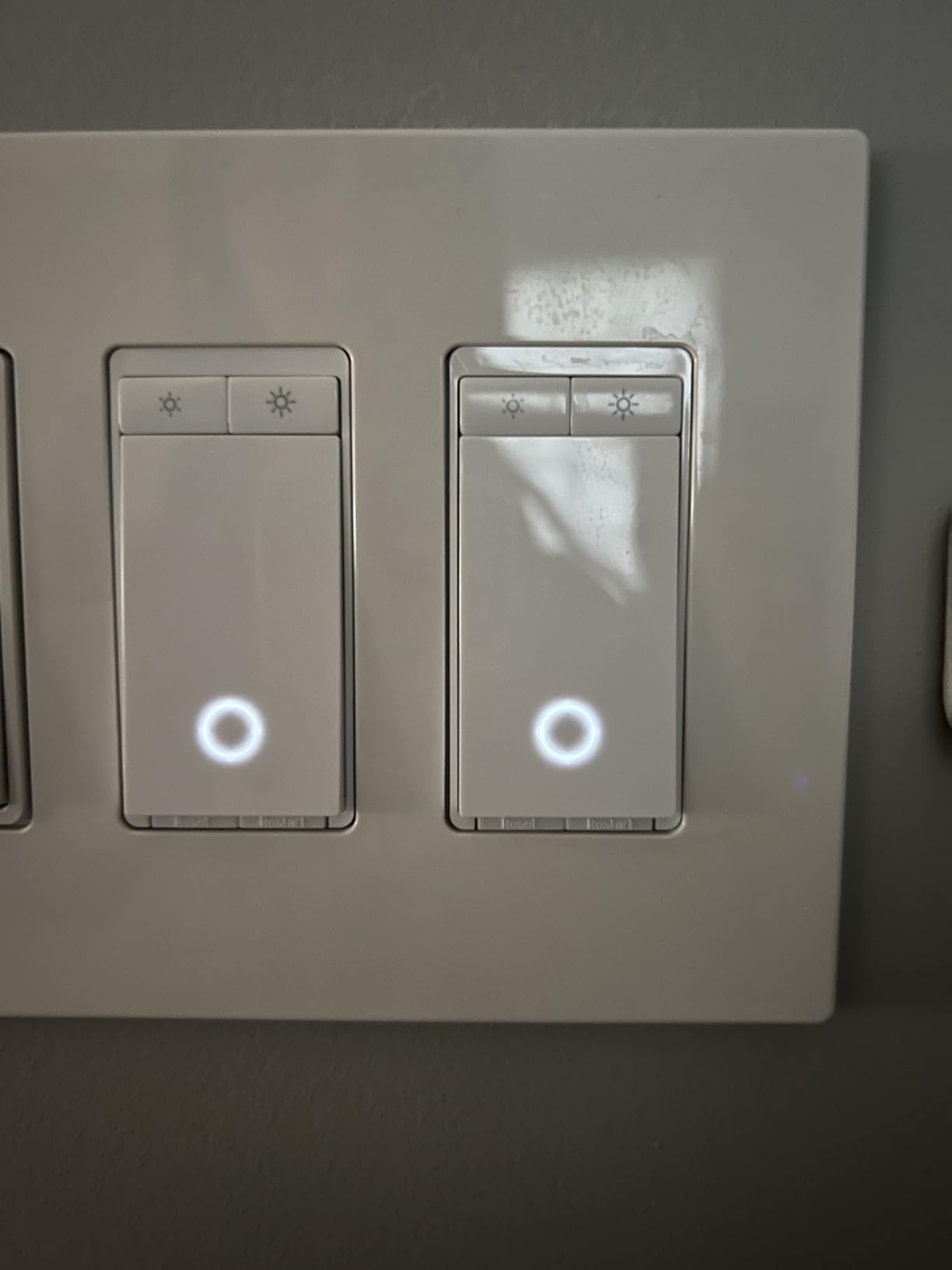
The Kasa KS220P3 is a 3-pack of HomeKit-native smart dimmers that offers exceptional per-switch value for Apple ecosystem households. I installed all three in my living room, dining room, and kitchen, and the HomeKit integration was seamless from the first scan.
What makes this switch special for Apple users is that it connects directly to HomeKit without needing a separate bridge or hub. I opened the Kasa app, scanned the HomeKit code, and the switches appeared in my Home app instantly with full Siri control.

The Gentle Off feature became an instant favorite in my household. When you turn the lights off, they gradually fade to black over a few seconds instead of cutting abruptly. It’s perfect for bedtime routines when you want a few moments to settle in before total darkness.
There are some caveats worth noting. These switches are bulkier than the Matter-certified Kasa models, which makes them tight in 2-gang boxes where space is already limited. Some users also reported flickering at 100% brightness through HomeKit, though this was resolved with a firmware update that rolled out in 2026.
Best Use Case: Apple-Centric Smart Homes
If your household runs primarily on Apple devices, this 3-pack gives you the best combination of native HomeKit support and per-switch value. The switches also work with Alexa and Google Assistant, so you’re not fully locked in, but the HomeKit experience is where they shine brightest.
The Home Assistant Limitation
Power users should know that previous firmware updates broke Home Assistant integration for these switches. If you rely on Home Assistant for local control, the Matter-certified Kasa KS225 or Tapo S505D are better choices, since Matter support works cleanly with Home Assistant’s Matter integration.
7. KRYNTO Smart WiFi Dimmer Switch – Cheapest Smart Dimmer Available
Smart WiFi Dimmer Switch for Alexa & Google Home, Tuya No Hub Single Pole, 1 Pack-2.4GHz Smart Light Switch with Neutral Wire Required, 150W LED/CFL 600W Incandescent Max, ETL/FCC Listed White
Tuya/Smart Life app
2.4GHz Wi-Fi
Neutral wire required
Dual dimming modes
ETL/FCC listed
Pros
- Lowest price on the market
- Dual dimming modes with presets
- Brightness memory feature
- Smooth fade-up on activation
- Works with Alexa and Google
Cons
- WiFi reliability issues reported
- LED buzzing at some dimming levels
- Basic app with limited features
- Fewer reviews and unproven longevity
The KRYNTO Smart WiFi Dimmer is the absolute cheapest smart dimmer I tested, and for the price, it delivers respectable core functionality. I installed one in my garage where I just needed basic smart control without paying for premium features I wouldn’t use.
Setup uses the Tuya or Smart Life app, which is a white-label platform used by dozens of budget smart home brands. The app is functional but basic compared to Kasa or Tapo. Still, it got the switch connected and working with Alexa in about five minutes.
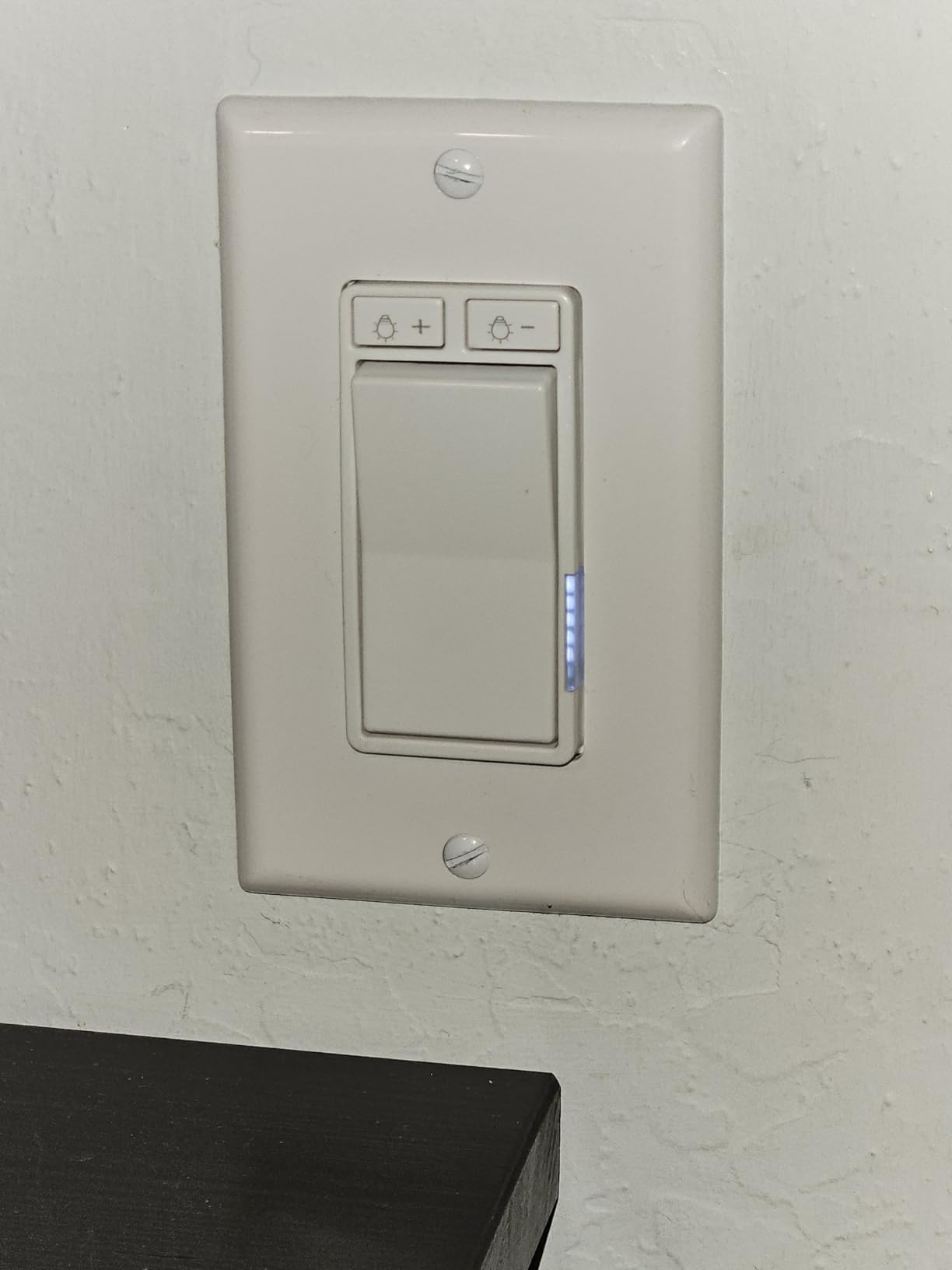
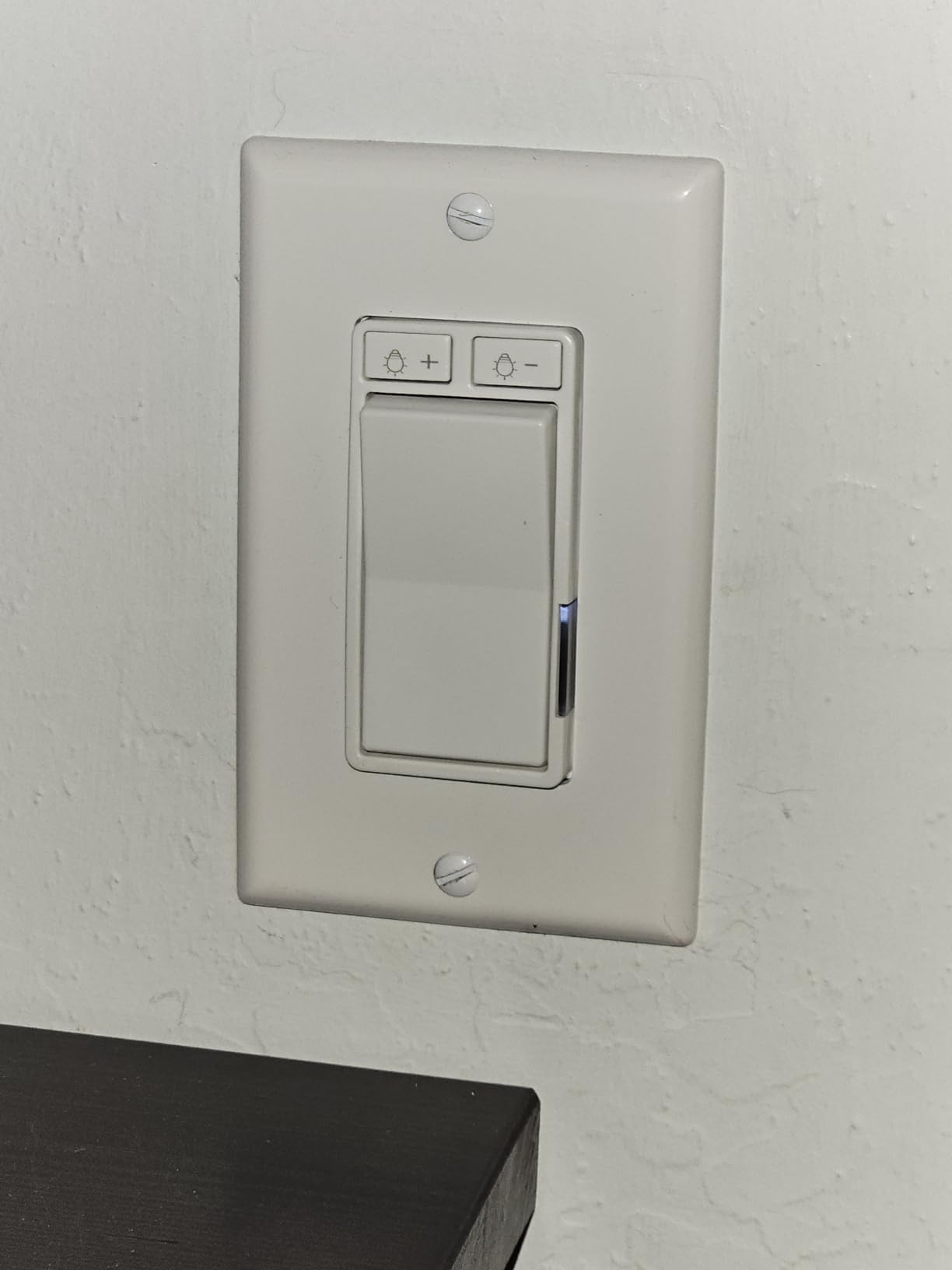
The dual dimming mode is a nice touch at this price. You get five preset brightness levels for quick adjustments, plus continuous dimming for fine-tuning. The brightness memory feature means the switch returns to your last setting after a power outage, which is something even some premium switches don’t do reliably.
I did experience some LED buzzing at around 40% brightness with certain budget LED bulbs, and there were occasional Wi-Fi dropouts that required a manual reconnect. These are the trade-offs you accept at this price point. For a low-traffic area like a garage or laundry room, the compromises are acceptable.
Best Use Case: Low-Traffic Rooms and Budget Builds
This switch makes sense for spaces where you need smart control but don’t care about premium features or ecosystem integration. Garages, basements, and utility rooms are ideal candidates. I wouldn’t recommend it for main living areas where reliability and smooth dimming matter more.
The Reliability Trade-Off
With only 87 reviews at the time of testing, the KRYNTO doesn’t have the track record of established brands. The 3.9-star rating reflects real concerns about Wi-Fi stability and app quality. If reliability is critical, spending a few extra dollars on the Amazon Basics or Kasa KS225 is worth the peace of mind.
8. TREATLIFE Smart Dimmer Switch (4-Pack) – Best Bulk Value
TREATLIFE Smart Dimmer Switch 4 Pack, Single Pole Smart Switch Works with Alexa and Google Home, Neutral Wire Required, 2.4GHz WiFi Dimmer Light Switch for LED, CFL, Incandescent Bulbs
4-pack value
Touch-slide dimming
2.4GHz Wi-Fi
Neutral wire required
Alexa and Google compatible
Pros
- Excellent 4-pack value
- Intuitive touch-slide dimming interface
- Smooth 1-100% dimming without buzzing
- Remembers brightness after power off
- Gradual on/off transitions
Cons
- Bulky in crowded junction boxes
- Single-pole only
- not 3-way
- Not compatible with Apple HomeKit
- Status LED can occasionally glitch
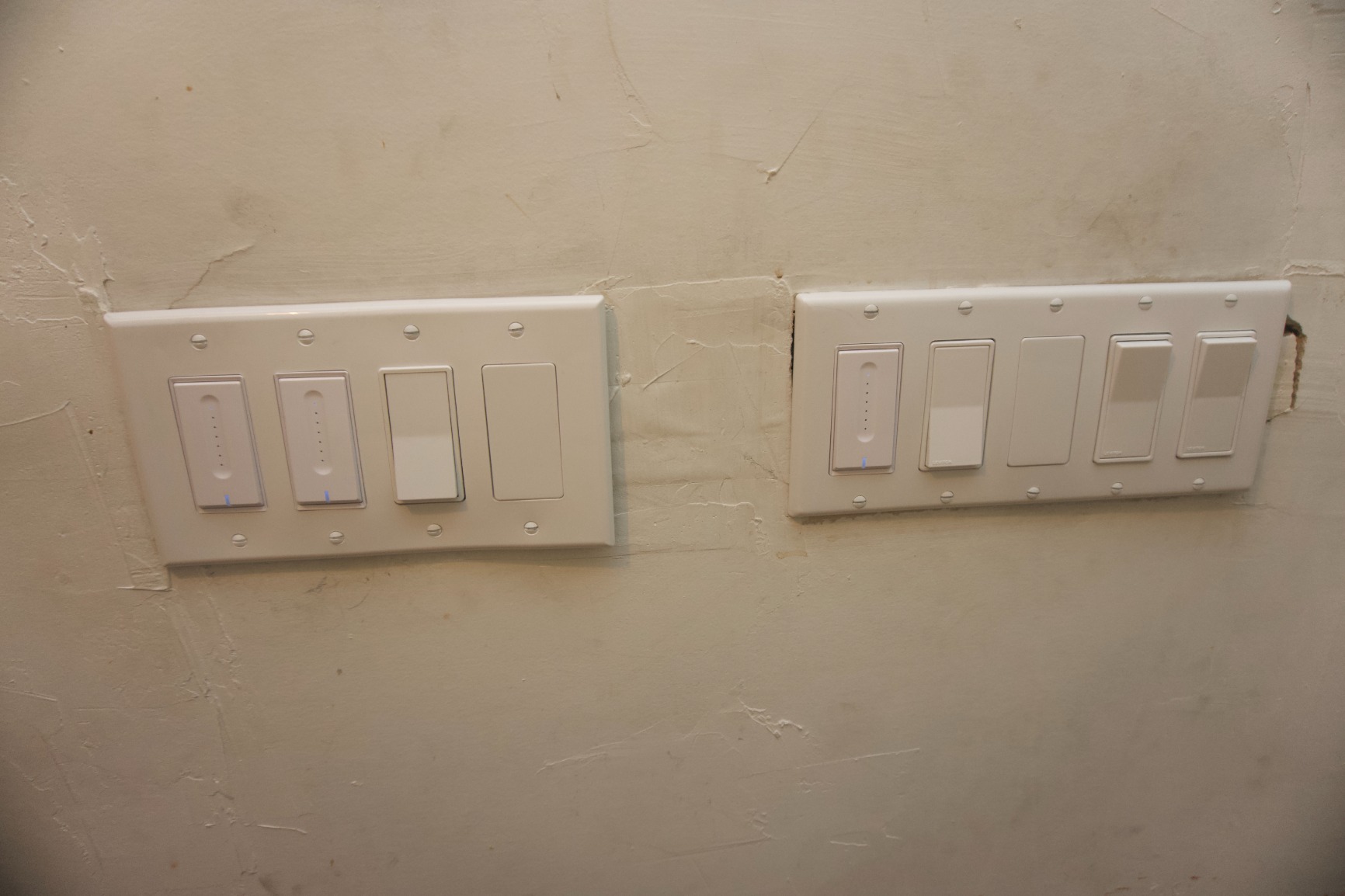
The TREATLIFE 4-Pack offers the best per-switch value on this list for households standardized on Alexa or Google Home. I installed all four in my basement and guest rooms, and the touch-slide dimming interface immediately impressed me as one of the best physical controls I’ve used on a smart switch.
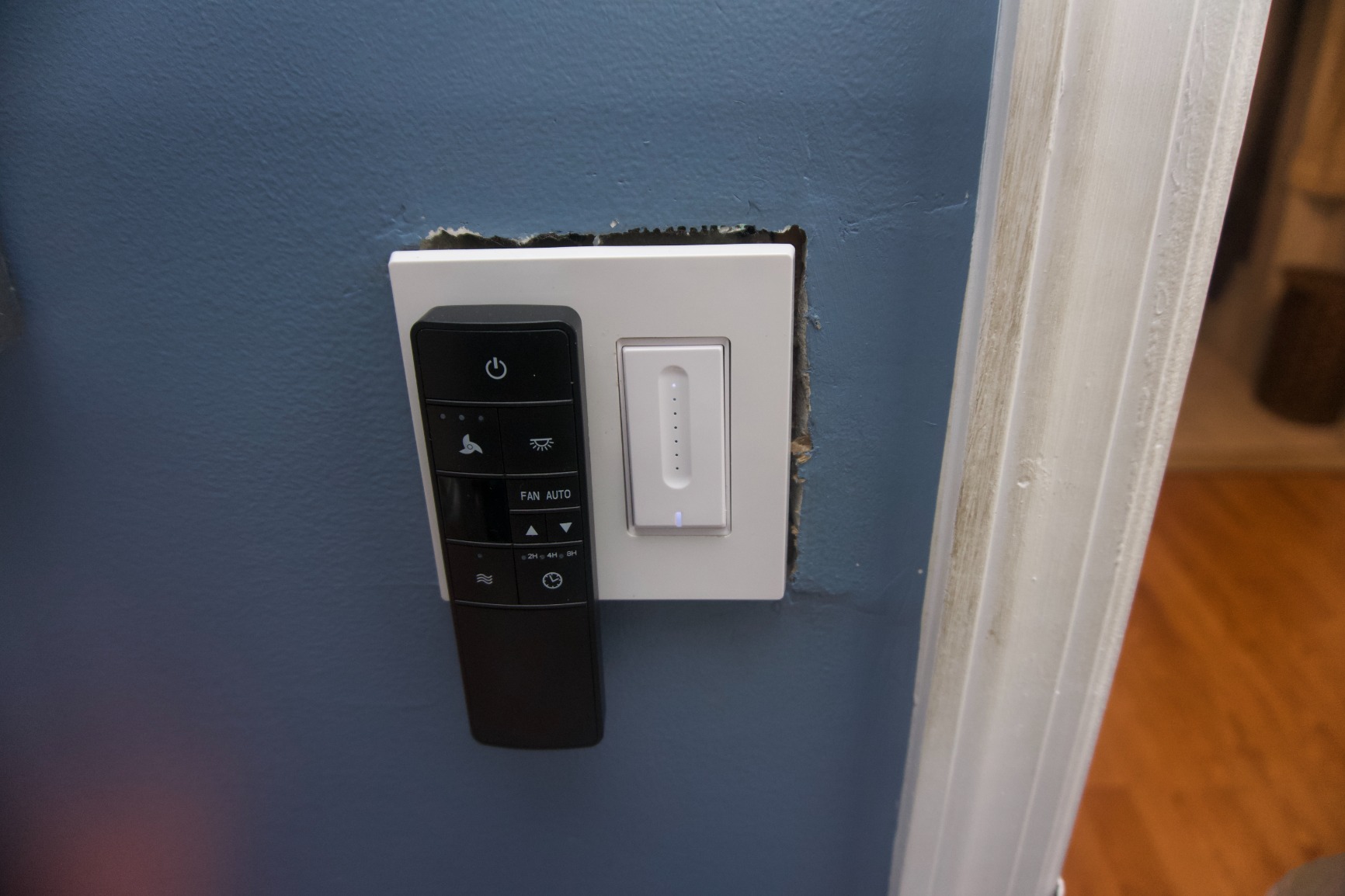
Instead of buttons, the TREATLIFE uses a capacitive touch slider that lets you drag your finger up and down to adjust brightness. It feels futuristic and works reliably even with slightly damp hands. The smooth 1% to 100% dimming range had zero buzzing or flickering across all my LED bulbs.
The Smart Life app handles scheduling, scenes, and family sharing, which let me give my kids control of their own room lights without full admin access. The gradual turn-on feature is a nice touch that prevents the jarring flash of instant full brightness when you flip the switch.
The main limitations are ecosystem and configuration. These switches only work with Alexa and Google Home, not Apple HomeKit. They’re also single-pole only, so they won’t work in 3-way setups where two switches control the same light. The physical size is on the bulky side, which made installation tight in my older junction boxes.
Best Use Case: Outfitting Multiple Rooms at Once
If you’re doing a bulk upgrade and your home uses Alexa or Google Home, this 4-pack delivers outstanding value. The per-switch cost is among the lowest on the market, and the touch-slide interface feels more premium than the price suggests.
Long-Term Durability Notes
Some users reported a 2-year failure rate, though TREATLIFE backs these with a 2-year warranty. The touch interface has no moving parts, which should theoretically improve longevity, but the electronics inside are what tend to fail. Keep your receipt and register your switches to ensure warranty coverage.
Buying Guide: How to Choose the Best Smart Light Switch?
Choosing the right smart light switch comes down to a handful of critical factors. Get any of these wrong and you’ll end up returning the switch or living with a frustrating experience. Here’s what I learned from testing all eight switches side by side.
Neutral Wire: The Make-or-Break Factor
The single most important thing to check before buying any smart switch is whether your switch box has a neutral wire. Most smart switches require one to power their Wi-Fi or Zigbee radios continuously. If your home was built before the mid-1980s, there’s a good chance your switch boxes don’t have neutral wires.
To check, turn off the breaker and pull your existing switch out of the box. Look for a white wire bundled with other white wires in the back of the box. If you see one, you’re good with any switch on this list. If you don’t, the Lutron Caseta is your best premium option since it’s the only one here that works without a neutral wire.
Communication Protocols: Wi-Fi vs Z-Wave vs Zigbee vs Matter
Smart switches communicate using different wireless protocols, and each has trade-offs. Wi-Fi switches like the Kasa, Tapo, and Amazon Basics connect directly to your router with no hub needed, but adding many of them can congest your network. If you’re planning more than 10 smart devices, consider dedicating a separate Wi-Fi band or access point for IoT devices.
Z-Wave and Zigbee switches require a hub but create dedicated mesh networks that don’t compete with your Wi-Fi. These protocols are favored by Home Assistant users and anyone building large-scale automation. The Lutron Caseta uses its own proprietary Clear Connect protocol, which offers similar benefits with rock-solid reliability.
Matter is the newest standard, and it’s becoming the smart choice for future-proofing. Matter-certified switches like the Kasa KS225 and Tapo S505D work across Apple Home, Alexa, Google Home, and SmartThings without locking you into any single platform. If you’re buying new switches in 2026, prioritize Matter compatibility unless you have a specific reason not to.
Ecosystem Compatibility
Before buying, confirm the switch works with your preferred voice assistant and smart home platform. The Lutron Caseta supports the widest range, including Alexa, Apple HomeKit, Google Home, and Ring. Matter-certified switches also offer broad compatibility. Budget switches like the Amazon Basics lock you into a single ecosystem, which limits your options if you ever switch platforms.
3-Way Switch Support
If you have hallways or stairways where two switches control the same light, you need a switch that supports 3-way configurations. The Lutron Caseta handles 3-way setups using a wireless Pico remote, which means you don’t need to rewire the second switch location. Most Wi-Fi switches on this list are single-pole only, so check before buying if you need 3-way support.
Dimming Performance and Bulb Compatibility
Not all smart dimmers work equally well with all bulb types. Look for switches with a wide dimming range (ideally 1% to 100%) and check the maximum wattage rating for your bulb type. The Matter-certified Kasa and Tapo switches offered the smoothest dimming in my tests, with no buzzing or flickering across multiple LED brands.
Local Processing vs Cloud Dependency
One factor most competitors don’t address is whether your switch works when the internet goes down. Cloud-dependent switches lose smart features if your internet connection drops, though the physical switch still works. Matter devices can operate locally when paired with a compatible hub, and Z-Wave or Zigbee switches paired with Home Assistant work entirely offline. If reliability during outages matters to you, avoid budget Wi-Fi switches that depend entirely on cloud servers.
Frequently Asked Questions
Which is better Lutron or Leviton smart switch?
Lutron Caseta is generally considered more reliable and easier to install, especially in older homes, because it doesn’t require a neutral wire. Leviton Decora Smart switches offer excellent Z-Wave options and native HomeKit support, making them better for users committed to those specific protocols. For most homeowners, Lutron wins on simplicity and ecosystem breadth.
Do smart light switches need a neutral wire?
Most smart light switches require a neutral wire to continuously power their wireless radios. The Lutron Caseta is the main exception, operating without a neutral wire by using its proprietary Clear Connect protocol. If your home was built before the mid-1980s, check your switch boxes for a bundled white neutral wire before purchasing any smart switch.
What are the disadvantages of smart light switches?
Smart light switches require upfront installation work, may need a neutral wire that older homes lack, can add Wi-Fi congestion when deployed in large numbers, and often depend on cloud servers for full functionality. Budget switches may suffer from connectivity drops, buzzing at low dimming levels, and limited ecosystem compatibility compared to premium options.
What is the Matter protocol for smart switches?
Matter is a universal smart home standard that lets certified devices work across Apple Home, Amazon Alexa, Google Home, and Samsung SmartThings without needing separate integrations for each platform. Matter-certified smart switches like the Kasa KS225 and TP-Link Tapo S505D offer cross-platform compatibility and are the best choice for future-proofing your smart home in 2026.
How do you reset a smart light switch?
To reset most smart light switches, press and hold the main button or reset pin for 10 to 15 seconds until the indicator light flashes rapidly. This puts the switch back into pairing mode. For app-guided switches like Kasa and Tapo, the app includes a reset wizard with brand-specific instructions. Always note your Wi-Fi credentials before resetting, as you’ll need to re-pair the switch to your network.
Which is better: Z-Wave, Zigbee, or Wi-Fi smart switches?
Wi-Fi switches are easiest to set up with no hub required but can congest your network in large deployments. Z-Wave and Zigbee require a hub but create dedicated mesh networks that don’t compete with Wi-Fi, making them ideal for whole-home automation and local processing. For most users starting fresh in 2026, Matter-certified Wi-Fi switches offer the best balance of simplicity and cross-platform compatibility.
Conclusion
After testing all eight switches over three months, the Lutron Caseta remains the best overall smart light switch thanks to its no-neutral-wire design, unmatched reliability, and universal ecosystem support. For budget-conscious buyers with neutral wires, the Kasa Matter Smart Dimmer KS225 delivers exceptional value with future-proof Matter certification.
If you’re outfitting multiple rooms, the TP-Link Tapo S505D 2-pack and TREATLIFE 4-pack offer the best per-switch pricing. And for specialized needs, the Kasa KS240 handles ceiling fan and light combos beautifully while the Kasa KS220P3 3-pack is the top choice for Apple HomeKit households.
The best smart light switches in 2026 balance reliability, compatibility, and price. Whatever your home’s wiring and ecosystem, there’s a switch on this list that will make your lighting genuinely smarter without the headaches that come with cutting too many corners.