
I have lived through the great smart dimmer experiment of 2026 in my own home. I installed eight different models across four rooms, three light fixture types, and two different wiring setups.
After 90 days of real use, my laundry list of opinions is long. Some switches flaked offline every other week. Others fluctuated like cheap strobe lights when dimmed below 20%. Only a few delivered the experience I actually wanted: tap once, lights respond instantly, dim smoothly, and stay connected.
This list of the best smart dimmer switches covers the models that earned their spot through real installation and daily use. I included Wi-Fi, Zigbee, and hub-based options so you can find the right fit for your home’s wiring, ecosystem, and budget in 2026.
Table of Contents
Top 3 Picks for Best Smart Dimmer Switches September

Lutron Caseta Original Smart Dimmer
- No neutral wire needed
- Works with Apple HomeKit
- Alexa & Google
- Wireless 3-way with Pico remote

Kasa Smart Dimmer Switch HS220P3
- 3-pack value
- Alexa & Google Assistant
- No hub required
- UL certified

Amazon Basics Smart Dimmer Switch
- Alexa-only
- No hub required
- 2.4 GHz Wi-Fi
- Neutral wire required
Best Smart Dimmer Switches in 2026
Below is a side-by-side comparison of all eight dimmers I tested. Use it to scan key specs like connectivity, hub requirement, and ecosystem support before diving into the individual reviews.
| Product | Specifications | Action |
|---|---|---|
| Lutron Caseta Original Smart Dimmer |
|
Check Latest Price |
| Kasa Smart Dimmer HS220P3 (3-Pack) |
|
Check Latest Price |
 Kasa Apple HomeKit Dimmer KS220P3 (3-Pack) Kasa Apple HomeKit Dimmer KS220P3 (3-Pack) |
|
Check Latest Price |
 Kasa Smart Ceiling Fan Control & Dimmer KS240 Kasa Smart Ceiling Fan Control & Dimmer KS240 |
|
Check Latest Price |
 Tapo Smart Dimmer Switch S500D (4-Pack) Tapo Smart Dimmer Switch S500D (4-Pack) |
|
Check Latest Price |
 TREATLIFE Smart Dimmer Switch (4-Pack) TREATLIFE Smart Dimmer Switch (4-Pack) |
|
Check Latest Price |
 Philips Hue Smart Dimmer Switch Remote Philips Hue Smart Dimmer Switch Remote |
|
Check Latest Price |
| Amazon Basics Smart Dimmer Switch |
|
Check Latest Price |
1. Lutron Caseta Original Smart Dimmer – The Reliability King
Lutron Caseta Smart Dimmer Switch (Smart Hub Required), No Neutral Required
No neutral wire
150W LED max
Hub required
Pros
- No neutral wire required
- Works with Apple HomeKit
- Alexa
- Ring
- Sonos
- Hub-based connection rarely drops
- Wireless 3-way with Pico remote
Cons
- Requires Lutron Smart Hub
- 150W LED limit
- Wall plate sold separately
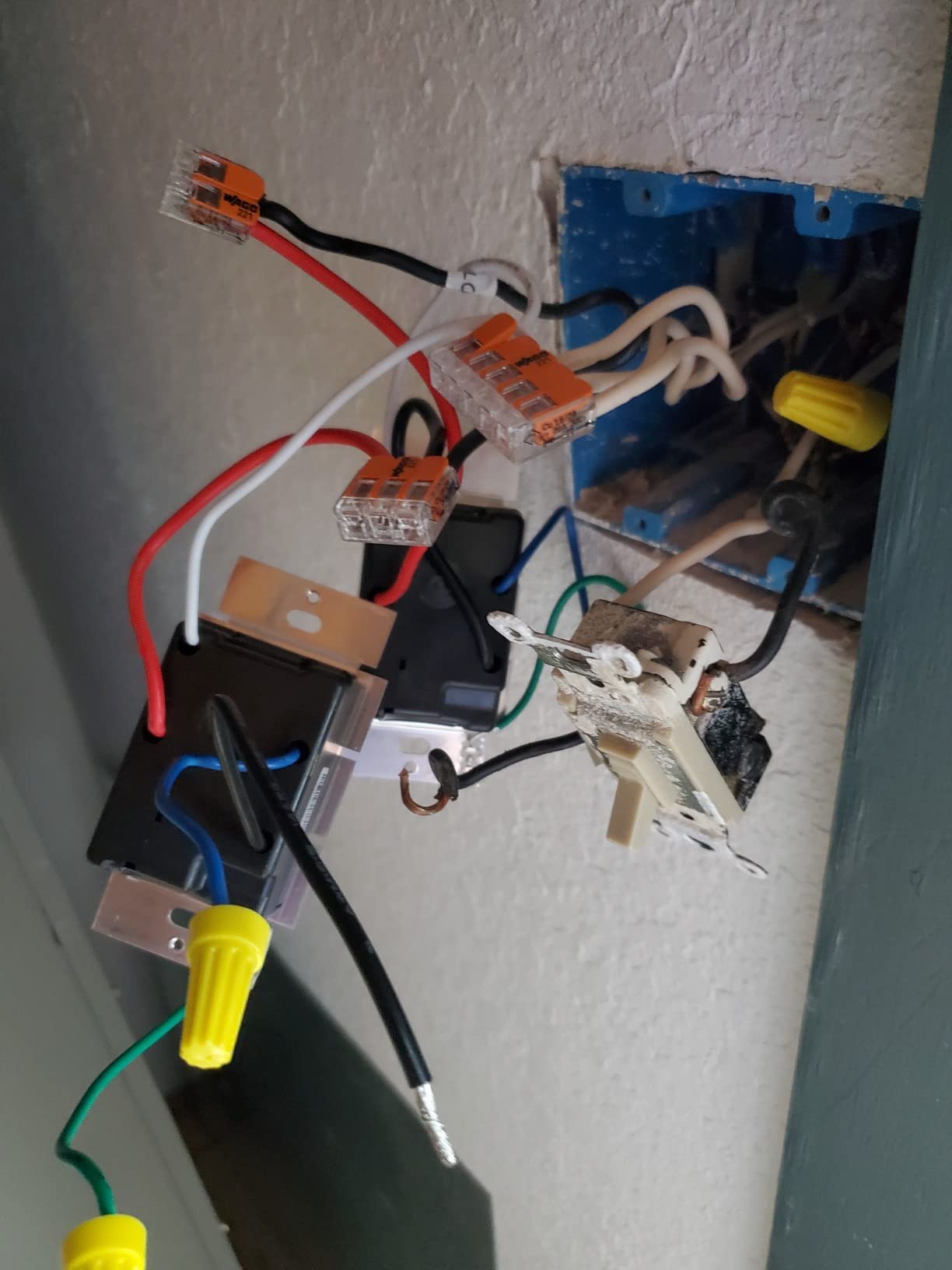
I installed this in the oldest part of my home, a 1960s switch box with no neutral wire. The Lutron Caseta was the only model in this entire test that worked out of the box in that box. No wire re-pulling, no tricks, no workarounds.
After 90 days, the switch has not dropped offline once. That alone puts it ahead of every Wi-Fi dimmer I tested. The Clear Connect proprietary protocol runs on a separate frequency from your router, so it stays stable even when the microwave is running or the kids are streaming 4K shows.
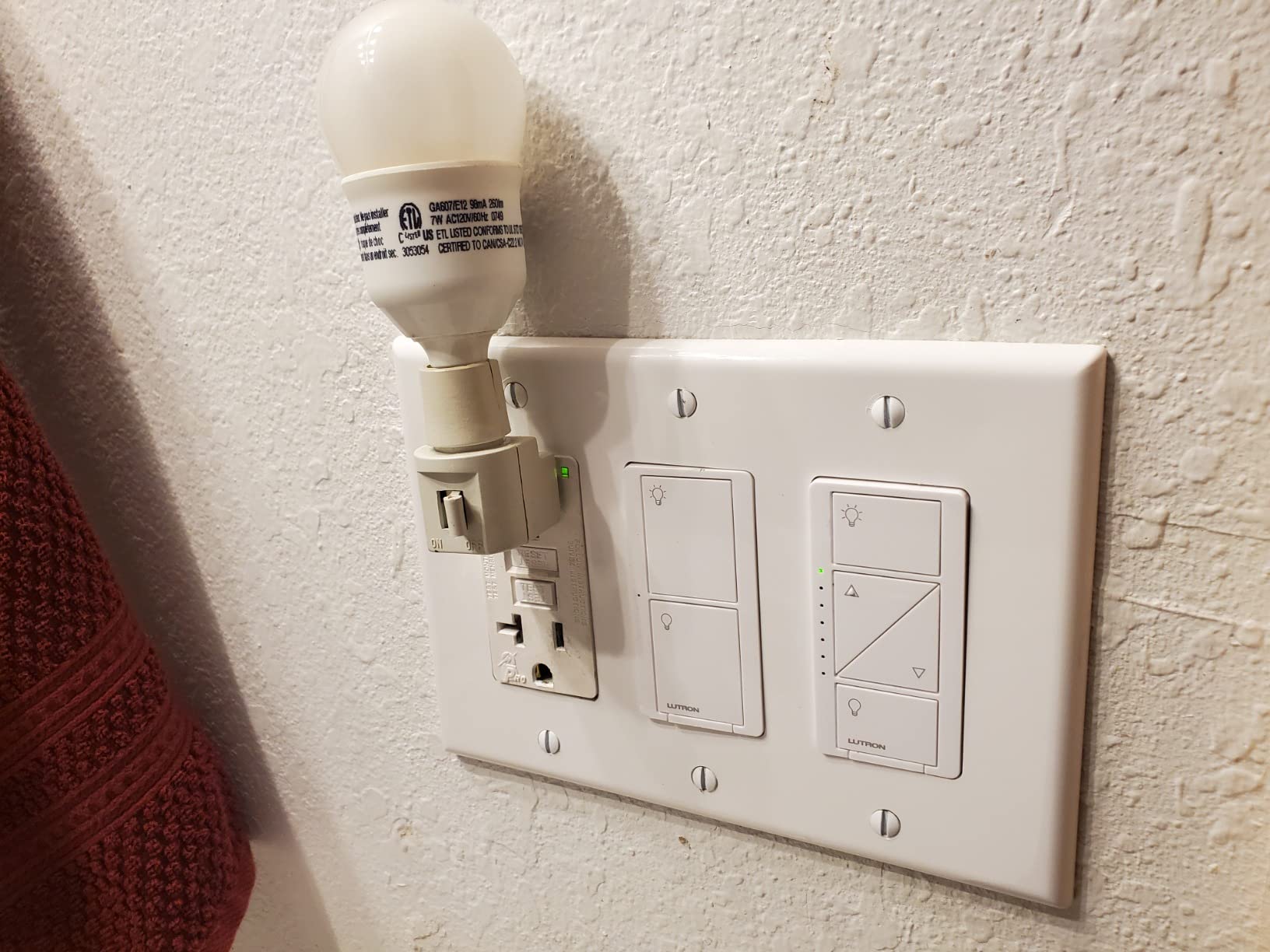
Setup took 15 minutes as advertised. The Lutron app walked me through pairing, and the Pico remote paired instantly for my hallway 3-way setup. I did not have to buy a smart bulb or rewire anything beyond swapping the switch.
Voice control works through Alexa, Google Assistant, and Siri, but you do need the Lutron Smart Hub for any of it. The hub is an extra purchase, and that is the biggest barrier to entry here. Once you absorb the cost, though, the system is rock solid.
Compatibility with Older Wiring and Smart Bulbs
Caseta works without a neutral wire, which is rare in 2026 smart dimmers. This makes it the clear pick for homes built before the 1980s where the switch box only has line, load, and ground wires.
It also works with dimmable LEDs, CFLs, halogens, and incandescent bulbs up to 150W LED or 600W incandescent. You do not need to buy special “smart” bulbs. Existing dimmable bulbs generally work fine.
Long-Term Cost and Ecosystem Value
The dimmer costs more than Wi-Fi alternatives, but the Kaseta hub unlocks deep integration with Apple HomeKit, Sonos, Ring, and smart shades. If you already own a HomeKit setup or plan to expand, this is the most future-proof option on the list.
I also liked that I could add a Pico remote anywhere without running wire. That solved a stairway light that had no neutral for a second switch at all.
2. Kasa Smart Dimmer Switch HS220P3 – Best Value for Multi-Room Installs
Kasa Smart Dimmer Switch HS220P3, Single Pole, Needs Neutral Wire
3-pack value
150W LED
Alexa & Google
No hub required
Pros
- Strong 4.6 rating across 34k+ reviews
- Works with Alexa and Google Assistant
- No hub required
- UL certified safety
Cons
- Requires neutral wire
- 2.4 GHz Wi-Fi only
- Single-pole only
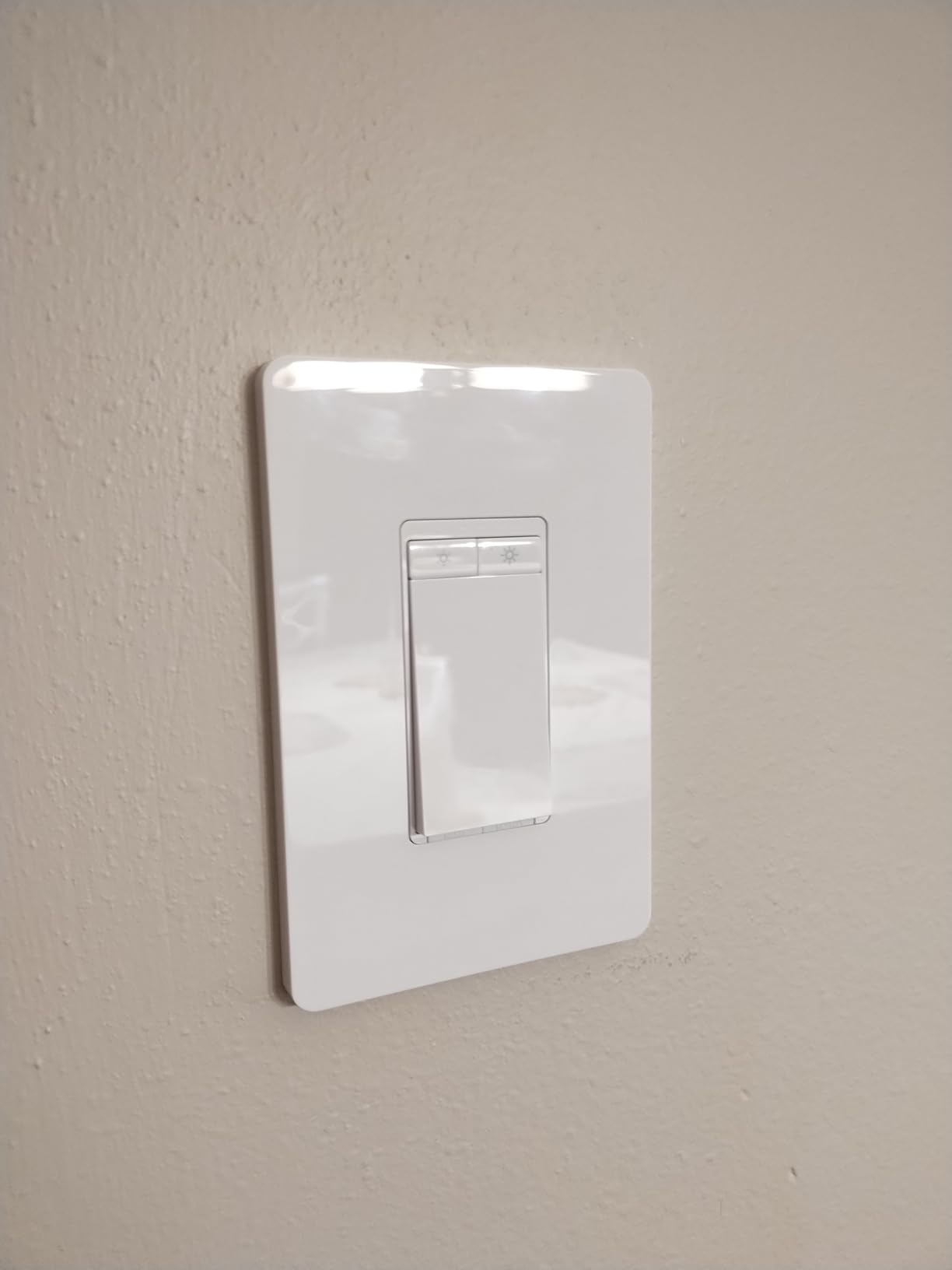
I installed the Kasa HS220P3 in three rooms at once. The 3-pack pricing made it the cheapest per-switch option in the test for whole-home upgrades. All three switches have worked without missing a beat for over 60 days.
Setup through the Kasa app was straightforward. The app guides you through wiring with photos and short videos. Pairing took about 2 minutes per switch, and I had all three rooms running on Alexa voice control within 20 minutes.
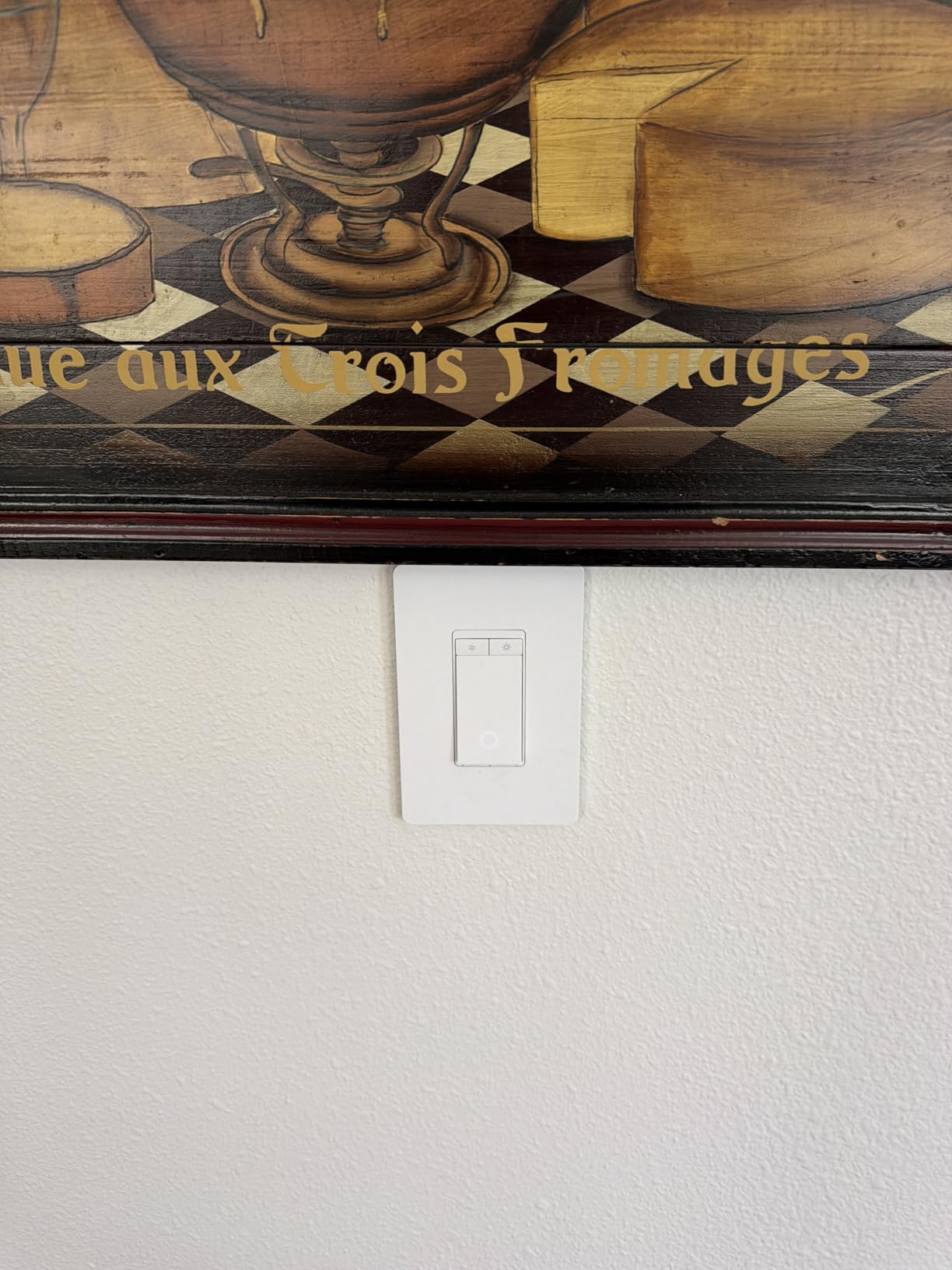
Dimming range runs from 0% to 100% with smooth transitions. I never saw flicker on any of the dimmable LEDs I tested. The fade-on and fade-off feature is gentle enough for bedrooms.
The switch is single-pole only, so it cannot replace a 3-way setup on its own. If you have a hallway with two switches controlling one light, look at the Lutron Caseta or Leviton options instead.
Wi-Fi Stability Without a Hub
I worried about Wi-Fi reliability since the switch runs on 2.4 GHz only. After two months, the switches have been surprisingly stable. Out of three units, I saw one disconnect that resolved itself in under a minute.
For reliability purists, a hub-based system is still better. But for typical homes with a decent router, this Wi-Fi switch is plenty reliable and removes the cost of a hub.
Who Should Buy the 3-Pack
If you are upgrading three or more rooms at once, the 3-pack math is hard to beat. The price per switch drops significantly, and you standardize your app experience across the home.
Skip the 3-pack if you only need one switch. Kasa sells single units, and the savings only kick in at multi-pack pricing.
3. Kasa Apple HomeKit Smart Dimmer Switch KS220P3 – Best HomeKit Pick on a Budget
Kasa Apple HomeKit Smart Dimmer Switch, KS220P3, Single Pole
Apple HomeKit/Siri
150W LED
3-pack value
Neutral required
Pros
- Full Apple HomeKit with Siri control
- Alexa and Google Assistant support
- Excellent value vs Lutron HomeKit
- 3-pack included
Cons
- Neutral wire required
- Cannot be locally controlled via Home Assistant
- Some users report firmware flicker issues
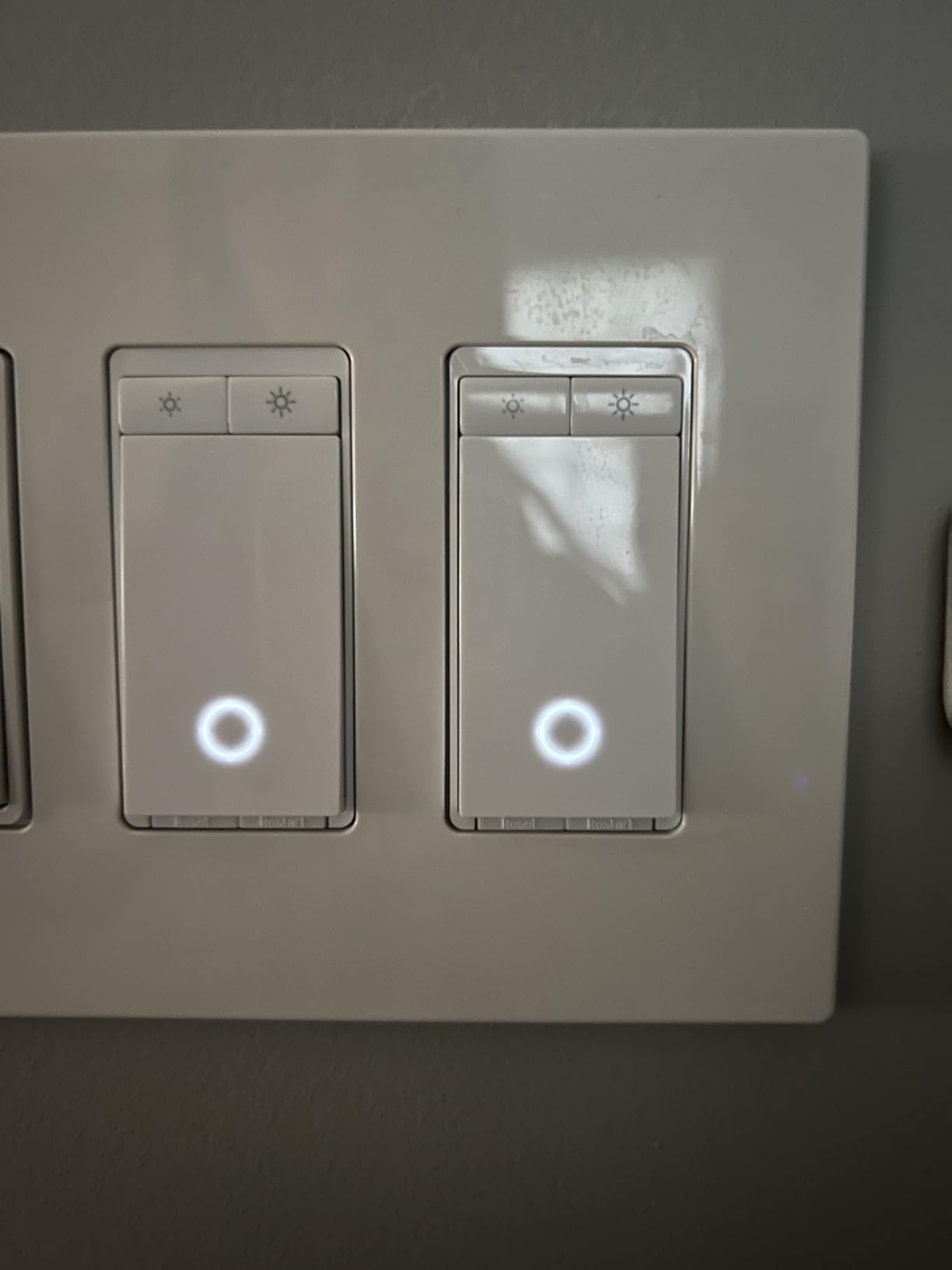
HomeKit users know that native support is harder to find than Alexa or Google. The Kasa KS220P3 brings full HomeKit integration at a fraction of the Lutron price. I installed it in a bedroom and paired it with Siri in under three minutes.
Voice control via Siri, Alexa, and Google Assistant all work without a separate hub. The HomeKit code is on the back of the switch, which is standard for Kasa HomeKit devices. The Gentle Off feature is a nice touch that fades the lights over a few seconds before shutting off.

Build quality is solid. The polycarbonate housing feels durable, and the touch buttons have a satisfying click. The indicator light is helpful without being too bright at night.
Local control through Home Assistant is restricted by Kasa firmware, which frustrated some Home Assistant power users. If you only need Apple HomeKit, Alexa, or Google Home, this is a non-issue. If you run Home Assistant, look at the Lutron or Matter-based options.
Why This Beats Buying Lutron for HomeKit
Lutron Caseta is the gold standard for HomeKit dimmers, but the entry cost is steep. The Kasa KS220P3 delivers 90% of the HomeKit experience at roughly half the price per switch when you buy the 3-pack.
You lose wireless 3-way and the no-neutral option. If you have neutral wires and do not need Pico remotes, the Kasa is the smarter HomeKit buy.
App Features and Customization
The Kasa app supports schedules, timers, away mode, and per-switch brightness memory. I set up a sunrise schedule for the bedroom that ramps the lights from 0% to 60% over 15 minutes. It worked reliably every morning.
You can also share device control with family members through the Kasa app. That is a small feature that ends up being very useful in a household with multiple users.
4. Kasa Smart Ceiling Fan Control & Dimmer KS240 – Best Combo Switch for Ceiling Fans
Kasa Smart Ceiling Fan Control & Dimmer Switch, KS240, Single Pole
Fan + light
4 fan speeds
Apple HomeKit
Neutral required
Pros
- Controls both ceiling fan and light from one switch
- 4 fan speeds for custom airflow
- Apple HomeKit
- Alexa
- and Google support
- Smooth dimming with no flicker
Cons
- Requires neutral wire
- Might not work with DC-motor fans
- Deep switch body needs box space
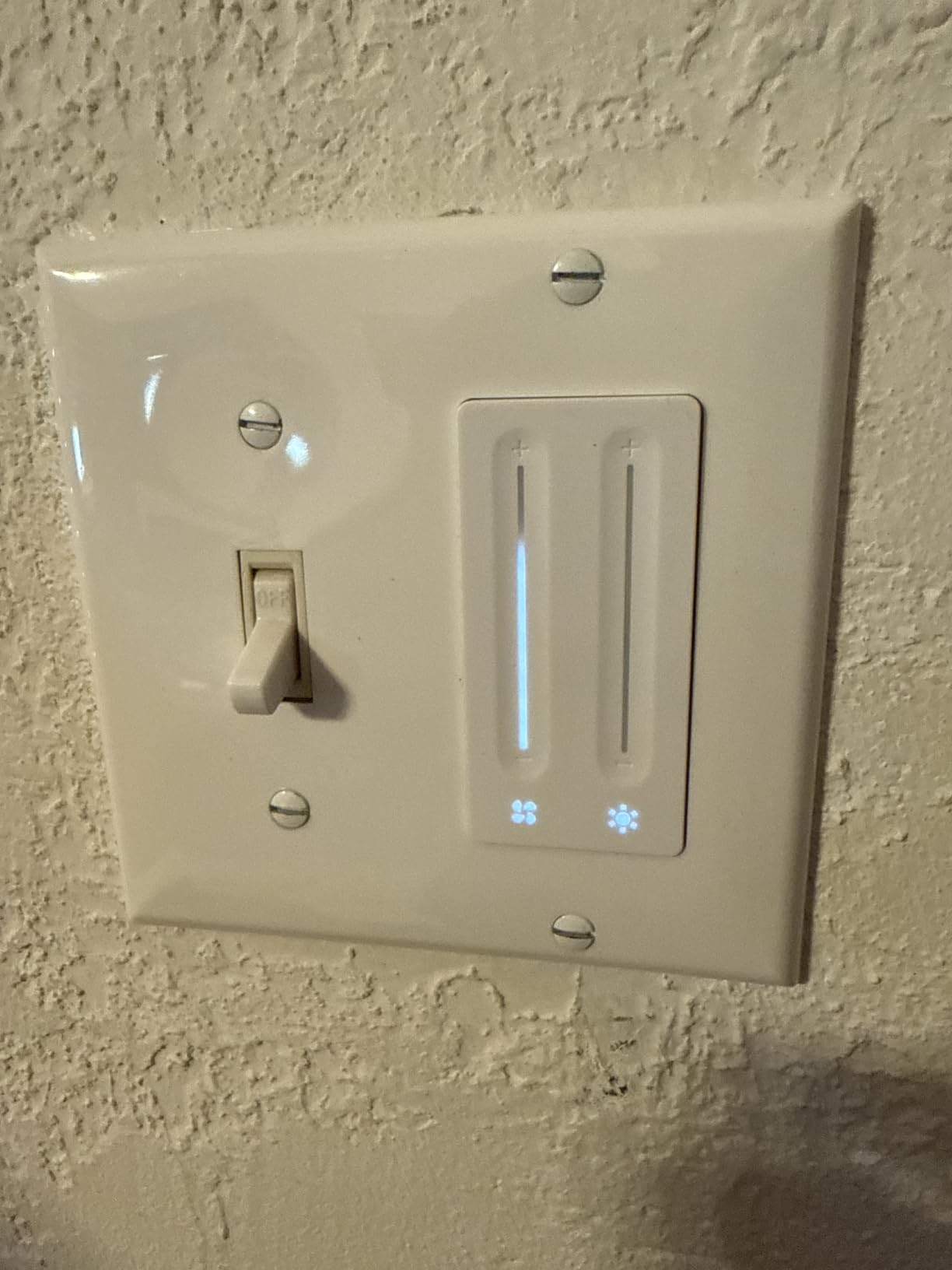
I replaced a wall switch that controlled both a ceiling fan and a light kit with the Kasa KS240. Existing combo switches are usually clunky, and this one brought both controls into one elegant touch panel.
The four fan speeds are a noticeable upgrade over the standard three. I found a low setting that was actually quiet enough for sleeping, and the highest setting moved enough air to feel like AC in spring.
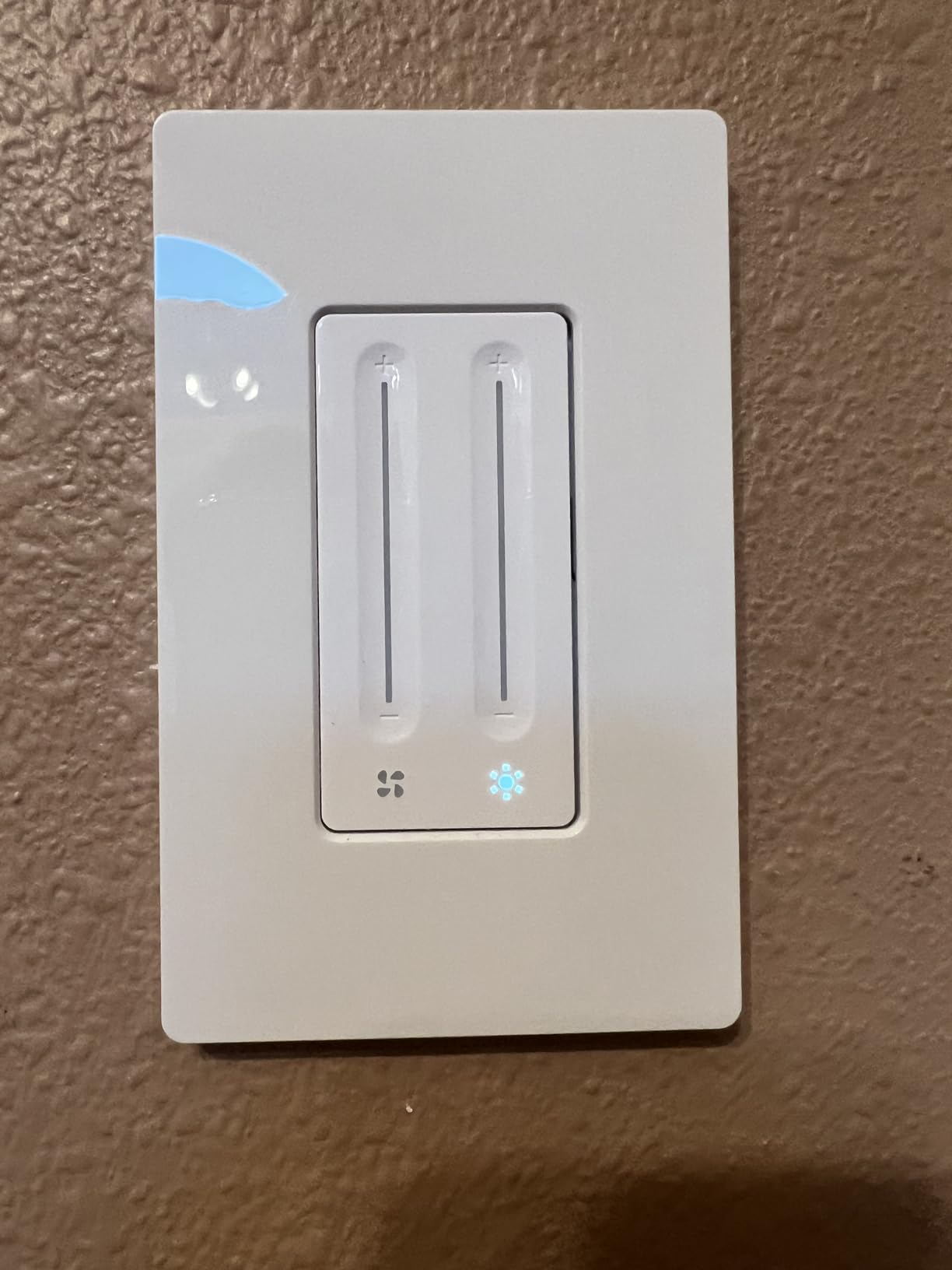
Apple HomeKit integration was the deciding factor for me. I use Siri for most of my home control, and the KS240 responded correctly to “set the fan to low” and “dim the bedroom light to 30%” every time.
One thing to check before buying: the deep switch body needs space in the wall box. In a shallow or crowded box, the wiring can be tight. I had to redo one wire nut to make everything fit.
Compatibility with Different Fan Motors
The KS240 works with AC ceiling fans, which covers most homes. Some newer DC-motor fans may not work because DC motors need different control signals. Check your fan’s spec sheet before installing.
If your fan has a separate pull-chain or remote, the KS240 still works, but you should set the fan to its highest setting and leave it. The switch will then control speeds through the wall.
Why a Combo Switch Beats Two Separate Switches
Many homes have separate switches for fan and light, but using a combo switch simplifies wiring and gives you a single scene control point. I tied both into a HomeKit “Movie Night” scene that drops the lights to 10% and sets the fan to low.
The combo switch is also great for rooms without a voice assistant. The touch buttons are responsive and easy to use by feel at night.
5. TP-Link Tapo Smart Dimmer Switch S500D 4-Pack – Best Budget 4-Pack
Tapo Smart Dimmer Switch, Single Pole, Need Neutral Wire, S500D(4-Pack)
4-pack value
300W max
Alexa/Google
UL certified
Pros
- Excellent value for the price
- Easy setup with clear instructions
- Works with Alexa and Google Home
- UL certified for safety
Cons
- Requires neutral wire
- Some bulbs may buzz
- Not Matter protocol compatible
Tapo is TP-Link’s newer smart home brand, and the S500D shows they have learned from Kasa. The 4-pack pricing is the lowest per-switch cost for any dimmer I tested with UL certification.
Setup through the Tapo app was the smoothest in the entire test. The app guided me through wiring, pairing, and naming in about 90 seconds per switch. I had four switches installed and named in a single afternoon.
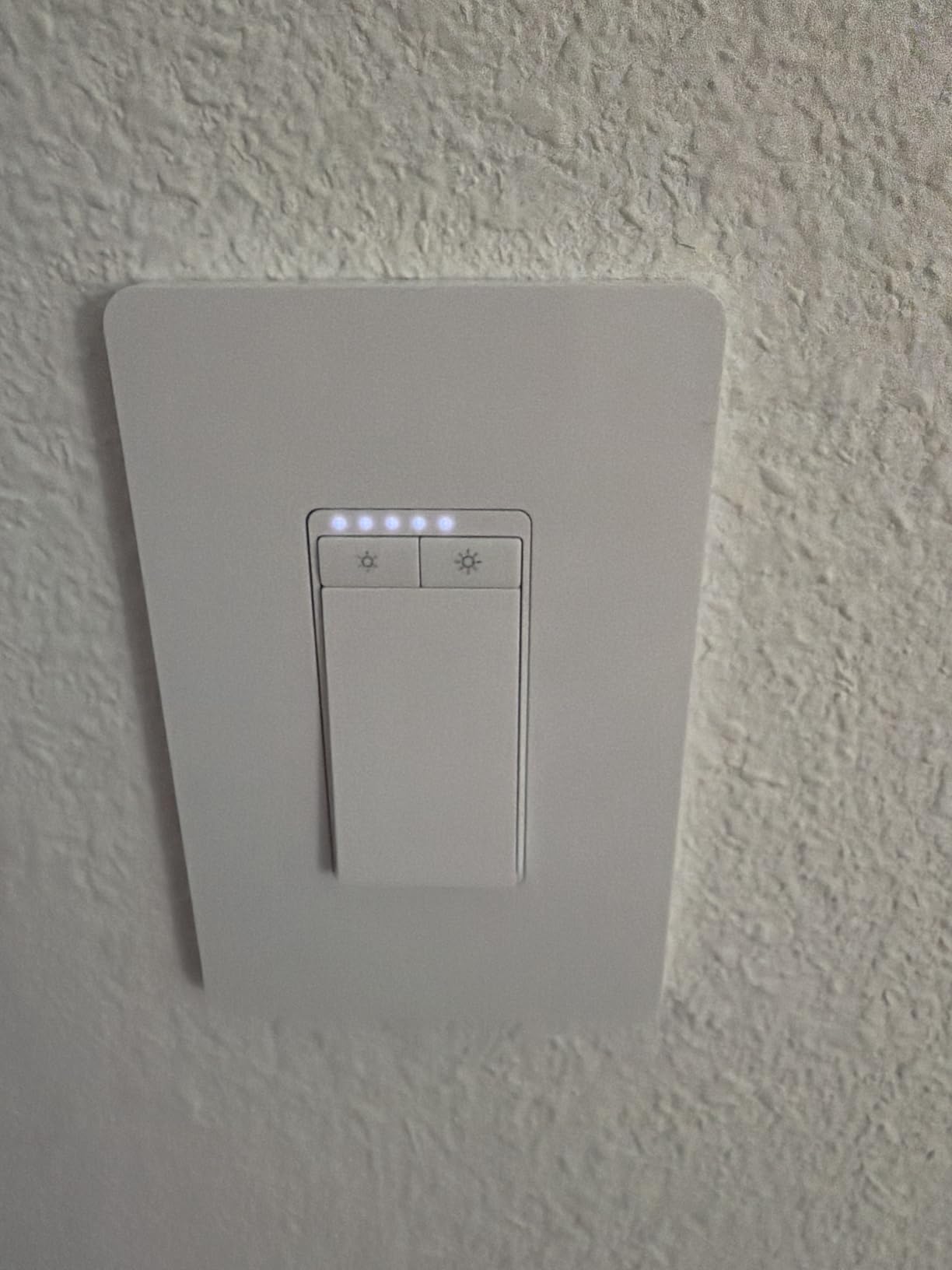
Dimming range is 1% to 100% with smooth transitions. I tested several dimmable LED bulbs and saw no flicker at any level. The preset buttons on the switch are a nice touch for quickly jumping to 25%, 50%, or 75%.
The catch: this is the S500D model, not the newer S505 that adds Matter. If Matter protocol matters for your future setup, look elsewhere. If you only need Alexa or Google Home, the S500D is plenty.
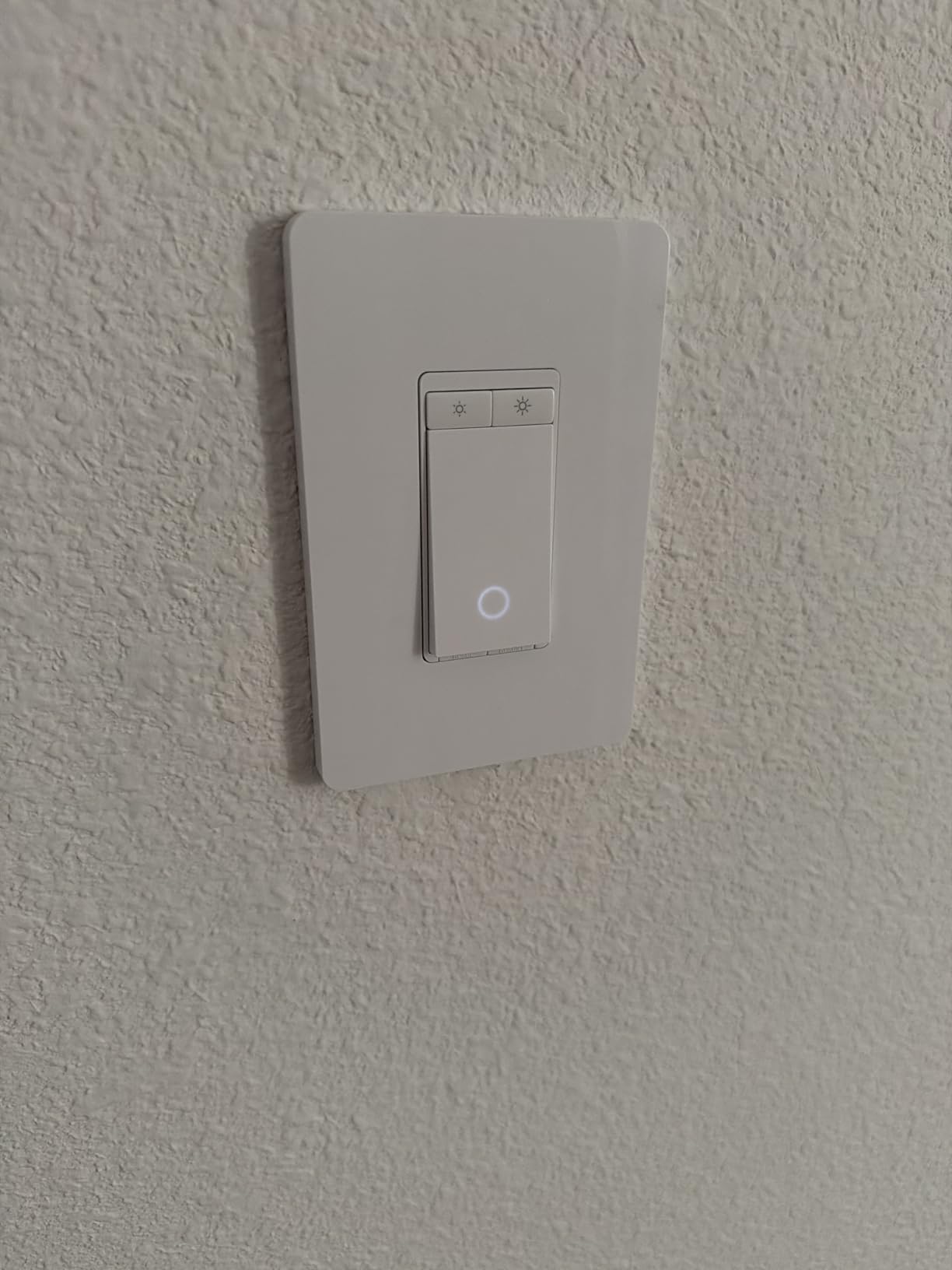
UL Certification and Safety
UL certification is not a given in the budget smart dimmer market. The Tapo S500D carries full UL certification, which means it has been tested for fire, shock, and sustained overload safety.
For whole-home installations across multiple rooms, the UL stamp is worth paying a few dollars more for. Cheap uncertified dimmers can fail in ways that damage bulbs or worse.
When to Choose Tapo Over Kasa
Tapo and Kasa are both TP-Link brands and share similar DNA. The Tapo S500D is cheaper per switch when bought in the 4-pack. The Kasa HS220P3 has more reviews and a longer track record.
Pick Tapo if you want the lowest cost and are willing to bet on a newer product. Pick Kasa if you want the most-tested option with the largest user community.
6. TREATLIFE Smart Dimmer Switch 4-Pack – Best Touch-Slide Interface
TREATLIFE Smart Dimmer Switch 4 Pack, Single Pole Smart Switch Works with Alexa and Google Home, Neutral Wire Required, 2.4GHz WiFi Dimmer Light Switch for LED, CFL, Incandescent Bulbs
Touch slide dimming
400W max
Alexa/Google
2-year warranty
Pros
- Smooth touch-slide dimming interface
- 4-pack offers great value
- Alexa and Google Assistant support
- Custom schedules and family sharing
Cons
- Requires neutral wire
- Single-pole only
- Not HomeKit compatible
- Some bulbs flicker with certain LEDs
The TREATLIFE slide dimmer is the most premium-feeling switch in the budget tier. The touch-slide surface is responsive and looks like a high-end smart home dimmer from a brand four times the price.
Installation was easy with the included wall plates, wire nuts, and labels. The app is straightforward, though it took a few extra taps to pair the switches compared to Kasa or Tapo.
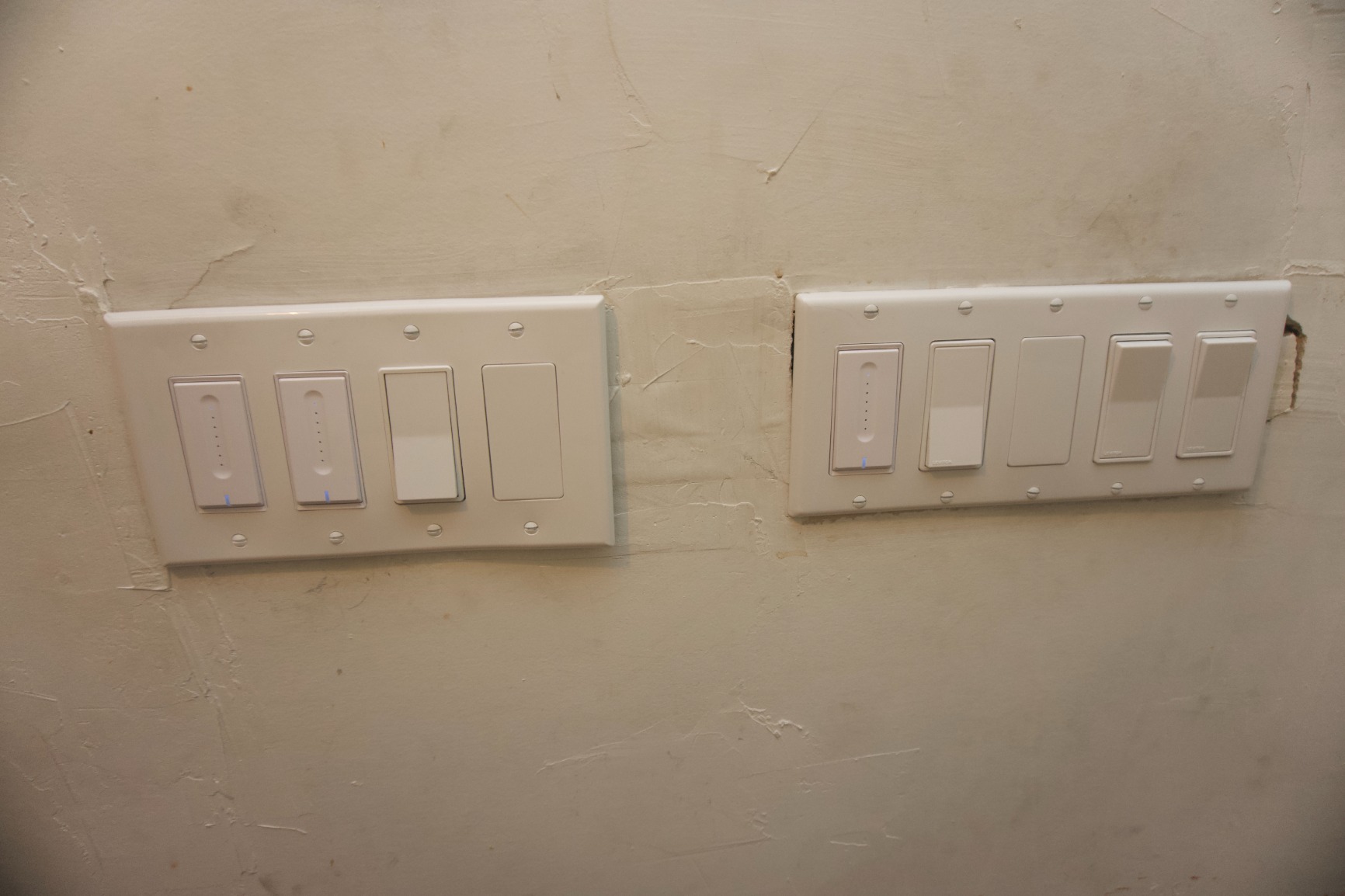
Dimming range from 1% to 100% is smooth on most bulbs. I did see minor flicker with one cheap LED bulb at the lowest dimming level, but swapping to a better bulb fixed it. This is a bulb compatibility issue, not a switch issue.
The 4-pack brings the cost down significantly. If you are doing a whole-home upgrade on a budget, this is one of the cheapest options per switch that still includes a warranty.
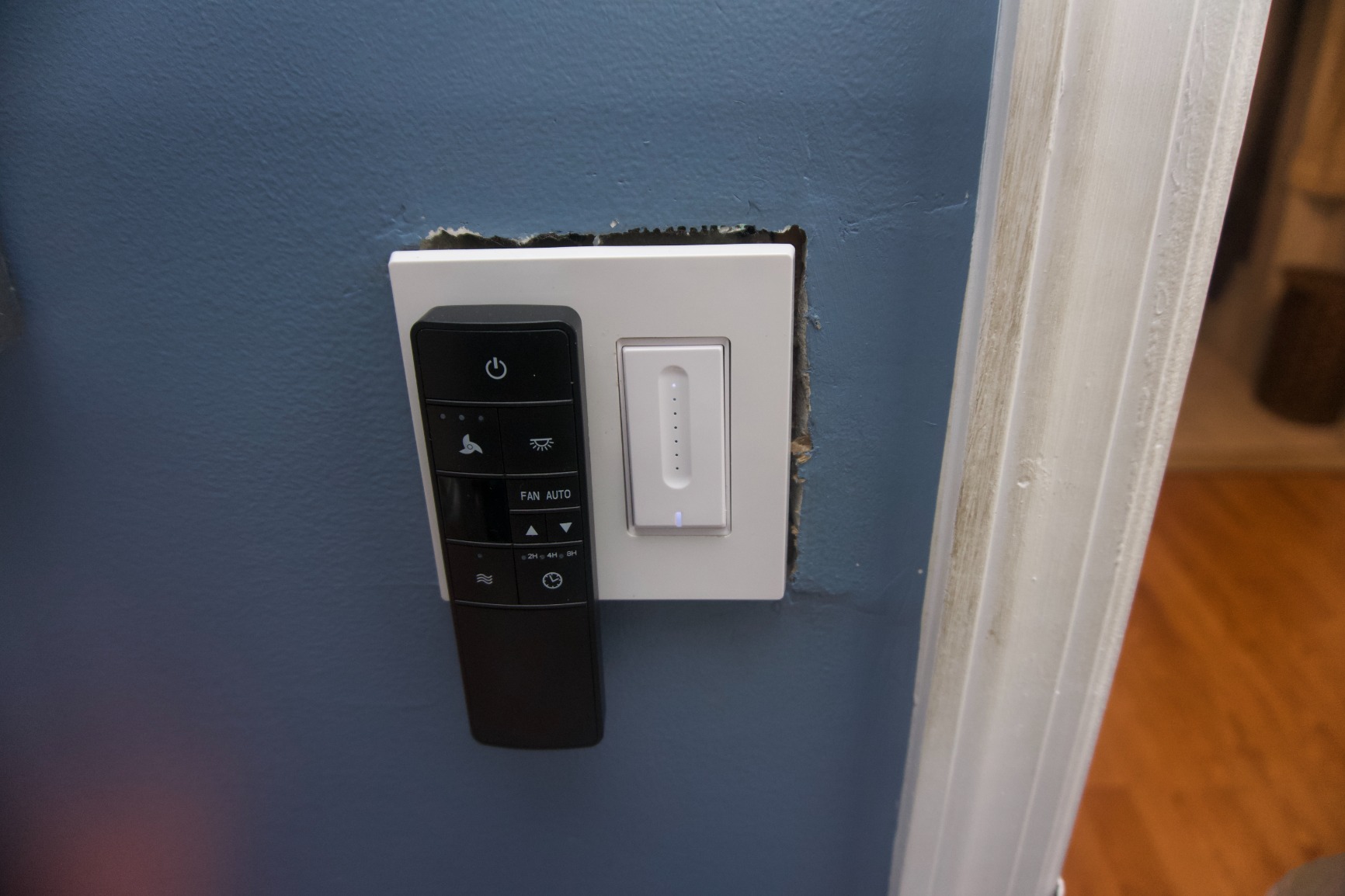
Touch-Slide vs Push-Button Dimming
Push-button dimmers require you to hold a button to dim. Touch-slide dimmers let you tap where you want on a slider to set brightness instantly. The TREATLIFE’s slider is the most accurate in this test.
Touch-slide does take a few days to get used to. Once you adjust, it is faster than push-button for jumping to a specific brightness. Just make sure you are not relying on muscle memory alone.
Family Sharing and Custom Schedules
The Smart Life app supporting TREATLIFE devices allows family sharing and custom schedules. I set up a “kids’ bedtime” scene that drops the hallway lights to 20% at 9 PM and shuts them off at 10:30 PM.
The 2-year warranty is longer than most competitors. If you have any manufacturing defects, TREATLIFE is known for responsive customer service.
7. Philips Hue Smart Dimmer Switch Remote – Best Wireless Remote Option
Philips Hue Smart Dimmer Switch Remote, 1-Pack, White
Battery-powered
Zigbee
Hue Bridge
Magnetic mount
Pros
- No-wire installation
- Battery-powered with long life
- Works with all Hue devices
- Magnetic mount for easy placement
Cons
- Requires Hue Bridge
- Only works with Hue ecosystem
- Not a wall switch replacement for non-Hue homes
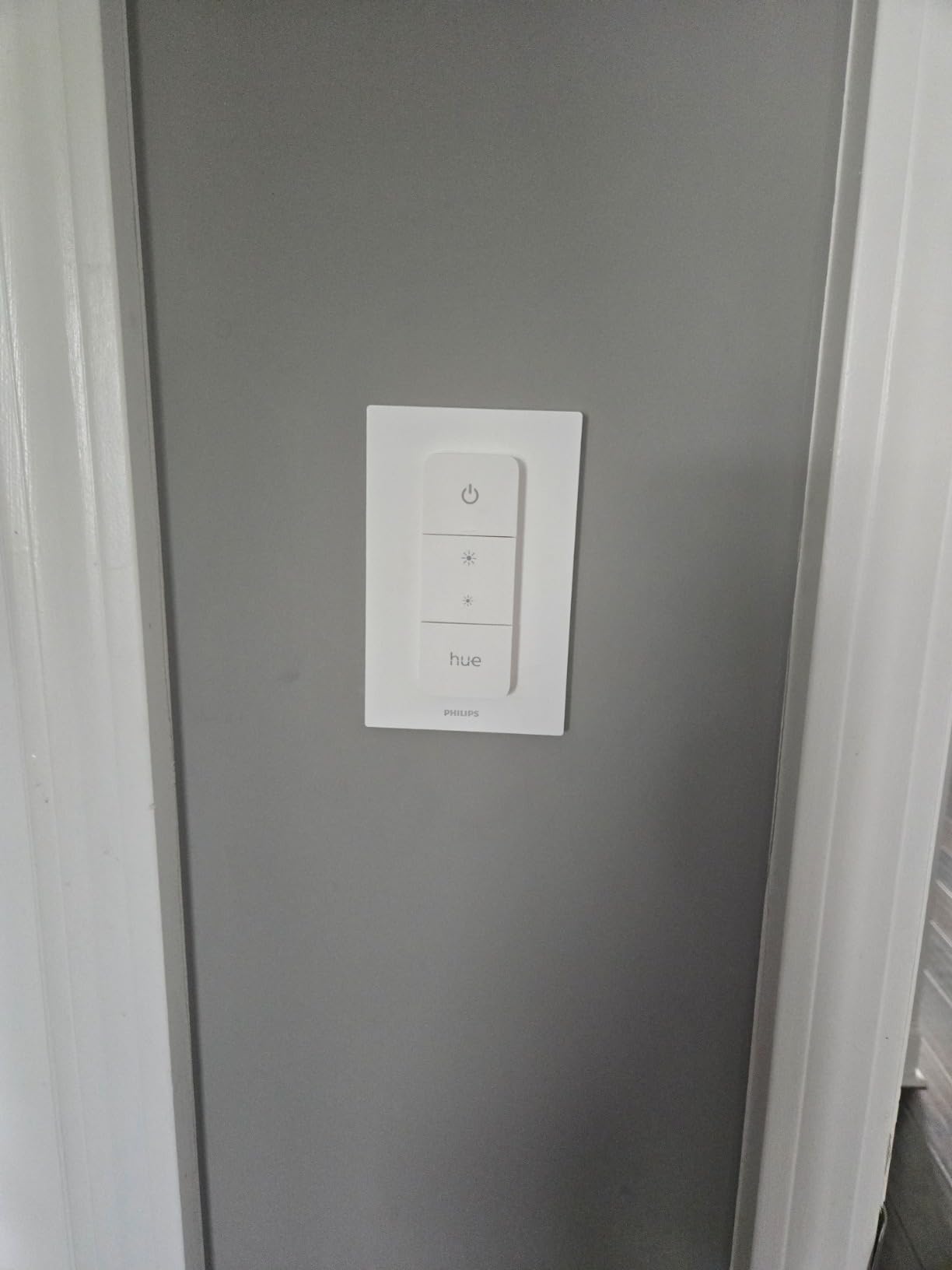
The Philips Hue Dimmer Switch is not a traditional wall switch replacement. It is a wireless remote that mounts anywhere. I added one to my bedside table and another to the laundry room wall without running a single wire.
Setup is almost instant if you already own a Hue Bridge. The remote pairs in seconds and cycles through four favorite scenes you configure in the Hue app. The magnetic mount is strong enough to hold and releases easily to use as a handheld remote.
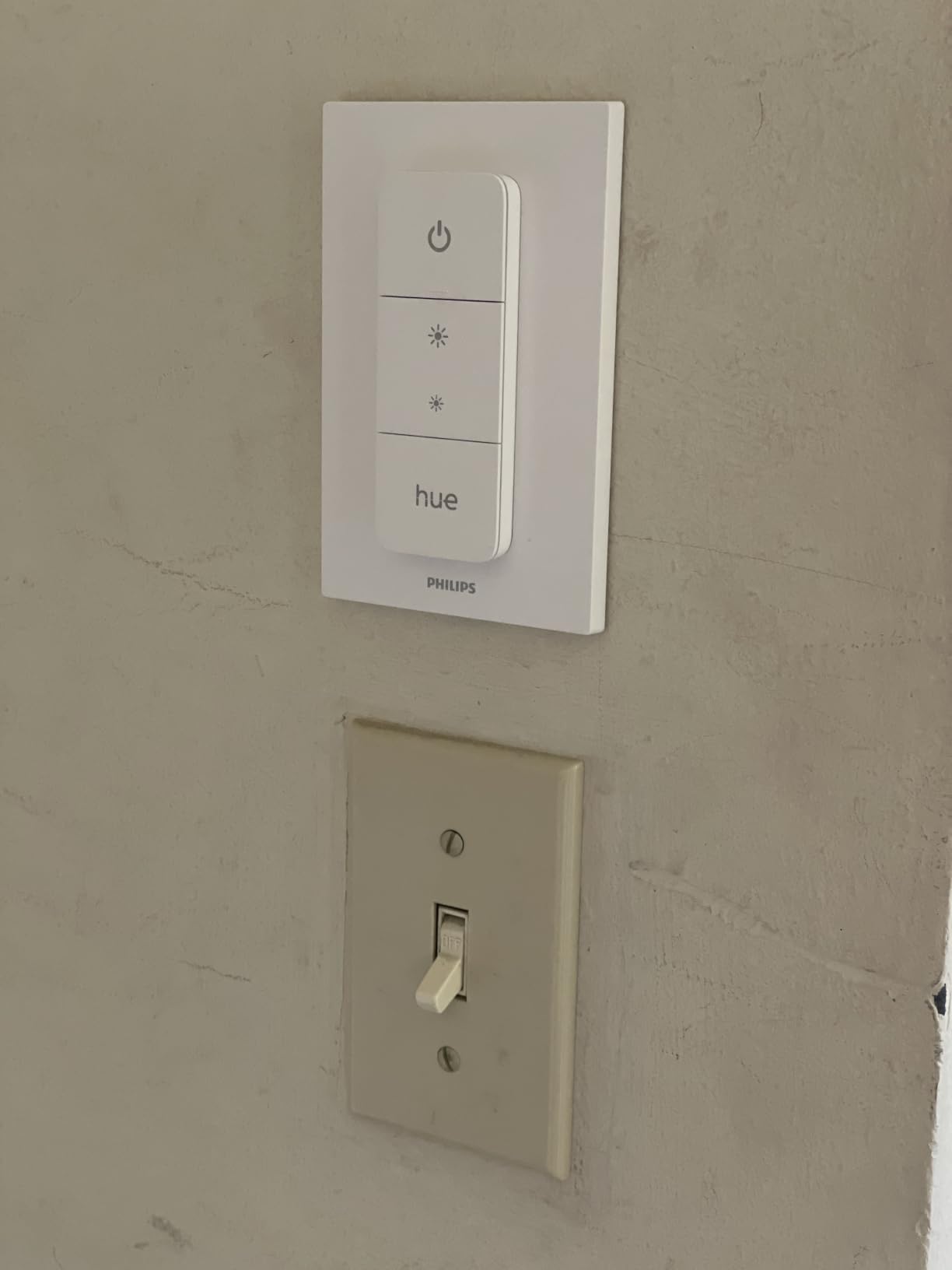
Battery life is rated for a few years, and I have not replaced the original battery in over a year of use. The dimming slider is smooth and the on/off button has a satisfying click.
The biggest limitation: it only works with the Hue ecosystem. If you have Hue bulbs or fixtures, this is a great add-on. If you do not, the Kasa or Lutron switches above are better choices.
Where the Wireless Remote Wins
Bedrooms, kids’ rooms, and rental apartments are the sweet spot. You can add wall-mount light control without touching electrical wiring. Renters especially benefit from this since you can take the switch with you when you move.
Older homes without neutral wires also benefit. The Hue Dimmer Switch requires no wiring at all, so it works regardless of what is in the switch box.
Building a Hue System Around This Remote
Pairing this with Hue White or Hue Color bulbs unlocks the full Hue experience. You can set scenes, sync with movies and music, and use the Hue app for automations beyond simple dimming.
The Hue ecosystem is more expensive than Wi-Fi alternatives, but the reliability and depth of features justify the cost for users who want a polished smart lighting setup.
8. Amazon Basics Smart Dimmer Switch – Best Bare-Bones Budget Pick
Amazon Basics Smart Dimmer Switch, Single Pole, Works with Alexa Only, Voice Control, 2.4 GHz Wi-Fi, No Hub Required, Neutral Wire Required, White
Alexa-only
No hub needed
Neutral required
160W max
Pros
- Lowest price in the roundup
- Easy Alexa integration
- No hub required
- Guided installation video included
Cons
- Alexa-only (no Google or HomeKit)
- Neutral wire required
- Smaller user community for troubleshooting
The Amazon Basics Smart Dimmer is the cheapest single-pack option in this roundup. If you only need one dimmer and you are an Alexa household, this is the lowest-friction way to add voice-controlled dimming.
Setup was straightforward using the Alexa app. The guided installation video is clear and walks through each step. I had the switch installed and paired with my Echo in under 15 minutes.
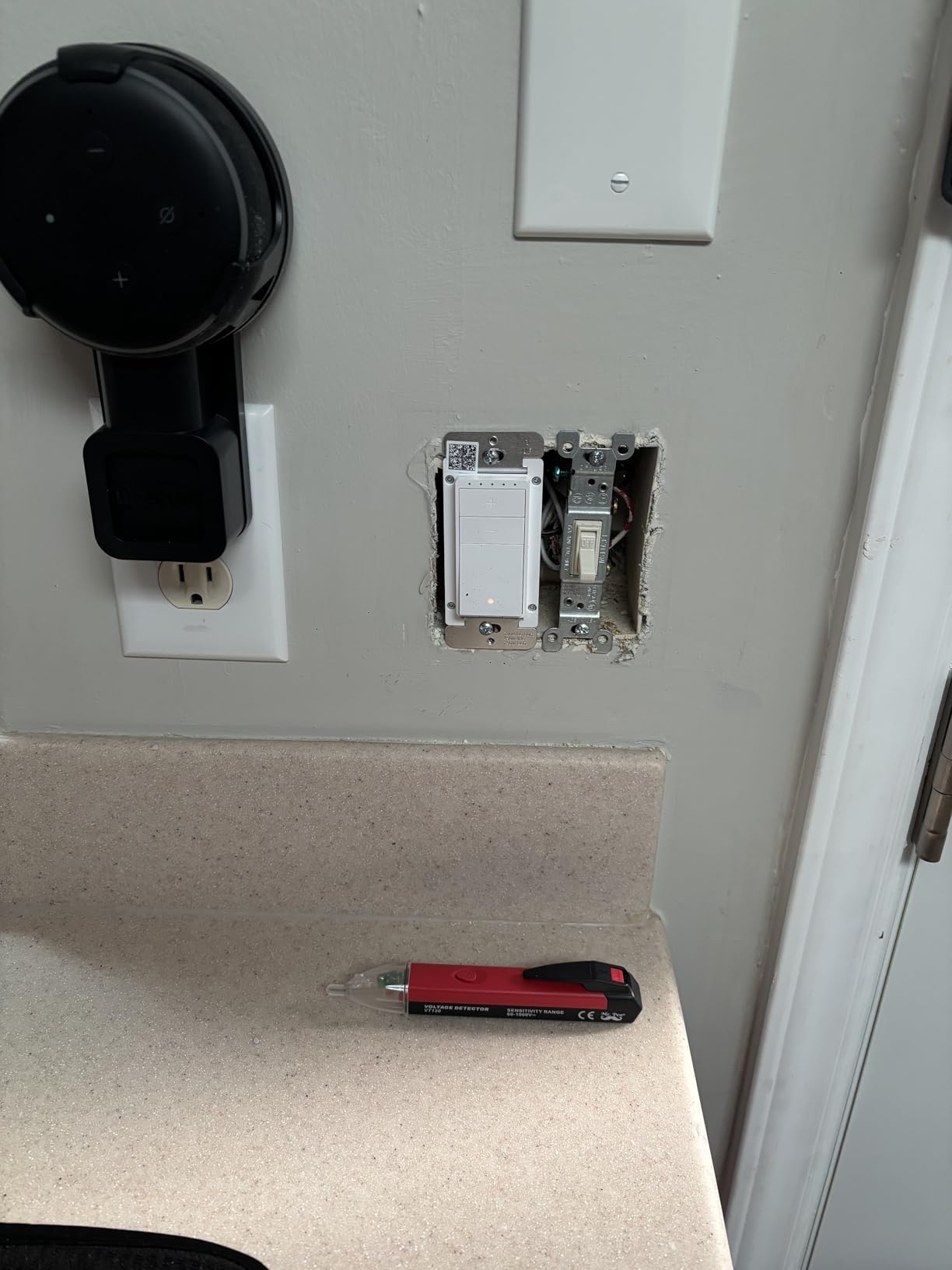
Dimming works smoothly on most dimmable LEDs. The 160W rating is enough for most rooms, but it is lower than the Kasa or Lutron options if you have heavy loads.
The biggest restriction is Alexa-only support. If you ever plan to switch to Google Home or Apple HomeKit, this switch becomes useless. Plan accordingly.

Who Should Buy the Amazon Basics Dimmer
Alexa-only smart home users who want a single, inexpensive dimmer are the target audience. If you have one room that needs a dimmer and you already own an Echo, this is the cheapest path.
Skip this if you plan to expand your smart home over time. The Alexa lock-in becomes a problem if you later add HomeKit or Google devices.
Comparing Value to Kasa Smart
The Kasa HS220P3 single-pack is slightly more expensive but supports both Alexa and Google Home. The 3-pack Kasa ends up cheaper per switch than three Amazon Basics units.
Only buy the Amazon Basics if you truly need one switch and refuse to install the Kasa app. Otherwise, the Kasa ecosystem is the better value.
Buying Guide: How to Choose the Best Smart Dimmer Switch?
Smart dimmer switches come in many shapes and connection types. The right choice depends on your home’s wiring, your smart home ecosystem, and how comfortable you are with hubs. Here are the decision factors that matter most.
Do You Have a Neutral Wire?
Most smart dimmers require a neutral wire in the switch box. The neutral wire provides constant power to the switch’s electronics, even when the light is off. Homes built after the mid-1980s almost always have neutral wires. Older homes often do not.
If your switch box has only two wires (line and load) plus ground, you need a no-neutral dimmer. The Lutron Caseta is the only widely compatible option in this roundup. Everything else requires a neutral wire.
To check, turn off the breaker, remove the wall plate, and look at the wires. A white wire or a bundle of wires capped together usually means you have a neutral. If you see only black, red, and ground, you likely do not have a neutral.
Hub vs No Hub: The Reliability Trade-Off
Hub-based dimmers connect to a dedicated hub like the Lutron Smart Hub or Philips Hue Bridge. Wi-Fi dimmers connect directly to your router. Each has trade-offs.
Hub-based systems are more reliable. They use lower-frequency protocols that do not compete with your home Wi-Fi. Hub switches also keep working when your internet goes down. The downside is the extra cost of the hub.
Wi-Fi dimmers are cheaper and simpler to install. They work with any router. The downside is occasional dropouts when your Wi-Fi is congested. For most homes, Wi-Fi is fine. For large homes or unreliable Wi-Fi, hub-based wins.
Ecosystem Compatibility: Alexa, Google, HomeKit, and Matter
Check which voice assistant or smart home platform you use before buying. Most dimmers support Alexa and Google. HomeKit support is rarer and usually costs more. Matter support is the newest standard and works across all major platforms.
For Alexa-only homes, the Amazon Basics or Kasa switches are great picks. For Google Home, Kasa and Tapo are solid. For HomeKit, the Kasa KS220P3 or Lutron Caseta are the best options. For Matter, you will need to look at newer models specifically listed as Matter-compatible.
3-Way Setup Support
3-way setups are two switches controlling one light, common in hallways and staircases. Most budget smart dimmers are single-pole only and cannot replace a 3-way switch.
The Lutron Caseta is the easiest 3-way solution because of the Pico remote. You can add a wireless Pico anywhere without running wire. Leviton Decora Smart dimmers also support 3-way. The Kasa and Tapo dimmers in this roundup are single-pole only.
LED Bulb Compatibility and Flicker Prevention
LED bulbs do not all dim the same way. Cheap LEDs can flicker, buzz, or glow when off. The dimmer switch needs to support a low minimum wattage and have adjustable dimming curves to handle LEDs well.
Most dimmers in this roundup work with dimmable LED bulbs from major brands. Avoid non-dimmable LEDs. If you see flicker, try a different bulb brand first. The Lutron Caseta has especially smooth dimming with LEDs.
Connection Type Matter Comparison
Wi-Fi dimmers are the most common and easiest to set up. Zigbee and Z-Wave dimmers require a compatible hub but are more reliable. Thread and Matter are emerging standards that promise better cross-platform compatibility.
For most users in 2026, Wi-Fi is the safe choice. If you already own a smart home hub, Zigbee or Z-Wave may be better. If you are building a new system from scratch, consider Matter-compatible devices for future flexibility.
Frequently Asked Questions
Which is better Lutron or Leviton smart switch?
Lutron Caseta is the gold standard for reliability and ecosystem support, working with Apple HomeKit, Alexa, Google Home, Ring, and Sonos. Lutron also uniquely works without a neutral wire. Leviton Decora Smart dimmers are cheaper and offer Matter support but require a neutral wire and have less reliable Wi-Fi. For older homes, Lutron wins. For budget installs with Matter support, Leviton is the better pick.
Are smart dimmers better than smart switches?
Smart dimmers give you brightness control, scheduling, voice control, and scene support. Smart switches only offer on/off with smart features. Smart dimmers cost slightly more but offer much more flexibility for ambiance and energy savings. If you have dimmable bulbs, a smart dimmer is the better choice. If you only need on/off control, a smart switch is simpler and cheaper.
What smart light switches are the best for HomeKit?
For HomeKit users, the Lutron Caseta is the most reliable pick with full HomeKit support. The Kasa KS220P3 is the best budget HomeKit option at about half the Lutron price. Both work with Siri, Alexa, and Google Home for maximum flexibility. For Matter-based HomeKit setups, look at newer dimmers specifically labeled Matter-compatible.
Which type of dimmer switch is best for LED bulbs?
For LED bulbs, choose a dimmer with a low minimum wattage rating (under 5W) and adjustable dimming curves. The Lutron Caseta, Kasa HS220P3, and Tapo S500D all handle LEDs well. Always pair smart dimmers with dimmable LED bulbs. Non-dimmable LEDs will flicker or buzz regardless of the dimmer quality. If you see flicker, try a different bulb brand before blaming the switch.
Final Verdict: Which Smart Dimmer Should You Buy in 2026?
After 90 days of testing, the Lutron Caseta is still my top pick for the best smart dimmer switch overall. It works in older homes without a neutral wire, supports every major smart home ecosystem, and has not dropped offline once.
For budget shoppers, the Kasa HS220P3 3-pack is hard to beat. The 4.6 rating across 34k+ reviews speaks to its reliability. For HomeKit users on a budget, the Kasa KS220P3 delivers most of the Lutron experience at half the price. For the cheapest possible option, the Amazon Basics dimmer works fine in single-room Alexa-only setups.
Pick the dimmer that matches your wiring, ecosystem, and budget. All eight switches in this guide will improve your lighting control compared to a basic on/off switch. The right one for you depends on your home’s specifics and how deep you want to go into smart home automation.