
A launch monitor turns a dark garage into a range you can actually learn from. Hit a ball, and instead of guessing, you get ball speed, launch angle, carry distance and a video replay of the strike in seconds. That is why the best golf launch monitors for home practice have moved from tour-only equipment into ordinary homes, and why so many golfers are building a net bay rather than driving to the range every week.
We spent weeks going through the data behind ten of the most popular home units, reading owner reviews rather than brochure copy, and sorting them by the things that actually decide whether a device gets used in month two or gathers dust. Every pick below lists its real metrics, its real limitations and the space it needs, so you can match it to your room before you commit.
The short version, grouped by what you are trying to do:
Our first pick for most homes: the Rapsodo MLM, the most-reviewed portable option here and the one owners keep coming back to.
Best value with structured practice data: the Garmin Approach R10, with the cleanest app in the group and a 10-hour battery.
Best for real spin and club-path work: the Rapsodo MLM2PRO, which pairs radar with dual cameras and includes three RPT balls.
Best subscription-free option: the FlightScope Mevo Gen2, which bundles eight E6 Connect courses for life with no annual licence.
Best pure speed trainer: the PRGR HS 130-A, a 4.9-ounce device that needs no phone, no app and no Wi-Fi.
Best for reliability in a fixed bay: the Uneekor EYE MINI CORE, which reads any ball and is hardwired for near-instant feedback.
If you are still working out how much equipment a bay needs, our general launch monitor roundup covers the wider market, and our backyard putting green picks handle the short-game half of the game that most launch monitors ignore.
Table of Contents
Top 3 Picks for Home Golf Practice in 2026

Rapsodo MLM
- Doppler radar launch monitor
- Reports ball speed and carry distance
- Works at the range or into a home net

Garmin Approach R10
- Radar tracking
- Training mode with dispersion charts
- Up to 10 hours of battery

Rapsodo MLM2PRO
- Radar plus dual cameras
- 15 metrics including spin axis
- Three RPT balls included
All 10 Best Home Launch Monitors for Home Practice (September 2026)
Every product in the table below is written up in full further down. The features column is drawn from the manufacturer specification for that specific model, not from the product family.
| Product | Specifications | Action |
|---|---|---|
| Rapsodo MLM |
|
Check Latest Price |
 PRGR HS 130-A PRGR HS 130-A |
|
Check Latest Price |
| Garmin Approach R10 |
|
Check Latest Price |
 Voice Caddie SC200Plus Voice Caddie SC200Plus |
|
Check Latest Price |
| Rapsodo MLM2PRO |
|
Check Latest Price |
 Uneekor EYE MINI CORE Uneekor EYE MINI CORE |
|
Check Latest Price |
 SkyTrak ST MAX SkyTrak ST MAX |
|
Check Latest Price |
 Garmin Approach R50 Garmin Approach R50 |
|
Check Latest Price |
 FlightScope Mevo Gen2 FlightScope Mevo Gen2 |
|
Check Latest Price |
 Garmin Approach G82 Garmin Approach G82 |
|
Check Latest Price |
1. Rapsodo MLM – Best All-Round Home Launch Monitor for Practising Anywhere
Rapsodo Mobile Launch Monitor Golf Simulator | MLM iPhone & iPad Only
Doppler radar
Reports ball speed, launch angle and carry
0.4 kg and pocket-sized
Requires an iPhone or iPad
Pros
- Works at the range
- in the backyard or into an indoor net
- Reports ball speed
- club speed
- launch angle and carry distance
- Video replay with an on-screen shot tracer
- Small enough to pack in a golf bag
Cons
- iPhone and iPad only
- Simulator courses sit behind a paid premium unlock
- Needs the Rapsodo app and a compatible Apple device
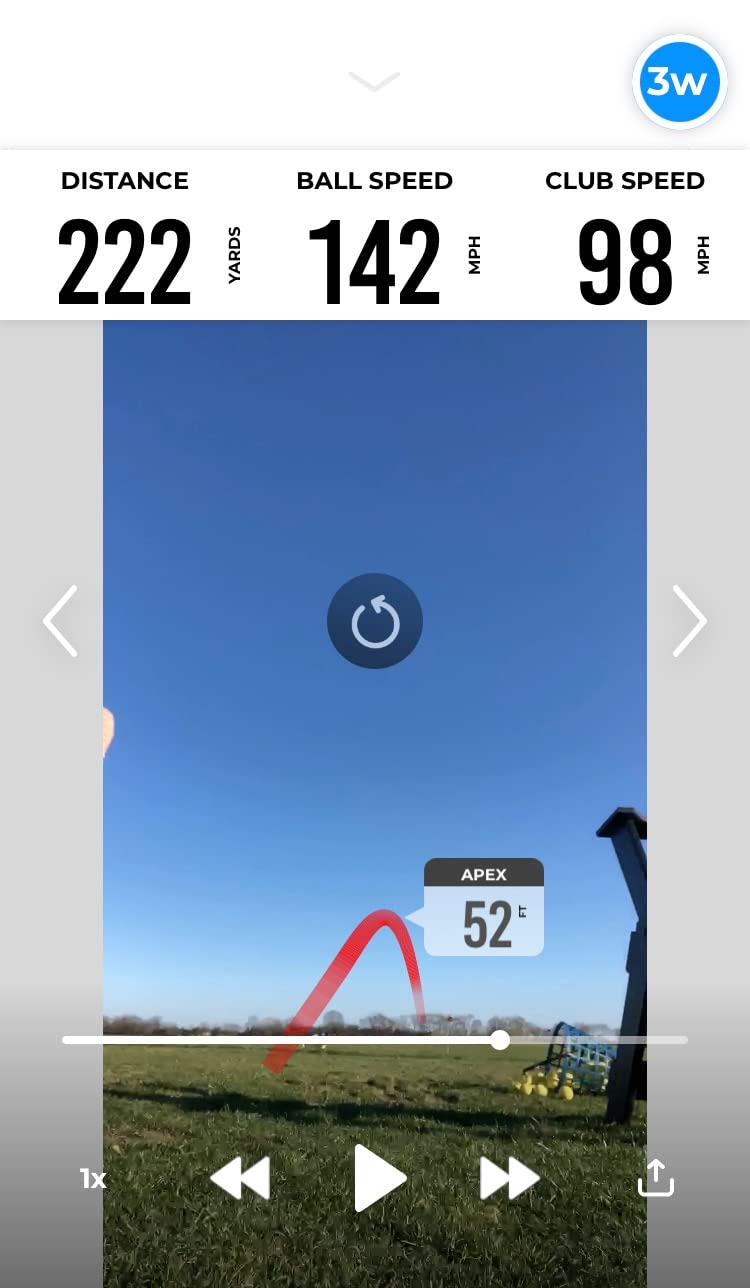
The MLM is the reason this category went mainstream. It is a palm-sized Doppler radar unit that pairs over Bluetooth with the free Rapsodo app and reports ball speed, club speed, launch angle, carry distance and shot shape on every strike. Owners consistently point to the tracer video as the feature that actually changes behaviour, because you can see the strike that caused the pushed shot instead of imagining it.
For home practice it earns its place through portability. At 0.4 kg it moves between the garage mat and the range without a case full of cables, and the included carrying case means it is not a permanent fixture. Our practical view is that the subscription unlock is fine for range work, where you mostly want the data, and less essential for the short indoor sessions most people actually run.
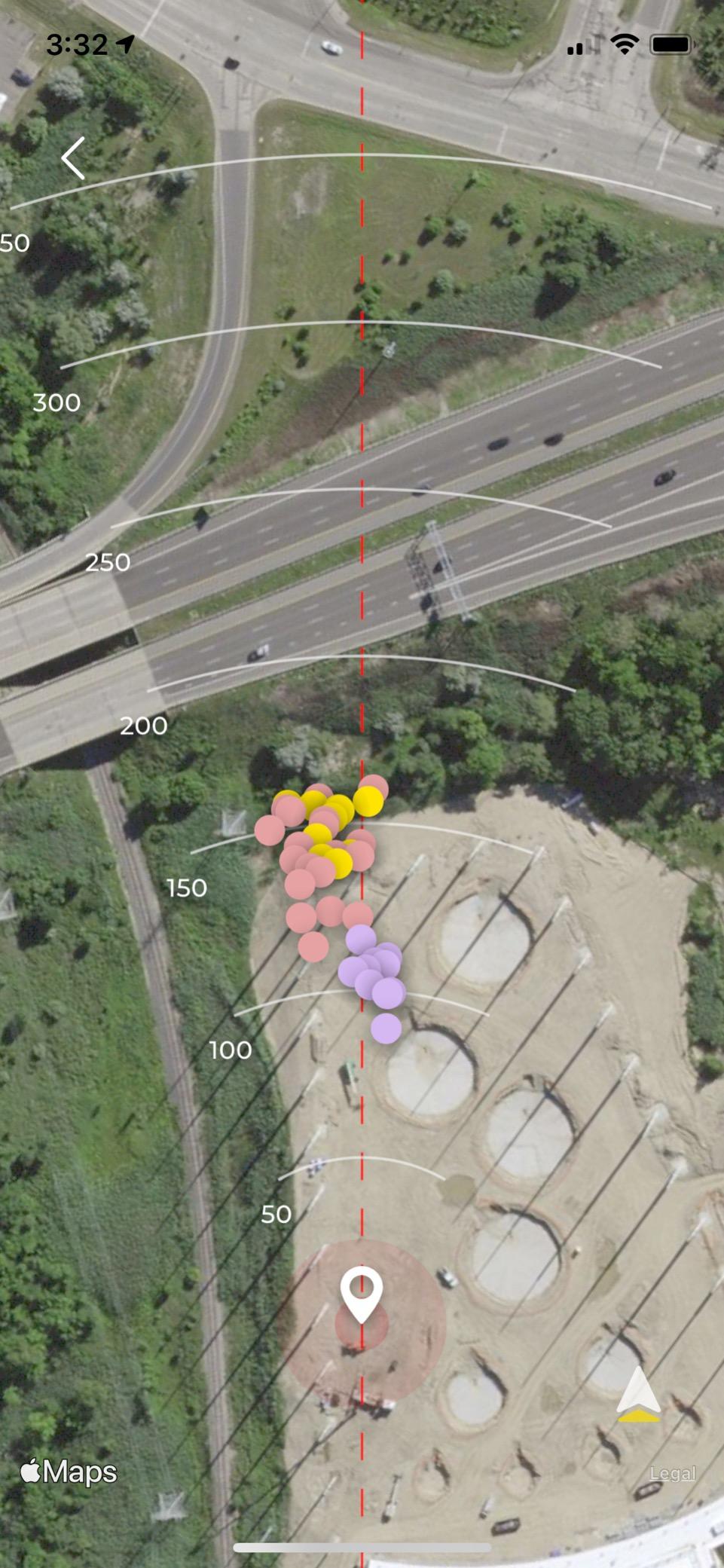
What it will not do is spin. There is no spin rate or spin axis on this model, which means ball-flight work stays limited to speed and launch. Owners who have moved up to a camera-based unit describe the jump in shot-shape detail as the reason they upgraded, so if your goal is to fix a specific curve with the ball rather than your swing, this is the wrong tool.
The iOS restriction is the other real limit. Android users get nothing, and the app requirement means there is no practice without a phone nearby. Reviewers also note that the reported distances hold up best with clean, consistent strikes, which is exactly the shot pattern indoor repetition produces.
Who the Rapsodo MLM suits
It suits the golfer who wants numbers on every shot without building a computer rig or wiring a bay. Practice sessions are quick: launch the app, hit a bucket, review the tracer, repeat. That low friction is what keeps people hitting balls in February.
It also suits anyone who splits time between the range and the garage, because the same pocket unit works in both places without reconfiguration.
When the Rapsodo MLM disappoints
It disappoints if your practice is mostly wedges and short game, since there is no spin data to help you understand why a chip lands short. It also disappoints Android owners, and anyone hoping the included app content covers simulator play without a further payment.
2. PRGR HS 130-A – Best Budget Launch Monitor for Pure Swing Speed Training
PRGR HS 130-A Portable Golf Launch Monitor | Doppler Radar Measures Club & Ball Speed, Smash Factor, Total & Carry Distance | Tracks Swing Speed Training Aids
Doppler radar
4.9 ounces and AAA powered
Measures with or without a ball
500-swing memory
Pros
- No app
- Wi-Fi or Bluetooth required
- Reads club head speed without hitting a ball
- Screen stays legible in bright light
- Small enough to live in a golf bag
Cons
- No spin rate or launch angle
- Distance readings degrade into a net
- No simulator or phone integration
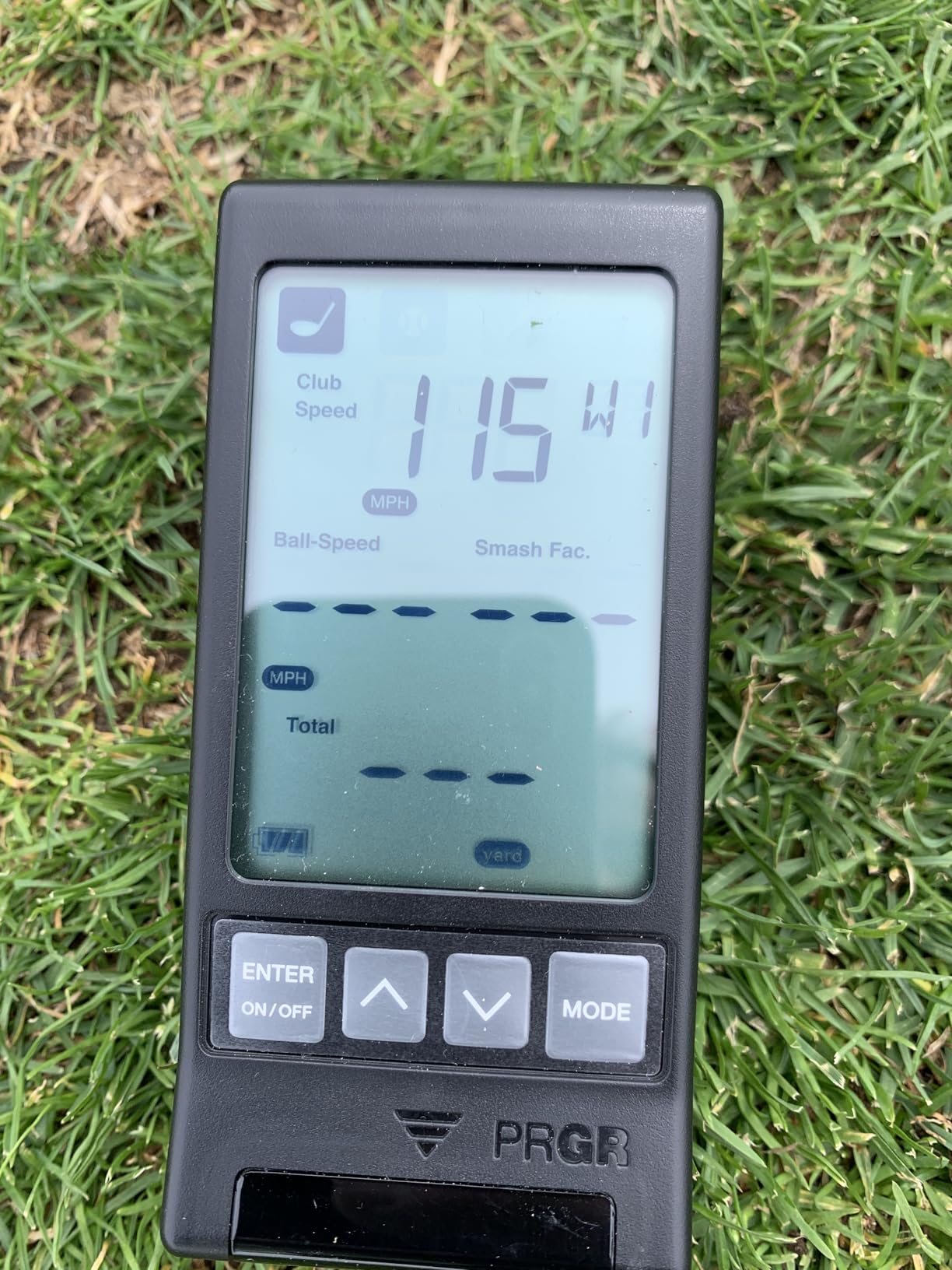
This is the simplest device in the list and that is the entire argument for it. It powers from AAA batteries, mounts on any tripod with a quarter-inch thread, and shows club head speed, ball speed, smash factor, total and carry distance on a built-in screen. There is no account, no app and no firmware, so it cannot go wrong on a software update.
Owners also value a feature that almost nothing else at this level offers: the ability to measure club head speed without striking a ball. That makes it a legitimate indoor trainer for a living room or a garage with no net at all, which is where most home golfers have to start.
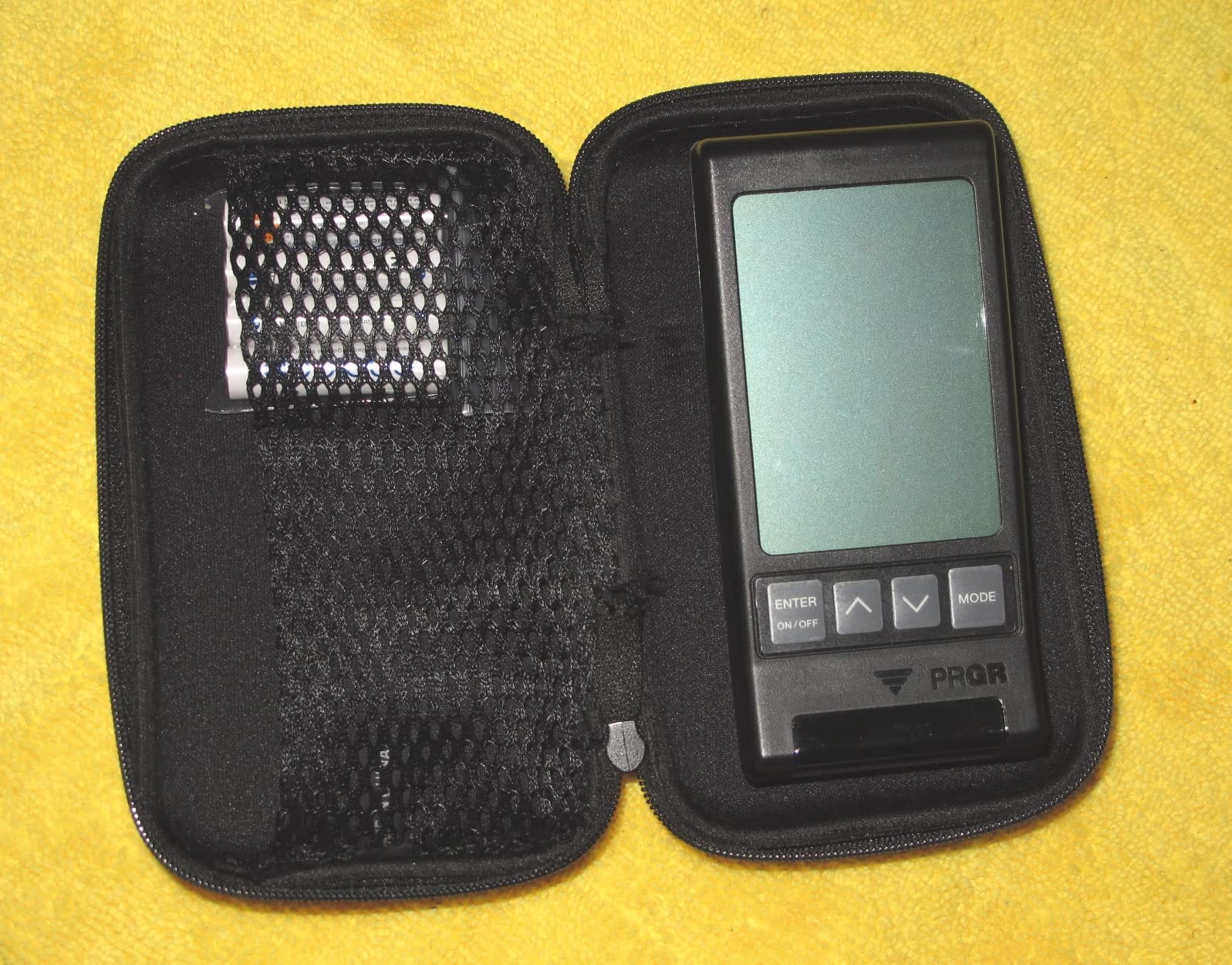
The limitation is depth of data. Speed, smash factor and distance are the whole list, so you cannot see launch window, spin or shape. Reviewers who have compared it against higher-tier gear at the range report the speed and smash numbers hold up well, while distance figures pulled from a net fall short of what a real shot would do.
It also stores 500 swings in memory, which sounds generous but only becomes useful if you write the numbers down. There is no export. If you want a session history you can review next month, this device will not give you one.
Who the PRGR HS 130-A suits
It suits a beginner working on contact and tempo, and any golfer building speed without a net or a screen. Because the readings need no calibration routine, it is the one to buy if you will actually use it in a spare room.
The same battery-and-standalone design suits range work in poor light, since the screen stays readable in bright conditions where phone screens struggle.
When the PRGR HS 130-A disappoints
It disappoints anyone chasing ball-flight understanding, because there is no launch angle and no spin. It also frustrates golfers who want their practice logged in an app, since nothing here connects to a phone, a watch or simulator software.
3. Garmin Approach R10 – Best Value Launch Monitor with Structured Training Data
Garmin Approach R10, Portable Golf Launch Monitor, Take Your Game Home, Indoors or to The Driving Range, Up to 10 Hours Battery Life – 010-02356-00
Radar tracking
Ball speed accuracy plus or minus 1 mph
Up to 10 hours of battery
Trains with per-club stats
Pros
- Ball speed and launch angle readings reported as accurate
- Training mode with per-club stats and dispersion charts
- Radar works in any garage lighting
- Works with third-party simulators over Bluetooth
Cons
- Backspin runs high with drivers
- Misses many short shots
- Indoor net readings come in low
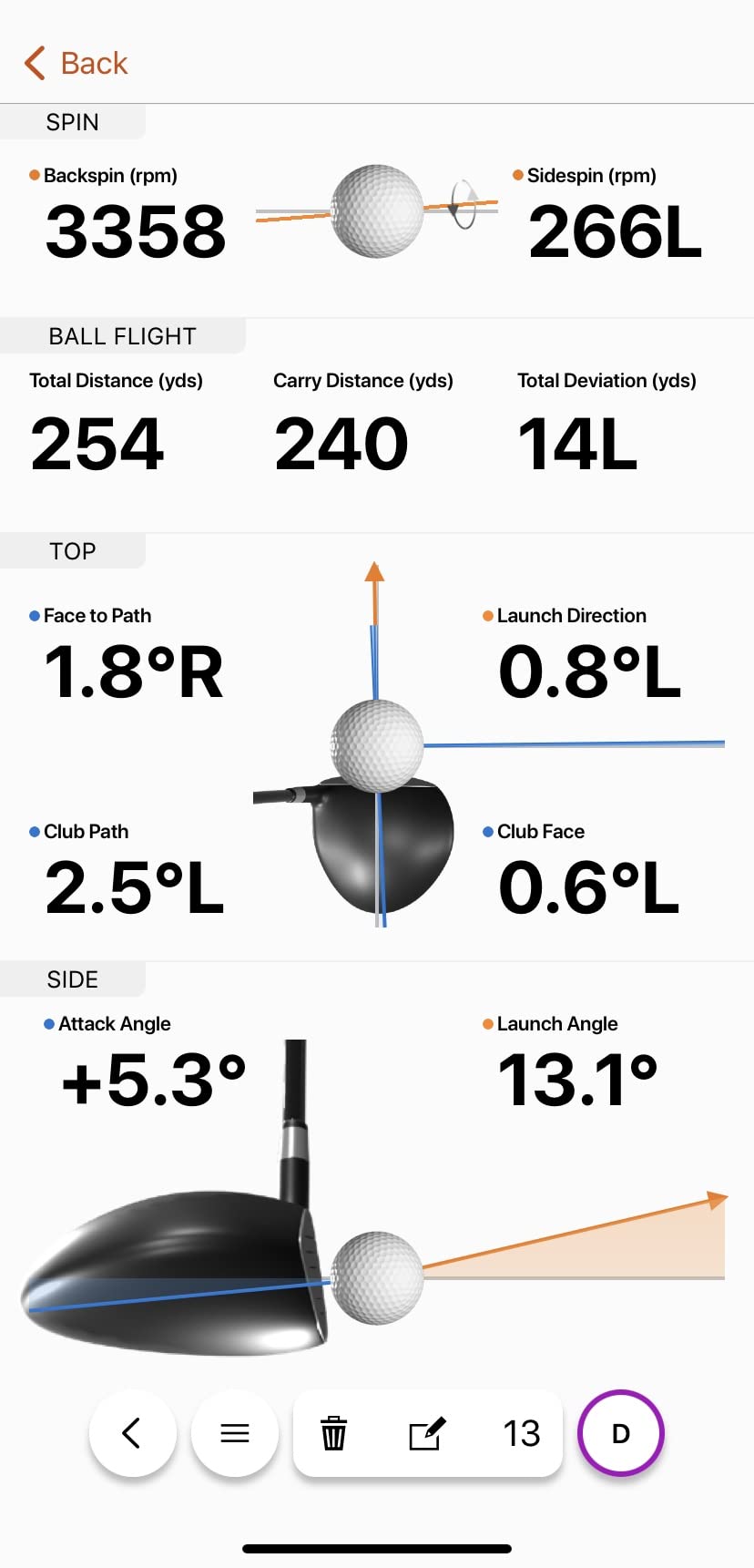
The R10 pairs a wide metric set with a polished app at the accessible end of this list. It measures club head speed, ball speed, swing tempo, ball spin, launch angle and launch direction, and the training mode turns a session into per-club averages plus a shot dispersion chart. Owners repeatedly single out the app as the cleanest of the group, with firmware updates that have measurably improved results over time.
Because it is radar-based, garage lighting is a non-issue, which matters if your bay is a converted shed with a single strip light. Battery life of up to 10 hours covers a full range session, and the tripod and phone mount in the box mean you are not buying accessories on day one.
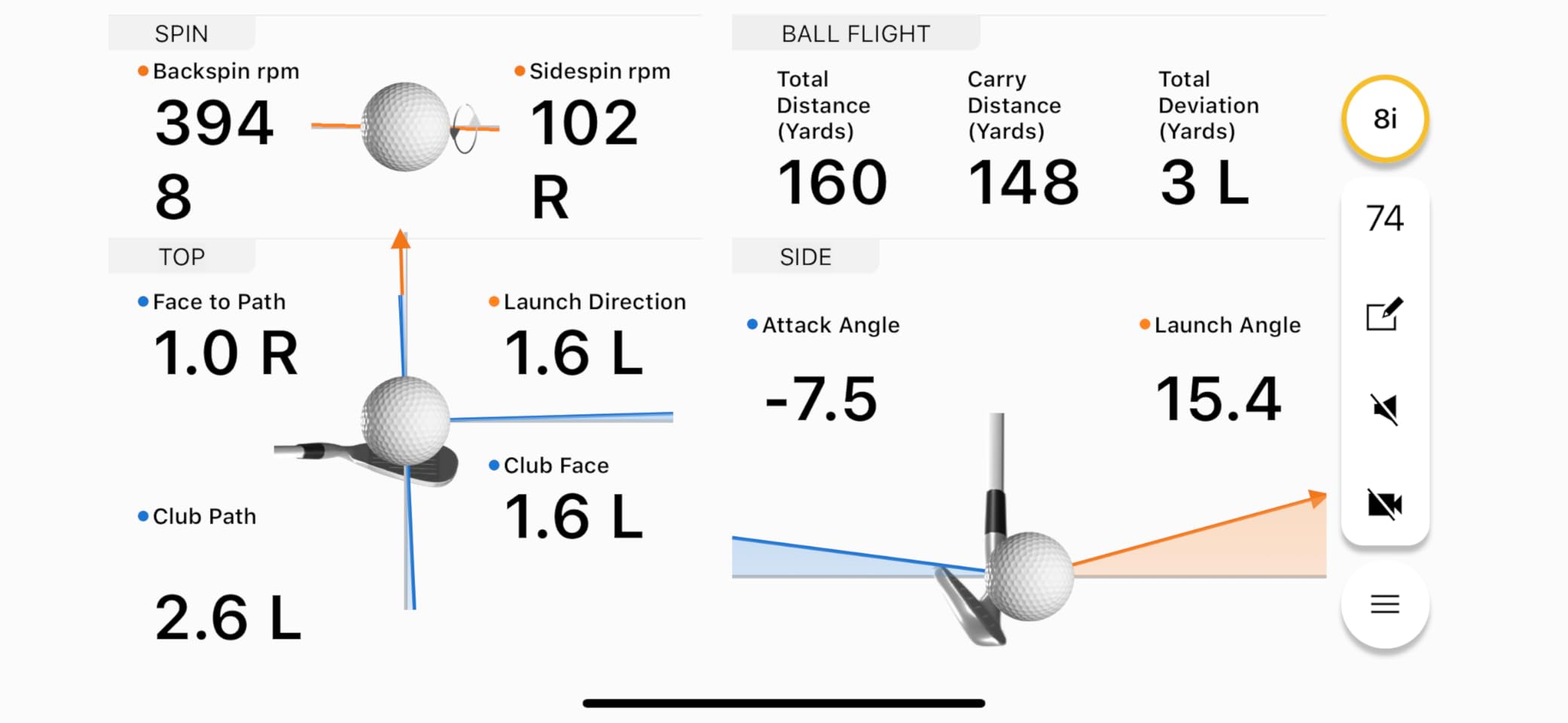
The honest caveat is spin accuracy. Owner feedback reports backspin readings running well high with driver swings, which pulls the calculated carry distance down, and a number of units report connectivity issues or need repeated calibration. Short shots are also missed frequently, so a wedge session produces a thinner record than a driver session.
Indoor use into a net also understates things, with readings commonly coming in well below what the same strike produces outdoors. Treat indoor numbers as relative rather than absolute, and the R10 becomes a very good practice tool. Simulator features do need an active Garmin Golf membership.
Who the Garmin Approach R10 suits
It suits golfers who want a repeatable practice structure rather than a one-off speed check. Per-club averages and dispersion charts give a session something to answer at the end, and the training mode is the reason many people keep the same unit for years.
It also suits anyone who wants a phone-first workflow, since the data flows straight into an app that most golfers already have open for scoring and course management.
When the Garmin Approach R10 disappoints
It disappoints short-game golfers, because missed low-speed shots make chip and putt data patchy. It also disappoints anyone who wants a subscription-free purchase, and anyone whose garage is so dark or so bright that a camera unit would struggle, though the radar design covers most lighting conditions well.
4. Voice Caddie SC200Plus – Best Launch Monitor for Ball-Free Indoor Practice
Voice Caddie SC200Plus Portable Golf Launch Monitor and Swing Analyzer with Real-Time Shot Data Tracking – 12-Hour Battery Life
Doppler radar with pressure calibration
Swing speed mode needs no ball
Up to 20 hours of battery
LCD with voice output
Pros
- Swing speed mode works without a ball
- Immediate spoken and on-screen feedback
- Stores shot data and per-club averages
- Very long battery life
Cons
- Older data set than newer units
- No video
- tracer or simulator integration
- Basic LCD interface with no app
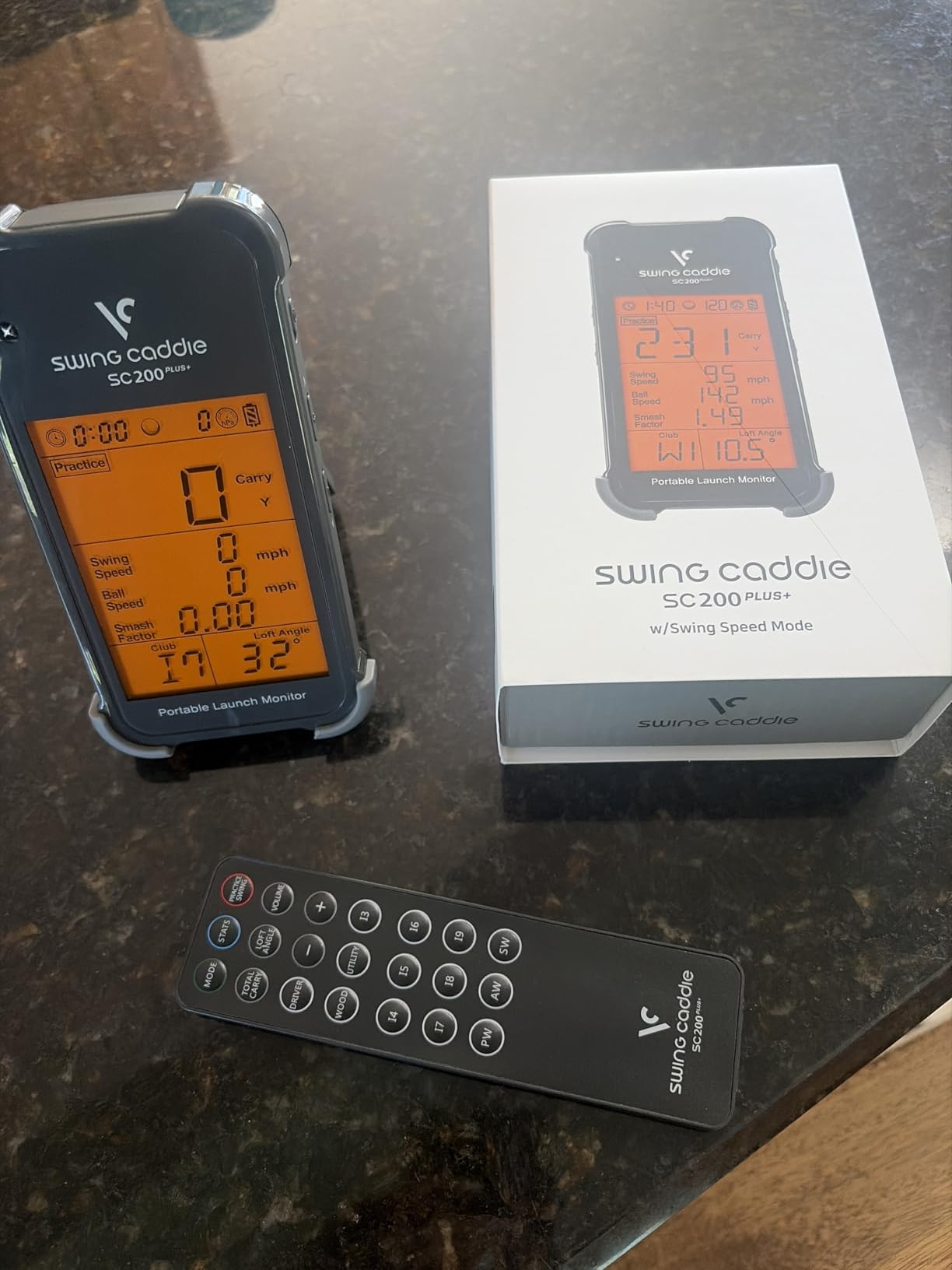
The SC200Plus has been in circulation for years, and that is both its weakness and its appeal. It is a self-contained Doppler unit with pressure-sensor calibration, a readable LCD and voice output that calls out each result, so you can work through a session without looking at anything.
Its distinguishing trick is the swing speed mode, which measures tempo and speed without a ball. For a golfer stuck in a small house with no net, no screen and no space for a full swing, that is the whole practice session. Up to 20 hours of battery life removes charging from the routine entirely.
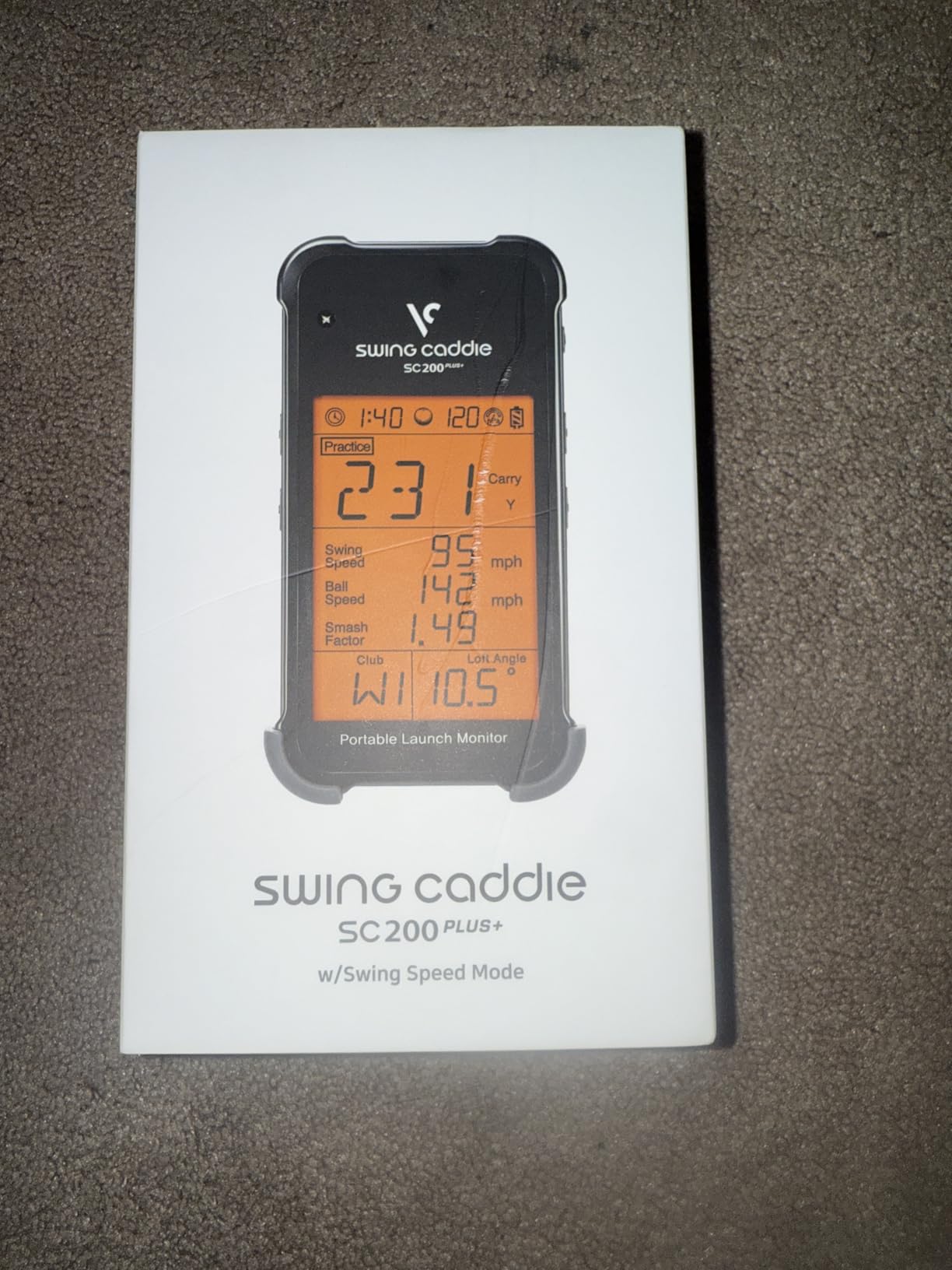
Expect less depth than anything newer. The adjustable loft settings let you simulate different clubs, but owners rightly treat that as a rough stand-in rather than real ball flight. There is no video, no shot tracer and no route into simulator software, so the data stops where the screen stops.
It does store shot data and per-club averages on the device for later review, which is more than the very cheapest units manage. But the metric list is narrow, and for anyone who wants to know why a ball is doing what it is doing, there is no answer here.
Who the Voice Caddie SC200Plus suits
It suits golfers practising in genuinely tight spaces where a ball and net are not an option. Speed work, tempo work and dry swings are exactly what this unit is built for, and the voice readout means you can watch the mirror instead of a screen.
It also suits anyone who prefers a device with no app, no account and no cloud, and who wants hardware that will still work in five years without a software update.
When the Voice Caddie SC200Plus disappoints
It disappoints anyone who wants a simulator, a tracer or a record they can compare between weeks. It also disappoints golfers whose practice has moved to a proper bay, because there is no way to connect the numbers to anything else.
5. Rapsodo MLM2PRO – Best Launch Monitor for Spin Rate and Club Path Work
Rapsodo MLM2PRO Mobile Launch Monitor Golf Simulator | 3 Chrome Tour Balls
Radar plus dual cameras
15 metrics including spin axis
Three RPT balls included
45-day Premium trial
Pros
- Dual cameras and radar give data close to top-tier gear
- Spin rate and spin axis using the supplied RPT balls
- Club path is a rare metric at this level
- Works into a home net as well as at the range
Cons
- Shared Wi-Fi connection problems are widely reported
- Short chip and putting results are weak
- Heavy battery drain
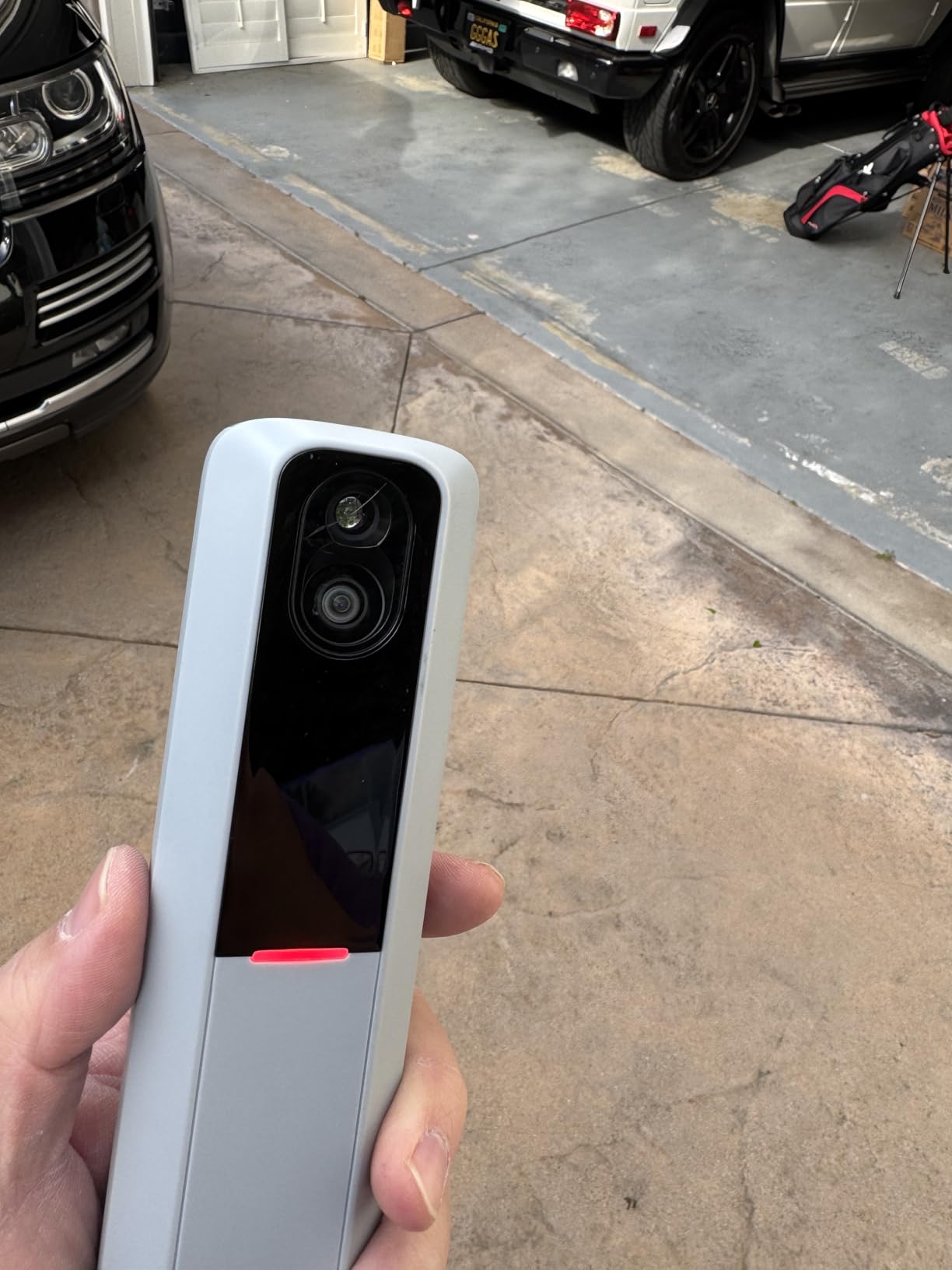
This is the unit that finally makes shot-shape work affordable at home. It combines Doppler radar with dual cameras to report 15 metrics, and unlike the cheaper radar units it captures spin rate, spin axis and club path. Owners compare the readings against top-tier commercial gear and put the gap at roughly a couple of percent, which is well inside the noise of a real practice session.
Three Callaway RPT Chrome Soft X balls are included, and those are the balls that make the spin numbers work. The package also carries a tripod and case, plus a 45-day Premium trial covering a very large course library, so you can test the whole ecosystem before deciding whether to keep paying.
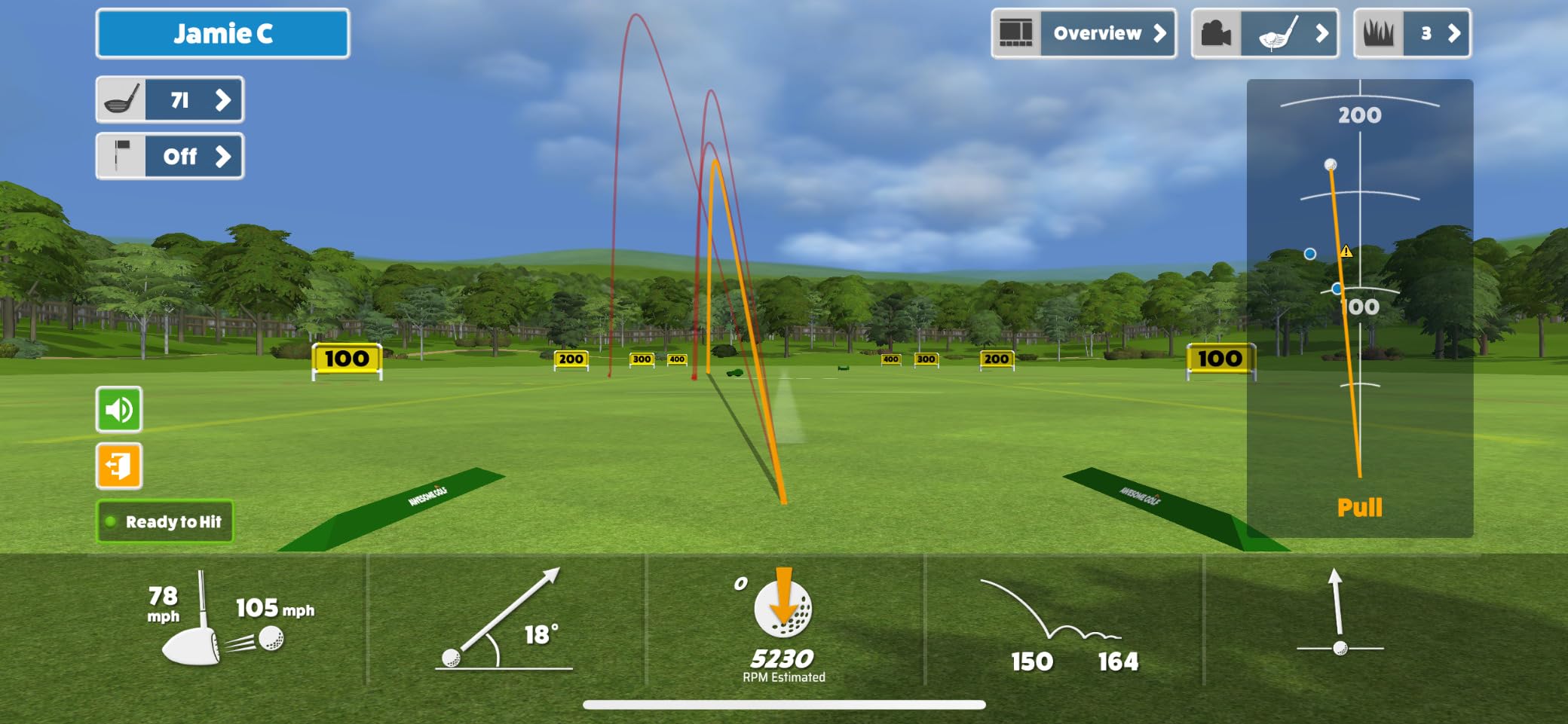
Connectivity is the most reported frustration. A number of owners describe sessions dropping when the device is on a shared Wi-Fi network, and the workaround, connecting directly through the phone, eats cellular data. Battery drain is also heavy, and a few setups report the unit cannot be projected while charging.
Then there is the short game. Chipping and putting results are weak, greens can play fast, and the courses beyond the free set look repetitive to owners who play many rounds. The RPT balls also wear out after a limited number of swings, so this is not a fully one-time purchase in practice.
Who the Rapsodo MLM2PRO suits
It suits the golfer whose problem is the ball flight, not the swing. If you want to know whether a chip is checking because of backspin or a low strike, this is the first device in the list that can tell you.
It also suits golfers working on delivery position and face angle, since club path is rarely reported at this level. The included balls remove the usual excuse that you need special equipment to try it.
When the Rapsodo MLM2PRO disappoints
It disappoints golfers who want a frictionless setup, because the network connection needs attention and the battery takes a beating. It also disappoints short-game players, and anyone who resents a recurring membership, since most of the course value sits behind Premium.
6. Uneekor EYE MINI CORE – Best Fixed-Bay Launch Monitor for Read Reliability
Uneekor EYE MINI CORE Golf Launch Monitor & Simulator, 15 Ball Data Points, Near-Zero Latency, Works with GSPro, TGC19 & E6
Dimple Optix reads any ball
15 ball data points
Hardwired, near-zero latency
All-metal build, 2 year warranty
Pros
- Reads any ball with no stickers
- Very few missed reads reported over thousands of shots
- All-metal construction feels solid
- Wired connection returns results almost instantly
Cons
- Club data needs a later upgrade
- Putting and delicate chips often fail to register
- Bundled course library is small
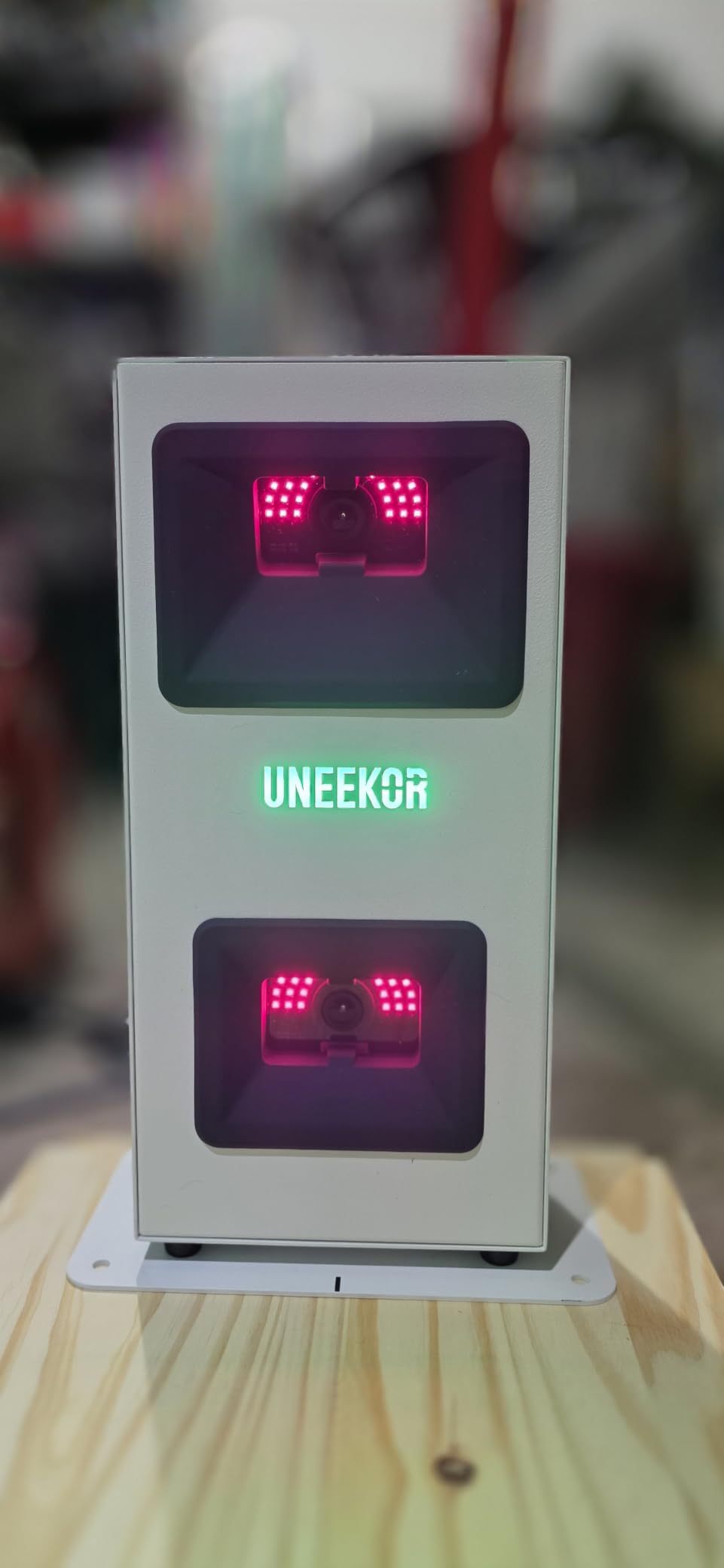
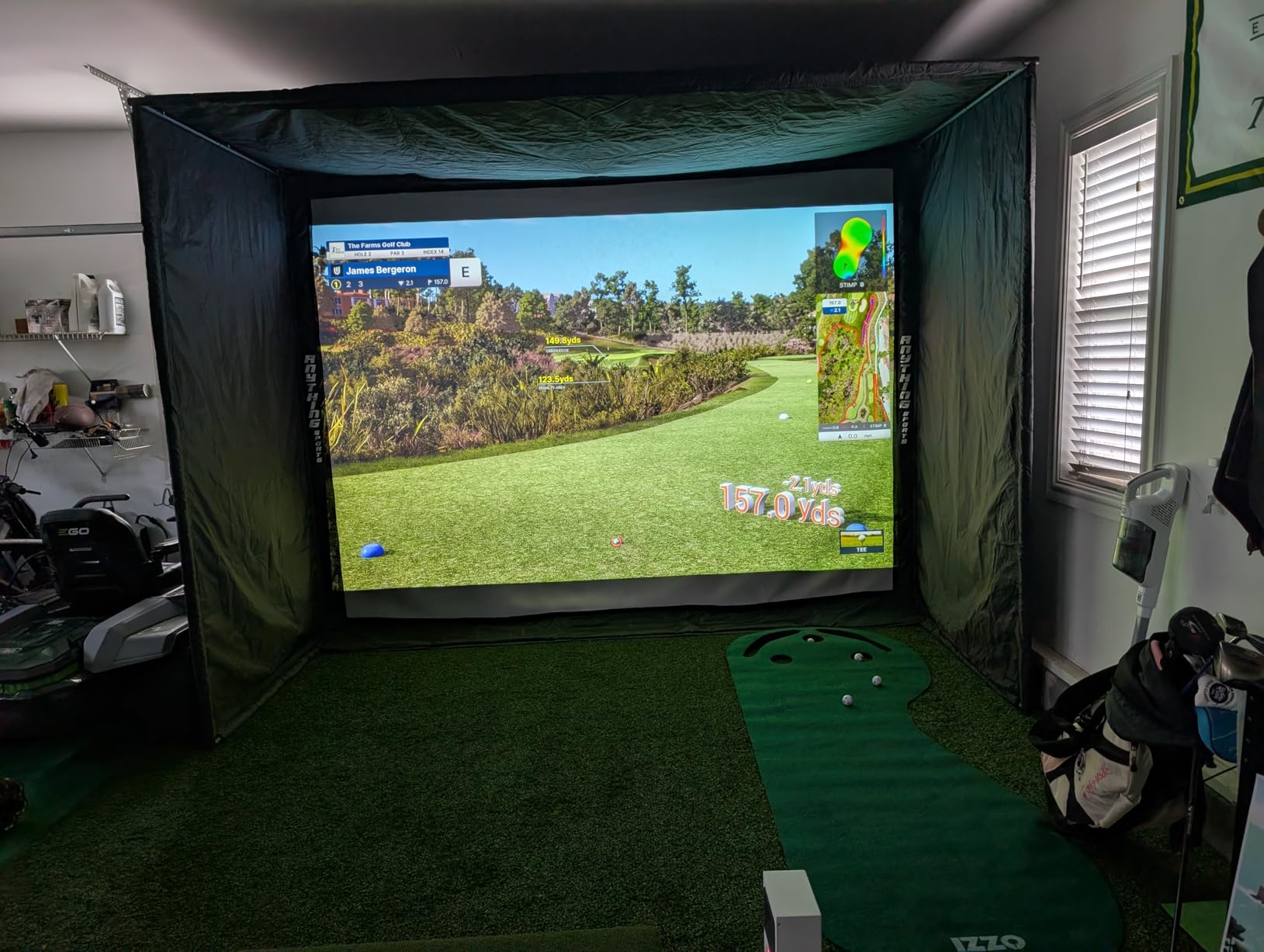
Read reliability is the whole pitch here, and owners upgrading from cheaper camera systems describe it as the biggest single improvement they noticed. The Dimple Optix system recognises the pattern on any ball, so there are no stickers to apply and no marker to lose, and the reported experience is very few no-reads across large numbers of shots.
The hardware is designed for a permanent bay rather than a portable session. It is 8.4 pounds of metal, hardwired over Ethernet, and the data arrives with near-zero latency, which is what makes on-screen simulated rounds feel responsive rather than laggy. A two-year warranty also exceeds the one-year cover most portable units carry.
The catch is what you give up at this price. Club data, including swing speed, swing direction and face-to-path, is not included and needs a later software upgrade. Putting and delicate chips frequently fail to register, which is a real limitation for anyone practising a full short game.
There is a hardware cost that no review mentions often enough. Full simulation needs a capable gaming PC with a strong graphics card, and third-party platforms such as GSPro carry their own annual subscription. The included course library is still small and developing.
Who the Uneekor EYE MINI CORE suits
It suits anyone building a fixed room who is tired of re-sticking balls and re-aiming cameras. If the monitor stays plugged in against a wall, the wired design is an advantage rather than a limitation, and instant feedback changes how long you stay in the bay.
It also suits golfers who already run simulator software and want a feed they can trust, since compatibility with GSPro, E6 Connect, TGC19 and Creative Golf 3D is built in.
When the Uneekor EYE MINI CORE disappoints
It disappoints anyone who wants to practise putting and delicate chips, and anyone who needs club-level numbers without a second purchase. It also disappoints golfers without a suitable PC, because the total system cost climbs quickly once hardware is counted.
7. SkyTrak ST MAX – Best Launch Monitor for Speed Training Drills
SkyTrak ST MAX Golf Launch Monitor with 1-Year Software Included
Dual Doppler radar plus cameras
GOLFTEC Speed Training built in
One year of software included
Around 10ft by 10ft needed indoors
Pros
- Built-in GOLFTEC speed training drills with swing insights
- Clean plug-and-play setup with a laser alignment dot
- Mac compatibility works without workarounds
- Works outdoors in shade and moves between setups
Cons
- Small hitting zone causes many no-reads
- Driver distances read short
- Courses need a paid subscription with none built in
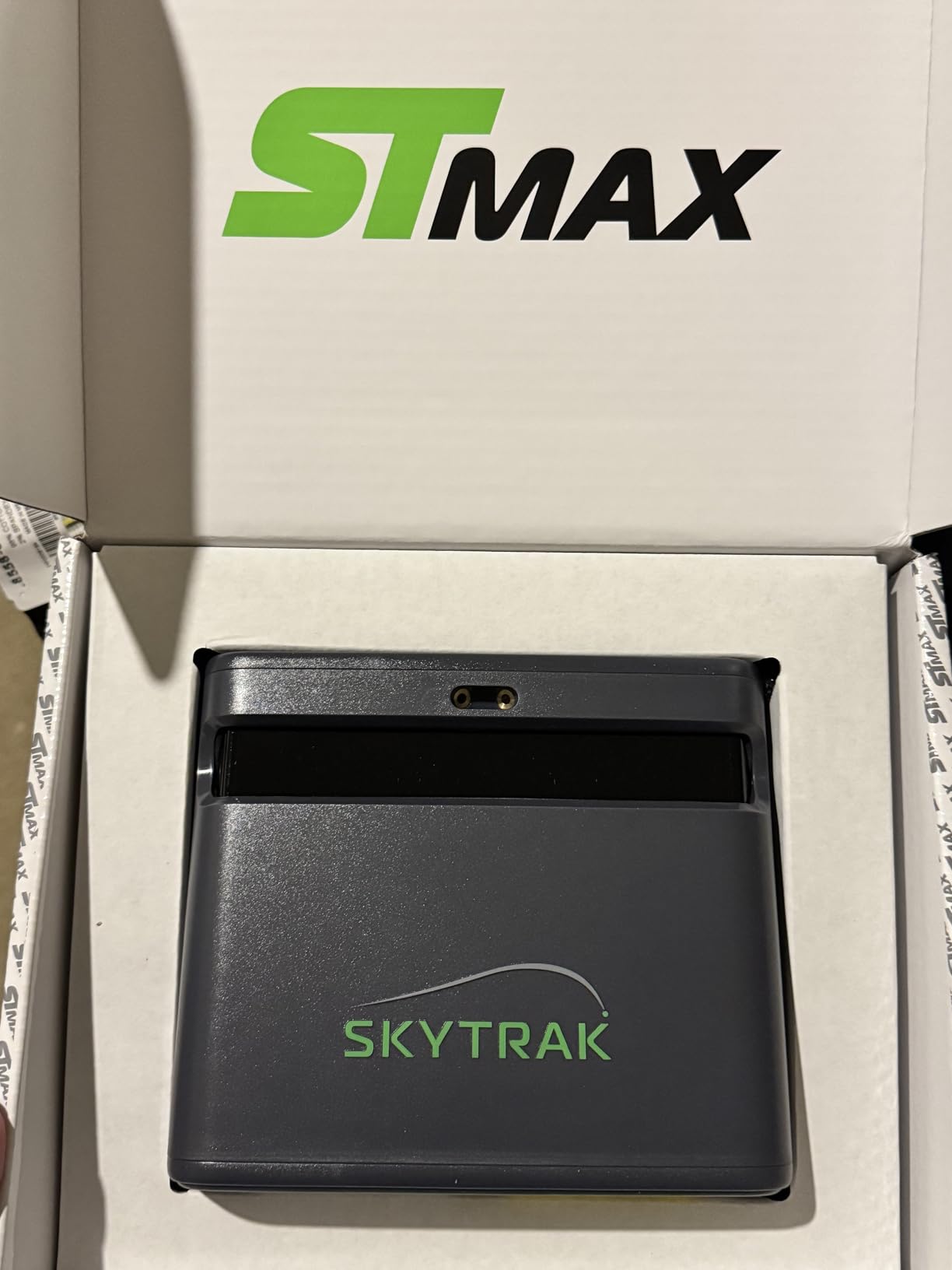
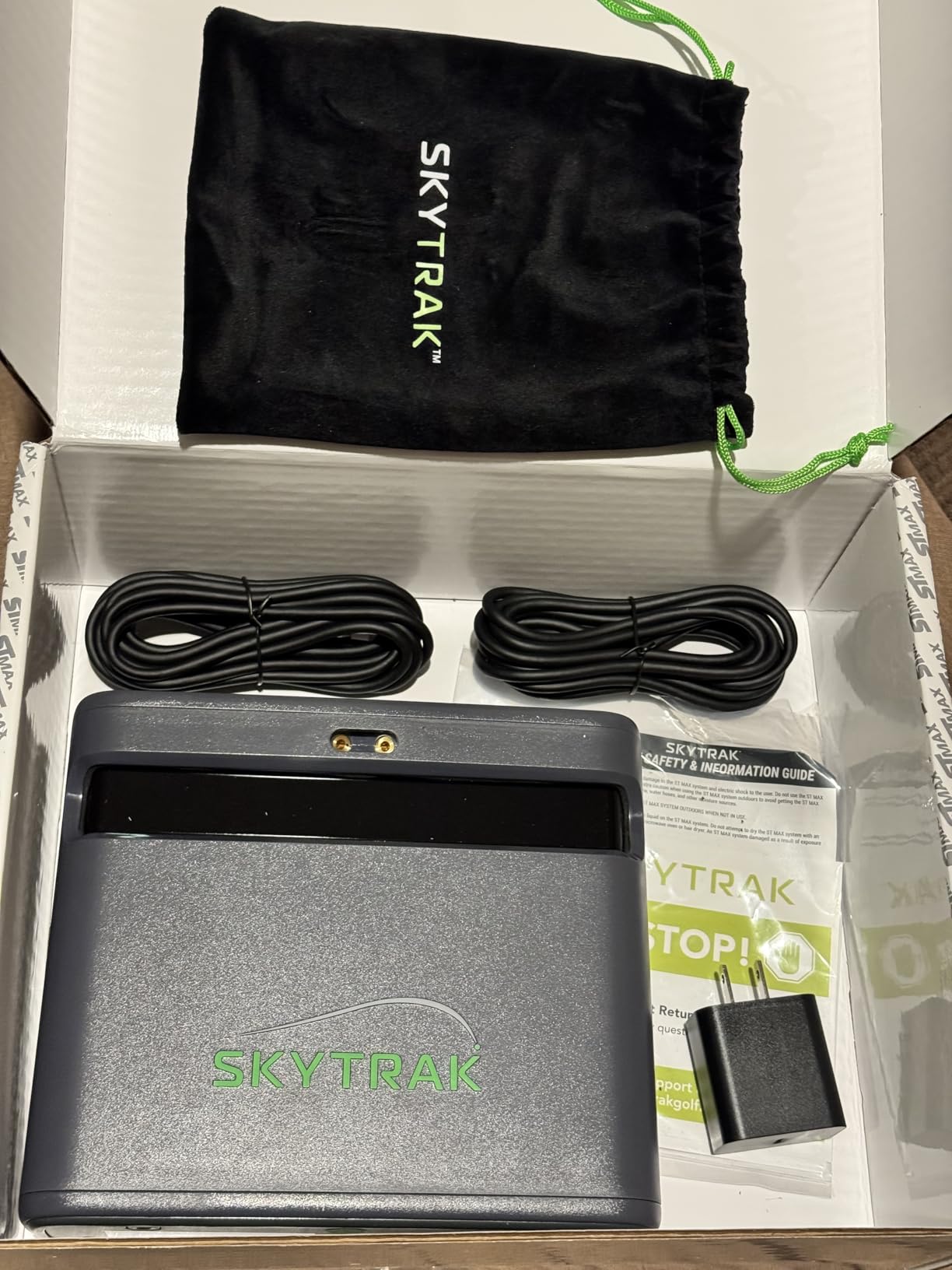
The ST MAX is the only launch monitor in this list with structured speed training built into the hardware itself. GOLFTEC Speed Training gives guided drills and swing insights rather than a raw number, and the software adds Skills Assessments, Bag Mapping and a Wedge Matrix that helps you set distance gaps. One year of software is included with the machine.
Setup is straightforward here. It is plug-and-play with a visible laser alignment dot on the mat, which removes the most common home install problem, and owners confirm it works in shade outdoors and moves between indoor and outdoor setups without fuss. Mac users report no workarounds needed, which is rarer than it should be.
Two practical drawbacks stand out. The hitting zone is small, so off-centre ball placement produces a high no-read rate, and that is a sharper problem indoors than at the range. Driver distances also read short by a noticeable margin according to owners, and shot shape can mislabel a slice as a pull.
Course play requires a paid subscription and no courses are included outright. The review base is still small, so long-term reliability is less proven than the numbers here suggest, and some units report freezing mid-round in USB mode.
Who the SkyTrak ST MAX suits
It suits the golfer who has already fixed contact and now wants faster delivery, because the guided drills turn practice into a progression rather than a random bucket session. Wedge Matrix also appeals to anyone who cares about scoring distances more than driver speed.
It suits Mac owners and anyone with a permanent mat, since the laser dot and the single-cable setup make the first session painless.
When the SkyTrak ST MAX disappoints
It disappoints golfers who hit off a ragged mat or place the ball anywhere on the face, because the tight hitting zone punishes exactly that. It also disappoints anyone wanting to keep playing courses without an ongoing payment, and buyers upgrading from an earlier model should weigh the price jump carefully.
8. Garmin Approach R50 – Best Launch Monitor with a Built-In Display
Garmin Approach® R50, Premium Golf Launch Monitor & Simulator
Three-camera system
10-inch built-in touchscreen
Barometer-adjusted carry distance
Up to 4 hours of battery
Pros
- Most precise metrics in the Garmin range
- Built-in touchscreen removes the phone entirely
- Improved spin rate and spin axis plus face-to-path with included stickers
- Barometer adjusts carry distance for altitude
Cons
- Needs an active Garmin Golf membership for course play
- Club tracking stickers required for face-to-path
- Around 4 hours of battery away from mains power
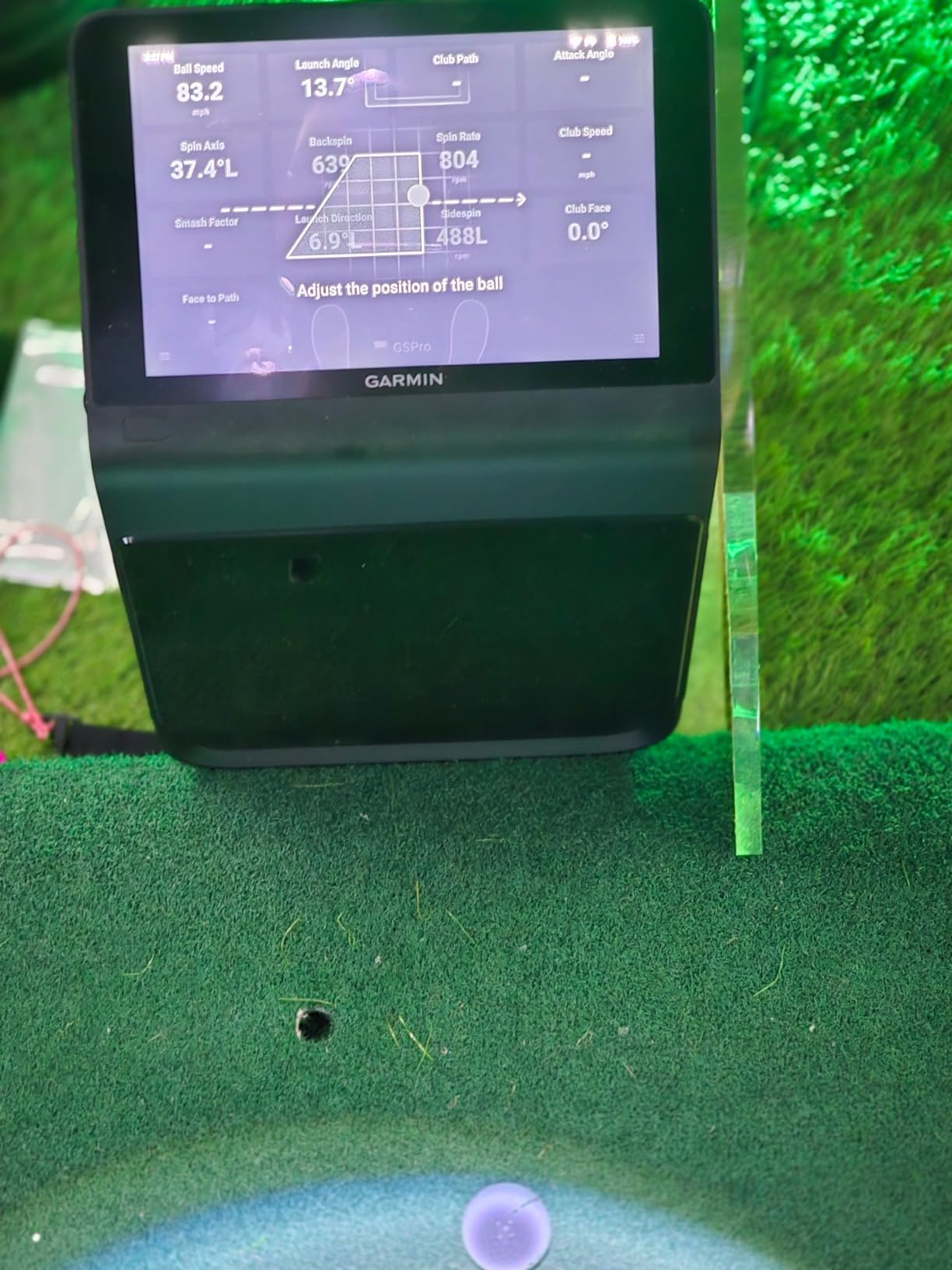
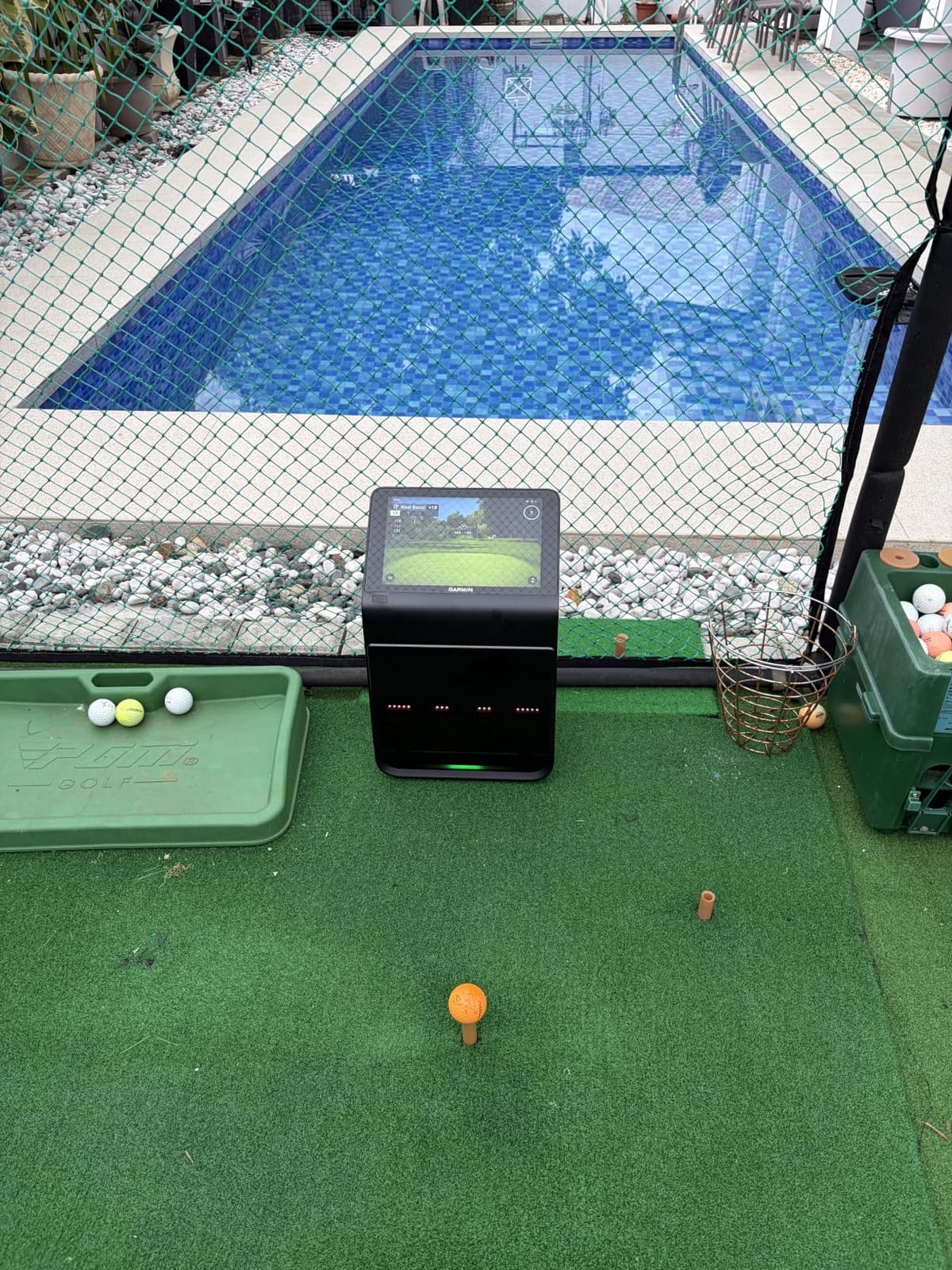
The R50 is built around one idea: the phone is no longer part of the session. A 10-inch colour touchscreen sits on the unit, so you read metrics, watch high-speed impact video and play virtual rounds without pairing anything. For a shared household bay or a garage with no good signal, that is the single most useful feature on the page.
Accuracy is where the three-camera system earns its place, and this model carries the highest average rating in our set. Owners credit improved spin rate and spin axis over earlier units, face-to-path measurement using the included club stickers, and a built-in barometer that corrects carry distance for altitude and weather. HDMI output lets you mirror it to a projector or a second screen.
The qualifications are straightforward. Virtual rounds, including putting for up to four players across a very large course library, require an active Garmin Golf membership, so the ongoing cost is real. Face-to-path needs the club stickers applied and kept clean, which is extra setup on every club in the bag.
Battery life is around four hours, so this is a device that lives near a socket. At 9 pounds it is portable between a bay and a cart but not a grab-and-go range companion. The review base is also modest, so treat the rating as promising rather than proven over many seasons.
Who the Garmin Approach R50 suits
It suits a household where several people use the bay, since a shared large screen removes the argument over whose phone is connected. It also suits golfers who care about altitude-corrected carry distance, because the barometer handles the adjustment automatically.
Multiplayer rounds including putting make it a better family option than most, and the HDMI output suits a garage that is also a media room.
When the Garmin Approach R50 disappoints
It disappoints anyone who wants a genuinely portable unit for range work, given the weight and the short battery. It also disappoints golfers who want one-time ownership, because course play is tied to a membership, and anyone who would rather not apply stickers to every club.
9. FlightScope Mevo Gen2 – Best Subscription-Free Launch Monitor with Included Courses
FlightScope Mevo Gen2 Portable Golf Launch Monitor and Simulator with 18 Swing Data Parameters, Front Facing Camera, 8 E6 Simulation Courses with GPS Overview and Shot Tracer | Indoor and Outdoor
3D Doppler radar plus image processing
18 data parameters
8 E6 Connect courses included for life
Up to 6 hours of battery
Pros
- No subscription
- hidden fees or annual licence
- 18 parameters is among the broadest sets at this level
- Front camera records and overlays every swing automatically
- Light at 1.1 pounds for indoor and outdoor use
Cons
- Initial setup and connectivity have been painful
- Connection drops are reported repeatedly
- A small PC graphics card limits playable courses
The Mevo Gen2 makes a strong case on paper for anyone tired of annual fees. Eight E6 Connect courses are included with lifetime ownership, and there is no subscription for the hardware or the apps. Eighteen data parameters across full swings, chipping and putting is among the widest sets available at this weight class, and a range ball setting improves accuracy on practice-range balls specifically.
The front-facing camera is a genuine addition rather than a gimmick: it records every swing automatically with data overlays and drawing tools, produces a 3D animated tracer from launch to landing, and can connect three mobile devices plus the internal camera. At 1.1 pounds with six hours of battery, it moves easily between a bay and a range.
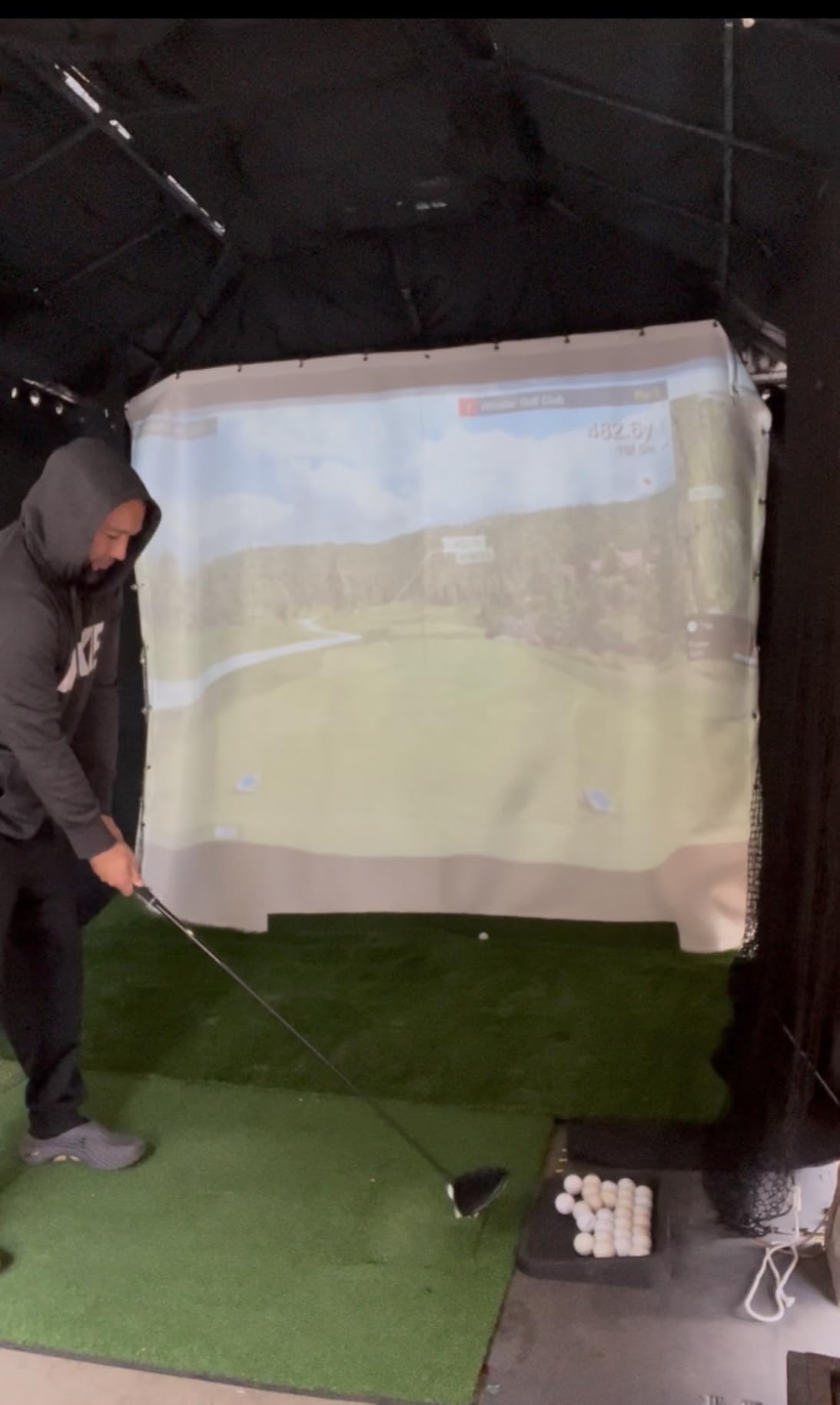
The weakness is setup. A number of owners describe the first session taking hours, involving firmware updates and connection troubleshooting, and connection drops are reported repeatedly afterwards. Some units tracked only a fraction of shots and allowed a single device to connect, though several owners report updates resolved exactly these faults.
A small PC graphics card can limit how many courses stay playable, and some courses need the putter icon selected manually before putts register. Treat the first weekend as setup time rather than practice time.
Who the FlightScope Mevo Gen2 suits
It suits golfers who resent recurring fees, and who want video, tracer and a real parameter list without paying annually. Owners who worked through the firmware updates report distance readings that are now accurate, which is worth knowing before you write the unit off.
It also suits golfers who move between a home bay and the range, since the weight and battery make that genuinely practical.
When the FlightScope Mevo Gen2 disappoints
It disappoints anyone who wants to switch on and play immediately, because the connection process is the weak link. It also disappoints buyers whose PC has modest graphics, and anyone expecting a large built-in course library without additional software.
10. Garmin Approach G82 – Best Two-in-One GPS Handheld and Range Launch Monitor
Garmin Approach® G82, Portable Golf Launch Monitor & Premium GPS Handheld
GPS handheld and radar in one device
5-inch touchscreen
Putting stroke metrics included
Up to 25 hours in GPS mode
Pros
- Combines a GPS handheld and a launch monitor in one device
- Putting metrics for stroke length and tempo are rare
- 43000+ preloaded courses on a 5-inch screen
- Magnetic cart mount and included bag clip
Cons
- Radar covers only core speed metrics
- No spin rate
- launch angle or carry distance
- CT10 club sensors sold separately
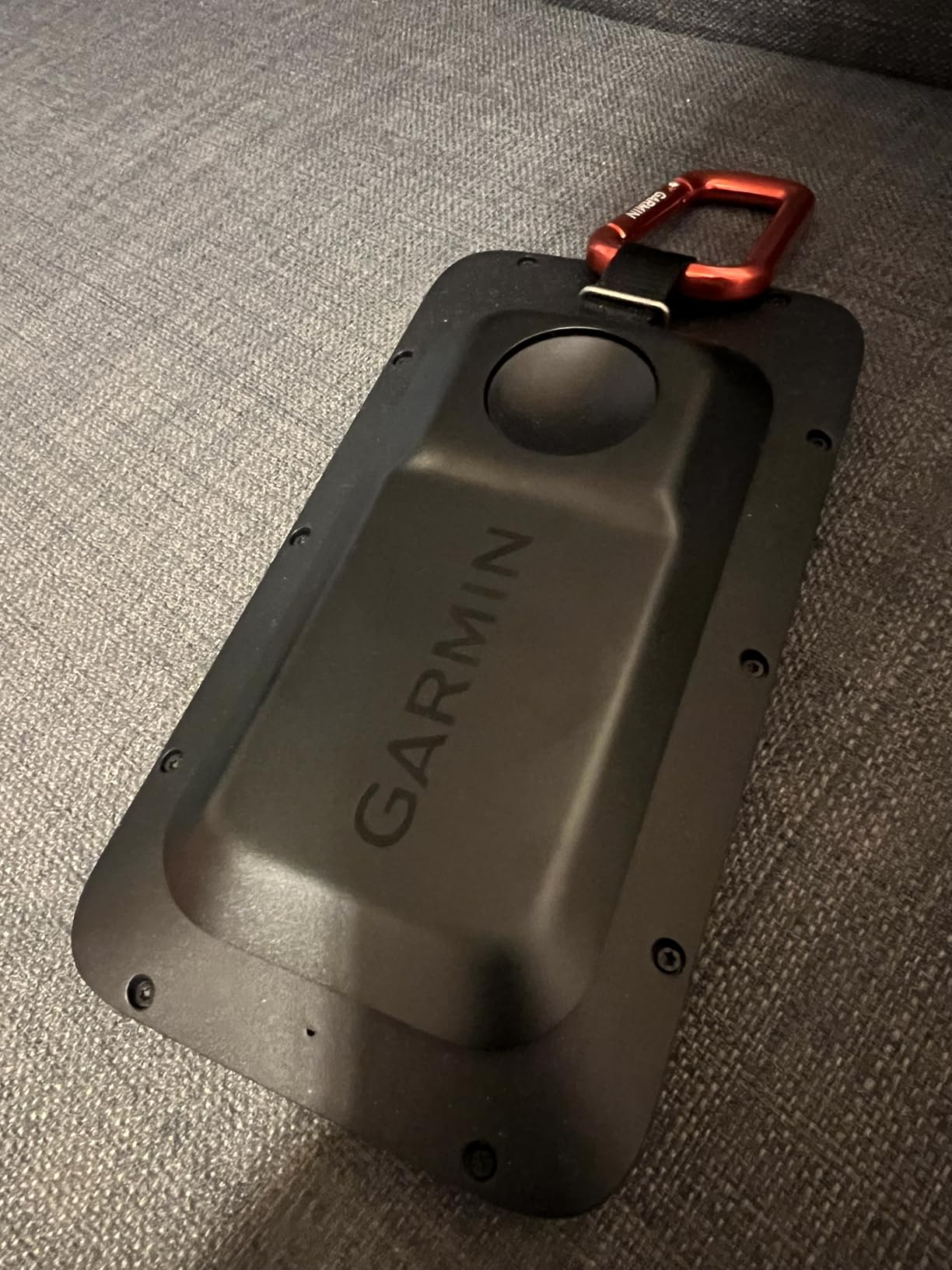
The G82 is not a full home launch monitor, and it is listed here for a specific reason: it puts a radar unit and a premium GPS handheld in the same 10.9-ounce body. The radar reports ball speed, club speed, smash factor and swing tempo at the range, while the integrated launch monitor also captures putting stroke length, tempo, club speed and ball speed.
For a golfer who wants range work and course management in one device, that combination is hard to argue with. The 5-inch touchscreen carries more than 43,000 preloaded courses, bag mapping feeds the virtual caddie, and battery life reaches up to 25 hours in GPS mode with eight hours in radar mode.
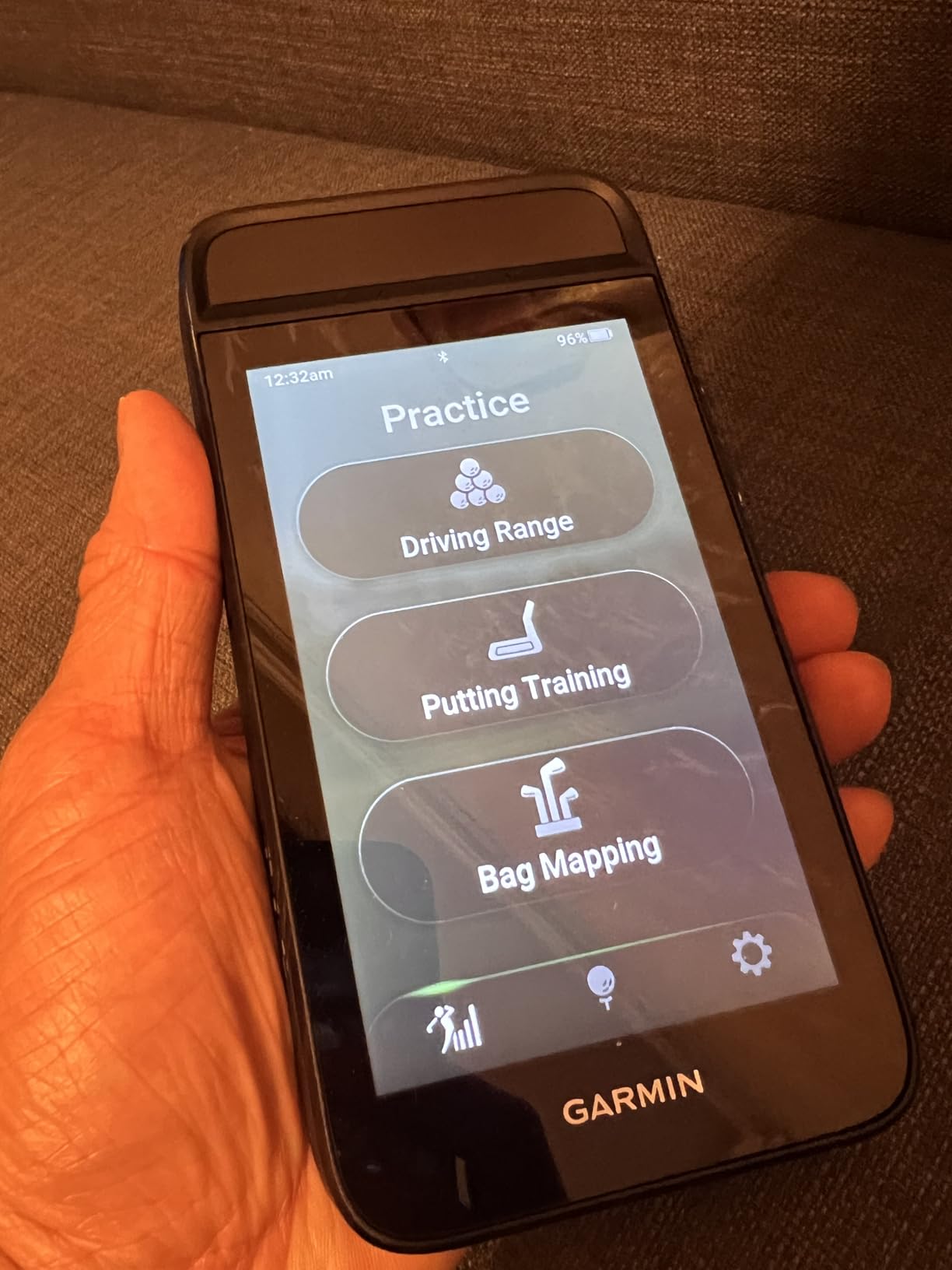
What it does not do is ball flight. There is no spin rate, launch angle or carry distance, so it cannot replace a monitor in a home bay. Automatic shot tracking needs Approach CT10 club sensors bought separately, and green contour data and aerial imagery require an active Garmin Golf membership.
This is also a recent platform with a small review base, so long-term reliability is not yet well established. Bluetooth pairing to the Garmin Golf app adds wind data, live scoring and device finding, but it is another connection to maintain.
Who the Garmin Approach G82 suits
It suits the golfer who wants one device for a round and a bucket, and who would rather not carry a separate GPS. The putting metrics are a genuine addition for golfers whose weakest area is on the green rather than off the tee.
It also suits anyone who wants a range tool with very long battery life and a simple magnetic cart mount rather than a device that lives plugged in at home.
When the Garmin Approach G82 disappoints
It disappoints anyone building a simulator bay, because there is no ball-flight data to feed into any platform. It also disappoints golfers who want shot tracking out of the box, since the club sensors are a separate purchase, and buyers who want a settled platform rather than a recent model.
How to Choose a Launch Monitor for Home Practice
Most wrong purchases in this category are not bad units, they are right units in the wrong room, or right units bought for a goal the buyer did not have. Work through these five questions before you choose anything.
Radar or camera: which tracking type suits your room
Radar units bounce a signal off the ball and club to read velocity, and they are unaffected by lighting. The PRGR, the Voice Caddie, the R10 and the G82 are all radar, which is why they work in a dim garage. Camera-based systems photograph impact and reconstruct the ball path, which unlocks spin and club-path data but is sensitive to glare and shadows.
The Rapsodo MLM2PRO, SkyTrak ST MAX, FlightScope Mevo Gen2 and Uneekor EYE MINI CORE all combine radar with cameras. That combination is the reason spin appears where it does, so if your garage has a single overhead strip light, plan on a camera unit but test the position before you commit.
How much swing space you actually need
Roughly 10ft by 10ft of clear space is the working figure for indoor use, and the premium units assume it. Beyond that, the practical constraints are hitting window width, a clear ball flight path, and enough distance between the monitor and the screen for the tracer to render.
Radar devices need far less, because they only need to see the ball and club near impact. A monitor that reads speed without a ball can sit in a small room. Measure from the ball position to the screen, add a foot of margin at the front for a stand, and check ceiling height before you buy anything with a camera mast.
Subscription-free or subscription-based
Only the FlightScope Mevo Gen2 in this group is genuinely subscription-free, with eight E6 Connect courses included for life. The MLM, R10, MLM2PRO, R50 and G82 all put meaningful value behind an active membership, and SkyTrak includes one year of software before asking again.
Amortise it before you buy. A membership is easy to justify if you play virtual rounds several times a week and painful if you only hit balls in bad weather. If you mainly want swing data and never play a full round, subscription-free is the safer choice. Add the hardware to a running-cost total alongside something like a home energy monitor and you will see the same pattern: the purchase is the smaller number.
Software compatibility: E6 Connect, GSPro, TGC and FSX
Compatibility is the most commonly misread specification, because a monitor can output data without being able to drive a specific piece of software. The Uneekor EYE MINI CORE is the clearest example here, with GSPro, E6 Connect, TGC19 and Creative Golf 3D all named in its specification. The R10 is widely run into third-party software over a PC Bluetooth link.
Check two things: which software the unit is confirmed to work with, and whether that software needs its own paid subscription. A monitor that works with everything, combined with software that costs several hundred a year, is not a cheap setup over three years.
Spin data and the balls it forces on you
Spin is the most wanted metric and the most commonly missing one, and the forum question that comes up most often is which affordable units give you a real spin reading. The honest answer is that spin on a home unit needs a marked or premium ball, which is why the MLM2PRO ships with three RPT balls.
That creates a running cost people forget. Those balls wear out after a limited number of swings, and replacing them repeatedly eats into the value of a one-time purchase. If your goal is shot shape rather than speed, budget for a supply of marked balls before you buy the machine, not after.
Frequently Asked Questions
What are the best new golf launch monitors for home practice?
For most home golfers the Rapsodo MLM is the best starting point because it is portable, reports ball speed and carry distance, and has the largest owner review base. The Garmin Approach R10 is the better choice if you want structured per-club training data, the Rapsodo MLM2PRO if you need spin rate and club path, and the FlightScope Mevo Gen2 if you refuse to pay a subscription.
What is the best golf launch monitor for the money?
The Garmin Approach R10 and the Rapsodo MLM occupy the same practical tier, and the choice comes down to priorities. Take the R10 for training mode, dispersion charts and radar reliability in any lighting. Take the MLM for portability, tracer video and the option to work at the range as well as at home. The PRGR HS 130-A is the cheapest credible option and is speed-only.
How much space do you need for a home launch monitor?
Plan for roughly 10ft by 10ft of clear indoor space if you want camera-based data, spin, and on-screen simulated rounds. Radar-only units need far less, because they only read velocity near impact and some can measure club head speed without a ball at all. Also check ceiling height for camera units and leave several feet between the monitor and the impact screen so the tracer renders correctly.
Do I need a subscription for a golf launch monitor?
It depends entirely on the model. The FlightScope Mevo Gen2 bundles eight E6 Connect courses for life with no annual licence, and the SkyTrak ST MAX includes one year of software. The Rapsodo MLM and MLM2PRO, the Garmin R10, R50 and G82 all place meaningful simulator content behind an active membership, so the ongoing cost is real for those units.
Is the Garmin R10 or the Rapsodo MLM better?
The R10 is the better training tool: per-club statistics, a shot dispersion chart, radar that ignores lighting, and up to 10 hours of battery. The MLM is the better portable tool: it weighs 0.4 kg, records video with a shot tracer, and works at the range as well as indoors. If your practice is structured indoor work, take the R10. If you split time between the range and the garage, take the MLM.
What is the difference between radar and camera launch monitors?
Radar units bounce a microwave signal off the ball and club and read velocity from the Doppler effect, which makes them immune to lighting conditions but limits them to speed, smash factor and some launch data. Camera units photograph impact with high-speed infrared cameras and reconstruct the ball path, which is how you get spin rate, spin axis and club path, at the cost of sensitivity to glare and shadows.
Final Verdict: The Best Golf Launch Monitors for Home Practice in 2026
After weighing accuracy, room fit, ongoing cost and how often each device will actually get used, the Rapsodo MLM remains our pick as the best golf launch monitor for home practice in 2026. It is light, it reports the numbers that matter most, and its tracer video is the feature owners credit with changing their swing. The Garmin Approach R10 takes the structured-training slot, the Rapsodo MLM2PRO covers spin and club path, and the FlightScope Mevo Gen2 answers golfers who refuse an annual fee.
Whichever one you choose, measure the room before you order, and plan for the balls the unit needs. Those two steps prevent most of the disappointment we found in the owner reviews.