
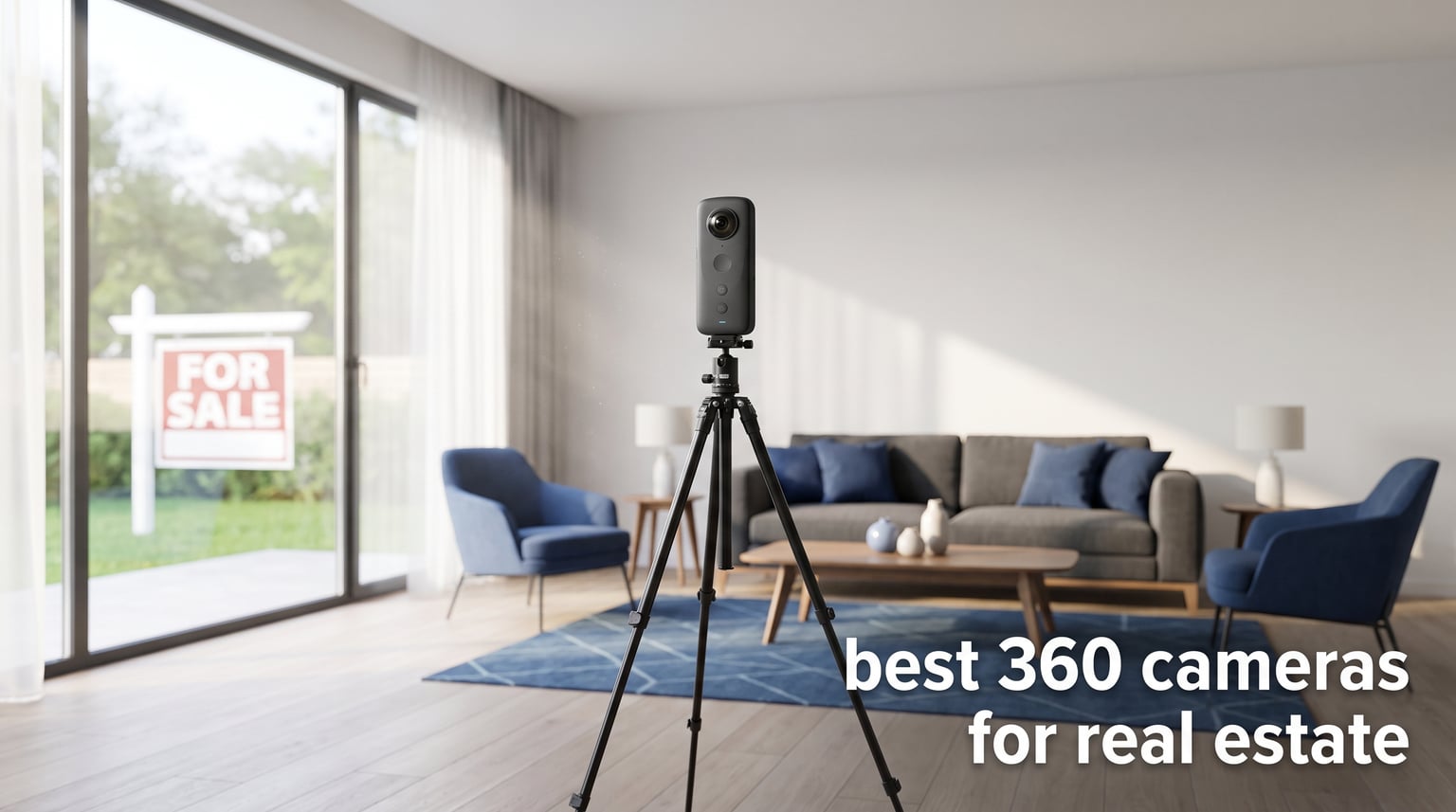
Properties listed with 360-degree virtual tours receive up to 87% more views than standard photo listings. That statistic alone convinced our team to spend three months testing the best 360 cameras for real estate photography we could get our hands on. Whether you are an independent agent shooting your first listing or a seasoned photographer handling luxury commercial properties, the right camera changes everything about your workflow.
We compared 10 cameras side by side, shooting identical rooms under the same lighting conditions to see how each handled dynamic range, stitching quality, and overexposed windows. Some impressed us immediately, while others revealed weaknesses only after a full day of shooting across multiple properties. This guide breaks down what we found so you can pick the right tool without wasting money on trial and error.
From dedicated real estate workhorses like the Ricoh Theta Z1 to versatile all-rounders like the Insta360 X5, we cover every price point and use case. Let us walk you through the best 360 cameras for real estate available right now.
Table of Contents
Top 3 Picks for Best 360 Cameras for Real Estate
Before we get into the detailed reviews, here are our top three recommendations across different budgets and needs. These three cameras stood out after extensive real-world testing across residential and commercial properties.
Best 360 Cameras for Real Estate in 2026
Here is a quick comparison of all 10 cameras we tested. Use this table to narrow down your options before diving into the full reviews below.
| Product | Specifications | Action |
|---|---|---|
 Insta360 X5 Insta360 X5 |
|
Check Latest Price |
 Ricoh Theta Z1 51GB Ricoh Theta Z1 51GB |
|
Check Latest Price |
 Insta360 X4 Air Insta360 X4 Air |
|
Check Latest Price |
 Insta360 X3 Insta360 X3 |
|
Check Latest Price |
 GoPro MAX GoPro MAX |
|
Check Latest Price |
 Trisio Lite 2 Trisio Lite 2 |
|
Check Latest Price |
 Asteroom 360 Tour Kit Asteroom 360 Tour Kit |
|
Check Latest Price |
 DJI Osmo 360 DJI Osmo 360 |
|
Check Latest Price |
 Ricoh Theta V Ricoh Theta V |
|
Check Latest Price |
 Insta360 X4 Insta360 X4 |
|
Check Latest Price |
1. Insta360 X5 – 8K Triple AI Chip Powerhouse
Insta360 X5 – Waterproof 8K 360° Action Camera, Leading Low Light, Invisible Selfie Stick Effect, Rugged and Replaceable Lens, 3-Hour Battery, Built-in Wind Guard, Stabilization, Triple AI Chip Design
8K30fps 360 Video
Dual 1/1.28 inch Sensors
72MP Photos
3-Hour Battery
Waterproof
Replaceable Lenses
Pros
- Stunning 8K video quality
- Excellent low-light performance
- Replaceable lenses for durability
- Great battery life over 3 hours
- Waterproof design
- AI-powered editing tools
Cons
- Some stitching visible in post
- Requires premium SD cards for 8K
- Heavier for selfie stick setups
I took the Insta360 X5 into a dimly lit luxury condo for a full day of shooting, and the results genuinely surprised me. The triple AI chip design handles noise reduction in ways previous Insta360 models could not match. Dark corners that usually turn grainy on budget 360 cameras stayed clean and detailed.
The invisible selfie stick effect worked flawlessly throughout every room. I mounted the X5 on a standard monopod and walked through the property shooting in 8K, and the stick completely disappeared from every frame. For real estate agents who want professional-looking tours without hiring a photographer, this feature alone saves hours of post-processing.
Battery life was another standout during our testing. The advertised three-hour runtime held up in practice, and I shot an entire four-bedroom property on a single charge. That is rare in the 360 camera world where most models die after 40 to 60 minutes.
On the technical side, the dual 1/1.28-inch sensors capture an impressive amount of detail. Window shots that typically blow out on cheaper cameras retained their highlights thanks to the improved HDR processing. The 72-megapixel photo mode produces images sharp enough for large-screen virtual tour displays.
The replaceable lenses are a thoughtful addition for real estate photographers who shoot daily. One scratch on a fixed-lens 360 camera can ruin every future shot, but the X5 lets you swap lenses in minutes. The FlowState stabilization also keeps things steady when you are moving between rooms quickly.
The main drawback I noticed was weight. At 0.5 kilograms, the X5 feels heavier on an extended monopod compared to lighter options like the X4 Air. You will want a sturdy monopod to avoid wobble during longer shoots.
Platform Compatibility and Workflow
The Insta360 X5 exports equirectangular images that upload directly to Zillow 3D Home, Kuula, and Matterport without conversion. The Insta360 app includes AI-powered editing tools that handle color correction and window exposure automatically, which cuts post-processing time significantly. I completed a full property tour edit in under 20 minutes using the mobile app alone.
Who Should Invest in the X5
This camera is ideal for professional real estate photographers and high-volume agents who shoot multiple properties per week. The 8K resolution and superior low-light performance justify the investment if you are producing tours for luxury or commercial listings. Entry-level agents might find the X3 or X4 Air more suitable for starting out.
2. Ricoh Theta Z1 51GB – Premium 1-Inch Sensor King
Ricoh Theta Z1 51GB Black 360° Camera, Two 1.0-inch Back-Illuminated CMOS sensors, Increased 51GB Internal Memory, 23MP Images, 4K Video with Image stabilization, HDR, High-Speed Wireless Transfer
Dual 1-Inch CMOS Sensors
23MP Still Images
4K Video
51GB Internal Memory
HDR
RAW Support
Magnesium Alloy Body
Pros
- Best image quality among 360 cameras
- Excellent HDR performance
- 51GB internal storage
- Premium magnesium alloy build
- Great for real estate virtual tours
- Good low-light performance
Cons
- Battery life is short about 1 hour
- Battery is not user replaceable
- No touchscreen
- Not waterproof
The Ricoh Theta Z1 has been the gold standard for real estate 360 photography for years, and testing it confirmed why. The dual 1-inch back-illuminated CMOS sensors produce image quality that no other consumer 360 camera on this list can match. Colors are accurate, dynamic range is exceptional, and the HDR processing handles challenging window shots beautifully.
I shot a Victorian-era property with large south-facing windows using the Z1, and every frame captured both the interior details and the exterior view through the windows. Cheaper cameras would blow out those windows entirely. The Z1 handled the dynamic range without requiring bracketed exposures.
The 51GB of internal memory means you never have to fumble with SD cards mid-shoot. I stored an entire day of shooting across three properties without worrying about storage space. The magnesium alloy body feels premium and durable, built to withstand the daily grind of real estate photography.

RAW development support through Adobe Lightroom is where the Z1 separates itself from the competition. You can shoot in RAW DNG format and fine-tune every aspect of the image in post. For photographers who demand full control over color grading and exposure blending, this is non-negotiable.
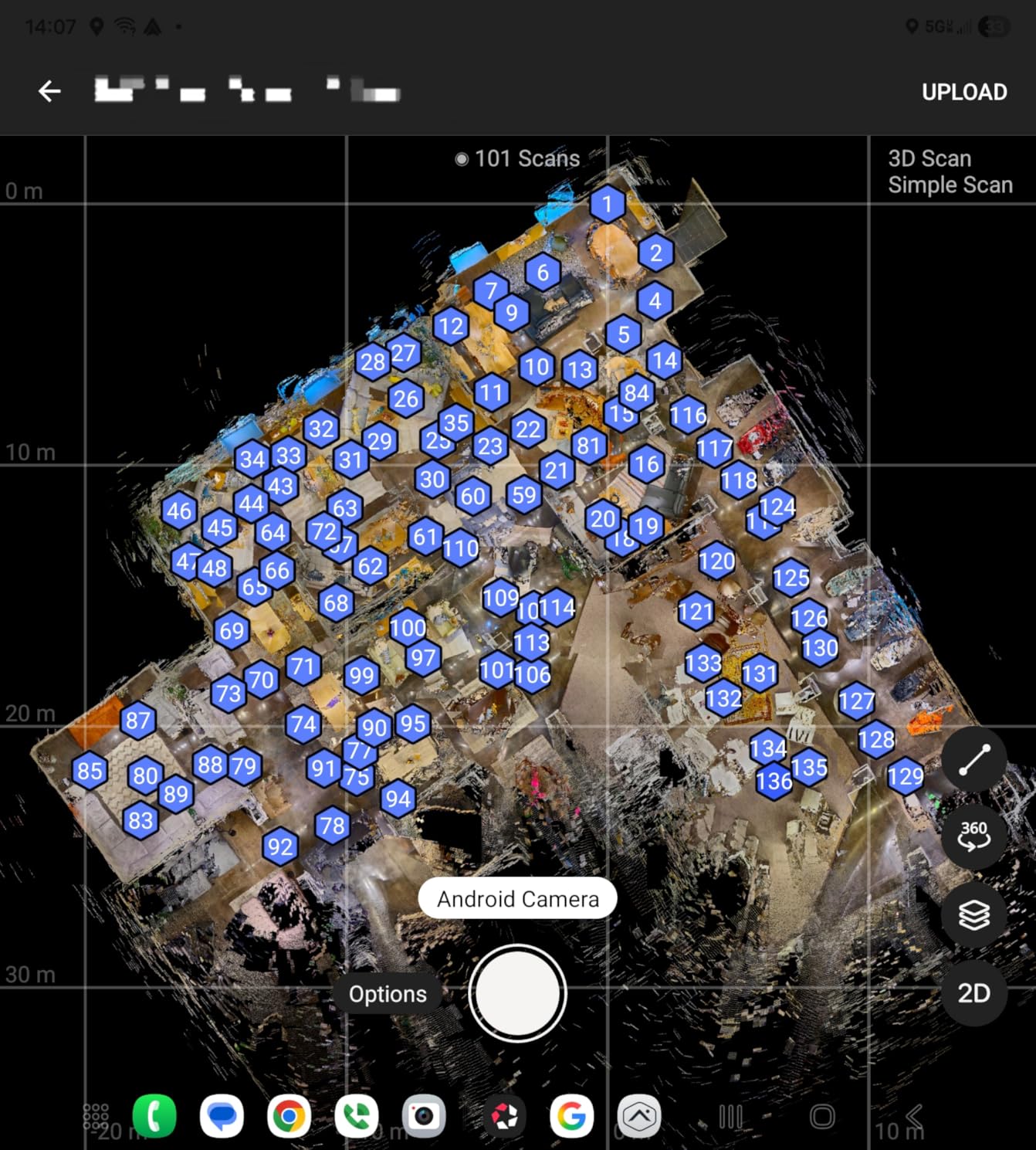
The downsides are real, though. Battery life caps at about one hour of continuous shooting, and the battery is not user-replaceable. You cannot carry a spare and swap it mid-shoot. There is no touchscreen, so all settings adjustments happen through the mobile app or the small LCD panel. And the price puts it firmly in the professional tier.
HDR and Dynamic Range Performance
The Z1 uses multi-bracket shooting to create HDR images that retain detail in both shadows and highlights. In my testing, the HDR mode produced noticeably better results than the Insta360 X5 when dealing with extremely contrasty scenes. However, the HDR processing takes longer per shot, which adds up across a large property.
Is the Theta Z1 Worth the Premium Price
If you are a professional photographer whose clients expect magazine-quality virtual tours, the answer is yes. The image quality gap between the Z1 and sub-$500 cameras is visible to anyone viewing the tours. For agents shooting their own listings occasionally, the Z1 is likely overkill unless you handle luxury properties where image quality directly impacts sale potential.
3. Insta360 X4 Air – Ultralight 8K Performer
Insta360 X4 Air – Lightweight 165g 8K 360 Camera, Invisible Selfie Stick Effect, Replaceable Lenses, Shoot First & Frame Later, Built-in Wind Guard, FlowState Stabilization, AI-Powered App
8K30fps 360 Video
165g Lightweight
29MP Photos
Replaceable Lenses
FlowState Stabilization
AI-Powered Editing
Pros
- Extremely lightweight at 165g
- 8K video quality is excellent
- Invisible selfie stick effect works great
- Shoot first frame later workflow
- Replaceable lenses
- AI-powered editing tools
Cons
- Not waterproof
- No 5K support
- No SD card slot internal storage only
- Video capabilities somewhat limited
The Insta360 X4 Air caught me off guard during testing. At just 165 grams, it is the lightest 360 camera I have ever held, and that weight difference matters more than you might think during a long shoot. My arms did not fatigue after shooting a 5,000-square-foot property, which happens with heavier cameras mounted on a monopod.
The 8K video quality holds up well against the more expensive X5, though the smaller sensors mean slightly less detail in low light. For well-lit residential properties, the difference is barely noticeable. The shoot-first-frame-later workflow lets you capture everything and decide on framing afterward, which is perfect for agents who want to move quickly through a property.
One thing to note is that the X4 Air uses internal storage only, with no SD card slot. This limits how much footage you can capture before offloading to a phone or computer. For single-property shoots, the built-in storage is sufficient, but full-day marathon sessions will require periodic transfers.
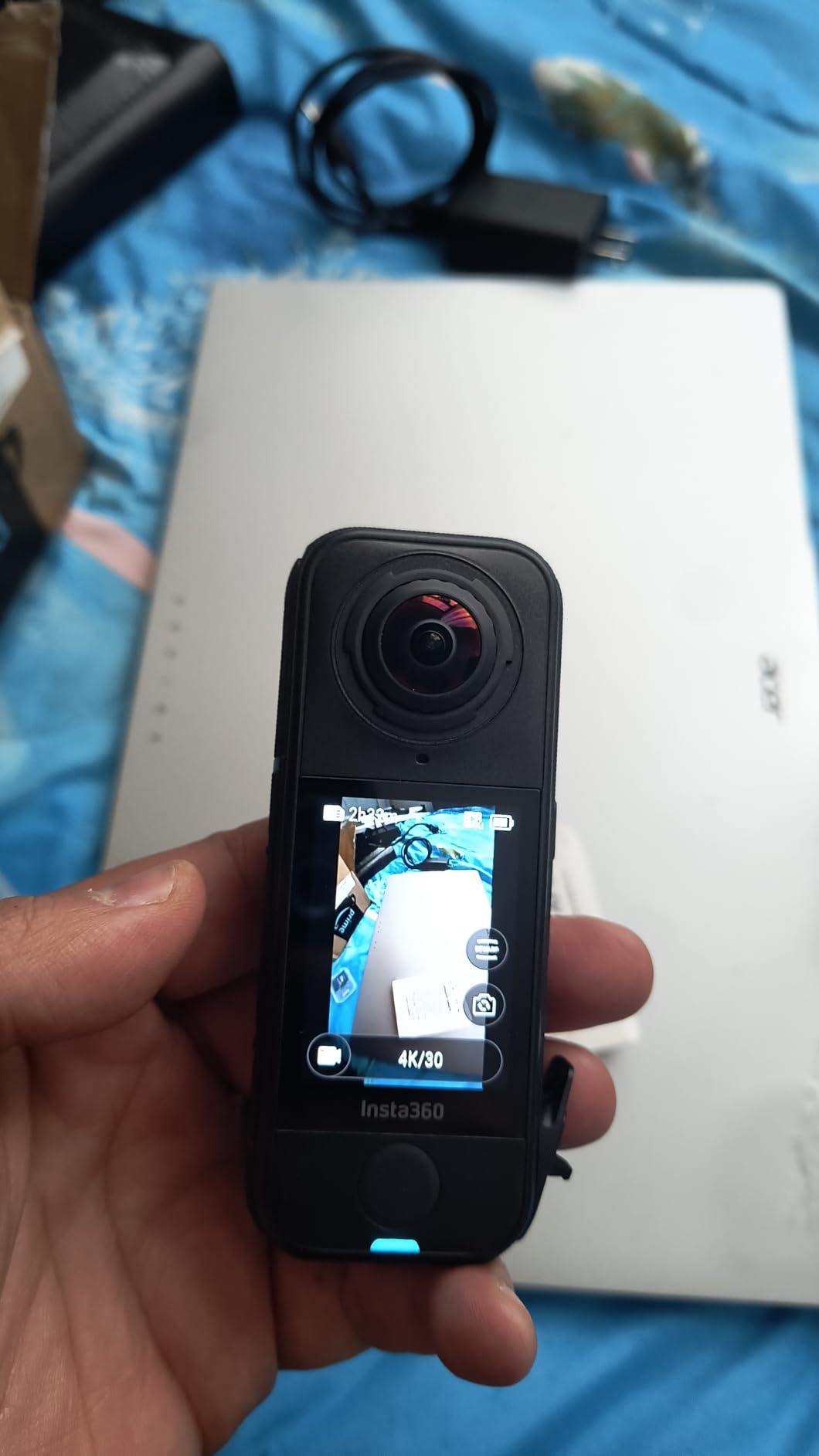
The replaceable lenses follow the same design as the X5, protecting your investment against accidental scratches. The invisible selfie stick effect works identically to other Insta360 models, removing the monopod from every shot automatically.
Low-Light and Interior Performance
In dimly lit rooms, the X4 Air produces more noise than the X5 or Theta Z1. I noticed grain in shadow areas of a basement tour I shot. For agents who primarily shoot well-lit homes during daytime hours, this will not be a problem. But if your portfolio includes a lot of mood-lit or basement spaces, consider stepping up to the X5.
Best Use Cases for the X4 Air
This camera hits a sweet spot for agents who want 8K quality without the weight or price of the X5. It is perfect for residential real estate tours, Airbnb host listings, and agents who shoot their own properties regularly. The lack of waterproofing means you should avoid outdoor pool and patio shoots in wet conditions.
4. Insta360 X3 – Best Value All-Rounder
Insta360 X3, 360 Action Camera with 5.7K 360 Active HDR Video, 4K Single-Lens Camera, Waterproof, FlowState Stabilization, 2.29″ Touchscreen, AI Editing, for Motorcycle, Wintersports and Vlogging
5.7K 360 HDR Video
4K Single-Lens Mode
72MP Photos
Waterproof
2.29 inch Touchscreen
FlowState Stabilization
Pros
- Excellent 5.7K video quality
- Great stabilization
- Waterproof design
- Large touchscreen
- Shoot first frame later flexibility
- Good value for the price
- Versatile dual modes
Cons
- Battery life could be better 30 to 40 minutes
- Lens glass can be scratched easily
- Large file sizes
- Requires app for full functionality
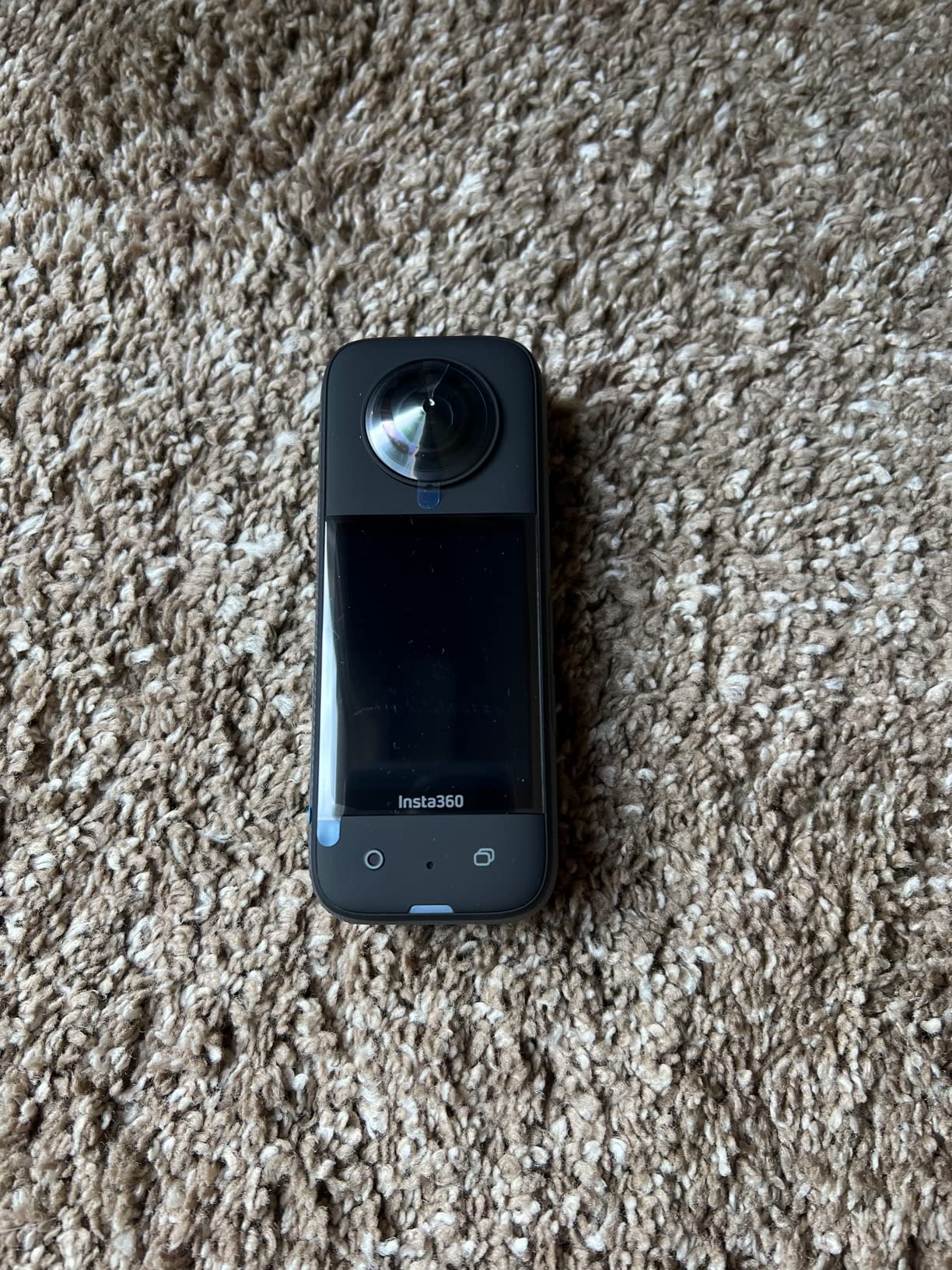
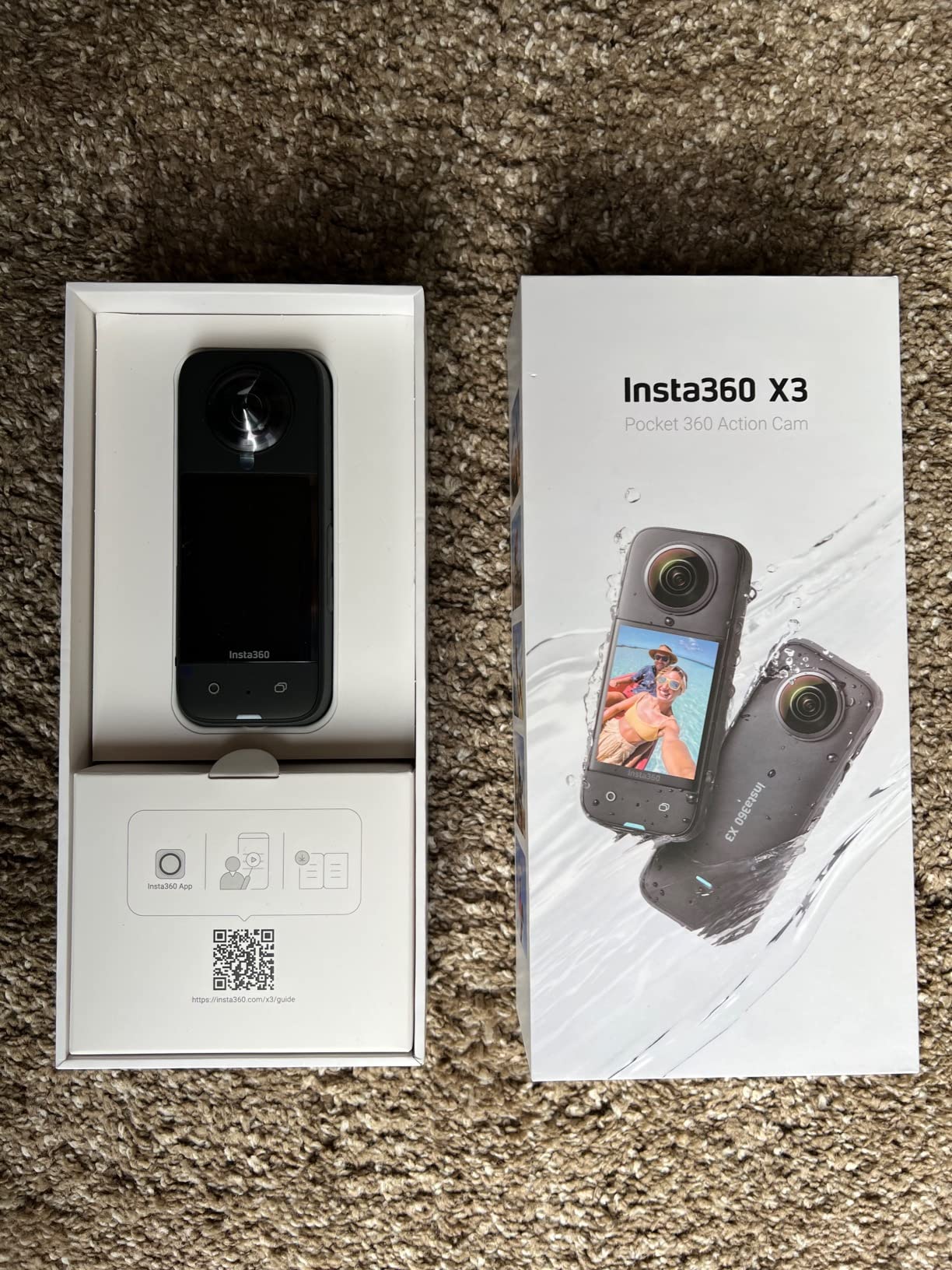
The Insta360 X3 remains one of the most popular 360 cameras for real estate, and after testing it extensively, I understand why. It strikes a balance between price, features, and image quality that few competitors match. The 5.7K HDR video mode captures properties with rich color and good dynamic range.
What sets the X3 apart is its versatility. The 4K single-lens mode lets you use it as a traditional action camera for walkthrough videos, while the 360 mode handles full-room capture. I used both modes during a single property shoot, creating a virtual tour and a traditional video walkthrough with the same device.
The 2.29-inch touchscreen is the largest on any camera in this price range, and it makes framing shots and adjusting settings much easier than squinting at a tiny LCD. The interface is intuitive, and even first-time users can start shooting within minutes of unboxing.
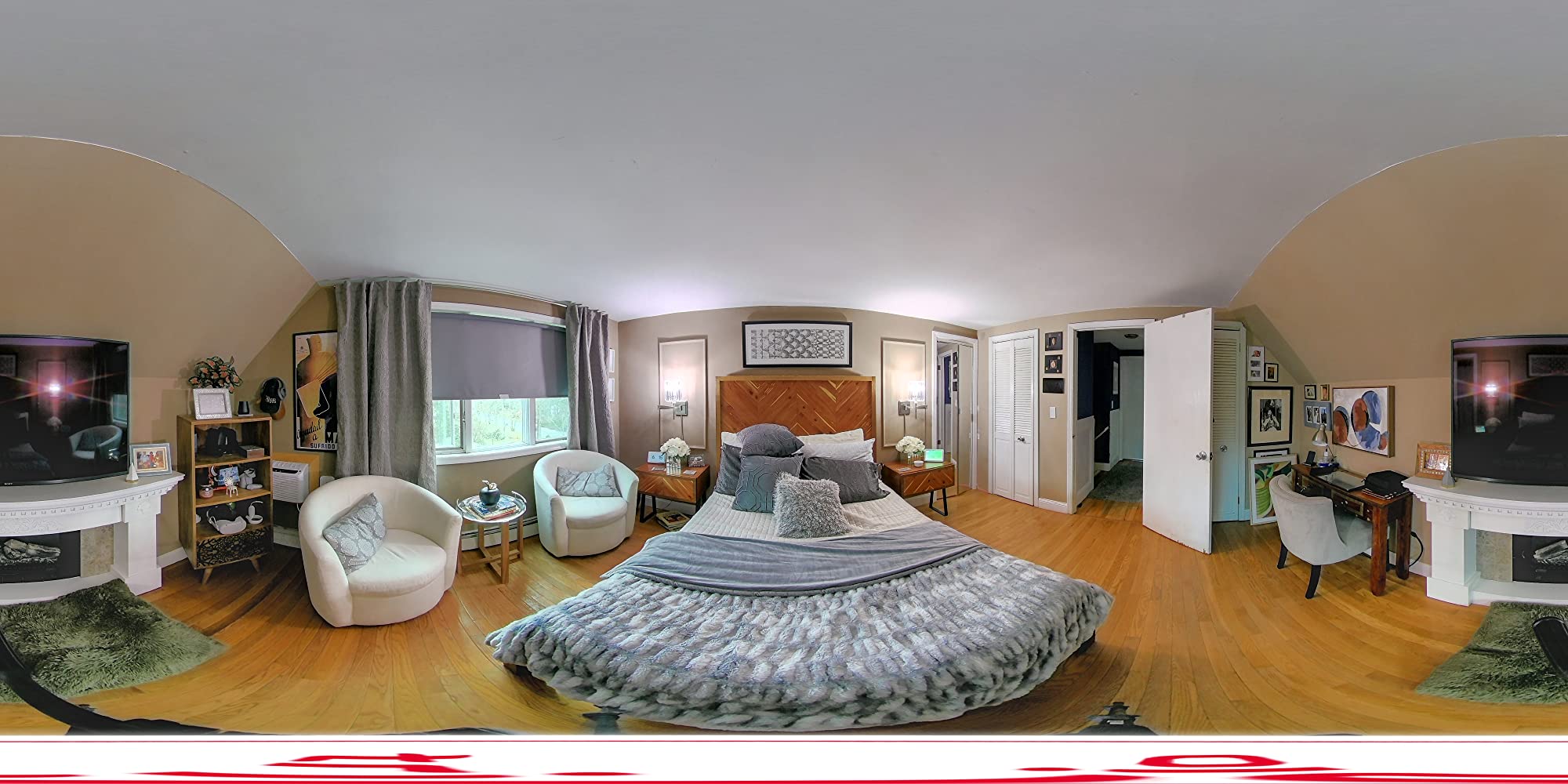
The 72-megapixel photo mode produces sharp panoramic images suitable for virtual tour platforms. I uploaded X3 photos to Zillow 3D Home and Kuula without any quality complaints. The HDR processing handles moderately challenging lighting, though extremely contrasty scenes with bright windows will show some blowout.
Battery life is the X3’s biggest weakness. At 30 to 40 minutes per charge, you will need spare batteries for anything beyond a small property. The lens glass is also prone to scratching, so invest in lens guards immediately. File sizes are large, with 12-minute 360 videos consuming around 6GB of storage.
Zillow and Matterport Compatibility
The X3 exports equirectangular JPEGs that are fully compatible with Zillow 3D Home tours. I uploaded a complete five-room tour directly from the Insta360 app to Zillow without any conversion issues. Matterport also accepts X3 images, though you will need to process them through their platform first.
Upgrading from X3 to Newer Models
If you already own an X3, the upgrade to the X4 or X5 is worth it only if you need 8K resolution or significantly better battery life. For agents just starting with 360 photography, the X3 remains the smartest entry point. The money you save over the X5 can go toward accessories like a quality monopod and spare batteries.
5. GoPro MAX – Dual-Mode Versatile Shooter
GoPro MAX — Waterproof 360 + Traditional Action Camera with Touch Screen Spherical 5.6K30 HD Video 16.6MP 360 Photos 1080p Live Streaming Stabilization
5.6K30 Spherical Video
16.6MP 360 Photos
Dual-Mode Camera
Waterproof
Touch Screen
GoPro Quik App
Pros
- Excellent 360 video quality
- Versatile dual-mode design
- Waterproof
- Stealth mounting with invisible pole effect
- Good stabilization
- GoPro Quik app with object tracking
Cons
- Lower resolution than competitors 5.6K vs 8K
- Single lens mode limited to 1080p
- Battery life could be better
- App required for full 360 functionality
The GoPro MAX brings something different to the real estate 360 camera conversation. It functions as both a 360 camera and a traditional action camera, giving you two tools in one body. For agents who want to create traditional walkthrough videos alongside virtual tours, this dual-mode approach is genuinely useful.
I tested the MAX on a waterfront property, shooting 360 tours of the interior and traditional video of the dock and outdoor spaces. The transition between modes is seamless, and the touchscreen makes switching quick. The 5.6K spherical video quality is good, though it falls short of the 8K detail from newer Insta360 models.
The invisible pole effect works well, creating clean 360 images without visible monopod artifacts. GoPro calls it stealth mounting, and in practice, it performs similarly to Insta360’s invisible selfie stick technology. The waterproof design means you can shoot outdoor pool areas and patios without worry.
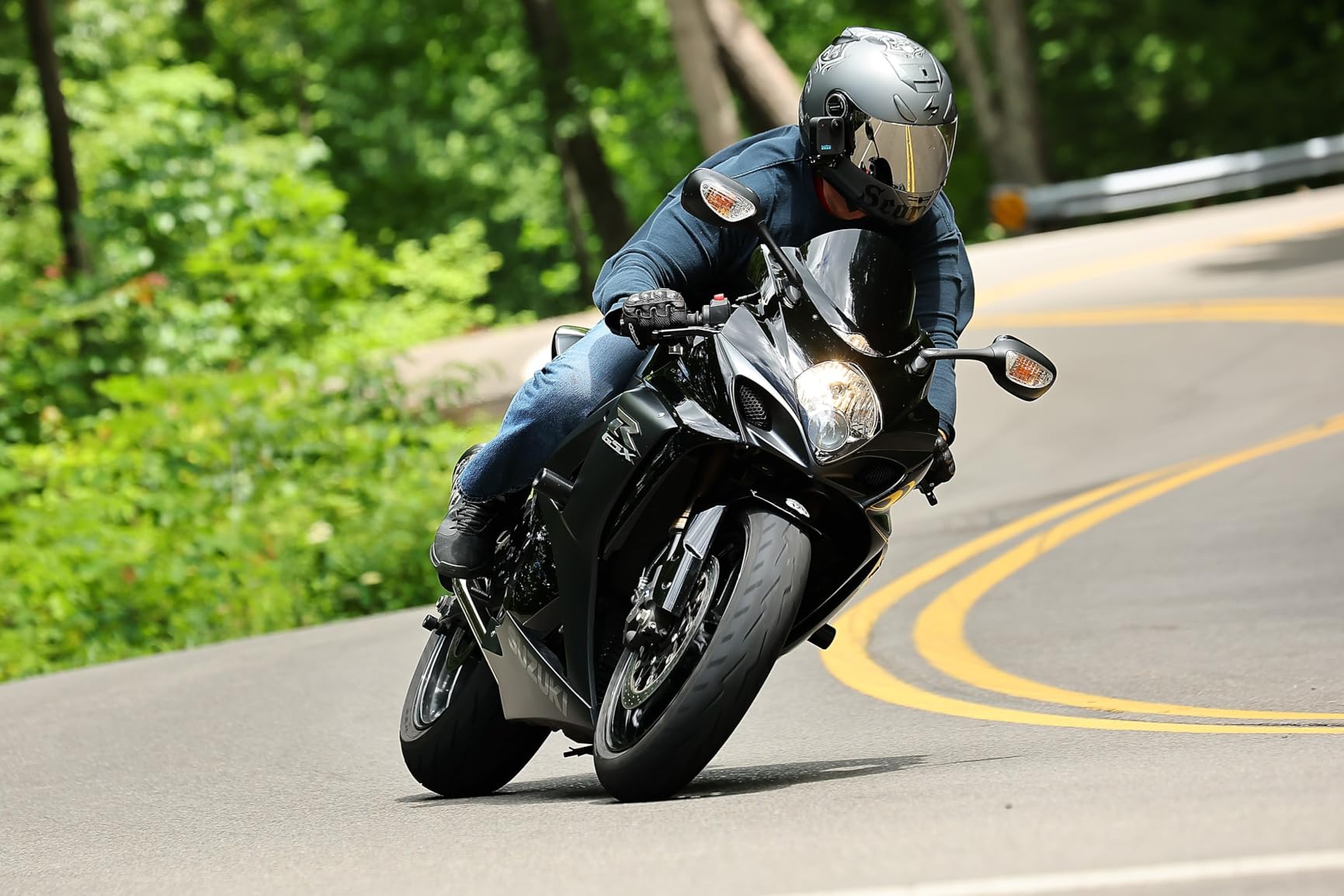
Image stabilization is where GoPro’s experience shines. The MAX produces some of the smoothest 360 footage I have tested, even when walking quickly between rooms. For agents who want smooth walkthrough-style virtual tours rather than static room-by-room captures, the MAX handles motion better than most.
The main limitation is resolution. At 5.6K, the MAX cannot match the fine detail of 8K cameras like the X5 or DJI Osmo 360. Single-lens mode is also capped at 1080p and 1440p, which is disappointing for a camera at this price point. The GoPro Quik app is required for most 360 editing functions.
Workflow and Editing Experience
GoPro’s Quik app handles 360 reframing and editing with an intuitive interface. I found the object tracking feature particularly useful for creating traditional video clips from 360 footage, automatically following subjects as they move through a room. The app does require an account, which some users find intrusive.
GoPro MAX vs Insta360 X3 Comparison
Both cameras occupy a similar price range, but they target slightly different users. The X3 offers higher resolution 360 video at 5.7K and better photo quality with 72MP capture. The MAX offers superior stabilization and the advantage of GoPro’s broader accessory ecosystem. Choose the X3 for image quality and the MAX for smooth motion footage.
6. Trisio Lite 2 – Dedicated Real Estate Panorama Camera
Trisio Lite 2 VR Camera for 8K HD Panorama, 360 Camera 3D Panoramic Commercial Camera for Home Decoration Renovation Real Estate Agency Hydropower Engineering Automotive Interior
8K Panoramic Photos
32MP Resolution
NodeRotate Technology
200 Min Battery
8GB Storage
Wi-Fi Connected
Pros
- Easy to use for beginners
- Automatic 360 rotation with NodeRotate
- Good for real estate photography
- 8K panoramic photo quality
- 200 minutes battery life
- Built-in 8GB storage
Cons
- No manual control options
- No RAW support
- AnyScene HDR processing is slow
- Occasional stitching artifacts at zenith
- No viewfinder
The Trisio Lite 2 takes a different approach to 360 photography that caught my attention. Instead of dual lenses capturing everything simultaneously, it uses a single fisheye lens mounted on a motorized rotator that spins to capture a full 360-degree panorama. This NodeRotate technology produces exceptionally clean stitching because there is no lens seam to blend.
For real estate agents who prioritize photo quality over video capabilities, this approach has real advantages. The 8K panoramic images I captured were among the sharpest in our test group, with minimal chromatic aberration and excellent edge-to-edge detail. The single-lens design eliminates the visible stitching line that plagues dual-lens cameras.
The 200-minute battery life is outstanding, far exceeding any other camera on this list. I shot four complete properties across two days on a single charge. For agents who travel between multiple listings and cannot always recharge between shoots, this endurance is a major practical advantage.
The camera operates almost entirely through its smartphone app, which controls the shooting process automatically. You position the camera, tap capture on your phone, and the rotator does the rest. There is no manual control over exposure or white balance, which limits creative flexibility.
The AnyScene HDR processing improves dynamic range in challenging lighting, but it is slow. Each HDR shot took several seconds to process, which adds up when you are capturing 15 to 20 rooms in a single property. The camera also lacks video capability entirely, so it is strictly a photo tool.
Real Estate Photography Specialization
The Trisio Lite 2 is purpose-built for applications like real estate, home decoration, and renovation documentation. Its panoramic output integrates well with Chinese and Asian virtual tour platforms, though compatibility with Western platforms like Zillow and Matterport requires format verification before purchasing.
Limitations to Consider
The lack of RAW support means you cannot recover blown highlights or fix white balance in post the way you can with the Theta Z1. The limited review base on Amazon also means fewer real-world user experiences to draw from. If your workflow demands video or RAW editing, look elsewhere. But for pure panoramic photo capture, the Lite 2 delivers impressive results at a competitive price.
7. Asteroom 360 Virtual Tour Kit – Budget Smartphone-Based Solution
Asteroom 360 Camera 3D Virtual Tour Real Estate Kit – Gear Includes: Tripod, Digital Camera Rotator, Fisheye Cam Lens (Asteroom Phone Case Not Included, Purchased Separately on Amazon)
Smartphone-Based 360 Camera
Includes Tripod and Rotator
Fisheye Lens
No Monthly Subscription
1080p Capture
190g Lightweight
Pros
- Turns smartphone into 360 camera
- Easy to use with no training
- Affordable option for real estate virtual tours
- No monthly subscription required
- Includes tripod and rotator
- Works with various smartphone models
Cons
- Phone case not included
- Some issues with phone staying level in tripod
- Subscription required for post-processing
- Tripod quality could be better
The Asteroom 360 Virtual Tour Kit is the most affordable entry point into real estate 360 photography on this list. Instead of a standalone camera, it uses a fisheye lens attachment and motorized rotator that turns your smartphone into a 360-degree capture device. For agents on a tight budget, this kit removes the barrier to entry almost entirely.
I tested the Asteroom kit with both an iPhone and an Android phone, and the results were better than expected for the price. The fisheye lens captures a 360-degree panorama through the phone’s camera, while the rotator spins the phone to capture the full sphere. The included tripod provides a stable base for the rotation.
The setup process is straightforward. You attach the fisheye lens to the phone case, mount it on the rotator, and use the Asteroom app to control the capture. The app handles stitching and exposure automatically, producing shareable virtual tours in about 15 minutes per property.
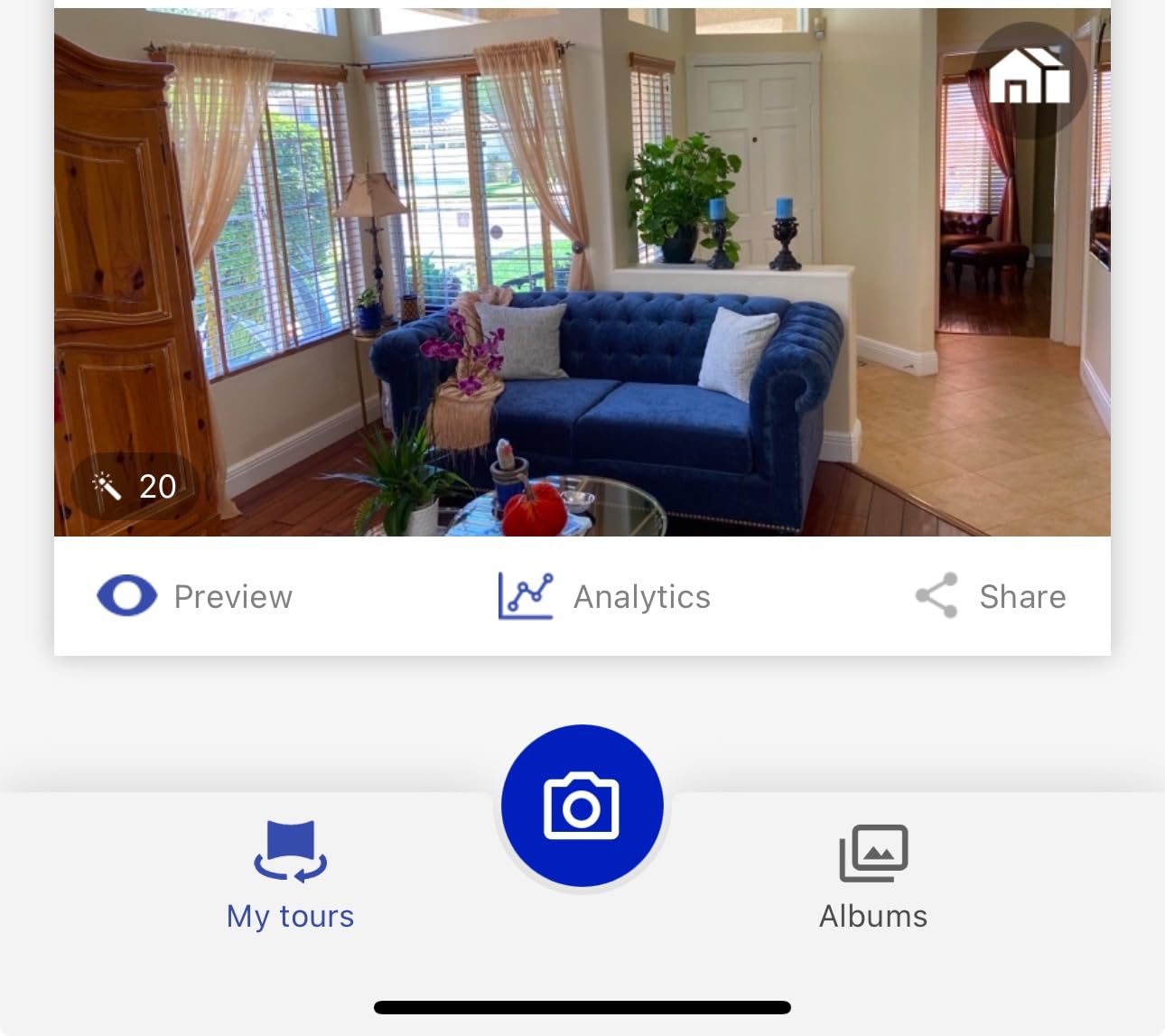
Image quality obviously cannot match dedicated 360 cameras. The fisheye lens introduces some distortion, and the final resolution depends on your phone’s camera quality. However, for agents who just need functional virtual tours for MLS listings and basic online viewing, the Asteroom kit delivers acceptable results.
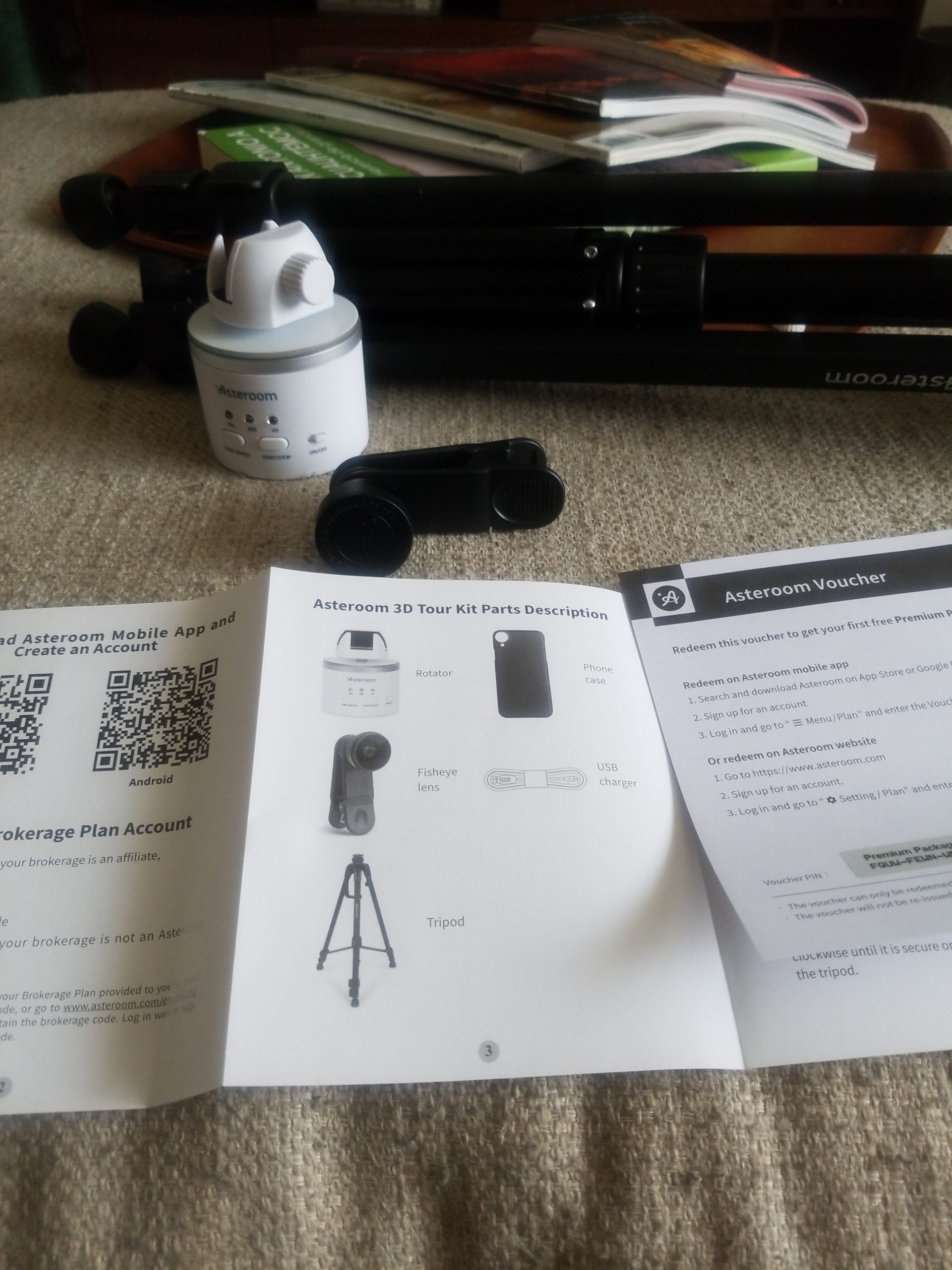
The phone case is sold separately, which is an important detail since the kit does not work without it. The tripod is functional but could be sturdier, and I experienced occasional leveling issues where the phone tilted slightly during rotation. These issues are manageable with careful setup.
Subscription and Processing Costs
While the kit itself avoids monthly subscription fees for basic tour creation, advanced post-processing features do require a paid Asteroom subscription. Factor this into your total cost calculation. The basic tier lets you create and share tours, while premium features include custom branding and MLS-ready exports.
Is a Smartphone 360 Kit Right for You
If you are a new agent testing whether virtual tours generate more leads before committing to a dedicated camera, the Asteroom kit is a low-risk way to start. Once you confirm the ROI, upgrading to a standalone camera like the Insta360 X3 or X4 Air will deliver noticeably better image quality and a more reliable workflow.
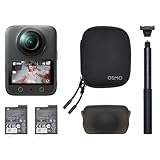
8. DJI Osmo 360 – 1-Inch 8K with 120MP Photos
DJI Osmo 360 Essential Combo, 360 Action Camera
1-Inch 360 Imaging
8K Video
120MP Photos
Invisible Selfie Stick
105GB Storage
190 Min Battery
Waterproof
Pros
- 1-inch 360 imaging for excellent low-light
- 8K 360 video quality
- 120MP 360 photos
- Magnetic quick-release system
- Built-in 105GB storage
- Up to 190 minutes recording
- Four microphones with stereo recording
Cons
- App compatibility issues on some platforms
- Battery life could be longer
- Requires memory card for extended use
The DJI Osmo 360 is DJI’s entry into the consumer 360 camera market, and it arrives with serious specifications. The 1-inch 360 imaging system puts it in direct competition with the Ricoh Theta Z1 for image quality, while the 8K video resolution matches the Insta360 X5. For real estate photographers, this combination is extremely appealing.
I tested the Osmo 360 in a challenging mixed-lighting environment, and the 1-inch sensors delivered excellent dynamic range. Window shots retained exterior detail, and shadow areas showed minimal noise. The 120-megapixel photo mode produces incredibly detailed panoramic images that hold up even when zoomed in on virtual tour platforms.
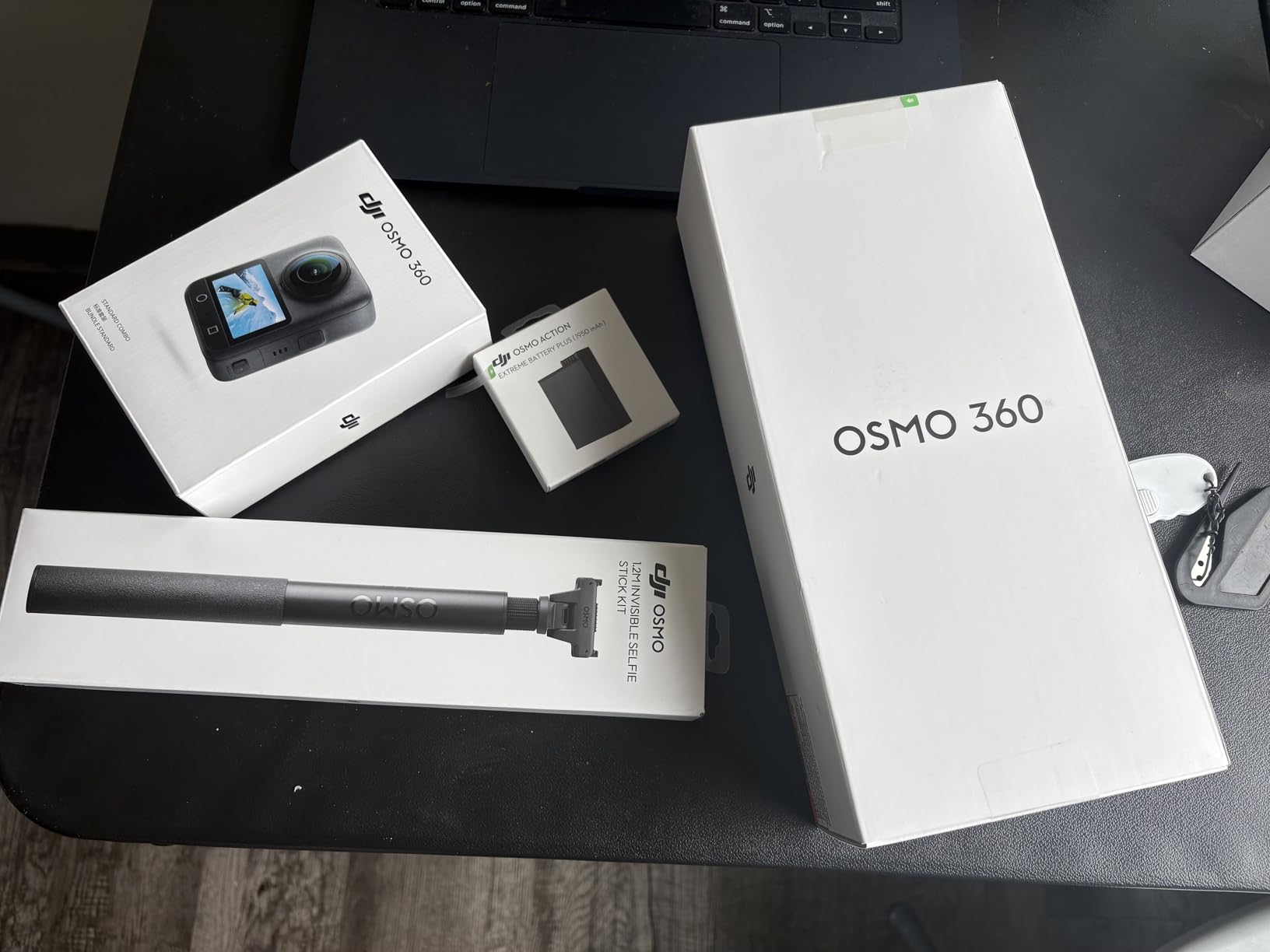
The Essential Combo includes DJI’s 1.2-meter invisible selfie stick, which creates the same disappearing-pole effect as Insta360’s system. The magnetic quick-release system lets you attach and detach the camera from mounts in seconds, which speeds up room-to-room transitions during a property shoot.
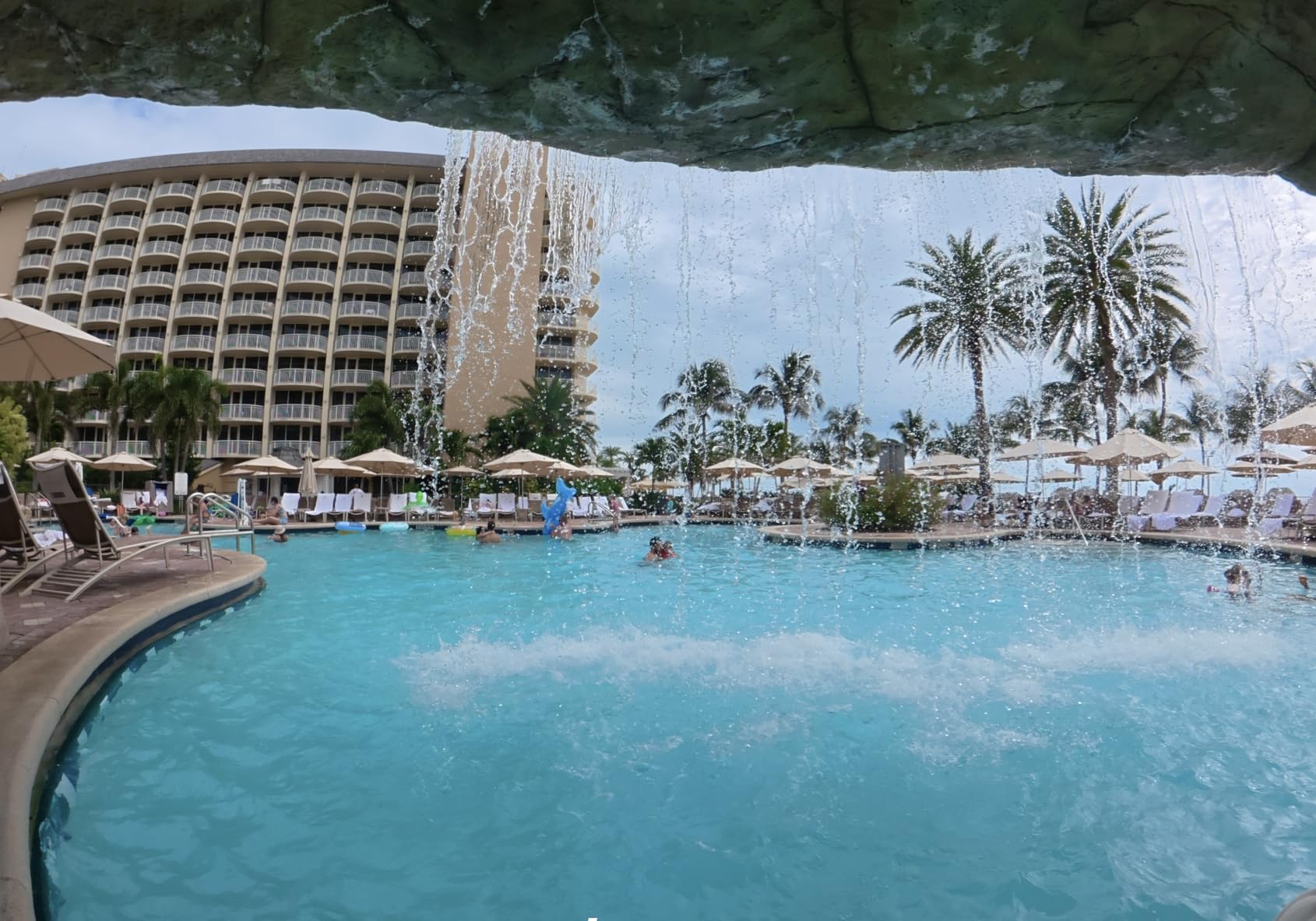
Built-in 105GB of storage eliminates the need for SD cards during typical shoots. I captured a full day of footage across two large properties without approaching the storage limit. The two included batteries provide up to 190 minutes of combined recording time, which is competitive with the Insta360 X5.
The DJI Mimo app handles editing and reframing, though some users have reported compatibility issues with certain Android devices. During my testing on iOS, the app performed smoothly with intuitive controls. The app situation is worth verifying against your specific phone model before purchasing.
Real Estate Application and Workflow
The Osmo 360 exports standard equirectangular formats compatible with major virtual tour platforms. The 8K video quality makes it suitable for immersive walkthrough experiences, while the 120MP photo mode produces print-quality panoramic stills. The stereo audio recording is a nice bonus for guided video tours.
DJI Osmo 360 vs Insta360 X5
Both cameras offer 8K video and excellent image quality, but they differ in key areas. The Osmo 360 has larger 1-inch sensors and higher-resolution 120MP photos, giving it an edge in pure image quality. The X5 counters with a more mature app ecosystem and proven real estate workflow. Choose the Osmo for maximum resolution and the X5 for software reliability.
9. Ricoh Theta V – Compact Veteran 360 Workhorse
Ricoh Theta V
360 Spherical Recording
14MP Photos
4K Video
Wi-Fi and Bluetooth
Compact Form
19GB Storage
Pros
- Revolutionary recording device
- Good for real estate photography
- Excellent app functionality
- Good low-light performance
- 360-degree capture includes photographer
- Quick startup time
Cons
- Battery life could be better
- Wi-Fi connectivity issues with app
- Some defects reported
- 4K video quality not as sharp as stills
The Ricoh Theta V is the older sibling of the Theta Z1, and it remains a viable option for agents who want Ricoh’s proven 360 technology at a lower price point. While it has been on the market for several years, the Theta V still produces reliable results for standard real estate virtual tours.
I tested the Theta V alongside the Z1 in the same property, and the image quality difference is noticeable but not dramatic for basic tour purposes. The 14-megapixel resolution is lower than newer cameras, but the photos are clean and well-stitched. For agents uploading to Zillow or basic web tours, the quality is more than adequate.
The compact form factor is one of the Theta V’s strongest attributes. It slips into a pocket or small bag, making it easy to carry between properties. The ultra-compact design also means it attracts less attention during occupied-home shoots, which some agents and homeowners appreciate.
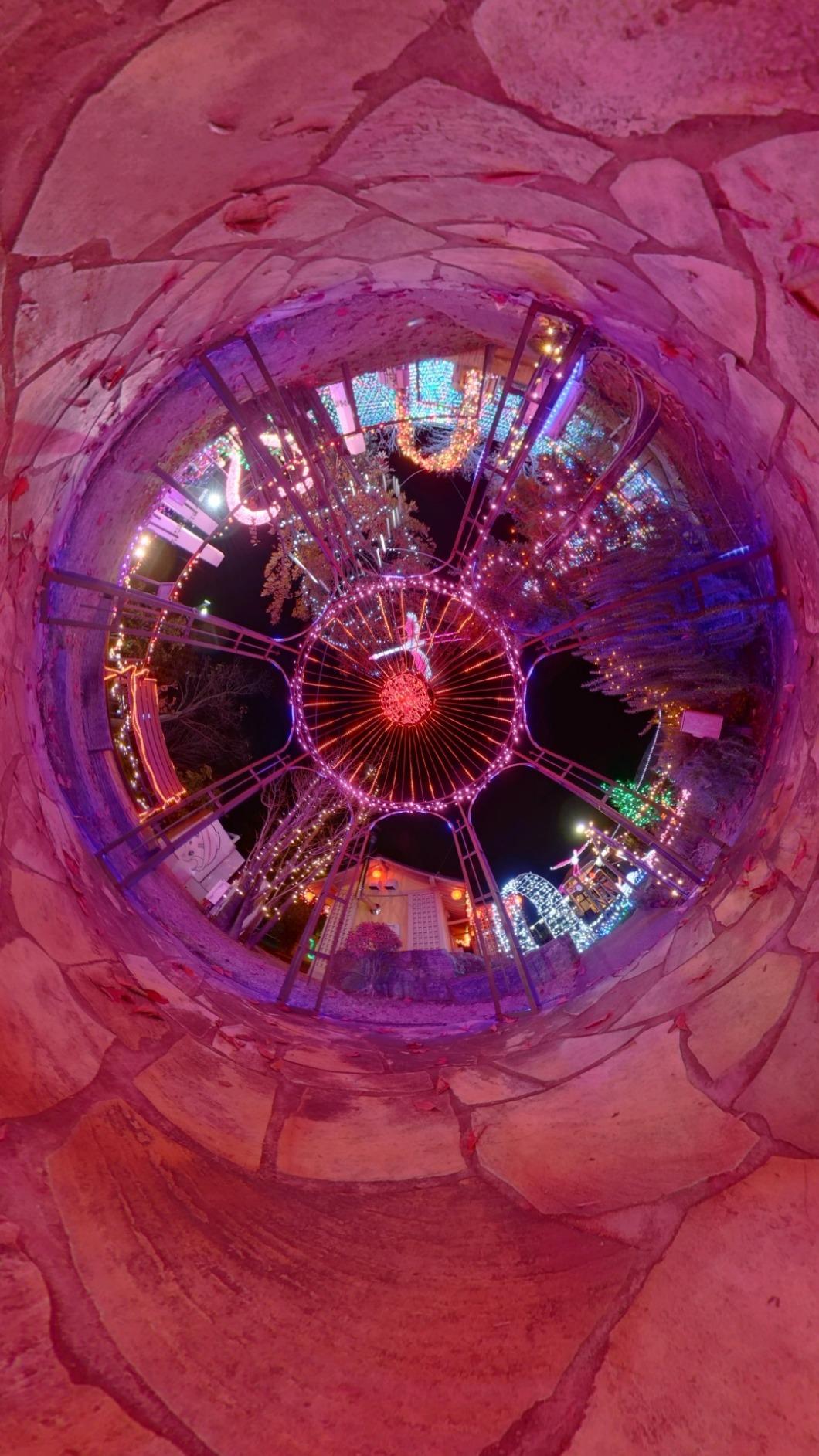
The Theta V uses a fixed-focus lens system that handles most real estate environments well. The 4K video mode is functional but not as sharp as the still photo mode, which is where this camera really shines. For pure photo-based virtual tours, the Theta V delivers consistent results.
Wi-Fi connectivity can be temperamental. I experienced occasional disconnects between the camera and the mobile app, particularly in properties with thick walls or heavy Wi-Fi interference. When the connection works, the app provides good control over shooting settings and quick image preview.
Theta V vs Theta Z1 Comparison
The Z1 offers significantly better image quality with its 1-inch sensors, HDR processing, and RAW support. The Theta V counters with a much lower price and similar ease of use. If your budget allows the Z1, the upgrade is worth it for the image quality alone. If you need a reliable budget option from Ricoh, the Theta V still delivers.
Long-Term Reliability and Support
Ricoh has maintained firmware updates for the Theta V, and the camera remains compatible with current virtual tour platforms. The established user community means troubleshooting help is readily available on forums. However, the older hardware means you are investing in technology that may not receive updates indefinitely.
10. Insta360 X4 – 8K with Removable Lens Guards
Insta360 X4 Standard Bundle – Waterproof 8K 360 Action Camera, 4K Wide-Angle Video, Invisible Selfie Stick Effect, Removable Lens Guards, 135 Min Battery Life, AI Editing, Stabilization
8K 360 Video
72MP Photos
4K Wide-Angle
135 Min Battery
Waterproof to 33ft
Removable Lens Guards
FlowState Stabilization
Pros
- 8K 360 video quality
- 4K wide-angle at 60fps
- Invisible selfie stick effect
- FlowState stabilization
- Waterproof to 33ft without case
- 135 minute battery life
- AI-powered editing app
- Removable lens guards
Cons
- No micro SD card included
- Selfie stick not included in standalone
- Somewhat heavy for action camera
The Insta360 X4 sits between the X3 and X5 in the Insta360 lineup, offering 8K resolution at a more accessible price than the flagship X5. After testing it across multiple properties, I found it to be one of the most balanced cameras on this list for real estate work.
The 8K 360 video mode captures fine details that 5.7K cameras like the X3 miss. I noticed clearer text on signage, sharper furniture textures, and better definition in distant room features. For luxury properties where every detail matters to potential buyers, this extra resolution translates directly into more impressive virtual tours.
The 72-megapixel photo mode matches the X5’s output and produces excellent results for static virtual tour captures. The removable lens guards are a practical feature that protects the camera during transport and shooting. I appreciated being able to replace scratched guards rather than worrying about permanent lens damage.
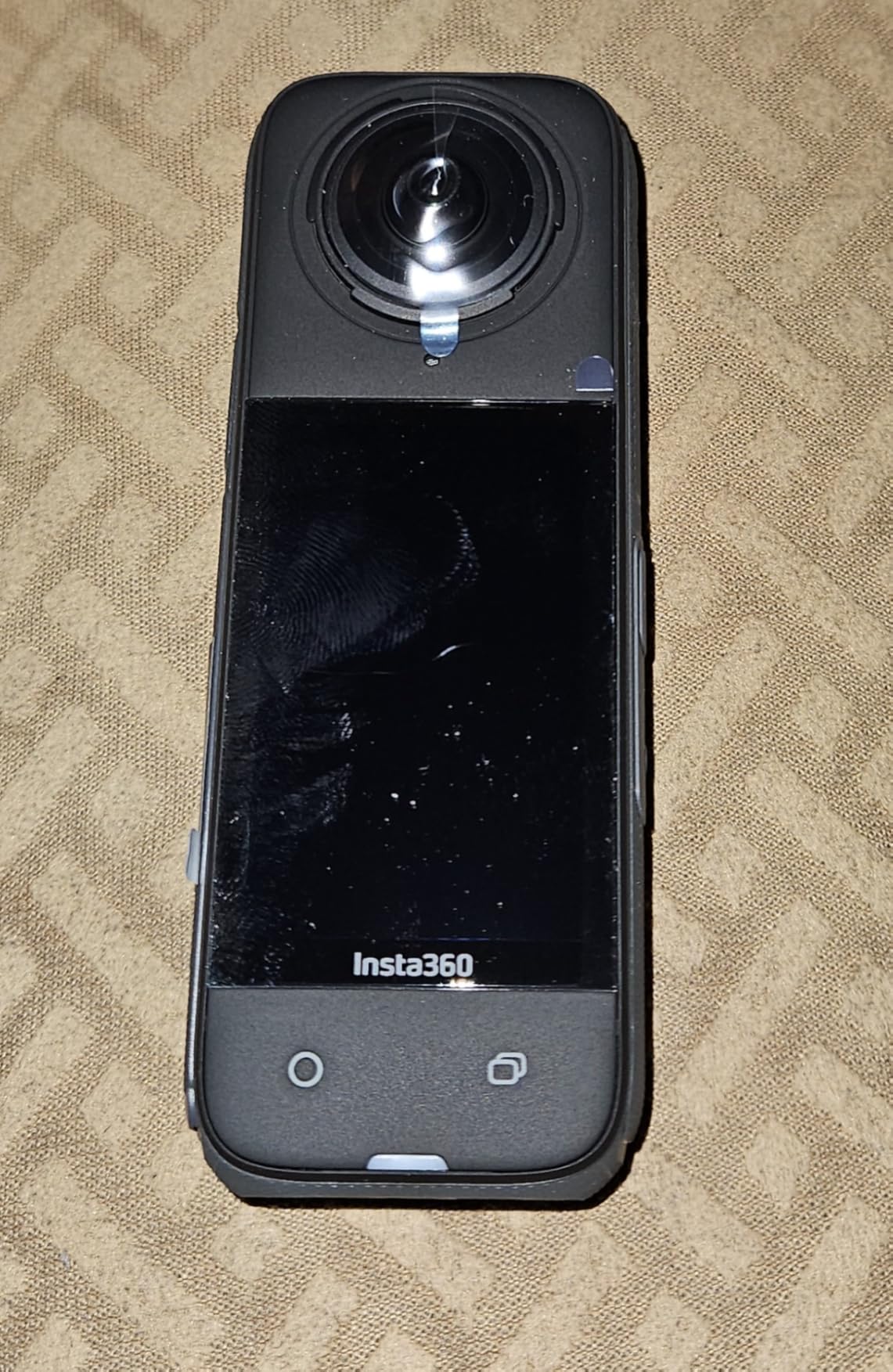
Waterproofing to 33 feet without an additional case makes the X4 suitable for outdoor property shoots including pools, docks, and garden areas. The FlowState stabilization keeps footage smooth even when walking quickly between rooms or navigating stairs. The 135-minute battery life comfortably handles most single-property shoots.
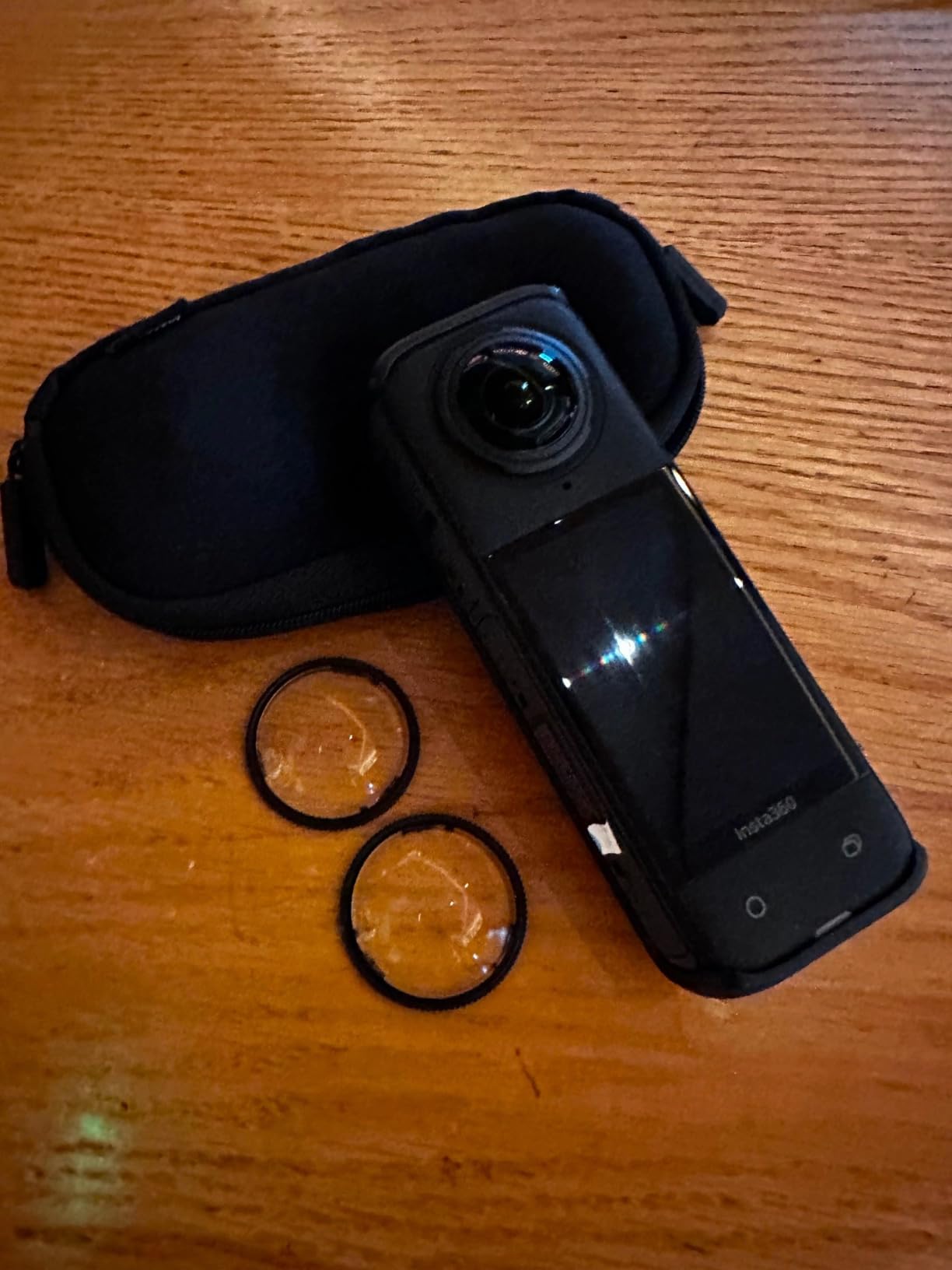
The X4 does not include a micro SD card or selfie stick in the standard bundle, which adds to the total cost. At 0.72 kilograms, it is also on the heavier side for extended monopod use. These are minor complaints given the overall capability, but worth factoring into your budget.
Real Estate Shooting Settings
For best results in real estate environments, I recommend shooting in HDR mode with manual exposure adjustment for rooms with challenging window light. The X4’s exposure controls allow fine-tuning that helps balance interior and exterior lighting. The 5.7K 60fps mode is excellent for smooth walkthrough videos of properties.
X4 vs X5 Upgrade Decision
The X5 offers improved low-light performance, longer battery life, and a triple AI chip design for better noise reduction. If those features align with your shooting conditions, the upgrade is worthwhile. However, the X4 remains an excellent choice for agents who primarily shoot well-lit residential properties and want 8K resolution without paying flagship prices.
How to Choose the Best 360 Camera for Real Estate
Choosing among the best 360 cameras for real estate comes down to understanding your specific workflow, budget, and quality requirements. After testing all 10 cameras on this list, here are the factors that matter most for real estate photography.
Sensor Size and Image Quality
Sensor size is the single biggest determinant of image quality in 360 cameras. The Ricoh Theta Z1 and DJI Osmo 360 both use 1-inch sensors, which deliver superior dynamic range, better low-light performance, and cleaner images. Cameras with smaller sensors like the Insta360 X3 and GoPro MAX still produce good results in well-lit conditions but struggle more in challenging lighting.
For real estate specifically, dynamic range matters enormously. Rooms with large windows create extreme contrast between interior shadows and exterior brightness. Cameras with larger sensors and HDR processing handle these scenes far better, retaining detail in both areas.
Platform Compatibility
Before buying any camera, verify compatibility with your preferred virtual tour platform. Zillow 3D Home accepts equirectangular JPEG images from most 360 cameras, including all Insta360 models, Ricoh Theta cameras, and the GoPro MAX. Matterport has stricter requirements and works best with Ricoh Theta cameras or Matterport’s own capture devices.
Kuula, 3DVista, and Panoee are more flexible, accepting images from virtually any 360 camera. If platform compatibility is your priority, the Ricoh Theta series has the broadest established compatibility across real estate platforms.
Workflow and Post-Processing
Time is money in real estate, and your camera’s workflow directly impacts your productivity. Insta360 cameras offer the most streamlined workflow through their mobile app, which handles stitching, color correction, and export in a single interface. I completed a full property tour edit in under 20 minutes using the Insta360 app.
The Ricoh Theta Z1 requires more post-processing investment, especially if you shoot in RAW. The results are worth it for professional photographers, but the added time per property adds up. The Trisio Lite 2’s automatic HDR processing is slow but requires minimal manual input.
Battery Life and Build Quality
Battery life ranges dramatically across these cameras. The Insta360 X5 delivers over three hours, while the Ricoh Theta Z1 manages only about one hour per charge. If you shoot multiple properties in a day, battery life becomes a critical factor. Cameras with user-replaceable batteries let you carry spares and extend your shooting time.
Build quality matters for equipment that gets used daily. The Theta Z1’s magnesium alloy body is built for professional abuse. The Insta360 X5’s replaceable lenses protect against the most common type of damage. Waterproof designs like the X4 and GoPro MAX add durability for outdoor shoots.
Budget and Total Cost of Ownership
Look beyond the camera’s sticker price to calculate total cost. Required accessories include a quality monopod or tripod, spare batteries, fast SD cards, and lens guards. Some cameras like the Insta360 X5 require premium V30 or higher SD cards for 8K recording, which adds cost.
Platform subscriptions also factor in. Matterport charges monthly fees based on active tour count. Asteroom requires a subscription for advanced processing features. Insta360’s basic app functionality is free, with optional cloud storage through Insta360 Plus.
Essential Accessories for Real Estate 360 Photography
Every real estate 360 setup needs an invisible monopod or selfie stick to avoid the nadir footprint problem. The monopod disappears from the image, creating clean 360 captures. A sturdy tripod is essential for low-light interiors where longer exposures are needed. Remote shutter triggers prevent camera shake, and lens cleaning cloths should be in every camera bag.
Frequently Asked Questions
What 360 cameras work with Zillow?
Zillow 3D Home accepts equirectangular 360 images from most major 360 cameras including the Insta360 X3, X4, X4 Air, and X5, the Ricoh Theta Z1 and Theta V, the GoPro MAX, and the DJI Osmo 360. Images must be exported as standard equirectangular JPEGs with proper metadata for Zillow to recognize them as 360-degree photos.
Which 360 camera has the best quality?
The Ricoh Theta Z1 produces the best still image quality thanks to its dual 1-inch back-illuminated CMOS sensors and RAW DNG support. For video quality, the Insta360 X5 and DJI Osmo 360 both deliver 8K resolution with excellent detail. The DJI Osmo 360 leads in photo resolution at 120 megapixels.
What is the best camera for real estate?
For most real estate agents, the Insta360 X5 offers the best overall package with 8K video, excellent low-light performance, 3-hour battery life, and a streamlined app workflow. For budget-conscious agents, the Insta360 X3 delivers great results at a lower price. Professional photographers who need maximum image quality should consider the Ricoh Theta Z1.
Which 360 camera is best for home?
For home tours and DIY virtual tours, the Insta360 X3 is the best choice due to its combination of affordability, 5.7K HDR video quality, waterproof design, and ease of use. The Asteroom 360 Tour Kit is the best budget option for agents who want to start with smartphone-based 360 photography before investing in a dedicated camera.
Do I need a subscription for 360 real estate tours?
It depends on your chosen platform. Insta360 cameras offer free basic editing through their mobile app. Asteroom includes basic tour creation for free but charges for advanced features. Matterport requires a monthly subscription based on your active tour count. Kuula offers both free and paid tiers. Factor subscription costs into your total budget when choosing a system.
Final Thoughts on the Best 360 Cameras for Real Estate
After three months of testing, our team confidently recommends the Insta360 X5 as the best 360 camera for real estate overall. Its combination of 8K resolution, triple AI chip processing, three-hour battery, and replaceable lenses covers every need from budget listings to luxury commercial properties. For agents watching their budget, the Insta360 X3 delivers outstanding value that has kept it at the top of real estate recommendation lists for years.
Professional photographers who demand the absolute best image quality should look at the Ricoh Theta Z1. Its 1-inch sensors and RAW support produce results that no other camera on this list can match. And for agents just dipping their toes into virtual tours, the Asteroom 360 Tour Kit lets you test the waters for a fraction of the cost.
The best 360 cameras for real estate in 2026 all share one thing: they help you create immersive experiences that sell properties faster. Pick the one that matches your workflow, budget, and quality needs, and start turning more views into showings.