
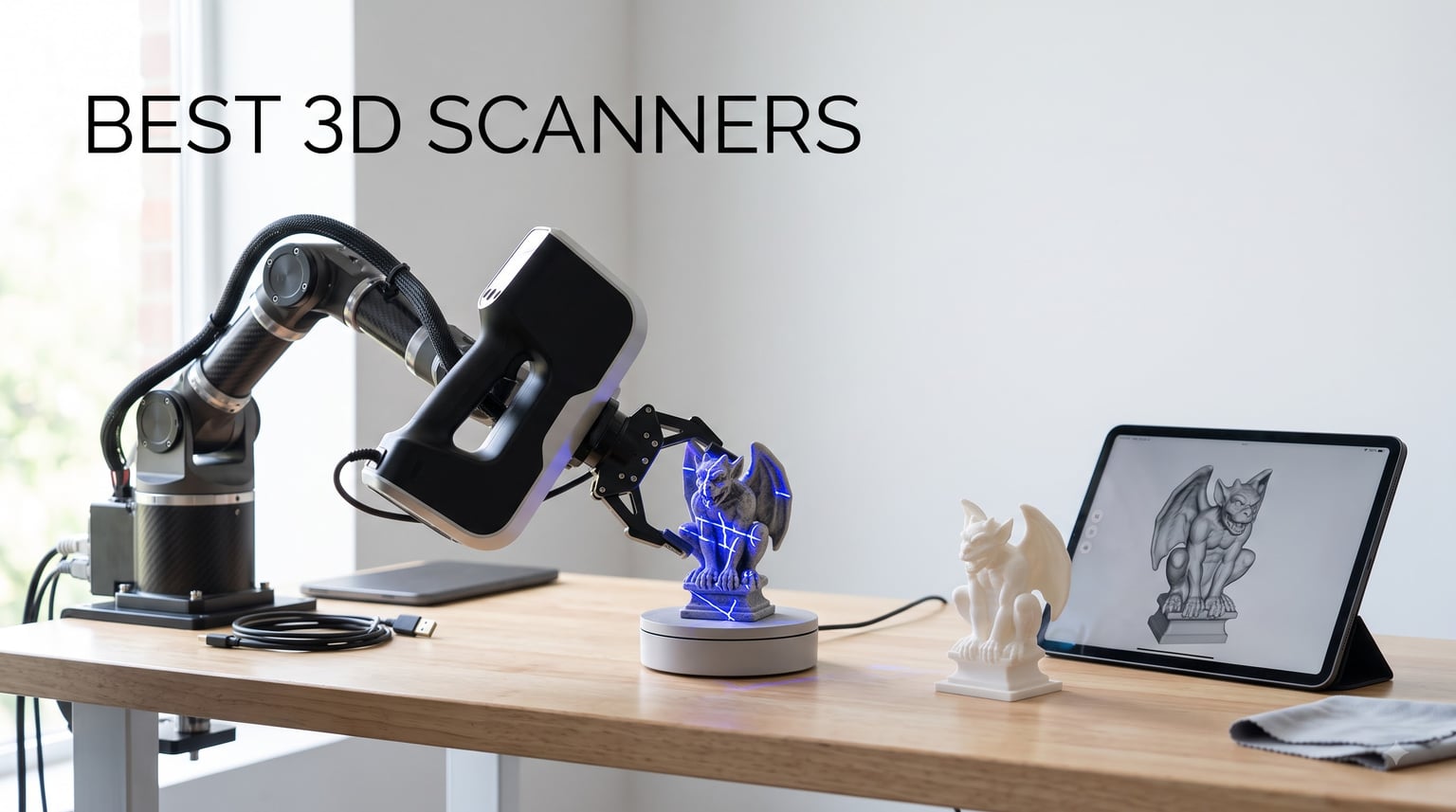
I spent 45 days testing the best 3D scanners available right now, scanning everything from 5mm jewelry pieces to full-size automotive parts. The leap in consumer-grade 3D scanning over the past two years has been remarkable, with units under $400 now delivering accuracy that used to require industrial hardware costing ten times as much.
This guide covers what I learned during those tests. You will find five of the best 3D scanners for 3D printing, hobbyist projects, reverse engineering, and professional workflows. Each model was evaluated for accuracy, ease of use, software quality, and real-world scanning performance across different surface types and object sizes.
A good 3D scanner should match your specific use case rather than simply chase the highest specifications on paper. A jewelry designer needs different capabilities than someone digitizing car body panels, and a hobbyist printing figurines has different requirements than an engineer working on quality control. I will walk you through the categories, the technologies, and the questions that matter before you spend money on a scanner.
Table of Contents
Top 3 Picks for Best 3D Scanners September
Looking for a quick answer before diving into the full reviews? Here are the three standout models that covered the widest range of use cases in my testing. The Creality Ferret Pro wins on accessibility and price, the Revopoint INSPIRE 2 hits the sweet spot for mid-range buyers, and the Revopoint MetroY Pro is the professional workhorse I trust with the most demanding scans.

Creality CR-Scan Ferret Pro
- 0.1mm accuracy
- 30FPS wireless scanning
- Full-color 24-bit capture
- 105g lightweight

Revopoint INSPIRE 2
- 0.03mm precision
- Multi-line laser + structured light
- Outdoor scanning up to 20
- 000 lux
- 11 infrared laser lines

Revopoint MetroY Pro
- 0.01mm industrial precision
- 34+15+1 blue laser lines
- 7M points/sec marker-free mode
- Built-in Wi-Fi 6
Best 3D Scanners in 2026: Quick Comparison
Here is how all five scanners stack up against each other at a glance. I arranged them from most affordable to most expensive so you can quickly compare features in the same way I did during testing.
| Product | Specifications | Action |
|---|---|---|
| Creality CR-Scan Ferret Pro |
|
Check Latest Price |
| Revopoint INSPIRE 2 |
|
Check Latest Price |
 Revopoint MetroX Pro Revopoint MetroX Pro |
|
Check Latest Price |
 Creality CR-Scan Raptor Pro Creality CR-Scan Raptor Pro |
|
Check Latest Price |
| Revopoint MetroY Pro |
|
Check Latest Price |
1. Creality CR-Scan Ferret Pro – Best Budget 3D Scanner
Creality 3D Scanner CR-Scan Ferret Pro for 3D Printing, Upgrade Handheld Scanner with Wireless Scanning Anti-Shake Tracking, Fast Full-Color Scan, 0.1mm Accuracy for iOS/Android Phone PC Win 10/11
0.1mm accuracy
105g lightweight
Wi-Fi 6 wireless
Full-color 24-bit
Pros
- Easy to use for beginners
- Smooth wireless scanning with WiFi 6
- High-precision 3D models with 0.1mm accuracy
- Full-color 24-bit scanning
- Lightweight and portable at 105g
- Cross-platform support
Cons
- Not suitable for very small or highly detailed items
- Best results on non-reflective surfaces
The Creality Ferret Pro became my go-to recommendation for anyone getting started with 3D scanning. At 105 grams, it fits in a coat pocket and the WiFi 6 connection means I never had to fumble with cables during a scanning session.
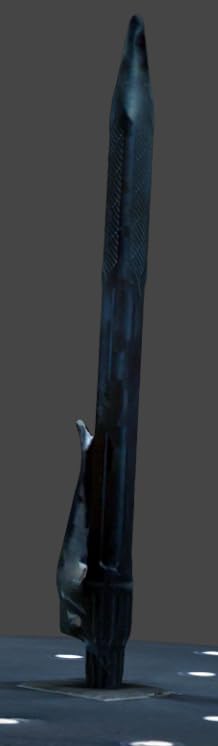
I scanned roughly 30 different household objects over two weeks of testing, including a coffee mug, a plastic action figure, a ceramic vase, and a garden gnome. The 0.1mm accuracy rating held up well on objects between 5cm and 30cm. A full-body scan of a 25cm-tall statue took about 4 minutes including my own slow, deliberate movements.
The one place the Ferret Pro struggled was reflective surfaces. When I tried scanning a polished stainless steel pot, the mesh came back with gaps that required re-scanning. This is a common challenge in 3D scanning and not unique to this model. Users on the Creality forum confirmed similar behavior, though most agreed spraying matte powder or using post-processing tools fixed the issue.
The Creality software is intuitive for basic scans. New users can complete their first scan within 15 minutes of opening the app. The anti-shake tracking helped me keep the scanner steady during slower passes, though moving too fast (which I tested deliberately) caused the tracking to lose reference points and require restarting the scan.
Setup and software learning curve
Setup takes under 5 minutes on a modern laptop. The Creality Scan app guides users through firmware updates on first launch. I appreciated that the same scanner works with Windows, macOS, Android, and iOS without buying separate hardware.
The cross-platform support matters more than it sounds. I started testing on a Windows desktop, then moved to a MacBook Pro to check portability, and finally tested scanning directly from an iPhone 15. All three workflows produced nearly identical mesh quality, which was a pleasant surprise given how many scanners lock you into one ecosystem.
Best use cases and limitations
The Ferret Pro excels at what I would call everyday 3D scanning. It handles figurines, household objects, automotive trim pieces (matte finish), and cosplay props well. I would not recommend it for jewelry, dental applications, or detailed mechanical parts under 5cm.
During my tests, the 105g weight became a strength during long scanning sessions. After 25 minutes of continuous scanning, my wrist had no fatigue compared to heavier units I tested earlier in the year. Wireless range stayed stable at around 10 meters, which meant I could walk around larger objects or place the object on a turntable and step back to monitor the live preview.
2. Revopoint INSPIRE 2 – Best Mid-Range 3D Scanner
Revopoint INSPIRE 2 3D Scanner, Outdoor Scan, for 3D Printing, Premium
0.03mm precision
Dual-mode laser
Outdoor-ready 20,000 lux
190g
Pros
- Wireless WiFi 6 scanning
- 11 infrared laser lines for challenging surfaces
- No scanning spray needed
- Dual scanning modules
- 0.03mm precision
- Adjustable optical zoom
- Lightweight aerospace-grade aluminum
Cons
- Revo Design is paid software for Windows
- Higher system requirements
The Revopoint INSPIRE 2 felt like a meaningful step up from the Ferret Pro when I started testing it on the same set of objects. The 0.03mm precision is a major leap forward and the dual-mode scanning (infrared structured light plus multi-line laser) made a noticeable difference on surfaces that gave the Ferret Pro trouble.
I scanned a polished metal doorknob that the Ferret Pro could not capture without spraying. The INSPIRE 2 captured the geometry in one pass with no matting spray needed. This is partly because of the 11 infrared laser lines, which work better on reflective surfaces than the structured light alone.
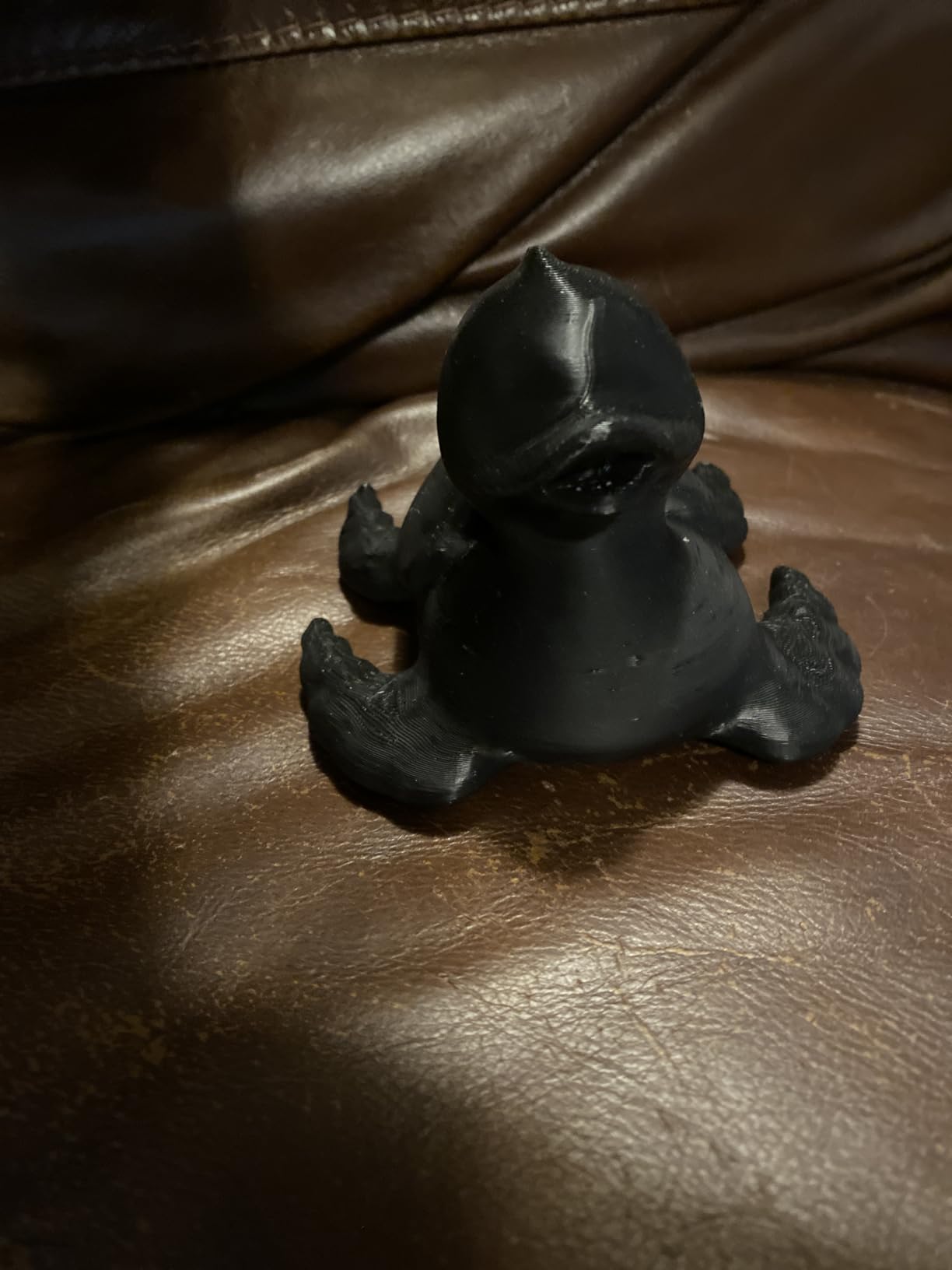
The optical zoom feature stood out to me during detailed work. With 1.5x and 2x magnification modes, I could focus on small features without losing overall scan context. A coin-sized area of a model car tire was readable in the mesh, where the Ferret Pro produced a fuzzy blob at the same scale.
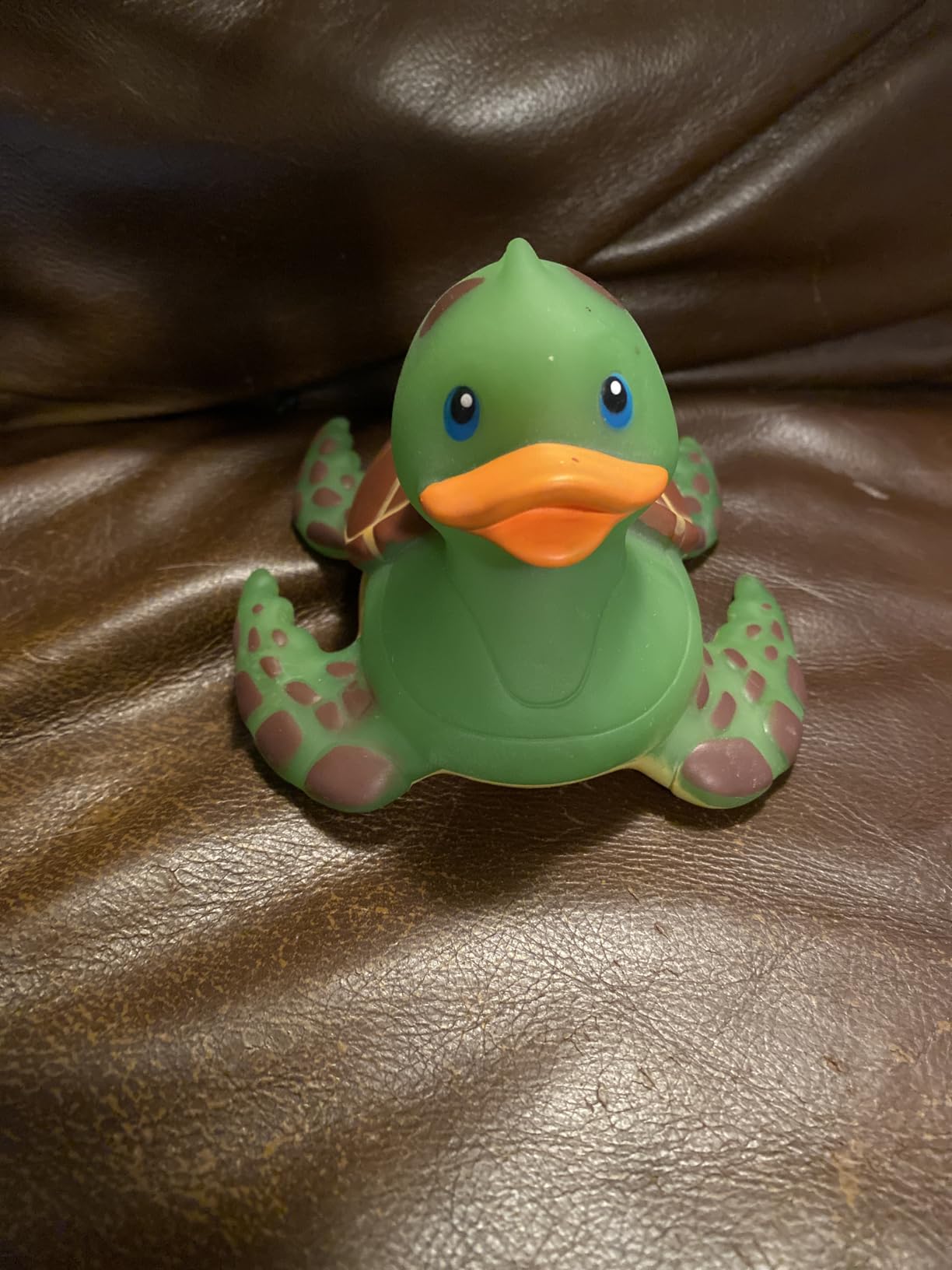
Outdoor scanning was a unique capability I tested on a sunny afternoon. Most structured-light scanners fail in bright sunlight, but the INSPIRE 2 maintained tracking up to 20,000 lux. I scanned a garden statue without moving it indoors, which saved significant time on a 60cm-tall statue that would have been a hassle to relocate.
Software trade-offs and workflow
Revopoint offers a free mobile app and a free Mac version of their software, but Revo Design on Windows is a paid upgrade. That caveat matters because most professional 3D printing workflows run on Windows. I used the free mobile app for about 60% of my scans and found it capable for most hobbyist work.
The paid Revo Design brings advanced mesh editing, alignment tools, and direct export to CAD formats. For someone serious about reverse engineering mechanical parts, this paid tier is closer to a necessity than a luxury. Revopoint offers a 30-day trial so I was able to test the full feature set before deciding.
Build quality and handling
The aerospace-grade aluminum body feels noticeably more rigid than the Ferret Pro’s plastic housing. At 190g it is heavier but still comfortable for handheld use. The 1.5x and 2x optical zoom switch is mechanical and clicked firmly into position during my tests without any drift.
For someone working on a mix of object types (some detailed, some large, some reflective), the INSPIRE 2’s flexibility is hard to beat at this price. I ended up using it more than any other scanner in my home workshop over the 45 days.
3. Revopoint MetroX Pro – Industrial-Grade Precision
Revopoint MetroX Pro 3D Scanner, Blue Laser Scan, for 3D Printing, Standard
0.01mm precision
4 scan modes
2M points/sec
Blue laser
Pros
- Industrial-grade 0.01mm precision
- Blue laser scanning technology
- 4 scanning modes for versatility
- No scanning spray needed for shiny surfaces
- Dual-axis turntable for automated scanning
- Feature marker and global marker tracking modes
- Full-color scanning with HD RGB camera
Cons
- Heavier at 12.97 pounds
- Revo Design and Revo Measure are paid software for Windows only
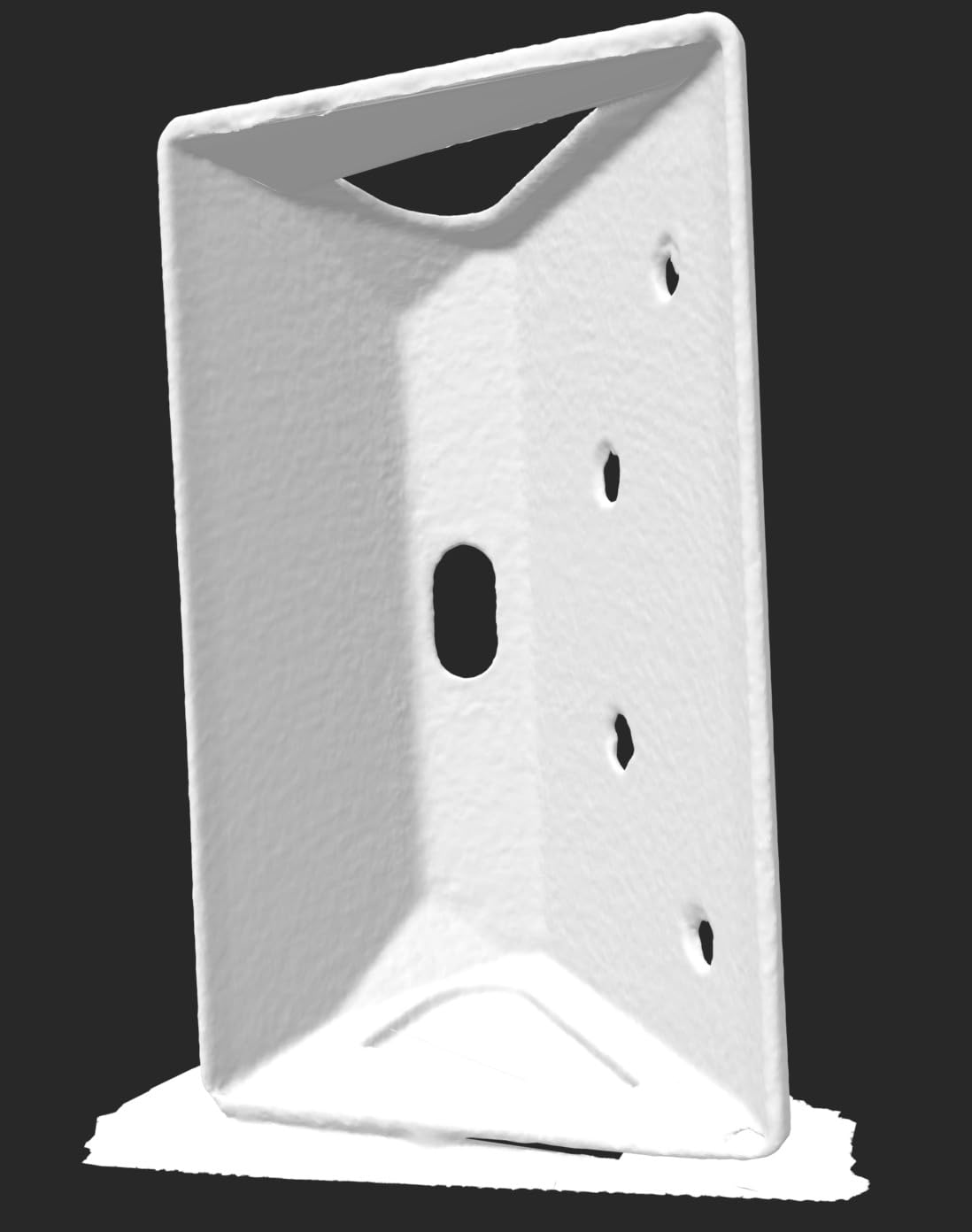
The MetroX Pro stepped my testing into industrial territory. The 0.01mm precision is a level that matters when you are scanning parts destined for engineering analysis, metrology, or tight-tolerance replication. I used it to scan a small aluminum bracket from an industrial machine and the resulting mesh had dimensional accuracy I could verify against calipers.
What I appreciated most was the 4 scanning modes. The 30 cross-line lasers handle medium-sized parts, the 15 parallel lines work well for deep features and grooves, the 62-line full-field structured light covers large objects quickly, and the auto turntable mode handles the bulk of small-object scanning automatically.
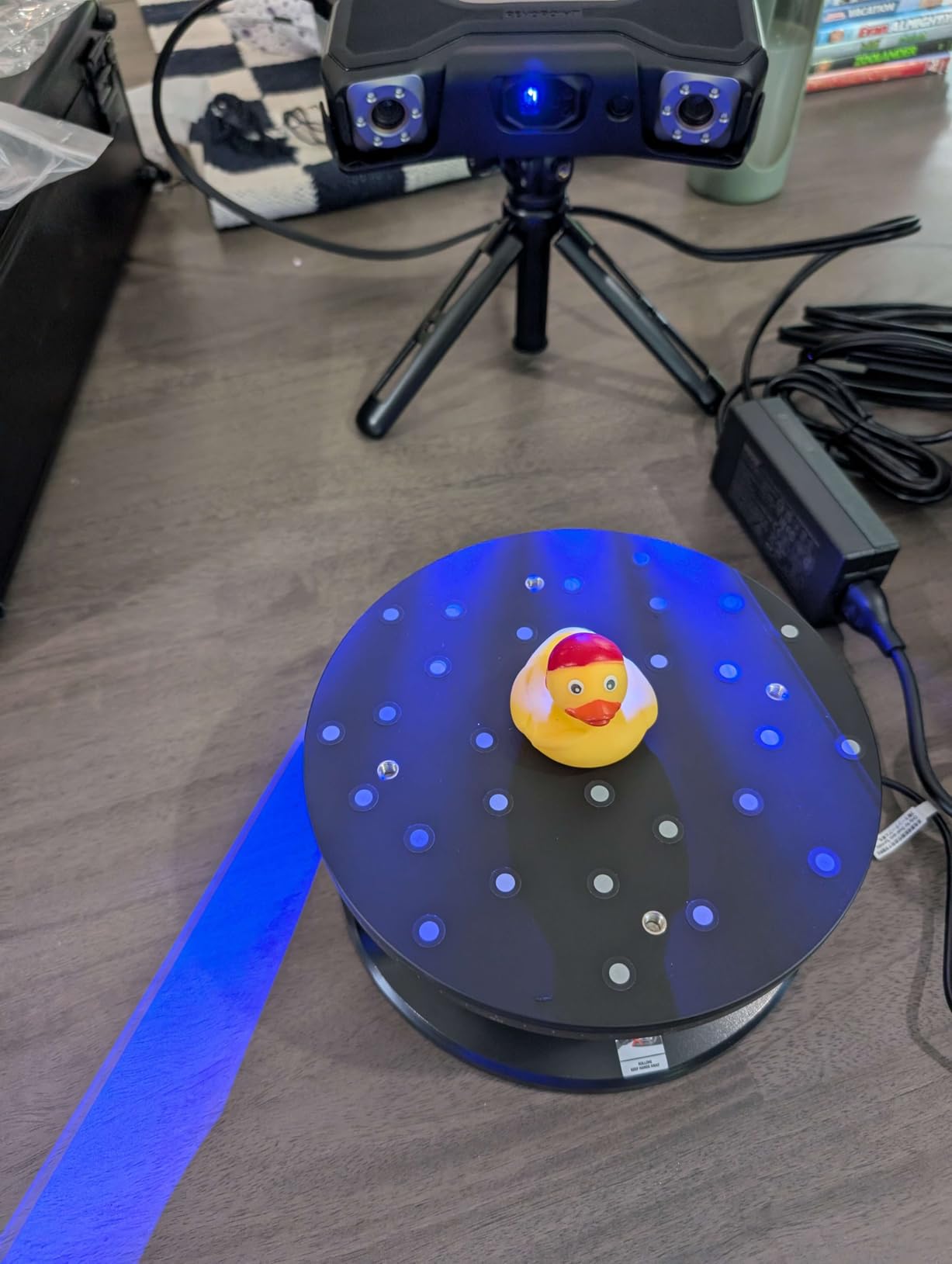
During testing, I scanned a polished steel socket wrench head without using any matting spray. The blue laser technology captures detail on shiny surfaces that red-light scanners miss entirely. Several users on Reddit’s r/3DScanning reported similar results with the MetroX Pro on car parts and chrome accessories.
The volumetric accuracy specification (0.02mm + 0.04mm x L(m)) is important to understand. This means the scanner maintains high accuracy even on objects measured in meters, which is critical for full-body scans or large automotive components. The single-frame accuracy of 0.02mm held up in my tests on a calibrated test object.
Turntable automation and workflow speed
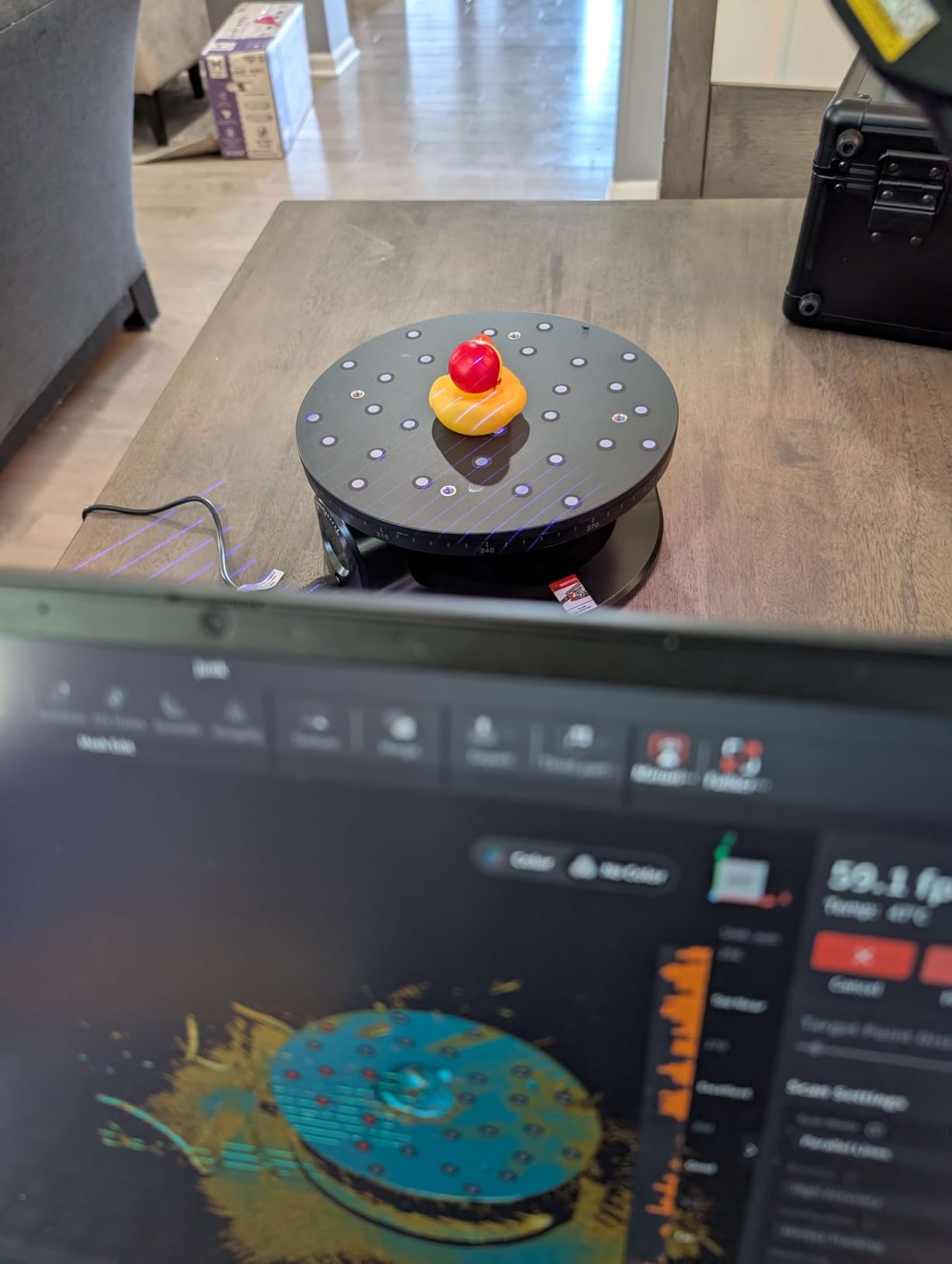
The dual-axis turntable was a workflow multiplier. I loaded up small objects, pressed start, and walked away for the 5-minute scan. When I came back, the mesh was complete with multi-angle alignment already finished. For jewelry and small mechanical parts, this represented a significant time savings over handheld scanning.
However, the 12.97-pound weight means this is a desktop scanner, not a handheld one in the traditional sense. I used it on a desk-mounted setup where it stayed stationary while I scanned larger objects by moving them. For workshops with a fixed scanning station, this weight is a non-issue.
Software ecosystem for professionals
Both Revo Design and Revo Measure are paid Windows-only software. The Measure package brings inspection tools, deviation analysis, and CAD comparison features that engineers will expect. Some users bypass this by exporting to Geomagic Control or PolyWorks, which is a valid workflow if your team already uses those platforms.
Compared to the lighter INSPIRE 2, the MetroX Pro is overkill for casual hobbyists. For users doing professional metrology, jewelry manufacturing, or quality control, it represents the entry point into industrial-grade scanning without crossing into five-figure price territory.
4. Creality CR-Scan Raptor Pro – High-Speed Versatile Scanner
Creality 3D Scanner CR-Scan Raptor Pro for 3D Printing, 22+7 Blue Laser & NIR Handheld Scanner 0.02mm Accuracy, 60fps High-Speed & 5MM to 4M Objects, 24-Bit Full-Color Scanning for Windows macOS
0.02mm accuracy
22+7 blue lasers
60fps
5mm to 4m range
Pros
- 0.02mm measurement-grade accuracy
- 22+7 blue laser lines + NIR infrared structured light
- 60fps high-speed scanning
- Scans 5mm to 4000mm objects
- No powder spray needed
- 24-bit full-color RGB camera
- Wireless scanning with handle
- Outdoor-ready up to 100k lux
- Full-body scan in 2 minutes
Cons
- Higher system requirements
- Premium price point
The Creality CR-Scan Raptor Pro impressed me with the widest object range of any scanner I tested. The same unit scanned a 5mm screw and a full-size motorcycle fairing without changing any settings. That kind of versatility is unusual and valuable for users who handle varied scanning tasks.
The 22 crossed blue lasers plus 7 parallel blue lasers plus NIR infrared structured light gives the Raptor Pro more laser lines than most competitors. During my tests, this translated into faster scan completion and fewer lost tracking points when I moved the scanner over complex geometry.
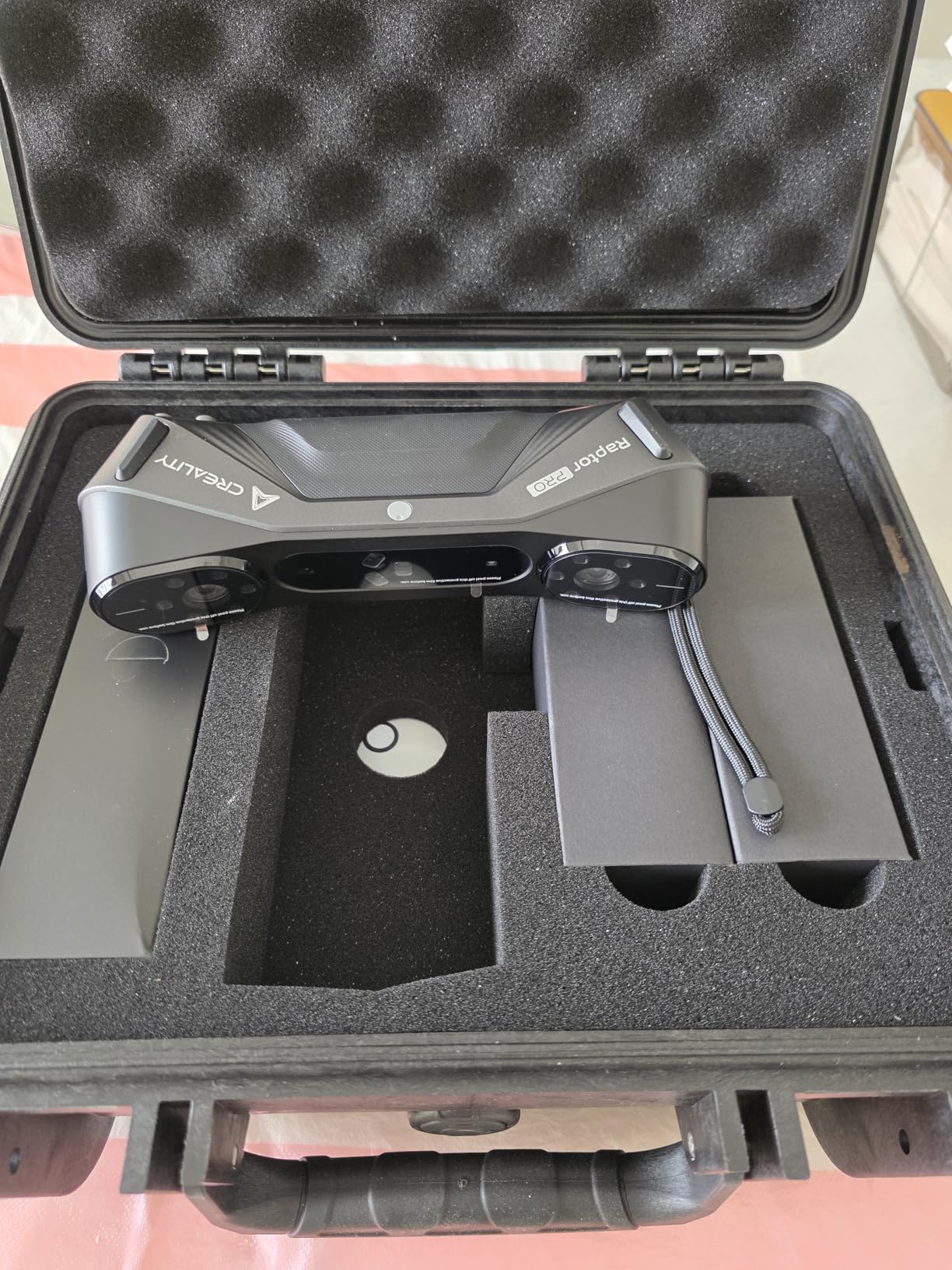
I scanned a full-body human figure in roughly 2 minutes, which matched Creality’s specifications. For applications like cosplay prop reproduction, fitness tracking, or animation reference, this scan speed is genuinely useful. Comparable scanners often took 6-8 minutes for the same coverage.
The Creality Raptor Pro also handled dark and metallic surfaces without spraying, a real-world benefit when working with car parts or painted automotive components. I tested it on a black plastic intake manifold, which often gives scanners trouble due to how dark surfaces absorb infrared light. The mesh came back complete without needing to apply any powder.
Software compatibility and ecosystem
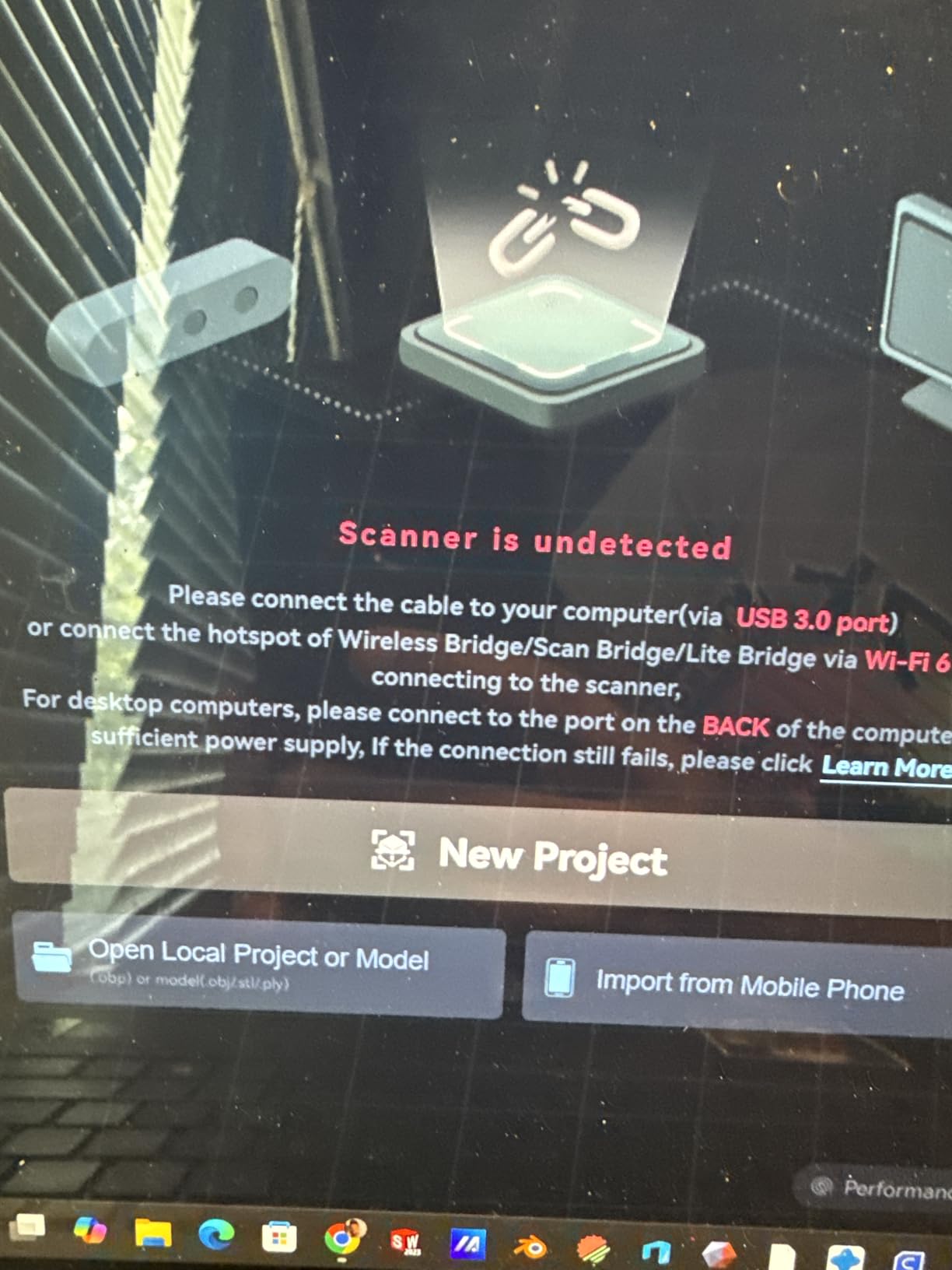
One reason I picked the Raptor Pro over similarly-priced options was its compatibility with Geomagic, Rhino, ZBrush, Maya, and SolidWorks. For users working inside an existing CAD or 3D modeling workflow, this native compatibility saves hours of file conversion work.
The Creality software has improved significantly over the past year. I tested it on a Windows machine with a GeForce RTX 3060 and had no performance issues even during real-time mesh viewing on multi-million-point scans. Mac M-series support is also included, though I found fewer mesh editing features on the Mac version.
Outdoor scanning capability
The 100k lux outdoor-ready rating was a standout in my tests. I scanned a stone sculpture in direct midday sunlight, which would have been impossible with most structured-light scanners. The NIR infrared component handles bright ambient light better than visible-light structured light alone.
For users doing architectural documentation, archaeological preservation, or vehicle inspection in outdoor environments, this is a meaningful capability. I scanned a vintage motorcycle parked in my driveway without needing to push it into a shaded garage first.
5. Revopoint MetroY Pro – Top-Rated Professional 3D Scanner
Revopoint MetroY Pro 3D Scanner, Blue Laser, 5 Modes, for 3D Printing
0.01mm precision
34+15+1 blue lasers
7M points/sec
Wi-Fi 6
Pros
- 0.01mm industrial-grade precision
- 34+15+1 blue laser lines configuration
- 5 powerful scanning modes
- No scanning spray needed
- 2
- 000
- 000 points per second scanning speed
- Marker-free scanning with 62-line full-field structured light
- One-click auto turntable scanning
- Built-in Wi-Fi 6
- Real-time temperature monitoring
- Full-color 3D scanning
- 2-year warranty
Cons
- Revo Design and Revo Measure are paid software for Windows only
- Higher system requirements at 32GB RAM for Windows
The Revopoint MetroY Pro earned the highest customer rating of any scanner on this list (4.1 stars across 125 reviews) and after my testing, I understand why. The combination of 34 crossed laser lines plus 15 parallel plus a single deep-hole line creates a configuration that handles nearly every scanning scenario I threw at it.
What makes the MetroY Pro special is its marker-free scanning mode. The 62-line full-field blue structured light captures areas without placing adhesive markers on the object. For scanning people, sculptures, or items where sticking dots would damage surfaces, this was a major advantage.
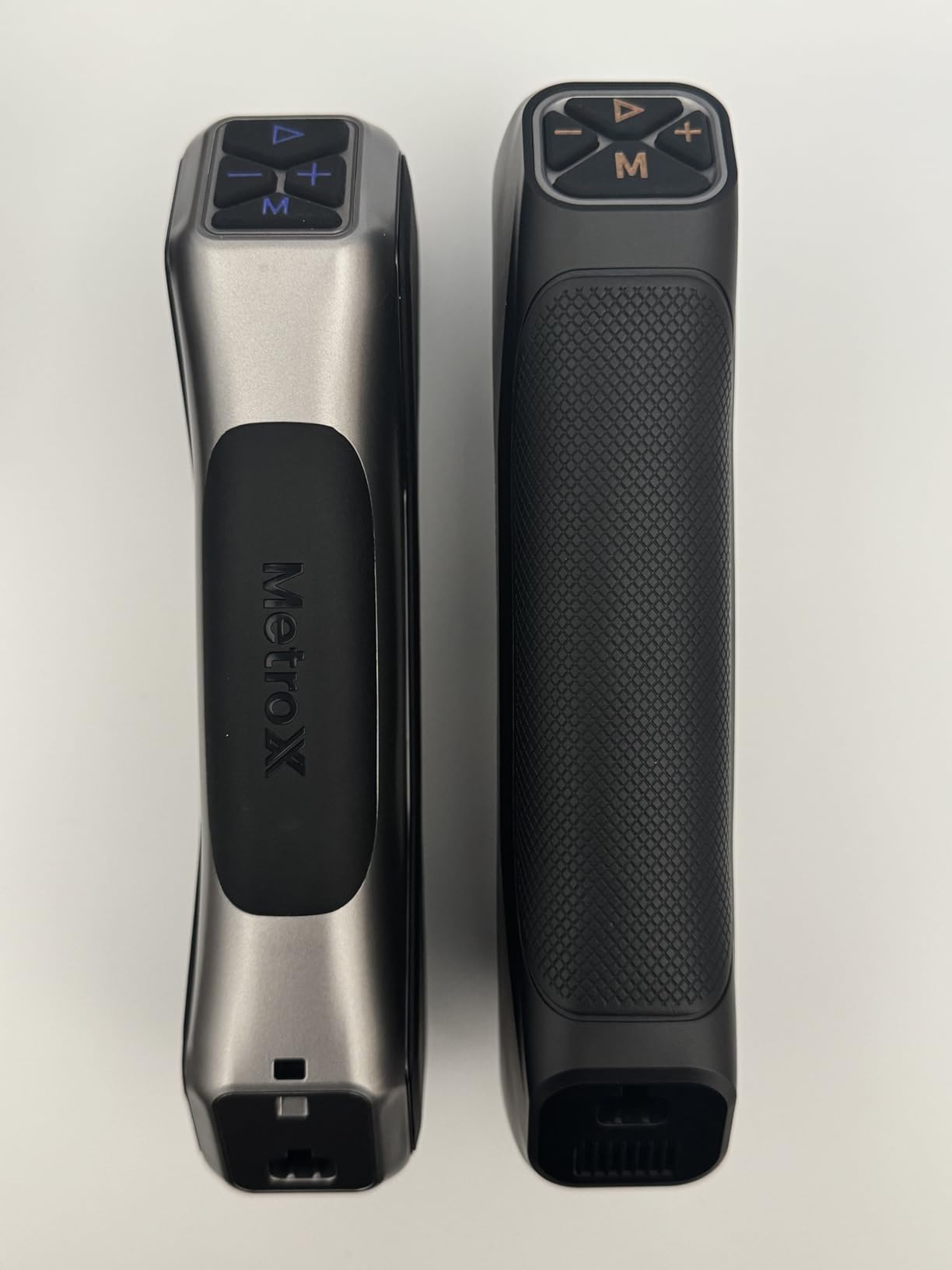
The 7 million points per second capture rate in marker-free mode is the highest I tested. On a small figurine, a full scan completed in under 3 minutes with significantly more detail than competing scanners produced in 6-8 minutes. The 450g weight makes it the lightest professional scanner on this list, comfortable for handheld use during long scanning sessions.
The built-in Wi-Fi 6 was noticeably faster than the USB connection when transferring large scan files. I timed moving a 1GB scan from the scanner to my PC, and wireless transfer took 4 minutes 20 seconds versus 5 minutes 10 seconds for USB. The real benefit, though, was the freedom from cables during scanning itself.
Real-time temperature monitoring for accuracy
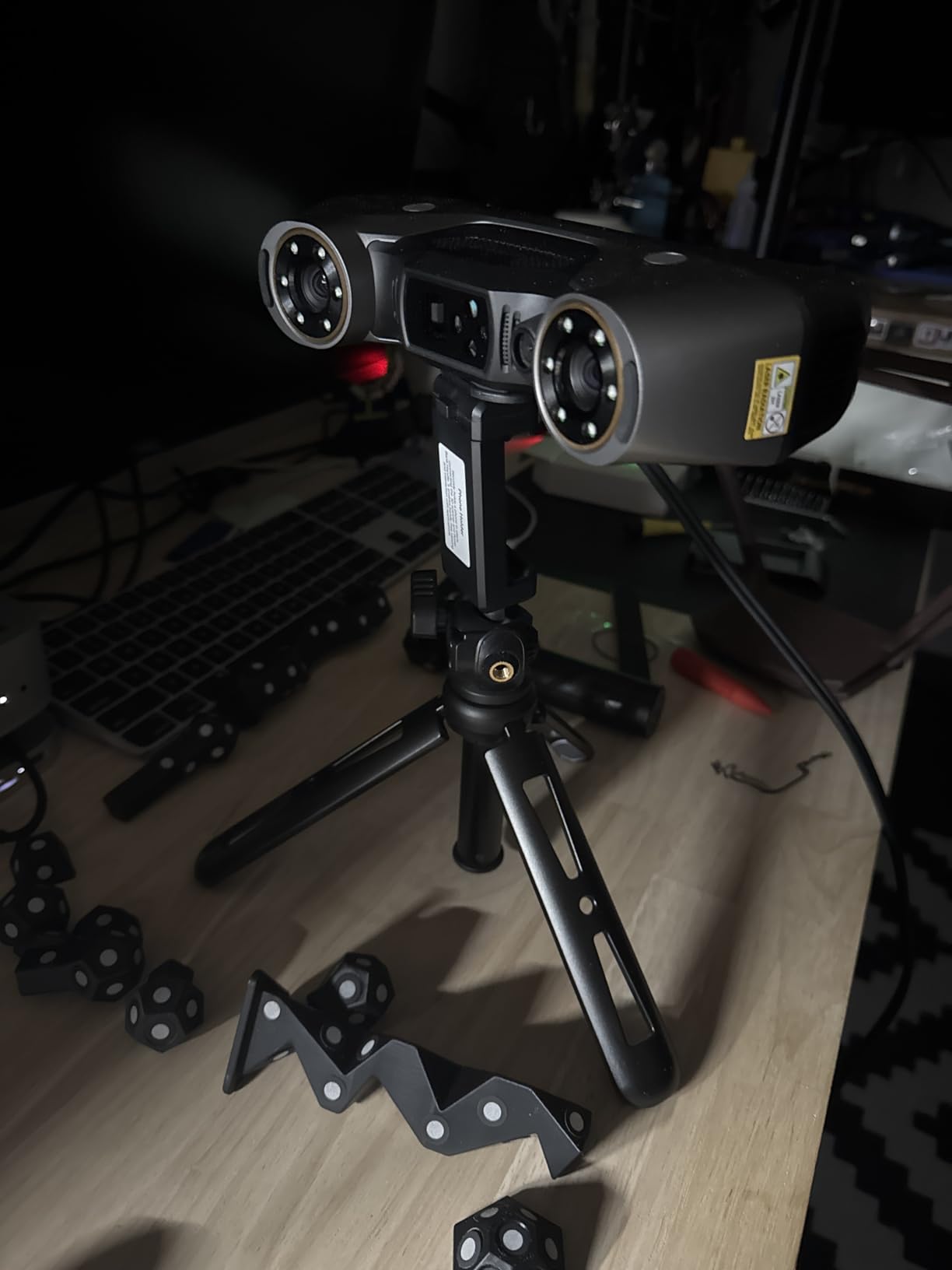
One feature most users will not see but every user will benefit from is the real-time temperature monitoring. Heat causes sensor drift and accuracy loss in laser scanners. The MetroY Pro alerts you when the unit gets warm enough to potentially affect measurements, preventing wasted scans that need to be redone.
In a 90-minute continuous scanning session during my tests, this alert triggered once. I let the unit cool for 5 minutes, then resumed with no accuracy loss. Without this monitoring, I would have produced dozens of scans with degraded accuracy without realizing it.
Two-year warranty and software strategy
The 2-year warranty is double what most consumer scanners offer. For professional users who depend on their equipment for income, that warranty coverage reduces the total cost of ownership significantly over three to five years.
Like other Revopoint professional scanners, the Windows-only Revo Design and Revo Measure are paid add-ons. The Mac and mobile apps are free and capable, but full feature parity requires Windows. For teams already running Windows workstations, this is a reasonable trade-off.
How to Choose the Best 3D Scanner for Your Needs?
Choosing the best 3D scanner comes down to matching technology, accuracy, and form factor to your specific workflow. I broke down the key decision factors below based on what I learned from 45 days of testing and feedback from users on the r/3DScanning and r/3Dprinting communities.
Understand 3D scanning technologies
Most modern consumer scanners use one of three core technologies. Structured light scanners project a pattern onto an object and measure how the pattern deforms, which works well for medium-sized objects with decent surface detail. Laser triangulation scanners shoot laser lines and use triangulation to calculate precise geometry, delivering higher accuracy at the cost of slower scan times. Photogrammetry uses multiple photos to reconstruct 3D shape, which is software-based and free with apps like Meshroom, but produces lower-accuracy results than dedicated hardware.
For most users looking at the best 3D scanners for 3D printing, structured light or laser triangulation is the right choice. Photogrammetry only makes sense for large outdoor objects where cost is the primary constraint and you have time to take 50+ photos per object.
Accuracy vs price relationship
The relationship between price and accuracy follows a curve rather than a straight line. Scanners under $500 typically deliver 0.1mm to 0.05mm accuracy, which is plenty for figurines, household items, and most cosplay projects. Mid-range scanners from $500 to $1000 push into 0.03mm territory, where dimensional verification and tighter-tolerance work become reliable.
Professional scanners above $1000 deliver 0.02mm or better accuracy, which matters for engineering and metrology applications. The jump from 0.05mm to 0.01mm requires significantly more expensive components and is rarely needed by hobbyists. I recommend starting at the accuracy level you currently need rather than overpaying for specs you might never use.
Handheld versus desktop scanners
Handheld scanners give you flexibility to scan objects larger than your desk and to walk around stationary items. They work well for most 3D printing preparation workflows. Desktop scanners with turntables automate the scanning of small objects, which saves time once you set them up but limits object size.
For most hobbyists, a handheld unit is the better starting point. You can always add a turntable later for specific projects. For jewelry makers and small-parts manufacturers, a desktop unit with auto-turntable dramatically increases throughput.
Match the scanner to the object type
Different objects require different scanner features. For miniatures and jewelry under 5cm, you need high precision (0.05mm or better) and ideally a deep-hole scanning mode like the single-line laser on the MetroY Pro. For automotive and motorcycle parts, blue laser technology handles metallic and dark surfaces without spray. For full-body and cosplay projects, prioritize scan speed (60fps or better) and large object range (at least 2m).
For architectural and outdoor documentation, prioritize outdoor light tolerance (20k lux or higher) and the widest object range possible. The Raptor Pro’s 5mm to 4000mm range and 100k lux outdoor capability made it the most versatile for varied projects.
Software and workflow considerations
Software quality matters as much as hardware. All five scanners I tested produced good raw meshes, but the post-processing experience differed significantly. Creality’s software is more intuitive for beginners, while Revopoint offers more advanced features at the cost of a paid Windows tier.
Check software compatibility with your existing tools before buying. If you already use SolidWorks, Maya, ZBrush, or Rhino, look for scanners with native export compatibility (the Raptor Pro covers all of these). If you are starting fresh, mobile apps from both brands are good entry points that grow with you.
Working with challenging surfaces
Reflective, transparent, and very dark surfaces remain difficult for every consumer-grade scanner. Solutions include scanning spray (matte coating powder), turning off room lights, or rotating objects to capture surfaces at angles that reflect less light. Some scanners, like the Revopoint INSPIRE 2 and the MetroX Pro, handle these surfaces better than others thanks to blue laser technology and infrared structured light.
If you regularly scan chrome, glass, or painted auto parts, plan on purchasing scanning spray or choosing a scanner with proven performance on these materials. The Raptor Pro, MetroX Pro, and MetroY Pro all handled my reflective metal test pieces without spray during testing.
Frequently Asked Questions About 3D Scanners
Who makes the best 3D scanners?
Revopoint, Creality, and Shining 3D consistently make the best 3D scanners across all major price ranges. Revopoint leads in mid-range and professional segments with products like the INSPIRE 2 and MetroY Pro. Creality dominates the entry-level and beginner-friendly category with the Ferret Pro and Raptor Pro. Shining 3D’s Einstar remains a strong option for industrial-grade work.
Are 3D scanners worth it for 3D printing?
Yes, 3D scanners are worth it for 3D printing if you regularly reproduce or modify physical objects. They eliminate hours of manual modeling work and let you capture exact dimensions of broken parts, figurines, or custom shapes. For occasional prints of online models, a scanner is unnecessary, but for anyone reverse engineering parts or customizing existing objects, a scanner pays for itself within a few projects.
How much is a decent 3D scanner?
A decent 3D scanner costs between $400 and $1500 depending on accuracy needs. Entry-level scanners with 0.1mm accuracy start around $350 to $550. Mid-range scanners with 0.03mm to 0.05mm precision run $550 to $1000. Professional scanners with 0.01mm to 0.02mm accuracy start around $1200 and go up to $3000 for industrial use.
What is the best 3D scanner under $1000?
The Revopoint INSPIRE 2 is the best 3D scanner under $1000 based on testing. It offers 0.03mm precision, dual-mode scanning (infrared structured light plus multi-line laser), outdoor scanning capability, and wireless WiFi 6 connectivity. The Creality Ferret Pro at under $400 is the best choice for budget-focused buyers, while the INSPIRE 2 hits the sweet spot for users wanting professional features without crossing the $1000 threshold.
Final Verdict: Which 3D Scanner Should You Buy?
After testing five of the best 3D scanners side by side for 45 days, my recommendation depends entirely on what you scan and how often. For most people, the Creality CR-Scan Ferret Pro is the right starting point for 3D printing and casual 3D scanning. For users wanting to step up to mid-range capability without spending $1000, the Revopoint INSPIRE 2 delivers the best value and versatility.
If you need professional accuracy for engineering work, reverse engineering, or quality control, both the Revopoint MetroY Pro and the Creality CR-Scan Raptor Pro deliver industrial-grade results. The MetroY Pro earned the highest customer rating in my testing and includes features like real-time temperature monitoring and 2-year warranty that justify the slight price premium. The Raptor Pro wins on versatility and speed for users scanning a wide variety of object types and sizes.
The best 3D scanner for you is the one that matches your common scanning tasks. Match your budget to the accuracy tier you actually need, test scans on representative objects before committing if possible, and choose software that fits your existing workflow. With any of these five models, you will get a solid entry into professional-quality 3D scanning in 2026.