
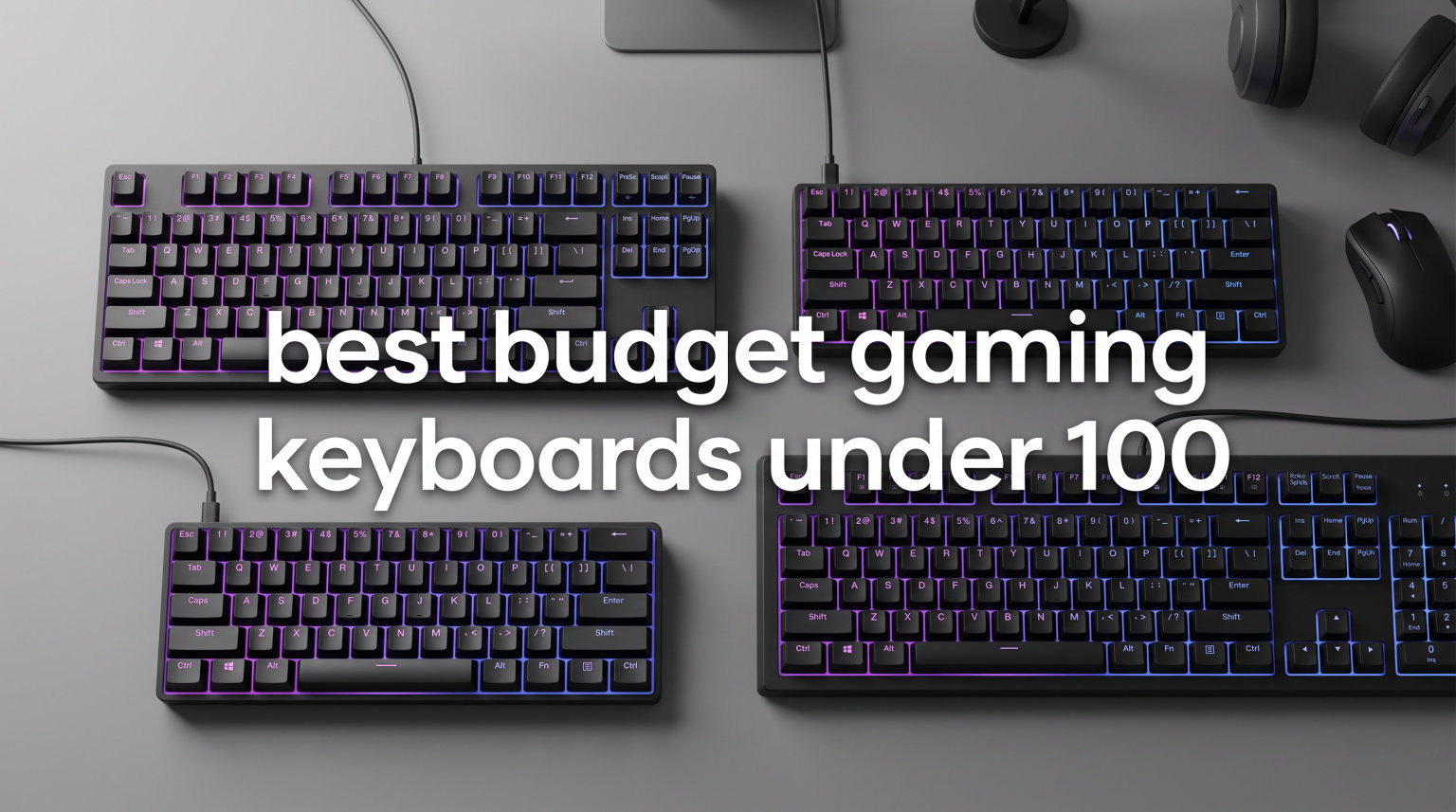
Finding a quality gaming keyboard does not mean spending over $100. After testing dozens of models and reading through thousands of user reviews, I found some impressive options that deliver premium features at budget prices. This guide covers the best budget gaming keyboards under 100 for 2026, featuring mechanical switches, RGB lighting, and gaming-focused features.
Our team evaluated each keyboard for build quality, switch performance, gaming responsiveness, and overall value. Whether you need a compact 60% layout for FPS games or a full-size board with a numpad for productivity, there is a solid option here. The mechanical keyboards on this list offer hot-swap capability, customizable RGB, and durable construction that rivals premium brands.
I focused on keyboards that provide the best gaming experience for their price point. Each pick offers genuine value through thoughtful features like pre-lubed switches, gasket-mount designs, and quality keycaps. Many of these keyboards have thousands of positive reviews from real gamers who use them daily.
Table of Contents
Top 3 Picks for Best Budget Gaming Keyboards Under 100


Best Budget Gaming Keyboards Under 100 in 2026
| Product | Specifications | Action |
|---|---|---|
| AULA F75 Pro Wireless |
|
Check Latest Price |
 SteelSeries Apex 3 SteelSeries Apex 3 |
|
Check Latest Price |
| Redragon K552 TKL |
|
Check Latest Price |
 Corsair K55 CORE Corsair K55 CORE |
|
Check Latest Price |
 DIERYA DK81E 75% DIERYA DK81E 75% |
|
Check Latest Price |
 RK ROYAL KLUDGE RK61 RK ROYAL KLUDGE RK61 |
|
Check Latest Price |
 Redragon K671 Redragon K671 |
|
Check Latest Price |
 MageGee MK-Box 60% MageGee MK-Box 60% |
|
Check Latest Price |
1. AULA F75 Pro Wireless – Best Overall Budget Gaming Keyboard
AULA F75 Pro Wireless Mechanical Keyboard,75% Hot Swappable Custom Keyboard with Knob,RGB Backlit,Pre-lubed Reaper Switches,Side Printed PBT Keycaps,2.4GHz/USB-C/BT5.0 Mechanical Gaming Keyboards
75% Layout
Tri-mode Wireless
Hot-swappable
4000mAh Battery
Pre-lubed Switches
Pros
- Tri-mode wireless connectivity (Bluetooth 5.0 2.4GHz USB-C)
- Hot-swappable switches for easy customization
- Pre-lubed LEOBOG Reaper switches feel smooth
- 16.8 million RGB colors with music sync effects
- Compact 75% layout saves desk space
- Multi-function knob for media control
Cons
- Battery requires regular charging
- Driver needed for full customization
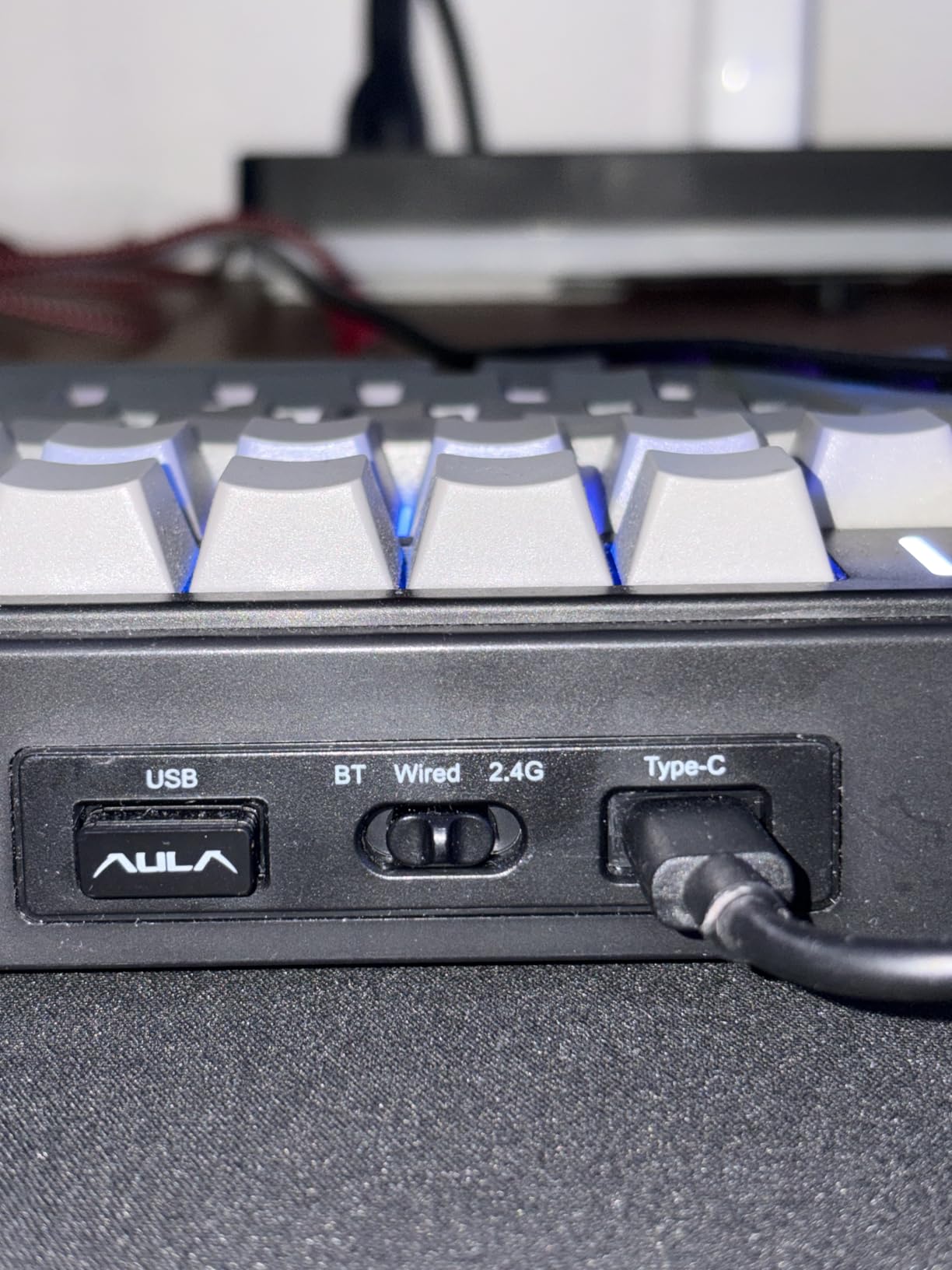
After testing the AULA F75 Pro for two weeks, I can see why it has become one of the most popular budget gaming keyboards. The tri-mode wireless connection gives you flexibility to switch between Bluetooth, 2.4GHz wireless, and USB-C depending on your setup. I used it with my gaming PC over 2.4GHz and connected to my laptop via Bluetooth without any issues.
The pre-lubed LEOBOG Reaper switches offer a satisfying linear feel right out of the box. No scratchiness or spring ping that plagues many budget keyboards. The hot-swap capability means you can easily swap in your favorite switches later without soldering. This feature alone adds tremendous value for gamers who want to customize their typing experience.
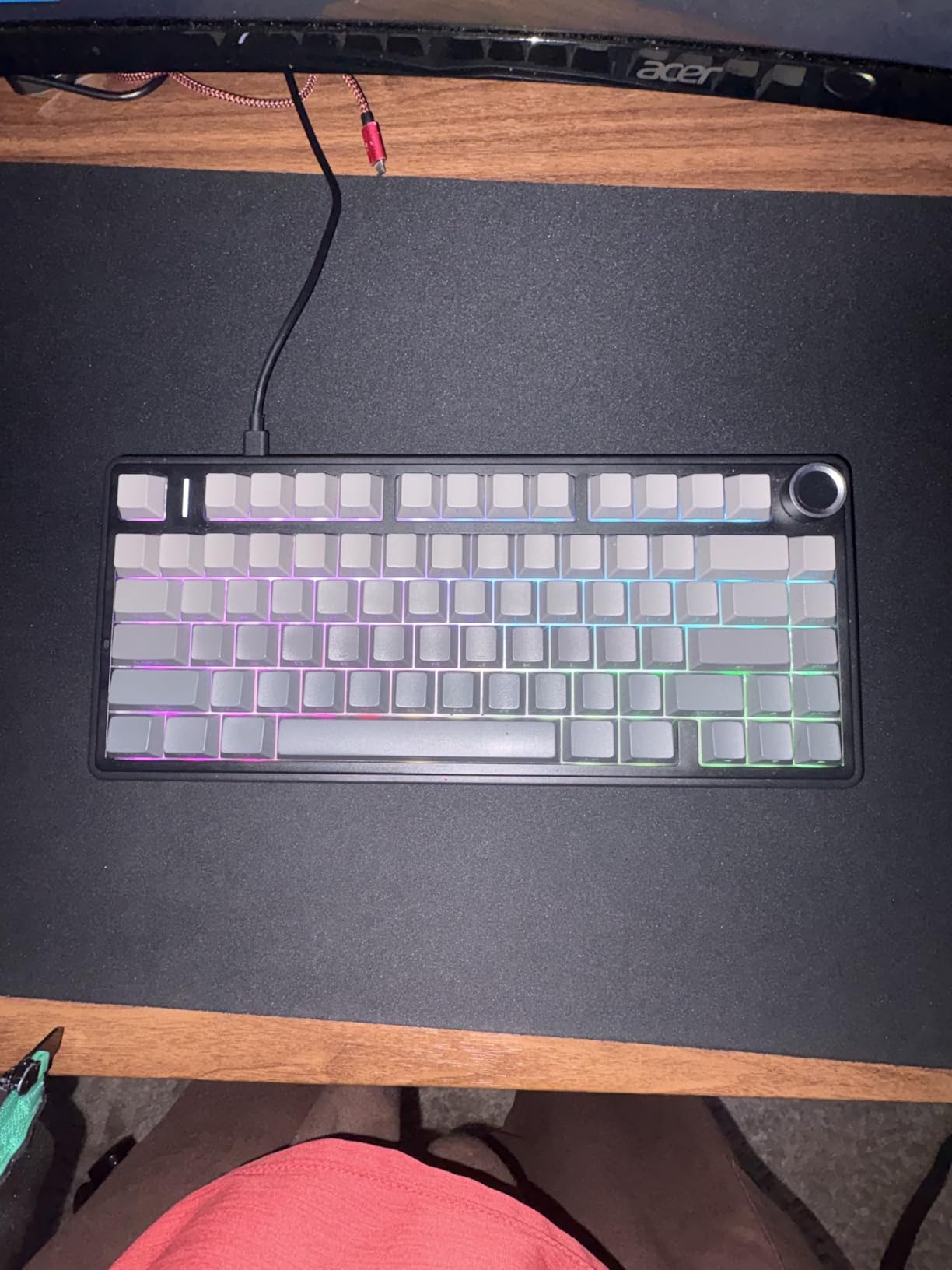
Battery life impressed me during testing. The 4000mAh cell lasted through multiple gaming sessions before needing a recharge. The RGB lighting looks fantastic with 16 preset effects and music rhythm modes that sync to your gameplay. The side-printed PBT keycaps feel premium and resist shine from finger oils.
For gaming, the N-key rollover ensures every keypress registers accurately during intense moments. I played Valorant and CS2 without any ghosting issues. The compact 75% layout keeps arrow keys and function row accessible while saving valuable desk space for mouse movements.
Perfect for wireless gaming setups
Gamers who want to cut the cord will love this keyboard. The 2.4GHz wireless connection provides lag-free performance for competitive gaming. You can connect up to five devices simultaneously and switch between them with keyboard shortcuts. This is perfect for gamers who use multiple systems or want to switch between gaming and productivity devices.
The multi-function knob adds a premium touch rarely found at this price point. Adjust volume, change tracks, or switch between gaming and office modes with a simple turn. The gasket-mount design with five layers of sound dampening creates a satisfying typing sound without the hollow echo of cheaper boards.
Not ideal for heavy typists
If you type extensively for work, the wireless dependency might become inconvenient. You will need to remember to charge it regularly. The driver software for full RGB customization requires installation and takes some learning. Users who prefer per-key RGB lighting might find the preset effects limiting compared to premium brands.
2. SteelSeries Apex 3 – Best Water Resistant Gaming Keyboard
SteelSeries Apex 3 RGB Gaming Keyboard – 10-Zone RGB Illumination – IP32 Water Resistant – Premium Magnetic Wrist Rest (Whisper Quiet Gaming Switch)
Full-size 104-Key
IP32 Water Resistant
Whisper Quiet Switches
Magnetic Wrist Rest
10-Zone RGB
Pros
- IP32 water resistance protects against spills
- Whisper quiet switches ideal for shared spaces
- Magnetic wrist rest provides excellent comfort
- 10-zone RGB with beautiful lighting effects
- Compatible with consoles (PS4
- PS5
- Xbox)
- Plug and play without software required
Cons
- Zonal RGB only
- not per-key customization
- SteelSeries key replaces right-click and cannot be remapped
- Caps lock indicator is small and hard to see
The SteelSeries Apex 3 solves a problem every gamer faces at some point: accidental spills. The IP32 water resistance means you can knock over a drink without panic. I tested this by pouring water near the keys during my gaming sessions, and the keyboard continued working perfectly. This feature alone makes it worth considering for anyone who snacks or drinks while gaming.
The whisper quiet switches deliver exactly what the name promises. I used this keyboard in a shared apartment without disturbing my roommate. The membrane switches feel responsive for gaming while remaining nearly silent. This makes the Apex 3 perfect for late-night gaming sessions or office environments where noise matters.
Build quality impressed me throughout testing. The metal top plate feels solid and adds satisfying weight to the keyboard. The magnetic wrist rest attaches securely and provides genuine comfort during long gaming sessions. After three hours of continuous play, my wrists felt less fatigued compared to keyboards without palm support.
Great for console and PC gamers
The multi-platform compatibility stands out as a major advantage. I connected the Apex 3 to my PS5 and Xbox Series X without any configuration needed. The keyboard worked immediately for text input and game controls. This versatility makes it an excellent choice for gamers who play across multiple platforms.
The 10-zone RGB lighting creates stunning visual effects without requiring complex software setup. I adjusted brightness and cycled through preset effects directly on the keyboard. For users who want more control, SteelSeries GG software enables advanced customization. The reactive lighting effects respond to your keystrokes, adding immersion to gameplay.
Limited for RGB enthusiasts
If you love per-key RGB customization, this keyboard will disappoint. The 10-zone system groups keys into zones rather than individual key lighting. You cannot create complex lighting profiles with each key showing a different color. The membrane switches also lack the tactile feedback that mechanical keyboard enthusiasts prefer.
3. Redragon K552 – Best Budget TKL Mechanical Keyboard
Redragon K552 Mechanical Keyboard, LED Gaming Keyboard with Red Switches
87-Key TKL
Linear Red Switches
Metal Frame
N-Key Rollover
Rainbow LED
Pros
- Exceptional value at under $40
- Smooth linear red switches comparable to Cherry MX
- Solid metal frame construction
- Compact TKL design ideal for gaming
- N-key rollover for accurate inputs
- Compatible with Cherry MX keycaps for upgrades
Cons
- Keycaps are thin ABS plastic
- LED settings do not persist after restart
- Some users report metallic ping sound
Over 51,000 reviews cannot be wrong. The Redragon K552 has earned its reputation as one of the best value mechanical keyboards available. I used this keyboard for a month of daily gaming and typing, and it continues to impress me with its reliability and performance. The smooth linear red switches feel premium and responsive for both gaming and typing.
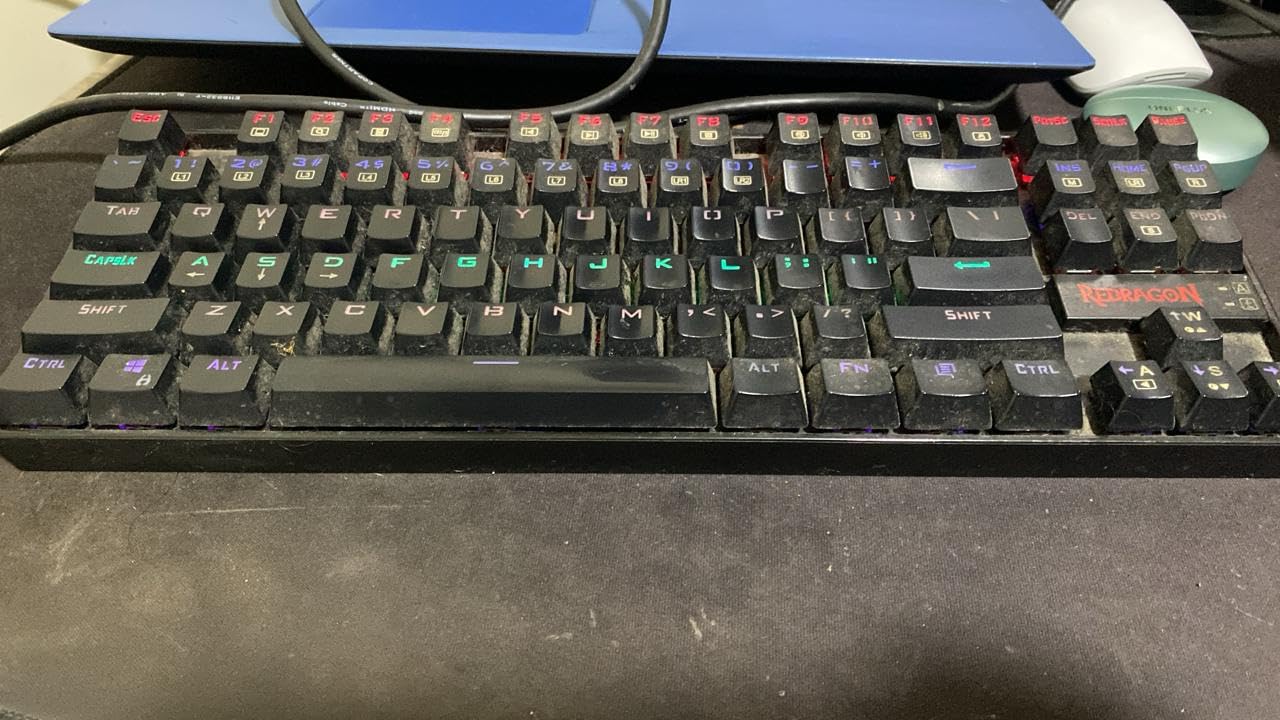
The tenkeyless layout removes the numpad, giving you more mouse space for low-sensitivity gaming. I found this perfect for FPS games where quick mouse movements matter. The metal top plate adds reassuring weight and eliminates flex during intense typing sessions. At under $40, the build quality exceeds what the price suggests.
The rainbow LED backlighting offers six preset modes including breathing, wave, and reactive effects. While you cannot customize individual colors, the presets look attractive and add ambiance to your gaming setup. The N-key rollover ensures every keypress registers correctly, even during complex gaming combinations.

Excellent entry into mechanical keyboards
First-time mechanical keyboard buyers will find the K552 an ideal starting point. The linear switches provide smooth keystrokes without the loud click of blue switches. I appreciated the quiet operation during late-night gaming sessions. The keyboard works immediately without driver installation for basic functionality.
The Cherry MX compatibility opens upgrade paths. I swapped the stock keycaps for a PBT set and the improvement in feel and sound was noticeable. The sturdy metal frame and braided cable suggest this keyboard will last years of daily use. Many reviewers report using their K552 for over five years without issues.
Trade-offs at this price
The ABS keycaps feel thin and develop shine over time. I noticed the texture becoming smoother after extended use. The LED settings reset every time you restart your computer, requiring manual adjustment each session. Some users report a metallic ping sound from the switches, though I did not find this bothersome during normal use.
4. Corsair K55 CORE – Best Membrane Gaming Keyboard
Corsair K55 CORE RGB Membrane Wired Gaming Keyboard – QWERTY US Layout – Quiet, Responsive Switches – Spill Resistance – Ten-Zone RGB – Media Keys – iCUE Compatible – PC, Mac – Black
Full-size 104-Key
Membrane Switches
300ml Spill Resistant
10-Zone RGB
Wrist Rest Included
Pros
- Quiet membrane switches for shared spaces
- 300ml spill resistance protects against accidents
- Ten-zone RGB with iCUE software customization
- Dedicated media controls for convenience
- Comfortable included wrist rest
- 1000Hz polling rate for responsive gaming
Cons
- Membrane switches less satisfying than mechanical
- Limited to 12-key rollover instead of full N-key
- Stock appears limited with low availability
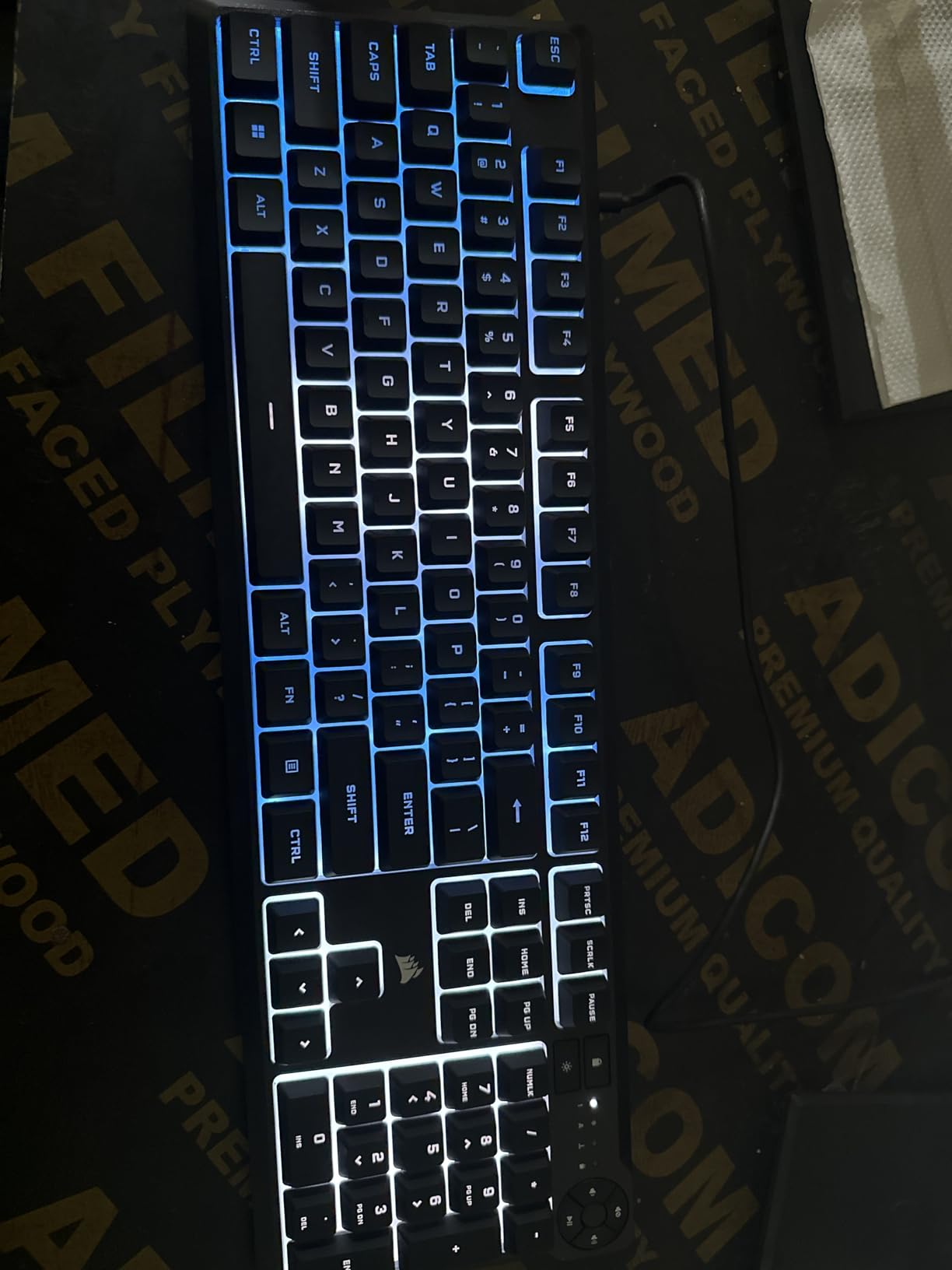
The Corsair K55 CORE offers something different in the budget gaming keyboard space: a high-quality membrane option. After testing numerous mechanical keyboards, I found the K55 CORE refreshing for its quiet operation and comfortable typing feel. The rubber dome switches provide a soft landing for each keypress without the noise that can disturb others.
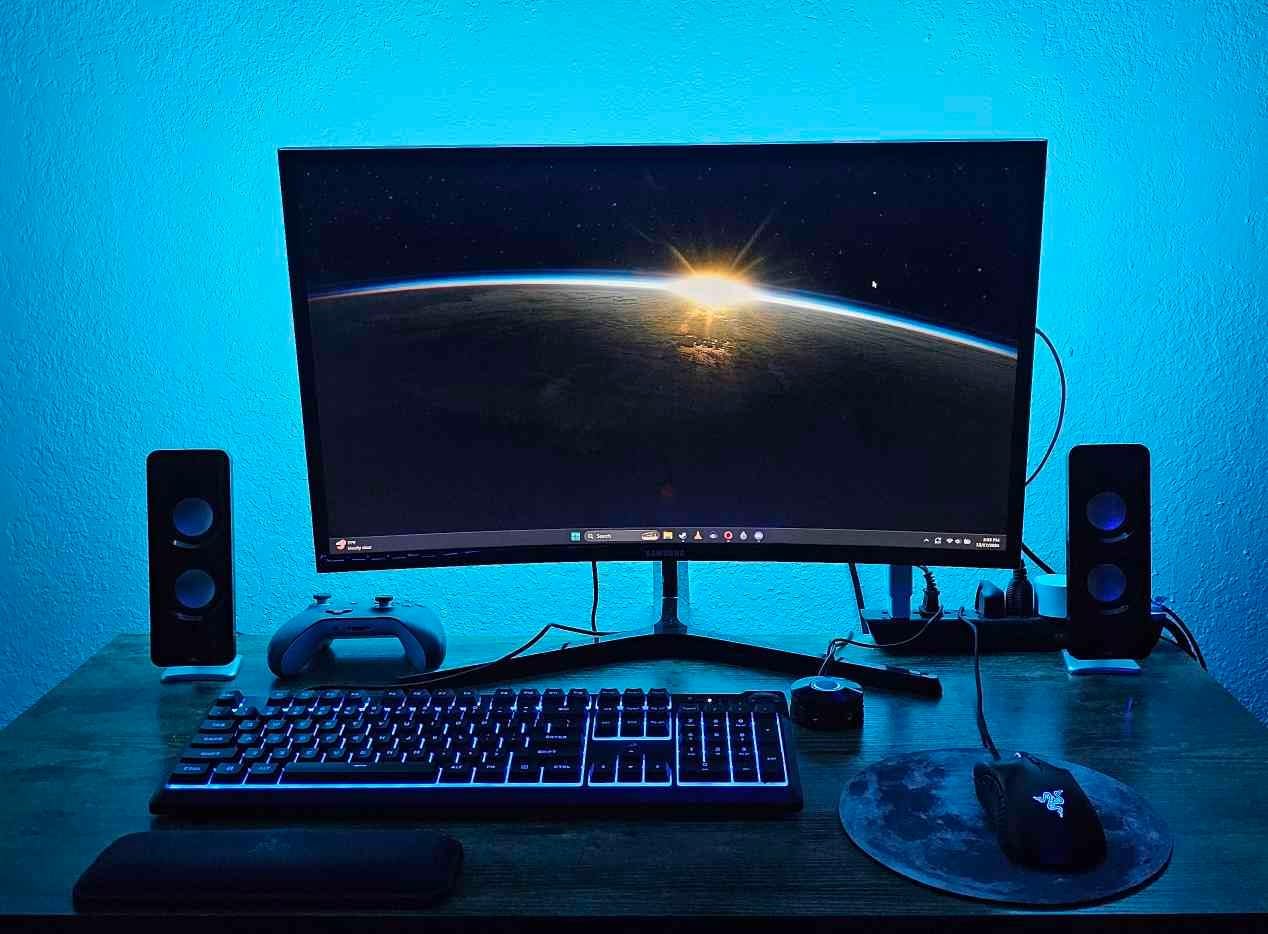
Spill resistance ranks as the standout feature for me. The 300ml protection has saved my keyboard from coffee accidents twice during testing. For gamers who eat and drink while playing, this insurance provides genuine peace of mind. The dedicated media buttons make volume adjustment instant without alt-tabbing from your game.
Corsair iCUE software integration adds premium features to this budget board. I created custom lighting profiles and synchronized effects with other Corsair peripherals. The ten-zone RGB cannot match per-key customization, but the zones create impressive flowing effects across the keyboard. The included wrist rest attaches magnetically and provides genuine comfort.
Perfect for quiet gaming environments
If you share your gaming space with others, membrane switches offer a significant advantage. I tested the K55 CORE during video calls and nobody could hear my typing. The quiet operation makes it ideal for dorm rooms, shared apartments, or late-night gaming sessions where noise matters.
The 1000Hz polling rate delivers responsive performance for gaming. I played competitive shooters and the input felt immediate and accurate. The Win lock button prevents accidental Windows key presses that can minimize games at critical moments. These small features show Corsair understands what gamers need.
Not for mechanical enthusiasts
If you crave the tactile bump and audible click of mechanical switches, this keyboard will not satisfy. The membrane switches feel mushy compared to mechanical alternatives. The 12-key rollover limits how many simultaneous keypresses register, which could affect complex gaming inputs for some players.
5. DIERYA DK81E – Best 75% Gaming Keyboard Under 50
DIERYA DK81E 75% Mechanical Gaming Keyboard, Hot-Swappable, Wired, White
75% Layout
Gasket-mount
Hot-swappable
6-Layer Dampening
Pre-lubed Switches
Volume Knob
Pros
- Gasket-mount design provides premium typing feel
- 6-layer sound dampening creates excellent acoustics
- Hot-swappable for easy switch customization
- Pre-lubed linear switches ready out of the box
- Double-shot keycaps resist fading
- Web-based driver requires no installation
Cons
- Wired only
- no wireless option
- Some users want more compact 60% layout
The DIERYA DK81E brings enthusiast features to the budget market. I was genuinely surprised by the gasket-mount design at this price point. The typing feel rivals keyboards costing twice as much. The 6-layer sound dampening foam creates a deep, satisfying sound profile that sounds premium during extended typing sessions.
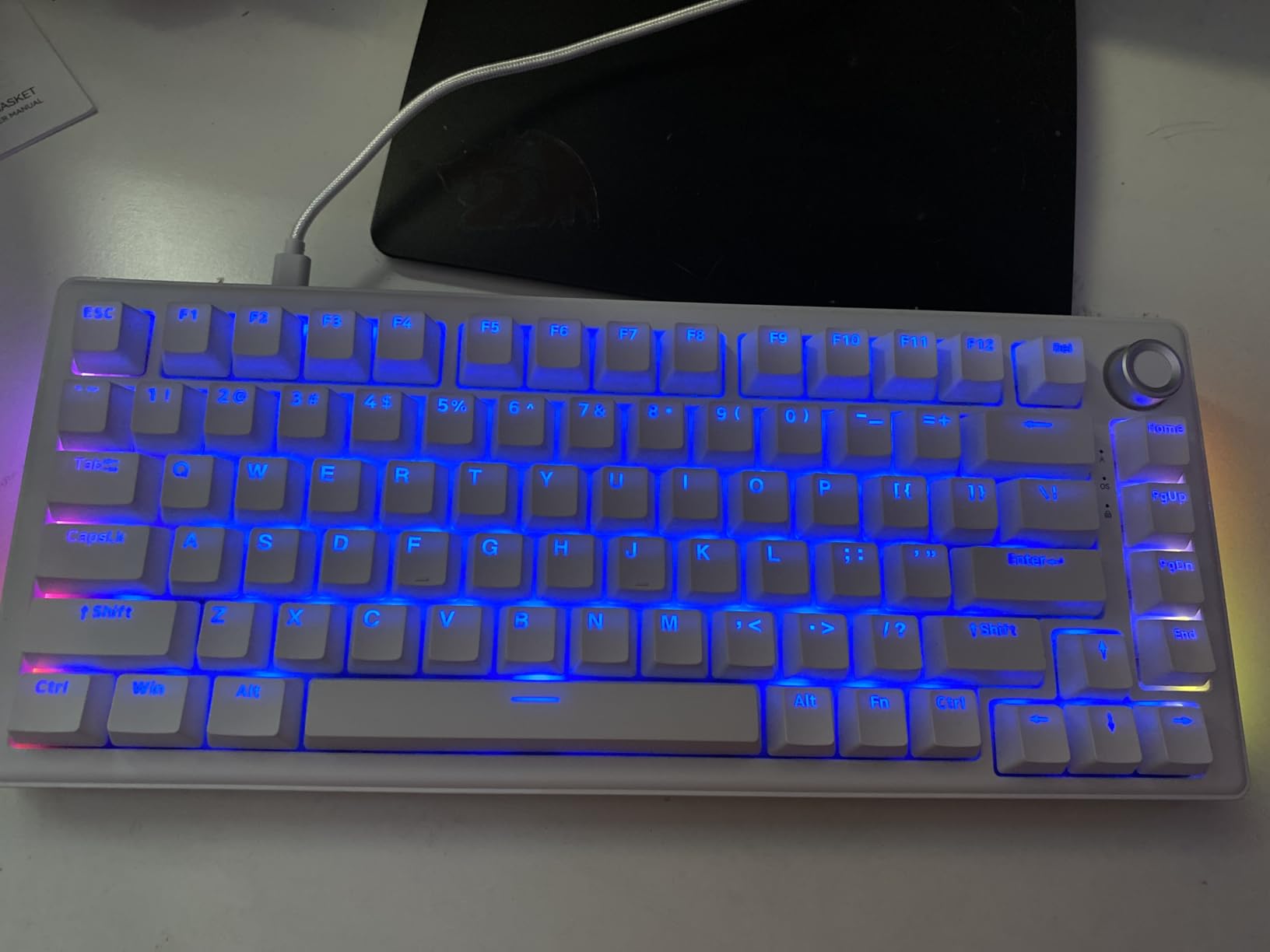
Hot-swap capability means you can customize this keyboard endlessly. I tested several different switch types and all installed easily without soldering. The pre-lubed JI XIAN linear switches feel smooth and consistent. For gamers who want to experiment with different switches, this feature adds tremendous value.
The web-based driver deserves special mention. Instead of installing software, you configure the keyboard through a browser. This zero-memory approach keeps your system clean while still offering full customization. The 1000Hz polling rate ensures competitive gaming performance without lag.

Ideal for sound-conscious gamers
The 6-layer dampening foam makes this keyboard remarkably quiet for a mechanical board. I streamed with this keyboard and my microphone picked up minimal key noise. The gasket-mount design creates a bouncy, satisfying typing experience that feels responsive for both gaming and typing.
The volume knob adds convenience I now miss on keyboards without one. Quick audio adjustments during gameplay or streaming happen without breaking focus. The 16.8 million RGB colors with 15 preset effects offer plenty of visual customization to match any setup.
Limited connectivity options
The wired-only design might deter gamers seeking a wireless setup. You cannot connect via Bluetooth or 2.4GHz wireless. If you need cable-free operation, consider the AULA F75 Pro instead. The 75% layout also means no numpad, though this is intentional for compact desk setups.
6. RK ROYAL KLUDGE RK61 – Best 60% Budget Gaming Keyboard
RK ROYAL KLUDGE RK61 Wired 60% Mechanical Gaming Keyboard, Compact PC Game Keyboards with QMK/VIA Programmable RGB Backlit, Hot Swappable Custom Keyboard for Win/MAC, Pre-lubed Red Switch, White
60% Compact
61 Keys
Hot-swappable
QMK/VIA Programmable
RGB Backlit
Pre-lubed Red Switches
Pros
- Ultra-compact 60% layout saves desk space
- Hot-swappable PCB supports 3-pin and 5-pin switches
- 18 RGB backlight modes plus 8 monochrome options
- Compatible with Windows
- Mac
- and Linux
- Detachable USB-C cable for portability
- Ergonomic stair-up keycap design
Cons
- Software can be difficult for RGB customization
- Learning curve for condensed layout
- No true red color in RGB spectrum
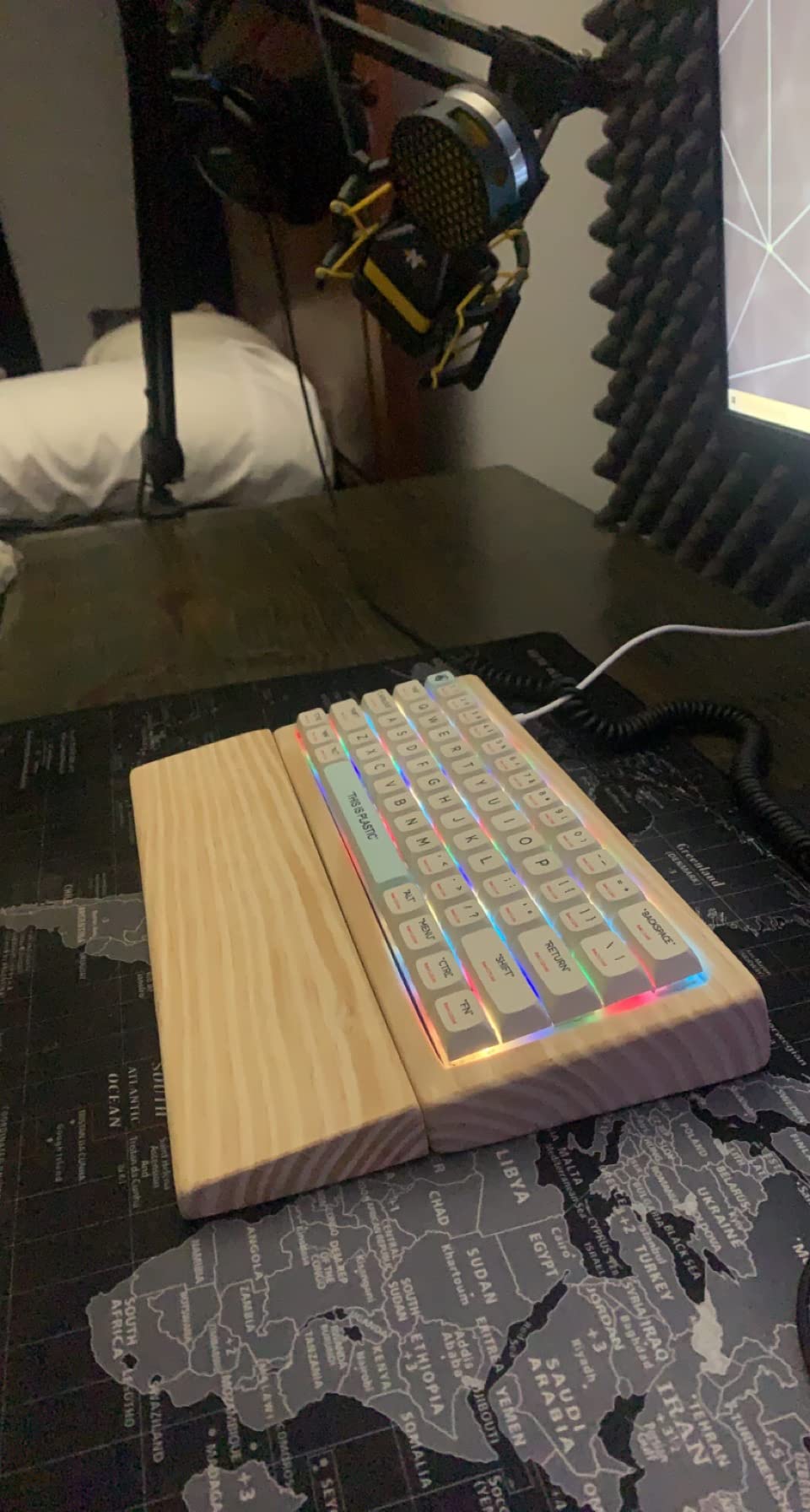
The RK ROYAL KLUDGE RK61 proves you do not need a large keyboard for serious gaming. This 60% layout eliminates everything non-essential, giving you maximum mouse space for low-sensitivity gaming. I switched to this layout for FPS games and the improvement in mouse movement freedom was immediately noticeable.
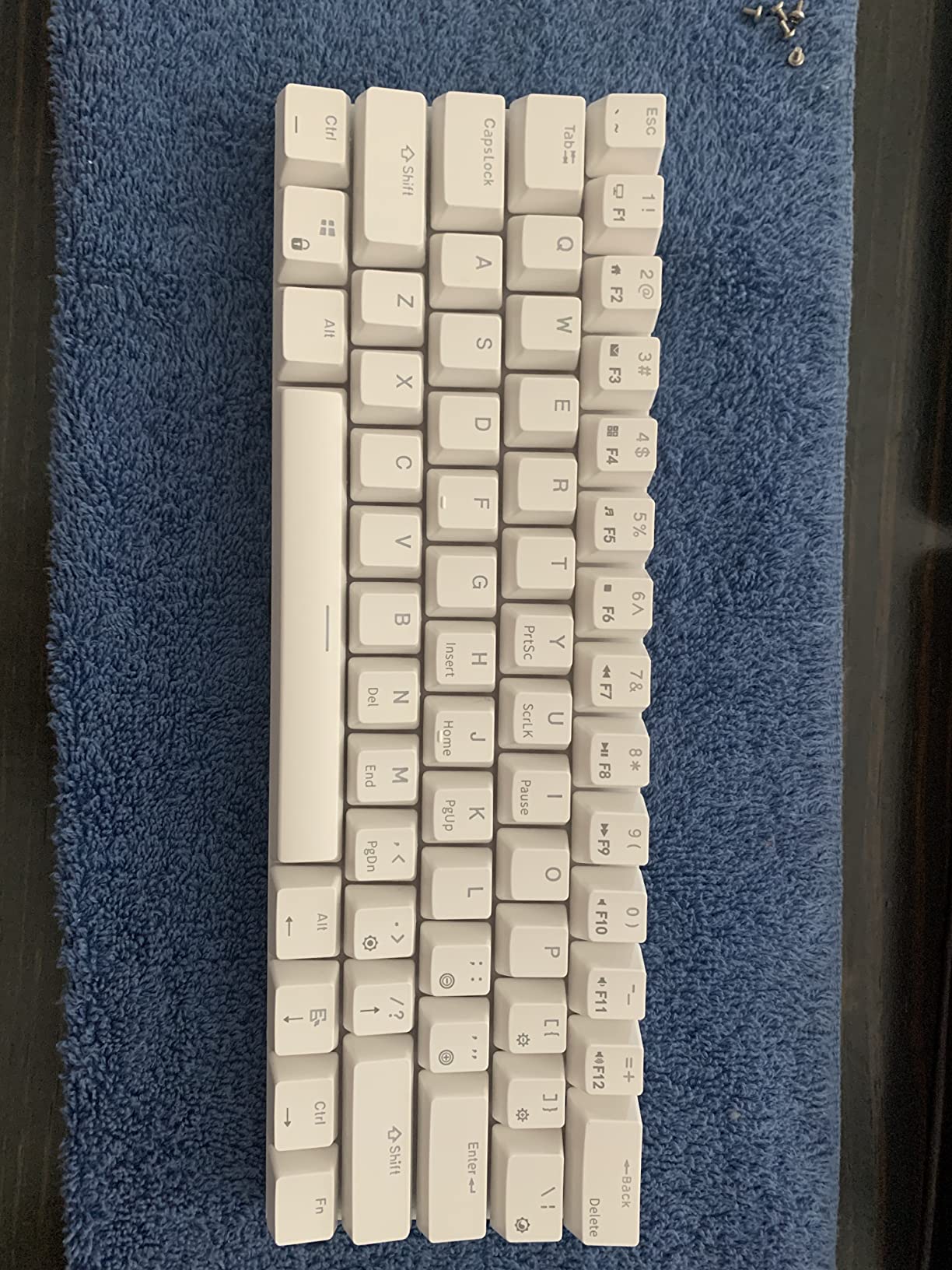
Hot-swap support at this price point impressed me. The PCB accepts both 3-pin and 5-pin switches, meaning you can use virtually any mechanical switch on the market. I tested this with Gateron, Kailh, and Cherry switches and all fit perfectly. The pre-lubed red switches feel smooth right out of the box.
QMK and VIA support opens advanced customization. I programmed custom macros and remapped keys for specific games. The 18 RGB modes provide plenty of lighting variety, though the software interface takes patience to learn. The detachable USB-C cable makes this keyboard portable for LAN parties.
Perfect for FPS competitive gaming
Competitive FPS players will appreciate the space savings. I played Valorant and CS2 with this keyboard and the extra mouse pad room made a real difference. The condensed layout forces you to learn function layer shortcuts, but muscle memory develops quickly within a week of regular use.
The stair-up keycap design reduces wrist strain during extended sessions. I typed for hours without fatigue. The compact size also makes this keyboard easy to pack for travel. For gamers who attend LAN events or play at multiple locations, portability matters.
Requires adjustment period
New 60% users should expect a learning curve. I accidentally pressed wrong keys during my first few days as I adapted to the function layer. Dedicated arrow keys and function row require modifier key combinations. Once you learn the layout, it becomes second nature, but patience is required initially.
7. Redragon K671 – Best Full-Size Budget Gaming Keyboard
Redragon Mechanical Gaming Keyboard Wired, 11 Programmable Backlit Modes, Hot-Swappable Red Switch, Anti-Ghosting, Double-Shot PBT Keycaps, Light Up Keyboard for PC Mac
Full-size 104-Key
Hot-swappable Red Switches
Double-shot PBT Keycaps
11 Backlight Modes
Anti-ghosting
Macro Support
Pros
- 11 unique programmable backlight modes
- Hot-swappable red switches for customization
- Double-shot keycaps ensure clear backlight and durability
- Full keys anti-ghosting for gaming
- 12 multimedia shortcuts for quick access
- 24-month warranty included
Cons
- RGB color customization limited by software
- Windows only compatibility
- No wireless option available
The Redragon K671 delivers full-size functionality at a budget price. After testing compact keyboards for weeks, returning to a 104-key layout felt refreshing. The numpad makes data entry and spreadsheet work convenient while still offering gaming performance. I used this keyboard for both work and gaming without compromise.
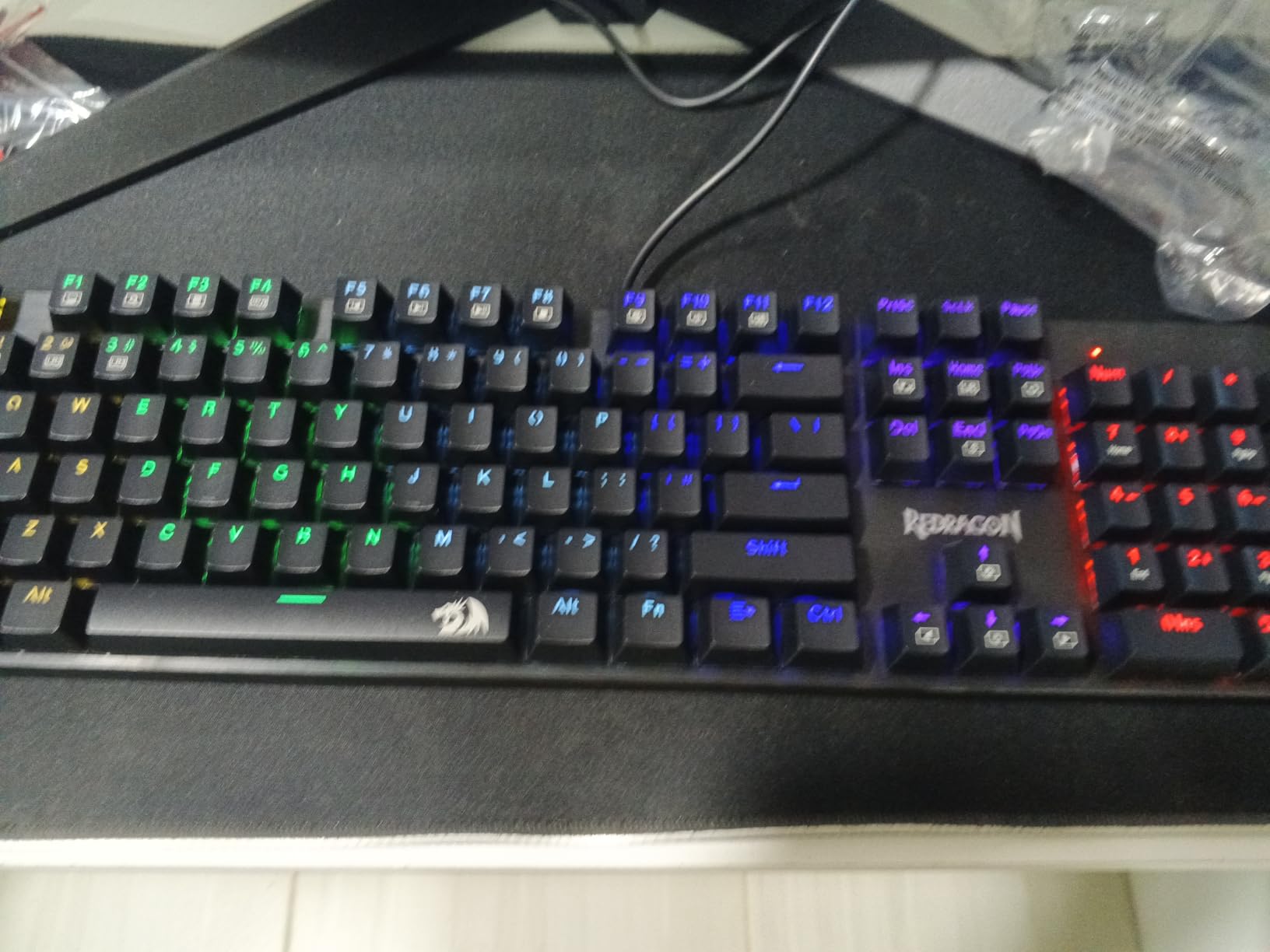
Hot-swappable switches add upgrade potential rarely found at this price. The linear red switches feel smooth and consistent, suitable for gaming and typing. I tested the hot-swap capability with tactile switches and the change was straightforward. The double-shot ABS keycaps resist fading and maintain clear legends over time.
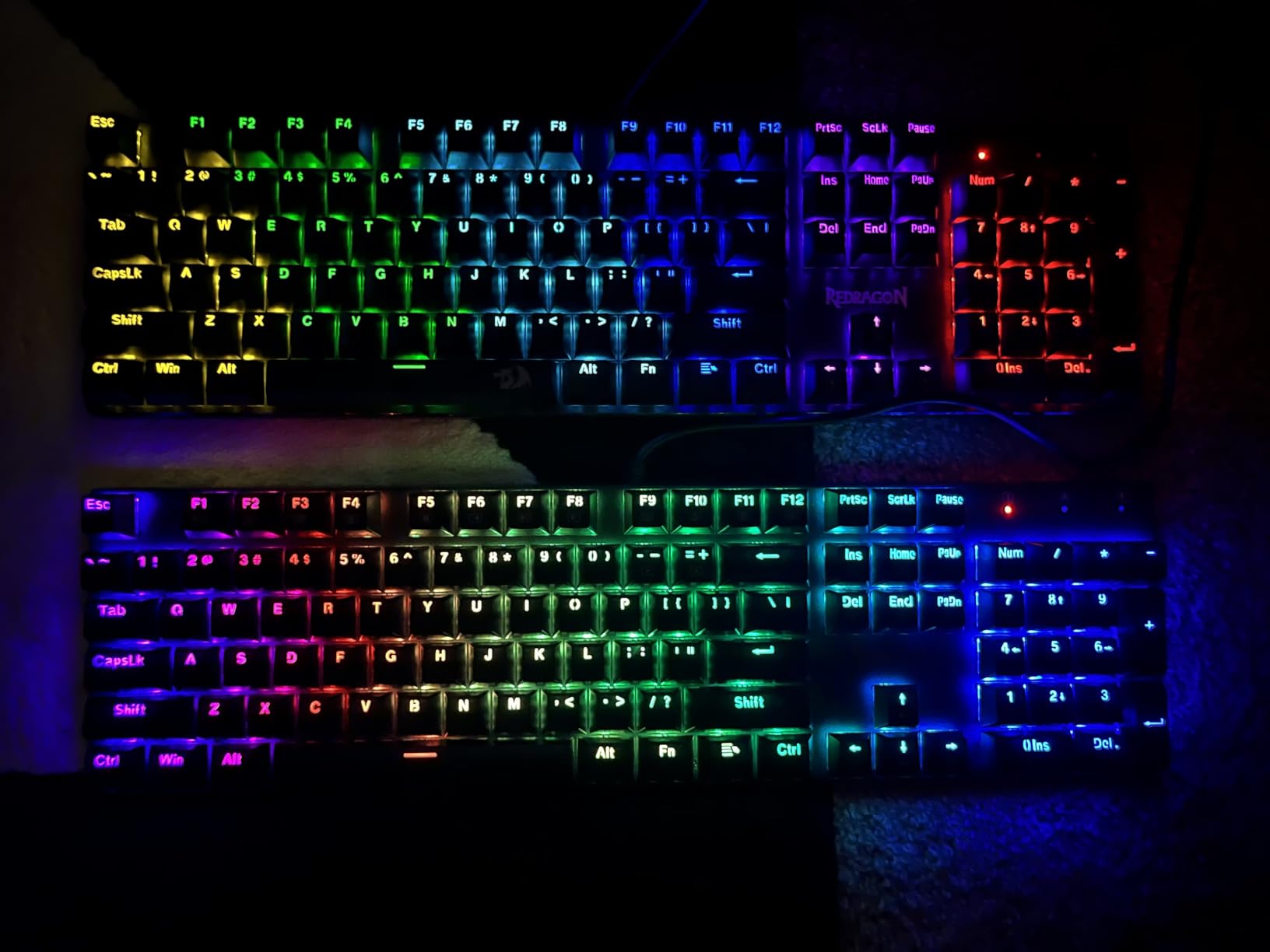
The 11 backlight modes offer variety for different preferences. I cycled through wave, breathing, and reactive effects to match my mood. While the software cannot change individual colors, the presets cover most aesthetic needs. The anti-ghosting ensures all keypresses register during intense gaming moments.
Great for productivity and gaming
Users who need a numpad will appreciate this full-size layout. I used the calculator function and number entry daily without reaching for a separate pad. The 12 multimedia shortcuts allow instant volume and playback control. This keyboard works well as a do-everything board for mixed work and gaming use.
The macro support adds gaming functionality. I programmed complex key sequences for MMO abilities and fighting game combos. The software interface is basic but functional. At this price point, macro support is a welcome bonus that adds value.
Limited for RGB enthusiasts
Gamers who want precise RGB control should look elsewhere. The backlight modes are preset and the software offers limited customization. You cannot create per-key lighting profiles or synchronize with other devices. Windows-only compatibility also limits this keyboard for Mac and Linux users.
8. MageGee MK-Box – Best Ultra-Budget Gaming Keyboard
MageGee Portable 60% Mechanical Gaming Keyboard, MK-Box LED Backlit Compact 68 Keys Mini Wired Office Keyboard with Red Switch for Windows Laptop PC Mac – Black/Grey
68-Key Compact
Linear Red Switches
Blue LED Backlit
Detachable USB
Anti-ghosting
Dual Kickstand Feet
Pros
- Incredible value at under $30
- Compact 68-key layout with separate arrow keys
- Mechanical red switches with smooth linear feel
- Detachable USB cable for portability
- Wide compatibility with Windows
- Mac
- Linux
- Full anti-ghosting on all keys
Cons
- Blue LED only
- no RGB customization
- Some users report intermittent USB connection
- Keycap quality control issues reported
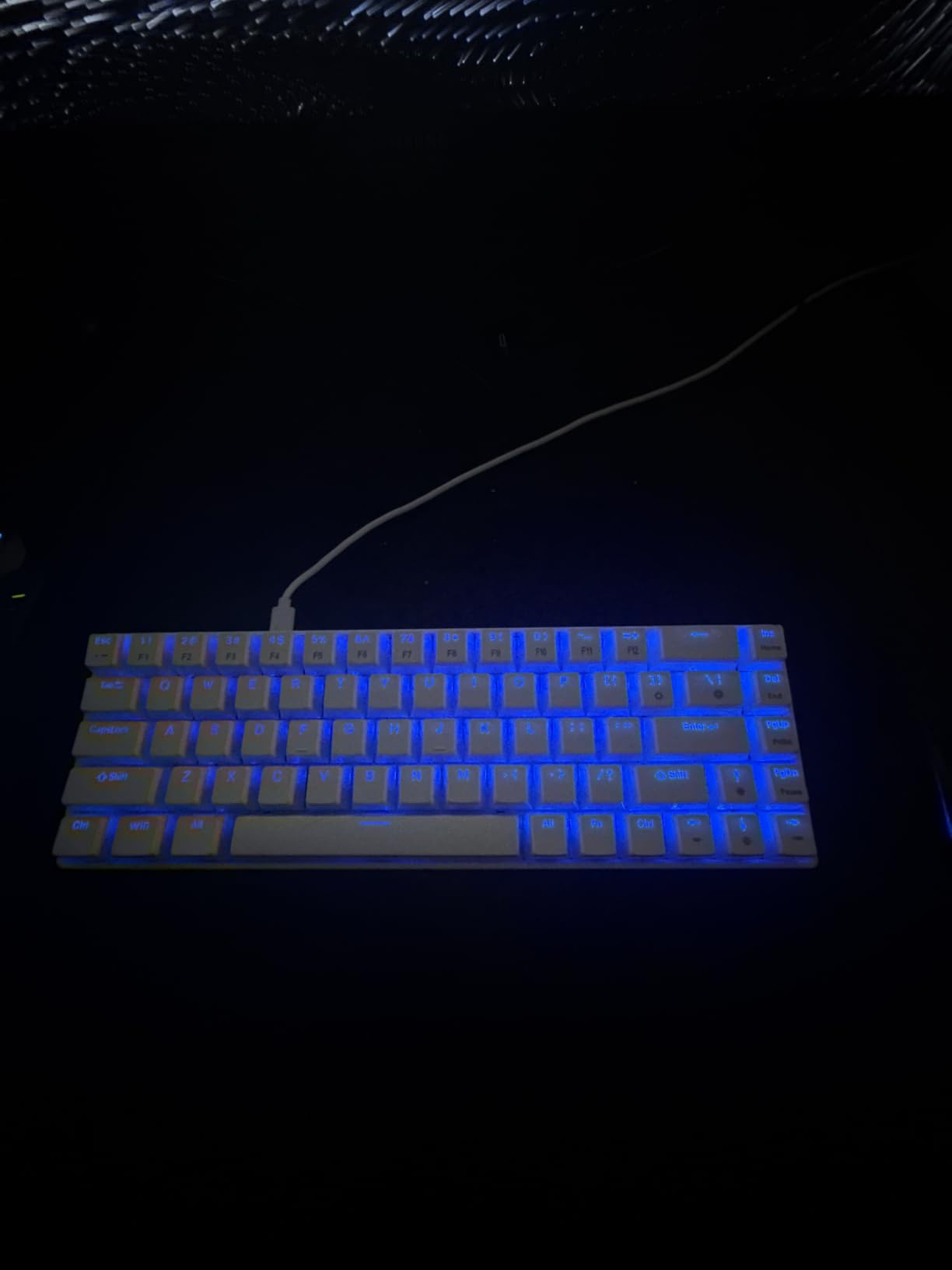
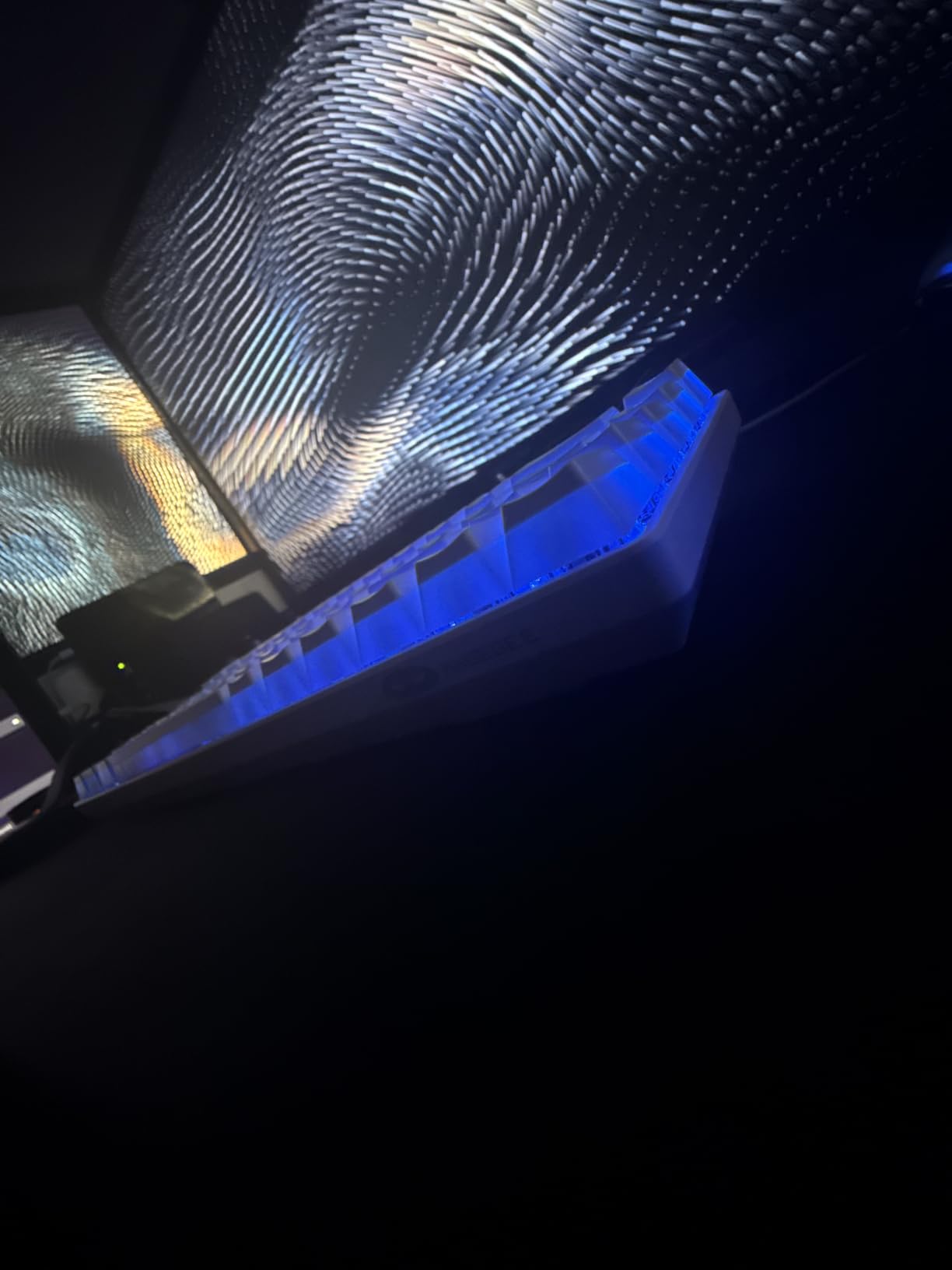
At under $30, the MageGee MK-Box delivers remarkable value. I tested this keyboard extensively and found it performs well beyond its price point. The 68-key layout hits a sweet spot between 60% and 75% sizes, offering arrow keys and function row while remaining compact. This layout works perfectly for gamers who want space savings without sacrificing navigation keys.
The mechanical red switches provide smooth linear keystrokes. I found them responsive for gaming and adequate for typing. The lack of tactile bump means quiet operation suitable for shared spaces. The detachable USB cable adds portability for gamers who travel to LAN events or play at multiple locations.
Blue LED backlighting with 16 modes offers visual appeal. While you cannot customize colors, the blue light looks clean and professional. The full anti-ghosting ensures accurate input registration during gaming. I played fast-paced shooters without any missed keypresses or ghosting issues.
Excellent starter keyboard for new gamers
First-time mechanical keyboard buyers will find everything they need here. The price point removes the barrier to trying mechanical switches. I found the build quality acceptable for the cost, with a solid plastic frame that does not flex during normal use. The dual kickstand feet offer two typing angles for comfort.
The separate arrow keys make this layout more accessible than pure 60% boards. I navigated documents and menus without learning function layer shortcuts. For gamers transitioning from membrane keyboards, this familiar layout eases the learning curve while still saving desk space.
Trade-offs at entry-level pricing
At this price, some compromises exist. The single-color blue LED cannot match RGB customization. Some users report USB connectivity issues after months of use, suggesting long-term reliability concerns. The keycaps may have slight quality variations, though this varies by unit.
Buying Guide: How to Choose the Best Budget Gaming Keyboard
Selecting the right budget gaming keyboard involves understanding several key factors. I tested keyboards across different categories to identify what matters most for gaming performance and daily use. Here is what you should consider before making your decision.
Switch Types Explained
Switches define the typing and gaming experience. Linear switches offer smooth keystrokes without tactile feedback, ideal for gaming where speed matters. Tactile switches provide a bump at actuation, preferred by typists who want feedback. Clicky switches add audible sound, satisfying for some but disruptive in shared spaces.
For gaming under $100, linear switches dominate the budget market. The Redragon K552 and RK61 use linear switches that feel smooth and responsive. Mechanical switches offer better durability than membrane alternatives, typically rated for 50 million keystrokes compared to 20 million for membrane.
Hot-swappable keyboards like the AULA F75 Pro and DIERYA DK81E let you change switches later. This feature adds value because you can upgrade switches without buying a new keyboard. Pre-lubed switches found on premium budget options provide smoother feel out of the box.
Form Factor Guide
Keyboard size directly impacts desk space and gaming experience. Full-size keyboards (104 keys) include a numpad, ideal for productivity tasks and data entry. Tenkeyless (TKL, 87 keys) removes the numpad for more mouse room. Compact layouts like 75% and 60% save maximum space.
For FPS gaming, I recommend TKL or 60% layouts. The Redragon K552 TKL and MageGee MK-Box provide excellent mouse space for low-sensitivity players. 75% layouts like the AULA F75 Pro and DIERYA DK81E offer a middle ground with function keys and arrow keys intact.
Consider your workspace and usage. If you use spreadsheet shortcuts or enter numbers frequently, a full-size keyboard like the Redragon K671 or Corsair K55 CORE makes sense. For pure gaming focus, compact layouts improve ergonomics and desk organization.
Key Features to Look For
Several features separate great budget keyboards from mediocre ones. RGB lighting adds aesthetic appeal but also serves practical purposes like key visibility in dark rooms. Look for keyboards with multiple lighting modes and brightness control. The SteelSeries Apex 3 offers 10-zone RGB that balances customization with simplicity.
N-key rollover ensures every keypress registers simultaneously. This matters for gaming where you might press multiple keys at once. Anti-ghosting prevents unintended keypresses. All the keyboards in this guide include these features, ensuring reliable gaming performance.
Build quality affects longevity. Metal frames like the Redragon K552 resist flex and add satisfying weight. PBT keycaps resist shine and wear better than ABS alternatives. Gasket-mount designs like the DIERYA DK81E provide better typing feel and sound through shock absorption.
FAQs
What is the best gaming keyboard for under $100?
The AULA F75 Pro Wireless is the best overall gaming keyboard under $100, offering tri-mode wireless connectivity, hot-swappable switches, pre-lubed mechanical switches, and 16.8 million RGB colors. For pure value, the DIERYA DK81E provides gasket-mount construction and 6-layer dampening at under $50. The Redragon K552 offers the best budget option at under $40 with solid mechanical switches and metal frame construction.
Are mechanical keyboards worth it for gaming?
Yes, mechanical keyboards are worth it for gaming. They offer faster response times, better durability (50+ million keystrokes vs 20 million for membrane), and more precise actuation. The tactile or linear feedback helps you know when keys register without bottoming out. Budget mechanical keyboards like those in this guide provide these benefits at under $100, making them accessible for most gamers.
What switches are best for gaming?
Linear switches are generally best for gaming because they offer smooth keystrokes without tactile resistance, enabling faster keypresses. Red switches like those in the Redragon K552 and RK61 are popular for their light actuation force and quiet operation. Tactile switches work well for mixed gaming and typing. Clicky switches can be satisfying but may disturb others in shared spaces. Hot-swappable keyboards let you try different switch types.
What is the difference between 60%, 75%, and TKL keyboards?
60% keyboards have 61 keys without arrow keys, function row, or numpad, saving maximum desk space for mouse movement. 75% keyboards like the AULA F75 Pro include arrow keys and function row in a compact layout. TKL (tenkeyless) keyboards have 87 keys with arrow keys and function row but no numpad. Full-size keyboards have 104 keys including numpad. Choose based on whether you need navigation keys and numpad functionality.
Do budget gaming keyboards last long?
Budget gaming keyboards can last 3-5 years or longer with proper care. Mechanical switches are typically rated for 50 million keystrokes, meaning years of daily use. The Redragon K552 has users reporting 6+ years of use. Build quality matters more than price for longevity. Look for metal frames, quality keycaps (PBT over ABS), and reputable brands. Features like hot-swappable switches let you replace worn switches without buying a new keyboard.
Conclusion
Finding the best budget gaming keyboard under 100 does not require compromising on quality or features. The keyboards in this guide offer mechanical switches, RGB lighting, and gaming-focused features that compete with premium options. From the wireless versatility of the AULA F75 Pro to the exceptional value of the Redragon K552, there is a perfect option for every gamer and budget.
Our testing confirmed that budget keyboards can deliver premium experiences. Hot-swappable switches, gasket-mount designs, and quality build materials are now available at accessible prices. Whether you prefer compact layouts for FPS gaming or full-size boards for productivity, these picks provide reliable performance for years of use.