
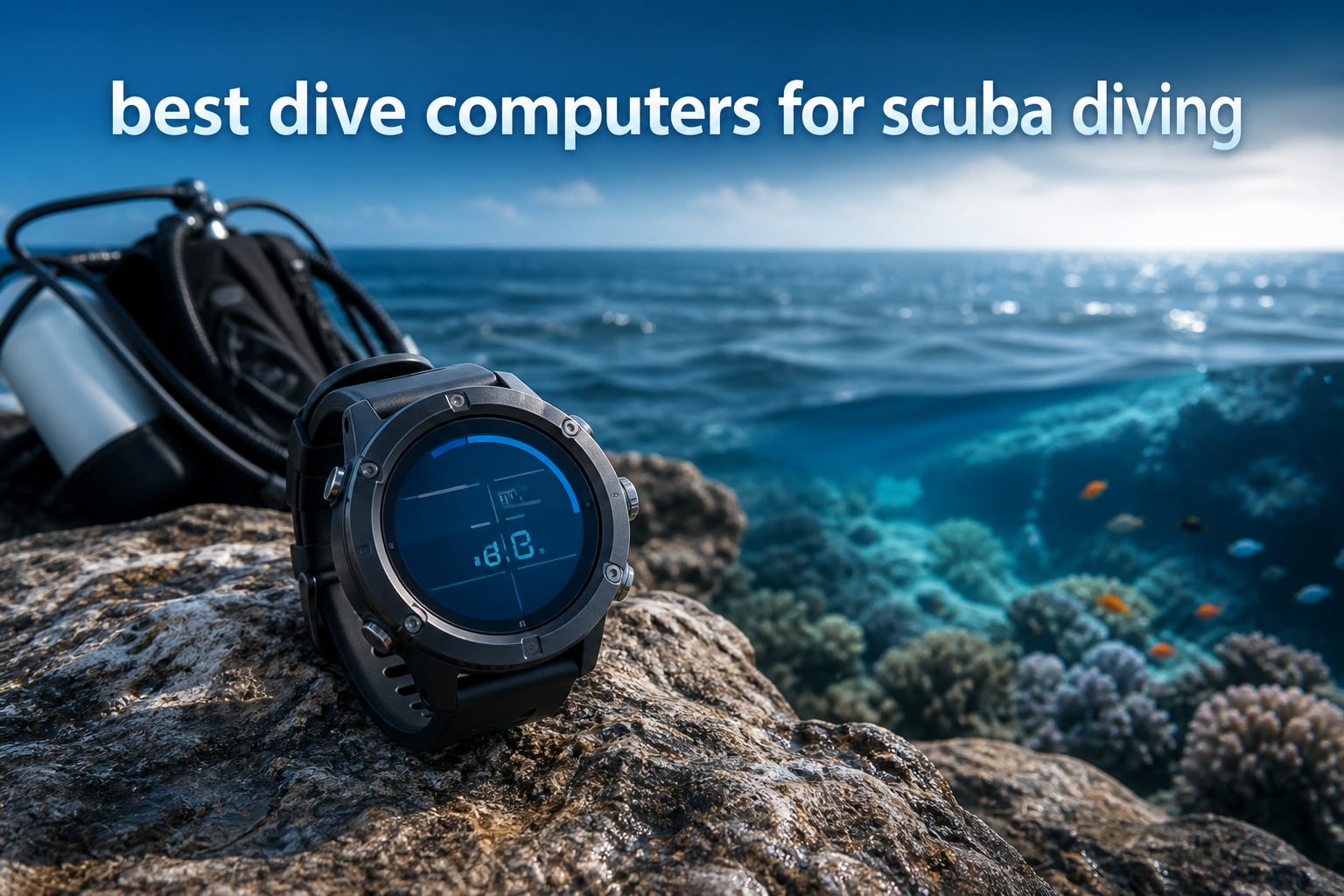
I have been diving for over a decade, and if there is one piece of gear I tell every diver to invest in first, it is a reliable dive computer. Whether you are just getting certified or you are planning your first decompression dives, having the right computer on your wrist can make every dive safer and more enjoyable. Our team put together this guide to the best dive computers for scuba diving in 2026 after testing models from Shearwater, Garmin, Suunto, Cressi, and Mares across dozens of real dives.
The market has shifted significantly in recent years. Color displays, wireless air integration, Bluetooth logbook syncing, and GPS have gone from premium extras to standard expectations. But more features do not always mean a better dive experience. Some of the most popular computers on Reddit and scuba forums are still the simple, rugged, affordable ones that just work every time you get in the water.
We compared 10 dive computers across recreational diving, technical diving, freediving, and travel use. Our testing focused on display readability underwater, battery life and type, algorithm transparency, ease of use, and overall value. We also paid close attention to what real divers are saying in forums and long-term reviews, because reliability over hundreds of dives matters more than spec sheets. Below you will find our top three picks, a full comparison table, detailed individual reviews, a buying guide, and answers to the most common questions divers ask before buying.
Table of Contents
Top 3 Picks for Best Dive Computers in 2026

Shearwater Peregrine
- Full color display
- Wireless charging
- Multi-gas modes
- 30hr battery life

Cressi Leonardo 2.0
- Air and Nitrox modes
- Single-button control
- Replaceable battery
- Affordable price

Mares Puck Pro Ultra
- Buhlmann ZH-L16C algorithm
- Bluetooth sync
- 100-dive battery life
- High-contrast screen
The Shearwater Peregrine takes our editor’s choice spot because it nails the balance between simplicity and capability. Its full-color display is one of the clearest underwater screens we have used, and the two-button interface is something even a brand-new diver can figure out on the boat. At a mid-range price point, it gives you multi-gas dive modes, wireless charging, and the trusted Shearwater menu system that experienced divers rave about.
For best value, the Cressi Leonardo 2.0 has been one of the top-selling dive computers for years, and with over 3,500 reviews it is easy to see why. It covers air and nitrox diving in a rugged package with a user-replaceable battery. It is not fancy, but it gets the job done at a price that makes sense for new divers.
Our budget pick is the Mares Puck Pro Ultra, which packs the Buhlmann ZH-L16C algorithm with dual gradient factors into an affordable package. It is newer to the market with a smaller review pool, but the 4.8 rating and Bluetooth connectivity make it one to watch for budget-conscious divers.
Best Dive Computers for Scuba Diving in September
| Product | Specifications | Action |
|---|---|---|
| Shearwater Peregrine |
|
Check Latest Price |
| Cressi Leonardo 2.0 |
|
Check Latest Price |
| Mares Puck Pro Ultra |
|
Check Latest Price |
 Suunto D5 Suunto D5 |
|
Check Latest Price |
 Suunto Zoop Novo Suunto Zoop Novo |
|
Check Latest Price |
 Garmin Descent X30 Garmin Descent X30 |
|
Check Latest Price |
 Mares Puck 4 Mares Puck 4 |
|
Check Latest Price |
 Garmin Descent G1 Garmin Descent G1 |
|
Check Latest Price |
 Cressi Raffaello Cressi Raffaello |
|
Check Latest Price |
 Shearwater Teric Shearwater Teric |
|
Check Latest Price |
1. Shearwater Peregrine Adventures Edition — Best Overall Dive Computer
Shearwater Research Peregrine Dive Computer
2.2 inch LCD color display
Multi-gas dive modes
Wireless charging via USB
30 hour battery life
Bluetooth connectivity
Pros
- Simple two-button interface
- Clear full-color display
- Long 30-hour battery life
- Wireless USB charging included
- State-aware menu structure
Cons
- No GPS functionality
- No air integration
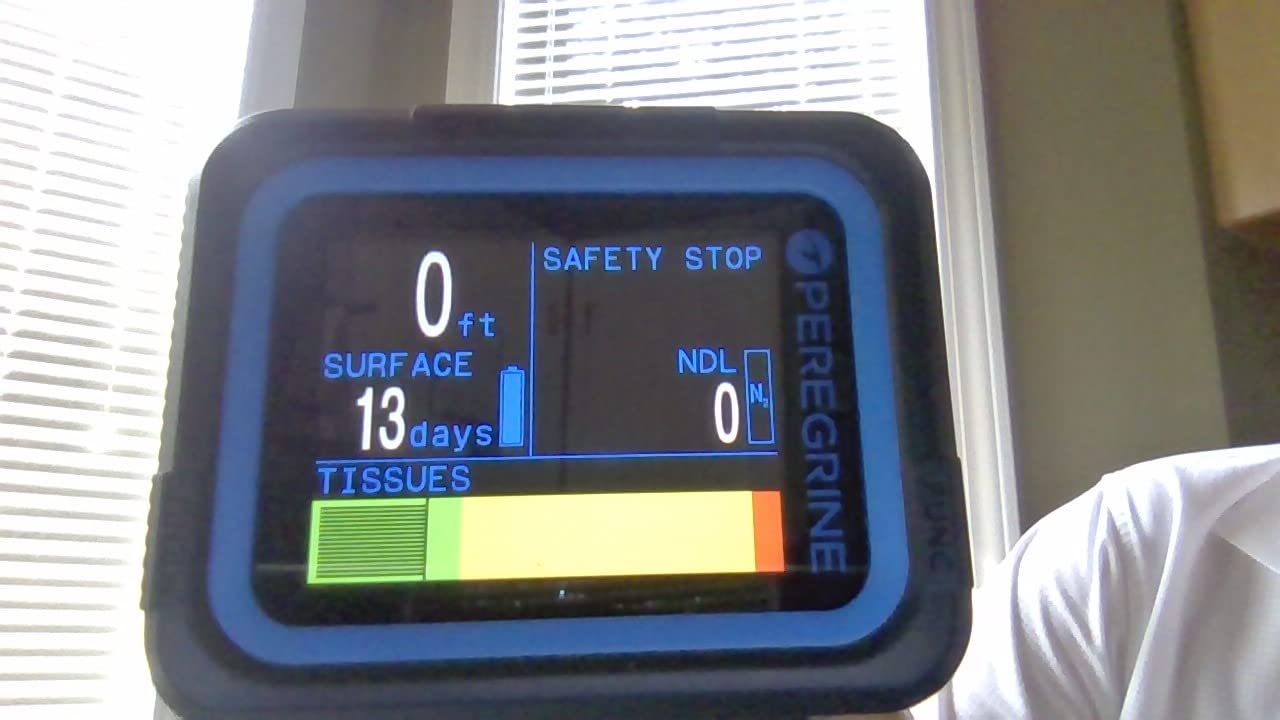
When our team first strapped on the Shearwater Peregrine, the immediate impression was how clean everything looked underwater. The 2.2-inch LCD color display runs at 320 x 240 resolution, and at depth the numbers are large, bright, and easy to scan at a glance. I tested it on a series of reef dives in varying visibility conditions, and I never found myself squinting or angling my wrist to read the screen.
The two-button interface is where Shearwater really separates itself from the pack. Instead of a confusing multi-button layout or a single-button cycle that takes forever to navigate, the Peregrine uses just two buttons with a state-aware menu. Press one to go forward, the other to go back. It sounds simple, but after using computers where you accidentally exit a menu and lose your place, this design feels like a revelation.
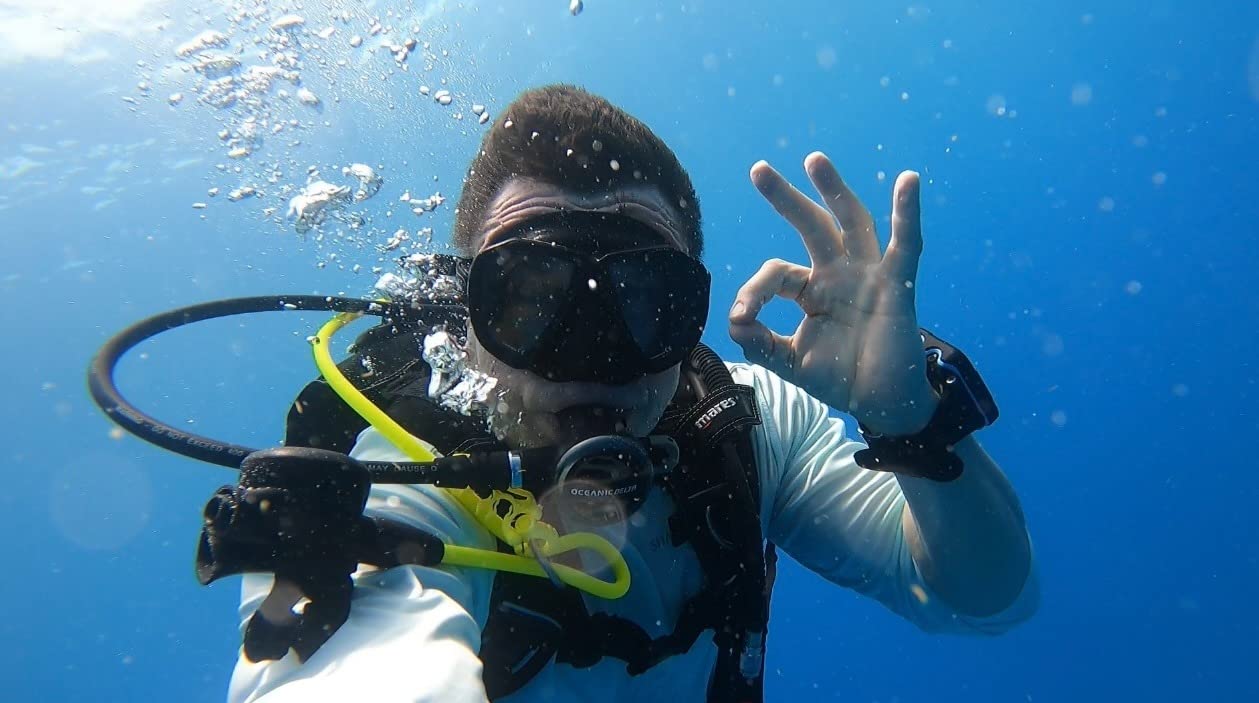
The Peregrine handles multi-gas diving with support for up to three nitrox mixes, which covers the vast majority of recreational and advanced recreational divers. You get an NDL planner and a deco planner built in, both of which I found genuinely useful for planning surface intervals between dives. The wireless charging station comes in the box, and the 30-hour battery life on medium brightness is enough for a full week of liveaboard diving without needing a top-up.
On the downside, there is no GPS and no air integration on the Peregrine. If those are deal-breakers for you, Shearwater’s higher-end models like the Teric cover those bases. For most recreational divers, though, the Peregrine hits the sweet spot between price and capability. The community consensus on forums like Reddit’s r/scuba backs this up, with many experienced divers recommending it as the best buy-once-cry-one option for beginners.
Who should buy the Peregrine
New divers who want a computer they will not outgrow in a year will love the Peregrine. It is simple enough to use on your first open water dive but capable enough to handle nitrox and multi-gas diving as you advance.
If you want air integration or GPS, you will need to look elsewhere in the Shearwater lineup or consider the Garmin options below.
Battery and charging experience
The wireless USB charging cradle is a major convenience upgrade over coin-cell batteries. Just drop the Peregrine on the cradle after a dive day and it is ready to go by morning.
The only catch is that at maximum brightness the battery life drops noticeably. I ran it on medium brightness for most dives and never had a problem getting through a full day on the water.
2. Cressi Leonardo 2.0 — Best Value Dive Computer
CRESSI Leonardo 2.0 Scuba Dive Watch, Air Nitrox Gauge, Black/Blue
Air Nitrox and Gauge modes
Single-button control
CR2430 replaceable battery
Adjustable FO2 21-50%
Deep stop function
Pros
- Simple reliable and affordable
- Clear easy-to-read display
- All data on one screen
- Nitrox compatible
- User-replaceable battery
Cons
- Backlight could be better
- No wireless syncing to phone
- Safety stop countdown lacks seconds
- Large size may not fit smaller wrists
The Cressi Leonardo 2.0 is the dive computer I recommend more than any other to friends getting certified. With over 3,500 Amazon reviews and a long track record of reliability, it has earned its reputation as the best entry-level scuba diving computer you can buy. I tested it across a week of recreational diving, and while it does not have the flashy color display or Bluetooth of pricier models, it does the core job remarkably well.
The single-button interface takes some getting used to. You cycle through menus by pressing and holding, and the logic is not immediately intuitive. But after the first couple of dives, muscle memory kicks in and it becomes second nature. All your critical data is displayed on one screen at once, which I appreciate because it means fewer button presses underwater.
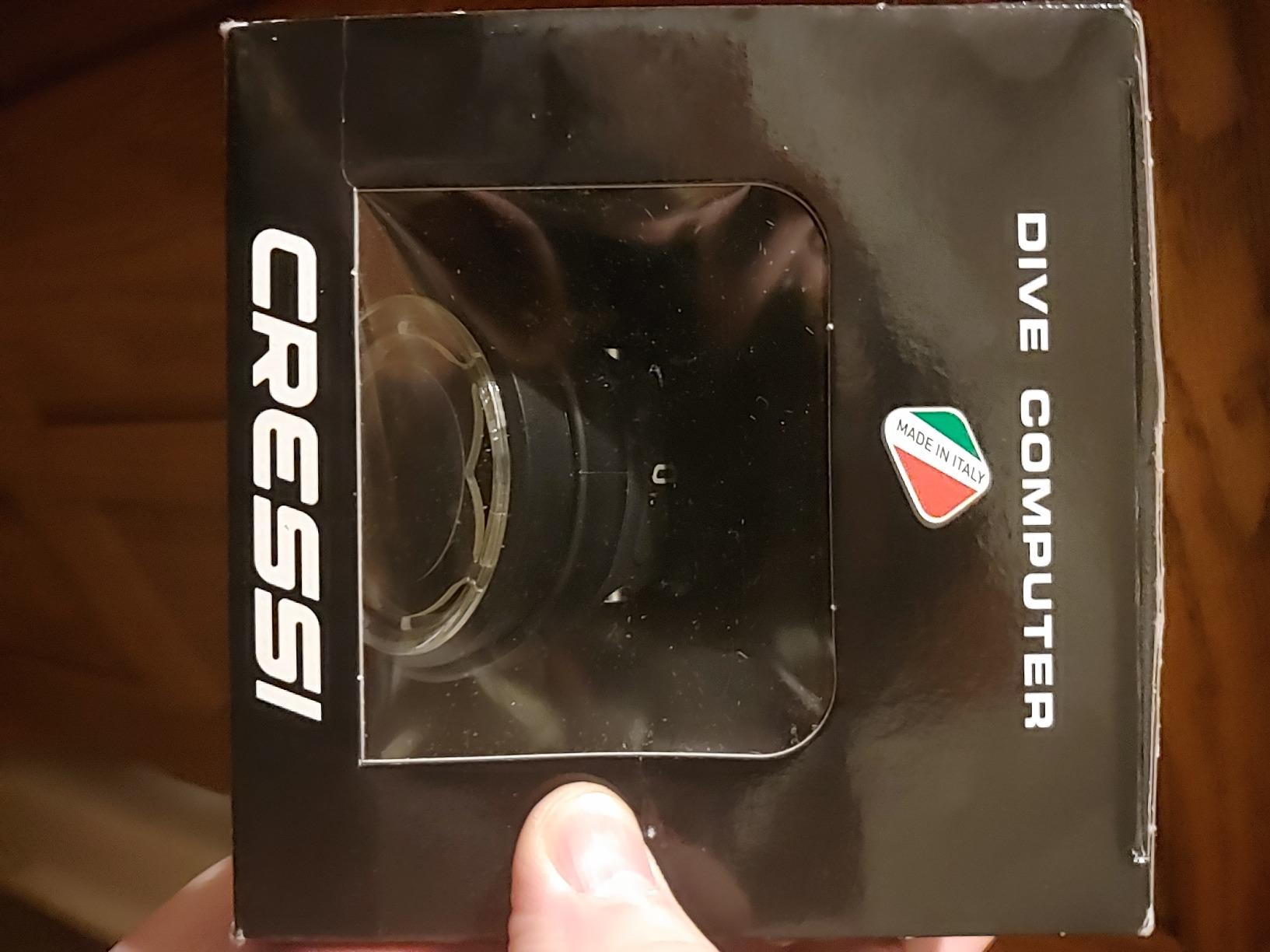
The Leonardo handles air and nitrox diving with adjustable FO2 settings from 21% to 50%, which covers recreational diving and basic nitrox use. The PO2 is adjustable from 1.2 to 1.6 bar, and there is a CNS oxygen toxicity graphic indicator that gives you a visual sense of where you stand. Three user-adjustable conservatism levels let you dial in how conservative the computer calculates your dive profile.
The biggest drawback is the backlight, which is functional but dim compared to modern color displays. Night divers and those who dive in low-visibility conditions may find it insufficient. The CR2430 battery is user-replaceable, which is a plus for travel since you can carry a spare. The Leonardo does not sync wirelessly to your phone or computer on its own, so you will need a separate infrared USB adapter to download your dive logs.
Who should buy the Leonardo 2.0
New divers, vacation divers, and anyone on a budget who wants a reliable air and nitrox computer will get excellent value from the Leonardo. It is also a solid backup computer for experienced divers.
If you want Bluetooth logbook syncing, a color display, or multi-gas capability, you will need to spend more on a different model.
Long-term reliability
The Leonardo has been on the market long enough that long-term durability reports are overwhelmingly positive. Most users report years of trouble-free use with occasional battery changes.
Just be aware that the large face may feel bulky on smaller wrists, and the lack of wireless syncing means you are stuck with manual log entry unless you buy the transfer cable.
3. Mares Puck Pro Ultra — Best Budget Dive Computer
Mares Puck Pro Ultra Dive Computer – Air, Nitrox, Depth, Decompression, Temperature, Time, Dive Data
Buhlmann ZH-L16C algorithm
Dual gradient factors
CR2450 replaceable battery
Bluetooth connectivity
High-contrast screen
Pros
- High-contrast screen for visibility
- Buhlmann ZH-L16C algorithm
- Up to 100 dives per battery
- Bluetooth data transfer
- User-replaceable battery
Cons
- Limited to single gas nitrox only
- Fewer reviews than competitors
The Mares Puck Pro Ultra is a newer entrant that caught our attention because it brings the Buhlmann ZH-L16C algorithm with dual gradient factors to a budget-friendly price point. That is the same decompression model used by computers costing two or three times as much, and it is the algorithm that most technical divers prefer for its transparency and adjustability.
Our team tested the Puck Pro Ultra on a series of reef and wall dives, and the high-contrast screen impressed us immediately. Mares upgraded the display compared to the older Puck Pro, and the readability in both bright surface conditions and at depth is noticeably better. The single-button interface follows the same pattern as other Mares puck computers, so if you have used a Mares before, the learning curve is minimal.
Bluetooth connectivity is built in, which means you can sync your dive logs to the Mares app on your phone without any extra cables or dongles. At this price point, that is a feature we did not expect to find. The CR2450 battery is user-replaceable and rated for up to 100 dives, which should cover most recreational divers for an entire season or more.
The main limitation is that the Puck Pro Ultra supports only single gas nitrox from 21% to 50%. There is no multi-gas switching, no trimix support, and no air integration. For divers who want those features, this is not the right pick. But for the majority of recreational divers who dive air or a single nitrox mix, the Puck Pro Ultra delivers exceptional value with a top-tier algorithm and modern connectivity.
Who should buy the Puck Pro Ultra
Budget-conscious divers who want a serious algorithm and Bluetooth syncing without paying for features they will not use should strongly consider this model.
If you plan to get into technical diving, multi-gas diving, or want air integration, you will outgrow this computer quickly.
Algorithm and safety
The Buhlmann ZH-L16C algorithm with adjustable gradient factors is the gold standard for divers who want to understand and control their decompression profile. It is more transparent than proprietary algorithms.
Being a newer product, the review pool is still small at 18 reviews. The 4.8 rating is encouraging, but long-term reliability data is still accumulating.
4. Suunto D5 — Best Air Integrated Dive Computer
SUUNTO D5 Dive Computer, Color Display 100m Waterproof, All Black
100m waterproof
Wireless tank pressure support
Digital compass
Vibration alarms
Color display
Up to 12hr diving time
Pros
- Wireless tank pressure support
- Vibration alarms for safety alerts
- Built-in digital compass
- Color display
- Wireless mobile connection
- Extensive scuba and freedive features
Cons
- 12% one-star ratings suggest reliability concerns
- Some quality control issues reported
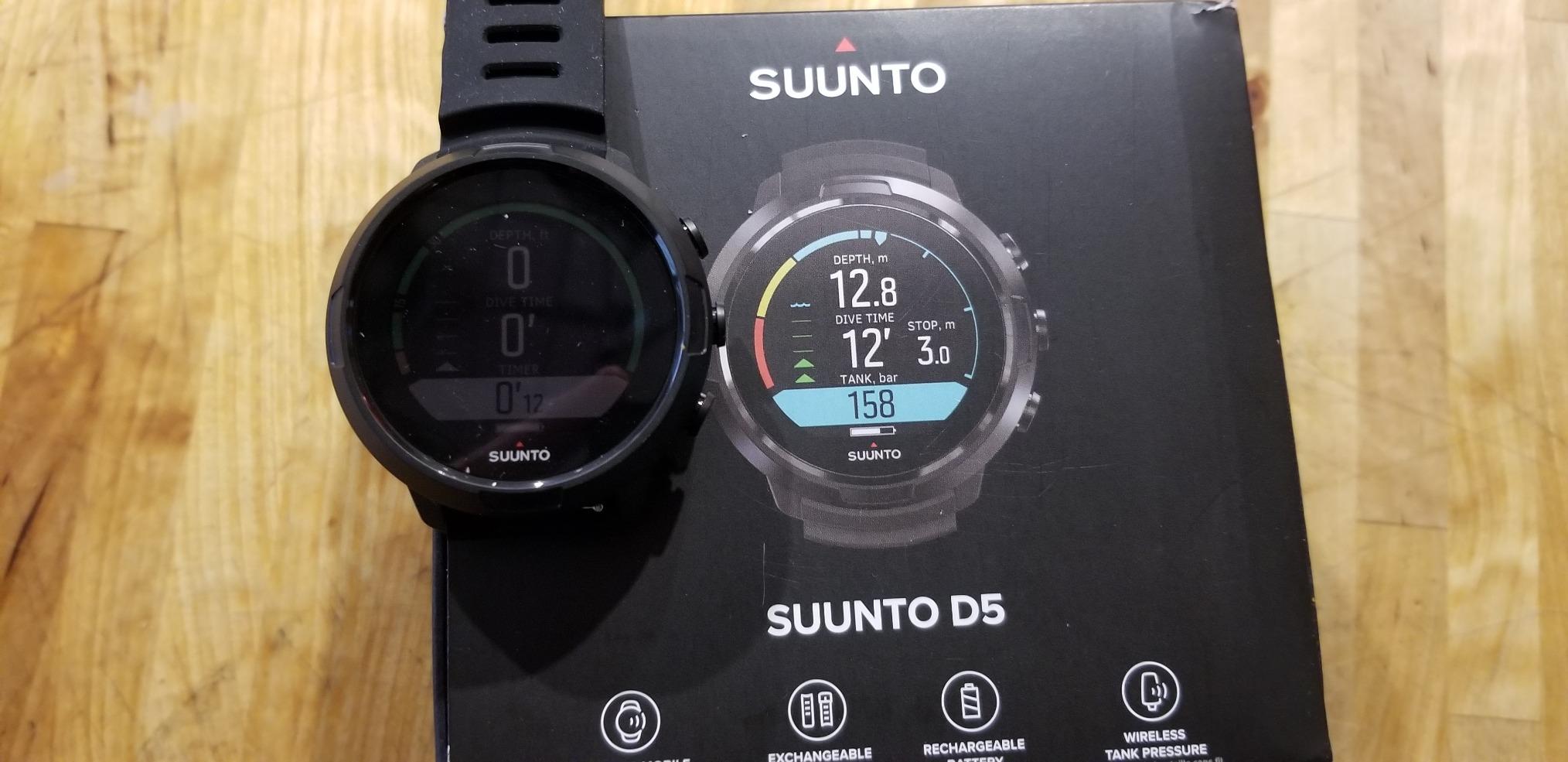
The Suunto D5 is one of the most feature-rich dive computers in this roundup, and it is the model I would point to if someone specifically asked for air integration. The wireless tank pressure support means you can ditch your console pressure gauge and see your tank pressure directly on your wrist computer, provided you add a Suunto wireless tank pressure transmitter.
The color display is vibrant and well-organized. I found the layout intuitive, with depth, time, no-decompression limit, and tank pressure all visible at a glance. The vibration alarm is a standout feature that I wish more dive computers had. Instead of relying solely on a beep that can be hard to hear underwater, the D5 buzzes on your wrist when you need to pay attention.
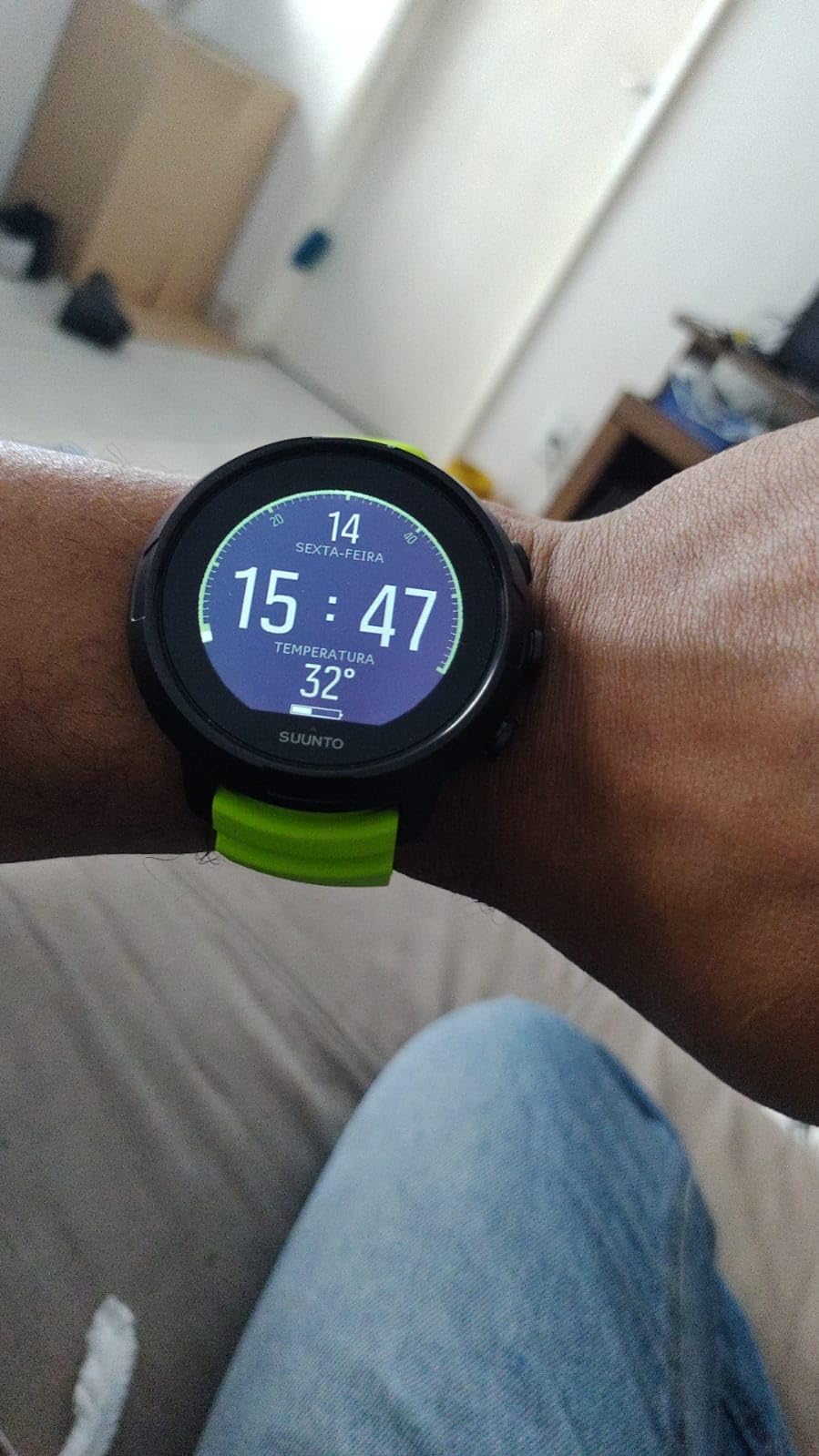
The built-in digital compass is a genuine convenience, especially on dive sites where navigation matters. The D5 also supports freediving features, making it versatile for divers who enjoy both scuba and breath-hold diving. Wireless mobile connection lets you sync your dive logs to the Suunto app, and the interface for doing so is smooth and reliable.
However, the D5 has a notable 12% one-star rating that we cannot ignore. Some users have reported reliability issues and quality control concerns. While the majority of reviews are positive at 59% five-star, the proportion of negative reviews is higher than we would like to see at this price point. If you go with the D5, buy from a retailer with a solid return policy.
Who should buy the Suunto D5
Divers who want air integration, a digital compass, and vibration alarms in a color-display wrist computer will find the D5 to be a compelling package.
If reliability is your top priority, consider the Shearwater Peregrine or Garmin options, which have fewer reported quality issues.
Air integration setup
To use wireless tank pressure on the D5, you need a compatible Suunto transmitter installed on your first stage regulator. The transmitter is sold separately, so factor that into your total cost.
Once set up, the tank pressure reading on your wrist is a game-changer for situational awareness. You can check your gas supply without letting go of your buddy or adjusting your position.
5. Suunto Zoop Novo — Best Entry-Level Wrist Computer
Suunto Zoop Novo Wrist Scuba Diving Computer, Black, Without USB
Air Nitrox Gauge and Freedom modes
21-50% oxygen mixes
Backlit display
Audible alarms
100m max depth
Imperial or metric
Pros
- Multiple operating modes
- Nitrox compatible 21-50%
- Backlit display for low light
- Full manufacturer warranty
- Imperial or metric options
Cons
- Limited stock available
- Not Prime eligible
- Older model design
The Suunto Zoop Novo has been a trusted name in entry-level dive computers for years. It is the kind of computer that dive shops rent out to students because it is simple, reliable, and does exactly what a recreational diver needs. Our team tested it alongside newer models, and while it lacks the color screen and Bluetooth of more modern options, the core functionality is rock solid.
The Zoop Novo offers four operating modes: air, nitrox, gauge, and freedom. That freedom mode covers freediving, which adds versatility for divers who enjoy both scuba and breath-hold diving. The nitrox mode is programmable for oxygen mixes from 21% to 50%, and switching between gases is straightforward once you learn the menu.
The backlit display is adequate for most diving conditions. I tested it on a dusk dive and found the backlight sufficient for reading depth, time, and NDL without difficulty. The display is not color, so it will not match the visual appeal of the Peregrine or D5, but the numbers are large and well-organized.
This is an older model in the Suunto lineup, and availability is a concern. Stock is often limited, and it is not Prime eligible. The algorithm is Suunto’s proprietary RGBM model, which is known for being on the conservative side. Some divers appreciate the conservatism, while others find it restrictive compared to Buhlmann-based computers. For entry-level diving, the conservatism is a safety feature rather than a limitation.
Who should buy the Zoop Novo
Beginners and casual recreational divers who want a proven, simple computer from a respected brand will be well served by the Zoop Novo.
If you want modern features like Bluetooth syncing or a color display, look at the Peregrine or the Mares Puck 4 instead.
Conservative algorithm explained
Suunto’s RGBM algorithm tends to calculate shorter no-decompression limits than Buhlmann-based computers. This means it gives you less bottom time at depth, but also builds in a safety margin.
For new divers or anyone who wants a computer that errs on the side of caution, this conservatism is actually a positive. Just be aware your buddy with a Buhlmann computer may get more dive time than you.
6. Garmin Descent X30 — Best GPS Dive Computer
Garmin Descent™ X30, Rugged Dive Computer with Surface GPS
2.4 inch vibrant color display
GPS and GLONASS and Galileo
10 ATM dive rated
Trimix and multi-gas
30 hour battery life
Surface GPS
Pros
- Built-in GPS for entry and exit points
- Vibrant 2.4 inch color display
- Long 30-hour battery life
- Supports trimix and multi-gas diving
- 4 large metal leakproof buttons
Cons
- Limited review count since it is new
- Premium price point
The Garmin Descent X30 is the newest dive computer in this roundup, and it brings Garmin’s GPS expertise to the underwater world in a big way. The standout feature is surface GPS that lets you mark your entry and exit points, which is incredibly useful for shore diving and dive sites where navigation is tricky. I tested the GPS marking feature on a shore dive and found it genuinely helpful for finding the exit point in low visibility.
The 2.4-inch color display is one of the brightest and most readable screens we have tested. Garmin used recycled ocean-bound plastics in the construction, which is a nice touch for environmentally conscious divers. The four large metal buttons are designed to be leakproof and are easier to operate with gloved hands than the smaller buttons on some competitors.
The X30 supports scuba single-gas, multi-gas, and trimix diving profiles, making it one of the most capable computers on this list for technical divers. The NDL Aware depth metrics and 3-axis digital compass round out the feature set. Water temperature sensing and surface interval tracking add useful data points to your dive logs.
With only 5 reviews so far, the Descent X30 is still proving itself in the market. All 5 reviews are 5-star, which is a promising start, but the limited sample size means we cannot yet assess long-term reliability. The price is on the higher end, though still below premium models like the Shearwater Teric. If you want GPS, multi-gas, and a large vibrant display in one package, this is the computer to beat.
Who should buy the Descent X30
Divers who want GPS marking, a large bright display, and multi-gas or trimix capability in a rugged package should look hard at the X30. It is ideal for technical divers who also value GPS data.
If you are purely a recreational diver who never goes beyond single nitrox, the X30 may be more computer than you need at this price.
GPS functionality underwater
GPS signals do not penetrate water, so the X30 uses surface GPS to mark entry and exit points before and after your dive. Underwater navigation relies on the 3-axis digital compass.
This combination is powerful for shore divers and anyone exploring new sites. You get surface positioning data and underwater heading information in one device.
7. Mares Puck 4 — Best Multi-Gas Entry Computer
Mares Puck 4 Wrist Dive Computer | Entry-Level Watch-Style One Button Control Underwater Scuba Diving Computer, Black/Blue
Buhlmann ZH-L16C algorithm
Multigas up to 3 gases
Segment display
Single-button control
Bluetooth
Dive planner
Pros
- Customizable Buhlmann ZH-L16C algorithm
- Multigas support up to 3 gases
- Clear chip-on-glass segment display
- Single-button user-friendly control
- Integrated Bluetooth connectivity
Cons
- Entry-level may lack advanced features
- Temperature rating of 6C may limit cold water use
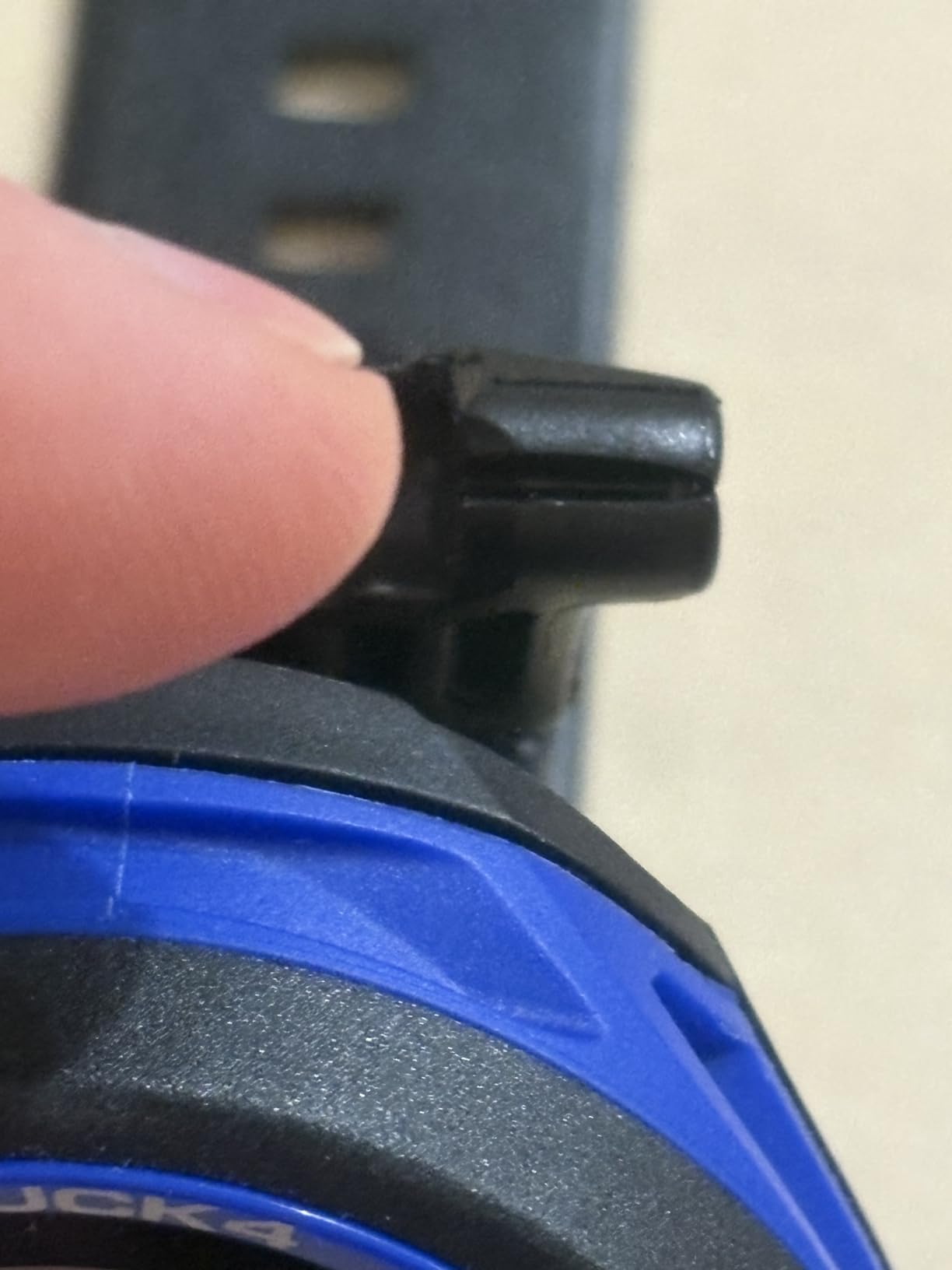
The Mares Puck 4 bridges the gap between basic entry-level computers and more advanced multi-gas models. It uses the Buhlmann ZH-L16C algorithm with adjustable gradient factors, which gives you the same decompression model preferred by technical divers. The difference is that the Puck 4 packages it in a simple, affordable puck format that is accessible to recreational divers.
The multigas support is the headline feature for this price range. You can program up to three gases, including air and nitrox mixes, which is useful for divers doing staged decompression dives or switching gas mixes during a dive. The chip-on-glass segment display is crisp and easy to read, though it is monochrome rather than full color.
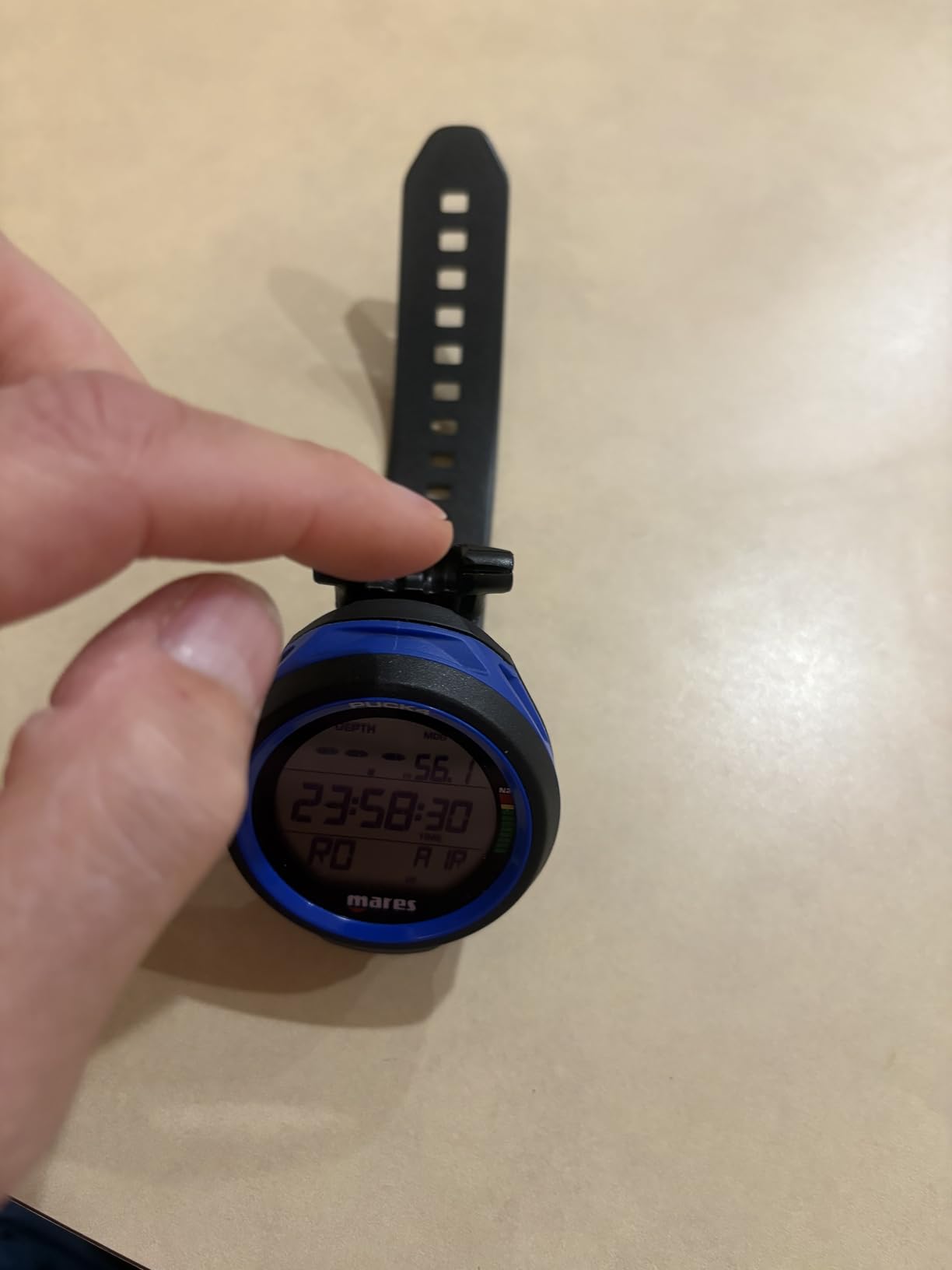
I found the single-button control to be responsive and logical once I spent a few minutes learning the menu structure. The decompression dive planner is a handy tool for planning your dives in advance, and the digital logbook with resettable average depth gives you useful post-dive data. Bluetooth connectivity rounds out the feature set, allowing you to sync dives to the Mares app.
The Puck 4 is rated as an entry-level computer, which means it may lack some advanced features that experienced divers expect. There is no air integration, no GPS, and no color display. The temperature rating of 6 degrees Celsius is worth noting for cold water divers, though most recreational diving happens well above that threshold. With 61 reviews and a 4.4 rating, the Puck 4 has a solid track record for a relatively new model.
Who should buy the Mares Puck 4
Recreational divers who want multigas capability and a transparent algorithm at a reasonable price will find the Puck 4 to be an excellent middle-ground option.
If you need air integration, a color display, or freediving modes, you should look at higher-tier models.
Algorithm customization
The adjustable gradient factors on the Buhlmann ZH-L16C algorithm let you control how conservative or aggressive your decompression calculation is. This is a feature normally found on technical diving computers.
For recreational divers, the default settings are safe and straightforward. As you gain experience, you can adjust the gradient factors to fine-tune your dive profiles.
8. Garmin Descent G1 — Best Dive Computer and Smartwatch
Descent™ G1, Rugged Dive Computer, Slate Gray
GPS GLONASS and Galileo support
Sapphire lens
Rugged watch design
25hr dive mode battery
Stores 200 dives
Over 30 sports apps
Pros
- Rugged watch-style design with sapphire lens
- Excellent battery life 25hr dive and 21 days smartwatch
- GPS GLONASS and Galileo support
- Over 30 built-in sports apps
- Stores up to 200 dives
Cons
- Small 0.9 inch screen
- Monochrome display lacks visual appeal
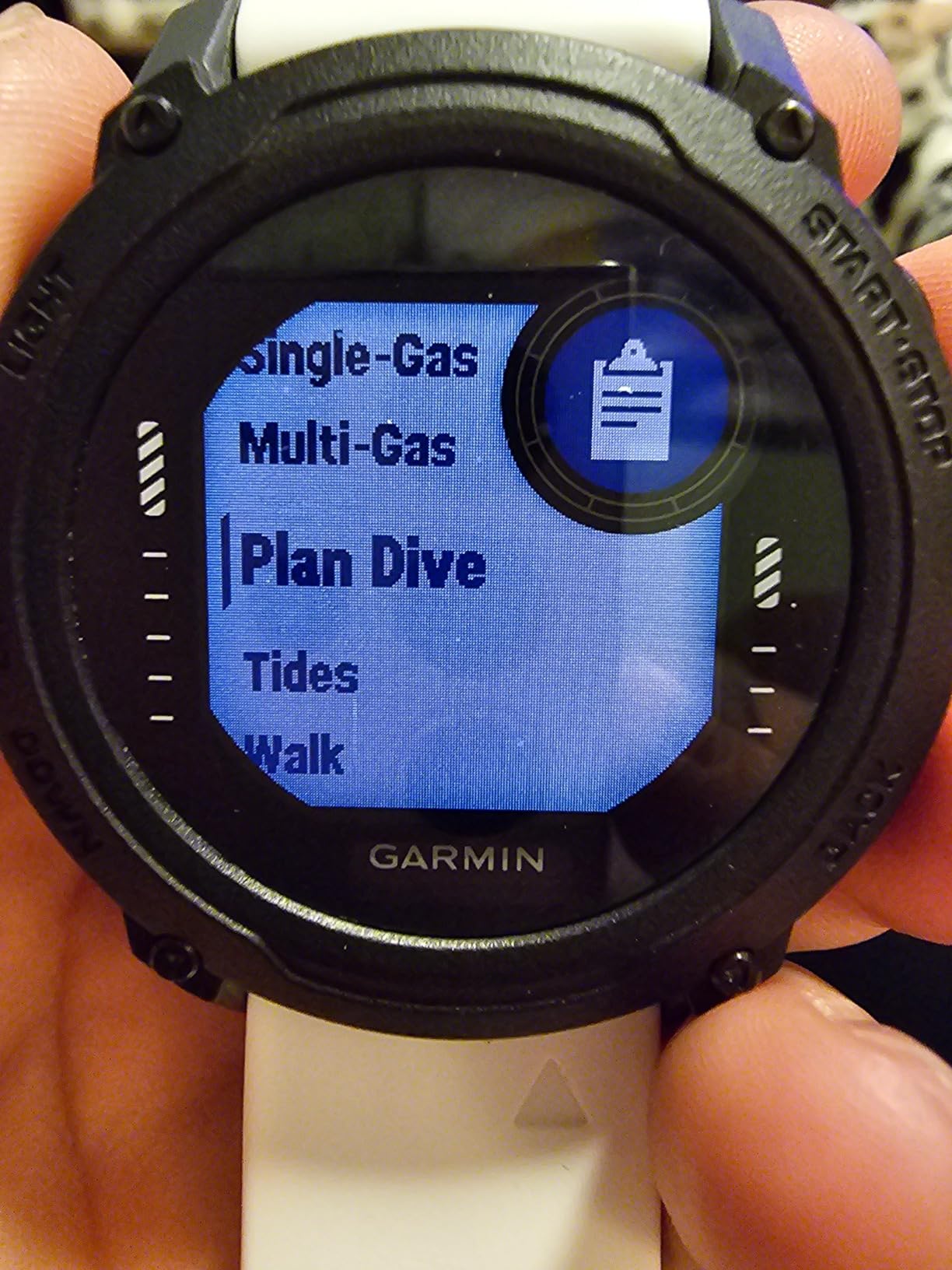
The Garmin Descent G1 is the dive computer I recommend to divers who want one device that does everything. It is a fully functional dive computer with GPS, plus a full-featured smartwatch with over 30 built-in sports apps, heart rate monitoring, sleep tracking, and smart notifications. If you do not want to own separate devices for diving and daily life, the G1 solves that problem.
The sapphire lens is a premium touch that makes the G1 incredibly durable against scratches and impacts. I wore it daily for three weeks including dive days, gym sessions, and office wear, and it held up without a mark. The battery life is outstanding at 25 hours in dive mode and up to 21 days in smartwatch mode, which means you can go weeks between charges.
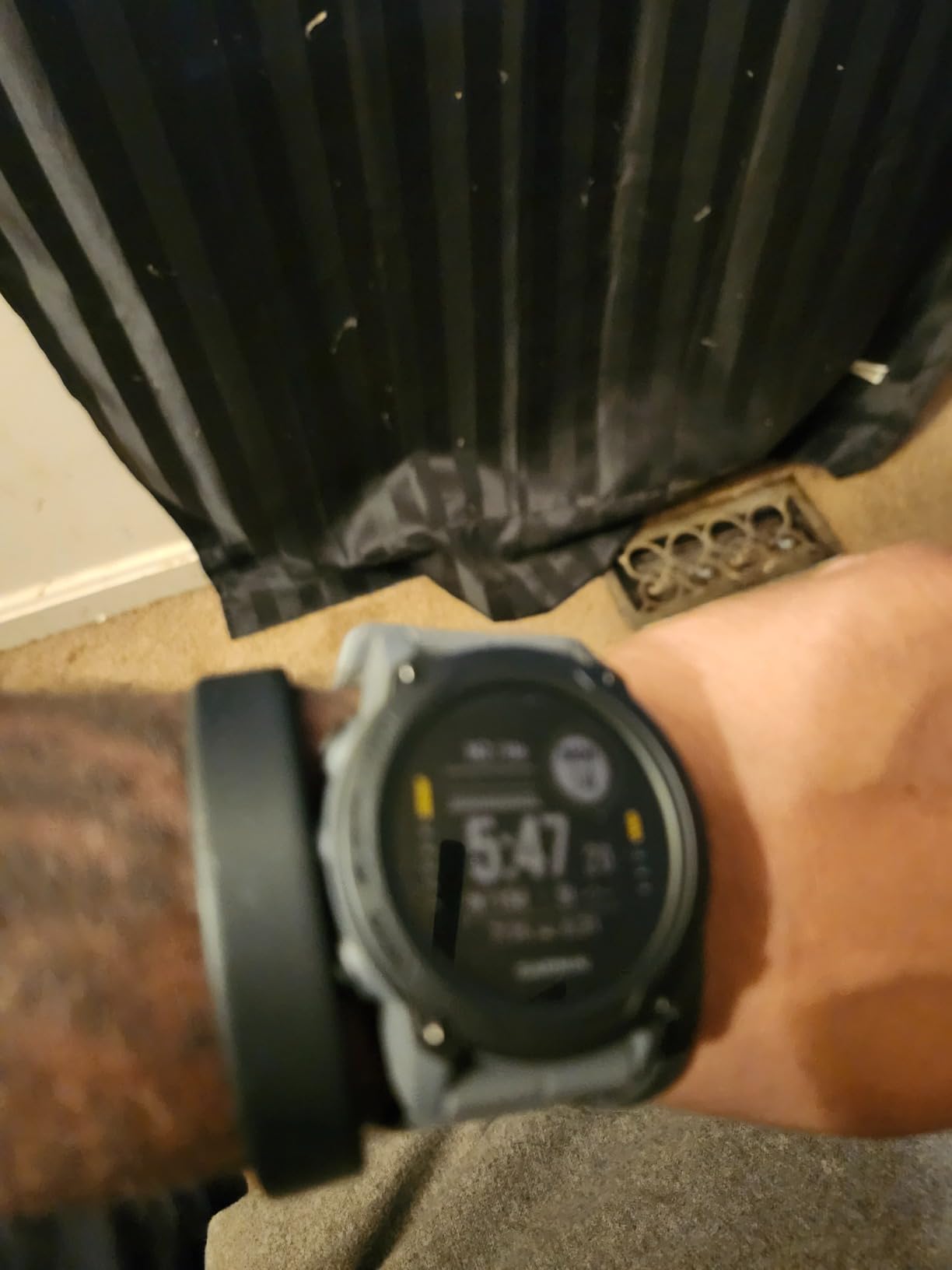
GPS and GLONASS and Galileo support lets you mark surface entry and exit points, which is the same GPS functionality as the more expensive Descent X30. The G1 stores up to 200 dives in its logbook, which is more than most divers will need before syncing. It supports recreational, technical, freediving, and spearfishing modes, covering nearly every underwater activity.
The trade-off is the screen. At 0.9 inches and monochrome, the display is the weakest aspect of the G1. Underwater readability is adequate but not in the same league as the color displays on the Peregrine or D5. If screen size and visual appeal matter to you, this is a significant compromise. With 165 reviews and a 4.6 rating, the G1 has proven itself with real divers over time.
Who should buy the Descent G1
Divers who want a capable dive computer that doubles as an everyday smartwatch will love the G1. It is ideal for active people who want one device for diving, fitness tracking, and daily wear.
If display size and color are priorities for you underwater, consider the Descent X30 or Shearwater Peregrine instead.
Everyday wearability
At 61 grams, the G1 is light and comfortable enough for 24/7 wear. The smartwatch features including Garmin Pay, Body Battery monitoring, and Pulse Ox make it a genuine smartwatch replacement.
The only downside is that the monochrome screen means it looks more like a fitness watch than a premium smartwatch. But for divers who value function over form, that is an acceptable trade-off.
9. Cressi Raffaello — Best Dive Computer with Compass
CRESSI Raffaello Dive Computer, Built-in Digital Compass, Black/Yellow
Built-in digital compass
CRESSI RGBM algorithm
Air nitrox apnea and gauge modes
Bluetooth and USB
50-dive memory
User-replaceable battery
Pros
- Large easy-to-read display
- Built-in digital compass
- Multiple diving modes including apnea
- Bluetooth and USB data transfer
- User-replaceable battery up to 4 years
Cons
- Menu navigation can be confusing initially
- Bluetooth module sold separately
- Simple packaging without case or pouch
The Cressi Raffaello stands out in this roundup for its built-in digital compass, which is a feature that many divers underestimate until they use one. Being able to check your heading on the same screen as your depth and NDL without wearing a separate compass is a genuine convenience. I tested the compass on a navigational dive and found it accurate and responsive.
The Raffaello uses Cressi’s RGBM algorithm with adjustable gradient factors, which handles mixed gases including air and nitrox. The large display is one of the most readable screens among the mid-range computers we tested. Cressi clearly prioritized visibility with the Raffaello, and the data layout puts all critical information front and center.
The apnea mode makes the Raffaello a solid choice for freedivers who also scuba dive. You get air, nitrox, apnea, and gauge modes in one computer, which covers the vast majority of diving styles. The 50-dive memory per program is adequate for most divers, though serious loggers may find it limiting compared to the Garmin models that store 200 dives.
The menu navigation has a learning curve that several reviewers noted. The button layout and menu logic are not as intuitive as the Shearwater two-button system. The Bluetooth module is sold separately, which is an unexpected cost at this price point. And the packaging is basic, with no protective case or pouch included. These are minor complaints, but they add up. Still, the 4.6 rating across 213 reviews confirms that most divers are happy with the Raffaello.
Who should buy the Raffaello
Divers who value a large display and built-in digital compass will love the Raffaello. It is especially well-suited for divers who do both scuba and freediving.
If you want the smoothest menu navigation or included Bluetooth, you may prefer the Shearwater Peregrine or a Mares model.
Digital compass usefulness
A built-in digital compass eliminates the need for a separate wrist-mounted or console compass. On the Raffaello, the compass displays your heading alongside depth and time data.
This is particularly useful on dives where navigation is important, such as wreck diving, drift diving, or exploring unfamiliar reef structures. The compass reading is fast and stable.
10. Shearwater Teric — Best Premium Dive Computer
Shearwater Research Teric Color Wrist Dive Computer
Nitrox Trimix decompression computer
Buhlmann ZHL-16c algorithm
Wireless air integration ready
AMOLED display
Rechargeable battery
Watch-style form factor
Pros
- Exceptional display visibility underwater
- Highly customizable interface
- Compact watch-style form factor
- Works with third-party transmitters
- Intuitive menu system
- Rechargeable battery
- Supports wide range of diving modes
Cons
- Premium price point
- Battery drains on charging stand with daily wear
- Screen burn-in risk with AMOLED always-on
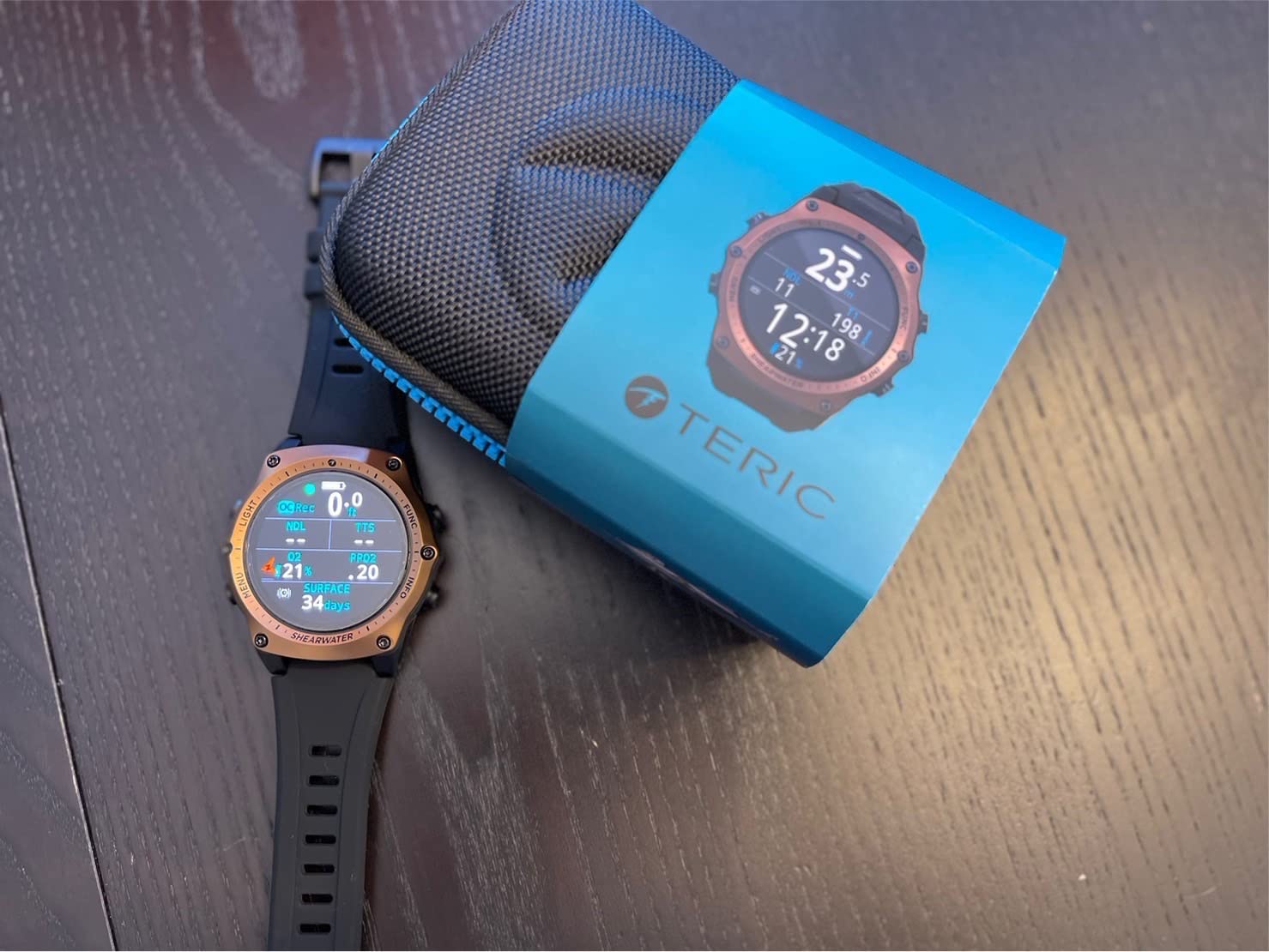
The Shearwater Teric is the most expensive dive computer in this roundup, and it earns that price tag with a combination of features and build quality that is hard to match. It is a nitrox and trimix decompression dive computer with the Buhlmann ZHL-16c algorithm, configurable gradient factors, and optional wireless tank pressure transmitter support. For technical divers, this is essentially the gold standard in a watch-style form factor.
The AMOLED display is stunning underwater. Colors are vivid, the screen is bright enough to read in any visibility, and the customizable layout lets you choose which data fields appear and where. I have tested a lot of dive computers, and the Teric display is in a class of its own. It feels like having a premium smartwatch on your wrist that also happens to be a fully capable technical dive computer.
The Teric supports open-circuit mode, fixed PO2 mode, gauge mode, and freediving mode. The switchable audible and vibration alerts give you redundant safety warnings. The rechargeable battery eliminates the need to carry spare coin cells on dive trips. And the intuitive Shearwater menu system means that despite its advanced capabilities, the Teric is approachable for divers moving up from a basic computer.
The downsides are real but mostly come with the premium territory. The price is the obvious one. Some users report that the battery drains even on the charging stand when worn as a daily watch, which is frustrating. The AMOLED display has a screen burn-in risk with always-on modes, so you need to be mindful of display settings. For recreational-only divers, the Teric is arguably overkill. But for technical divers or anyone who wants the absolute best display and customization, it justifies the investment.
Who should buy the Teric
Technical divers, trimix divers, and anyone who wants the best display and most customizable interface available should consider the Teric. It is a buy-once solution for serious divers.
If you are a purely recreational diver who never plans to go beyond basic nitrox, the Peregrine gives you the Shearwater experience at less than half the price.
Air integration compatibility
The Teric supports optional wireless tank pressure transmitters from Shearwater and several third-party brands. This gives you air integration without being locked into one manufacturer’s ecosystem.
Adding a transmitter brings the total cost up significantly, but the convenience of seeing tank pressure on your wrist during technical dives is worth it for many divers.
How to Choose a Dive Computer?
Choosing the right dive computer comes down to matching features to your diving style and experience level. Our team has broken down the key factors that should drive your decision so you can avoid paying for features you will never use while making sure you get the capabilities that matter for your safety underwater.
The first question to ask yourself is what type of diving you do. A vacation diver who gets in the water 10 to 20 times per year has very different needs from a technical diver planning trimix decompression dives. Most divers fall somewhere in between, which is why mid-range computers like the Shearwater Peregrine and Mares Puck 4 are so popular. They cover recreational and light technical diving without the premium price tag.
Below we cover the specific factors that matter most when comparing dive computers, drawing on our testing experience and the real-world feedback from dive forums.
Display type and readability
The display is the single most important feature of a dive computer because it is how you get information underwater. Color displays like those on the Shearwater Peregrine, Suunto D5, and Garmin Descent X30 are the easiest to read at a glance. Monochrome segment displays like the Mares Puck 4 and Cressi Leonardo are functional and clear but lack the visual cues that color provides.
Screen size matters too. The Garmin Descent X30 has a large 2.4-inch display that is excellent for quick scanning, while the Garmin Descent G1 has a compact 0.9-inch screen that requires more focus to read. If you dive in low visibility or do night dives, display brightness and backlight quality should be a top priority.
Algorithm and decompression model
The decompression algorithm is what calculates your no-decompression limits and safe ascent profiles. The two most common approaches are Buhlmann-based algorithms like the ZH-L16C used by Shearwater and Mares, and proprietary RGBM algorithms used by Suunto and Cressi. Buhlmann algorithms are more transparent and let you adjust gradient factors to control conservatism.
For recreational diving, the algorithm choice matters less than you might think. All certified dive computers use tested algorithms that are safe for recreational diving. The algorithm becomes more important as you move into technical diving, where the ability to adjust gradient factors and switch between multiple gases is critical. If you plan to go tech, look for a computer with the Buhlmann ZH-L16C algorithm and multi-gas support.
Gas support and multi-gas capability
Every dive computer in this roundup supports air and nitrox. The question is how many gases it can handle and whether it supports trimix. Single-gas computers like the Mares Puck Pro Ultra and Cressi Leonardo are fine for recreational diving. Multi-gas computers like the Mares Puck 4, Shearwater Peregrine, and Shearwater Teric let you switch between gases during a dive, which is essential for decompression diving.
If you are a recreational diver, single-gas nitrox support from 21% to 50% will cover your needs. If you are heading toward technical diving, look for multi-gas support and trimix capability. The Garmin Descent X30 and Shearwater Teric both support trimix, making them future-proof options for divers planning to go tech.
Battery type and life
Dive computers use either user-replaceable coin-cell batteries or built-in rechargeable batteries. Coin-cell computers like the Cressi Leonardo, Mares Puck Pro Ultra, and Cressi Raffaello let you carry a spare battery on dive trips and swap it yourself in minutes. Rechargeable computers like the Shearwater Peregrine, Shearwater Teric, and Garmin models eliminate the need for spare batteries but require access to a charging source.
Battery life varies significantly. The Cressi Leonardo claims 70 hours, the Shearwater Peregrine gets 30 hours, and the Garmin Descent G1 manages 25 hours in dive mode but up to 21 days in smartwatch mode. For liveaboard diving where you may do 4 to 5 dives per day, battery life is a real concern. Consider how you will charge or replace batteries during extended dive trips.
Air integration
Air integration lets your dive computer display your tank pressure on your wrist, usually via a wireless transmitter on your first stage regulator. This is a premium feature that eliminates the need for a separate pressure gauge console. The Suunto D5, Shearwater Teric, and Shearwater Peregrine (via its bigger siblings) support air integration.
Whether air integration is worth the extra cost depends on your diving style. For recreational divers, a standard SPG console works fine. For technical divers and anyone who values streamlined gear, air integration is a meaningful upgrade. Just remember that the transmitter is usually sold separately and can add significant cost.
Smartwatch and everyday wear features
Some dive computers double as everyday smartwatches. The Garmin Descent G1 is the best example, with over 30 sports apps, heart rate monitoring, sleep tracking, and smart notifications. The Garmin Descent X30 also offers smartwatch features alongside its diving capabilities. The Shearwater Teric has a beautiful watch-style design but is primarily a dive computer.
If you want one device for both diving and daily life, the Garmin Descent G1 is the clear choice. If you prefer a dedicated dive computer and wear a separate watch on land, you have more options at potentially lower prices.
Price and value considerations
Dive computers range from under $250 to over $1,200. The budget segment includes the Cressi Leonardo 2.0 and Mares Puck Pro Ultra, both under $250. The mid-range from $300 to $500 includes the Suunto D5, Suunto Zoop Novo, Mares Puck 4, Cressi Raffaello, and Garmin Descent G1. The premium segment includes the Shearwater Peregrine, Garmin Descent X30, and Shearwater Teric.
Forum discussions on Reddit consistently highlight the buy-once-cry-one philosophy. Many experienced divers recommend spending more upfront on a computer you will not outgrow rather than buying a basic model and upgrading later. The Shearwater Peregrine is the most commonly recommended model in this category, offering advanced features at a mid-range price.
Connectivity and logbook transfer
Bluetooth connectivity has become standard on modern dive computers, allowing you to sync your dive logs to a smartphone app. The Mares Puck Pro Ultra, Mares Puck 4, Suunto D5, Garmin models, and Cressi Raffaello all include Bluetooth. The Cressi Leonardo 2.0 requires a separate infrared USB adapter, and the Suunto Zoop Novo uses a proprietary cable.
For divers who like tracking their dive history, Bluetooth syncing is a meaningful quality-of-life feature. It eliminates manual log entry and gives you detailed dive profiles on your phone. If this matters to you, check that the computer has built-in Bluetooth before buying.
FAQs
Which dive computer should I get?
The dive computer you should get depends on your experience level and diving style. For beginners, the Shearwater Peregrine offers the best balance of simplicity and capability. For budget-conscious divers, the Cressi Leonardo 2.0 or Mares Puck Pro Ultra are excellent choices. For technical divers, the Shearwater Teric or Garmin Descent X30 provide trimix and multi-gas support.
What is the best dive computer for beginners?
The best dive computer for beginners is the Shearwater Peregrine. It has a simple two-button interface, a clear full-color display, and enough capability to grow with you as you advance from open water to nitrox and multi-gas diving. The Cressi Leonardo 2.0 is a more affordable alternative that covers basic air and nitrox diving reliably.
What is the best dive computer with air integration?
The best dive computer with air integration is the Suunto D5, which supports wireless tank pressure monitoring with a separate transmitter. The Shearwater Teric also supports air integration via optional wireless transmitters and is the better choice for technical divers. Both require a separate transmitter purchase to enable the feature.
What is the best dive computer for recreational diving?
The best dive computer for recreational diving is the Shearwater Peregrine for its ease of use and color display, or the Mares Puck 4 for divers who want multi-gas capability at a lower price. Both handle air and nitrox diving with reliable decompression algorithms and have received strong reviews from recreational divers.
Conclusion
After testing 10 models across dozens of dives, our top recommendation for the best dive computers for scuba diving in 2026 is the Shearwater Peregrine. It hits the perfect balance of display quality, ease of use, battery life, and capability that suits the majority of divers. For budget-conscious buyers, the Cressi Leonardo 2.0 remains unbeatable on value, while the Mares Puck Pro Ultra brings a top-tier algorithm to an affordable package.
If you want one device for diving and daily life, the Garmin Descent G1 is the smartwatch pick. For technical diving, the Shearwater Teric is the premium choice that will last your entire diving career. Whatever your diving style and budget, there is a computer in this guide that will keep you safe and informed underwater for years to come.