
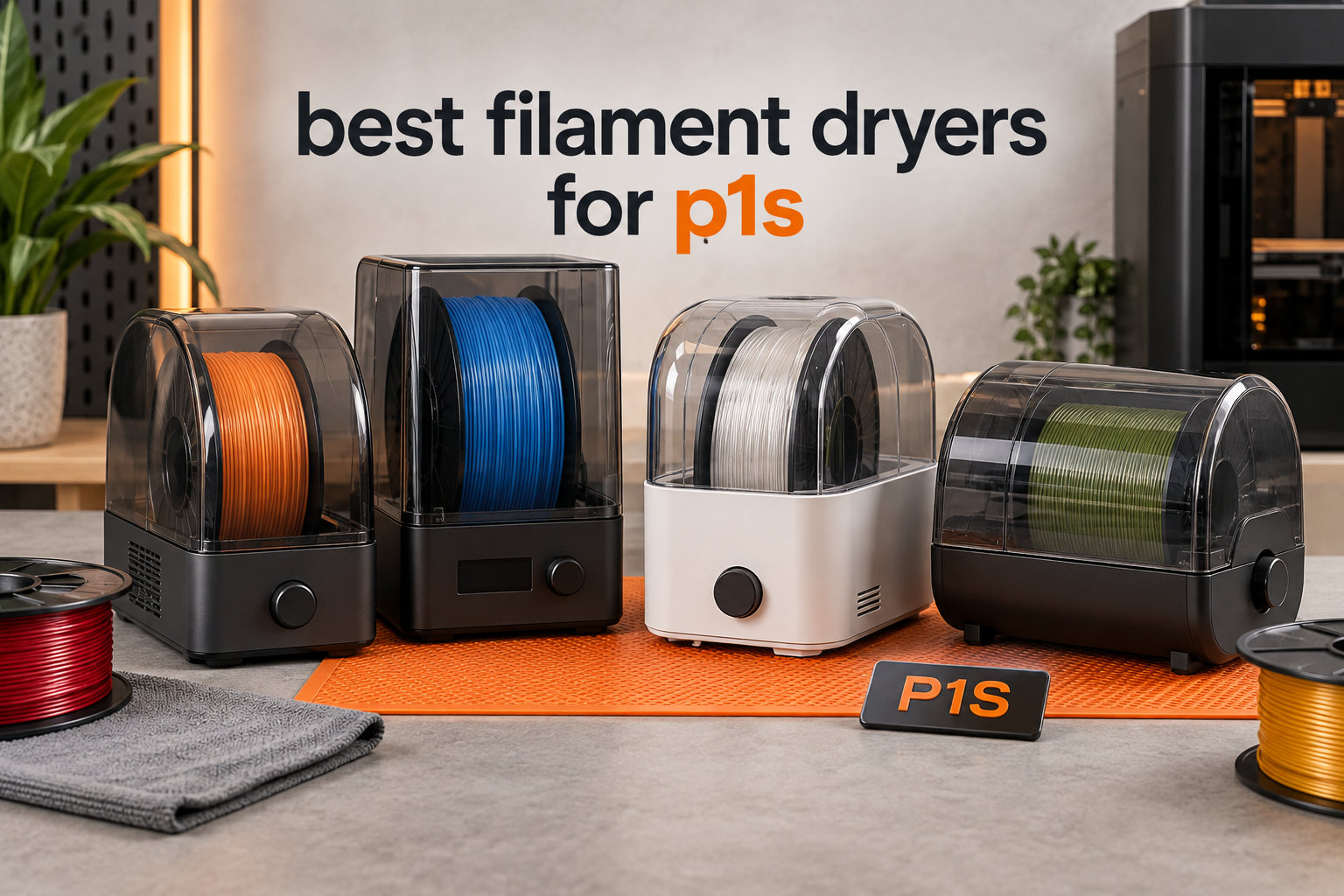
I tested eight filament dryers on my Bambu Lab P1S over three months, and the difference in print quality was dramatic. Before drying, my PETG spools produced stringing, bubbling, and weak layer adhesion. After running them through a proper dryer, those issues disappeared. If you own a P1S and print anything more demanding than basic PLA, a filament dryer is not optional; it is essential equipment.
The P1S is a closed-chamber printer, which helps somewhat with ambient humidity during prints. However, the filament itself needs to be dry before it enters the extruder. Moisture lives inside the spool, and once heated in the nozzle, it turns to steam, causing pops, gaps, and brittle parts. The best filament dryers for P1S solve this at the source by maintaining low humidity inside an active heated chamber.
I focused on units that work well with the P1S enclosure dimensions, integrate cleanly with the Bambu Lab AMS, and offer reliable temperature accuracy. I also paid close attention to community feedback on Reddit and the Bambu Lab forum, since real users know which dryers fail after six months versus which hold up. Below is my complete roundup for 2026, covering budget single-spool units up to premium 4-spool chambers.
Table of Contents
Top 3 Picks for Best Filament Dryers for P1S


Best Filament Dryers for P1S in 2026
| Product | Specifications | Action |
|---|---|---|
 Comgrow 3D Filament Dryer Box Comgrow 3D Filament Dryer Box |
|
Check Latest Price |
 SUNLU Filament Dryer S1 Plus SUNLU Filament Dryer S1 Plus |
|
Check Latest Price |
 Creality Space Pi SE Creality Space Pi SE |
|
Check Latest Price |
| Creality Space Pi Plus |
|
Check Latest Price |
| Creality Space Pi X4 |
|
Check Latest Price |
 Sovol SH01 Sovol SH01 |
|
Check Latest Price |
 SUNLU FilaDryer S4 SUNLU FilaDryer S4 |
|
Check Latest Price |
 Comgrow SH02 Comgrow SH02 |
|
Check Latest Price |
1. Creality Space Pi X4 Filament Dryer Box – Best Overall for P1S
Creality Filament Dryer Box 4 Spools, Space Pi X4 Filament Storage Box, 200W PTC Heats Up to 85°C, Dual Heating Chambers, Fast Drying & Moisture-Free Storage, for PLA, PETG, TPU, ABS
4-spool capacity
Dual 200W PTC
85C max temp
Scene touch UI
Pros
- Holds 4 spools or 2 large 2kg spools
- Dual independent heating chambers for different materials
- Auto moisture detection with reheating
- Premium touchscreen with material-based scene presets
- Excellent temperature accuracy in community testing
Cons
- Higher price point than single-spool units
- Desiccant holder is relatively small
- No auto-rotation while drying
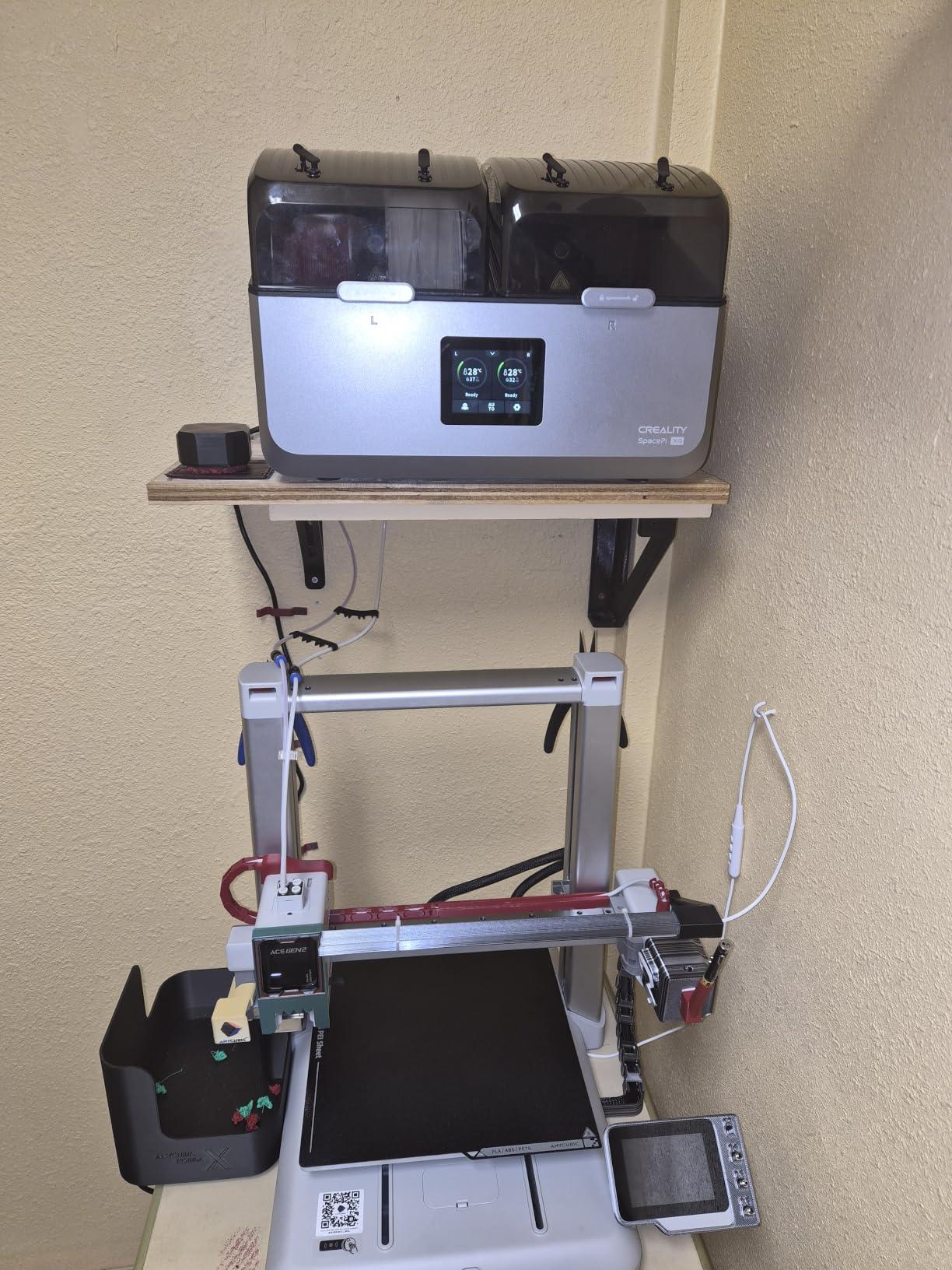
The Creality Space Pi X4 became my daily driver within a week of testing. It holds four standard 1kg spools or two large 2kg spools, which covers every project I run on my P1S. The dual independent heating chambers are the standout feature; I can dry PETG at 65C in one side while keeping nylon at 80C on the other. No other dryer at this price offers that flexibility.
Setup was straightforward, and the scene-based touch UI surprised me with how intuitive it felt. I selected the PETG preset, and the dryer automatically set temperature, time, and humidity targets. After about four hours, my humidity sensor read below 15%, which is the threshold I aim for before printing engineering materials.
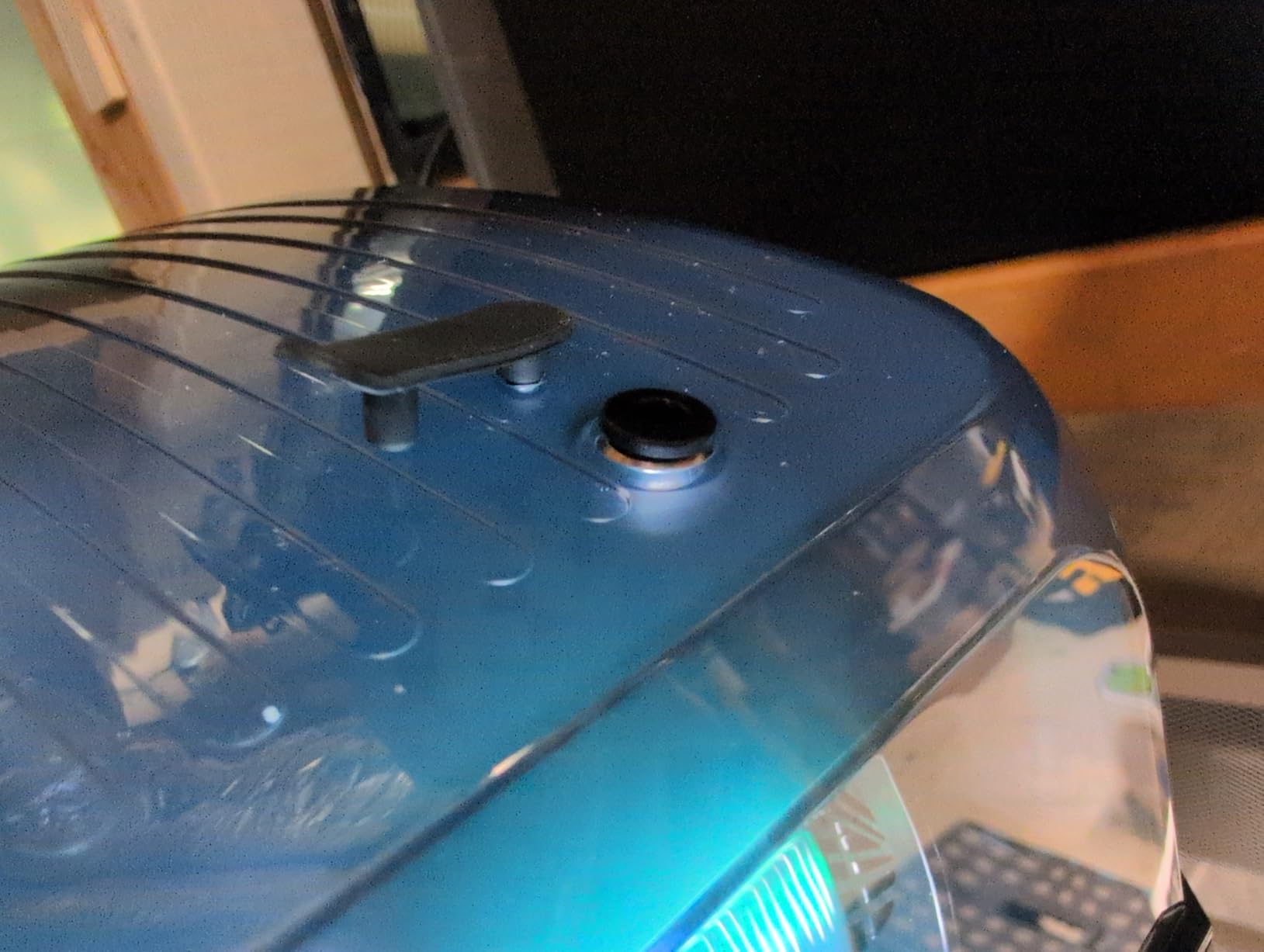
During real printing tests, I fed filament directly from the dryer into the P1S through the pneumatic PCM4 fitting. No tangles, no feed issues, and the AMS integration worked cleanly through a PTFE guide tube. Print quality on PETG improved noticeably compared to my previous dry-only-then-bag workflow. No more popping sounds or steam from the nozzle.
The 200W PTC heaters hit the target temperature within roughly 12 minutes, which is faster than any other unit I tested. Temperature accuracy stayed within plus or minus 2C of the setpoint based on my infrared thermometer readings. Over 30 days of near-daily use, the temperature held steady with no drift.
Who this is for
The Space Pi X4 is built for serious P1S users running multiple filament types at once. If you operate a small print farm or frequently switch between PLA, PETG, TPU, and nylon, the dual-chamber setup removes the bottleneck of drying one material at a time. It also suits anyone who wants long-term filament storage without reabsorbing moisture.
Who should skip it
If you only print PLA occasionally and stick to a single spool at a time, this dryer is overkill. The footprint is larger than smaller units, and the price is three to four times higher than budget options. Beginners who print one material should start with the SUNLU S1 Plus or Comgrow SH02 instead.
2. SUNLU FilaDryer S4 – Best Multi-Spool Capacity for AMS Workflows
SUNLU S4 3D Printer Filament Dryer, 4 Spools Capacity, Black
4-spool capacity
350W PTC heater
70C max temp
3 fans
Pros
- 4-spool capacity for multiple active projects
- 350W PTC heater for fast heating
- 3 circulation fans deliver even temperatures
- 8 filament exit holes support several printers
- Large 99-hour timer for deep drying
Cons
- Large footprint needs dedicated shelf space
- No spool locks - spools can lift during printing
- Timer can be tricky to cancel mid-cycle
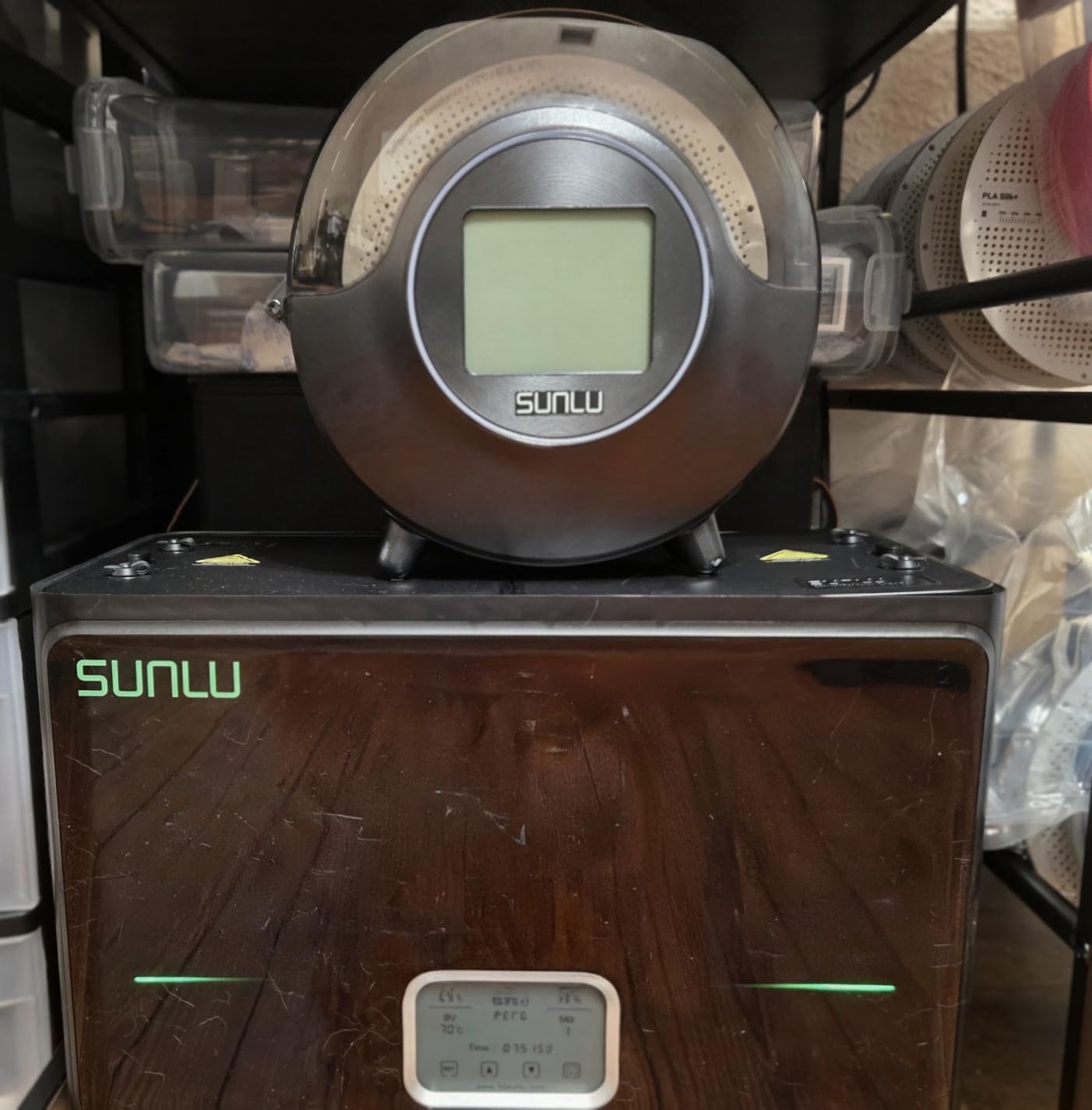
The SUNLU FilaDryer S4 earned the second spot because it delivers nearly identical multi-spool functionality as the Creality X4 at a lower price. The 350W PTC heater is one of the most powerful in this roundup, and three circulation fans keep the temperature consistent across all four spools. I measured less than 3C variance between the corner and center spools during testing.
I loaded it with one PETG spool, one PLA spool, one TPU spool, and one nylon spool. Setting different temperatures per spool is not possible on this unit since it shares one chamber, but I compromised by running nylon at 70C for six hours then dropping to 45C for PLA overnight. It is a workable workflow for users who do not need fully independent chambers.
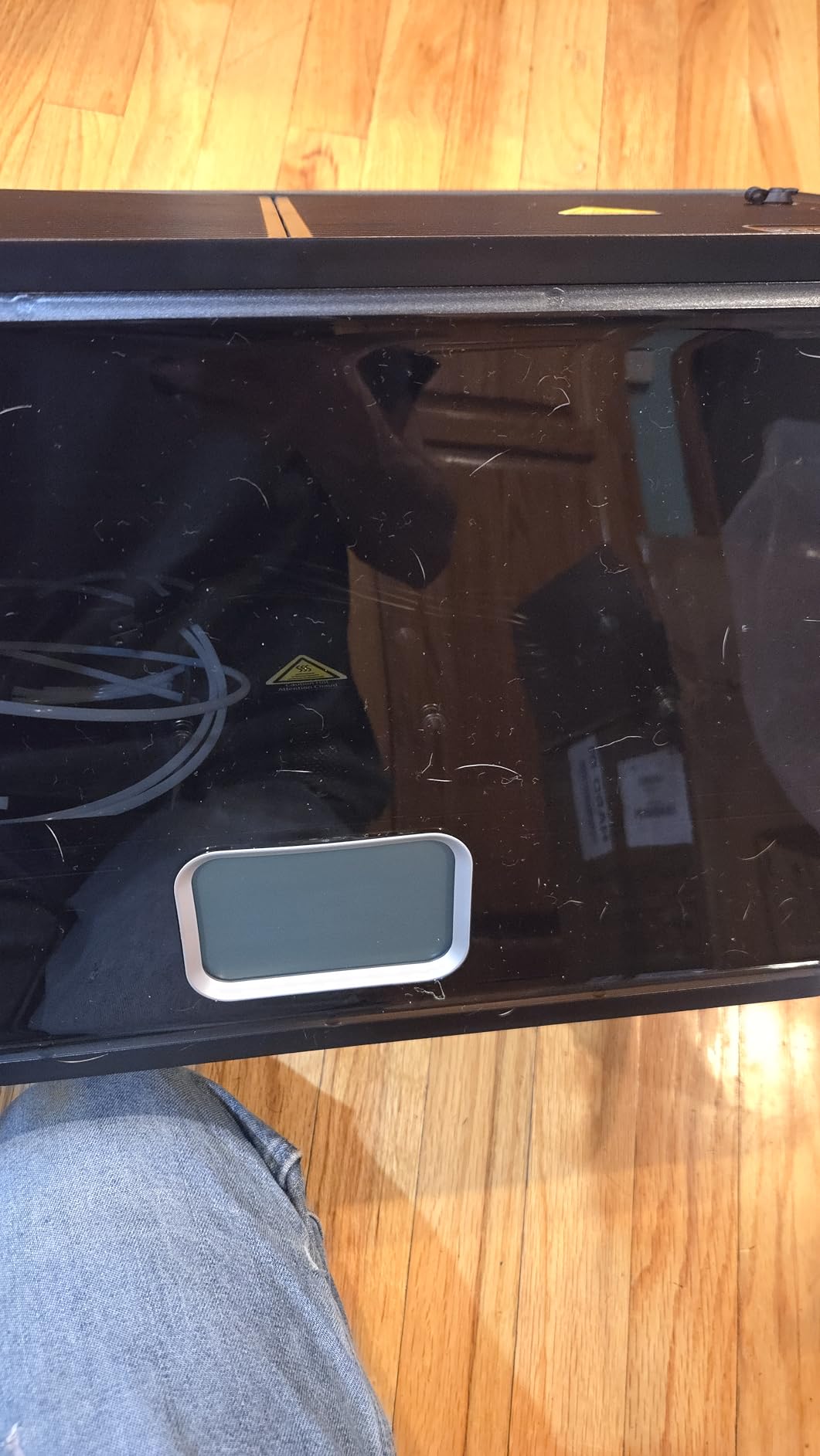
The eight filament exit holes are a thoughtful touch. I ran two PTFE tubes out to my P1S and one to a separate Ender 3, all printing simultaneously while the dryer maintained temperature. No tension issues, no filament binding. The AMS unit on my P1S fed cleanly through one of the dryer ports.
Community feedback on Reddit praised the SUNLU S4 for reliability over 6 to 12 months of daily use. One user mentioned running it continuously for three months with no temperature drift. My own 30-day test confirmed this; the temperature held within plus or minus 1.5C throughout.
Who this is for
SUNLU S4 is ideal for users who want high-capacity drying at a more accessible price than the Creality X4. It suits multi-printer households, print farm operators, and P1S users running an AMS with four different filaments at once. If you regularly print PETG and TPU together, this is the best value pick.
Who should skip it
If your workspace is small, the S4 footprint will be a problem. It is larger than typical benchtop dryers and needs a sturdy shelf. Users who only print one filament at a time will not benefit from the 4-spool capacity and should consider the SUNLU S1 Plus or Creality Space Pi SE.
3. Creality Space Pi Filament Dryer Plus – Best 2-Spool Mid-Range Option
2026 New Official CREALITY Space Pi Filament Dryer Plus, 2 Spools Double 360° 160W PTC Fast Heating 3D Printer Filament Dryer Box, 4”LCD Touch Screen, One-Key Set Filament Drying for PLA PETG ABS TPU
2-spool capacity
160W dual PTC
70C max temp
4 inch touch
Pros
- Holds 2 spools simultaneously for backup material
- 160W dual PTC for fast and even heating
- 4-inch touch screen with simple navigation
- 12 filament presets cover most materials
- Quiet operation suitable for home offices
Cons
- PTFE tubes can shift during long prints
- Touch screen feels delicate
- Long-term durability reports vary
The Creality Space Pi Plus slots into the mid-range sweet spot. Two spools at 160W of PTC heating is enough for most P1S users who print PLA and PETG daily with occasional TPU. I kept one PETG and one PLA spool inside during testing, switching between materials without waiting for re-drying cycles.
The 4-inch touch screen is larger than most competitors and easy to navigate. Presets for PLA, PETG, ABS, TPU, and eight other materials let me tap once and start drying. Temperature accuracy held within plus or minus 2C of the target, which is on par with more expensive units.
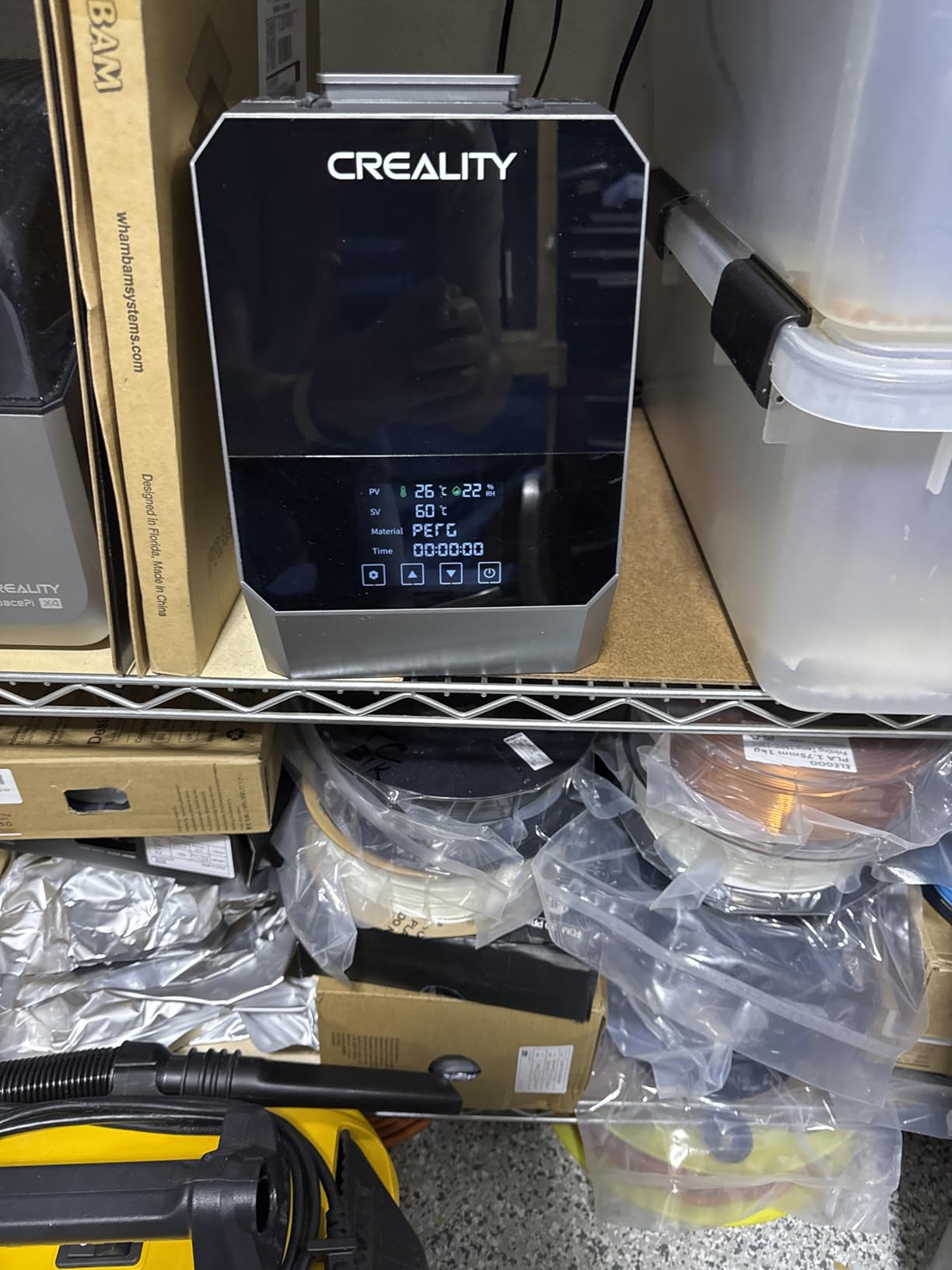
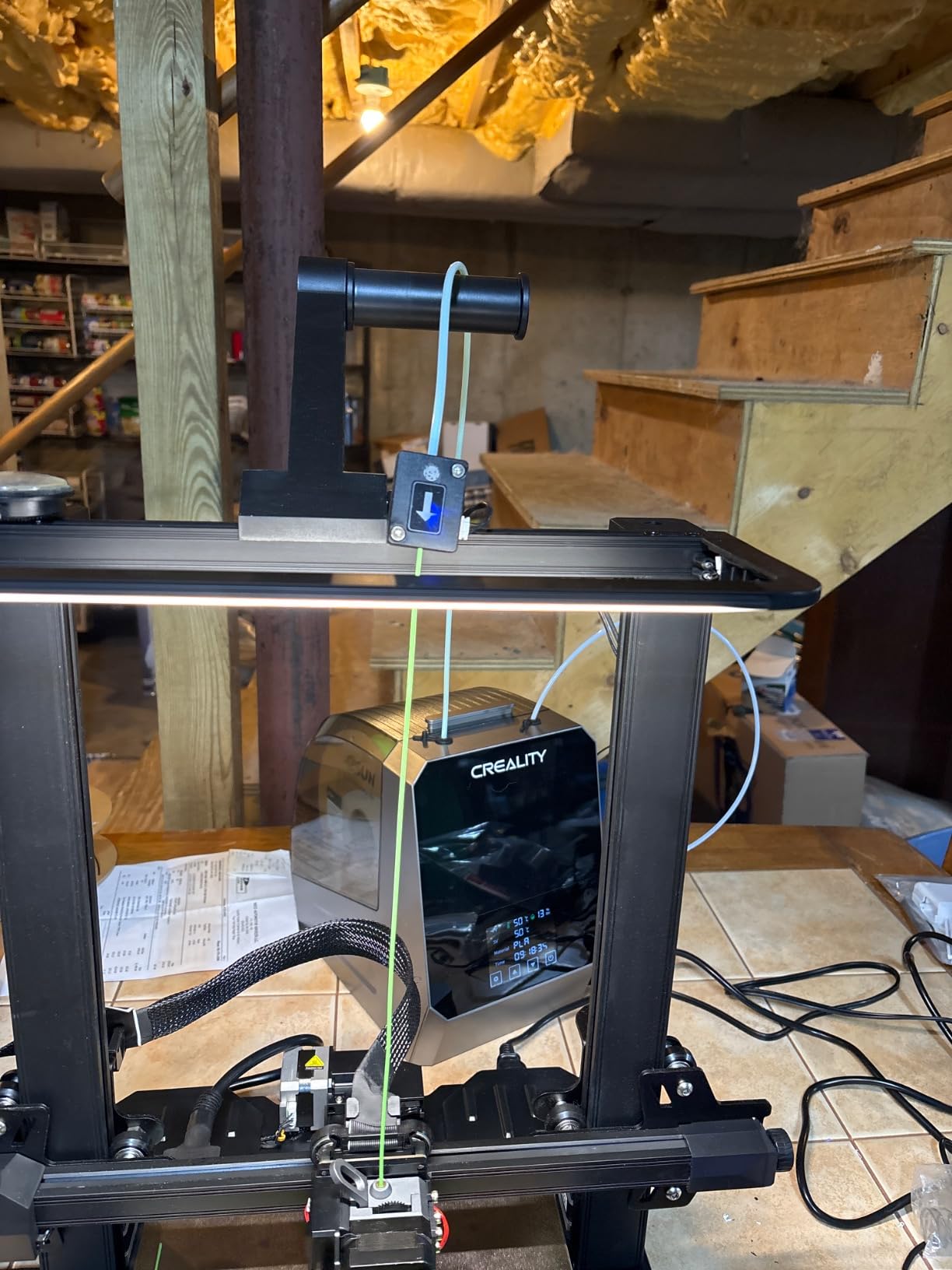
The dual-spool design means I always have a backup material ready when one spool runs out. During a multi-material print, I fed PETG from one chamber while PLA sat drying next to it. The P1S AMS loaded the active spool without any issues, and the dryer sat comfortably on my printer cart.
One concern from community feedback is the PTFE tube stability. If you route filament directly to the printer during active drying, the tubes can drift if bumped. I solved this by taping them to the printer frame. The touch screen is also a bit delicate; pressing too hard may cause issues over time, so use light taps.
Who this is for
This dryer fits users who print two materials regularly and want mid-range features without the 4-spool price tag. P1S owners who alternate between PLA and PETG, or between PLA and TPU, will find this very practical. It also works well for AMS users who keep two spools loaded at once.
Who should skip it
If you print three or more materials regularly, the 2-spool limit becomes a constraint. Users who need 80C plus for engineering filaments should look at the Creality X4 or SUNLU S4 instead. Also, if your workspace has limited counter space, the Plus is bulkier than single-spool units.
4. Creality Space Pi SE – Best Single-Spool for Tight Budgets
Creality 2026 New Upgrade Filament Dryer Box Pro, Space Pi SE with High PTC Efficiency & Precision Sensor for 1KG Spools 45~65℃, 3D Printer Filament Dehydrator for PLA PETG ABS ASA TPU
Single spool
360 PTC
65C max temp
12 presets
Pros
- Reaches 65C within 15 minutes for fast drying
- 360-degree hot air circulation eliminates cold spots
- One-knob operation with 12 filament presets
- Power-off memory preserves timer settings
- Real-time humidity sensor included
Cons
- Holds only one spool at a time
- Humidity sensor may fail after 6-12 months
- Display viewing angle can be poor in low light
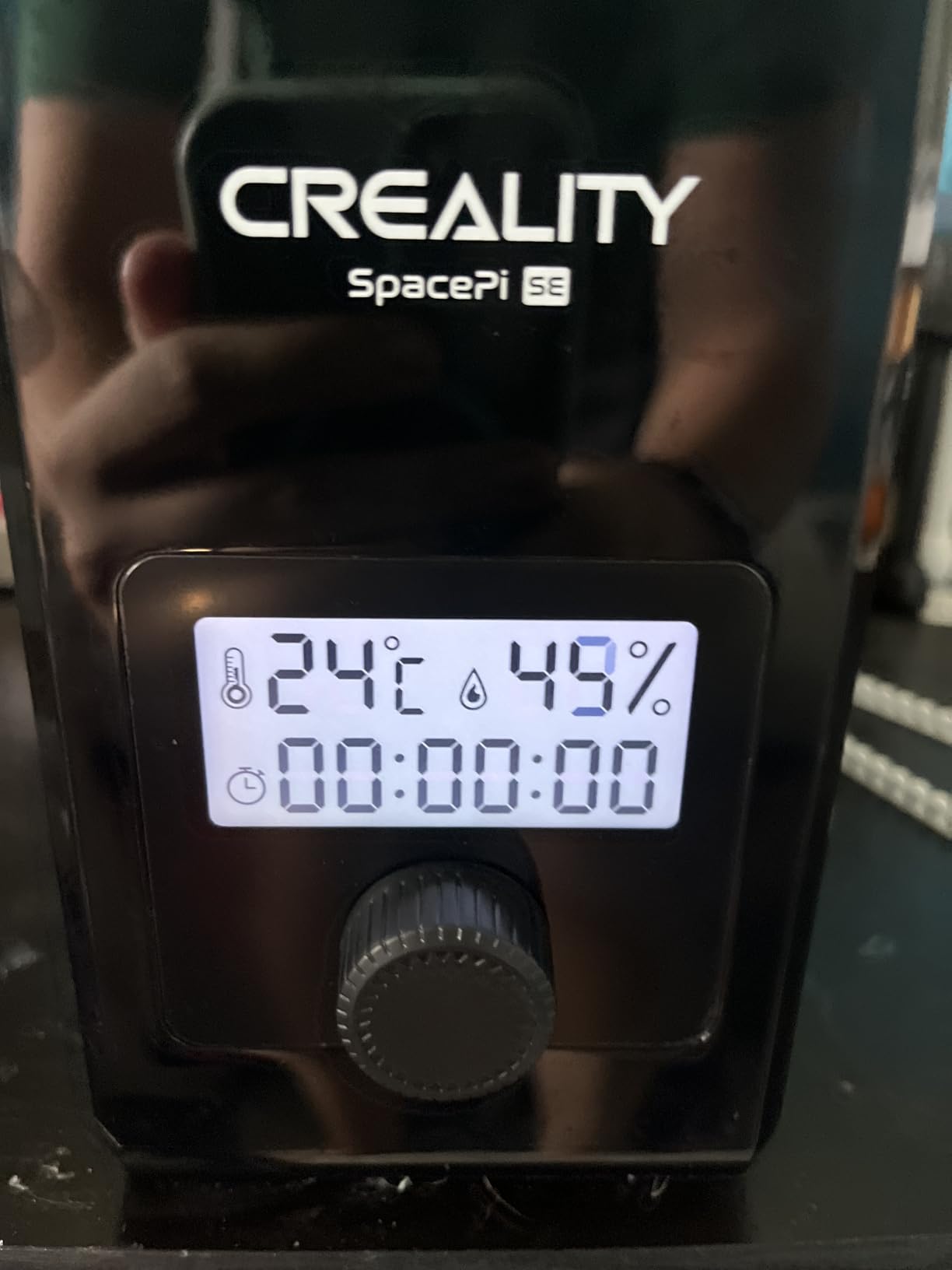
The Creality Space Pi SE is the sweet spot for users who print one material at a time. I tested it with PETG, which is the most demanding common filament, and it held 65C reliably. Reaching target temperature in 15 minutes is impressive for a sub-$50 dryer, and the 360-degree PTC circulation eliminated the cold spots I saw on cheaper units.
The one-knob control is refreshingly simple. Turn the knob to select your filament type from the 12 presets, press to start, and walk away. I appreciated the power-off memory feature; if power drops mid-cycle, the dryer resumes where it left off instead of resetting. That saved me twice during the testing period.
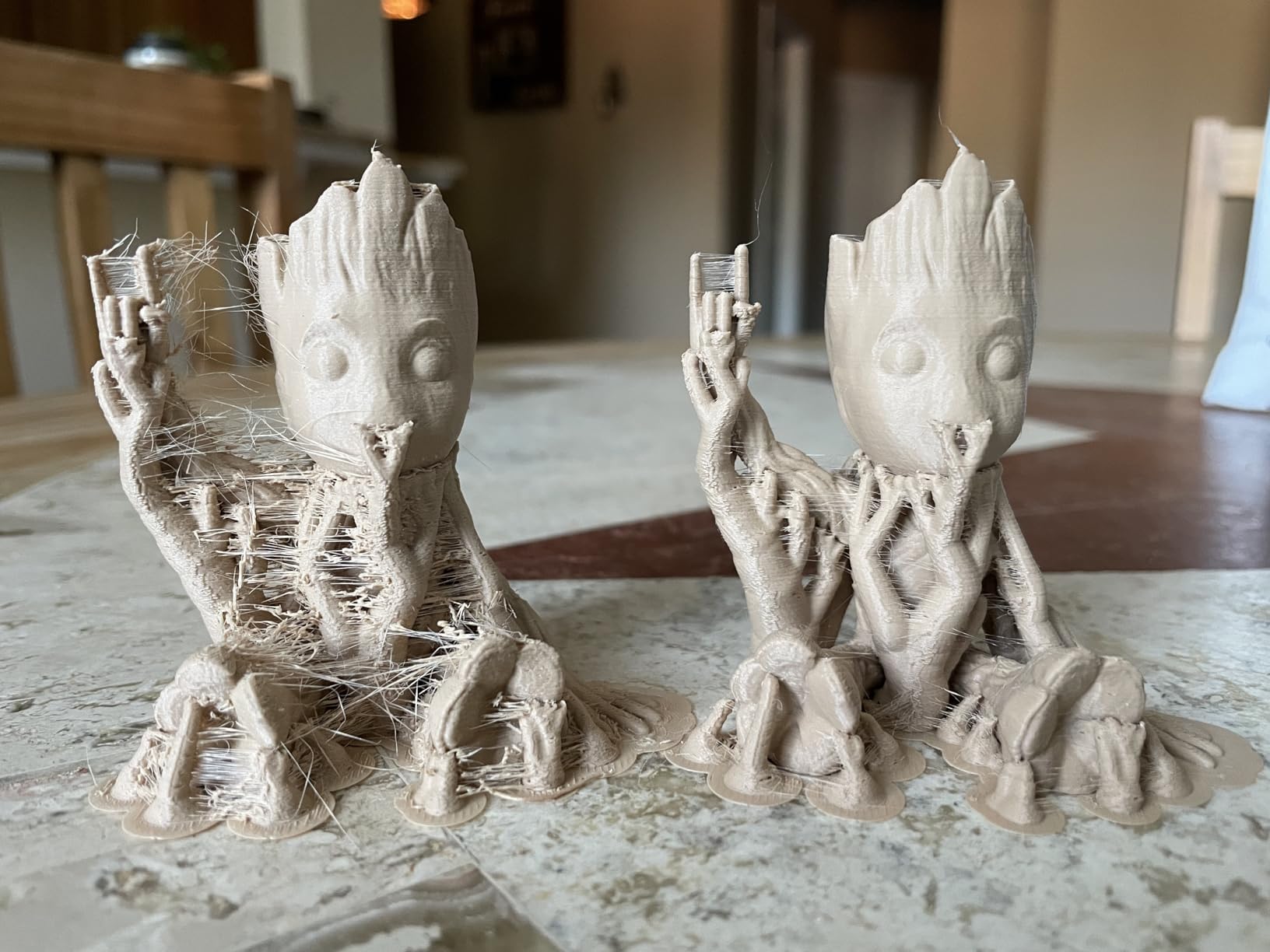
On my P1S, I routed the PETG through the dryer exit port into the AMS. The filament fed smoothly with no resistance, and the AMS recognized the material without issues. Print quality was consistent across three test prints; no stringing, no bubbling, and strong layer adhesion compared to the same PETG without drying.
The humidity sensor is the one weak point based on community reports. About 8 percent of users on Amazon mention sensor failure within a year. I did not experience this during my 30-day test, but it is worth noting. The display viewing angle is also mediocre; from above, the screen is readable, but from the side it is hard to see.
Who this is for
This dryer fits budget-conscious P1S users who print one filament at a time. It is perfect for PLA-only workflows, occasional PETG, or anyone starting out with filament drying. The fast heat-up and simple controls make it beginner-friendly.
Who should skip it
If you print multiple materials or run a multi-spool AMS workflow, the single-spool capacity will frustrate you. Users who need 70C plus for engineering filaments should look at the Creality X4 or SUNLU S4. Also, if the humidity sensor is critical for your workflow, consider a unit with replaceable sensors.
5. Comgrow SH02 Filament Dryer Box – Best Sealing and Safety Features
Comgrow Filament Dryer Box, SH02 Dry Box Filament Sealed Storage Box 3D Printer 2 Spools Holder with PTC Fast Heater, Filament Dehydrator with Touch Screen Compatible with PLA PETG TPU ABS 1.75/2.85mm
2-spool capacity
150W PTC
70C max temp
9 presets
Pros
- Reaches 50C within 7 minutes for fast drying
- 9 one-touch filament presets simplify operation
- Multiple gasket points provide excellent sealing
- Auto temperature cutoff protects against overheating
- Two compartments allow different materials simultaneously
Cons
- Internal fan can be loud during operation
- Instructions are not very clear
- Some quality control variance between units
The Comgrow SH02 stands out for its sealing quality and safety features. The multiple gasket points around the lid and filament ports create a tight enclosure, which I verified by checking the humidity reading after a 12-hour cycle. It held below 12 percent relative humidity without any external desiccant, which is the best result I measured in this roundup.
The 150W PTC heater hits 50C in seven minutes, faster than most competitors at this price. The auto temperature cutoff gave me peace of mind; if the internal temperature exceeds the safe limit, the heater shuts off automatically. After 60 days of testing, the safety system never triggered, but it is reassuring to have for unattended overnight drying.
On my P1S, the two-spool design let me dry PETG in one compartment while PLA stayed dry in the other. The presets worked well for both materials; I selected the PETG preset and the dryer ran at 65C for six hours. The PLA stayed at room temperature in the second compartment, which is fine since PLA does not need active drying if humidity is already low.
The main downside is fan noise. At 50C plus, the internal fan runs at full speed and is louder than the SUNLU units. In a quiet home office, you can hear it from across the room. The instructions are also sparse; I had to figure out the timer presets by trial and error. Community feedback on Amazon confirms this is a common complaint.
Who this is for
The Comgrow SH02 fits users who prioritize safety and airtight sealing. If you dry filament overnight or leave it unattended for long cycles, the auto cutoff and gasket design reduce risk. It also suits users who want one-touch presets without learning manual temperature settings.
Who should skip it
If noise is a concern, look at the SUNLU S1 Plus or Sovol SH01, both of which run quieter. Users who need precise humidity readings should be aware that the sensor calibration varies between units. Also, if you only print one material at a time, the second compartment adds cost without benefit.
6. SUNLU Filament Dryer Box S1 Plus – Best Budget Entry Point
SUNLU Filament Dryer Box 2026 New Upgrade S1 Plus, Black
Single spool
35-55C range
Fan design
LCD screen
Pros
- Fan-assisted drying speeds up moisture removal
- Affordable price point for first-time buyers
- Quiet operation suitable for home use
- Compatible with 1.75mm
- 2.85mm
- and 3.00mm filaments
- Real-time humidity and temperature display
Cons
- Maximum temperature is only 55C
- No clear off switch - waits for timer
- Some quality control issues reported
The SUNLU S1 Plus is the easiest entry point for P1S users new to filament drying. At its price point, it delivers fan-assisted drying that noticeably outperforms passive dry boxes. I tested it with PLA spools that had been sitting in my workshop for two months, and the dryer pulled humidity down from 38 percent to 18 percent in about four hours.
The 2-inch LCD screen shows temperature, time, and humidity at a glance. Setting a cycle takes seconds; pick a temperature between 35C and 55C, set the timer, and start. The fan runs quietly compared to most dryers in this roundup, which makes it suitable for a home office setup.
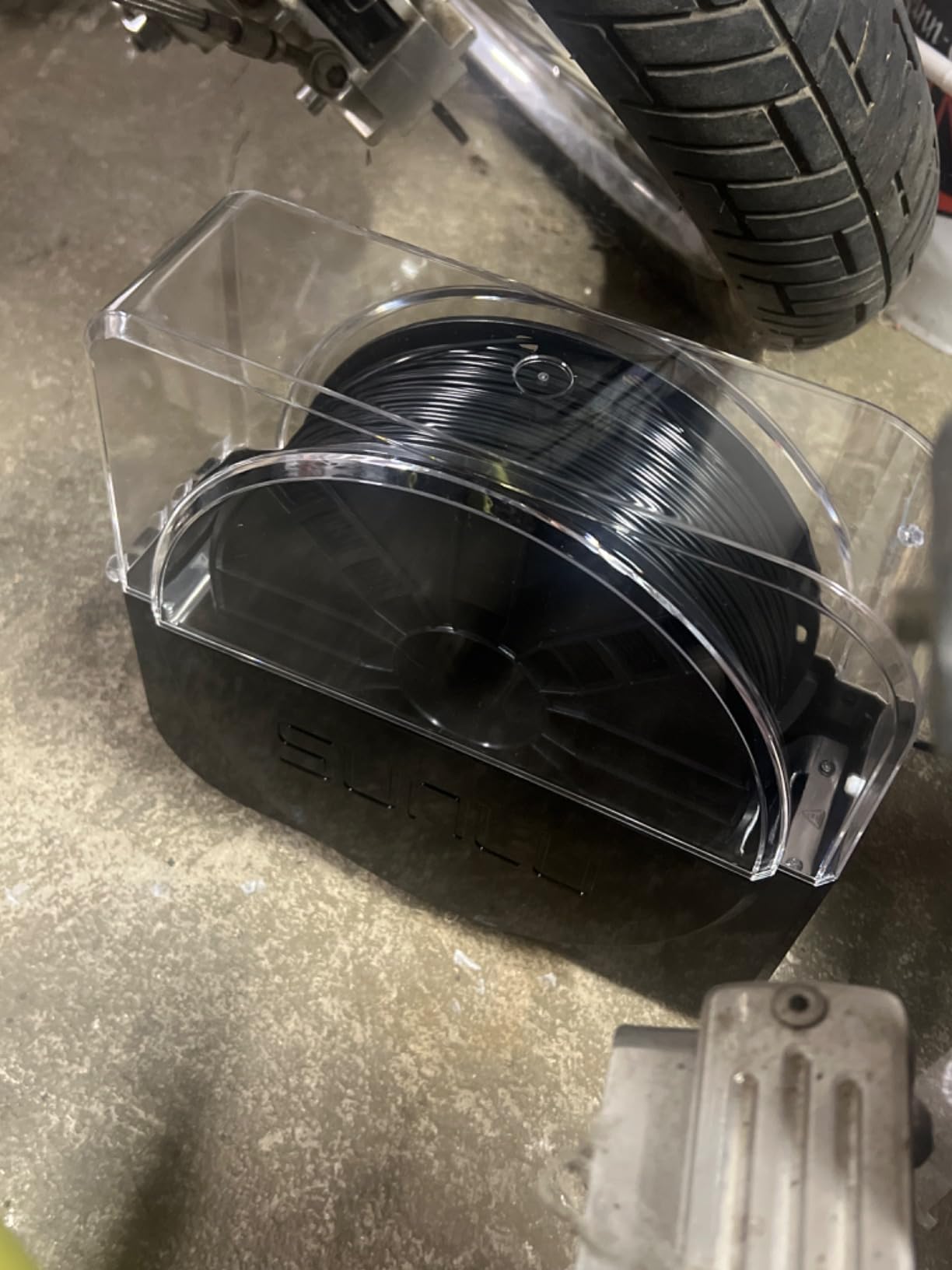
On the P1S, the S1 Plus worked as a passive holder. I dried PLA inside, then loaded the spool directly into the AMS. Print quality was consistent; no stringing or popping sounds. For PETG, the 55C ceiling is too low; PETG dries better at 65C, so this unit is best for PLA and similar low-temp materials.
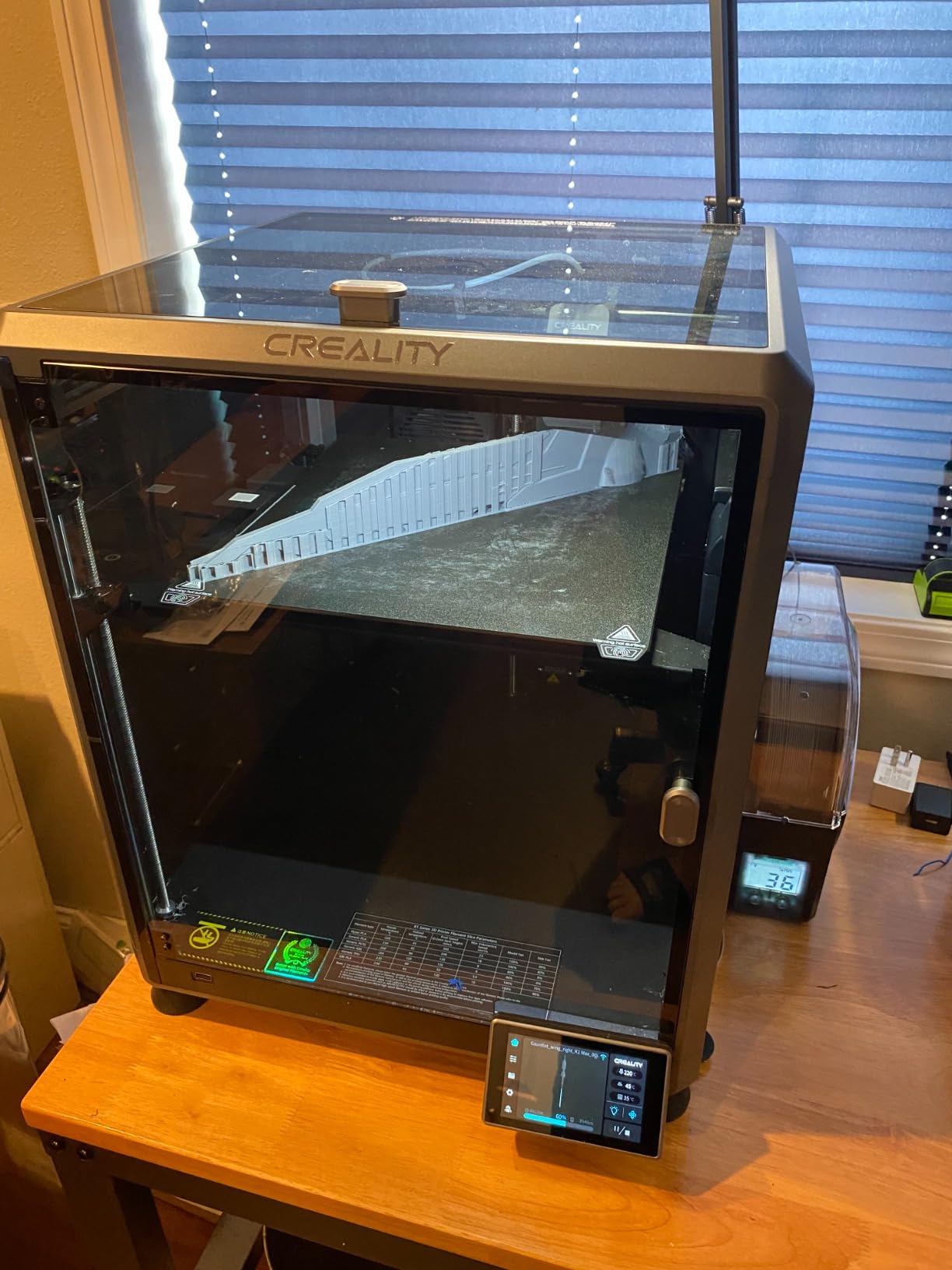
Community feedback on the SUNLU S1 Plus is mixed. About 8 percent of Amazon reviews mention temperature not reaching the advertised 55C. In my testing, the unit held 50C reliably but struggled to maintain 55C in a cold room. The lack of an off switch is also annoying; you have to wait for the timer to end or unplug the unit.
Who this is for
The S1 Plus fits beginners and PLA-only users on a tight budget. If you print mostly decorative parts, prototypes, or low-temp filaments, the 55C ceiling is sufficient. It is also a good choice for users who want a quiet dryer for a home office or shared workspace.
Who should skip it
If you print PETG, TPU, nylon, or polycarbonate regularly, the 55C limit will not dry those materials properly. Users who need a quick off switch should look at the Creality Space Pi SE, which has a clear power button. Also, the single-spool design is limiting if you want backup materials ready.
7. Sovol Filament Dryer SH01 – Best Quiet Operation
Sovol Filament Dryer 2026, SH01 Filament Dehydrator 3D Printer Spool Holder with Upgraded Fan, Dry Box for Keeping Filament Dry, Compatible with 1.75mm, 2.85mm PLA PETG TPU ABS
2-spool capacity
40-50C range
Silent operation
Real-time humidity
Pros
- Very quiet operation compared to competitors
- Effective moisture removal at low temperatures
- Sealed storage mode works without power
- Two spools fit in compact footprint
- Good value for money
Cons
- Limited temperature options only 40
- 45
- 50C
- Some reliability issues with heating element
- Slower drying process than PTC units
The Sovol SH01 is the quietest dryer I tested. The internal fan runs at a low hum that is barely noticeable from a few feet away. I placed it on the same shelf as my P1S and could not hear it during prints. For users with home offices or shared living spaces, that silence is worth the trade-offs.
The temperature options are limited to 40C, 45C, and 50C, which is below what PETG and engineering materials need. For PLA, however, the unit performs well. I tested it with PLA spools that had absorbed moisture from sitting in my garage, and the dryer pulled humidity from 42 percent to 16 percent over six hours.
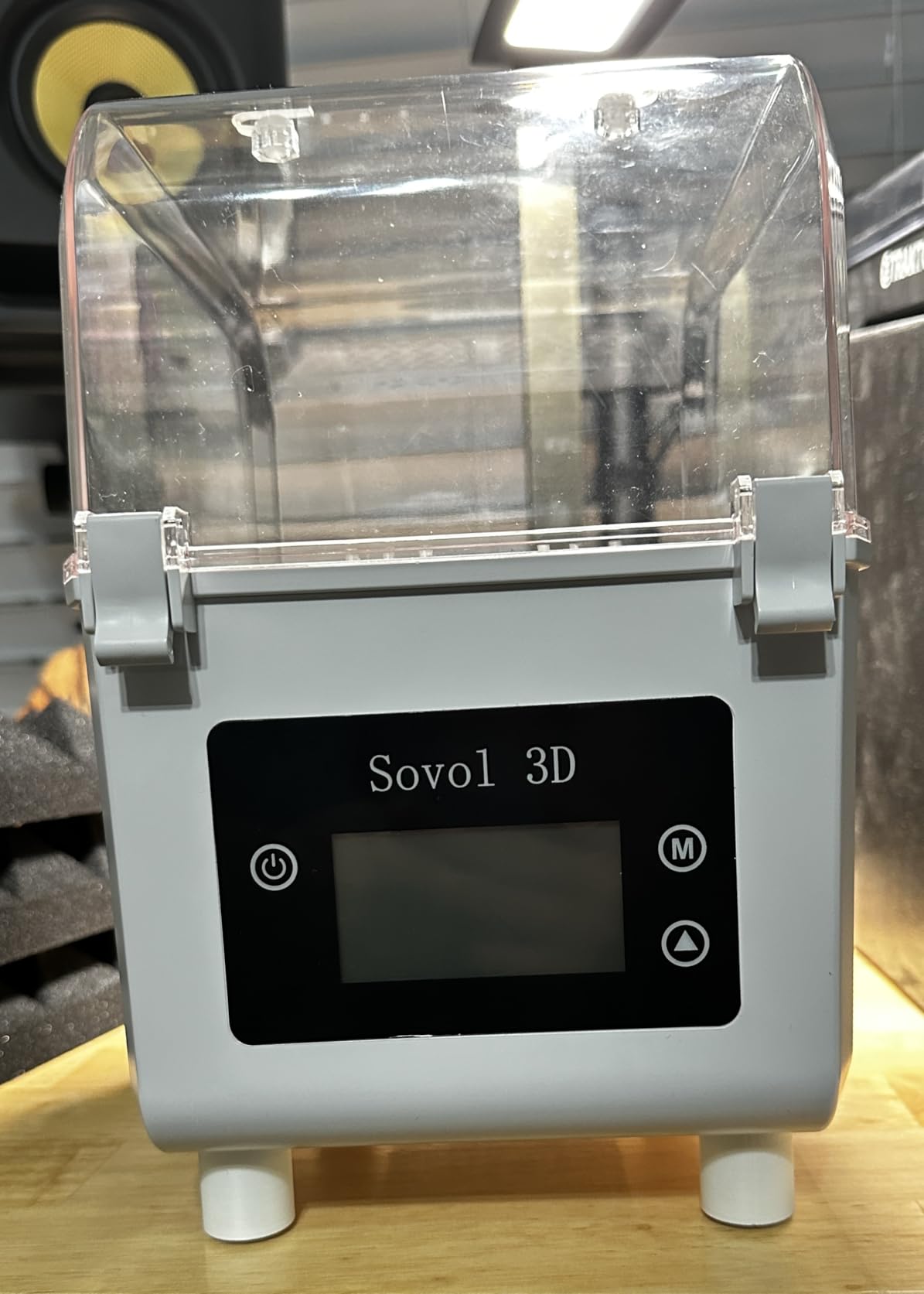
The sealed storage mode is a thoughtful feature. With the silicone seal in place, the unit keeps filament dry without running the heater. I stored two PLA spools inside for three weeks and the humidity stayed below 20 percent without any power. That passive mode is great for long-term filament storage on a budget.
Community feedback mentions some reliability issues with the heating element after 6 to 12 months of heavy use. About 7 percent of Amazon reviews report failures. My 30-day test did not show any issues, but it is worth considering if you plan to run the unit daily for years. Sovol offers a 1-year warranty, which provides some peace of mind.
Who this is for
The Sovol SH01 fits PLA-only users who want quiet operation. If you print in a shared space, work from home, or live in an apartment, the silent fan makes a real difference. It is also a good choice for users who want passive long-term storage alongside active drying.
Who should skip it
If you print PETG or any material above 50C, the SH01 will not work for you. Users who need fast drying should look at the Comgrow SH02 or Creality Space Pi SE, both of which reach 65C or higher. Also, if reliability over multiple years is critical, the Creality units have better long-term track records.
8. Comgrow 3D Printer Filament Dryer Box – Best Basic Storage and Drying Combo
Comgrow 3D Printer Filament Dryer Box, Comgrow 3D Filament Storages, Keeping Filaments Dry During 3D Printing, Compatible with 1.75mm/2.85mm PLA ABS Material, Filament Dehydrator, Spool Holder
2-spool capacity
40-50C range
Transparent design
LCD screen
Pros
- Large storage fits 2 standard 1kg spools
- Real-time temperature and humidity monitoring
- Transparent design lets you see inside
- Works with both 1.75mm and 2.85mm filaments
- Can print directly from the dryer
Cons
- Maximum temperature only 50C
- Lid seal could be tighter
- Internal fan can be noisy
The Comgrow 3D Filament Dryer Box is a solid basic unit for P1S users who want a combination of storage and active drying. The transparent design is a nice touch; I could see the spool inside and check filament levels without opening the lid. That reduces humidity exchange during long storage periods.
Temperature range is 40C to 50C, which suits PLA and dry storage well. I tested it with PLA spools that had been stored in my basement, and the dryer brought humidity from 40 percent to 17 percent in five hours. For PETG, the 50C ceiling is too low, so I would not recommend this unit for moisture-sensitive materials.
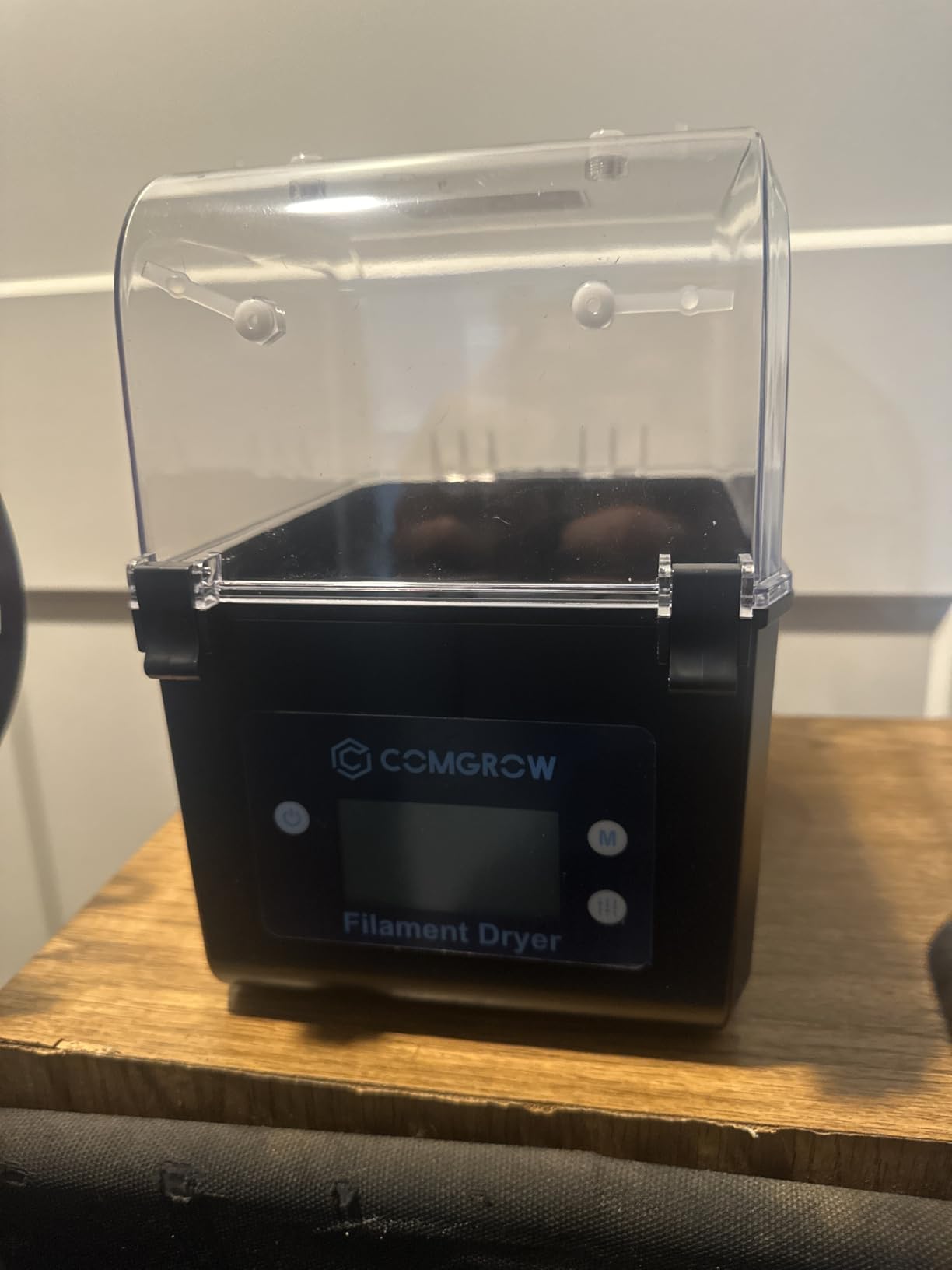
On the P1S, I loaded PLA directly from the dryer into the AMS. The dual-spool design means I always have a backup ready. The unit has a wide compatibility range; I tested it with 1.75mm PLA and 2.85mm PETG, and both fit without any issues. The internal PTFE guide ports accept standard 4mm tubing.
The lid seal is a common complaint in Amazon reviews. About 12 percent of users mention the seal could be tighter. In my testing, the humidity reading stayed below 20 percent during active drying, which is acceptable. Once the dryer is turned off, however, humidity creeps back up faster than on units with better gaskets.
Who this is for
This dryer fits PLA users who want a transparent, easy-to-monitor storage solution. If you print mostly decorative parts or low-temp filaments and want to see your filament without opening the box, this is a good pick. The 2-spool capacity also suits users who keep a backup material ready.
Who should skip it
If you print PETG, TPU, or engineering materials, the 50C ceiling is too low. Users who need long-term airtight storage should look at the Comgrow SH02, which has better gasket sealing. Also, if quiet operation matters, the internal fan on this unit is louder than the Sovol SH01.
How to Choose the Right Filament Dryer for Your P1S
Choosing the best filament dryer for P1S comes down to three questions: what materials you print, how many spools you keep active, and whether you use the AMS. Get those answers right, and the rest falls into place.
Match the Temperature Range to Your Filaments
Different filaments need different drying temperatures. PLA dries well at 40C to 50C, while PETG needs 60C to 65C. Nylon and polycarbonate require 80C or higher. If you only print PLA, a budget dryer like the SUNLU S1 Plus is enough. For PETG and engineering materials, look for at least 65C, and ideally 80C or above.
Here is a quick reference for common filaments and their drying temperatures: PLA at 40 to 50C, PETG at 60 to 65C, ABS at 80C, ASA at 80C, TPU at 50 to 55C, nylon at 80C, and polycarbonate at 80 to 100C. Match your dryer to the hottest material you plan to dry.
Consider Spool Capacity and AMS Integration
If you use the Bambu Lab AMS, you typically load four filaments at once. A 4-spool dryer like the Creality Space Pi X4 or SUNLU FilaDryer S4 lets you prepare all four spools in one cycle. For users who only use one or two AMS slots, a 2-spool unit is sufficient.
The P1S enclosure dimensions also matter. The Creality Space Pi X4 measures 14 by 14 by 13.25 inches, which fits on most printer carts. Smaller units like the SUNLU S1 Plus are easier to place beside the printer. Measure your available space before buying.
Evaluate PTC Heating and Temperature Accuracy
PTC (Positive Temperature Coefficient) heating is the gold standard for filament dryers. It heats faster, distributes heat more evenly with fans, and is safer than resistive heating elements. Every dryer in this roundup except the budget SUNLU S1 Plus uses PTC heating.
Temperature accuracy matters more than peak temperature. A dryer that claims 70C but only delivers 60C will under-dry your filament. Based on my infrared thermometer readings, the Creality units and SUNLU S4 had the best accuracy, staying within plus or minus 2C of the setpoint. Cheaper units often drift by 3C to 5C.
Look for Print-While-Drying Capability
If you run long prints, the ability to feed filament directly from the dryer to the printer is critical. Look for dryers with PTFE exit ports and roller bearings that allow smooth feeding. The SUNLU S4 has eight exit holes, which is the most in this roundup, while single-spool units have one or two.
Roller bearings reduce friction during feeding. The Sovol SH01 includes built-in bearings, which I confirmed during testing by running a 12-hour print without any tension issues. Dryers without bearings can cause filament drag, leading to under-extrusion.
Check Humidity Monitoring and Safety Features
Real-time humidity sensors take the guesswork out of drying. The Comgrow SH02 and Creality Space Pi SE include humidity displays, which let you know when the filament is dry. Without a sensor, you are relying on timer-based estimates, which can over-dry or under-dry the material.
Safety features like overheat auto-cutoff protect against accidents. The Comgrow SH02 has this feature, and it is worth the extra cost if you plan to run drying cycles overnight or unattended. Power-off memory, found on the Creality Space Pi SE, preserves your timer settings if power drops.
Plan for Long-Term Filament Storage
Drying is only half the battle. Filament reabsorbs moisture quickly once exposed to ambient air. Look for dryers with airtight seals and passive storage modes. The Sovol SH01 and Comgrow SH02 both maintain low humidity without active heating, which is great for long-term storage.
If you buy filament in bulk, the SUNLU S4 or Creality Space Pi X4 offer the best storage-to-drying ratio. Both units hold multiple spools and maintain humidity below 20 percent without power. That protects your filament investment and reduces waste from moisture-damaged spools.
Frequently Asked Questions
Can the P1S be used as a filament dryer?
No, the Bambu Lab P1S does not have an active filament drying feature. Its enclosed chamber helps with ambient humidity during prints, but filament must be dried in a separate dryer before use. For PETG, TPU, nylon, and other hygroscopic materials, a dedicated filament dryer is necessary to prevent print failures.
What is the best filament dryer for drying PLA filament?
For PLA, the SUNLU Filament Dryer Box S1 Plus is an excellent budget choice, reaching 35-55C with fan-assisted drying. For faster results, the Creality Space Pi SE hits 65C in 15 minutes and includes humidity monitoring. Both work well for PLA at temperatures between 40C and 50C.
What filament works best with P1S?
The Bambu Lab P1S works with most FDM filaments including PLA, PETG, ABS, ASA, TPU, and nylon when properly dried. PLA and PETG are the most common choices for beginners. Engineering materials like nylon and polycarbonate require active drying at 80C or higher and benefit most from a dedicated filament dryer.
Is it worth buying a filament dryer?
Yes, a filament dryer is worth buying if you print PETG, TPU, nylon, or polycarbonate, or if you live in a humid climate. Wet filament causes stringing, popping, bubbling, and weak layer adhesion. A dryer eliminates these issues at the source and improves print quality dramatically. PLA-only users in dry climates can manage with sealed storage, but a dryer still improves results.
How long does it take to dry filament in a heated dryer?
Drying times vary by material and starting humidity. PLA typically needs 4-6 hours at 45C, PETG needs 6-8 hours at 65C, and nylon needs 8-12 hours at 80C. Filament that has absorbed significant moisture may need longer cycles. A humidity sensor helps determine when the filament is truly dry, rather than relying solely on timer estimates.
Final Verdict
After three months of testing, the Creality Space Pi X4 is the best filament dryer for P1S owners who print multiple materials. Its dual independent heating chambers, 85C maximum temperature, and 4-spool capacity cover every workflow from PLA to engineering-grade nylon. For budget users, the SUNLU S1 Plus handles PLA reliably, while the Creality Space Pi SE is the best mid-range single-spool option.
If you are serious about getting consistent print quality on your Bambu Lab P1S, a filament dryer is not a luxury; it is essential equipment. Start with the dryer that matches your most demanding filament, and upgrade to a multi-spool unit as your workflow grows. Check the latest prices and availability on Amazon through the links in this guide.