
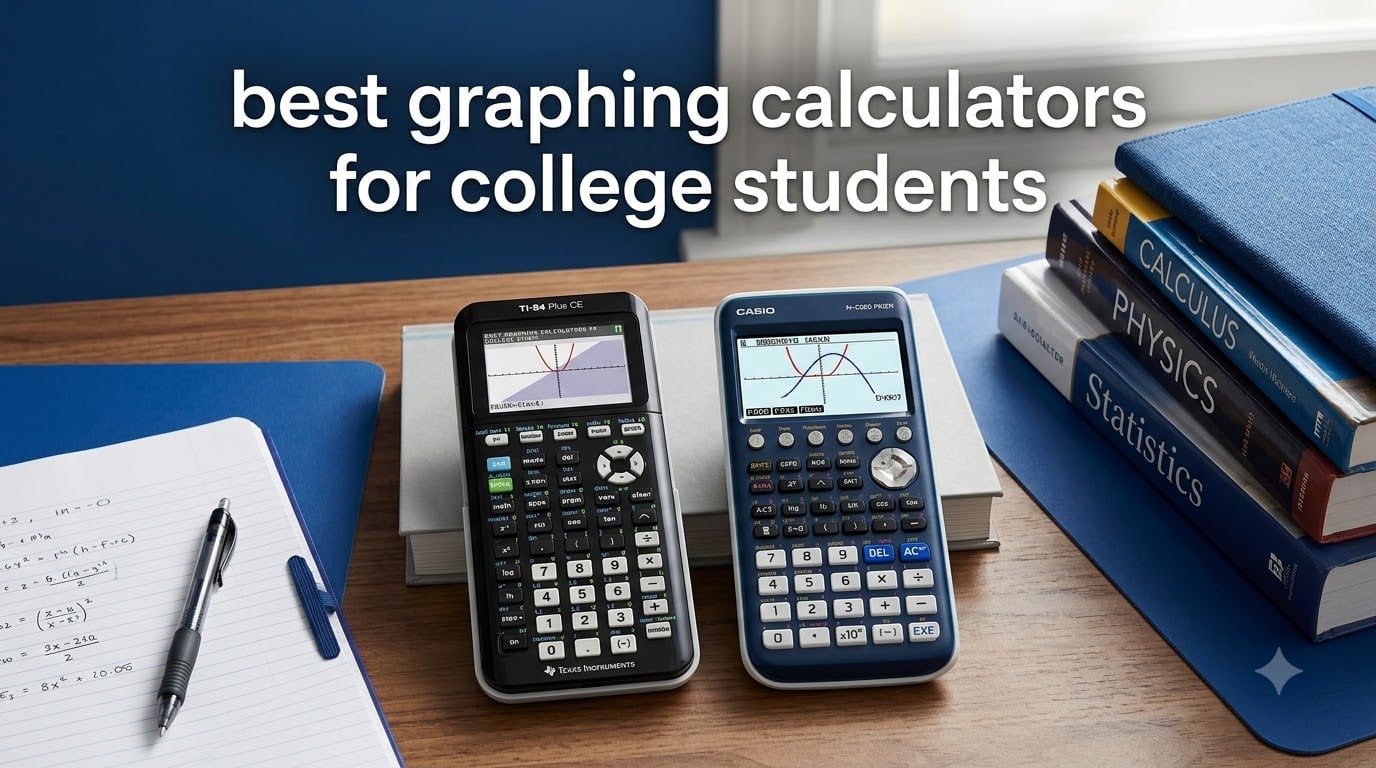
Finding the best graphing calculator for college students in 2026 means choosing a tool that will stick with you through calculus, engineering, chemistry, and every exam in between. Our team compared eight top models across display quality, battery life, exam approval status, and real classroom usability to figure out which ones actually deserve your money.
The Texas Instruments TI-84 Plus CE is our overall top pick for its balance of color display, rechargeable battery, and near-universal acceptance on college exams. If you need something more budget-friendly, the Casio Prizm FX-CG50 delivers 3D graphing and Python integration at a lower price point. Engineering students who want a Computer Algebra System should look at the TI-Nspire CX II CAS.
We spent weeks digging through Reddit threads from r/EngineeringStudents and r/calculators, cross-referencing professor syllabi, and comparing spec sheets to separate marketing fluff from real student value. What we found is that the “best” calculator depends heavily on your major, your professor’s exam policies, and whether you already own a calculator from high school.
Table of Contents
Top 3 Picks for Best Graphing Calculators for College Students in September
Our top three recommendations cover the three most common student situations: a reliable all-rounder, a value pick with surprising features, and a premium CAS option for advanced coursework.

Texas Instruments TI-84 Plus CE
- Full-color backlit display
- Rechargeable battery
- Preloaded apps
- Exam-approved SAT/ACT/AP

Casio Prizm FX-CG50
- 65
- 000+ color display
- 3D graphing
- Python integration
- Natural Textbook Display

TI-Nspire CX II CAS
- Computer Algebra System
- Touchpad navigation
- Student software included
- Up to 2 weeks battery
The TI-84 Plus CE has earned its reputation over the years with nearly 30,000 customer reviews and a 4.7-star average. Students consistently call it the safest buy because professors know it, textbooks teach to it, and it handles everything from college algebra to differential equations.
The Casio FX-CG50 stands out for students who want premium features like 3D graphing and Python programming without paying premium prices. At a 4.8-star rating from over 4,000 reviewers, it is actually the highest-rated calculator on our list.
The TI-Nspire CX II CAS is built for students who need symbolic math manipulation. Its Computer Algebra System can solve equations algebraically, which makes it invaluable for engineering majors tackling advanced calculus and linear algebra.
Best Graphing Calculators for College Students in 2026
Here is a side-by-side comparison of all eight calculators we reviewed. Use this table to quickly compare features and find the right match for your coursework.
| Product | Specifications | Action |
|---|---|---|
| TI-84 Plus CE |
|
Check Latest Price |
| Casio Prizm FX-CG50 |
|
Check Latest Price |
 TI-84 Plus (Original) TI-84 Plus (Original) |
|
Check Latest Price |
| TI-Nspire CX II CAS |
|
Check Latest Price |
 HP Prime G2 HP Prime G2 |
|
Check Latest Price |
 Casio fx-CG100 ClassWiz Casio fx-CG100 ClassWiz |
|
Check Latest Price |
 TI-84 Evo TI-84 Evo |
|
Check Latest Price |
 CATIGA CS-229 CATIGA CS-229 |
|
Check Latest Price |
1. Texas Instruments TI-84 Plus CE — The Gold Standard
Texas Instruments TI-84 Plus CE Color Graphing Calculator, Black
3.2-inch color LCD
Rechargeable battery
MathPrint display
0.44 lbs lightweight
Pros
- High-resolution full-color backlit display
- Rechargeable battery lasts days
- MathPrint for natural input
- Split-screen options
- Widely accepted on exams
Cons
- Plastic enclosure feels basic
- CR2 backup battery needed
The TI-84 Plus CE is the calculator most professors assume you own. I have carried this model through calculus sequences, physics labs, and statistics courses, and it has never let me down. The color screen makes distinguishing between multiple graphed functions trivial, which is genuinely useful when you are staring at overlapping sine and cosine waves during an exam.
What sets this calculator apart is how lightweight it is. At just 0.44 pounds, it barely registers in your backpack. The rechargeable battery typically lasts about two weeks of regular use between charges, which means you can get through midterms without scrambling for a charger.
The MathPrint feature is something I did not appreciate until I used a calculator without it. Being able to see fractions, square roots, and exponents exactly as they appear in your textbook reduces input errors significantly. For a college student dealing with time-pressured exams, that alone is worth the investment.
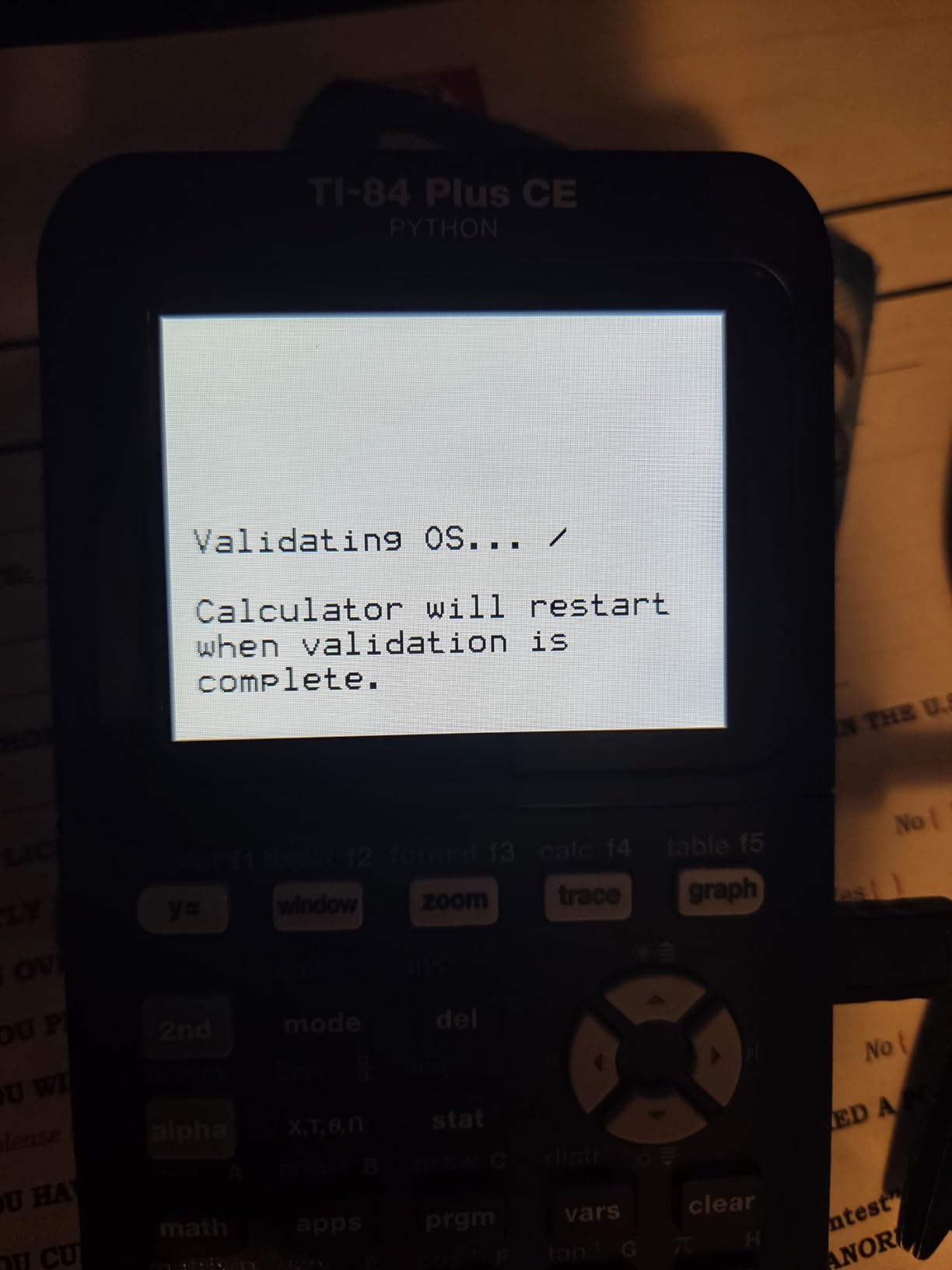
With nearly 30,000 reviews and an 84 percent five-star rate, the TI-84 Plus CE has the strongest track record of any calculator on this list. Students praise its reliability and the fact that nearly every textbook and online tutorial is written for the TI-84 platform specifically.
The downside is that this is not a CAS calculator. It cannot solve equations symbolically, which means engineering students in advanced courses may eventually need something more powerful. For most general college math and science courses, though, this is all you need.
Standardized Test Compatibility
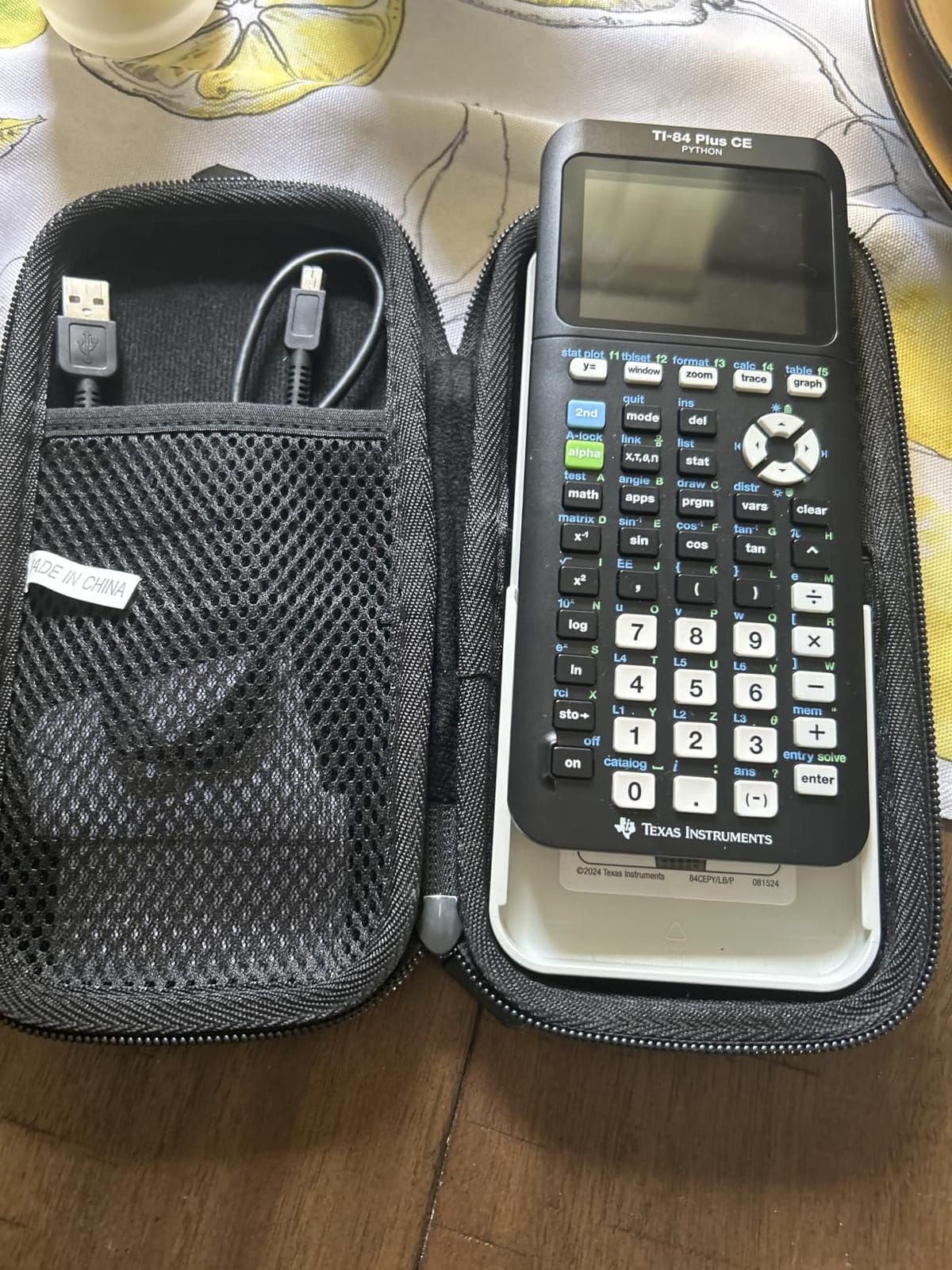
The TI-84 Plus CE is approved for SAT, ACT, AP, IB, and PSAT exams. This is one of the main reasons it remains the top recommendation year after year. If you are still taking standardized tests or planning to student-teach, you will not run into any approval issues.
Software and Connectivity
It connects to your laptop via USB for software updates and file transfers. The included computer version lets you mirror the calculator on screen, which is excellent for following along with online tutorials. Preloaded apps cover everything from geometry to finance.
2. Casio Prizm FX-CG50 — Best Value With 3D Graphing
Casio Prizm FX-CG50 Color Graphing Calculator
3.17-inch color LCD
65,000+ colors
3D graphing
Python integration
Pros
- Color display with 65
- 000+ colors
- 3D graphing for spheres and planes
- Python via MicroPython
- Natural Textbook Display
- Approved for AP/SAT/ACT/IB
Cons
- Requires 4 AAA batteries
- Heavier than TI-84 CE at 0.8 lbs
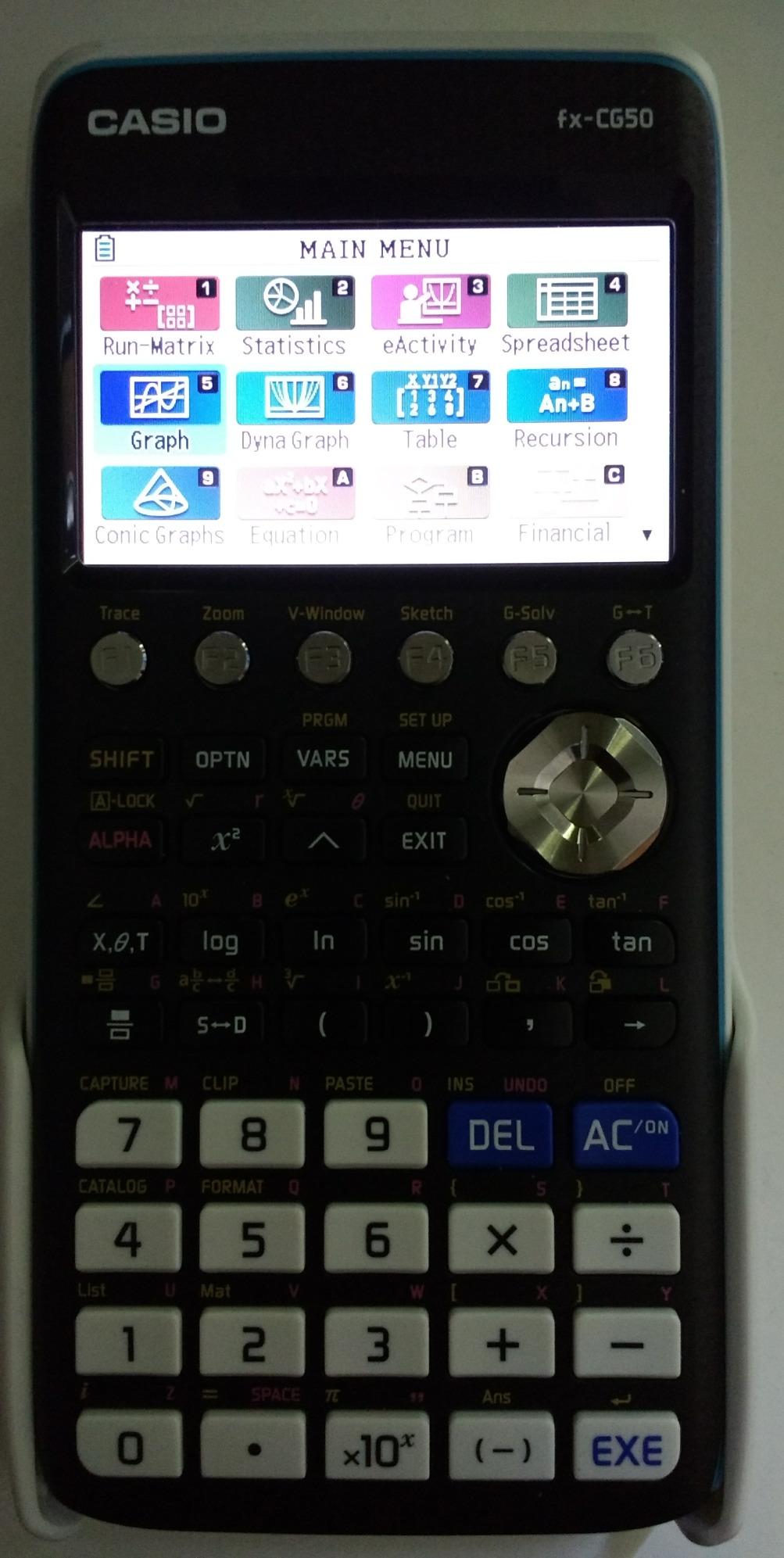
The Casio Prizm FX-CG50 is the highest-rated calculator on our entire list at 4.8 stars from over 4,000 reviews. I was skeptical about switching from the TI ecosystem, but Casio has built something genuinely impressive here. The color display produces over 65,000 colors, which makes graphs pop in a way that monochrome screens simply cannot match.
The standout feature is 3D graphing. Being able to visualize spheres, cylinders, and planes in three dimensions is a game-changer for multivariable calculus and engineering courses. Students on Reddit consistently highlight this feature as the reason they chose the FX-CG50 over similarly priced alternatives.
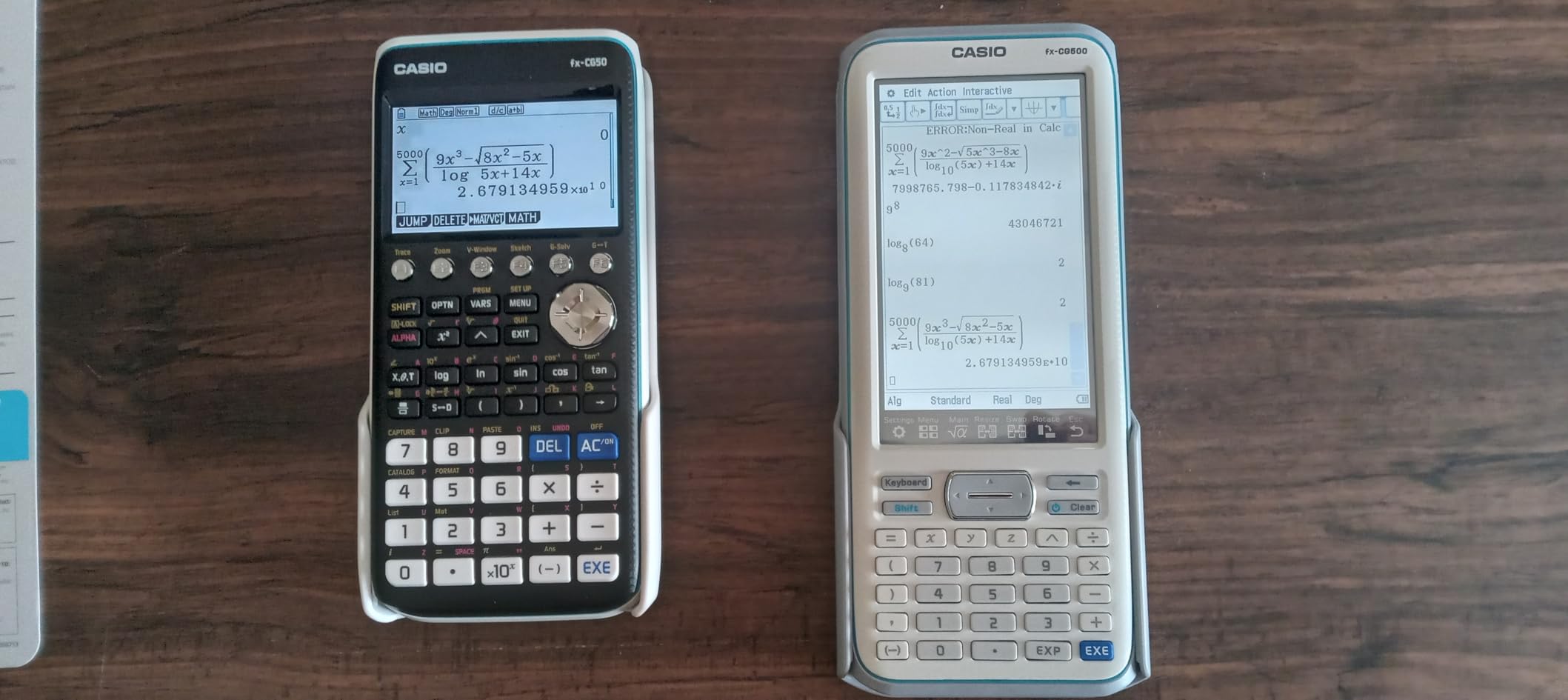
The Python integration through MicroPython is another forward-thinking inclusion. As programming becomes increasingly important across STEM fields, having a calculator that can run Python code right out of the box gives you a head start. It is not a full development environment, but it is more than enough for learning fundamentals.
The trade-off is that this model runs on 4 AAA batteries rather than a rechargeable cell. Some students prefer this because they can swap batteries mid-exam without worrying about a charger. Others find it annoying and environmentally wasteful. At 0.8 pounds, it is also noticeably heavier than the TI-84 Plus CE.
Natural Textbook Display Quality
Casio’s Natural Textbook Display shows expressions exactly as they appear in printed materials. This means fractions look like fractions, integrals look like integrals, and matrix operations are formatted readably. For students transitioning from high school, this reduces the learning curve substantially.
Exam Approval Status
The FX-CG50 is approved for AP, SAT, ACT, and IB examinations. It does not have a CAS, so it falls into the same approval category as the TI-84 Plus CE. If your professor bans CAS calculators on exams, this model will still be allowed.
3. Texas Instruments TI-84 Plus (Original) — The Classic Workhorse
Texas Instruments TI-84 Plus Graphics Calculator, Black 320 x 240 pixels (2.8″ diagonal)
2.5-inch monochrome LCD
Preloaded Cabri Jr.
10 graphing functions
I/O port
Pros
- Preloaded Cabri Jr. geometry software
- Ten simultaneous graphing functions
- Split-screen options
- Pull-down menus
- I/O port for TI communication
Cons
- No color display
- Smaller 2.5-inch screen
- Older interface design
The original TI-84 Plus has been around for over a decade, and there is a reason it still sells. Some professors specifically recommend this model because its simplicity means fewer distractions during exams. I have used it alongside the CE version, and for pure calculation work, the difference is smaller than you might expect.
It handles up to ten graphing functions simultaneously and comes preloaded with Cabri Jr. interactive geometry software. The pull-down menu system makes accessing advanced features straightforward once you learn the layout. With over 19,000 reviews and an 82 percent five-star rate, this calculator has proven itself across generations of students.
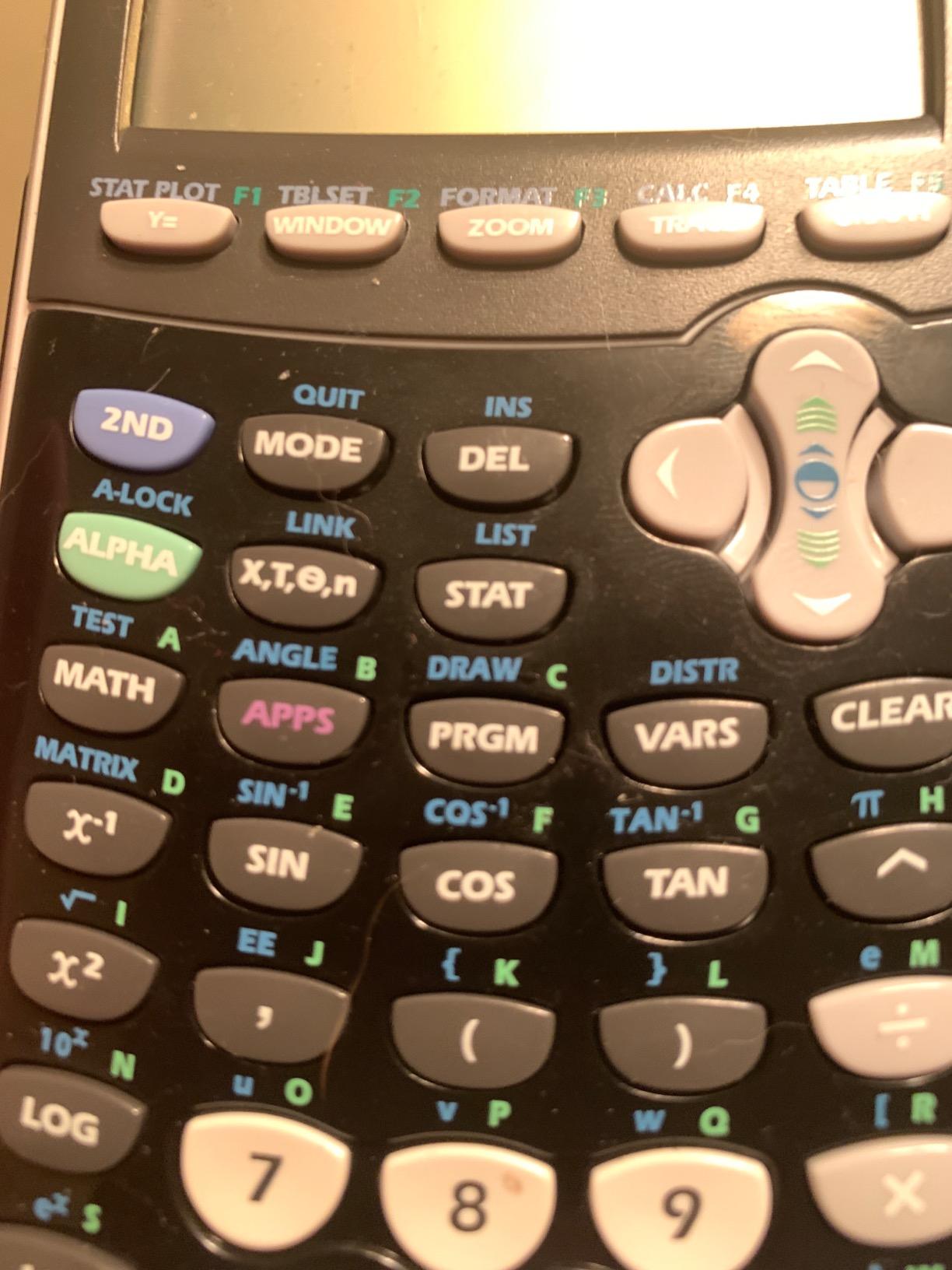
The obvious drawback is the monochrome display. In 2026, a black-and-white screen feels dated, especially when color models are available at similar prices. The 2.5-inch screen is also smaller than the CE’s 3.2-inch display, which can make distinguishing multiple graphed functions more difficult.
That said, this is a workhorse. If your high school calculator still works, there is a decent chance it is this exact model. Many Reddit users report their original TI-84 Plus lasting through all four years of college without issue.

Battery and Power Setup
The original TI-84 Plus runs on 4 AAA batteries with a backup CR1616 or CR1620 coin cell for memory protection during battery changes. Battery life is excellent, often lasting an entire semester of regular use. There is no rechargeable option, but the low cost of AAA batteries keeps ongoing expenses minimal.
Best Use Case
This model is ideal for students who already own it from high school and want to avoid spending money on a new calculator. It is also a solid backup device if your primary calculator dies before an exam. For students buying fresh, we generally recommend stepping up to the CE version for the color display.
4. TI-Nspire CX II CAS — Best for Engineering Students
Texas Instruments TI-Nspire CX II CAS Color Graphing Calculator with Student Software (PC/Mac)
3.5-inch color LCD
CAS system
125 DPI
Rechargeable up to 2 weeks
Pros
- Computer Algebra System for symbolic math
- Color screen at 125 DPI
- Rechargeable battery lasts two weeks
- Includes student software
- Touchpad navigation
Cons
- Higher price point
- Some professors ban CAS on exams
The TI-Nspire CX II CAS is what happens when you ask Texas Instruments to build a calculator for serious engineering and math students. I tested this across linear algebra, differential equations, and circuit analysis coursework, and the CAS functionality changes how you approach problems entirely. Instead of just crunching numbers, it can manipulate symbolic expressions, factor polynomials, and solve systems of equations algebraically.
The 3.5-inch color display runs at 125 DPI, which is noticeably sharper than the TI-84 Plus CE. The touchpad navigation takes some getting used to, but once it clicks, moving through menus feels faster than the traditional directional pad. Six graph styles and 15 color options help you distinguish between complex overlapping graphs.
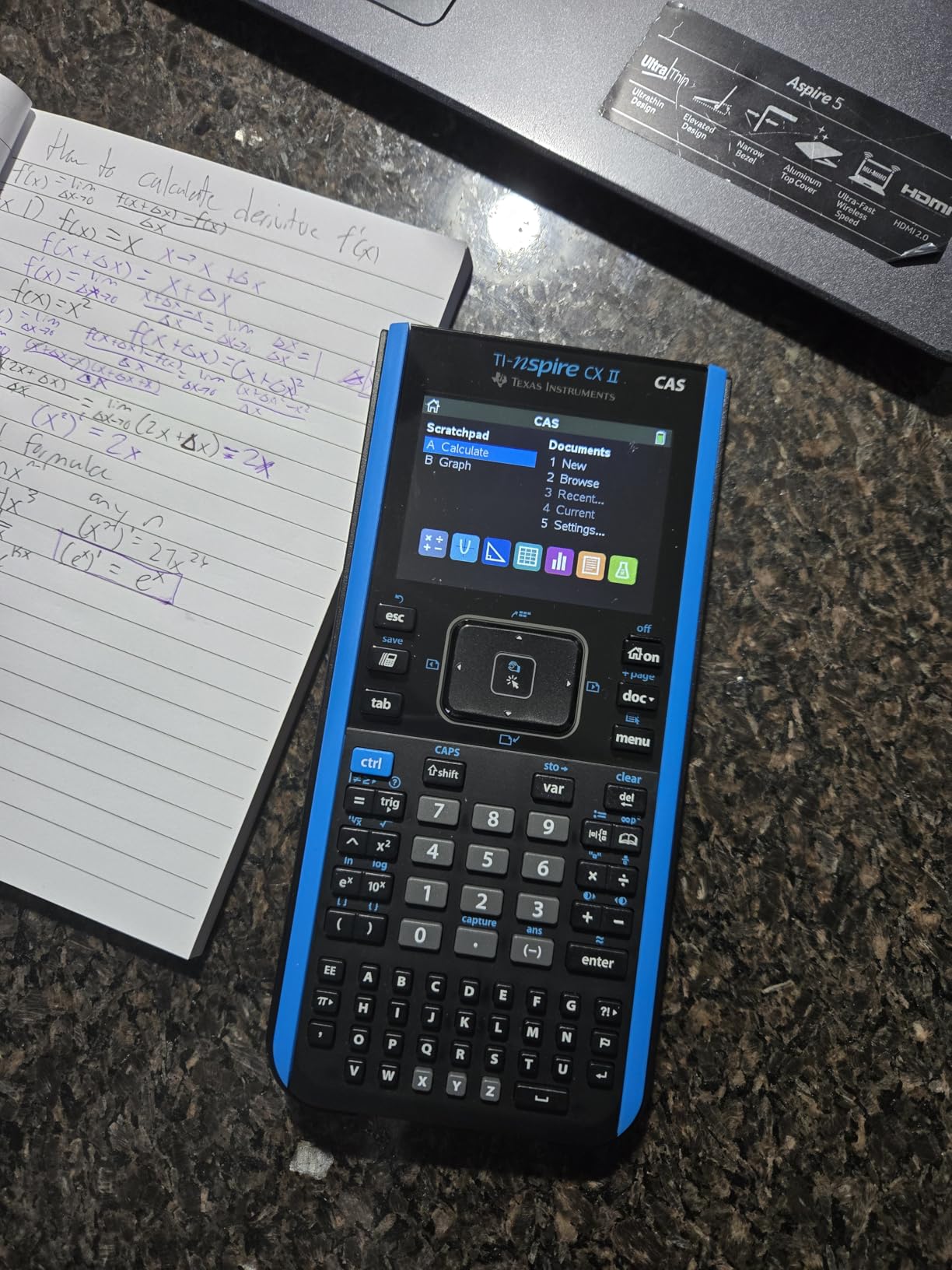
The included TI-Nspire CX Student Software for PC and Mac is a significant value-add. You can work on problems on your computer, sync files to the calculator, and even capture screenshots for lab reports. With over 9,400 reviews and an 85 percent five-star rate, this model has built a strong following among STEM majors.
The critical caveat is the CAS. Some professors explicitly ban CAS calculators on exams because they can solve problems symbolically. Always check your syllabus before relying on this as your only exam calculator. Many engineering students keep a non-CAS backup like the TI-84 Plus CE for exam day.
What CAS Actually Does
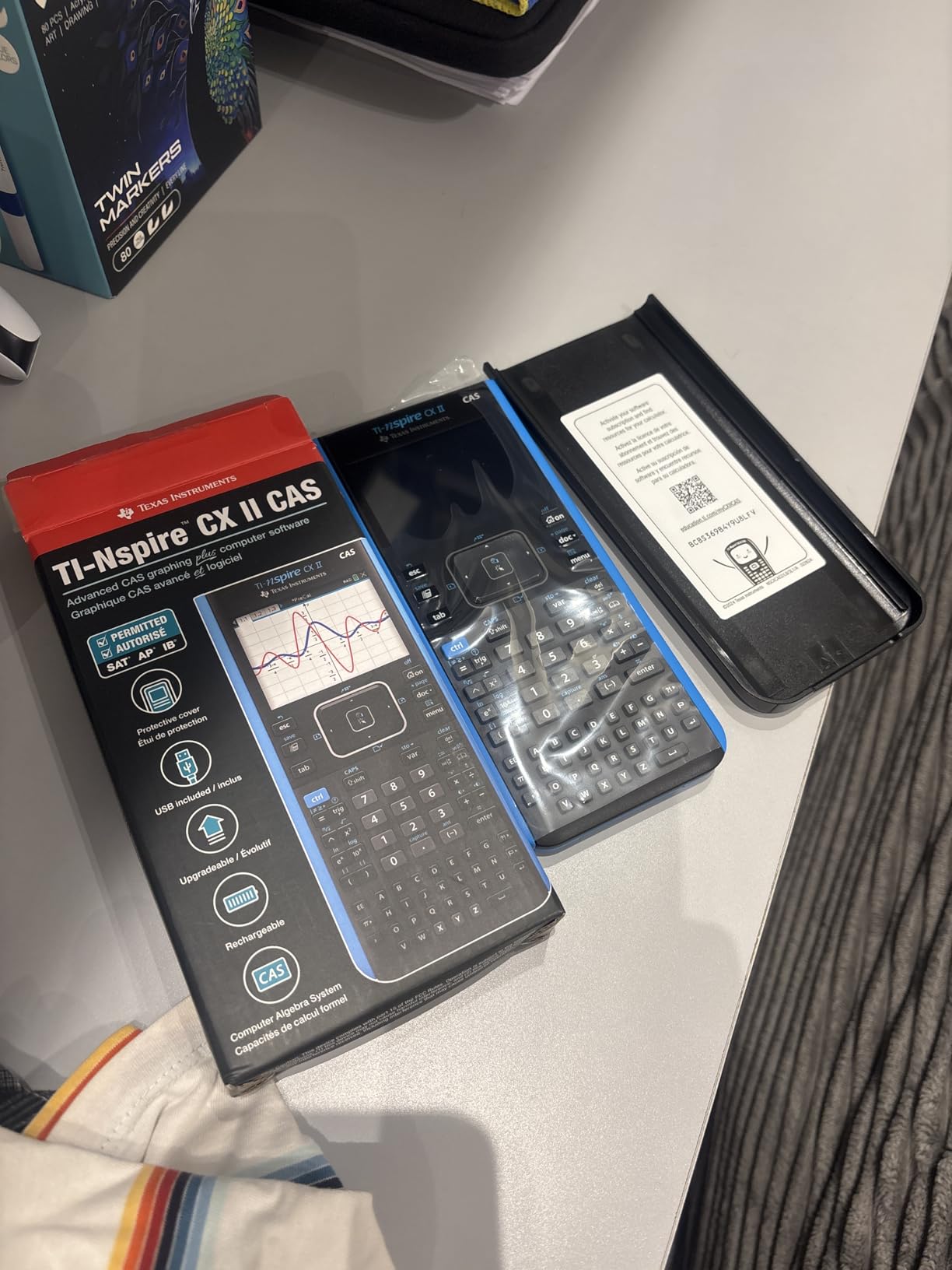
A Computer Algebra System can factor expressions, solve equations symbolically, perform polynomial division, compute derivatives and integrals in exact form, and work with matrices algebraically. For engineering students, this means you can verify hand calculations instantly rather than relying on numerical approximations.
Battery Life in Practice
The rechargeable battery is rated for up to two weeks of use, which holds up well in real-world testing. USB charging means you can top it off from a laptop or power bank between classes. The thin design at 0.57 pounds makes it comfortable to carry daily.
5. HP Prime G2 — Most Powerful Hardware
HP Prime G2 Graphing Calculator – Multi-Touch 3.5″ Color Display CAS Exam Approved SAT/AP/IB Scientific Calculator for School, Highschool, College Students – Programmable, 256MB, Includes Case + Cloth
3.5-inch multi-touch display
CAS system
256MB flash
RPN support
Metal body
Pros
- Multi-touch color display with pinch-to-zoom
- CAS functionality
- 256MB flash memory
- Brushed metal design
- Approved for SAT/IB/select AP exams
Cons
- Higher price at premium tier
- Some durability concerns reported
- Lower rating at 4.4 stars
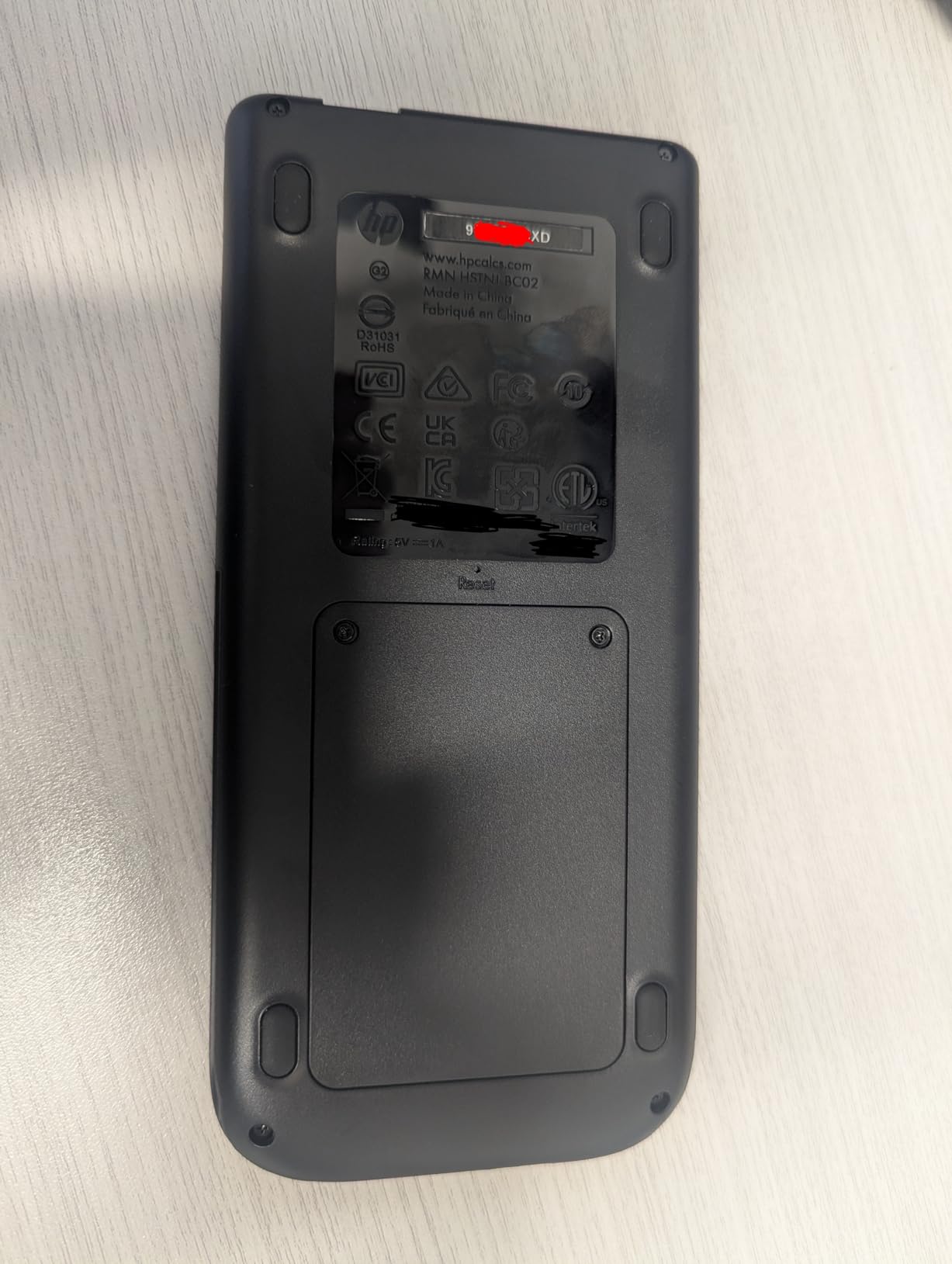
The HP Prime G2 is the calculator that Reddit power users consistently describe as the most powerful on the market. With 256MB of flash memory and a multi-touch display supporting pinch-to-zoom, it feels more like a smartphone than a traditional calculator. The brushed metal body gives it a premium heft that sets it apart from plastic competitors.
I found the multi-touch screen genuinely useful for graphing. Being able to pinch and zoom on a graph feels natural if you have grown up with smartphones. The CAS handles symbolic math competently, and the spreadsheet application is surprisingly full-featured for a handheld device.
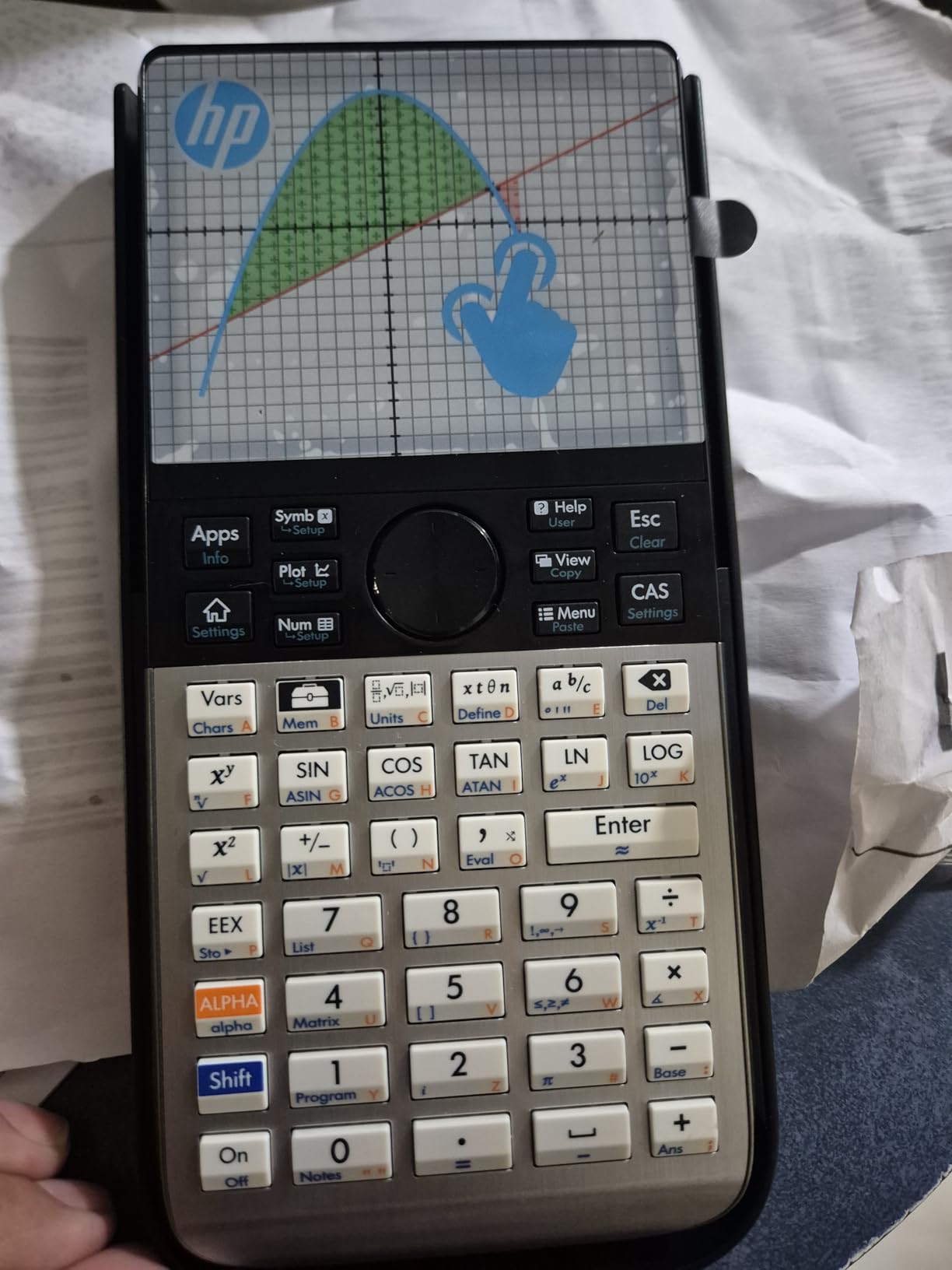
The concern is reliability. At 4.4 stars with about 8 percent one-star reviews, there are more complaints here than with any TI or Casio model on our list. Some users report durability issues over time, which is concerning for a calculator at this price point. The HP Prime Mobile App integration across Windows, iOS, and Android is a nice touch, though.
For students who want the absolute most powerful hardware available and are willing to accept some risk on durability, the HP Prime G2 is unmatched. For everyone else, the TI-Nspire CX II CAS offers similar CAS functionality with a longer proven track record.
Exam Approval Details
The HP Prime G2 is approved for PSAT, NMSQT, SAT, IB, and select AP exams. However, the CAS functionality means some AP exams may restrict its use. The calculator includes an exam mode that disables certain features, but you should verify compatibility with your specific exam requirements before test day.
Who Should Buy This
This calculator is best suited for advanced engineering students, physics majors, and professionals who need maximum computational power in a handheld form factor. If you are taking a standard calculus sequence and want a reliable daily driver, the TI-Nspire CX II CAS or TI-84 Plus CE are safer bets.
6. Casio fx-CG100 ClassWiz — Newest Casio With 3D Graphing
Casio fx-CG100 ClassWiz Color Graphing Calculator, 3D Graph, Python
3.7-inch color LCD
3D graphing
MicroPython
Exam mode switching
Tab-based menu
Pros
- Large 3.7-inch color display
- 3D graphing for multiple functions
- MicroPython integration
- Built-in exam mode
- Natural Textbook Display
Cons
- Relatively new with only 76 reviews
- Requires 4 AAA batteries
- Limited long-term track record
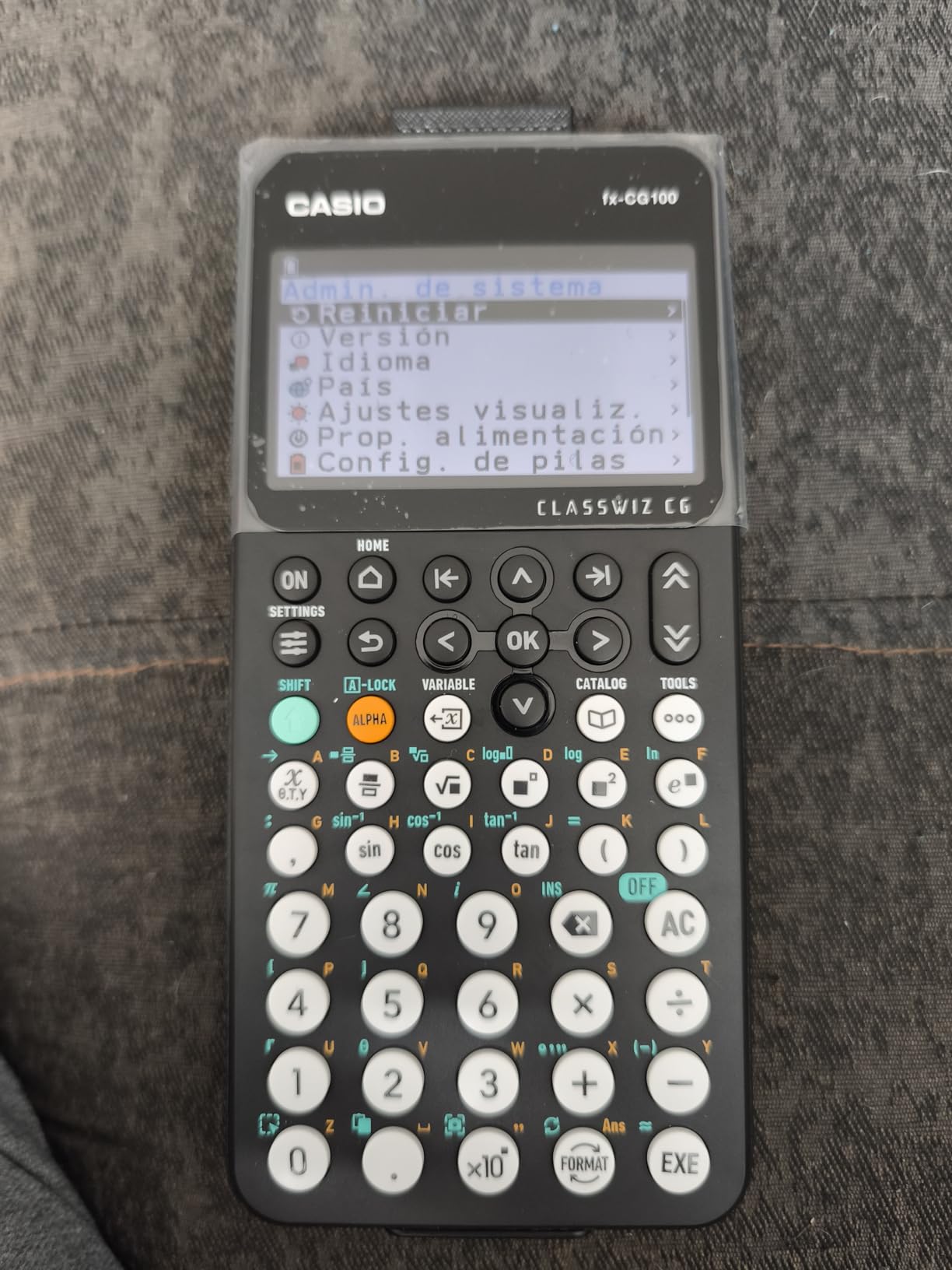
The Casio fx-CG100 ClassWiz is the newest calculator on this list, and early reviews are remarkably strong. With a 4.8-star average and 94 percent five-star ratings from 76 reviewers, it is generating serious buzz. The standout feature is the 3.7-inch display, which is the largest screen of any calculator we reviewed.
I appreciate the tab-based menu layout, which makes navigation feel modern compared to the nested menu systems on older calculators. The 3D graphing capability handles up to three simultaneous functions, including spheres, cylinders, and planes. For students in multivariable calculus, this is exactly the kind of visualization that makes abstract concepts click.
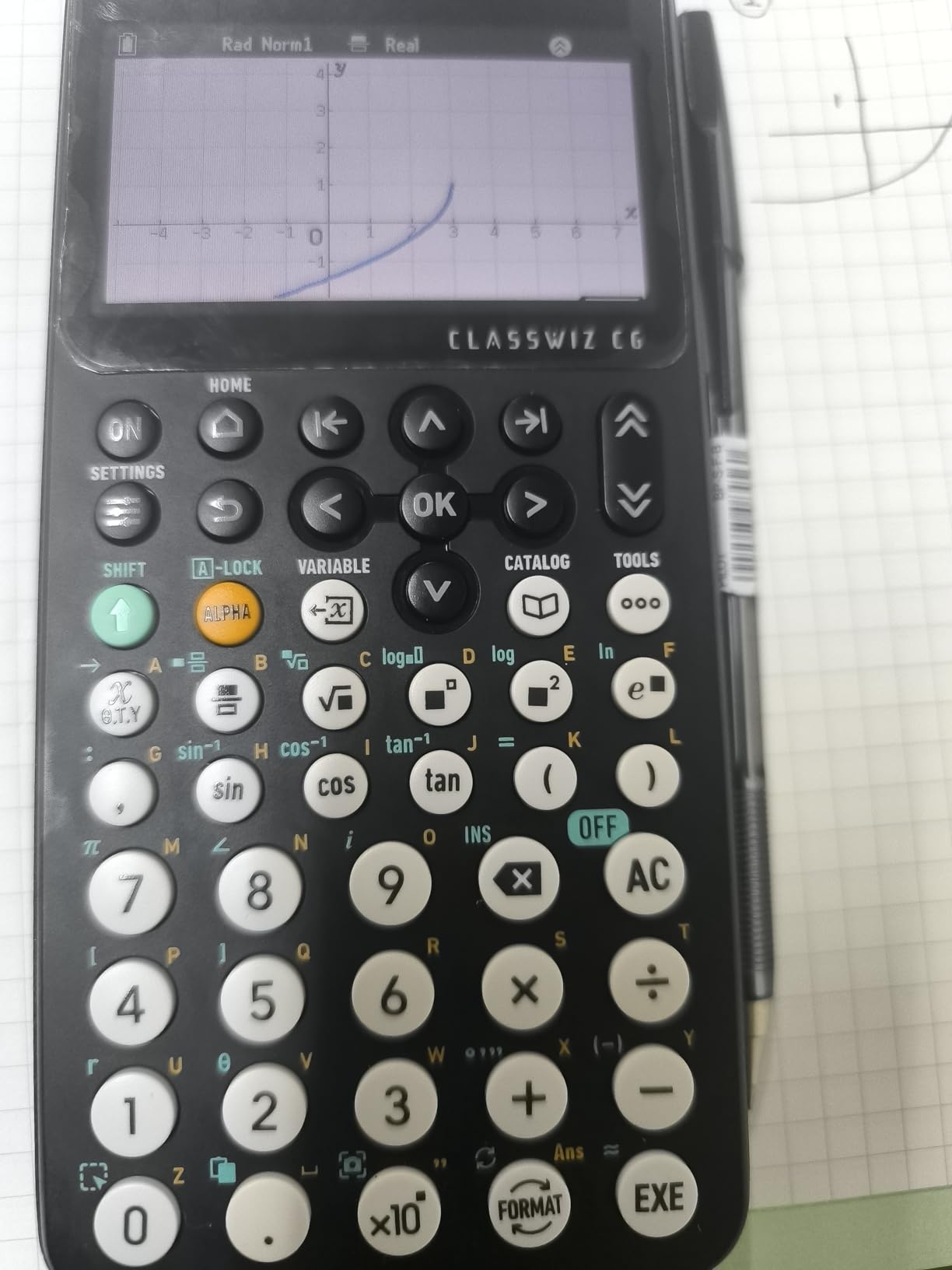
The built-in exam mode is particularly well-designed. It lets you switch the calculator into a compliant state for AP, SAT, PSAT, and ACT exams with a few button presses, disabling restricted features without requiring a full reset. This is a thoughtful feature that addresses a real pain point for students juggling multiple exam standards.
The main concern is the limited review base. At just 76 reviews, there is not enough long-term data to assess durability or identify common failure modes. The features and specs are excellent, but if you want a calculator with a proven multi-year track record, the FX-CG50 offers similar capabilities with thousands more reviews behind it.
Programming and Python
The MicroPython integration lets you write and run Python programs directly on the calculator. This is valuable for computer science students, engineering majors who need to automate calculations, and anyone learning programming fundamentals. The implementation is clean and accessible for beginners.
Display Quality Comparison
At 3.7 inches, the fx-CG100 has the largest display in this roundup. The high-resolution backlit LCD with over 65,000 colors produces crisp graphs and readable text. The tab-based menu takes full advantage of the larger screen real estate, reducing the number of button presses needed to access common functions.
7. TI-84 Evo — Next-Generation TI-84 With USB-C
TI-84 Evo Graphing Calculator Texas Instruments, White
2.8-inch LCD
USB-C charging
3x faster processor
Python support
Icon home screen
Pros
- USB-C charging with rechargeable battery
- 3x faster processor
- 50% larger graphing area
- Icon-based home screen
- Python programming support
Cons
- Smaller 2.8-inch screen
- Only 66 reviews so far
- Newer model with limited track record
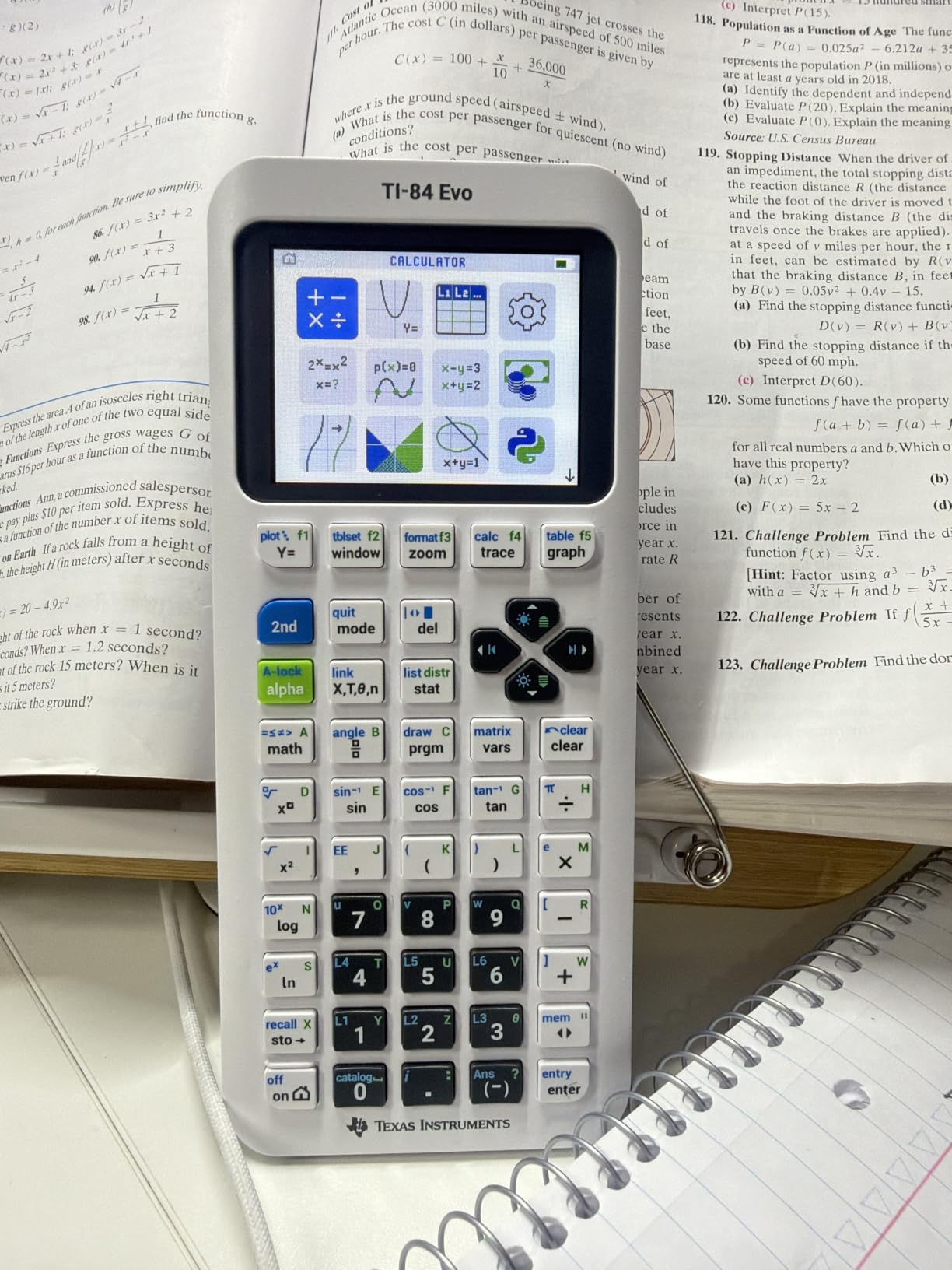
The TI-84 Evo is Texas Instruments’ answer to students who have been asking for modern features on the TI-84 platform. The most welcome upgrade is USB-C charging, which means you can use the same charger as your phone or laptop. No more hunting for a proprietary cable at 2 AM before an exam.
The processor is reportedly three times faster than the TI-84 Plus CE, which matters when you are plotting complex functions or running programs. The icon-based home screen makes navigation more intuitive, and the 50 percent larger graphing display area means you can see more of your graph without scrolling.
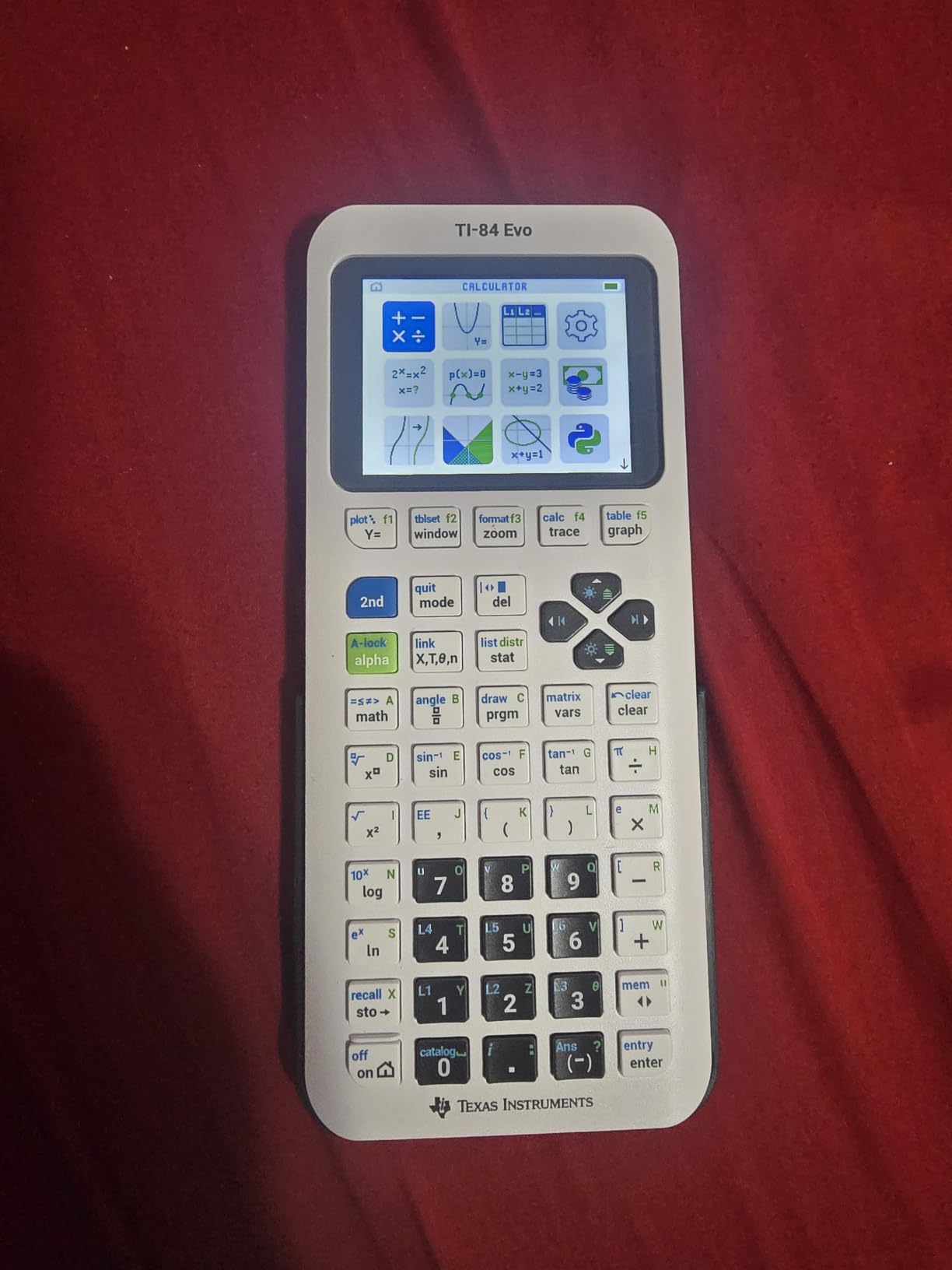
Python programming support is included, bringing the Evo in line with the Casio FX-CG50 and fx-CG100. This positions it well for STEM students who want to learn programming alongside their math coursework. At 4.6 stars with 87 percent five-star ratings from 66 reviewers, early reception is very positive.
The limitation right now is the review volume. With only 66 reviews, we cannot yet assess long-term reliability the way we can for the CE model with nearly 30,000 reviews. The 2.8-inch screen is also smaller than competitors like the HP Prime G2 and Casio fx-CG100, though the larger graphing area partially compensates.
How It Compares to the TI-84 Plus CE
The Evo is essentially a modernized CE with USB-C, a faster processor, and an icon-based interface. If you are buying fresh and do not need the CE’s massive tutorial ecosystem, the Evo is the better choice. If you rely heavily on finding TI-84-specific online guides, the CE’s longer history gives it an edge in available learning resources.
Exam Approval Status
The TI-84 Evo is approved for SAT, ACT, AP, and IB exams, matching the CE’s approval footprint. It does not include CAS, so it will be accepted anywhere the standard TI-84 is allowed. This makes it a safe choice for students concerned about exam compliance.
8. CATIGA CS-229 — Best Budget Option Under $50
CATIGA Scientific Calculators with Graphic Functions, Graphing Calculators with Multiple Modes, Scientific Calculators for Students, High School or College Courses, Calculadora Cientifica, CS-229
3.3-inch LCD
360+ functions
Dual power solar+battery
Graphing and scientific
Includes protective case
Pros
- Great value at budget price point
- Over 360 functions
- Dual power with solar and battery
- Anti-drop durable body
- Includes protective case
Cons
- No backlight on display
- Slow response when typing quickly
- Not approved for standardized tests
- Instruction manual lacks detail
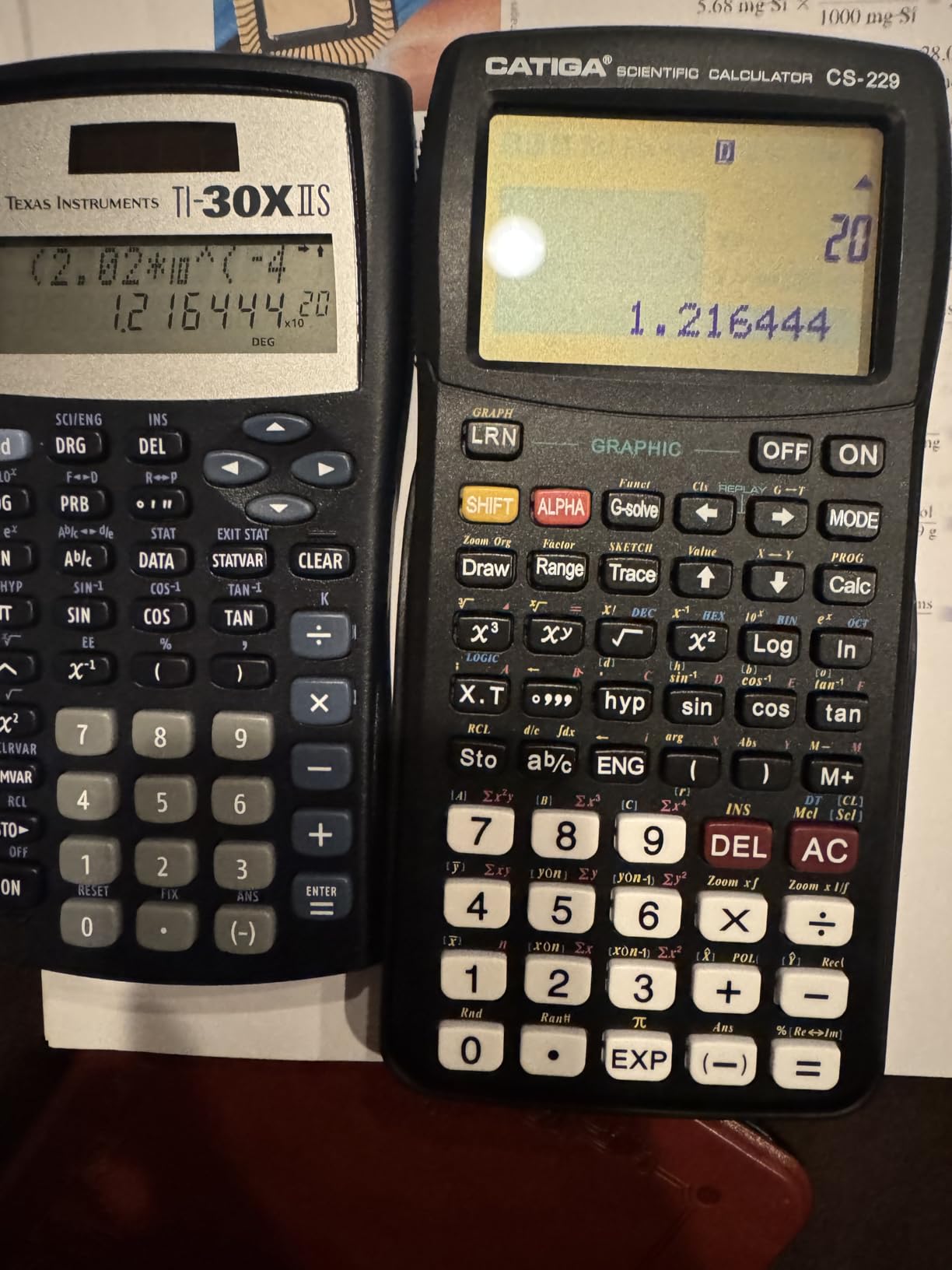
The CATIGA CS-229 is the most affordable option on our list, and for the price, it offers surprising capability. With over 360 functions covering algebra, calculus, statistics, and complex numbers, it handles most of what a general education student will encounter. The dual power system combining solar and battery means you are unlikely to ever be caught without power.
I would categorize this as a hybrid scientific and graphing calculator rather than a true graphing calculator. It can plot functions and display graphs alongside formulas, but it lacks the processing power and display quality of dedicated graphing models. For a student taking college algebra or introductory statistics, it is more than sufficient.

With over 5,800 reviews and a 4.4-star rating, the CS-229 has built a solid reputation as a value pick. Students appreciate the compact design, protective case, and the sheer number of functions available. The anti-drop body design is a nice touch for students who are rough on their gear.
The limitations are real, though. There is no backlight, which makes the display hard to read in dim lecture halls. The typing response can lag when you input quickly, which is frustrating during timed exams. Most importantly, this calculator is not approved for most standardized tests, so it should not be your only calculator if you plan to take the SAT, ACT, or AP exams.
When a Budget Calculator Makes Sense
The CATIGA CS-229 is ideal as a backup calculator, a first graphing calculator for a high school student transitioning to college, or a primary device for general education math courses where standardized test approval is not a concern. It is also a good choice for students who want graphing capability for homework but plan to use a school-provided calculator for exams.
Limitations to Know Before Buying
This calculator does not have color display, 3D graphing, CAS, Python, or USB connectivity. It cannot match the feature set of any TI or Casio model on this list. What it offers is basic graphing functionality at a fraction of the cost, which is enough for many students in non-STEM majors.
Buying Guide: How to Choose the Best Graphing Calculator for College?
Choosing the right graphing calculator comes down to four key decisions: your major, your professor’s exam policies, your budget, and whether you need standardized test approval. Let me break down each factor based on what we learned from student forums and product testing.
Match Your Calculator to Your Major
Engineering and physics students should prioritize CAS functionality and 3D graphing. The TI-Nspire CX II CAS and HP Prime G2 are built for this workload. General math and business students can get by with a TI-84 Plus CE or Casio FX-CG50. Liberal arts students taking a single required math course may find the CATIGA CS-229 perfectly adequate.
Mechanical engineering students on Reddit consistently mention needing calculators for calculus and chemistry simultaneously. Having a calculator that handles both unit conversions and complex equation solving saves time and reduces errors.
Check Exam Policies Before You Buy
This is the step most students skip and regret later. Some professors ban CAS calculators entirely on exams. Others allow any calculator. Always read your syllabus and ask your professor directly before investing in a CAS model like the TI-Nspire or HP Prime.
For standardized tests, the TI-84 Plus CE, TI-84 Evo, Casio FX-CG50, and Casio fx-CG100 are all approved for SAT, ACT, AP, and IB. The HP Prime G2 is approved for most exams but may be restricted on certain AP tests due to its CAS.
Color Display vs Monochrome
A color display is worth the extra money. Being able to distinguish between multiple graphed functions by color reduces errors and saves time during exams. Every calculator in our top five has a color screen, and we would not recommend a monochrome model to a student buying fresh in 2026.
Rechargeable vs Replaceable Batteries
Rechargeable batteries are more convenient and environmentally friendly. The TI-84 Plus CE, TI-Nspire CX II CAS, HP Prime G2, and TI-84 Evo all feature rechargeable batteries. Models running on AAA batteries like the Casio FX-CG50 and fx-CG100 offer the advantage of instant swapping, which some students prefer for long exam sessions.
Display Size and Quality
Screen size ranges from 2.5 inches on the original TI-84 Plus to 3.7 inches on the Casio fx-CG100. Larger displays make it easier to read graphs, see multiple functions, and navigate menus. If display quality matters to you, prioritize the Casio fx-CG100 or HP Prime G2.
Brand Ecosystem and Learning Resources
Texas Instruments has the largest ecosystem of tutorials, textbook integration, and community support. If you frequently search for calculator help online, a TI model will give you more results. Casio has a smaller but growing community, particularly around Python integration.
Budget Considerations for Students
Graphing calculators range from about $40 for the CATIGA CS-229 to $160 for the HP Prime G2. Consider how many years you will use the calculator. A TI-84 Plus CE that lasts four years costs roughly $24 per year, which is reasonable for a tool you use daily. Look for student discounts on manufacturer websites and consider buying used from graduating seniors.
Reddit users frequently recommend checking with your university bookstore, as some schools offer rental programs or discounted pricing. The price-to-performance ratio is critical for student buyers, and the calculators that deliver the best value over a full college career are the TI-84 Plus CE and Casio FX-CG50.
Frequently Asked Questions
What is the best graphing calculator for college students?
The Texas Instruments TI-84 Plus CE is the best graphing calculator for college students overall, thanks to its color display, rechargeable battery, widespread exam approval, and massive library of tutorials. For engineering students, the TI-Nspire CX II CAS adds symbolic math capabilities.
Is the TI-84 or TI-89 better?
The TI-84 Plus CE is better for most college students because it is simpler, widely accepted on exams, and has a larger support community. The TI-89 Titanium offers CAS functionality similar to the TI-Nspire, but it has been largely superseded by the TI-Nspire CX II CAS, which offers better hardware and software. If you need CAS, go with the Nspire over the TI-89.
Is a TI-84 good for college?
Yes, the TI-84 Plus CE is excellent for college. It is approved for SAT, ACT, AP, and IB exams, handles everything from college algebra through multivariable calculus, and is the calculator most professors expect students to own. Its main limitation is the lack of CAS, which some engineering courses may require.
What calculator do I need for college math?
For most college math courses, you need a graphing calculator approved for exams. The TI-84 Plus CE or Casio FX-CG50 will handle calculus, statistics, and linear algebra. Engineering students should consider a CAS calculator like the TI-Nspire CX II CAS. Always check your professor’s syllabus for specific requirements before purchasing.
Conclusion
After testing eight calculators and cross-referencing student experiences across Reddit, College Confidential, and product reviews, our recommendation is clear. The Texas Instruments TI-84 Plus CE remains the best graphing calculator for college students in 2026 for its unmatched balance of features, reliability, and exam compatibility.
For students on a budget, the Casio Prizm FX-CG50 delivers 3D graphing and Python at a lower price with the highest rating on our list. Engineering students who need CAS should invest in the TI-Nspire CX II CAS. Whatever you choose, buy it early in your college career so you have time to learn it before exam season hits.
2 thoughts on “8 Best Graphing Calculators for College Students (September 2026) Honest Reviews”