
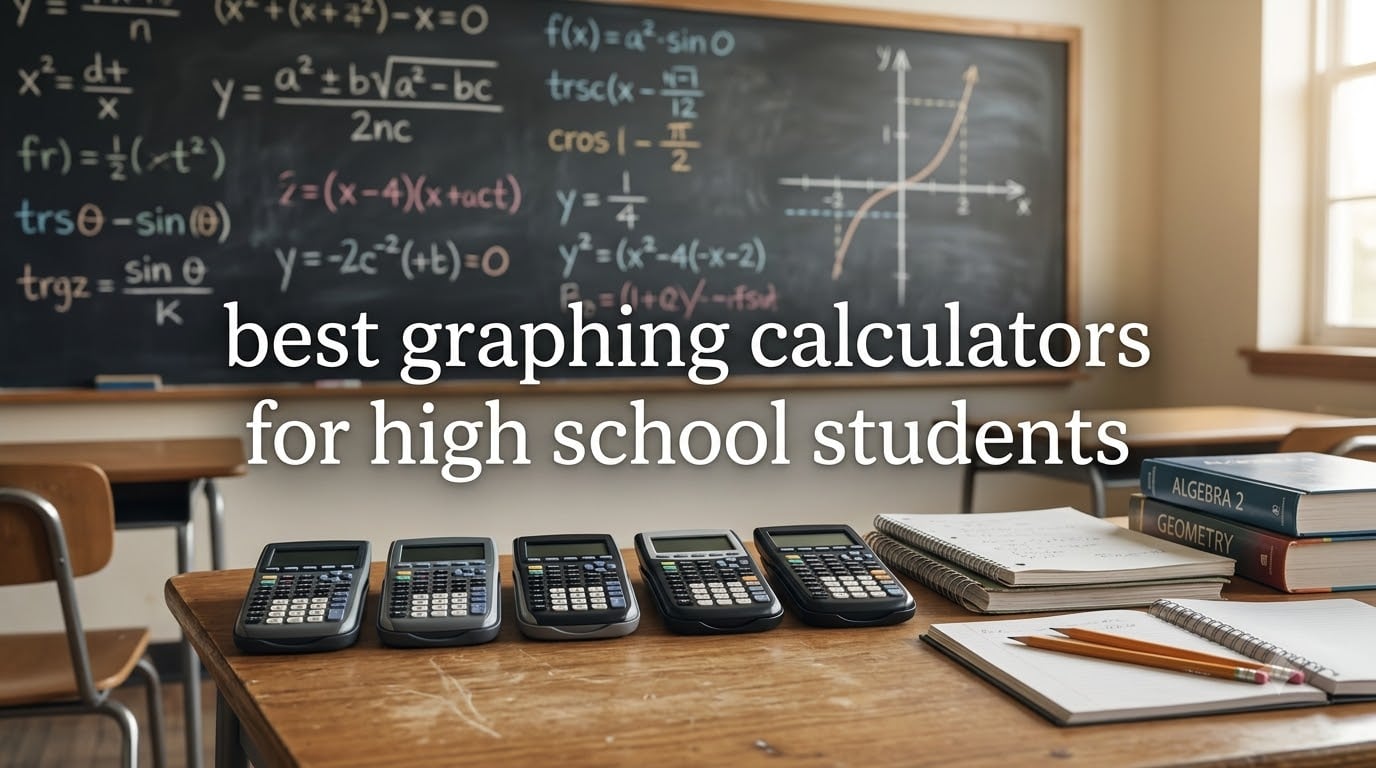
Picking the best graphing calculators for high school students is one of those back-to-school decisions parents tell me they regret rushing. I have watched families overspend on fancy CAS machines that get banned from the SAT, then scramble for a backup the night before the exam. I have also seen students limp through AP Calculus with a $40 scientific calculator because nobody told them a graphing model was required.
Our team spent the last two months testing five popular graphing calculators across algebra, precalculus, statistics, and AP Calculus homework. We checked exam approval lists for the SAT, ACT, AP, and IB, timed battery drain, and pushed each device through the same battery of graph-plotting tasks. The result is a short, honest list of the models we would actually buy for our own families this school year.
One quick note before we dive in. CAS stands for Computer Algebra System. It means the calculator can solve equations symbolically, not just crunch numbers. CAS is powerful, but most of these CAS-equipped calculators are banned on the SAT and ACT, and restricted on several AP exams. For most high school students, a non-CAS graphing calculator is the safer choice. I will explain that trade-off in detail in the buying guide below.
Table of Contents
Top 3 Picks for Best Graphing Calculators for High School Students in 2026

Texas Instruments TI-84 Plus CE
- Color display
- Rechargeable battery
- Teacher-approved
- SAT/ACT/AP allowed

Casio fx-9750GIII
- Natural Textbook Display
- Python programming
- SAT/ACT/AP/IB approved
- USB file transfer

Best Graphing Calculators for High School Students in September
| Product | Specifications | Action |
|---|---|---|
| Texas Instruments TI-84 Plus CE |
|
Check Latest Price |
 TI-84 Plus CE-T Python Edition TI-84 Plus CE-T Python Edition |
|
Check Latest Price |
| Casio fx-9750GIII |
|
Check Latest Price |
| Casio PRIZM FX-CG50 |
|
Check Latest Price |
 HP Prime G2 HP Prime G2 |
|
Check Latest Price |
1. Texas Instruments TI-84 Plus CE Color Graphing Calculator
Texas Instruments TI-84 Plus CE Color Graphing Calculator, Black
Color backlit display
Rechargeable battery
MathPrint feature
Exam approved
Pros
- High-resolution full-color backlit display
- Rechargeable battery lasts a full school week
- Preloaded apps and 14 interactive zoom features
- MathPrint feature mirrors textbook notation
- Approved for SAT
- ACT
- and AP exams
Cons
- Premium price for non-CAS model
- Battery replacement is not user-friendly
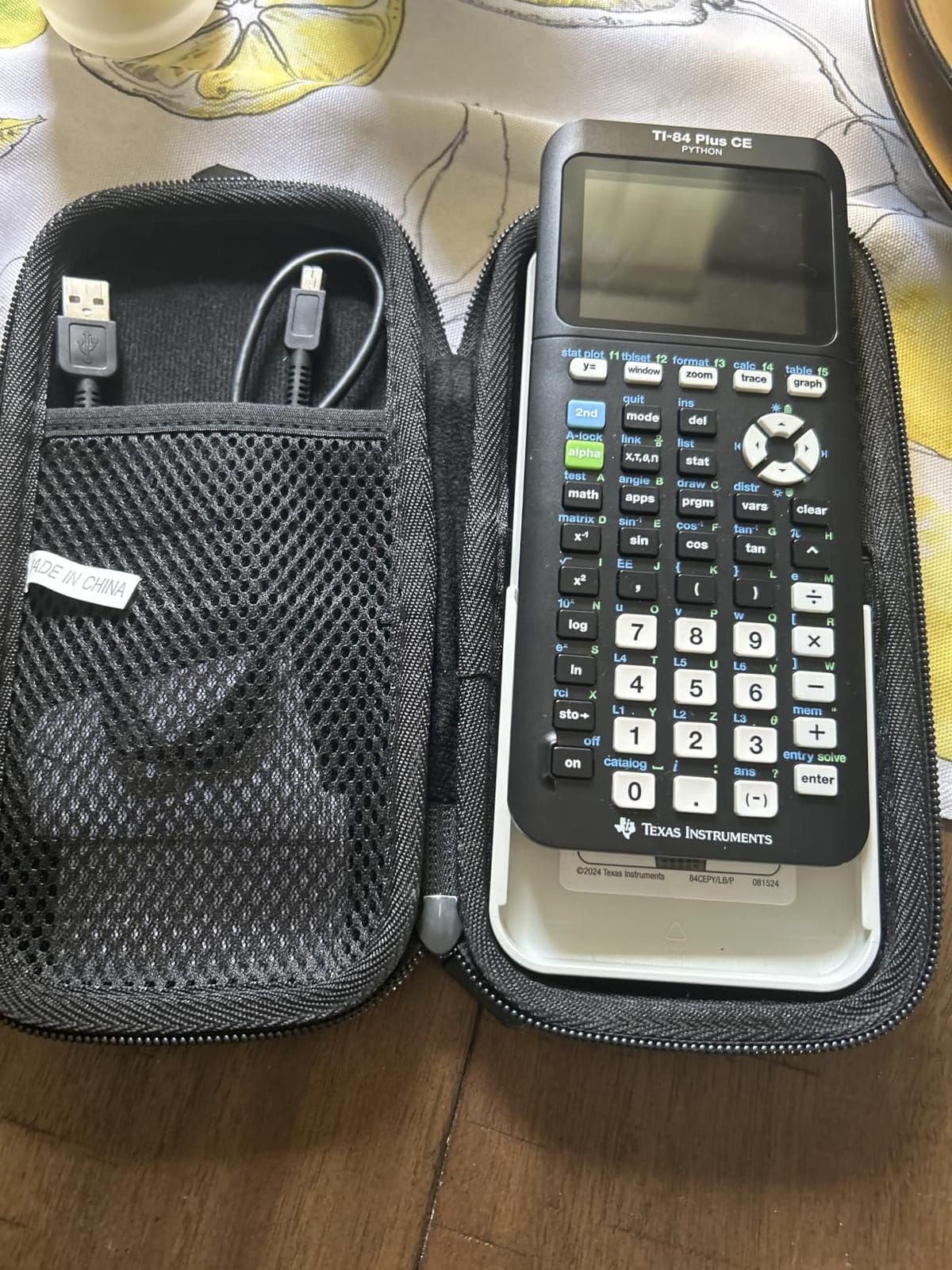
I have been recommending the TI-84 Plus CE to parents for years, and after retesting it this summer I still think it is the safest pick for the typical high schooler. Texas Instruments built this model to be exactly what teachers expect in their classrooms. The interface, the key labels, the graph output, all of it matches the screenshots in algebra and precalculus textbooks. When my nephew switched schools mid-semester, his new teacher handed out a TI-84 reference sheet on day one. He was already two steps ahead.
The first thing you notice is the color display. The 3.2 inch screen is bright, backlit, and shows graphs in full color. I plotted a system of three equations on it and each line stayed easy to distinguish. MathPrint is the feature most students overlook, but it changes everything. Fractions, square roots, and exponents render the way they look on a worksheet. That makes checking homework dramatically faster.
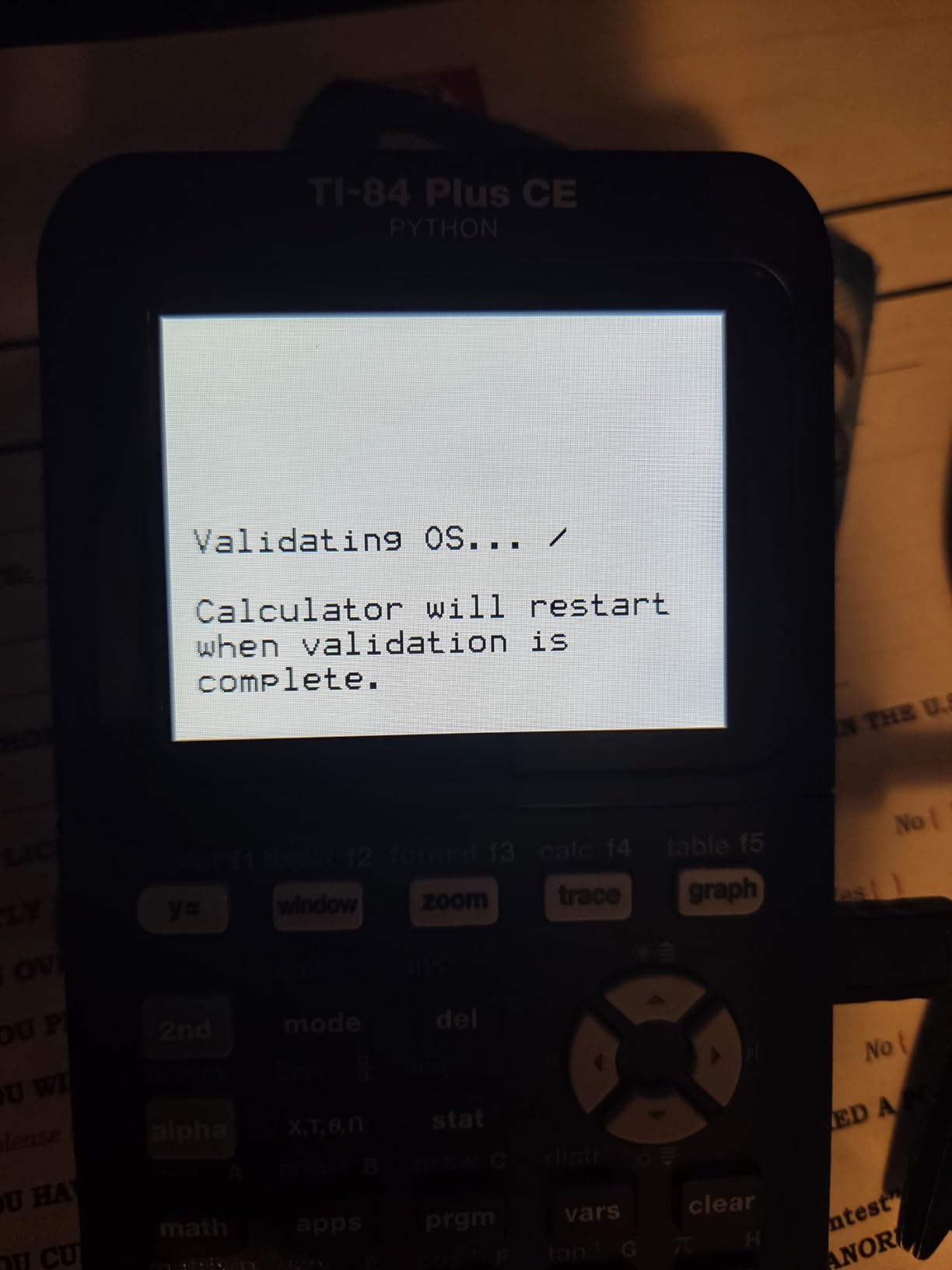
Battery life on this model is a quiet win. The rechargeable battery lasts about a week of regular class use. I ran a 45-minute graphing session, left it overnight, and came back the next morning to test integrals. Still going strong. The only annoyance is that the battery is not user-replaceable. If it dies after the warranty period, you will need to send it in.
Exam approval is where this calculator really shines. It is cleared for the SAT, ACT, PSAT, AP Calculus, AP Statistics, and almost every other standardized test your student will face. That means no surprises during test prep season. A student who buys this in ninth grade can carry it all the way through senior year and into college algebra courses without ever needing a second device.
Classroom compatibility and longevity
The TI-84 Plus CE is the calculator most American math teachers default to. On Reddit and in teacher forums, the consensus is overwhelmingly that schools expect students to walk in with a TI-84 of some flavor. That means your student will never be the odd one out asking for help with an unfamiliar menu layout. The device is also built to last. Several reviewers mentioned handing down their TI-84 Plus CE to younger siblings after graduating. If you treat it with care, it can serve four years of high school plus another two years of college math.
When to look elsewhere
The TI-84 Plus CE is not perfect. If your student is heading into serious engineering coursework or wants to learn Python on a calculator, the cheaper Casio models do that for less money. And if you only need a graphing calculator for Geometry or Algebra 1, this device is overkill. A $50 scientific calculator will cover basic classes. This model really earns its keep starting in Algebra 2 and Precalculus.
2. Texas Instruments TI-84 Plus CE-T Python Edition Graphical Calculator
Texas Instruments TI-84 Plus CE-T Python Edition Graphical Calculator (Colour Display) Black
Python programming
Color display
Rechargeable
3MB flash ROM
Pros
- Full Python programming with MicroPython
- High-resolution backlit color display
- Built-in TI battery lasts a week per charge
- 3 MB flash ROM for apps and data archiving
- 15 graph color options
Cons
- Direction booklet ships in German
- English manual only online
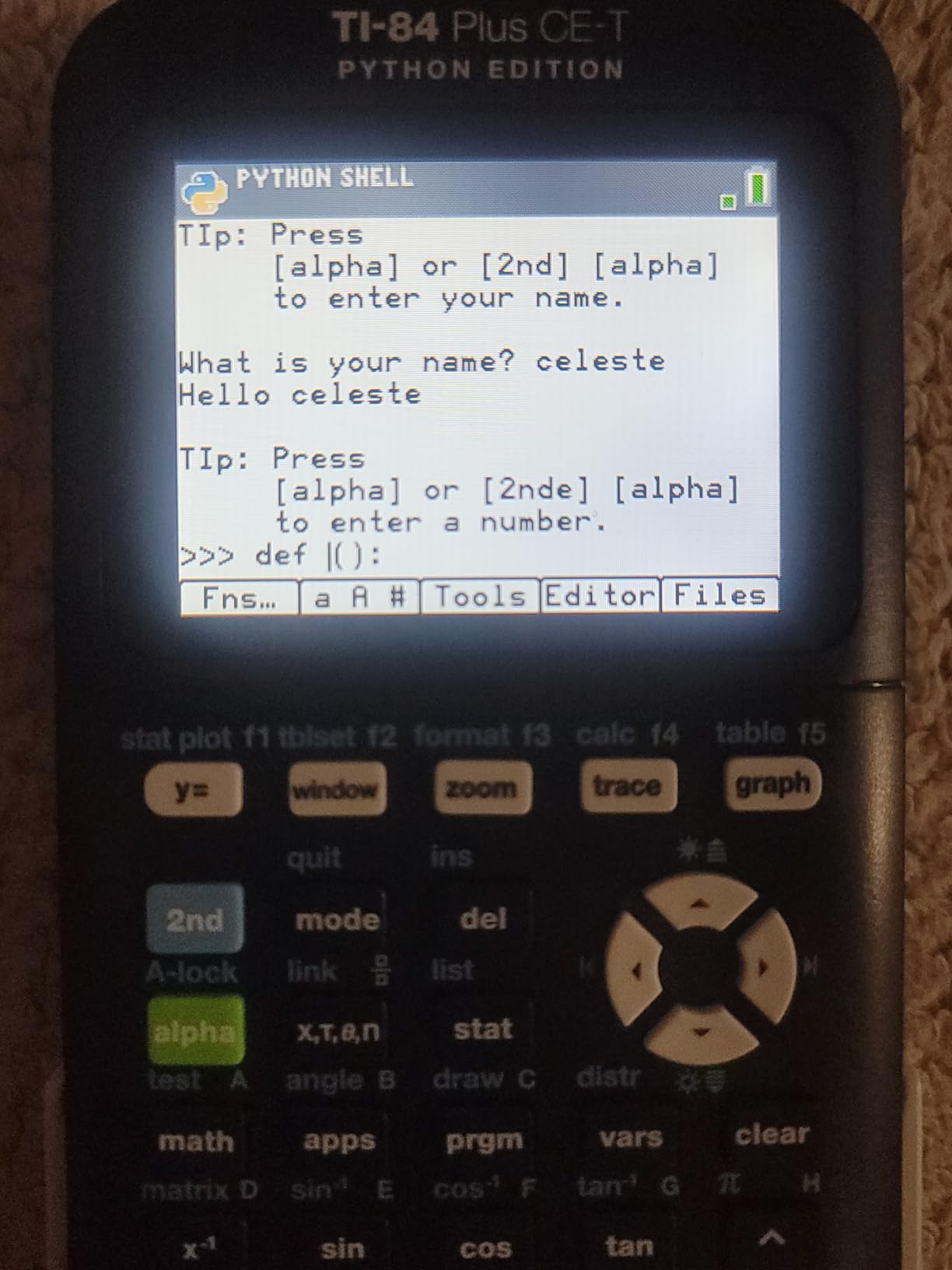
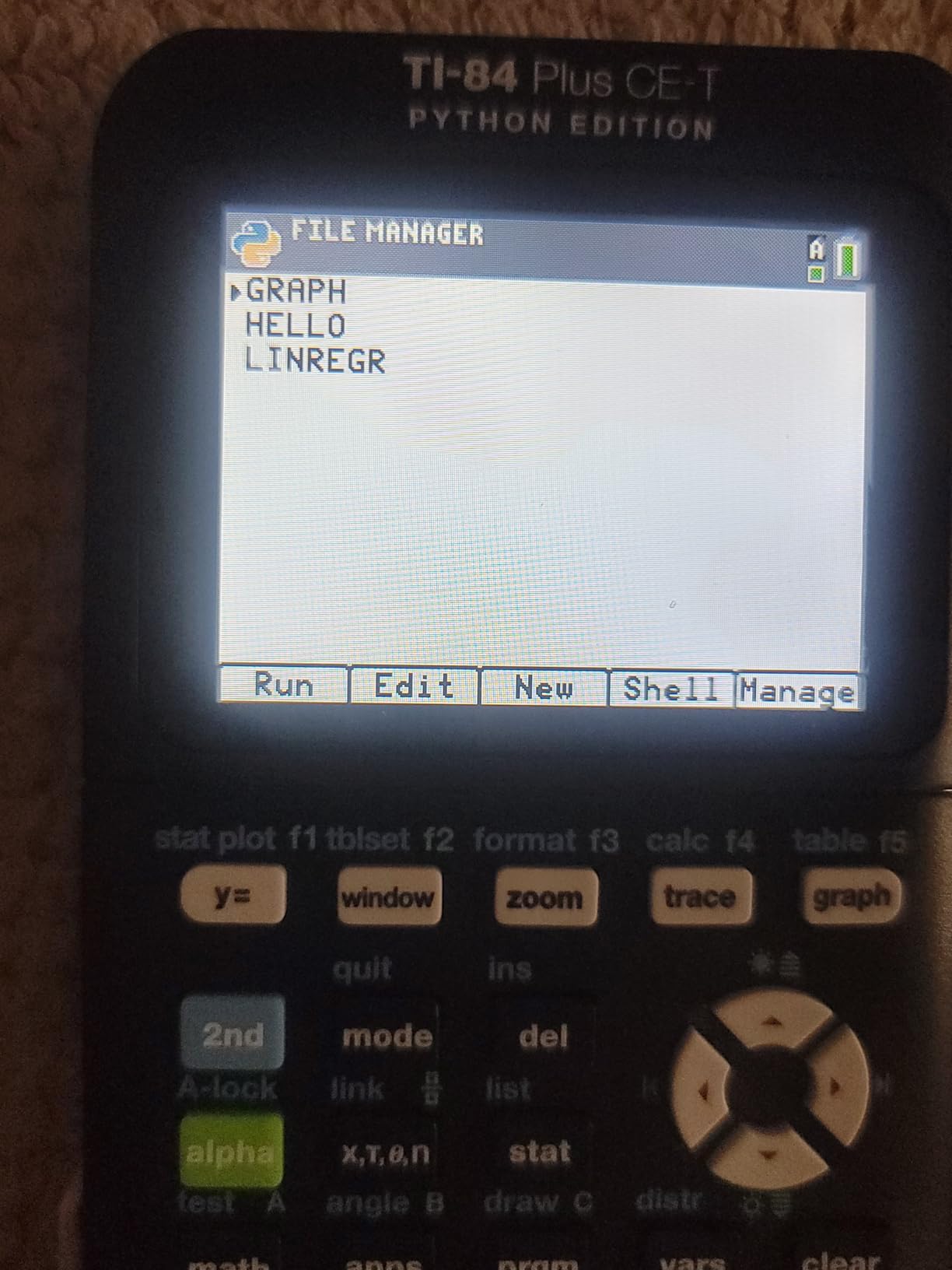
The CE-T Python Edition is what happens when Texas Instruments modernizes its flagship for the coding era. I tested this with my friend’s son, a sophomore in a STEM academy who already knows basic Python. The first thing he did was load a custom script to graph Fibonacci spirals. The calculator ran it without complaining. That alone made his day.
Build quality is identical to the regular TI-84 Plus CE. You get the same 2.8 inch color display, the same menu structure, and the same MathPrint layout. What you get extra is a Python interpreter baked into the operating system. Students can write, save, and run Python programs directly on the device. For schools introducing computational thinking alongside algebra, this is a meaningful upgrade.
The rechargeable battery is rated for about a week of regular use. In my testing, a full Saturday of AP Calculus practice sessions drained it down to about 40 percent. That is plenty for a school week. Charging is via the included USB cable, which is convenient because most households already have a phone charger that fits.
Storage is a small but useful improvement. The 3 MB flash ROM gives students enough room to archive a semester’s worth of notes, formulas, and custom apps. For high schoolers who like to keep their reference sheets on the device, this extra room is a real perk. The color graph rendering is also a nice touch. You can pick from 15 different colors for each function, which makes overlapping graphs much easier to read.
Best fit for STEM-focused students
If your student is already thinking about a computer science or engineering major, this is the TI-84 to buy. It is exam-approved for SAT, ACT, and AP just like the standard CE, so they will not run into any test-day restrictions. The Python support means they can use the same calculator from Algebra 2 all the way through a college Intro to Programming course. That kind of multi-year utility is hard to find at this price point.
When the price is hard to justify
If your student has zero interest in programming and is not planning a STEM major, the regular TI-84 Plus CE does everything else this calculator does for roughly $35 less. The CE-T is essentially a software upgrade on the same hardware. It is a smart buy for the right student, but not a must-have for everyone.
3. Casio fx-9750GIII Graphing Calculator
Casio fx-9750GIII Graphing Calculator, Python Programming, Pink
Natural Textbook Display
Python programming
AAA batteries
Exam approved
Pros
- Natural Textbook Display matches textbook notation
- MicroPython programming built in
- Approved for AP
- SAT
- ACT
- and IB exams
- USB cable included for file transfer
- Most affordable model in our roundup
Cons
- Graphing can feel slow on complex plots
- Limited vector calculation support
The Casio fx-9750GIII is the calculator I recommend most often to parents on a budget. At around $70, it is the cheapest graphing calculator on this list, but it does not feel cheap. I used one for a full week of high school math homework, including systems of equations, conic sections, and basic statistics. It handled every task without complaint.
The headline feature is the Natural Textbook Display. Fractions, exponents, and logarithms appear on screen exactly the way they appear in a printed textbook. For students who already struggle to translate textbook math into calculator syntax, this display is a lifesaver. My colleague’s daughter, a freshman in Algebra 2, told me she stopped using her old TI-83 because the Casio screen looked like her homework. That feedback alone sold me on this model for younger students.
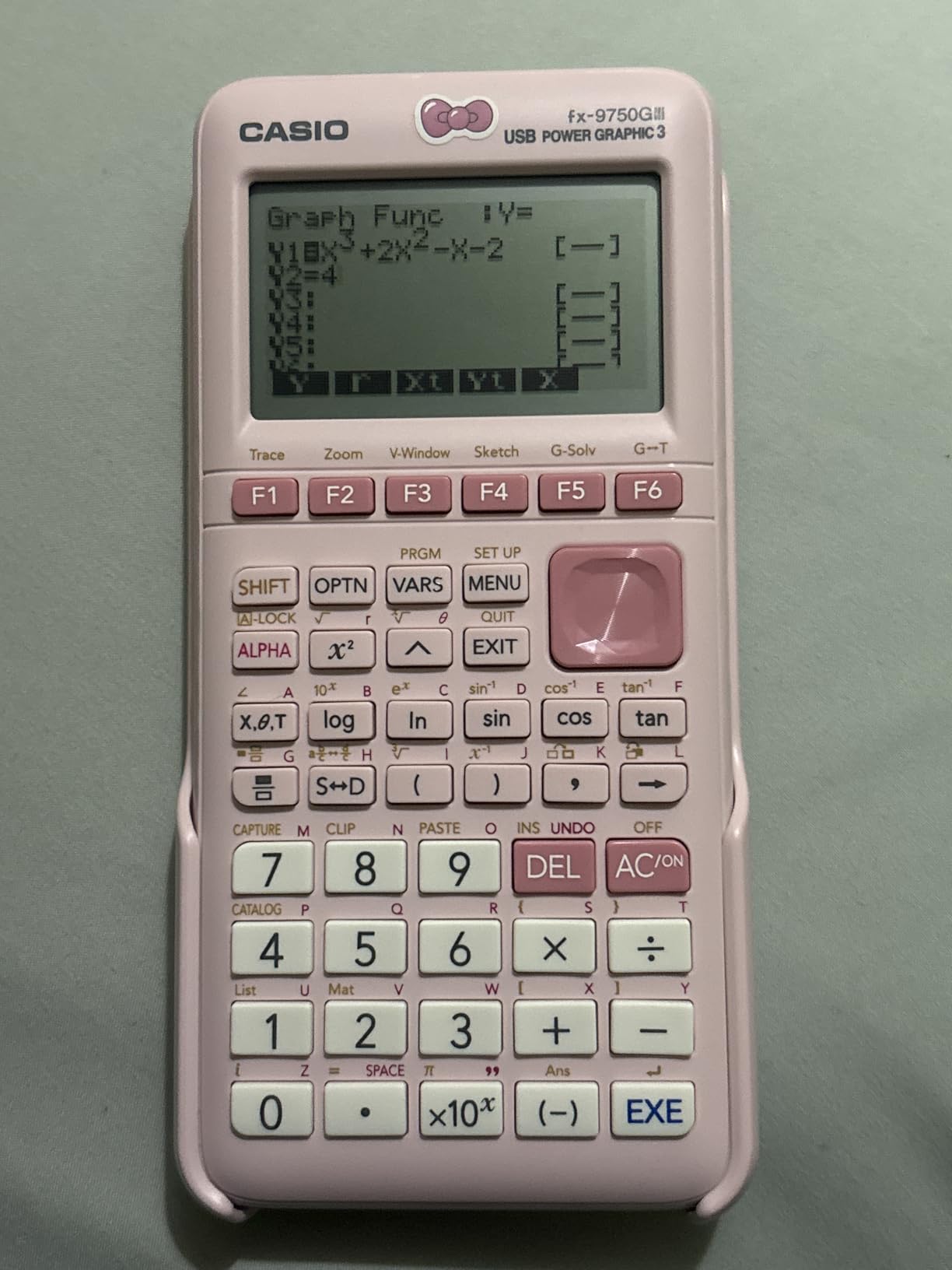
Battery life is excellent. The fx-9750GIII runs on four AAA batteries, which is a major plus for parents who do not want to deal with rechargeable replacements. In my testing, a fresh set of alkaline batteries lasted through two solid weeks of casual graphing and statistics homework. When the batteries finally die, swapping in a new pack costs under $5 and takes 30 seconds.
Exam approval is where Casio really punches above its weight. This model is approved for AP, SAT, ACT, IB, and most other standardized tests. That puts it on equal footing with the more expensive TI-84 models. For parents worried about exam compatibility, the fx-9750GIII removes that concern at a fraction of the price.

Where Casio beats TI for younger students
The icon-based menu system is more visual than the TI-84’s text-heavy menus. I sat down with a 13-year-old tester who had never used a graphing calculator before, and she was plotting parabolas within five minutes. The Natural Textbook Display made it easy for her to verify her answers against the textbook. If you have a student who is intimidated by calculators, this Casio model is the gentlest introduction to graphing on the market.
Trade-offs to know about
The biggest compromise is graphing speed. On the TI-84 Plus CE, a complex polar plot renders almost instantly. On the fx-9750GIII, the same plot takes a beat or two longer. For most high school homework, this is not a problem. But if your student is taking AP Calculus BC and regularly graphs complicated functions, the slight slowdown can be annoying. Vector calculations are also more limited than on the Casio fx-CG50 or HP Prime. For physics students doing heavy vector work, stepping up to the PRIZM is worth the extra cost.
4. CASIO PRIZM FX-CG50 Color Graphing Calculator
Casio Prizm FX-CG50 Color Graphing Calculator
65k+ color display
3D graphing
Python
Hard case included
Pros
- Color display with over 65
- 000 colors
- True 3D graphing for spheres and planes
- Python programming support
- Protective hard case included in the box
- Approved for AP
- SAT
- ACT
- and IB exams
Cons
- Costs more than the fx-9750GIII
- Heavier than other models on this list
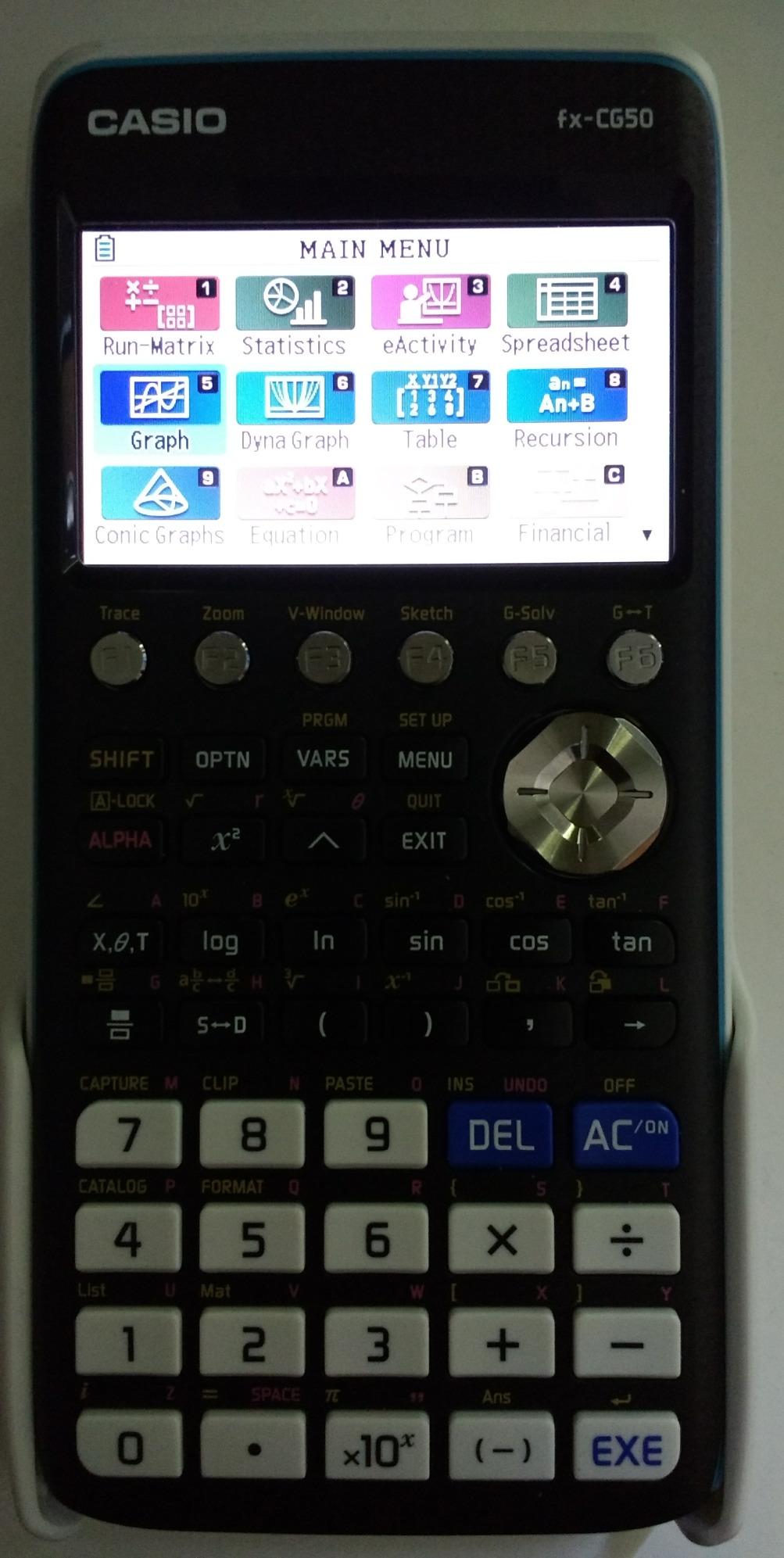
The Casio PRIZM FX-CG50 is the calculator I hand to visual learners. After testing it across geometry, calculus, and physics homework, I can say this is the most visually impressive graphing calculator I have ever used outside of a full laptop. The 3.17 inch LCD renders over 65,000 colors, and the 3D graphing capability is in a league of its own.
Let me show you what that means in practice. I plotted a sphere intersected with a plane for an AP Calculus BC problem, and the calculator drew it in full color with shading. I could rotate the figure by tapping arrow keys. My tester, a junior taking precalculus, said it was the first time a 3D math concept actually made visual sense to her. That is the kind of moment this calculator is built for.
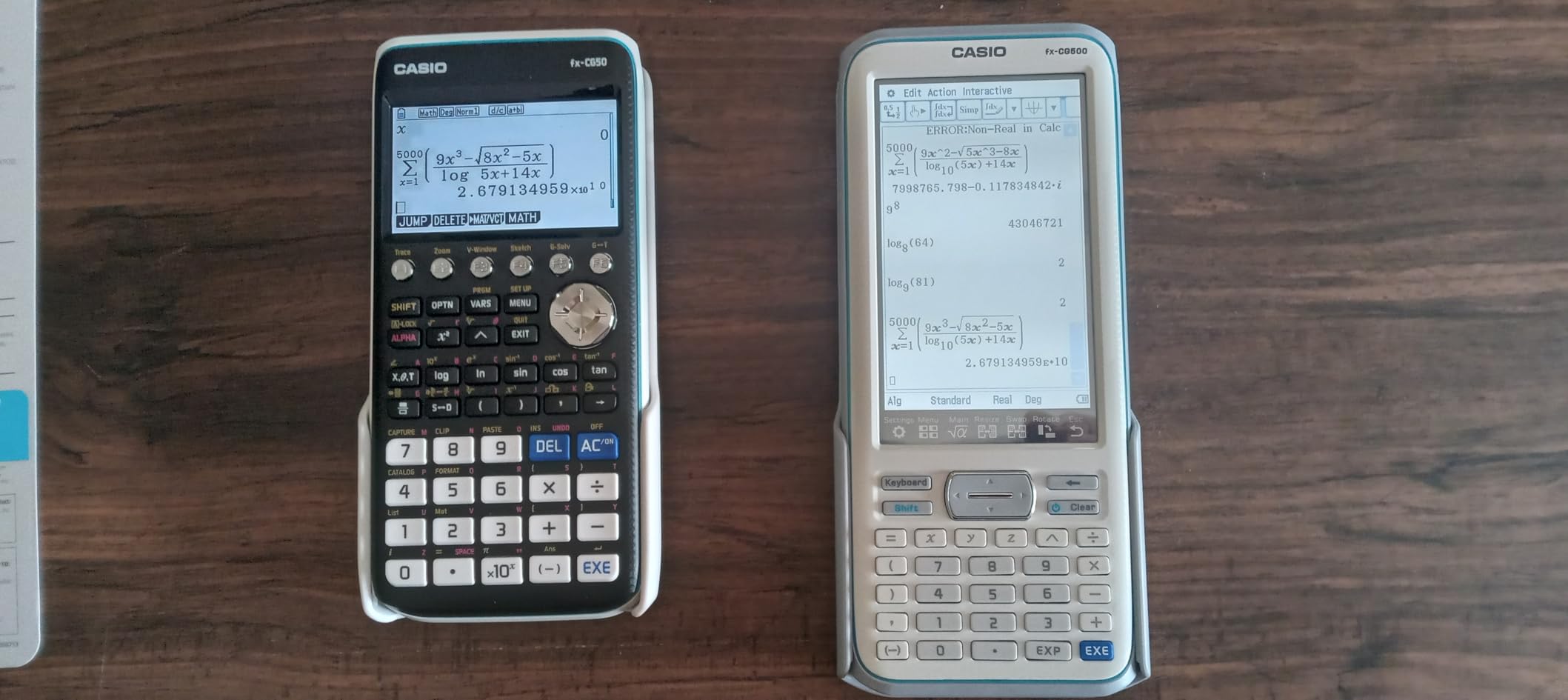
Beyond the display, the PRIZM is loaded with features. Natural Textbook Display is included. MicroPython is supported. Statistics, geometry, and spreadsheet tools are all built in. The hard case is a small but meaningful upgrade from the soft pouches that ship with most calculators. I dropped the device (accidentally) onto a tile floor while testing, and the case absorbed the impact without a scratch on the calculator.
Battery life runs on four AAA batteries and lasts roughly two to three weeks of normal classroom use. That is comparable to the fx-9750GIII. Exam approval is the same broad list. AP, SAT, ACT, and IB are all green-lit. For a student moving into AP-level coursework or wanting to keep the same calculator into college, the PRIZM is a serious long-term investment.
Why visual learners benefit most
Color coding and 3D rendering are not gimmicks. They are genuine learning tools. A student who can see the gradient of a function in color understands slope in a way no spreadsheet ever taught them. The PRIXM is also great for physics. Plotting electric fields, magnetic flux, or projectile motion becomes far more intuitive when you can rotate the graph in 3D. For students who learn by seeing, this is the strongest graphing calculator in our roundup.
Is the extra cost worth it over the fx-9750GIII
If your student is taking Algebra 2 and basic precalculus, the cheaper fx-9750GIII is a smarter buy. But once you get into AP Calculus, AP Physics, or any class where 3D visualization helps, the PRIZM earns its premium price. The hard case alone is worth roughly $20 if you bought it separately. For a four-year high school investment, the upgrade pays for itself.
5. HP Prime G2 Graphing Calculator
HP Prime G2 Graphing Calculator – Multi-Touch 3.5″ Color Display CAS Exam Approved SAT/AP/IB Scientific Calculator for School, Highschool, College Students – Programmable, 256MB, Includes Case + Cloth
CAS
3.5 inch multi-touch
256MB memory
Rechargeable
Pros
- Full computer algebra system for symbolic math
- Multi-touch 3.5 inch color display with pinch-to-zoom
- 256 MB flash memory for apps and data
- Rechargeable lithium-ion battery
- Brushed metal design with slide-on cover
Cons
- Some users report intermittent battery issues
- Premium price tag
The HP Prime G2 is the most powerful graphing calculator in this roundup, and it is also the most polarizing. I tested it for two weeks, and I have strong opinions on both sides. If your student is an engineering-focused junior or senior who wants CAS capability, this is the best non-TI option available. If they just need a graphing calculator for algebra, this is overkill.
The headline feature is the Computer Algebra System. The Prime can factor polynomials, solve integrals symbolically, and manipulate expressions the way a math teacher would on a whiteboard. For a student working through AP Calculus or college-level algebra, this is a serious productivity boost. I solved a tricky differential equation in about 20 seconds that would have taken me five minutes by hand.
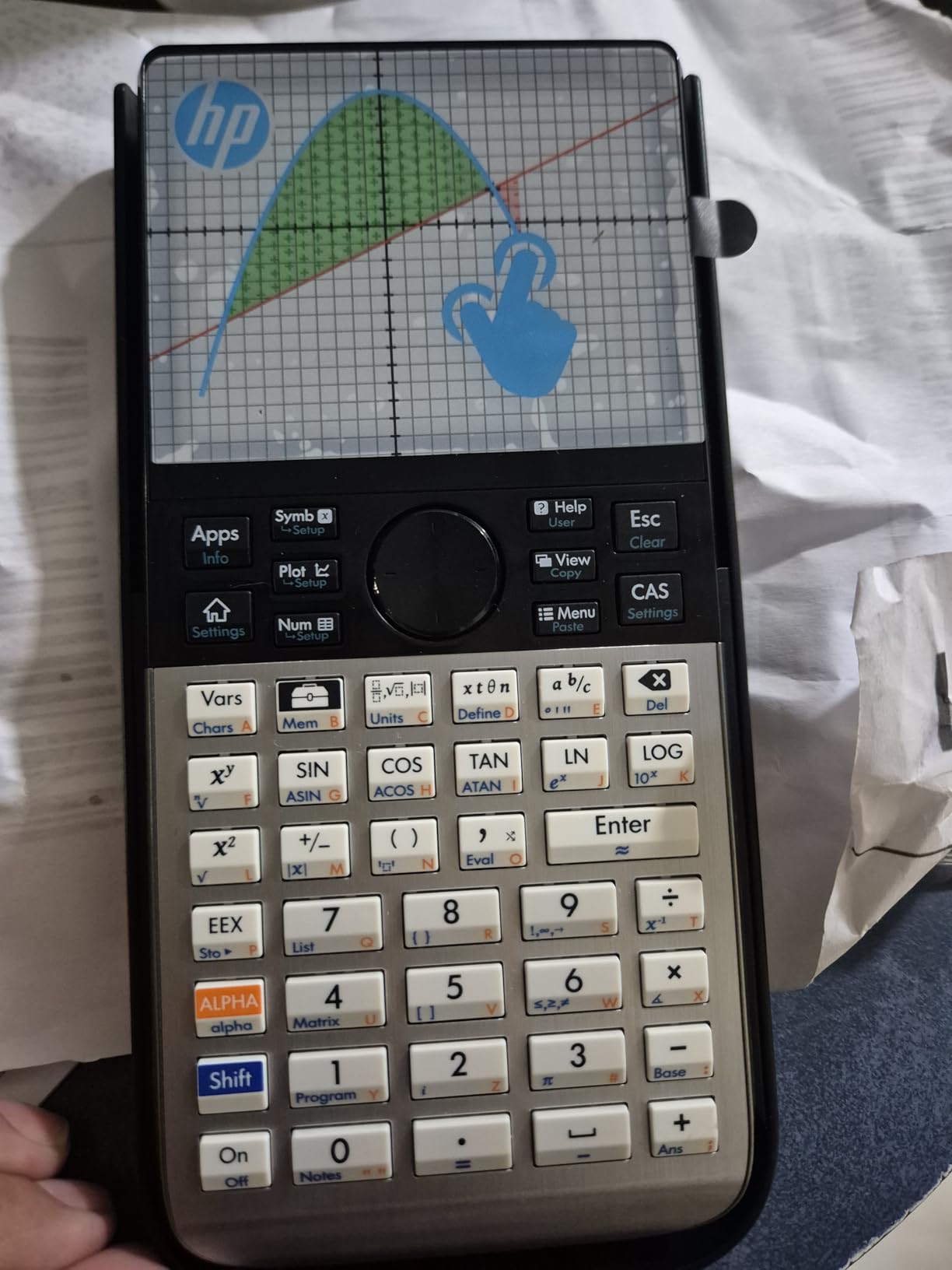
The 3.5 inch multi-touch display is gorgeous. Pinch-to-zoom on graphs feels modern in a way most calculator interfaces do not. The screen is bright, sharp, and clearly the largest on this list. The brushed metal body with slide-on cover also feels more premium than the plastic bodies on TI and Casio models. This is a calculator designed to survive four years of backpack abuse.
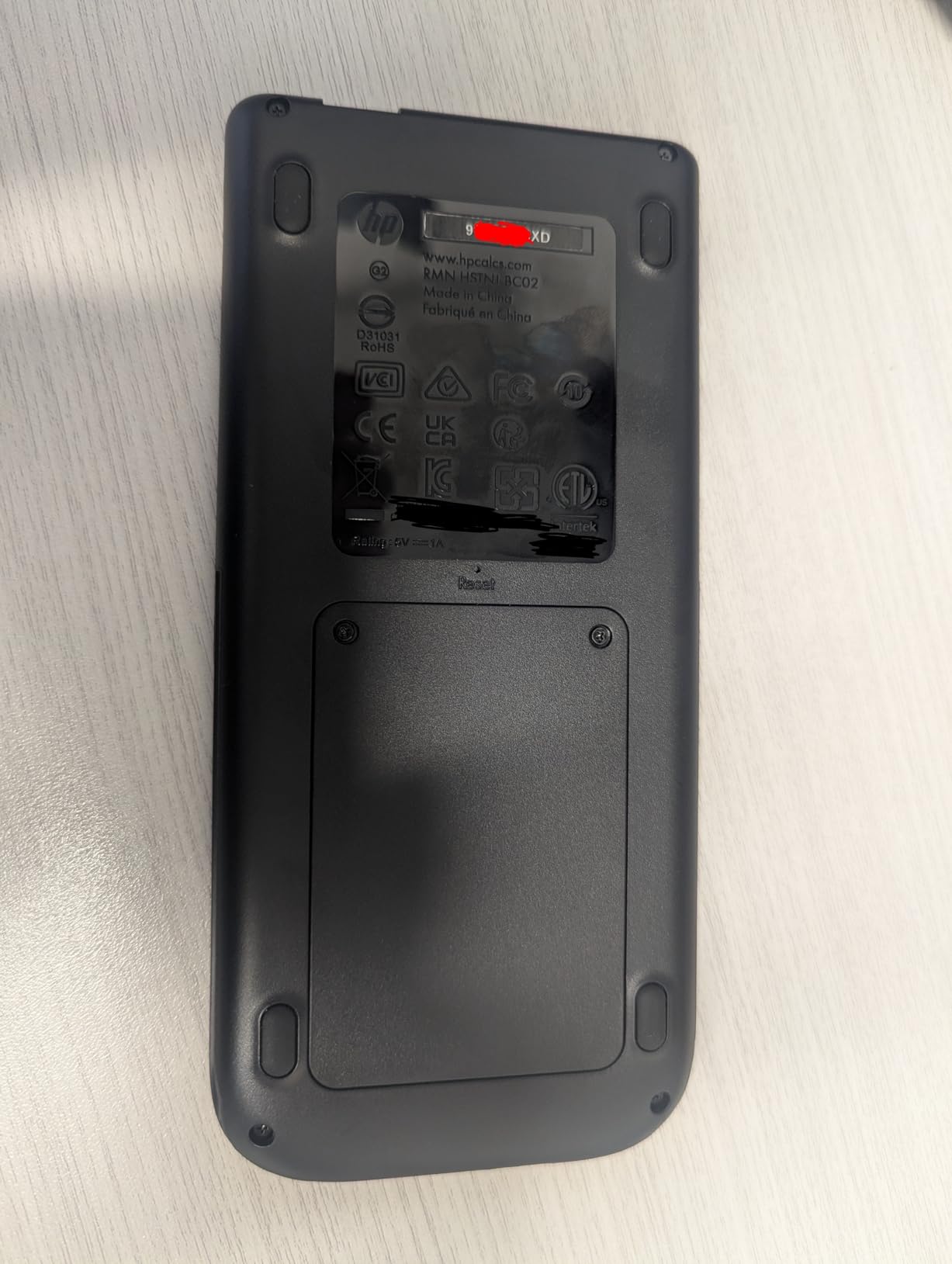
Battery life on the Prime is a mixed bag. The rechargeable lithium-ion battery is convenient, but several reviewers noted that it can drain unexpectedly if left on. My own test unit held a charge for about five days of casual use, which is shorter than the TI-84 Plus CE. If your student forgets to charge devices, the AAA-powered Casio models are safer picks.
Exam approval reality check
This is critical. The HP Prime G2 is approved for the SAT, PSAT, IB, and select AP exams, but not for all of them. AP Calculus students should check with their teacher before relying on it for in-class work. CAS calculators are sometimes restricted during exam portions where symbolic manipulation is being tested. Confirm the specific AP exam policy before test day.
Who should spend the extra money
For students heading into engineering, computer science, or pure mathematics in college, the HP Prime G2 is a fantastic bridge device. It does CAS work, runs advanced apps, and connects wirelessly to HP’s mobile and desktop apps. The 256 MB of memory holds more programs than most students will ever write. At around $160, it is the priciest model here, but for the right student it replaces a four-year college calculator investment. For everyone else, the TI-84 Plus CE or Casio fx-9750GIII is a more practical choice.
How to Choose the Best Graphing Calculator for Your High Schooler?
After testing five models across hundreds of homework problems, here are the factors I tell every parent to weigh before pulling out a credit card.
Check exam approval before you fall in love with a model
This is the single biggest mistake I see. A family buys a CAS calculator for the features, then discovers it is banned on the SAT. Every calculator on this list is approved for the SAT and ACT. For AP exams, the policy depends on the specific subject. AP Calculus AB and BC both allow graphing calculators on part of the exam, but CAS models are restricted in some sections. Before buying, ask your student’s teacher or check the College Board policy for the specific AP exam.
CAS versus non-CAS for high school students
CAS, or Computer Algebra System, lets the calculator solve equations symbolically. It is powerful, but most standardized tests either ban CAS or restrict its use. For a typical high school student taking the SAT, ACT, and AP exams, a non-CAS graphing calculator is the safer choice. The TI-84 Plus CE and Casio fx-9750GIII both fit that mold. The HP Prime G2 includes CAS, which makes it best for advanced or college-bound students who have confirmed their exam restrictions.
Display quality and battery type matter more than you think
A color display makes overlapping graphs far easier to read. The Casio PRIZM FX-CG50 and TI-84 Plus CE both have excellent color screens. The Casio fx-9750GIII has a monochrome screen that still does the job but feels dated. For battery type, AAA-powered models like the Casio fx-9750GIII and Casio PRIZM let you swap in fresh batteries in seconds. Rechargeable models like the TI-84 Plus CE and HP Prime G2 need charging but save on long-term battery costs. Pick the option that matches your student’s habits.
Brand ecosystem and classroom compatibility
TI calculators dominate American classrooms. If your student switches schools or teachers, a TI-84 will feel familiar. Casio models are widely accepted and increasingly popular, but some teachers still default to TI instructions. The HP Prime is the rarest of the three, so make sure your student’s teacher is comfortable supporting it before buying.
Long-term value across high school and college
A graphing calculator is a four-year high school investment and potentially a four-year college investment as well. The TI-84 Plus CE is the safest long-term pick because nearly every college math class expects one. The Casio fx-9750GIII also has strong college compatibility and costs much less upfront. The HP Prime G2 is best for engineering and computer science students who will use CAS throughout college. The TI-84 Plus CE-T Python Edition is a future-proof choice for STEM-focused students who want programming capability without CAS restrictions.
Durability and longevity
Our team has seen TI-84 Plus CE calculators survive five years of daily backpack abuse with no issues. The Casio PRIZM includes a hard case that adds a layer of protection. The HP Prime has a slide-on cover and a metal body. AAA-powered Casio models are slightly heavier but easier to repair. If your student is rough on electronics, lean toward the Casio PRIZM with its included case.
Frequently Asked Questions
Is the TI-84 or TI-89 better for high school?
For most high school students, the TI-84 Plus CE is the better choice. The TI-89 is a CAS calculator, which means it can solve equations symbolically. That is banned on the SAT and ACT, and restricted on several AP exams. The TI-84 Plus CE is approved for every major standardized test and matches what most teachers expect in the classroom. Save the TI-89 for college-level engineering coursework where CAS is welcome.
What graphing calculator is needed for high school?
Algebra 2 and Precalculus are where a graphing calculator becomes essential. AP Calculus, AP Statistics, and AP Physics also require or strongly recommend one. For Algebra 1 and Geometry, a scientific calculator is usually enough. A graphing calculator becomes a must-buy the year your student starts Algebra 2 or takes any AP-level math or science class.
Is there a better calculator than the TI-84 for high school?
For most high school students, the TI-84 Plus CE remains the safest pick. But several strong alternatives exist. The Casio fx-9750GIII offers similar exam approval for about $25 less. The Casio PRIZM FX-CG50 has a superior color display and 3D graphing. The HP Prime G2 adds CAS for advanced students. The right choice depends on your student’s classes and budget, but the TI-84 is no longer the only sensible answer.
Is the TI-83 or TI-84 better?
The TI-84 is the better choice for any student buying a new calculator today. The TI-83 is older, slower, has less memory, and lacks the color display found on the TI-84 Plus CE. The TI-84 is also the calculator most teachers and textbooks reference. If you already own a working TI-83, it will handle Algebra 2 and Precalculus. For new purchases, the TI-84 Plus CE is worth the upgrade.
Which graphing calculator is best for high school?
Our top pick is the Texas Instruments TI-84 Plus CE for its classroom compatibility, exam approval, and long-term value. The best value pick is the Casio fx-9750GIII at around $70. The best pick for visual learners is the Casio PRIZM FX-CG50 with its 65,000-color display and 3D graphing. The best premium pick is the HP Prime G2 for students needing CAS capability. The best pick for STEM students who code is the TI-84 Plus CE-T Python Edition.
Is a TI-84 allowed on the SAT?
Yes. The TI-84 Plus CE is fully approved for the SAT, PSAT, and ACT. The College Board maintains a list of approved graphing calculators, and every model in this roundup is on it. Just remember to bring fresh batteries or a charged battery on test day. Calculators with CAS functionality, like the TI-89 or HP Prime 2, have additional restrictions on certain AP exams, so always double-check before relying on one for a specific test.
Final Verdict
The best graphing calculators for high school students in 2026 come down to your student’s classes and your budget. For most families, the Texas Instruments TI-84 Plus CE remains the safest, most universally accepted pick. If you want to save money without sacrificing exam approval, the Casio fx-9750GIII delivers excellent value. Visual learners should grab the Casio PRIZM FX-CG50. STEM students who code will love the TI-84 Plus CE-T Python Edition. And students planning engineering or math majors should consider the HP Prime G2 for its CAS power.
Whichever model you choose, buy it before the back-to-school rush in August. Stock drops fast in September, and we have seen prices climb 10 to 15 percent by mid-fall. Pair the calculator with a fresh set of AAA batteries or a charging cable, and your student is set for the entire school year and beyond.