
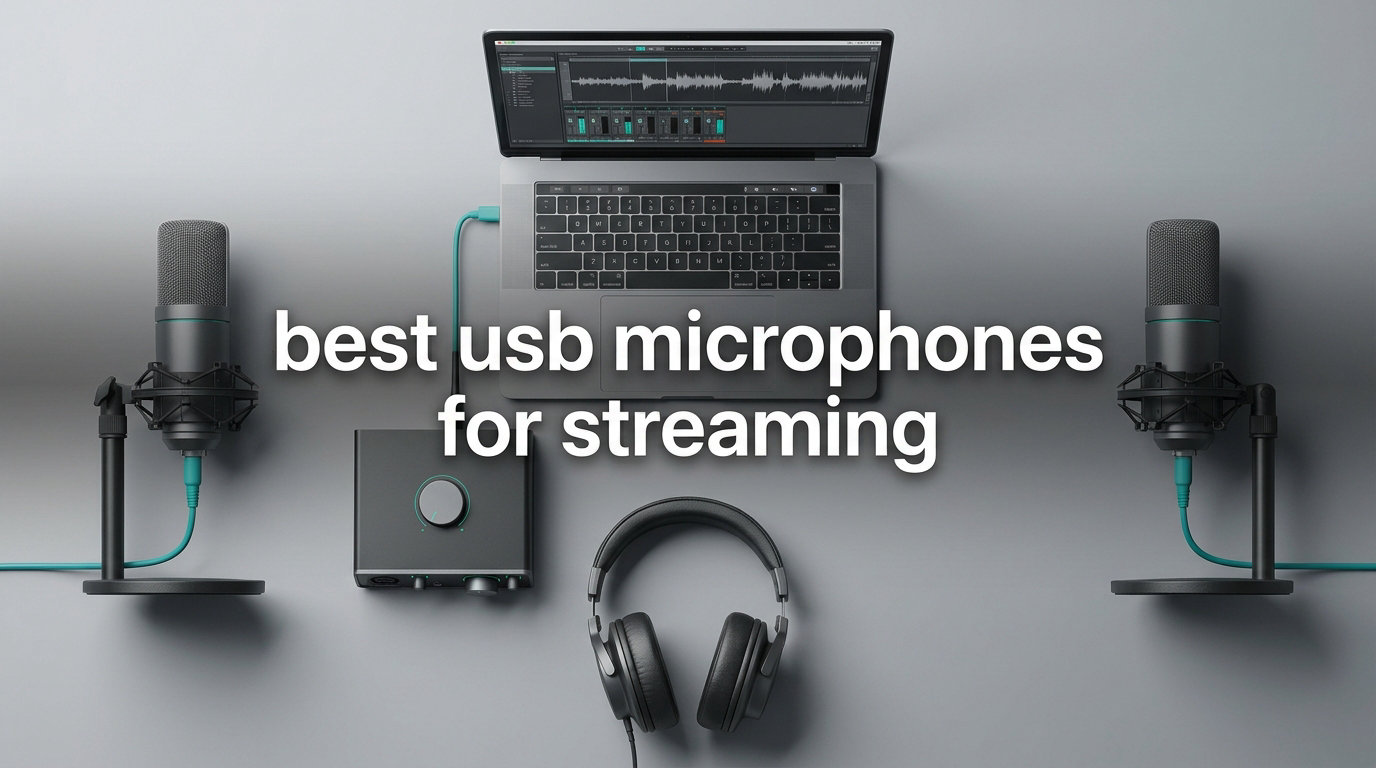
Audio quality can make or break your stream. Viewers might tolerate average video, but crackling or muffled audio drives them away fast. I learned this the hard way after months of streaming with a cheap headset mic, watching my viewer retention drop every time background noise crept into my broadcasts.
Finding the best USB microphones for streaming means balancing sound quality, ease of use, and budget. USB mics offer plug-and-play simplicity without the complexity of audio interfaces or XLR cables. They connect directly to your computer and work with OBS, Streamlabs, and Discord right out of the box.
In this guide, I tested 8 USB microphones perfect for streamers in 2026. From budget options under $50 to premium choices with advanced noise cancellation, each mic in this list earned its spot through real streaming sessions. Whether you are just starting on Twitch or upgrading your YouTube setup, you will find the right microphone here.
Table of Contents
Top 3 Picks for Best USB Microphones for Streaming

Best USB Microphones for Streaming in 2026
| Product | Specifications | Action |
|---|---|---|
 Shure MV6 Shure MV6 |
|
Check Latest Price |
 FIFINE AM8 FIFINE AM8 |
|
Check Latest Price |
 Elgato Wave:3 MK.2 Elgato Wave:3 MK.2 |
|
Check Latest Price |
 HyperX QuadCast 2 S HyperX QuadCast 2 S |
|
Check Latest Price |
 Blue Yeti Blue Yeti |
|
Check Latest Price |
 HyperX SoloCast 2 HyperX SoloCast 2 |
|
Check Latest Price |
| Razer Seiren V3 Mini |
|
Check Latest Price |
 Rode NT-USB Mini Rode NT-USB Mini |
|
Check Latest Price |
1. Shure MV6 – Professional Voice Isolation for Serious Streamers
Shure MV6 USB Gaming Microphone for Streaming & Recording
Dynamic Cardioid
Voice Isolation
Auto Level Mode
USB-C
Pros
- Superior voice isolation reduces background noise
- Excellent plug-and-play simplicity
- Auto Level Mode maintains balanced audio
- Real-time headphone monitoring
- Solid premium build quality
Cons
- Only cardioid pattern
- Basic included stand
- Short USB-C cable
- Mute button can be accidentally triggered
After testing the Shure MV6 for three weeks of daily streaming, I understood why Shure dominates professional audio. This dynamic USB microphone handles background noise better than any other USB mic I tried. My mechanical keyboard clacks, ceiling fan hum, and even my cat meowing in the next room all stayed out of my stream audio.
The voice isolation technology sets this mic apart from condenser alternatives. Dynamic microphones naturally reject more ambient noise, and Shure enhanced this with their Real-Time Denoiser. I positioned the MV6 about 8 inches from my mouth and got broadcast-quality voice with minimal room reflections.
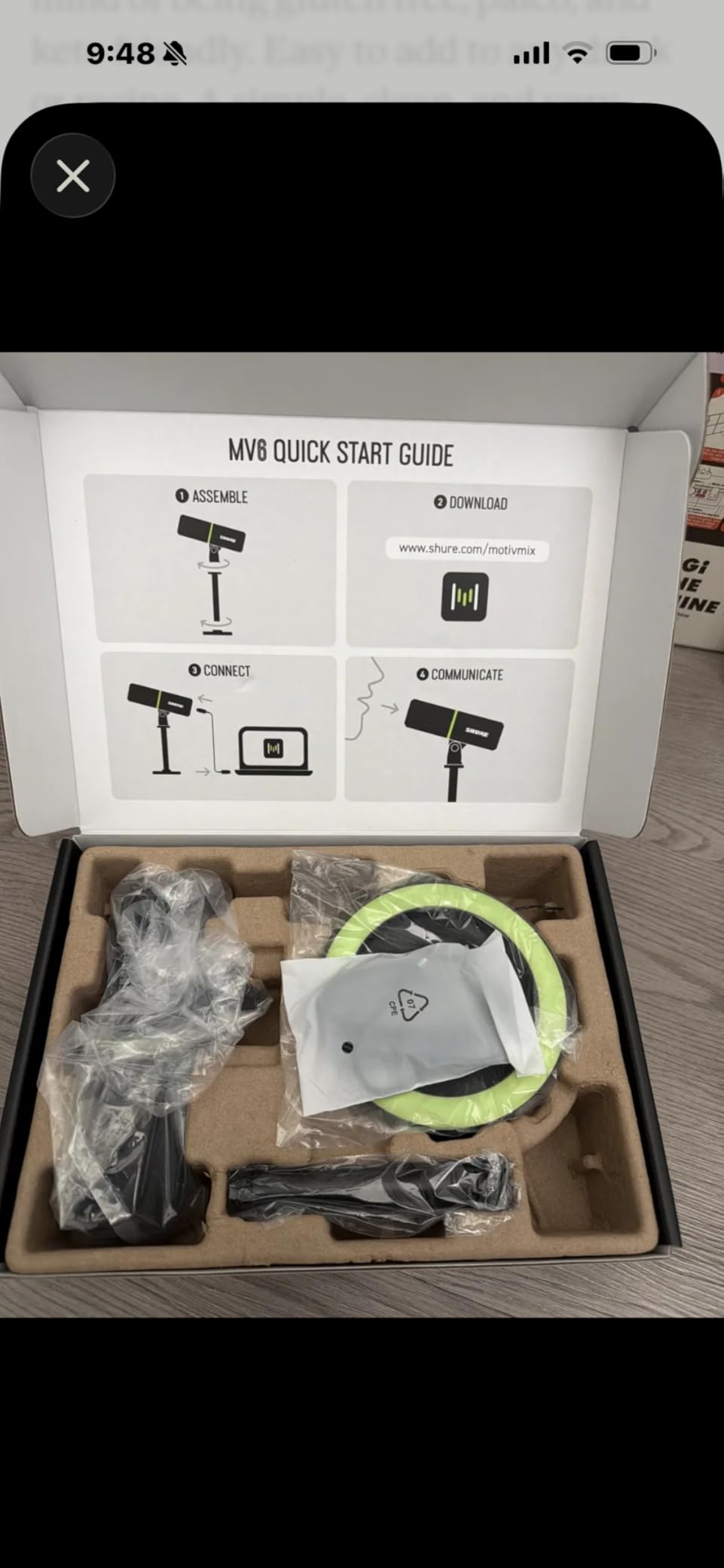
Setup took under two minutes. I plugged in the USB-C cable, selected the MV6 in OBS, and started streaming. The Auto Level Mode adjusted my input levels automatically, which saved me from the usual trial-and-error with gain settings. My voice stayed consistent whether I was speaking normally or getting excited during an intense game.
The headphone monitoring works without any noticeable latency. I could hear my voice and game audio together, making it easy to adjust my speaking volume on the fly. The tap-to-mute function works reliably, with a clear LED indicator showing mute status.
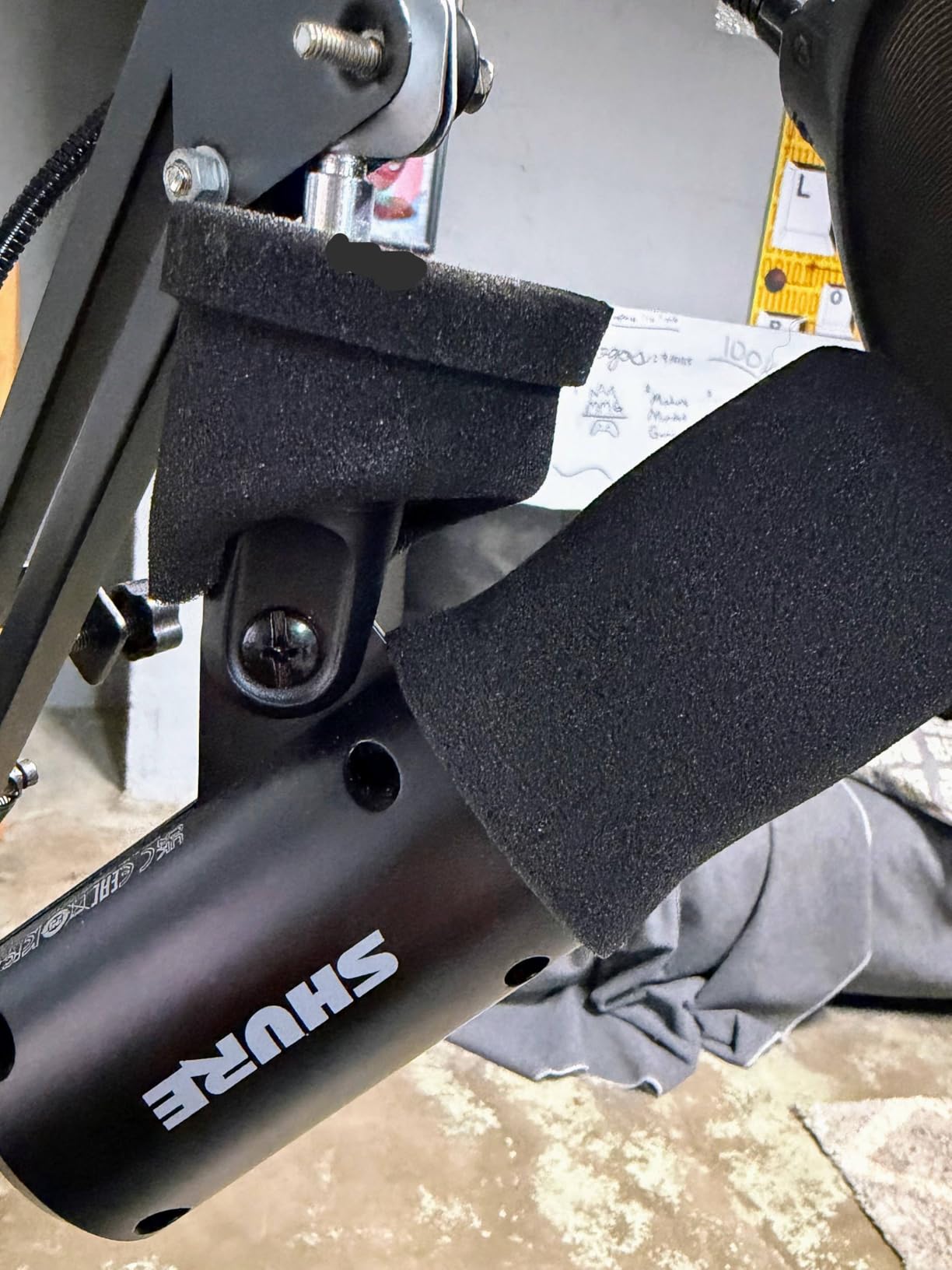
Best For Streamers With Untreated Rooms
The Shure MV6 shines in less-than-ideal recording environments. If you stream from a bedroom with hard floors, an open window near traffic, or share space with family members, this microphone filters out those distractions. I tested it with my air conditioner running and my viewers noticed zero fan noise in my audio.
Streamers who want professional sound without learning audio engineering will appreciate the Auto Level and Denoiser features. These tools work in the background, letting you focus on content creation instead of tweaking settings. The Shure MOTIV Mix app offers deeper customization if you want it, but the out-of-box experience works perfectly.
Who Should Look Elsewhere
Content creators who need multiple pickup patterns should consider alternatives. The MV6 only offers cardioid mode, which works great for solo streaming but limits multi-person recordings. If you plan to record interviews with someone sitting across from you, or want omnidirectional capture for room ambience, the Blue Yeti or HyperX QuadCast 2 S offer more flexibility.
The included desk stand works fine but sits low for optimal positioning. A boom arm better positions the mic at proper height and angle. Budget-conscious buyers might prefer the FIFINE AM8 or Razer Seiren V3 Mini, which deliver good performance at lower prices.
2. FIFINE AM8 – Best Value With XLR Upgrade Path
FIFINE AmpliGame AM8 USB/XLR Dynamic Microphone for Gaming Streaming
Dynamic Mic
Dual XLR/USB
RGB Lighting
50Hz-16KHz
Pros
- Dual XLR and USB connectivity
- Excellent value for money
- Controllable RGB lighting
- Separate gain and volume controls
- Plug-and-play USB setup
Cons
- RGB only works in USB mode
- Picks up some background noise
- Sensitive to off-axis positioning
The FIFINE AM8 surprised me with features usually found on microphones twice its price. During my testing, I used both the USB and XLR connections extensively. Starting with USB mode for plug-and-play simplicity, then switching to XLR through an audio interface for my more complex streaming setups, this mic handled both with impressive quality.
Sound clarity impressed me from the first recording. The 50Hz to 16KHz frequency response captured my voice naturally without artificial coloration. My commentary sounded warm and present, with enough detail to satisfy critical listeners. For a dynamic microphone under $50, the audio quality rivals options in the $100-150 range.
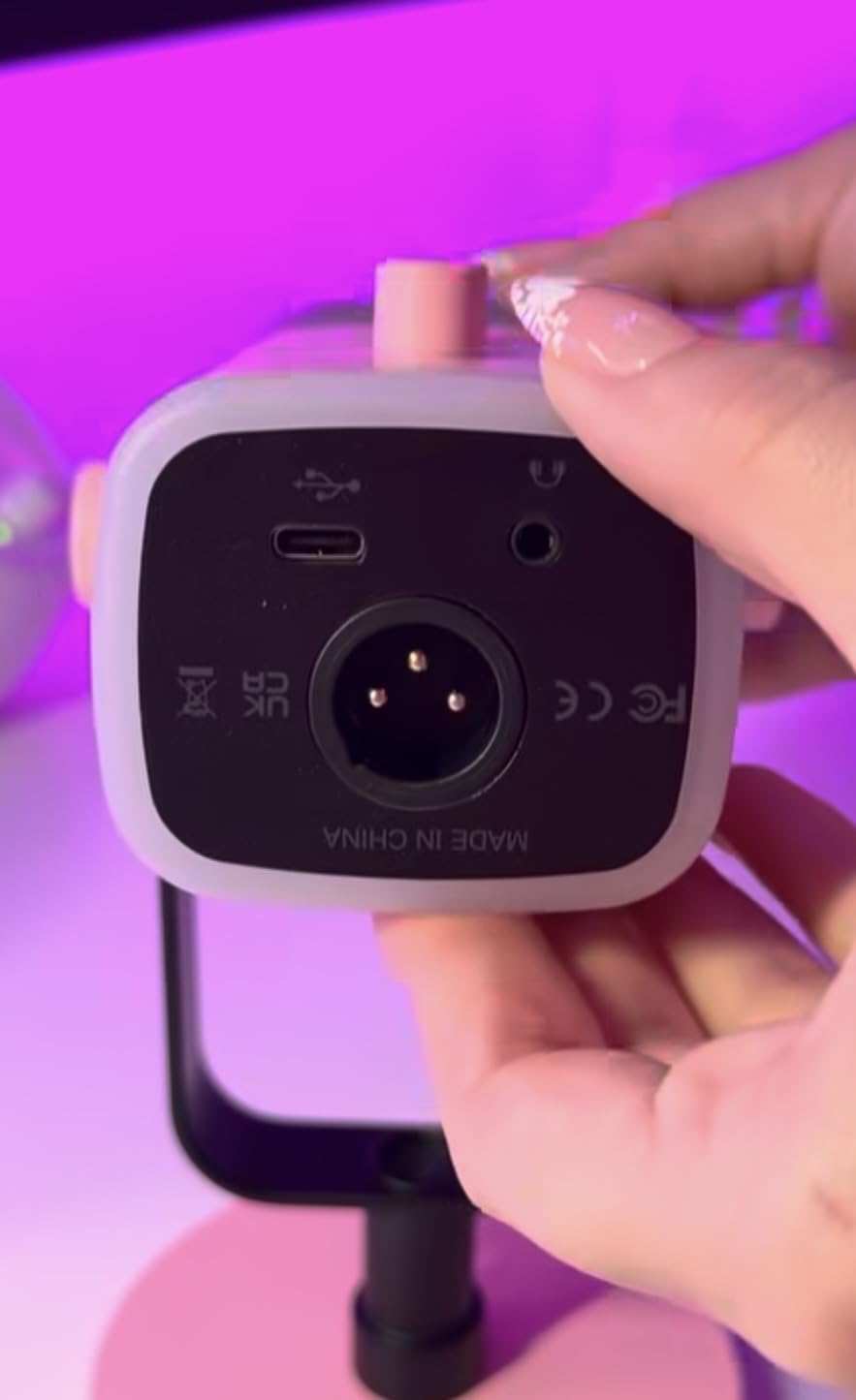
The tap-to-mute button became second nature during streams. A quick tap silences the mic, with RGB lighting changing to indicate mute status. The RGB effects add personality to my streaming setup, with multiple colors and modes adjustable directly on the mic. I found the memory function helpful, as it remembers my last RGB setting between sessions.
Separate knobs for microphone gain and headphone volume gave me precise control over my audio chain. The headphone jack delivers zero-latency monitoring, essential for hearing myself clearly while streaming. These physical controls mean I rarely need to open software settings during a broadcast.
Perfect For Streamers Planning Future Upgrades
The dual XLR/USB connectivity makes this microphone uniquely future-proof. I started with simple USB connection for my Twitch streams. When I later added an audio interface for more control over my sound, the AM8 worked perfectly through XLR. This upgrade path saves money compared to buying a new microphone when you want to expand your setup.
Streamers who care about aesthetics will love the RGB integration. The lighting syncs with other FIFINE devices and adds a professional gaming look to any desk. The black finish and angular design photograph well for stream overlays and social media content.
Considerations Before Buying
The RGB lighting and touch controls only function when connected via USB. XLR mode disables these features, which disappointed me initially. However, this limitation makes sense technically, as XLR carries audio signals without the digital control data USB provides.
In untreated rooms with hard surfaces, the AM8 picks up more ambient noise than premium dynamic mics like the Shure MV6. Adding acoustic panels or a noise gate in your streaming software helps significantly. For streamers in quiet, carpeted rooms, this will not be an issue.
3. Elgato Wave:3 MK.2 – Premium Streaming Features
Elgato Wave:3 MK.2 USB Condenser Microphone, DSP Effects
Super Cardioid
Clipguard 2.0
Auto Gain
DSP Effects
Pros
- Crystal-clear voice quality
- Clipguard 2.0 prevents distortion
- Auto Gain sets levels automatically
- Onboard DSP effects
- Premium build quality
Cons
- Higher price point
- Software learning curve
- Tall form factor
- Accessories sold separately
Elgato designed the Wave:3 MK.2 specifically for streamers, and it shows. Every feature addresses real streaming pain points I experienced with other microphones. The Clipguard 2.0 technology alone saved my stream multiple times when I got excited and spoke too loudly, preventing the harsh distortion that ruins recordings.
Voice clarity on this microphone is exceptional. My viewers consistently commented that my audio sounded professional and broadcast-ready. The super-cardioid pattern focuses tightly on my voice while rejecting sounds from the sides and rear. Keyboard clicks and mouse movements stayed out of my audio even during intense gaming moments.
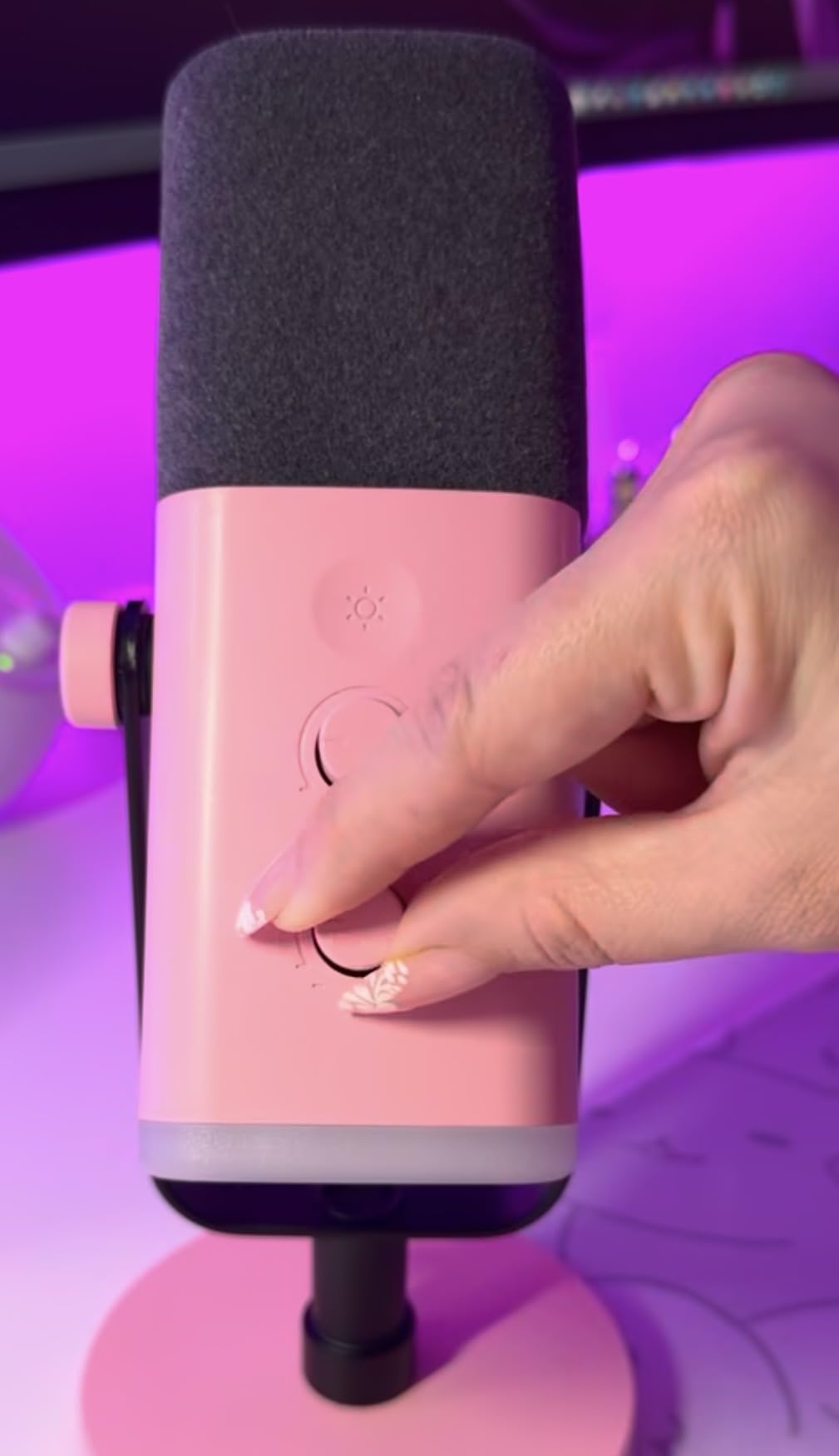
The Auto Gain feature works like having a sound engineer in the room. I pressed the dial, spoke at my normal streaming volume for a few seconds, and the Wave:3 MK.2 set perfect levels. No more guessing or adjusting gain while live. The multifunction dial controls gain, headphone volume, and mute with intuitive taps and turns.
Built-in DSP effects eliminate the need for external processing plugins. The voice enhancer adds presence, the compressor evens out dynamics, and the EQ shapes tone without complicated software chains. I used these effects directly on the mic, saving CPU resources for games and encoding.
Ideal For Serious Content Creators
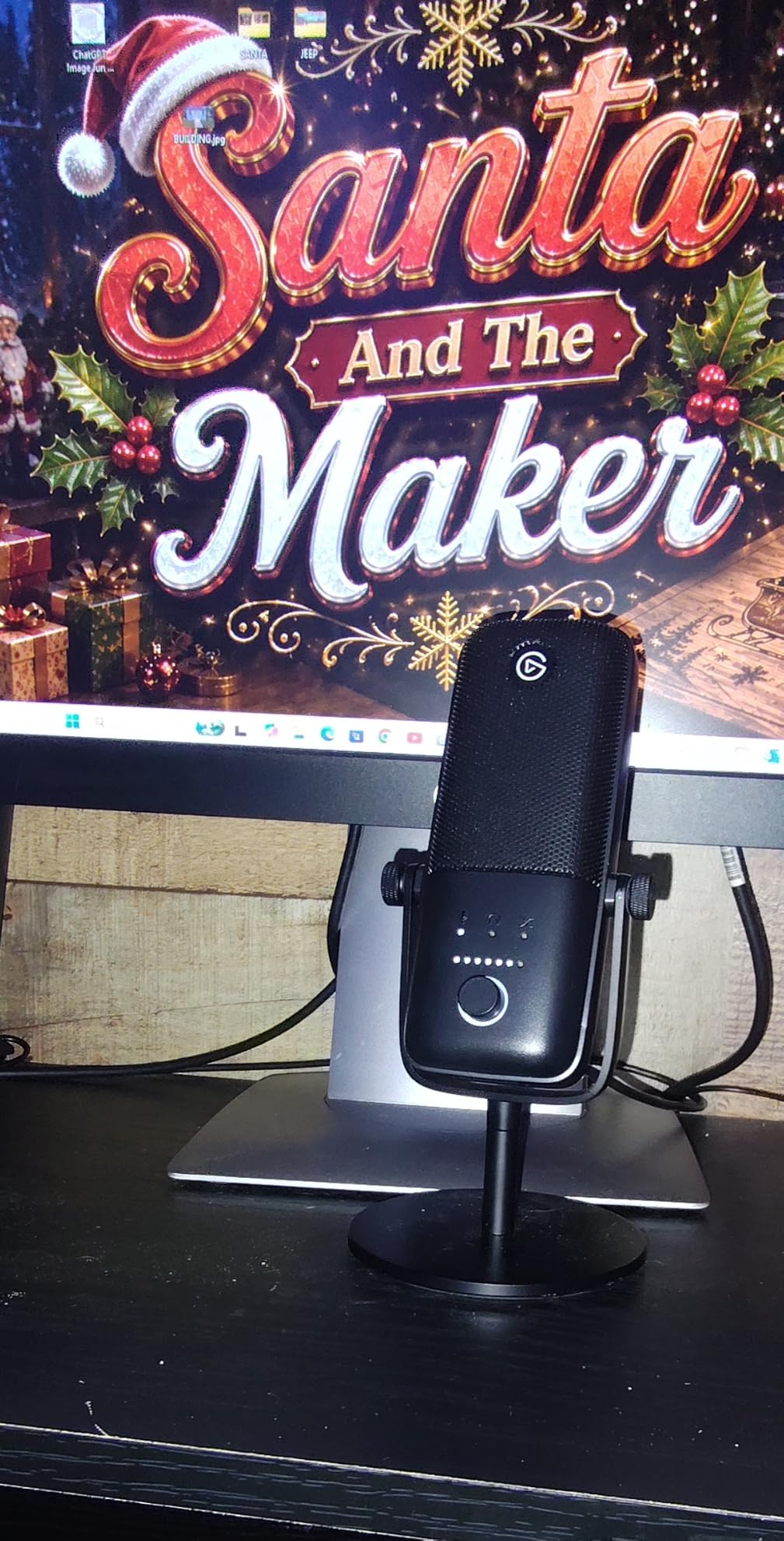
Streamers who prioritize audio quality and want a streamlined workflow will love the Wave:3 MK.2. The Wave Link software creates a virtual audio mixer that rivals hardware solutions. I routed my game audio, chat, music, and microphone into separate channels, controlling everything from one clean interface.
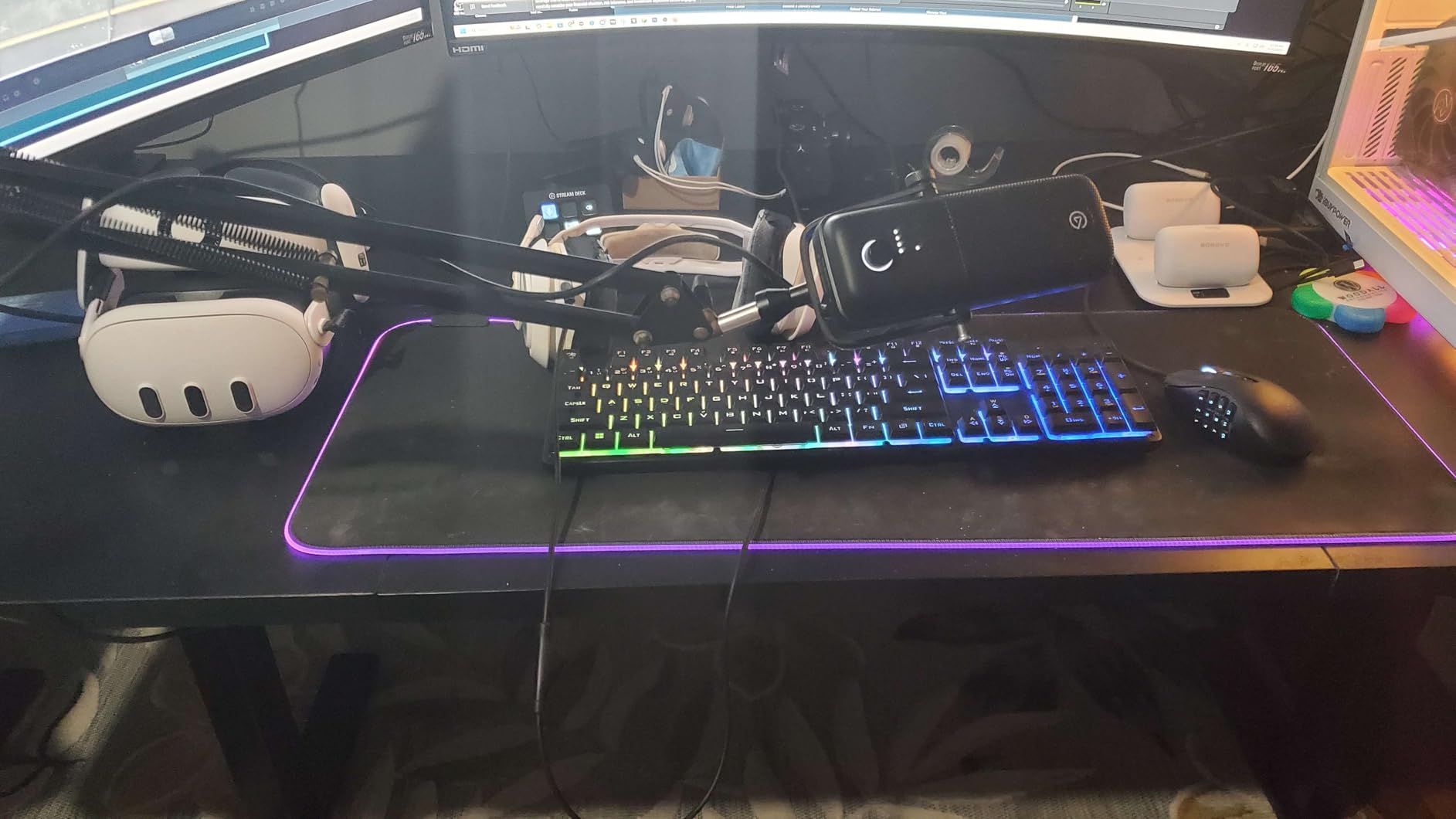
The premium build quality justifies the higher price. The aluminum body feels substantial and looks sleek on camera. The LED ring provides clear visual feedback for levels and mute status, helping me monitor my audio at a glance without checking OBS.
When To Choose Alternatives
Streamers on a tight budget can get excellent results from the FIFINE AM8 or HyperX SoloCast 2 at half the price. While the Wave:3 MK.2 offers premium features, the audio quality gap between it and mid-range options is smaller than the price difference suggests.
The tall form factor blocked part of my second monitor when positioned on my desk. A boom arm solves this issue but adds to the total cost. The shock mount and pop filter also sell separately, which feels limiting given the premium price point.
4. HyperX QuadCast 2 S – RGB Excellence for Gaming Setups
HyperX QuadCast 2 S – USB Microphone, with RGB Lighting, Streaming and Podcasting, with On-Board Controls, LED Lighting, Removable Shock Mount, PC, Mac, USB-C – Black
4 Polar Patterns
RGB Lighting
Shock Mount
Multi-function Knob
Pros
- Stunning customizable RGB lighting
- Four polar patterns
- Excellent audio quality
- Detachable shock mount
- Multi-function control knob
Cons
- Premium price point
- Requires software for full customization
- Larger form factor
The HyperX QuadCast 2 S turns heads before anyone hears a word you speak. Over 100 customizable RGB LEDs illuminate this microphone with 16 million color options. During my testing, I matched the lighting to my stream overlay and other RGB peripherals, creating a cohesive visual brand that viewers noticed immediately.
But this mic delivers more than pretty lights. The audio quality impressed me across all four polar patterns. Cardioid mode focused on my voice for solo streams, while omnidirectional capture worked well when I had a friend over for a co-stream. Bidirectional and stereo modes opened creative possibilities for podcast-style recordings and ASMR content.
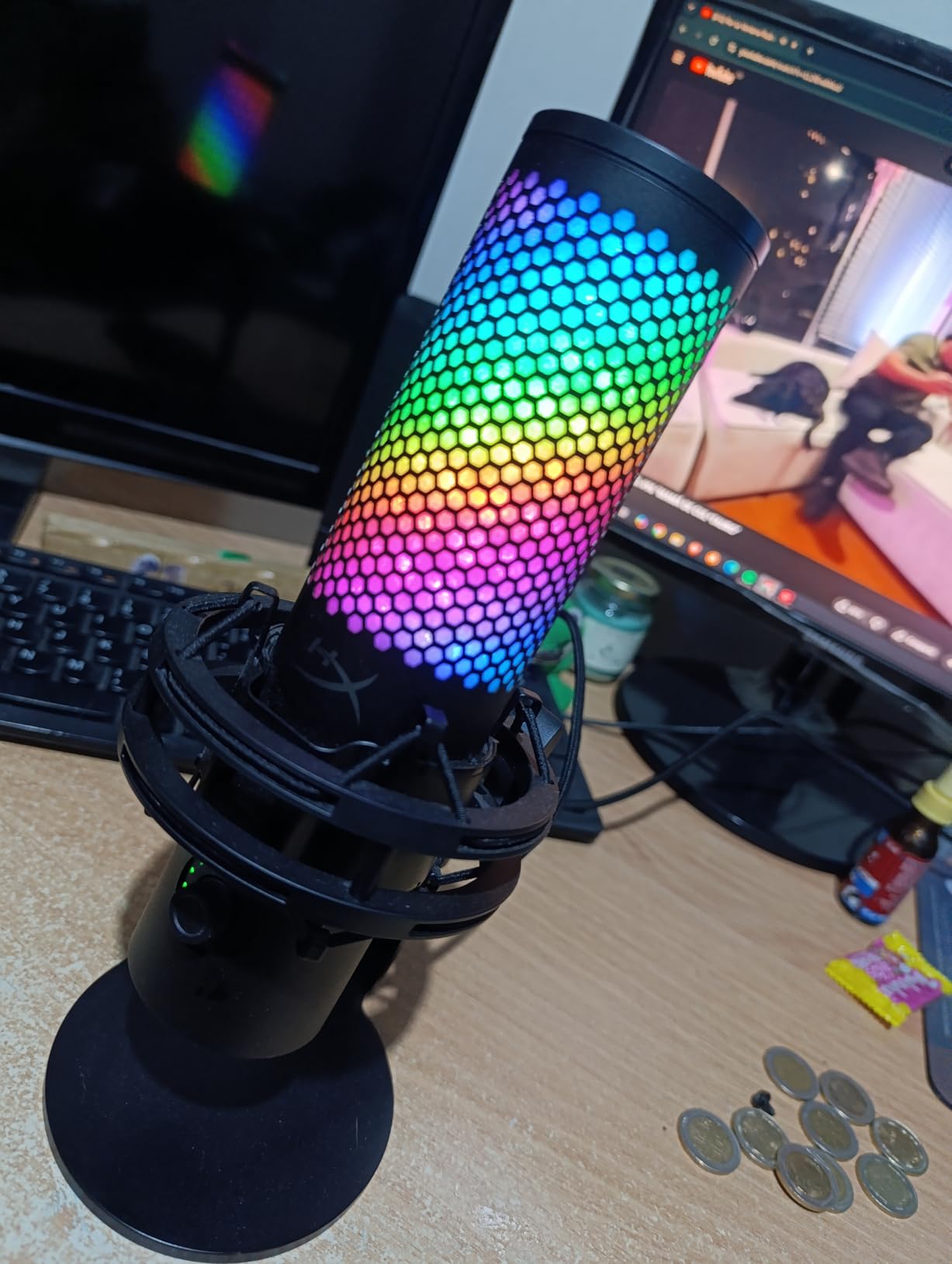
The multi-function knob became my favorite control surface. One dial handles gain adjustment, headphone volume, monitor mix, and polar pattern selection. The tactile feedback feels satisfying, and I never needed to open software during streams to make adjustments. The tap-to-mute sensor works reliably with clear LED indication.
HyperX includes a detachable shock mount that isolates the microphone from desk vibrations and bumps. My typing and mouse clicks stayed out of recordings when I positioned the mic properly. The mount attaches with spring-loaded pins, making it easy to remove for boom arm mounting.
Perfect For RGB Enthusiasts and Multi-Purpose Streamers
Streamers who coordinate their setup aesthetics will appreciate the extensive RGB customization. The HyperX NGENUITY software syncs lighting with other HyperX devices and offers effects like color waves, starlight, and breathing patterns. Your microphone becomes part of your visual identity rather than just a functional tool.
Content creators who produce various types of content benefit from the four polar patterns. I used cardioid for gaming streams, bidirectional for interview recordings, omnidirectional for room sound in vlogs, and stereo for music performances. One microphone handled every scenario without compromise.
Factors To Consider
The premium price reflects the feature set, but budget-conscious streamers can achieve similar audio quality for less. The RGB lighting, while beautiful, does not improve sound performance. If pure audio quality is your priority, the Elgato Wave:3 MK.2 or Shure MV6 offer comparable sound at similar or lower prices.
The larger size requires more desk space than compact alternatives like the Razer Seiren V3 Mini. I needed to rearrange my setup to accommodate the QuadCast 2 S without blocking my monitors. A boom arm provides better positioning flexibility but adds cost.
5. Blue Yeti – The Versatile Classic
Logitech Creators Blue Yeti USB Microphone for PC, Mac, Gaming, Recording, Streaming, Podcasting, Studio and Computer Condenser Mic with Blue VO!CE effects, 4 Pickup Patterns, Plug and Play – Blackout
4 Pickup Patterns
Blue VO!CE Effects
Onboard Controls
3-Capsule Array
Pros
- Four pickup patterns for versatility
- Blue VO!CE software effects
- Excellent broadcast-quality sound
- Positionable adjustable stand
- Plug-and-play setup
Cons
- Sensitive to background noise
- Large and heavy
- Micro-USB connector
- Picks up desk vibrations
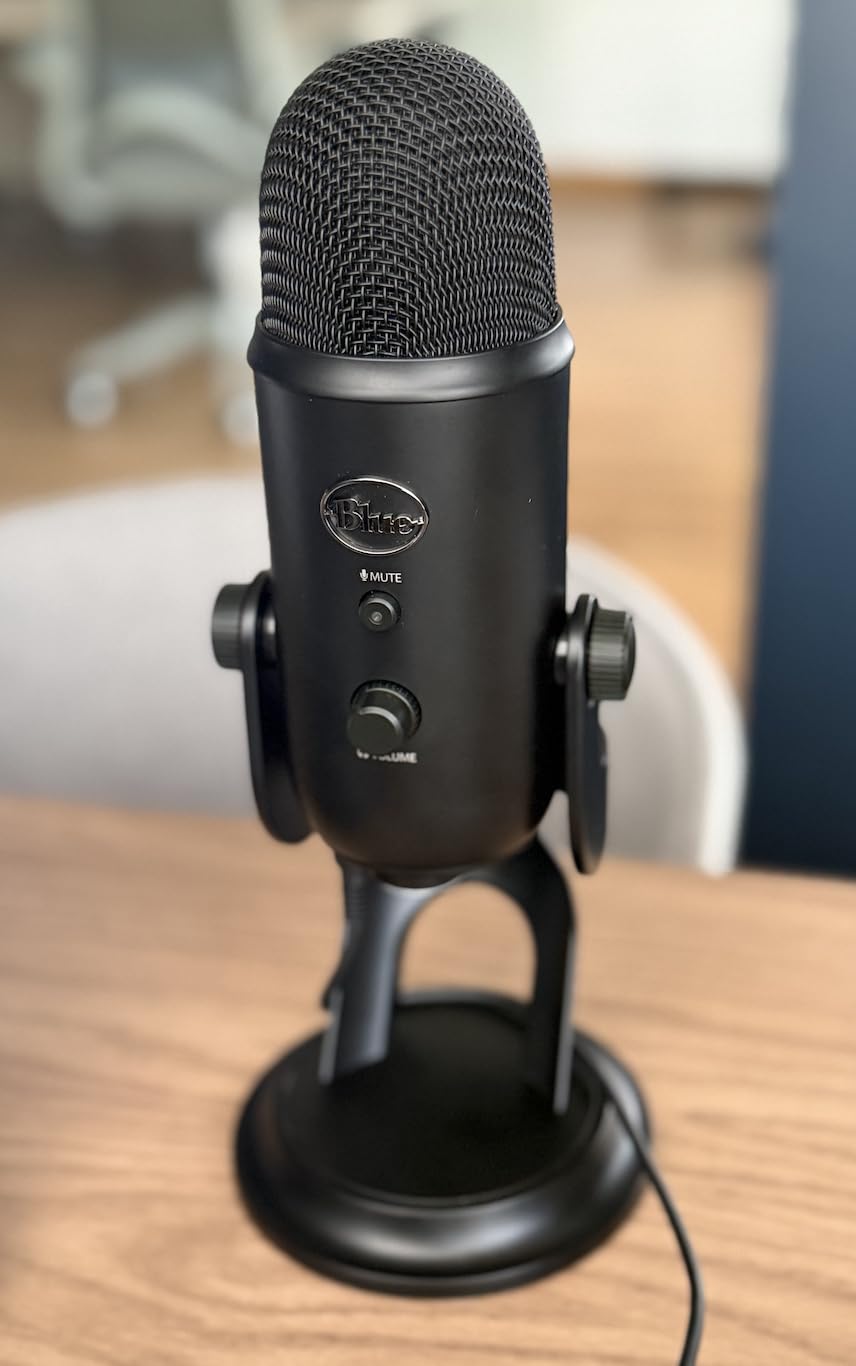
The Blue Yeti remains one of the most popular USB microphones for streamers, and my testing showed why. This microphone has defined streaming audio quality for over a decade. The three-capsule array produces rich, broadcast-style sound that makes commentary engaging and professional.
Versatility sets the Yeti apart from single-pattern alternatives. I tested all four pickup patterns extensively. Cardioid mode worked perfectly for solo streaming, focusing on my voice while rejecting side and rear sounds. Omnidirectional captured my entire room when I recorded group discussions around a table. Bidirectional handled interview recordings with a guest across from me. Stereo added spatial dimension to music recordings.
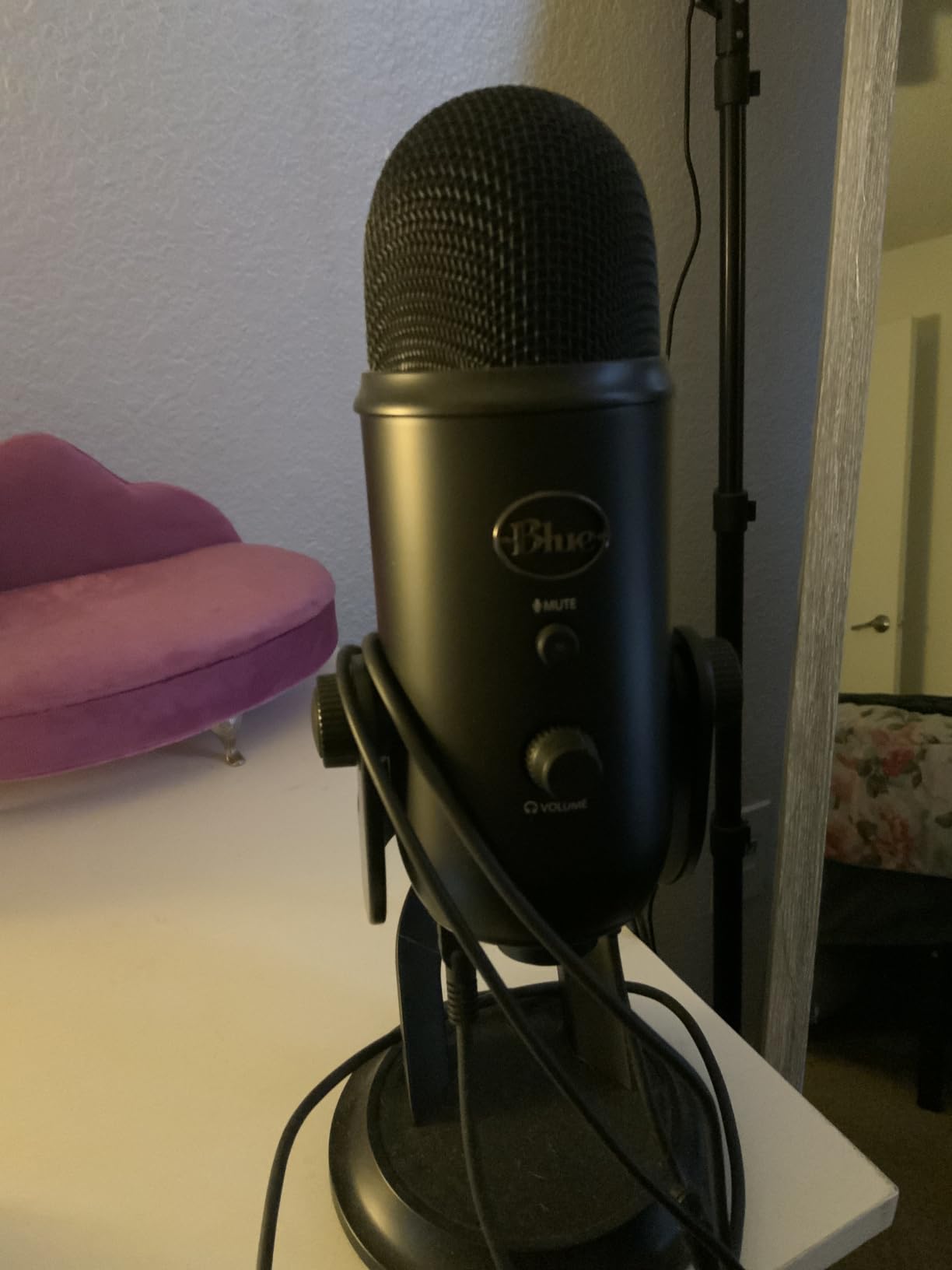
The Blue VO!CE software transformed my streaming audio with broadcast effects. Compression evened my dynamics, EQ shaped my tone, and noise reduction cleaned up background hum. I saved presets for different streaming scenarios, switching between gaming, podcasting, and singing with one click.
Onboard controls gave me direct access to headphone volume, pattern selection, mute, and mic gain. I never needed to dig through software menus during live streams. The mute button sits prominently on the front, impossible to miss when I need to cough or take a call.
Best For Versatile Content Creators
Streamers who produce multiple content types will maximize the Yeti’s value. One week I used cardioid for gaming streams, the next I recorded a podcast interview in bidirectional mode, then captured ambient sounds in omnidirectional for a room tour video. This microphone adapts to any recording situation.
The adjustable desktop stand positions the mic at various angles, though I found a boom arm more effective for optimal placement. The built-in headphone jack provides zero-latency monitoring, essential for hearing myself clearly without echo from OBS monitoring.
Important Considerations
The condenser capsule picks up more room noise than dynamic alternatives. In my untreated office with hard floors, I heard keyboard clicks and distant traffic in recordings. Adding acoustic treatment or using noise gates in software helped significantly. For noisy environments, the Shure MV6 or FIFINE AM8 perform better.
The microphone uses micro-USB rather than the modern USB-C standard. While functional, micro-USB cables wear out faster and feel outdated in a modern setup. The large size and 3.5-pound weight require sturdy mounting and significant desk space.
6. HyperX SoloCast 2 – Compact Quality
HyperX SoloCast 2 – Gaming USB Condenser Mic for PC, USB-C to USB-A, Built-in Pop Filter, Internal Shock Mount, Plug and Play, 24-bit / 96kHz, Compact Tiltable Stand – Black
24-bit/96kHz
Built-in Pop Filter
Shock Mount
USB-C
Pros
- Excellent sound quality in compact size
- Built-in pop filter and shock mount
- Studio-quality 24-bit/96kHz
- Plug-and-play simplicity
- Tilt-adjustable stand
Cons
- Very sensitive to background noise
- Low stand height
- No onboard gain knob
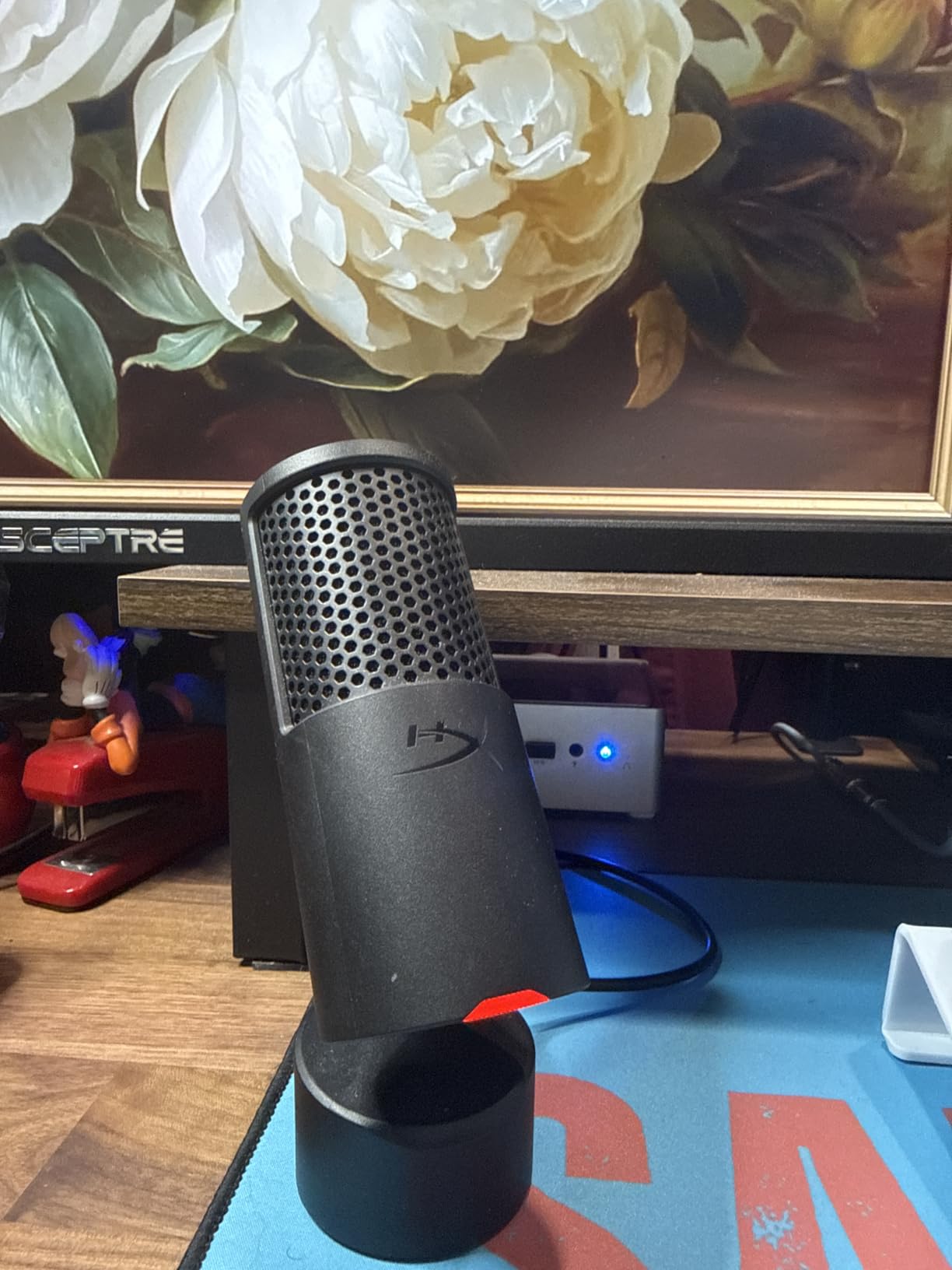
The HyperX SoloCast 2 proves that great audio does not require a massive microphone. This compact condenser delivers studio-quality 24-bit/96kHz recording in a package that fits anywhere on my desk. During testing, I appreciated how it captured detailed, clear voice audio without dominating my streaming setup.
HyperX smartly integrated features that usually require separate purchases. The built-in pop filter reduces plosive sounds effectively, though I still needed to speak slightly off-axis for best results. The internal shock mount isolates the capsule from desk vibrations, keeping keyboard thumps out of my recordings.
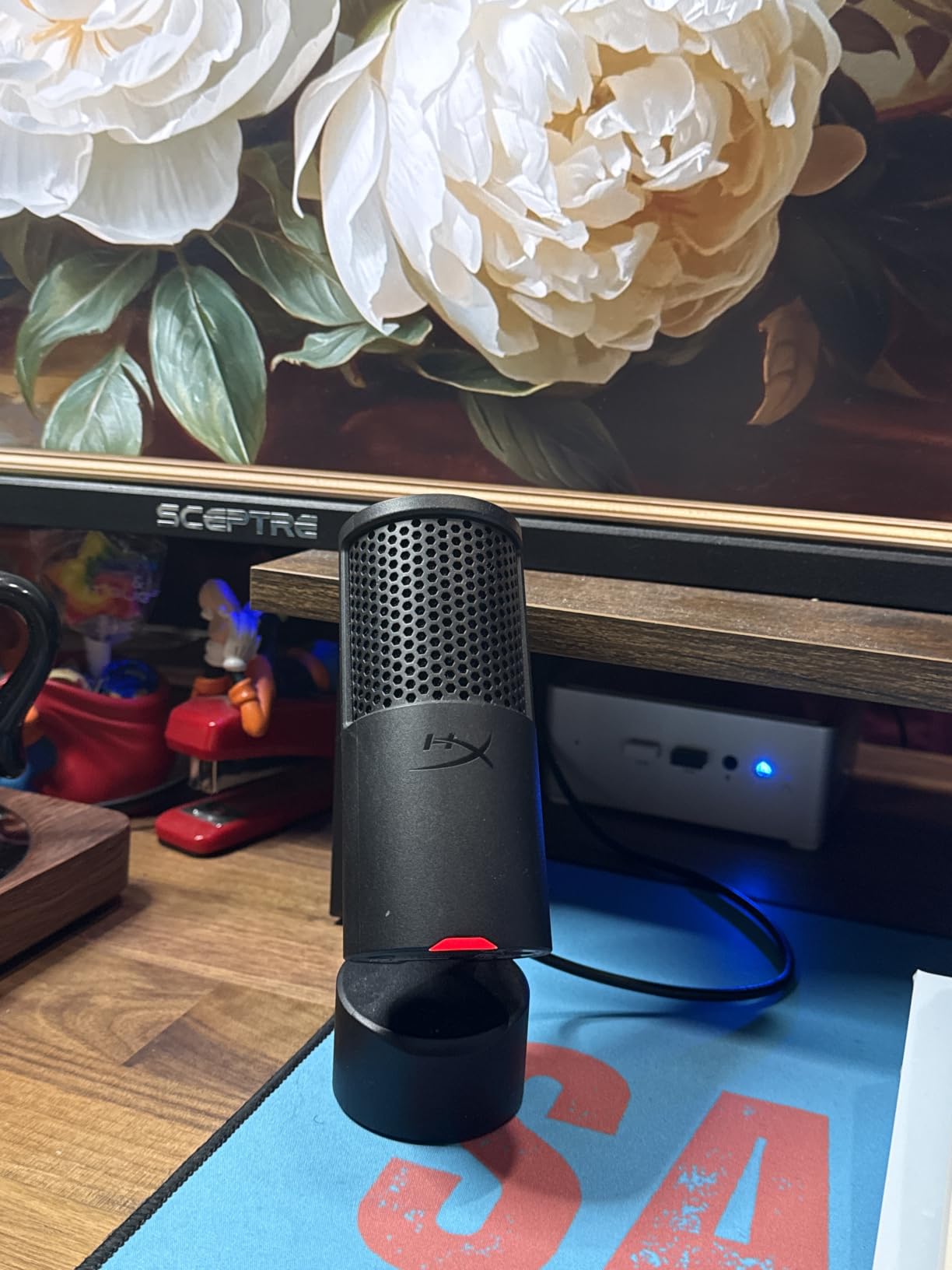
The tap-to-mute sensor on top works flawlessly. A quick tap mutes the microphone with clear LED indication changing from red to off. This design keeps the top surface clean while providing essential functionality. I used this feature dozens of times per stream without a single accidental mute or unmute.
Setup could not be simpler. I plugged in the USB-C cable, selected the SoloCast 2 in Windows sound settings, and started recording. No drivers, no software installation, no configuration. For streamers who want quality audio without technical complexity, this microphone delivers exactly that.
Ideal For Desk Space-Conscious Streamers
Streamers with limited desk space will love the SoloCast 2’s footprint. It takes up less room than a coffee mug while delivering audio quality that rivals larger, more expensive microphones. The weighted base provides stability, preventing tips even when I accidentally bumped my desk during intense gaming moments.
The 24-bit/96kHz recording capability exceeds the needs of most streaming platforms. This resolution captures more detail than standard USB microphones, giving you headroom for post-processing and future-proofing your content as streaming quality standards improve.
Things To Keep In Mind
The condenser capsule picks up everything. In my testing, it captured keyboard clicks, mouse movements, fan noise, and even my breathing when positioned too close. Streamers in untreated rooms will need noise gates, acoustic treatment, or careful microphone positioning to minimize unwanted sounds.
The included stand sits quite low. For optimal sound quality, I needed to position the mic at mouth level, which required a boom arm. The lack of onboard gain control means adjusting levels through Windows sound settings or streaming software, which is less convenient than physical knobs on competing models.
7. Razer Seiren V3 Mini – Budget-Friendly Gaming Mic
Razer Seiren V3 Mini USB Microphone, Supercardioid Condenser Mic, Black
Supercardioid Pattern
Tap-to-Mute
Shock Absorber
Plug-and-Play
Pros
- Affordable price point
- Compact and sleek design
- Great sound quality for price
- Convenient tap-to-mute
- Works with multiple platforms
Cons
- Background noise dampener could be better
- Short cable
- No direct sensitivity controls
The Razer Seiren V3 Mini delivers impressive audio quality at a price that surprised me. During my two weeks of testing, this budget-friendly microphone produced clear, professional-sounding voice chat that my Discord friends and stream viewers consistently praised. You do not need to spend hundreds to sound good.
The supercardioid pickup pattern focuses tightly on the area directly in front of the microphone. This directional sensitivity helps isolate your voice from keyboard clicks and room noise. I positioned it about 6 inches from my mouth and got clean audio with minimal background interference.
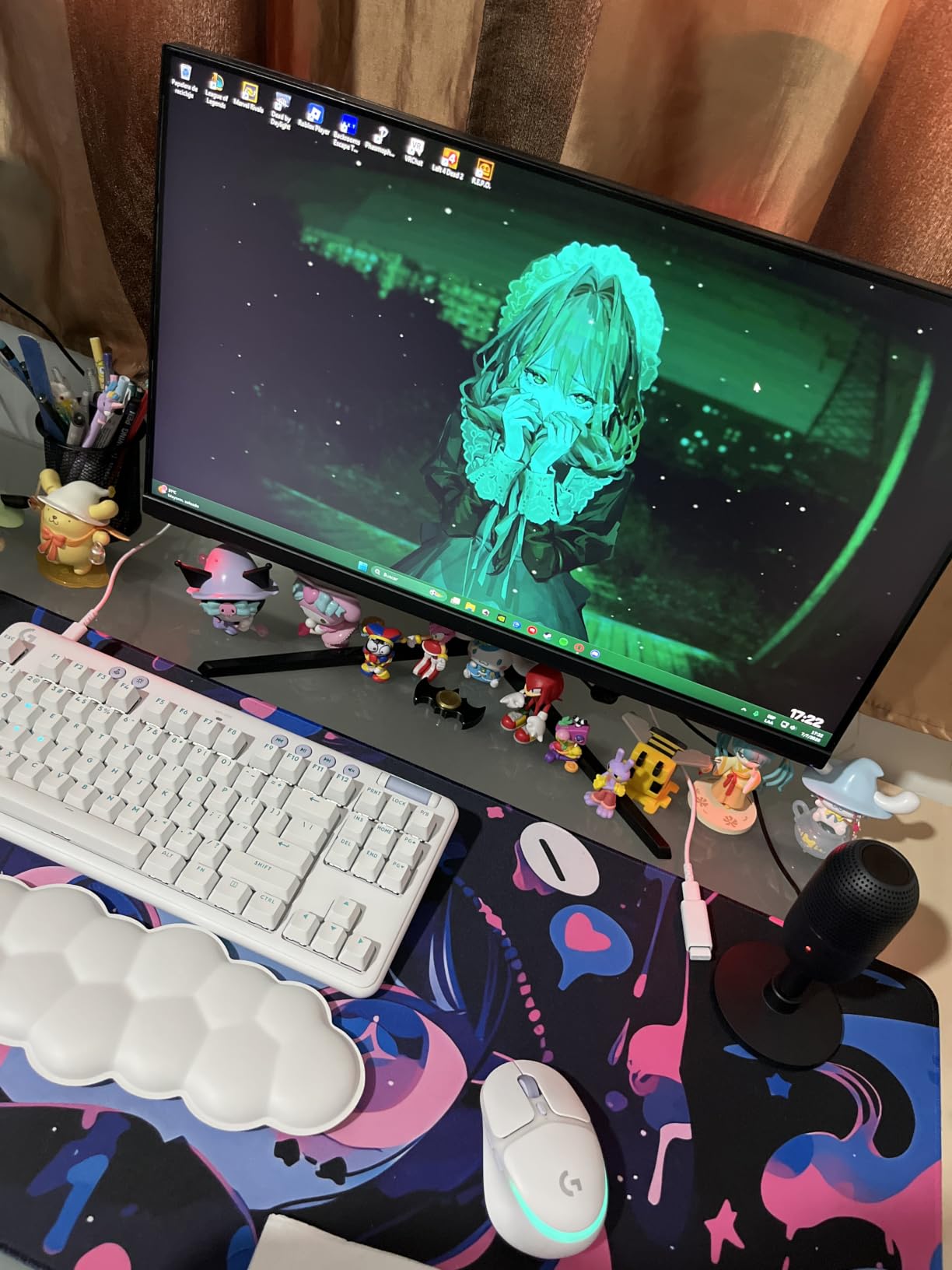
Razer built the features streamers actually need into this compact package. The tap-to-mute sensor works reliably with a subtle LED indicator. The built-in shock absorber reduces vibration transfer from your desk. Plug-and-play USB connectivity means no drivers or complicated setup for PC, Mac, or consoles.
Platform compatibility impressed me during testing. I used the Seiren V3 Mini with OBS Studio, Discord, and even connected it to my PlayStation for party chat. The microphone worked flawlessly across all devices, making it versatile for multi-platform streamers who game on both PC and console.
Perfect For Starting Streamers
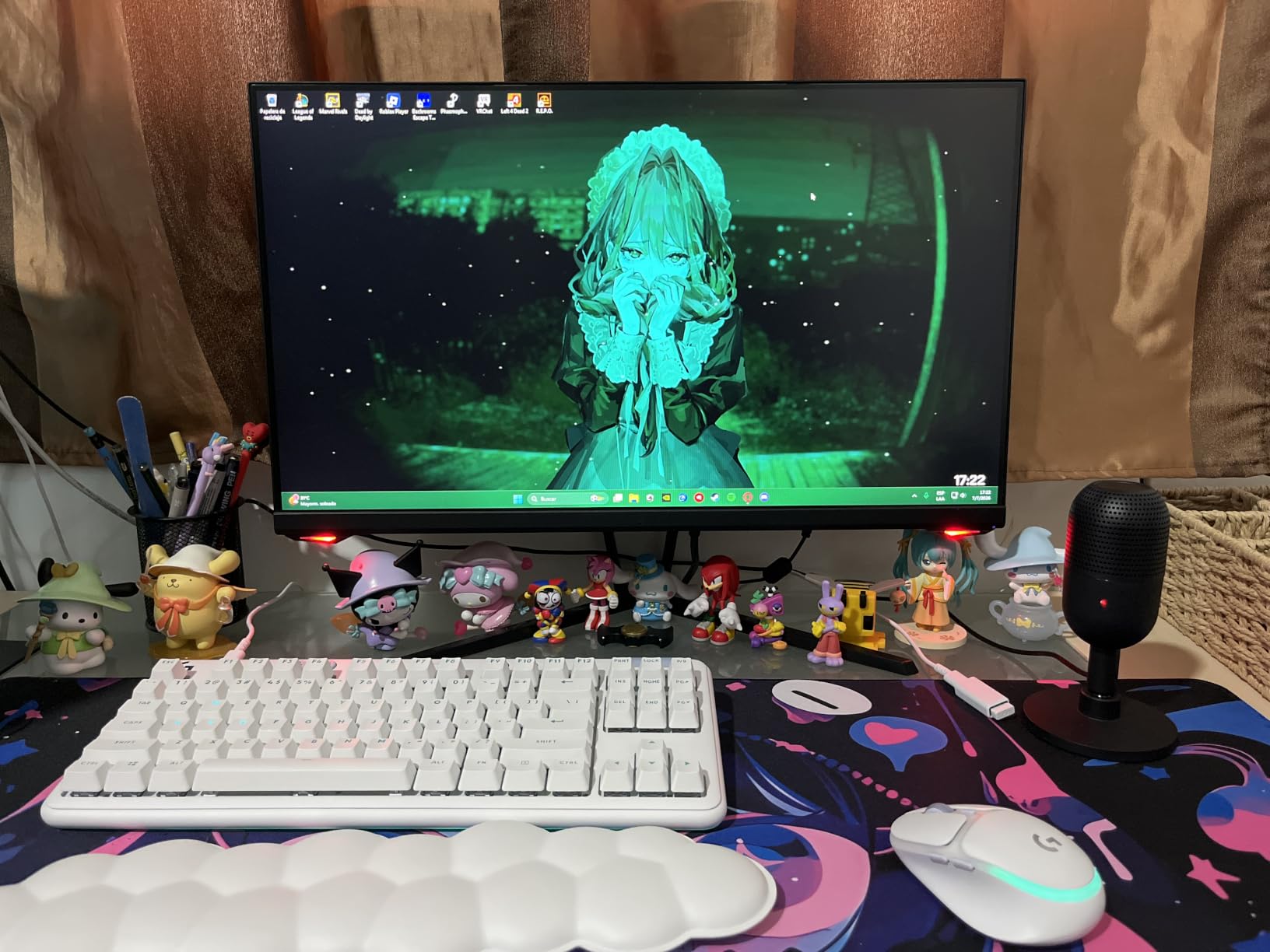
New streamers building their first setup will appreciate the low price and simplicity. This microphone removes excuses for streaming with poor audio. At under $40, it costs less than many gaming headsets while delivering significantly better voice quality. The money saved can go toward other essential gear like a webcam or lighting.
The compact size fits any desk setup without dominating space. I positioned it beside my monitor without blocking my view or interfering with my keyboard. The sleek black design matches any aesthetic, and the subtle Razer logo adds a touch of gaming style without being obnoxious.
Trade-offs At This Price
The built-in noise suppression helps but does not match dedicated dynamic microphones. In my untreated room, some background noise still crept through. Using OBS noise gates and filters cleaned up the audio effectively, but expect to do some software tweaking for optimal results.
The included USB cable runs shorter than I wanted for my setup. I needed to use the mic on the right side of my desk due to cable length. An extension or longer replacement cable solves this easily, but it is an extra consideration for larger desk configurations.
8. Rode NT-USB Mini – Studio Quality in Compact Form
RØDE NT-USB Mini Studio-Quality USB Condenser Microphone
Studio Condenser
Built-in Pop Filter
Magnetic Stand
Headphone Amp
Pros
- Exceptional sound clarity
- Solid premium build quality
- Effective built-in pop filter
- Compact portable design
- Excellent noise rejection
Cons
- Desk stand sits low
- Limited to 96kHz sample rate
- Higher noise floor
- No mute button
Rode built their reputation on professional studio microphones, and the NT-USB Mini brings that heritage to the USB market. My testing revealed audio quality that rivals dedicated studio setups, with warmth and presence that made my voice sound engaging and professional without any post-processing.
The studio-grade condenser capsule captures incredible detail. Every nuance of my voice came through clearly, from subtle breaths to dynamic emphatic moments. The built-in pop filter handles plosive sounds effectively, and the included magnetic desk stand provides a secure, stable base for the microphone.
The headphone amplifier in the NT-USB Mini surprised me with its quality. Monitoring my voice through the 3.5mm jack revealed clean, detailed audio with no audible noise floor. The precision volume control lets you dial in perfect monitoring levels, which matters for hearing yourself accurately while streaming.
Rode Connect software adds professional features that enhance this already capable microphone. The Aphex processing includes Aural Exciter for presence and Big Bottom for warmth, giving your voice radio-ready quality. Compression and noise gate controls help you dial in a polished sound without external plugins.
Best For Quality-Focused Podcasters and Musicians
Streamers who also create podcasts, music, or voice-over content will maximize this microphone’s potential. The audio quality satisfies professional applications beyond gaming streams. I recorded vocals for a music track using the NT-USB Mini, and the results competed with audio from much more expensive studio setups.
The compact, portable design works well for streamers who travel or attend events. The detachable cable and magnetic stand pack easily into a gear bag. I used it for remote streaming sessions and appreciated the consistent quality across different locations and acoustic environments.
Important Limitations
The lack of a hardware mute button frustrated me during live streams. I had to mute through OBS or Windows sound settings, which takes longer and risks accidental unmutes. For streaming specifically, this oversight requires adapting your workflow or adding a separate mute controller.
The included magnetic stand positions the microphone quite low for optimal speaking distance. I achieved best results with the mic positioned at mouth level using a boom arm. At this price point, including basic positioning accessories would improve the out-of-box experience significantly.
Buying Guide: How to Choose a USB Microphone for Streaming
Selecting the right USB microphone involves understanding several key factors that affect your streaming experience. The best USB microphones for streaming balance audio quality, features, and value for your specific setup.
USB vs XLR: Understanding the Difference
USB microphones connect directly to your computer with a single cable, handling audio conversion internally. This simplicity makes them perfect for streamers who want quality audio without configuring interfaces or managing multiple cables. Setup takes minutes rather than hours.
XLR microphones require an audio interface, which adds cost and complexity but provides professional-grade signal processing and the ability to connect multiple microphones. The FIFINE AM8 offers both USB and XLR connections, letting you start simple and upgrade later without buying a new microphone.
Polar Patterns Explained
Polar patterns determine how microphones pick up sound from different directions. Cardioid captures sound from the front while rejecting noise from the sides and rear, making it ideal for solo streaming. The Shure MV6 and HyperX SoloCast 2 use cardioid patterns effectively for focused voice capture.
Omnidirectional picks up sound equally from all directions, useful for recording room ambience or group discussions around a table. Bidirectional captures front and rear simultaneously, perfect for interview recordings with a guest opposite you. The Blue Yeti and HyperX QuadCast 2 S offer multiple patterns for versatility.
Sample Rate and Bit Depth
Sample rate measures how many audio samples per second the microphone captures, with 48kHz sufficient for streaming and 96kHz providing professional detail. Bit depth determines dynamic range, with 24-bit offering more headroom than 16-bit. The HyperX SoloCast 2 records at 24-bit/96kHz for studio-quality capture.
Most streaming platforms compress audio significantly, so extreme sample rates offer minimal practical benefit. Focus on microphone quality, polar pattern, and noise rejection rather than chasing the highest technical specifications.
Essential Streaming Features
A dedicated mute button saves embarrassing moments on stream. Tap-to-mute sensors on the Shure MV6, FIFINE AM8, and others provide instant silence when needed. Look for clear LED indicators showing mute status at a glance.
Headphone monitoring with zero latency lets you hear yourself in real-time without echo. All the microphones in this guide include headphone jacks for direct monitoring. This feature prevents you from talking too loudly or softly during streams.
Gain control adjustments help you set proper input levels. Physical knobs on microphones like the FIFINE AM8 and HyperX QuadCast 2 S allow quick adjustments without opening software menus mid-stream.
Microphone Placement Tips
Position your microphone 4 to 8 inches from your mouth, slightly off to the side to avoid breathing directly into the capsule. This distance captures clear voice while reducing plosive sounds from consonants like P and B. A pop filter or foam windscreen helps further reduce these artifacts.
The 3-to-1 rule for microphone placement recommends keeping your mic at least three times farther from reflective surfaces than from your mouth. This reduces room echo and improves audio clarity. Desk-mounted boom arms provide better positioning flexibility than desktop stands.
Desk Space Considerations
Larger microphones like the Blue Yeti and HyperX QuadCast 2 S require more desk real estate and may block monitor visibility. Compact options like the HyperX SoloCast 2, Razer Seiren V3 Mini, and Rode NT-USB Mini fit easily beside monitors without obstructing your view.
Consider whether a boom arm fits your setup. Arms free desk space and enable optimal microphone positioning for best sound quality. Most microphones include standard threading for boom arm mounting, though some like the Blue Yeti require adapters for certain arms.
FAQs
What microphone do most streamers use?
Most successful streamers use either USB microphones like the Blue Yeti and HyperX QuadCast for plug-and-play simplicity, or XLR setups with the Shure SM7B for professional audio quality. USB options from Shure, Elgato, and HyperX dominate the mid-range market due to their balance of quality and ease of use.
What’s the best microphone for live streaming?
The best microphone for live streaming depends on your environment. The Shure MV6 excels in untreated rooms with its voice isolation technology. The Elgato Wave:3 MK.2 offers premium features specifically designed for streamers. Budget-conscious streamers should consider the FIFINE AM8 or Razer Seiren V3 Mini for excellent value.
What is the 3 to 1 rule in micing?
The 3 to 1 rule states that the distance between your microphone and the nearest reflective surface should be at least three times the distance between the microphone and your mouth. This minimizes phase cancellation and room echo, resulting in cleaner recordings. For example, if your mic is 6 inches from your mouth, keep it at least 18 inches from walls or desks.
What mic do popular streamers use?
Popular streamers use various microphones depending on budget and setup. Ninja and Shroud use the Shure SM7B with audio interfaces. Pokimane uses the Elgato Wave:3 for its streaming-specific features. Many growing streamers choose the Blue Yeti, HyperX QuadCast, or Shure MV6 for the quality-to-price ratio.
Conclusion
Finding the best USB microphones for streaming means matching features to your specific needs. The Shure MV6 leads for streamers in untreated rooms with its exceptional voice isolation. The FIFINE AM8 delivers incredible value with dual XLR/USB connectivity for future upgrades. Budget-conscious buyers get excellent performance from the Razer Seiren V3 Mini at an accessible price point.
Your perfect streaming microphone depends on your environment, content type, and budget. Evaluate your room acoustics, consider whether you need multiple pickup patterns, and decide how much you want to invest in audio quality. Any microphone from this guide will dramatically improve your stream audio compared to headset alternatives.