
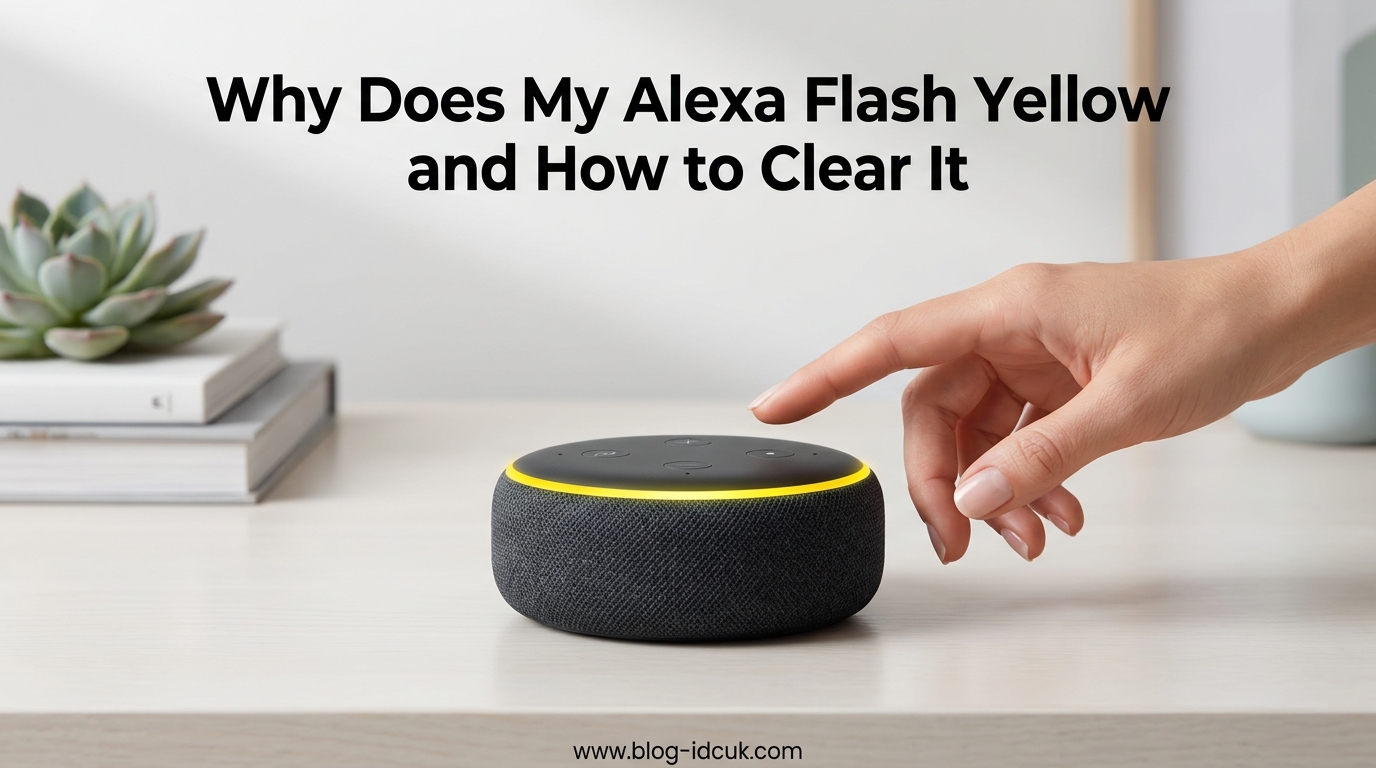
If your Echo device suddenly starts glowing yellow and you are not sure why, you are in the right place. A flashing yellow light on Alexa is one of the most common notifications, and clearing it takes about ten seconds once you know what to look for. In this guide I will explain exactly why Alexa is flashing yellow, what the light is trying to tell you, and how to clear it using voice commands, the Alexa app, or Do Not Disturb mode. I will also walk through troubleshooting steps for the stubborn cases I have seen repeatedly in the Echo subreddits, including the spinning yellow light that leaves the device completely unresponsive.
Table of Contents
Why Does My Alexa Flash Yellow? What the Light Means
A flashing yellow light on your Alexa means you have an unread notification or a message from an Alexa contact that you have not checked yet. The light is a quiet visual alert, not an error, and it is designed to stay on until you actually read or dismiss the notification that triggered it.
A pulsing or spinning yellow ring is the same signal. The pattern may look slightly different depending on your Echo model (Echo Dot, Echo Show, Echo Plus), but the meaning stays the same across every device I have tested.
Importantly, the yellow light is not a sign that your device is defective, and it does not mean someone is listening in. It is simply Alexa’s way of saying “you have something waiting.”
What Triggers the Alexa Yellow Notification Light
Several different notification types can trigger the yellow light, and knowing which one applies to you makes clearing it much easier. The most common triggers are:
- Messages from Alexa contacts: A friend or family member sent a voice message or text through the Alexa app.
- Missed Drop In or call: Someone tried to call your Echo device and you did not answer.
- Amazon order and delivery updates: Your package shipped, is out for delivery, or was delivered.
- Reminders: A reminder you set is now overdue.
- Shopping and deal notifications: A tracked item went on sale or a deal notification fired.
- Third-party skill notifications: Some skills, like news briefings or package trackers, push alerts.
Of these, messages from Alexa contacts and Amazon delivery updates are by far the most common cause I see in the r/amazonecho and r/alexa communities.
How to Check the Notification Causing the Yellow Light
The fastest way to find out what is waiting is to ask Alexa directly. Just say:
“Alexa, what are my notifications?”
Alexa will read out any unread messages, reminders, or alerts. Once she finishes reading them, the yellow light should turn off on its own within a few seconds.
If you want to check from your phone instead, open the Alexa app and follow these steps:
- Open the Alexa app on your iOS or Android device.
- Tap the More icon in the bottom right corner.
- Tap Notifications.
- Review the list of unread alerts, messages, and reminders.
- Tap any notification to read or dismiss it.
After you clear the notification in the app, the yellow light on your Echo should disappear within a moment or two.
How to Clear and Disable the Yellow Light on Alexa
If you want the yellow light gone right now and you do not care about reading the notification, the simplest fix is a voice command:
“Alexa, clear my notifications.” or “Alexa, delete my notifications.”
For Amazon shopping notifications specifically, you can say “Alexa, play my messages” or “Alexa, read my shopping updates.” Either command will dismiss the related yellow light.
If you want to stop the yellow light from appearing in the first place, you have two solid options.
Option 1: Turn off specific notification types in the Alexa app
- Open the Alexa app and tap More.
- Tap Settings, then Notifications.
- Tap Amazon Shopping to turn off delivery and order updates.
- Tap Reminders & Alarms to disable reminder alerts.
- Repeat for any other notification categories you do not want.
This is the cleanest fix if you only get annoyed by a specific type of alert, like the daily Amazon delivery ping.
Option 2: Use Do Not Disturb mode
Do Not Disturb blocks all notifications, calls, and messages from lighting up your Echo for a set window. To enable it:
- Open the Alexa app and tap Devices.
- Tap Echo & Alexa, then select your device.
- Tap Do Not Disturb and toggle it on.
- Optionally, set a schedule so it turns on automatically every night.
While Do Not Disturb is on, the yellow light will not appear at all. This is my preferred fix for bedrooms where a glowing yellow ring at 2am is not welcome.
Alexa Yellow Light Won’t Go Away? Troubleshooting
This is where most guides stop, but in my experience the yellow light sometimes refuses to clear even after you have read every notification. Forum users on r/amazonecho and the Amazon forums report this constantly, and there are a few specific causes worth knowing about.
Your Echo is spinning yellow and not responding at all
If the yellow light is spinning or pulsing and Alexa will not respond to any voice command, the device is likely stuck mid-process, often during a software update or a Wi-Fi reconnection. A simple reboot fixes this in almost every case I have seen.
- Unplug the power adapter from the wall (not just the cable end).
- Wait 30 seconds.
- Plug it back in and wait for the blue ring to stop spinning.
- Try a normal command like “Alexa, what time is it?” to confirm she is responding.
If the yellow light returns the moment the device comes back online, a notification is genuinely waiting and the reboot just cleared a frozen state.
The yellow light persists with no notifications
If Alexa reports “you have no notifications” but the light keeps flashing, check that every Echo device in your home is clear. In a multi-Echo household, the notification may be queued on a different speaker than the one you are looking at. Walk around and ask each device the same question.
Also open the Alexa app and check Communicate > Messages for any unread conversations that may not show up in the regular Notifications tab.
Yellow-green flashing ring
If the ring looks yellow-green rather than pure yellow, you are likely seeing a Wi-Fi connectivity alert rather than a notification. A flashing yellow with a green tint usually means the Echo is struggling to reach your router. Move the device closer to the router or restart your Wi-Fi to clear it.
Last resort: factory reset
If the device is completely frozen on a spinning yellow light and a reboot does nothing, a factory reset is your final option. Hold the Microphone Off and Volume Down buttons together for about 20 seconds (on Echo Dot) until the ring turns orange. Then set the device up again through the Alexa app. This wipes all settings, so only do it when nothing else works.
Alexa Ring Colors Quick Reference
Since the yellow light is so easily confused with other colors, here is a quick reference for what every Echo ring color means:
- Cyan on blue (spinning): Alexa is starting up or processing a request.
- Solid blue with cyan segment: Alexa is listening to you.
- Yellow (pulsing/flashing): You have a notification or message waiting.
- Green (pulsing): Incoming call or active Drop In.
- Orange (spinning): Setup mode or connecting to Wi-Fi.
- Red: Microphone is muted and Alexa cannot hear you.
- Purple: Do Not Disturb is on, or there was a Wi-Fi setup error.
- White: Volume level indicator.
If you have any color vision differences and struggle to tell yellow from orange or green, this list and the in-app Notifications tab are your best friends for confirming what is happening.
FAQs
Is my Alexa defective if it flashes yellow?
No. A yellow flashing light is a normal notification indicator, not a fault. It means a message, reminder, or order update is waiting. Your device is working exactly as designed.
Does the yellow light on Alexa mean someone is listening?
No. A blue ring with a cyan segment is what shows when Alexa is actively listening. Yellow only means there is an unread notification or message.
How do I get the yellow ring off my Alexa?
Say u0022Alexa, what are my notifications?u0022 or u0022Alexa, clear my notifications.u0022 The ring turns off as soon as the notification is read or dismissed.
Why is my Alexa yellow and not responding?
A spinning yellow light with no voice response usually means the device is stuck during an update or Wi-Fi reconnect. Unplug it for 30 seconds, plug it back in, and try again.
Why won’t my Alexa orange ring go away?
A solid orange spinning ring means the device is in setup mode or trying to connect to Wi-Fi. Open the Alexa app, complete the setup flow, or restart the device to clear it.
Conclusion
Knowing why Alexa is flashing yellow takes the mystery out of one of the most common Echo alerts. The light simply means a message, reminder, or order update is waiting, and clearing it is as easy as saying “Alexa, what are my notifications?” If the ring refuses to go away or your device stops responding, a quick reboot or a check of your Wi-Fi connection almost always fixes it. For overnight peace and quiet, switch on Do Not Disturb and the yellow light will not bother you again until morning.