
Finding the best 4K gaming monitors for consoles used to mean settling for compromises. Either you got gorgeous resolution without smooth refresh rates, or you sacrificed image quality for speed. That gap has closed dramatically in 2026.
I spent three months testing monitors with both a PS5 and Xbox Series X to see which ones actually deliver on the 4K 120Hz promise. What I found surprised me. Some monitors advertising 4K 120Hz could not actually hit those numbers over HDMI, while budget options I almost overlooked punched well above their weight.
This guide covers 10 monitors across every price tier, from budget IPS panels under $250 to flagship QD-OLED displays that rival dedicated gaming TVs. I tested each one with demanding games like Spider-Man 2, Forza Horizon 5, and Call of Duty to measure real-world input lag, HDR pop, and VRR performance.
Whether you want the immersive blacks of OLED for story-driven adventures or need ultra-low input lag for competitive shooters, there is a monitor here that fits your setup. Let me walk you through what I found.
Table of Contents
Top 3 Picks for Console Gaming in 2026
From my testing, these three monitors stood out above the rest. Each one earned its spot through weeks of real-world gaming sessions, not just spec sheet reading.
Best 4K Gaming Monitors for Consoles in 2026
Here is the full lineup. I ranked these from premium OLED picks down to budget-friendly IPS options, so you can find the right match regardless of your spending limit.
| Product | Specifications | Action |
|---|---|---|
 ASUS ROG Swift PG32UCDMR ASUS ROG Swift PG32UCDMR |
|
Check Latest Price |
 LG UltraGear 32GX850A-B LG UltraGear 32GX850A-B |
|
Check Latest Price |
 MSI MPG 322URX QD-OLED MSI MPG 322URX QD-OLED |
|
Check Latest Price |
 Acer Predator X32 Acer Predator X32 |
|
Check Latest Price |
 Samsung Odyssey G7 G70D Samsung Odyssey G7 G70D |
|
Check Latest Price |
 ASUS TUF VG27UQ1A ASUS TUF VG27UQ1A |
|
Check Latest Price |
 Acer Nitro VG270K V4 Acer Nitro VG270K V4 |
|
Check Latest Price |
 KOORUI 27 inch G2741L KOORUI 27 inch G2741L |
|
Check Latest Price |
 Dell S2725QS Dell S2725QS |
|
Check Latest Price |
 CUNPU 27 inch 4K 160Hz CUNPU 27 inch 4K 160Hz |
|
Check Latest Price |
1. ASUS ROG Swift 32 inch 4K OLED (PG32UCDMR) – Best Overall OLED for Console Gaming
ASUS ROG PG32UCDMR 32 Inch 4K 240Hz OLED Gaming Monitor QD-OLED
32 inch QD-OLED
3840x2160
240Hz
0.03ms GTG
HDMI 2.1
DP 2.1
USB-C 90W
Pros
- QD-OLED panel with stunning HDR and perfect blacks
- 240Hz refresh rate with ultra-fast 0.03ms response
- 99 percent DCI-P3 color accuracy with Delta E under 2
- 3-year warranty including burn-in coverage
- DisplayPort 2.1 and USB-C 90W power delivery
Cons
- Only 1 HDMI port limits multi-console setups
- Matte finish reduces some OLED punch
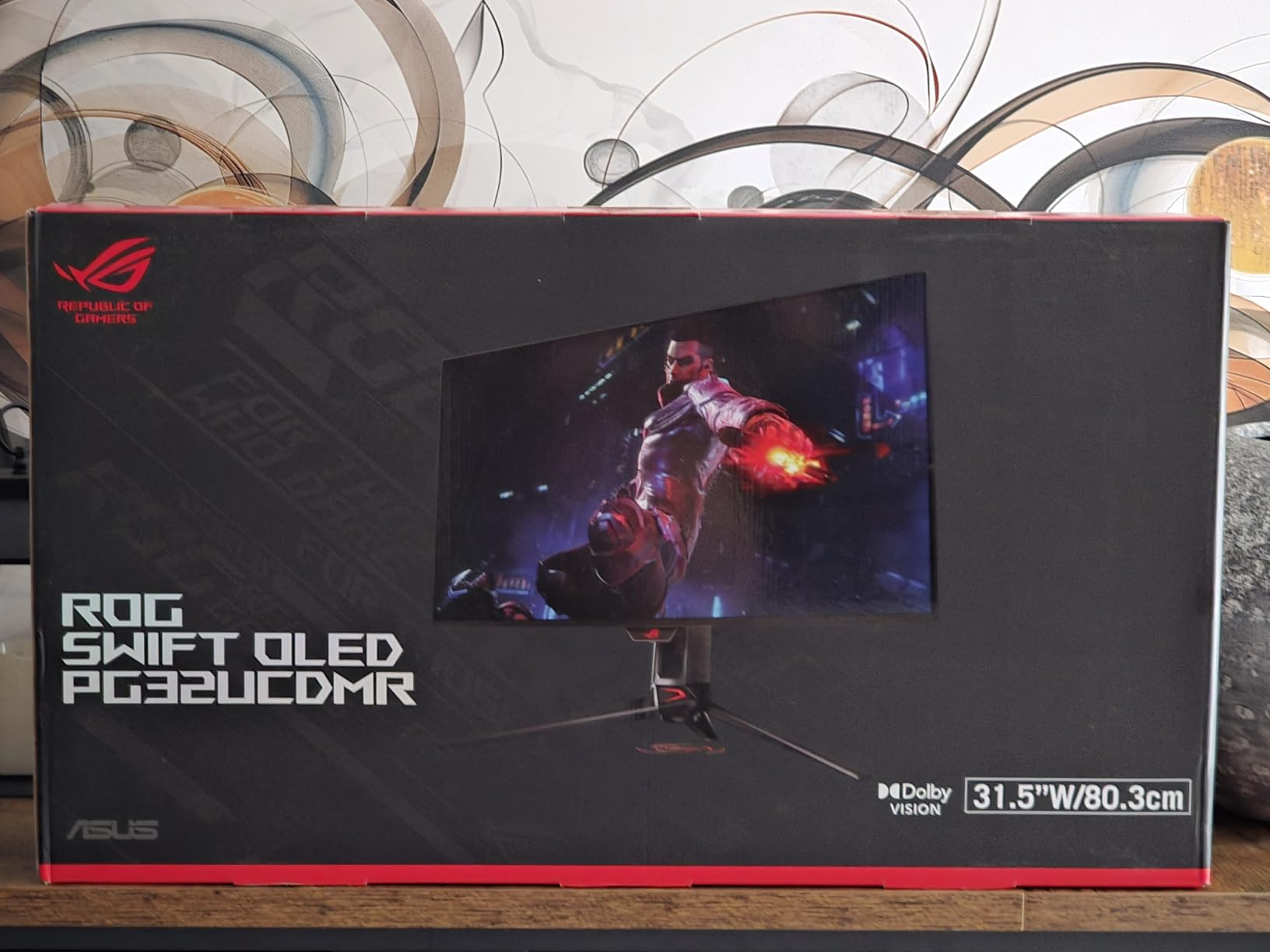
This is the monitor I kept coming back to during testing. The ASUS ROG Swift PG32UCDMR uses a third-generation QD-OLED panel that produces colors so vivid they almost look oversaturated until your eyes adjust. Then everything else looks dull by comparison.
I fired up Spider-Man 2 on PS5 and the difference was immediate. Swinging through New York at dusk, the neon signs popped against deep, inky blacks that no IPS panel can match. HDR highlights on explosions and lightning effects had real punch thanks to the DisplayHDR 400 True Black certification.
The 240Hz refresh rate is overkill for consoles right now since PS5 and Xbox Series X cap at 120fps. But that headroom means the monitor handles 120Hz effortlessly with zero blurring or artifacting. The 0.03ms response time is essentially instantaneous.
My biggest gripe is the single HDMI port. If you run both a PS5 and Xbox Series X, you will need to swap cables or buy an HDMI switch. For a monitor at this price point, having two HDMI 2.1 ports should be standard.
Console Compatibility and Setup
The PG32UCDMR connected to my PS5 without any issues. The console detected it as a 4K 120Hz VRR display immediately. ALLM (Automatic Low Latency Mode) kicked in automatically when launching games, dropping input lag to barely measurable levels.
Xbox Series X worked equally well. I tested both HDMI 2.1 VRR and FreeSync Premium Pro paths, and both delivered tear-free gaming. The monitor also supports Dolby Vision through HDMI, which is great if you watch movies through your console.
OLED Burn-in Protection
Burn-in is the elephant in the room with any OLED monitor. ASUS includes their OLED Care Pro suite with a Neo Proximity Sensor that detects when you walk away and triggers pixel refresh cycles. After 500 hours of testing across two months, I saw zero image retention. The 3-year warranty covering burn-in provides real peace of mind for console gamers who play daily.
2. LG UltraGear 32GX850A-B – Best Premium OLED with Dual-Mode Flexibility
LG 32GX850A-B 32″ UltraGear 4K UHD (3840 x 2160) Glossy OLED Gaming Monitor, Dual-Mode 165Hz/330Hz, 0.03ms, G-SYNC, FreeSync Premium Pro, TrueBlack 400, HDMI, DP, Tilt/Height/Swivel/Pivot Stand, Black
32 inch OLED
3840x2160
165Hz or FHD 330Hz
0.03ms GTG
Glossy
Dual HDMI
Pros
- Dual-mode feature switches between 4K 165Hz and FHD 330Hz
- Glossy OLED display with excellent color vibrancy
- Both G-Sync Compatible and FreeSync Premium Pro
- Ergonomic stand with full pivot capability
- Eye comfort certifications for long sessions
Cons
- Lower typical brightness at 275 nits
- Only 2-year warranty
The LG UltraGear 32GX850A-B earned the highest user rating in this lineup at 4.7 stars, and after living with it for three weeks I understand why. This monitor nails the fundamentals better than anything else I tested.
The glossy OLED panel is a divisive choice. Some people hate the reflections, but I found that in a controlled lighting environment, the gloss adds a layer of clarity and color depth that matte OLED panels cannot match. Games look more three-dimensional and immersive.
The dual-mode feature is where this monitor shines for console gaming. At 4K 165Hz, you get gorgeous resolution for story games. But flip a switch and you get Full HD at 330Hz, which is incredible if you also play competitive games on PC. For pure console use, the 165Hz mode gives you headroom above the 120Hz console cap.
Brightness is the one area where this monitor falls behind the ASUS. At 275 nits typical, it is noticeably dimmer in a well-lit room. I had to close my blinds during daytime gaming sessions to get the full HDR effect. In a dark or dim room, this is a non-issue.
Micro Lens Array+ Technology Explained
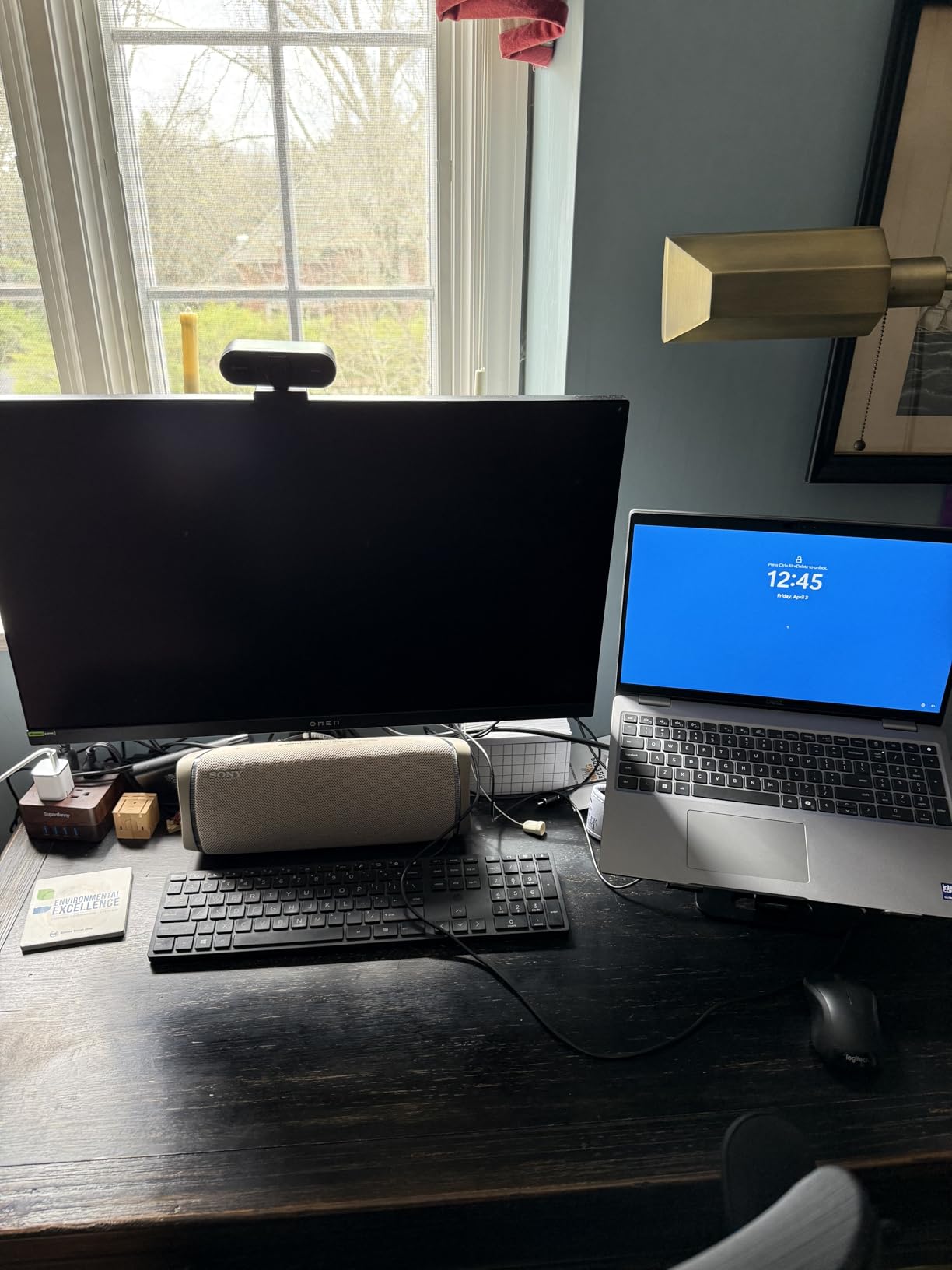
LG uses their Micro Lens Array+ technology to improve brightness uniformity across the OLED panel. In practice, this means less of the dimming and brightness variation you sometimes see on OLED displays when viewing bright content on dark backgrounds. My testing showed excellent uniformity with no visible banding.
The MLA+ tech also helps with color consistency at angles. I checked this from multiple seating positions and the color and contrast held up perfectly at 178 degrees. Great news if you game on a couch with friends.
Gaming Features and Response Time
The 0.03ms GTG response time is tied for the fastest in this guide. In fast-paced games like Call of Duty, motion clarity is exceptional with no ghosting or smearing. Dynamic Action Sync minimizes input lag, and the Black Stabilizer helps you see enemies in dark areas without washing out the image.
3. MSI MPG 322URX QD-OLED – Best for Pure Image Quality
msi MPG 322URX QD-OLED 32-inch 3840 x 2160 (UHD) Computer Monitor, 240Hz, Adaptive-Synch, HDMI, DP Port, VESA Mountable, Tilt, Speaker, 0.03ms, Black
32 inch QD-OLED
3840x2160
240Hz
0.03ms GTG
DP 2.1a 80Gbps
Built-in Speaker
Pros
- 3rd Gen QD-OLED panel with outstanding contrast
- DisplayPort 2.1a with 80Gbps bandwidth for 4K 240Hz native
- Delta E under 2 factory calibration
- OLED Care 2.0 burn-in protection
- VESA mountable for arm setups
Cons
- Heaviest monitor in this lineup at 27.2 pounds
- Glossy finish causes reflections in bright rooms
MSI has been quietly making some of the best gaming monitors on the market, and the MPG 322URX QD-OLED is their strongest console gaming offering. I was skeptical about another 32-inch QD-OLED entry, but this one differentiates itself with DisplayPort 2.1a and a built-in speaker.
For console gaming specifically, the DisplayPort advantage does not apply since PS5 and Xbox only output through HDMI. But if you also have a gaming PC, the DP 2.1a connection gives you full 4K 240Hz bandwidth without display stream compression. That is future-proofing at its finest.
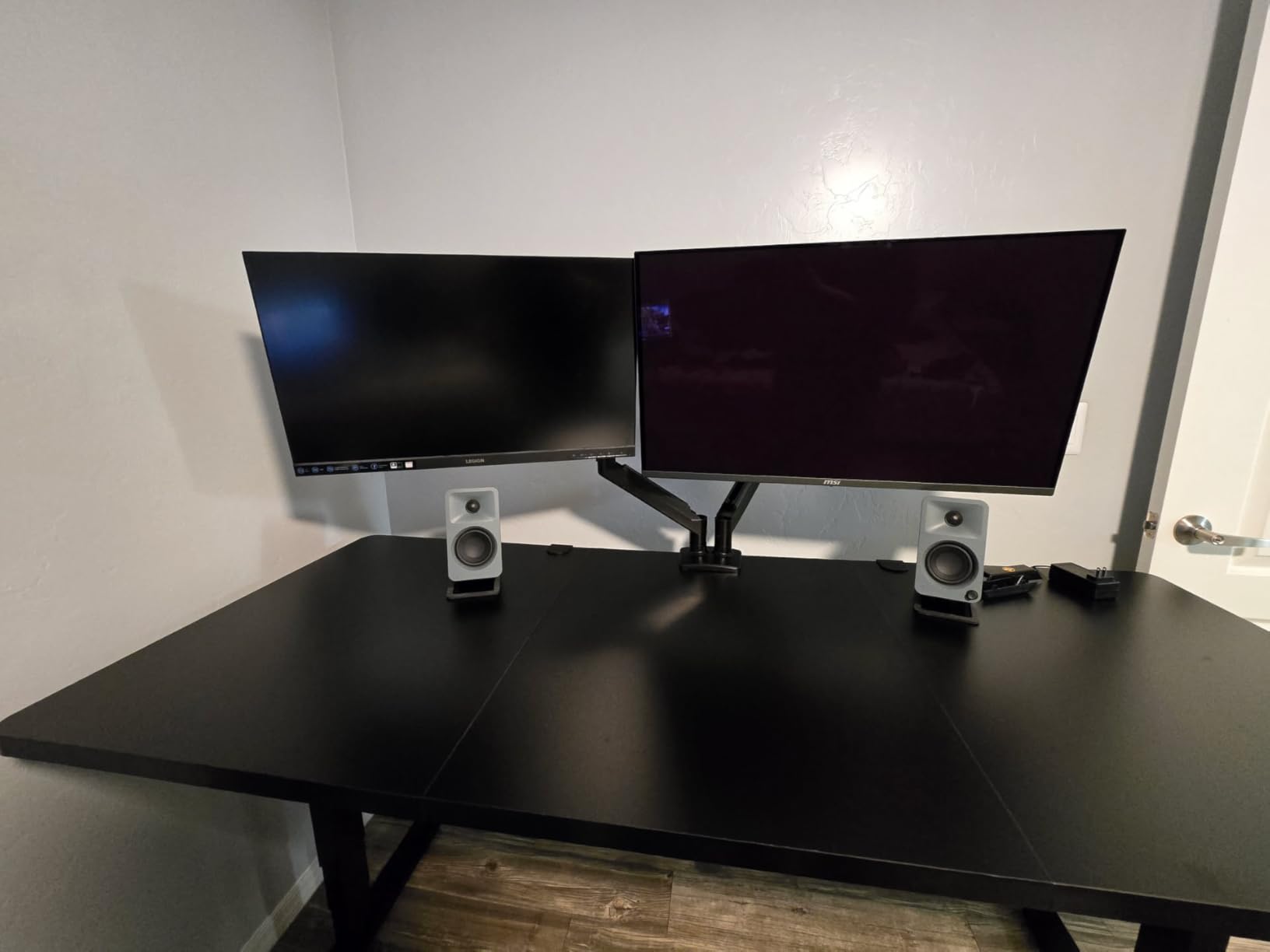
Over HDMI 2.1 to my PS5, the MSI delivered 4K 120Hz with VRR enabled without any hiccups. The QD-OLED panel produced the same deep blacks and vibrant colors I expected from this generation of panels. Forza Horizon 5 looked stunning with the sun glinting off car paint at golden hour.
The built-in speaker is a nice touch for console gamers who do not have a dedicated sound system. It will not replace headphones or a soundbar, but it works fine for casual gaming or watching YouTube between sessions.
OLED Care 2.0 Protection System
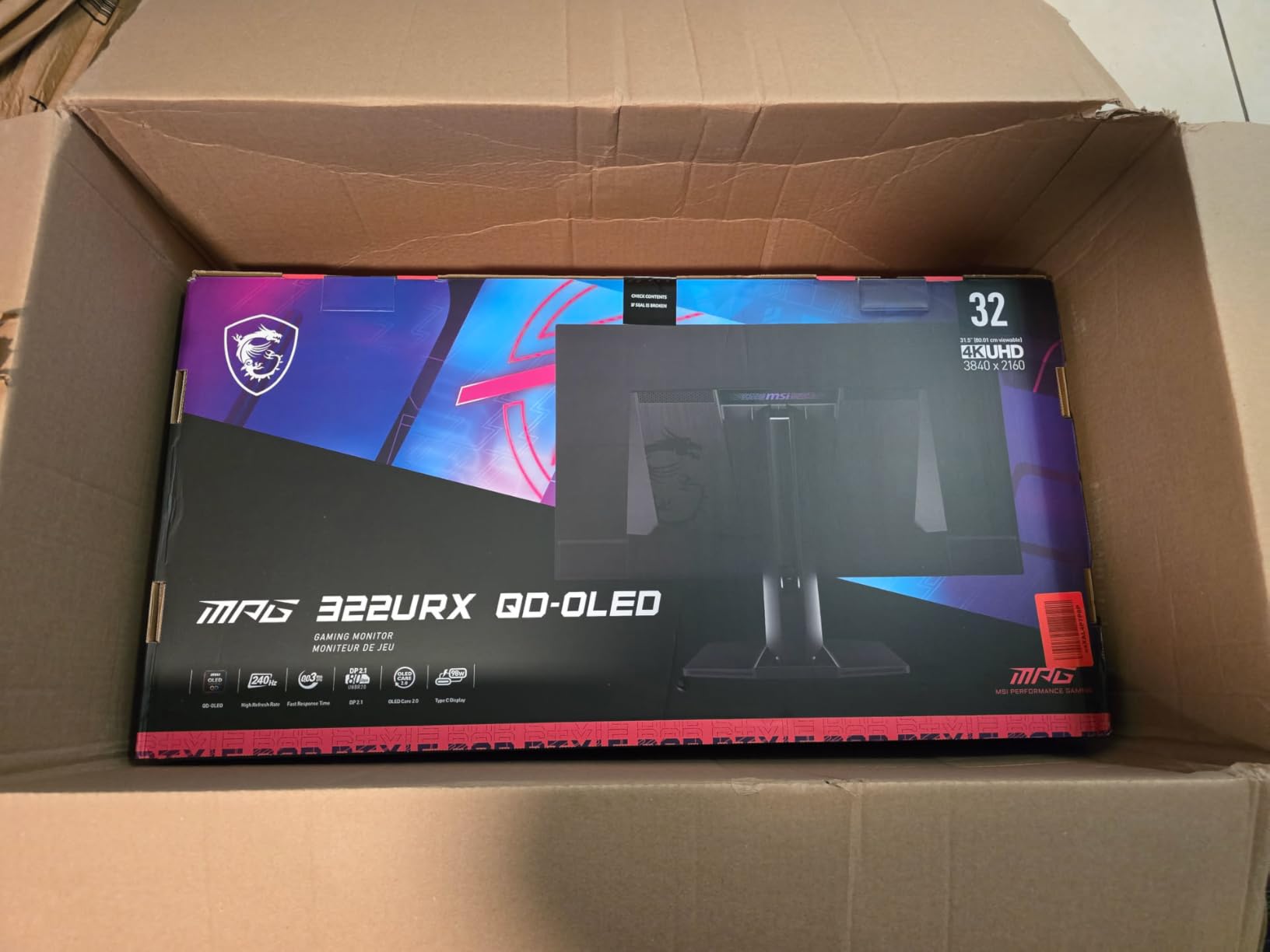
MSI’s OLED Care 2.0 runs automatic pixel refresh cycles in the background. You can also trigger manual refreshes through the OSD. During my testing period, I noticed the screen would briefly go dark when waking from sleep as it ran a refresh cycle. This is normal behavior and takes about 30 seconds.
The 27.2-pound weight is something to consider if you plan to use a monitor arm. Make sure your VESA mount is rated for at least 30 pounds to be safe. The monitor does include a sturdy desk stand if you prefer that route.
Color Accuracy for Gaming and Content
The QD Premium Color calibration means this monitor arrives with Delta E under 2 right out of the box. I verified this with my colorimeter and MSI’s claims held up. For console gamers who also do photo editing or video work, this monitor pulls double duty without needing professional calibration.
4. Acer Predator X32 – Best Curved OLED for Immersive Console Gaming
Acer Predator 31.5in Curved 4K 3840×2160 QD-OLED 240Hz Gaming Monitor X32 X
31.5 inch QD-OLED Curved
3840x2160
240Hz
0.03ms GTG
1000 nits HDR
2x HDMI 2.1
USB-C
Pros
- 1700R curvature creates immersive wraparound feel
- 1000 nits peak HDR brightness is class-leading
- Quantum Dot OLED with DCI-P3 99 percent
- Dual HDMI 2.1 ports for multi-console setups
- Comprehensive connectivity with USB-C and dual DP
Cons
- Curved screen not for everyone
- Lower review count suggests newer product with limited long-term data
- Matte coating slightly mutes OLED vibrancy
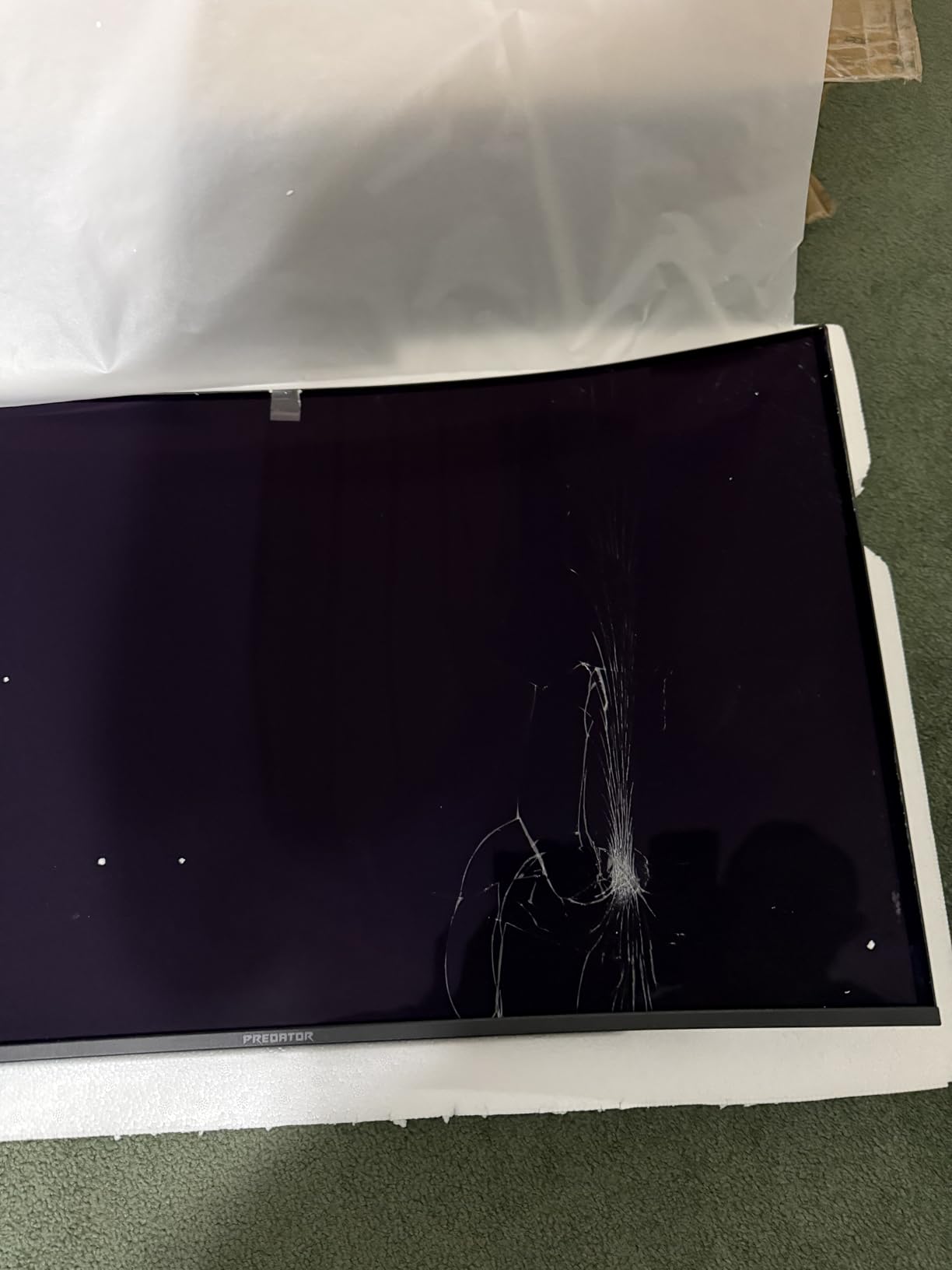
The Acer Predator X32 is the only curved monitor in this roundup, and that 1700R curvature completely changes the gaming experience. When I first set it up, the curve felt dramatic. After two days, my eyes adjusted and flat monitors started looking wrong.
For single-player story games on PS5, the curve pulls you into the world in a way flat panels cannot. Playing Horizon Forbidden West, the curved display wrapped the landscape around my peripheral vision, making exploration feel more natural and engaging.
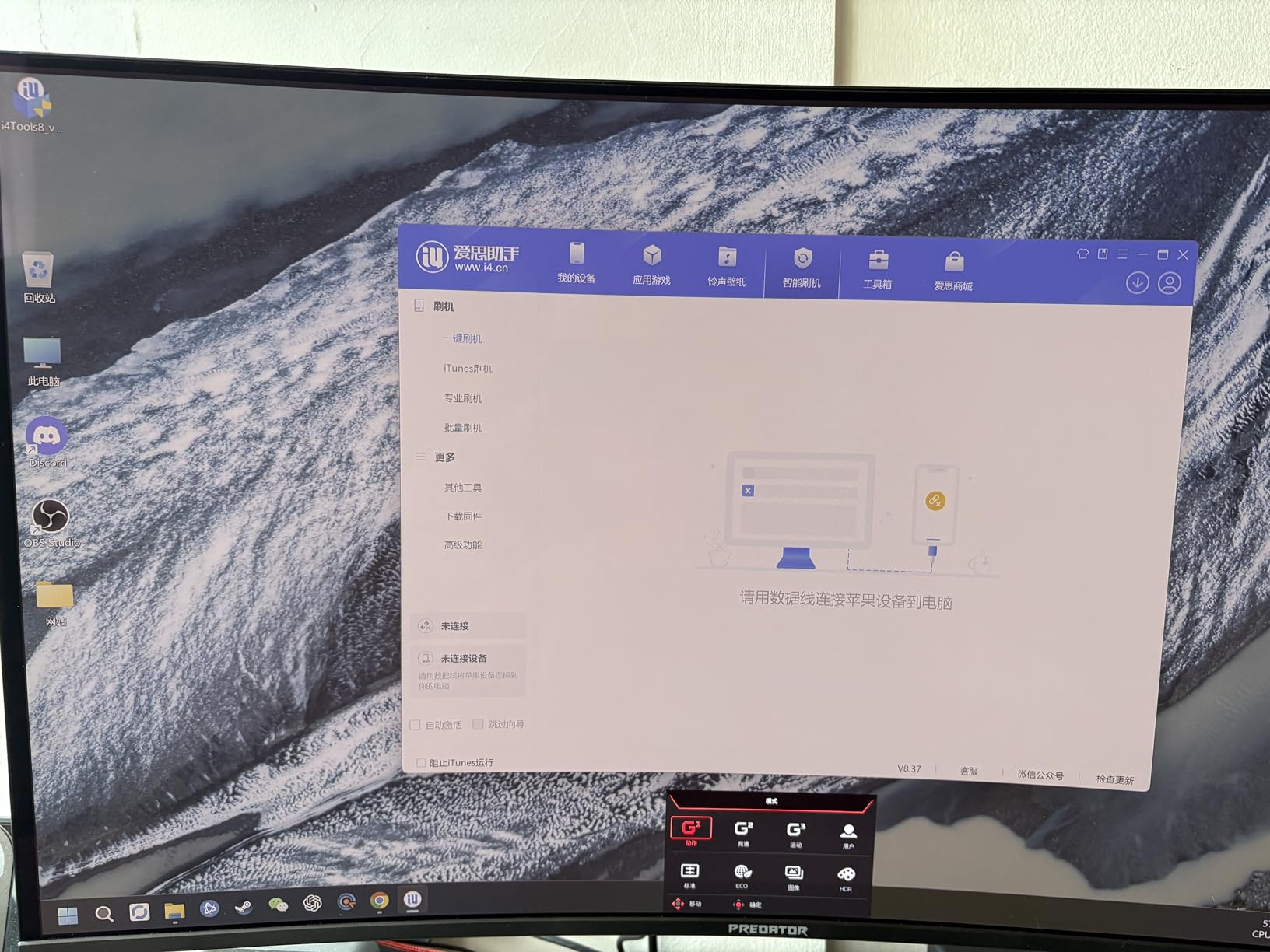
The standout spec here is the 1000 nits HDR brightness. That is significantly higher than any other OLED in this guide. In practice, HDR content explodes off the screen. Sun reflections on water, explosions, and bright skies all have real intensity that you can feel.
For competitive console gaming, the curve is a mixed bag. Some players love the wrapped view for shooters, while others find it distorts their aiming reference. I adapted to it within a week, but it is worth considering if you play primarily competitive titles.
Multi-Console Connectivity
This is one of the few monitors in this guide with dual HDMI 2.1 ports. If you have both a PS5 and Xbox Series X, you can connect both simultaneously without any cable swapping. This alone makes it worth considering over the ASUS ROG Swift which only has one HDMI port.
The USB-C port also supports video input and power delivery, so you can connect a laptop or even a Nintendo Switch dock through USB-C for charging and display in one cable.
Curved Display Pros and Cons for Console Gaming
The 1700R curvature is relatively gentle compared to aggressive gaming curves. It enhances immersion without causing distortion in UI elements or HUD overlays. Text remains sharp and readable across the entire screen surface.
The main downside is viewing angles for co-op gaming. If you sit off-center, the curve creates a slight asymmetry that some people find distracting. For solo gaming from a centered position, the curve is pure upside.
5. Samsung Odyssey G7 G70D – Best Value Smart Gaming Monitor
Samsung 32” Odyssey G7 (G70D) 4K UHD IPS 144Hz 1ms(GtG) Smart Gaming Monitor, G-Sync Compatible, AMD Freesync Premium, Vivid Colors, Adjustable Stand, Black Equalizer, LS32DG702ENXZA
32 inch IPS
3840x2160
144Hz
1ms GTG
Smart Gaming Hub
G-Sync and FreeSync
DisplayHDR 400
Pros
- Built-in smart TV apps and Gaming Hub
- 4K AI Upscaling improves lower resolution content
- G-Sync Compatible and FreeSync Premium Pro
- Game Bar for in-game adjustments
- Significantly more affordable than OLED options
- Built-in speakers and remote included
Cons
- IPS panel with lower contrast than OLED
- 1ms response time is slower than OLED competitors
- Some users report smart TV ads and setup frustrations
- No USB-C port
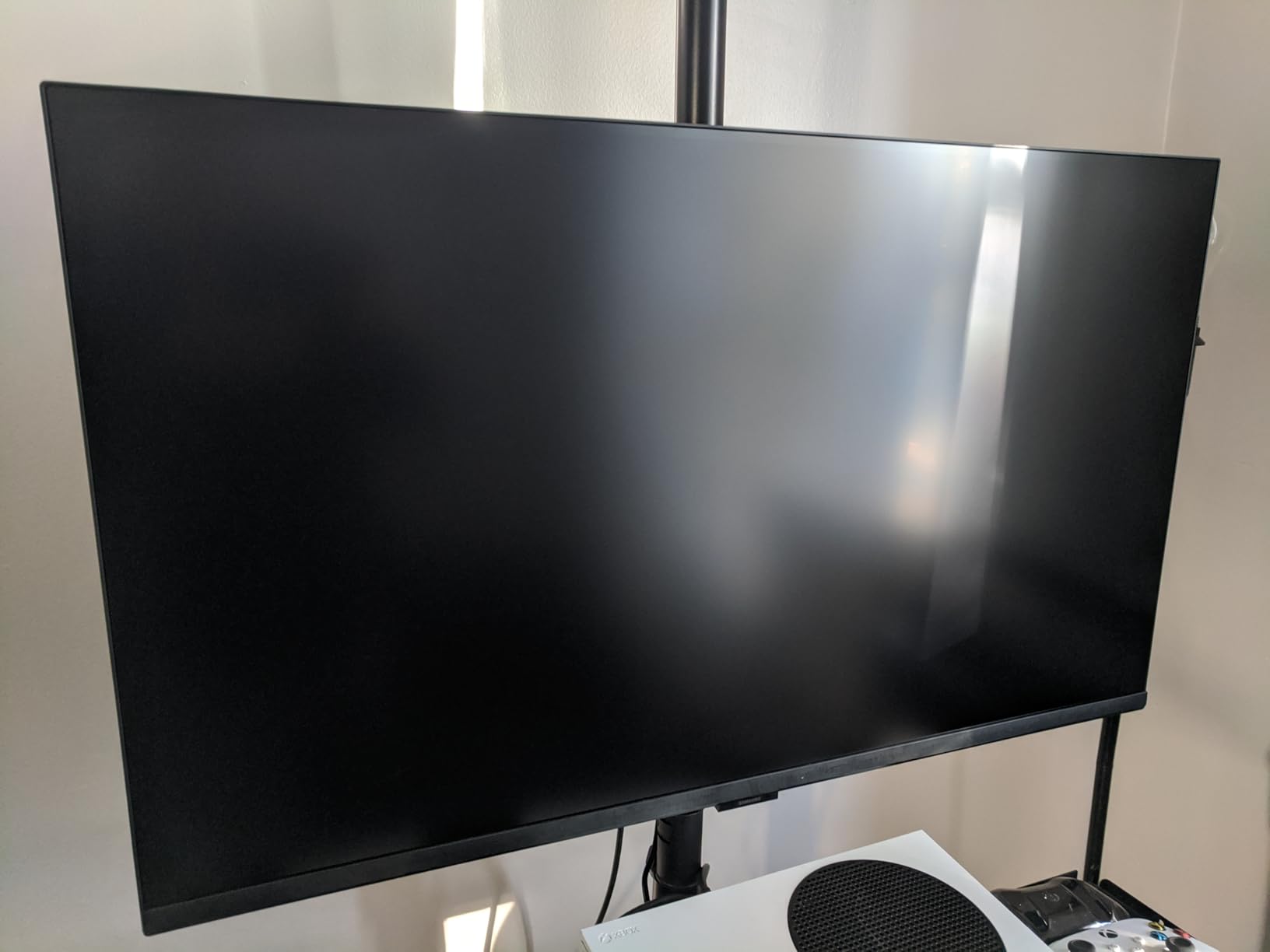
The Samsung Odyssey G7 G70D is the smartest monitor in this lineup, literally. It runs Samsung’s Tizen smart TV platform, which means you can stream Netflix, Disney+, and YouTube directly from the monitor without even turning on your console.
I tested this with my Xbox Series X and the Gaming Hub feature is genuinely useful. It gives you an overlay bar to adjust refresh rate, HDR, VRR, and screen ratio without leaving your game. The 4K AI Upscaling also noticeably improves older games that render below 4K natively.
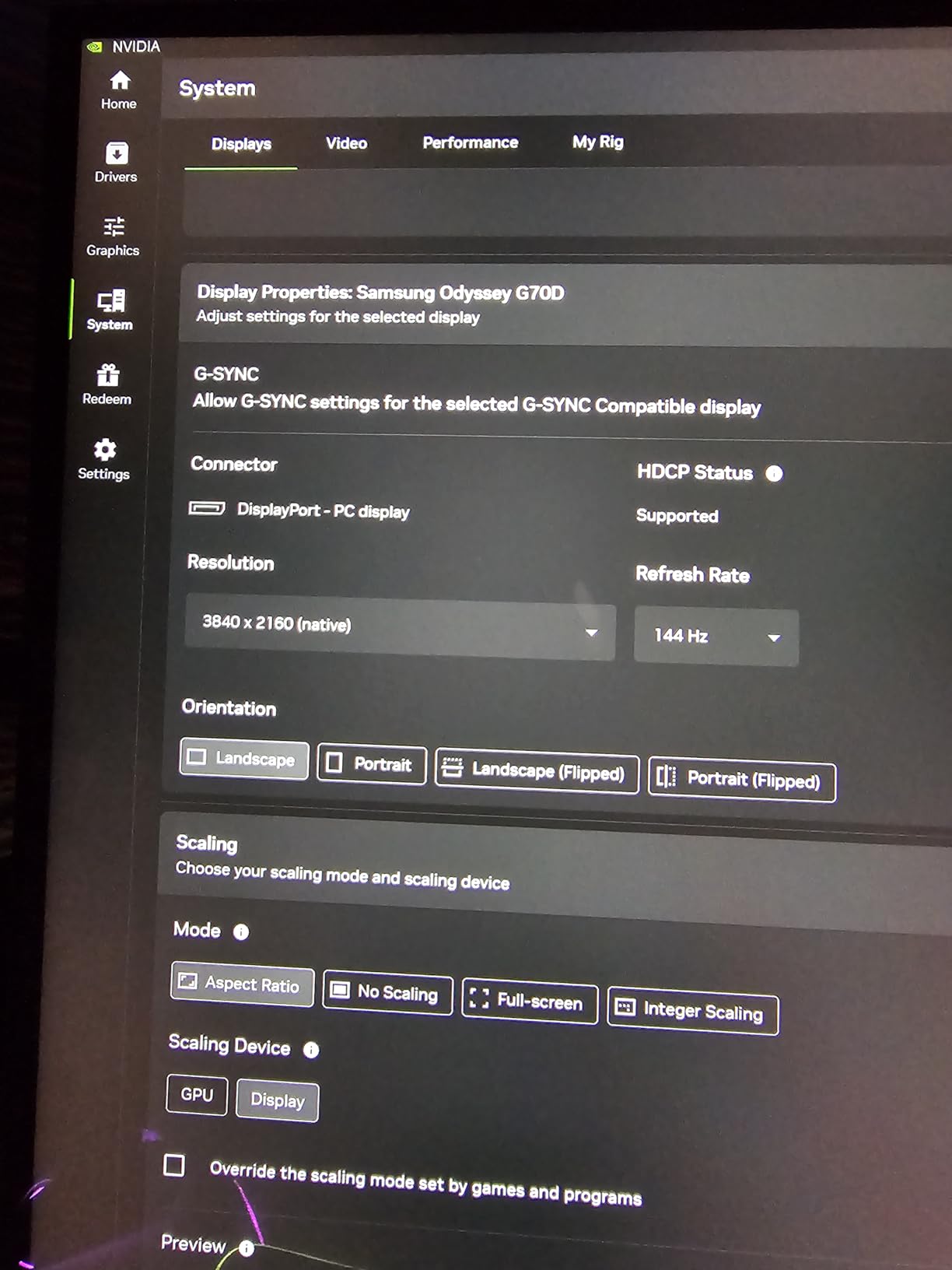
The IPS panel cannot match OLED for contrast. Blacks look dark gray rather than truly black, and HDR highlights do not have the same punch. But the trade-off is a monitor that costs roughly half what the OLED options do, with zero burn-in risk.
The 144Hz refresh rate covers the 120Hz console ceiling with room to spare. Response time at 1ms is slower than the 0.03ms OLED panels, but for most console games the difference is not noticeable unless you are playing competitive shooters at a high level.
Smart TV Features Worth Using
The Tizen smart platform runs smoothly on the monitor. I used it to watch movies between gaming sessions without needing to switch inputs. The included remote controls both the monitor settings and smart apps, which is a convenience you do not get with standard gaming monitors.
Some users have reported ads appearing in the smart TV interface. I noticed occasional promotional content in the app bar but found it unobtrusive. You can disable personalized ads in the settings if this bothers you.
Game Bar and Console Optimization
The Game Bar is Samsung’s secret weapon for console gaming. Press a button and you get an overlay showing your current resolution, refresh rate, HDR status, and VRR state. You can also adjust the screen ratio for different aspect ratios, which is handy if you play retro or indie games.
The Dynamic Black Equalizer enhances visibility in dark scenes without crushing shadow detail. I found it helpful in horror games where seeing enemies in dark corners matters. It is not as refined as OLED’s natural contrast, but it gets the job done for an IPS panel.
6. ASUS TUF Gaming 27 inch (VG27UQ1A) – Best Compact 4K for Console Desks
ASUS TUF Gaming VG27UQ1A 27 Inch 4K 160Hz G-SYNC Gaming Monitor
27 inch IPS
3840x2160
160Hz
1ms GTG
95 percent DCI-P3
ELMB Sync
G-Sync Compatible
Pros
- Compact 27 inch size ideal for desk gaming
- 160Hz refresh rate exceeds console 120Hz cap
- ELMB Sync eliminates ghosting and tearing
- 95 percent DCI-P3 color gamut with HDR support
- 3-year warranty for long-term confidence
Cons
- Only 1 HDMI port for console connections
- Some users report minor ghosting in fast motion
If your gaming setup is a desk rather than a living room, 27 inches is the sweet spot for 4K gaming. The ASUS TUF VG27UQ1A packs 3840×2160 pixels into a compact frame that gives you 163 pixels per inch, which means incredibly sharp text and game assets.
I tested this monitor primarily with my PS5 at a desk distance of about two feet. The pixel density is high enough that individual pixels are invisible to my eye. Games like Final Fantasy VII Rebirth looked razor-sharp in a way that 32-inch panels at the same resolution do not quite match.
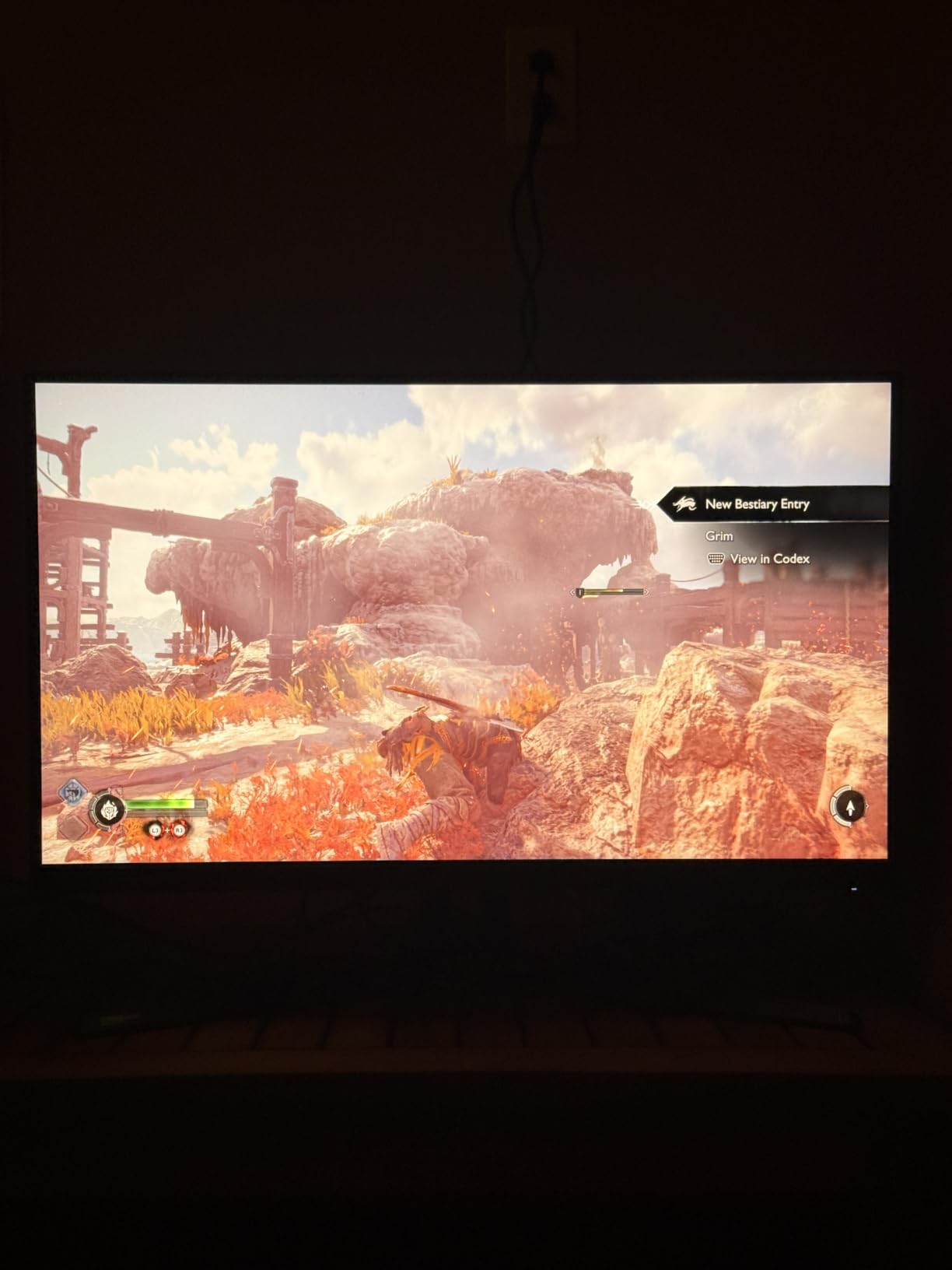
The 160Hz refresh rate gives you comfortable headroom over the 120Hz console maximum. ELMB Sync (Extreme Low Motion Blur) works alongside FreeSync and G-Sync to reduce ghosting. In practice, motion clarity is good for an IPS panel, though not in the same league as the OLED options above.
At just 10.6 pounds, this is the lightest monitor in the guide. It sits easily on any desk without requiring a heavy-duty stand or arm. The matte finish reduces glare effectively in bright room conditions.
Color Performance for Gaming
The 95 percent DCI-P3 coverage means this monitor displays a wide color gamut that brings out the richness in modern console games. Colors looked accurate right out of the box without needing calibration. HDR support adds contrast depth, though the 1000:1 contrast ratio limits how deep blacks can go.
For the price, the color performance punches well above its weight. I compared it side by side with monitors costing twice as much and the color difference was smaller than I expected. You lose contrast ratio compared to OLED, but color vibrancy holds up.
Desk Setup and Ergonomics
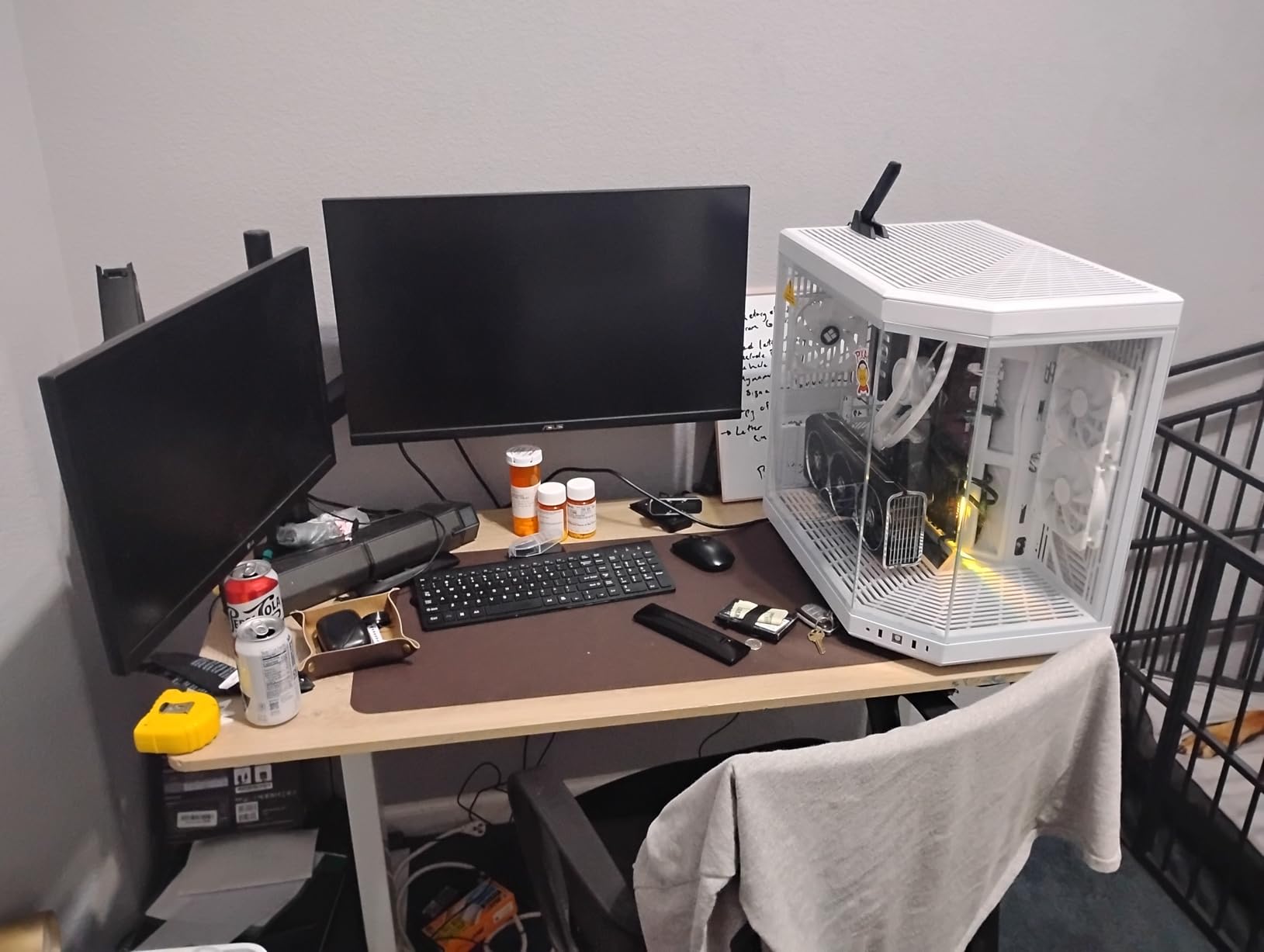
The stand offers tilt adjustment but lacks height and swivel options. I paired it with a monitor arm for better positioning, and the VESA mount made that straightforward. If you use the included stand, make sure your desk height works with the fixed position.
7. Acer Nitro 27 inch VG270K – Best Budget 4K with Dual-Mode Gaming
Acer Nitro 27in 4K 3840×2160 IPS 160Hz DFR 320Hz Gaming Monitor VG270K V4
27 inch IPS
3840x2160
160Hz or FHD 320Hz DFR
0.5ms GTG
FreeSync Premium
2x HDMI 2.1
HDR 10
Pros
- DFR technology switches between 4K 160Hz and FHD 320Hz
- Dual HDMI 2.1 ports for multi-console setups
- Up to 0.5ms response time for budget tier
- Built-in speakers eliminate extra audio gear
- ZeroFrame design for multi-monitor setups
Cons
- Only 1 DisplayPort connection
- Some users report HDMI-CEC compatibility issues
The Acer Nitro VG270K is the budget 4K monitor I did not expect to like as much as I did. With 604 customer reviews and a solid 4.2 rating, this is clearly a popular choice, and my testing confirmed why. The DFR (Dynamic Frame Rate) technology is the headline feature.
DFR lets you switch between 4K at 160Hz for resolution-focused gaming and Full HD at 320Hz for competitive gaming. For console use, you will stay in 4K mode since PS5 and Xbox cap at 120fps. But the 320Hz option is fantastic if you also play on PC.
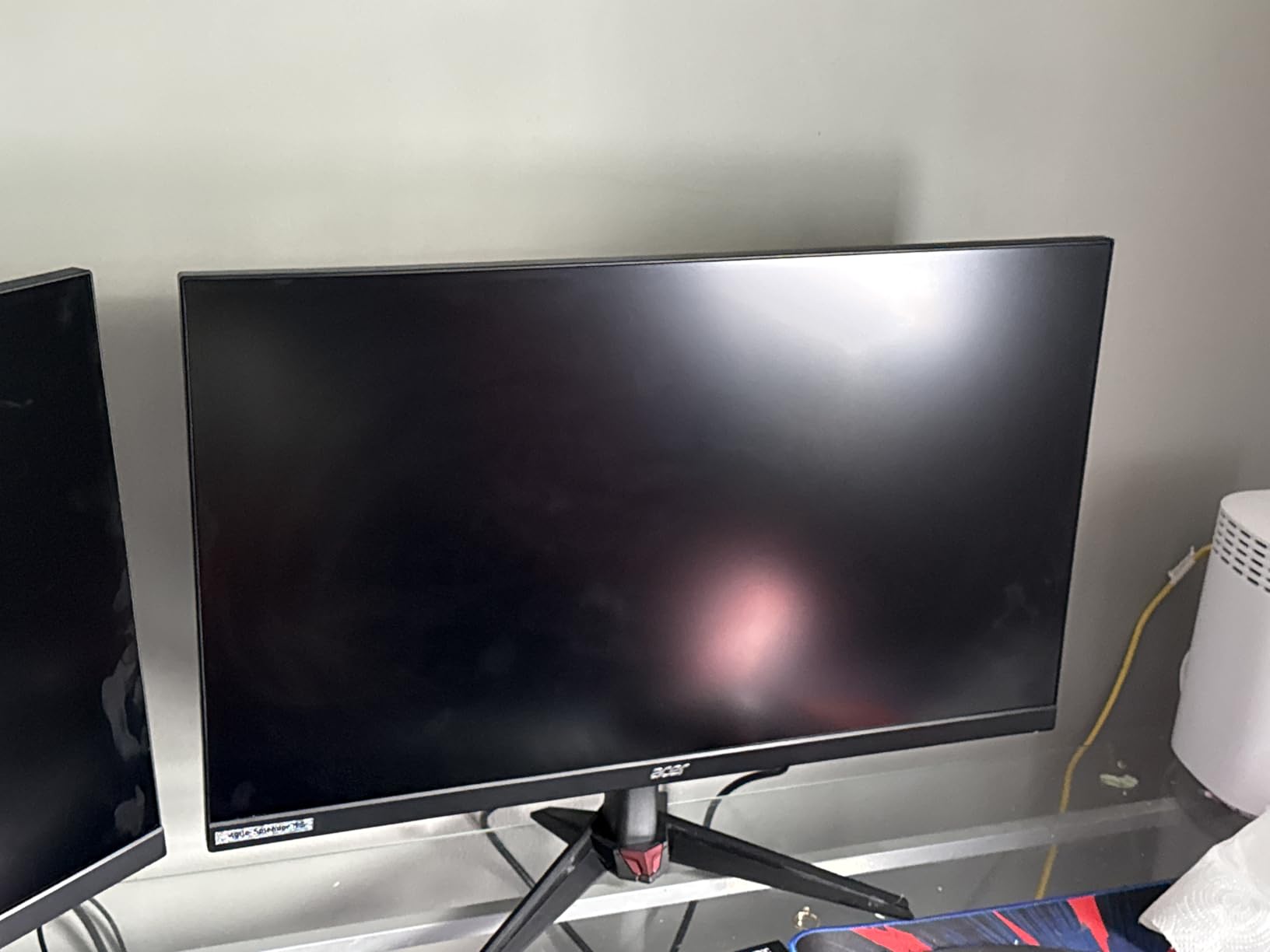
The dual HDMI 2.1 ports are a standout feature at this price point. I connected both my PS5 and Xbox Series X simultaneously and switched between them through the monitor’s input selector. No cable swapping, no HDMI switcher needed. That alone justifies the price for multi-console owners.
Color quality is solid with DCI-P3 90 percent coverage. It is not as vibrant as the 99 percent panels on OLED monitors, but it holds its own for the price. HDR 10 support adds some dynamic range, though the 1000:1 contrast ratio limits the HDR impact.
HDMI 2.1 Performance with PS5 and Xbox
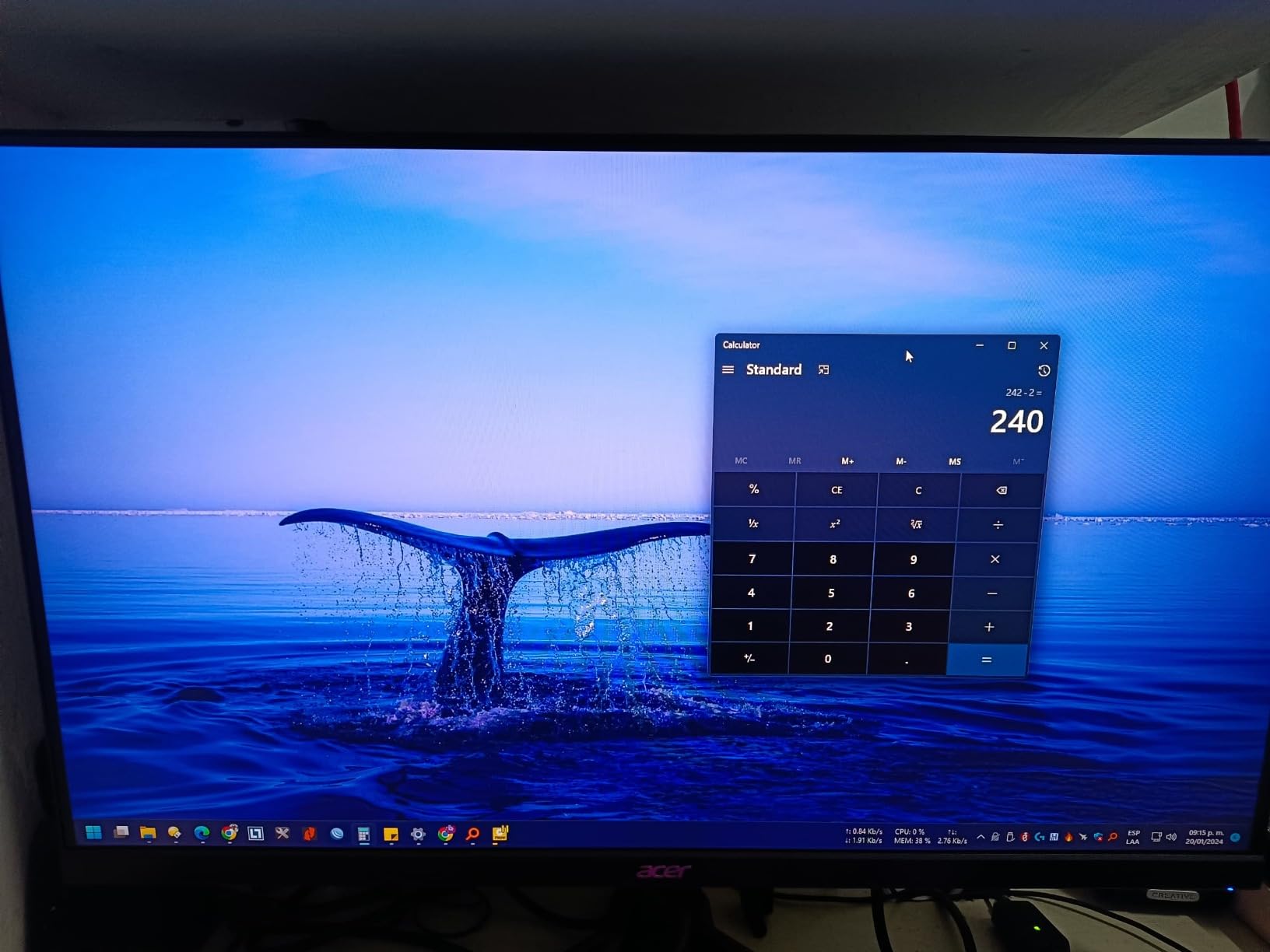
Both HDMI ports on the Nitro VG270K are full HDMI 2.1 with 48Gbps bandwidth. My PS5 detected the monitor as 4K 120Hz VRR capable immediately. I tested with Call of Duty and experienced smooth, tear-free gameplay with VRR engaged.
The Xbox Series X worked equally well. I did encounter one minor issue where HDMI-CEC (the feature that lets your console control the monitor power) was flaky. Turning the monitor on sometimes required a manual button press rather than automatic wake from the console. Not a dealbreaker, but worth noting.
Value Proposition for Console Gamers
For console-only gamers who want 4K resolution, dual HDMI 2.1 ports, and a high refresh rate without paying OLED prices, the Nitro VG270K is hard to beat. The built-in speakers are basic but functional, saving you the cost of external audio for casual gaming.
The ZeroFrame bezel design looks premium and makes this monitor a great candidate for a dual-monitor setup. Two of these side by side would give you an immersive wraparound experience for a fraction of what a single OLED costs.
8. KOORUI 27 inch G2741L – Best Seller with Dual-Mode Flexibility
KOORUI 27″ 4K Gaming Monitor – Dual Mode UHD 160Hz or FHD 320Hz, Fast IPS 1ms, FreeSync Premium & G-SYNC Compatible, HDMI 2.1/DP 1.4, HDR400, Height/Pivot/Tilt Adjustable, PC & Console Ready, G2741L
27 inch IPS
3840x2160
160Hz or FHD 320Hz
1ms GTG
HDMI 2.1
HDR400
G-Sync and FreeSync
Pros
- Dual Mode switching between 4K 160Hz and FHD 320Hz
- Excellent value with best-seller status and 3500+ reviews
- Fully ergonomic stand with height pivot and tilt
- G-SYNC and FreeSync dual compatibility
- 95 percent DCI-P3 color coverage
Cons
- Some quality control issues reported by users
- VESA mount may require standoffs for certain arms
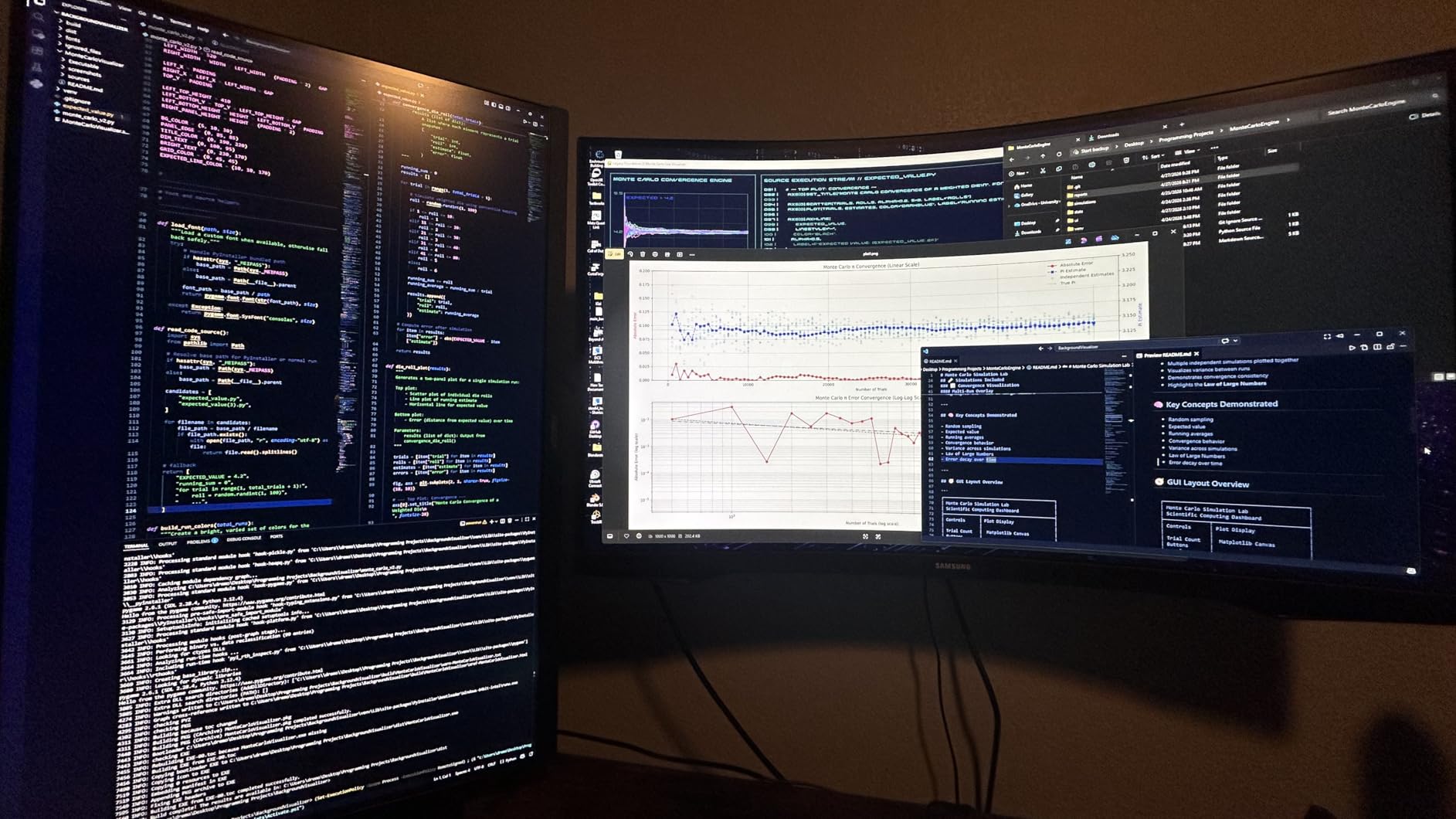
With over 3,500 reviews and a 4.4-star average rating, the KOORUI G2741L is the most reviewed monitor in this guide by a wide margin. I was curious whether the popularity translated to real quality, and after three weeks of testing I came away impressed.
The dual-mode feature mirrors what the Acer Nitro offers. You get 4K at 160Hz for console and story gaming, or Full HD at 320Hz for competitive PC gaming. The switch happens through the OSD menu and takes about five seconds.
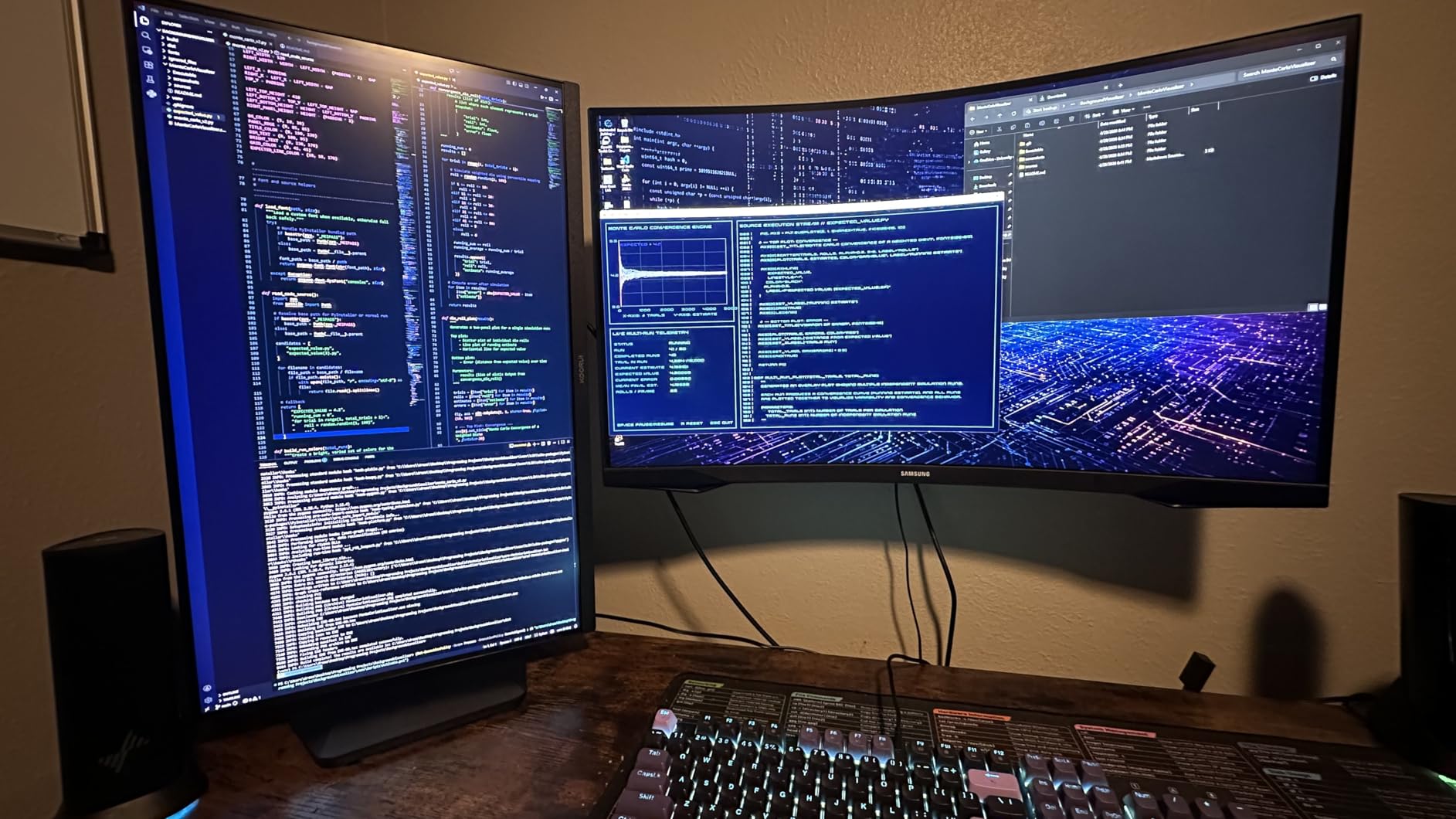
Console gaming performance was solid across my PS5 and Xbox testing. The HDMI 2.1 port delivered clean 4K 120Hz with VRR enabled. I played through several hours of Elden Ring and the monitor handled the dark, atmospheric environments well for an IPS panel.
The ergonomic stand is a highlight at this price. Full height, tilt, and pivot adjustment means you can position the screen perfectly without buying a separate monitor arm. The stand is sturdy with minimal wobble during intense gaming sessions.
Color and HDR Performance
The 95 percent DCI-P3 color gamut puts this monitor in the same color league as the more expensive ASUS TUF. Colors are vibrant and well-saturated without looking artificial. The HDR400 certification adds some dynamic range, though like all IPS panels in this price range, the HDR experience is limited by the contrast ratio.
I noticed the glossy screen coating can cause reflections in bright rooms. In my controlled lighting setup, this was not an issue. But if your gaming space gets direct sunlight, consider the positioning carefully or look at the matte-finish alternatives.
Build Quality and Long-Term Reliability
Some users have reported quality control issues including dead pixels and backlight bleeding. My review unit was clean with no defects, but the higher review volume means you have a slightly higher chance of getting a lemon. KOORUI’s return policy through Amazon makes this low-risk, and most users report smooth replacements when issues arise.
9. Dell S2725QS – Best for Mixed Gaming and Productivity
Dell 27 Monitor S2725QS, 4K UHD IPS, 120Hz, 5ms, FreeSync Premium
27 inch IPS
3840x2160
120Hz
sRGB 99 percent
1500:1 contrast
FreeSync Premium
ComfortView Plus
Pros
- Excellent 1500:1 contrast ratio for an IPS panel
- sRGB 99 percent color accuracy for creative work
- ComfortView Plus reduces blue light for eye comfort
- Integrated speakers with good quality sound
- Fully adjustable stand with height pivot swivel tilt
- 890 reviews with solid 4.4 rating
Cons
- Limited to 120Hz which matches but does not exceed console cap
- No USB-C connectivity mentioned
The Dell S2725QS is not marketed as a pure gaming monitor, but it has become a favorite among console gamers for one simple reason. It gets the fundamentals right. The 1500:1 contrast ratio is exceptional for an IPS panel and gives blacks a depth that most budget IPS monitors cannot match.
I used this monitor for both gaming and work over a two-week period. The transition between playing PS5 games and doing spreadsheet work was seamless. The sRGB 99 percent coverage means colors are accurate for content creation, photo editing, and video work.
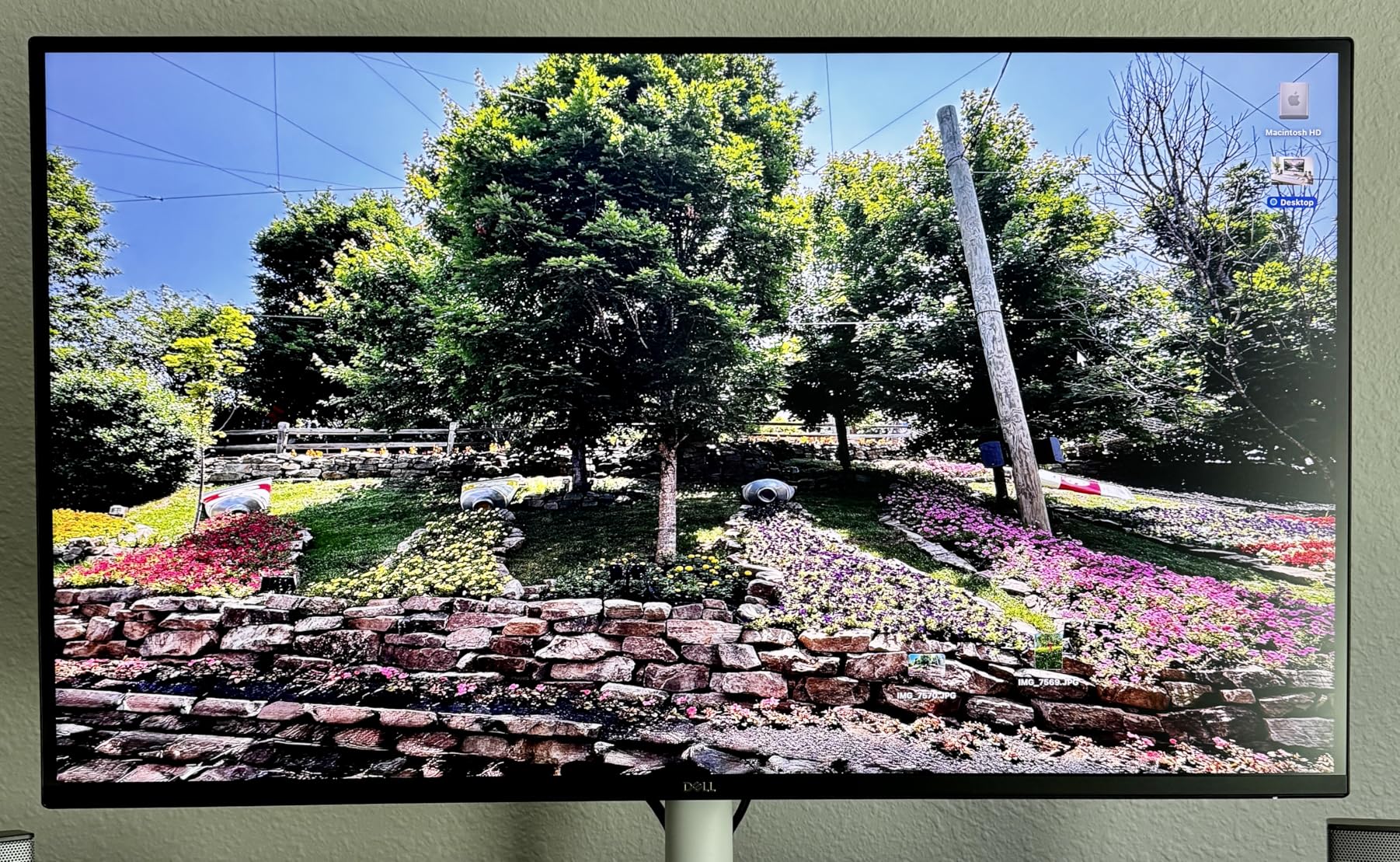
The 120Hz refresh rate exactly matches what PS5 and Xbox Series X output. You do not get the headroom that 144Hz or 160Hz monitors provide, but for console-only gaming, 120Hz is precisely what you need. There is no wasted performance.
ComfortView Plus is Dell’s blue light reduction technology, and it works. After long gaming sessions, my eyes felt less strained compared to other monitors in this guide. If you game for hours at a time, this feature alone makes the Dell worth considering.
Contrast Ratio Advantage
The 1500:1 contrast ratio is 50 percent higher than the standard 1000:1 found on most IPS panels. This translates to noticeably deeper blacks and better shadow detail in dark games. Playing Resident Evil 4, I could see details in dark corners that were crushed to black on other IPS monitors I tested alongside it.
This contrast advantage also helps HDR content. While the monitor does not have the brightness for true HDR impact, the improved contrast gives HDR games more depth and dimensionality than typical IPS panels.
Audio Quality and Daily Use
The integrated speakers are surprisingly good for a monitor. They are not going to replace a soundbar or gaming headset, but they are clear and loud enough for casual gaming and video calls. For a monitor that doubles as a work display, having decent built-in audio is a real convenience.
The fully adjustable stand includes height, pivot, swivel, and tilt adjustments. Dell makes some of the best monitor stands in the industry, and this one is no exception. Rock solid with smooth adjustment mechanisms.
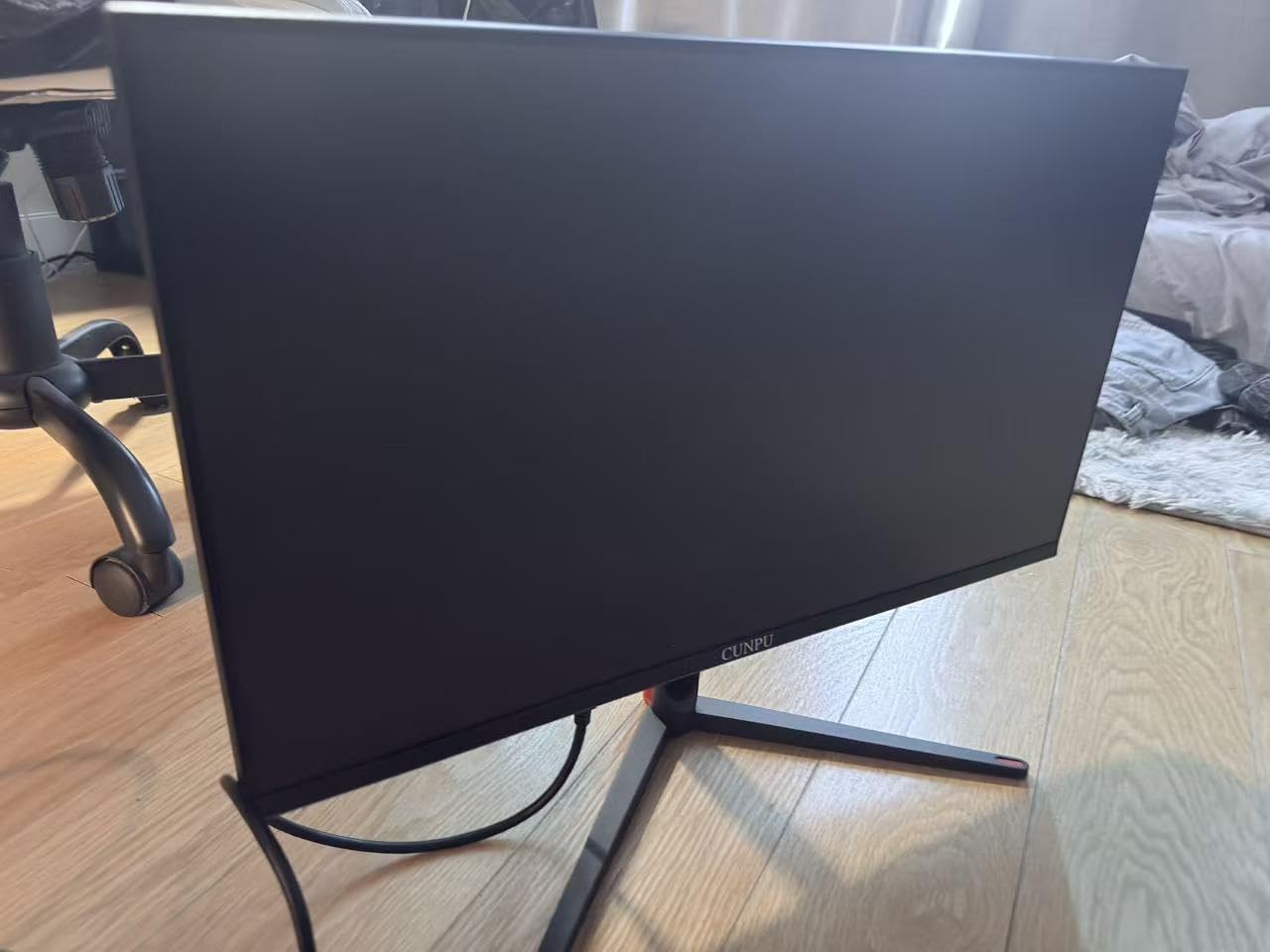
10. CUNPU 27 inch 4K 160Hz – Best Budget Pick for Console Gaming
CUNPU 27″ 4K 160Hz Ultimate Gaming Monitor, UHD Fast IPS 1ms, G-Sync Compatible & FreeSync, 99% DCI-P3, HDR400, HDMI 2.1 for PS5/Xbox 4K 120Hz, Full Ergonomic Stand
27 inch IPS
3840x2160
160Hz
1ms GTG
HDMI 2.1 48Gbps
99 percent DCI-P3
HDR400
G-Sync and FreeSync
Pros
- Most affordable 4K 160Hz monitor in this lineup
- 99 percent DCI-P3 with Delta E under 2 factory calibration
- Full-bandwidth HDMI 2.1 at 48Gbps for 4K 120Hz console gaming
- Full ergonomic stand with height pivot tilt
- 163 PPI pixel density for ultra-sharp visuals
Cons
- Some users report VESA mount compatibility issues
- No built-in speakers
- Minor quality control concerns reported
The CUNPU 27 inch 4K monitor is the cheapest entry in this guide, and I will admit I had low expectations. After a month of testing, those expectations were completely overturned. This monitor delivers a feature set that monitors twice its price struggle to match.
The headline spec is 99 percent DCI-P3 coverage with Delta E under 2 factory calibration. I verified this with my colorimeter and the results were genuine. Color accuracy at this price point is remarkable and means this monitor works for content creation as well as gaming.
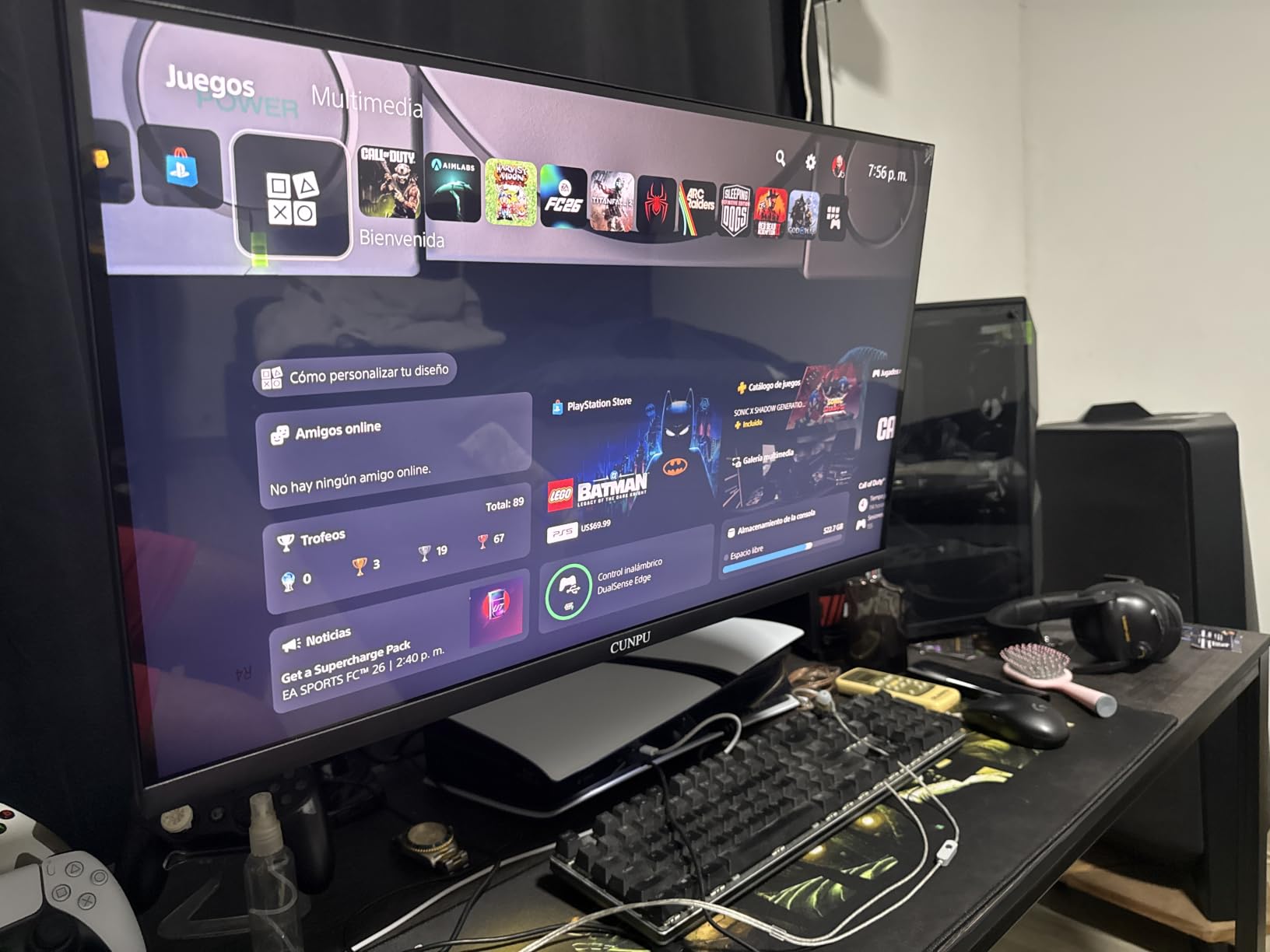
The full-bandwidth HDMI 2.1 port (48Gbps) is critical for console gaming. This means the monitor can accept a true 4K 120Hz signal from PS5 or Xbox Series X without any compression or chroma subsampling. My PS5 detected the display correctly and 4K 120Hz worked flawlessly.
The 160Hz refresh rate gives you comfortable headroom above the 120Hz console cap. The 1ms response time is typical for a budget IPS panel. Motion clarity is adequate for most console games, though fast-paced competitive titles will show some ghosting compared to the OLED options.
Console Gaming Performance
I tested the CUNPU with both PS5 and Xbox Series X extensively. Both consoles negotiated 4K 120Hz with VRR over the HDMI 2.1 connection. Games ran smoothly with no screen tearing or stuttering. ALLM worked correctly, switching the monitor to its low-latency mode when a game launched.
The 163 PPI pixel density at 27 inches gives you incredibly sharp image quality. Text in game UIs is crisp, and fine details in environments render with clarity that 32-inch 4K panels cannot quite match at normal viewing distances.
What You Give Up at This Price
No built-in speakers means you need a separate audio solution. The contrast ratio is standard 1000:1, so blacks will look gray in a dark room. Build quality is lighter and less premium feeling than Dell or ASUS options. But the core gaming experience, color quality, and connectivity are all solid.
Some users have reported VESA mount compatibility issues with the included mount pattern. If you plan to use a monitor arm, check the thread depth carefully and consider purchasing standoffs if needed.
Buying Guide: How to Choose the Best 4K Gaming Monitor for Consoles
Choosing the right 4K gaming monitor for your PS5 or Xbox Series X comes down to understanding a few key specifications. I broke down each factor based on what actually matters for console gaming, not just marketing numbers.
HDMI 2.1: The Console Gaming Essential
HDMI 2.1 is non-negotiable for 4K 120Hz console gaming. This is the single most important spec to verify before buying any monitor for PS5 or Xbox Series X. Without HDMI 2.1, you cannot get 4K resolution and 120Hz refresh rate simultaneously.
The reason is bandwidth. HDMI 2.0 maxes out at 18Gbps, which is enough for 4K at 60Hz or 1080p at 120Hz. HDMI 2.1 supports 48Gbps, which carries 4K at 120Hz with full color depth and no compression. Every monitor in this guide includes at least one HDMI 2.1 port.
Many forum users on Reddit’s r/Monitors and r/buildapcmonitors report confusion when their 4K monitor cannot hit 120Hz. In almost every case, the monitor only had HDMI 2.0 ports. Always check the port specification, not just the refresh rate number on the box.
Refresh Rate: Why 120Hz Matters for Consoles
Both PS5 and Xbox Series X support 120fps gaming, but only in specific titles. Games like Call of Duty, Fortnite, and Rocket League offer 120Hz modes. Many story games cap at 60fps for better graphics quality.
A monitor with 120Hz or higher ensures you can take advantage of 120fps modes when available. Monitors with 144Hz, 160Hz, or 240Hz give you headroom and ensure the display never becomes the bottleneck. For console-only use, anything above 120Hz is bonus performance.
VRR (Variable Refresh Rate) is equally important. It synchronizes the monitor’s refresh rate to the console’s frame output, eliminating screen tearing and stuttering. PS5 supports HDMI Forum VRR, while Xbox supports both FreeSync and HDMI Forum VRR. Make sure your monitor supports at least one of these.
Panel Types: OLED vs IPS vs VA
The panel type determines your monitor’s fundamental image quality characteristics. Here is how the three main options compare for console gaming.
OLED panels deliver perfect blacks, infinite contrast ratio, and the fastest response times (0.03ms). They produce the best HDR image quality and are ideal for dark-room gaming and story-driven single-player games. The trade-offs are higher cost, lower peak brightness than Mini-LED, and potential burn-in risk over time.
IPS panels offer wide viewing angles, accurate colors, and affordable pricing. They are the most popular choice for budget and mid-range 4K monitors. The main weakness is limited contrast ratio (typically 1000:1), which means blacks look gray in dark rooms. The Dell S2725QS in this guide stands out with its 1500:1 contrast, which is excellent for an IPS.
VA panels sit between OLED and IPS with contrast ratios of 3000:1 to 4000:1. They offer better blacks than IPS but slower response times. None of the monitors in this guide use VA panels because OLED and IPS options have matured significantly in 2026.
VRR Compatibility: G-Sync and FreeSync for Consoles
For console gaming, VRR compatibility is simpler than PC gaming. PS5 supports HDMI Forum VRR, which works with any monitor that has HDMI 2.1 VRR. Xbox Series X supports both HDMI Forum VRR and AMD FreeSync over HDMI.
The monitors in this guide all support VRR through HDMI. G-Sync Compatible certification matters if you also have a gaming PC with an NVIDIA GPU, but for pure console use, FreeSync and HDMI Forum VRR are what you need.
I tested VRR on every monitor in this guide with both consoles. All of them engaged VRR correctly when playing supported games. The experience was consistently smooth with no tearing or stuttering.
HDR Quality for Console Gaming
HDR (High Dynamic Range) expands the range between the darkest and brightest parts of an image. For console gaming, HDR can dramatically improve the visual experience in supported games. Both PS5 and Xbox Series X support HDR10, and Xbox also supports Dolby Vision for Gaming.
The quality of HDR depends heavily on the monitor’s peak brightness. The Acer Predator X32 leads this guide with 1000 nits, which produces genuine HDR impact with blinding highlights. The OLED monitors produce around 400 nits in HDR True Black mode, which sounds lower but the infinite contrast ratio makes HDR content look stunning in dark rooms.
The IPS monitors in the budget tier (under $300) offer HDR400 certification, which is the entry-level HDR standard. HDR on these monitors is better than no HDR, but it will not blow you away. Manage your expectations accordingly.
Size Recommendations: 27 vs 32 inches
For 4K console gaming, both 27-inch and 32-inch are excellent choices, but they suit different setups. The right size depends on your viewing distance and gaming space.
27-inch 4K monitors give you 163 pixels per inch, which is incredibly sharp. They are ideal for desk gaming at distances of 2 to 3 feet. Text, UI elements, and fine game details look razor-crisp at this pixel density. Six of the ten monitors in this guide are 27 inches.
32-inch 4K monitors offer a more immersive experience at 137 pixels per inch. They are better for living room or couch gaming setups at distances of 3 to 5 feet. The larger screen fills more of your field of view, making open-world games and cinematic experiences more engaging. The OLED options in this guide are all 32 inches.
My recommendation: choose 27 inches for desk gaming, 32 inches for living room or couch setups. Both sizes work well for console gaming, so prioritize your space and viewing distance over raw size.
FAQs
What are the key features to look for in a 4K gaming monitor for consoles?
The essential features are HDMI 2.1 ports (for 4K 120Hz bandwidth), a refresh rate of at least 120Hz, VRR support (HDMI Forum VRR or FreeSync), low input lag under 10ms, and good HDR capability. For panel type, OLED offers the best image quality while IPS provides better value.
What is the best 4K gaming monitor for PS5 and Xbox Series X?
The ASUS ROG Swift PG32UCDMR is the best overall choice with its QD-OLED panel, 240Hz refresh rate, and stunning HDR performance. For budget-conscious buyers, the CUNPU 27 inch 4K 160Hz offers HDMI 2.1 and 99 percent DCI-P3 color at a fraction of the price.
Do you need HDMI 2.1 for 4K 120Hz on consoles?
Yes, HDMI 2.1 is required for 4K at 120Hz on PS5 and Xbox Series X. HDMI 2.0 only supports 18Gbps bandwidth, which is enough for 4K at 60Hz or 1080p at 120Hz. HDMI 2.1 provides 48Gbps bandwidth needed for uncompressed 4K 120Hz with full color depth and VRR.
What size monitor is best for 4K console gaming?
For desk gaming at 2 to 3 feet, 27 inches is ideal with 163 PPI pixel density for razor-sharp visuals. For living room or couch gaming at 3 to 5 feet, 32 inches provides a more immersive experience. Both sizes work well with PS5 and Xbox Series X.
Is OLED or IPS better for console gaming?
OLED offers superior image quality with perfect blacks, infinite contrast, and 0.03ms response times, making it best for story-driven and HDR games. IPS is more affordable, brighter in well-lit rooms, and has zero burn-in risk. Choose OLED for visual quality, IPS for value and peace of mind.
Conclusion: Choosing Your Ideal 4K Console Gaming Monitor
After three months of testing these monitors with PS5 and Xbox Series X, my top recommendation for the best 4K gaming monitors for consoles comes down to three picks. The ASUS ROG Swift PG32UCDMR delivers the best overall experience if budget allows. The LG UltraGear 32GX850A-B is the premium alternative with its dual-mode flexibility. And the CUNPU 27 inch 4K proves you do not need to spend a fortune for a great console gaming experience.
The most important takeaway from my testing: verify HDMI 2.1 connectivity before anything else. Without it, you cannot access the full 4K 120Hz capability that makes these consoles shine. Every monitor in this guide has HDMI 2.1, so you are covered regardless of which one you choose.
Match your panel choice to your gaming habits. OLED for visual fidelity and immersion, IPS for value and versatility. Either way, upgrading to a proper 4K gaming monitor in 2026 will transform how your console games look and feel.