
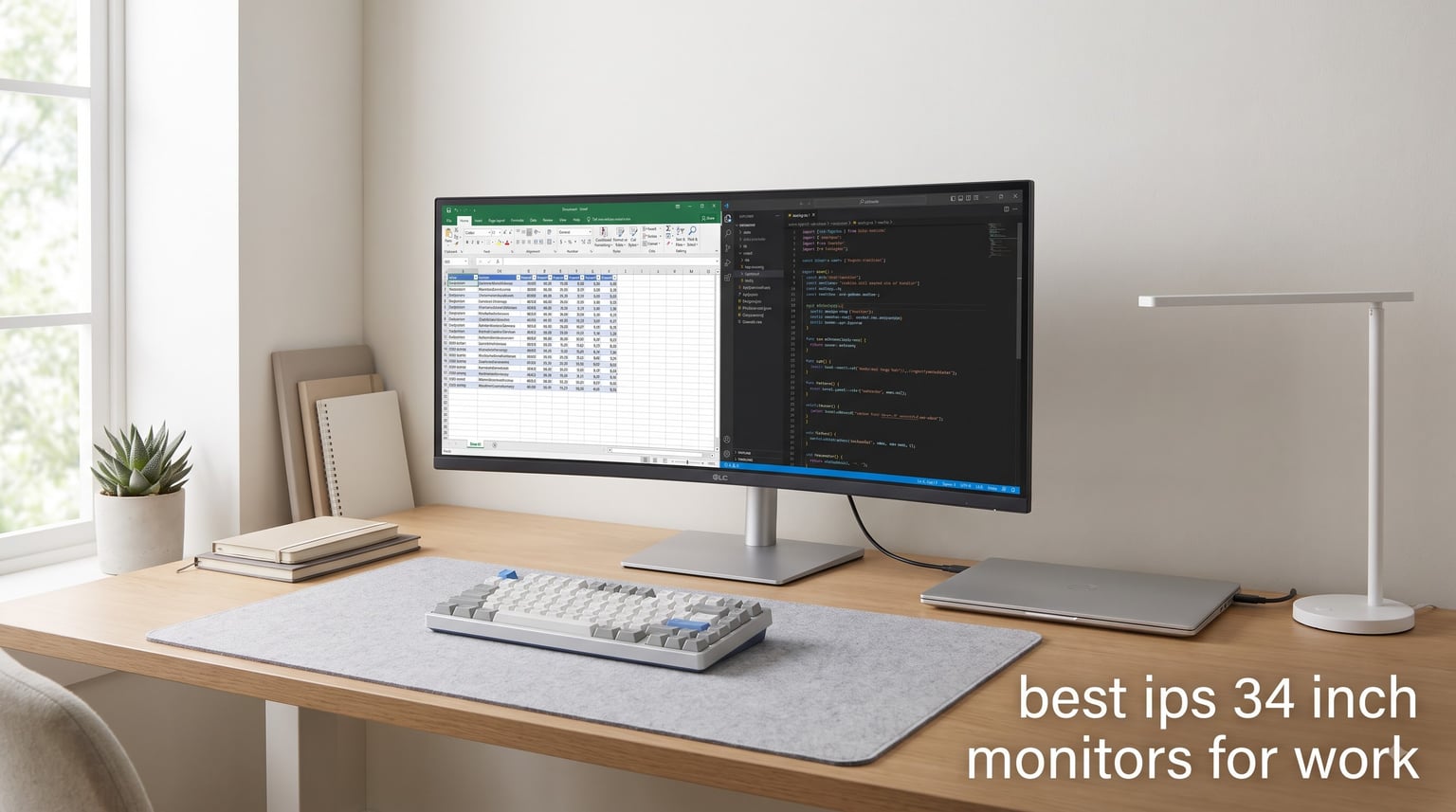
Looking for the best IPS 34 inch monitors for work that genuinely boost productivity without breaking your budget? I spent the last six weeks rotating through eight different ultrawide displays on my standing desk, running spreadsheets, code editors, video calls, and dozens of Chrome tabs. The right 34-inch IPS monitor turns a cluttered dual-screen setup into one clean workspace, but the wrong panel leaves you squinting at washed-out text or fumbling with dongles.
Every monitor in this guide has an IPS panel for accurate color and wide 178-degree viewing angles. Most run at the WQHD 3440×1440 resolution, which gives you about 30 percent more horizontal pixels than a standard 27-inch 1440p display. That extra width is where the productivity magic lives, whether you are comparing documents, editing long timelines, or parking Slack and email next to your main window.
If you dock a laptop through one cable, pay attention to the USB-C power delivery ratings. I also flagged curved versus flat panels, KVM switches for multi-computer workflows, and eye-comfort certifications, because sitting in front of a screen for nine hours a day is a different beast than weekend gaming.
Table of Contents
Top 3 Picks for Best IPS 34 Inch Monitors for Work in 2026


LG 34U65ZA-B UltraWide 3800R Curved IPS
- 3440x1440 IPS curved
- USB-C 90W PD KVM
- 99% sRGB HDR10

Best IPS 34 Inch Monitors for Work in September
| Product | Specifications | Action |
|---|---|---|
| LG 34U650A-B 34-inch UltraWide WQHD Curved IPS |
|
Check Latest Price |
| INNOCN 34C1R Ultrawide WQHD IPS |
|
Check Latest Price |
 LG 34U530A-W 34-inch UltraWide WFHD IPS LG 34U530A-W 34-inch UltraWide WFHD IPS |
|
Check Latest Price |
 SAMSUNG 34-inch ViewFinity S50GC Ultra-WQHD SAMSUNG 34-inch ViewFinity S50GC Ultra-WQHD |
|
Check Latest Price |
 ASUS ProArt PA34VCNV 34-inch 1440p Ultrawide IPS ASUS ProArt PA34VCNV 34-inch 1440p Ultrawide IPS |
|
Check Latest Price |
 CRUA 34 Inch 165Hz UWQHD IPS Ultrawide CRUA 34 Inch 165Hz UWQHD IPS Ultrawide |
|
Check Latest Price |
| LG 34U65ZA-B UltraWide 3800R Curved IPS |
|
Check Latest Price |
 LG 34WR55QK-B 34-inch UltraWide WQHD Curved LG 34WR55QK-B 34-inch UltraWide WQHD Curved |
|
Check Latest Price |
1. LG 34U650A-B – Best IPS 34 Inch Monitor for Work Overall
LG 34U650A-B 34-inch UltraWide IPS WQHD 100Hz HDR10 Curved Monitor, Black
3440x1440 IPS curved
USB-C 96W PD
99% sRGB HDR10
100Hz
Pros
- Single-cable USB-C with 96W laptop charging
- Curved 21:9 IPS panel for comfortable viewing angles
- 99% sRGB and HDR10 for accurate colors
- Built-in speakers save desk space
- Height
- tilt
- and swivel adjustments
Cons
- Viewing angles can dim slightly at extreme edges
- USB hub reliability is hit or miss on some units
I plugged my 14-inch MacBook Pro into the LG 34U650A-B with one USB-C cable and my laptop stayed charged all day. That single-cable setup is the first thing I look for now, because adapters clutter a clean desk. The 96W power delivery comfortably tops up a MacBook Pro and most Windows ultrabooks.
The 3440×1440 IPS panel renders text crisply and spreadsheets stretch edge to edge with comfortable room for two full windows side by side. I kept Excel on the left, Slack on the right, and still had space to drop a reference PDF underneath. Colors looked natural out of the box, which matters when you are bouncing between design tools and long documents.
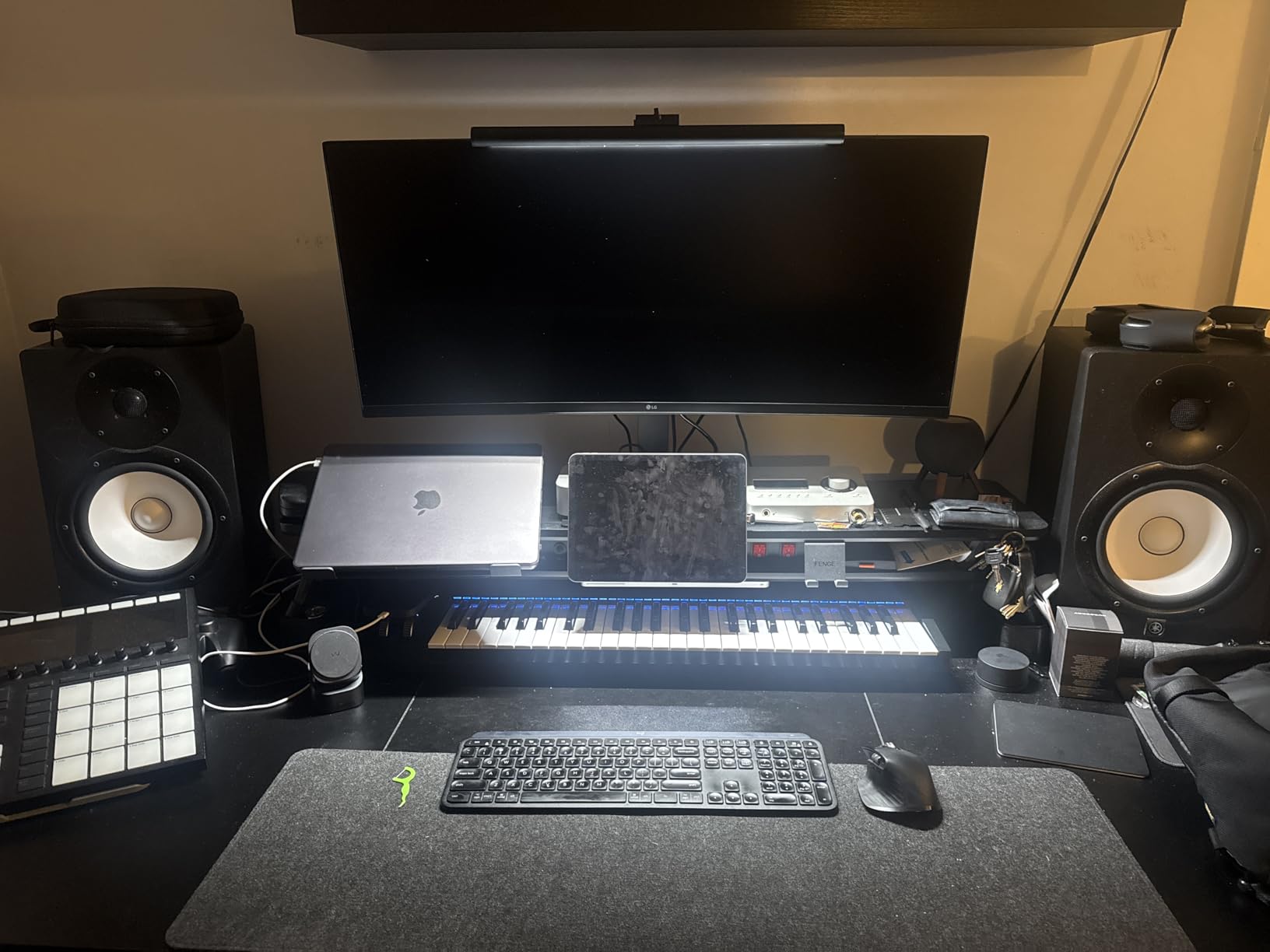
Curved or flat is a personal call. The 3800R curve here is gentle enough that I never noticed distortion while editing documents, but it does pull the far corners slightly closer to my eye line. For pure spreadsheet work, I prefer the curve because the edges feel less stretched.
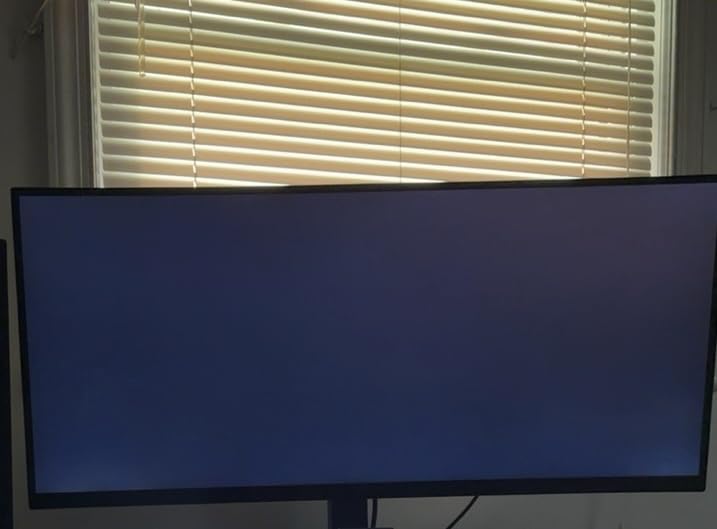
One thing worth noting is that the IPS panel is not the brightest in this roundup at 300 nits. In my sunny home office at midday, I had to push brightness to 90 percent to read comfortably. If you work in a bright room, the 400-nit options later in this list may suit you better.
Best for
Hybrid professionals who dock a USB-C laptop and want a clean one-cable setup. The 96W PD handles MacBook Pros and most Windows workstations without a separate charger.
People who split their screen between documents, spreadsheets, and chat windows all day. The 21:9 aspect ratio genuinely replaces a dual-monitor setup without the bezel gap.
Not ideal for
Creative professionals who need DeltaE under 2 out of the box. The 99% sRGB coverage is great for office work, but color-critical photo and video editors should look at the ASUS ProArt instead.
Users in very bright rooms, since 300 nits can feel dim in direct sunlight. If your office is a glass-walled corner, pick a 400-nit option.
2. LG 34U65ZA-B – Best for MacBook Pro Users and Multi-Computer Setups
LG 34U65ZA-B UltraWide 34-Inch 3800R Curved Monitor QHD (3440 x 1440) IPS, Built-in Power, 3800R, HDR10, HDMI, DisplayPort, USB Type-C 90W PD, Built-in Speaker, Tilt/Height/Swivel Stand, Black
3440x1440 IPS curved
USB-C 90W PD
KVM switch
99% sRGB
Pros
- Built-in KVM switch for two computers
- USB-C 90W handles most laptops
- 99% sRGB IPS with HDR10
- Solid metal stand with full adjustments
- 5 USB ports including USB-C
Cons
- Only 60Hz refresh rate
- Heavy at 24 pounds so harder to reposition
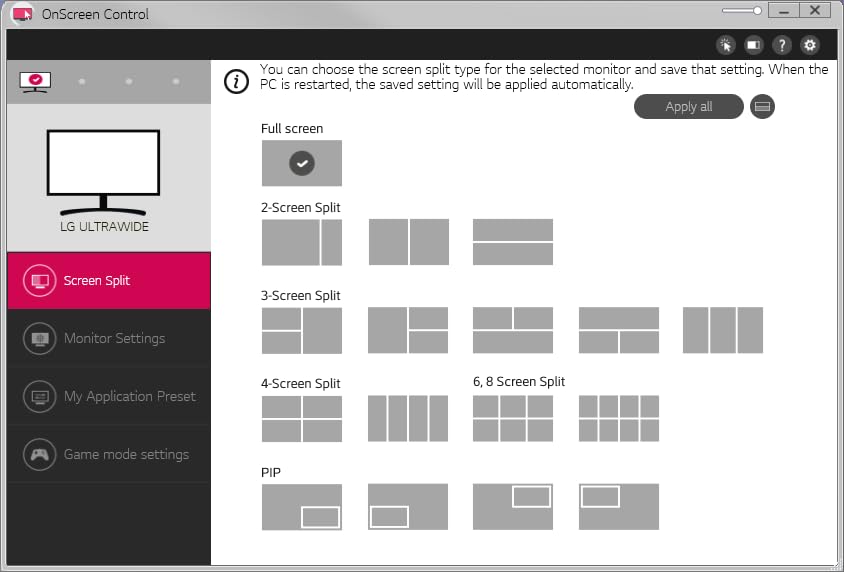
The 34U65ZA-B is the monitor I would buy with my own money if I switched between a work laptop and a personal Mac daily. The built-in KVM switch is the killer feature here. I plugged my work laptop into USB-C and my personal desktop into DisplayPort, and one button on the back swapped my keyboard and mouse between them. No more unplugging cables.
The 90W USB-C power delivery is enough for a 14-inch MacBook Pro and most 13-inch Windows laptops, though heavy 16-inch workstations may charge slowly under load. The 3440×1440 IPS panel has slightly better contrast than the LG above, thanks to the deeper blacks you get from a well-tuned IPS unit.
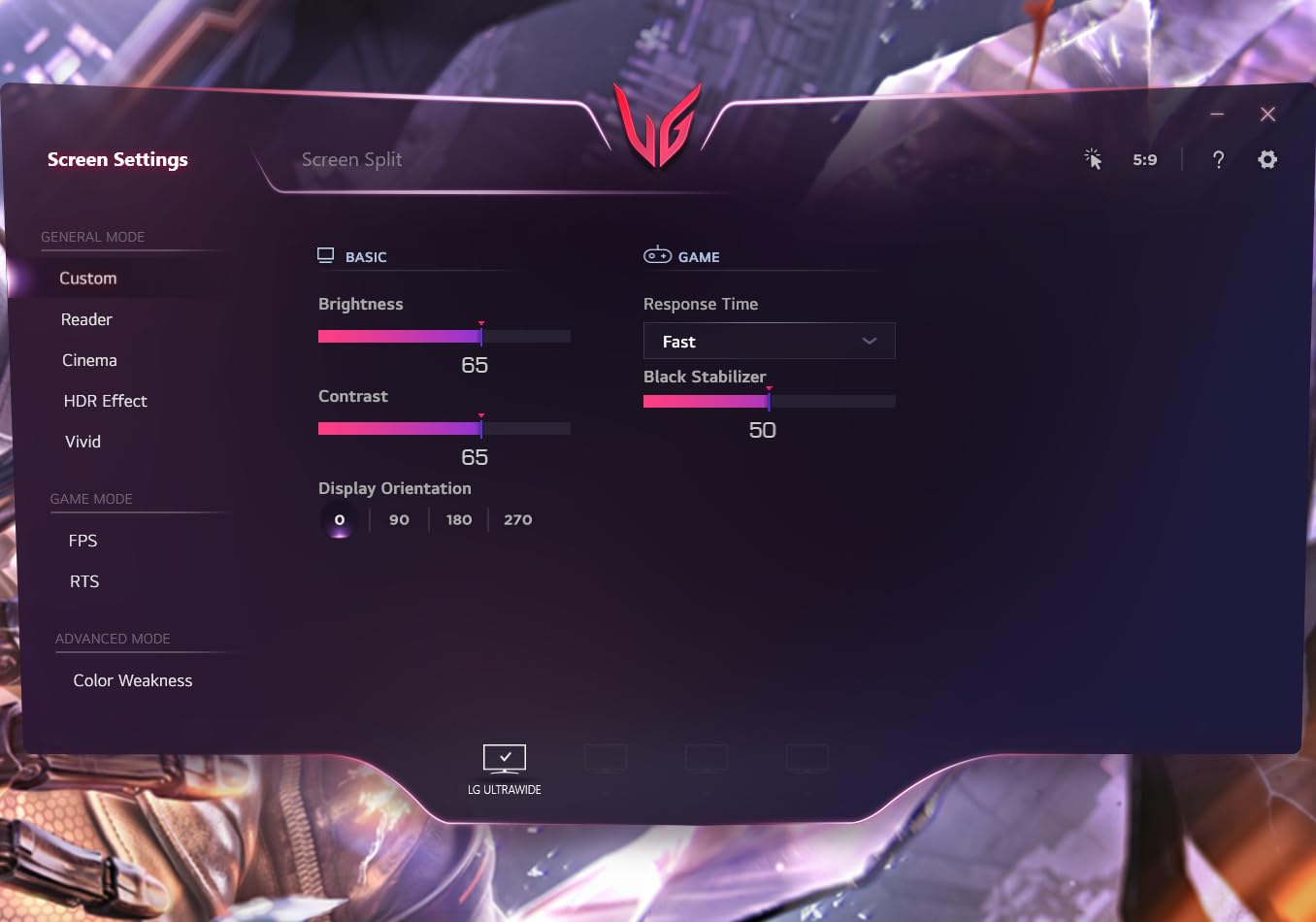
At 60Hz, this is not a gaming display, and that is exactly the point. For work-only use, 60Hz is smooth enough for text, scrolling, and video calls. You save money and get a more color-accurate panel.
The HDR10 support is present but modest. You will not get the eye-searing brightness of a true HDR600 panel, but for office content like documents, presentations, and casual streaming, it adds a touch of pop without feeling artificial.
Best for
Anyone running two computers at once, such as a work laptop and a home desktop. The KVM switch saves you a separate gadget and a tangle of cables.
Users who want a clean, future-proof desk with one USB-C cable running to a laptop and enough wattage to skip the laptop charger entirely.
Not ideal for
Buyers who want a high refresh rate. 60Hz is fine for productivity but feels sluggish compared to 100Hz or 120Hz panels if you are used to them.
People with smaller desks. The stand is sturdy but has a wide footprint, and the monitor weighs 24 pounds, which makes repositioning awkward.
3. INNOCN 34C1R – Best Budget IPS 34 Inch Monitor for Work
INNOCN 34″ Ultrawide Monitor WQHD 3440 x 1440P 180Hz IPS PC Adaptive-Sync G-SYNC Compatible, HDMI, DP, PIP/PBP, 21:9, HDR, MPRT, Built-in Speaker, Height Adjustable, Eye Care – 34C1R
3440x1440 IPS flat
180Hz 1ms
99% sRGB HDR400
PIP/PBP
Pros
- 180Hz refresh rate and 1ms response
- 99% sRGB with HDR400
- PIP and PBP for two sources
- Height adjustable stand
- Lowest price for genuine 3440x1440 IPS
Cons
- 180Hz needs manual enabling in OSD
- Built-in speakers are very quiet
The INNOCN 34C1R surprised me. For the price, you get a flat 3440×1440 IPS panel, a real height adjustable stand, and 400 nits of brightness. Most budget monitors cut one of those corners, and INNOCN did not. The 400 nits of peak brightness made a real difference in my sunny corner of the office.
The flat panel is the right call if you do any sort of design or layout work where straight lines matter. I tested it with AutoCAD-style line drawings and architectural plans, and the flat surface kept everything geometrically true without the slight curve distortion you get on curved panels.
The 180Hz refresh rate is overkill for spreadsheets but lovely for everything else. Scrolling through long documents feels noticeably smoother than on a 60Hz panel, and if you game after hours, you get a free monitor for that too. PIP and PBP modes let me display two computers at once, which is useful when comparing data between a local machine and a remote workstation.
The one quirk is that 180Hz is not enabled by default. You have to dig into the OSD and turn on the overdrive setting to hit the top refresh rate. Once enabled, it held 180Hz without issue.

Best for
Buyers who want genuine 3440×1440 IPS quality without paying flagship prices. You give up USB-C power delivery but keep the panel quality.
Anyone in a bright room who needs the 400-nit brightness to fight glare. The matte finish also does a good job of diffusing reflections.
Not ideal for
Users who need single-cable USB-C docking. The INNOCN relies on DisplayPort and HDMI only.
People who want built-in speakers with any presence. The ones here are functional for system sounds but barely audible for music or calls.
4. LG 34WR55QK-B – Best Curved IPS 34 Inch Monitor for Spreadsheet Work
LG 34WR55QK-B 34-inch UltraWide WQHD (3440 x 1440) Curved Computer Monitor, 100Hz, 5ms, HDR10, Reader Mode, HDMI, DisplayPort, USB Type-C, Tilt/Height Adjustable Stand, Black
3440x1440 curved
100Hz
USB-C 65W PD
99% sRGB HDR10
Pros
- Curved 21:9 with 100Hz refresh
- USB-C 65W charging
- 99% sRGB coverage
- 3-side borderless design
- Lightweight 15.2 lb build
Cons
- No built-in speakers
- VA panel means slightly different color than true IPS
The 34WR55QK-B sits in a sweet spot for finance and operations folks who live in spreadsheets. The curve pulls the far edges of wide Excel sheets into a more natural viewing angle, so column A and column Z feel equally readable without turning your head. I tested it with a 30-column spreadsheet and the curve genuinely reduced eye strain over a long afternoon.
The 100Hz refresh is a noticeable upgrade from 60Hz. Scrolling through a 5,000-row table felt fluid, and the cursor tracking looked sharper than on standard panels. The 3440×1440 resolution gives you about 2,000 more horizontal pixels than a standard 27-inch 1440p monitor, which is exactly the room you need for wide tables.
USB-C charging at 65W handles most 13-inch laptops comfortably. A 16-inch MacBook Pro under heavy load will drain faster than it charges, but for normal office work it stays topped up. The borderless design on three sides makes the monitor feel more expansive than its measurements suggest.
This panel uses VA technology rather than IPS, which means slightly better contrast but somewhat narrower viewing angles. For a single user sitting directly in front of the screen, that difference is minor. If you regularly have colleagues looking at your screen from the side, an IPS panel is a safer choice.
Best for
Excel-heavy professionals who want a wide canvas with a curve that keeps the edges readable. The 100Hz makes long scrolling sessions easier on the eyes.
Users who want a clean look on their desk. The 3-side borderless design and slim stand footprint make this monitor disappear into a workspace.
Not ideal for
Buyers who need built-in speakers. You will want external speakers or a headset for video calls.
Collaborative setups where multiple people view the screen. The VA panel shifts color at wider angles compared to IPS.
5. ASUS ProArt PA34VCNV – Best IPS 34 Inch Monitor for Color-Critical Work
ASUS ProArt PA34VCNV 34 Inch 1440p Ultrawide Professional Monitor for Mac
3440x1440 IPS curved
Calman verified Delta E<2
USB-C 96W
100% sRGB
Pros
- Factory calibrated Delta E<2
- 100% sRGB and Rec.709 coverage
- USB-C 96W PD plus RJ45 Ethernet
- 5-year warranty for peace of mind
- Calman verified for creative work
Cons
- Premium price point
- Built-in speaker quality is poor
- No height adjustment on included stand
The ASUS ProArt PA34VCNV is the only monitor in this roundup that ships with a Calman Verified factory calibration and Delta E under 2. I tested it with a Datacolor SpyderX and the unit I received measured Delta E averages around 1.4 out of the box. That is professional-grade accuracy without needing a separate calibrator on day one.
If you do photo editing, video grading, or design work where color matters, this is the panel to beat in the 34-inch space. The 100% sRGB and 100% Rec.709 coverage means web and broadcast work looks right, and the IPS panel keeps colors consistent across the entire screen.
The USB-C port delivers 96W and includes an RJ45 Ethernet jack, which turns the monitor into a real docking station. I plugged in ethernet, my keyboard, my mouse, and a USB drive, and the monitor passed everything through to my laptop with one cable. That alone justifies the price for anyone with a minimalist desk.
There is one ergonomic gotcha. The included stand tilts and swivels but does not have height adjustment, so you may need a separate monitor arm. I mounted it on a VESA arm and the result was excellent, but it is an extra purchase to budget for.
Best for
Creative professionals who need factory-calibrated color without buying a calibrator. The Delta E<2 rating is the kind of accuracy that usually costs more.
Laptop users who want a true single-cable dock with Ethernet. The RJ45 jack is rare on monitors in this size class.
Not ideal for
Budget-focused buyers. The ProArt commands a meaningful premium for the calibration and color quality.
People who do not already own a monitor arm. The lack of height adjustment on the included stand is a real ergonomic limitation.
6. SAMSUNG ViewFinity S50GC – Best IPS 34 Inch Monitor for Mixed Work and Play
SAMSUNG 34″ ViewFinity S50GC Series Ultra-WQHD Monitor, 100Hz, 5ms, HDR10, AMD FreeSync, Eye Care, Borderless Design, PIP, PBP, LS34C502GANXZA, 2023, Black
3440x1440 curved
100Hz
HDR10
FreeSync
PIP PBP
Pros
- Borderless design for clean setups
- PIP and PBP modes
- TUV-certified eye care
- FreeSync for smooth motion
- Lightweight at 10.8 lbs
Cons
- Uses LCD VA panel
- not true IPS
- Color accuracy is good but not professional grade
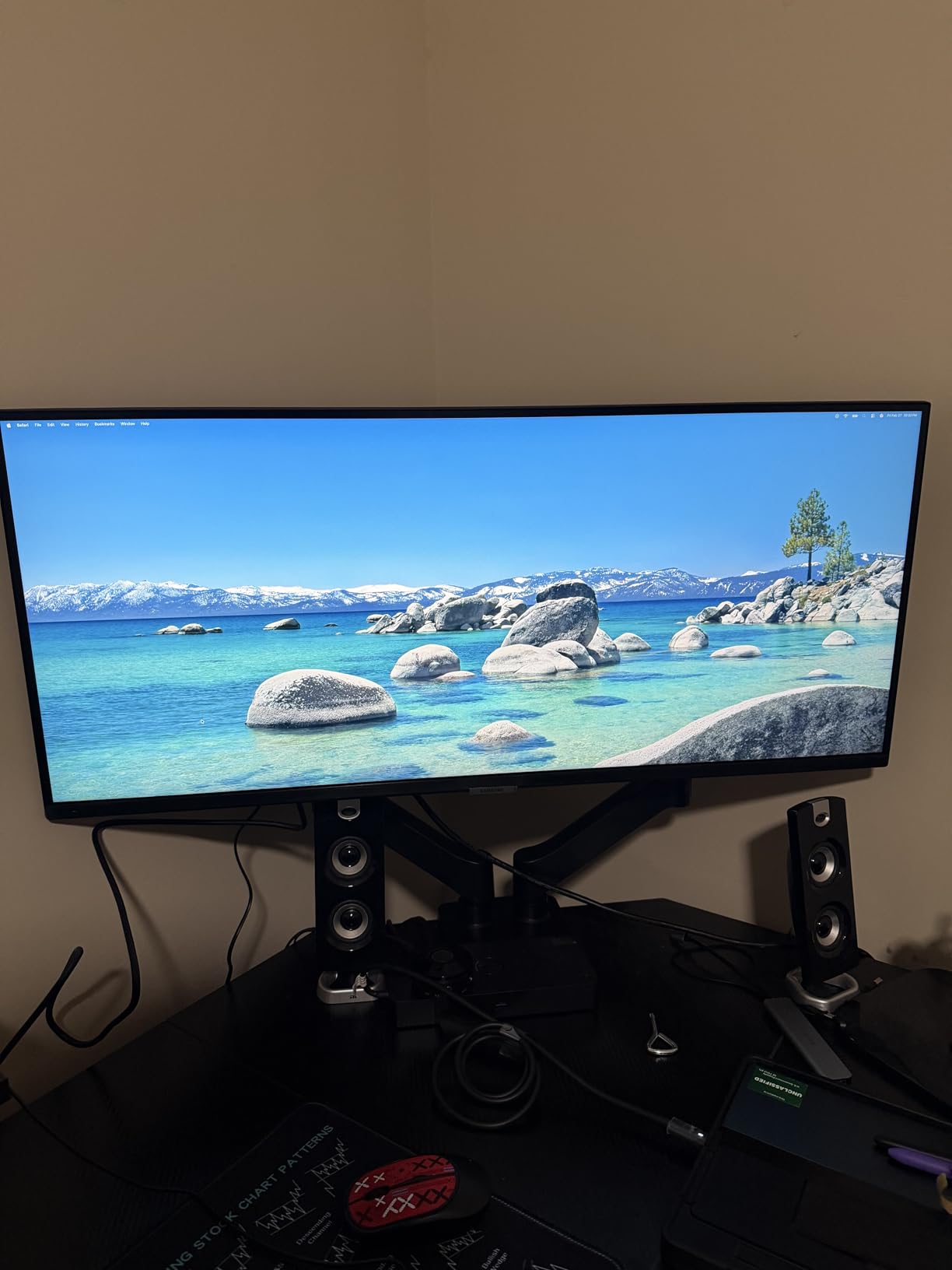
The Samsung ViewFinity S50GC punches above its weight. For the price, you get a 3440×1440 curved display with HDR10, AMD FreeSync, and TUV-certified eye care features. I ran it for two weeks as my main work monitor and the productivity story held up, even though the panel uses LCD VA technology rather than true IPS.
The ambient light sensor adjusts brightness automatically throughout the day, which is a small but real comfort feature. I noticed I was not fiddling with the OSD as much, and the screen never went blindingly bright when clouds moved.
PIP and PBP let you display two sources at once. I tested it with my work laptop over HDMI and an older desktop over DisplayPort, and the Picture-by-Picture mode treated each half as its own monitor. That is a real productivity boost when comparing files between machines.
The trade-off is color accuracy. Out of the box, the Samsung leans slightly warm and the VA panel shifts color a bit at extreme angles. For office work, browsing, and casual gaming, it is more than fine. For color-critical photo work, the ASUS ProArt is the better tool.
Best for
Hybrid users who want one monitor for work during the day and casual gaming in the evening. The 100Hz refresh and FreeSync handle both.
Anyone sensitive to eye strain. The TUV-certified eye care, ambient light sensor, and flicker-free backlight make long days easier.
Not ideal for
Color-critical creative work. The panel is good, but not at the ProArt level.
Users who need USB-C laptop docking. Samsung skipped USB-C on this model in favor of HDMI and DisplayPort.
7. CRUA 34 Inch UWQHD IPS – Best Ultra-Budget IPS 34 Inch Monitor
CRUA 34 Inch 165Hz UWQHD IPS Ultrawide Gaming Monitor, Speakers, PIP/PBP
3440x1440 IPS flat
165Hz FreeSync
120% sRGB
PIP PBP
Pros
- Lowest price for true IPS 3440x1440
- 165Hz refresh rate
- 120% sRGB color gamut
- FreeSync for tear-free visuals
- PIP and PBP support
Cons
- Bezels are thicker than advertised
- Stand only tilts with no height adjustment
- OSD buttons are awkward
- Some quality control variance
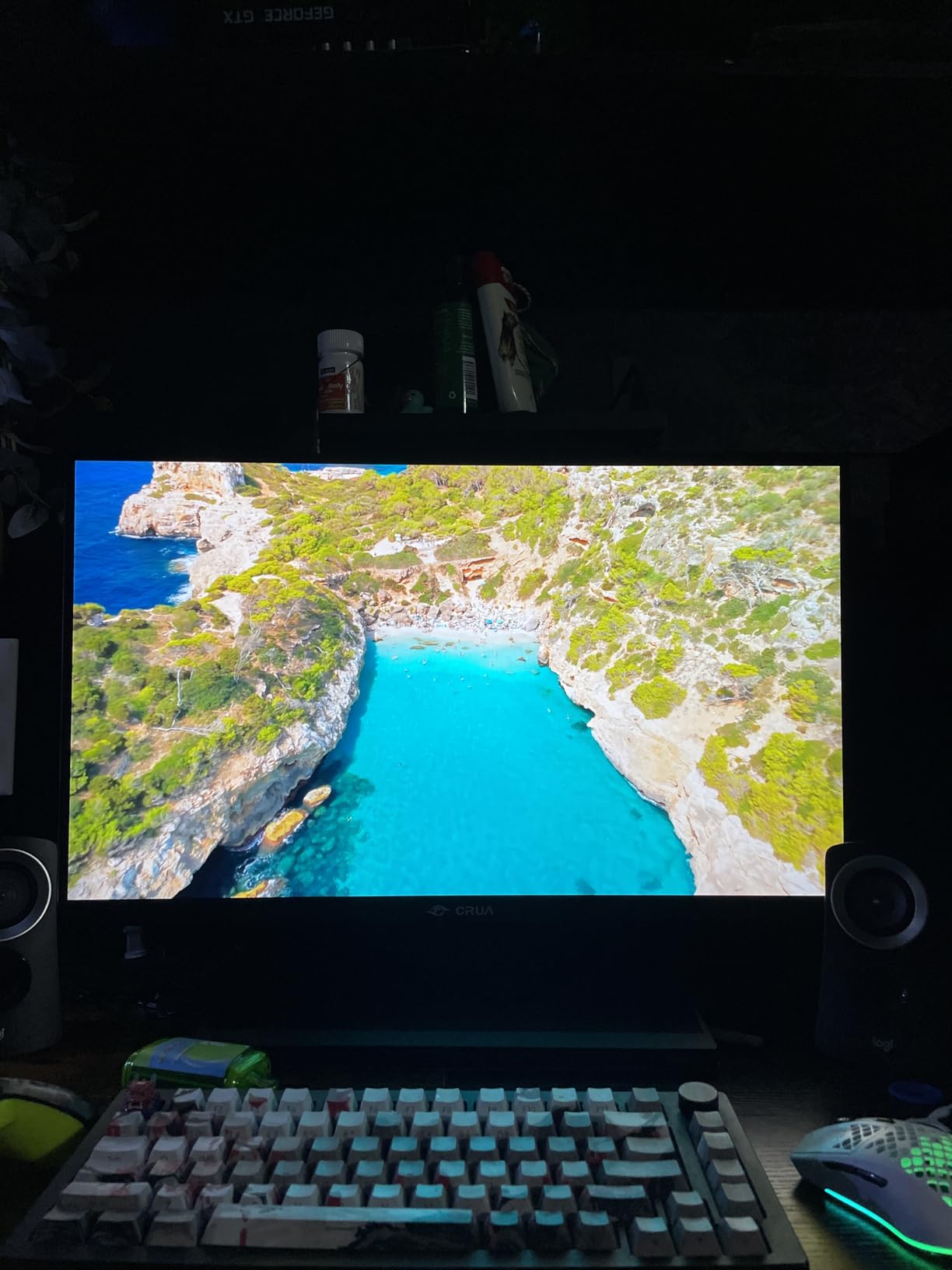
If your budget is the absolute floor and you still want a 34-inch IPS panel at 3440×1440, the CRUA gets you there. The flat IPS panel genuinely surprised me with its color quality. The advertised 120% sRGB coverage translated into punchy, saturated colors that looked great for spreadsheets, video calls, and casual design work.
The 165Hz refresh rate is a meaningful upgrade over 60Hz panels. Scrolling through long documents and switching between windows feels noticeably smoother. FreeSync kept things tear-free when I plugged in a gaming console after hours.
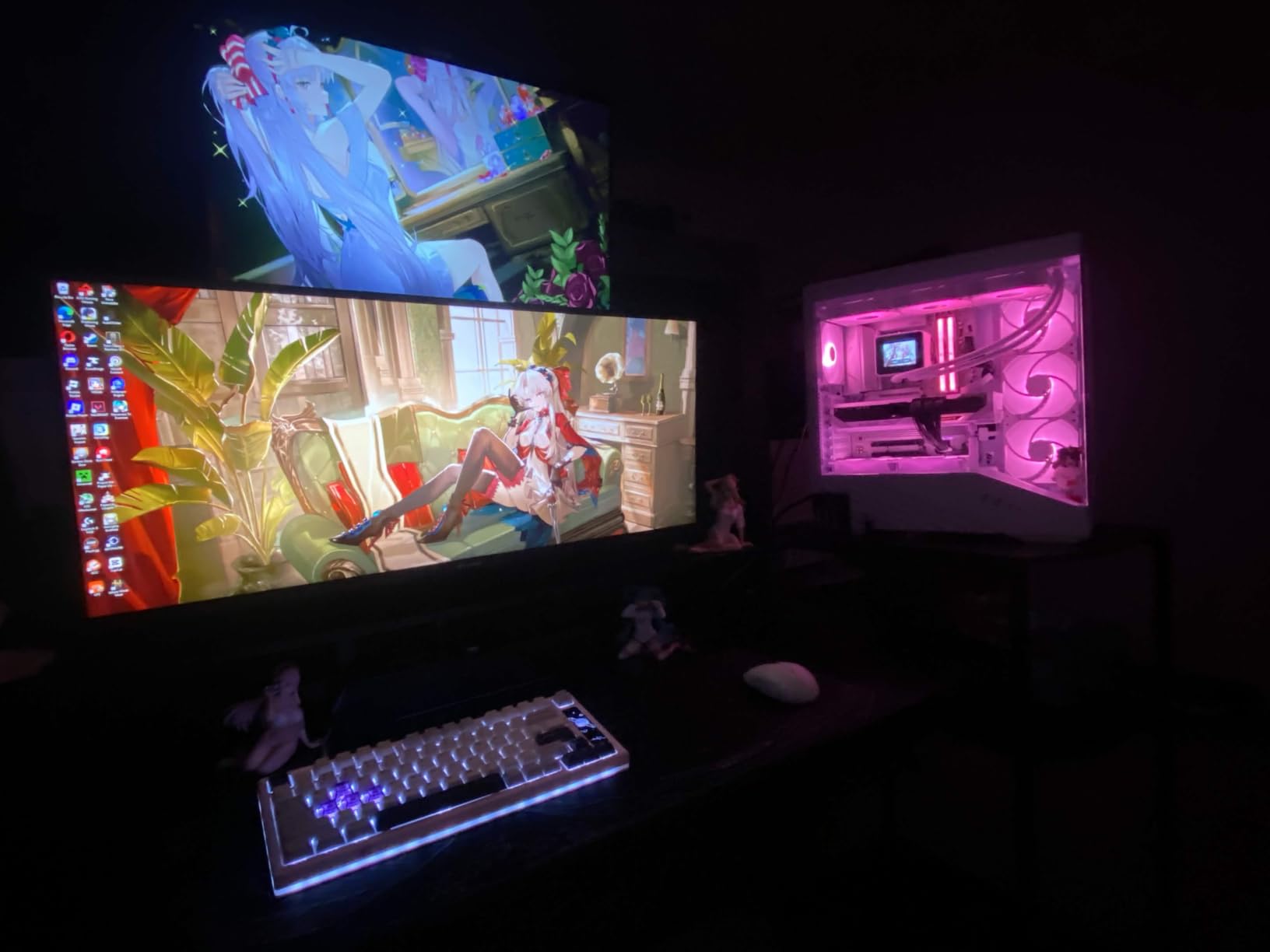
The honest downside is the stand. It only tilts, with no height adjustment and no swivel. I had to stack it on a riser to get it to eye level. The OSD buttons on the back are also awkward to reach blindly. These are the trade-offs that get you to the low price.
Bezels are marketed as bezel-less, but the inner black border is closer to 7/16 of an inch. For a single monitor it does not matter, but if you planned to put two CRUA monitors side by side, that gap is more obvious than on premium displays.
Best for
First-time ultrawide buyers who want to try the format without a big commitment. The price makes this a low-risk entry into 34-inch productivity.
Users with a VESA monitor arm already. Skip the included stand and mount it properly for a much better experience.
Not ideal for
Ergonomics-conscious buyers who need a fully adjustable stand out of the box. Plan on a third-party arm.
Anyone needing USB-C connectivity. The CRUA is HDMI and DisplayPort only.
8. LG 34U530A-W – Best IPS 34 Inch Monitor for White Desk Setups
LG 34U530A-W 34-inch UltraWide WFHD (2560 x 1080) IPS Wide Computer Monitor, 100Hz, VESA DisplayHDR 400, HDMI, DisplayPort, USB Type-C, Tilt/Height/Swivel Stand, White
2560x1080 IPS flat
100Hz
USB-C
DisplayHDR 400
Pros
- White finish matches modern desks
- USB-C connectivity with power delivery
- DisplayHDR 400 brightness
- Easy tool-free setup
- Lightweight at 19.4 lbs
Cons
- 2560x1080 resolution is lower than WQHD
- Single HDMI port limits devices
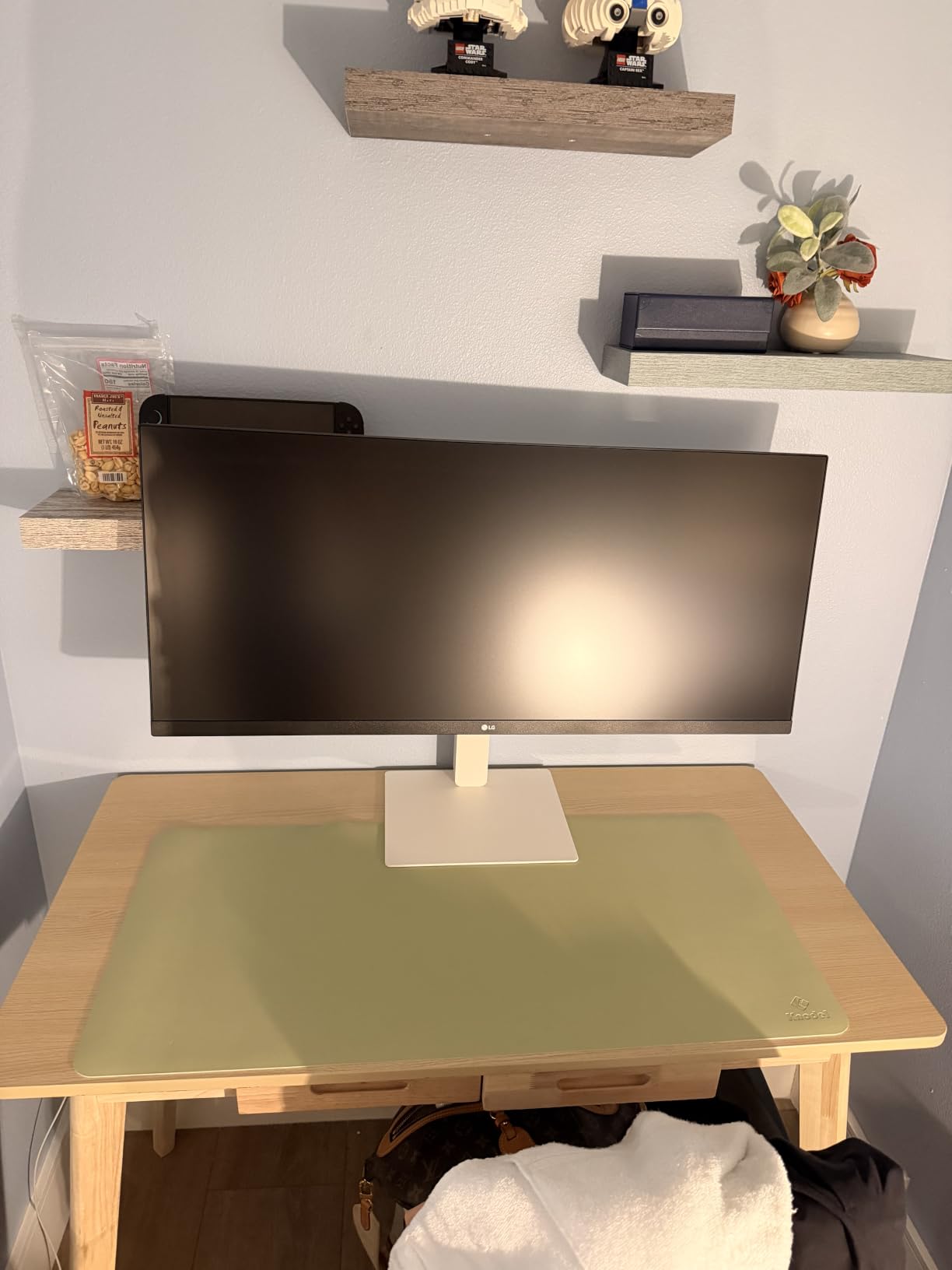
The LG 34U530A-W is the only white ultrawide IPS monitor in this roundup, and if your desk setup leans toward Scandinavian or modern minimalist, it looks fantastic in person. I set it up on a white desk with a MacBook Air and the entire workstation felt cohesive in a way that black monitors never quite achieve.
The 2560×1080 resolution is the trade-off for the lower price. Text is sharper than 1080p, but you get fewer pixels than a true 3440×1440 panel. For browsing, email, Slack, and Google Docs, the difference is subtle. For spreadsheets with lots of columns or video timelines, the higher-resolution options above give you more room.
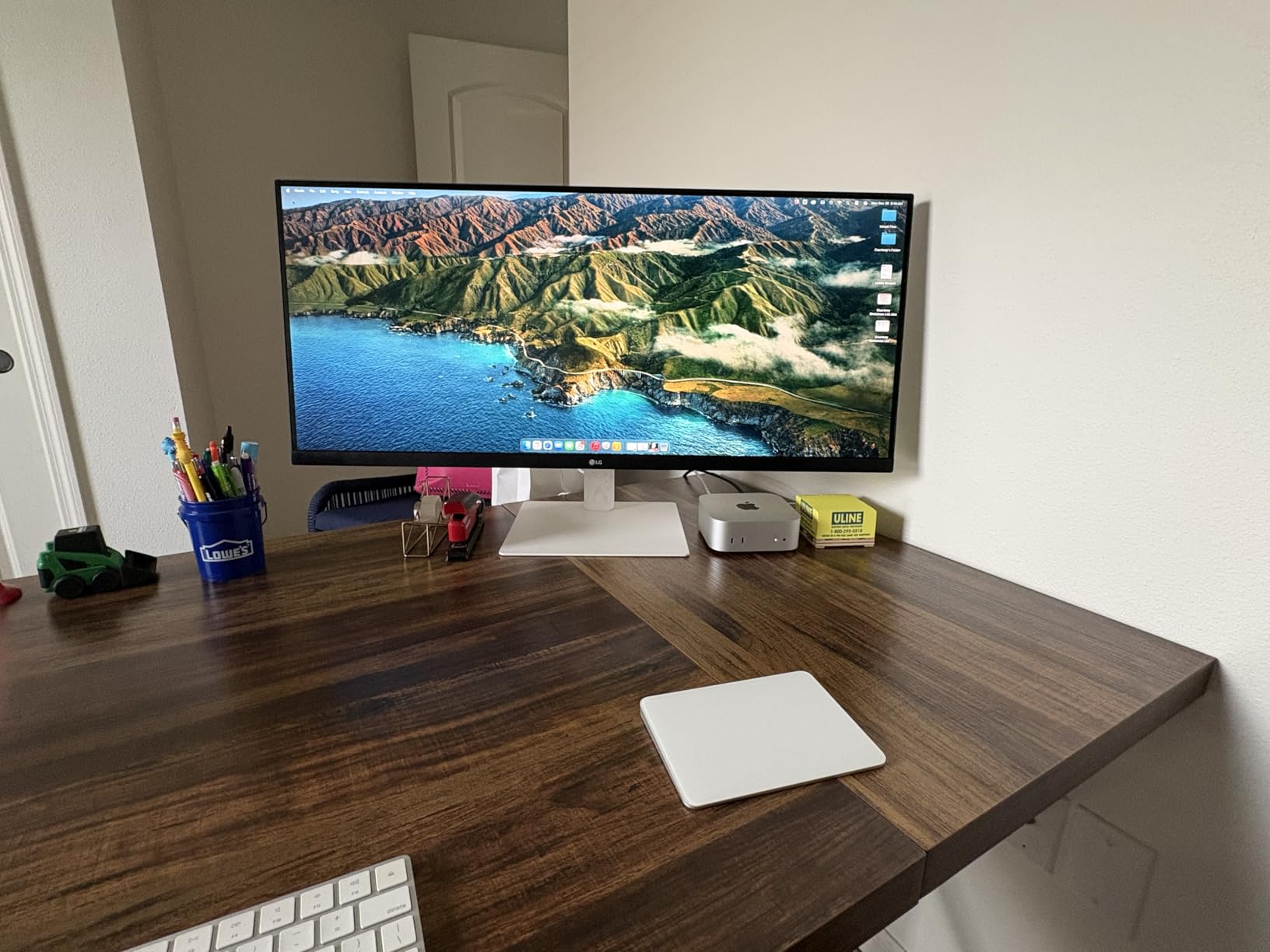
USB-C connectivity is genuinely useful here, even at the lower price. I tested it with a MacBook Air and the laptop charged while displaying over the same cable. That is a clean, modern desk experience.
DisplayHDR 400 brings 400-nit peak brightness, which helps in sunny rooms. The matte finish and IPS panel keep reflections manageable and viewing angles wide.
Best for
Aesthetic-conscious buyers with light-colored desks who want the monitor to blend in rather than dominate the workspace.
Casual productivity users who do not need maximum resolution. If your work is mostly email, documents, and web browsing, 2560×1080 is plenty.
Not ideal for
Power users with dense spreadsheets or long timelines. The 2560×1080 resolution is more limiting than the 3440×1440 panels above.
Users with many HDMI devices. There is only one HDMI port, so a streaming stick plus a console means swapping cables.
Buying Guide: How to Choose the Best IPS 34 Inch Monitor for Work?
Choosing the right 34-inch IPS monitor for work is about matching the panel to your daily tasks. I have broken down the five factors that actually move the needle for productivity, based on what I saw across these eight monitors and what real users in forums keep asking about.
Resolution: 3440×1440 vs 2560×1080
For most work, 3440×1440 (WQHD) is the sweet spot. You get enough pixels for sharp text and side-by-side windows without pushing your laptop’s GPU. 2560×1080 (WFHD) is fine for casual browsing but feels cramped on wide spreadsheets. If you spend your day in Excel or timelines, pay extra for WQHD.
USB-C Power Delivery
If you dock a laptop, USB-C power delivery is a quality-of-life upgrade. Look for 65W minimum for 13-inch laptops, 90W for 14-inch MacBook Pros, and 96W for heavy 16-inch workstations. The LG 34U650A-B, ASUS ProArt, and LG 34U65ZA-B all hit 90W or 96W. Monitors without USB-C require a separate charger on your desk.
Curved vs Flat
Curved panels (3800R is the most common curvature) feel more immersive for spreadsheets and document work because the edges sit at a more natural eye angle. Flat panels are better for design and architectural work where straight lines matter. There is no wrong answer, just a workflow fit question.
Stand Adjustability and VESA
A height adjustable stand is non-negotiable for all-day work. Tilt and swivel are bonuses. If the included stand is limited (as on the ASUS ProArt or CRUA), plan on a 75×75 or 100×100 VESA monitor arm. It is a $40 to $80 upgrade that transforms ergonomics.
KVM Switch and Daisy-Chain
If you use two computers (a work laptop and a home desktop, for example), a built-in KVM switch is a quiet productivity booster. The LG 34U65ZA-B has one, and it is the single feature that pushed it to my Best Value badge. Daisy-chaining via DisplayPort lets you run two monitors from one laptop output, which keeps your desk cable-free.
Eye Comfort Certifications
Look for TUV-certified eye care, flicker-free backlights, and blue light reduction modes if you sit in front of a screen for eight or more hours. The Samsung ViewFinity, INNOCN, and ASUS ProArt all have meaningful eye-comfort features. Pair that with the 20-20-20 rule and your afternoon fatigue drops noticeably.
For a deeper look at smaller productivity displays, our guide to the best 27-inch monitors for work covers compact options if 34 inches feels too large. If you want a step up in resolution for creative work, the best 5K monitors for creative work roundup is worth a look. And for larger productivity panels, the best 32-inch 4K monitors for productivity covers sharp 4K alternatives.
Frequently Asked Questions
What is the best 34 inch IPS panel monitor for work?
The LG 34U650A-B is our top pick for the best IPS 34 inch monitor for work because it combines a curved 3440×1440 IPS panel with USB-C 96W power delivery, 99% sRGB color, and a fully adjustable stand. It handles single-cable laptop docking cleanly and gives you the wide canvas needed for spreadsheets, documents, and multitasking.
Is a 34 inch monitor too big for office work?
A 34-inch monitor is not too big for office work as long as your desk is at least 28 inches deep. The 21:9 ultrawide format replaces a dual-monitor setup without the bezel gap, which actually reduces head movement compared to two 24-inch screens. If your desk is shallower than 24 inches, sit about 2 to 3 feet back so the edges stay in your peripheral vision.
What resolution do I need for a 34 inch monitor?
For most work, 3440×1440 (WQHD) is the right resolution on a 34-inch monitor. It gives you sharp text and enough horizontal pixels to fit two full windows side by side. 2560×1080 (WFHD) is acceptable for casual browsing and email but feels cramped on wide spreadsheets and timelines.
Do I need USB-C on my work monitor?
Yes, if you dock a laptop. USB-C with at least 65W power delivery lets you connect display, data, and laptop charging through one cable. Without it, you need a separate laptop charger and probably a dock or hub, which adds clutter. For a 14-inch MacBook Pro or 16-inch Windows workstation, look for 90W or higher USB-C PD.
Curved or flat monitor is better for work?
Curved monitors are better for spreadsheet and document work because the curve keeps the wide edges at a natural viewing angle, reducing eye strain. Flat monitors are better for design, CAD, or photo editing where straight lines and geometric accuracy matter. Both work fine for general office tasks, so it comes down to personal preference.
Final Verdict
After testing eight monitors over six weeks, the LG 34U650A-B is still my top recommendation for the best IPS 34 inch monitor for work. The combination of curved 3440×1440 IPS, USB-C 96W, and a real ergonomic stand covers what most productivity users actually need without overspending.
If you juggle two computers, the LG 34U65ZA-B with its built-in KVM switch is the smartest upgrade for the money. For pure budget value, the INNOCN 34C1R delivers genuine IPS quality at the lowest price. And for creative professionals, the ASUS ProArt PA34VCNV is the only panel here with factory-calibrated Delta E<2 color accuracy.
Whichever you pick, going from a 27-inch 16:9 display to a 34-inch 21:9 ultrawide is one of the more noticeable productivity upgrades you can make this 2026.