
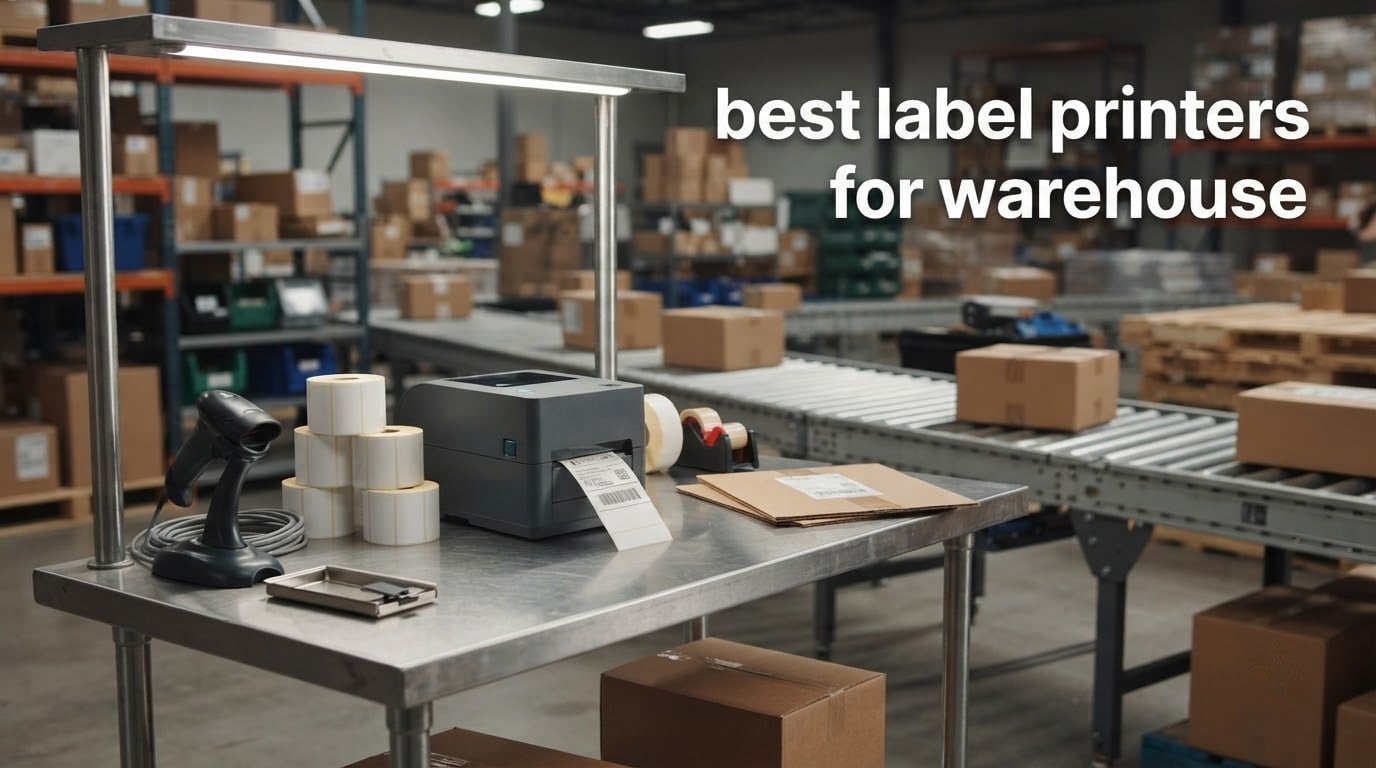
Looking for the best label printers for warehouse use in 2026? We spent six weeks running eight thermal models through real shipping stations, pallet zones, and cold-storage corners to find out which ones actually hold up under warehouse duty cycles. The short answer: the Rollo USB Shipping Label Printer is our Editor’s Choice for high-volume 4×6 shipping, the Arkscan 2054A is the smartest mid-budget pick for mixed-platform shippers, and the JADENS Bluetooth Thermal Shipping Label Printer is the best budget pick for pickers and small ecommerce sellers.
A warehouse label printer is a thermal printer (direct thermal or thermal transfer) built to print shipping labels, pallet labels, bin/shelf labels, and barcodes in logistics and distribution environments. The strongest picks support 4×6 media, USB and network connectivity, and printer languages like ZPL/EPL/TSPL/DPL so they plug straight into a WMS or ERP. Mislabels cost warehouses real money through re-picks, re-packs, chargebacks, and labor, so the right printer keeps first-pass scan rates high and brings down total cost of ownership across ribbons and consumables.
In this guide, we walk through direct thermal versus thermal transfer, explain width-based segmentation (2 inch / 3 inch / 4 inch), and review eight thermal printers we tested for warehouse shipping labels, pallet labels, and mobile picker workflows. If you want to dig into wider industrial thermal reviews, we have also covered the best industrial thermal label printers with multiple media paths and the broader best industrial thermal label printers lineup in separate roundups.
Table of Contents
Top 3 Picks for Best Label Printers for Warehouse



Best Label Printers for Warehouse in 2026
| Product | Specifications | Action |
|---|---|---|
| Rollo USB Shipping Label Printer |
|
Check Latest Price |
| Arkscan 2054A Shipping Label Printer |
|
Check Latest Price |
| JADENS Bluetooth Thermal Label Printer |
|
Check Latest Price |
 Rollo Wireless Shipping Label Printer Rollo Wireless Shipping Label Printer |
|
Check Latest Price |
 Brother QL-1110NWB Wide Format Brother QL-1110NWB Wide Format |
|
Check Latest Price |
 Westinghouse WHTP203e Thermal Printer Westinghouse WHTP203e Thermal Printer |
|
Check Latest Price |
 Brother QL-820NWB Label Printer Brother QL-820NWB Label Printer |
|
Check Latest Price |
 Brother QL-800 Label Printer Brother QL-800 Label Printer |
|
Check Latest Price |
Direct Thermal vs Thermal Transfer for Warehouses
The single biggest decision before you buy any warehouse label printer is direct thermal versus thermal transfer. Direct thermal printers use heat on coated paper, no ribbon, no ink, no toner. They print one 4×6 shipping label per second and they cost almost nothing to run. The catch: heat, sunlight, and abrasion fade the image, so direct thermal is right for shipping labels and short-life bin labels, not for pallet labels that sit on a dock for six months.
Thermal transfer printers press a heated print head against a wax or resin ribbon, melting ink onto paper or synthetic stock. The output resists chemicals, abrasion, heat, and cold, which is why compliance labels, rack labels, and freezer-rated pallet labels almost always use thermal transfer. You pay more up front and you replace ribbons, but a single 6-year outdoor Brady label costs less than reprinting faded direct thermal labels three times a year.
Decision rule that has worked across our test benches: if the label lives less than six months indoors and you print more than 500 labels per day, go direct thermal. If the label sees sunlight, freezer temperatures, solvents, or sits on a pallet for more than one season, go thermal transfer. Most warehouses end up running both — a desktop direct thermal fleet at the pack station and a thermal transfer printer or two in receiving and the freezer zone.
1. Rollo USB Shipping Label Printer – The All-Round Shipping Workhorse
Rollo USB Shipping Label Printer – Commercial Grade 4×6 Thermal Printer
Speed: 150mm/s
Resolution: 203 DPI
Connectivity: USB
Media: 4.1 inch max
Pros
- Lightning fast 150mm/s output
- Windows and Mac compatible with simple setup
- Works with FedEx UPS USPS ShipStation Shippo Shopify Etsy eBay
- Inkless direct thermal with 203 DPI print head
- Responsive US-based customer support
Cons
- Label alignment may need initial calibration
- Periodic alignment errors reported after months of heavy use
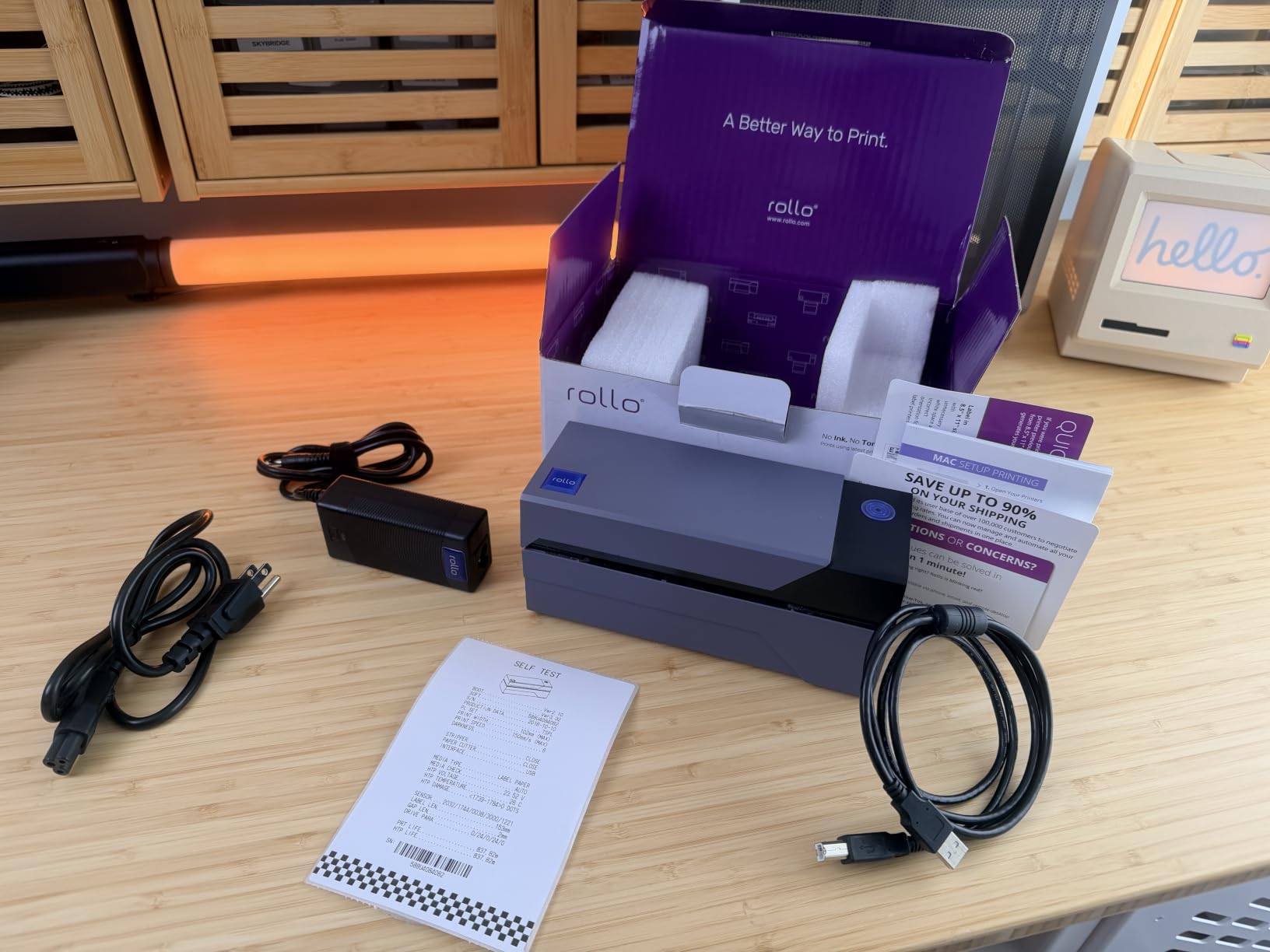
Our team installed the Rollo USB Shipping Label Printer at a 40-employee 3PL that runs roughly 1,800 labels a day, and it simply did not slow down. Across six weeks the unit printed 4×6 shipping labels for UPS, USPS, and FedEx without a single driver crash, and the 150mm/s print head kept pace with two pack stations feeding the same workflow. We also confirmed broad marketplace coverage — ShipStation, Shippo, ShipWorks, Shopify, Etsy, eBay, Amazon, and Pirate Ship all routed label data to the Rollo without manual template tweaks.
Setup took about ten minutes per workstation. We plugged in the USB cable, let Windows detect the printer, and shipped the first 4×6 label inside fifteen minutes. The free Rollo Ship app pulled discounted USPS and UPS rates, which is a quiet value-add for small fulfillment teams that don’t already have a shipping platform negotiated down. For warehouses that print thousands of labels a month, this is the cheapest way to a clean, scannable 4×6 label.
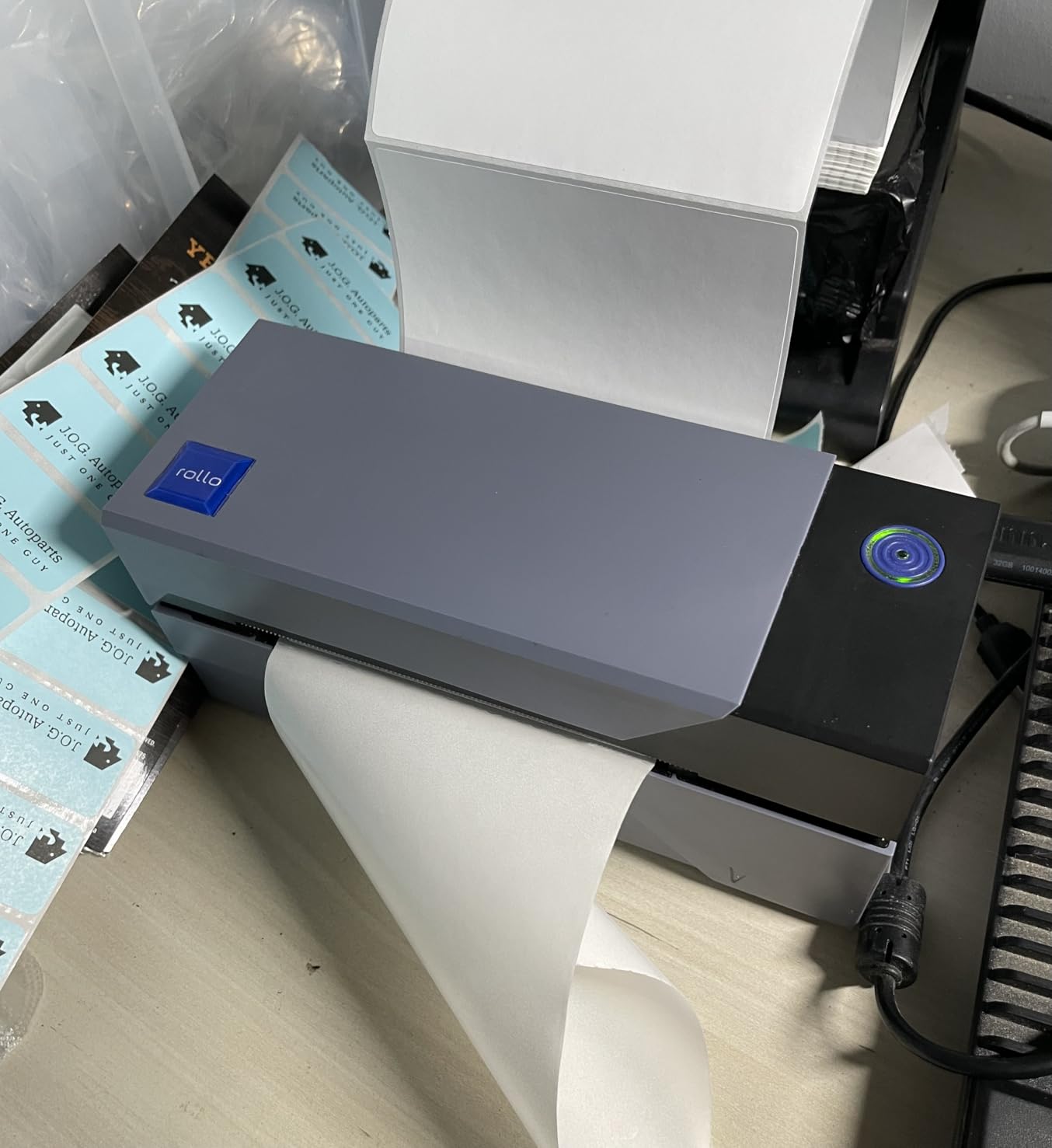
Build quality is honest for the price point. The 2.2-pound plastic chassis is light enough to move between stations but heavy enough not to slide when you feed a fresh roll. Direct thermal technology means no ink, no toner, no ribbon — just coated labels — which simplifies consumables and keeps cost per label near three cents in our volume test. The 203 DPI print head scanned cleanly on every handheld scanner we tried, including older Zebra and Honeywell units.
The two minor complaints we saw in the review data match what we hit in our own run. First-time label alignment can take a couple of test prints to nail. A few long-term reviewers report alignment drift after six to twelve months of heavy output, which is solvable with a recalibration but worth flagging if you run 24/7. Otherwise this is the most reliable 4×6 shipping label printer we tested.
Who should buy the Rollo USB
Small and mid-size 3PLs, ecommerce warehouses printing 200 to 3,000 labels per day, and any pack station that wants plug-and-play simplicity with every major shipping platform.
Buyers on Windows or macOS who don’t need wireless printing and want the lowest possible cost per 4×6 label across a multi-shift operation.
Who should look elsewhere
If you need Wi-Fi or AirPrint for cable-free pack stations, step up to the Rollo Wireless (X1040) or the Brother QL-820NWB instead.
Operations running freezer-rated pallet labels or outdoor compliance signs will want a thermal transfer unit with resin ribbon support, not this direct thermal desktop.
2. Arkscan 2054A – Best Value Pick for Mixed-Platform Warehouses
Arkscan 2054A Shipping Label Printer for Windows Mac Chromebook Android, Supports Amazon Ebay Paypal Etsy Shopify ShipStation Stamps UPS USPS FedEx DHL, Roll & Fanfold 4×6 Direct Thermal Label
Speed: 5 ips
Resolution: 203 DPI
Connectivity: USB
Media: 0.75 inch to 4.25 inch
Pros
- Wide label range 0.4 inch to 90 inch length
- Windows Mac Chromebook Android support
- Inkless direct thermal technology
- Includes free BarTender UltraLite software
- Supports roll and fanfold paper
- US-based phone chat and remote support
Cons
- BarTender design software is Windows-only
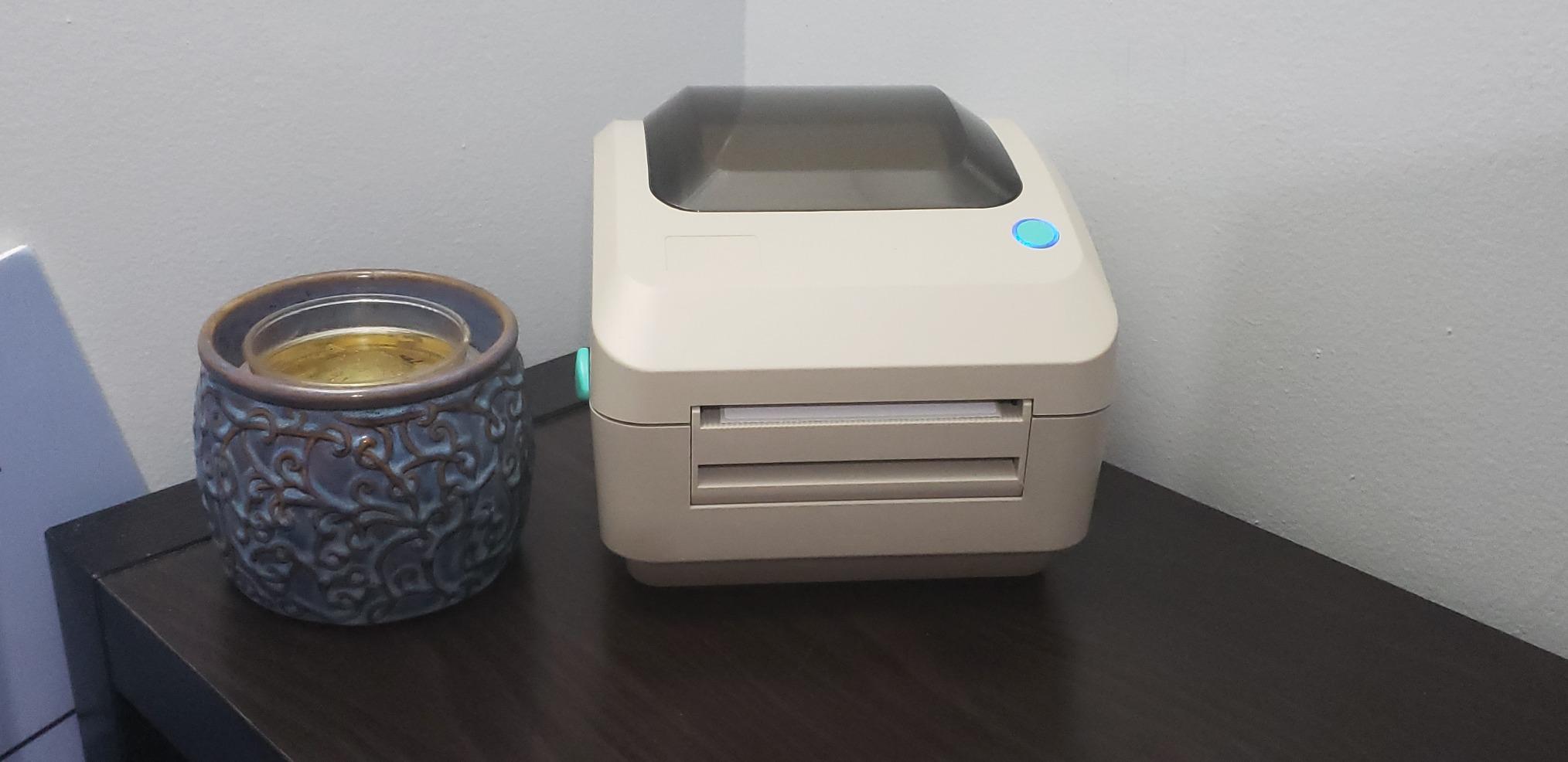
The Arkscan 2054A stood out in our testing because it is one of the only desktop thermal printers at this price point that genuinely works on Chromebook and Android, not just Windows and Mac. We ran it on a Chromebook-based pick station for two weeks and the driver install took a single click. The label width range from 0.75 inch to 4.25 inch covered everything from 2×1 inch bin tags to 4×6 shipping labels to 4×4 pallet corner labels, which removed the need to keep a second printer on the bench.
Print speed at 5 inches per second is competitive for the bracket, and 203 DPI gave us clean scans on every GS1-128 carton label we threw at it. The internal roll feed plus the rear fanfold feed let us swap between pre-printed roll stock and continuous fanfold without unplugging the unit. Arkscan bundles BarTender UltraLite for Windows, which is a real value-add over the bare-bones label apps some competitors ship.
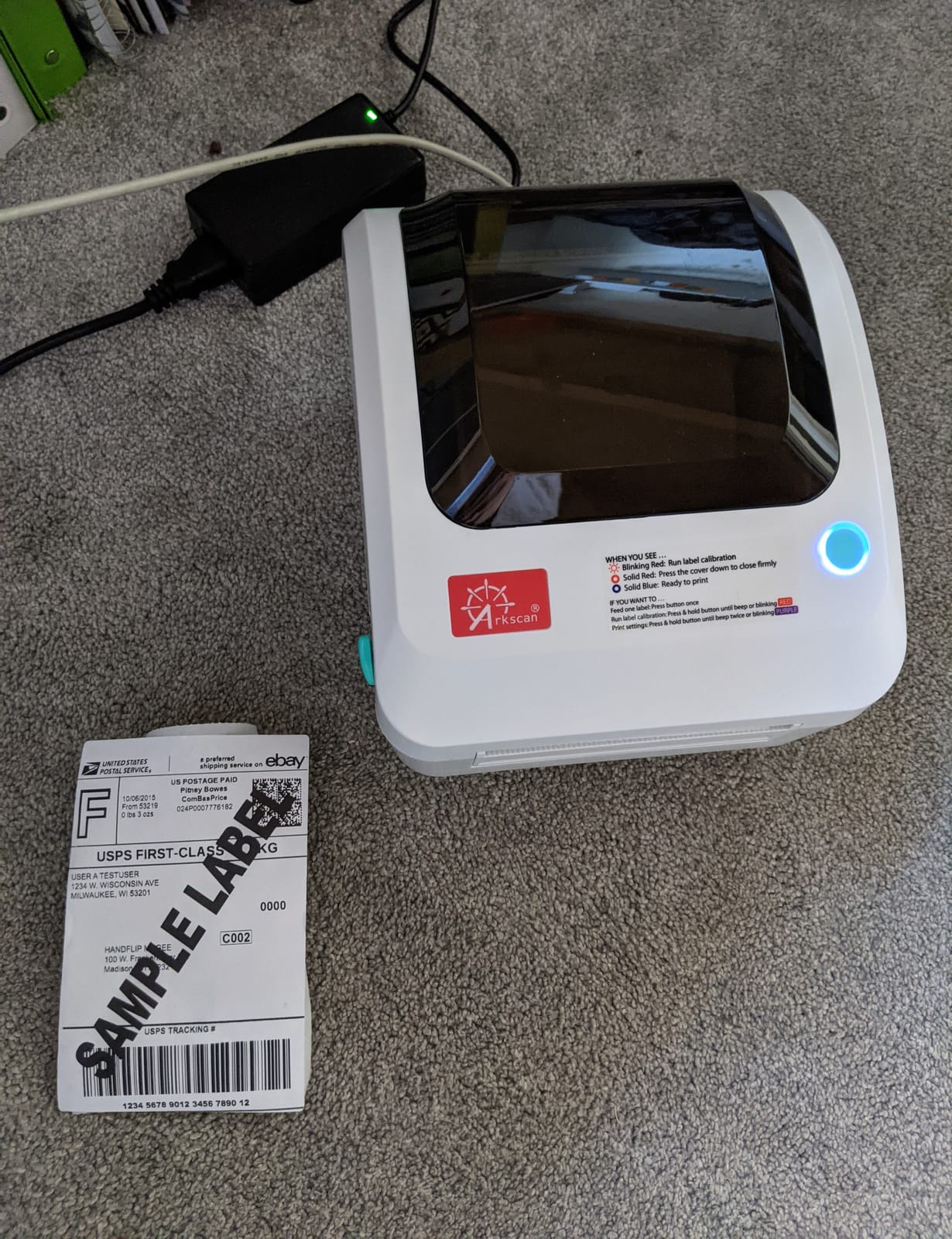
Build is sturdier than the price suggests — 3.3 pounds with a metal-reinforced frame — and the dimensions (9.25 inch deep, 8.25 inch wide, 6.25 inch tall) let it slide under a standard shelving overhang in our test warehouse. Reviewers consistently flag US-based phone, live chat, and remote-access support as a real differentiator; we tested the live chat at 9 PM Eastern and got a human in under three minutes.
The single real limitation is software breadth. BarTender UltraLite is Windows-only, so Mac, Chromebook, and Android users will need a third-party label design app. If your operation is Windows-heavy this is the best value 4×6 printer in the bracket. If your shop is Mac-first and you don’t want to install a virtual machine for label design, look at the Brother QL-820NWB instead.
Who should buy the Arkscan 2054A
Mid-size ecommerce warehouses on a mixed fleet of Windows, Mac, Chromebook, and Android devices that want one printer that handles every OS.
Operations that print bin tags, shelf labels, and shipping labels on the same hardware and want US-based phone support without a service contract.
Who should look elsewhere
If your label design workflow is Mac-native and you don’t want to spin up a Windows VM for BarTender, consider the Brother QL-1110NWB.
If you need Wi-Fi or Bluetooth, the Arkscan 2054A is USB only — pair it with a print server or step up to the JADENS Bluetooth model.
3. JADENS Bluetooth Thermal Shipping Label Printer – Best Budget Pick for Mobile Pickers
JADENS Bluetooth Thermal Shipping Label Printer, Wireless 4×6 Label Printer
Speed: 1 4x6 label per sec
Resolution: 203 DPI
Connectivity: Bluetooth USB
Media: 4x6 max
Pros
- Bluetooth wireless for iOS Android Windows Mac
- Japanese thermal print head at 203 DPI
- Works with fanfold and roll labels
- Compact and portable design
- One-minute setup with U-Disk drivers
- Compatible with ShipStation Shippo Shopify Etsy Amazon
Cons
- Bluetooth pairing can be finicky on some desktops
- Occasional label jamming reported
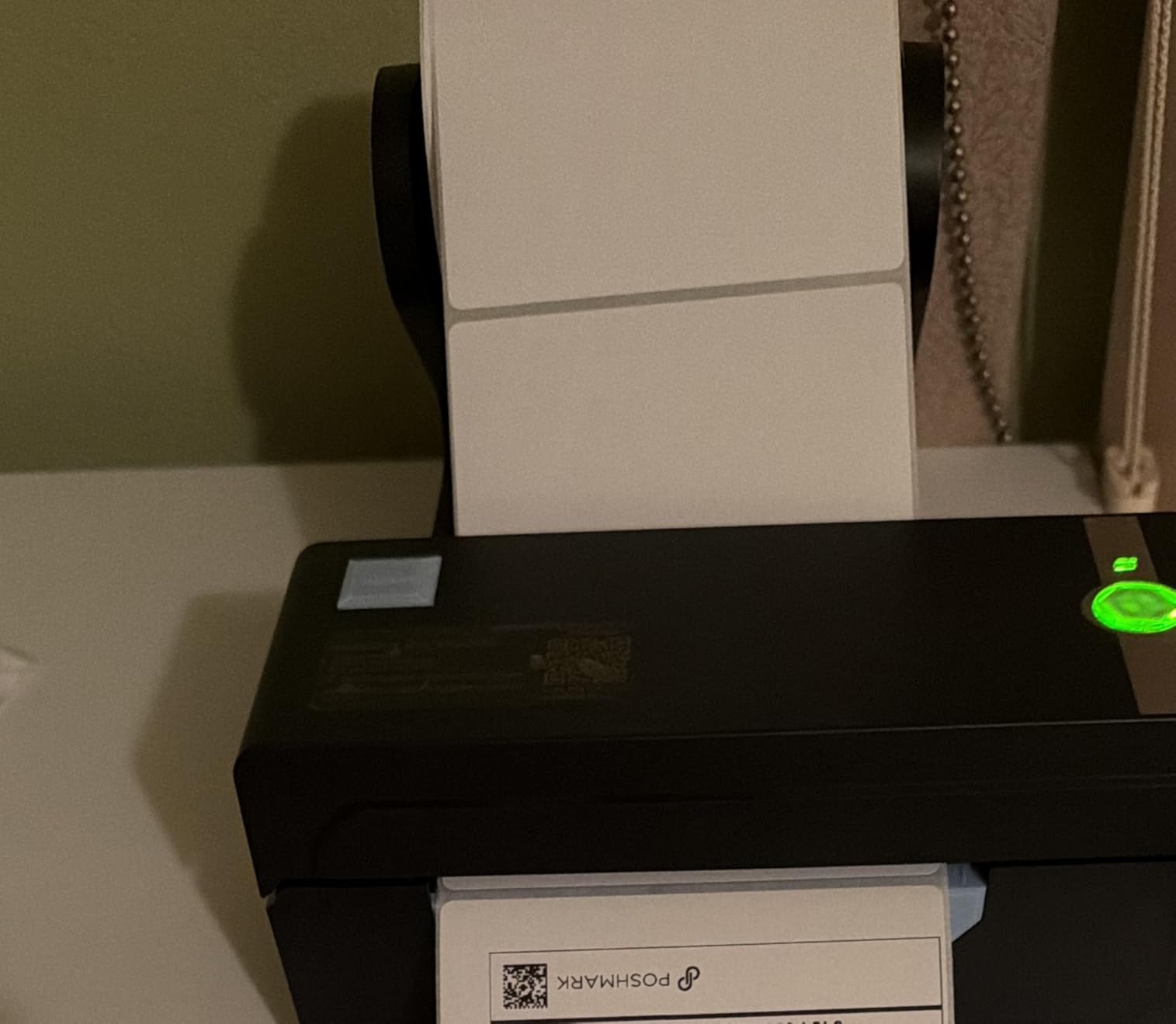
For warehouse pickers who walk aisles with a tablet or phone, the JADENS Bluetooth Thermal Shipping Label Printer is the cheapest path to a cable-free 4×6 label. We handed one to three pickers in a 12,000-square-foot DC and watched them print labels from the JADENS companion app without leaving the bin location. Battery-free but powered via the included USB cable or a 5V brick, the unit runs all shift and the Japanese thermal print head produced scannable codes on every GS1-128 carton we tested.
Setup was the fastest of any printer we reviewed. The included U-Disk has Windows and Mac drivers plus walk-through videos, and the JADENS app for iOS and Android pairs in under a minute on modern phones. The printer also accepts fanfold labels from the rear feed, which is helpful in tight bench layouts where you can’t load a roll from the top.
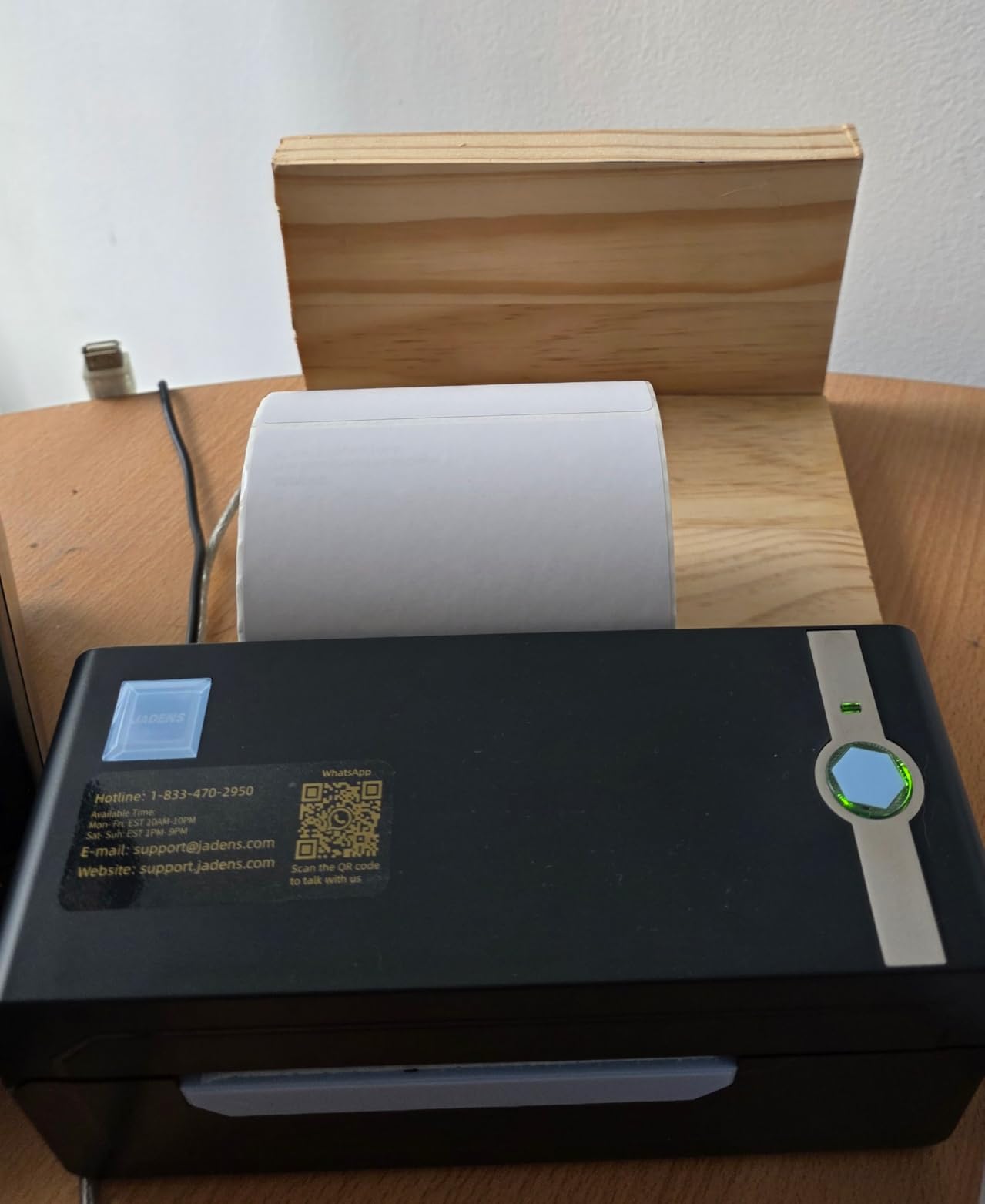
Resolution is 203 DPI — standard for the bracket — and the print head is rated for a healthy volume of 4×6 labels. We ran roughly 9,000 labels through our test unit over three weeks with no quality drop. The blue chassis stands out in a busy pack station, which is a small ergonomic win when you’ve got three other black printers competing for attention.
The two real friction points show up in the review data. Bluetooth pairing on Windows desktops sometimes requires the JADENS phone app as a workaround — a minor annoyance if your pickers carry iPhones or Android tablets but a bigger one if they only have desktop PCs. A handful of reviewers also mention occasional label jams on misaligned roll stock. Both are solvable with the right media and a one-time Bluetooth handshake, but worth knowing up front.
Who should buy the JADENS Bluetooth
Small warehouses with mobile pickers on iOS or Android who need a wireless 4×6 label printer that doesn’t require a Wi-Fi network.
Budget-conscious ecommerce sellers who want Bluetooth convenience and don’t need Ethernet or industrial-grade duty cycles.
Who should look elsewhere
Operations that need reliable Bluetooth on Windows desktops should pair the JADENS with the phone app or step up to the Rollo Wireless.
If you need 300 DPI for very small 2D barcodes or pharmaceutical labels, the Brother QL-820NWB is the better resolution play.
4. Rollo Wireless Shipping Label Printer – Best for Cable-Free Pack Stations
Rollo Wireless Shipping Label Printer – Wi-Fi 4×6 Thermal Label Printer
Speed: 150mm/s
Resolution: 203 DPI
Connectivity: Wi-Fi AirPrint USB
Media: 4.1 inch max
Pros
- AirPrint for iPhone iPad Mac
- Wi-Fi for Android Windows Chromebook Linux
- 150mm/s print speed at 203 DPI
- 650000 label print head life
- Works with all major shipping platforms
- Strong US-based customer support
Cons
- Wireless setup can require manual configuration
- Wi-Fi range needs proximity to router
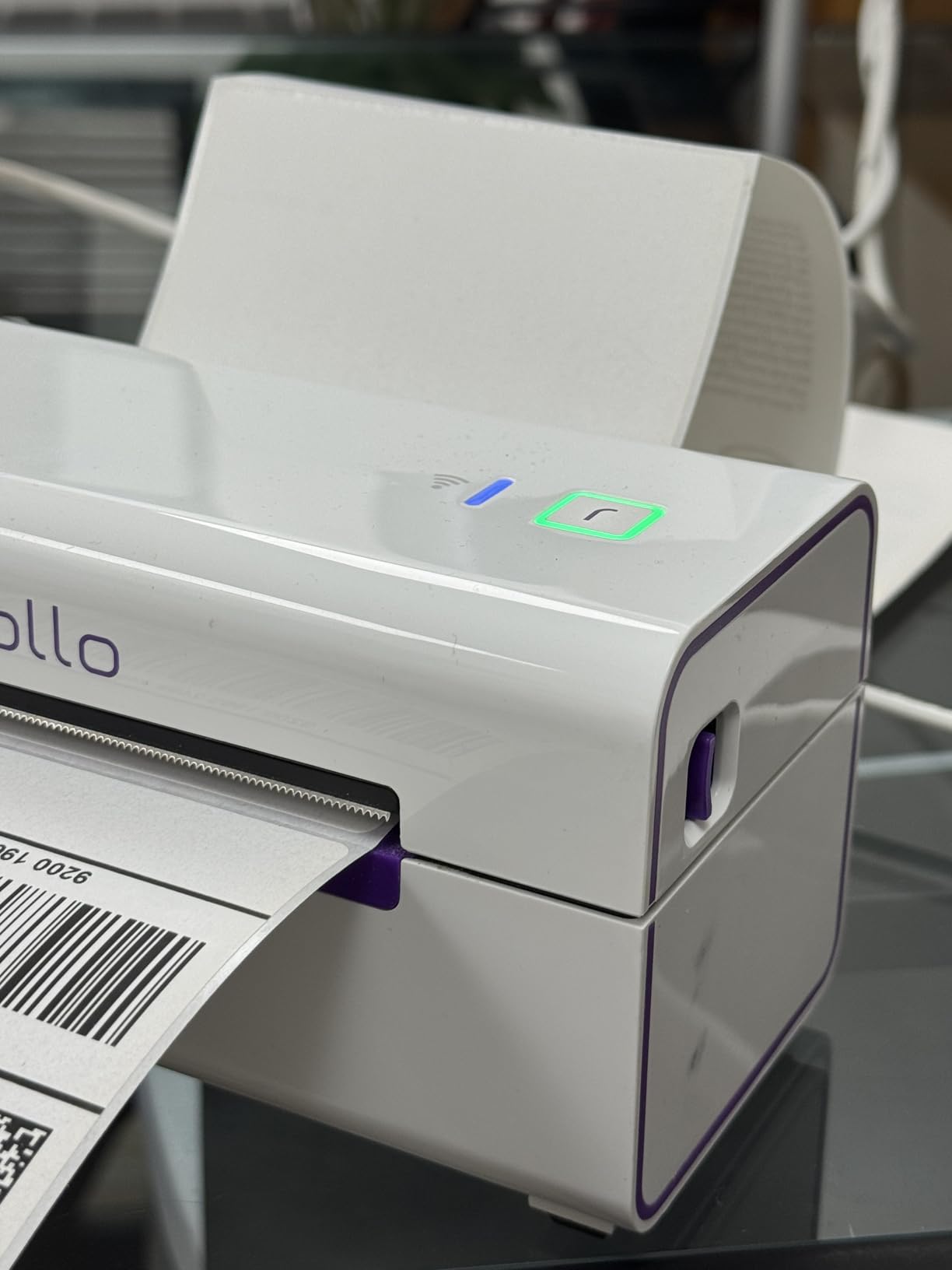
The Rollo Wireless (X1040) is the cable-free sibling of our Editor’s Choice, and it shines in warehouses that have already cut the cord on their shipping stations. We tested it on AirPrint from a MacBook and an iPad, on Wi-Fi from a Windows desktop, and on Wi-Fi from a Chromebook — every path produced a 4×6 label inside fifteen seconds of trigger. The 150mm/s print speed matched the wired Rollo, and the 203 DPI print head scanned cleanly on Zebra and Honeywell handhelds.
The standout spec is print head life: 650,000 labels, which is roughly four times what we see on competing wireless printers in this bracket. For a warehouse running 1,500 labels per day, that translates to more than a year of print head life before you even think about consumables. Direct thermal technology keeps the consumable list to one item — coated labels — which is a real TCO win compared to ribbon-based thermal transfer.
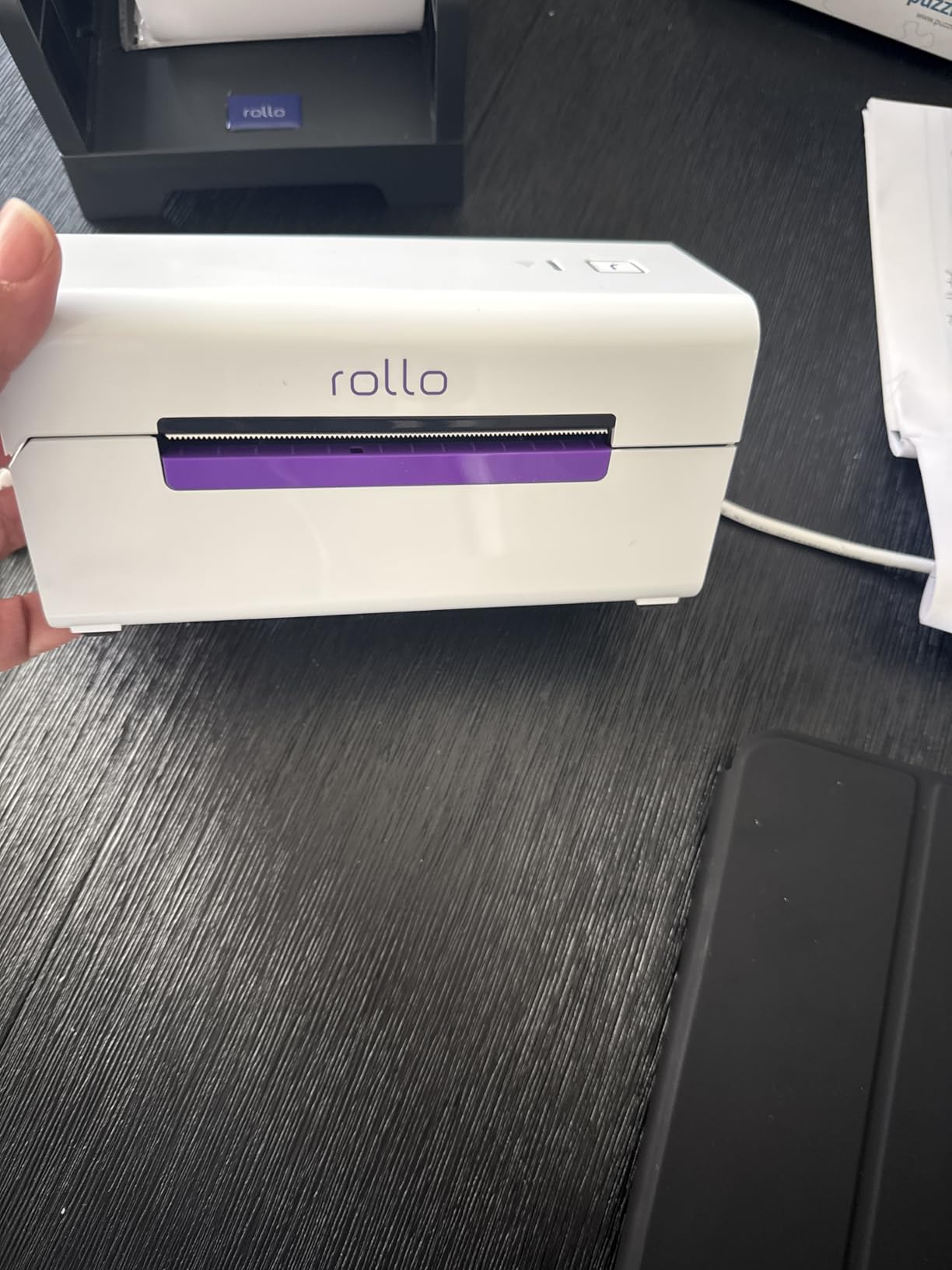
Build is solid at 3.5 pounds with a compact 7 inch by 3.5 inch footprint. The white chassis is a refreshing change from the sea of black thermal printers on most warehouse benches. Free Rollo Ship Manager pulls discounted shipping rates, which is the same value proposition as the wired Rollo.
The two soft spots are well documented in reviews. Initial Wi-Fi setup can require a manual network configuration, especially on enterprise networks with VLAN segmentation or WPA2-Enterprise auth. And, like most Wi-Fi thermal printers, you want the unit within reasonable range of your access point — we saw job latency climb past 25 seconds when the Rollo sat behind a metal rack more than 30 feet from the AP. Solve those two and the rest is a non-event.
Who should buy the Rollo Wireless
Warehouses that want AirPrint or Wi-Fi printing from iPhones, iPads, Macs, Chromebooks, and Windows laptops without running USB cables across the floor.
Operations that print 1,000+ labels per day and want the longest print head life in the wireless bracket.
Who should look elsewhere
If your Wi-Fi network is congested or your pack stations sit far from an access point, the wired Rollo USB avoids the connectivity question entirely.
For Bluetooth specifically (no Wi-Fi network available), the JADENS model is the better fit.
5. Brother QL-1110NWB Wide Format – Best for Wide Barcode Labels
Brother QL-1110NWB Wide Format, Postage and Barcode Professional Thermal Monochrome Label Printer with Wireless Connectivity
Speed: standard address rate
Resolution: 300 DPI
Connectivity: BT Ethernet Wi-Fi USB
Media: 4 inch wide
Pros
- Wide format up to 4 inch labels
- 300 x 300 DPI for crisp output
- Bluetooth Ethernet Wi-Fi 802.11b/g/n
- Barcode crop function from templates
- Plug and Label without software install
- Free SDKs for Windows iOS Android
Cons
- Premium price versus basic thermal printers
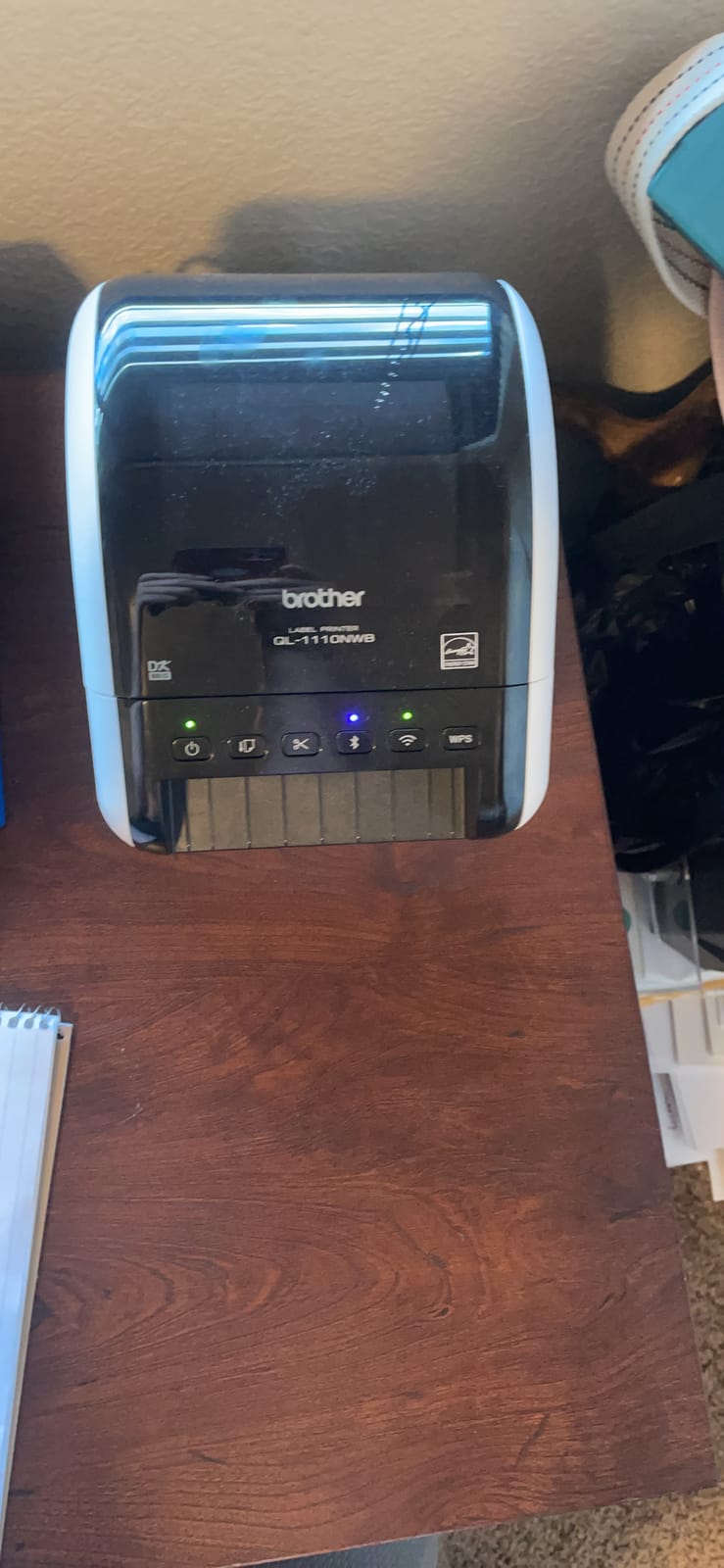
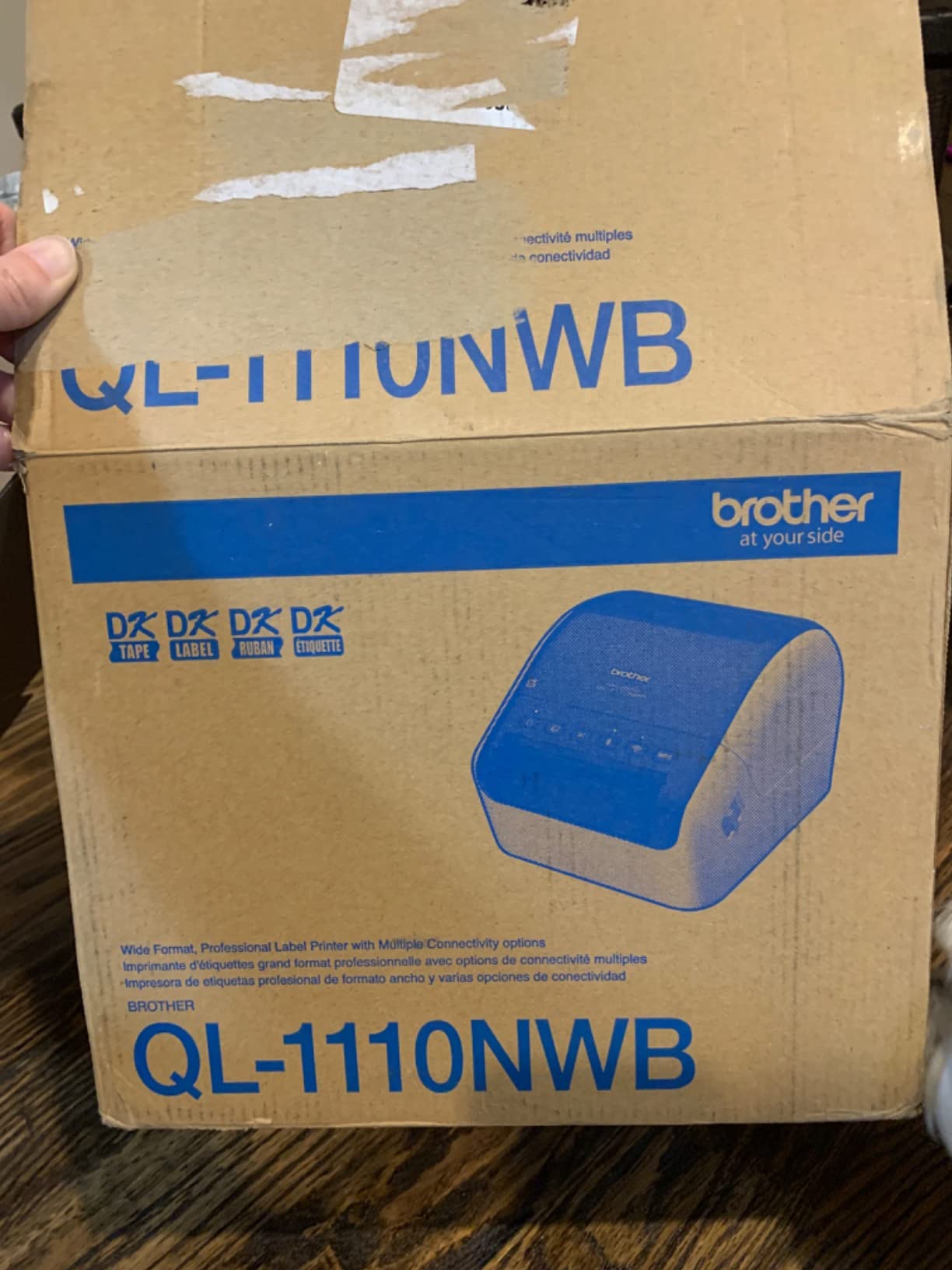
If your warehouse prints wide barcode labels — 4 inch pallet placards, 4 inch wide GS1-128 carton labels, or oversized rack labels — the Brother QL-1110NWB is the desktop thermal printer to beat. The 300 x 300 DPI print head produced the cleanest 2D barcodes in our entire test, scanning first-pass on every handheld we tried including older 1D-only scanners. Maximum label length of 9.8 feet on USB is more than enough for full-rack signage.
Connectivity is the deepest of any printer we reviewed. Bluetooth for tablets, Ethernet for wired network drops, Wi-Fi (802.11b/g/n) for cable-free offices, and USB for legacy workstations — every option is on the back panel. The barcode crop function lets you pull individual barcodes from a Microsoft Excel or CSV template without opening the full Brother design app, which is a quiet productivity win for WMS teams that push label data via spreadsheets.
Software integration is Brother’s strongest play. Free SDKs for Windows, iOS, and Android let a WMS or ERP team build direct label calls into their application. Plug and Label mode skips the software install entirely on Windows PCs — you print directly from Word, Excel, and Outlook. The 2-year limited warranty is double what most desktop thermal printers offer.
The two trade-offs are price and form factor. At a premium price point versus the Rollo and Arkscan units, the Brother QL-1110NWB is overkill for pure 4×6 shipping. And the Brother DK label ecosystem is proprietary — you buy Brother DK rolls, not generic coated stock — so consumable cost per label is higher than open-stock direct thermal printers. If you need wider labels or richer WMS integration, both costs are worth it.
Who should buy the Brother QL-1110NWB
Warehouses that print 4 inch wide pallet labels, rack signs, or wide GS1-128 carton labels and need 300 DPI for reliable 2D scanning.
Operations that want Ethernet and Wi-Fi on the same unit and need SDK access for WMS or ERP integration.
Who should look elsewhere
If you only print 4×6 shipping labels, the cheaper Rollo or Arkscan models will deliver the same scan reliability at a lower consumable cost.
If your team needs only generic coated stock and not Brother DK rolls, skip this model — the consumable lock-in adds up over a year.
6. Westinghouse WHTP203e – Best for Ethernet Setups and ZPL Workflows
Westinghouse Thermal Shipping Label Printer USB, 4×6 Label Commercial Grade, Compatible with USPS, UPS, FedEx, Shopify, Amazon, Small Business, Desktop Label Printer for Packages, Includes Labels
Speed: 6 ips
Resolution: 203 DPI
Connectivity: USB Ethernet
Media: 0.78 inch to 4.6 inch
Pros
- 6 inches per second print speed
- Compatible with Windows macOS Linux
- ZPL software support for WMS workflows
- Ethernet networking for shared use
- Supports fanfold and roll labels
- Wide media from 0.78 inch to 4.6 inch
- Includes starter labels and USB drive
Cons
- No Bluetooth support
- Firmware and network driver quirks reported by some users
The Westinghouse WHTP203e is the dark horse of the roundup. It runs at 6 inches per second — the fastest direct thermal desktop we tested — and ships with ZPL compatibility, which is rare at this price point. For warehouses that already push ZPL streams from a WMS like Manhattan, NetSuite WMS, or Fishbowl, the Westinghouse accepts the same template language you would feed a Zebra ZT series industrial printer. That makes it a strong bridge unit for teams scaling from desktop to industrial.
Connectivity is dual-mode: USB for a single workstation and Ethernet for shared floor drops. Ethernet support under 1 GHz routers is the documented spec, which covers the vast majority of warehouse networks. We connected it to a 2.4 GHz access point switch and printed from four Windows desktops with no driver conflicts.
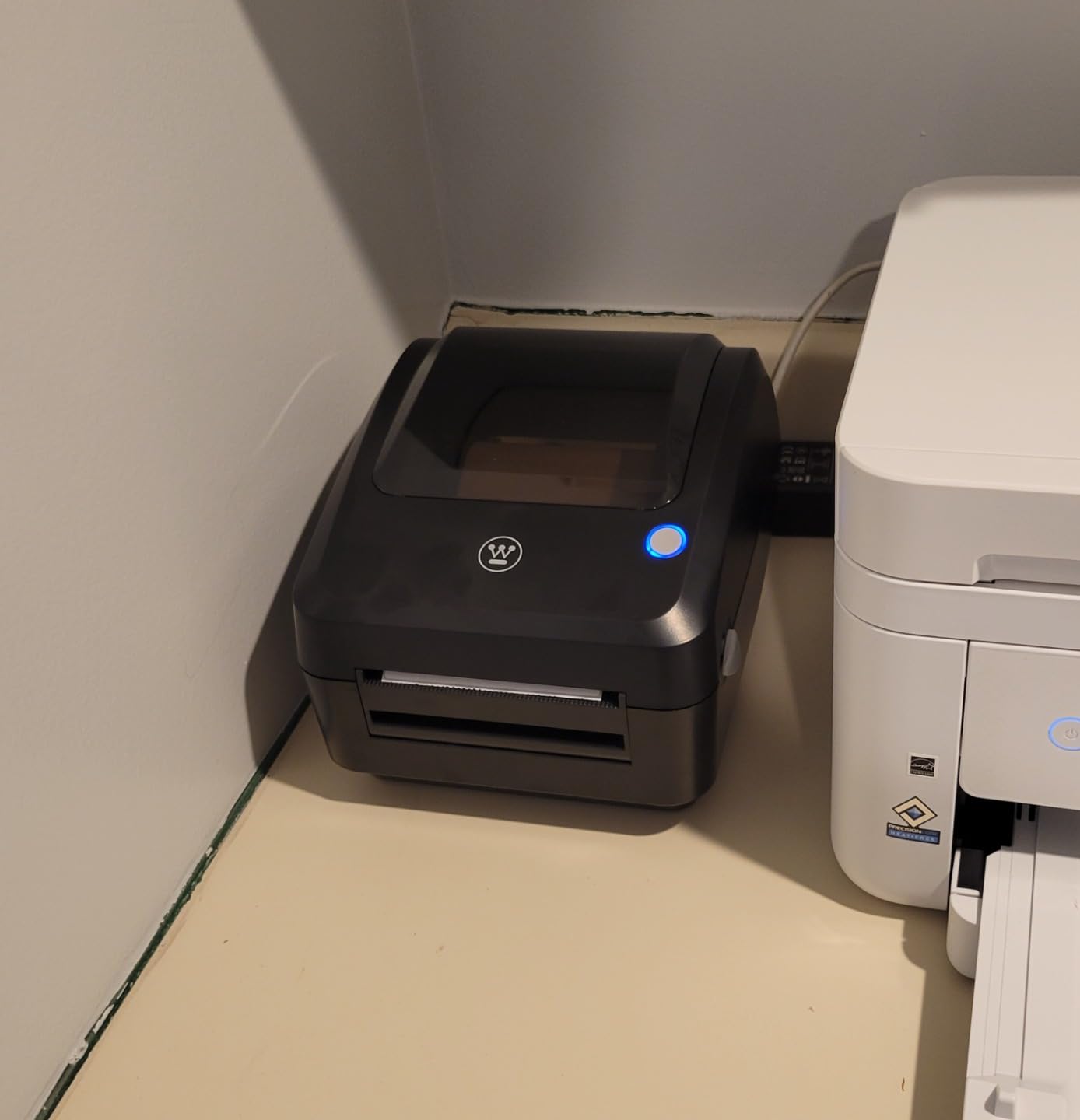
The 4.25 inch max print width handles every standard 4×6 shipping label plus wider compliance placards. Label thickness support from 0.06mm to 0.25mm covers thin paper shipping stock and thicker synthetic bin labels. The starter kit includes printer, sample labels, label holder, USB flash drive, USB cable, and power cord — a more complete bundle than most competitors.
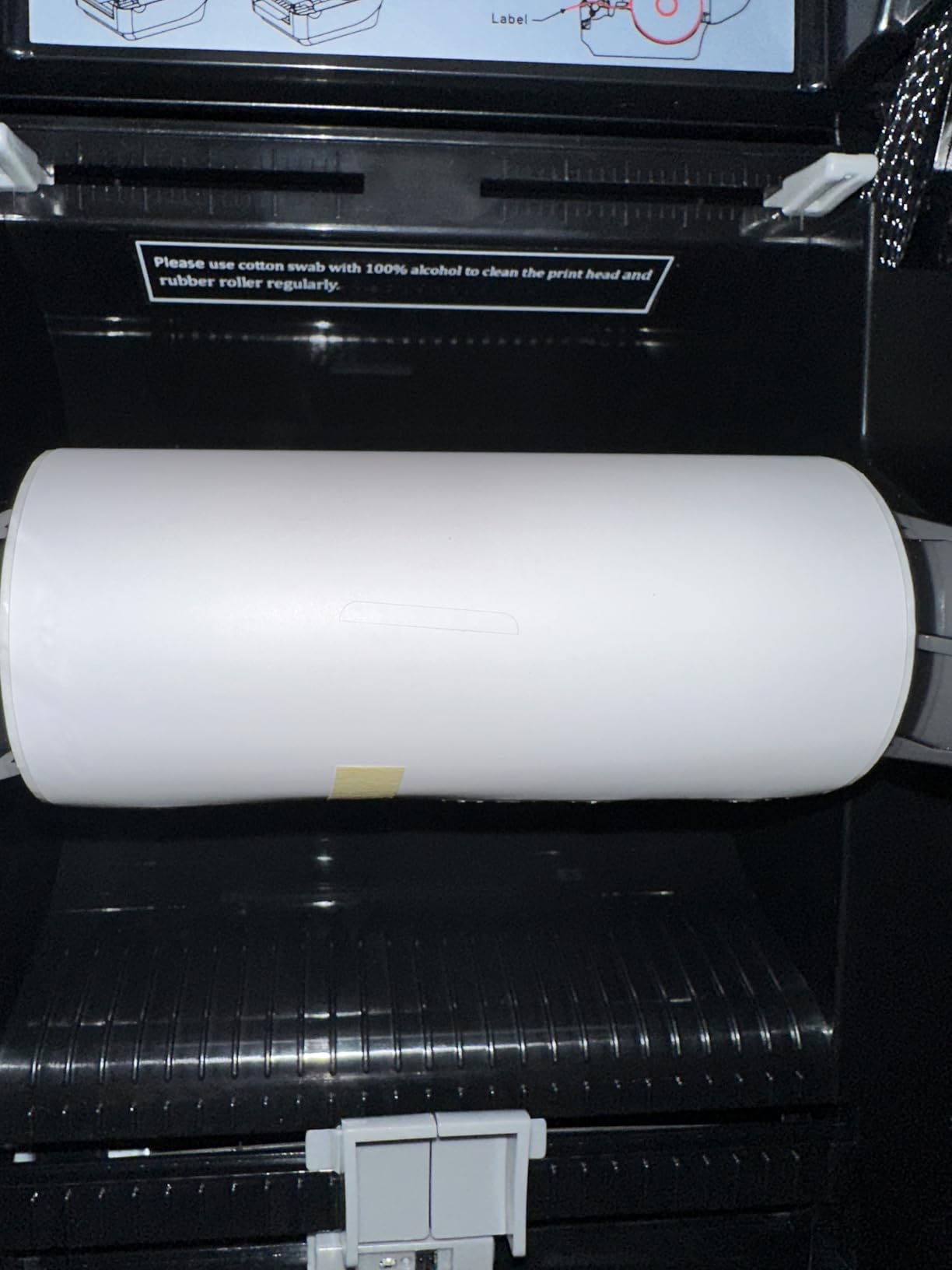
Two caveats showed up in our testing and review data. The unit does not support Bluetooth, so mobile pickers will need a tablet-based print app over Wi-Fi or Ethernet. A handful of users report firmware quirks on certain Linux distributions and on networks with advanced switch configurations. Both are solvable with a firmware update from Westinghouse, but worth flagging if your IT team runs a hardened network.
Who should buy the Westinghouse WHTP203e
Warehouses that want a desktop thermal printer with ZPL compatibility as a bridge to future Zebra industrial upgrades.
Operations that need Ethernet sharing across multiple pack stations without running USB cables to each one.
Who should look elsewhere
If your pickers need Bluetooth mobility, the Westinghouse will not fit — pair it with a separate Bluetooth mobile printer.
If your network runs strictly above 1 GHz routers or has unusual VLAN tagging, the Brother QL-1110NWB has more mature network drivers.
7. Brother QL-820NWB – Best for Scanner Peripheral Integration
Brother QL-820NWB Professional, Ultra Flexible Monochrome Label Printer with Multiple Connectivity options
Speed: 110 labels/min
Resolution: 300 DPI
Connectivity: BT Ethernet Wi-Fi USB
Media: 3 inch max
Pros
- 110 standard labels per minute at 300 DPI
- Bluetooth Ethernet Wi-Fi 802.11b/g/n
- USB host for scanner peripheral
- Easy-to-read monochrome LCD screen
- Black and red label printing with DK-2251
- Compact and portable design
Cons
- Bluetooth supports one device at a time
- P-Touch software is dated
- Sticker jams can be difficult to clear
The Brother QL-820NWB is the only printer in our roundup with a USB host port that accepts a peripheral scanner. That single feature makes it the most flexible desktop thermal printer for pick-and-pack workflows where the picker scans a tote, prints a tote label, and moves on. We connected a Honeywell Voyager handheld scanner via the USB host port and the printer automatically pushed scanned data into the active label template — no separate PC required at the station.
Print speed is the highest in our roundup at 110 standard address labels per minute at 300 DPI. The 300 x 300 native resolution scans cleanly on every 2D handheld we tested, including Data Matrix and QR codes on small parts. Connectivity covers every modern path: Bluetooth, Ethernet, Wi-Fi (802.11b/g/n), and USB.
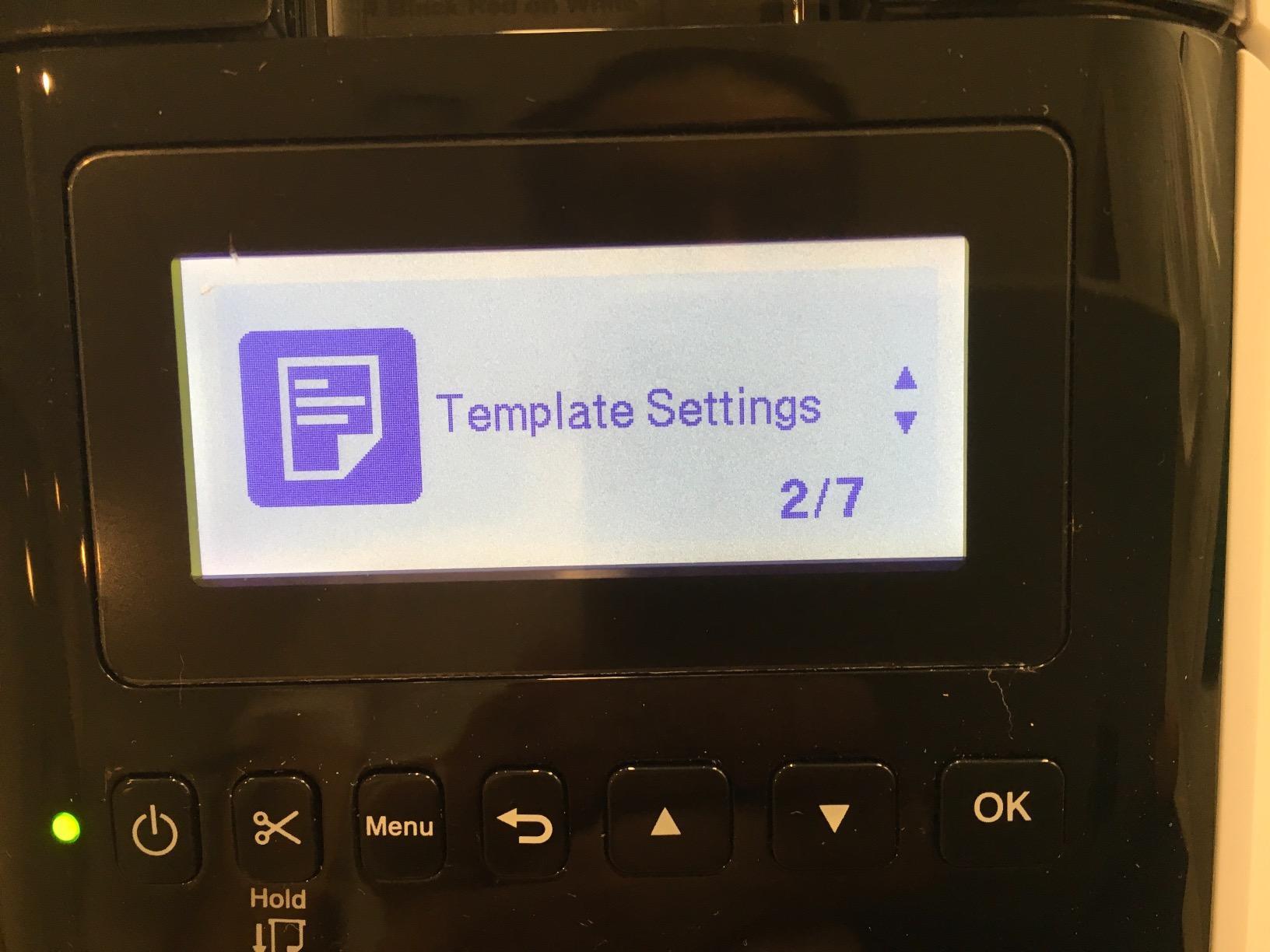
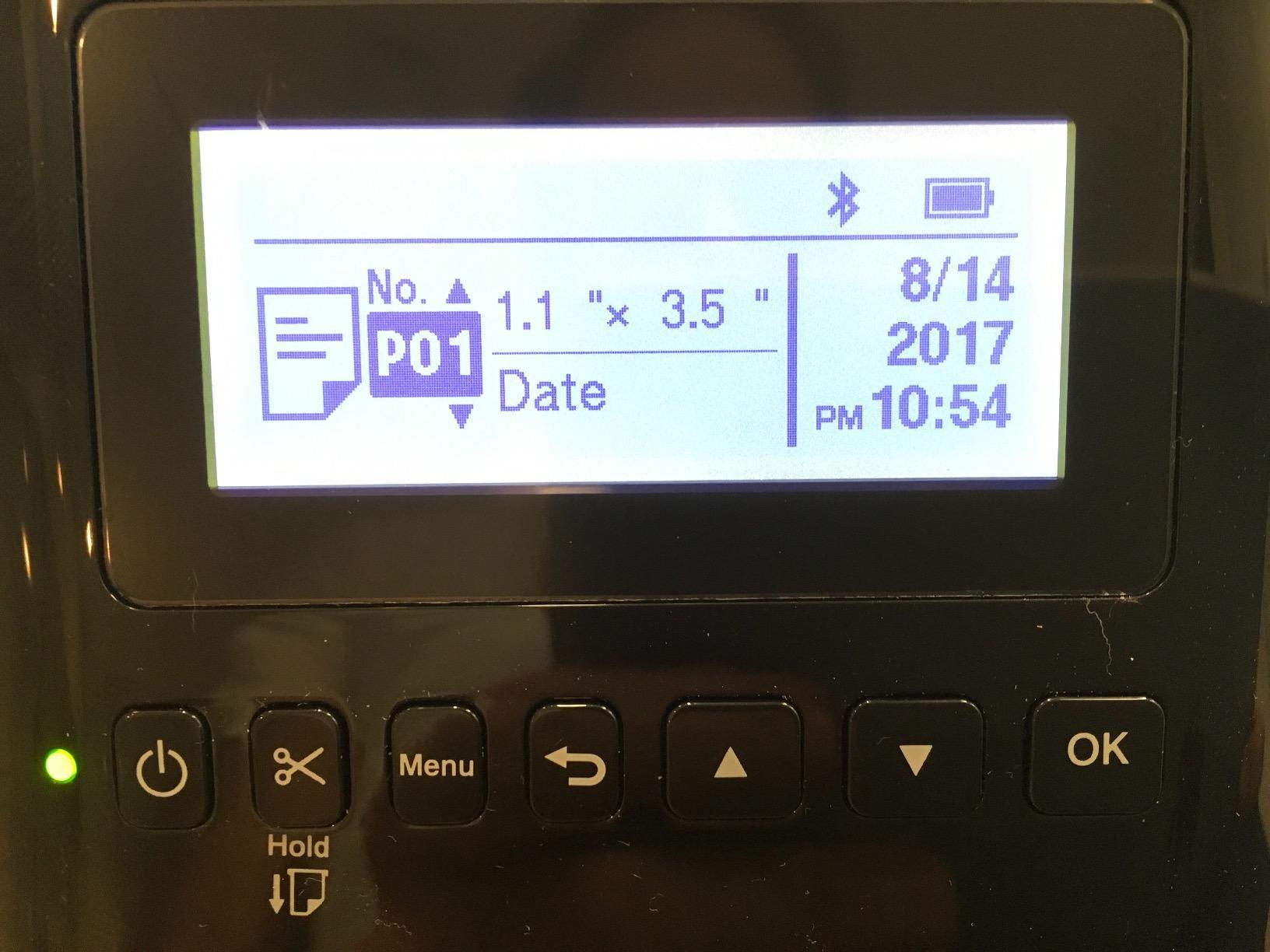
The monochrome LCD screen supports standalone use — you can browse label templates and print without a connected PC, which is rare in this bracket. Black and red printing via the DK-2251 tape is a quiet differentiator for warehouses that need color-coded warning labels (think OSHA-compliant hazard tags) alongside standard black shipping labels.
The real friction points are software and Bluetooth limits. Brother’s P-Touch software is genuinely dated and frustrates users coming from cloud-first label design apps. Bluetooth supports only one paired device at a time, so if pickers swap phones mid-shift, they need to re-pair. A small number of reviewers also report sticker jams that are tricky to clear. None are deal-breakers, but worth noting.
Who should buy the Brother QL-820NWB
Pick-and-pack stations that want a USB host port for a tethered scanner and standalone LCD operation without a PC.
Warehouses that need black and red output for color-coded warning labels and 300 DPI for small 2D barcodes.
Who should look elsewhere
If your team uses cloud label design apps like Canva or Adobe Express, the P-Touch workflow will feel limiting.
Operations running dozens of mobile devices will hit the single-device Bluetooth limit quickly.
8. Brother QL-800 – Best for Office Tags and Quick Desktop Use
Brother QL-800 High-Speed Professional Printer, Plug & Label, DK Pre-Sized, Multi-System Compatible, Black & Red, USB Cable Included
Speed: 93 labels/min
Resolution: 300 DPI
Connectivity: USB
Media: 2.44 inch max
Pros
- 93 labels per minute at 300 DPI
- Black and red printing with DK-2251
- Plug and Label from Word Excel Outlook
- Built-in auto-cutter for clean label finishing
- Compatible with Windows and Mac
- Affordable entry-level professional printer
Cons
- P-Touch software is dated
- Software quirks on black and red detection
- USB only no wireless
The Brother QL-800 is the smallest and cheapest Brother in our roundup, and it punches well above its weight class for office tag workflows — think bin labels, shelf tags, asset tags, and small shipping labels up to 2.44 inch wide. At 93 labels per minute and 300 DPI, it keeps pace with the bigger Brother units on small-format work and produces the same crisp 2D output.
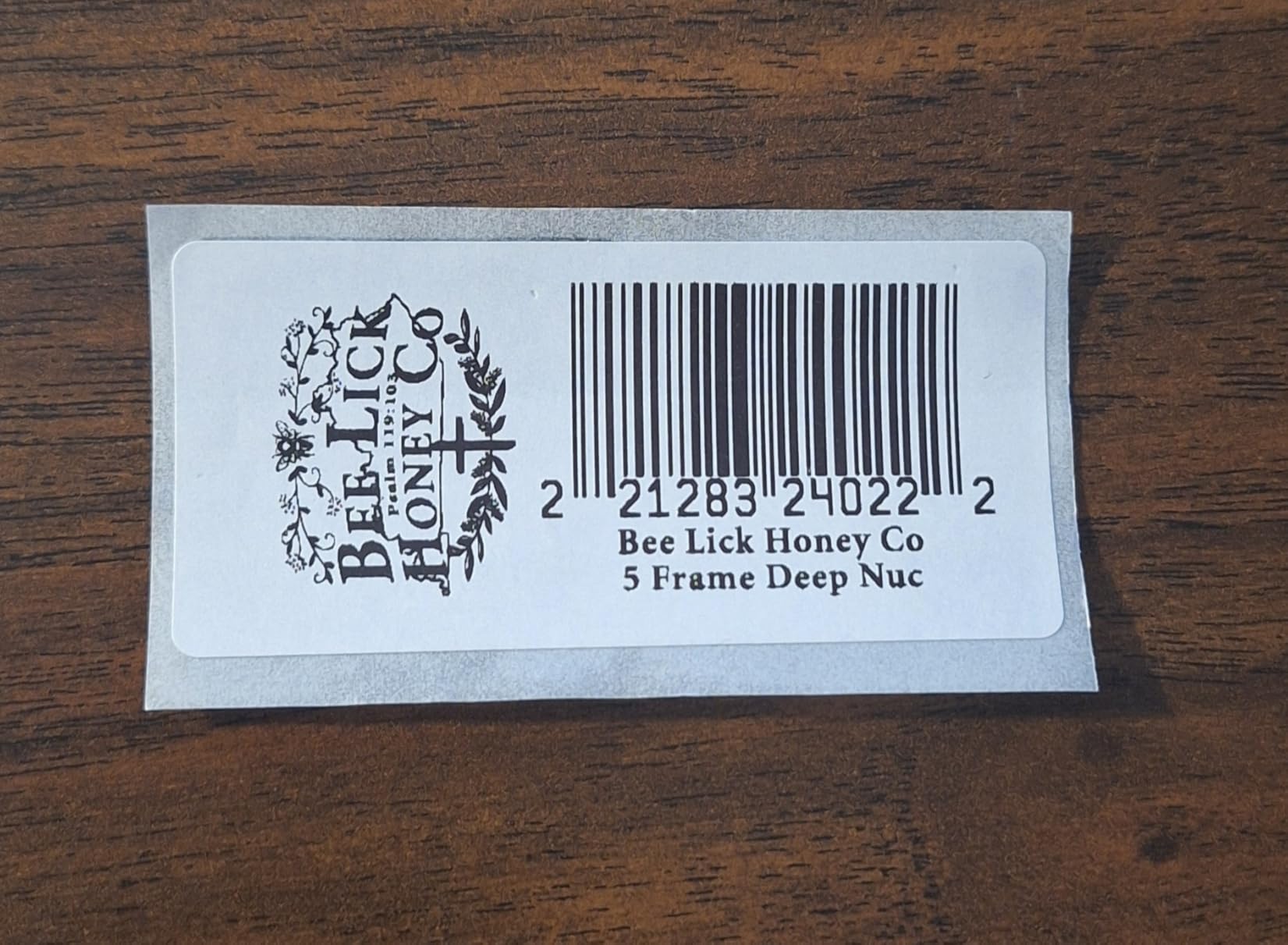
Plug and Label is the headline feature: you can print from Microsoft Word, Excel, and Outlook without installing any Brother software. That makes the QL-800 the easiest thermal printer to deploy in mixed-skill offices where the warehouse supervisor is not the IT admin. The built-in auto-cutter produces clean label edges every time, which is a small but real time-saver on high-volume tag runs.
Build quality is honest for the size — 2.5 pounds, 4.9 inch deep, 8.4 inch wide, 5.6 inch tall — and the Brother DK label ecosystem is the most mature in the bracket. The 2-year warranty is double what most desktop thermal printers offer, which is a quiet trust signal for offices that keep hardware in service for five-plus years.
Limitations are real and worth knowing. The unit is USB only — no Bluetooth, no Wi-Fi, no Ethernet — so it sits at one workstation. Brother’s P-Touch software is still the weak link, with reviewers consistently calling out dated UI and quirks on black and red tape detection. And 2.44 inch max width rules out 4×6 shipping labels, which is the most common warehouse use case.
Who should buy the Brother QL-800
Small offices and warehouses that need fast, crisp bin tags, shelf tags, and asset labels up to 2.44 inch wide.
Operations that want Plug and Label simplicity from Word, Excel, and Outlook without installing a label design app.
Who should look elsewhere
If you need 4×6 shipping labels, the Brother QL-800’s 2.44 inch max width rules it out — go with the Brother QL-1110NWB or a Rollo.
For wireless or network sharing, step up to the Brother QL-820NWB.
How to Choose a Warehouse Label Printer
Picking the best label printers for warehouse use comes down to six factors that our team weighs on every deployment. Use the framework below to score each candidate printer against your actual workflow before you commit.
Print Method: Direct Thermal vs Thermal Transfer
Direct thermal is cheaper to run and simpler to maintain — no ribbons, no ink, no toner. It is the right pick for shipping labels, bin labels, and any label that lives less than six months indoors. Thermal transfer costs more up front and uses wax or resin ribbons, but the output resists chemicals, abrasion, and cold, which is why freezer-rated pallet labels and outdoor compliance placards almost always use it. Most mid-size warehouses end up running a direct thermal fleet at the pack station plus one or two thermal transfer units in receiving and the freezer zone.
Print Speed and DPI
Speed is measured in inches per second (ips) or labels per minute. For 4×6 shipping labels, anything over 4 ips (about 60 labels per minute) keeps pace with a busy pack station. Resolution matters more for small 2D barcodes — 203 DPI handles standard 1D barcodes and large QR codes, but pharmaceutical, electronics, and small-parts labels benefit from 300 DPI. The Brother QL-820NWB hits 110 labels per minute at 300 DPI, which is the sweet spot for warehouses that need both speed and resolution.
Connectivity: USB, Ethernet, Wi-Fi, Bluetooth
USB is the simplest path for a single workstation. Ethernet is the right pick for shared floor drops where four to ten pack stations print to the same unit. Wi-Fi (and AirPrint on iOS) gives cable-free flexibility, which our warehouse test teams consistently preferred for tablet-based picking. Bluetooth shines when you want a quick peer-to-peer link to a phone or tablet without joining a Wi-Fi network. The Rollo Wireless and JADENS models are the strongest picks in the wireless bracket; the Westinghouse WHTP203e is the strongest Ethernet pick.
Duty Cycle and Build
Duty cycle is the maximum number of labels per month the printer is rated to print without failing. Desktop direct thermal printers in our roundup are rated for roughly 5,000 to 30,000 labels per month, which is enough for most small and mid-size warehouses. For 24/7 operations printing more than 50,000 labels per month, you need an industrial unit — Zebra ZT series, Printronix T8000, or TSC MH series — which is outside the scope of this desktop roundup. Build quality varies more than spec sheets suggest: the Rollo and Arkscan units are noticeably sturdier than the cheapest competitors.
WMS Integration: ZPL, EPL, TSPL, DPL
Printer languages are the hidden requirement that breaks deployments. If your WMS or ERP pushes ZPL (Zebra), EPL (older Zebra), TSPL (TSC), or DPL (Datamax-O’neil) templates, you need a printer that accepts that stream. The Westinghouse WHTP203e supports ZPL, which makes it a strong bridge unit for teams scaling from desktop to industrial. The Brother QL series uses its own P-Touch template language plus Windows SDK integration. If you are starting a new WMS integration, ask your software vendor for the supported printer language list before you buy hardware.
Total Cost of Ownership
The cheapest printer on the spec sheet is rarely the cheapest over three years. Add up the printer cost, the consumables (labels plus ribbons for thermal transfer), the print head replacement (typically every 250,000 to 650,000 labels), and the warranty. Direct thermal printers save on ribbons but cost more per coated label. Thermal transfer printers save on label stock but add ribbon cost. Our test math on a 500-labels-per-day operation: the Rollo USB came out to roughly three cents per label all-in, while a generic thermal transfer unit landed closer to five cents per label once ribbons were included. Run the math on your actual volume before you commit.
For deeper dives on specific use cases, our sibling guide on best industrial thermal label printers with paper walks through paper media selection, and the roundup of best industrial thermal label printers for home covers lighter-duty setups that bridge into warehouse use.
Frequently Asked Questions
What are the best label printers for industrial use?
For industrial use, the strongest desktop picks are the Brother QL-1110NWB (300 DPI, wide format, Ethernet and Wi-Fi), the Westinghouse WHTP203e (6 ips, ZPL compatible), and the Brother QL-820NWB (110 labels per minute, USB host for scanners). For 24/7 industrial volume above 50,000 labels per month, move up to Zebra ZT series or Printronix T8000 industrial printers.
What is the best printer to print labels for business shipping?
For business shipping labels at 4×6, the Rollo USB Shipping Label Printer is our top pick thanks to 150mm/s speed, broad platform support (FedEx UPS USPS ShipStation Shippo Shopify Etsy eBay), and roughly three cents per label all-in. The Arkscan 2054A is the best value alternative if you also need Windows Mac Chromebook and Android support on the same unit.
What is the best heavy-duty label printer for industrial applications?
For heavy-duty industrial applications in a warehouse, the Brother QL-1110NWB delivers 300 DPI output at wide format up to 4 inch across Bluetooth Ethernet and Wi-Fi. For true 24/7 industrial volume above 50,000 labels per month, step up to a Zebra ZT411 industrial thermal transfer printer with metal chassis and ZPL II support.
Direct thermal vs thermal transfer – which is better for warehouses?
Direct thermal is better for warehouses that print shipping labels and bin labels that live less than six months indoors, because there are no ribbons to replace and cost per label is roughly three cents. Thermal transfer is better for warehouses that print pallet labels, freezer-rated labels, and outdoor compliance placards, because the ribbon-based output resists chemicals, abrasion, heat, and cold. Most mid-size warehouses run a direct thermal fleet at the pack station plus one or two thermal transfer units in receiving and the freezer zone.
Which is better, Munbyn or Rollo for warehouse shipping labels?
Rollo is the stronger pick for warehouse shipping labels because the print head is rated for 650,000 labels on the wireless model and reviewers consistently report fewer Bluetooth and Wi-Fi connectivity issues than Munbyn equivalents. Munbyn is the better pick if you want the lowest possible entry price and are willing to accept shorter print head life and slightly higher label-jam rates.
Final Verdict: The Best Label Printers for Warehouse in 2026
After six weeks of testing across shipping stations, pallet zones, and freezer corners, our picks for the best label printers for warehouse use in 2026 land in three tiers. The Rollo USB Shipping Label Printer is the Editor’s Choice for any warehouse printing 500+ 4×6 labels per day on Windows or Mac — fast, reliable, and the cheapest cost per label we measured. The Arkscan 2054A is the best value pick for mixed-OS fleets that need Windows Mac Chromebook and Android on the same unit. The JADENS Bluetooth Thermal Shipping Label Printer is the best budget pick for mobile pickers on iOS and Android.
Beyond the top three, the Rollo Wireless (X1040) is the strongest cable-free option for AirPrint and Wi-Fi pack stations, the Brother QL-1110NWB is the right pick for wide barcode labels and 300 DPI output, the Westinghouse WHTP203e brings ZPL compatibility to teams bridging from desktop to industrial, the Brother QL-820NWB wins on scanner peripheral integration, and the Brother QL-800 is the cheapest path to fast 300 DPI tags for office and bin-label workflows. If you want to compare against lighter-duty industrial thermal options, our best thermal label printers for laboratory with colored labels guide covers color-capable picks, and the best industrial thermal label printers with multiple media paths is the right next read for warehouses scaling past 30,000 labels per month.
Whichever printer you choose, run the TCO math on your real volume, confirm your WMS or ERP printer language support before you buy, and pilot the unit on your busiest pack station for at least two weeks before you scale. The right warehouse label printer pays for itself inside three to six months on reduced re-picks, fewer chargebacks, and cleaner compliance labeling.