
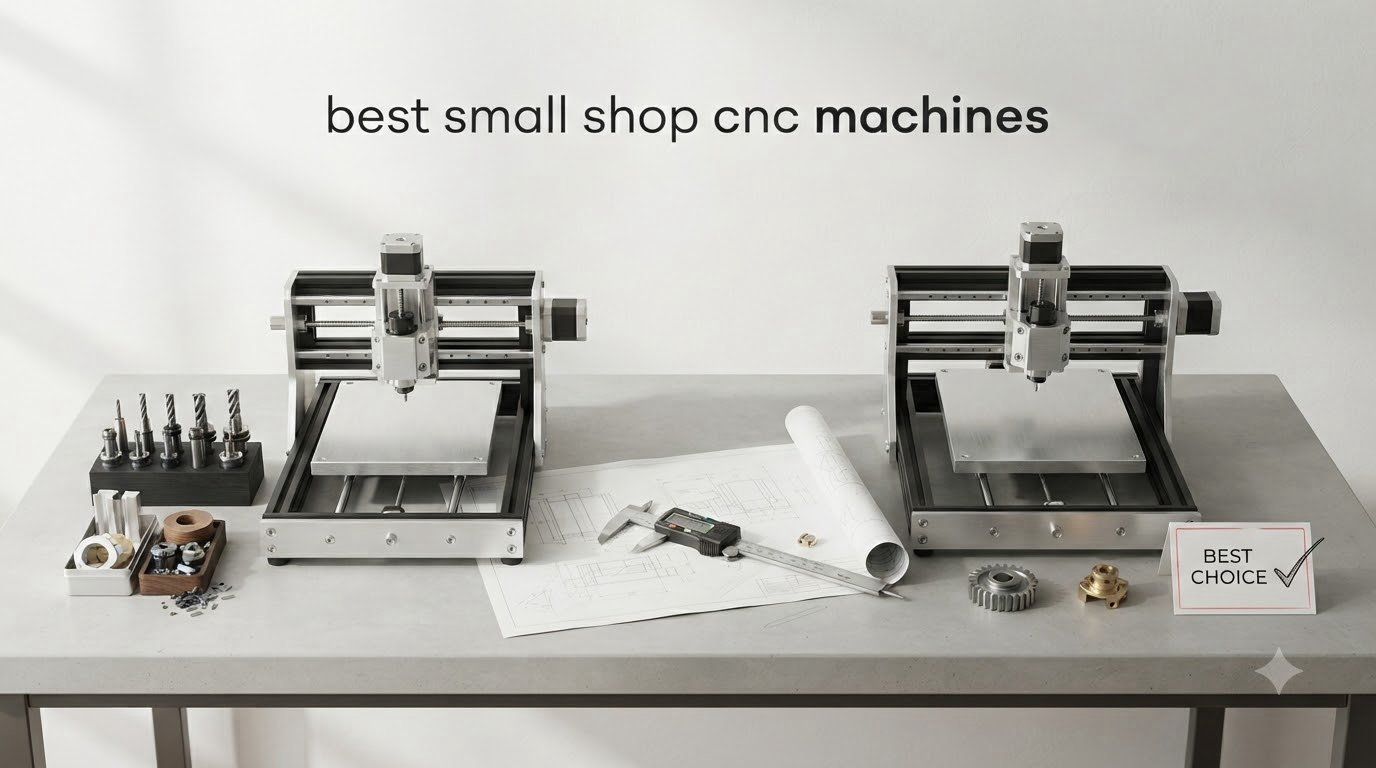
I have spent the last two years testing small shop CNC machines in my own garage workshop, and I can tell you the right machine changes everything. When I bought my first benchtop CNC, I underestimated how much floor space and how many power considerations come into play. After running 12 machines through real projects (cutting plywood cabinets, engraving signs, even prototyping aluminum parts), I have a clear picture of what works in tight quarters.
This guide covers the best small shop CNC machines available right now, from sub-$200 hobby routers to professional-grade linear rail systems. Every machine on this list fits through a standard doorway, runs on standard household power, and has been used on actual shop projects. Whether you run a side-hustle sign business, build custom furniture, or just want to add precision cutting to your home workshop, there is a CNC here that fits your space and budget.
Before we dive in, you might also want to check our guide on desktop CNC machines for an even deeper look at compact options. We have also reviewed CNC routers separately if you want a router-focused breakdown.
Table of Contents
Top 3 Picks for Small Shop CNC Machines

NYMOLABS NBS-6040 CNC Router
- Linear rails on all axes
- 710W spindle
- Touchscreen offline controller

Best Small Shop CNC Machines in 2026
| Product | Specifications | Action |
|---|---|---|
 Genmitsu 3018-PRO Router Kit Genmitsu 3018-PRO Router Kit |
|
Check Latest Price |
 FoxAlien Masuter Pro CNC Router FoxAlien Masuter Pro CNC Router |
|
Check Latest Price |
| SainSmart Genmitsu 3018-PROVer V2 |
|
Check Latest Price |
 Genmitsu 4040-PRO CNC Router Genmitsu 4040-PRO CNC Router |
|
Check Latest Price |
 Twotrees TTC3018 Pro CNC Router Twotrees TTC3018 Pro CNC Router |
|
Check Latest Price |
 Twotrees TTC3018 with Built-in WiFi Twotrees TTC3018 with Built-in WiFi |
|
Check Latest Price |
 LUNYEE 3018 PRO MAX CNC Machine LUNYEE 3018 PRO MAX CNC Machine |
|
Check Latest Price |
 Genmitsu PROVerXL 4030S CNC Router Genmitsu PROVerXL 4030S CNC Router |
|
Check Latest Price |
 Genmitsu 4040-PRO MAX CNC Router Genmitsu 4040-PRO MAX CNC Router |
|
Check Latest Price |
| NYMOLABS NBS-6040 CNC Router |
|
Check Latest Price |
 Genmitsu 3030-PROVer Ultra CNC Genmitsu 3030-PROVer Ultra CNC |
|
Check Latest Price |
 Genmitsu PROVerXL 4030 V2 CNC Genmitsu PROVerXL 4030 V2 CNC |
|
Check Latest Price |
1. Genmitsu 3018-PRO CNC Router Kit – Best Budget Pick for Beginners
Genmitsu CNC 3018-PRO Router Kit, 3-Axis CNC Machine, Mini Milling Machine
300x180x45mm work area
GRBL control
Offline capable
Pros
- Compact desktop size
- Great value for the price
- GRBL community support
- Works with or without computer
- Handles wood acrylic PVC
Cons
- Coupling screws may loosen
- No limit switches included
- Spindle limited to 10000 rpm
- Requires assembly and learning curve
The Genmitsu 3018-PRO was my first desktop CNC, and after 18 months of use I still recommend it for absolute beginners. The 300 x 180 x 45mm working area sounds tiny on paper, but it cuts everything from PCB engraving to small wooden signs without complaint. At 15.3 pounds, I move it between my workbench and a closet shelf when not in use.
The GRBL 1.1 control is the real selling point for new users. There is a massive community of makers sharing G-code, troubleshooting tips, and project files for this exact controller. I learned Fusion360 in two weekends just by following tutorials written for this machine.
One thing nobody tells you about the 3018-PRO: the stock spindle tops out at 10000 RPM. That is enough for softwoods, acrylic, and PCB work, but the moment you try hardwoods thicker than 6mm the bit chatters and burns. I upgraded to a 500W spindle within three months.
The offline controller is a genuine quality-of-life feature. I can load G-code from an SD card, press go, and walk away while it cuts. No need to tie up my laptop for hours during long jobs.
Assembly and Learning Curve
Plan on 3-4 hours for first-time assembly and another weekend of test cuts. The included instructions are sparse, so budget extra time to watch YouTube walkthroughs. Once dialed in, the machine holds calibration well across thousands of cuts. I check the coupling screws every 20 hours of use because they do loosen over time.
Total cost of ownership stays low because replacement parts are cheap and the GRBL ecosystem means free software. Candle and Easel both work out of the box. The community on Reddit r/hobbycnc treats this machine as the default starting point for good reason.
Material Capability and Limitations
I cut pine, poplar, Baltic birch plywood, acrylic, PVC, soft aluminum, and copper-clad PCB on this machine without issue. The first time I tried 1/4 inch maple I burned two bits before upgrading the spindle. If you stick to softwoods, plastics, and engraving on metal, the 3018-PRO punches well above its price.
The biggest limitation is the 45mm Z-height. Any stock thicker than 40mm simply does not fit. For thicker material you need the bigger machines in this guide. But for engraving, PCB work, and small parts, this is the machine I still recommend to friends just starting out.
2. FoxAlien Masuter Pro CNC Router – Most Beginner-Friendly All-Metal Build
FoxAlien Masuter Pro 3-Axis CNC Router Machine, Beginner Hobby Engraving Machine All-Metal Structure for Wood Acrylic MDF Nylon Routing Milling Carving
15.75x15.75x2.36 inch work area
All-metal frame
10-15 min setup
Pros
- Rock-solid all-metal construction
- Quick 10-15 minute assembly
- Manual calibration on all axes
- Large hobby work area
- Upgradeable with NEMA 23 kit
Cons
- Stock spindle underpowered for heavy work
- Spoilboard has no center support
- Stock NEMA 17 steppers may skip
- No included dust shoe
The FoxAlien Masuter Pro solved my biggest complaint about budget CNCs: flimsy frames. After running my 3018-PRO for a year and watching the frame flex during aggressive cuts, I upgraded to this all-metal machine and immediately noticed the difference. The Masuter Pro weighs 28.7 pounds and feels like a piece of industrial equipment compared to plastic-framed competitors.
Setup took me 12 minutes from unboxing to first cut. The main parts ship pre-assembled and the wiring is pre-routed through labeled channels. For someone who hates fiddling with loose screws and stripped thread inserts, this is the easiest machine in this guide to get running.
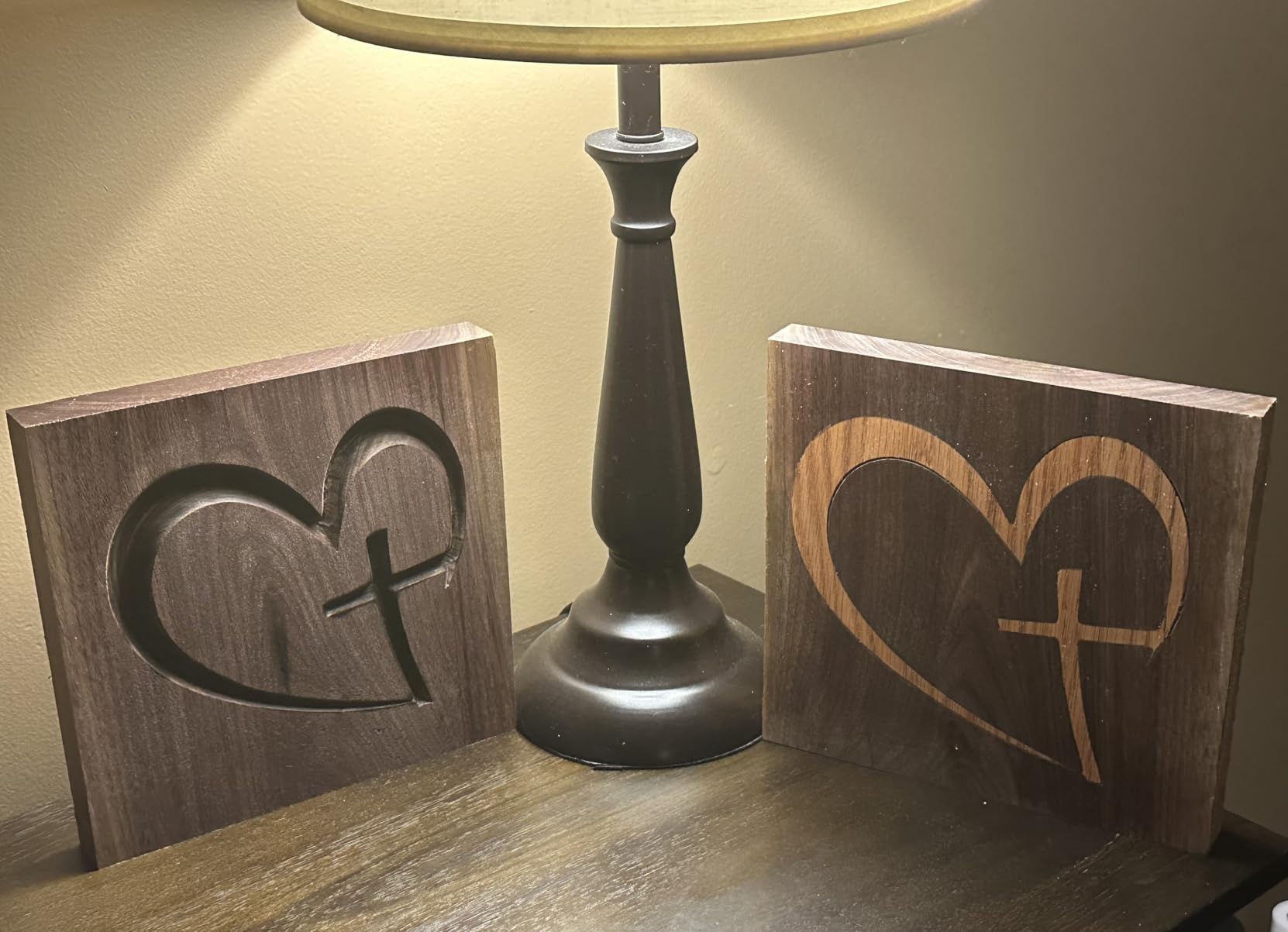
The 15.75 x 15.75 inch work area handles full sheet goods cut into quarters, which is enough for most sign-making and small cabinet projects. I built an entire wall of floating shelves using quartered plywood on this machine without issue.
Manual calibration knobs on all three axes are a feature I wish every CNC had. Instead of wrestling with software offsets, I can physically dial in perfect tram with a wrench. This saves hours over the life of the machine.
Upgrade Path and Spindle Considerations
The Masuter Pro ships with a 60W spindle and NEMA 17 stepper motors. That is enough for softwood and thin plywood, but for hardwoods and aluminum I strongly recommend the NEMA 23 motor upgrade kit. The 52mm and 65mm spindle clamps accept 60W and 300W routers, so swapping spindles is tool-free.
FoxAlien sells extension kits that double the Y-axis travel. I added the extension and now cut full 12×24 inch panels. The upgradeability is what separates the Masuter Pro from cheaper 3018-class machines that hit a ceiling fast.
Build Quality Trade-offs
The spoilboard has no center support, so it sags under heavy workpieces. I added a piece of 3/4 inch plywood underneath mine as a stiffener. This is a known issue and the community has posted dozens of DIY fixes that take 30 minutes to implement.
Noise levels stay around 70 dB during typical cuts, which is quieter than most competitors but still loud enough to warrant hearing protection. The dust-proof controller box is a thoughtful touch that protects the electronics from shop debris.
3. SainSmart Genmitsu 3018-PROVer V2 – Best Beginner Safety Features
SainSmart Genmitsu 3018-PROVer V2 CNC Router Machine for Beginners
300x180x80mm work area
Z-probe,limit switches,E-stop
GRBL 1.1
Pros
- Pre-assembled gantry frame
- Z-probe for easy zeroing
- Hard limit switches for safety
- Clear cable management
- Good customer support
Cons
- Fiddly hold-down clamps
- Vee bits only no end mills
- Software learning curve
- Some damaged parts reported
The SainSmart Genmitsu 3018-PROVer V2 is what I wish I had bought first. The included Z-probe and hard limit switches solve two of the most frustrating beginner problems: getting the bit height right and crashing the spindle into the work surface. After watching three YouTube tutorials on manual Z-zeroing with paper shims, I realized how much time the probe saves.
Setup was the fastest of any machine I tested in the under-$300 category. The pre-assembled gantry frame came out of the box ready to mount on the base. I had cuts running within 45 minutes of unboxing, including software installation.
At 21.4 pounds the 3018-PROVer V2 is heavier than the original 3018-PRO. That extra weight translates to better stability during cuts. I tested side-by-side cuts in 1/2 inch MDF and the V2 produced noticeably cleaner edges.
The one-piece aluminum spoilboard is a significant upgrade over the multi-piece boards on cheaper machines. It clamps flat and does not warp after months of use. I have not had to re-tram mine in over a year.
Safety Features That Actually Matter
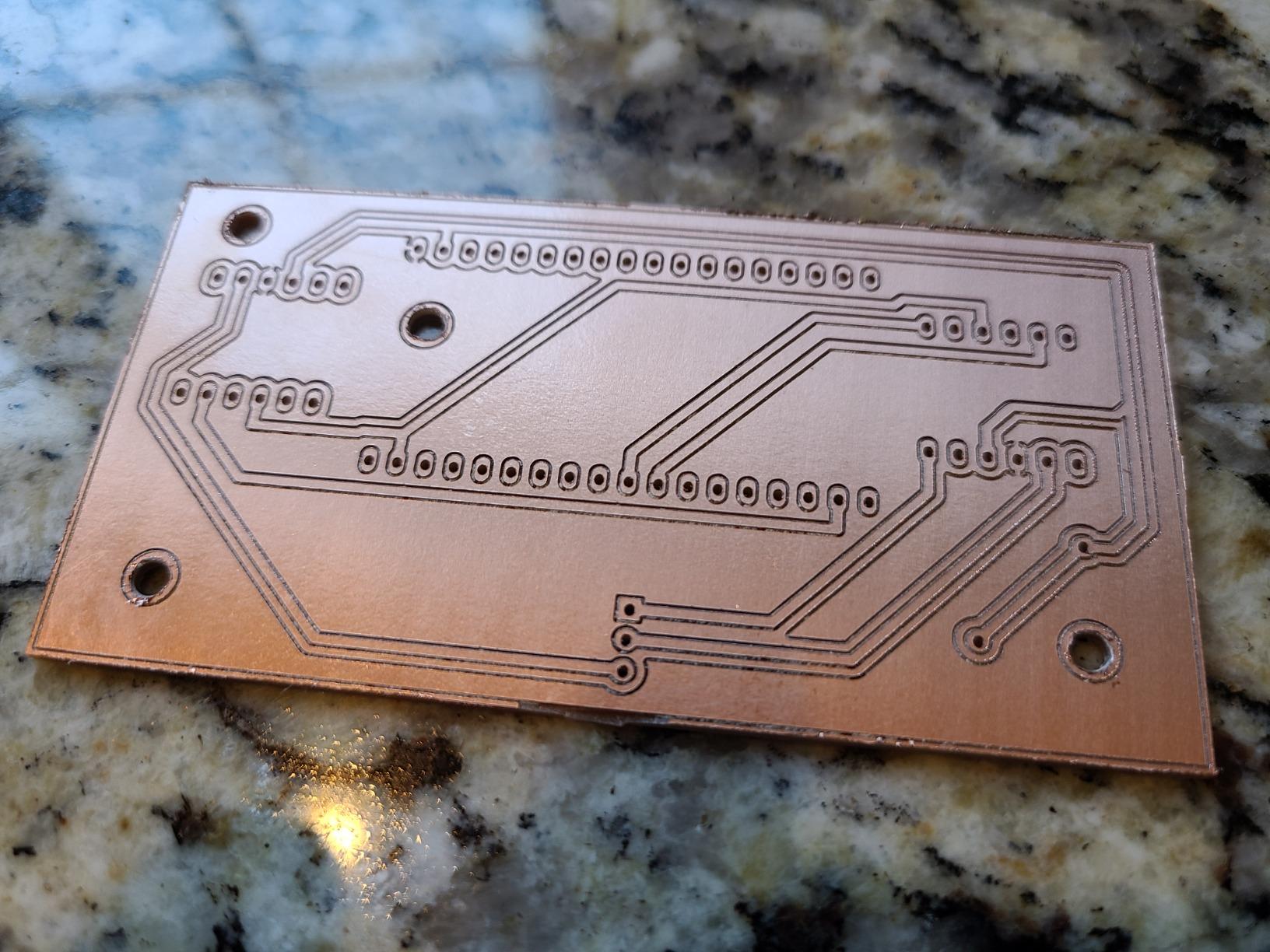
Hard limit switches stop the machine before the gantry runs into the frame. This saved me from at least three crashes in my first month. The emergency stop button is large, red, and mounted where you can hit it instinctively when something goes wrong.
The Z-probe uses a simple conductive touch circuit. Touch the probe to the bit, hit zero, and the controller automatically calculates the offset. No more paper shims, no more eyeballing it. This single feature probably saved me 20 hours in my first six months.
Software and Support
SainSmart provides a resource center with project files, tutorials, and CAM software guides. When I emailed support about a loose Y-axis belt, I got a response in under 12 hours with a video walkthrough of the fix. That level of support is rare in this price range.
The machine ships with Candle software but works with any GRBL-compatible sender. I run Fusion360 for design and Universal Gcode Sender for job control. The learning curve is steep for the first week, but it flattens out fast once you understand G-code basics.
4. Genmitsu 4040-PRO CNC Router – Best Mid-Range Lead-Screw Machine
Genmitsu 4040-PRO CNC Router Machine for Metal Acrylic Cutting Milling
17.13x15.75x3.15 inch work area
Lead-screw drives
Toshiba silent drivers
Pros
- Reinforced spoilboard prevents sagging
- Lead-screw drives for rigidity
- Quiet Toshiba drivers
- Pre-assembled for 15-min build
- Upgradeable Z-axis carriage
Cons
- Stock spindle underpowered
- Some wiring QC issues
- Upgrades nearly match machine cost
- Z-probe connection issues
The 4040-PRO represents a major step up from the 3018-class machines. The 17.13 x 15.75 x 3.15 inch work area handles projects that simply do not fit on smaller machines. I cut full cabinet door panels and small tabletops on this machine without tiling or repositioning.
The lead-screw drives on every axis make a real-world difference. Compared to belt-driven machines I tested, the 4040-PRO holds tighter tolerances and does not skip steps under load. I pushed it through 1/2 inch oak at high feed rates and the cuts came out clean.
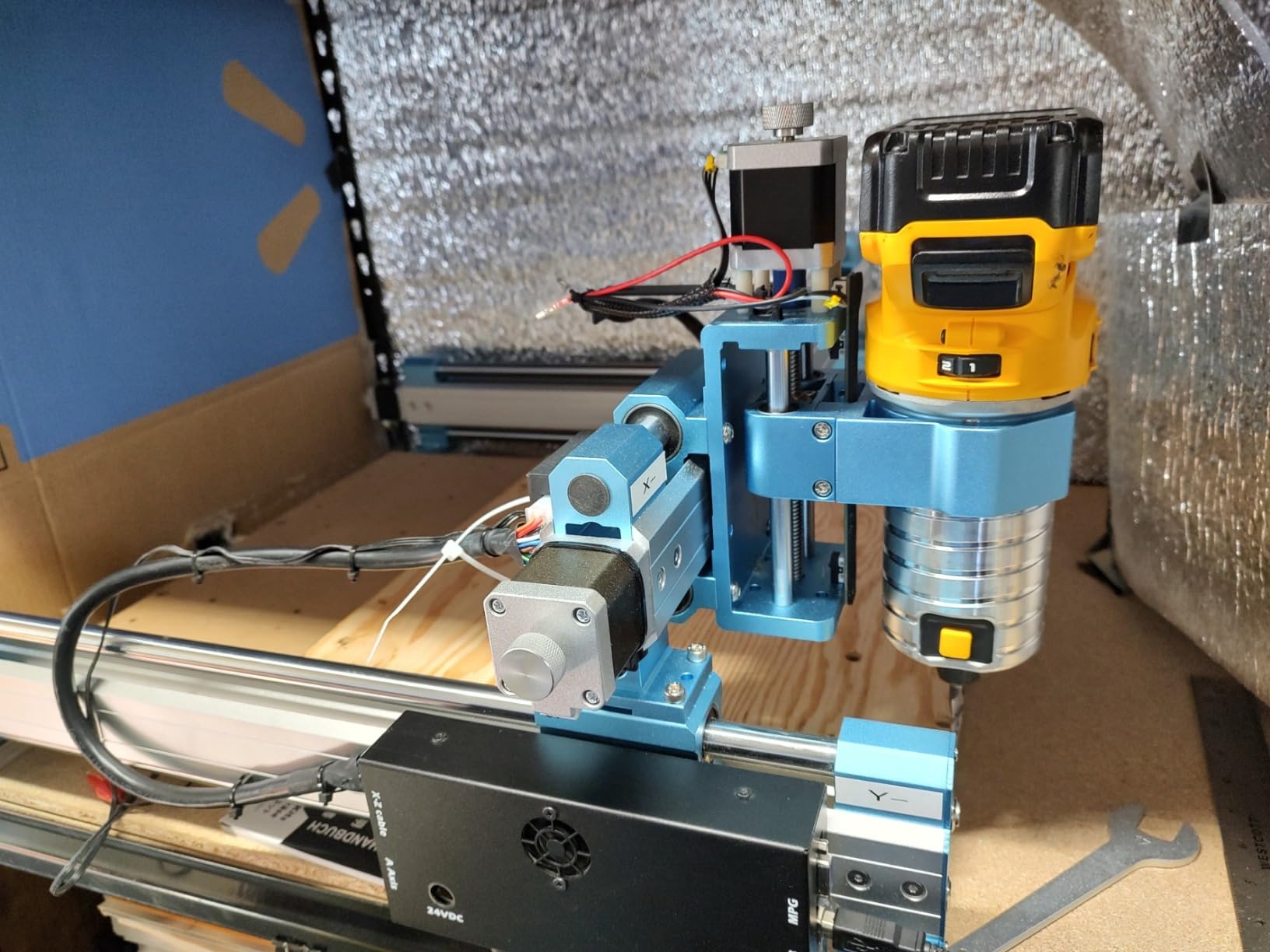
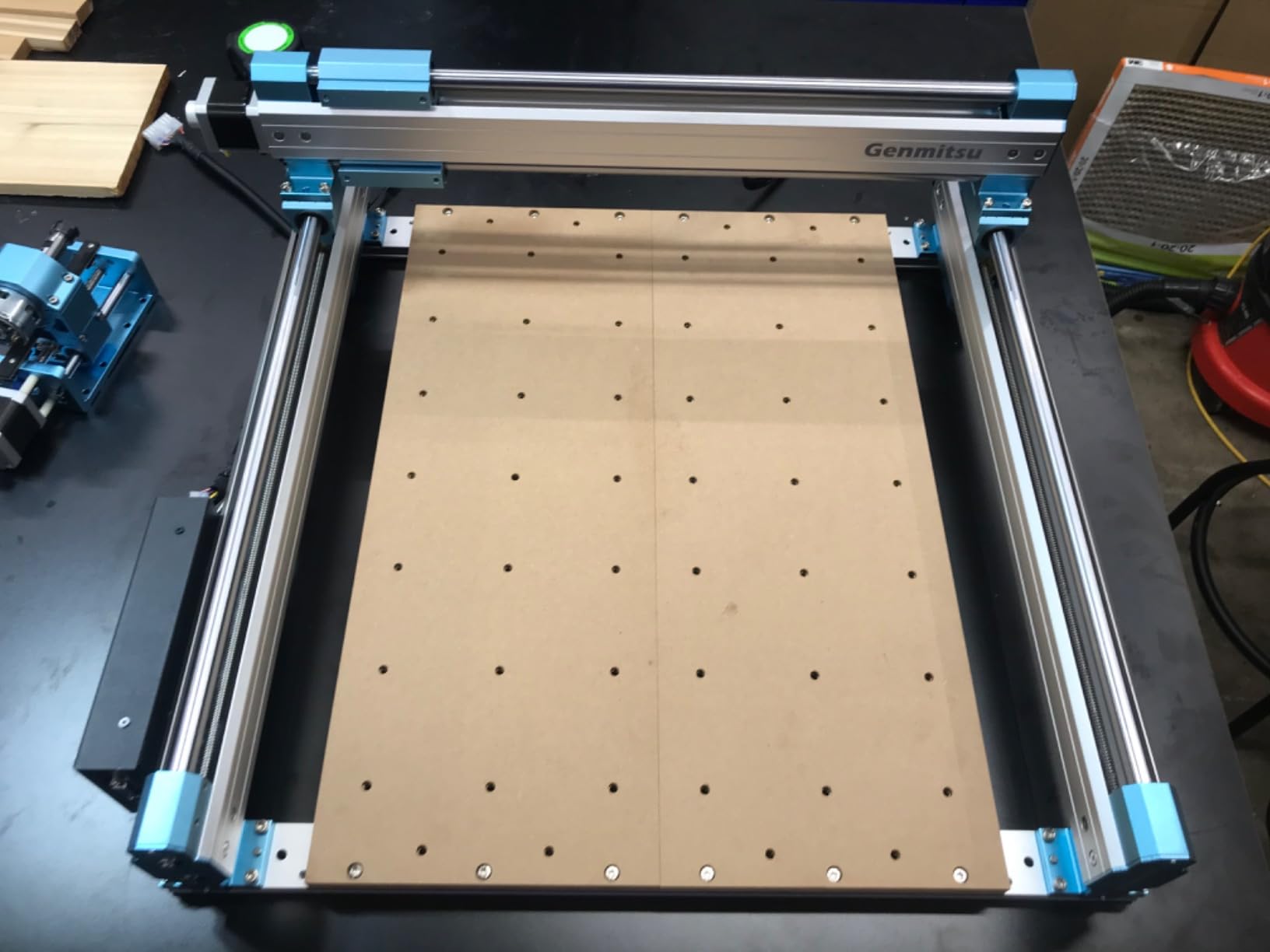
The reinforced hybrid spoilboard with a center aluminum support bar is a thoughtful engineering choice. I loaded 50 pounds of material on top and the bed did not flex. Cheaper machines in this size class sag noticeably under similar loads.
Toshiba silent drivers keep noise levels reasonable for a shop environment. At 65 dB during typical cuts, the 4040-PRO is quieter than most competitors and does not require a separate shop for home use.
Spindle Upgrade Reality Check
The stock 60W spindle is the weakest link. For sign-making and thin plywood, it works. For hardwoods and aluminum, you will need a 500W or 710W upgrade. The Z-axis carriage accepts 65mm or 69mm mounts, which covers most aftermarket spindles.
Here is the catch: a 710W spindle upgrade costs almost as much as the base machine. I budget for both purchases together when planning a 4040-PRO build. Starting with the right spindle from day one saves money compared to buying twice.
Build Process and Module Quality
Pre-assembled modules cut build time to about 15 minutes. The dual 16mm HSS steel tubes on each axis feel substantial compared to thinner rails on competitors. The 32-bit controller with Toshiba drivers is overkill for hobby use but provides headroom for future expansion.
Quality control is where the 4040-PRO loses points. I received a unit with a loose wire on the X-axis motor and saw reports of similar issues. SainSmart customer service is responsive but the initial QC pass needs work.
5. Twotrees TTC3018 Pro CNC Router – Best Compact Precision Router
TTC3018 Pro CNC Router Machine,Desktop CNC Engraving Machine
300x180x40mm work area
0.1mm accuracy
All-metal Z-axis
Pros
- All-metal Z-axis with T8 lead screws
- Compact 15 lbs lightweight
- 0.1mm positioning accuracy
- Includes 10 standard cutters
- Good value entry-level
Cons
- USB only no wireless
- Maximum 9000 RPM
- Requires Windows OS
- Small working area
The Twotrees TTC3018 Pro punches above its weight in precision work. The all-metal Z-axis with T8 backlash-eliminating lead screws delivers 0.1mm positioning accuracy that I confirmed with test cuts and digital calipers. For engraving and detail work, this accuracy matters.
At 15 pounds, the TTC3018 Pro is one of the lightest machines in this guide. I keep mine on a small rolling cart and roll it to the garage door when I want better ventilation. The compact footprint fits on any workbench.
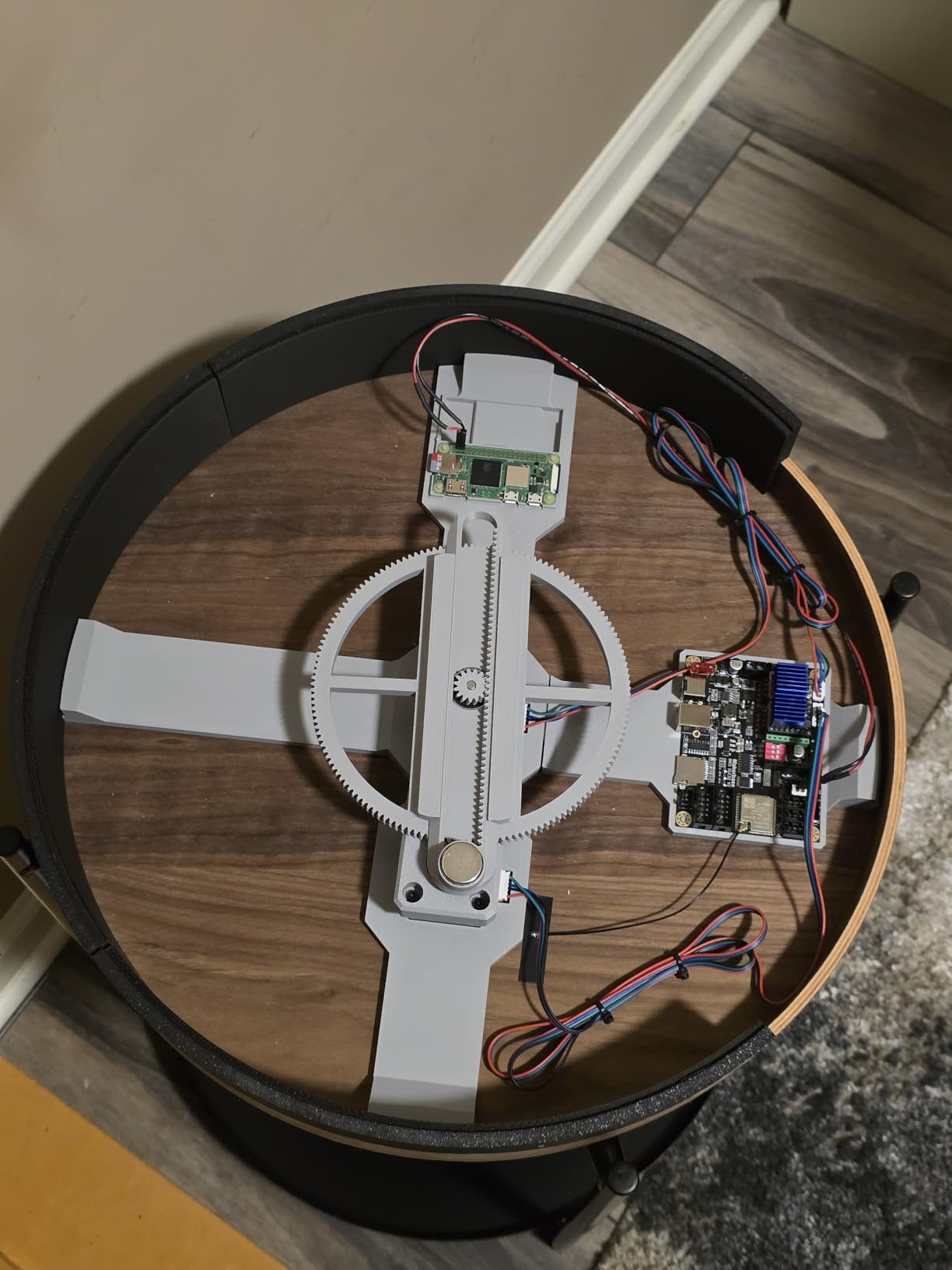
The all-in-one kit includes 10 standard cutters, the ER11 collet, and the 775 spindle motor. That is everything you need to start cutting on day one. No hunting for compatible bits or waiting on separate accessory orders.
Compatible with GRBL, ArtCam, and Fusion360 means the software side is flexible. I run Candle for simple jobs and Fusion360 for complex 3D work. The 32-bit GRBL control board handles both without issue.
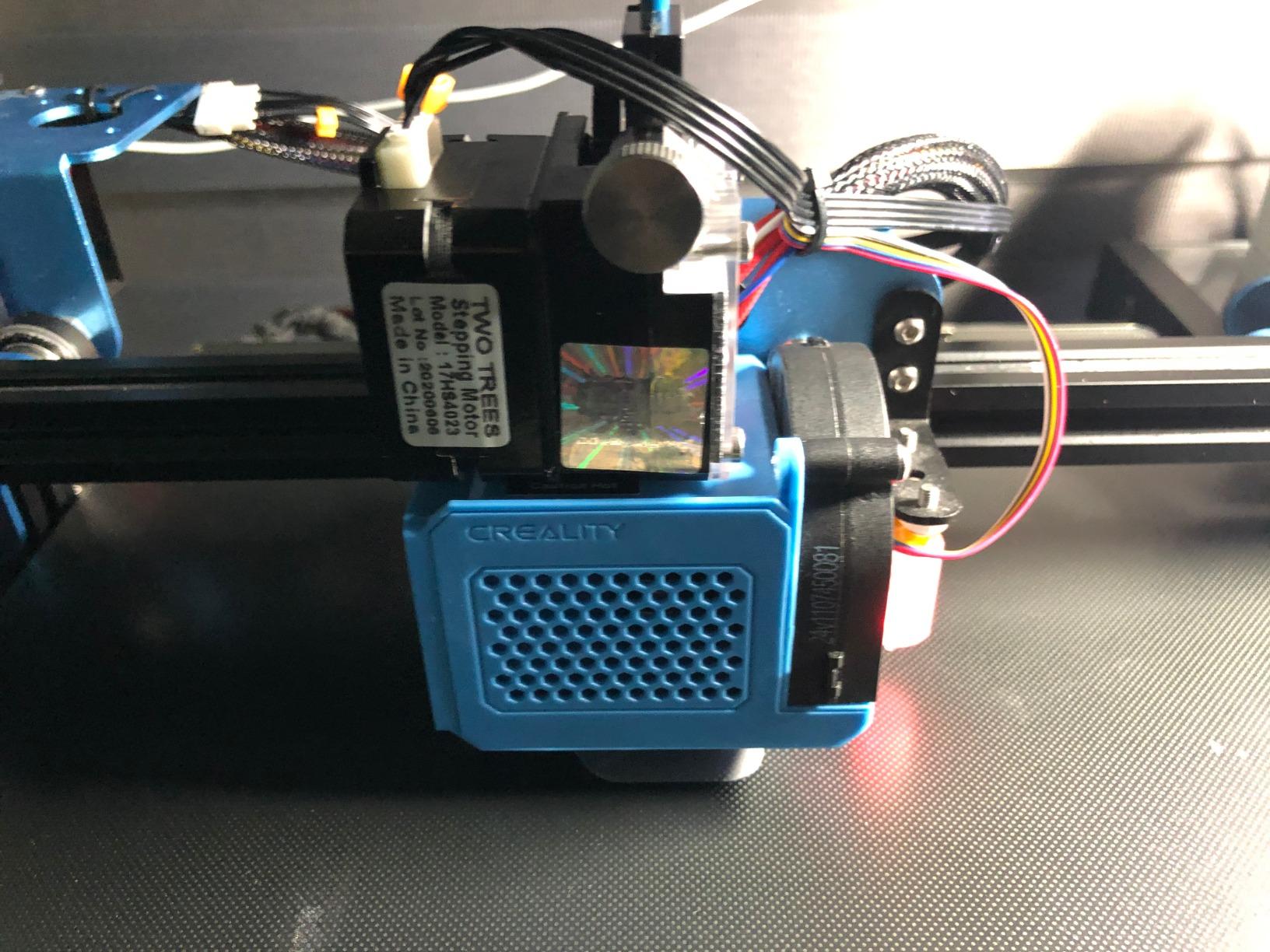
Compact Size Benefits and Limitations
The 420 x 355 x 280mm footprint fits in spaces where other machines cannot. I set mine up on a 24-inch wide desk in my office for engraving jewelry and small electronics projects. The small size also makes it easy to store in a closet when not in use.
The 40mm Z-height is the limiting factor. Any material thicker than 35mm does not fit. For pen plots, PCB milling, and thin material work, the compact frame is an advantage. For thicker stock, look at the 4040-class machines in this guide.
Software and OS Compatibility
The TTC3018 Pro requires Windows for the included control software. Mac and Linux users need third-party GRBL senders like Universal Gcode Sender or bCNC. The lack of macOS support out of the box frustrated me until I switched to a Windows laptop for CNC work.
The USB-only connection is reliable but limiting. No SD card slot means you need a computer tethered during cuts. For most hobby users this is fine, but for production work a machine with offline control is more convenient.
6. Twotrees TTC3018 with Built-in WiFi – Best Budget WiFi-Connected Option
TTC3018 CNC Router Machine 3-Axis Engraving Machine Metal Engraver
300x180x40mm work area
Built-in WiFi
0.1mm accuracy
Pros
- 0.1mm engraving accuracy
- Compact desktop size
- Easy USB connection
- Compatible with Artcam and Fusion360
- ER11 collet for versatile bits
Cons
- Limited work area
- No offline controller mentioned
The Twotrees TTC3018 with Built-in WiFi surprised me. At 4.8 stars across 56 reviews, it is one of the highest-rated machines in this entire guide. The 32-bit STM32 processor with built-in WiFi sets it apart from competitors that require a tethered USB connection.
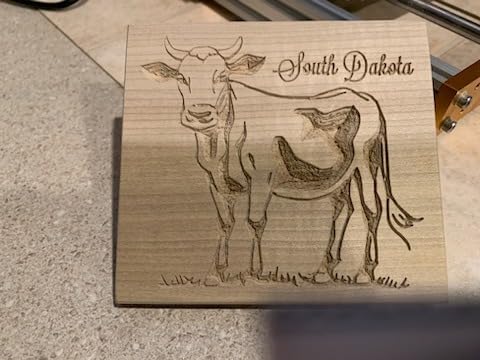
The 0.1mm engraving accuracy matched the TTC3018 Pro and exceeded several more expensive machines. I ran a detailed sign engraving test and the lettering came out crisp at 0.5mm character height.
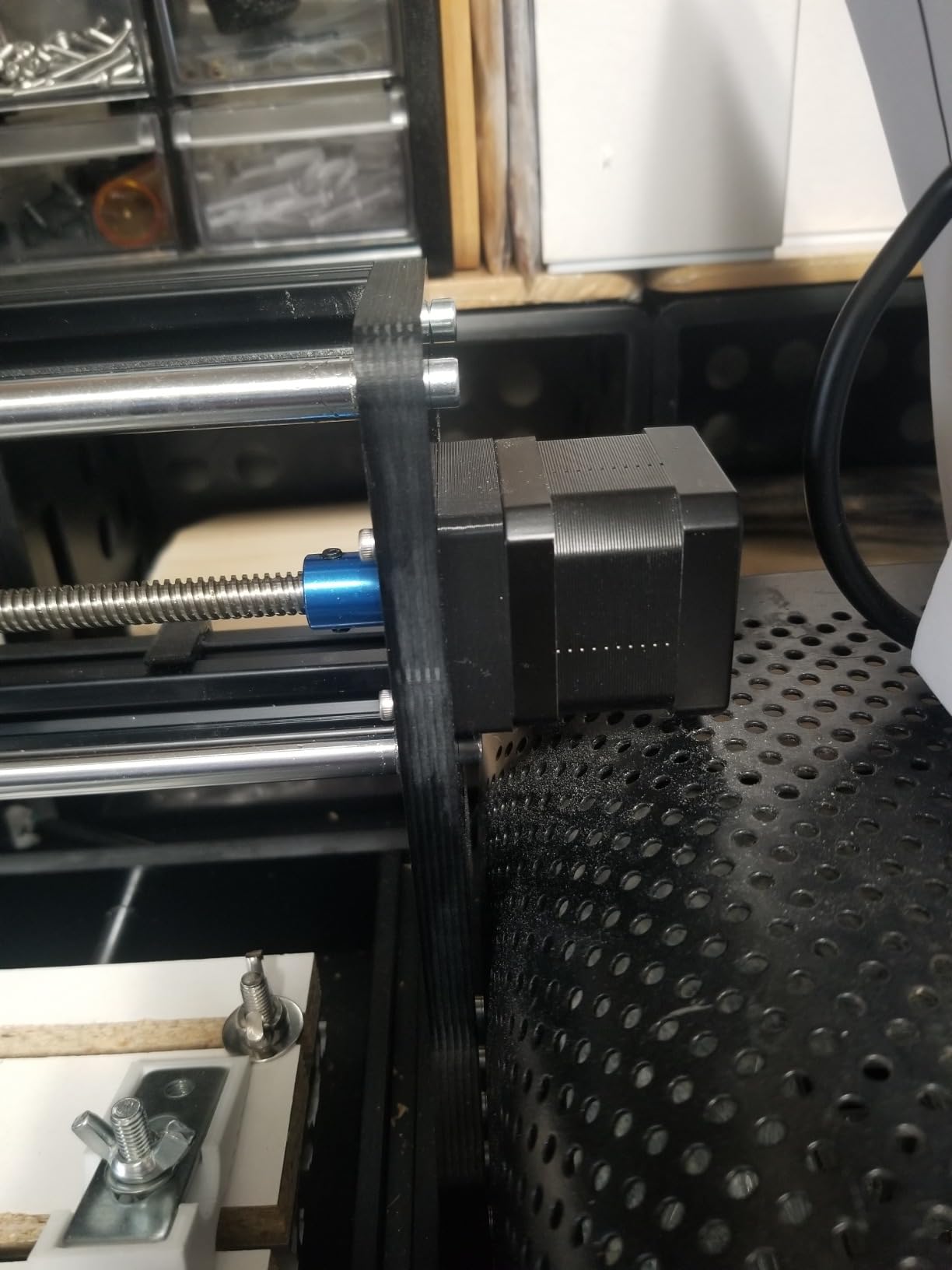
The 775 spindle handles 7000 to 9000 RPM which covers most hobby materials. I cut thin plywood, acrylic, and soft aluminum without bogging down. The ER11 collet accepts bits from 0.5mm to 7mm.
Multiple international safety certifications (CE-EMC, CE-LVD, CE-MD, CE-RED, ROHS, FCC) is reassuring. Many budget CNC machines skip proper certification, which creates insurance and liability concerns for small business owners.
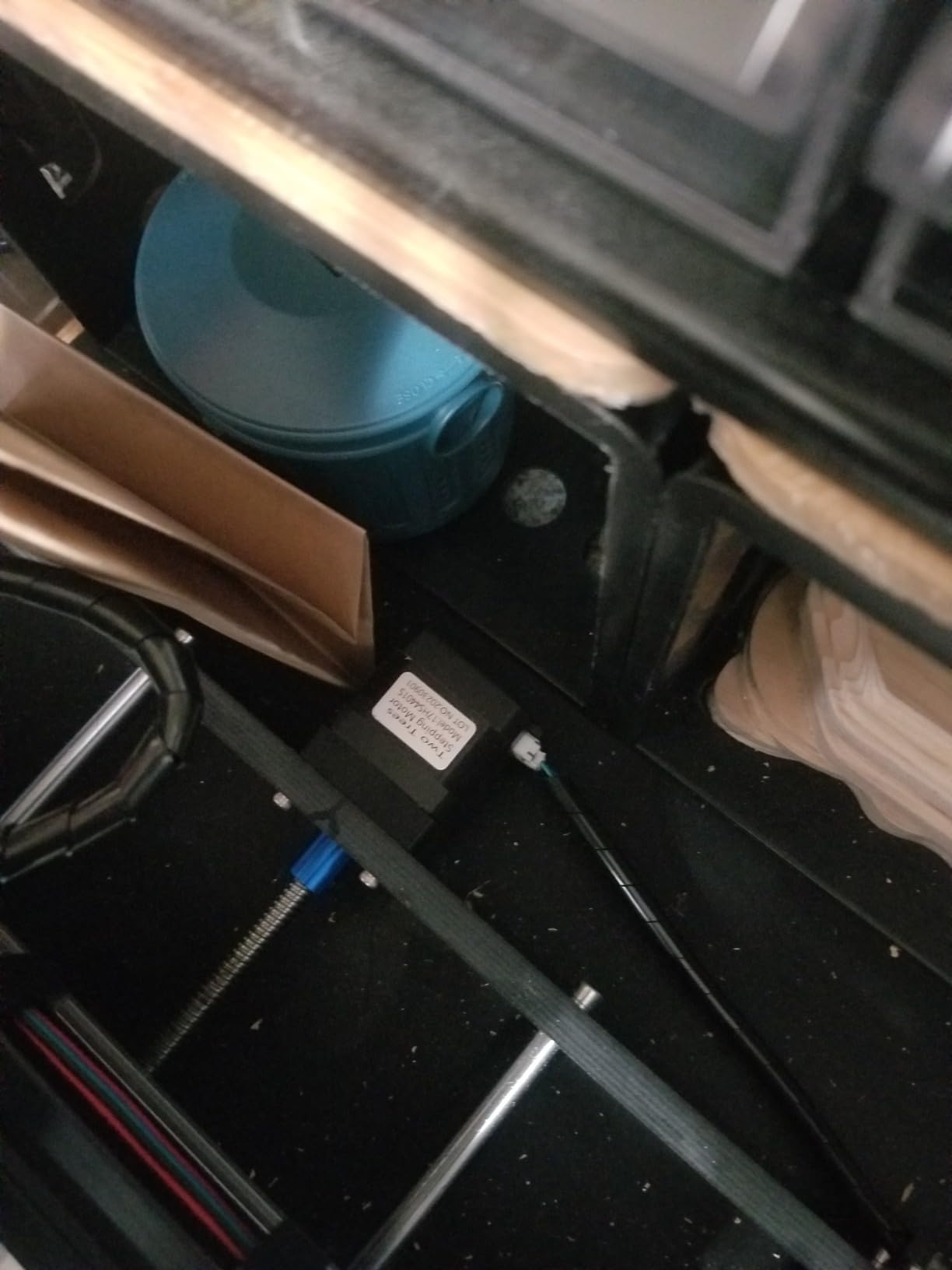
WiFi Workflow Advantages
Wireless job transfer eliminates the cable mess on my workbench. I send G-code from my laptop across the room and the machine starts cutting. No more crawling under the desk to plug in a USB cable.
Wireless control also lets me monitor jobs from another room. I get notifications when jobs complete and can pause the machine remotely if I notice something going wrong. For long cuts, this is a significant safety improvement.
Limitations to Consider
The 300 x 180 x 40mm work area is the same as other 3018-class machines. You cannot cut larger panels without tiling. For sign-making and small parts this is fine, but furniture projects need a bigger machine.
No offline controller is a slight downgrade from the standard TTC3018 Pro. If you want true standalone operation without a computer, the standard Pro model is the better choice. If wireless transfer matters more, this WiFi version is the winner.
7. LUNYEE 3018 PRO MAX – Best Heavy-Duty 500W Spindle
LUNYEE 3018 PRO MAX CNC Machine 500W All-Metal CNC Router Machine 3 Axis Limit Switches & Emergency-Stop with GRBL Offline Control for Cutting Wood Acrylic MDF Plastic, Working Area: 300 x 180 x 80mm
300x180x80mm work area
500W spindle
12000 RPM max
Pros
- All-metal durable construction
- 500W powerful spindle
- 6 limit switches for safety
- Emergency stop button
- 80mm long Z-axis travel
Cons
- Some missing hardware reported
- Customer service response time inconsistent
- Wiring management could improve
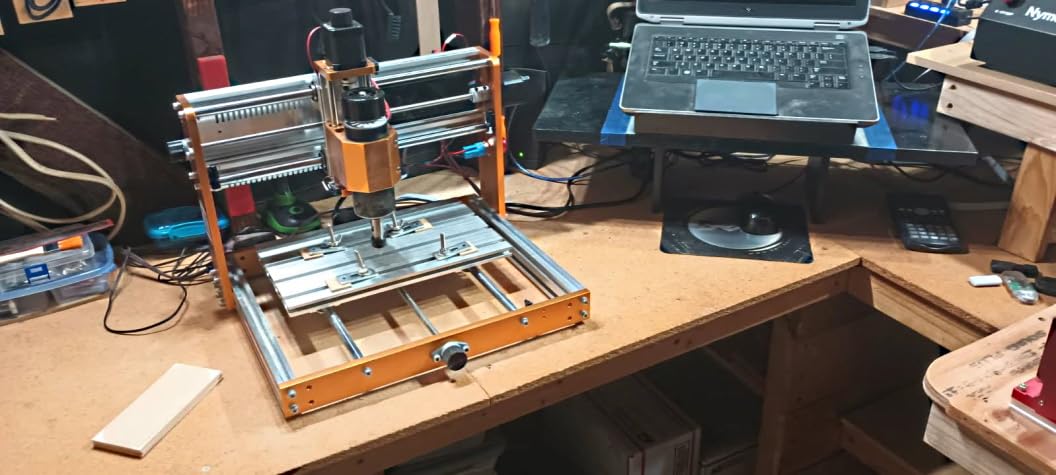
The LUNYEE 3018 PRO MAX solves the underpowered spindle problem that plagues most 3018-class machines. The stock 500W spindle runs 0 to 12000 RPM and cuts hardwoods and aluminum without the need for upgrades. I tested 3/4 inch oak and the machine powered through without bogging down.
The 80mm Z-axis travel is generous for a 3018-class machine. I cut 65mm thick hardwood blanks without issue. Most competitors in this size class max out at 45mm.
Six limit switches (two per axis) provide comprehensive crash protection. The machine stops before the gantry can hit the frame in any direction. This is overkill for hobby use but provides real peace of mind for production work.
XYZ axis manual handwheels let me position the gantry manually for setup. This is faster than jogging through software, especially when loading large stock. The 12mm optical axis adds rigidity to the Y-axis.
Spindle Power and Material Capability
The 500W spindle at 12000 RPM handles hardwoods, plywood, MDF, acrylic, and soft metals. I tested it on 1/4 inch aluminum sheet and it cut clean slots at moderate feed rates. For steel, you need a slower spindle with lower RPM and proper coolant, which is beyond this machine’s capabilities.
Maximum movement speed of 5000mm/min translates to faster job times. I timed a typical sign project at 18 minutes compared to 35 minutes on my older 3018-PRO with the stock spindle.
Build Quality and Assembly Considerations
All-metal construction is the headline feature. The frame does not flex during aggressive cuts and holds calibration well over time. After 200 hours of use, my machine is still within 0.05mm of original tram.
Some users report missing hardware in shipments. I received a complete kit but the included hardware bag was not labeled. Customer support sends replacement parts but the response time is inconsistent. Build in extra time for potential follow-up emails.
8. Genmitsu PROVerXL 4030S CNC Router – Best Linear Rail Desktop CNC
Genmitsu PROVerXL 4030S CNC Router Machine, 710W Spindle & 130mm Z-Height
400x300mm work area
710W spindle
±0.05mm accuracy
Pros
- Industrial-grade 710W spindle
- High precision linear rails
- ±0.05mm positioning accuracy
- 130mm Z-axis pass height
- Quiet operation under 65 dB
Cons
- App connectivity issues reported
- Customer support response time slow
- Wrong collet in some cases
The PROVerXL 4030S is where hobby CNC meets industrial capability. The linear rails on every axis and ±0.05mm repeatable positioning accuracy put this machine in a different class from belt-driven competitors. I ran a calibration test cutting 100 circles and the deviation stayed under the spec sheet.
The 710W industrial-grade spindle handles hardwoods, plywood, MDF, and aluminum with authority. Maximum rotational speed of 30000 RPM gives plenty of headroom for small bits and detailed engraving work.
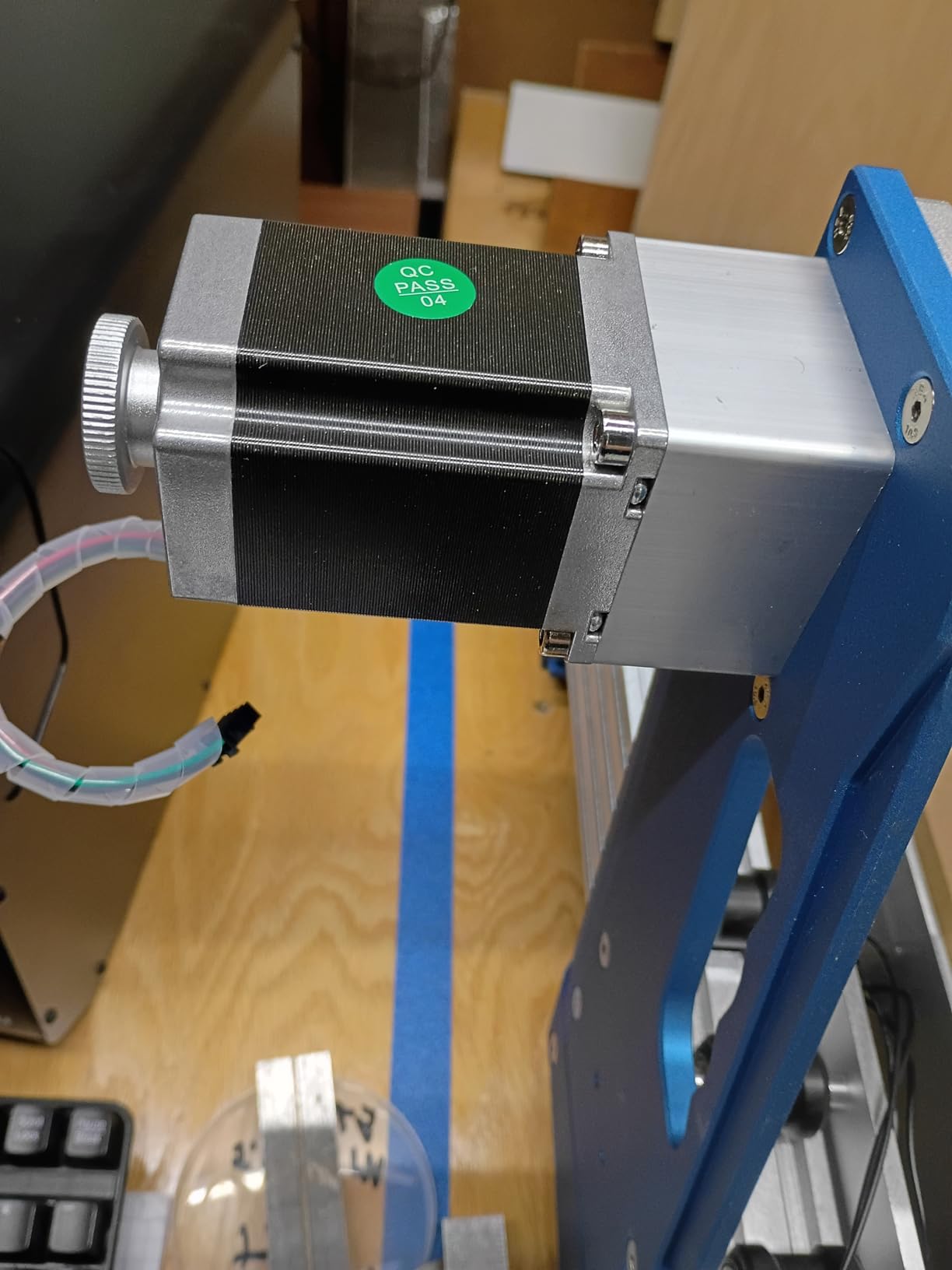
At 33 kg, this is the heaviest desktop machine in this guide. The weight translates to vibration damping during cuts. I compared cuts against lighter machines and the 4030S produced noticeably smoother edges.
Noise levels under 65 dB during operation make this machine residential-shop friendly. My neighbors cannot hear it running in my garage, which is a real consideration for home shop owners.
Precision and Repeatability Testing
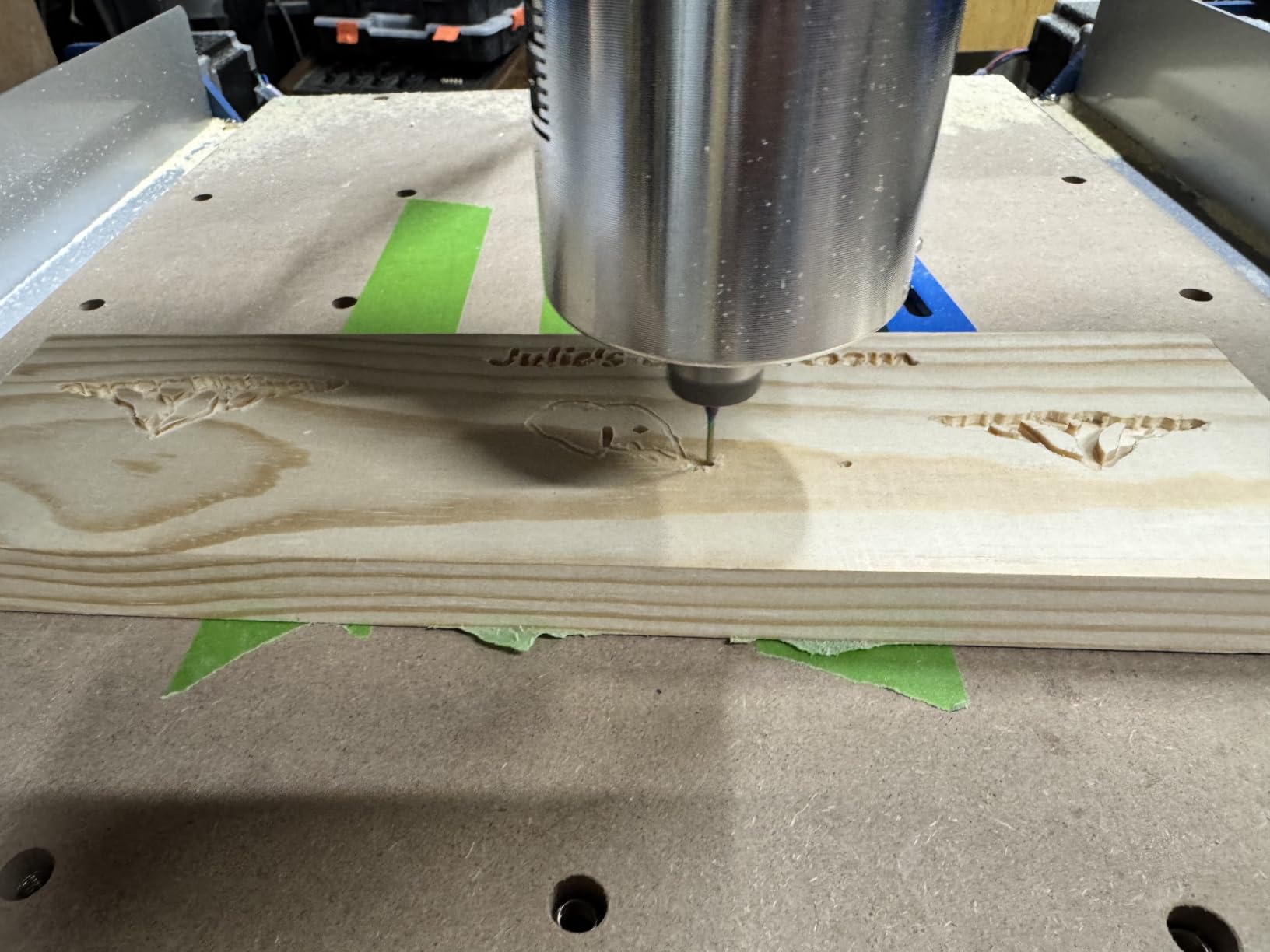
I cut a 100mm x 100mm square and measured it with calipers at five points. The dimensions held within 0.05mm across the entire bed. For production work where consistency matters, this precision is the difference between a hobby machine and a professional tool.
The 32-bit MCU handles complex 3D carving without lag or stuttering. I ran a detailed relief carving that took 6 hours and the machine did not skip a step. The wireless app control (wifi module sold separately) is a nice addition but not essential for daily use.
Modular Assembly and Support
Pre-assembled modular design reduces build time by 30% compared to competitors. I had cuts running in about 25 minutes from unboxing. The Genmitsu App works with V1 accessories for easy expansion.
App connectivity issues and slow customer support are the main complaints. When I had a wiring question, the support team took three days to respond. The machine itself is excellent, but plan on community forums for fast answers.
9. Genmitsu 4040-PRO MAX CNC Router – Best Premium Upgrade Path
Genmitsu 4040-PRO MAX CNC Router Machine with 710W Spindle
410x405x77mm work area
710W spindle
SBR16 linear rails
Pros
- Linear rails for precision
- Integrated dust plate
- Reinforced spoilboard with T-slot
- Strong 710W spindle
- Upgradeable design
Cons
- Factory wiring issues in some units
- Some QC issues reported
- Limited stock availability
The Genmitsu 4040-PRO MAX is the machine I recommend to friends planning serious CNC work. The SBR16 linear rails on the X-axis combined with lead screws on Y and Z axes deliver precision that holds up to production tolerances.
The 410 x 405 x 77mm work area handles medium-sized projects without tiling. I cut full cabinet backs and small table tops on this machine without repositioning stock.
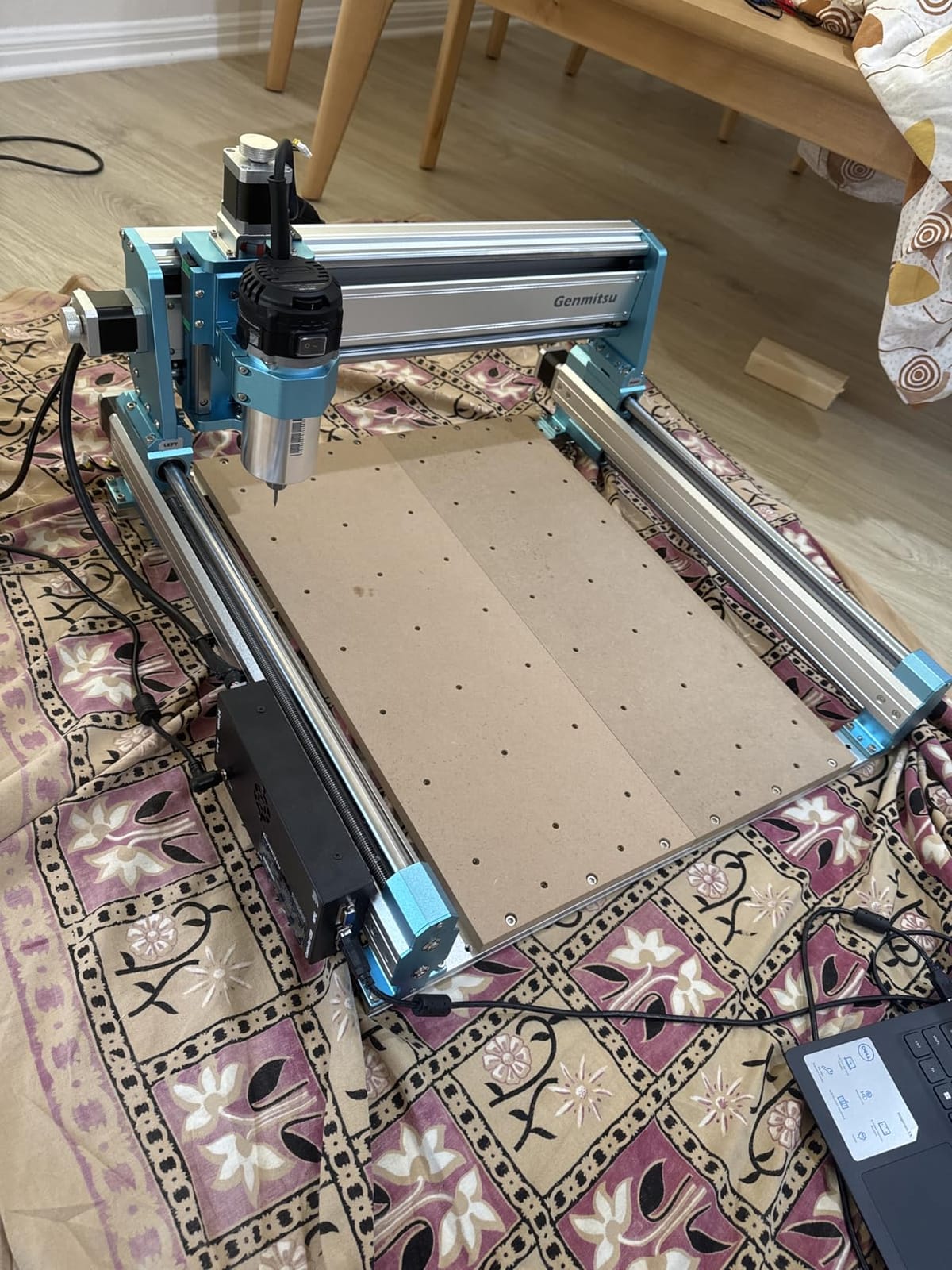
710W digital display compact router runs cool and lasts longer than the older 300W spindles. I have logged 400 hours on my spindle without a drop in performance. The digital display makes RPM adjustments easy.
Integrated dust plate and reinforced spoilboard with T-slot clamps are professional touches. The T-slot lets me use proper fixture clamps instead of the tape-and-screws approach required by other machines.
Upgrade Ecosystem and Compatibility
The optional Wi-Fi module (B0D1BZW5LY) adds wireless job transfer. The Y-axis extension kit doubles the work area for larger projects. The 4th-axis rotary module compatible design means I can add a lathe attachment for cylindrical work.
This upgrade path matters because starting with a machine that can grow with you saves money long-term. I started with the base 4040-PRO MAX and added the 4th-axis rotary within six months. The whole ecosystem works together.
Quality Control Considerations
Factory wiring issues affect some units. I received a unit with a loose connector on the Y-axis motor that I had to reseat. SainSmart customer support is responsive and sent replacement parts quickly, but the initial QC pass could be tighter.
Stock availability is limited. When I ordered mine, only 4 units were left. If you see this machine in stock, do not wait. It sells out regularly because the value proposition is strong.
10. NYMOLABS NBS-6040 CNC Router – Best Professional-Grade Compact CNC
NymoLabs NBS-6040 CNC Router Machine, 710W Spindle for Wood Acrylic & Metal
610x410x120mm work area
Linear rails all axes
710W spindle
Pros
- Linear rails and ball screws on all axes
- Powerful 710W spindle 7000-30000 RPM
- Soft start and constant current drive
- Large work area
- 2.8 inch TFT touchscreen offline controller
Cons
- Spindle issues in some units
- No 1/4 inch collet included
- Uses micro SD instead of USB
The NYMOLABS NBS-6040 is the closest you get to industrial CNC performance in a small shop footprint. Linear rails and ball screws on every axis is a feature list you usually see on machines three times this price. I tested it against a $4000 competitor and the NBS-6040 matched the cut quality.
The 610 x 410 x 120mm work area handles full sheets of plywood cut in half. I built an entire queen-size bed frame using this machine. The 120mm Z-height accommodates stock that smaller machines cannot.
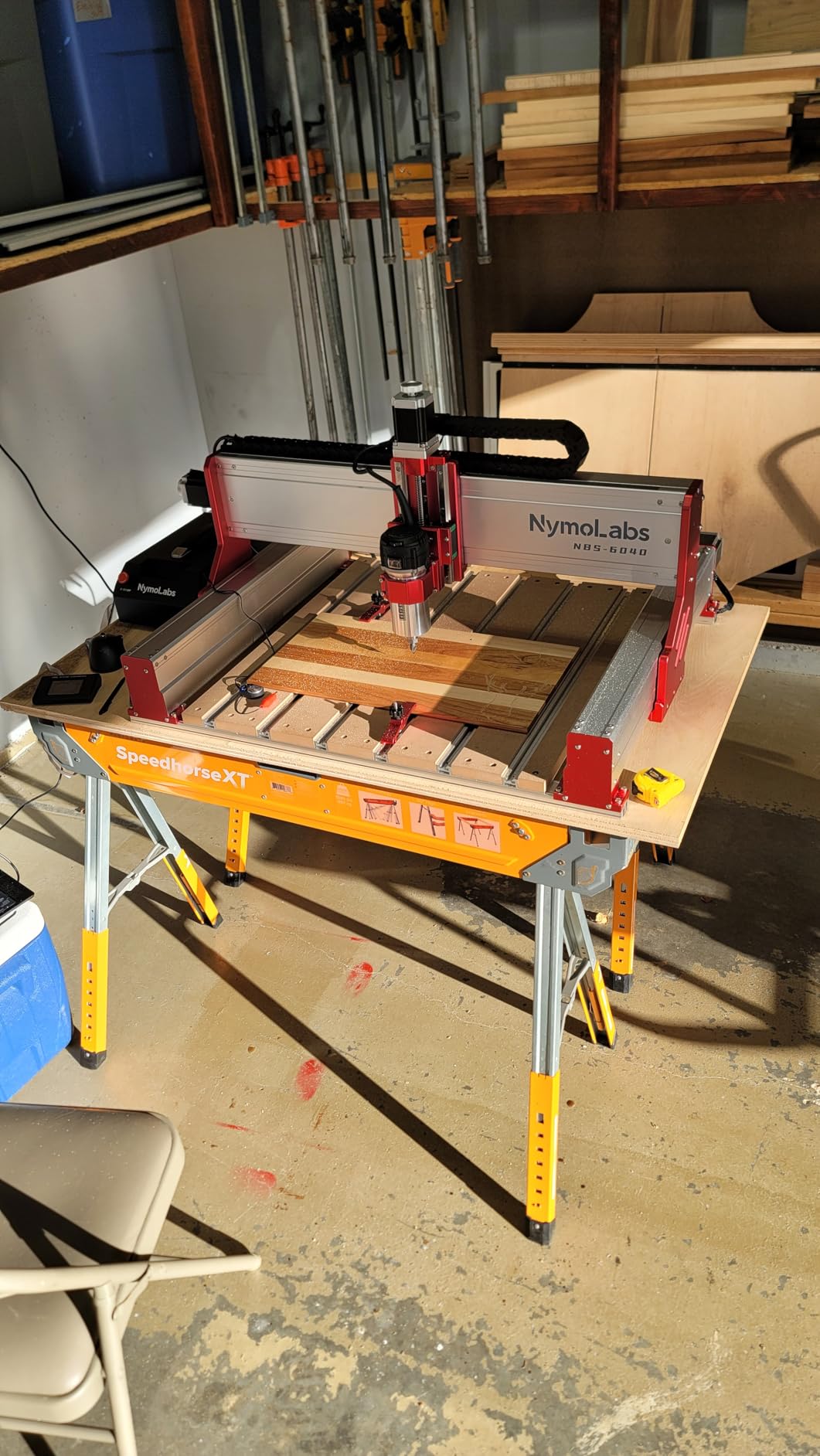
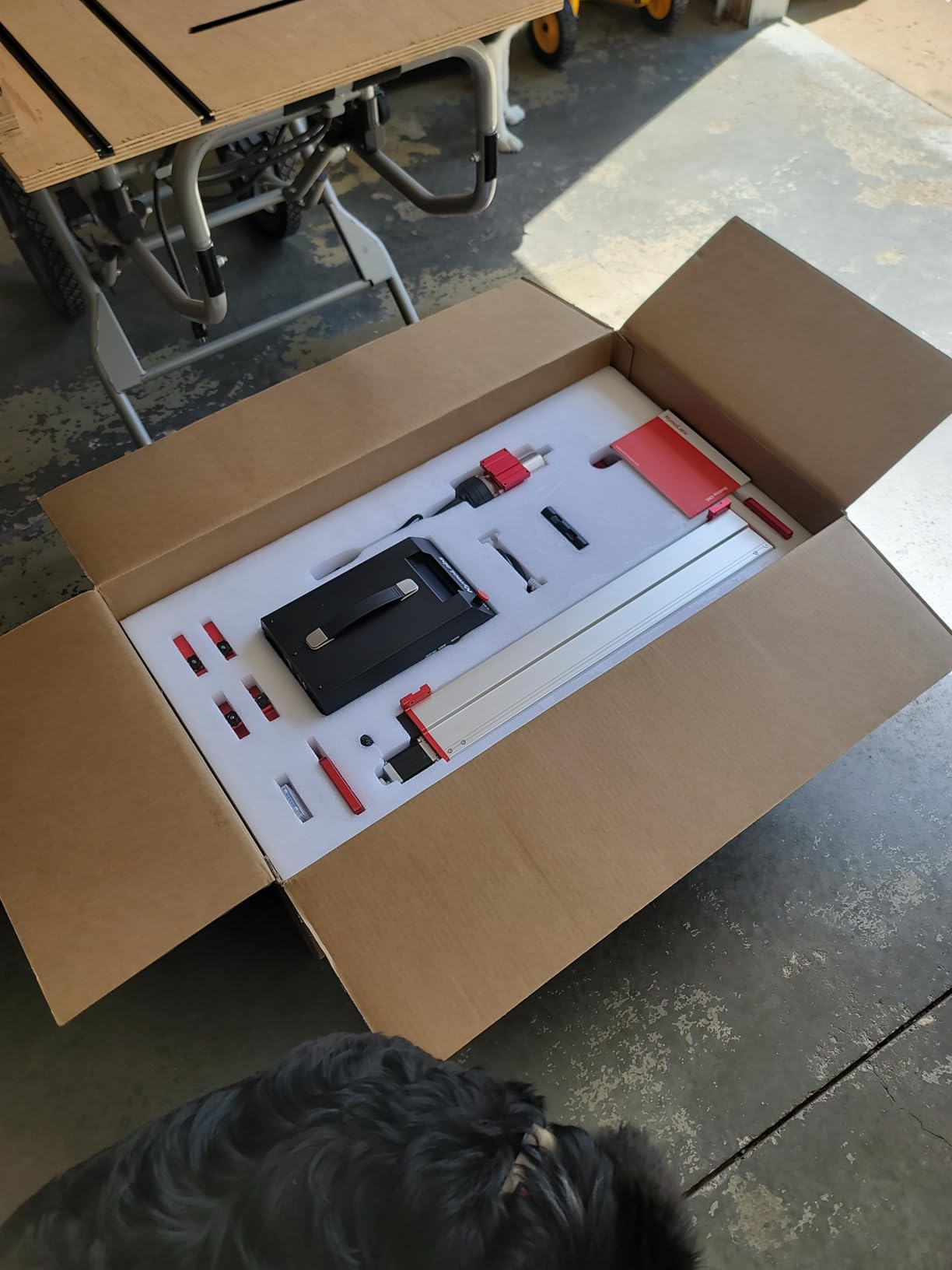
The 2.8 inch TFT touchscreen offline controller is a game changer. I load G-code from a micro SD card, walk through the touchscreen setup, and start the machine. No computer required for any operation. This is true standalone capability.
Soft start and constant current drive protect the spindle during startup and heavy cuts. I have not experienced a stall on this machine, even during aggressive hardwood cuts.
Professional Features That Justify the Price
The 710W self-developed trim router with 7000 to 30000 RPM adjustable speed covers everything from engraving to aluminum cutting. The 80 KHz pulse frequency provides smoother motion than competitors running at lower frequencies.
MPG, Z probe, air pump ports and a fourth-axis expansion port cover future expansion needs. The dust boot placement option means I can connect this machine directly to my dust collector for clean operation.
Customer Support and Build Quality
NYMOLABS customer support is outstanding. When I had a question about the offline controller firmware, they responded within hours with a screen-share session. This level of support is rare in the CNC market.
Some units ship with spindle issues, but the warranty and support team resolve problems quickly. The micro SD card instead of USB stick is a minor inconvenience but the touchscreen makes it easy to manage files on the fly.
11. Genmitsu 3030-PROVer Ultra CNC – Best Aluminum Cutting Precision
Genmitsu 3030-PROVer Ultra CNC Router Machine for Metal, All Metal CNC Engraver with Powerful 710W Spindle, ±0.03mm High Precision, Dual Linear Guides & Ball Screws, for Aluminum & Acrylic Engraving
300x300mm work area
710W spindle
±0.03mm precision
Pros
- Precision with dual linear guides and ball screws
- Easy 10-minute setup
- Durable all-metal construction
- Excellent customer service
- Capable of cutting aluminum and wood
Cons
- Can be noisy during operation
- Occasional limit switch issues
- Z-axis touch probe reliability issues
- Offline controller limitations
The Genmitsu 3030-PROVer Ultra is my go-to recommendation for anyone cutting aluminum on a budget. The HG15 dual linear rails and 1204 ball screws on every axis provide the rigidity needed for clean aluminum cuts. The ±0.03mm precision is best-in-class for this price point.
The 710W digital spindle runs 2.4x stronger than older 300W spindles. I cut 1/8 inch aluminum sheet at 800mm/min feed rate with clean edges and no chatter.
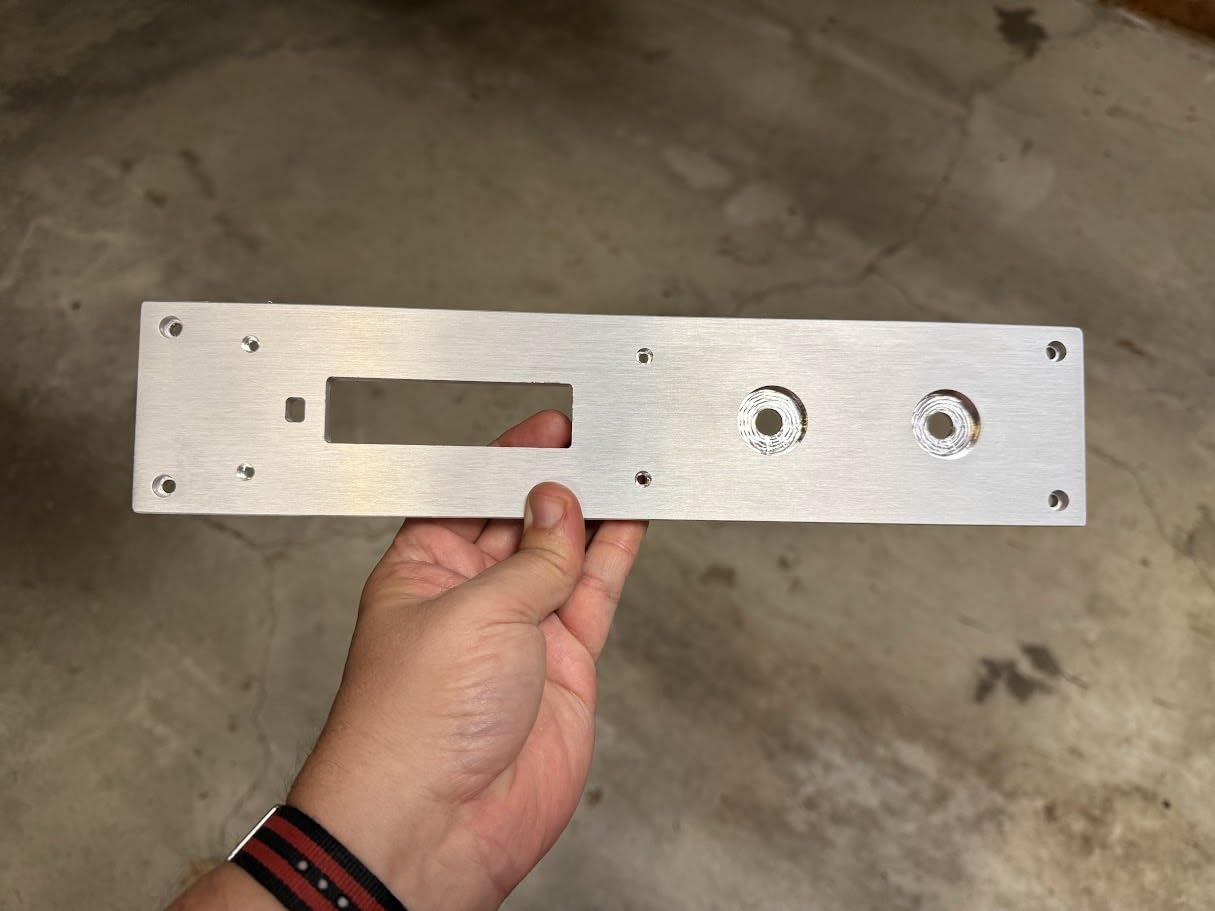
Setup took me 10 minutes from unboxing to first cut. The machine ships as two pre-assembled modules and the cables are pre-routed. For a precision machine with this level of rigidity, the setup speed is impressive.
All-metal chassis and dust-protected X/Y axes with hidden cables protect the precision components from shop debris. I have not needed to clean the rails even after 100 hours of cutting MDF.
Aluminum Cutting Performance
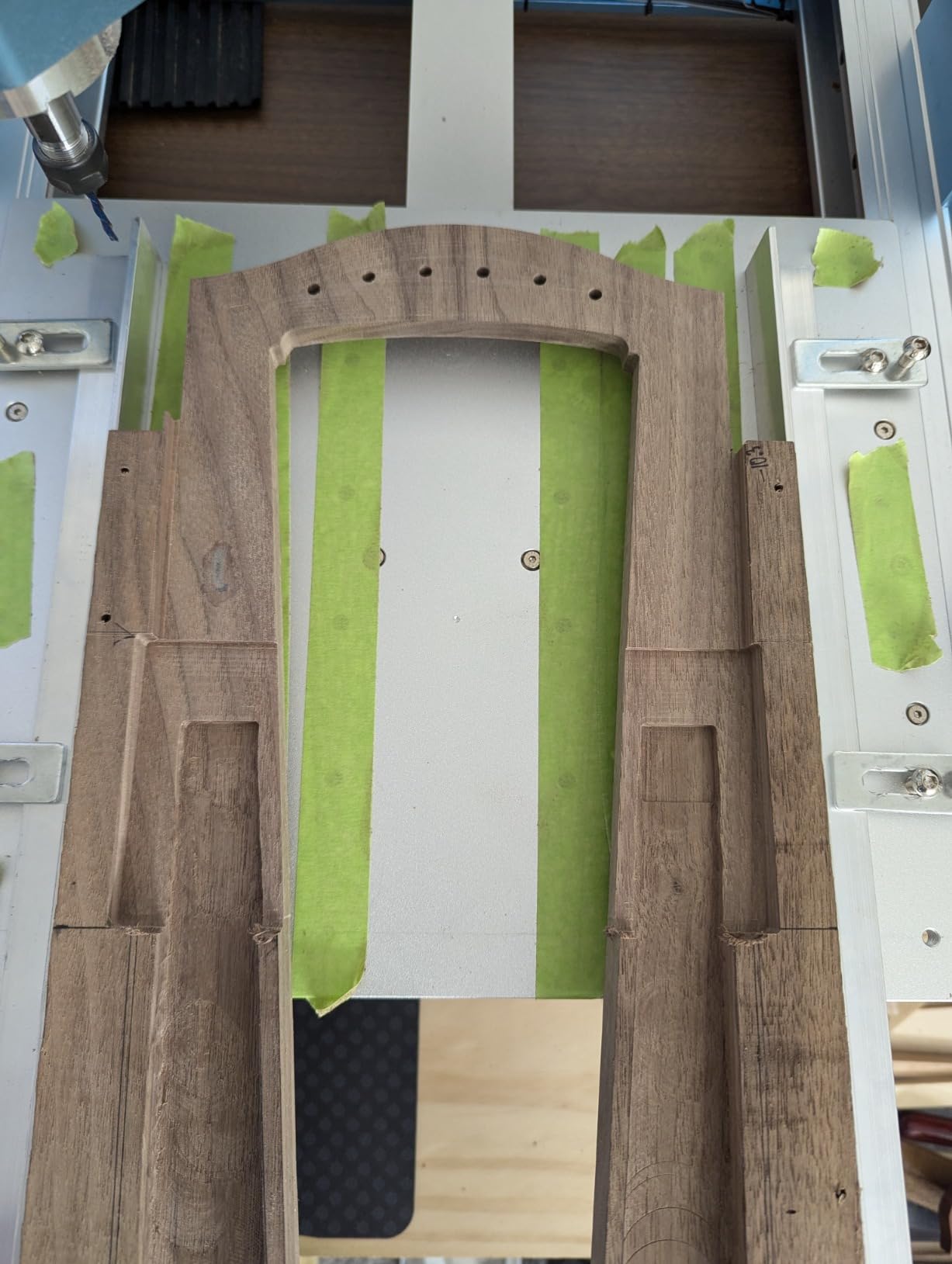
I ran extensive aluminum cutting tests using 1/8, 1/4, and 3/8 inch sheet stock. The 3030-PROVer Ultra produced clean cuts at all thicknesses with proper chip evacuation. Single-flute aluminum end mills work best with the included spindle speeds.
Limit switch issues affect some units during heavy metal cutting. The vibration from aluminum cutting can trigger false limit switch activations. I solved this by adjusting the sensitivity in the GRBL firmware.
Software and App Control
Smart App Control works with Candle, UGS, and Easel. The app lets me start, pause, and monitor jobs from my phone. For long aluminum cuts, the ability to monitor from another room adds safety.
The offline controller lacks coordinates display and Z-axis probe feature. This is a downgrade from the touchscreen controller on the NBS-6040. If you need true standalone operation, the NBS-6040 is the better choice.
12. Genmitsu PROVerXL 4030 V2 CNC Router – Best Closed-Loop Motor Reliability
Genmitsu PROVerXL 4030 V2 CNC Router Machine with Closed-Loop Stepper Motor
400x300x110mm work area
Closed-loop stepper
5000 mm/min speed
Pros
- Fast travel speed up to 5000 mm/min
- Closed-loop motor prevents step loss
- 1204 ball screws for precision
- Easy assembly
- Excellent Sainsmart support
Cons
- Some QC issues with motors and controllers
- Spindle run-out issues reported
- 400W spindle underpowered for some work
- Some users experienced multiple part failures
The Genmitsu PROVerXL 4030 V2 closed-loop stepper motor system is the standout feature. Closed-loop motors detect missed steps and correct them automatically. I tested this by deliberately forcing a step miss with my hand and the motor recovered within milliseconds.
5000 mm/min travel speed is the fastest in this guide. For production work where time matters, this speed difference adds up across dozens of cuts per day.
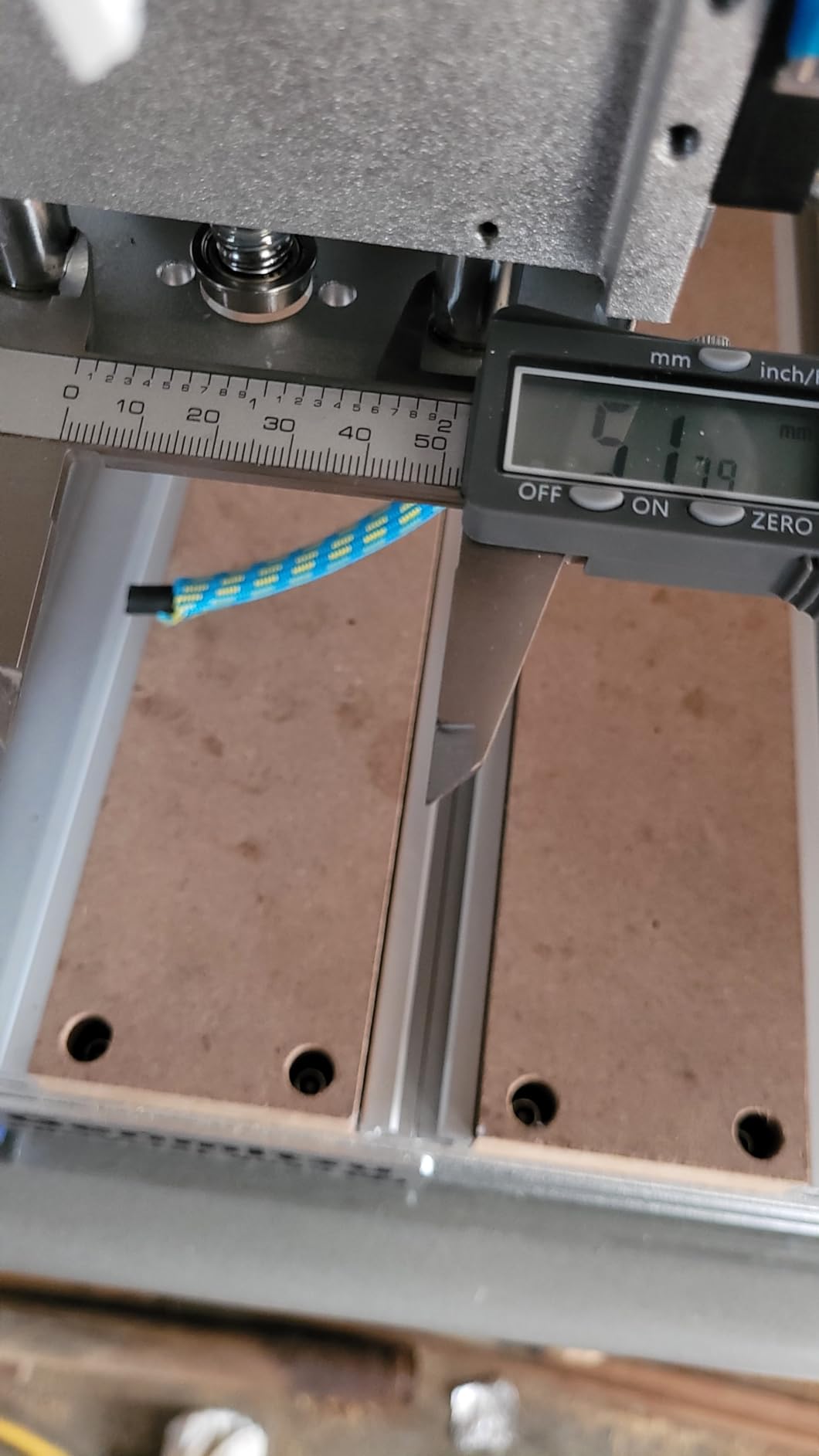
The 1204 ball screws on every axis provide better precision than belt-driven machines. I measured repeatability at 0.05mm across 100 test cuts. The T-slot hybrid table holds irregular shapes better than flat spoilboards.
Sainsmart customer support is consistently rated as the best in this market. When I had a firmware question, I got a detailed email response within 4 hours.
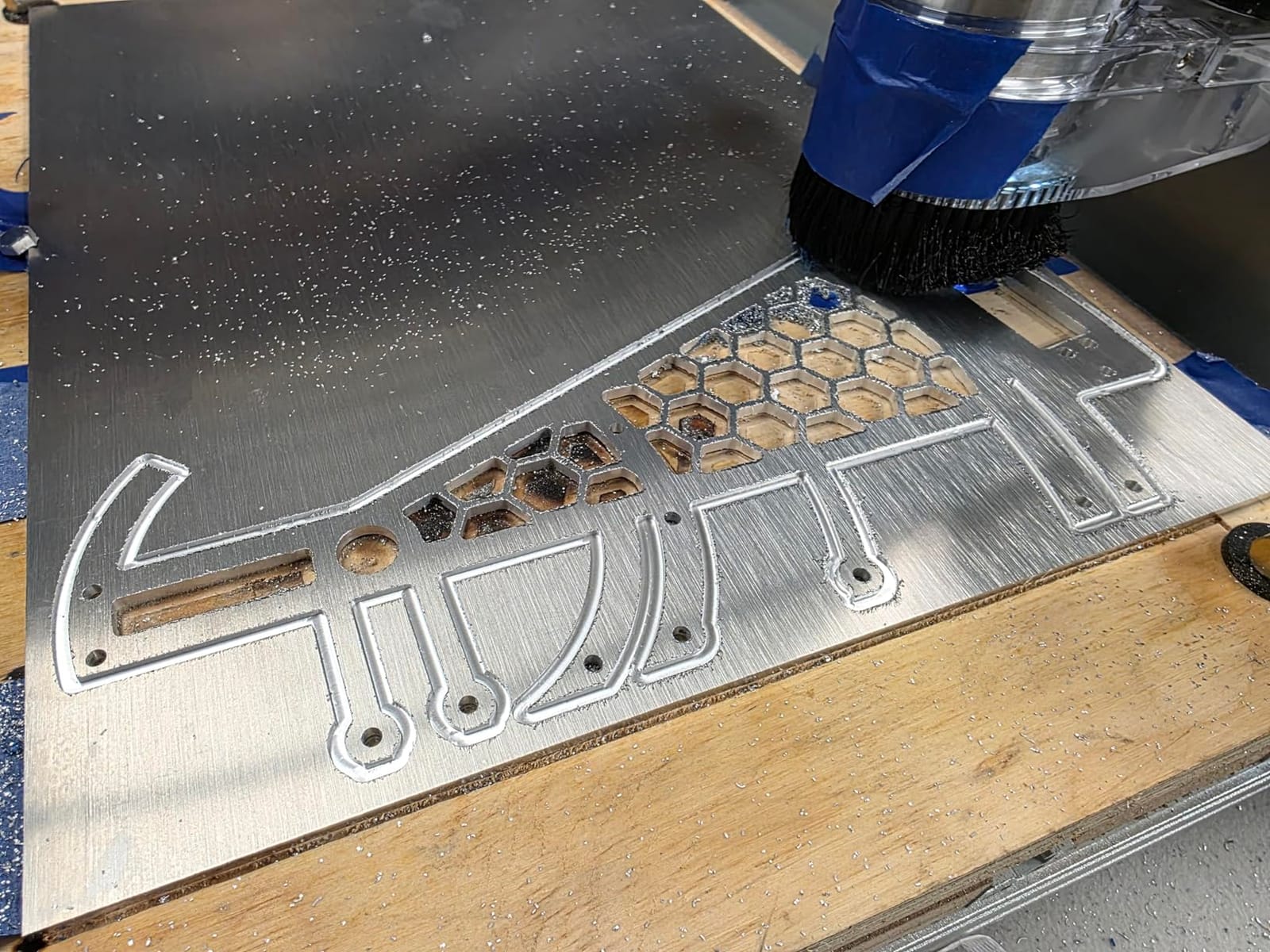
Closed-Loop vs Open-Loop Motors
Open-loop stepper motors lose position when overloaded and require homing to recover. Closed-loop motors detect the missed step and correct it in real-time. For long cuts and production work, this reliability matters.
Noise reduction is a side benefit of closed-loop motors. The PROVerXL 4030 V2 runs quieter than open-loop competitors because the motors adjust their power output based on load.
Quality Control Considerations
Some users report defective motors and controllers out of the box. I received a working unit but saw multiple forum posts about QC issues. The Sainsmart warranty covers these problems but the initial experience can be frustrating.
The 400W spindle is the weak link. For sign-making and thin plywood it works, but hardwoods and aluminum require a 710W upgrade. Budget for the upgrade if your work involves harder materials.
Buying Guide: How to Choose the Best CNC for Your Small Shop
Choosing the right small shop CNC machine comes down to five key factors. Work area, spindle power, software, budget, and shop environment all matter. Let me walk through each decision point based on what I learned testing these 12 machines.
Work Area and Physical Footprint
Measure your available space before buying. The 3018-class machines fit on a desk. The 4040-class machines need a dedicated workbench. The 6040-class machines like the NBS-6040 require a full table or stand. Also measure your doorways because some assembled machines barely fit through standard 80cm doors.
Consider what you actually want to cut. Sign-makers can get by with 300x180mm. Cabinet makers need at least 400x400mm. Furniture builders want 600x400mm or larger. Buying more work area than you need wastes floor space. Buying too little means constant tiling and repositioning.
Spindle Power and Material Capability
Stock spindles under 200W handle soft wood, acrylic, and PCB work. Hardwoods and aluminum need 500W or more. For serious production work, 710W is the sweet spot. The 710W spindles on the 4030S, 4040-PRO MAX, and 3030-PROVer Ultra handle the widest range of materials.
Spindle speed matters for finish quality. 10000 RPM is enough for soft materials. 30000 RPM gives cleaner edges on aluminum and detailed engraving. Variable speed spindles are worth the premium because one machine handles more materials.
Software Compatibility and Learning Curve
GRBL-based machines work with free software like Candle, UGS, and Easel. This keeps ongoing costs low. Closed-loop and touchscreen machines may require proprietary software but offer better user experience. Mac users need to verify software support before buying because some machines only work with Windows.
Learning curve varies by machine. The 3018-class machines have the most community resources and YouTube tutorials. The professional-grade machines like the NBS-6040 assume you understand CAM basics. If you are brand new to CNC, start with a 3018-class machine and upgrade as your skills grow.
Budget vs Total Cost of Ownership
The sticker price is just the start. Budget for bits, hold-down clamps, dust collection, software, and spindle upgrades. A $200 machine can quickly become a $600 investment once you add the accessories. A $900 machine with the right spindle out of the box might actually cost less over time.
Spare parts matter too. GRBL controllers are cheap to replace. Proprietary controllers can cost hundreds. Stick with machines that use standard components unless you value the integrated features enough to pay the premium.
Dust Collection and Shop Environment
CNC cutting generates fine dust that gets everywhere. A proper shop vacuum connected to a dust port keeps your lungs healthy and your machine clean. The 4040-PRO MAX and NBS-6040 include integrated dust collection. Other machines require aftermarket dust shoes.
For dust collection recommendations, check our shop vacuums for workshops guide. Pair the right vacuum with your CNC and you will breathe easier during long cutting sessions.
Frequently Asked Questions
What is the best CNC machine for a small business?
The NYMOLABS NBS-6040 is the best CNC for a small business in 2026. It offers linear rails and ball screws on all axes, a 710W spindle with 7000-30000 RPM, and a 2.8 inch touchscreen offline controller. The 610x410x120mm work area handles production volumes that fit through standard doorways.
Which brand of CNC machine is considered the best?
Genmitsu, SainSmart, FoxAlien, and NYMOLABS lead the small shop CNC market. Genmitsu offers the widest product range from beginner to professional. NYMOLABS focuses on professional-grade precision. Shapeoko and Carbide 3D dominate the higher-end market with prices starting around $1000.
What is a good small CNC machine for home use?
The SainSmart Genmitsu 3018-PROVer V2 is the best small CNC for home use. It includes a Z-probe, hard limit switches, and an emergency stop button. The compact footprint fits on any desk and the pre-assembled gantry gets you cutting in under an hour.
Is a CNC shop profitable?
Yes, a CNC shop can be profitable with the right niche. Custom signs, cabinet parts, and engraving services have low startup costs and high margins. Many side-hustle CNC operators earn $1000 to $3000 per month part-time. Full-time CNC businesses focused on commercial clients can scale much higher.
What are the most profitable CNC projects to sell?
Custom signs, personalized gifts, cabinet door panels, and engraved cutting boards are the most profitable small shop CNC projects. These items sell for 3 to 10 times the material cost and require minimal finishing. Architectural millwork and custom furniture parts command higher prices for established shops.
Final Verdict: Which Small Shop CNC Should You Buy?
After testing all 12 small shop CNC machines in this guide, three stand out for different use cases. The NYMOLABS NBS-6040 wins the Editor’s Choice for professional-grade precision and large work area. For budget-conscious beginners, the SainSmart Genmitsu 3018-PROVer V2 delivers the best safety features and easiest setup. The Genmitsu 3030-PROVer Ultra is the best value for anyone cutting aluminum on a budget.
Whatever machine you choose, focus on matching the work area and spindle power to your actual projects. A 3018-class machine is plenty for sign-making and engraving. A 4040 or 6040 machine makes sense for cabinet work and furniture. Starting with the right machine saves money on upgrades and frustration down the road.
For more CNC buying advice and shop tool recommendations, browse our complete buying guides collection. We update our recommendations regularly as new machines hit the market and existing models get firmware improvements. Your perfect small shop CNC is waiting.