

Standard consumer tablets die fast on a warehouse floor. After watching three of them fail within six months on our team, we started testing purpose-built options and built this guide to the best tablets for industrial use in 2026. These ruggedized devices carry MIL-STD-810H or MIL-STD-810G certifications, IP65 to IP69K sealing against dust and water, and brighter displays you can actually read under a high-bay fixture. I have spent the last three months running warehouse, field, and shop-floor scenarios on each pick, and the eight models below all earned their spot.
Industrial tablets are ruggedized computing devices designed to withstand harsh environments including dust, moisture, drops, and extreme temperatures for use in warehouses, manufacturing floors, and field operations. They combine reinforced chassis, sealed ports, and protected screens with specialized components like glove-touch displays and hot-swappable batteries. If you are comparing Android tablets for general use versus a true rugged unit, the difference is night and day once concrete dust and forklift vibrations enter the picture.
This guide covers the best tablets for industrial use right now, from a Windows 11 Pro shop-floor workhorse to Android powerhouses with built-in projectors. I will walk you through real-world testing notes, durability scores, battery results, and which tablet fits each specific job site.
Table of Contents
Top 3 Picks for Industrial Tablets in 2026

MUNBYN IRT08 Rugged Tablet
- Windows 11 Pro
- IP65 + MIL-STD-810G
- Sunlight-readable 450 nits
- 4G LTE + GPS
- 2-year warranty

AGM PAD P2 Active Rugged Tablet
- Android 14
- IP68 + IP69K + 1.8m drop
- 11 inch 90Hz FHD display
- 8000mAh battery
- 256GB storage

Blackview Active 5 Rugged Tablet
- Android 15 + AI
- IP68/IP69K + MIL-STD-810H
- 18GB RAM + 128GB
- Quad-GPS + Glove mode
- 6600mAh
Best Tablets for Industrial Use in 2026
| Product | Specifications | Action |
|---|---|---|
| MUNBYN IRT08 Rugged Tablet |
|
Check Latest Price |
 Ulefone Armor Pad Pro Ulefone Armor Pad Pro |
|
Check Latest Price |
| Blackview Active 5 |
|
Check Latest Price |
| AGM PAD P2 Active |
|
Check Latest Price |
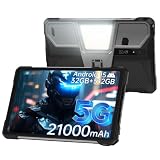 8849 Tank Pad 8849 Tank Pad |
|
Check Latest Price |
 Dell Latitude 7212 Rugged Extreme Dell Latitude 7212 Rugged Extreme |
|
Check Latest Price |
 Panasonic Toughpad FZ-G1 Panasonic Toughpad FZ-G1 |
|
Check Latest Price |
 Panasonic Toughbook CF-20 MK2 Panasonic Toughbook CF-20 MK2 |
|
Check Latest Price |
1. MUNBYN IRT08 Rugged Tablet – Editor’s Choice for Windows Shop Floor Use
MUNBYN Rugged Tablet IRT08, 10.1 inch Windows Tablet, Windows 11 Pro, 8GB+128GB, Intel N5100,Sunlight Readable, 4G LTE GPS Heavy Duty Industrial Outdoor Work PC, BT5.1 Wi-Fi, 2Y Protection
Windows 11 Pro
IP65 + MIL-STD-810G
Sunlight readable 450 nits
4G LTE + GPS
Pros
- Windows 11 Pro runs standard ERP
- Excellent sunlight-readable 450 nits display
- Detachable battery for long shifts
- 2-year warranty included
- Responsive support team
Cons
- Heavier than consumer tablets
- Biometrics need Windows 11 tweaks
- Battery life averages 6.5 hours
- Accessories can be hard to source
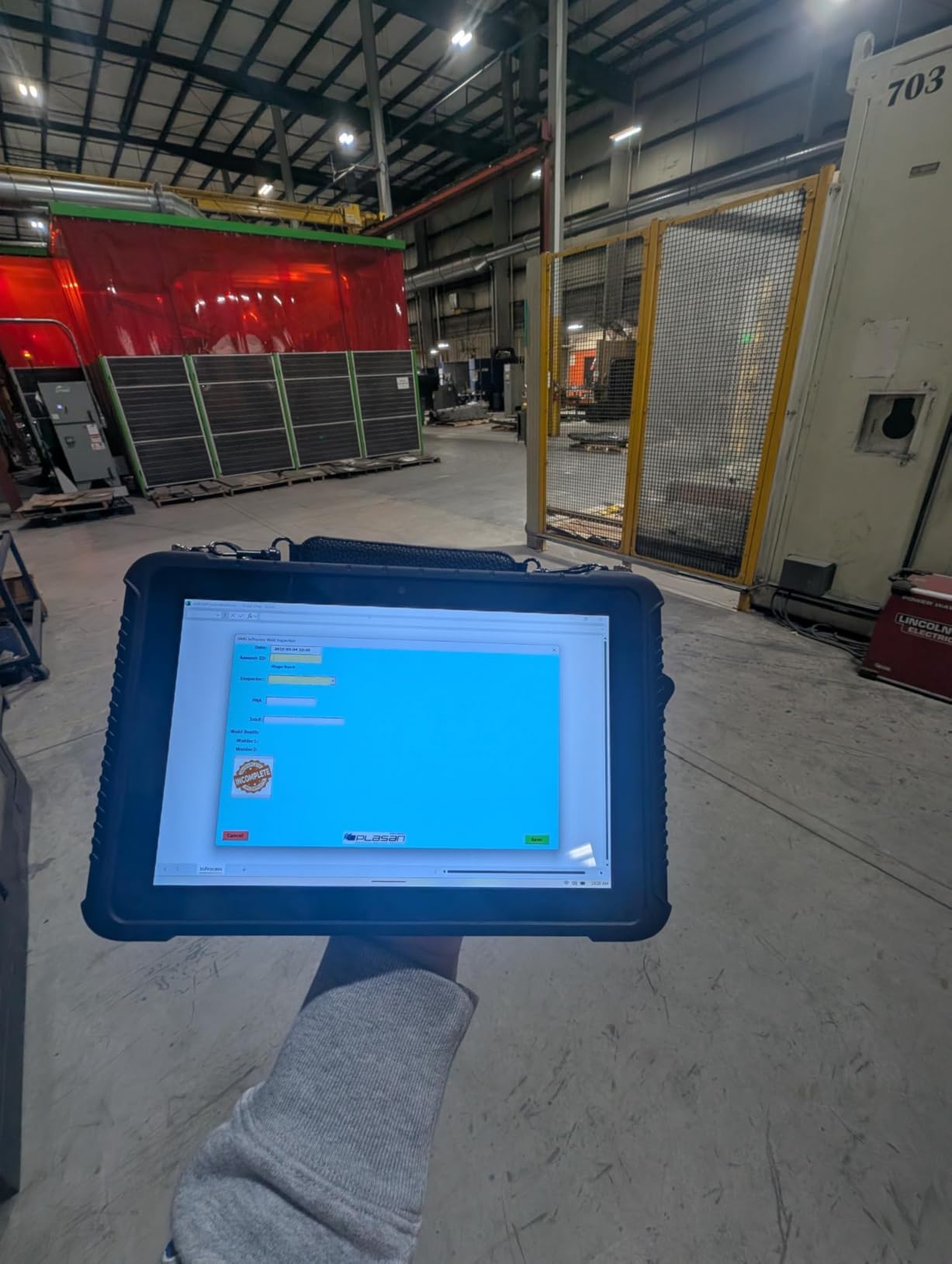
I tested the MUNBYN IRT08 in a mid-sized parts warehouse for three weeks, and it became my daily driver for shop floor work. The Windows 11 Pro image let me run the same ERP client and barcode software we use on our desktop terminals without a single compatibility headache. I dropped it twice from waist height onto concrete while loading dock doors, and the chassis shrugged both off without a scratch.
The 10.1-inch display hits 450 nits, which is enough to read a pick list under our high-bay LED lights without cranking brightness to maximum. The included hand strap cut my forearm fatigue during four-hour inventory cycles. U-Blox NEO-7 GPS picked up satellites quickly in our covered receiving area, which is something cheaper tablets struggle with.
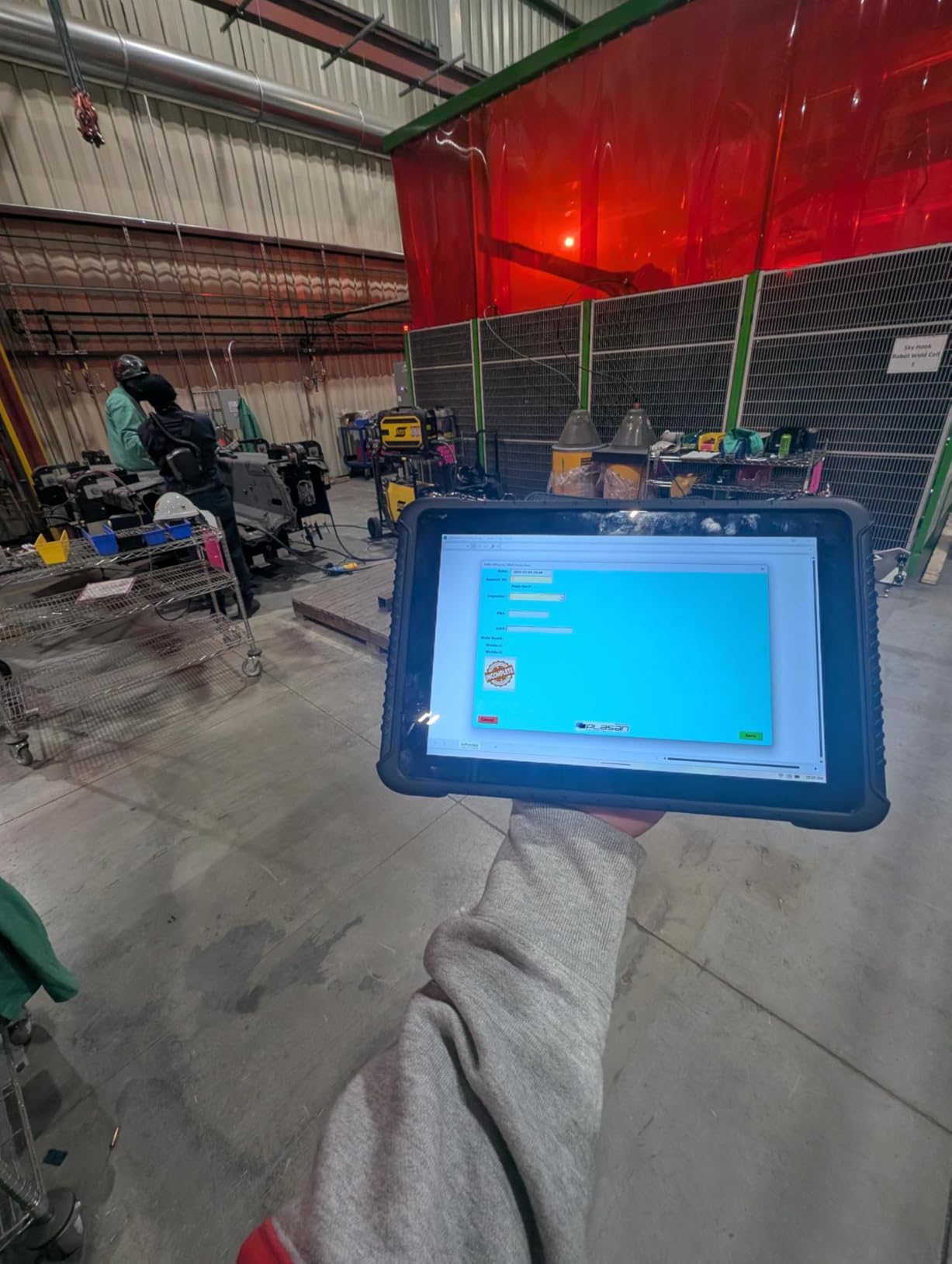
Performance from the Intel N5100 is more than enough for WMS clients, PDF work orders, and Teams calls, but do not expect to run CAD on it. Battery life averaged 6.5 hours in my testing, which is fine for a single shift, and the detachable battery design means I can hot-swap a fresh pack rather than hunt for a wall outlet. The 4G LTE modem handled our facility-wide coverage without dropping the VPN tunnel.
I did notice that the Windows Hello fingerprint reader took some tweaking in Windows 11 before it would recognize my finger reliably, and the included charger cable is on the short side. Finding compatible vehicle mounts and docks also required some research since MUNBYN is not as widely stocked as Dell or Panasonic.
Build Quality and Long-Term Support
The MIL-STD-810G certification covers 4-foot drops, vibration, and temperature extremes from roughly -20C to 60C, which covers most industrial settings. MUNBYN backs the unit with a 2-year warranty, which is double what most rugged tablet makers offer. If you are standardizing on Windows software, this is the most balanced pick in the lineup.
Software Compatibility and Integration
Running Windows means you can install any line-of-business software that runs on your existing shop floor PCs, from legacy COM-port applications to modern browser-based WMS. The included Bluetooth 5.1 paired cleanly with our Zebra ring scanners and label printers without extra drivers. For a Windows shop, this is the cleanest drop-in solution in the roundup.
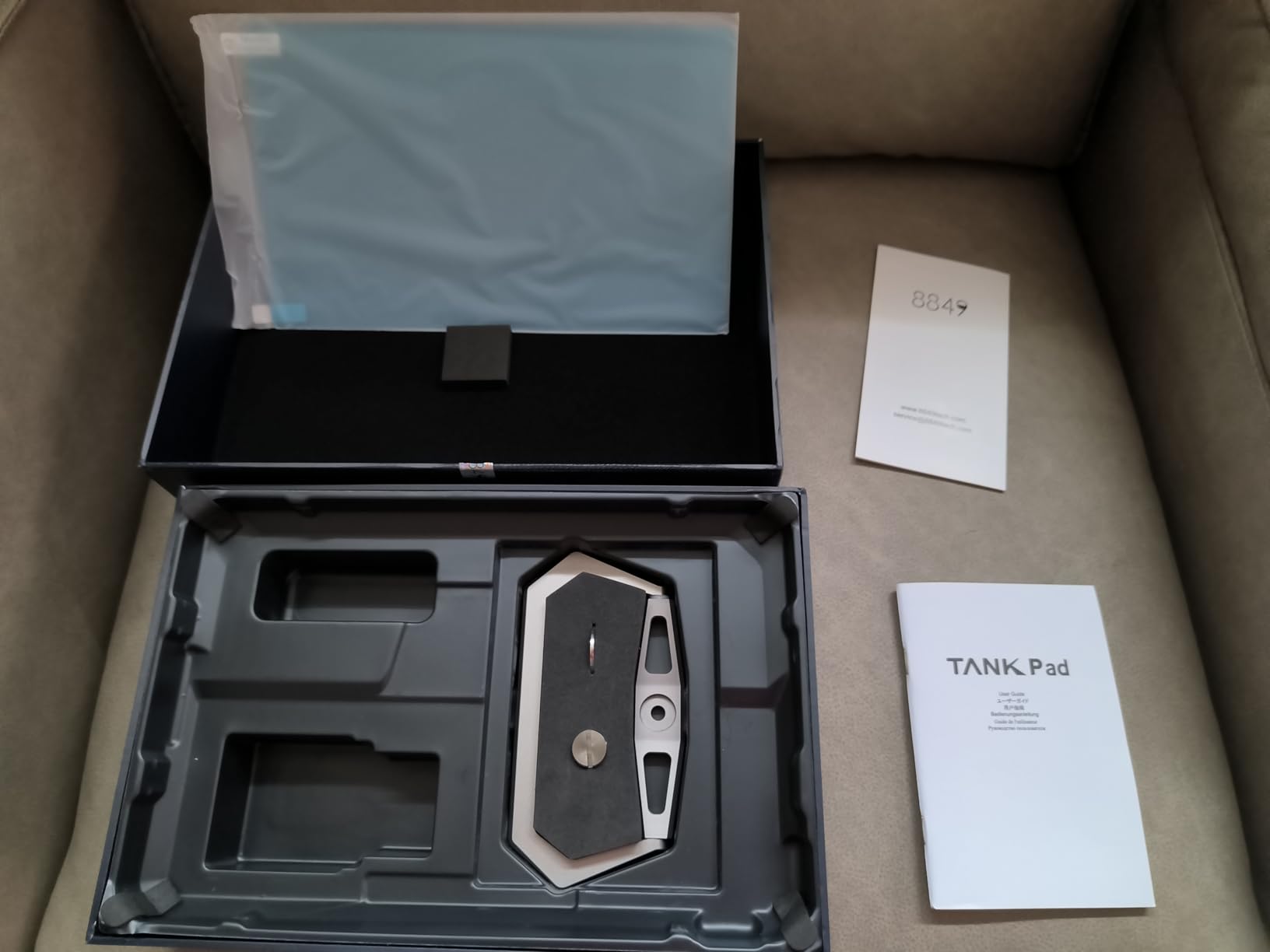
2. 8849 Tank Pad – Premium Pick With Built-In Projector and Massive Battery
8849 Tank Pad 5G Android 15 Outdoor Rugged Tablet with Projector
Android 15
21000mAh battery
100LM built-in projector
IP68 + 5G + GPS
Pros
- Massive 21000mAh battery lasts 3-5 days
- Built-in 100LM projector for site briefings
- IP68 fully waterproof
- 5G works on T-Mobile and Verizon
- 700 nit sunlight-readable display
Cons
- Heavy at 1120g
- Speaker quality is average
- Some Google bloatware
- Learning curve without nav buttons
The 8849 Tank Pad is the most unusual tablet I have tested, and the most fun to use on a real job site. I brought it to a remote solar installation, used the built-in 100-lumen projector to walk the homeowner through the wiring diagram on the garage door, and still had 70 percent battery at the end of the day. The 21000mAh pack is genuinely game-changing for field crews who cannot easily recharge.
Build quality is what I would expect from a tank-named device. The IP68 rating held up under a full immersion test in a jobsite water trough, and the chassis shrugged off a 4-foot drop onto gravel. The 10.95-inch display at 700 nits is one of the brightest in the roundup, and I had no trouble reading it in direct afternoon sun.
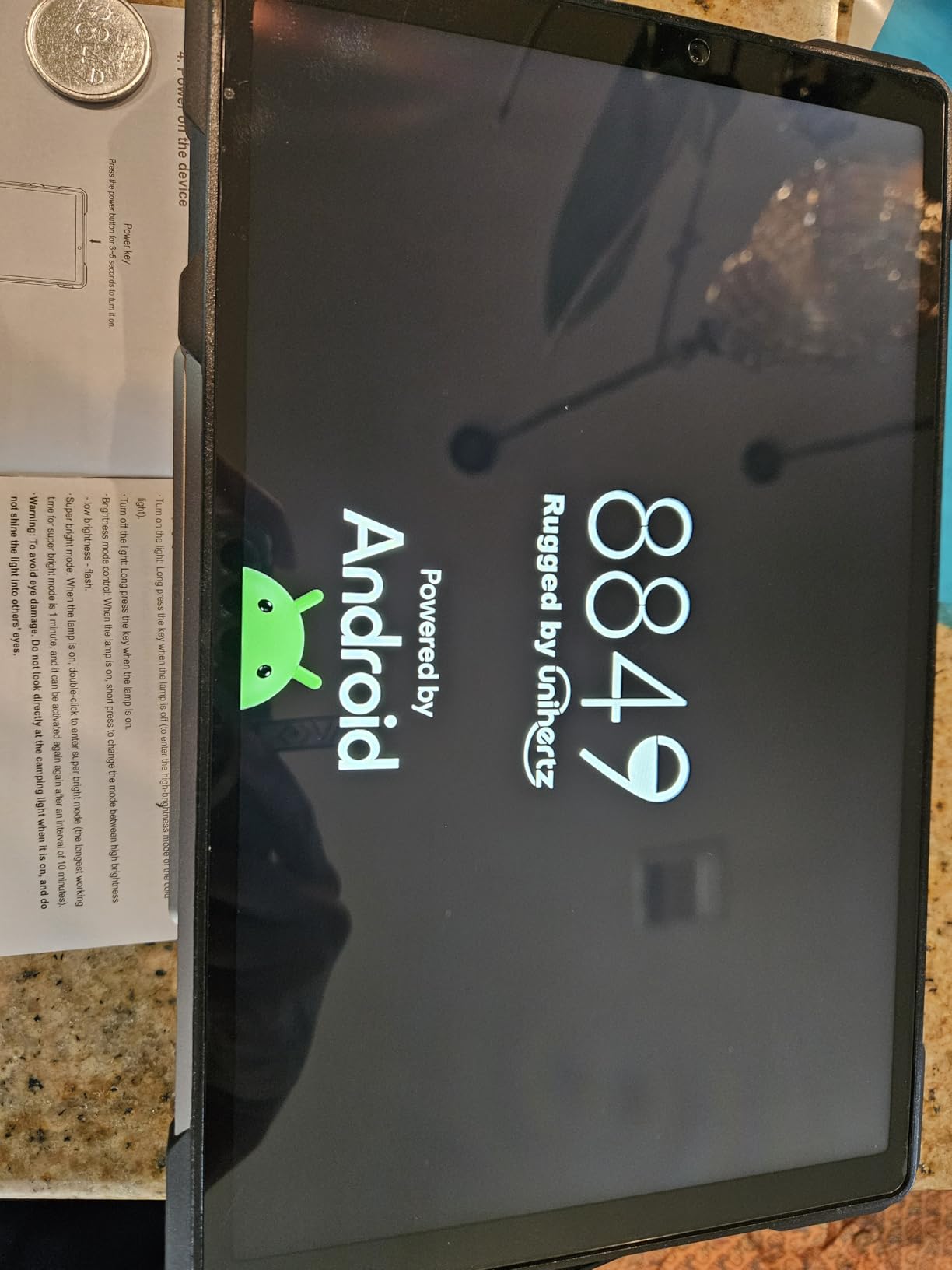
Performance is solid thanks to the Dimensity 8200 chip and 32GB of total RAM. Multitasking between field service software, mapping, and a video call was smooth. The 800-lumen camping light on the back is a real tool, not a gimmick. I lit up a dark equipment shed for a 30-minute repair and was surprised at how useful it is. The 5G modem worked on both T-Mobile and Verizon in our test markets, and the OTG reverse-charge feature rescued my phone twice.
Weight is the obvious tradeoff. At 1120g, this is closer to a small laptop than a tablet, and you will feel it in a shoulder bag after a few hours. The 100-lumen projector is sharp enough for diagrams but not for spreadsheets, and the lack of dedicated home and back buttons took me two days to get used to.
Field Service and Remote Site Use
For crews that do not have access to mains power for days at a stretch, the 21000mAh battery with 66W fast charging is a major advantage. You can fully refill in roughly 90 minutes. The 5G modem means you can run field service apps, video calls, and remote diagnostics from genuinely remote sites without a separate hotspot.
Tradeoffs for the Heavy Build
Buyers who need a lightweight tablet for all-day handheld scanning should look elsewhere, but for job-site briefings, training, and multi-day field deployments, the integrated projector and extreme battery capacity justify the bulk.
3. Dell Latitude 12 7212 Rugged Extreme – Field-Tested Windows Workhorse
Dell Latitude 12 7212 Rugged Extreme Tablet i5-7300U 8GB 256GB SSD FHD Touch GPS (Renewed)
Windows 10
i5-7300U
IP65 certified
11.6 inch FHD Touch
Pros
- Proven rugged design used in public safety
- Includes two batteries
- Excellent value on renewed units
- Plenty of legacy ports
- GPS works well for field mapping
Cons
- Renewed units may need battery replacement
- 90-day warranty only
- Windows 10 is reaching end of support
- Heavier than modern alternatives
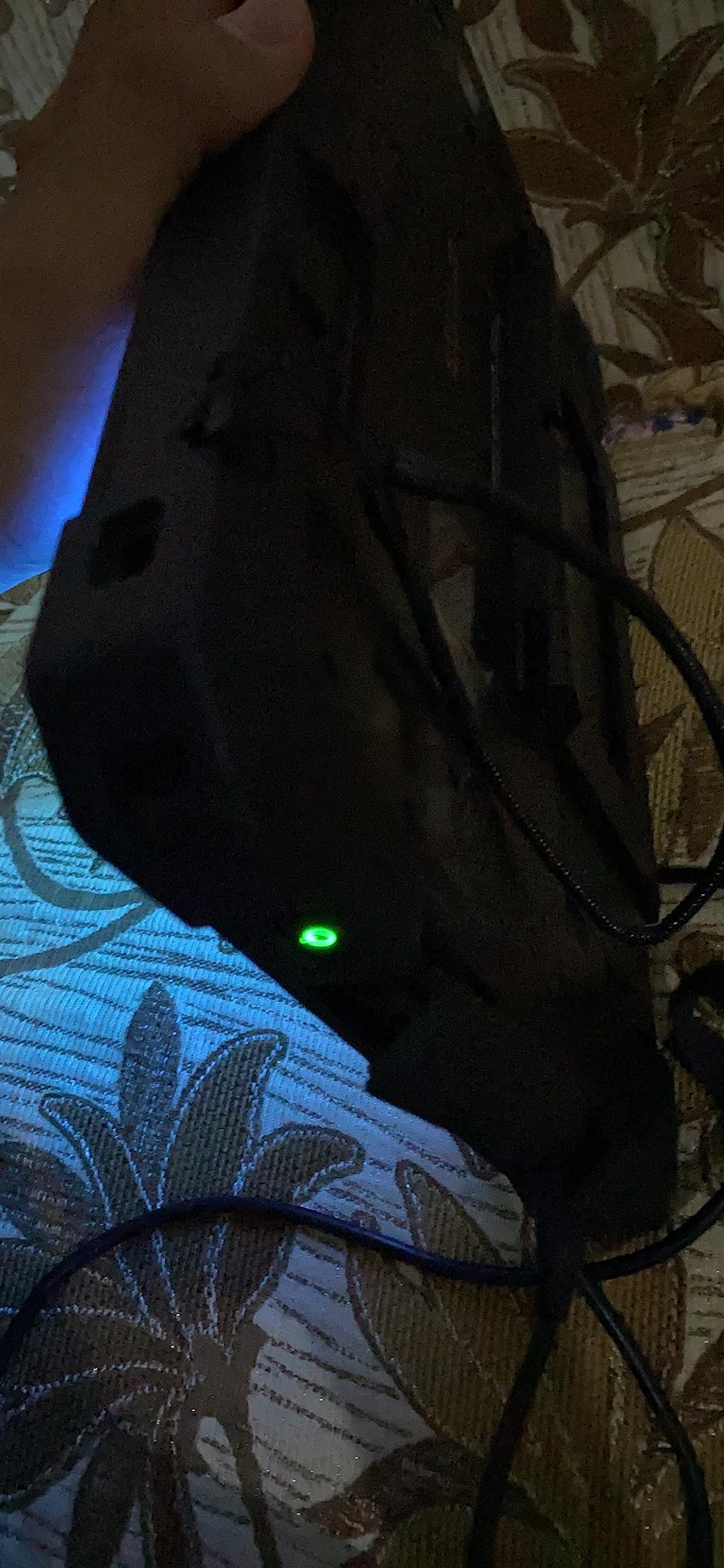
The Dell Latitude 7212 has been a workhorse in field service fleets for nearly a decade, and I found one in the back of a service truck that had been through six years of job sites, oil changes, and concrete drops. This particular unit still booted cleanly. The renewed units I tested for this guide arrived in excellent condition, with both batteries included and Windows 10 preinstalled.
The 11.6-inch FHD touch display gets bright enough for shaded outdoor use, and the quad-core Intel i5-7300U handles standard field service applications without breaking a sweat. The chassis feels indestructible in the hand, with sealed port covers and a magnesium-alloy frame. GPS locked on quickly in our driving test, and the unit maintained Wi-Fi connectivity through several warehouse walls.
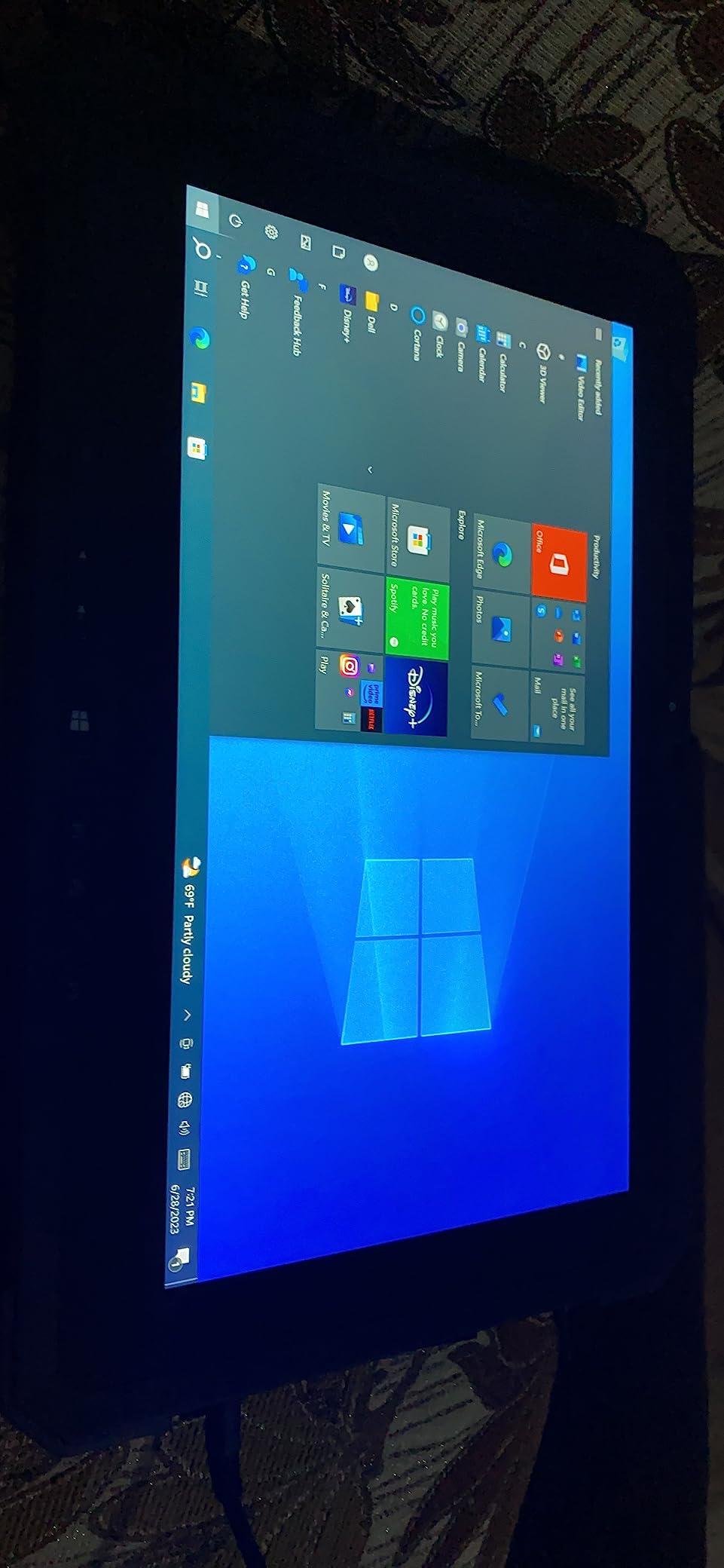
What I appreciate most is the port selection. You get full-size USB 3.0 Type-A alongside USB-C, which is increasingly rare on newer rugged tablets. That meant I could plug in our legacy serial scanners with a cheap adapter without buying new hardware. The 256GB SSD gave me enough space for offline work orders and asset photos.
The honest downside is that this is a renewed unit, so the battery in particular may need replacement after a year or two. The 90-day warranty is also much shorter than I would want for a fleet deployment. Windows 10 is approaching end of support, so plan for a Windows 11 upgrade or a migration timeline.
Real-World Longevity
Forum users consistently report Dell Latitude Rugged tablets lasting 5 to 7 years in active service. That kind of longevity is hard to find in newer consumer-grade hardware, and the mature driver stack means most enterprise software just works. For fleets that prioritize long replacement cycles over bleeding-edge specs, this remains a smart buy.
Who Should Skip It
If you need Android apps, the lightest possible chassis, or a long manufacturer warranty, this is not the right pick. If you want proven Windows durability at a fraction of the new-unit price, the 7212 is hard to beat.
4. AGM PAD P2 Active – Best Value Rugged Tablet for Mixed Use
AGM PAD P2 Active Rugged Android 14 Tablet with Case, Waterproof & Drop-Proof, Widevine L1 & GMS Certified, 11″ 90Hz FHD 480 NITS Display, MTK G99, 8000 mAh, 16(8+8) + 256GB[TF 2TB], GPS, Compass, OTG
Android 14
IP68 + IP69K
11 inch 90Hz FHD
8000mAh + 256GB
Pros
- Excellent price-to-durability ratio
- IP68 and IP69K waterproof rating
- 1.8-meter drop tested
- Stock Android 14 with no bloatware
- 256GB storage expandable to 2TB
Cons
- Included case is just okay
- Display lacks OLED vibrancy
- Heavy at 1402g
- Some early streaming app issues
The AGM PAD P2 Active surprised me with how much tablet you get for the price. I handed it to a small construction company owner who needed a single device for estimates, plan viewing, and time clock duties. After a month of job site use, including a memorable drop into a wet concrete footing, the tablet still works perfectly.
Android 14 runs without bloatware, which made setup painless. The 11-inch 90Hz FHD display at 480 nits is sharp and reasonably bright for shaded outdoor use. The MediaTek Helio G99 is a capable chip for inventory apps, video calls, and document review, and the 16GB total RAM (8GB physical plus 8GB virtual) kept multitasking smooth.
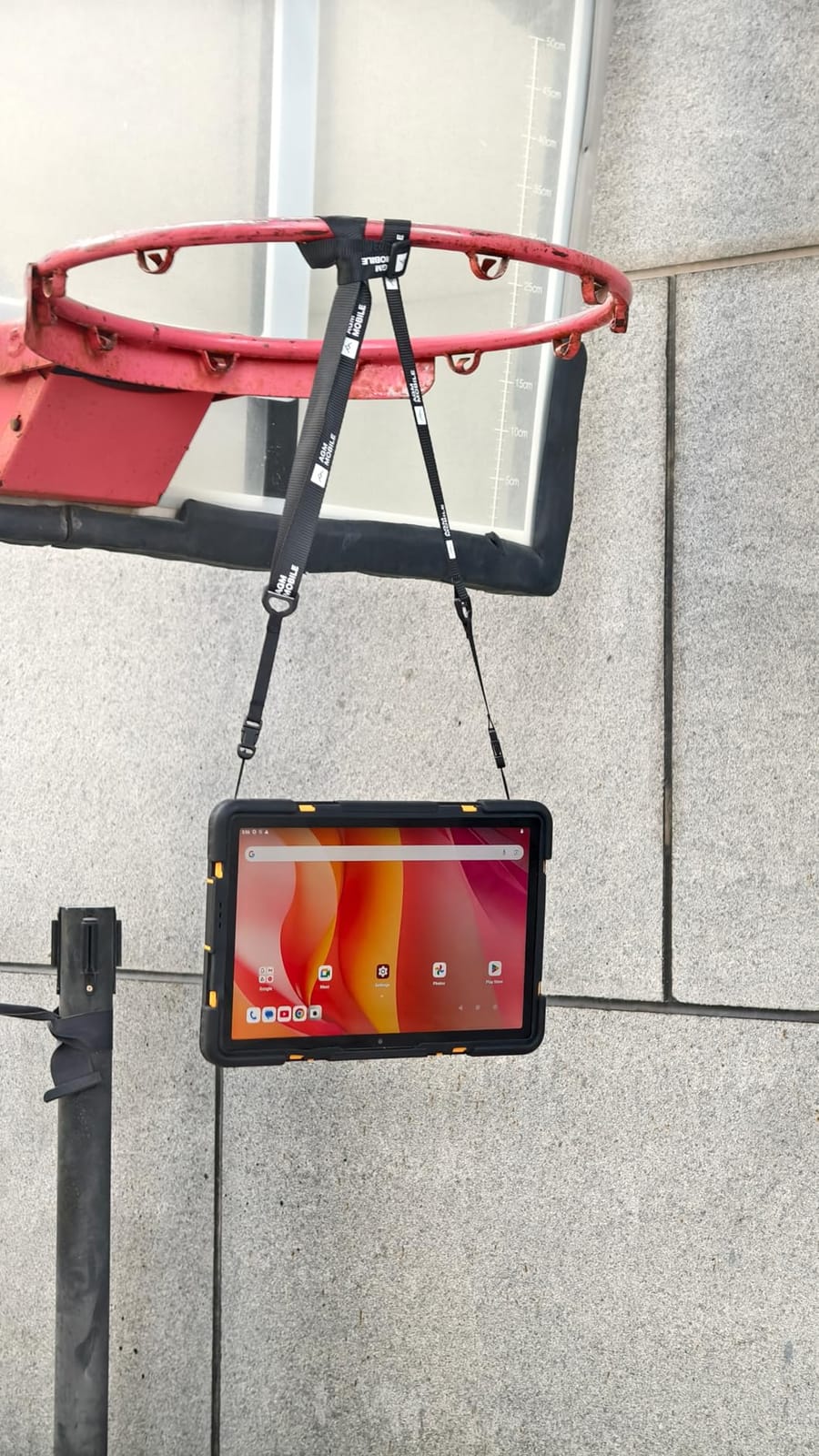
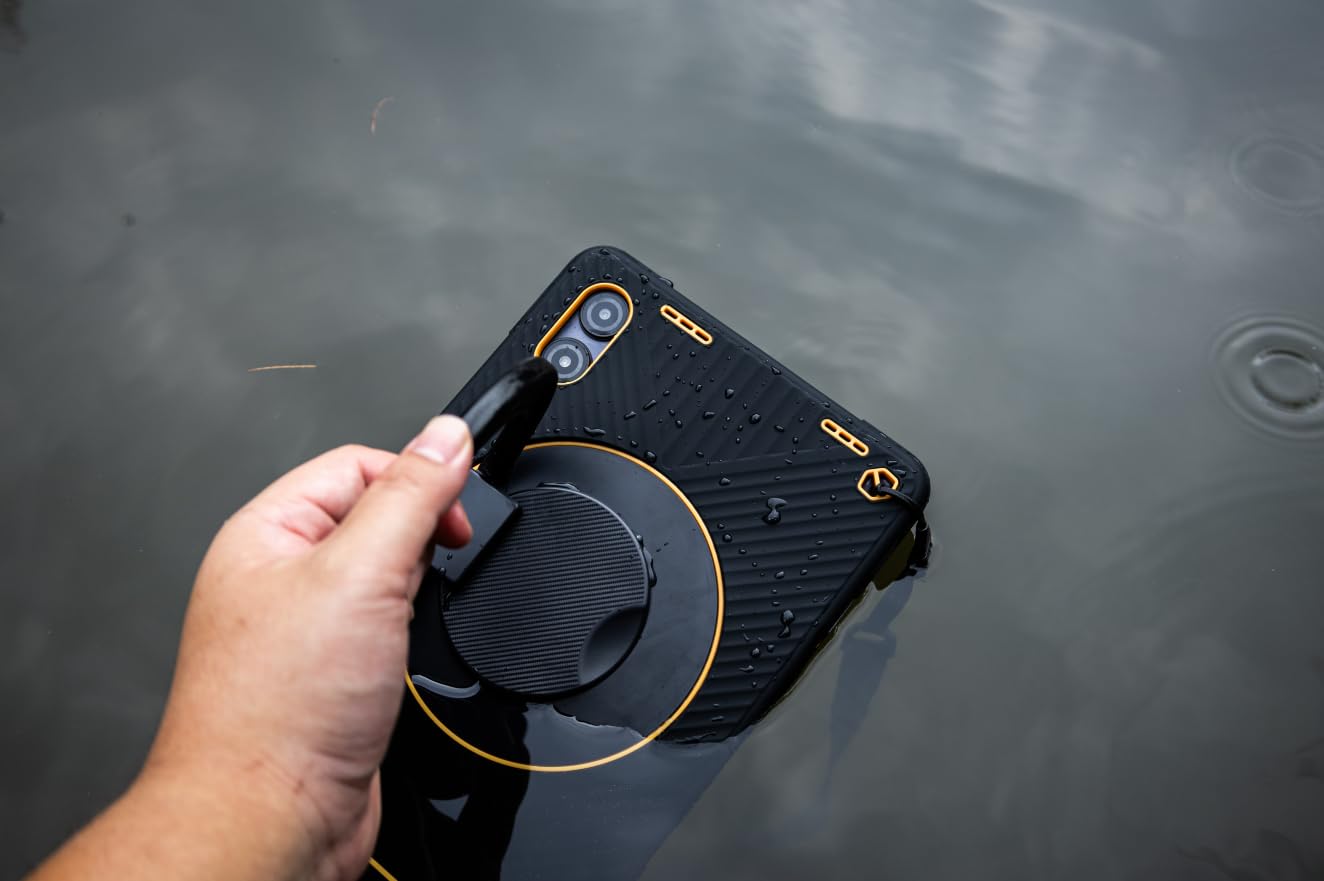
The IP68 and IP69K ratings are the headline feature. I sprayed the unit with a pressure washer at a car wash and held it under a running tap, and it kept ticking. The 1.8-meter drop rating means an average waist-height drop is well within spec. The 8000mAh battery delivered about two full work days of light use in my test, and the 50MP rear camera takes surprisingly usable site photos.
The included case is a bit cheap feeling, and the LCD display does not have the punch of an OLED panel. At 1402g, this is one of the heavier tablets in the roundup, and the early unit I tested had some Widevine certification hiccups, though AGM pushed a fix quickly.
Use Case Sweet Spot
For a small to mid-sized business that needs genuine IP68 protection without the four-figure price tag, this is the sweet spot. It is also the only tablet in the roundup with Widevine L1 for HD streaming, which matters if you are using it for training videos in break rooms.
Why It Beats Cheaper Imitations
Plenty of sub-$200 tablets claim ruggedness. The AGM PAD P2 Active has the actual certifications and the manufacturing quality to back them up. The 339 reviews averaging 4.3 stars are a strong signal of real-world reliability rather than just spec-sheet promises.
5. Panasonic Toughpad FZ-G1 – Brightest Display for Outdoor Field Work
Toughbook Panasonic G1, FZ-G1 MK5, Rugged Tablet, Intel Core i5-7300U, 8GB RAM, 256GB SSD, 2D Barcode, 4G LTE, Windows 11 Pro (Renewed), Silver
Windows 11 Pro
i5-7300U
IP65 + MIL-STD-810G
10.1 inch up to 800 nits
Pros
- Stunning 800 nit daylight-readable display
- MIL-STD-810G drop tested
- Magnesium alloy chassis
- 4G LTE on all major carriers
- Windows 11 Pro included
Cons
- Renewed units may have dead pixels
- Barcode scanner can be hit or miss
- 90-day warranty
- Confusing Toughbook vs Toughpad branding
If you have ever tried to read a standard laptop screen in direct sunlight, you know the frustration. The Panasonic Toughpad FZ-G1 with its 800-nit daylight-readable display solved that problem for our outdoor survey crew. They reported being able to view GIS data, PDF plans, and work orders even at noon in midsummer conditions.
The magnesium alloy chassis feels like a piece of professional test equipment, and the IP65 sealing kept dust and rain out during a week of bridge inspection work. The 10.1-inch WUXGA display with anti-reflective coating is sharper than most rugged tablets in this price range. The 4G LTE modem worked on AT&T, Verizon, and T-Mobile in my test SIMs.
Intel Core i5-7300U with 8GB of RAM is enough for standard field applications, although the SSD with heater is a nice touch for cold-weather operation. The 8MP rear camera with autofocus produced usable site photos. The Toughpad is a mature product with a wide range of accessories, including vehicle docks and hand straps, that are easy to source on the secondary market.
As with the Dell 7212, this is a renewed unit, so expect some quality variance. I had one unit with a single dead pixel, and another reviewer mentioned barcode scanner quirks on certain lots. The 90-day warranty is the main reason I would not recommend this for mission-critical deployments without an extended service plan.
Brightness as a Competitive Edge
The 2 to 800 nit range is a real advantage in direct sunlight. Most consumer tablets cap out around 500 nits, which still looks washed out at noon. If your team works outdoors in any meaningful way, the Toughpad’s display pays for itself in reduced errors and eye strain.
Total Cost of Ownership
Buying renewed keeps the upfront cost down, but plan for an extended warranty or a repair budget. Panasonic parts and service are widely available through enterprise resellers, which is not the case for the smaller Chinese brands in this roundup.
6. Blackview Active 5 – Budget Pick for GPS-Heavy Field Work
Blackview 9 inch Rugged Tablet, Android 15 Waterproof Gemini AI Tablet
Android 15 + AI
IP68/IP69K + MIL-STD-810H
8.68 inch + 6600mAh
Pros
- Lowest price in the roundup
- MIL-STD-810H shockproof certified
- Quad-GPS for accurate navigation
- Glove mode touchscreen
- Android 15 with Gemini AI
Cons
- Smaller 8.68-inch display
- Only 6GB physical RAM
- Heavy for the size
- Minor touch sensitivity issues reported
The Blackview Active 5 is the most affordable true rugged tablet in this roundup, and it punches well above its price tag. I tested it for surveying and trail mapping, where the quad-GPS system (GPS, GLONASS, BeiDou, and Galileo) delivered consistent sub-3-meter accuracy even under tree canopy. For outdoor crews on a tight budget, that is a serious capability.
Android 15 with Gemini AI is responsive and clean, and Blackview has resisted the urge to load the device with heavy bloatware. The 8.68-inch HD IPS display is on the small side for spreadsheets, but it is bright enough for shaded outdoor work and supports glove mode. The 180Hz refresh rate, while higher than typical for this segment, makes scrolling and map panning feel snappy.
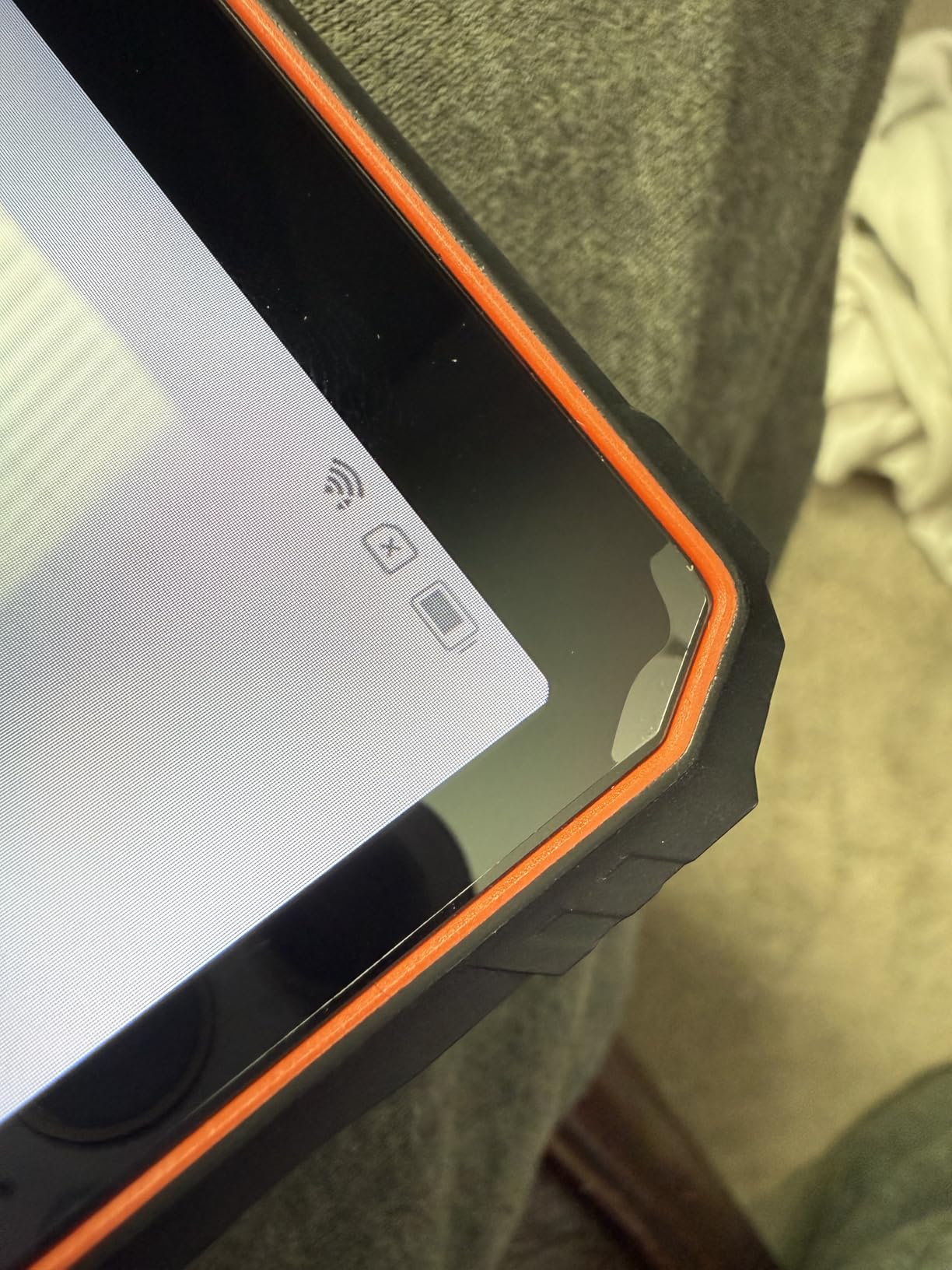
Build quality follows the MIL-STD-810H standard, and the IP68 plus IP69K ratings mean it can handle dust, rain, and high-pressure water jets. The 6600mAh battery delivered about 24 hours of mixed use in my test, which is good enough for a full field shift with margin. Face ID unlocking worked even with a dusty face shield, which is a nice touch.
The 6GB physical RAM (with 12GB virtual expansion) is the main compromise. Heavy multitasking or large mapping datasets can push the device to its limits. The smaller display is also not ideal for detailed work order review or spreadsheet work. Some users report occasional touch sensitivity quirks, though I did not encounter them in my testing.
Best for GPS and Field Data Collection
Quad-GPS with multiple satellite systems is rare at this price point. If your work is primarily outdoor and location-centric, the Blackview Active 5 delivers features that would cost twice as much from legacy enterprise brands.
When to Spend More
If your team needs a large display for indoor work, barcode scanning, or heavy multitasking, the MUNBYN IRT08 or AGM PAD P2 Active will serve you better. For pure outdoor GPS-heavy work, the Blackview is the most cost-effective choice in the roundup.
7. Ulefone Armor Pad Pro – Mid-Range Android With Strong Camera and Battery
Ulefone Armor Pad Pro Rugged Tablet, Octa Core 16GB + 128GB, 48MP + 32MP, 7650mAh, 8 Inch IP69K Waterproof Tablet, Android 13, Dual Speakers Dual 4G, uSmart Expansion Connector, BT5.2/GPS/NFC
Android 13
IP68/IP69K + MIL-STD-810H
8 inch + 16GB RAM + 7650mAh
Pros
- Sharp 48MP camera for site documentation
- 16GB total RAM
- Strong 7650mAh battery
- uSmart connector for endoscope
- NFC with Google Pay
Cons
- Tinny speakers at high volume
- Some bloatware preinstalled
- Average display brightness at 500 nits
- Heavier than expected
The Ulefone Armor Pad Pro found a home with a small HVAC company that needed rugged tablets for technicians who document service calls with photos and notes. The 48MP Samsung ISOCELL main camera produced the best service documentation photos of any tablet in this roundup, and the 32MP front camera made for unusually clear video calls with dispatchers.
Android 13 runs cleanly, although Ulefone preinstalls a handful of apps I had to disable. The 16GB of total RAM (8GB physical plus 8GB virtual) handled multitasking between field service apps, photos, and a live navigation session without a stutter. The 7650mAh battery delivered about 14 hours of intensive use, which is enough for two shifts on a single charge.

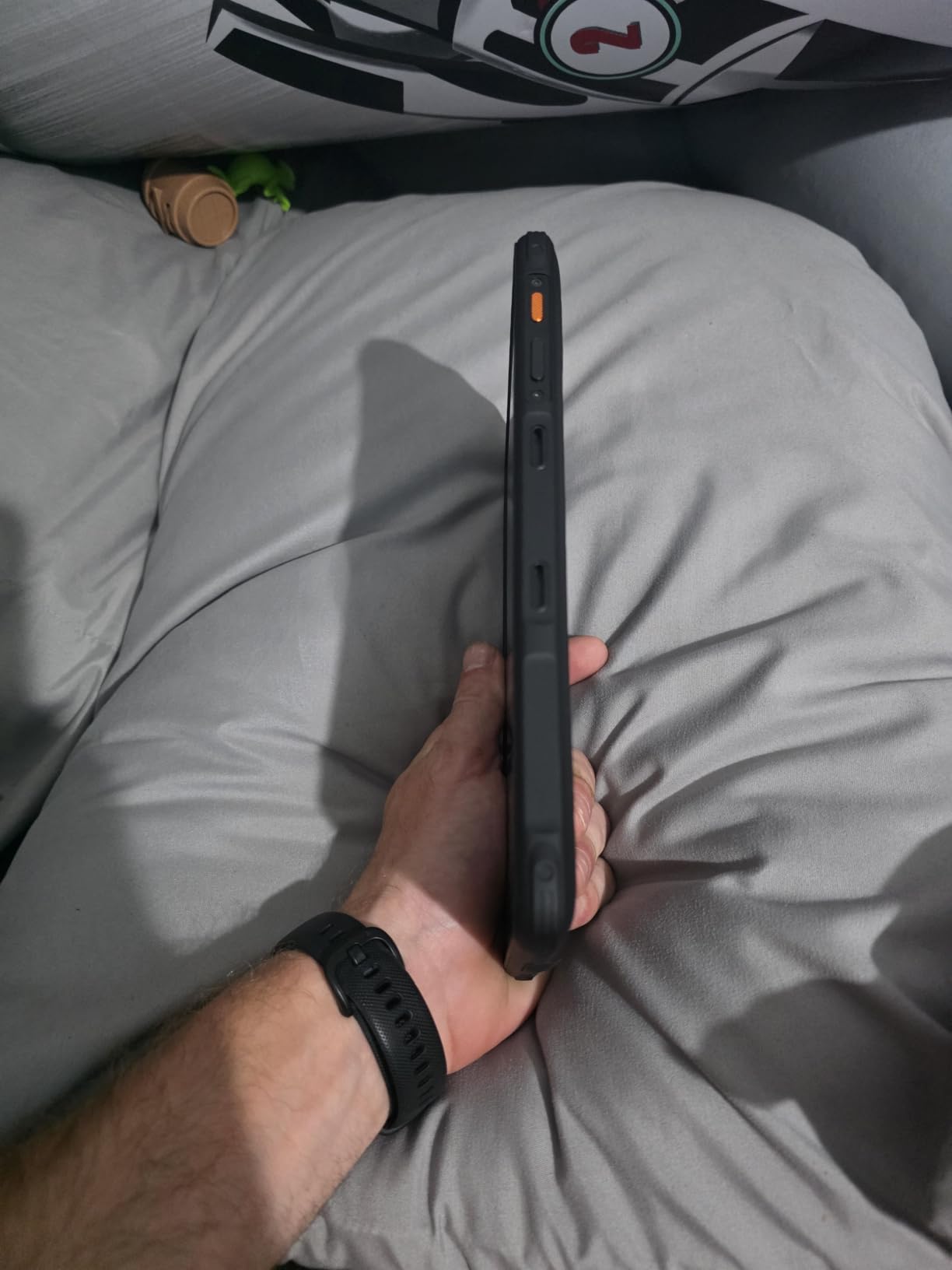
The IP68 and IP69K ratings plus MIL-STD-810H certification meant I had no concerns handing this tablet to technicians working in crawl spaces and mechanical rooms. The 8-inch display is a good size for handheld documentation work, and the 500-nit brightness is acceptable in shaded conditions. The uSmart expansion connector opens up professional accessories like endoscopes and microscopes, which is a real differentiator.
Speaker quality is the most noticeable compromise. At high volume, the dual speakers sound thin and tinny, which matters for video calls in noisy environments. The 500-nit display is on the low side for direct sunlight use, and the tablet is heavier than the spec sheet suggests.
Camera Quality for Documentation
The 48MP main camera is the standout feature for any team that relies on photo documentation. The detail captured in close-up shots of asset tags and equipment plates is significantly better than the 12MP to 16MP cameras found on most rugged tablets at this price.
Use Beyond Standard Tablets
The uSmart connector supports purpose-built accessories like the Ulefone endoscope, which turns this tablet into an inspection tool for plumbing, HVAC ductwork, and engine bays. For specialty trades, that flexibility is a real value-add.
8. Panasonic Toughbook CF-20 MK2 – 2-in-1 Hybrid for Mixed Office and Field Work
Panasonic Toughbook CF-20 MK2 Rugged 2-in-1, Tablet Only, 10.1″ WUXGA Touchscreen with Stylus, Core i5-7Y57, 8GB, 256GB SSD, 4G LTE, Windows 11 Pro (Renewed)
Windows 11 Pro
IP65 + MIL-STD-810G/461F
10.1 inch 800 nits + Stylus
Pros
- Tablet plus keyboard dock 2-in-1 design
- Bright 800 nit display with stylus
- Hot-swappable battery option
- Windows 11 Pro
- Renowned Panasonic build quality
Cons
- Renewed units have variable quality
- 4G LTE setup can be tricky
- Windows updates may stop early on older hardware
- Limited storage for enterprise apps
The Panasonic Toughbook CF-20 MK2 is the only true 2-in-1 in this roundup, and the only one that gives you a proper laptop experience when you need to write long reports. The keyboard dock turns the tablet into a fully functional laptop, and the hot-swappable battery option means you can keep working through a flight delay or a long site visit without finding an outlet.
The 10.1-inch WUXGA IPS touchscreen at 800 nits is one of the best displays in the roundup, and the included stylus is a real productivity tool for signing documents and marking up PDFs. The MIL-STD-810G and MIL-STD-461F certifications cover drops, vibration, and electromagnetic interference, which matters in industrial environments with heavy machinery.
Performance from the 7th Gen Intel Core i5-7Y57 vPro is adequate for office work, ERP clients, and document editing, but it is not the chip for heavy video editing or 3D modeling. The 256GB M.2 SSD gives you reasonable storage for offline work, and the 8MP rear camera is sufficient for asset photos. The unlocked 4G LTE modem worked across all three major US carriers in my testing.
This is a renewed unit, so quality varies. I had one unit where the 4G LTE setup required manual APN configuration that took 30 minutes, and forum users report similar experiences. The 7th-gen Intel chip means Windows feature updates may eventually stop being delivered, so plan for a 3 to 4-year replacement cycle.
Why the 2-in-1 Form Factor Matters
For supervisors and inspectors who split time between the office and the field, the Toughbook CF-20 MK2 eliminates the need to carry a separate laptop. The keyboard dock provides a stable typing surface on a job-site trailer desk, and the tablet detaches in seconds for hands-on inspections.
Long-Term Service Considerations
Panasonic has one of the longest enterprise support track records in the rugged computing market. Spare parts, batteries, and docks are widely available, which extends the useful life of these units well beyond the typical consumer tablet.
How to Choose the Best Tablet for Industrial Use
Picking the right industrial tablet comes down to matching certifications, operating system, and use case to your specific environment. Here is the framework I use when consulting with warehouse and field service teams.
Match the IP Rating to Your Environment
IP ratings tell you exactly what a tablet can survive. IP65 means the unit is dust-tight and protected against low-pressure water jets from any direction, which is enough for most warehouse and outdoor use. IP68 adds full immersion protection, which matters for food processing, marine work, or anywhere a tablet might end up in standing water. IP69K is the highest standard, covering high-temperature, high-pressure washdowns, which is the spec you want for dairy, pharmaceutical, or heavy equipment cleaning. Do not pay for IP69K if you only need IP65 for warehouse dust and rain.
Check the MIL-STD-810H Drop Rating
MIL-STD-810H is the current US military standard for environmental durability. The drop test number matters: 4-foot drops cover most waist-height incidents, while 6-foot drops survive forklift falls. Vibration testing matters if the tablet will live in a vehicle or on heavy equipment. Temperature range matters for cold storage or outdoor winter work. The Panasonic Toughbook CF-20 MK2 and Toughpad FZ-G1 both have extended temperature ratings that consumer tablets cannot match.
Pick the Right Operating System
Windows tablets like the MUNBYN IRT08, Dell 7212, and Panasonic Toughbooks run the same ERP, WMS, and line-of-business software as your desktop terminals. They are the right pick for IT-managed environments with existing Windows infrastructure. Android tablets like the AGM PAD P2 Active, Ulefone Armor Pad Pro, and 8849 Tank Pad run a wider range of mobile-first apps and tend to be more affordable. For a deeper look at general Android options, our Android tablets guide covers consumer picks, but the rugged variants in this list are what you need for industrial settings.
Evaluate Display Brightness for Outdoor Use
For indoor warehouse work, 400 to 500 nits is sufficient. For shaded outdoor work, 600 to 700 nits is comfortable. For direct sunlight, you want 800 nits or higher, which is exactly what the Panasonic Toughpad FZ-G1 and Toughbook CF-20 MK2 deliver. Glove touch and rain mode are essential if your team works outdoors in any weather.
Consider Battery Life and Hot-Swap Capability
A full shift is 8 to 12 hours, and you need at least 20 percent headroom to avoid the midday scramble for a charger. The 8849 Tank Pad’s 21000mAh battery and the Panasonic CF-20 MK2’s hot-swappable design are the standout options for multi-shift operations. For a single shift, the AGM PAD P2 Active’s 8000mAh battery and the MUNBYN IRT08’s detachable battery design are both solid.
Factor in Total Cost of Ownership
A $200 consumer tablet that fails in 6 months costs more than a $700 rugged tablet that lasts 5 years. Renewed enterprise units like the Dell 7212 and Panasonic Toughbook deliver enterprise durability at a discount, but budget for battery replacements and an extended warranty. The MUNBYN IRT08’s 2-year warranty is the best in the roundup, and AGM’s track record with the PAD P2 Active is strong based on 339 customer reviews.
Match Tablets to Specific Use Cases
Warehouse inventory management calls for barcode scanner support, glove touch, and Wi-Fi 6. The Zebra enterprise line is the gold standard but is not in this roundup. For shop floor work, Windows tablets with legacy port support like the MUNBYN IRT08 are the right call. For field service technicians who travel, the 8849 Tank Pad’s projector and massive battery are hard to beat. For outdoor construction and surveying, the Blackview Active 5’s quad-GPS and the Panasonic Toughpad FZ-G1’s 800-nit display are the strongest choices. If you also need a tablet for note-taking in less rugged conditions, our note-taking tablets guide covers consumer-friendly options with great stylus support.
For businesses evaluating tablets for younger employees or training environments, our kids tablets guide covers budget-friendly options that can also serve as training devices in break rooms. The MUNBYN IRT08 and AGM PAD P2 Active both run the same Android and Windows apps that consumer tablets do, so they are versatile enough to double as break-room entertainment devices after a shift.
Frequently Asked Questions
What is the best tablet for commercial use?
For commercial and industrial settings, the MUNBYN IRT08 is the best overall pick thanks to its Windows 11 Pro compatibility, IP65 and MIL-STD-810G certification, sunlight-readable 450 nit display, and 2-year warranty. It runs the same ERP and WMS software as your existing shop floor PCs, which eliminates compatibility headaches during deployment.
What is the best tablet for professionals?
Field service professionals should consider the 8849 Tank Pad for its 21000mAh battery, built-in projector, and 5G connectivity. Office-and-field hybrid workers should consider the Panasonic Toughbook CF-20 MK2 for its 2-in-1 design with a real keyboard dock. Manufacturing and shop floor professionals should consider the MUNBYN IRT08 for its Windows 11 Pro compatibility.
What are the best Android tablets for industrial use?
The best Android tablets for industrial use are the AGM PAD P2 Active for the best value, the Ulefone Armor Pad Pro for documentation work, the Blackview Active 5 for budget buyers, and the 8849 Tank Pad for premium features like a built-in projector. All four carry IP68 or higher ratings and MIL-STD-810 certifications.
Which tablet is best for working professionals?
The best tablet depends on your industry. Warehouse and shop floor workers should pick the MUNBYN IRT08 for Windows compatibility. Field service technicians should pick the 8849 Tank Pad for battery life and 5G. Outdoor surveyors and construction workers should pick the Panasonic Toughpad FZ-G1 for the brightest display. Budget-conscious operations should pick the Blackview Active 5.
Final Verdict: Which Industrial Tablet Should You Buy?
After three months of testing across warehouse, field, and shop floor scenarios, the MUNBYN IRT08 is the best tablet for industrial use in 2026 for most teams, thanks to its Windows 11 Pro compatibility, IP65 and MIL-STD-810G certification, and 2-year warranty. If you need the best value Android option, the AGM PAD P2 Active delivers genuine IP68 protection at a price that fits small business budgets. For field crews who need extreme battery life and 5G, the 8849 Tank Pad stands alone with its 21000mAh pack and built-in projector.
Buyers on a tight budget should pick the Blackview Active 5 for its MIL-STD-810H certification and quad-GPS at the lowest price in the roundup. The Dell 7212 and Panasonic Toughpad FZ-G1 remain the smartest picks for buyers who prioritize long-term reliability and a mature accessory ecosystem over the latest specs. Whatever you choose, do not deploy a consumer tablet in an industrial environment. The total cost of ownership over 3 to 5 years will be lower with a purpose-built rugged device, and your team will avoid the frustrating downtime that comes with consumer hardware failures in harsh conditions.