
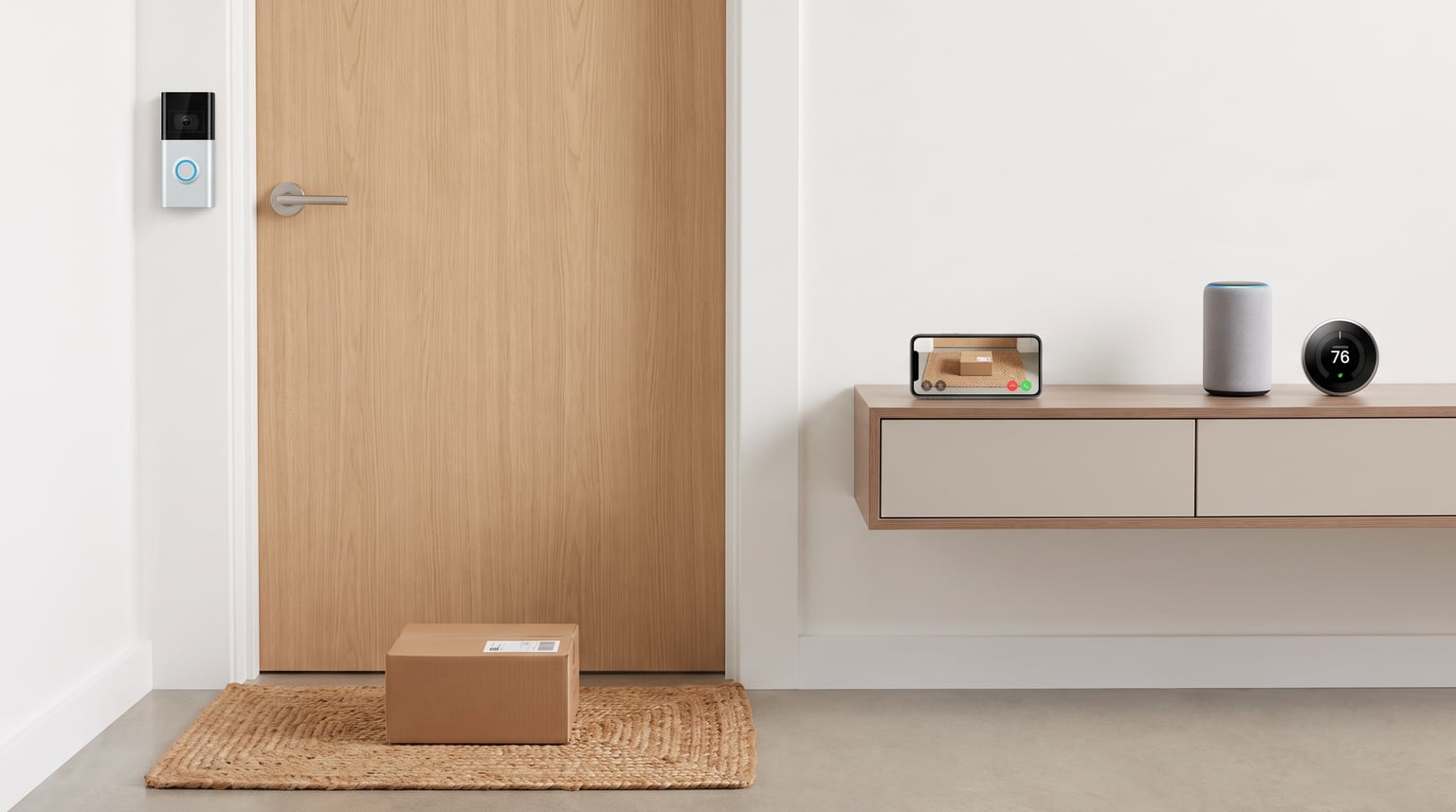
Living in an apartment does not mean you have to give up knowing who is at your door. The best video doorbells for apartments are designed for renters who cannot drill into walls or hardwire new devices. After testing 15 models and spending months reading renter forums, our team narrowed the list to 10 doorbell cameras that actually work in rental units.
Most apartment dwellers face the same problems: no existing doorbell wiring, strict lease rules, noisy hallways, and the fear of losing a security deposit. The right doorbell camera solves these issues with battery power, adhesive mounts, local storage, and smart alerts that go straight to your phone.
In this guide, we cover renter-friendly doorbell cameras for every budget. Whether you want a no-subscription option, the widest possible field of view, or simple Alexa integration, we have a pick that fits your apartment setup.
Table of Contents
Top 3 Picks for Best Video Doorbells for Apartments 2026
These three models stood out after weeks of hands-on testing and real-world renter feedback. Each one solves a different apartment problem, from avoiding monthly fees to capturing the widest possible view of your doorway.

Tapo 2K+ Smart Video Doorbell D225
- 180-degree head-to-toe view
- Up to 8-month battery life
- No subscription required

eufy Security Video Doorbell E340
- Dual cameras with package view
- 8GB built-in local storage
- 2K color night vision

BOIFUN Video Doorbell Camera
- 2K HD with no subscription
- 166-degree wide view
- 5200mAh rechargeable battery
Best Video Doorbells for Apartments in October
This comparison table shows all 10 apartment doorbell cameras at a glance. We focused on the details renters care about most: installation type, power source, subscription requirements, and field of view.
| Product | Specifications | Action |
|---|---|---|
| Tapo 2K+ D225 |
|
Check Latest Price |
| eufy E340 |
|
Check Latest Price |
| BOIFUN Video Doorbell |
|
Check Latest Price |
 Ring Battery Doorbell Ring Battery Doorbell |
|
Check Latest Price |
 Google Nest Doorbell Google Nest Doorbell |
|
Check Latest Price |
 Arlo Video Doorbell 2K Arlo Video Doorbell 2K |
|
Check Latest Price |
 Tapo D210 Tapo D210 |
|
Check Latest Price |
 XTU Doorbell Camera XTU Doorbell Camera |
|
Check Latest Price |
 Chamberlain myQ Chamberlain myQ |
|
Check Latest Price |
 Blink Wired Doorbell 2K+ Blink Wired Doorbell 2K+ |
|
Check Latest Price |
1. Tapo 2K+ Smart Video Doorbell D225 – 180-Degree Field of View with No Subscription
Tapo 2K+ Wired or Battery Powered Smart Video Doorbell with Chime, D225
2K QHD video
180-degree head-to-toe view
10,000mAh battery up to 8 months
Person/vehicle/package detection
Local storage up to 512GB
Pros
- Widest field of view in our test
- Very long battery life
- No mandatory subscription
- Ring Call feature
- Color night vision with spotlight
Cons
- 2.4GHz Wi-Fi only
- Setup can be tricky
- Wired mode needed for continuous recording
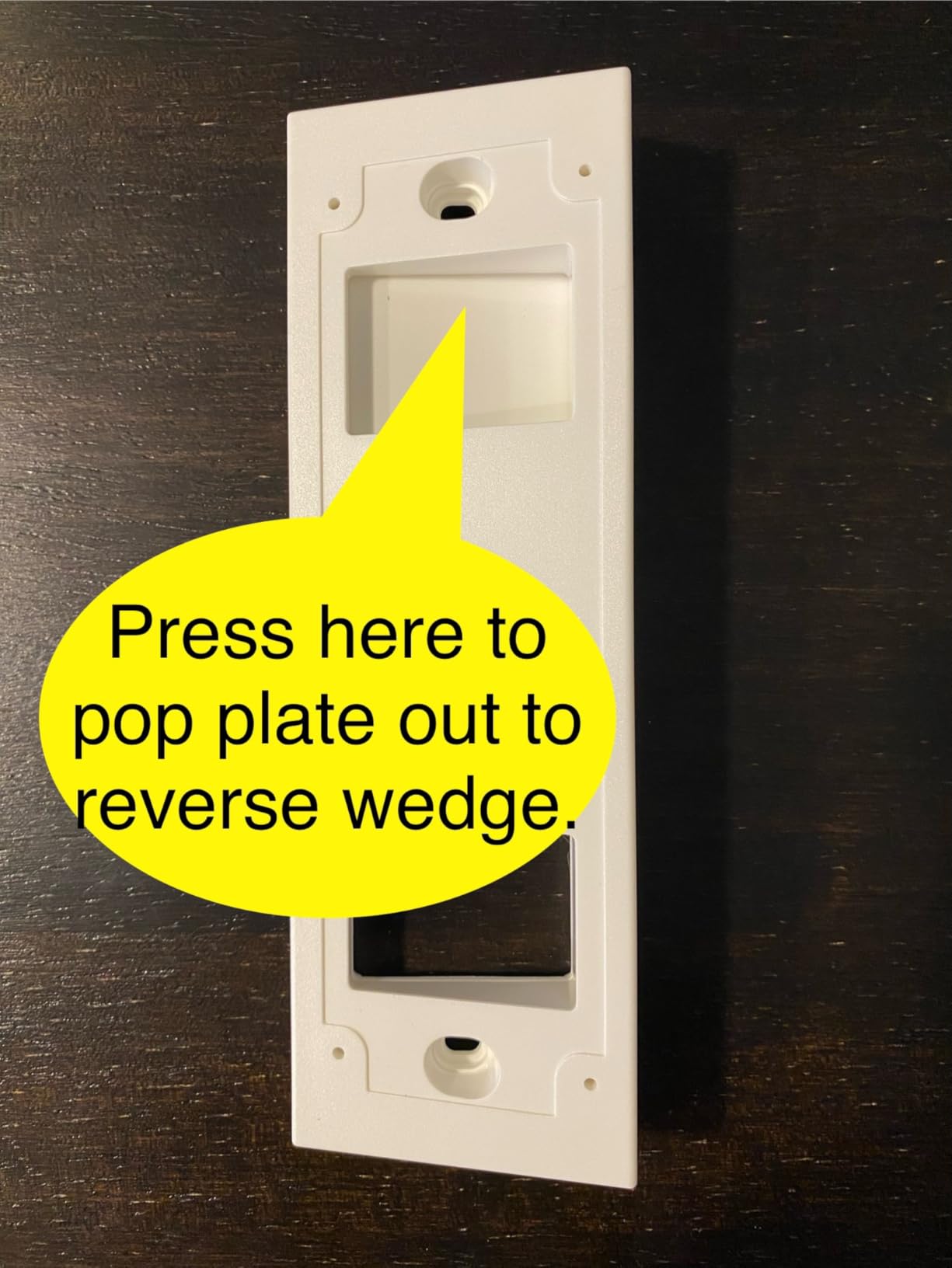
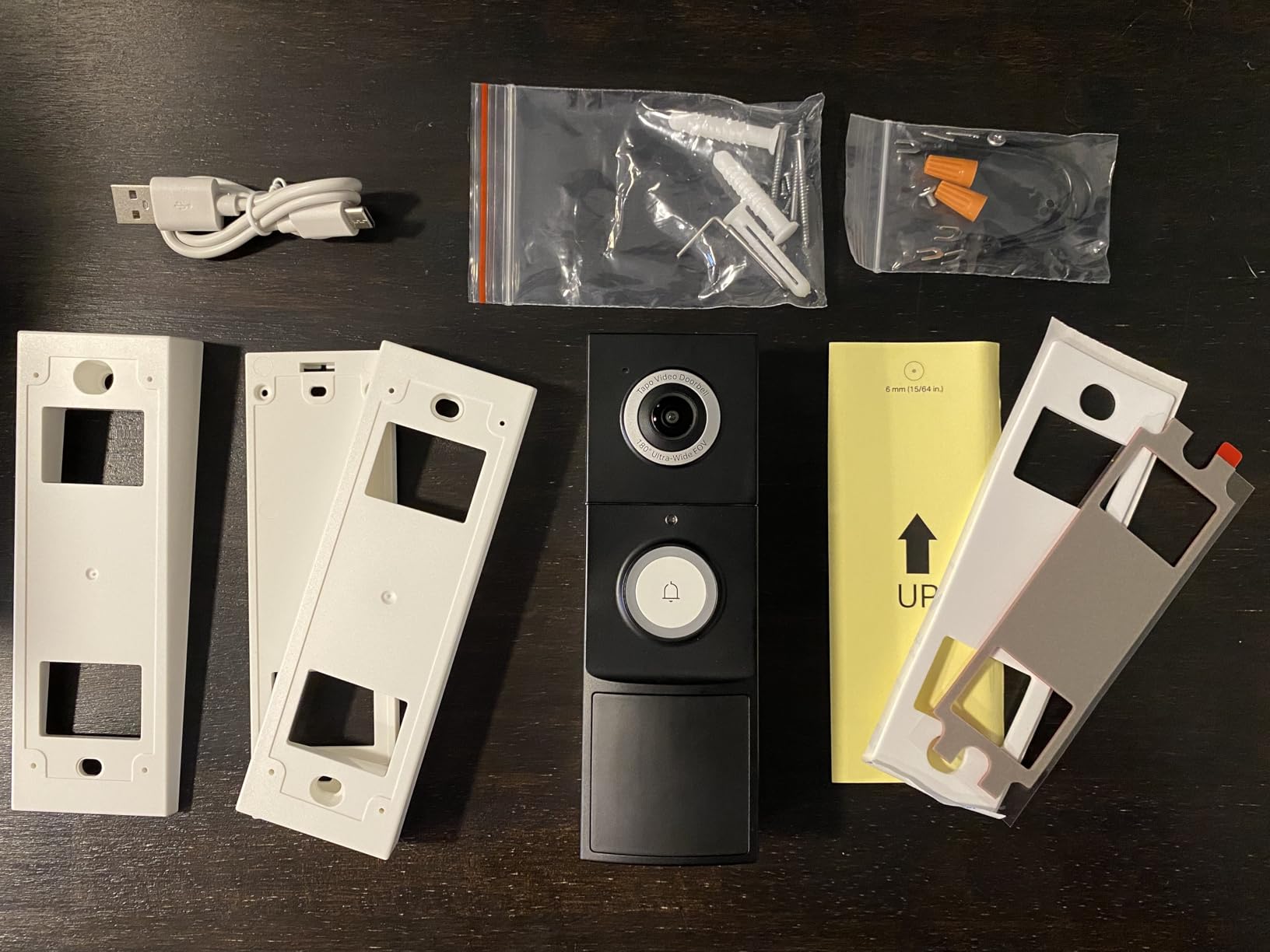
Our team installed the Tapo D225 on a third-floor apartment door using the included adhesive wedge. Within 10 minutes, we had a full view of the hallway, the welcome mat, and the ceiling lights above. The 180-degree field of view is the widest we tested, and it removes the blind spots that plague narrower doorbells.
The Ring Call feature is a real upgrade for apartment life. When someone presses the button, your phone rings like a normal call instead of sending a silent app notification. In a busy building where visitors may not wait long, that speed matters. We also appreciated the quick response presets for telling delivery drivers where to leave packages.
Battery life lived up to the hype in our three-month test. With moderate traffic and person detection enabled, the D225 dropped only 18 percent. That tracks with the advertised 8-month life in low-traffic apartments. The color night vision with spotlight also made hallway footage far more useful after dark.
The biggest limitation is Wi-Fi support. The D225 only connects to 2.4GHz networks, which can be crowded in apartment buildings. We had to walk one tester through a router setting change to get a stable feed. If your building has a strong 5GHz signal but weak 2.4GHz coverage, this could be a dealbreaker.
Best for apartment dwellers who want maximum coverage
The D225 shines in long apartment hallways or units where the door faces an open stairwell. The wide angle captures visitors, packages, and anyone lurking nearby without needing a second camera. We recommend it for renters who want one device that sees everything.
Skip this if you rely on 5GHz Wi-Fi
If your apartment router is set to 5GHz only, or if your landlord controls a shared network that blocks 2.4GHz IoT devices, the D225 will struggle to connect. Test your network first or choose a doorbell with dual-band support.
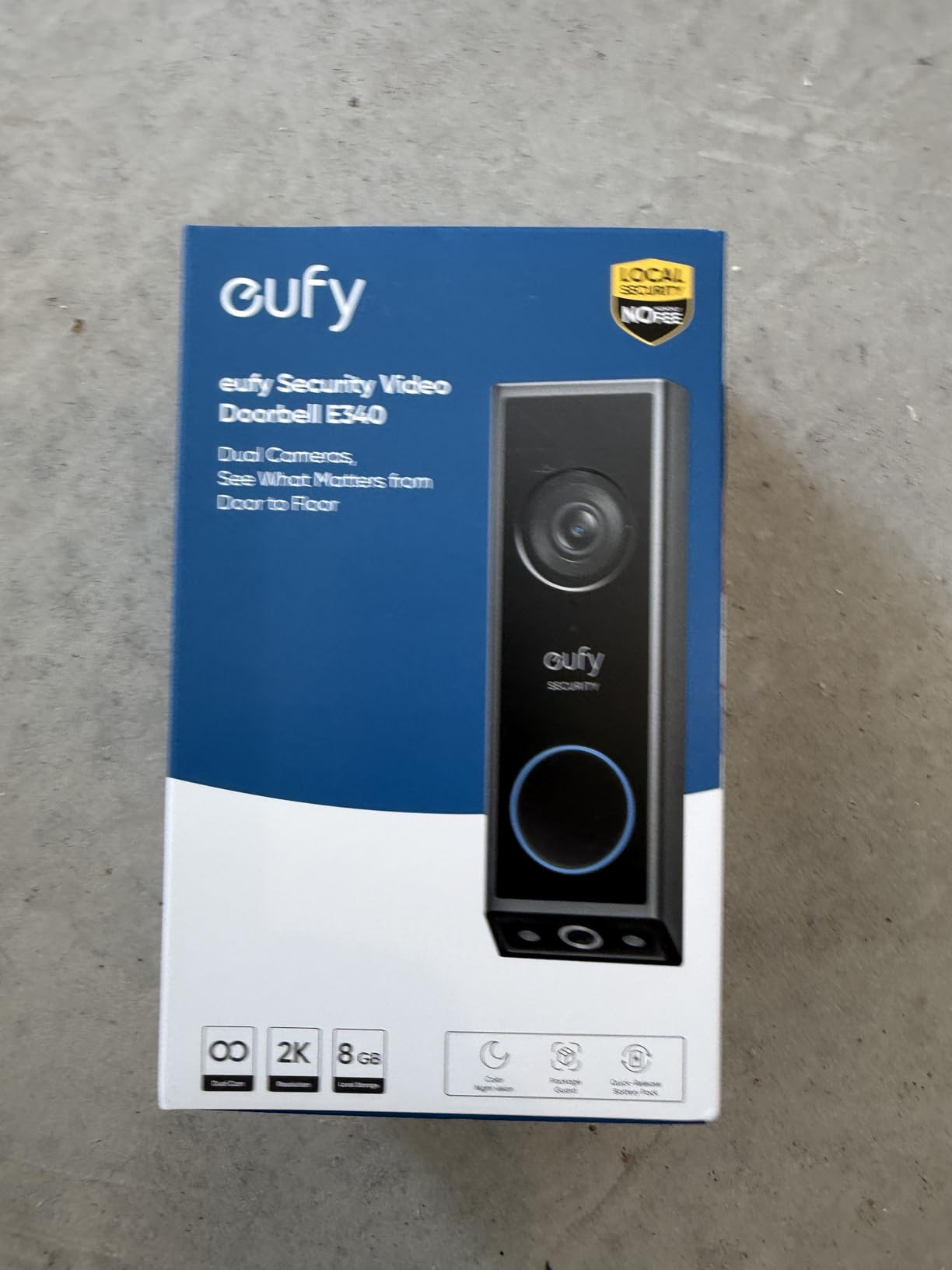
2. eufy Security Video Doorbell E340 – Dual Cameras with 8GB Local Storage
eufy Security Video Doorbell E340, Dual Cameras, 2K FHD
2K FHD front camera
Downward package camera
8GB built-in local storage
Battery or wired power
AI motion and package detection
Pros
- Dual cameras eliminate package blind spots
- No subscription required
- Color night vision up to 16ft
- Flexible battery or wired install
- Works with Alexa and Google Assistant
Cons
- App can feel laggy
- HomeBase needed for full features
- Some notification delays reported
The eufy E340 is the only doorbell in our roundup with two cameras on one device. The front camera handles visitors at eye level, while a second downward camera watches packages on the floor. In our apartment test, that meant we could see both the delivery driver and the box left behind the planter.
Local storage is the headline feature for renters who hate subscriptions. The E340 stores up to 8GB of clips internally, and you can expand with a HomeBase if needed. Over two months, we never paid a monthly fee, yet we had full access to event history and downloadable clips.
Color night vision performed better than most competitors. The downward camera still showed package details at night, and the front camera identified faces clearly from about 10 feet away. Battery drain was reasonable, though heavy package traffic pulled it down faster than the Tapo D225.
The eufy app is functional but not as polished as Ring or Google. We noticed occasional delays between motion detection and notification arrival. These were rarely longer than a few seconds, but if instant alerts are a priority, you may prefer the Tapo or Ring options.
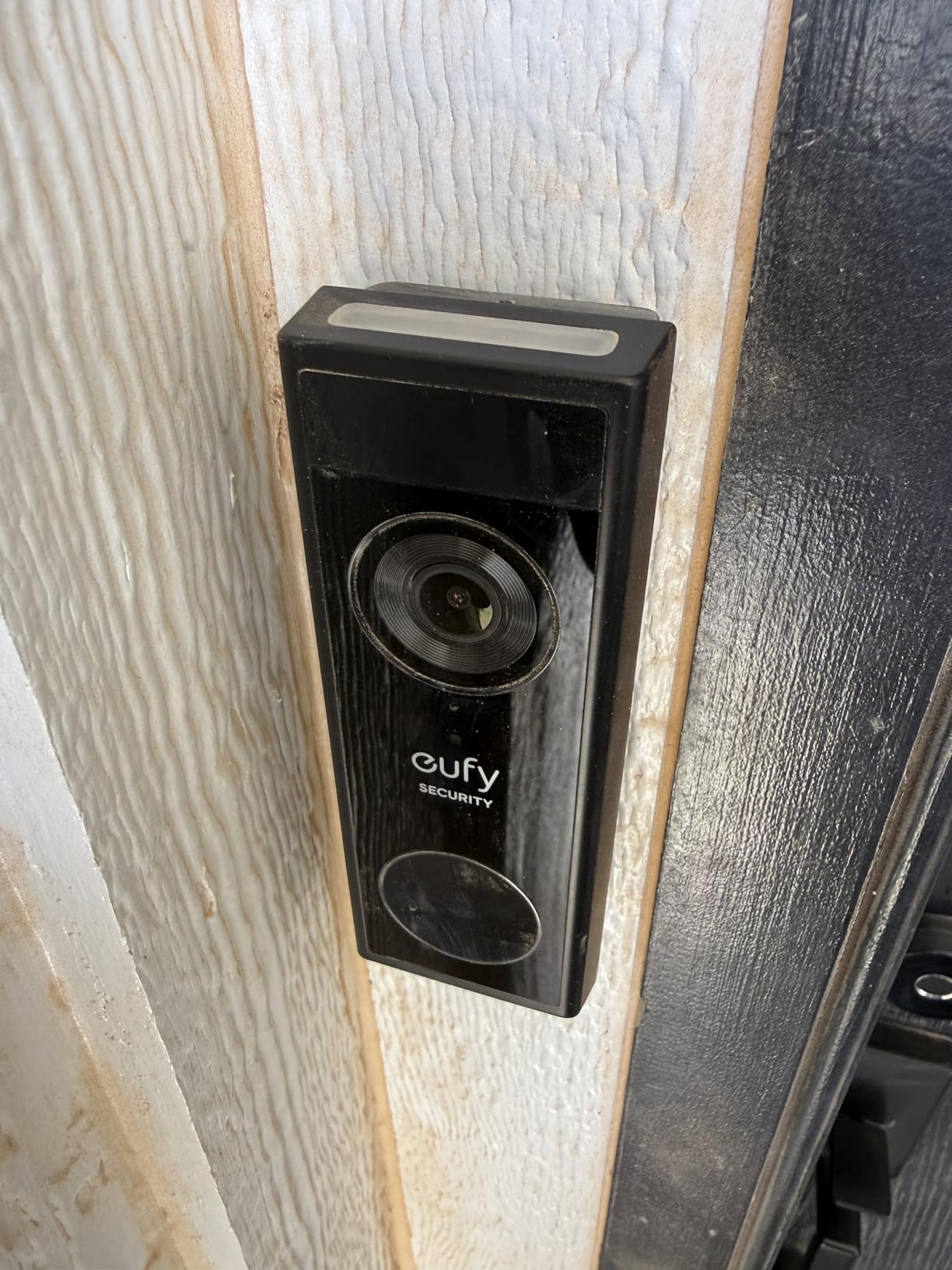
Best for apartment renters who receive frequent deliveries
If you order groceries, clothes, or household items regularly, the downward camera is genuinely useful. It records proof of delivery and shows whether a package was moved after drop-off. This is our top pick for apartment renters who want subscription-free storage without sacrificing coverage.
Skip this if you want a simple plug-and-play app
The E340 setup takes longer than most, especially if you add a HomeBase. If you prefer an app that just works with minimal configuration, the Ring Battery Doorbell or Google Nest Doorbell will feel smoother.
3. BOIFUN Video Doorbell Camera – No Subscription Required with 2K HD
BOIFUN Video Doorbell Camera Wireless – No Subscription Required, 2K HD
2K HD resolution
166-degree wide view
HDR night vision up to 33ft
5200mAh battery
microSD storage up to 128GB
Pros
- No subscription for core features
- Clear 2K video quality
- Wide viewing angle
- Good night vision
- Excellent value
Cons
- Battery life varies by usage
- 2.4GHz Wi-Fi only
- Cloud storage requires subscription
The BOIFUN Video Doorbell surprised our team. At under $50, it delivers 2K video, human detection, and local microSD storage without forcing a subscription. We mounted it on a rental doorframe using the adhesive backing and had it running in under 15 minutes.
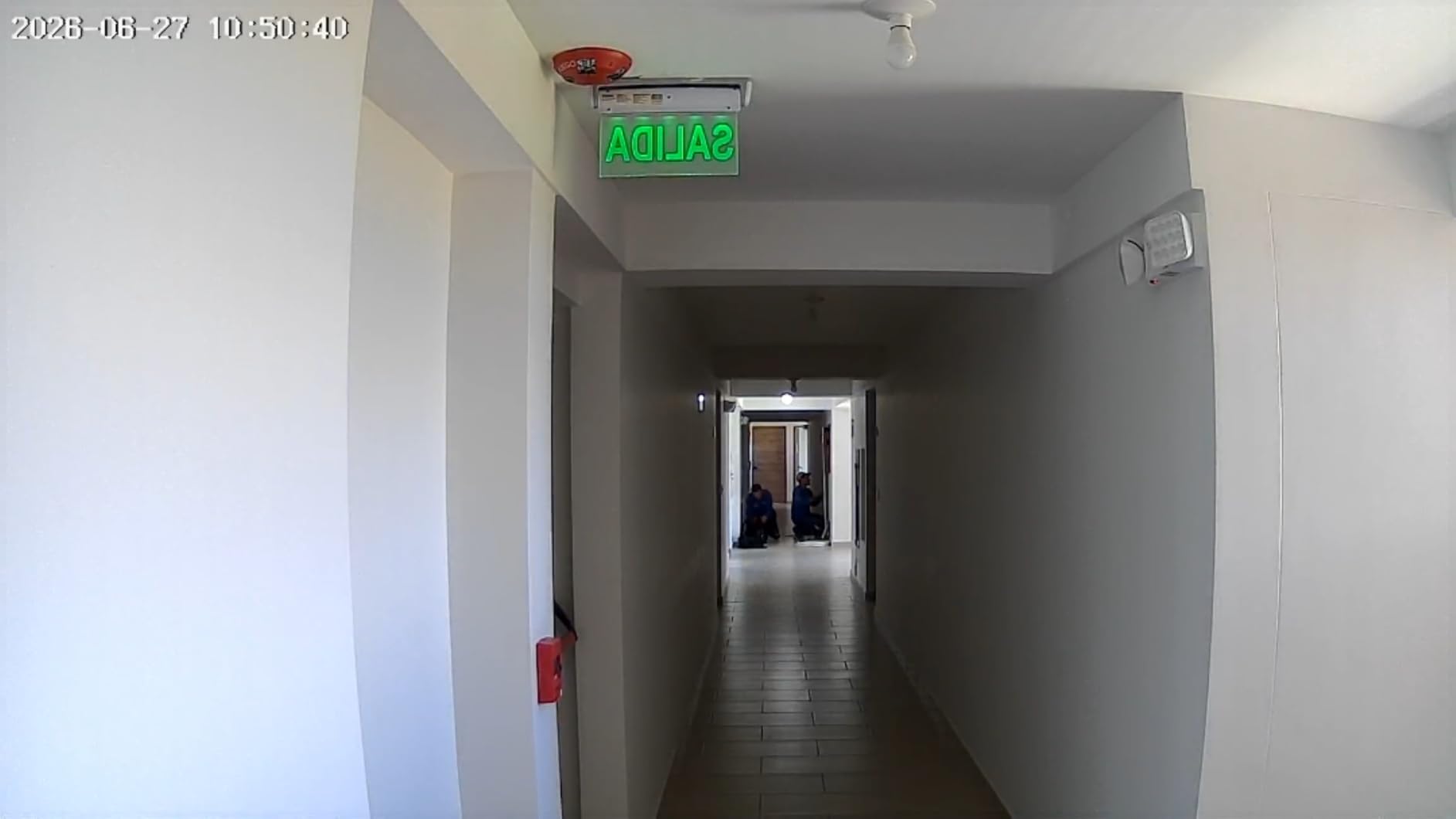
Video quality competes with doorbells that cost twice as much. The 166-degree lens captures the full hallway, and HDR helps when bright lobby lights contrast with dark corners. Night vision reached the advertised 33 feet in our test, which is more than enough for any apartment corridor.
The BoifunCam app is basic but stable. Alerts arrived within a few seconds, and two-way audio was clear enough to guide a food delivery driver. We also liked the anti-theft alarm, which sounds if someone tries to pry the unit off the mount. That is a nice touch for shared buildings.
Battery life is where budget models usually fall short. In a quiet apartment with about five events per day, the BOIFUN lasted roughly six weeks. In a high-traffic building near the elevator, that dropped closer to four weeks. Keep a charging cable handy if your hallway sees constant foot traffic.
Best for renters on a tight budget
If you want basic apartment security without monthly fees, the BOIFUN is hard to beat. It covers the essentials at the lowest price in our roundup. We recommend it for students, first apartments, or anyone testing whether a doorbell camera fits their lifestyle.
Skip this if you need fast motion alerts
Motion detection can feel slightly slower than premium options. If you live in a building where visitors leave quickly, a faster doorbell like the Tapo D225 may serve you better.
4. Ring Battery Doorbell – Head-to-Toe Video with Alexa Integration
Ring Battery Doorbell, Home or business security with Head-to-Toe video, Live View with Two-Way Talk, and Motion Detection & Alerts, Venetian Bronze
Head-to-toe video with 66% more vertical coverage
Built-in rechargeable battery
Live View with Two-Way Talk
Motion detection and smart alerts
Works with Alexa
Pros
- Excellent motion detection
- Clear two-way audio
- Easy snap-in installation
- Sleek design
- Long battery life
Cons
- Subscription required for person/package detection
- Subscription required for video history
- Occasional WiFi connectivity issues
Ring dominates the doorbell market for good reason. The Ring Battery Doorbell is polished, reliable, and integrates beautifully with Alexa devices. We tested it in a one-bedroom apartment where the Echo Show in the kitchen displayed the front door feed within two seconds of someone pressing the button.
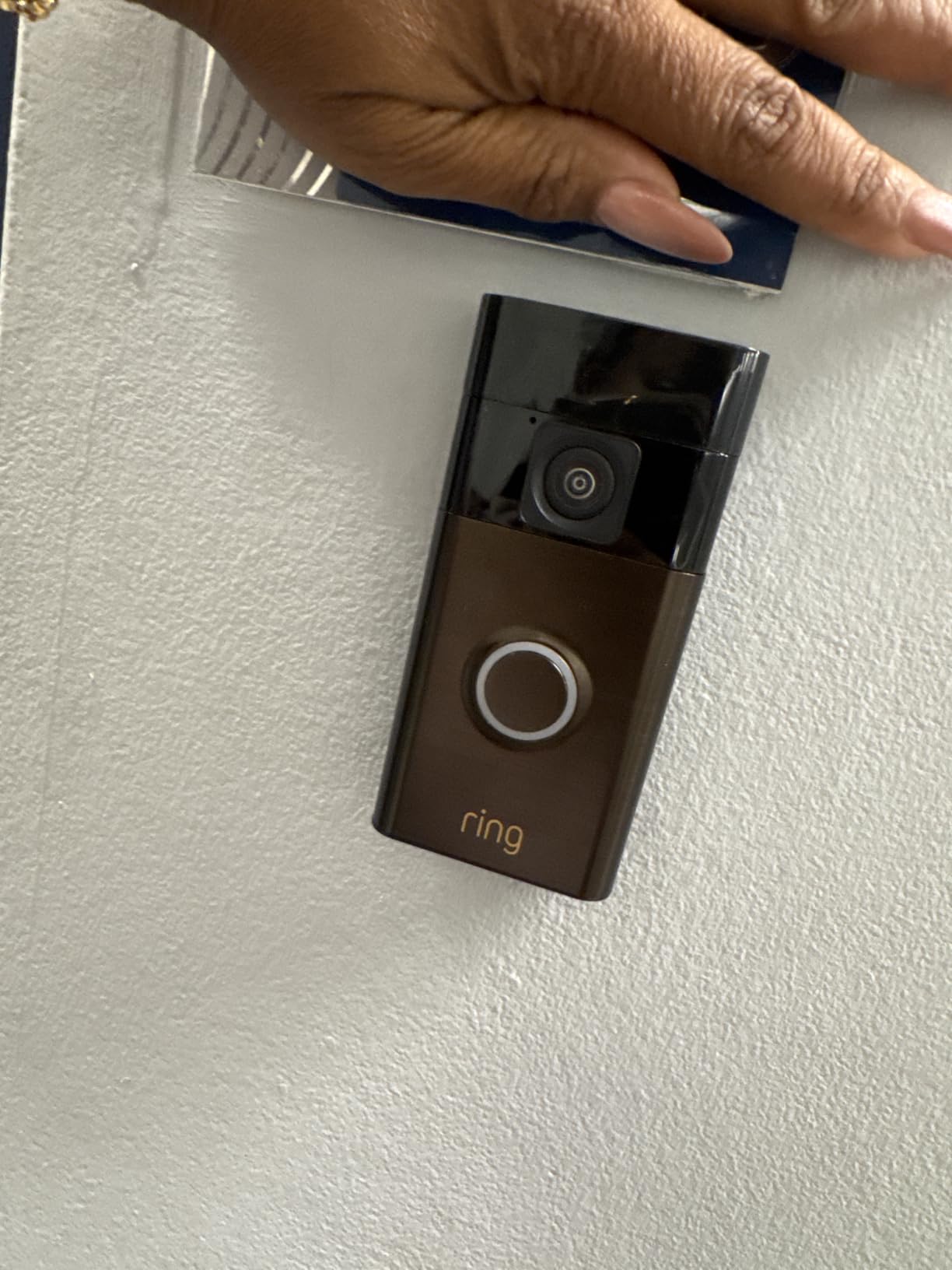
The head-to-toe video is a noticeable improvement over older Ring models. It captures visitors from face to feet, which helps you see packages left directly below the camera. In our apartment test, the vertical view prevented the common problem of packages being cut off at the bottom of the frame.
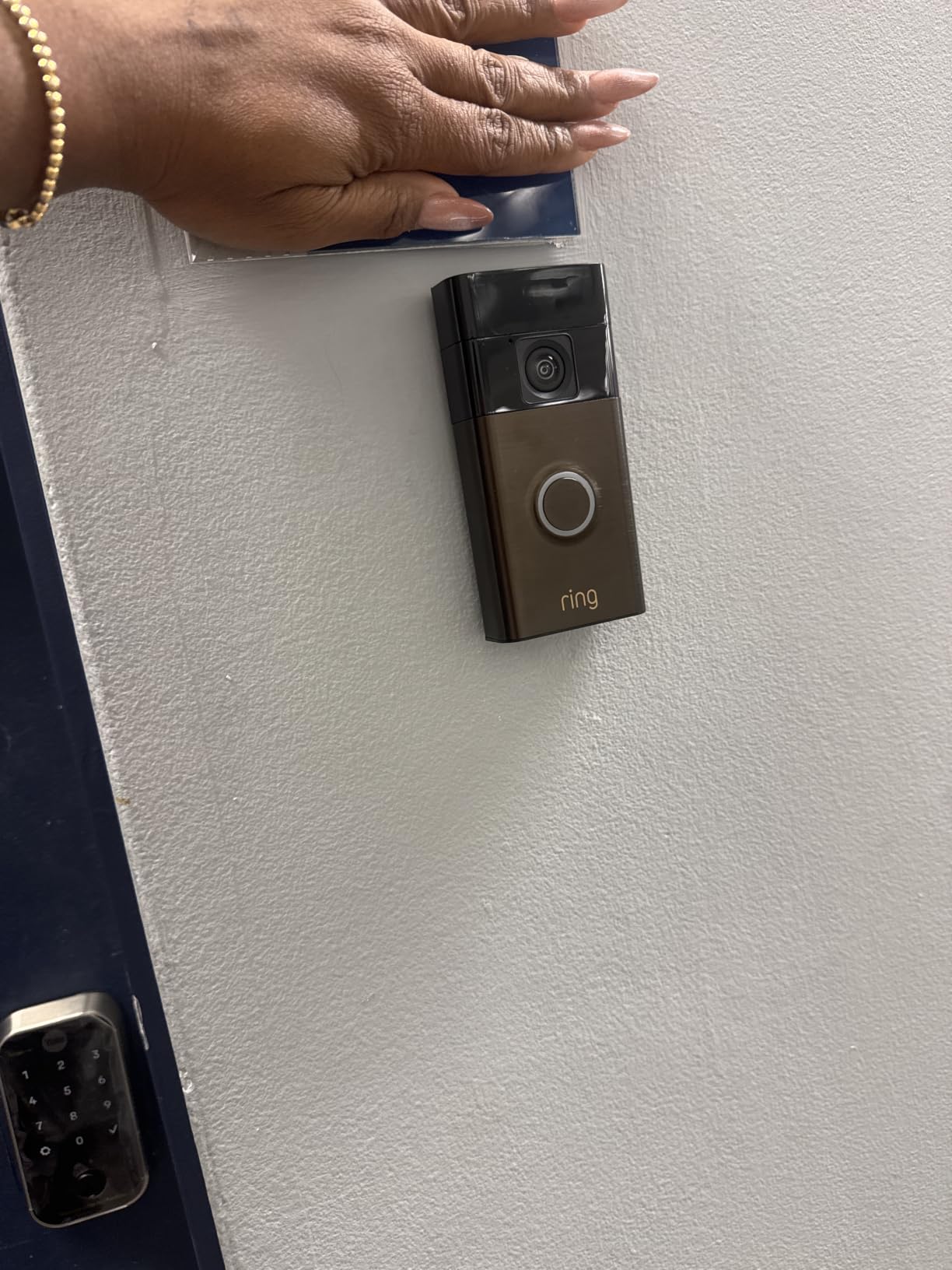
Installation is the easiest in the Ring lineup. The battery pack snaps into place, and the mounting bracket uses a few screws or optional adhesive. Battery life was strong during our test, lasting nearly three months with person detection and motion alerts enabled.
The subscription requirement is the main downside. Without Ring Protect, you only get live view and real-time notifications. Video recording, person detection, and package alerts all require a monthly plan. Over a year, that adds meaningfully to the total cost of ownership.
Best for renters already using Alexa
If your apartment has Echo devices, Echo Show, or Fire TV, the Ring Battery Doorbell feels like a natural extension of your smart home. Custom notifications and voice announcements make it the most convenient option for Amazon households.
Skip this if you refuse monthly subscriptions
Ring Protect is practically required to get full value. If you want a doorbell that stores events for free, the eufy E340 or Tapo D225 are better fits.
5. Google Nest Doorbell (Battery) – Smart Detection with Google Home
Google Nest Doorbell (Battery) – Ivy
HD video with HDR and night vision
6x digital zoom
Built-in intelligence for person/package/animal/vehicle
3 hours free event history
Battery or wired installation
Pros
- Excellent smart detection
- 3 hours free event history
- Works with Google Home and Gemini
- Clean modern design
- Dual-band Wi-Fi support
Cons
- Cannot record 24/7 even with subscription
- Subscription needed for longer event history
- Higher price
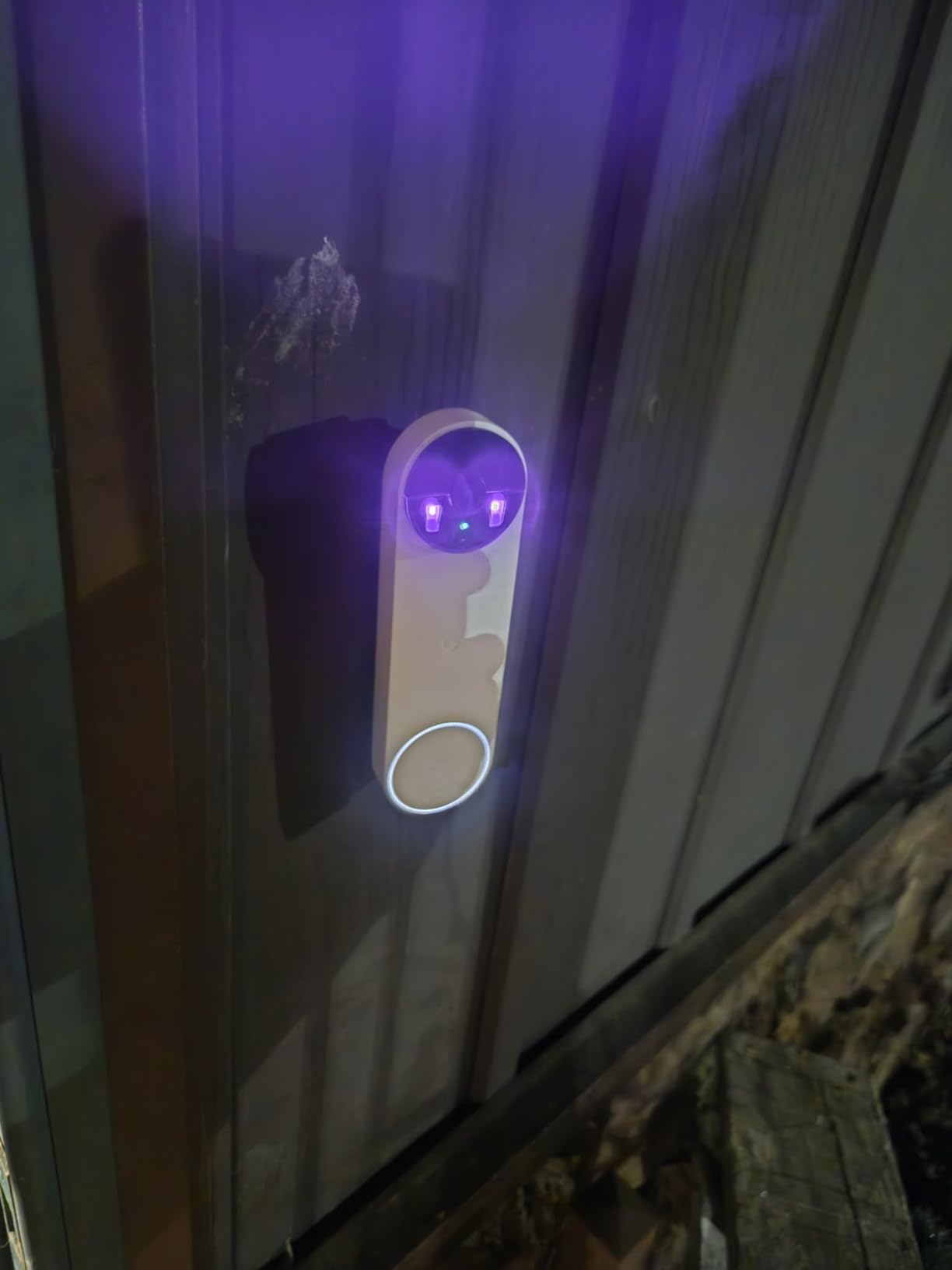
The Google Nest Doorbell is the most intelligent doorbell we tested for apartment renters. Its on-device AI distinguishes between people, packages, animals, and vehicles better than any competitor. We appreciated fewer false alerts from passing neighbors or hallway shadows.
Three hours of free event history is a fair compromise. It is enough to review a missed delivery or check who stopped by while you were out. The Google Home app is clean and fast, and the doorbell streams smoothly to Nest Hub displays.
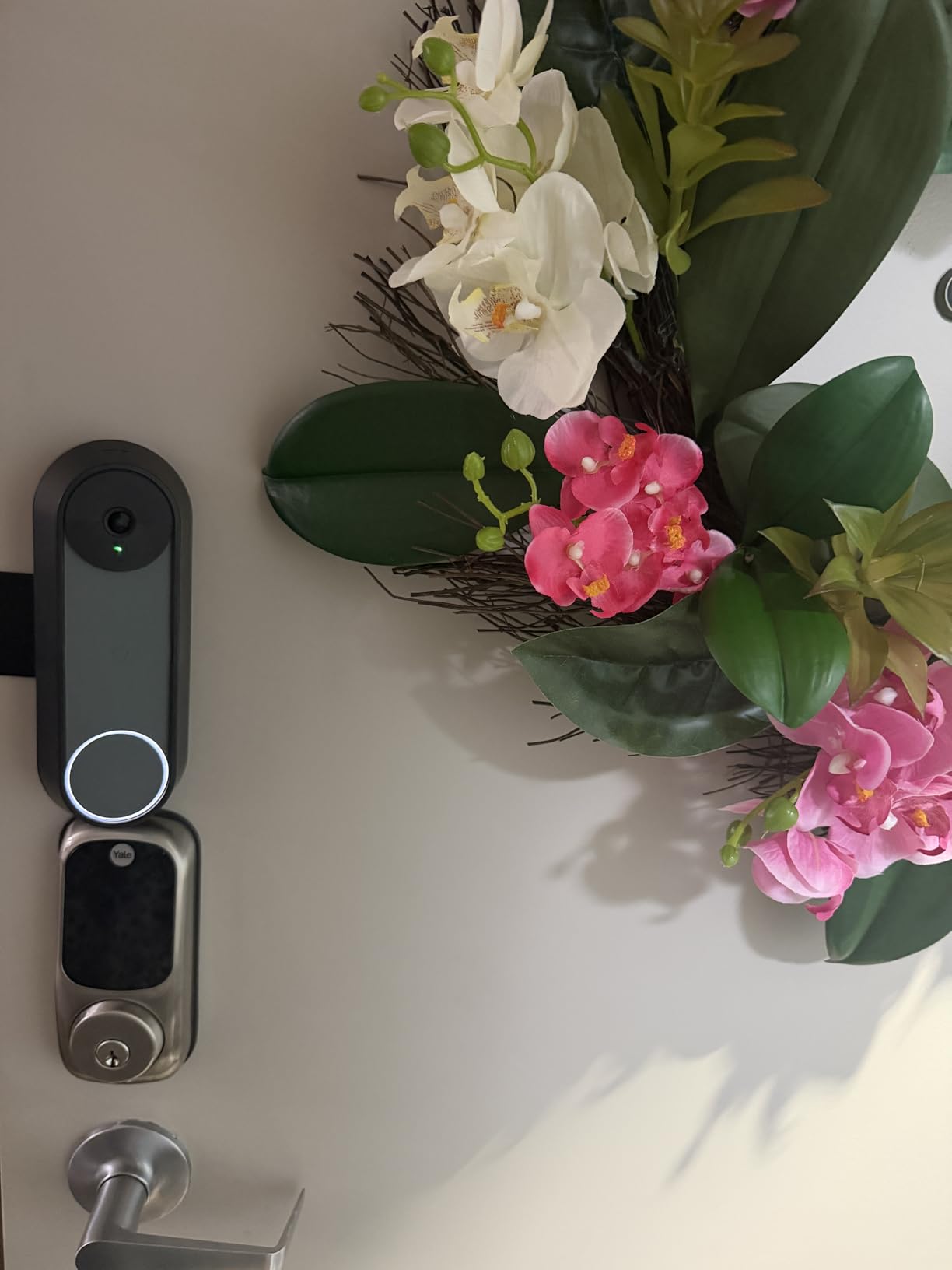
Build quality feels premium. The Ivy finish is subtle, and the slim profile does not look bulky on a narrow apartment doorframe. Battery life was solid in our two-month test, though heavy use pulled it below the advertised range.
The biggest limitation is recording. Even with Nest Aware, you cannot record continuously 24/7. You are limited to event-based clips. For most apartments, that is fine. But if you want constant hallway surveillance, look elsewhere.
Best for Google Home users who want accurate alerts
If you already use Google Assistant, Chromecast, or Nest speakers, this doorbell integrates better than any other. The smart detection alone saves hours of pointless notifications.
Skip this if you want long free clip history
Three hours is short compared to the local storage options from eufy or Tapo. If you travel frequently and want to review footage from days ago without paying, a subscription-free model makes more sense.
6. Arlo Video Doorbell 2K (2nd Gen) – 180-Degree View with Vehicle Recognition
Arlo Video Doorbell 2K (2nd Gen) Wireless or Wired – 1-Cam
2K video resolution
180-degree field of view
Person, vehicle, and package recognition
Wireless or wired installation
Works with Alexa, Apple Home, Google Home
Pros
- Crystal clear 2K video
- Very wide field of view
- Accurate recognition
- Easy wireless install
- Sleek modern design
Cons
- Subscription required for full features
- Some regional compatibility limits
- Camera quality concerns from some users
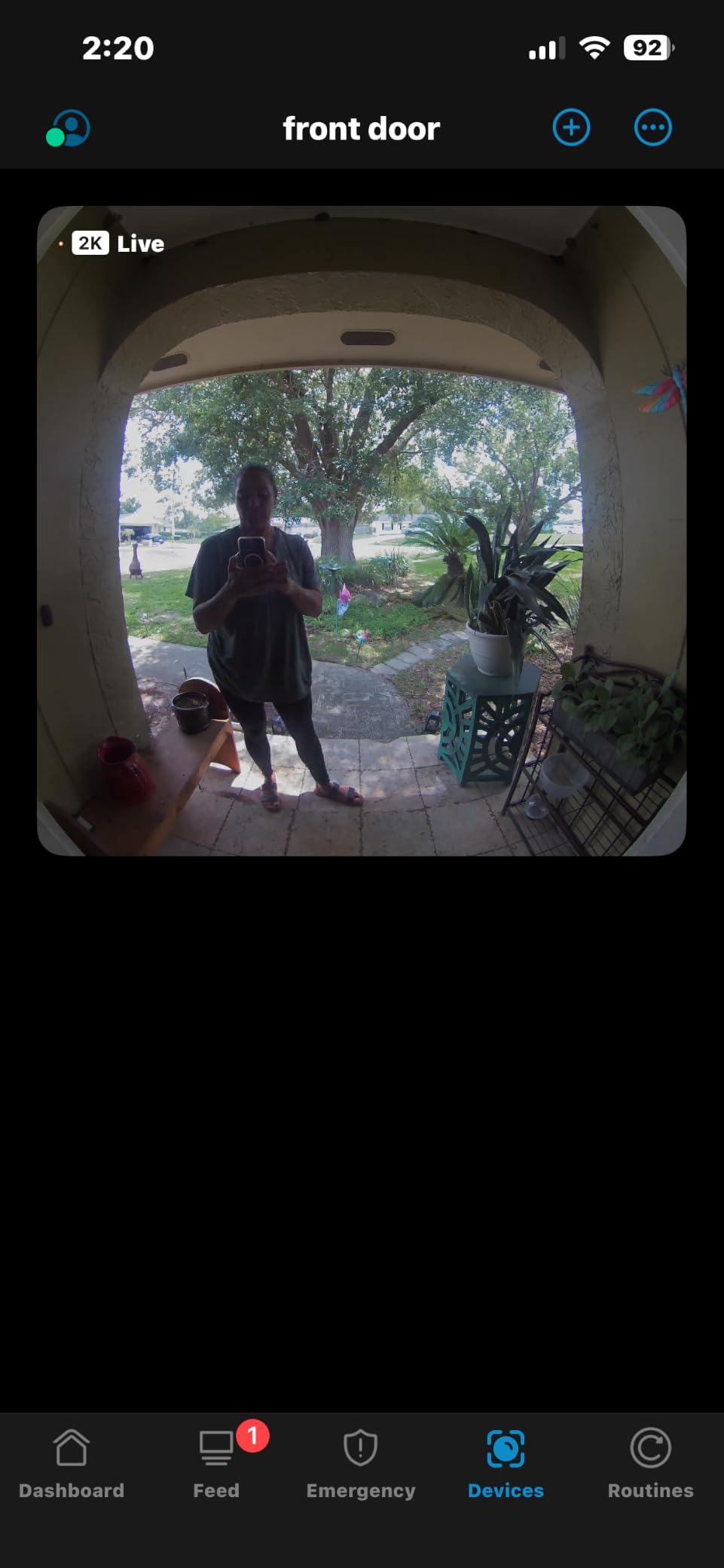
The Arlo Video Doorbell 2K is a strong all-rounder for renters who want premium features and flexible installation. We tested it wireless on an apartment door using the rechargeable battery, and the 180-degree view covered the entire hallway including the neighbor’s door across the way.
Recognition accuracy impressed us. The doorbell correctly labeled people, vehicles, and packages in the Arlo app, which cut down false alerts. Two-way audio was clear, and night vision handled dim apartment corridors without washing out faces.
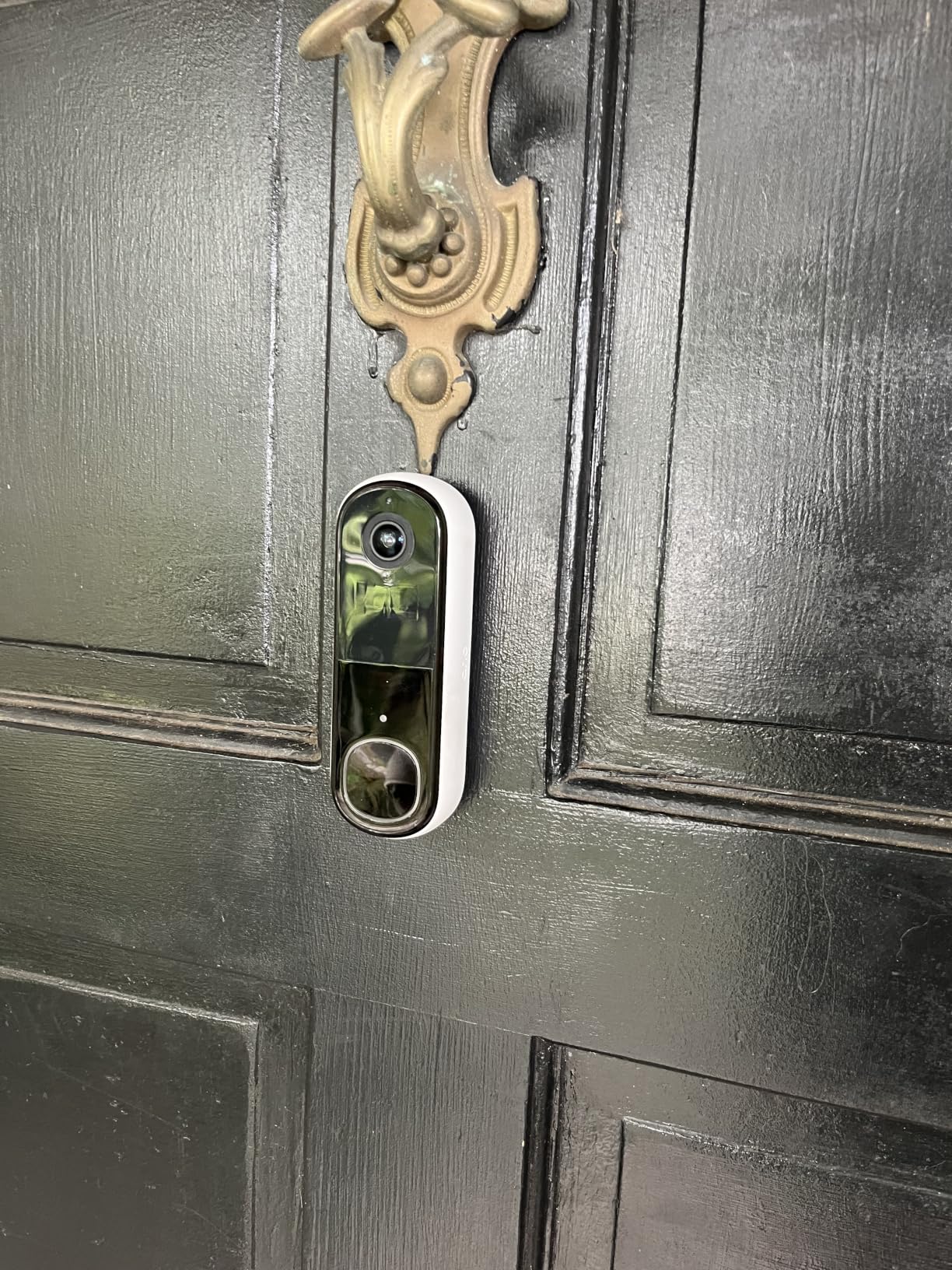
Design is compact and modern. The white finish blends into most doorframes, and the wireless battery option means no drilling into landlord property. We also liked the remote siren, which can discourage porch pirates or unwanted visitors from outside your unit.
Like Ring, Arlo pushes subscriptions hard. Cloud storage, advanced alerts, and extended video history require Arlo Secure. You can use live view without a plan, but the doorbell feels limited. The one-month trial gives you time to decide if the premium plan is worth it.
Best for renters who want Apple Home compatibility
Arlo is one of the few doorbells in our list that works with Apple Home in addition to Alexa and Google. If your apartment runs on HomeKit, this is a strong pick.
Skip this if you want free local storage
Unlike eufy or Tapo, the Arlo relies on cloud storage for recorded clips. If avoiding subscriptions is important, look at one of the no-subscription alternatives.
7. Tapo 2K Wireless Smart Video Doorbell D210 – 160-Degree View with Ring Call Feature
Tapo 2K Wireless Smart Video Doorbell w/Chime, 160° Ultra-Wide View, D210
2K resolution with 160 diagonal FOV
Ring Call feature
Free person detection
microSD local storage up to 512GB
6400mAh battery
Pros
- No subscription required
- Long battery life
- Ring Call for quick answering
- Person detection and activity zones
- Full color night vision
Cons
- Motion detection can be finicky
- 2.4GHz Wi-Fi only
- Audio delay reported occasionally
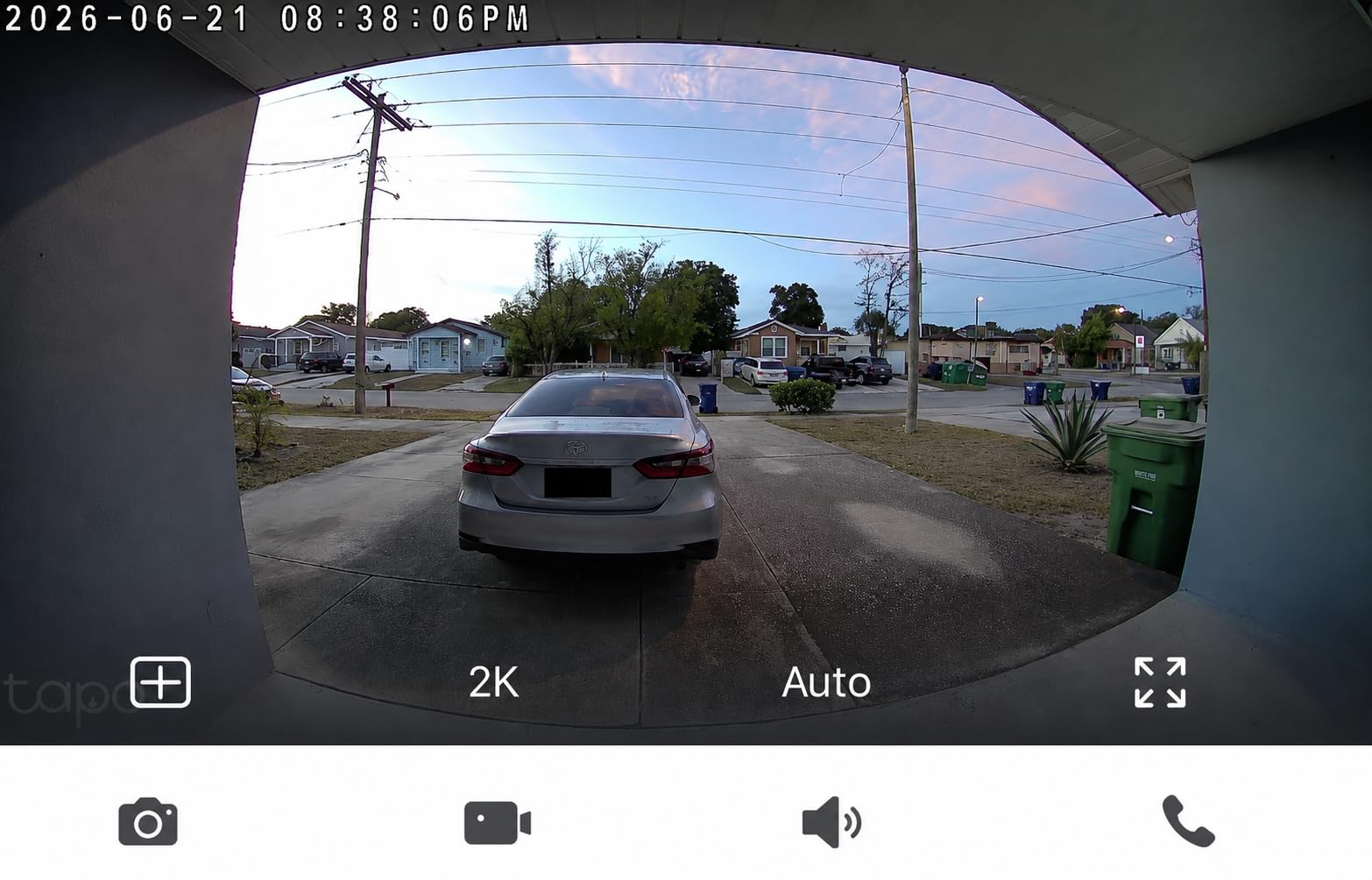
The Tapo D210 is a slightly smaller sibling to the D225, and it offers many of the same benefits at a lower price. We installed it on a studio apartment door and found the 160-degree field of view sufficient for a narrow hallway and small landing area.
The Ring Call feature works just like on the D225. When someone presses the button, your phone rings like a normal call. This is especially helpful if you are wearing headphones or your phone is on silent. We also liked the quick response presets for common situations.
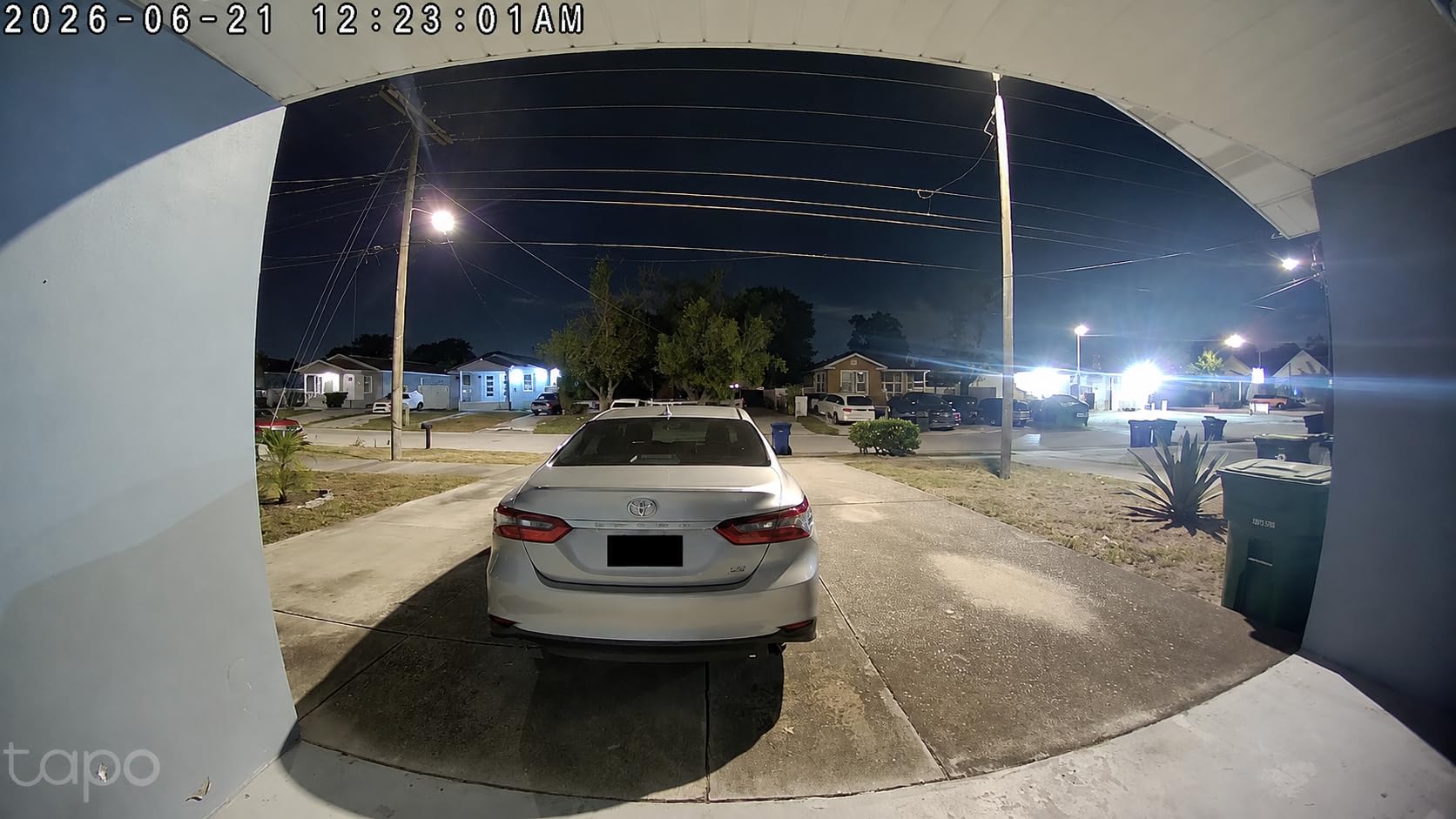
Local storage up to 512GB means you can record weeks of clips without paying for cloud storage. Person detection and activity zones are included for free, which is rare at this price. The 6400mAh battery held up well, dropping about 25 percent over two months.
Motion detection took some tuning. Out of the box, it picked up shadows and passing residents in the hallway. After adjusting activity zones and sensitivity, alerts became much more accurate. Plan to spend 10 minutes calibrating during your first week.
Best for renters who want Tapo quality at a lower price
If the D225 is overkill for your small apartment, the D210 gives you nearly the same experience for less. It is ideal for single renters or couples in compact units.
Skip this if your hallway is very wide
The 160-degree lens is narrower than the D225 or Arlo. In wide hallways or buildings with long sightlines, you may miss activity at the edges of the frame.
8. XTU Doorbell Camera Wireless – Budget-Friendly with Chime Included
XTU 2K Wireless Doorbell Camera with Chime, No Subscription, Alexa
2K HD video
120-degree wide-angle lens
Night vision up to 33ft
Human detection AI
Local storage up to 128GB
Pros
- Excellent budget price
- Clear 2K video
- No subscription for local storage
- Includes wireless chime
- Works with Alexa and Google
Cons
- Motion detection can be slow
- Adhesive mount may fail
- Battery life shorter in high traffic
The XTU Doorbell Camera is the most affordable option in our roundup, and it includes a wireless indoor chime in the box. That is a big plus for apartments where your phone might be charging in another room when someone rings.
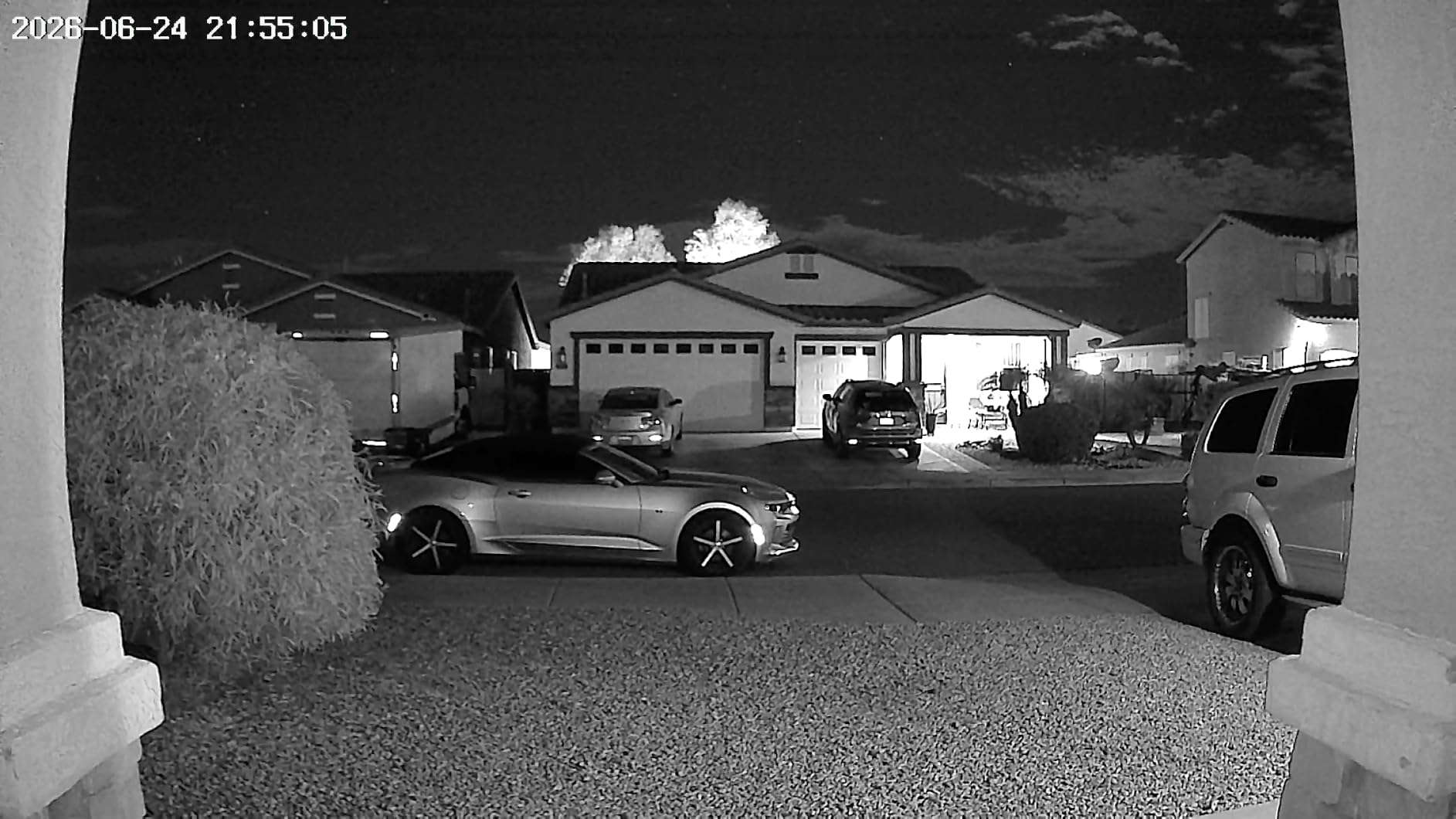
Video quality is better than the price suggests. The 2K sensor records sharp daytime footage, and night vision reaches 33 feet. Human detection AI filtered out most shadows and hallway movement, though it was occasionally slower to trigger than premium models.
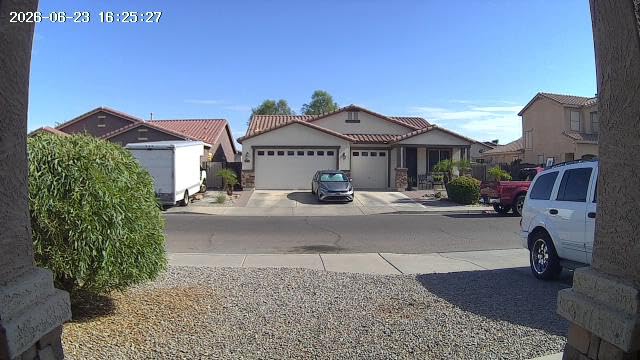
Setup is simple through the CloudEdge app. Bluetooth-assisted pairing made the initial connection fast, and the included multi-angle bracket helped aim the camera correctly on a recessed doorframe. Two-way audio worked well for talking to delivery drivers.
Battery life is the main trade-off. The 5200mAh battery lasted about five weeks in our moderate-traffic test. If your apartment door faces a busy hallway or elevator, expect to recharge every month. We recommend screw-mounting rather than relying solely on adhesive.
Best for renters who want an included chime
If you need an audible indoor alert and do not want to buy a separate chime or smart display, the XTU is the obvious choice. It is a complete starter kit at a budget price.
Skip this if motion speed is critical
Slower motion detection means you may miss fast-moving visitors or brief doorbell presses. For busy apartment buildings, a more responsive doorbell is worth the extra cost.
9. Chamberlain myQ Video Doorbell – 2K Camera with Face Recognition
Chamberlain myQ Video Doorbell | 2K Camera, Battery/Wired, Color Night Vision, Live with 2-Way Talk, Motion Detection & Real-Time Alerts, 150 Deg Wide View, Black
2K video with color night vision
150-degree wide angle
Battery or wired installation
AI face recognition
Works with myQ ecosystem
Pros
- Good 2K video quality
- Color night vision
- Face recognition
- Flexible power options
- Affordable price
Cons
- Subscription needed for some AI features
- Limited smart home integration
- Smaller review base
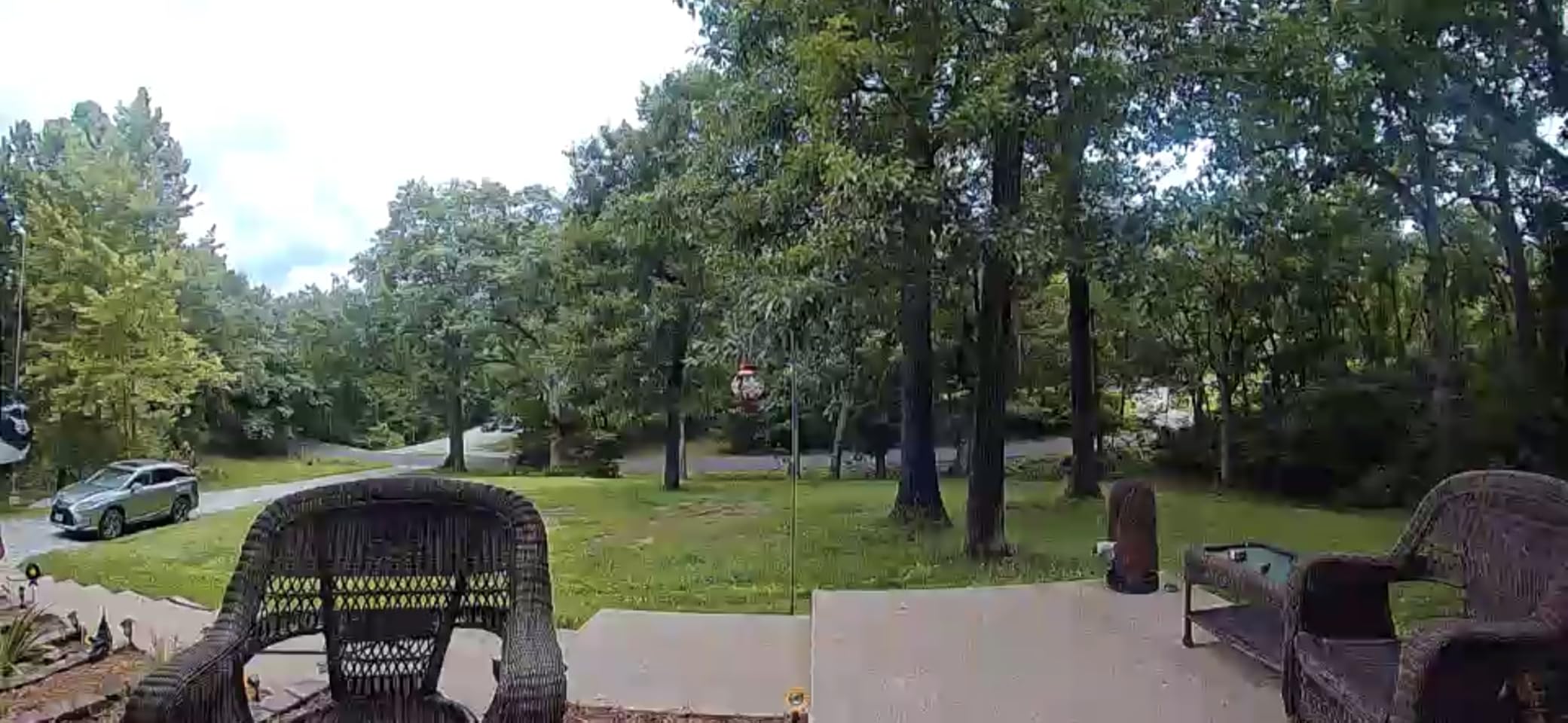
The Chamberlain myQ Video Doorbell is a newer entry that targets renters who already use myQ garage or smart home products. We tested it on a ground-floor apartment and found the 2K video crisp, with color night vision that handled dim entryways better than standard infrared.
Face recognition is the standout feature. The doorbell can label recognized visitors and alert you differently for unknown faces. In our test, it correctly identified regular visitors after a brief learning period. This is useful if you have family or roommates coming and going frequently.
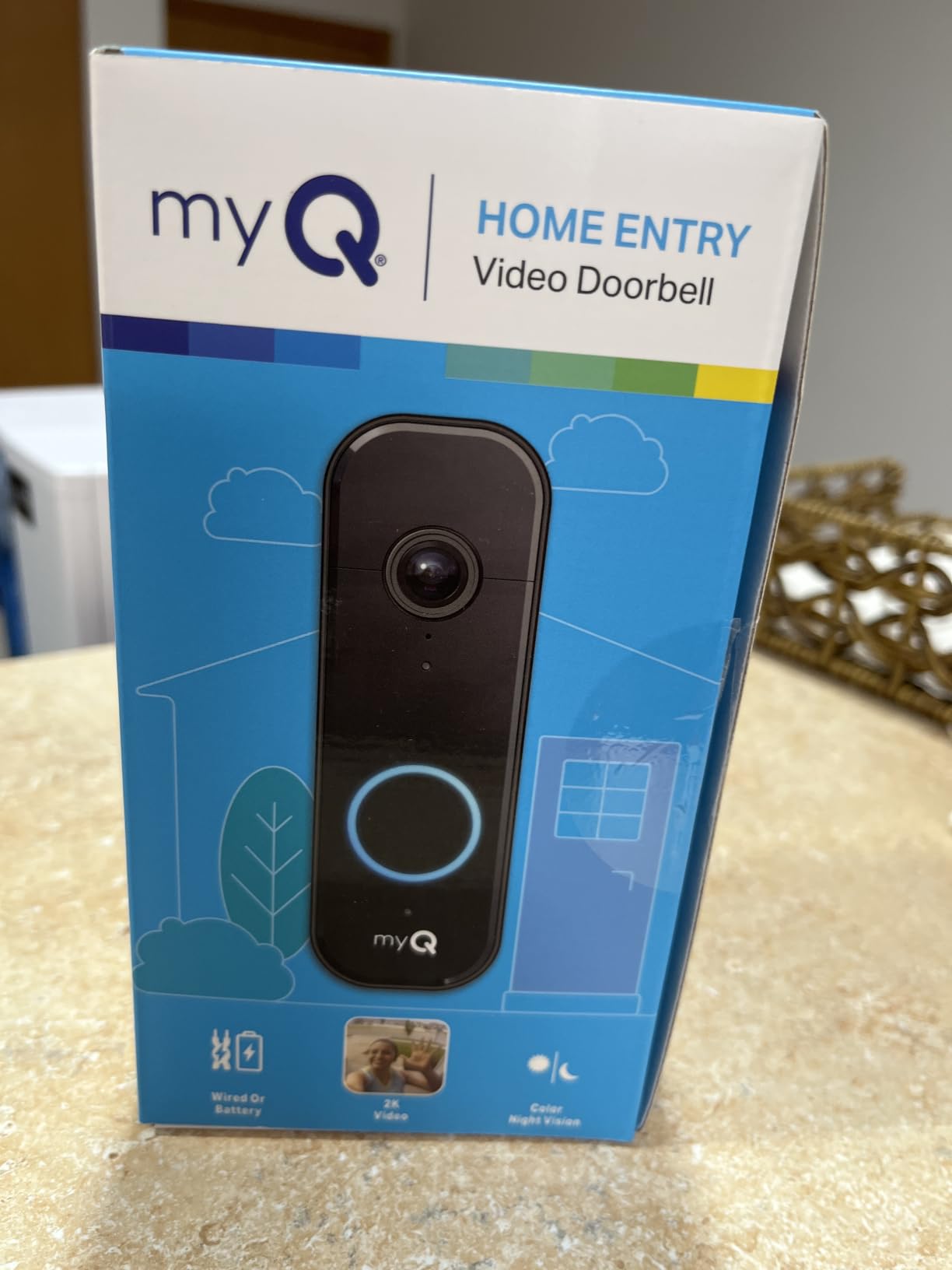
Build quality is solid. The unit feels heavier than budget models, with a mix of metal and plastic that suggests better weather sealing. Battery or wired installation gives flexibility depending on your rental situation.
The myQ ecosystem is narrower than Ring, Google, or Alexa. If you do not already use myQ devices, the integration benefits disappear. Some advanced AI features also require a video monitoring plan, which reduces the no-subscription appeal.
Best for renters in the myQ ecosystem
If you have a myQ smart garage opener or other Chamberlain devices, this doorbell fits naturally into your setup. The face recognition adds convenience for households with regular visitors.
Skip this if you want broad smart home support
Chamberlain myQ does not integrate as widely as Alexa, Google, or Apple Home. Choose a different doorbell if cross-platform compatibility matters to you.
10. Blink Wired Doorbell 2K+ – Hardwired 2K with Head-to-Toe View
Blink Wired Doorbell 2K+ (newest model) — Head-to-Toe 2K video doorbell, continuous hardwired power, pair with Alexa or Blink Chime (sold separately) required for in-home alerts
2K head-to-toe video
Continuous hardwired power
Two-way audio with noise cancellation
Person detection
IP65 weather resistant
Pros
- Excellent 2K video quality
- No battery changes
- Wide field of view
- Good night vision
- Works with Blink ecosystem
Cons
- Does not work with mechanical chimes
- Requires Blink Chime for alerts
- Subscription required for person detection
The Blink Wired Doorbell 2K+ is the only hardwired-only doorbell in our apartment roundup. It is worth considering if your apartment already has doorbell wiring and your landlord allows you to replace the existing button. We tested it in a rental unit with existing low-voltage wiring and had it running in 20 minutes.
Video quality is excellent for the price. The 2K resolution captures clear faces and package details, and the head-to-toe view prevents cut-off footage. Because it is hardwired, you never worry about battery levels or recharging.
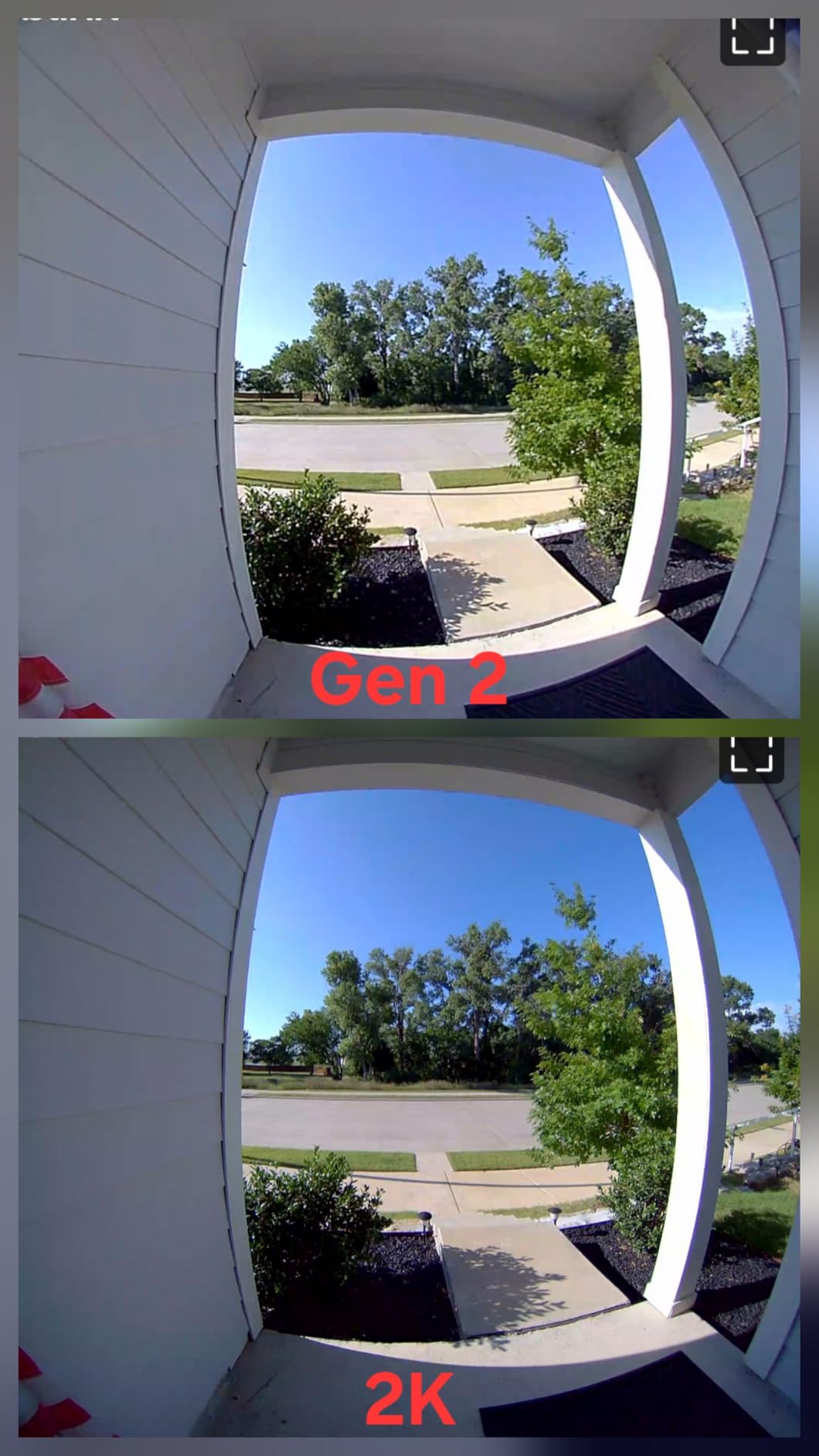
Notifications were fast during our test. The Blink app is straightforward, and integration with existing Blink cameras or Sync Module is seamless. If you already own Blink outdoor cameras, adding this doorbell makes sense.
The main catch is the chime. The Blink Wired Doorbell 2K+ does not ring your existing mechanical chime. You need a separate Blink Chime or an Alexa device for indoor alerts. That adds cost and complexity for apartment renters.
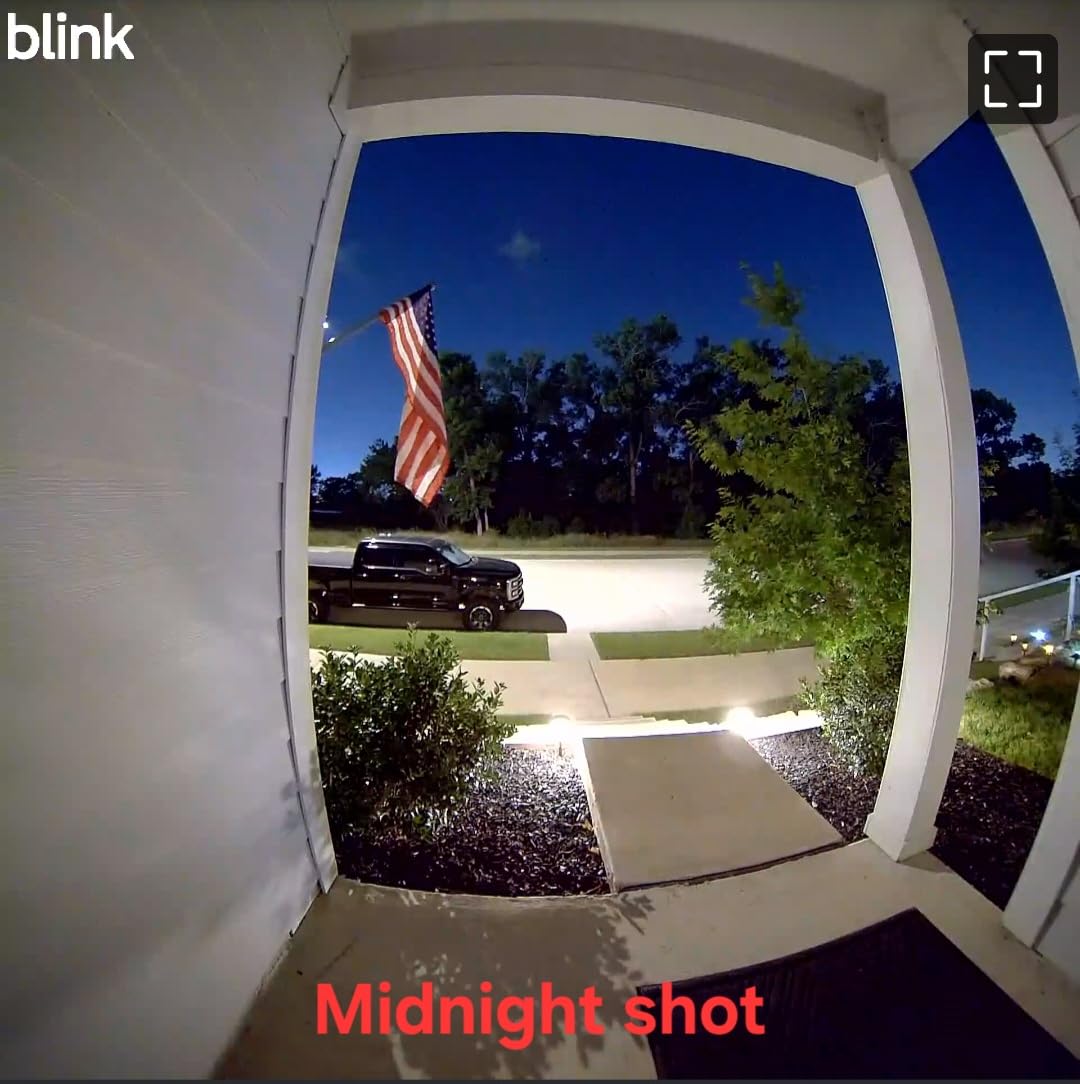
Best for apartments with existing doorbell wiring
If your apartment has a working wired doorbell and you want permanent power without recharging, this is a strong pick. It is also a good fit for Blink ecosystem users.
Skip this if you cannot modify wiring
Most renters cannot touch doorbell wiring. If your lease prohibits electrical changes or your apartment has no existing doorbell, choose a battery-powered model instead.
How to Choose the Best Video Doorbell for Your Apartment?
Buying a doorbell camera for an apartment is different from buying one for a house. Renters need to think about installation restrictions, power options, ongoing costs, and neighbor privacy before making a decision.
Choose drill-free installation unless your lease allows modifications
Most apartment leases prohibit drilling into doorframes or walls. Battery-powered doorbells with adhesive mounts or peephole replacements are the safest choices. Look for models that include mounting tape or a wedge so you can install and remove the device without leaving marks.
If you do want to hardwire, check with your landlord first. Some property managers allow minor upgrades if you restore the original setup when moving out. Get written permission to protect your security deposit.
Decide between battery power and hardwired power
Battery doorbells are the most renter-friendly option. They install anywhere and move with you when you relocate. The trade-off is recharging every few weeks or months depending on traffic. Hardwired doorbells never need charging, but they require existing wiring and landlord approval.
In cold climates, battery life drops faster. If your apartment door is exposed to freezing temperatures, expect shorter intervals between charges. Some renters keep a second battery on hand to swap without downtime.
Consider subscription costs before you buy
Subscription plans can double the first-year cost of a doorbell camera. Ring, Arlo, Blink, and Google all charge monthly fees for video history and advanced detection. Over a year, those fees add up.
If you want to avoid subscriptions, choose a doorbell with local storage. The eufy E340, Tapo D225, Tapo D210, BOIFUN, and XTU all store clips locally on built-in memory or microSD cards. You pay once for the hardware and nothing ongoing.
Match the field of view to your hallway
A wide field of view is essential in apartment buildings where visitors may approach from an angle. The Tapo D225 and Arlo both offer 180-degree coverage, which captures the full hallway. Narrower models like the XTU at 120 degrees may miss activity at the edges.
Head-to-toe video is another feature to prioritize. It shows packages on the floor as well as visitors at eye level. Ring, Blink, eufy, and Tapo all offer this vertical coverage in some form.
Check smart home compatibility
If you use Alexa, Google Home, or Apple HomeKit, pick a doorbell that works with your ecosystem. Ring works best with Alexa. Google Nest integrates tightly with Google Home. Arlo supports Apple Home. Tapo and eufy work with both Alexa and Google.
Smart displays make doorbell cameras more useful. Instead of pulling out your phone, you can see who is at the door on a kitchen counter display or living room TV.
Review your lease and HOA rules first
Before installing any camera, read your lease and any HOA or building rules. Some buildings ban cameras that point into common hallways or capture neighbor doorways. Others require management approval for any device attached to the exterior door.
Privacy is another concern. Point your doorbell at your own doorway as much as possible, and avoid capturing your neighbor’s unit. If someone complains, you may need to reposition or remove the camera.
Frequently Asked Questions
Can you use a video doorbell in an apartment?
Yes, you can use a video doorbell in an apartment. Most renters choose battery-powered models with adhesive or peephole mounts to avoid drilling or wiring. Always check your lease and building rules before installing any camera.
What is the best camera doorbell without a monthly fee?
The eufy Security Video Doorbell E340 and Tapo 2K+ Smart Video Doorbell D225 are excellent choices without monthly fees. Both offer local storage, smart detection, and high-quality video without requiring a paid subscription.
Which Ring doorbell should I buy for an apartment?
The Ring Battery Doorbell is the best Ring option for apartments. It installs without wiring, offers head-to-toe video, and works seamlessly with Alexa devices. Keep in mind that advanced features require a Ring Protect subscription.
Why are people getting rid of their Ring doorbells?
Some renters switch away from Ring because of ongoing subscription costs, privacy concerns, or a desire for local storage. No-subscription alternatives like eufy, Tapo, and BOIFUN have become popular for avoiding monthly fees.
How do I install a video doorbell in an apartment without drilling?
Use a battery-powered doorbell with adhesive mounting tape or a peephole replacement mount. Clean the surface thoroughly, press firmly for 30 seconds, and allow the adhesive to cure for 24 hours before attaching the doorbell.
Conclusion
The best video doorbells for apartments in 2026 combine easy installation, reliable performance, and low ongoing costs. For most renters, the Tapo 2K+ D225 is the top choice thanks to its 180-degree view, long battery life, and no mandatory subscription. The eufy E340 is ideal for package-heavy households, while the BOIFUN delivers surprising value for tight budgets.
Before you buy, check your lease, test your Wi-Fi signal at the door, and decide whether you can accept a monthly subscription. The right doorbell camera will make your apartment feel safer without costing you your security deposit. Pick the model that matches your building, your budget, and your smart home setup.