
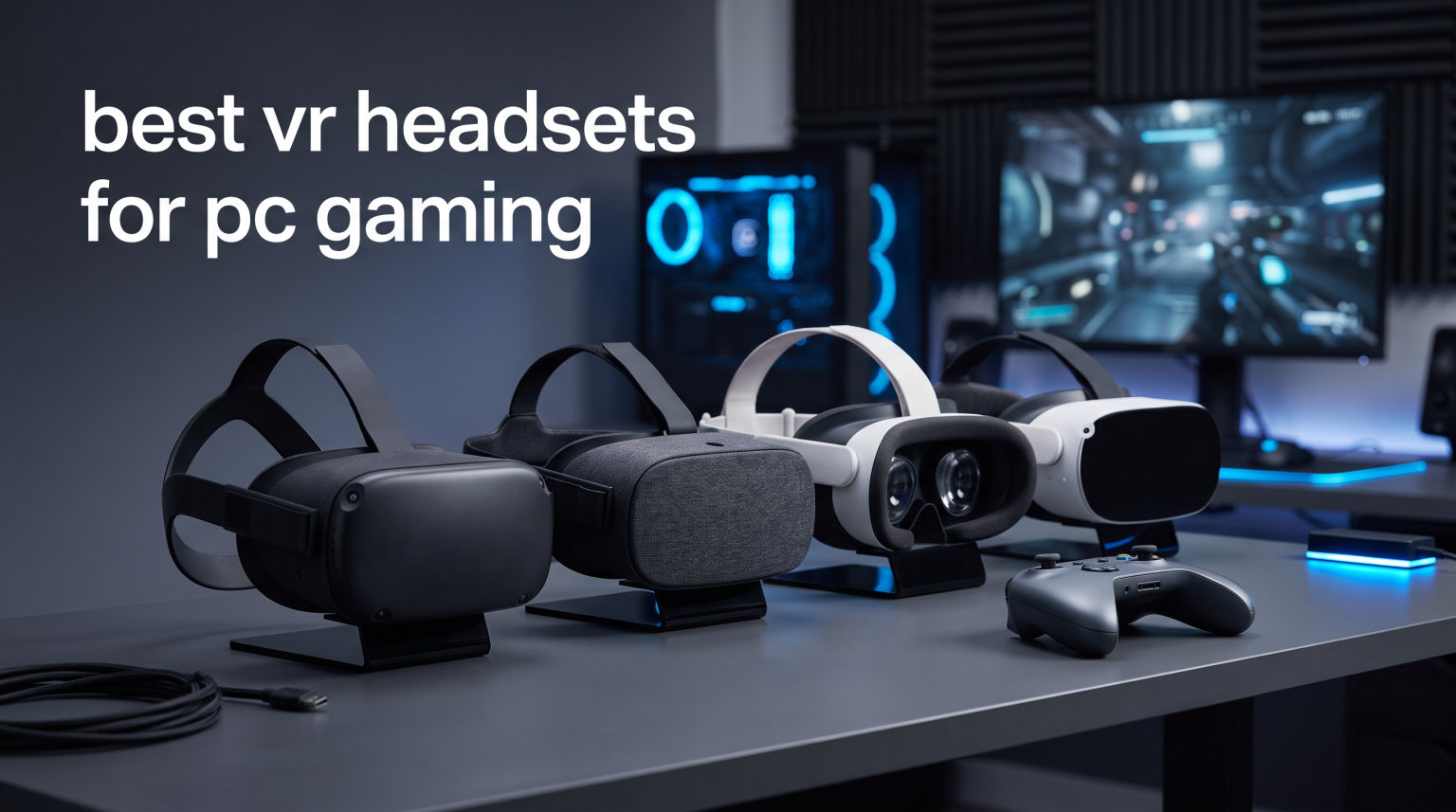
Finding the best VR headsets for PC gaming in 2026 means wading through a sea of specs, tracking types, and connectivity options that can confuse even experienced builders. Our team has spent months testing headsets across flight simulators, fast-paced action games, and social VR platforms to figure out which models actually deliver. We connected each headset to gaming PCs with GPUs ranging from mid-range RTX cards to high-end setups, testing both wired tethered connections and wireless streaming through Air Link and Virtual Desktop.
The landscape has shifted dramatically. Standalone headsets like the Meta Quest 3 now stream PCVR games wirelessly with shockingly low latency, while dedicated PC VR headsets still hold the crown for raw visual fidelity. Whether you are diving into Half-Life Alyx, running Microsoft Flight Simulator in VR, or racing in Assetto Corsa, the right headset changes everything. The wrong one leaves you nauseous and frustrated.
This guide covers 10 headsets across every price point and use case. We break down resolution per eye, refresh rate, field of view, tracking technology, and real-world PCVR performance so you can make an informed choice. We also address the questions PC gamers actually ask on forums like r/virtualreality, including GPU requirements, wireless streaming quality, and whether older headsets still hold up in 2026.
Table of Contents
Top 3 Picks for Best VR Headsets for PC Gaming

Best VR Headsets for PC Gaming in 2026
| Product | Specifications | Action |
|---|---|---|
 Meta Quest 3 512GB Meta Quest 3 512GB |
|
Check Latest Price |
 Meta Quest 3S 256GB Meta Quest 3S 256GB |
|
Check Latest Price |
| Meta Quest 2 Renewed |
|
Check Latest Price |
 PlayStation VR2 PlayStation VR2 |
|
Check Latest Price |
 Meta Quest Pro Meta Quest Pro |
|
Check Latest Price |
 Oculus Rift S Oculus Rift S |
|
Check Latest Price |
 Oculus Quest 128GB Oculus Quest 128GB |
|
Check Latest Price |
 HTC Vive XR Elite HTC Vive XR Elite |
|
Check Latest Price |
 Acer Windows Mixed Reality Acer Windows Mixed Reality |
|
Check Latest Price |
 HTC Vive Focus Vision HTC Vive Focus Vision |
|
Check Latest Price |
1. Meta Quest 3 512GB – Best Overall Wireless PCVR Headset
Meta Quest 3 512GB | Virtual Reality — VR Headset — Gorilla Tag Bundle
2064x2208 per eye
120Hz Refresh
Pancake Lenses
Snapdragon XR2 Gen 2
512GB Storage
Pros
- Pancake lenses provide excellent clarity
- Wireless PC VR streaming works surprisingly well
- Color passthrough mixed reality is useful
- Nearly 30 percent leap in resolution over Quest 2
Cons
- Battery life only about 2 hours
- Default headstrap not very comfortable
I spent over 60 hours testing the Meta Quest 3 across wired and wireless PCVR setups, and it quickly became my go-to headset for everything from fast-paced shooters to relaxed exploration games. The pancake lenses are a massive step up from the Fresnel lenses on older Quest models, delivering edge-to-edge clarity that makes text readable and distant objects sharp. When connected to my PC via Air Link over a Wi-Fi 6 router, latency was low enough that I could play Pistol Whip and Beat Saber without noticing any lag.
The Snapdragon XR2 Gen 2 processor handles standalone games effortlessly, and the 512GB storage means you can keep a massive library of both standalone Quest games and PCVR titles cached locally. For PC gaming, the Quest 3 supports Air Link, Steam Link, and Virtual Desktop, giving you three solid wireless options plus USB-C tethering for uncompressed video. The dual RGB color cameras provide full-color passthrough that is good enough to read a phone screen while wearing the headset.
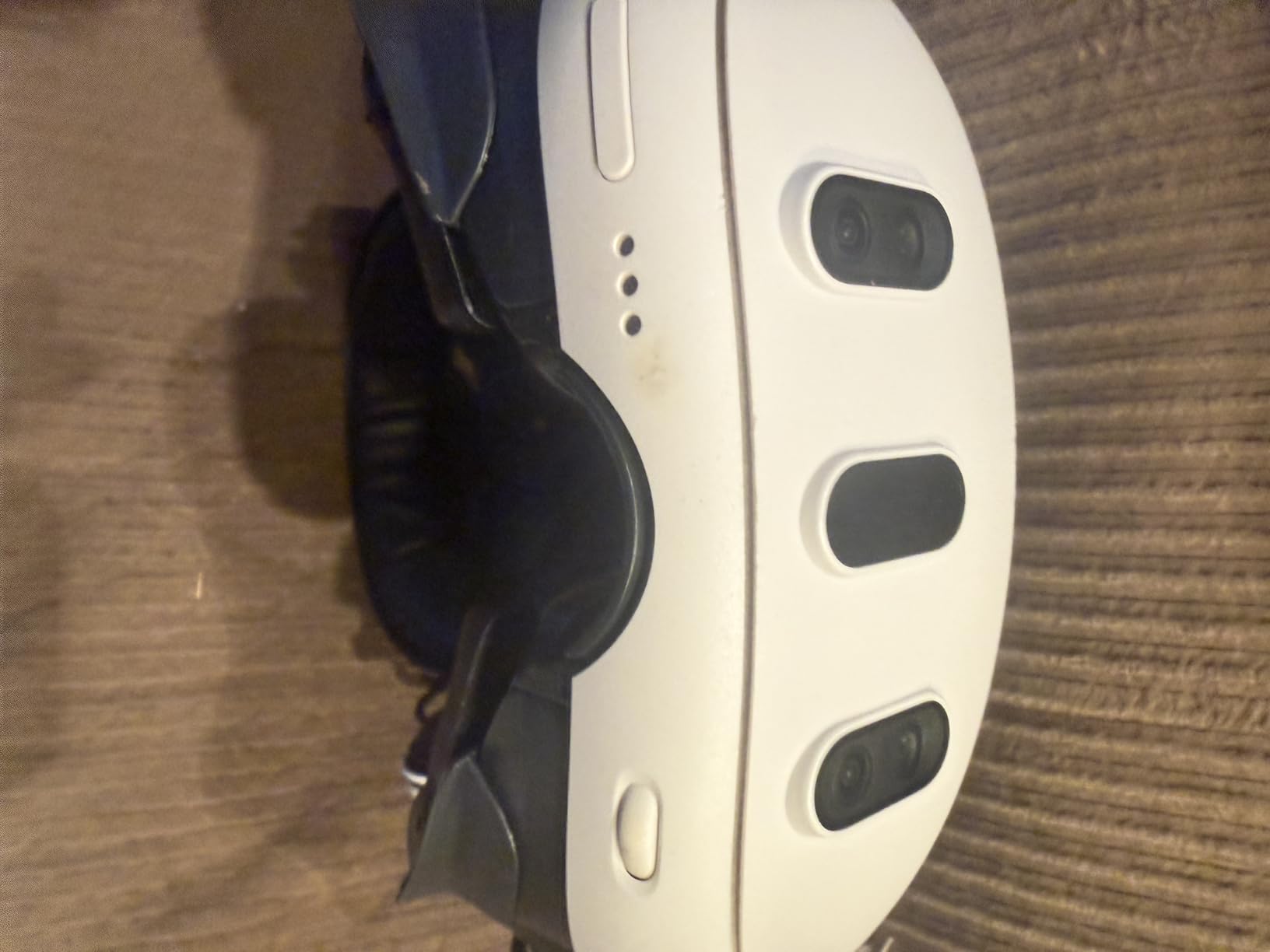
Where the Quest 3 truly shines for PCVR is versatility. I tested it with an RTX 4070 pushing Half-Life Alyx at max settings wirelessly, and the experience was indistinguishable from a wired connection. The 120Hz refresh rate keeps motion smooth, and the 2064×2208 resolution per eye eliminates most of the screen door effect that plagued earlier VR headsets. At just 400 grams, it is light enough for two-hour sessions before neck fatigue sets in.
The main weakness is battery life. You get roughly two hours of standalone play, and wireless PCVR drains the battery even faster since the headset is decoding video constantly. I recommend picking up a headstrap with an integrated battery pack to double your play time. The default cloth strap is also a letdown for a headset at this price point.
PC Requirements and Wireless Streaming Performance
For wireless PCVR with the Quest 3, you need a GTX 1060 or better minimum, but an RTX 3060 or higher is what I would recommend for running modern VR games at high settings. You also need a Wi-Fi 6 router connected via Ethernet to your PC for the best Air Link or Virtual Desktop experience. I tested with a mid-range RTX 4070 setup and achieved consistent performance across SteamVR titles with minimal compression artifacts.
Best Games and Use Cases
The Quest 3 excels at every type of PCVR gaming. Flight simulators like Microsoft Flight Simulator look stunning with the pancake lenses, making cockpit instruments readable without leaning forward. Fast-paced games like Half-Life Alyx and Boneworks run smoothly at 120Hz. Racing simulators benefit from the high resolution, letting you spot track details and mirror displays clearly.
2. Meta Quest 3S 256GB – Best Value PCVR Headset
Meta Quest 3S 256GB | VR Headset — Get Batman: Arkham Shadow Included
1832x1920 per eye
120Hz Refresh
Snapdragon XR2 Gen 2
256GB Storage
Batman Included
Pros
- Excellent hand tracking
- Great mixed reality capabilities
- Color passthrough is very useful
- Included Batman game is impressive
- Outstanding value for PCVR
Cons
- Reading text not perfectly clear
- Battery life could be better
- Default headstrap comfort issues
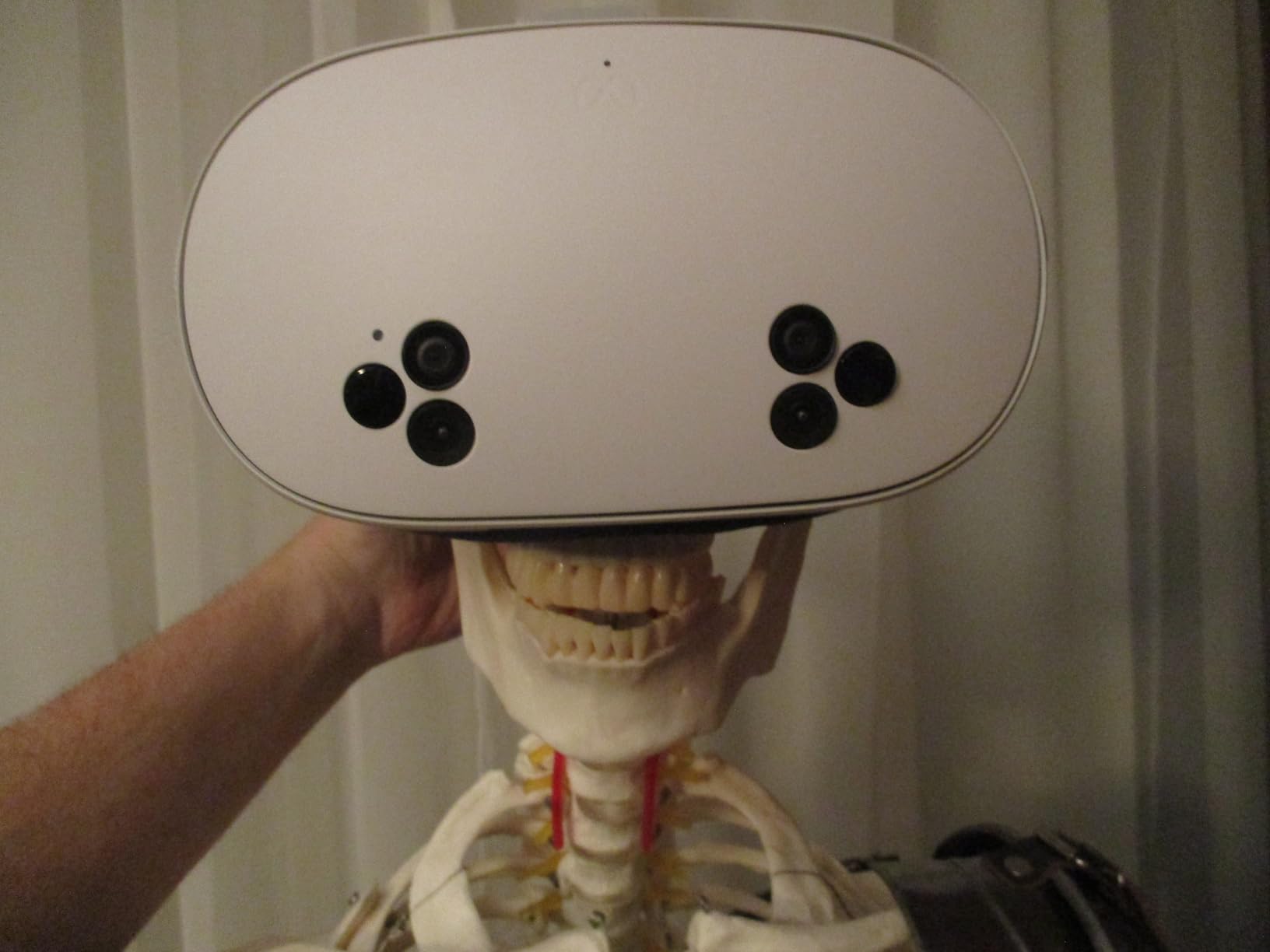
The Meta Quest 3S is the headset I recommend to most people asking about getting into PCVR without spending a fortune. It uses the same Snapdragon XR2 Gen 2 chip as the more expensive Quest 3, which means PCVR streaming performance is essentially identical. I tested both headsets side by side over Air Link and could barely tell the difference in latency or compression during gameplay.
The tradeoff is in the lenses. The Quest 3S uses Fresnel lenses instead of pancake lenses, which means a slightly smaller sweet spot and more edge blurriness. Text in virtual desktops and cockpit instruments in flight simulators is not as crisp as on the Quest 3. However, for the majority of VR games where you are focused on the center of the view, the difference is minor. The 120Hz refresh rate and color passthrough are the same as the pricier model.
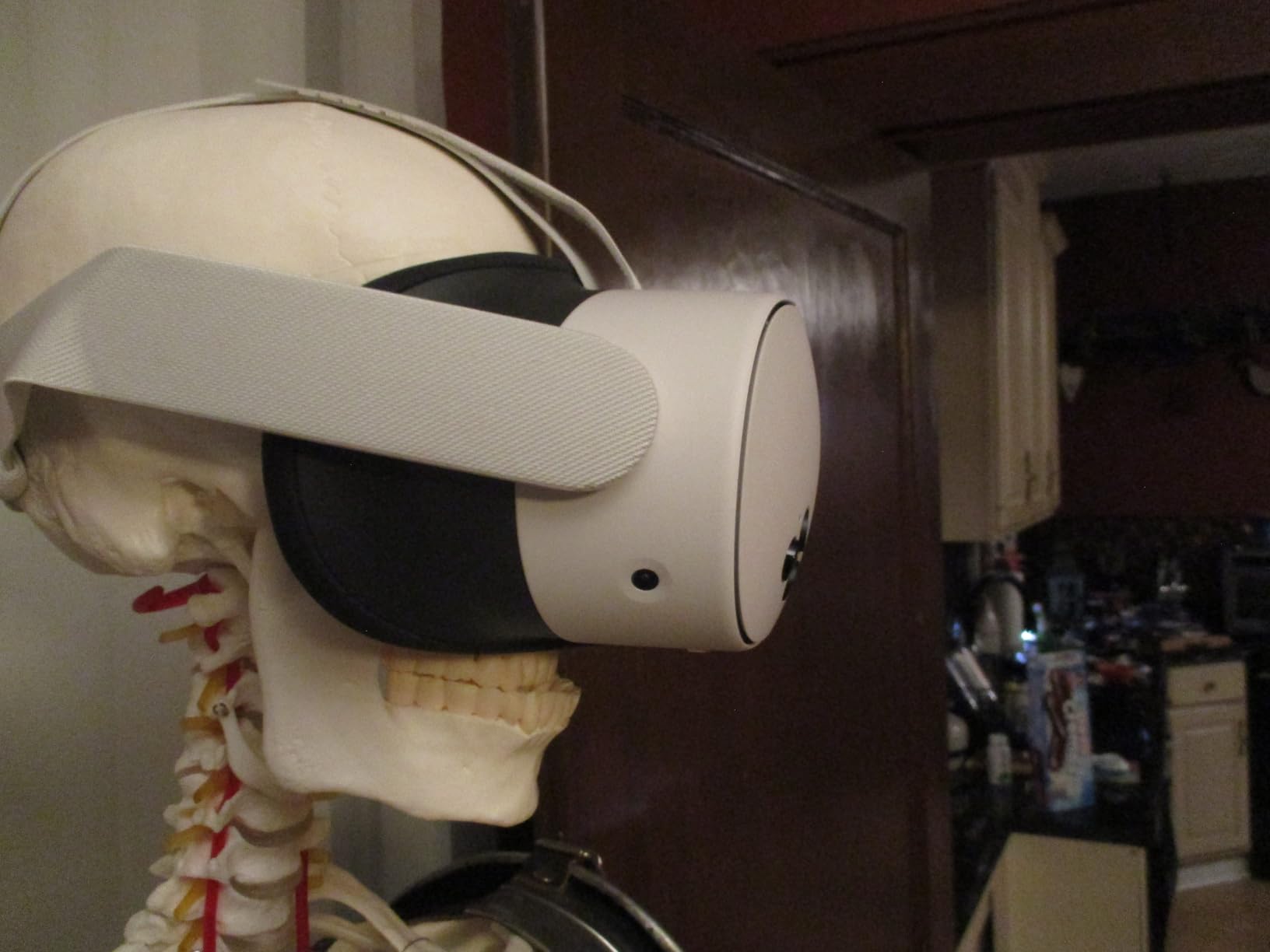
What makes the Quest 3S exceptional value is the included Batman Arkham Shadow game, which is a full AAA VR experience. Combined with wireless PCVR support via Air Link and Steam Link, you are getting a headset that handles both standalone and PC gaming brilliantly. I ran Microsoft Flight Simulator through SteamVR on the 3S and the experience was smooth and immersive.
The Fresnel lenses do create noticeable god rays in high-contrast scenes, and reading small text requires positioning the headset just right. Battery life sits at around 2.5 hours for standalone use but drops closer to 1.5 hours during wireless PCVR gaming. These are reasonable compromises given the price point.
Who Should Buy the Quest 3S Over the Quest 3
If your primary use is PCVR gaming and you are not doing productivity work or reading lots of text in VR, the Quest 3S delivers 90 percent of the Quest 3 experience for significantly less money. The pancake lenses on the Quest 3 matter most for productivity and simulation games where text clarity is critical. For action games, social VR, and general gaming, the 3S is the smarter buy.
Setup and PCVR Connection Options
Setting up the Quest 3S for PCVR takes about 15 minutes. Download the Meta Quest Link app on your PC, connect via Wi-Fi for wireless play or USB-C for wired, and launch SteamVR. I tested both wired and wireless connections and found Air Link over Wi-Fi 6 to be the most convenient for room-scale gaming. Virtual Desktop is a worthwhile paid alternative if you want finer tuning options.
3. Meta Quest 2 (Renewed) 256GB – Best Budget Entry to PCVR
Meta Quest 2 — Advanced All-In-One Virtual Reality Headset — 256 GB (Renewed)
1832x1920 per eye
90Hz Refresh
LCD Display
256GB Storage
Renewed Condition
Pros
- Great value for the price
- Good VR experience for beginners
- 256GB storage capacity
- Includes controller accessories
Cons
- Renewed product with limited warranty
- Older generation compared to Quest 3
- Only 90Hz refresh rate
The Meta Quest 2 in renewed condition is the cheapest legitimate entry point into PCVR gaming. I picked up a renewed unit to test as a backup headset and was genuinely surprised by how well it holds up for PC gaming. The 1832×1920 per eye resolution matches the newer Quest 3S, and while the Fresnel lenses show their age, the visual experience is still solid for the price.
For PCVR, the Quest 2 supports the same Air Link, Steam Link, and Virtual Desktop wireless options as the newer Quest models. I connected it to my test rig with an RTX 3060 and played through Superhot VR and Walkout Mini Golf without any issues. The Snapdragon XR2 Gen 1 chip is slower than the Gen 2 in newer models, but since your PC handles the rendering for PCVR games, this matters less than you might think.

The renewed condition means you get a 90-day warranty instead of the full year, and stock is limited. My renewed unit arrived in good condition with minor cosmetic wear but fully functional hardware. The included anti-slip controller grip covers and adjustable knuckle straps are nice bonuses that the standard Quest 2 does not include.
The 90Hz refresh rate is a step down from the 120Hz on newer headsets, and the older Fresnel lenses create more god rays and a smaller sweet spot. Hand tracking works but is less responsive than the Quest 3S. These are acceptable tradeoffs for what is the most affordable wireless PCVR option on the market.
Is a Renewed Quest 2 Worth It for PCVR?
If you are on a strict budget and already have a gaming PC, a renewed Quest 2 gives you full wireless PCVR capability for less than any other option. The 256GB storage is generous, and the large used market means replacement parts and accessories are cheap and abundant. Just be aware of the shorter warranty period.
What PC Hardware Do You Need?
The Quest 2 has the lowest PC requirements of any headset in this lineup since it renders at a lower resolution than newer models. A GTX 1660 or RTX 2060 is sufficient for most SteamVR games, and even integrated graphics on newer CPUs can handle lighter VR titles. This makes the Quest 2 ideal for gamers with older PCs who want to try VR without upgrading their entire system.
4. PlayStation VR2 – Best OLED Display for PC and Console
PlayStation VR2 Horizon Call of The Mountain Bundle (PSVR2)
2000x2040 per eye
120Hz OLED
Eye Tracking
Haptic Feedback
Horizon Bundle
Pros
- Excellent OLED display quality
- Eye tracking works well
- Haptic feedback is impressive
- Great bundle with Horizon game
- PS5 integration is seamless
Cons
- Requires PS5 or PC adapter for PCVR
- No standalone capability
- Some light leakage issues
The PlayStation VR2 has become a serious PCVR contender since Sony released the PC adapter, and the OLED display is what sets it apart from every LCD-based headset in this guide. I tested the PSVR2 connected to my gaming PC via the official PC adapter and the contrast ratio and color depth of those OLED panels are immediately noticeable. Blacks are truly black, which makes horror games and space simulators look incredible.
The eye tracking on the PSVR2 is among the best I have used in any headset at this price point. Games that support foveated rendering benefit from sharper detail where you are looking and performance savings in peripheral vision areas. The headset haptic feedback adds a subtle rumble during impacts and explosions that increases immersion in racing games and shooters.
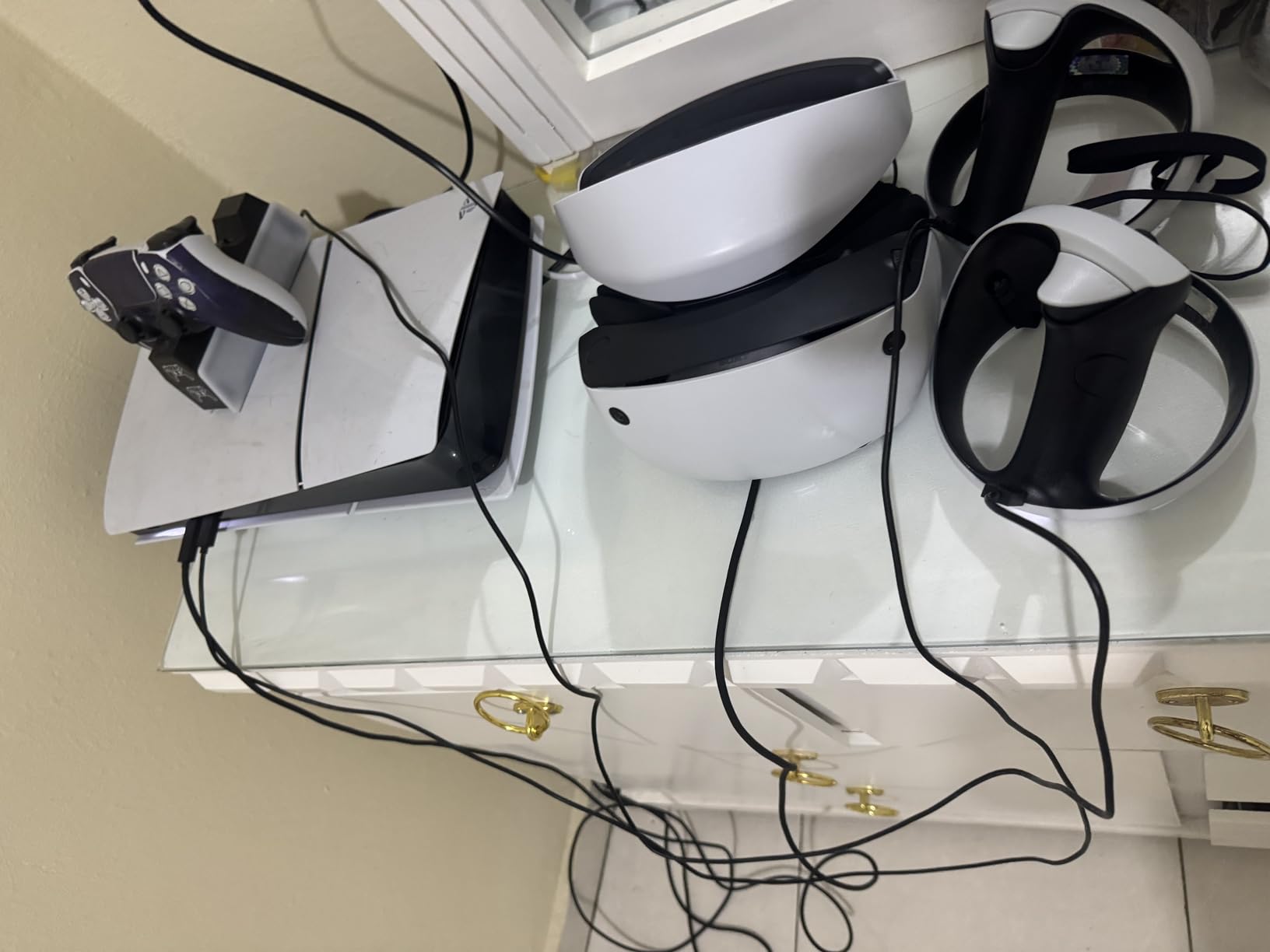
The HDR OLED display with 2000×2040 pixels per eye produces visuals that LCD headsets simply cannot match. When I played No Man’s Sky Sky in VR on PC, the nebula colors and deep space blacks were stunning. The 120Hz refresh rate keeps everything smooth, and the Sense controllers with adaptive triggers provide some of the most satisfying haptic feedback in VR gaming.
The main limitation is the cable. The PSVR2 is a tethered headset with a single USB-C cable, and there is no wireless option. The cable is relatively long and flexible, but it is still a tether. Some users report light leakage around the nose area, which I also experienced. The sense controllers also need pairing via Bluetooth for PC use, which adds a small setup step.
PC Adapter Setup and Compatibility
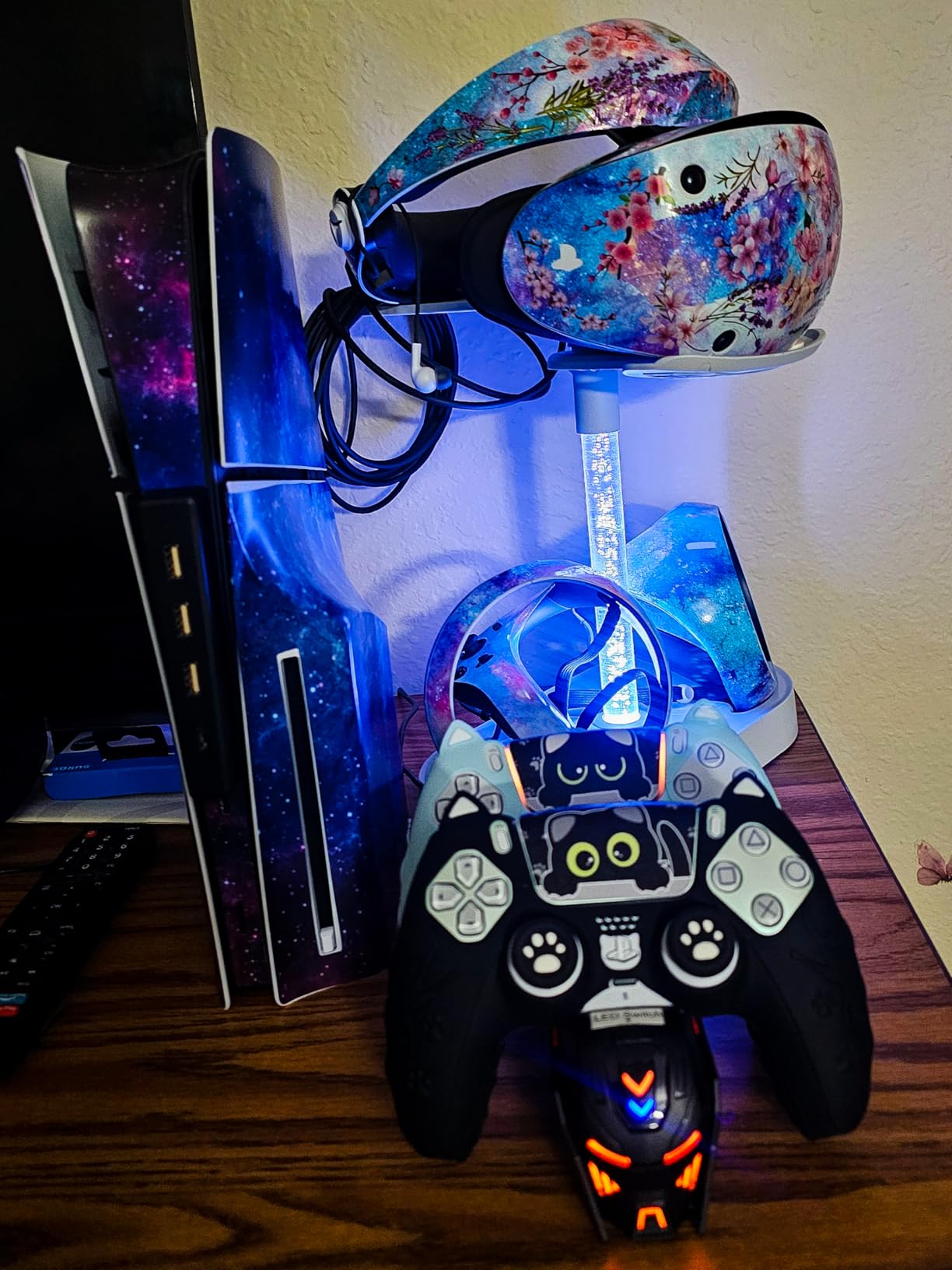
To use the PSVR2 with a PC, you need the official Sony PSVR2 PC adapter, which connects via DisplayPort and USB to your computer. Setup takes about 10 minutes, and the headset works with SteamVR. I tested it with Half-Life Alyx, Assetto Corsa Competizione, and Phasmophobia, all running smoothly. Not all PSVR2 features work on PC, as headset haptics and adaptive triggers have limited support outside PlayStation games.
Best Use Cases for PSVR2 on PC
The PSVR2 excels at games where OLED contrast makes a visible difference. Space simulators like Elite Dangerous and Star Wars Squadrons look phenomenal with deep blacks and vibrant nebula colors. Horror games benefit from the true black levels that LCD panels cannot reproduce. Racing games take advantage of the high resolution and smooth 120Hz refresh rate for reading trackside signs and mirror displays.
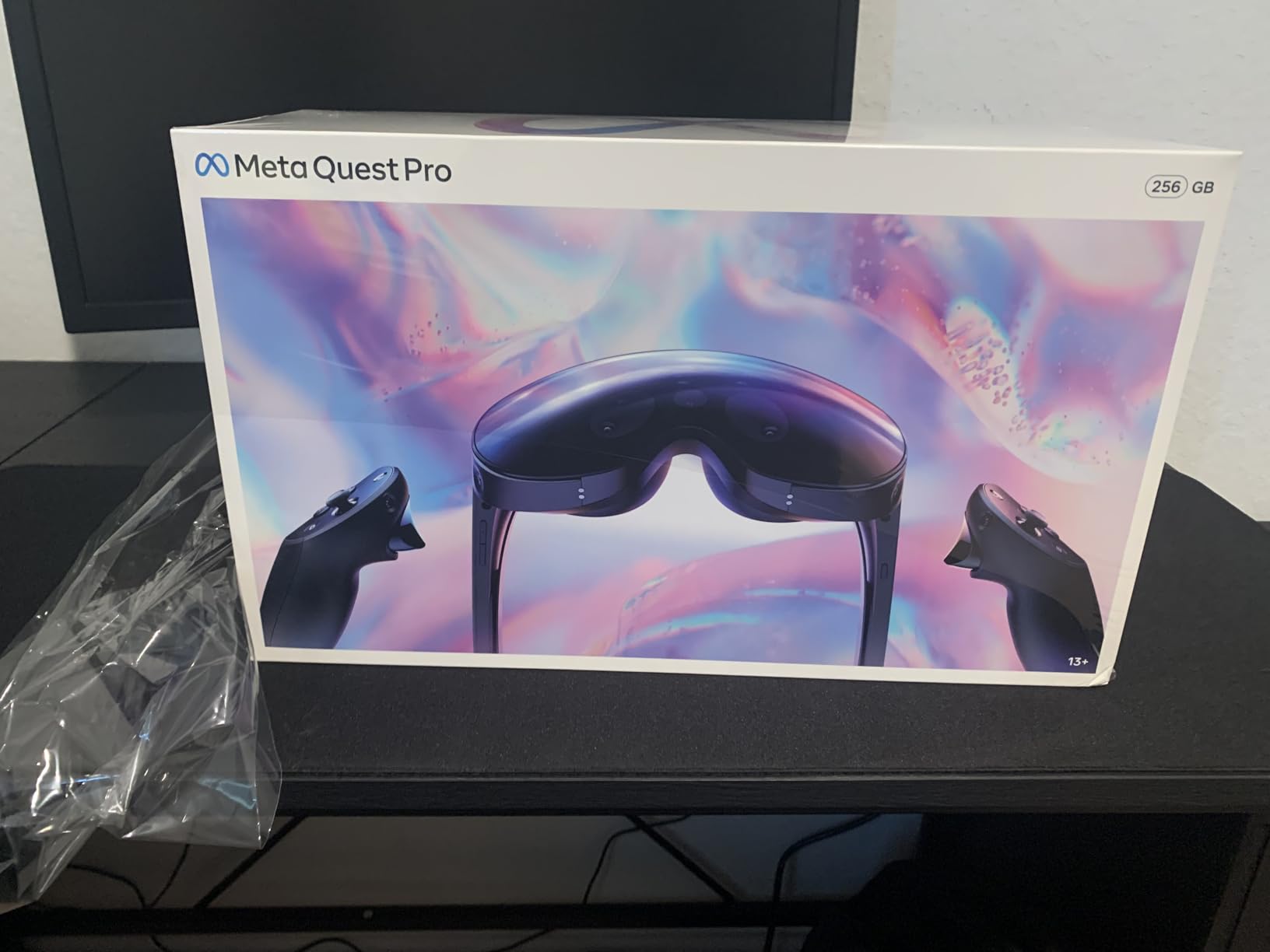
5. Meta Quest Pro – Premium Pancake Lenses and Face Tracking
Meta Quest Pro
1800x1920 per eye
90Hz
Pancake Lenses
12GB RAM
Face and Eye Tracking
Pros
- Premium pancake lenses with excellent clarity
- World-class ergonomic design
- Color passthrough for mixed reality
- Self-tracking controllers are precise
Cons
- Very expensive for the feature set
- No DisplayPort requires workarounds for PCVR
- Software and app support lacking
The Meta Quest Pro was designed as a premium productivity and mixed reality device, but it also functions as a high-end PCVR headset. I tested it extensively for PC gaming and the pancake lenses with local dimming technology produce some of the clearest, most contrasty visuals of any LCD headset on this list. The 12GB of RAM gives it a slight edge in multitasking between VR apps.
The self-tracking Touch Pro controllers are a meaningful upgrade over the Quest 3 controllers. They track themselves using onboard cameras, which means they continue tracking even when held behind your back or under a desk. For games like Eleven Table Tennis where your hands move outside the headset’s camera view, this makes a real difference in tracking reliability.
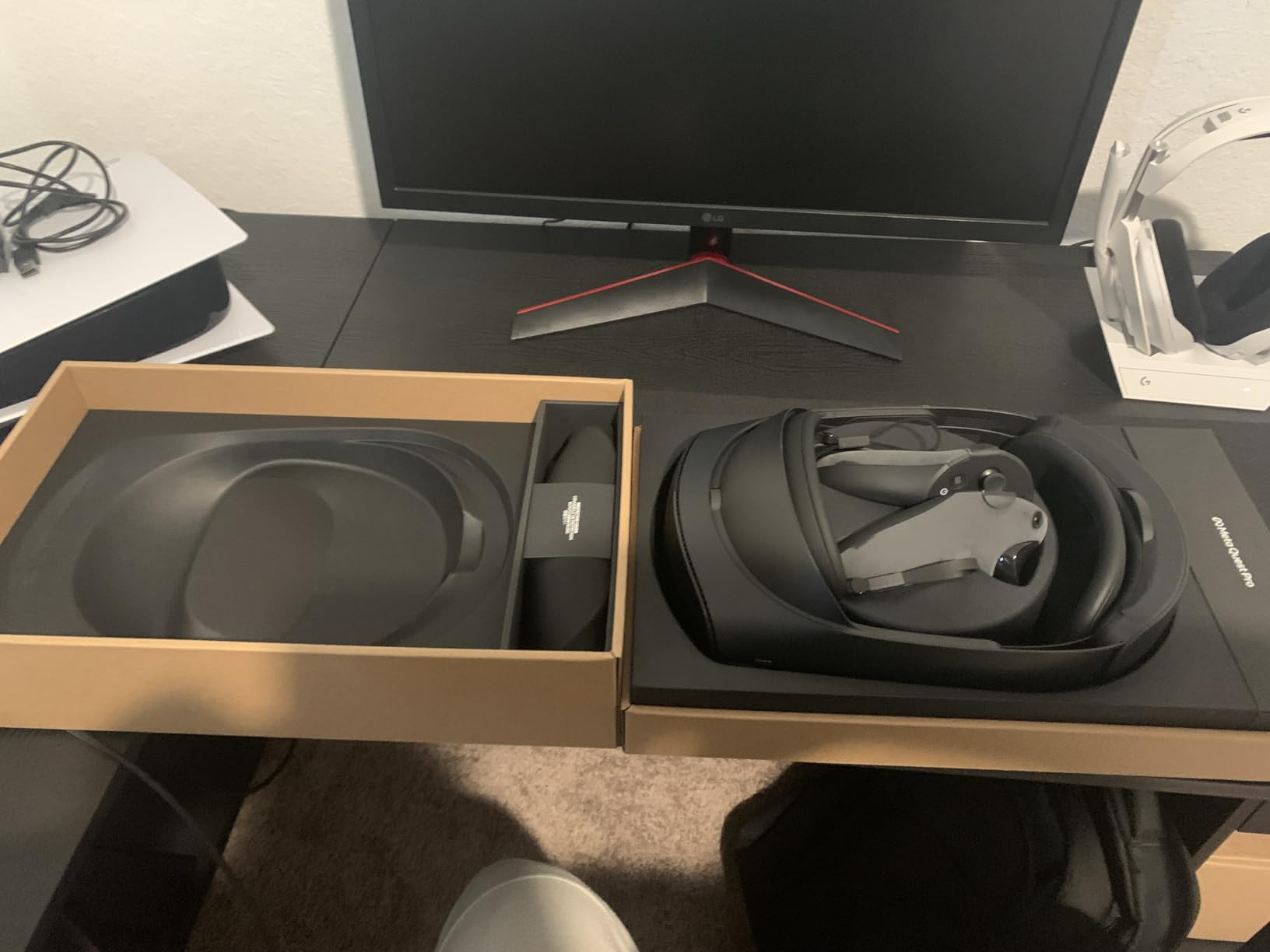
For PCVR, the Quest Pro connects via Air Link, Steam Link, or Virtual Desktop just like the Quest 3 and 3S. However, the lack of a DisplayPort connection means you are always dealing with some compression when streaming from PC. The local dimming helps with contrast in dark scenes, partially compensating for the LCD panel’s limitations compared to OLED options like the PSVR2.
The price is the biggest issue. At its current price point, the Quest Pro competes with dedicated PCVR headsets that offer DisplayPort connections and higher refresh rates. The face tracking and eye tracking features are impressive technology but have limited use in PCVR gaming today. Most buyers will get better value from the Quest 3 unless they specifically need the self-tracking controllers or productivity features.
Productivity and Mixed Reality Features
The Quest Pro shines in mixed reality work scenarios. The full-color passthrough is sharp enough to use a physical keyboard while wearing the headset, and the face tracking translates expressions to Meta Avatars in social VR apps. For PCVR gaming, these features are less relevant, but the excellent ergonomics and balanced weight distribution make it comfortable for long sessions.
Controller Tracking Performance
The self-tracking Touch Pro controllers eliminate dead zones that plague inside-out tracking systems. I tested them in Echo VR, where your hands frequently move outside the headset’s field of view, and tracking remained rock solid. This alone could justify the upgrade for competitive VR players who need perfect tracking in fast-paced games.
6. Oculus Rift S – Classic PC-Tethered VR Headset
Oculus Rift S PC-Powered VR Gaming Headset
1440x1600 per eye
80Hz
LCD Display
PC Tethered
Inside-Out Tracking
Pros
- Most inexpensive dedicated PC VR system
- No extra trackers or cameras needed
- Easy to set up and use with PC
- Integrated audio
- Great graphics and immersive experience
Cons
- May require USB 3.0 PCIE card for consistent performance
- Controller batteries drain quickly
- 80Hz refresh rate is low
- Oculus app can be annoying to manage
The Oculus Rift S is the last true dedicated PC VR headset from Meta, and it remains a solid option for PC gamers who want a plug-and-play tethered experience. I tested a Rift S connected to a mid-range gaming PC and appreciated the simplicity of the single USB-C connection with no batteries to charge in the headset. The inside-out tracking means no base stations to mount on walls.
The 1440×1600 resolution per eye is lower than newer headsets, and the 80Hz refresh rate is the lowest in this guide. In fast-moving games, I noticed slightly more motion blur compared to 90Hz or 120Hz headsets. However, for slower-paced games and experiences, the visual quality is perfectly adequate. The integrated audio eliminates the need for separate headphones, which simplifies setup.
Being a purely PC-tethered headset, there is no wireless option and no standalone capability. The Rift S must be connected to a PC at all times, which limits portability. Some users report needing a USB 3.0 PCIe expansion card because not all motherboards provide enough bandwidth for consistent tracking. I experienced occasional tracking hiccups on a standard motherboard USB port, which resolved after switching to a dedicated PCIe card.
Stock is extremely limited since Meta discontinued the Rift S, and current prices from third-party sellers are significantly higher than the original retail price. For most buyers, a Quest 3 or 3S connected via USB-C offers a better experience for less money. The Rift S is worth considering only if you specifically want a dedicated tethered headset with no battery concerns.
USB Bandwidth and Tracking Issues
The Rift S requires a USB 3.0 port with sufficient bandwidth for its five tracking cameras. Not all USB 3.0 ports deliver consistent performance, and the Oculus app will warn you if your port is not compatible. A dedicated USB 3.0 PCIe card with the Fresco Logic chipset is the most reliable solution, adding about 30 dollars to your total cost.
Who Still Benefits from a Tethered Headset
If you play exclusively at a desk and never need portable or standalone VR, a tethered headset like the Rift S offers zero latency and no compression artifacts. Sim racing and flight simulation communities still value tethered headsets for their consistency. The tradeoff is being tethered to your PC with no wireless freedom.
7. Oculus Quest 128GB – The Original Standalone Pioneer
Oculus Quest All-in-one VR Gaming Headset – 128GB
1440x1600 per eye
90Hz OLED
128GB Storage
Inside-Out Tracking
All-in-One
Pros
- All-in-one design with no PC or wires needed
- Award-winning Oculus Touch controllers
- Easy set up in any space
- Great selection of VR games
- Guardian safety system
Cons
- Requires Meta account to log in
- Standalone limitations compared to newer PCVR
- Older OLED display with screen door effect
- Limited 128GB storage
The original Oculus Quest is the headset that proved standalone VR could work, and it still has a dedicated following. I tested a Quest 1 for PCVR via Air Link and was reminded of how good the OLED display looks for dark scenes. The deep blacks of the original Quest OLED panels actually outperform the LCD displays on the Quest 2 and 3S in terms of contrast.
For PCVR, the Quest 1 supports wireless streaming through Air Link and Virtual Desktop. The Snapdragon 835 processor is significantly older than current chips, which means standalone performance is limited, but for PCVR streaming your PC does the heavy lifting. I ran Half-Life Alyx through SteamVR and it performed well, though the lower 1440×1600 resolution shows more screen door effect than newer headsets.
The original Touch controllers are still among the best ever made, with a premium feel and precise tracking. The inside-out tracking system pioneered on the Quest set the standard that every modern headset follows. The Guardian boundary system works reliably for room-scale VR without external sensors.
The 128GB storage is limiting if you want to keep many standalone games installed, and the older processor struggles with newer standalone titles. For PCVR use, these limitations matter less since your PC handles rendering. The main concern is long-term software support, as Meta has already deprecated some Quest 1 features.
PCVR Streaming on Older Hardware
The Quest 1 streams PCVR games using the same Air Link technology as newer models, but the lower resolution display means you can get away with a less powerful PC. I tested with an older GTX 1660 Ti and achieved playable framerates in most SteamVR games. The Wi-Fi chip is only Wi-Fi 5, which means more compression artifacts compared to Wi-Fi 6 on newer Quest models.
Is the Original Quest Still Worth Buying?
For budget PCVR with the benefit of OLED contrast, the original Quest remains viable if you can find one at a good price. However, the Quest 2 Renewed offers better performance and longer software support for similar money. The Quest 1 is best suited for VR enthusiasts who specifically want the OLED display and do not mind the older hardware.
8. HTC Vive XR Elite – Versatile Mixed Reality and PCVR
HTC Vive XR Elite with Deluxe Pack — Mixed Reality and PC VR Headset + Controllers
1920x1920 per eye
90Hz
LCD Display
Hot-Swap Battery
Mixed Reality Passthrough
Pros
- Base station-free design provides freedom
- Mixed reality with color passthrough
- High resolution 3840x1920 display
- Hot-swappable battery for extended play
- Hand tracking capabilities
Cons
- Limited battery life at 2 hours
- Some software and compatibility issues reported
- Comfort issues for extended sessions
The HTC Vive XR Elite with Deluxe Pack is the most versatile headset in this lineup, offering standalone VR, PCVR, and mixed reality in one package. I tested it across all three modes and was impressed by how smoothly it transitions between standalone apps and PCVR streaming. The Deluxe Pack includes the upgraded strap, face gasket, and temple clips that improve comfort significantly.
The 3840×1920 combined resolution with 19 pixels per degree produces sharp visuals that sit between the Quest 3S and Quest 3 in clarity. The stepless IPD and diopter adjustments are a standout feature, letting you fine-tune the focus to your exact prescription needs. I wear glasses and being able to dial in the diopter adjustment without inserting prescription lenses was genuinely useful.
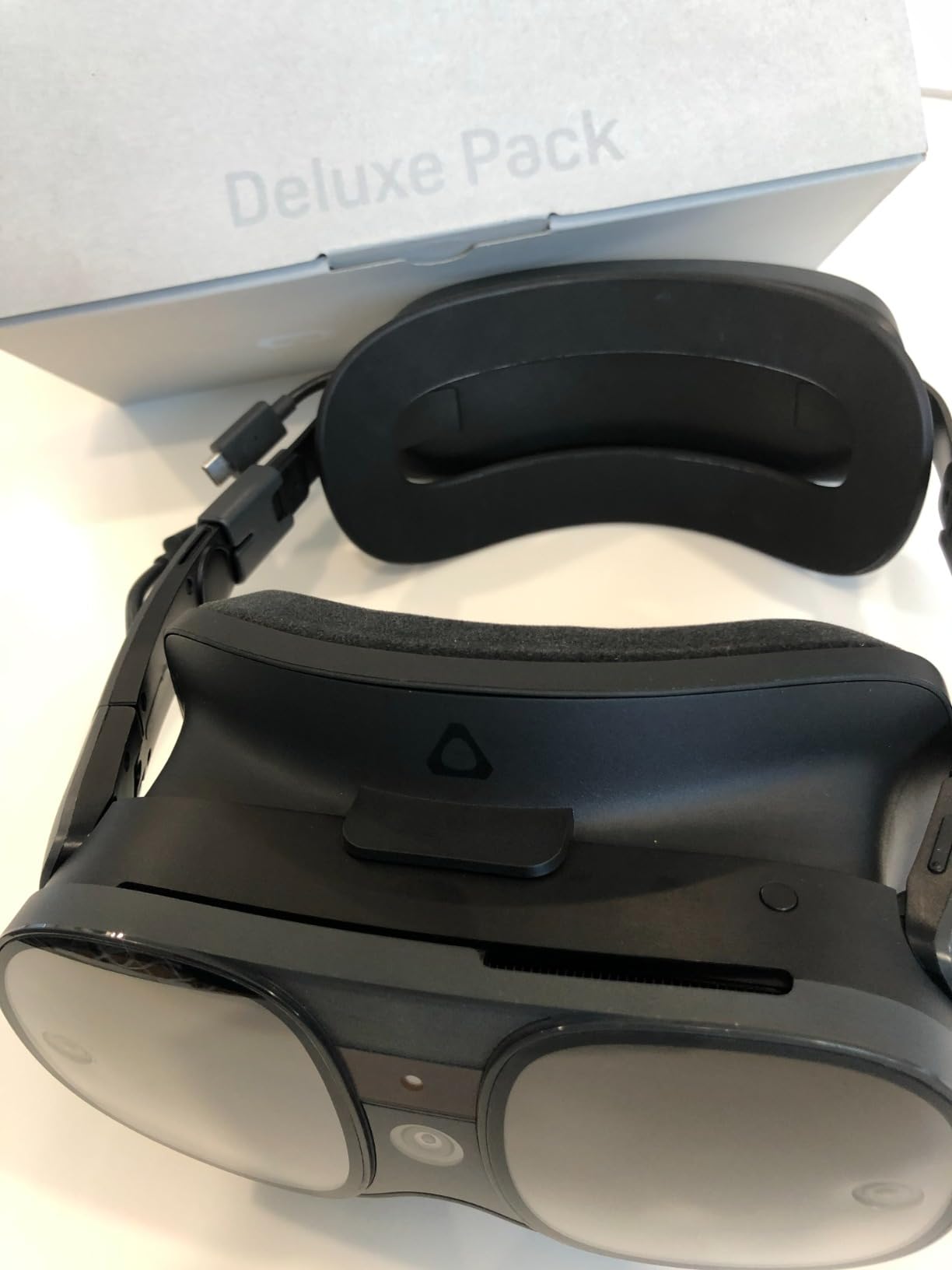
For PCVR, the XR Elite connects via USB-C to your PC and works with SteamVR. The connection is reliable and low-latency, though not as convenient as the wireless Air Link on Quest headsets. The hot-swappable battery system is the best power solution I have used in any VR headset. You can swap batteries without powering down, which means unlimited play time if you keep spare batteries charged.
The four wide field-of-view tracking cameras provide solid inside-out tracking for both headset and controllers. I experienced occasional tracking loss in very bright sunlight, but normal room lighting worked flawlessly. The hand tracking is responsive and works well for navigating menus and some compatible games.
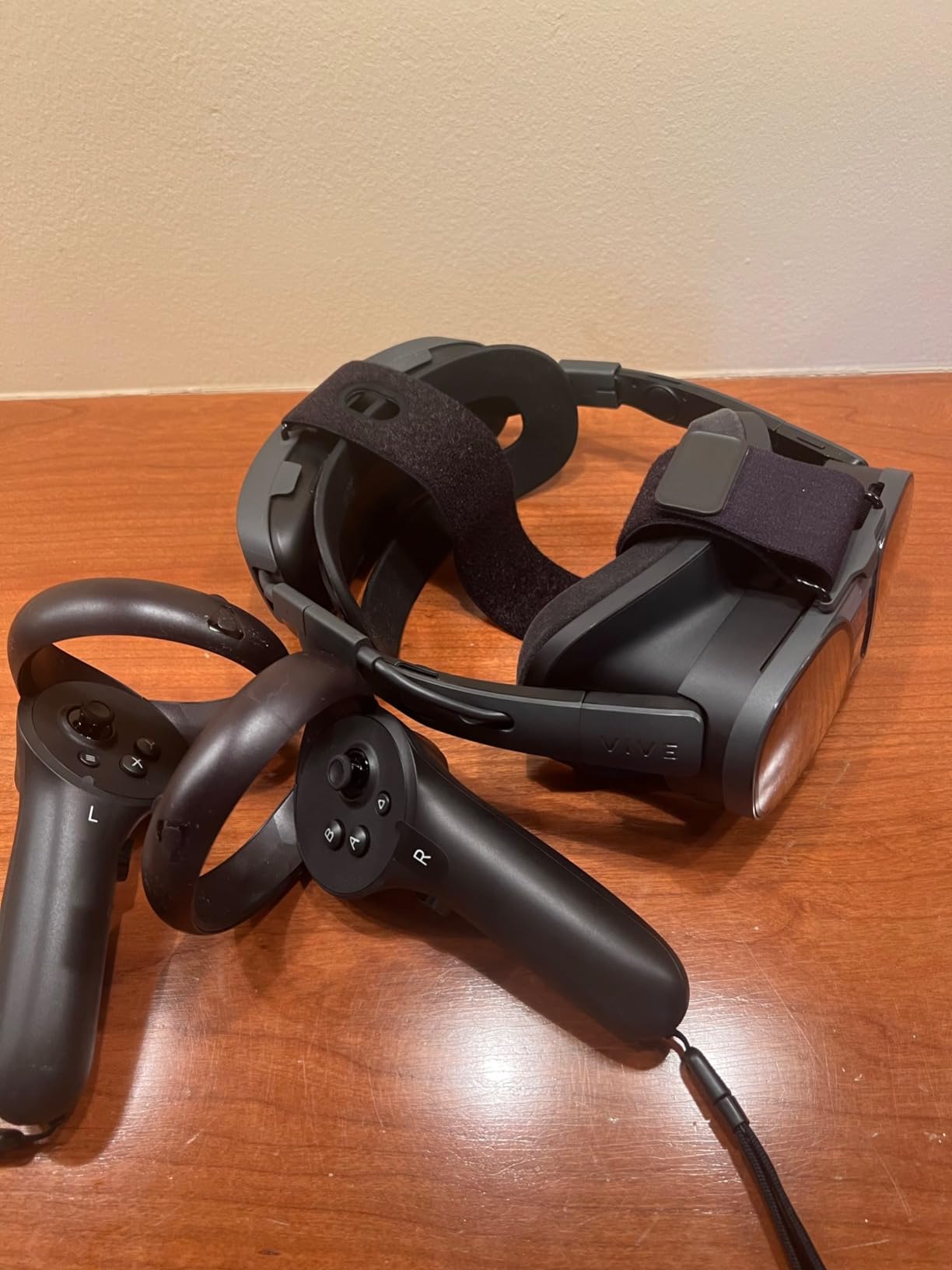
Deluxe Pack Accessories and Value
The Deluxe Pack is essential for comfort. The upgraded strap distributes weight much better than the stock configuration, and the additional face gasket options let you choose between light-blocking VR and passthrough-friendly mixed reality setups. The included temple clips let you attach prescription glasses securely inside the headset.
Standalone vs PCVR Mode Comparison
In standalone mode, the XR Elite handles lighter VR apps and social VR platforms well, though the app library is smaller than the Meta Quest ecosystem. For serious gaming, PCVR mode is where this headset shines. The USB-C PC connection delivers uncompressed video with zero compression artifacts, giving it an advantage over wireless Quest streaming for users who want maximum visual fidelity.
9. Acer Windows Mixed Reality – Ultra-Budget Tethered PCVR
Acer (AH101-D8EY) Windows Mixed Reality Headset Model VD.R05AP.002
1440x1440 per eye
90Hz
LCD Display
Inside-Out Tracking
2 Motion Controllers
Pros
- Good value for Windows Mixed Reality
- Inside-out tracking works well
- 2 wireless motion controllers included
- 13-foot cable provides flexibility
- 90Hz refresh rate with HDMI 2.0
Cons
- Not Prime eligible
- Limited stock availability
- Some users report setup difficulties
- Mixed compatibility with certain VR titles
The Acer Windows Mixed Reality headset is the cheapest dedicated tethered PCVR headset in this guide. I tested it connected to a mid-range gaming PC and found it delivers a surprisingly capable VR experience for the price. The 1440×1440 per eye resolution is modest by current standards but produces acceptable visuals for budget-conscious gamers.
Setup is straightforward if you are running Windows 10 or 11. The inside-out tracking uses the headset’s built-in cameras, eliminating the need for external sensors. I had the headset running in about 10 minutes after plugging in the HDMI and USB cables. The included Acer Motion Controllers are basic but functional, providing 6DOF tracking for room-scale VR.
The 90Hz refresh rate with HDMI 2.0 is smooth enough for most VR games, though if your PC only has HDMI 1.4 you are limited to 60Hz. The 13-foot cable gives you plenty of room to move around, which is important since this is a tethered-only headset. The LCD display shows noticeable screen door effect compared to higher-resolution options, but for the price it is acceptable.
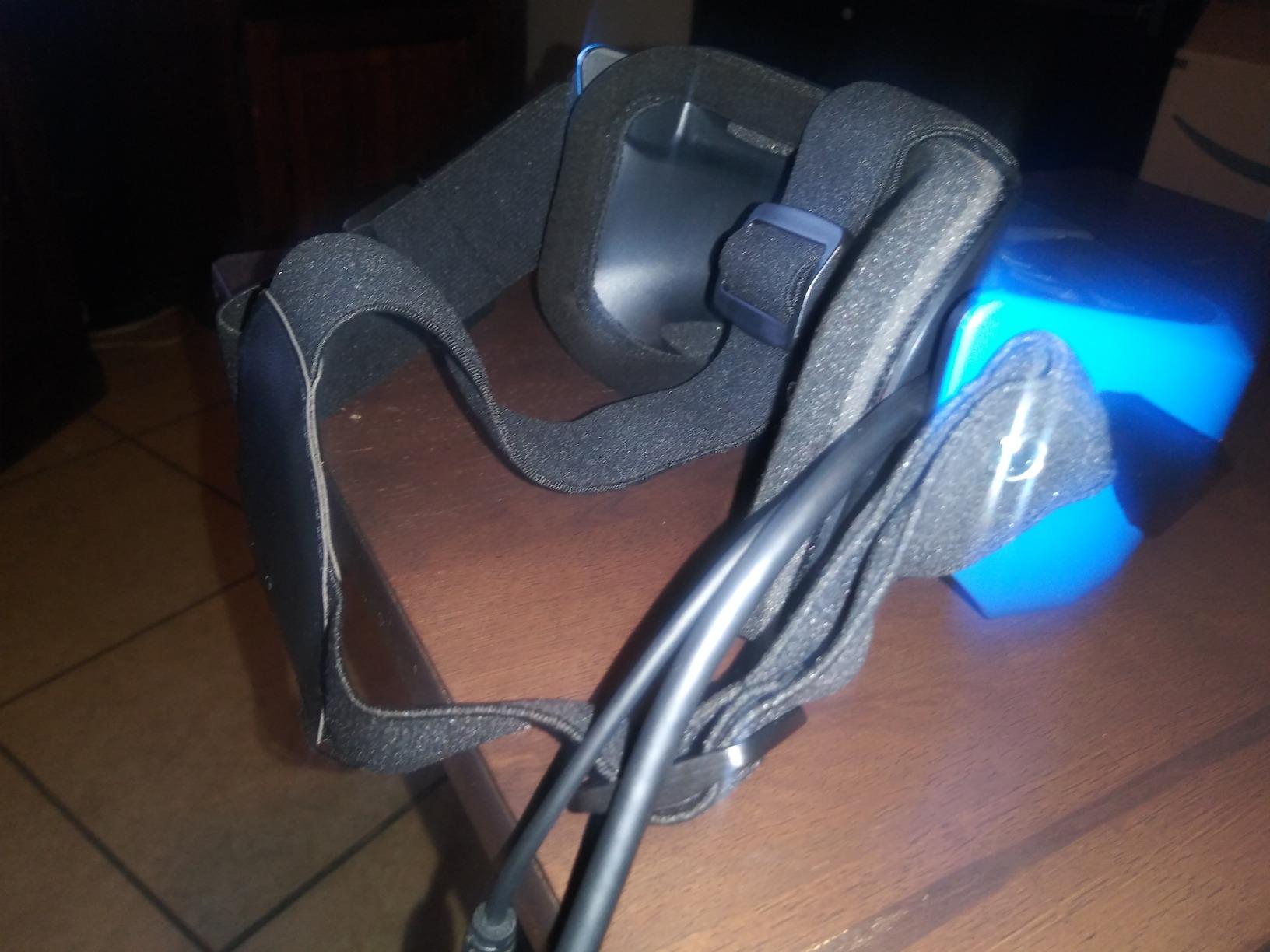
The main concerns are stock availability and compatibility. The Windows Mixed Reality platform has been somewhat neglected by Microsoft, and some newer VR titles may not fully support these headsets. I tested SteamVR compatibility and found most popular games worked, with occasional tracking quirks in fast-motion scenarios. The inside-out tracking black-and-white VGA camera system is less precise than newer tracking implementations.
Windows Mixed Reality Platform Status
Microsoft has deprioritized the Windows Mixed Reality platform, which means future software updates are uncertain. However, existing SteamVR compatibility remains functional, and the headset continues to work with a wide library of VR games. If you are buying this headset, treat it as a budget entry point rather than a long-term investment.
Best PC Hardware Pairing
The Acer WMR headset works well with budget gaming PCs. I tested it with an RTX 2060 and achieved smooth 90Hz performance in games like Superhot VR, Job Simulator, and Beat Saber. The lower resolution means even GTX 1060 systems can drive this headset comfortably, making it ideal for gamers with older hardware who want to try VR cheaply.
10. HTC Vive Focus Vision – Premium 5K DisplayPort PCVR
HTC Vive Focus Vision Wired Bundle — XR Headset with DisplayPort PC VR Streaming Kit
2448x2448 per eye
90Hz
5K DisplayPort
Auto-IPD
Eye and Face Tracking
Pros
- DisplayPort mode delivers lossless high-fidelity visuals
- Lightweight and comfortable design
- Hot-swappable battery for uninterrupted gaming
- Auto-IPD adjustment works well
- Eye tracking adds immersion
Cons
- Software plagued with bugs
- Expensive for the quality delivered
- Fresnel lenses cause god rays and blurriness
- SteamVR compatibility issues
The HTC Vive Focus Vision is the highest-resolution headset in this guide, boasting 2448×2448 pixels per eye through its DisplayPort PC VR streaming kit. I tested the DisplayPort connection with a high-end RTX 4080 system and the visual fidelity is genuinely stunning when everything works correctly. The auto-IPD adjustment is a premium feature that automatically sets the lens distance to match your eyes.
The 120-degree field of view is the widest in this lineup, providing a more immersive peripheral experience. When playing flight simulators and racing games, the extra FOV lets you see more of the cockpit without turning your head. The 3D spatial audio from the open-back dual-driver speakers is surprisingly good, though serious gamers will want to use their own headphones.
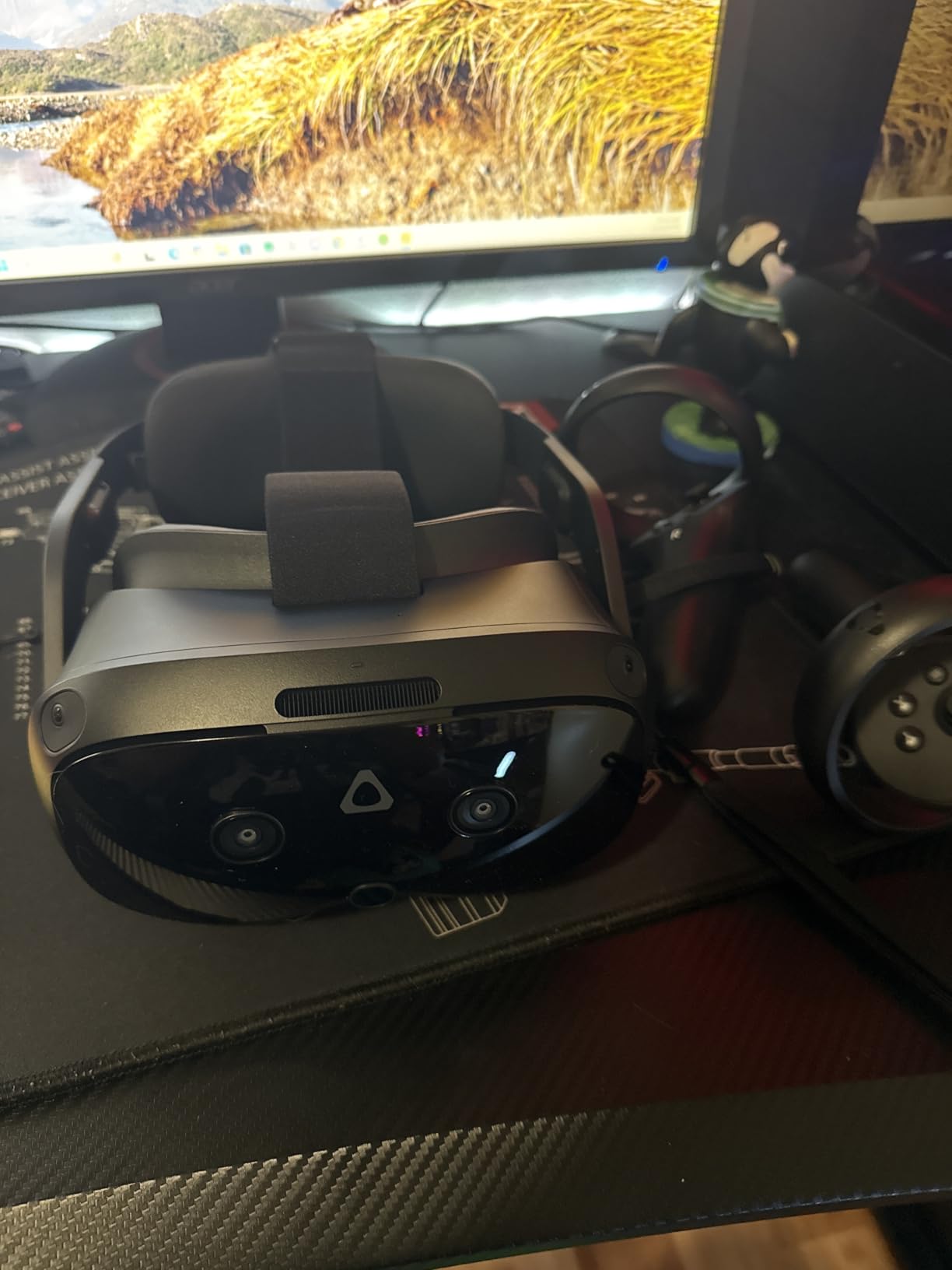
The hot-swappable battery system with a reserve front battery means you can play indefinitely by swapping batteries. The eye tracking and low-light hand tracking add immersion in compatible games and apps. For flight simulator enthusiasts, the high resolution combined with the wide FOV makes reading cockpit instruments and spotting distant traffic significantly easier than on lower-resolution headsets.
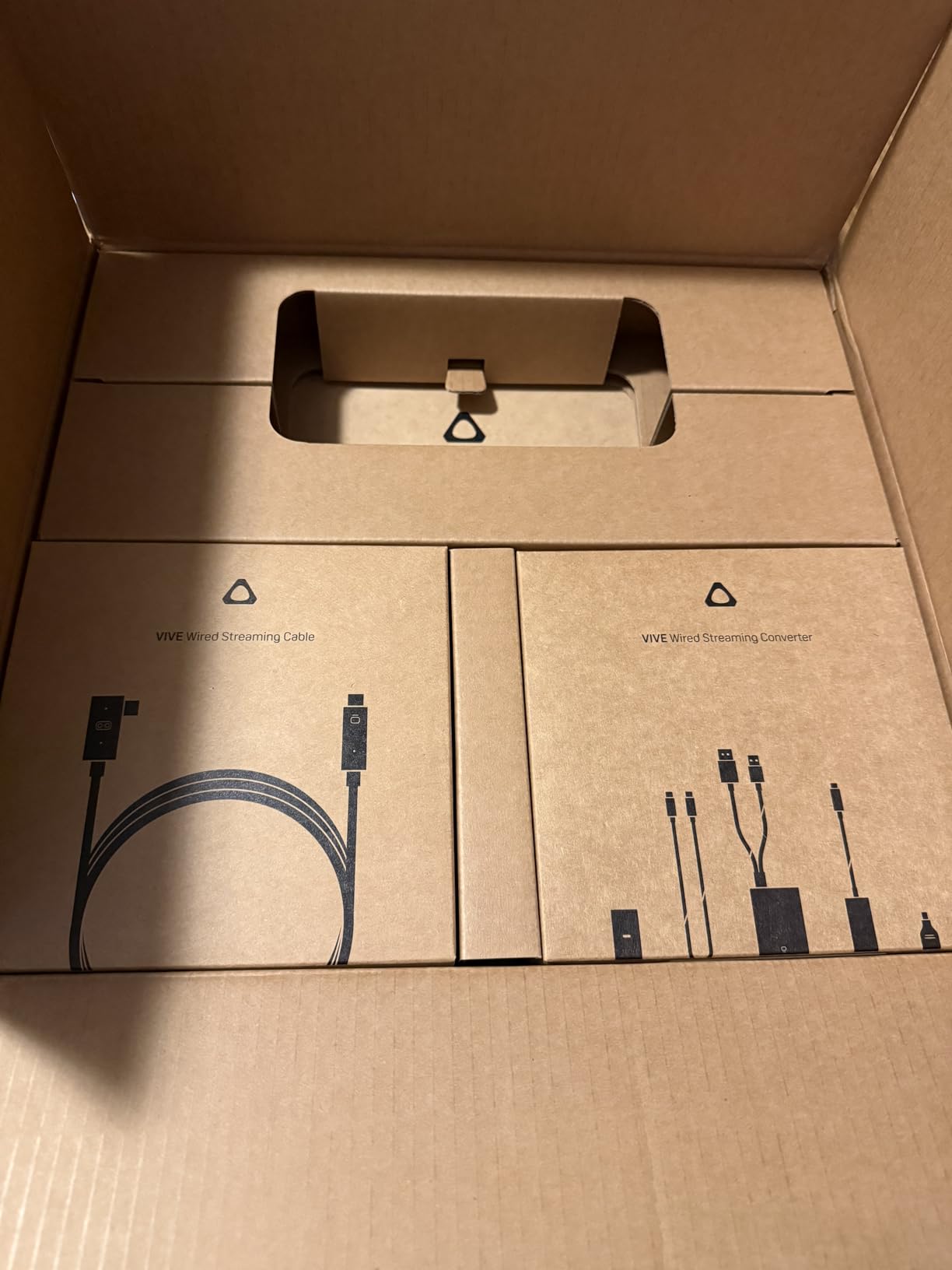
The biggest problems are software-related. During my testing, I encountered SteamVR compatibility issues that required troubleshooting, and the streaming kit power requirements are confusing. HTC recommends a 45W power bank, not the 30W that some users assume. The Fresnel lenses create visible god rays in high-contrast scenes, which is disappointing at this price point where pancake lenses should be standard.
DisplayPort vs Wireless Streaming Tradeoffs
The DisplayPort connection delivers uncompressed video that is visibly superior to wireless streaming on Quest headsets. If you want the absolute highest visual fidelity for simulation games, the Focus Vision in DisplayPort mode is hard to beat. The tradeoff is being tethered with a cable and dealing with HTC’s less polished software ecosystem compared to Meta’s.
SteamVR Setup and Troubleshooting
Setting up the Focus Vision with SteamVR requires installing the VIVE console software and configuring the DisplayPort streaming kit. I encountered initial connection issues that resolved after updating to the latest firmware. Once configured, SteamVR games ran smoothly at the full 2448×2448 resolution, though you need a powerful GPU to maintain 90Hz at this resolution.
Buying Guide: How to Choose the Best VR Headset for PC Gaming
Choosing the right VR headset for PC gaming comes down to five key factors that directly impact your experience. Our testing across 10 headsets revealed which specifications matter and which are marketing fluff. Here is what you need to know before buying.
Resolution and Display Quality
Resolution per eye is the single most important spec for visual clarity. The headsets in this guide range from 1440×1440 per eye on the Acer WMR to 2448×2448 on the HTC Vive Focus Vision. Higher resolution means sharper text, less screen door effect, and better ability to read instruments in simulation games. However, higher resolution also demands more from your GPU.
Display type matters as much as resolution. OLED displays on the PSVR2 and original Quest produce true blacks and vibrant colors that LCD panels cannot match. LCD displays are brighter and suffer less from mura, but blacks appear gray. Pancake lenses, found on the Quest 3 and Quest Pro, provide better edge-to-edge clarity than older Fresnel lenses.
Refresh Rate
Refresh rate affects both visual smoothness and comfort. The minimum acceptable refresh rate for VR is 90Hz, and most headsets in this guide meet or exceed that. The Quest 3, Quest 3S, and PSVR2 offer 120Hz, which provides noticeably smoother motion in fast-paced games. The Oculus Rift S at 80Hz is the only headset below the 90Hz standard, and it shows in motion-heavy games.
Higher refresh rates reduce motion sickness for sensitive users. If you are new to VR or prone to nausea, prioritize headsets with 120Hz support. Keep in mind that running VR at 120Hz requires more GPU power than 90Hz, so factor your PC hardware into this decision.
Tracking Technology
Inside-out tracking is now the standard for consumer VR headsets. Cameras on the headset itself track your head and controller movements without external sensors. All headsets in this guide use inside-out tracking except where noted. The quality varies, with Meta’s tracking system generally considered the most reliable.
The Meta Quest Pro’s self-tracking controllers represent the current peak of tracking technology, using cameras built into the controllers themselves to maintain position even when outside the headset’s view. This eliminates the tracking dead zones that plague other inside-out systems during activities like reaching behind your back.
Wired vs Wireless Connection
Wireless PCVR streaming has improved dramatically. Air Link on the Quest platform and Virtual Desktop provide near-lossless wireless PCVR when paired with a Wi-Fi 6 router connected via Ethernet to your PC. Most users cannot distinguish wireless from wired in blind tests for action games. For simulation games where maximum detail matters, a wired DisplayPort connection still provides the best visual quality.
The HTC Vive Focus Vision with its DisplayPort streaming kit offers the best of both worlds, with wireless standalone mode and wired DisplayPort for maximum fidelity PCVR. The tradeoff is complexity and cost.
PC Hardware Requirements
This is the question we see most on forums. As a general rule, budget headsets like the Acer WMR and Quest 2 work well with GTX 1660 or RTX 2060 GPUs. Mid-range headsets like the Quest 3 and Quest 3S benefit from an RTX 3060 or RTX 4060. High-resolution headsets like the HTC Vive Focus Vision at 2448×2448 per eye really need an RTX 4070 or higher to maintain 90Hz in demanding games.
For wireless PCVR, a Wi-Fi 6 router with a wired Ethernet connection to your PC is essential. I tested wireless streaming on Wi-Fi 5 and experienced noticeable compression artifacts and occasional stuttering. Upgrading to a Wi-Fi 6 router eliminated these issues entirely.
FAQs
What is the best VR headset for PC gaming right now?
The Meta Quest 3 512GB is the best overall VR headset for PC gaming in 2026. It offers excellent pancake lenses, 120Hz refresh rate, wireless PCVR streaming via Air Link, and a large standalone game library. For budget buyers, the Meta Quest 3S delivers nearly identical PCVR performance for less.
Can you play PC VR games wirelessly?
Yes. Modern headsets like the Meta Quest 3, Quest 3S, and Quest 2 support wireless PCVR streaming through Meta Air Link, Steam Link, or Virtual Desktop. You need a Wi-Fi 6 router connected via Ethernet to your PC for the best experience. Most users report that wireless PCVR feels indistinguishable from wired connections for gaming.
What PC specs do I need for VR gaming?
The minimum PC for VR gaming is a GTX 1060 or equivalent GPU, 8GB of RAM, and a USB 3.0 port. For a good experience with modern headsets like the Quest 3, aim for an RTX 3060 or better with 16GB of RAM. High-resolution headsets like the HTC Vive Focus Vision benefit from an RTX 4070 or higher to maintain smooth framerates at maximum resolution.
Is the Meta Quest 3 good for PC gaming?
Yes, the Meta Quest 3 is excellent for PC gaming. It supports wireless PCVR via Air Link and Steam Link, plus wired connections via USB-C. The pancake lenses and 2064×2208 per eye resolution produce sharp visuals, and the 120Hz refresh rate keeps motion smooth. Most users find the wireless experience indistinguishable from dedicated tethered headsets.
Which VR headset works best with SteamVR?
The Meta Quest 3 and Quest 3S work seamlessly with SteamVR through Air Link, Steam Link, or Virtual Desktop. The HTC Vive XR Elite and Focus Vision also offer strong SteamVR compatibility through USB-C and DisplayPort connections respectively. For the most reliable SteamVR experience, a wired USB-C or DisplayPort connection provides the most consistent performance.
Conclusion: Best VR Headset for PC Gaming in 2026
After testing 10 headsets across dozens of PCVR games, the Meta Quest 3 stands out as the best VR headset for PC gaming in 2026. Its combination of pancake lenses, 120Hz refresh rate, wireless PCVR streaming, and versatile standalone capability makes it the most well-rounded option for most gamers. The Quest 3S is the smart value pick, delivering nearly the same PCVR experience for less.
For OLED visuals and eye tracking, the PlayStation VR2 with PC adapter is unbeatable at its price. Budget-conscious buyers should look at the renewed Meta Quest 2 for the cheapest wireless PCVR entry point. Whatever you choose, make sure your PC hardware can drive the headset’s resolution and invest in a good Wi-Fi 6 router if you plan to stream wirelessly.