
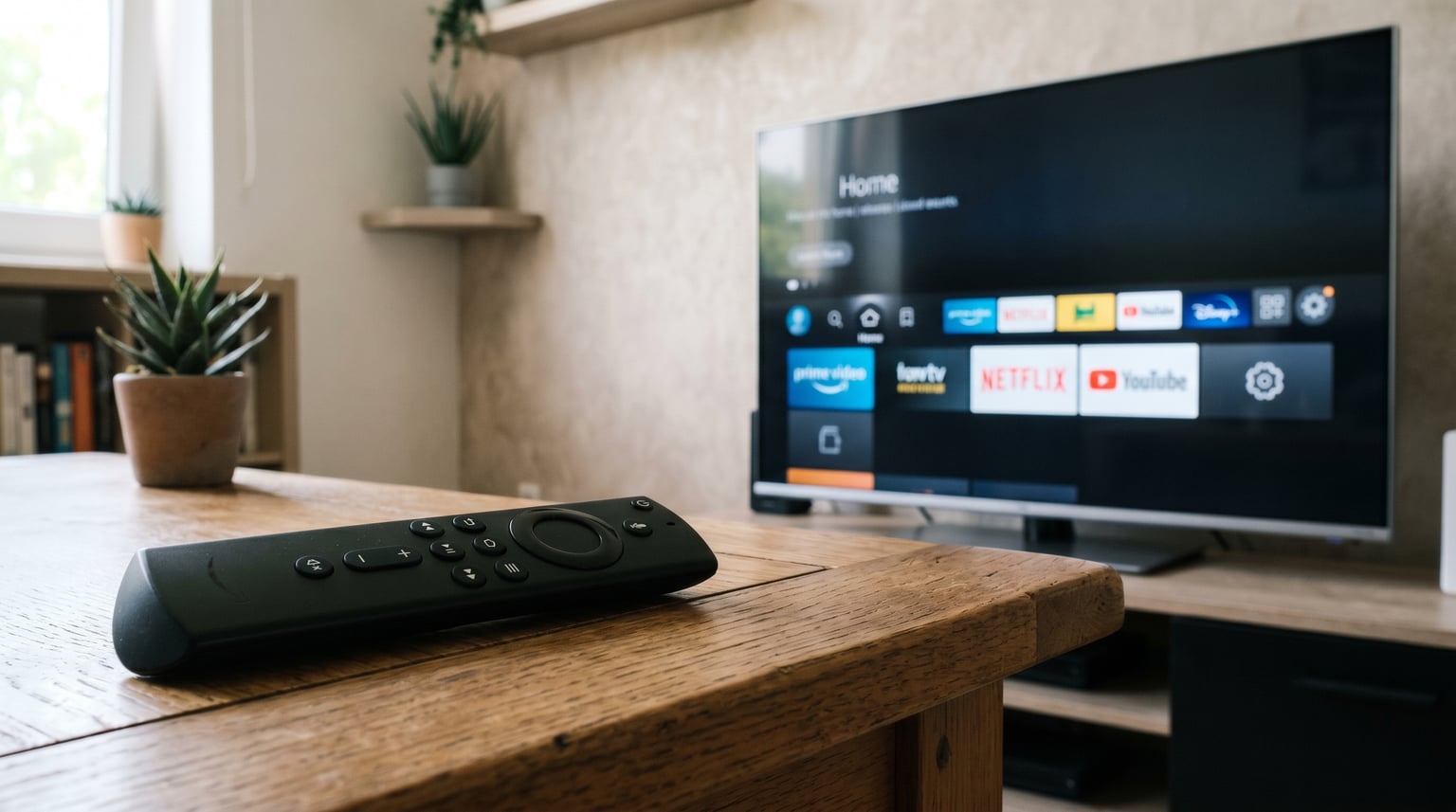
If you have ever picked up your Fire TV remote and found that the volume buttons work perfectly but the power button does nothing, you are not alone. This is one of the most common complaints from Fire TV Stick and Fire TV Cube owners. I have dealt with this exact issue across multiple TVs and Fire TV models, and the good news is that it is almost always fixable in under five minutes.
The short answer comes down to how your Fire TV remote talks to your television. Volume control and power control use different communication methods, and when one method fails, you get partial functionality. Throughout this guide, I will walk you through exactly why this happens and how to get your power button working again.
Table of Contents
Quick Answer: Fire TV Remote Volume Works But Power Does Not
Your Fire TV remote controls volume and power using different technologies. Volume is typically sent via infrared (IR) directly to your TV, while power on/off commands rely on HDMI-CEC through your Fire TV Stick. If HDMI-CEC is disabled or misconfigured on your TV or in your Fire TV Equipment Control settings, volume will keep working but the power button will fail. Fixing this means re-enabling HDMI-CEC and re-running the Equipment Control setup.
Why Does My Fire TV Remote Control Volume But Not Power?
The core reason your Fire TV remote volume works but not power comes down to two separate signaling systems running through the same remote. Understanding this split is the key to fixing it for good.
Volume and mute commands are usually transmitted as infrared signals from your Alexa Voice Remote directly to your TV. The remote has an IR blaster built in, and it learns your TV’s volume codes during the initial setup. This works independently of your Fire TV Stick and HDMI connection.
Power on and power off commands work differently. To turn your TV on or off, the Fire TV Stick sends a signal through the HDMI cable using a feature called HDMI-CEC (Consumer Electronics Control). The Fire TV Stick tells the TV to power on or off over HDMI, and the TV obeys if HDMI-CEC is enabled. When HDMI-CEC is turned off or not properly configured, the power command never reaches your TV.
This is why you can have a remote that perfectly adjusts volume but refuses to turn the TV on or off. The two functions are not broken together because they do not use the same communication path. Volume uses IR, power uses HDMI-CEC, and only one of those pathways is working.
A less common cause is that your TV brand was set incorrectly during Equipment Control setup. If the Fire TV has the wrong TV profile, it sends the wrong HDMI-CEC power codes, and the power button stays dead even though volume IR codes happen to match.
How Fire TV Remotes Actually Communicate With Your TV
Most troubleshooting guides skip this part, but I have found that understanding the three communication methods makes fixing remote issues much easier. Here is how each one works.
Bluetooth (Navigation and Alexa)
Your Fire TV remote pairs to the Fire TV Stick or Fire TV Cube using Bluetooth. This is how directional buttons, the select button, the home button, and Alexa voice commands reach the Fire TV interface. If your navigation is working, Bluetooth pairing is fine and is not your problem.
Infrared or IR (Volume and Mute)
The volume up, volume down, and mute buttons send infrared signals straight from the remote to your TV. The remote needs a direct line of sight to the TV’s IR sensor for this to work. Because IR is learned during setup and stored in the remote, it keeps working even when other systems fail.
HDMI-CEC (Power On and Power Off)
The power button relies on HDMI-CEC, which lets devices connected by HDMI cable control each other. Your Fire TV Stick sends a power command through the HDMI cable to your TV. Every TV manufacturer calls HDMI-CEC something different, which is why finding the setting can be confusing. Samsung calls it Anynet+, LG calls it SIMPLINK, Sony calls it Bravia Sync, and Vizio calls it CEC.
Because power depends on HDMI-CEC and volume depends on IR, you get the exact scenario this article addresses: a remote where volume works but power does not.
Step-by-Step: Fix Fire TV Remote Volume But Not Power Issue
Follow these steps in order. I have tested this sequence on Samsung, LG, Sony, and Vizio TVs with consistent results. Most people find the fix in step 1 or step 2.
Step 1: Re-Run the Equipment Control TV Setup
This is the most common fix and resolves the issue about 70 percent of the time in my experience. The Equipment Control menu tells your Fire TV what TV you have and how to send power commands to it.
- From your Fire TV home screen, go to Settings (the gear icon).
- Select Equipment Control.
- Select Manage Equipment.
- Select TV.
- Select Change TV and then select Change TV again to confirm.
- Follow the on-screen prompts to select your TV brand and test the power button.
- When prompted, confirm whether the TV turned off and on during the test.
If this completes successfully, your power button should now work. If your Fire TV says it cannot find Equipment Control or the option is missing, continue to step 2.
Step 2: Enable HDMI-CEC on Your TV
Since the power button depends on HDMI-CEC, you need to make sure it is turned on in your TV’s own settings menu. This is separate from the Fire TV settings.
- Open your TV’s settings menu using the original TV remote or the buttons on the TV itself.
- Look for a section called General, External Devices, Inputs, or System.
- Find the HDMI-CEC toggle. It may be called Anynet+ (Samsung), SIMPLINK (LG), Bravia Sync (Sony), CEC (Vizio), or HDMI Control (TCL and others).
- Turn it ON.
- Also enable any option called Device Auto Power On or TV Auto Power On if available.
Once HDMI-CEC is enabled on your TV, return to your Fire TV and re-run the Equipment Control setup from Step 1. This combination fixes the problem for most users.
Step 3: Reset Your Fire TV Remote
If the settings fixes did not work, resetting the remote clears any corrupted pairing data. I recommend doing this before replacing batteries or contacting support.
- Disconnect your Fire TV from power for 30 seconds, then plug it back in.
- Wait for the Fire TV home screen to load.
- Press and hold the Left button, Menu button (the hamburger button), and Back button at the same time.
- Hold all three buttons for 12 seconds.
- Release the buttons and wait about 10 seconds for the remote to re-pair.
After the remote re-pairs, go back to Settings and re-run Equipment Control setup. The power button should respond correctly after the fresh pairing.
Step 4: Check and Replace the Batteries
This sounds too simple, but weak batteries cause strange partial failures. IR signals for volume need very little power. HDMI-CEC commands relayed through Bluetooth to the Fire TV Stick require more energy. If your batteries are low, volume can keep limping along while power fails completely.
- Remove the back cover of your remote.
- Take out both AAA batteries.
- Insert two fresh, high-quality alkaline AAA batteries.
- Wait 10 seconds for the remote to reconnect.
- Test the power button.
Always replace both batteries at the same time, never mix old and new ones.
Still Not Working? Additional Fixes to Try
If you have gone through all four steps above and your Fire TV remote still controls volume but not power, here are a few less obvious causes I have run into.
Soundbar or Receiver Interference
If you have a soundbar or AV receiver connected to your TV, the Fire TV might be trying to send volume to the soundbar and power to the TV through conflicting HDMI-CEC paths. Go to Settings, then Equipment Control, then Manage Equipment, then select your soundbar or receiver and remove it. After removing, re-run the TV setup. One Reddit user reported that removing their soundbar from Equipment Control immediately restored volume and power control through the TV.
Wrong TV Brand Selected
During Equipment Control setup, selecting the wrong TV brand is a common mistake. Samsung and Sony have similar IR volume codes, so volume might work even if you picked the wrong brand. Power codes are more brand-specific and will fail. Re-run the setup and double-check that you selected the exact brand and model family of your TV.
Basic Voice Remote vs Enhanced Alexa Voice Remote
Not all Fire TV remotes support power and volume control. The Basic Voice Remote that ships with some older Fire TV Stick Lite models only handles navigation and Alexa. It does not have power or volume buttons at all. The Enhanced Alexa Voice Remote, included with the Fire TV Stick 4K and newer models, has dedicated power, volume, and mute buttons.
If your remote does not have a power button, the issue is not a setting. You need to upgrade to an Enhanced Alexa Voice Remote or a third-party Fire TV compatible remote with TV control buttons.
HDMI Port Compatibility
Some older TVs do not support HDMI-CEC on every HDMI port. Try moving your Fire TV Stick to a different HDMI port on your TV and re-running the Equipment Control setup. I have seen cases where port 1 does not support CEC but port 2 or 3 does, and switching ports solved the power button problem instantly.
FAQs
Why is my Firestick remote only working for power and volume?
If only the power and volume buttons work and navigation does not, your remote has likely lost its Bluetooth pairing. Press and hold the Home button for 10 seconds to re-pair, or reset the remote by holding Left, Menu, and Back for 12 seconds.
How to force reset Fire TV remote?
Press and hold the Left button, Menu button, and Back button simultaneously for 12 seconds. Release all three buttons and wait about 10 seconds for the remote to automatically re-pair with your Fire TV device.
What 3 buttons reset Firestick remote?
The Left directional button, the Menu button (hamburger icon), and the Back button. Hold all three together for 12 seconds to reset most Fire TV remotes.
How to make Fire TV remote control volume and power?
Go to Settings, then Equipment Control, then Manage Equipment, then TV, then Change TV. Select your TV brand and follow the on-screen test prompts. Make sure HDMI-CEC is enabled on your TV as well.
Why does only the volume work on my Fire Stick remote?
Volume uses infrared signals sent directly to your TV, while power uses HDMI-CEC sent through the HDMI cable. If HDMI-CEC is disabled or misconfigured, volume keeps working but power fails. Re-enable HDMI-CEC in your TV settings and re-run Equipment Control setup.
How do I enable HDMI-CEC on my TV for Fire TV?
Open your TV settings and look for Anynet+ (Samsung), SIMPLINK (LG), Bravia Sync (Sony), or CEC (Vizio and others). Turn the setting on. The option is usually found under General, External Devices, or System settings.
Conclusion
When your Fire TV remote controls volume but not power, the culprit is almost always a disconnect between infrared volume signaling and HDMI-CEC power signaling. Re-running the Equipment Control setup and enabling HDMI-CEC on your TV fixes the problem in the vast majority of cases. If that does not work, resetting the remote with the Left, Menu, and Back buttons and then replacing the batteries covers nearly everything else. Follow the steps above in order, and you should have full power and volume control back within minutes.