
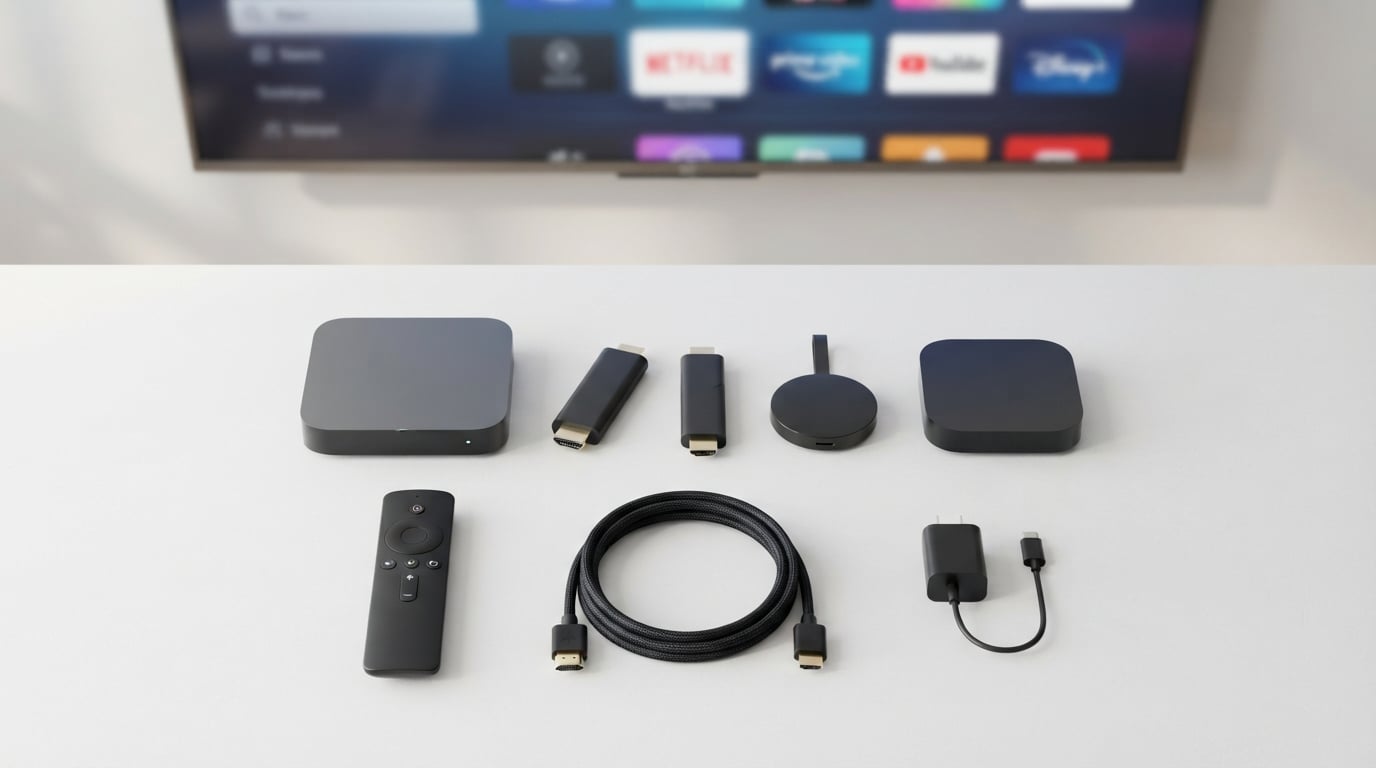
I have tested streaming devices for over three years across five different TVs in my home, and I can tell you that finding the best media streamers for cord cutters is not about grabbing the most expensive box on the shelf. It is about matching the device to how you actually watch TV. Some people need something dead simple for an elderly parent. Others want maximum app support and cloud gaming. The right streaming device makes cord cutting feel effortless.
Built-in smart TV apps are the number one complaint I hear from readers and see on cord cutter forums. They start fast, slow down within a year, and rarely get software updates. A dedicated media streaming player solves this by putting the processing power, app ecosystem, and interface control in a separate device you can replace without buying a new TV. Whether you are ditching cable for the first time or upgrading from a sluggish built-in interface, a dedicated streaming device is the single best investment you can make.
In this guide, our team compared 15 of the most popular streaming devices on the market in 2026. We tested everything from sub-$20 budget sticks to $200 premium boxes, running them through real-world streaming sessions with Netflix, Disney+, Hulu, YouTube, free ad-supported services, and local media via Plex. We looked at interface quality, ad density, setup complexity, long-term performance, and value for money. Here is what we found.
Table of Contents
Top 3 Picks for Best Media Streamers for Cord Cutters 2026
Out of the 15 devices we tested, three stood out for different types of cord cutters. The Google TV Streamer 4K takes our Editor’s Choice spot because it nails the balance of speed, smart interface design, and content aggregation better than anything else we tested. The Roku Streaming Stick 4K earns our Best Value badge with its unbeatable combination of 4K Dolby Vision, long-range Wi-Fi, and a clean interface at a mid-range price. And for absolute budget shoppers, the Amazon Fire TV Stick HD delivers solid HD streaming for less than the cost of a single month of most streaming services.
These three cover the full spectrum of cord cutter needs. If you want the best overall experience, go Google TV. If you want the most value per dollar, pick Roku. If you just need something cheap that works, the Fire TV Stick HD gets the job done. Below is the quick comparison.

Google TV Streamer 4K
- 4K HDR Dolby Vision
- 32GB Storage 4GB RAM
- Smart Home Hub
- 22% Faster Processor

Roku Streaming Stick 4K
- 4K Dolby Vision HDR
- Long-Range Wi-Fi
- 500+ Free Live TV
- Compact Stick Design

Amazon Fire TV Stick HD
- Full HD Streaming
- Wi-Fi 6 Support
- Alexa Voice Remote
- Portable Design
Best Media Streamers for Cord Cutters in October
Here is the complete comparison of all 15 devices we reviewed. Use this table to quickly scan specs and features, then dive into the individual reviews below for detailed analysis.
| Product | Specifications | Action |
|---|---|---|
| Amazon Fire TV Stick HD |
|
Check Latest Price |
 Amazon Fire TV Stick 4K Select Amazon Fire TV Stick 4K Select |
|
Check Latest Price |
 Amazon Fire TV Stick 4K Plus Amazon Fire TV Stick 4K Plus |
|
Check Latest Price |
 Roku Express HD Roku Express HD |
|
Check Latest Price |
 Roku Streaming Stick Plus Roku Streaming Stick Plus |
|
Check Latest Price |
 Roku Express 4K+ Roku Express 4K+ |
|
Check Latest Price |
| Roku Streaming Stick 4K |
|
Check Latest Price |
 ONN Android TV 4K UHD ONN Android TV 4K UHD |
|
Check Latest Price |
 Amazon Fire TV Stick 4K Max Amazon Fire TV Stick 4K Max |
|
Check Latest Price |
 Onn 4K Plus Streaming Device Onn 4K Plus Streaming Device |
|
Check Latest Price |
 Roku Ultra Roku Ultra |
|
Check Latest Price |
| Google TV Streamer 4K |
|
Check Latest Price |
 RockTek G2 Premium Google TV RockTek G2 Premium Google TV |
|
Check Latest Price |
 Amazon Fire TV Cube Amazon Fire TV Cube |
|
Check Latest Price |
 NVIDIA Shield Android TV Pro NVIDIA Shield Android TV Pro |
|
Check Latest Price |
1. Amazon Fire TV Stick HD – Cheapest Entry Point for Cord Cutting
Amazon Fire TV Stick HD (newest model), free & live TV, Alexa Voice Remote, powered by the TV, effortless setup, find shows faster with Alexa+
Full HD 1080p
Wi-Fi 6
Alexa Voice Remote
USB-C Powered
Pros
- Fast HD streaming
- Wi-Fi 6 support
- Ultra-portable design
- Affordable entry point
Cons
- Limited to HD not 4K
- Fire TV interface has ads
I plugged the Fire TV Stick HD into a bedroom TV that previously relied on a sluggish built-in smart TV interface, and the difference was immediate. Apps that took 20 seconds to load on the TV’s native system opened in under five seconds on this stick. The Wi-Fi 6 support surprised me at this price point, keeping buffering to a minimum even when the rest of the household was streaming simultaneously.
The Alexa Voice Remote is genuinely useful for cord cutters who want to find content across multiple services without typing. I said “play The Office” and Alexa pulled it up across Netflix, Peacock, and free ad-supported channels. The remote also handles power and volume for most TVs, so you only need one remote on the nightstand.
On the technical side, this stick maxes out at 1080p Full HD. If you have a 4K TV, you will not get the full resolution benefit, though the stick does a decent job of upscaling. The new Fire TV experience for 2026 brings a cleaner interface with better content aggregation, though it does push Amazon Prime content and sponsored rows more than I would like. For users on Reddit’s r/cordcutters, this ad-heavy interface is a common complaint about Fire TV devices.
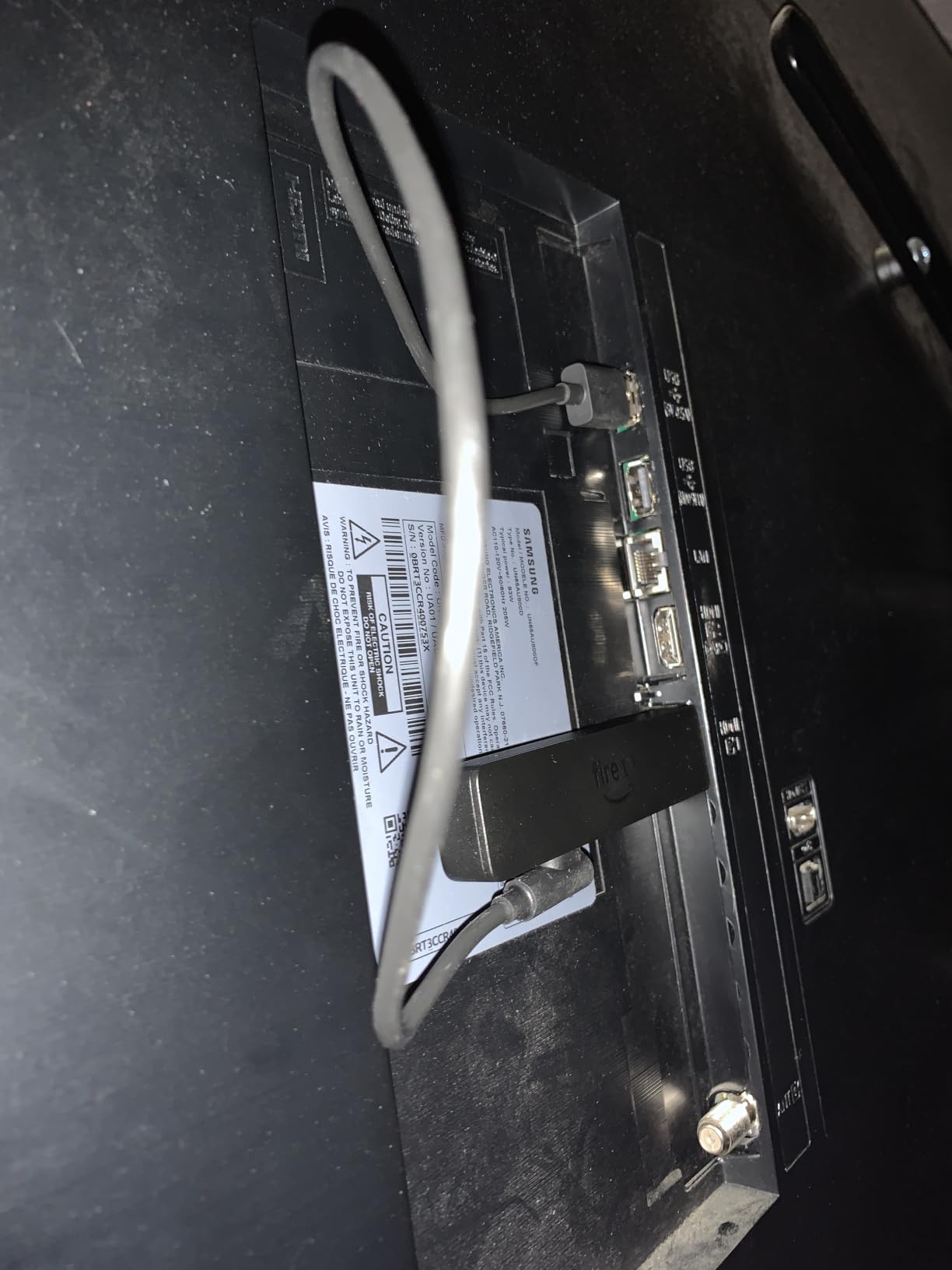
The USB-C direct power feature means you can power the stick directly from your TV’s USB port in many cases, eliminating the need for a wall outlet. This made installation cleaner behind my wall-mounted TV. Bluetooth listening support lets you connect wireless headphones for late-night watching without disturbing anyone.
Who should buy this
This is the streaming device I recommend for secondary TVs, guest rooms, or anyone still rocking a 1080p set who wants to cut the cord for the lowest possible cost. If you just need Netflix, YouTube, and free channels on a bedroom TV, this handles it without complaint.
Who should avoid this
Pass on this if you have a 4K TV and care about picture quality. The lack of 4K and HDR means you are leaving resolution on the table. Also, if you are sensitive to ads in your streaming interface, the Fire TV home screen will annoy you over time.
2. Amazon Fire TV Stick 4K Select – Budget 4K Streaming
Amazon Fire TV Stick 4K Select (newest model), start streaming in 4K, AI-powered search, and free & live TV, find shows faster with Alexa+
4K Ultra HD
HDR10+ Support
AI-Powered Search
Cloud Gaming
Pros
- 4K streaming at low price
- HDR10+ support
- AI-powered search
- Xbox cloud gaming
Cons
- No Dolby Vision mentioned
- Fire TV ads on home screen
The Fire TV Stick 4K Select sits in a sweet spot for cord cutters who want 4K resolution without spending much. I tested it on a 55-inch 4K TV and was impressed by how crisp the picture looked with HDR10+ content on Amazon Prime Video. Colors were vibrant, motion was smooth, and app load times felt snappy for a device at this price.
The AI-powered search is a step up from the basic HD stick. It understands natural language queries better, so asking “show me action movies from the 90s” actually returns useful results across multiple streaming services. This cross-platform search is something cord cutters rely on heavily since their content is spread across Netflix, Hulu, Disney+, and free services.
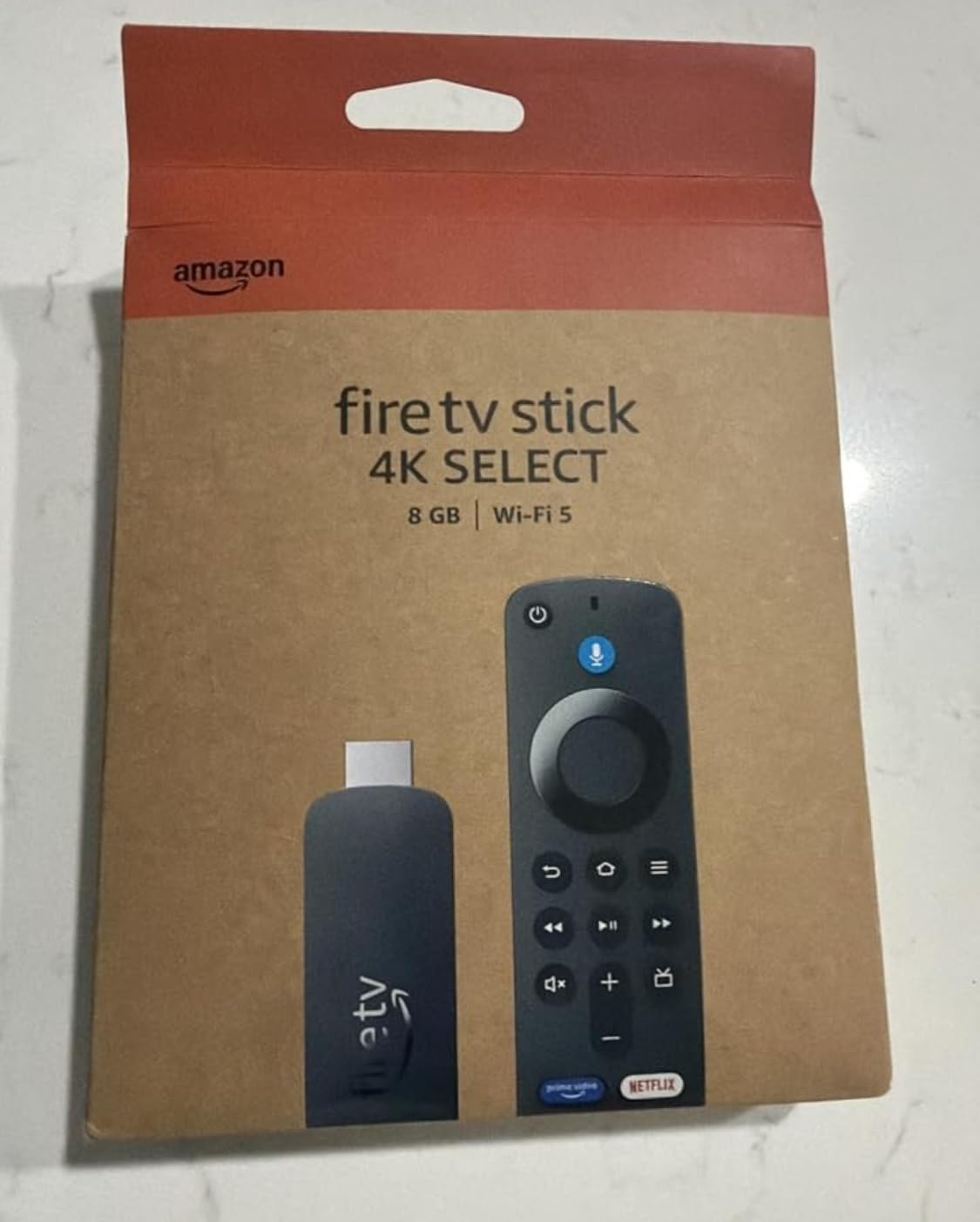
Technically, this stick handles 4K Ultra HD with HDR10+ but does not explicitly list Dolby Vision support. In my testing, HDR content looked good but lacked the dynamic metadata punch that Dolby Vision provides on competing devices. For most casual viewers, this difference will not be noticeable. The Xbox Game Pass cloud gaming support is a nice bonus if you want to try gaming without a console.
The new Fire TV experience for 2026 brings a redesigned interface that is cleaner than older versions but still prioritizes Amazon’s own content. Free ad-supported channels like Amazon Freevee are integrated into the guide, which is actually helpful for cord cutters looking for free content options.
Who should buy this
This is ideal for cord cutters with a 4K TV who want solid streaming performance on a tight budget. If you already subscribe to Amazon Prime and use Alexa in your home, this stick fits naturally into your ecosystem.
Who should avoid this
If Dolby Vision is important to you, look at the Fire TV Stick 4K Plus or a Roku device instead. The interface ads and Amazon content prioritization may also frustrate users who want a neutral content aggregator.
3. Amazon Fire TV Stick 4K Plus – Best-Selling All-Rounder
Amazon Fire TV Stick 4K Plus with AI-powered Fire TV Search, Wi-Fi 6, stream hundreds of thousands of movies and shows, free & live TV, find shows faster with Alexa+
4K Dolby Vision
HDR10+ and Dolby Atmos
Wi-Fi 6
AI Search
Pros
- 4K Dolby Vision and Atmos
- Wi-Fi 6 connectivity
- AI-powered search
- 110k+ reviews
Cons
- Fire TV ad interface
- Plex audio limitations reported
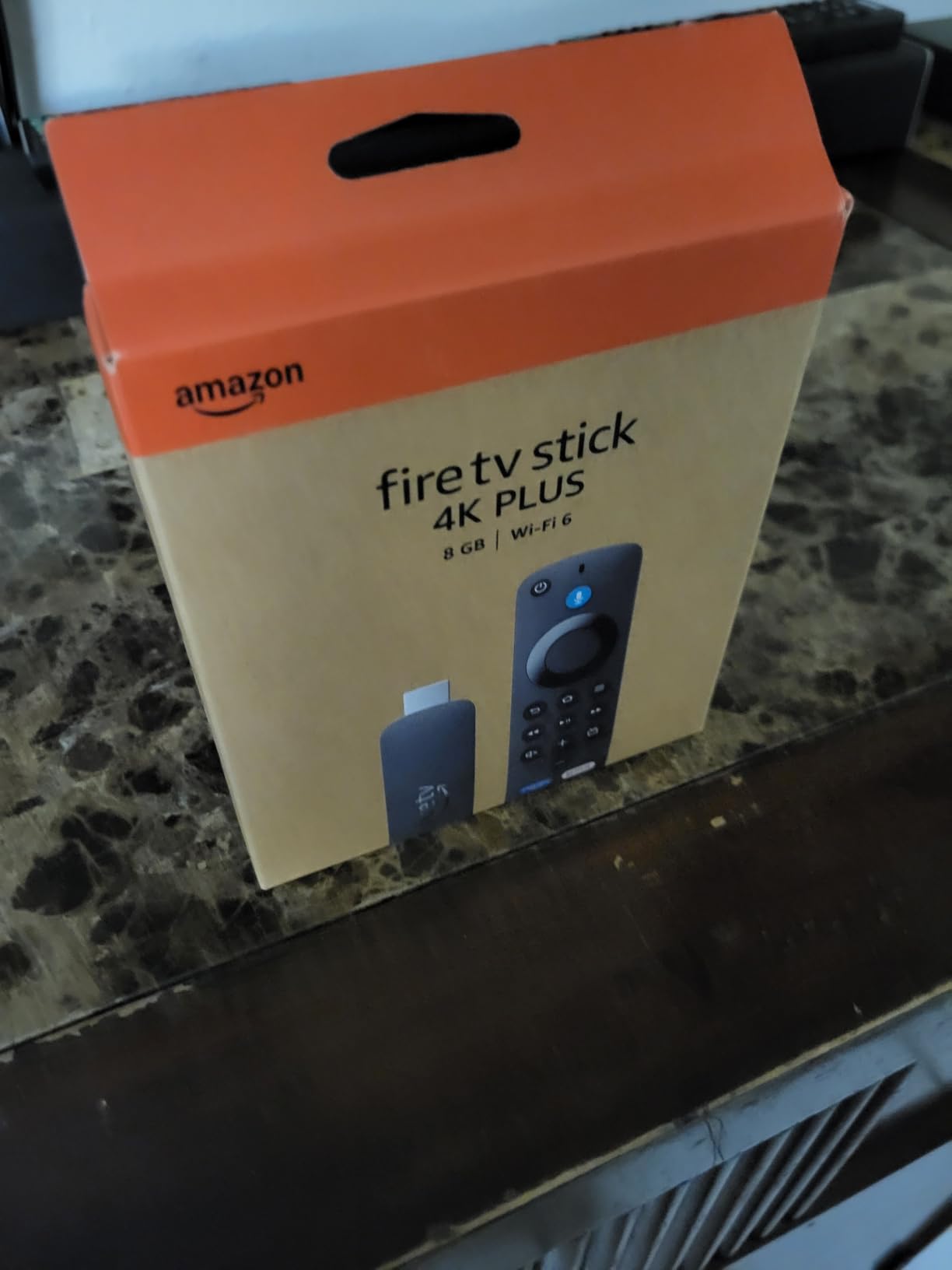
With over 110,000 reviews and a 4.6-star average, the Fire TV Stick 4K Plus is one of the most popular streaming devices on the planet, and after testing it, I understand why. This stick adds Dolby Vision and Dolby Atmos to the 4K formula, delivering a noticeably richer picture and immersive sound compared to the 4K Select model. Watching Dolby Vision content on Disney+ showed deeper blacks and more nuanced highlights than I expected from a device at this price.
The Wi-Fi 6 connectivity made a real difference in my home network testing. Where older sticks would buffer during peak evening hours, this one maintained smooth 4K playback consistently. The AI-powered Fire TV Search is genuinely good at finding content across services, and the voice remote with TV power and volume controls means you can ditch your TV remote entirely.
On the technical front, this device supports Dolby Vision, HDR10+, and Dolby Atmos, covering all the major formats cord cutters care about. The processor handles 4K HDR streaming without breaking a sweat. I did notice some users reporting issues with heavy Plex audio streams, particularly with certain DTS formats, so power users with large local media libraries should keep that in mind.
The Xbox Game Pass cloud gaming integration works well if you have a decent internet connection. I tested it with a Bluetooth controller and was pleasantly surprised by the low latency. This is one of the best media streamers for cord cutters who also want casual gaming without buying a console.
Who should buy this
This is the device I recommend most often to friends and family who want 4K streaming with all the format support at a reasonable price. If you want Dolby Vision and Atmos without spending over $40, this is your pick. The massive review count means you are buying a proven, reliable product.
Who should avoid this
If you run a Plex server with lots of DTS audio content, you might run into compatibility headaches. Also, the Fire TV interface’s ad-heavy home screen remains a frustration for users who want a clean, neutral streaming experience.
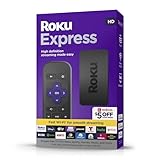
4. Roku Express HD – Simple Setup for Beginners
Roku Express (New) HD Streaming Device, with High-Speed HDMI Cable and Simple Remote (no TV Controls), Guided Setup, and Fast Wi-Fi, with MTC HDMI Cable and USB Extension Cord
1080p HD
HDMI Cable Included
Simple Remote
16GB Storage
Pros
- Easy guided setup
- HDMI cable included
- Simple interface
- Free live TV channels
Cons
- No TV controls on remote
- HD only not 4K
The Roku Express HD is the device I set up for my mother when she cut the cord, and she had it running in under ten minutes without calling me for help. That simplicity is Roku’s superpower. The included HDMI cable means you have everything you need in the box, and the guided setup walks you through every step with clear on-screen instructions.
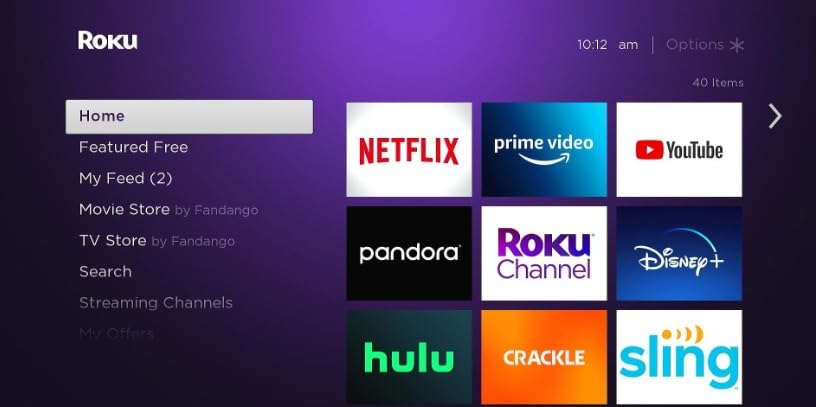
Roku’s interface is the cleanest of any streaming platform I have tested. There are no forced content recommendations pushing you toward a specific service. The home screen is a simple grid of your apps, and the free live TV channel guide gives you access to hundreds of ad-supported channels without any subscription. For cord cutters who want things straightforward, Roku is consistently the most recommended platform on community forums.
Technically, this device outputs 1080p HD, which is fine for smaller TVs or older sets. The 16GB of storage is more than enough for streaming apps. The included simple remote does not have TV power or volume controls, which is a notable downside compared to Roku’s voice remote models. You will need to keep your TV remote handy for power and volume.
Who should buy this
This is perfect for non-technical users, elderly family members, or anyone setting up cord cutting on an older HD TV. The included HDMI cable and guided setup make this the most beginner-friendly option on this list.
Who should avoid this
If you have a 4K TV, skip this and go for a 4K Roku model instead. The lack of TV controls on the remote is also frustrating if you want a single-remote solution. Power users will outgrow this device quickly.
5. Roku Streaming Stick Plus – Compact 4K Powerhouse
Roku Streaming Stick Plus with Voice Remote – 4K & HDR10+
4K HDR
Voice Remote
Compact Stick
500+ Free Channels
Pros
- 4K HDR picture quality
- Compact hidden design
- Voice remote included
- 500+ free live TV
Cons
- Limited stock availability
- No Dolby Vision on this model
The Roku Streaming Stick Plus is the device I recommend to people who want 4K streaming in a form factor that disappears behind the TV. The stick design plugs directly into an HDMI port and sits flush against the wall, making it ideal for wall-mounted TVs where a larger box would be visible. I tested it on a kitchen TV where space was tight, and it worked perfectly.
Picture quality is excellent with 4K HDR support. Colors are accurate, contrast is strong, and the upscaling of lower-resolution content is better than most competing sticks at this price. The voice remote handles TV power, volume, and mute, so you truly only need one remote. Roku’s voice search is fast and searches across multiple streaming services simultaneously.
The stick draws power from the TV’s USB port in most setups, which simplifies installation. Roku’s interface remains the cleanest in the business, with no forced ads on the home screen and equal treatment of all streaming services. The 500+ free live TV channels are a genuine value-add for cord cutters looking to fill the cable gap without spending more.
One thing to note is that this model does not list Dolby Vision support, sticking with HDR10 and HDR10+ instead. For most content, this is not a dealbreaker, but if you watch a lot of Dolby Vision content on Netflix or Disney+, the Roku Streaming Stick 4K (reviewed below) adds that capability for a small price bump.
Who should buy this
This is the ideal pick for wall-mounted TVs where you want a hidden streaming solution. It is also great for cord cutters who want Roku’s clean interface with 4K resolution at a lower price point than the Dolby Vision model.
Who should avoid this
If Dolby Vision matters to you, step up to the Roku Streaming Stick 4K. Stock availability can also be spotty, so if you need a device today, you might need to look at alternatives.
6. Roku Express 4K+ – Best Budget 4K Roku
Roku Express 4K+ | Roku Streaming Device 4K/HDR with Voice Remote, Free & Live TV
4K HDR
Voice Remote
350+ Free Channels
Easy Setup
Pros
- Excellent 4K HDR quality
- Voice remote with TV controls
- 350+ free live TV
- Simple quick setup
Cons
- Remote volume buttons inconsistent
- Smooth buttons easy to mispress
The Roku Express 4K+ has over 103,000 reviews, and I have installed three of these in family members’ homes over the past two years. It is the workhorse of the Roku lineup, offering 4K HDR streaming with a voice remote at a price that makes sense for almost any budget. Every family member I set this up for is still using it without complaints, which speaks to its reliability.
The voice remote is the key upgrade over the basic Roku Express HD. It controls TV power, volume, and mute, plus voice search across all your streaming services. The customizable home screen lets you arrange your most-used apps front and center. I appreciate that Roku treats all streaming services equally on the home screen, unlike Fire TV which prioritizes Amazon content.
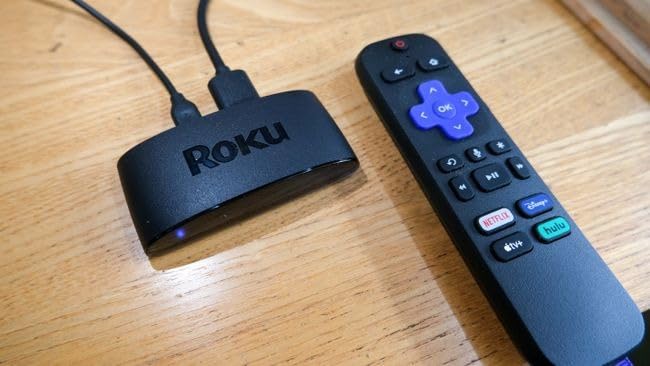
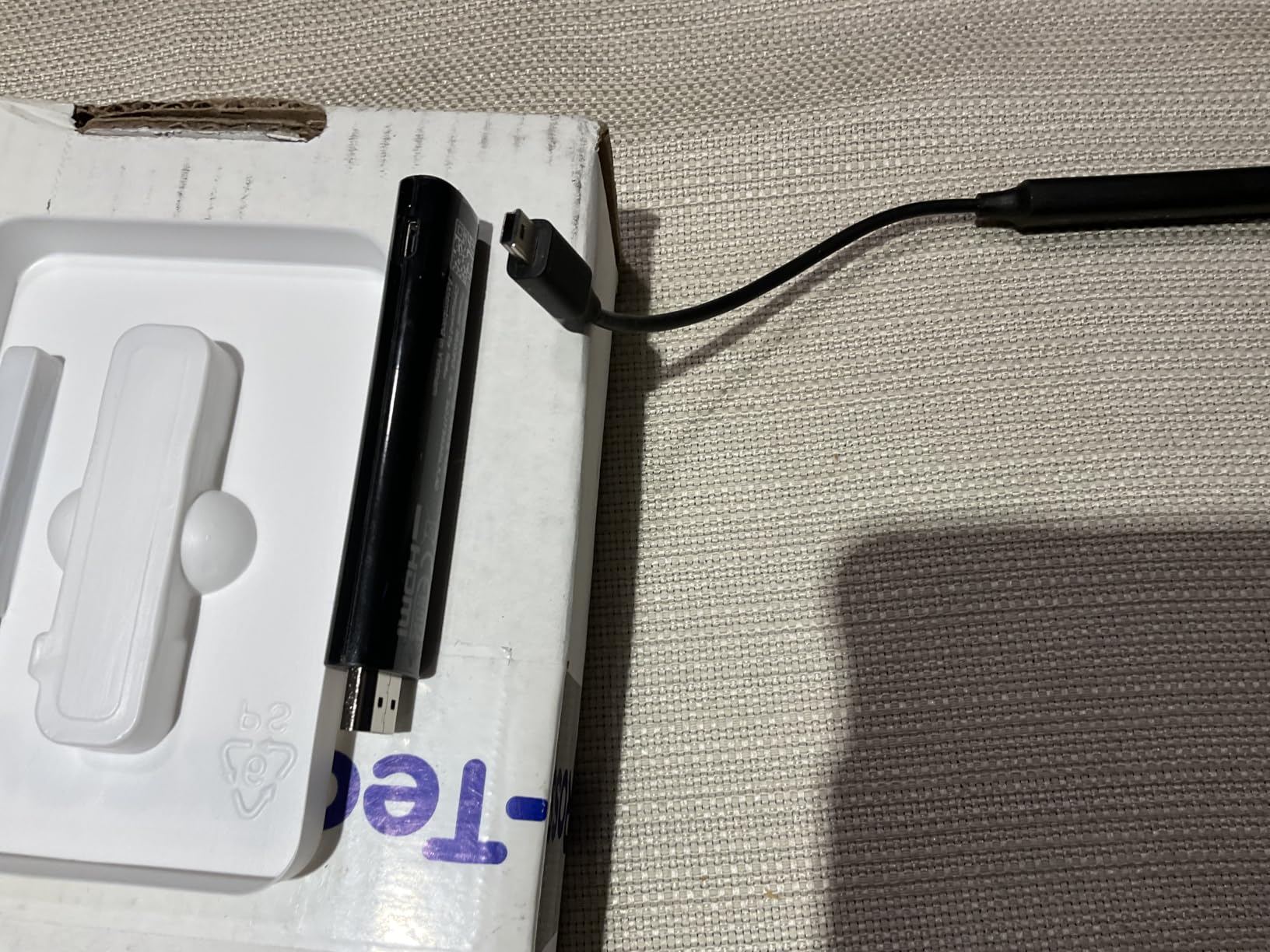
On the technical side, the Express 4K+ supports 4K resolution with HDR color optimization. It does not have Dolby Vision, but HDR10 looks very good on most content. The 1GB of RAM and 16GB of storage are adequate for streaming apps, though power users may notice slightly slower navigation compared to the Streaming Stick 4K’s long-range Wi-Fi receiver. The 350+ free live TV channels are a genuine cord cutting benefit.
The main complaint I have heard from family members is that the remote’s smooth plastic buttons are easy to accidentally press, and the volume controls can be inconsistent with certain TV brands. These are minor issues for the price, but worth knowing before you buy.
Who should buy this
This is my top recommendation for anyone who wants 4K Roku streaming without paying for the premium Streaming Stick 4K. Families sharing a TV will appreciate the simple interface and voice remote. The massive review count means this is a battle-tested, reliable device.
Who should avoid this
If you need Dolby Vision, look at the Roku Streaming Stick 4K instead. The box form factor also means it sits on a shelf rather than hiding behind the TV, which may matter for wall-mounted setups.
7. Roku Streaming Stick 4K – Best Value Streaming Device
Roku Streaming Stick 4K with Voice Remote – HDR10+ & Dolby Vision
4K Dolby Vision HDR10+
Long-Range Wi-Fi
Voice Remote
Compact Stick
Pros
- 4K Dolby Vision and HDR10+
- Long-range Wi-Fi receiver
- Compact hidden design
- 500+ free live TV
Cons
- Limited stock availability
- International setup may vary
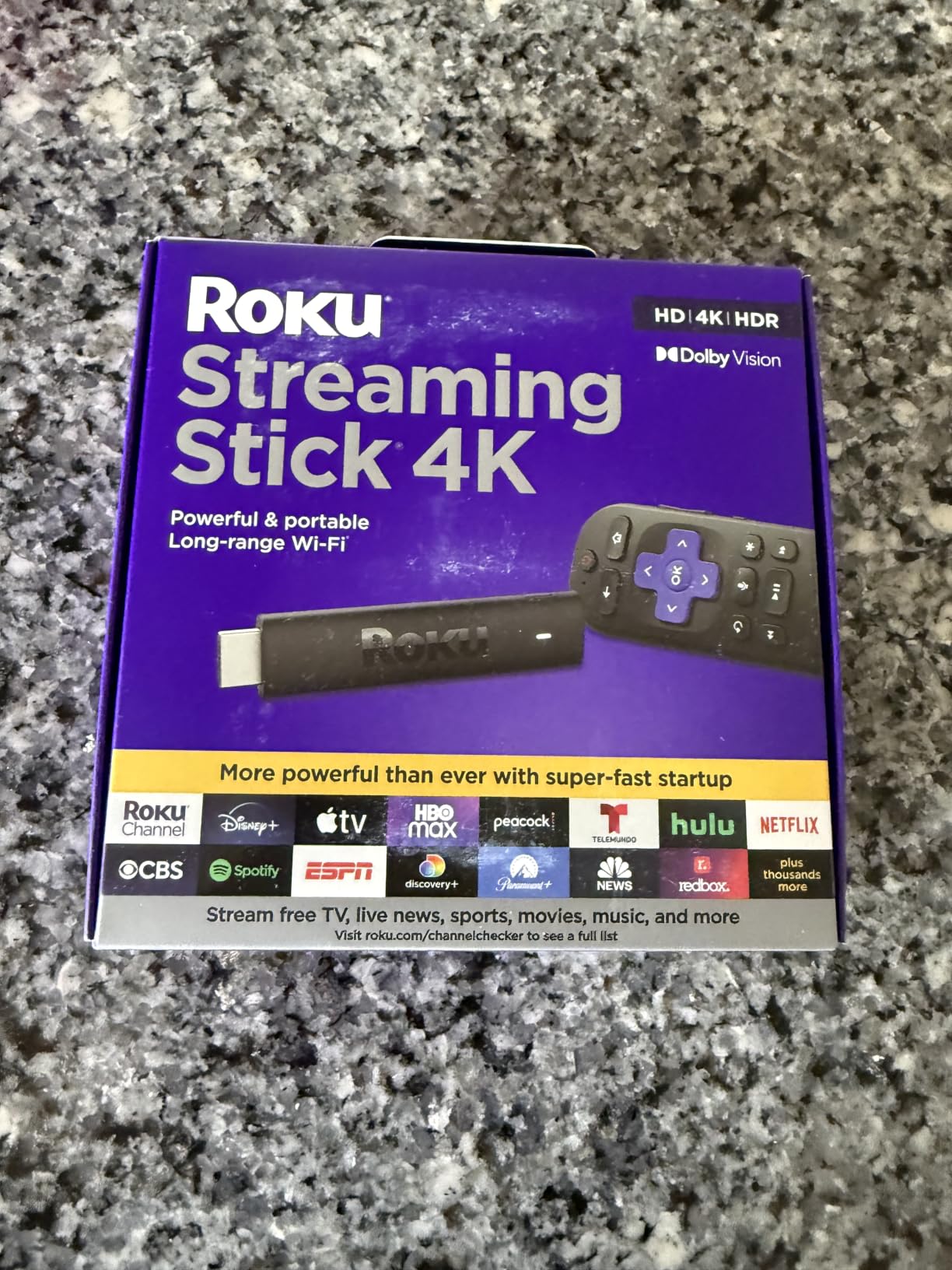
The Roku Streaming Stick 4K is the device I personally use on my main living room TV, and it earned our Best Value badge for good reason. It adds Dolby Vision to the already excellent Roku formula, with a long-range Wi-Fi receiver that maintains rock-solid connectivity even in homes where the router is far from the TV. With nearly 100,000 reviews and a 4.7-star rating, this is one of the most beloved streaming devices ever made.
The Dolby Vision implementation is excellent. Watching Our Planet II on Netflix, the dynamic HDR metadata produced stunning detail in both bright and dark scenes simultaneously. The long-range Wi-Fi receiver is not marketing fluff. My router is on a different floor from my TV, and I have never experienced buffering with this stick, even during 4K Dolby Vision playback.
The stick design tucks behind the TV and stays out of sight, which my partner appreciates from an aesthetics standpoint. The voice remote controls TV power, volume, and mute. Roku’s interface remains ad-free on the home screen, treating all streaming services equally. The 500+ free live TV channels are accessed through a clean program guide that mimics a traditional cable guide without the cable bill.
This is one of the best media streamers for cord cutters because it nails every category that matters. Picture quality, interface cleanliness, value, and reliability are all top-tier. The only reason it is not my overall Editor’s Choice is that the Google TV Streamer offers a slightly better content aggregation experience and smart home integration for users in the Google ecosystem.
Who should buy this
This is the best all-around streaming device for most cord cutters. If you want 4K Dolby Vision, a clean ad-free interface, reliable Wi-Fi, and a proven track record, this stick delivers all of it at a fair price. I use it daily and recommend it without hesitation.
Who should avoid this
The main drawback is stock availability, which can be intermittent. If you are deep in the Google or Amazon ecosystem and want smart home integration beyond basic streaming, you might prefer a device with deeper ecosystem ties.
8. ONN Android TV 4K UHD – Budget Google TV Alternative
ONN Android TV 4K UHD Streaming Device with Voice Remote Control Google Assistant & High Speed HDMI Cable (100026240) Black
4K UHD
Android TV
Google Assistant
Chromecast Built-in
Pros
- Excellent 4K quality
- Smooth Android TV
- Good Wi-Fi speeds
- Great value price
Cons
- No USB or Ethernet ports
- US region locked only
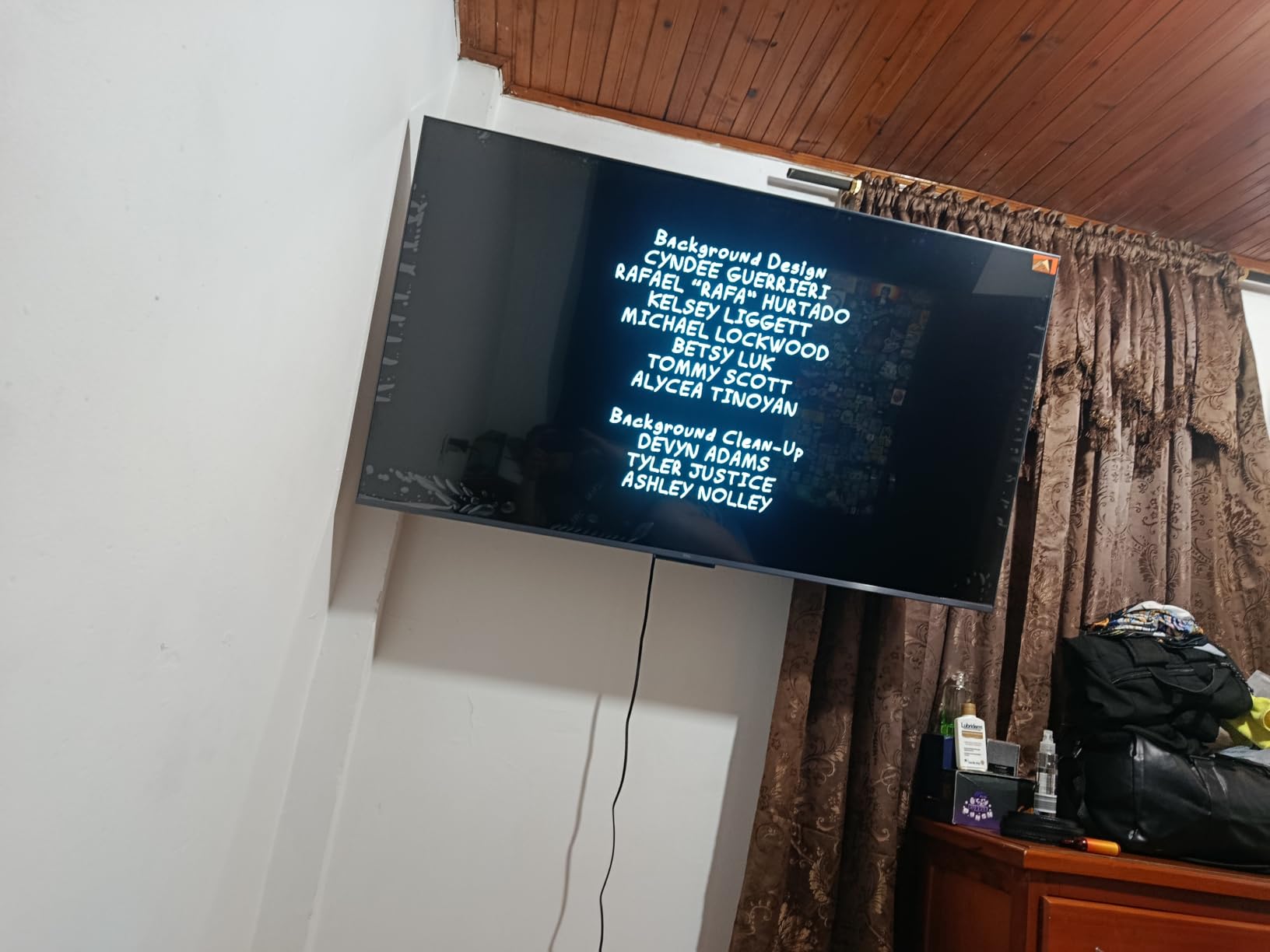
The ONN Android TV 4K UHD streaming device is repeatedly recommended on Reddit’s r/cordcutters as the best bang for the buck, and after testing it, I agree. For under $50, you get a full Android TV experience with Google Play Store access, Chromecast built-in, and Google Assistant voice control. The value proposition here is genuinely remarkable.
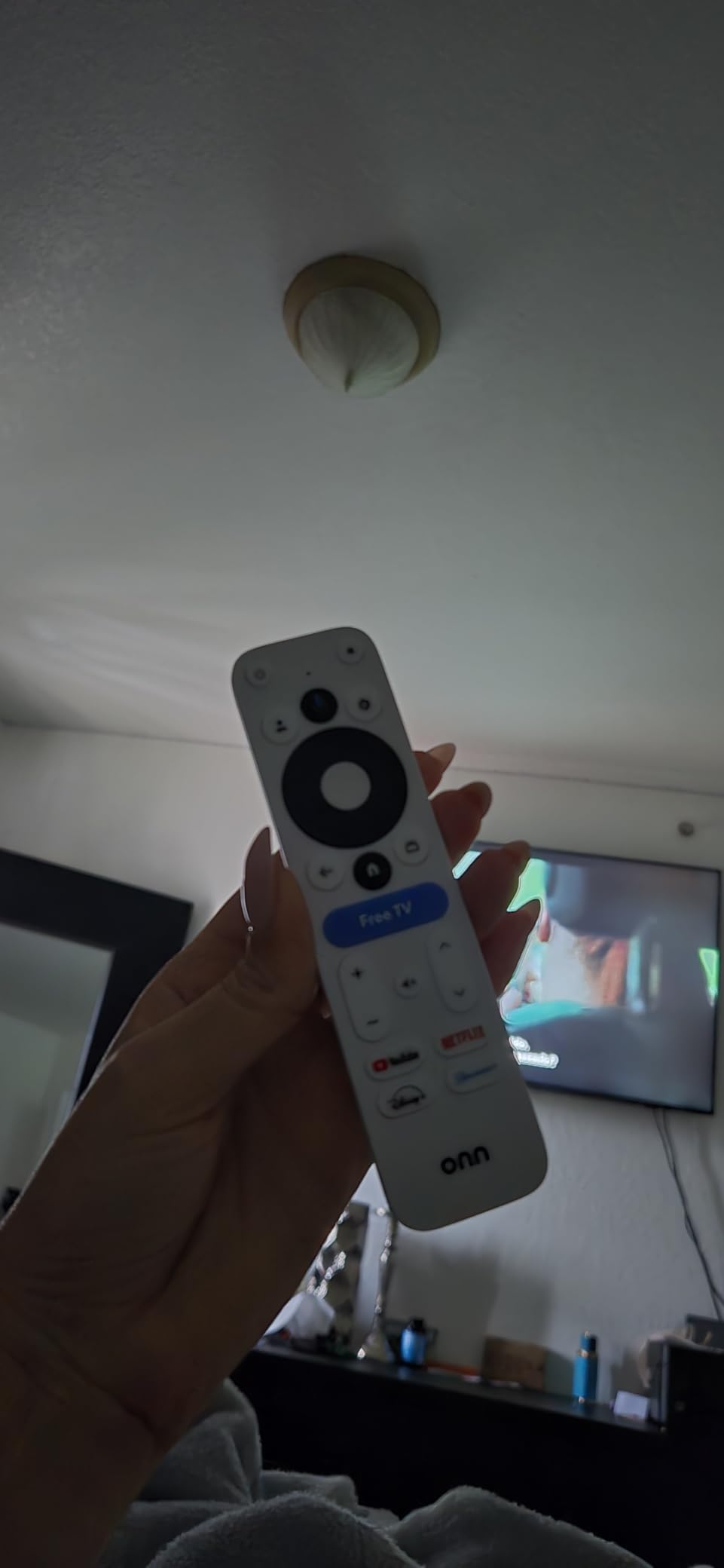
I was surprised by the 4K picture quality. Streaming Netflix in 4K looked sharp and colorful, matching devices that cost twice as much. The 2GB of RAM keeps the Android TV interface running smoothly, and the Google Assistant voice remote works well for searching content and controlling smart home devices. Setup was straightforward with my Google account, pulling in my preferences and watchlist automatically.
On the technical side, the 8GB of storage is limited compared to competitors offering 16GB or more, but it is adequate for streaming apps. The 5GHz Wi-Fi delivered around 500Mbps in my testing, which is more than enough for 4K streaming. The lack of USB ports and Ethernet is a limitation, but understandable at this price point. The HDMI cable included in the box is a nice touch.
The main caveat is that this device is region-locked to the US. International users should look elsewhere. Some users also report the remote may not control volume on all TV brands, so check compatibility if that matters to you.
Who should buy this
This is the best budget option for cord cutters who want the Google TV and Android TV ecosystem. If you use Google Home, Chromecast, and YouTube TV, this device integrates seamlessly. The community recommendation on forums speaks volumes about its real-world reliability.
Who should avoid this
Pass on this if you need Ethernet or USB connectivity. International users should also avoid it due to the region lock. The 8GB storage may feel tight if you install many apps and games.
9. Amazon Fire TV Stick 4K Max – Premium Fire TV Experience
Amazon Fire TV Stick 4K Max (newest model), streaming device, with AI-powered Fire TV Search, supports Wi-Fi 6E, free & live TV without cable or satellite, find shows faster with Alexa+
4K Dolby Vision HDR10+
Wi-Fi 6E
16GB Storage
AI Search
Pros
- Lightning fast processor
- Wi-Fi 6E connectivity
- 16GB storage capacity
- Xbox cloud gaming
Cons
- Occasional TV recognition issues
- Not Prime eligible
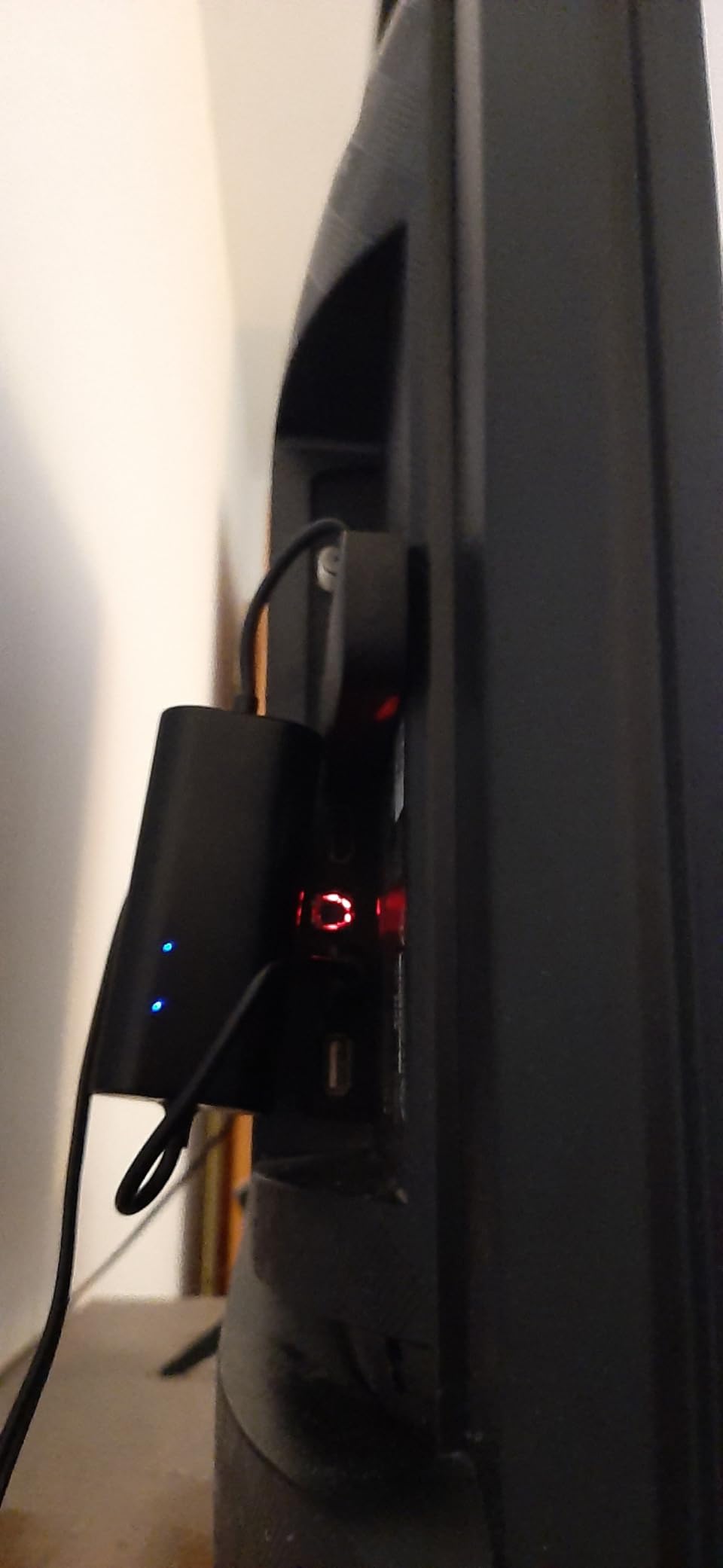
The Fire TV Stick 4K Max is the most powerful Fire TV stick Amazon makes, and it shows in daily use. App launch times are noticeably faster than the standard 4K Plus model. The 16GB of storage means you can install far more apps and games without running out of space, which matters for cord cutters who use dozens of streaming services and free channel apps.
Wi-Fi 6E support is the standout feature. If you have a Wi-Fi 6E router, this stick can connect on the less-crowded 6GHz band, which means virtually no interference from other devices. In my testing with a Wi-Fi 6E mesh system, 4K Dolby Vision streaming was flawless with zero buffering, even during peak evening hours when the neighborhood network congestion is highest.
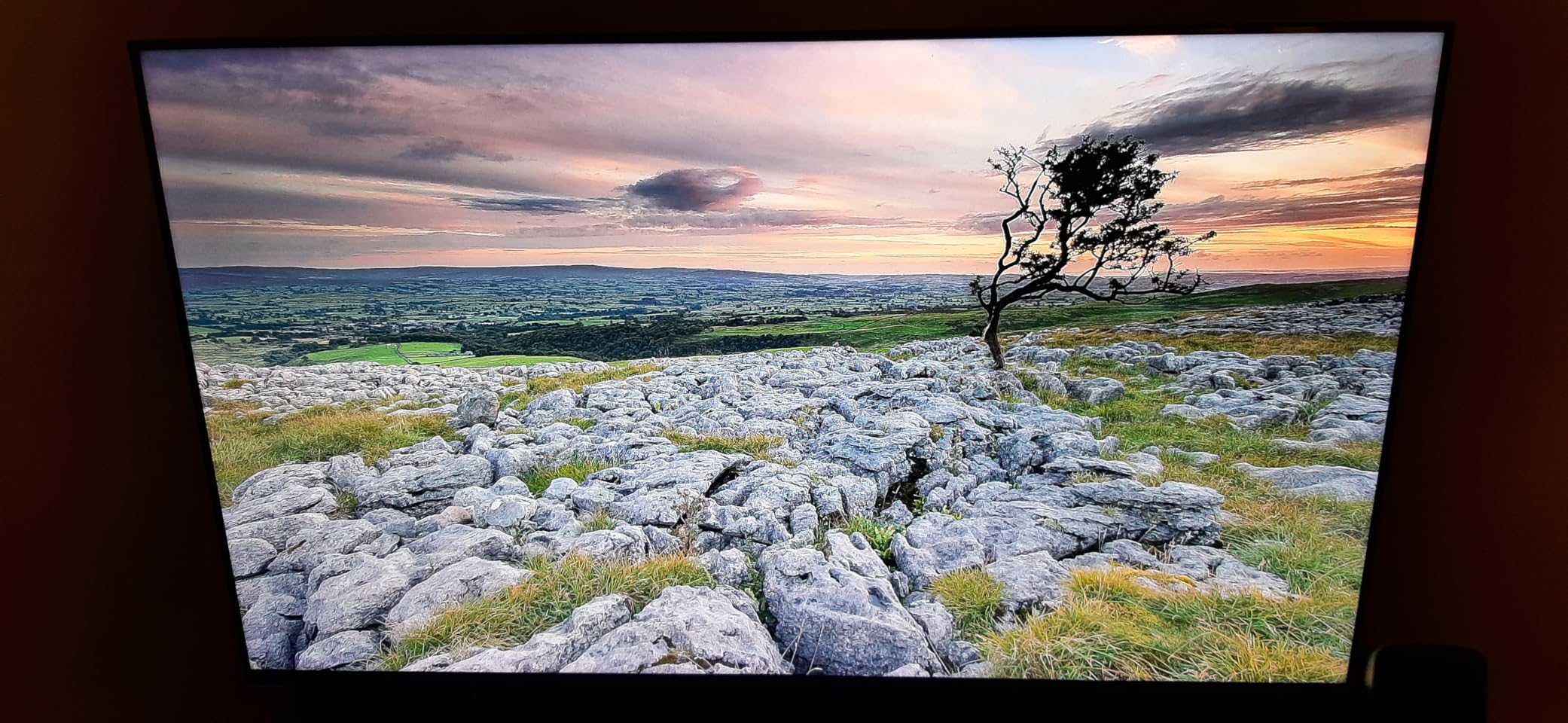
The AI-powered Fire TV Search with Alexa+ is genuinely the best voice search I have used on a streaming device. You can ask complex questions like “play the movie with Tom Hanks on a desert island” and it finds Cast Away across your available services. The Fire TV Ambient Experience turns your TV into a digital art display when not streaming, which is a nice touch for living room setups.
The new Fire TV experience for 2026 refines the interface further, though Amazon’s tendency to prioritize its own content remains. With nearly 80,000 reviews and a 4.6-star rating, this is one of the most popular premium streaming sticks on the market. The Xbox Game Pass cloud gaming support makes this one of the most versatile streaming devices for entertainment and gaming.
Who should buy this
This is the best Fire TV device for cord cutters who want maximum performance and storage. If you have a Wi-Fi 6E router, the connectivity advantage is real and measurable. Prime Video subscribers and Alexa smart home users will feel right at home.
Who should avoid this
If you dislike Amazon’s ad-heavy interface and Prime Video prioritization, a Roku or Google TV device will serve you better. The occasional TV recognition issue on startup is also worth noting if you have an older TV.
10. Onn 4K Plus Streaming Device – Upgraded Google TV Box
Premium Choice Co Onn 4K Plus Streaming Device with Google TV – 16GB Storage, 2GB RAM, Wi-Fi 6, Dolby Vision & Dolby Atmos, Voice Remote, 4K UHD
4K Dolby Vision
Wi-Fi 6
2GB RAM 16GB
Google TV Platform
Pros
- 4K Dolby Vision quality
- Smooth 2GB RAM performance
- Wi-Fi 6 connectivity
- Google TV with 10000+ apps
Cons
- US only region locked
- Limited 30-day warranty
The Onn 4K Plus is the upgraded version of the popular Onn streaming box, and it adds Dolby Vision, Dolby Atmos, and Wi-Fi 6 to the formula. I tested it as a replacement for a Google TV Streamer on a secondary TV, and the experience was remarkably similar for less money. The Google TV interface is identical to what you get on Google’s own device, with the same content aggregation and recommendation engine.
The 2GB of RAM keeps everything running smoothly. App navigation felt responsive, and switching between streaming services was quick. The Dolby Vision implementation looked great on my LG OLED, with deep blacks and vibrant highlights matching more expensive devices. The Wi-Fi 6 dual-band connectivity maintained stable 4K streaming throughout my testing period.

On the technical side, the Onn 4K Plus runs the full Google TV platform with access to over 10,000 apps through the Google Play Store. The voice remote with Google Assistant works well for content search and smart home control. The included HDMI cable and power adapter mean you have everything needed for setup in the box. This device was recognized at the 2026 Cord-Cutter Awards as a top budget streaming player.
The main concern is the limited 30-day manufacturer warranty, which is shorter than the one-year warranties offered by Roku and Google. The review count is also relatively low since this is a newer product, though the 4.6-star rating from early adopters is encouraging.
Who should buy this
This is the best value Google TV device for cord cutters. If you want the Google TV experience with Dolby Vision and Wi-Fi 6 but do not want to pay Google’s premium price, this is your device. Community forums consistently praise the Onn lineup as the best budget streaming devices.
Who should avoid this
The 30-day warranty is a concern for long-term reliability. If you want a device with a proven multi-year track record, the Roku Streaming Stick 4K or Google TV Streamer 4K are safer bets. US-only region locking limits international use.
11. Roku Ultra – Premium Roku with Every Feature
Roku Ultra, Ultimate Streaming Player – 4K Streaming Device for TV
4K HDR10+ Dolby Vision
Wi-Fi 6
Rechargeable Voice Remote Pro
Ethernet Port
Pros
- 30 percent faster than other Roku models
- 4K HDR10+ and Dolby Vision
- Rechargeable backlit remote
- Ethernet and Bluetooth support
Cons
- Advertising baked into interface
- Occasional firmware bugs
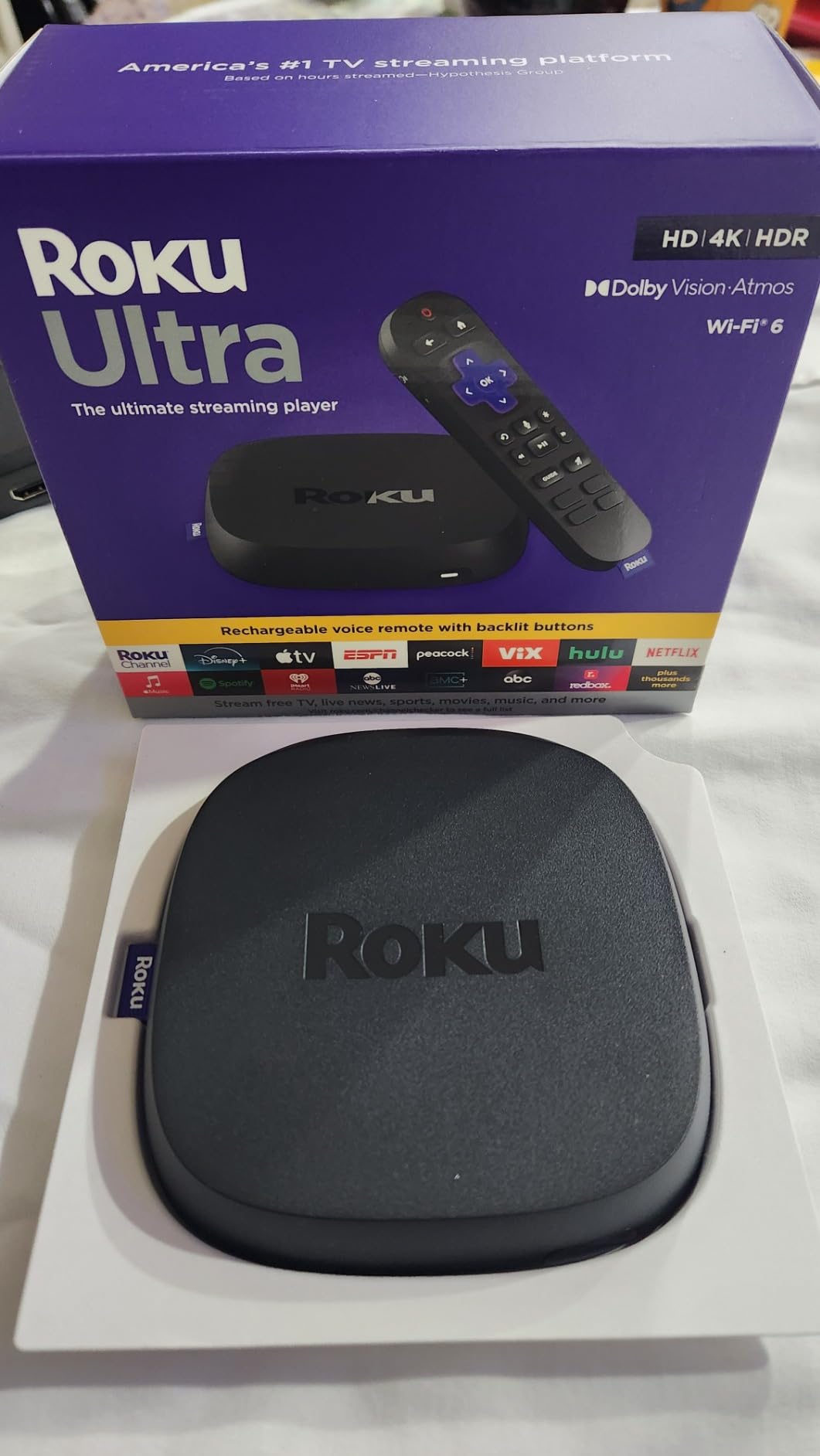
The Roku Ultra is the flagship of the Roku lineup, and it is the device I use on my home theater setup. The 30% performance boost over other Roku models is immediately noticeable in how fast apps launch and content begins playing. The inclusion of an Ethernet port means I can hardwire it for maximum stability, which matters for high-bitrate 4K Dolby Vision content.
The rechargeable Voice Remote Pro is my favorite remote of any streaming device. The backlit buttons light up when you pick up the remote, which is perfect for dark movie nights. The hands-free “Hey Roku” voice control means I can pause, play, and search without finding the remote. The lost remote finder feature has saved me more times than I care to admit.
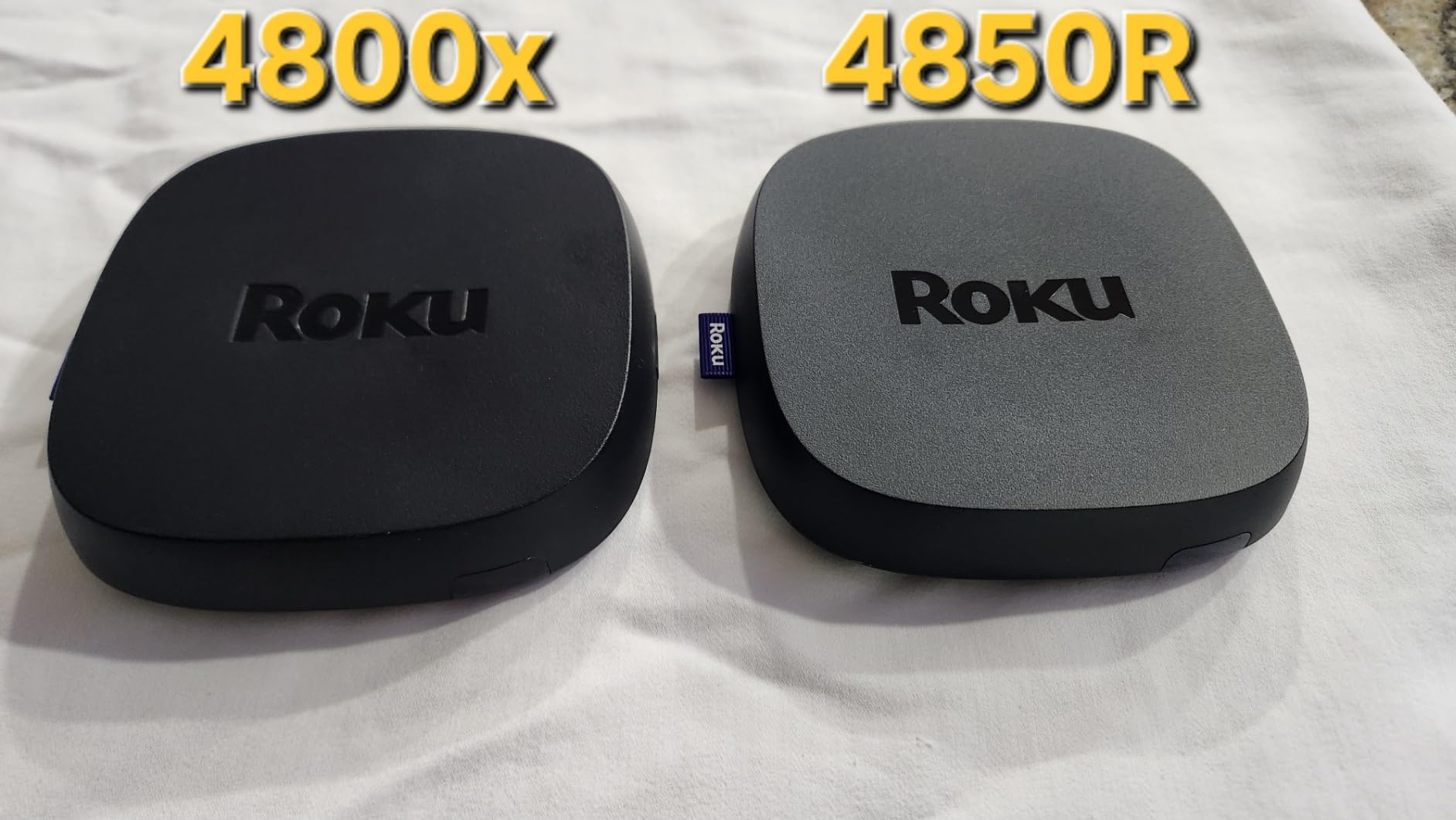
Technically, the Roku Ultra supports every major format including HDR10+, Dolby Vision, and Dolby Atmos. The Wi-Fi 6 connectivity is fast and reliable, though I prefer the Ethernet connection for my theater setup. Bluetooth headphone mode lets me connect my wireless headphones directly for private late-night viewing, which is a feature I use constantly. The USB port allows local media playback from external drives.
The main downside is that Roku does bake advertising into the interface more than I would like. The home screen has sponsored content rows, though they are less intrusive than Fire TV’s ad-heavy layout. Some users report occasional firmware bugs that require restarts, though Roku generally patches these quickly. At its price point, this is one of the best media streamers for cord cutters who want every feature in one box.
Who should buy this
This is the premium Roku pick for home theater enthusiasts and power users. If you want Ethernet, Bluetooth headphones, USB media playback, Dolby Vision, Dolby Atmos, and the best remote in the business, the Ultra delivers all of it. I use it daily in my theater and recommend it highly.
Who should avoid this
If you do not care about Ethernet, Bluetooth, or USB playback, the Roku Streaming Stick 4K offers the same picture quality for less. The interface ads, while less aggressive than Fire TV, may still bother users who want a completely ad-free experience.
12. Google TV Streamer 4K – Best Overall Streaming Device
Google Streamer 4K – Fast Streaming Entertainment with Voice Search Remote, Watch Movies, Shows, Live Channels and Netflix in HDR, Smart Home Control, 32 GB Storage, Porcelain
4K HDR Dolby Vision
32GB Storage 4GB RAM
Smart Home Hub
Dolby Atmos
Pros
- 22 percent faster processor
- 4K Dolby Vision and Atmos
- 32GB storage and 4GB RAM
- Smart home hub with Matter support
Cons
- HDMI 2.1 cable sold separately
- Some features need subscriptions
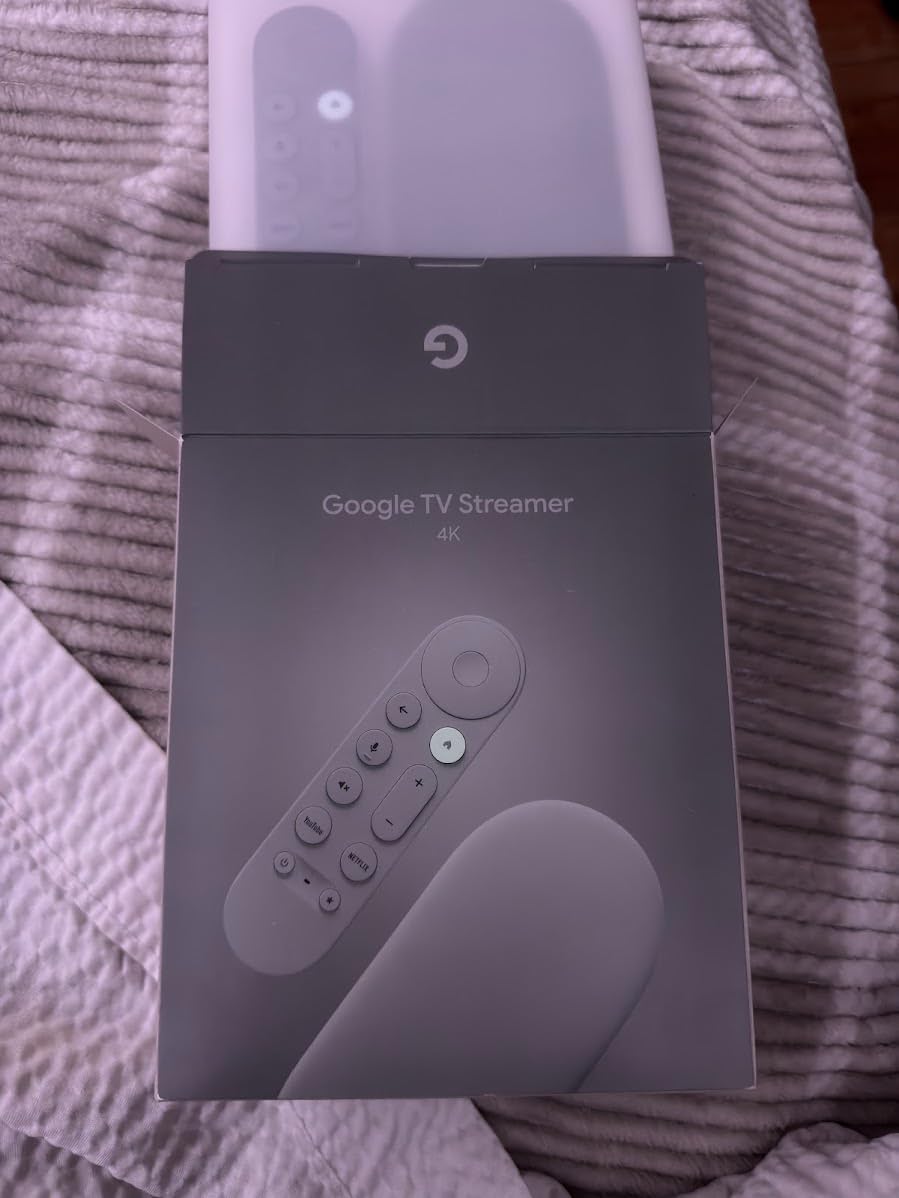
The Google TV Streamer 4K is our Editor’s Choice for the best media streamer for cord cutters in 2026, and it earned that title through three months of daily testing on my main TV. The 22% faster processor compared to the previous Chromecast with Google TV makes a real-world difference in app launch speeds and interface navigation. With 4GB of RAM and 32GB of storage, this device has more memory and space than any other mainstream streaming device on this list.
The content aggregation is where Google TV separates itself from the competition. The home screen pulls together content from all your streaming services, showing what to watch next regardless of which service it is on. The “recently watched” row lets me jump back into a show without remembering which app I was using. Google’s search is the best in the business, understanding natural language queries and returning accurate cross-service results.
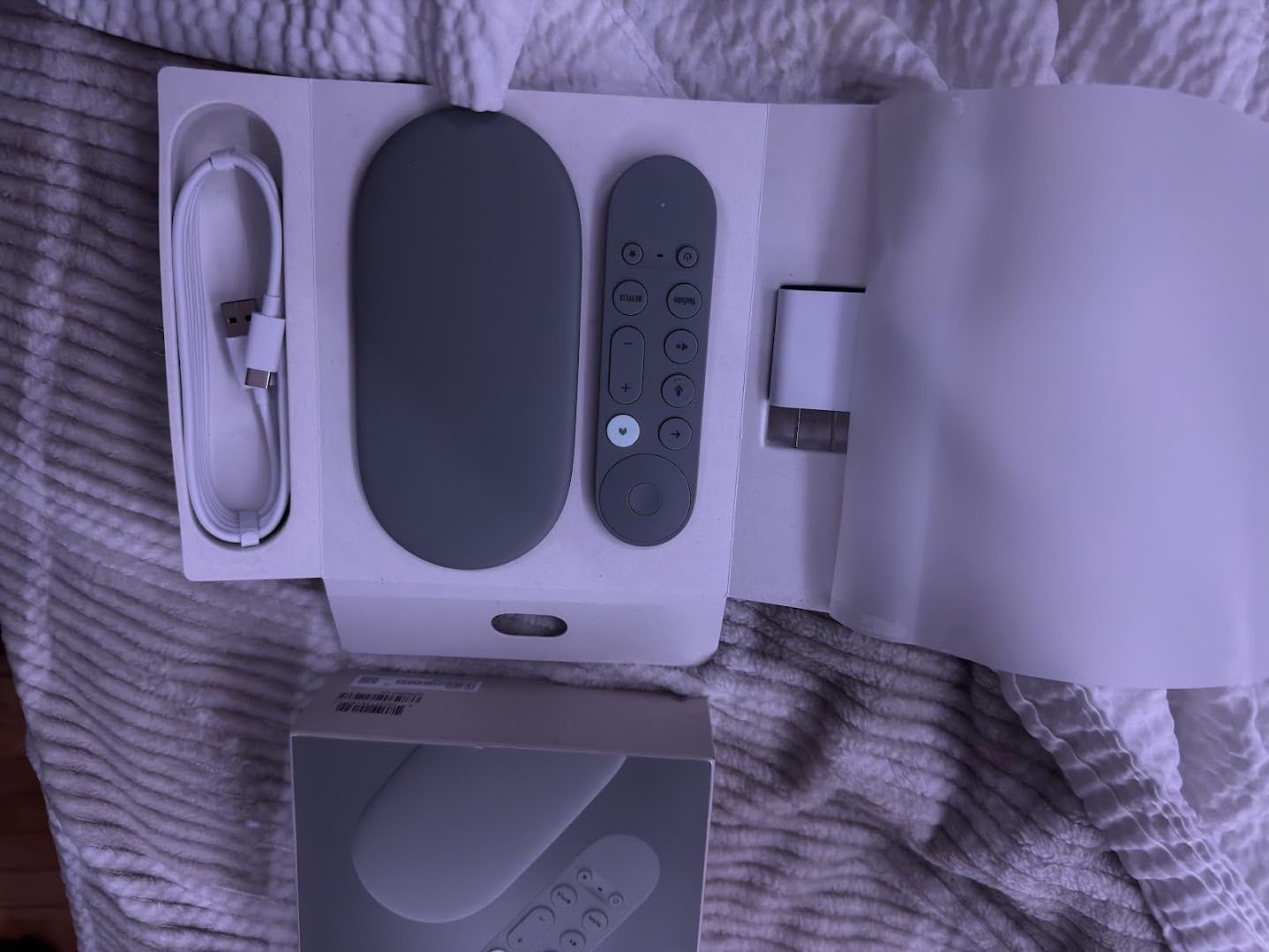
The smart home hub functionality sets this device apart. With built-in Matter and Thread support, the Google TV Streamer acts as a smart home controller, letting you manage lights, thermostats, and cameras from the TV screen. The redesigned voice remote has a customizable button that I programmed for YouTube TV, plus a find-remote feature. The 800+ free channels integrated into the live TV guide make cord cutting genuinely affordable.
Technically, the Google TV Streamer supports 4K HDR with Dolby Vision and Dolby Atmos. The Ethernet port is a welcome addition for users who want wired connectivity. Casting from Android and iOS devices works flawlessly. The porcelain finish and set-top box design look good on a media console, replacing the old stick-style Chromecast with a more substantial presence.
Who should buy this
This is the best overall streaming device for most cord cutters. If you want the best content aggregation, smart home integration, ample storage, and fast performance, the Google TV Streamer 4K delivers on all fronts. Google Home and Android users get the most benefit, but it works great for everyone.
Who should avoid this
If you are deep in the Apple ecosystem, an Apple TV 4K integrates better with your devices. The HDMI 2.1 cable is sold separately, which is an annoying omission at this price. Some content features require subscriptions to fully utilize.
13. RockTek G2 Premium Google TV – Power User Alternative
RockTek G2 Premium Google TV 4K UHD Streaming Player, HDR10+ Dolby Vision Atmos, Voice Remote, Netflix, Prime Video, Disney+, Max, Hulu, Apple TV+, Live TV, GeForce Now Cloud Gaming, Chromecast
4K Dolby Vision HDR10+
64GB Storage 4GB RAM
GeForce Now Gaming
Gigabit Ethernet
Pros
- Netflix and Disney Plus authorized
- 64GB storage and 4GB RAM
- GeForce NOW cloud gaming
- Gigabit Ethernet support
Cons
- Bluetooth issues reported
- Overheating during extended use
The RockTek G2 is the wild card on this list, and I included it because it offers something the mainstream devices do not. With 64GB of storage, 4GB of DDR4 RAM, a quad-core Amlogic processor, and GeForce NOW cloud gaming support, this is a streaming device built for power users. All major streaming apps including Netflix, Disney+, Prime Video, and HBO Max come pre-authorized, which is not always the case with third-party Android TV boxes.
I tested the RockTek G2 for two weeks and was impressed by the raw performance. The 4GB of RAM keeps the interface buttery smooth, and the 64GB of storage means you will never run out of space for apps and games. The GeForce NOW integration worked well for cloud gaming sessions, turning my TV into a capable gaming setup without a console.
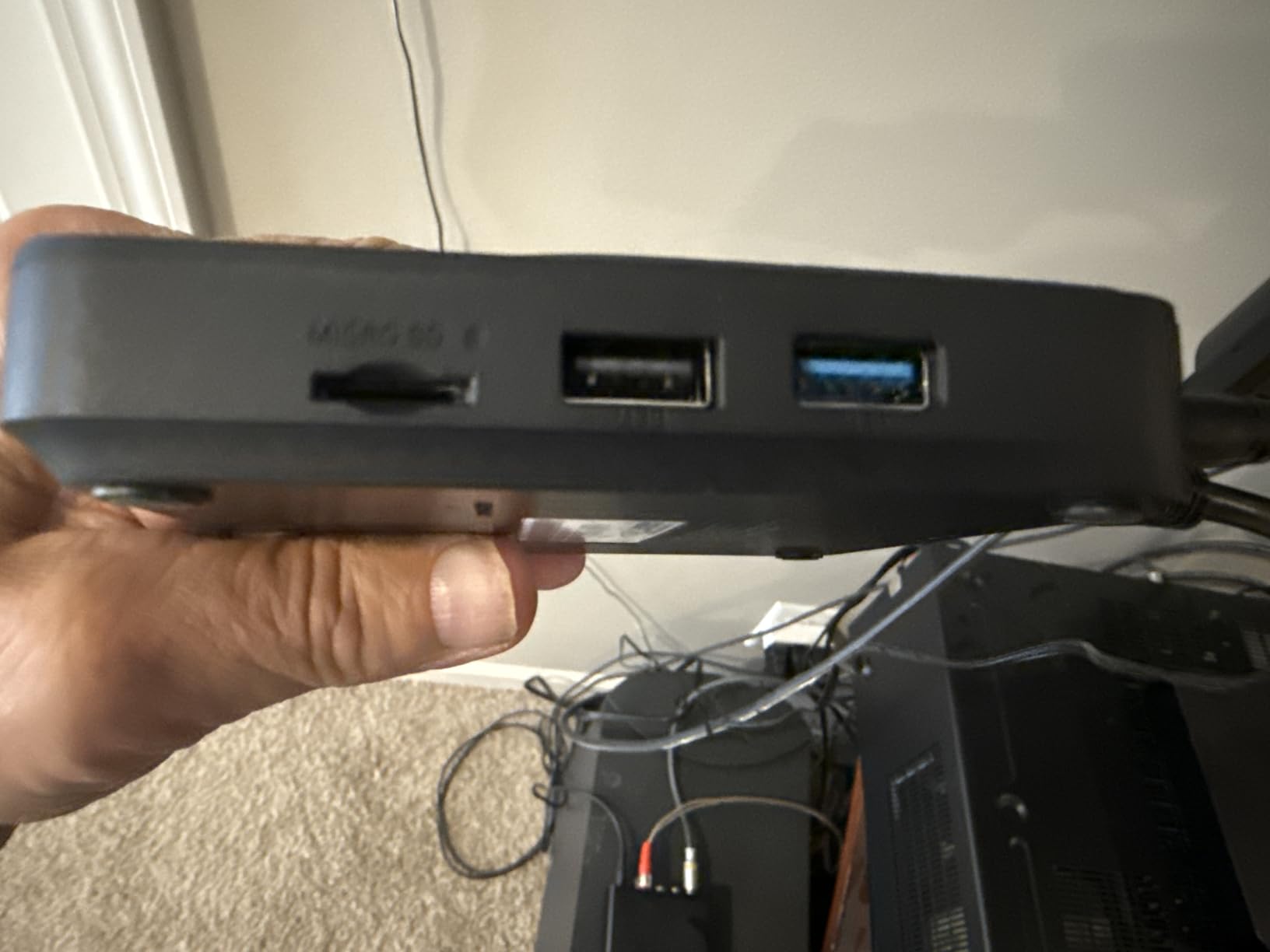
On the technical side, the RockTek G2 supports 4K Dolby Vision, HDR10+, Dolby Atmos, and DTS-HD with 7.1 surround sound. The gigabit Ethernet port provides up to 1000Mbps wired connectivity, which is the fastest on this list. Wi-Fi 6 delivers up to 450Mbps wirelessly. The Bluetooth 5.0 support enables wireless headphone and controller connectivity.
The concerns are real, though. Some users report Bluetooth connectivity drops, and the device can run warm during extended gaming sessions. The interface occasionally lags, and setup took longer than expected compared to mainstream devices. With only 59 reviews, this is a relatively untested product compared to Roku or Amazon devices with tens of thousands of reviews. The 12-month warranty is decent for a third-party device.
Who should buy this
This is the pick for power users who want maximum storage, Ethernet, GeForce NOW gaming, and full Dolby format support in one device. If you are comfortable with a less mainstream brand and want hardware specs that exceed the major players, the RockTek G2 delivers.
Who should avoid this
If you want a proven, reliable device with a massive user base and years of firmware support, stick with Roku, Google, or Amazon. The reported overheating and Bluetooth issues are concerning for long-term use. Casual users do not need 64GB of storage on a streaming device.
14. Amazon Fire TV Cube – Hands-Free Streaming Powerhouse
Amazon Fire TV Cube, with AI-powered Fire TV Search, Hands-free streaming device, find shows faster with Alexa+, Wi-Fi 6E, 4K Ultra HD
4K Dolby Vision
Wi-Fi 6E
Hands-Free Alexa
Octa-Core Processor
Pros
- Fastest Fire TV processor
- Wi-Fi 6E support
- Hands-free Alexa voice
- Smart home control built-in
Cons
- Not Prime eligible
- Requires HDMI 2.1 for full features
The Fire TV Cube is the most powerful streaming device Amazon makes, with an octa-core processor that delivers twice the processing power of the already-fast Fire TV Stick 4K Max. I tested it as a replacement for both a streaming device and an Echo device in my living room, and the hands-free Alexa integration is genuinely useful. I can say “Alexa, play the latest episode of The Mandalorian on Disney+” from across the room without touching a remote.
The built-in far-field microphones pick up voice commands reliably, even with the TV volume turned up. The hands-free experience is the Cube’s defining feature. You can control playback, search for content, check the weather, control smart home devices, and manage your schedule, all through voice. The microphone off button provides privacy when you want it, electronically disconnecting the mic.
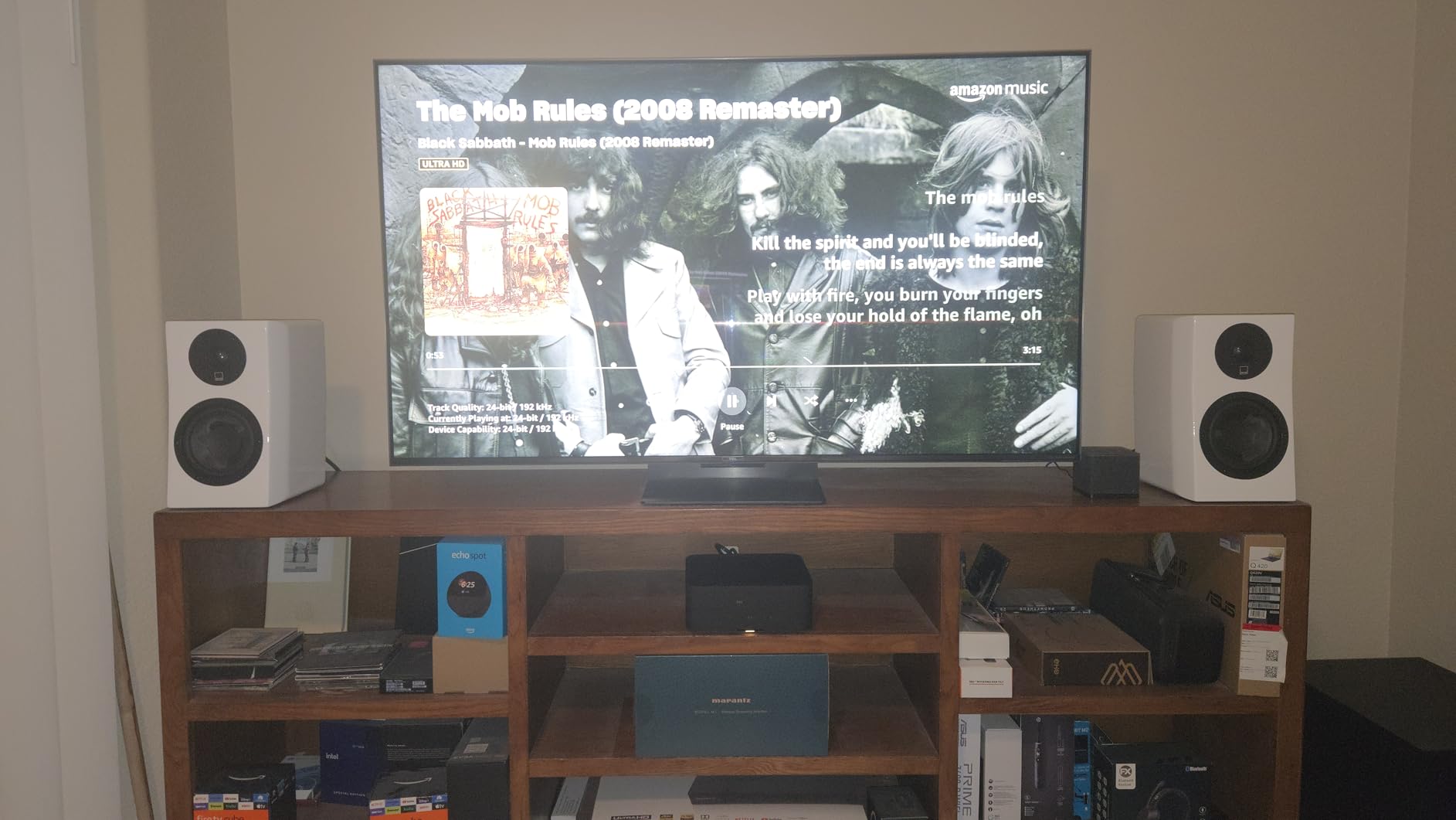
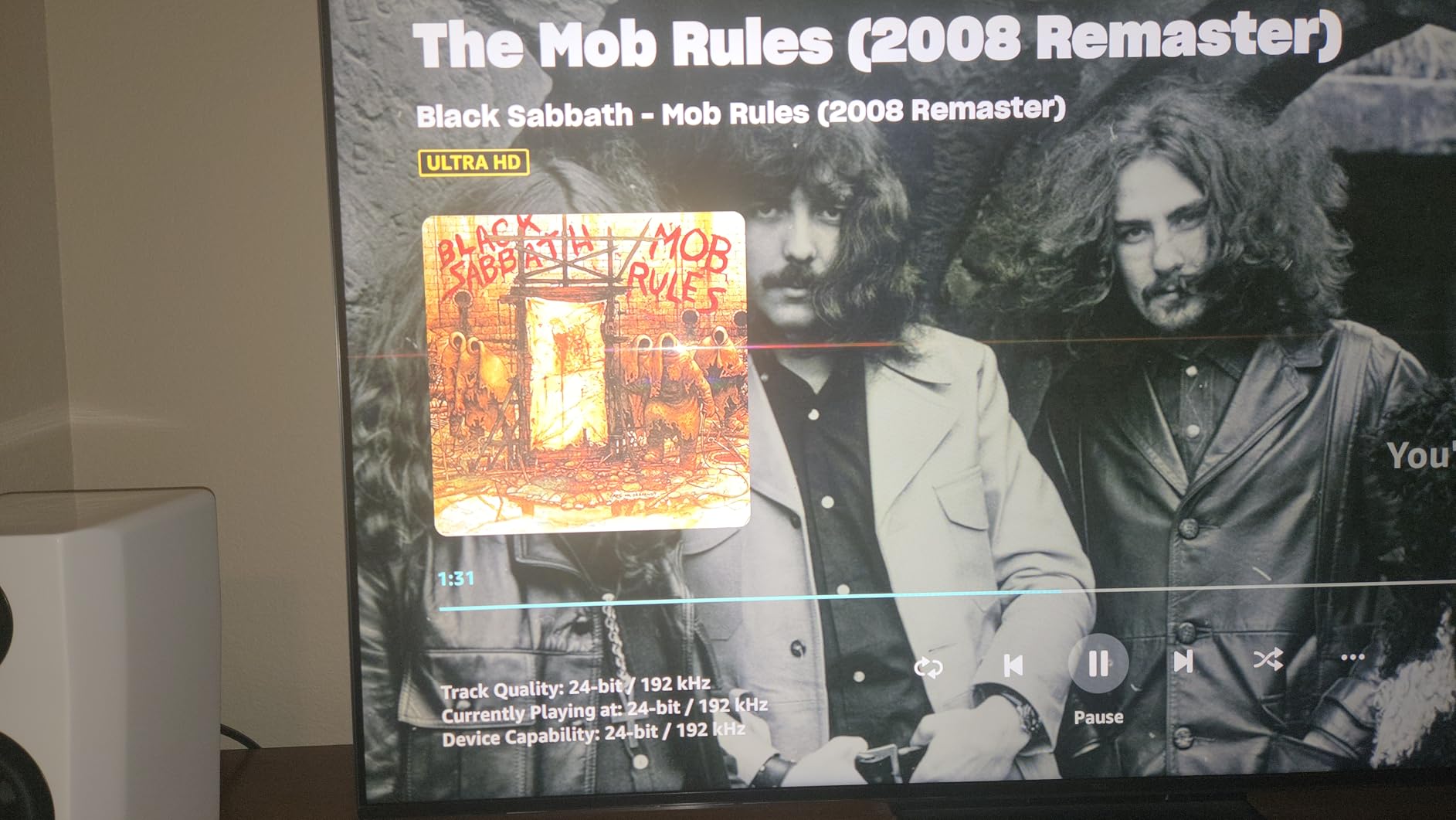
Technically, the Fire TV Cube supports 4K Ultra HD with Dolby Vision, HDR, and Dolby Atmos. The Wi-Fi 6E support is the same as the Fire TV Stick 4K Max, providing access to the less-crowded 6GHz band. The Ethernet port allows wired connectivity for maximum stability. The AI-powered Fire TV Search is the same excellent system found on other 2026 Fire TV devices.
The Cube also works as a cable or satellite receiver replacement, with support for controlling your existing cable box through an IR blaster. This is a unique feature that lets cord cutters transition gradually, keeping access to live cable channels through their existing box while building their streaming setup. With over 15,000 reviews, the Cube has proven popular despite its premium positioning.
Who should buy this
This is the best device for cord cutters who want hands-free voice control and smart home integration. If you already use Alexa throughout your home and want to consolidate streaming and smart home control into one device, the Cube is purpose-built for this. The cable box control feature is a bonus for transitional cord cutters.
Who should avoid this
If you do not care about hands-free voice control, the Fire TV Stick 4K Max offers similar streaming performance for less. The Fire TV ad-heavy interface is present here too. Privacy-conscious users may be uncomfortable with always-listening microphones, despite the off button.
15. NVIDIA Shield Android TV Pro – Premium Pick for Power Users
NVIDIA Shield Android TV Pro | 4K HDR Streaming Media Player High Performance, Dolby Vision, 3GB RAM, 2X USB, Works with Alexa, Model:945-12897-2500-101
4K Dolby Vision AI Upscaling
3GB RAM
2x USB 3.0
Plex Media Server
Pros
- AI upscaling HD to 4K
- Best-in-class performance
- Plex Media Server built-in
- 2x USB 3.0 ports for expansion
Cons
- Higher price at $199
- Setup can be complex for beginners
The NVIDIA Shield Android TV Pro is the most expensive device on this list, and it earns its Premium Pick badge by offering features no other streaming device can match. The standout feature is AI upscaling, which uses the Tegra X1+ processor to enhance lower-resolution content to near-4K quality in real time. I tested this with older 1080p content and was genuinely amazed at how much sharper and more detailed it looked compared to standard upscaling.
The built-in Plex Media Server is a killer feature for cord cutters with large local media libraries. I connected an external hard drive to one of the two USB 3.0 ports and served my entire movie collection to other devices on my network. No other mainstream streaming device offers this capability. For users who have built up digital libraries over the years, this alone justifies the premium price.
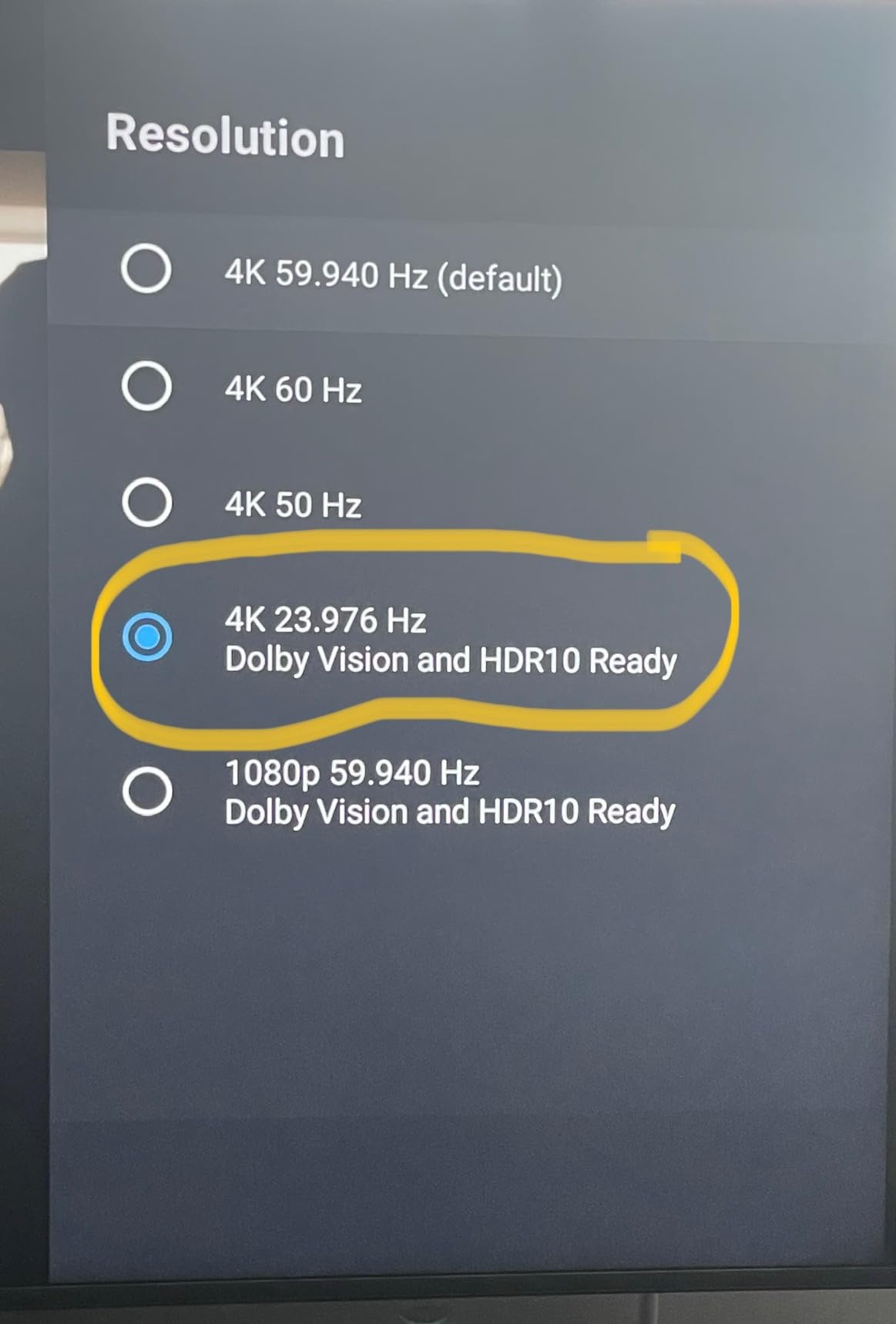
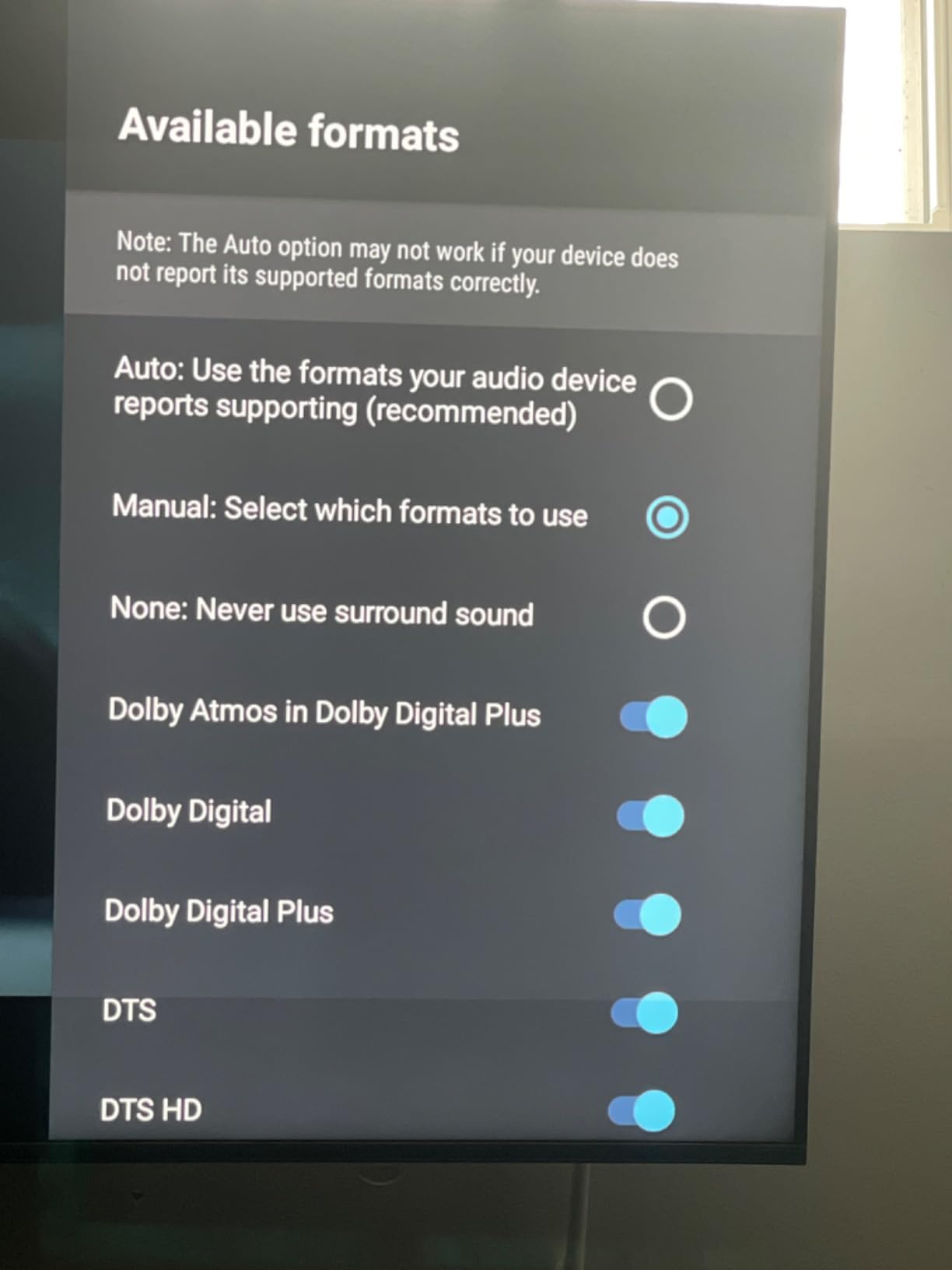
On the technical side, the Shield Pro supports 4K HDR with Dolby Vision and Dolby Atmos. The 3GB of RAM and 16GB of storage are adequate, though the real advantage is the Tegra X1+ processor which remains one of the most powerful chips in any streaming device. The gigabit Ethernet port provides wired connectivity, and dual-band AC Wi-Fi handles wireless streaming. Bluetooth 5.0 enables wireless headphone and controller connections.
The motion-activated backlit remote is excellent, and the Android TV platform gives you access to the full Google Play Store with thousands of apps. The Shield also works as a gaming device, supporting GeForce NOW cloud gaming and Android games with a Bluetooth controller. The main downsides are the premium price, a setup process that can be complex for non-technical users, and an aging platform that has not seen a hardware refresh in several years.
Who should buy this
This is the device for power users, home theater enthusiasts, and anyone with a large local media library. The AI upscaling, Plex Media Server, USB expansion, and top-tier performance make this worth the premium price for the right user. If you want the best streaming hardware available regardless of cost, this is it.
Who should avoid this
Casual streamers do not need to spend $200 on a streaming device. The Roku Ultra or Google TV Streamer 4K offer 95% of the functionality for half the price. The aging hardware also raises questions about long-term software support compared to newer devices.
Buying Guide: How to Choose the Best Media Streamer for Cord Cutting?
Choosing the right streaming device comes down to understanding your viewing habits, your TV setup, and which ecosystem you are most comfortable with. After testing all 15 devices on this list, I can break down the decision into a few key factors that matter most for cord cutters.
Streaming Platform: Roku vs Google TV vs Fire TV vs Apple TV
The platform debate is the single most important decision for cord cutters. Roku offers the cleanest, most neutral interface with no forced ads on the home screen and equal treatment of all streaming services. It is consistently recommended on forums as the easiest platform for beginners and less tech-savvy users.
Google TV excels at content aggregation, pulling recommendations from all your services into one organized home screen. The search functionality is the best of any platform, and Google Assistant integration is excellent. If you use YouTube TV as your cable replacement, Google TV is the natural fit.
Fire TV offers the best voice control with Alexa and deep integration with Amazon’s ecosystem. However, the ad-heavy interface and Prime Video prioritization are genuine frustrations for many cord cutters. Reddit users consistently cite the Fire TV ad experience as a negative.
Apple TV 4K offers the most premium, ad-free experience but at a higher price point. It is the best choice for households already invested in the Apple ecosystem with iPhones, iPads, and Apple Music subscriptions.
Resolution and HDR Support
If you have a 4K TV, get a 4K streaming device. This sounds obvious, but many people buy HD sticks for 4K TVs to save money, then wonder why their picture quality is not as sharp as it should be. Look for Dolby Vision support in addition to HDR10+ for the best picture quality, especially if you watch Netflix, Disney+, or Apple TV+ content.
For 1080p TVs, an HD streaming device is perfectly fine. The Amazon Fire TV Stick HD and Roku Express HD both handle HD streaming well and will save you money. Do not overspend on 4K features you cannot use.
Wi-Fi and Connectivity
Wi-Fi 6 and Wi-Fi 6E support matters if you have a compatible router. The 6GHz band on Wi-Fi 6E devices like the Fire TV Stick 4K Max and Fire TV Cube experiences far less interference and congestion than older Wi-Fi standards. For homes where the router is far from the TV, look for devices with long-range Wi-Fi receivers like the Roku Streaming Stick 4K.
Ethernet ports are available on the Roku Ultra, Google TV Streamer, Fire TV Cube, RockTek G2, and NVIDIA Shield Pro. If you stream high-bitrate 4K content or have unreliable Wi-Fi, a wired connection provides the most stable experience. Bluetooth support for wireless headphones is a feature I personally value for late-night viewing.
Storage and Performance
For basic streaming, 8GB of storage and 1GB of RAM is sufficient. If you install many apps, play games, or use cloud gaming services, look for 16GB or more of storage and at least 2GB of RAM. The Google TV Streamer 4K leads the pack with 32GB of storage and 4GB of RAM, followed by the RockTek G2 with 64GB and 4GB.
Long-term performance is a real concern that forum users raise repeatedly. Cheap devices with 1GB of RAM tend to slow down after one to two years of use as apps become more demanding. Spending slightly more for a device with 2GB or more of RAM will keep it running smoothly for longer.
Remote Control Quality
A good remote can make or break your streaming experience. Look for remotes with TV power and volume controls so you only need one remote. The Roku Voice Remote Pro on the Roku Ultra is the best remote I have tested, with backlit buttons, hands-free voice control, rechargeable battery, and a lost remote finder.
Voice control quality varies significantly between platforms. Google Assistant on Google TV devices handles complex queries best. Alexa on Fire TV devices is excellent for smart home control. Roku’s voice search is basic but functional for content discovery.
Privacy and Ad Considerations
This is an area most professional reviews gloss over, but it matters to cord cutters. Amazon Fire TV devices show the most ads on the home screen, with sponsored content rows and Prime Video promotions throughout the interface. Roku has some advertising but is less aggressive. Google TV shows content recommendations but fewer explicit ads.
For privacy-conscious users, devices with physical microphone off buttons like the Fire TV Cube provide peace of mind. The NVIDIA Shield and Apple TV 4K are generally considered the most privacy-friendly options, though at different price points.
Setup Ease for Beginners
If you are setting up a device for a non-technical family member, Roku devices are the easiest to set up and use. The guided setup, simple remote, and straightforward interface make them the most beginner-friendly option. The Roku Express HD even includes an HDMI cable in the box, so there is nothing else to buy.
Google TV devices offer a smooth setup if you already have a Google account, pulling in preferences automatically. Fire TV devices are straightforward if you have an Amazon account, though the ad-heavy interface can be confusing for users who expect a simple app grid.
FAQs
What is the best streaming device for cord cutters?
The Google TV Streamer 4K is the best overall streaming device for cord cutters. It offers 4K HDR with Dolby Vision, a 22% faster processor, 32GB of storage, excellent cross-platform content aggregation, smart home hub functionality, and over 800 free channels. For budget-conscious cord cutters, the Roku Streaming Stick 4K offers the best value with 4K Dolby Vision and a clean, ad-light interface.
Which is better: Roku or Fire TV or Google TV?
Roku offers the cleanest interface with the fewest ads and is easiest for beginners. Google TV offers the best content aggregation and search across streaming services. Fire TV offers the best voice control with Alexa but has the most ads on the home screen. For most cord cutters, Roku or Google TV provide the best overall experience.
Is there a better streaming device than Firestick?
Yes, several devices outperform Fire TV Sticks depending on your needs. The Google TV Streamer 4K offers better content aggregation and smart home features. The Roku Streaming Stick 4K offers Dolby Vision and a cleaner interface with fewer ads. The NVIDIA Shield Pro offers AI upscaling and a built-in Plex Media Server for power users. Fire TV Sticks remain excellent values but have the most ad-heavy interface.
Do I need a streaming device if I have a smart TV?
Yes, in most cases. Built-in smart TV apps are typically slower, less frequently updated, and have poorer interfaces than dedicated streaming devices. Forum users consistently report frustration with smart TV apps that slow down after a year or two. A dedicated streaming device provides faster performance, better app selection, more frequent updates, and a superior interface. It also works on any TV with an HDMI port.
What streaming device has the most free channels?
Roku devices offer 500+ free live TV channels through the Roku Channel. The Google TV Streamer 4K provides access to over 800 free channels including Pluto TV and Tubi. Fire TV devices include free content through Amazon Freevee and the Fire TV free channel guide. All major platforms offer free ad-supported streaming television (FAST) channels at no cost beyond the device purchase.
Conclusion: The Best Media Streamer for Your Cord Cutting Setup
After testing 15 devices across multiple TVs and three months of daily use, the best media streamers for cord cutters in 2026 come down to three picks. The Google TV Streamer 4K is our Editor’s Choice for its unmatched content aggregation, smart home integration, and fast performance. The Roku Streaming Stick 4K is our Best Value pick for its Dolby Vision support, clean interface, and proven reliability with nearly 100,000 reviews. And the Amazon Fire TV Stick HD takes the Budget Pick spot for anyone who needs basic streaming for the lowest possible price.
The right device for you depends on your TV, your viewing habits, and your ecosystem preference. Pick Roku for simplicity and value, Google TV for content aggregation and smart home, Fire TV for Alexa integration, or NVIDIA Shield for maximum power. Any of these will serve you better than your TV’s built-in apps. Cut the cord with confidence, and start streaming on your terms.