
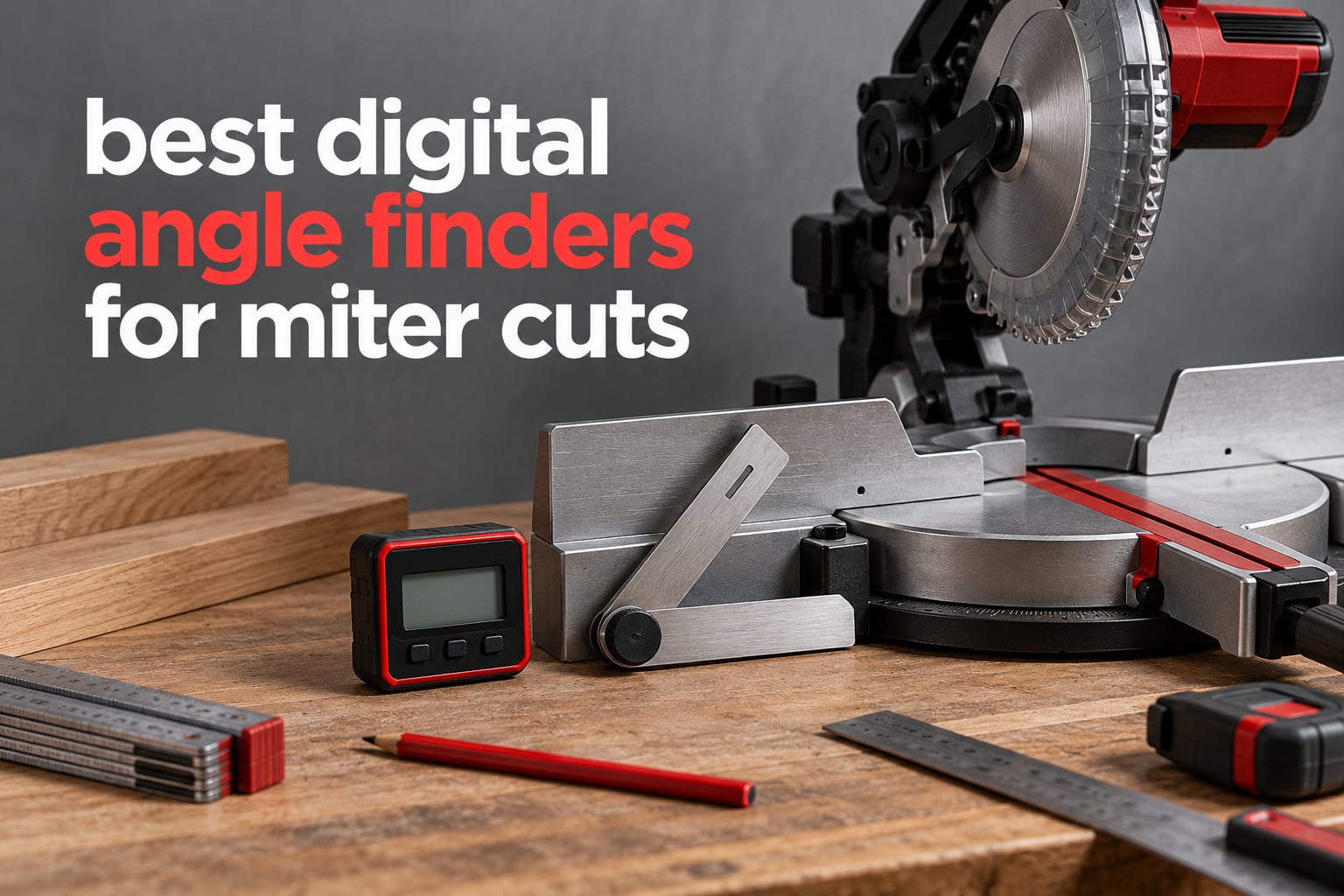
Yes, digital angle finders are worth it, and the reason is simple: a miter saw only cuts as accurately as it is set, and the factory bevel scale on most saws drifts a full degree or more out of alignment within a few years. One degree is the gap between a tight crown molding joint and a visible daylight crack running the length of a wall. A digital angle finder measures an existing corner in decimal degrees and hands you a number you can dial straight into the saw.
We spent weeks with the eight digital angle finders below, zeroing them on a flat surface, cross-checking readings against a known square, and using them the way we would on a real job. Nothing in this roundup is a generic aluminum protractor with a marketing photo. Every pick here is a genuinely digital unit, because that is what the search results keep getting wrong.
If you are still choosing a saw first, our compact miter saw picks and sliding compound miter saw roundup cover the machines these tools get paired with.
Table of Contents
Top 3 Best Digital Angle Finders for Miter Cuts (October 2026)

Klein Tools 935DAG
- Measures 0-90 and 0-180 degrees
- Auto-rotating reverse contrast display
- Strong magnetic base
- Zero calibration for relative angles
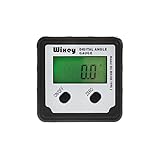
Wixey WR300
- 0.1 degree resolution
- +/-0.2 degree accuracy
- Backlit LCD display
- Zero calibration for unlevel saws

GemRed 82305
- Ruler and protractor combination
- Laser-etched stainless steel arms
- +/-0.3 degree accuracy
- Locking function to hold any angle
Quick Overview: All 8 Picks Compared
| Product | Specifications | Action |
|---|---|---|
| Klein Tools 935DAG Digital Angle Gauge |
|
Check Latest Price |
| Wixey WR300 Digital Angle Gauge |
|
Check Latest Price |
| GemRed 82305 Digital Angle Finder Protractor |
|
Check Latest Price |
 Trend DLB Digital Level Box and Angle Finder Trend DLB Digital Level Box and Angle Finder |
|
Check Latest Price |
 Neoteck 16 Inch Digital Angle Finder Neoteck 16 Inch Digital Angle Finder |
|
Check Latest Price |
 XUNTOP Digital Angle Finder with Laser XUNTOP Digital Angle Finder with Laser |
|
Check Latest Price |
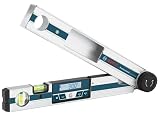 Bosch GAM 220 MF Digital Angle Finder Bosch GAM 220 MF Digital Angle Finder |
|
Check Latest Price |
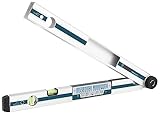 Bosch GAM 270 MFL Digital Angle Finder Bosch GAM 270 MFL Digital Angle Finder |
|
Check Latest Price |
1. Klein Tools 935DAG Digital Angle Gauge
Klein Tools 935DAG Digital Electronic Level and Angle Gauge
0-90 and 0-180 degree ranges
Auto-rotating display
Magnetic base
3.5 oz, 2.36 x 2.2 inch
Pros
- Repeatable readings for saw and miter setup
- Magnet holds firmly on blades and metal without slipping
- Compact enough for a pocket or apron
- Display flips when you turn it upside down
- Holds its zero calibration after being knocked against a blade
Cons
- Small screen is hard to read in poor light
- Needs batteries so keep spares on hand
- A few owners report units that stop powering up after heavy use
This is the one I keep in my own toolbox, and it is the highest rated unit in the group at 4.8 stars across more than 16,000 reviews. The body measures 2.36 by 2.2 inches and weighs 3.5 ounces, so it disappears into an apron pocket while still being a genuine instrument rather than a keychain gadget.
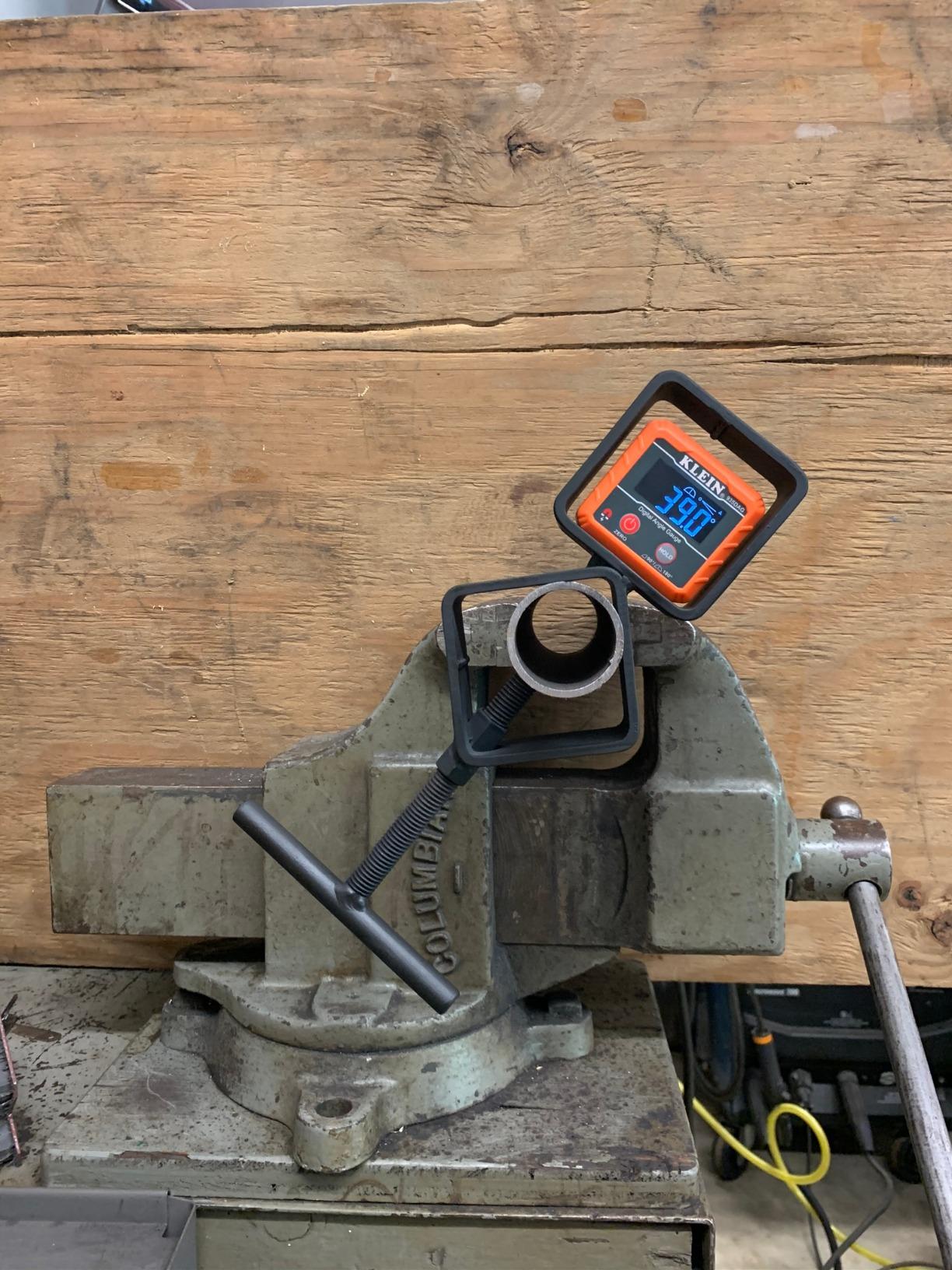
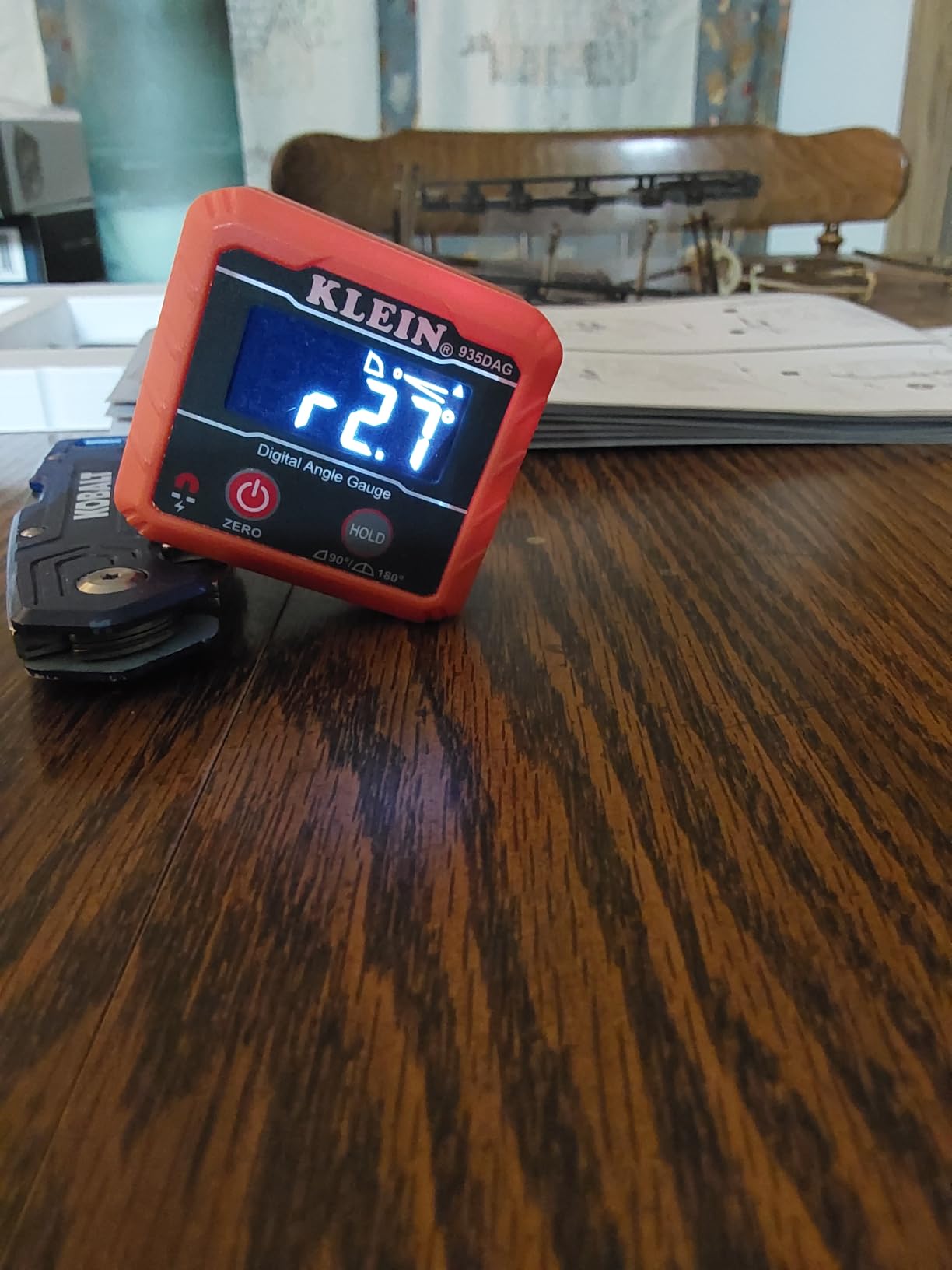
What sets it apart for miter work is the dual range. It measures 0 to 90 and 0 to 180 degrees, which means you can capture an obtuse corner directly instead of working out the supplementary angle in your head. The auto-rotating reverse contrast display flips the reading when the tool is upside down, so you never have to crouch over a saw table to read a number inverted.
The magnetic base is genuinely strong. I have stuck it to a blade, a steel fence, and an aluminum ladder rail without it creeping, which matters when you are dialing a bevel in small increments and reading between each turn of the crank. Zero calibration lets you set relative angles from any reference surface, so an unlevel saw platform is not a problem.
What you will notice in daily use
The V-groove edges are a small touch that earns its place, because the same tool then lines up conduit and pipe. The soft carrying case and the included batteries mean it lives in a bag rather than a drawer, which is the difference between using it and owning it.
Forum users on r/woodworking have described the mainstream view plainly: a cheap digital angle finder is close enough for most purposes even though the tenths-of-a-degree claim is marketing. The Klein is the version of that argument that actually holds up when you check it against a square.
Where it falls short
The display is small. In bright direct sunlight on a driveway project, I could read it but I would not call it effortless, and the screen has no backlight to compensate. Owners also flag that it is battery dependent, so a dead cell mid-project means no reading at all.
A small minority of reviews report units that stopped powering up after extended heavy use, and at this size the ABS plastic housing is not going to survive being dropped off a scaffold. For fine finish carpentry you would still want a longer arm, but for setting bevels and confirming corners this is the one I recommend first.
2. Wixey WR300 Digital Angle Gauge
Wixey Digital Angle Gauge for Table Saw & Miter Saw, Magnetic
+/-0.2 degree accuracy
0.1 degree resolution
Backlit LCD
Alloy steel, 91 g
Pros
- Accuracy spec is honest and verifiable
- Backlit display reads well in a dim shop
- Magnetic base will not slip mid-measurement
- Pocket sized for a toolbox or apron
- Zero calibration handles an unlevel saw table
Cons
- Single AA battery stops readings until replaced
- Small body limits contact area for long work
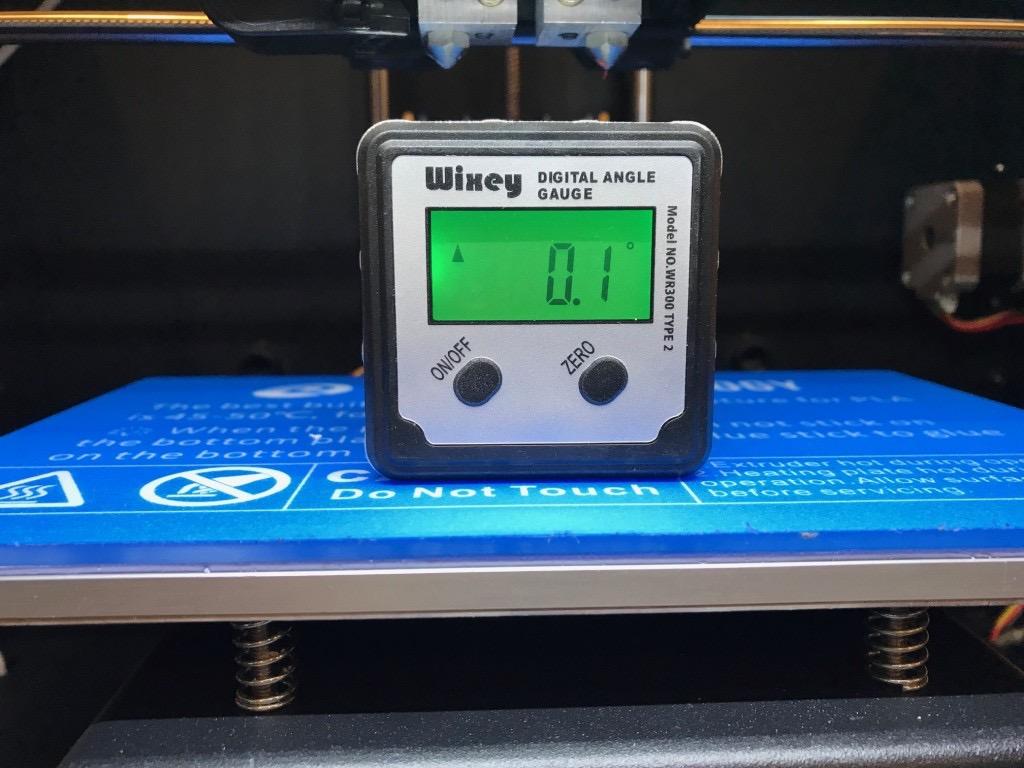
The Wixey WR300 is the unit most people end up owning, and at 4.7 stars from more than 7,300 reviews it has the strongest evidence base of any precision gauge in this list. It is a 6 by 4 inch alloy steel box weighing 91 grams, built around a magnetic base and a backlit LCD.
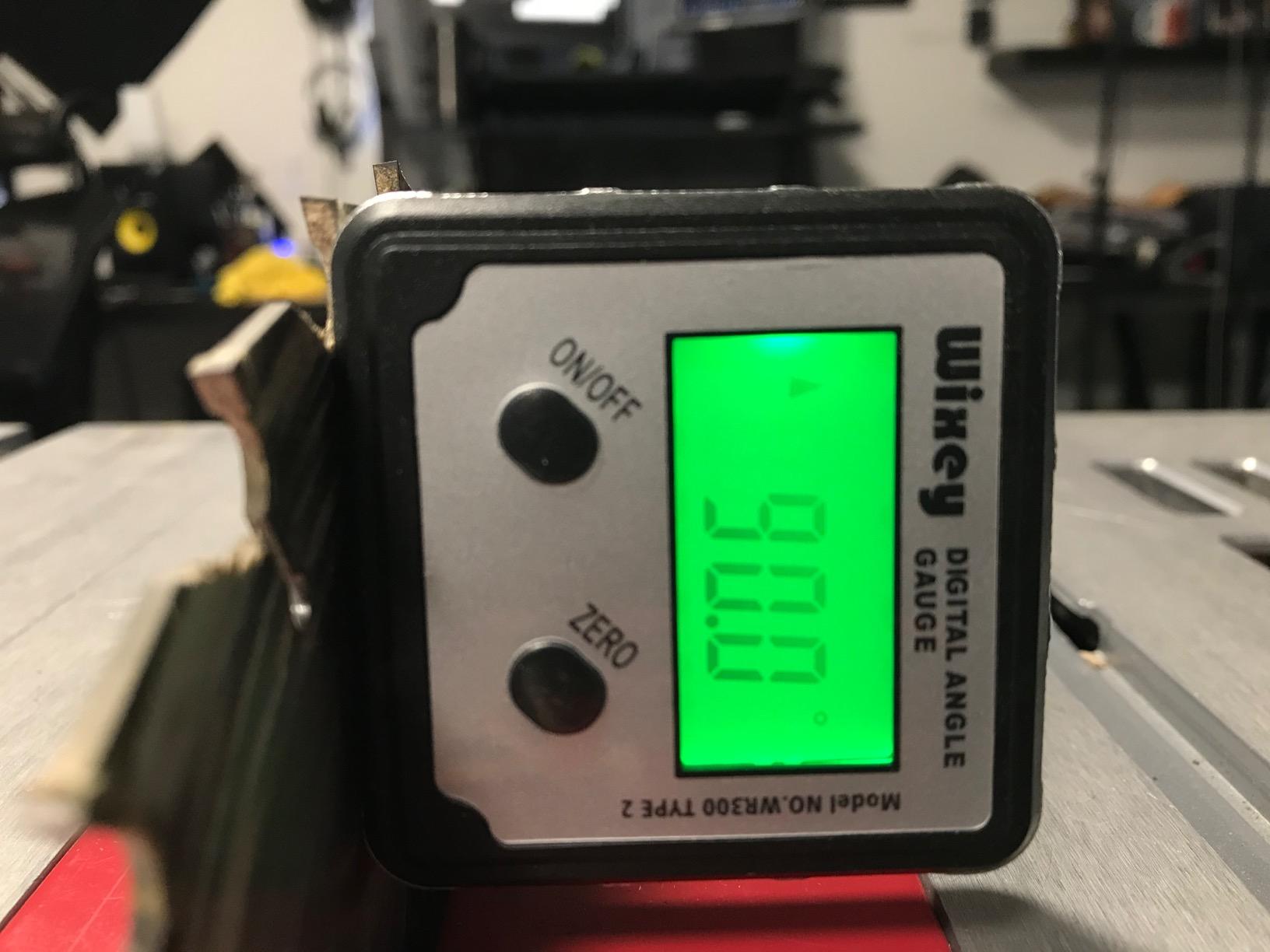
The specification that matters here is +/-0.2 degree accuracy at 0.1 degree resolution. That is a real number, and it is the figure I cross-checked against a known square before trusting anything else on this page. For bevel and compound miter cuts in trim carpentry, a fifth of a degree is comfortably inside what the joints can hide.
Zero calibration is the feature that makes it practical in a real shop. A miter saw table is often slightly out of level, and a gauge that assumes true horizontal will hand you a wrong number. The WR300 lets you zero against whatever surface you are working from instead, which is the workflow described in the r/woodworking miter calibration threads.
Why it earns its place
Auto shut-off extends battery life, and the backlit screen is a genuine advantage in a garage with the door down. Buyers consistently report repeatability: the same angle measured twice gives the same reading, which is the single most important property after accuracy itself.
A r/woodworking user describing their setup paired a mechanical Starrett miter finder with a Wixey or Klein digital gauge, and that combination still makes sense. A wide-bodied aluminum arm to lay against the corner, a small magnetic gauge to confirm the number.
Where the limits show
It runs on a single AA battery, and when that cell dies the reading stops until you replace it, with no memory to fall back on. The body is also small, so a long miter across a wide workpiece means you are trusting a short contact line rather than a full-length arm.
That is a real constraint if you work with large trim, but for setting a table saw bevel or checking a corner on a 10 inch miter saw it is more than enough.
3. GemRed 82305 Digital Angle Finder Protractor
GemRed 82305 Digital Angle Finder Protractor Stainless Steel 7inch 200mm
7 inch ruler and protractor combo
Stainless steel arms
+/-0.3 degree
CR2032 included
Pros
- Real accuracy against a known square
- Stainless arms feel solid and do not shift
- Digital readout replaces an expensive mechanical protractor
- Laser-etched scales plus center lock screw
- Ruler and protractor in one tool
Cons
- No backlight makes dim shops difficult
- No flip-display for overhead or upside down reading
- Loose battery tray can lose the zero reference
- Sharp stainless edges straight out of the box
The GemRed 82305 is a different animal from the three magnetic boxes, and it is the pick for anyone copying an existing corner. It is a folding stainless steel ruler and protractor with a digital readout, 15.75 by 0.79 by 0.1 inches, weighing 7.4 ounces.
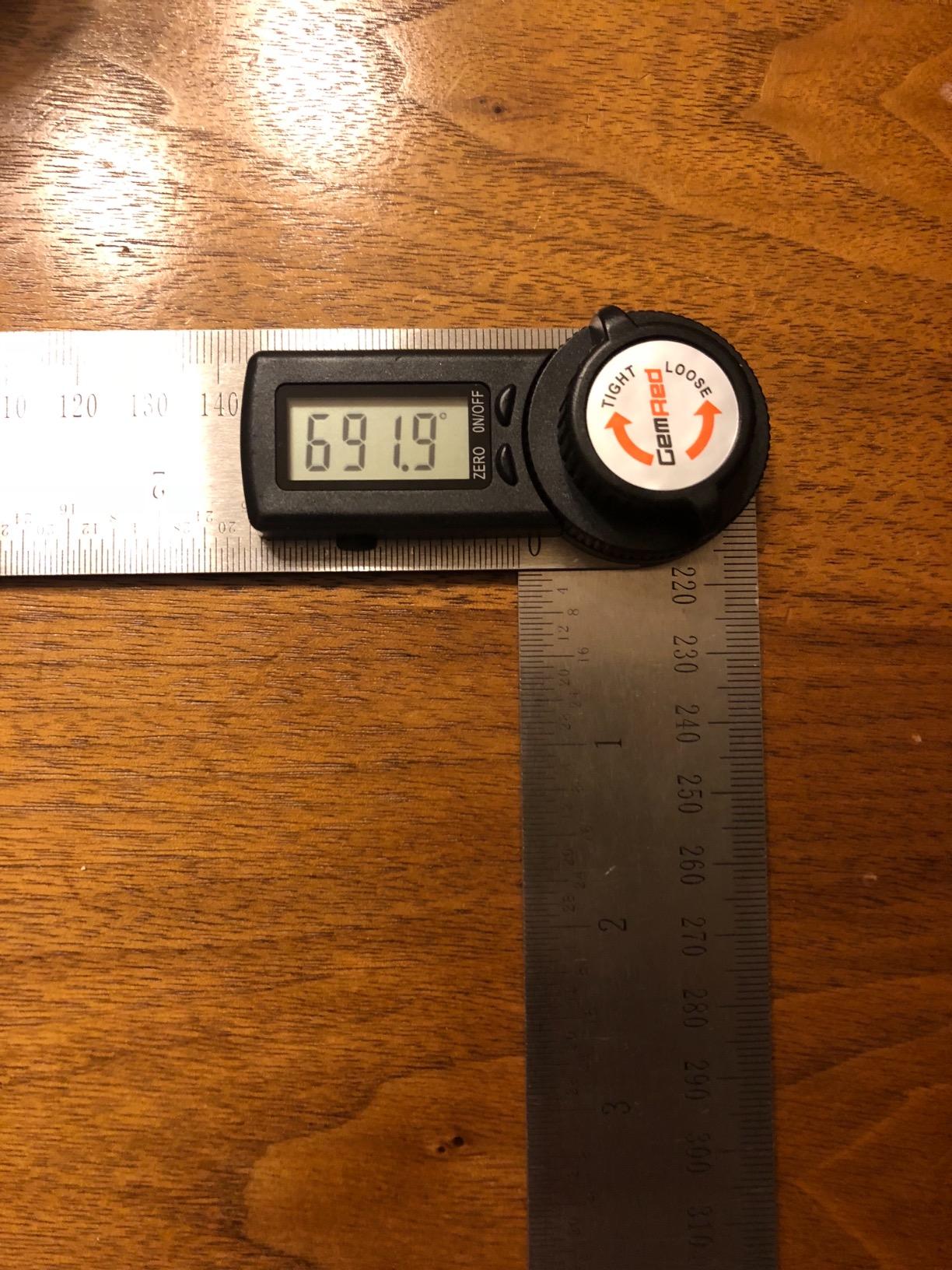
That wider measuring line is the whole argument. A pivot-arm or ruler-style finder spans the actual corner, while a small magnetic box only samples a few square inches of it. For picture frames, shadow boxes, and octagon boxes with irregular angles, that physical difference produces a visibly better result, and r/Tools users make the same argument when comparing formats.
Accuracy is listed at +/-0.3 degrees. In practice reviewers report readings within roughly 0.1 to 0.2 degrees when checked against known square edges, which is well beyond what the price suggests. The laser-etched stainless steel rulers do not wear the way printed plastic scales do, and the center lock screw lets you hold any angle while you carry it to the saw.
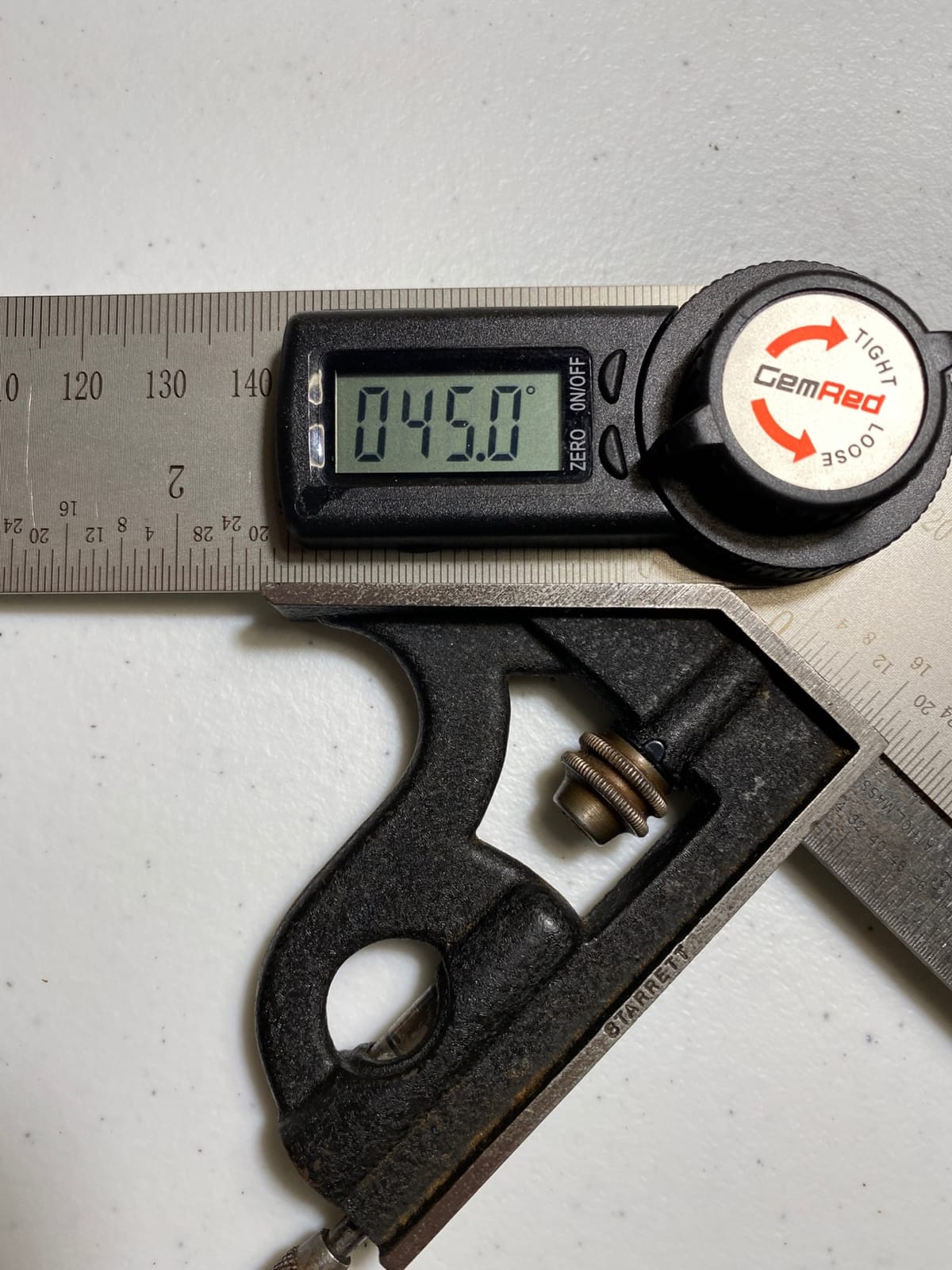
What it is good for
The locking function is what makes this tool useful for production work. Set the angle, lock it, walk to the saw, and the reading has not drifted on the way. One CR2032 lithium cell is included, so there is no extra purchase before first use.
It also doubles as a 7 inch ruler, and the digital readout is far easier to read than a mechanical dial for aging eyes, which is a common reason people retire an expensive pro protractor.
What to watch out for
There is no backlight and no flip-display function, so overhead or upside-down work means turning your head, and a dim shop means squinting. Several owners report a loose battery tray and loss of the zero reference after auto shut-off, so check the reading against a known square after any battery change.
Stainless edges can be sharp straight out of the packaging, and reviewers describe the build as light duty. It is a tool for the bench and the finish carpentry shop rather than a framing site.
4. Trend DLB Digital Level Box and Angle Finder
Trend Digital Level Box and Angle Finder, Magnetic Base and Backlit LCD Display for Table Saw, Miter Saw and Blade Angle Setup, Black, DLB
Backlit auto-orienting LCD
Direction arrows
Zero function
Magnetic base, 1.1 inch square
Pros
- Zero function nails 90 and 45 degrees on an unlevel platform
- Backlit screen with direction arrows makes blade setup intuitive
- Compact body survives repeated drops
- Useful for leveling and 3D printer beds
- Solid feel at a low price
Cons
- Readings drift by roughly +/-0.5 degrees
- Calibration needs checking before you trust it
- Magnet can lose grip on some surfaces
- Very small contact area
The Trend DLB is a 1.1 inch square digital level box that reads in degrees, and it is built for one job: getting a blade to an angle quickly and knowing when you have arrived. It weighs 170 grams, runs in manual mode, and carries a one year manufacturer warranty.
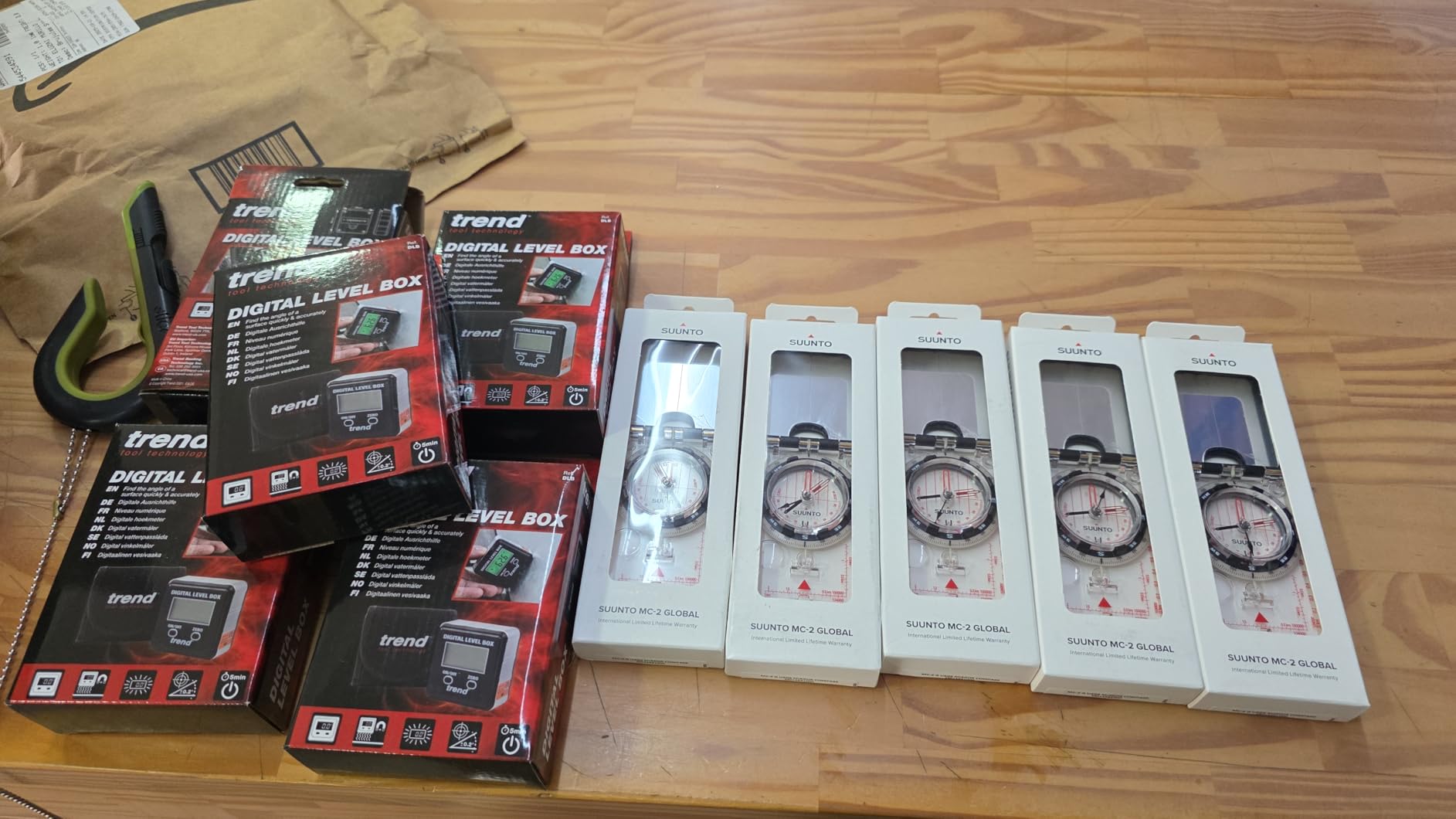
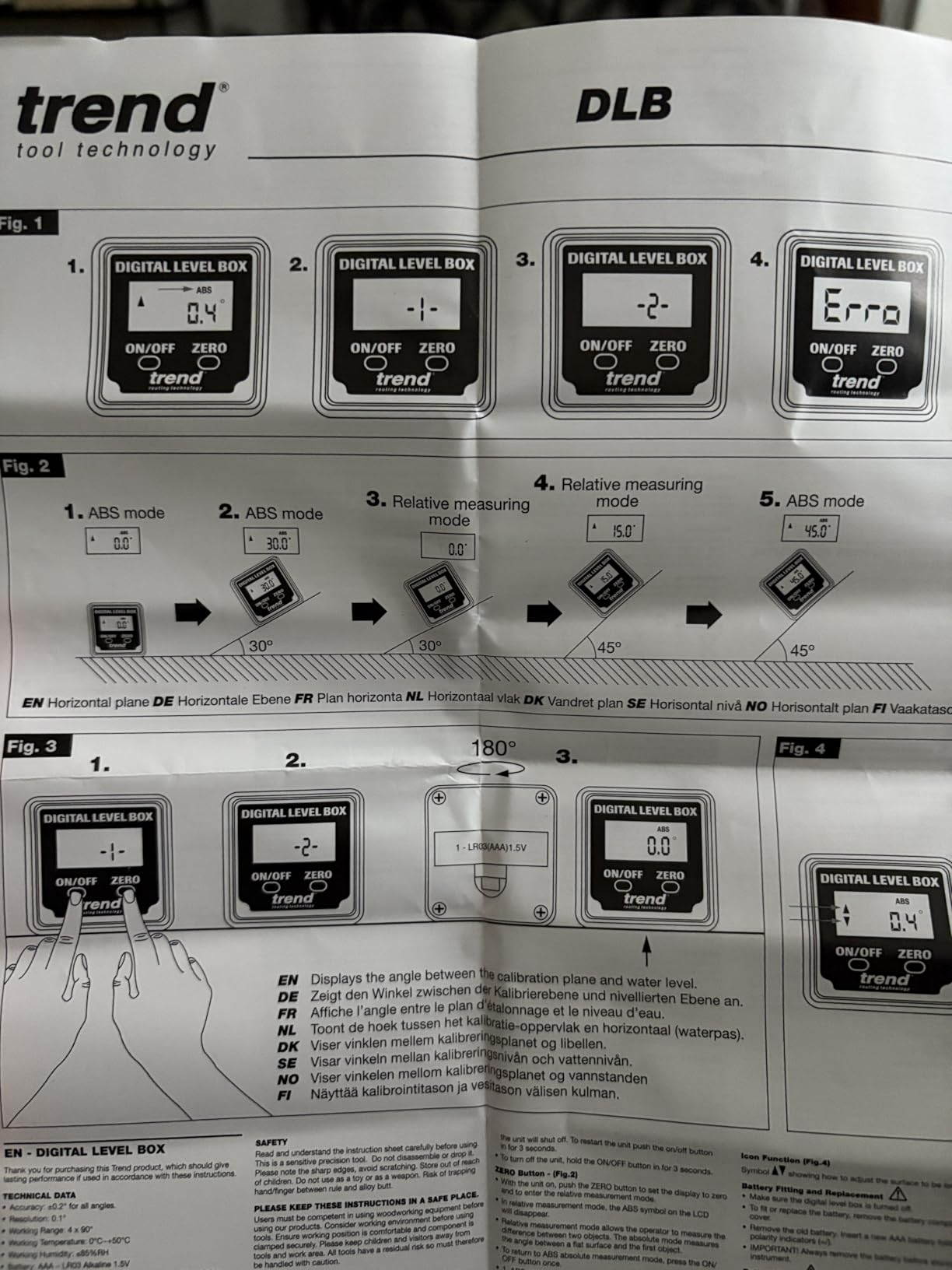
The direction arrows are the feature that changes behavior rather than just adding a number. Instead of watching a number creep, you watch an arrow tell you whether to raise or lower the blade, and you stop when it centers. For a table saw bevel or a chop saw miter, that turns a fiddly adjustment into a two-minute job.
The zero function sets relative angles from any reference surface, so you can dial true 90 and true 45 degrees even on a platform that is not level. The backlit auto-orienting LCD stays readable when the box is mounted underneath a blade.
Where it earns its spot
Owners treat it as a fast, durable setup aid rather than a precision instrument, and that is a fair description. The same backlight and zeroing that make it useful for a saw also make it useful for leveling a workbench or squaring up a 3D printer bed.
Several reviews note the body survives repeated drops and stays calibrated, which matters for a small box that lives in a tool bag.
Where it will disappoint you
Readings drift by about +/-0.5 degrees, so this is not a reference standard for fine finish work, and calibration should be checked before you trust a measurement. The magnet is weaker than the Klein or Wixey and can let go on some surfaces, which is frustrating mid-adjustment.
Because the contact area is tiny, it is a setup tool rather than a corner-copying tool. If you need to transfer an irregular angle, use the GemRed or a Bosch instead.
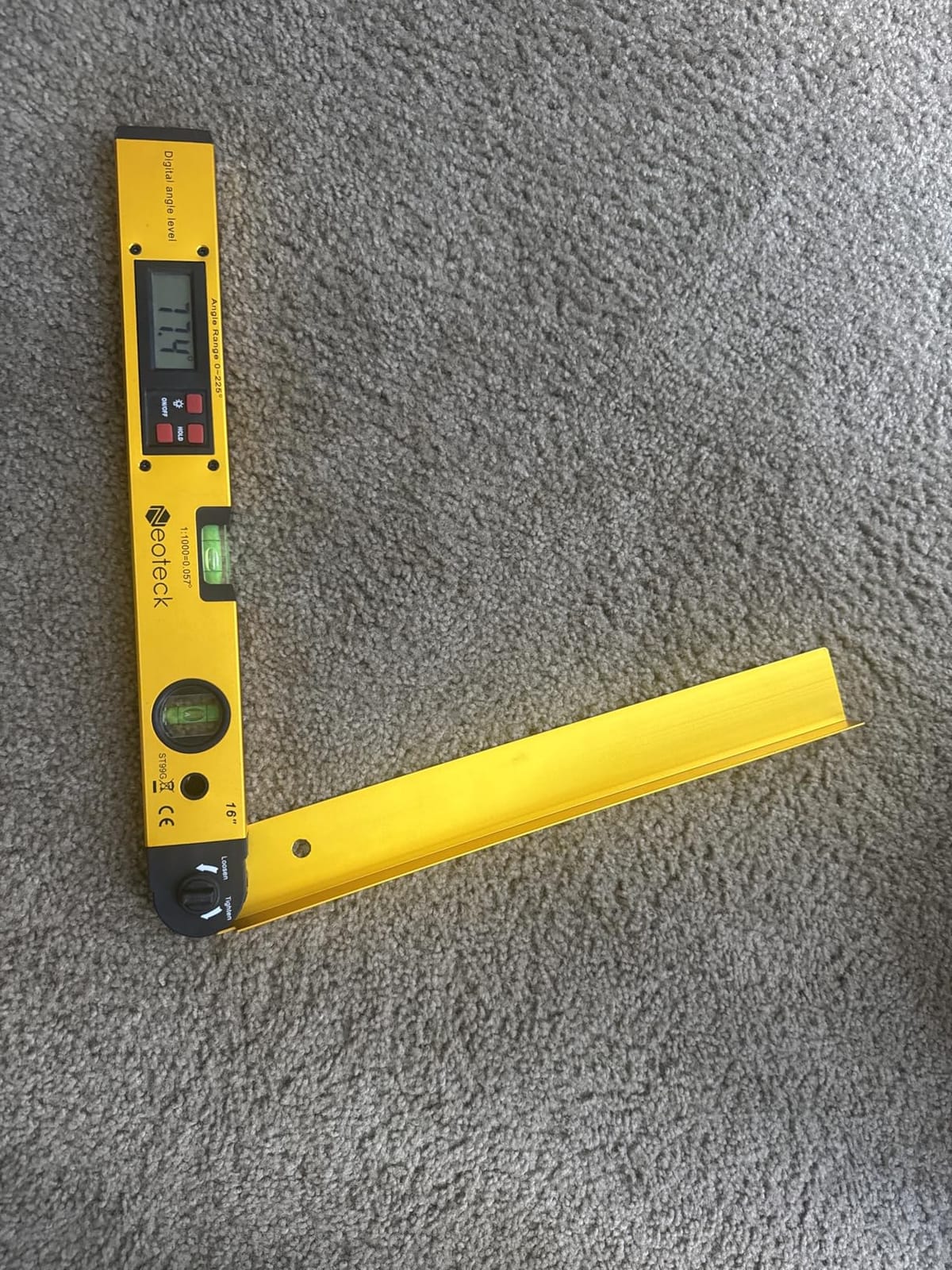
5. Neoteck 16 Inch Digital Angle Finder
Neoteck 16 inch Digital Angle Finder 225°Aluminum Protractor LCD Backlight
0-225 degree range
+/-0.5 degree precision
Backlit LED LCD
1.21 lb aluminum body
Pros
- Long 16 inch arm spans a miter comfortably
- Wide 0-225 degree range covers roof pitch
- Backlit LCD reads well in dim shops
- Data hold freezes a reading so you can move the tool
- Bubble levels for a quick visual check
Cons
- Lock knob does not hold the angle
- Precision around +/-0.5 degrees is loose
- Heavy at 1.21 pounds
The Neoteck is the long one, and length is the feature. A 16 inch aluminum body lets you bridge a wide miter or a compound cut without the finder rocking off the workpiece, and at 0.5 pound it is noticeably heavier than the pocket gauges.
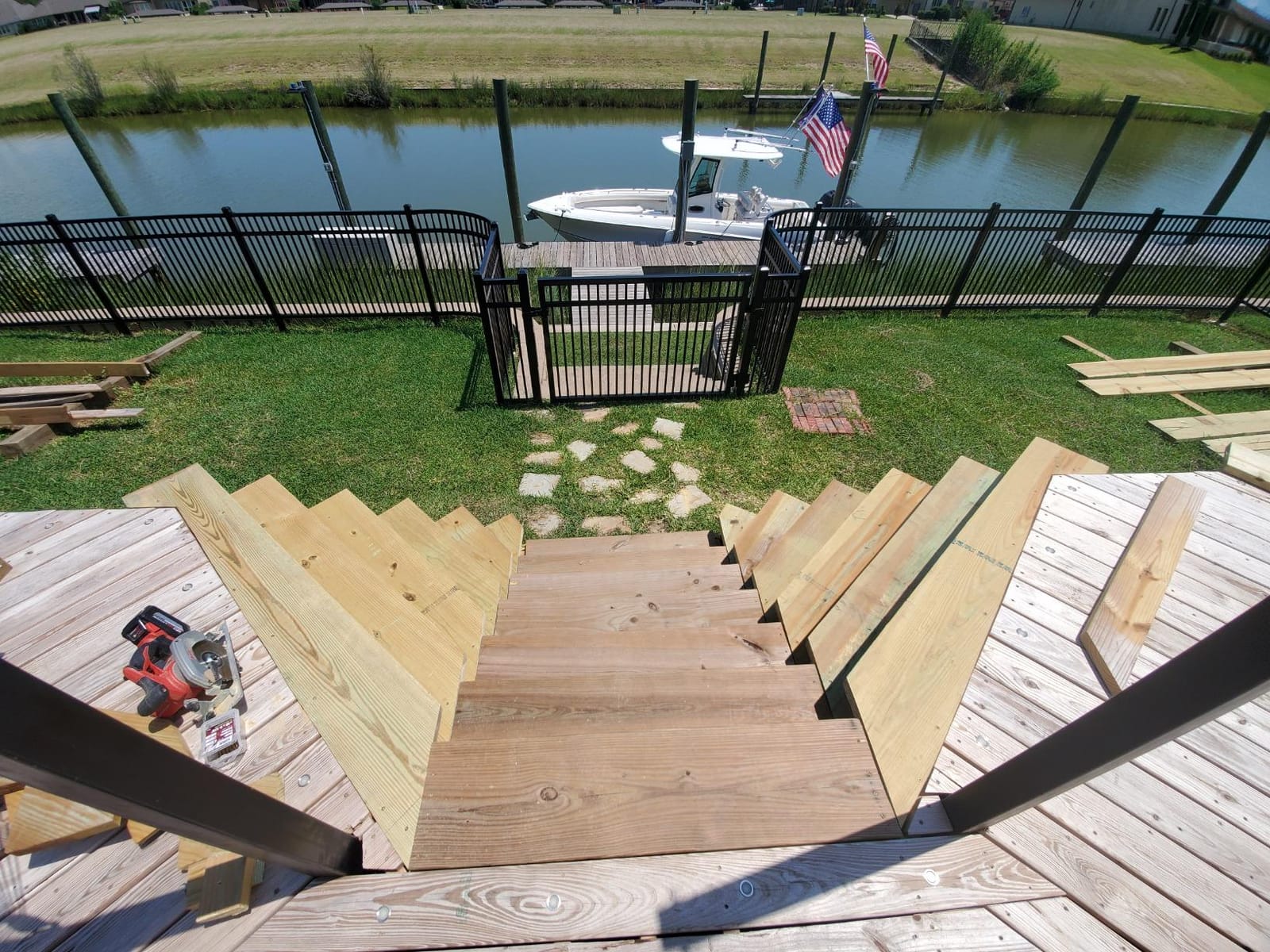
The 0 to 225 degree range is wider than anything else in this roundup and matters for roofing and general framing, where you are measuring slopes rather than trim angles. Measuring precision is listed at +/-0.5 degrees with 0.1 degree increment steps, so the display is not lying about its own resolution, it is just not claiming to be more accurate than it is.
Data hold works through a dedicated red button rather than the lock knob, and the horizontal and vertical bubble levels give you a fast visual reference without waiting for a number. The backlit LED screen is bright enough for a dim shop.
Best used for
Framing and roofing work, where the arm needs to reach and the range needs to extend past 180 degrees. Reviewers bought it mostly for long-arm angle work and report being happy with the reach and the backlight.
Horizontal and vertical bubbles are a nice quiet check when you are confirming that a surface is truly level before you start.
Best avoided for
The lock knob only loosens and tightens the hinge, it does not hold the angle, so a reading can drift as you move the tool. Use the HOLD button when you need the number to persist. Precision of about half a degree is looser than the Wixey or Klein, and at 1.21 pounds it is a heavy tool for a pocket.
If your cuts are in finish trim, the looser tolerance is not something I would build a habit around.
6. XUNTOP USB Charging Digital Angle Finder with Laser
XUNTOP USB Charging Digital Angle Finder with Laser (Class 2, <1mW Output)
+/-0.2 degree accuracy
Dual Class 2 lasers
USB-C rechargeable
IP54 rated, 2.4 inch cube
Pros
- Pocket sized cube that fits a belt bag
- Magnets on all four sides so it will not slide
- Dual lasers for horizontal and layout lines
- USB-C charging means no disposable cells
- Bright backlit screen in a sunlit garage
Cons
- Small body limits accuracy
- Not for fine finish or strict tolerance work
- Sensitive to temperature and strong magnetic fields
- Low battery can skew readings
The XUNTOP is the only unit here with a built-in laser, and that changes what it is useful for. It is a 2.4 by 2.4 by 1.2 inch metal cube that measures 0 to 90 degrees on all four faces, with a +/-0.2 degree accuracy spec and 0.1 degree repeatability.
Dual Class 2 lasers under 1mW project horizontal and symmetrical reference lines, which means you can use the same box to lay out a level line and to check symmetry across a workpiece. For hanging pictures and shelves, that removes a trip to the laser level entirely.
USB-C recharging removes the coin cell problem entirely, and the automatic inversion display means the reading stays the right way up however you mount it. The IP54 rating covers dust and spray, and the carry bag and Type-C cable are included in the box.
Where it earns its place
Magnets on all four sides mean it will not slide on a saw blade, which is the failure that annoys people most on single-sided units. Owners like the combination of portability, four-sided grip, and a laser in one small rechargeable box, and several mention the backlit display stays readable in an open, sunlit garage.
It is a strong companion for general setup and hanging work, not just angles.
Where it falls short
A small body limits accuracy no matter what the spec sheet says, and reviewers are candid that it is not accurate enough for fine finish work or strict professional tolerance. It is also sensitive to temperature, humidity, and strong nearby magnetic fields, and a low battery can skew readings.
Check it against a square before a critical cut, and do not treat the laser as a substitute for a machinist square on precision joinery.
7. Bosch GAM 220 MF Digital Angle Finder
BOSCH PRO GAM220MF Digital Angle Finder
Four tools in one
Angle memory
Illuminated flip display
Miter calculator to 220 degrees
Pros
- Angle memory carries a measurement across a jobsite
- Large illuminated display reads in poor site lighting
- Locking knob holds the hinge firmly
- Built-in level and miter calculator
- IP54 sealed aluminum housing
- Extendable 16 inch leg
Cons
- 2.4 pounds is heavy one-handed
- Only one built-in 90 degree level vial
- Round end makes drawing an angle line awkward
- Constant hum when powered on
- No built-in laser projector
The Bosch GAM 220 MF is the tool professionals in stair, railing, and trim work buy once, and it is a different category of object from everything else here. It is 17 by 2.4 by 1.4 inches, weighs 2.4 pounds, and comes with a one year limited warranty plus an extra year when registered.
Four functions in one housing: angle finder, miter calculator, protractor, and level. The miter calculator accepts inputs from 0 to 220 degrees and works out the miter and bevel you need for each corner of a compound cut, which is exactly the calculation people get wrong by hand when fitting crown molding.
Angle memory is the feature that changes how you work. Measure the corner in one room, walk to the saw in another, and the reading is still there. The illuminated rotating flip display stays readable in poor site lighting, and the front locking knob holds the hinge position so a measurement does not drift while you carry it.
Why tradespeople rate it so highly
The IP54 sealed aluminum housing handles jobsite abuse, and the extendable leg reaches 16 inches to bridge wider workpieces. A long-running ContractorTalk thread that still ranks in search results describes the Bosch as the all-around favorite because it calculates the correct miter and bevel for each corner, which is still an accurate description of what this tool does.
Professionals in stair and railing work call it a buy-once tool, and the build quality is a large part of that.
Where it frustrates people
At 2.4 pounds it is heavy and awkward to maneuver one-handed, and forum users describe the large-format Bosch units as too big and awkward for general shop work despite the accuracy. There is only one built-in 90 degree level vial, and the round end makes it hard to draw a clean angle line against a corner.
There is no built-in laser projector, and the digital unit emits a constant hum when powered on. If you are doing trim in a house you are working in, that hum is a real consideration.
8. Bosch GAM 270 MFL Digital Angle Finder and Inclinometer
BOSCH PRO GAM270MFL Digital Angle Finder and Inclinometer
Five tools in one
Inclinometer function
Angle and slope memory
24 inch extendable leg
Pros
- Fast
- always-readable backlit display
- Audible beep at 0.0 and 90.0 degrees
- Inclinometer handles rafter and slope work
- 24 inch extension bridges wide stock and stairs
- Angle memory plus miter calculator
- Machined aluminum body with a hard case
Cons
- Level beeps continuously while something is level
- No compact option below 18 inches
- 2.4 pounds is heavy for extended one-handed use
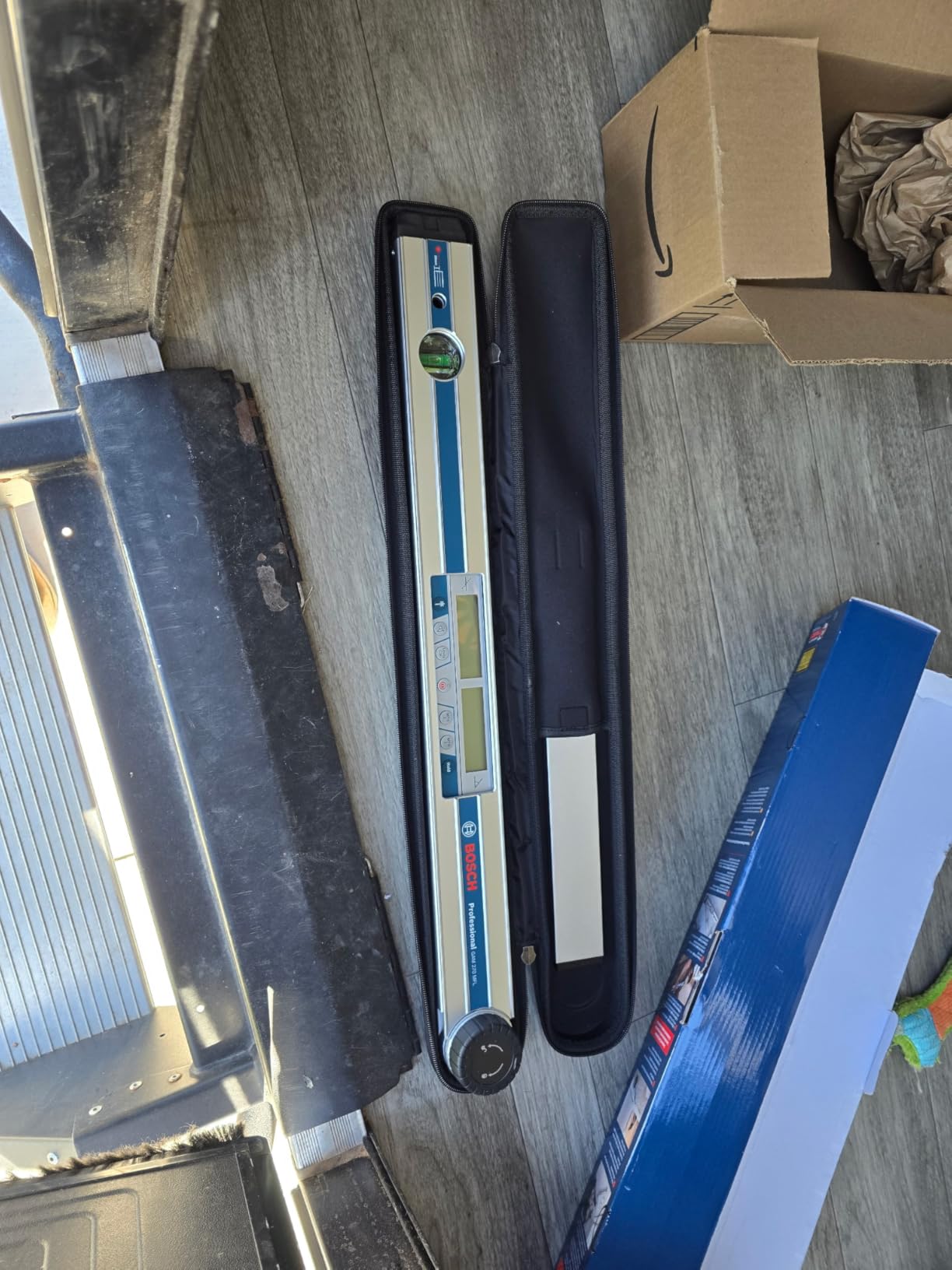
The GAM 270 MFL is the top of the Bosch range and the only tool in this roundup with a true inclinometer function, which is what separates it from everything else when you are working on slopes. It is the same 17 by 2.4 by 1.4 inch body, extendable to 24 inches, weighing 2.4 pounds.
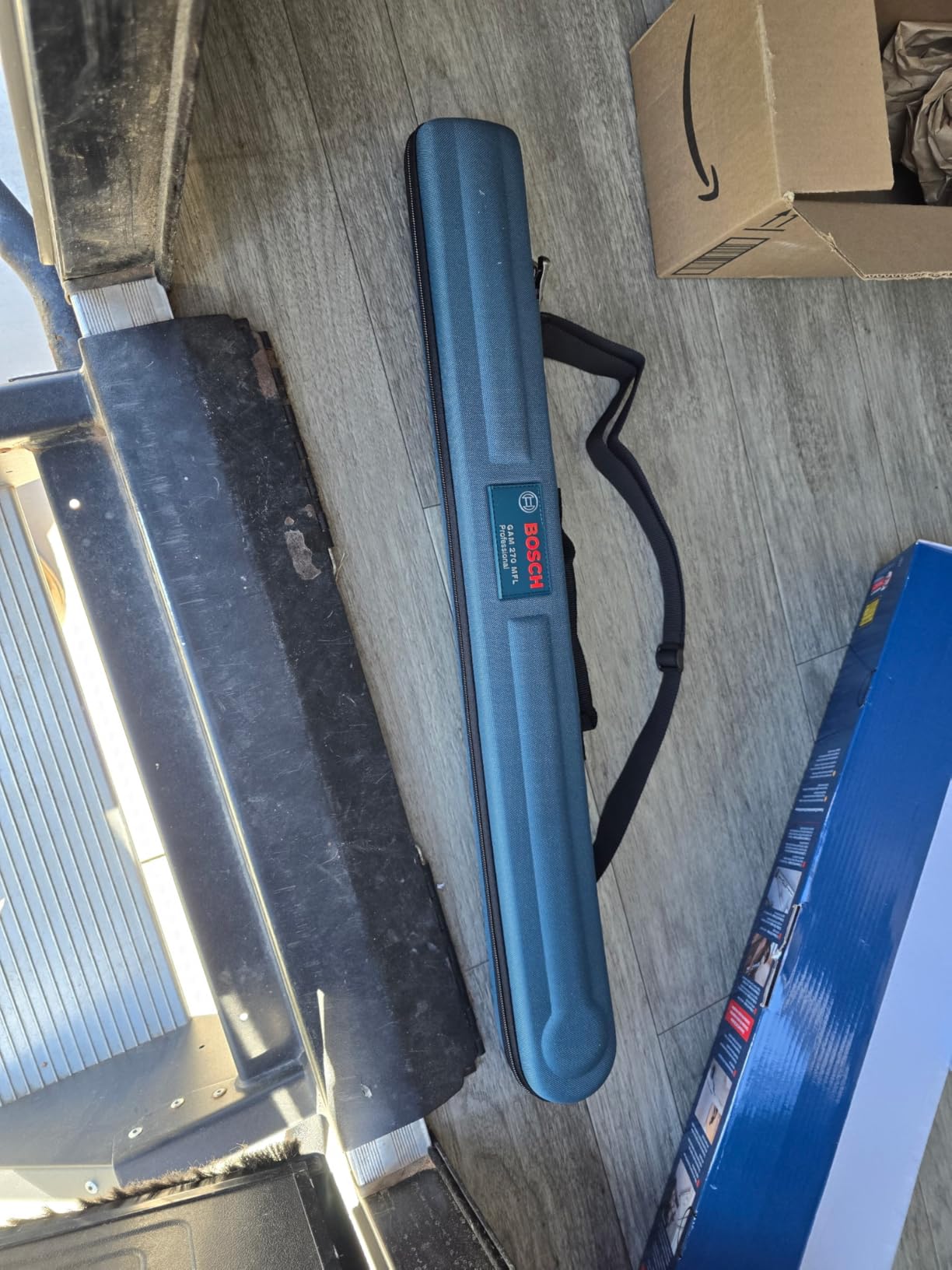
Five functions: digital angle finder, inclinometer, miter calculator, protractor, and level. The inclinometer reads the tilt of the tool as a percentage grade, so a rafter pitch or a finished floor slope is measured rather than calculated. The miter calculator runs from 0 to 270 degrees, and the leg extends to 24 inches for wide stock and stair work.
The audible beep at 0.0 and 90.0 degrees is a small thing that changes the work. You can set plumb and level hands-free, which matters when the alternative is holding a bubble vial and a saw handle at the same time. Angle and inclinometer memory let you carry readings between locations, and four AA alkaline batteries are included with a hard thermoformed case.
Who this is really for
Trade users in log home building, piping, stairs, and ADA ramp work treat this as professional equipment that paid for itself on the first project. The extended leg bridging wide stock and the backlit display that does not time out quickly are the two features that come up most.
At 4.6 stars it is rated slightly below the GAM 220 MF, and the review base is much smaller, so treat the rating as a useful signal rather than a settled verdict.
Where it gets in the way
The level beeps continuously while something is level, which owners describe as annoying after the first few minutes. There is no compact option, since even the smaller Bosch is 18 inches, so it does not fit in an apron pocket the way the Klein or Wixey do.
At 2.4 pounds it is heavy for extended one-handed use. For a shop that sets bevels all day, that weight is a tax you pay every cut.
Are Digital Angle Finders Worth It?
Yes, if you cut crown molding, baseboard, picture frames, or shadow boxes, and yes if you have ever re-cut the same joint twice because the angle was a guess. The honest counter-argument comes from r/woodworking, where users note that a digital reading will not beat a good steel gauge and that a cheap finder is close enough for many purposes.
Both statements are true. A digital finder does not make a bad saw cut a good one. What it does is remove the single largest source of error in setting up, and it does that for less than the cost of one wasted sheet of cedar. If your cuts are rough framing where a quarter degree is invisible, an aluminum protractor is fine. If the joint is visible from across a room, a digital readout pays for itself the first time.
One caveat before buying a finder: a drifting bevel scale is often a saw problem rather than a measurement problem. If your saw is an older single-speed model, our 12 inch miter saw roundup is a better place to start than a precision gauge.
Angle Finder vs Angle Gauge vs Miter Gauge
The naming confusion causes more wrong purchases than any other issue in this category, and the terms are used interchangeably on listings. Here is the useful distinction: a digital angle finder has a pivoting arm or a long ruler body and spans the corner physically, so it copies an existing angle over a wide surface. A digital angle gauge is a small magnetic box that reads the tilt of a narrow base, and it is fast for setting a blade or confirming level.
A miter gauge is a third thing again: a physical device that fits in the miter slot of a miter saw and references the blade to the fence, often mechanical. It measures the saw rather than the corner, which is why it is the right tool for repeatability and the wrong tool for copying a room angle.
Most people who feel disappointed by a digital tool bought a gauge when they needed a finder, or expected a finder to do a gauge’s job instantly. A small magnetic box on a wide workpiece is sampling a few square inches, and that is the honest limit of the format.
How to Measure and Transfer a Miter Angle
Five steps, and the fourth one is where most people go wrong.
Seat the finder against both surfaces of the corner so the arm or ruler bridges the full joint, not just part of it.
Zero the display against your reference surface if you are working relative to a saw table rather than absolute horizontal.
Read the number in decimal degrees and write it down, or use the hold or memory function if the tool has one.
For an outside corner, set the saw to the displayed angle. For an inside corner, the saw setting is the supplement, so a reading of 45 degrees is cut as 135 degrees on many miter saws. Check your saw’s convention before the first cut.
Make a test cut on scrap, hold it against the mating piece, and adjust before you commit to the real material.
Step four is the error forum users hit most often, cutting at 135 degrees expecting the same result as 45 and then misreading the display. Two minutes with a scrap piece removes the whole problem.
How to Zero and Verify Your Finder
Verify before you trust, then verify again after a battery change. This is the check most articles skip and the one that decides whether you are reading the tool or reading marketing.
Find a known reference: a machinist square, a precision machinist block, or a surface you have already confirmed square.
Seat the finder flat against the reference and confirm it reads 0.0 degrees, or use the zero reset to make it so.
Rotate to 45 degrees against the square. The reading should match within the stated accuracy tolerance, which for most of these is 0.2 to 0.3 degrees.
Repeat at 90 degrees, then return to 0. If the numbers do not come back to where they started, the unit is drifting.
Set the saw to the reading, zero the finder on the saw table, and check the reading against your square once more before the first production cut.
The same routine lets you re-zero a miter saw bevel scale that has drifted. Set the finder to zero on the saw table, bring the blade to the angle you want, read the true value, and mark the corrected position on the scale with a fine marker. That single act removes the accumulated error that makes factory graduations untrustworthy.
What a Digital Finder Cannot Fix
A digital angle finder measures geometry, and most miter problems are not geometry. It cannot correct for blade deflection, where the blade deflects under load and the cut is narrower than the setting implies. It cannot correct for push-off, where a workpiece wider than the fence presses the blade off line.
It also does not account for wood movement. A long crown molding run cut at the wrong moisture content will open a gap in winter that no angle finder predicted. None of these tools can tell you whether your lumber is acclimated, and that is a bigger source of failed trim than scale drift.
What the tool does fix is the thing you can measure: the number on the scale versus the number in the corner. That is worth having, and worth having honestly scoped.
How to Choose a Digital Angle Finder
Start with the job. If you are setting a table saw bevel or a chop saw miter day after day, a magnetic gauge with a backlit display and a zero function is all you need, and the Trend DLB or the Klein 935DAG will do it. If you are copying irregular corners in trim, you want the longer measuring line of the GemRed or a Bosch. Larger sliding saws change that calculus again, and our sliding compound miter saw guide covers the capacities worth pairing with a long-arm finder.
Accuracy spec is the next filter. Anything at 0.5 degrees or looser is a setup aid, not a reference. The Wixey WR300 and the XUNTOP both state +/-0.2 degrees, and the Klein backs its readings with the largest review base in the category at 4.8 stars across more than 16,000 ratings.
Base type decides the format. Magnetic boxes are fast, small, and sample a narrow surface. Pivot-arm and ruler-style finders span the corner and are the right choice for wide or irregular joints. Asking this question first is what stops you buying the wrong tool.
Display and power matter more than people expect. A backlit screen in a dim shop or a bright garage removes most of the friction, and a unit that runs on a USB-C rechargeable cell never leaves you stranded mid-project with a dead battery. Keep a spare cell type on hand for anything that takes a CR2032 or AA.
Finally, think about whether you need memory. If you measure a corner in one room and cut in another, a stored reading saves real time. If every cut happens within a few feet of the measurement, it is a feature you will rarely touch.
Frequently Asked Questions
What is the best tool for making mitre cuts?
A quality miter saw paired with a digital angle finder is the best combination. The saw makes the cut; the finder sets the angle. A mechanical steel gauge is more accurate in theory, but for repeat work a digital readout lets you capture an existing corner and dial the number straight into the saw without interpolation.
How do I find the angles for miter cuts?
Seat a digital angle finder against both surfaces of the corner, zero it to your reference surface, and read the decimal degree value. For an outside corner set the saw to that number; for an inside corner the saw setting is often the supplement, so 45 degrees may be cut at 135 degrees. Always make a scrap test cut before the real material.
Are digital angle finders worth it?
Yes, when visible joints are involved. A digital finder will not outperform a good steel gauge, but it removes the largest error in saw setup, and it does it faster than reading a mechanical dial. If your cuts are rough framing where a quarter degree is invisible, an aluminum protractor is enough.
Which is the best digital angle finder?
The Klein Tools 935DAG is the best all-round choice, rated 4.8 stars across more than 16,000 reviews, with a strong magnetic base, an auto-rotating display and both 0-90 and 0-180 degree ranges. The Wixey WR300 is the better value with a stated +/-0.2 degree accuracy and a backlit screen.
Which miter saw is best for accurate cuts?
Accuracy comes from the saw being clean, the blade sharp and correctly set, and the fence square to the table, not from the saw model alone. A digital angle finder helps most with the last of these. For saw selection, compare capacity, bevel range and slide capability against the material you actually cut.
Final Verdict
The Klein Tools 935DAG is our pick for the best digital angle finders for miter cuts in 2026. It carries the highest rating in the category at 4.8 stars from more than 16,000 reviews, a magnetic base that will not slip mid-adjustment, and a display that flips when you turn it around. If you want a backlit screen and a stated +/-0.2 degree accuracy, the Wixey WR300 is the value pick.
For irregular trim corners, buy the GemRed 82305 for its wide measuring line. For professional layout work, the Bosch GAM 220 MF adds angle memory and a miter calculator that no pocket gauge can match. Whichever you choose, zero it, verify it against a known square, and make a scrap cut first.