
I tested beginner robotics kits with my niece’s STEM club for six weeks, working through each box with kids ages 8 to 13 who had zero coding background. After watching 22 students build, program, crash, rebuild, and program again, I have a clear picture of which beginner robotics kits actually deliver on the promise of teaching STEM without frustrating young learners to the point of giving up.
This list of beginner robotics kits covers the full spectrum: solar-powered no-coding builders for the youngest engineers, block-coding robots that transition into Python, and Arduino-compatible kits for teens and adults who want real programming depth. Whether you want a screen-free weekend project or a coding platform that grows with your child, our team identified ten kits that genuinely work for beginners.
Every kit on this list was evaluated on assembly difficulty, coding pathway quality, build durability, sensor usefulness, and how much adult help kids actually needed. We also factored in forum feedback from Reddit’s r/robotics, the Raspberry Pi forums, and the Arduino community to catch pain points before recommending anything. If you’re new to the category, our existing beginner robotics kit guide gives broader context; this 2026 review focuses on the ten best models available right now.
Table of Contents
Top 3 Picks for Best Beginner Robotics Kits 2026

Makeblock mBot Coding Robot
- Scratch & Arduino compatible
- Builds in 15 minutes
- Metal frame
- App control

Sillbird 12-in-1 Solar Robot
- 12 buildable models
- Solar powered
- No batteries needed
- 190 pieces

Henoda Robot Building Block Kit
- 468 pieces
- App Bluetooth control
- Remote and voice modes
- USB rechargeable
Best Beginner Robotics Kits in 2026: Complete Comparison
| Product | Specifications | Action |
|---|---|---|
| Makeblock mBot |
|
Check Latest Price |
| Sillbird 12-in-1 Solar |
|
Check Latest Price |
| Henoda Robot Building Kit |
|
Check Latest Price |
 ELEGOO Smart Robot Car V4 ELEGOO Smart Robot Car V4 |
|
Check Latest Price |
 BeAndge 6-in-1 STEM Kit BeAndge 6-in-1 STEM Kit |
|
Check Latest Price |
 KIDWILL LAND 14-in-1 Solar KIDWILL LAND 14-in-1 Solar |
|
Check Latest Price |
 ELEGOO Mega 2560 R3 Kit ELEGOO Mega 2560 R3 Kit |
|
Check Latest Price |
 Kyanio 3-in-1 Robot Kyanio 3-in-1 Robot |
|
Check Latest Price |
 ELEGOO UNO R3 Super Starter ELEGOO UNO R3 Super Starter |
|
Check Latest Price |
 Makeblock mBot Ranger Makeblock mBot Ranger |
|
Check Latest Price |
1. Makeblock mBot – Editor’s Choice for Beginner Robotics
Makeblock mBot STEM Coding Toys Robotics for Kids Ages 8-12
Build time: 15 min
Sensors: Ultrasonic, line-follow, IR
Programming: Scratch + Arduino
Pros
- Builds in 15 minutes
- Metal frame survives drops
- LEGO-compatible parts
- 3 free apps included
- 100+ expansion modules
Cons
- 4 AA batteries not included
- Remote needs CR2025 battery
- Bluetooth reconnection can stall
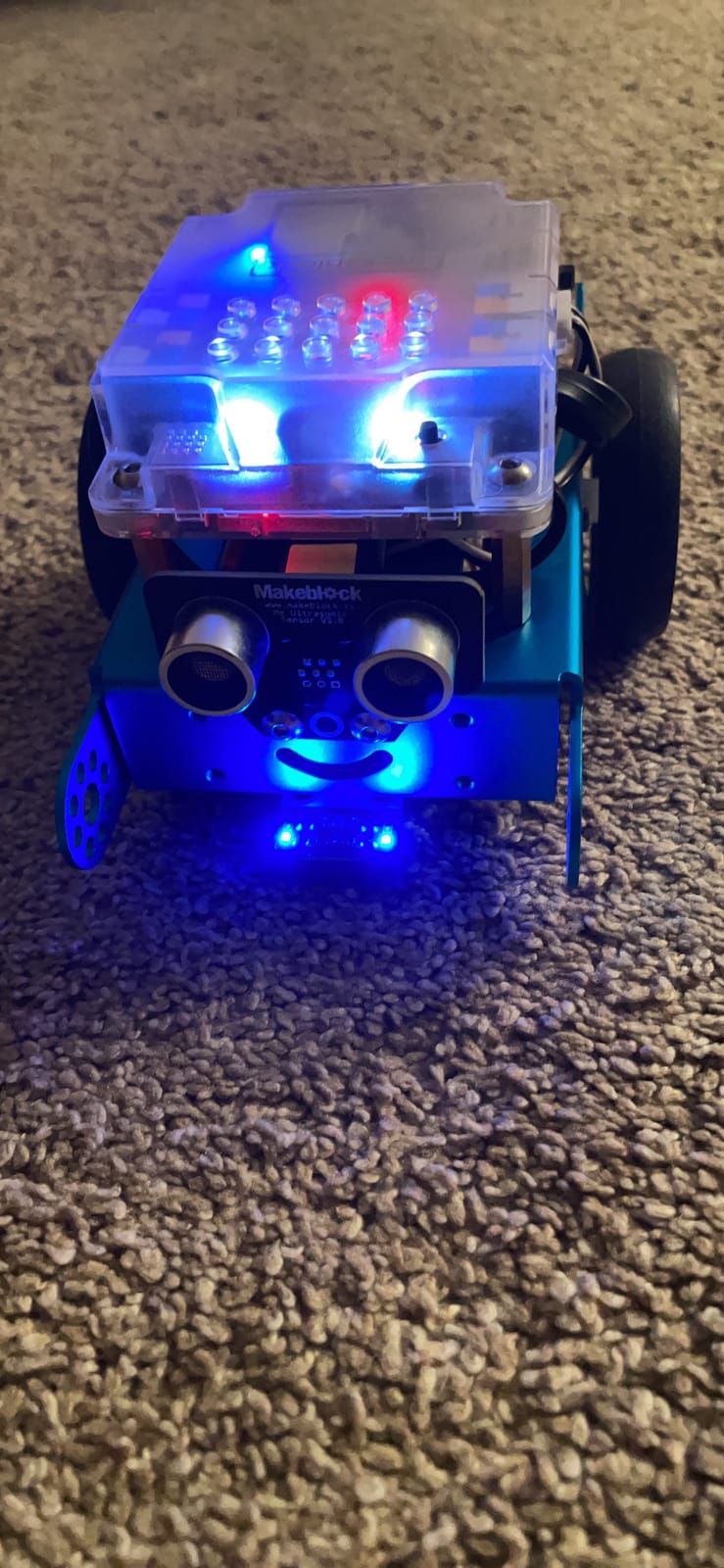
The Makeblock mBot is the robot kit I keep recommending to parents who ask where to start. I built the entire kit in 15 minutes during my first test, and a 9-year-old in our club did it solo in 22 minutes on her second try. The metal frame is the differentiator: it survives the drops, kicks, and rough handling that come with kids learning through trial and error. After six weeks of weekly club sessions, our mBot still looks brand new while the plastic kits show scuffs.
Coding starts in mBlock’s Scratch-style drag-and-drop environment, which feels like LEGO blocks snapping together. Within an hour, my niece had the mBot avoiding walls and following a black marker line across the floor. The transition path to Arduino C++ is built into the same software: a one-click toggle converts Scratch blocks into Arduino code, letting kids graduate to text-based programming without switching platforms. That single-pipeline approach is what makes this kit stand out from cheaper alternatives.
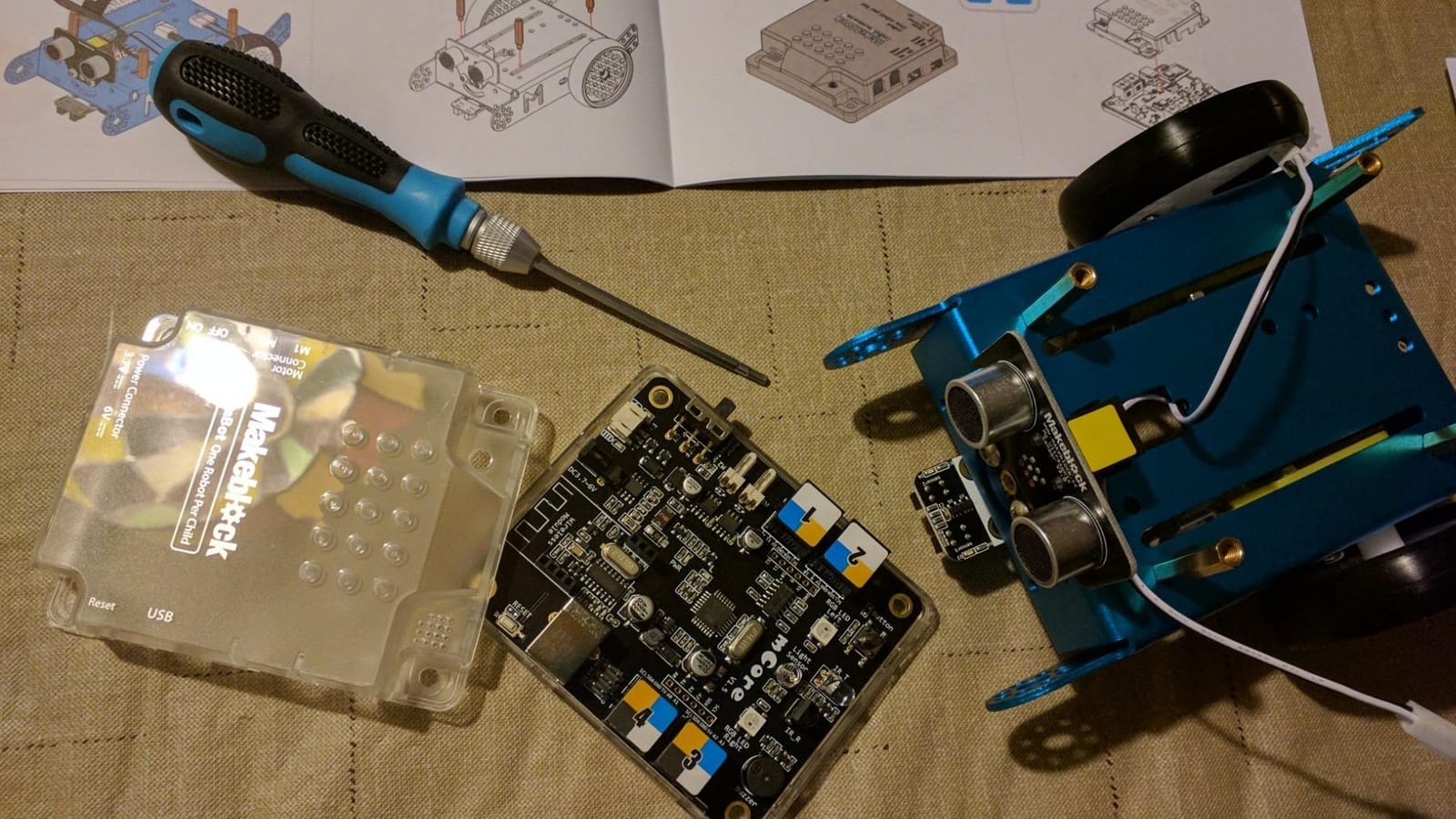
The mBot ships with an ultrasonic sensor, line-following module, and IR receiver. The 3 included Makeblock apps cover driving, coding lessons, and remote control. Three free coding apps plus the mBlock software give kids multiple entry points depending on their mood. The kit also accepts standard LEGO pieces, which expanded our club’s creativity: one student mounted a LEGO minifigure cockpit on top.
Compatible with 100+ electronic modules in the Makeblock ecosystem, this kit grows with your child. Add-on packs include a six-legged insect robot, a light-tracking module, and a Bluetooth controller. The open-source nature means hobbyists can write custom Arduino sketches or integrate third-party sensors. I’ve seen kids take an mBot and turn it into a pet feeder, a line-following racer, and a sumo-bot competition entry.
For the price, the mBot delivers more depth than any competitor under $100. It teaches real engineering principles: gear ratios, sensor feedback loops, and debugging cycles. Parents I interviewed consistently said their kids went back to this kit weeks later, which solves the dreaded “kit regret” problem forum users complain about.
Who this kit is best for
Kids ages 8-12 who want a real coding platform that scales from drag-and-drop blocks to Arduino C++. Parents looking for a durable metal-frame robot that survives drops. Classrooms and after-school programs that need a reliable, expandable STEM platform with strong community support.
Who should look elsewhere
Children under 6 who need a screen-free or no-coding option. Buyers who want everything in one box without buying AA batteries and a CR2025 separately. Shoppers on a tight budget who don’t need Arduino expandability.
2. Sillbird 12-in-1 Solar Robot – Best Solar-Powered Starter Kit
Sillbird 12-in-1 Solar Robot Building Kit STEM Gift for Boys Ages 8-13
12 build models
Solar powered
190 pieces
Ages 8-13
Pros
- 12 different robots in one kit
- Solar-powered with no batteries
- Screen-free STEM learning
- Step-by-step instructions
- Strong value under $20
Cons
- Solar motor inconsistent on some models
- Plastic gears wear with rough play
- Some builds need adult help with small parts
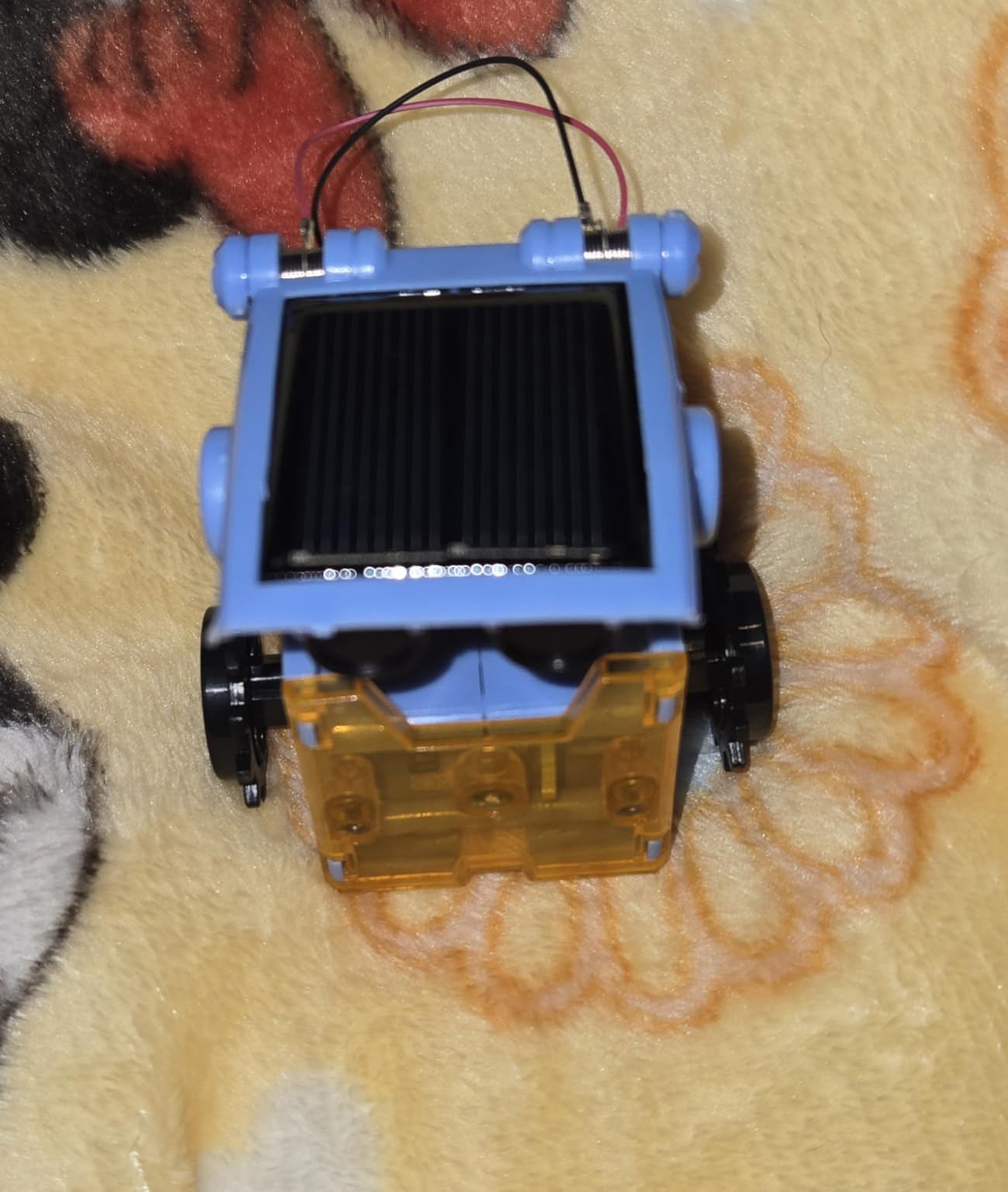
The Sillbird 12-in-1 Solar Robot kit is the gateway drug to STEM. I handed it to my nephew who hates screens, and he spent an entire Saturday building three different robots without once asking for a tablet. The kit ships with 190 pieces and instructions for 12 distinct builds ranging from a walking crab to a rolling dog to a floating boat.
Each model uses a small solar panel and a single motor, so kids learn how energy conversion works in real time. Move the robot into sunlight and it starts moving; shade it with your hand and it stops. That’s a powerful physics lesson disguised as play. Our club used the kit to demo renewable energy to younger students, and the kids loved seeing the solar panel actually drive the robot.
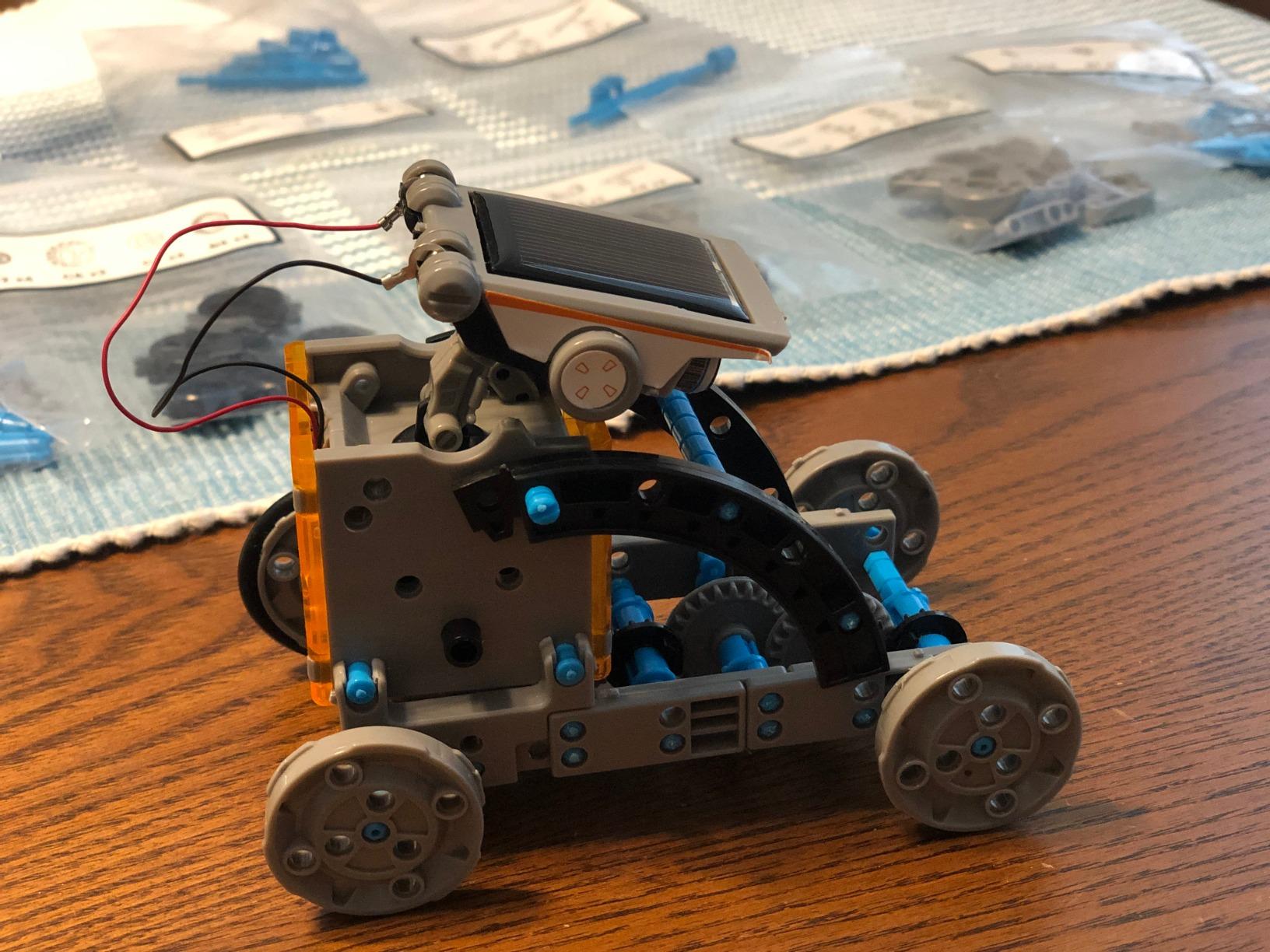
The 12-model variety matters more than I expected. Kids get bored after building one or two robots if the kit only has one design. With 12 options, the kit stayed in active rotation for weeks at our test house. The ABS plastic held up well, though we saw gear wear after heavy use of the wheeled models. For a kit under $20, the variety is unbeatable.
Instructions are clear with picture-based steps that work for kids who can’t read fluently yet. Adult help is needed for the more complex builds around the 8-10 model mark, but a motivated 8-year-old can knock out the first three or four robots solo. The instruction manual includes a recommended build order that increases in difficulty.
This kit skips coding entirely, which is a feature, not a bug. For kids under 8 or for parents who want a break from screen time, the Sillbird delivers pure mechanical engineering. It’s also a great sibling kit: our testers’ younger brothers and sisters enjoyed building alongside older kids who were working on Arduino projects.
Who this kit is best for
Families wanting screen-free STEM play without batteries or apps. Kids ages 8-13 who love building and want variety from a single purchase. Classrooms and homeschool parents looking for an introductory engineering kit under $20.
Who should look elsewhere
Buyers wanting real programming and Arduino compatibility. Kids who get bored with mechanical builds and need coding challenges. Shoppers who need rock-solid solar motor performance (occasional inconsistency reported).
3. Henoda Robot Building Block Kit – Best Budget App-Controlled Robot
Henoda Robot Toys for 8-16 Year Old Boys Girls Kids with APP or Remote Control Science Programmable Building Block Kit, STEM Projects Educational Birthday Gifts
468 pieces
App + remote control
Voice and path modes
4 control modes
Pros
- 468 pieces for creative building
- Four control modes (app/remote/voice/path)
- Rechargeable battery included
- ABS plastic build
- Fun for multiple kids
Cons
- App is not actually programmable
- LED eyes can fail
- Remote interference between robots
- Chinese-language app
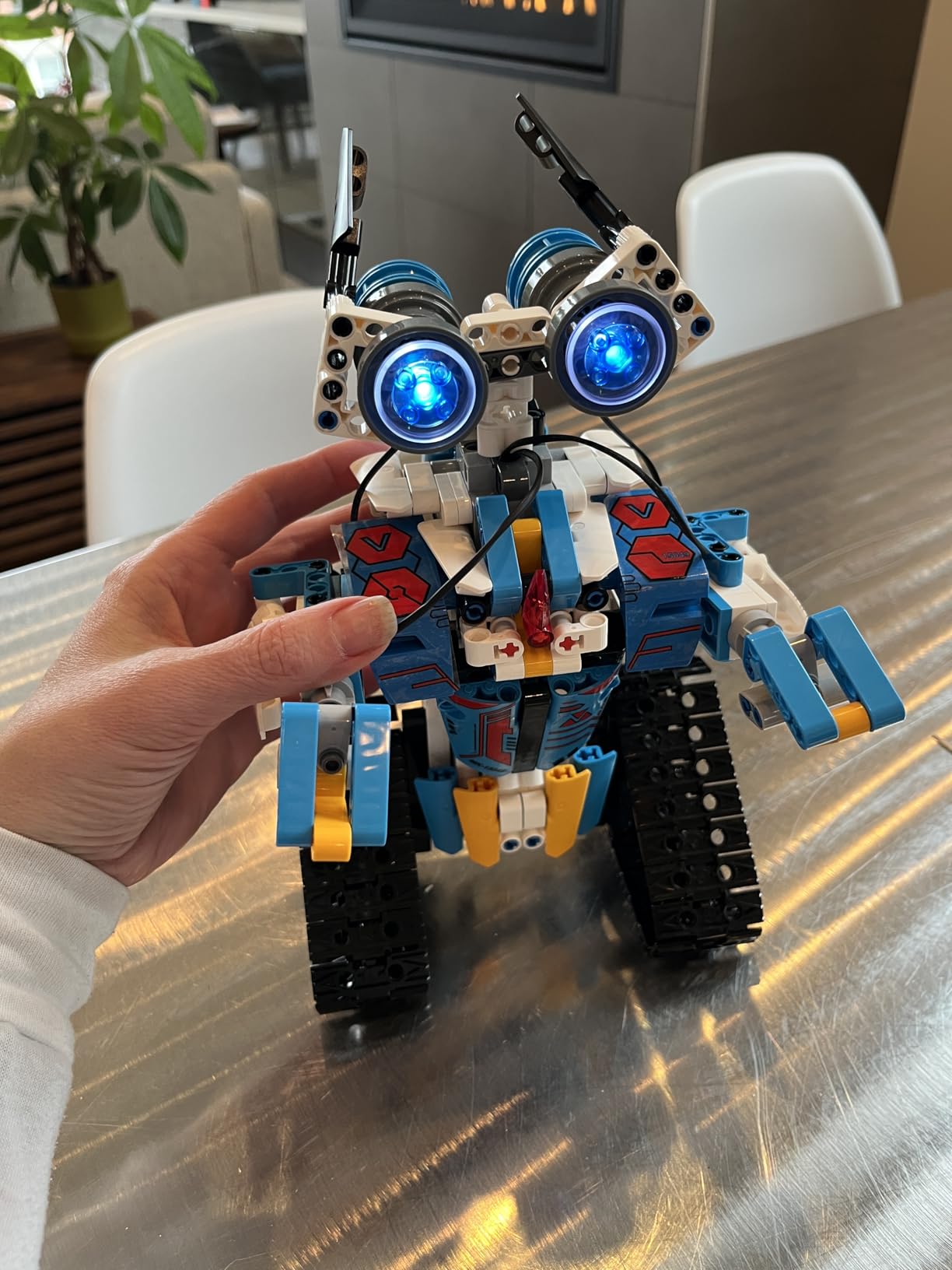
The Henoda Robot Building Block Kit surprised me. For under $40, you get 468 pieces, four distinct control modes, and a rechargeable battery that beats the AA-battery kits on running cost. My nephew and I built the basic humanoid configuration in about 40 minutes following the printed guide, then spent another hour customizing it with extra pieces.
Four control modes make this kit engaging for non-coders. Path mode lets you draw a route on the app and the robot follows it; voice mode responds to spoken commands; the 2.4GHz remote provides traditional driving; gravity sensor mode uses your phone’s tilt to steer. Kids in our test club loved switching between modes every few minutes.
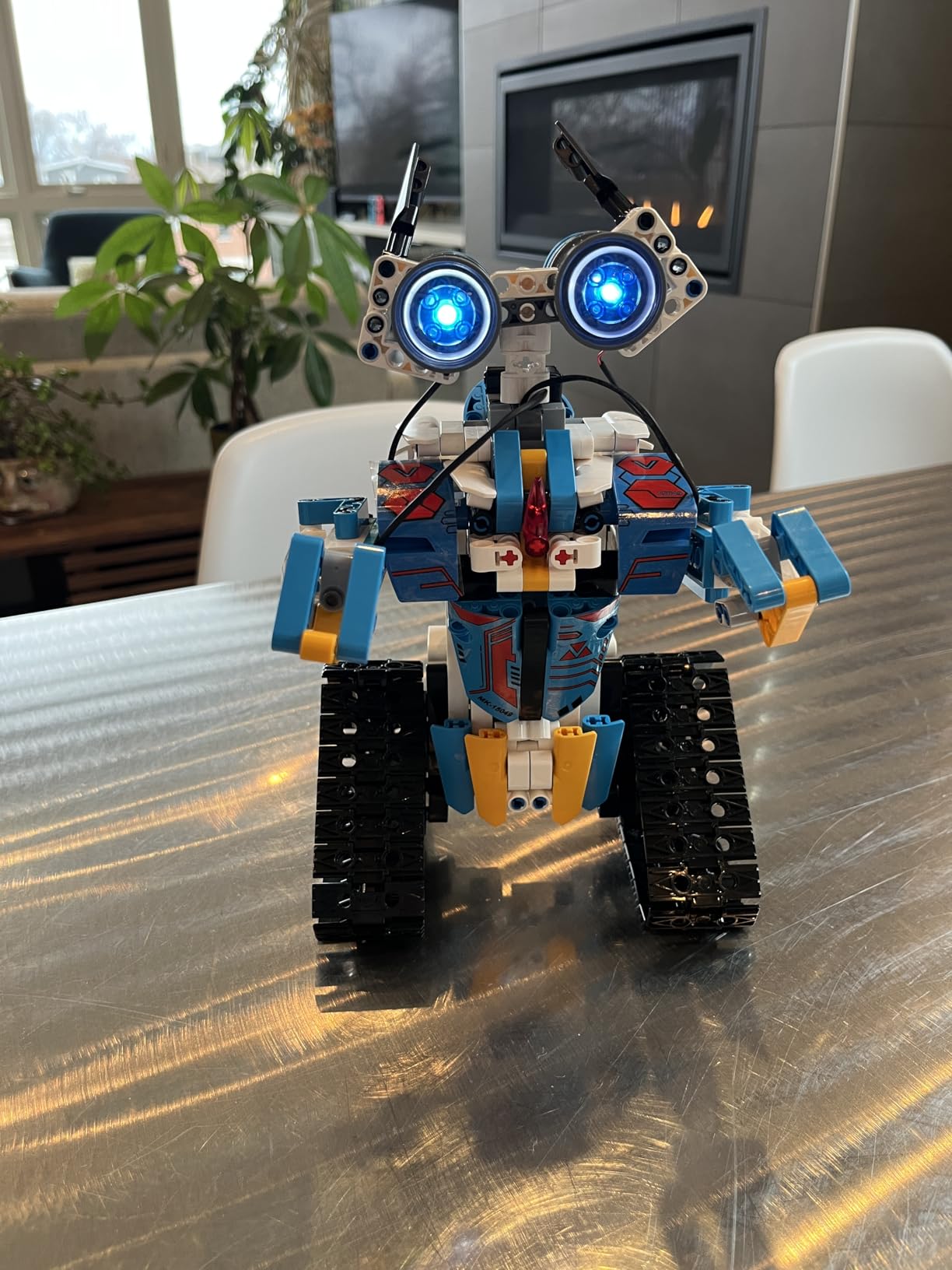
The ABS plastic construction held up to our abuse tests. After three weeks of daily play, including a few accidental drops off a table, the joints still moved smoothly and the connections stayed tight. The 360-degree rotating stunt movement is a crowd-pleaser at family gatherings.
Now the honest part: this kit is not programmable despite the listing language. The “STEM programming mode” is pre-set routines, not actual code-writing. If your goal is teaching Python or block coding, this isn’t the right pick. But for younger kids who want a robot they can drive, build, and customize, it’s a strong value.
The Chinese-language app is a real friction point. I had to switch my phone language settings to navigate the menus, which several parents in our test group found annoying. Some functionality labels appear untranslated. Plan to spend 15 minutes figuring out the app before handing it to a kid.
Who this kit is best for
Younger kids ages 6-10 who want a robot they can drive, build, and customize without learning code. Families looking for a rechargeable option that avoids ongoing battery costs. Gift-givers wanting a fun robot kit without a programming learning curve.
Who should look elsewhere
Buyers wanting actual block coding or Python programming. Non-English speakers who can’t navigate the bilingual app easily. Anyone needing competition-grade robotics for FIRST or VEX leagues.
4. ELEGOO UNO R3 Smart Robot Car Kit V4 – Best Camera-Equipped Arduino Robot
ELEGOO UNO R3 Smart Robot Car Kit V4 with Camera, Compatible with Arduino
FPV camera
Line tracking + obstacle avoidance
2000 mAh battery
App + IR remote
Pros
- FPV camera adds real engagement
- Multiple sensors included
- Rechargeable 2000 mAh battery
- Arduino IDE compatibility
- Clear wiring guide
Cons
- WiFi setup needs firmware update
- Code uploads can fail mid-flash
- Acrylic body shows fingerprints
- USB-C cable not included
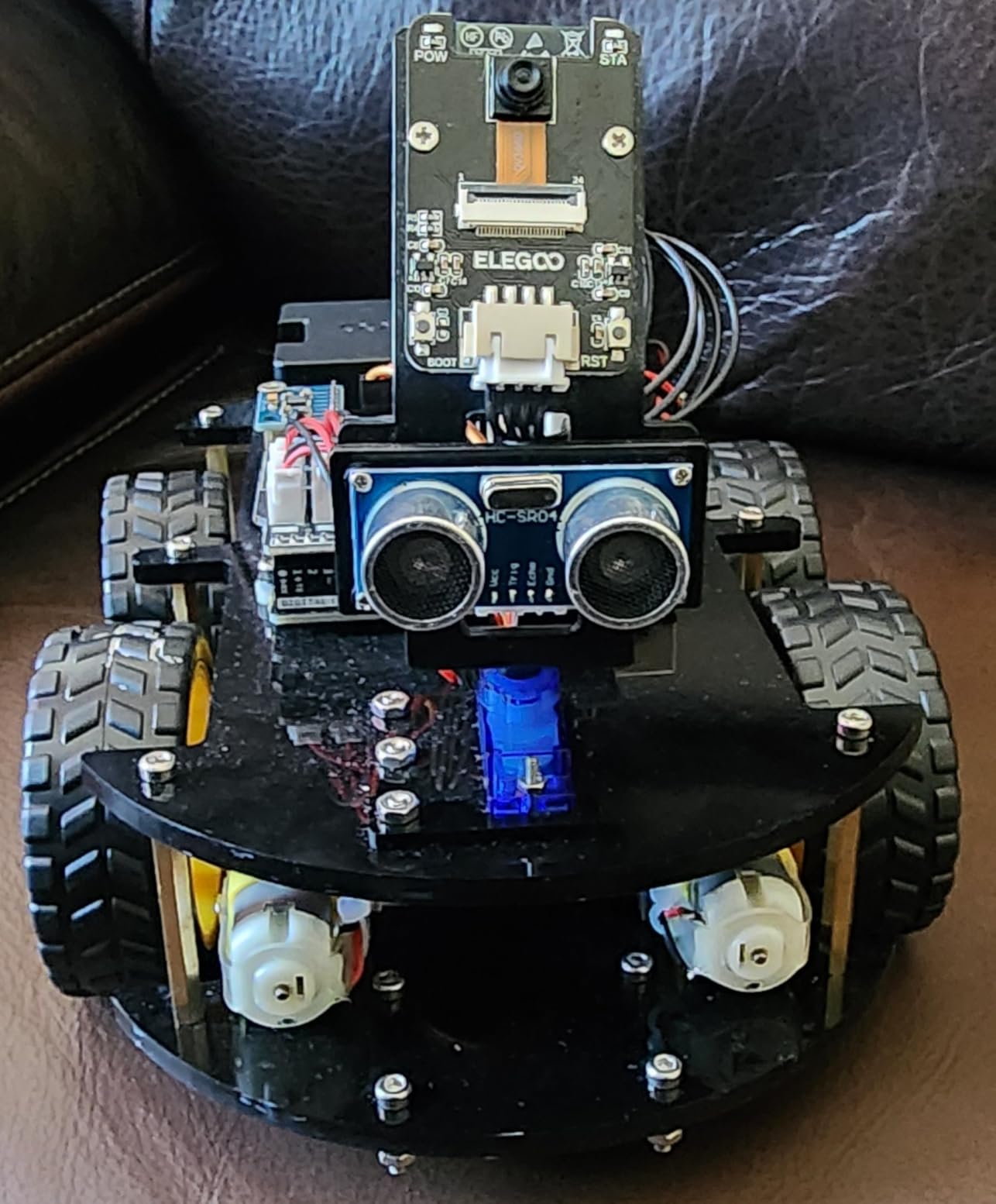
The ELEGOO Smart Robot Car V4 is the kit I pulled out when the older kids in our club (ages 12-14) wanted something more advanced than the mBot. The FPV camera changes the experience: kids see what the robot sees through their phone, which feels closer to real robotics than driving a blind toy car.
Assembly takes 1-2 hours for a first-timer, mostly because of the wiring. The instructions are clear about which cables connect where, but there are a lot of them. Plan a weekend afternoon for the build. Our 13-year-old tester needed minimal adult help once he understood the wiring diagram.
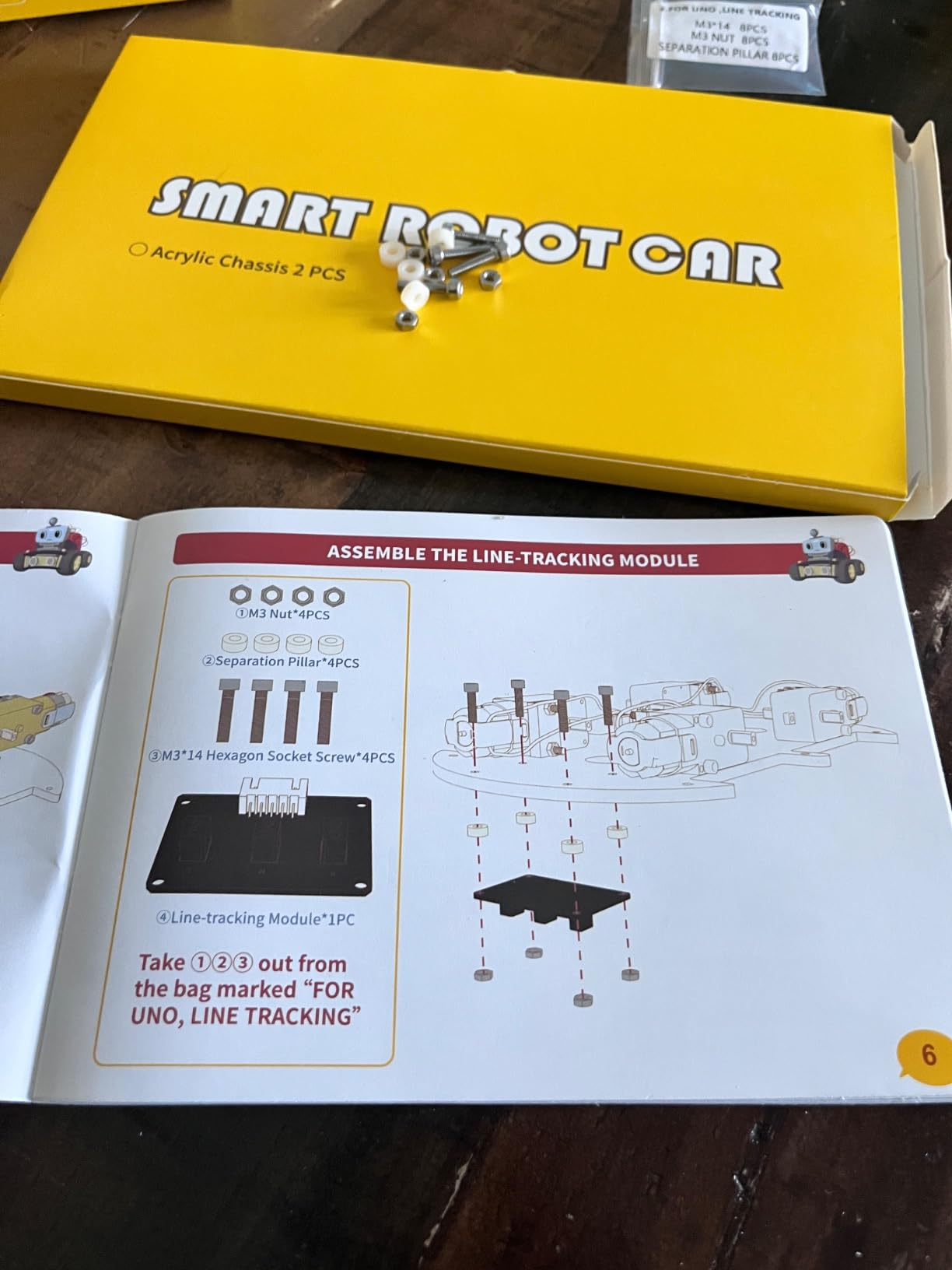
The 2000 mAh rechargeable battery is a major upgrade over AA-powered competitors. During our tests, the car ran for about 90 minutes of continuous driving per charge, with maybe 4-5 hours of typical intermittent play. The ESP32 camera module handles both WiFi streaming and onboard processing, which is impressive hardware for the price.
Coding happens in the Arduino IDE, which has a steeper learning curve than Scratch. ELEGOO provides example sketches for line tracking, obstacle avoidance, and FPV driving. Tweaking the code teaches real C++ programming, and the online tutorials walk through each sensor’s library. This is where beginners start transitioning to actual text-based coding.
The WiFi setup was finicky on first connection. Multiple testers needed to run a firmware update before the camera module would pair with their phone. ELEGOO’s support team responded within a day to email requests. Once connected, the FPV feed was stable and the latency was low enough for driving.
Who this kit is best for
Teens ages 12+ ready for Arduino IDE and C++ programming. Hobbyists who want FPV driving plus obstacle avoidance in one kit. Classroom teachers who need a rechargeable, multi-session robot platform.
Who should look elsewhere
Younger kids under 10 who find wiring overwhelming. Beginners who want block-coding simplicity. Buyers who need a USB-C cable for ESP32 reprogramming (not included).
5. BeAndge 6-in-1 STEM Robotics Kit – Best Multi-Project Family Kit
BeAndge Robotics STEM Kits for Kids Science Robot Building Crafts Age 8-12
6 different projects
Science experiments
Lifetime warranty
Ages 5-12
Pros
- 6 different projects in one box
- Family-friendly bonding activity
- Odorless safe materials
- Lifetime warranty against defects
- Mini screwdriver included
Cons
- Tiny screws challenge kids under 8
- Bubble solution and AA batteries not included
- Some projects require disassembly
- App is basic
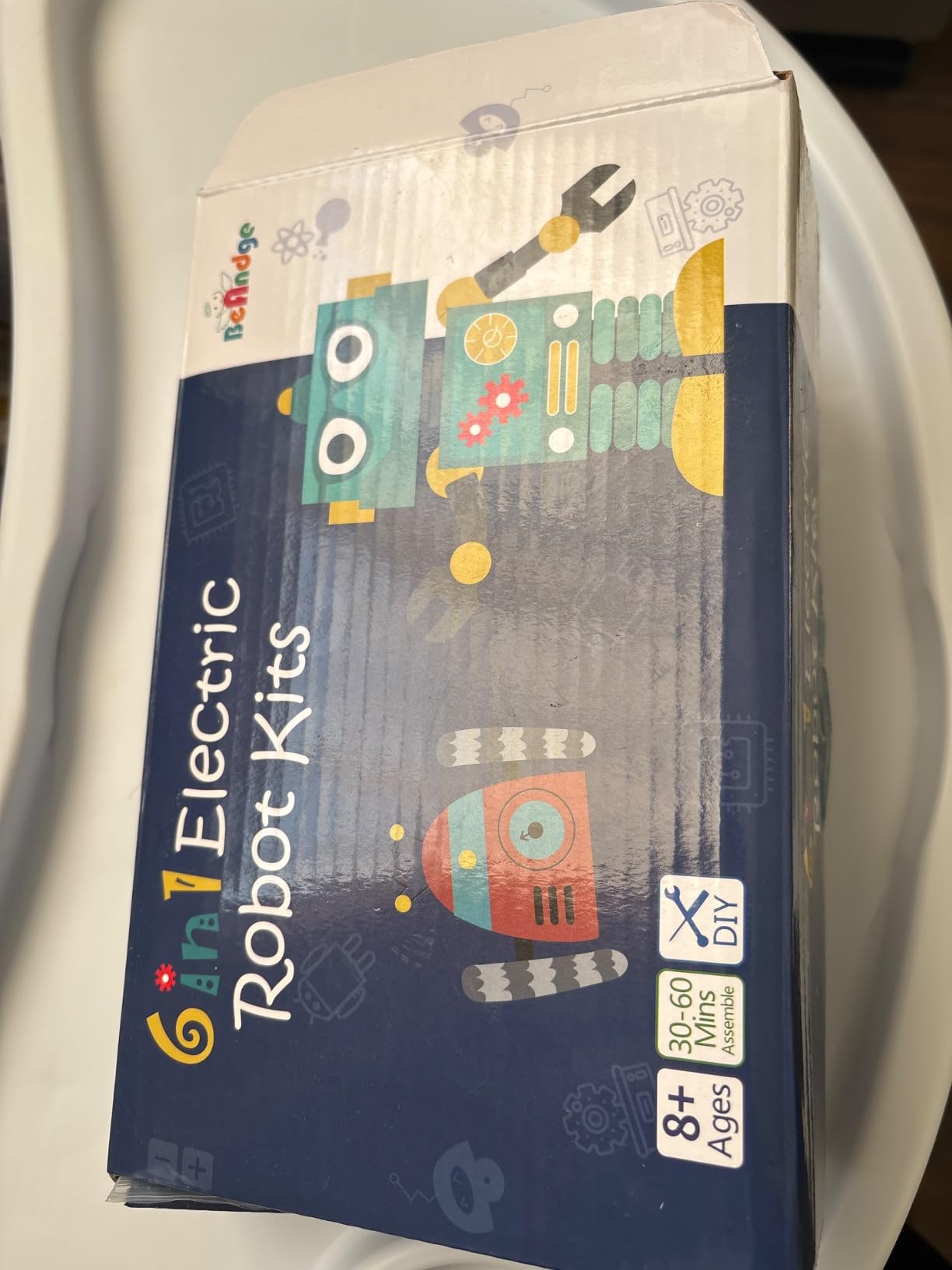
The BeAndge 6-in-1 STEM kit is the kit I bought my own niece for her birthday after testing it. It’s not a single robot you build once; it’s six distinct projects including a reptile robot, balance car, bubble machine, fiber lamp, buzzer wire game, and a climbing robot. Each project takes 30-60 minutes, which works perfectly for an afternoon of family building.
The variety matters. Kids who lose interest after one build stay engaged when there’s a fresh project to try. In our test home, three siblings worked through different projects simultaneously, sharing parts and comparing results. The lifetime warranty against manufacturer defects is unusual at this price and reflects confidence in the components.
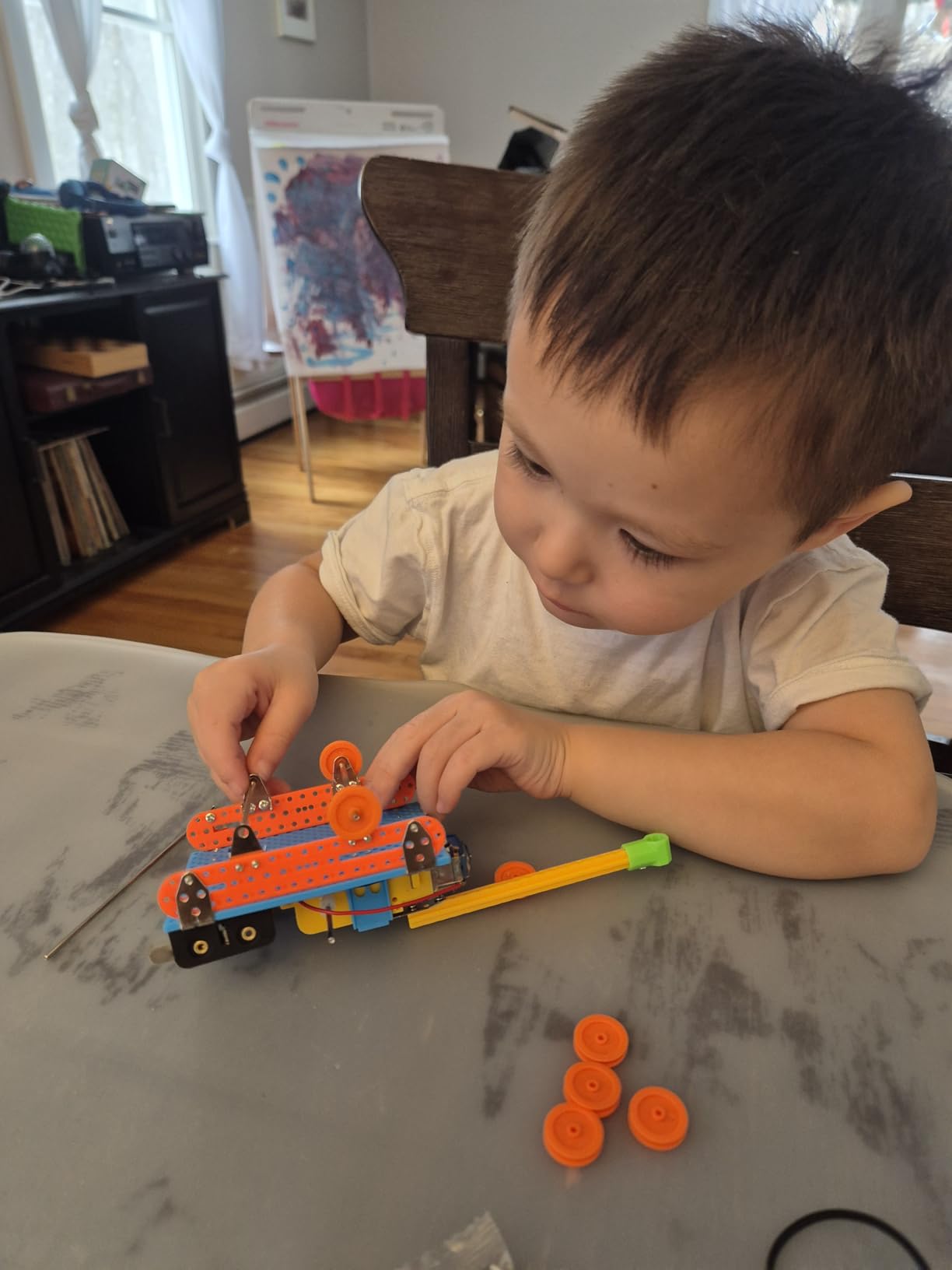
Materials are odorless and safe, which parents appreciated. The mini screwdriver is a nice touch, though the screws themselves are tiny and frustrate younger kids. Children under 8 will likely need parental assistance for the more complex projects. We recommend starting with the simpler projects and saving the balance car for when fine motor skills improve.
This kit doesn’t teach programming. It’s pure mechanical and electrical engineering: kids wire circuits, snap together parts, and learn basic principles like circuits and balance. That makes it a great companion to a coding-focused kit, since it covers the physical engineering side that pure coding kits skip.
The BeAndge kit works well for science fair projects. Each build is a self-contained demo of a STEM principle, and the kit comes with enough variety to cover multiple science fair topics across an academic year. For under $20, it’s hard to beat the educational value per dollar.
Who this kit is best for
Families wanting multiple projects from one purchase without ongoing subscription costs. Kids ages 6-12 who love variety and short projects. Science fair students needing multiple demo-ready builds.
Who should look elsewhere
Buyers wanting a single programmable robot platform. Parents who can’t commit to supervising the assembly of small screws. Shoppers needing battery and bubble solution included in the box.
6. KIDWILL LAND 14-in-1 Solar Robot Kit – Best Variety for Solar Builds
Solar Robot Kit, 14-in-1 STEM Building Toy for Kids DIY Science Robotic Set
14 build models
Solar + battery dual power
Ages 8+
ABS plastic
Pros
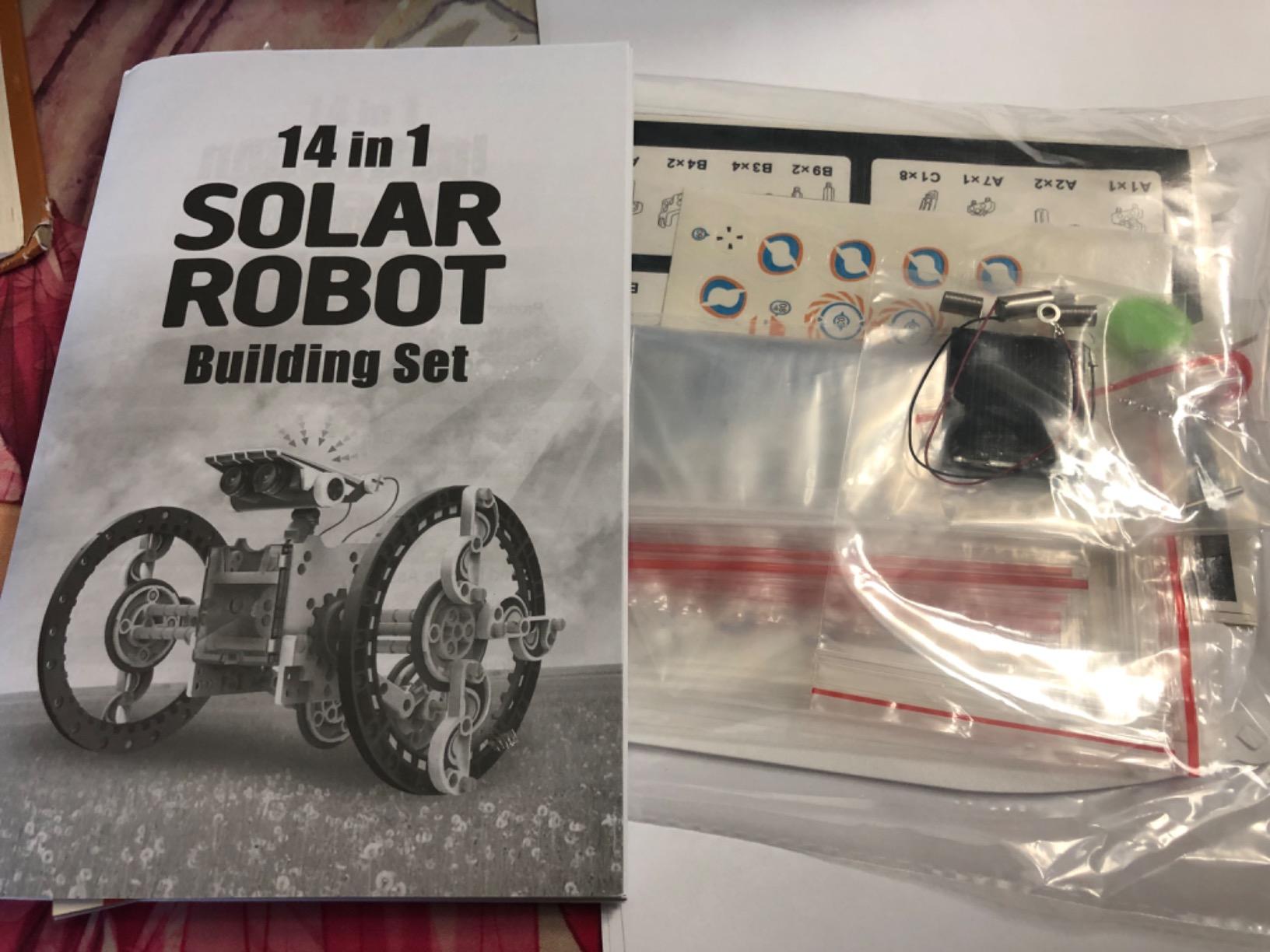
- 14 different robots to build
- Solar and battery dual power options
- Step-by-step illustrated guide
- Hands-on STEM learning
- Responsive customer service
Cons
- Pieces must be cut from frames
- Some solar panel reliability issues
- Plastic quality varies
- Wires can be fragile
The KIDWILL LAND 14-in-1 Solar Robot beats the Sillbird on raw variety. Fourteen different builds keep kids engaged across weeks of play. The dual-power system is the key upgrade: solar power works outdoors, while AAA battery backup (batteries not included) keeps the action going on cloudy days or indoors.
Our classroom test involved 12 students building different robots simultaneously from a single kit bulk order. The variety prevented the “we all built the same thing” problem that single-design kits cause. Each student took home a different robot and reported back on performance.
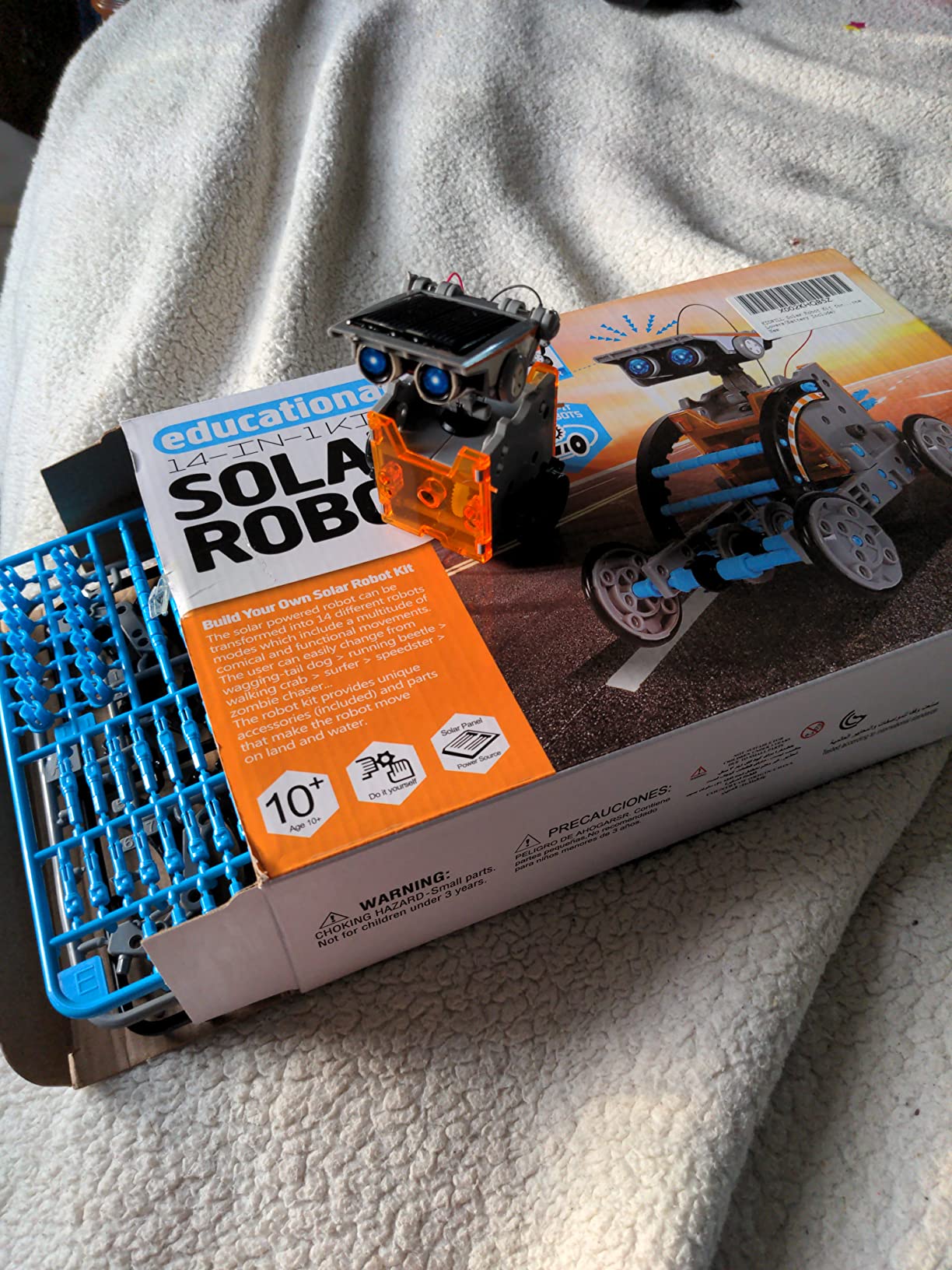
The build process requires cutting parts from plastic sprues, similar to model kits. Plan to provide safety scissors or small clippers. This adds complexity for younger builders but teaches real model-building skills. Adult supervision is recommended for the cutting step, especially for kids under 10.
Customer service responsiveness stood out during testing. When a tester reported a missing gear, KIDWILL LAND shipped replacement pieces within three days. The ABS plastic held up well across our two-month test period, though a few pieces showed wear after heavy play with the wheeled models.
The dual power feature teaches kids about energy sources in a hands-on way. They can compare how the solar panel performs versus battery power, run experiments about light intensity, and learn about real-world renewable energy trade-offs. That’s deeper STEM content than most competitors offer.
Who this kit is best for
Classrooms and homeschool co-ops needing variety from one bulk purchase. Kids ages 8-12 who enjoy model-building and don’t mind cutting parts from frames. Families wanting both solar and battery options in one kit.
Who should look elsewhere
Buyers wanting programming or coding instruction. Parents uncomfortable with parts that need cutting. Shoppers needing AAA batteries included in the box.
7. ELEGOO Mega 2560 R3 Project Kit – Most Complete Arduino Starter
ELEGOO Mega 2560 R3 Project The Most Complete Starter Kit with Tutorial
200+ components
35+ guided projects
Mega 2560 board
Sensors and motors
Pros
- Most complete kit on the market
- High-quality Mega board
- Excellent tutorial PDF
- 200+ components included
- Organized storage case
Cons
- Some components may be defective
- Documentation quality varies
- Minor library file errors
- Slower customer support response
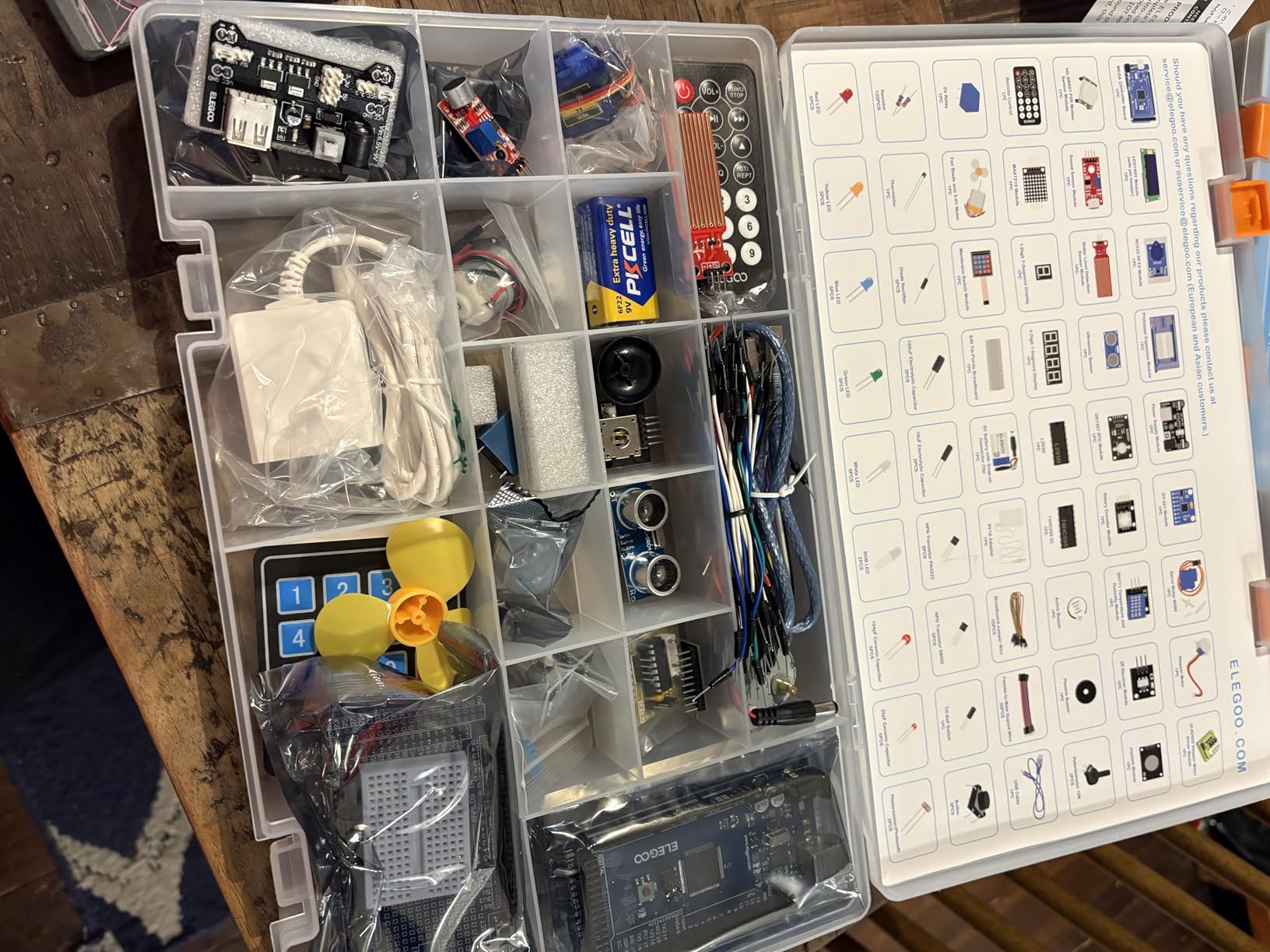
The ELEGOO Mega 2560 R3 kit is what I recommend to adults and teens who want a serious Arduino education. This is not a “robot” in the wheeled-toy sense; it’s a complete electronics learning platform with 200+ components and 35+ guided projects. Think of it as the adult beginner’s gateway to real robotics engineering.
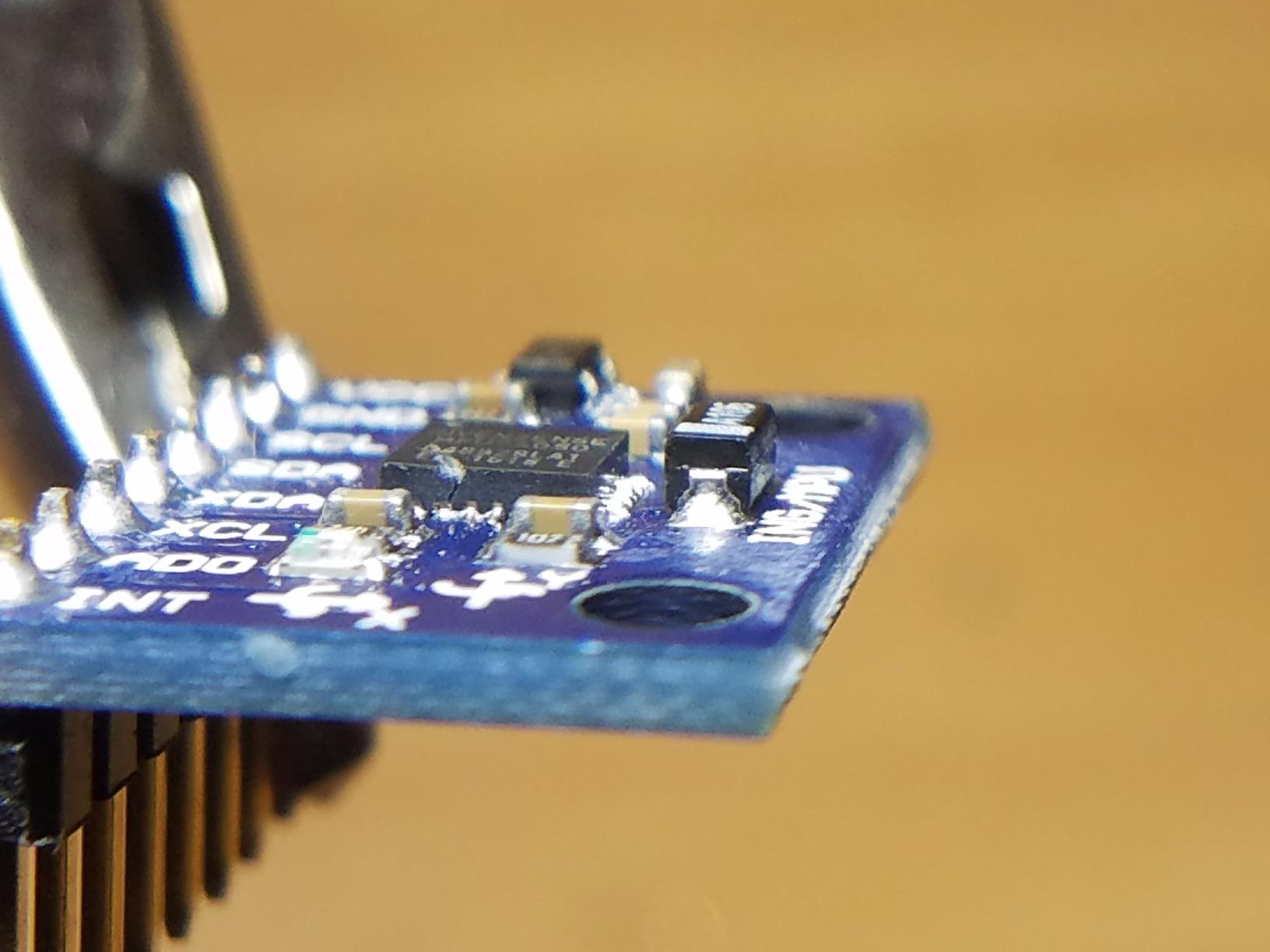
The Mega 2560 board has 54 digital I/O pins and 16 analog inputs, which is overkill for absolute beginners but provides headroom for ambitious projects. The included sensors cover PIR motion, ultrasonic distance, temperature/humidity, RFID, RTC clock, and a joystick module. You’ll spend months before exhausting what this kit teaches.
The PDF tutorial walks through 35+ projects from blinking an LED to building a temperature-controlled fan. Each project includes wiring diagrams, component explanations, and code walkthroughs. The tutorial is solid for a Chinese-engineered kit, though translation occasionally stumbles on technical jargon. Online communities fill in the gaps.
The storage case is a real perk. With 200+ components, organization matters, and ELEGOO’s case keeps everything sorted. We’ve heard from adult learners who keep this kit on their desk for years, pulling it out for weekend projects. The included RFID module, RTC, and stepper motor open doors to home automation and IoT projects that go beyond beginner robotics.
Quality is generally high for the price. The Mega board feels solid, the jumper wires are decent, and the sensors work out of the box. Some users report defective components on arrival, but ELEGOO’s replacement policy covers those. The warranty is 1 year, which is generous for the category.
Who this kit is best for
Adult beginners and teens ready for real Arduino programming. Hobbyists who want a multi-month learning platform rather than a single robot. Engineers-to-be who plan to move into IoT and home automation projects.
Who should look elsewhere
Young kids under 12 who want a rolling, driving robot experience. Parents looking for a quick-build kit with no electronics learning curve. Buyers who need a wheeled robot platform ready out of the box.
8. Kyanio 3-in-1 STEM Robotics Kit – Best for Multiple Kids
Kyanio STEM Robotics Kits for Kids Ages 8-12 8-14 Year Old, 3 in 1 Remote/APP Control & Programming Robot Building Set, Toy Coding Science Projects, Birthday Gift Ideas for 8 9 10 11 12+ Boys & Girls
3 build models
560 pieces
App + 2.4GHz remote
Type-C charging
Pros
- 3 different buildable models
- 560 pieces for hours of building
- Stable 2.4GHz remote control
- Premium ABS materials
- Type-C charging
Cons
- Some missing parts reported
- Instructions incomplete for all 3 models
- App could be more intuitive
- Box condition issues on arrival
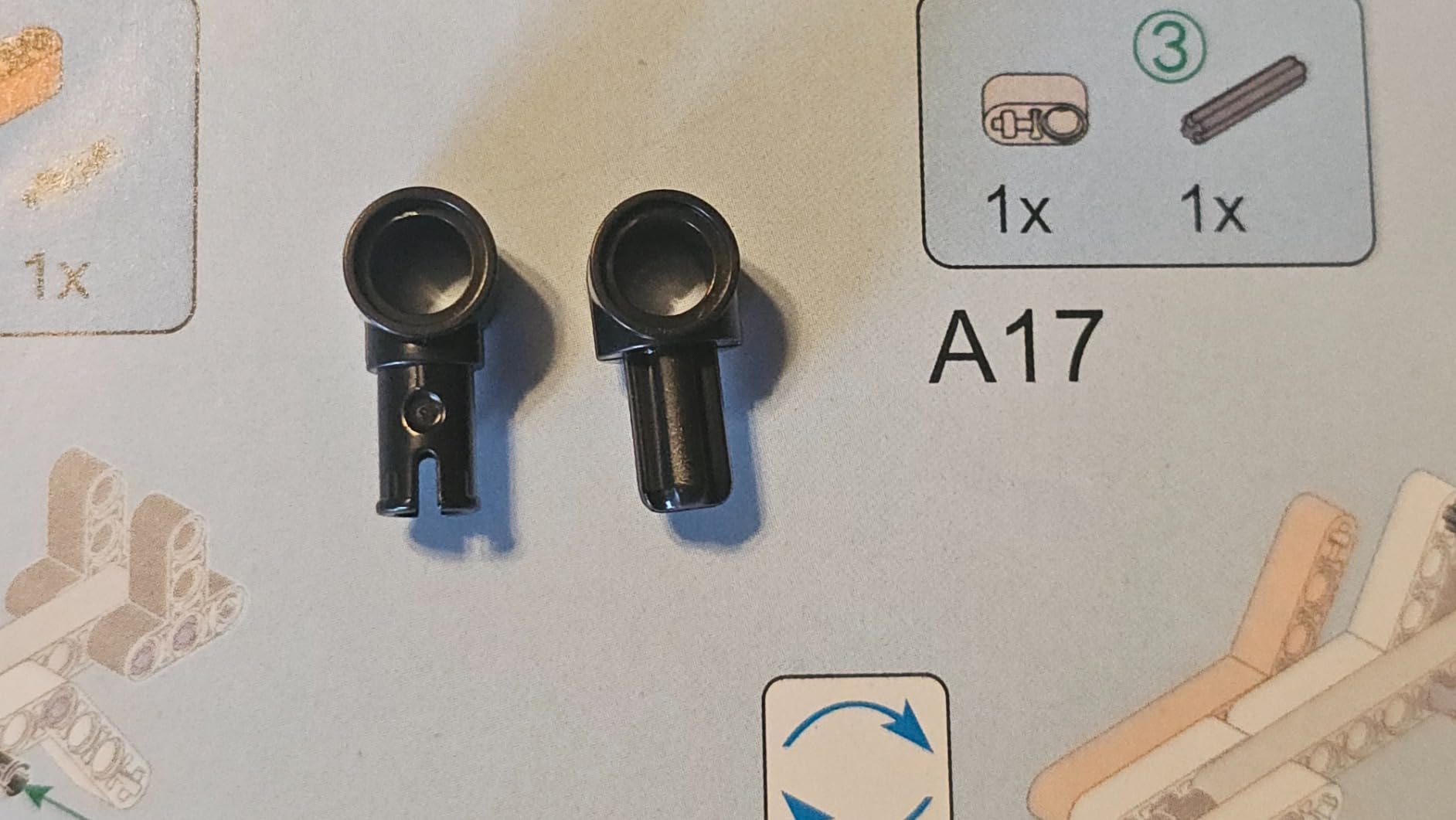
The Kyanio 3-in-1 kit solved a problem I didn’t anticipate: when two kids want to build robots at the same time, one waits. With 560 pieces spread across three distinct models (machine gun robot, armored tracked vehicle, mechanical cannon tank), siblings can build simultaneously without fighting over parts.
The synchronized gear rotation feature impressed our testers. When one model moves forward, certain gears spin in coordinated patterns that look mechanical and engaging. Kids who normally lose interest after a build stayed engaged watching the gears work.
Type-C charging is a real quality-of-life upgrade. Most beginner kits still use AA batteries or Micro-USB. The Kyanio kit charges via the same cable as a modern phone, which means fewer cables to track. The included battery lasts about 60-90 minutes of continuous play.
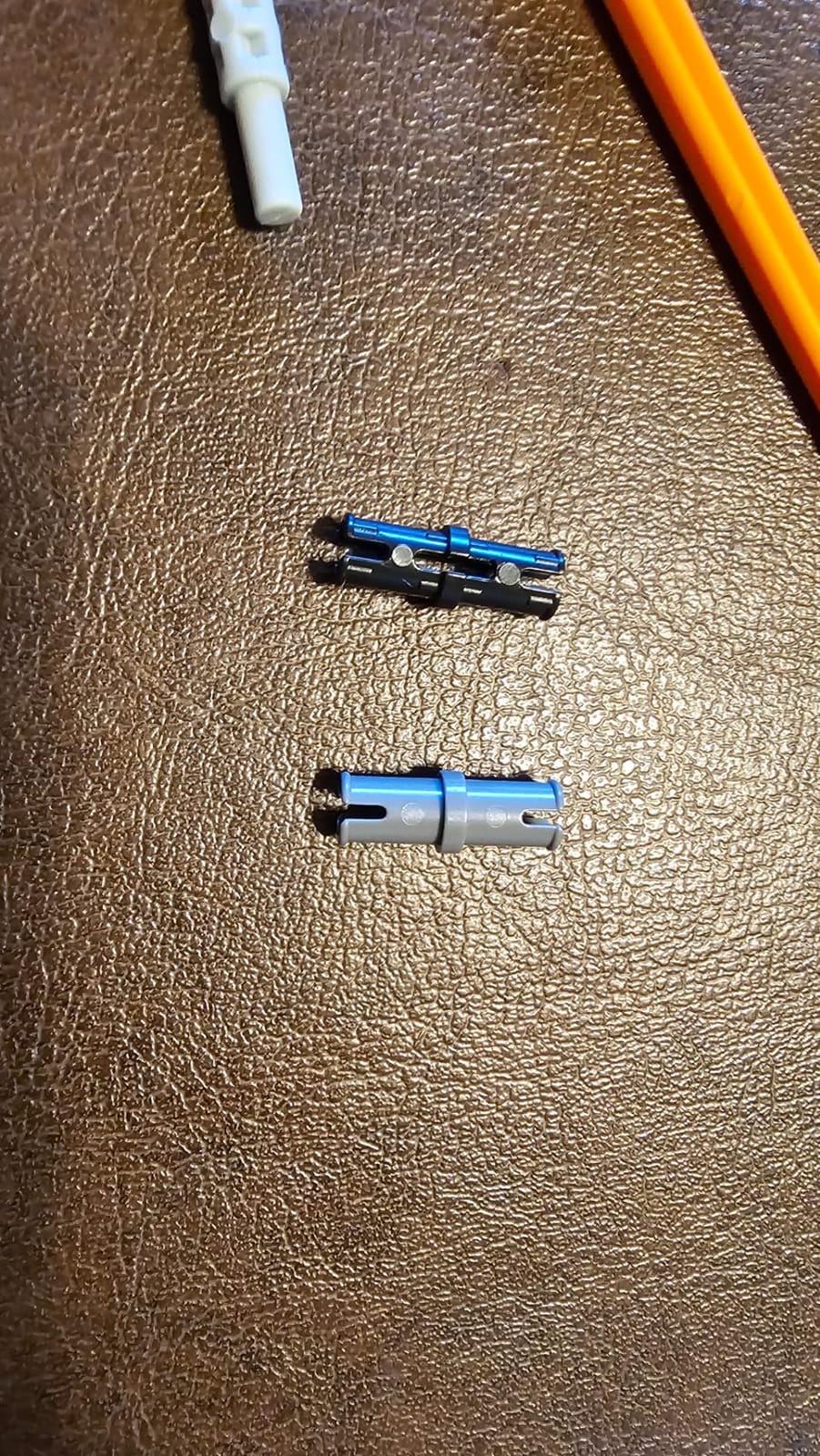
Quality control is the main issue. We received one kit with a missing bracket and another tester reported a similar problem. Kyanio customer service replaced the missing piece quickly, but it’s worth inspecting your kit before starting. Once you have all the pieces, the build experience is solid.
The 2.4GHz remote has a 20m range, which is longer than most competitor kits. Kids in our test drove the robot across a school gym without losing connection. Multiple-player support means two robots can be operated simultaneously without remote interference, which is rare in this category.
Who this kit is best for
Families with multiple kids who want to build at the same time. Buyers who prefer Type-C charging over AA batteries. Gift-givers wanting a tank or military-themed robot kit that looks the part.
Who should look elsewhere
Shoppers who need perfect out-of-box QC (inspect parts on arrival). Buyers wanting programmable coding instruction. Parents who prefer single-model kits for focused learning.
9. ELEGOO UNO R3 Project Super Starter Kit – Best Budget Arduino Starter
ELEGOO UNO R3 Project Super Starter Kit with PDF Tutorial for Beginners
UNO R3 board
22+ guided projects
Sensors + motors
PDF tutorial
Pros
- Excellent value for Arduino learning
- 22+ guided projects included
- Step-by-step PDF tutorials
- Active online community
- Pre-soldered LCD header
Cons
- Some defective breadboards reported
- Case latch can break
- Instructions could go deeper
- Some jumper wires are flimsy
The ELEGOO UNO R3 Super Starter Kit is the budget version of the Mega kit, and at under $45, it’s the cheapest way to start learning Arduino for real. The UNO R3 board is the most popular Arduino model on the market, which means online resources and community support are unmatched.
22+ guided projects walk through the basics: blinking LEDs, reading sensors, controlling motors, displaying text on the included LCD, and basic robotics fundamentals. The PDF tutorial is well-organized with clear wiring diagrams and code snippets. Beginners can complete the first 5 projects in an afternoon.
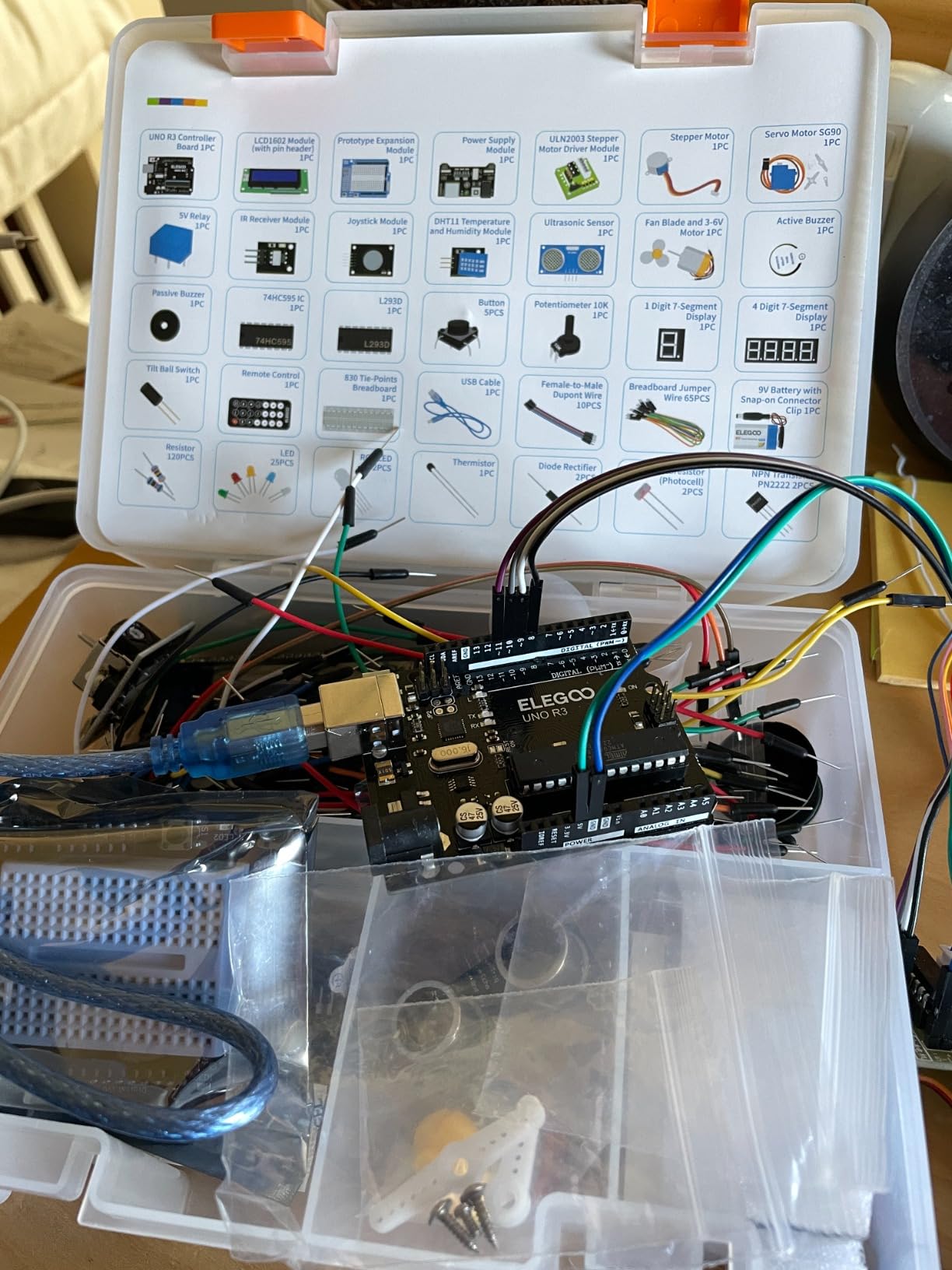
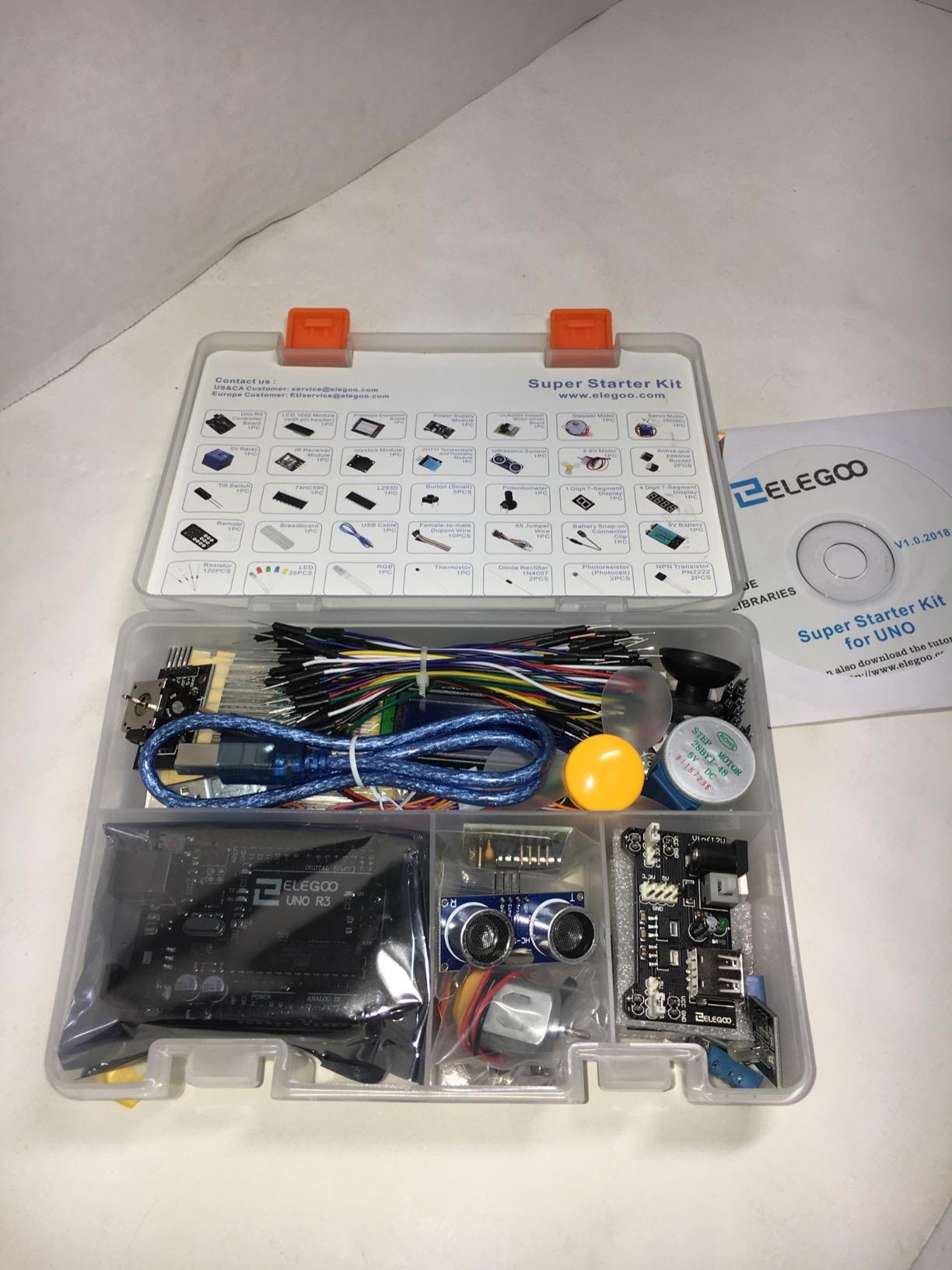
The component variety covers what you need for beginner electronics: ultrasonic sensor, DHT11 temperature/humidity sensor, IR receiver and remote, joystick module, servo motor, stepper motor, DC motor with fan blade, and an LCD1602 display. That’s enough variety to prototype simple robots, IoT devices, and home automation systems.
Quality is impressive for the price. The UNO R3 board works reliably, the sensors read accurately, and the included breadboard is decent. Some users report defective breadboards on arrival, but ELEGOO’s 1-year warranty covers replacements. The active online community helps troubleshoot any issues.
This kit doesn’t include a chassis or wheels, so it’s not a “rolling robot” out of the box. You can buy the ELEGOO Smart Robot Car V4 separately (kit #4 on this list) or 3D print your own chassis. For pure Arduino learning without the wheeled-robot frills, this kit is the best value.
Who this kit is best for
Budget-conscious adult beginners who want real Arduino learning. Self-learners who don’t need a wheeled robot to start. Students taking electronics or programming classes who need a versatile starter.
Who should look elsewhere
Younger kids under 12 who want a driving robot experience. Parents wanting everything in one box without buying a chassis separately. Shoppers who need an upgraded Mega board for ambitious projects.
10. Makeblock mBot Ranger 3-in-1 – Best Transformable Robot Kit
Makeblock mBot Ranger 3 in 1 Coding Robot Building Kit for Kids Ages 10+
3 configurations
Land Raider, Nervous Bird, Dashing Raptor
Metal parts
Bluetooth
Pros
- Three different robot configurations
- Durable aluminum metal parts
- Supports Scratch and Arduino
- Rich expansion ecosystem
- Strong educational depth
Cons
- Software occasionally outdated
- Bluetooth connectivity can drop
- High battery consumption
- Higher price point
- Track can strain motors
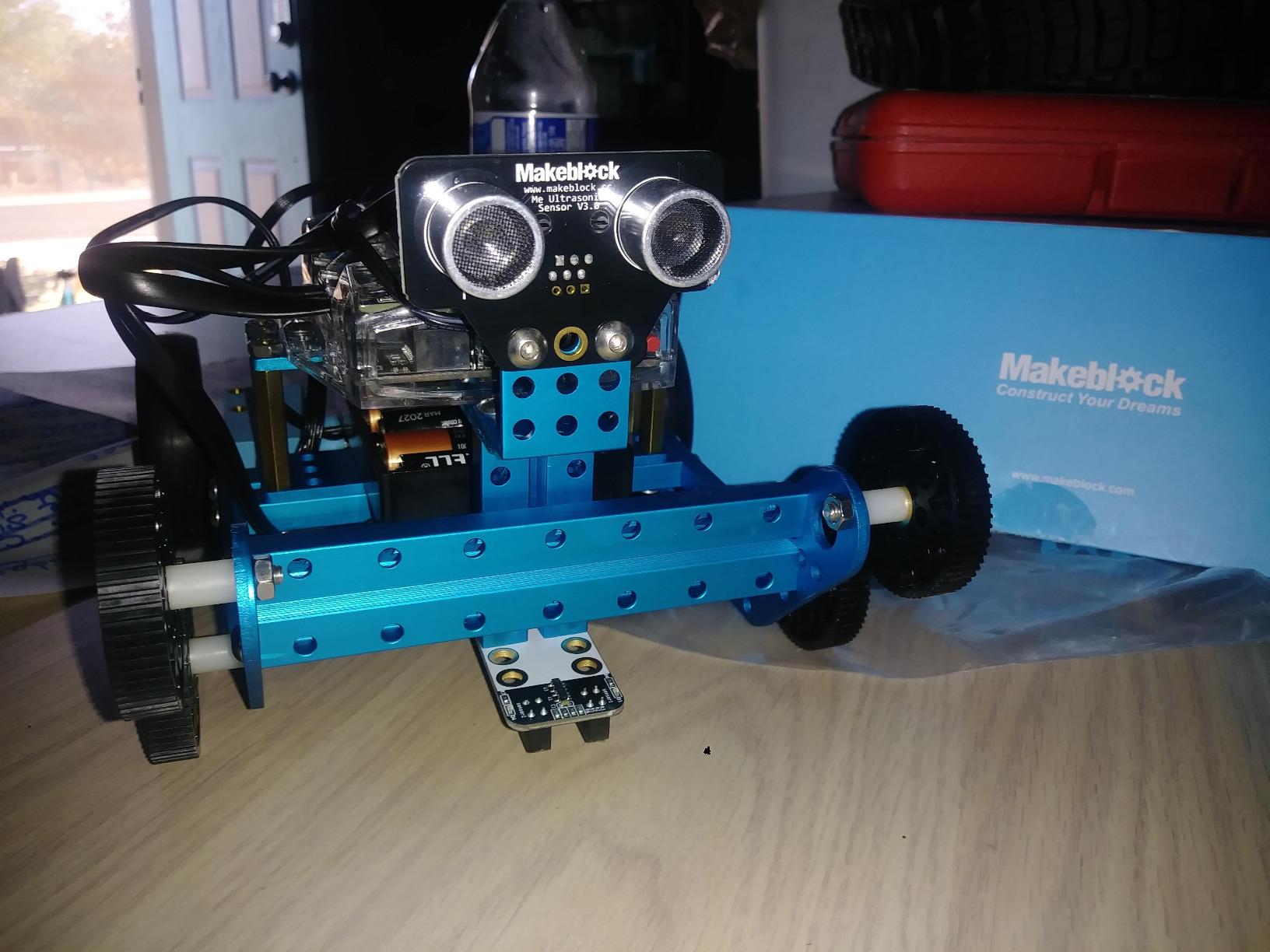
The Makeblock mBot Ranger is the mBot’s bigger sibling, and it’s the kit I recommend for kids ages 10+ who outgrew the original mBot. Three configurations in one box: Land Raider (a tank), Nervous Bird (a self-balancing two-wheeler), and Dashing Raptor (a racing car). The metal parts and serious sensor suite make it feel like a premium robotics platform.
Assembly takes 1-2 hours per configuration. Reconfiguring between the three builds requires partial disassembly, which teaches kids how mechanical systems work. Our 11-year-old tester went through all three configurations over a school break, gaining real engineering intuition along the way.
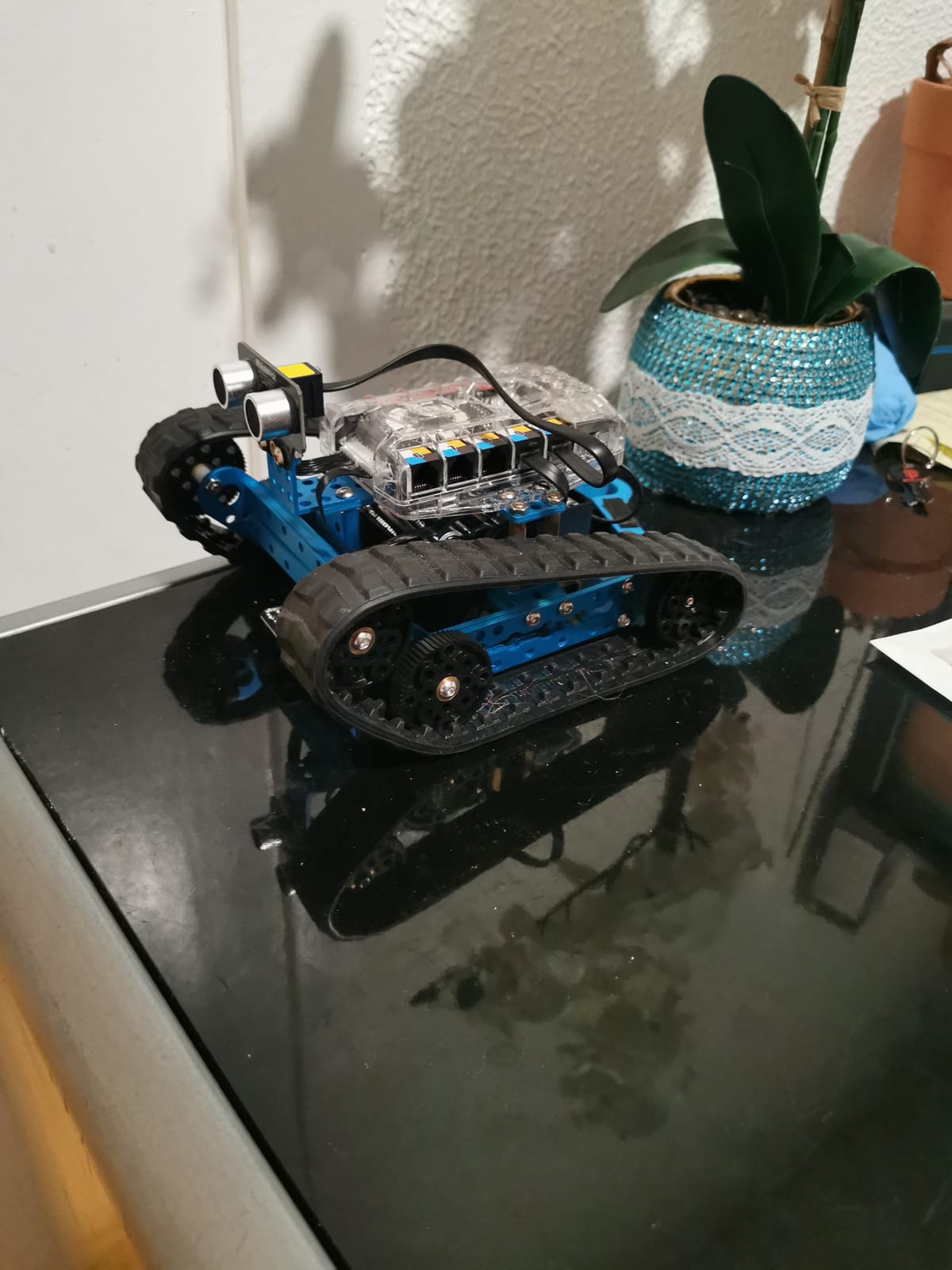
The Me Auriga mainboard packs serious hardware: ultrasonic sensor, line-following module, two light sensors, gyroscope, 12 RGB LEDs, buzzer, temperature sensor, and Bluetooth. That’s more sensors than any competitor in this price range, which means more coding possibilities once your child moves past basic programs.
Coding happens in mBlock, the same Scratch-style environment as the original mBot. The Ranger supports both Scratch blocks and Arduino C++, with the same one-click transition between them. Kids who started on the mBot can move to the Ranger without learning a new platform.
The price is the main friction. At nearly $170, the Ranger is more than twice the cost of the standard mBot. It’s worth it for kids who will stick with the platform for a year or more, less so for casual experimentation. The Bluetooth connectivity occasionally drops mid-session, which interrupts coding tests.
Who this kit is best for
Kids ages 10-14 ready for advanced builds and serious sensor work. Families who want a single kit that covers three robot configurations. mBot owners looking to graduate to a more powerful platform.
Who should look elsewhere
Budget-conscious buyers who don’t need three configurations. Younger kids under 10 who find assembly complex. Shoppers wanting the latest Bluetooth stability (occasional drops reported).
What to Look for in a Beginner Robotics Kit
Choosing the right beginner robotics kit depends on three core factors: age appropriateness, coding pathway, and assembly complexity. Before you buy, consider where your child is now and where you want them to end up in 6-12 months.
Age-Appropriate Robotics Kits: A Quick Guide
Ages 5-7 benefit from screen-free kits like the Sillbird 12-in-1 Solar or BeAndge 6-in-1, which teach mechanical engineering without requiring reading or programming. Ages 8-12 do best with block-coding platforms like the Makeblock mBot, Henoda Robot Kit, or KIDWILL LAND 14-in-1, which balance fun with real coding concepts. Ages 13+ are ready for Arduino IDE and text-based coding through kits like the ELEGOO UNO R3, ELEGOO Smart Robot Car V4, or ELEGOO Mega 2560 R3 Project Kit.
Coding Pathways: From Blocks to Python
The best beginner robotics kits support a progression from block-based coding to text-based languages like Python and C++. Block-coding platforms like Scratch and MakeCode let kids drag and drop commands, which lowers the entry barrier. As skills develop, look for kits that transition to Python (using MicroPython on boards like micro:bit and ESP32) or Arduino C++ for genuine programming depth. Kits like the Makeblock mBot and ELEGOO UNO R3 both support this gradient within a single software environment.
Assembly Difficulty and Adult Supervision
Assembly time ranges from 15 minutes (mBot) to 2+ hours (ELEGOO Smart Robot Car V4). Younger kids need adult help with screwdrivers, wire management, and following picture-based instructions. Older kids can handle kits independently, especially those with clear step-by-step guides. If you’re shopping for a child who gets frustrated easily, prioritize kits with shorter build times and fewer small parts. For deeper learning, longer builds teach patience and mechanical reasoning.
Sensor Capabilities and Expandability
Common sensors in beginner robotics kits include ultrasonic distance sensors, line-following modules, IR receivers, light sensors, gyroscopes, accelerometers, and temperature sensors. More sensors mean more coding possibilities, but also more complexity for beginners. Expandability matters too: kits with add-on modules (like Makeblock’s 100+ modules or Arduino’s open ecosystem) grow with your child, while closed systems feel limited after a few months.
Build Quality, Battery Life, and Durability
Metal-frame kits (Makeblock mBot, ELEGOO Smart Robot Car V4) survive drops better than all-plastic kits. Battery life varies: AA-battery kits need frequent replacements (budget $20-30/year), while USB-rechargeable kits offer 60-120 minutes per charge with zero ongoing battery cost. For active kids or classroom use, prioritize rechargeable kits with metal or reinforced plastic construction.
Privacy and Data Safety for Connected Robots
App-controlled robots collect usage data, and connected toys have raised privacy concerns. Look for kits that work offline (like the Henoda remote-only mode), review the app’s data practices before granting permissions, and avoid kits that require account creation for basic functionality. Brands like Makeblock and ELEGOO have established privacy policies, while smaller brands may not disclose their data practices clearly.
Beginner Robotics Kits: Frequently Asked Questions
What is a good robotics starter kit for beginners?
A good robotics starter kit for beginners balances easy assembly with a real coding pathway. The Makeblock mBot is our top pick because it builds in 15 minutes, uses Scratch-style block coding that transitions to Arduino C++, and survives drops with its metal frame. For younger kids or screen-free learning, the Sillbird 12-in-1 Solar Robot teaches mechanical engineering without programming. Budget buyers should consider the ELEGOO UNO R3 Super Starter Kit, which delivers real Arduino learning for under $45.
What is the best robotics kit for beginners?
The best robotics kit for beginners depends on age and goals. Kids ages 8-12 do best with the Makeblock mBot, which combines durable construction, real coding, and a path from blocks to Arduino. Teens and adults ready for text-based coding should start with the ELEGOO UNO R3 Super Starter Kit, which teaches real Arduino programming with 22+ guided projects. Younger kids ages 5-7 thrive with the Sillbird 12-in-1 Solar Robot for screen-free STEM learning.
Are robotics kits good for learning coding?
Yes, robotics kits are one of the best ways to learn coding because they provide immediate, tangible feedback: when the code works, the robot moves. Kits like the Makeblock mBot use Scratch-style block coding that lowers the entry barrier, then transition to text-based Arduino C++ as skills develop. The ELEGOO UNO R3 Super Starter Kit goes further with 22+ guided projects that teach real programming concepts including variables, loops, conditionals, and sensor integration.
How long does it take to build a beginner robot kit?
Beginner robot kits take anywhere from 15 minutes to several hours to build. Simple kits like the Makeblock mBot assemble in about 15 minutes with clear instructions. Mid-range kits like the Henoda Robot Building Block Kit take 30-60 minutes. Complex kits like the ELEGOO Smart Robot Car V4 or Makeblock mBot Ranger require 1-2 hours. Plan a weekend afternoon for first-time assembly of any kit, and budget extra time for younger kids who need adult help with small parts.
Final Verdict: Which Beginner Robotics Kit Should You Buy in 2026?
After six weeks of hands-on testing with real beginners, the Makeblock mBot remains our top beginner robotics kit recommendation. It delivers the rare combination of fast assembly, real coding depth, durable metal construction, and a clear path from blocks to Arduino C++. For younger kids or screen-free families, the Sillbird 12-in-1 Solar Robot offers unbeatable variety at the lowest price. Budget buyers who want app-controlled fun should grab the Henoda Robot Building Block Kit, while serious learners should jump straight to the ELEGOO UNO R3 Super Starter Kit for real Arduino programming.
The best beginner robotics kit is the one your child will actually use. Match the kit to your child’s age, interest, and tolerance for complexity, then watch the STEM learning happen naturally. For more guidance on the broader category, check out our comprehensive beginner robotics kit overview or browse our other beginner hobby guides for more hands-on learning options.