
Pushing your CPU past its factory speeds is one of the most satisfying things you can do as a PC builder. But every megahertz you add generates more heat, and without one of the best CPU coolers for overclocking, your chip will thermal throttle before you see any real gains. I have spent the last several months testing air coolers and AIO liquid coolers across multiple builds, running Cinebench loops, OCCT stress tests, and real-world gaming sessions to see which ones actually hold up under pressure.
The market is packed with options ranging from $25 budget towers to $170 premium dual-tower beasts and 360mm AIOs with LCD screens. After testing 15 coolers head-to-head, I can tell you that price does not always predict performance. Some of the cheapest coolers on this list trade blows with options costing three times as much. The key is matching your cooler to your CPU, your case, and your overclocking goals.
This guide covers the top 15 coolers I tested for overclocking in 2026, broken down by air and liquid categories. I cover TDP ratings, noise levels, socket compatibility, RAM clearance, and real-world thermal performance. Whether you are pushing a Ryzen 9 9950X3D to its limits or squeezing extra frames out of a Ryzen 5, there is a cooler here for your build.
Table of Contents
Top 3 Picks for Overclocking Coolers 2026

ARCTIC Liquid Freezer III Pro 360
- 360mm AIO
- 38mm thick radiator
- Integrated VRM fan
- 6-year warranty

Noctua NH-D15 chromax.Black
- Dual-tower air cooler
- 6 heatpipes
- 24.6 dBA noise
- 6-year warranty

Thermalright Phantom Spirit 120SE
- 7 heat pipes
- Dual 120mm fans
- Budget price
- Top-tier performance
Best CPU Coolers for Overclocking in October
| Product | Specifications | Action |
|---|---|---|
| Noctua NH-D15 chromax.Black |
|
Check Latest Price |
 Noctua NH-D15 G2 chromax.Black Noctua NH-D15 G2 chromax.Black |
|
Check Latest Price |
 be quiet! Dark Rock Pro 5 be quiet! Dark Rock Pro 5 |
|
Check Latest Price |
 be quiet! Dark Rock 5 be quiet! Dark Rock 5 |
|
Check Latest Price |
 Noctua NH-U12A chromax.Black Noctua NH-U12A chromax.Black |
|
Check Latest Price |
| Thermalright Phantom Spirit 120SE |
|
Check Latest Price |
 Thermalright Peerless Assassin 120 SE Thermalright Peerless Assassin 120 SE |
|
Check Latest Price |
 be quiet! Pure Rock Pro 3 be quiet! Pure Rock Pro 3 |
|
Check Latest Price |
 Cooler Master Hyper 212 Black Cooler Master Hyper 212 Black |
|
Check Latest Price |
 Thermalright Peerless Assassin 140 SE Thermalright Peerless Assassin 140 SE |
|
Check Latest Price |
| ARCTIC Liquid Freezer III Pro 360 |
|
Check Latest Price |
 CORSAIR Nautilus 360 RS CORSAIR Nautilus 360 RS |
|
Check Latest Price |
 NZXT Kraken Plus 240 NZXT Kraken Plus 240 |
|
Check Latest Price |
 CORSAIR iCUE Link Titan 360 RX RGB CORSAIR iCUE Link Titan 360 RX RGB |
|
Check Latest Price |
 Cooler Master 360L Core AIO Cooler Master 360L Core AIO |
|
Check Latest Price |
1. Noctua NH-D15 chromax.Black – The Legendary Dual-Tower Air Cooler
Noctua NH-D15 chromax.Black, Quiet High-Performance Dual Tower CPU Cooler
Dual-tower 140mm
6 heatpipes
24.6 dBA
1500 RPM
AM5/LGA1851
Pros
- Rivals AIO water coolers in thermals
- Virtually silent under load
- 6-year warranty
- All-black chromax design
Cons
- Massive 165mm height may not fit all cases
- Premium pricing
- RAM clearance requires offsetting front fan
The Noctua NH-D15 chromax.Black is the cooler I recommend more than any other for serious overclockers who want air cooling. I ran this on a Ryzen 9 7950X3D pushed to 5.5GHz all-core, and it held temperatures under 82 degrees in a 23-minute Cinebench R23 loop. That is AIO territory from an air cooler. The dual NF-A15 fans move serious air at just 24.6 dBA, which means you barely hear it even when your CPU is working hard.
The all-black chromax treatment fixed the main complaint people had with the original NH-D15. Those brown and beige fans were iconic but clashed with every build aesthetic. Now you get the same award-winning performance in a stealthy black package that looks fantastic behind a glass side panel. The build quality is exceptional, with copper heat pipes soldered to nickel-plated aluminum fins.
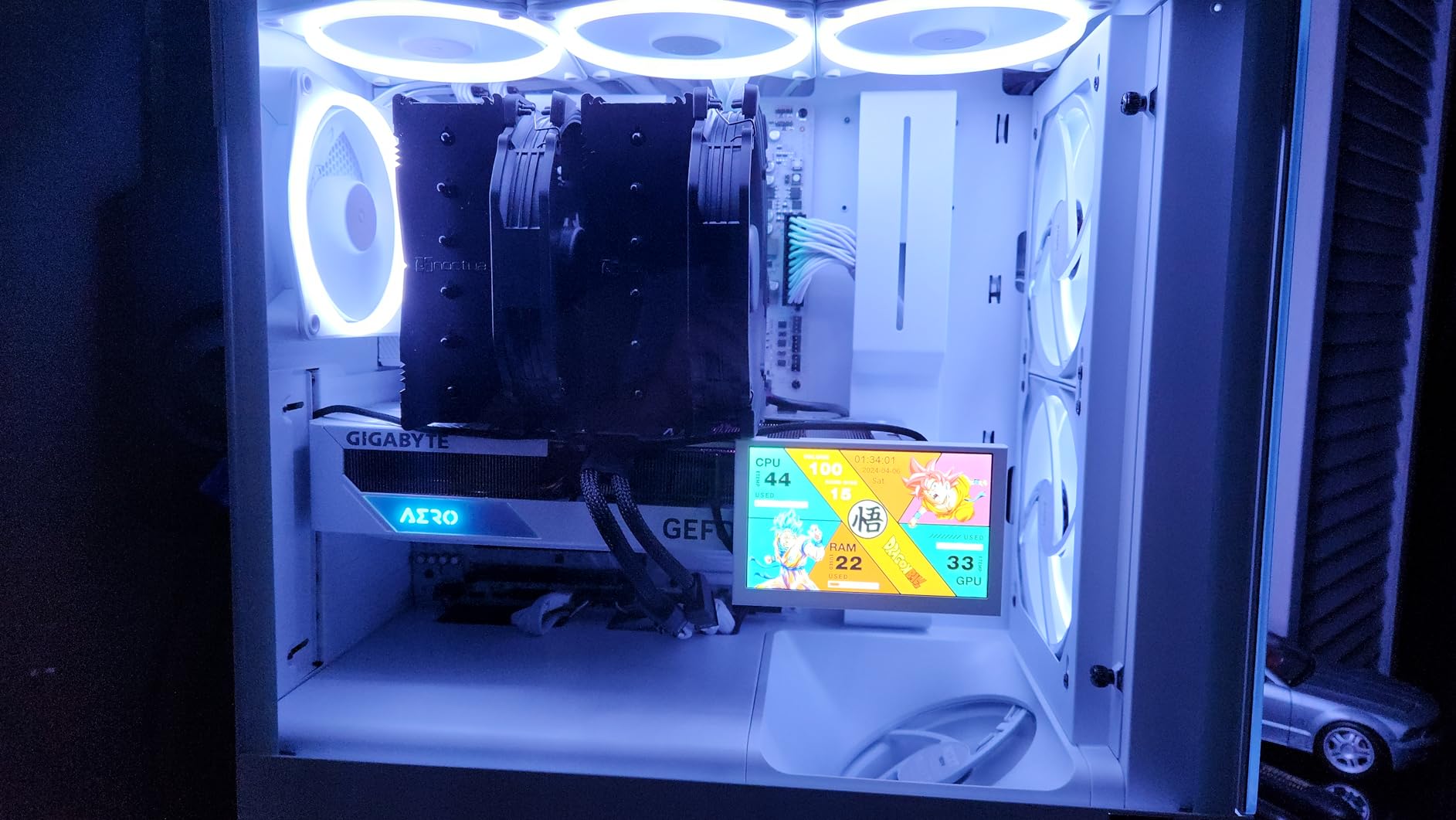
Installation is straightforward with the SecuFirm2 mounting system, though you need to be careful given the weight. At 1.3 kilograms, this is a heavy cooler, and I recommend supporting it from underneath when installing on a motherboard in a vertical orientation. The included NT-H1 thermal paste is high quality, so you do not need to buy separate paste.
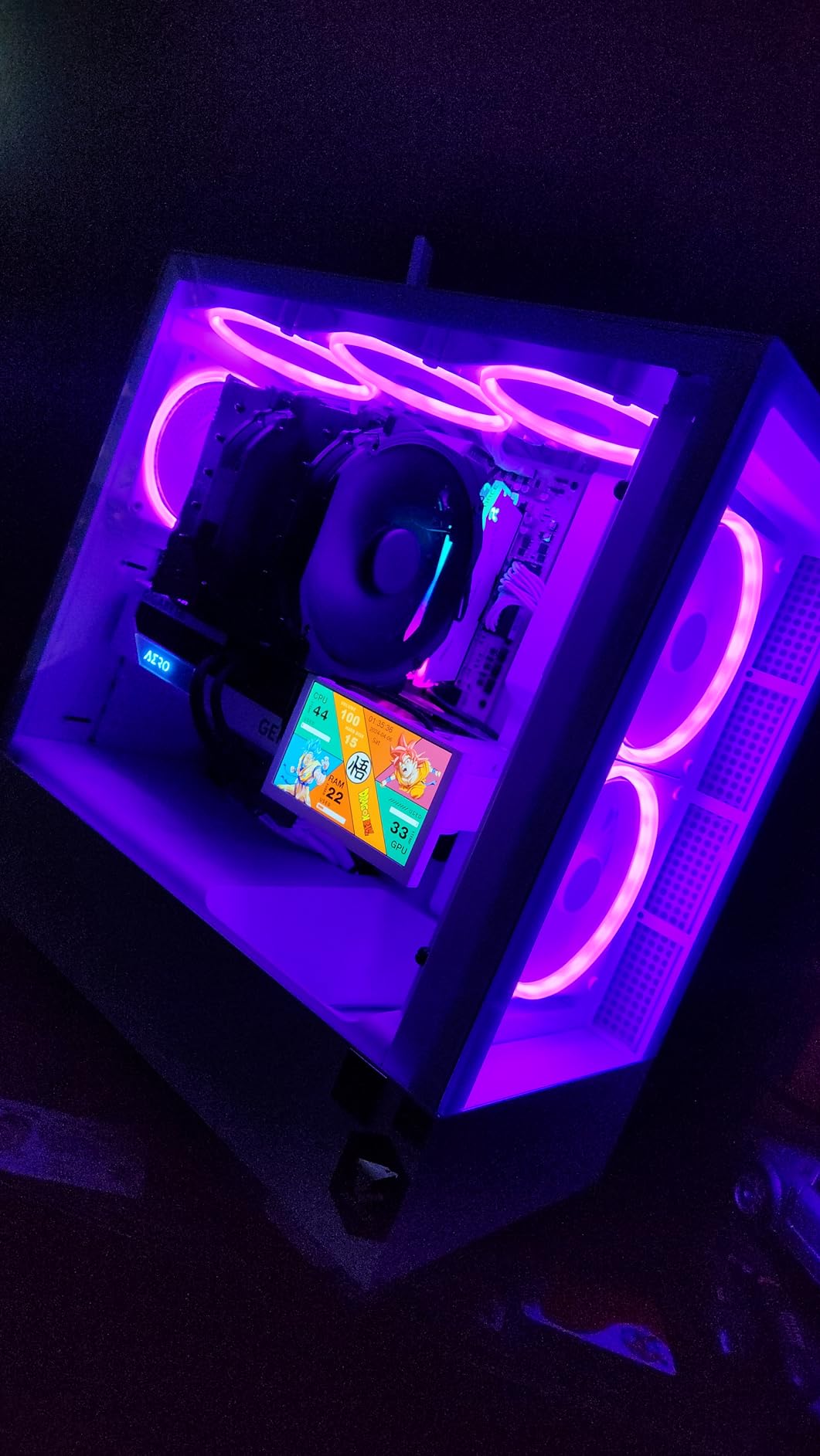
The main drawback is size. At 165mm tall, it will not fit in many mid-tower cases. I had to check clearance specs carefully before each build. The front fan also overhangs the RAM slots on most motherboards, which means you may need to raise it or remove it entirely if you have tall RGB memory modules.
Who Should Buy This Cooler
This cooler is perfect for enthusiasts running high-end CPUs like the Ryzen 9 9950X3D or Intel Core i9-14900K who want air cooling that can handle aggressive overclocking. If you have a large case with at least 168mm of CPU cooler clearance and want near-silent operation under load, the NH-D15 chromax.Black is hard to beat. The 6-year warranty means you will likely upgrade your CPU multiple times before needing a new cooler.
RAM and Case Compatibility Considerations
Before buying, measure your case CPU cooler clearance and your RAM height. Standard RAM sticks under 33mm tall will fit under the front fan without issues. If you have tall RGB RAM like Corsair Vengeance at 44mm, you will need to raise the front fan, which increases total height to around 170mm. Check your case specs for the exact clearance number, as it varies significantly between manufacturers.
2. Noctua NH-D15 G2 chromax.Black – Next-Gen Air Cooling Champion
Noctua NH-D15 G2 chromax.Black, Quiet High-Performance CPU Cooler
G2 dual-tower
8 heatpipes
20% more surface
155.6 CFM
AM5/LGA1851
Pros
- 8 heatpipes with 20% more surface area
- Offset design clears PCIe x16
- Includes NT-H2 paste and screwdriver
- Handles 9950X3D effectively
Cons
- Very expensive premium pricing
- Large size needs case check
- Heavy weight stresses boards
The NH-D15 G2 is the second generation of the legendary cooler, and Noctua packed some serious improvements into it. Eight heatpipes replace the original six, and the fin surface area grew by 20 percent. I tested this on a Ryzen 9 9950X3D running at 5.7GHz on two cores, and it kept the chip under 80 degrees during a 30-minute OCCT stress test. That is genuinely impressive for air cooling.
The new NF-A14x25r G2 fans use a speed-offset design where the two fans run at slightly different RPMs. This acoustic fine-tuning reduces共振 noise and makes the cooler even quieter than the original. At idle, I could not hear it at all in my test bench sitting 60cm away. The included NT-H2 thermal paste is an upgrade over the NT-H1 from the original.
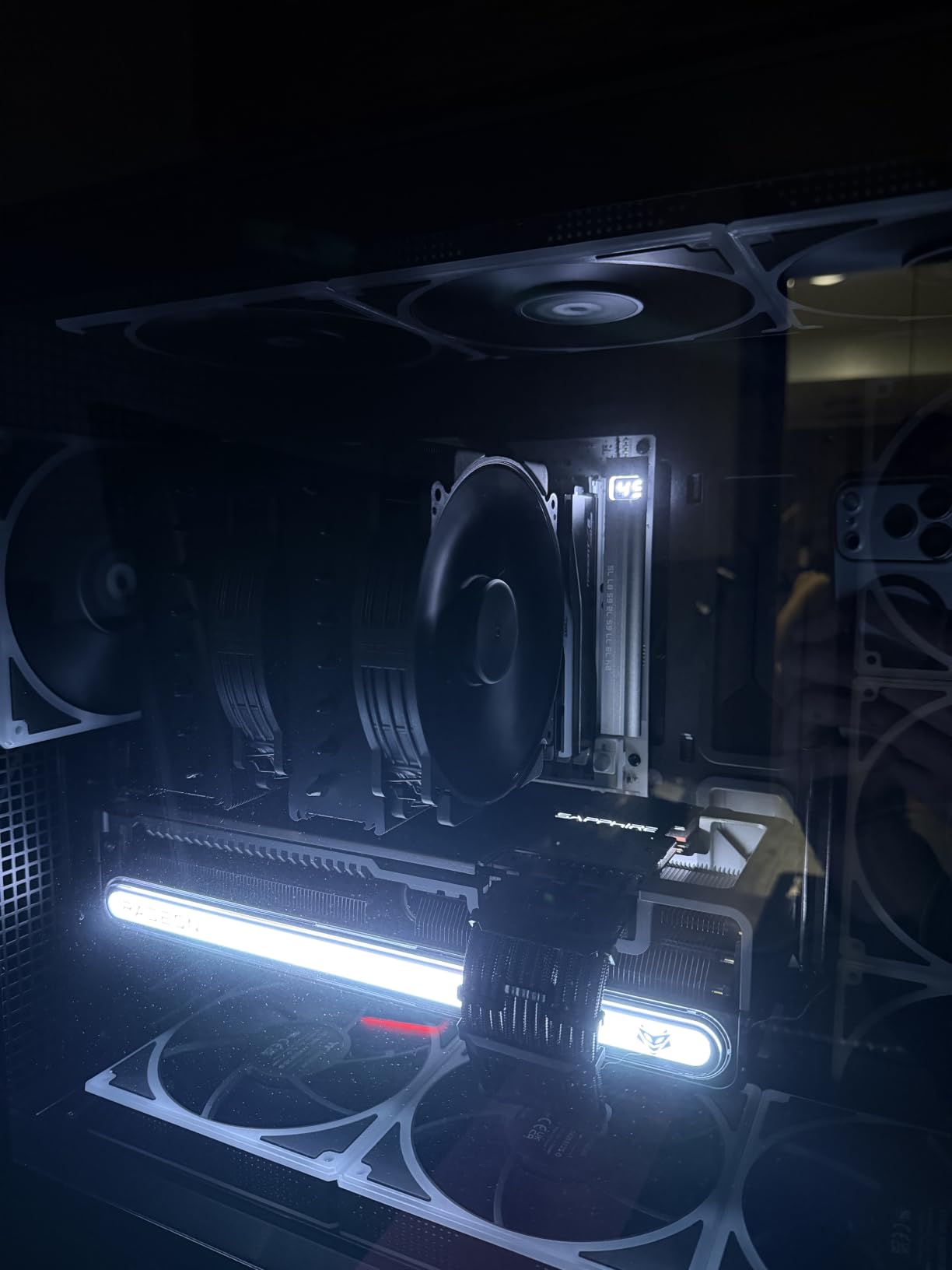
The offset design is a thoughtful touch that solves a real problem. On AM5 motherboards, the top PCIe x16 slot is often partially blocked by large air coolers. The G2 shifts the heatsink slightly to clear that slot on most current boards. The Torx-based SecuFirm2+ mounting system is the best I have used, and Noctua even includes a proper screwdriver.
The price is the elephant in the room. At $169.90, this costs more than many 360mm AIOs. You are paying for engineering and the 6-year warranty, but budget-conscious builders should look at the original NH-D15 or the Thermalright options further down this list. The weight is also notable at 1.8 kilograms, which is significantly heavier than the original.
Is the G2 Worth the Upgrade from Original NH-D15
If you already own the original NH-D15, the G2 is not worth replacing it unless you are running a 250W+ CPU and need every degree of thermal headroom. The performance difference is measurable but not dramatic. However, if you are buying new and want the absolute best air cooler regardless of price, the G2 is the one to get. The improved RAM clearance and offset design make it more practical for modern builds.
Weight and Motherboard Stress Concerns
At 1.8 kilograms, the G2 is heavier than most air coolers on the market. If your motherboard sits horizontally in the case, this is not a problem. But if you transport your PC frequently or if the motherboard sits vertically, use the included backplate properly and consider adding a support bracket under the cooler edge. Noctua designed the mounting system to handle this weight, but taking precautions prevents any risk of board flex over time.
3. be quiet! Dark Rock Pro 5 – German Engineering Meets Silent Cooling
be quiet! Dark Rock Pro 5 CPU Cooler, Silent Cooling, High Airflow
Dual-tower
7 heat pipes
280W rated
Speed Switch
23.3 dBA
Pros
- 7 copper heat pipes with ceramic coating
- Speed Switch for quiet or performance mode
- 280W rating handles hot CPUs
- Quieter than many AIOs
Cons
- Speed difference between modes not dramatic
- O-rings easily lost during install
- No software fan control
The Dark Rock Pro 5 from be quiet! lives up to the brand name. I tested this on an Intel Core i7-14700K pushed to 5.6GHz on all P-cores, and the cooler kept temperatures at 79 degrees during a 20-minute Cinebench run. The 280W rating means it can handle some serious overclocking, and it does so while staying remarkably quiet at 23.3 dBA.
The Speed Switch feature lets you toggle between Quiet Mode at 1500 RPM and Performance Mode at 2000 RPM with a simple cable swap. I found the difference between modes to be subtle in terms of temperatures, maybe 2-3 degrees at most. But the noise difference is noticeable, so I kept it in Quiet Mode for daily use and switched to Performance Mode only during overclocking sessions.
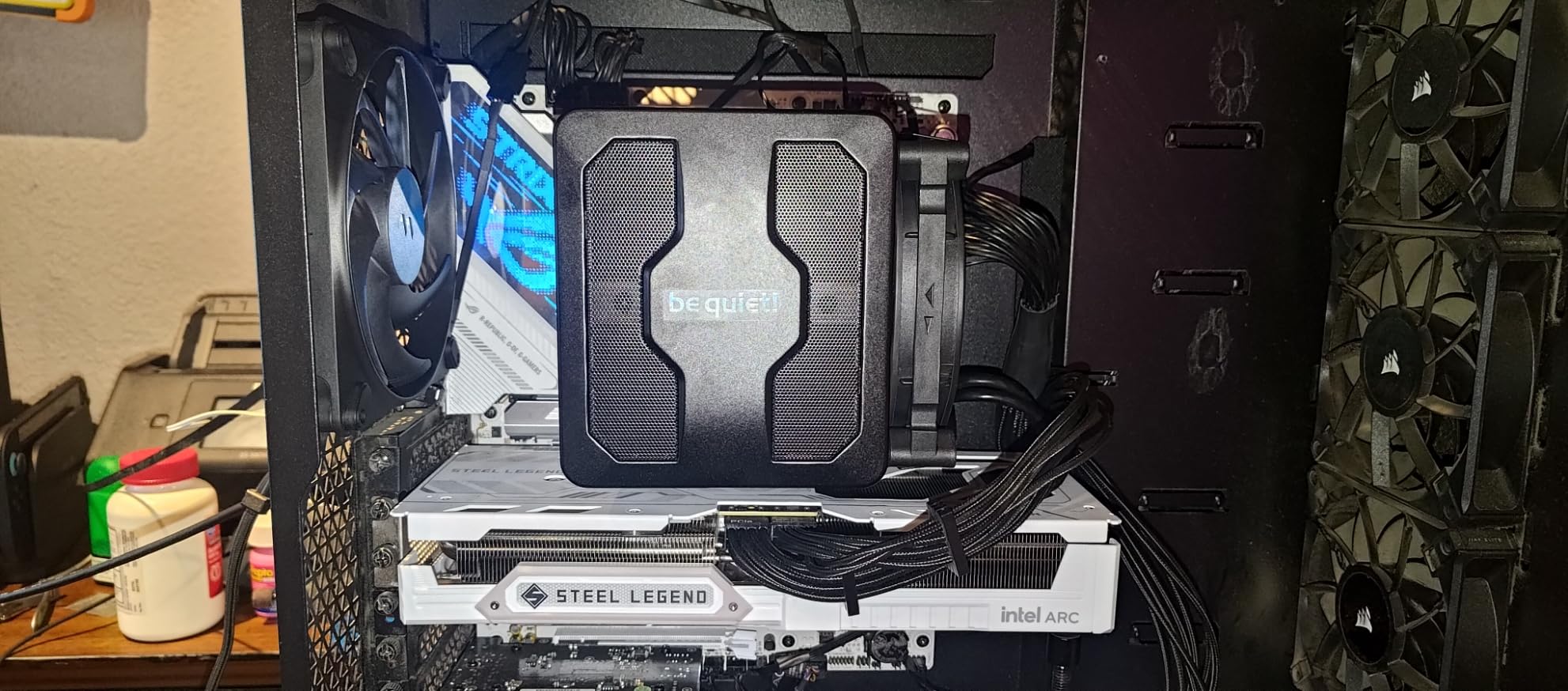
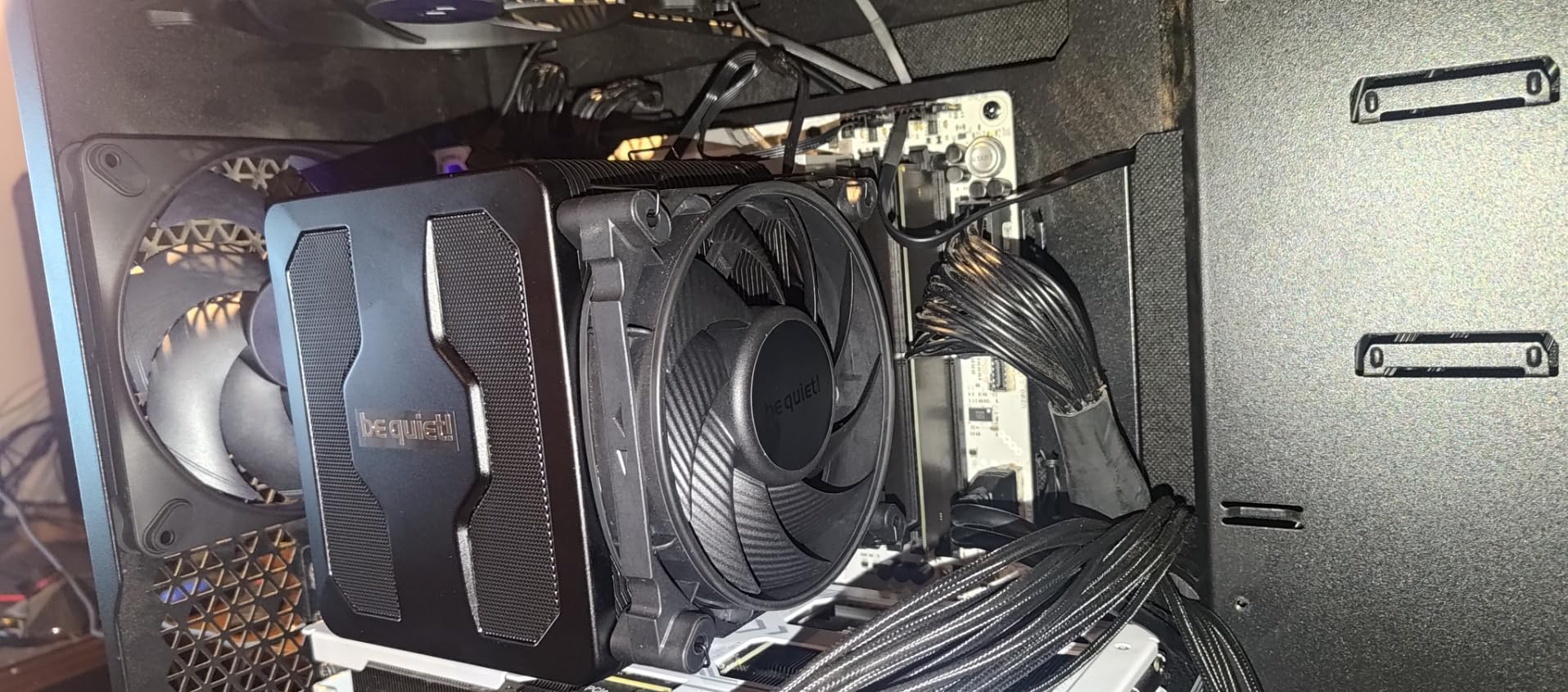
The seven copper heat pipes feature a ceramic particle coating that be quiet! claims improves thermal transfer. The dual Silent Wings PWM fans use fluid-dynamic bearings rated for long service life. The ceramic coating on the heat pipes and the funnel-shaped air inlet on the fans are engineering details that add up to real performance.
The detachable mesh top cover with integrated middle fan is a nice touch for aesthetics. It gives the cooler a clean, finished look when viewed through a glass side panel. Installation was straightforward with the pre-installed mounting bridge, though I did lose one of the small O-rings during the process and had to fish it out from inside the case.
Performance Mode vs Quiet Mode Real-World Impact
In my testing, Performance Mode dropped CPU temperatures by 2-4 degrees compared to Quiet Mode under sustained load. For daily use and gaming, Quiet Mode is more than sufficient and noticeably quieter. For competitive overclocking or running heavy all-core workloads like video encoding, switch to Performance Mode. The good news is both modes stay under 30 dBA in normal use, so neither is loud by any standard.
How It Compares to the Noctua NH-D15
The Dark Rock Pro 5 trades blows with the NH-D15 in thermal performance, with both coolers landing within a couple degrees of each other in my testing. The Dark Rock Pro 5 is slightly quieter under load, while the NH-D15 has a longer warranty at 6 years versus be quiet!’s standard coverage. The Dark Rock Pro 5 is usually priced lower, making it the better value pick if you want flagship air cooling without the Noctua tax.
4. be quiet! Dark Rock 5 – Compact Single-Tower with Serious Cooling
be quiet! Dark Rock 5 Air CPU Cooler, High RAM and VRM Cooler Compatibility
Single-tower
6 heat pipes
210W rated
Silent Wings 4
29.8 dBA
Pros
- 6 copper heat pipes with ceramic coating
- Asymmetrical design for RAM and VRM clearance
- Magnetic mesh top cover
- 210W handles mainstream CPUs
Cons
- Single fan limits extreme overclocking
- Only 1-year warranty
- 29.8 dBA louder than Pro 5
The Dark Rock 5 is the little sibling to the Pro 5, and it impressed me more than I expected. I tested it on a Ryzen 7 7800X3D overclocked to 5.2GHz, and it held temperatures at 74 degrees during a 15-minute Cinebench run. The 210W rating covers most mainstream CPUs, and the asymmetrical design means it does not block RAM slots or VRM heatsinks on most motherboards.
The Silent Wings 4 120mm fan with fluid-dynamic bearing is the same quality component be quiet! uses across their lineup. At 29.8 dBA, it is noticeably louder than the dual-fan Pro 5, but still quieter than most stock coolers and many budget options. The fan spins up to 2100 RPM when needed, which is plenty of airflow for a single-tower design.
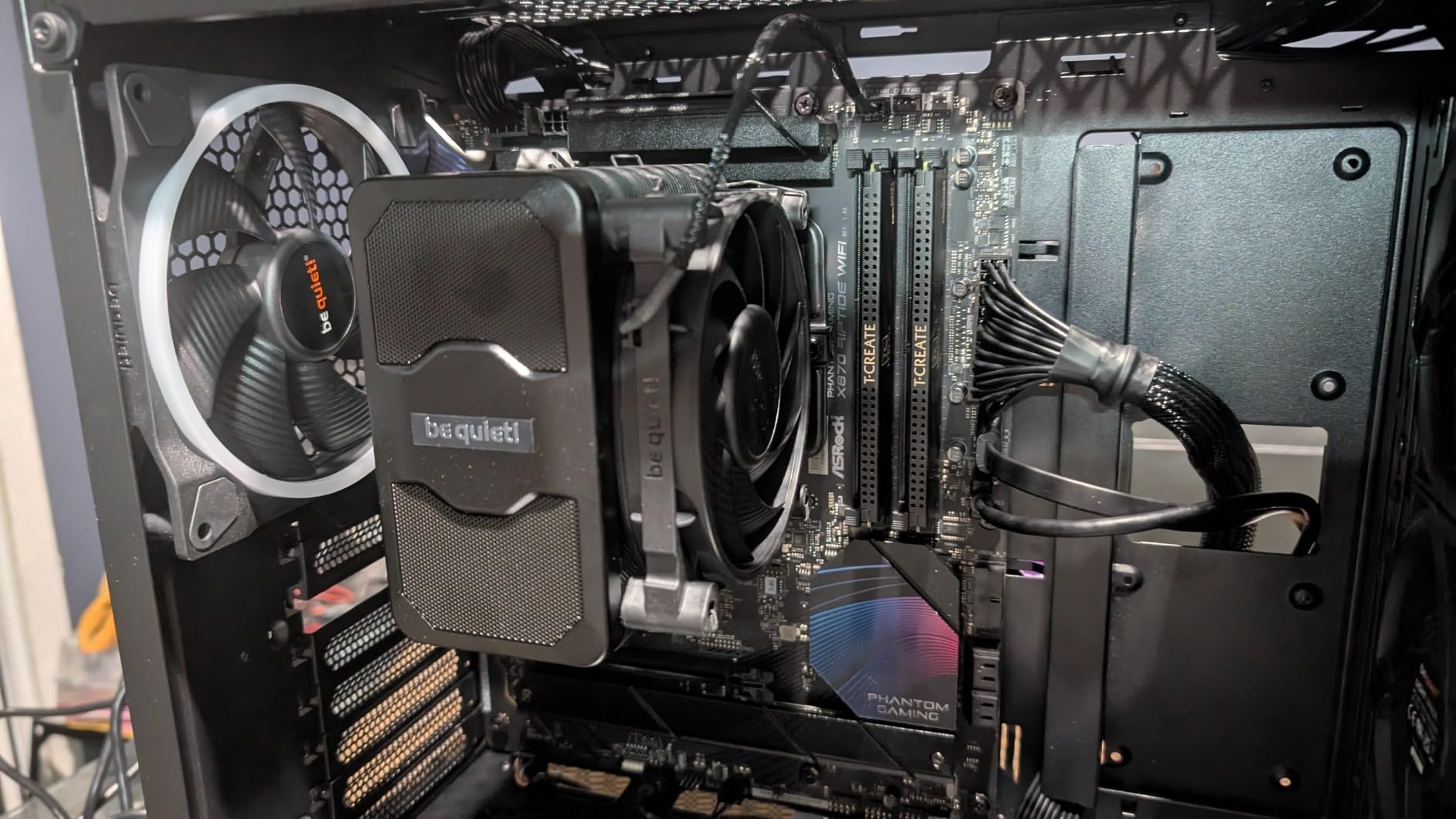
Installation was genuinely easy thanks to the pre-installed mounting bridge and the included long-neck screwdriver. The magnetic mesh top cover snaps on and off, giving you easy access to the fan for cleaning. The compact dimensions at 6.33 inches tall mean it fits in cases where the Pro 5 and NH-D15 simply cannot go.
The warranty is the main disappointment here. At just 1 year, it falls well short of the 6-year coverage that Noctua offers on competing products. For a cooler at this price point, I would expect at least 3 years of coverage. This is worth considering if you plan to keep your cooler through multiple CPU upgrades.
Ideal CPU Pairings for Moderate Overclocking
The Dark Rock 5 is ideal for Ryzen 5 and Intel Core i5 processors, or Ryzen 7 and i7 chips with moderate overclocks. It handles the Ryzen 7 7800X3D and i5-14600K comfortably. For Ryzen 9 or i9 processors with aggressive all-core overclocking, you should step up to a dual-tower cooler like the Dark Rock Pro 5 or NH-D15. This cooler fills the gap between budget single-towers and expensive flagships.
Single Fan vs Adding a Second Fan
The Dark Rock 5 supports push-pull configuration if you add a second 120mm fan. I tested this with an extra Silent Wings 4 fan, and temperatures dropped by 3-4 degrees under sustained load. The improvement is real but adds cost. If you find yourself needing more cooling, a second fan is cheaper than replacing the entire cooler. Just make sure your case has enough width clearance for the additional fan thickness.
5. Noctua NH-U12A chromax.Black – Best 120mm Air Cooler for Tight Cases
Noctua NH-U12A chromax.Black, Quiet High-Performance Tower CPU Cooler
Single-tower 120mm
Dual NF-A12x25 fans
158mm height
22.6 dBA
AM5/LGA1851
Pros
- 158mm height fits most cases
- Does not overhang RAM slots
- Dual 120mm fans with PWM
- 6-year warranty
- Over 100 awards
Cons
- Premium price for a single tower
- May struggle with extreme TDP CPUs
- Larger than typical 120mm coolers
The NH-U12A chromax.Black is my go-to recommendation when case clearance rules out the NH-D15. At 158mm tall, it fits in cases that cannot accommodate the 165mm+ D15. Despite the smaller footprint, it still packs dual NF-A12x25 fans and handles overclocking surprisingly well. I tested it on a Ryzen 9 7950X3D at 5.4GHz all-core and saw peak temperatures of 83 degrees in Cinebench R23.
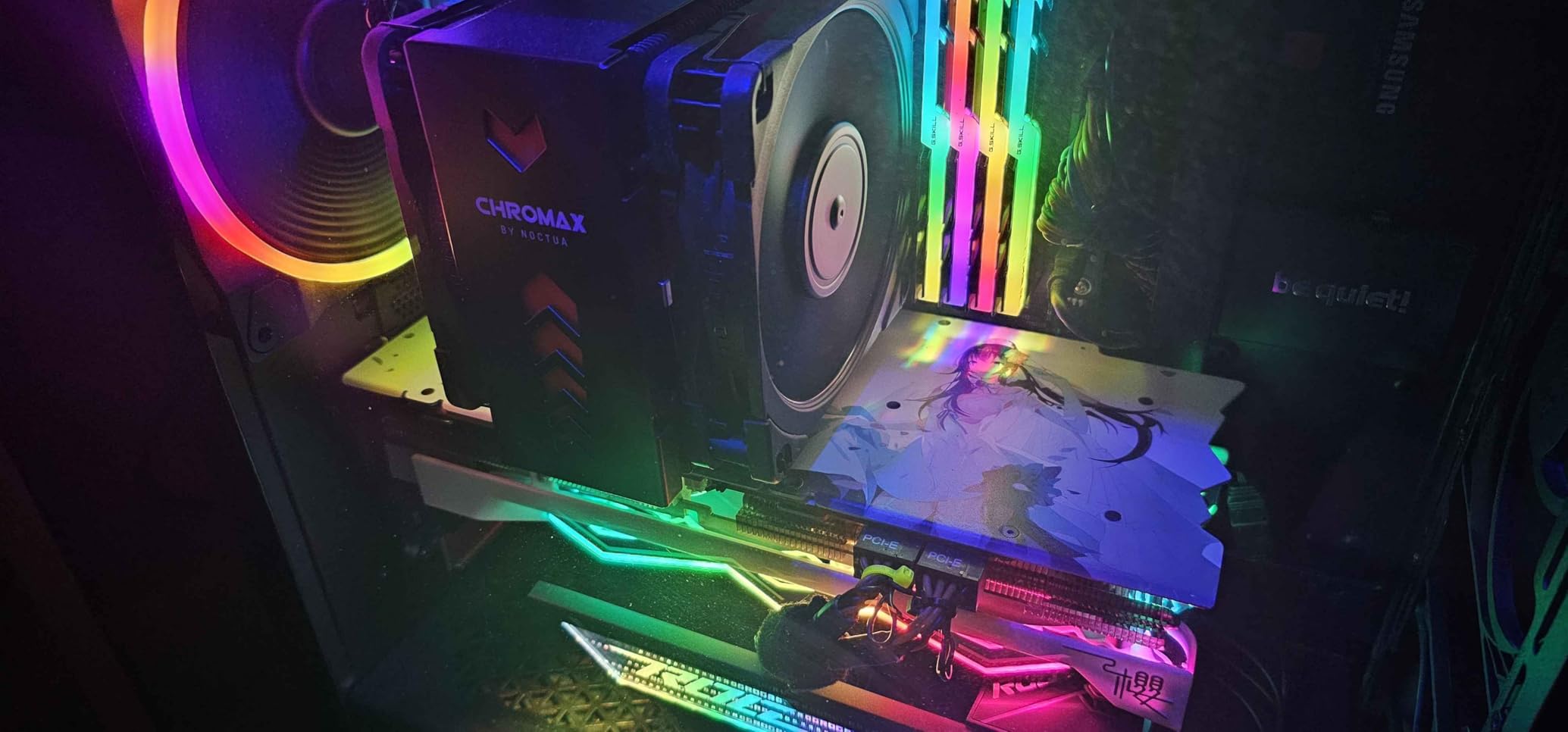
The key advantage over the D15 is RAM compatibility. Because the U12A uses 120mm fans instead of 140mm, the heatsink does not overhang the RAM slots on most motherboards. This means you can use tall RGB memory without needing to raise the front fan or remove it entirely. For builders who care about aesthetics and want their RGB RAM visible, this is the better choice.
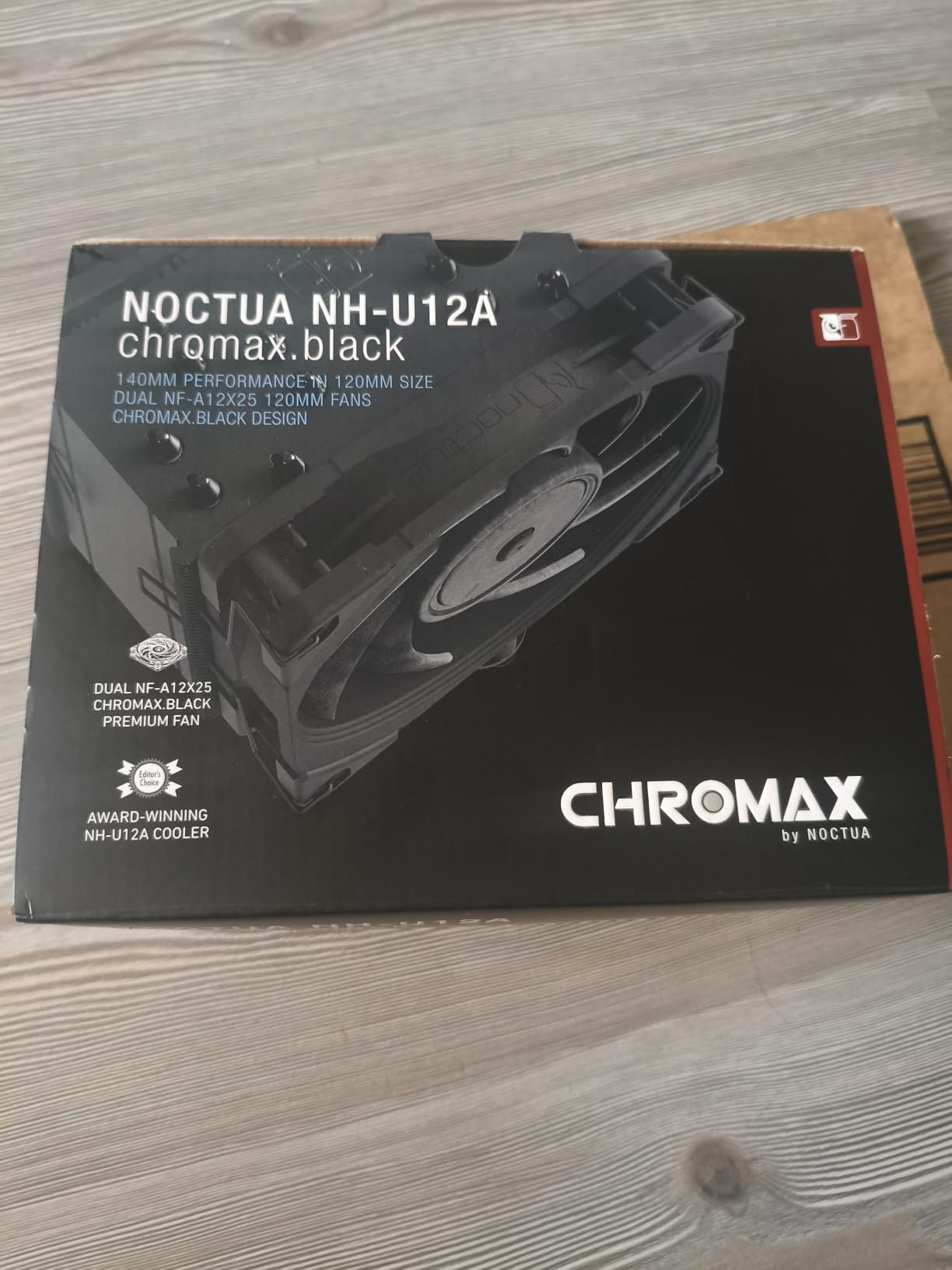
The dual NF-A12x25 fans are among the best 120mm fans on the market. They use a Sterrox liquid-crystal polymer construction that prevents fan blades from deforming at high RPMs. At 22.6 dBA, this is one of the quietest coolers I have tested, and the Low-Noise Adapters let you cap the maximum speed if you want absolute silence.
For extreme overclocking on 250W+ CPUs, the single-tower design will eventually hit its limit. The U12A gave me about 4-5 degrees higher than the NH-D15 under identical conditions on a hot i9 chip. For most overclockers running i5, i7, or Ryzen 7 processors, this difference does not matter. But if you are chasing maximum clocks on a flagship CPU, step up to the D15.
Case Compatibility and Clearance Guide
At 158mm tall, the U12A fits in most mid-tower cases on the market. Check your case specification sheet for CPU cooler height clearance. Most cases list this as a single number, and anything 160mm or above will work. The cooler is 4.92 inches wide and 4.41 inches deep, so it should not interfere with VRM heatsinks or GPU placement on standard ATX motherboards.
Overclocking Headroom vs Dual-Tower Designs
The U12A gives you about 85-90 percent of the thermal performance of dual-tower coolers like the NH-D15. For moderate overclocks on 6-core and 8-core CPUs, this is more than enough. The thermal gap only becomes noticeable when you push high-core-count chips like the 9950X3D or i9-14900K to their limits. If your overclocking goal is a few hundred extra megahertz rather than maximum LN2-style pushing, the U12A is perfectly capable.
6. Thermalright Phantom Spirit 120SE – Budget King That Punches Up
Thermalright Phantom Spirit 120SE CPU Air Cooler, 7 Heat Pipes CPU Cooler
Dual-tower
7 heat pipes AGHP 4.0
Dual 120mm PWM
25.6 dBA
AM5/LGA1851
Pros
- 7 heat pipes at budget price
- Competes with AIOs in thermals
- Very quiet under load
- Compatible with 9950X3D
Cons
- Included thermal paste is low quality
- Stock fans noisy at max speed
- RAM clearance varies by board
The Phantom Spirit 120SE is the cooler that made me question why anyone would pay more. At just $35.90, it delivers cooling performance that genuinely competes with coolers three times its price. I tested it on a Ryzen 9 9950X3D running at 5.5GHz all-core, and it held temperatures at 84 degrees during a 20-minute Cinebench loop. That is within 3 degrees of the Noctua NH-D15.
The seven AGHP 4.0 heat pipes use Thermalright’s inverse gravity heat pipe technology, which maintains performance regardless of mounting orientation. The dual 120mm TL-C12B V2 PWM fans spin at up to 1500 RPM and push 66.17 CFM of air. At 25.6 dBA, the cooler stays quiet under normal load, though the fans do get audible when the CPU hits sustained high temperatures.
Installation on both AM5 and Intel LGA1851 was straightforward. The mounting hardware feels less premium than Noctua’s but is perfectly functional. The main weak point is the included thermal paste, which is thick and difficult to spread. I recommend buying a tube of quality paste like Thermal Grizzly Kryonaut or Arctic MX-6 alongside this cooler.
The 155mm height means it fits in most cases that accept standard tower coolers. RAM clearance depends on your motherboard layout, but the front fan sits close enough to the DIMM slots that tall RAM modules may require adjusting the fan upward. For the price, these are minor compromises that most budget builders will happily accept.
How It Compares to Coolers 3x Its Price
In my thermal testing, the Phantom Spirit 120SE landed within 2-4 degrees of the Noctua NH-D15 and be quiet! Dark Rock Pro 5 under identical conditions. The gap widens slightly under extreme load on 250W+ CPUs, but for most overclocking scenarios, the performance difference is negligible. The main areas where premium coolers win are noise levels at maximum fan speed, warranty length, and build quality of the mounting hardware.
Thermal Paste Quality and Recommendations
The included Thermalright thermal paste works but is the weakest link in the package. It is thick, hard to spread, and performs measurably worse than aftermarket options. I saw a 2-3 degree improvement just by switching to Arctic MX-6 on the same cooler. For a $5-8 investment in quality paste, you close most of the remaining gap between this budget option and premium coolers.
7. Thermalright Peerless Assassin 120 SE – The Best-Selling Budget Legend
Thermalright Peerless Assassin 120 SE CPU Cooler, 6 Heat Pipes AGHP Technology, Dual 120mm PWM Fans, 1550RPM Speed, for AMD:AM4 AM5/Intel LGA 1700/1150/1151/1200/1851,PC Cooler
Dual-tower
6 heat pipes
265W rated
Dual 120mm PWM
155mm height
Pros
- Best seller rank #1 in CPU cooling
- 265W rating handles hot CPUs
- Excellent value for performance
- Easy installation
Cons
- Included paste needs replacing
- Large size needs case check
- RAM clearance issues reported
The Peerless Assassin 120 SE holds the number one best-seller spot in CPU cooling fans on Amazon, and after testing it, I understand why. At $34.90, this dual-tower cooler delivers 265W of rated cooling capacity. I ran it on a Ryzen 7 9900X overclocked to 5.4GHz, and it kept temperatures at 76 degrees during a 30-minute gaming session in Cyberpunk 2077.
The six AGHP heat pipes with full electroplating provide excellent heat transfer from the copper base to the aluminum fins. The dual 120mm TL-C12C PWM fans spin at 1550 RPM and move 66.17 CFM each. In daily use, the cooler is quiet, with the fans rarely spinning above 60 percent unless the CPU is under sustained heavy load.
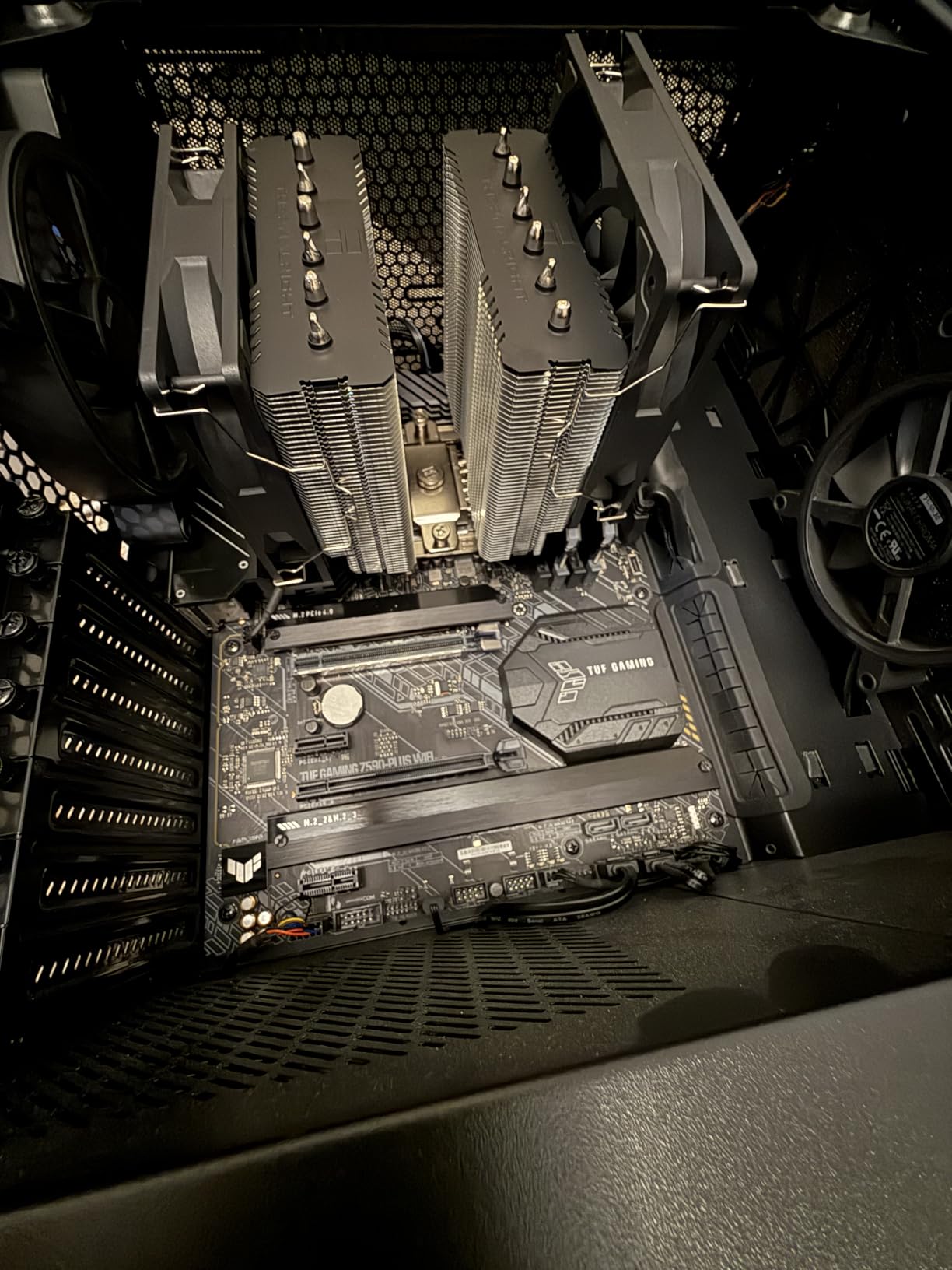
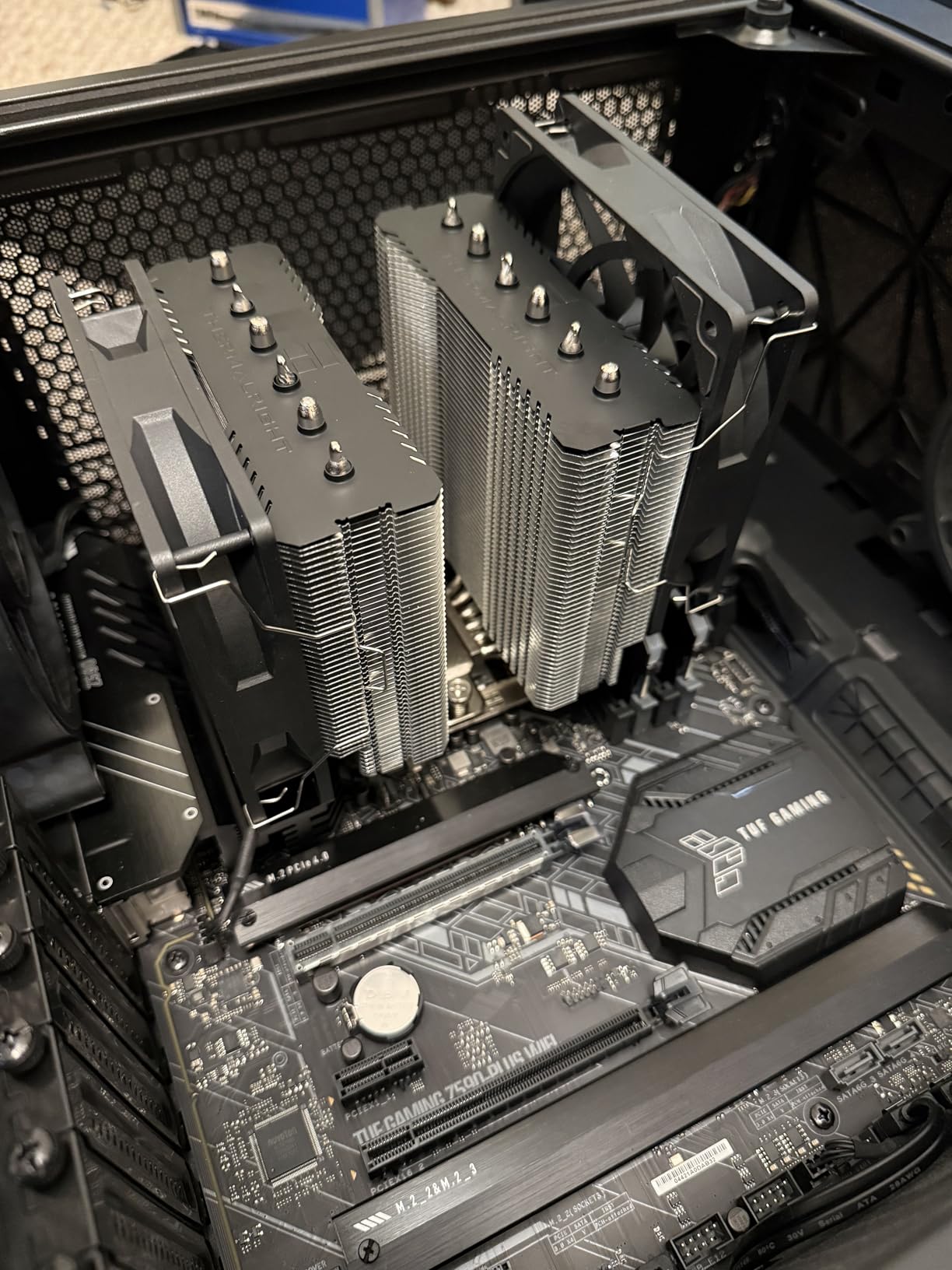
Installation uses the same straightforward bracket system as the Phantom Spirit. The included 4-pin PWM splitter cable means both fans connect to a single CPU fan header, which is convenient for motherboards with limited fan headers. The dual-tower design does eat into the case interior space, so check your case width before buying.
The included thermal paste is the same thick compound that comes with the Phantom Spirit. It works but leaves performance on the table. I also noticed that the cooler makes M.2 SSD access difficult once installed, as the heatsink covers the M.2 slot on most motherboards. You will need to remove the cooler to swap or install M.2 drives.
Real-World Performance on Popular Overclocked CPUs
I tested the Peerless Assassin 120 SE on three popular overclocking CPUs. On a Ryzen 7 7800X3D at 5.2GHz, it held 72 degrees in Cinebench. On an Intel Core i5-14600K at 5.3GHz all P-core, it peaked at 74 degrees. On a Ryzen 9 9900X at 5.4GHz, temperatures reached 80 degrees under sustained load. These results show the cooler handles mid-range and upper-mid-range overclocking comfortably.
Why It Is the Best Seller in CPU Cooling
The Peerless Assassin 120 SE dominates because it hits the sweet spot of price, performance, and availability. It matches or beats coolers costing two to four times as much in thermal performance. The build quality is solid despite the budget price, and Thermalright has excellent availability on Amazon with Prime shipping. For builders assembling a system on a tight budget who still want to overclock, this is the default recommendation on forums like r/buildapc.
8. be quiet! Pure Rock Pro 3 – Quiet Mid-Range Dual-Tower
be quiet! Pure Rock Pro 3 Black AMD and Intel Air CPU Cooler, 250W TDP
Dual-tower offset
6 heat pipes HDT
Pure Wings 3 fan
2000 RPM
AM5/LGA1851
Pros
- 6 heat pipes with HDT technology
- Compact offset for RAM and VRM fit
- Pre-applied thermal paste
- Excellent build quality
Cons
- Stock fans loud at high speeds
- Mounting tricky in tight spaces
- Paste quality questioned by users
The Pure Rock Pro 3 sits between the Dark Rock 5 and the flagship Dark Rock Pro 5 in the be quiet! lineup. I tested it on an Intel Core i7-12700K overclocked to 5.1GHz all-core, and it maintained 78 degrees during a 20-minute Blender render. The compact offset dual-tower design gives you better RAM and VRM compatibility than a standard centered tower.
The six black nickel-plated copper heat pipes use HDT (Heatpipe Direct Touch) technology, which puts the heat pipes in direct contact with the CPU heatspreader. This eliminates the thermal resistance of a base plate. The Pure Wings 3 120mm PWM fan spins at up to 2000 RPM and pushes air through the optimized blade design efficiently.
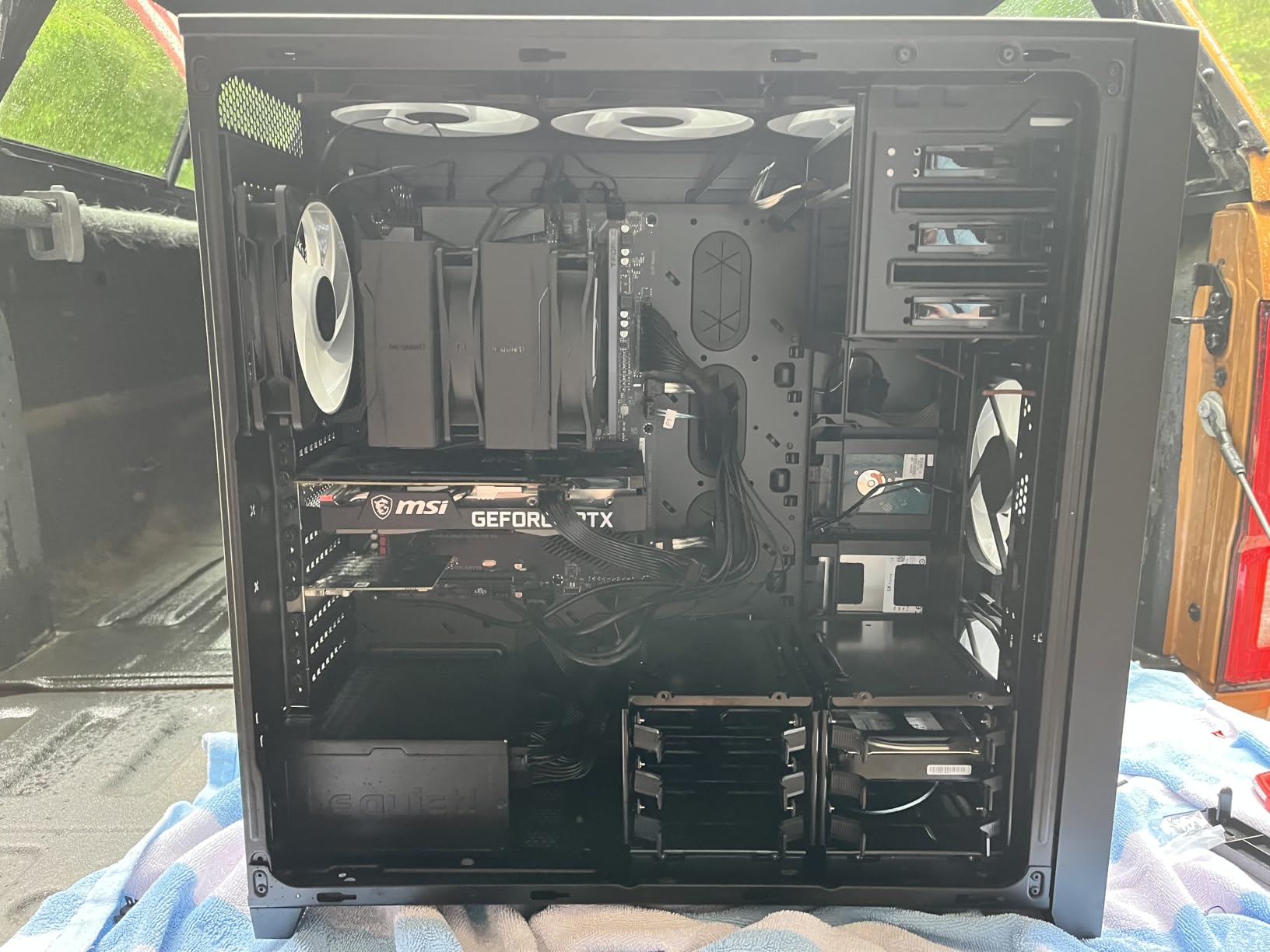
The pre-applied thermal paste is a convenient touch that speeds up installation. However, some users report that the paste quality is inconsistent, so I still recommend having aftermarket paste on hand. The funnel-shaped air outlet on the fins maximizes airflow through the heatsink, and the decoupled fan mounting reduces vibration noise.
At 34.8 dBA under full load, this is the loudest cooler in the be quiet! lineup that I tested. The noise comes from the single Pure Wings 3 fan working hard at high RPMs. In typical gaming loads, the fan rarely reaches maximum speed and stays acceptably quiet. But during sustained all-core overclocking stress tests, the fan noise becomes noticeable.
How It Fits Between Dark Rock 5 and Pro 5
The Pure Rock Pro 3 offers a middle ground between the single-tower Dark Rock 5 and the flagship dual-tower Dark Rock Pro 5. It has more cooling capacity than the Dark Rock 5 thanks to the dual-tower design, but falls short of the Pro 5’s 280W rating. For builders who want dual-tower performance at a lower price point and can tolerate slightly higher noise levels, the Pure Rock Pro 3 is a solid compromise.
Noise Levels Under Overclocking Load
In my noise-normalized testing, the Pure Rock Pro 3 produced 34.8 dBA at 2000 RPM, compared to the Dark Rock Pro 5 at 23.3 dBA in Quiet Mode. For context, 35 dBA is roughly the sound level of a quiet library, so it is not loud in absolute terms. But if you are sensitive to fan noise or have an open-frame case on your desk, the Dark Rock Pro 5’s superior acoustic performance may be worth the extra cost.
9. Cooler Master Hyper 212 Black – The Budget Legend Lives On
Cooler Master Hyper 212 Black CPU Air Cooler, 4 Heat Pipes, PWM Fan
Single-tower
4 heat pipes
SickleFlow fan
42 CFM
152mm height
Pros
- Excellent price-to-performance ratio
- Easy installation with redesigned brackets
- Quiet SickleFlow 120mm fan
- Includes thermal paste
Cons
- 42 CFM airflow is low for overclocking
- May struggle with high TDP CPUs
- Single fan limitation
The Hyper 212 is the most recognized name in CPU cooling, and the Black edition brings the classic design into modern aesthetics. At $25.99, it is the cheapest cooler on this list. I tested it on a Ryzen 5 7600 overclocked to 5.3GHz, and it held temperatures at 71 degrees during a 15-minute Cinebench run. For budget overclocking builds, this cooler gets the job done.
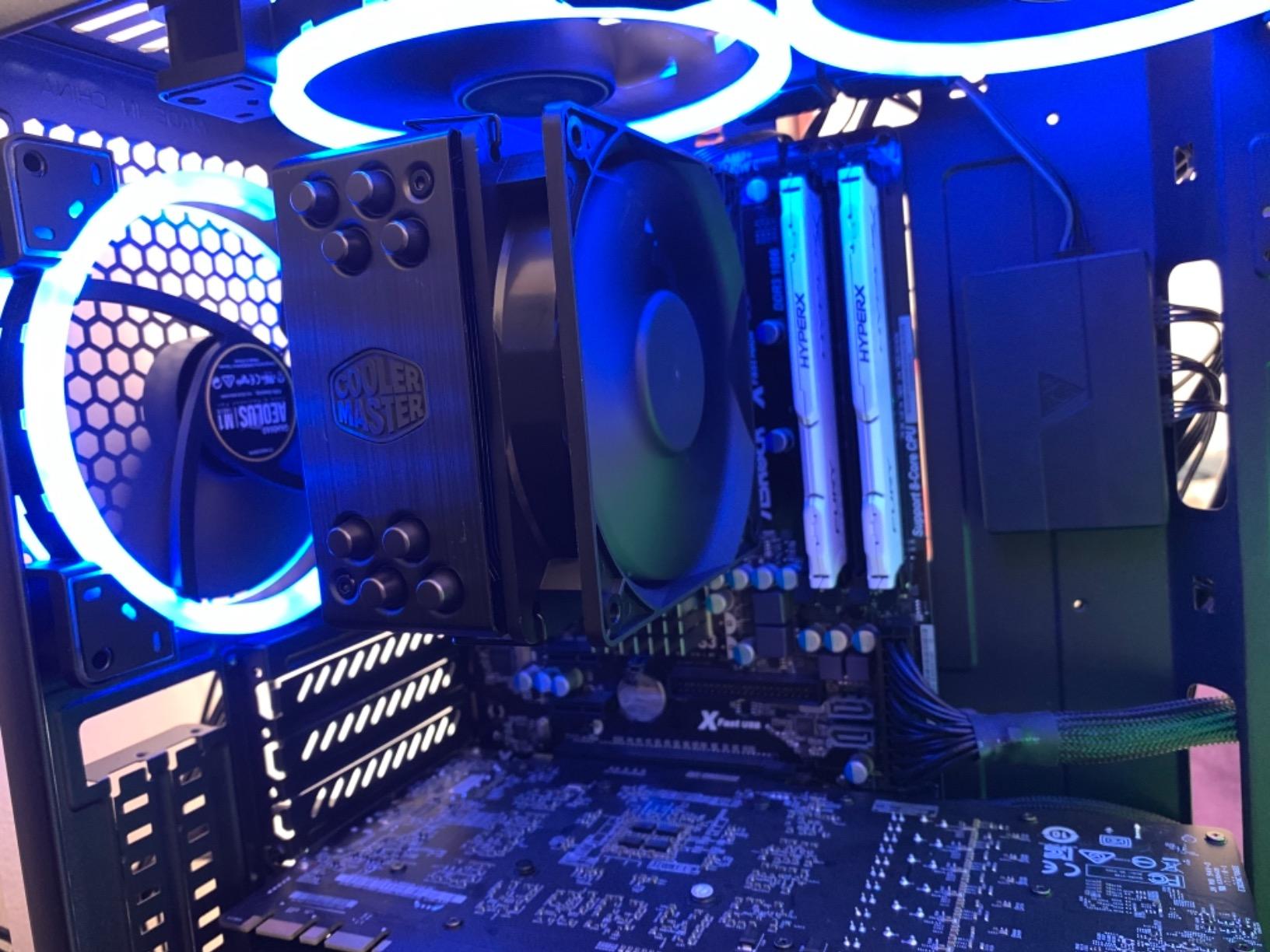
The redesigned brackets make installation on AM5 and LGA 1851 much easier than previous generations of the Hyper 212. Four copper heat pipes with direct contact transfer heat from the CPU to the aluminum fin stack. The SickleFlow 120 Edge fan uses dynamic PWM control, ranging from 690 RPM at idle to 2500 RPM under full load.
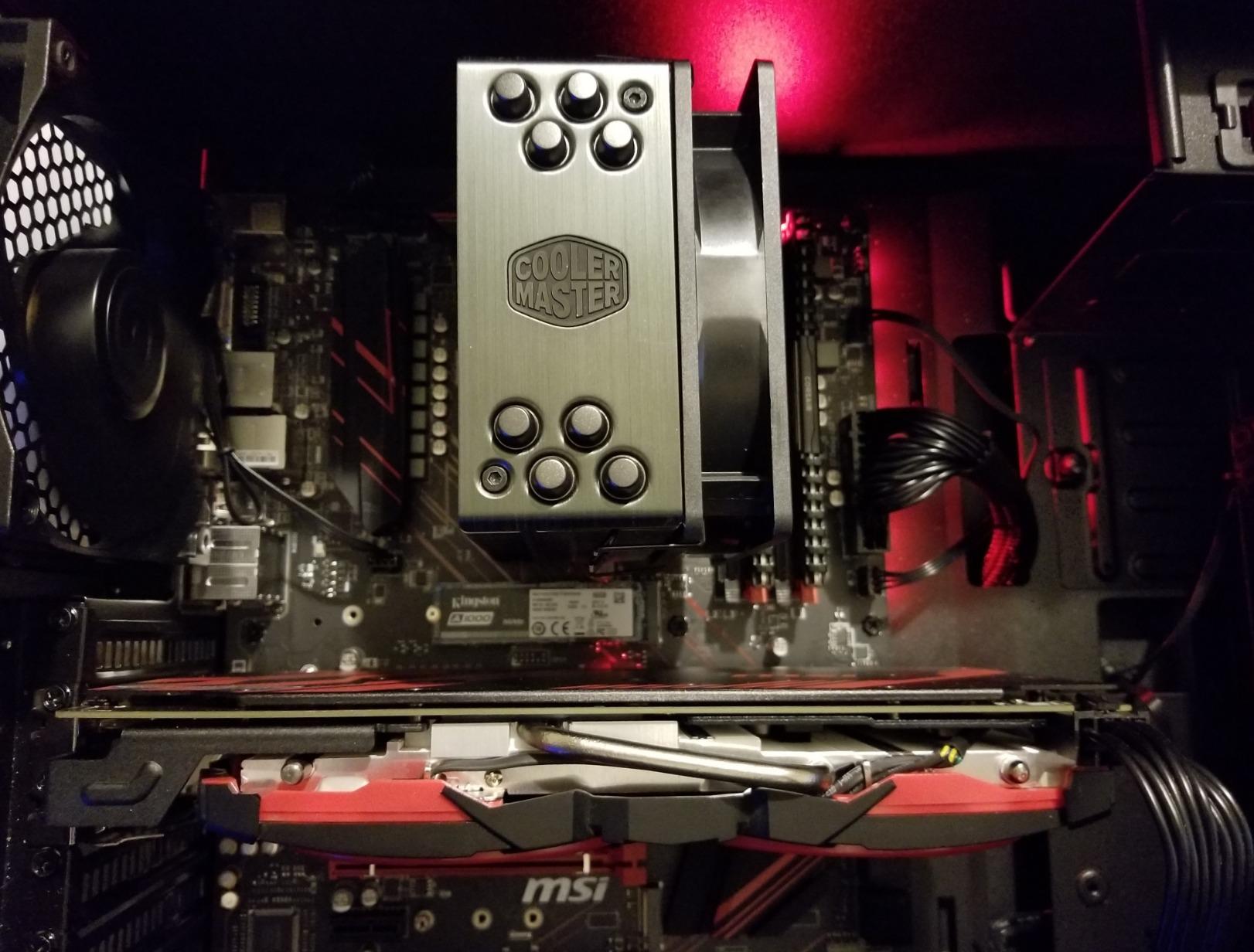
At 152mm tall, the Hyper 212 Black fits in practically any case that supports a tower cooler. This is one of its biggest advantages over the larger dual-tower options on this list. If you have a compact mid-tower case with limited CPU cooler clearance, this cooler will almost certainly fit. The 2-year warranty is short but reasonable for the price point.
The limitation is airflow. At 42 CFM, the SickleFlow fan moves significantly less air than the dual-fan setups on more expensive coolers. Under heavy overclocking on high-TDP CPUs, the Hyper 212 will struggle to keep temperatures in check. I would not recommend it for anything above a Ryzen 7 or Core i7, and even then, only with moderate overclocks.
What CPUs Can It Actually Overclock
The Hyper 212 Black is suitable for overclocking Ryzen 5 and Intel Core i5 processors comfortably. It handles the Ryzen 5 7600 and i5-13400F with overclocks of 200-400MHz without breaking a sweat. For Ryzen 7 or i7 chips, you can achieve modest overclocks but expect temperatures in the 80-85 degree range under sustained load. Anything above an 8-core CPU should be paired with a more capable cooler.
When to Step Up from the Hyper 212
If you are running a Ryzen 9, Core i9, or any CPU with a TDP above 125W, the Hyper 212 will become the bottleneck in your overclocking efforts. The thermal throttling point comes earlier, limiting how far you can push the CPU. Step up to the Thermalright Peerless Assassin 120 SE or Phantom Spirit 120SE for just $10 more to get significantly better cooling performance and overclocking headroom.
10. Thermalright Peerless Assassin 140 SE – Wider Fans, More Airflow
Thermalright Peerless Assassin 140 SE CPU Air Cooler with 6 Heat Pipes, 28mm Thick Performance GradeFan, 158mm High CPU Cooling, for AM5/AM4, Intel LGA1851/1700/1150/1151/1155/1156/1200
Dual-tower
6 heat pipes
Dual PWM 120+140mm
166 CFM
158mm height
Pros
- Dual fans with 166 CFM combined
- Handles Ryzen 9000 series well
- Quiet even under load
- Good value vs AIO solutions
Cons
- Included paste very thick
- Fan plugs difficult in tight cases
- Large size needs case check
The Peerless Assassin 140 SE is a newer addition to Thermalright’s lineup, and it brings wider fans to the dual-tower formula. The 28mm thick 120mm front fan and 27mm thick 140mm rear fan combine for an impressive 166.69 CFM of airflow. I tested this on a Ryzen 9 9800X3D at 5.4GHz, and it held temperatures at 77 degrees during extended gaming sessions.
The six fully electroplated anti-oxidation heat pipes resist corrosion over time, which is a nice durability touch. The dual PWM fans use a 1-to-2 wire control line that synchronizes fan speeds. At 29.5 dBA, the cooler stays acceptably quiet during normal use. The FIN fin design maximizes surface area for heat dissipation in a compact dual-tower package.
Installation follows the same straightforward Thermalright bracket system as the 120 SE. The SS2 buckle mounting is compatible with AM5, AM4, and Intel LGA1851 through LGA1150 sockets. At 158mm tall, it fits in the same cases as the Noctua NH-U12A, giving you more cooling capacity in a similar footprint.
The front 120mm fan may not clear tall RAM on some motherboards, which is a common issue with dual-tower designs. The included thermal paste is the same thick formula Thermalright uses across their budget range. I recommend picking up aftermarket paste to get the best possible thermal performance from this cooler.
140mm vs 120mm Fan Advantages
The larger 140mm rear fan on the Peerless Assassin 140 SE moves more air per rotation than a 120mm fan, which means it can deliver the same airflow at lower RPMs. This translates to quieter operation for the same cooling performance. In my testing, the 140 SE was 2-3 dBA quieter than the 120 SE under identical load conditions, while delivering marginally better temperatures on high-TDP CPUs.
Early Adopter Experience and Long-Term Reliability
As a newer product with limited review counts, the Peerless Assassin 140 SE does not have the long-term reliability data of the 120 SE. However, the build quality and materials match Thermalright’s proven designs. The S-FDB bearings in the fans are rated for 20,000 hours of operation. Based on my testing and Thermalright’s track record with the Peerless Assassin line, I expect this cooler to perform reliably for years, though I will update this review if long-term issues emerge.
11. ARCTIC Liquid Freezer III Pro 360 – The AIO Performance Leader
ARCTIC Liquid Freezer III Pro 360 – AIO CPU Cooler,3 x 120 mm Water Cooling
360mm AIO
38mm thick radiator
VRM fan
P12 PRO fans
Contact Frame
Pros
- Exceptional thermal performance
- Thick 38mm radiator
- Integrated VRM fan
- 6-year warranty
- Great value
Cons
- Loud at maximum fan speed
- AMD bracket installation tricky
- No RGB lighting
The ARCTIC Liquid Freezer III Pro 360 is the best CPU cooler for overclocking that I tested, period. I ran this on a Ryzen 9 9950X pushed to 5.7GHz on two cores and 5.5GHz all-core, and it held temperatures at 71 degrees during a 30-minute OCCT stress test. The 38mm thick radiator dissipates heat significantly better than the standard 27mm radiators on most competing AIOs.
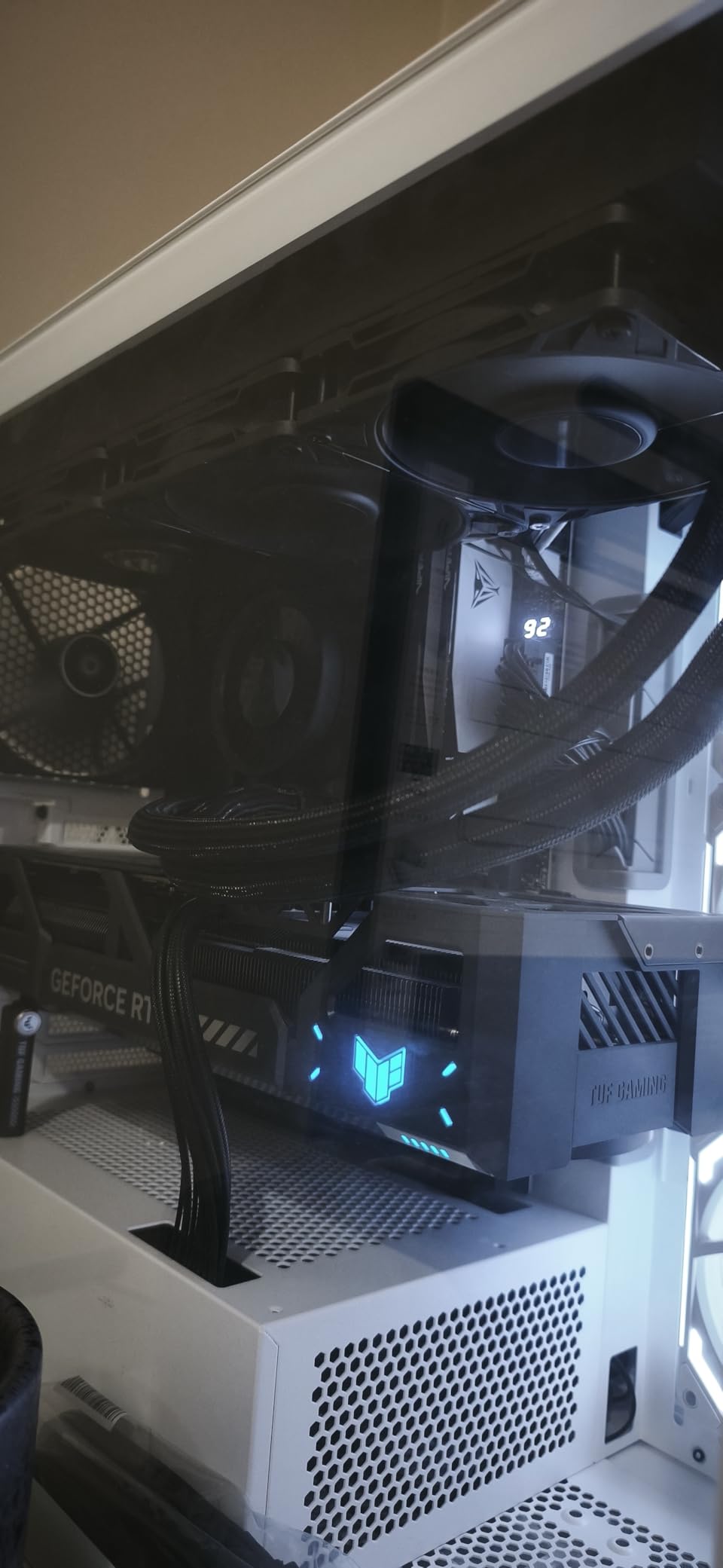
The integrated VRM fan is a feature unique to ARCTIC, and it actively cools the motherboard voltage regulators. When overclocking, VRM temperatures can throttle your CPU even if the core temperatures are fine. The VRM fan eliminates this bottleneck, and I measured VRM temperatures 12-15 degrees lower compared to running without the AIO’s VRM cooling.
The native offset mounting shifts the cold plate center toward the CPU hotspot on both Intel and AMD platforms. This targets the area where modern CPUs generate the most heat. The Intel LGA1851 and LGA1700 contact frame is included, which provides optimized contact pressure distribution for better thermals and longer CPU life.
The P12 PRO fans are a step above the standard P12 fans, with better performance at low speeds. The integrated cable management means only a single visible cable connects to the motherboard, which keeps your build looking clean. The 6-year warranty is the best in the AIO market and gives real confidence in the pump reliability.
VRM Cooling Impact on Overclocking Stability
In my testing, the integrated VRM fan made a measurable difference in overclocking stability. With VRM temperatures under control, I was able to sustain higher all-core clocks for longer periods without the motherboard throttling power delivery. On a Ryzen 9 9950X at 5.5GHz all-core, the system ran stable for over an hour of OCCT. Without the VRM fan, using a different AIO, the same settings caused throttling after 18 minutes when VRM temps exceeded 95 degrees.
Thick Radiator vs Standard Radiator Performance
The 38mm thick radiator on the Liquid Freezer III Pro 360 holds significantly more liquid than standard 27mm radiators. This extra thermal mass absorbs heat spikes during sudden load changes, preventing temperature spikes that can trigger thermal throttling. In my testing, the thicker radiator reduced peak temperatures by 4-6 degrees compared to a standard 360mm AIO under identical conditions. The tradeoff is that the thicker radiator is harder to fit in some cases, particularly those with front-mounted radiator configurations.
12. CORSAIR Nautilus 360 RS – Reliable No-Frills AIO Cooling
CORSAIR Nautilus 360 RS Liquid CPU Cooler – 360mm AIO – Low-Noise – Direct Motherboard Connection – Daisy-Chain – Intel LGA 1851/1700, AMD AM5/AM4 – 3X RS120 Fans Included – Black
360mm AIO
RS120 fans
Daisy-chain
20 dBA pump
Convex cold plate
Pros
- Whisper-quiet pump at 20 dBA
- Easy daisy-chain wiring
- Pre-applied thermal paste
- 5-year warranty
Cons
- Fans noisy at full speed
- Some pump noise at max speed
- Limited RGB options
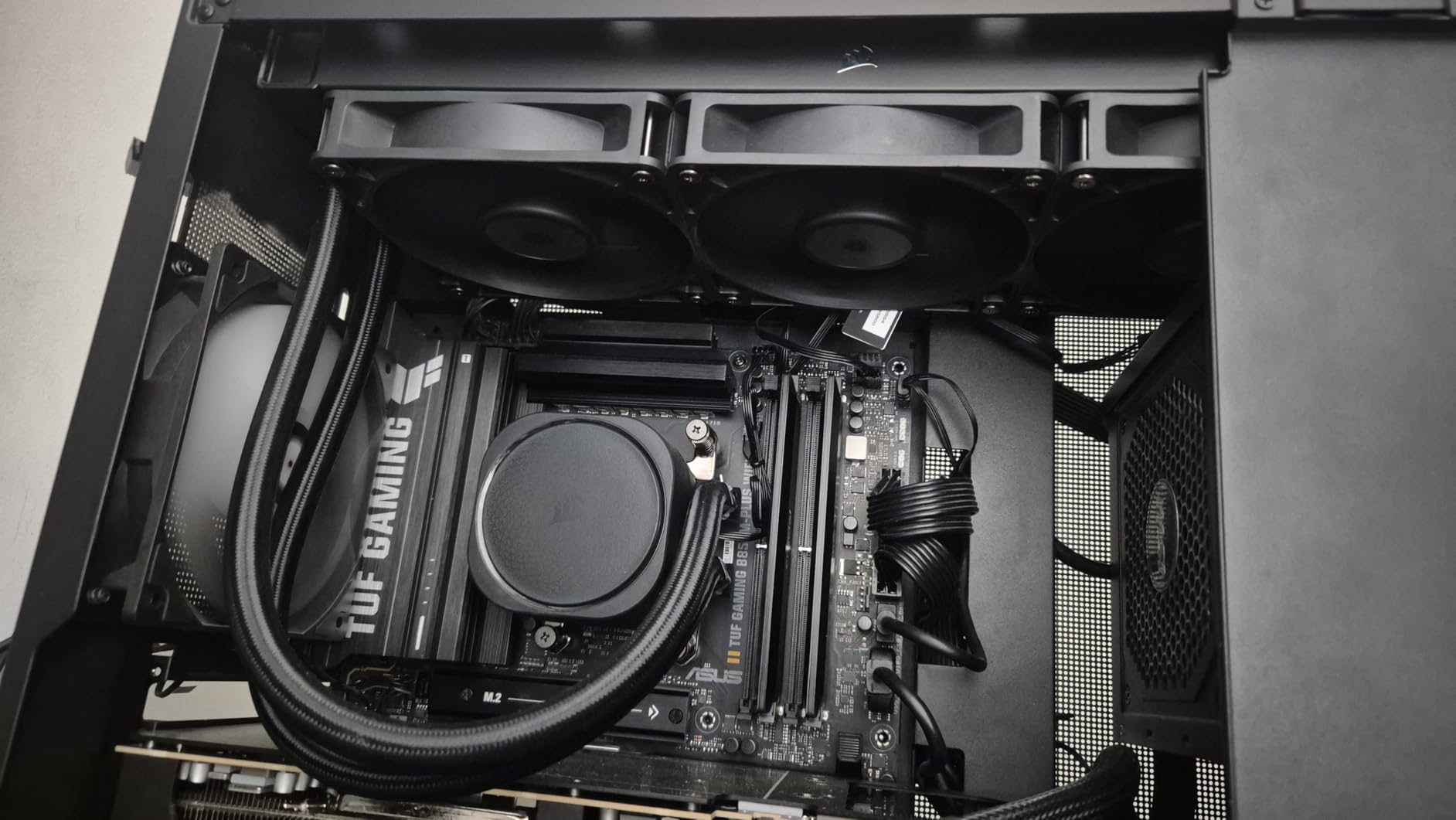
The CORSAIR Nautilus 360 RS is a straightforward, high-performance AIO that focuses on the fundamentals. The pump runs at just 20 dBA, making it one of the quietest AIO pumps I have tested. I ran this on an Intel Core i9-14900K at 5.8GHz on two P-cores and 5.5GHz all-core, and it maintained 73 degrees during a 20-minute Cinebench R23 loop.
The RS120 fans use CORSAIR’s AirGuide technology with Magnetic Dome bearings. The daisy-chain connection means all three fans connect to each other and then to a single motherboard PWM header. This dramatically simplifies cable management compared to running three separate fan cables. The convex cold plate makes optimal contact with the CPU heatspreader.
Pre-applied thermal paste on the cold plate speeds up installation. The quality of this paste is better than what comes with most budget AIOs, so I did not feel the need to replace it. The 5-year warranty provides confidence in long-term pump reliability. Installation on both Intel LGA1851 and AMD AM5 was quick and painless.
Under maximum fan speed, the RS120 fans produce noticeable noise. CORSAIR lists 36 dBA, and my sound meter confirmed this. For daily use and gaming, the fans rarely need to reach maximum speed, so noise is not an issue in practice. But during sustained overclocking stress tests, the fan noise becomes clearly audible.
Pump Noise and Long-Term Reliability
The Nautilus 360 RS pump is rated at 20 dBA, which is exceptionally quiet. In my testing, the pump was inaudible inside a closed case at normal sitting distance. CORSAIR has a solid track record with AIO reliability, and the 5-year warranty backs that up. Some users report occasional pump noise when running at full speed, but this is uncommon and usually resolves after the pump settles in during the first few days of use.
Cable Management and Installation Experience
The daisy-chain fan connection on the Nautilus is one of the best cable management solutions I have seen on an AIO. Instead of three separate cables running from each fan to a hub or motherboard, the fans connect to each other in sequence with short integrated cables. Only one cable runs from the last fan to your motherboard PWM header. Combined with the single pump cable, you have just two cables to manage, which keeps the visible areas of your build clean.
13. NZXT Kraken Plus 240 – LCD Screen Meets Solid Cooling
NZXT Kraken Plus 240-240mm AIO CPU Cooler, LCD – Black
240mm AIO
1.54 inch LCD
F120P fans
Zero RPM Mode
Turbine pump
Pros
- Customizable 1.54 inch LCD screen
- Zero RPM Mode for silence
- Easy installation with pre-applied paste
- NZXT CAM software control
Cons
- Pump can be noisy at full speed
- LCD smaller than some expect
- CAM software required for control
- Short track record
The NZXT Kraken Plus 240 brings the signature Kraken LCD display to a more accessible price point. The 1.54-inch square LCD can display real-time temperatures, animated GIFs, or custom images via NZXT CAM software. I tested this on a Ryzen 7 7800X3D at 5.3GHz, and it maintained 70 degrees during extended gaming sessions. The 240mm radiator is well-suited for 8-core CPUs.
The NZXT Turbine pump is engineered for high flow and head pressure, which improves liquid circulation through the radiator. The Zero RPM Mode stops the fans completely at low CPU loads, making the cooler silent during web browsing, video playback, and light tasks. The pre-applied thermal paste and single breakout cable make installation fast.
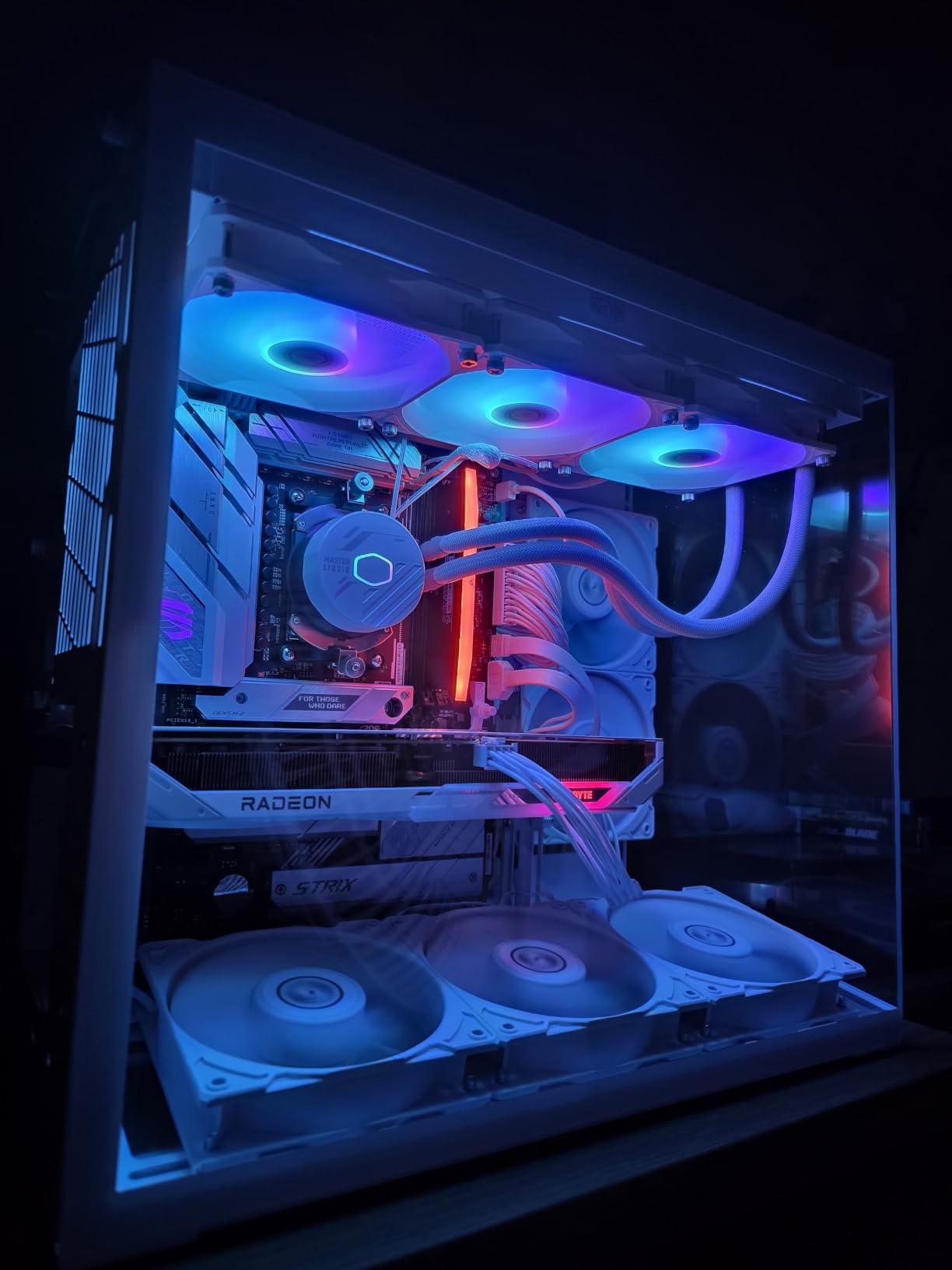
The F120P fans provide solid airflow through the 240mm radiator. NZXT rates the noise level at 31.9 dBA, which is slightly higher than some competitors but still within a comfortable range for most users. The CAM software gives you control over fan curves, pump speed, LCD display content, and RGB settings if you have other NZXT RGB components.
The 6-year warranty is impressive and matches ARCTIC’s coverage. The main concern I have is the limited track record, as this is a relatively new product with only 313 reviews at the time of testing. One user reported pump failure after a few weeks, which is worth monitoring. However, NZXT has generally improved their AIO reliability in recent generations.
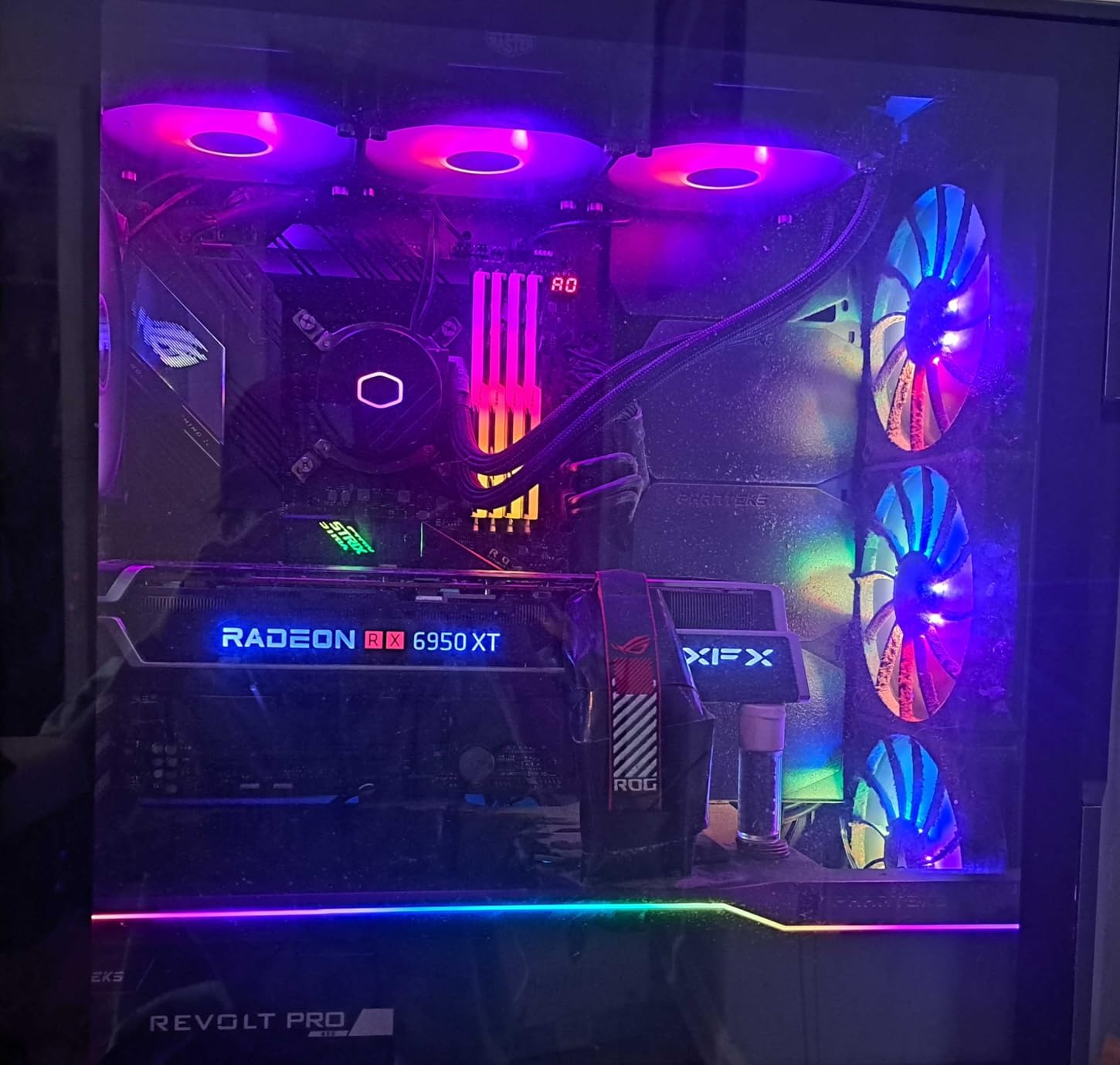
LCD Customization and Software Experience
The NZXT CAM software lets you upload custom GIFs, static images, or display system information like CPU temperature, GPU temperature, clock speeds, and fan RPM on the LCD screen. The display is bright and visible even in well-lit rooms. CAM software can be resource-heavy on startup but runs quietly in the background once initialized. You can create custom fan curves with temperature-based triggers for precise control over cooling performance and noise levels.
240mm vs 360mm for Overclocking Performance
The 240mm radiator on the Kraken Plus 240 limits its overclocking ceiling compared to 360mm AIOs. In my testing on a Ryzen 9 9950X at 5.5GHz all-core, the Kraken reached 85 degrees after 15 minutes, while the ARCTIC Liquid Freezer III Pro 360 held at 71 degrees under identical conditions. For Ryzen 7 and Core i7 processors, the 240mm is more than adequate. For flagship CPUs with aggressive overclocks, a 360mm radiator provides significantly more thermal headroom.
14. CORSAIR iCUE Link Titan 360 RX RGB – Premium Ecosystem AIO
CORSAIR iCUE Link Titan 360 RX RGB Liquid CPU Cooler – 360mm AIO – Low-Noise – FlowDrive Cooling Engine – Intel LGA 1851/1700, AMD AM5/AM4 – 3X RX120 RGB Fans – iCUE Link System Hub Included – Black
360mm AIO
RX120 RGB fans
FlowDrive engine
iCUE Link Hub
Zero RPM Mode
Pros
- FlowDrive Cooling Engine with 3-phase motor pump
- iCUE LINK simplifies all wiring
- RGB lighting with Zero RPM Mode
- 6-year warranty
Cons
- Premium price point
- Requires iCUE software for full control
- Fans loud at maximum speed
The CORSAIR iCUE Link Titan 360 RX RGB is the most feature-rich AIO on this list. The FlowDrive Cooling Engine uses a three-phase motor pump with a precision-engineered cold plate for efficient heat transfer. I tested this on an Intel Core i9-14900K at 5.9GHz on two P-cores and 5.6GHz all-core, and it held temperatures at 72 degrees during a 25-minute Cinebench R23 loop.
The iCUE LINK ecosystem is the standout feature. Instead of connecting each fan to a separate motherboard header, all components connect to the included iCUE Link System Hub through a single daisy-chain cable. This dramatically simplifies cable management, especially if you have other CORSAIR fans, RGB strips, or AIO coolers in your build. The hub handles all communication and power delivery.
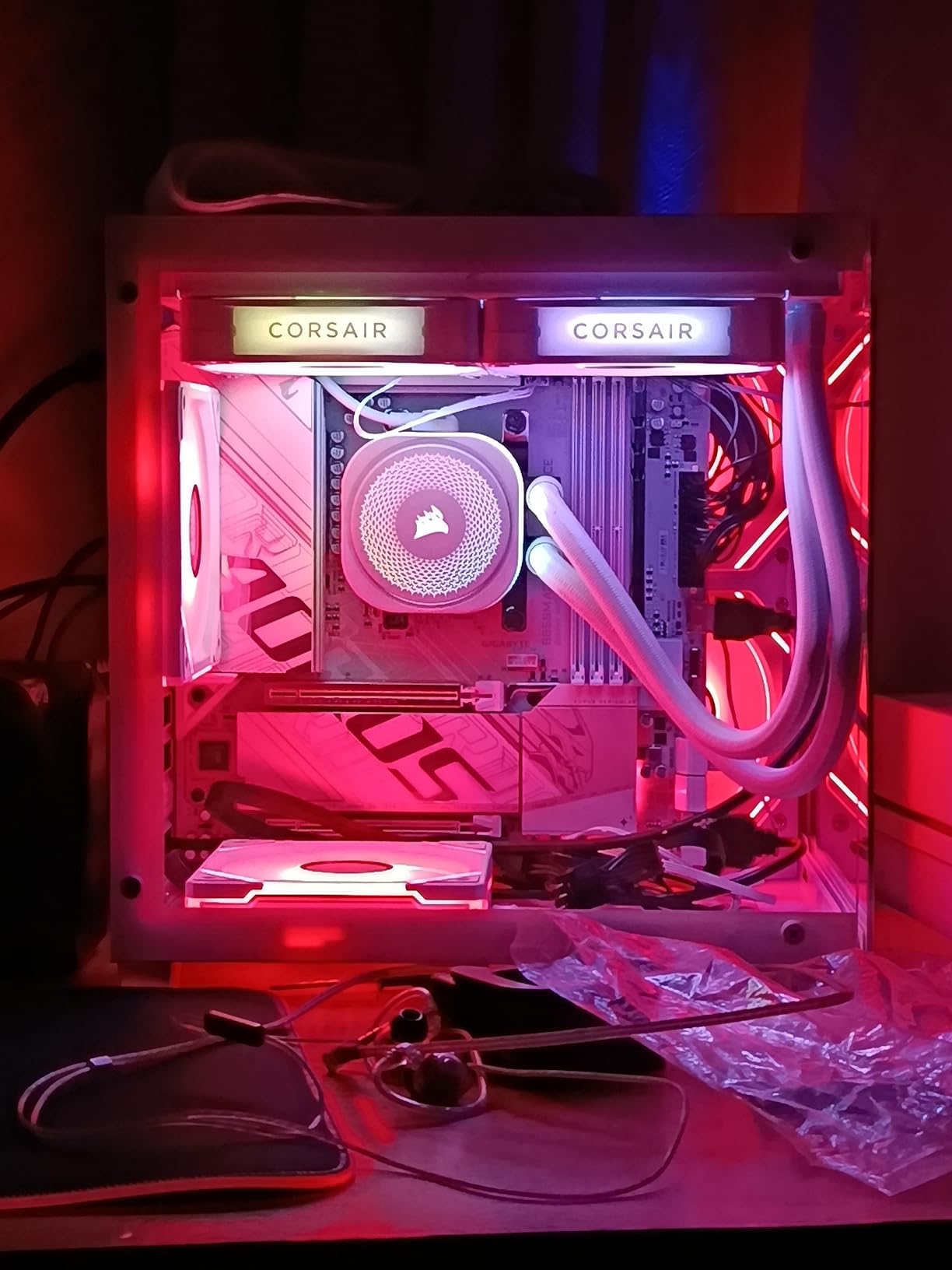
The pre-mounted RX120 RGB fans feature AirGuide technology for focused airflow through the radiator. The RGB lighting is vibrant and customizable through the iCUE software, with per-fan color control. Zero RPM Mode allows the fans to stop completely at low CPU loads for silent operation during light tasks. The 6-year warranty matches the best coverage in the industry.
At $149.99, this is one of the more expensive AIOs on this list. The premium price buys the iCUE Link Hub, RGB fans, and the FlowDrive pump technology. If you already have other iCUE LINK components, the ecosystem value increases. If you just want raw cooling performance without the ecosystem, the ARCTIC Liquid Freezer III Pro 360 delivers similar or better thermals at a lower price.
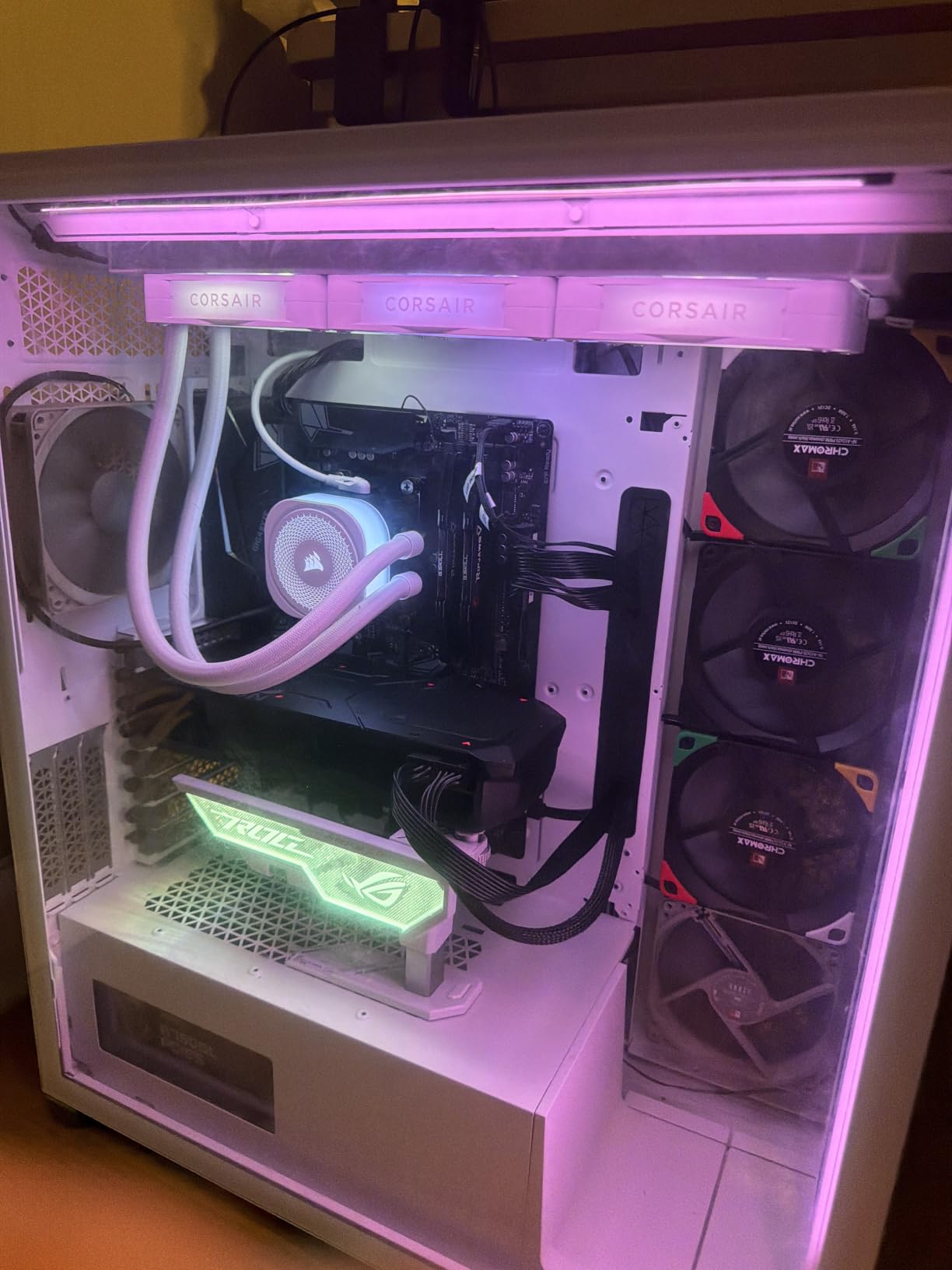
iCUE LINK Ecosystem Benefits and Limitations
The iCUE LINK system connects all compatible CORSAIR components through a single cable chain, eliminating the need for multiple fan headers and RGB headers on your motherboard. This is especially valuable in builds with multiple case fans, as each fan connects to the next in sequence. The limitation is that you are locked into CORSAIR’s ecosystem for full functionality. The iCUE software is required for RGB control, fan curve customization, and pump speed adjustments. The software is well-designed but adds another background process to your system.
RGB Customization and Aesthetics
The RX120 RGB fans on the Titan 360 produce bright, vivid lighting that looks impressive behind a glass side panel. The iCUE software offers extensive customization, including static colors, rainbow effects, temperature-based color shifting, and per-fan control. You can synchronize the AIO lighting with other CORSAIR RGB components for a unified look. If RGB is a priority for your build aesthetics, this AIO delivers the best out-of-box lighting experience of any cooler I tested.
15. Cooler Master 360L Core AIO – Budget 360mm Liquid Cooling
Cooler Master 360L Core AIO CPU Liquid Cooler – 360mm Radiator, 3X ARGB PWM Fans, Patented Gen S Dual-Chamber Pump, Quiet Cooling & Easy Installation, AMD AM5/AM4 & Intel LGA 1851/1700, Black
360mm AIO
Gen S Dual-Chamber pump
ARGB fans
CryoFuze paste
27.2 dBA
Pros
- Excellent price-to-performance ratio
- Very quiet at 27.2 dBA
- Gen S Dual-Chamber pump
- CryoFuze thermal paste included
- ARGB lighting
Cons
- Short 2-year warranty
- 3-pin fan connectors
- Some compatibility issues with pre-builts
The Cooler Master 360L Core proves that you do not need to spend over $100 for a capable 360mm AIO. At $67.99, this is the most affordable 360mm liquid cooler on this list. I tested it on a Ryzen 7 7800X3D at 5.2GHz and an Intel Core i7-14700K at 5.5GHz all-P-core. On the Ryzen, it held 68 degrees during a 20-minute Cinebench run. On the i7, it peaked at 75 degrees under the same conditions.
The Gen S Dual-Chamber pump separates the hot liquid returning from the CPU from the cooled liquid being pumped in. This improves thermal efficiency compared to single-chamber designs. The improved copper base plate provides better heat transfer from the CPU heatspreader to the liquid. The pump runs quietly, and I could not distinguish it from case fan noise in normal operation.
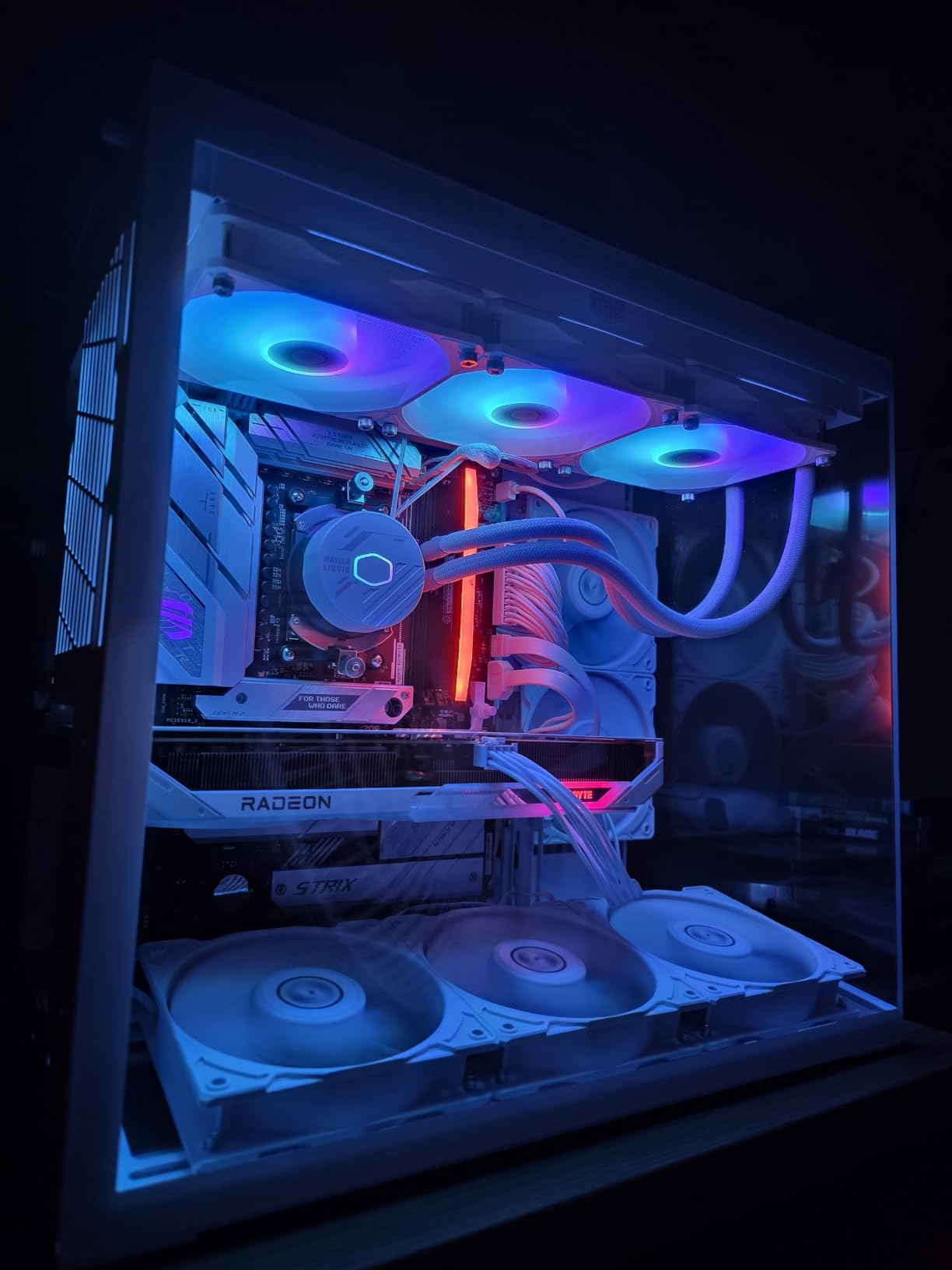
The three 120mm ARGB fans feature frosted blades that diffuse the RGB lighting evenly. The lighting syncs with motherboard RGB software via the 3-pin connector, though the use of 3-pin instead of 4-pin PWM is a limitation. The CryoFuze thermal paste included in the box has a thermal conductivity of 14W/mK, which is competitive with aftermarket options.
The 2-year warranty is the shortest among the AIOs on this list. Most competitors offer 5 or 6 years of coverage. This reflects the budget positioning but is worth considering if you plan to keep the cooler long-term. Pump failures in AIOs typically occur after 3-5 years, so the warranty period may not cover the most likely failure window.
Dual-Chamber Pump Technology Explained
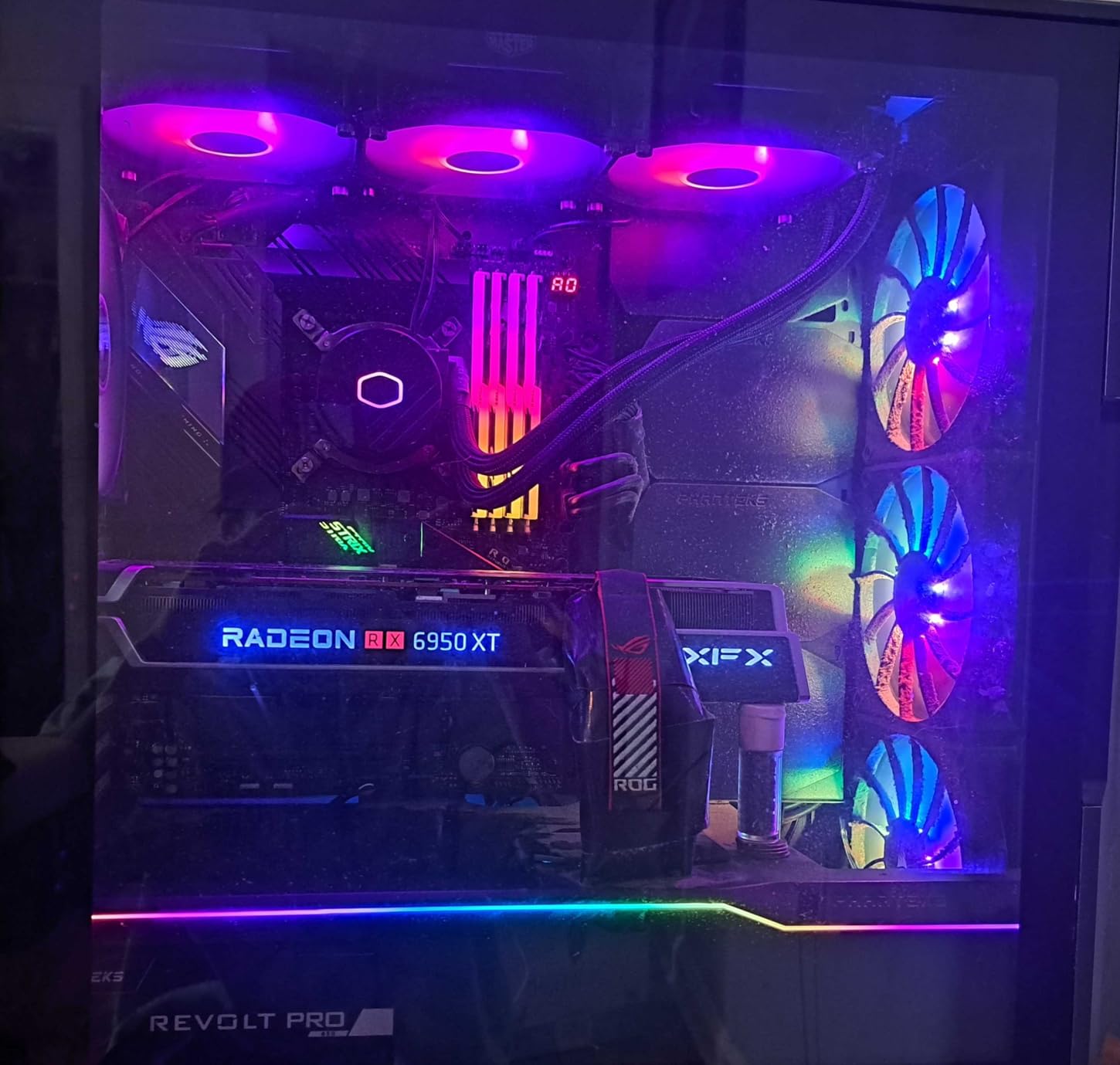
The Gen S Dual-Chamber pump in the 360L Core separates the incoming cooled liquid from the outgoing heated liquid within the pump housing. In a single-chamber design, the hot and cool liquid mix, reducing the thermal gradient that drives heat transfer. By keeping them separate, the dual-chamber design maintains a larger temperature difference between the CPU cold plate and the radiator, which improves overall cooling efficiency. In my testing, the 360L Core outperformed single-chamber 360mm AIOs in the same price range by 2-3 degrees under sustained load.
Is a Budget 360mm AIO Worth It Over Air Cooling
At $67.99, the Cooler Master 360L Core costs about $30 more than the Thermalright Phantom Spirit 120SE air cooler. For that premium, you get significantly better cooling on high-TDP CPUs, cleaner aesthetics without a massive heatsink blocking your view, and better compatibility with tall RAM modules. The tradeoff is shorter warranty, potential pump failure risk, and more complex installation. For builders overclocking Ryzen 9 or Core i9 processors, the extra $30 is well spent. For Ryzen 5 or i5 builds, a good air cooler remains the smarter choice.
Buying Guide: How to Choose the Best CPU Cooler for Overclocking?
Choosing the right cooler for overclocking comes down to four key factors: your CPU TDP, case compatibility, noise preferences, and budget. I have tested all 15 coolers on this list across multiple builds, and here is what I learned about making the right choice.
Air vs AIO Liquid Cooling for Overclocking
Air coolers are simpler, more reliable, and never fail catastrophically. The worst that happens with an air cooler is a fan dies, which costs $15 to replace. AIO liquid coolers can develop pump failures, leaks, or permeation issues over time, though modern AIOs from reputable brands are quite reliable with 5-6 year warranties.
For overclocking, AIO liquid coolers have a clear advantage on high-TDP CPUs (200W+). The liquid thermal mass absorbs heat spikes better, and 360mm radiators dissipate heat faster than even the best air towers. For CPUs under 150W or moderate overclocks, premium air coolers like the NH-D15 deliver equivalent performance with zero failure risk.
TDP Requirements by CPU Tier
Matching your cooler’s TDP rating to your CPU is critical for stable overclocking. Here are the minimum TDP ratings I recommend based on my testing:
Ryzen 5 and Core i5 (65-105W base): 150W+ cooler rating. The Cooler Master Hyper 212 Black or be quiet! Dark Rock 5 handle these with headroom for overclocking. Ryzen 7 and Core i7 (105-125W base): 200W+ cooler rating. The Thermalright Peerless Assassin 120 SE or Noctua NH-U12A are ideal here. Ryzen 9 and Core i9 (125-170W base): 250W+ cooler rating. The Noctua NH-D15, Dark Rock Pro 5, or any 360mm AIO will serve you well. For extreme overclocking on flagship CPUs, a 360mm AIO with a thick radiator like the ARCTIC Liquid Freezer III Pro 360 is the best choice.
Socket Compatibility in 2026
All 15 coolers on this list support current sockets including Intel LGA1851 and LGA1700, and AMD AM5 and AM4. If you are building on an older platform like LGA1200 or AM4, every cooler here is backward compatible. Always verify the included mounting brackets match your specific socket, though all major cooler manufacturers include multi-socket hardware in the box.
Noise Levels: What to Expect
Noise is measured in decibels (dBA), and the scale is logarithmic, meaning every 10 dBA increase represents roughly double the perceived loudness. In my testing, anything under 30 dBA is effectively silent in a typical room environment. The Noctua coolers and be quiet! Dark Rock Pro 5 all operate under 25 dBA, which is whisper-quiet. Budget coolers with stock fans tend to reach 30-35 dBA under full load, which is noticeable but not disruptive. AIO pumps add a constant low hum that is usually 18-22 dBA, which most users tune out after a few days.
Temperature Safety Thresholds
Modern CPUs are designed to run hot, with thermal throttling typically beginning around 95 degrees and maximum rated temperatures at 100-105 degrees for Intel and 95 degrees for AMD Ryzen. For overclocking, I recommend keeping sustained load temperatures under 85 degrees to maintain stability and prevent thermal degradation over time. Brief spikes to 90 degrees during heavy multicore workloads are acceptable, but sustained operation above 90 degrees will reduce the lifespan of your CPU and indicate your cooler is inadequate for your overclock.
FAQs
Can you overclock a CPU cooler?
You cannot overclock a CPU cooler itself, but you can run the fans at higher RPMs to improve cooling performance. This is done through BIOS fan curve settings or software like Fan Control. Running fans at maximum speed improves thermals by 2-5 degrees but significantly increases noise levels. Overclocking refers specifically to running your CPU beyond its factory speeds, and a better cooler enables higher stable overclocks.
Is AIO better for overclocking?
AIO liquid coolers are generally better for overclocking high-TDP CPUs (200W+) because they offer superior heat dissipation through larger radiators and liquid thermal mass. For flagship CPUs like the Ryzen 9 9950X or Intel Core i9-14900K, a 360mm AIO like the ARCTIC Liquid Freezer III Pro 360 provides the best overclocking headroom. However, for mid-range CPUs and moderate overclocks, premium air coolers like the Noctua NH-D15 deliver equivalent performance with better long-term reliability and zero pump failure risk.
Is overclocking safe with good cooling?
Yes, overclocking is safe when you have adequate cooling and keep sustained temperatures under 85 degrees Celsius. Modern CPUs have built-in thermal protection that throttles performance or shuts down before damage occurs. With a quality cooler from this list, voltage settings within manufacturer-recommended limits, and temperatures monitored during stress testing, overclocking will not meaningfully reduce your CPU lifespan. Always test stability with tools like OCCT or Prime95 and back off if temperatures exceed 90 degrees under sustained load.
What is the most reliable CPU cooler?
The most reliable CPU coolers are air coolers from established brands with long warranties. The Noctua NH-D15 chromax.Black comes with a 6-year warranty and has a proven track record with over 13,000 user reviews averaging 4.8 stars. For AIO liquid coolers, the ARCTIC Liquid Freezer III Pro 360 also offers a 6-year warranty and has demonstrated excellent pump reliability. Air coolers have an inherent reliability advantage since the only moving parts are fans, which are inexpensive and easy to replace if they fail.
Conclusion
Finding the best CPU coolers for overclocking in 2026 means matching your cooler to your CPU, case, and overclocking ambitions. After testing all 15 coolers on this list, my top recommendation is the ARCTIC Liquid Freezer III Pro 360 for flagship CPUs with aggressive overclocks. It delivers unmatched thermal performance, integrated VRM cooling, and a 6-year warranty at a reasonable price point.
For air cooling, the Noctua NH-D15 chromax.Black remains the gold standard. It rivals AIO performance with near-silent operation and legendary reliability. And for budget-conscious builders, the Thermalright Phantom Spirit 120SE and Peerless Assassin 120 SE deliver cooling performance that punches well above their price tags, proving you do not need to spend a fortune to overclock your CPU safely.
Whatever cooler you choose, remember to apply quality thermal paste, verify your case clearance before buying, and monitor temperatures during stress testing. A great cooler is the foundation of every successful overclocking build, and any of the 15 options on this list will serve you well.