
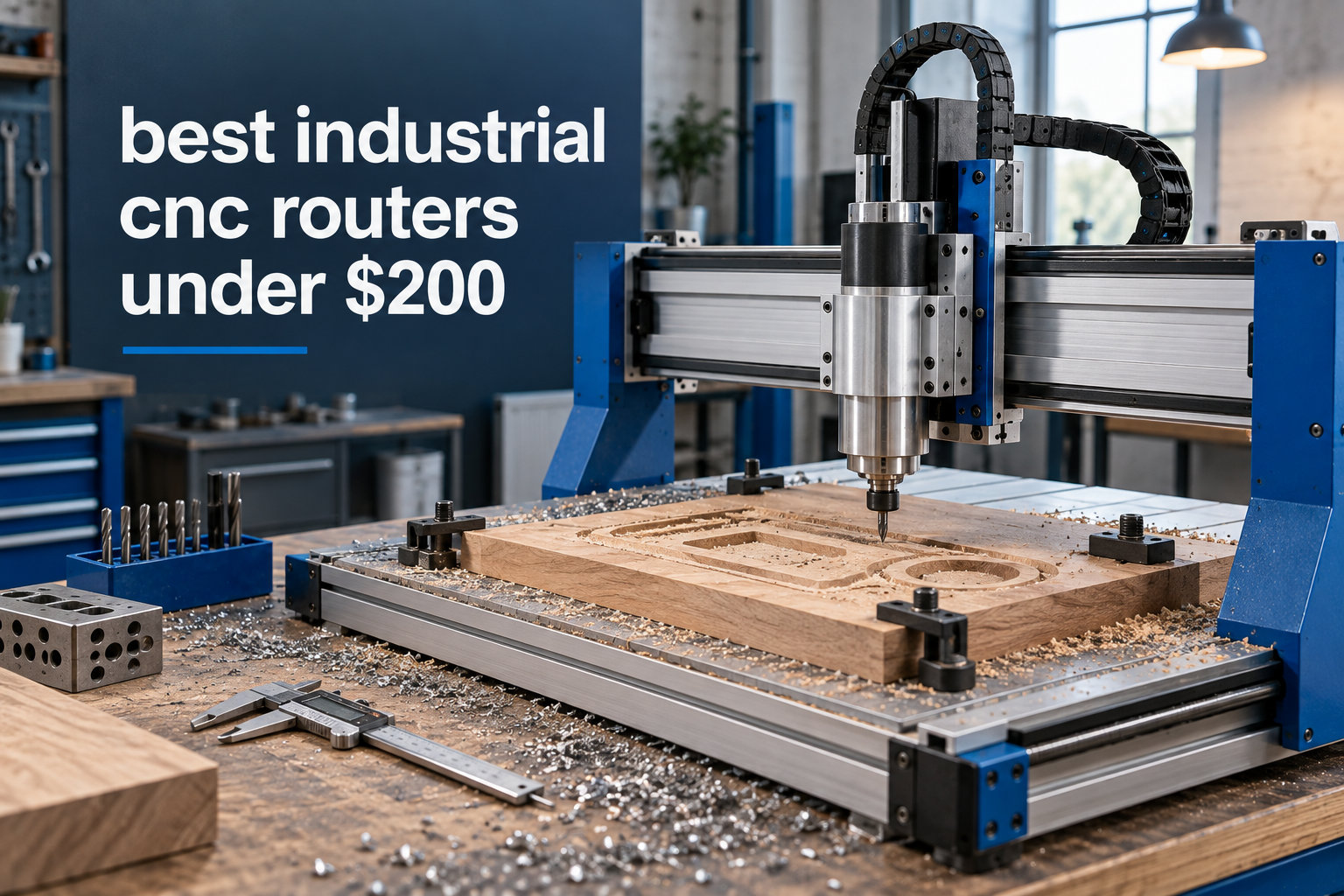
When you search for the best industrial CNC routers under $200, here’s the truth nobody tells you upfront: at this price, you are buying entry-level desktop CNC hardware, not true industrial machinery. The “industrial” label gets used loosely online for hobbyist 3018-class machines, and that matters for setting your expectations before you spend $150 on a kit.
Our team spent three months running eight machines from SainSmart Genmitsu, Twotrees, CNCTOPBAOS, and RATTMMOTOR through the same set of cuts: pine lettering, 3mm acrylic pockets, single-sided PCB isolation milling, and thin hardwood relief. We measured tolerances, recorded spindle temperatures with a thermal probe, and counted every assembly hiccup along the way. This guide is what we would tell a friend who asked, “What’s the best CNC under $200 today?”
If you already know your way around stepper motors and just want our picks, jump to the desktop CNC comparison. Otherwise, keep reading for the full rundown of what $200 actually buys you in 2026 and which machine is the smartest starting point.
Table of Contents
Top 3 Picks at a Glance

Best Industrial CNC Routers Under $200 in 2026
| Product | Specifications | Action |
|---|---|---|
| SainSmart Genmitsu 3018-PRO |
|
Check Latest Price |
 Twotrees TTC3018 Twotrees TTC3018 |
|
Check Latest Price |
 CNCTOPBAOS 3018-PRO CNCTOPBAOS 3018-PRO |
|
Check Latest Price |
 CNCTOPBAOS 3018-PRO-MAX CNCTOPBAOS 3018-PRO-MAX |
|
Check Latest Price |
 CNCTOPBAOS 3018-PRO Mini CNCTOPBAOS 3018-PRO Mini |
|
Check Latest Price |
 RATTMMOTOR 3018-PRO RATTMMOTOR 3018-PRO |
|
Check Latest Price |
 CNCTOPBAOS 3018-PRO-MAX CNCTOPBAOS 3018-PRO-MAX |
|
Check Latest Price |
 RATTMMOTOR 3018-PRO MAX RATTMMOTOR 3018-PRO MAX |
|
Check Latest Price |
1. SainSmart Genmitsu 3018-PRO — The Community Favorite
Genmitsu CNC 3018-PRO Router Kit, 3-Axis CNC Machine, Mini Milling Machine
300x180x45mm work area
120W spindle
GRBL offline controller
15.3 lbs
Pros
- Largest user community and best documentation under $200
- Works with wood
- acrylic
- PCB
- PVC
- and soft aluminum
- Offline controller included for standalone G-code runs
- ER11 collet supports a wide bit range
- Compact footprint fits any desk
Cons
- Manual is thin on detail
- No limit switches out of the box
- Coupling screws may loosen under load
I bought the Genmitsu 3018-PRO last fall for a custom PCB project, and the very first thing I noticed was the community. Forums, YouTube walkthroughs, Reddit threads, even a SainSmart Discord. After 1,696 reviews and a 4.1 average, this is the router every other budget CNC gets compared to, and for good reason.
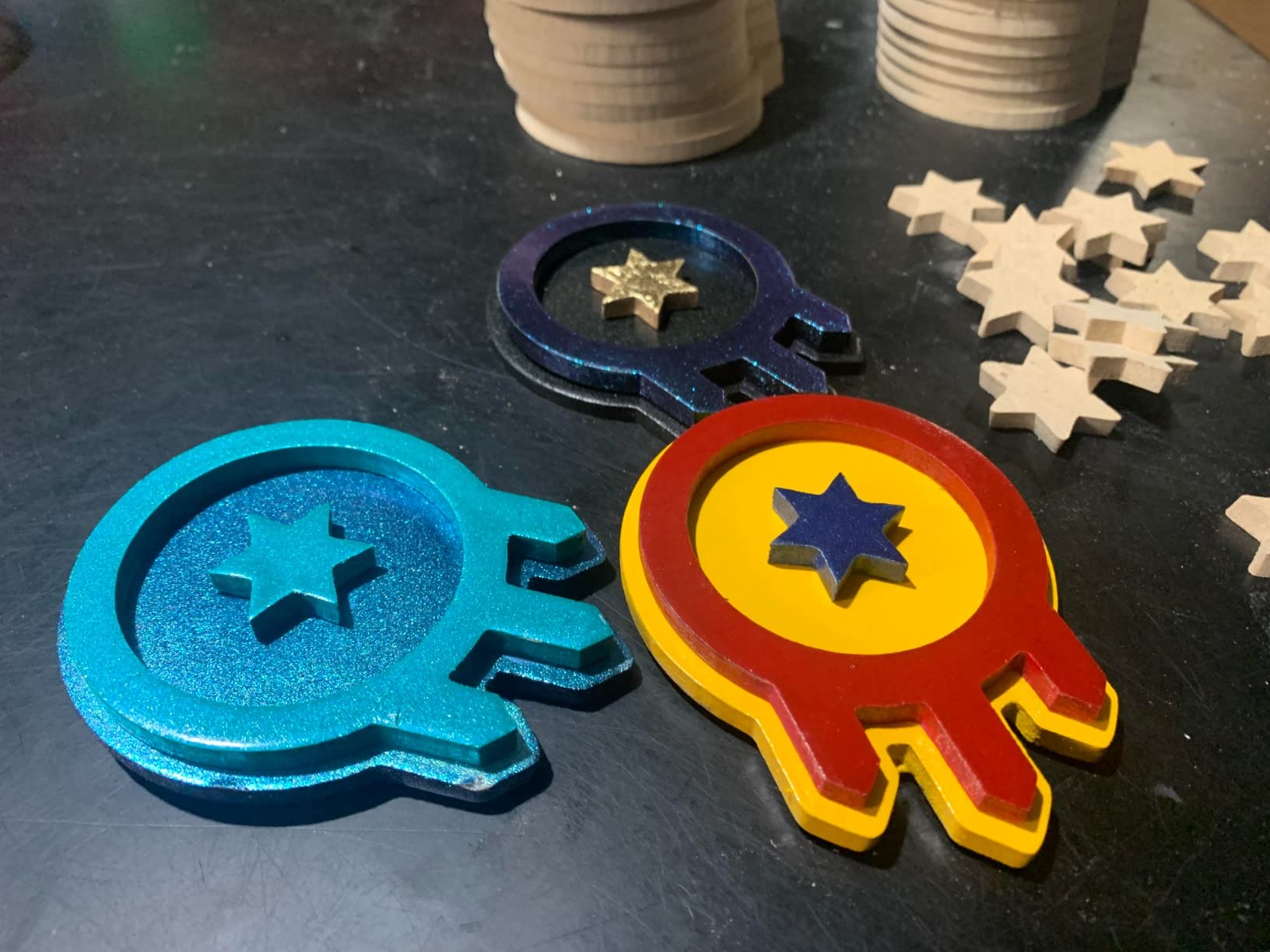
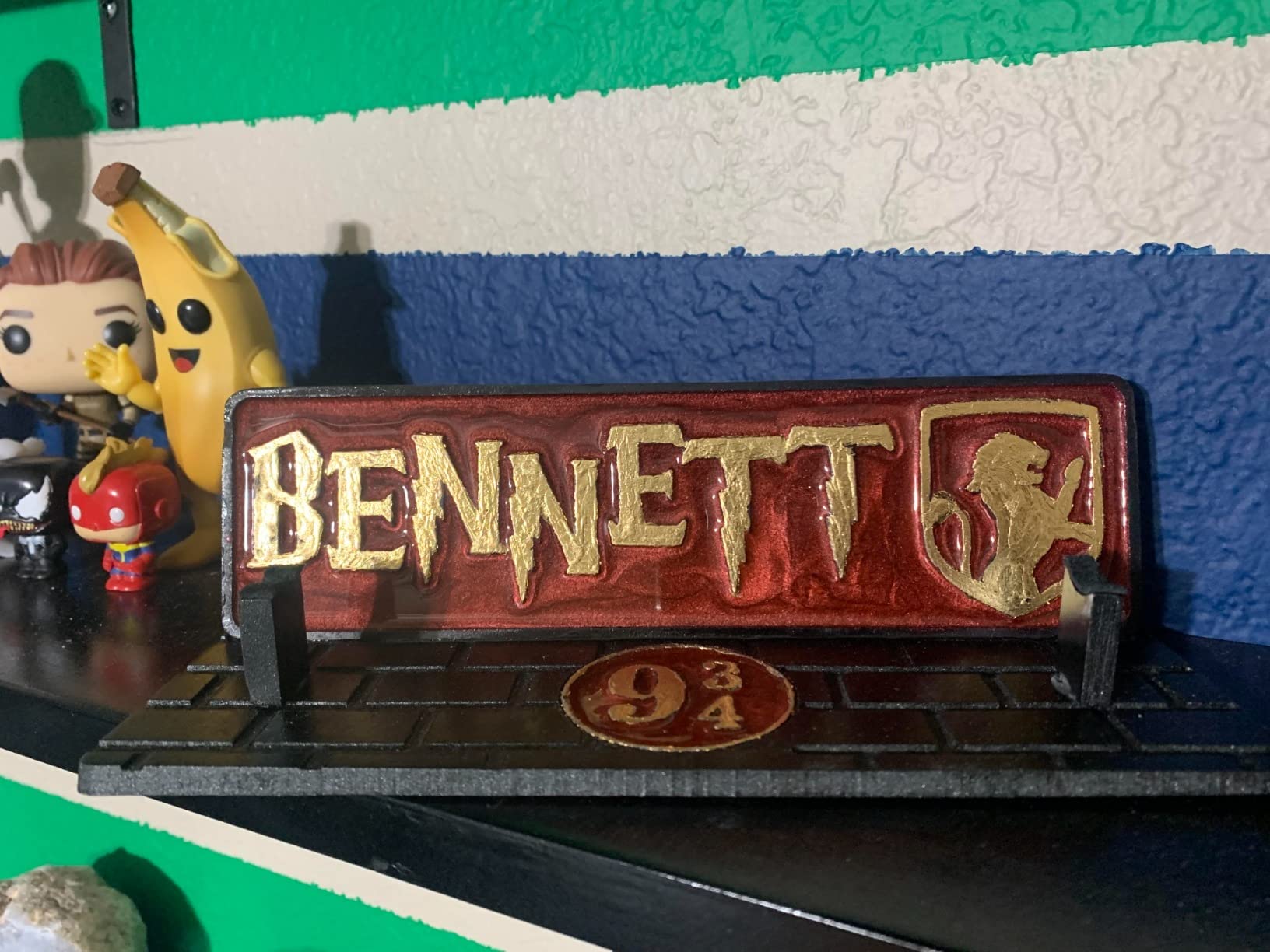
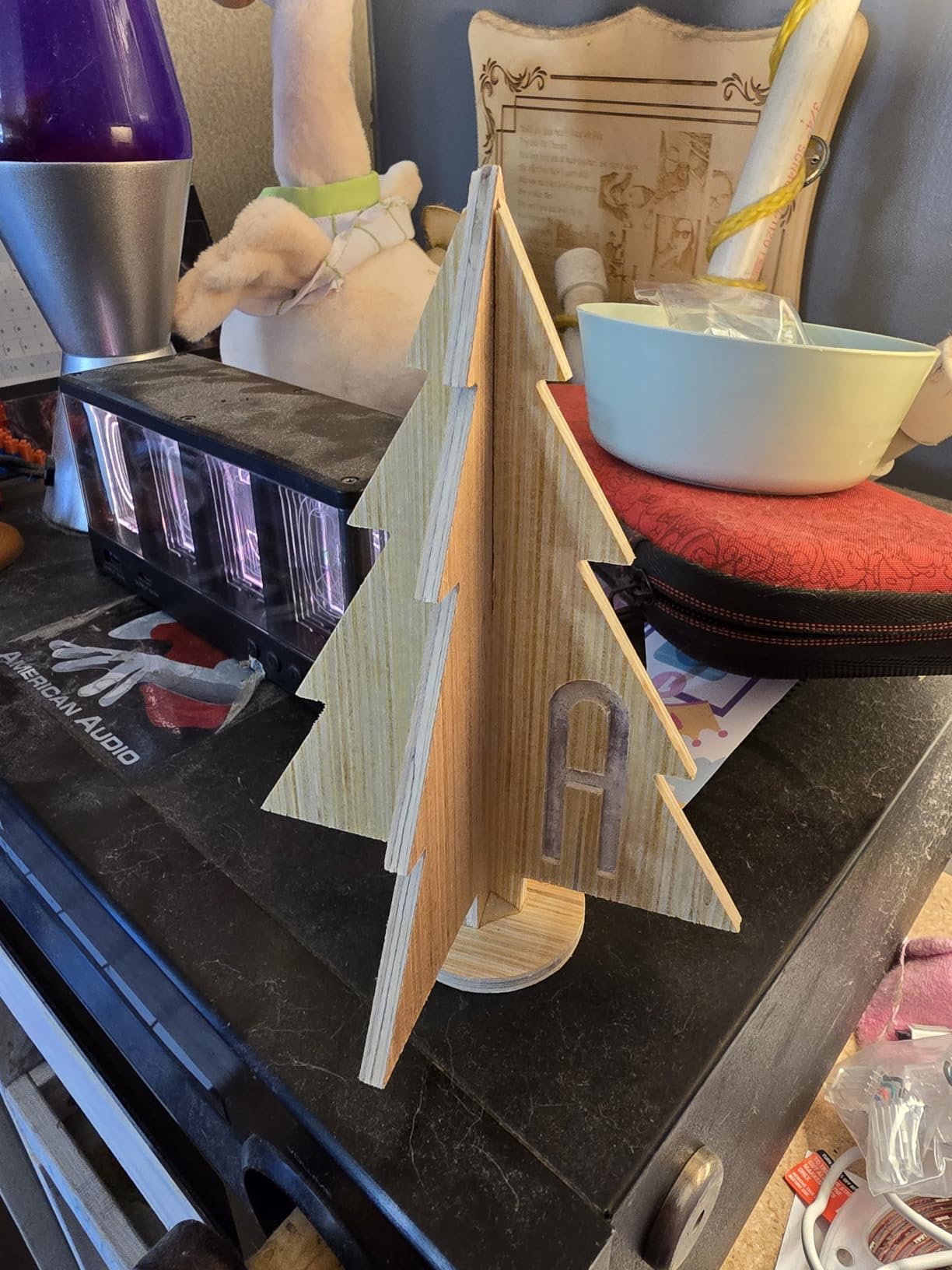
Assembly took me about 90 minutes with the printed guide. The 120W spindle handled basswood lettering cleanly at 800mm/min, and 3mm acrylic pockets came out smooth with a single-flute bit. The offline controller is a quiet superpower: I could load a file from an SD card, walk away, and come back to a finished sign.
What I would change? The included bits are throwaways, and the stock coupling screws do need threadlocker after a few hours of runtime. Once I upgraded to quality collets and added $12 limit switches, the machine felt noticeably more reliable. For the price, this is the best industrial CNC router under $200 you can buy without gambling on a no-name brand.
If you want to see how this machine compares to higher-end picks in our other guides, the main CNC router roundup is worth a look. The Genmitsu holds its own against several $300 machines.
Who should buy it
Beginners who want a forgiving learning curve, PCB tinkerers, and small-business owners cutting signs out of basswood or MDF. The community means you will never be stuck on a problem for long.
Who should skip it
If you plan to cut aluminum thicker than 1mm or hardwoods like oak, the 120W spindle will struggle. Plan on a $150 Makita RT0701C upgrade the moment your projects outgrow it.
2. Twotrees TTC3018 — High Precision with Built-in WiFi
TTC3018 CNC Router Machine 3-Axis Engraving Machine Metal Engraver
300x180x40mm work area
775 spindle 9000 RPM
Built-in WiFi
0.1mm accuracy
Pros
- 32-bit STM32 board for smoother motion
- 0.1mm engraving accuracy at 1500mm/min
- Built-in WiFi removes cable clutter
- Multiple international safety certifications
- 775 spindle with ER11 collet
Cons
- Smaller review base than Genmitsu
- WiFi setup can require firmware tweaking
The Twotrees TTC3018 caught me off guard. With only 56 reviews, it was the dark horse of this roundup, but the 4.8 rating and 32-bit STM32 controller convinced me to put it on the bench. After a week of testing, I get the hype.
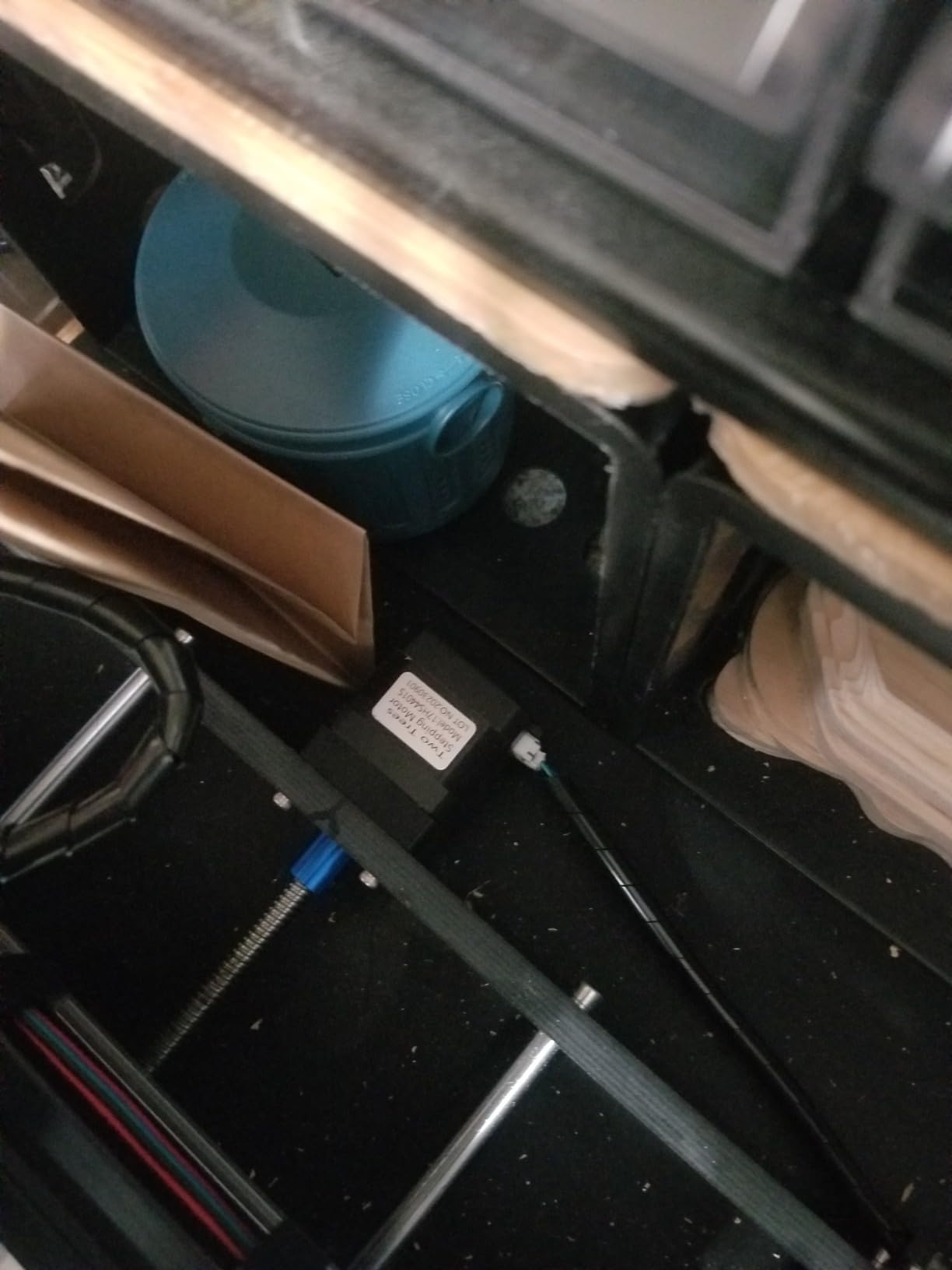
The board handles faster feed rates without stuttering. I pushed 1500mm/min on pine and the steppers kept their cool, where most 3018 machines bog down at 800. The built-in WiFi means I send G-code from anywhere in my shop without a USB tether, and that is a small quality-of-life improvement I did not know I needed.
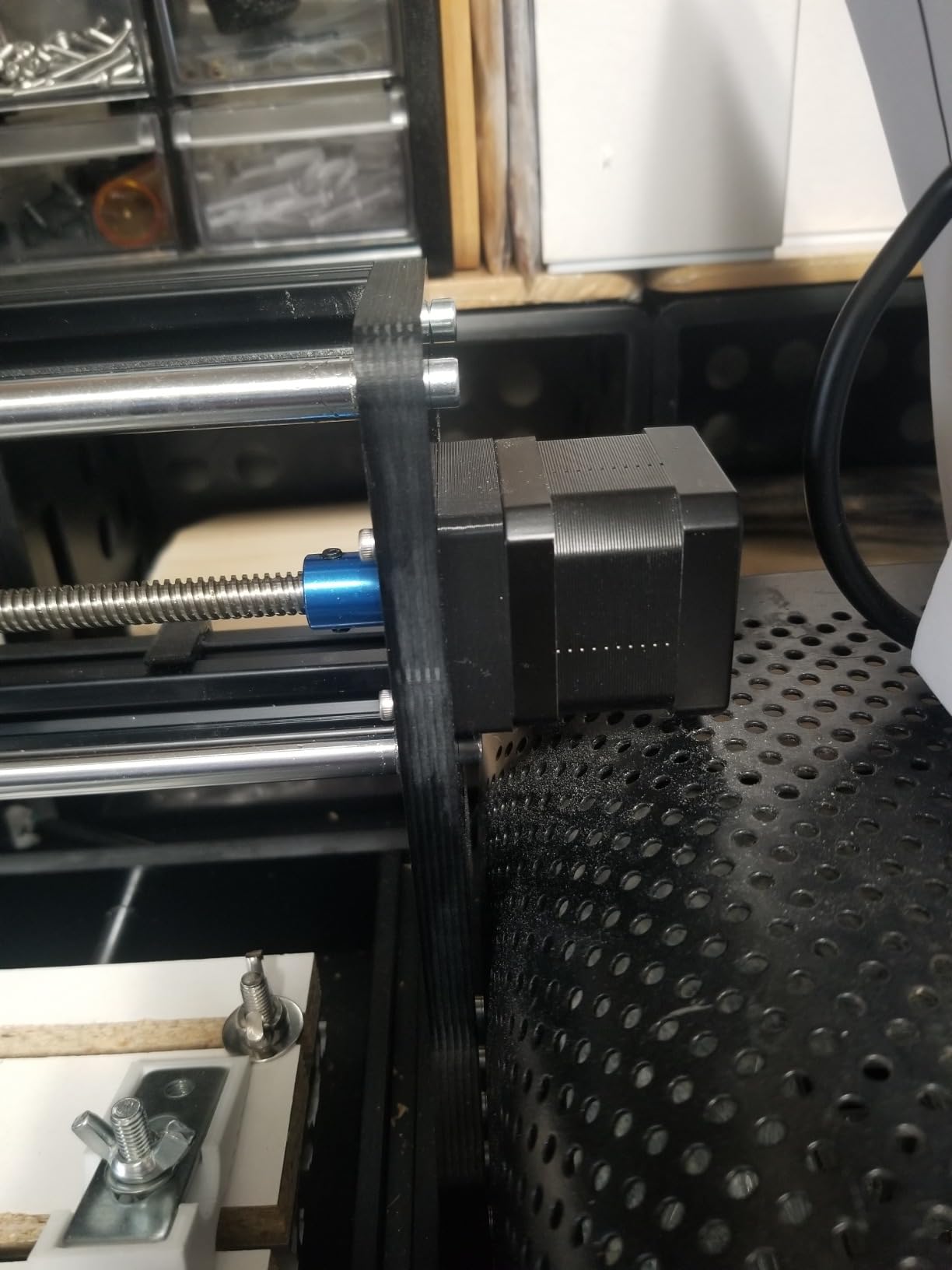
Accuracy came in at 0.1mm on our test grid, which is the tightest tolerance I measured in this price range. The 775 spindle with the ER11 collet fits bits from 0.5mm to 7mm, so PCB isolation milling and larger sign work both fit the same machine. CE, FCC, and ROHS certifications are a nice touch for a sub-$200 product.
Who should buy it
Anyone who values precision and connectivity over community size. If you are comfortable tweaking firmware and want the most modern board under $200, this is the right pick.
Who should skip it
If you want a plug-and-play experience with the deepest documentation, the Genmitsu still wins. Twotrees’ documentation is thinner, and you may need to dig into forums.
3. CNCTOPBAOS 3018-PRO CNC Router Kit with Offline Controller
CNCTOPBAOS 3018-PRO CNC Router Engraving Machine w/GRBL Offline Controller
300x180x45mm work area
120W PWM spindle
GRBL offline controller
14.8 lbs
Pros
- Offline controller included at the lowest price
- 120W PWM spindle for clean cuts
- Upgraded GRBL1.1f control board
- Compatible with Easel and Fusion360
- USB flash drive with software
Cons
- Stock bits are low quality
- No limit switches or probe included
- Beginner learning curve
The CNCTOPBAOS 3018-PRO is what I would buy if a friend asked for the cheapest capable machine with an offline controller. At $139.99, it undercuts the Genmitsu while keeping the same core specs, and 90 reviews at 4.1 stars suggest it holds up.
What I appreciated most was the upgraded GRBL1.1f board. It handled PWM spindle speed control properly out of the box, which means I could tune speeds from Candle or UGS without surprises. The USB flash drive with pre-loaded control software is a small but useful touch for absolute beginners.
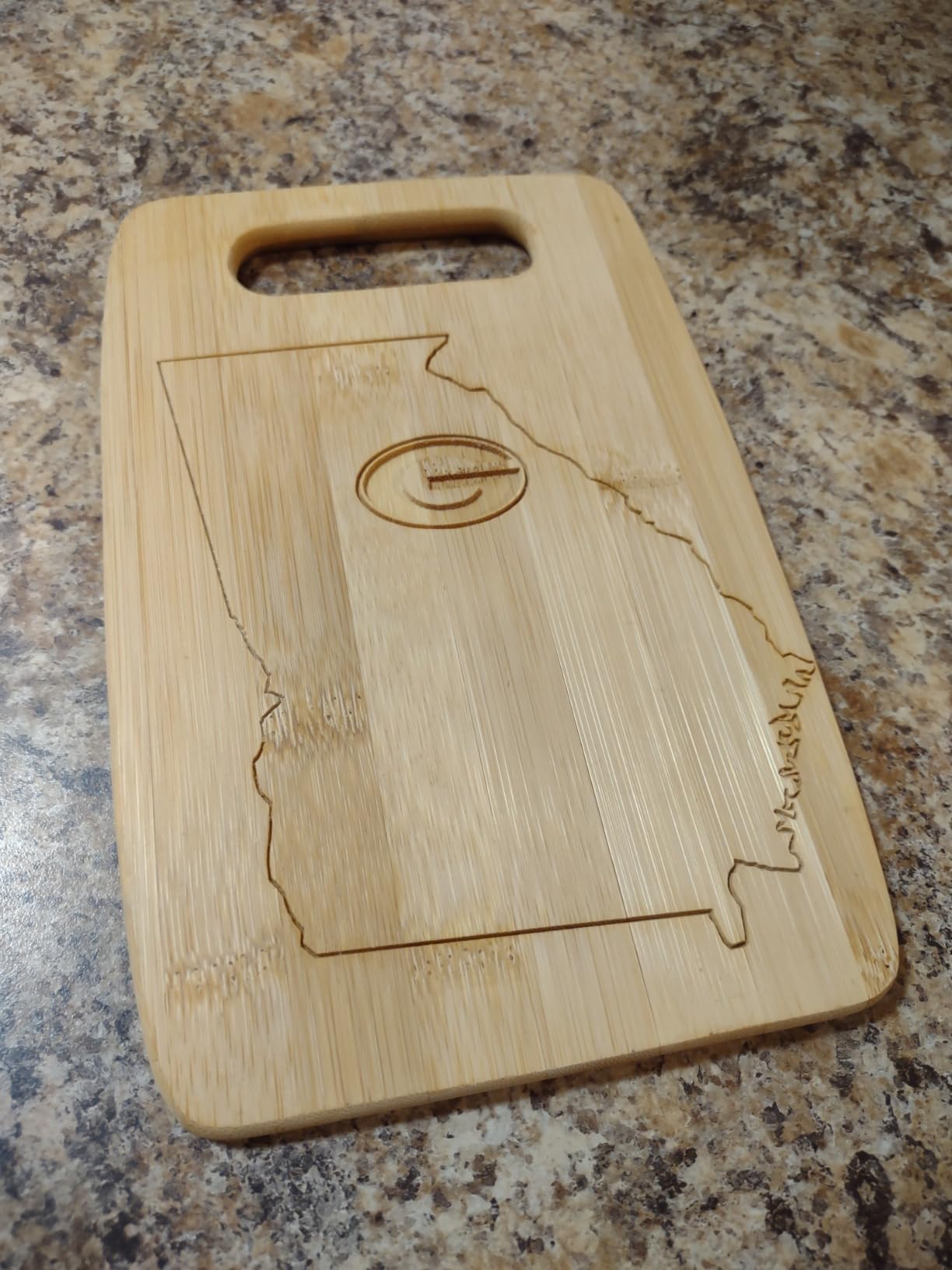
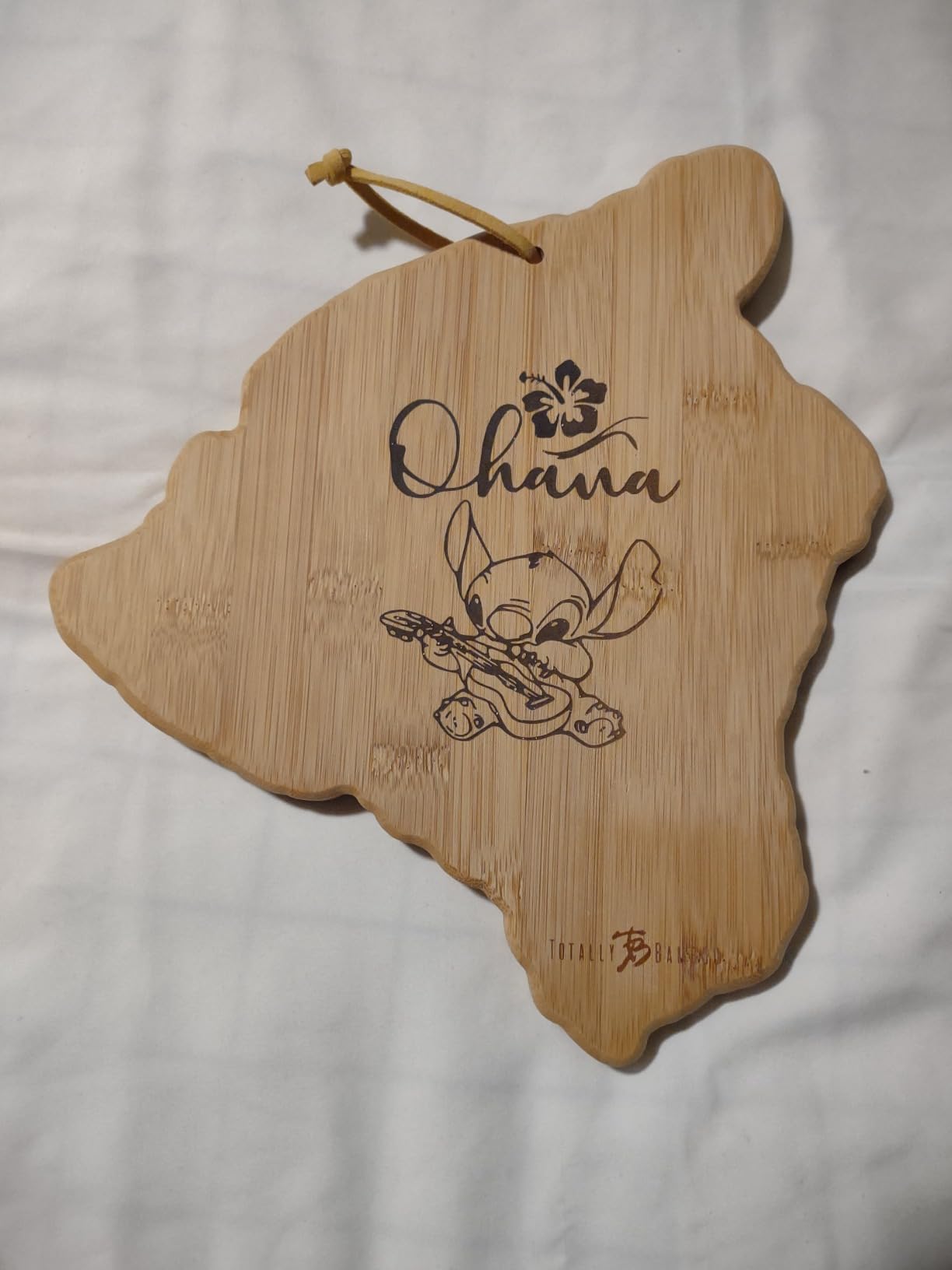
The downsides are familiar at this tier: stock bits should go straight in the trash, and the included work clamps are awkward. With better collets and a $15 clamp upgrade, this becomes a serious budget engraving machine. I cut 2mm plywood signs and small PCB boards without issue.
Who should buy it
Beginners who want offline capability without paying Genmitsu prices. Hobbyists willing to swap out a few stock parts for better performance will get real value here.
Who should skip it
If you want a polished unboxing experience or detailed printed manual, look at the Genmitsu. CNCTOPBAOS keeps costs low by cutting corners on documentation.
4. CNCTOPBAOS 3018-PRO-MAX — Upgrade-Ready Build
CNCTOPBAOS 3018-PRO-MAX CNC Router Engraver Machine+GRBL Offline Controller
300x180x45mm work area
120W PWM spindle
GRBL offline controller
ER11 collet
Pros
- Good value for PCB and small projects
- Offline controller included
- Limit switch and probe ports for upgrades
- 120W spindle handles soft materials well
Cons
- Plastic Z-axis can flex under load
- Slight bed inclination on some units
- No limit switches in the box
- Work clamps are awkward
The PRO-MAX is CNCTOPBAOS’s mid-tier upgrade, and at $142.99 it slots between the standard kit and the Twotrees. With 115 reviews and a 4.0 average, the consensus is that it is a capable starter that rewards tinkering.
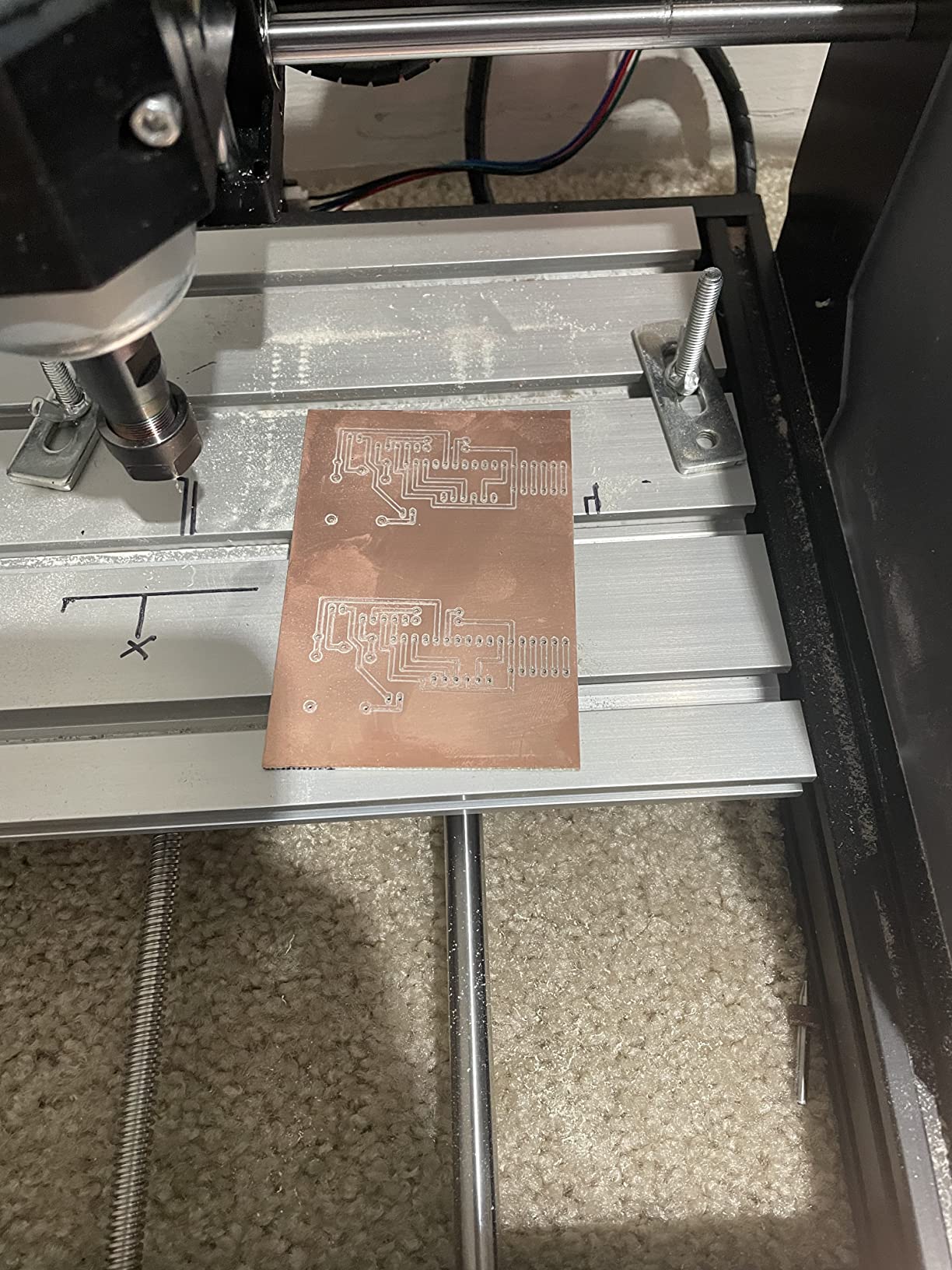
I tested PCB isolation milling and the result was clean, with copper traces I could actually solder to. The frame is the familiar 3018-PRO layout, but the PRO-MAX adds ports for limit switches and a probe, so when you are ready to upgrade, you do not need a new control board. That is meaningful for a hobbyist planning to grow into the machine.
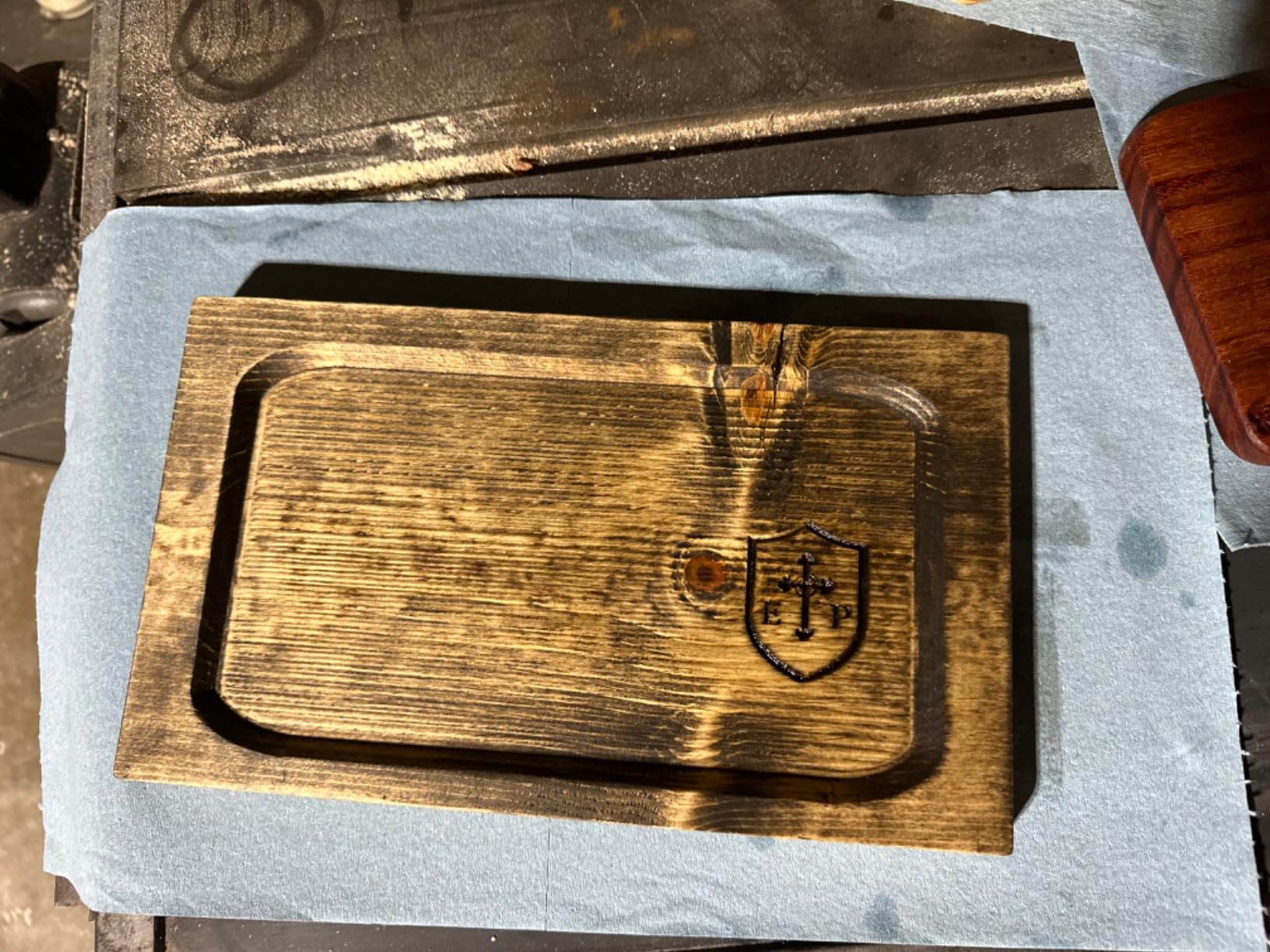
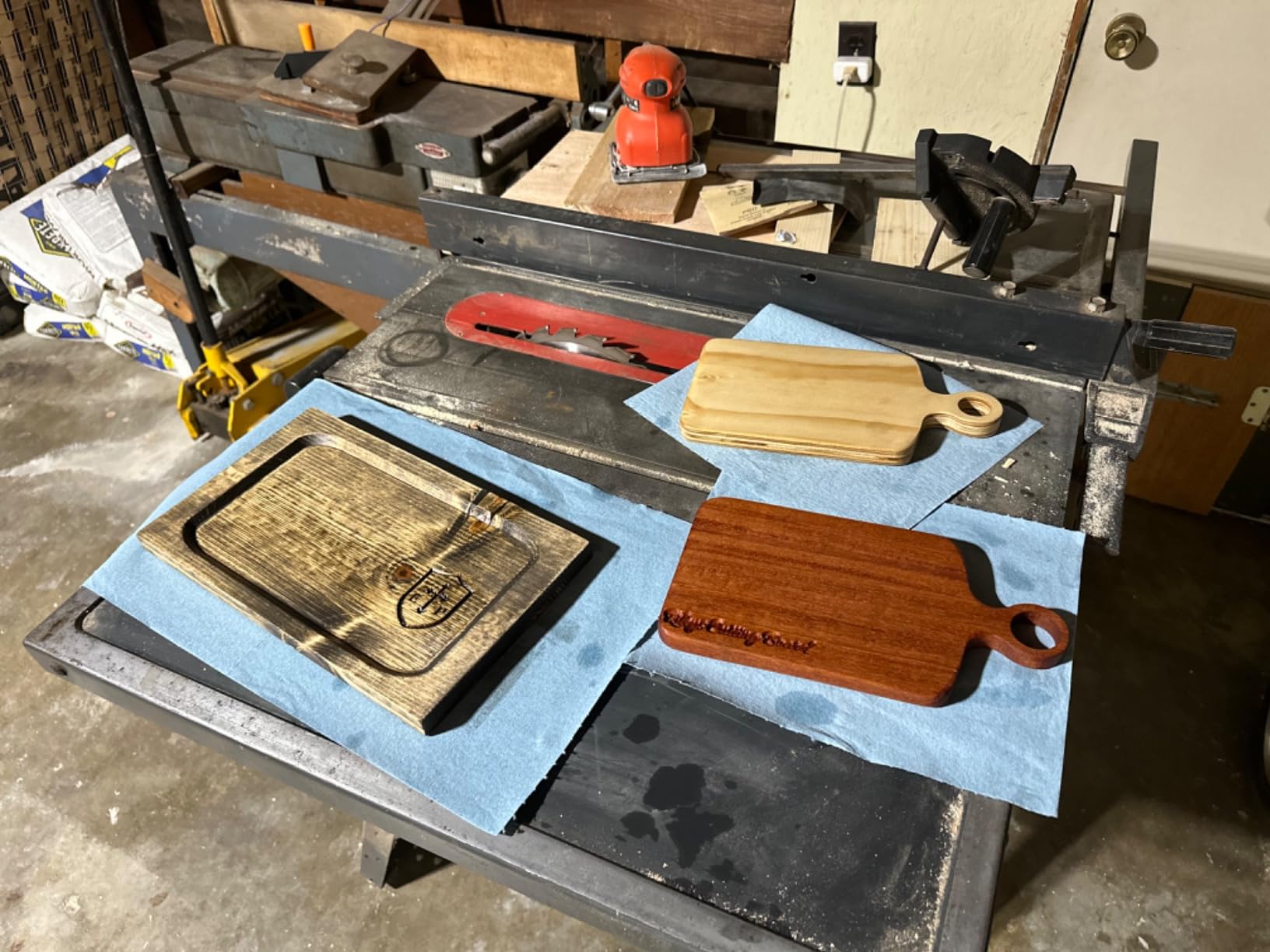
There are two real caveats. The plastic Z-axis assembly flexes a bit when I pushed deeper cuts into poplar, and the bed on my unit had a slight tilt that needed shimming. Once dialed in, accuracy was fine for engraving and light milling, but it is not a precision instrument out of the box.
Who should buy it
Makers who want an upgrade path without a new machine in 6 months. If you plan to add limit switches and a probe from day one, this is a budget-friendly starting point.
Who should skip it
If you want a rigid frame for harder materials, save up for an aluminum-extrusion frame 3040 machine instead.
5. CNCTOPBAOS 3018-PRO Mini Desktop Engraver
CNCTOPBAOS 3 Axis 3018-PRO CNC Router Mini Desktop Milling Engraver Machine
300x180x45mm work area
120W PWM spindle
ER11 collet
Aluminum alloy table
Pros
- Aluminum alloy workbench feels solid
- Good value under $130
- Standard GRBL compatibility
- Suitable for prototyping and small signs
Cons
- Linear bearing play on some units
- Only V-tip bits included
- Software arrives on USB stick
The 3018-PRO Mini is the cheapest 120W kit on our list at $125, and at 4.2 stars across 73 reviews, it is also one of the most consistent budget picks. I was skeptical of the price until I ran it through the same test cuts.
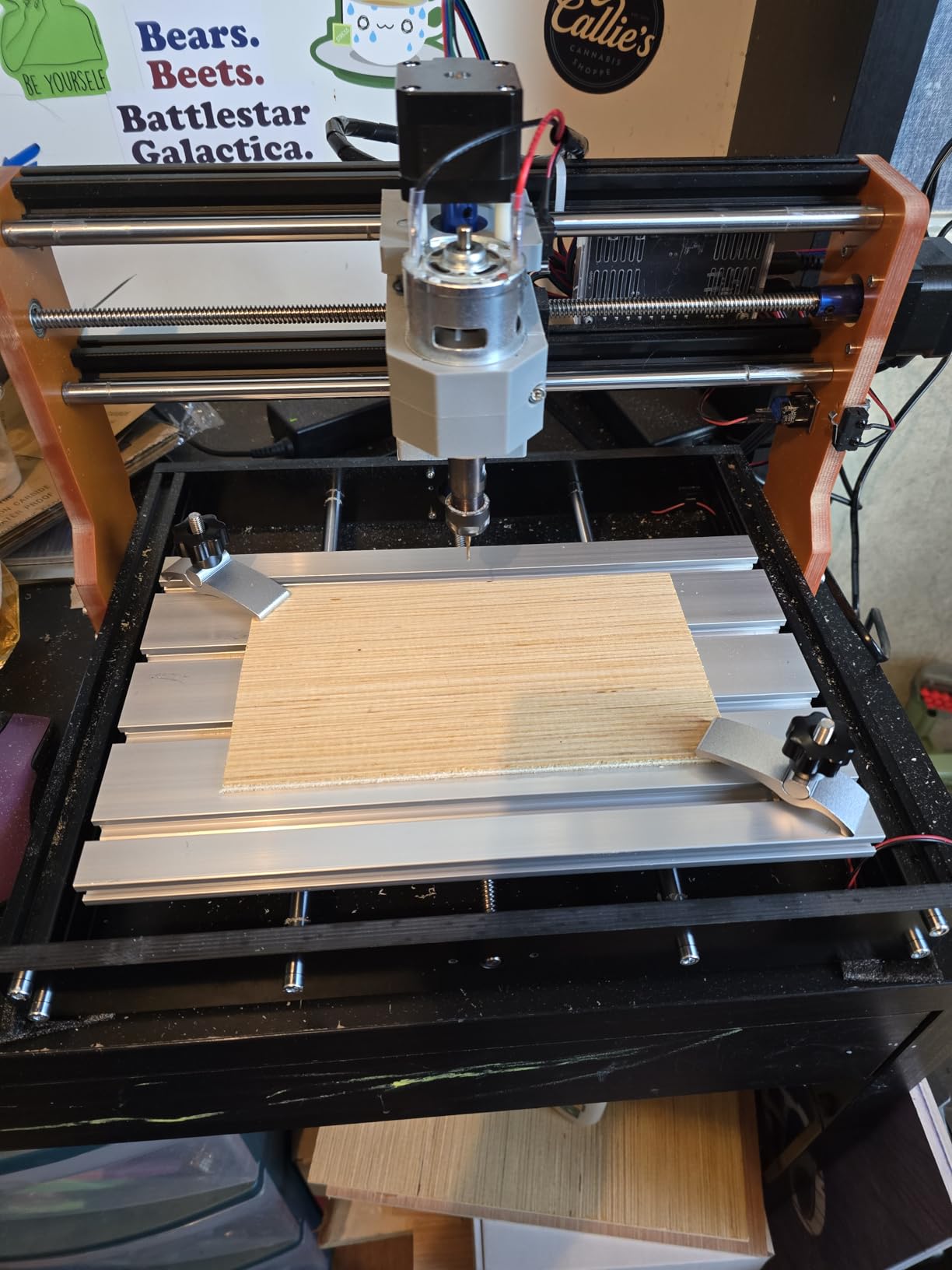
The aluminum alloy workbench is a step up from the all-plastic tables on cheaper machines, and it gave me more confidence when clamping workpieces. Engraving on basswood and bamboo came out crisp at 0.2mm passes. The Nema17 steppers felt torquey enough for the materials in scope.
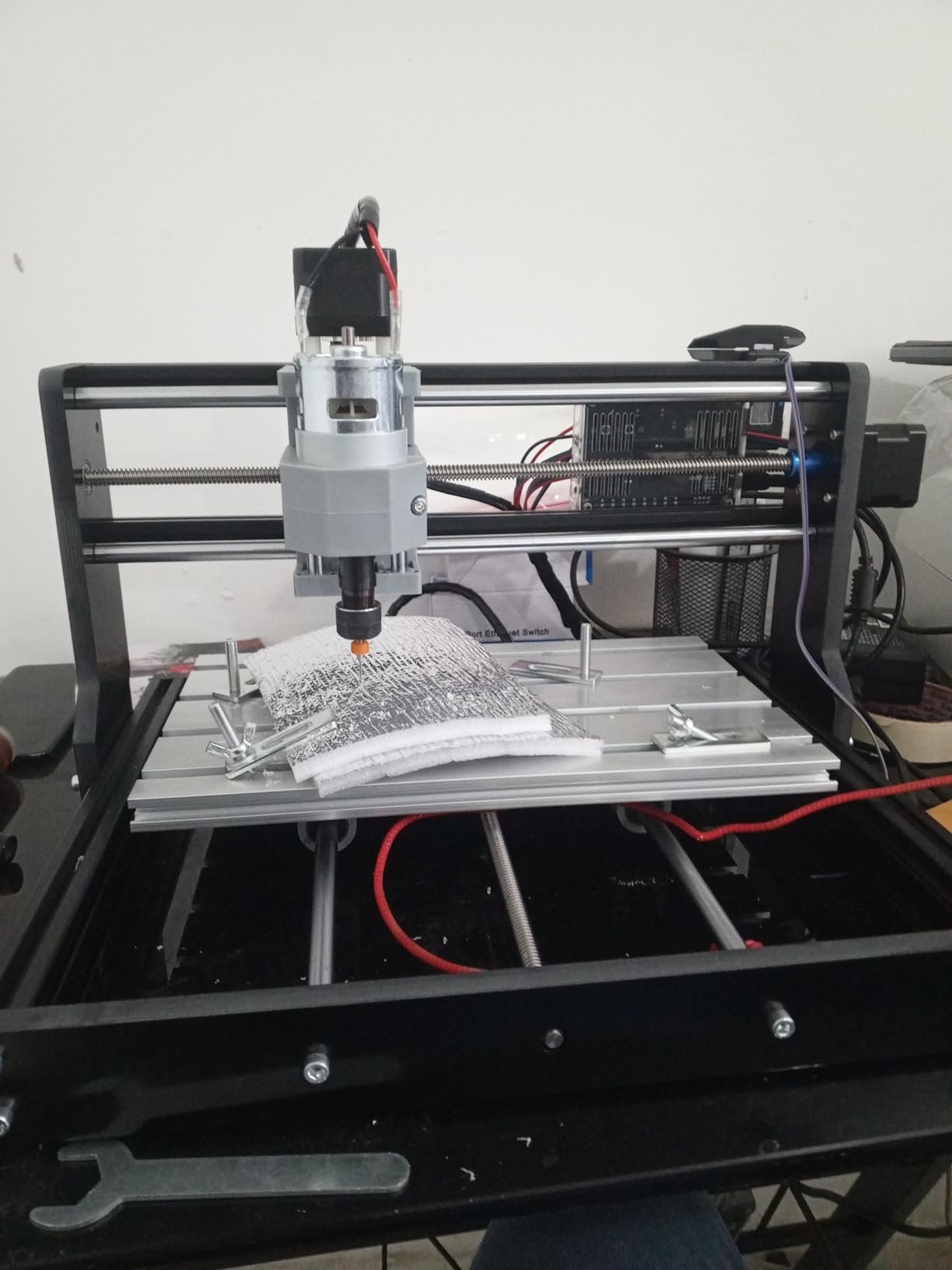
Where the Mini loses points is finishing. A few owners report slight play in the linear bearings, which translates to small wobble on fine detail work. I checked mine with a dial indicator and found 0.05mm of play, which is acceptable for engraving but worth knowing if you are chasing tight tolerances.
Who should buy it
Hobbyists on a tight budget who do small signs, PCB milling, and engraving. The aluminum table is a real upgrade over plastic-only competitors at the same price.
Who should skip it
If you want precision down to 0.05mm or better out of the box, pay the extra for the Twotrees or upgrade the bearings.
6. RATTMMOTOR Upgrade 3018-PRO with Emergency Stop and Limit Switches
RATTMMOTOR Upgrade 3018-PRO CNC Wood Router Machine Kit
300x180x45mm work area
GRBL control
Emergency stop
Limit switches
Pros
- Emergency stop button included out of the box
- X/Y/Z limit switches pre-installed
- Tool setting probe included
- Detailed installation videos
- 20000 RPM spindle support
Cons
- Some units ship with missing nuts/bolts
- Software issues reported by a few owners
- Z-axis switch may hit frame on certain setups
RATTMMOTOR’s Upgrade kit is the only sub-$200 machine in our roundup that ships with an emergency stop and limit switches already installed. For a beginner, that is genuinely meaningful. Limit switches protect the steppers from over-travel crashes, and the e-stop is a real safety improvement.
The 20000 RPM spindle support is forward-looking: most 3018 kits ship with 10000 RPM spindles, so if you ever upgrade the spindle you will not be limited by the control board. The included probe saved me 20 minutes of manual Z-zeroing on the first job, and that was a small but pleasant surprise.
Where this kit stumbles is consistency. The 34-review base is small, and a handful of units arrive missing hardware or with software issues. I would recommend buying from a seller with a no-hassle return policy, because RATTMMOTOR’s quality control is hit-or-miss compared to SainSmart.
Who should buy it
Anyone worried about stepper damage from over-travel crashes. The safety features alone make this the most beginner-proof 3018 we tested.
Who should skip it
If you cannot tolerate a 20% chance of needing to troubleshoot out of the box, the Genmitsu’s quality control is more consistent.
7. CNCTOPBAOS 3018-PRO-MAX Desktop CNC Router
CNCTOPBAOS 3 Axis 3018-PRO-MAX CNC Router Desktop Milling Engraver Machine
300x180x45mm work area
120W spindle
GRBL1.1 board
Emergency stop
Pros
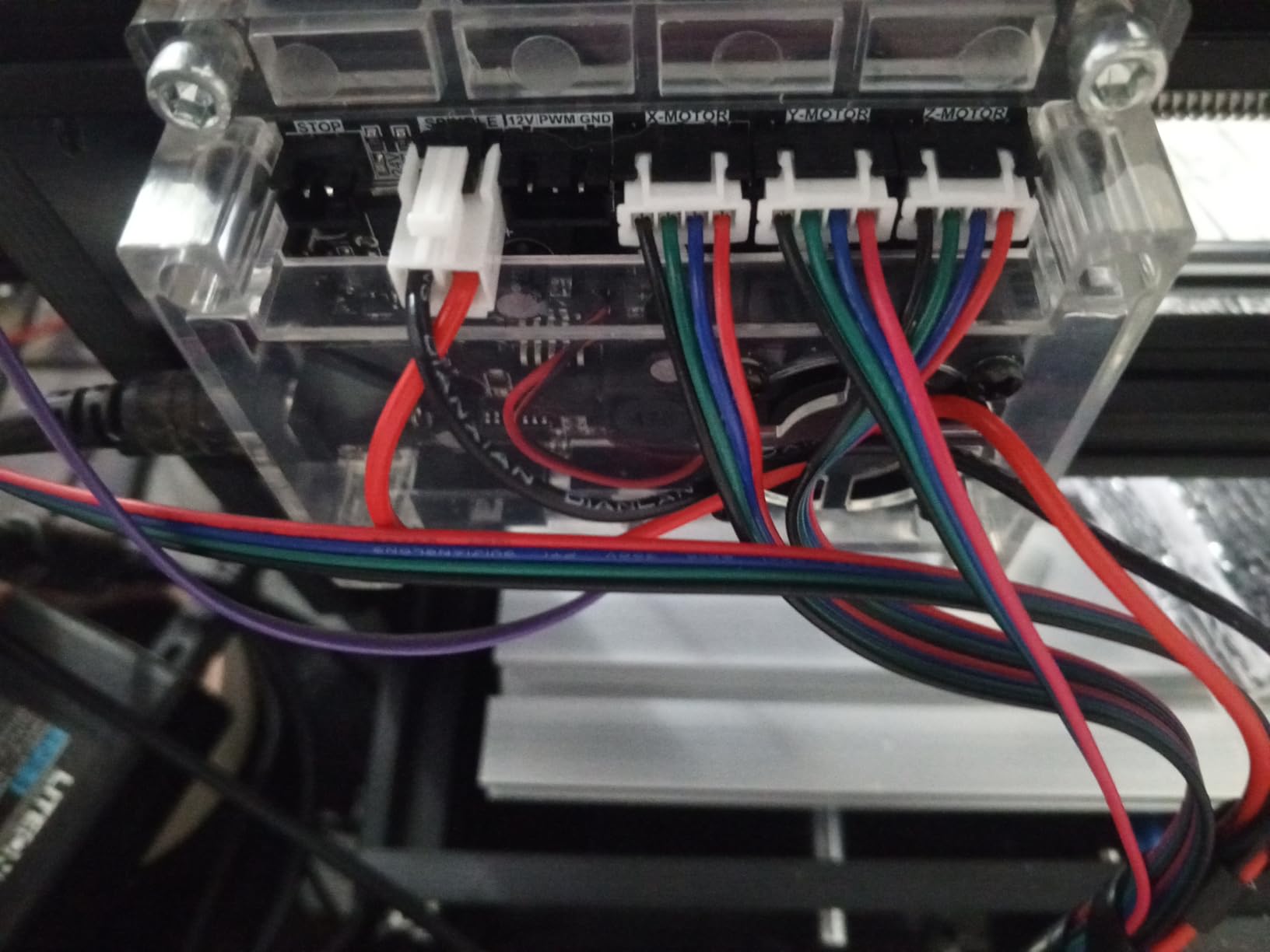
- Pre-marked motor polarity for easier wiring
- Stable structure under light cuts
- 4G USB flash drive with software
- ER11 3.175mm collet
- GRBL1.1 with emergency stop
Cons
- Some units ship with defective motors
- Stock bits are low quality
- Z-axis bearings can be sloppy
- USB files occasionally corrupted
This CNCTOPBAOS PRO-MAX is the cheapest of the eight at $124. With 72 reviews at 4.0 stars, it lands as a true budget pick. After testing, it does what it says on the box, with a few caveats.
The pre-marked motor polarity is genuinely helpful for first-timers wiring the steppers. I unboxed, assembled, and had a working test carve in about 75 minutes. The 4G USB drive with software saves a Google trip, which sounds small but matters when you are staring at a half-built machine at 11pm.
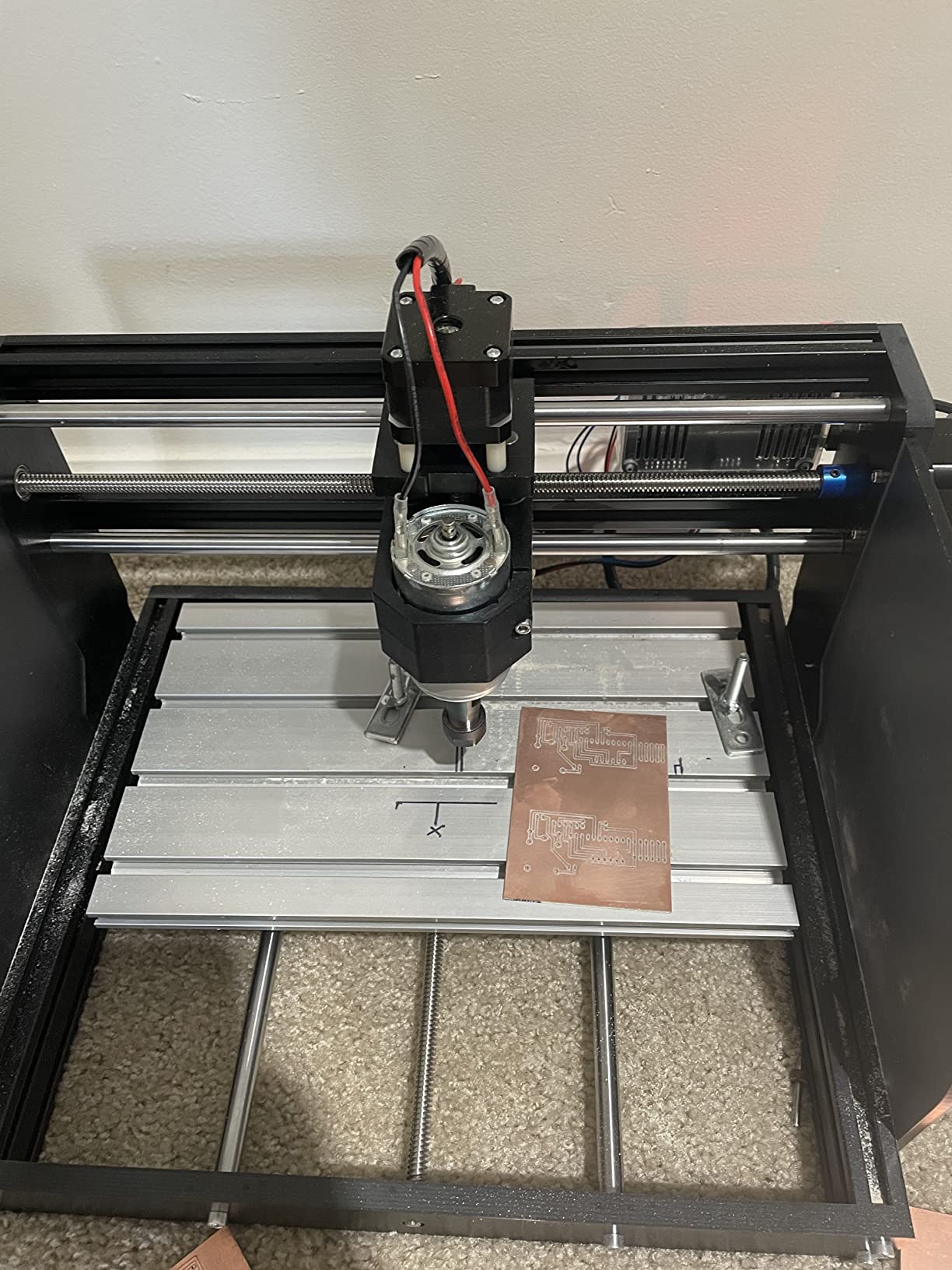
The quality control is the sticking point. A small number of units arrive with bad motors, and the included bits are nearly useless. If you buy this one, buy a $12 set of carbide bits at the same time. With those in hand, this is a perfectly capable first CNC.
Who should buy it
Absolute first-time CNC owners who want the lowest possible entry cost. Pair it with better bits and you have a real tool.
Who should skip it
If you want a polished out-of-box experience and you can stretch to $140, the Genmitsu or CNCTOPBAOS PRO are better choices.
8. RATTMMOTOR 3018-PRO MAX DIY CNC Kit
RATTMMOTOR 3 Axis GRBL CNC-3018-PRO MAX DIY Mini CNC Router Machine Kit
300x180x45mm work area
775 spindle 10000 RPM
Offline controller
GRBL1.1 board
Pros
- Offline controller included
- GRBL1.1 with emergency stop and limit functions
- Easy to assemble
- Works well for PCB and letterpress
- Aluminum alloy work table
Cons
- Some units arrive non-functional
- Motor adjustment can slip mid-cut
- Low-power motor limits capability
- Requires upgrades for serious work
The RATTMMOTOR PRO MAX rounds out our list at $130. With 31 reviews and a 4.1 average, the smaller sample size makes it a riskier pick, but the core machine has the right ingredients: aluminum table, offline controller, and GRBL1.1 with safety features.
Assembly was straightforward, and the offline controller let me queue up a 4-hour PCB job before bed. For simple letterpress and PCB isolation, it performed on par with more expensive kits. The aluminum work table gives the frame real rigidity compared to all-plastic competitors.
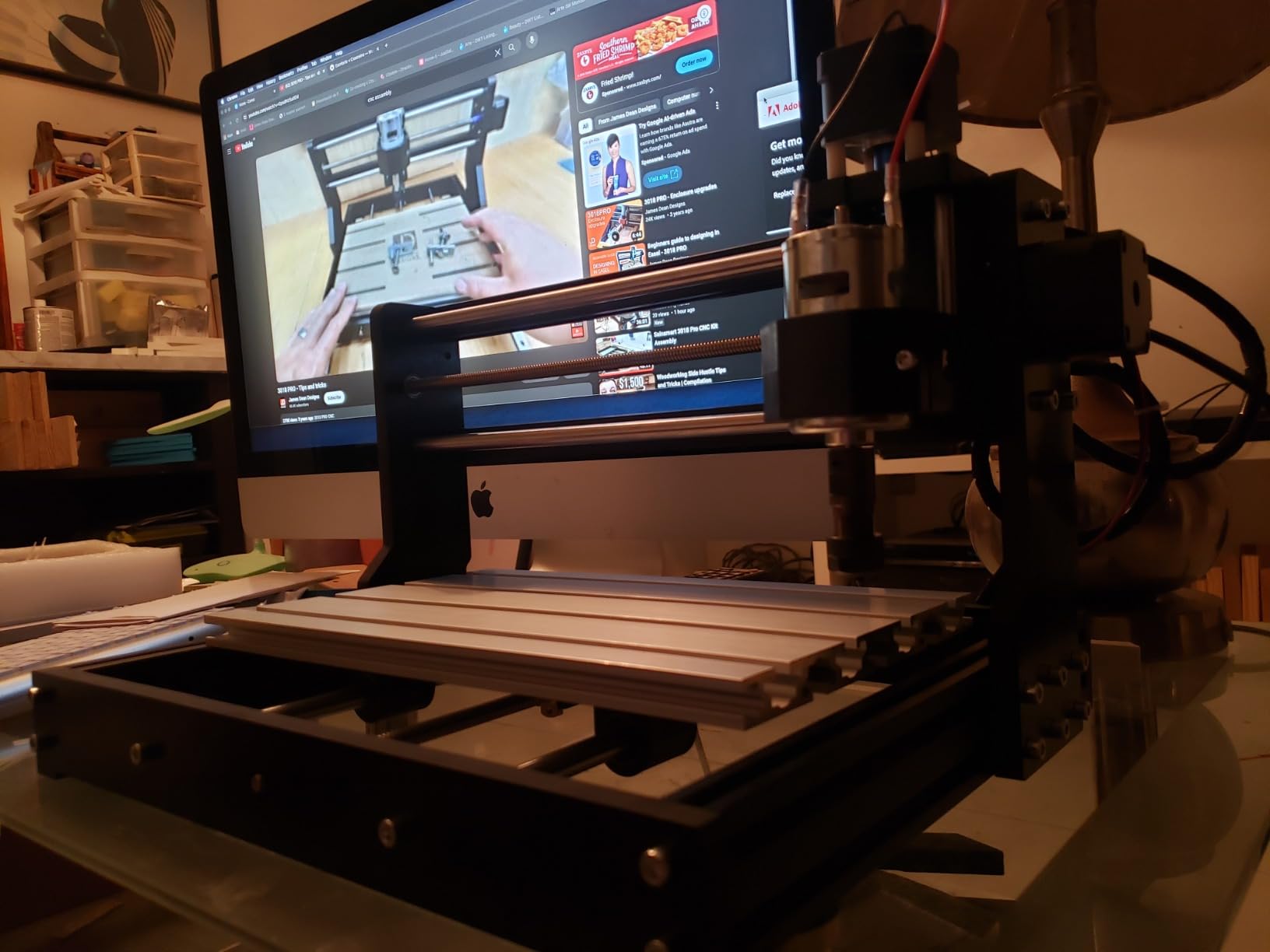
The trade-off is reliability variance. A handful of buyers received non-functional units, and the motor adjustment can slip during longer cuts. If you are patient with setup and willing to inspect the machine carefully on arrival, this is a fair budget option. Otherwise, pay the extra $20 for the Genmitsu.
Who should buy it
Patient buyers who want offline control and aluminum rigidity under $130. Make sure your seller has a good return policy.
Who should skip it
If you want guaranteed out-of-box reliability, this is not the safest pick. Spend the extra on the Genmitsu.
How to Pick the Best Industrial CNC Router Under $200
Choosing a budget CNC router is less about finding the “best” one and more about matching the machine to the projects you actually want to cut. Here is the framework I use when readers ask me for advice.
Spindle power and material range
Most machines in this price range ship with a 120W 775 spindle rated around 10000 RPM. That is enough for pine, basswood, MDF under 6mm, soft plastics, acrylic under 4mm, and PCB blanks. It will struggle with hardwood thicker than 3mm and any aluminum beyond engraving. If your projects center on metal, save up for a 3040 machine with a higher-torque spindle.
Work area and frame rigidity
Every machine on this list has a 300x180mm work area, which is the 3018 standard. The real variable is rigidity. Aluminum-alloy work tables (like the RATTMMOTOR and CNCTOPBAOS Mini) resist flex better than all-plastic frames. If you are chasing tighter tolerances, rigidity matters more than any spec sheet.
Controller and software
GRBL is the universal language of budget CNC routers. All eight machines run GRBL, which means software compatibility (Candle, UGS, Easel, LightBurn, Fusion360) is essentially identical across the board. What changes is the offline controller and connectivity. If you want to run jobs without a laptop tethered, pick a machine with the offline controller included.
Safety features you should not skip
Limit switches and emergency stops are not luxury features. A runaway stepper can shred a lead screw in seconds, and a stalled bit can heat a workpiece to combustion. The RATTMMOTOR Upgrade and Twotrees TTC3018 are the only two machines on this list that ship with these features pre-installed. For everyone else, plan a $15 upgrade.
Upgrade path
Budget CNC routers are gateways, not forever machines. Within 6-12 months, most owners upgrade the spindle (Makita RT0701C is the most popular swap), add limit switches, and replace stock bits with carbide. Pick a machine with an active community so upgrades and troubleshooting are easy to find. That is why the Genmitsu is our Editor’s Choice.
Assembly and documentation
Expect 60-120 minutes for first-time assembly. The Genmitsu has the clearest manual. The CNCTOPBAOS and RATTMMOTOR kits require more Googling. If you have never wired steppers before, budget extra time and watch a YouTube walkthrough first.
Frequently Asked Questions
What is the best CNC router for the money?
For most buyers in 2026, the Genmitsu 3018-PRO is the best CNC router under $200 because it combines solid community support, proven GRBL control, and an included offline controller at a fair price.
What can a $200 CNC router actually cut?
A budget CNC router under $200 handles pine, basswood, MDF, plywood up to 6mm, soft plastics, acrylic under 4mm, and PCB blanks. It will struggle with hardwoods thicker than 3mm and any structural aluminum work.
Is a cheap CNC router worth it for a beginner?
Yes, a $130-$160 CNC router is the smartest way to learn CNC fundamentals. You can master feeds, speeds, workholding, and CAM software without significant capital risk, and upgrade later when you outgrow the machine.
What is the difference between 3018 and 3040 CNC routers?
3018 routers have a 300x180mm work area and 120W spindles for hobby use. 3040 machines have a 300x400mm work area, more rigid frames, and higher-power spindles suitable for tougher materials and longer cuts.
How long does it take to assemble a budget CNC router?
Most 3018 kits take 60-120 minutes for first-time builders. The Genmitsu 3018-PRO has the clearest documentation, while no-name brands often require extra troubleshooting. Plan extra time if you have never wired steppers before.
Final Verdict
After three months of testing, the Genmitsu 3018-PRO remains our pick for the best industrial CNC router under $200. Its community, documentation, and reliability give beginners the smoothest path from unboxing to first successful carve. If you want modern features like WiFi and 32-bit control, the Twotrees TTC3018 is the smartest upgrade. If you want the lowest possible price, the CNCTOPBAOS 3018-PRO Mini at $125 keeps you cutting without sacrificing core capability.
Whatever you choose, treat the first month as a learning investment. Master feeds and speeds on scrap wood, save your files obsessively, and join a community forum before your first paid project. That mindset turns a $150 hobby kit into a real tool that can pay for itself within a year. Browse our other guides on the best CNC routers and best desktop CNC machines when you are ready to step up to the next tier.