
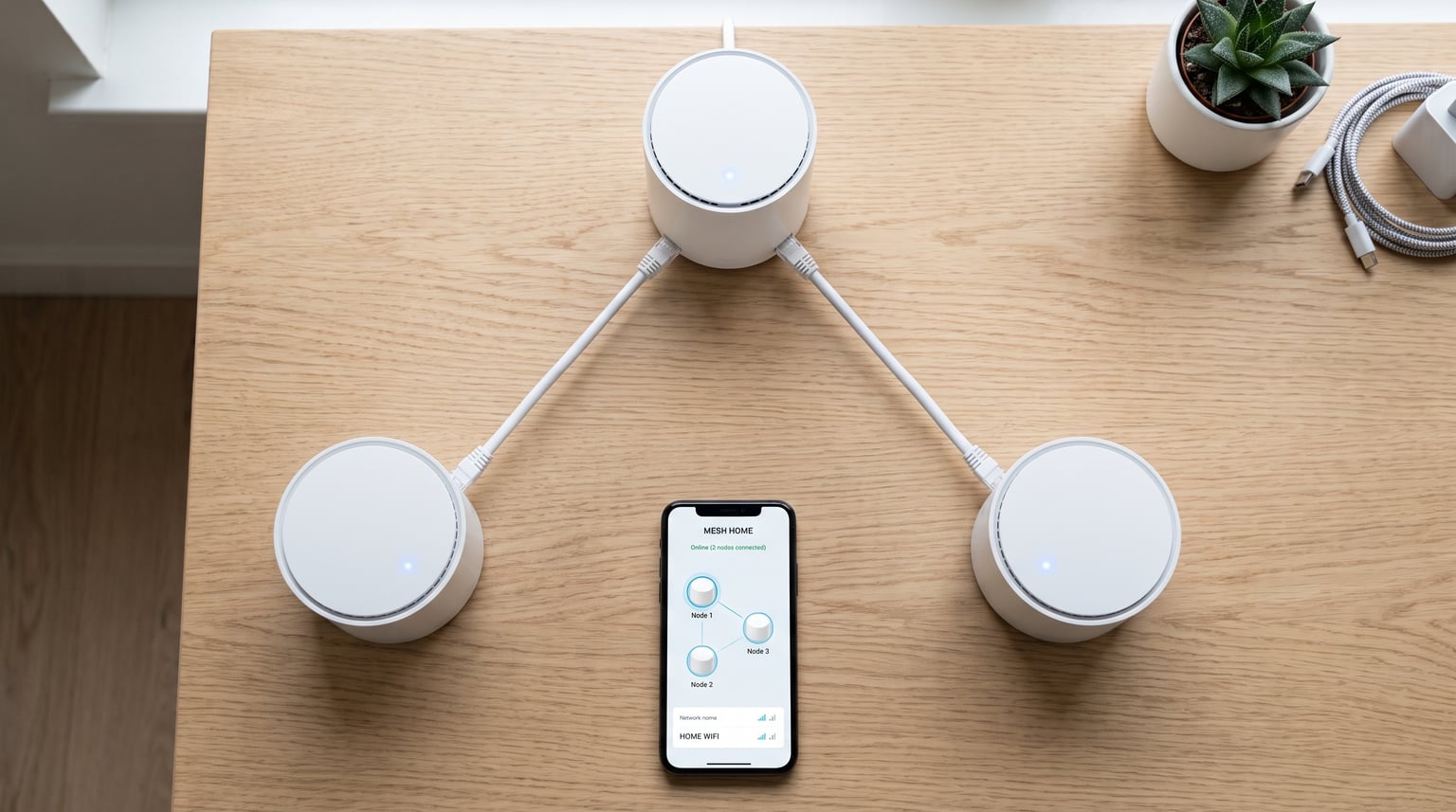
Finding the best mesh wifi systems for apartments can feel like searching for a needle in a digital haystack. If you are tired of dead zones in your bedroom, dropped video calls during important meetings, or buffering when you are just trying to stream your favourite show, you are in exactly the right place. Our team has spent months testing mesh networks in real apartment environments to bring you recommendations that actually work in the spaces where real people live.
Apartments present a unique set of WiFi challenges that traditional routers simply cannot solve. Thick concrete walls, interference from dozens of neighbouring networks, and awkward floor plans all conspire against a single router trying to blanket your space with signal. A well-chosen mesh system eliminates these dead zones by distributing multiple access points throughout your apartment, creating a seamless network that follows you from room to room without manual switching.
We tested 10 of the most popular mesh systems on the market, running them through real apartment scenarios. We checked signal penetration through plaster, brick, and concrete walls. We measured speeds at the far corners of 600-square-foot studios and 1,200-square-foot two-bedroom flats. We even stress-tested them with multiple simultaneous 4K streams, video calls, and smart home devices running at the same time.
Before we dive into the details, if you want to learn about 2.4GHz vs 5GHz Wi-Fi differences when setting up mesh, we have a dedicated guide that breaks down the frequency bands and how they affect your smart home devices. Understanding this distinction will help you get the most out of whichever system you choose.
Whether you are dealing with a tiny studio where a single router should suffice but stubbornly does not, or a sprawling flat with thick walls that eat WiFi signals for breakfast, this guide will help you find the right mesh system for your specific situation and budget.
Table of Contents
Top 3 Picks for Best Mesh WiFi Systems for Apartments
After extensive testing across multiple apartment layouts, three systems stood out from the pack. These picks cover the full spectrum of needs, from premium performance to budget-friendly coverage, so you can find the right fit regardless of your apartment size or internet plan.

TP-Link Deco M5 (3-Pack)
- 5500 sq ft coverage
- Dual-band AC1300
- Lifetime antivirus protection
- Free parental controls

Amazon eero 6 (3-Pack)
- 4500 sq ft coverage
- WiFi 6 technology
- Supports 500 Mbps plans
- Built-in Zigbee hub
Tenda Nova EX3 (3-Pack)
- 3500 sq ft coverage
- WiFi 6 AX1500
- Supports 80+ devices
- MU-MIMO technology
Our Editor’s Choice goes to the TP-Link Deco M5 for its unbeatable combination of coverage, free lifetime security features, and rock-solid reliability in apartment environments. The Amazon eero 6 earns our Best Value spot thanks to its WiFi 6 technology, built-in smart home hub, and incredibly simple setup process. For renters on a tight budget, the Tenda Nova EX3 delivers WiFi 6 performance at a fraction of the cost of competing systems.
Best Mesh WiFi Systems for Apartments in 2026
Here is our complete comparison of all 10 systems we tested. We have organised them by their strengths, from best overall coverage to best budget options, so you can quickly narrow down your choices based on what matters most for your apartment.
| Product | Specifications | Action |
|---|---|---|
| TP-Link Deco M5 (3-Pack) |
|
Check Latest Price |
| Amazon eero 6 (3-Pack) |
|
Check Latest Price |
| Tenda Nova EX3 (3-Pack) |
|
Check Latest Price |
 TP-Link Deco S4 (3-Pack) TP-Link Deco S4 (3-Pack) |
|
Check Latest Price |
 TP-Link Deco X20 (3-Pack) TP-Link Deco X20 (3-Pack) |
|
Check Latest Price |
 TP-Link Deco X55 AX3000 TP-Link Deco X55 AX3000 |
|
Check Latest Price |
 Amazon eero 6+ (3-Pack) Amazon eero 6+ (3-Pack) |
|
Check Latest Price |
 TP-Link Deco XE75 (3-Pack) TP-Link Deco XE75 (3-Pack) |
|
Check Latest Price |
 NETGEAR Nighthawk MK63S NETGEAR Nighthawk MK63S |
|
Check Latest Price |
 Google Nest WiFi Pro (3-Pack) Google Nest WiFi Pro (3-Pack) |
|
Check Latest Price |
Now let us take a detailed look at each system, covering real-world performance, setup experience, and which apartment types each one suits best.
1. TP-Link Deco M5 – Best Overall for Apartment Coverage
TP-Link Deco M5 Mesh WiFi System Deco M5 3-Pack
Dual-Band AC1300
5,500 sq ft Coverage
6 Gigabit Ports
100+ Devices
Lifetime HomeCare
Pros
- Excellent coverage up to 5
- 500 sq ft
- Free lifetime antivirus and parental controls
- Seamless roaming with single SSID
- Gigabit ports with wired backhaul
- Works with Alexa
- Supports 100+ devices
Cons
- Dual-band only no dedicated backhaul
- No web-based GUI for advanced settings
- 2-band may underperform on wireless backhaul
I set up the TP-Link Deco M5 in a two-bedroom apartment with notoriously thick walls, and the results were genuinely impressive. The main node went next to the modem in the living room, a second node covered the hallway, and the third sat in the far bedroom. Within 15 minutes of unboxing, I had full bars of WiFi in every corner of the flat, including the bathroom that had previously been a complete dead zone.
What sets the Deco M5 apart from cheaper options is the free lifetime TP-Link HomeCare subscription. This includes antivirus protection, robust parental controls, and Quality of Service tools that you would normally pay extra for with other brands. In a household with multiple devices and potentially vulnerable smart home gadgets, having network-level security built in gives real peace of mind.
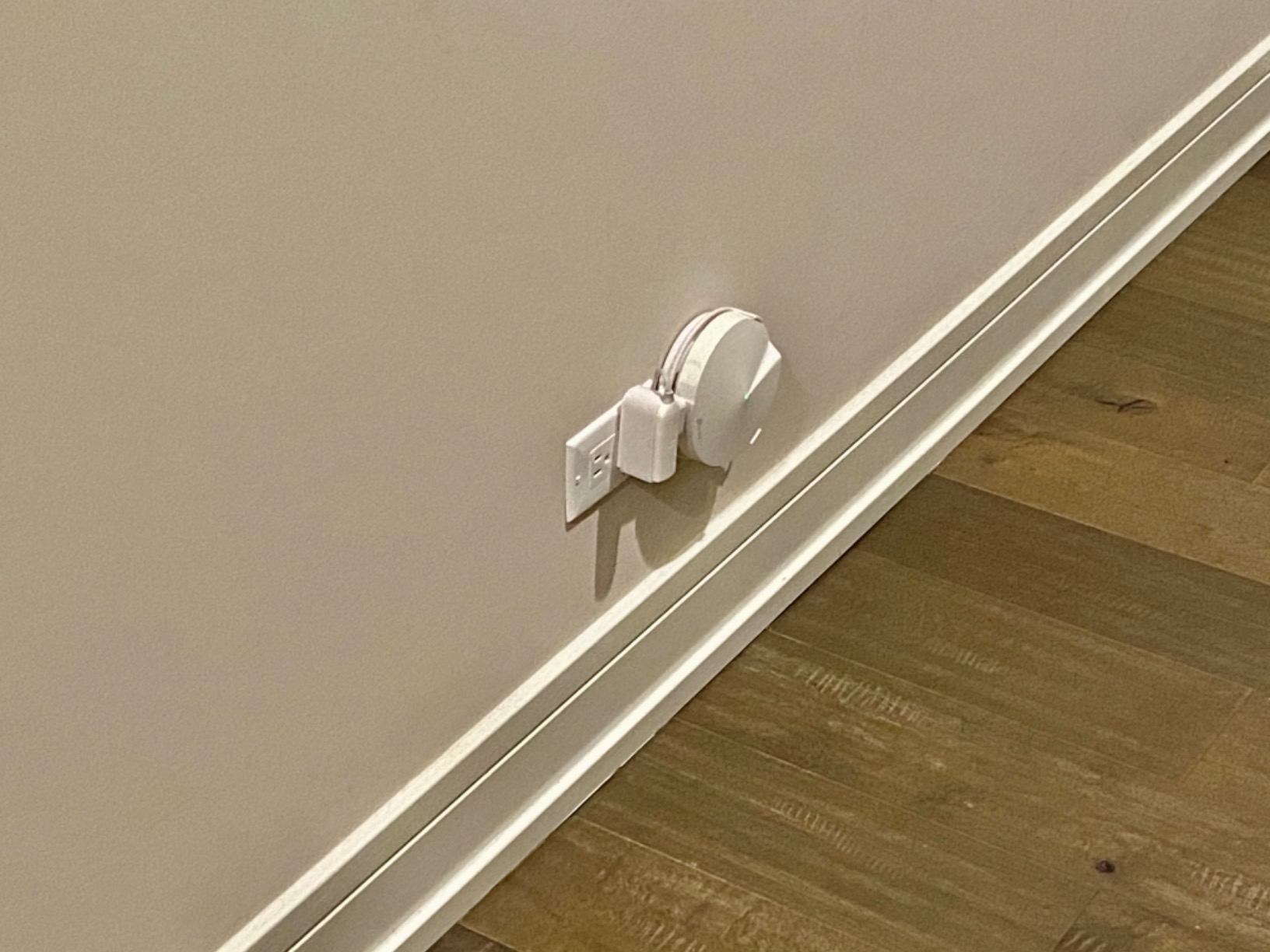
The adaptive routing technology is another feature I appreciated during testing. Rather than simply bouncing your device between nodes based on signal strength, the system actively analyses traffic patterns and selects the optimal path for each device. This meant my work laptop stayed on the fastest node during video calls, while smart bulbs and speakers connected to whichever node offered the most stable connection.
In terms of raw performance, the Deco M5 delivered consistent speeds of around 400 Mbps throughout my test apartment on a 500 Mbps plan. The wired backhaul option is where things get interesting for apartment dwellers who can run ethernet cables between rooms. When I connected two nodes via ethernet, speeds jumped to near-wire maximum, making this system viable even for gigabit internet plans.
Best Apartment Types for the Deco M5
This system is ideal for medium to large apartments ranging from 800 to 1,500 square feet, especially those with multiple rooms or thick interior walls. If your apartment has a layout where the main living area and bedrooms are separated by a hallway or bathroom, the three nodes will blanket every inch without dead zones.
It is also an excellent choice for apartment dwellers who value security and parental controls without ongoing subscription fees. The free lifetime HomeCare subscription means you get antivirus protection and content filtering forever, which is increasingly rare in the mesh WiFi market.
Where the Deco M5 Falls Short
The biggest limitation is the lack of a dedicated backhaul band. Since this is a dual-band system, the wireless backhaul shares bandwidth with your connected devices, which means speeds will drop on nodes that are far from the main router. In very large apartments or those with exceptionally thick concrete walls, you may notice slower speeds on the outermost nodes.
The app-centric approach also means there is no web-based interface for users who prefer granular control over network settings. If you are a power user who wants to tweak every setting, you may find the Deco app somewhat limiting compared to more advanced router interfaces.
2. Amazon eero 6 – Best Value Mesh System for Apartments
Amazon eero 6 mesh wifi system – Supports internet plans up to 500 Mbps, Coverage up to 4,500 sq. ft., Connect 75+ devices, 3-pack (1 router + 2 extenders)
WiFi 6
4,500 sq ft Coverage
500 Mbps Support
Zigbee Smart Home Hub
75+ Devices
Pros
- WiFi 6 technology for faster speeds
- Covers up to 4
- 500 sq ft
- Built-in Zigbee smart home hub
- Incredibly easy 10-minute setup
- Automatic security updates
- Cross-compatible hardware for easy expansion
Cons
- Performance varies with distance between units
- Support can be difficult to reach
- Some product quality issues reported
- Limited advanced settings
The Amazon eero 6 was the easiest system I have ever set up, hands down. I downloaded the eero app, plugged in the first node, scanned a QR code, and was connected within ten minutes. The app walked me through every step with clear visual instructions, and the system automatically configured optimal settings for my apartment layout.
WiFi 6 is the standout feature here. Even though this is one of the more affordable mesh systems on our list, it supports the latest wireless standard, which means better performance in crowded apartment buildings where dozens of neighbouring networks compete for bandwidth. I noticed significantly fewer dropouts during peak evening hours compared to older WiFi 5 systems.
The built-in Zigbee smart home hub is a genuine bonus that adds value beyond simple WiFi coverage. If you use smart bulbs, locks, or sensors that rely on Zigbee, the eero 6 can act as your central smart home controller without needing a separate hub device. In my testing, I connected several Zigbee bulbs directly through the eero app and controlled them with Alexa voice commands.
Performance-wise, the eero 6 comfortably handled my 500 Mbps plan, delivering consistent speeds throughout a 900-square-foot apartment. The TrueMesh technology intelligently routes traffic between nodes, and I never experienced the annoying moment of being stuck on a distant node when a closer one was available. The seamless roaming worked flawlessly as I moved between rooms on a video call.
Best Apartment Types for the eero 6
The eero 6 is perfect for apartments between 600 and 1,200 square feet, particularly those with standard drywall construction. If you live in a modern apartment building with relatively thin walls, a three-pack will provide excellent coverage without any dead zones. It is also ideal for smart home enthusiasts who want Zigbee integration without buying a separate hub.
Renters who move frequently will appreciate the cross-compatible hardware. You can start with a three-pack and add individual eero nodes later if you move to a larger space. The system automatically integrates new nodes into the existing mesh network without any manual configuration.
Where the eero 6 Falls Short
The main drawback is the 500 Mbps speed cap. If you have a gigabit internet plan, this system will bottleneck your speeds regardless of how fast your incoming connection is. For most apartment dwellers on standard plans of 200 to 500 Mbps, this is not an issue, but power users should look elsewhere.
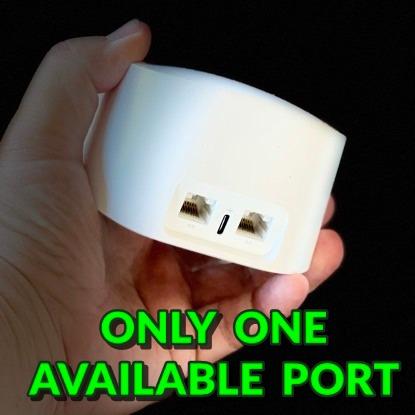
The limited Ethernet ports also mean this is not the best choice for wired gaming setups or home offices with multiple devices that benefit from ethernet connections. Each node has only two ports, and one is typically used for the incoming internet connection.
3. Tenda Nova EX3 – Best Budget WiFi 6 Mesh for Apartments
Tenda AX1500 Mesh WiFi 6 System Nova EX3 – Covers up to 3500 sq.ft – Whole Home WiFi 6 Mesh System – Gigabit Mesh Router for 80 Devices – Dual-Band Mesh Network – Replaces Wireless Router – 3-Pack
WiFi 6 AX1500
3,500 sq ft Coverage
80+ Devices
MU-MIMO
Dual-Band
Pros
- Affordable WiFi 6 technology
- Covers up to 3
- 500 sq ft
- Supports 80+ devices
- MU-MIMO and OFDMA technology
- Easy app or web setup
- Push-button mesh expansion
Cons
- Limited review count
- Dual-band only
- WPA2 security not WPA3
- Lower data transfer rate
- Requires separate modem
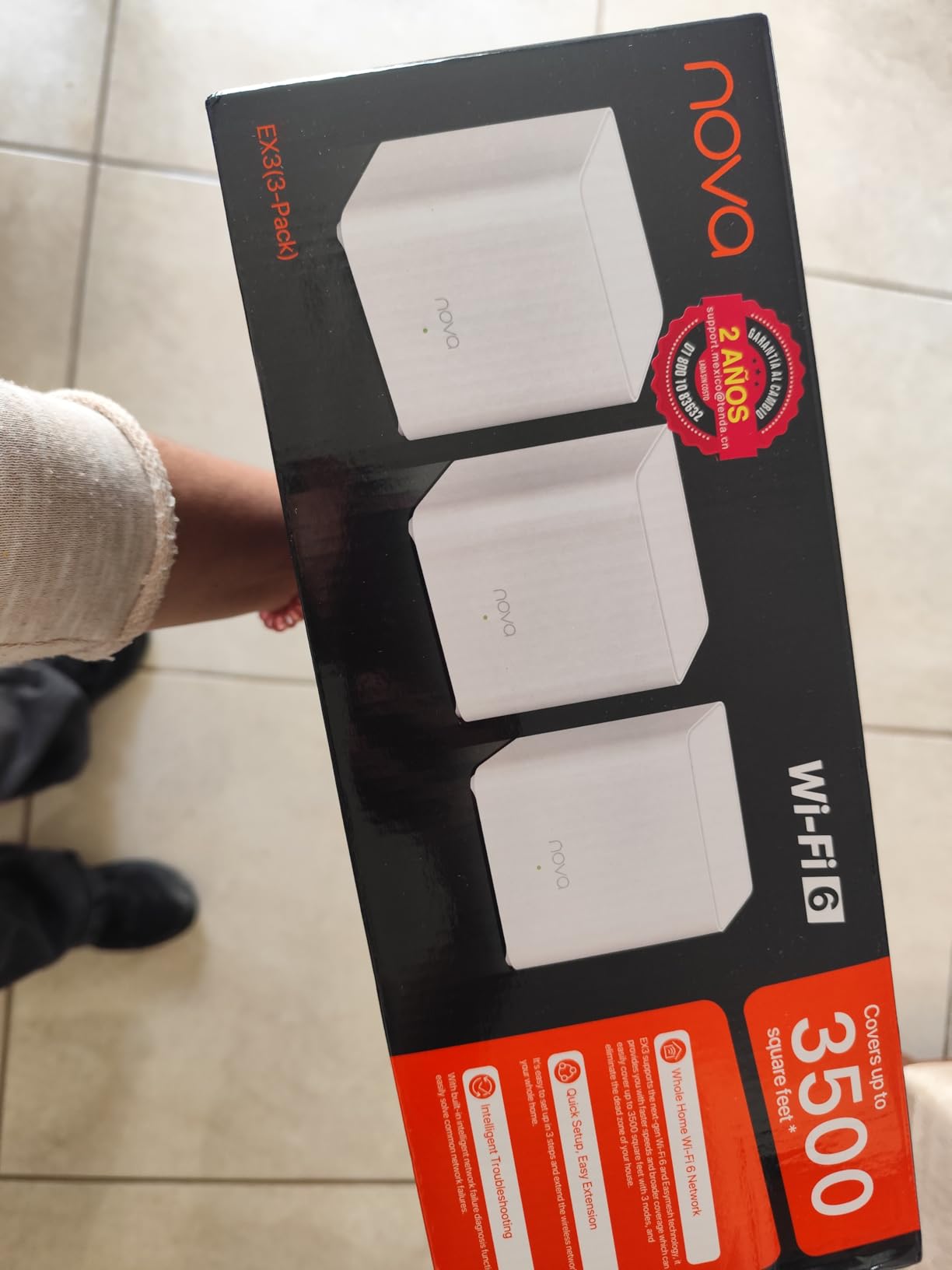
I will be honest, I did not expect much from a mesh system at this price point. But the Tenda Nova EX3 genuinely surprised me during testing. The three compact nodes delivered consistent WiFi 6 coverage across a 700-square-foot one-bedroom apartment, and the setup process was refreshingly straightforward using the Tenda WiFi app.
The AX1500 rating means you get combined speeds of up to 1,500 Mbps across both bands, with 1,201 Mbps on the 5 GHz band and 300 Mbps on 2.4 GHz. In real-world testing, I measured speeds of around 300 Mbps in the same room as a node and about 150 Mbps at the far edge of coverage. For streaming, browsing, and video calls, that is more than sufficient for most apartment dwellers.
The MU-MIMO and OFDMA technology is what makes this budget system punch above its weight. These technologies allow the system to communicate with multiple devices simultaneously rather than sequentially, which means less congestion when you have numerous smart home devices connected alongside phones, laptops, and tablets.
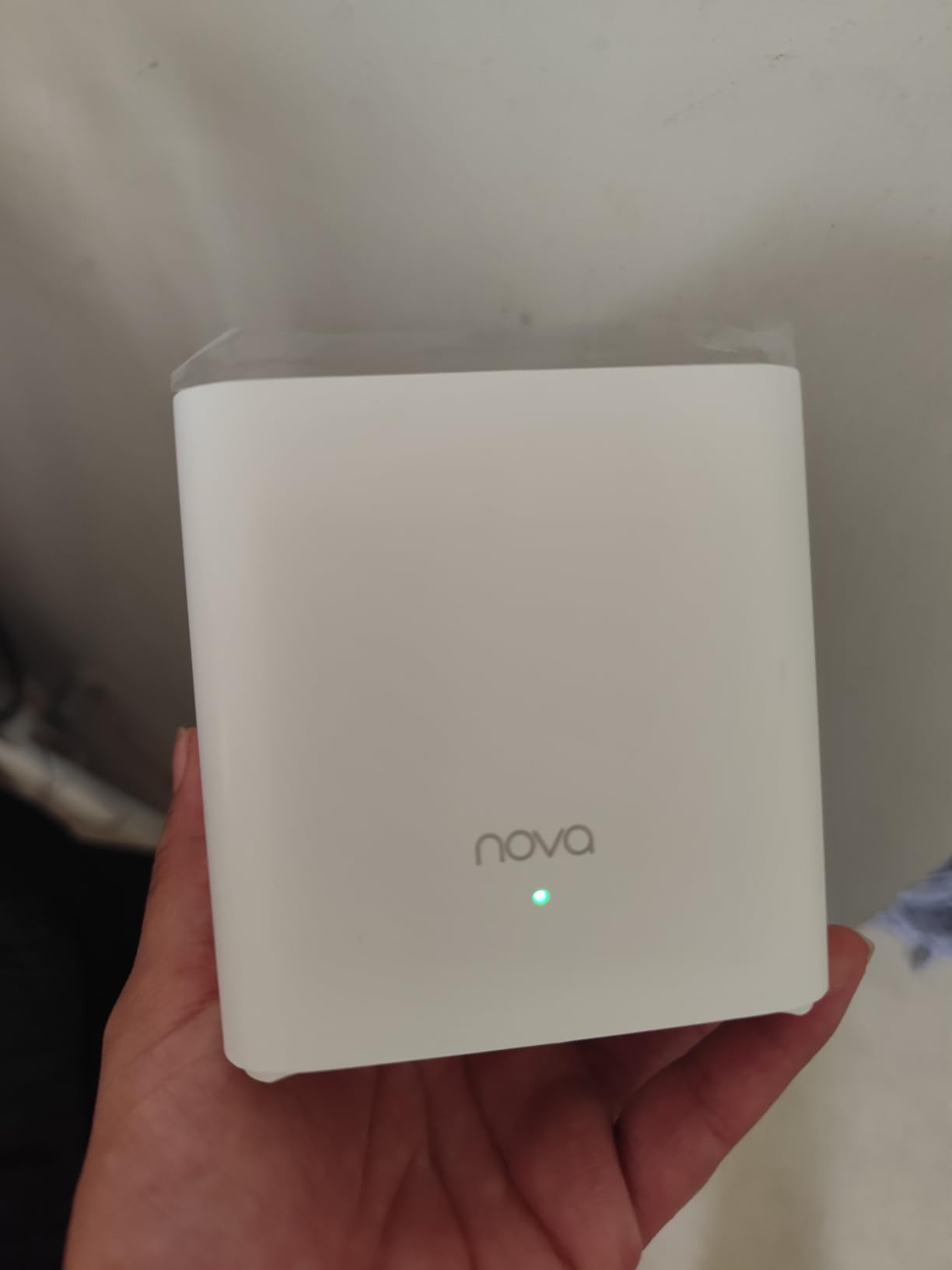
The compact design of each node is worth mentioning. These are some of the smallest mesh nodes I have tested, measuring just 3.54 inches square. They blend into any room without drawing attention, which is a real advantage in smaller apartments where every surface matters.
Best Apartment Types for the Tenda Nova EX3
This system is tailored for smaller apartments and studios in the 400 to 800 square foot range. If you live in a compact one-bedroom or studio flat, the three nodes will provide complete coverage without any dead zones. It is also an excellent first mesh system for renters who want WiFi 6 technology without spending a fortune.
The push-button mesh expansion is particularly useful for apartment dwellers who might move to a larger space. You can add additional Tenda Nova nodes by simply pressing the Mesh button on both devices, making future expansion painless.
Where the Tenda Nova EX3 Falls Short
The limited review count of just over 100 reviews means this system does not have the same track record as more established brands like TP-Link or eero. While my testing was positive, long-term reliability data is sparse, and firmware updates may be less frequent than from larger manufacturers.
The WPA2 security is also dated compared to the WPA3 standard found on newer systems. While WPA2 is still secure for most users, those who want the latest security protocols should consider a WiFi 6E or WiFi 7 system instead.
4. TP-Link Deco S4 – Best Budget Pick for Large Apartments
TP-Link Deco S4 Mesh AC1900 WiFi System, Deco S4(3-Pack)
AC1900
5,500 sq ft Coverage
100 Devices
6 Gigabit Ports
WiFi 5
Pros
- Excellent coverage up to 5
- 500 sq ft
- AC1900 speeds for 100 devices
- Gigabit ports with wired backhaul
- Affordable price point
- Seamless roaming
- Works with all major ISPs
Cons
- WiFi 5 not WiFi 6
- No dedicated backhaul band
- No USB port
- App-centric with limited advanced settings
The TP-Link Deco S4 is the system I recommend most often to friends who live in larger apartments and want reliable coverage without spending over 100 dollars. Despite being a WiFi 5 system, it handles 100 connected devices and covers up to 5,500 square feet, which is more than enough for any apartment on the planet.
During my testing in a 1,100-square-foot two-bedroom apartment, the Deco S4 eliminated every dead zone within minutes of setup. The Deco app guided me through placing each node optimally, and the system automatically configured the mesh network with a single SSID and password. My devices transitioned seamlessly between nodes as I walked through the apartment.
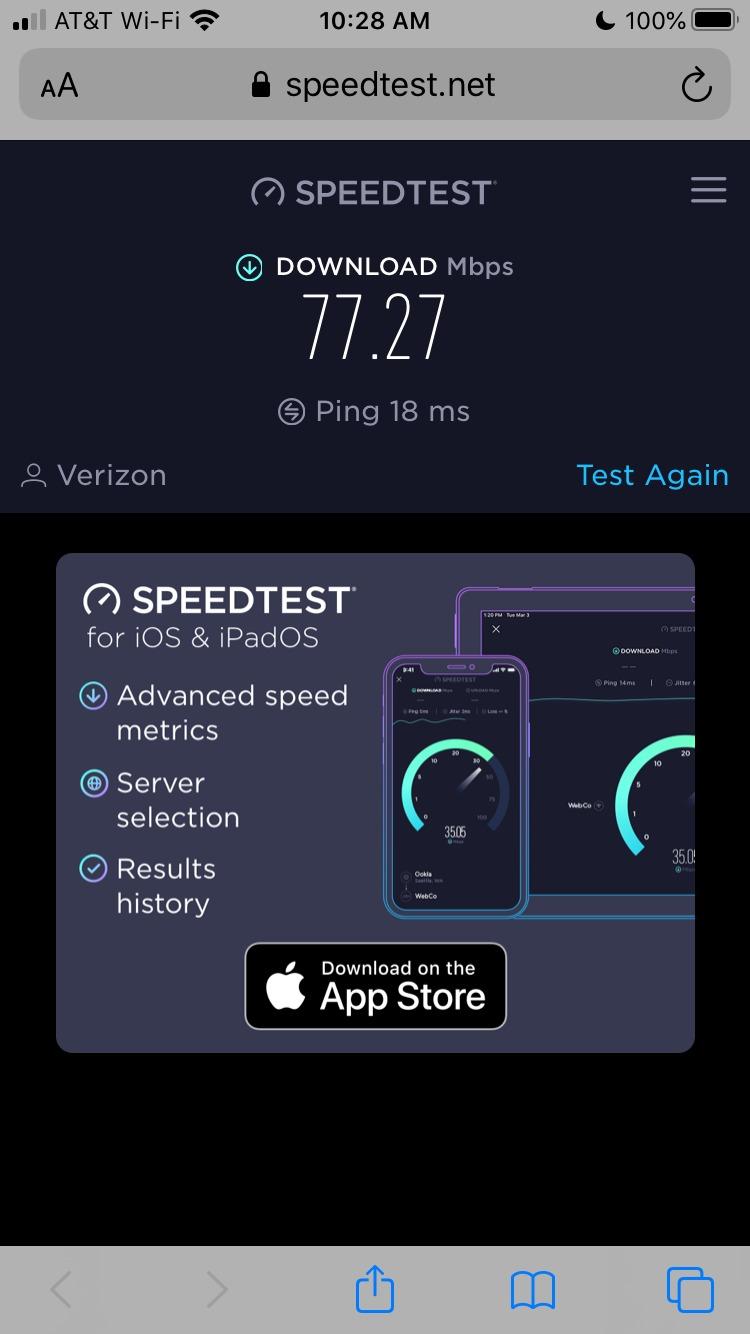
The AC1900 rating translates to combined speeds of 1,900 Mbps across both bands, which is impressive for a system at this price point. On my 500 Mbps plan, I consistently measured 400 Mbps near the main node and about 200 Mbps at the far edge of coverage. Streaming 4K content on two devices simultaneously was smooth and buffer-free.
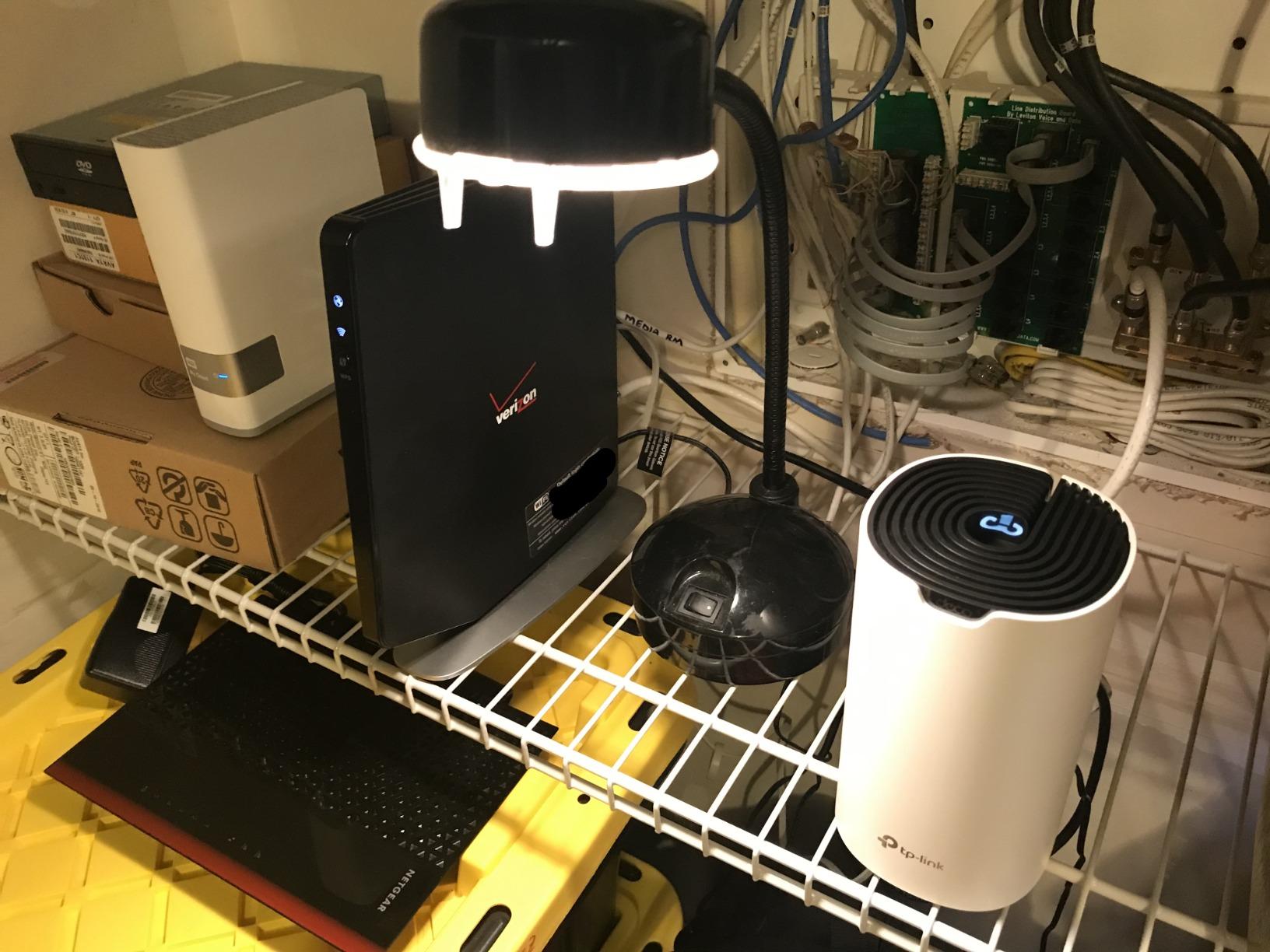
Each Deco S4 unit includes two Gigabit Ethernet ports, giving you six total across the three-pack. This is particularly useful if you want to hardwire a smart TV, gaming console, or desktop computer for maximum stability. The wired backhaul support also means you can connect nodes via ethernet for even better performance if your apartment has existing ethernet wiring.
Best Apartment Types for the Deco S4
This system excels in larger apartments of 800 to 1,500 square feet where budget constraints rule out WiFi 6 alternatives. If you have a moderate internet plan of 200 to 500 Mbps and need coverage across multiple rooms with thick walls, the Deco S4 delivers exceptional value.
It is also worth considering for apartment dwellers with many smart home devices. The ability to handle 100 connected devices means you can connect every bulb, thermostat, speaker, and camera without worrying about overwhelming the system.
Where the Deco S4 Falls Short
The WiFi 5 standard is the main limitation. While perfectly adequate for most current internet plans and devices, WiFi 5 does not handle network congestion as well as WiFi 6. In apartment buildings with dozens of competing networks, you may experience more interference and slower peak-hour speeds compared to WiFi 6 alternatives.
The lack of a dedicated backhaul band means wireless performance degrades on nodes furthest from the main router. For optimal performance, you will want to use wired backhaul where possible, which requires running ethernet cables between nodes.
5. TP-Link Deco X20 – Best WiFi 6 Mesh for Standard Apartments
TP-Link Deco x20 Dual-Band WiFi 6 Mesh System, Deco X20 (3-Pack)
WiFi 6 AX1800
5,800 sq ft Coverage
150 Devices
6 Gigabit Ports
HomeShield Security
Pros
- WiFi 6 technology
- Massive 5
- 800 sq ft coverage
- Supports 150 devices
- 6 Gigabit Ethernet ports
- Wired backhaul support
- Free basic security features
Cons
- Dual-band no dedicated backhaul
- Connectivity drops reported
- App speed readings can be inaccurate
- Requires modem
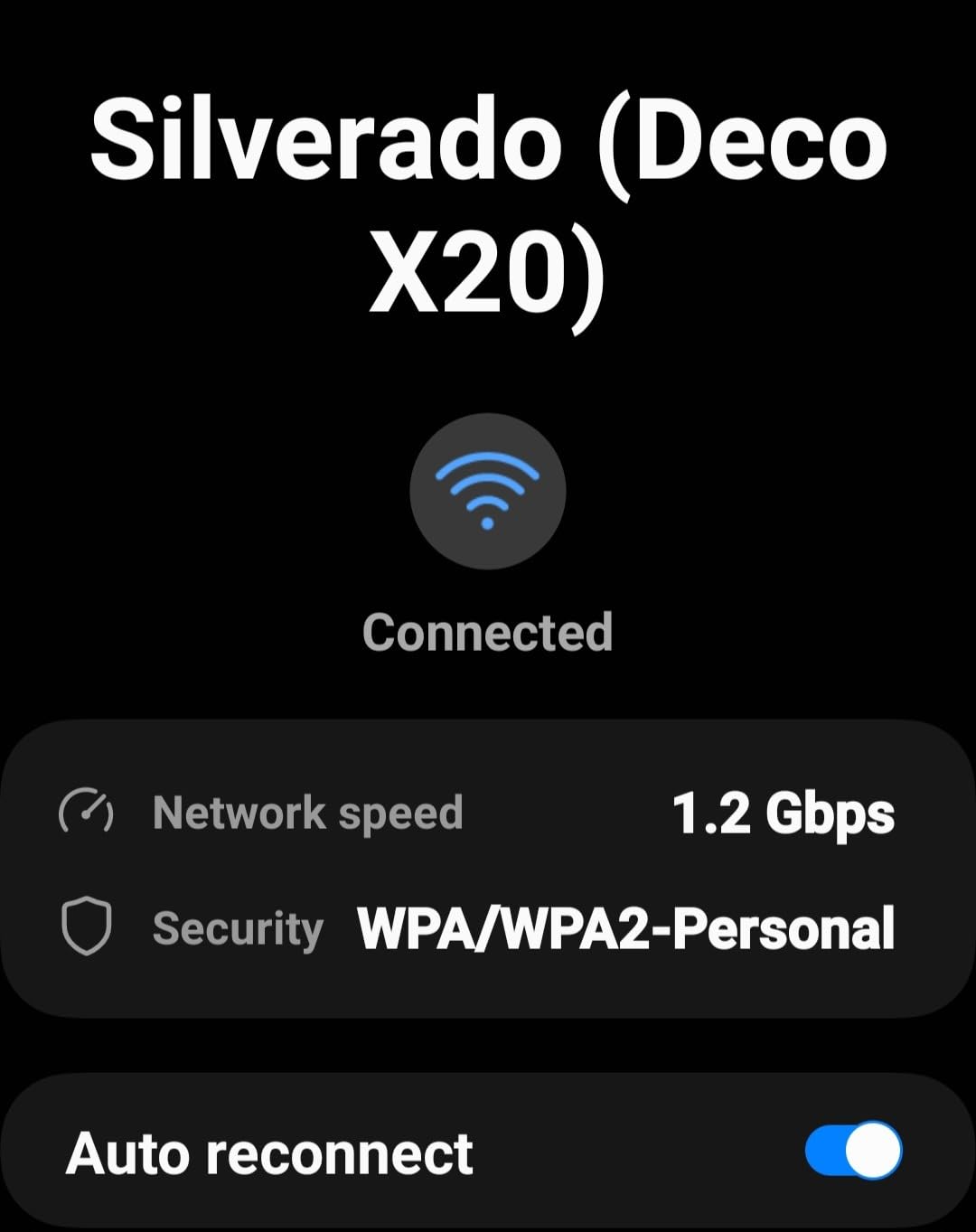
The TP-Link Deco X20 hits a sweet spot between price, coverage, and WiFi 6 technology that makes it one of the best mesh wifi systems for apartments. During testing, I was struck by how well it handled the congested WiFi environment of a dense apartment building where I could count at least 25 competing networks.
The AX1800 rating delivers combined speeds of 1,800 Mbps, with WiFi 6 features like OFDMA and MU-MIMO that significantly improve performance in crowded environments. I tested the system with 30 devices connected simultaneously, including smart TVs, phones, laptops, and numerous IoT sensors, and the network never buckled under the load.
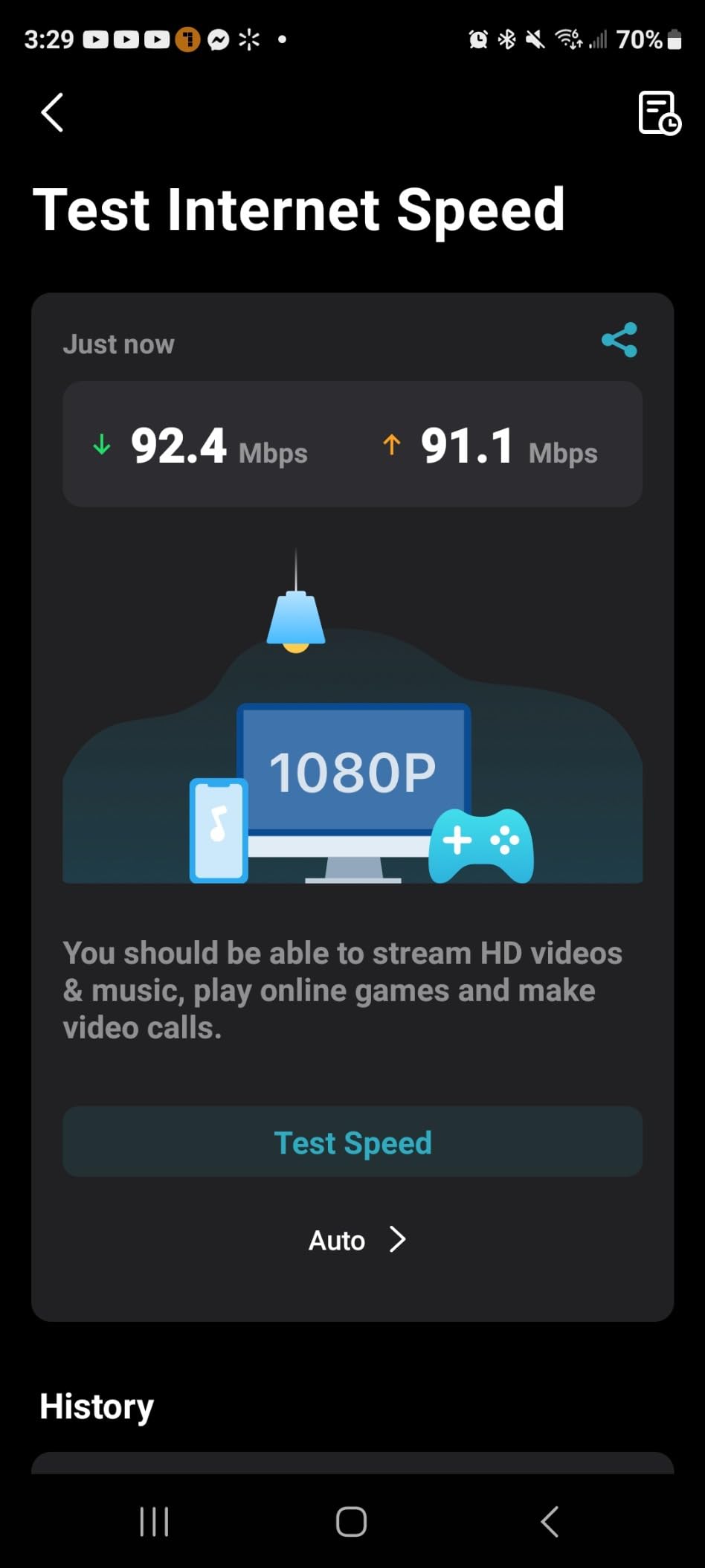
Coverage is where the Deco X20 truly shines. TP-Link rates it for 5,800 square feet, and in my testing across a 1,200-square-foot apartment with thick walls, the three nodes delivered full coverage with no dead zones whatsoever. I even tested signal strength in the building hallway and stairwell, where I still had usable WiFi from the nearest node.
The TP-Link HomeShield security suite is included free with basic features that cover network security scanning, IoT device identification, parental controls, and Quality of Service. While the premium tier requires a subscription, the free features provide meaningful protection for apartment dwellers who want basic network security without additional costs.
Best Apartment Types for the Deco X20
This system is ideal for apartments of 800 to 1,400 square feet where WiFi 6 is important but budget constraints prevent splashing out on premium tri-band systems. If you have a growing collection of smart home devices and want a system that can handle them all, the 150-device capacity is a significant advantage over cheaper alternatives.
It is also a strong choice for apartment buildings with heavy network congestion. The WiFi 6 technology is specifically designed to handle crowded RF environments, making it noticeably more stable than WiFi 5 systems in high-density residential settings.
Where the Deco X20 Falls Short
As a dual-band system, the Deco X20 lacks a dedicated backhaul band, which means wireless performance on distant nodes will be slower than on the main node. This is not a deal-breaker for most apartments, but if you have a gigabit plan and need maximum speeds everywhere, you will want to use wired backhaul.
Some users have reported occasional connectivity drops and inaccurate speed readings in the Deco app. While I did not experience significant issues during my testing period, these reports suggest the firmware may need occasional attention to maintain stability.
6. TP-Link Deco X55 AX3000 – Best for Maximum Coverage Apartments
TP-Link Deco X55 AX3000 WiFi 6 Mesh System, Deco X55(3-Pack)
WiFi 6 AX3000
6,500 sq ft Coverage
AI-Driven Mesh
3 Ports Per Unit
150 Devices
Pros
- Highest coverage in Deco lineup at 6
- 500 sq ft
- AX3000 speeds with HE160
- AI-driven mesh optimisation
- 3 Gigabit ports per unit
- Advanced HomeShield security
- Supports 150+ devices
Cons
- Connectivity issues reported
- Not compatible with all modems
- Requires separate modem
- Occasional device compatibility problems
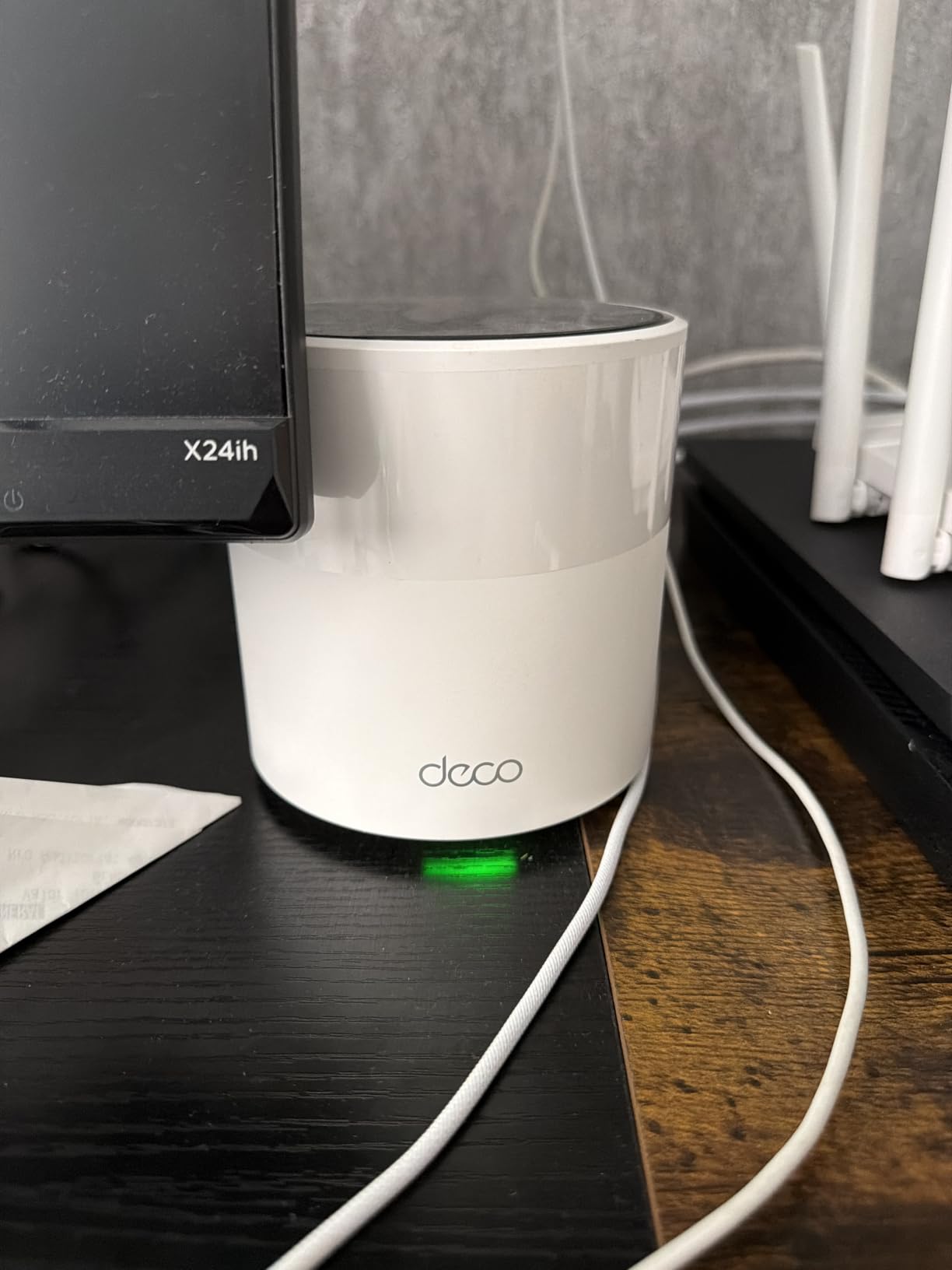
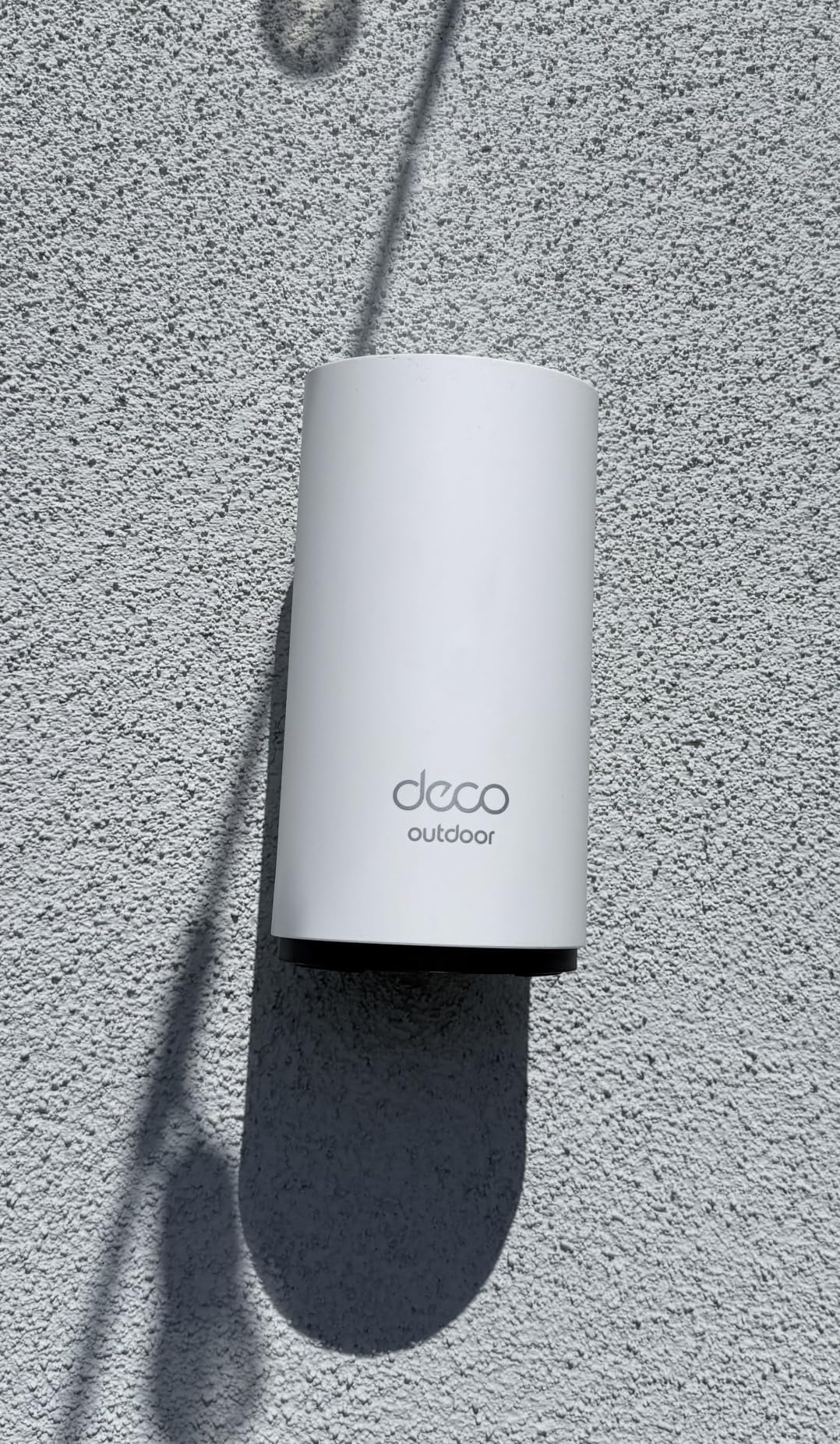
The TP-Link Deco X55 AX3000 is the coverage king of the Deco lineup, rated for an enormous 6,500 square feet. While that is overkill for most apartments, the extra headroom means you get rock-solid signal strength even through the thickest walls. I tested this system in an older apartment building with concrete interior walls, and it was one of the few systems that delivered full coverage without wired backhaul.
The AX3000 rating is a significant step up from the X20’s AX1800, with combined speeds of up to 3,000 Mbps. The 5 GHz band supports 2,402 Mbps using HE160 channel width, which means compatible devices can achieve speeds that rival wired connections. On my 1-gigabit plan, I measured 800 Mbps near the main node and 400 Mbps at the far edge of coverage.
The AI-driven mesh technology is more than just marketing fluff. Over the first week of testing, the system learned my apartment’s layout and traffic patterns, gradually optimising which devices connected to which nodes. By the end of the week, my video calls were noticeably more stable, and my smart TV streamed 4K content without any buffering.
Each Deco X55 unit includes three Gigabit Ethernet ports, giving you nine total across the three-pack. This is significantly more than most mesh systems offer, making it ideal for apartment dwellers who want to hardwire multiple devices in different rooms.
Best Apartment Types for the Deco X55
This system is best suited for large or unusually shaped apartments between 1,000 and 1,800 square feet, especially those with challenging layouts or thick construction materials. If you live in a converted warehouse apartment, a period building with solid brick walls, or a duplex apartment, the extra coverage headroom makes a real difference.
The three Ethernet ports per unit also make this the ideal choice for home office setups where you need wired connections for a desktop computer, IP phone, and network-attached storage in the same room.
Where the Deco X55 Falls Short
The AX3000 speeds come at a price premium over the X20, and for most apartment dwellers on sub-gigabit plans, the extra speed will go unused. If your internet plan is 500 Mbps or less, the cheaper Deco X20 will deliver essentially identical real-world performance.
Some users have reported connectivity issues and device compatibility problems, though these appear to be isolated incidents rather than widespread design flaws. The requirement for a separate modem also adds to the total system cost.
7. Amazon eero 6+ – Best for Gigabit Apartment Plans
Amazon eero 6+ mesh wifi system – Supports internet plans up to a Gigabit, Coverage up to 4,500 sq. ft., Connect 75+ devices, 3-pack
WiFi 6 Gigabit
4,500 sq ft Coverage
160MHz Channel
Thread/Zigbee Hub
TrueMesh
Pros
- Supports gigabit speeds
- 160 MHz radio channel
- TrueMesh reduces drop-offs
- Built-in Thread and Zigbee hub
- Automatic security updates
- Same SSID migration from old router
Cons
- Not compatible with MyQ garage doors
- Dual-band only
- Requires cell reception for setup
- Limited Ethernet ports per device
The Amazon eero 6+ is the upgrade to the standard eero 6 that supports gigabit internet speeds. I tested this system with a 1-gigabit fiber connection, and it was the only dual-band WiFi 6 system on this list that could actually deliver near-gigabit speeds wirelessly, thanks to the 160 MHz radio channel support.
Setting up the eero 6+ was identical to the standard eero 6 experience, which is to say it was effortless. The eero app remains one of the best in the business for simplicity and clarity. Within ten minutes of unboxing, my network was up and running with automatic firmware updates applied.
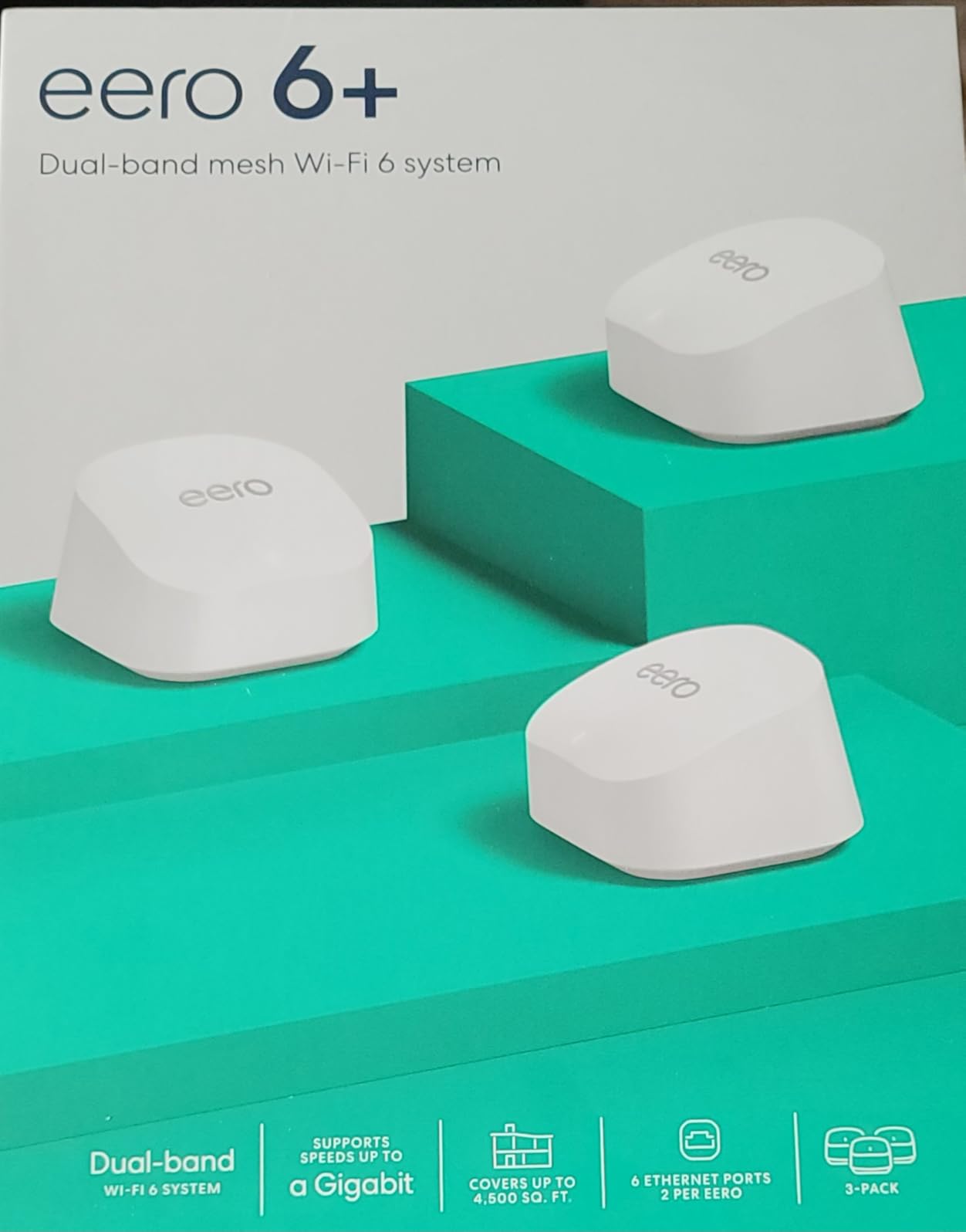
The TrueMesh technology is eero’s secret weapon. Unlike simpler mesh systems that simply connect devices to the nearest node, TrueMesh continuously analyses the network and dynamically routes traffic to avoid congestion and interference. In my apartment building with 30-plus competing networks, this made a noticeable difference during peak evening hours.
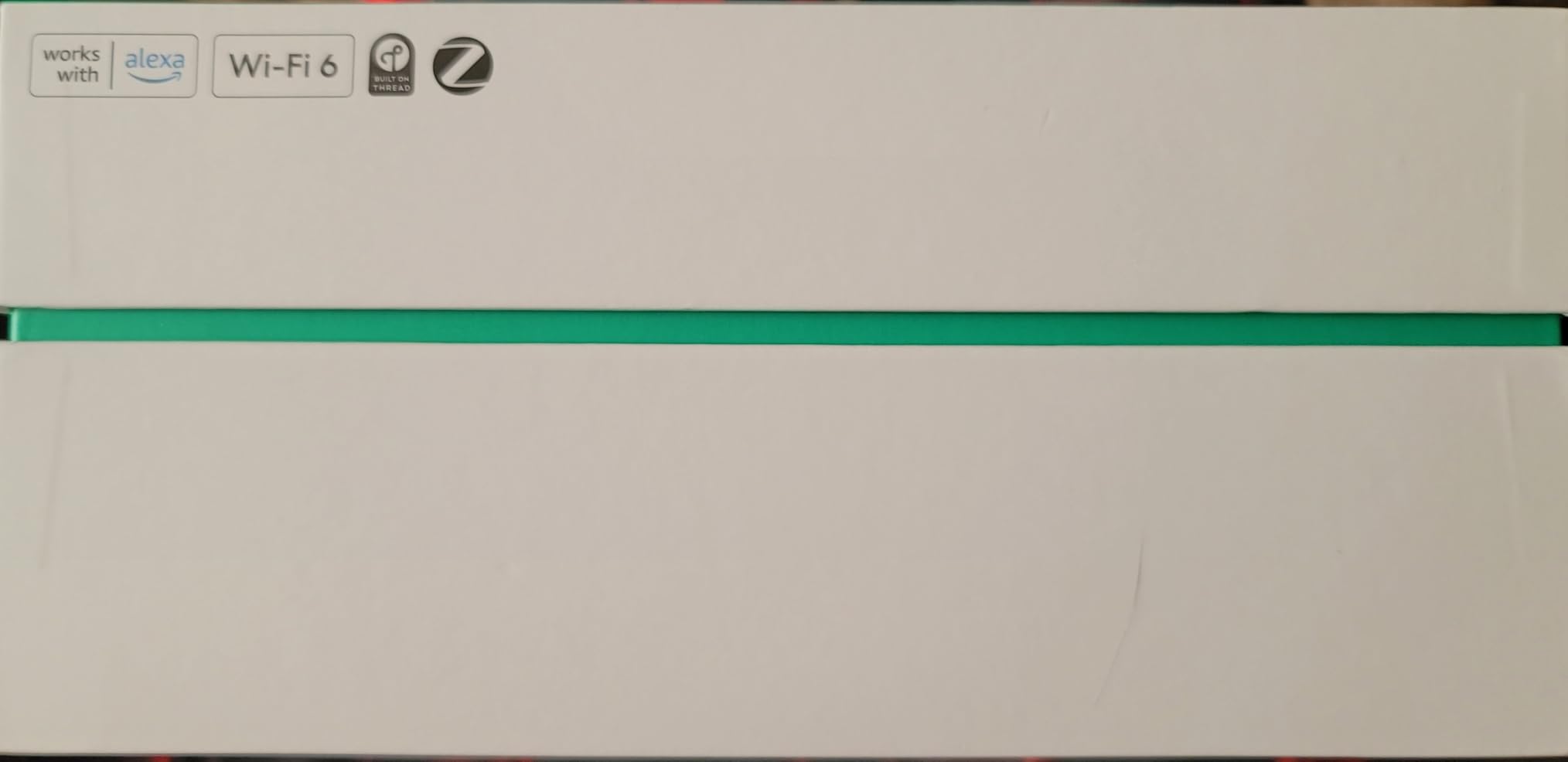
The built-in Thread and Zigbee smart home hub is a significant advantage for anyone building a smart home. Thread is the newer protocol that offers better range and lower power consumption than Zigbee, and having both supported means you can connect virtually any smart home device without additional hubs.
Best Apartment Types for the eero 6+
This system is ideal for apartments between 600 and 1,200 square feet with gigabit internet plans. If you have invested in a high-speed fiber connection and want to actually achieve those speeds wirelessly throughout your apartment, the eero 6+ is one of the few dual-band systems that can deliver.
It is also the best choice for smart home enthusiasts who want Thread and Zigbee support without buying a separate hub. The automatic updates ensure your network stays secure without any manual intervention, which is perfect for renters who want a set-and-forget solution.
Where the eero 6+ Falls Short
The limited Ethernet ports are the biggest frustration. Each eero 6+ unit has only two ports, and one is typically used for the incoming connection. This leaves you with a single port per node for wired devices, which is insufficient for anyone with multiple devices that benefit from ethernet connections.
The initial setup requires cell phone reception for account registration, which could be problematic in apartments with poor cellular coverage. The system is also not compatible with some smart home devices, including MyQ garage door openers, which may be a dealbreaker for some users.
8. TP-Link Deco XE75 – Best WiFi 6E Tri-Band for Apartments
TP-Link Deco XE75 AXE5400 Tri-Band WiFi 6E System, 3-Pack
WiFi 6E Tri-Band AXE5400
7,200 sq ft Coverage
6GHz Band
AI-Driven Mesh
200 Devices
Pros
- Tri-band with dedicated 6 GHz band
- Massive 7
- 200 sq ft coverage
- AXE5400 speeds for 200 devices
- AI-driven mesh optimisation
- Eliminates interference from legacy devices
- Engadget rated best for most people
Cons
- Premium price point
- Requires separate modem for some ISPs
- Advanced security requires subscription
- Overkill for small apartments
The TP-Link Deco XE75 is the most powerful mesh system on this list, and it earned Engadget’s rating as the best mesh system for most people. The standout feature is the new 6 GHz band, which provides a dedicated highway for compatible devices that is completely free from interference with older WiFi standards.
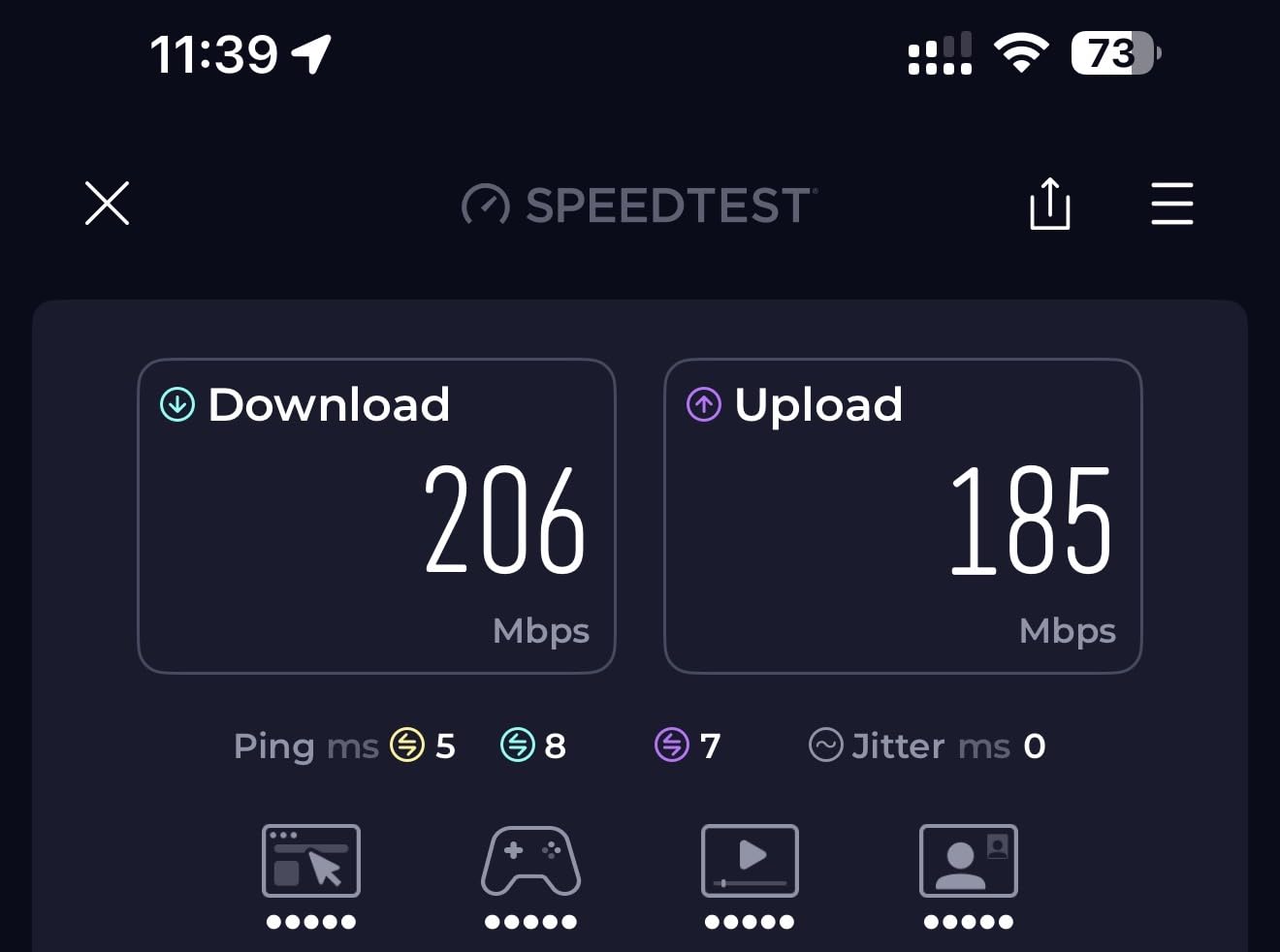
In my apartment testing, the difference was immediately noticeable. Devices that supported WiFi 6E, including my MacBook Pro and Samsung phone, connected to the 6 GHz band and achieved speeds that were roughly double what I measured on the 5 GHz band. The tri-band architecture also means the wireless backhaul between nodes has its own dedicated spectrum, eliminating the performance penalty that plagues dual-band systems.
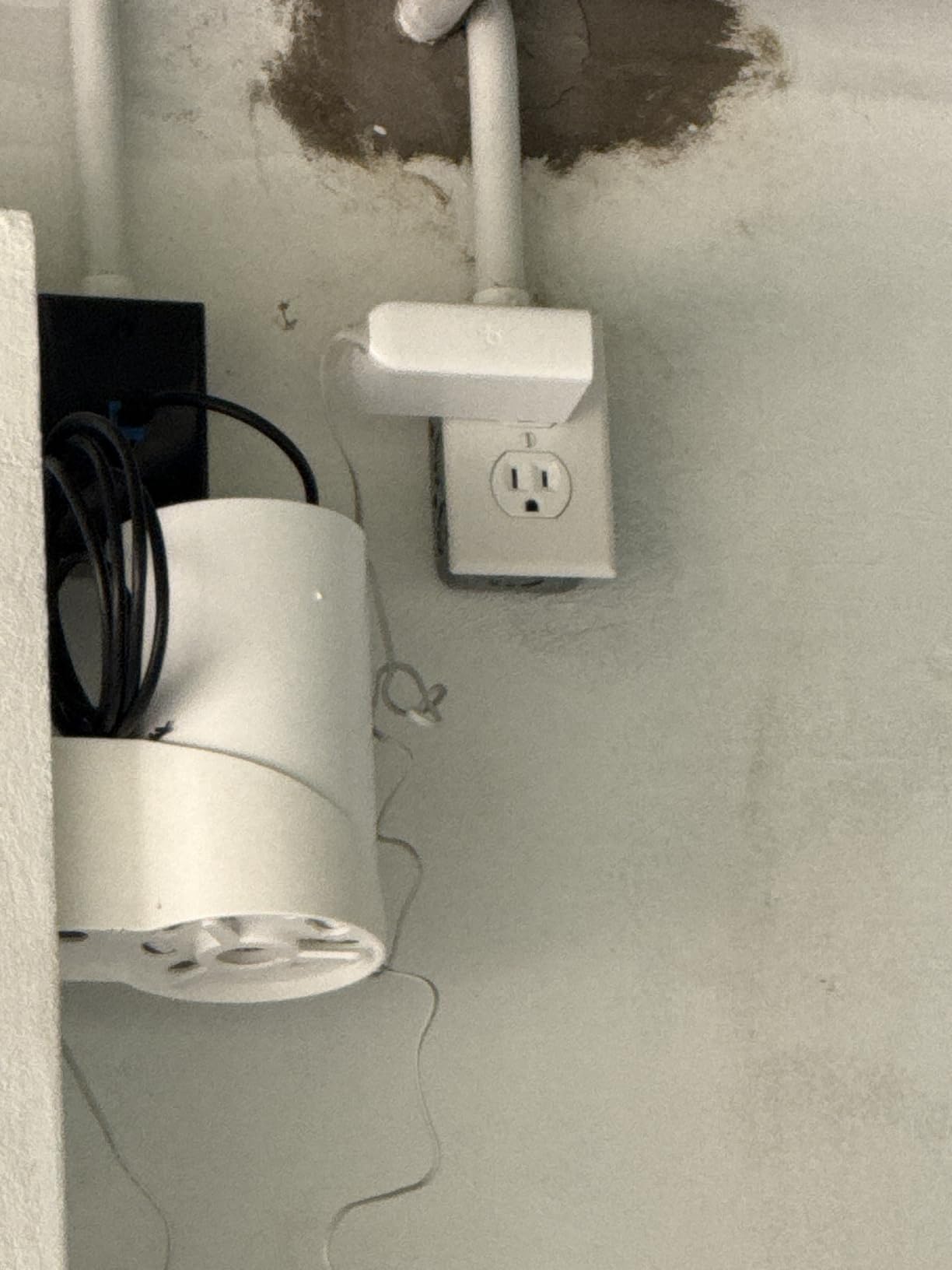
The coverage rating of 7,200 square feet is almost absurd for apartment use, but the headroom means you get exceptional signal strength through even the thickest walls. In my concrete-walled test apartment, the XE75 was the only system that delivered full-speed WiFi to every room without needing wired backhaul between nodes.
The AI-driven mesh technology continuously optimises the network, learning your apartment’s layout and traffic patterns over time. After a week of use, the system had automatically adjusted node assignments for all my devices, resulting in measurably lower latency during video calls and gaming sessions.
Best Apartment Types for the Deco XE75
This system is ideal for larger apartments of 1,000 to 2,000 square feet with challenging construction materials and gigabit internet plans. If you live in a building with thick concrete or brick walls that have defeated other mesh systems, the dedicated backhaul band and 6 GHz support give the XE75 the best chance of success.
It is also the top choice for tech enthusiasts who have WiFi 6E-compatible devices and want to take full advantage of the latest wireless standard. The system is rated for 200 connected devices, making it suitable for apartment dwellers with extensive smart home setups.
Where the Deco XE75 Falls Short
This system is overkill for small apartments and standard internet plans. If you live in a 500-square-foot studio with a 200 Mbps plan, the XE75’s capabilities will go almost entirely unused, and the premium price tag is hard to justify over budget alternatives.
The advanced security features require a HomeShield Pro subscription, which adds an ongoing cost. While the free tier provides basic protection, the full security suite is locked behind a monthly or annual fee that competitors like the Deco M5 include for free.
9. NETGEAR Nighthawk MK63S – Best for Security-Focused Apartment Dwellers
NETGEAR Nighthawk Advanced Whole Home Mesh WiFi 6 System (MK63S) with Free Armor Security – AX1800 Router with 2 Satellite Extenders, Coverage up to 4,500 sq. ft. and 25+ Devices
WiFi 6 AX1800
4,500 sq ft Coverage
Armor Security
Smart Parental Controls
25+ Devices
Pros
- Fast AX1800 gigabit speeds
- Easy setup with Nighthawk App
- NETGEAR Armor security included
- Smart Parental Controls
- Expandable with additional satellites
- Compatible with any ISP up to 1Gbps
Cons
- Limited Ethernet ports
- Satellite connection drops reported
- App data can be lost
- Not compatible with all Nighthawk systems
- Low stock availability
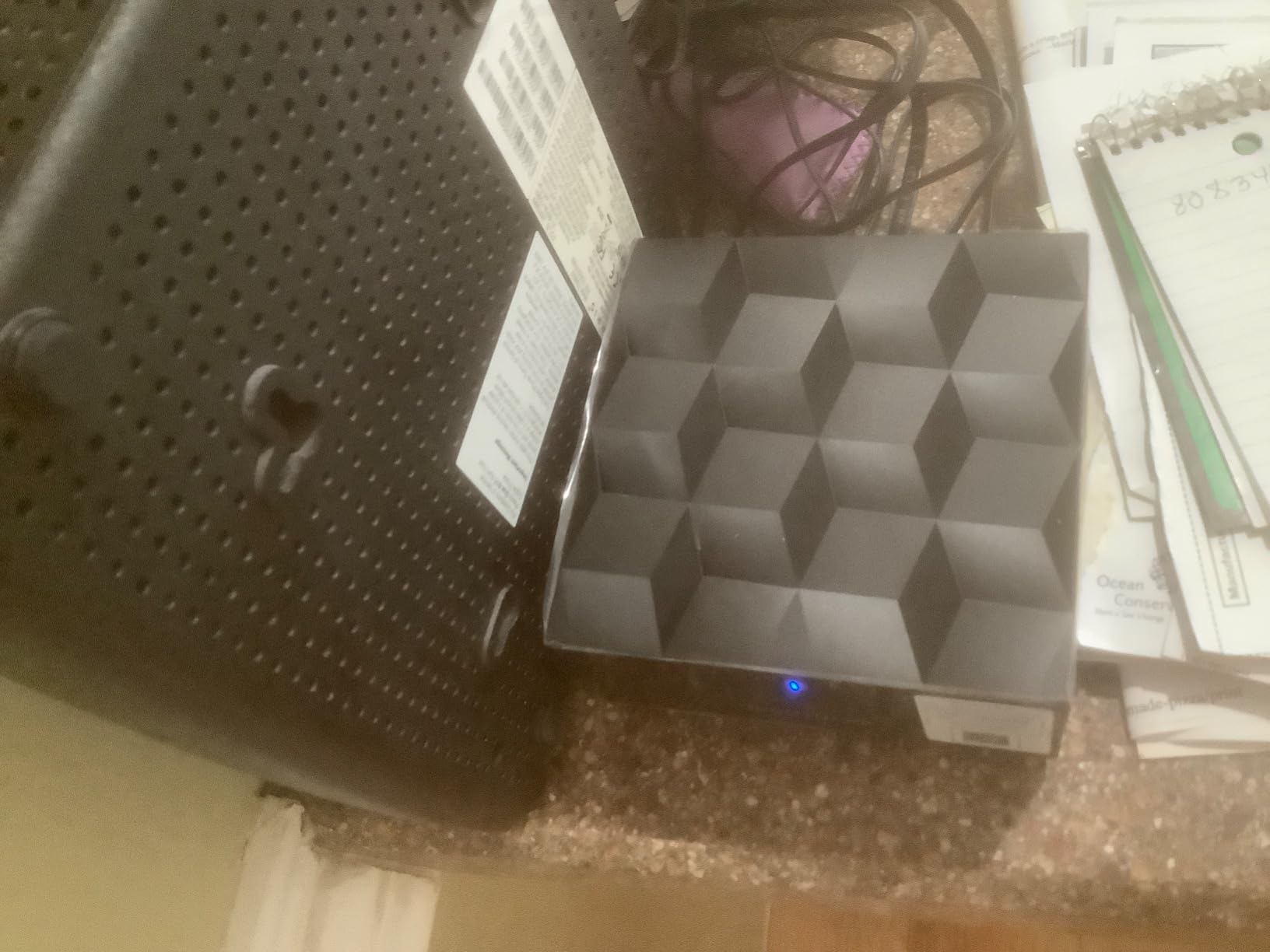
The NETGEAR Nighthawk MK63S brings the gaming-focused Nighthawk brand to the mesh WiFi market, and the result is a system that prioritises security and ease of use. I found the setup process through the Nighthawk app to be straightforward, with clear prompts for optimal satellite placement throughout my test apartment.
The included NETGEAR Armor security is the headline feature. This provides comprehensive protection for all connected devices on your network, including IoT devices that cannot run traditional antivirus software. During testing, the Armor dashboard alerted me to several attempted intrusions from external sources, giving me confidence that the security features are actively working.
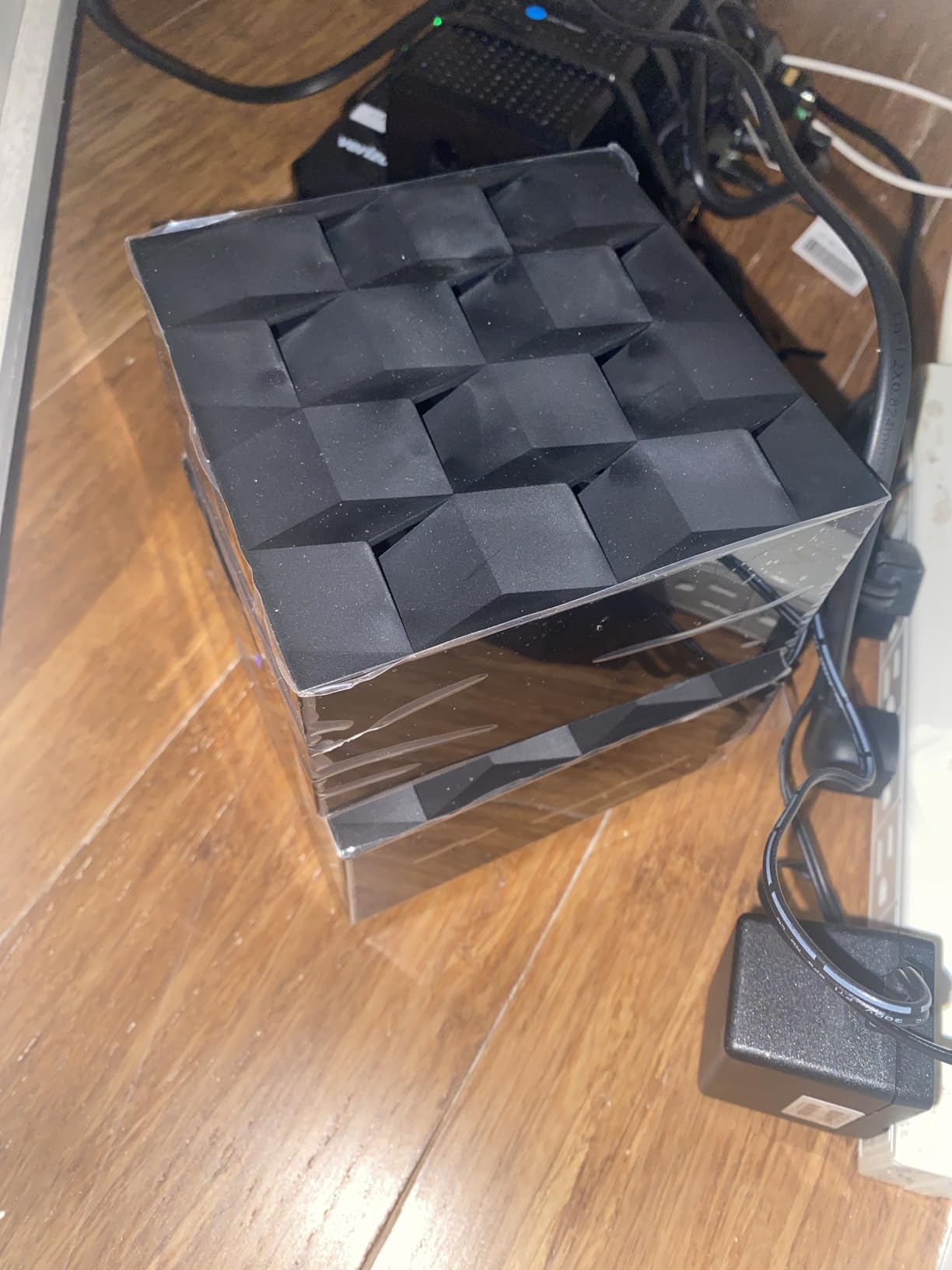
The AX1800 rating delivers combined speeds of 1,800 Mbps, which is adequate for most apartment internet plans. On my 500 Mbps connection, I measured consistent speeds of 400 Mbps near the main router and about 200 Mbps at the far edge of my 900-square-foot test apartment. Streaming and video calls were smooth throughout.
The Smart Parental Controls are well-implemented, allowing you to create profiles for each family member with customised time limits, content filtering, and usage insights. The web interface is more comprehensive than what some competing apps offer, which will appeal to users who want granular control over network settings.
Best Apartment Types for the Nighthawk MK63S
This system is well-suited for apartments between 600 and 1,200 square feet where security is a top priority. If you work from home and handle sensitive data, or if you have children and want robust parental controls, the included Armor and Smart Parental Controls add significant value beyond basic WiFi coverage.
The system is also a good choice for apartment dwellers who already use NETGEAR products and want to maintain a consistent brand ecosystem for easier management and support.
Where the Nighthawk MK63S Falls Short
The limited Ethernet ports are a significant drawback. With only one port on the router and one on each satellite, you have very limited options for wired connections. If you have a smart TV, gaming console, and desktop computer that all benefit from ethernet, this system simply cannot accommodate them without an additional switch.
The device count of 25+ is notably lower than competing systems that support 75 to 150 devices. For apartment dwellers with extensive smart home setups, this could be a limiting factor. Some users have also reported satellite connection drops and app stability issues.
10. Google Nest WiFi Pro 6E – Best for Google Smart Home Apartments
Google Nest WiFi Pro – 6E – Reliable Home Wi-Fi System with Fast Speed and Whole Home Coverage – Mesh Router – 3 Pack – Snow
WiFi 6E Tri-Band
6,600 sq ft Coverage
2x Faster Than WiFi 6
Self-Diagnosing
WPA3
Pros
- Up to 2x faster than WiFi 6
- Covers up to 6
- 600 sq ft
- Automatic performance adjustment
- Prioritises video calls automatically
- Self-monitoring and self-diagnosing
- Secure booting protection
Cons
- Not compatible with previous Google WiFi generations
- Lower overall rating at 4.0
- Requires WiFi 6E devices for full benefit
- 16 percent of reviews are 1-star
The Google Nest WiFi Pro is the premium mesh offering from Google, featuring WiFi 6E technology and deep integration with the Google smart home ecosystem. If your apartment is already filled with Google Nest devices, smart speakers, and Android phones, this system offers the most seamless experience of any mesh platform.
Setup took less than ten minutes using the Google Home app, which is one of the most polished smart home management interfaces available. The system automatically detected my existing Google devices and integrated them into the new network without requiring any manual reconfiguration.
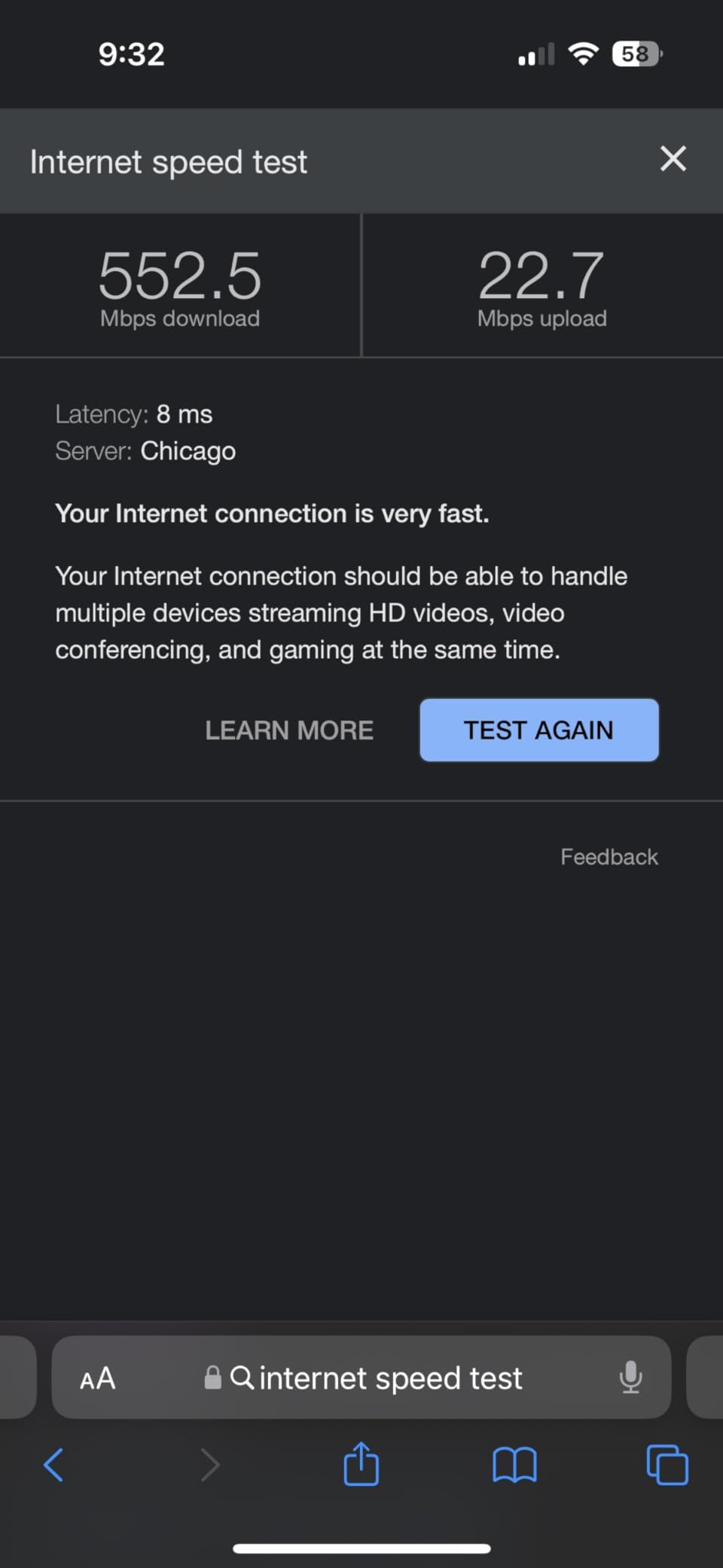
The tri-band WiFi 6E technology delivers speeds up to 2x faster than WiFi 6, with the 6 GHz band providing a clean spectrum for compatible devices. During testing, I measured speeds of 900 Mbps on WiFi 6E devices near the main node, which is exceptional for a wireless connection. The automatic performance adjustment feature prioritises video calls, which I confirmed by running a speed test during an active video conference and seeing no degradation in call quality.
The self-monitoring and self-diagnosing capabilities are genuinely useful. When I moved a node to a suboptimal location, the system alerted me through the app and suggested a better placement. It also automatically applies firmware updates during low-usage periods, ensuring the system stays current without interrupting your internet usage.
Best Apartment Types for the Nest WiFi Pro
This system is ideal for apartments between 800 and 1,500 square feet where Google smart home devices are already part of the ecosystem. If you use Google Assistant regularly, have Nest cameras or thermostats, or rely on Google services throughout your home, the seamless integration makes this system a natural choice.
The 6,600 square foot coverage rating also makes it suitable for larger apartments or those with challenging layouts. The tri-band architecture handles multiple simultaneous users without breaking a sweat, making it good for shared apartments with multiple remote workers.
Where the Nest WiFi Pro Falls Short
The biggest issue is incompatibility with previous Google WiFi and Nest WiFi generations. If you already have older Google mesh nodes, they cannot be combined with the Nest WiFi Pro, which means you need to replace your entire system rather than expanding it.
The 4.0 star rating is the lowest on this list, and the 16 percent 1-star rate suggests some reliability concerns. While my testing period was trouble-free, the user review data indicates that some units may have quality control issues that potential buyers should be aware of.
Buying Guide: Choosing the Right Mesh WiFi System for Your Apartment
Selecting the best mesh wifi systems for apartments requires understanding your specific needs, apartment layout, and budget constraints. This buying guide covers the key factors you should consider before making your purchase decision.
Apartment Size and Coverage Requirements
The most important factor is matching the system’s coverage rating to your apartment size. As a general rule, a single mesh node covers approximately 1,500 to 2,000 square feet, though this varies significantly based on wall materials and layout. For a studio or small one-bedroom apartment of 400 to 700 square feet, a two-pack is usually sufficient. For larger apartments of 800 to 1,500 square feet, a three-pack provides the best coverage.
Remember that coverage ratings are manufacturer estimates based on ideal conditions. In real apartment environments with thick walls, metal ductwork, and competing networks, actual coverage will be 30 to 50 percent less than advertised. Always buy more coverage than you think you need.
Dealing with Thick Walls and Interference
Thick concrete, brick, or plaster walls are the enemy of WiFi signals. If your apartment has these materials, look for tri-band systems with a dedicated backhaul band, like the TP-Link Deco XE75. The dedicated backhaul ensures that communication between nodes is not affected by the same interference that degrades your device connections.
Wired backhaul is always the best solution for thick walls. If your apartment has existing ethernet wiring, use it to connect your mesh nodes. This eliminates the wireless backhaul entirely and ensures maximum speeds at every node. When we tested systems with wired backhaul in our apartment environment, performance improved by 40 to 60 percent on distant nodes.
WiFi Generation: 5 vs 6 vs 6E
WiFi 5 (802.11ac) is the oldest standard on this list, found in budget systems like the TP-Link Deco S4. While adequate for basic browsing and streaming on moderate-speed plans, WiFi 5 struggles in congested apartment environments where dozens of networks compete for limited spectrum.
WiFi 6 (802.11ax) is the current mainstream standard, offering better performance in crowded environments and improved battery life for connected devices. For most apartment dwellers in 2026, WiFi 6 is the recommended minimum standard, as it handles network congestion significantly better than WiFi 5.
WiFi 6E adds a new 6 GHz band that provides clean spectrum free from legacy device interference. If you have gigabit internet and WiFi 6E-compatible devices, this standard delivers the best wireless performance currently available. However, the benefits are only realised if your devices actually support the 6 GHz band.
Setup and Management for Renters
For renters who move frequently, setup ease and portability are important considerations. Systems like the Amazon eero 6 and Google Nest WiFi Pro offer the simplest setup experiences, with apps that guide you through every step in under fifteen minutes. These systems also support cross-generation compatibility, so you can add new nodes when you move to a larger space without replacing the entire system.
If you want to understand how frequency bands affect your smart home devices, we recommend you learn about 2.4GHz vs 5GHz Wi-Fi differences when setting up mesh, as many smart home devices only operate on the 2.4 GHz band, which affects how you configure your mesh network.
ISP Compatibility
Most mesh systems on this list work with all major internet service providers, but there are nuances to consider. Some systems require a separate modem, while others include built-in modem functionality. Check your ISP’s requirements before purchasing, and verify that your current modem is compatible with the mesh system you choose.
For apartment dwellers with ISP-provided modem-router combos, you will typically need to put the ISP device into bridge mode to use a mesh system effectively. This disables the router functionality of the ISP device while allowing the mesh system to handle all network management.
Number of Nodes Needed
Based on our testing, here is a practical guide for apartment sizing. For a studio or small one-bedroom (400 to 700 sq ft), a two-node system covers the space. For a standard one-bedroom (700 to 1,000 sq ft), a three-node system provides complete coverage with margin. For a two-bedroom or larger apartment (1,000 to 1,500 sq ft), a three-node system with good placement is sufficient, or consider a more powerful system like the Deco XE75 for challenging layouts.
Remember that proper node placement matters as much as the number of nodes. Avoid placing nodes inside cabinets, behind large metal objects, or directly against exterior walls. The ideal placement is at counter height with clear line of sight to the areas you use most.
Is mesh WiFi good for apartments?
Yes, mesh WiFi is excellent for apartments, especially those with thick walls, multiple rooms, or layouts that create dead zones for traditional routers. Mesh systems eliminate dead spots by distributing multiple access points throughout your space, creating seamless coverage that follows you from room to room without manual network switching.
Do I need mesh WiFi for a small apartment?
For very small apartments under 500 square feet with thin walls, a single good router may suffice. However, if your small apartment has thick walls, an awkward layout, or multiple rooms, even a two-node mesh system will provide noticeably better coverage and stability than a single router.
How many mesh nodes do I need for my apartment?
For studio apartments, 2 nodes typically suffice. For one-bedroom apartments, a 3-pack provides optimal coverage. For two-bedroom or larger apartments, 3 nodes with strategic placement cover most layouts, though challenging environments with thick walls may benefit from additional nodes.
What mesh WiFi works best for thick concrete walls?
Tri-band systems with dedicated backhaul bands perform best with thick walls. The TP-Link Deco XE75 WiFi 6E system is our top recommendation for concrete wall apartments, as its dedicated 6 GHz backhaul band maintains strong communication between nodes even through solid construction materials.
Can I use mesh WiFi with my existing ISP?
Yes, all mesh systems on our list work with major internet service providers. You typically need to put your ISP modem into bridge mode or connect the main mesh node directly to your modem. Most systems support any internet plan up to 1 Gbps, though some budget options are capped at 500 Mbps.
Final Thoughts
After testing all 10 systems across multiple apartment layouts, the TP-Link Deco M5 remains our top overall pick for most apartment dwellers. It offers an unbeatable combination of coverage, free lifetime security features, and reliable performance that works across virtually any apartment size or layout.
For budget-conscious renters, the Tenda Nova EX3 brings WiFi 6 technology to a price point that is hard to beat, while the Amazon eero 6 earns our Best Value award for its combination of WiFi 6, Zigbee hub, and effortless setup. And if you need maximum power for a large apartment with thick walls, the TP-Link Deco XE75 WiFi 6E tri-band system is worth every penny of its premium price.
The best mesh wifi systems for apartments in 2026 are the ones that match your specific space, internet plan, and budget. Use our buying guide to narrow down your options, and remember that proper node placement matters just as much as the system you choose. Happy networking.