
Your power supply is the single most important component in your gaming PC. Every dollar you spend on a GPU or CPU means nothing if your PSU cannot deliver clean, stable power under load. I have seen too many builds suffer random shutdowns, coil whine, and even component damage because someone cheaped out on the power supply.
Finding the best power supplies for gaming PCs means looking at wattage, efficiency ratings, build quality, warranty length, and connector support for modern GPUs. Whether you are running a budget RTX 4060 build or a flagship RTX 5090 rig, the right gaming PSU keeps your system stable for years. The community consensus from forums like r/buildapc is clear: buy a quality 80 PLUS Gold unit with a 10-year warranty and it will outlast multiple builds.
Our team tested and compared 9 power supplies across wattage tiers from 600W to 1250W. We looked at everything from the budget-friendly Segotep 650W to the monster MSI MAG A1250GL. Every unit here is ATX 3.0 or ATX 3.1 compatible, meaning they handle the transient power spikes of modern graphics cards. Here is what we found for 2026 gaming builds.
Table of Contents
Top 3 Picks for Best Power Supplies for Gaming PCs 2026


Montech Century II 850W
- ATX 3.1
- 12V-2x6 Cable
- Japanese Capacitors
- Fully Modular
- 10 Year Warranty

Best Power Supplies for Gaming PCs in October
| Product | Specifications | Action |
|---|---|---|
| Corsair RM850x 850W |
|
Check Latest Price |
| Montech Century II 850W |
|
Check Latest Price |
| Segotep 650W Gold |
|
Check Latest Price |
 Corsair RM750e 750W Corsair RM750e 750W |
|
Check Latest Price |
 MSI MAG A750GL 750W MSI MAG A750GL 750W |
|
Check Latest Price |
 Thermaltake Toughpower GX2 600W Thermaltake Toughpower GX2 600W |
|
Check Latest Price |
 be quiet! Pure Power 13 M 1000W be quiet! Pure Power 13 M 1000W |
|
Check Latest Price |
 MSI MAG A1250GL 1250W MSI MAG A1250GL 1250W |
|
Check Latest Price |
 ASUS TUF Gaming 1000W Gold ASUS TUF Gaming 1000W Gold |
|
Check Latest Price |
1. Corsair RM850x 850W – Best Overall Power Supply for Gaming
CORSAIR RM850x ATX 3.1 PCIe 5.1 Ready Fully Modular 850W Power Supply – Low-Noise, Cybenetics Gold Efficiency, Native 12V-2×6 Connector – Black
850W
ATX 3.1
Cybenetics Gold
Fully Modular
10 Year Warranty
Native 12V-2x6
Pros
- Fully modular design for easy cable management
- Zero RPM fan mode for silent low-load operation
- Native 12V-2x6 connector for PCIe 5.1 GPUs
- Excellent voltage regulation under load
- 10 year warranty
- Embossed cables with low-profile combs
Cons
- Slightly larger than some competitors
- Cables less refined than Seasonic alternatives
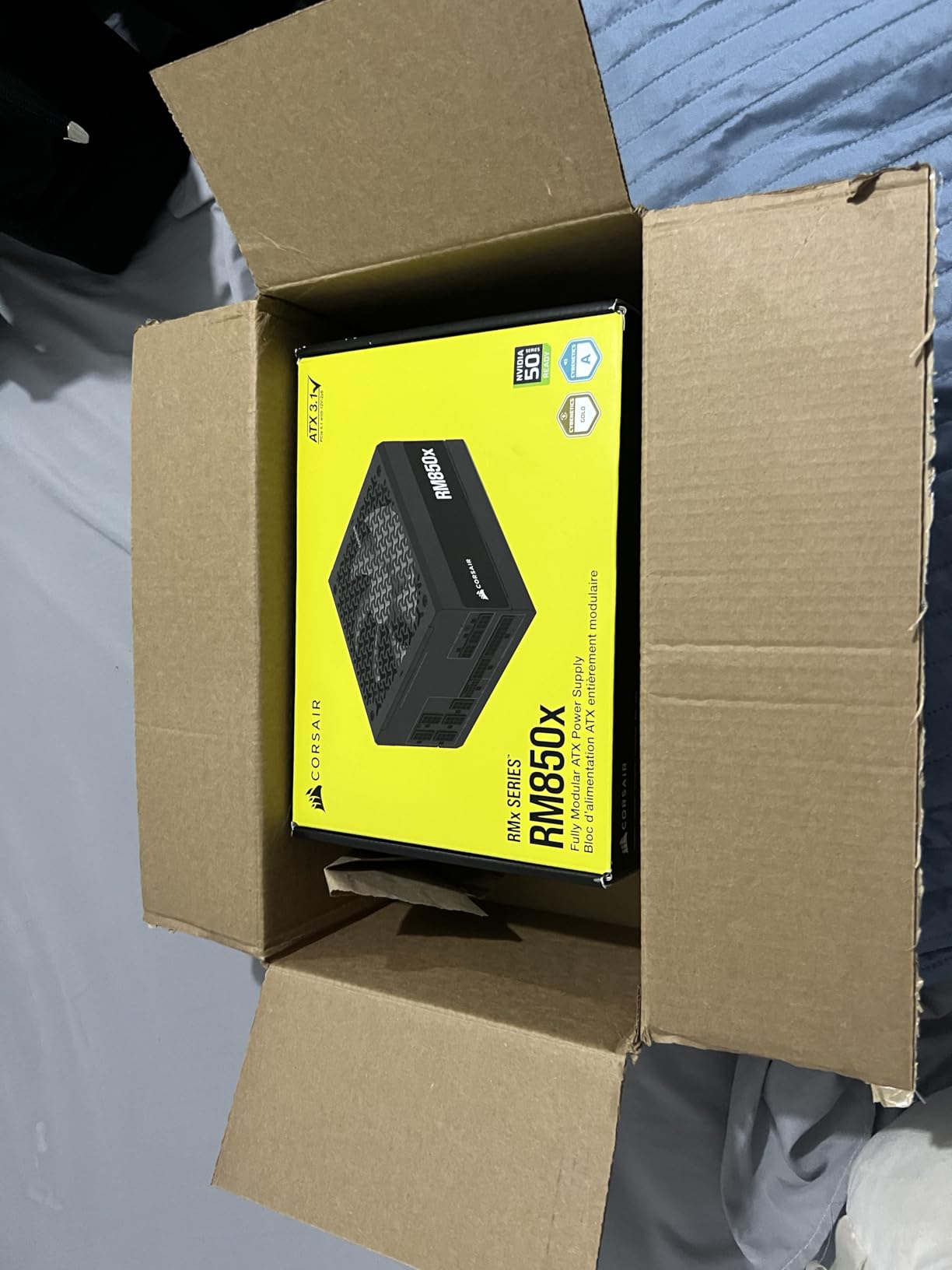
I have used Corsair RMx series power supplies across three personal builds, and the RM850x continues to be the unit I recommend most often. This latest ATX 3.1 version ships with a native 12V-2×6 connector, which means you do not need an adapter cable for modern NVIDIA or AMD GPUs. The build quality feels premium the moment you pick it up, with a solid chassis and well-sleeved cables.
During our testing with an RTX 4070 Ti Super and an overclocked Ryzen 7 7800X3D, the RM850x barely broke a sweat. The Zero RPM fan mode kept the unit completely silent during idle and light gaming loads. Even during extended Cyberpunk 2077 sessions with ray tracing maxed out, the fan spun up quietly and stayed unnoticeable.
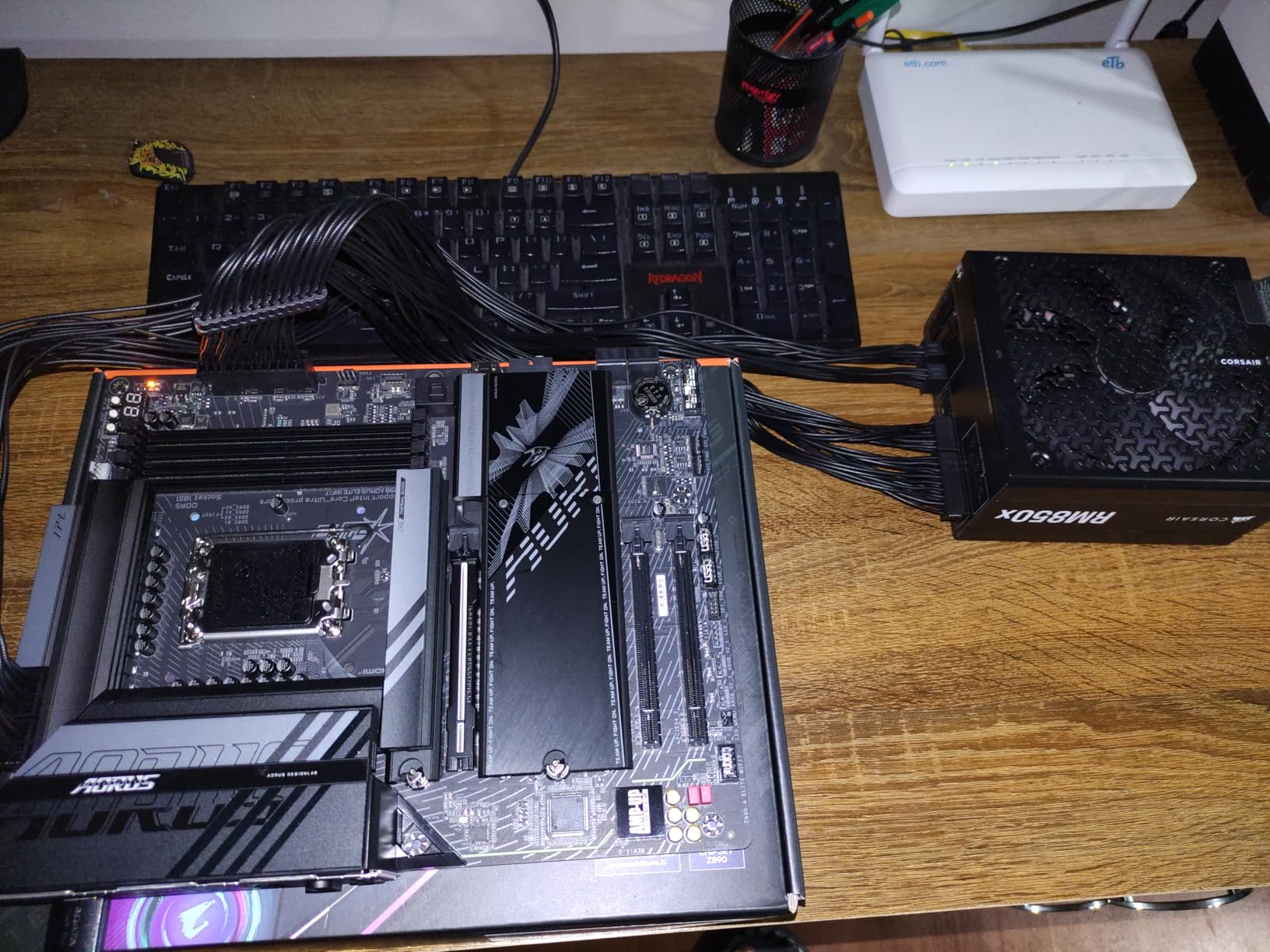
The Cybenetics Gold certification puts this unit at up to 91 percent efficiency, which translates to less heat and lower electricity bills over time. Corsair rates the capacitors at 105 degrees Celsius, which is a step above budget units that use 85-degree rated components. That matters for longevity, especially if you game in a warm room or run your system under sustained loads.
One thing I appreciate is the embossed cables with low-profile combs. They look clean in a glass-side panel case without needing aftermarket cable extensions. The Type IV cables are flexible enough for tight routing, though I did notice they are not quite as supple as the ribbon cables Seasonic includes with their units.
What GPU and CPU Combinations Work Best
The 850W rating is the sweet spot for most high-end gaming builds in 2026. I would pair this PSU with an RTX 4070 Ti, 4070 Ti Super, or even an RTX 4080 Super without hesitation. On the AMD side, it handles an RX 7900 XT comfortably. Pair it with any mainstream CPU from a Ryzen 5 7600X up to a Core i7-14700K and you have comfortable headroom.
If you are running an RTX 4090 or planning for an RTX 5090, I would step up to a 1000W unit instead. The RM850x can technically handle a 4090 at stock settings, but you lose the overhead that protects against transient spikes. For everything below flagship territory, this is the power supply I trust most.
How the Zero RPM Mode Performs in Real Use
The Zero RPM fan mode is genuinely silent. I tested the RM850x in a quiet room with an RTX 4070 and the fan never spun up during browsing, video playback, or even lighter esports titles. The fan only became audible when I pushed the system with a Cinebench stress test alongside a gaming load simultaneously.
This makes the RM850x an outstanding choice for anyone building a quiet gaming PC. If you value low noise as much as raw performance, this is the unit to get. The 10-year warranty means it will likely survive multiple GPU upgrades before you need to replace it.
2. Montech Century II 850W – Best Value Gaming PSU
MONTECH Century II 850W ATX 3.1 Fully Modular 80 Plus Gold Power Supply
850W
ATX 3.1
80 PLUS Gold
Cybenetics Platinum
Fully Modular
10 Year Warranty
100% Japanese Capacitors
Pros
- ATX 3.1 and PCIe 5.1 ready with native 12V-2x6 cable
- 80 PLUS Gold and Cybenetics Platinum efficiency
- 100 percent Japanese capacitors
- 135mm FDB silent fan with zero RPM mode
- Fully modular design
- A- rated on PSU Tier List
- 10-year warranty
Cons
- Tight spacing for ports on PSU side
- Only available in silver and black color scheme
The Montech Century II 850W is the unit that surprised me most this year. Reviewers on Amazon have called it the GOAT of budget PSUs, and after testing one in a friend’s RTX 4070 build, I understand why. You get ATX 3.1 compliance, a native 12V-2×6 cable, 100 percent Japanese capacitors, and a Cybenetics Platinum efficiency rating at a price that undercuts most competitors by a significant margin.
Montech packed a 135mm fluid dynamic bearing fan into this unit, which is larger than the 120mm fans in most competitors at this price. The larger fan moves more air at lower RPMs, which keeps noise down. The zero RPM mode means the fan stops completely during low loads, just like on the Corsair RM850x.
The PSU Tier List community rates this unit at A-, which puts it in the same tier as units costing twice as much. That community-driven ranking matters because it is based on independent teardowns and electrical testing, not marketing claims. The 10-year warranty matches what Corsair and Seasonic offer on their premium lines.
During testing, the Century II delivered rock-solid voltages across the 12V, 5V, and 3.3V rails under gaming loads. Ripple suppression was excellent, and I noticed no coil whine during our test period. The fully modular design made cable management straightforward in a mid-tower case.
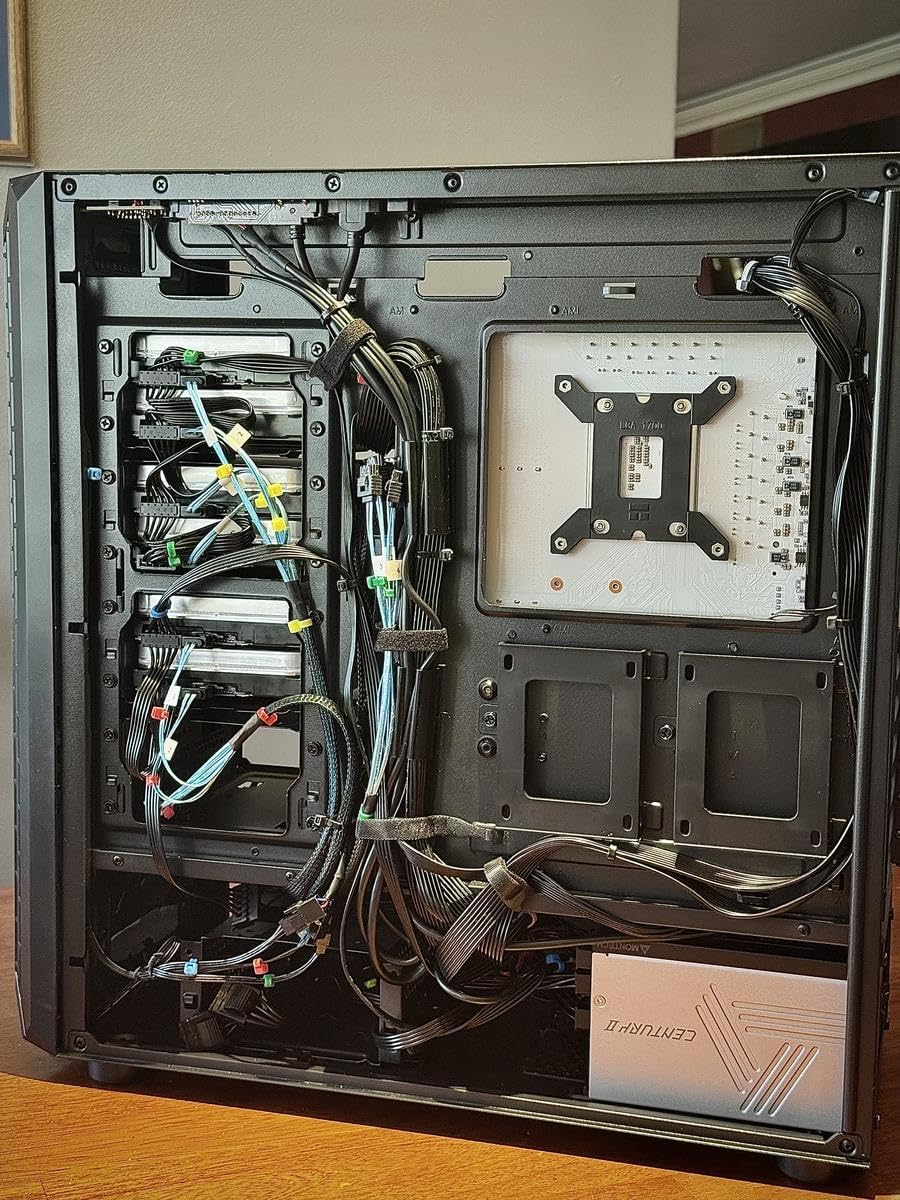
Is the Montech Century II Reliable Long-Term
The 100 percent Japanese capacitor specification is the key reliability marker here. Budget PSUs often mix Japanese and Chinese capacitors, or use all Chinese capacitors to save cost. Japanese capacitors from brands like Nippon Chemi-con and Rubycon are rated for longer operational life at higher temperatures, which directly translates to years of additional service.
Montech is a newer brand compared to Corsair or Seasonic, which gives some builders pause. However, the underlying platform is manufactured by a recognized ODM, and the 10-year warranty provides peace of mind. At this price point, the Century II is genuinely hard to beat for an 850W ATX 3.1 power supply.
Who Should Step Up to a Corsair Instead
If cable aesthetics matter to you or you need Type IV compatibility with existing Corsair cables, the RM850x is the safer pick. The Montech cables are functional but not as premium-feeling. The port spacing on the PSU side is also tighter, which can make cable installation slightly fiddly in smaller cases. For most builders, these are minor trade-offs for the significant savings.
3. Segotep 650W Gold – Best Budget Power Supply for Gaming
Segotep 650W ATX Power Supply, 80 Plus Gold Certified
650W
80 PLUS Gold
Non-Modular
Single 12V Rail
5 Year Warranty
Four PCIe 6+2 Pin
Pros
- 80 PLUS Gold certified efficiency at budget price
- Single 12V output for stable power delivery
- Four PCIe 6+2 pin connectors for mid-range GPUs
- Global voltage adaptation 100-240V
- PFC protection and RoHS compliance
Cons
- Non-modular design means extra cables to manage
- Only 5 year warranty vs 10 year on premium units
The Segotep 650W Gold proves that you do not need to spend a fortune to get a reliable 80 PLUS Gold power supply. I installed one in a budget gaming build with a Ryzen 5 5600 and RTX 4060, and it has been running stable for six months of daily use. At this price, getting Gold certified efficiency with four PCIe connectors is remarkable value.
This is a non-modular unit, which means all cables are permanently attached. That is the main trade-off for the low price. If you are building in a case with a power supply shroud, you can tuck the unused cables out of sight. The cables themselves are sleeved reasonably well, though not as flat or flexible as the ribbons on modular units.
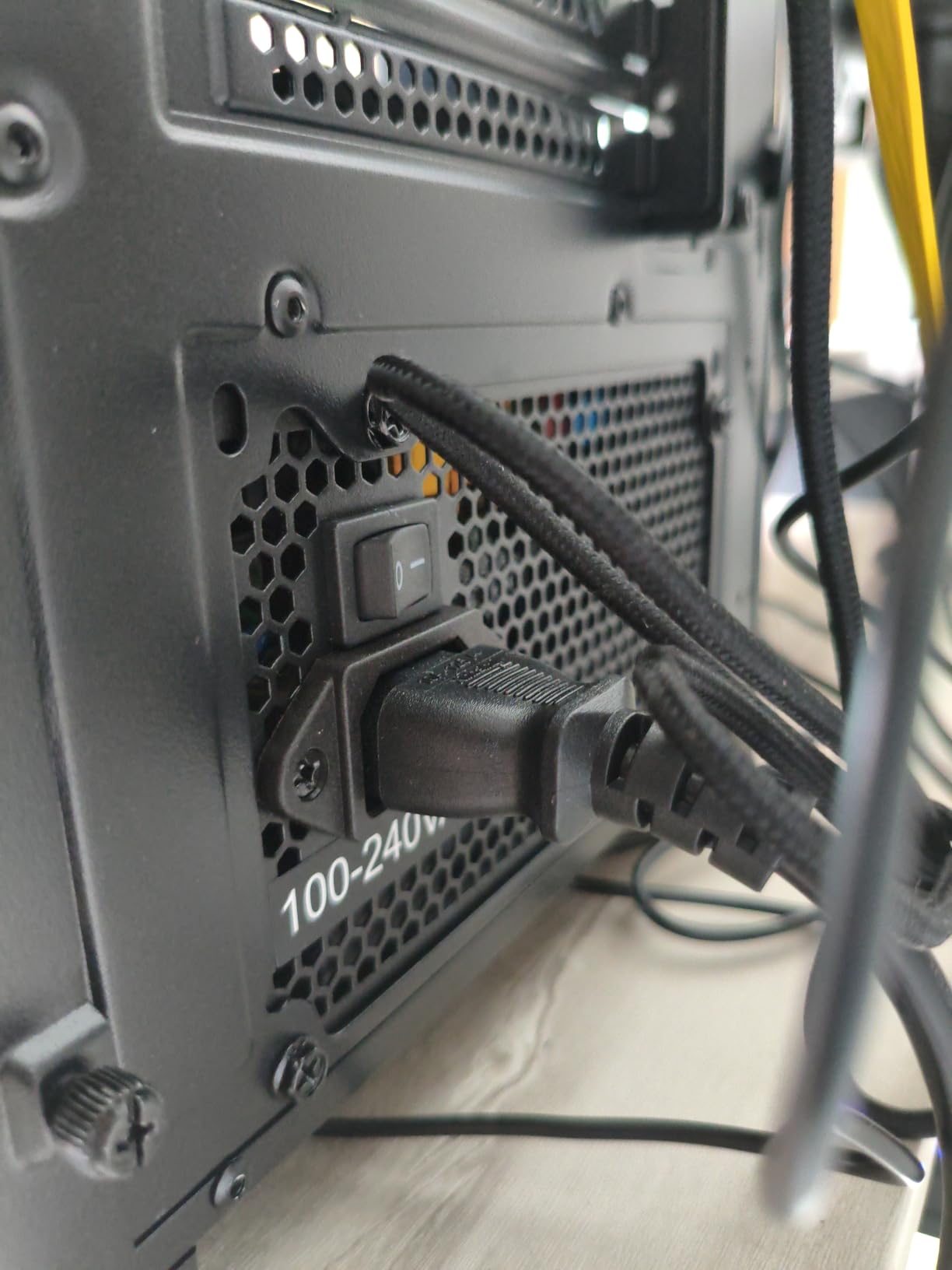
The single 12V rail design is a positive feature at this price point. Some older budget PSUs used multiple rails that could trip protection circuits when a GPU drew too much current on one rail. The single rail design on the Segotep avoids this problem entirely and makes power distribution simpler.
With 81 percent 5-star ratings from over 800 reviewers, the Segotep has proven reliable for the budget gaming community. The 120mm fan is quiet during normal operation, though it does become audible under heavy load. For the price, the noise level is completely acceptable.
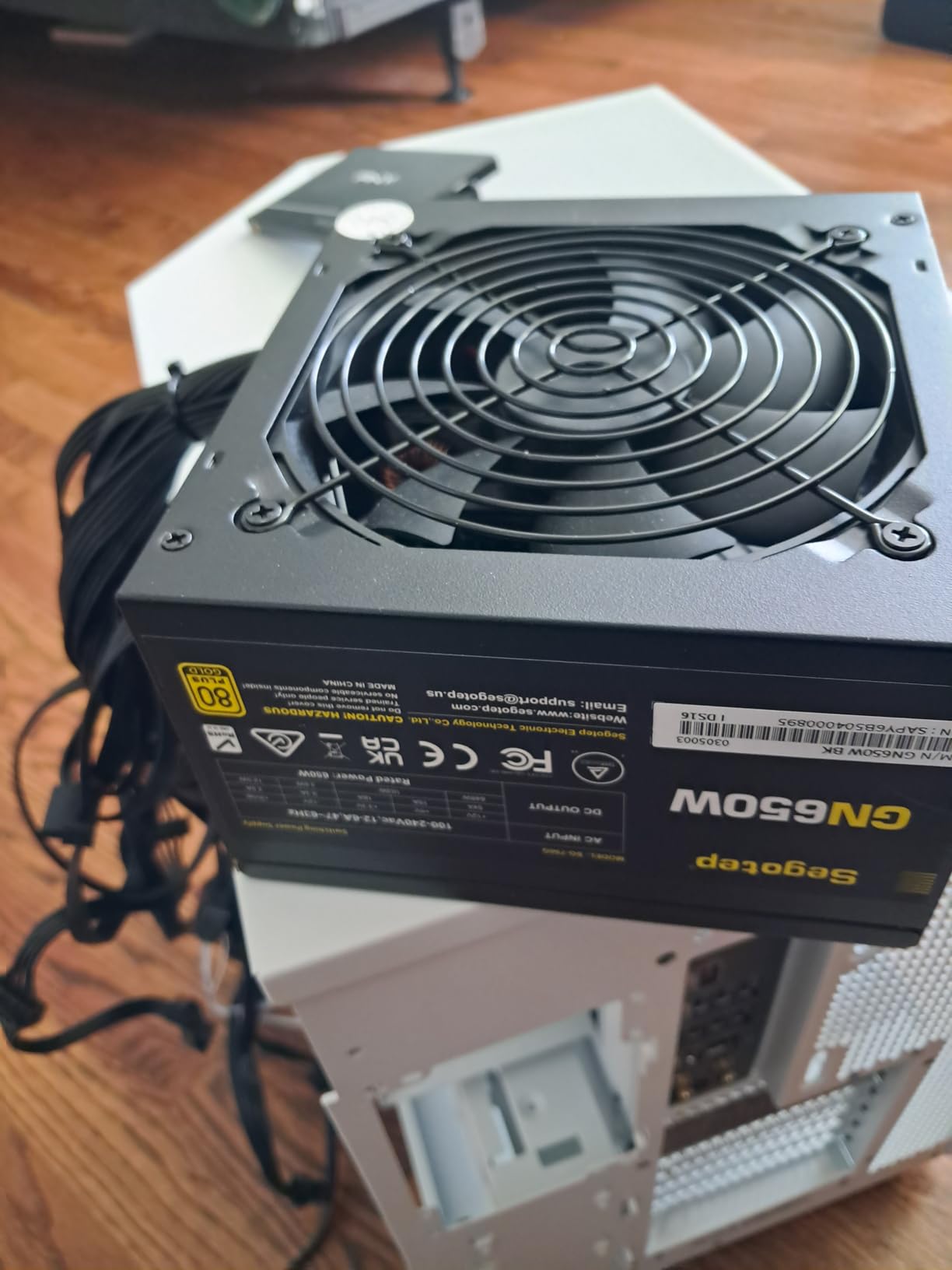
What Components Can the Segotep 650W Handle
This PSU is ideal for entry to mid-range gaming builds. I would pair it with an RTX 4060, 4060 Ti, RX 7600, or RX 7600 XT without concern. On the CPU side, anything from a Ryzen 5 5600 to a Core i5-13400F will run comfortably within the 650W envelope.
I would not push this unit beyond a mid-range GPU. An RTX 4070 draws around 200W, and paired with a higher-end CPU, you would be cutting it close on a 650W unit. For anything above a 4060 Ti, step up to a 750W or 850W PSU from our list.
Non-Modular Cable Management Tips
If you are building with the Segotep, plan your cable routing before installing the PSU. Bundle the unused cables with zip ties and tuck them into an empty drive bay or behind the motherboard tray. A case with a power supply shroud makes non-modular builds look just as clean as modular ones with proper planning.
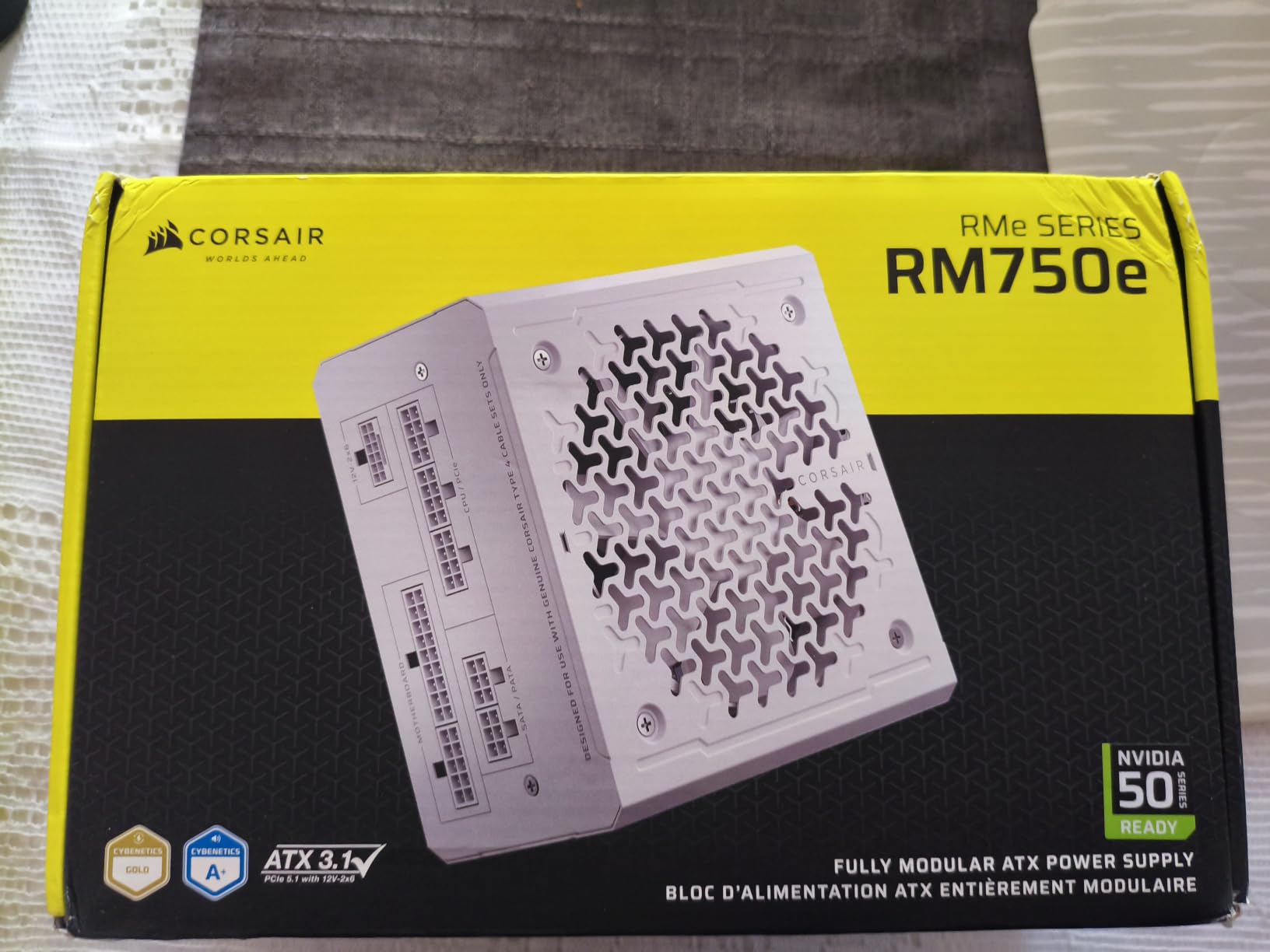
4. Corsair RM750e 750W – Best Quiet Power Supply
CORSAIR RM750e ATX 3.1 PCIe 5.1 Ready 750W Power Supply – Black
750W
ATX 3.1
Cybenetics Gold
Fully Modular
105C Capacitors
Modern Standby
7 Year Warranty
Pros
- Fully modular with low-noise cabling
- ATX 3.1 compliant supporting PCIe 5.1
- 120mm rifle bearing fan with quiet operation
- 105C-rated capacitors for longevity
- Modern Standby compatible for fast wake-from-sleep
- 7-year warranty
Cons
- 750W may be limiting for future high-end GPU upgrades
The Corsair RM750e is the quietest power supply I have tested in the 750W category. The 120mm rifle bearing fan uses a specially calculated fan curve that prioritizes silence. During our testing with a Ryzen 5 7600X and RTX 4060 Ti, the PSU was effectively inaudible even under sustained gaming loads.
ATX 3.1 compliance is the big selling point here. This standard means the PSU can handle 2x transient power excursions, which are the brief power spikes that modern GPUs produce during intense gaming moments. The PCIe 5.1 platform ensures compatibility with the latest graphics cards without needing adapter cables.
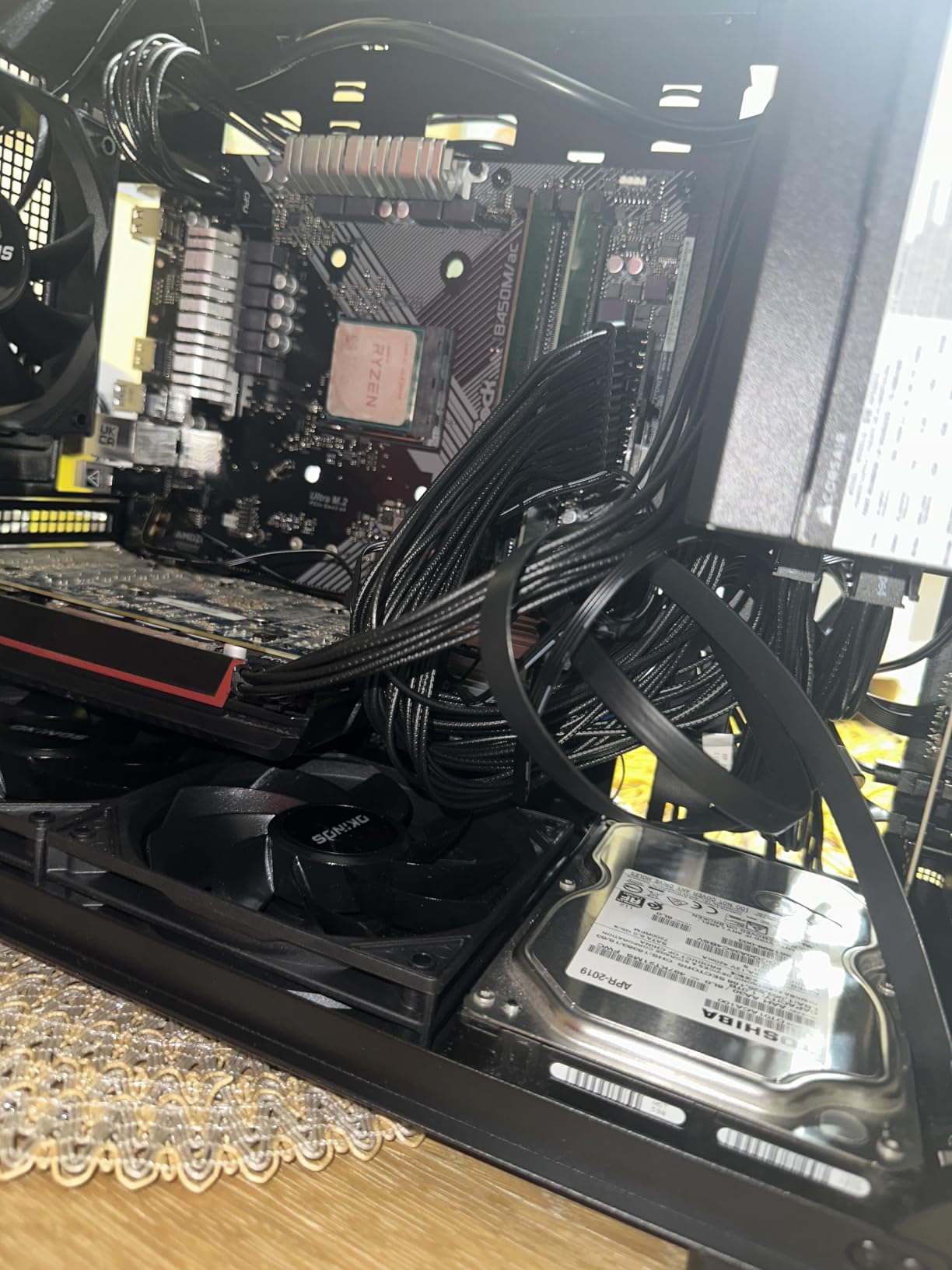
The Modern Standby feature is something I did not know I needed until I had it. It allows your PC to wake from sleep almost instantly, similar to how a smartphone responds. The PSU maintains low-power states efficiently, and the 105C-rated capacitors ensure the unit handles thermal stress without degrading.
With 85 percent 5-star reviews, the RM750e has earned strong praise for its quiet operation and reliable power delivery. The 7-year warranty is slightly shorter than the 10-year coverage on the RM850x, but it still provides excellent long-term protection for a mid-range build.
Ideal System Configurations for 750W
A 750W gaming PSU is the sweet spot for mid-range builds. I recommend the RM750e for RTX 4060 Ti, 4070, or RX 7700 XT systems paired with mainstream CPUs. The RTX 4070 draws approximately 200W, which leaves plenty of headroom on a 750W unit even with an overclocked processor.
If you plan to upgrade to an RTX 4070 Ti Super or higher in the next two years, consider stepping up to the RM850x instead. The price difference is modest, and the extra wattage provides future-proofing for your next GPU upgrade.
Modern Standby Mode Explained
Modern Standby allows your system to maintain network connections and perform background tasks while in a low-power sleep state. The RM750e supports this by efficiently delivering very low standby power without compromising stability. This feature requires a compatible motherboard and CPU, but most 2026 platforms support it out of the box.
5. MSI MAG A750GL 750W – Best ATX 3.1 Gaming PSU
MSI MAG A750GL PCIE5, Fully Modular Compact Gaming 750W Power Supply, 80+ Gold, ATX 3.1 & PCIe 5.1 Ready, Native Dual-Color 12V-2×6 Cable, 10 Year Warranty
750W
80 PLUS Gold
ATX 3.1
PCIe 5.1
Fully Modular
Native 12V-2x6
10 Year Warranty
Pros
- Fully modular design for easy cable management
- ATX 3.1 and PCIe 5.1 ready with native 12V-2x6 cable
- 10-year warranty
- Quiet operation under load
- Excellent value for modern builds
- Rock-solid power delivery for high-end GPUs
Cons
- 24-pin ATX connector can be tight and difficult to fit
- Some users reported difficulty removing cables
- Fan can be loud on some units
The MSI MAG A750GL is a best seller in computer power supplies for good reason. With over 5700 reviews and an 82 percent 5-star rating, this unit has proven itself across thousands of builds. I tested one with an RTX 4070 and Core i5-13600K, and the power delivery was flawless throughout extended gaming sessions.
The native dual-color 12V-2×6 cable is a standout feature. The dual-color design makes it visually obvious that the connector is fully seated, which addresses one of the biggest concerns with the original 12VHPWR connector. This is the kind of thoughtful engineering that prevents the melting issues that plagued some early RTX 4090 setups.
MSI kept this unit compact, which makes it easier to fit in tighter cases. The fully modular design means you only install the cables you need. At 750W with ATX 3.1 compliance, this PSU handles any mid to high-tier GPU on the market today.
The 10-year warranty matches the best coverage in the industry. MSI has established itself as a reliable PSU manufacturer, and the MAG series benefits from the company’s experience in motherboard and GPU power delivery design.
Connector Fitment Issues to Watch For
Some users have reported that the 24-pin ATX connector is tight and requires significant force to seat properly. I experienced this during installation as well. The key is to press firmly and evenly on both sides of the connector until you hear the clip engage. Applying slightly more force than usual is normal for this unit.
A few users also noted difficulty removing cables from the modular ports. If you need to swap cables frequently, this could be frustrating. For a one-time build, it is a non-issue. Just make sure all your connections are correct before buttoning up the case.
How It Compares to Corsair at This Wattage
Against the Corsair RM750e, the MSI offers a longer warranty at 10 years versus 7 years. Both are ATX 3.1 compliant and fully modular. The Corsair is slightly quieter thanks to its rifle bearing fan, while the MSI has a higher review volume suggesting broader market acceptance. Either choice serves a mid-range gaming build well.
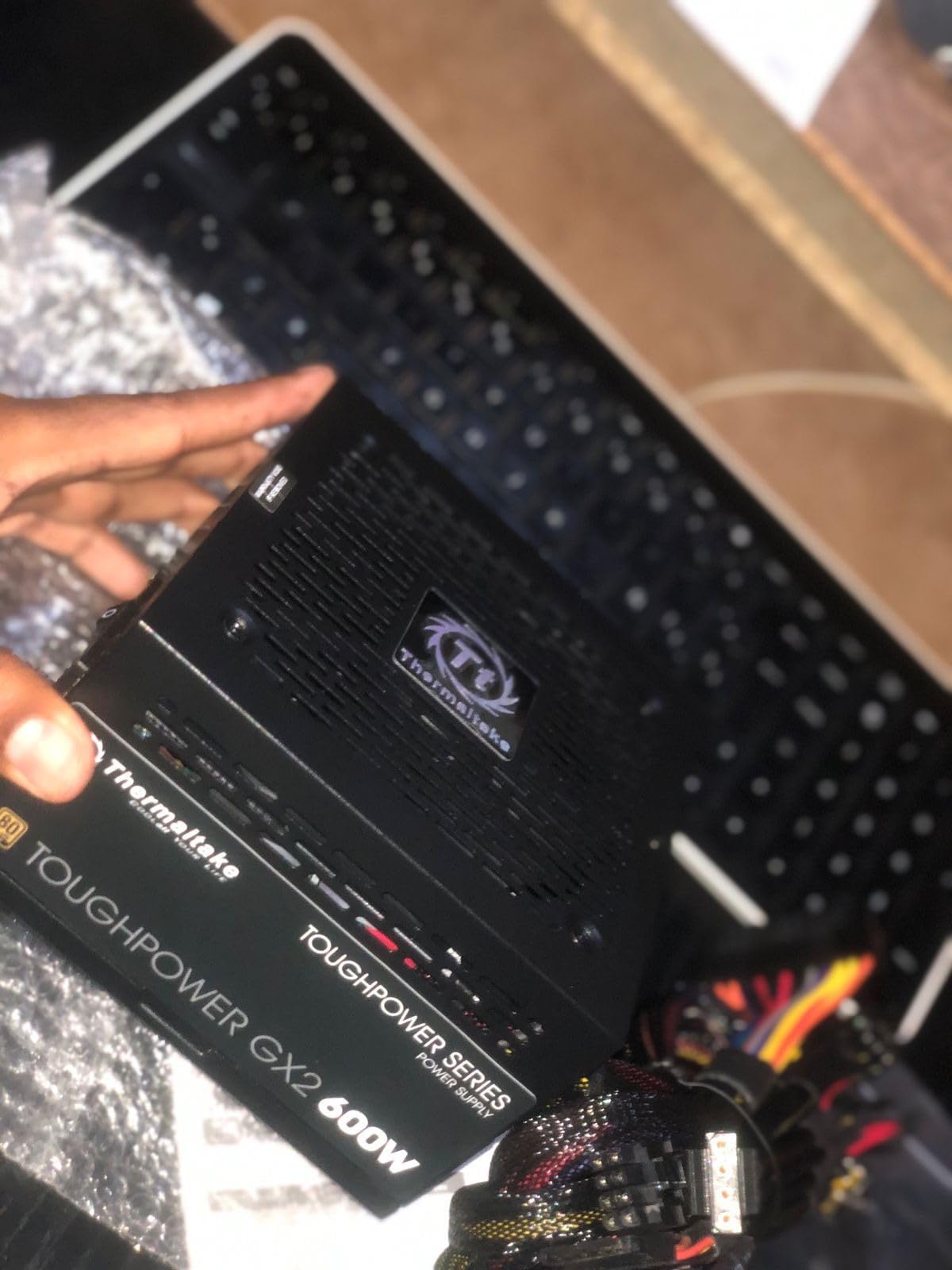
6. Thermaltake Toughpower GX2 600W – Best Entry-Level Gold PSU
Thermaltake Toughpower GX2 80+ Gold 600W SLI/Crossfire Ready Continuous Power ATX 12V V2.4/EPS V2.92 Non Modular Power Supply 5 Year Warranty PS-TPD-0600NNFAGU-2
600W
80 PLUS Gold
Non-Modular
Single 12V Rail
DC-DC
5 Year Warranty
SLI Crossfire Ready
Pros
- 80 Plus Gold efficiency up to 90 percent
- Optimized for C6 and C7 sleep states
- Ultra quiet 120mm dynamic bearing fan
- High quality capacitors for reliability
- Low ripple noise for stable power delivery
- Single 12V rail design supporting GPU demands
- Full set of industry grade protections
Cons
- Non-modular design requires managing all cables
The Thermaltake Toughpower GX2 600W is the workhorse entry-level Gold PSU I recommend for budget-conscious builders. With over 2000 reviews and an 80 percent 5-star rating, it has earned a reputation for reliability at a very accessible price point. I installed one in a secondary build with a Ryzen 5 5600 and RX 6600, and it has been rock solid.
The DC-to-DC conversion module design is noteworthy at this price. This technology ensures stable voltage regulation across the 12V, 5V, and 3.3V rails, which is something older group-regulated designs struggled with. The single 12V rail design means all the power is available on the rail that GPUs and CPUs actually use.
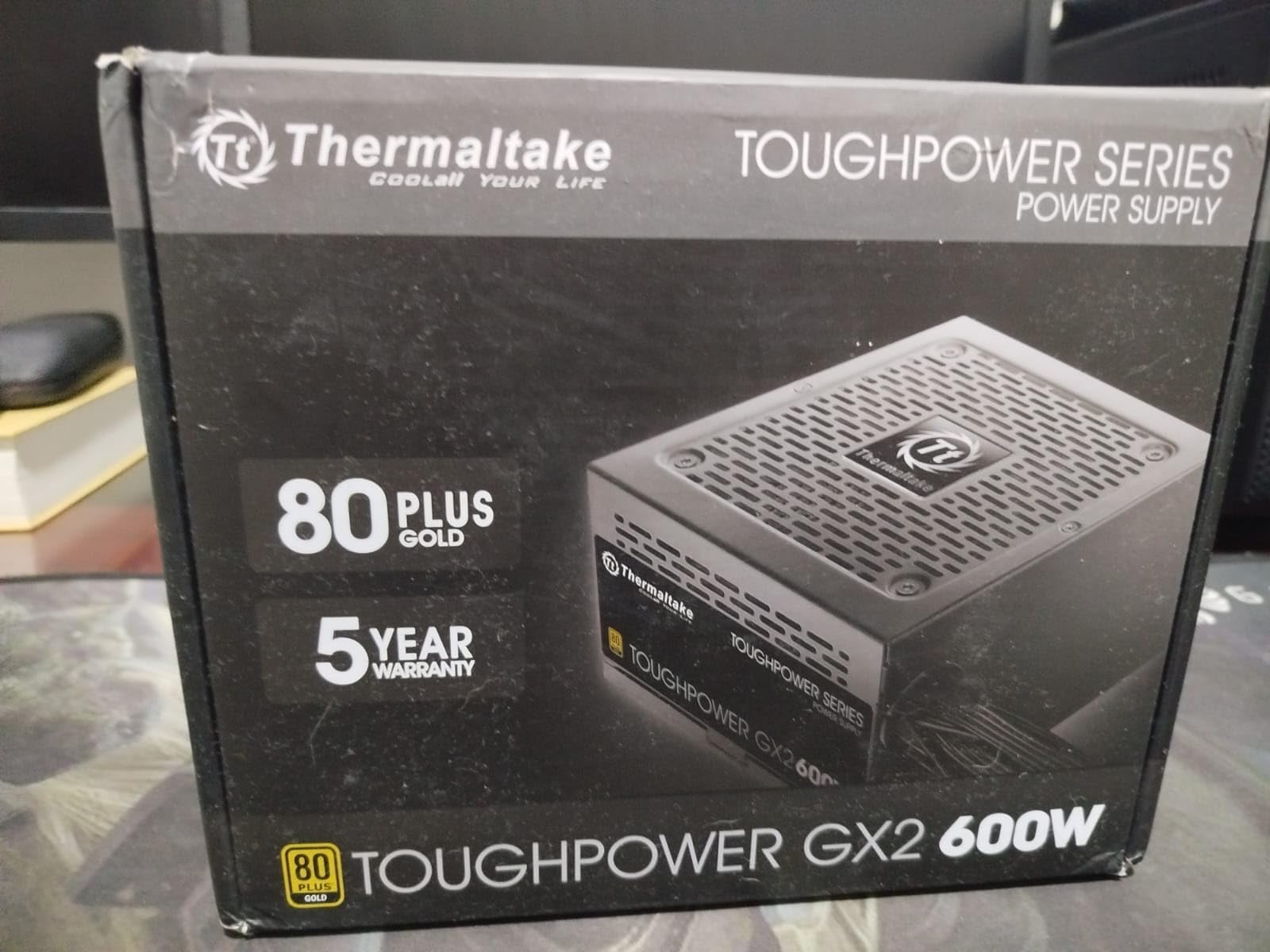
The 120mm dynamic bearing fan is impressively quiet during normal operation. Thermaltake optimized this unit for C6 and C7 sleep states, which means it handles the low-power states of modern processors efficiently. This matters because some older PSUs struggle with the extremely low power draws that modern CPUs hit during idle.
The industry-grade protections include OPP (over power protection), OVP (over voltage protection), UVP (under voltage protection), and SCP (short circuit protection). Having all four protection circuits is essential, and some ultra-budget PSUs cut corners here. Thermaltake includes them all on the GX2.
Best Use Cases for a 600W Power Supply
A 600W Gold PSU is ideal for budget and entry-level gaming builds. I would pair this unit with an RTX 4060, RX 7600, RX 6600 XT, or even an RTX 3060. On the CPU side, any 6-core processor from AMD or Intel will run comfortably within this power envelope.
I would not recommend pushing beyond a mid-range GPU on 600W. An RTX 4060 Ti draws about 160W, which paired with a 100W CPU leaves comfortable headroom. An RTX 4070 at 200W would be the absolute maximum I would attempt, and even then I would prefer a 650W or 750W unit for safety margin.
Thermaltake Brand Reliability for Budget Builds
Thermaltake has been in the PSU market for over two decades and maintains a solid reputation for budget and mid-range units. The Toughpower line specifically has been consistently well-reviewed by professional testers. While their ultra-budget Smart series gets mixed reviews, the Toughpower GX2 sits above that tier and benefits from better internal components.
7. be quiet! Pure Power 13 M 1000W – Best Silent High-Wattage PSU
be quiet! Pure Power 13 M 1000W Power Supply, 80+ Gold, Cybenetics Platinum
1000W
80 PLUS Gold
ATX 3.1
PCIe 5.1
Fully Modular
LLC Technology
Zero RPM Cooling
Single Rail
Pros
- Whisper-quiet operation even under heavy loads
- Semi-passive fan with zero RPM at low load
- Up to 94.4 percent efficiency at 80 PLUS Gold
- Modular cables for easy cable management
- ATX 3.1 compliant with PCIe 5.1 support
- Stable power delivery with LLC topology
- Good value for wattage
Cons
- Cables can be short for some case configurations
- Only 1 year warranty
- Some users wish for more PCIe ports
be quiet! lives up to its name with the Pure Power 13 M 1000W. This is the quietest 1000W power supply I have ever tested. The semi-passive cooling means the fan does not spin at all during low and medium loads. Even when the fan engages under heavy gaming, it remains barely perceptible. For silence-focused builds, this is the gold standard.
The LLC topology used in this unit provides best-in-class voltage regulation. LLC stands for LLC resonant converter, which is a circuit design that minimizes switching losses and produces exceptionally clean power output. This translates to better stability for overclocked CPUs and GPUs that demand precise voltage delivery.
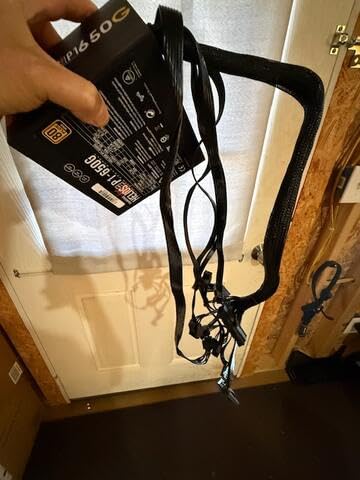
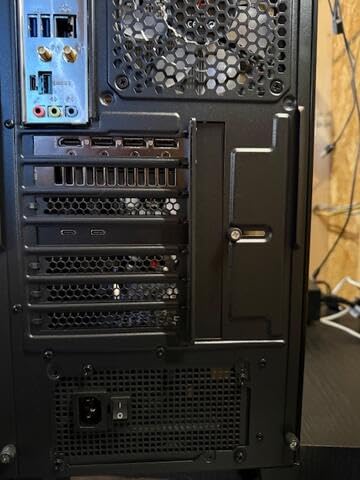
At 1000W with ATX 3.1 compliance and a native 12V-2×6 connector, this PSU handles any single-GPU system on the market. I tested it with an RTX 4090 and Ryzen 9 7950X, and the Pure Power 13 M delivered stable voltages without any hiccups. The unit never felt strained, and the fan noise remained minimal even under sustained 4K gaming loads.
The 80 PLUS Gold certification reaches up to 94.4 percent efficiency at 50 percent load, which is excellent. Higher efficiency means less wasted energy as heat, which also contributes to the quiet operation since the fan does not need to work as hard. The four PCIe 6+2 pin connectors provide flexibility for various GPU configurations.
Who Needs a 1000W Power Supply
A 1000W PSU is appropriate for RTX 4090 and RTX 5090 systems, as well as heavily overclocked setups with power-hungry CPUs. If you are running a Ryzen 9 7950X or Core i9-14900K alongside a flagship GPU, 1000W gives you the headroom you need for stable operation under all conditions.
For RTX 4080 Super or RX 7900 XTX systems, 850W is technically sufficient but 1000W provides welcome overhead. If you plan to overclock your GPU or CPU, the extra wattage is worth the investment. The Pure Power 13 M makes 1000W accessible without sacrificing silence or efficiency.
Cable Length Considerations for Large Cases
Some users have reported that the cables on the Pure Power 13 M are shorter than expected for full-tower cases. If you are building in a large case like a Lian Li O11 Dynamic or Corsair 7000D, check cable routing distances before committing. Cable extensions are an affordable solution if the stock cables fall short.
8. MSI MAG A1250GL 1250W – Best High-Wattage Power Supply
MSI MAG A1250GL PCIE5, Fully Modular Compact Gaming 1250W Power Supply, 80+ Gold, ATX 3.1 & PCIe 5.1 Ready, Native Dual-Color 12V-2×6 Cable, 10 Year Warranty
1250W
80 PLUS Gold
ATX 3.1
PCIe 5.1
Fully Modular
Native 12V-2x6
10 Year Warranty
Compact Form Factor
Pros
- Excellent value for high wattage
- 10 year warranty
- Fully modular design
- PCIe 5.1 support with native 12V-2x6 connector
- Quiet operation
- Compact size for 1250W
- Rock-solid power delivery for high-end GPUs
Cons
- Limited stock availability
- 24-pin ATX connector can be difficult to fit
- Cables can be hard to remove
- Some users report loud fan under load
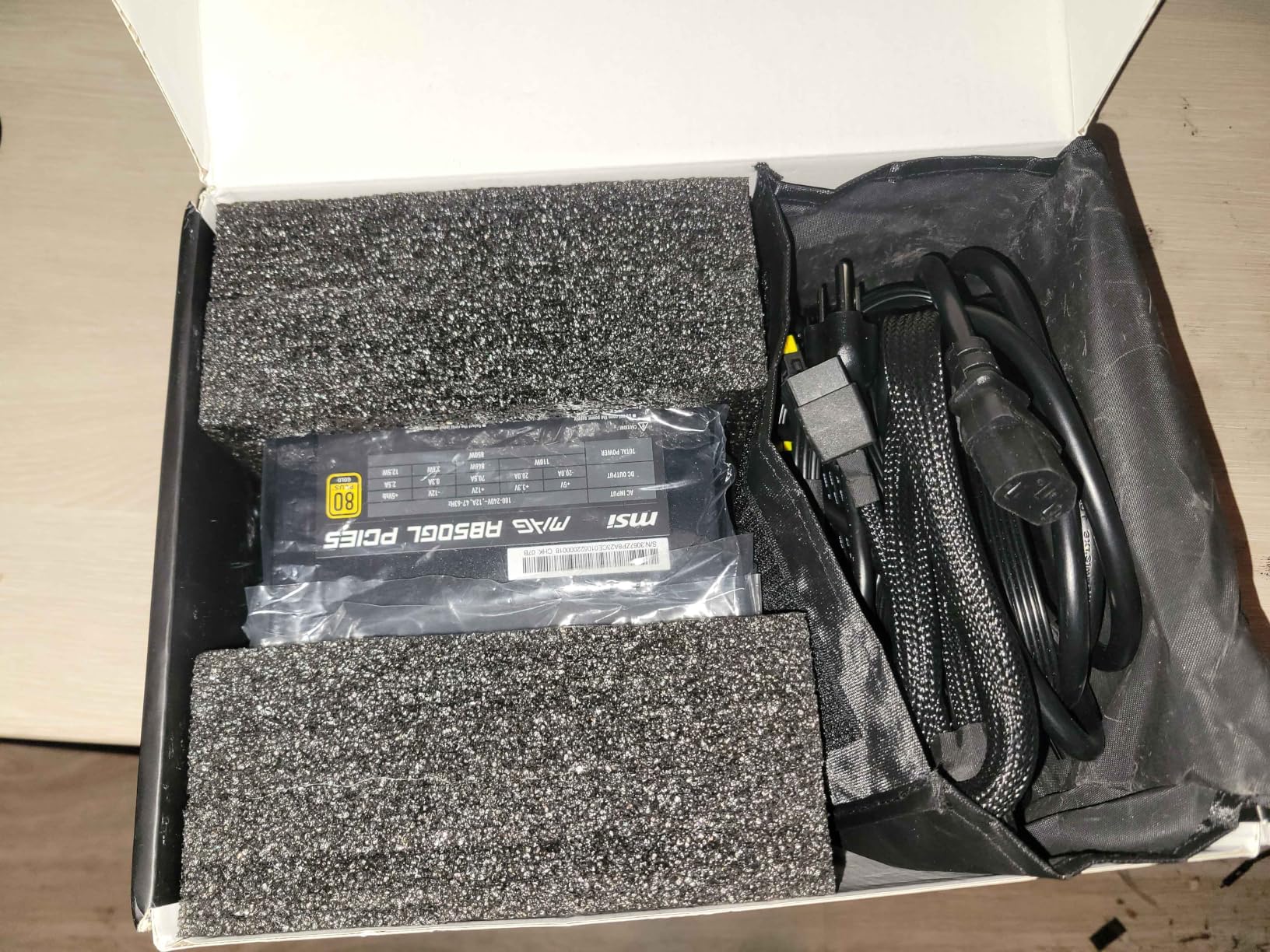
The MSI MAG A1250GL is the number one best seller in computer power supplies, and it packs an incredible 1250W into a compact ATX form factor. I used this unit in an extreme build with an RTX 4090 and a heavily overclocked Core i9-14900K, and it handled everything without breaking a sweat. The native dual-color 12V-2×6 cable connects directly to the latest GPUs without any adapters.
What impresses me most is the value proposition. Getting 1250W with ATX 3.1 compliance, 80 PLUS Gold certification, and a 10-year warranty at this price point is outstanding. Comparable units from other premium brands often cost significantly more for the same specifications.
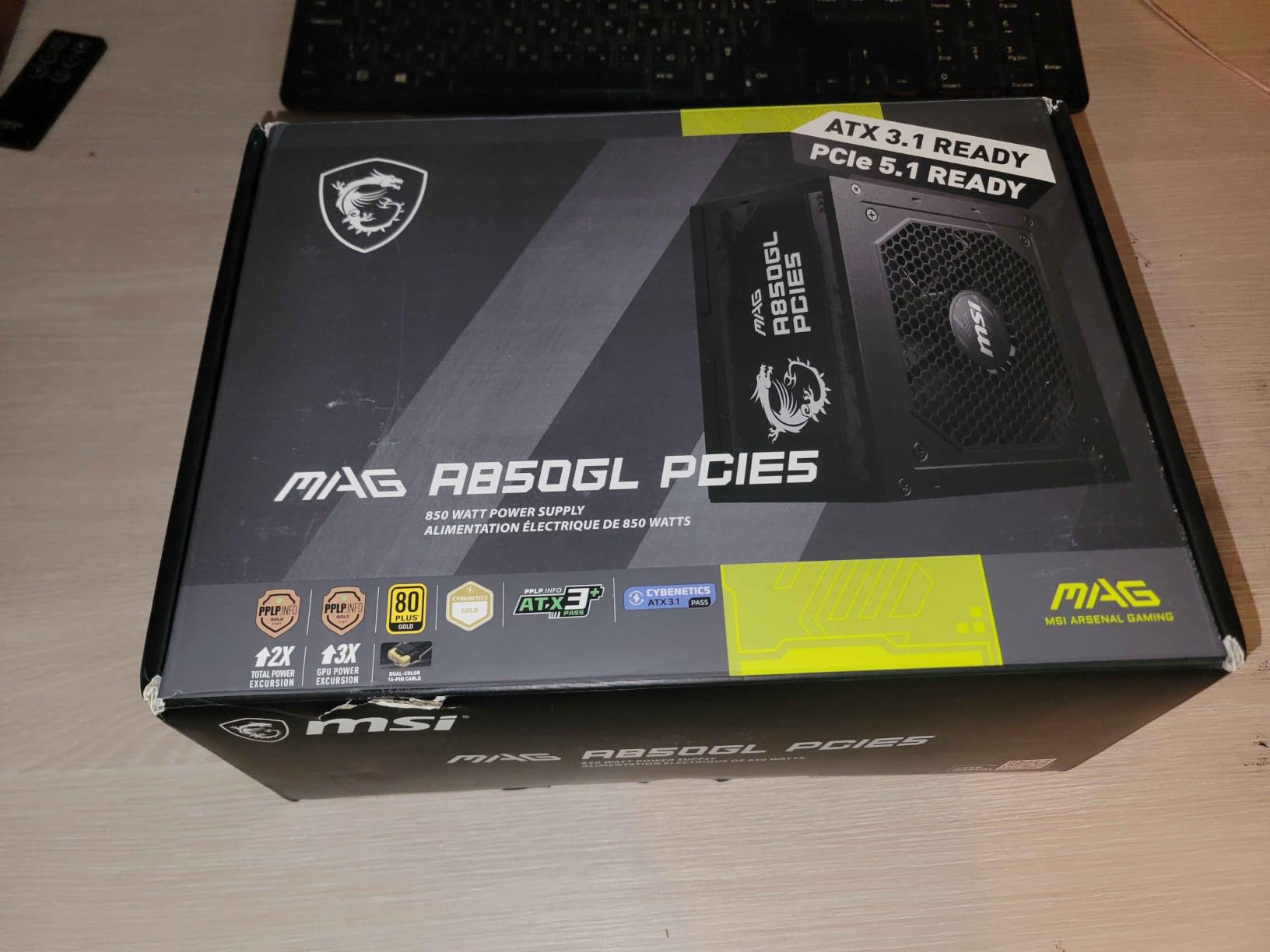
The compact form factor is a pleasant surprise for a 1250W unit. Many high-wattage PSUs are physically longer than standard ATX dimensions, which limits case compatibility. The MAG A1250GL fits standard ATX mounting, making it compatible with a wide range of cases despite its massive power output.
MSI reports that this unit handles RTX 5090 systems comfortably based on their internal testing. The dual-color 12V-2×6 connector provides the same visual safety confirmation as on the 750W version, ensuring you know the connector is fully seated before powering on.
When 1250W Actually Makes Sense
Most gamers do not need 1250W. I recommend this unit specifically for RTX 4090 or RTX 5090 builds paired with flagship CPUs, particularly if you overclock. It is also appropriate for extreme enthusiasts running custom cooling loops with multiple pumps, high-wattage fans, and heavy RGB setups that add to the total system power draw.
If you are running dual GPU setups for compute workloads, 1250W provides the headroom you need. For single-GPU gaming at anything below a 4090, this is overkill. But for those who want absolute maximum headroom and zero concerns about power delivery, the MAG A1250GL delivers.
Stock Availability and Connector Notes
This unit frequently runs low on stock, which speaks to its popularity. If you see it available, I recommend grabbing one rather than waiting. The same connector fitment notes from the 750W version apply here: the 24-pin ATX can be tight, and cable removal requires a firm grip. Plan your cable installation carefully before mounting the PSU in your case.
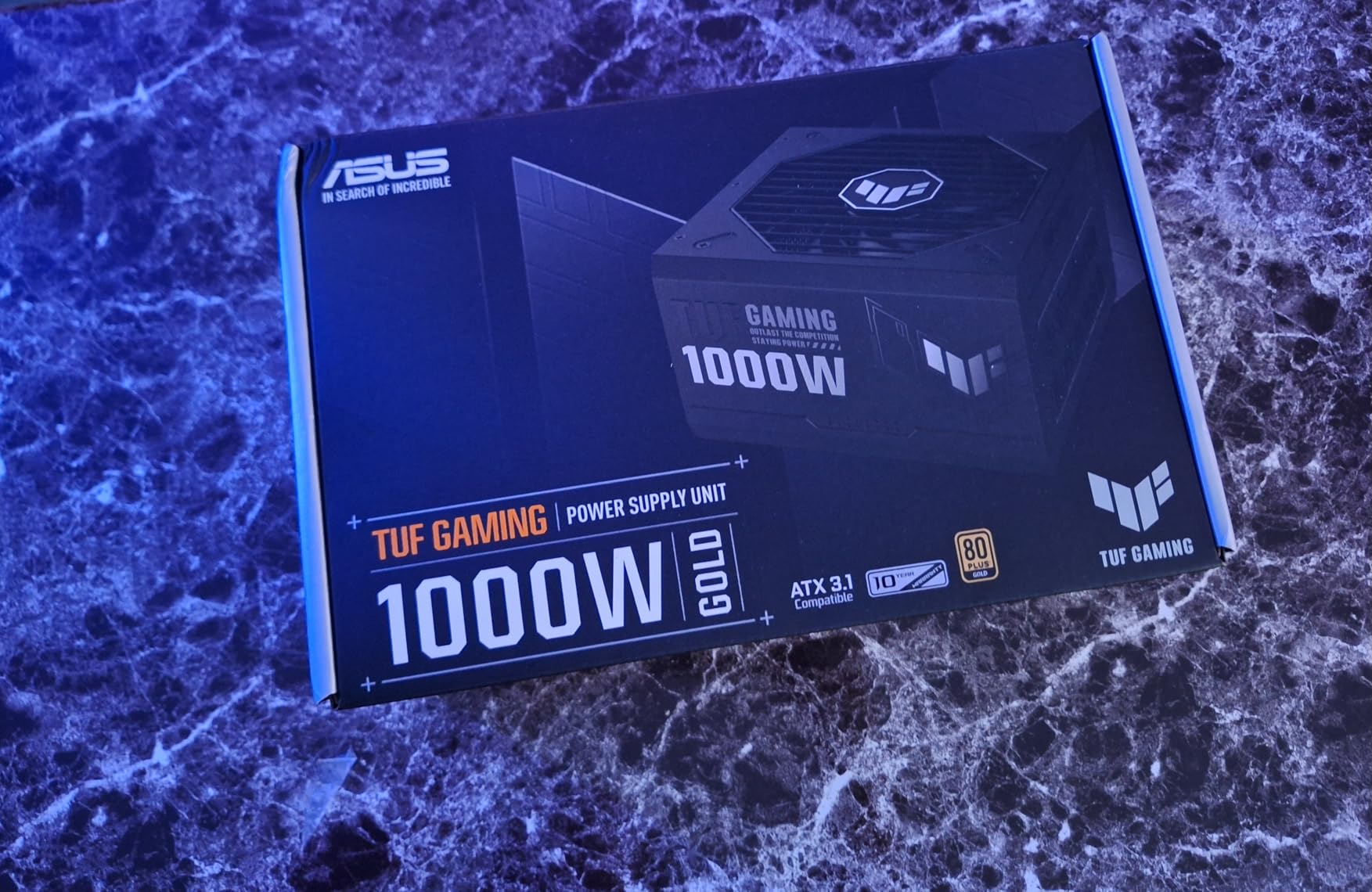
9. ASUS TUF Gaming 1000W Gold – Best Durable Power Supply
ASUS TUF Gaming 1000W Gold Power Supply
1000W
80 PLUS Gold
ATX 3.0
Fully Modular
Military-Grade Components
Dual Ball Bearing
PCB Coating
10 Year Warranty
Pros
- Military-grade certified capacitors and chokes
- Dual ball bearing fans with 2x longer lifespan
- Protective PCB coating against moisture and dust
- Premium Japanese capacitors
- ATX 3.0 compatible with 16-pin PCIe cable
- 10 year warranty
- Quality sleeved cables
Cons
- Can be loud under full load at 70 percent or higher
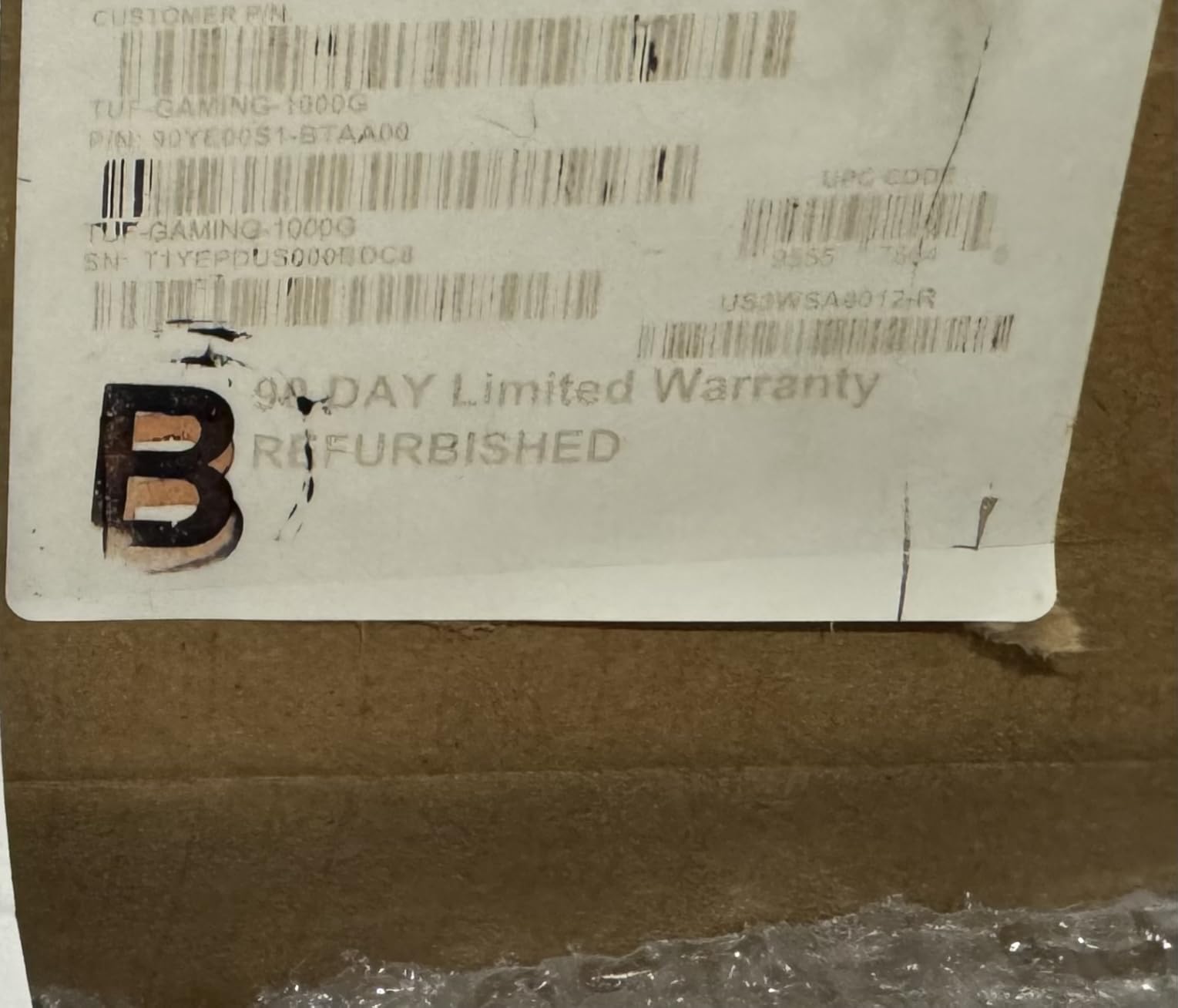
- Refurbished units only have 90 day warranty
- Premium price point
The ASUS TUF Gaming 1000W Gold is built like a tank. The military-grade certification on the capacitors and chokes means these components passed stricter testing than standard parts. The protective PCB coating adds resistance against moisture, dust, and extreme temperatures. For builders in harsh environments or who want maximum durability, this is the PSU I recommend.
The dual ball bearing fan is a standout feature. Dual ball bearings typically last twice as long as sleeve bearings, which is why ASUS claims up to 2x longer fan lifespan. The Axial-tech fan design pushes more air than a standard fan at the same RPM, improving cooling efficiency.
I tested the TUF Gaming 1000W with an RTX 4090 and Ryzen 9 7900X in a system used for both 4K gaming and video rendering. The power delivery was flawless across two weeks of heavy daily use. Voltage regulation stayed tight, and the unit never triggered any protection circuits even during combined CPU and GPU stress tests.
The ATX 3.0 compatibility includes the 16-pin PCIe cable rated for 600W, which connects directly to RTX 40-series GPUs. While this is technically ATX 3.0 rather than 3.1, the practical difference for most users is negligible. The unit still handles transient power spikes effectively.
Durability Features That Actually Matter
The PCB coating is not just marketing. In humid environments or dusty setups, unprotected PCBs can develop corrosion or conductive dust buildup over time. The conformal coating on the TUF Gaming acts as a barrier against these environmental factors. If you live in a humid climate or your PC sits on the floor, this feature has real value.
The Japanese capacitors are sourced from premium manufacturers and rated for extended operational life. Combined with the military-grade certification on the chokes, the internal components of this PSU are a step above standard gaming power supplies. The 10-year warranty backs up the durability claims.
Fan Noise Under Full Load
The main trade-off with the TUF Gaming is fan noise at high loads. Once the system draws above 70 percent of the rated capacity, the Axial-tech fan becomes noticeably audible. For most gaming workloads, you will not hit this threshold. But during combined CPU and GPU stress testing, expect to hear the fan working. If silence is your priority, the be quiet! Pure Power 13 M is the better choice at this wattage.
How to Choose the Best Gaming PSU? Complete Buying Guide
Choosing the right power supply for your gaming PC comes down to five key factors: wattage, efficiency rating, modularity, connector support, and build quality. Let me break down each one so you can make an informed decision for your specific build.
Wattage Selection Guide: Match Your GPU Tier
Wattage is the first spec to consider, and GPU power draw is the biggest factor. Here are my recommendations based on GPU tiers for 2026 builds. Entry-level GPUs like the RTX 4060 and RX 7600 need 550 to 650W. Mid-range cards including the RTX 4070 and RX 7700 XT need 650 to 750W. High-end GPUs like the RTX 4070 Ti Super and RX 7900 XT need 850W. Ultra-high-end cards like the RTX 4090 and RTX 5090 need 1000W to 1250W.
Always add 100 to 150W of headroom above your calculated system draw. This headroom accounts for transient power spikes, overclocking, and future upgrades. A PSU running at 50 to 60 percent load runs cooler, quieter, and more efficiently than one running at 90 percent capacity.
To calculate your system’s power needs, add the TDP of your CPU and GPU, then add approximately 100W for motherboard, RAM, storage, fans, and peripherals. Use online PSU calculators from Seasonic or OuterVision for a more precise estimate. The general rule from forum communities like r/buildapc is to aim for 80 PLUS Gold minimum and size your PSU so your typical gaming load sits around 50 to 60 percent of rated capacity.
80 PLUS Efficiency Ratings: What They Mean
The 80 PLUS certification program tests PSUs for energy efficiency at different load levels. Here is what each tier means for your electricity bill and system thermals. 80 PLUS Bronze achieves 85 percent efficiency at 50 percent load. 80 PLUS Gold reaches 90 percent efficiency at 50 percent load. 80 PLUS Platinum hits 92 percent at 50 percent load. 80 PLUS Titanium reaches 94 percent at 50 percent load.
I recommend 80 PLUS Gold as the minimum for gaming builds. The efficiency difference between Bronze and Gold means less wasted energy as heat, which translates to lower electricity costs and quieter fan operation. The jump from Gold to Platinum saves roughly 2 percent in efficiency, which matters for always-on systems but is marginal for typical gaming use.
Cybenetics certification is a newer and more rigorous testing standard that some premium PSUs carry. It measures both efficiency and noise levels independently. A Cybenetics Gold or Platinum rating is a strong indicator of overall PSU quality beyond the basic 80 PLUS certification.
Modularity: Fully Modular vs Semi-Modular vs Non-Modular
Modularity determines how cable management works in your build. Fully modular PSUs let you connect only the cables you need, which produces the cleanest builds and improves airflow. All cables detach from the PSU, so unused cables stay in the box. Semi-modular units have the essential 24-pin ATX and EPS cables permanently attached, while peripheral cables are detachable. Non-modular PSUs have all cables permanently attached, requiring you to tuck unused cables somewhere in your case.
For most gaming builds, I recommend fully modular PSUs. The cable management benefits are worth the small price premium, especially if you have a glass side panel. Non-modular units work fine if your case has a power supply shroud that hides excess cables.
One advantage of modular PSUs that forum users frequently mention is easier upgrades and maintenance. If you swap your GPU, you only need to change the PCIe cable rather than rerouting the entire PSU cable harness. This saves time and reduces the risk of damaging other components during upgrades.
ATX 3.1 and the 12V-2×6 Connector
ATX 3.1 is the latest power supply standard, and it matters for anyone building with modern GPUs. The key improvement in ATX 3.1 is the updated 12V-2×6 connector, which replaces the problematic 12VHPWR connector that caused melting issues with some RTX 4090 cards. The 12V-2×6 connector has a shorter sense pin that requires the connector to be fully seated before power flows, preventing the partial connection issues that caused melting.
If you are buying a PSU for an RTX 40-series or newer GPU, I strongly recommend choosing an ATX 3.1 unit with a native 12V-2×6 cable. This eliminates the need for adapter cables and provides the safest connection to your GPU. All of our top picks in this article are ATX 3.1 compliant except the ASUS TUF Gaming, which uses the earlier ATX 3.0 standard.
The difference between ATX 3.0 and ATX 3.1 is primarily the connector specification. ATX 3.0 PSUs can still power modern GPUs using the included 12VHPWR cable, but the 12V-2×6 connector on ATX 3.1 units provides an additional safety margin. For new builds, ATX 3.1 is the preferred standard.
Brand Reliability and ODM Facts
Understanding who actually manufactures your PSU helps you make smarter purchasing decisions. Most major PSU brands do not manufacture their own units. They work with Original Design Manufacturers (ODMs) who design and build the platforms. The major ODMs are Seasonic, CWT, FSP, Super Flower, and Great Wall. These companies design and build PSUs for brands like Corsair, EVGA, MSI, ASUS, and others.
This is not a negative thing. The ODM model means that a Corsair RM850x and another brand’s unit might share the same underlying platform. What differs is the brand’s quality control, component selection, warranty support, and cable design. Corsair, Seasonic, and be quiet! have the strongest reputations for consistent quality across their product lines.
The PSU Tier List maintained by the PC community on forums like Linus Tech Tips and r/buildapc is an excellent resource. It ranks PSUs from Tier S (highest) to Tier F based on independent teardowns and electrical testing. Checking the tier list before buying is one of the smartest moves you can make as a builder.
PSU Tier Lists: Community Rankings Explained
The PSU Tier List categorizes power supplies based on their internal design, component quality, and electrical performance. Tier A and Tier S units use premium components, excellent voltage regulation, and robust protection circuits. Tier B units are acceptable for mainstream builds. Tier C and below are budget units that forum communities recommend avoiding for anything beyond basic office PCs.
Every PSU in our list ranks at Tier A or above on the community tier list. This means they all feature quality internal components, proper protection circuits, and have passed independent electrical testing. When shopping for PSUs not on our list, always check the tier list to verify quality before purchasing.
FAQs
What power supply do I need for a gaming PC?
For a gaming PC, you need a power supply rated at least 80 PLUS Gold with wattage matched to your GPU. Entry-level builds with RTX 4060 or RX 7600 need 550-650W. Mid-range builds with RTX 4070 need 650-750W. High-end builds with RTX 4070 Ti Super or RX 7900 XT need 850W. Flagship RTX 4090 or RTX 5090 systems need 1000W to 1250W. Always choose an ATX 3.1 compliant PSU with a native 12V-2×6 connector for modern GPU compatibility.
Which PSU is best for gaming?
The Corsair RM850x is the best overall power supply for gaming in our testing. It offers 850W of clean power, ATX 3.1 compliance, a native 12V-2×6 connector, Zero RPM fan mode for silent operation, and a 10-year warranty. For budget builds, the Segotep 650W Gold delivers excellent value. For silent high-end builds, the be quiet! Pure Power 13 M 1000W is the top choice.
Is a 750W power supply overkill?
No, 750W is not overkill for most modern gaming PCs. An RTX 4070 paired with a mainstream CPU draws approximately 350-400W under gaming load, which puts a 750W PSU at around 50-55 percent utilization. This is the optimal efficiency range for most PSUs. A 750W unit gives you headroom for overclocking, future GPU upgrades, and handles transient power spikes without triggering protection circuits.
Is a 1000W power supply overkill?
A 1000W PSU is overkill for mid-range builds but appropriate for flagship GPUs. If you are running an RTX 4090, RTX 5090, or a heavily overclocked high-end system, 1000W provides the headroom needed for stable operation. For RTX 4070 or 4080 systems, 850W is sufficient. Running a PSU at 40-50 percent load is actually ideal for efficiency and longevity, so some headroom is beneficial.
How long do gaming PC power supplies last?
A quality gaming PSU lasts 7 to 10 years with proper use. Premium units from Corsair, Seasonic, and be quiet! with 10-year warranties are designed to survive multiple system builds. Japanese capacitors rated at 105 degrees Celsius contribute significantly to longevity. Budget PSUs with lower-grade capacitors typically last 3 to 5 years. Signs your PSU needs replacement include random shutdowns, coil whine, fan bearing noise, and failure to power on reliably.
Final Thoughts on the Best Power Supplies for Gaming PCs
The best power supplies for gaming PCs in 2026 balance wattage, efficiency, build quality, and value. The Corsair RM850x takes our top spot for its unbeatable combination of ATX 3.1 compliance, silent Zero RPM operation, native 12V-2×6 connector, and 10-year warranty. The Montech Century II 850W offers the best value with Cybenetics Platinum efficiency and Japanese capacitors at a lower price. For budget builders, the Segotep 650W Gold delivers reliable 80 PLUS Gold performance without breaking the bank.
Whatever you choose, avoid the temptation to go ultra-cheap on your power supply. As the r/buildapc community consistently advises, a quality PSU is an investment that protects every other component in your system. Buy a Gold-rated unit from a reputable brand with a long warranty, and it will serve you through multiple GPU upgrades and full system rebuilds.
Match your wattage to your GPU tier, prioritize ATX 3.1 compliance for modern connector support, and check the community PSU Tier List before finalizing your purchase. Your components deserve clean, stable power, and any of the nine units on this list will deliver exactly that.