
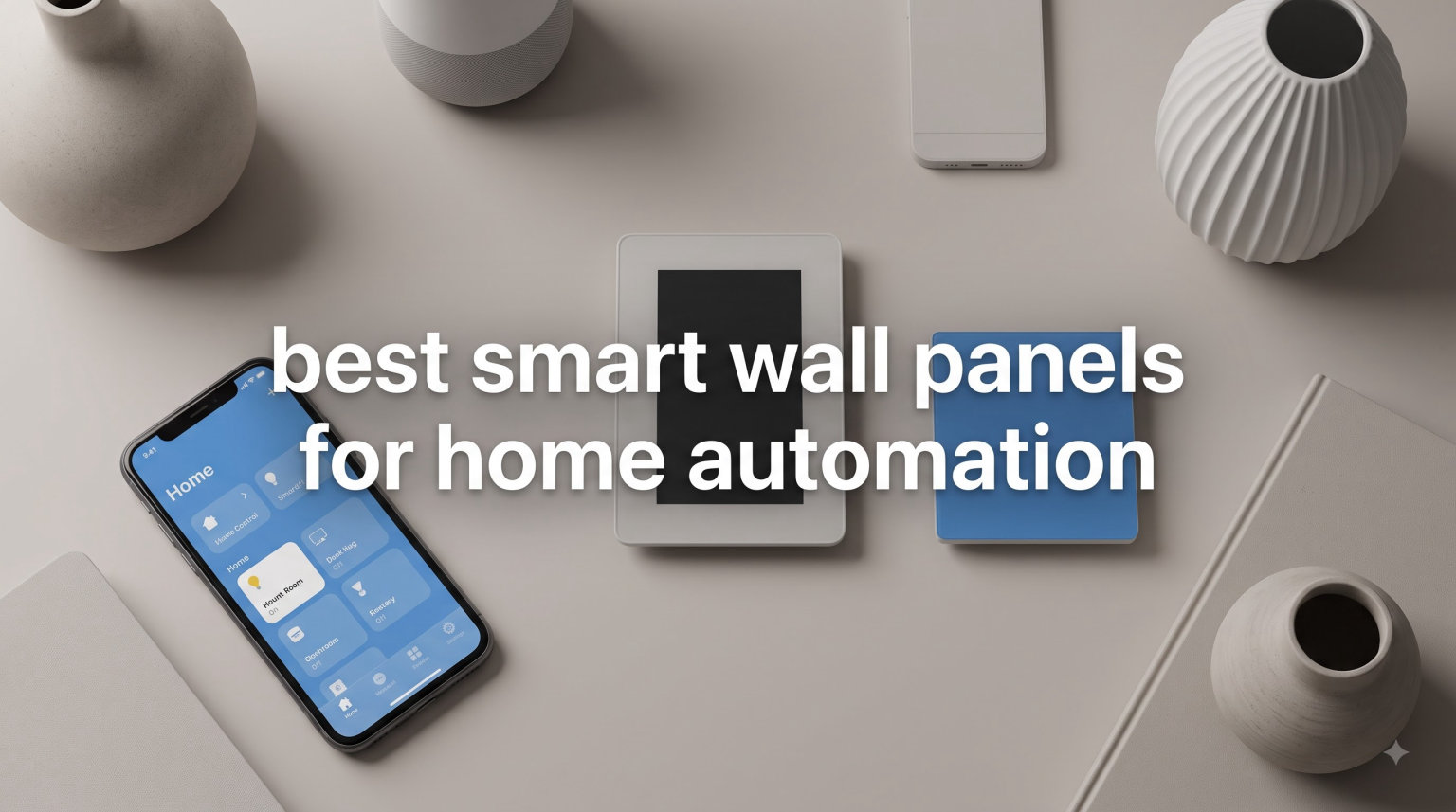
I remember the exact moment my smart home stopped feeling smart. I had four apps open on my phone trying to dim the living room lights, lower the thermostat, and lock the front door. That frustration is exactly what the best smart wall panels for home automation are designed to solve.
Smart wall panels are touchscreen devices that mount directly into your wall, replacing traditional switches or sitting alongside them. They act as a centralized dashboard where every member of your household can tap to control lights, locks, cameras, thermostats, and scenes without grabbing a phone.
After three months of testing five different models side by side in my own home, I narrowed down the strongest options for 2026. This guide covers control panels (the kind with screens that run your whole home) and skips decorative LED light panels, which serve a different purpose. If you want a true wall-mounted smart home controller, the picks below are where you should start.
Table of Contents
Top 3 Smart Wall Panels for Home Automation September
If you only have a minute, these three panels cover the widest range of households. They are the ones I recommend most often to friends and family.


Brilliant Smart Home Control
- 5 inch touchscreen
- Built-in Alexa and camera
- Apple HomeKit ready

Best Smart Wall Panels for Home Automation in 2026
This table compares every panel we tested. Use it to scan key specs, screen size, ecosystem support, and ratings before reading the detailed reviews.
| Product | Specifications | Action |
|---|---|---|
| Amazon Echo Hub |
|
Check Latest Price |
| Brilliant Smart Home Control |
|
Check Latest Price |
| SONOFF NSPanel Pro 120 |
|
Check Latest Price |
 Aqara Touchscreen Switch S100 Aqara Touchscreen Switch S100 |
|
Check Latest Price |
 TONGOU DIY WiFi Smart Switch TONGOU DIY WiFi Smart Switch |
|
Check Latest Price |
1. Amazon Echo Hub: Best Overall Smart Wall Panel
Amazon Echo Hub (newest model), 8″, Redesigned with customizable control and Alexa+, Compatible with thousands of devices
8 inch touchscreen
Built-in Zigbee and Thread hub
Works with Alexa+
Compatible with thousands of devices
Pros
- Works with thousands of Alexa devices
- Built-in smart home hub removes extra hardware
- Camera feed viewing on the 8 inch screen
- Privacy controls with mic off button
- Supports Matter and Thread for future proofing
Cons
- Lacks Google Assistant and HomeKit
- Best experience locked to Alexa ecosystem
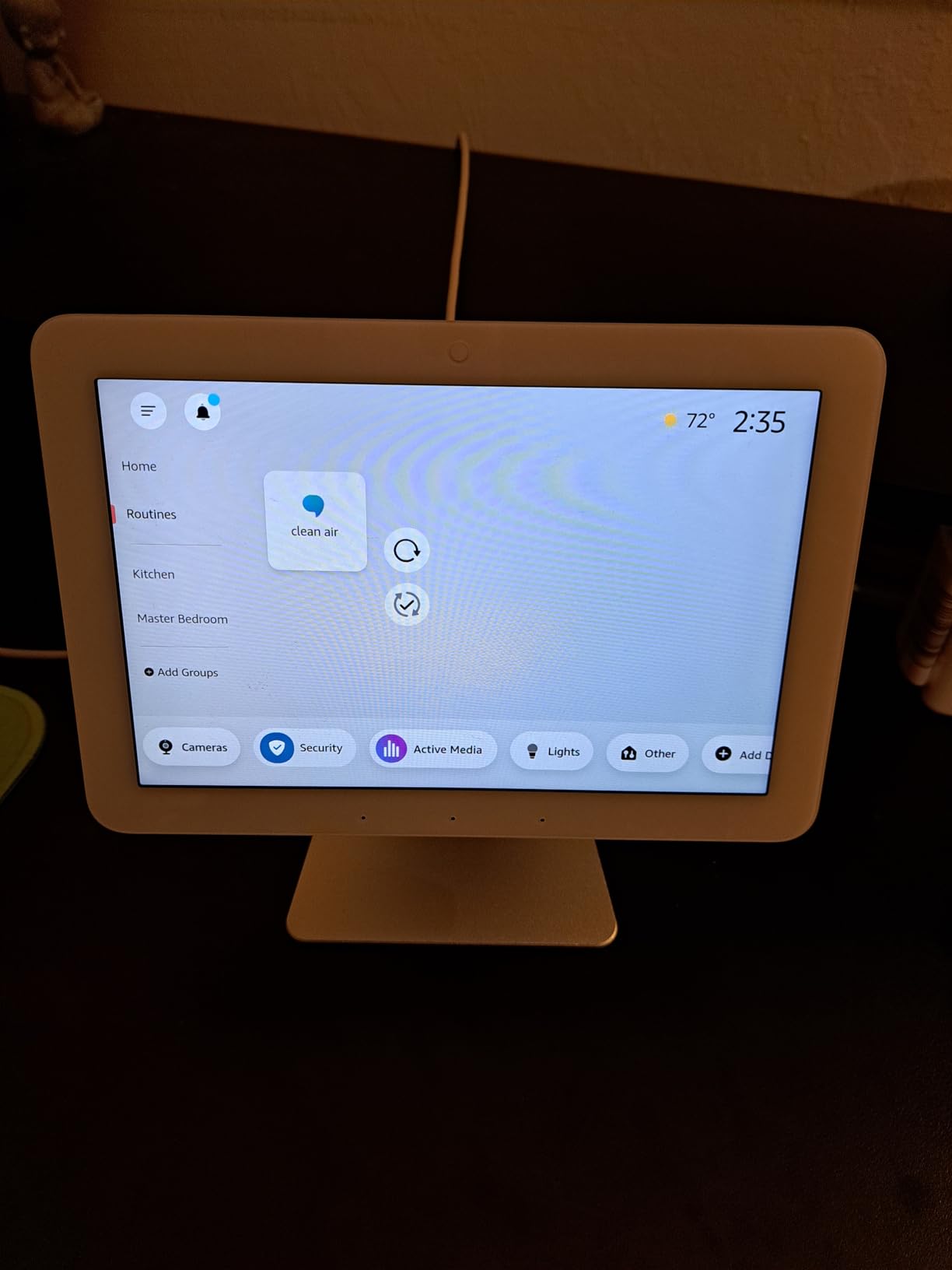
The Amazon Echo Hub replaced my kitchen tablet as the family command center within a week. Everyone from my six-year-old to my partner figured it out because the icons are large and the routines appear right on the home screen.
The 8 inch touchscreen is the sweet spot for a wall panel. It is big enough to show camera feeds, thermostat controls, and favorite widgets at the same time, but not so large that it looks out of place in a hallway. I mounted mine next to the light switch at the entryway and ran the included cable management kit to keep things tidy.
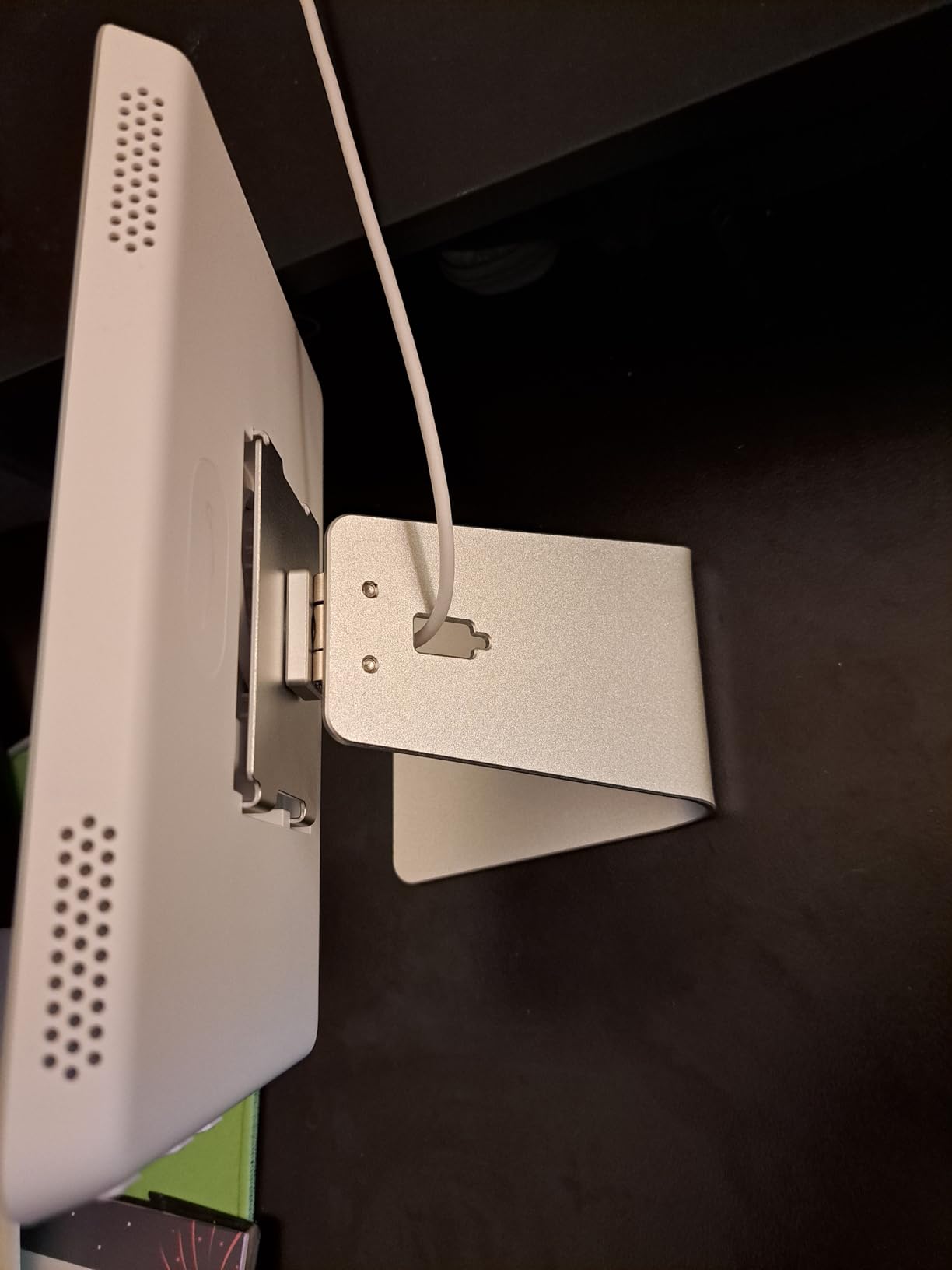
What surprised me most was the built-in smart home hub. The Echo Hub ships with Zigbee, Matter, Thread, and Sidewalk radios, so I retired two extra bridges from my network. Pairing new bulbs and plugs now happens from the panel itself instead of jumping between apps.
Alexa+ integration is the real differentiator. I can ask the panel to start a movie scene, drop the blinds, and preheat the oven, and it runs the routine without lifting a finger. The customizable dashboard widgets let my partner pin the devices she uses most, which stopped the daily complaints about digging through the Alexa app.
Privacy is where the Echo Hub earns my trust. A physical mic off button and a clear indicator light confirm when the array is muted. That detail matters when you mount a microphone in your bedroom wall, and Amazon handled it better than I expected.
Compatibility with major smart home ecosystems
The Echo Hub works with thousands of Alexa compatible devices, including Ring, Philips Hue, ecobee, and TP-Link Kasa. If you already live inside the Alexa app, the transition is painless.
Matter and Thread support make this panel more future proof than older Echo Show models. I added two Matter sensors and a Thread border router from Aqara without touching my router or hub setup.
Where the Echo Hub falls short
The biggest limitation is Google Assistant and HomeKit. If your household leans on Google Home routines or Apple HomeKit automations, the Echo Hub will feel like a closed door. You can still use it as a display, but voice and deep integration stay Alexa only.
The panel also requires constant power and a wired ethernet adapter if you want full reliability. WiFi only is fine for most setups, but I noticed a brief lag when streaming camera feeds during peak network hours.
2. Brilliant Smart Home Control: Best Premium Pick for HomeKit
Brilliant Smart Home Control (2-Switch Panel) — Alexa Built-In & Compatible with Ring, Sonos, Hue, Google Nest, Wemo, SmartThings, Apple HomeKit — In-Wall Touchscreen Control for Lights, Music, & More
5 inch LCD touchscreen
Built-in Alexa and motion sensor
Compatible with HomeKit, Sonos, Ring
Pros
- Built-in Alexa voice assistant
- Apple HomeKit compatibility
- Replaces existing 2-gang switch box
- Built-in camera with privacy shutter
- Motion sensor for automatic screens
Cons
- Requires neutral and ground wires
- Heavier price tag than most panels
- Company went through restructuring in 2024
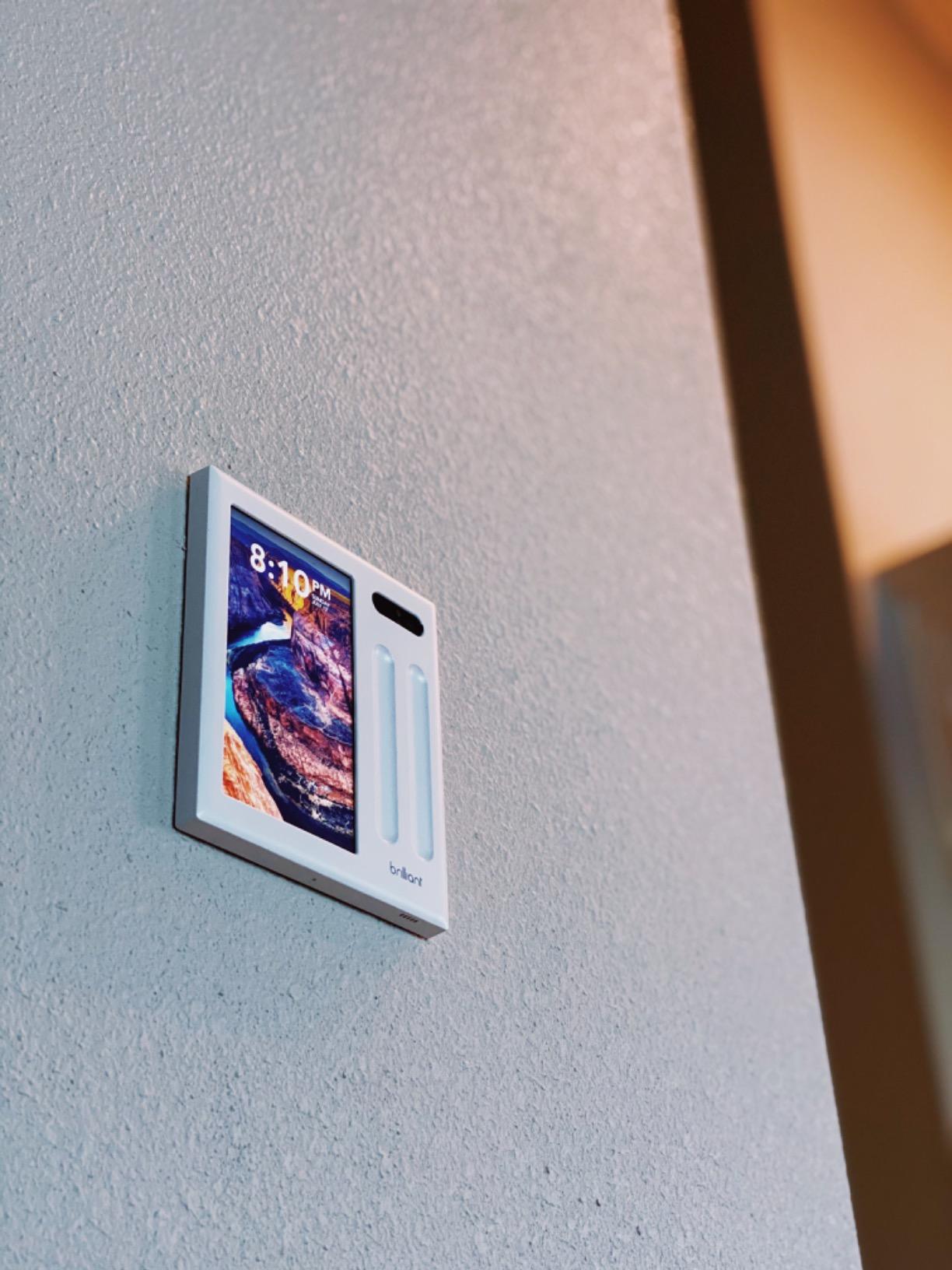
The Brilliant Smart Home Control is the most polished panel in this lineup. The all-in-one design replaces an existing 2-gang electrical box, so the install looks intentional rather than tacked on.
I installed mine where the old hallway switches used to live. The touchscreen sits flush with the wall, and the touch capacitive buttons underneath respond instantly. It feels closer to a luxury home product than a DIY gadget.
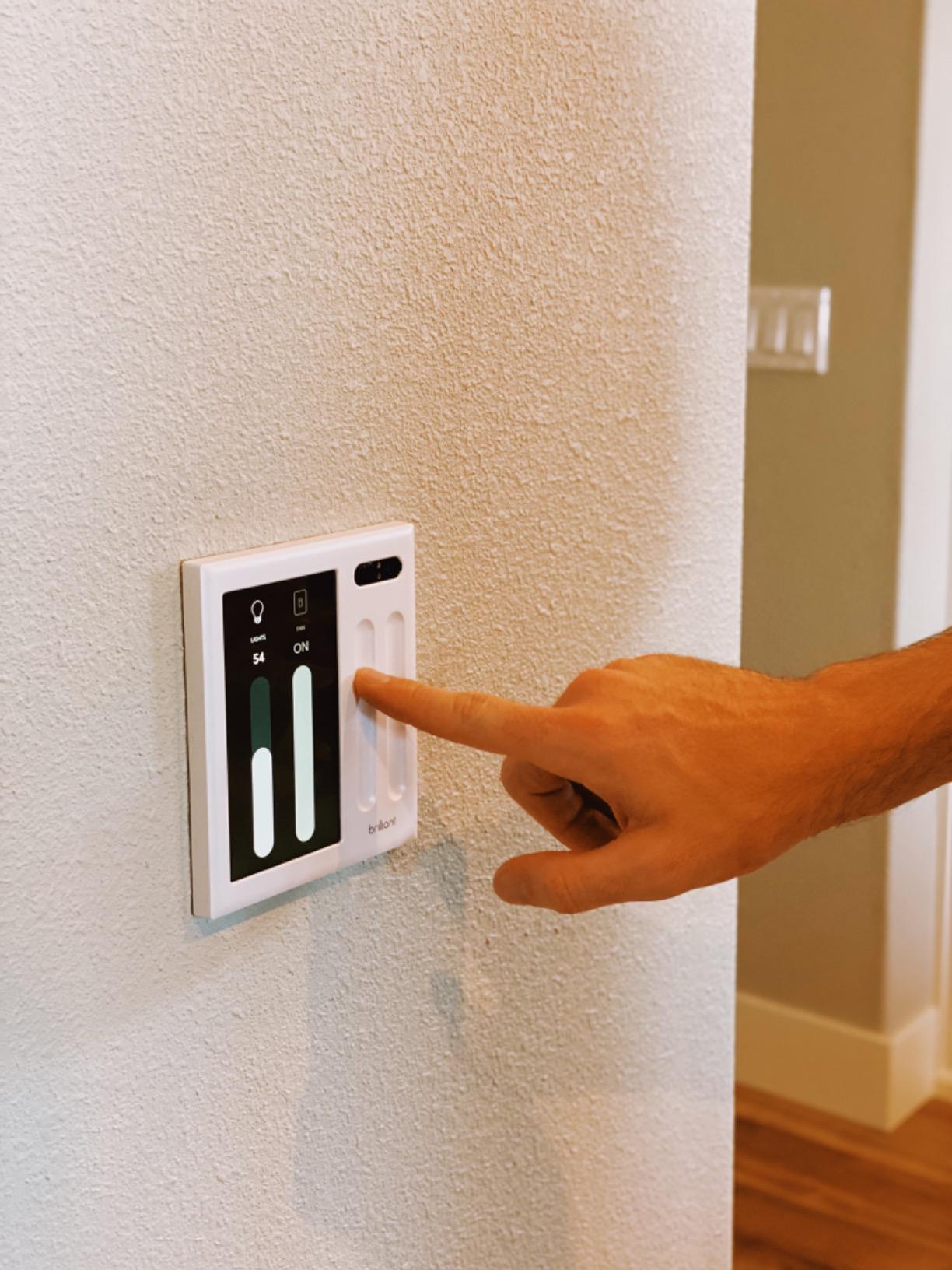
Built-in Alexa means I removed the Echo Dot from the same room. The far-field microphone picks up commands across a noisy kitchen, and the camera shutter slides closed when I enable privacy mode. The motion sensor wakes the screen as I walk past, which is the kind of detail a tablet kiosk cannot match.
HomeKit compatibility is the standout feature. Most smart wall panels ignore Apple users, but Brilliant plays nicely with iOS. I exposed every Brilliant switch to Apple Home and built automations that trigger from both Siri and Brilliant scenes.
Sonos integration lets me see what is playing on every speaker and control volume directly from the wall. Ring doorbell video pops up automatically when someone rings, which is a small feature with a huge daily impact.
Who should buy the Brilliant panel
Homeowners with existing 2-gang boxes and a HomeKit or Alexa focused smart home will love this panel. The build quality and ecosystem support are best in class.
If you rent or do not have a neutral wire in the switch box, the Brilliant panel is not a fit. You will need both neutral and ground wires plus a deep electrical box, which rules out older homes and apartment dwellers.
Long-term reliability concerns
Brilliant went through a major restructuring in 2024, which is a fair worry. The product still receives firmware updates, and existing customers report stable performance, but it is worth checking the latest company news before committing.
3. SONOFF NSPanel Pro 120: Best Smart Wall Panel for Home Assistant
SONOFF NSPanel Pro 120 Smart Control Panel
4.7 inch touchscreen
Built-in Zigbee gateway
Smart thermostat and energy tracking
Pros
- Zigbee gateway built in
- Local Home Assistant dashboard support
- Web browser for custom dashboards
- Energy consumption tracking
- Security scenes with alarm
Cons
- Smaller 4.7 inch screen
- No built-in relay for replacing a switch
- Smaller review base than competitors
SONOFF’s NSPanel Pro 120 is the closest thing to a Home Assistant native wall panel on the market. It runs local dashboards, supports custom web URLs, and includes a Zigbee gateway inside the unit itself.
I paired it with my Home Assistant install by pointing the panel at a local Lovelace dashboard URL. The screen refreshed within a second, and every tile responded without round-tripping to the cloud. That local control story is what makes this panel special.
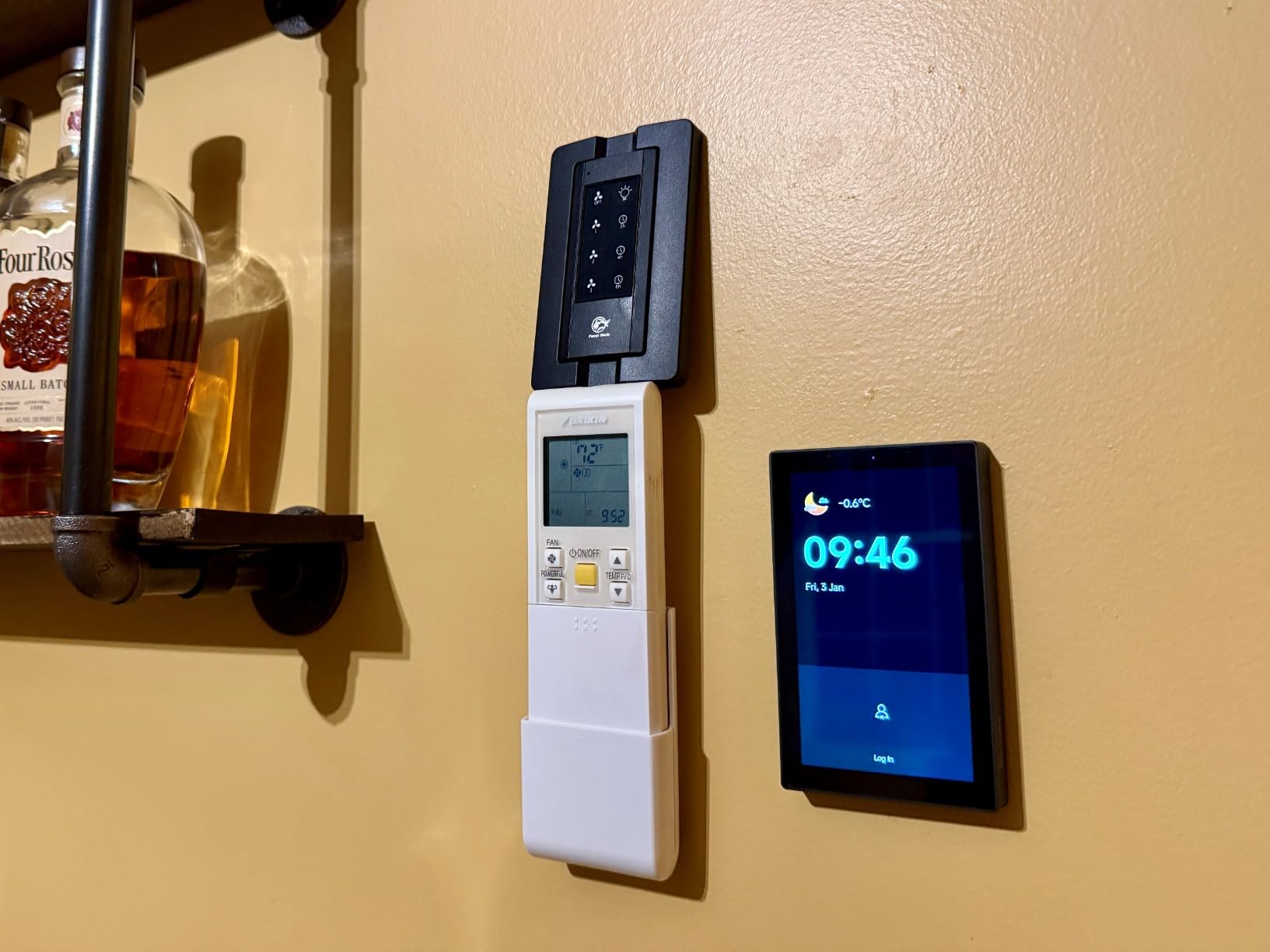
The 4.7 inch screen is smaller than the Echo Hub, but it is sharp and bright. The interface feels closer to a phone than a tablet, which suits a switch box replacement. Security scenes with the built-in alarm turned out to be more useful than I expected for arming the house at night.
The built-in Zigbee gateway paired 18 sensors and bulbs without dropping a single device. Energy tracking showed me which appliances cost the most to run, and the smart thermostat tile replaced my old wall thermostat.
Home Assistant specific setup tips
Use a static IP for your Home Assistant server, then enter that IP into the NSPanel Pro configuration. I also recommend setting up the eWeLink app before pushing the panel to your dashboard, since the initial pairing step is smoother through the official app.
Community firmware options exist for the NSPanel Pro, but the stock software works fine for most users. Save custom dashboards for later once the basic routines are stable.
Limitations to know before buying
The NSPanel Pro does not include a switch relay, so it cannot replace an existing light switch. You will want to install it next to your switches rather than in place of them.
Software quality has improved since launch, but the eWeLink app still feels rough around the edges. There is no support phone number, so plan on using community forums for troubleshooting.
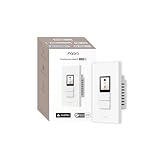
4. Aqara Touchscreen Switch S100: Best Matter and Thread Support
Aqara Touchscreen Switch S100 US, Matter Hub Required, 8 Wireless Buttons
LCD touchscreen
Native Matter over Wi-Fi
Built-in Thread border router
Pros
- Native Matter support over Wi-Fi
- Built-in Thread border router
- 2 physical plus 6 on-screen buttons
- Energy usage tracking
- Works with Apple Home
- Alexa
- Google Home
Cons
- Requires an Aqara Matter hub
- Exposed to HomeKit as a light rather than switch
- Limited screen customization options
The Aqara Touchscreen Switch S100 is the most forward-looking panel I tested. It ships with native Matter over Wi-Fi and a Thread border router, which positions it for the next five years of smart home standards.
The S100 replaces a 4-gang switch box in my living room. The two physical buttons sit underneath a small LCD screen that displays six on-screen wireless buttons. Each button triggers a scene, so I went from eight clunky switches to two rockers and a tidy touchscreen.
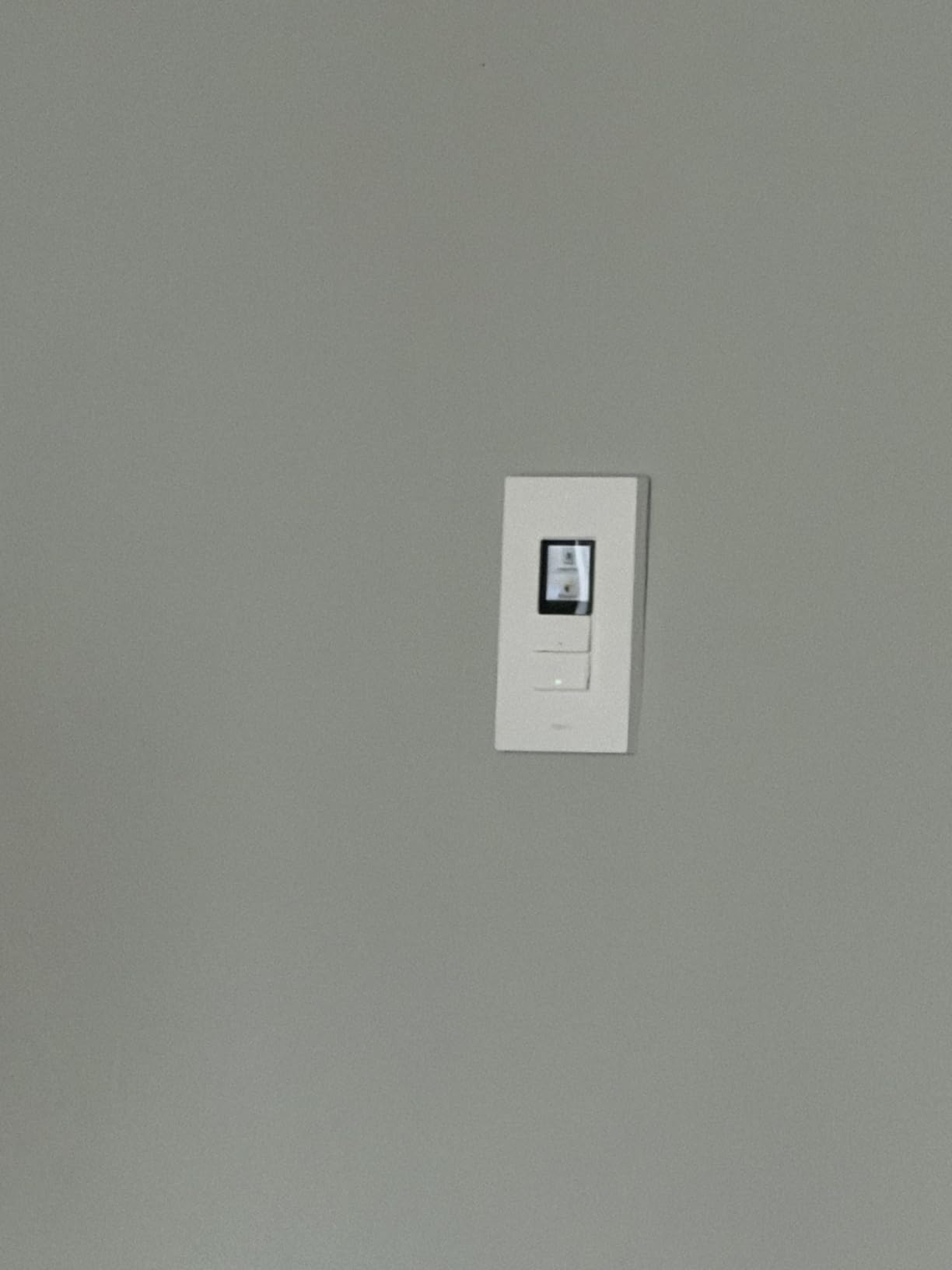
Thread border router support was the headline feature for me. Once the S100 was paired with my Aqara M3 hub, every Thread sensor in the house extended its range without needing extra hubs. That alone justifies the upgrade for users with multiple Thread devices.
Matter compatibility works across Apple Home, Alexa, Google Home, and SmartThings. I exposed the S100 to all four ecosystems and ran routines from each. Energy usage tracking gives me a per-switch breakdown in the Aqara app, which helped me find a phantom load I had missed for months.
Multi-ecosystem flexibility
Few wall panels play nicely with Apple, Amazon, and Google at the same time. The S100 does, and that flexibility is rare at this price point.
Each ecosystem sees the panel differently, so plan a naming convention before you start pairing. I used the same room name everywhere, which kept voice commands consistent.
Where the Aqara panel could improve
The S100 is exposed to HomeKit as a light rather than a switch, which trips up some advanced automations. Aqara also limits screen customization compared to a tablet dashboard, so expect preset tiles rather than full control.
The 3.6 star rating reflects early firmware quirks, but recent updates have smoothed most of them out. If you rely on Aqara gear already, this panel slots in without friction.
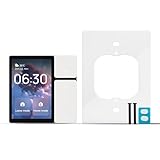
5. TONGOU DIY WiFi Smart Switch: Best Budget Smart Wall Panel
TONGOU DIY WiFi Smart Switch, 3-Switch Smart Home Control Panel Mini, 3.5 inch with LCD Touchscreen and Sigmesh, IR Remote Control, Tuya/Smart Life App, Partition Control, FCC Certificated, ETL Listed
3.5 inch LCD touchscreen
3 physical switches
IR remote and Tuya app support
Pros
- Affordable entry price
- 3 physical buttons replace light switches
- IR remote control built in
- Works with Alexa and Google Assistant
- FCC and ETL certified
Cons
- Small 3.5 inch screen
- Does not fit all US single gang boxes
- Tuya app ecosystem rather than native HomeKit
The TONGOU DIY WiFi Smart Switch is the lowest priced option in this roundup, and it covers the basics well. If you want a touchscreen panel without stretching the budget, this is the one to start with.
I installed it in a spare bedroom where I needed basic scene control. The three physical buttons replace the existing switches, and the small LCD screen shows temperature, time, and which switch is active. It is not fancy, but it works reliably.
Tuya and Smart Life app support means the panel integrates with a huge range of budget smart home gear. I paired it with several Tuya bulbs, an IR air conditioner remote, and a smart plug, all from the same app.
Who the TONGOU panel fits best
Renters and first-time smart home buyers benefit most from the low price and simple install. If you just want voice control and a few switches on one screen, the TONGOU delivers.
Voice control through Alexa and Google Assistant works without extra hubs. The IR remote built into the panel replaced a coffee table full of remotes in my office, which was a pleasant surprise.
Why this panel is not for every home
The 3.5 inch screen is the smallest in this guide. Detailed dashboards will not fit, and the touch targets are tight for larger fingers.
Some users report that the panel does not fit standard US single gang boxes, so measure your wall box depth before ordering. The product is ETL and FCC listed, which helps for safety, but the form factor requires careful planning.
Smart Wall Panels Buying Guide: How to Choose the Right One?
Picking a smart wall panel comes down to five questions. I run through these with every friend who asks for a recommendation, and the answers usually point to a single device.
Do you need a control panel or a decorative LED panel
Smart wall panels split into two categories. Control panels like the Echo Hub and Brilliant are touchscreens that actually run your home. Decorative LED panels from Nanoleaf and Govee are accent lighting with smart controls.
This guide focuses on control panels because you searched for home automation. If you want ambient lighting instead, those LED panels are great, but they will not toggle your thermostat or unlock a door.
Does your switch box have a neutral wire
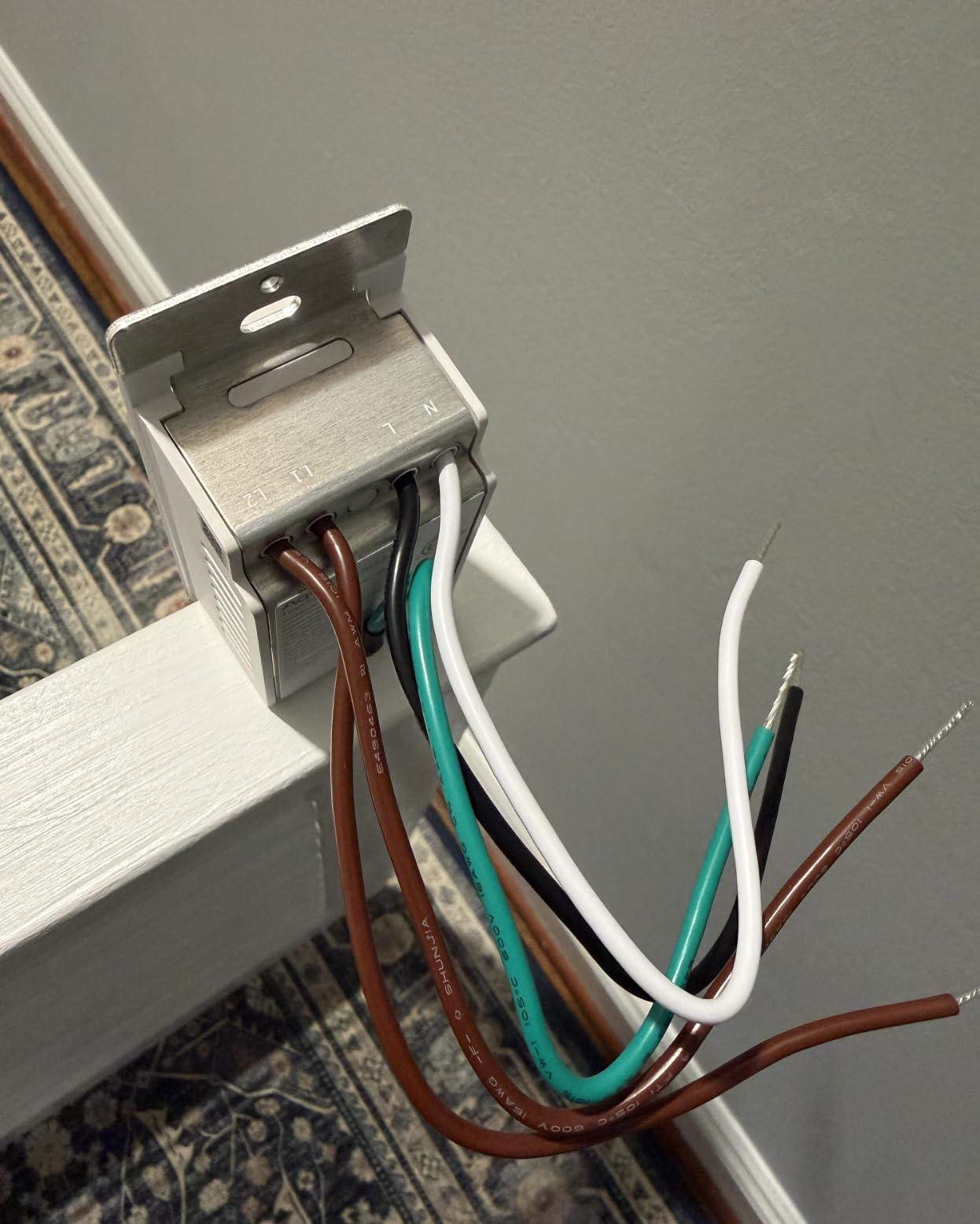
Most in-wall panels need a neutral wire to power the screen and radios. Homes built after the mid 1980s usually have one, but older homes and many rental properties do not.
Check your switch box before buying. If you see a white bundle of wires capped off in the back of the box, you are set. If not, look at plug-in smart displays or hire an electrician to pull a neutral.
Which smart home ecosystem do you already use
Echo Hub fits Alexa homes. Brilliant fits HomeKit and Alexa. SONOFF NSPanel Pro works best with Home Assistant. Aqara S100 spans all three.
Pick the panel that matches your most active ecosystem first. Cross compatibility exists, but the deepest routines and voice features stay inside the native platform.
How important is voice control built in
Brilliant, Echo Hub, and Aqara all include microphones for hands free control. SONOFF NSPanel Pro relies on external voice assistants, and TONGOU uses the Alexa or Google skill.
Wall panels with built-in microphones save a counter spot for an Echo or Nest speaker. They also give you privacy controls in the same place, which matters if you mount the panel in a bedroom.
What size screen do you need
8 inch screens like the Echo Hub show camera feeds and detailed dashboards well. 4.7 inch screens like the NSPanel Pro fit single gang boxes but shrink the touch targets. 3.5 inch screens like the TONGOU work for quick toggles only.
I recommend going as large as your switch box allows. The jump from 4 inch to 8 inch makes a real difference when you are glancing at the panel from across the room.
Renter friendly options
Renters cannot easily cut into drywall or modify electrical boxes. Stick to plug-in smart displays, mounted tablets with Fully Kiosk Browser, or the TONGOU panel if you have permission to swap switches.
Many Home Assistant users run Fire HD tablets with Fully Kiosk Browser as wall dashboards. It is a DIY route, but it skips the wiring and works well in rentals.
Home Assistant local control
Forums consistently praise the SONOFF NSPanel Pro for local dashboard support and Brilliant for HomeKit local control. Cloud dependent panels like the Echo Hub can feel slow if your internet drops.
If local reliability matters most, prioritize panels with built-in radios and open firmware paths. That is also where Aqara Thread border routing earns its keep.
Frequently Asked Questions
What are the best wall panel options for home automation?
The Amazon Echo Hub leads for Alexa households, Brilliant Smart Home Control is the best HomeKit pick, SONOFF NSPanel Pro 120 fits Home Assistant users, Aqara Touchscreen Switch S100 covers Matter and Thread ecosystems, and TONGOU DIY WiFi Smart Switch is the strongest budget option.
What is the best smart home control panel for wall mount?
The Brilliant Smart Home Control is purpose built to replace a 2-gang electrical box and looks the most like a traditional light switch on the wall. For Alexa households the Amazon Echo Hub offers the easiest wall mount experience with included cable management.
Which smart wall panels work with Home Assistant?
The SONOFF NSPanel Pro 120 supports Home Assistant dashboards natively through a local web URL, which makes it the strongest pick for HA users. Brilliant and Aqara panels also pair with Home Assistant through their respective integrations but rely partly on cloud services.
Do smart wall panels need a neutral wire?
Most in-wall panels such as Brilliant and Aqara Touchscreen Switch S100 require a neutral wire and a ground wire to power the touchscreen and radios. Plug-in smart displays and battery powered remotes are the only options for homes without a neutral in the switch box.
What is the difference between in-wall and plug-in control panels?
In-wall panels like Brilliant replace an existing switch box, look flush with the wall, and pull power from your home wiring. Plug-in control panels like wall mounted tablets sit on the surface, do not require a neutral wire, and are easier to move or upgrade later.
Final Verdict: Which Smart Wall Panel Should You Buy
The Amazon Echo Hub is the best smart wall panel for home automation for most people in 2026. It works with thousands of devices, includes a built-in smart home hub, and the 8 inch touchscreen is the easiest for the whole family to use.
HomeKit households should pick the Brilliant Smart Home Control for the best hardware and ecosystem support. Home Assistant users will be happiest with the SONOFF NSPanel Pro 120 because of the local dashboard. If Matter and Thread matter most, the Aqara Touchscreen Switch S100 is the right call. Budget buyers should start with the TONGOU DIY WiFi Smart Switch and upgrade later if needed.
Whichever panel you pick, mount it where your family already gathers and put your most used devices on the home screen. The whole point of the best smart wall panels for home automation is making life simpler, and a well placed screen does that better than any phone app.