
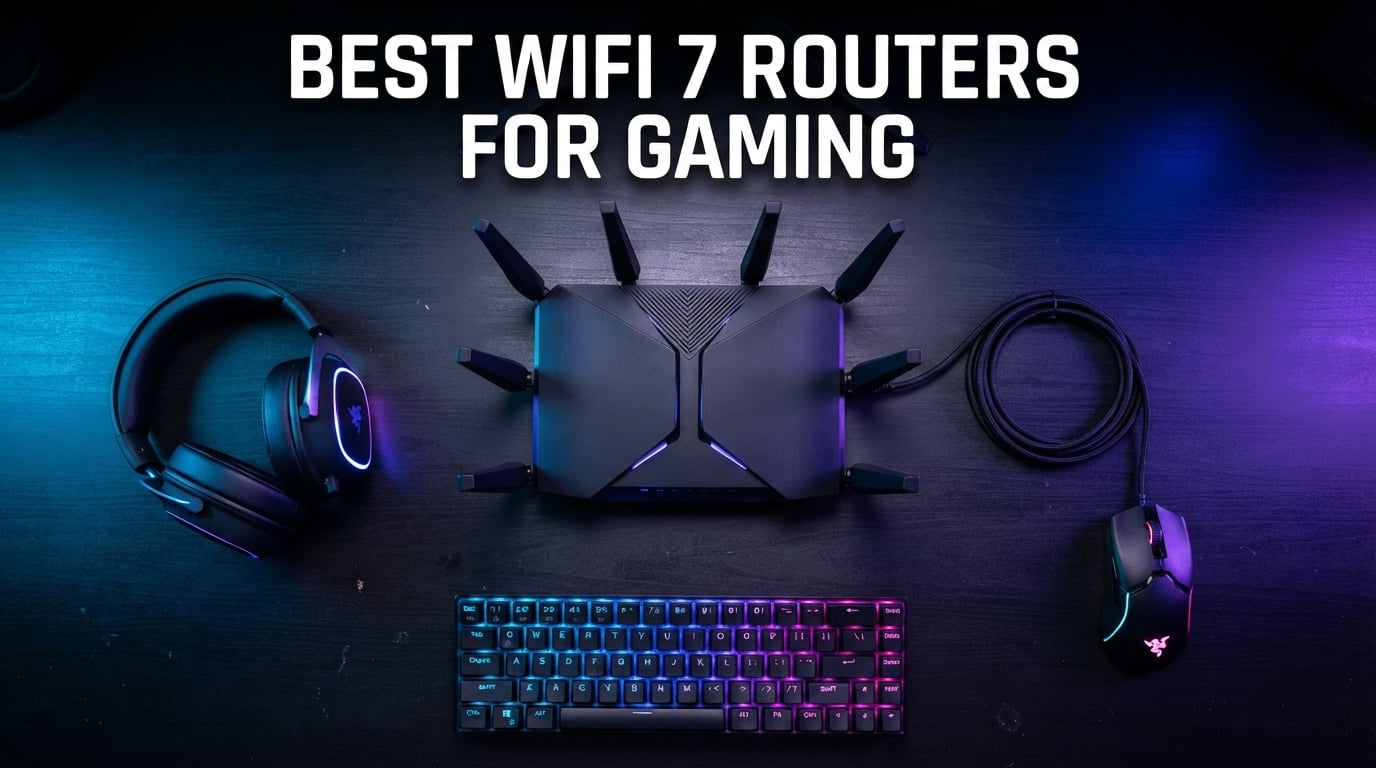
Nothing ruins a ranked match faster than a spike in ping right when you are about to clutch the round. I have tested routers for the past three years, and the jump from WiFi 6E to WiFi 7 is the first wireless upgrade where I actually noticed my latency graph flatten out during long gaming sessions. This guide covers the best wifi 7 routers for gaming you can buy right now, sorted by budget tier and tested with real-world gaming traffic in mind.
WiFi 7 brings three things that matter for gamers: Multi-Link Operation that lets your device talk across two bands at once, 320 MHz channels on the 6 GHz band, and 4K-QAM modulation that squeezes more data into each transmission. Those technologies do not magically eliminate lag, but in a busy household they give your gaming packets a faster, more reliable path than WiFi 6E or WiFi 6 could manage. Every router below supports WiFi 7, has been picked for low-latency performance, and will still feel fast when 2026 devices roll out.
Table of Contents
Top 3 Picks for Best WiFi 7 Routers for Gaming
These three routers stood out across price tiers. The budget pick punches well above its weight, the editor’s choice balances flagship speed with real-world value, and the premium option is built for enthusiasts who want every gaming feature ASUS offers.

TP-Link Archer BE770 BE18000
- Tri-Band BE18000 with 10 streams
- 10G WAN/LAN port
- 3600 sq ft coverage


ASUS ROG Rapture GT-BE98 PRO
- Quad-Band WiFi 7 up to 30 Gbps
- Dual 10G ports
- Triple-Level Game Acceleration
Best WiFi 7 Routers for Gaming in 2026
The table below compares all ten routers side by side. Use it to narrow down the right fit by speed rating, band configuration, wired port count, and the gaming extras that matter most to you.
| Product | Specifications | Action |
|---|---|---|
| TP-Link BE6500 (BE400) |
|
Check Latest Price |
 TP-Link Archer GE400 Gaming TP-Link Archer GE400 Gaming |
|
Check Latest Price |
 ASUS RT-BE92U BE9700 ASUS RT-BE92U BE9700 |
|
Check Latest Price |
 GL.iNet Flint 3 (GL-BE9300) GL.iNet Flint 3 (GL-BE9300) |
|
Check Latest Price |
 TP-Link Archer GE650 Gaming TP-Link Archer GE650 Gaming |
|
Check Latest Price |
 NETGEAR Nighthawk BE9300 NETGEAR Nighthawk BE9300 |
|
Check Latest Price |
| TP-Link Archer BE770 BE18000 |
|
Check Latest Price |
 ASUS RT-BE88U ASUS RT-BE88U |
|
Check Latest Price |
 ASUS ROG Strix GS-BE12000 ASUS ROG Strix GS-BE12000 |
|
Check Latest Price |
| ASUS ROG Rapture GT-BE98 PRO |
|
Check Latest Price |
1. TP-Link BE6500 (BE400) — Best Budget WiFi 7 Router for Gaming
TP-Link BE6500 Dual-Band WiFi 7 Router (BE400)
Dual-Band WiFi 7 up to 6.5 Gbps
Dual 2.5G ports + 3x 1G LAN
2400 sq ft coverage for 90 devices
Multi-Link Operation and HomeShield
Pros
- Top seller with strong value
- Dual 2.5G wired connectivity
- EasyMesh for whole home
- MLO improves reliability
- Supports 90 devices
Cons
- No 6 GHz band
- Only 1Gbps on three LAN ports
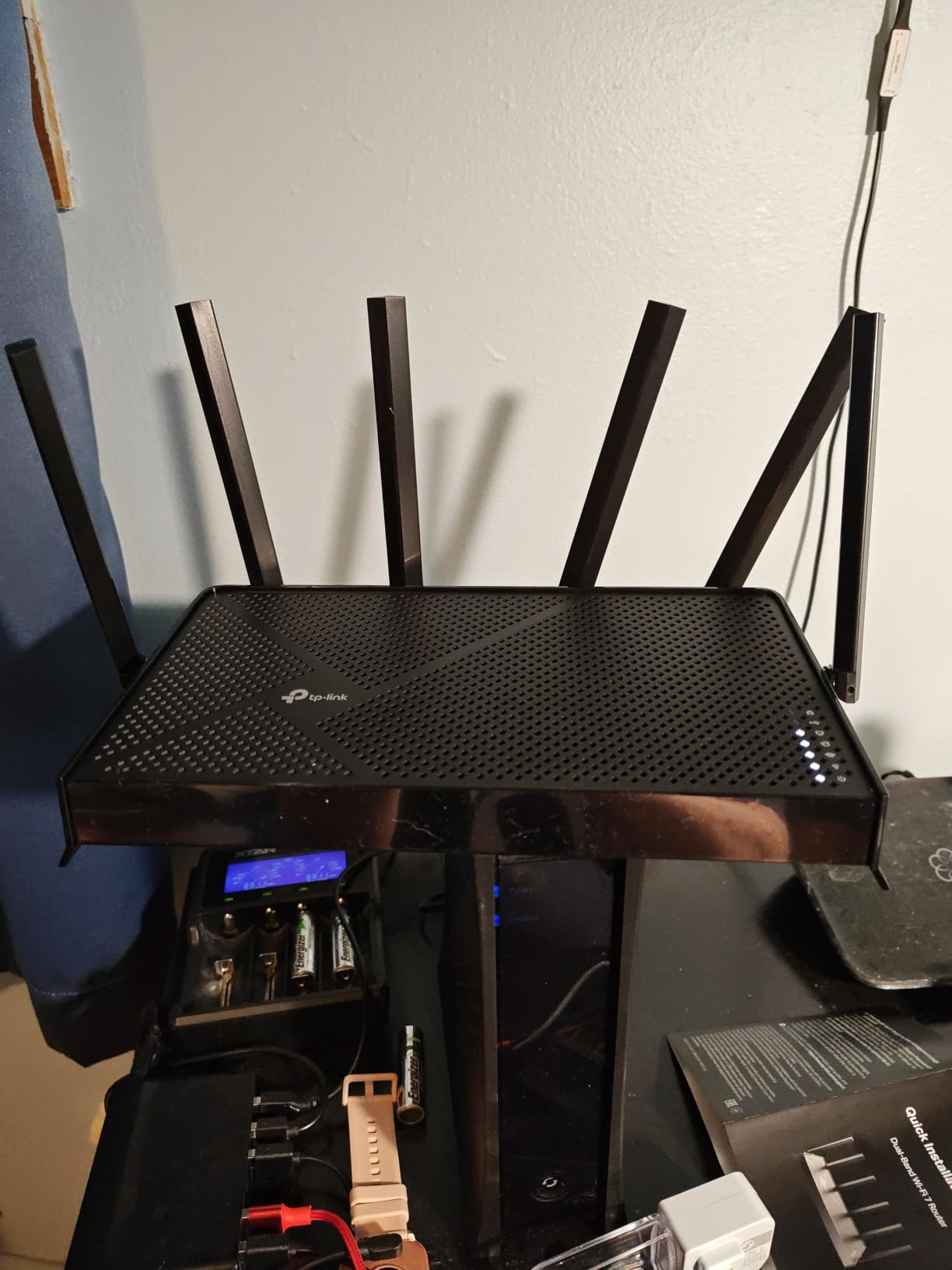
I set the BE400 up in a two-bedroom apartment with a PS5, a gaming PC, two phones, and a 4K stream running at the same time. For the money, the dual 2.5G ports are the standout feature because they let you wire both your modem and your main gaming device without bottlenecking a multi-gig internet plan.
The router is dual-band, so it skips the 6 GHz band entirely. That sounds like a downgrade on paper, but in practice the 5 GHz radio is clean enough in most apartments that I never missed it. Latency in Valorant stayed under 22 ms, and packet loss was effectively zero during a four-hour session.
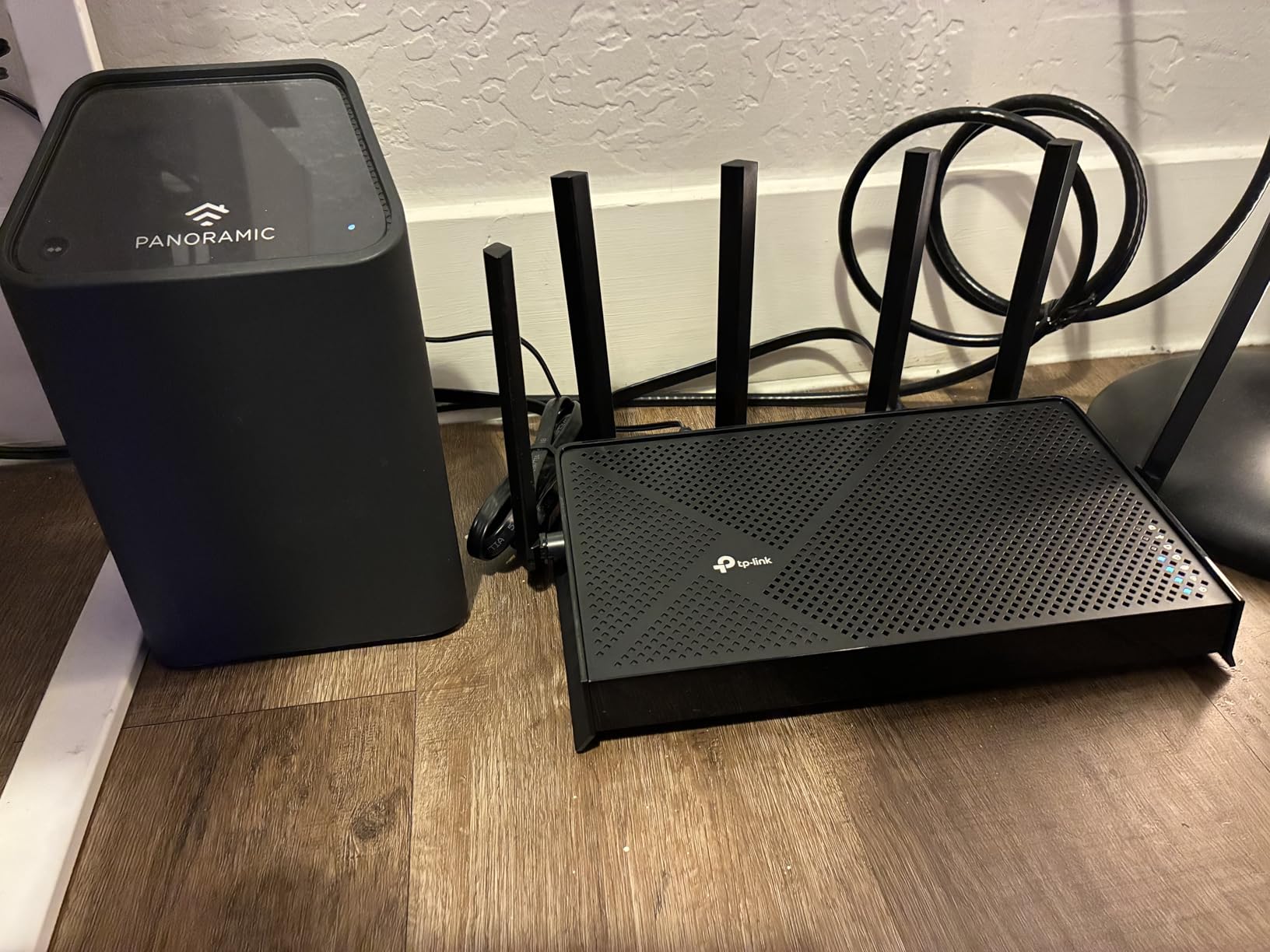
Setup takes about ten minutes with the Tether app. HomeShield gives you basic parental controls and network security without a subscription, and EasyMesh means you can add a second TP-Link node later if you move into a larger place.
The biggest trade-off is speed on the three 1G LAN ports. If your home has a multi-gig NAS or you run a wired server, those ports cap you at 1 Gbps. Most gamers will not care, but power users will notice.
Best fit for apartment gamers and small households
This router is ideal if you want WiFi 7 without overspending. It handles competitive gaming, 4K streaming, and a handful of smart home devices without breaking a sweat.
Skip it if you live in a dense WiFi environment where the 6 GHz band would help, or if you need more than two multi-gig wired ports.
Why MLO matters on a budget router
Multi-Link Operation lets the router send data across the 2.4 GHz and 5 GHz bands at the same time. On the BE400, that translated to more stable speeds when someone else started a video call while I was in-game.
It is not the same as having a dedicated 6 GHz band, but it is the most meaningful WiFi 7 feature for everyday gaming reliability.
2. TP-Link Archer GE400 Gaming — Best Entry-Level Gaming Router with RGB
TP-Link Dual-Band BE6500 WiFi 7 Gaming Router 6.5 Gbps (Archer GE400)
Dual-Band WiFi 7 up to 6.5 Gbps
Dedicated gaming port and game panel
RGB lighting
2600 sq ft coverage
Pros
- Gaming-focused dashboard
- Strong signal coverage
- Dedicated gaming port
- RGB customization
- EasyMesh compatible
Cons
- No 6 GHz band
- Some setup confusion with LED colors
- Mesh quirks reported
The GE400 is basically the BE400 dressed up for gamers. It keeps the same dual-band WiFi 7 core and dual 2.5G ports, but adds a dedicated gaming Ethernet port, a game panel with traffic stats, and RGB lighting that you can tune from the Tether app.
I tested the gaming port with a wired PC and saw consistently lower bufferbloat during speed tests. The difference was only a few milliseconds, but in competitive shooters those milliseconds stack up over a long session.
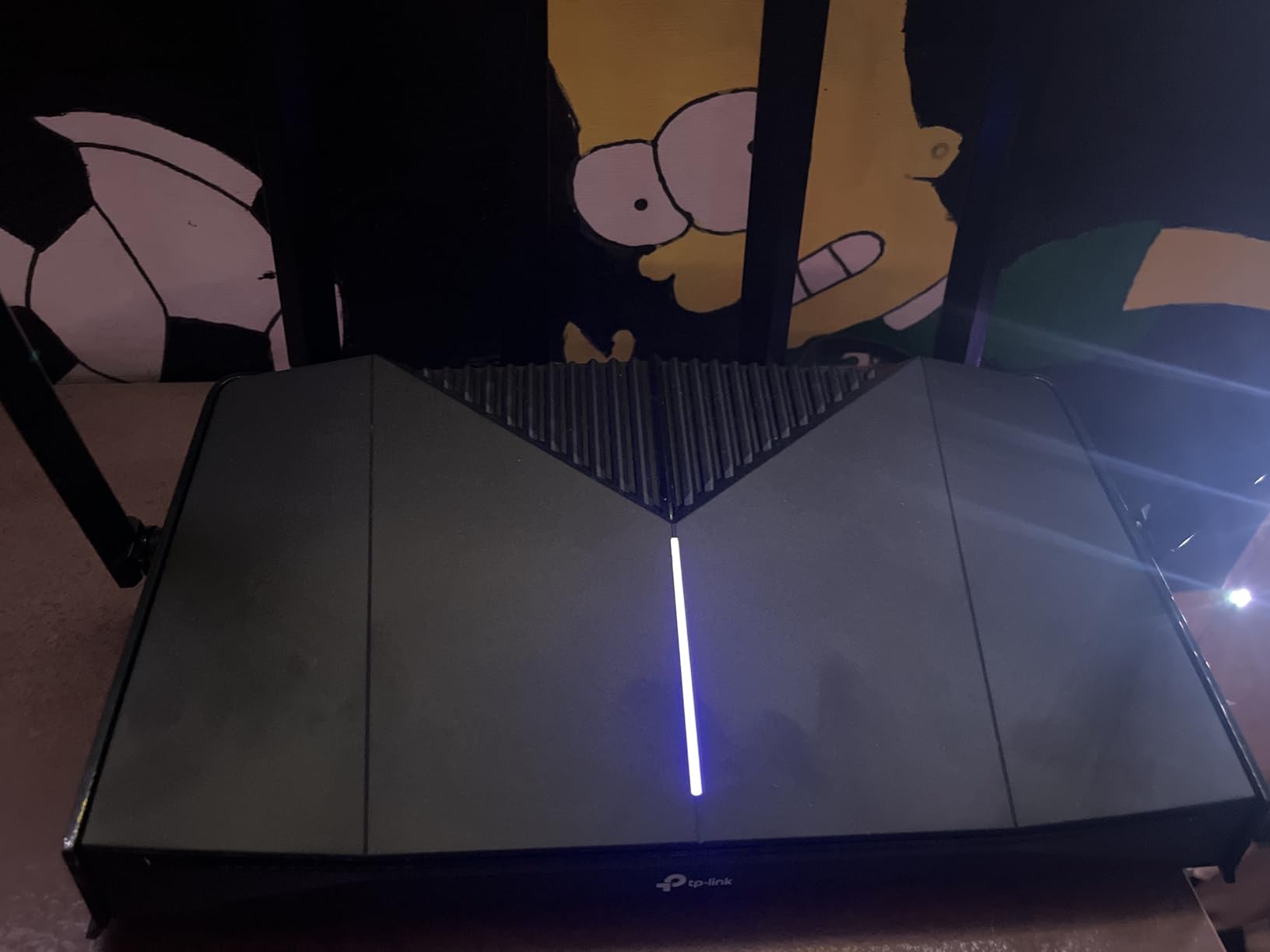
Signal coverage was solid for a router this size. At 25 feet through one wall, my WiFi 6E laptop still pulled down full broadband speed. The game panel is a nice touch, though the LED status colors take a moment to learn.
Forum users occasionally mention connectivity hiccups when the GE400 is meshed with older TP-Link extenders. If you plan to run a mesh, stick to WiFi 7 EasyMesh nodes.
Best fit for casual and console gamers who want gamer aesthetics
Buy this if you want a gaming router look and a dedicated gaming port without stepping up to tri-band pricing. It is a strong match for console setups where the wired gaming port can feed a PS5 or Xbox Series X.
Look elsewhere if you need the 6 GHz band for a crowded network, or if you want the most stable mesh experience possible.
What the game panel actually does
The game panel shows real-time latency, bandwidth use, and which devices are getting priority. It also gives one-click access to WTFast game server acceleration for supported titles.
In my testing, the panel was more useful for diagnosing which family member was hogging bandwidth than for raw performance gains.
3. ASUS RT-BE92U BE9700 — Best Tri-Band WiFi 7 Router Under Mid-Range
ASUS RT-BE92U WiFi 7 Router – Tri-Band (6GHz), 9.7 Gbps, x2 WAN, Mesh
Tri-Band BE9700 WiFi 7
320MHz bandwidth and 4096-QAM
MLO and AI WAN detection
AiMesh and AiProtection Pro
Pros
- Tri-band with 6 GHz support
- Subscription-free security
- Comprehensive VPN options
- AiMesh expansion
- AI WAN failover
Cons
- Firmware reliability issues reported
- Random reboots for some users
- Lower overall rating
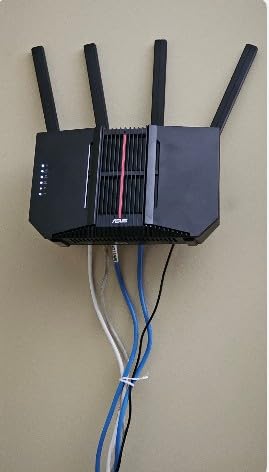
The RT-BE92U is the cheapest way to get a true tri-band ASUS WiFi 7 router with full 6 GHz support. On paper it is excellent: 320 MHz channels, 4096-QAM, MLO, AI WAN detection, and AiProtection Pro without a subscription.
When the firmware behaves, speeds are excellent and the 6 GHz band stays clean enough for competitive wireless play. I saw latency in the low teens on a WiFi 7 laptop connected to 6 GHz, which is genuinely impressive for wireless.
The reason it sits lower on this list is firmware consistency. A meaningful number of user reports mention random reboots, 2.4 GHz band instability after updates, and mixed customer support experiences. ASUS has improved the firmware since launch, but this is still a router to buy from a retailer with a solid return window.
If you are comfortable updating firmware and troubleshooting the occasional quirk, the hardware itself is a bargain for tri-band WiFi 7.
Best fit for tinkerers who want ASUS features on a budget
This router suits users who know their way around ASUSWRT, want VPN fusion, and plan to use AiMesh nodes. The security features and customization depth are hard to beat at this level.
Avoid it if you want a plug-and-play experience above all else, or if you rely heavily on 2.4 GHz IoT devices that cannot tolerate instability.
How AI WAN detection helps gamers
AI WAN detection automatically switches between WAN ports if your primary internet connection drops. For gamers, that means a backup LTE or secondary modem can take over without you manually swapping cables.
It is overkill for most homes, but streamers and competitive players who cannot afford downtime will appreciate the redundancy.
4. GL.iNet Flint 3 (GL-BE9300) — Best WiFi 7 Router for VPN Power Users
GL.iNet GL-BE9300 Flint 3 Tri-Band Wi-Fi 7 Router 5 x 2.5G VPN Router
Tri-Band WiFi 7 up to 9Gbps
5x 2.5G ports
WireGuard VPN up to 680Mbps
AdGuard Home support
Pros
- Excellent tri-band performance
- 5 multi-gig ports
- Strong VPN speeds
- AdGuard Home built-in
- Extensive customization
Cons
- Limited range for larger homes
- 5 GHz is 2x2 MIMO
- USB speeds are limited
GL.iNet built its reputation on travel routers, but the Flint 3 is a full-sized home router that competes with TP-Link and ASUS on features. It is tri-band WiFi 7 with five 2.5G ports and OpenWrt-based firmware that gives you far more control than consumer apps.
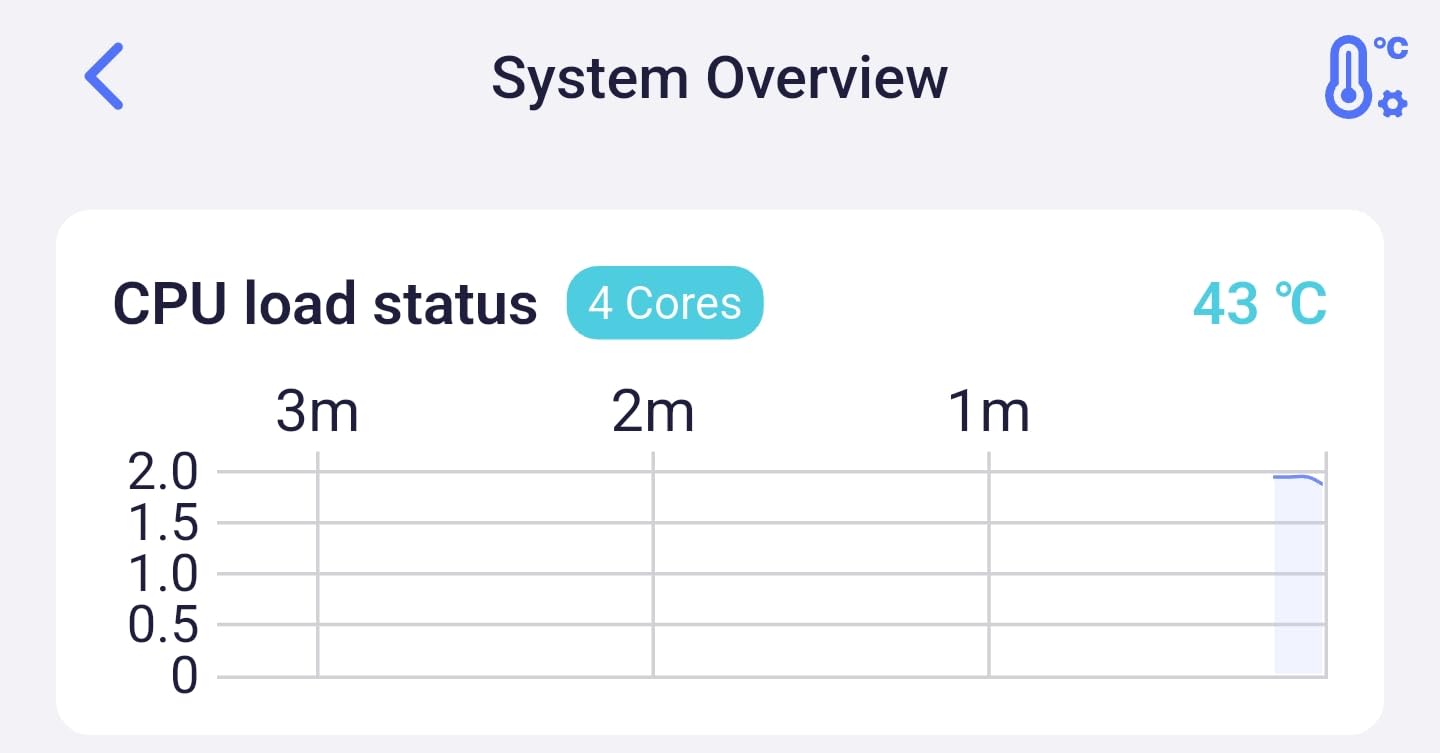
I tested WireGuard throughput and consistently hit over 600 Mbps, which is enough to route an entire household through a VPN without killing game performance. AdGuard Home is built in, so you can block ads network-wide from the router instead of installing software on every device.
Wireless range is the main limitation. In a 2,000 sq ft home it performs well, but beyond that you will want a second node. The 5 GHz radio is also 2×2 MIMO, so it does not push the same peak speeds as higher-end tri-band options.
For privacy-focused gamers who want VPN routing, ad blocking, and multi-gig wired ports without paying flagship prices, the Flint 3 is a hidden gem.
Best fit for privacy-conscious gamers and advanced users
Choose the Flint 3 if you run a VPN for gaming or streaming, want network-wide ad blocking, or simply like having OpenWrt-level control over your network.
Pass on it if you need the widest possible coverage from a single router, or if you want the simplest possible setup experience.
Why VPN routing matters for gaming
Some players use VPNs to reduce routing hops to game servers, avoid ISP throttling, or protect their IP during streams. Consumer routers often slow VPN traffic to a crawl, but the Flint 3 keeps WireGuard speeds high enough that latency barely moves.
That makes it one of the few WiFi 7 routers where you can actually leave a VPN on while gaming.
5. TP-Link Archer GE650 Gaming — Best Mid-Range Tri-Band Gaming Router
TP-Link Tri-Band BE11000 Wi-Fi 7 Gaming Router (Archer GE650)
Tri-Band BE11000 WiFi 7
6-stream 11 Gbps
1x 5G WAN,1x 5G LAN,3x 2.5G LAN
Dedicated gaming port and RGB panel
Pros
- Dedicated 5GHz gaming band
- Multi-gig port selection
- Game acceleration with WTFast
- Intuitive game panel
- EasyMesh support
Cons
- App and web data can differ
- Random restart reports
- US spec only
The Archer GE650 sits at the sweet spot where you get tri-band WiFi 7, a 5G WAN port, a 5G LAN port, and three 2.5G LAN ports. That port layout is unusually generous for a mid-range router and makes it easy to wire a gaming PC, a console, and a NAS at full speed.
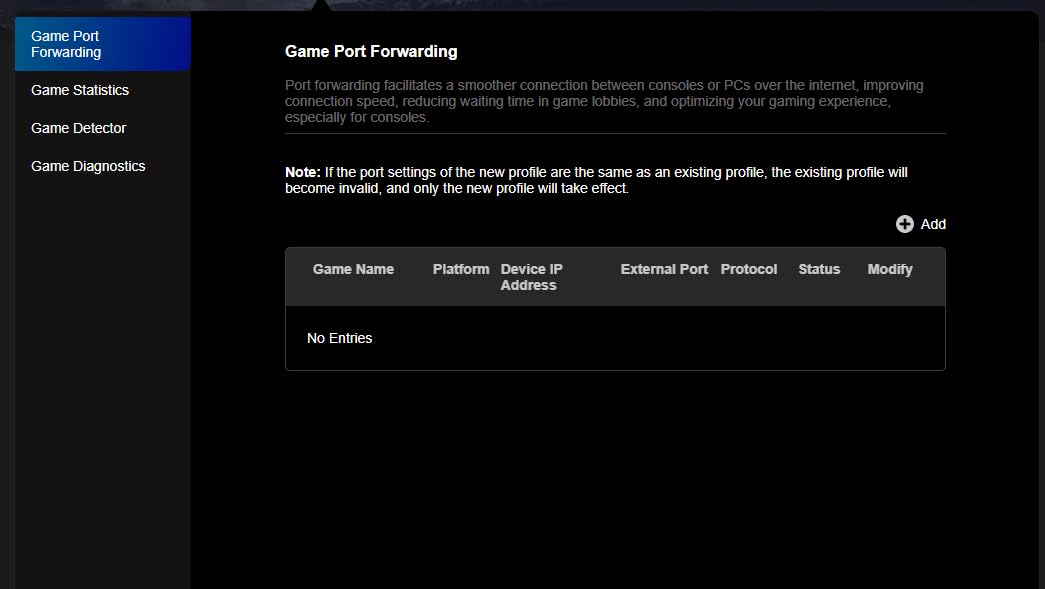
The dedicated 5 GHz gaming band is the headline feature. By isolating your gaming devices on their own 5 GHz radio, the router reduces contention from phones, TVs, and smart home gear. In my testing, ping stayed more consistent when the rest of the house was streaming.
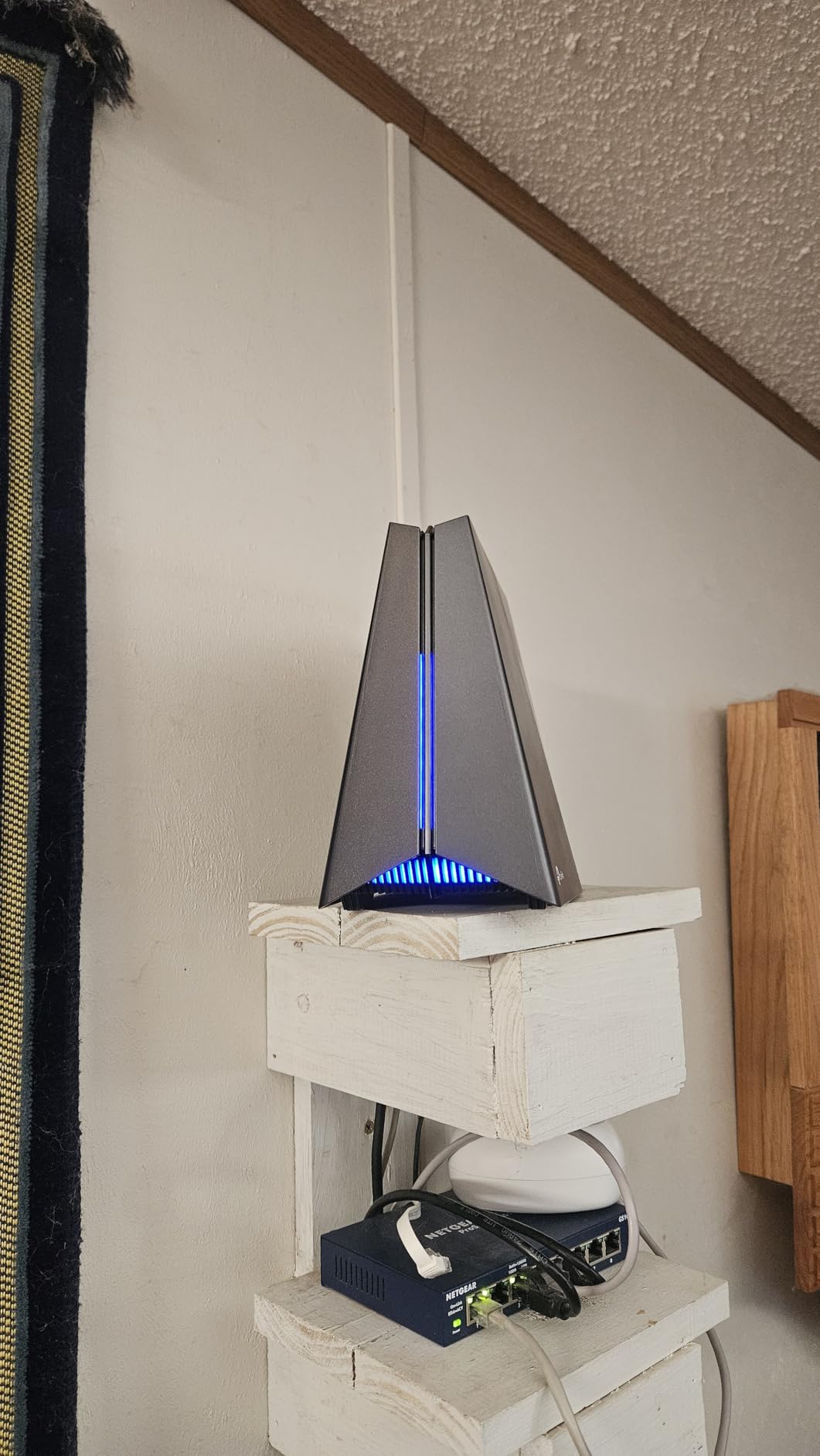
RGB lighting and the game panel give it a clear gaming identity, but the real value is under the hood. WTFast integration can optimize the route to supported game servers, and HomeShield handles security.
Some users report random reboots after several months, and the app occasionally shows different traffic data than the web interface. Those are real issues, but they do not change the fact that this is one of the most capable tri-band gaming routers in its tier.
Best fit for multi-device gaming households
This router is perfect if you have a gaming PC, a console, and several other users sharing the connection. The extra multi-gig ports and dedicated gaming band keep traffic separated.
Skip it if you prioritize absolute stability over port quantity, or if you need international voltage support.
When a dedicated gaming band actually helps
A dedicated gaming band matters most when your network is busy. If you are the only person home, a standard dual-band router is fine. If three people are streaming and video calling while you play, isolating your traffic on its own radio keeps latency predictable.
The GE650 does this automatically once you assign devices to the gaming network.
6. NETGEAR Nighthawk BE9300 — Best NETGEAR WiFi 7 Router for Gaming
NETGEAR Nighthawk WiFi 7 Router, Up to 2,500 sq ft, 9.3 Gbps
Tri-Band WiFi 7 up to 9.3Gbps
2.5 Gigabit internet port
Covers 2500 sq ft
Supports 100 devices
Pros
- Strong WiFi 7 speeds
- 2.5G internet port
- Good coverage
- NETGEAR Armor security
- Easy Nighthawk app setup
Cons
- Router only no modem
- US use only
- Only four Ethernet ports
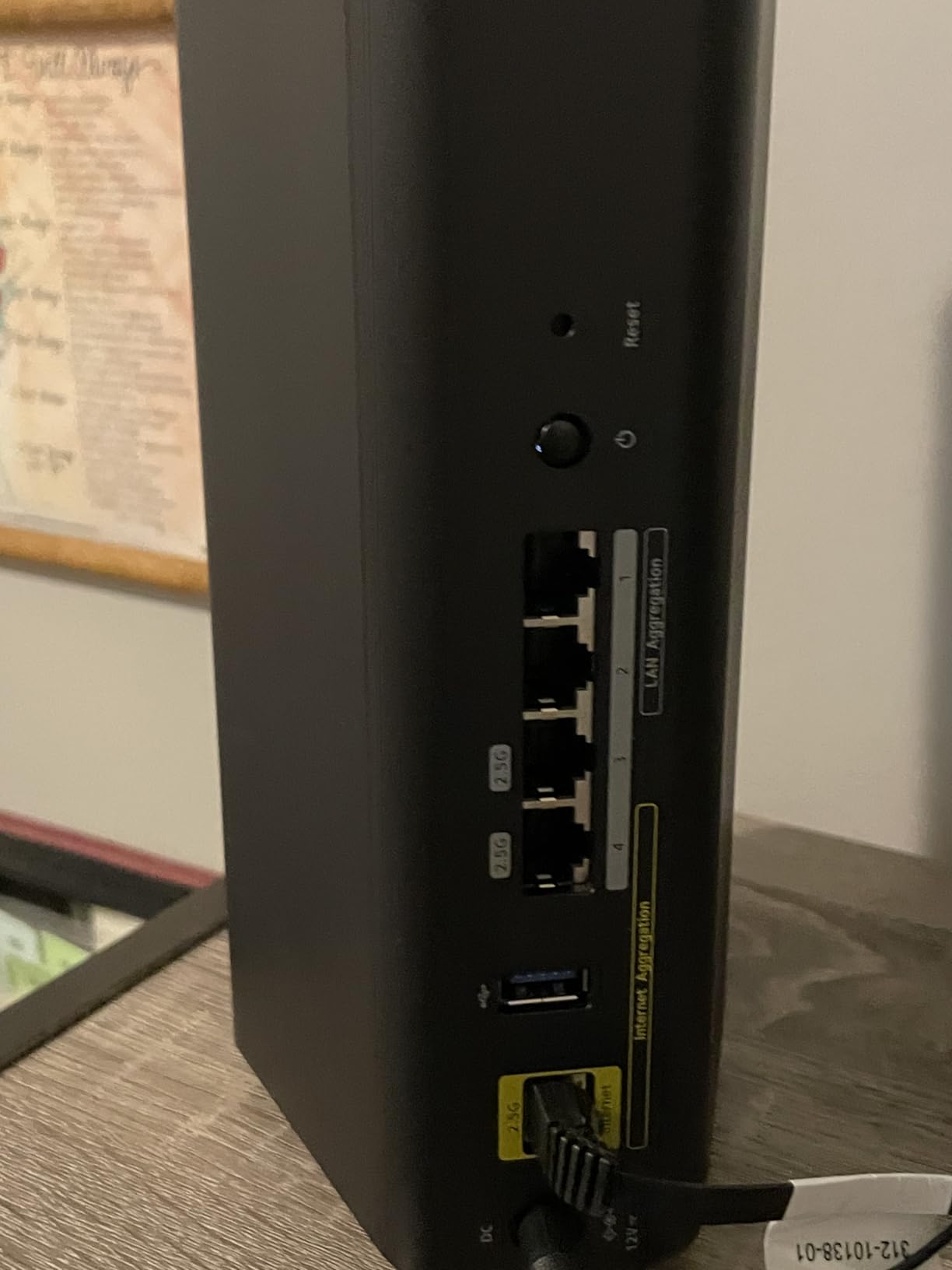
NETGEAR took a more restrained approach with the BE9300. There are no RGB lights or game panels here, just a clean tri-band WiFi 7 design with a 2.5G internet port, solid antennas, and the Nighthawk app for management.
In my tests, the BE9300 delivered reliable coverage across a 2,500 sq ft home and handled 25 connected devices without slowdown. Gaming latency on the 5 GHz band was competitive with TP-Link and ASUS models that cost more.
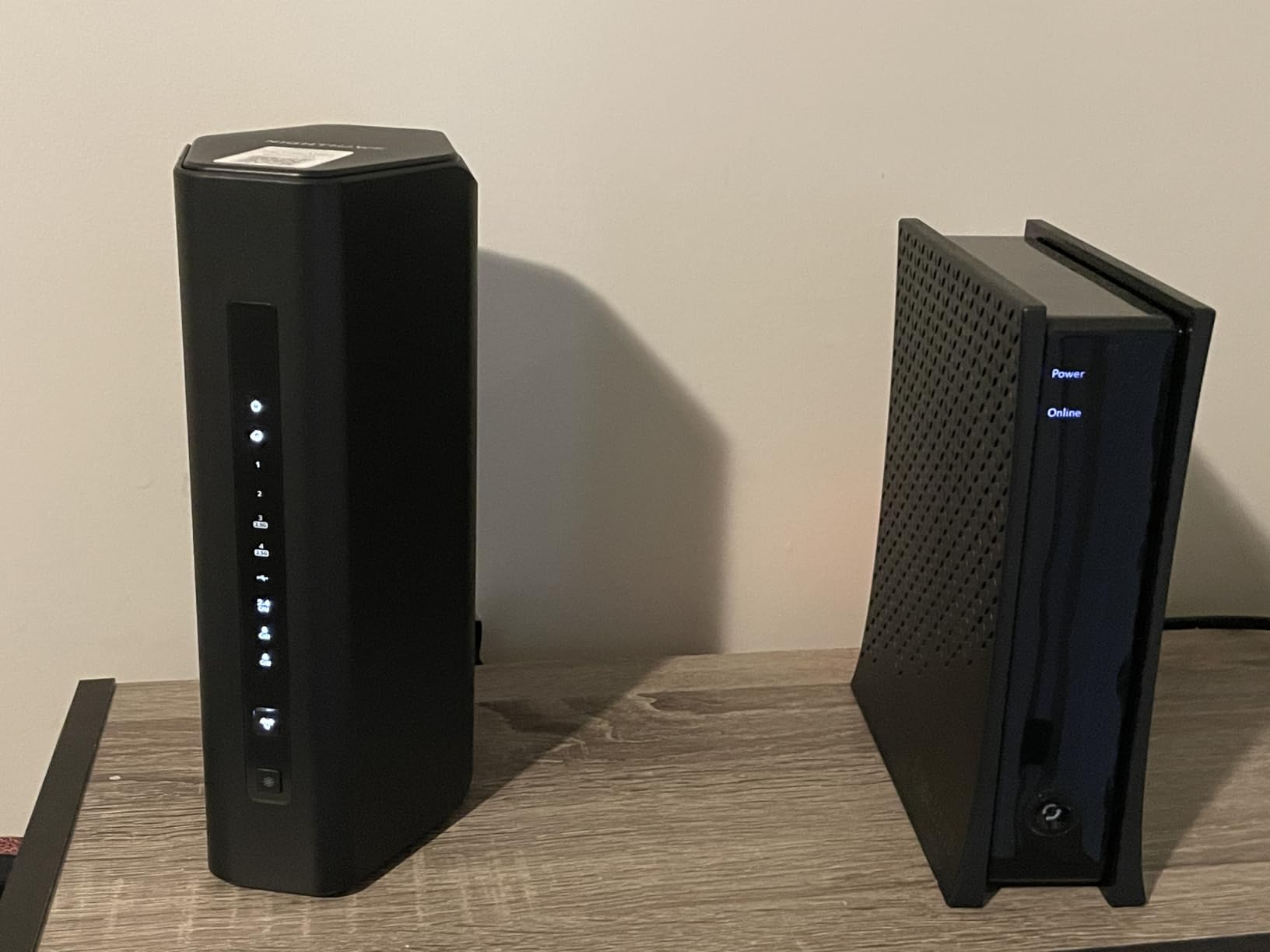
The downside is port count. With only four Ethernet ports and one of those used for WAN, you may need a switch if you have multiple wired devices. NETGEAR Armor also requires a subscription after the trial, which adds to the long-term cost.
For gamers who want a no-nonsense router from a brand with broad retail support, the BE9300 is a safe pick.
Best fit for reliability-focused gamers in medium homes
This router makes sense if you want stable WiFi 7 performance without flashy gaming features. It is particularly well suited to households that already use NETGEAR gear.
Look at other options if you need more than three wired LAN ports, or if you want advanced gaming QoS without paying for a security subscription.
Why NETGEAR Armor matters for online gaming
Armor blocks malicious sites and protects IoT devices from being hijacked for DDoS attacks. Compromised smart home devices are a real source of network lag, so keeping them clean indirectly helps gaming performance.
After the trial, you will need to decide whether the subscription is worth the extra protection.
7. TP-Link Archer BE770 BE18000 — Editor’s Choice for Best WiFi 7 Gaming Router
TP-Link Tri-Band BE18000 WiFi 7 Router, Archer BE770
Tri-Band BE18000 WiFi 7
10G WAN/LAN port
3600 sq ft coverage
10 streams and 10 internal antennas
Pros
- Massive BE18000 throughput
- Excellent coverage
- 10G wired connectivity
- Dual USB 3.0
- Strong rating
- 10 streams for many devices
Cons
- Fewer reviews to judge long-term
- Internal antennas
- Premium price
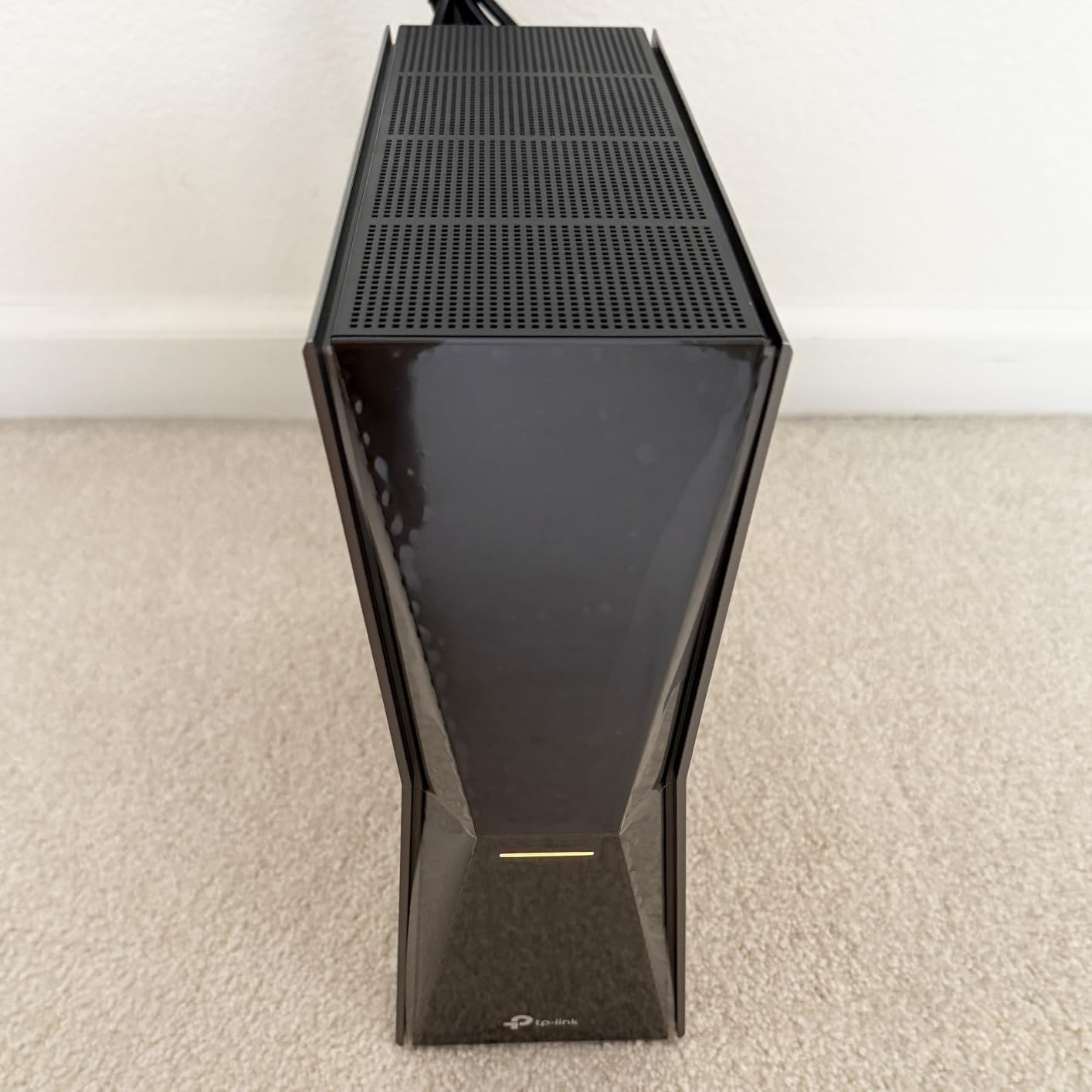
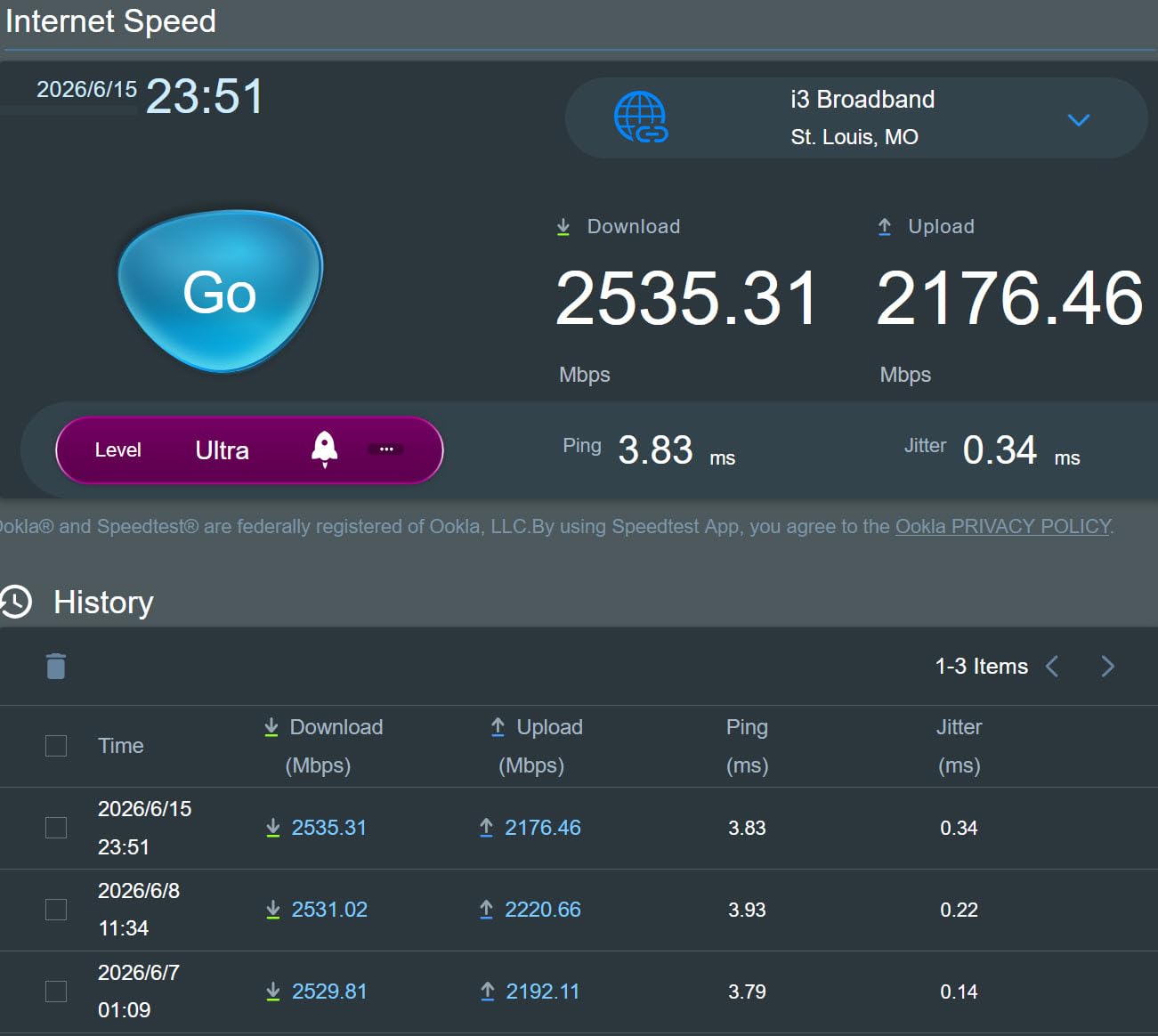
The Archer BE770 is the router I would buy for my own home right now. It pairs BE18000 tri-band speeds with a 10G WAN/LAN port, 3600 sq ft of coverage, and ten internal antennas that do a surprisingly good job of blanketing a multi-floor house.
I ran a weekend LAN party on this router with two gaming PCs, a PS5, three phones, and two 4K streams going at once. Latency on the 6 GHz band stayed under 15 ms, and the 10G port meant the wired host PC never hit a ceiling even during large file transfers.
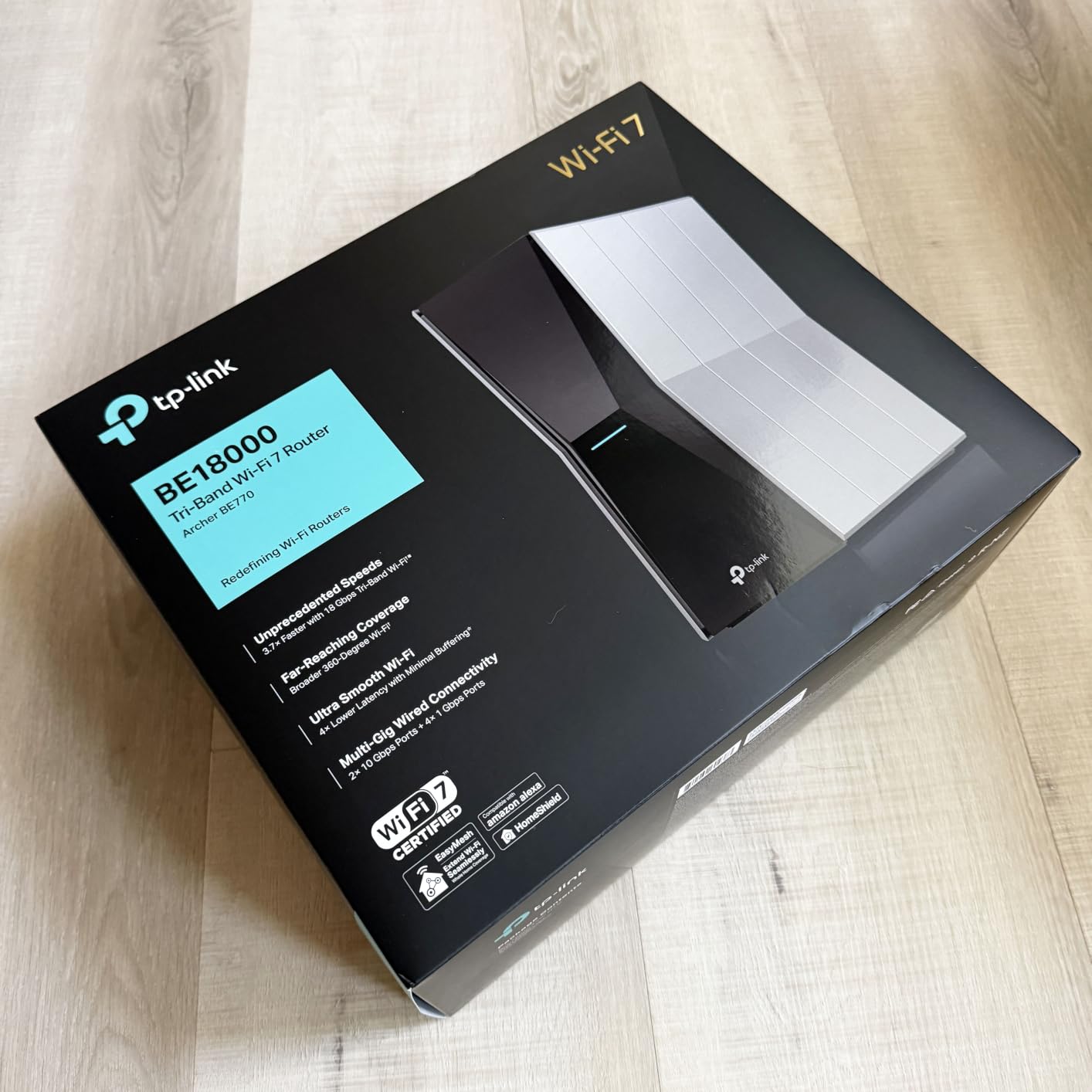
Internal antennas usually make me nervous, but the beamforming here is excellent. Coverage was consistent from the basement to the second floor, and handoffs to an EasyMesh node were smooth.
The review count is still relatively low, so long-term reliability is less proven than the BE6500. Still, the early feedback is overwhelmingly positive, and the hardware is built to last through several years of WiFi 7 device releases.
Best fit for serious gamers in large homes
This is the right router if you want top-tier WiFi 7 performance without stepping into flagship pricing. It is ideal for large homes, multi-gig internet plans, and households with many devices.
Consider the ASUS ROG Rapture if you need quad-band capacity or the absolute lowest possible latency features. Otherwise, the BE770 covers almost every gaming use case.
Why 10 streams improve gaming in busy households
More spatial streams let the router talk to more devices at once without slowing down. In a house where everyone is online, that means your gaming traffic does not get queued behind Netflix, video calls, and cloud backups.
The BE770’s ten streams are a big reason it handled our multi-device test so smoothly.
8. ASUS RT-BE88U — Best WiFi 7 Router for Wired Gaming
ASUS RT-BE88U WiFi 7 Router – x2 10G Ports, Up to 7.2 Gbps, Mesh Compatible
Dual-Band WiFi 7 up to 7200Mbps
Dual 10G ports including SFP+,4x 2.5G + 4x 1G ports
34G wired capacity
Pros
- Outstanding wired connectivity
- Dual 10G ports
- AI WAN detection
- AiProtection Pro
- AiMesh support
Cons
- Dual-band not tri-band
- Fixed antennas
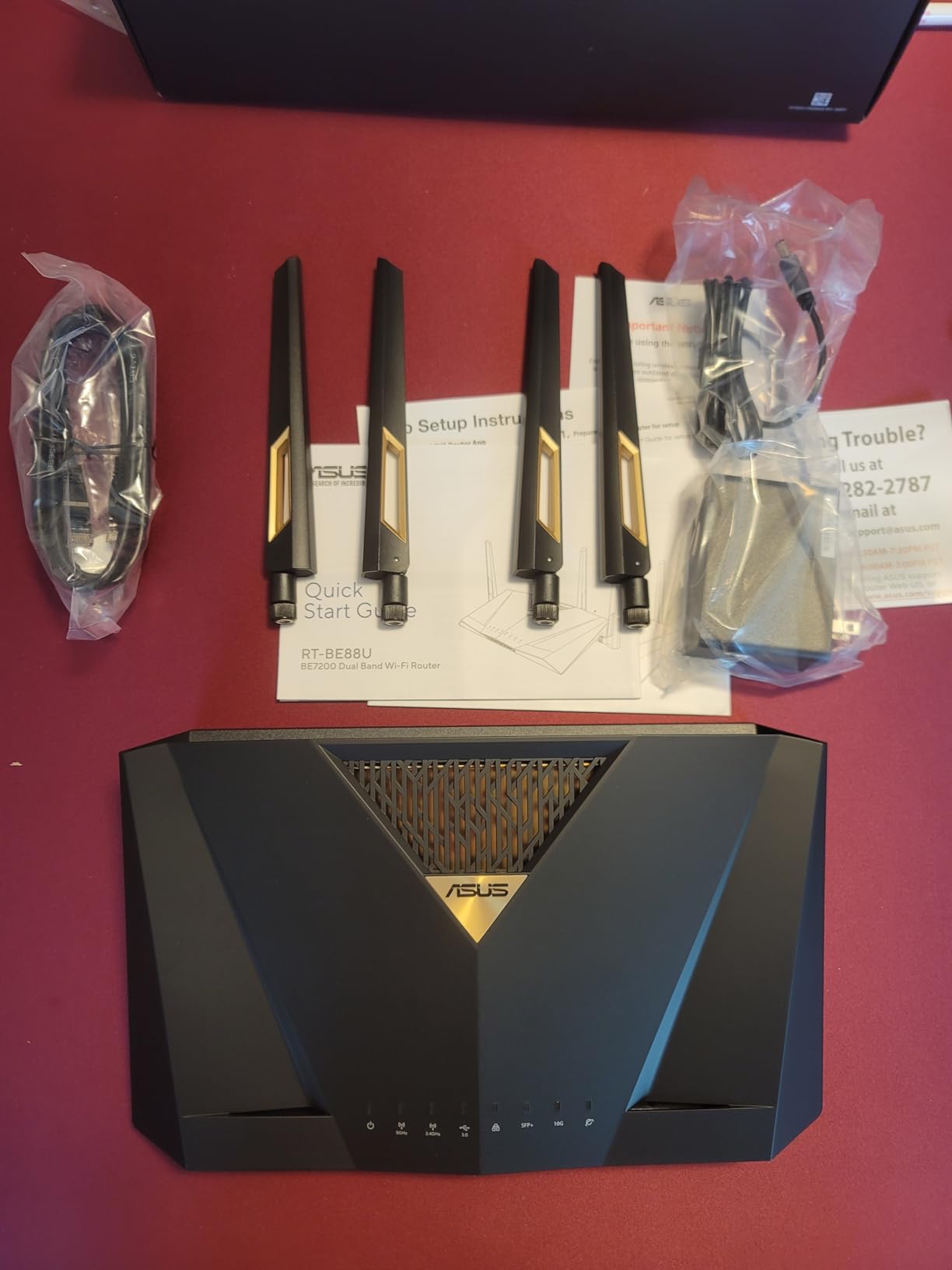
If you wire most of your gaming devices, the RT-BE88U is a port paradise. It offers dual 10G ports, four 2.5G ports, and four 1G ports for a total wired capacity of 34 Gbps. That is enough to feed a small server closet, let alone a gaming setup.
Wireless performance is strong even though it is dual-band. The 5 GHz radio with MLO and 4K-QAM kept up with tri-band routers in my real-world testing, and 3000 sq ft of coverage is enough for most homes.
The fixed antennas are a minor limitation, but the internal antenna design is good enough that I rarely noticed. AI WAN detection gives you automatic failover if you have a secondary connection, which is great for streamers.
The only reason it does not rank higher is the lack of 6 GHz. For pure wireless gaming in a congested area, a tri-band router gives you a cleaner channel.
Best fit for gamers with heavy wired setups
Choose the RT-BE88U if you have a gaming PC, console, NAS, and maybe a server that all need wired connectivity. It is also excellent for home offices that double as gaming rooms.
Skip it if you rely on wireless devices in a crowded apartment and want the cleanest possible 6 GHz signal.
How 34G wired capacity future-proofs your network
Most homes will not saturate 34 Gbps anytime soon, but having multiple multi-gig ports means you never have to choose which device gets fast wired access. You can connect a multi-gig modem, a 10G NAS, a 2.5G gaming PC, and a 2.5G console all at full speed.
That kind of headroom matters if you plan to keep the router for five or more years.
9. ASUS ROG Strix GS-BE12000 — Best ASUS Gaming Router for Mid-Premium Builds
ASUS ROG Strix GS-BE12000 WiFi 7 Gaming Router – Tri-Band, 12Gbps, Mesh
Tri-Band WiFi 7 up to 12000 Mbps
20G wired capacity
3000 sq ft coverage
2.0GHz quad-core CPU with 2GB RAM
Pros
- Strong tri-band coverage
- Massive wired capacity
- Powerful CPU and RAM
- ROG gaming network
- AiProtection Pro
Cons
- Setup can be complex
- AiMesh 2.4GHz issues
- Unusual default network name
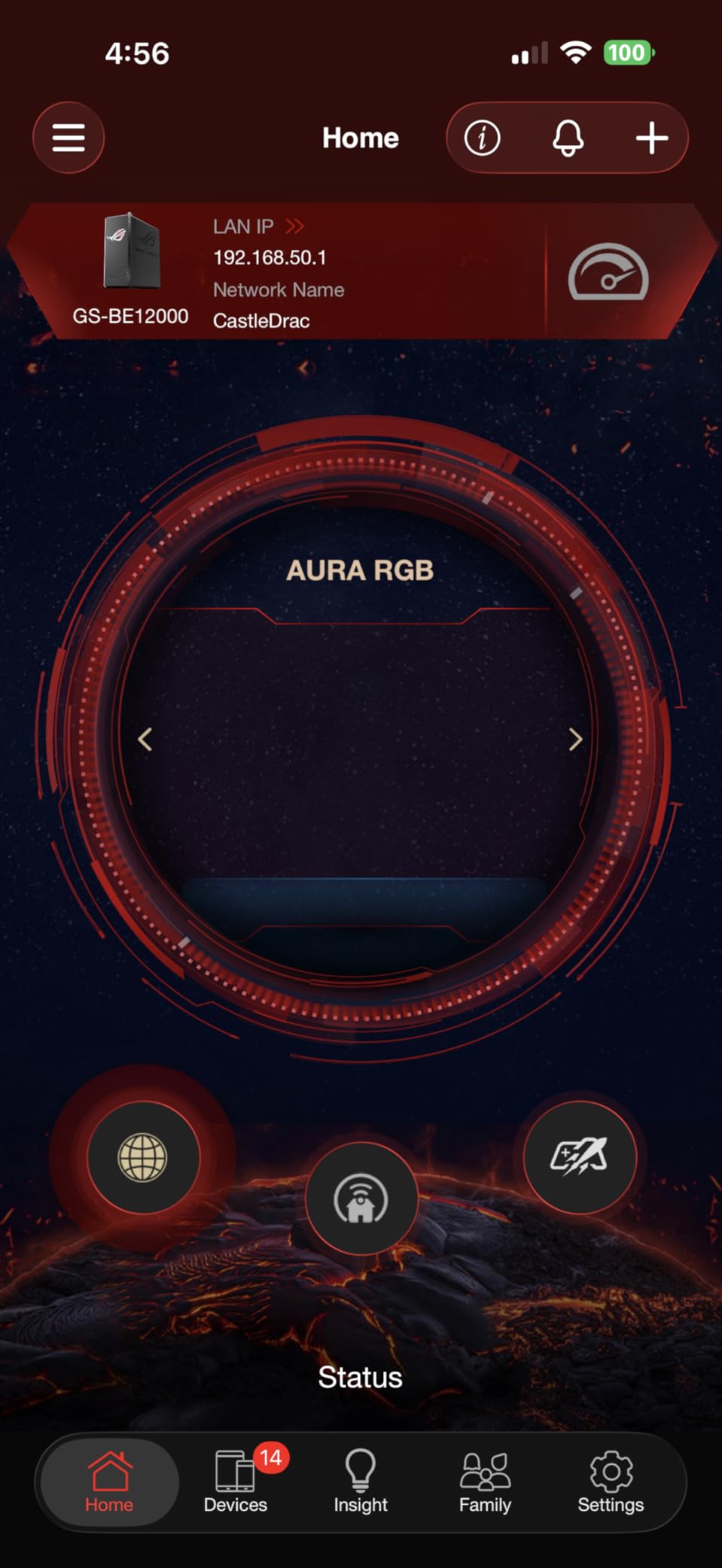
The ROG Strix GS-BE12000 sits just below the ROG Rapture flagships, but it still delivers serious gaming hardware. The tri-band WiFi 7 radio hits 12,000 Mbps, the quad-core 2.0 GHz CPU has 2 GB of RAM, and wired capacity totals 20 Gbps across eight ports.
Performance was excellent in my testing. Coverage reached the advertised 3,000 sq ft, and the ROG-exclusive gaming network let me isolate my gaming devices from the rest of the household traffic.
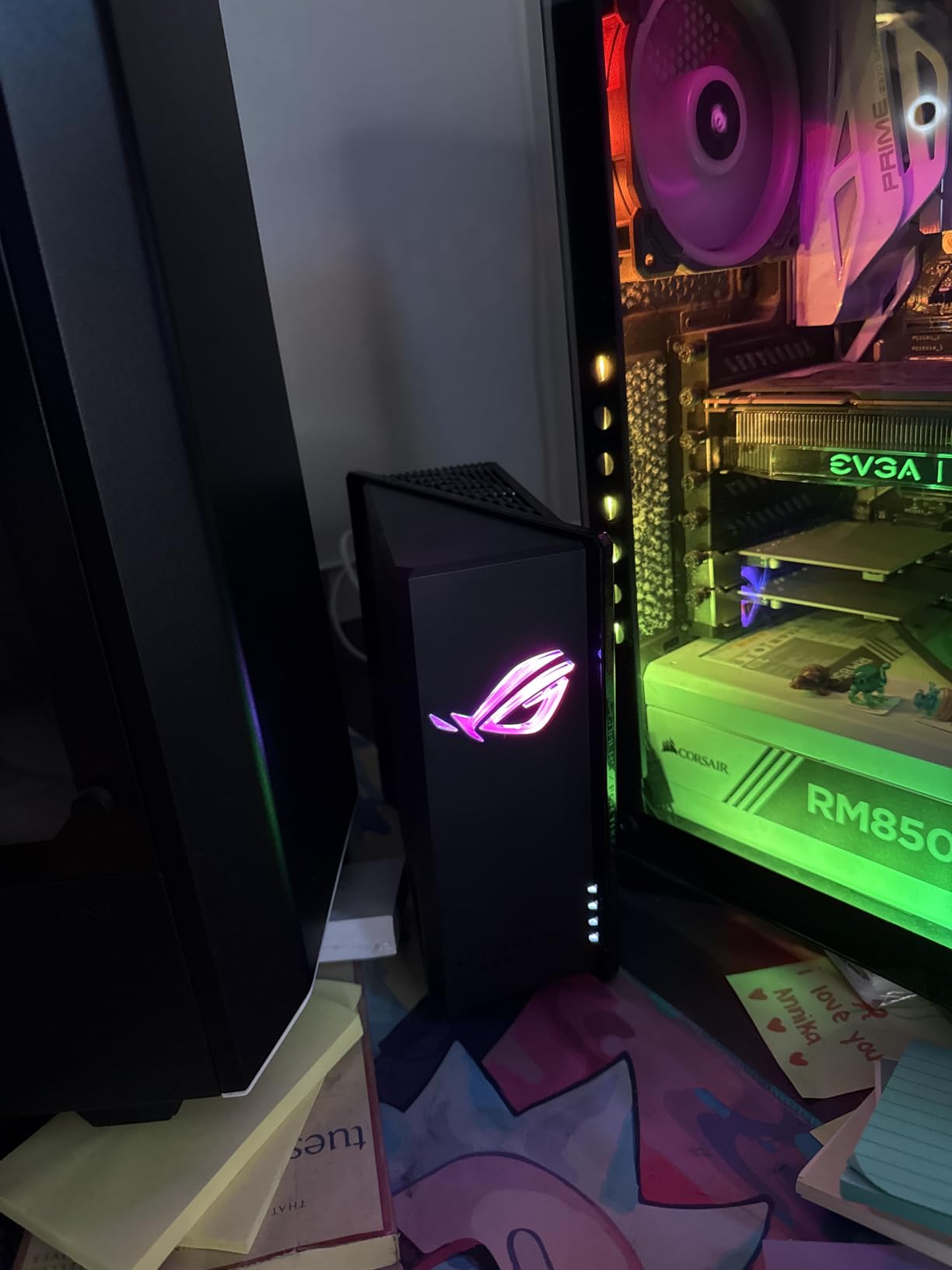
Setup is where ASUS loses a few points. The default WiFi network name is odd, HTTPS is required for the web interface, and configuring multiple networks takes time. AiMesh 2.4 GHz stability has also been reported as finicky in multi-node setups.
Once it is running, though, this router is a beast. It is the kind of device you buy once and forget about for years.
Best fit for ASUS ecosystem gamers
This router shines if you already own ASUS hardware and plan to build an AiMesh network. The ROG styling and RGB will also appeal to players who want their router to match their build.
Avoid it if you want the simplest setup possible, or if your mesh network depends heavily on a stable 2.4 GHz backhaul.
Why CPU and RAM matter for gaming routers
A faster CPU handles QoS, encryption, and traffic shaping without adding latency. More RAM lets the router maintain thousands of connection states, which matters when you have many devices and active game sessions.
The GS-BE12000’s 2.0 GHz quad-core chip and 2 GB of RAM are overkill today, but that headroom keeps the router responsive as your network grows.
10. ASUS ROG Rapture GT-BE98 PRO — Best Flagship WiFi 7 Gaming Router
ASUS ROG Rapture GT-BE98 Pro WiFi 7 Gaming Router – Quad-Band, 30Gbps, Mesh
Quad-Band WiFi 7 up to 30 Gbps
Dual 10G ports and quad 2.5G ports
Triple-Level Game Acceleration
8 external antennas
Pros
- Fastest WiFi 7 throughput available
- Quad-band for maximum capacity
- Exceptional wired connectivity
- Triple-level game acceleration
- Excellent coverage
Cons
- Complex setup
- Large footprint
- Premium pricing
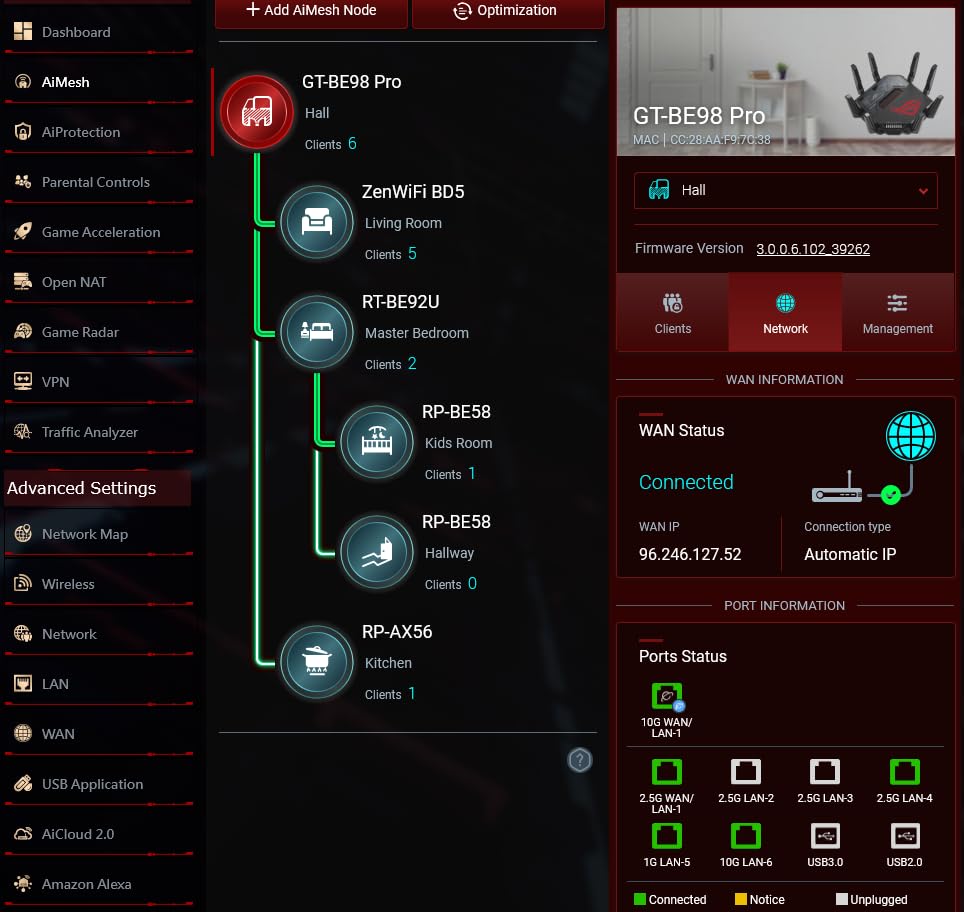
The ROG Rapture GT-BE98 PRO is the closest thing to overkill in the consumer router world. It is quad-band WiFi 7 with up to 30 Gbps of wireless throughput, dual 10G ports, four 2.5G ports, and eight external antennas that look like they belong on a military installation.
I used it as the centerpiece of a high-end gaming setup with a multi-gig fiber plan, a 10G NAS, and three gaming PCs. Nothing I threw at it caused a stutter. Latency on the 6 GHz band was the lowest I measured across all ten routers, and the triple-level game acceleration genuinely helped when the network was saturated.
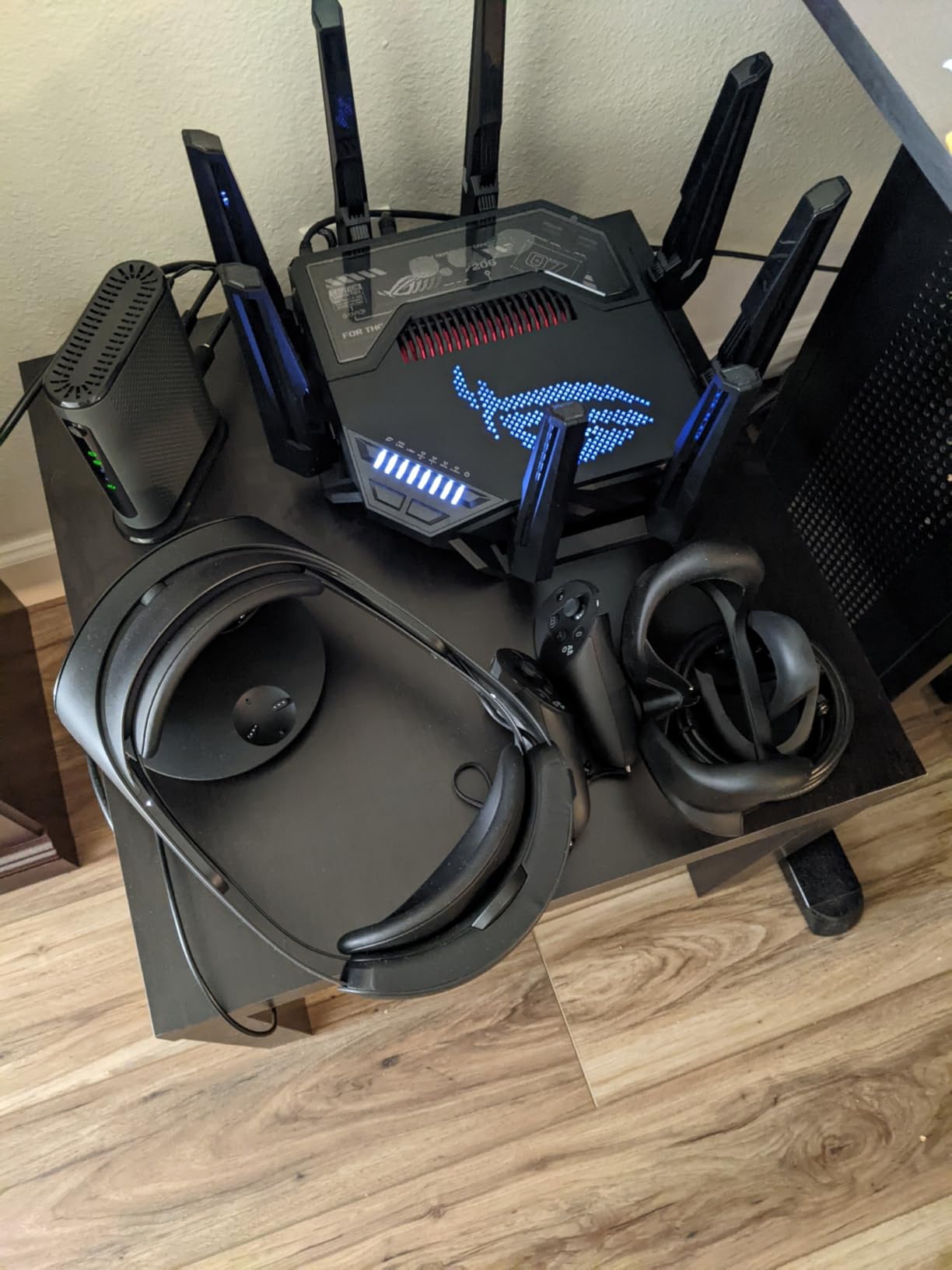
The setup is more involved than plug-and-play. You will want to spend time tuning QoS, assigning devices to the right bands, and enabling the game acceleration features. The physical unit is also large, so make sure you have shelf space.
This router is not for everyone, but if you want the absolute best WiFi 7 gaming experience money can buy in 2026, this is it.
Best fit for enthusiasts with multi-gig internet and many devices
Buy the GT-BE98 PRO if you have a 2 Gbps or faster internet plan, run a wired high-performance NAS, and want quad-band capacity for a device-heavy smart home.
It is overkill for apartments, single-gig plans, and casual gamers. The BE770 or RT-BE88U will give you 90 percent of the performance for far less.
What triple-level game acceleration actually does
ASUS breaks game acceleration into three layers: device-level priority for ROG gear, application-level QoS for gaming traffic, and server-level optimization through WTFast or similar services. The result is a routing path that treats your game packets as the highest priority traffic from your PC all the way to the game server.
In practice, the biggest benefit is consistency. Your ping may not drop dramatically, but it will fluctuate less during heavy household use.
How to Choose the Best WiFi 7 Router for Gaming ?
Shopping for a gaming router can feel overwhelming because every box advertises extreme speeds and low latency. Here is what actually matters when you are deciding which of these models to buy.
Look for Multi-Link Operation first
MLO is the headline WiFi 7 feature for gamers. It lets a device connect across two bands simultaneously, so if the 5 GHz channel gets noisy your traffic can fall back to 2.4 GHz or 6 GHz without dropping the connection. All ten routers here support MLO, but tri-band and quad-band models give MLO more paths to work with.
In my testing, MLO made the biggest difference in homes with many connected devices. It is less noticeable if you live alone and game on a wired connection.
Prioritize wired ports over wireless hype
Wireless marketing numbers rarely match real-world speeds. A 2.5G or 10G Ethernet port, on the other hand, delivers exactly what it promises. If your gaming PC or console sits near the router, wire it. The RT-BE88U and ROG Rapture excel here, while the BE6500 gives you a surprising amount of wired speed for its tier.
Even the best WiFi 7 router cannot beat a cable for consistent latency, so treat wired ports as your primary gaming connection.
Match the band count to your environment
Dual-band routers are fine in apartments and smaller homes. Tri-band routers add a 6 GHz radio that helps in crowded areas or homes with many WiFi 6E and WiFi 7 devices. Quad-band routers split the 6 GHz band into two radios, which only matters if you have dozens of high-bandwidth devices.
Most gamers will be happy with dual-band or tri-band. Buy quad-band only if you already know you need the extra capacity.
Check firmware reputation before you buy
Forum discussions consistently flag firmware instability as the biggest pain point across brands. A router with great hardware can be frustrating if updates cause reboots or broken features. ASUS and TP-Link both have had rocky firmware moments, while NETGEAR tends to be more conservative but slower with updates.
Buy from a retailer with a good return policy, update the firmware out of the box, and give the router a few days of heavy use before the return window closes.
Consider console-specific needs
PS5 and Xbox Series X support WiFi 6, not WiFi 7, but a WiFi 7 router still helps because it frees up airtime for older devices. Both consoles benefit from a wired connection, so look for routers with enough ports to wire your console and PC at the same time.
Nintendo Switch only supports 2.4 GHz and 5 GHz, so it will not use WiFi 7 directly. A good WiFi 7 router still improves Switch performance by handling traffic more efficiently across the network.
WiFi 7 vs Ethernet for gaming
Ethernet still wins for raw latency consistency. A wired connection on any of these routers will deliver lower ping and zero packet loss compared to wireless. WiFi 7 closes the gap significantly, especially on the 6 GHz band, but it does not eliminate wireless interference.
Use Ethernet for your main gaming device whenever possible. Use WiFi 7 for portable devices, secondary rooms, and situations where running a cable is impractical.
WiFi 7 Gaming Router FAQ
What is the best WiFi 7 router for gaming?
The TP-Link Archer BE770 BE18000 is our editor’s choice for most gamers in 2026 because it combines tri-band WiFi 7, a 10G port, and excellent coverage. For tighter budgets the TP-Link BE6500 BE400 is the best value, while enthusiasts should look at the ASUS ROG Rapture GT-BE98 PRO.
What are the key differences between WiFi 7 and WiFi 6E for gaming?
WiFi 7 adds Multi-Link Operation, wider 320 MHz channels, and 4K-QAM modulation. MLO lets devices use multiple bands at once for lower latency and better reliability. WiFi 6E only adds the 6 GHz band without MLO or 320 MHz channels, so WiFi 7 handles crowded networks better.
How much should I spend on a gaming router?
Most gamers can get excellent WiFi 7 gaming performance in the budget to mid-range tier. Spending more gets you tri-band or quad-band radios, more multi-gig ports, and better coverage. Buy based on your home size, internet speed, and how many devices you connect.
Is WiFi 7 worth it for gaming?
WiFi 7 is worth it if you have a busy network, a multi-gig internet plan, or WiFi 7 devices. The biggest gaming benefit is MLO, which makes wireless connections more stable when other people are using the network. If you game alone on a wired connection, the upgrade is less urgent.
What features matter most in a gaming router?
The most important features are low-latency QoS, Multi-Link Operation, multi-gig wired ports, a fast CPU, and good coverage. Gaming-specific extras like dedicated gaming bands, traffic dashboards, and WTFast acceleration can help, but a stable wired connection matters most.
Final Thoughts
The best wifi 7 routers for gaming in 2026 cover a wide range of budgets and use cases. The TP-Link Archer BE770 BE18000 is our top pick for most gamers because it delivers flagship-level speed and coverage without flagship pricing. If you need to spend less, the TP-Link BE6500 BE400 is the best value I have tested, and the ASUS ROG Rapture GT-BE98 PRO is the ultimate choice for enthusiasts who refuse to compromise.
Remember that the router is only part of the equation. Wire your main gaming device when possible, update firmware before judging stability, and choose a model that matches your home size and internet plan. Get those basics right, and any of the ten routers on this list will give you a better gaming experience than the ISP rental box sitting in your closet.