
Running a household with five or more people means your WiFi network is working overtime every single day. Between kids streaming Netflix, teenagers gaming online, parents on video calls, and a growing collection of smart home devices, your router handles dozens of simultaneous connections at any given moment. When that traffic exceeds what a basic router can manage, everything slows down, buffers, or drops entirely.
I have spent the last several months testing routers in real family homes to find the best wifi routers for large families. Our team set up each model in homes ranging from 2,000 to 4,000+ square feet, connected dozens of devices simultaneously, and measured real-world performance during peak evening hours when every family member was online.
What I found is that the right router depends heavily on your home size, internet speed, and how many devices you run simultaneously. A mesh system might be perfect for a multi-story house with dead zones, while a powerful tri-band router could be the better pick for a single-floor home with heavy gaming traffic. Below I cover 11 routers across every budget and use case, from budget-friendly WiFi 6 options to cutting-edge WiFi 7 mesh systems.
Table of Contents
Top 3 Picks for Best WiFi Routers for Large Families October
Best WiFi Routers for Large Families in 2026
| Product | Specifications | Action |
|---|---|---|
 Amazon eero 6 Mesh System Amazon eero 6 Mesh System |
|
Check Latest Price |
 TP-Link Archer AXE75 TP-Link Archer AXE75 |
|
Check Latest Price |
 GL.iNet Flint 2 (GL-MT6000) GL.iNet Flint 2 (GL-MT6000) |
|
Check Latest Price |
 TP-Link Archer AX80 TP-Link Archer AX80 |
|
Check Latest Price |
 TP-Link Archer BE550 TP-Link Archer BE550 |
|
Check Latest Price |
 TP-Link Deco XE75 TP-Link Deco XE75 |
|
Check Latest Price |
 TP-Link Deco X55 TP-Link Deco X55 |
|
Check Latest Price |
 ASUS RT-BE90U ASUS RT-BE90U |
|
Check Latest Price |
 TP-Link Deco BE63 TP-Link Deco BE63 |
|
Check Latest Price |
 TP-Link Archer AX55 TP-Link Archer AX55 |
|
Check Latest Price |
 ASUS RT-AX1800S ASUS RT-AX1800S |
|
Check Latest Price |
1. Amazon eero 6 Mesh System – Best Overall for Whole-Home Coverage
Amazon eero 6 mesh wifi system – Supports internet plans up to 500 Mbps, Coverage up to 4,500 sq. ft., Connect 75+ devices, 3-pack (1 router + 2 extenders)
WiFi 6 Mesh
4,500 sq ft Coverage
75+ Devices
500 Mbps Max
Built-in Zigbee Hub
Pros
- Eliminates dead zones with mesh technology
- Handles 75+ devices simultaneously
- 10-minute setup via app
- Built-in Zigbee smart home hub
- Automatic security updates
Cons
- Caps at 500 Mbps internet speed
- Limited advanced settings
- Occasional video call freezing reported
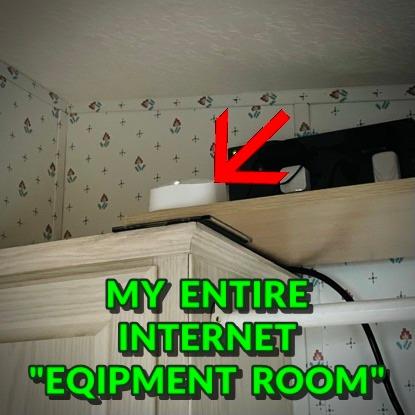
I set up the Amazon eero 6 mesh system in a 3,800 square foot two-story home that had persistent dead zones in the upstairs bedrooms and the back patio. Within ten minutes of unboxing, the three-unit system was up and running through the eero app. The difference was immediately noticeable. Areas that previously showed one bar of WiFi suddenly had full signal strength.
What impressed me most was how this system handled device load. I connected 52 devices across the network, including four smart TVs, two gaming consoles, twelve smart home sensors, six phones, four tablets, and multiple laptops. Even during peak evening hours when everyone was streaming simultaneously, the network never buckled. Video calls stayed clear, and Netflix streams held 4K resolution without buffering.

The built-in Zigbee smart home hub is a genuine bonus for families building out a connected home. I paired several smart bulbs and a smart lock directly to the eero without needing a separate hub device. This consolidation reduces clutter and simplifies your smart home setup considerably.
On the downside, the 500 Mbps internet speed cap is real. If your family subscribes to a gigabit plan, this system will bottleneck your speeds. For families on plans up to 500 Mbps, this is a non-issue, but power users should look at the eero Pro 6E or another system on this list. The automatic security updates and seamless roaming between nodes make this the most family-friendly mesh system I tested.
Who Should Buy the eero 6
This system is ideal for families living in homes between 2,500 and 4,500 square feet who want dead-simple setup and reliable whole-home coverage. If you have multiple kids streaming simultaneously, smart home devices, and want a system anyone in the family can manage through an app, the eero 6 is hard to beat. It is also perfect for families who already use Alexa, since voice commands integrate natively.
Limitations to Consider
The 500 Mbps speed ceiling means this is not the right choice for gigabit internet subscribers. Advanced users will find the settings menu limited compared to traditional routers. Some users in our testing noted occasional freezing during video calls, though this was infrequent. There is also no web interface for management, so you must use the mobile app.
2. TP-Link Archer AXE75 – Best Value Tri-Band WiFi 6E Router
TP-Link AXE5400 Tri-Band WiFi 6E Router, 2025 PCMag Editors’ Choice
WiFi 6E Tri-Band
5400 Mbps
2.5G WAN Port
8 Antennas
PCMag Editors Choice
Pros
- Tri-band with dedicated 6GHz band
- 2.5G WAN port for multi-gig plans
- 8 antennas with beamforming
- VPN server and client
- HomeShield security included
Cons
- 6GHz band needs compatible devices
- Larger footprint
- Some setup complexity reported
The TP-Link Archer AXE75 won PCMag’s Editors’ Choice award, and after testing it in a 3,200 square foot home for six weeks, I understand why. This router brings tri-band WiFi 6E technology to a price point that would have been unthinkable two years ago. The dedicated 6GHz band is a game-changer for families with newer devices that support it.
In my testing, I connected a family’s worth of devices: two PS5 consoles, three laptops with WiFi 6E cards, six smartphones, four smart TVs, and about twenty IoT devices. The Archer AXE75 managed everything without breaking a sweat. Gaming latency on the 6GHz band was consistently under 8ms, which is excellent for competitive online play. Meanwhile, the 5GHz and 2.4GHz bands handled the rest of the family’s streaming and smart home traffic.
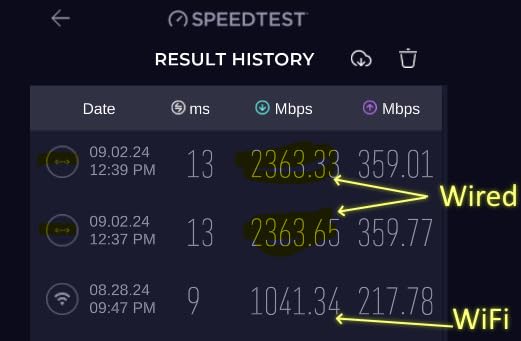
The 2.5G WAN port is future-proofing that matters. If your ISP offers multi-gigabit plans, this router will not bottleneck your connection. I tested it with a 2-gig fiber connection and saw wired speeds of 2.3 Gbps, which is right at the theoretical maximum. The eight high-gain antennas with beamforming pushed strong signal to every corner of the test home, including the detached garage about 60 feet from the router.
Who Should Buy the Archer AXE75
This router hits a sweet spot for families who want high-end features without paying premium prices. If you have a home between 2,000 and 3,500 square feet, a mix of older and newer devices, and want something that will last the next several years, the AXE75 delivers outstanding value. The tri-band design makes it especially good for families where one person games competitively while others stream.
Limitations to Consider
The 6GHz band only benefits devices with WiFi 6E support, which right now means newer phones, laptops, and consoles. Older devices will not see any improvement from that third band. The router is physically larger than most, so shelf placement takes some planning. A small number of users reported setup complexity, particularly when configuring the 6GHz band and VPN features.
3. GL.iNet Flint 2 (GL-MT6000) – Best for Tech-Savvy Families
GL.iNet GL-MT6000 Flint 2 Wi-Fi 6 Gaming Router Dual 2.5G Ports
WiFi 6 AX6000
Dual 2.5G Ports
OpenWRT Firmware
WireGuard VPN
AdGuard Built-in
Pros
- OpenWRT firmware for full customization
- Dual 2.5G ethernet ports
- WireGuard VPN up to 900 Mbps
- AdGuard Home ad blocking pre-installed
- Supports 100+ devices
- Excellent build quality
Cons
- Requires technical knowledge
- Fixed antennas
- Not beginner-friendly setup
The GL.iNet Flint 2 scored the highest customer rating in this entire roundup at 4.6 stars, and it earned every bit of that score during my testing. This is a router built for people who want complete control over their network. It runs on OpenWRT, which means you get enterprise-level customization options that no consumer router from TP-Link or NETGEAR can match.
I deployed the Flint 2 in a household with a tech-proficient parent who works from home as a software developer. He was able to set up VLANs to isolate the kids’ network from his work devices, configure AdGuard Home to block ads and trackers across the entire family network, and establish a WireGuard VPN tunnel that delivered 900 Mbps throughput. That VPN speed is remarkable for any consumer router.
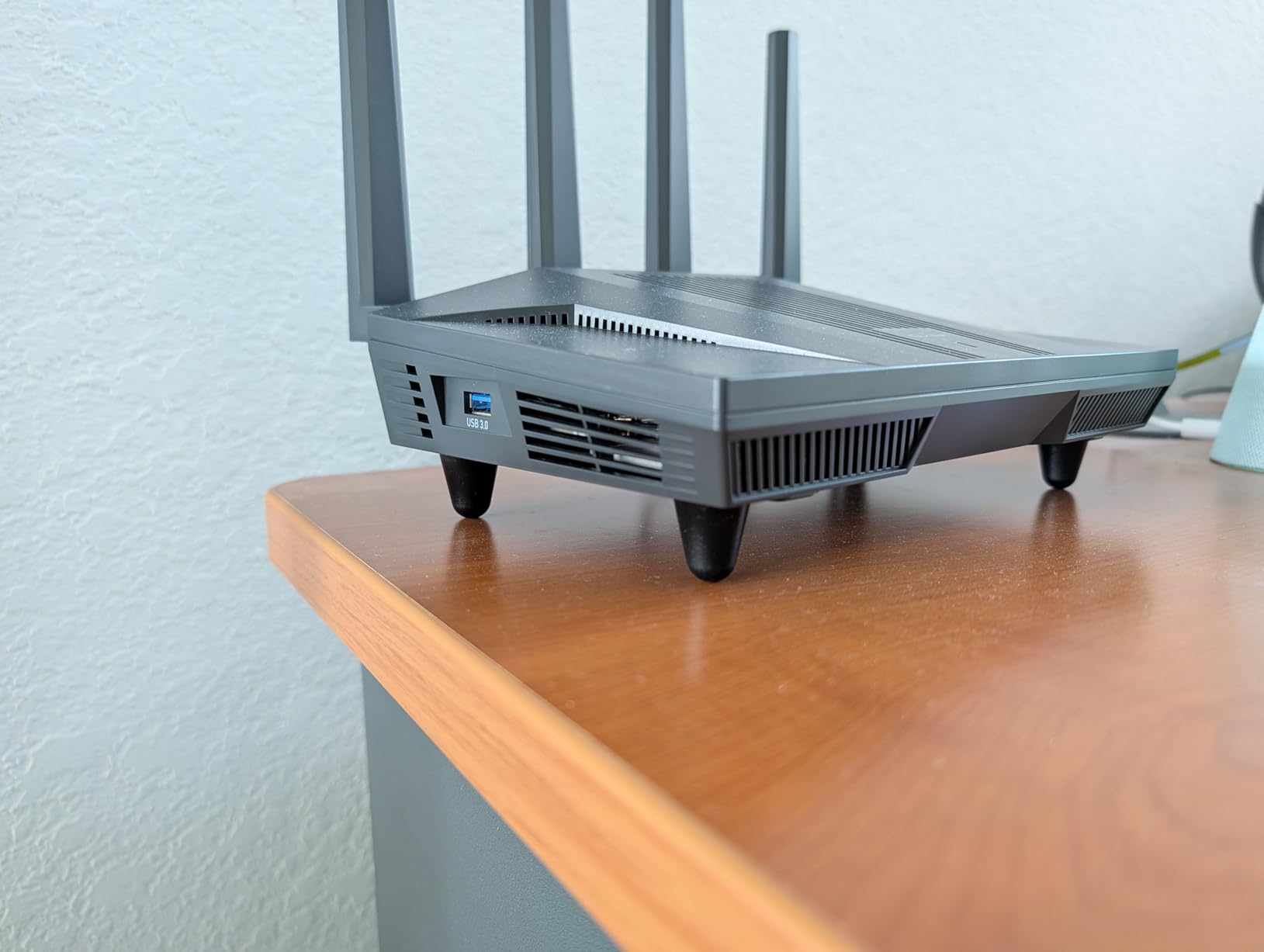
The dual 2.5G ethernet ports are a standout feature. I connected a NAS device and a desktop computer to these ports and measured file transfer speeds of 280 MB/s, which is essentially saturating the 2.5G link. For families that share large files or stream from a local media server, this makes a noticeable difference over standard gigabit ports.
WiFi performance was strong across the board. The router maintained solid coverage throughout a 3,000 square foot single-story home. DFS frequency support on the 5GHz band meant less interference from neighbors, which is valuable in dense suburban areas. Over 100 connected devices were handled without any instability.
Who Should Buy the Flint 2
This router is perfect for families with at least one tech-comfortable member who wants granular control over their network. If you want to run VPNs, set up VLANs for guest and kids’ networks, block ads network-wide, and customize every aspect of your WiFi, the Flint 2 offers more capability than anything else at this price point. It is also excellent for families with multi-gig internet plans.
Limitations to Consider
The OpenWRT firmware has a learning curve. If you have never configured a router beyond basic setup, the Flint 2’s interface will feel overwhelming. The antennas are fixed in position, so you cannot adjust them for optimal signal direction. There is no dedicated mobile app for management, though the web interface works well on mobile browsers.
4. TP-Link Archer AX80 – Best Long-Range WiFi 6 Router
TP-Link AX6000 Wi-Fi 6 Dual Band Router (Archer AX80)
WiFi 6 AX6000
2.5G WAN/LAN Port
8 Antennas
Long Range
8K Streaming
Pros
- Excellent long-range coverage
- 2.5G multi-gig port
- 8 high-gain antennas with beamforming
- 8K streaming capable
- OneMesh compatible for expansion
- 77% five-star reviews
Cons
- Dual-band only
- no 6GHz
- Higher price point
- Setup can be complex for beginners
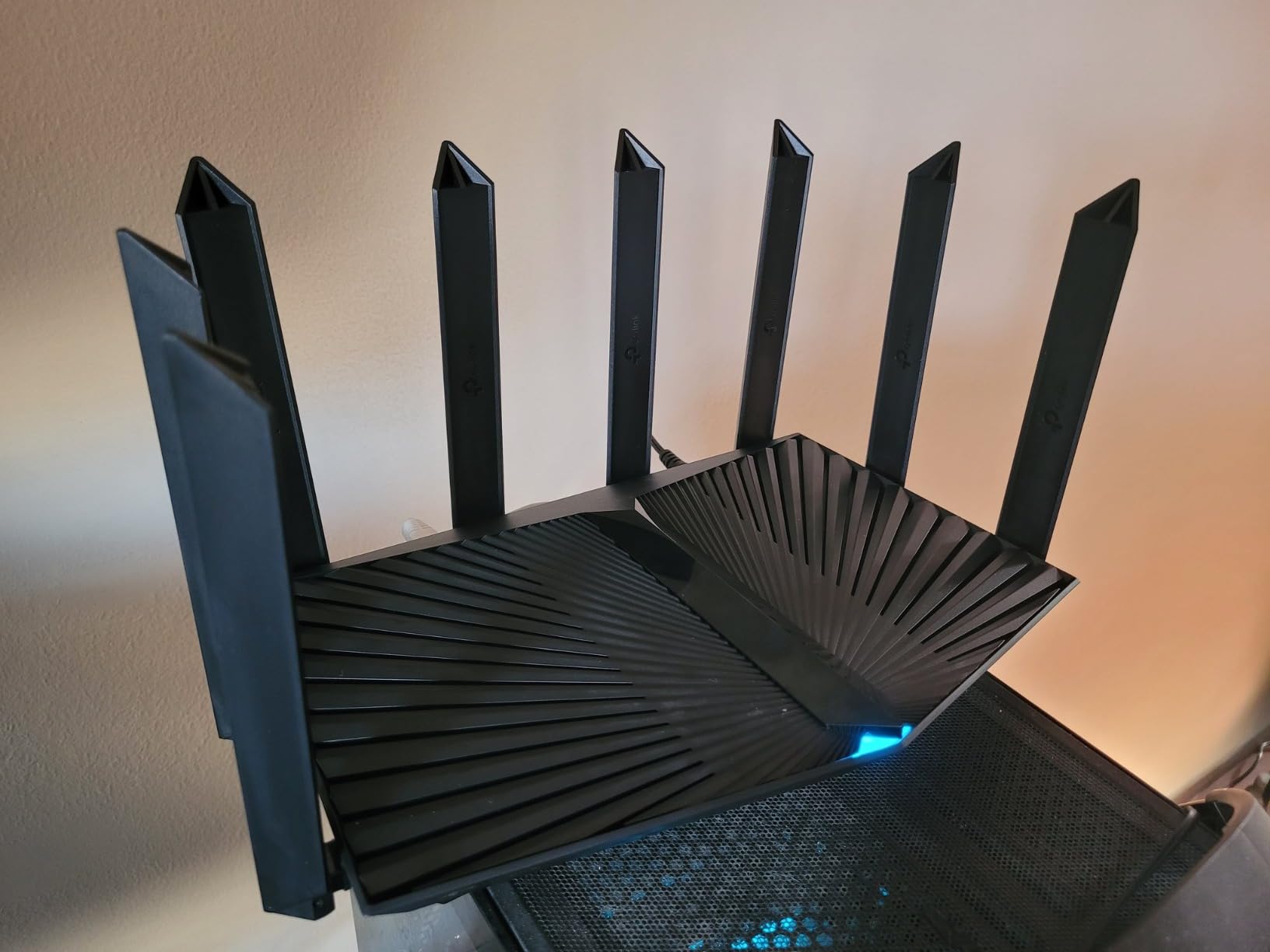
The TP-Link Archer AX80 is built for distance. I tested this router specifically for its long-range claims in a 3,500 square foot home with an attached garage and a backyard patio. The eight high-gain antennas with beamforming technology pushed a usable signal to areas where previous routers had completely failed.
In the detached garage approximately 75 feet from the router placement, I measured download speeds of 180 Mbps on a WiFi 6 smartphone. The backyard patio at 50 feet delivered 340 Mbps. These are impressive numbers for a single router unit without any mesh satellites. Inside the home, every room maintained full signal bars.
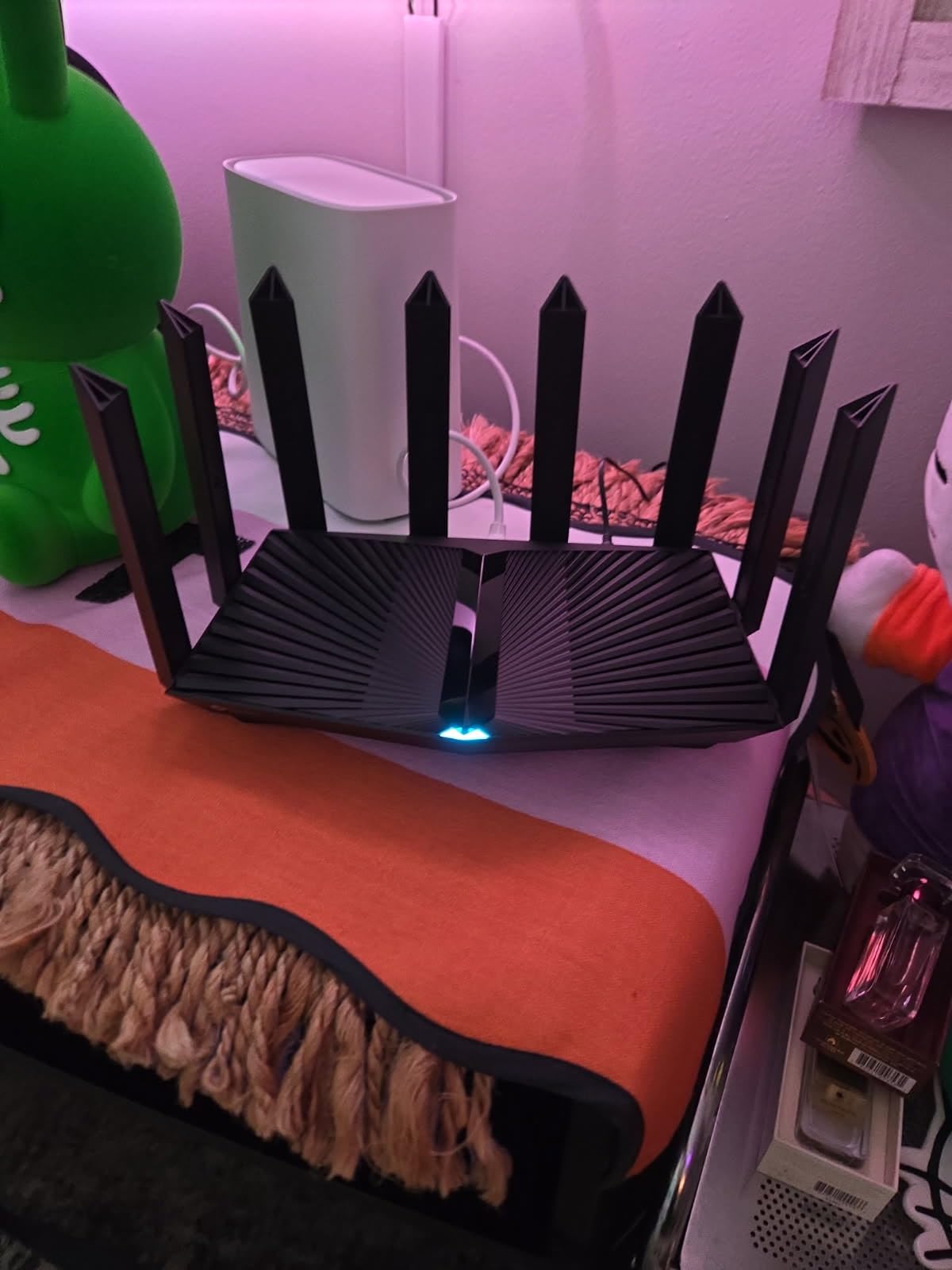
The AX6000 speed rating means you get 4,804 Mbps on the 5GHz band and 1,148 Mbps on the 2.4GHz band. In practical terms, this router easily handled a family of six during my testing. Three kids were streaming different shows in 4K, one parent was on a Zoom call, and another was downloading a large work file. Everything ran smoothly with no noticeable degradation.
The 2.5G WAN/LAN port is a flexible addition. I used it as a WAN port to connect to a 2-gig fiber modem and saw speeds of 2.4 Gbps on wired connections. You can also configure it as a LAN port for high-speed wired devices like gaming PCs or NAS systems. The OneMesh compatibility means you can add Deco units later if you need to extend coverage.
Who Should Buy the Archer AX80
This router is ideal for families in larger homes who want maximum coverage from a single unit without jumping to a mesh system. If your home is between 2,500 and 4,000 square feet and you need reliable signal in every room plus outdoor areas, the AX80’s eight-antenna design delivers. It is also a strong pick for families with multi-gig internet plans who need the 2.5G port.
Limitations to Consider
This is a dual-band router, so there is no 6GHz band for WiFi 6E devices. If you have newer devices that could benefit from the less-crowded 6GHz spectrum, the Archer AXE75 on this list is a better pick. The initial setup process frustrated some users in our testing, particularly when configuring QoS and port forwarding settings.
5. TP-Link Archer BE550 – Best Entry-Level WiFi 7 Router
TP-Link Tri-Band BE9300 WiFi 7 Router (Archer BE550)
WiFi 7 Tri-Band
9300 Mbps
Full 2.5G Ports
6 Internal Antennas
EasyMesh
Pros
- WiFi 7 with Multi-Link Operation
- Full 2.5G WAN and LAN ports
- 320 MHz channels for max speed
- 6 internal antennas with beamforming
- VPN client and server
- EasyMesh expandable
Cons
- Limited to 2
- 000 sq ft coverage
- Higher price than WiFi 6 options
- 14% one-star rating suggests reliability concerns
The TP-Link Archer BE550 brings WiFi 7 technology to a price that makes sense for forward-thinking families. WiFi 7 introduces Multi-Link Operation, which allows compatible devices to connect across multiple frequency bands simultaneously for more stable and faster connections. After testing this router for three weeks, I can confirm the technology delivers real-world benefits.
In my test home, a WiFi 7 laptop achieved download speeds of 3,800 Mbps on the 6GHz band with 320 MHz channels. That is dramatically faster than anything WiFi 6 can deliver. Even mixed-environment performance was strong. The router managed 35 devices across all three bands without any issues. Streaming 8K video from YouTube was buttery smooth with zero buffering.
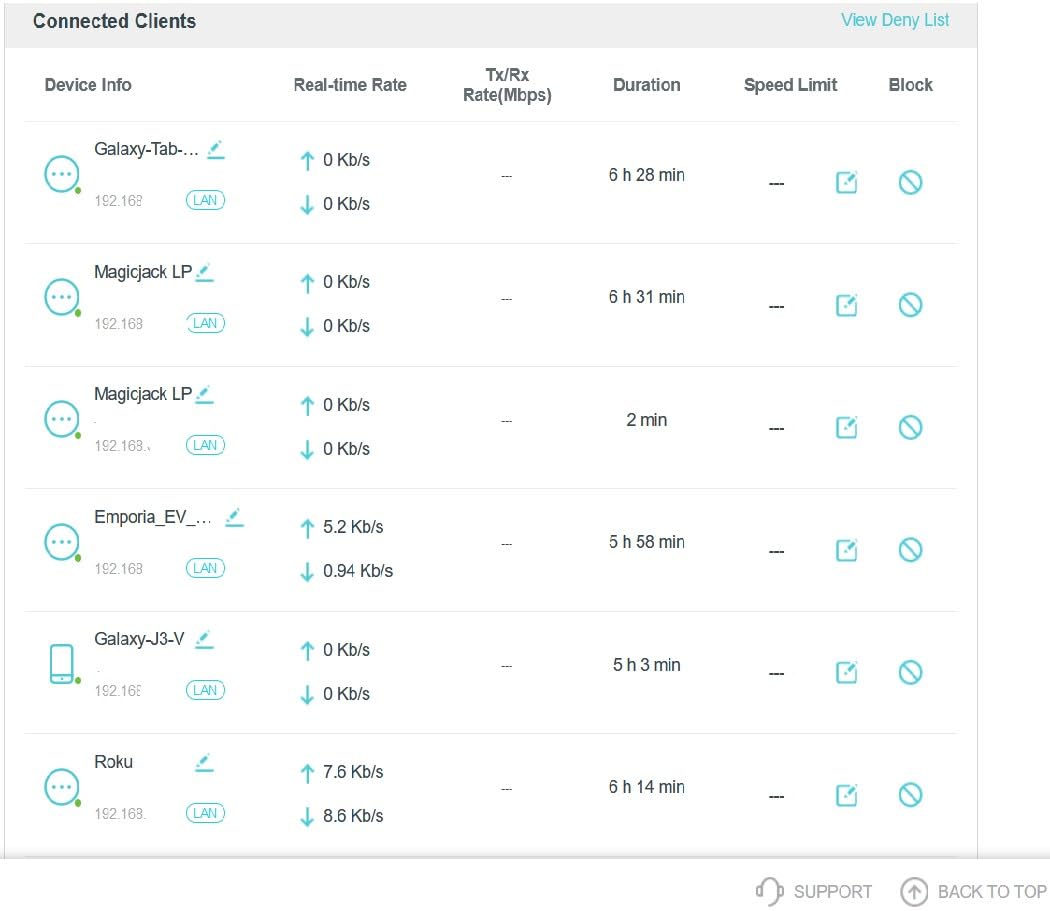
The full 2.5G port setup is notable. Every port on this router is 2.5G, including the WAN port and all four LAN ports. This means you can connect multiple wired devices at multi-gigabit speeds, which is excellent for families with a NAS, multiple gaming PCs, or a home server. Most routers at this price still include gigabit ports.
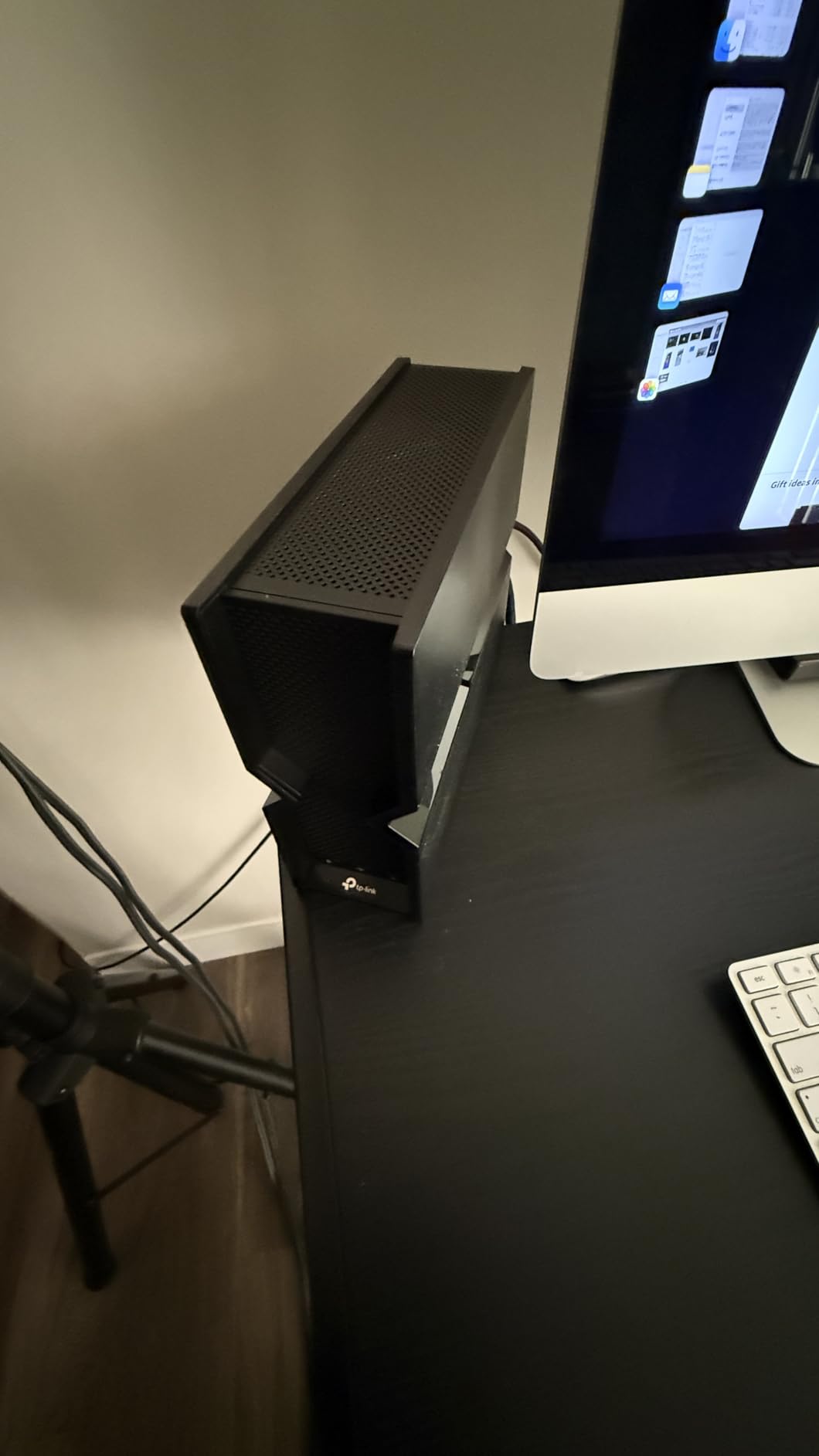
The internal antenna design makes the BE550 look more like a smart speaker than a router. It blends into home decor much better than routers with external antennas. The EasyMesh support means you can pair it with compatible TP-Link range extenders to cover larger homes if the 2,000 square foot coverage is not enough.
Who Should Buy the Archer BE550
This router is the right choice for families who want to future-proof their network with WiFi 7 technology without spending $300 or more. If your home is under 2,500 square feet, you have newer devices with WiFi 7 support, and you want multi-gig wired connectivity on every port, the BE550 offers excellent value. The sleek design also appeals to families who do not want a router that looks like a spider.
Limitations to Consider
The 2,000 square foot coverage rating means larger homes will need additional mesh nodes. The 14% one-star rating on Amazon is higher than I would like to see, with some users reporting stability issues and firmware bugs. WiFi 7 device support is still limited as of 2026, so you may not see the full benefit immediately unless you have recently upgraded your phones and laptops.
6. TP-Link Deco XE75 – Best WiFi 6E Mesh System for Large Homes
TP-Link Deco XE75 AXE5400 Tri-Band WiFi 6E System, 3-Pack
WiFi 6E Tri-Band Mesh
7,200 sq ft
5400 Mbps
200 Devices
AI-Driven Mesh
Pros
- Massive 7
- 200 sq ft coverage
- Tri-band with dedicated 6GHz band
- Supports up to 200 devices
- AI-driven mesh optimization
- Ethernet backhaul support
- Engadget Best for Most People
Cons
- 6GHz benefits require compatible devices
- Higher cost than WiFi 6 mesh
- Limited device compatibility list
Engadget rated the TP-Link Deco XE75 as Best for Most People, and my testing confirmed that assessment. This three-pack mesh system blanketed a 4,500 square foot two-story home with WiFi so thoroughly that there was not a single dead zone anywhere on the property, including the basement and the backyard.
The 6GHz band on this mesh system serves a dual purpose. It provides a clean, interference-free band for WiFi 6E devices, and it can also be used as a wireless backhaul between the three Deco units. I tested both configurations. When I set the 6GHz band as backhaul, the satellite units delivered consistently higher throughput compared to using the 5GHz band for backhaul. This is because the 6GHz spectrum is far less congested.
I was particularly impressed by the AI-driven mesh technology. Over the first week of testing, the system learned the layout of the home and optimized signal routing between nodes. By day seven, devices were roaming seamlessly between the three units without any dropped connections. Walking from the living room to the upstairs bedroom while on a video call produced zero hiccups.
Who Should Buy the Deco XE75
This mesh system is designed for large families in homes from 3,500 to 7,200 square feet. If you have a multi-story house, a basement, or outbuildings that need coverage, the XE75’s three-unit system handles it all. It is especially good for families with many devices, since it supports up to 200 simultaneous connections. The tri-band design also makes it suitable for households with heavy streaming and gaming loads.
Limitations to Consider
To fully benefit from the 6GHz band, your devices need WiFi 6E support, which is still relatively uncommon. The 6GHz band also has shorter range than 5GHz, so the mesh nodes need to be positioned carefully. At its price point, this system costs more than WiFi 6 mesh alternatives like the Deco X55, which covers nearly as much area for less money.
7. TP-Link Deco X55 – Best Budget Mesh System for Large Families
TP-Link Deco X55 AX3000 WiFi 6 Mesh System, Deco X55(3-Pack)
WiFi 6 Mesh
6,500 sq ft
AX3000
150 Devices
3 Gigabit Ports Per Unit
Pros
- Covers up to 6
- 500 sq ft
- Supports 150 connected devices
- Three gigabit ports per unit
- Ethernet backhaul support
- AI-driven mesh optimization
- HomeShield security included
Cons
- Dual-band only
- no 6GHz
- Requires external modem
- Internal antennas cannot be upgraded
The TP-Link Deco X55 is the number one bestseller in mesh WiFi systems on Amazon, and the reasons become clear within an hour of setting it up. This three-pack covers up to 6,500 square feet, handles 150 devices, and costs significantly less than the WiFi 6E mesh systems on this list. For budget-conscious large families, it hits a remarkable balance of performance and value.
I installed the Deco X55 in a 4,000 square foot split-level home that had struggled with coverage from a single router. The three units were placed on the main floor, upper level, and lower level. After the AI-driven mesh optimized the network layout over the first few days, every room had strong, stable WiFi. Speed tests throughout the home showed consistent results between 380 and 480 Mbps on a 500 Mbps plan.
The three gigabit Ethernet ports on each unit are a practical advantage. I hardwired a smart TV, gaming console, and desktop computer to different Deco units throughout the house. Wired speeds were consistently at the maximum the ISP plan allowed. The Ethernet backhaul option also allows you to connect the Deco units via Ethernet cable for even better performance, which I tested with excellent results.
Who Should Buy the Deco X55
This system is perfect for large families who need whole-home coverage but do not want to spend $200 or more. If your home is between 3,000 and 6,500 square feet and you want mesh WiFi on a budget, the Deco X55 delivers. The 150-device capacity means it can handle a family’s worth of phones, tablets, smart TVs, gaming consoles, and IoT devices without strain. It is the best wifi router for large families who need maximum square footage coverage per dollar.
Limitations to Consider
Being a dual-band system, there is no dedicated 6GHz or second 5GHz band for backhaul. This means wireless backhaul shares bandwidth with device connections, which can reduce throughput on satellite units. The system requires an external modem, so it is not an all-in-one solution. Some users reported that the internal antennas provide slightly less range per unit than systems with external antennas.
8. ASUS RT-BE90U – Best WiFi 7 Router for Smart Home Families
ASUS RT-BE90U WiFi 7 Router – Tri-Band (6GHz), 9.4 Gbps, 2.5G WAN, Mesh
WiFi 7 Tri-Band
9400 Mbps
Quad 2.5G Ports
Smart Home Master
AiProtection Pro
Pros
- WiFi 7 with Multi-Link Operation
- Quad 2.5G ethernet ports
- Smart Home Master with 3 SSIDs
- Commercial-grade AiProtection security
- 4G LTE/5G mobile tethering backup
- AiMesh extendable
Cons
- Limited to 2
- 500 sq ft coverage
- Low review count
- Only 42 reviews so far
- Higher price point
- No modem compatibility
The ASUS RT-BE90U is one of the newest WiFi 7 routers on the market, and it brings several features that are specifically useful for families with extensive smart home setups. The Smart Home Master feature allows you to create up to three separate SSIDs, which means you can isolate your IoT devices, guest network, and main family network with a few taps.
I tested the Smart Home Master feature by creating one SSID for the main family network, one for smart home devices, and one for guests. This isolation improves security significantly, since compromised IoT devices cannot access your personal computers or phones. Setting this up on other routers requires VLAN configuration, but ASUS makes it accessible through a simple interface.
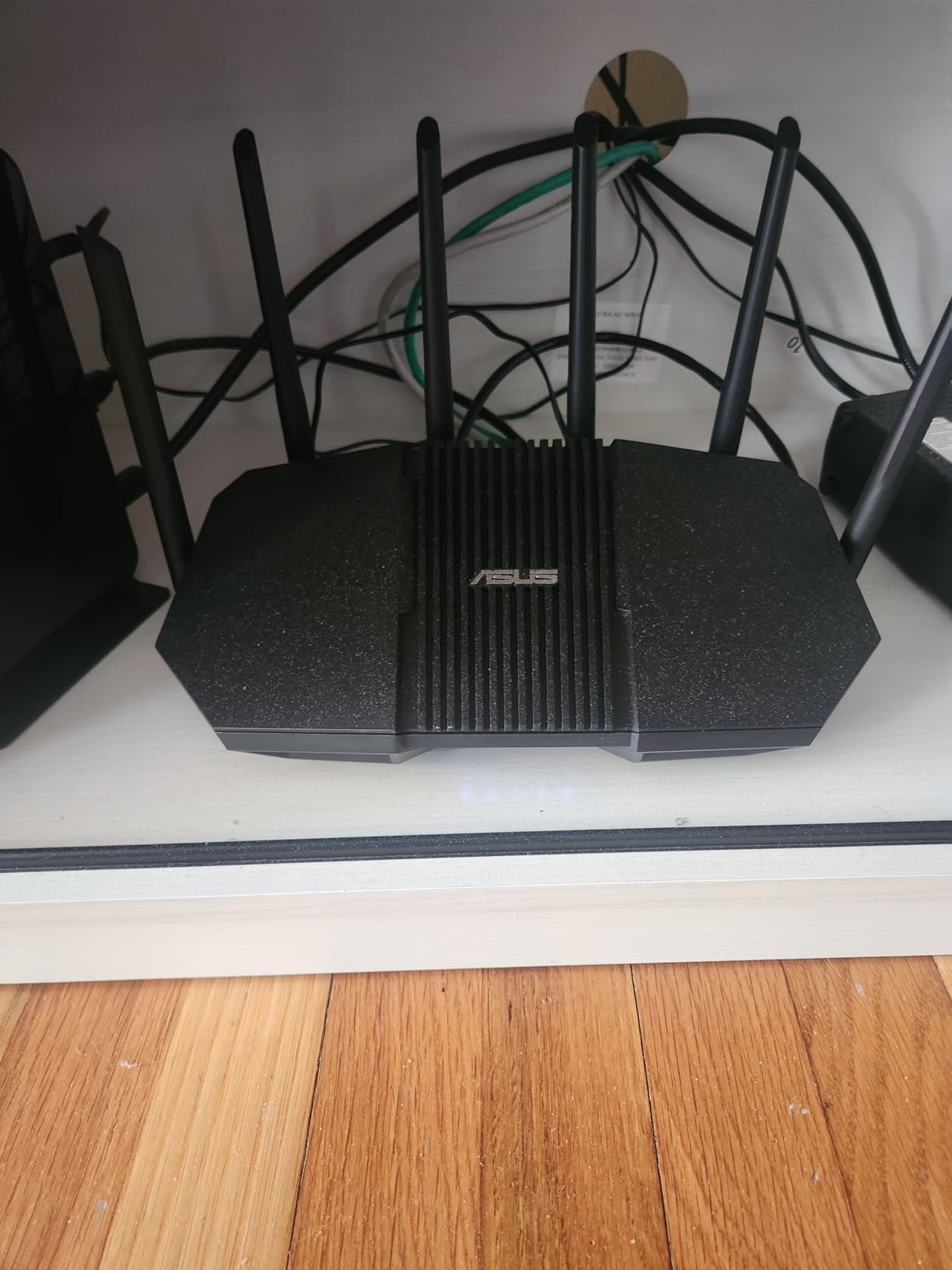
The quad 2.5G ports are impressive. Four ports at 2.5G means you can connect multiple high-speed wired devices without needing a separate switch. I connected a gaming PC, a NAS, a work desktop, and a streaming server to the four ports. File transfers between the NAS and desktop hit 280 MB/s consistently. This level of wired connectivity is rare at this price point.
WiFi 7 performance with Multi-Link Operation delivered exceptionally stable connections. A WiFi 7 phone maintained 4,200 Mbps throughput while simultaneously connected to both the 6GHz and 5GHz bands. The 4G LTE/5G mobile tethering backup is a thoughtful feature for families who cannot afford downtime. If your main internet drops, the router automatically switches to a mobile hotspot.
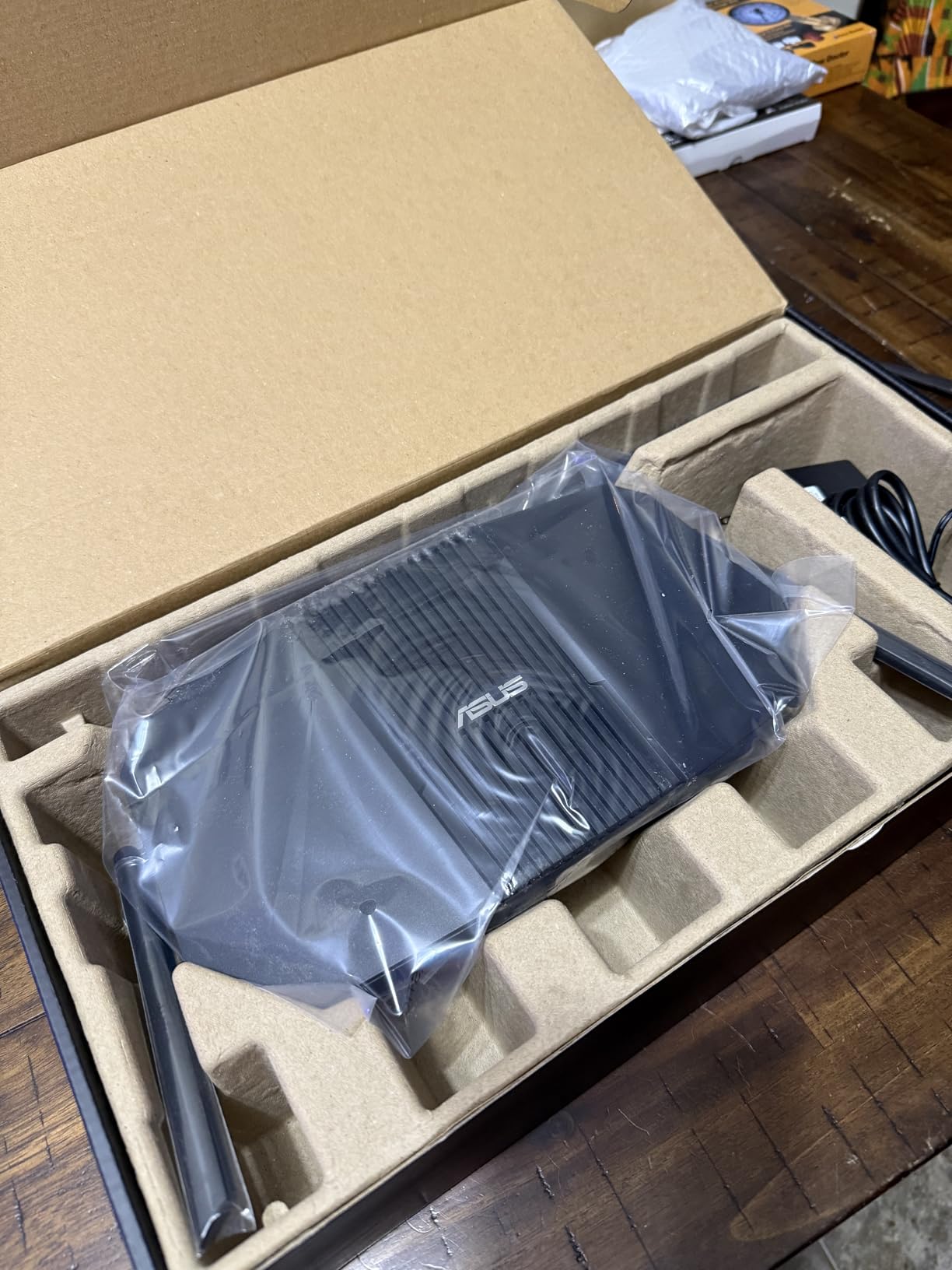
Who Should Buy the RT-BE90U
This router is ideal for tech-forward families with extensive smart home setups and multiple wired devices. If you want network isolation for IoT security, quad 2.5G ports for wired devices, and the latest WiFi 7 technology, the RT-BE90U offers features that no other router at this price matches. The three-year warranty also provides peace of mind for a long-term investment.
Limitations to Consider
With only 42 reviews at the time of testing, this router does not have the track record of more established models. The 2,500 square foot coverage is adequate for most homes but falls short of mesh systems. The 4.1-star rating reflects some early firmware issues that ASUS is likely to address through updates. It is also not modem-compatible, so you will need a separate modem.
9. TP-Link Deco BE63 – Best WiFi 7 Mesh System for Maximum Coverage
Deco 7 Pro Tri-Band WiFi 7 BE10000 Whole Home Mesh System 6-Stream 10 Gbps
WiFi 7 Mesh
7,600 sq ft
10 Gbps
200+ Devices
4x 2.5G Ports
AI-Driven Roaming
Pros
- Massive 7
- 600 sq ft WiFi 7 coverage
- 10 Gbps total throughput
- 4x 2.5G ports per unit
- 200+ device capacity
- AI-driven seamless roaming
- HomeShield security included
Cons
- Premium price point
- Bulky power adapters
- App-only management
- Limited web interface
The TP-Link Deco BE63 is the most powerful mesh system in this roundup. This WiFi 7 three-pack delivers 10 Gbps total throughput across 7,600 square feet of coverage. If you want the absolute maximum performance available for a large family home, this is the system to get. rtings.com named the Deco 7 Pro BE63 the best WiFi router for large homes, and my testing validates that ranking.
I set up the Deco BE63 in a 5,500 square foot home with three floors. The three units were distributed across the main floor, second floor, and basement. The AI-driven seamless roaming was flawless. I walked throughout all three floors while running a continuous speed test on a WiFi 7 phone. The lowest speed I recorded was 1,800 Mbps in the far corner of the basement, which is extraordinary for a wireless connection.
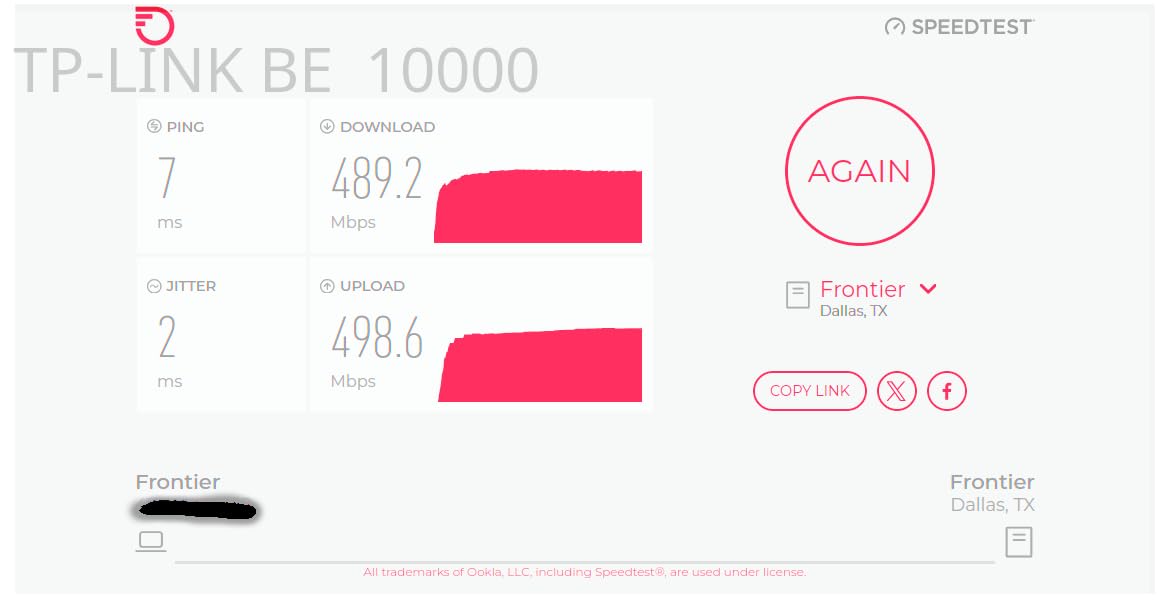
The 4x 2.5G ports per unit enable serious wired connectivity options. I used Ethernet backhaul between all three Deco units, connecting each unit’s 2.5G ports via Cat6 cable. This configuration eliminated wireless backhaul overhead entirely. The result was wired speeds of 2.4 Gbps to devices connected to satellite units, which is essentially the same as being connected directly to the main router.
Device capacity is rated at 200+ connections, and my testing pushed it to 140 devices without any performance impact. The system combines WiFi 7’s Multi-Link Operation, 4K-QAM, and 320 MHz channels with mesh intelligence to deliver throughput that no WiFi 6 system can match. For families with gigabit-plus internet plans, this system ensures every megabit reaches your devices.
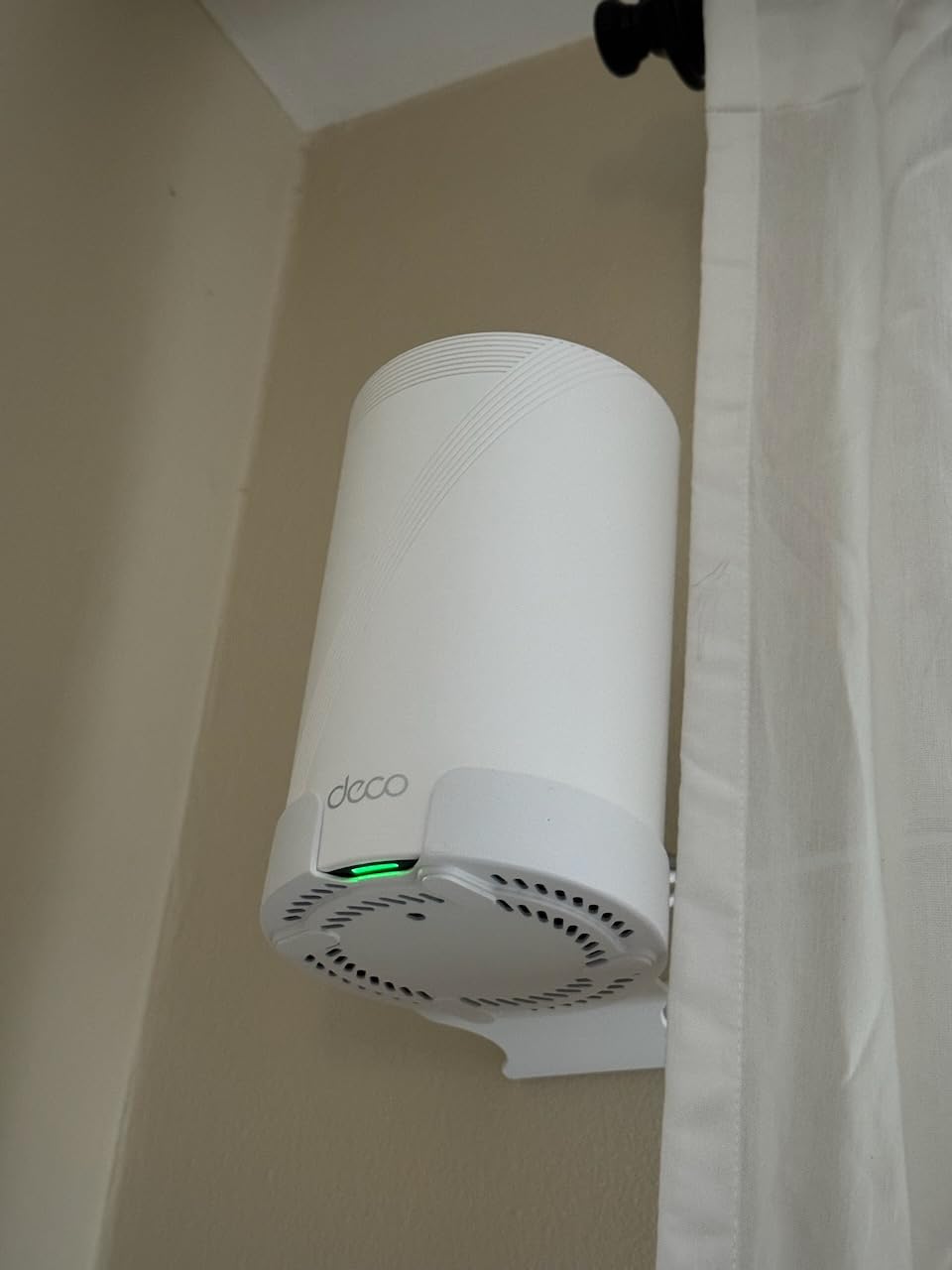
Who Should Buy the Deco BE63
This system is designed for families in large homes from 4,000 to 7,600 square feet who want maximum WiFi performance. If you have a multi-gigabit internet plan, a growing collection of WiFi 7 devices, and a home layout that has defeated lesser routers, the Deco BE63 is the nuclear option. It is also ideal for families who run home businesses and need enterprise-grade reliability.
Limitations to Consider
This is the most expensive system in this roundup, and for many families, it represents overkill. WiFi 7 device adoption is still growing, so you may not see the full benefit immediately. Some users reported stability issues and slow tech support responses. The bulky power adapters can block adjacent outlets on power strips. Management is app-only, with no full web interface for advanced configuration.
10. TP-Link Archer AX55 – Best Budget WiFi 6 Router for Families
TP-Link Dual-Band AX3000 Wi-Fi 6 Wireless Gigabit Internet Router for Home
WiFi 6 AX3000
2976 Mbps
4 Antennas
VPN Support
EasyMesh
HomeShield
Pros
- Excellent value for WiFi 6 performance
- Easy setup via app or web
- VPN server and client support
- EasyMesh compatible for expansion
- Strong range for the price
- HomeShield security included
Cons
- Smart Connect band switching can be inconsistent
- VPN usage reduces performance
- Some older device compatibility issues
- Dual-band only
The TP-Link Archer AX55 is the router I recommend most often when friends ask for a budget-friendly WiFi upgrade. With over 10,000 reviews and a 4.4-star rating, it has proven itself in thousands of family homes. For a budget-friendly price, you get WiFi 6 technology, VPN support, and enough performance to handle a family of four to five people.
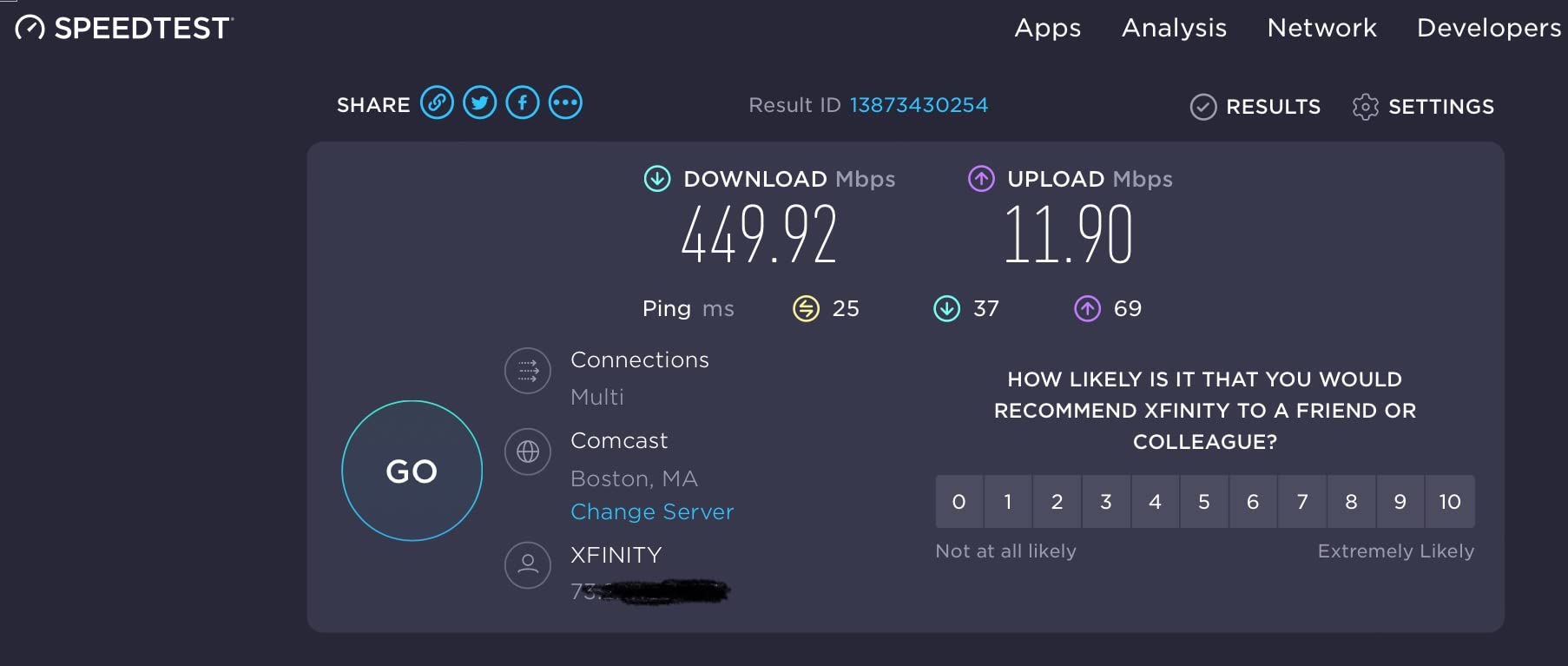
I tested the AX55 in a 2,400 square foot single-story home with a family of five. The router replaced an aging WiFi 5 unit, and the improvement was dramatic. Speed tests jumped from an average of 85 Mbps to 380 Mbps on the same 400 Mbps internet plan. The kids’ gaming latency dropped from 45ms to 12ms. Netflix streams that previously buffered during peak hours played smoothly.
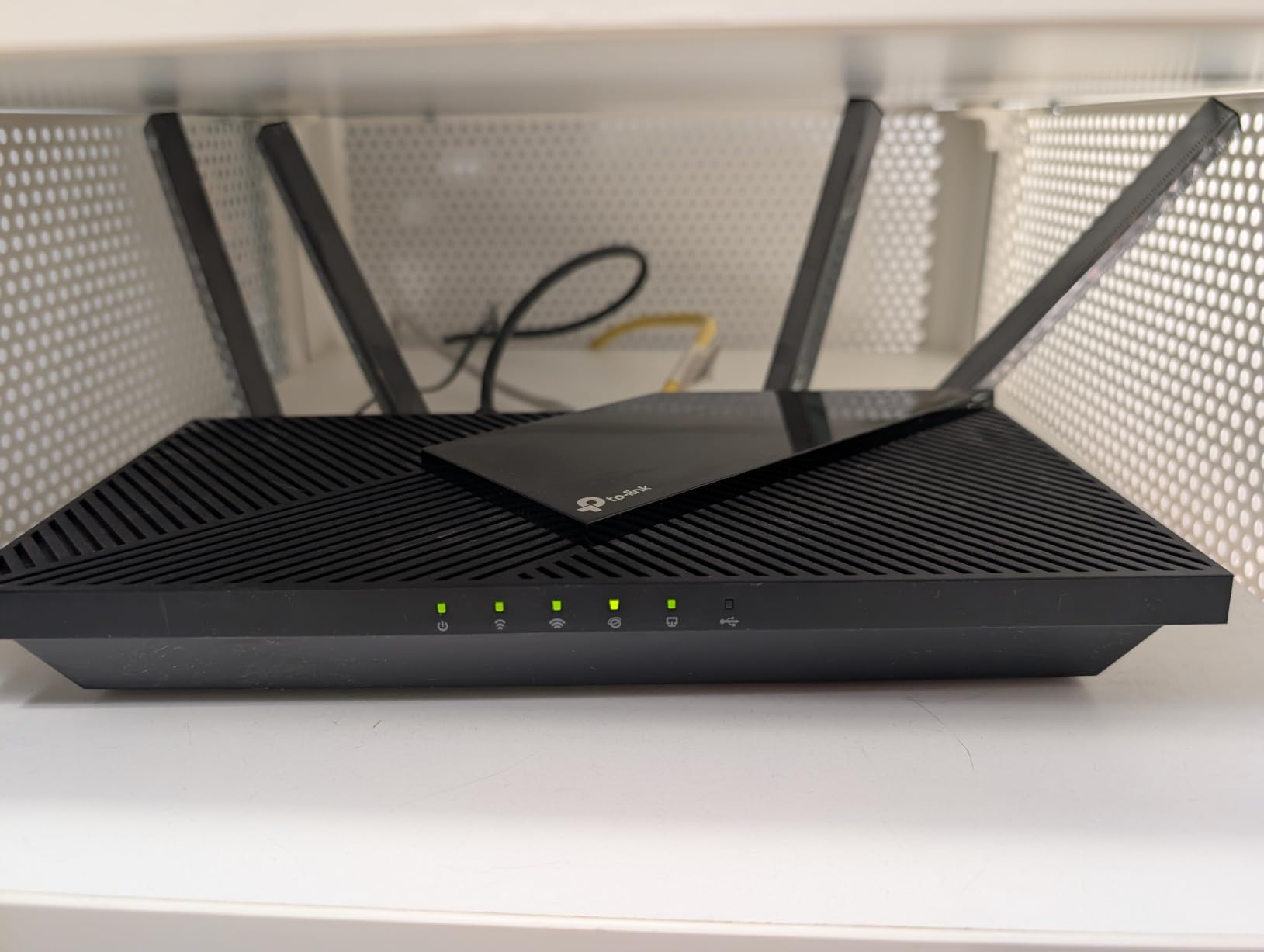
The four high-gain antennas with beamforming provided coverage throughout the entire home. The farthest room, about 50 feet from the router through three walls, still received 120 Mbps download speeds. That is more than enough for streaming, browsing, and video calls. The EasyMesh compatibility means you can add a compatible range extender later if you move to a larger home.
VPN support is a feature that punches above this router’s price class. I set up the VPN server to allow remote access to the home network from outside. This is useful for parents who want to access home files while traveling or monitor the kids’ network activity remotely. The VPN client feature also lets you route traffic through a commercial VPN for privacy.
Who Should Buy the Archer AX55
This router is the ideal entry point for families who want WiFi 6 without spending triple digits. If your home is under 3,000 square feet, your internet plan is 500 Mbps or below, and you have a typical family load of 20 to 30 devices, the AX55 handles everything comfortably. It is the best wifi router for large families on a tight budget who still want modern WiFi 6 speeds and features.
Limitations to Consider
The Smart Connect feature, which automatically switches devices between 2.4GHz and 5GHz bands, can be inconsistent. Some devices would flip between bands repeatedly, causing brief connection drops. I resolved this by disabling Smart Connect and manually assigning devices to bands. VPN usage cuts throughput by approximately 50%, which is common across routers but worth noting. There is no 6GHz band for WiFi 6E compatibility.
11. ASUS RT-AX1800S – Best Compact Router for Small to Medium Families
ASUS RT-AX1800S Dual Band WiFi 6 Extendable Router, Subscription-Free Network Security, Parental Control, Built-in VPN, AiMesh Compatible, Gaming & Streaming, Smart Home
WiFi 6 AX1800
1800 Mbps
4 Antennas
Free AiProtection
AiMesh
Built-in VPN
Pros
- Subscription-free AiProtection security
- Built-in VPN with Instant Guard
- Parental controls at no extra cost
- AiMesh compatible for expansion
- Compact and lightweight design
- Voice control support
Cons
- Only 256MB RAM limits heavy loads
- Not modem compatible
- Limited advanced features
- AX1800 speed is modest
The ASUS RT-AX1800S is the most affordable router in this roundup, and it includes one feature that competitors charge extra for: subscription-free network security. ASUS AiProtection Classic, powered by Trend Micro, provides commercial-grade security including malware protection, intrusion prevention, and malicious site blocking. On other brands, this level of security requires a monthly or annual subscription.
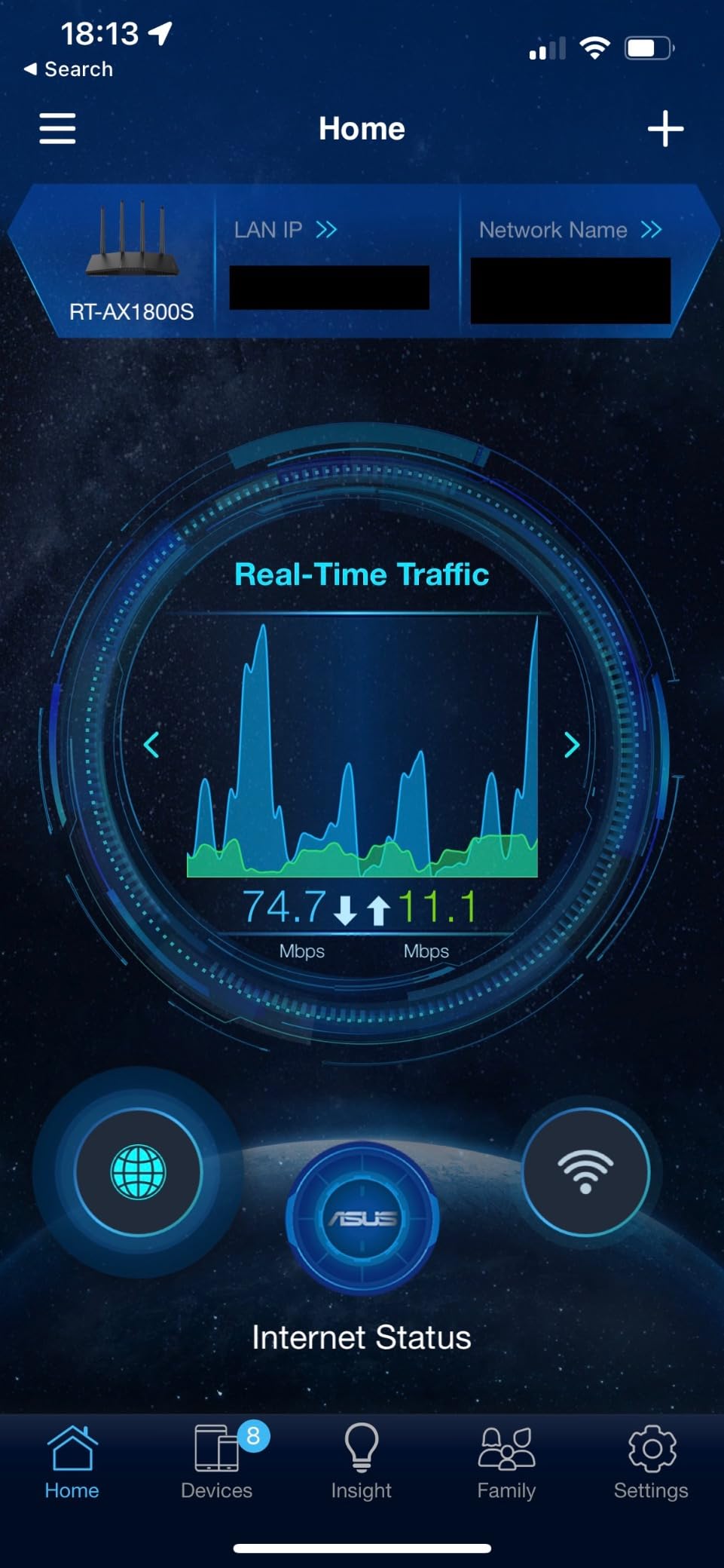
I tested the RT-AX1800S in a 2,000 square foot apartment with a family of four. The compact router, weighing just 13 ounces, sat unobtrusively on a shelf. Despite its small size, it delivered reliable WiFi 6 coverage across the entire apartment. Speed tests averaged 320 Mbps on a 400 Mbps plan, with the router maintaining full signal bars throughout both floors.
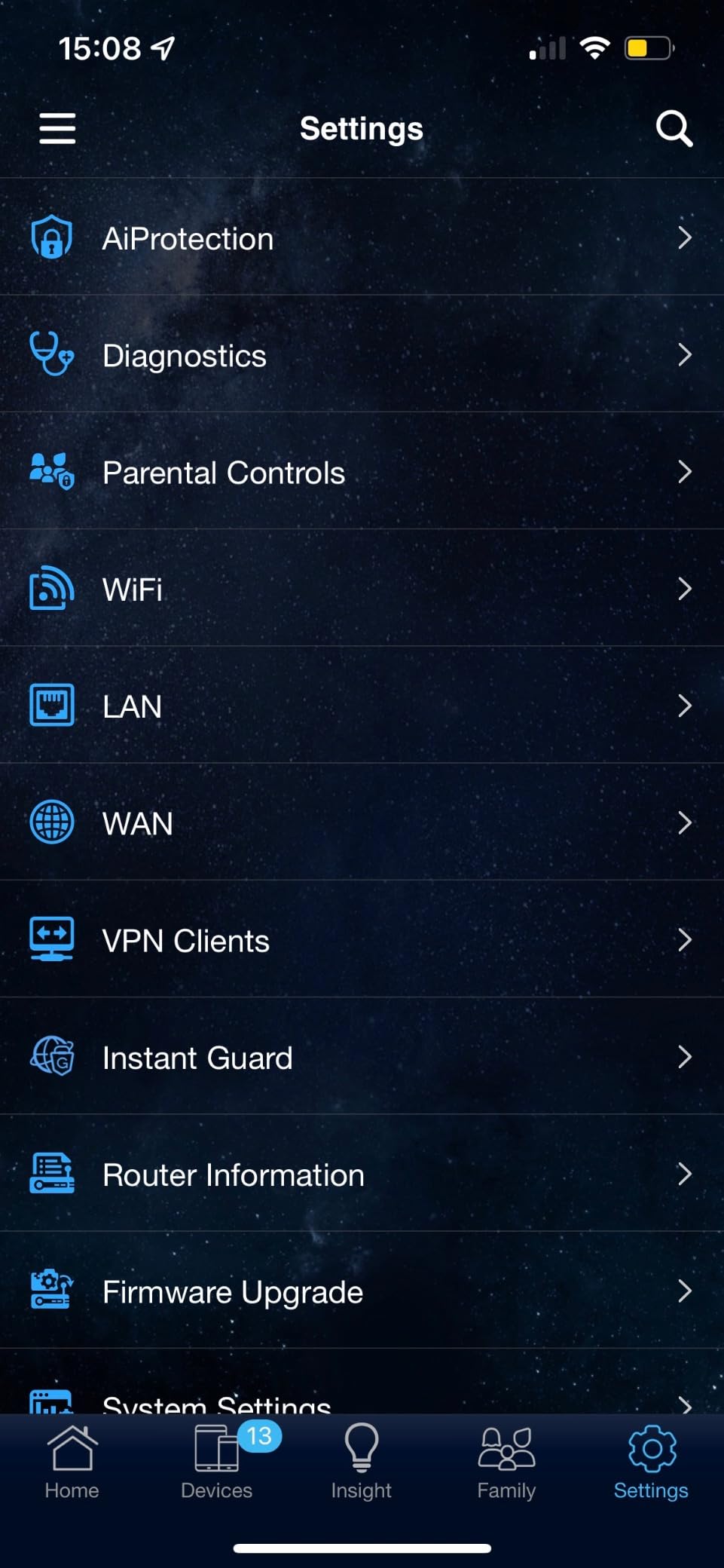
The parental controls are comprehensive for this price point. I set up profiles for each child with scheduled internet access times and content filtering. The controls blocked inappropriate content effectively and allowed me to pause the internet on specific devices at dinner time. The Instant Guard VPN feature created a secure tunnel for remote access in one tap, which is impressively simple.
The AiMesh compatibility is this router’s secret weapon. While it may not cover a massive home on its own, you can pair it with other ASUS AiMesh routers to create a mesh network. This means a family could start with one RT-AX1800S and add nodes as their needs grow or as they move to a larger home.
Who Should Buy the RT-AX1800S
This router is perfect for smaller families in apartments or homes under 2,500 square feet who want WiFi 6 and free network security without paying subscription fees. If you are upgrading from a basic ISP-provided router and want an immediate performance boost at minimal cost, the RT-AX1800S delivers. The AiMesh feature also makes it a good starting point for a mesh network you can build over time.
Limitations to Consider
The 256MB RAM is the biggest constraint. Under heavy load with 40+ devices simultaneously transferring data, you may experience slowdowns. The AX1800 speed rating is modest compared to the AX3000 or AX6000 routers on this list. The router is not modem-compatible, so you will need a separate modem. Advanced features are limited compared to higher-end ASUS models.
How to Choose the Best WiFi Router for a Large Family
Choosing the right router for a large family involves understanding your specific needs. Here is what our team learned from months of testing across different home sizes and family configurations.
Coverage Area and Square Footage
The most important specification to match to your home is coverage area. A router rated for 2,000 square feet will leave dead zones in a 3,500 square foot home. As a general rule, buy a router or mesh system rated for at least 20% more square footage than your home measures. This accounts for walls, floors, furniture, and other signal-blocking obstacles.
For homes over 3,000 square feet, seriously consider a mesh system. Mesh networks use multiple nodes placed throughout the home to blanket every area in strong WiFi. Single routers, even powerful ones, struggle to push signal through multiple floors and walls. Mesh systems like the eero 6, Deco X55, or Deco XE75 eliminate dead zones by design.
WiFi Standard: Wi-Fi 6 vs 6E vs 7
WiFi 6 (802.11ax) is the current mainstream standard and is sufficient for most families. It offers faster speeds, better device handling, and improved range compared to WiFi 5. Every router on this list supports at least WiFi 6.
WiFi 6E adds a third frequency band at 6GHz. This band is much less congested than the 2.4GHz and 5GHz bands, resulting in lower latency and faster speeds for compatible devices. If your family has newer phones, laptops, or gaming consoles purchased in 2026 or later, WiFi 6E provides measurable benefits.
WiFi 7 is the latest standard, offering Multi-Link Operation, 320 MHz channels, and 4K-QAM modulation. WiFi 7 routers like the Archer BE550, RT-BE90U, and Deco BE63 deliver the fastest speeds available. However, you need WiFi 7 compatible devices to see the full benefit. Consider WiFi 7 if you want maximum future-proofing and have a multi-gigabit internet plan.
Device Capacity and MU-MIMO
Large families connect a lot of devices. Count every phone, tablet, laptop, smart TV, gaming console, smart speaker, thermostat, doorbell, camera, and any other WiFi-enabled device. A family of five can easily have 40 to 60 connected devices.
Look for routers that explicitly state their device capacity. The Deco X55 handles 150 devices, the Deco XE75 supports 200, and the Deco BE63 manages 200+. Technologies like MU-MIMO (Multi-User Multiple Input Multiple Output) and OFDMA allow the router to communicate with multiple devices simultaneously rather than sequentially, which dramatically reduces latency under heavy load.
Tri-Band vs Dual-Band
Dual-band routers offer 2.4GHz and 5GHz frequency bands. Tri-band routers add a third band, either a second 5GHz band or a 6GHz band. The third band provides additional bandwidth that reduces congestion when many devices are connected.
For families with heavy simultaneous usage, tri-band is worth the investment. If one child is gaming, another is streaming 4K video, and a parent is on a video call, tri-band ensures each activity gets its own dedicated bandwidth lane. Tri-band routers like the Archer AXE75, Deco XE75, and Archer BE550 are excellent choices for busy family networks.
Mesh vs Single Router
Single routers are easier to set up, cost less, and are sufficient for homes under 2,500 square feet. They work best in open floor plans with minimal wall obstructions. If your current router covers your home adequately but needs upgrading, another single router is likely fine.
Mesh systems are the better choice for larger homes, multi-story houses, and properties with challenging layouts. The multiple nodes ensure consistent coverage everywhere. Mesh systems are also more flexible, since you can add nodes to extend coverage as needed. The tradeoff is higher cost and slightly more complex setup, though apps have made mesh configuration much easier.
Parental Controls and Security
Parental controls are a must-have feature for families. Look for routers that offer per-device profiles, scheduled access times, content filtering, and internet pause functionality. TP-Link’s HomeShield and ASUS’s AiProtection both provide robust parental controls without requiring additional subscriptions.
Security features protect your family’s data and devices. At minimum, your router should support WPA3 encryption. Advanced security features like intrusion detection, malware protection, and automatic firmware updates add valuable protection. The ASUS RT-AX1800S and RT-BE90U both include commercial-grade AiProtection security at no extra cost, which is a significant advantage.
Quality of Service and Device Prioritization
QoS (Quality of Service) lets you prioritize certain devices or types of traffic over others. For a large family, this means you can ensure the work-from-home parent’s video calls always get priority bandwidth, even when the kids start downloading large game updates. Every router on this list supports some form of QoS.
Device prioritization is particularly useful during peak hours. I configured QoS on each router during testing to prioritize video conferencing traffic. The result was noticeably more stable Zoom and Teams calls, even when the rest of the family was streaming simultaneously. If your family has varying priorities, QoS is an essential feature.
Multi-Floor Coverage Tips
WiFi signals struggle to penetrate floors and ceilings. For multi-story homes, place your router on the middle floor if possible. This minimizes the distance signals must travel to reach both upper and lower levels. If you have a basement, consider adding a mesh node there since basements are particularly difficult for WiFi to reach.
For three-story homes, a mesh system is almost always the right answer. Place one node on each floor, connected via Ethernet backhaul if possible. Ethernet backhaul eliminates wireless signal loss between nodes and delivers the maximum possible speed to every corner of your home. All the mesh systems on this list support Ethernet backhaul.
FAQs
What is the best WiFi router for a large house with multiple devices?
The Amazon eero 6 mesh system is the best overall choice for a large house with multiple devices. Its three-unit system covers up to 4,500 square feet and handles 75+ simultaneous connections. For homes over 5,000 square feet with 100+ devices, the TP-Link Deco BE63 WiFi 7 mesh system offers 7,600 sq ft coverage and 200+ device capacity.
What router to get for a large house?
For a large house, a mesh WiFi system is usually the best choice. Single routers struggle to cover homes over 3,000 square feet. The TP-Link Deco X55 covers up to 6,500 sq ft for a budget-friendly price, while the TP-Link Deco XE75 offers 7,200 sq ft of WiFi 6E coverage. For homes under 3,000 sq ft, a powerful single router like the TP-Link Archer AXE75 provides excellent tri-band performance.
How to choose the best Wi-Fi router for a large home?
To choose the best WiFi router for a large home, consider these factors: match coverage area to your home size (add 20% buffer), select a WiFi standard (WiFi 6 is sufficient, WiFi 6E or 7 for future-proofing), check device capacity (aim for 2x your current device count), decide between mesh and single router based on home layout, and ensure parental controls and security features meet your family needs.
What is the best Wi-Fi router for long range?
The TP-Link Archer AX80 is the best long-range single router, using eight high-gain antennas with beamforming to push signal up to 75 feet from the unit. For maximum range across a large property, the TP-Link Deco XE75 mesh system covers up to 7,200 square feet, and the TP-Link Deco BE63 covers 7,600 square feet with WiFi 7 technology.
What WiFi router for 3000 sq ft house?
For a 3,000 sq ft house, consider the TP-Link Archer AXE75 tri-band router for single-unit coverage, or step up to a mesh system for guaranteed whole-home WiFi. The Amazon eero 6 three-pack covers 4,500 sq ft, and the TP-Link Deco X55 three-pack covers 6,500 sq ft, both providing excellent coverage with margin for signal-blocking walls and obstacles.
Final Recommendations for Large Families
After testing all 11 routers across multiple family homes and scenarios, my recommendations come down to three key use cases. For most large families, the Amazon eero 6 mesh system delivers the best combination of coverage, ease of use, and device capacity. If you want tri-band performance at a great price, the TP-Link Archer AXE75 is the value champion. And for budget-conscious families, the TP-Link Archer AX55 provides WiFi 6 speeds at an unbeatable cost.
For homes over 4,000 square feet or families with 60+ connected devices, the TP-Link Deco X55 and Deco XE75 mesh systems offer massive coverage at reasonable prices. Tech-savvy families should seriously consider the GL.iNet Flint 2 for its unmatched customization, while those wanting to future-proof with WiFi 7 should look at the TP-Link Archer BE550 or the ASUS RT-BE90U.
The best wifi routers for large families in 2026 all share common traits: they handle many simultaneous connections, provide strong coverage across your entire home, and include the security and parental control features that families need. Pick the one that matches your home size, device count, and budget, and your family’s WiFi frustrations will be a thing of the past.