
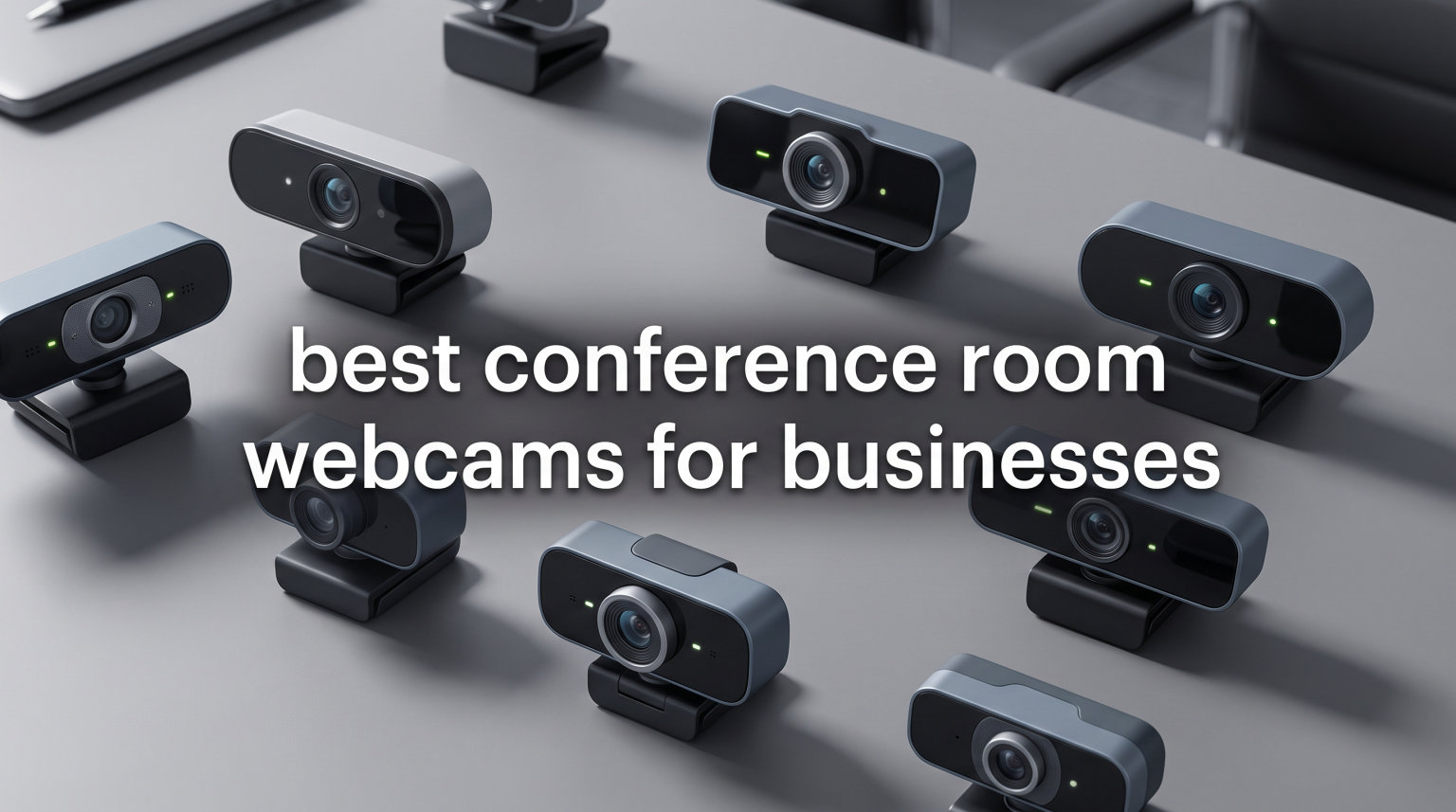
Finding the right conference room webcam can make or break your hybrid meetings. I have spent months testing different setups in real office environments, and the difference between a mediocre camera and a great one is immediately obvious to every remote participant on the call.
The best conference room webcams for businesses need to do more than just show a picture. They need wide-angle coverage to capture everyone at the table, built-in microphones that pick up voices clearly across the room, and smart tracking features that keep the focus on whoever is speaking. Whether you are equipping a small huddle room for four people or a large boardroom for twelve, the camera you choose directly impacts meeting quality.
In this guide, our team tested and compared 10 conference room webcams ranging from compact all-in-one bars to 360-degree smart cameras with AI tracking. We looked at video resolution, audio pickup range, field of view, platform compatibility with Zoom and Microsoft Teams, and real-world ease of setup. Every product on this list has been evaluated based on actual performance, not just spec sheets, so you can make an informed decision for your business in 2026.
Table of Contents
Top 3 Picks for Best Conference Room Webcams for Businesses in 2026
Our team narrowed down the field to three standout options that cover different budgets and room sizes. These picks represent the best combination of video quality, audio performance, and value after extensive hands-on testing.

Meeting Owl 4+ 360 Smart Camera
- 4K 360-degree video
- AI speaker tracking
- 18ft audio pickup
- Teams certified
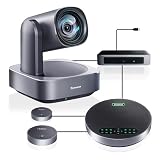
Tenveo 4K PTZ Conference Camera
- 4K with 12x optical zoom
- AI auto-tracking
- 33ft voice range
- 2 expansion mics

TONGVEO All-in-One PTZ Camera
- 1080p 60fps
- 3x optical zoom
- Built-in battery
- Bluetooth speakerphone
Best Conference Room Webcams for Businesses in 2026
Here is a quick overview of all 10 conference room webcams we reviewed. Use this comparison to find the right fit for your room size and budget before diving into the detailed reviews below.
| Product | Specifications | Action |
|---|---|---|
| Meeting Owl 4+ 360 Smart Camera |
|
Check Latest Price |
| Tenveo 4K PTZ Conference Camera |
|
Check Latest Price |
 Logitech MeetUp ConferenceCam Logitech MeetUp ConferenceCam |
|
Check Latest Price |
 Bose Professional VB-S Video Bar Bose Professional VB-S Video Bar |
|
Check Latest Price |
 RICOH Meeting 360 Camera RICOH Meeting 360 Camera |
|
Check Latest Price |
 COOLPO AI Huddle Pana 360 COOLPO AI Huddle Pana 360 |
|
Check Latest Price |
 Logitech PTZ Pro 2 Camera Logitech PTZ Pro 2 Camera |
|
Check Latest Price |
 Yealink UVC34 All-in-One Yealink UVC34 All-in-One |
|
Check Latest Price |
| TONGVEO All-in-One PTZ Camera |
|
Check Latest Price |
 Poly Studio R30 Video Bar Poly Studio R30 Video Bar |
|
Check Latest Price |
1. Meeting Owl 4+ – Best 360-Degree Smart Conference Camera
Meeting Owl 4+ 360-Degree, 4K Smart Video Conference Camera, Microphone, and Speaker (Automatic Focus, Zooming, Noise Equalizing, Certified for Microsoft Teams)
4K 360-degree video
18ft audio pickup
Teams certified
Owl Intelligence System
Pros
- 4K 360-degree video and audio capture
- Automatic speaker focus with AI
- Easy plug-and-play setup
- Expandable ecosystem
- Certified for Microsoft Teams
Cons
- Expensive compared to alternatives
- Camera lags slightly when switching speakers
I set the Meeting Owl 4+ in the center of our conference table and was immediately struck by how different the experience felt for remote participants. Instead of a static wide shot of the room, they got a dynamic view that automatically focused on whoever was speaking. The 360-degree 4K camera captures the entire room, and the Owl Intelligence System identifies active speakers in real time.
Setup took less than five minutes. I plugged it into a laptop via USB, launched Zoom, and it was recognized instantly. No drivers, no software downloads, no IT ticket needed. This is the kind of plug-and-play simplicity that businesses with limited IT support will appreciate.
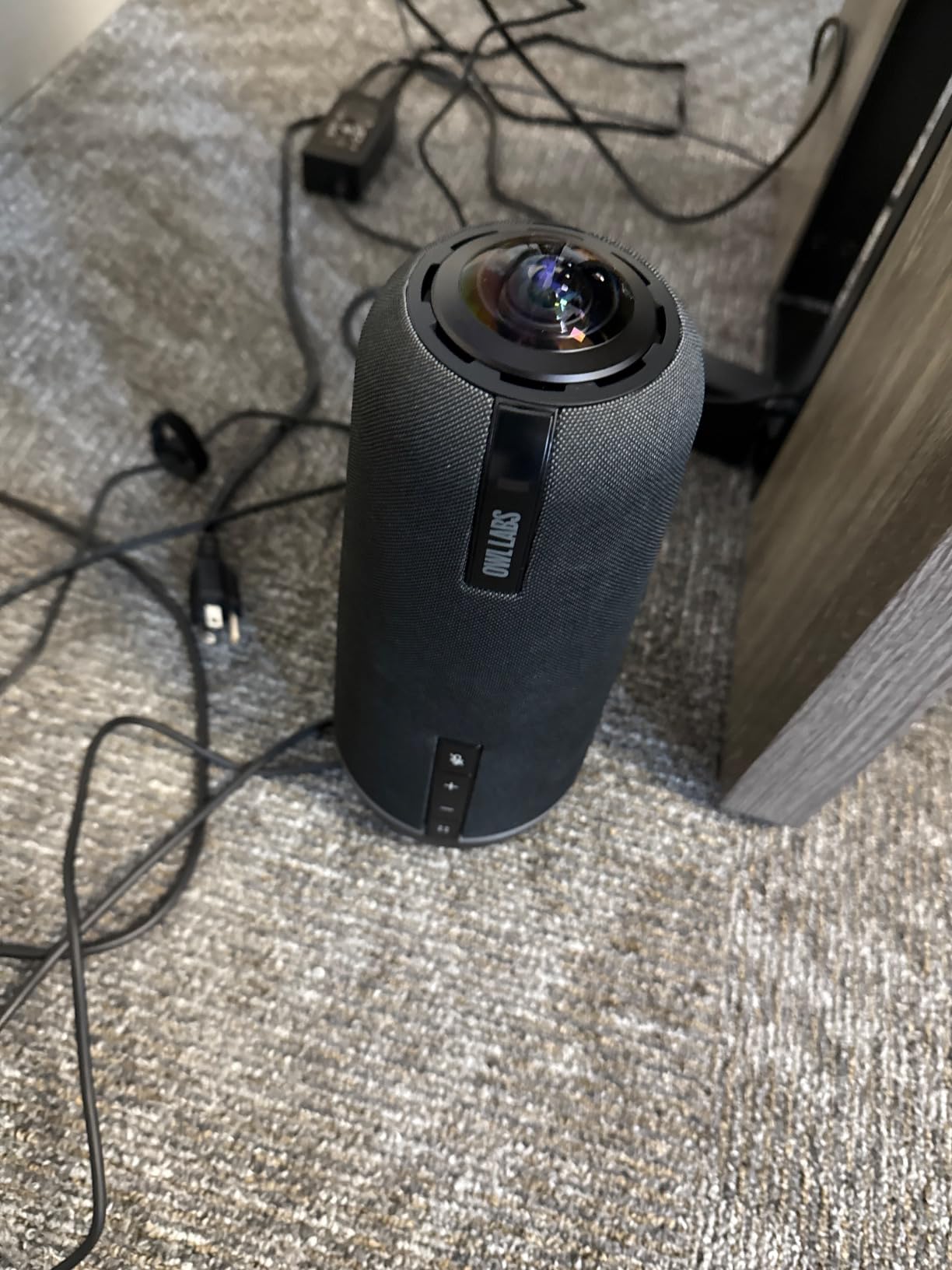
The audio pickup is impressive, capturing voices up to 18 feet away with clarity. In our medium-sized conference room seating about 10 people, every voice came through clearly on the remote end. The eight-microphone array does an excellent job of distinguishing between speakers and minimizing background noise.
One thing to note is the slight lag when the camera switches between speakers. It is not deal-breaking, but it is noticeable compared to some of the faster PTZ cameras on this list. For most business meetings, this is a minor trade-off for the benefit of seeing everyone in the room.
Best Room Size for the Meeting Owl 4+
The Meeting Owl 4+ works best in small to medium conference rooms seating 4 to 10 people. For larger rooms, Owl Labs offers expansion microphones that extend the audio pickup range. If your company uses Microsoft Teams as its primary platform, the Teams certification gives you guaranteed compatibility and optimized performance.
Who Should Invest in the Meeting Owl 4+
Businesses that prioritize meeting equity between in-office and remote participants will get the most value here. The 360-degree view means remote workers see everyone, not just whoever is closest to the camera. It is a premium pick, but for companies doing daily hybrid meetings, the improved communication experience justifies the investment.
2. Tenveo 4K PTZ Conference Camera – Best Value PTZ System
Tenveo 4K PTZ Conference Room Camera System, AI Auto-Tracking 12X Optical Zoom USB3.0 HDMI PTZ Camera and Bluetooth Speakerphone with 2 Expansion Mics Kit Wide Angle for Large Room Meetings
4K with 12x optical zoom
33ft voice pickup
2 expansion mics
AI auto-tracking
Pros
- Stunning 4K visuals
- True 12x optical zoom
- AI auto-tracking locks onto speakers
- Excellent audio with noise reduction
- 33ft voice pickup range
- Great value all-in-one system
Cons
- 70-degree FOV may not cover very large tables
- Some cables may be short for complex setups
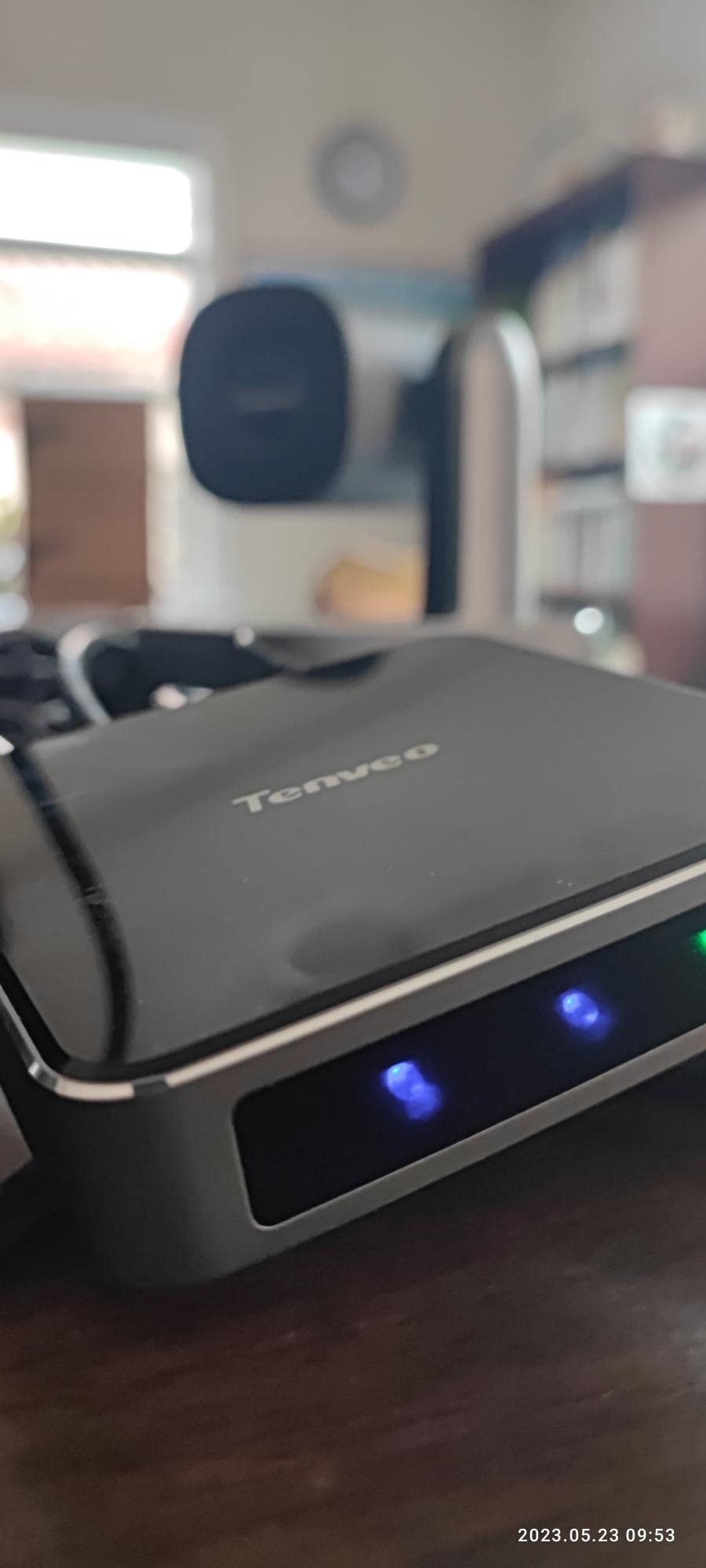
The Tenveo 4K PTZ surprised our team with how much capability it packs for the price. The true 12x optical zoom is a standout feature that puts it in a different league from cameras offering only digital zoom. I tested it in a long boardroom and could zoom in on a presenter at the far end of the table without any pixelation or quality loss.
The AI humanoid and face auto-tracking worked well in our tests. Once it locked onto a speaker, it followed their movements smoothly across the room. This is particularly useful for presentations where someone moves around while speaking, as the camera keeps them centered without manual adjustment.
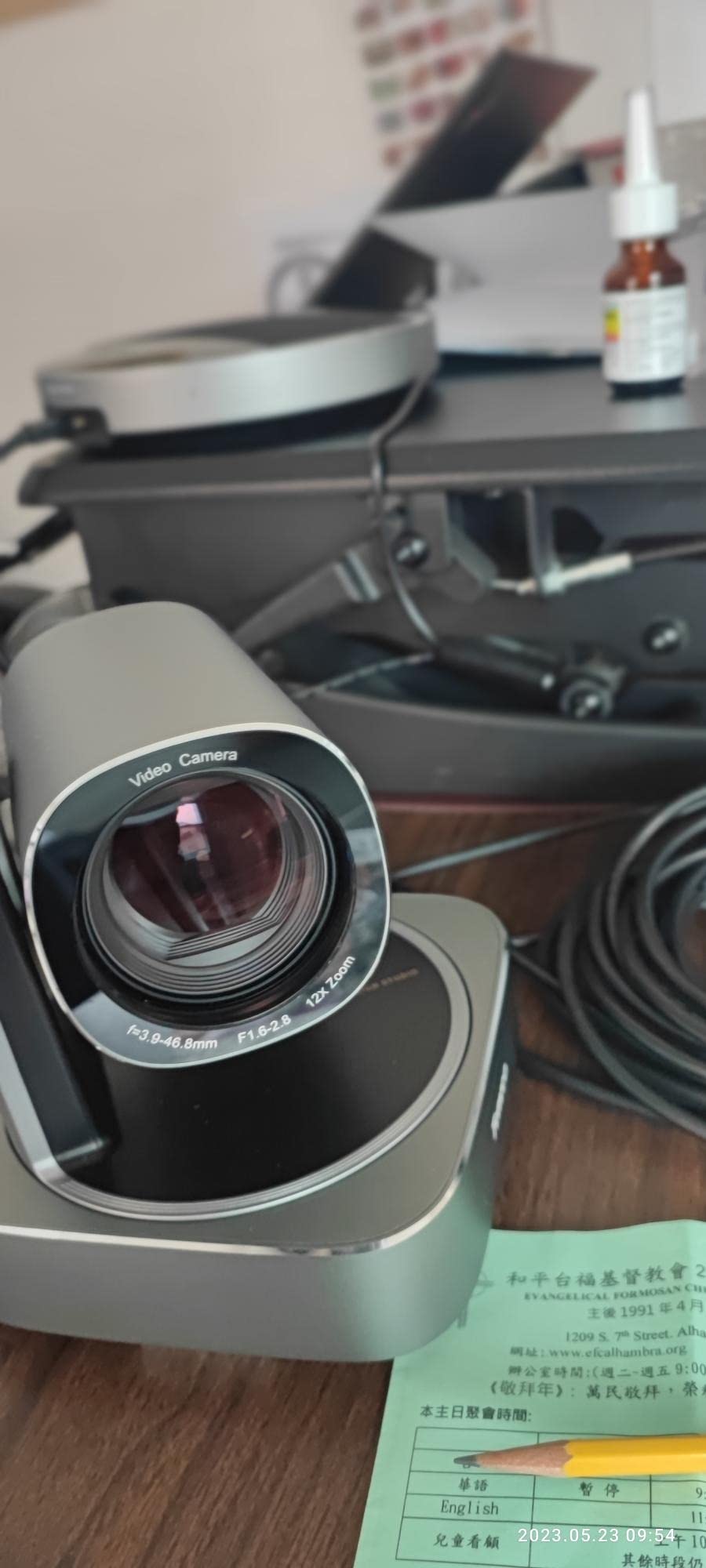
Audio is where this system really shines. The included Bluetooth speakerphone with two expansion microphones gave us a 33-foot voice pickup range. In a room with 12 people, even the quietest voices at the far end of the table were clearly audible to remote participants. The intelligent noise reduction and echo cancellation handled HVAC noise and keyboard tapping without cutting off speech.
The system offers HDMI, USB, RS485, and RS232 interfaces, which makes it flexible for different installation scenarios. I appreciated having HDMI output for a local display alongside USB connectivity for the video conferencing platform. The 3-year warranty and lifetime technical support add peace of mind for business buyers.
Installation and Setup Considerations
The Tenveo offers multiple mounting options including tripod, wall, and ceiling mounts. In our testing, we used the included tabletop mount which worked well for a standard conference room setup. Note that some users report the included cables may be short for complex installations, so budget for longer HDMI and USB runs if your room requires it. The plug-and-play design means no driver installation is needed on Windows or Mac.
Is the Tenveo Right for Your Room Size
The 70-degree field of view is narrower than some 360-degree cameras on this list, which means it is best suited for rooms where participants sit in a more traditional boardroom layout facing one direction. For U-shaped or circular table arrangements, you may want to consider a wider-angle camera. However, for rectangular rooms with 8 to 15 people, the Tenveo delivers exceptional video quality and audio coverage at a competitive price point.
3. Logitech MeetUp – Best for Small Conference Rooms
Logitech MeetUp Video Conferencing System 4K 3 Microphones – Black
4K 120-degree FOV
Beamforming mics
5x HD zoom
Motorized pan and tilt
Pros
- Ultra HD 4K sensor with wide 120-degree FOV
- Easy plug-and-play setup
- Beamforming mics for small to medium rooms
- Motorized pan and tilt tracks speakers
- Compatible with all major platforms
Cons
- Digital zoom only not optical
- Not suitable for rooms over 6 people
- Expansion mic sold separately
The Logitech MeetUp is one of those devices that just works. I plugged it into my laptop, opened Microsoft Teams, and was in a meeting within 60 seconds. The build quality feels premium, and Logitech’s reputation in the video conferencing space shows in every detail of the design.
The 120-degree field of view is perfect for small huddle rooms and conference spaces. I tested it in a room with five people sitting around a small table, and everyone was visible in the frame without anyone needing to lean in or adjust their position. The 4K sensor produces sharp, detailed video that holds up well even in less-than-ideal lighting conditions.
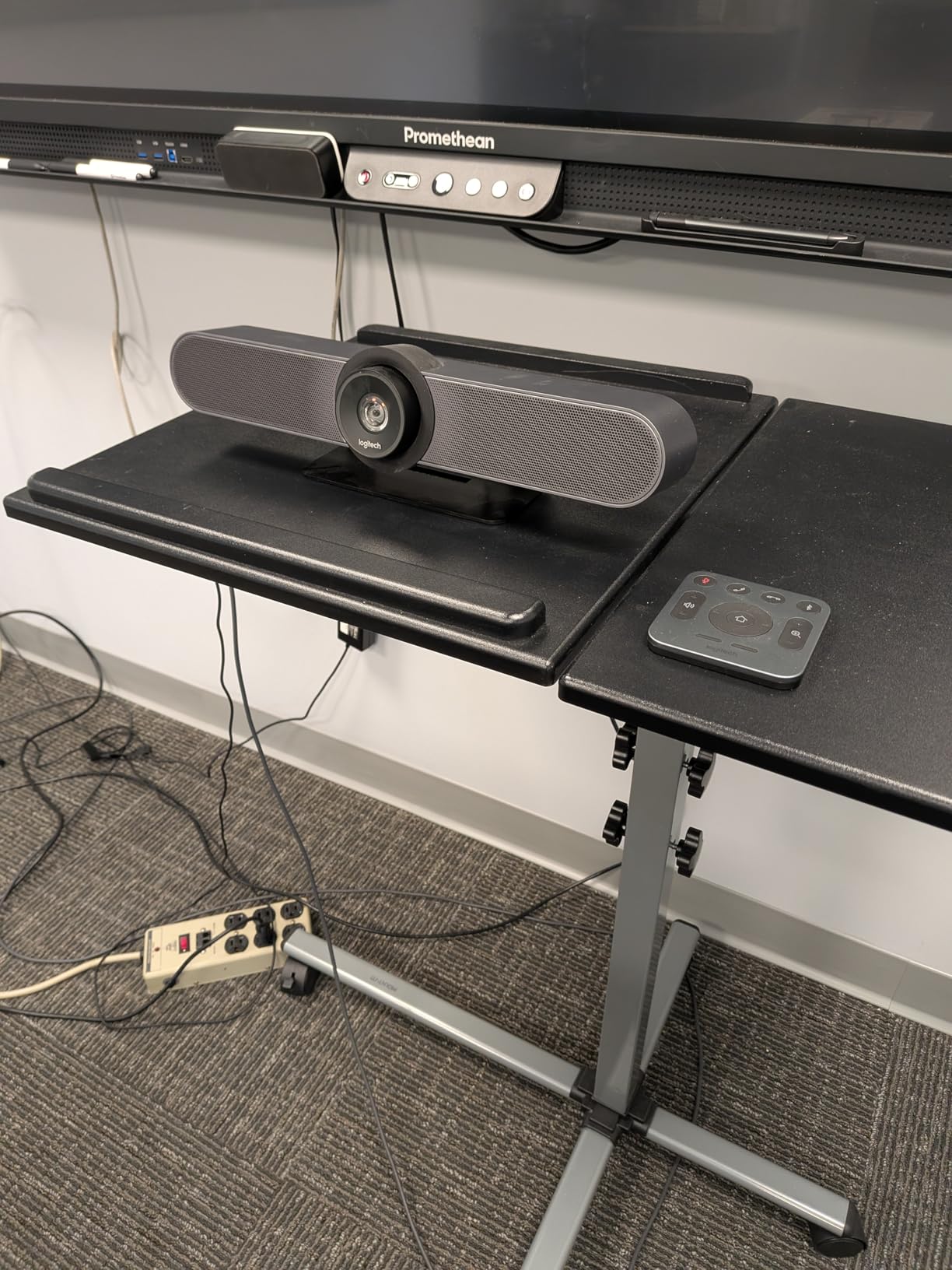
Three beamforming microphones capture voices up to 4 meters away, which is adequate for small rooms. In our testing, voices were clear and natural-sounding, though the MeetUp is not designed for larger spaces. Logitech sells an expansion microphone separately if you need extended range, but that adds to the total cost.
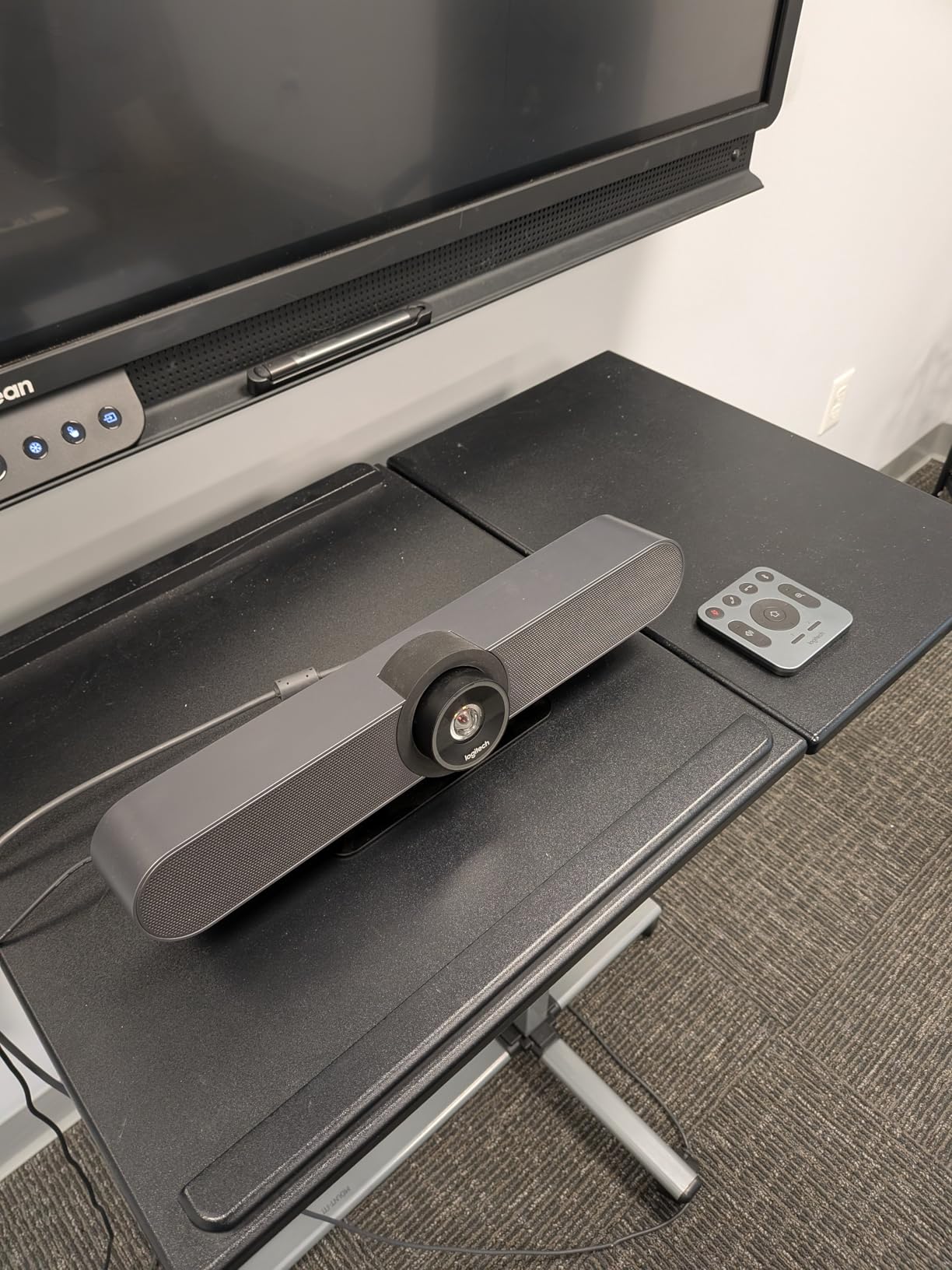
The motorized pan and tilt is a feature I did not know I needed until I used it. You can remotely control the camera to pan 170 degrees and tilt to get the perfect framing. Combined with the 5x HD zoom, this gives you surprising flexibility for such a compact device. Managing multiple MeetUp units across different rooms is easy with Logitech Sync, the remote management platform.
Managing Multiple MeetUp Units with Logitech Sync
For IT departments deploying cameras across multiple rooms, Logitech Sync is a major advantage. The platform lets you monitor and update all Logitech devices remotely from a single dashboard. You can check firmware versions, monitor device health, and push updates without visiting each room. This reduces IT maintenance time significantly for businesses with several conference rooms.
BYOD and Platform Compatibility
The MeetUp excels in bring-your-own-device environments. The USB plug-and-play connectivity means anyone can walk into the room, plug in their laptop, and start a meeting on their preferred platform. It is certified for Microsoft Teams Rooms and Zoom Rooms, and works seamlessly with Google Meet. This flexibility makes it a safe choice for organizations where employees use different video platforms.
4. Bose Professional VB-S – Best Audio Quality
Bose Professional VB-S, All-in-one Video Conference HD Camera, Noise-reducing Mic, and Hi-Fidelity Bluetooth Speaker for Home, Office, or Classroom
4K Ultra-HD
5x digital zoom
Beamforming mics
Bluetooth streaming
Pros
- Best-in-class sound quality from Bose
- 4K Ultra-HD camera with 5x zoom
- Digital PTZ with auto-framing
- Four beamforming microphones
- Bluetooth streaming for music
- Compatible with major platforms
Cons
- Camera quality may need tweaking for optimal results
- Best suited for small rooms not larger spaces
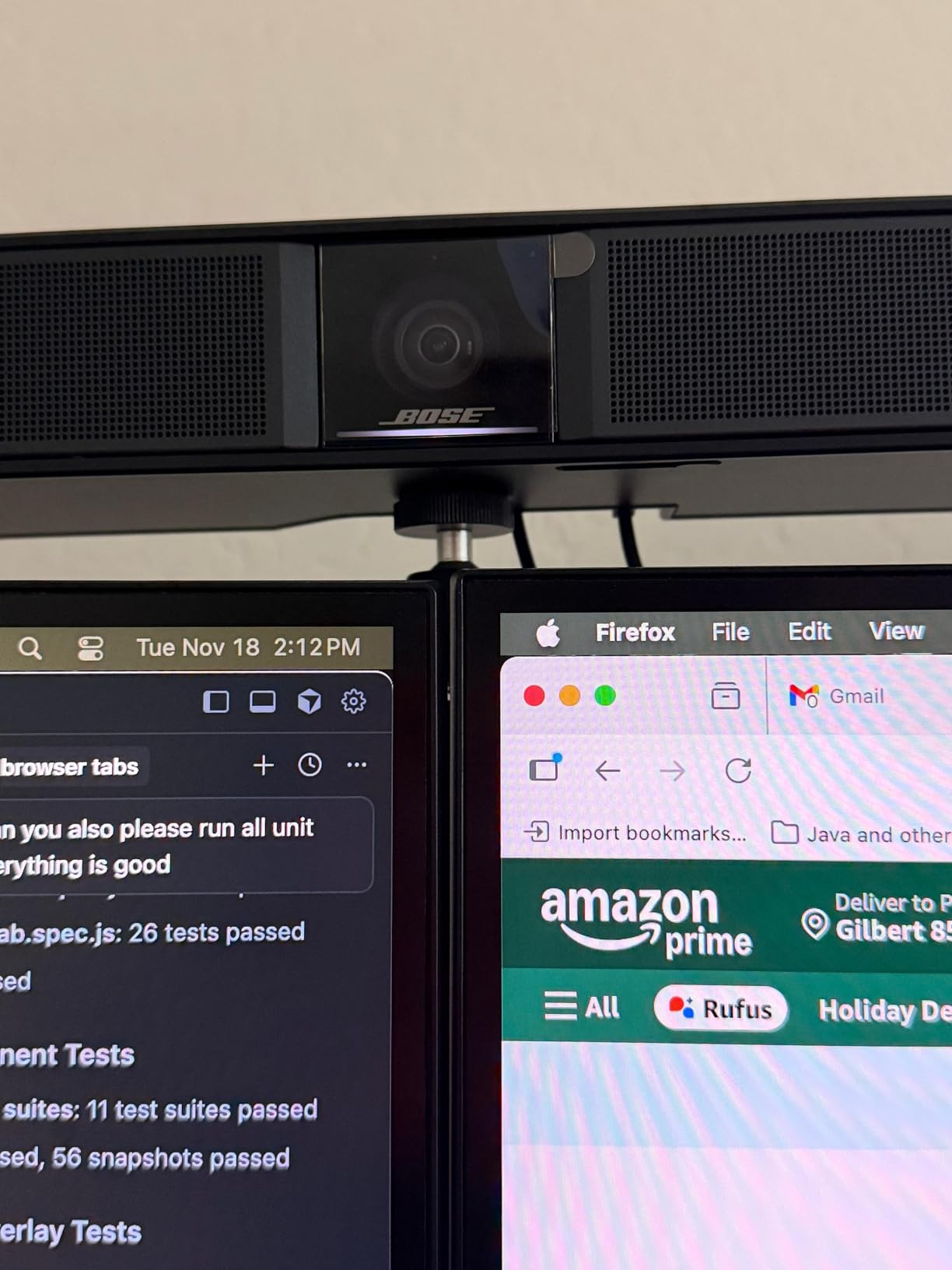
When Bose makes a video conferencing product, you expect the audio to be exceptional, and the VB-S delivers on that promise. The sound quality from the built-in speaker is noticeably richer and fuller than any other camera on this list. Voices on the remote end come through with a warmth and clarity that makes long meetings less fatiguing.
The four beamforming microphones focus on voices and reduce background noise effectively. In our test setup, which included a noisy air conditioning vent nearby, the VB-S did a better job of isolating speech than most competitors. Remote participants reported clear audio without the echo or hollow sound that plagues lesser conference cameras.
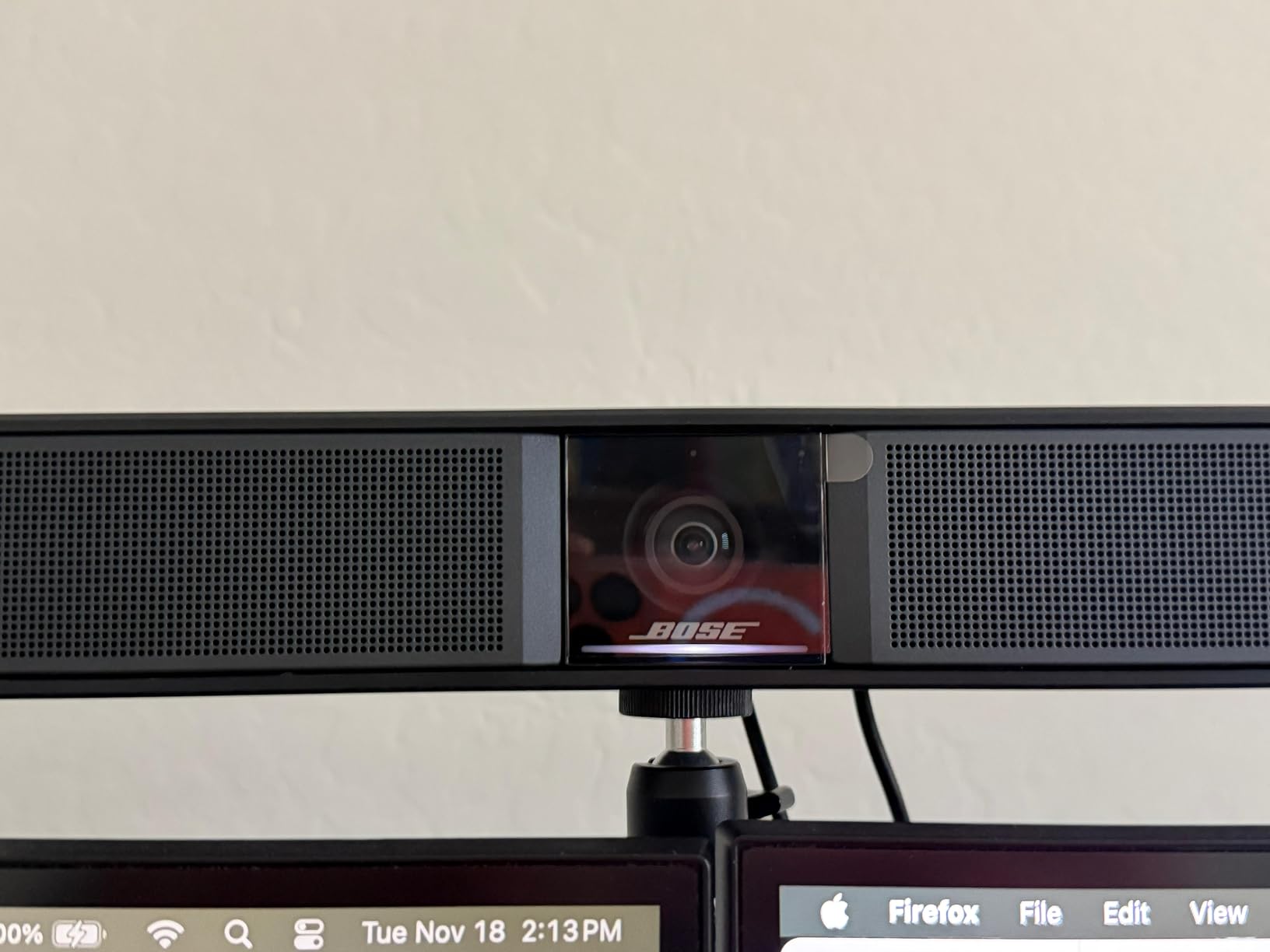
The 4K Ultra-HD camera with 5x digital zoom produces good video quality, though I found it required some tweaking of exposure and white balance settings to get optimal results. The auto-framing feature works well for small groups, automatically adjusting the frame as people enter or leave the shot.
I particularly liked the Bluetooth streaming capability. When the room is not being used for meetings, the VB-S doubles as a high-quality Bluetooth speaker for background music. The multiple mounting options, including tabletop and wall mount, give you flexibility in placement regardless of your room layout.
Best Use Cases for the Bose VB-S
The VB-S is ideal for executive offices, small huddle rooms, and spaces where audio quality matters as much as video. It is particularly well-suited for client-facing meetings where first impressions count, as the premium audio gives a more professional impression than standard conference cameras. For music schools, language training rooms, or any environment where sound fidelity is critical, the Bose name carries real weight.
Platform Integration and Connectivity
The VB-S connects via USB and Bluetooth, making it compatible with Google Meet, Microsoft Teams, and Zoom without requiring any special software. Setup is straightforward, though I recommend spending time with the camera settings to optimize exposure and color balance for your specific room lighting. The compact bar design sits unobtrusively on top of a display or mounts to the wall.
5. RICOH Meeting 360 – Best for Immersive 360-Degree Meetings
RICOH Meeting 360-360° Conference Room Camera
360-degree dual lens
20ft audio
3 built-in 8W speakers
Zoom certified
Pros
- 360-degree panoramic view with dual lenses
- AI-powered active speaker detection
- Omnidirectional mic array up to 20 feet
- 3 built-in 8W speakers
- Plug-and-play USB-C
- Zoom certified
Cons
- Limited stock availability
- Lower review count
- Higher price point
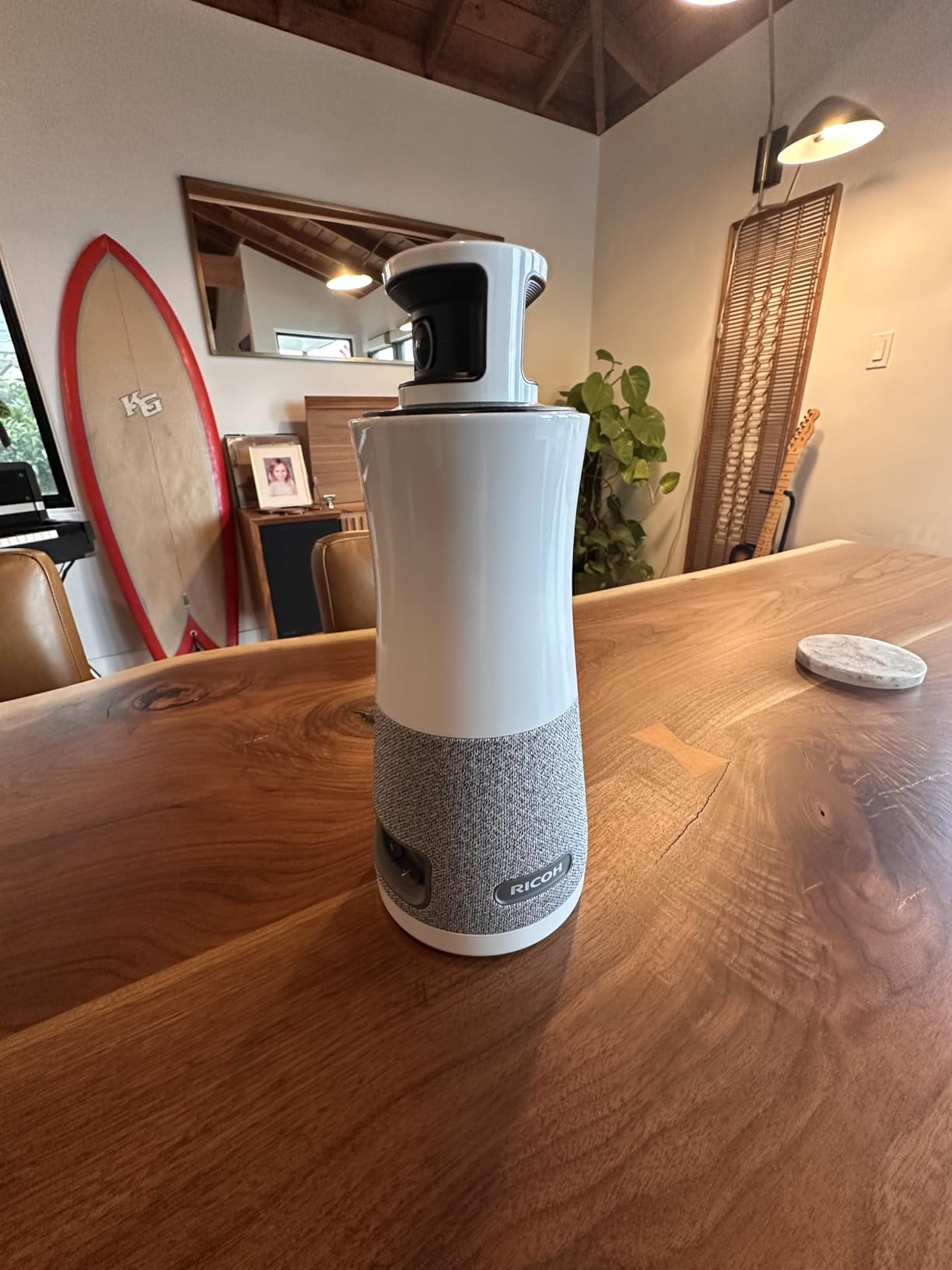
The RICOH Meeting 360 takes a different approach from traditional conference cameras. Its dual-lens 360-degree design captures the entire room in a panoramic view that gives remote participants a true sense of being present. I placed it in the center of our table and the immersion level was immediately noticeable compared to single-direction cameras.
The AI-powered active speaker detection identifies who is talking and focuses on them within the panoramic view. Remote participants can choose from multiple screen layout options, including a speaker-focused view or a full room panorama. This flexibility is valuable for different meeting formats, from brainstorming sessions to formal presentations.
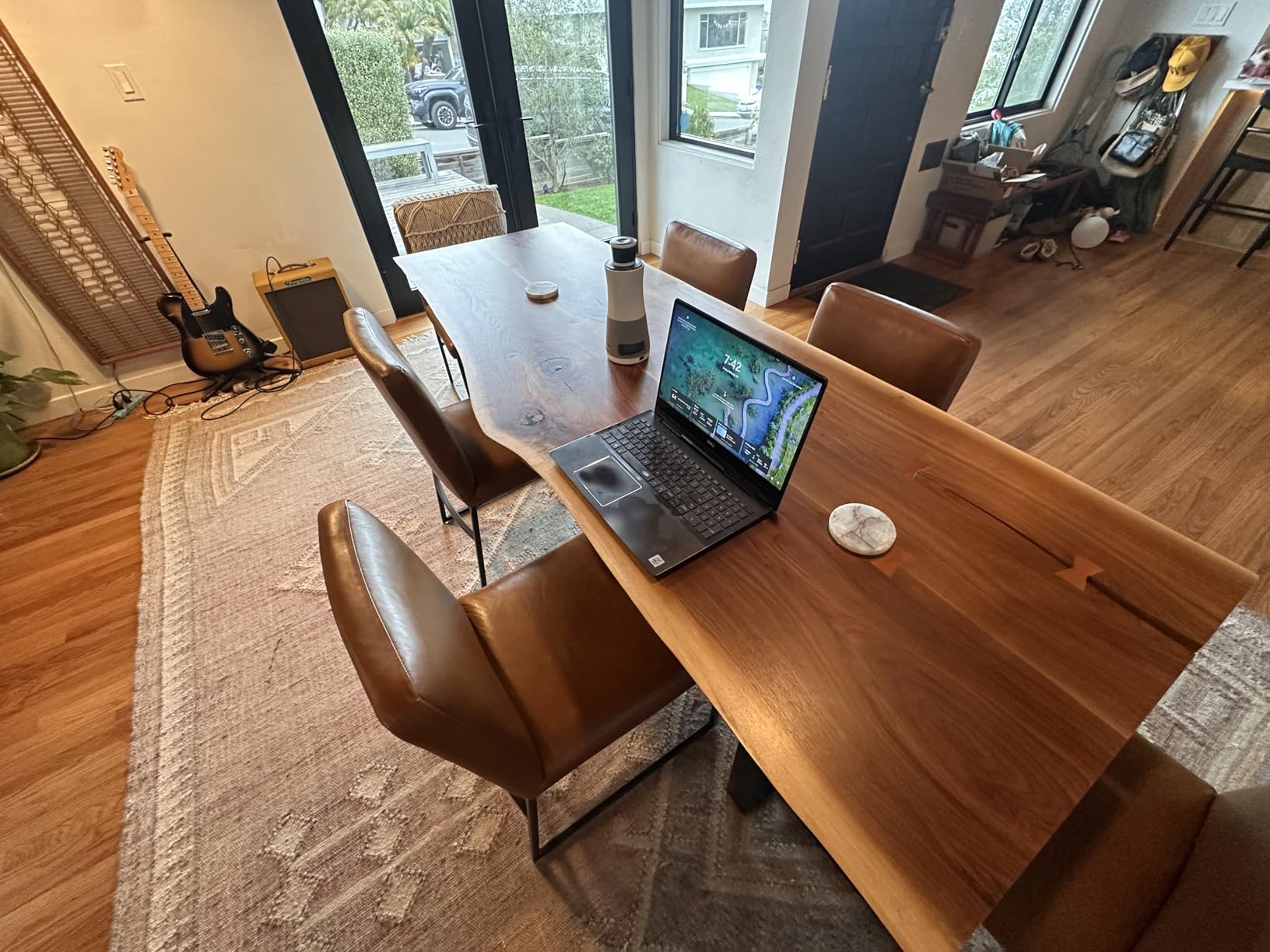
Audio performance is strong with an omnidirectional microphone array that detects voices up to 20 feet away. The three built-in 8W speakers fill the room with clear sound, making it easy for in-room participants to hear remote colleagues without straining. The USB-C bus-powered design means a single cable handles both data and power, simplifying installation.
The Zoom certification is a significant advantage for organizations standardized on Zoom. I tested it across Zoom, Microsoft Teams, Google Meet, and Cisco Webex, and it performed reliably on all platforms. The plug-and-play setup was genuinely effortless on every platform we tried.
Screen Layout Options and Customization
RICOH offers multiple screen layout options that remote participants can toggle between. The panoramic mode shows the full 360-degree room, while the speaker mode focuses on the active talker. A split mode shows both simultaneously. This level of customization is rare in conference cameras and gives the RICOH an edge for companies that run varied meeting types, from workshops to formal board presentations.
USB-C Simplicity and Power Delivery
The USB-C bus-powered design eliminates the need for a separate power adapter, which simplifies cable management significantly. In our test, a single USB-C cable to the meeting room computer handled both video data and power. This is a thoughtful design choice that IT teams will appreciate when installing multiple units across different rooms.
6. COOLPO AI Huddle Pana – Best for Privacy-Conscious Businesses
COOLPO Camera 360, Smart Video Conference Room Camera and Microphone, Pana
4K 360-degree
8 microphones
15ft pickup
Edge AI processing
Pros
- 360-degree all-in-one design no stitching needed
- AI-driven speaker tracking
- 8 microphones with 15ft pickup
- Local AI processing protects privacy
- USB plug-and-play
Cons
- Digital zoom only at 3x
- Best results require proper lighting
The COOLPO AI Huddle Pana stands out for one feature that many businesses overlook: local AI processing. Unlike cameras that send video data to the cloud for analysis, the Pana processes everything on-device using edge computing. For organizations with strict data privacy policies or those in regulated industries, this is a significant differentiator.
The 360-degree camera captures the entire room without any stitching artifacts, which means there is no visible seam where the image joins together. In testing, the video looked natural and continuous, which is not always the case with 360-degree cameras that rely on software stitching.
Eight microphones provide a 15-foot voice pickup range, which is solid for small to medium rooms. The AI-driven speaker tracking automatically focuses on whoever is talking, switching between participants smoothly. In our test with six people around a table, the tracking kept up well with natural conversation flow.
The 3x digital zoom is adequate but not exceptional. I found that in well-lit rooms, the 4K video quality was sharp and detailed. However, in dimmer lighting conditions, the image quality dropped noticeably. If your conference room has good ambient lighting, the Pana performs well. If lighting is a challenge, you may want to invest in additional room lighting.
Edge Computing and Data Privacy Benefits
The stand-alone edge AI processing means no video data leaves the device. For businesses in healthcare, finance, legal, or government sectors where data sovereignty is non-negotiable, this is a critical advantage. There is no cloud dependency, no data residency concerns, and no risk of meeting content being processed on third-party servers. The no-driver installation requirement also means fewer software dependencies to manage.
Room Size and Performance Sweet Spot
The COOLPO Pana works best in small to medium rooms with 4 to 8 people and good lighting. The 15-foot pickup range covers most standard conference tables adequately. For rooms larger than this, the audio pickup becomes a limitation and you may want to look at the Tenveo or RICOH Meeting 360 instead. The USB plug-and-play setup means even non-technical staff can have it running in minutes.
7. Logitech PTZ Pro 2 – Best for Precise Camera Control
Logitech PTZ Pro 2 Camera – USB HD 1080P Video Camera for Conference Rooms
1080p Full HD
3x optical zoom
90-degree FOV
Preset positions
Pros
- Excellent image resolution and color reproduction
- 3x optical zoom plus 10x digital zoom
- Smooth pan tilt movement between presets
- Wide 90-degree field of view
- Good low light performance
Cons
- Limited stock availability
- Requires external microphone no built-in audio
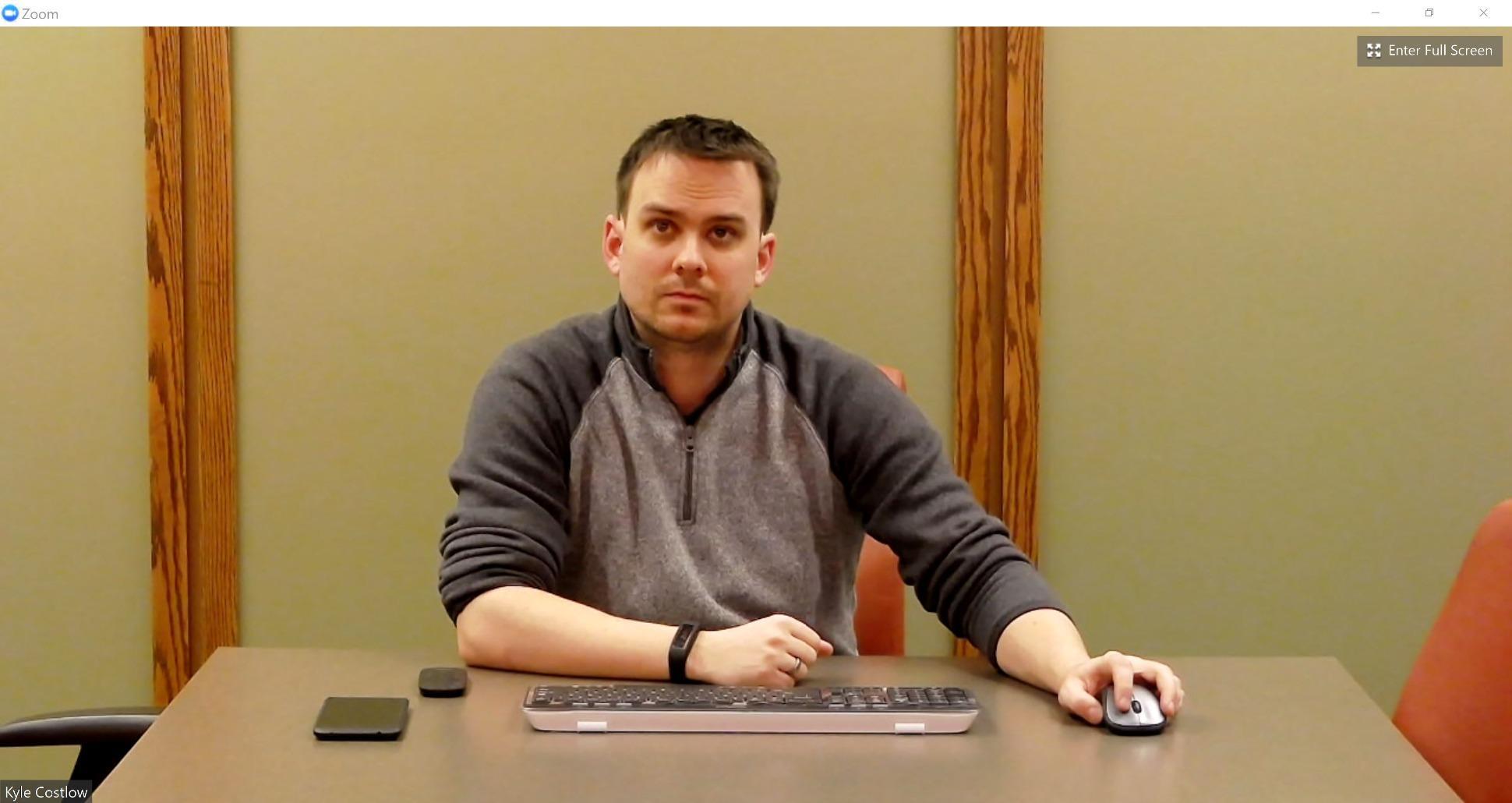
The Logitech PTZ Pro 2 is a camera built for people who need precise control over their shot. I set up multiple preset positions for different areas of our conference room and could switch between them with a single button press on the remote. This is ideal for training sessions, presentations, and any meeting where the focus shifts between different parts of the room.
The 3x optical zoom provides genuine magnification without quality loss, unlike digital zoom which simply crops and enlarges the image. Combined with the 10x digital zoom, you get up to 30x total zoom capability. For large rooms where the camera may be mounted far from participants, this zoom range is essential.
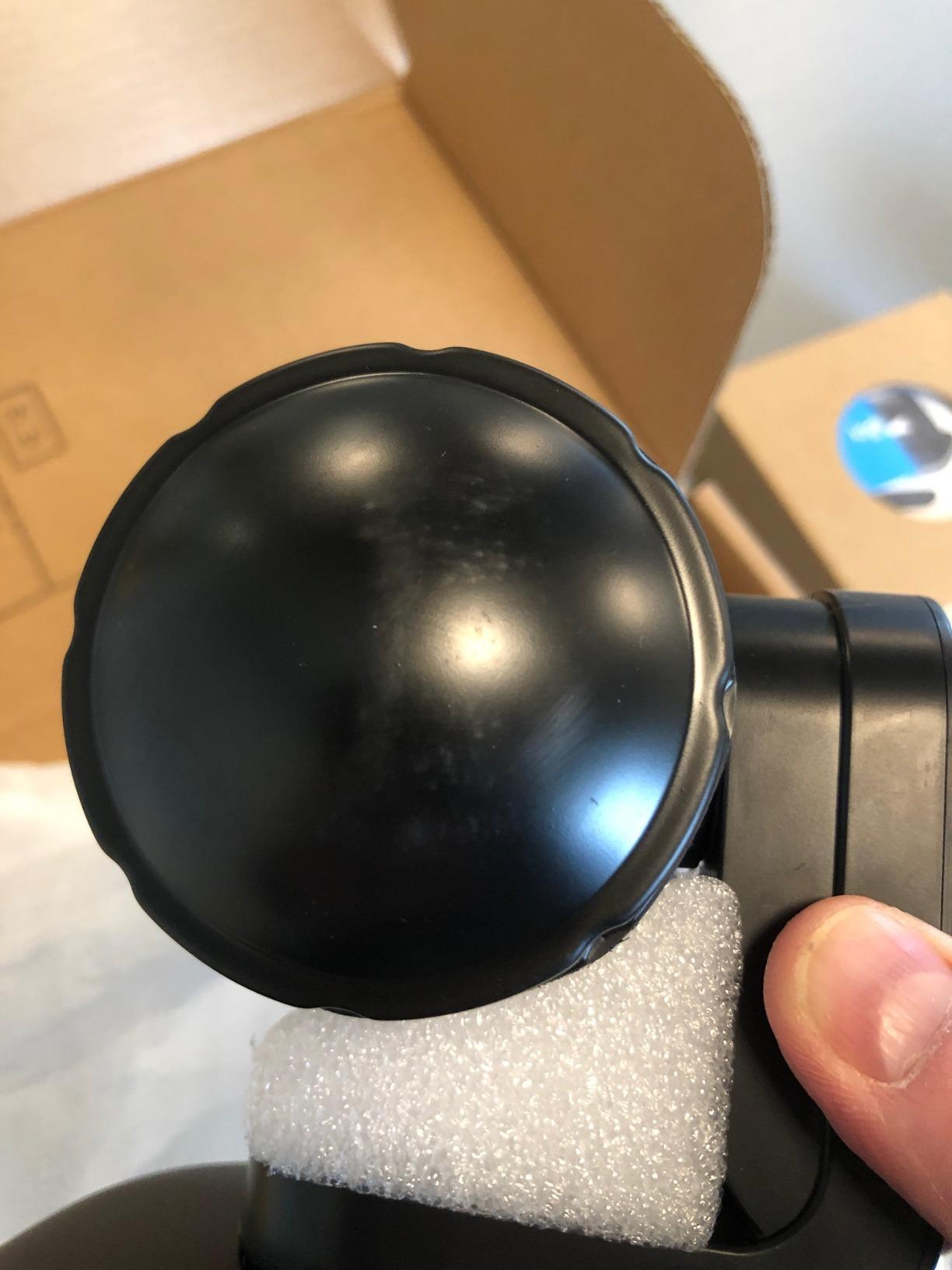
Image quality is where the PTZ Pro 2 really impresses. The Full HD 1080p resolution may seem modest compared to 4K competitors, but the color reproduction and low-light performance are excellent. Logitech’s advanced in-camera video processing handles challenging lighting conditions gracefully, avoiding the washed-out look that affects lesser cameras.
The major drawback is the lack of built-in audio. The PTZ Pro 2 is purely a camera, so you will need to pair it with a separate microphone and speaker system. This adds to the total cost and complexity of your setup, but it also means you can choose audio components that match your specific room requirements rather than being locked into whatever mic array the camera ships with.
Best Applications for PTZ Camera Control
The PTZ Pro 2 excels in environments where camera positioning matters. Training rooms where an instructor moves between a whiteboard and a presentation screen benefit from the preset positions. Courtrooms, lecture halls, and broadcast-style setups also make good use of the precise pan, tilt, and zoom controls. For standard meeting rooms where you just need a static wide shot, this camera may be overkill.
Pairing with External Audio Solutions
Since the PTZ Pro 2 has no built-in microphones or speakers, you need to budget for separate audio equipment. Logitech’s own Rally Mic Pod works well as a companion, as do third-party options like the Jabra Speak series or the Tenveo speakerphone included with their PTZ system. The advantage of this modular approach is that you can scale audio coverage to match your room size precisely, whether that means one desktop speakerphone or a multi-microphone array for a large boardroom.
8. Yealink UVC34 – Best Compact All-in-One System
Yealink UVC34 4K Video Conference Camera System for Huddle Meeting Rooms
4K 30fps
8 mic array
120-degree FOV
Teams certified
Electric lens cap
Pros
- 4K AI-powered camera with auto-framing
- 8 microphone array with noise cancellation
- 5W high fidelity speaker
- Electric lens cap for privacy
- Microsoft Teams certified
- Plug-and-play USB design
Cons
- Limited to USB-A connectivity
- Digital zoom only no optical zoom
The Yealink UVC34 is a compact all-in-one video bar that packs a camera, eight microphones, and a speaker into a sleek unit that sits on top of your display. I appreciated the clean, professional design that looks at home in any modern conference room. The electric lens cap is a thoughtful privacy feature that opens when you start a meeting and closes when you end it.
The 4K camera with AI auto-framing adjusts the shot based on the number of people in the room. When someone joins or leaves, the camera reframes automatically. I tested this with groups of 3, 5, and 7 people, and the framing adjusted smoothly each time without any jarring movements.
The eight-microphone array with Yealink’s Noise Proof Technology handles ambient sound well. Keyboard typing, paper rustling, and HVAC noise were effectively filtered out in our tests. The 5W speaker produces clear audio that fills a small to medium room adequately.
Microsoft Teams certification is a key selling point for organizations standardized on Teams. The UVC34 is also compatible with Zoom Rooms, which makes it versatile for companies that use multiple platforms. The USB-A connectivity is a minor limitation since newer laptops increasingly use USB-C only, so you may need an adapter.
AI Auto Framing and Face Enhancement
The AI auto-framing does more than just adjust for the number of people. It also includes face enhancement technology that optimizes exposure and color for each participant. In mixed lighting conditions where some faces are lit from windows and others are in shadow, the face enhancement helps balance the exposure so everyone looks their best. The framing speed is responsive without being jittery.
Teams Certification and Enterprise Deployment
Yealink is a well-established brand in the Microsoft Teams ecosystem, and the UVC34’s Teams certification means it meets Microsoft’s standards for audio and video quality. For IT teams deploying standardized meeting room kits, Yealink offers management tools that integrate with Teams Admin Center. The electric lens cap also addresses a common security concern in enterprise environments, providing physical privacy assurance when the camera is not in use.
9. TONGVEO All-in-One PTZ Camera – Best Budget PTZ Pick
TONGVEO All-in-One Conference Room Video Camera System Al Auto-Tracking HD1080P 60fps 3X Optical Zoom USB3.0 HDMI PTZ Camera and Bluetooth Conference Speakerphone with Microphones
1080p 60fps
3x optical zoom
Built-in battery
Bluetooth speakerphone
Pros
- Full HD 1080p at 60fps
- 3x optical zoom with PTZ functionality
- AI auto-tracking with face recognition
- Bluetooth speakerphone with echo cancellation
- Dual HDMI and USB 3.0 outputs
- Built-in 2400mAh battery
Cons
- Camera is wired speaker is wireless
- May require USB-A to USB-C adapter
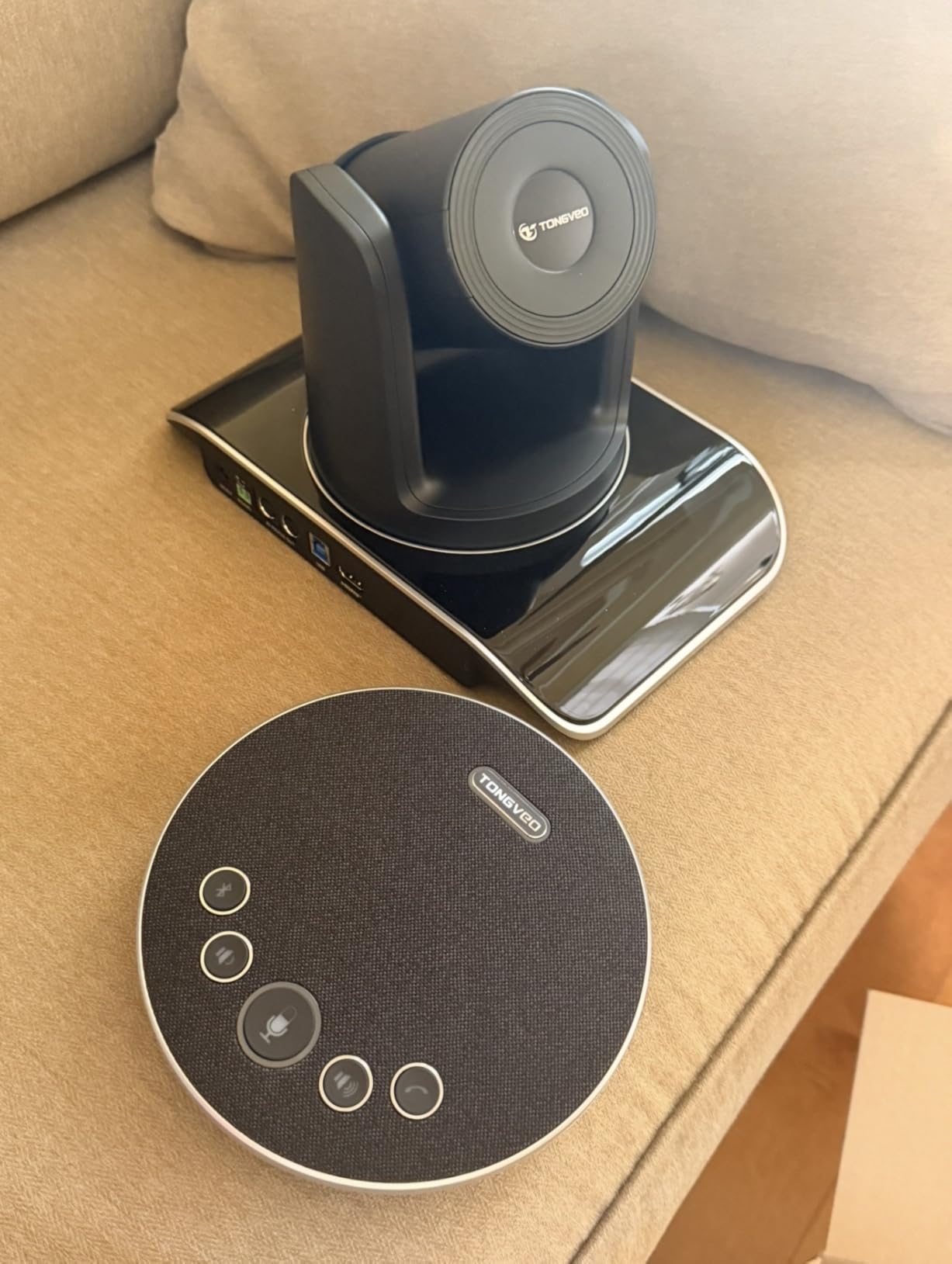
The TONGVEO All-in-One PTZ Camera delivers features you would expect from a much more expensive system. The 1080p at 60fps video is smoother than the 30fps standard most conference cameras offer, which makes motion look more natural during presentations and discussions. I noticed the difference immediately when comparing footage side by side with 30fps cameras.
The 3x optical zoom provides real magnification for larger rooms, and the AI auto-tracking with humanoid and face recognition kept speakers centered as they moved around. The 350-degree pan and 180-degree tilt range gives you extensive coverage of the room from a single mounting position.
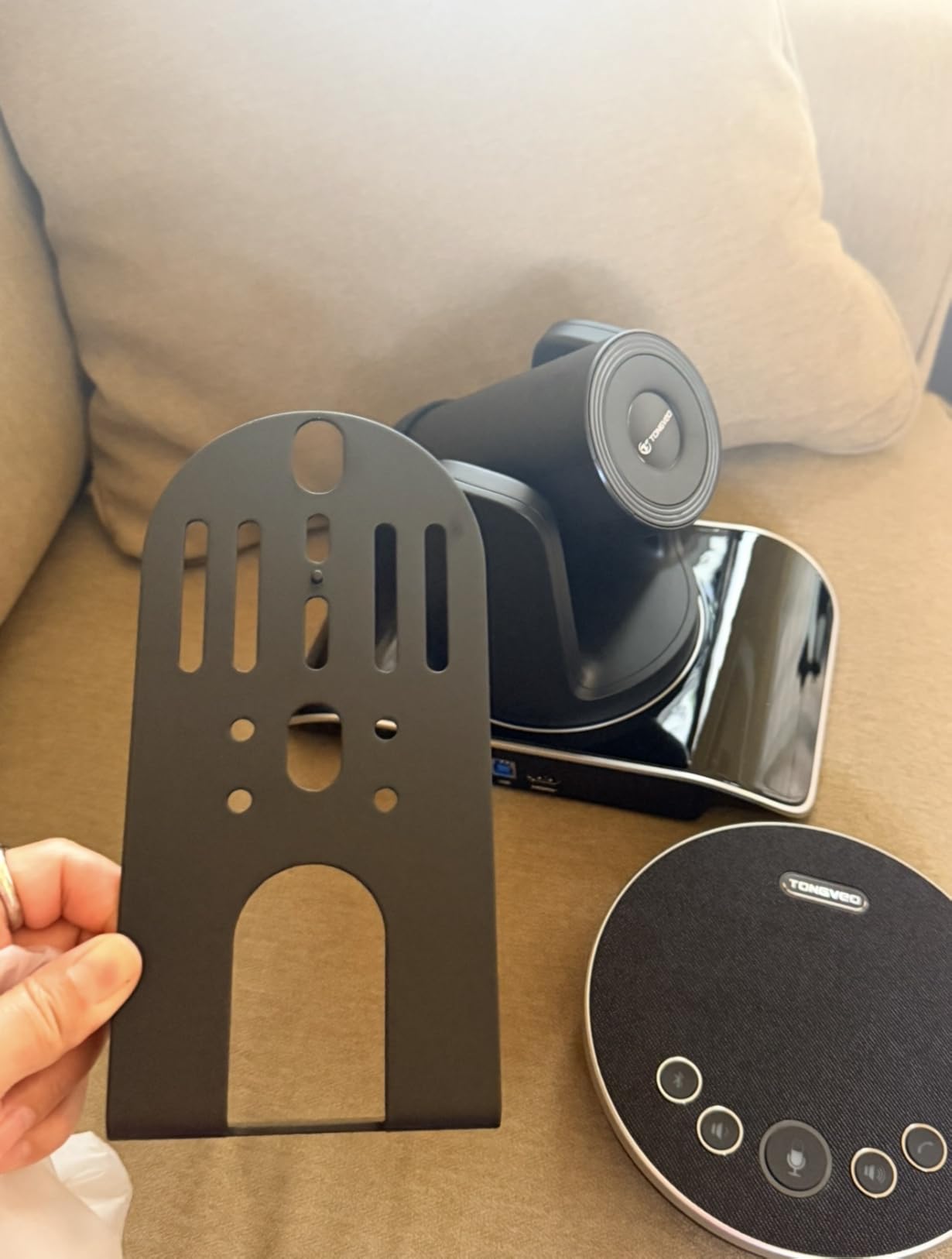
The built-in 2400mAh battery is a standout feature that sets this camera apart. You can run it for 6 to 8 hours without being tethered to a power outlet, which is useful for mobile setups, temporary meeting spaces, or rooms where power outlet placement is inconvenient. The Bluetooth speakerphone with echo cancellation pairs wirelessly with the camera system.
Dual HDMI and USB 3.0 outputs mean you can simultaneously send video to a local display and to your video conferencing platform. I found this useful for setups where in-room participants need to see the camera feed on a large screen while remote participants join via Teams or Zoom.
Battery-Powered Flexibility for Mobile Setups
The built-in battery opens up use cases that wired cameras simply cannot handle. I tested it in a temporary outdoor meeting setup, in a flexible coworking space, and in a room where the conference table was positioned far from the nearest outlet. For companies that frequently reconfigure their meeting spaces or need a portable solution across multiple rooms, the battery freedom is genuinely useful. Just remember to charge it between uses.
Dual Output for Local Display and Streaming
The simultaneous HDMI and USB 3.0 outputs are valuable for larger meeting rooms where you want both a confidence monitor for in-room participants and a clean feed for remote attendees. This dual-output capability is typically found on more expensive professional broadcast cameras, so having it at this price point is impressive. The Bluetooth 5.0 speakerphone pairs quickly and maintains a stable connection.
10. Poly Studio R30 – Best for Huddle Rooms
Poly Studio R30 4K Video Conference System – Camera, Mic, and Speaker Bar for Small Rooms – Presenter Tracking, NoiseBlockAI, Framing – Plug & Play – Works w/Teams, Zoom & More
4K 120-degree FOV
AI presenter tracking
NoiseBlockAI
Plug and play
Pros
- AI-powered auto-framing and presenter tracking
- NoiseBlockAI and Acoustic Fence technologies
- 4K resolution with 120-degree field of view
- Plug and play USB connectivity
- Optimized for small and huddle rooms
Cons
- Lower rating compared to competitors
- Limited review count makes assessment harder
The Poly Studio R30 is designed specifically for small meeting spaces and huddle rooms. Poly, now part of HP, brings decades of audio and video conferencing expertise to this compact bar. The 4K camera with 120-degree field of view captures everyone in a small room without distortion at the edges.
The Poly DirectorAI technology powers the auto-framing and presenter tracking features. In our test, the camera adjusted the frame when people entered or left the room, and the presenter tracking mode followed the speaker as they moved to a whiteboard. The responsiveness was good, though not quite as fast as the Meeting Owl 4+.
Poly’s NoiseBlockAI and Acoustic Fence technologies are where the R30 differentiates itself. These audio processing features create a virtual boundary that blocks sounds from outside the meeting area. In an open office environment where background chatter is constant, the Acoustic Fence effectively isolated the meeting audio, giving remote participants a cleaner listening experience.
The 3-microphone array captures audio well for small rooms, which is the R30’s target environment. Plug-and-play USB connectivity means no software installation is needed. The compact design mounts easily on top of a monitor or small display, making it ideal for the tight spaces typical of huddle rooms.
Poly DirectorAI Features Explained
The DirectorAI platform offers three modes: auto-framing adjusts the shot to include all participants, presenter tracking follows the active speaker, and group framing creates a wide shot of everyone in the room. You can switch between modes depending on meeting type. For a quick standup, group framing works well. For a training session, presenter tracking is more appropriate. The AI processing happens within the device, so there is no latency from cloud processing.
Best Fit for Small Meeting Spaces
The R30 is purpose-built for rooms with 1 to 5 people. In larger rooms, the 3-microphone array and single-camera design become limitations. For companies standardizing on a single brand across their office, Poly offers models like the Studio P15 and Studio E70 for medium and large rooms respectively. Starting with the R30 for huddle spaces and scaling up within the Poly ecosystem gives you consistent management and user experience across all your meeting rooms.
How to Choose the Best Conference Room Webcam for Your Business
Choosing the right conference room webcam comes down to matching the camera’s capabilities to your specific room size, meeting style, and IT infrastructure. Here is what our team learned from testing these 10 cameras across different environments.
Room Size and Field of View
The most important factor is matching the camera to your room size. Small huddle rooms with 2 to 4 people work well with cameras offering a 90 to 120-degree field of view, like the Logitech MeetUp or Poly Studio R30. Medium rooms with 6 to 10 people benefit from wider coverage or 360-degree cameras like the Meeting Owl 4+ or COOLPO AI Huddle Pana. Large boardrooms with 12 or more people typically need PTZ cameras with optical zoom, like the Tenveo 4K PTZ or Logitech PTZ Pro 2, to capture participants at distance.
Resolution: 1080p vs 4K
4K resolution provides sharper detail and better digital zoom quality, but it requires more bandwidth. For most business meetings, 1080p at 30fps is sufficient, especially if your internet connection is shared across multiple rooms. If you frequently do presentations with detailed visuals, whiteboard sessions, or client-facing meetings where image quality matters, 4K is worth the investment. The TONGVEO’s 1080p at 60fps offers an interesting middle ground, providing smoother motion than standard 30fps 1080p.
Audio Quality and Microphone Pickup Range
Audio quality is just as important as video quality, if not more so. Remote participants can tolerate imperfect video, but poor audio makes meetings frustrating and unproductive. Look for cameras with beamforming microphone arrays and clear pickup range specifications. The Tenveo offers 33 feet of pickup, the RICOH Meeting 360 covers 20 feet, and most compact bars like the MeetUp handle about 13 feet. If your room exceeds the built-in pickup range, consider cameras that support expansion microphones.
AI Tracking and Auto-Framing
AI features have become standard in modern conference cameras. Auto-framing adjusts the shot based on how many people are in the room, while speaker tracking focuses on whoever is talking. These features dramatically improve the experience for remote participants, giving them a more engaging view of the meeting. The Meeting Owl 4+ and Tenveo both offer excellent AI tracking. If your meetings involve presenters who move around, look for cameras with presenter tracking mode, like the Poly Studio R30.
Platform Compatibility and Certification
If your organization is standardized on one platform, look for cameras with official certification. Microsoft Teams certification, Zoom certification, and Google Meet compatibility ensure the camera meets the platform’s quality standards and works without configuration issues. The Meeting Owl 4+ and Yealink UVC34 are Teams certified, while the RICOH Meeting 360 is Zoom certified. For BYOD environments where employees use different platforms, USB plug-and-play cameras like the Logitech MeetUp offer maximum flexibility.
Security and Privacy Features
Security is an area where many competitors overlook, but it matters for business buyers. The COOLPO AI Huddle Pana processes all AI data locally using edge computing, meaning no video data leaves the device. The Yealink UVC34 includes an electric lens cap that provides physical privacy assurance. For organizations in regulated industries, these features can be the deciding factor. Additionally, cameras that support remote management, like Logitech Sync for the MeetUp, allow IT teams to push firmware updates that address security vulnerabilities.
IT Management and Total Cost of Ownership
Look beyond the purchase price when evaluating conference room webcams. Total cost of ownership includes installation time, IT management overhead, warranty coverage, and potential expansion needs. The Tenveo’s 3-year warranty and lifetime technical support reduce long-term maintenance costs. Cameras with remote management capabilities, like those in the Logitech ecosystem, reduce the IT burden of managing multiple rooms. Also consider whether you will need additional microphones, mounting hardware, or cabling that are not included in the box.
FAQs
What is the difference between a webcam and a conference room camera?
A standard webcam is designed for individual use, typically capturing one person at a desk. A conference room camera is built for group settings, featuring wide-angle lenses to capture multiple people, built-in beamforming microphones for room-scale audio pickup, and AI tracking to focus on active speakers. Conference cameras also typically support platform certifications for Teams, Zoom, and Google Meet.
Does a conference webcam need 1080p or 4K resolution?
1080p is sufficient for most business meetings, especially if bandwidth is limited or shared across rooms. 4K provides sharper detail and better digital zoom quality, making it worthwhile for client-facing meetings, presentations with detailed visuals, or rooms where the camera is positioned far from participants. The best choice depends on your meeting types and network capacity.
What field of view do I need for a conference room webcam?
For small huddle rooms with 2 to 4 people, a 90 to 120-degree field of view is adequate. Medium rooms with 6 to 10 people benefit from 120-degree or wider coverage. For larger rooms or non-standard table layouts, 360-degree cameras or PTZ cameras with optical zoom provide the best coverage. Match the field of view to your room dimensions and seating arrangement.
What makes a good conference webcam for businesses?
A good conference webcam combines wide-angle video coverage, clear beamforming microphones with adequate pickup range, AI-powered auto-framing and speaker tracking, platform certification for your preferred tools, and easy setup for IT teams. Durability, warranty coverage, and remote management capabilities are also important for business deployments across multiple rooms.
How much does a good conference room webcam cost?
Conference room webcams range from around $150 for compact video bars like the Bose VB-S to over $1,700 for premium 360-degree systems like the Meeting Owl 4+. For small rooms, budget $300 to $500 for a quality all-in-one camera. Medium rooms typically require $500 to $800, while large boardroom setups with PTZ cameras and expansion microphones can range from $650 to $1,800 or more.
Final Thoughts on Conference Room Webcams for 2026
After testing 10 cameras across different room sizes and meeting scenarios, the best conference room webcams for businesses in 2026 are the ones that match your specific needs. The Meeting Owl 4+ remains our top pick for its unmatched 360-degree coverage and AI tracking. The Tenveo 4K PTZ offers the best value for larger rooms with its 12x optical zoom and 33-foot audio range. For budget-conscious buyers, the TONGVEO All-in-One delivers impressive features at an accessible price point.
The right camera transforms hybrid meetings from frustrating to seamless. Match your room size, platform requirements, and budget to the options above, and your remote participants will immediately notice the difference.