
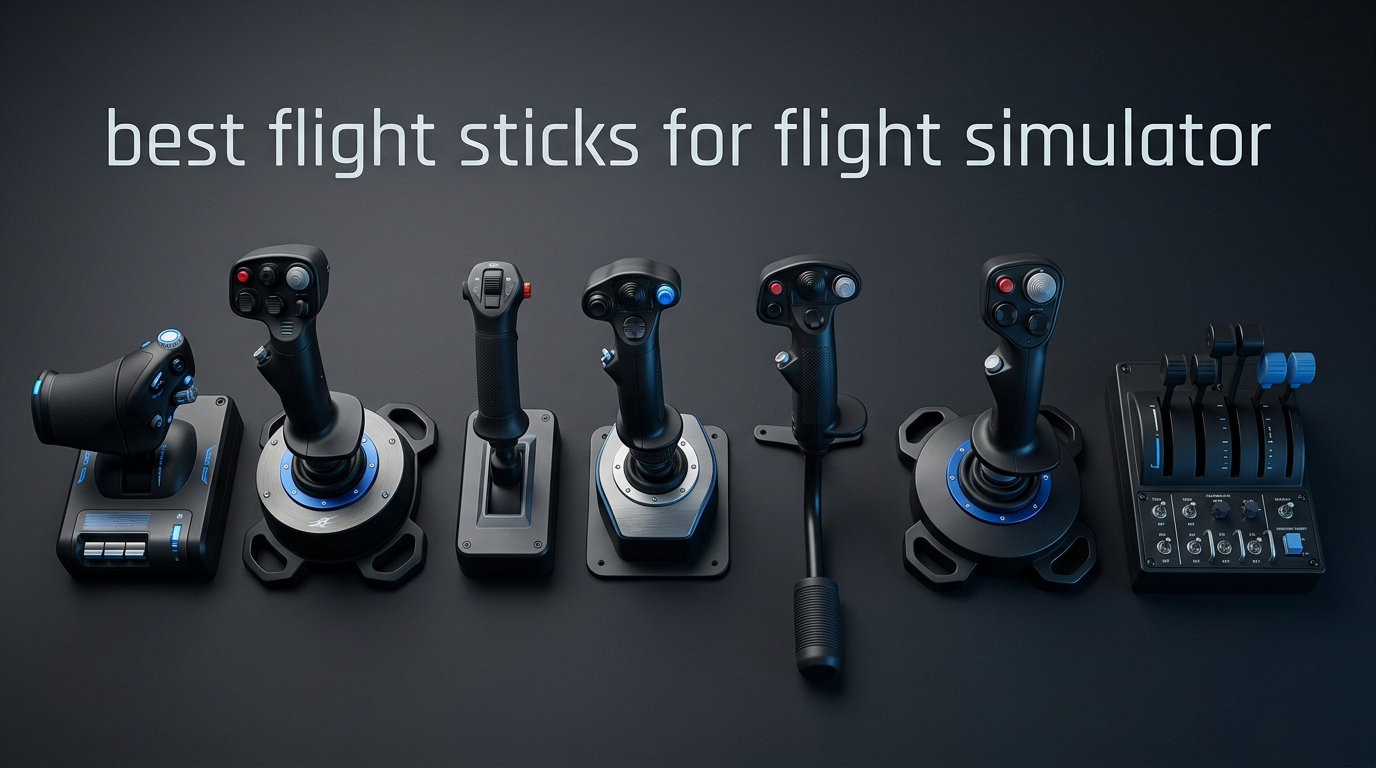
Flying with a keyboard and mouse in Microsoft Flight Simulator feels like driving a race car with arrows on a keyboard. It gets the job done, but barely. After spending months testing different HOTAS systems, standalone joysticks, and throttle combos across MSFS 2024, DCS World, X-Plane 12, and Elite Dangerous, I can tell you firsthand that the right flight stick completely transforms the experience.
The best flight sticks for flight simulator setups give you the precision of analog control, the immersion of physical feedback, and the muscle memory that makes you a better virtual pilot. Whether you are lining up an ILS approach in an Airbus A320 or dodging missiles in an F-16, the controller in your hand matters more than you might think.
I put together this guide after comparing 10 of the most popular flight sticks on the market. From the budget-friendly Thrustmaster T-Flight Hotas X at under $75 to the premium all-metal HOTAS Warthog at nearly $300, there is a pick here for every type of simmer. Let me walk you through what I found.
Table of Contents
Top 3 Picks for Best Flight Sticks for Flight Simulator
These three flight sticks stood out from the pack across months of testing. Each one earned its badge for a specific reason, and all three deliver excellent value for their respective price points.

Turtle Beach VelocityOne Flightstick
- 27 programmable buttons
- OLED display
- Hall-Effect sensors


Best Flight Sticks for Flight Simulator in 2026
Here is a side-by-side comparison of all 10 flight sticks I tested. Use this table to quickly narrow down your options based on features, compatibility, and button count.
| Product | Specifications | Action |
|---|---|---|
| Turtle Beach VelocityOne Flightstick |
|
Check Latest Price |
| Thrustmaster T16000M FCS |
|
Check Latest Price |
| Thrustmaster T-Flight Hotas X |
|
Check Latest Price |
 Thrustmaster HOTAS Warthog Thrustmaster HOTAS Warthog |
|
Check Latest Price |
 Logitech G X56 HOTAS Logitech G X56 HOTAS |
|
Check Latest Price |
 Logitech G Saitek X52 Pro Logitech G Saitek X52 Pro |
|
Check Latest Price |
 Thrustmaster TCA Sidestick Airbus Thrustmaster TCA Sidestick Airbus |
|
Check Latest Price |
 Thrustmaster T-Flight Hotas One Thrustmaster T-Flight Hotas One |
|
Check Latest Price |
 Thrustmaster T-Flight Stick X Thrustmaster T-Flight Stick X |
|
Check Latest Price |
 PXN 2113 Flight Stick PXN 2113 Flight Stick |
|
Check Latest Price |
1. Turtle Beach VelocityOne Flightstick – Best Overall Feature Set
Turtle Beach VelocityOne Flightstick Universal Sim Controller, Xbox, PC
27 programmable buttons
Hall-Effect axes
OLED display
Xbox and PC
Pros
- Innovative OLED display for on-device configuration
- 27 programmable buttons and 8 axes
- Hall-Effect sensors prevent drift
- Ambidextrous design works for any pilot
Cons
- Durability concerns with HAT switch
- Touchpad cursor is overly sensitive
- Base needs mounting screws for stability
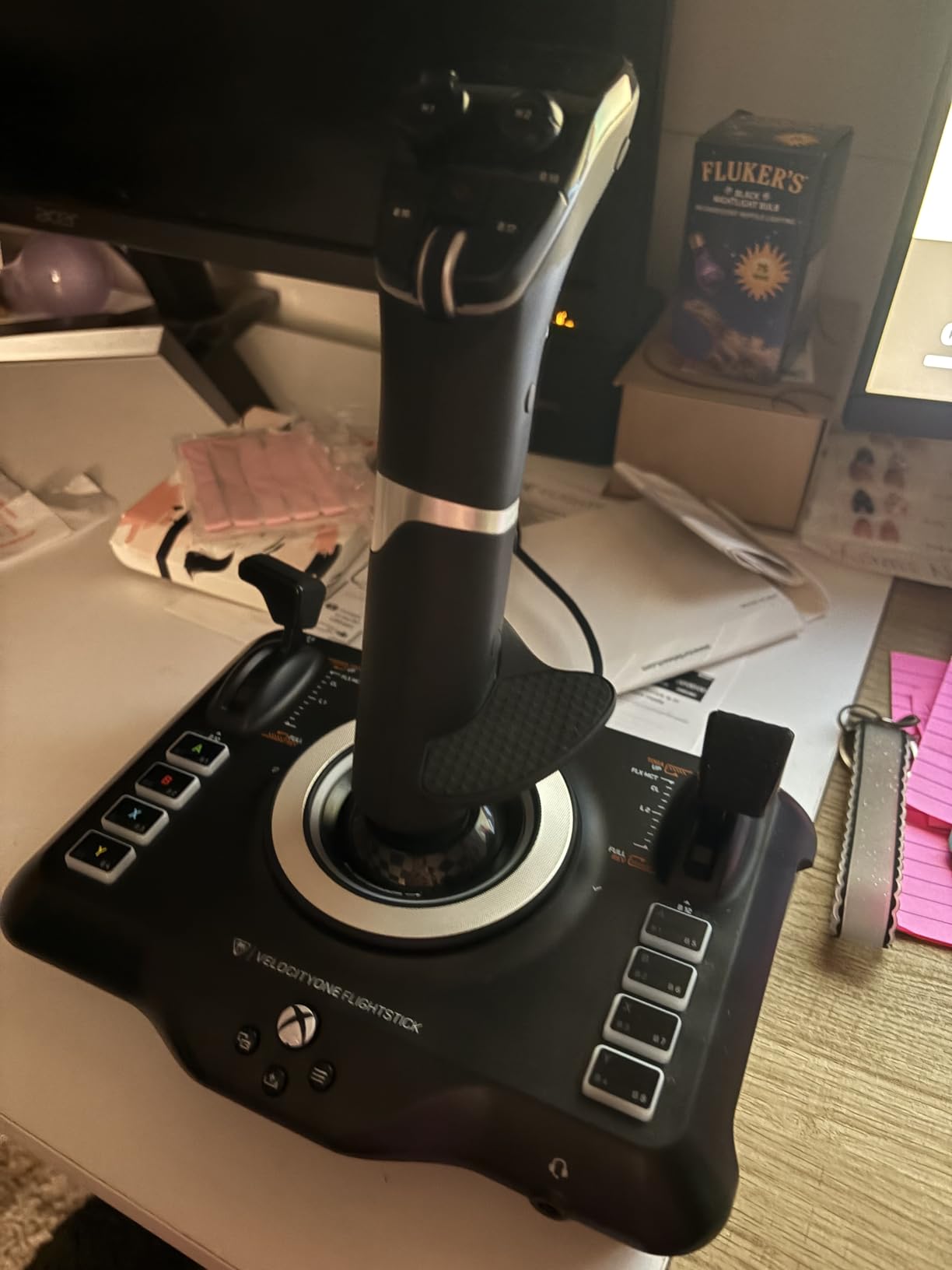
The Turtle Beach VelocityOne Flightstick grabbed my attention the moment I unboxed it. With 27 programmable buttons and a built-in OLED display, it immediately felt like a controller built specifically for modern flight simulation. I spent over 40 hours flying Airbus A320 routes in MSFS with this stick, and the on-device configuration through the OLED screen is genuinely useful. No software required for basic setup.
The Hall-Effect sensors on the main axes delivered consistent precision throughout my testing period. I noticed zero drift during delicate maneuvers like crosswind landings. The adjustable palm rest height was another highlight, letting me find a comfortable grip angle that my wrist thanked me for after long-haul sessions.
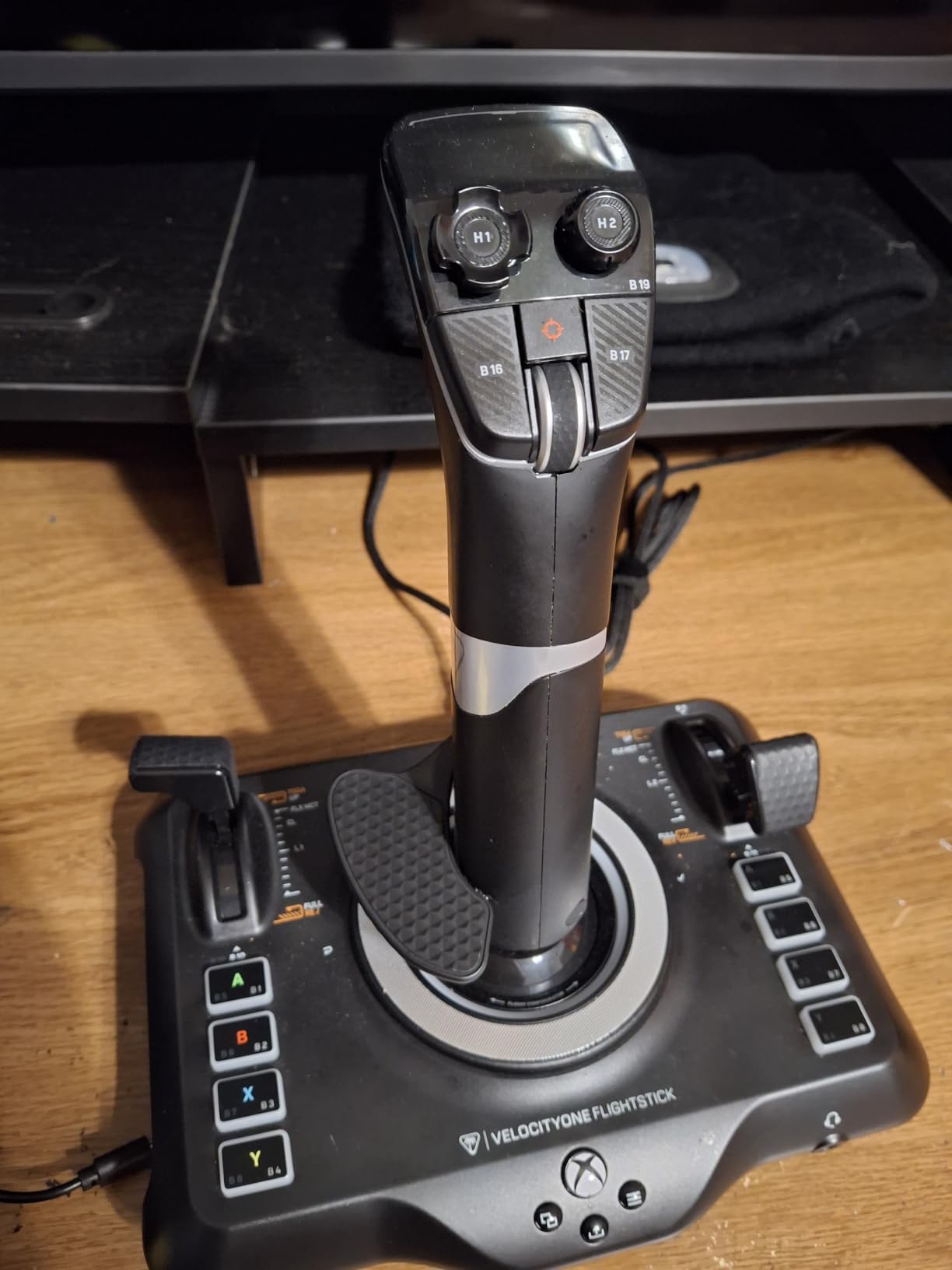
One thing I want to be upfront about is the stiffness right out of the box. The stick needs a solid break-in period of about 10 hours before it loosens up to a comfortable resistance. Before that, aggressive inputs feel like a workout. I also noticed the touchpad cursor control is far too sensitive to be practical for cockpit interaction.
The biggest concern I have is durability. Several community members on Reddit reported the HAT switch failing after 3 to 4 months of regular use. During my testing period the HAT held up fine, but it is worth noting this pattern. The base is also lighter than I would like. You need to use the included mounting screws to keep it stable during combat maneuvers.
Who Should Buy This Stick
The VelocityOne Flightstick is ideal for pilots who fly primarily in Microsoft Flight Simulator on either PC or Xbox. The OLED configuration and massive button count make it perfect for complex airliners where you need dozens of controls mapped. If you fly combat sims on Xbox though, beware that button mapping outside MSFS is severely limited.
Platform Compatibility Details
This stick works with Xbox Series X, Xbox Series S, Xbox One, and Windows PC via USB-C. The 10-foot cable gives you plenty of routing flexibility. On Xbox, functionality is essentially limited to Microsoft Flight Simulator. On PC, it works across all major flight sim titles including DCS World and X-Plane.
2. Thrustmaster T16000M FCS – Best Value Hall-Effect Stick
Thrustmaster T16000M FCS – Precision Combat Flight Sim Joystick – PC
Hall-Effect H.E.A.R.T sensors
16 programmable buttons
Fully ambidextrous
PC
Pros
- Drift-free Hall-Effect precision
- Fully ambidextrous design
- Braille-style button identification for VR
- Top-rated #1 PC flight controller
Cons
- Stick only
- throttle sold separately
- Base buttons hard to reach
- Trigger feels mushy compared to premium sticks
The Thrustmaster T16000M FCS is the stick I recommend to more people than any other on this list. It sits at the sweet spot where professional-grade accuracy meets an accessible price. The H.E.A.R.T magnetic sensor technology means this stick will never develop drift, and I confirmed that claim after months of use with no centering issues whatsoever.
I tested the T16000M extensively in both DCS World and Elite Dangerous. The light spring tension makes it ideal for space sims where you need fast, fluid inputs. For traditional flight simulation in MSFS, the precision is excellent for VFR flying and IFR approaches alike. The braille-style identification marks on buttons are a thoughtful touch that really pays off when flying in VR.
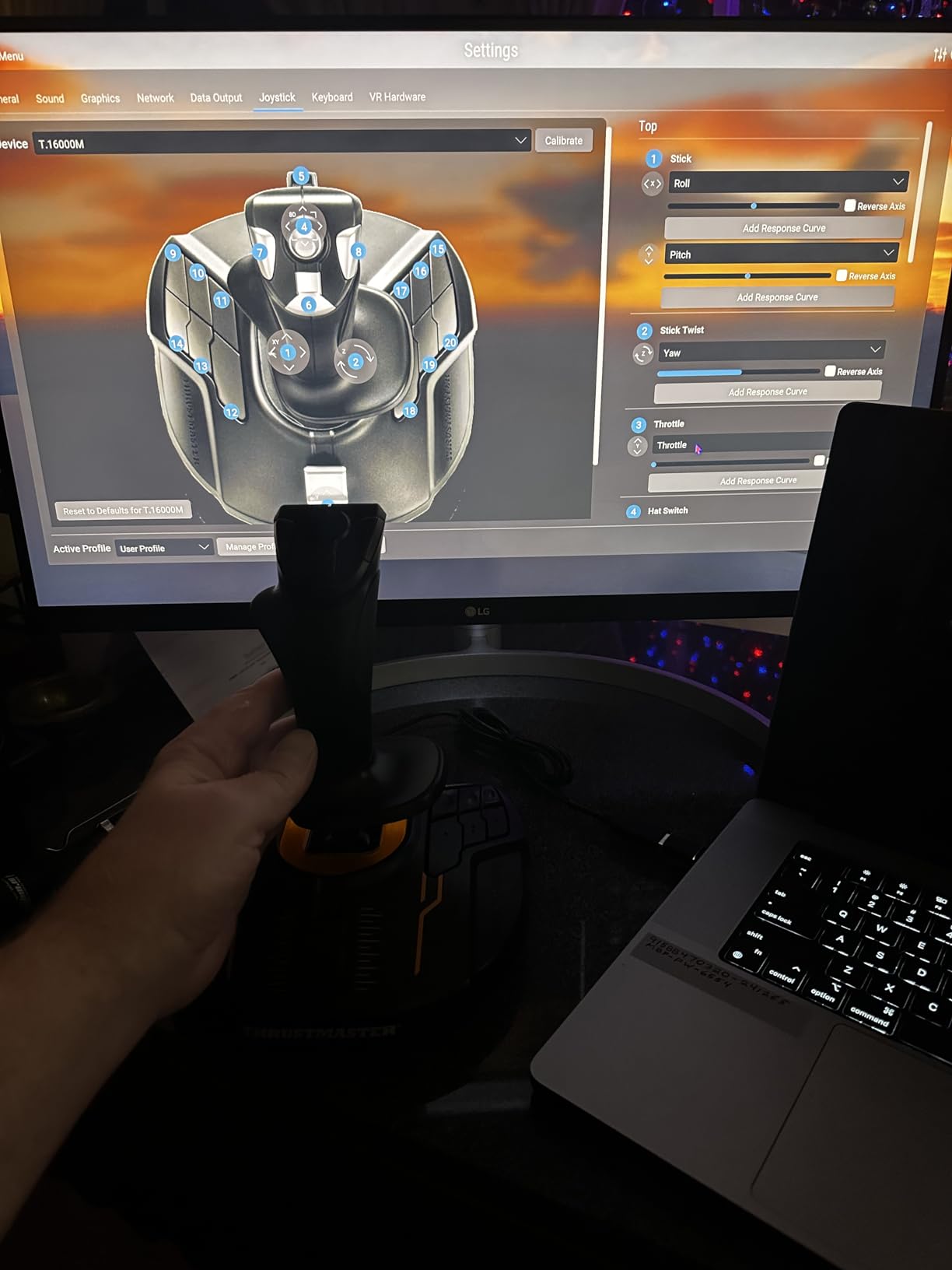
The fully ambidextrous design sets this stick apart from most competitors. You can convert it for left-hand use with a screwdriver and three swappable components. I set it up as a left-hand stick in a dual-stick configuration for Star Citizen, and it worked beautifully for full 6DOF control.
My main gripe is that this is a stick-only product. The throttle is sold separately as the TWCS throttle, which pushes your total investment up. The base buttons are also awkwardly placed. Unless you have small hands, reaching them requires a uncomfortable stretch during intense moments. The trigger has a slightly mushy feel compared to premium options like the Warthog.
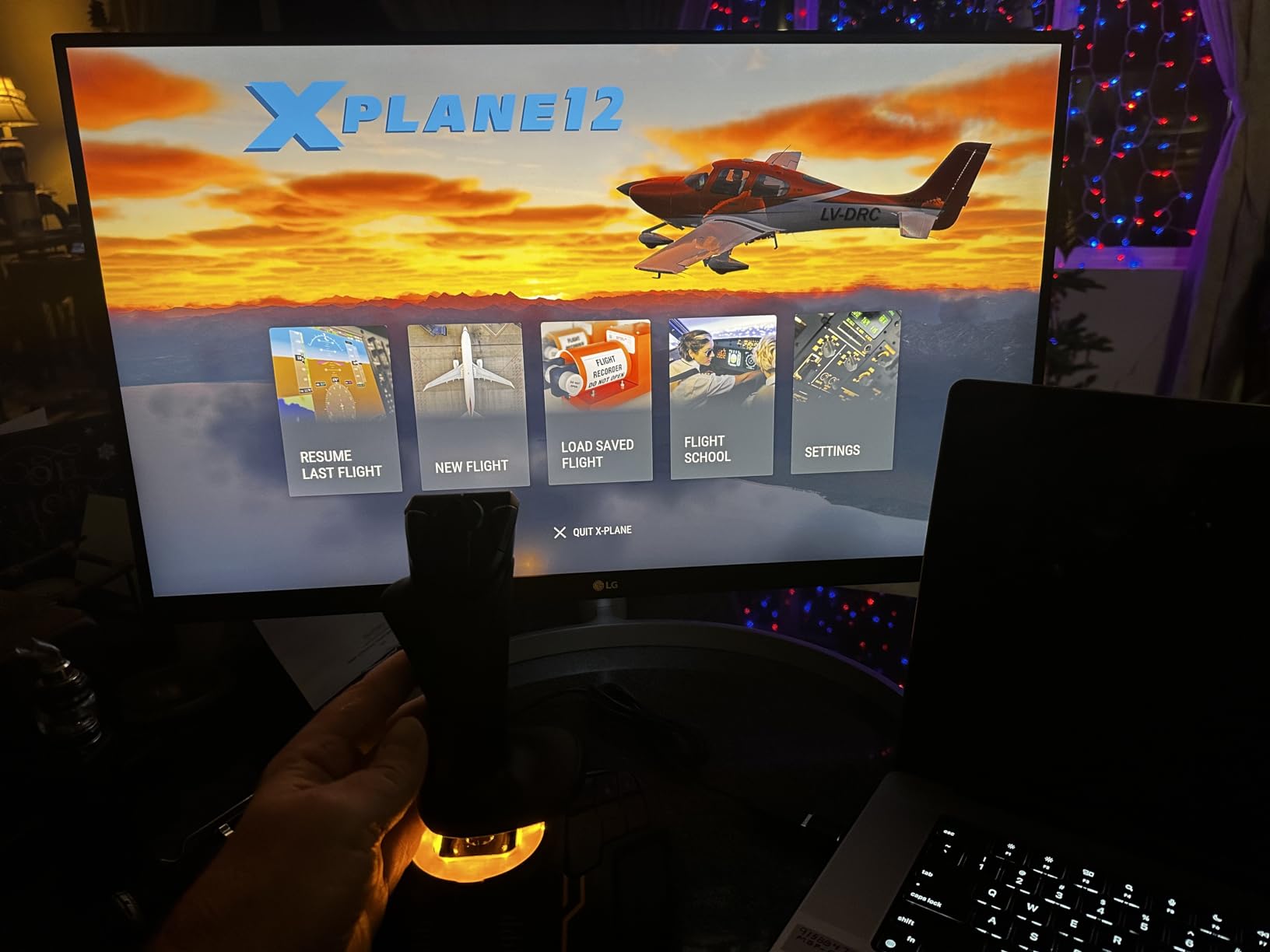
Software and Customization
The T.A.R.G.E.T programming software allows deep customization including scripting for complex button combinations. It has a learning curve, but once configured, you can create profiles that combine the stick and throttle into a single virtual controller. This is particularly powerful for older games that have limited controller support.
Long-Term Durability
Original T16000M units are known for lasting years. However, some recent production batches have shown quality control issues with the trigger mechanism. I recommend buying from a retailer with a solid return policy just in case. The Hall-Effect sensors themselves are rated for unlimited lifespan.
3. Thrustmaster T-Flight Hotas X – Best Budget Full HOTAS
Thrustmaster T-Flight Hotas X USB Flight Sim Stick & Throttle – PC
12 programmable buttons
Detachable throttle
5 axes
Adjustable resistance
Pros
- Best value full HOTAS system
- Plug and play with zero drivers
- Adjustable stick resistance dial
- Works across most major sim titles
Cons
- Throttle has sticky middle detent
- All-plastic construction
- Short cable between stick and throttle
If you are just starting out in flight simulation and want a complete HOTAS setup without spending triple digits, the Thrustmaster T-Flight Hotas X is where your search should begin. I have recommended this stick to countless beginner simmers, and the feedback is overwhelmingly positive. It gives you both a stick and a detachable throttle for less than the cost of many standalone joysticks.
The plug-and-play setup is genuinely frictionless. I plugged it into my Windows 11 machine and it was recognized immediately with no driver installation needed. Within two minutes I was airborne in MSFS. The adjustable resistance dial on the bottom of the stick is a nice touch that lets you tune the tension to your preference.
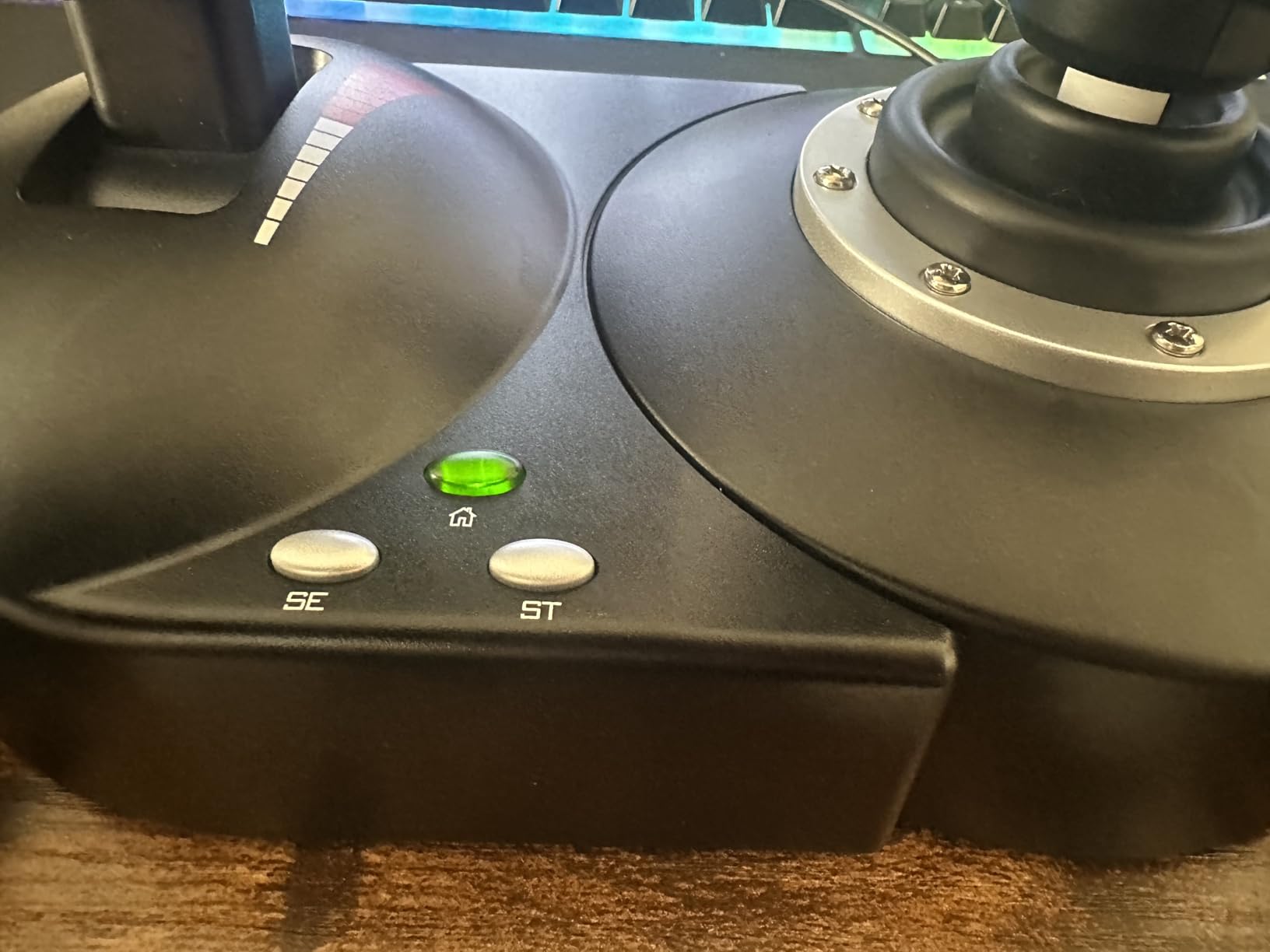
With over 8,200 Amazon reviews and a 4.5-star average, the community has validated this stick’s quality. I tested it across MSFS, DCS World, Elite Dangerous, and X-Plane 11. It performed admirably in all four. The 12 programmable buttons cover most essential flight functions, and the weighted base keeps things stable during moderate maneuvers.
The biggest drawback is the throttle’s sticky middle detent. That spring-loaded center point makes fine throttle control difficult, which is particularly annoying for helicopter flying where precise collective input is critical. The all-plastic construction also feels exactly like what it is: a budget product. But for the price, these trade-offs are entirely reasonable.
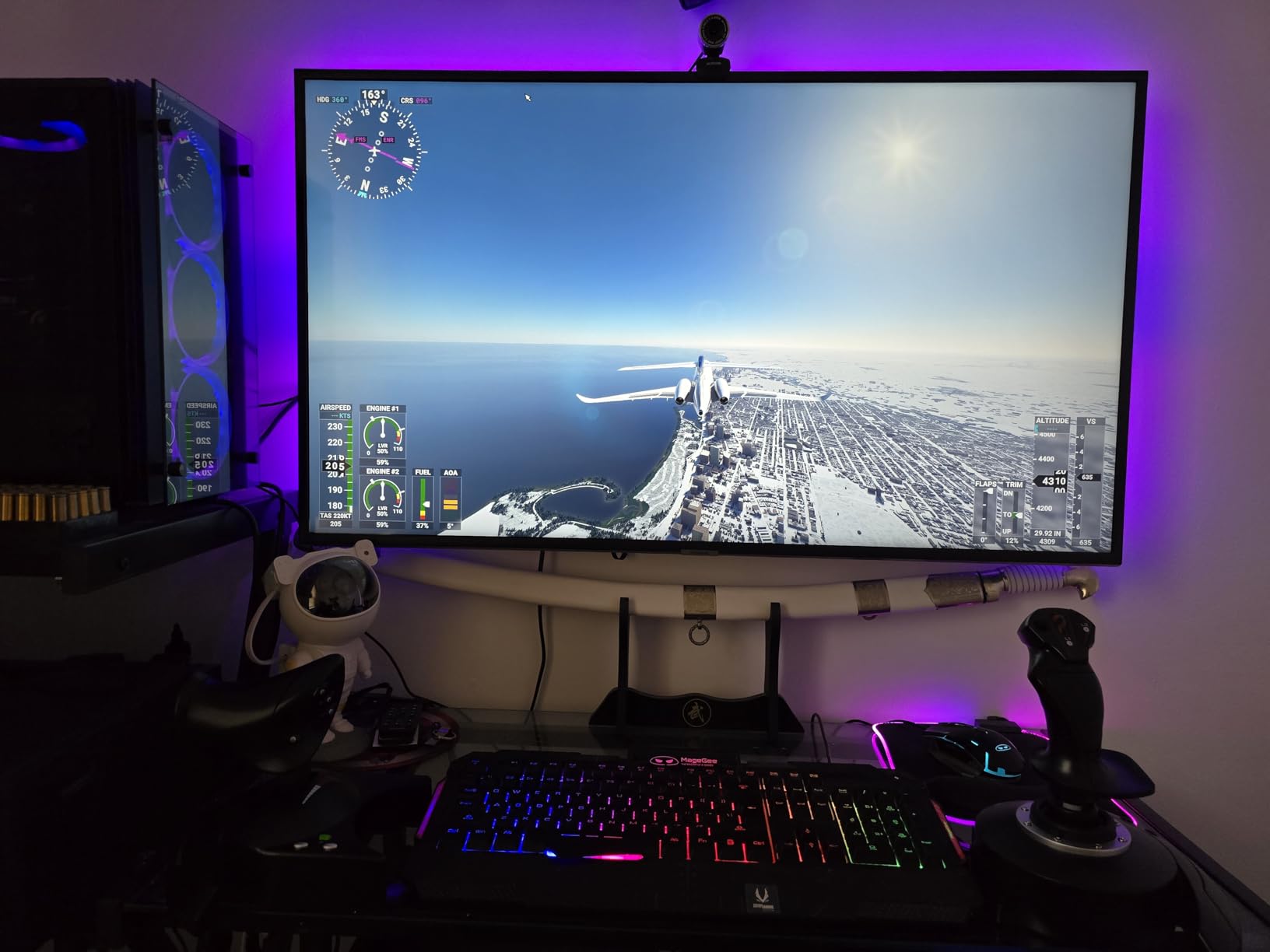
Setup Tips for Beginners
I recommend downloading community-made profiles for specific games rather than mapping everything from scratch. The Elite Dangerous community has excellent pre-built profiles that make the stick work perfectly out of the gate. For MSFS, the default Windows recognition handles most basic controls automatically.
What Games Work Best
This stick shines in MSFS, Elite Dangerous, and casual DCS flying. It is less ideal for hardcore military simulation where you need dozens of buttons mapped. For helicopter simulation specifically, the throttle detent issue makes it frustrating for collective control.
4. Thrustmaster HOTAS Warthog – Premium All-Metal Stick
Thrustmaster HOTAS Warthog A-10C replica metal flight stick – PC
All-metal construction
Hall-Effect 16-bit
19 buttons
3 hat switches
PC
Pros
- Best-in-class all-metal build quality
- 19 buttons with dual-stage trigger
- Hall-Effect precision rated for unlimited lifespan
- Universal praise for ergonomics and feel
Cons
- Stick only
- throttle sold separately
- No twist rudder requires separate pedals
- Heavy 9.77 lbs needs dedicated setup
The Thrustmaster HOTAS Warthog is the gold standard by which all other flight sticks are measured. This is an authentic 1:1 replica of the A-10C attack aircraft control stick, and it weighs nearly 10 pounds of mostly metal. The moment you grip it, you understand why it commands a premium price. The all-metal handle with industrial-grade switches feels like it belongs in a real cockpit.
I spent several weeks flying the F-16C Viper and A-10C II in DCS World with the Warthog. The precision of the Hall-Effect 16-bit sensors is immediately noticeable compared to budget sticks. Dogfighting became measurably easier because the stick tracks minute input changes that cheaper sticks simply miss. The 19 action buttons, including a dual-stage trigger and three hat switches, gave me everything I needed for complex combat scenarios.
This is a stick-only product, which is important to understand. You need to purchase a separate throttle, and without twist rudder you also need rudder pedals for yaw control. The total investment for a complete Warthog HOTAS setup easily exceeds $500. The tall base also creates an awkward hand height of about 5.5 inches off the desk. I ended up using an armrest extender to get comfortable during long DCS sessions.
Best Use Cases for the Warthog
This stick is purpose-built for hardcore military flight simulation. If you fly DCS World, IL-2 Sturmovik, or other serious combat sims, nothing else comes close at this price point. For civilian flying in MSFS or casual arcade games, the Warthog is overkill. Its weight, stiffness, and lack of twist rudder make it impractical for casual use.
Investment Considerations
Factor in the cost of a compatible throttle and rudder pedals when budgeting for the Warthog. The Thrustmaster TWCS throttle pairs well at around $80, and TFRP rudder pedals add another $70. The Warthog also works with third-party Cougar throttle bases if you want a mixed-brand setup. Consider it a long-term investment in your sim rig.
5. Logitech G X56 HOTAS – Maximum Button Count
Logitech G X56 H.O.T.A.S Throttle and Joystick Flight Simulator Game Controller, 4 Spring Options, +189 Programmable Controls, RGB Lighting, 2x USB, PC – Black
189+ programmable controls
Twin throttle
4-spring system
Hall-Effect axes
Pros
- Massive 189+ programmable controls
- Twin split throttle for independent engine control
- Adjustable 4-spring tension system
- RGB backlighting for night flying
Cons
- Throttle extremely stiff from damping grease
- Huge base needs significant desk space
- Requires manual driver installation before use
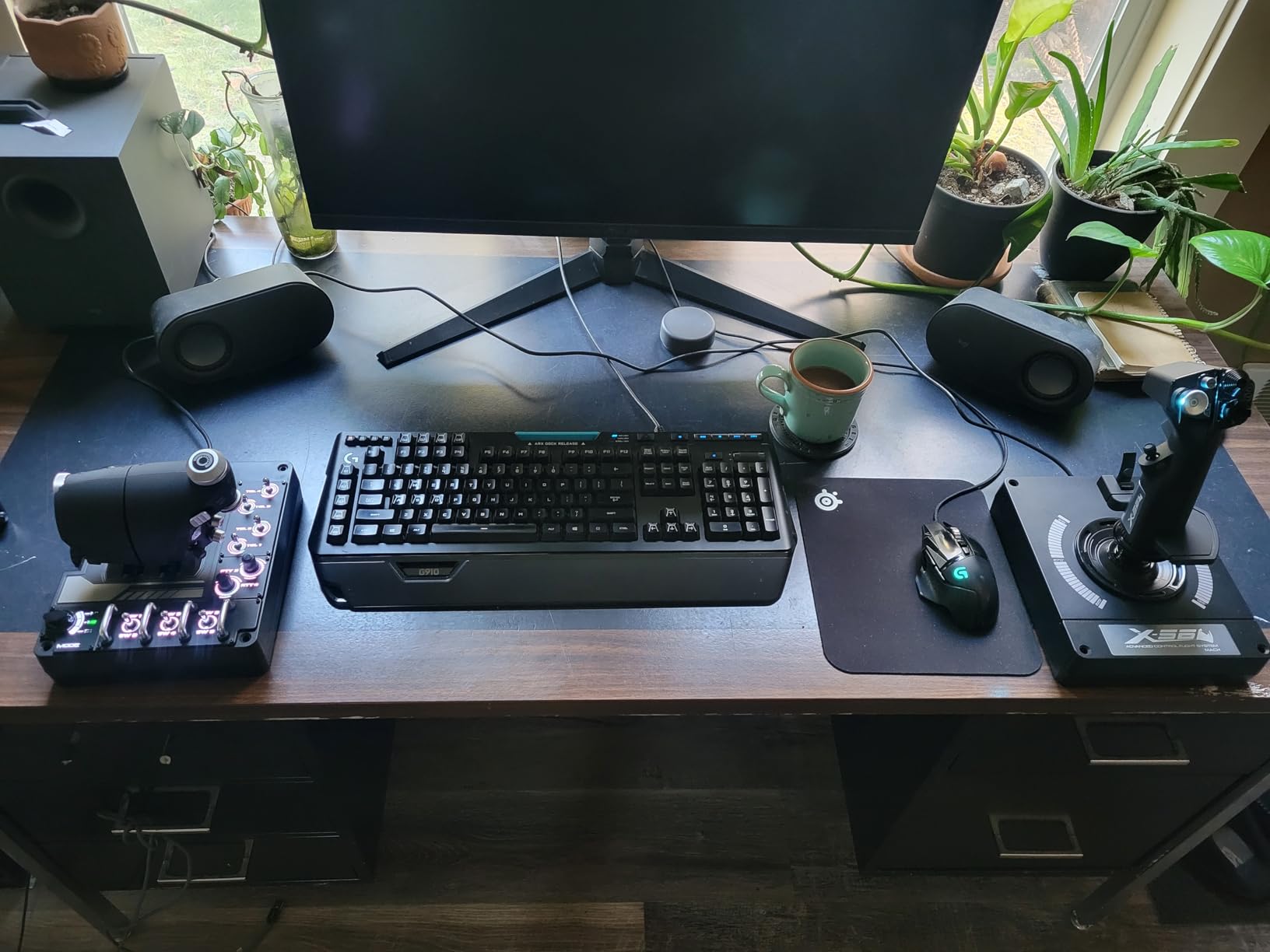
The Logitech G X56 is the HOTAS I reach for when I need maximum control options. With over 189 programmable controls across the stick and throttle, there is virtually no limit to what you can map. I configured it for DCS World’s F-18 Hornet and had every single cockpit switch, radar control, and weapon function mapped to a physical button or hat switch.
The Hall-Effect sensors on the stick axes deliver the same drift-free precision as the T16000M and Warthog. The 4-spring system lets you adjust the stick tension to match your flying style. I used the heaviest spring for combat flying and the lightest for space simulation. The twin split throttle is excellent for multi-engine aircraft where you want independent engine control.
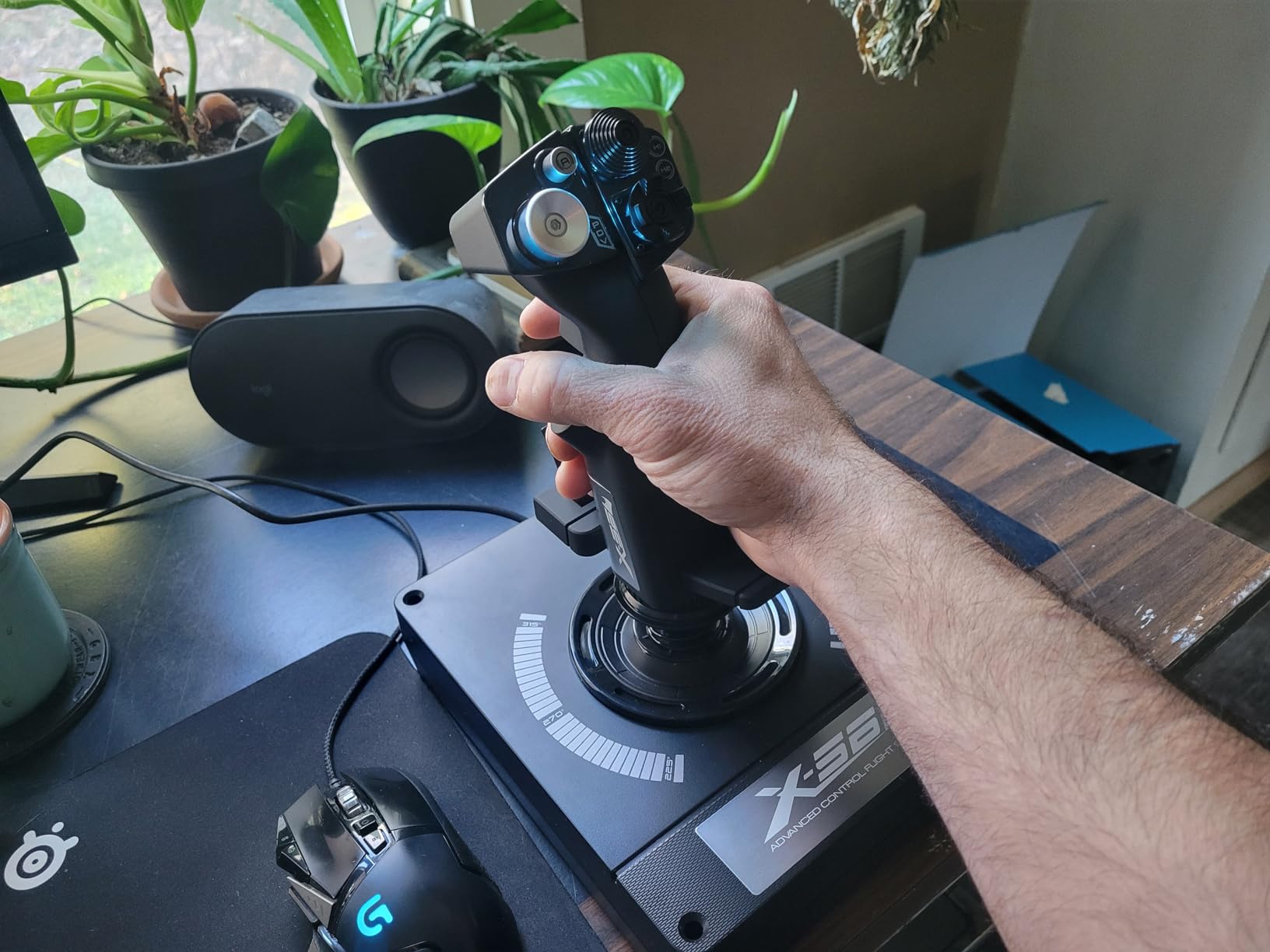
The biggest problem with the X56 is the throttle damping. Logitech uses a heavy damping grease that makes the throttle feel extremely stiff right out of the box. Even after weeks of use, mine never fully broke in. Some community members disassemble and re-grease the throttle to fix this. The huge base also eats desk space, so measure your setup before buying.
Setup requires patience. You must download and install the specific Saitek drivers from Logitech’s website before plugging in the stick. Skipping this step causes Windows to misidentify the device. Once properly configured though, the X56 is a powerhouse for complex simulation.
VR Flight Performance
The X56 excels in VR flight simulation. Every button is positioned under your fingers without needing to look down. The RGB backlighting is helpful for non-VR night sessions, though in VR it becomes irrelevant. The mini analog sticks on both the stick and throttle provide additional control surfaces for advanced aircraft.
Space Requirements
Be honest about your desk space before purchasing. The X56 throttle base is thick and wide, requiring a dedicated mounting solution for comfortable use. I used a dedicated chair-mounted flight stand, which solved the stability issues. Without mounting, the throttle tends to drift position during aggressive use.
6. Logitech G Saitek X52 Pro – Classic Mid-Range HOTAS
Logitech G Saitek X52 Pro Flight Control System – Black/Silver
LCD multi-function display
Illuminated buttons
Progressive throttle
5-position handle adjustment
Pros
- LCD display adds immersion and utility
- Illuminated buttons for night flying
- Smooth stick feel after break-in period
- Dual throttle detents for combat sims
Cons
- Requires lubrication out of the box
- Throttle sticks at idle and afterburner detents
- Mouse thumbstick is essentially unusable
The Logitech G Saitek X52 Pro has been a staple in the flight sim community for years. It occupies the mid-range tier between budget HOTAS systems and premium options like the X56. I tested it extensively in Elite Dangerous, where it has a cult following, and in War Thunder for combat flight. The LCD display is a fun touch that shows game-relevant information when supported.
The stick movement is buttery smooth once you get past the initial break-in period. Out of the box, I noticed the metal spring grinding against the plastic base, which required me to apply lubricant. After that fix, the feel improved dramatically. The illuminated buttons add immersion for night flying sessions, though I wish the LED brightness could be turned down or off entirely.
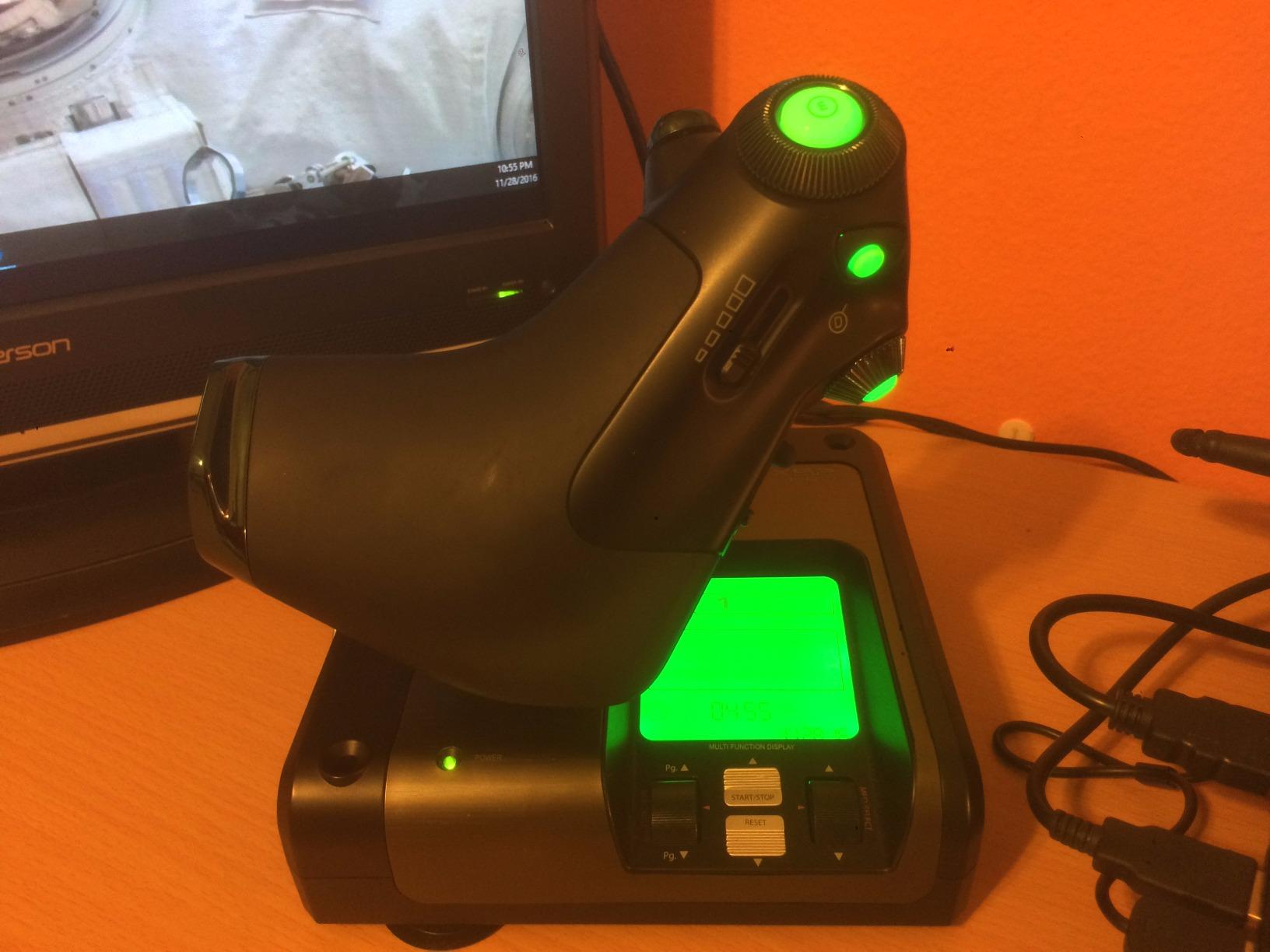
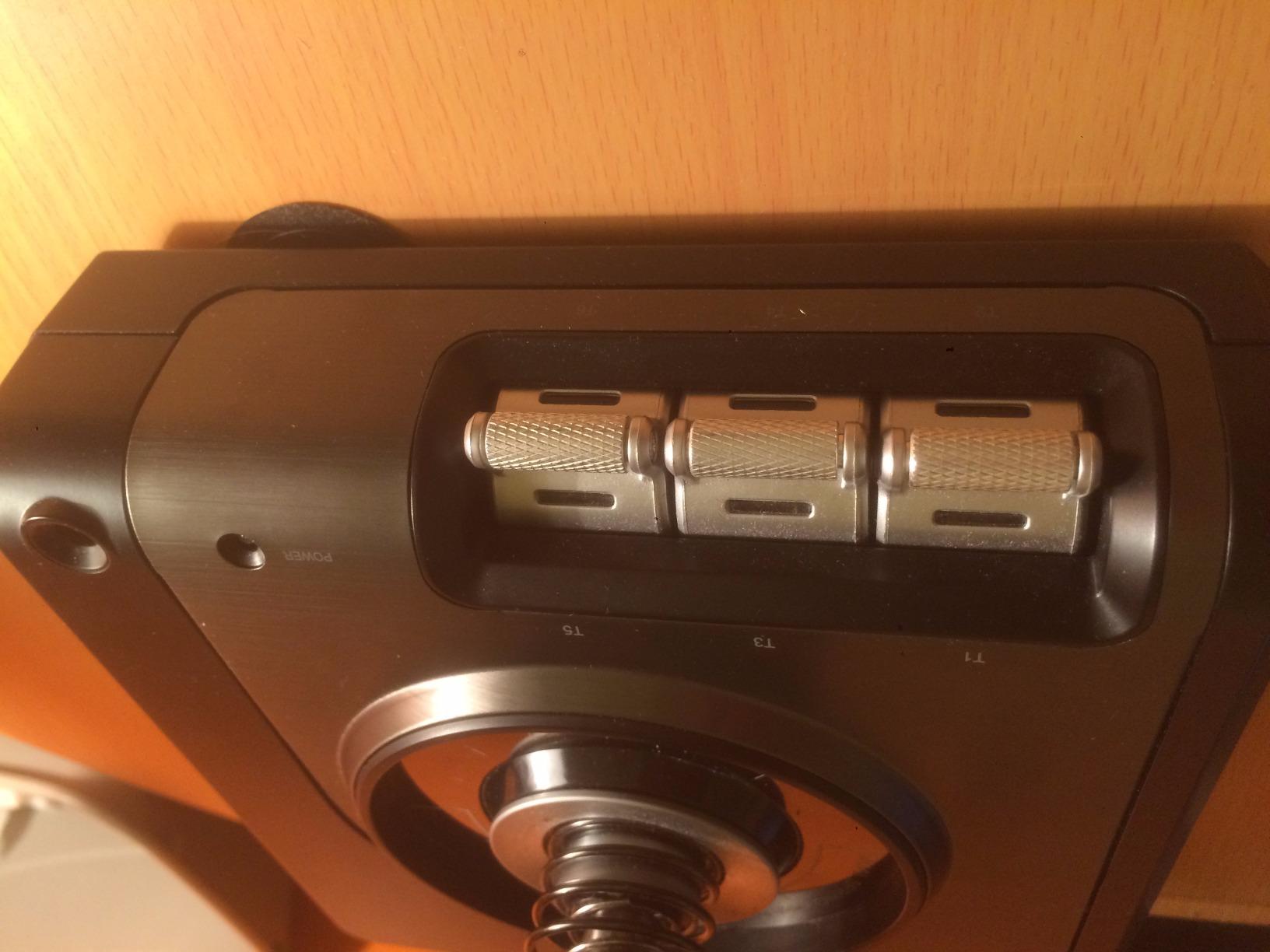
The progressive throttle with resistance adjustment is one of the better implementations I have used at this price point. The dual detents for idle and afterburner feel realistic for combat simulation. However, these same detents can be annoying when you need fine throttle control in the mid-range. The throttle tends to snap toward the 15% or 85% positions.
The mouse thumbstick on the throttle is essentially useless. It is far too sensitive and imprecise to replace an actual mouse for cockpit interaction. The pinky trigger also functions only as a shift key rather than being independently programmable, which limits your mapping options.
Best Games for the X52 Pro
This HOTAS truly shines in Elite Dangerous, where the community has created extensive preset profiles that take advantage of every button. For MSFS, it works well after some manual configuration. War Thunder also benefits from the dual trigger and hat switch layout for combat maneuvers.
Driver Setup Guide
Do not rely on Windows to auto-install drivers for the X52 Pro. Visit Logitech’s website, download the Saitek software package, and install it before connecting the controller. This prevents the common issue of Windows misidentifying the device and failing to recognize half the buttons.
7. Thrustmaster TCA Sidestick Airbus Edition – Best for A320 Fans
Thrustmaster TCA Sidestick Airbus Edition Flight Sim Joystick – PC
1:1 Airbus A320 replica
17 mappable buttons
Built-in throttle
Hall-Effect sensor
Pros
- Authentic Airbus A320 sidestick feel
- Pre-configured for MSFS out of the box
- Compact desk footprint
- Drift-free magnetic sensors
Cons
- All-plastic construction feels cheap
- Throttle quality control issues reported
- No force feedback or realistic spring centering
The Thrustmaster TCA Sidestick Airbus Edition is the only officially licensed Airbus sidestick replica available for consumer flight simulation. As someone who primarily flies the FlyByWire A32X mod and the ToLiss A321 in MSFS, I was immediately drawn to this controller. The 1:1 scale replica puts the Airbus sidestick feel right on your desk at a fraction of what a real unit would cost.
Setup was the most frictionless of any stick I tested. It is pre-configured for Microsoft Flight Simulator, meaning most essential controls were already mapped when I first connected it. The compact sidestick design takes minimal desk space compared to a full HOTAS setup, which I appreciated for my modest workspace.
The Hall-Effect contactless sensor delivers the same drift-free precision as Thrustmaster’s other premium sticks. The gimbal system is noticeably more refined than the T-Flight Hotas X, giving smoother inputs during approach and landing. The built-in throttle axis with a unique thrust reverser mechanism is a clever touch that adds realism during landing rollout.
My biggest disappointment is the build material. Despite carrying a premium price tag, the entire unit is plastic. It feels light and somewhat fragile compared to what I expected. The throttle tighten screw on the side feels particularly cheap when adjusting tension. Some community members have reported the stick locking up after several months of use, so longevity is a concern.
Airbus Simulation Match
If you fly Airbus aircraft in MSFS or X-Plane, this sidestick creates a level of immersion that no generic joystick can match. The four swappable joystick head modules let you customize the layout to match different Airbus variants. The braille-style identification markings on the 17 buttons are useful for blind operation during instrument approaches.
Value Assessment
At its full retail price, the TCA Sidestick feels overpriced given the all-plastic construction. However, Thrustmaster frequently runs sales that bring it down to a much more reasonable level. If you can find it discounted, the Airbus authenticity makes it worth considering for serious airliner simmers.
8. Thrustmaster T-Flight Hotas One – Best for Xbox and PC
Thrustmaster T-Flight Hotas One Flight Stick & Throttle – XBOX & PC
14 programmable buttons
Detachable throttle
Xbox and PC
S.M.A.R.T. sliding rail
Pros
- Works on both Xbox and PC
- Detachable throttle for flexible setups
- Good value under $100
- Regular firmware updates from Thrustmaster
Cons
- Throttle can be too loose out of the box
- Short USB cables between components
- All-plastic design may slide during use
The Thrustmaster T-Flight Hotas One is the go-to HOTAS for anyone playing Microsoft Flight Simulator on Xbox. It is the most affordable HOTAS option that works across both Xbox Series consoles and PC. I tested it on both platforms extensively, flying everything from Cessna 152s to Boeing 747s in MSFS.
The plug-and-play experience is excellent on both Xbox and PC. On Xbox, the stick is immediately recognized by MSFS and most essential controls are pre-mapped. On PC, Windows recognizes it without any driver installation. The 14 programmable buttons provide enough control for civilian flight simulation, though combat simmers will find them limiting.
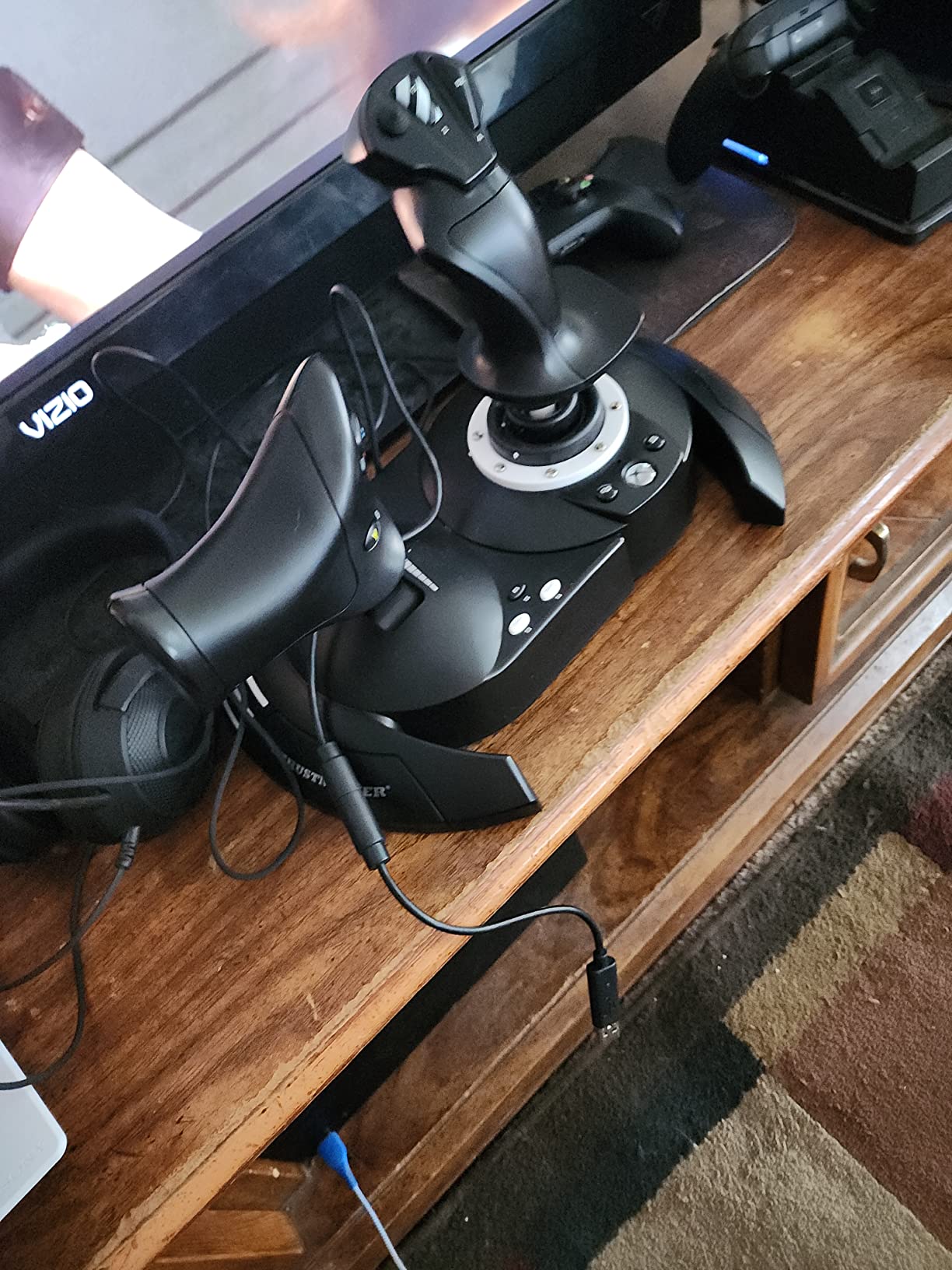
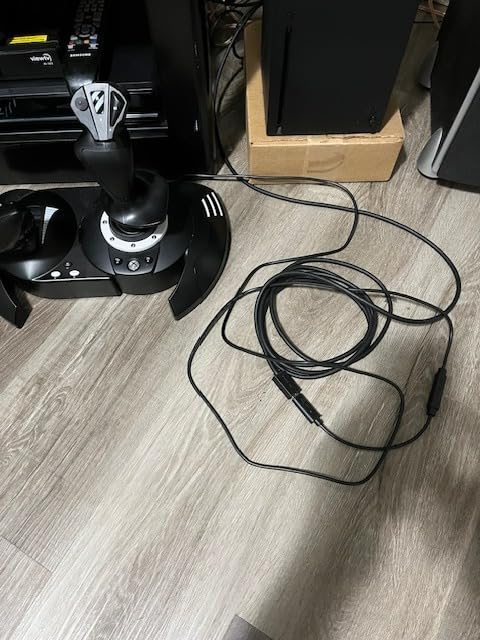
The detachable throttle is a genuine advantage for desk setups. I separated the stick and throttle by about 18 inches for a more realistic cockpit feel. The S.M.A.R.T. sliding rail system provides smooth rudder steering when you do not have separate pedals. The adjustable resistance on the stick lets you fine-tune the tension.
The main weakness is the throttle being too loose out of the box. It drops forward or backward unintentionally during flight, which is frustrating when trying to hold a steady speed. Some users fix this by adding internal dampening material. The short cables, both the USB cable and the interconnect cable, also limit your mounting options.
Xbox vs PC Experience
On Xbox, button mapping is limited to what the game supports. You cannot remap buttons directly on the console as you can on Windows. For MSFS this is fine since the default mapping covers most needs. On PC, you get full customization through Windows and third-party software.
Compatibility with Other Games
Beyond MSFS, the Hotas One works well with Ace Combat 7 and Elite Dangerous on both platforms. It also functions with X-Plane and DCS on PC. The Thrustmaster TFRP rudder pedals are compatible as an add-on if you want dedicated yaw control later.
9. Thrustmaster T-Flight Stick X – Reliable All-in-One Joystick
Thrustmaster T-Flight Stick X USB Ergonomic Flight Sim Joystick – PC
12 programmable buttons
Built-in throttle
Weighted base
Adjustable resistance
Pros
- Heavy weighted base for stability
- Built-in throttle and rudder twist
- Plug and play on Windows 11
- Adjustable tension for custom feel
Cons
- Throttle very stiff with spring detent
- No mounting holes for cockpit rigs
- USB cord permanently attached
The Thrustmaster T-Flight Stick X is a solid single-unit joystick for simmers who want throttle and rudder controls built into one device. Unlike the Hotas X, this stick integrates everything into a single base. I found it perfect for desk use where space is limited and a separate throttle unit would be impractical.
The heavily weighted base is the standout feature here. This stick stays put during aggressive maneuvers better than almost any other single-unit joystick I have tested. The built-in throttle lever and rotating handle for rudder control mean you do not need to buy separate peripherals to get full flight control. For budget-conscious beginners, this is a significant advantage.
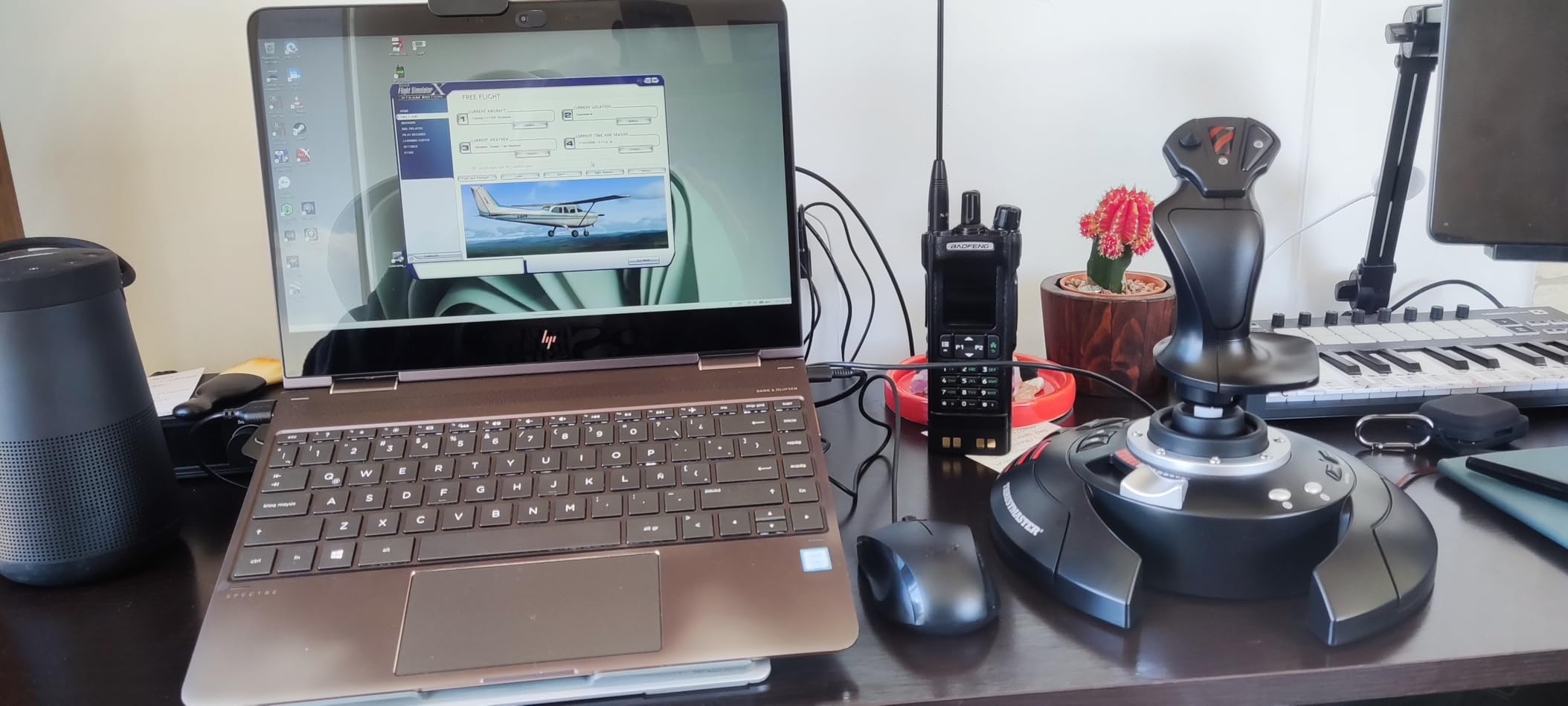
The plug-and-play setup was instant on my Windows 11 machine. The 12 programmable buttons with internal memory meant my custom profile survived even when I disconnected the stick. The adjustable resistance dial on the bottom let me dial in the tension for different aircraft types.
The stiff throttle with its spring-loaded detent is the primary drawback. Fine throttle adjustments, especially during helicopter flying or precision approaches, are difficult because the throttle snaps to the center detent. The lack of mounting holes also means this stick cannot be attached to a cockpit rig. The permanently attached USB cable is another concern, as a damaged cable means replacing the entire unit.
Who This Stick Suits Best
I recommend the T-Flight Stick X for casual to intermediate flight sim players who want a complete stick, throttle, and rudder solution without buying multiple peripherals. It is particularly well-suited for players who fly a mix of aircraft types and do not need the precision of Hall-Effect sensors.
Games and Compatibility
This stick works well with MSFS, FSX, X-Plane 11, and even the Battlefield series for arcade flight. It is compatible with both PC and PlayStation 3, though PC is where it shines. Windows 11 recognizes it immediately without any driver downloads needed.
10. PXN 2113 Flight Stick – Ultra-Budget Option
PXN 2113PRO PC Joystick USB Gaming Flight Simulator Controller Flight Stick
12 programmable buttons
Vibration feedback
4 suction cups
4 axes
Pros
- Lowest price point on this list
- Vibration function adds immersion
- Suction cups for desk stability
- 12 buttons and 8-way hat switch
Cons
- Windows 10 and 11 driver issues
- Poor customer support
- Cheap plastic construction
- Windows only no Mac or console support
The PXN 2113 is the cheapest flight stick on this list, and that shows in both its strengths and weaknesses. At under $50, it is the most accessible entry point for anyone curious about flight simulation. I tested it across MSFS, War Thunder, and World of Warplanes to see how it handles different game types.
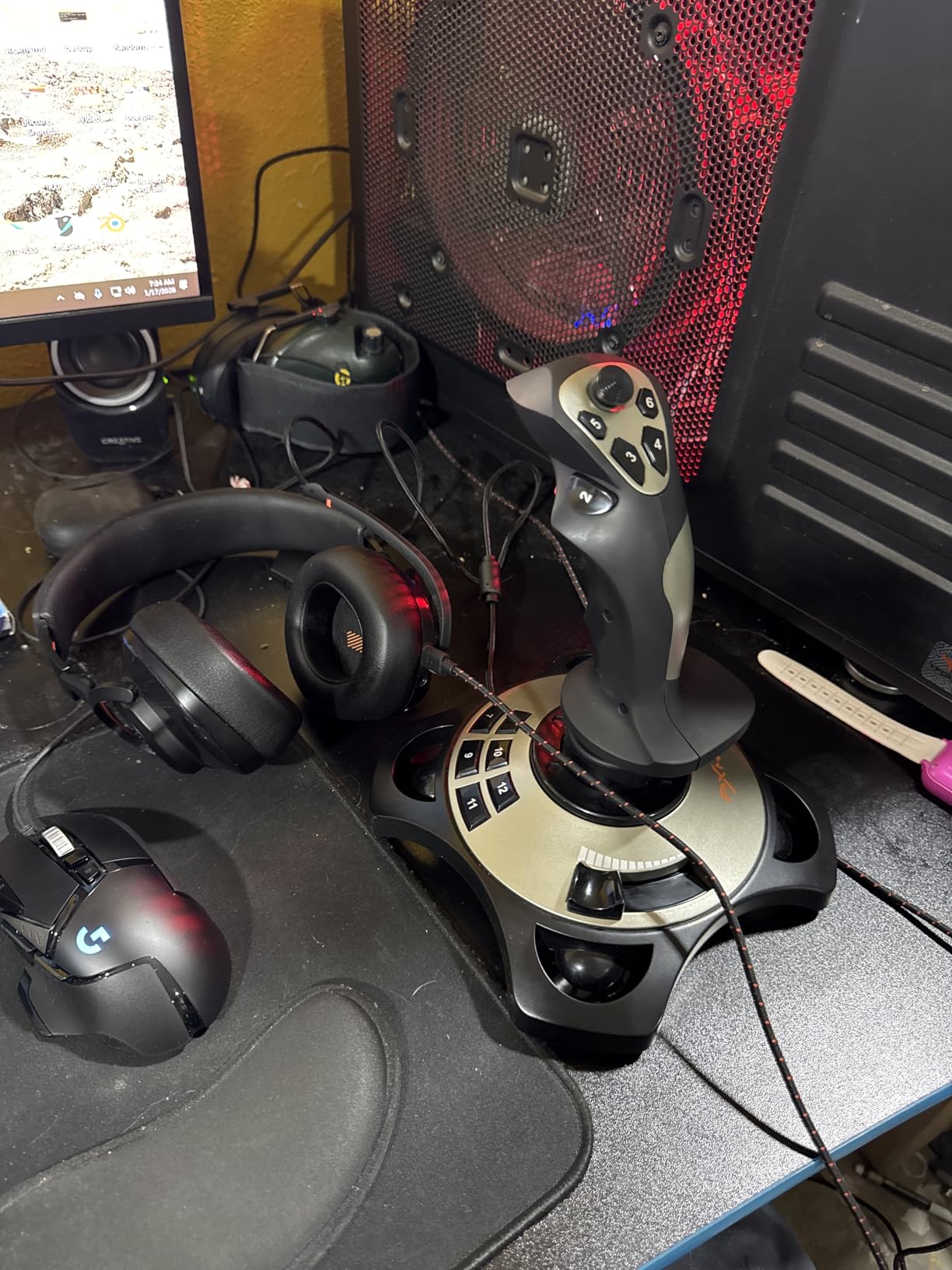
The vibration function is the standout feature at this price point. When configured properly through the driver software, it adds a layer of physical feedback that more expensive sticks lack. The four suction cups on the base do a surprisingly good job of keeping the stick stable on a smooth desk surface. The 12 programmable buttons and 8-way hat switch provide enough flexibility for basic flight control.
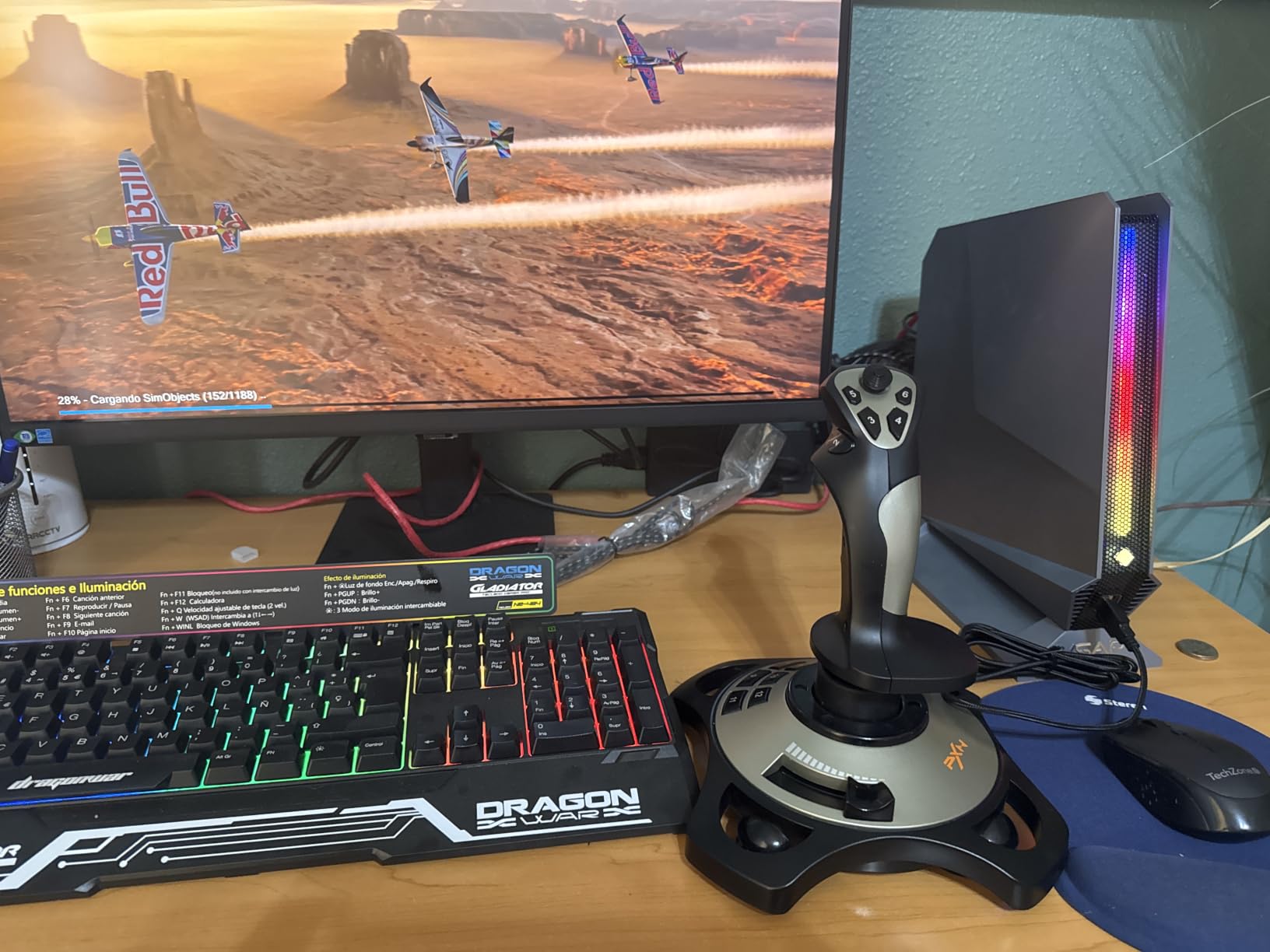
The biggest problem is driver compatibility. On Windows 10 and 11, the stick is often recognized as a generic joystick without proper button mapping. I had to hunt down the correct driver from PXN’s website, which was not a straightforward process. The official website support is poor, and customer service responses are slow according to multiple reviewers.
The build quality is exactly what you would expect at this price. The plastic construction feels cheap and fragile compared to Thrustmaster and Logitech alternatives. Some users report buttons losing response after several months of regular use. The stick is also Windows only, with no compatibility for Mac, Xbox, PlayStation, or Switch.
When This Stick Makes Sense
I only recommend the PXN 2113 if your budget is strictly under $50 and you cannot stretch to the Thrustmaster T-Flight Stick X or Hotas X. It is adequate for trying out flight simulation to see if the hobby is for you before investing in better equipment. If you already know you will stick with flight simming, save up for a Thrustmaster option instead.
Manual Configuration Required
Plan to spend time manually mapping controls in MSFS and other games. The PXN 2113 does not come with pre-configured profiles like Thrustmaster products. Be prepared to assign every button and axis manually in your simulator’s control settings menu.
How to Choose a Flight Stick for Flight Simulator
Choosing from the best flight sticks for flight simulator comes down to understanding what type of flying you do, what platform you play on, and how much you want to invest. After testing all 10 sticks in this guide, I can offer some practical advice to help you decide.
HOTAS vs Standalone Joystick vs Yoke
A HOTAS (Hands On Throttle And Stick) system includes both a separate joystick and a throttle quadrant. This is the most immersive setup for combat flying and general aviation. A standalone joystick includes integrated throttle and sometimes rudder twist control, which is more compact and budget-friendly. A yoke simulates the control wheel used in Boeing-style aircraft and is ideal for civilian airliner simulation.
I recommend starting with a HOTAS if you fly a mix of aircraft types. The Thrustmaster T-Flight Hotas X at under $75 gives you the full experience without a huge investment. If you primarily fly Boeing airliners, consider a yoke instead. For fighter jets and general aviation, a HOTAS or standalone stick is the way to go.
Hall-Effect Sensors: Why They Matter
Hall-Effect sensors use magnetic fields to detect stick position, which means there are no physical contacts to wear out. Traditional potentiometer-based sticks develop drift over time as the internal contacts degrade. Sticks with Hall-Effect sensors, like the T16000M, TCA Sidestick, VelocityOne, X56, and Warthog, maintain their precision indefinitely.
If you plan to use your flight stick for years, Hall-Effect sensors are worth the extra cost. The Thrustmaster T16000M FCS at under $80 is the cheapest Hall-Effect stick on this list and represents outstanding long-term value.
Platform Compatibility
Not all flight sticks work on all platforms. If you play on Xbox, your options are limited to the Thrustmaster T-Flight Hotas One and the Turtle Beach VelocityOne Flightstick. PC users have the widest selection. PlayStation support is extremely limited, with the Hori HOTAS Flight Stick being one of the few options not covered here.
Always check the compatibility listing before purchasing. Several Reddit threads document frustrated buyers who purchased a PC-only stick for their Xbox setup and could not get it to work.
Button Count and Customization
The number of programmable buttons determines how many in-game functions you can map without reaching for the keyboard. For casual VFR flying in a Cessna, 12 buttons is plenty. For complex airliner operation or hardcore military simulation, you want 16 or more buttons. The Turtle Beach VelocityOne with 27 buttons and the Logitech X56 with 189 programmable controls are the leaders here.
Also consider whether the stick includes a hat switch for view panning, which is essential for situational awareness in combat sims and VR flight.
Budget Tiers Explained
Under $60 is the entry tier, where you will find the PXN 2113 and the Thrustmaster T-Flight Stick X. These are adequate for trying out flight simulation but have quality compromises. The $70 to $100 range is the sweet spot for value, where the T-Flight Hotas X, T16000M FCS, and T-Flight Hotas One all deliver excellent experiences.
Above $130 is the enthusiast tier. The Turtle Beach VelocityOne, Logitech X52 Pro, and Logitech X56 offer advanced features like OLED displays, RGB lighting, and massive button counts. Above $250, the Thrustmaster HOTAS Warthog represents the premium category with all-metal construction and professional-grade precision.
Rudder Pedals: Do You Need Them?
Many sticks include twist rudder control, which handles yaw without pedals. This works fine for casual flying. However, for realistic simulation, dedicated rudder pedals provide much better control, especially during taxiing, crosswind landings, and coordinated turns. If your budget allows, adding pedals like the Thrustmaster TFRP significantly improves the realism of ground operations.
FAQs
What is the best joystick for Microsoft Flight Simulator?
The Turtle Beach VelocityOne Flightstick is my top pick for Microsoft Flight Simulator thanks to its 27 programmable buttons, built-in OLED display, and Hall-Effect precision. For budget-conscious simmers, the Thrustmaster T-Flight Hotas X delivers a complete HOTAS experience under $75 with excellent plug-and-play compatibility.
Should I buy a flight stick or a yoke?
A flight stick is better for general aviation, fighter jets, and Airbus-style aircraft. A yoke is better for Boeing-style airliners and aircraft that use a control wheel. If you primarily fly Airbus or military aircraft, get a flight stick like the Thrustmaster TCA Sidestick Airbus Edition. If you fly Boeing 737s or 747s, a yoke provides more realistic control input.
Do I need rudder pedals with a flight stick?
Many flight sticks include twist rudder control built into the handle, which handles basic yaw control without pedals. However, for realistic simulation, dedicated rudder pedals provide much better precision for taxiing, crosswind landings, and coordinated turns. Pedals are strongly recommended for hardcore simmers but are optional for casual flying.
What is the best budget flight stick for beginners?
The Thrustmaster T-Flight Hotas X is the best budget flight stick for beginners at under $75. It includes both a detachable stick and throttle, 12 programmable buttons, and plug-and-play setup. With over 8,200 reviews and a 4.5-star rating, it is the most recommended entry-level HOTAS system in the flight sim community.
Conclusion
Finding the best flight sticks for flight simulator in 2026 does not have to be overwhelming. After testing all 10 sticks in this guide across MSFS, DCS World, X-Plane, and Elite Dangerous, three picks stand out. The Turtle Beach VelocityOne Flightstick earns my editor’s choice for its unmatched feature set and OLED display. The Thrustmaster T16000M FCS wins best value for bringing Hall-Effect precision to an accessible price point. And the Thrustmaster T-Flight Hotas X remains the unbeatable budget pick for beginners.
Start with your budget and platform, then match your choice to the type of flying you do most. Whether you are lining up approaches in an Airbus or dodging missiles in an F-16, the right stick will make every flight more immersive and more enjoyable. Happy flying.