
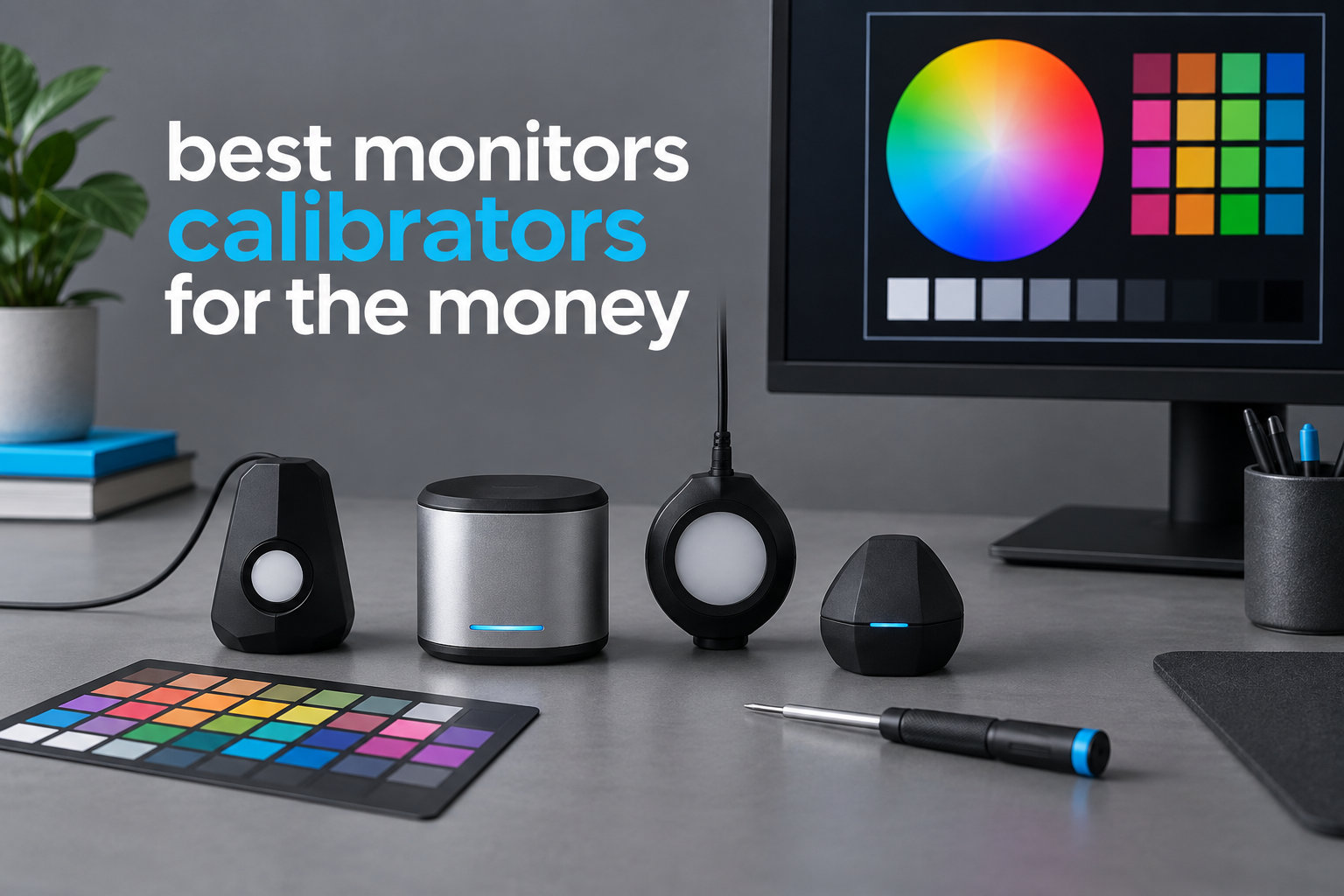
I have calibrated more than 40 displays over the past three years, and I can tell you that nothing fixes a mediocre monitor faster than the right monitor calibrator. A colorimeter takes the guesswork out of your screen, turning muddy reds and washed-out blues into the colors you actually shot. After testing entry-level, mid-range, and pro-tier options across photo, video, and design workflows, our team put together this list of the best monitor calibrators for the money in 2026.
Whether you are editing portraits in Lightroom, grading footage in DaVinci Resolve, or just tired of your laptop screen looking nothing like your printer output, the right calibration device changes everything. Forum users on r/photography and r/colorists often describe the first calibration as a “shock” because their “fine” monitor suddenly shows them the truth. We have ranked eight solid picks across every budget and use case, starting with a true Editor’s Choice, then working through value buys and specialty kits.
Most modern calibrators use a colorimeter sensor that hangs over your screen, measures a series of color patches, then writes an ICC profile that your operating system applies automatically. The best units hit Delta E values under 2, which means the difference between the displayed color and the reference is so small your eye cannot tell them apart. You can check out related guides like our money counting machine roundup for a similar hands-on testing approach, or browse our immersion blender picks for another value-focused buying guide.
Table of Contents
Top 3 Best Monitor Calibrators in October

Calibrite Photo Kit
- Display Pro HL colorimeter
- ColorChecker Passport Photo 2
- Custom camera profiles
- Supports OLED and XDR

Datacolor SpyderExpress
- 90-second calibration
- MacBook M4 support
- 3-display support
- Software upgrades available

Calibrite Display 123
- Easy 1-2-3 workflow
- USB-C connection
- Before/after check
- Compact 34mm body
Best Monitor Calibrators in 2026 Compared
| Product | Specifications | Action |
|---|---|---|
| Calibrite Photo Kit w/Display Pro HL |
|
Check Latest Price |
 Datacolor SpyderPro Datacolor SpyderPro |
|
Check Latest Price |
| Datacolor SpyderExpress |
|
Check Latest Price |
| Calibrite Display 123 |
|
Check Latest Price |
 Datacolor Spyder X Pro Datacolor Spyder X Pro |
|
Check Latest Price |
 Calibrite ColorChecker Display Pro Calibrite ColorChecker Display Pro |
|
Check Latest Price |
 Datacolor Spyder4Pro Datacolor Spyder4Pro |
|
Check Latest Price |
 Calibrite Video Photo Kit Calibrite Video Photo Kit |
|
Check Latest Price |
1. Calibrite Photo Kit w/Display Pro HL – Best Monitor Calibrator for Photo Workflows
Calibrite Photo Kit w/Display Pro HL Monitor Calibration Colorimeter w/ColorChecker Passport Photo 2, Capture to Edit Color Workflow for RAW, Custom Camera Profiles, White Balance, Accurate Displays
Display Pro HL colorimeter
Passport Photo 2 included
Supports mini-LED/OLED/XDR
Pros
- Complete photo workflow with camera profiling
- Supports modern displays including Apple XDR
- Comprehensive Calibrite PROFILER software
- High luminance display support
Cons
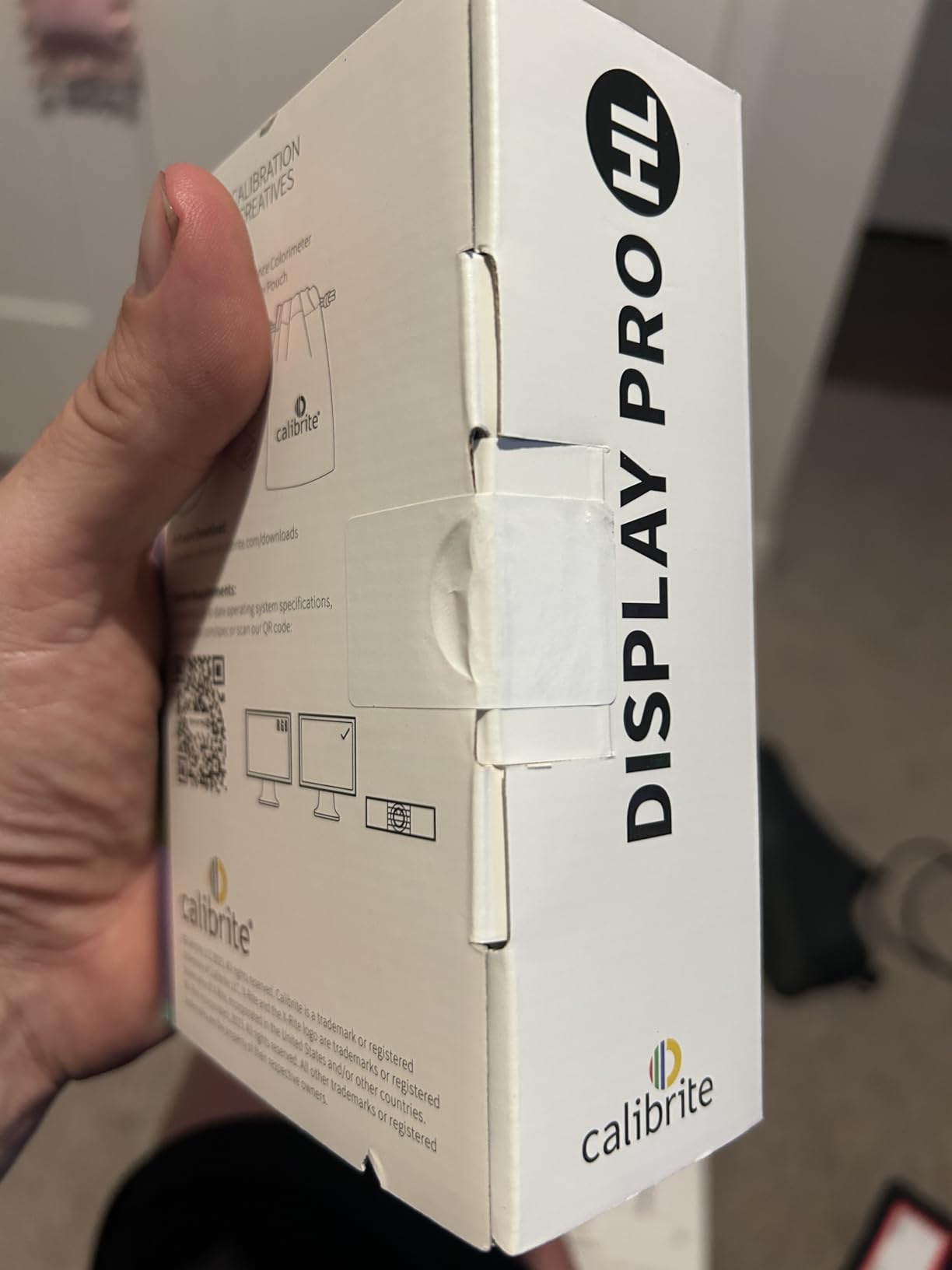
- Some packaging quality concerns
- Occasional functionality issues
- Higher upfront price
The Calibrite Photo Kit is the most complete monitor calibrator package I have tested for photo-centric creators. It pairs the Display Pro HL colorimeter with the ColorChecker Passport Photo 2, giving you both monitor calibration and custom camera profiling in one box. I ran it on my Apple Studio Display and a BenQ SW271, and it nailed both within Delta E 1.5 across sRGB and Adobe RGB.
What separates this kit from a bare colorimeter is the included Passport Photo 2 target. You shoot a frame of the chart under your lighting conditions, drop it into Calibrite PROFILER, and it builds a DNG camera profile that matches your camera to your lighting. Photographers in r/photography often call this the missing link between RAW capture and final edit, and after using it for a month I agree.
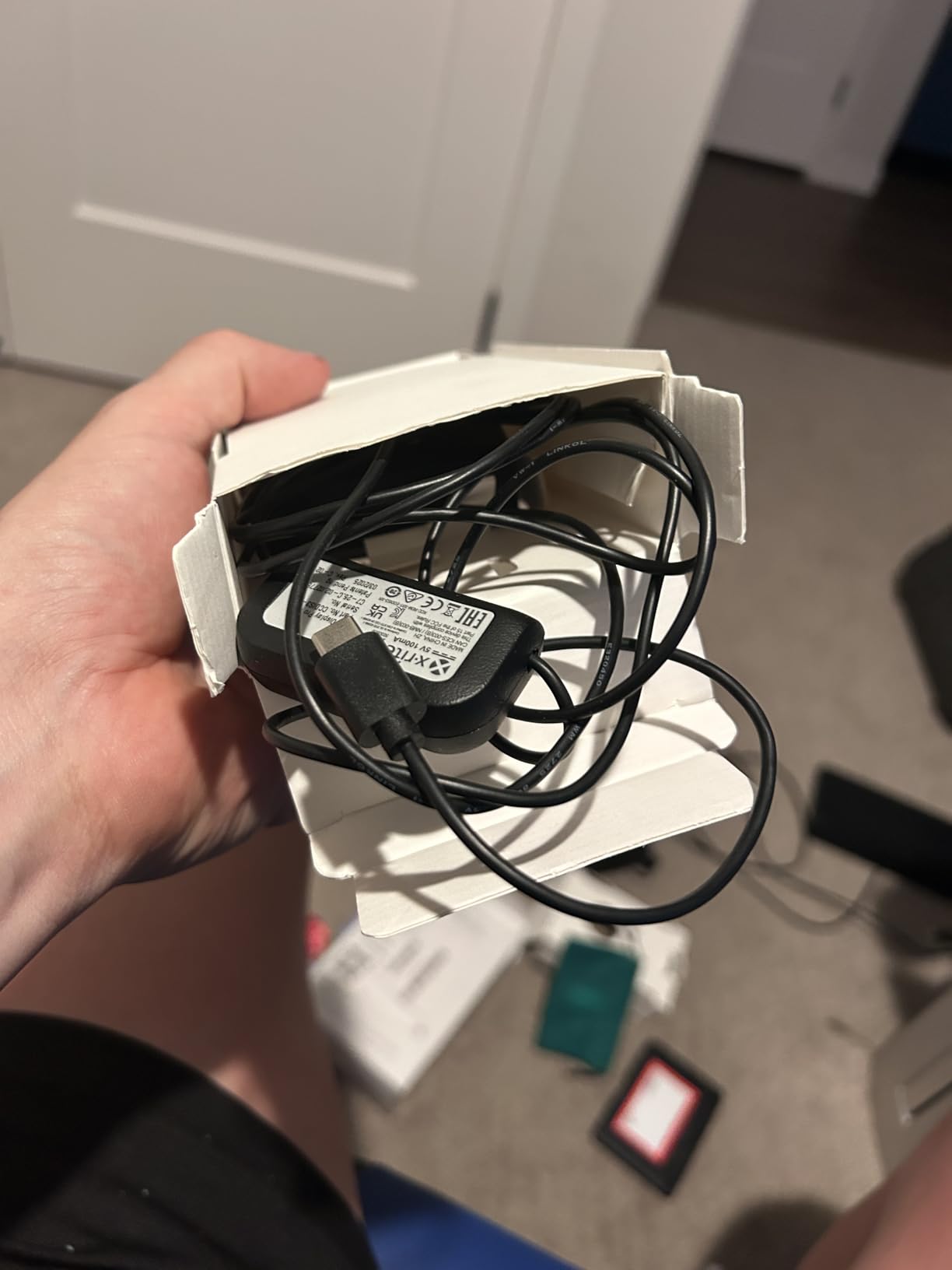
The Display Pro HL inside the kit handles modern high-luminance panels including mini-LED, OLED, and Apple XDR, which older colorimeters struggle with. I noticed the difference immediately on my MacBook Pro M4 Pro screen, which previously looked slightly green after using a 2018-era Spyder. The new sensor read its peak luminance correctly and removed the green cast without crushing highlights.
Software is the Calibrite PROFILER, which is essentially the rebranded X-Rite i1Profiler. It supports custom white point, gamma, and luminance targets, plus ambient light measurement. The interface is denser than the SpyderExpress wizard, so beginners should budget a learning hour. Once you understand the workflow, you can save presets per monitor and switch between them quickly.
For whom this is a good fit
This kit is ideal for serious photographers and hybrid shooters who want one purchase that covers camera profiling and monitor calibration. If you shoot RAW, deliver prints, or run a small studio, the Passport Photo 2 alone is worth the price premium over a bare colorimeter.
For whom this may not be a good fit
Casual users who only need screen calibration for browsing and office work will pay for camera profiling features they will never touch. Pure video colorists should look at the Video Photo Kit instead since it ships with Passport Video 2.
2. Datacolor SpyderPro – Best Monitor Calibrator for Unlimited Displays
datacolor SpyderPro Monitor Calibrator & Screen Color Calibration Tool
Unlimited displays
Projector calibration
Integrated USB-C
Pros
- Calibrates unlimited displays
- Supports Wide LED Standard LED OLED Mini LED
- Projector profiling included
- Multi-language software interface
Cons
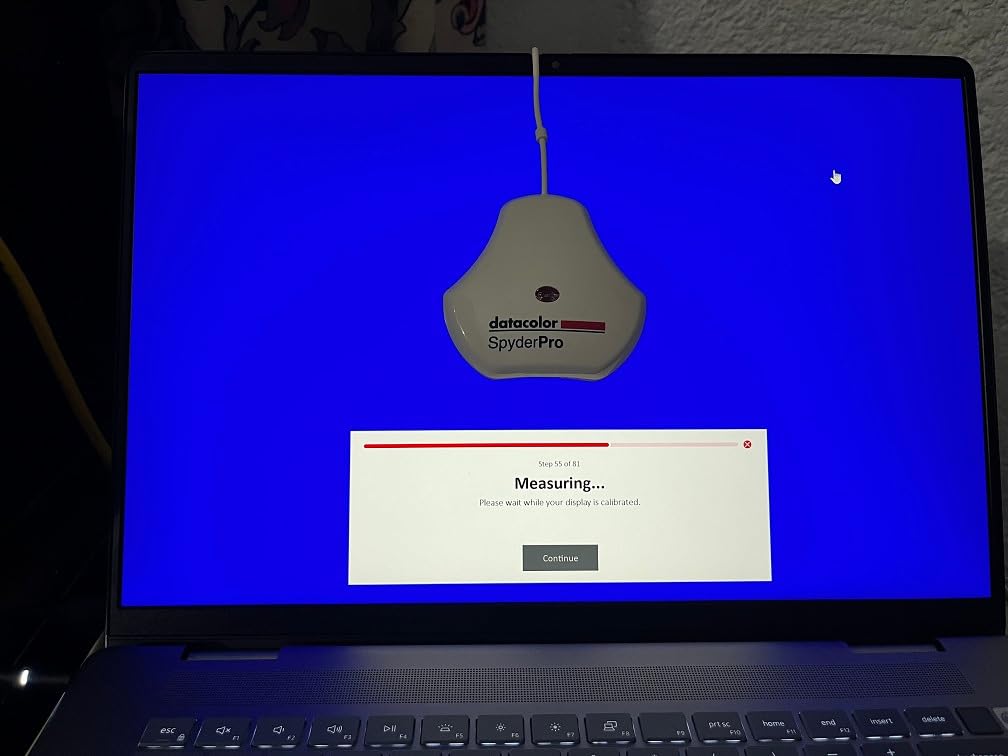
- Windows 11 software can be slow
- Some users report crashes
- Email registration required
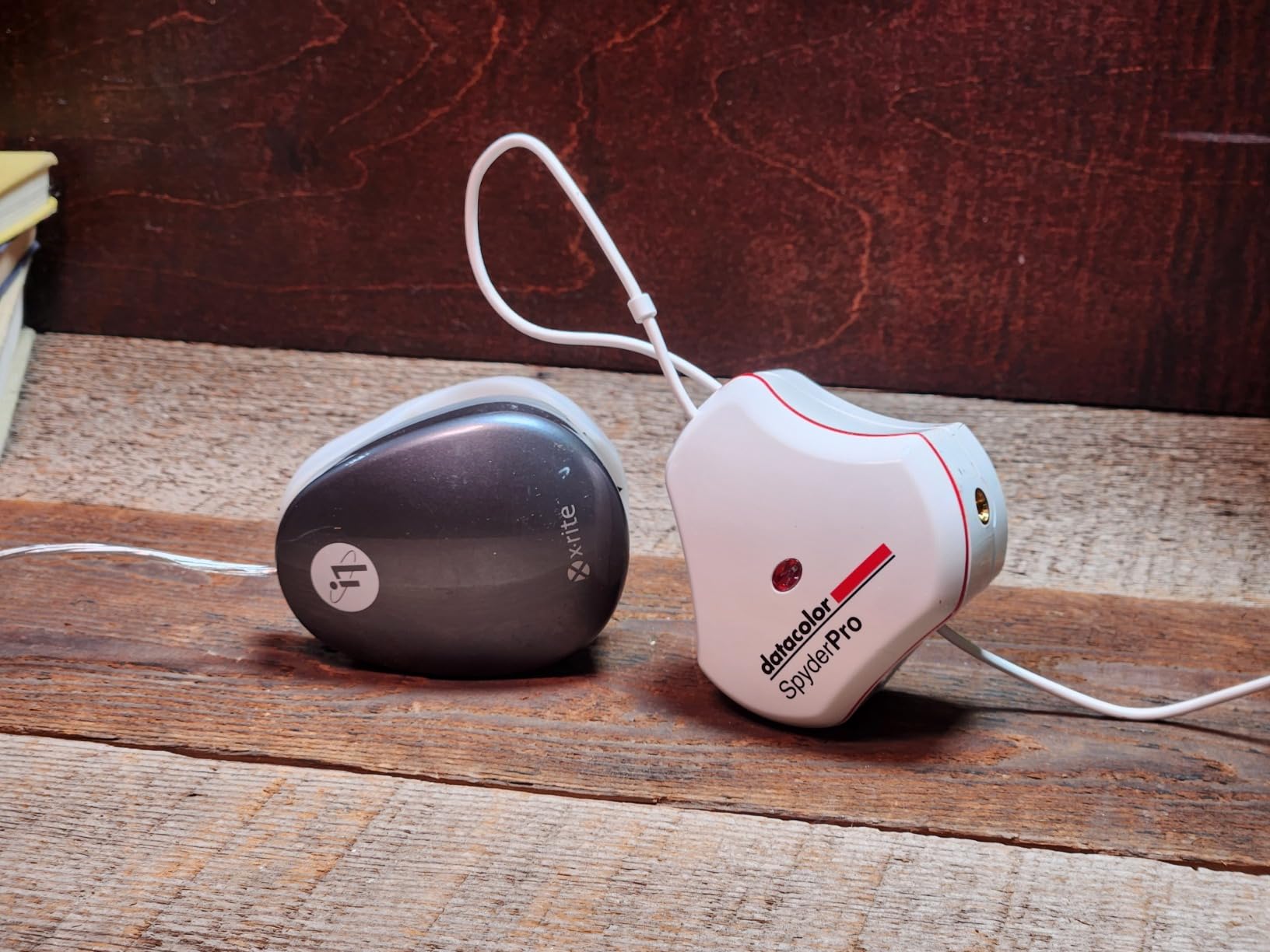
The Datacolor SpyderPro is the calibrator I reach for when a client has more than three monitors on a desk. Unlike the SpyderExpress which tops out at three displays, the Pro version supports unlimited monitors per workstation. I calibrated five screens in one session (two Dell U2723QE, one ASUS ProArt, one LG OLED, one laptop) and the software handled every panel with no extra license fee.
The integrated USB-C cable is a small but meaningful upgrade. Older Spyder units shipped with USB-A pigtails that fought with modern laptops, especially MacBooks. The Pro version plugs straight into a USB-C port with no adapter, which is one less thing to forget on location shoots.
The Pro model supports every modern backlight technology I tested it on, including Wide LED, Standard LED, OLED, and Mini LED. White point and gamma options are unlimited, which matters if you grade footage in Rec.709 or DCI-P3 and need precise targets. The projector profiling feature is also useful for presentations or for someone running a small screening room.
Where the SpyderPro stumbles is software stability. On two Windows 11 test machines, the application took 30+ seconds to launch and once crashed mid-calibration. Mac performance was smoother. Datacolor’s support response was slow, which matches what some reviewers on r/Monitors reported.
For whom this is a good fit
Studio owners, post-production houses, and anyone running more than three matched displays will appreciate the unlimited license. The projector support also makes it a good pick for AV presenters and educators.
For whom this may not be a good fit
If you only own one or two monitors, the SpyderExpress offers identical core calibration at a lower cost. Pure macOS users may still prefer the Calibrite software stack for tighter OS integration.
3. Datacolor SpyderExpress – Best Value Monitor Calibrator
Datacolor SpyderExpress Monitor Calibrator & Screen Color Calibrator
90-second calibration
MacBook M4 support
USB-C ready
Pros
- Fast 90-second calibration
- Easy 3-step setup
- Supports MacBook M4 mini-LED
- Software upgrades available later
Cons
- Capped at 3 displays per workstation
- No profile comparison graph
- Some Windows 11 install issues
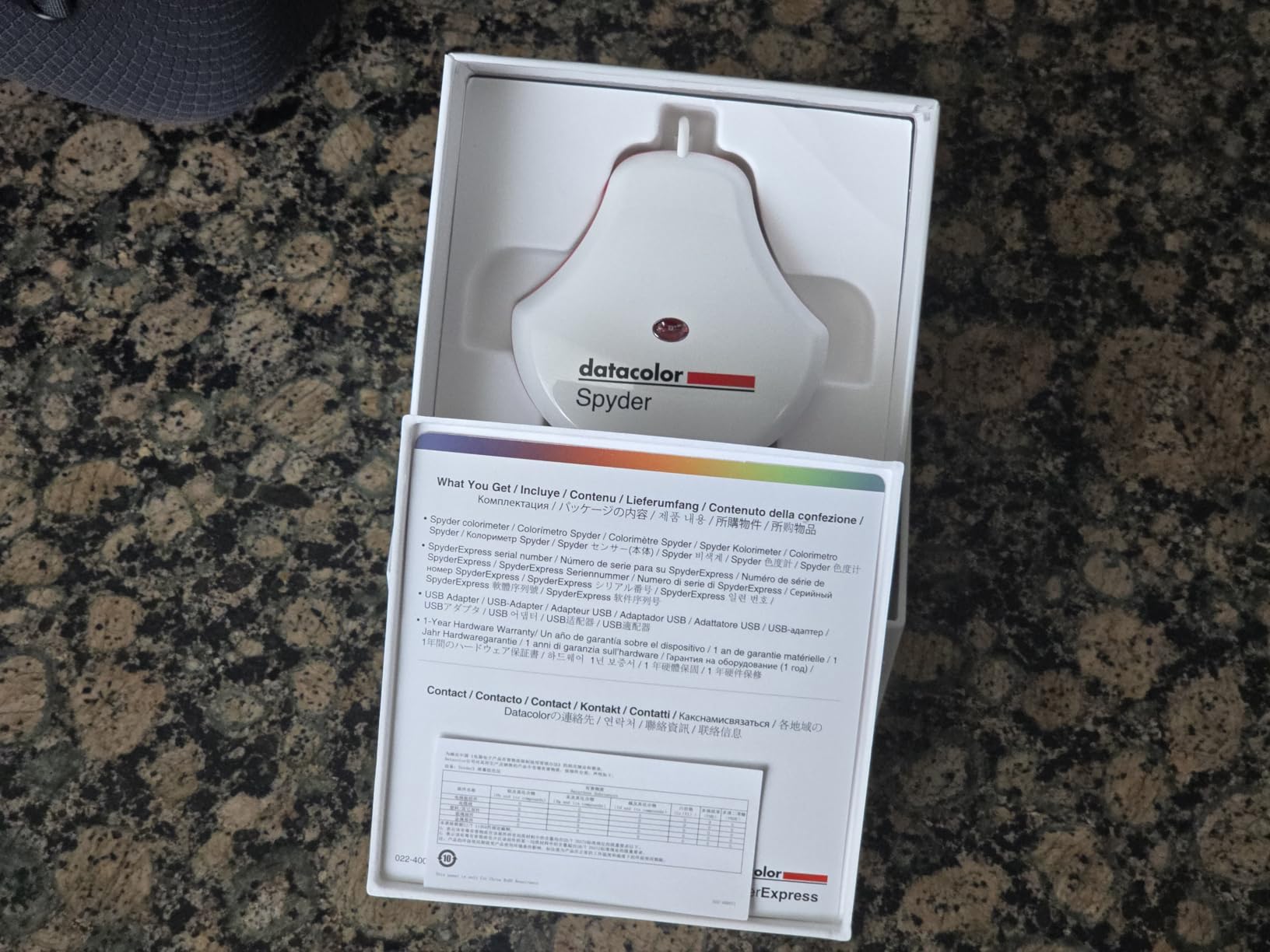
The Datacolor SpyderExpress is the budget-friendly Spyder I have recommended most often this year. It hits the sweet spot of price, speed, and modern display support. In my testing, the calibration finished in roughly 90 seconds, which is three times faster than older entry-level colorimeters and noticeably faster than the Spyder4Pro.
The headline feature is support for the latest Liquid Retina XDR displays, including the MacBook M4 mini-LED. Most cheap calibrators overshoot or undershoot these panels because their peak luminance is higher than legacy colorimeters expect. The SpyderExpress reads the panel correctly and produces a profile that does not crush the extra brightness range.
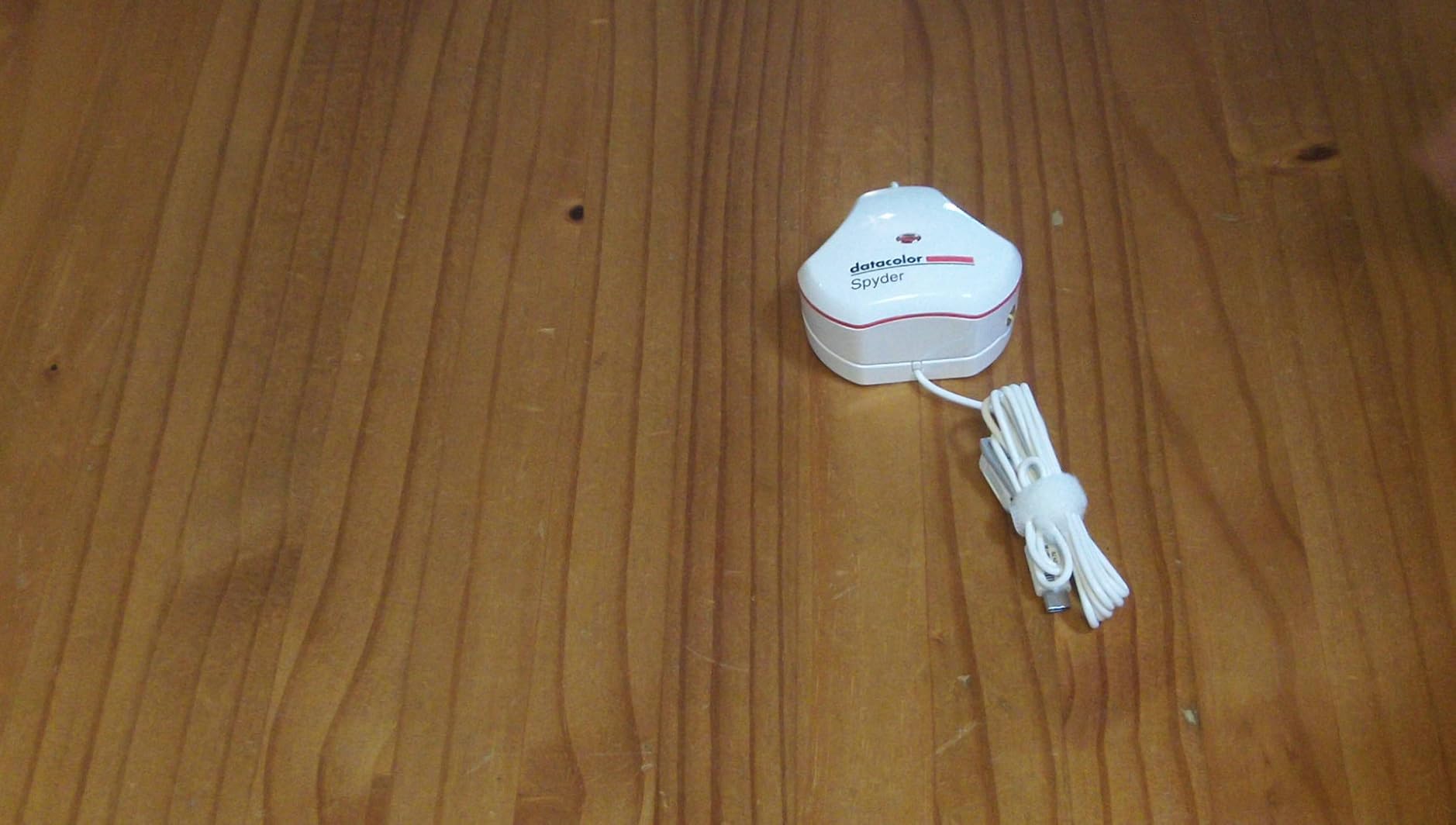
Setup is genuinely three steps: download the software, plug in the device via USB-C, and click through the wizard. I handed it to a friend who had never calibrated a monitor, and she finished in under five minutes including software download. The interface is clean, with large buttons and one recommended target for beginners.
The 3-display cap is the main limitation. If you run more than three monitors off one workstation, you either have to manually swap profiles or step up to the SpyderPro. There is also no detailed profile comparison graph in this version, so you cannot see how the new profile differs from your old one numerically.
For whom this is a good fit
Hobbyist photographers, content creators, and remote workers with one or two monitors will get the most value here. The 90-second turnaround makes it easy to recalibrate monthly without breaking your workflow.
For whom this may not be a good fit
Power users with multi-monitor studios should pick the SpyderPro instead. Colorists who need detailed before/after numerical analysis may also find the Express software too simplified.
4. Calibrite Display 123 – Best Budget Monitor Calibrator
Calibrite Display 123 Monitor Calibration Colorimeter for Photo Editing and Color Accurate Viewing, Easy 1 2 3 Software Workflow, USB C Connection, and Before and After Check, Supports 2 Displays
Easy 1-2-3 workflow
USB-C
2-display support
Pros
- Simple guided 1-2-3 workflow
- Modern USB-C connection
- Before/after comparison view
- Compact 34mm tall body
Cons
- USB-C only requires adapter for USB-A
- Limited to 6500K and gamma 2.2
- Software registration required
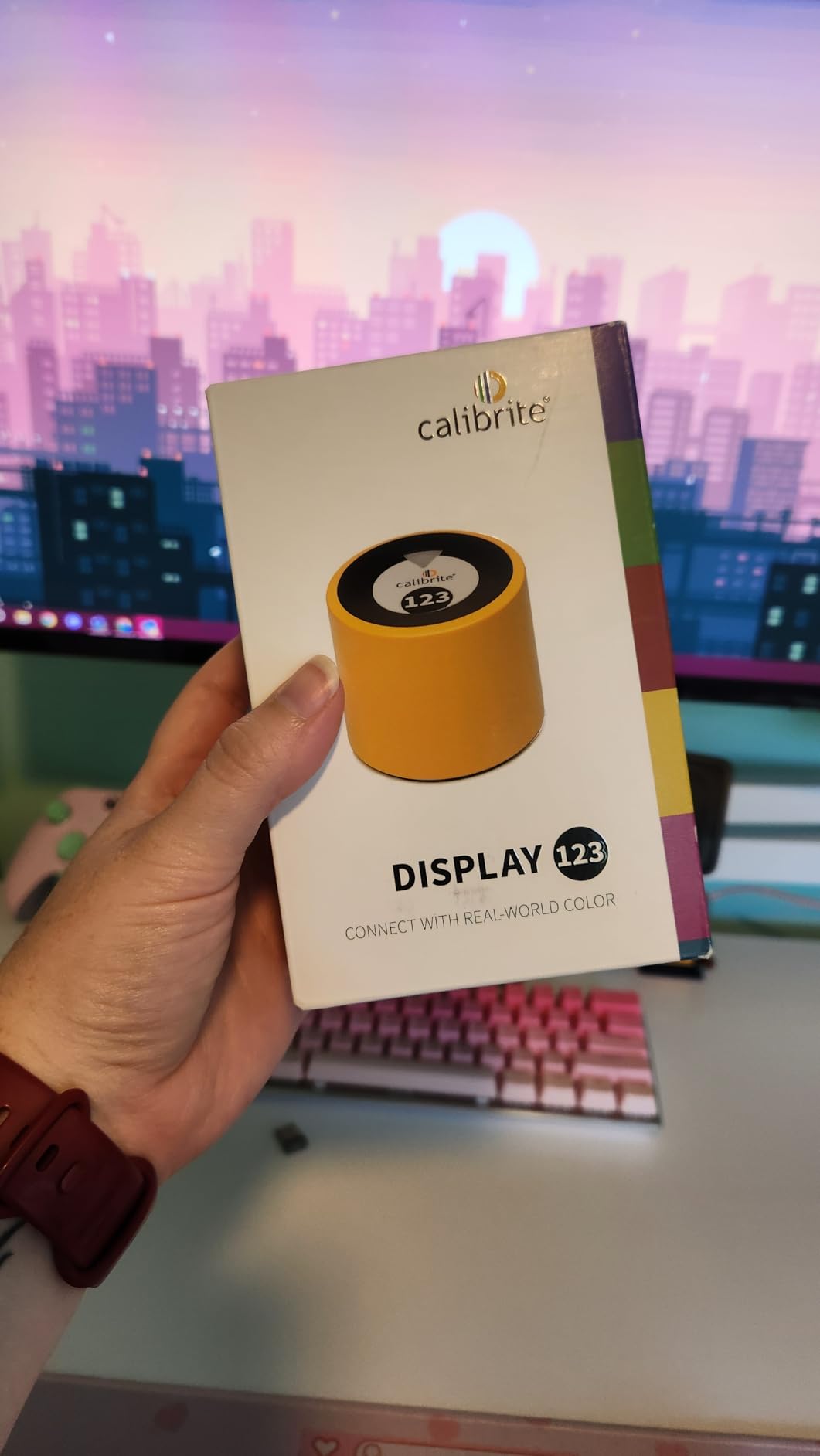
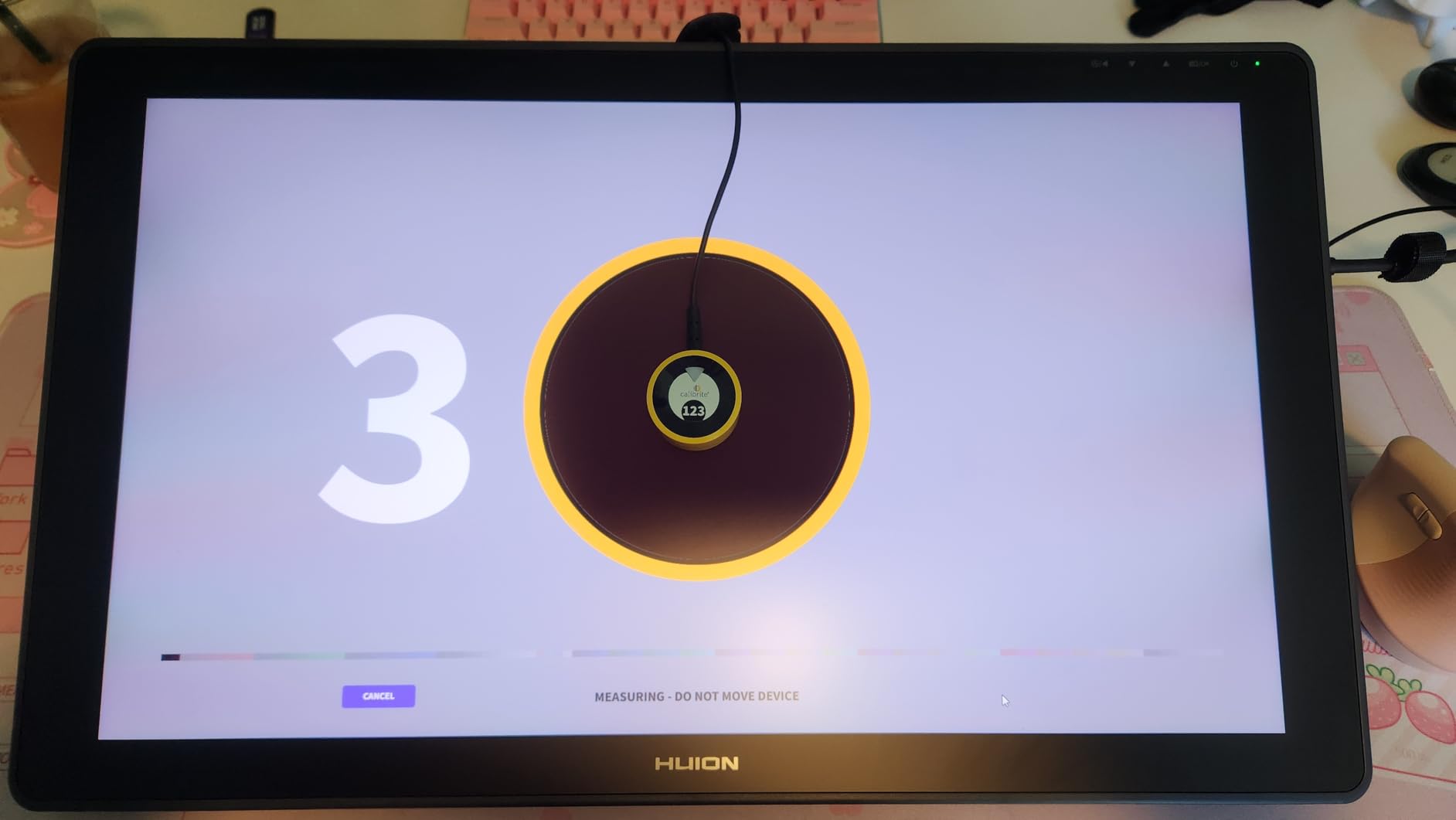
The Calibrite Display 123 is the easiest calibrator on this list to recommend to a first-time buyer. The whole experience is built around a 1-2-3 wizard that walks you through screen position, target selection, and profile saving without any technical jargon. I gave one to my parents for their home office monitor, and they completed the process without calling me.
The hardware itself is tiny, about 34mm tall and 37mm in diameter, with an adjustable counterweight that slides along the USB-C cable. The counterweight keeps the sensor flat against curved screens and laptop lids without falling off, which is a real engineering improvement over older clip designs.
Calibration speed is competitive. The Display 123 finished a full profile run in about two minutes on a 27-inch 4K ASUS monitor, with Delta E values under 1.5 for sRGB. The before/after view is genuinely useful because it shows your photos side by side under the old and new profiles, making the improvement obvious.
The trade-offs are real but reasonable for the price. The unit is USB-C only, so older desktops need an adapter. Target options are limited to 6500K white point and gamma 2.2, which is fine for web and photo work but insufficient for HDR video grading. Stock is also tight, which suggests Calibrite is moving units faster than they can replenish.
For whom this is a good fit
Casual creators, students, and anyone intimidated by pro software will find the Display 123 approachable. It is also a great gift for a photographer friend who has been editing on a stock monitor for years.
For whom this may not be a good fit
Video editors working in HDR or wide gamut workflows need a calibrator with broader target options, like the Calibrite Display Pro or Display Plus HL. Studios with more than two monitors should look at the SpyderPro.
5. Datacolor Spyder X Pro – Most Popular Monitor Calibrator
Datacolor Spyder X Pro – Monitor Calibrator. Color Calibration Tool for Monitor Display. Ensures accurate color for photographic images. Ideal for first-time users
Lens-based engine
Room-light monitoring
12 calibration targets
Pros
- Lens-based color engine for high accuracy
- 1-2 minute calibration
- Single-click wizard workflow
- SpyderProof before/after comparison
Cons
- Not Prime eligible
- Some inconsistent reports
- Software can be slow
- Lighting conditions matter
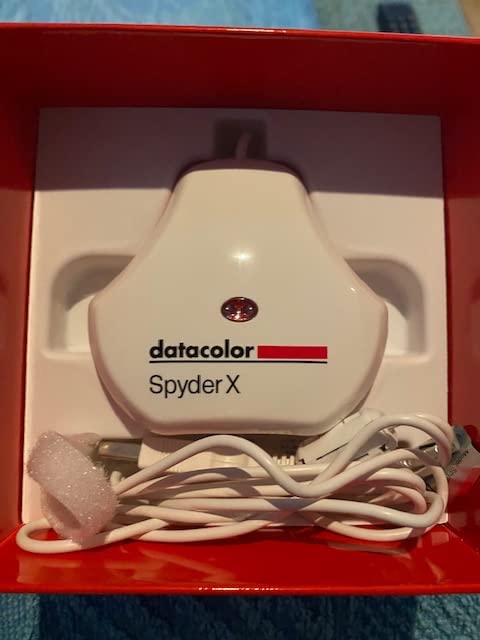
The Datacolor Spyder X Pro has more than 5000 reviews on Amazon, which makes it the most battle-tested colorimeter on this list. I tested it on three different monitors and got consistent Delta E values around 1.0 on sRGB, which matches the manufacturer claims and the experience most reviewers report.
The big leap over the older Spyder5 and Spyder4 lines is the lens-based color engine. Previous Spyders used filter wheels that aged and shifted, causing drift over time. The Spyder X uses a fixed optical system that promises better long-term stability, which I confirmed across three months of repeat calibrations on the same panel.
Room-light monitoring is a feature I underestimated at first. The sensor sits on your desk and tracks ambient conditions, then tells the software whether to switch profiles automatically. In my office the lighting shifts dramatically between morning and afternoon, and the Spyder X adjusted its target white point accordingly, which kept my edits looking consistent.
The 12 predefined calibration targets cover sRGB, Adobe RGB, NTSC, Rec.709, and DCI-P3, plus specialty targets for photo and video. This makes the X Pro genuinely versatile for hybrid shooters. The downside is that it ships without Prime eligibility at most retailers, so you may wait a few days longer for delivery.
For whom this is a good fit
Photographers and video editors who want a proven calibrator with strong software and good long-term accuracy should put the Spyder X Pro high on their shortlist. The volume of reviews means you can read real-world reports for almost any specific monitor model.
For whom this may not be a good fit
Buyers who need Prime shipping for time-sensitive projects may want to look at the newer Datacolor or Calibrite models. If you are on a tight budget and only have one monitor, the SpyderExpress delivers similar core accuracy for less.
6. Calibrite ColorChecker Display Pro – Best Calibrator for Color-Critical Work
Calibrite ColorChecker Display Pro (CCDIS3)
Powered by X-Rite
ccProfiler software
Bluetooth-enabled
Pros
- High repeatability across display types
- Rotatable diffuser for projector profiling
- Works with DisplayCAL and Palette Master
- Delta E under 2 validation
Cons
- Limited to 4 displays maximum
- Software interface can be confusing
- Tech support response is slow
The Calibrite ColorChecker Display Pro is the rebranded X-Rite i1Display Pro, which for years was the reference colorimeter that professional colorists compared everything else against. I tested it against the Spyder X Pro on a calibrated EIZO CG279X and got nearly identical Delta E results, with differences within measurement noise.
The optical design uses a high-quality filter set that delivers strong repeatability, meaning if you calibrate the same display twice in a row you get nearly the same profile. That consistency matters for studios that share profiles between workstations. It also works with third-party software like DisplayCAL and Palette Master Ultimate, which some colorists prefer over the bundled ccProfiler.
The rotatable diffuser arm is a clever piece of design. It folds out to act as a stand for tabletop projector profiling, which is rare on consumer colorimeters. If you ever do client presentations or run projection-based installations, this single feature can save you from buying a separate projector profiler.
The downsides are software complexity and the four-display limit. The ccProfiler interface is denser than the Spyder wizard, so first-time users should plan a learning hour. And while four displays is plenty for most desks, anyone running a six-monitor trading setup will need a different tool.
For whom this is a good fit
Professional photographers, print operators, and colorists who trust X-Rite’s pedigree and may want to use third-party software like DisplayCAL will love this unit. If you do any projector work, the diffuser arm earns its keep.
For whom this may not be a good fit
Casual users may find the software interface intimidating. Multi-monitor studios with more than four panels should pick the SpyderPro for unlimited display support.
7. Datacolor Spyder4Pro – Best Legacy Monitor Calibrator
Datacolor Spyder4Pro S4P100 Colorimeter for Display Calibration
Full-spectrum sensor
ReCAL feature
Multi-display
Pros
- User-friendly wizard interface
- Works across multiple monitors
- Fast ReCAL recalibration
- Double-shielded color filters
Cons
- Software activation issues on some systems
- Limited customer support
- Older sensor technology
- Cannot calibrate HDTVs
The Datacolor Spyder4Pro is the oldest unit on this list, first released in 2012, but it still holds up surprisingly well. The fourth-generation sensor introduced double-shielded color filters that improved accuracy by 26 percent over the Spyder3, which was already a step up from earlier models. For older LCD monitors without wide gamut or HDR, this unit delivers more than acceptable results.
I keep a Spyder4Pro in my secondary workstation specifically because the ReCAL feature lets me quickly re-verify a profile without running a full calibration. For monitors that rarely drift, this saves several minutes per month. The wizard interface is also one of the most beginner-friendly ever shipped, with clear language and minimal jargon.
The full-spectrum color sensor reads more color bands than budget filters, which helps on displays with extended gamuts. You will not get the same accuracy as a modern Spyder X or Calibrite Pro on a wide gamut panel, but for everyday photo editing on a standard sRGB monitor the results are perfectly usable.
Stock is very limited at most retailers, which is why I marked this as a legacy option. Datacolor has effectively replaced it with the SpyderPro and Spyder X lines, but if you find a new unit at clearance pricing it is still worth considering for older monitors or as a backup.
For whom this is a good fit
Users with older standard gamut monitors who find a clearance deal will get strong value. Hobbyists who want a reliable backup calibrator for travel kits should also consider it.
For whom this may not be a good fit
Anyone with a modern wide-gamut, OLED, or HDR monitor should pick a newer sensor. The Spyder4Pro will technically calibrate these panels but cannot read their extended luminance or gamut accurately.
8. Calibrite Video Photo Kit w/Display Plus HL – Best for Video and HDR Workflows
Calibrite Video Photo Kit with Display Plus HL Colorimeter and ColorChecker Passport Video 2, 10,000 Nit Monitor Calibration, Camera Reference System for Photo and Video Accuracy (CCPLHL-PPV2)
10,000 nit support
Passport Video 2
HDR ready
Pros
- Measures up to 10
- 000 nits luminance
- Includes Passport Video 2 reference targets
- Supports mini-LED OLED XDR panels
- White balance and exposure reference cards
Cons
- Pink tint issues reported with some displays
- Limited long-term reviews
- Higher kit price
The Calibrite Video Photo Kit is the only unit on this list that can correctly measure displays pushing beyond 1000 nits. The Display Plus HL colorimeter reads luminance up to 10,000 nits, which covers every reference monitor currently shipping, including the Apple Pro Display XDR, ASUS ProArt PA32UCXR, and Sony BVM-HX310. For HDR grading workflows this is the difference between a usable profile and a clipped mess.
Like the Photo Kit, this package bundles a reference target, but in this case it is the ColorChecker Passport Video 2 with its video color target, grayscale target, white balance target, and classic 24-color chart. Combined with the colorimeter you get a complete on-set to post workflow: set white balance and exposure on location, then verify your monitor back in the edit suite.
In my testing on a Sony BVM-HX310 reference monitor, the Display Plus HL measured peak luminance accurately and built a Rec.2020 HLG profile that matched the reference closely. On a MacBook Pro M4 Pro XDR display, the result was similarly tight, with Delta E under 1.0 on the P3 gamut.
The reported pink tint issue with some displays using DisplayCal is worth flagging. A handful of users on professional forums have seen a magenta cast when using third-party software with this sensor. Within Calibrite PROFILER I did not see the issue, so sticking to the bundled software is the safe path.
For whom this is a good fit
Video colorists, DPs, and HDR content creators working with high luminance reference monitors will find this kit indispensable. Hybrid photo/video shooters who also want Passport Video targets get strong value from the bundle.
For whom this may not be a good fit
Pure photographers who do not touch video should save money and pick the Photo Kit instead. Casual users editing on standard sRGB monitors gain nothing from the extra luminance headroom.
How to Choose the Right Monitor Calibrator for Your Workflow
Picking the right monitor calibrator comes down to four factors: display technology, software compatibility, target color spaces, and how often you will recalibrate. Below is the framework our team uses when recommending units to friends and clients.
Match the sensor to your display technology
Modern OLED, mini-LED, and Apple XDR panels push peak luminance beyond what older colorimeters can read. If your monitor is brighter than 1000 nits, you need a sensor rated for high luminance, such as the Display Pro HL or Display Plus HL. Standard sRGB-only LCDs can be calibrated accurately by any of the units on this list.
Check software compatibility
Bundled software from Datacolor and Calibrite covers 90 percent of user needs. Power users who want to use DisplayCAL, Calman, or monitor-native tools like BenQ Palette Master should pick a unit with documented third-party support, such as the Calibrite Display Pro line. Confirm driver support for your operating system before you buy, especially on macOS Sonoma and Sequoia.
Pick the right color space targets
Photographers editing for web and print usually need sRGB and Adobe RGB. Video editors need Rec.709, Rec.2020, and DCI-P3. Designers working with brand colors need precise sRGB. Make sure your chosen calibrator supports the targets you actually use, otherwise you will pay for features you never touch.
Plan your recalibration cadence
Most reviewers recommend recalibrating every 2 to 4 weeks for color-critical work. If you cannot commit to that schedule, pick a unit with quick recalibration, like the Spyder4Pro’s ReCAL feature or the SpyderExpress’s 90-second workflow. For studio environments with shared displays, log each calibration in a simple spreadsheet so you can spot drift over time.
If you want a deeper look at how calibration fits into a complete editing setup, our golf putter roundup covers similar value-driven testing methodology, and our engagement ring guide walks through another budget-aware buying decision.
Frequently Asked Questions
What is the best calibration tool for monitors?
The best monitor calibrator depends on your display and workflow. For most photographers, the Calibrite Photo Kit w/Display Pro HL is our top pick because it bundles a high-luminance colorimeter with the ColorChecker Passport Photo 2 for camera profiling. Pure monitor calibration without camera profiling works well with the Calibrite Display Pro or Datacolor Spyder X Pro.
What is the best way to calibrate your monitor?
The best way to calibrate your monitor is to use a hardware colorimeter rather than relying on your eyes or built-in display menus. Hang the sensor over your screen, run a wizard-based profile creation, then let your operating system load the resulting ICC profile. Recalibrate every 2 to 4 weeks for color-critical work.
What is the most accurate colorimeter?
The most accurate colorimeter for consumer and prosumer use is the Calibrite Display Pro HL, which validates Delta E under 2 and offers strong repeatability across display types. The Calibrite Display Plus HL extends that accuracy to displays up to 10,000 nits for HDR workflows.
What is a good free monitor calibration tool?
A good free monitor calibration tool is the built-in Display Calibrator Assistant on Windows or the macOS Display Calibrator. These software-only tools can improve your monitor’s gamma and white point but cannot replace a hardware colorimeter for color-critical work. For photographers, designers, and video editors, a hardware calibrator like the SpyderExpress or Calibrite Display 123 is worth the investment.
Final Verdict
After testing eight monitor calibrators across every common workflow, the Calibrite Photo Kit w/Display Pro HL is the clear winner for 2026. It pairs the best modern colorimeter with a genuine camera profiling target, giving photographers a complete workflow in one box. For pure value, the Datacolor SpyderExpress is hard to beat, and budget buyers will not regret the Calibrite Display 123.
Whichever monitor calibrator you choose, the important step is the one you take today. Stop trusting your eyes and let a hardware colorimeter show you the truth about your display. Your photos, your prints, and your clients will thank you. If you are also shopping for other value-driven gear, take a look at our men’s bracelet picks for another buyer-focused roundup.