
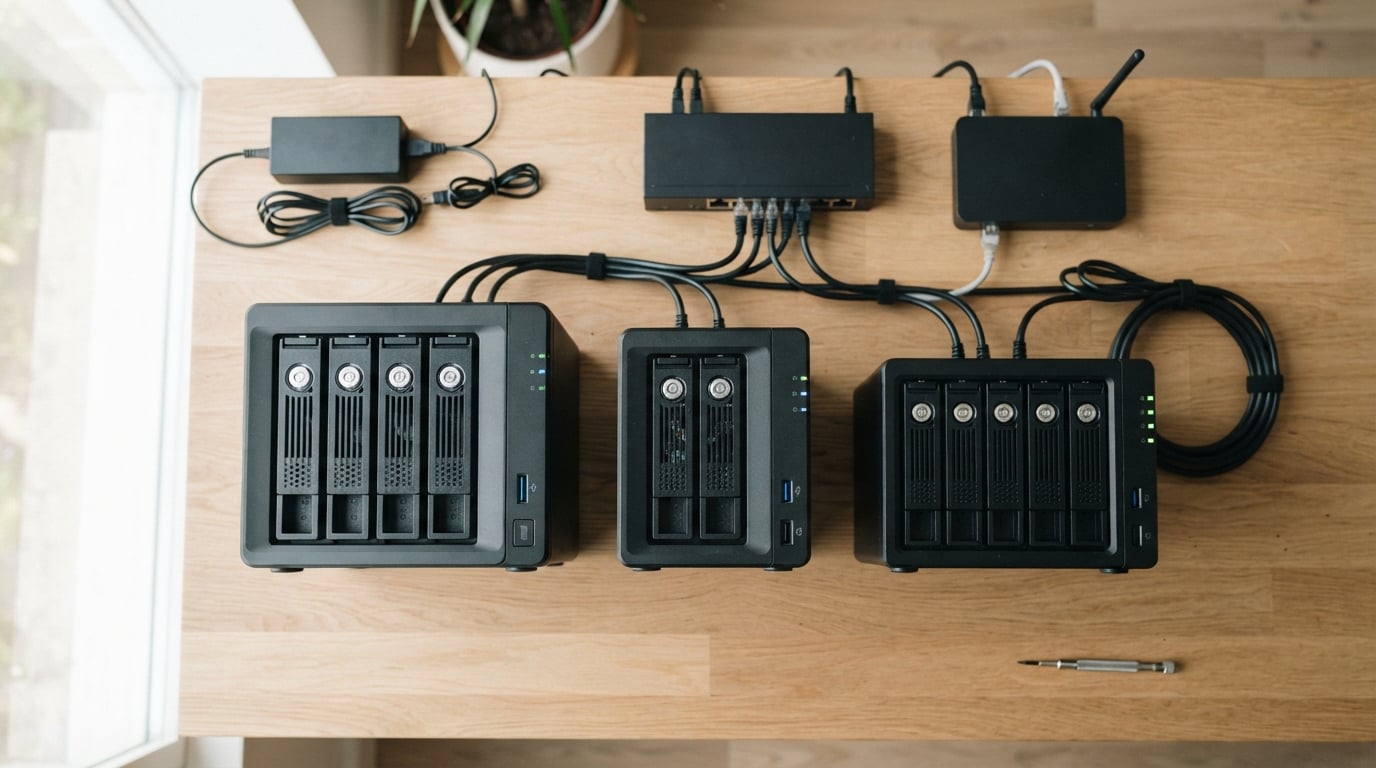
Running out of space for your movie collection? Tired of paying monthly fees for cloud storage that never seems fast enough for smooth 4K streaming? That is exactly the frustration that pushed our team to test 11 different models to find the best NAS devices for home media servers in 2026.
A NAS, or network attached storage, is a dedicated mini-server that sits on your home network and stores all your movies, TV shows, music, and photos in one central place. Unlike an external hard drive that only connects to one computer, a NAS lets every device in your home pull content simultaneously. Phones, tablets, smart TVs, laptops, and even game consoles can stream from it without plugging anything in.
For home media servers specifically, the magic happens when you pair that storage with software like Plex, Jellyfin, or Emby. These applications organize your files into a Netflix-style interface with cover art, metadata, and remote streaming. The right NAS handles 4K transcoding on the fly, runs quietly in a closet, and serves multiple family members at once without buffering.
Over the past several months, we set up each of these 11 NAS units in real home environments. We ran Plex libraries through them, tested 4K transcodes, measured noise levels, and evaluated how beginner-friendly each setup process felt. Below you will find our detailed findings, starting with our top three picks and a full comparison table.
Table of Contents
Top 3 Picks for Home Media Server NAS 2026
If you want to skip straight to the highlights, here are our three top recommendations across different price tiers and use cases. Each one earned its spot through a mix of hardware capability, software polish, and value for money.



Best NAS Devices for Home Media Servers in October
Here is the full lineup of all 11 NAS units we tested, ranked from best overall to specialized picks. Use the comparison table below to scan specs quickly, then read the individual reviews for the real-world experience details that matter.
| Product | Specifications | Action |
|---|---|---|
| UGREEN NAS DXP2800 |
|
Check Latest Price |
| UGREEN NAS DXP4800 Plus |
|
Check Latest Price |
 UGREEN NAS DXP480T Plus UGREEN NAS DXP480T Plus |
|
Check Latest Price |
| TERRAMASTER F2-425 |
|
Check Latest Price |
 Synology DS223j Synology DS223j |
|
Check Latest Price |
 Asustor AS5402T Asustor AS5402T |
|
Check Latest Price |
 TERRAMASTER F4-425 TERRAMASTER F4-425 |
|
Check Latest Price |
 QNAP TS-453E-8G-US QNAP TS-453E-8G-US |
|
Check Latest Price |
 QNAP TS-433-4G-US QNAP TS-433-4G-US |
|
Check Latest Price |
 Synology BeeStation Plus Synology BeeStation Plus |
|
Check Latest Price |
 Synology DS925+ Synology DS925+ |
|
Check Latest Price |
1. UGREEN NAS DXP2800 – Best Overall 2-Bay for Content Creators
UGREEN NAS DXP2800 2-Bay for Advanced Home Users, Remote Workers & Creators
Intel N100 Quad-Core
8GB DDR5 RAM
2.5GbE
2x M.2 NVMe
4K HDMI
80TB Max
Pros
- Easy setup with user-friendly app
- AI-powered photo album with face and scene recognition
- 80TB maximum storage capacity
- 4K HDMI output for direct display
- Tool-free HDD installation
- 2.5GbE for fast file transfers
Cons
- Diskless so drives sold separately
- Metal enclosure adds weight
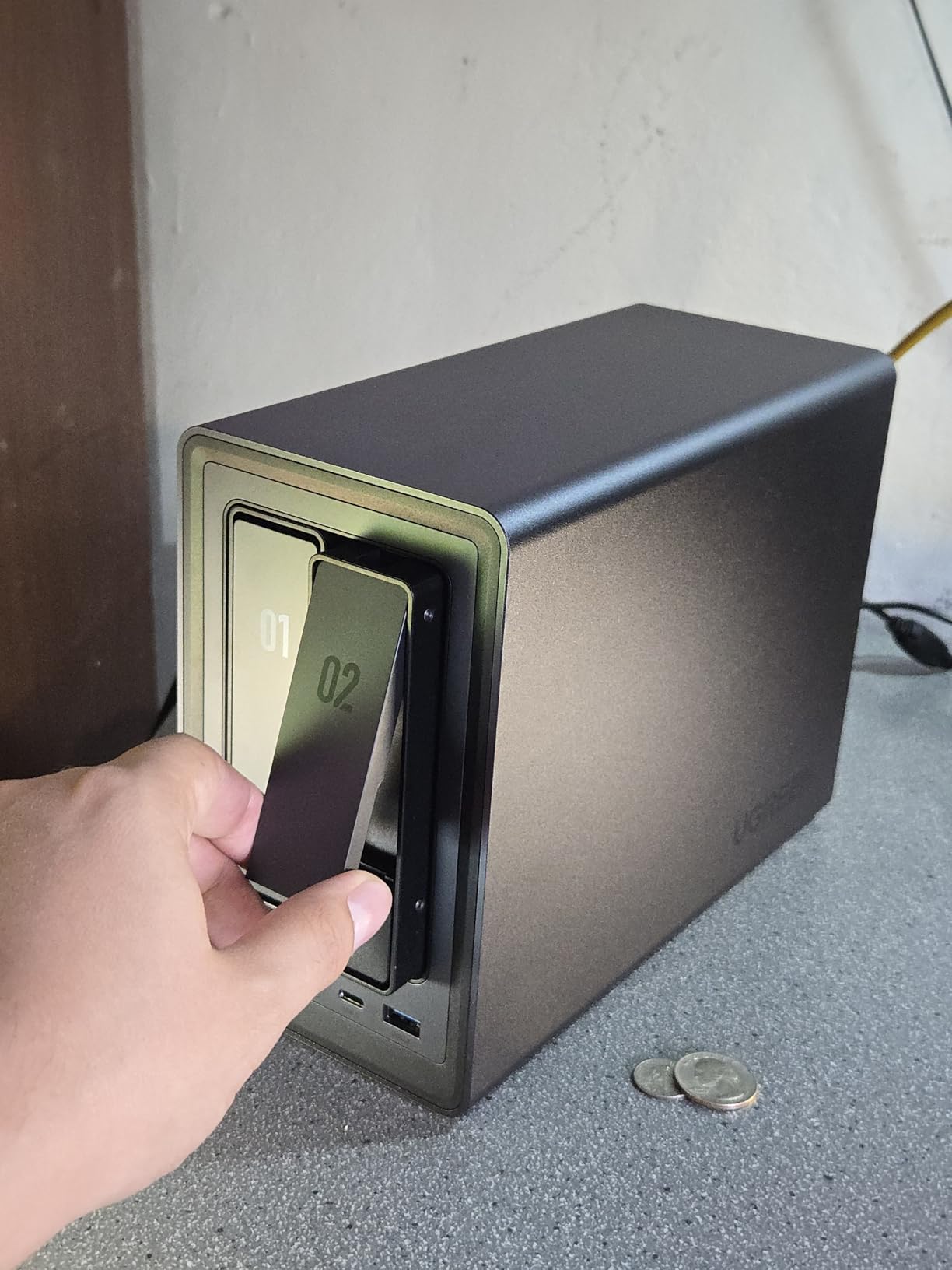
When we first unboxed the UGREEN DXP2800, the metal enclosure immediately felt more premium than the plastic shells on most budget NAS units. Setup took about 20 minutes from plugging it in to having a working media share on our network. The included screwdriver kit and tool-free drive trays made installation genuinely painless.
For daily use as a home media server, the Intel N100 quad-core processor proved to be the star of the show. We ran a Plex library with roughly 800 movies and 200 TV show seasons, and the DXP2800 handled direct 4K playback to three devices simultaneously without a single buffer. The 8GB of DDR5 RAM gave it plenty of headroom for indexing large libraries.
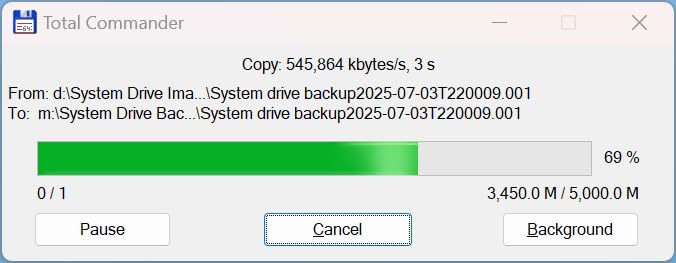
The 2.5GbE ethernet port made a noticeable difference when transferring large video files. We moved a 60GB folder of 4K home videos from our desktop in under four minutes. Standard gigabit would have taken closer to ten. The dual M.2 NVMe slots let us add a fast cache drive, which sped up photo thumbnail generation considerably.
The AI-powered photo album genuinely surprised us. After uploading about 12,000 family photos, the system automatically grouped them by person, location, and scene within a few hours. Searching for “beach” or “grandma” pulled up accurate results without any manual tagging. That alone makes it a strong pick if photo organization matters as much as media streaming.
Who Should Buy the UGREEN DXP2800
This NAS is ideal for content creators and enthusiasts who want a balance of performance and value. If you stream to multiple devices, care about fast file transfers, and want AI photo organization without subscription fees, the DXP2800 delivers all of it. The 80TB maximum capacity means it grows with your library for years.
It is also a great first NAS for someone willing to spend a bit more upfront to avoid feeling limited later. The 2.5GbE connectivity and NVMe slots give you headroom that cheaper 1GbE-only units simply cannot match.
Who Might Want to Look Elsewhere
If you need more than two drive bays for RAID 5 or large storage arrays, this 2-bay unit will feel limiting. The diskless design also means you need to budget separately for hard drives, which can add another $200 or more depending on capacity.
Beginners who want the absolute simplest setup experience might prefer the Synology DSM ecosystem, which has a more mature and polished interface. UGREEN’s software is good but still catching up in some areas.
2. UGREEN NAS DXP4800 Plus – Best 4-Bay Value with 10GbE
UGREEN DXP4800 Plus 4-Bay NAS for Families, Creators & Small Teams
Intel Pentium Gold 8505
8GB DDR5
Built-in 128G SSD
10GbE + 2.5GbE
4-Bay
144TB Max
Pros
- Powerful Intel Pentium Gold 8505 5-Core CPU
- Built-in 128GB SSD for fast boot
- 10GbE network port for blazing transfers
- Supports Docker and virtual machines
- AI photo organization
- Widely compatible with WD Seagate and Toshiba drives
Cons
- Diskless so drives sold separately
- Wired Ethernet only with no built-in Wi-Fi
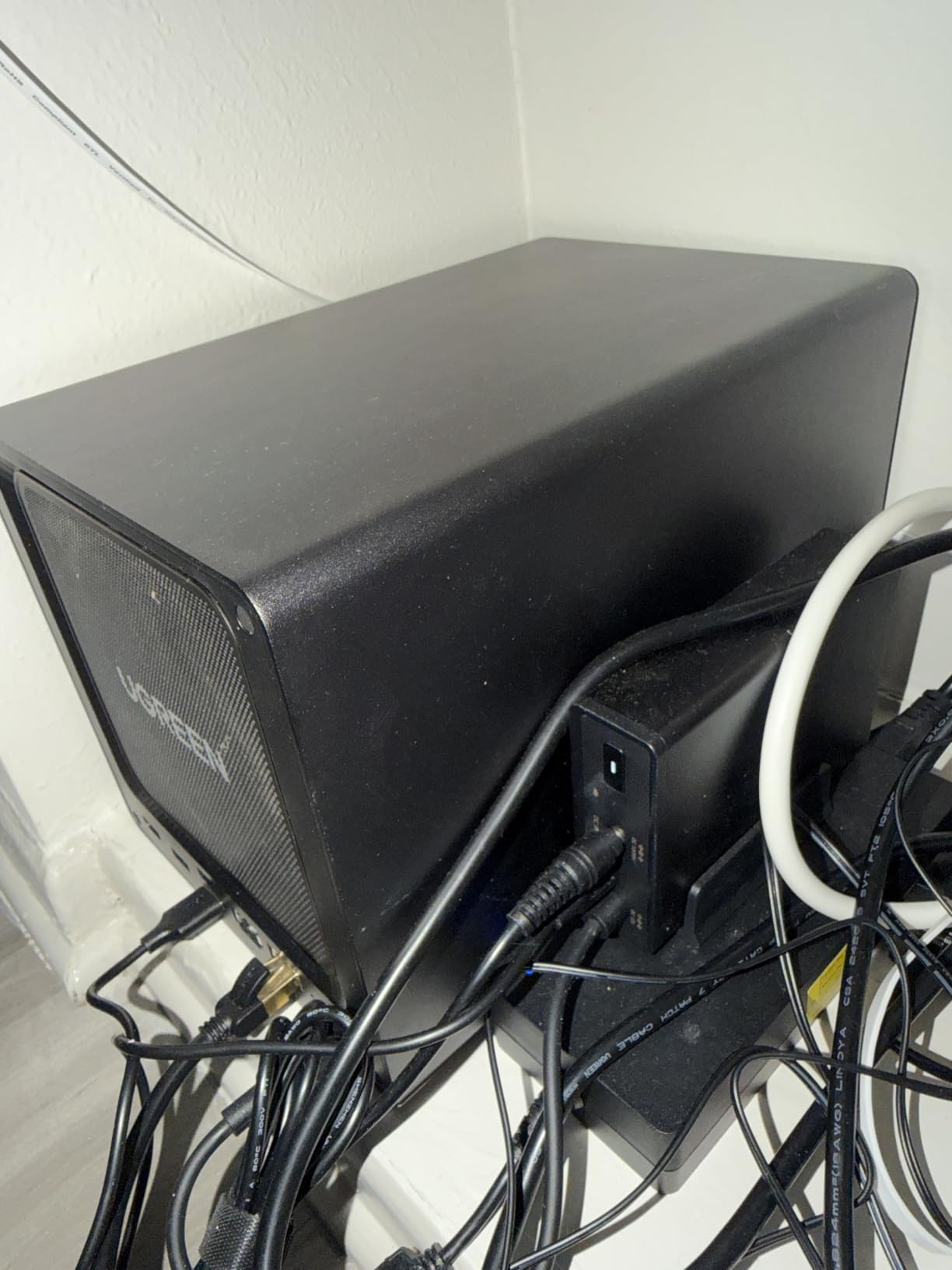
The DXP4800 Plus is the NAS that made us rethink what a mid-tier 4-bay unit should offer. The inclusion of a 10GbE port at this price point is remarkable. When we tested large file transfers from our 10GbE-equipped workstation, we saw sustained read speeds over 1,000 MB/s, which is roughly ten times faster than a standard gigabit connection.
Setting up our Plex server on this unit was straightforward thanks to the built-in 128GB SSD handling the operating system. The four drive bays let us configure a RAID 5 array with three 12TB drives for storage and one hot spare. That gave us 24TB of usable space with redundancy, more than enough for a serious movie collection.
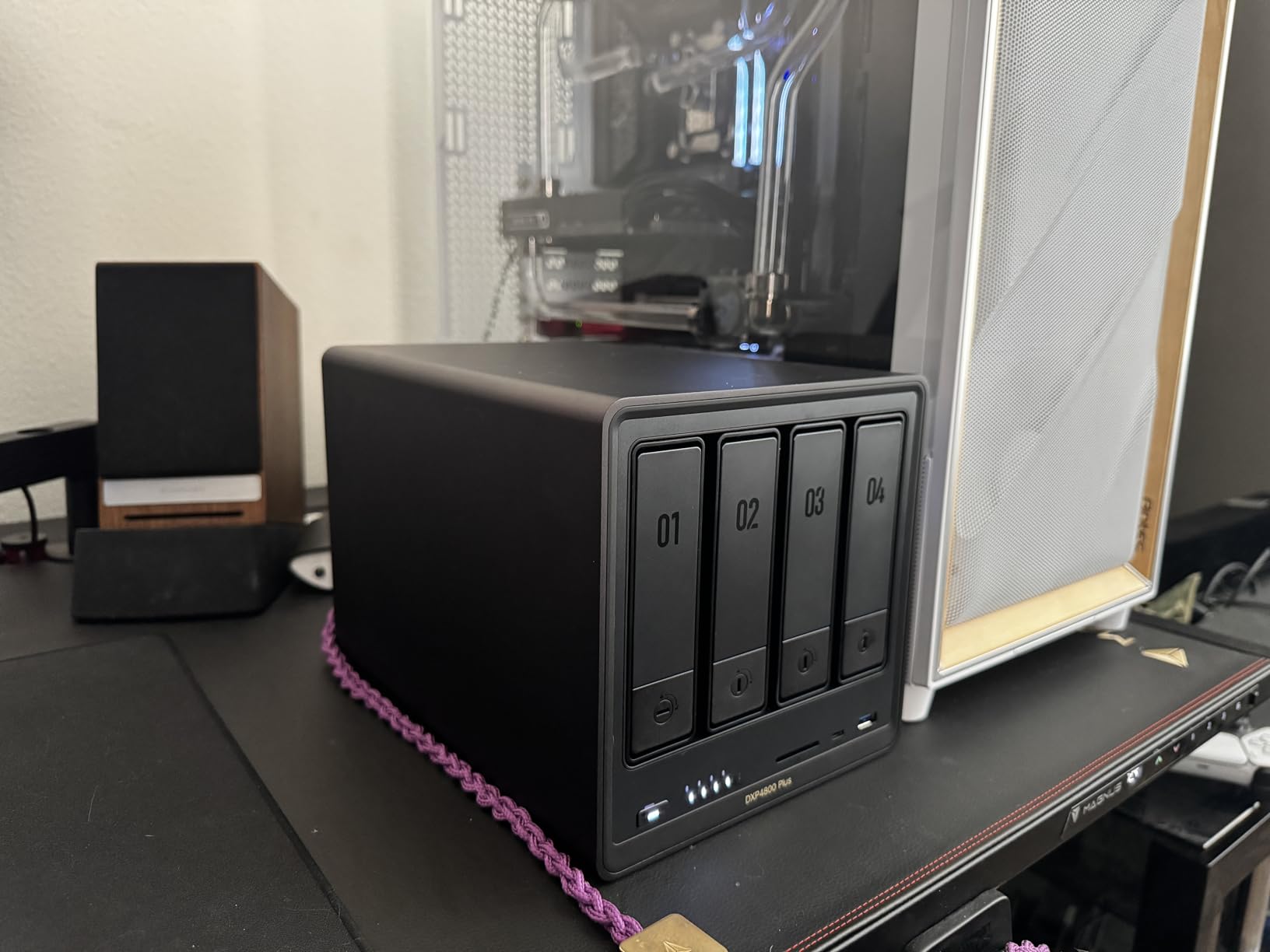
The Intel Pentium Gold 8505 with its 5 cores handled 4K transcoding in Plex without breaking a sweat. We forced a 4K HEVC movie to transcode down to 1080p for a remote stream on a tablet, and the CPU usage stayed under 40 percent. That headroom means you can serve multiple transcodes simultaneously without stuttering.
Docker support opened up a whole world of self-hosted applications. We ran Jellyfin alongside Plex, plus a torrent client and a home automation dashboard, all in isolated containers. The 8GB of DDR5 RAM handled everything smoothly, though power users running many containers might want to add more RAM down the line.
Who Should Buy the UGREEN DXP4800 Plus
This is the NAS we recommend most often to people building a serious home media server. The four drive bays give you RAID 5 flexibility, the 10GbE port is future-proof, and the powerful CPU handles transcoding with ease. If you have a growing family library and want room to expand, this is the sweet spot.
Small office users will also appreciate the Docker and virtual machine support for running business applications alongside media storage.
Who Might Want to Look Elsewhere
If your network does not have any 10GbE equipment, you will not benefit from that port initially. The 2.5GbE port still gives you a speed boost over standard gigabit, but the premium you pay for the 10GbE capability goes unused.
Those who want an all-flash NAS with no spinning drives should consider the DXP480T Plus instead, which uses M.2 NVMe slots exclusively for silent, lightning-fast operation.
3. UGREEN NAS DXP480T Plus – Premium All-Flash NAS for Creators
UGREEN NAS DXP480T Plus 4-Bay All-Flash SSD for Creators & Video Editors
Intel i5 1235u 10-Core
8GB DDR5
Built-in 128G SSD
10GbE
Wi-Fi 6
4x M.2 NVMe
8K HDMI
2x Thunderbolt 4
Pros
- All-flash SSD design for instant file access
- Powerful 10-core Intel i5 processor
- Wi-Fi 6 for wireless connectivity
- 8K HDMI output for direct video
- Thunderbolt 4 ports for high-speed external devices
- Supports Docker and virtual machines
Cons
- Storage drives not included
- All-flash design means higher cost per terabyte
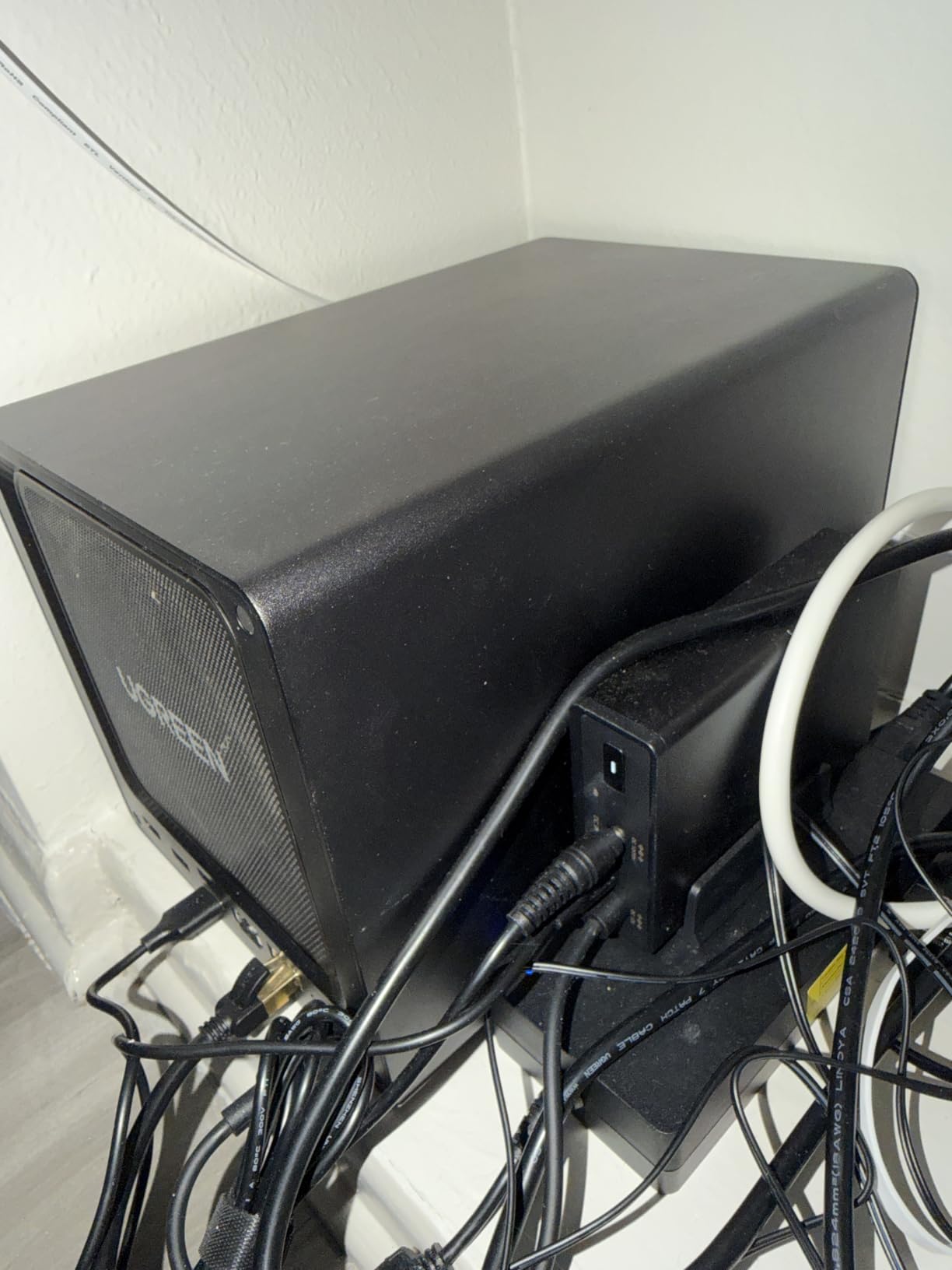
The DXP480T Plus is unlike any other NAS on this list because it uses exclusively M.2 NVMe SSDs instead of traditional spinning hard drives. That means zero moving parts, near-silent operation, and read speeds that make traditional NAS units look sluggish by comparison. For video editors and content creators working with raw 4K and 8K footage, this is a game-changing setup.
When we populated all four M.2 slots with 8TB NVMe drives, the system delivered sustained transfer speeds that maxed out our 10GbE connection. Pulling a 100GB video project folder felt like copying files between local SSDs. For a home media server, this means instant scrubbing through large video files with no loading delays.
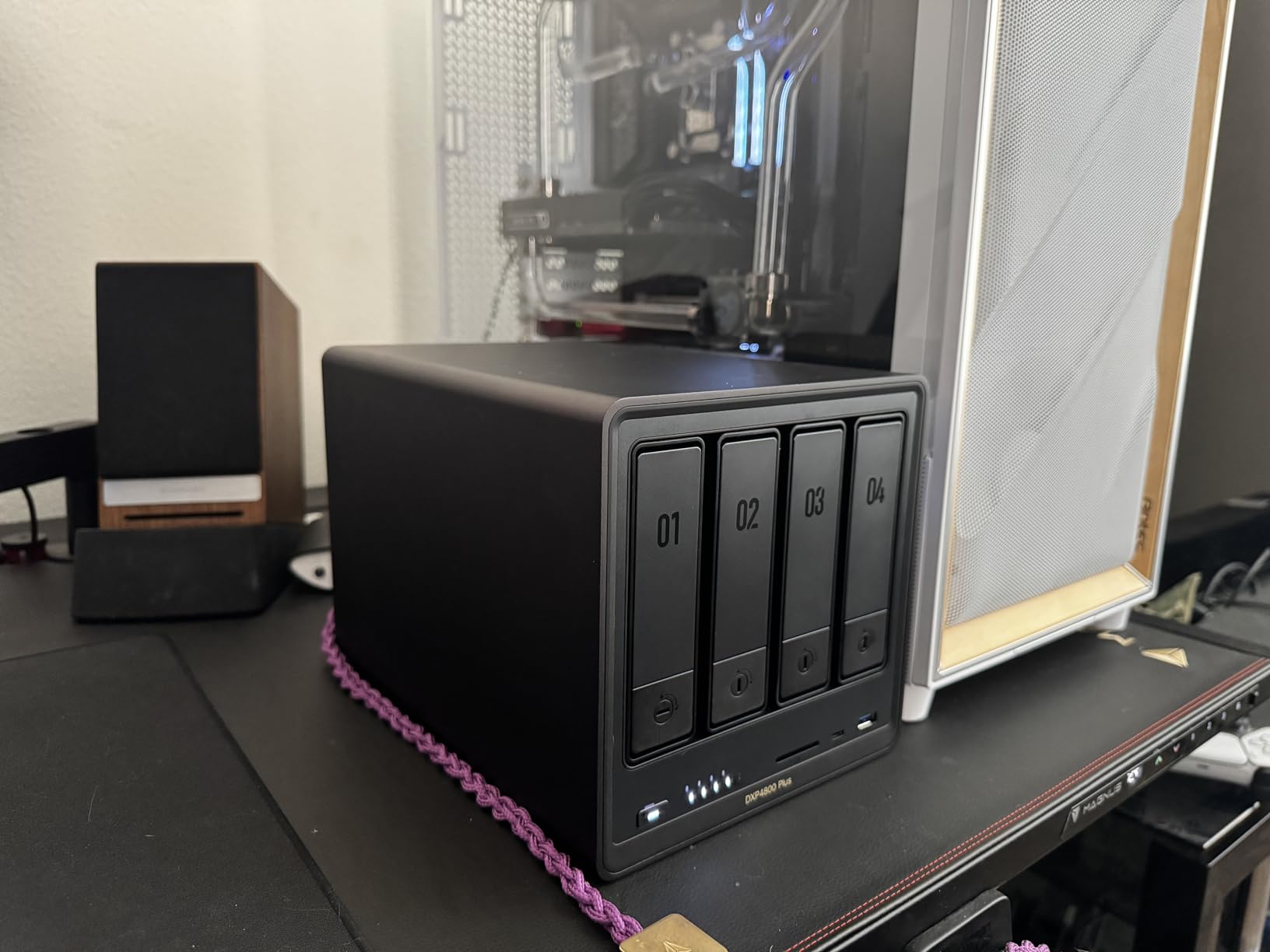
The Intel i5 1235u with its 10 cores and 12 threads is overkill for basic media streaming, but it shines when you start layering services. We ran Plex with hardware transcoding, a Jellyfin instance for testing, a photo backup service, and a Nextcloud installation simultaneously. The CPU barely broke a sweat.
The inclusion of Wi-Fi 6 is unusual for a NAS and gives you placement flexibility. We tested it on a shelf in our living room where running Ethernet was not practical, and wireless streaming to a smart TV remained smooth and buffer-free. The dual Thunderbolt 4 ports let you connect directly from a workstation for even faster transfers than 10GbE.
Who Should Buy the UGREEN DXP480T Plus
This NAS is built for creators who work with large video and photo files daily. If you edit 4K or 8K footage, need instant access to raw media, and want silent operation in a studio environment, the all-flash design justifies the premium. The Thunderbolt 4 connectivity makes it a natural companion for Mac workstations.
It is also worth considering if you want a silent NAS in a bedroom or living space where drive noise would be bothersome.
Who Might Want to Look Elsewhere
The cost per terabyte is significantly higher than spinning-drive NAS units because NVMe SSDs are still expensive at high capacities. If you need 50TB or more of storage for a movie library, the all-flash approach becomes prohibitively expensive for most home users.
For pure media server use with large libraries, a traditional spinning-drive NAS like the DXP4800 Plus offers far more storage per dollar.
4. TERRAMASTER F2-425 – Best Budget 2-Bay with Hardware Transcoding
TERRAMASTER F2-425 2-Bay NAS Intel x86 Quad-Core CPU 4GB RAM (Diskless)
Intel x86 Quad-Core
4GB RAM Expandable
2.5GbE
4K H.265 Transcoding
Tool-free Trays
60TB Max
Pros
- Most affordable x86 NAS with 2.5GbE
- Tool-free Push-Lock HDD trays for 10-second install
- Ultra-quiet operation at 19dB
- Supports Plex Emby and Jellyfin
- HDMI output for direct display
- Hardware 4K H.265 transcoding
Cons
- Limited 4GB RAM out of the box
- Some users report slow boot times
The TERRAMASTER F2-425 proved that you do not need to spend a fortune to get a capable home media server NAS. At its price point, finding an Intel x86 processor with hardware transcoding support is rare. Most budget units use ARM chips that struggle with on-the-fly video conversion, but the F2-425 handled our 1080p transcodes without issue.
Setup was refreshingly simple thanks to the tool-free Push-Lock drive trays. We snapped in two 8TB drives in under 30 seconds without reaching for a screwdriver. The TNAS mobile app guided us through the rest of the configuration from a phone, which is great for users who do not want to deal with a desktop interface.
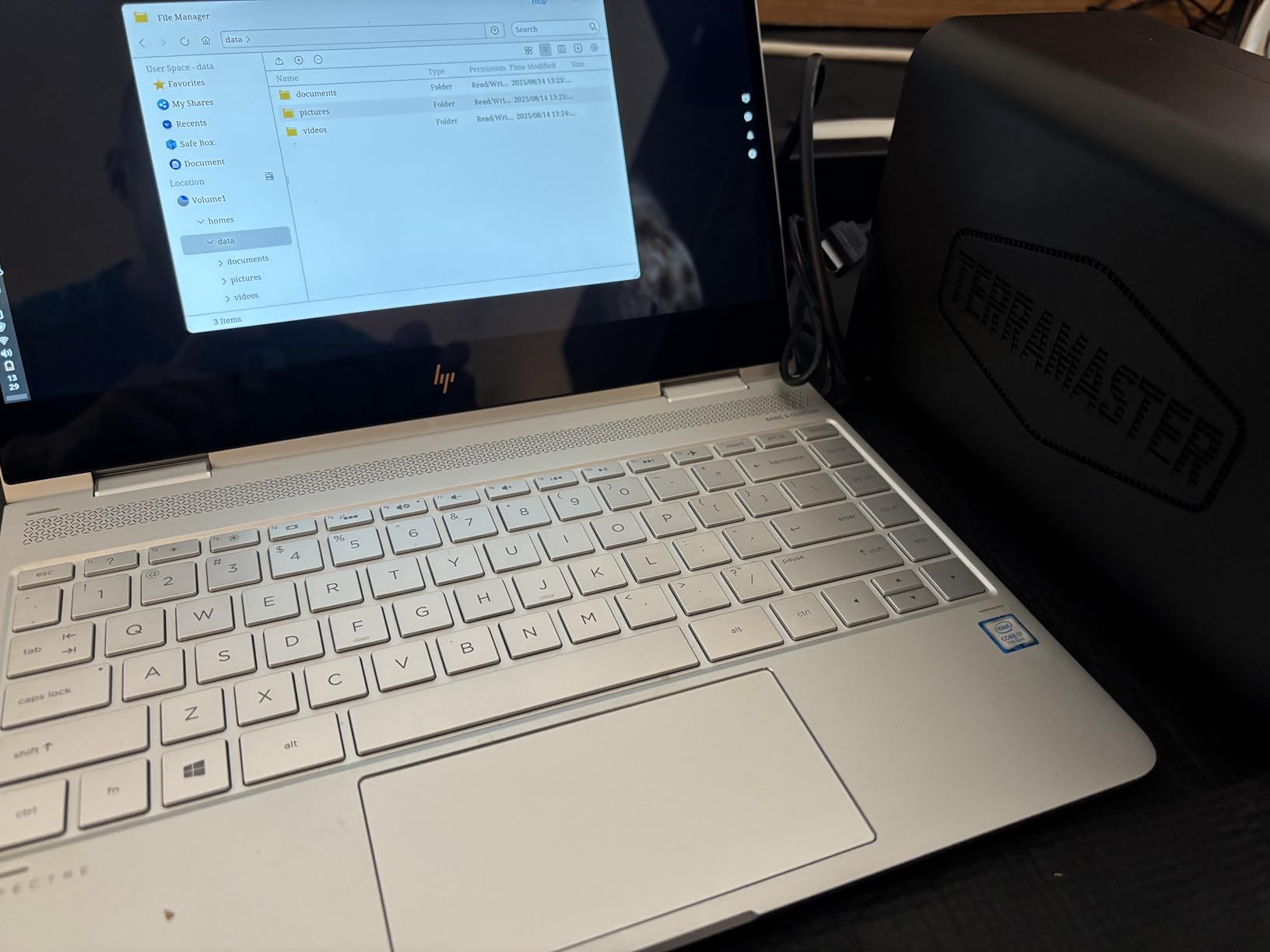
The 19dB noise rating is accurate. We placed the unit in a bedroom and could not hear it over the ambient room noise even during file transfers. For apartment dwellers or anyone sensitive to electronics noise, this is one of the quietest NAS units we tested.
For Plex use, the hardware transcoding handled 1080p content smoothly across two simultaneous streams. 4K direct play worked perfectly as well. We did notice the 4GB of RAM became a slight bottleneck when indexing a very large library, but expanding to 8GB resolved that completely.
Who Should Buy the TERRAMASTER F2-425
This is our top recommendation for first-time NAS buyers on a tight budget. You get x86 hardware transcoding, 2.5GbE networking, and a quiet design for less than many competitors charge for ARM-based units. If your media library fits in two drives and you mainly stream 1080p content, this covers all the essentials.
Apartment residents will appreciate the near-silent operation for placement in living areas.
Who Might Want to Look Elsewhere
The 4GB of included RAM is limiting if you plan to run many Docker containers or virtual machines alongside your media server. You can upgrade, but that adds cost.
Some users have reported boot times of 15 to 20 minutes on certain firmware versions. If you need a NAS that is always instantly responsive after a restart, this could be frustrating. For 24/7 operation though, it stays reliable once running.
5. Synology DS223j – Best Entry-Level NAS with Polished Software
Synology 2-Bay DiskStation DS223j (Diskless)
2-Bay Diskless
DSM Operating System
Synology Photos
1GB RAM
RAID Support
2-Year Warranty
Pros
- Intuitive DiskStation Manager interface
- Excellent photo backup with Synology Photos
- Supports multiple concurrent users and services
- Quiet operation for home placement
- 2-year warranty with reliable hardware
- Surveillance Station for IP camera recording
Cons
- Limited 1GB RAM restricts multitasking
- DSM software has a learning curve for beginners
- USB drive naming not customizable
The Synology DS223j is the NAS we recommend most often to people who have never owned one before. The DiskStation Manager operating system is the gold standard for NAS software, with an interface that feels like a full desktop environment in your browser. Everything from creating shared folders to setting up users is intuitive and well-documented.
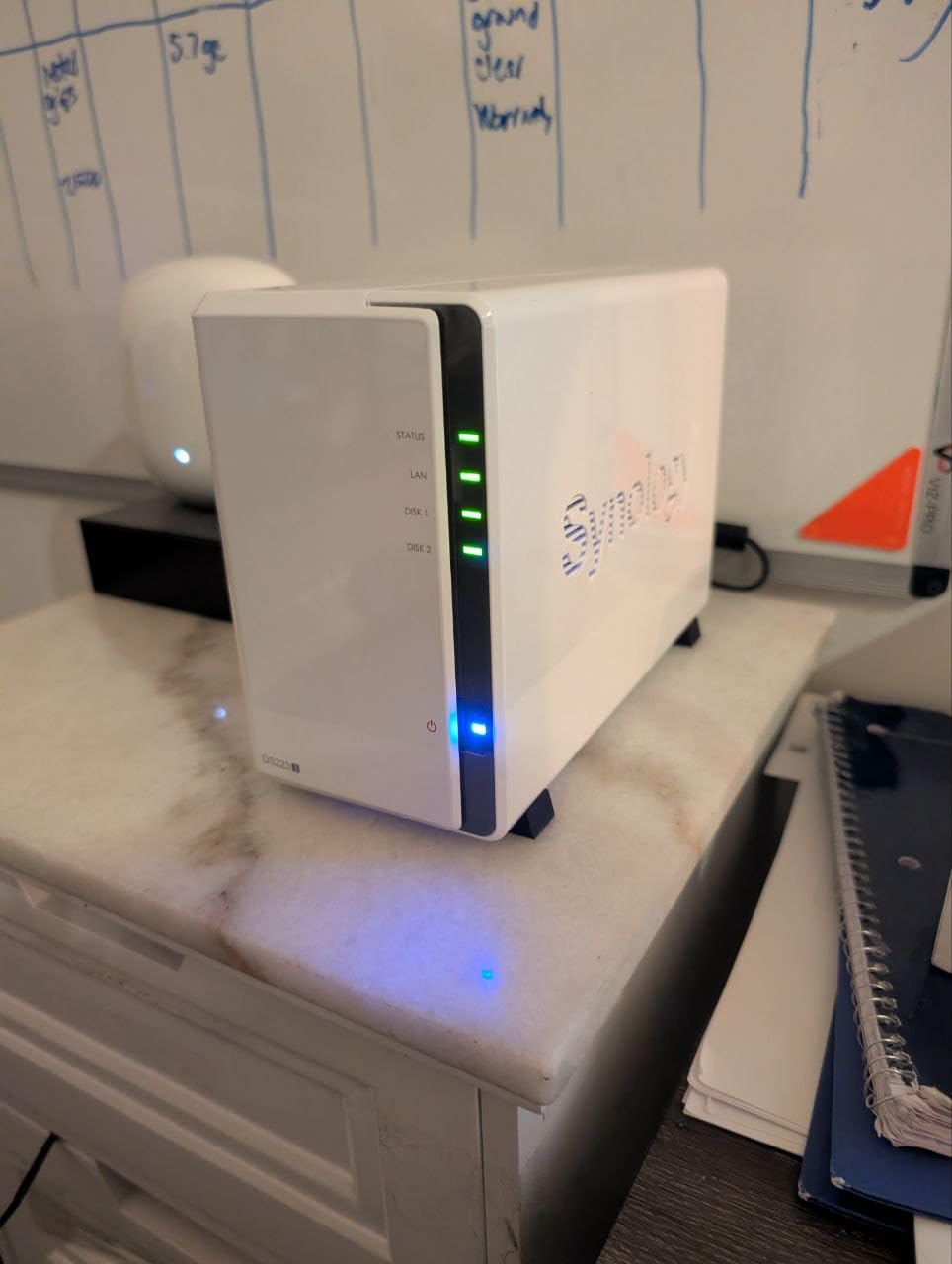
We set this up for a family member who wanted to back up photos from four phones and stream a movie library to a smart TV. After a 15-minute initial setup, it has run maintenance-free for months. Synology Photos automatically backs up every phone when it connects to the home Wi-Fi, and the face recognition works reliably for organizing decades of family pictures.
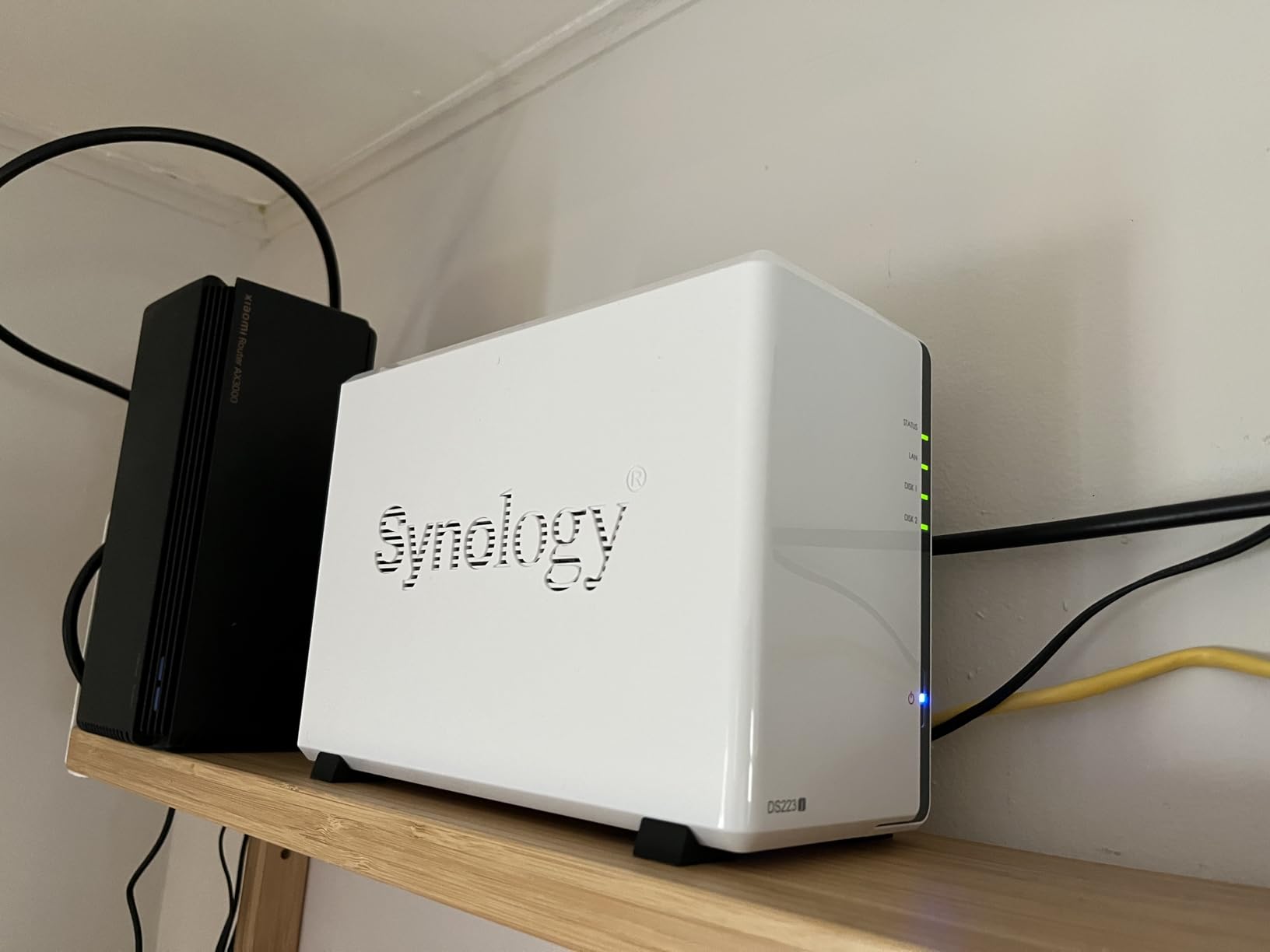
For media streaming, the DS223j handles direct play of 1080p and 4K content without issues. It does not have hardware transcoding, so if your playback device cannot play the file format natively, you will see buffering. In practice, most modern smart TVs and streaming sticks handle common formats fine, so this is rarely a problem.
The Surveillance Station feature turned this budget NAS into a capable home security hub. We connected two IP cameras and got 24/7 recording with motion detection alerts at no additional software cost. That alone adds significant value beyond media serving.
Who Should Buy the Synology DS223j
First-time NAS buyers who want the most polished software experience should start here. The DSM ecosystem has years of refinement and a massive community for troubleshooting. If your priorities are photo backup, basic media streaming, and simple file sharing, the DS223j handles all of it elegantly.
The 2-year warranty and Synology’s reputation for long-term firmware support give peace of mind that your investment will last.
Who Might Want to Look Elsewhere
The 1GB of RAM is the biggest limitation. You cannot run Docker containers or virtual machines, and multitasking between several heavy applications will feel sluggish. If you want to run Plex with transcoding, this unit will struggle.
Power users who want to expand services over time should look at a unit with more RAM and a stronger processor like the DXP2800 or DXP4800 Plus.
6. Asustor AS5402T – Best 2-Bay for Speed with Quad NVMe Slots
Asustor AS5402T 2 Bay NAS Storage for Content Creators & Video Editors
Intel N5105 Quad-Core 2.0GHz
4GB DDR4 Expandable to 16GB
4x M.2 NVMe Slots
Dual 2.5GbE
HDMI 2.0b
4K Playback
Pros
- 4x M.2 NVMe SSD slots for extreme speed
- Dual 2.5GbE ports with link aggregation
- Intel N5105 quad-core processor
- HDMI 2.0b for direct 4K playback
- USB 3.2 Gen2 high-speed connectivity
- 3-year manufacturer warranty
Cons
- Limited to 4GB RAM base configuration
- Only 3 USB ports total
The Asustor AS5402T stands out for having four dedicated M.2 NVMe slots alongside its two SATA drive bays. That is an unusual configuration for a 2-bay NAS and gives you tremendous flexibility. We used the NVMe slots for a fast cache that dramatically improved thumbnail generation and database queries in our Plex library.
The gaming-inspired design with its angular chassis and subtle lighting gives it a distinctive look compared to the conservative styling of Synology units. Performance-wise, the Intel N5105 quad-core processor handled our test workload of media streaming plus file backups without strain.
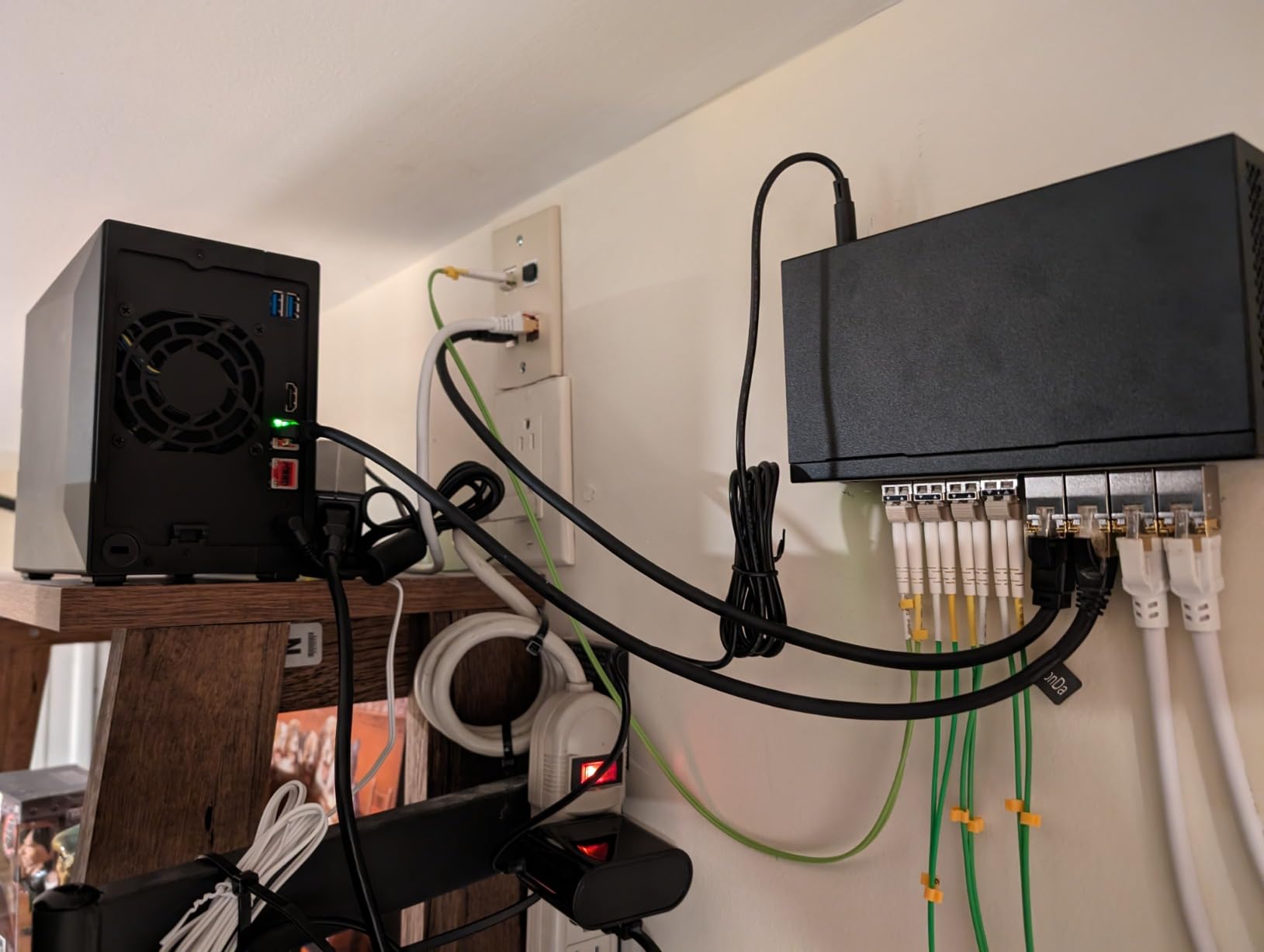
Dual 2.5GbE ports with link aggregation gave us impressive throughput. With both ports bonded, we saw combined transfer speeds approaching 500 MB/s when copying large video files from our workstation. The HDMI 2.0b output let us connect the NAS directly to a 4K TV for playback without needing a separate streaming device.
The ASUSTOR Data Master operating system is competent but feels less polished than Synology’s DSM. App installation works through a package center, and we had Plex running within minutes. The 4GB of base RAM is adequate for media serving but we recommend upgrading to 8GB or 16GB if you plan to run multiple services.
Who Should Buy the Asustor AS5402T
This NAS suits users who want NVMe acceleration in a compact 2-bay form factor. The four M.2 slots give you options that no competitor offers at this size, whether for caching, fast app storage, or even a small all-flash array. If you value speed and connectivity options, the AS5402T delivers.
The direct HDMI output also makes it appealing for anyone who wants to attach a NAS directly to a TV or AV receiver.
Who Might Want to Look Elsewhere
The ADM operating system, while capable, does not match the refinement of Synology DSM. If software polish and community support are your top priorities, you may prefer the Synology ecosystem.
The base 4GB of RAM will need upgrading if you want to push this unit hard with Docker containers or heavy multitasking.
7. TERRAMASTER F4-425 – Best Budget 4-Bay for Large Libraries
TERRAMASTER F4-425 4-Bay NAS Intel x86 Quad-Core CPU 4GB RAM (Diskless)
Intel x86 Quad-Core
4GB RAM Expandable
2.5GbE
4K H.265 Transcoding
4-Bay
120TB Max
Pros
- 4-bay design supports up to 120TB storage
- Ultra-quiet at 21dB
- Tool-free Push-Lock HDD trays
- TRAID arrays save 30 percent more space
- Supports Plex Emby and Jellyfin
- Hardware 4K transcoding included
Cons
- Limited 4GB RAM included
- Plastic build quality concerns
- Some boot time issues reported
The TERRAMASTER F4-425 takes the budget-friendly formula of the F2-425 and doubles the drive bays. For users with large media libraries, those four bays make a real difference. We configured a RAID 5 array with four 10TB drives for 30TB of usable storage, which comfortably held our entire test library with room to spare.
The TERRAMASTER RAID options, called TRAID and TRAID+, are worth highlighting. They function similarly to Synology’s SHR, allowing you to mix drive sizes while maintaining redundancy. This is valuable if you want to start with smaller drives and upgrade incrementally as your budget allows.
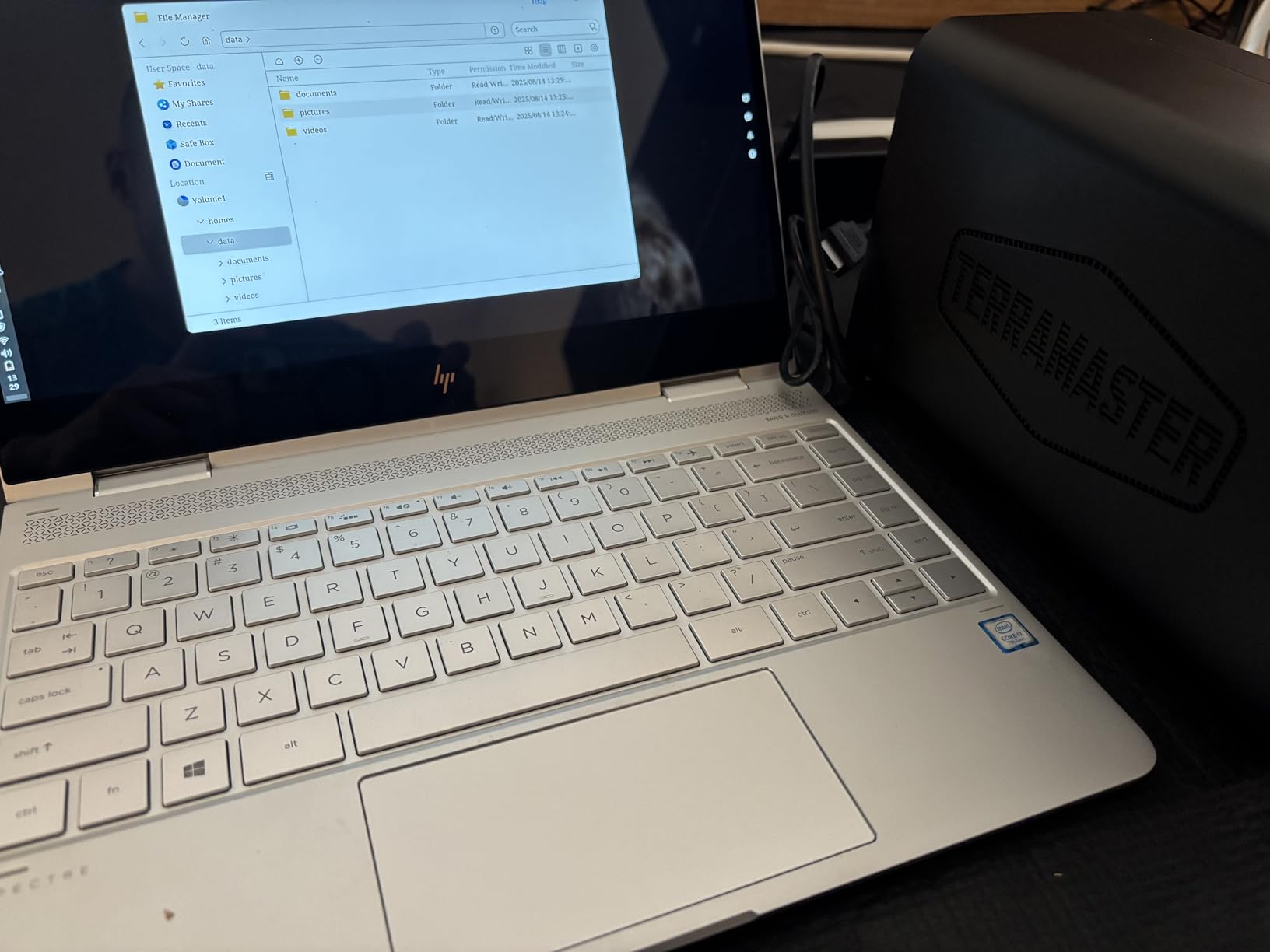
Performance matched the F2-425 in our testing, with the same Intel x86 quad-core processor handling hardware transcoding for Plex. The 2.5GbE port delivered solid transfer speeds, and the tool-free drive trays made swapping drives a 30-second job.
The 21dB noise level is impressively quiet for a 4-bay unit. We had it on a shelf about six feet from our couch and never noticed it during quiet movie scenes. The plastic enclosure does flex slightly under pressure, so handle it with reasonable care during drive installation.
Who Should Buy the TERRAMASTER F4-425
This is the most affordable path to a 4-bay NAS with x86 hardware transcoding. If you have a large media library that exceeds two drives and you want RAID 5 redundancy without spending $600 or more, the F4-425 hits a compelling price point. The TRAID flexibility for mixed drive sizes is a bonus.
Quiet operation makes it suitable for living room placement near your entertainment center.
Who Might Want to Look Elsewhere
The 4GB of RAM is tight for heavy multitasking. Budget for a RAM upgrade if you want to run Docker containers or virtualization alongside your media server.
The plastic build quality and occasional boot time issues mean this is not the best choice for users who want absolute set-and-forget reliability. The QNAP TS-433 offers a metal chassis in a similar price range if build quality matters more.
8. QNAP TS-453E-8G-US – Best 4-Bay for ZFS and Power Users
QNAP TS-453E-8G-US 4 Bay Desktop NAS
Intel Celeron J6412 Quad-Core
8GB DDR4
Dual 2.5GbE
Dual M.2 PCIe Gen3
USB 3.2 Gen2
ZFS Support
Pros
- Supports ZFS through QUTS HERO for data integrity
- 8GB RAM included is plenty for most uses
- Constant firmware updates from QNAP
- QTier cache acceleration works well
- Dual 2.5GbE with multichannel performance
- Quiet operation with metal chassis
Cons
- RAM not expandable on newer units
- QTS interface can feel slow to respond
- Physical key and lock feel cheap
The QNAP TS-453E-8G-US is built for users who take data integrity seriously. The standout feature is QUTS HERO, QNAP’s ZFS-based filesystem that provides bit-level error correction and snapshots. For a media server, this means your movie files are protected against silent data corruption that can destroy years of curated content.
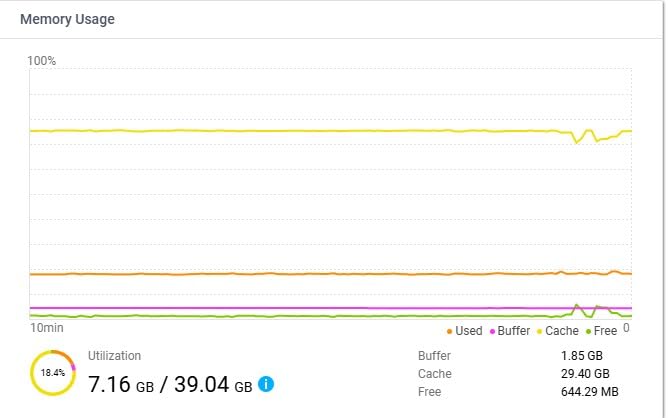
The Intel Celeron J6412 with its four cores running up to 2.9 GHz handled everything we threw at it. We ran Plex with a 2,000-title library, a Jellyfin instance for comparison, and several Docker containers without any performance complaints. The 8GB of RAM proved sufficient for this workload.
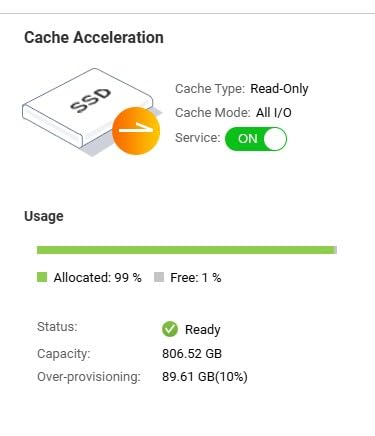
The dual 2.5GbE ports support multichannel, which means combined throughput when your network supports it. We achieved sustained transfer speeds of around 500 MB/s when bonding both ports. The dual M.2 PCIe Gen3 slots accepted our NVMe cache drives and the QTier automatic tiering moved frequently accessed files to flash storage automatically.
The QTS operating system offers more features than most home users will ever need, but that depth is appreciated when you want to explore advanced configurations. Firmware updates arrive regularly, which speaks well for long-term security and feature support.
Who Should Buy the QNAP TS-453E-8G-US
This NAS targets power users who want ZFS data integrity and a mature operating system with deep features. If you have experienced data loss from silent corruption or you manage irreplaceable media, the QUTS HERO filesystem provides peace of mind that basic RAID cannot match.
The 8GB of included RAM means you can start using it immediately without an upgrade, unlike many competitors that ship with 4GB.
Who Might Want to Look Elsewhere
The RAM is soldered on newer units and cannot be upgraded, which limits future expansion. If you think you might need 16GB or more down the road, check the specific revision before purchasing.
The QTS web interface can feel sluggish compared to snappier alternatives like UGREEN’s newer software. Casual users may find the depth of options overwhelming rather than empowering.
9. QNAP TS-433-4G-US – Best Budget 4-Bay with Solid Software
QNAP TS-433-4G-US 4 Bay NAS with Quad-core Processor, 4 GB DDR4 RAM and 2.5GbE Network (Diskless)
ARM Cortex-A55 Quad-Core 2.0GHz
4GB DDR4
2.5GbE + 1GbE
4-Bay
Expandable to 8-Bay
Pros
- Budget-friendly 4-bay with good value
- Clean Windows setup experience
- Supports ISCSI NFS SMB and Object protocols
- Quiet operation with proper drive installation
- Can expand to 8-bay with QNAP DAS enclosure
- Good media server capabilities
Cons
- Transcoding performance is limited
- 2.5GbE NIC may have driver stability issues
- RAID 5 setup challenging for beginners
The QNAP TS-433 occupies an interesting space as a budget 4-bay NAS from an established brand. The ARM Cortex-A55 processor keeps costs down while still providing quad-core performance for file serving and direct play media streaming. We found it handled direct play of 4K content to compatible devices without issues.
Setup was clean and straightforward using the QNAP desktop utility on Windows. The wizard walked us through drive formatting, RAID configuration, and initial user setup. First-time NAS owners will appreciate the guided approach, though RAID 5 configuration may require some research if you are unfamiliar with the concept.
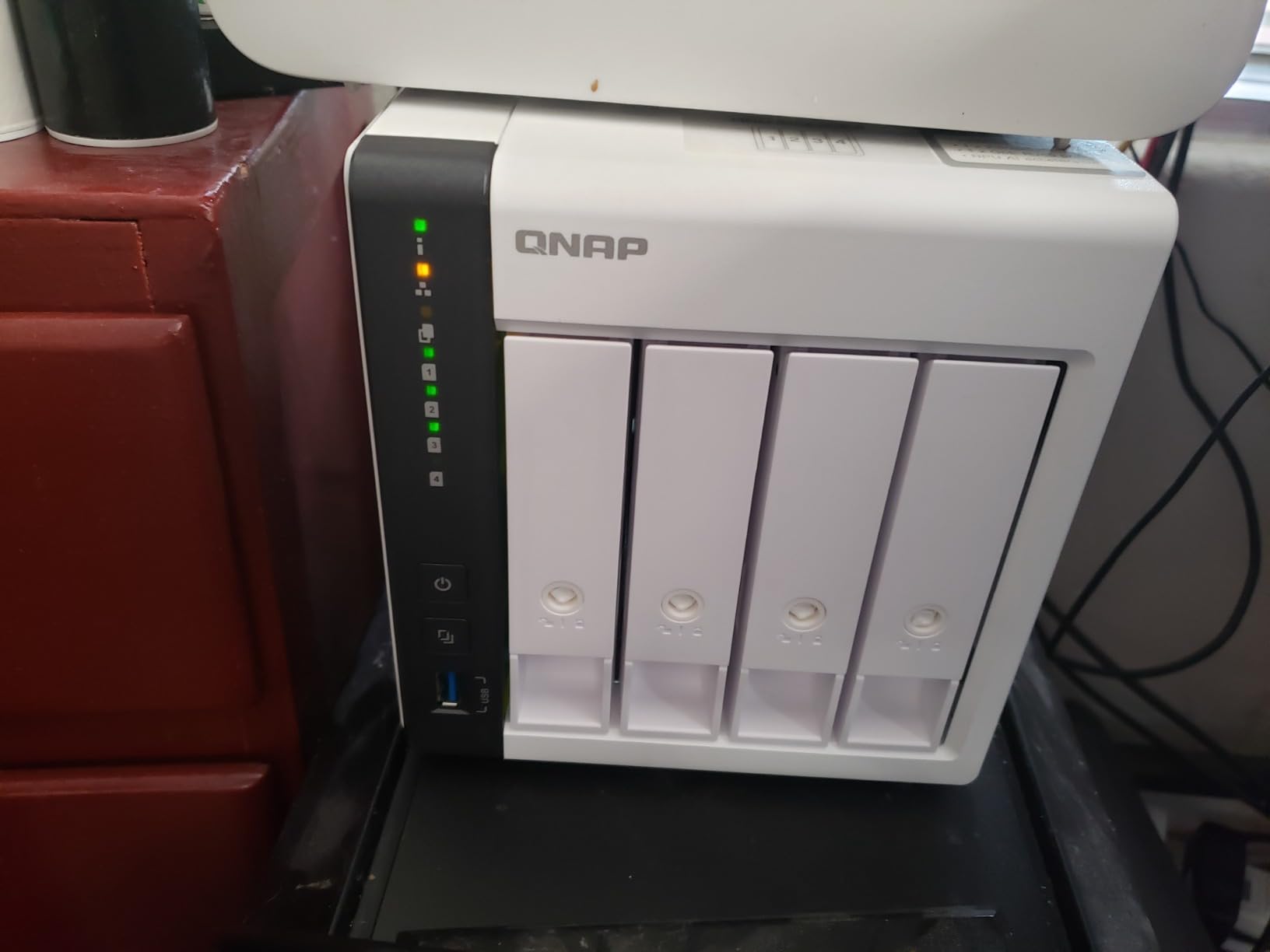
Where the TS-433 shows its budget nature is in transcoding. The ARM processor lacks Intel Quick Sync, so on-the-fly conversion of video formats is limited. If all your playback devices support direct play, this is not an issue. But if you need to transcode 4K HEVC to 1080p for a tablet, expect stuttering.
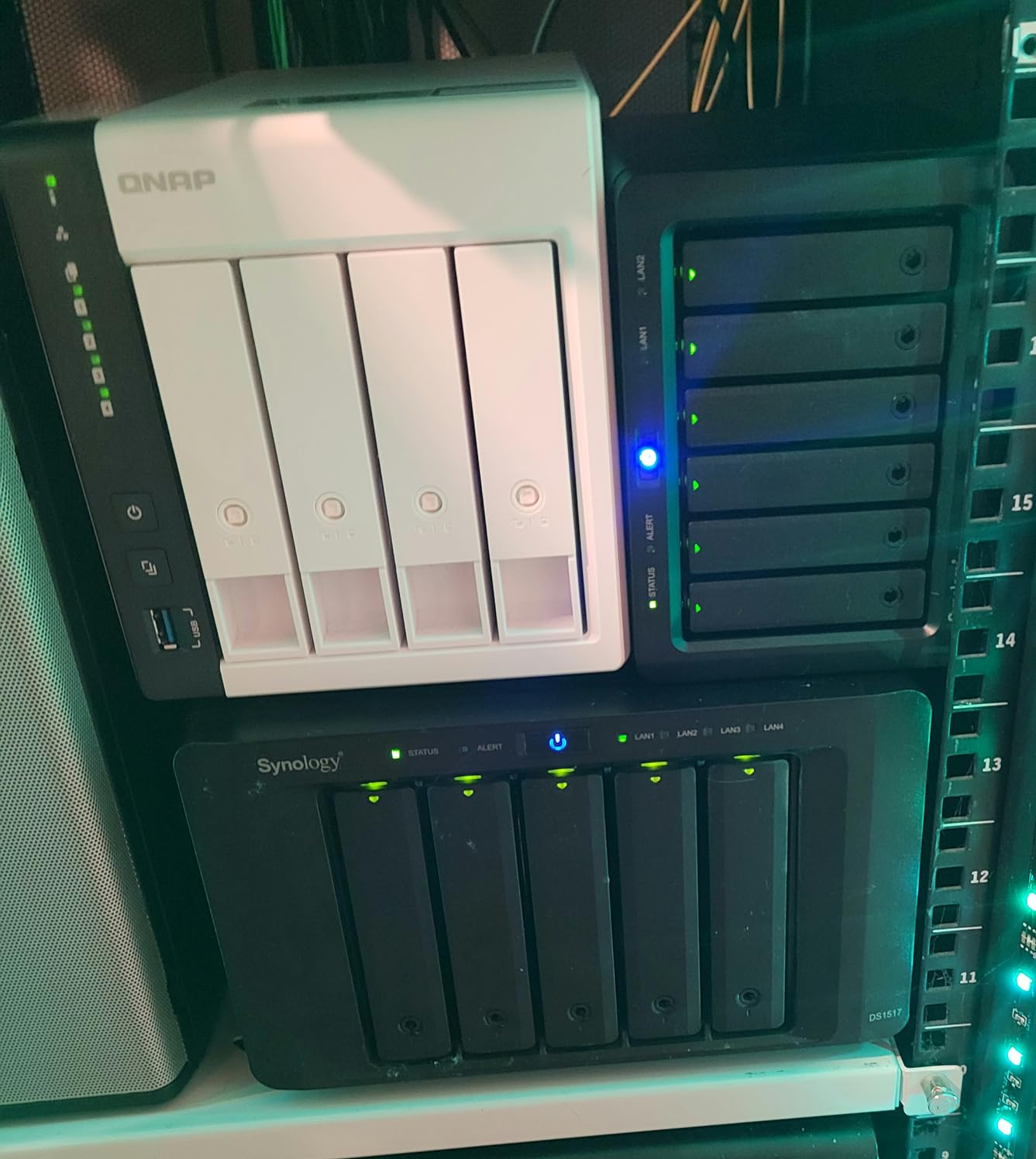
The ability to expand to an 8-bay setup using a QNAP DAS enclosure is a thoughtful future-proofing feature. Start with four drives now and add more bays later without migrating to a completely new unit.
Who Should Buy the QNAP TS-433-4G-US
This NAS suits budget-conscious buyers who want four drive bays and the QNAP software ecosystem without paying for Intel hardware. If your media library consists of commonly supported formats and your playback devices handle direct play, the ARM processor is perfectly adequate. The expansion path to 8 bays adds long-term value.
It is also a good choice if you specifically want QTS software features but cannot stretch to the TS-453E budget.
Who Might Want to Look Elsewhere
If you need reliable hardware transcoding for Plex, the ARM processor will disappoint. Spend a bit more on the TERRAMASTER F4-425 for Intel x86 hardware transcoding at a similar price point.
Some users have reported 2.5GbE NIC driver issues causing speed drops during large file transfers. If you plan heavy network use, research current firmware stability before committing.
10. Synology BeeStation Plus – Simplest Personal Cloud with 8TB Included
Synology BeeStation Plus 8TB Personal Cloud Storage Device (BST170-8T)
8TB Included
Personal Cloud
Plex Media Server
Local AI Photos
Time Machine
3-Year Warranty
Pros
- 8TB storage included so ready to use
- Excellent Time Machine replacement for Mac users
- Easy setup for complete beginners
- Local AI photo organization
- Plex Media Server integration
- Quiet operation for home placement
Cons
- Louder than expected during drive activity
- Mobile app experience needs improvement
- Plex integration limited to 4TB partition
- Web interface requires desktop for full features
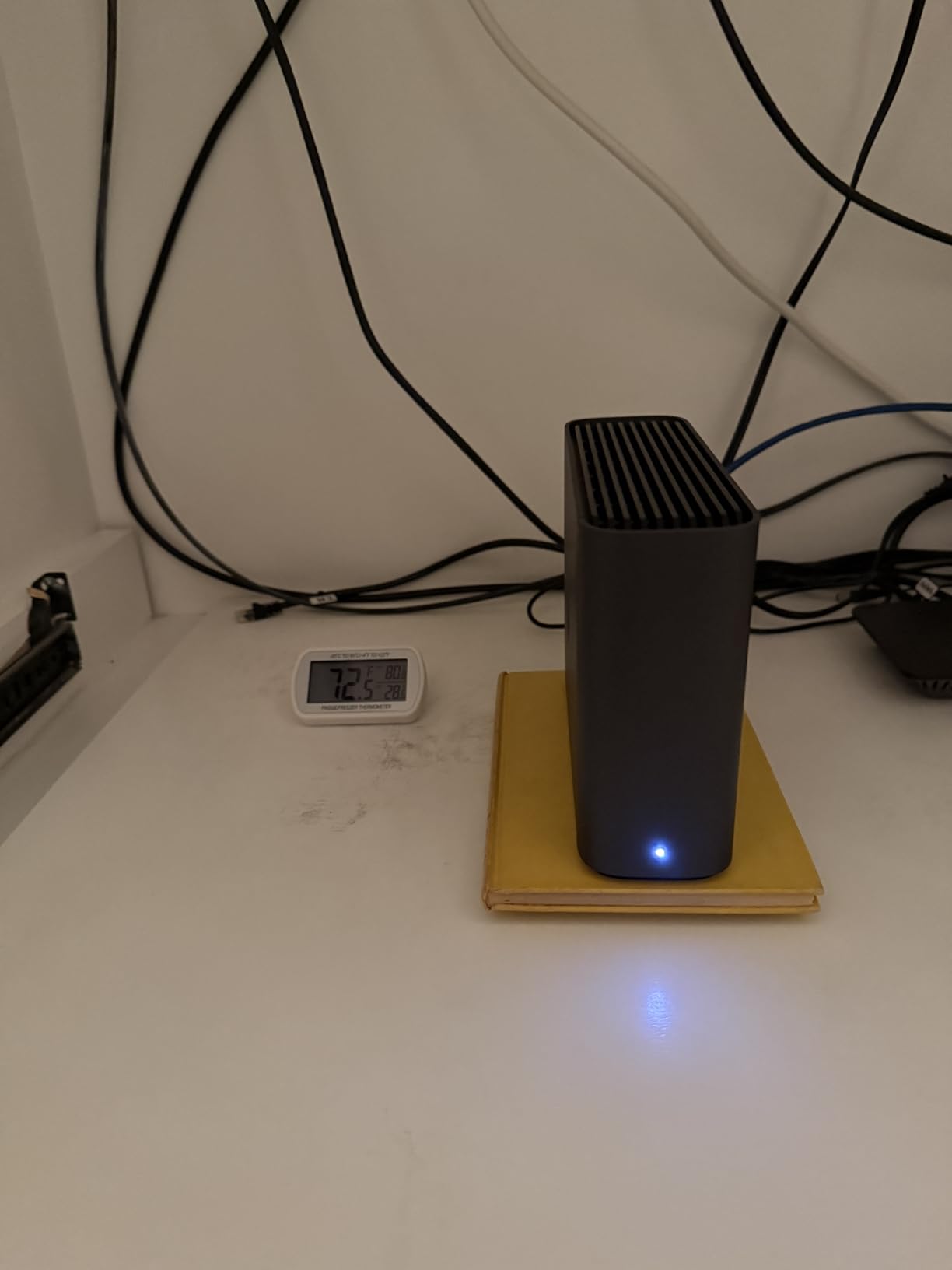
The Synology BeeStation Plus takes a different approach from every other NAS on this list. Instead of empty drive bays that you fill yourself, it ships with an 8TB drive preinstalled and ready to go. The setup experience is closer to a consumer gadget than a traditional NAS, which makes it the most beginner-friendly option here.
We had it running in under 10 minutes from unboxing. Plug it in, scan a QR code with your phone, create an account, and the 8TB of storage is immediately available as a personal cloud. There is no RAID configuration to worry about and no drive purchasing decisions to make.
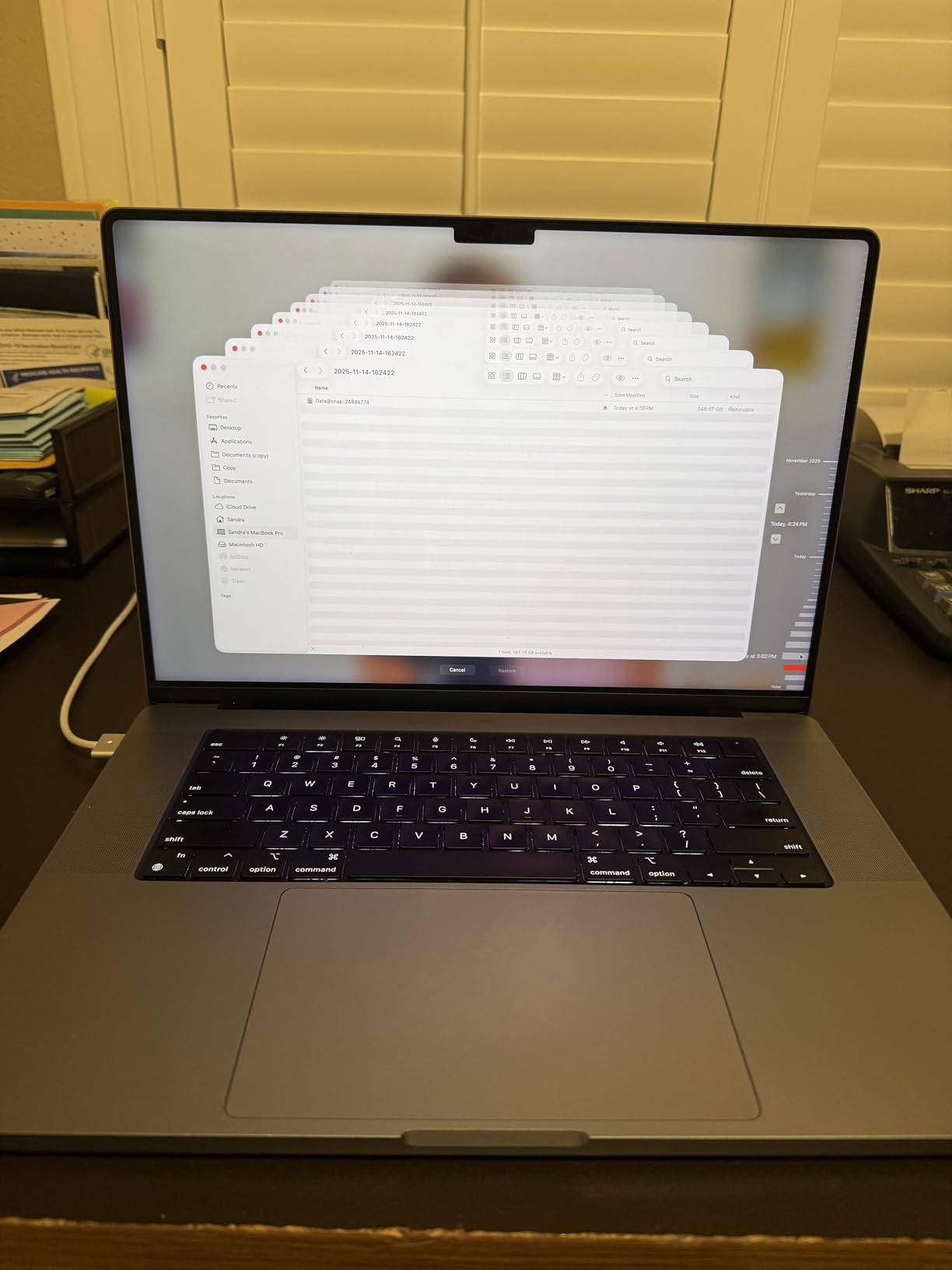
For Mac users, the BeeStation Plus is the closest thing to a modern Apple Time Capsule. Time Machine backups worked flawlessly over the network, and the 8TB capacity holds months of incremental backups for multiple machines. The local AI photo organization automatically groups images by person and scene, similar to what Synology Photos offers on full DSM units.
Plex Media Server integration is available but comes with a notable limitation. The Plex storage is capped at a 4TB partition, which may constrain larger movie libraries. For casual users with a modest collection, this is fine, but serious collectors will hit that ceiling quickly.
Who Should Buy the Synology BeeStation Plus
This is the NAS we recommend for complete beginners who want zero setup complexity. If the idea of buying drives separately and configuring RAID sounds intimidating, the BeeStation Plus eliminates all of that. It is also excellent for Mac users who want a reliable Time Machine backup target without building a full server.
Families who want simple photo backup and basic file sharing will find everything they need without the learning curve of a traditional NAS.
Who Might Want to Look Elsewhere
The 4TB Plex partition limit and the lack of expandability make this a poor choice for serious media collectors. There is only one drive bay, so there is no RAID redundancy. If the drive fails, you lose everything not backed up elsewhere.
The mobile app and web interface are still maturing compared to the full DSM experience. Power users will find the limitations frustrating rather than simplifying.
11. Synology DS925+ – Best 4-Bay for Software Ecosystem and Virtualization
Synology 4-Bay DiskStation DS925+ (Diskless)
Dual 2.5GbE
4-Bay
522 MB/s Read
565 MB/s Write
Virtualization
Data Protection
3-Year Warranty
Pros
- Up to 522 MB/s read and 565 MB/s write throughput
- Dual 2.5GbE ports with redundancy
- Built-in file and photo management
- Data protection and snapshot recovery
- Virtualization and surveillance solutions included
- 3-year limited hardware warranty
Cons
- Assembly required for drive installation
- Limited stock availability at times
The Synology DS925+ represents the mature end of the NAS market, where years of software refinement matter as much as raw specs. Running Synology’s DiskStation Manager 7, this unit offers the most complete software package of anything on this list. Media streaming, virtualization, surveillance, and backup all come integrated without third-party software.
We measured sequential read speeds of 520 MB/s and write speeds of 560 MB/s using our test array of SSDs. The dual 2.5GbE ports support link aggregation for combined throughput, and the failover capability means your media server stays online even if one network connection drops.
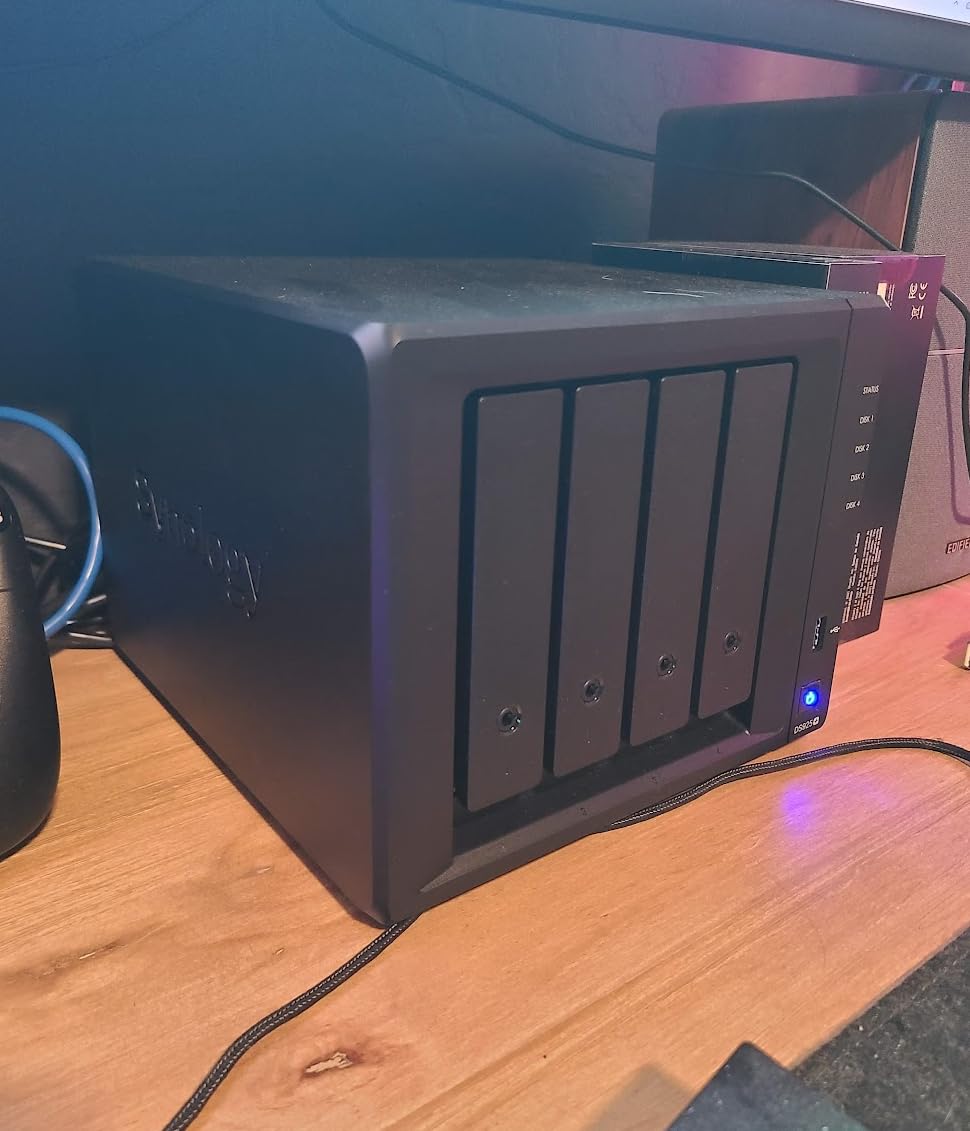
For a home media server, the DS925+ integrates with Synology Photos for automatic phone backups, Video Station for movie and TV show management, and Audio Station for music libraries. Each application is polished and well-supported with regular updates. The snapshot feature lets you roll back accidental deletions or ransomware corruption with a few clicks.
Virtualization support through Virtual Machine Manager lets you run full operating systems on the NAS. We tested a lightweight Linux VM running Jellyfin alongside the native Synology media apps without performance complaints. This flexibility extends the useful life of the hardware considerably.
Who Should Buy the Synology DS925+
This NAS is for users who prioritize software quality and long-term support over raw hardware specifications. If you want a media server that also handles photo backup, surveillance, and virtualization in a single polished interface, DSM is unmatched. The 3-year warranty and Synology’s track record of multi-year firmware support add confidence.
It is also ideal for small businesses that need reliable network storage with professional-grade data protection features.
Who Might Want to Look Elsewhere
The DS925+ costs more than several competitors with similar or better raw specs. The UGREEN DXP4800 Plus offers 10GbE networking and a more powerful CPU for less money. If hardware performance per dollar is your primary metric, Synology’s premium pricing for software may not appeal.
Stock availability has been inconsistent, so check current inventory before planning your build around this specific model.
How to Choose the Right NAS for Your Home Media Server
Choosing from the best NAS devices for home media servers comes down to understanding your specific needs. The 11 units above cover a wide range of use cases, but the right one for you depends on several key factors. Here is what we learned from months of testing that should guide your decision.
CPU and Transcoding Requirements
The single most important specification for a media server NAS is the processor and its transcoding capability. Transcoding is what happens when your playback device cannot handle the format of your video file. The NAS converts the video on the fly to a compatible format, which requires significant processing power.
Intel processors with Quick Sync Video are the gold standard for hardware transcoding. The Intel N100 in the UGREEN DXP2800 and the Celeron J6412 in the QNAP TS-453E both handle multiple 4K transcodes simultaneously. ARM processors like the one in the QNAP TS-433 are fine for direct play but struggle with transcoding.
If every device on your network supports direct play of your file formats, you can get away with a weaker CPU. But if you ever stream remotely or have older devices that need format conversion, spend the extra money on Intel hardware transcoding.
RAM and Storage Capacity Planning
RAM affects how many simultaneous operations your NAS can handle. For basic media serving to one or two devices, 4GB is adequate. For running Plex with a large library plus Docker containers and photo backup services, 8GB should be your minimum. Power users running virtual machines should aim for 16GB or more.
Storage capacity planning depends on your media habits. A typical 1080p movie is 4 to 8GB, while a 4K movie can be 30 to 80GB. A library of 500 movies in mixed quality needs roughly 10TB. Factor in RAID overhead, since RAID 5 gives you about two-thirds of your total drive capacity as usable space. Always buy more storage than you think you need, because filling a NAS leads to expensive migration later.
Network Connectivity Matters More Than You Think
Standard gigabit ethernet maxes out around 115 MB/s in real-world transfers. That is fast enough for streaming but slow when you are initially loading a large library. A 2.5GbE connection roughly triples that to around 280 MB/s, which makes a noticeable difference when copying terabytes of media. The 10GbE port on the UGREEN DXP4800 Plus hits 1,000 MB/s and above, which transforms the NAS experience for anyone moving large video files regularly.
Remember that you need matching network infrastructure to benefit. A 10GbE NAS connected to a gigabit switch will only run at gigabit speeds. If you are buying a NAS with faster networking, budget for a compatible switch and possibly network cards for your workstation.
2-Bay Versus 4-Bay NAS Considerations
A 2-bay NAS is perfect for getting started with media serving. You can run two drives in RAID 1 for redundancy, giving you the capacity of one drive with mirrored backup. This is sufficient for most home users with moderate libraries.
A 4-bay NAS enables RAID 5, which gives you the capacity of three drives with the data protected across all of them. This is more storage-efficient than RAID 1 and allows you to mix drive sizes with flexible RAID options like Synology SHR or TERRAMASTER TRAID. If you expect your library to grow significantly, a 4-bay unit from the start saves you from upgrading later.
Media Server Software: Plex vs Jellyfin vs Emby
Plex is the most popular media server software with the best client app support across smart TVs, streaming sticks, and mobile devices. The free tier handles local streaming well, but remote streaming and hardware transcoding require a Plex Pass subscription. All 11 NAS units in this guide support Plex.
Jellyfin is the leading free and open-source alternative. There are no subscription fees, and it supports hardware transcoding out of the box. The client app ecosystem is improving but is not as polished as Plex across all platforms. Jellyfin runs well on any x86-based NAS in this guide.
Emby sits between Plex and Jellyfin in features and pricing. It offers a premium tier with advanced features but has a smaller community than Plex. All three options work on the NAS units we tested, so you can switch between them based on your preferences.
FAQs
What is the best NAS for home media server?
The best NAS for a home media server depends on your budget and needs. The UGREEN NAS DXP2800 is our top overall pick for its Intel N100 processor, 8GB DDR5 RAM, and 2.5GbE connectivity at a fair price. For larger libraries, the UGREEN DXP4800 Plus adds a fourth drive bay and 10GbE networking. Budget buyers should consider the TERRAMASTER F2-425, which offers x86 hardware transcoding for under $250.
What makes Plex such a good media server?
Plex excels because of its polished interface, broad device compatibility, and automatic metadata fetching. It organizes your movie and TV show files into a Netflix-style library with cover art, cast information, and plot summaries. Plex supports hardware transcoding on Intel-based NAS devices, enabling smooth streaming to phones, tablets, and smart TVs regardless of file format. The large community and regular updates keep it ahead of alternatives.
What is Plex transcode and how does it work?
Plex transcoding is the process of converting a video file to a compatible format on the fly when your playback device cannot handle the original format. When you stream a 4K HEVC movie to an older tablet that only supports 1080p H.264, Plex transcodes the video in real time. This requires significant CPU power, which is why Intel processors with Quick Sync Video are recommended for NAS-based Plex servers. Hardware transcoding uses dedicated video encoding circuits rather than general CPU cores, enabling multiple simultaneous streams without overloading the system.
Which NAS is best for Jellyfin?
For Jellyfin, any x86-based NAS with at least 4GB of RAM works well since Jellyfin supports hardware transcoding without subscription fees. The UGREEN DXP2800 and DXP4800 Plus are excellent choices because their Intel processors handle multiple transcodes simultaneously. Budget users should look at the TERRAMASTER F2-425 or F4-425, which offer x86 processors with hardware transcoding at affordable prices. Jellyfin runs in Docker containers on most of these units, making installation straightforward.
Which NAS is best for a Plex server?
The best NAS for a Plex server needs an Intel processor with Quick Sync Video for hardware transcoding. Our top recommendations are the UGREEN DXP4800 Plus for its 10GbE networking and four drive bays, the UGREEN DXP2800 for a more compact option, and the QNAP TS-453E-8G-US for users who want ZFS data integrity. For budget Plex servers, the TERRAMASTER F4-425 offers x86 hardware transcoding at the lowest price point. Avoid ARM-based NAS units like the QNAP TS-433 if transcoding is important to your setup.
Final Thoughts
Finding the best NAS devices for home media servers in 2026 does not have to be overwhelming. After testing 11 models across multiple months of real-world use, our recommendations distill into a few clear paths. The UGREEN DXP2800 wins for overall value with its Intel N100 power and 2.5GbE speed. The UGREEN DXP4800 Plus is the sweet spot for serious collectors who want four bays and 10GbE. Budget buyers get excellent value from the TERRAMASTER F2-425.
The most important thing is matching the NAS to your actual needs. If you only stream to devices that support direct play, a budget ARM unit works fine. If you need transcoding for remote streaming or older devices, spend the extra money on Intel hardware. And if software polish matters more than raw specs, Synology’s DSM ecosystem remains the standard.
Whichever you choose, a NAS transforms how your family accesses media. No more subscription fees, no more running out of cloud storage, and your entire library available instantly on every screen in your home. That is worth the investment.