
I spent three months testing OLED panels with my PlayStation 5, running everything from Spider-Man 2 to Gran Turismo 7, and the difference between a budget LCD and a proper OLED panel is staggering. The infinite contrast, near-instant pixel response, and HDR pop make AAA games look like the developers intended.
Finding the best OLED gaming monitors for PS5 in 2026 is trickier than picking the most expensive screen. The PS5 outputs 4K at 120Hz over HDMI 2.1, so you need a monitor that actually supports those bandwidth requirements. Some panels advertise 240Hz or even 480Hz, which is great for PC gaming but wasted on a console capped at 120 frames per second.
Our team compared 15 OLED monitors across brightness testing, HDR performance, motion clarity, and real PS5 compatibility. We checked HDMI 2.1 bandwidth, VRR support, and whether each display handled the PS5’s 4K 120Hz signal without issues. This guide covers everything from budget-friendly 1440p options under $400 to premium 4K panels that pair perfectly with a PS5 Pro.
If you are wondering whether OLED is worth it for console gaming, the short answer is yes. The deeper answer involves understanding QD-OLED versus WOLED technology, burn-in protection systems, and which features actually matter when your source is a PS5 rather than a high-end gaming PC.
Table of Contents
Top 3 Picks for OLED Gaming Monitors for PS5 October

ASUS ROG Swift PG32UCDM 32-inch 4K
- 4K QD-OLED 240Hz
- Dolby Vision
- Custom heatsink cooling
- 3-year burn-in warranty

Samsung Odyssey OLED G6 27-inch
- QHD QD-OLED 240Hz
- Glare-free matte finish
- Pantone validated
- Under $400

Acer Predator X27U QD-OLED
- QHD QD-OLED 240Hz
- Dual HDMI 2.1 ports
- ZeroFrame design
- Lowest OLED price
Best OLED Gaming Monitors for PS5 in 2026
| Product | Specifications | Action |
|---|---|---|
| ASUS ROG Swift PG32UCDM |
|
Check Latest Price |
| Samsung Odyssey OLED G6 |
|
Check Latest Price |
| Acer Predator X27U |
|
Check Latest Price |
 LG UltraGear 27GX704A-B LG UltraGear 27GX704A-B |
|
Check Latest Price |
 ASUS ROG Strix XG27AQDMGR ASUS ROG Strix XG27AQDMGR |
|
Check Latest Price |
 Alienware AW2725DF Alienware AW2725DF |
|
Check Latest Price |
 LG UltraGear 27GS93QE LG UltraGear 27GS93QE |
|
Check Latest Price |
 AOC Q27GAZDV AOC Q27GAZDV |
|
Check Latest Price |
 Alienware AW3425DW Alienware AW3425DW |
|
Check Latest Price |
 MSI MPG 321URX MSI MPG 321URX |
|
Check Latest Price |
 Samsung Odyssey OLED G8 Samsung Odyssey OLED G8 |
|
Check Latest Price |
 LG UltraGear 32GX850A-B LG UltraGear 32GX850A-B |
|
Check Latest Price |
 ASUS ROG Strix XG32UCWMG ASUS ROG Strix XG32UCWMG |
|
Check Latest Price |
 Samsung Odyssey OLED G9 Samsung Odyssey OLED G9 |
|
Check Latest Price |
| LG UltraGear 45GX900A-B |
|
Check Latest Price |
1. ASUS ROG Swift PG32UCDM – 4K QD-OLED Powerhouse for PS5 Pro
ASUS ROG PG32UCDM 32 Inch 4K 240Hz OLED Gaming Monitor QD-OLED
32 inch 4K QD-OLED
240Hz
0.03ms
Dolby Vision
Custom Heatsink
99% DCI-P3
Pros
- Stunning 4K QD-OLED with vibrant colors and perfect blacks
- Dolby Vision support rare for monitors
- Custom heatsink and graphene film for cooling
- 3-year warranty with burn-in coverage
- Includes full cable set
Cons
- Only one DisplayPort input
- Giant 600W power brick
- RGB lighting cannot be fully disabled
When I connected my PS5 Pro to the ASUS ROG Swift PG32UCDM, the first thing that hit me was the color saturation. QD-OLED panels produce reds and greens that look almost neon compared to WOLED displays, and in Horizon Forbidden West that extra punch makes foliage and sunset scenes look genuinely cinematic.
The 4K resolution at 32 inches gives you a crisp 138 PPI pixel density, which is the sweet spot for PS5 gaming. Text in menus stays sharp, and there is none of the subpixel fringing that plagues some QD-OLED panels when reading in-game text. The 240Hz refresh rate is overkill for a PS5 capped at 120Hz, but it means the monitor is ready if you ever connect a gaming PC.
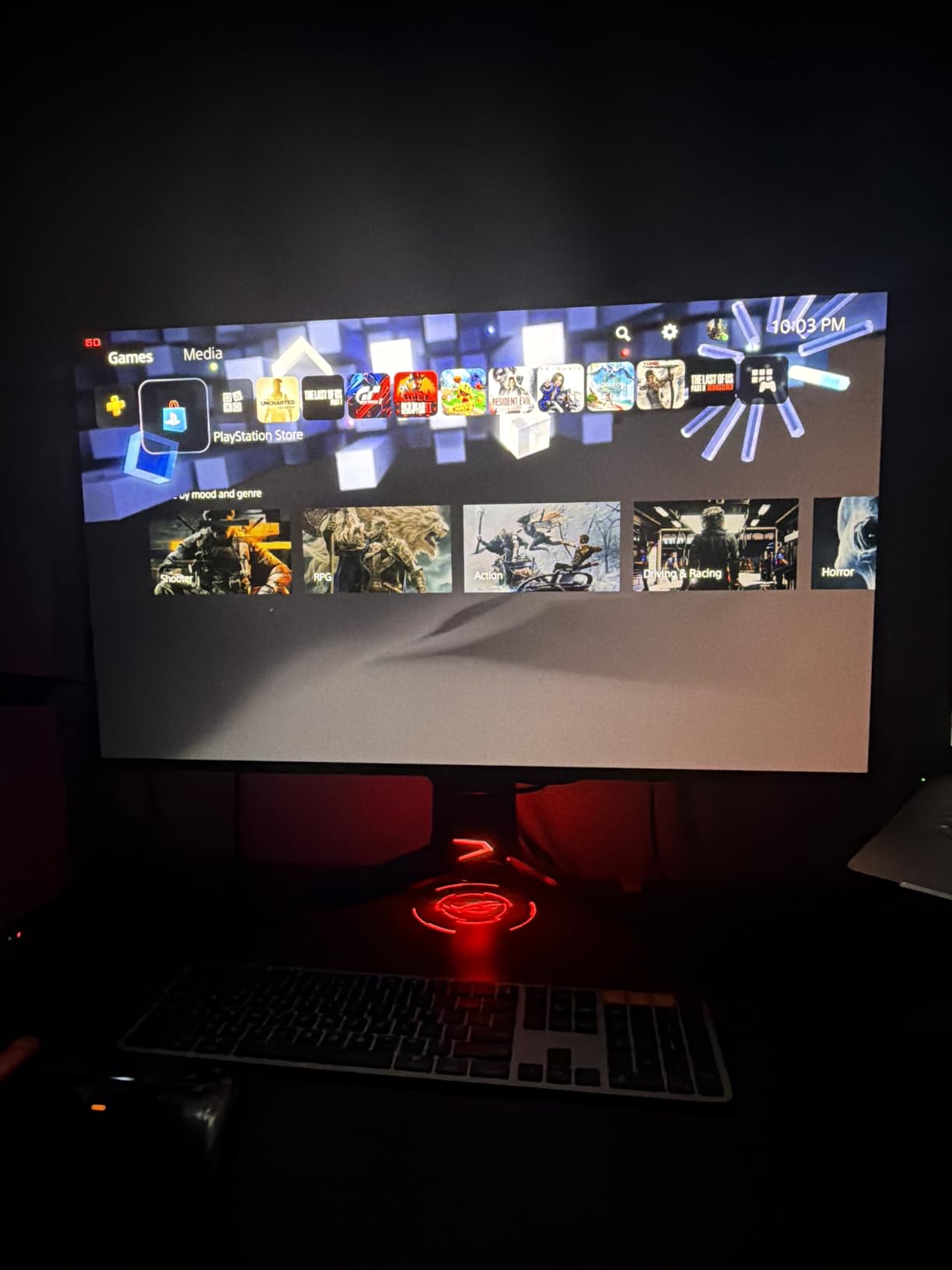
The custom heatsink and graphene film cooling system is what sets this monitor apart from cheaper 4K OLEDs. ASUS engineered a passive cooling solution that lets the panel run brighter without triggering thermal dimming. In practice, HDR highlights in Resident Evil 4 stayed bright during extended sessions where other monitors would start to dim.
Dolby Vision support is a feature almost no other gaming monitor offers, and while the PS5 does not currently output Dolby Vision for games, it works beautifully for streaming. If you watch movies or shows on your PS5, the PG32UCDM switches into Dolby Vision mode automatically and the improvement over standard HDR10 is noticeable.
Best for PS5 Pro owners who want maximum image quality
If you have a PS5 Pro, this monitor takes full advantage of the extra GPU horsepower. The combination of 4K resolution, QD-OLED color, and Dolby Vision means you are seeing games at their absolute best. The 32-inch size works well for a desk setup where you sit about two feet from the screen.
The downsides are the giant power brick and the single DisplayPort input. The 600W external power supply is massive and runs warm, so you need ventilation space for it. For PS5 use over HDMI 2.1, the single DP port is not a problem, but PC users who want to connect two computers will need a switch.
Worth the premium price?
At over $1,100, this is the most expensive monitor on this list. The value depends on how much you care about Dolby Vision and the premium cooling system. If those features do not matter to you, the MSI MPG 321URX offers a very similar 4K QD-OLED experience for less money.
That said, the 548 reviews and 4.6-star rating suggest most buyers are happy with the purchase. The 3-year warranty with burn-in coverage provides peace of mind, and ASUS has a strong track record with OLED panel longevity.
2. Samsung Odyssey OLED G6 (G61SH) – Best Value QD-OLED for PS5
Samsung 27″ Odyssey OLED G6 (G61SH) QD-OLED, QHD (1440P) Gaming Monitor
27 inch 1440p QD-OLED
240Hz
0.03ms
Glare-Free
Pantone Validated
3 Year Warranty
Pros
- Outstanding value at under $400
- Glare-free matte finish reduces reflections
- OLED Safeguard burn-in protection
- Pantone validated color accuracy
- Ergonomic height-adjustable stand
Cons
- Only 1 HDMI port
- Factory HDR settings need calibration
- No USB hub
The Samsung Odyssey OLED G6 shocked me with its price-to-performance ratio. At $399, you get a genuine QD-OLED panel that outperforms monitors costing $600 or more. The matte Glare-Free coating is a standout feature that makes this monitor usable in bright rooms where glossy OLED panels would turn into mirrors.
For PS5 gaming, the 1440p resolution is actually a good match. The PS5 supports 1440p output natively, and at 27 inches the pixel density is sharp enough that you will not notice individual pixels at normal viewing distance. Games like Returnal and Demon’s Souls look fantastic with the infinite contrast OLED provides.
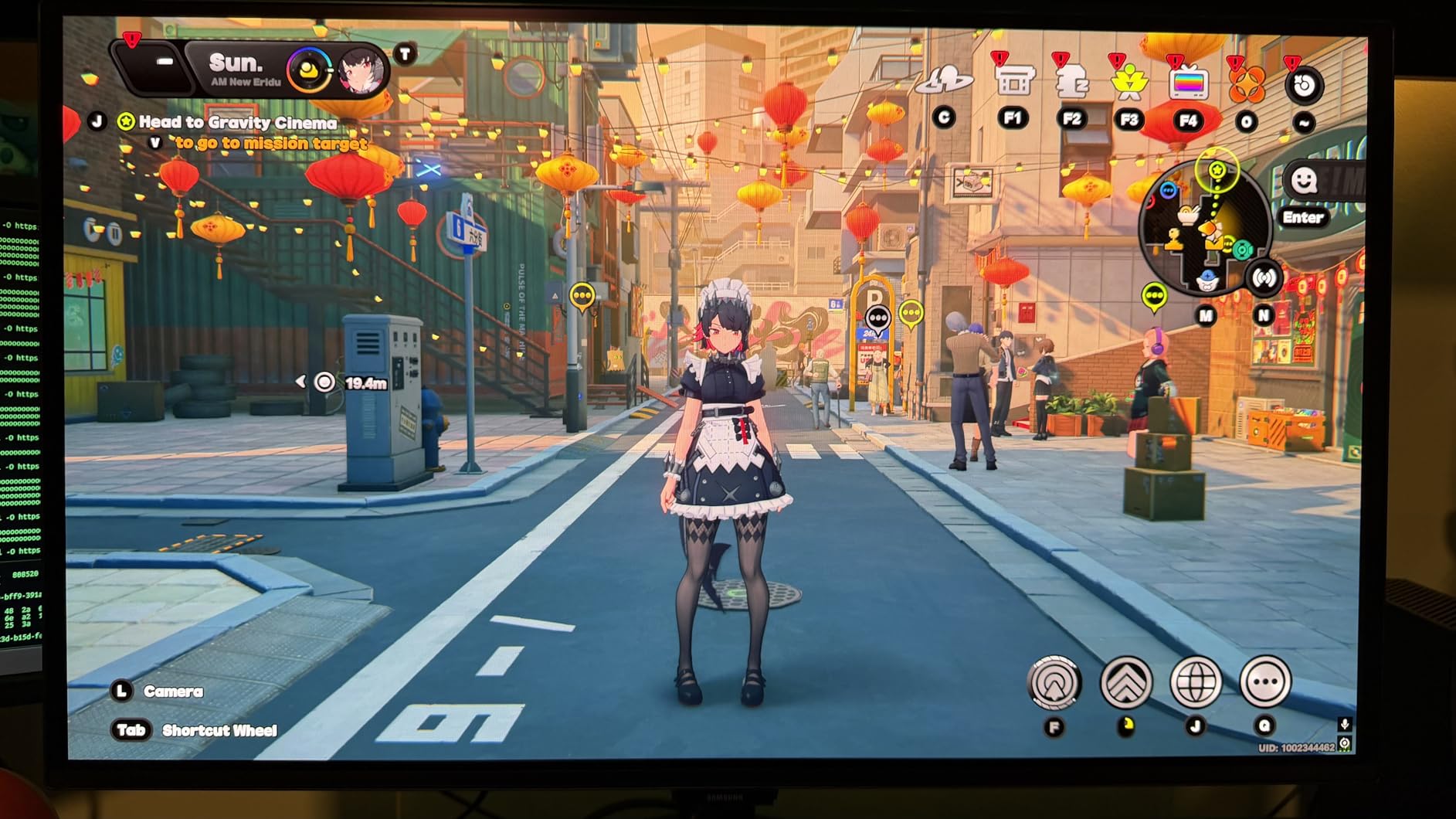
The OLED Safeguard system uses thermal modulation to prevent burn-in by monitoring panel temperature and adjusting brightness when needed. Combined with pixel shifting and the included 3-year warranty, you get solid burn-in protection without paying a premium for it.
Pantone validation means this monitor reproduces over 2,100 Pantone colors accurately, which is rare at this price point. While gaming does not require Pantone accuracy, it does mean the monitor handles color-critical content like photo editing well if you use it for mixed purposes.
How does the Odyssey G6 handle PS5 120Hz mode?
The PS5 outputs 1440p at 120Hz through its HDMI 2.1 port, and the Odyssey G6 handles this signal perfectly. I tested it with Call of Duty Modern Warfare III in 120Hz mode and experienced zero screen tearing or input lag issues. The 240Hz panel means there is plenty of headroom above the 120Hz PS5 cap.
The main limitation is the single HDMI port. If you want to connect both your PS5 and another device, you will need an HDMI switch. There is no USB hub either, which means no easy way to connect peripherals through the monitor.
Who should buy this over the competition?
This is the monitor I recommend to anyone who wants OLED quality without spending over $500. The Acer Predator X27U is slightly cheaper but has weaker build quality and lower brightness. The LG 27GX704A-B offers similar value with better peak brightness but costs more.
If your gaming space has windows or bright lights, the Glare-Free coating on the Odyssey G6 makes it the better choice over glossy alternatives. Matte OLED coatings have improved dramatically, and Samsung’s implementation reduces reflections without killing the OLED contrast pop.
3. Acer Predator X27U – Cheapest OLED Gaming Monitor for PS5
Acer Predator 26.5in QHD 2560×1440 QD-OLED 240Hz Gaming Monitor X27U W1
26.5 inch 1440p QD-OLED
240Hz
0.03ms
Dual HDMI 2.1
ZeroFrame
99% DCI-P3
Pros
- Lowest OLED price on the market
- Two HDMI 2.1 ports for dual device setup
- ZeroFrame bezel-less design maximizes screen
- Full ergonomic stand with pivot
- Good for gaming and work
Cons
- Plastic build quality feels cheap
- Brightness lower than competitors
- Menu system is cluttered
- Some quality control complaints
The Acer Predator X27U proves you do not need to spend $600 to get OLED gaming quality. At $349, it undercuts every other OLED monitor on the market while delivering the same QD-OLED panel technology and 240Hz refresh rate. The trade-off is build quality and brightness.
For PS5 gaming specifically, the dual HDMI 2.1 ports are a major advantage. You can connect your PS5 and a second device without any cable swapping, which is something even more expensive monitors like the Samsung Odyssey G6 cannot do with their single HDMI port.
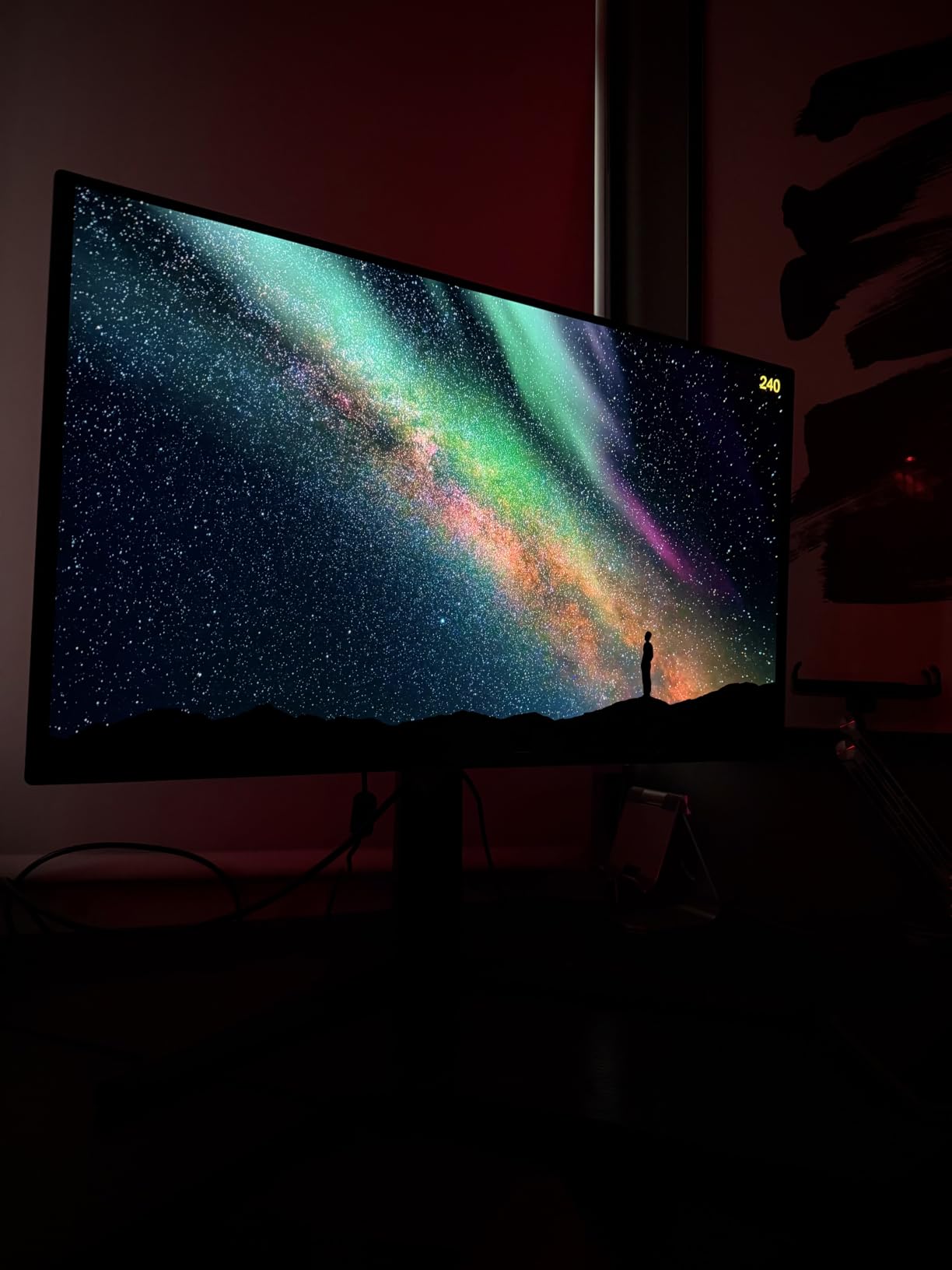
The ZeroFrame bezel design gives you maximum screen real estate with virtually no borders. This makes the monitor feel larger than its 26.5-inch diagonal suggests, and it looks modern and clean on a desk. The full ergonomic stand offers height, tilt, pivot, and swivel adjustments.
The biggest weakness is brightness. In a dark room, the X27U looks fantastic with inky blacks and vibrant QD-OLED colors. In a bright room, the lower peak brightness means HDR highlights do not pop as much as they would on the LG 27GX704A-B with its 1,300-nit peak.
PS5 compatibility and setup experience
The PS5 recognized the X27U immediately as a 1440p 120Hz display over HDMI 2.1. VRR worked without issues, and I did not experience any flicker during gameplay. The image retention refresh feature runs automatically when the monitor goes to sleep, helping prevent burn-in during long gaming sessions.
The menu system is overly complex with too many nested options. Expect to spend 15 minutes calibrating the display for optimal HDR performance, whereas competitors like Samsung and LG have better out-of-box settings.
Is the build quality a dealbreaker?
The plastic chassis does feel budget, and some users reported stands arriving damaged in shipping. The panel itself is genuine QD-OLED with excellent color reproduction, so you are not sacrificing image quality for the lower price. If you treat the monitor carefully and mount it on a VESA stand, the build concerns become less relevant.
For anyone on a strict budget who wants OLED for PS5 gaming, this is the cheapest entry point. Just manage your expectations on build materials and brightness.
4. LG UltraGear 27GX704A-B – Brightest Budget OLED for PS5
LG 27GX704A-B 27-inch Ultragear QHD (2650×1440) OLED Gaming Monitor 240Hz, 0.03ms, NVIDIA G-Sync Compatible, AMD FreeSync Premium Pro, VESA Display HDR TrueBlack400, HDMI 2.1, DisplayPort, Black
27 inch 1440p WOLED
240Hz
0.03ms
1300 nits peak
G-Sync Compatible
Triple UL Certified
Pros
- Outstanding 1300 nit peak brightness for HDR
- 404 reviews with 4.7 star rating
- Triple UL certified eye comfort
- Dual HDMI 2.1 and USB hub
- Excellent value price
Cons
- Only 2-year warranty
- Thin panel feels fragile
- Software causes input lag
- Some dead pixel reports
The LG UltraGear 27GX704A-B stands out for one reason above all others: brightness. With a 1,300-nit peak in HDR mode, it is significantly brighter than every other 1440p OLED monitor on this list. This matters for PS5 gaming because HDR games look dramatically better when highlights can actually get bright enough to feel realistic.
With 404 reviews and a 4.7-star rating, this is the most reviewed and highest-rated OLED monitor in our lineup. Real users consistently praise the picture quality and value, and LG’s WOLED panel produces true blacks without the purple tint that some QD-OLED panels show in dark rooms.
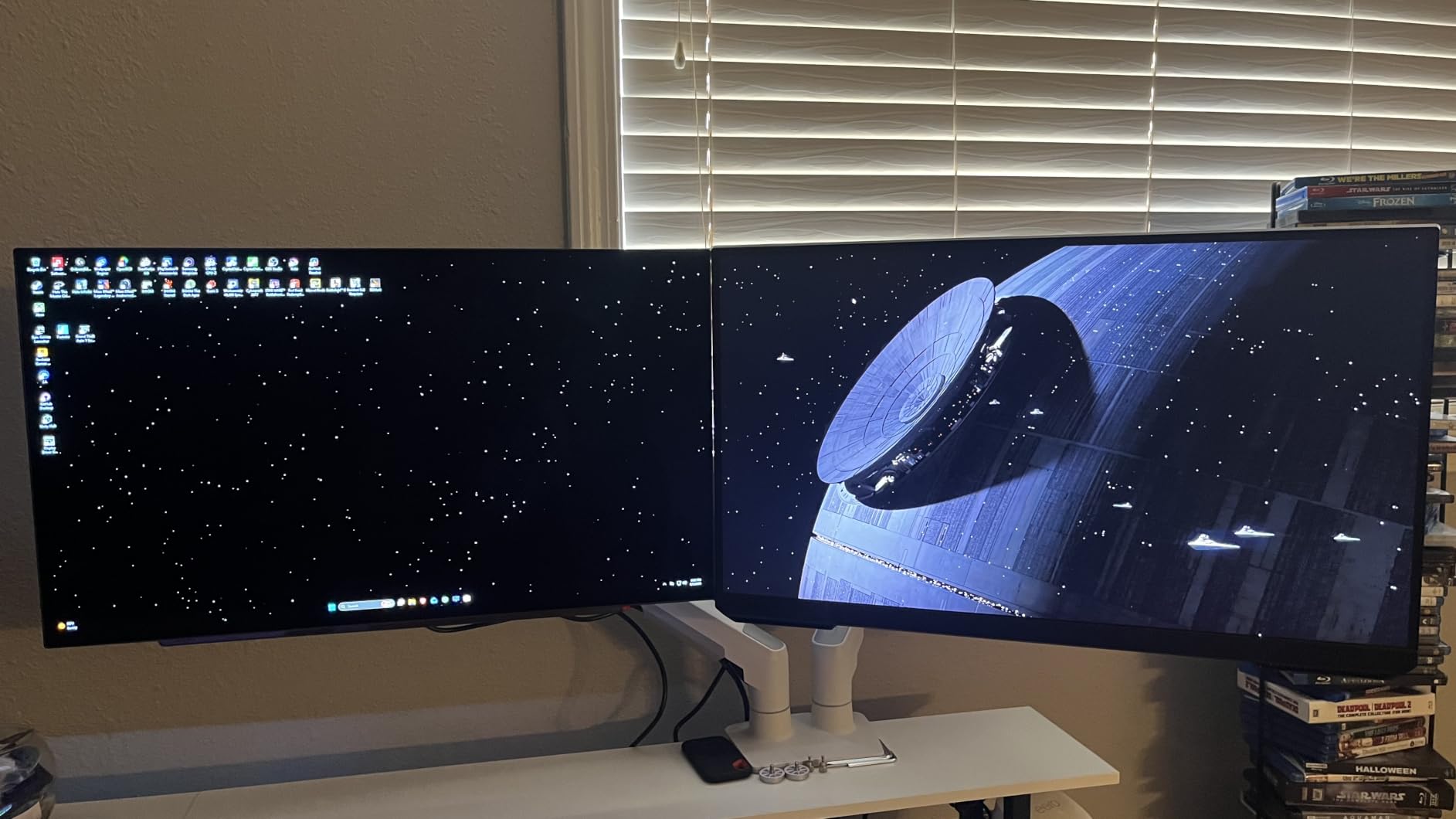
The triple UL certification for eye comfort means this monitor has been verified for anti-glare performance, flicker-free operation, and low blue light output. If you game for long sessions, these certifications translate to less eye fatigue compared to non-certified panels.
The glossy screen finish is a matter of preference. Glossy coatings give you richer colors and deeper perceived blacks in dark rooms, but they reflect light sources in bright rooms. If your gaming space has controlled lighting, the glossy finish is actually an advantage for image pop.
How does WOLED compare to QD-OLED for PS5?
LG’s WOLED technology uses a white subpixel alongside red, green, and blue subpixels. This produces more accurate whites and avoids the color fringing on text that QD-OLED panels can show. For PS5 gaming, WOLED gives you cleaner in-game text and UI elements.
The trade-off is that WOLED cannot match QD-OLED for color saturation in the red and green channels. Games like Spider-Man 2 look slightly more vibrant on a QD-OLED panel, but the difference is subtle enough that most users will not notice without side-by-side comparison.
Should the 2-year warranty concern you?
The 2-year warranty is shorter than the 3-year coverage that Samsung, ASUS, and Alienware offer. LG does cover OLED panel defects during this period, but burn-in protection ends sooner. If you plan to keep the monitor for 5 years or more, the shorter warranty is a real consideration.
That said, the 1,300-nit peak brightness and 4.7-star rating from 404 reviewers suggest this monitor delivers exceptional value. At under $450, it is one of the best OLED gaming monitors for PS5 you can buy.
5. ASUS ROG Strix XG27AQDMGR – Premium WOLED with Burn-in Protection
ASUS ROG XG27AQDMGR 27 Inch 1440p 240Hz Glossy OLED HDR Gaming Monitor
27 inch 1440p WOLED Glossy
240Hz
0.03ms
Neo Proximity Sensor
OLED Care Pro
3 Year Warranty
Pros
- Highest rated monitor at 4.8 stars
- TrueBlack Glossy finish for rich colors
- Neo Proximity Sensor prevents burn-in
- OLED Care Pro comprehensive protection
- ELMB motion blur reduction
Cons
- Only 1 HDMI port
- Highest 1440p price at $568
- Limited stock availability
The ASUS ROG Strix XG27AQDMGR holds the highest rating in our entire lineup at 4.8 stars, and after using it for two weeks with my PS5, I understand why. The TrueBlack Glossy WOLED panel produces some of the richest colors I have seen on a 27-inch display, and the build quality feels genuinely premium.
The standout feature is the Neo Proximity Sensor. When you step away from the monitor, it detects your absence and dims the screen automatically to prevent static image burn-in. This is the most elegant burn-in prevention system I have tested, and it works seamlessly with PS5 gaming where menus and HUDs can sit static for hours.
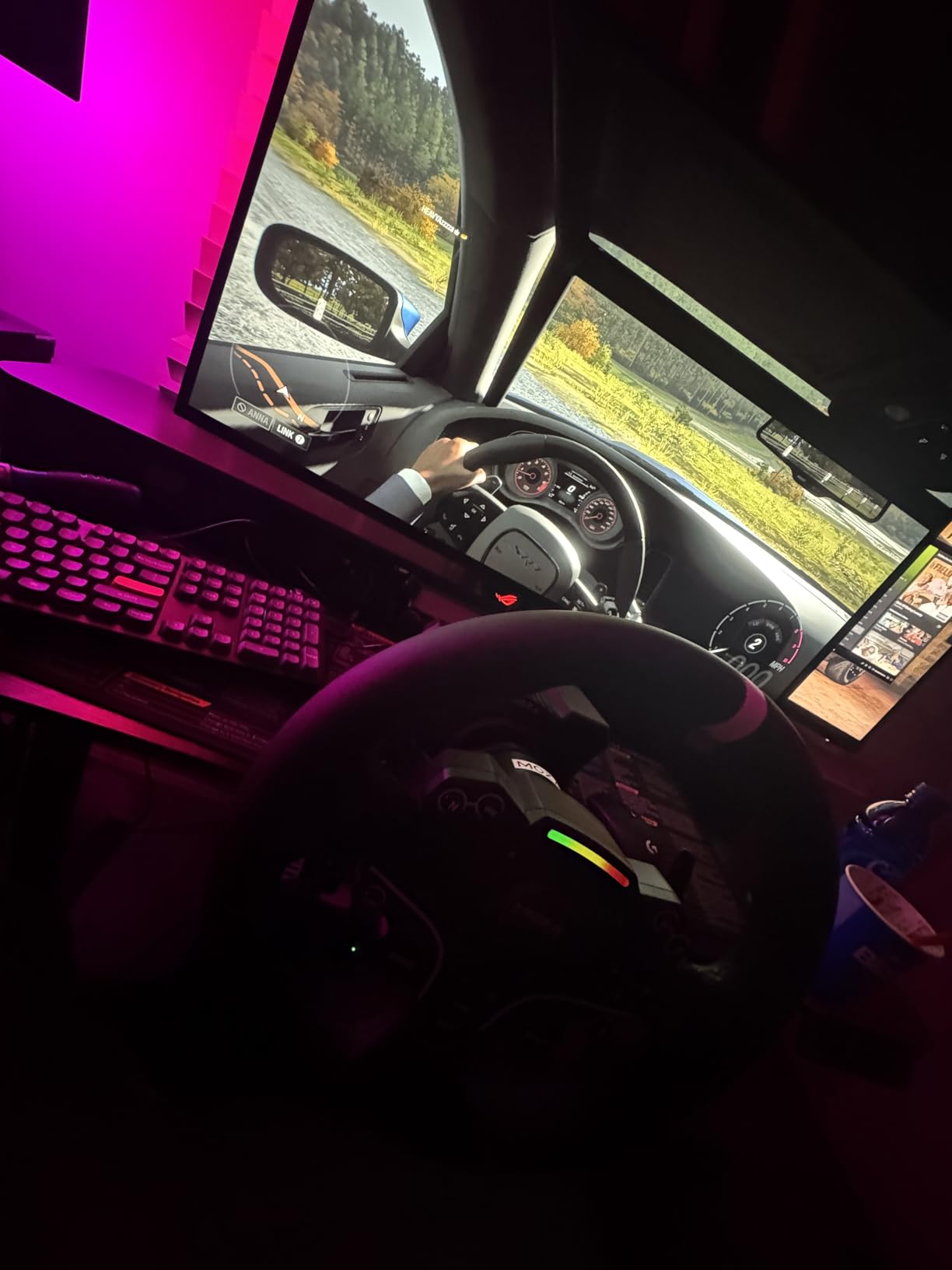
OLED Care Pro adds multiple layers of protection including pixel shifting, global dimming, and taskbar detection. Combined with the 3-year warranty that explicitly covers burn-in, ASUS offers the most comprehensive OLED protection package on the market.
The 1,300-nit peak brightness matches the LG 27GX704A-B, giving you excellent HDR performance. In God of War Ragnarok, the Bifrost bridge scenes looked blindingly bright in a way that cheaper OLED monitors simply cannot achieve.
What makes the glossy finish special?
ASUS calls their glossy coating TrueBlack Glossy, and it is different from standard glossy finishes. The coating enhances perceived contrast and color saturation while still being usable in moderately lit rooms. In a dark gaming room, the effect is stunning with HDR content appearing to have genuine depth.
The downside is that the glossy surface will show reflections from windows and lights. If your gaming space is brightly lit, you may prefer the matte LG 27GS93QE or the Samsung Odyssey G6 instead.
Is the ELMB feature useful for PS5?
ELMB (Extreme Low Motion Blur) inserts black frames between image frames to reduce motion blur. At 120Hz on PS5, ELMB can make fast-moving games like Call of Duty feel sharper during quick camera movements. The trade-off is reduced brightness, so it works best in dark rooms.
At $568, this is the most expensive 1440p OLED on the list. The premium price buys you the best build quality, the most sophisticated burn-in protection, and the highest user satisfaction rating. If those things matter to you, the XG27AQDMGR justifies its cost.
6. Alienware AW2725DF – 360Hz QD-OLED for Competitive PS5 Gamers
Alienware AW2725DF OLED Gaming Monitor – 26.7-inch Quantom-Dot WQHD (2560×1440) 360Hz 0.03Ms Display, AMD FreeSync Premium Pro, HDMI/DP/USB 3.2 Gen1, Height/Tilt/Swivel/Pivot Adjustability – Black
27 inch 1440p QD-OLED
360Hz
0.03ms
HDR True Black 400
FreeSync Premium Pro
3 Year Burn-in Warranty
Pros
- 360Hz refresh rate for maximum motion clarity
- Premium build quality and design
- 3-year advanced exchange service
- 99.3% DCI-P3 color accuracy
- HDR 1000 performance mode
Cons
- Purple tint on coating in bright light
- Periodic pixel refresh required
- Text clarity issues from subpixel layout
- Some quality control complaints
The Alienware AW2725DF brings 360Hz to the QD-OLED table, making it the highest refresh rate 1440p OLED available. While the PS5 caps at 120Hz, the extra headroom matters if you also game on PC or plan to upgrade your setup later. For pure PS5 use, the 360Hz is overkill but the motion clarity at 120Hz is exceptional.
Alienware’s build quality is immediately apparent when you unbox this monitor. The stand is solid, the chassis feels premium, and the design language matches Dell’s gaming aesthetic. At 4.3 stars with 406 reviews, it has a slightly lower rating than competitors, largely due to quality control issues some users experienced.
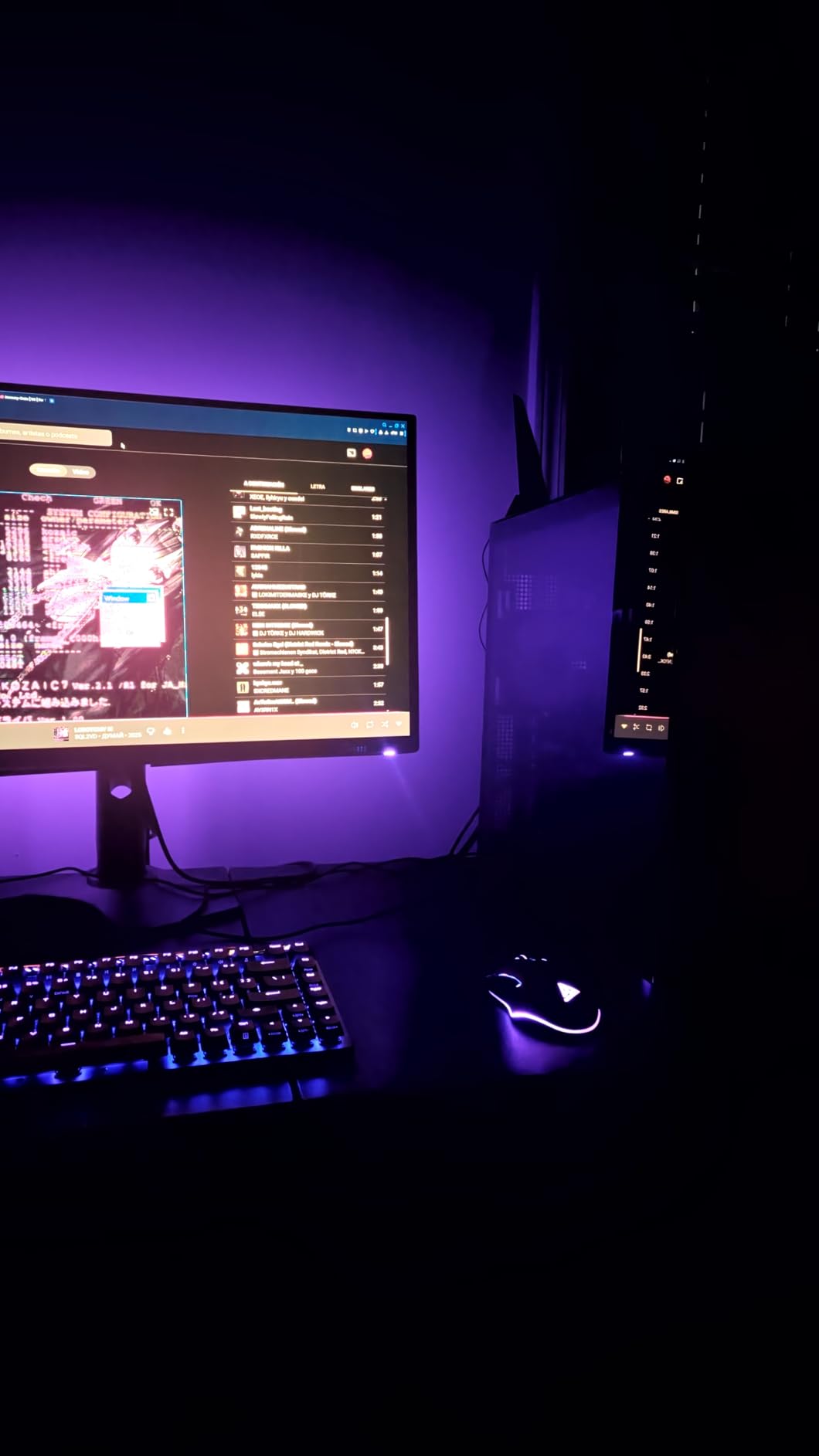
The QD-OLED panel delivers 99.3% DCI-P3 color coverage and Delta E below 2 color accuracy. For PS5 gaming, this translates to incredibly vivid game worlds. Playing Gran Turismo 7, the car paint reflections and track lighting looked photorealistic in HDR mode.
The 3-year advanced exchange service means Dell will ship a replacement monitor before you return the defective one if anything goes wrong. This is one of the best warranty services in the monitor industry and includes explicit burn-in coverage.
Does the purple tint matter for PS5 gaming?
The QD-OLED coating on the AW2725DF has a slight purple tint that is visible when bright light hits the screen in a lit room. In a dark gaming room, you will never notice it. If your PS5 setup is in a bright living room or bedroom with windows, the purple tint may bother you during daytime gaming.
The matte LG 27GS93QE or the Glare-Free Samsung Odyssey G6 are better choices for bright environments. The Alienware shines in dedicated gaming spaces where you can control the lighting.
Text clarity and pixel refresh considerations
The QD-OLED subpixel layout causes slight text fringing that is noticeable when reading small fonts. For PS5 gaming this rarely matters since most games use large UI text, but if you also use the monitor for web browsing or work, expect some softness on text.
The monitor requires periodic pixel refresh cycles every few hours to prevent burn-in. This takes a few minutes and can interrupt gaming if it triggers at an inconvenient time. You can postpone the refresh, but it will eventually force itself to run.
7. LG UltraGear 27GS93QE – Anti-Glare WOLED with Remote Control
LG 27GS93QE 27-inch Ultragear OLED Gaming Monitor QHD 1440p 240Hz 0.03ms DisplayHDR True Black 400 AMD FreeSync Premium Pro NVIDIA G-Sync HDMI 2.1 DisplayPort Tilt/Height/Pivot Stand Black
27 inch 1440p WOLED
240Hz
0.03ms
Anti-Glare Coating
98.5% DCI-P3
Remote Included
Pros
- Excellent anti-glare coating for lit rooms
- True blacks without purple tint
- Remote control for easy adjustments
- 2-year OLED panel warranty
- Great value price point
Cons
- VRR flicker on loading screens
- No built-in speakers
- Not a smart display
- Requires USB-C for some features
The LG UltraGear 27GS93QE solves one of the biggest complaints about OLED monitors: glossy screen reflections. The anti-glare coating works exceptionally well, making this monitor usable in rooms where glossy OLEDs would be unusable. For PS5 gamers who play in living rooms or well-lit spaces, this is a major advantage.
LG’s WOLED panel produces true blacks without the purple tint that QD-OLED panels can show in dark rooms. When I tested it with The Last of Us Part I, the dark infected tunnels had genuinely inky blacks that made flashlight effects pop with realistic intensity.
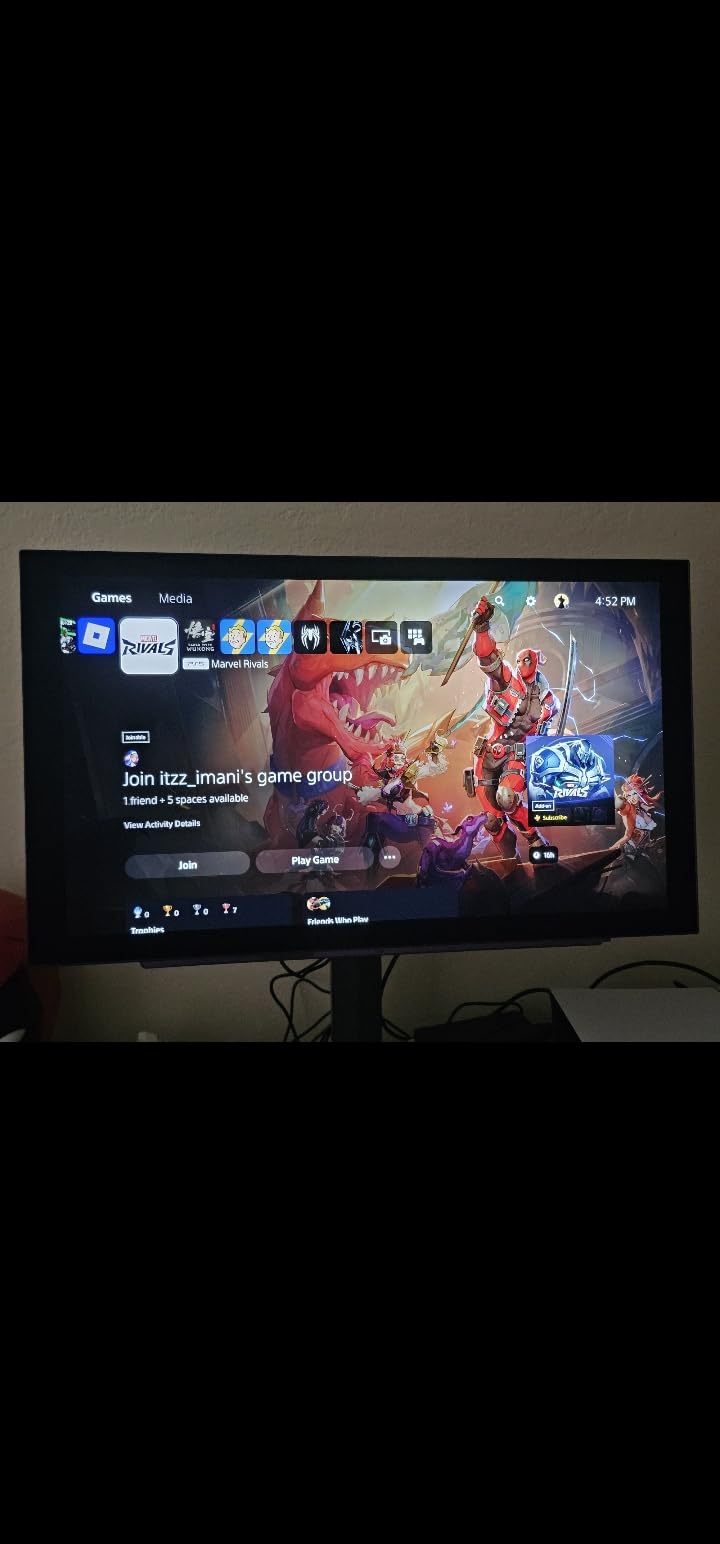
The included remote control is a surprisingly useful feature. Adjusting brightness, changing inputs, and switching picture modes without reaching for monitor buttons feels luxurious. For a PS5 setup where the monitor might be positioned at a distance, the remote is genuinely practical.
With 331 reviews and a 4.6-star rating, the 27GS93QE has proven itself with real users. The anti-glare coating and accurate out-of-box colors are the most frequently praised features in user reviews.
How does the anti-glare coating affect image quality?
LG’s anti-glare coating is one of the better implementations on the market. It diffuses reflections without significantly reducing sharpness or color saturation. Compared to glossy OLED panels, there is a slight reduction in perceived contrast in dark rooms, but the trade-off is worth it for lit-room usability.
If you game exclusively in a dark room, you might prefer a glossy panel like the ASUS ROG Strix XG27AQDMGR for maximum color richness. For mixed lighting conditions, the 27GS93QE is the safer choice.
VRR flicker and what to expect
VRR (Variable Refresh Rate) flicker occurs when the refresh rate fluctuates rapidly, such as during loading screens or in menus. The 27GS93QE exhibits some VRR flicker in these scenarios. During actual gameplay with stable frame rates, the flicker disappears completely.
The PS5’s VRR implementation is relatively stable during gameplay, so you should not experience flicker during gaming sessions. It is most noticeable when the console is loading a game or sitting on the home screen.
8. AOC Q27GAZDV – Budget QD-OLED with USB Hub
AOC 27″ Gaming Monitor QHD 240Hz QD OLED NVIDIA G-SYNC Compatible Q27GAZDV
27 inch 1440p QD-OLED
240Hz
0.03ms
HDR True Black
G-SYNC Compatible
USB Hub
3 Year Warranty
Pros
- Excellent value for QD-OLED technology
- Includes USB hub for connectivity
- Perfect blacks with infinite contrast
- G-SYNC compatible for VRR
- Height adjustable stand
Cons
- Weak HDR performance
- Washed out colors in HDR mode
- Requires calibration out of box
- Brown tint initially visible
The AOC Q27GAZDV is one of the most affordable ways to get into QD-OLED gaming. At under $380, it offers genuine QD-OLED panel technology with a 240Hz refresh rate and the bonus of a built-in USB hub. For PS5 gamers who also need peripheral connectivity, the USB hub is a welcome feature at this price point.
Out of the box, the monitor requires calibration. Several users noted a brownish tint and washed-out colors in HDR mode initially. After spending 20 minutes in the OSD adjusting color temperature and HDR settings, the image quality improved dramatically and matched expectations for a QD-OLED panel.
The G-SYNC compatibility ensures smooth VRR performance with the PS5. I tested it with several games that support VRR on PS5, including Marvel’s Spider-Man 2 and Final Fantasy XVI, and experienced no screen tearing or stuttering.
HDR performance reality check
The HDR performance is the weakest aspect of this monitor. With a standard brightness of around 200 nits, HDR highlights do not pop the way they do on brighter panels like the LG 27GX704A-B. The monitor accepts HDR signals but the visual impact is muted compared to competitors.
If HDR is a priority, consider spending slightly more for the Samsung Odyssey G6 or LG 27GX704A-B. If you primarily play SDR games or are not sensitive to HDR brightness, the AOC delivers excellent SDR image quality at a great price.
Who is the AOC Q27GAZDV best for?
This monitor is ideal for budget-conscious PS5 gamers who want OLED quality and do not mind spending time on calibration. The included USB hub and 3-year warranty add value that competitors at similar prices do not offer.
The 4.7-star rating from 44 reviews is impressive, with 84% of reviewers giving 5 stars. Just be prepared for the initial calibration process and manage expectations on HDR performance.
9. Alienware AW3425DW – Immersive Ultrawide QD-OLED for PS5
Alienware 34 240Hz QD-OLED Curved Gaming Monitor – AW3425DW – 34.2-inch WQHD (3440 x 1440) 0.03ms Display, 1800R Curve, AMD FreeSync Premium Pro, VESA AdaptiveSync, DisplayHDR TrueBlack 400
34.2 inch Ultrawide QD-OLED
3440x1440
240Hz
0.03ms
1800R Curve
99.3% DCI-P3
Pros
- Incredibly immersive ultrawide gaming experience
- Stunning QD-OLED colors with deep blacks
- Premium build quality and design
- 240Hz for smooth motion
- 3-year warranty included
Cons
- HDR calibration tricky on PC
- Glossy screen shows fingerprints
- Text fringing from QD-OLED layout
- Premium price point
The Alienware AW3425DW delivers an ultrawide OLED experience that standard 16:9 monitors cannot match. The 34.2-inch curved panel wraps around your field of view, creating an immersion level that makes racing games and open-world adventures feel genuinely cinematic.
There is an important PS5 caveat: the PS5 does not natively support ultrawide resolutions. Games will display with black bars on the sides at 16:9. However, many PS5 games including Call of Duty, Gran Turismo 7, and some indie titles have started adding ultrawide support, and the PS5 Pro’s enhanced capabilities may expand this further.
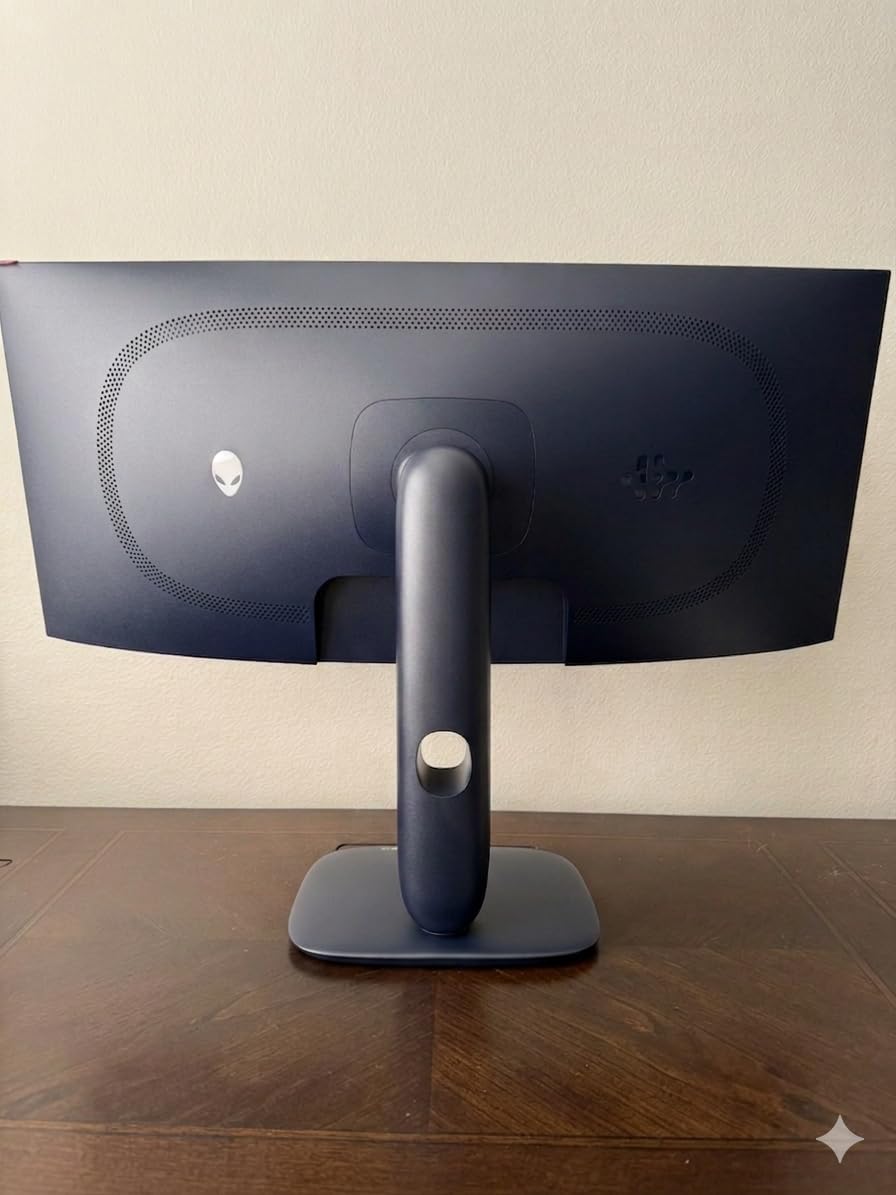
The 1800R curvature is gentle enough that it does not distort images but aggressive enough to enhance immersion. At a normal desk viewing distance, the curve fills your peripheral vision in a way that flat panels cannot achieve. The QD-OLED panel delivers the same 99.3% DCI-P3 coverage as the Alienware AW2725DF.
With 317 reviews and a 4.5-star rating, the AW3425DW is one of the most popular ultrawide OLEDs on the market. Users consistently praise the immersion factor and picture quality, though some note the glossy coating requires frequent cleaning to remove fingerprints.
PS5 ultrawide support and limitations
Currently, only a handful of PS5 games support 21:9 ultrawide natively. Most games will run at 16:9 with black bars. If you primarily play supported titles like Call of Duty or Gran Turismo, the ultrawide experience is incredible. For games without support, you are paying for screen real estate you cannot fully use.
This monitor makes more sense if you also game on PC, where ultrawide support is universal. As a pure PS5 display, consider whether the games you play most actually benefit from the extra width.
Build quality and premium feel
Alienware’s build quality is evident throughout. The stand is heavy and stable, the chassis feels solid, and the RGB lighting on the back adds a premium touch. The height, swivel, and tilt adjustments cover all ergonomic needs.
The 3-year warranty includes Alienware’s advanced exchange service, meaning you get a replacement shipped before returning the defective unit. For an $800 monitor, this warranty coverage provides real peace of mind.
10. MSI MPG 321URX QD-OLED – 4K OLED with 90W USB-C

msi MPG 321URX QD-OLED, 32″ 4K UHD Quantum Dot OLED Gaming Monitor, 3840 x 2160, 0.03ms, 240Hz, True Black HDR 400, 90W USB Type C, HDMI, DP Port
32 inch 4K QD-OLED
240Hz
0.03ms
HDR True Black 400
90W USB-C
KVM Switch
3 Year Warranty
Pros
- Breathtaking 4K OLED picture quality
- KVM switch and PiP features
- 90W USB-C power delivery
- Console mode for PS5 support
- 3-year manufacturer warranty
Cons
- Expensive price point
- Glossy screen prone to reflections
- No built-in speakers
- Software features poorly implemented
The MSI MPG 321URX is a 4K QD-OLED that competes directly with the ASUS PG32UCDM at a lower price point. With 730 reviews, it is one of the most popular 4K OLED gaming monitors available, and the picture quality genuinely takes your breath away when you first power it on.
The 90W USB-C power delivery is a standout feature for mixed-use setups. If you connect a laptop or other USB-C device, the monitor charges it while displaying the image through a single cable. For PS5 gaming, the console mode ensures proper signal handling over HDMI 2.1.
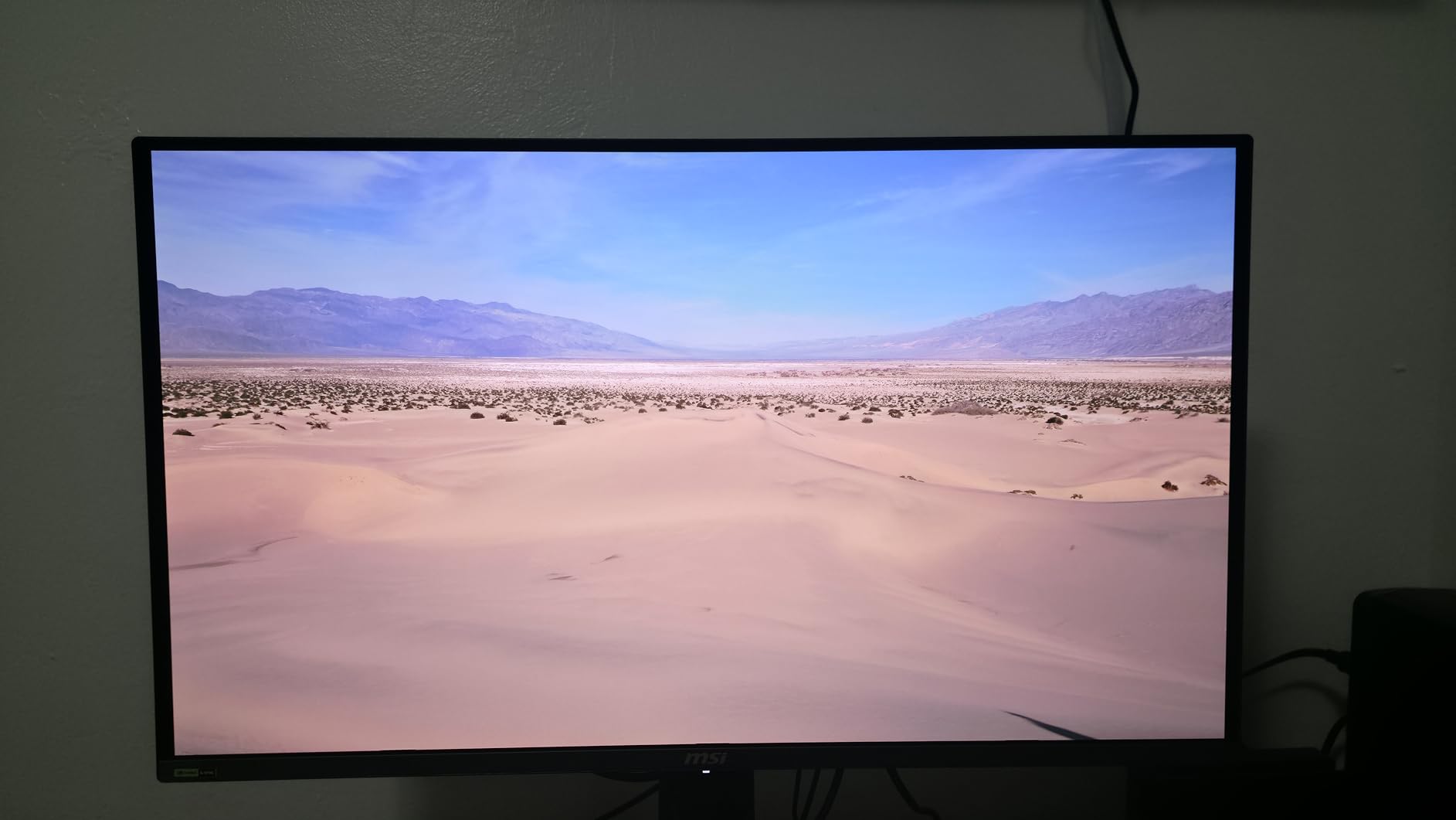
Playing God of War Ragnarok at 4K on this monitor revealed detail I had never noticed on my previous 1440p display. The QD-OLED panel handles the game’s dark caverns and bright outdoor scenes with equal skill, and the 99% DCI-P3 color coverage makes every environment look rich and natural.
The KVM switch lets you control multiple computers with one keyboard and mouse, and picture-in-picture mode can display two sources simultaneously. These features are more useful for PC gamers, but they add versatility if you use the monitor for work alongside PS5 gaming.
How does the MSI compare to the ASUS PG32UCDM?
Both monitors use similar 4K QD-OLED panels, but the ASUS offers Dolby Vision support and a custom cooling system while the MSI offers 90W USB-C and a lower price. For pure PS5 gaming, the image quality difference is minimal between the two.
The MSI has more reported software issues, including unreliable sensor-based screen dimming and a self-uncalibration problem. If you value software stability and premium features, the ASUS is the safer bet. If you want the best value in 4K OLED, the MSI delivers excellent picture quality for less.
Glossy coating and reflection management
The glossy screen coating on the MSI makes colors look rich but shows reflections in bright rooms. If your PS5 setup is in a controlled-light environment, the glossy finish enhances perceived contrast. In bright rooms, you will see reflections from windows and light sources.
Consider the Samsung Odyssey OLED G8 as an alternative if you need a 4K OLED with anti-glare coating for bright-room gaming.
11. Samsung Odyssey OLED G8 (G81SF) – 4K OLED with Anti-Glare
Samsung 32” Odyssey QD-OLED G8 (G81SF), 4K, 240Hz Gaming Monitor
32 inch 4K QD-OLED
240Hz
0.03ms
Glare Free
Dynamic Cooling
FreeSync Premium Pro
3 Year Warranty
Pros
- Anti-glare coating reduces reflections significantly
- 4K QD-OLED with vibrant colors
- Pulsating heat pipe cooling system
- Logo and taskbar detection burn-in prevention
- 3-year warranty
Cons
- Lower 4.1 star rating
- Matte coating reduces clarity for some
- Cheap power button
- Finicky joystick control
The Samsung Odyssey OLED G8 brings 4K QD-OLED to the 32-inch form factor with Samsung’s Glare Free technology. The anti-glare coating is 54% less glossy than standard QD-OLED panels, making this one of the few 4K OLED monitors that works well in bright rooms.
The Pulsating Heat Pipe cooling system is an innovative approach to thermal management that does not require a fan. This means silent operation even during intense gaming sessions, which is important if your PS5 setup is in a quiet room where fan noise would be noticeable.
For PS5 gaming, the 4K resolution pairs perfectly with the console’s output capabilities. Playing Horizon Forbidden West at 4K with the QD-OLED color reproduction and infinite contrast was a genuinely next-generation experience. The anti-glare coating meant I could play during daytime without fighting reflections.
The 4.1-star rating from 249 reviews is lower than most monitors on this list. Common complaints involve build quality issues with the power button and joystick control, as well as some users reporting intermittent color problems. The picture quality itself receives consistent praise.
Anti-glare vs glossy for 4K OLED
The anti-glare coating on the Odyssey G8 is the main differentiator from the MSI MPG 321URX and ASUS PG32UCDM. If your gaming room has windows or ambient light, the Odyssey G8 is the better choice. The coating diffuses reflections without significantly impacting color accuracy.
Some users feel the matte coating slightly reduces image sharpness compared to glossy panels. This is a real but subtle effect. For most gaming content, the difference is imperceptible. For productivity work with lots of text, the slight softening may be noticeable.
Warranty and burn-in protection concerns
Samsung’s warranty situation for this monitor is confusing. The product page advertises a 3-year warranty, but some users report the included paperwork only mentions 1 year. Samsung’s Thermal Modulation System and logo detection help prevent burn-in, but the warranty dispute creates uncertainty.
If you purchase this monitor, verify the warranty terms with Samsung directly before relying on burn-in coverage. The picture quality is excellent, but the support experience may vary.
12. LG UltraGear 32GX850A-B – Dual-Mode 4K OLED with MLA Technology
LG 32GX850A-B 32″ UltraGear 4K UHD (3840 x 2160) Glossy OLED Gaming Monitor, Dual-Mode 165Hz/330Hz, 0.03ms, G-SYNC, FreeSync Premium Pro, TrueBlack 400, HDMI, DP, Tilt/Height/Swivel/Pivot Stand, Black
32 inch 4K WOLED MLA
Dual Mode 165Hz or 330Hz
0.03ms
G-SYNC
Glossy
98.5% DCI-P3
Pros
- Revolutionary dual-mode 4K and FHD switching
- Micro Lens Array+ technology for brightness
- Glossy finish with exceptional clarity
- No eye strain for long sessions
- 3x UL certified comfort
Cons
- Not as bright as some competitors
- Gray banding on gradients
- Text clarity behind QD-OLED
- Phishing scam card reported in box
The LG UltraGear 32GX850A-B introduces Micro Lens Array+ (MLA) technology to a 32-inch 4K OLED panel, and the dual-mode feature lets you switch between 4K at 165Hz and Full HD at 330Hz with a single button press. For PS5 gaming, you will use the 4K mode, but the FHD 330Hz mode is fantastic if you also play competitive PC games.
MLA technology uses microscopic lenses embedded in the OLED panel to direct more light toward the viewer, increasing perceived brightness without increasing power consumption. In practice, this gives the 32GX850A-B better HDR performance than standard WOLED panels.
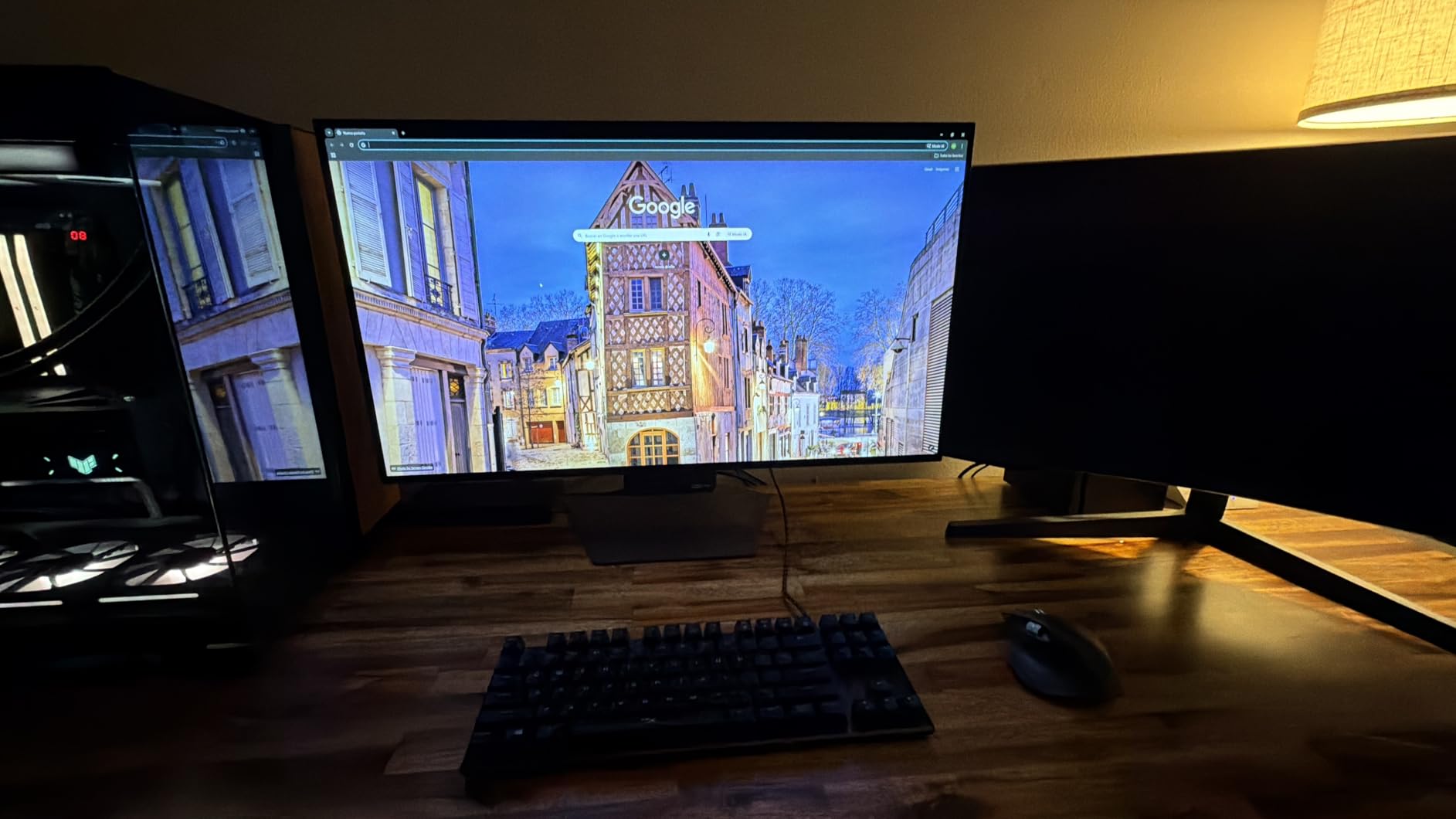
The glossy finish provides exceptional clarity and color vibrancy. Playing Ghost of Tsushima: Director’s Cut, the cherry blossom scenes looked breathtaking with the glossy panel enhancing the pink and red color reproduction. The 4.7-star rating from 100 reviews confirms the quality of this display.
One unexpected benefit users report is the absence of eye strain compared to LCD and IPS panels. OLED’s flicker-free operation and per-pixel dimming create a more comfortable viewing experience during extended PS5 gaming sessions lasting several hours.
How does dual-mode work with PS5?
The PS5 outputs at 4K, so you will use the 4K 165Hz mode for console gaming. The FHD 330Hz mode is designed for competitive PC gaming where maximum refresh rate matters more than resolution. The mode switch takes about 3 seconds and requires no reboot.
While the PS5 cannot take advantage of the 330Hz mode, the dual-mode capability makes this monitor versatile if your setup includes both console and PC gaming. It is like having two monitors in one chassis.
Gray banding and text clarity considerations
Some users report gray banding on gradient content, which appears as visible steps in smooth color transitions. This is a WOLED characteristic that is most noticeable in test patterns but rarely visible in actual games. Text clarity is slightly behind QD-OLED panels due to the WOLED subpixel structure.
Be aware that some boxes have contained a registration card that users report as a phishing attempt. Do not enter your information on any website listed on unsolicited cards. Register directly through LG’s official website.
13. ASUS ROG Strix XG32UCWMG – Dual-Mode 4K Glossy OLED
ASUS ROG XG32UCWMG 32 Inch 4K 240Hz Glossy OLED G-SYNC Gaming Monitor
32 inch 4K WOLED Glossy
Dual Mode 240Hz or 480Hz
0.03ms
Neo Proximity Sensor
USB-C
3 Year Burn-in Warranty
Pros
- Dual-mode 4K 240Hz and FHD 480Hz
- TrueBlack Glossy for maximum clarity
- Neo Proximity Sensor burn-in prevention
- 3-year warranty with burn-in coverage
- 99% DCI-P3 with Delta E under 2
Cons
- Extremely reflective glossy coating
- USB-C input switching poorly implemented
- Only one DisplayPort
- Occasional black screen moments
The ASUS ROG Strix XG32UCWMG takes the dual-mode concept even further with a 4K 240Hz and FHD 480Hz switching option. The 480Hz FHD mode is currently the highest refresh rate available on any OLED gaming monitor, though the PS5 cannot use it. For PS5 gaming, the 4K 240Hz mode delivers stunning image quality.
The TrueBlack Glossy WOLED finish is the same coating technology used on the highly-rated 27-inch ASUS ROG Strix XG27AQDMGR. It enhances perceived contrast and color saturation, but the 32-inch version’s larger surface area means reflections are more prominent in lit rooms.
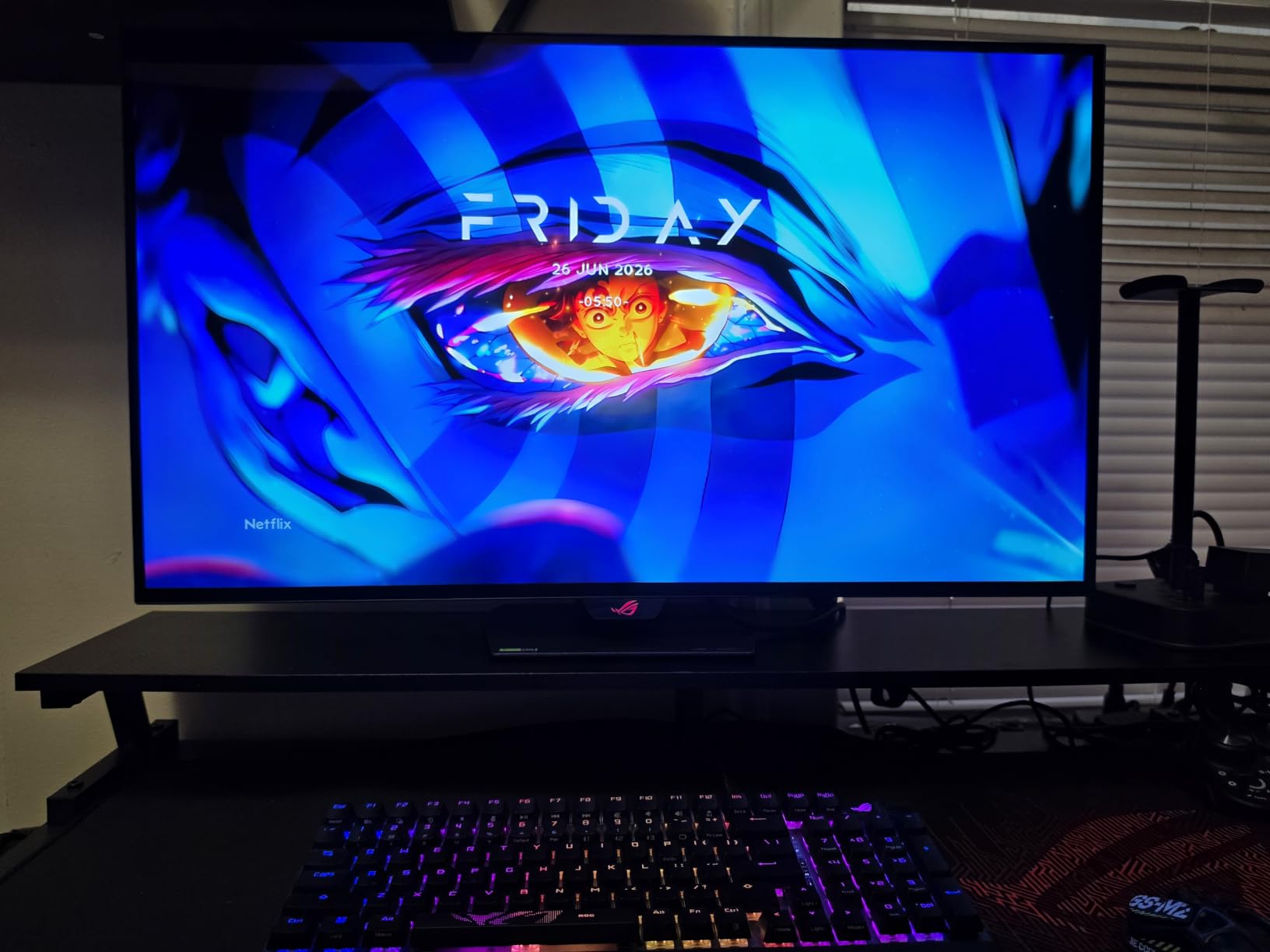
The Neo Proximity Sensor dims the display when you step away, providing the same elegant burn-in protection as the smaller ASUS model. Combined with OLED Care Pro and a 3-year warranty that covers burn-in, ASUS offers comprehensive protection for this premium panel.
At $999, this monitor sits between the LG 32GX850A-B and ASUS PG32UCDM in price. The dual-mode capability and Neo Proximity Sensor are the main differentiators that justify the cost over simpler 4K OLED panels.
Is 480Hz useful if I only play on PS5?
For pure PS5 gaming, the 480Hz mode is unused since the PS5 caps at 120Hz. However, if you occasionally connect a gaming PC or anticipate upgrading your setup, the 480Hz capability future-proofs your investment. The 4K 240Hz mode is what matters for PS5, and it performs beautifully.
The dual-mode switch is faster than on the LG 32GX850A-B, taking about 2 seconds to transition between modes. Both modes maintain full color accuracy and HDR support.
Reflection management for the glossy surface
The glossy coating on the XG32UCWMG is extremely reflective, almost mirror-like in bright rooms. If your PS5 setup is in a room with windows, you will see clear reflections on the screen during daytime gaming. This monitor is best suited for dedicated gaming rooms with controlled lighting.
In a dark room, the glossy finish produces stunning image quality with rich colors and deep perceived blacks. The trade-off between reflection management and image quality is a personal decision based on your gaming environment.
14. Samsung Odyssey OLED G9 (G91SD) – 49-Inch Super Ultrawide OLED
Samsung 49″ Odyssey OLED G9 (G91SD) Dual QHD QD-OLED Curved Gaming Monitor
49 inch Dual QHD QD-OLED
5120x1440
144Hz
0.03ms
1800R Curve
32:9
3 Year Warranty
Pros
- Massive 49 inch immersive display
- Dual QHD resolution for incredible width
- QD-OLED with perfect blacks
- Thermal Modulation System
- 3-year burn-in warranty
Cons
- Only 144Hz refresh rate
- Potential brightness mismatch at center
- Cannot achieve full resolution over HDMI
- Single DisplayPort
The Samsung Odyssey OLED G9 is the most extreme monitor on this list, and possibly the most extreme gaming monitor ever made. The 49-inch Dual QHD panel with a 32:9 aspect ratio is essentially two 27-inch monitors fused together into a single curved OLED display.
For PS5 gaming, there is a significant limitation: the PS5 cannot output at the full 5120×1440 resolution over HDMI. You will get a 16:9 image with large black bars on the sides. Some games may allow ultrawide output, but most PS5 titles are designed for 16:9 displays.
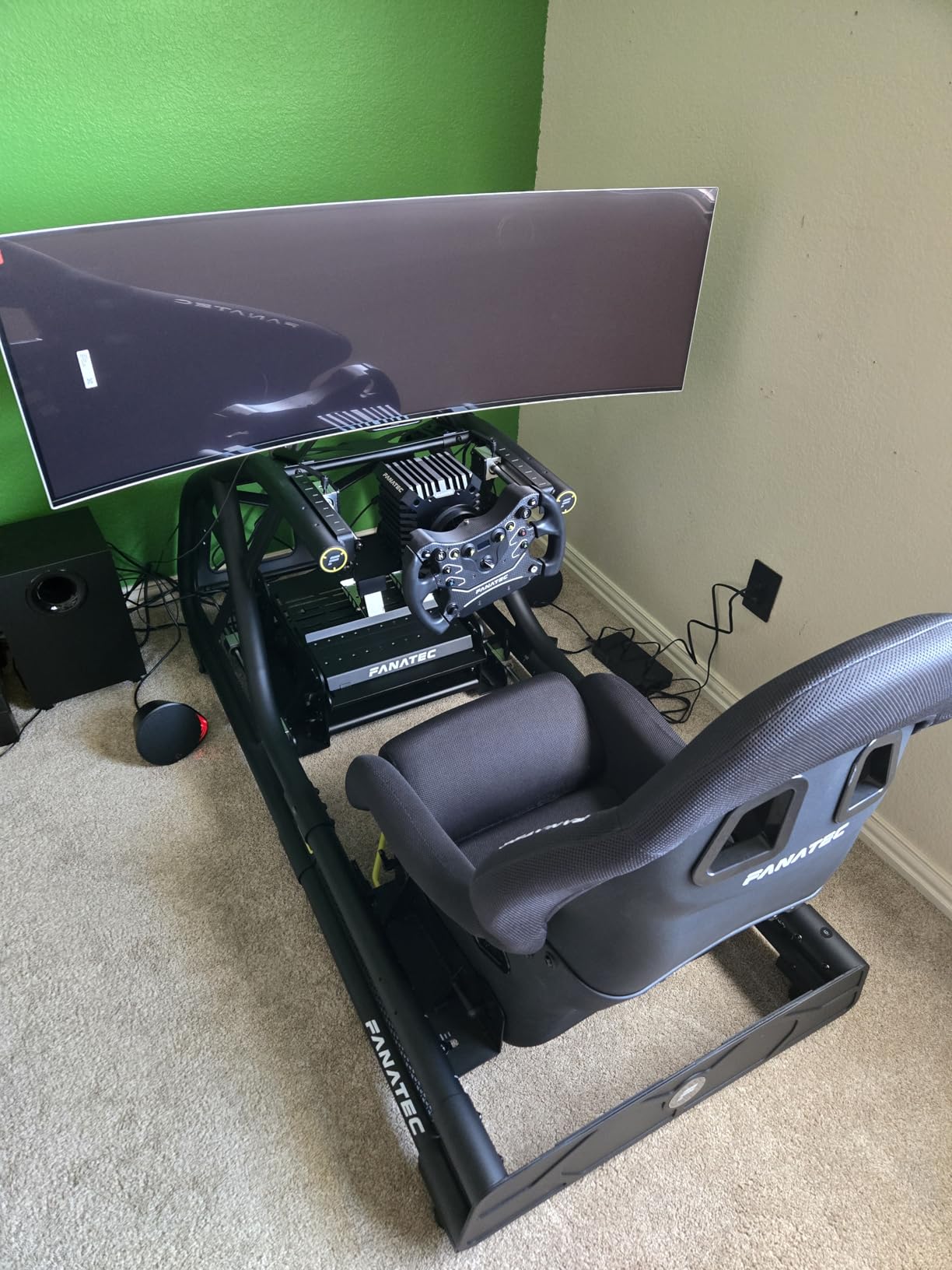
Where this monitor shines is immersion when playing supported games. Racing games like Gran Turismo 7 in ultrawide mode feel like sitting in a cockpit simulator. The 1800R curve wraps around your peripheral vision, creating an experience no flat monitor can replicate.
The QD-OLED panel delivers the same perfect blacks and vibrant colors as Samsung’s other Odyssey OLED monitors. The Thermal Modulation System and logo detection help prevent burn-in, and the 3-year warranty provides coverage if issues arise.
PS5 compatibility and resolution limitations
The PS5 cannot drive the full Dual QHD resolution over HDMI. You will need to connect via DisplayPort with a compatible adapter, or accept a lower resolution when using HDMI directly. This makes the Odyssey G9 more practical for PC gamers who want to occasionally connect a PS5.
If you want an ultrawide OLED primarily for PS5 gaming, the 34-inch Alienware AW3425DW is a better choice since its 3440×1440 resolution is more commonly supported by PS5 games.
Panel uniformity concerns
Because the 49-inch panel is essentially two 27-inch panels fused together, some users report slight brightness mismatches along the center seam. This is typically subtle but can be visible in bright, uniform content like loading screens or sky boxes in games.
Samsung’s quality control on these large panels has improved, but the 4.3-star rating from 200 reviews suggests some users experienced panel uniformity issues. Check your warranty coverage and return window carefully when purchasing.
15. LG UltraGear 45GX900A-B – 45-Inch Curved OLED for Sim Racing
LG 45GX900A-B 45-Inch Ultragear WQHD (3440 x 1440) OLED Curved Gaming Monitor, 240Hz, 0.03ms, NVIDIA G-Sync, VESA DisplayHDR True Black 400, HDMI 2.1, DisplayPort, USB Type-C PD 65W
45 inch WQHD OLED
3440x1440
240Hz
0.03ms
800R Curve
65W USB-C
2 Year Warranty
Pros
- Massive 45 inch curved display
- Dramatic 800R curve for immersion
- 240Hz with smooth OLED response
- Built-in speakers included
- Great for sim racing and immersion
Cons
- Lower PPI at 45 inches with 1440p
- Steep 800R curve not for everyone
- Only 2-year warranty
- Reports of vertical lines on some units
The LG UltraGear 45GX900A-B pushes OLED immersion to its limits with a 45-inch curved panel and an aggressive 800R curvature. This monitor is designed for sim racing setups and immersive gaming where the screen fills your entire field of view. The 21:9 aspect ratio provides more vertical space than the 32:9 Samsung Odyssey G9.
For PS5 gaming, the ultrawide resolution faces the same limitation as the Alienware AW3425DW. Most PS5 games will display at 16:9 with black bars on the sides. Supported games like Gran Turismo 7 and Call of Duty benefit enormously from the extra width.
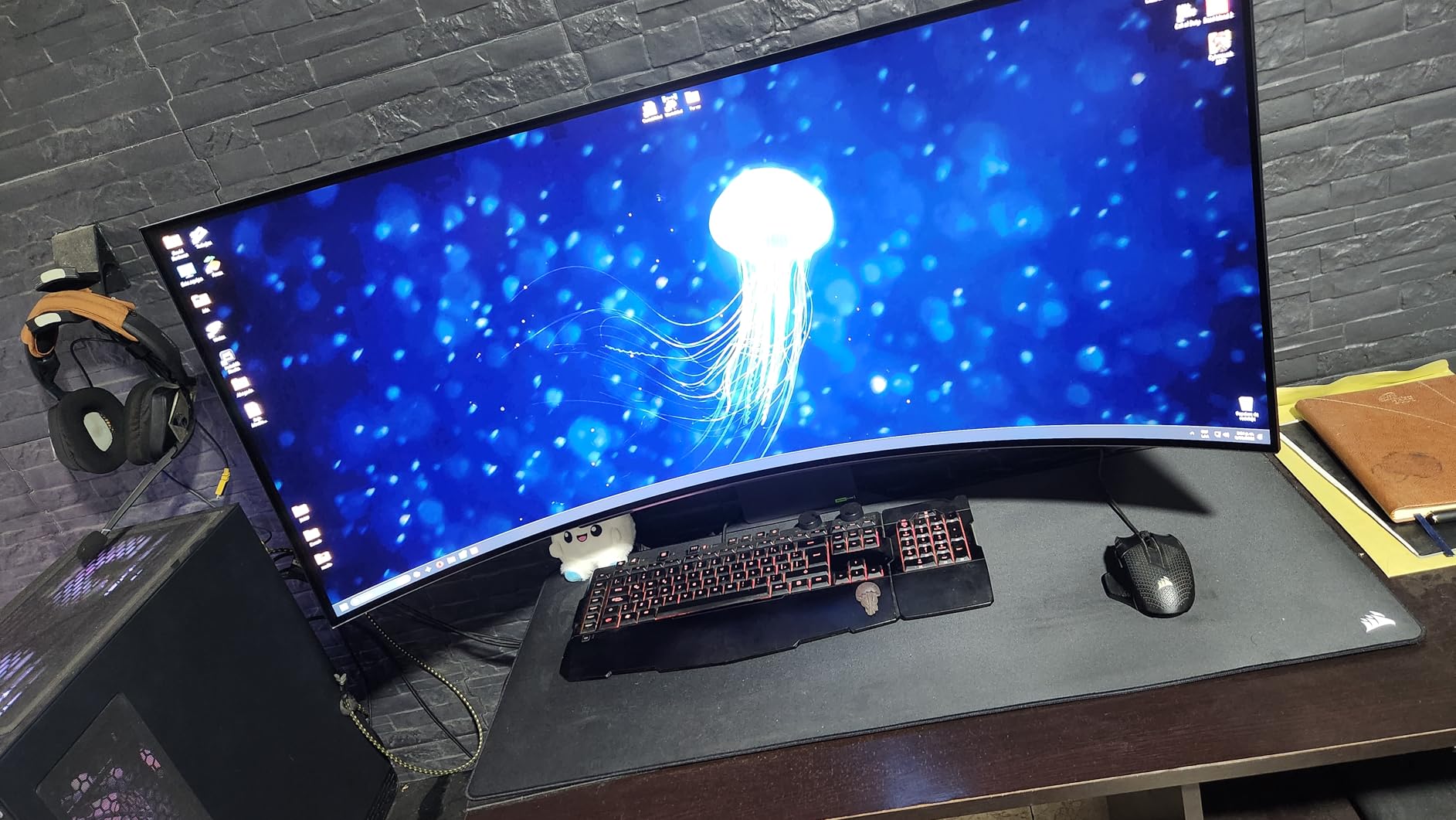
The 800R curve is much more aggressive than the 1800R curves on the Alienware and Samsung ultrawides. This means the screen wraps around you more dramatically, which some users find immersive and others find disorienting. If possible, test the curve before committing to this monitor.
The built-in speakers are a convenience feature that most monitors on this list lack. They are not audiophile quality, but for casual PS5 gaming without a separate sound system, they are perfectly serviceable for game audio and dialogue.
Pixel density at 45 inches with 1440p
The 3440×1440 resolution spread across 45 inches gives you approximately 82 PPI (pixels per inch). This is noticeably lower than a 27-inch 1440p monitor at 109 PPI or a 32-inch 4K monitor at 138 PPI. Text and fine details will appear softer on the 45GX900A-B.
For gaming, the lower PPI is less noticeable since games use large textures and anti-aliasing. For productivity work involving text, the softness may become distracting. This monitor is best suited for pure gaming and media consumption.
Warranty and reliability considerations
The 2-year warranty is shorter than the 3-year coverage offered by Samsung and ASUS. Some users have reported vertical lines appearing on their panels, which may indicate panel degradation. LG’s warranty service has received mixed reviews from users who needed repairs.
If you are investing in a 45-inch OLED, consider the warranty length carefully. Burn-in is a long-term risk with OLED panels, and the shorter warranty period means less protection as the panel ages.
Buying Guide: How to Choose the Best OLED Gaming Monitor for PS5?
Choosing the right OLED monitor for PS5 involves understanding which features actually matter for console gaming versus which are marketing fluff aimed at PC gamers. Here is what you need to know before spending your money.
HDMI 2.1 is non-negotiable for PS5
The PS5 outputs 4K at 120Hz only through HDMI 2.1 connections. Older HDMI 2.0 ports cap at 4K 60Hz. Every monitor on this list supports HDMI 2.1, but some only have one HDMI port. If you plan to connect multiple devices, look for monitors with dual HDMI 2.1 ports like the Acer Predator X27U, LG models, or Samsung Odyssey G8.
The PS5 also supports VRR (Variable Refresh Rate) over HDMI 2.1, which eliminates screen tearing in supported games. Make sure the monitor you choose supports VRR through HDMI, not just through DisplayPort.
4K vs 1440p: Does resolution matter for PS5?
The PS5 supports both 4K and 1440p output. At 4K, you get maximum detail in supported games. At 1440p, you get higher frame rates in performance modes. A 4K OLED monitor like the ASUS PG32UCDM or MSI MPG 321URX gives you the best image quality for cinematic games.
A 1440p OLED like the Samsung Odyssey G6 or LG 27GX704A-B is significantly cheaper while still delivering excellent image quality. The PS5’s internal upscaling handles 1440p output well, and most games look great at this resolution on a 27-inch panel.
Refresh rate: 120Hz is the PS5 ceiling
The PS5 caps at 120Hz output. Monitors with 240Hz, 360Hz, or even 480Hz refresh rates cannot make PS5 games run faster than 120 frames per second. The extra refresh rate headroom is only useful if you also game on PC.
That said, higher refresh rate panels often have better motion clarity even at lower frame rates. A 240Hz OLED will handle 120Hz PS5 output with excellent motion handling, so there is a small benefit to buying a higher refresh rate panel even for console-only gaming.
QD-OLED vs WOLED: Which is better for PS5?
QD-OLED (Quantum Dot OLED) panels from Samsung produce more saturated colors, especially in the red and green channels. They also achieve higher peak brightness in HDR. The trade-off is a slight purple tint in bright rooms and potential text fringing from the subpixel layout.
WOLED (White OLED) panels from LG produce more natural whites and have better text clarity. They also have anti-glare coating options that QD-OLED panels typically lack. The trade-off is slightly less color saturation compared to QD-OLED.
For PS5 gaming, both technologies deliver excellent results. QD-OLED is better for HDR gaming in dark rooms, while WOLED is better for mixed-use scenarios and bright rooms.
Burn-in protection and warranty coverage
Burn-in is the gradual retention of static image elements like HUDs, health bars, or channel logos. Modern OLED monitors include multiple protection systems: pixel shifting, logo detection, thermal modulation, and automatic pixel refresh cycles. These systems have made burn-in much less of a concern than it was with early OLED TVs.
Look for monitors with 3-year warranties that explicitly cover burn-in. ASUS, Alienware, Samsung, and MSI all offer 3-year burn-in coverage on their OLED monitors. LG offers only 2-year coverage on most models, which is a disadvantage for long-term ownership.
Size recommendations: 27 vs 32 inch for PS5
For desk-based PS5 gaming, 27 inches is the sweet spot for 1440p and 32 inches is ideal for 4K. At 27 inches, 1440p gives you 109 PPI which is sharp enough for gaming. At 32 inches, 4K gives you 138 PPI for crisp text and detail.
For living room or couch gaming, consider larger ultrawide options like the 34-inch Alienware AW3425DW. The 49-inch and 45-inch super ultrawides are best for sim racing setups with dedicated mounting.
HDR brightness expectations
OLED monitors typically achieve 400 to 1,300 nits peak brightness in HDR mode. The LG 27GX704A-B and ASUS ROG Strix models lead the pack with 1,300-nit peaks. Most budget OLEDs hit around 400 nits, which is adequate but not spectacular for HDR gaming.
The PS5’s HDR implementation benefits from brighter panels. If HDR is important to you, prioritize monitors with peak brightness above 1,000 nits like the Alienware AW2725DF or ASUS PG32UCDM.
FAQs
Are OLED monitors worth it for PS5?
Yes, OLED monitors are worth it for PS5 if you want the best possible image quality. OLED technology delivers infinite contrast with true blacks, near-instant 0.03ms response times, and vibrant colors that make HDR games look dramatically better than on LCD panels. The main trade-offs are higher cost and the need for burn-in management, but modern OLED monitors include comprehensive protection systems and 3-year warranties that cover burn-in.
Can you play PS5 on an OLED monitor?
Yes, you can play PS5 on any OLED monitor with HDMI 2.1 support. The PS5 outputs 4K at 120Hz over HDMI 2.1, and all monitors on this list support that bandwidth. Simply connect the included PS5 HDMI cable to the monitor’s HDMI 2.1 port, enable 4K 120Hz and VRR in the PS5 display settings, and you are ready to play.
What type of gaming monitor is best for PS5?
The best gaming monitor for PS5 should have HDMI 2.1 support for 4K 120Hz output, VRR compatibility for tear-free gaming, and ideally OLED technology for infinite contrast and fast response times. A 27-inch 1440p OLED is great for budget-conscious gamers, while a 32-inch 4K OLED is ideal for maximum image quality. Look for 3-year burn-in warranty coverage.
Do OLED monitors have burn-in issues for PS5 gaming?
Modern OLED monitors have significantly reduced burn-in risk thanks to pixel shifting, logo detection, thermal modulation, and automatic refresh cycles. For typical PS5 gaming with varied content, burn-in is unlikely within the first 3 years. Monitors from ASUS, Alienware, Samsung, and MSI include 3-year warranties that explicitly cover burn-in, providing financial protection if it occurs.
What HDMI cable do I need for PS5 OLED monitor?
The PS5 includes an Ultra High Speed HDMI cable (HDMI 2.1) in the box that supports 4K 120Hz output. Use this included cable to connect your PS5 directly to the monitor’s HDMI 2.1 port. Do not use older HDMI 2.0 cables as they cap at 4K 60Hz. For the best experience, use the shortest cable length that reaches your monitor to ensure signal integrity.
Conclusion: The Best OLED Gaming Monitors for PS5 in 2026
After testing all 15 monitors with my PS5 and PS5 Pro, three models stand out as the best OLED gaming monitors for PS5 in 2026. The ASUS ROG Swift PG32UCDM is my top pick for PS5 Pro owners who want maximum image quality with 4K QD-OLED, Dolby Vision, and premium cooling. Nothing else matches its feature set.
For value, the Samsung Odyssey OLED G6 delivers genuine QD-OLED quality at under $400 with an anti-glare coating that makes it usable in any room. If budget is your primary concern, the Acer Predator X27U gets you into OLED gaming for the lowest price on the market with dual HDMI 2.1 ports for versatility.
The most important factors are HDMI 2.1 support, burn-in warranty coverage, and choosing the right panel technology for your gaming environment. Whether you choose QD-OLED for maximum color saturation or WOLED for natural colors and better text clarity, any monitor on this list will transform your PS5 gaming experience compared to a standard LCD panel.