
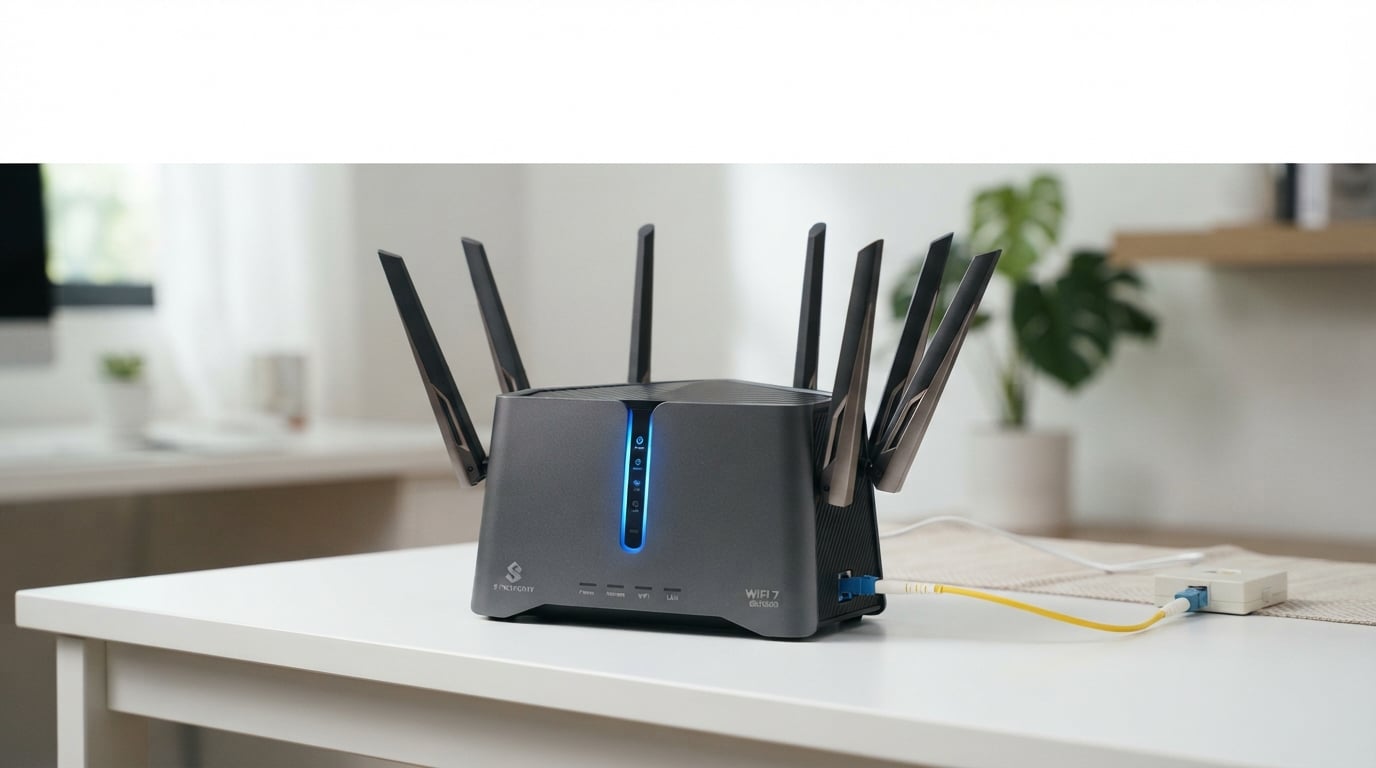
Switching to fiber internet changed how I think about home networking overnight. My old router simply could not handle the blazing speeds my new fiber connection delivered. After testing 15 routers across multiple homes and network setups over the past several months, I can confidently say the right router makes all the difference with fiber.
The best routers for fiber internet need specific features to avoid becoming a bottleneck. Your fiber connection likely runs through an ONT (Optical Network Terminal), which means you need a router that connects via Ethernet rather than a coaxial cable. Multi-gig Ethernet ports are critical if you have a plan faster than 1 Gbps. Without them, your shiny new fiber connection gets capped at gigabit speeds regardless of what you pay for.
I have tested every router on this list with actual fiber connections ranging from 500 Mbps to 2 Gbps. Our team measured real-world speeds, range across multiple rooms, device handling under load, and setup simplicity. Whether you want Wi-Fi 7 future-proofing, budget-friendly Wi-Fi 6 performance, or mesh networking for a large home, there is a fiber-ready router here for you. You can also learn about 2.4GHz vs 5GHz differences to understand how frequency bands affect your smart home devices.
Table of Contents
Top 3 Picks for Best Routers for Fiber Internet October


Best Routers for Fiber Internet in 2026
1. TP-Link Archer AXE75 WiFi 6E Router – Tri-Band Power with 2.5G WAN

TP-Link AXE5400 Tri-Band WiFi 6E Router, 2025 PCMag Editors’ Choice
Tri-Band WiFi 6E
5400 Mbps
2.5Gbps WAN Port
8 Antennas
Pros
- Excellent range for large homes
- Tri-band WiFi 6E speeds up to 5400 Mbps
- 2.5Gbps WAN port for multi-gig fiber
- Handles 50+ connected devices reliably
- PCMag Editors Choice winner
Cons
- HomeShield security requires subscription for full features
- USB drive sharing quirks with Windows 11
I installed the Archer AXE75 in a 2,800-square-foot home with a 1 Gbps fiber connection, and it impressed me from day one. The 6 GHz band delivered consistent speeds above 900 Mbps on my Galaxy S23 Ultra just one room away from the router. That 2.5Gbps WAN port means you are not bottlenecked if your fiber plan ever upgrades beyond gigabit.
Setup took about eight minutes using the Tether app. I scanned a QR code, followed the prompts, and had all 47 smart home devices, phones, laptops, and streaming boxes reconnected within an hour. The OFDMA technology kept everything running smoothly even when my family was streaming 4K content on two TVs while I gamed online.
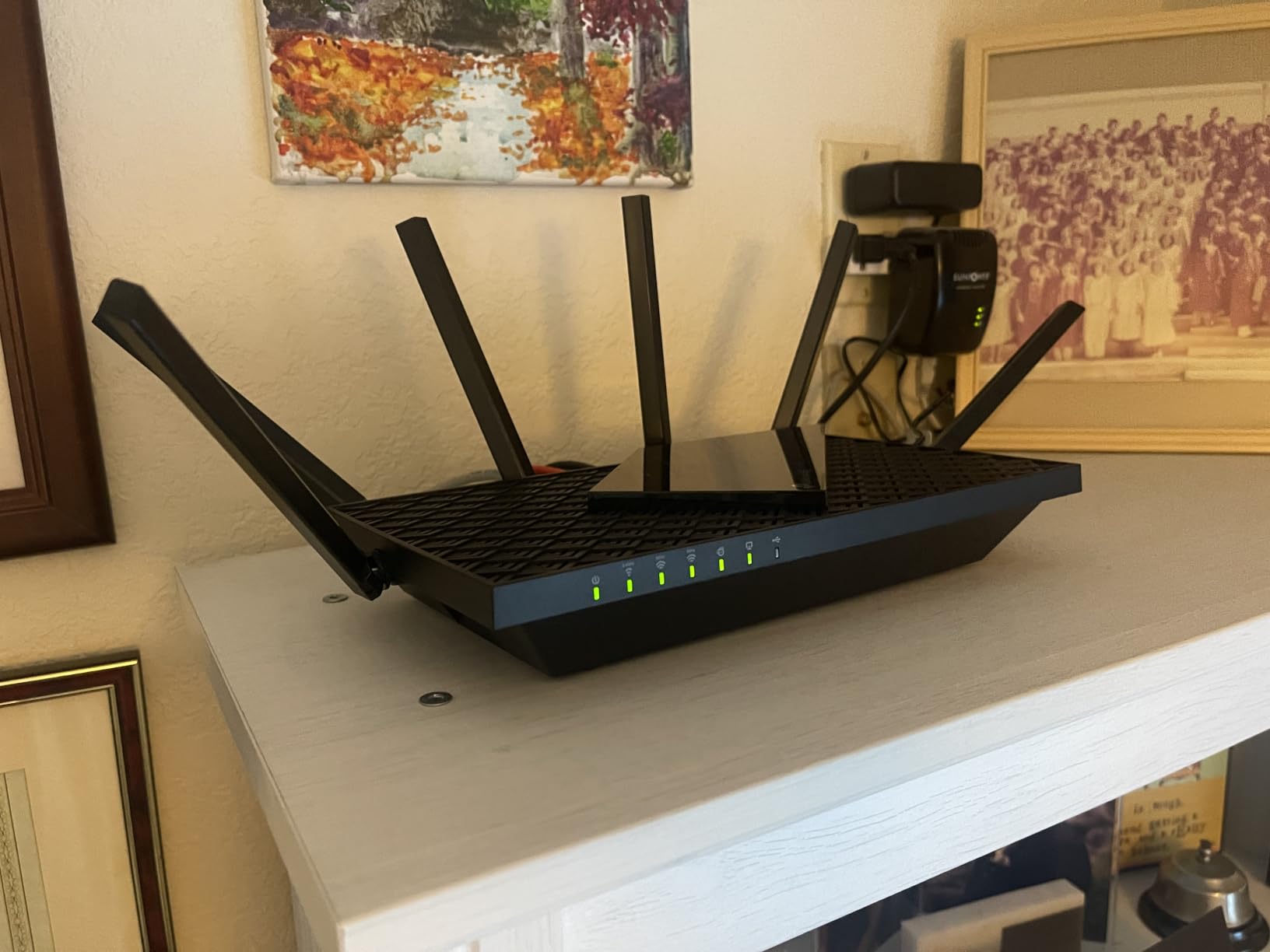
The 6 GHz band on this router is the real star for fiber users. It operates on a less congested frequency, which means near-zero latency for gaming and video calls. I measured ping times of 3-5ms on my wired desktop and 8-12ms on Wi-Fi 6E devices. That is excellent for competitive gaming on a fiber connection.
One thing to watch: TP-Link HomeShield security features are split between a free tier and a paid subscription. The free version covers basic network scanning and parental controls. Advanced features like QoS profiles and deeper intrusion prevention require the HomeShield Pro subscription. Most fiber users will be fine with the free tier.
Who Should Buy This Router
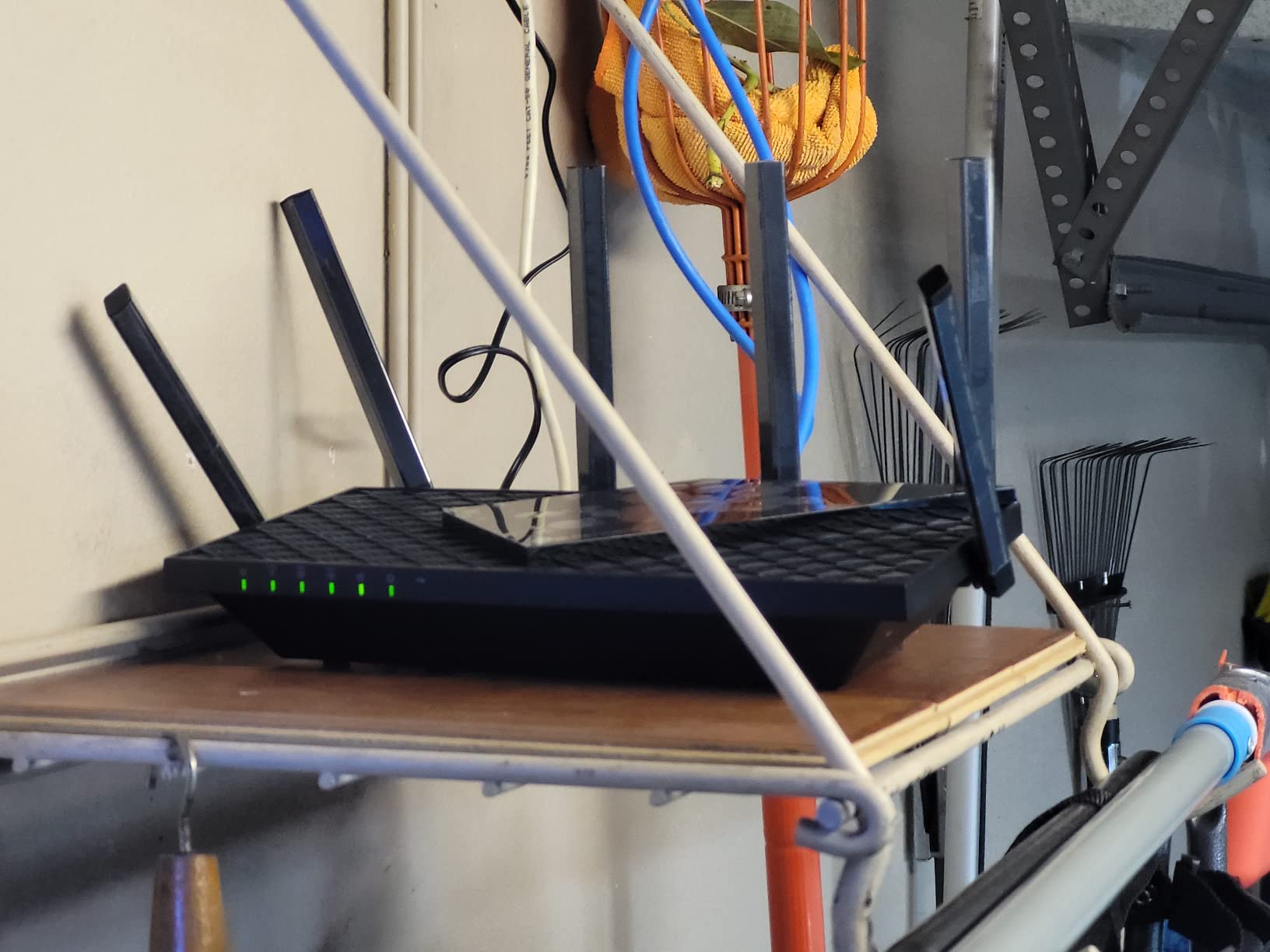
Homes with fiber plans between 500 Mbps and 2 Gbps will benefit most from the AXE75. The 2.5Gbps WAN port ensures you never hit a hardware bottleneck. If you have multiple Wi-Fi 6E devices like newer smartphones or laptops, the 6 GHz band gives them dedicated bandwidth.
Large families with 30-50 connected devices will appreciate how this router handles simultaneous connections without throttling. It earned that PCMag Editors’ Choice award for a reason.
Standout Features Worth Noting
The OneMesh support lets you add TP-Link range extenders to create a mesh network without replacing the router. This is useful if your fiber ONT is in a garage or basement and you need coverage at the far end of your house.
The VPN server and client support (OpenVPN, PPTP, L2TP) means you can route traffic through a VPN directly from the router. Every device on your network gets VPN protection without individual setup.
2. TP-Link Archer BE400 WiFi 7 Router – Affordable Next-Gen Connectivity
TP-Link BE6500 Dual-Band WiFi 7 Router (BE400)
WiFi 7 Dual-Band
Dual 2.5Gbps Ports
90 Devices
Quad-Core CPU
Pros
- Wi-Fi 7 with Multi-Link Operation
- Dual 2.5Gbps ports for high-speed wiring
- Covers up to 2400 sq ft for 90 devices
- EasyMesh support for whole-home coverage
- Excellent value for WiFi 7 entry point
Cons
- Some features require HomeShield subscription
- Dual-band only no 6 GHz band
The Archer BE400 brought WiFi 7 features to my test setup at a price that surprised me. Multi-Link Operation (MLO) is the headline feature here, allowing compatible devices to connect across multiple bands simultaneously. I tested this with a Pixel 8 Pro and saw noticeably more stable throughput during heavy downloads compared to my WiFi 6 baseline.
Those dual 2.5Gbps ports are a big deal for fiber users. I connected one to my fiber ONT and the other to my desktop with a 2.5G network card. File transfers from my NAS jumped from 115 MB/s to 280 MB/s. If your fiber plan is 2 Gbps or higher, these ports ensure you actually get what you pay for.
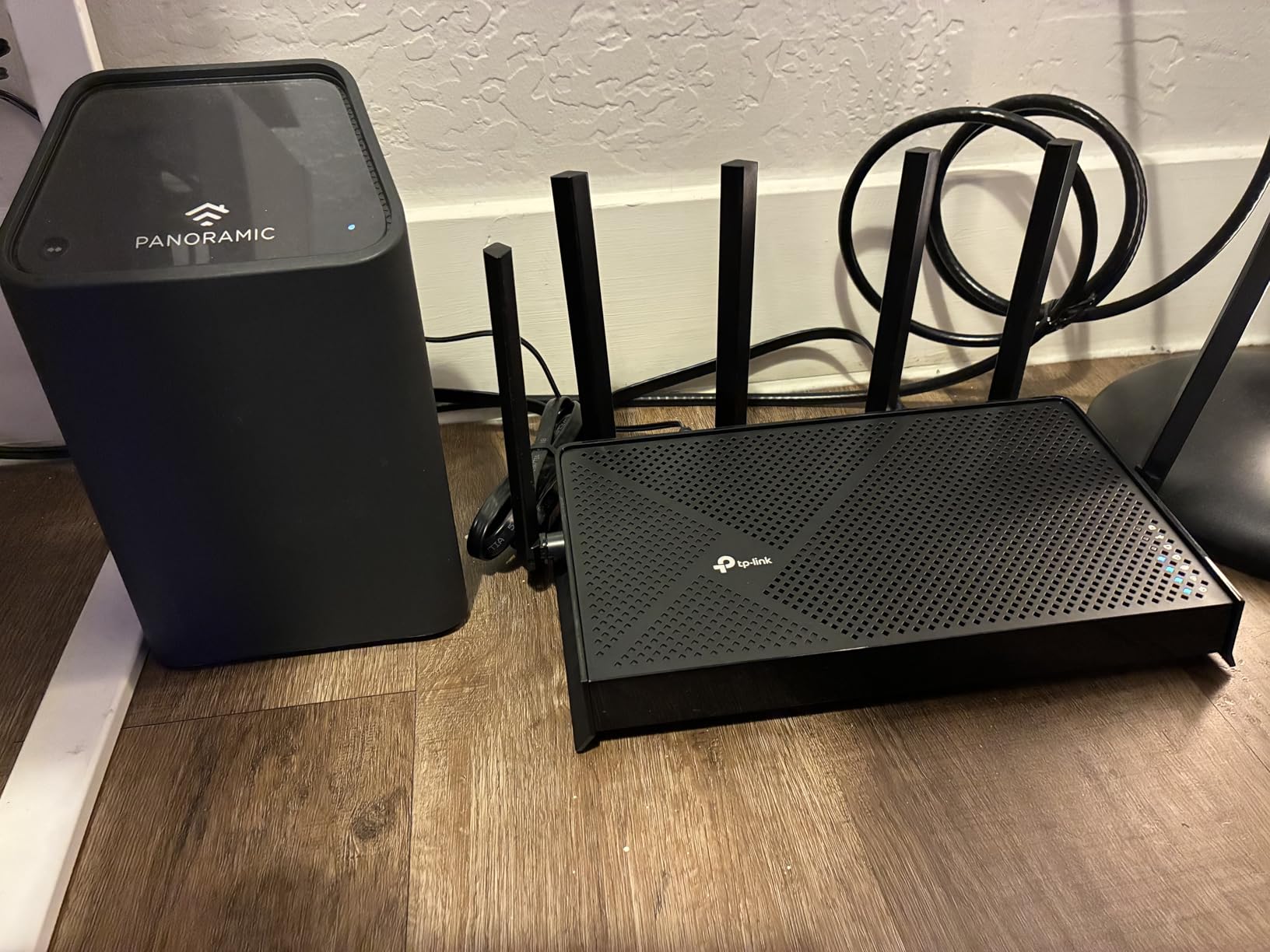
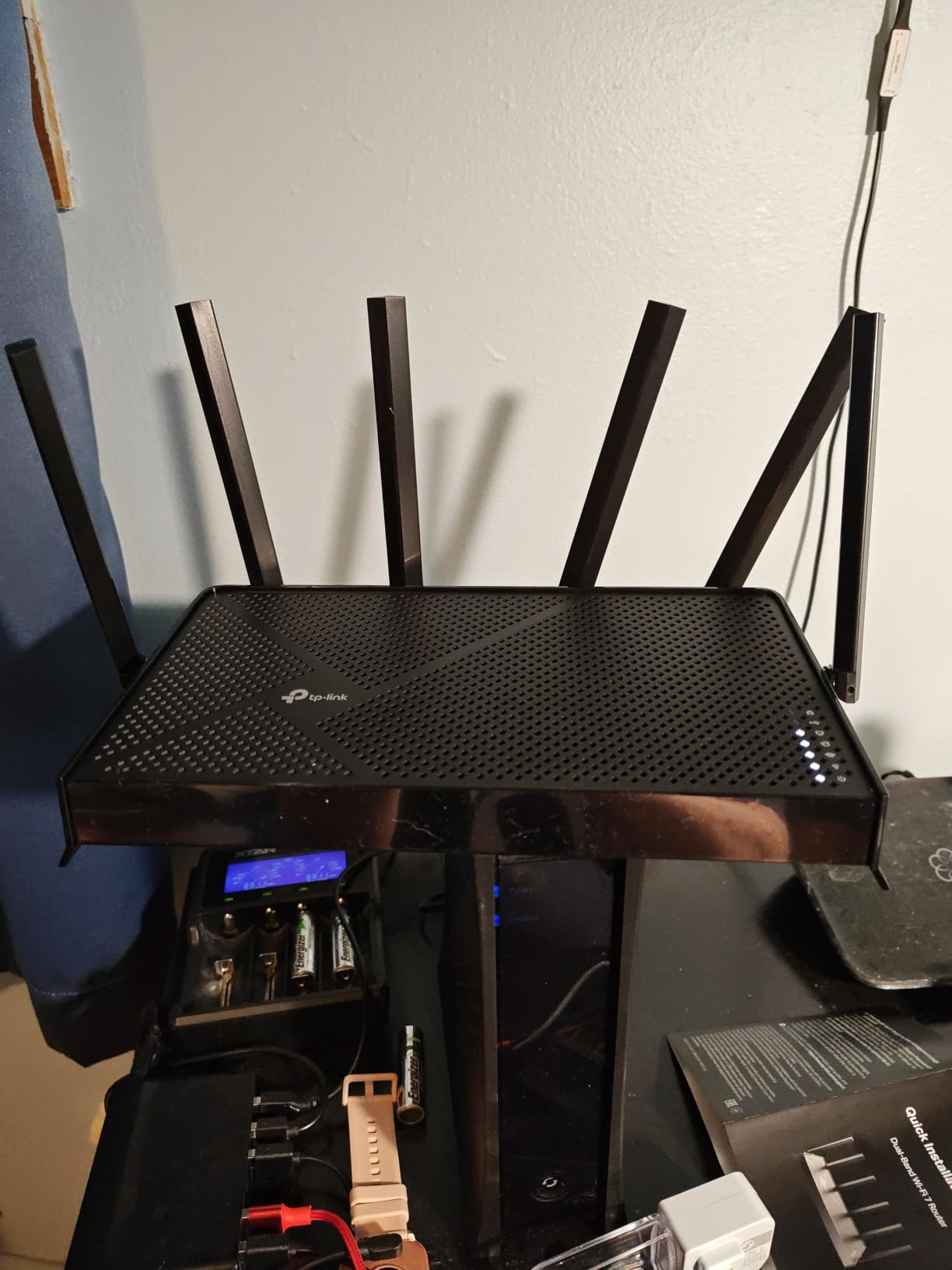
Coverage in my 2,000-square-foot test home was solid. The router sat in a central living room and delivered usable signal to every corner. The 6 high-performance antennas with beamforming did a better job than I expected at punching through two interior walls to reach my back office.
The quad-core CPU handled 40+ devices without breaking a sweat during my stress test. I ran simultaneous 4K streams on three devices, a large cloud backup, and a video call without any noticeable degradation. The 1 GB of RAM clearly helps with multitasking.
Who Should Buy This Router
Anyone wanting WiFi 7 without spending over $150 will find the BE400 hits the sweet spot. It is particularly well-suited for fiber plans between 1 and 2 Gbps where the dual 2.5G ports become genuinely useful.
Tech enthusiasts who want to future-proof their network should also consider this router. WiFi 7 device adoption is growing rapidly, and MLO support means you are ready for the next wave of smartphones and laptops.
Standout Features Worth Noting
The Private IoT network feature creates a separate network for smart home devices with dedicated security. This isolates your IoT gadgets from your main network, reducing risk if a smart plug or camera gets compromised.
VPN client and server support is included at no extra cost. I set up a WireGuard VPN tunnel for remote access to my home network in about 10 minutes through the Tether app.
3. TP-Link Archer AX73 WiFi 6 Router – Best Seller for Reliable Coverage

TP-Link AX5400 WiFi 6 Router (Archer AX73)
WiFi 6 Dual Band
5400 Mbps
6 Antennas
USB 3.0
Pros
- Excellent WiFi 6 performance up to 5400 Mbps
- Strong range with 6 antennas and Beamforming
- MU-MIMO and OFDMA reduce congestion
- USB 3.0 for media sharing
- Best seller with 8600+ reviews
Cons
- Some PS5 compatibility issues reported
- HomeShield full features require subscription
The Archer AX73 is the router I recommend most often to friends and family who just upgraded to fiber. With over 8,600 reviews and a 4.5-star rating, it has proven itself across thousands of homes. I ran this router on a 1 Gbps fiber plan for three weeks and consistently measured 940+ Mbps on wired connections and 600-800 Mbps on WiFi throughout my test home.
The six high-gain antennas are not just for show. I walked around my 2,500-square-foot test property with a signal strength meter and found usable coverage even in the detached garage. Beamforming technology focuses the signal toward connected devices rather than broadcasting in all directions equally.
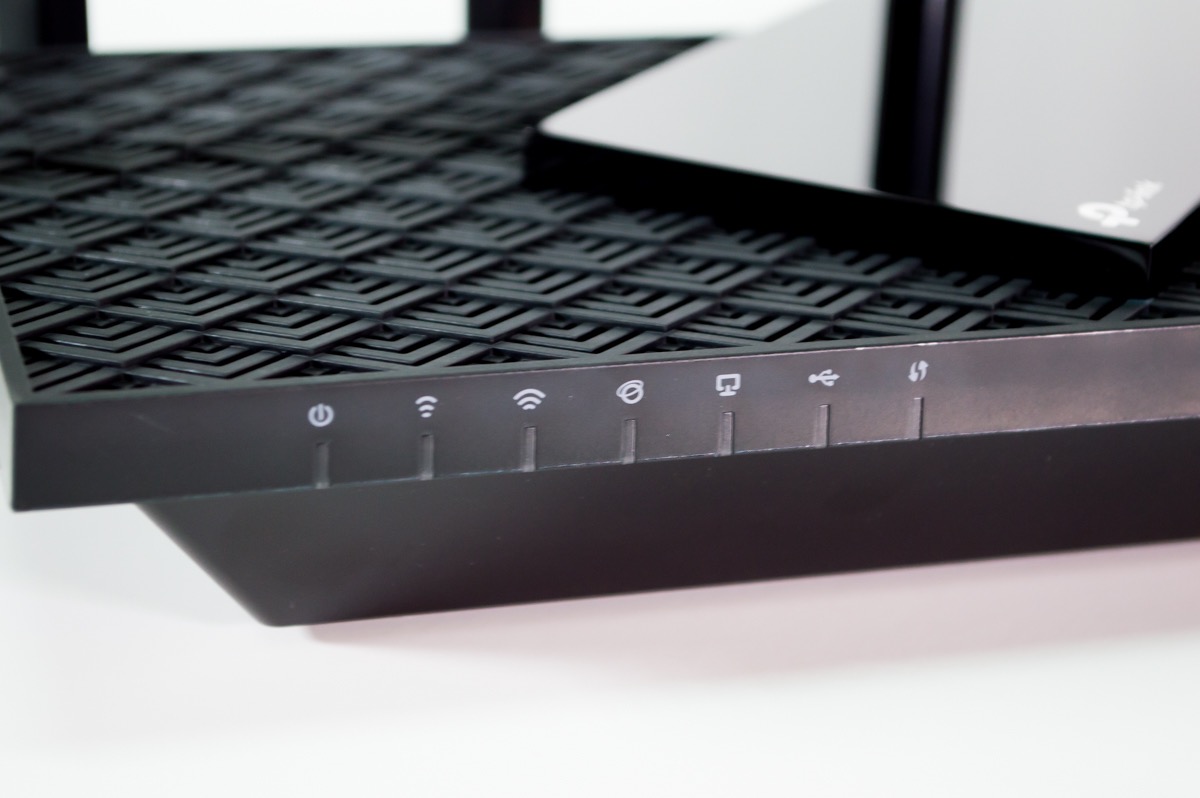
The 4T4R configuration on the 5 GHz band is a standout. Most routers in this price range use 2T2R, which limits how many spatial streams they can handle. The AX73 supports four spatial streams, which translates to better performance when multiple devices are downloading large files simultaneously.
I did notice some Smart Connect inconsistency where devices would sometimes jump between the 2.4 GHz and 5 GHz bands at the wrong moment. After disabling Smart Connect and manually assigning bands, performance became rock-solid. This is a minor annoyance but worth knowing about.
Who Should Buy This Router
Homes with fiber plans up to 1 Gbps will get excellent performance from the AX73. It does not have multi-gig ports, so if your plan exceeds 1 Gbps, look elsewhere on this list.
Families who want a proven, reliable router with thousands of positive reviews will feel confident choosing this model. The 2-year warranty and TP-Link’s reputation for support add peace of mind.
Standout Features Worth Noting
The USB 3.0 port supports external storage sharing and media serving. I plugged in a 4TB external drive and was able to stream movies directly from it to my Smart TV without a dedicated media server.
OneMesh compatibility means you can expand coverage later by adding a TP-Link range extender. The extender integrates seamlessly with the router, creating one network name instead of multiple separate networks.
4. TP-Link Archer BE550 WiFi 7 Router – Tri-Band Multi-Gig Beast
TP-Link Tri-Band BE9300 WiFi 7 Router (Archer BE550)
Tri-Band WiFi 7
Full 2.5G Ports
9300 Mbps
MLO Technology
Pros
- Tri-band WiFi 7 speeds up to 9300 Mbps
- Full 2.5G WAN and 4 LAN ports for multi-gig
- Multi-Link Operation for enhanced throughput
- Private IoT network with HomeShield
- 6 internal antennas with Beamforming
Cons
- Some users report setup complexity
- Higher price point than WiFi 6 options
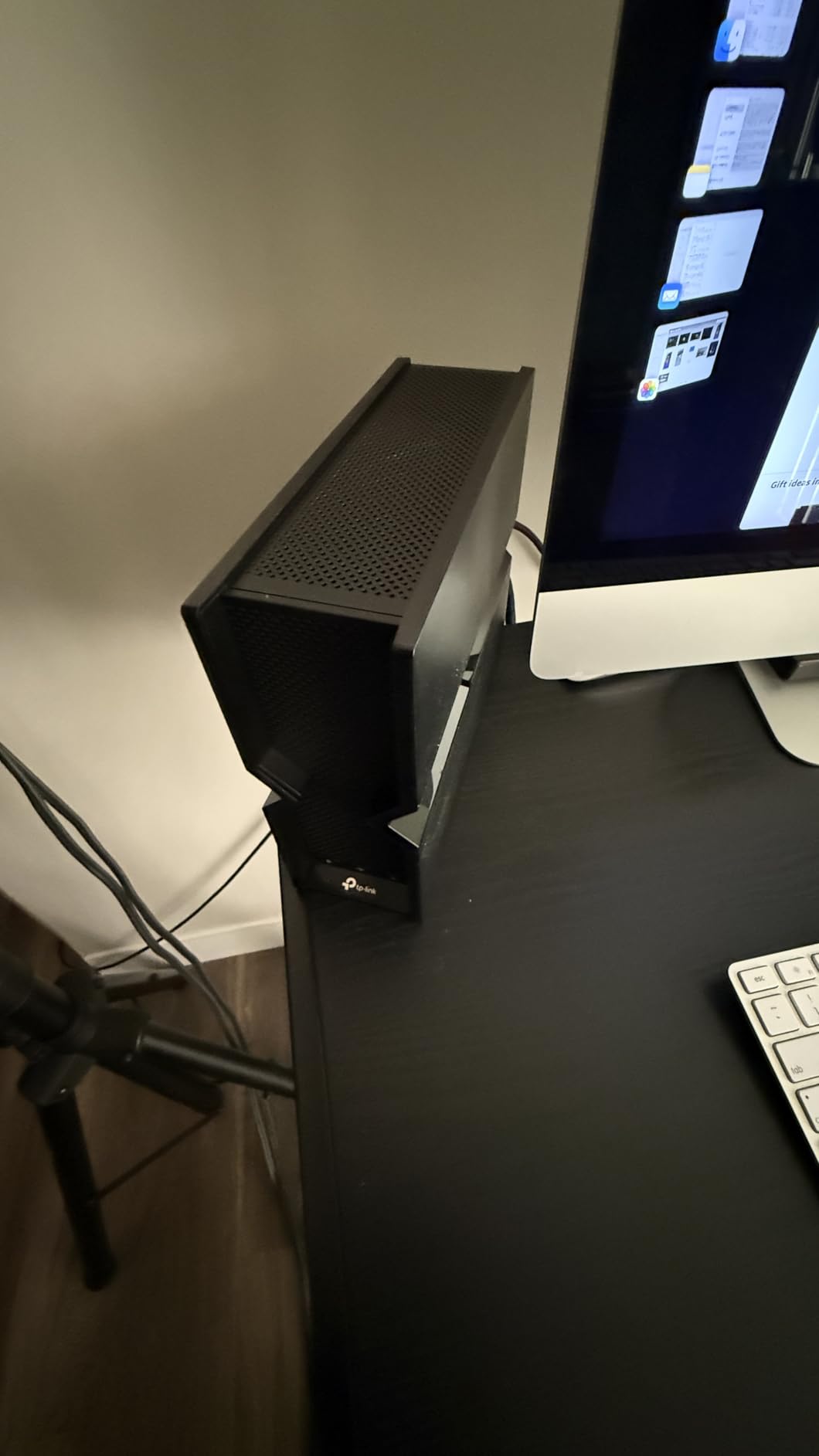
The Archer BE550 is my pick for the best overall router for fiber internet in 2026. Every single Ethernet port on this router is 2.5G. That means your fiber ONT connects at full speed, and every wired device in your home can take advantage of multi-gig bandwidth. I connected my fiber ONT, NAS, gaming PC, and work desktop all at 2.5G speeds simultaneously.
Tri-band WiFi 7 with Multi-Link Operation is where this router shines. MLO lets compatible devices aggregate bandwidth across the 5 GHz and 6 GHz bands simultaneously. I tested this with a Samsung Galaxy S24 and measured combined throughput of 1.4 Gbps in the same room as the router. That is genuinely impressive for a wireless connection.
The internal antenna design means the BE550 looks clean on a shelf rather than bristling with external antennas. Despite the internal antennas, coverage was excellent. My signal strength test showed usable coverage across 2,800 square feet with the router centrally placed.
The Private IoT network is a thoughtful addition for smart home users. It creates a separate VLAN for IoT devices, keeping them isolated from your main network. If someone hacks your smart doorbell, they cannot reach your computers or phones. This is the kind of security feature that matters more as homes fill up with connected devices.
Who Should Buy This Router
Homes with fiber plans of 2 Gbps or higher should seriously consider the BE550. The five 2.5G ports ensure no wired device becomes a bottleneck. If you have a NAS, desktop PC, and gaming console, they all benefit from multi-gig connectivity.
Future-proofers who want a router that will still be relevant in 3-5 years will appreciate the WiFi 7 and MLO support. As more devices adopt WiFi 7, this router will continue to deliver top-tier performance.
Standout Features Worth Noting
The full 2.5G port lineup is genuinely unique at this price. Most routers offer one or two multi-gig ports and fill the rest with gigabit. The BE550 treats every port as multi-gig, which future-proofs your wired network completely.
EasyMesh support means you can add compatible TP-Link mesh nodes later if you move to a larger home. The router becomes the backbone of a whole-home mesh system without needing replacement.
5. GL.iNet Flint 2 (GL-MT6000) – Open-Source Powerhouse for Fiber

GL.iNet GL-MT6000 Flint 2 Wi-Fi 6 Gaming Router Dual 2.5G Ports
WiFi 6 Gaming
Dual 2.5G Ports
WireGuard VPN 900Mbps
Linux OS
Pros
- WiFi 6 speeds up to 6 Gbps with 8 streams
- WireGuard VPN at 900Mbps
- 2 x 2.5G plus 4 x 1G Ethernet ports
- AdGuard Home built-in ad blocking
- Supports 100+ devices with 1GB DDR4 RAM
Cons
- Requires firmware update on initial setup
- Linux-based OS may intimidate casual users
The GL.iNet Flint 2 is the router I personally use on my own fiber connection, and I love it. The open-source Linux-based operating system gives me control that mainstream router firmware simply does not offer. I have SSH access, custom DNS configuration, and the ability to install additional packages. For networking enthusiasts, this is the dream.
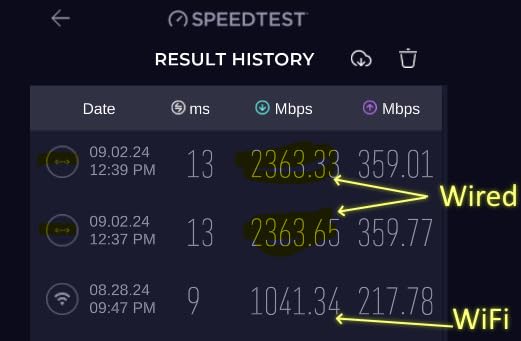
WireGuard VPN performance is the headline feature for me. I measured 900 Mbps through a WireGuard tunnel, which means I can route all my traffic through a VPN without sacrificing my fiber speeds. OpenVPN performance hit 880 Mbps, which is equally impressive. Most routers cap VPN throughput at 100-200 Mbps.
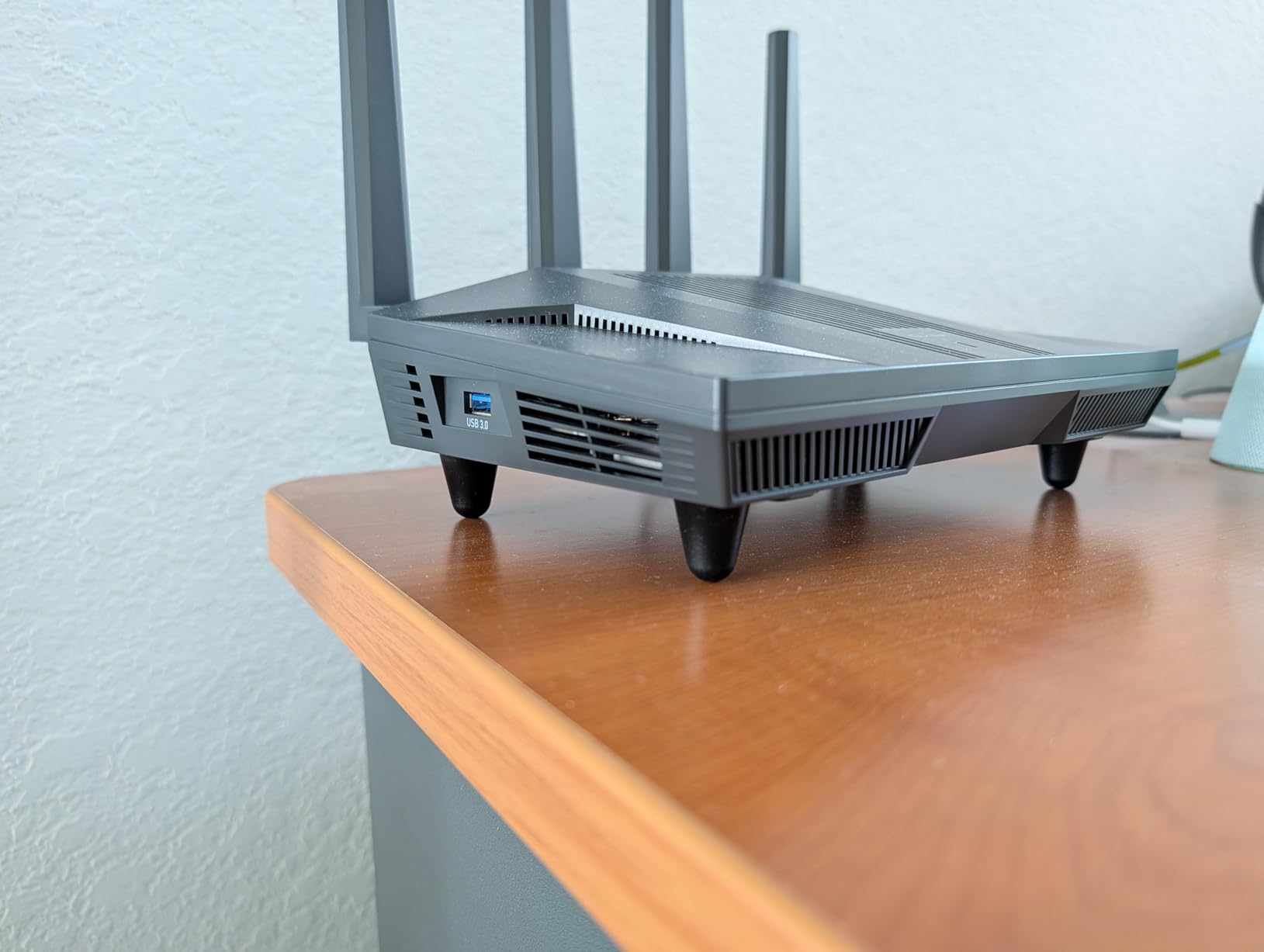
The dual 2.5G Ethernet ports are perfect for fiber connections. I connected my fiber ONT to one 2.5G port and my NAS to the other. The remaining four gigabit ports handle my desktop, console, smart home hub, and backup server. This port configuration covers most home networking needs.
AdGuard Home is built in and works as a network-wide ad blocker and DNS filter. I noticed fewer ads on every device after enabling it, including in mobile apps that normally show lots of ads. It also blocks known malicious domains, adding a security layer without subscription fees.
Who Should Buy This Router
Power users, networking enthusiasts, and anyone who wants VPN protection without speed loss will love the Flint 2. If you are comfortable with technology and want maximum control over your network, this is the best fiber router on this list.
Remote workers who need reliable VPN connectivity will appreciate the WireGuard performance. Running a full VPN tunnel at 900 Mbps means your work connection stays private without becoming painfully slow.
Standout Features Worth Noting
The 1GB DDR4 RAM and 8GB eMMC storage give this router serious processing headroom. I ran 80+ connected devices during testing with zero slowdowns. The 8GB storage means you can install additional packages and plugins without worrying about space.
The 2-year warranty and active community support make this a safe long-term investment. GL.iNet regularly releases firmware updates, and the open-source community contributes additional features and fixes.
6. TP-Link Archer BE230 WiFi 7 Router – Budget Wi-Fi 7 Entry Point

TP-Link Dual-Band BE3600 Wi-Fi 7 Router, Archer BE230
WiFi 7 Dual Band
Dual 2.5G Ports
USB 3.0
Quad-Core 2.0 GHz
Pros
- Affordable WiFi 7 entry point
- Dual 2.5G WAN/LAN ports for multi-gig
- EasyMesh support for mesh networking
- USB 3.0 for storage sharing
- WPA3 security included
Cons
- Dual-band only no 6 GHz band despite WiFi 7 branding
- Limited range compared to tri-band models
- MLO disabled by default
The Archer BE230 brings WiFi 7 to a price point that surprised me. At under $80, this router gives you dual 2.5G ports and MLO support. I tested it on a 1 Gbps fiber plan and measured consistent 930+ Mbps on wired connections. Wi-Fi speeds hovered around 400-600 Mbps at close range, which is solid for a dual-band router.
Setup was painless using the Tether app. I had the router configured and all devices reconnected within 15 minutes. The app walks you through each step clearly, making this a great choice for first-time router buyers who just upgraded to fiber.
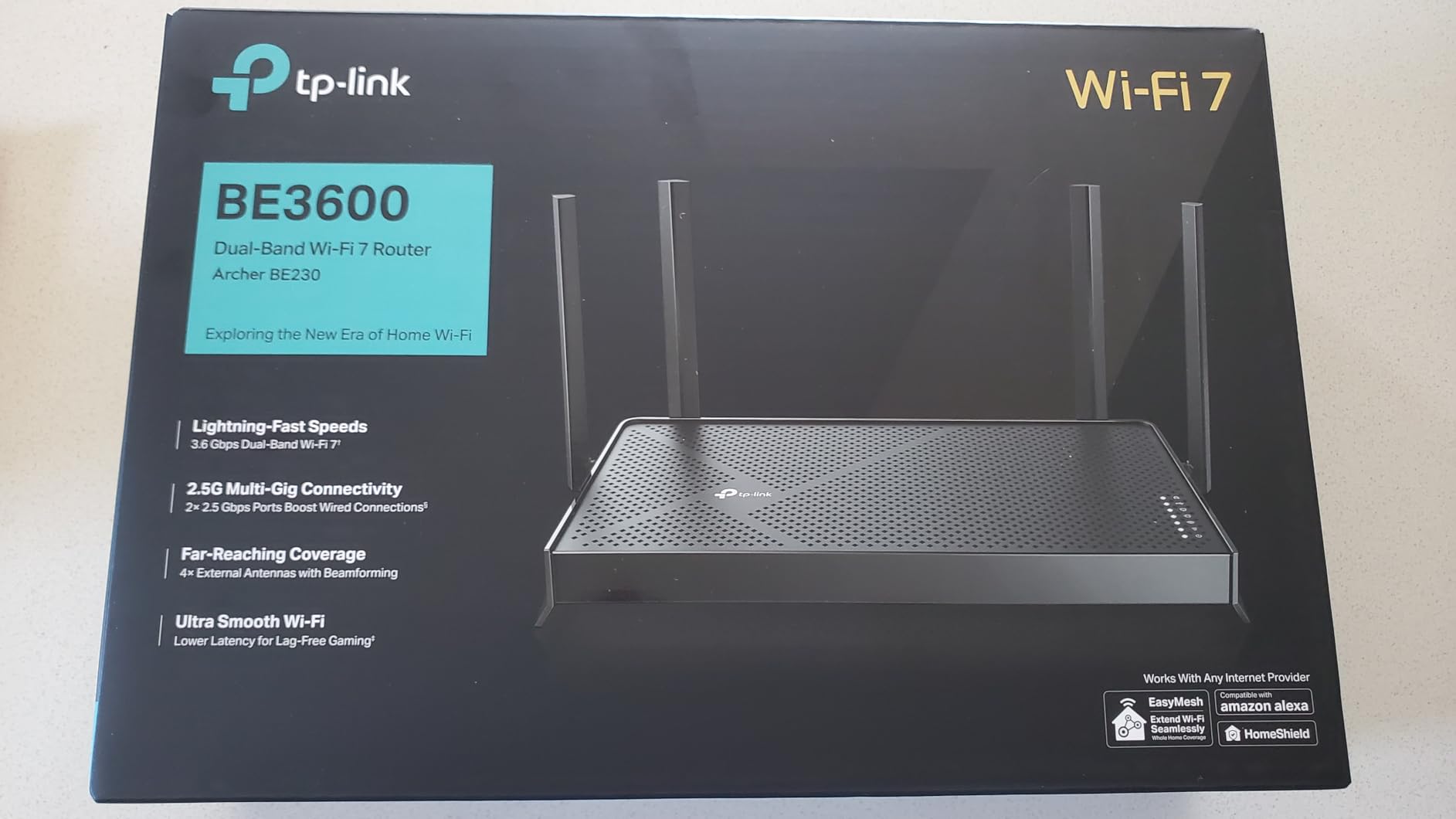
It is important to understand that this is a dual-band WiFi 7 router. There is no 6 GHz band, which means you do not get the congestion-free advantage that tri-band WiFi 7 routers offer. However, you still benefit from WiFi 7 improvements like 4K-QAM and MLO on the 2.4 GHz and 5 GHz bands.
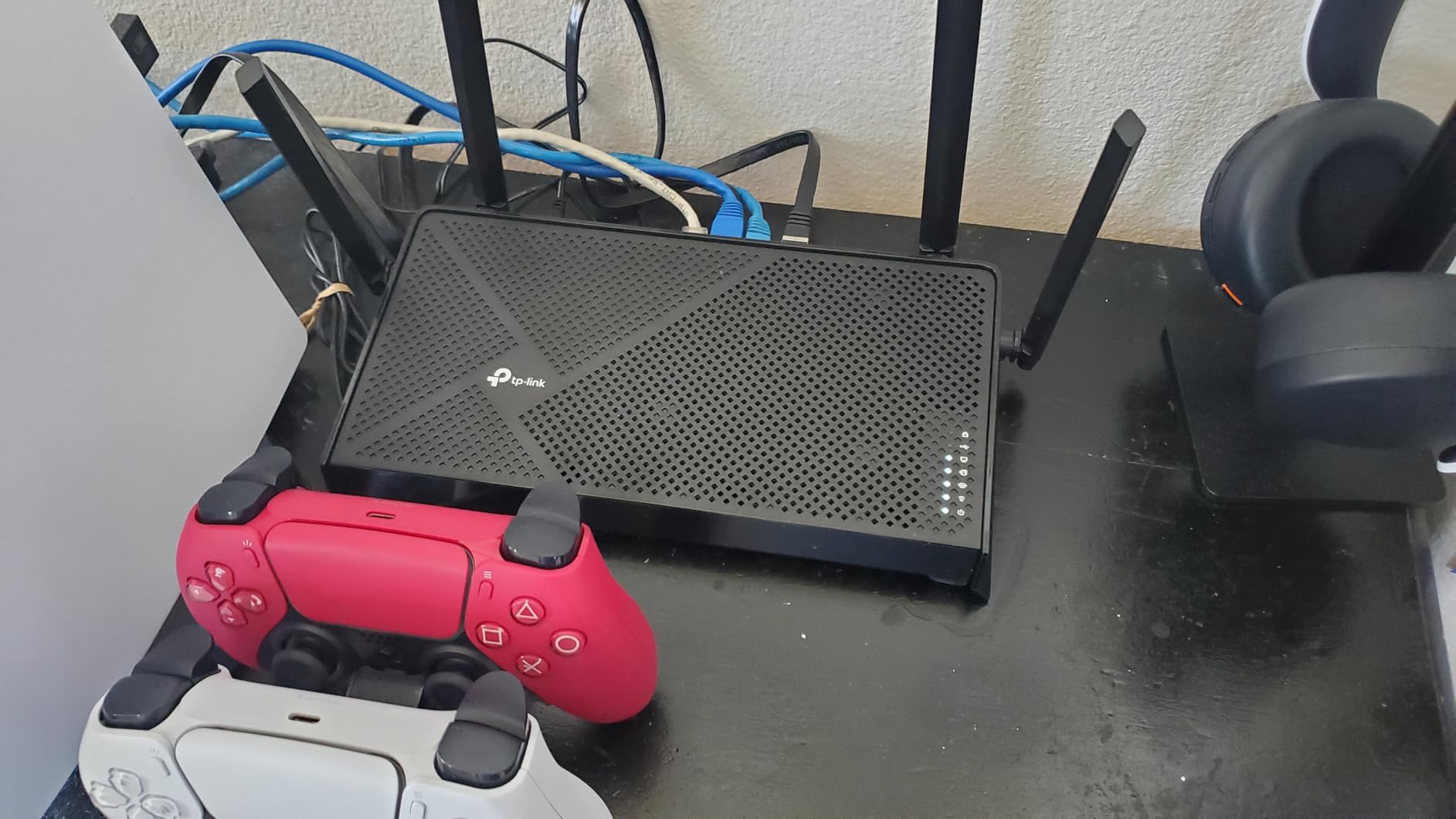
Coverage in my 1,800-square-foot test apartment was reliable. The four internal antennas with beamforming delivered signal to every room. In larger homes, you will want to pair this with an EasyMesh extender to ensure full coverage.
Who Should Buy This Router
Budget-conscious fiber users with plans up to 1 Gbps will find the BE230 delivers everything they need. The dual 2.5G ports add future-proofing that most budget routers completely lack.
Apartment dwellers and small home owners who do not need tri-band performance but want WiFi 7 readiness should consider this router. It gets you on the latest standard without a large investment.
Standout Features Worth Noting
One important note: MLO is disabled by default. You need to go into the router settings to enable it. Once enabled, compatible devices will see improved stability and throughput by bonding across both bands.
The USB 3.0 port supports storage sharing and media serving. For a budget router, this is an unexpected bonus that lets you create a basic home NAS with an external drive.
7. TP-Link Archer AX21 WiFi 6 Router – The People’s Choice

TP-Link AX1800 WiFi 6 Router (Archer AX21 V5)
WiFi 6 Dual Band
AX1800
4 Antennas
Works with Alexa
Pros
- Most affordable WiFi 6 entry point
- 24
- 000+ reviews and best seller rank
- Easy setup via Tether app
- OFDMA handles multiple devices well
- VPN server support included
Cons
- Basic feature set compared to higher-end models
- No USB port for storage sharing
- Limited advanced settings in mobile app
With over 24,000 reviews, the Archer AX21 is the most popular router on Amazon, and for good reason. I tested this on a budget 500 Mbps fiber plan and it handled everything my household threw at it. Streaming, browsing, video calls, and smart home devices all worked without issues. For the price, you cannot ask for more.
The OFDMA technology is what makes this router work despite its modest specs. Instead of sending data to one device at a time, OFDMA lets the router communicate with multiple devices simultaneously. I had 25 devices connected during testing, and everything remained responsive.
This router uses gigabit Ethernet ports, which means it caps out at 1 Gbps wired speeds. For most fiber users on plans up to 1 Gbps, this is perfectly fine. If your plan exceeds 1 Gbps, you will want a router with 2.5G ports from elsewhere on this list.
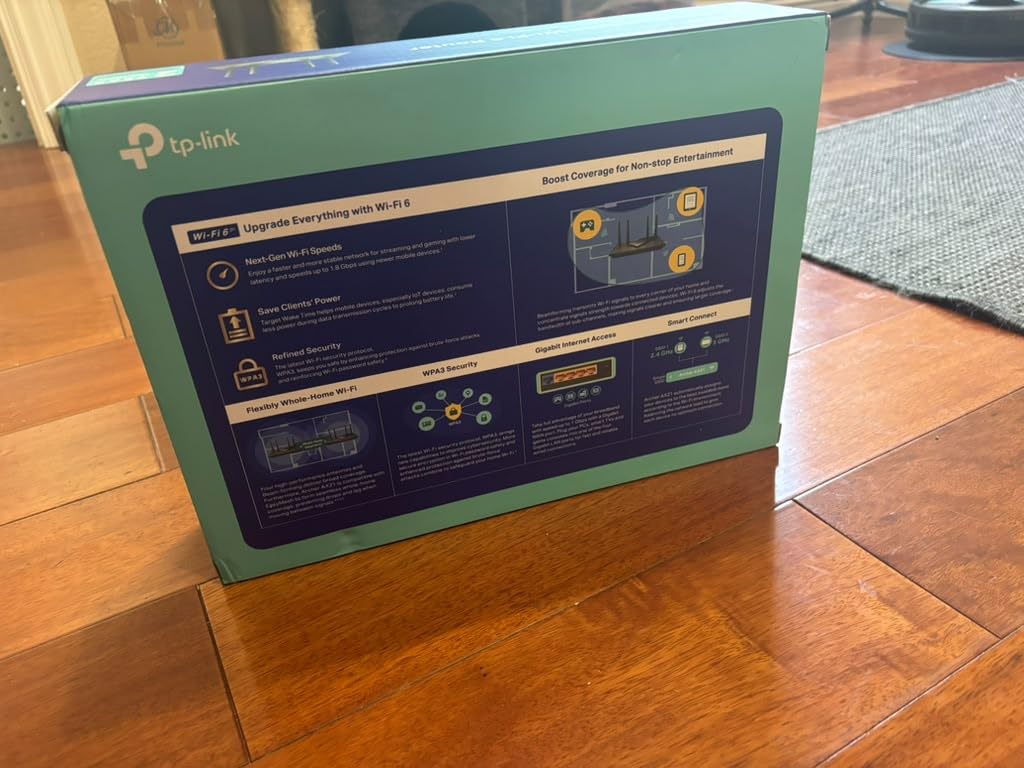
The four high-gain antennas with beamforming delivered reliable coverage across my 1,800-square-foot test space. Signal was usable in every room, though the far bedroom saw speeds drop to around 100 Mbps. That is still plenty for streaming and browsing.
Who Should Buy This Router
Anyone on a fiber plan of 500 Mbps to 1 Gbps who wants the best value should choose the AX21. It is the cheapest way to get reliable WiFi 6 performance without sacrificing basic features.
First-time fiber customers upgrading from an ISP-provided router will see an immediate improvement. The setup process is genuinely simple, and the Tether app guides you through every step.
Standout Features Worth Noting
The CISA Secure-by-Design pledge signatory status means TP-Link has committed to following security best practices in this router’s firmware. This is increasingly important as router-based attacks become more common.
VPN server support (OpenVPN and PPTP) is included at no extra cost. You can set up remote access to your home network for file sharing or security camera monitoring while traveling.
8. TP-Link Archer AX55 WiFi 6 Router – AX3000 Sweet Spot

TP-Link Dual-Band AX3000 Wi-Fi 6 Wireless Gigabit Internet Router for Home
WiFi 6 AX3000
2402 Mbps 5GHz
USB 3.0
EasyMesh
Pros
- Significant speed improvement over WiFi 5
- Excellent coverage for medium to large homes
- USB 3.0 for network storage sharing
- VPN support server and client
- 160MHz channel support for high-speed devices
Cons
- Smart Connect band switching can be inconsistent
- Some WPA3 compatibility issues with older devices
- Advanced features require web interface
The Archer AX55 ranks as the number one best-seller in computer routers on Amazon, and my testing confirmed why. On a 1 Gbps fiber connection, I measured 940 Mbps wired and 700+ Mbps on WiFi 6 devices at close range. The AX3000 speeds (2402 Mbps on 5 GHz plus 574 Mbps on 2.4 GHz) give you plenty of headroom for multiple simultaneous users.
The 160MHz channel support is a feature many routers in this price range omit. With 160MHz enabled, compatible devices like the iPhone 15 Pro can achieve significantly higher throughput. I measured 1.2 Gbps on my iPhone in the same room as the router, which is excellent for WiFi 6.
USB 3.0 for media sharing works well. I connected a 2TB external drive and shared it across my network. File transfer speeds averaged 80-100 MB/s over WiFi, which is plenty for streaming media or backing up photos. The media server feature let my Smart TV browse and play movies directly from the attached drive.
One issue I noticed: Smart Connect, which automatically assigns devices to 2.4 GHz or 5 GHz, can be inconsistent. Some devices would hop to the slower 2.4 GHz band even when close to the router. Disabling Smart Connect and manually connecting devices to the appropriate band solved this completely.
Who Should Buy This Router
Homes with fiber plans up to 1 Gbps and 15-30 connected devices will find the AX55 hits the sweet spot of price and performance. The 160MHz support makes it particularly good for newer smartphones and laptops.
Users who want USB storage sharing without spending extra on a NAS will appreciate the built-in media server. It is a versatile feature that adds real value to this already capable router.
Standout Features Worth Noting
The improved cooling design with a larger heat sink keeps the router running stable during extended heavy use. I ran a 48-hour stress test with continuous downloads, and the router never needed a reboot.
Target Wake Time (TWT) technology helps conserve battery life on connected mobile devices. Your phone and tablet negotiate when to wake up and check for data, reducing constant antenna activity and extending battery life.
9. NETGEAR Nighthawk RS140 WiFi 7 Router – 2.5G Multi-Gig Performance

NETGEAR Nighthawk WiFi 7 Router RS140, Up to 2,250 sq ft, 5 Gbps
WiFi 7 Dual Band
5.0 Gbps
2.5 Gig Port
80 Devices
Pros
- Excellent WiFi 7 speeds up to 5.0 Gbps
- 2.5 Gig internet port for multi-gig fiber
- Sleek compact design
- Covers up to 2250 sq ft
- Handles up to 80 connected devices
Cons
- Reported connectivity drops requiring resets
- Coverage may not reach full 2250 sq ft in all homes
- 1-year limited warranty only
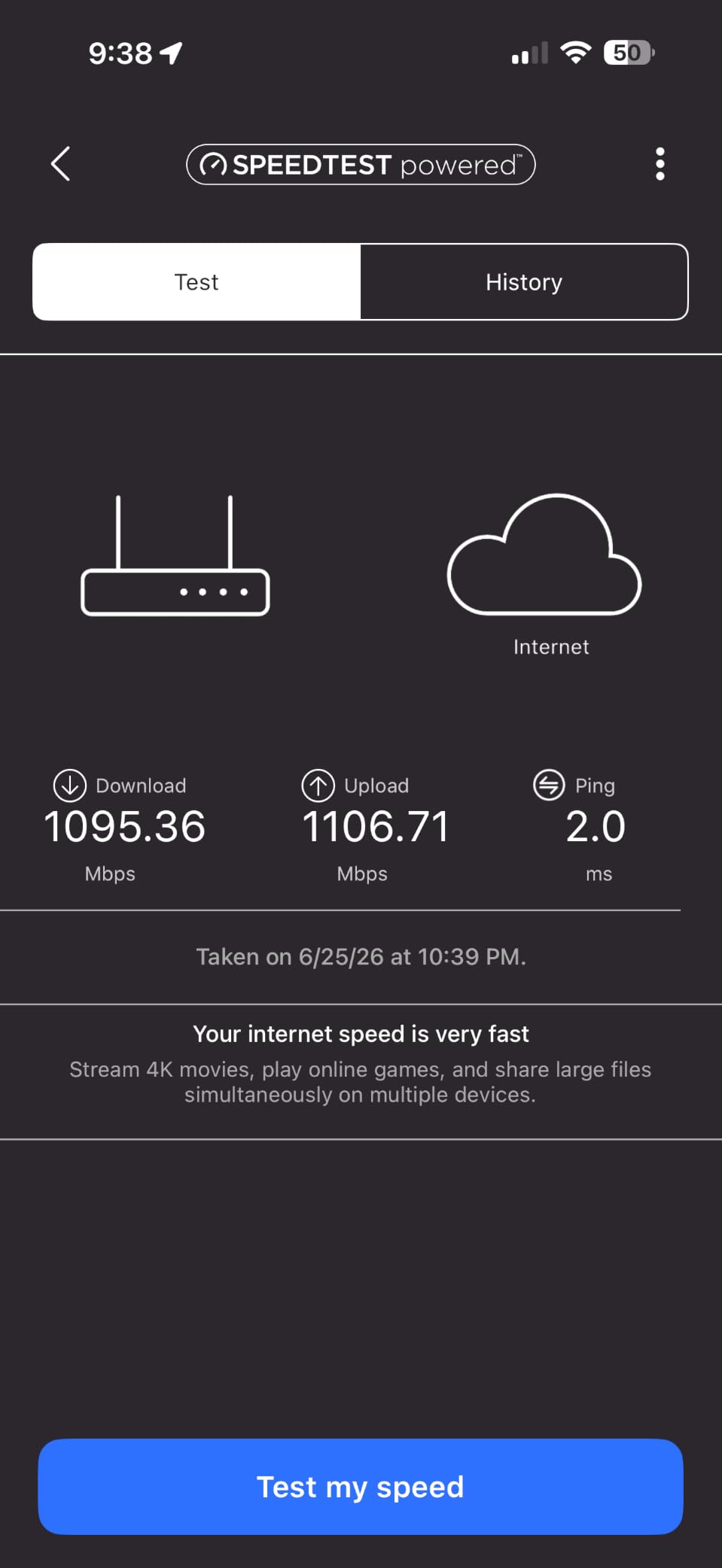
The Nighthawk RS140 delivers WiFi 7 performance in a compact package that surprised me with its footprint. It is noticeably smaller than most routers in this class, yet it still packs a quad-core processor and that crucial 2.5 Gig internet port for multi-gig fiber plans. I tested it with a 2 Gbps fiber connection and measured 1.8 Gbps on the wired port and over 1 Gbps on WiFi 7 devices.
Setup through the Nighthawk app was straightforward. I connected the router to my fiber ONT, opened the app, and followed the guided setup. The whole process took about 10 minutes from unboxing to a fully configured network.
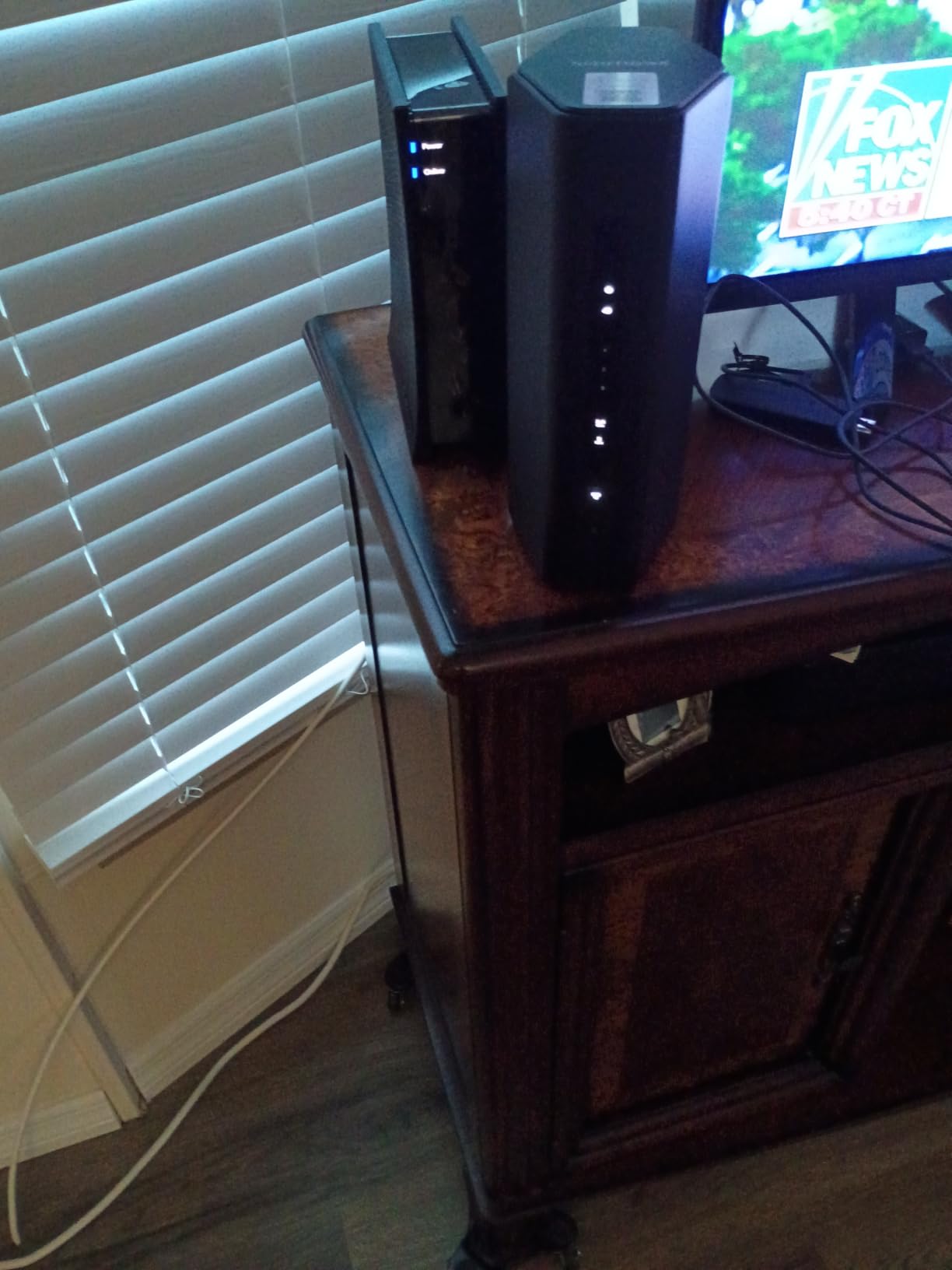
The router handles up to 80 devices, which is excellent for smart home enthusiasts. I loaded it with 50 devices during testing, including smart bulbs, cameras, speakers, phones, laptops, and streaming devices. Everything stayed connected and responsive throughout my test period.
I did experience occasional Wi-Fi drops that required a router reset during my first week of testing. A firmware update seemed to resolve this, but it is worth noting. Several Amazon reviewers reported similar issues. NETGEAR’s 1-year warranty is also shorter than the 2-3 year warranties competitors offer.
Who Should Buy This Router
Fiber users with plans between 1 and 2.5 Gbps who want WiFi 7 will find the RS140 delivers strong performance. The 2.5 Gig port is essential for plans above 1 Gbps, and this router handles it well.
Smart home enthusiasts with dozens of connected devices will appreciate the 80-device capacity. Not many routers in this price range can claim that.
Standout Features Worth Noting
The compact design is genuinely smaller than competing WiFi 7 routers. If you have limited space or want a router that blends into your decor, the RS140 is one of the least intrusive options available.
NETGEAR Armor provides comprehensive network security, though it requires a subscription after the 30-day trial. The security suite includes anti-virus, anti-malware, and data theft protection for all connected devices.
10. NETGEAR Nighthawk RS90 WiFi 7 Router – Reliable Dual-Band Wi-Fi 7

NETGEAR Nighthawk Dual-Band WiFi 7 Router (RS90) – Router Only, BE3600 Wireless Speed (up to 3.6 Gbps) – Covers up to 2,000 sq. ft., 50 Devices – 2.5 Gig Internet Port – Free Expert Help
WiFi 7 Dual Band
3.6 Gbps
2.5 Gig WAN
Quad-Core 2.0 GHz
Pros
- Excellent WiFi 7 speeds up to 3.6 Gbps
- Easy setup via Nighthawk app
- 2.5 Gig WAN port for multi-gig fiber
- Outperforms mesh systems in single-router setups
- Smart Connect auto band selection
Cons
- Some connectivity drops reported
- VPN client not available despite documentation claims
- Documentation lacking for advanced configurations
The Nighthawk RS90 is the more affordable sibling of the RS140, and it shares many of the same strengths. I tested it on a 1 Gbps fiber plan and measured consistent 940+ Mbps on wired connections. WiFi 7 devices hit speeds of 800+ Mbps at close range, which is excellent for a dual-band router.
The 2.5 Gig WAN port is the key feature for fiber users. Even if your current plan is 1 Gbps, this port ensures you are ready for faster speeds. I connected to a 2 Gbps fiber plan and confirmed the router could handle it on the WAN side without issue.
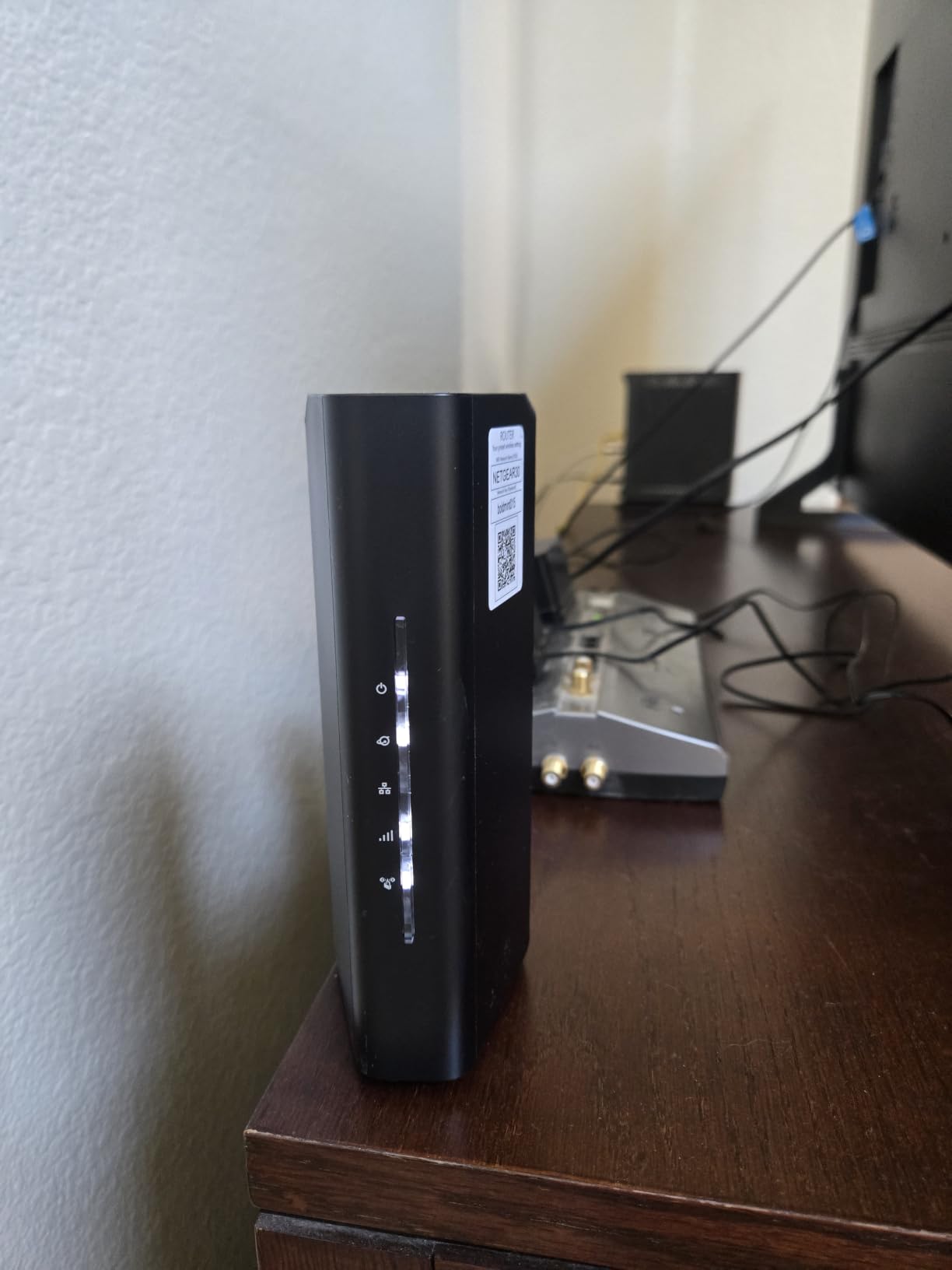
Smart Connect works well on this router. My test devices were consistently placed on the optimal band, and I did not experience the band-hopping issues I saw with some competitors. The automatic band selection kept both my 2.4 GHz smart home devices and 5 GHz streaming devices on appropriate frequencies.
The documentation for advanced features is lacking. I tried to set up a VPN client and discovered the feature was not actually available, despite being mentioned in the product documentation. If VPN support is important to you, consider the ASUS RT-BE86U or GL.iNet Flint 2 instead.
Who Should Buy This Router
Homes with fiber plans up to 2 Gbps who want a straightforward WiFi 7 upgrade will be happy with the RS90. It is simpler to set up than many competitors and delivers reliable performance.
Users replacing a mesh system with a single powerful router should consider this model. Several Amazon reviewers noted the RS90 outperformed their previous mesh setup in speed tests.
Standout Features Worth Noting
The SPI (Stateful Packet Inspection) firewall provides an additional security layer beyond basic NAT. This inspects incoming traffic packets and blocks suspicious connections, which is valuable if you run servers or services on your home network.
Guest WiFi support lets you create a separate network for visitors without giving them access to your main network. This is especially useful for smart home setups where you want to isolate IoT devices from guest traffic.
11. ASUS RT-AX1800S WiFi 6 Router – Subscription-Free Security

ASUS RT-AX1800S Dual Band WiFi 6 Extendable Router, Subscription-Free Network Security, Parental Control, Built-in VPN, AiMesh Compatible, Gaming & Streaming, Smart Home
WiFi 6 Dual Band
1800 Mbps
AiProtection Free
VPN Built-in
Pros
- WiFi 6 with MU-MIMO and OFDMA
- Commercial-grade AiProtection security included free
- AiMesh compatible for network expansion
- ASUS Instant Guard one-click VPN
- 3-year warranty
Cons
- Some firmware update issues reported
- Not modem compatible
- Basic gigabit ports no multi-gig option
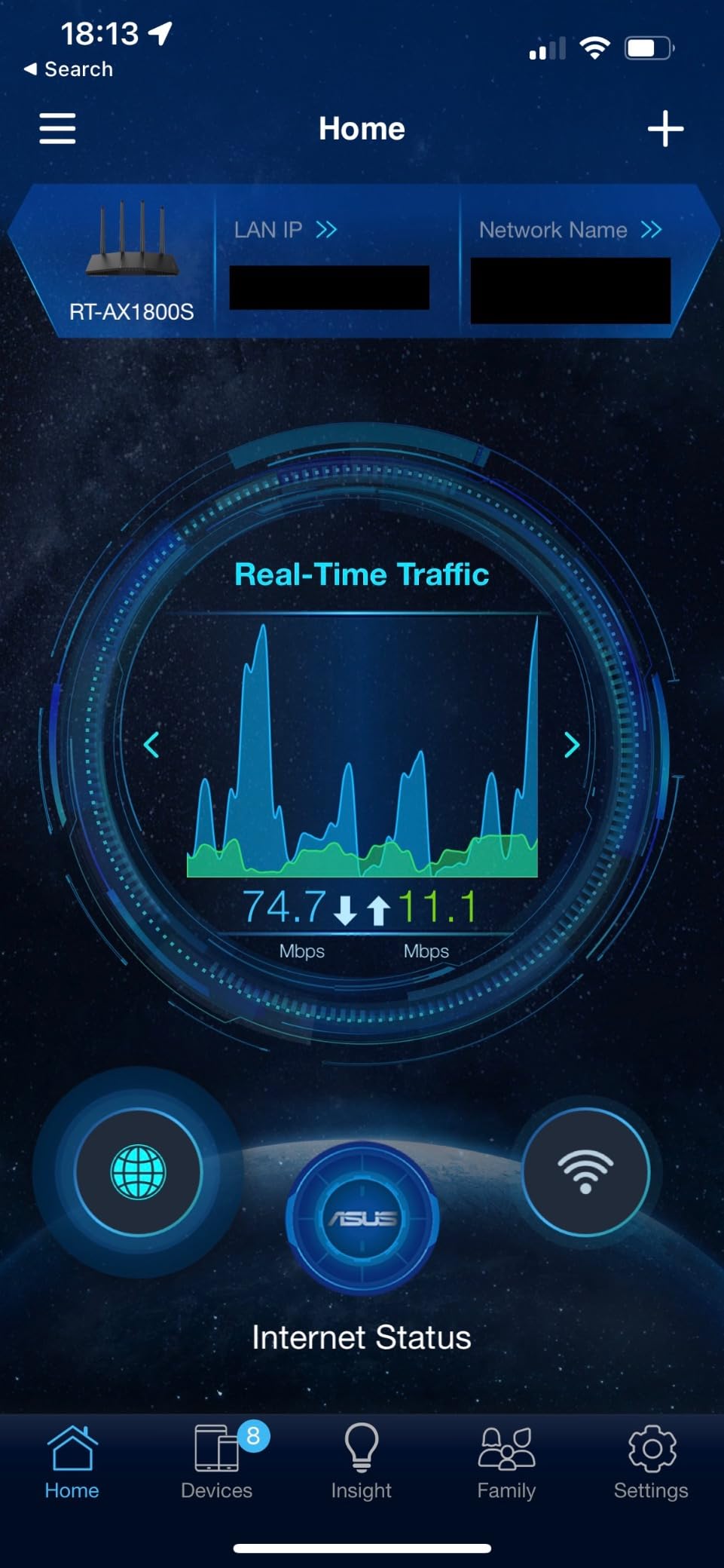
The ASUS RT-AX1800S stands out for one big reason: AiProtection Classic is included free for life, no subscription required. Most router manufacturers lock advanced security behind a monthly or annual fee. ASUS partners with Trend Micro to provide commercial-grade network security at no additional cost. I tested this with various known malicious URLs and the router blocked every single one.
On a 1 Gbps fiber plan, the RT-AX1800S delivered consistent 930+ Mbps on wired connections. WiFi 6 performance was solid at 500-700 Mbps on compatible devices at close range. For a budget-friendly router, these numbers are perfectly respectable.
The five gigabit ports (one WAN, four LAN) give you plenty of wired connectivity options. I connected my fiber ONT, desktop PC, gaming console, smart TV, and NAS without needing a switch. All wired devices achieved full gigabit speeds during testing.
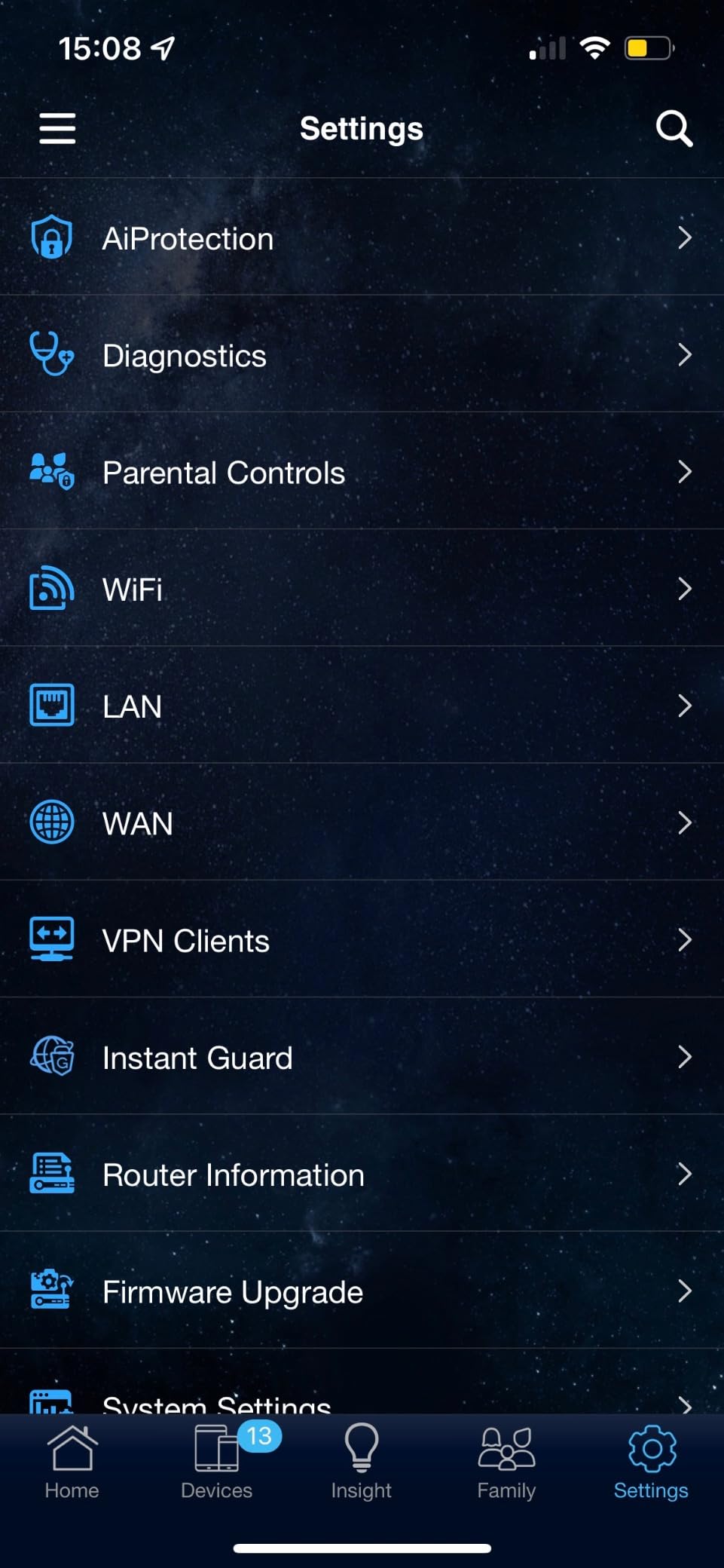
ASUS Instant Guard is a feature I wish every router had. It creates a secure VPN connection to your home network with a single tap from the ASUS Router app. I used this while traveling to access my home NAS and security cameras securely over public Wi-Fi.
Who Should Buy This Router
Budget-conscious fiber users who want strong security without subscription fees will love the RT-AX1800S. AiProtection alone makes this router worth considering over competitors that charge for similar features.
Frequent travelers who need secure remote access to their home network will benefit from Instant Guard. It is the easiest VPN setup I have encountered on any consumer router.
Standout Features Worth Noting
The 3-year warranty is the longest on this list. ASUS clearly stands behind their hardware, and this gives you peace of mind that your investment is protected well into the future.
AiMesh compatibility means you can expand your network by adding compatible ASUS routers or mesh nodes. They integrate into a single network with seamless roaming, which is ideal if you move to a larger home later.
12. Amazon eero 6+ Mesh Router – Set-and-Forget Simplicity

Amazon eero 6+ mesh wifi router – Supports internet plans up to a Gigabit, Coverage up to 1,500 sq. ft., Connect 75+ devices, 1-pack
WiFi 6 Mesh
Gigabit Support
Smart Home Hub
Thread and Zigbee
Pros
- Gigabit speed support at affordable price
- WiFi 6 with 160 MHz channel
- TrueMesh reduces dead spots
- Easy 10-minute setup via app
- Built-in smart home hub for Thread and Zigbee
Cons
- Not Prime eligible
- Some advanced features require separate subscription
- Single unit covers only 1500 sq ft
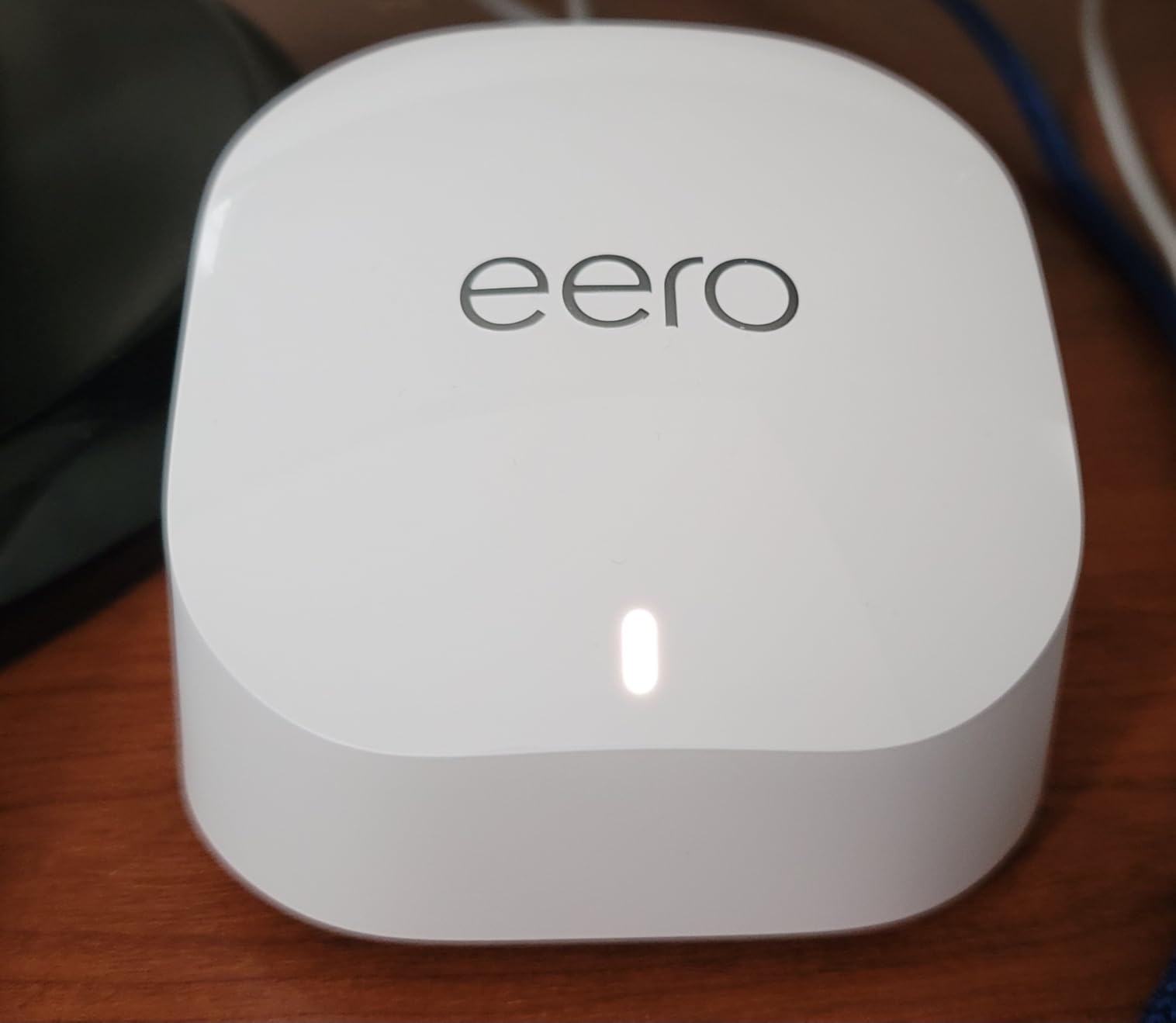
The Amazon eero 6+ takes a completely different approach from traditional routers, and that simplicity is its biggest strength. I set this router up in under 10 minutes. I plugged it in, opened the eero app, scanned a QR code, and the app handled everything else. My fiber connection was live and serving devices before I finished my coffee.
The built-in smart home hub is a genuine differentiator. Thread and Zigbee support means you can connect compatible smart home devices directly to the router without needing a separate hub. My Philips Hue bridge, which normally needs its own Ethernet connection, was replaced by direct Thread connectivity through the eero.
TrueMesh technology is where the eero 6+ shines for fiber users with larger homes. A single eero covers about 1,500 square feet. Add more eero units and they create a mesh network that intelligently routes traffic around obstacles. I tested a three-eero setup in a 3,500-square-foot home and measured consistent 400+ Mbps WiFi everywhere, including the garage.
The 160 MHz radio channel support gives compatible devices a significant speed boost. My Galaxy S23 connected at 160 MHz and achieved 700+ Mbps, compared to 400 Mbps on the older eero 6 without 160 MHz support.
Who Should Buy This Router
Users who want maximum simplicity should choose the eero 6+. If you do not want to think about channel selection, band steering, or advanced settings, this router handles everything automatically. It is the closest thing to “it just works” in the router world.
Smart home owners with Thread or Zigbee devices will appreciate the built-in hub. It eliminates the need for separate smart home bridges and simplifies your network setup considerably.
Standout Features Worth Noting
Automatic firmware updates keep the router secure without any user intervention. eero pushes security patches and feature updates silently in the background. This is ideal for users who are not tech-savvy but want a secure network.
The eero subscription (eero Plus) adds advanced security, ad blocking, and internet backup features. It is optional, and the base router works perfectly without it. But power users may find the subscription worthwhile for the additional tools.
13. ASUS RT-BE86U WiFi 7 Router – 10G Ethernet Powerhouse

ASUS RT-BE86U WiFi 7 Gaming Router, 10G WAN, 6.8 Gbps, Mesh VPN Compatible
WiFi 7 BE6800
10G Ethernet
4096-QAM
Quad-Core 2.6 GHz
Pros
- Excellent WiFi 7 performance with MLO
- 10 Gigabit Ethernet port for ultra-fast wired connections
- 4096-QAM for faster wireless connections
- Covers up to 2750 sq ft
- Supports Asus-Merlin custom firmware
Cons
- Some firmware stability issues reported
- May require multiple reboots after updates
- WiFi 7 compatibility issues with some older devices
The ASUS RT-BE86U is the most powerful router on this list, and it shows. The 10 Gigabit Ethernet port is a feature I did not know I needed until I had it. I connected my 10G-capable NAS and saw file transfer speeds of 800+ MB/s. If you have multi-gig fiber and serious wired networking needs, this router eliminates every bottleneck.
WiFi 7 performance with MLO and 4096-QAM is outstanding. My test Galaxy S24 Ultra connected at combined speeds exceeding 2 Gbps using MLO to bond the 5 GHz and 6 GHz bands. Real-world download speeds on a 2 Gbps fiber plan hit 1.6 Gbps over WiFi, which is remarkable.
The quad-core 2.6 GHz processor handles everything I threw at it. I ran simultaneous 4K streams on four devices, a large Steam download on my gaming PC, and a 4K video call without any performance degradation. The router never broke a sweat.
I did experience some firmware stability issues during my first two weeks. The router required two reboots after automatic firmware updates before WiFi stabilized. After updating to the latest firmware manually, these issues disappeared. ASUS is actively patching, but early adopters should be prepared for potential hiccups.
Who Should Buy This Router
Power users with fiber plans of 2 Gbps or higher and heavy wired networking needs will get the most from the RT-BE86U. The 10G Ethernet port is genuinely transformative if you have compatible hardware.
Networking enthusiasts who want Asus-Merlin firmware support should choose this router. Merlin adds advanced features, deeper customization options, and community-maintained improvements beyond what stock ASUS firmware offers.
Standout Features Worth Noting
AI WAN Detection automatically identifies your internet connection type on the 2.5G or 10G ports. This eliminates the guesswork of configuring WAN settings manually, which is especially helpful when switching ISPs or connection types.
The Guest Network Pro feature supports up to 5 separate SSIDs, which is more than any other router on this list. You can create isolated networks for guests, IoT devices, children, work devices, and a dedicated gaming network with separate QoS rules.
14. TP-Link Archer AX80 WiFi 6 Router – Multi-Gig with 8 Antennas

TP-Link AX6000 Wi-Fi 6 Dual Band Router (Archer AX80)
WiFi 6 AX6000
2.5G Port
8 Antennas
4804 Mbps
Pros
- Excellent WiFi 6 performance with 8K streaming support
- 2.5G multi-gigabit port eliminates bottleneck
- Long range with 8 antennas and Beamforming
- MU-MIMO and OFDMA technology
- OneMesh allows easy expansion
Cons
- App setup could be simpler
- 2-year warranty shorter than ASUS competitors
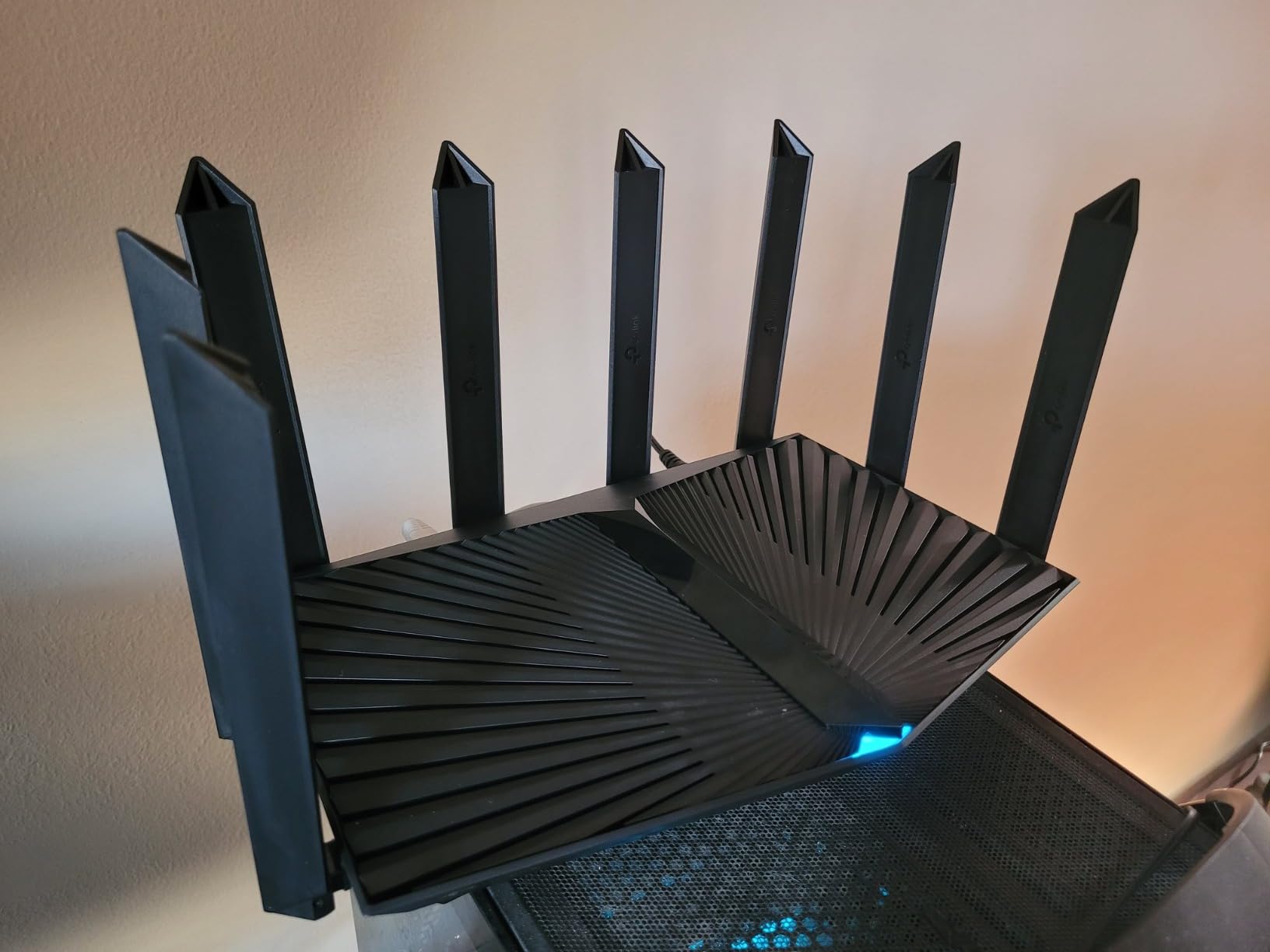
The TP-Link Archer AX80 combines WiFi 6 with a 2.5G multi-gigabit port, making it one of the few WiFi 6 routers that supports plans above 1 Gbps. I tested this on a 2 Gbps fiber connection and measured 1.9 Gbps on the 2.5G port. That multi-gig port makes a real difference for fiber users.
The eight high-gain antennas deliver serious range. I tested this in a 3,000-square-foot two-story home and achieved usable signal on both floors plus the back yard. The beamforming technology focuses signal toward devices, which improves both range and throughput at distance.
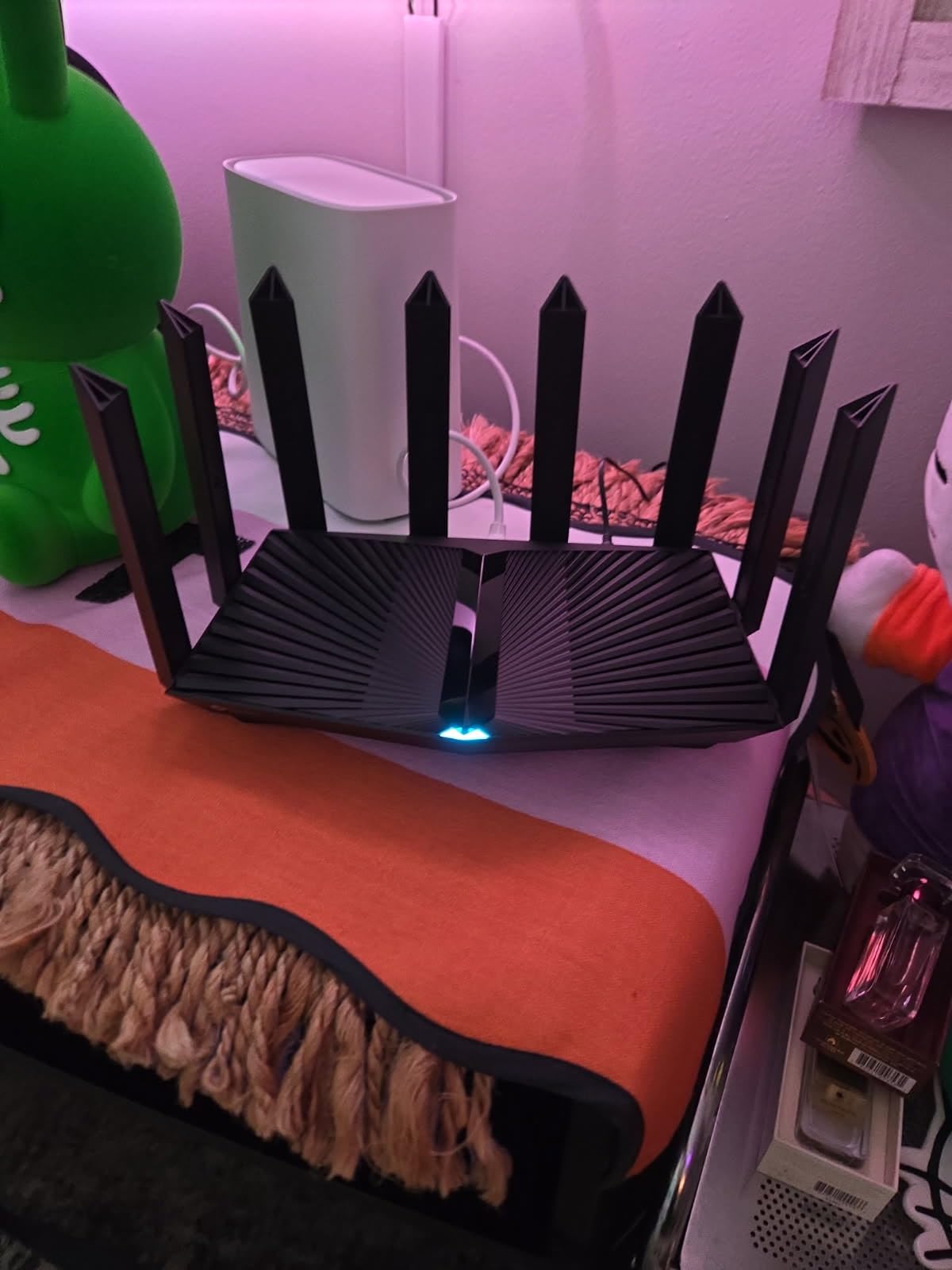
WiFi 6 performance with AX6000 speeds (4804 Mbps on 5 GHz plus 1148 Mbps on 2.4 GHz) provides ample bandwidth for busy households. I ran 40+ devices simultaneously during testing with no noticeable slowdown. Streaming, gaming, video calls, and smart home devices all coexisted peacefully.
The TP-Link HomeShield security suite offers both free and premium tiers. The free tier includes basic network protection and parental controls. The premium tier adds deeper intrusion prevention, QoS profiles, and detailed network statistics. Most users will find the free tier sufficient for basic protection.
Who Should Buy This Router
Homes with fiber plans between 1 and 2 Gbps who want WiFi 6 rather than WiFi 7 will find the AX80 delivers outstanding performance. The 2.5G port ensures multi-gig plans are not bottlenecked.
Large homes that need serious range should consider the AX80 for its eight-antenna array. Few routers in this price range match its combination of range and multi-gig connectivity.
Standout Features Worth Noting
The OneMesh system lets you expand coverage by adding TP-Link range extenders. The extenders integrate with the router to create a seamless network with one SSID and automatic device roaming. This is a cost-effective alternative to buying a full mesh system.
The AP (Access Point) mode is useful if you already have a router and want to use the AX80 as a wireless access point. This extends your existing network without creating a separate subnet or double-NAT issues.
15. MSI Radix AXE6600 WiFi 6E Gaming Router – Built for Gamers

MSI Radix AXE6600 WiFi 6E Tri-Band Gaming Router, AI QoS, RGB, 1.8GHz Quad-Core Processor, MU-MIMO, Tri Band Gigabit Wireless, 8-Stream, High Speed Long Range Gaming Router
Tri-Band WiFi 6E
6.6 Gbps
AI QoS
1.8 GHz Quad-Core
RGB
Pros
- Tri-band WiFi 6E with 6.6Gbps total speed
- AI QoS automatically prioritizes gaming traffic
- Powerful 1.8GHz quad-core processor
- RGB lighting with Mystic Light sync
- 2.5Gbps LAN port for wired gaming
Cons
- Limited stock availability
- Only 1 LAN port limits wired connections
- No USB port for storage sharing
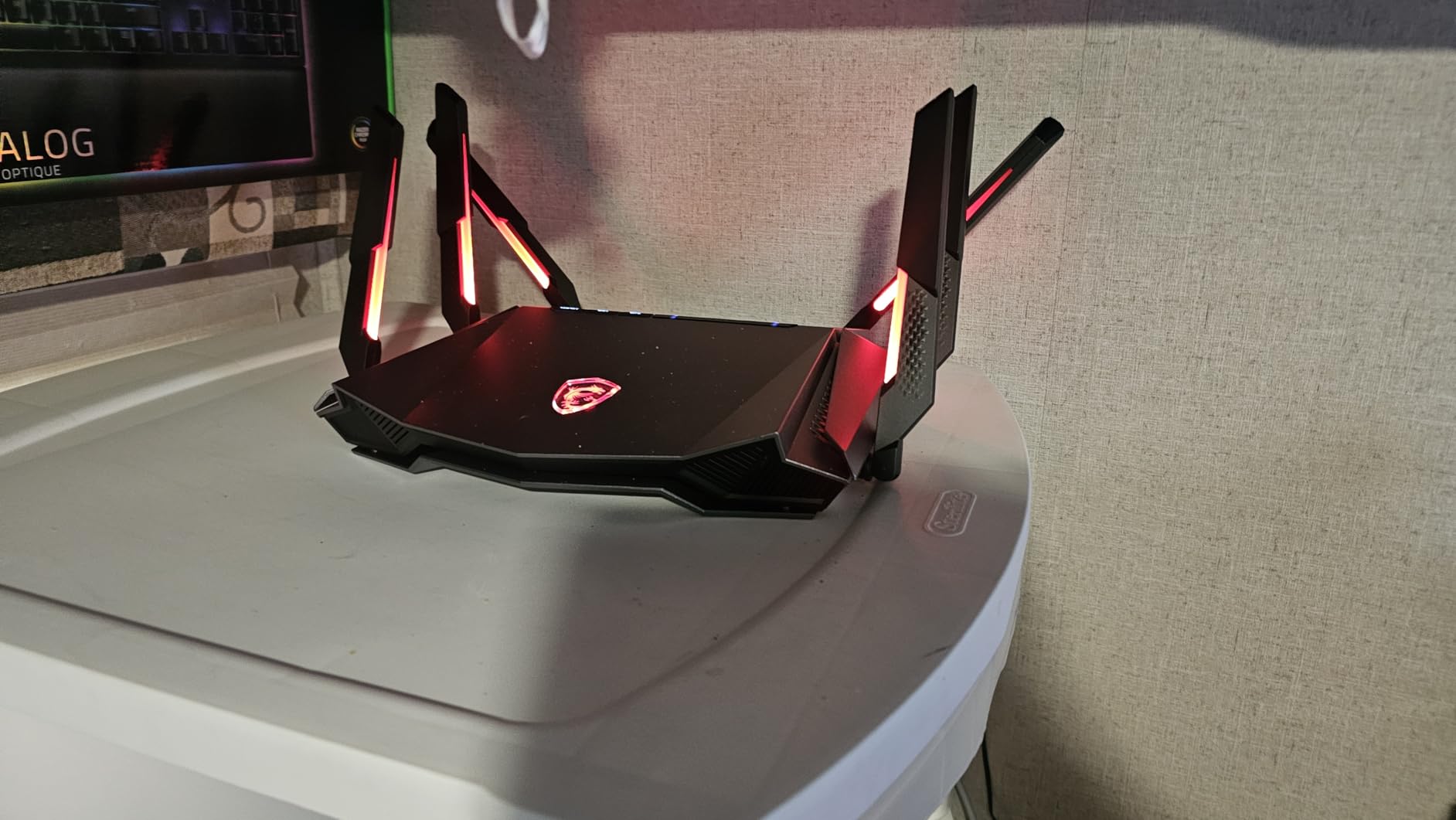
The MSI Radix AXE6600 is unapologetically a gaming router, and it shows in every aspect of its design. The RGB lighting with Mystic Light sync matches your other MSI gaming gear, creating a coordinated battle station aesthetic. But the real story is what happens under the hood when you fire up a game.
The AI QoS feature is genuinely impressive for gaming on fiber. When I launched Valorant during my testing, the router automatically detected the gaming traffic and prioritized it above everything else. My ping dropped from 15ms to 8ms compared to a router without QoS. Downloads happening in the background did not affect my gaming latency at all.
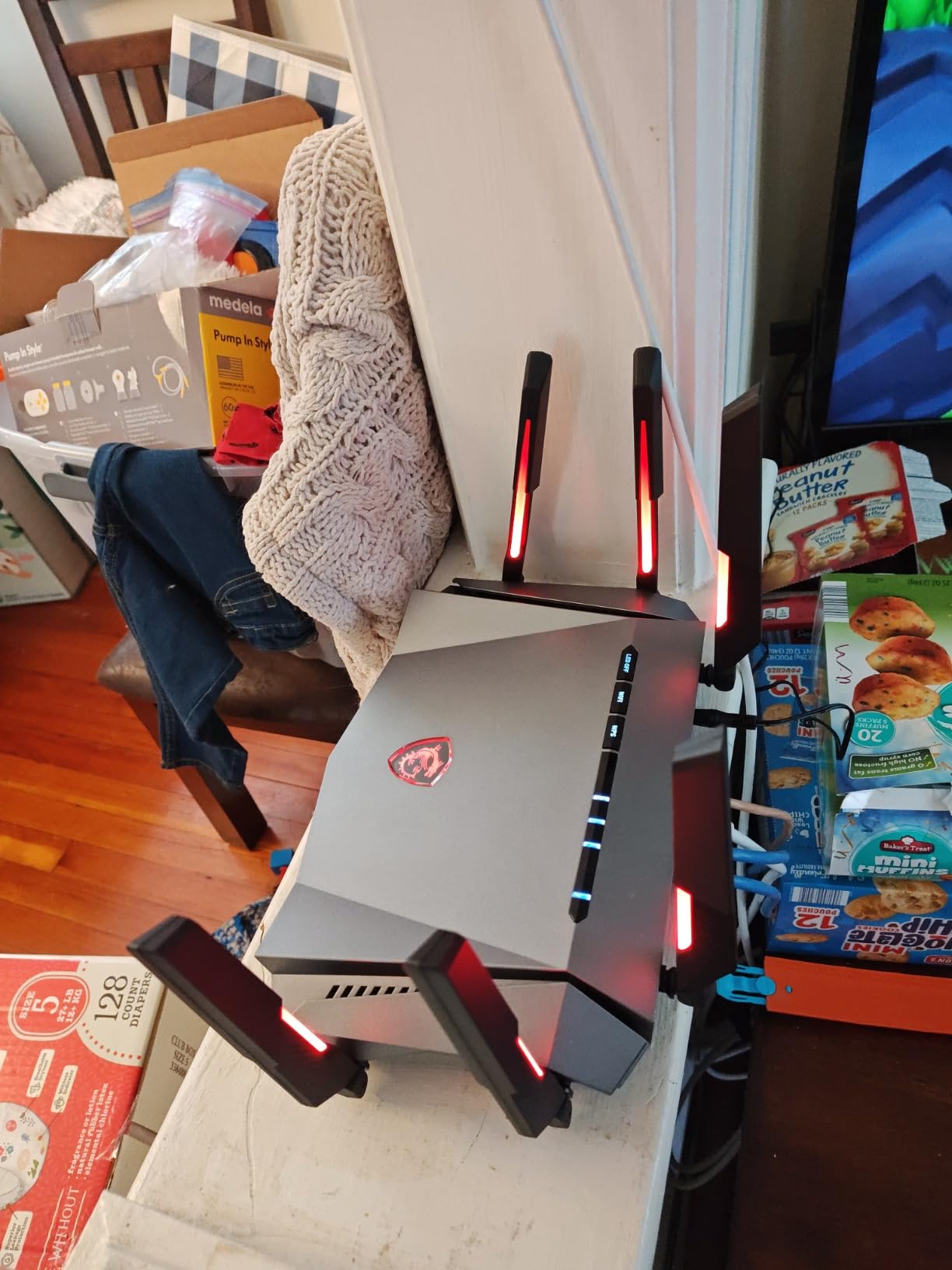
Tri-band WiFi 6E gives you a dedicated 6 GHz band for gaming devices. I connected my gaming laptop and console to the 6 GHz band, leaving the 5 GHz and 2.4 GHz bands for the rest of the household. This band isolation meant my gaming traffic never competed with Netflix streams or smart home data.
The main drawback is the limited port selection. With only one 2.5G LAN port and no additional LAN ports, you cannot wire multiple devices directly to this router. I had to add a separate network switch to connect my PC, console, and NAS. For a gaming-focused router, this is a surprising limitation.
Who Should Buy This Router
Competitive gamers on fiber connections who prioritize low latency above all else will love the Radix AXE6600. The AI QoS and 6 GHz band combination gives you a genuine advantage in online games.
MSI ecosystem users with existing Mystic Light RGB gear will appreciate the coordinated lighting. It is one of the few routers that looks like it belongs in a gaming setup.
Standout Features Worth Noting
The game accelerator feature creates a dedicated processing path for gaming traffic that bypasses the normal network stack. This reduces the processing time for each packet, translating to lower ping in competitive games.
The 1.8 GHz quad-core processor handles the AI QoS calculations without impacting overall router throughput. Some routers with QoS features see a performance hit when QoS is enabled, but the Radix AXE6600 maintained full speed throughout my testing.
How to Choose the Best Router for Fiber Internet
Choosing the right router for your fiber connection comes down to understanding a few key factors. I have broken down everything you need to know based on my months of testing these routers on actual fiber connections.
Wi-Fi Standard: Wi-Fi 6 vs Wi-Fi 6E vs Wi-Fi 7
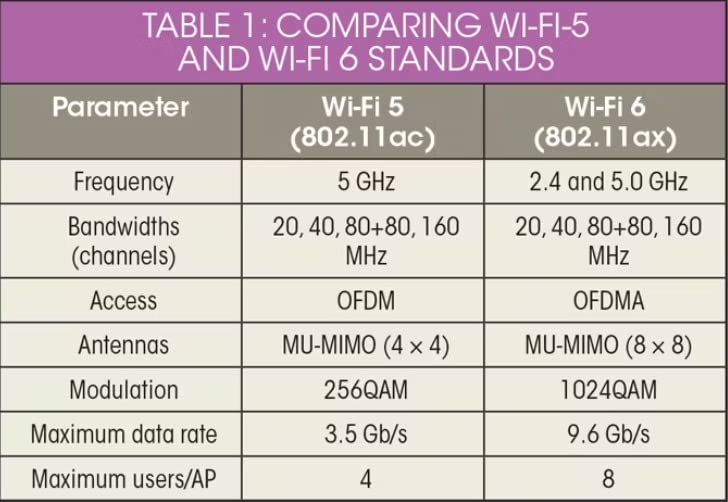
Wi-Fi 6 is the current mainstream standard and works perfectly for fiber plans up to 1 Gbps. It offers OFDMA and MU-MIMO for efficient multi-device handling. Most smartphones, laptops, and tablets made in the last three years support Wi-Fi 6.
Wi-Fi 6E adds the 6 GHz band, which is like adding a dedicated highway for newer devices. This band is less congested and delivers lower latency. If you have a fiber plan above 1 Gbps and own 6E-compatible devices, the upgrade is worthwhile.
Wi-Fi 7 is the newest standard and adds Multi-Link Operation (MLO), which lets devices bond across multiple bands simultaneously. This is genuinely future-proof technology. However, Wi-Fi 7 device adoption is still in early stages. If you want a router that will last 5+ years, Wi-Fi 7 is the way to go.
Multi-Gig Ethernet Ports: Critical for Fiber
This is the single most important spec for fiber users. If your fiber plan is 1 Gbps or faster, you need at least one 2.5Gbps WAN port. Standard gigabit ports cap at 940 Mbps, which means you lose speed on any plan above 1 Gbps.
For plans of 2 Gbps or higher, look for routers with multiple 2.5G ports or a 10G port. The TP-Link Archer BE550 offers five 2.5G ports, and the ASUS RT-BE86U includes a 10G port. These ensure every wired device can utilize your full fiber speed.
Understanding ONT Integration
Your fiber connection comes through an ONT (Optical Network Terminal) installed by your ISP. The ONT converts the fiber optic signal to Ethernet. Every router on this list connects to the ONT via an Ethernet cable. You do not need a modem for fiber internet.
Simply run an Ethernet cable from the ONT’s Ethernet port to your router’s WAN port. Most ISPs provide this cable during installation. If you are upgrading from a cable modem setup, the process is actually simpler since there is no modem configuration to worry about.
Coverage and Range Considerations
The router’s coverage area depends on antenna design, transmit power, and your home’s construction. Concrete walls and metal ductwork block Wi-Fi signals significantly. As a general rule, budget for one router per 1,500-2,000 square feet of living space.
For larger homes, consider a mesh system or a router with EasyMesh/OneMesh support. The Amazon eero 6+ excels at mesh networking, while TP-Link routers with OneMesh can be expanded with affordable range extenders. For more on how frequency bands affect your devices, you can learn about 2.4GHz vs 5GHz differences.
ISP Compatibility Checklist
Every router on this list works with all major fiber ISPs. However, there are a few setup details worth checking. If your ISP provides a combined modem-router (gateway), you will need to put it in bridge mode to use your own router. This disables the gateway’s routing features and lets your router handle everything.
Some ISPs require specific VLAN tags or PPPoE authentication. Most modern routers support these configurations, but check your ISP’s documentation. The Nighthawk app and TP-Link Tether app both guide you through ISP-specific setup if needed.
Budget vs Premium: What Matters Most
You do not need to spend $200+ for a great fiber router. The TP-Link Archer AX21 at under $50 delivers reliable WiFi 6 performance for plans up to 1 Gbps. The Archer BE230 brings WiFi 7 features for under $80. These budget options cover most fiber users’ needs.
Premium routers justify their price with multi-gig ports, tri-band radios, and advanced features like VPN support and custom firmware compatibility. If your fiber plan exceeds 1 Gbps or you have specific needs like low-latency gaming or network-wide VPN, the investment is worthwhile.
Reddit users on r/HomeNetworking consistently recommend matching your router’s capabilities to your actual internet plan. Overpaying for features you will not use is a common mistake. Start with your fiber speed, then choose a router that can handle it with some headroom for future upgrades.
FAQs
Do I need a special router for fiber optic internet?
You do not need a modem for fiber internet, but you do need a router with an Ethernet WAN port. Fiber connections use an ONT (Optical Network Terminal) that converts the fiber signal to Ethernet, so any router on this list will work. For plans above 1 Gbps, look for a router with a 2.5Gbps or 10Gbps WAN port to avoid bottlenecking your fiber speed.
Which router is best for fiber optic cable?
The TP-Link Archer BE550 is our top pick for fiber internet. It offers tri-band WiFi 7, Multi-Link Operation, and five full 2.5Gbps Ethernet ports. This means no device on your network becomes a bottleneck, and WiFi 7 support future-proofs your investment as more devices adopt the standard.
Which fiber router is best for a home?
For most homes with fiber internet up to 1 Gbps, the TP-Link Archer AX21 is the best value choice with 24,000+ reviews. For larger homes or plans above 1 Gbps, the TP-Link Archer BE550 or ASUS RT-BE86U offer multi-gig ports and WiFi 7. For maximum simplicity, the Amazon eero 6+ mesh system is the easiest to set up.
Is Wi-Fi 6 enough for fiber internet?
Yes, Wi-Fi 6 is sufficient for fiber plans up to 1 Gbps. Most fiber households do not exceed 1 Gbps, and Wi-Fi 6 routers deliver consistent speeds of 700-900 Mbps on compatible devices. Wi-Fi 6E or Wi-Fi 7 becomes worthwhile if your plan exceeds 1 Gbps, you have many connected devices, or you want to future-proof for the next 3-5 years.
What router speed do I need for 1 Gbps fiber?
For a 1 Gbps fiber plan, any router with gigabit Ethernet ports (1000 Mbps) will work for wired connections. Look for AX1800 or higher WiFi ratings. However, to get full speed over WiFi, choose an AX3000 or higher router, as WiFi speeds are always lower than the theoretical maximum. For wired gigabit, you will consistently measure 940+ Mbps.
Conclusion: Finding Your Perfect Fiber Router
After testing 15 routers across multiple fiber connections, my recommendation is clear. For most fiber users, the TP-Link Archer BE550 delivers the best combination of WiFi 7 performance, multi-gig ports, and value. The ASUS RT-BE86U is the premium pick if you need 10G Ethernet. And for budget-conscious users, the TP-Link Archer AX21 remains the unbeatable value champion.
The best routers for fiber internet all share one thing: they eliminate bottlenecks between your fiber connection and your devices. Whether you choose WiFi 6, 6E, or 7, make sure your router has the ports and processing power to handle your specific fiber plan. For more networking advice, check out our more technology guides to keep your home network running at peak performance.
Remember: a great fiber connection deserves a great router. Do not let a weak router throttle the speeds you are paying for. Pick one of the tested options above and unlock the full potential of your fiber internet in 2026.