
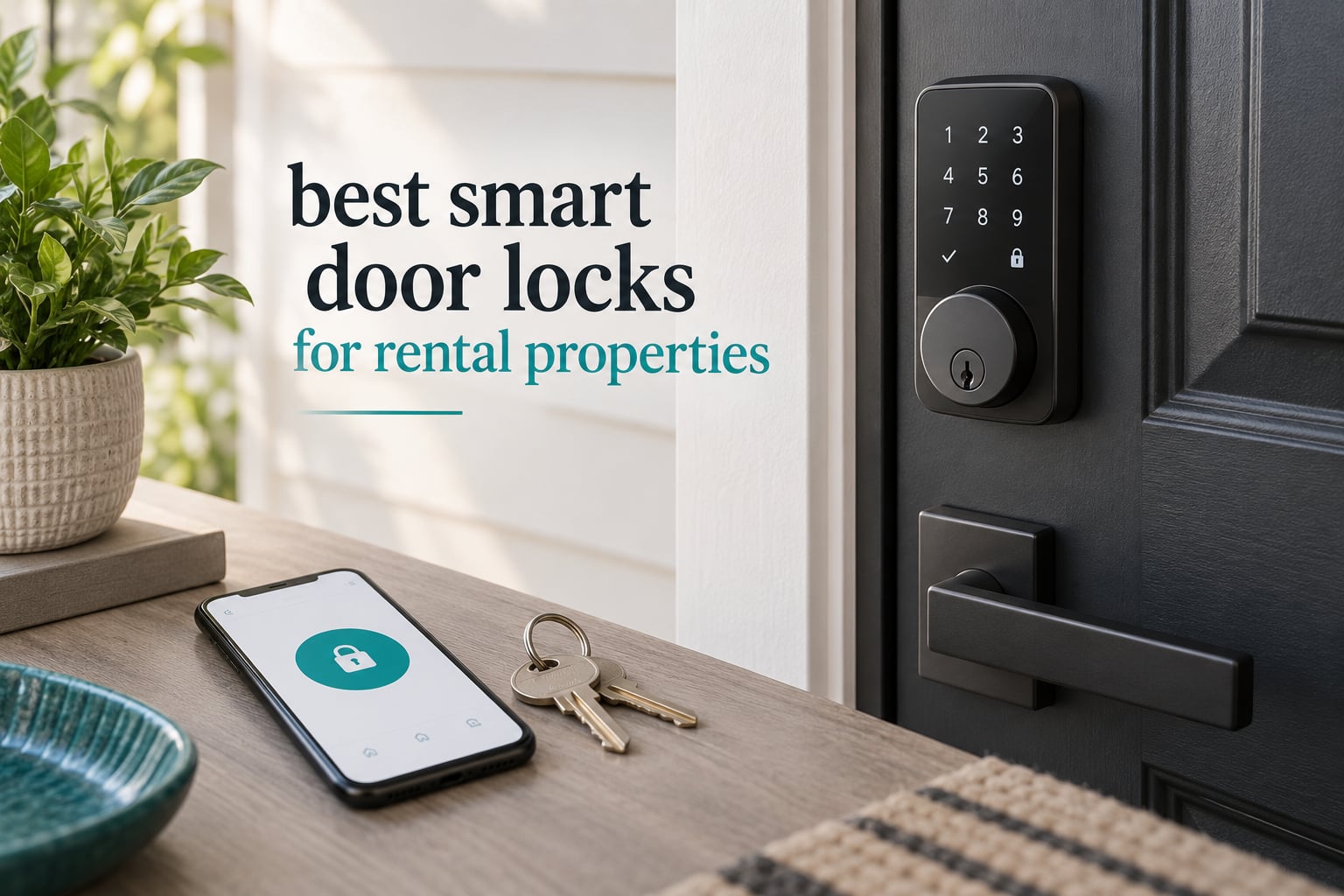
A rental door lock has one job that a normal deadbolt cannot do: change who gets in, without changing the hardware. For a short-term host that means a code that starts at check-in and expires at checkout. For a long-term tenant it means keyless entry without drilling a hole in a door you do not own. For a landlord it means one app covering every unit rather than a drawer full of keys and a call every time one goes missing.
We compared 10 of the strongest smart door locks for rental properties across the three groups that matter, and the differences show up in exactly the places hosts complain about: whether remote unlock needs a separately sold hub, whether the guest has to download an app, and what happens when the batteries die in an empty house.
If you want the short version, the smart locks for Airbnb hosts guide covers the self check-in angle in depth. This roundup goes wider, because a tenant, a host and a property manager have different must-haves and it is worth naming which is which.
Table of Contents
Top 3 Best Smart Door Locks for Rental Properties (October 2026)
The Schlage Encode takes our top slot because it is the only lock here that pairs a top residential security rating with built-in Wi-Fi, no separate hub, and a 13,000-plus review history in this category. The ULTRALOQ Bolt SE wins on value, adding fingerprint entry and Matter support at a fraction of the outlay. The eufy C220 is the pick if Apple Watch entry and no-drill retrofit onto an existing deadbolt matter more than anything else.

Schlage Encode Smart WiFi Deadbolt
- Built-in Wi-Fi
- no hub
- Up to 100 access codes
- BHMA Grade 1

ULTRALOQ Bolt SE WiFi Smart Lock
- Fingerprint plus 50 passcodes
- Built-in Wi-Fi
- no hub
- Matter over Thread

eufy Security Smart Lock C220
- Sub-one-second fingerprint
- Apple Watch and app unlock
- 8 AA batteries
- no-drill retrofit
All 10 Smart Door Locks for Rental Properties Compared in 2026
The table below is the fast way to narrow the field. Two columns decide more purchases than any other: whether the lock reaches the internet on its own, and whether it fits over the deadbolt already in the door without drilling.
| Product | Specifications | Action |
|---|---|---|
| Schlage Encode Smart WiFi Deadbolt |
|
Check Latest Price |
| ULTRALOQ Bolt SE WiFi Smart Lock |
|
Check Latest Price |
| eufy Security Smart Lock C220 |
|
Check Latest Price |
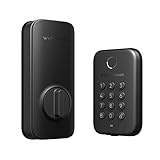 Wyze Auto-Lock Bolt Wyze Auto-Lock Bolt |
|
Check Latest Price |
 Veise RZ07 Fingerprint Smart Lock Veise RZ07 Fingerprint Smart Lock |
|
Check Latest Price |
 CANDY HOUSE Sesame 5 CANDY HOUSE Sesame 5 |
|
Check Latest Price |
 Philips WiFi Smart Deadbolt Lock Philips WiFi Smart Deadbolt Lock |
|
Check Latest Price |
 Philips WiFi Keypad Deadbolt with Handle Philips WiFi Keypad Deadbolt with Handle |
|
Check Latest Price |
 Nuki Smart Lock Nuki Smart Lock |
|
Check Latest Price |
 Tapo DL100 Smart WiFi Deadbolt Tapo DL100 Smart WiFi Deadbolt |
|
Check Latest Price |
1. Schlage Encode Smart WiFi Deadbolt – Best Overall for Rental Properties
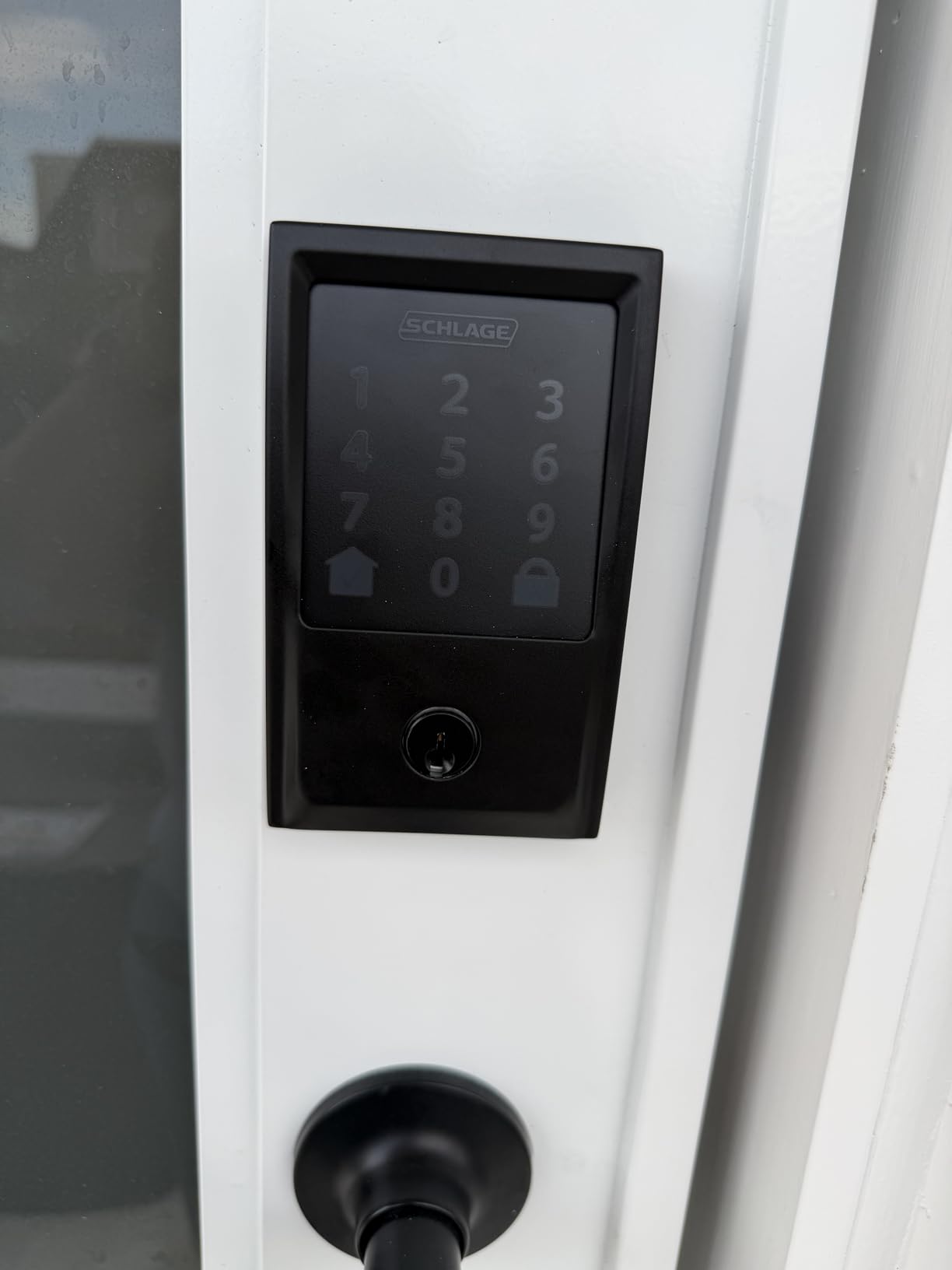
Schlage Encode Smart WiFi Deadbolt Lock with Century Trim, Matte Black
Built-in Wi-Fi, no hub
Up to 100 access codes
BHMA Grade 1
Six month AA battery
Backup key included
Pros
- Built-in Wi-Fi means remote unlock with no extra hub
- Largest review base in this group at over 13000
- Highest residential BHMA security and durability rating
- Door ajar and forced entry alarm
- Screwdriver-only install on standard doors
Cons
- Bulky exterior body at 3.4 pounds
- No fingerprint entry
- Three year electronics warranty
This is the lock we would put on a single-unit rental and stop thinking about. It reaches the internet through Wi-Fi built into the deadbolt itself, so there is no gateway to mount, no hub to power and no second app to learn. You create a code from your phone, send it, and it works.
The security story matters more than the feature list here. Schlage lists the highest residential BHMA security, durability and finish rating, and that is the number to insist on if the listing has no covered entry. The door ajar and forced entry alarm is the feature most owners never discover and later rely on, because it tells you a guest left the door standing open.
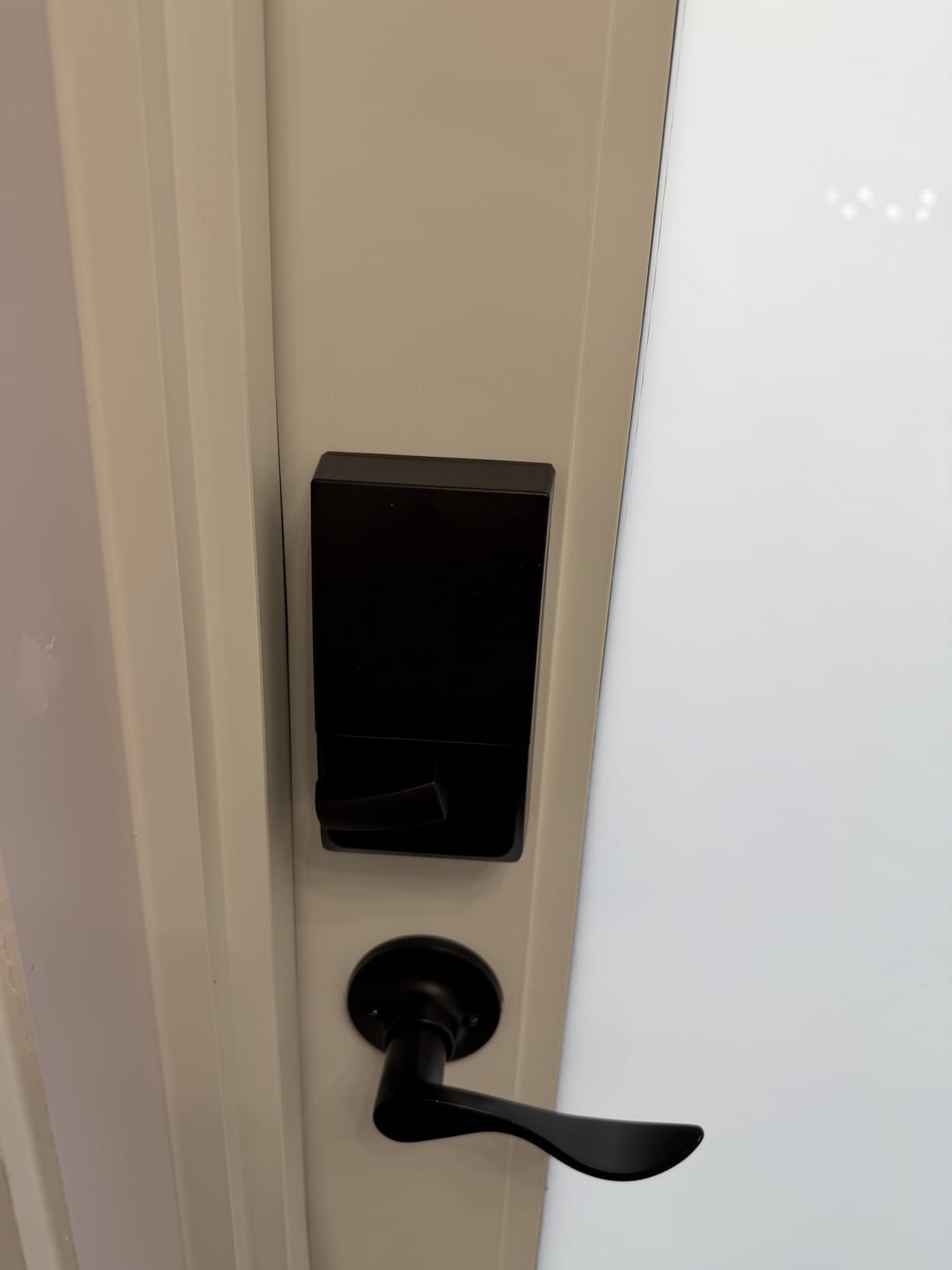
It takes four AA batteries and Schlage rates that at up to six months, which is the weakest runtime claim in this group. In practice that means you are checking power twice a year rather than once, and a door that sits empty between bookings drains faster than a door someone lives behind.
Fitting is straightforward on standard doors between 1-3/8 and 1-3/4 inches thick, with a 2-3/8 or 2-3/4 inch backset. No hardwiring is involved, which keeps the install reversible when you move out.
What hosts and tenants will notice day to day
The app handles up to 100 access codes with lock history and customisable notifications, so a weekly turnover is never a code-management problem. Owners across this review base single out installation as rock solid, which matters because most rental locks fail at the install, not the motor.
Voice control through Alexa and Google Home exists but matters little in a rental context. The fingerprint-resistant touchscreen is more useful, since it reduces the smudge trail a guest sees when they arrive after dark.
Where it falls short
There is no fingerprint reader, so a cleaner, a contractor or a tenant with wet hands relies on the keypad or the key. At 3.4 pounds the exterior body is the bulkiest unit here, and it looks noticeably heavier than the retrofit options on a modest rental door.
Owners also report occasional connectivity or app-notification complaints, the same class of issue that shows up with several Wi-Fi locks. Plan a physical key check rather than trusting the app alone.
2. ULTRALOQ Bolt SE WiFi – Best Value With Built-In Wi-Fi
ULTRALOQ Bolt SE Wi-Fi Smart Lock, Matter Over Thread, App Remote Access
50 fingerprints, 50 passcodes
Built-in 2.4 GHz Wi-Fi
18 month battery
IP65 body
Pros
- Seven unlock methods including eKey sharing
- 50 fingerprints and 50 passcodes
- Built-in Wi-Fi so no hub is required
- Up to 18 months stated battery life
- ANSI BHMA certified and IP65 weatherproof
Cons
- Matter over Thread needs a separate Thread border router
- 2.4 GHz Wi-Fi only
- no door sensor included
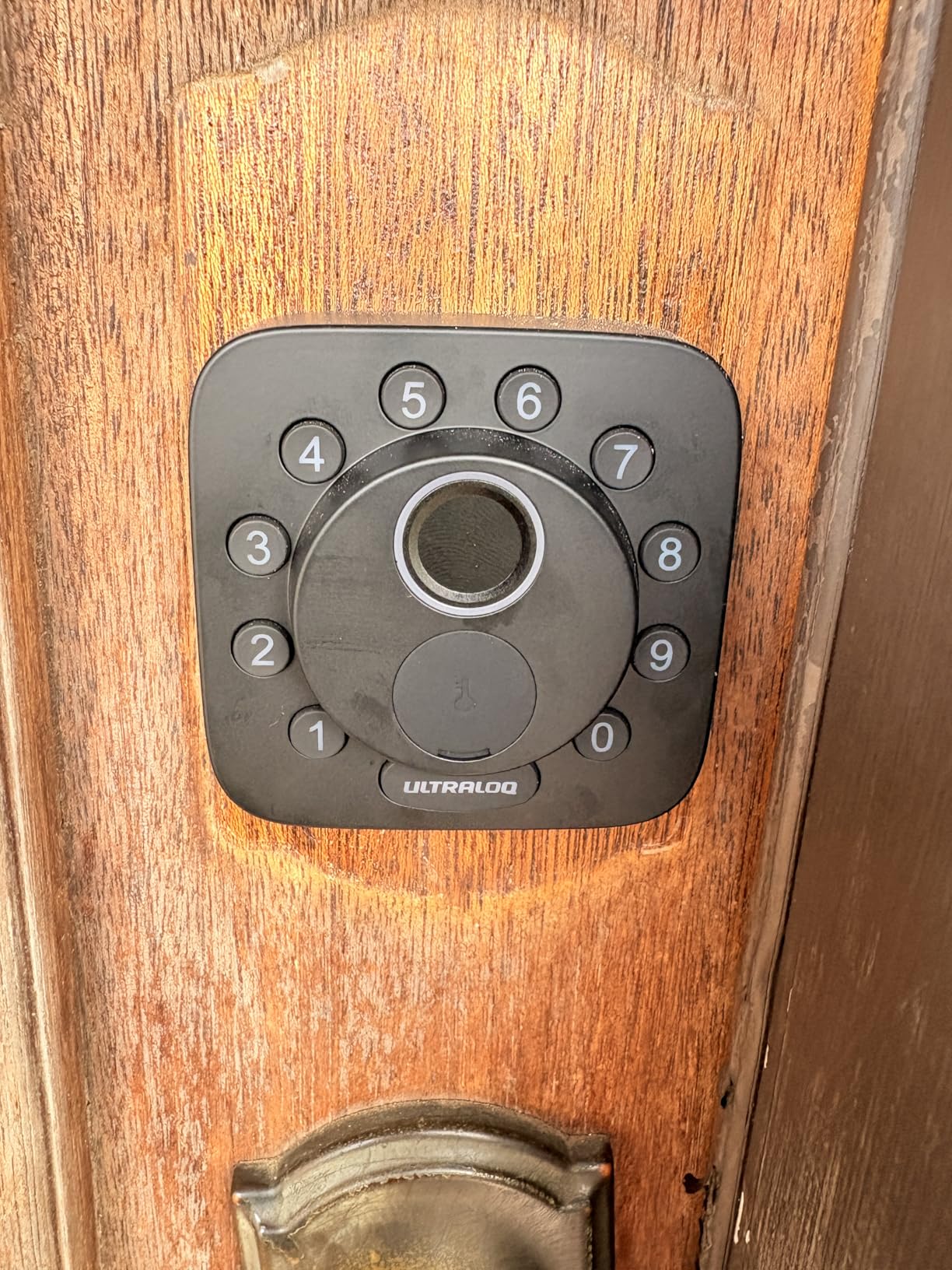
This is the strongest feature set per unit of spend in the whole roundup, and the Wi-Fi is genuinely built in rather than advertised as optional. Owners get seven ways in: fingerprint, passcode, app, web portal, eKey sharing, voice and a mechanical key.
For a landlord running several doors, the 50 fingerprints and 50 passcodes split cleanly into a cleaning crew set, a tenant set and a guest set. Owners also like that scheduled and temporary eKeys can be pushed from the web portal when someone is not near their phone.
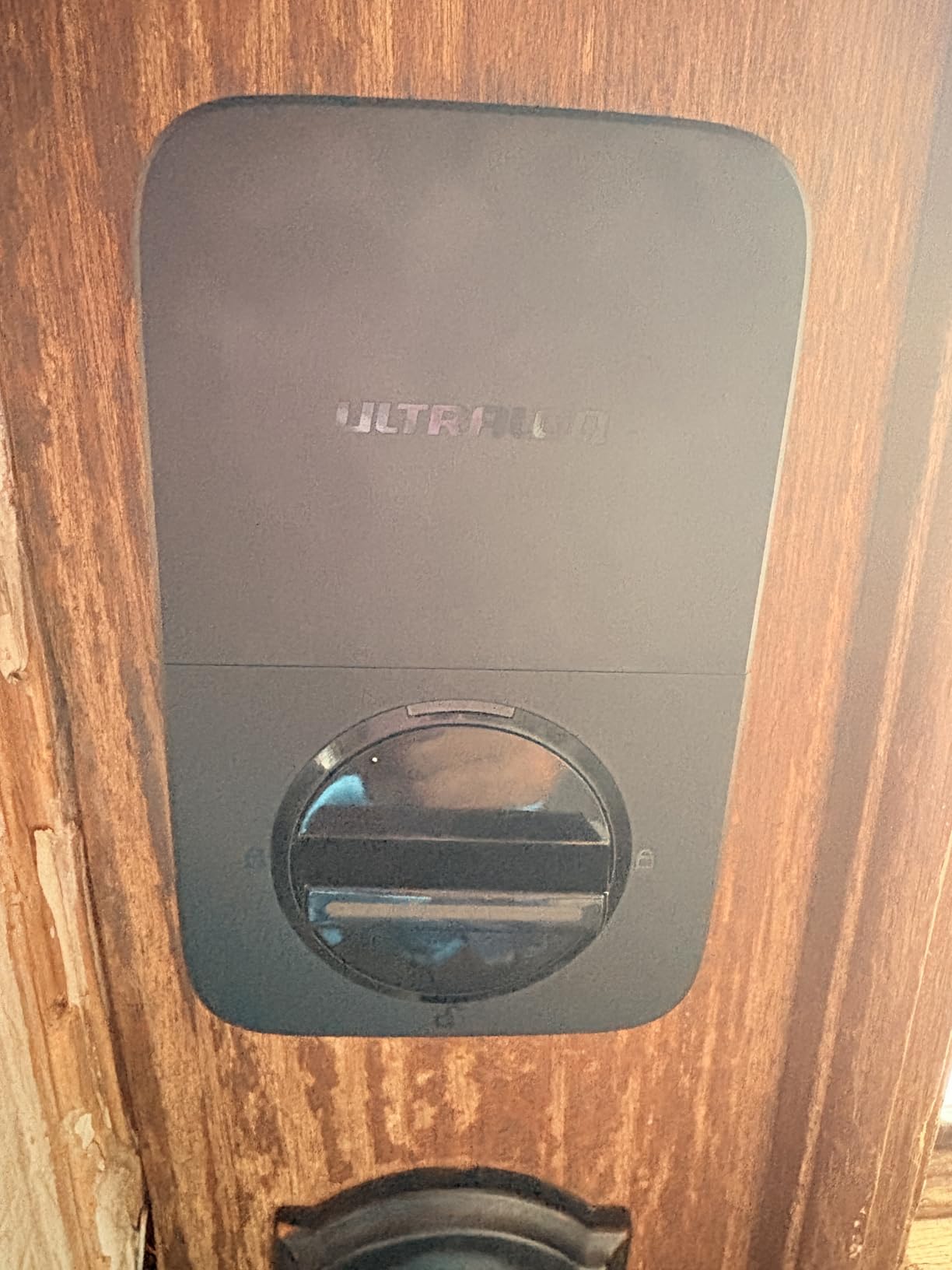
Battery life is the headline. Ultraloq states up to 18 months, helped by Thread low-energy mesh behaviour, and that is the longest stated figure among the locks here that also offer fingerprint access.
Installation is a ten-minute job on a standard door. No wiring, no gateway, and the reviewer consensus on this one is easy setup and fast fingerprint recognition.
What matters in a rental
Seven unlock methods is overkill for guests and exactly right for a property manager. Register a fingerprint for the cleaner, a recurring code for the handyman, and dated passcodes for each booking, then revoke them from the portal at checkout.
The zinc alloy body and IP65 rating make it a sensible pick for an exposed door or a coastal unit where rain drives straight at the lock.
Where it falls short
Matter over Thread is a genuine advantage for smart home ecosystems but needs a compatible Thread border router that is not included. If your rental does not already run one, ignore that line in the spec sheet.
Wi-Fi is 2.4 GHz only, the router needs to be within about 70 feet, and no door sensor is bundled, so ajar alerts are not available on this model. One reviewer also reported a unit that stopped responding a few days after installation, which is rare but worth knowing.
3. eufy Security Smart Lock C220 – Best for Apple Watch Entry
eufy Security Smart Lock C220, Fingerprint Keyless Entry Door Lock
Six unlock methods
Fingerprint unlock
About 8 month battery
BHMA Grade 3
Pros
- Six unlock methods including Apple Watch and voice
- Self-learning AI fingerprint that improves with use
- Built-in Wi-Fi with no bridge required
- About eight months battery from eight AA cells
- Retrofit onto most standard deadbolts
Cons
- 2.4 GHz Wi-Fi only
- Fingerprint can need a second touch when hands are wet or cold
- Eight AA cells is a large pack to service
The eufy C220 fits over an existing deadbolt bore under 54 mm and installs in about a quarter of an hour, which keeps the door and the frame intact. That reversibility is the whole argument for a tenant.
Entry is available six ways: fingerprint, the eufy app, keypad, physical key, Apple Watch and voice. The fingerprint reader reads in under a second and the self-learning routine improves accuracy with each touch, so a cleaner who uses it twice a week stops being misread within a fortnight.
Eight AA batteries give roughly eight months depending on frequency of use. Eufy certifies it BHMA Grade 3 after 100,000 cycles and rates it IP53, with an operating range from -22F to 158F.
It also drops into the wider eufy ecosystem, so if the unit already has an eufy doorbell the lock can join existing routines. Owners reviewing this model consistently cite the fast reader and painless retrofit.
Where it works for tenants and hosts
This is the pick for a long-term tenant who cannot replace the lock but can mount over it. Nothing is drilled, the original deadbolt stays in place and removal takes minutes.
For a host it doubles as a cleaner lock. Fingerprint enrolment solves the recurring problem of handing a housekeeper a code that then gets passed around.
Where it falls short
Wi-Fi is limited to 2.4 GHz networks. If the rental router is set to 5 GHz only, remote unlock will not come up until that is changed.
Wet or cold hands can trigger a misread, and eight AA cells is a bigger battery pack than most competitors need. Fingerprint entry is for residents and staff, not for guests, who will not have enrolled.
4. Wyze Auto-Lock Bolt – Top Rated Bluetooth Retrofit
Wyze Auto-Lock Bolt, Fingerprint Keyless Entry Door Smart Bluetooth Deadbolt Replacement, Backlit Keypad, IPX5 Weatherproof, in-App History and Scheduled Access, BHMA, UL 20-Min Fire Rated
Bluetooth only
One-time and scheduled codes
IPX5 fire rated
Key backup
Pros
- Highest average rating in this roundup
- Scheduled and one-time passcodes work reliably
- Bluetooth-only design avoids an internet attack surface
- Installs into an existing deadbolt bore in about 25 minutes
- UL 20 minute fire rated and IPX5 weatherproof
Cons
- No remote unlock
- Bluetooth range only about 25 to 35 feet
- Heavy use drains four AA cells in about six weeks
This lock has the highest average rating of the ten and one of the most specific use cases: a rental door where you deliberately do not want internet remote unlock. It talks over Bluetooth only, so nobody can reach it from across the web, and one long-term owner calls the design effectively non-hackable for that reason.
It still gives you the two features a rental workflow needs. One-time and scheduled passcodes open door access for contractors, housekeepers and guests without any remote capability, and the in-app history logs each opening against a named profile.
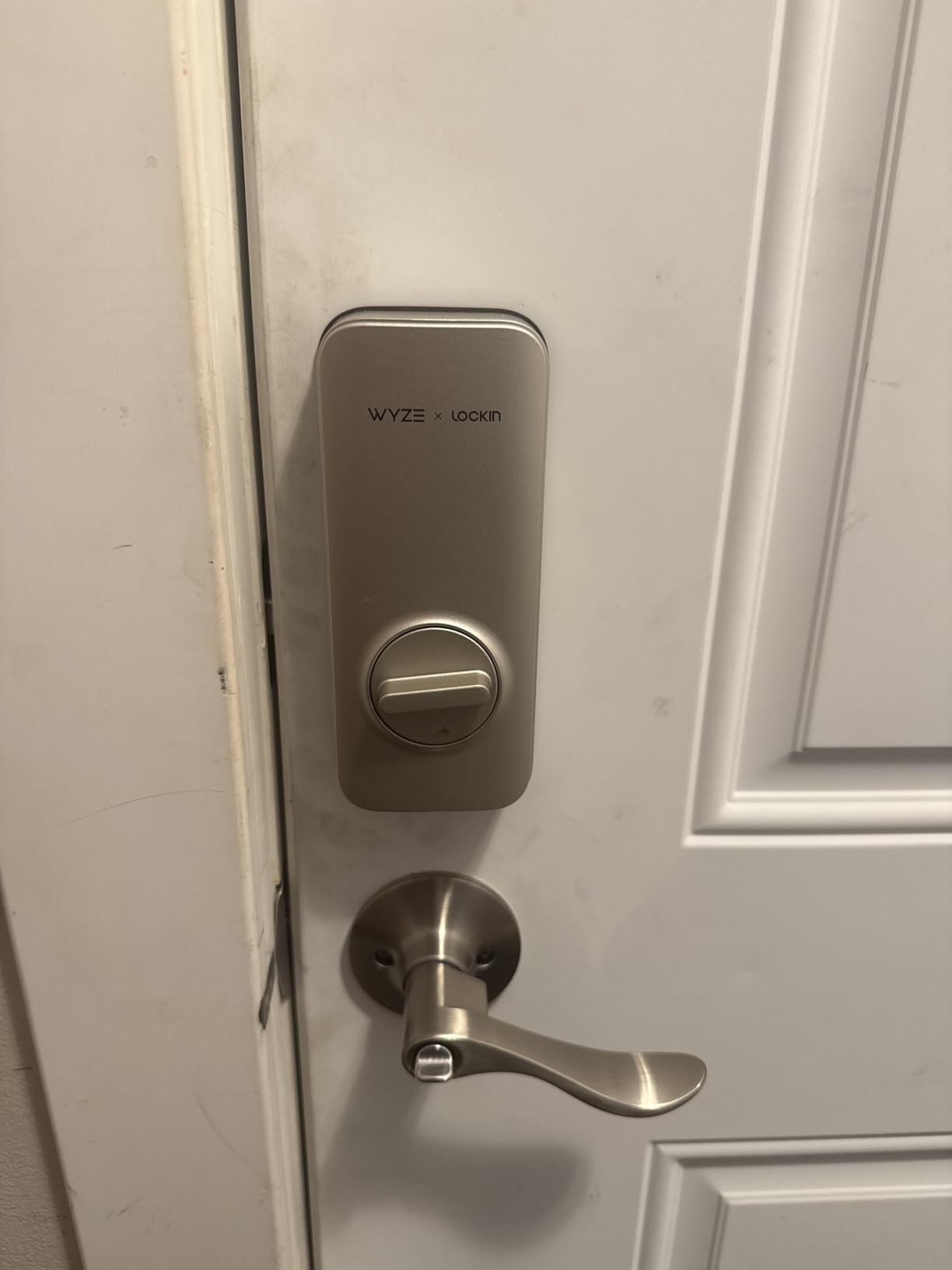
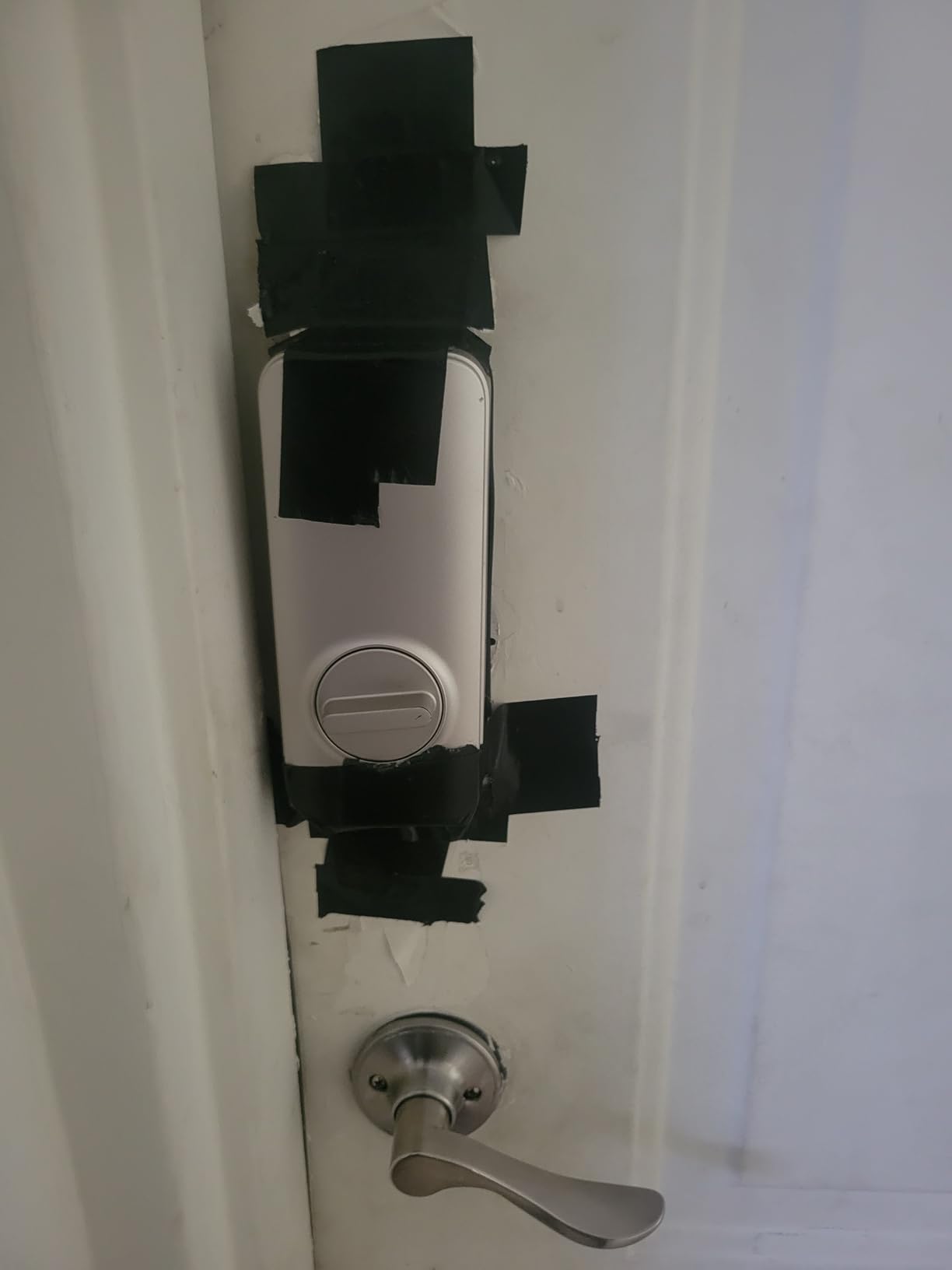
The auto-relock timer is user-selectable up to five minutes, which is the quiet fix for guests who leave the door standing open. Installation is into an existing deadbolt bore and usually takes 20 to 25 minutes.
Why it earns the top rating
Owners describe it as solid, dependable and free of features you do not need, and several run multiple locks across rental or condominium doors. IPX5 weather sealing and a UL 20-minute fire rating are unusual at this level.
For a landlord who codes a unit on arrival and manages it from within a few feet of the door, or for a tenant in a building where the landlord does not want a connected lock, that restraint is a feature.
Where it falls short
There is no Wi-Fi, so the lock cannot be unlocked remotely and a new code cannot be pushed while you are away. That rules it out for self check-in at a distance.
Bluetooth range is roughly 25 to 35 feet, the motor is loud enough that reviewers compare it to a cordless screwdriver, and one owner reports about six weeks per set of four AA batteries under heavy use. Occasional fingerprint and Bluetooth resets after a battery change also appear in reviews.
5. Veise RZ07 – Best for High Code Capacity Across Many Doors
Veise RZ07 Fingerprint Smart Door Lock Deadbolt, App Control, Satin Nickel
250+ user codes
50 fingerprints, two fobs
Gateway required for remote
12 month battery
Grade 3, IP55
Pros
- 250+ user codes with remote one-time
- scheduled and recurring codes
- Two RFID key fobs included
- No monthly subscription for app and web portal
- Fast 0.2 second fingerprint unlock
- Phone support repeatedly described as responsive
Cons
- Remote Wi-Fi control needs the separately sold G2 gateway
- App battery gauge can read full long after depletion
- App Bluetooth connection often needs two or three attempts
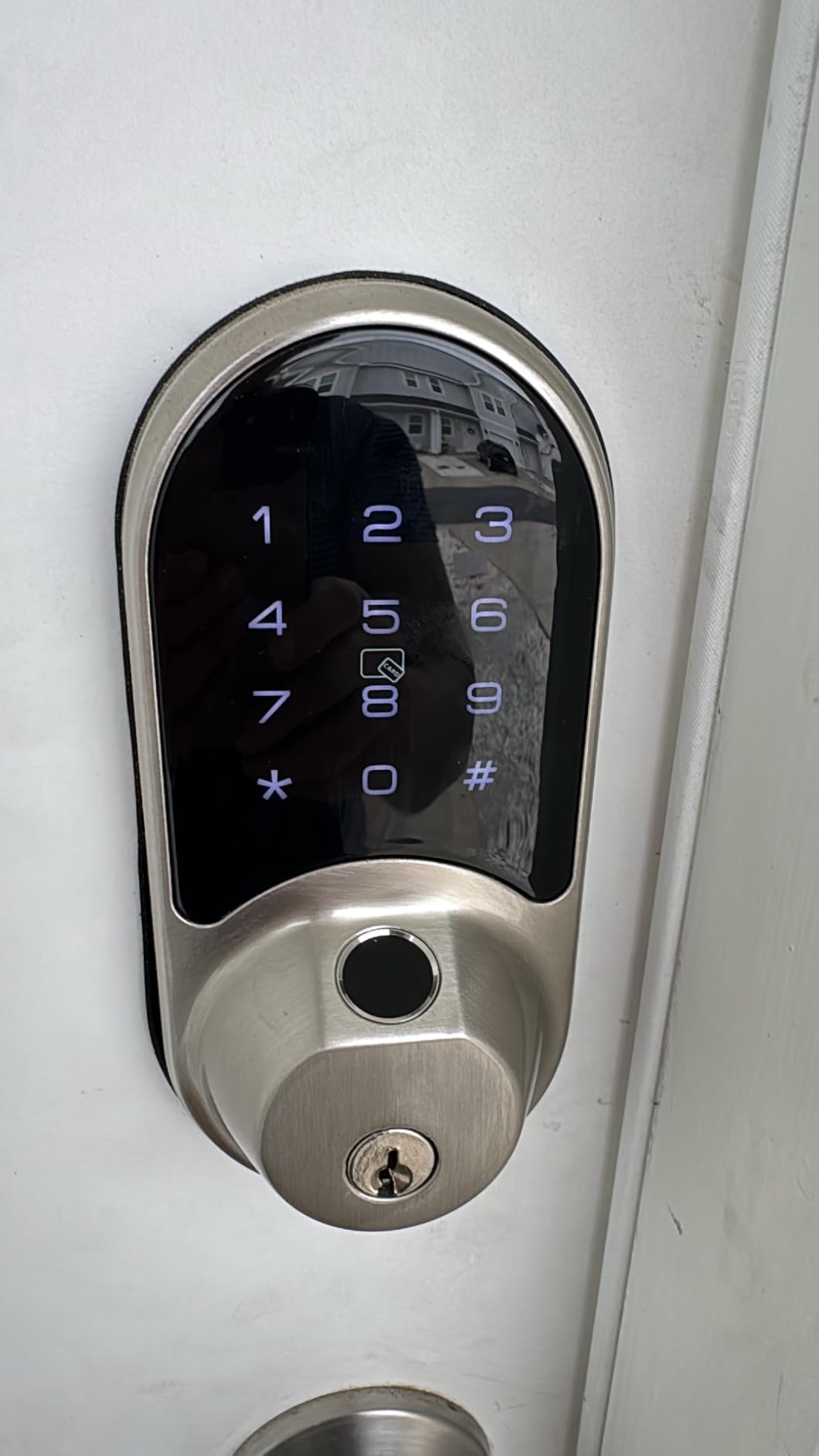
Code capacity is the reason to look at the Veise RZ07 if you run more than a handful of doors. It stores 250+ user codes alongside 50 fingerprints, and those codes can be generated remotely as one-time, permanent, scheduled or recurring entries. A cleaning crew that visits every Tuesday gets one recurring code instead of a new one each week.
Seven entry methods are offered, including two RFID fobs in the box. Several owners say the fobs end up being the most used credential, because a housekeeper taps rather than types.
There is no monthly subscription for the app or web portal, which is rare in this category and matters if you are managing access as a recurring operational cost. Battery life is stated at up to 12 months.
What property managers like
The web portal lets a manager push codes without being on site, and the entry history gives an audit trail per user. Installation covers standard US doors from 1-3/8 to 2 inches thick with the handing switchable either way.
Alexa and Google Home work through the optional gateway, and BHMA and ANSI Grade 3 certification with IP55 sealing covers exposed doors.
Where it falls short
The G2 gateway is sold separately and is required for remote control. Budget for it before you commit, because the headline cost is not the total cost of this lock.
Owners report the in-app battery indicator reading 100 percent long after the cells are gone, fingerprint scanning being pickier than a phone sensor, and auto-lock extending the latch on an ajar door. Treat the app gauge as a hint, not a fact.
6. CANDY HOUSE Sesame 5 – Budget Pick for No-Drill Installs
CANDY HOUSE Sesame 5, Smart Lock, Bluetooth Electronic Deadbolt, Auto-Lock, Keyless Entry Door Lock for Front Door, Fits Your Existing Deadbolt, for Airbnbs Vacation Rentals
No-drill 3M adhesive install
Works with almost any existing key
138 g interior unit
Auto-lock 3 seconds to 1 hour
Open SesameOS 3 app
Pros
- No-drill install that keeps the existing deadbolt and key
- Lightest unit here at 138 g and mounted on the inside
- Matter support and a free Bluetooth API
- Works with iPhone
- Apple Watch and NFC tags
- Remote control available through the optional Hub3
Cons
- Remote access requires the separately sold Hub3
- Bluetooth pairing instability reported by some owners
- Newer iPhone models may need pairing from an older phone first
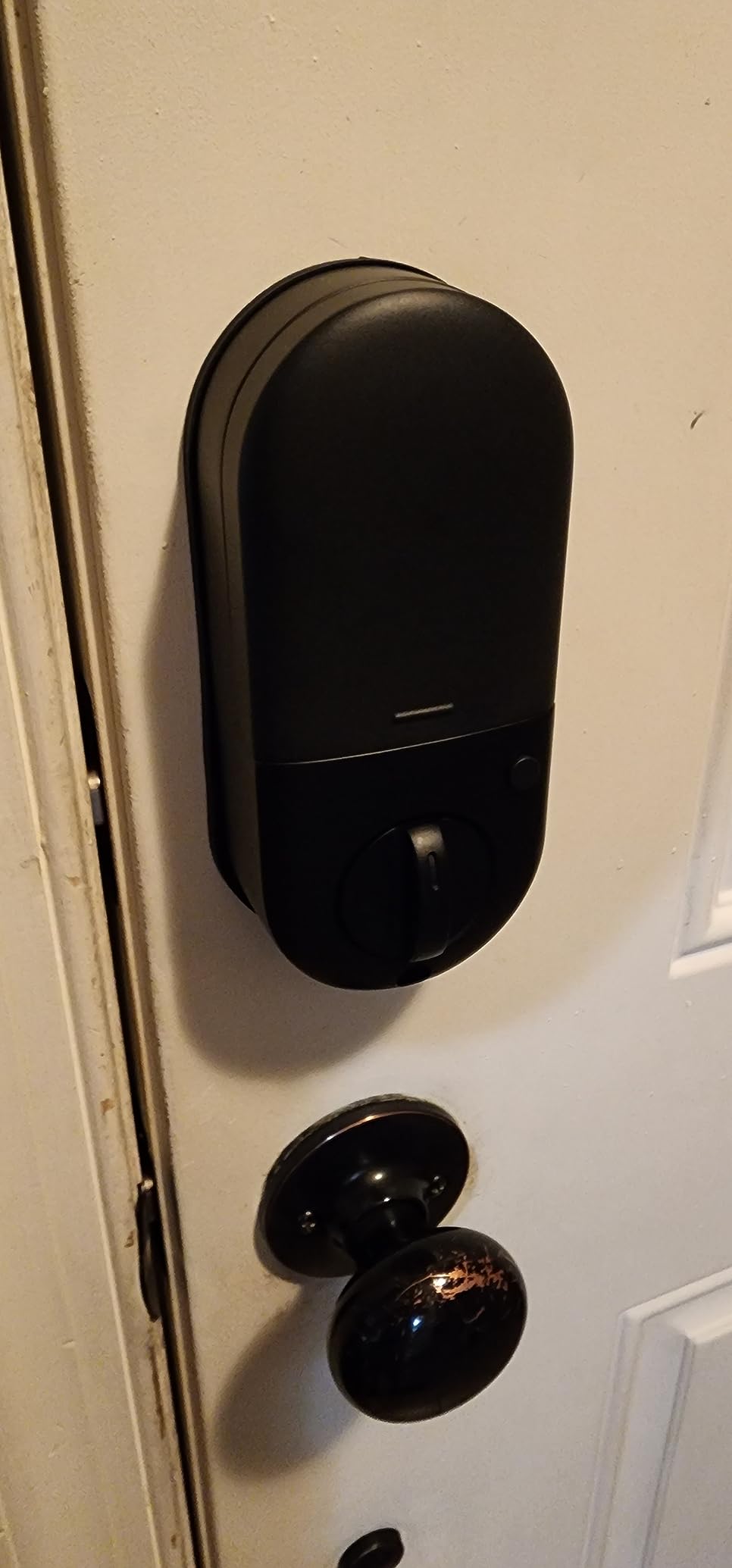
This is the least invasive lock in the roundup and the safest choice for a tenant who cannot touch the door at all. It mounts on the inside with 3M adhesive tape and drives the deadbolt that is already fitted, so there is no drilling and the exterior looks untouched.
Crucially for a rental, the original key keeps working. Sesame 5 suits almost any existing key, and custom 3D-printed key adapters can be requested from a photo if yours is unusual. Long-term owners across several years specifically value keeping the high-security deadbolt they already trust.
Auto-lock is adjustable from three seconds to one hour, and the SesameOS 3 platform is open source with a free Bluetooth API, which is interesting if you ever want to script your own check-in flow.
Where it fits
For a furnished rental or a flat where the landlord owns the lock and only tolerates an interior accessory, this is the least argument you can have about a door modification. Removal is peel and lift.
It also works with Apple Watch and NFC tags, so a resident can tap rather than tap a code into a keypad.
Where it falls short
Remote control needs the separately sold Hub3, so this is a local-access lock until you add hardware. Bluetooth pairing instability is the most common complaint, and some owners report needing an older phone to complete setup on a newer iPhone.
It also carries the lowest average rating in the group at 4.0, with a visibly higher share of one-star reviews than the others, driven mostly by setup friction and an inflexible returns policy.
That 4.0 average is pulled down by setup friction rather than by the mechanism. If you already run other Sesame devices in the same household the app settles down quickly, but a first-time pairing on an unfamiliar phone is where most of the complaints sit.
7. Philips WiFi Smart Deadbolt – Best for Away Mode Security
Philips Wi-Fi Smart Deadbolt Lock, Keyless Entry Door Locks for Front Door
Built-in 2.4 GHz Wi-Fi, no hub
100 passcodes plus one-time codes
Away Mode locks to master code
Auto-lock 10 to 180 seconds
Real-time access history
Pros
- Built-in Wi-Fi gives remote lock and unlock with no extra hub
- 100 custom passcodes plus unlimited one-time and scheduled codes
- Away Mode disables every unlock method except the master code
- Real-time alerts and full access history
- Fits 1-3/8 to 2 inch doors with a screwdriver only
Cons
- 2.4 GHz Wi-Fi only
- No door sensor so ajar alerts are unavailable
- Batteries are not included and AA alkaline only is specified
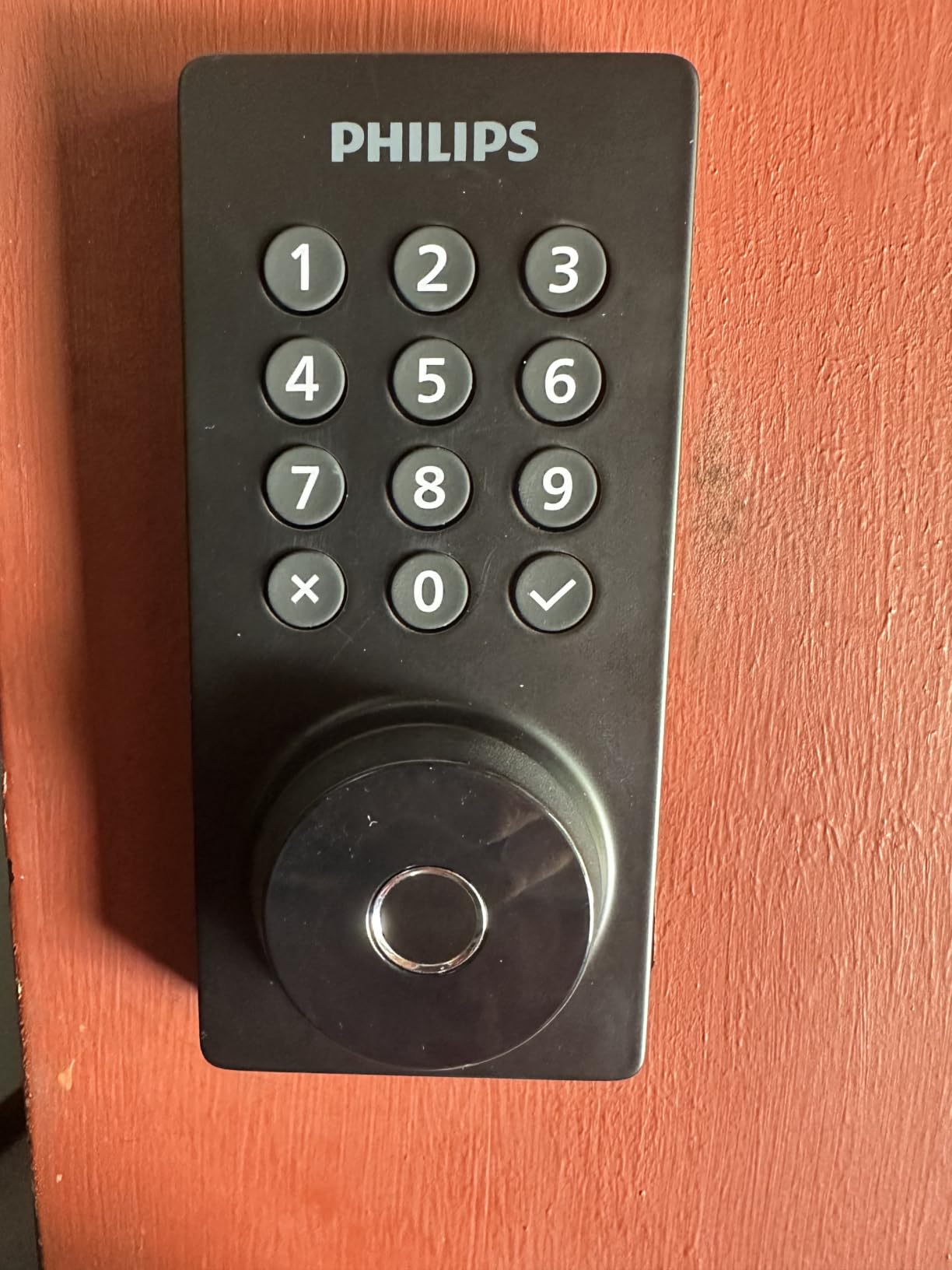
Away Mode is the feature no other lock in this list offers in the same form. It disables every unlock method except the master code, which is the setting you want between bookings when nobody should be entering at all, and it is a single toggle rather than a code you have to remember.
Remote access works through built-in Wi-Fi with no hub, and the app supports up to 100 custom passcodes plus unlimited one-time and scheduled codes. For a host, that means the per-guest code can be dated to the stay and cleaned up afterwards.
Entry is available five ways: app, passcode, fingerprint, physical key and voice through Alexa or Google Assistant. Auto-lock is adjustable from 10 to 180 seconds.
What it does well for a rental
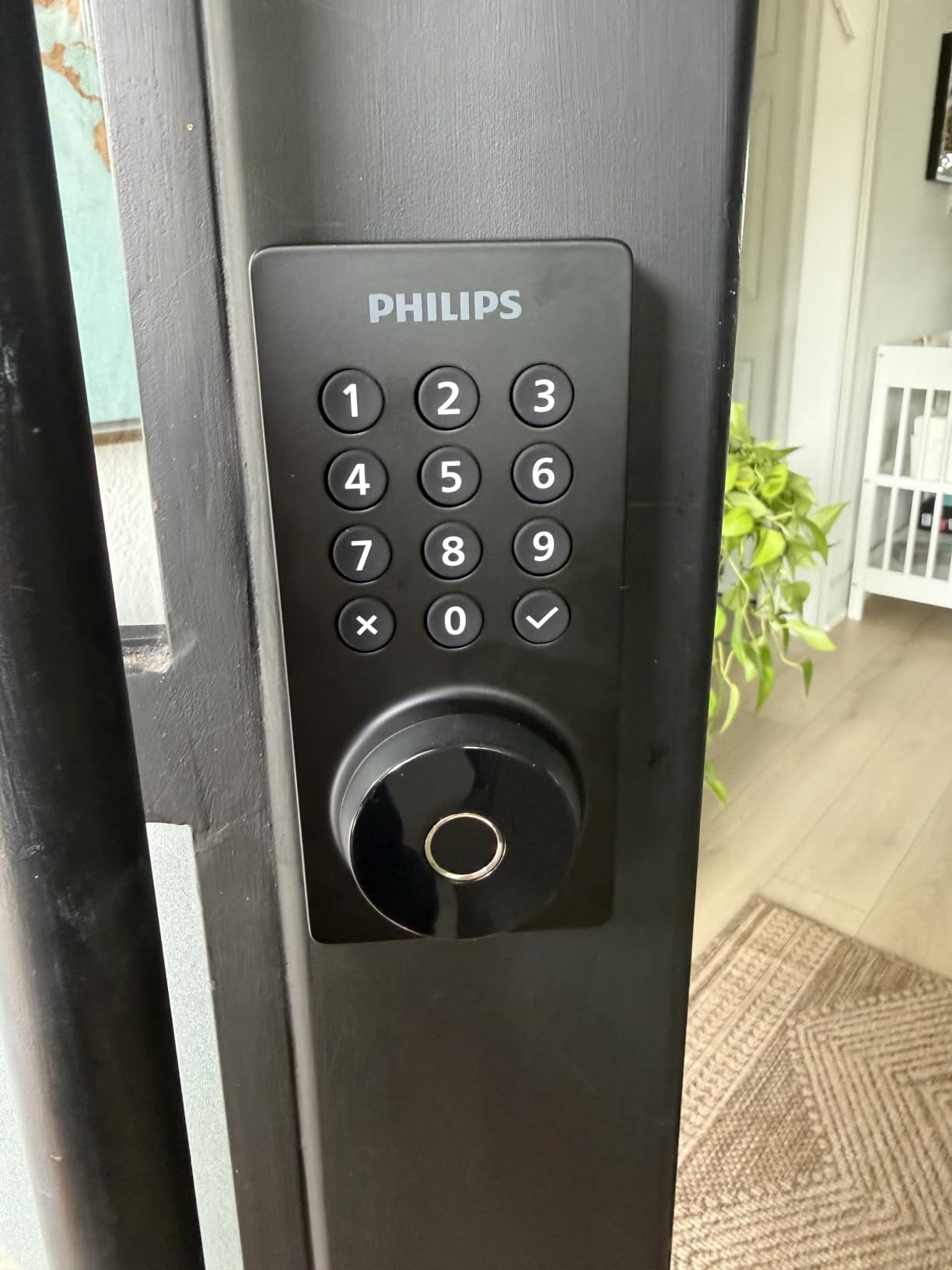
The combination of a physical keypad with real-time alerts and a full entry history means you can tell a guest apart from a previous guest without guessing. Owners cite the hub-free Wi-Fi and flexible code library as the main reasons to buy.
Installation is screwdriver-only on doors between 1-3/8 and 2 inches thick, and support is US-based with long weekday and Saturday hours.
Where it falls short
Wi-Fi is 2.4 GHz only and the router should be within about 65 feet. No door sensor is included, so the app cannot report a door standing ajar.
Batteries are not supplied and Philips specifies AA alkaline cells only, so rechargeable packs are out. Auto-lock and the anti-peeping entry option are configured rather than always on, which is one more thing to set up before the first guest arrives.
8. Philips WiFi Keypad Deadbolt with Handle – Best Complete Door Set
Philips WiFi Keypad Deadbolt with Handle, Built-in WiFi, APP Remote Control
Matching lever set included
Built-in 2.4 GHz Wi-Fi
Permanent, one-time and recurring PINs
0.3 second fingerprint
Auto-lock 0 to 180 seconds
Pros
- Matching door lever set included so nothing else needs buying
- Permanent
- one-time
- periodic and recurring PIN types
- Built-in Wi-Fi with no hub needed
- 0.3 second fingerprint unlock
- Real-time access history with timestamps
Cons
- Auto-lock is off by default and must be enabled in the app
- Wi-Fi range limited to about 33 feet from the router
- Batteries not included
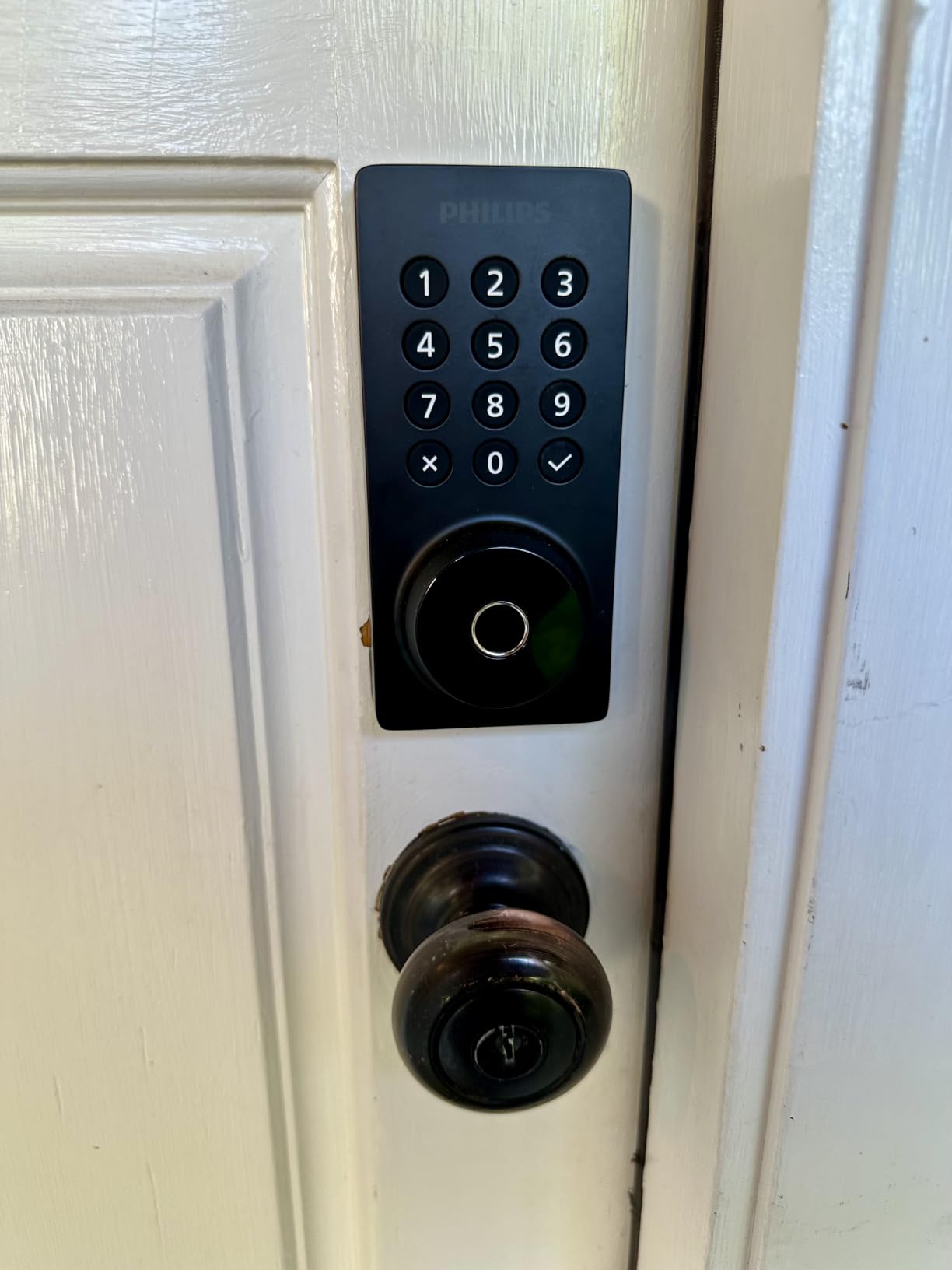
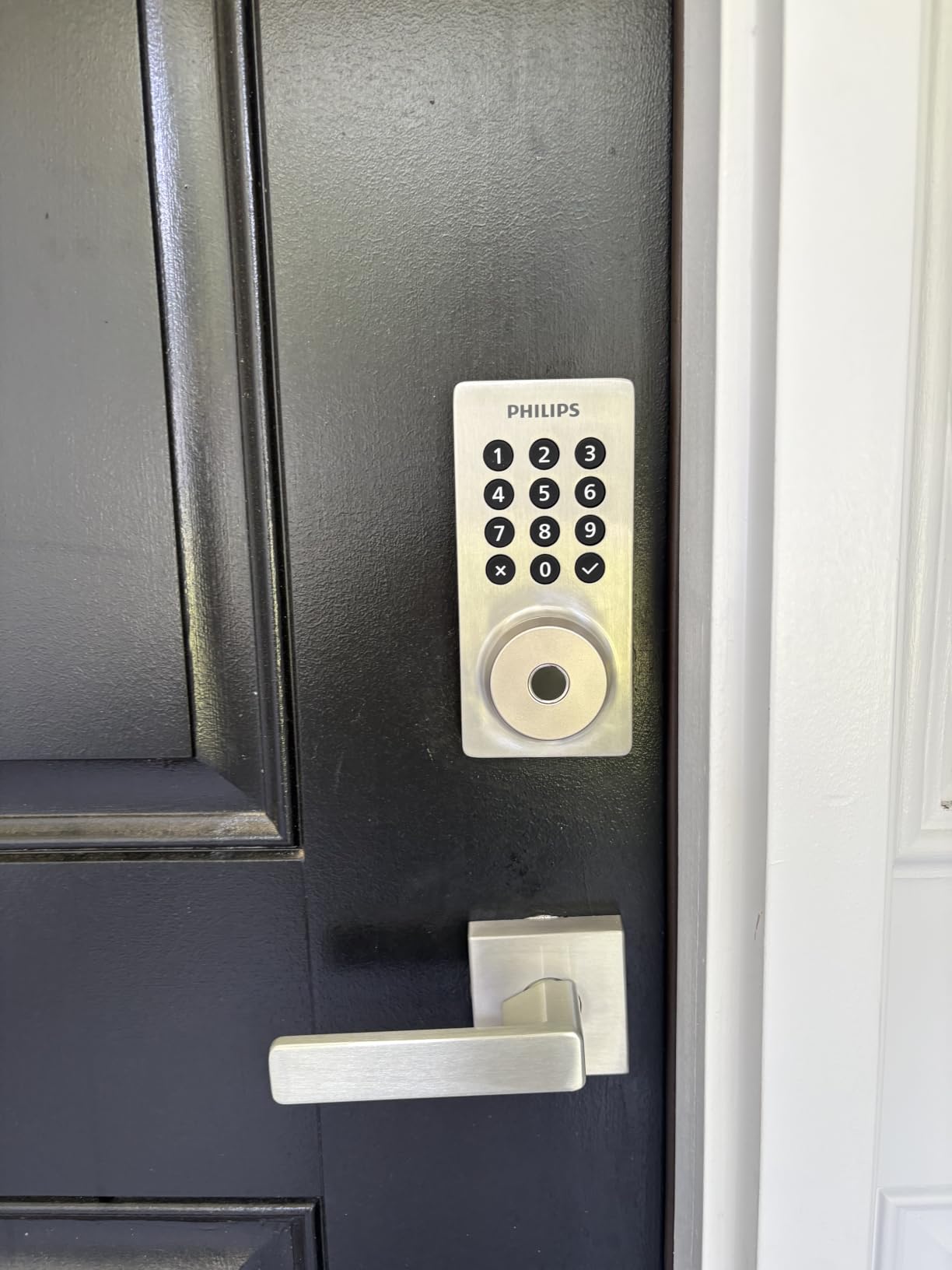
If your rental door has a lever rather than a deadbolt, this is the only pick here that includes the whole set in the box. A matching door lever and latch assembly are included, so you are not hunting for a compatible handle and hoping the backset lines up.
The code structure is the strongest part for hosting. Philips offers permanent, one-time, periodic and recurring PIN types, which maps cleanly onto a host permanent, a guest one-time, and a housekeeper recurring.
Remote control runs over built-in 2.4 GHz Wi-Fi with no hub, and the Philips Home Access app handles lock status, code and fingerprint management plus timestamped entry history. Fingerprint unlock reads in about 0.3 seconds.
Where it suits a rental
A unit with a lever handle and no existing smart hardware is the exact gap this fills. It fits doors from 1-3/8 to 1-3/4 inches thick and is set for right-opening doors by default with a reset step available for the other handing.
Auto-lock is adjustable from 0 to 180 seconds in the app, and the anti-peeping password plus anti-drill construction are useful with a door that opens onto a walkway.
Where it falls short
Auto-lock arrives switched off, so if you skip the app setup the door will not relock behind a guest. The stated Wi-Fi range is about 33 feet from the router, which is tighter than most competing locks and worth checking against the layout of the unit.
Batteries are not included and the manufacturer advises alkaline cells only. The instructions also warn against overtightening the screws, which can stop the bolt throwing cleanly.
9. Nuki Smart Lock – Best for a Rechargeable Battery
Nuki Smart Lock (Deadbolt) Keyless Entry WiFi Electronic Deadbolt with Auto-Unlock, App Control, Remote Access, Easy Installation, Smart Home for Front Door, Home & Rentals
Interior retrofit, no drilling
Invisible from outside
Auto Unlock as you arrive
Rechargeable, two hour charge
Physical key retained
Pros
- Interior retrofit over the existing deadbolt in about 15 minutes
- Completely invisible from outside so the door looks unchanged
- Auto Unlock opens the door as you approach
- Bluetooth
- Wi-Fi and Matter over Thread support
- Rechargeable battery rather than disposable cells
Cons
- Smallest review base in this group
- so long term reliability is thinly documented
- Security is capped by the existing deadbolt it retains
- Second lowest average rating here
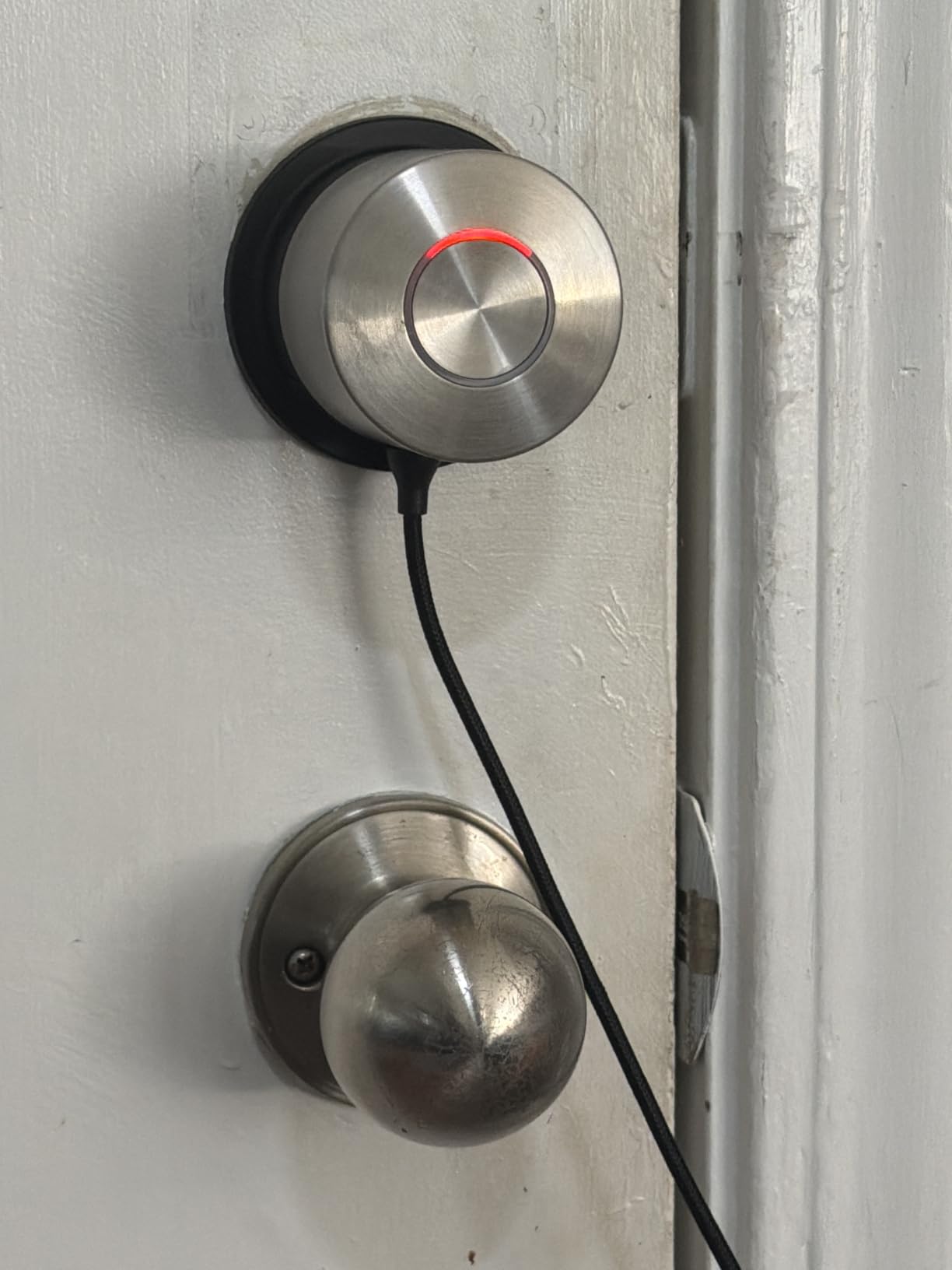
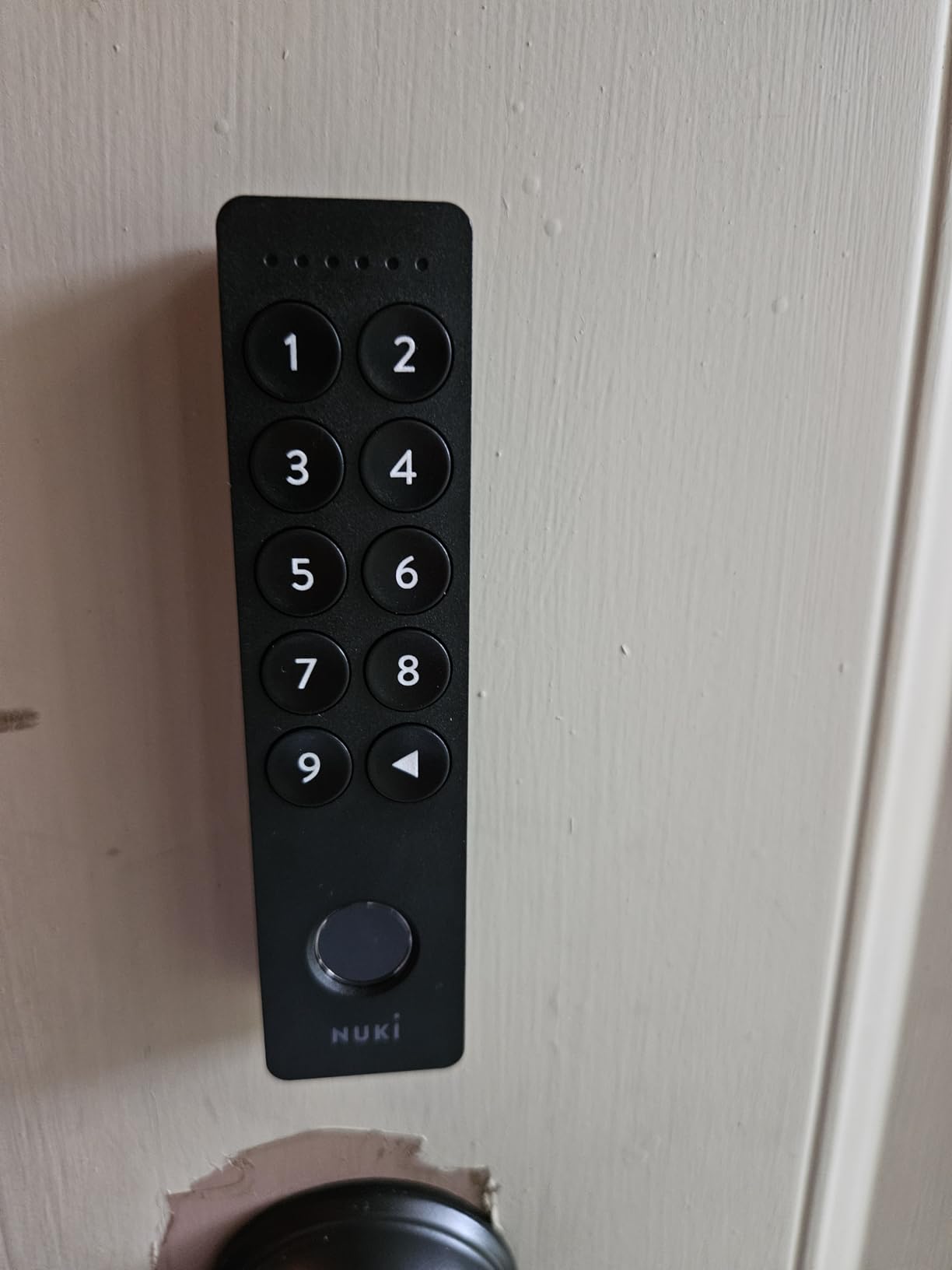
Nuki mounts on the inside of the door over the deadbolt in under 15 minutes with no drilling, and it is invisible from the street. For a listed building or a neighbourhood where a new exterior lock would look out of place, that is the deciding feature.
It is also the only lock here with a rechargeable battery. Two hours of charging gives months of operation, which removes the annual battery ritual entirely and removes one common reason a guest gets locked out.
Auto Unlock opens the door as the owner approaches and the unit unlocks in under a second. Connectivity covers Bluetooth, Wi-Fi and Matter over Thread, with Apple Home, Alexa, Google Home and SmartThings support. The physical key is retained as a fallback.
Where it works
It suits a rental where the deadbolt itself is fine but you want keyless entry and an activity log without altering the visible hardware. The free app handles digital key sharing and activity tracking.
Tamper alerts and bank-level encryption are both present, and a two-year manufacturer warranty is longer than most rivals in this roundup offer.
Where it falls short
The review base here is 139, far smaller than the 13,000 behind the Schlage and 10,000 behind the Ultraloq, so long term durability is thinly documented. Owners have also publicly raised battery notification reliability as a concern, which is a real problem when nobody is near the property.
Because it keeps the existing deadbolt rather than upgrading it, security is capped by whatever base lock you already have. That is fine over a good deadbolt and a poor idea over a cheap one.
10. Tapo DL100 Smart WiFi Deadbolt – Best for Emergency Power Backup
Tapo Smart Wi-Fi Deadbolt Door Lock, Keyless Tactile Buttons, DL100
Up to 200 access codes
300 days battery in Bluetooth mode
USB-C emergency power port
Four AA batteries included
Grade 3, IP54
Pros
- USB-C emergency power port on the exterior
- Four AA batteries included in the box
- Up to 200 customizable codes with anti-peeping entry
- Stated battery life of up to 200 days on Wi-Fi or 300 on Bluetooth
- PIN attempt limiter locks out after repeated failures
Cons
- No fingerprint reader
- entry is by code
- app
- proximity or voice
- Wi-Fi mode drains batteries faster than Bluetooth mode
- Tactile buttons rather than a touchscreen keypad
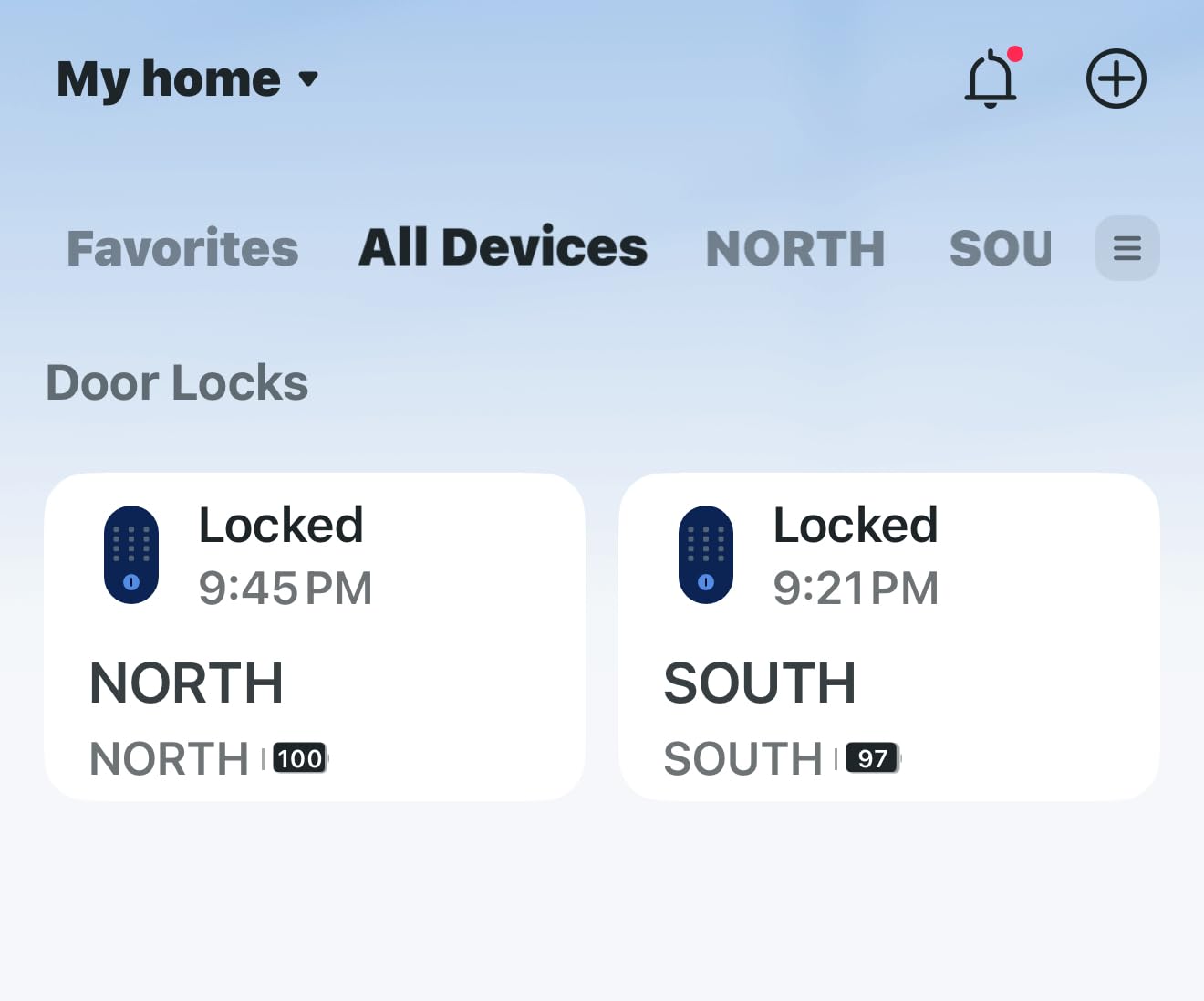
It has a USB-C emergency power port on the exterior, so a guest with a flat phone and a power bank can still get in. Alongside it sit two backup keys and a PIN attempt limiter that locks the system after a set number of wrong entries.
It also ships with four AA batteries included, which removes the most common reason a newly installed lock is dead on day one. Owners praise the combination of remote Wi-Fi control, an included battery pack and the emergency port.
Code capacity is generous at up to 200 customizable codes, with an anti-peeping option that scrambles the digit order on the display to hide the entry from someone watching over a shoulder. Installation needs no drilling and fits standard 2-1/8 and 1-1/2 inch lock holes.
Where it earns its place
For a self check-in property the emergency power port plus two physical keys is a genuinely reassuring combination, because lockout becomes recoverable rather than fatal. BHMA Grade 3 certification and IP54 sealing cover exposed doors.
Voice unlock through Alexa or Google Assistant requires PIN verification, which is a step beyond most competing locks and stops a recorded command from opening the door on its own.
Where it falls short
There is no fingerprint reader, so a regular tenant or cleaner must type a code every time. The Wi-Fi mode consumes batteries noticeably faster than Bluetooth mode, so leaving the lock on Bluetooth-only access stretches the interval between battery changes.
The keypad is tactile buttons rather than a touchscreen, which is more durable but needs more attention in heavy rain or when someone is wearing gloves.
What to Check Before You Buy a Rental Smart Lock
The single biggest source of buyer regret in this category is discovering after purchase that remote access needs hardware that was not in the box. Several locks here work over Bluetooth locally and only reach the internet through an optional gateway, and that gateway changes the total cost of the setup.
Our broader guides on smart locks for smart homes and front door smart locks cover the consumer side of the market in more depth. For a rental, these seven checks decide the outcome.
1. Built-in Wi-Fi or a gateway
Built-in Wi-Fi means the lock joins your 2.4 GHz network itself. A gateway means an extra bridge device between the lock and the router. The Veise RZ07 and the CANDY HOUSE Sesame 5 both need separately sold hardware for remote control, and the Schlage Encode, Ultraloq Bolt SE, eufy C220, both Philips models and the Tapo DL100 do not.
2. A physical keypad for the guest
Guests staying two nights will not download an app. Every lock in this roundup has a keypad, which is why we treat it as a hard filter rather than a feature. Fingerprint entry belongs to people who enter repeatedly, not to people who enter once.
3. Dated codes, not shared codes
Look for one-time, scheduled and recurring code types. A single shared code that lives forever is the failure mode that leads to a guest forwarding access to a stranger, and dated codes make that harmless because the number stops working on its own.
4. Security grade and weather rating
The Schlage Encode is the only lock here rated at the highest residential level, with the rest certified to BHMA Grade 3 or simply listed as ANSI BHMA certified. For exterior doors also add an IP weather rating: IP65 on the Ultraloq, IP55 on the Veise, IP54 on the Tapo and IP53 on the eufy.
5. Battery life plus a backup entry method
Stated battery life ranges from roughly six weeks under heavy use on the Wyze to 200 days on Wi-Fi for the Tapo, with the Nuki using a rechargeable pack. Below that sits the question of what happens when it fails: a physical key, a 9V terminal or a USB-C port. The Tapo is the only lock here with a USB-C emergency port.
6. Install type and reversibility
Retrofit locks mount over an existing deadbolt and leave the door untouched, which is what tenants need. The eufy, Wyze, Nuki and CANDY HOUSE options all work that way, with the CANDY HOUSE using adhesive and needing no bore work at all. Full replacement locks usually fit standard backsets but do change the exterior hardware.
7. Access history worth reading
An activity log only helps if it tells you who opened the door and when. Named user profiles on the Wyze, timestamped history on both Philips locks and lock history on the Schlage all give you that. Without it, you are guessing after a damage claim.
Landlord Permission, Lease Rules and Removing the Lock
Check your lease or tenancy agreement before you drill anything. Landlord anxiety about whether a smart lock breaches a lease is one of the most repeated questions on renter and landlord forums, and the safe answer is that almost every agreement requires written permission for changes to security hardware or door finishes.
If you are a tenant, the low-risk options are the interior retrofit locks that leave the door and the exterior untouched. If you are a landlord, put the decision in writing along with who pays for removal at move-out, and keep the original key working so you are never locked out of your own asset.
At move-out, photograph the door before and after, and reverse whatever you changed.
Pre-Arrival Checks and Post-Checkout Code Discipline
Owners on host forums repeat the same warning: low-battery app notifications are unreliable on several brands, so nobody should rely on a push alert as the only safeguard. A short manual routine before every booking prevents nearly all of it.
Run this 48 hours before check-in. Check the battery level in person and replace the cells if the app reads under half. Test the guest code from your own phone, then delete it. Confirm the physical backup key still turns the lock. Check that the auto-lock timer is set and that the firmware is current.
After checkout, revoke rather than reuse. Delete the guest code instead of editing its dates, since a reused number is a number a previous guest still knows. Create a fresh one for the next booking. Leave a recurring code for the cleaning crew and a separate dated code for any maintenance visit. Keep one permanent code for yourself and nobody else.
If a guest forwards a code to someone, do not just change the digits. Delete and recreate it, then check the entry history for any door opening that was not yours.
Frequently Asked Questions
What is the best smart door lock for a rental property?
The Schlage Encode Smart WiFi Deadbolt is the strongest all-round choice because it combines built-in Wi-Fi with no separate hub, the highest residential BHMA security rating, up to 100 access codes and the deepest owner review history of any lock we assessed. Tenants who cannot alter the door should look at a retrofit model such as the eufy C220 or the Wyze Auto-Lock Bolt, and hosts on a tight budget should consider the Tapo DL100.
What are the best smart locks for Airbnb rentals?
For short-term rentals the deciding features are a physical keypad, dated one-time codes and remote access without buying a separate gateway. That points to the Schlage Encode, the ULTRALOQ Bolt SE and the Tapo DL100. The Veise RZ07 also holds 250+ codes but needs a separately sold gateway for remote control, which changes the total cost.
Do I need landlord permission to install a smart lock?
Almost always, yes. Most tenancy agreements require written consent before security hardware or door finishes are changed. Lowest-risk options are interior retrofit locks such as the Nuki Smart Lock, the eufy C220 or the CANDY HOUSE Sesame 5, which leave the door and exterior hardware untouched and can be removed in minutes at move-out.
What happens if the smart lock battery dies or the Wi-Fi goes down?
Every lock here keeps a physical key as backup, and the Tapo DL100 adds a USB-C emergency power port on the exterior for a guest with a flat phone and a power bank. A Wi-Fi outage only affects remote unlock on the Wi-Fi locks; the keypad and physical key still work offline. Bluetooth-only models such as the Wyze Auto-Lock Bolt are unaffected by an internet outage entirely.
Are fingerprint smart locks a good idea for short-term rentals?
Not as the primary guest method. Every arriving guest is a new person to enrol, which adds friction at exactly the moment you want a smooth check-in. Fingerprint readers earn their place for cleaners, maintenance staff and tenants who enter daily. All of the fingerprint models here still provide a keypad for guests.
Do smart locks integrate directly with VRBO or a property management system?
Not directly for most locks. Integration usually runs through a property management system such as Hostaway, Guesty or Lodgify that writes the booking dates into the lock app and creates a dated code automatically. Confirm your chosen lock works with your PMS before buying, because support varies by brand.
Do I need a locksmith to install a smart lock?
Usually not. The retrofit models here install with a screwdriver in roughly 15 to 25 minutes onto an existing deadbolt bore, and the adhesive-mounted CANDY HOUSE Sesame 5 needs no tools at all. A locksmith is only worth calling if the door has a non-standard backset, an existing electronic strike, or you are fitting a new lock into a door with no deadbolt.
Conclusion
The best smart door locks for rental properties come down to one honest question: who actually needs remote access? If the answer is you, the Schlage Encode is the pick we would install, with the ULTRALOQ Bolt SE behind it for anyone who also wants fingerprint entry and the Tapo DL100 for the tightest budget with emergency power built in.
If nobody needs remote unlock, the Wyze Auto-Lock Bolt and the CANDY HOUSE Sesame 5 do the job with less exposure and a reversible install. Whichever you choose, run the 48-hour pre-arrival check, keep a physical key, and delete guest codes rather than editing them.
We keep the rest of our lock coverage on smart home locks and garage door openers if you want the wider picture for 2026.