
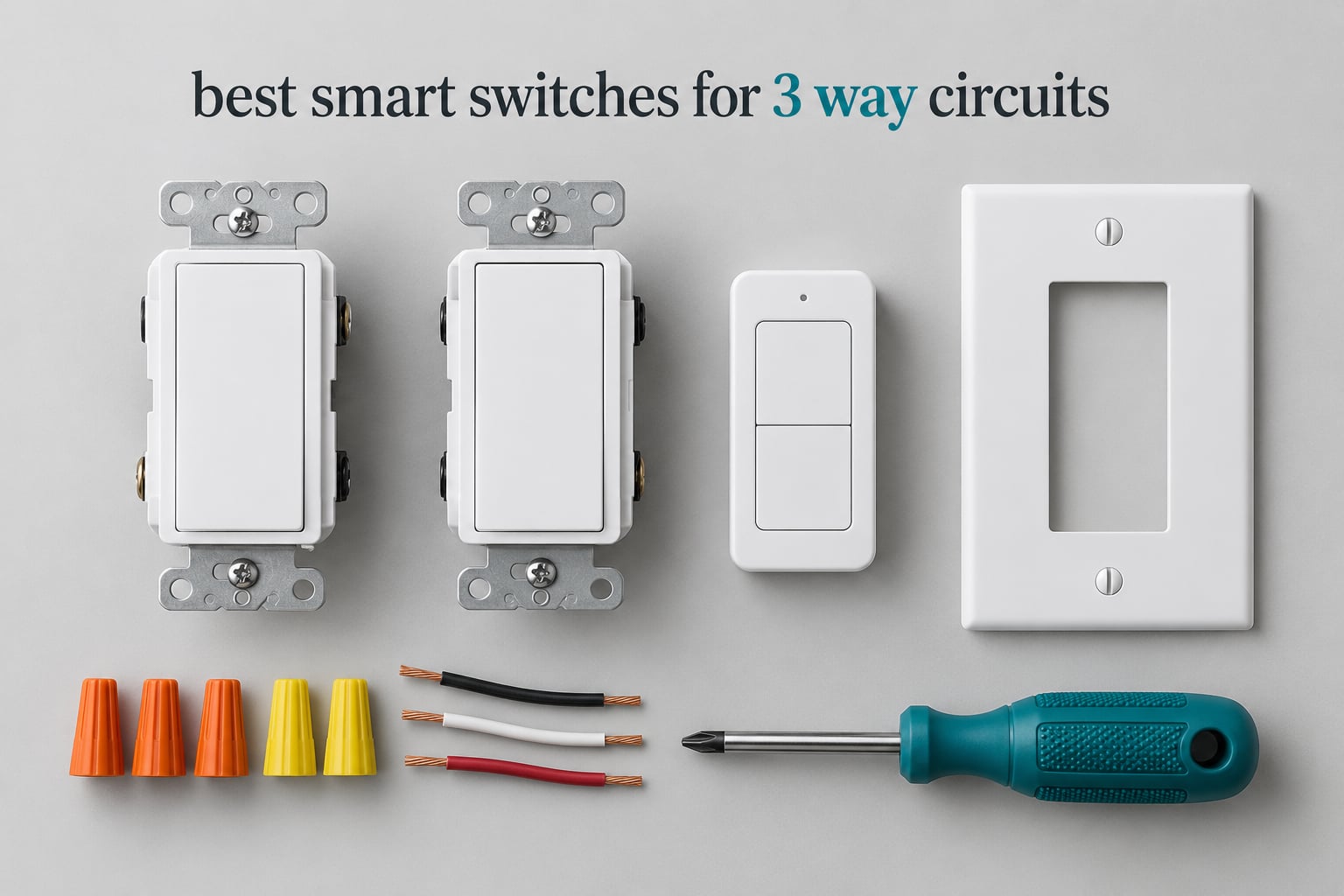
A three-way circuit is the setup behind almost every staircase and hallway light in a house, and it behaves nothing like the single-pole switch most people picture when they imagine a smart switch. A standard switch just opens and closes the line, but a 3-way run hands you two traveler wires that hop between boxes, and a smart switch has to understand that conversation or the automation falls apart the first time someone flicks the switch at the bottom of the stairs.
That is where most buying guides go wrong. They list switches by brand and leave out the only detail that decides whether the install takes fifteen minutes or a weekend. After going through the specs, the wiring requirements and the owner feedback on every 3-way-capable model we could find, we narrowed the field to the twelve switches below. We focused on how each one behaves on a real 3-way run: how many switches per circuit it needs, whether a neutral wire is compulsory, what happens to your schedules when someone uses the wall switch, and how the body fits in a crowded box.
This guide covers the best smart switches for 3 way circuits across every setup we could find a real product for, from budget Wi-Fi models that need one smart switch per run to mesh systems that add control points without touching drywall. We also explain the two wiring configurations, because knowing which one you have decides everything else. If you are still choosing between on/off switches and dimmers, our smart dimmer switch guide covers the dimming side in more depth.
Table of Contents
Top 3 Best Smart Switches for 3 Way Circuits (October 2026)
These three cover the widest range of homes. One is the safest general buy, one is the enthusiast choice when reliability matters more than anything else, and one is the cheapest route to a finished 3-way dimmer circuit.

Kasa Smart HS210 3-Way Kit
- One smart switch per 3-way run
- Neutral wire required
- 2.4 GHz Wi-Fi
- Works with 4-way and dimmer setups

Lutron Caseta Dimmer Kit
- No neutral wire needed
- Pico remote adds switch locations
- Dims up to 150W LED
- Reliable ClearConnect mesh

Kasa Smart KS230 Dimmer Kit
- 3-way dimming with satellite switch
- 1 to 100 percent dimming
- Neutral wire required
- Alexa and Google Assistant
All 12 Switches Compared Side by Side in 2026
Every switch below handles a two-location circuit. The columns that separate them are how many switches you have to buy per run, whether a neutral wire is compulsory, and whether they dim.
| Product | Specifications | Action |
|---|---|---|
| Kasa Smart HS210 3-Way Kit |
|
Check Latest Price |
| Lutron Caseta 3-Way Dimmer Kit |
|
Check Latest Price |
| Kasa Smart KS230 Dimmer Kit |
|
Check Latest Price |
 TREATLIFE 3-Way 4-Pack TREATLIFE 3-Way 4-Pack |
|
Check Latest Price |
 MoesGo Glass Multi-Control Switch MoesGo Glass Multi-Control Switch |
|
Check Latest Price |
 meross MSS550 2-Pack meross MSS550 2-Pack |
|
Check Latest Price |
 TREATLIFE 3-Way Dimmer 2-Pack TREATLIFE 3-Way Dimmer 2-Pack |
|
Check Latest Price |
 Tapo S515D Matter Dimmer Kit Tapo S515D Matter Dimmer Kit |
|
Check Latest Price |
 ELEGRP DTR30 Touch Dimmer ELEGRP DTR30 Touch Dimmer |
|
Check Latest Price |
 Leviton Decora Smart Wi-Fi Leviton Decora Smart Wi-Fi |
|
Check Latest Price |
 Leviton Decora Z-Wave 800 Leviton Decora Z-Wave 800 |
|
Check Latest Price |
 Lutron Claro 3-Way Kit Lutron Claro 3-Way Kit |
|
Check Latest Price |
1. Kasa Smart HS210 3-Way Kit: Best Overall for Most Homes
Kasa Smart 3 Way Switch, HS210 KIT, Need Neutral Wire
120V
15A
1800W
Neutral wire required
2.4 GHz Wi-Fi
UL certified
Pros
- Only one smart switch needed per 3-way run
- App-guided install with wire layout diagrams
- Essentially instant local response
- Handles 3-way and 4-way setups
- UL certified with 2-year warranty
Cons
- Bulky body is tight in crowded multi-gang boxes
- Needs a neutral wire
- Settings can re-pair after a power or router change
The HS210 kit is the switch we keep coming back to because it solves the 3-way problem with the smallest amount of fuss. You replace one of your two existing mechanical switches with the smart unit, leave the other one alone, and the run works like a normal 3-way circuit again. Owners consistently describe the install as close to a drop-in swap, and the app walks you through identifying the line, load and traveler wires before you touch a connector.
Response time is the detail people notice most. Because the HS210 acts locally rather than routing every command through a server, the lights respond as fast as a mechanical switch. Reviewers rate it at 4.6 across more than 19900 reviews, and 79 percent of those are five-star, which is the kind of consistency we look for when a switch has to work every single day in a stairway.
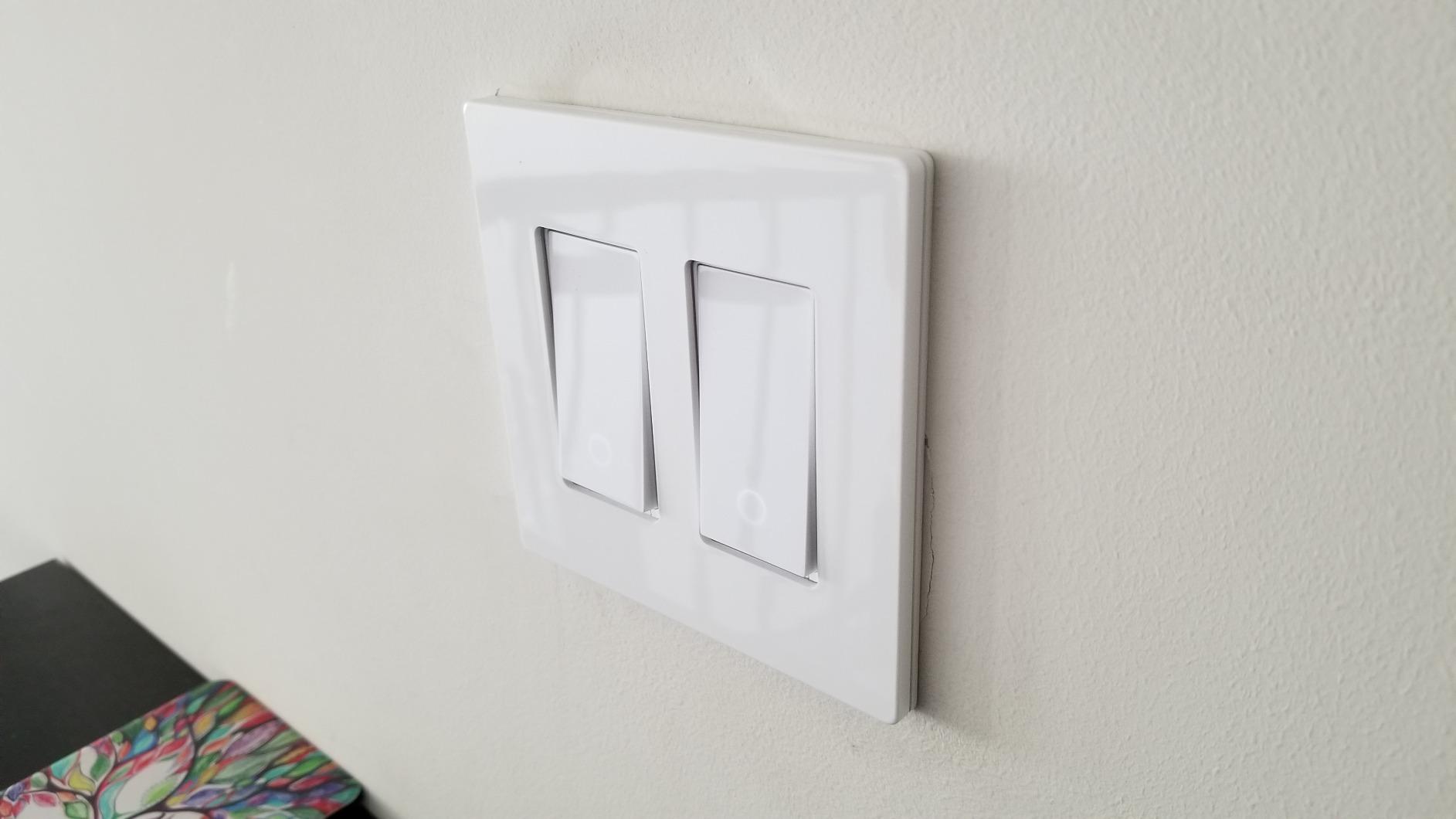
It also has more flexibility than the spec sheet suggests. The same unit handles a 3-way run, a single-pole run, and a 4-way circuit where a third location needs control, which means one model can cover an entire hallway. Timer schedules, countdown timers and away mode are all built in, so a light that someone left on at the top of the stairs can switch itself off later without any involvement from a voice assistant.
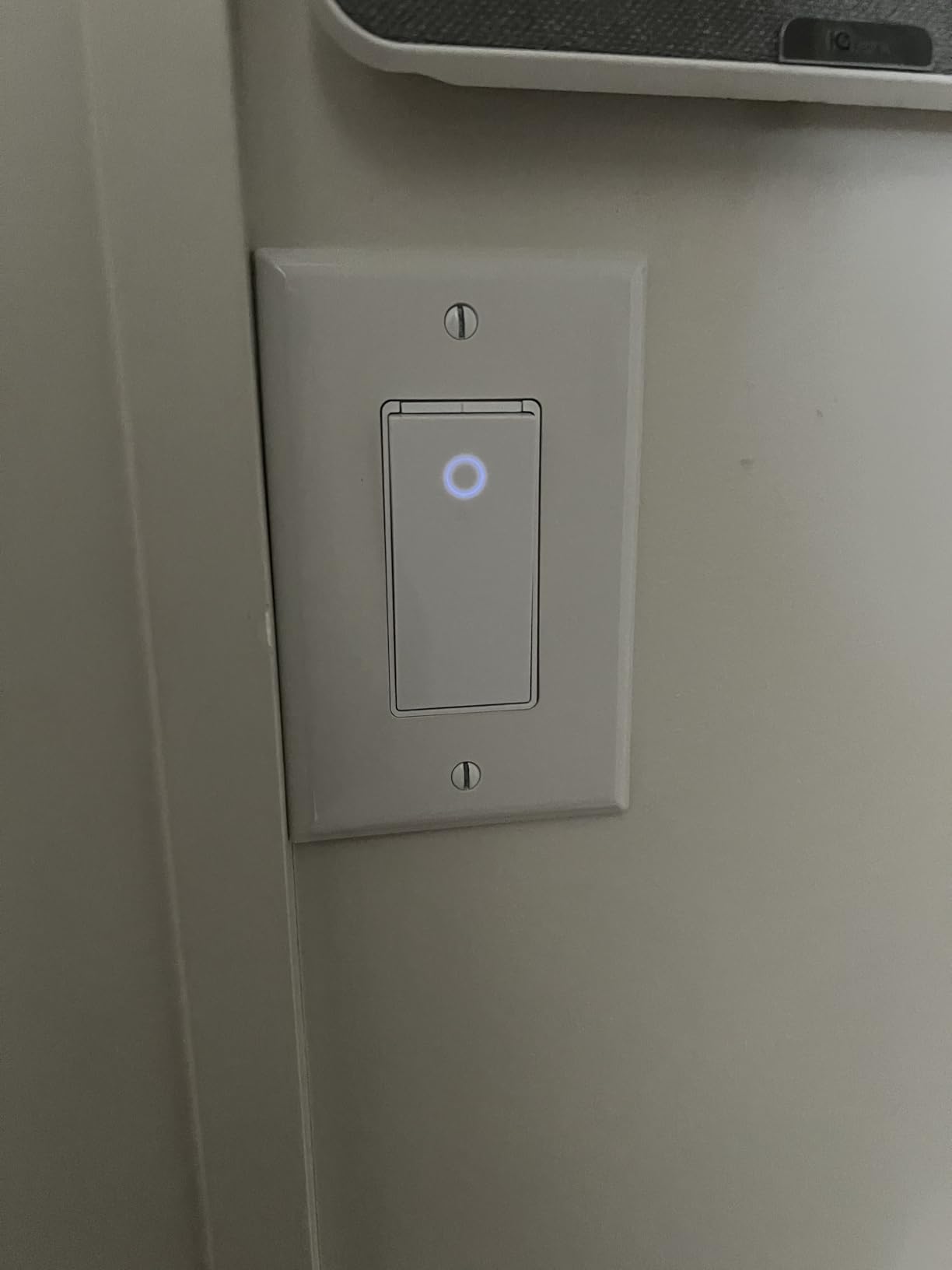
The compromises are real, though. The body is deeper than a plain mechanical switch, so in a multi-gang box already holding four devices it can be a squeeze. It also insists on a neutral wire, which rules it out in a lot of older homes, and there are owner reports of the switch needing to re-join the network after a router change or an extended power cut. If you have neutrals and you want the least fuss, this is the one we would buy first.
Check this before you buy
Confirm that the box you are replacing has a neutral wire. The HS210 will not work without one, and no bypass trick fixes that on a hard-wired switch. Pull the plate off and look for a white or grey conductor that is not connected to anything; if nothing is there, this model is the wrong starting point and you should read the no-neutral section in the buying guide below.
Then measure the depth of your box. The body is bulkier than a standard switch, and in a shallow single-gang box the wire nuts can end up pinched. Several owners who installed it in a crowded gang box reported the plate would not sit flush until they trimmed the bundle.
Where it falls short
There is no dimming here, so if the circuit is a living room or a bedroom where you want soft evening light, this is the wrong pick. Our dimmer switch comparisons cover the models that do dim.
It is also a single-ecosystem device. Kasa works with Alexa, Google Assistant and IFTTT, but it has no Apple HomeKit support, and anyone who later decides to move to Home Assistant has no local path in. For most households that is a non-issue, but it is worth knowing before you commit a whole house to it.
2. Lutron Caseta 3-Way Smart Dimmer Kit: Best for Homes Without a Neutral
Lutron Caseta 3-Way Smart Dimmer Kit; LED Dimmer, Wireless Remote & Bracket
ClearConnect mesh
No neutral required
150W LED
600W incandescent
Brass contacts
Pros
- Works with no neutral wire at all
- Pico remote adds locations with no wiring at all
- Very reliable connection with no lag
- Dims up to 150W LED and 600W incandescent
- Shallow body fits standard boxes well
Cons
- Lutron Smart Hub sold separately for app and voice control
- Digital buttons look different from a rocker
- Very low-draw LED bulbs may glow or flicker
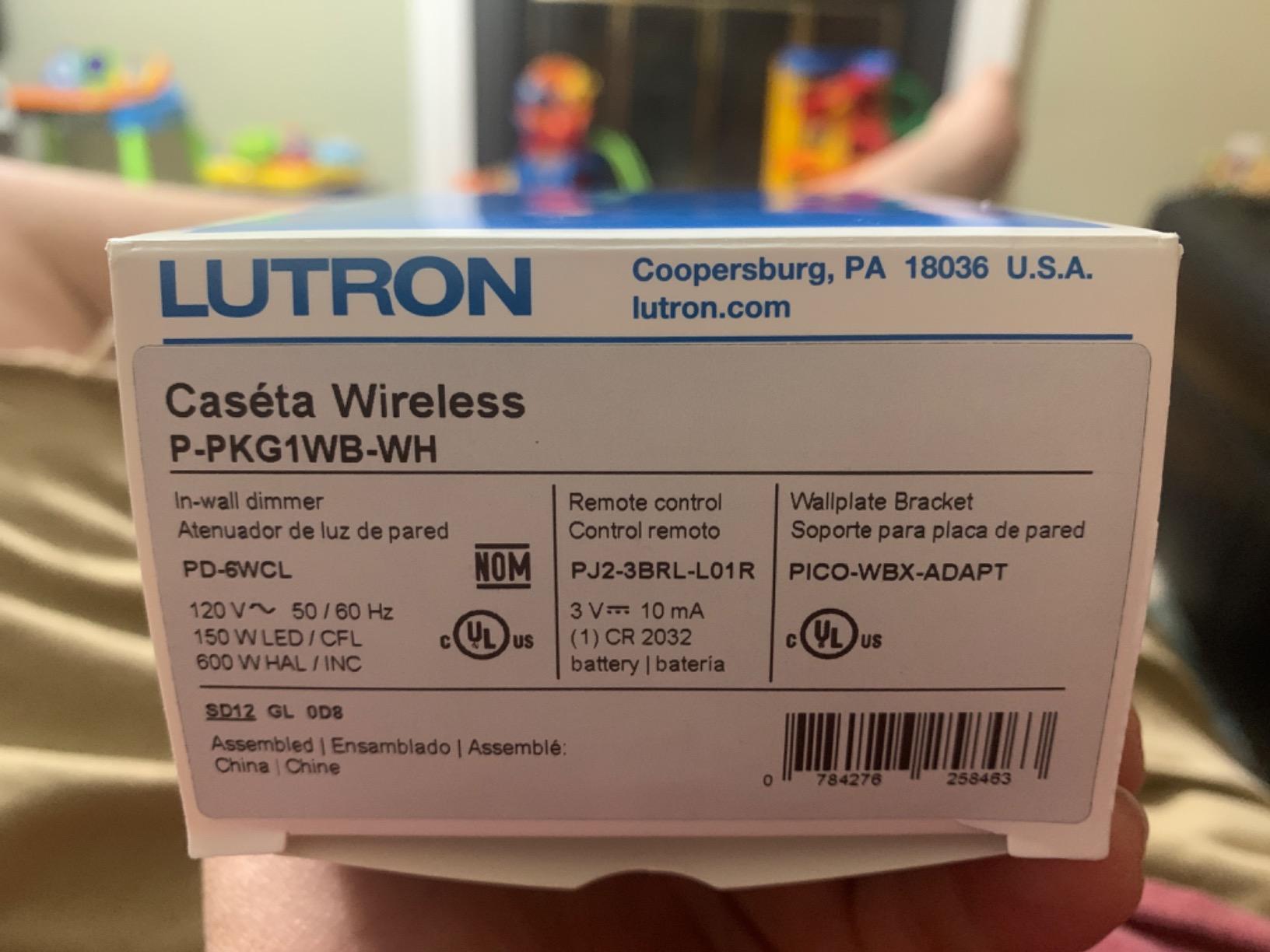
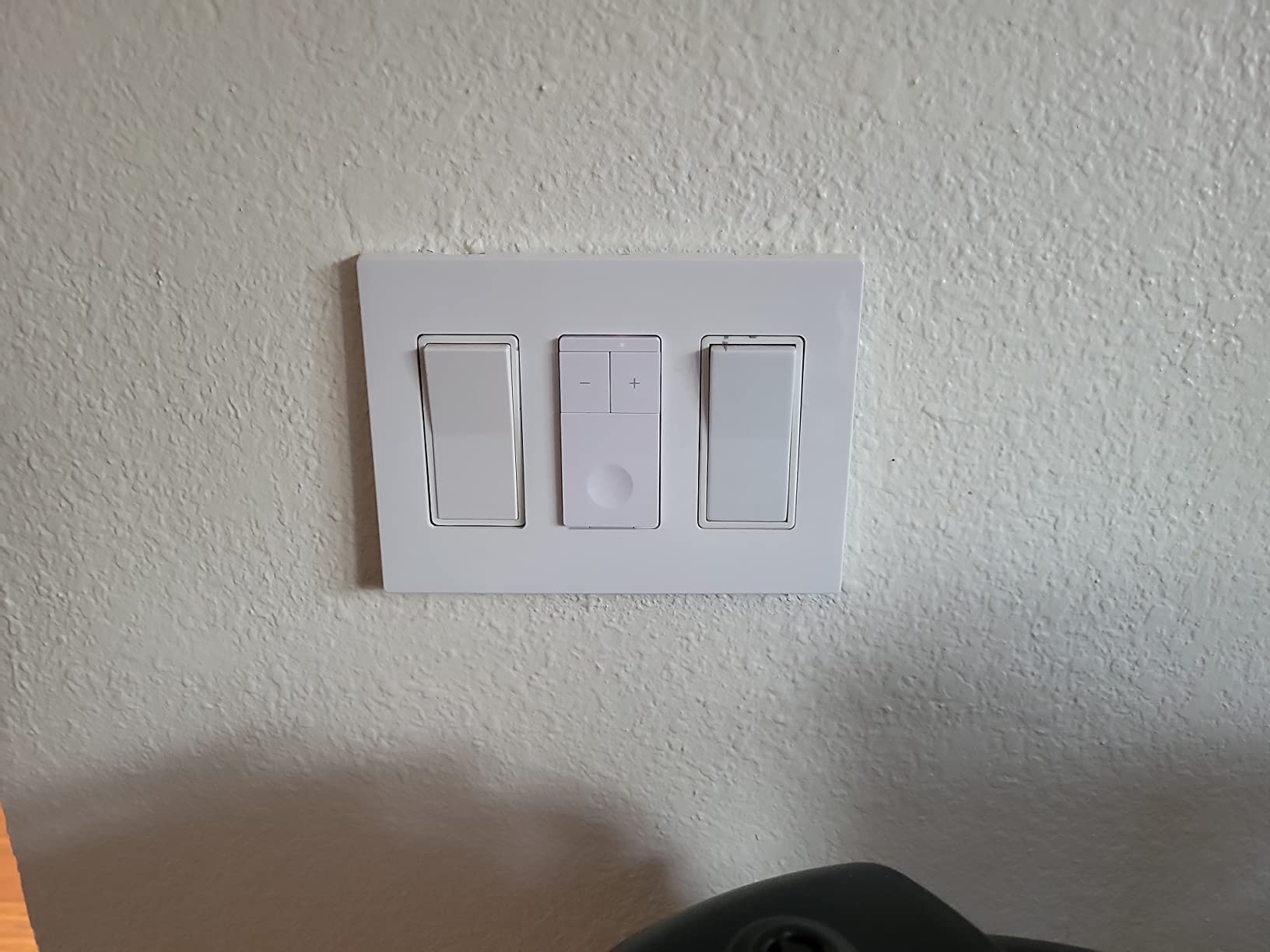
If your house predates the 1980s and neither switch box has a neutral, the Caseta kit is the answer. It works because the electronics run off the load current itself rather than a neutral, so nothing needs rewiring. The second control point is a Pico remote on a coin-cell battery, which means you can add it to an existing box or mount it on a wall surface where there is no wiring at all.
The wireless side is the reason people stay with Lutron for years. ClearConnect is a proprietary mesh, and owners describe it as consistently reliable with no dropouts and no lag, even when the hub is on another floor. The kit holds a 4.7 rating across 3052 reviews, with 87 percent five-star, and the dimming itself handles up to 150W of LED or 600W of incandescent.
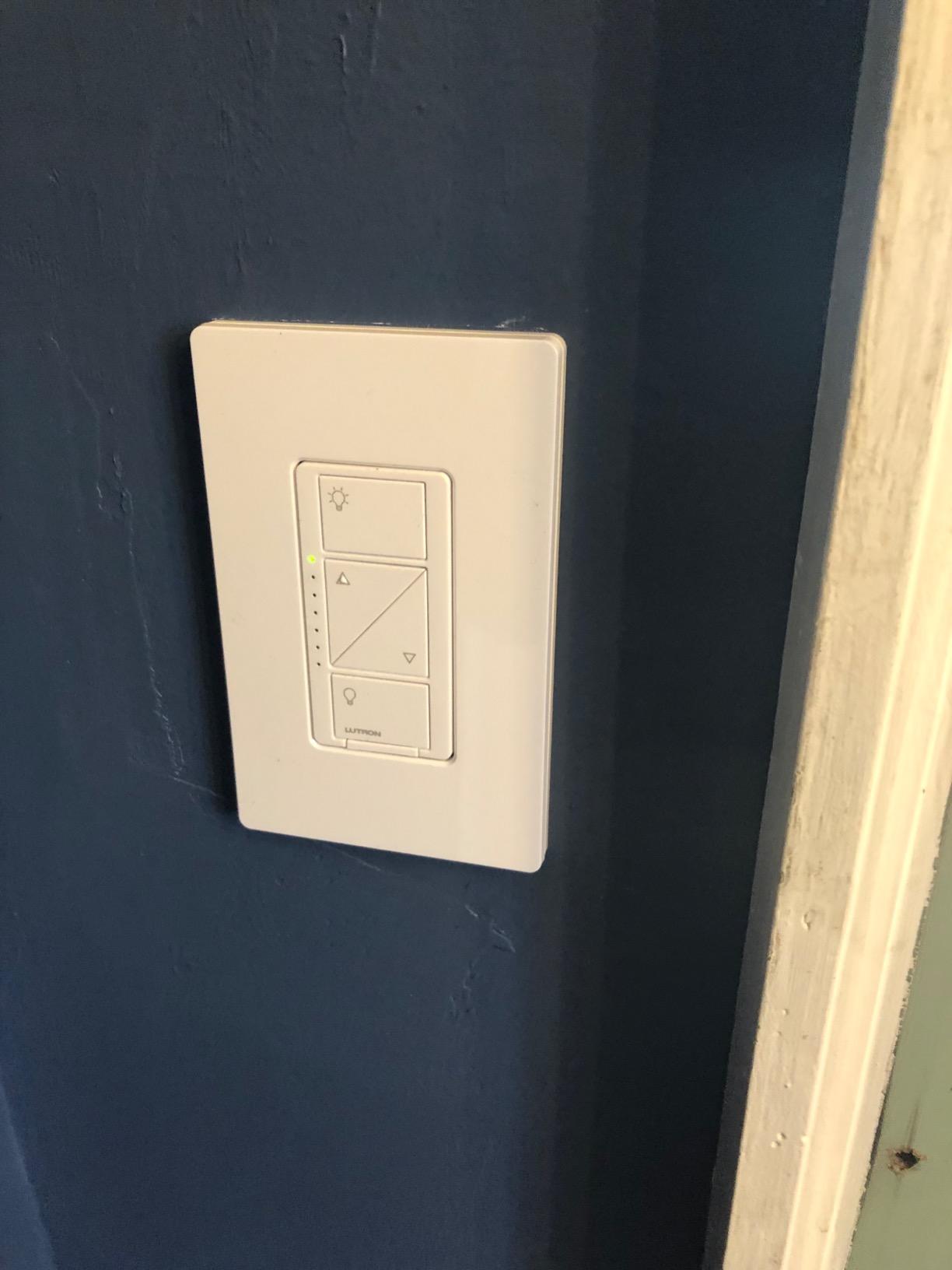
The physical design is worth thinking about before you commit. These are flat digital buttons rather than the pivoting rocker most people grew up with, and Lutron hides that behind sculpted wallplates so it looks deliberate rather than odd. The body is shallow by smart switch standards, which is a genuine advantage in an old plaster-wall box.
There are two caveats you should weigh. The Lutron Smart Hub is a separate purchase, and without it you get remote control from the Pico but no app, no scenes, no scheduling and no voice assistant. Second, the dimmer draws a small standing current, so a fixture with only one or two very low-wattage bulbs can glow faintly when switched off. That affects decorative mini-lamp fittings more than normal ceiling cans.
Check this before you buy
Decide how much you care about the look of the switch. Caseta installs use their own plates, and the buttons are unmistakably not a standard rocker. In a renovated hallway where the switches are visible from every angle, that is a feature for some people and a deal-breaker for others.
Also count your existing wires at the first box. Because the hub is optional, you can install the dimmer and Pico today and add the hub later when the app features start to matter. If your box has only three conductors, this kit still works; that is the whole point of it.
Where it falls short
The ClearConnect hub only pairs with Lutron hardware, so this is an ecosystem decision rather than a switch decision. Mixing Caseta dimmers with Z-Wave sensors from another brand means writing your own automations around the hub instead of a native integration.
Buy the kit only if you want dimming from two locations. For on and off alone, the Claro kit at number twelve does the same wireless trick without the dimmer hardware, and the standard mechanical version of the second switch looks more conventional.
3. Kasa Smart KS230 3-Way Dimmer Kit: Best Value 3-Way Dimmer
Kasa Smart 3-Way Dimmer Switch Kit, KS230 KIT v2, Need Neutral Wire
3-way dimmer kit
300W incandescent
150W dimmable LED
Neutral required
ETL certified
Pros
- Dimming range runs from 1 to 100 percent
- Brightness scheduling for night lighting
- App-guided installation walkthrough
- Works with Alexa
- Google Assistant and SmartThings
- Two-year warranty
Cons
- Neutral wire required in the box
- 2.4 GHz Wi-Fi only
- Not for smart bulbs or motorized fixtures
The KS230 kit covers the basics of a 3-way dimmer rather than an on/off switch with a dimmer app: You get a smart dimmer at the box with the load, a satellite dimmer at the other location, two wallplates and the wire nuts you need, and the pair handles both positions so you can dim from the hallway or the landing.
Owners single out the dimming curve as the selling point. The range runs from 1 percent to 100 percent, which means a bedside or stairway light can go properly low instead of stopping at a quarter brightness. You can also schedule specific brightness levels, so the same dimmed setting fires automatically in the evening rather than at whatever level you last left it.
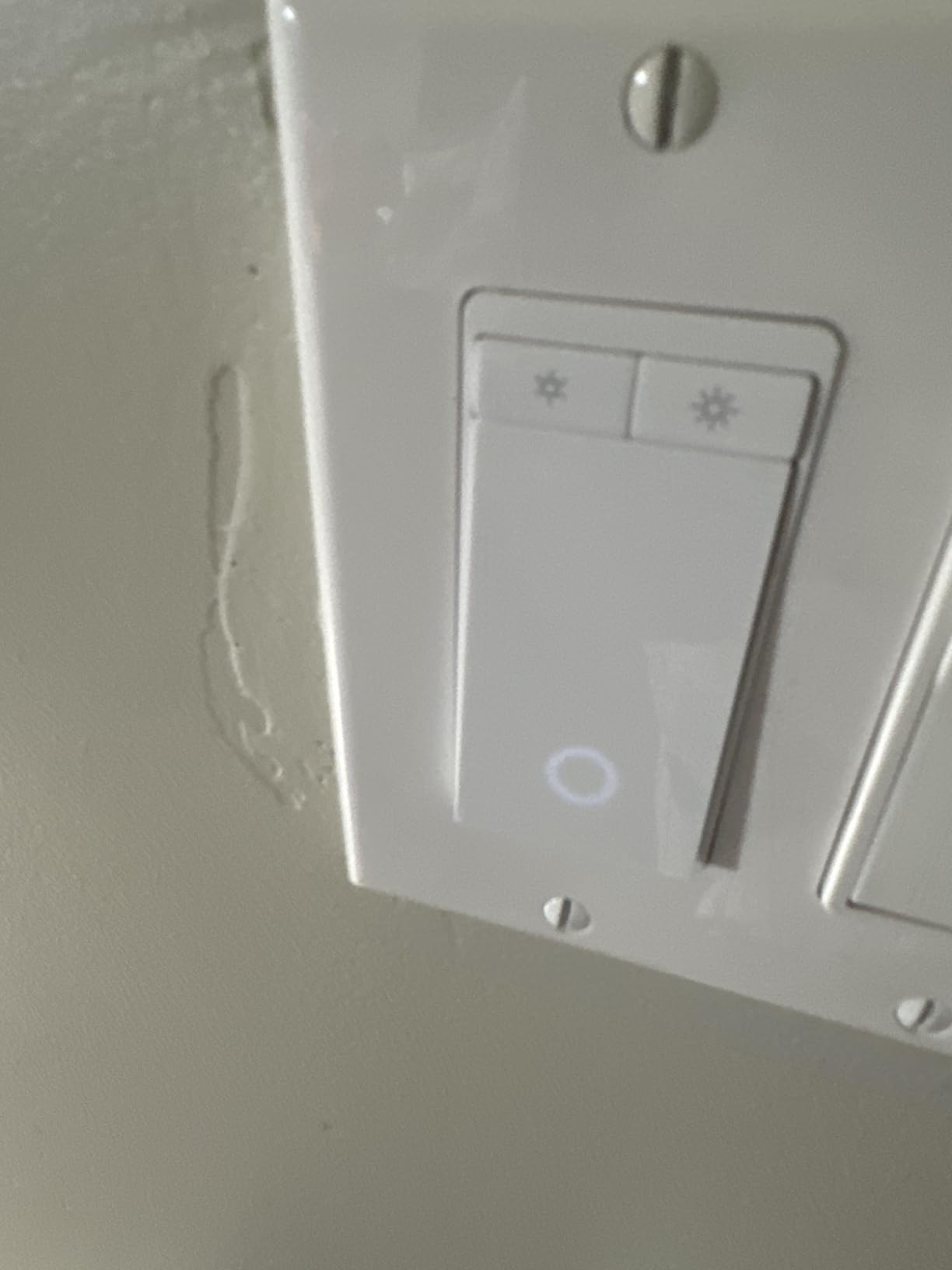
The dimmer itself carries a 300 watt incandescent rating and up to 150 watts of dimmable LED, which covers a normal ceiling fixture comfortably. Setup follows the same app-guided path as the Kasa on/off switch, and it links to Alexa, Google Assistant and SmartThings without any hub. ETL certification and a two-year warranty put it ahead of some cheaper imports on paper.
It shares the Kasa weaknesses, though. A neutral wire is required and it will only join a 2.4 GHz network, so a router with the 2.4 and 5 GHz bands merged under one name will cause setup trouble. This model also carries the highest one-star share of the Kasa products we looked at, at 9 percent, and most of those complaints trace back to setup friction rather than hardware failure.
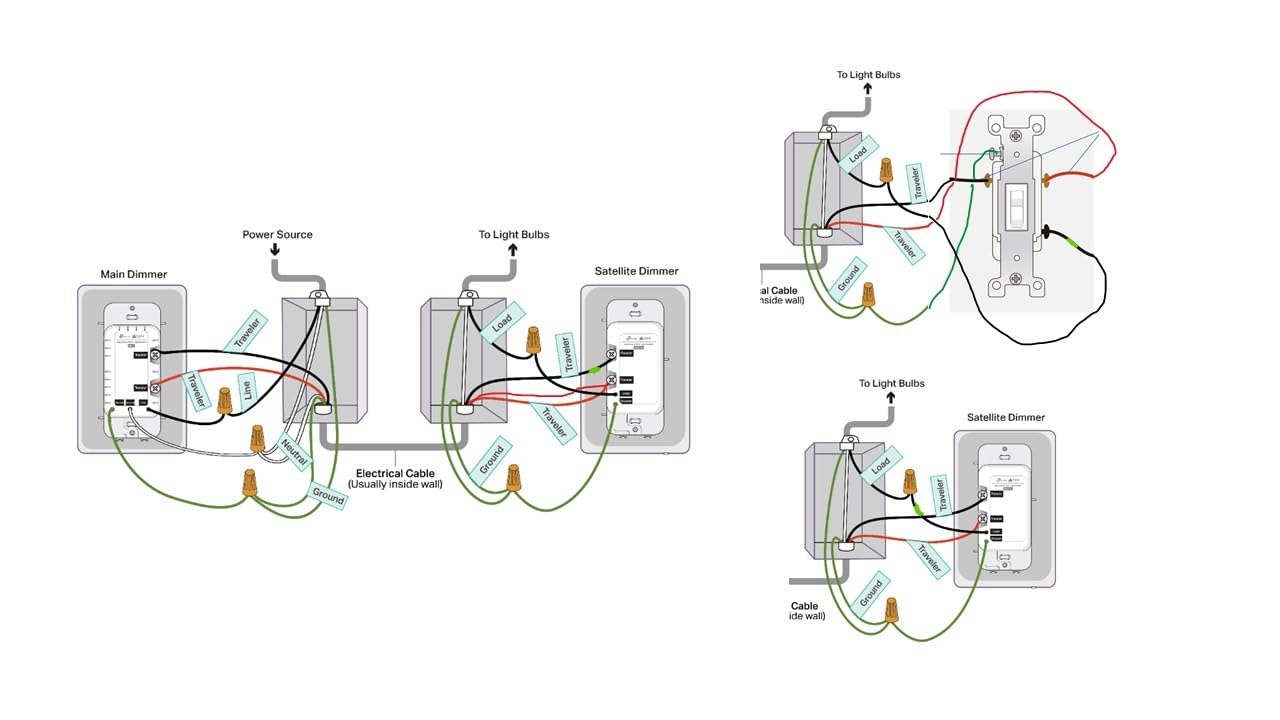
Check this before you buy
Look at the bulbs you already have. The dimmer is rated for incandescent and dimmable LED, and mixing in smart bulbs creates the classic conflict where two devices fight over the same circuit. Owners using smart bulbs report exactly that, so if you plan to add Philips Hue or LIFX to this run, pick a different approach.
Count how many 3-way dimming circuits you actually want. Each run needs its own smart dimmer, so plan the whole house before ordering and you avoid ending up with a mix of dimmed and non-dimmed staircases.
Where it falls short
There is no Apple HomeKit and no Matter, so this lives inside the TP-Link ecosystem. If your household runs Apple Home or you want local control in Home Assistant, look at the Tapo Matter kit at number eight instead, which covers both requirements for a similar outlay.
The satellite dimmer at the second location is a dumb mechanical switch dressed to match. That is exactly what you want for reliability, but it gives you no app control from that box, and its styling does not line up perfectly with a non-Kasa plate.
4. TREATLIFE 3-Way Smart Switch 4-Pack: Best for Whole-Home Rollouts
TREATLIFE 3 Way Smart Switch 4 Pack, Neutral Wire Required, 2.4GHz WiFi Smart Light Switch Works with Alexa and Google Home, Remote Control, FCC Certified, No Hub Required
4-pack
1250W and 10A
Neutral required
2.4GHz Wi-Fi
FCC certified
Pros
- One smart switch needed per 3-way circuit
- Two real traveler wires
- Compact body leaves room for wire nuts
- No hub needed with Smart Life app
- Soft indicator glow when off
Cons
- Neutral wire required
- Not compatible with Apple HomeKit
- Some units have failed after 3-4 years of use
Four switches in one box is the practical answer if you are doing a hallway, a basement and a pair of stairwells in the same weekend. Each 3-way circuit still needs only one smart switch, so a four-pack covers four separate runs, and the second location at each run stays a conventional toggle you already own.
Two details set this apart from similar packs. It uses two actual traveler wires rather than the single-traveler trick some competing Wi-Fi switches rely on, which makes the wiring behave like the mechanical circuit it replaced. The body is also shallower than most, and owners installing many switches at once specifically call out that the extra room for wire nuts makes multi-gang boxes far easier to close up.
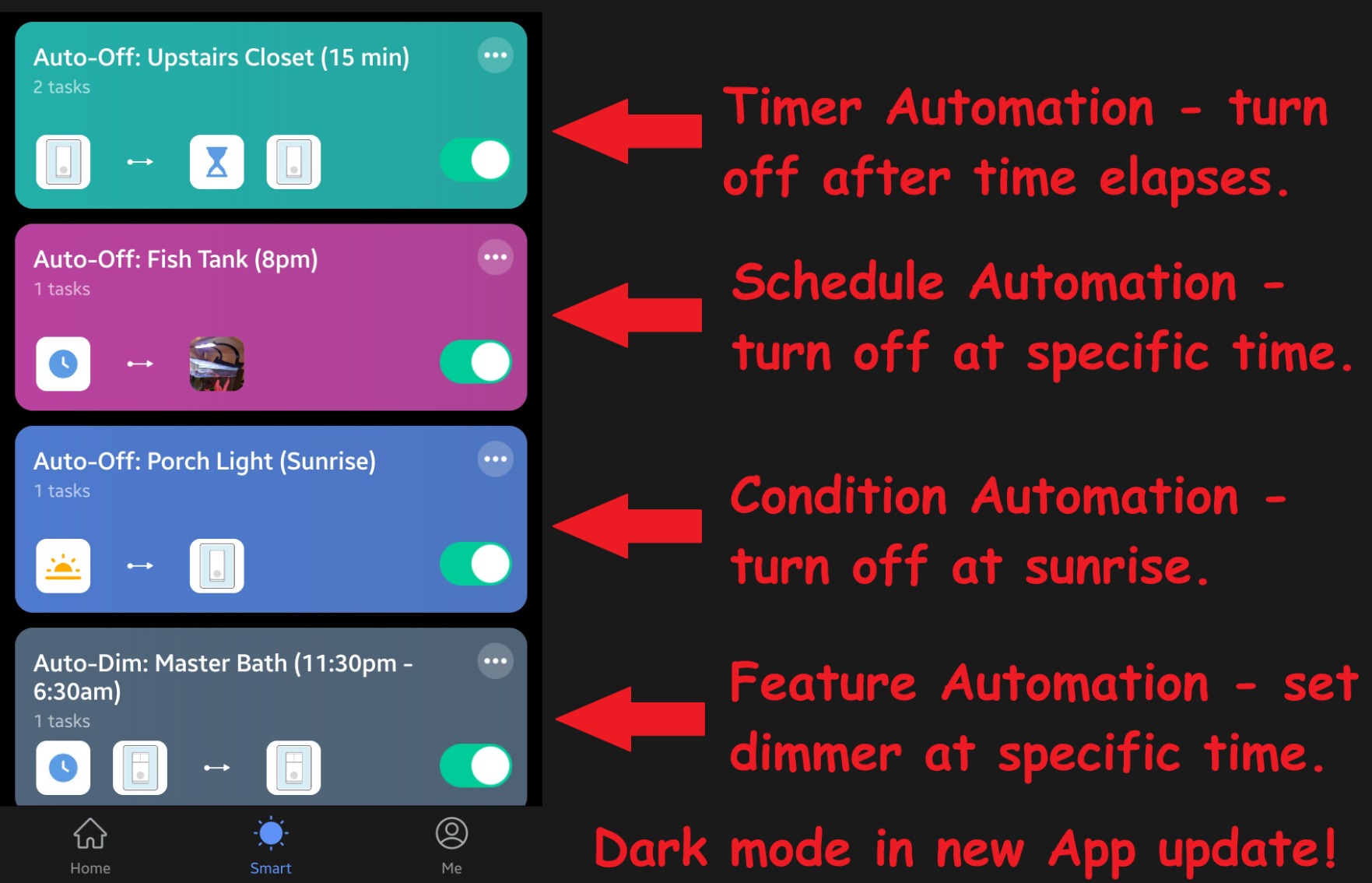
Control runs through the Smart Life app with Alexa and Google Assistant support and no hub required. Timers, countdowns and away mode are all present, and the indicator gives off a soft glow when the light is off, which owners like for finding the switch in a dark hallway without turning on a light.
The honest weakness is longevity. A number of owners report units stopping after three to four years, which is long enough to feel like a failure once you have wired six rooms to them. It is also on/off only, with no dimming option anywhere in this line, and there is no 4-way smart switch if a circuit has three locations.
Check this before you buy
Map your circuits first. Because one switch covers one run, you need to know how many 3-way circuits you are converting before a pack makes sense. A four-pack with three circuits converted leaves one switch spare, which is a reasonable margin if you plan to add a location later.
Look closely at the screws. The body is plastic and owners warn that overtightening the terminal screws can bind the mechanism, so snug is enough. A short-handled screwdriver is more comfortable here than a stubby one.
Where it falls short
There is no Apple HomeKit, no Matter and no local control option, so this is firmly a cloud product. If your internet drops, the wall switches still work, but the schedules and voice commands do not.
Because there is no dimming variant in this line, a living room circuit will need a different product entirely. Pair this pack with on/off runs and put a dedicated dimmer kit on the rooms where light level actually matters.
5. MoesGo Glass Multi-Control Switch: Best Budget Multi-Location Control
MoesGo WiFi Smart Wall Light Switch,Glass Panel, Multi-Control(3 Way), 2.4GHz Wi-Fi Touch Switches, Neutral Wire Required, Remote Control Smart Life/Tuya App, Work with Alexa, Google Home White 1 Gang
Glass touch panel
2.4GHz Wi-Fi and Bluetooth
Neutral required
10A rating
Smart Life app
Pros
- App association gives multi-location control with no traveler wires
- Glass panel has no moving parts
- Works with Smart Life
- Alexa and Google Home
- Timer
- countdown and sunrise scheduling
Cons
- Every location must be a MoesGo switch
- Neutral required in every box
- Instructions follow European wiring colours
This one takes a different approach to multi-location control, and understanding it prevents the most common disappointment with cheap glass panels. Instead of using traveler wires, you pair switches to each other inside the Smart Life app. Each switch then talks to the others over your network, and any of them can toggle the light.
The appeal is obvious. There is no wiring method to learn, the glass panel has no moving parts to wear out, and it shrugs off splashes around a sink or a bathroom. Sunrise and sunset scheduling is supported, which is handy on an exterior light. Setup takes minutes and the app does most of the work.
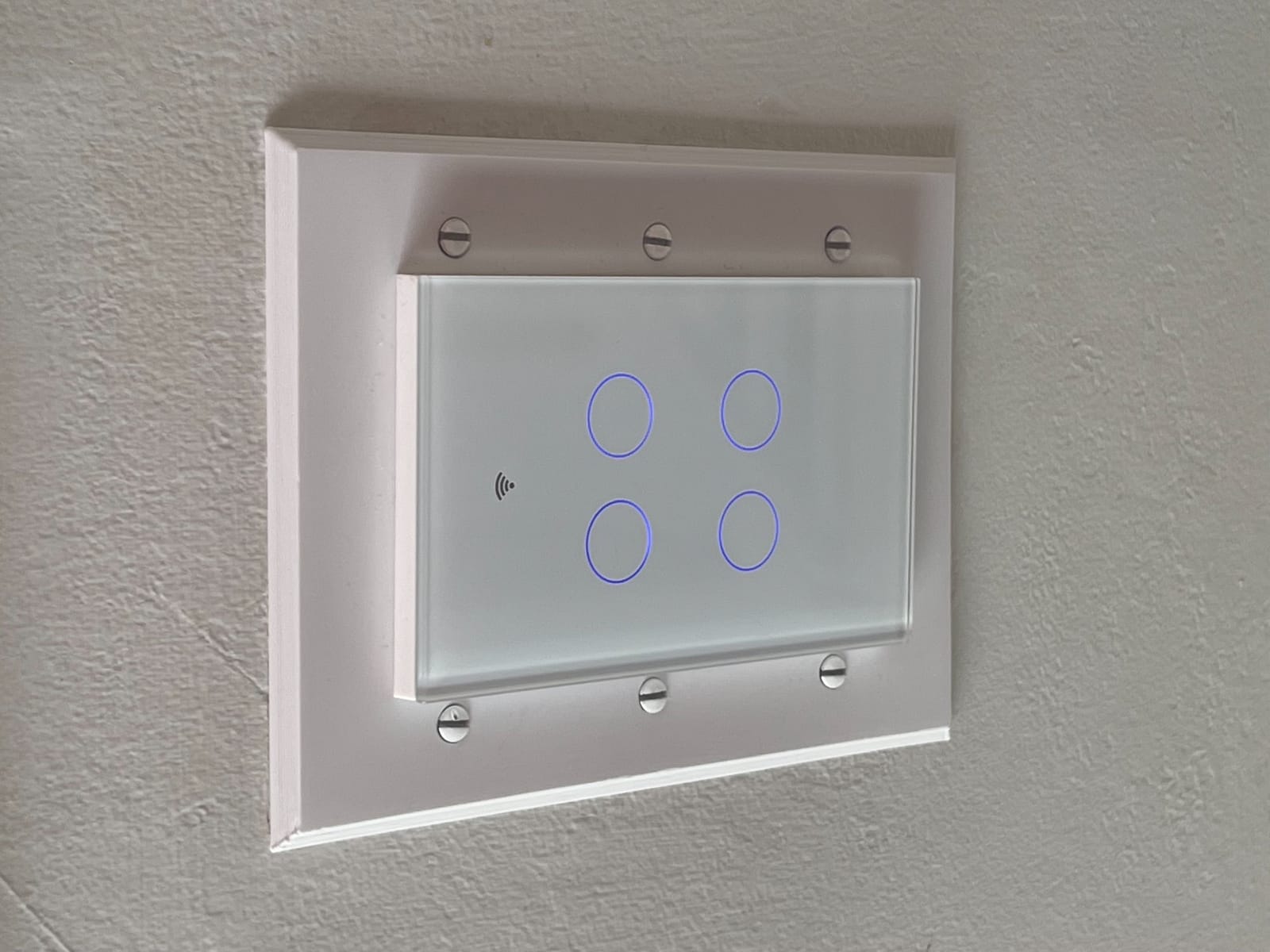
What you give up is flexibility. Because the switches communicate over Wi-Fi rather than through the traveler wires, every location on that circuit has to be a MoesGo unit. Mixing in a conventional switch breaks the arrangement, and this is the single most common complaint owners report after buying.
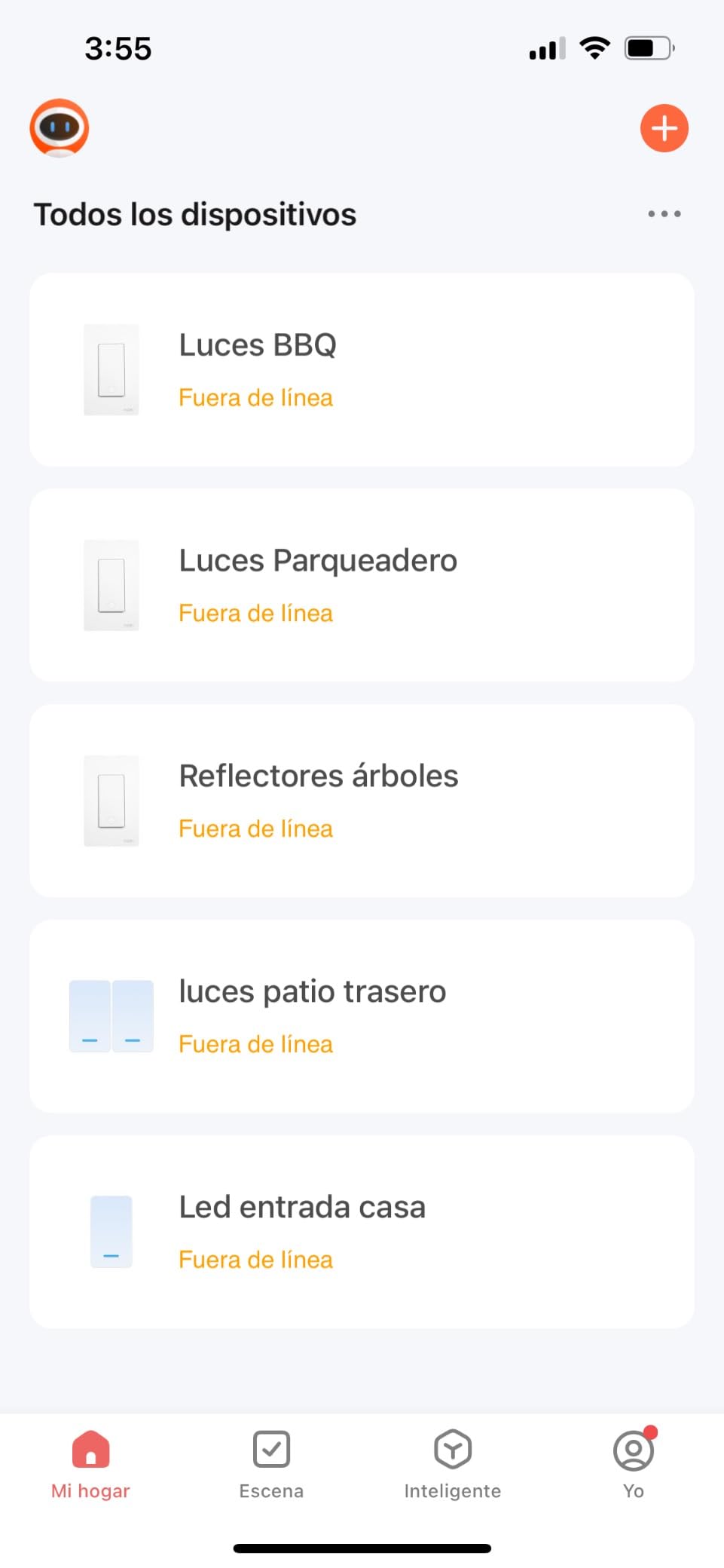
There are physical limits too. The body is wide, so it will not fit many older 1960s metal boxes without replacing the box. The current ceiling sits around 2A, which rules out heavier loads. The wiring diagram also uses European colour conventions, which is actively misleading for a North American installation.
Check this before you buy
Write down what is currently in the second box. If it is a mechanical 3-way switch and you want to keep it, this product is wrong, because the app pairing requires a MoesGo switch at every location. If you are willing to replace both, it works well.
Check the box type as well. The wide body needs a modern plastic single-gang box, and an old metal box will need replacing before the switch will seat properly.
Where it falls short
Because state communication depends on the network, this is a poor choice for a staircase where a light that lags after a network hiccup would be genuinely irritating. Hard-wired traveler communication feels instant; this does not.
It is also on/off only, with no dimming, no HomeKit and no local control. Think of it as an inexpensive way to add multi-location control when you are already prepared to replace every switch on the run.
6. meross MSS550 3-Way Switch 2-Pack: Best for Apple Home
meross Smart WiFi Switch, 3-Way/Single-Pole, HomeKit Compatible, 2 Pack
Apple HomeKit native
200W and 2A
Neutral required
2.4G Wi-Fi
ETL and FCC certified
Pros
- Native Apple HomeKit
- Siri
- Apple Watch and SmartThings support
- Only one switch replaced per 3-way circuit
- No hub required
- LED indicator configurable in the app
Cons
- Neutral wire required and 2.4G only
- Setup instructions exist only inside the app
- Thick flange leaves plates standing off the wall
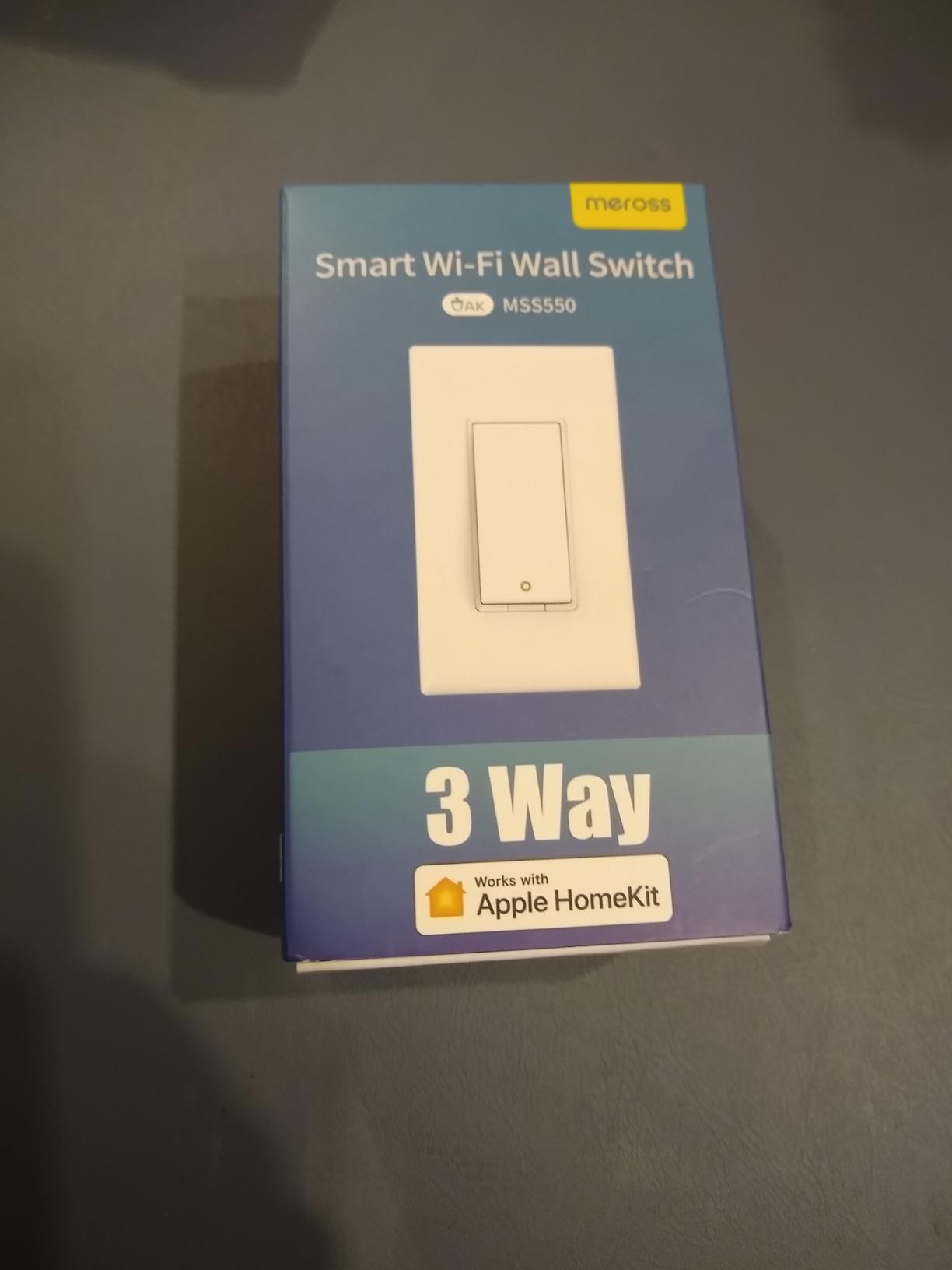
The meross MSS550 solves a problem most Wi-Fi 3-way switches create for Apple users. It pairs directly with Apple Home, Siri and Apple Watch with no hub in between, which means your existing HomeKit automations can trigger the light from the other end of a staircase without a bridge.
Like the Kasa HS210, only one switch per 3-way run is replaced. Owners running a large installation report consistent reliability across many switches, and the app lets you choose whether the status LED acts as a night light, a power indicator or switches off entirely, which is more control than most competing models offer.
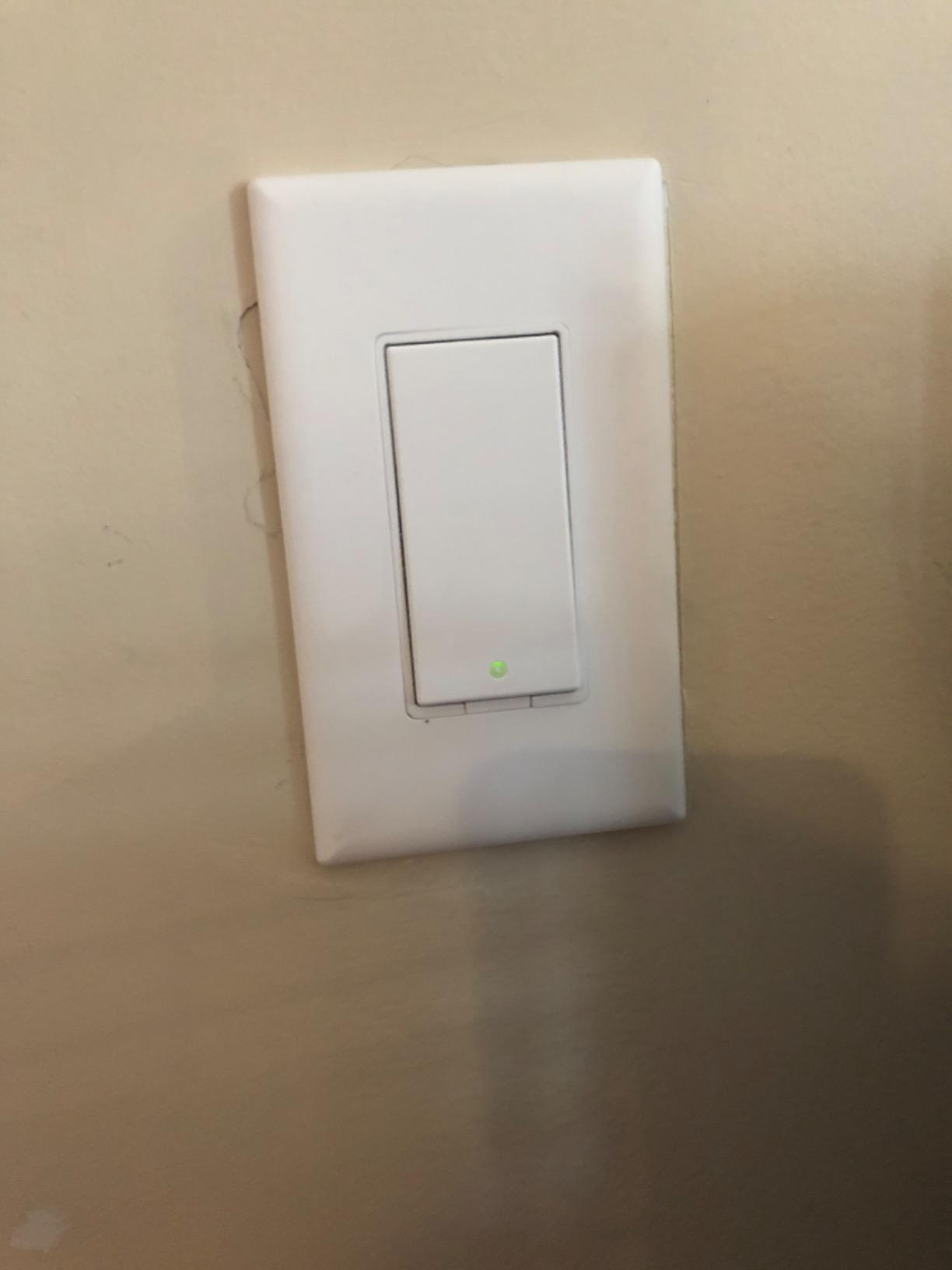
The housing is a fire-retardant PC and ABS blend with overload protection, and it carries FCC, IC and ETL certification. It fits existing 1, 2, 3 and 4-gang Decora or GFCI faceplates, and installation is reported at around 15 minutes once the box is open.
Two details will frustrate some people. Setup runs through the meross app and the instructions exist only inside it, so you cannot fall back on a paper manual if your phone is not nearby. The mounting flange is also thick, which leaves standard wall plates sitting slightly proud of the wall, and some Legrand plates will not fit at all.
Check this before you buy
Test your Apple Home setup before you buy. Pairing is straightforward, but you need an iPhone or iPad on the same network as your HomePod or Apple TV, and the switch will not appear in a non-Apple dashboard unless you also use SmartThings.
Then look at your existing plates. If your house is already fitted with Legrand or another slim plate system, the thick flange is a visible problem across every switch you convert.
Where it falls short
This is an on/off switch. There is no dimming option in the range for 3-way circuits, so a bedroom or living room run needs a separate product.
Some owners reported incorrect on and off status in the Apple Home app after firmware updates, where the app shows the wrong state until the switch is touched. That is a software issue rather than a wiring fault, but it is worth knowing if you rely heavily on HomeKit automations.
7. TREATLIFE 3-Way Smart Dimmer 2-Pack: Best for Dimming Two Circuits
TREATLIFE 3 Way Smart Dimmer Switch 2 Pack, 2 Master Dimmer Switch Compatible with Alexa, Google Assistant, 2.4GHz WiFi Light Switch APP Remote Control, Neutral Wire Needed, Schedule, No Hub Required
Two master dimmers
400W and 3.3A
Neutral required
FCC certified
Overheat protection
Pros
- Two independent master dimmers in one pack
- Dimming from 1 to 100 percent with brightness memory
- No hub needed with Smart Life app
- Sunrise and sunset timers
- Built-in overheat protection
Cons
- Neutral wire required and 2.4GHz only
- Not for smart bulbs
- fans or transformers
- Smart dimmer must go on the power-source side
Most 3-way dimmer kits ship one smart dimmer and one dumb satellite. This pack ships two smart dimmers, which means you can convert two separate circuits in one order and dim from both locations on either one. For a house with two staircases or a hallway and a landing, that is a meaningful saving.
Brightness memory is the feature owners mention most. The dimmer returns to whatever level you left it rather than snapping to full, so a late-night walk down the stairs keeps the low setting without any interaction with the app. The range runs from 1 to 100 percent, rated at 400 watts.
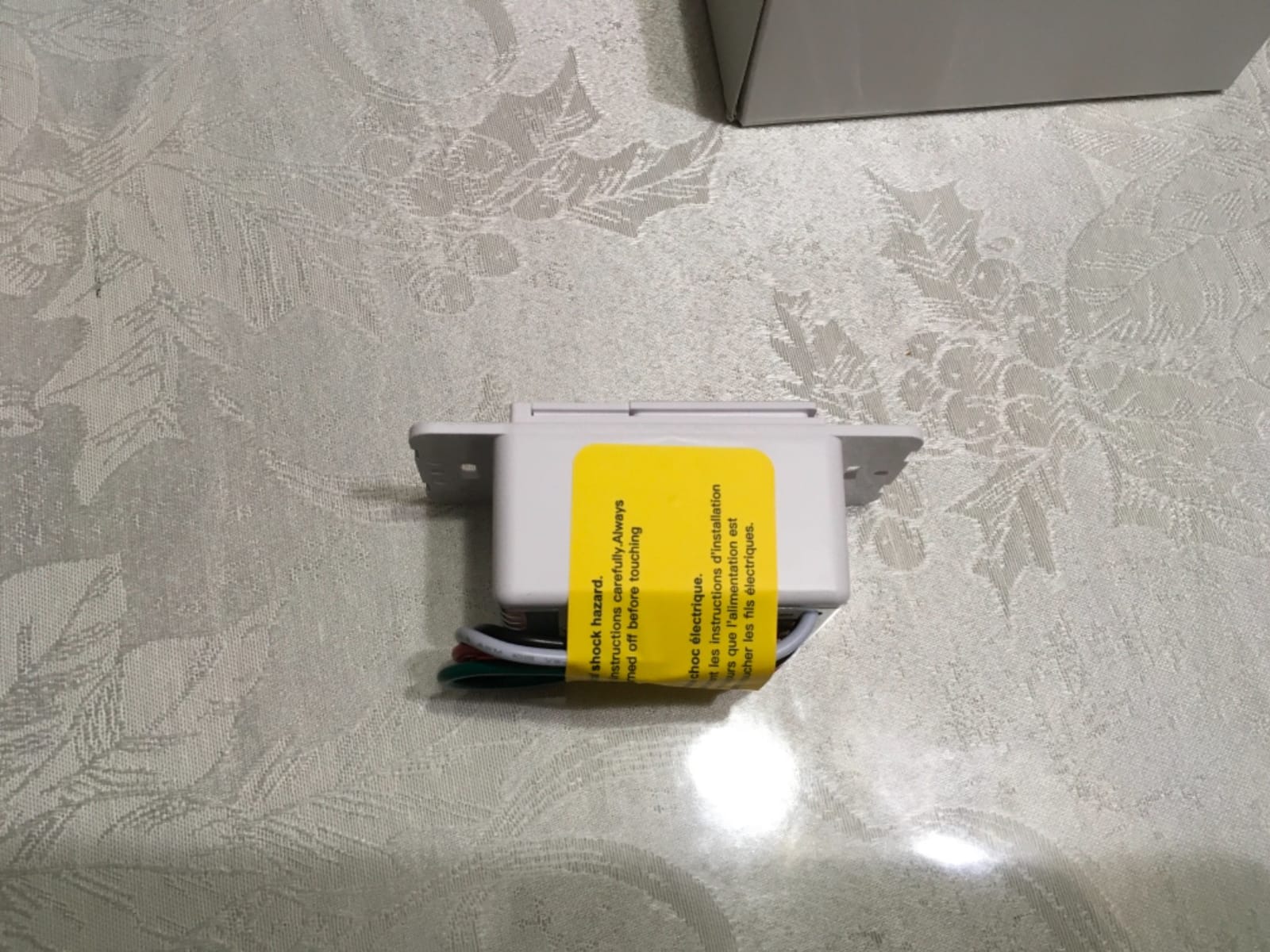
Because both halves are smart, you get app control and voice control from either location, which the satellite-style kits cannot offer. There is also built-in overheat protection in a flame-retardant housing, and the FCC certification covers both units.
This model has the lowest rating in our group at 4.2, with 10 percent of reviews at one star. Most of those trace back to installation confusion about which side of the run the smart dimmer belongs on, or to people trying to dim smart bulbs and motors, both of which are outside what the hardware is built for.
Check this before you buy
Work out which side of the 3-way run has power. The smart dimmer belongs at the box that receives the line supply, and installing it at the other box produces lights that behave erratically. This is the single most common installation mistake reported for this product.
Check what is on the circuit. Dimming fans, motorised blinds, transformer-fed fixtures and any Wi-Fi or Bluetooth smart bulb will not work, and forcing them causes flicker at best.
Where it falls short
There is no Apple HomeKit, so Apple households are limited to the app for local control. There is also no satellite switch included in the sense of a matching dumb plate; the second device here is a second master, so a purely conventional second position is not part of the pack.
If you only need one dimmed circuit, the Kasa KS230 at number three covers the same ground with a proper satellite and a better 4.4 rating.
8. Tapo S515D Matter Dimmer Kit: Best Matter Option
Tapo Matter Smart 3-Way Dimmer Switch Kit, S515D KIT
Matter certified
600W and 15A
Neutral required
0-100 percent dimming
UL and RoHS
Pros
- Matter certification works across Alexa
- Apple Home
- Google Home and SmartThings
- Wiring mirrors the existing 3-way arrangement
- Fade on and fade off transitions
- Built-in energy monitoring
- Burglary deterrence mode
Cons
- Neutral wiring and 2.4 GHz Wi-Fi required
- Smaller installed base than Wi-Fi-only rivals
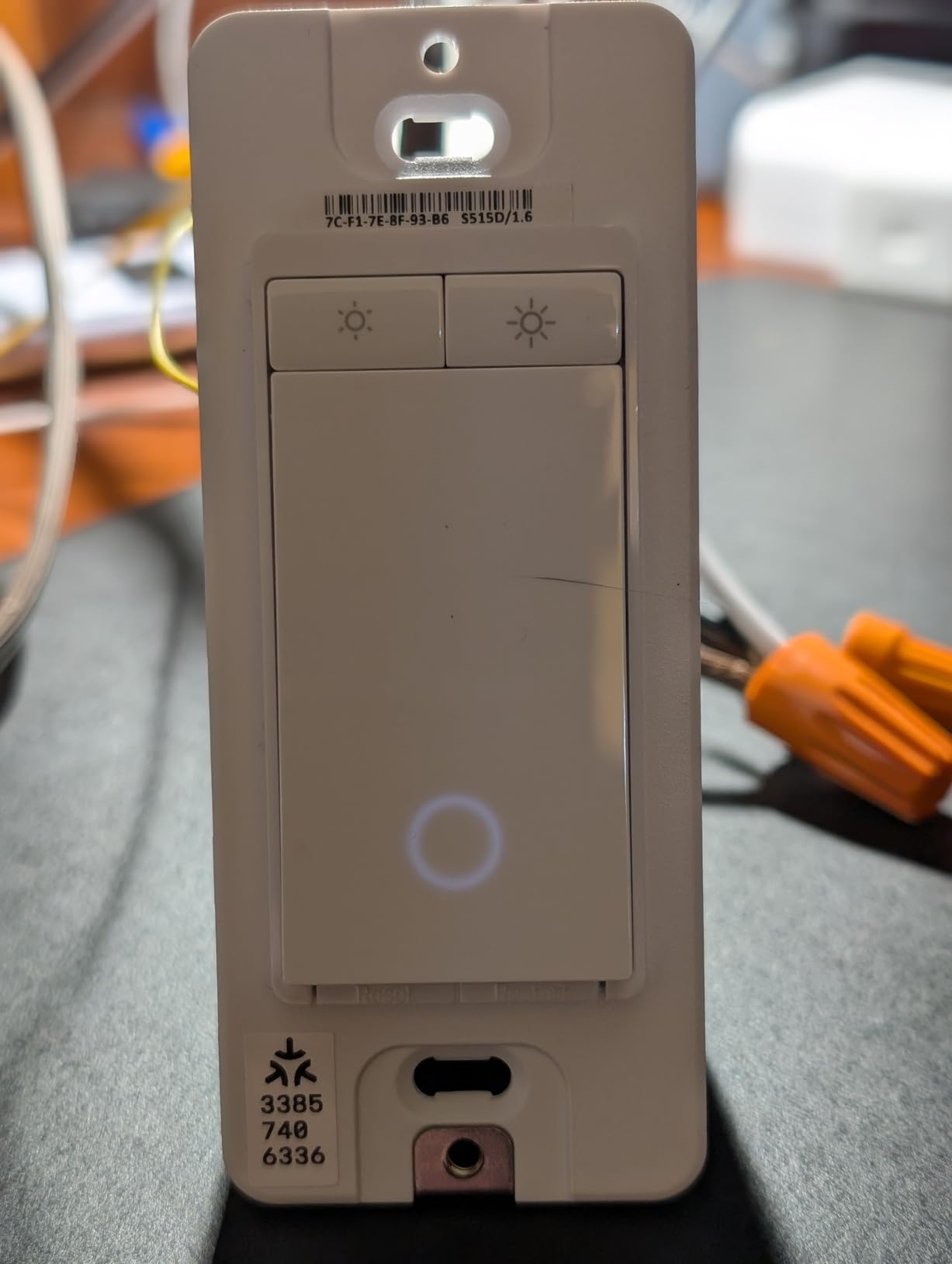
The Tapo S515D is the one we would build a new installation around in 2026, because Matter removes the ecosystem question entirely. The same switch appears in Alexa, Apple Home, Google Home and SmartThings without a bridge or a vendor lock-in, and it keeps working locally rather than depending on a cloud round trip.
The wiring approach is refreshingly simple. You replicate the positions of your existing 3-way switches and the kit handles the rest, which reduces the number of ways an install can go wrong. Dimming runs the full 0 to 100 percent with fade on and fade off, so lights ease up and down rather than snapping.
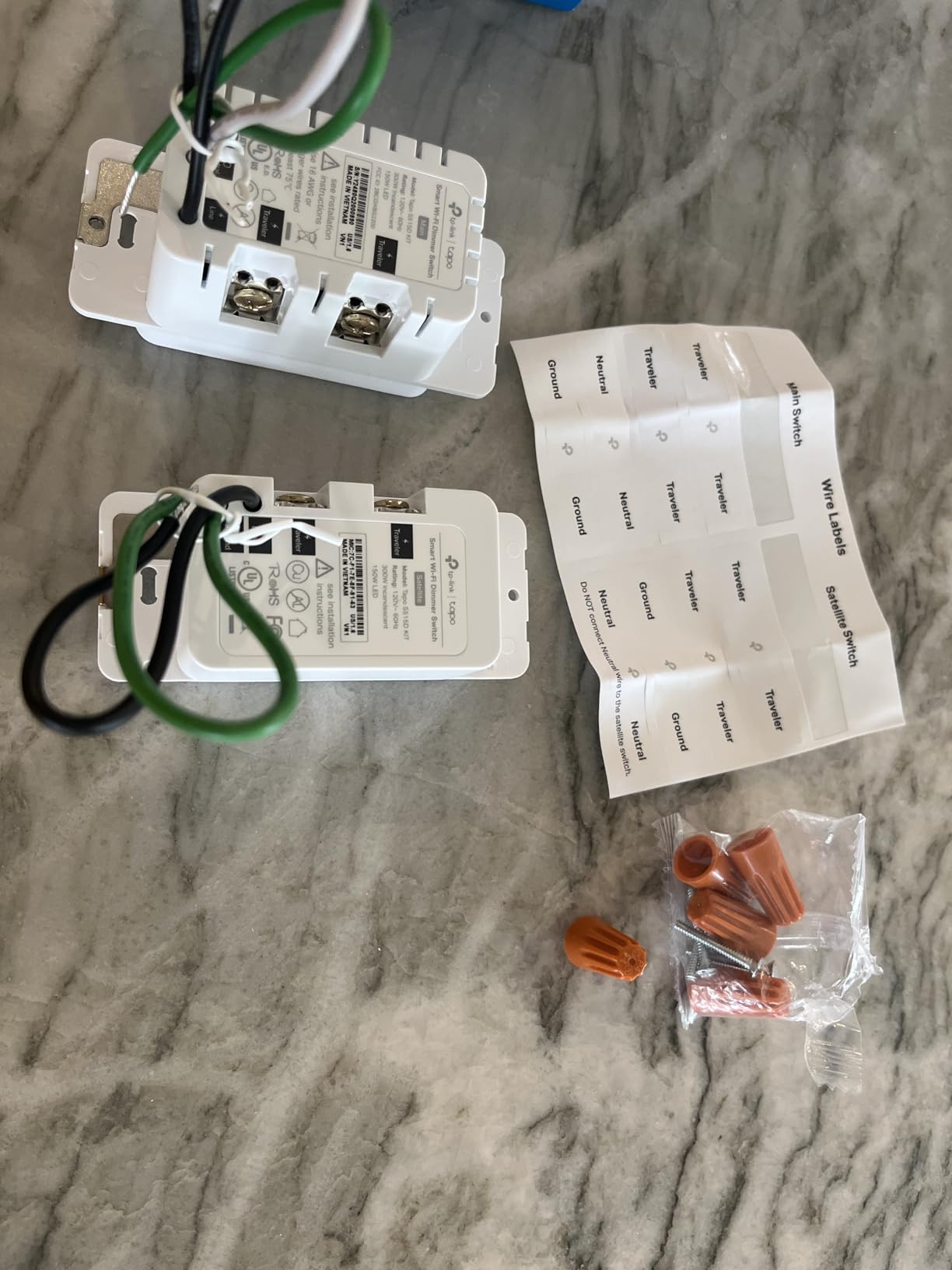
Two features here are unusual for a 3-way kit. Built-in energy monitoring reports consumption for the circuit, which is genuinely useful on a lighting load you want to watch, and the burglary deterrence mode cycles the light randomly while you are away rather than leaving it in one fixed state.
The honest limitation is maturity. With 410 reviews, this has a much smaller installed base than the Wi-Fi-only competitors, and it still needs a neutral wire plus a 2.4 GHz network. Reviewers rate it 4.4, with 71 percent five-star, and the feedback is overwhelmingly about the ecosystem rather than any hardware fault.
Check this before you buy
Confirm you have a Matter controller rather than just a Matter-compatible phone. Apple Home users need a recent HomePod or Apple TV, SmartThings users need a SmartThings station, and Alexa and Google users need a hub that supports Matter, not every older bridge qualifies.
Also note the load rating. At 600 watts and 15 amps it covers a larger lighting load than most of the other dimmers here, so it has headroom if you add fixtures later.
Where it falls short
Matter does not solve the neutral wire problem. If your boxes have no neutral, this is out, and the Lutron Caseta kit at number two is the route that keeps your walls closed.
There is also a practical caveat about 2.4 GHz. If your router uses a single combined network name for both bands, you will need to split them before pairing, and that step trips up a surprising share of first-time setups.
9. ELEGRP DTR30 Touch Dimmer: Best for Touch Dimming Control
ELEGRP Smart Dimmer Light Switch DTR30, Single Pole or 3 Way, 2.4 GHz Wi-Fi Touch Dimmer Compatible with Alexa/Google Assistant, Needs Neutral Wire, No Hub Required, UL Listed, Matte Black, 2 Pack
450W incandescent
150W dimmable LED
Neutral required
UL and FCC listed
Slim body
Pros
- Slide a finger up or down across the rocker to dim
- Matte black finish suits modern plates
- Smooth dimming with no flicker or buzz reported
- Ultra-slim body leaves more box room
- Works with companion add-on switches for 4-way
Cons
- Only one smart dimmer per circuit
- Not for smart bulbs
- motors or fans
- Some units lost their voice assistant link after a few weeks
The DTR30 answers a small complaint about most smart dimmers: the buttons are either all-on or all-off, so you tap repeatedly to find your level. Here you slide a finger up or down the touch surface and the brightness tracks it continuously. Owners who have used it describe it as the most intuitive dimming surface they have tried, and it works with companion add-on switches for a 4-way circuit.
Dimming performance is the other strong point. Reviewers report smooth behaviour with no flicker or buzz across a range of LED bulbs, which is not something we can say for every dimmer in this roundup. The matte black finish also pairs well with brushed chrome plates in a modern renovation.
The body is slim, which is unusual for a touch dimmer and helps a lot in a shallow box. Load ratings are 450 watts of incandescent or 150 watts of dimmable LED, and the unit carries UL, cUL and FCC certification.
Two rules matter here. Only one smart dimmer belongs on a circuit, and installing two causes flicker or damage. And the 3-way or 4-way install requires you to re-terminate the traveler wires properly rather than simply adding to what is already there, which is the part most first-time installers get wrong. The review base is small at 253, with 4.2 average and one reported failure in ten switches installed by an electrician.
Check this before you buy
Confirm you only need dimming from one location, with the second box handled by a companion add-on switch. Putting two smart dimmers on the same traveler pair will not work, and the manual is clear about this.
Check the colour match too. This model is sold in matte black in a two-pack, and matching plates in that finish are easier to find than the white or almond options most ranges offer, though they are not carried by every hardware store.
Where it falls short
It is on/off dimming only for lighting loads. Smart bulbs, motors and fans are excluded, and owners who tried a fan on this dimmer reported problems. There is also no Apple HomeKit or Matter support.
Some users reported the switch losing its Alexa or Google Home link after a couple of weeks and needing to re-link it in the app. On a larger installation that maintenance is worth factoring in before you commit to this model across a whole floor.
10. Leviton Decora Smart Wi-Fi Switch: Best for Matching Existing Plates
Leviton Decora Smart Switch, Wi-Fi, D315S-1RW, White
Matter ready
Works with Alexa, Google, Apple Home, SmartThings and Home Assistant
White
Decora form factor
Pros
- Broadest platform support in the group including Home Assistant
- Familiar Decora styling matching existing wallplates
- Sunset-based scheduling for exterior lights
- Compact Decora body fits standard boxes
Cons
- 3-way control needs a separately purchased companion switch
- Neutral wire required for the Decora smart line
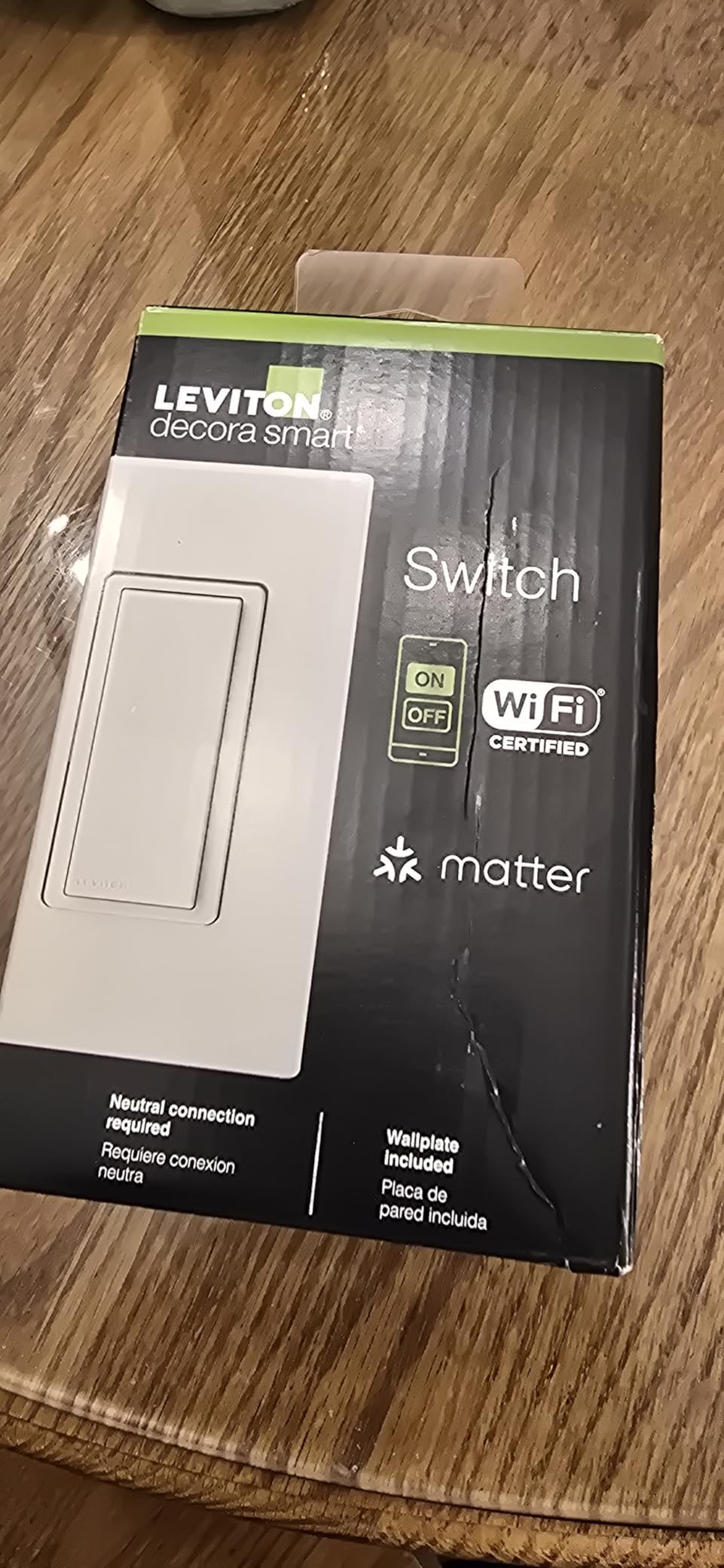
If your house is already fitted with Decora plates and switches, this is the switch that disappears into the wall. The form factor and proportions match what is already there, so converting a hallway does not leave you with a switch that looks slightly too small next to its neighbours.
The platform support is the strongest in this group. It works with Alexa, Google Assistant, Apple Home, Siri, SmartThings and Home Assistant, and it is Matter ready out of the box, so it can be adopted now and re-platformed later without a hardware change. The My Leviton app handles remote control and scheduling, including turning lights on at sunset, which suits exterior and porch lighting.
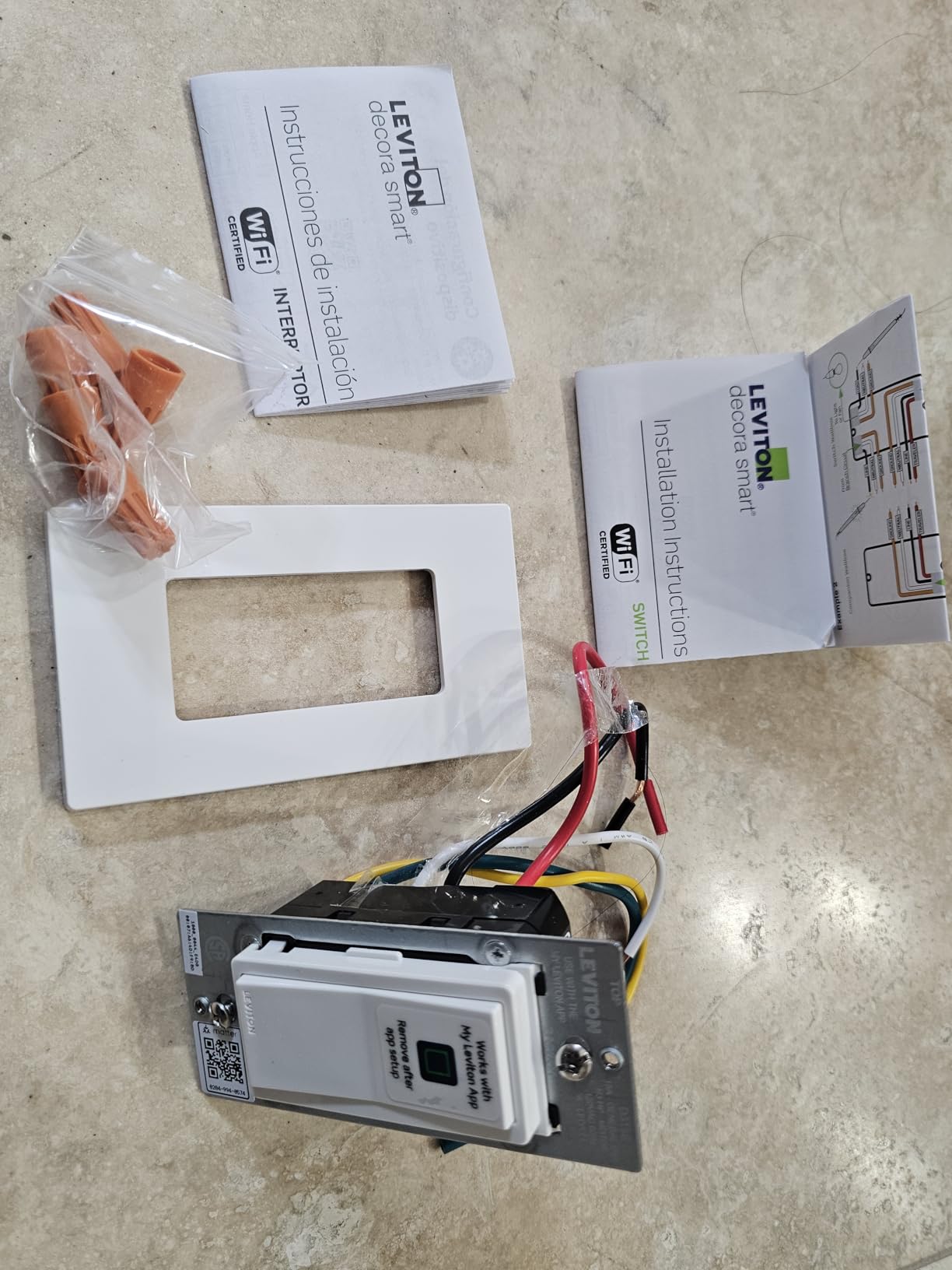
The compact body fits standard boxes more easily than most of the plastic alternatives, at 1.09 by 1.8 by 4.12 inches and just over 7 ounces. That matters in a tight single-gang where a deeper module would push the plate out of alignment.
Two caveats come straight from the reviews. Multi-location control requires buying the companion switch separately, so budget for a second unit if you are converting a 3-way run. The Decora smart line also requires a neutral wire, which is worth confirming in an older property.
Check this before you buy
Measure your existing plate brand. The styling only blends in if your current plates are Decora, and on another brand the switch will look noticeably different from its neighbours even though the mechanism is standard.
Confirm which controller you will use before buying. Home Assistant users can adopt it locally, which is a real advantage over most Wi-Fi switches here, but only if your installation already has a Matter or Zigbee integration path set up.
Where it falls short
The 192-review base is the second smallest in this roundup, so there is less long-term owner feedback than for the Kasa or TREATLIFE models. That matters most if you are converting an entire property rather than a single circuit.
Because the companion is a separate purchase, the total cost of a 3-way conversion is higher than a kit that includes everything in one box. It is on and off only, with no dimming.
11. Leviton Decora Smart Z-Wave 800 Series: Best for Z-Wave Networks
Leviton Decora Smart Switch, Z-Wave 800 Series, ZW15S-1RW, White
Z-Wave Plus 800 Series
15A and 3/4 HP
SmartStart and S2 Security
CSA certified
Wired companion for 3-way
Pros
- S2 Security and SmartStart enrolment with over-the-air updates
- Handles 15A and 3/4 HP so it can drive fans and motors
- Acts as a Z-Wave mesh repeater
- Quick pairing into SmartThings and Home Assistant
- Slim Decora design
Cons
- Needs a Z-Wave hub so it cannot work standalone
- 3-way requires the separately sold DD0SR companion
- Wires attach instead of screw terminals
This is the switch to choose if you already run Z-Wave. It is an 800 Series device with S2 Security and SmartStart enrolment, so it joins your network with less fuss than older Z-Wave switches and receives over-the-air firmware updates once it is paired. Installers report quick pairing into both SmartThings and Home Assistant.
The load rating is the standout spec. At 15 amps and 3/4 HP it will drive a ceiling fan or a pump, not just a lighting load, which is beyond almost everything else in this roundup. It also acts as a mesh repeater, so each installed switch strengthens the network for devices further from your hub.
The slim Decora body drops into an existing switch with minimal fuss, and CSA certification covers both the United States and Canada. Owners who swapped flaky Wi-Fi switches for this report noticeably steadier connectivity in the same walls.
Set against that, 3-way is a two-box purchase. The DD0SR wired switch companion is sold separately and it has to be wired, so this is not the option for adding a control point where there is no box. There is also no multi-tap scene support of the kind some Z-Wave users rely on for double and triple press actions. One owner reported a unit going dead after about a year until a power cycle reset it, and several felt the paddle was light and needed several presses.
Check this before you buy
Confirm you have a working Z-Wave controller before ordering. This switch cannot be used standalone, so a standalone purchase on an empty network leaves you with a very expensive wall plate.
Add the DD0SR companion to the same order. Trying to source it separately later often means a second shipment and a window where the second location does not work, which is the least convenient moment to discover the gap.
Where it falls short
There is no dimming in this switch, and the paddle feel drew criticism from several owners who found it flimsy compared with a mechanical Decora. If you want dimming in a Z-Wave network, this is the wrong model.
Wire leads rather than screw terminals also mean you cannot reuse the existing screws, and you are relying on wire nuts inside the box. In a crowded multi-gang, that combination is harder to reassemble than a clamp or screw terminal design.
12. Lutron Claro 3-Way Smart Switch Kit: Best for a Wireless Second Location
Lutron Claro 3-Way Smart Switch Kit; Switch, Wallplate, Remote & Bracket
ClearConnect wireless
600W and 5A
5A LED or 3A fan
Neutral required
UL listed
Pros
- Pico paddle remote matches the Claro switch styling
- Add a control point with no wiring and no drywall cutting
- No hub needed for basic remote control
- Works with more platforms than other lighting brands
- Soft LED glow when lights are active
Cons
- Smart hub sold separately for app
- scenes and scheduling
- 5A LED or 3A fan limit
- On and off only with no dimming
The Claro kit solves a specific problem: you want a switch at a second location and there is no box to put one in. The Pico paddle remote runs on a battery and the included wallmount bracket fixes it to any surface, so you can add control at the foot of a bed, beside a door or on a landing without cutting into a wall.
The styling is the reason to prefer it over the Caseta kit for on and off. The remote is a paddle that matches the Claro rocker exactly, so the two control points look deliberate together rather than like a conventional switch with an accessory stuck beside it.
The wireless link runs on ClearConnect and owners describe it as dependable. It carries a 4.7 rating, the highest in this group alongside the Caseta kit, with 88 percent five-star, the largest five-star share of the twelve. It integrates with Alexa, Apple Home, Google Home, Ring and Sonos once the hub is added, and the smart away mode simulates occupancy when you are out.
There is a neutral wire requirement here, unlike the Caseta dimmer. Load limits are 5 amps for LED or 3 amps for a fan, so heavy motor loads are out. And basic remote control works without the hub, but app control, scenes, scheduling and smart away all need it, which is the most common caveat owners mention.
Check this before you buy
Work out whether you actually need the wireless remote or whether a wired companion would serve. If you have a box at the second location and it already has a neutral, a wired companion is more robust than a battery remote that will need a coin cell changed at some point.
Check your load type. If the run includes a fan, the 3-amp ceiling is workable but worth confirming against the actual fan, and anything heavier than that needs a different device.
Where it falls short
No dimming at all in this variant. If the circuit needs to dim, choose the Caseta kit at number two, which is the same Lutron platform with dimming added.
The hub is a separate purchase, and it only pairs with Lutron hardware. Budget for it up front if you want voice control, because without it you are limited to the Pico and a wall-mounted switch.
How 3-Way Wiring Actually Works: Power at the Switch vs Power at the Light
Almost every failed smart switch install we see traces back to one misunderstanding: where the power enters the circuit. A 3-way run has two boxes and a fixture, and the supply can arrive at either end. Identifying that first removes most of the guesswork before you choose a product.
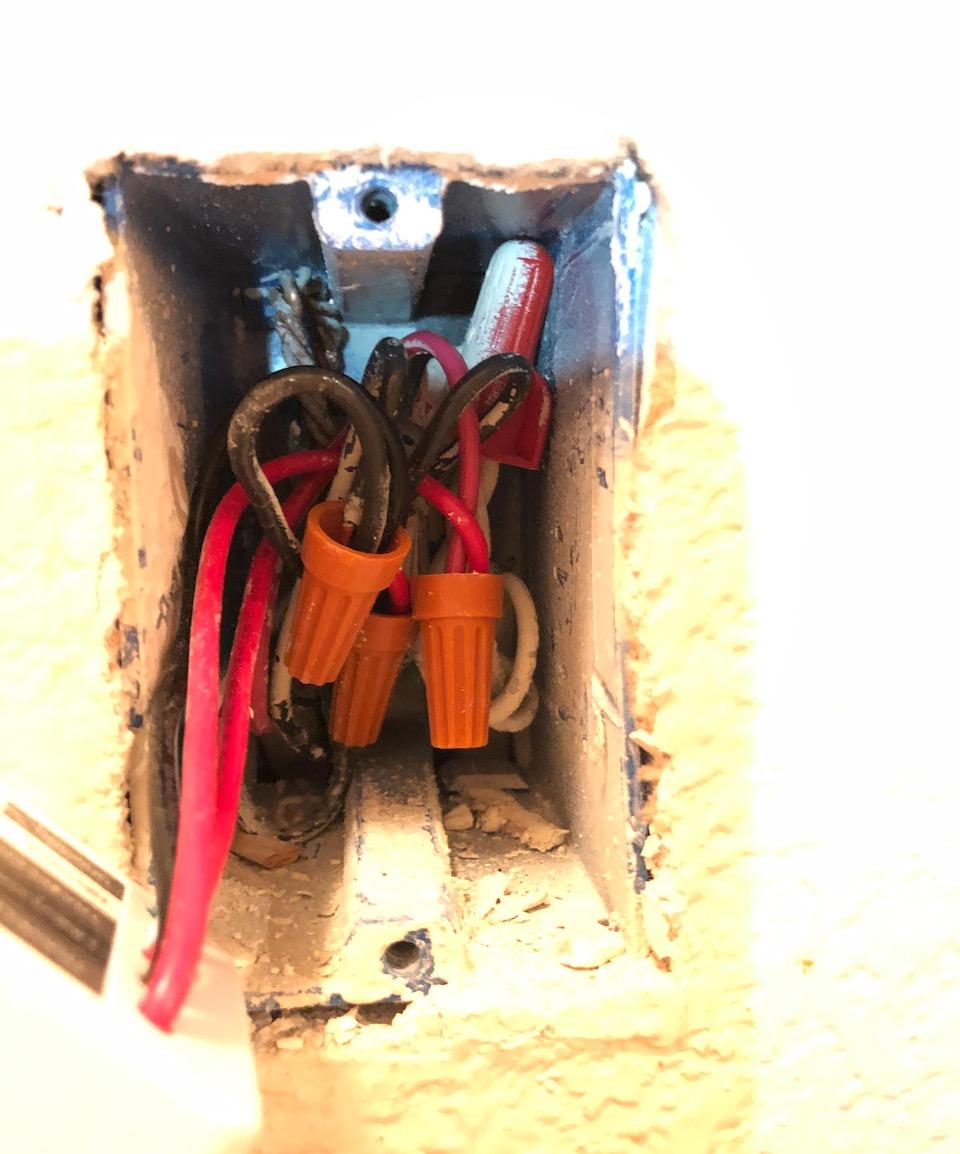
How to tell. Turn off the breaker and remove a switch at one location. If you find a bundle of black wires joined together with a wire nut, that box has power, and the black wire running down the cable toward the other box is your line. If both wires are separately connected to the two traveler terminals with no wire nut, power is at the fixture and this box is downstream.
That answer determines where the smart switch goes. Almost every hard-wired 3-way smart switch on this list, including the Kasa HS210, the TREATLIFE pack and the meross, belongs at the box where the line supply arrives. The downstream box keeps its mechanical switch. Install the smart device at the wrong end and the light will behave erratically no matter how good the hardware is.
Only Lutron, with its battery-powered Pico remote, genuinely does not care which box has power. That is the practical reason it wins in older homes and the reason the first question we would ask anyone buying a smart 3-way switch is whether both boxes have a neutral.
Buying Guide: Picking the Right 3-Way Smart Switch in 2026
Start with the wall, not the app. Pull a switch off and look for a neutral conductor that is not attached to anything. If one is present in the box you intend to use, you have free choice across most of this list. If not, your realistic options narrow sharply to the Lutron kits and a handful of no-neutral models, and you should price electrician visits into the decision.
Next decide how many switches per circuit. The two common approaches are one smart switch plus a mechanical companion, which is cheaper and more robust because the traveler wires still do the work, or two smart switches that communicate. The Kasa HS210, the TREATLIFE pack and the meross all use the first approach. The MoesGo uses the second, which is why every location on its circuit has to be the same brand.
Protocol choice follows the ecosystem you already have. Wi-Fi products are the simplest to start and join Alexa or Google Assistant without a hub, but they depend on a 2.4 GHz network and a cloud connection for schedules. Matter, as on the Tapo S515D, gives cross-platform local control and is the most future-proof option if you are undecided. Z-Wave, as on the Leviton 800 Series, needs a hub but gives the strongest mesh and the widest load ratings.
Check the box before you buy, not after. Smart switches with a neutral are noticeably deeper than a mechanical switch, and multi-gang boxes are the most common place an install fails. Count the devices already in the box and add the wire nuts your connection will need. The TREATLIFE pack and the ELEGRP are the shallowest options in this roundup, which is why they suit crowded boxes better.
Be careful pairing smart switches with smart bulbs. A dimmer sending a signal down the same circuit that a smart bulb is also trying to control produces flicker, unstable state reporting and confusing automations. Every dimmer in this guide states that it is not for smart bulbs, and that is not boilerplate.
Finally, look for the red flags in review patterns. The ones we watch for are settings that reset after a power cut, a required hub that is not in the box, instructions that exist only inside an app, and any product claiming multi-location control without explaining what the second location has to be. Each of those shows up in the reviews above, and each one predicts a frustrating afternoon with a screwdriver.
Frequently Asked Questions
Do both 3-way switches need to be smart?
No. Most 3-way smart switch systems replace only the switch at the box where the power supply arrives, and leave a mechanical switch at the other location. The traveler wires keep working exactly as before, so the second switch stays reliable during a power cut or a network outage.
Are 3-way switches special?
Yes. A 3-way circuit has two boxes controlling one light, with two traveler wires passing between them. A standard single-pole switch simply breaks the line. That extra pair of wires is what a smart switch must understand, and it is why one-switch-plus-mechanical-companion designs exist.
How do I hook up a 3-way smart switch?
Turn off the breaker and confirm which box has power by looking for the black wires joined with a wire nut. Install the smart switch at that box, connecting line, load and the two travelers as labelled. Replace the switch at the other box with a standard mechanical 3-way toggle, restore power and pair the device.
Can you use a smart switch without a neutral wire?
Yes, but your choices narrow. The Lutron Caseta 3-Way Dimmer Kit works with no neutral at either box because its electronics run from the load current. Most Wi-Fi and Matter switches, including the Kasa, TREATLIFE, Tapo and meross models here, need a neutral wire present in the box.
What is the best three-way dimmer switch?
The Lutron Caseta 3-Way Dimmer Kit is the strongest all-round choice because it works without a neutral, adds control points with a battery-powered Pico remote and dims up to 150W of LED. The Kasa KS230 and Tapo S515D kits are the better buys if you already have neutral wires and want app-based control.
Why does my 3-way smart switch flicker?
The usual causes are dimmable LED bulbs that are not rated for the dimmer, a smart bulb on the same circuit as a smart dimmer, or two smart dimmers fitted to one run when only one is allowed. Check the bulb compatibility list and confirm only one smart device per 3-way circuit.
Final Verdict
For most people converting a staircase or hallway, the Kasa Smart HS210 3-Way Kit is the pick. It needs one smart switch per circuit, installs close to a drop-in swap, responds instantly because it acts locally, and carries more than 19900 reviews at 4.6 stars. If your boxes have neutrals, that is the shortest path from a dumb 3-way circuit to schedules, voice control and away mode.
Choose differently when your walls tell you to. No neutral wire means the Lutron Caseta 3-Way Dimmer Kit, which also wins if you want dimming from two locations and a Pico remote you can mount without wiring. Apple Home points to the meross MSS550. A Z-Wave network points to the Leviton Decora 800 Series, and undecided ecosystems point to the Matter-certified Tapo S515D.
Whatever you choose, identify which box has power before you buy anything. That single check decides whether the install is a fifteen-minute job or a box to unpack again on Sunday. For more on the switching side of a smart home build, our main smart light switch guide covers the single-pole options in detail.