
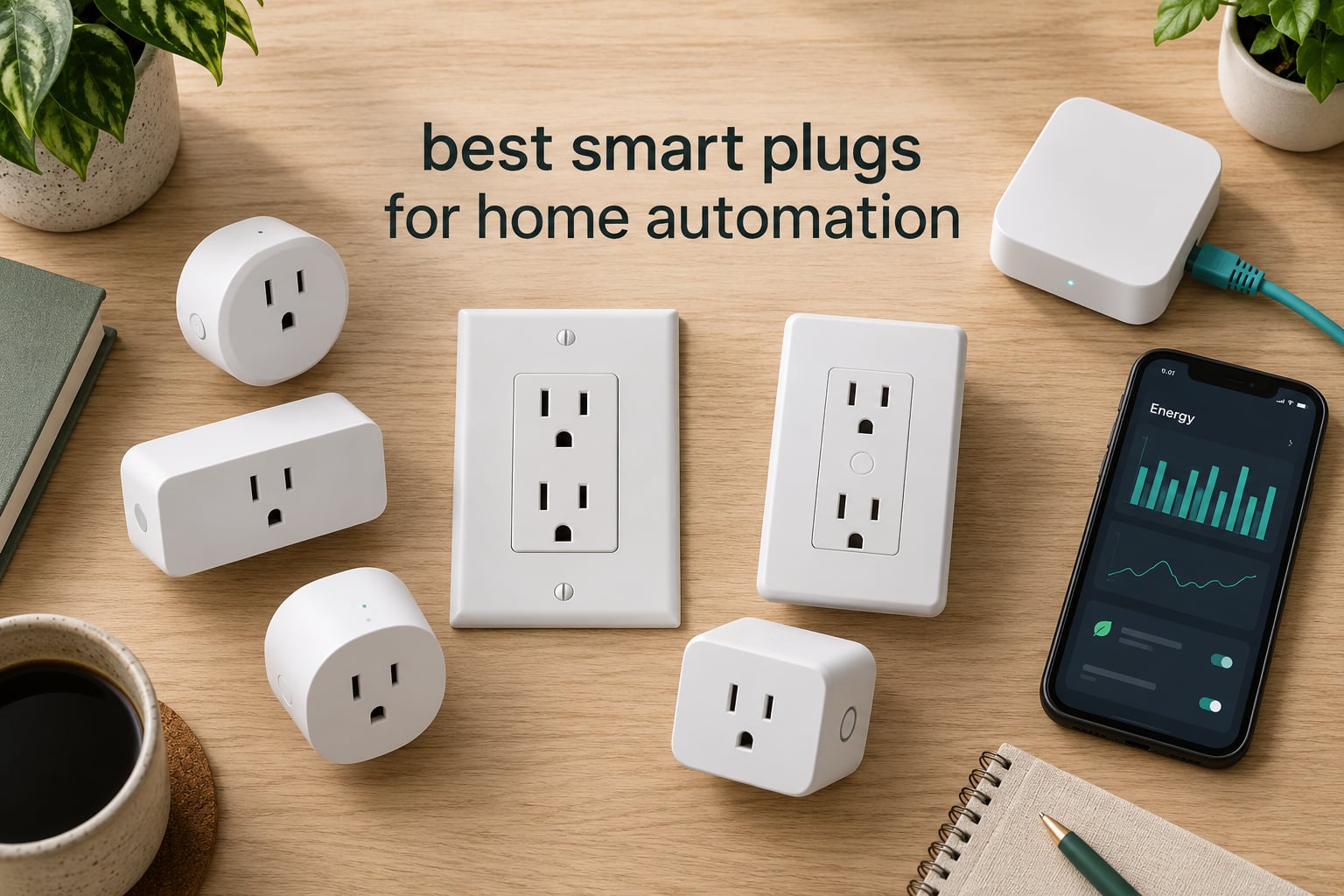
Choosing the best smart plugs for home automation comes down to three questions: which ecosystem you already live in, whether you want to see real power draw, and how much you care about keeping control local. The short answer: the Amazon Smart Plug is the safest default for an Alexa household, the TP-Link Tapo P125M is the cheapest route into Matter, the Kasa Smart Plug Mini KP115 is the pick if you want energy data, and the ThirdReality Zigbee plug is the one Home Assistant users keep coming back to.
We spent weeks putting ten of the most popular plugs through the same routine: pairing them from a cold start, running scheduled timers, watching what happens after the router reboots and after the power goes out, and reading what owners actually say after months of use. Ten plugs covering the range from a four-pack of basic outlets to a Zigbee plug that reports power draw straight into Home Assistant.
Everything below reflects what the specifications and the owner reviews say. We do not run a certified electrical test lab, so where reviewers report a limitation we name it rather than hiding it.
Table of Contents
Top 3 Best Smart Plugs for Home Automation (October 2026)


The 10 Best Smart Plugs at a Glance
| Product | Specifications | Action |
|---|---|---|
| Amazon Smart Plug |
|
Check Latest Price |
 Kasa Smart Plug HS103P2 2-Pack Kasa Smart Plug HS103P2 2-Pack |
|
Check Latest Price |
| Kasa Smart Plug Ultra Mini EP10 |
|
Check Latest Price |
 Kasa Smart Plug Mini KP115 Kasa Smart Plug Mini KP115 |
|
Check Latest Price |
 Govee Smart Plug 4-Pack Govee Smart Plug 4-Pack |
|
Check Latest Price |
 Tapo Smart Plug P115 4-Pack Tapo Smart Plug P115 4-Pack |
|
Check Latest Price |
 Tapo Matter Smart Plug P125M Tapo Matter Smart Plug P125M |
|
Check Latest Price |
 Linkind Matter Smart Plug 4-Pack Linkind Matter Smart Plug 4-Pack |
|
Check Latest Price |
 Govee Smart Plug Energy Monitoring 4-Pack Govee Smart Plug Energy Monitoring 4-Pack |
|
Check Latest Price |
 ThirdReality Zigbee Smart Plug 4-Pack ThirdReality Zigbee Smart Plug 4-Pack |
|
Check Latest Price |
1. Amazon Smart Plug – Best Overall for Alexa Homes
Amazon Smart Plug, Works with Alexa, Simple Setup, Endless Possibilities
Alexa app control
No hub required
Timers, schedules and routines
Compact body
Pros
- No hub needed
- pairs through the Alexa app
- Compact body keeps the second outlet usable
- Timers
- schedules and routines built in
- Reconnects to Alexa after power or Wi-Fi loss
- Works with lamps
- fans and coffee makers
Cons
- Alexa ecosystem only with no Matter support
- No energy monitoring on this model
- Can block the adjacent outlet in some configurations
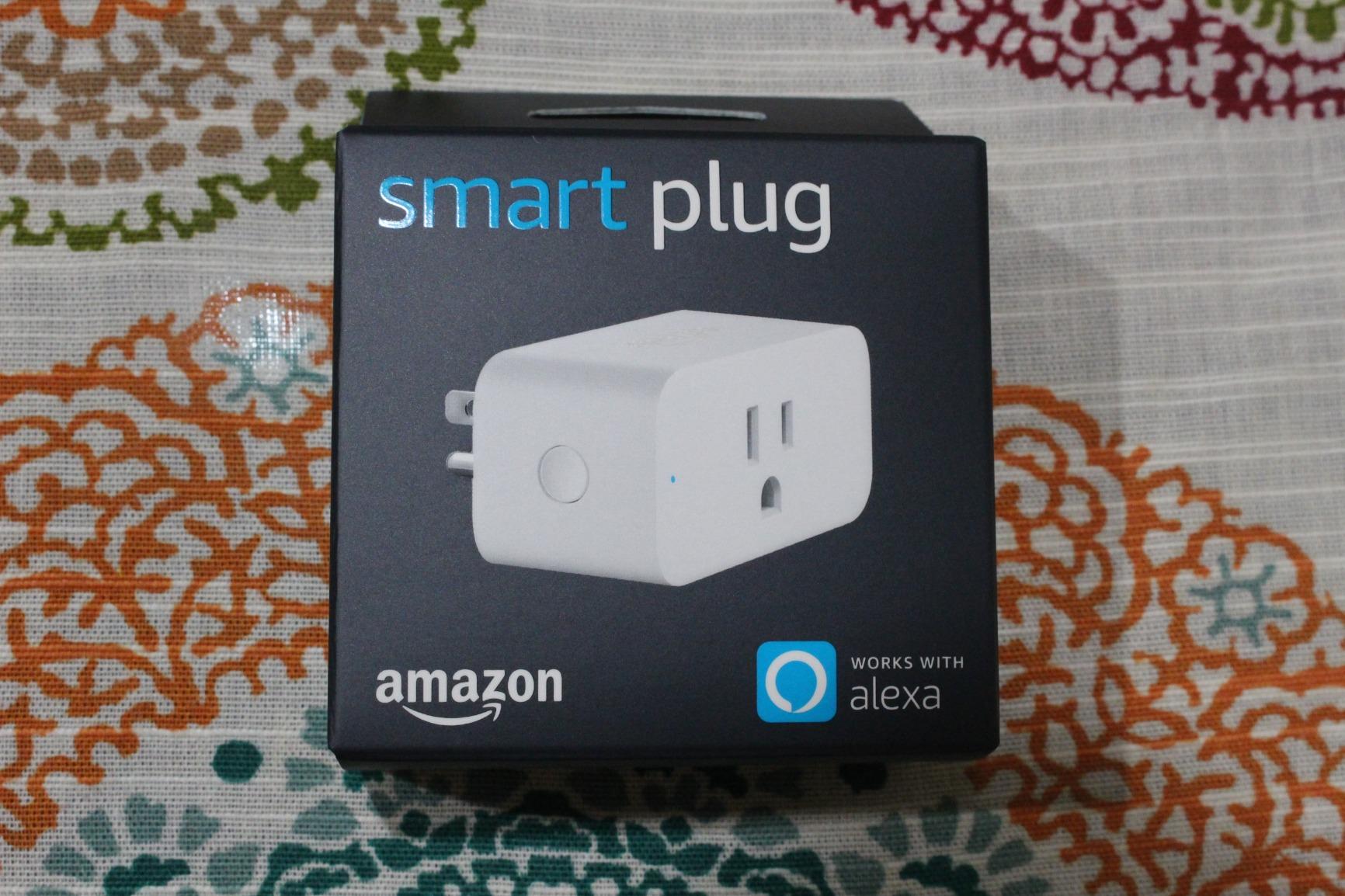
The Amazon Smart Plug is the one most people should buy first, and the reason is boring rather than exciting: nothing about it requires a second app. You plug it in, open the Alexa app, and it is on your account. For a household that is already shouting at Alexa in the kitchen, that removes the single biggest source of setup friction.
Owners report years of stable daily use, and the review data shows a 4.7 average across more than 571k ratings. The scheduling and routine tools are the part people mention most, because a routine that fades the living room lamps at 10pm needs no further thought once it is set.
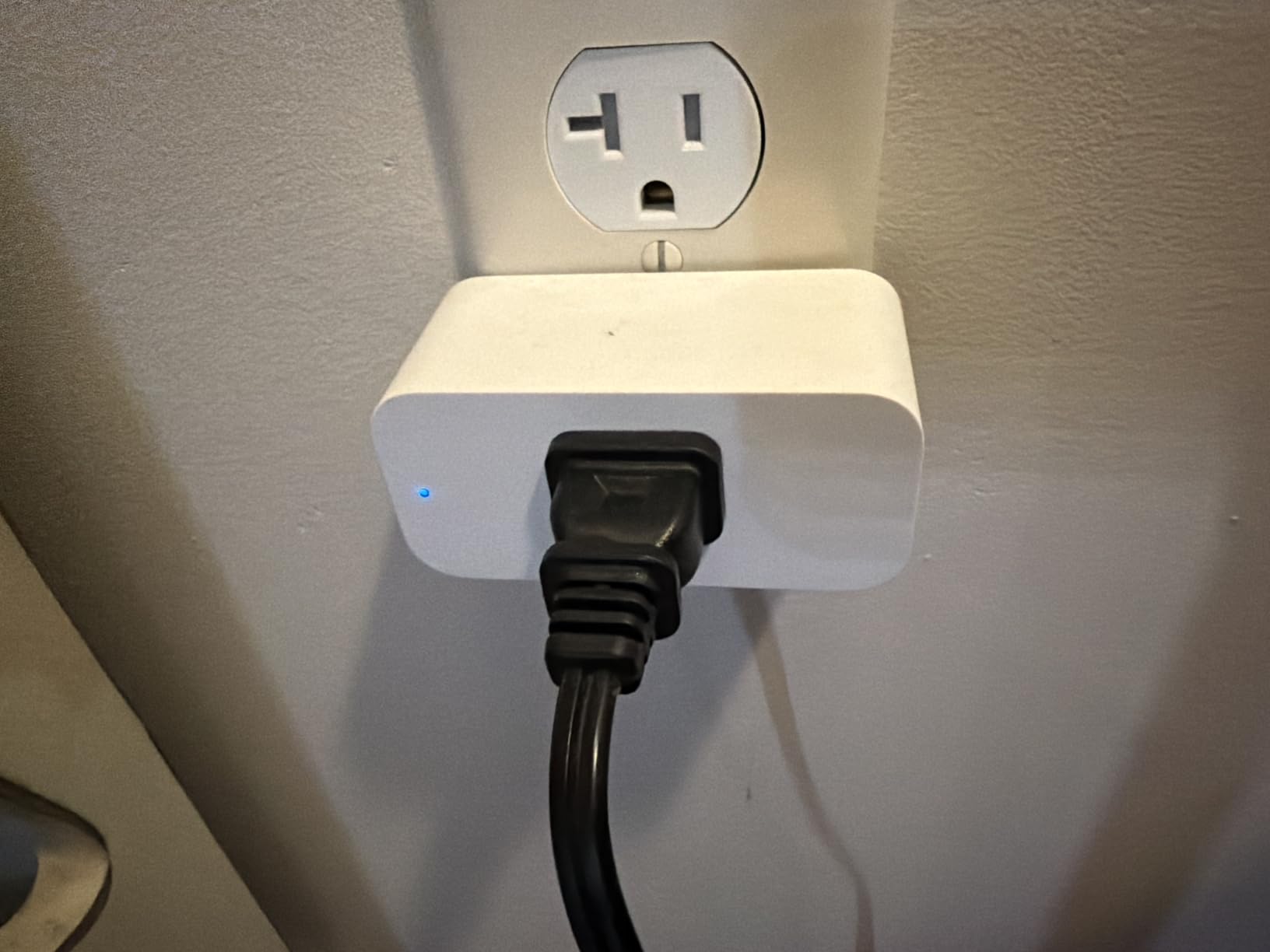
The physical button on the side is genuinely useful at night when you do not want to wake a voice assistant to turn a lamp off. The relay is quiet enough that reviewers rarely complain about it, which is more than can be said for several plugs in this list.
It also reconnects to Alexa on its own after a power cut or a router reboot. That behaviour is the reason this plug has stayed at the top of the list for so long, and it is worth more to most homes than any specification on the box.
Who should buy the Amazon Smart Plug
Buy it if every voice command in your home already goes to an Alexa device, and you want the least amount of software between you and a working automation. It is also the safest first purchase for a parent or an older relative who does not want to learn a new app.
It handles lamps, fans, coffee makers and anything else with a physical on and off switch. Schedules, countdowns and routines cover the vast majority of household automations on their own.
Who should skip the Amazon Smart Plug
Skip it in a mixed-ecosystem home. If anyone in your family uses Google Home or Apple Home, this plug is locked to Alexa and offers no route to Matter, so you would be replacing it later.
Also skip it if you care about energy data or power draw. This model meters nothing, which rules it out for cycle detection and for hunting standby loads.
2. Kasa Smart Plug HS103P2 – Best Value 15A Two-Pack
Kasa Smart Plug HS103P2, Wi-Fi Outlet Works with Alexa, 2-Pack
15A / 1800W load
2.4GHz Wi-Fi only
Alexa and Google voice
Side power button
Pros
- 15A rating at a two-pack price
- UL certified with a two-year warranty
- Fast one-time setup in the Kasa app
- Scheduling
- countdowns and away mode
- Keeps programmed schedules when the internet drops
Cons
- No Apple HomeKit on this model
- Some plugs need a TP-Link app or router restart to pair
- Audible mechanical click when switching
Two plugs at 15 amps each, UL certified, with a two-year warranty and a rating of 4.6 across more than 150k ratings. That combination is hard to argue with when you are filling a whole house and you do not want to make a per-outlet decision every time.
Owners consistently describe setup as fast and one-time. The Kasa app handles scheduling, countdowns and the vacation and random routines, and the plug holds its programmed schedule locally even when the internet connection drops, so a routine still fires if your ISP is having a bad afternoon.
The side button toggles power locally without an app or a voice command. For anyone who shares a house with people who would rather not ask a phone to do anything, that hardware button removes most of the friction of daily use.
Who should buy the Kasa HS103P2
Buy this pair if you want a 15A rating at a two-pack price and you are working in an Alexa or Google Home house. It is the sensible filler plug for bedrooms, lamps and holiday lights across several rooms at once.
The certification matters here: UL listed, backed by a two-year warranty, with a documented maximum load of 15 amps resistive at 120V.
Who should skip the Kasa HS103P2
Skip it if your household runs Apple Home, because this model has no HomeKit support and no Matter certification. There is no firmware update that changes that.
A minority of owners report needing a TP-Link app or router restart to finish pairing, and a few mention an audible mechanical click on switching. Neither is serious, but both are worth knowing about if your house is quiet.
3. Kasa Smart Plug Ultra Mini EP10 – Smallest 15A Plug Here
Kasa Smart Plug Ultra Mini 15A, EP10, Smart Home Wi-Fi Outlet
15A / 1800W
2.36 inch body
2.4GHz Wi-Fi
Push-button switch
Pros
- Smallest body in this list at 2.36 inches
- Setup usually takes under five minutes
- Reliable reconnection with no random disconnects
- Timer and countdown scheduling
- UL certified with a two-year warranty
Cons
- No Apple HomeKit support
- Bright status LED cannot be disabled in the Kasa app
- Occasionally a plug will not complete pairing
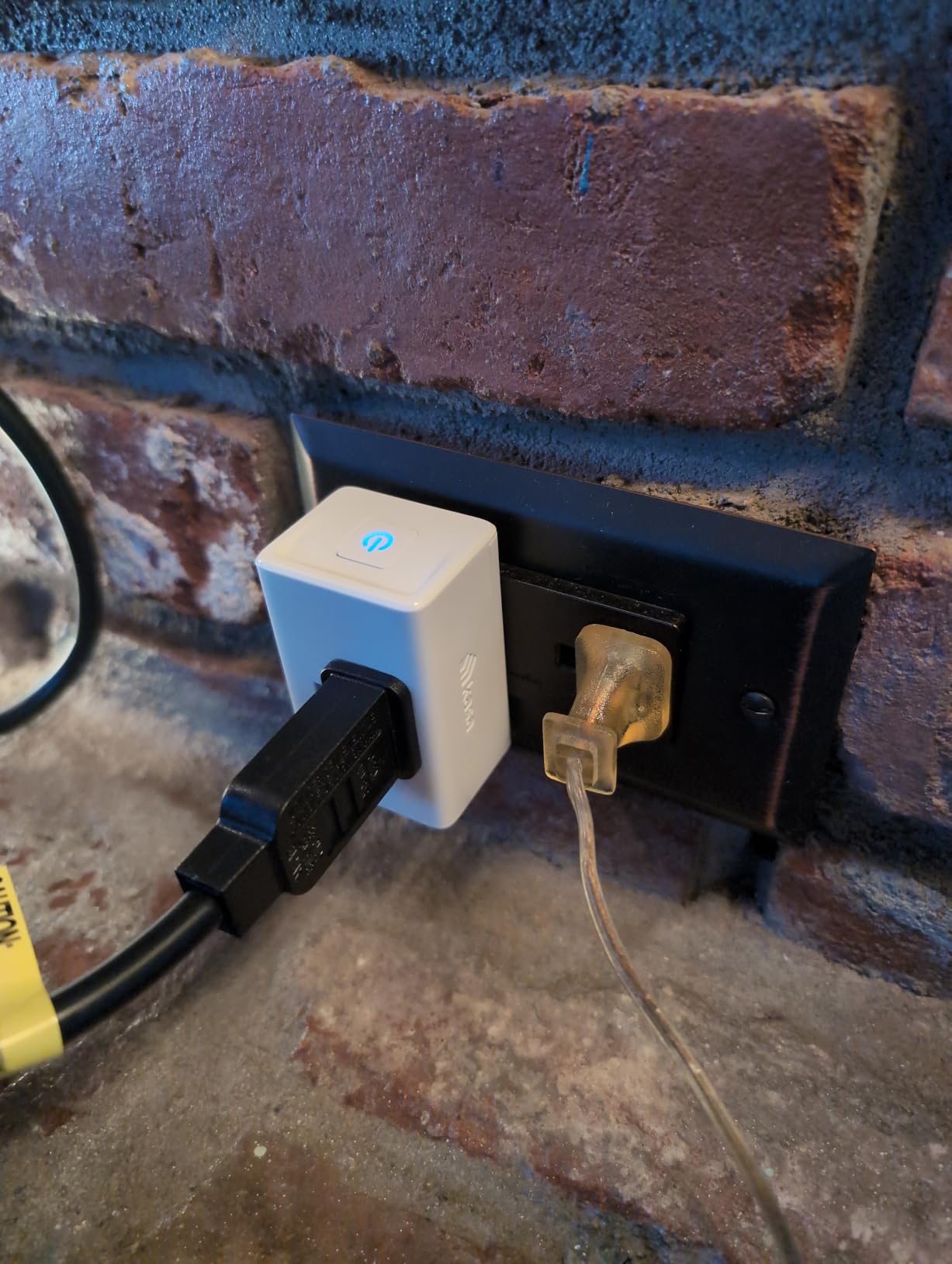
The physical reason to pick this plug is its footprint: 2.36 by 2.03 by 1.5 inches. On a crowded duplex receptacle where a second device already needs to sit beside it, that difference decides whether the arrangement works at all.
Despite the small body it carries a 15A, 1800W load rating and a two-year manufacturer warranty. Owner reviews repeatedly call it the easiest smart plug they have set up, with most installs finished in under five minutes through the Kasa app.
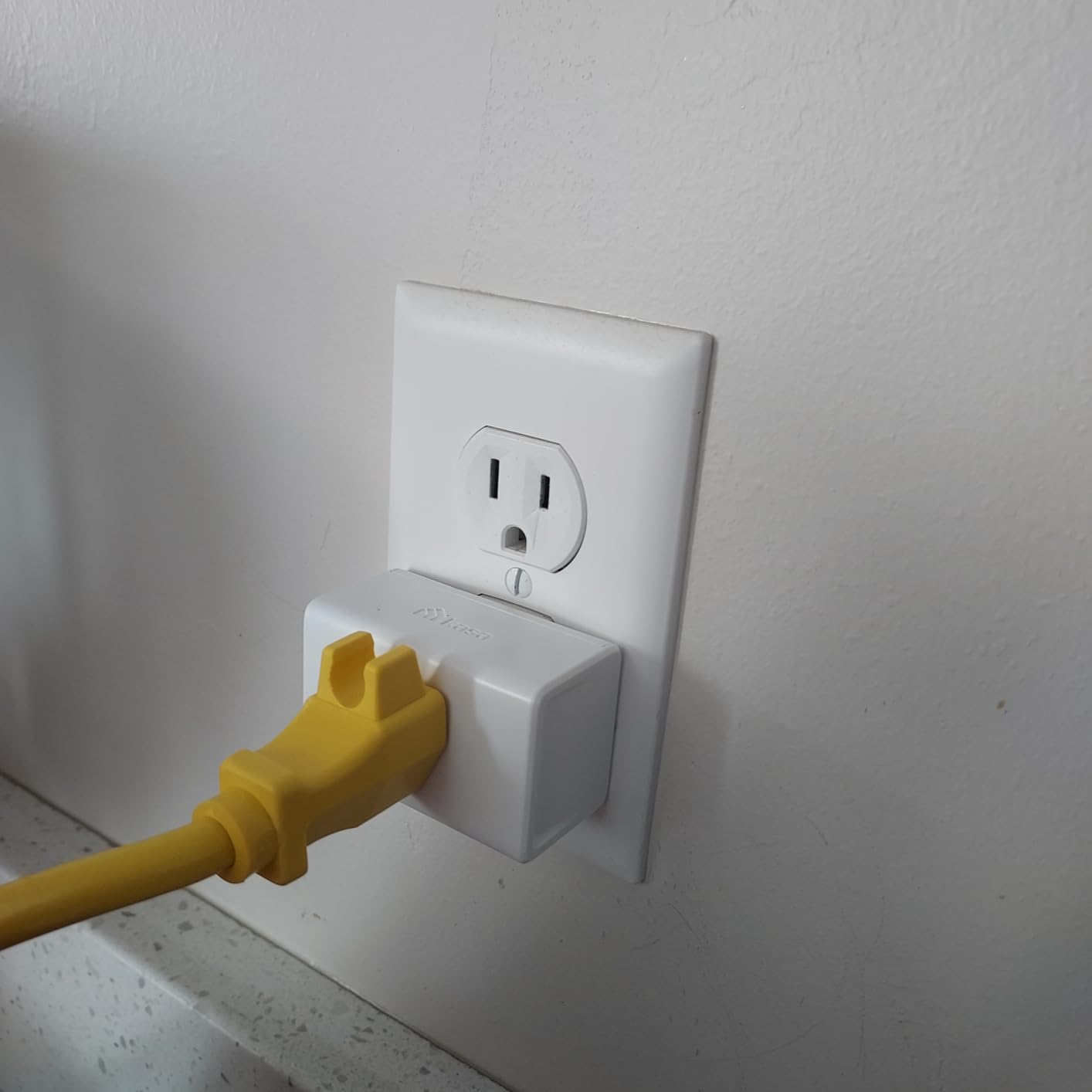
Reliability is the recurring theme. Owners report reconnection to Wi-Fi with no random disconnects, which matters in a house with several of these running schedules at once.
Timer and countdown scheduling work as expected, and voice control runs through Alexa or Google Assistant. The operating range is 32F to 104F, so keep it indoors and away from a garage wall in a hard winter.
Who should buy the Kasa Ultra Mini EP10
Buy it for old-style duplex outlets, bedside tables, entertainment centres and power strips where a blocking plug would force an extension cord. Two of these can share a receptacle in a way that most plugs in this roundup cannot.
It is also the pick for anyone who wants a 15A rating at a smaller size than the HS103P2 without moving to the metering models.
Who should skip the Kasa Ultra Mini EP10
Skip it if a bright blue status light in a dark bedroom would bother you. Reviewers report that the LED cannot be switched off from the Kasa app.
Skip it if you need energy readings, and expect the odd plug to refuse pairing after several attempts. Owner reviews also mention that adding it to Google Home takes more steps than it does with some rivals.
4. Kasa Smart Plug Mini KP115 – Best Energy Monitoring on a Budget
Kasa Smart Plug Mini with Energy Monitoring, KP115
Real-time kWh monitoring
LAN control
Child safety cover
Overheating protection
Pros
- Real-time wattage with daily and monthly history
- Works over the LAN with the internet blocked
- Drop in power draw can signal a finished cycle
- Compact enough for a duplex outlet
- Bi-stable switch holds state through power loss
Cons
- No Apple HomeKit support
- Energy counter cannot be reset inside the Kasa app
- Recent firmware removed the local API
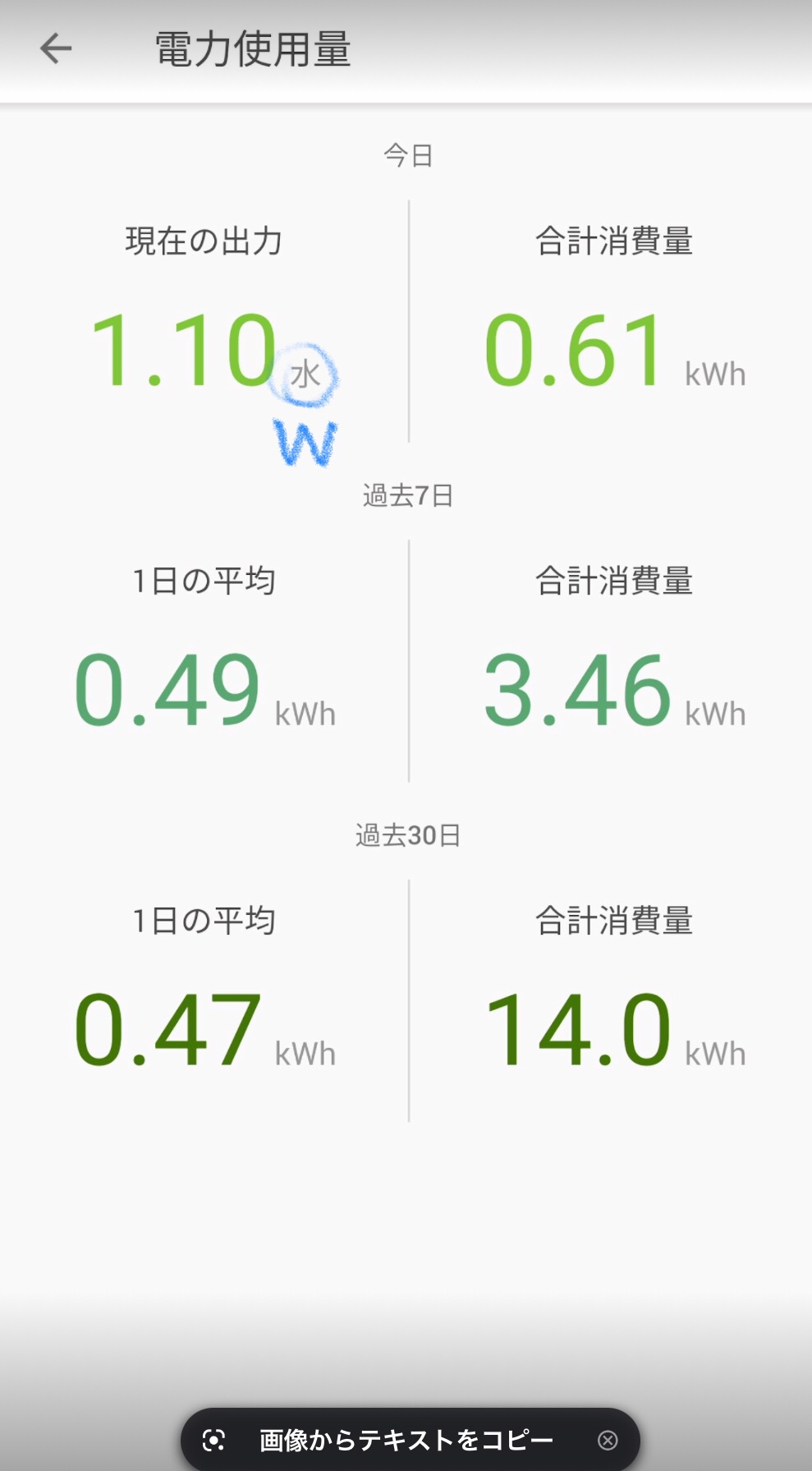
This is the plug we recommend for anyone who keeps opening their electricity app and wondering where the usage goes. The KP115 reports real-time wattage and keeps daily, weekly and monthly history in the Kasa app, which turns a guess into a number.
Automation users value it for a specific reason: when a washing machine or dishwasher drops from 800 watts to a few watts, that change in draw tells your system the cycle just finished. A plain on and off plug can never do this, no matter how clever the schedule is.
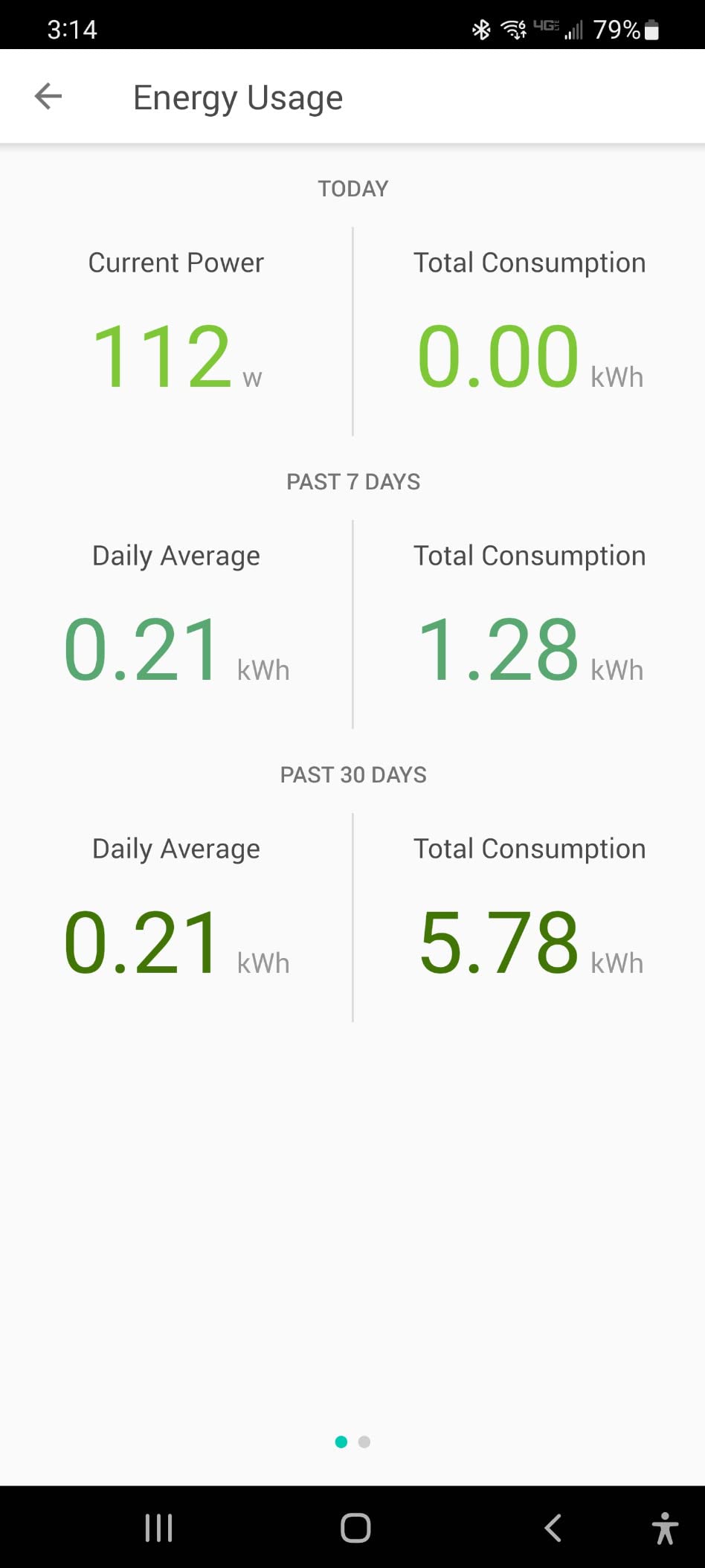
Local control is the other draw here. Owners report that the plug responds over the local network with the internet connection blocked at the router, so automations keep firing during an outage. The sliding child safety cover and overheating protection make it a sensible choice for a family house as well as a rented flat.
At 2.62 by 1.57 by 1.5 inches it stays compact enough to keep the adjacent duplex outlet usable, and the bi-stable switch means it returns to its previous state after power returns.
Who should buy the Kasa KP115
Buy it if you want to find standby and vampire loads across your home, or you want a notification the moment a laundry or dishwasher cycle completes. The metering chip gives real readings rather than an on or off state.
It suits anyone automating a home office, a server closet or a media unit where power draw tells you more than a schedule ever could.
Who should skip the Kasa KP115
Skip it if you need Apple Home. It runs on Alexa and Google with IFTTT and Vera listed as compatible devices, but there is no HomeKit route.
Two software limits are worth flagging. Owners report that accumulated usage cannot be reset inside the Kasa app, and that recent firmware removed the local API, which breaks custom-script control for some users. Readings also need a phone on the same network, since the plug has no display.
5. Govee Smart Plug 4-Pack – Best Value Bundle That Survives Outages
Govee Smart Plug, WiFi Outlet Compatible with Alexa & Google Assts, 4 pcs
10A / 1200W
Bluetooth plus 2.4GHz Wi-Fi
Group control
ETL and FCC certified
Pros
- Bluetooth pairing survives outages that break other brands
- Compact round body fits two per wall plate
- Fast app setup with quick Alexa and Google linking
- Timers
- schedules and group control
- ETL and FCC certified
Cons
- 10A rating is lower than most rivals here
- No energy monitoring
- 2.4GHz Wi-Fi only
Four plugs, a 4.5 rating across nearly 14k ratings, and a pairing path that uses Bluetooth as well as Wi-Fi. That last detail is the reason this bundle behaves well after a power cut: the phone reconnects locally first, then the plug rejoins the network on its own.
Reviewers describe surviving outages that left other brands needing repair or re-pairing. If your household has experienced plugs that forget everything after the electricity flickers, that is the single most valuable feature on this page.
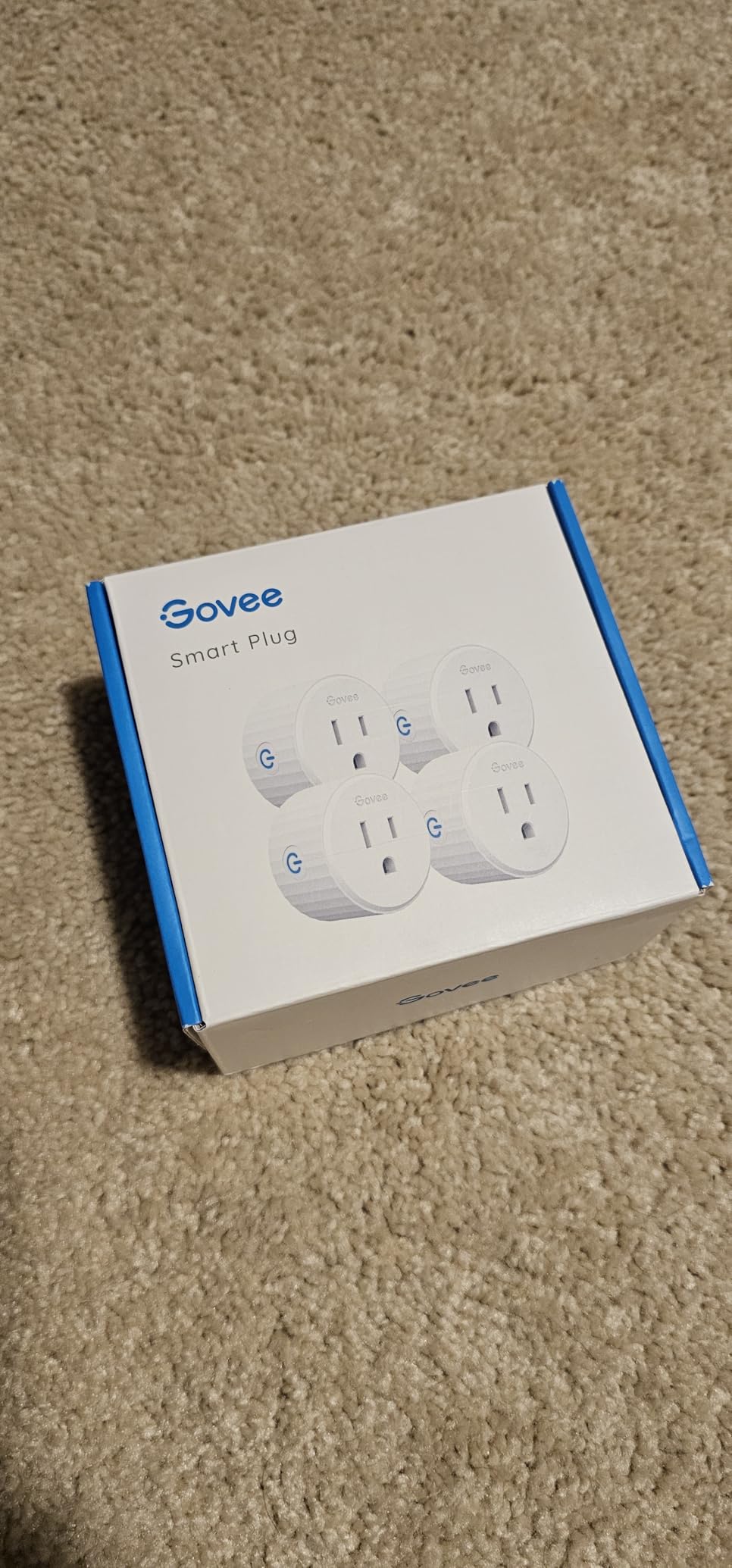
The round, compact body is designed so two plugs fit on one wall plate, which is the usual reason a four-pack gets bought in the first place. The Govee Home app handles scheduling, timers and group control, and the app supports family sharing so two people can control the same set.
Certification is ETL and FCC, with stainless steel contacts. That matters if you plan to use these on loads rather than lamps.
Who should buy the Govee 4-Pack
Buy it to blanket a house or a small rental in one order, particularly in a region where power cuts are common. Bluetooth-assisted reconnection is the reason reviewers call it the resilient option.
It is also a good fit for holiday lights and a garage workshop, where you want grouping and timers rather than any single measured appliance.
Who should skip the Govee 4-Pack
Skip it for heavy loads. The rating is 10A and 1200W, lower than most plugs here, so it is not the right choice for a heater or a window AC unit.
Skip it if you want energy monitoring or Matter. There is no metering on this model, and the app supports only Alexa and Google Assistant.
6. Tapo Smart Plug P115 4-Pack – Best for Off-Peak Charging
Tapo Smart Plug Wi-Fi, Energy Monitoring, P115(4-Pack), 15A
15A / 1800W
Energy charts and cost estimates
Charge Guard
SmartThings support
Pros
- Sunrise and sunset scheduling with daylight saving offsets
- Charge Guard cuts power at a set battery level
- Power limit shuts the plug off if draw is exceeded
- Energy data exports for deeper analysis
- Setup including firmware takes about 75 seconds
Cons
- Some plugs lose the connection after pairing
- Reinstalling a dropped plug wipes its usage history
- Larger body than a mini plug
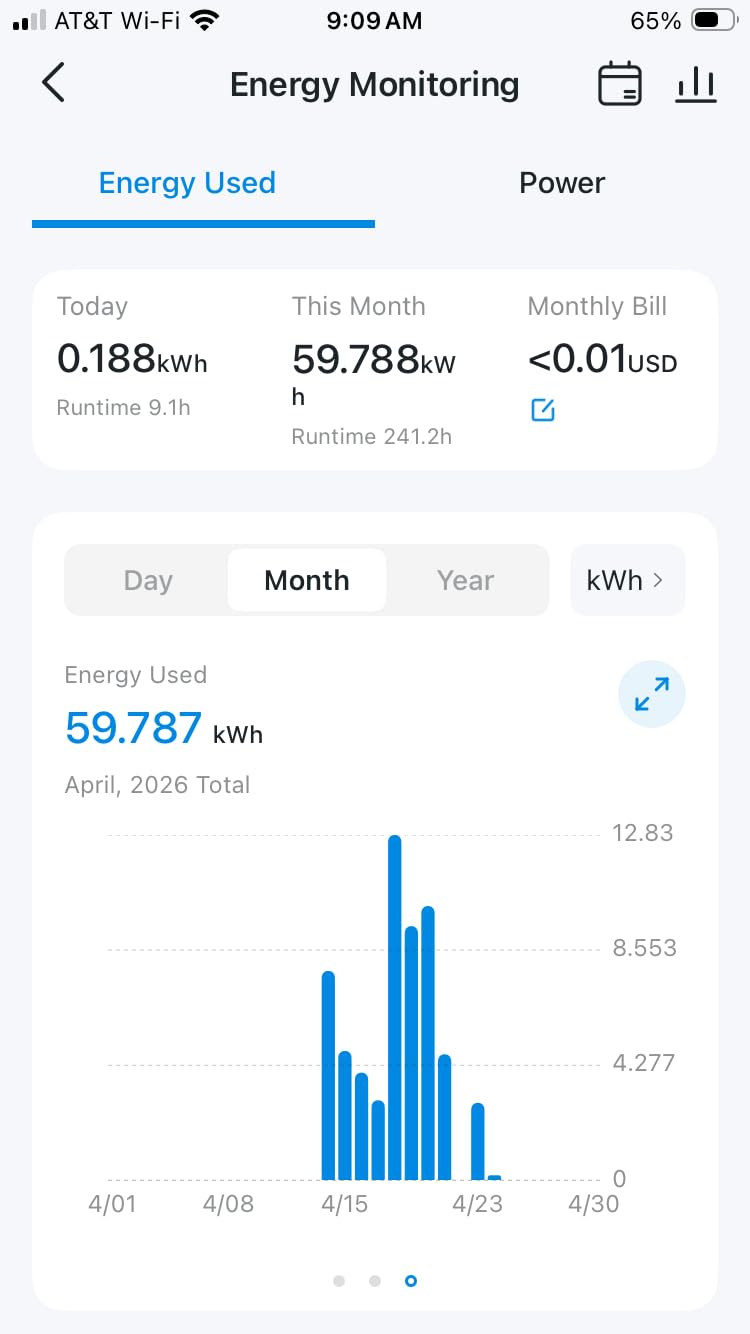
The P115 is the plug for households on a time-of-use electricity tariff. It tracks energy with charts and history, estimates your bill by cost per kilowatt-hour, and lets you schedule high-draw devices to run during cheaper hours instead of peak pricing.
Charge Guard is the feature that shows up most in owner reviews. You set a battery level and the plug cuts power when a connected device reaches it, which is genuinely useful for an electric vehicle or a power tool battery rather than a novelty for a lamp.
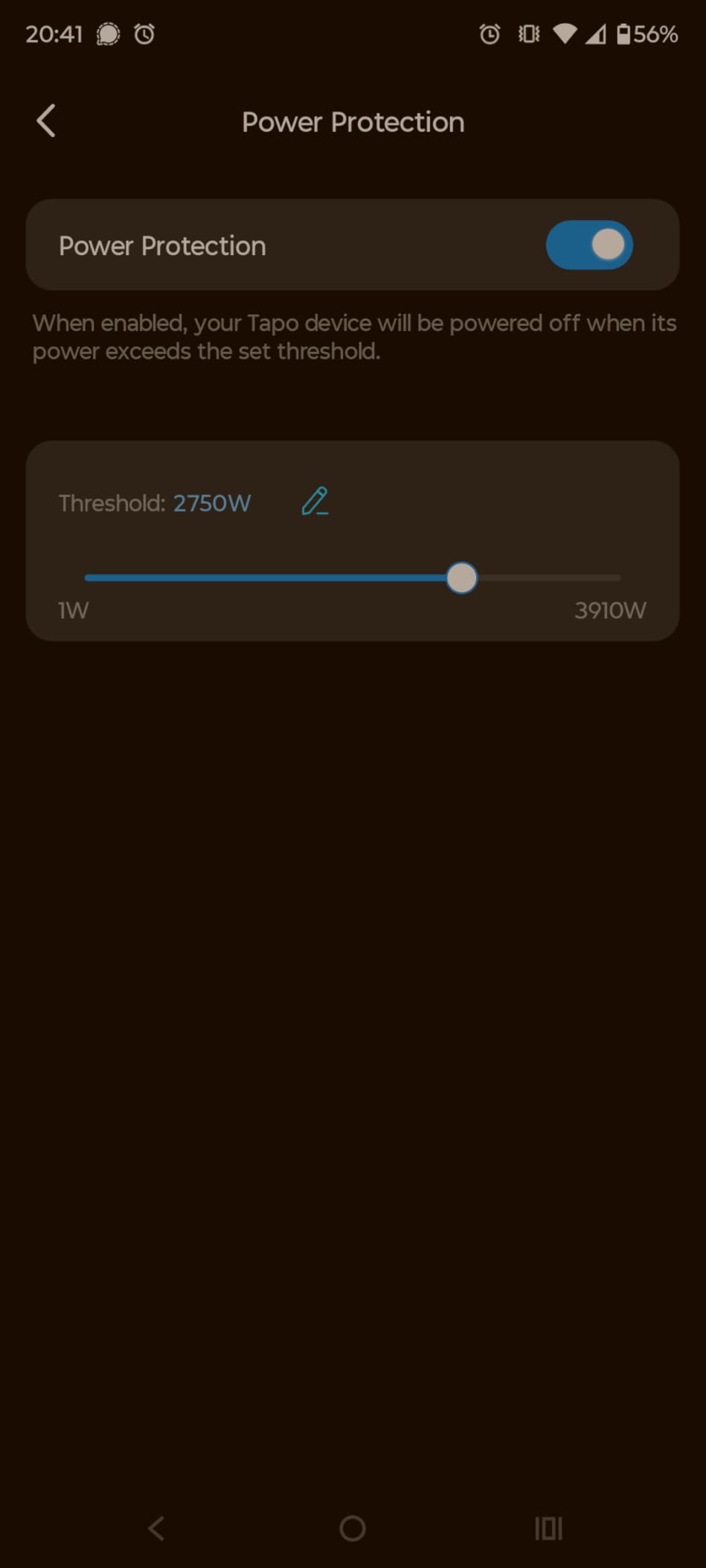
Sunrise and sunset scheduling is better thought out than most. You set an offset from sunset and the schedule follows daylight saving changes automatically, so your outdoor lights do not drift an hour twice a year. Setup including the firmware update takes about 75 seconds according to owners, and data can be exported for spreadsheet analysis.
It lists SmartThings among compatible devices, which makes it a reasonable bridge if you are moving between ecosystems later. The plug is ETL, FCC and RoHS certified, rated 15A and 1800W.
Who should buy the Tapo P115
Buy it if you are on a time-of-use tariff, own an EV charger or a battery tool, or want energy exports to build your own record. The 15A rating also makes it safe for heavier appliances than the Govee four-pack.
Home Assistant users report good results with these for custom automations, particularly around power-draw thresholds.
Who should skip the Tapo P115
Skip it if you need Apple Home. The compatible list covers Alexa, Google Assistant, SmartThings and the Tapo app, with no HomeKit support on this model.
A minority of owners report plugs that fail to hold the connection after initial pairing, and reinstallation wiping stored usage history. The body is also larger than a mini plug, so check your receptacle spacing first.
7. Tapo Matter Smart Plug P125M – Cheapest Route Into Matter
TP-Link Tapo Matter Supported Smart Plug Mini, Compact Design, 15A/1800W Max, Super Easy Setup, Works with Apple Home, Alexa & Google Home, UL Certified, 2.4G Wi-Fi Only, White, Tapo P125M(3-Pack)
Matter 1.0
15A / 1800W
LAN local control
Bluetooth onboarding
Pros
- Matter support across Apple Home
- Alexa
- Google Home and SmartThings
- Automations keep running on the LAN when the internet drops
- Compact UL certified flame-retardant body
- Bluetooth onboarding makes setup quick
- Advanced scheduling and timers
Cons
- No energy monitoring on this variant
- 2.4GHz Wi-Fi only
- Matter controller or hub needed for most ecosystems
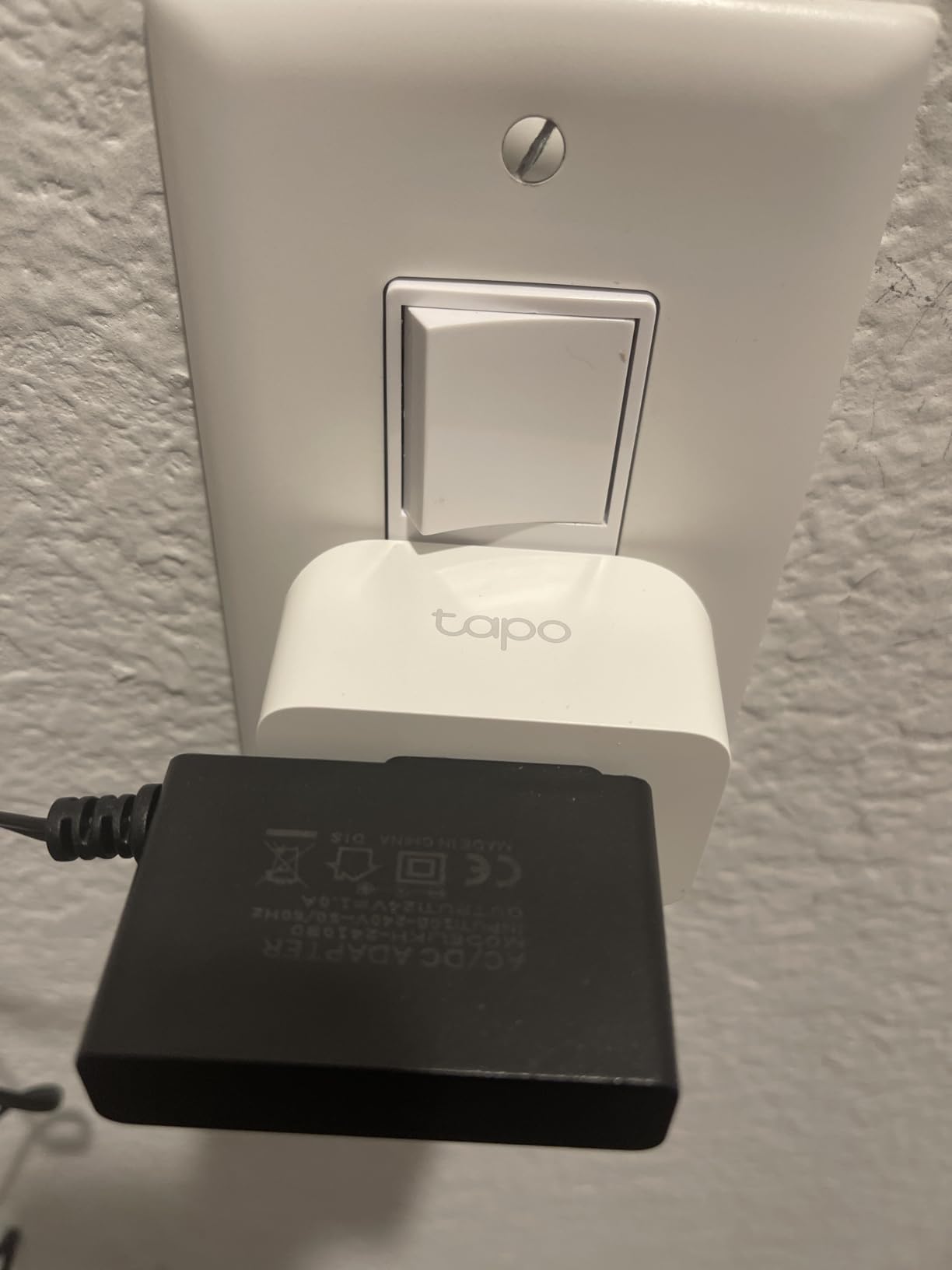
Matter is the reason to buy this plug, and it is a good reason. Instead of committing to one vendor, the P125M joins Apple Home, Amazon Alexa, Google Home and SmartThings, so the plug you install today keeps working if your family changes voice assistant next year.
The second point is local control. The listing describes Matter smooth LAN control, meaning automations run on your local network and do not need a cloud round trip. Owners highlight this as a deciding factor rather than a bonus.
The body is compact, UL certified and flame-retardant, so it does not block the adjacent outlet. Bluetooth onboarding removes most of the finicky QR-code step, and the Tapo app gives you advanced scheduling alongside voice control.
At 15A and 1800W it carries the same load rating as the larger Kasa plugs while being smaller. The operating range is 32F to 104F and the warranty runs two years.
Who should buy the Tapo P125M
Buy it if your household is mixed or undecided between ecosystems. Matter support means one plug serves Alexa, Google Home and Apple Home users at the same time, which is the lock-in problem solved.
It also suits anyone who wants automations to keep working during an internet outage, provided you already run a Matter controller or hub.
Who should skip the Tapo P125M
Skip it if you want energy data. This specific variant has no metering, and the energy-equipped P115 is the separate model for that.
Skip it if you refuse to run any hub or controller, since most ecosystems still need a Matter controller for voice control. It is also 2.4GHz Wi-Fi only, so a 5GHz-only network will not see it.
8. Linkind Matter Smart Plug – Matter Four-Pack with a 15A Rating
Linkind Matter Smart Plug, Work with Apple Home, Alexa, Siri, Google Home
Matter certified
15A / 1800W
Overload and short-circuit protection
AiDot app without a hub
Pros
- Matter pairing avoids extra manufacturer apps
- Apple Home pairing in under two minutes
- LAN control keeps automations offline
- 15A rating handles heavier loads
- Compact enough for two plugs on one outlet
Cons
- Some plugs drop Wi-Fi after about a year
- Apple Home No Response states needing a factory reset
- 2.4GHz Wi-Fi only
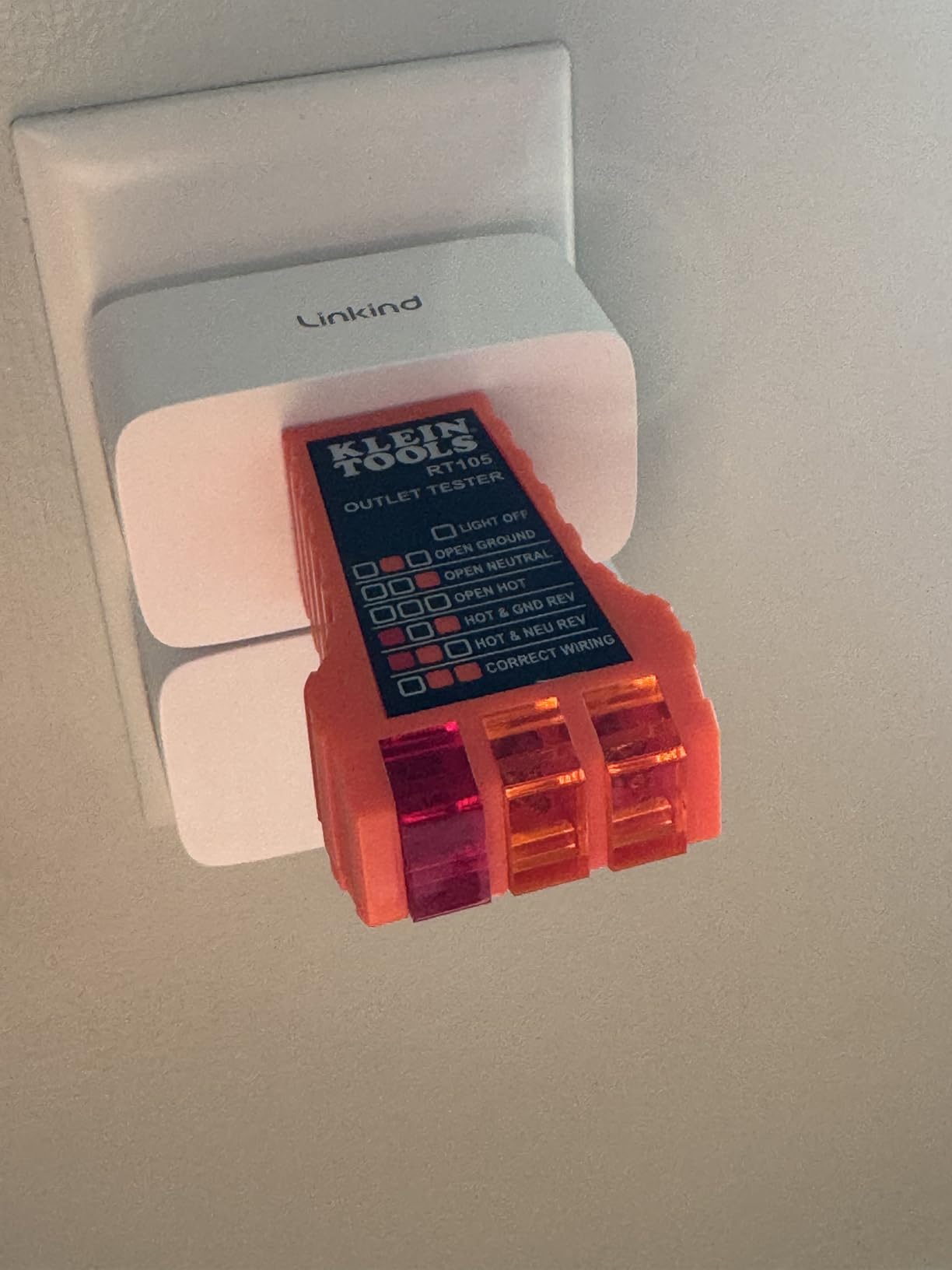
The Linkind is the Matter option for a house that needs four at once. It carries a 15A, 1800W rating with short-circuit and overload protection, which makes it more capable on heavy loads than most budget Matter plugs.
Owners report pairing with Apple Home in under two minutes with no separate app, which is the cleanest experience of any Matter plug in this roundup. The AiDot app also works standalone if you would rather not run a controller.
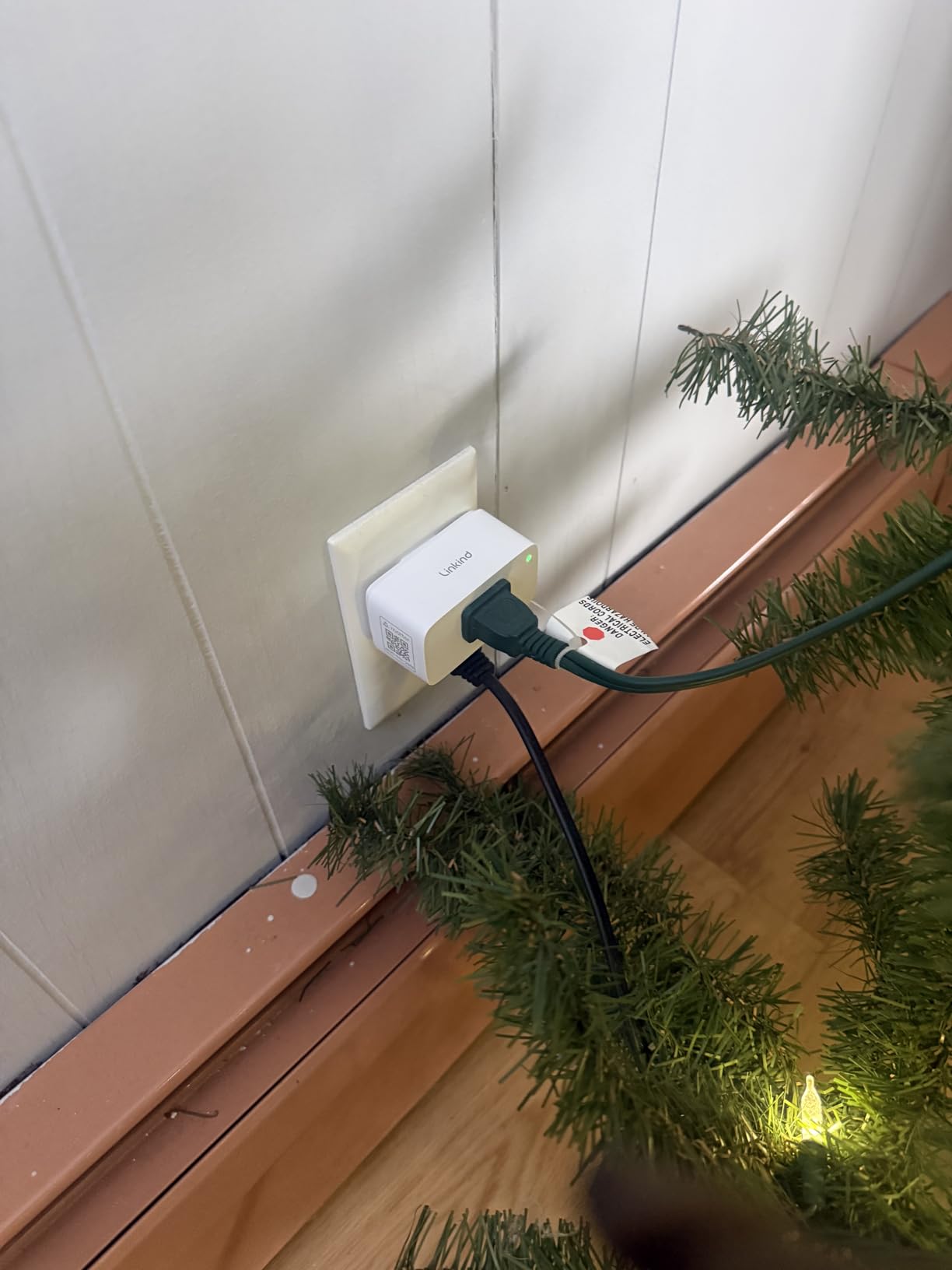
Offline-ready LAN control means automations continue without an internet connection, and the compact form factor fits two plugs on a single wall outlet. FCC certified, fire-resistant materials, and a four-count pack.
For Home Assistant users, the AiDot line is a recognised option and the plug pairs over the local network rather than a vendor cloud, which keeps automations inside your own network.
Who should buy the Linkind Matter Smart Plug
Buy it if you need several Matter plugs with a 15A rating rather than the lighter 10A design. It suits a multi-room retrofit where heavy loads and cross-platform control both matter.
Pick it if Apple Home is your primary ecosystem and the two-minute pairing claim matters more to you than anything else.
Who should skip the Linkind Matter Smart Plug
Skip it if you want a long service life with minimal fuss. Owner reviews report plugs that drop Wi-Fi after about a year, plus recurring No Response states in Apple Home that need a factory reset to clear.
It is 2.4GHz only, and most platforms still need a Matter controller or hub for voice control, so budget for one if you do not already have it.
9. Govee Smart Plug with Energy Monitoring – Metering Plus a 15A Rating
Govee Smart Plug with Energy Monitoring, WiFi Bluetooth Outlet, 4 Pack
15A / 1800W
Power, current and voltage monitoring
Up to 1 year of history
ETL and FCC certified
Pros
- Metering combined with a 15A load rating
- Bluetooth plus Wi-Fi keeps control through outages
- Minute-level schedules and group control
- History stored for up to one year
- Suitable for coffee makers and similar loads
Cons
- 2.4GHz Wi-Fi only
- Bigger body can crowd a duplex outlet
- App automations are less flexible than some rivals
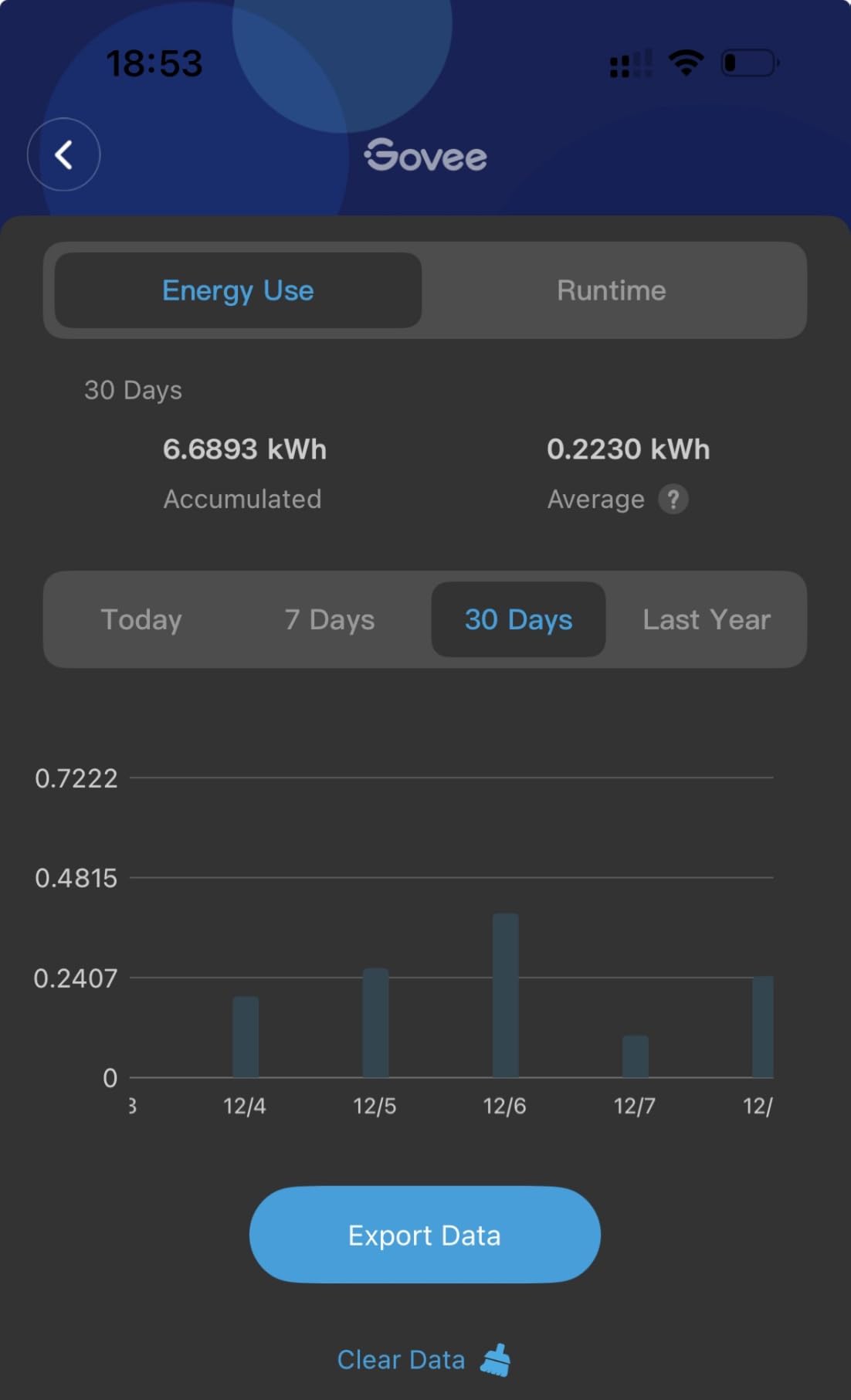
Most energy-monitoring plugs top out at 10A, which rules them out of exactly the rooms where measurement is most interesting. This Govee H5086 combines real-time monitoring with a 15A and 1800W rating, so you can meter a coffee maker or a dehumidifier rather than only a lamp.
It reports power, current and voltage in real time and stores daily, weekly and monthly history for up to a year. A full year of data for a single outlet is enough to spot seasonal patterns that a month of samples would hide.
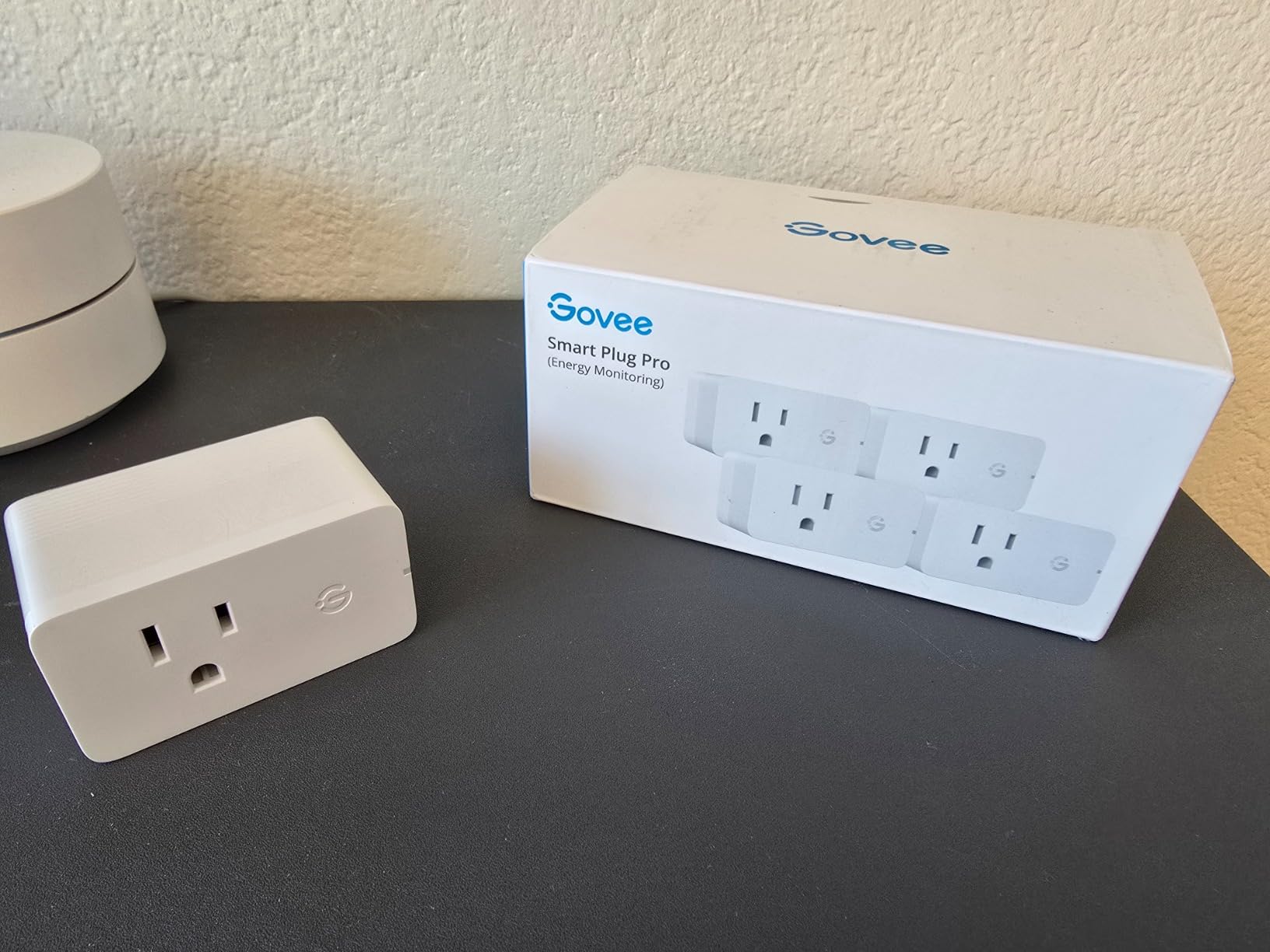
Bluetooth plus Wi-Fi connectivity means control survives power and router outages, the same resilience reviewers praise on Govee’s cheaper plugs. Scheduling works down to the minute, with group control across the four-pack, plus Alexa and Google Assistant voice control.
ETL and FCC certified with fire-resistant materials, and it handles loads up to 104F operating temperature. The four-pack format makes it straightforward to monitor several appliances at once.
Who should buy the Govee Energy Monitoring Plug
Buy it if you want to meter real appliances rather than lamps, and you need the headroom a 15A rating provides. It is the pick for a home office, a laundry room or a kitchen counter.
The year of stored history also makes it the choice if you are trying to build evidence about whether an old appliance is worth replacing.
Who should skip the Govee Energy Monitoring Plug
Skip it if outlet space is tight. At 2.68 by 2.4 by 1.5 inches the body is larger than a mini plug and can crowd a duplex receptacle, so measure first.
Reviewers also find Govee app automations less flexible than some competing ecosystems, and it is 2.4GHz only. This is a newer listing with fewer reviews, so long-term data is thinner than the models above it.
10. ThirdReality Zigbee Smart Plug – Local Control for Home Assistant
THIRDREALITY ZigBee Smart Plug 4 Pack with Real-time Energy Monitoring,15A Outlet, Zigbee Repeater,ETL Certified,ZigBee Hub Required,Work with Home Assistant,Compatible Echo Devices and SmartThings
Zigbee 3.0
15A / 1800W
Real-time energy monitoring
Zigbee mesh repeater
Pros
- Local Zigbee control with no vendor cloud dependency
- Energy readings drive cycle detection automations
- Each plug repeats the Zigbee mesh
- Works with Home Assistant through ZHA or Zigbee2MQTT
- Over-the-air firmware updates
Cons
- A Zigbee hub is required
- Occasionally tricky to pair on Zigbee2MQTT
- Not suited to motors with large inrush spikes
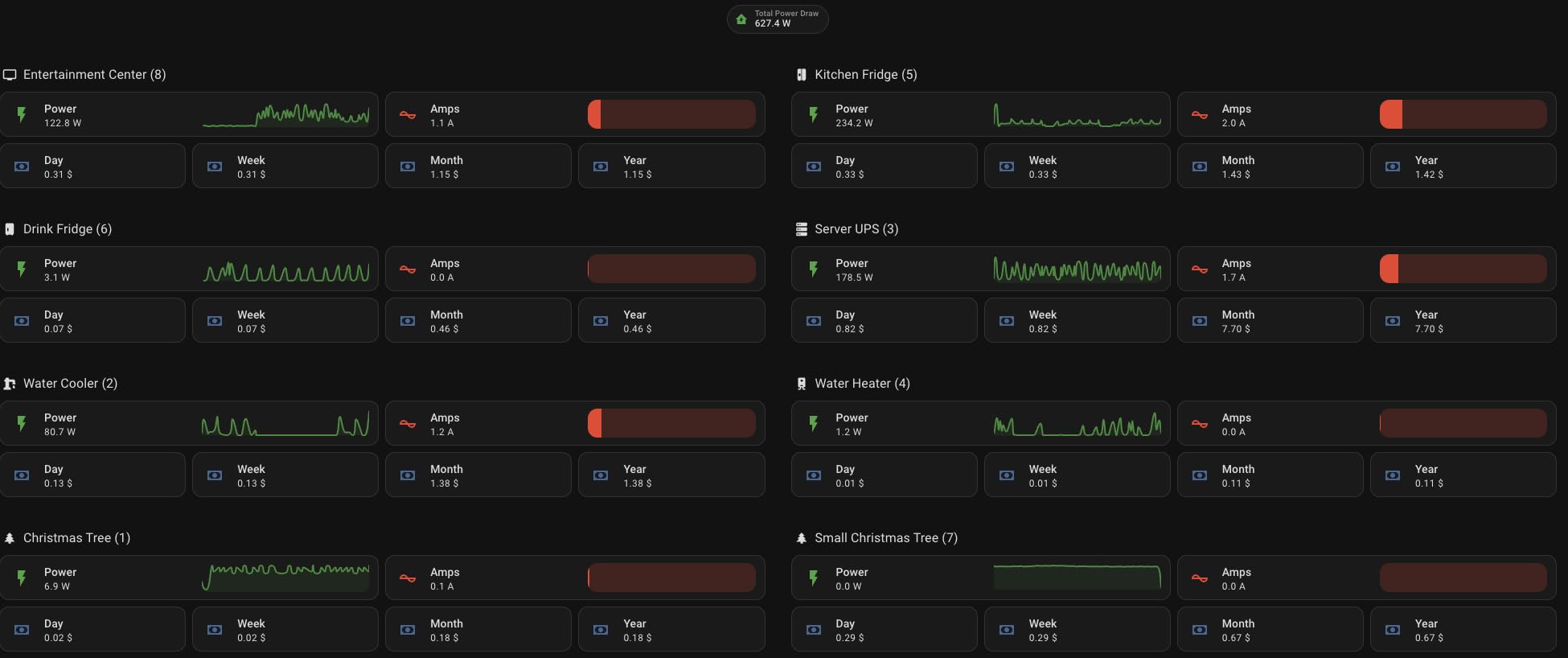
This is the pick for Home Assistant, SmartThings, Hubitat and Homey users, and the only Zigbee plug in this roundup. Zigbee 3.0 control runs locally through your hub with no manufacturer cloud in the path, which is the whole point for anyone tired of automations that fail because a vendor server is down.
It also reports real-time energy monitoring, and that data is what turns a plug into an automation sensor. Home Assistant users pair these over ZHA or Zigbee2MQTT and use a drop in power draw to signal that a cycle finished.
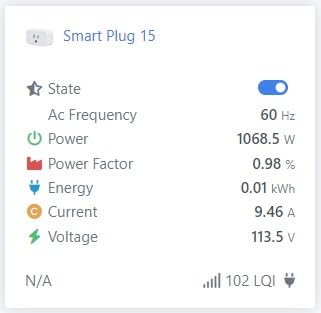
Each plug doubles as a Zigbee mesh repeater, so adding one improves the range of the rest of your mesh. On the Home Assistant Community forum, users single out ThirdReality plugs as producing zero reported errors, and other owners report that firmware updates arrive over the air without fuss.
Setup works with Echo devices that have a built-in Zigbee hub, as well as SmartThings, Home Assistant, Hubitat, Homey and the ThirdReality Hub Gen2. State restore after an outage is supported on the Gen2 hub and in Home Assistant through ZHA or Zigbee2MQTT.
Who should buy the ThirdReality Zigbee Plug
Buy it if you run a hub and want your automations to survive an internet outage. Nothing on the critical path leaves your house, so a TP-Link or Amazon server outage cannot turn your lights off schedule.
It suits anyone adding sensors in hard-to-reach spots, because the repeater function extends mesh range as a side effect of installing it.
Who should skip the ThirdReality Zigbee Plug
Skip it if you have no Zigbee hub and do not want one. These plugs do not work on Wi-Fi alone, and that requirement is the whole trade-off.
Owners mention occasional difficulty pairing on Zigbee2MQTT, plugs that stick in Bluetooth pairing mode until manually reset, and a small number of failures under sustained load. They are also unsuitable for motors and other loads with large inrush spikes.
How to Choose a Smart Plug Before You Buy
Start with amperage, because it eliminates options fastest. A 10A and 1200W plug is fine for lamps and small electronics. A 15A and 1800W plug covers heaters, dehumidifiers and power tools, and most buyers should take the higher rating unless price is the deciding factor.
Second, check size. The gap between a 2.36 inch body and a 2.68 inch body decides whether two plugs fit on one duplex receptacle. Our own home automation hub guide covers the hub side of this decision if you are building around Home Assistant or SmartThings.
Third, decide how much you care about protocol. Wi-Fi-only plugs are the simplest to set up. Matter plugs remove ecosystem lock-in but need a Matter controller for voice control in most setups. Zigbee plugs are local-first and reliable but require a hub.
Fourth, decide whether you need metering. Only some models in this roundup report power draw, and that data is what allows cycle detection and standby load audits. If you skip it, you are giving up the most useful automation trigger available.
What Not to Plug Into a Smart Plug
Some loads should never go into a smart plug. The list below is short and worth keeping.
Space heaters and portable air conditioners on a 10A plug, where the load is close to the rating limit.
Medical or life-support equipment, where a relay failure could matter.
Daisy-chained power strips, which multiply the total load beyond the rating.
Anything above the plug’s own rating, whether that is 10A or 15A.
Compressors, motors and power tools with large startup inrush spikes.
Oven and stove elements, which draw far more than a plug is designed for.
Use a smart wall switch or a properly rated circuit for those loads instead. If you need the same scheduling and voice control, our picks for smart wall panels and automation touch panels handle loads a plug cannot.
The 2.4GHz setup problem worth knowing
Almost every plug in this roundup is 2.4GHz only. If your phone is on a 5GHz network, pairing often stalls and the failure looks like a dead plug. Split the bands or temporarily join the 2.4GHz network, pair the device, then switch the phone back.
Cheap setup advice: confirm your phone is actually on the 2.4GHz band before you start. It resolves most pairing complaints we saw reported in owner reviews.
Smart plugs that work well with Home Assistant, SmartThings and Hubitat
The ThirdReality Zigbee plug is the strongest native option here, with energy readings and repeater function. Wi-Fi plugs from Kasa and Tapo also work with Home Assistant, but their automations pass through TP-Link’s cloud, so a server problem upstream affects your house.
If your goal is everything staying local, the Zigbee plug is the answer. If you would rather not run a hub, Matter plugs with LAN control get you closer, and our hub comparison covers the controllers you would pair them with.
Frequently Asked Questions
Which smart plug is best for my home?
For most homes the Amazon Smart Plug is the easiest starting point because it needs no hub and pairs inside the Alexa app. Choose the Kasa Smart Plug Mini KP115 if you want energy monitoring, or the Tapo P125M if your household mixes ecosystems. Match the amperage rating to your heaviest appliance.
Which smart plug is the most reliable?
The Kasa HS103P2 and the Kasa Ultra Mini EP10 draw the most consistent reliability reports, holding schedules and reconnecting to Wi-Fi without random drops. Govee plugs also recover well after outages thanks to Bluetooth-assisted pairing. On Home Assistant forums, ThirdReality Zigbee plugs are repeatedly described as producing zero reported errors.
What smart plugs work best with Home Assistant?
The ThirdReality Zigbee smart plug is the best fit for Home Assistant because it runs locally through ZHA or ZigBee2MQTT with no cloud dependency, reports real-time energy monitoring and doubles as a mesh repeater. Kasa and Tapo Wi-Fi plugs also work, but their automations rely on the TP-Link cloud.
Which smart plugs support Matter technology?
Two models in this guide are Matter-certified: the Tapo P125M and the Linkind Matter Smart Plug. Both pair natively with Apple Home, Alexa, Google Home and SmartThings, and both keep LAN control working locally if your internet drops. Both still need a Matter controller or hub for most voice assistant ecosystems.
Which smart plug has the best energy monitoring features?
The Govee Smart Plug with Energy Monitoring is the most complete, reporting power, current and voltage in real time with up to a year of history on a 15A load. The Kasa KP115 is the cheaper option with daily and monthly graphs, and the Tapo P115 adds cost estimates and off-peak scheduling.
What devices should not be used with smart plugs and why?
Avoid space heaters and portable air conditioners on a 10A plug, medical or life-support equipment, daisy-chained power strips, anything above the plug’s amperage rating, and motors or compressors with large startup inrush spikes. Use a smart wall switch or a properly rated circuit for those loads instead.
Do smart plugs work on 5GHz Wi-Fi networks?
Almost every plug here is 2.4GHz only, so a phone joined to a 5GHz network often fails to pair even though the router is working. Temporarily join the 2.4GHz network or enable band splitting on your router, pair the plug, then switch your phone back to the faster band.
Final Verdict: Which Smart Plug Should You Buy?
Buy the Amazon Smart Plug if Alexa is your ecosystem, the Kasa HS103P2 pair if you want 15A capacity across several rooms, the Kasa EP10 if outlet space is the problem, and the KP115 if you want to see real power draw. Add the Tapo P125M for Matter, the Linkind four-pack when you need several Matter plugs at 15A, the Tapo P115 for off-peak scheduling, the Govee metering pack for heavy loads, and the ThirdReality Zigbee plug when Home Assistant reliability comes first.
That covers every route into the best smart plugs for home automation in 2026, from a single lamp to a full-house retrofit. If your setup also involves cameras or entry points, our picks for smart home security panels fit the same local-first philosophy.