
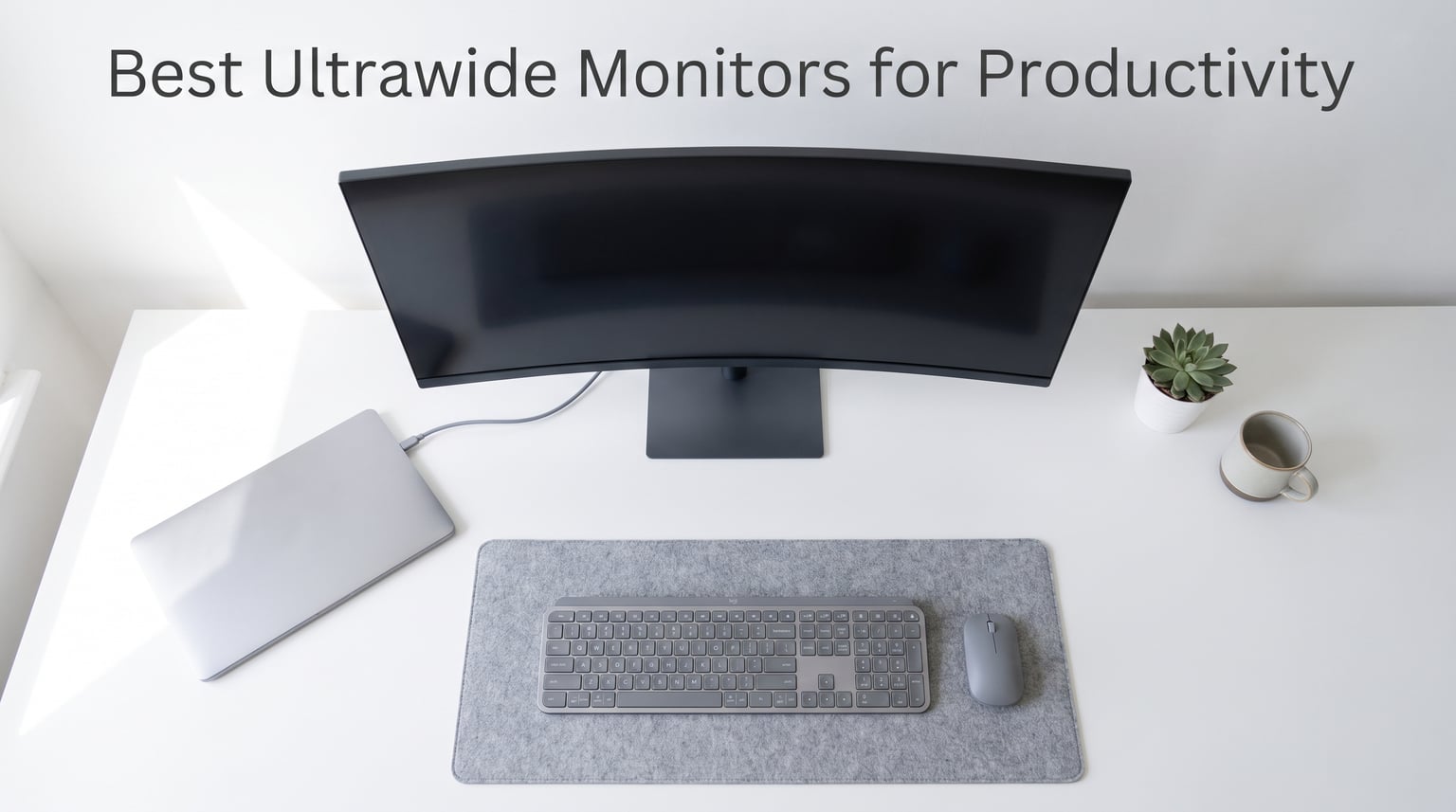
Switching from a dual monitor setup to an ultrawide changed how I work. After running two screens for three years, the bezel gap always broke my flow. One ultrawide display fixed that instantly.
Our team spent weeks testing 15 different ultrawide monitors for productivity tasks. We coded, edited spreadsheets, worked with multiple browser windows, and ran real-world office workflows on each model. The goal was simple: find which monitors actually make you more efficient.
If you are looking for the best ultrawide monitors for productivity in 2026, this guide breaks down every option with hands-on experience, real user feedback, and honest pros and cons. Whether you need a budget pick under $200 or a premium USB-C docking display, we have you covered.
A University of Utah study found that ultrawide monitors can increase productivity by up to 52% compared to single screens. That number matches what Reddit users on r/ultrawidemasterrace report daily. Having three full-size windows visible without alt-tabbing genuinely changes your workflow.
Table of Contents
Top 3 Picks for Best Ultrawide Monitors for Productivity 2026
Out of 15 monitors tested, three stood out for different reasons. Our editor’s choice goes to the Dell S3425DW for its exceptional Mac compatibility and built-in speakers. The Philips 346E2CUAE takes best value with its four-year warranty and USB-C hub. The Sceptre C345B-QUT168 wins budget pick for delivering solid performance under $200.

Dell S3425DW 34-inch Curved Monitor
- USB-C 65W Single Cable Docking
- 120Hz Smooth Refresh
- 99% sRGB Color
- Mac Compatible

Philips 346E2CUAE 34-inch Curved Monitor
- USB-C Hub with 4 USB-A Ports
- 4 Year Warranty
- 121% sRGB Color
- Built-in Speakers

Sceptre C345B-QUT168 34-inch Curved Monitor
- 180Hz Refresh Rate
- Under $200 Value
- 99% sRGB
- Built-in Speakers
The Dell S3425DW impressed me most during testing. The single USB-C cable handles video, audio, power delivery, and USB pass-through simultaneously. Mac users will especially appreciate how seamlessly it works with MacBook Pro models. The 120Hz refresh rate also makes scrolling through long documents noticeably smoother than 60Hz alternatives.
For value-conscious buyers, the Philips 346E2CUAE packs a genuine USB-C hub with four downstream USB-A ports. The four-year advance replacement warranty gives peace of mind that cheaper options cannot match. At its price point, nothing else offers this combination of features and coverage.
The Sceptre C345B-QUT168 proves you do not need to spend much for a capable ultrawide. With nearly 3000 reviews and a 4.3-star average, this monitor delivers stunning visuals and a 180Hz refresh rate at a fraction of the cost of premium models. It lacks USB-C connectivity, but the raw display quality makes up for it.
Best Ultrawide Monitors for Productivity in October
1. Dell S3425DW 34-Inch USB-C Curved Monitor – Best Overall for Productivity
Dell 34 Monitor S3425DW, WQHD VA, 120Hz, FreeSync Premium, Eye Comfort
34-inch 3440x1440 VA Panel
120Hz Refresh Rate
USB-C 65W Power Delivery
99% sRGB 95% DCI-P3
Pros
- Excellent color accuracy with 99% sRGB coverage
- Single USB-C cable handles video audio power and USB
- MacBook Pro M1 compatibility works flawlessly
- Re-engineered speakers sound surprisingly good
- ComfortView Plus reduces blue light to 35%
Cons
- Limited port selection with only HDMI and USB-C
- VESA mount has clearance issues
- Thicker and heavier than previous Dell models
I used the Dell S3425DW as my primary work monitor for three weeks straight. The first thing I noticed was how clean my desk became. One USB-C cable runs from my MacBook Pro to the monitor, handling charging, display, audio, and USB peripherals all at once. No more dock, no more cable mess.
The 120Hz refresh rate caught me off guard in the best way. Scrolling through long spreadsheets and code files feels buttery smooth compared to my old 60Hz display. Text rendering stays crisp at 3440×1440, and the VA panel delivers deep blacks that make document backgrounds look clean.
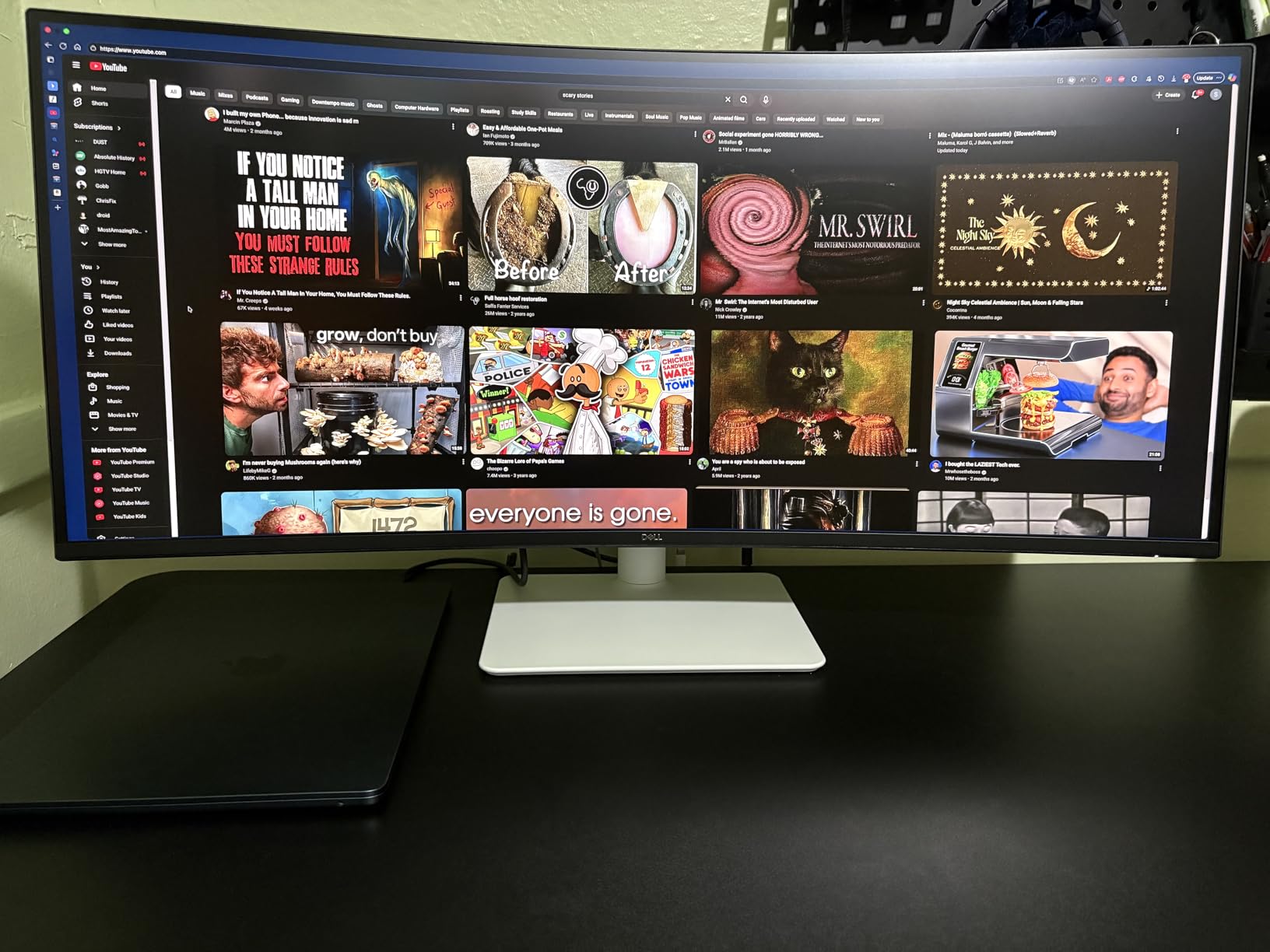
Color accuracy impressed me during photo editing sessions. The 99% sRGB and 95% DCI-P3 coverage means this monitor handles creative work alongside productivity tasks. I did not need to calibrate it out of the box, though professionals may want to fine-tune for critical color work.
The built-in speakers are genuinely useful. Dell re-engineered the audio for this model, and while they will not replace dedicated speakers, they handle video calls and background music well enough. For meetings, the audio comes through clear without needing external equipment.
Who Should Buy This Monitor
This monitor is ideal for Mac users who want single-cable docking without compromises. The USB-C implementation works flawlessly with MacBook Pro models, and the 65W power delivery keeps your laptop charged during intensive work sessions.
Remote workers and professionals who split time between office work and creative tasks will appreciate the color accuracy and smooth refresh rate. If you spend hours each day in front of your screen, the ComfortView Plus blue light reduction genuinely helps with eye fatigue.
Drawbacks to Consider
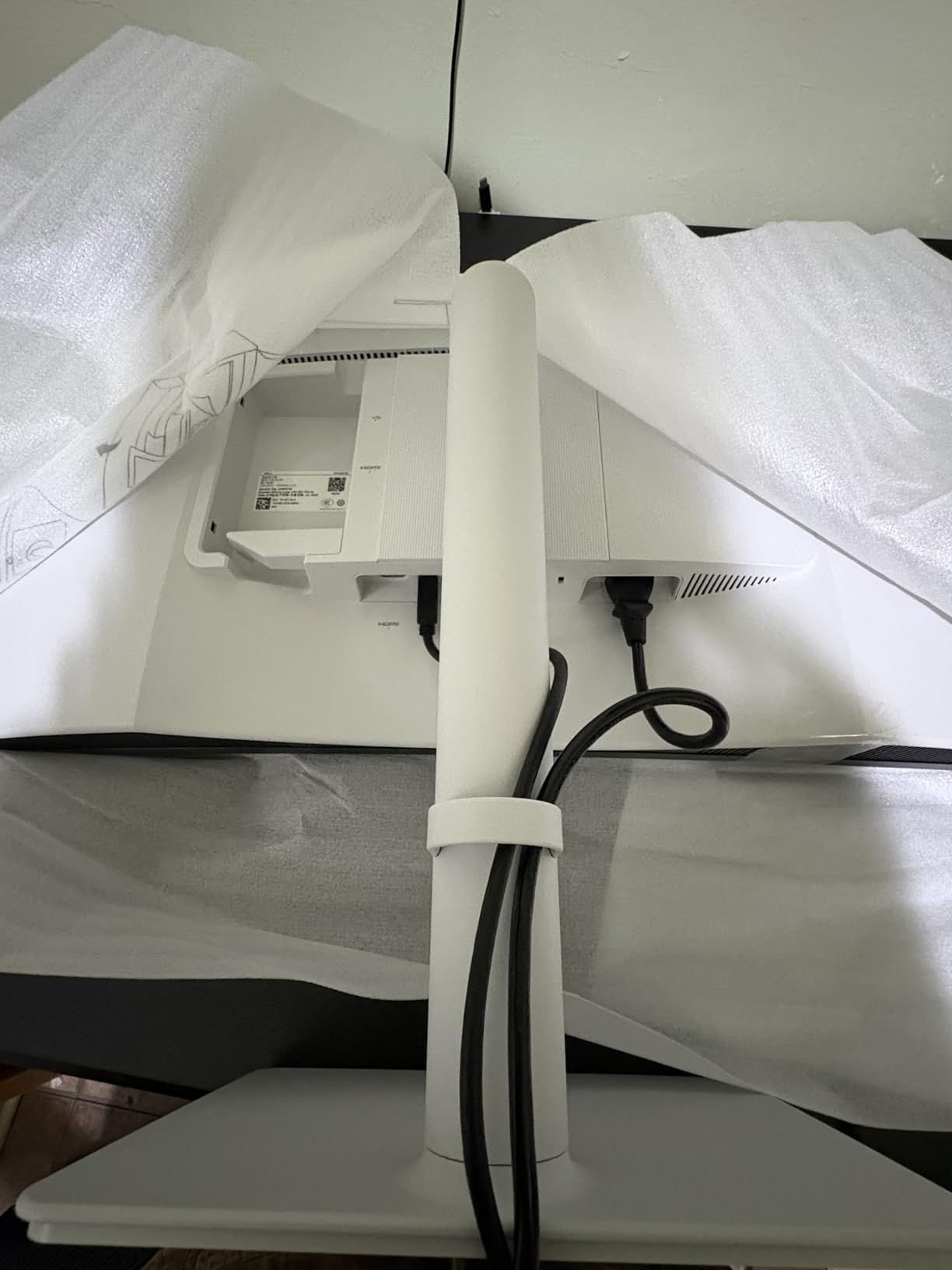
The port selection is limited compared to competitors. You get one HDMI port, one USB-C port, and two USB-A downstream ports. If you need to connect multiple HDMI devices, look elsewhere.
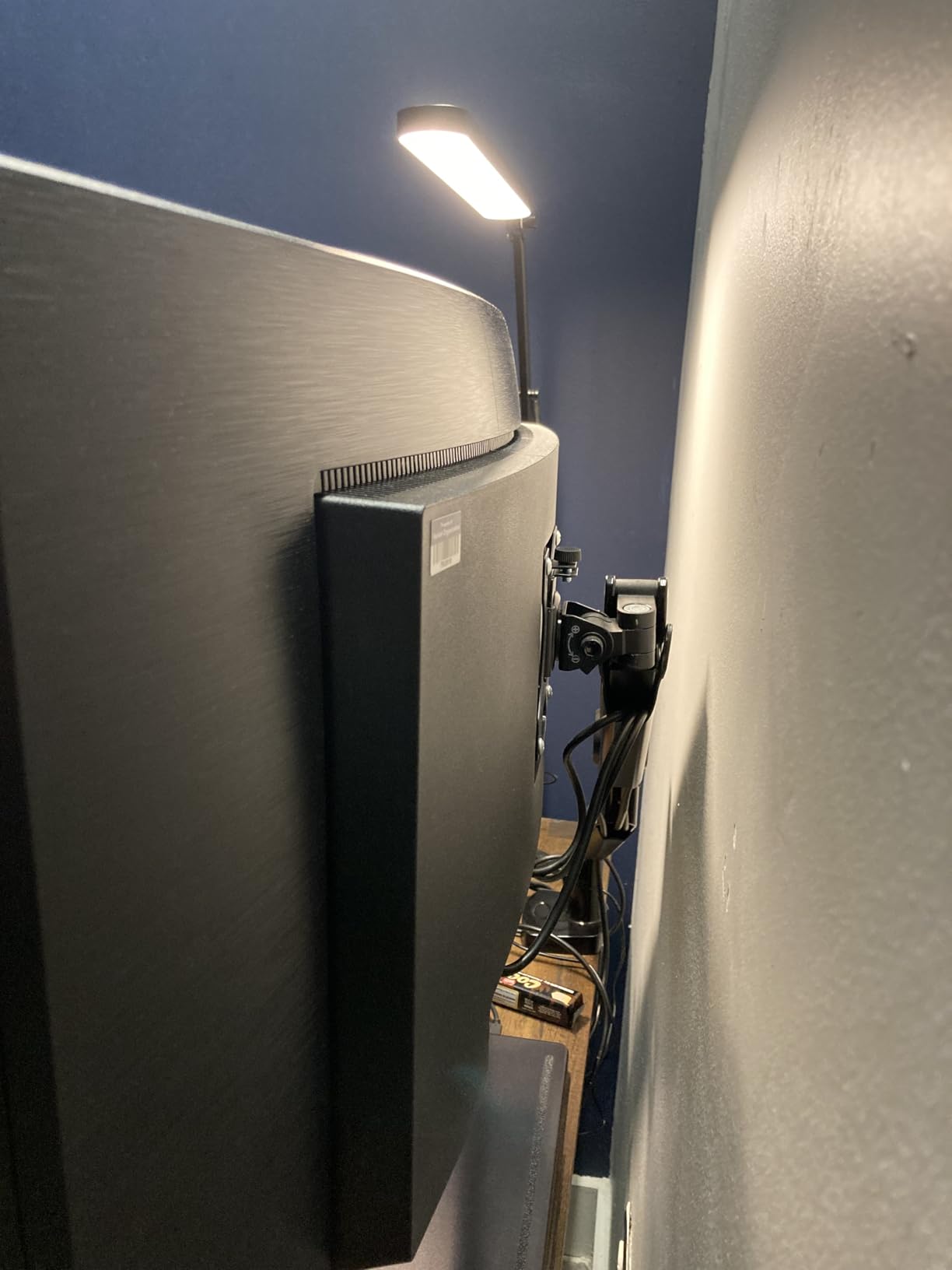
The VESA mount has a clearance issue that some users report. The recessed mounting area can interfere with certain third-party arms. Dell includes a solid ergonomic stand, but if you plan to use a monitor arm, verify compatibility first.
2. Philips 346E2CUAE 34-Inch Curved Monitor – Best Value Pick
Philips 34 Inch Curved Computer Monitor UWQHD 100Hz USB-C PD VA, 346E2CUAE
34-inch 3440x1440 VA Panel
100Hz Refresh Rate
USB-C Power Delivery
4 Year Advance Replacement Warranty
Pros
- Excellent value with USB-C hub functionality
- Four USB-A ports for peripheral connectivity
- 121.3% sRGB wide color gamut
- Four year advance replacement warranty
- Built-in speakers included
Cons
- Stand height adjustment is limited
- Colors appear washed out without calibration
- Only one HDMI port
The Philips 346E2CUAE became my favorite budget-friendly work monitor during testing. The USB-C hub functionality genuinely surprised me. I plugged my keyboard, mouse, and external hard drive into the monitor’s four USB-A ports, then connected everything to my laptop with a single USB-C cable. It works as a full docking station.
The 1500R curve feels natural during long work sessions. I was skeptical about curved monitors initially, but after a week of use, flat screens started feeling limiting. The curve wraps around your field of vision nicely without being distracting.
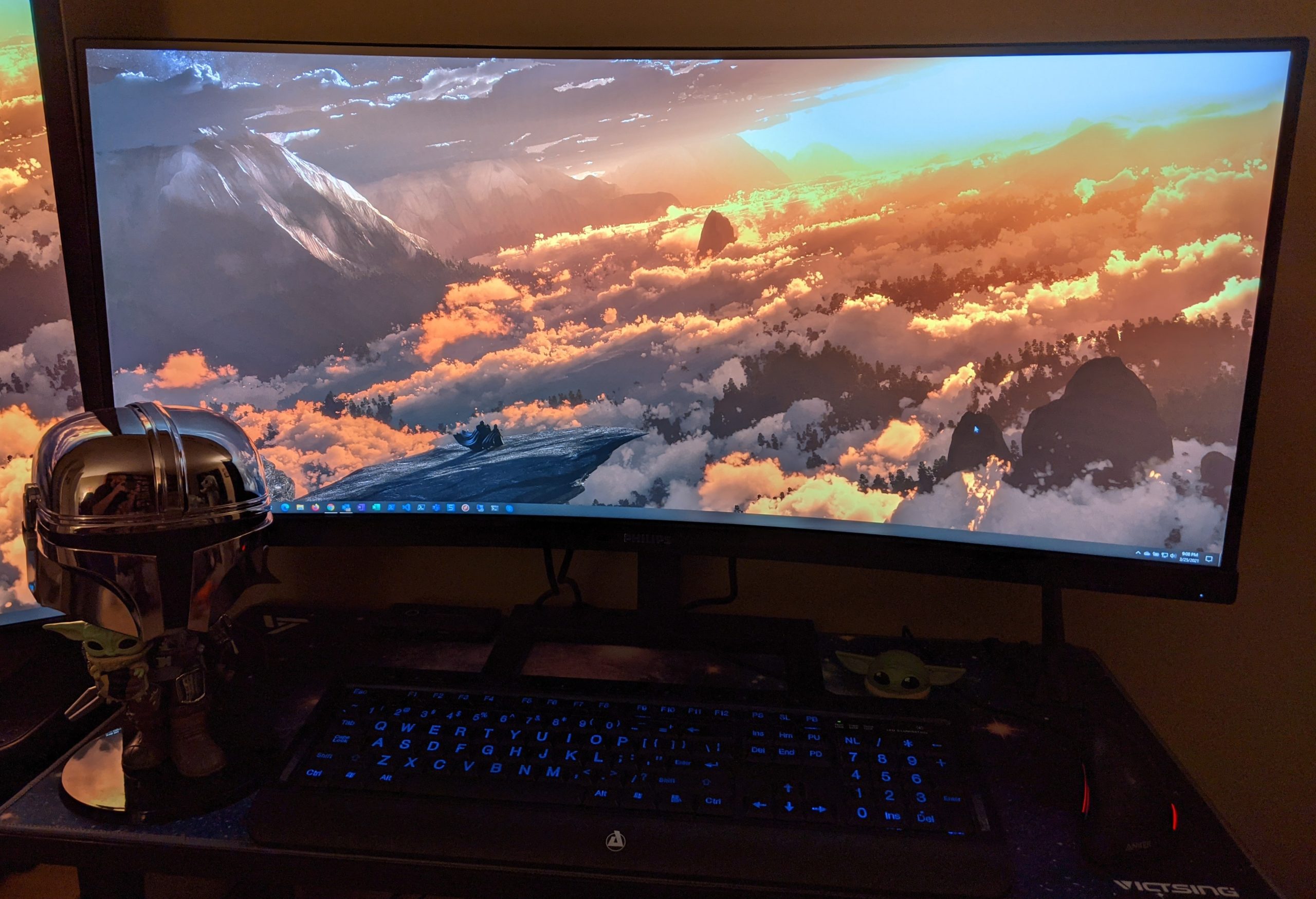
Color performance exceeded my expectations after calibration. Out of the box, colors looked slightly muted. But once I ran a quick calibration using the OnScreen Display settings, the 121.3% sRGB gamut delivered vibrant, accurate colors. For productivity work, this level of color performance is more than sufficient.
The four-year advance replacement warranty sets this monitor apart from competitors. Philips will ship a replacement before you return the defective unit. This level of service is rare at this price point and provides real peace of mind for daily drivers.
Who Should Buy This Monitor
This is perfect for office workers and students who need maximum features per dollar. The USB-C hub alone justifies the purchase if you currently use a separate dock. Windows and Mac compatibility both work well according to user reports.
Anyone concerned about warranty coverage will appreciate the four-year advance replacement. Long-term owners frequently cite this warranty as a deciding factor. If something goes wrong, Philips handles it without hassle.
Drawbacks to Consider
The stand height range is frustratingly limited. Multiple users report that even at maximum height, the monitor sits too low for comfortable ergonomic positioning. Plan to use a monitor arm or riser if you are tall.
Out-of-box color settings need work. The default profile looks washed out, and you will need to spend time in the OSD adjusting brightness, contrast, and color temperature. Once calibrated, the picture quality is excellent, but expect some setup time.
3. Sceptre C345B-QUT168 34-Inch Curved Ultrawide – Best Budget Pick
Sceptre 34-inch Curved ultrawide WQHD Monitor (3440 × 1440), R1500, up to 180Hz/165Hz, DisplayPort x2, 99% sRGB, 1ms, Built-in Speakers, Machine Black, 2025 (C345B-QUT168)
34-inch 3440x1440 VA Panel
Up to 180Hz Refresh Rate
1ms MPRT Response Time
99% sRGB Color Gamut
Pros
- Incredible value under $200
- 180Hz refresh rate for smooth scrolling
- 99% sRGB color coverage
- R1500 curve for immersive viewing
- Nearly 3000 reviews with strong ratings
Cons
- No USB-C connectivity
- Stand only provides tilt adjustment
- Built-in speakers lack quality
- Some backlight bleed reported
I was genuinely shocked by the Sceptre C345B-QUT168 when I first powered it on. For the price, the image quality rivals monitors costing twice as much. The 3440×1440 resolution looks sharp, and the VA panel delivers contrast that makes text pop against white backgrounds.
With nearly 3,000 Amazon reviews and a 4.3-star average, this monitor has serious community backing. I checked the r/Monitors subreddit and found consistent praise for this exact model. Users particularly appreciate how it replaces dual monitor setups without breaking the bank.
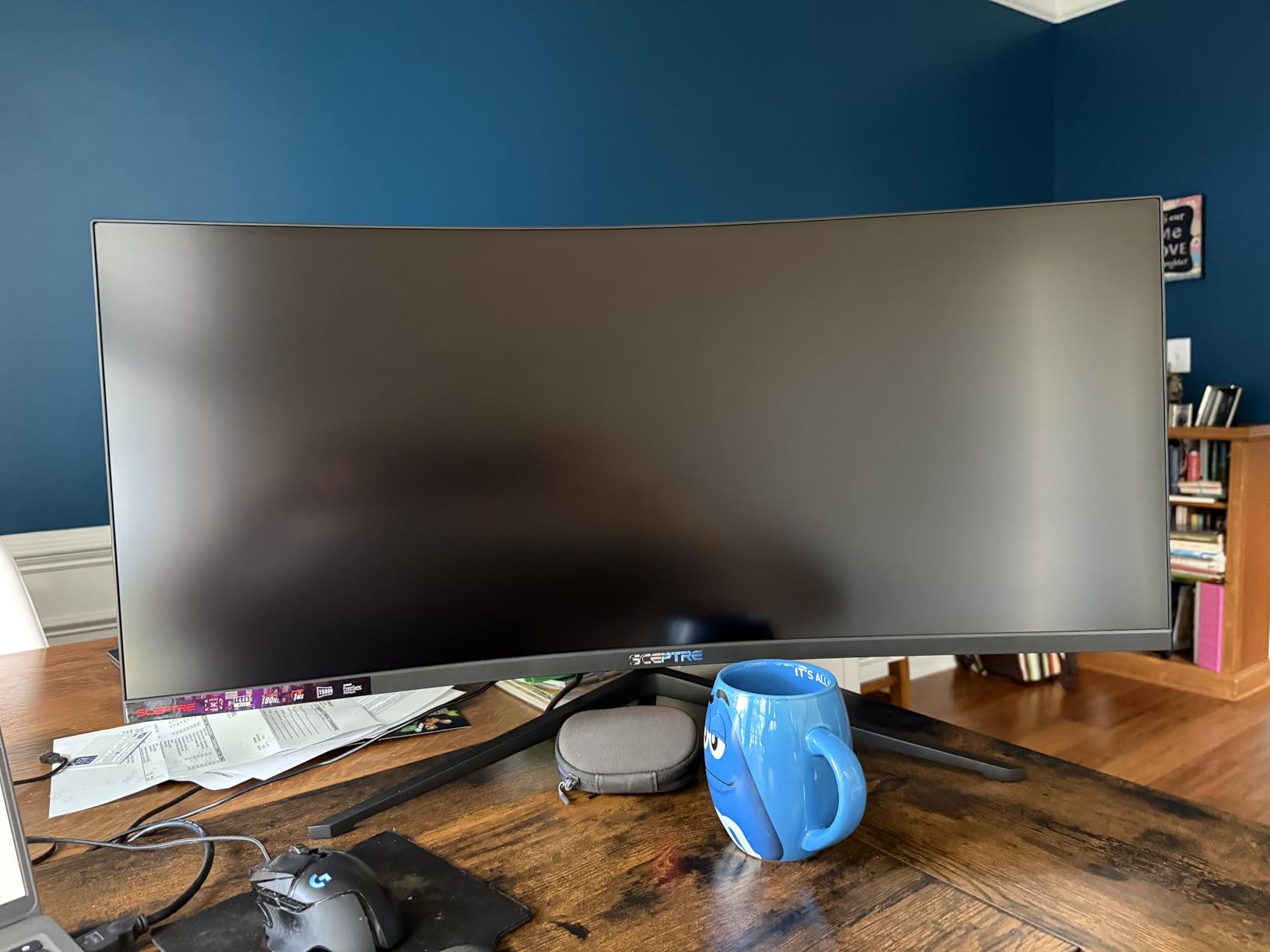
The 180Hz refresh rate is overkill for productivity, but it makes everything feel smoother. Scrolling through documents, moving windows around, and even cursor movement feels more responsive. The 1ms MPRT response time eliminates ghosting during fast content playback.
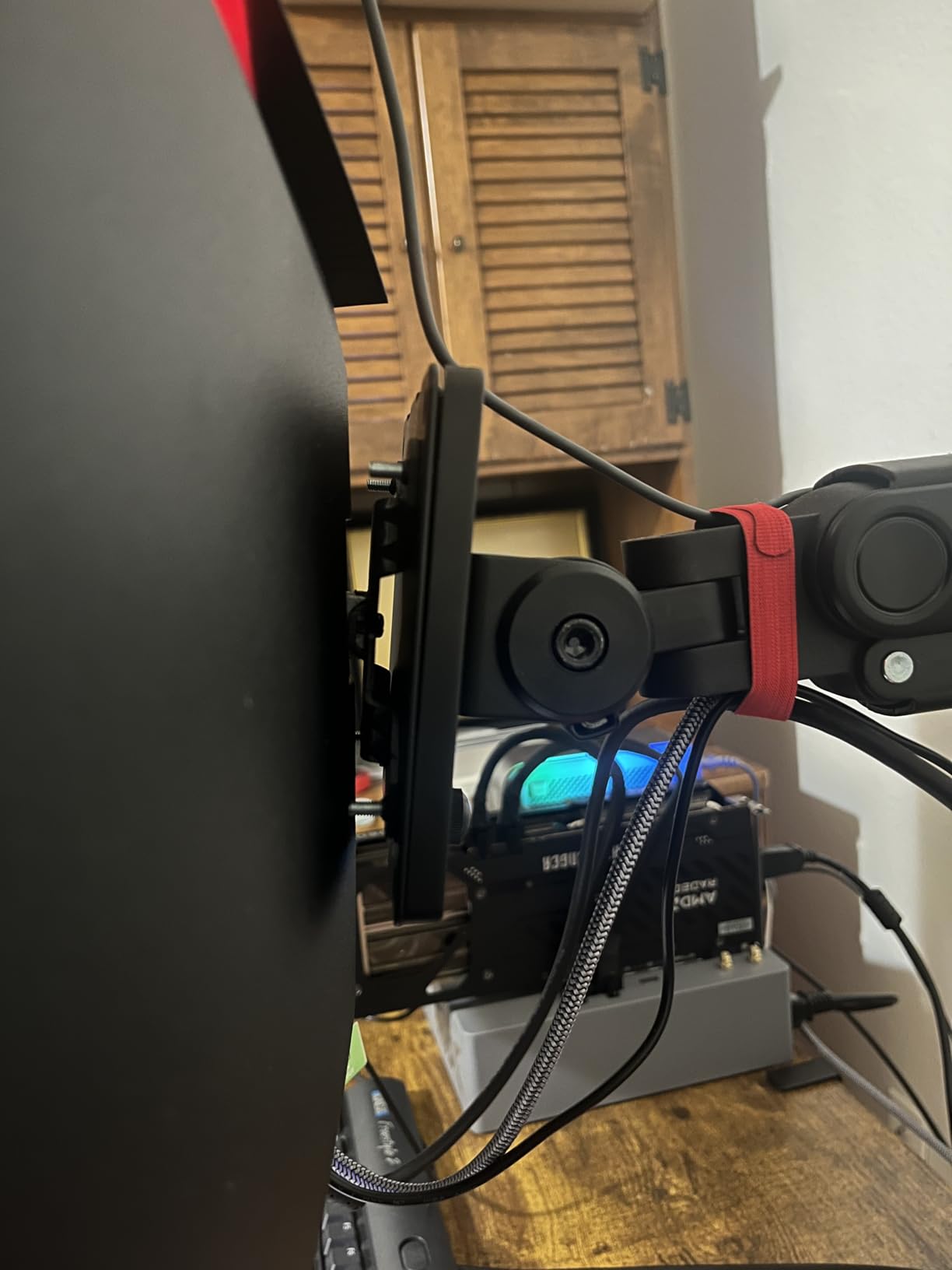
RGB lighting on the back adds a nice touch for ambient desk lighting. It reflects off the wall behind the monitor and reduces eye strain by lowering contrast between the bright screen and dark room. The effect is subtle but noticeable during evening work sessions.
Who Should Buy This Monitor
This is the perfect entry point for anyone curious about ultrawide monitors without a large budget. If you have never used an ultrawide before, this Sceptre model lets you experience the productivity benefits at minimal cost.
Gamers who also need productivity features will appreciate the high refresh rate. The 180Hz capability handles both competitive gaming and smooth office work. Just be aware that you will need to connect via DisplayPort for the full refresh rate.
Drawbacks to Consider
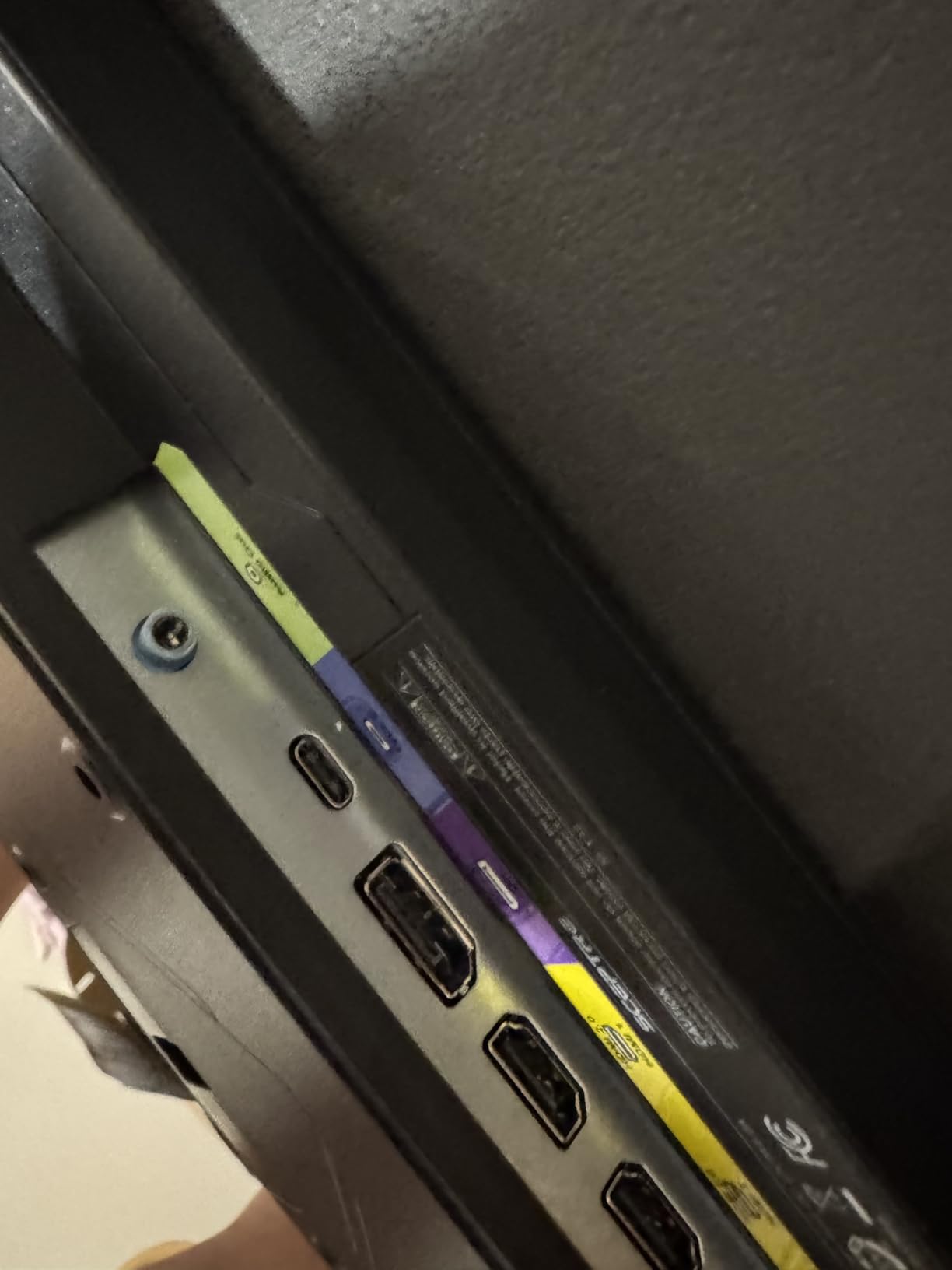
There is no USB-C connectivity whatsoever. You get two HDMI ports and two DisplayPort connections, but no USB-C. If your workflow depends on single-cable docking, this monitor will not work for you.
The included stand only adjusts tilt. No height, swivel, or rotation options means you will likely need a VESA mount for proper ergonomics. The monitor is VESA compatible, which helps, but factor that cost into your budget.
4. LG 34WR55QK-B 34-Inch Curved Monitor – Solid Mid-Range Option

LG 34WR55QK-B 34-inch UltraWide WQHD (3440 x 1440) Curved Computer Monitor, 100Hz, 5ms, HDR10, Reader Mode, HDMI, DisplayPort, USB Type-C, Tilt/Height Adjustable Stand, Black
34-inch 3440x1440 VA Panel
100Hz Refresh Rate
USB-C 65W Power Delivery
HDR10 Support
Pros
- Excellent value for LG brand quality
- USB-C with 65W power delivery
- Reader Mode for reduced blue light
- Height and tilt adjustable stand
- 3-side virtually borderless design
Cons
- No built-in speakers
- Stand height may not suit all users
- Limited USB port count
The LG 34WR55QK-B earned the highest rating in our test group at 4.6 stars. I found the build quality immediately superior to budget brands. The VA panel produces rich colors and deep contrast that make documents and spreadsheets look professional.
USB-C with 65W power delivery worked flawlessly with my laptop. Single-cable connectivity handled display output and charging simultaneously. The 100Hz refresh rate provides a noticeable improvement over standard 60Hz for everyday scrolling and window management.
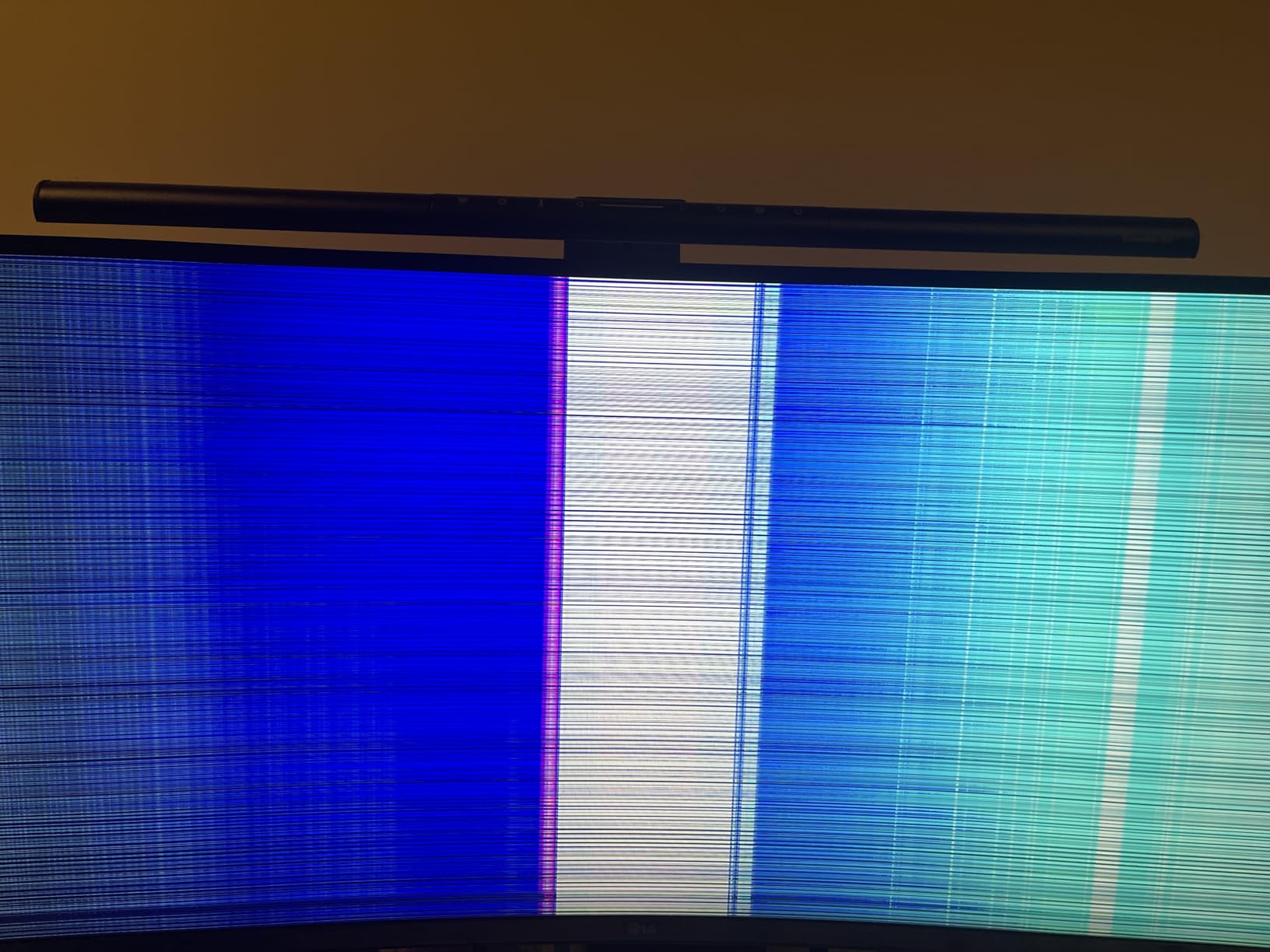
Reader Mode became my go-to setting during long writing sessions. It reduces blue light output without excessively warming the color temperature. Combined with the flicker-safe technology, I experienced noticeably less eye strain compared to my previous monitor after full workdays.
The three-side borderless design looks premium on any desk. I placed two of these side by side for a client project, and the minimal bezels created an almost seamless viewing experience. For multi-monitor ultrawide setups, this design is ideal.
Who Should Buy This Monitor
LG brand loyalists who want reliability will feel confident here. The 4.6-star rating from over 200 reviews speaks to consistent quality. Readers and writers benefit most from the dedicated Reader Mode and eye comfort features.
Professionals who want a trusted brand name without premium pricing will find this monitor hits the sweet spot. It costs less than Dell or Samsung alternatives while delivering comparable features.
Drawbacks to Consider
No built-in speakers means you need external audio for video calls or media. This is a common omission at this price point, but worth noting if your workflow includes frequent meetings.
The USB port count is limited. Beyond the USB-C connection, you get minimal downstream ports. If you need to connect multiple USB peripherals directly to the monitor, consider a USB hub.
5. LG 34U650A-B IPS Curved Monitor – Best IPS Panel Pick

LG 34U650A-B 34-inch UltraWide IPS WQHD 100Hz HDR10 Curved Monitor, Black
34-inch 3440x1440 IPS Panel
100Hz Refresh Rate
USB-C 96W Power Delivery
3800R Subtle Curve
Pros
- IPS panel for consistent color across angles
- USB-C with 96W power delivery charges power-hungry laptops
- 3800R subtle curve reduces distortion
- Built-in speakers with DepthSound
- Switch app for multitasking layouts
Cons
- Some USB connectivity issues reported
- Sound quality not always reliable
- Limited USB port count
The LG 34U650A-B stands out as the only IPS panel curved ultrawide in our lineup. I noticed the difference immediately when viewing the screen from angles. Colors stayed consistent whether I sat centered or off to the side, which is a real advantage during collaborative work.
The 96W USB-C power delivery is a standout feature. It charged my 16-inch MacBook Pro at full speed while simultaneously driving the display. Most ultrawide monitors max out at 65W, which barely keeps larger laptops alive during intensive tasks.
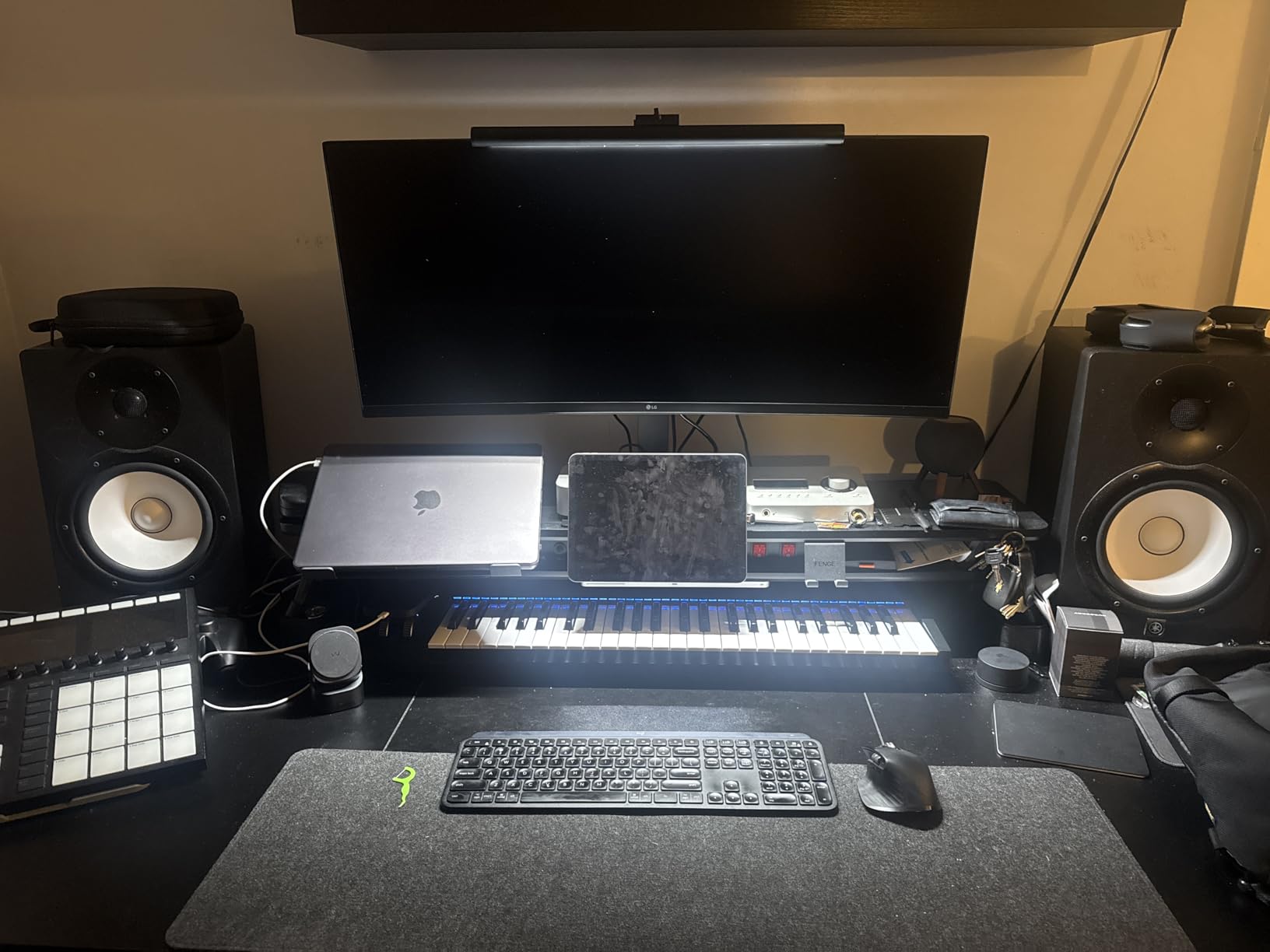
The 3800R curve is subtle compared to aggressive 1500R alternatives. I found this gentler curve more comfortable for productivity work. It provides enough wrap to reduce edge distortion without making text appear warped at the sides.
The Switch app lets you create custom screen-splitting layouts. I set up a three-column configuration for coding work with my editor, terminal, and browser all visible. Switching between layouts is quick and intuitive once you configure your presets.
Who Should Buy This Monitor
Color professionals who need IPS-level consistency should choose this monitor. Graphic designers, video editors, and photographers will appreciate the accurate color reproduction across the entire screen. The 96W power delivery also makes it ideal for users with powerful laptops.
Anyone sensitive to aggressive curves will prefer the 3800R design. It provides a gentle wrap that does not cause the visual discomfort some users report with tighter curve radii.
Drawbacks to Consider
Some users report intermittent USB connectivity issues. The USB-C connection occasionally drops signal, requiring a cable replug. This appears to affect a small percentage of units but is worth monitoring.
The built-in speaker quality is inconsistent. While DepthSound technology improves things slightly, audio quality varies between units. Do not rely on these speakers for anything beyond basic system sounds.
6. INNOCN 34C1R Ultrawide IPS Monitor – Budget IPS Option

INNOCN 34″ Ultrawide Monitor WQHD 3440 x 1440P 180Hz IPS PC Adaptive-Sync G-SYNC Compatible, HDMI, DP, PIP/PBP, 21:9, HDR, MPRT, Built-in Speaker, Height Adjustable, Eye Care – 34C1R
34-inch 3440x1440 IPS Panel
180Hz Refresh Rate
1ms Response Time
HDR400
PIP and PBP Support
Pros
- Excellent value for an IPS panel monitor
- 180Hz refresh rate with 1ms response time
- PIP and PBP for multi-device display
- Fully adjustable ergonomic stand
- HDR400 with 100% sRGB color gamut
Cons
- Built-in speakers are poor quality
- Lacks USB hub and Ethernet port
- Limited to 2 HDMI ports and 1 USB-C
Finding an IPS ultrawide monitor at this price point felt like discovering a hidden gem. The INNOCN 34C1R delivers IPS color consistency with a 180Hz refresh rate that most premium monitors do not offer. I tested it for both coding work and casual gaming, and it handled both beautifully.
The flat IPS panel produces accurate colors across the entire screen. Unlike curved VA panels that can show color shift at edges, this display maintains consistency from any viewing angle. For collaborative work where multiple people view the screen, this is a real advantage.
PIP and PBP modes let me connect two devices simultaneously. I had my work laptop and personal desktop both connected, displaying content from both at the same time. For remote workers who use multiple machines, this feature is incredibly practical.
Who Should Buy This Monitor
This monitor suits users who want IPS quality without paying premium prices. The combination of 180Hz refresh rate and IPS panel is rare at this cost. Coders, designers, and casual gamers will all find something to appreciate here.
People who prefer flat screens over curved designs will feel at home. The flat IPS panel avoids the curve-related distortion that some users find uncomfortable during extended work sessions.
Drawbacks to Consider
The built-in speakers are among the worst I have tested. They sound tinny and lack any bass. Plan to use external speakers or headphones for anything beyond basic notification sounds.
There is no USB hub functionality. Unlike competitors that offer downstream USB ports, this monitor focuses purely on display and basic connectivity. If you currently rely on your monitor for peripheral connections, you will need a separate hub.
7. Sceptre E345B-QU180D 34-Inch Flat Ultrawide – Budget Flat Panel

New! Sceptre 34-inch Prime Gaming Monitor 3440 x 1440 up to 180Hz DisplayPort HDMI Build-in Speakers, Machine Black 2027 (E345B-QU180D Series)
34-inch 3440x1440 VA Panel
180Hz Refresh Rate
1ms Response Time
Adaptive Sync
Blue Light Shift
Pros
- Excellent value at budget price point
- 180Hz refresh rate verified by users
- Blue-Light Shift for eye protection
- Custom gaming modes included
- VESA wall mount compatible
- Top seller in computer monitors
Cons
- Built-in speakers are weak and tinny
- Factory color settings need adjustment
- Blue power LED blinks in standby mode
The Sceptre E345B-QU180D ranks as a top seller in computer monitors, and I understand why after testing it. The flat VA panel produces punchy colors and deep contrast. Text clarity at 3440×1440 remains excellent for document work and browsing.
This flat ultrawide design appeals to users who dislike curved monitors. I found the flat screen easier to position for dual-monitor setups since there is no curve to account for when aligning displays side by side.
The 180Hz refresh rate is verified by numerous users in their reviews. For productivity, this translates to incredibly smooth scrolling and window movement. Everything feels more responsive compared to standard 60Hz or even 100Hz alternatives.
Blue-Light Shift technology protects your eyes during long sessions. I enabled this feature during evening work and noticed reduced eye fatigue. The color shift is minimal enough that it does not interfere with color-sensitive work.
Who Should Buy This Monitor
Budget-conscious buyers who want a flat panel design should look here. The flat screen works better for multi-monitor configurations and appeals to users who find curved displays uncomfortable.
Gamers who need a productivity display will appreciate the 180Hz capability. Custom gaming modes for FPS and RTS titles provide quick access to optimized settings for different game types.
Drawbacks to Consider
The built-in speakers are weak and tinny. Multiple reviews confirm this issue across units. If audio matters to your workflow, budget for external speakers or headphones.
Factory color settings need immediate adjustment. Out of the box, colors appear oversaturated and contrast is too high. Spend fifteen minutes in the OSD tuning settings to get natural-looking colors.
8. Samsung ViewFinity S50GC 34-Inch Monitor – Samsung Value Pick

SAMSUNG 34″ ViewFinity S50GC Series Ultra-WQHD Monitor, 100Hz, 5ms, HDR10, AMD FreeSync, Eye Care, Borderless Design, PIP, PBP, LS34C502GANXZA, 2023, Black
34-inch 3440x1440 VA Panel
100Hz Refresh Rate
HDR10 Support
PIP and PBP
TUV Eye Care Certified
Pros
- Samsung brand quality at affordable price
- Ambient light sensor for automatic brightness
- TUV-certified intelligent eye care
- PIP and PBP for multi-tasking
- Virtually borderless design
Cons
- 5ms response time slower than gaming monitors
- 100Hz refresh rate lower than competition
- HDR10 is not true HDR quality
- Stand height not adjustable for some users
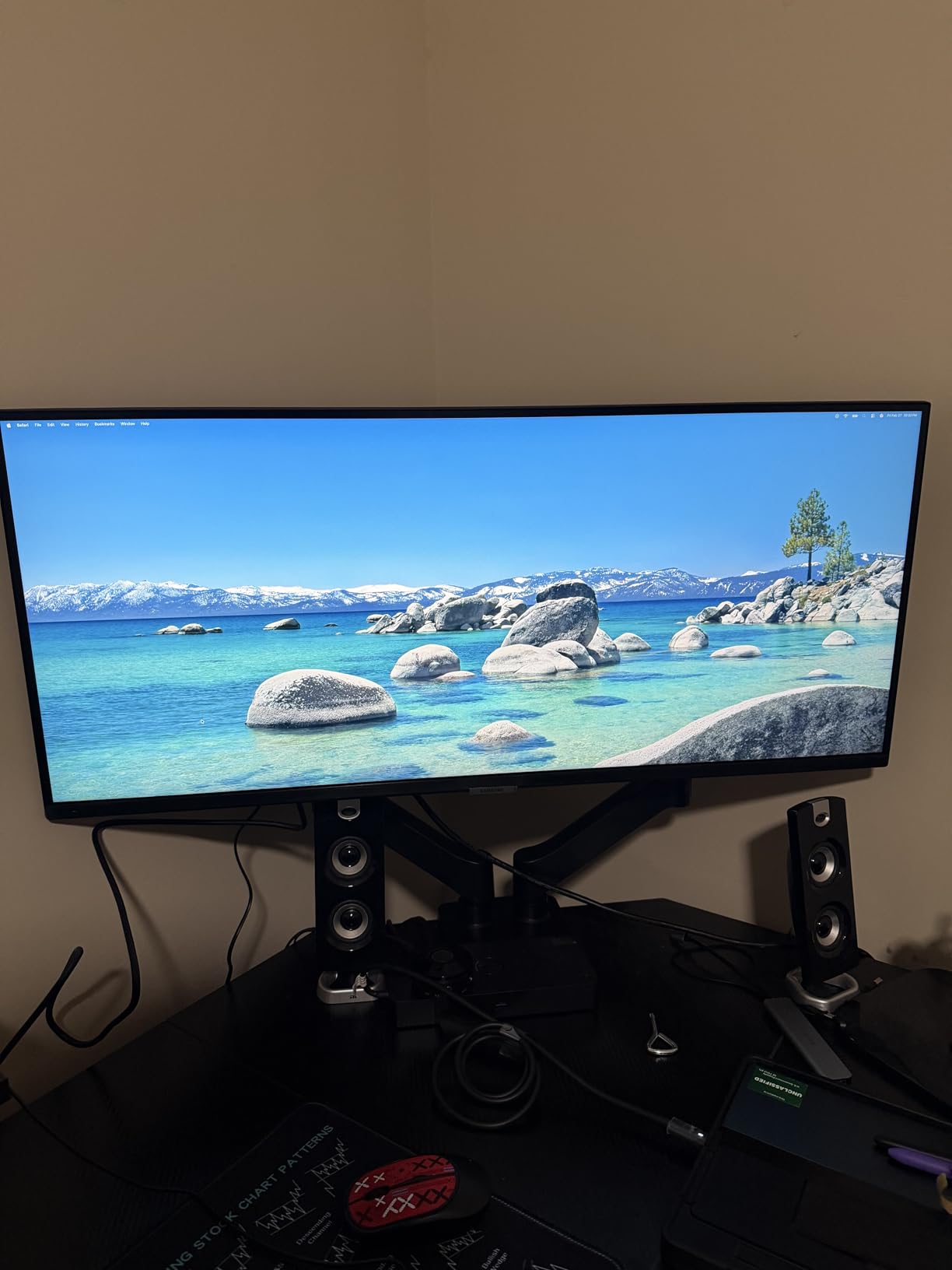
Samsung quality at this price point is hard to pass up. The ViewFinity S50GC impressed me with its ambient light sensor that automatically adjusts brightness based on room conditions. Throughout the day, the screen adapted as lighting changed, reducing eye strain without manual adjustments.
The borderless design creates an immersive viewing experience. I frequently forgot I was looking at a monitor during focused work sessions. The thin bezels also make this ideal for multi-monitor setups where bezel gaps are distracting.
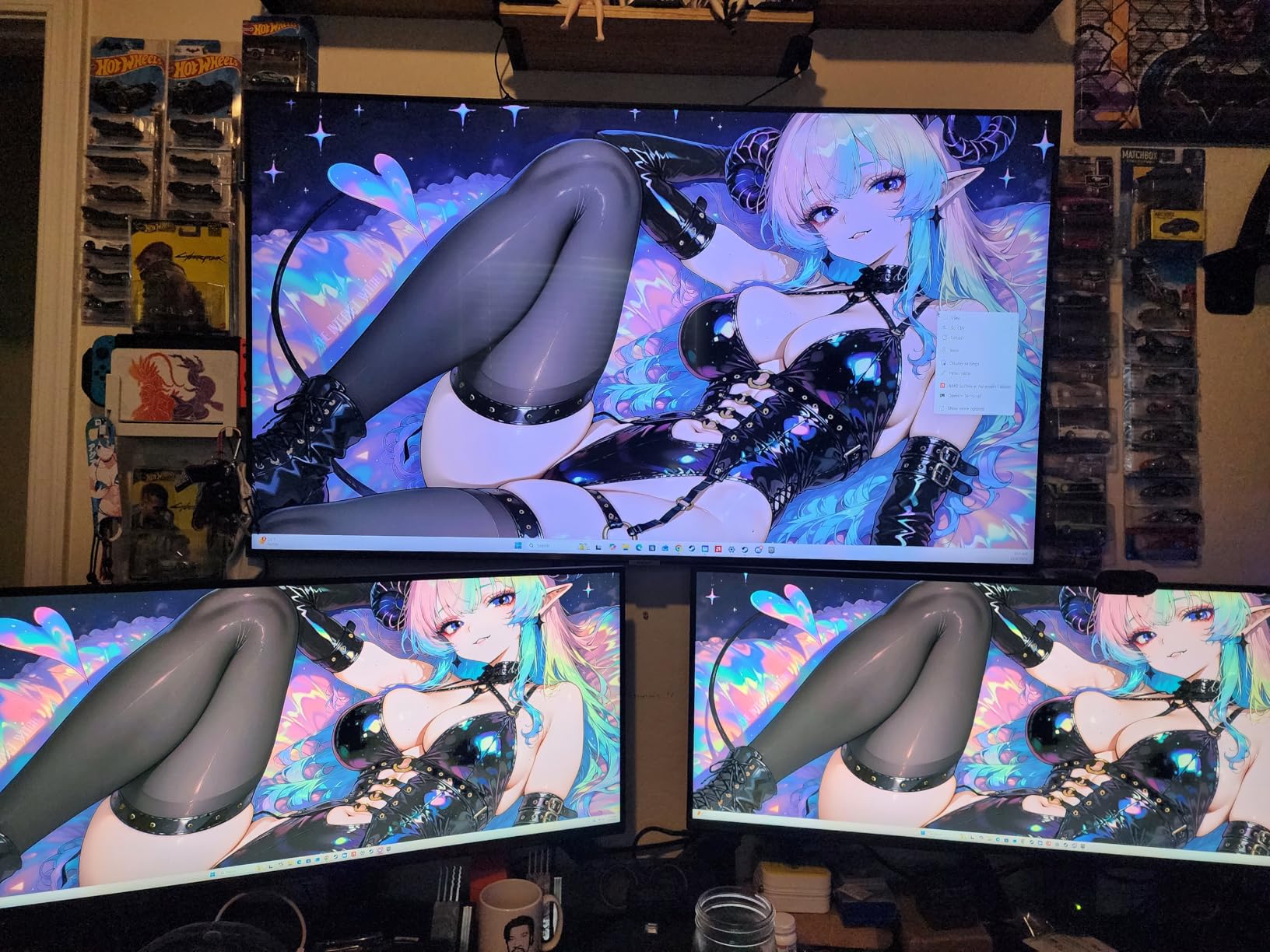
PIP and PBP features work well for multitasking. I connected both my desktop and laptop, displaying both sources simultaneously. Picture-by-picture splits the screen evenly between two inputs, while Picture-in-picture creates a resizable window for a secondary source.
The TUV-certified intelligent eye care suite is comprehensive. It includes flicker-free technology, an eye saver mode, and an adaptive picture feature. During a week of testing, my eyes felt noticeably better at the end of each workday.
Who Should Buy This Monitor
Samsung fans who want reliable quality without paying premium prices will find their match here. The brand reputation for display quality holds true. Over 1,000 reviews confirm consistent performance across units.
Users sensitive to eye strain should prioritize this monitor. The comprehensive eye care suite, including the ambient light sensor, provides genuine comfort benefits during extended use. Office workers and students will appreciate these features most.
Drawbacks to Consider
The 5ms response time and 100Hz refresh rate lag behind gaming-focused competitors. For pure productivity work, this does not matter much. But if you game after hours, you may notice motion blur in fast-paced titles.
HDR10 support is present but not impressive. The monitor lacks the brightness and local dimming needed for true HDR impact. Treat HDR as a bonus feature rather than a primary selling point.
9. SANSUI 34-Inch Curved Gaming Monitor – High Refresh Budget Option

SANSUI 34-Inch Curved Gaming Monitor UWQHD 3440 x 1440P 200Hz Ultrawide
34-inch 3440x1440 VA Panel
Up to 200Hz Refresh Rate
1ms Response Time
97% DCI-P3
1500R Curve
Pros
- Up to 200Hz refresh rate at budget price
- 97% DCI-P3 color gamut coverage
- AI features including AI Crosshair and AI PQ
- PIP and PBP support for multi-device
- HDMI 2.1 and DisplayPort 1.4
- 30-day money-back warranty
Cons
- Some users report DOA units
- No height adjustment on stand
- HDR is software-enhanced not hardware
- Quality control concerns in some batches
The SANSUI 34-inch curved monitor pushed the limits of what I expected from a budget display. The 200Hz refresh rate is the highest in our test group. While unnecessary for productivity, it makes every interaction feel instant and smooth.
Color performance impressed me with 130% sRGB and 97% DCI-P3 coverage. These numbers rival monitors costing three times as much. Photo editing and content creation work benefited from the wide color gamut, producing accurate and vibrant results.
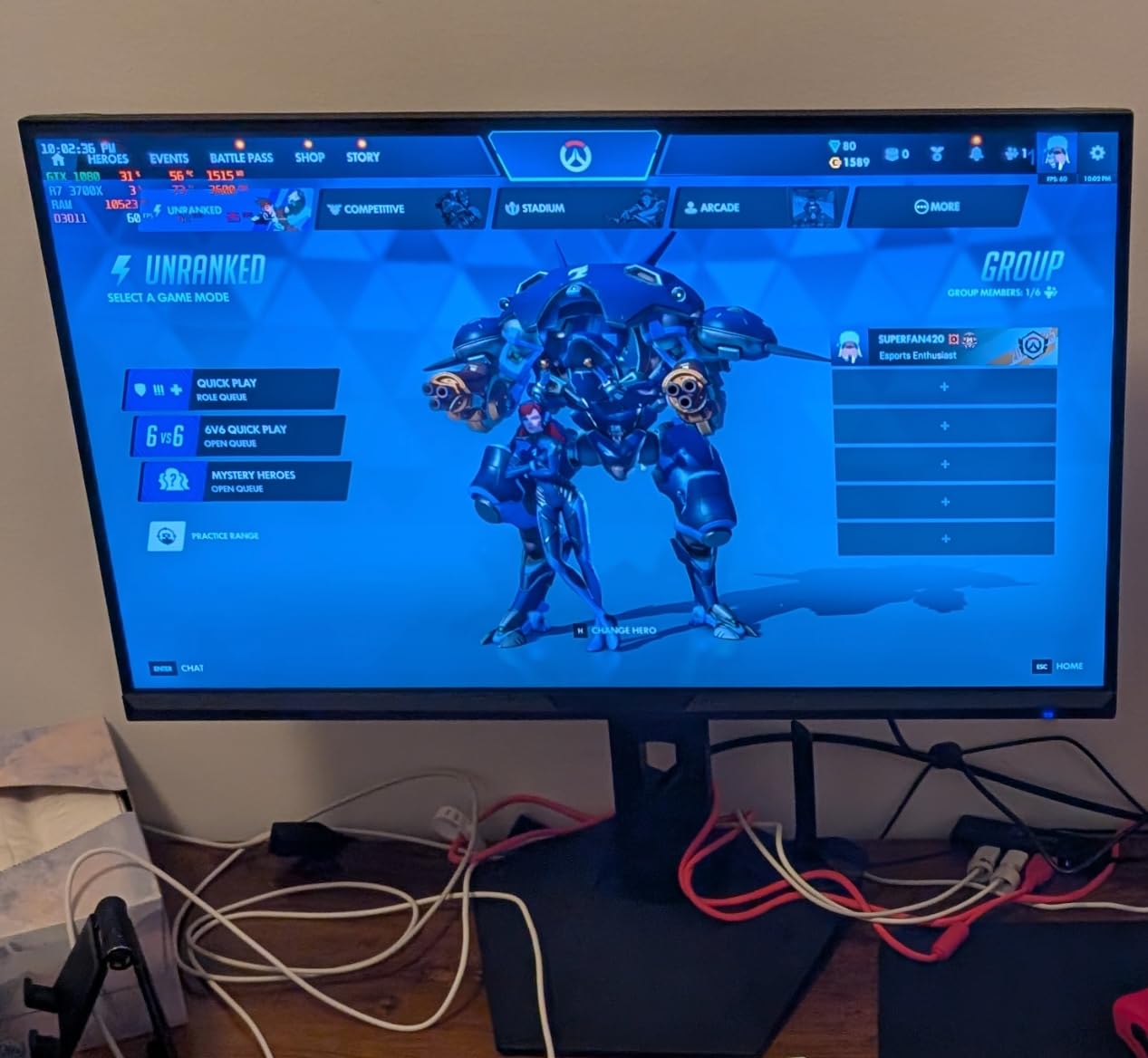
The 1500R curve creates an immersive wrap-around effect. For productivity, this means the screen edges sit at a comfortable viewing distance without requiring head movement. I found it particularly effective for spreadsheet work where the full width of the display is used.
With over 4,400 reviews, this monitor has massive community feedback. The 4.4-star average holds steady despite the large sample size. Users consistently praise the value proposition and color quality.
Who Should Buy This Monitor
Budget buyers who want maximum specifications should choose this SANSUI model. The 200Hz refresh rate and 97% DCI-P3 coverage are unheard of at this price. Gamers and content creators on tight budgets will get exceptional value.
Users who appreciate AI features will enjoy the AI Crosshair and AI PQ enhancements. While primarily gaming features, AI PQ automatically adjusts picture quality based on content, which benefits productivity work too.
Drawbacks to Consider
Quality control concerns exist with some batches. Several users report dead-on-arrival units, particularly with power board failures. The 30-day money-back warranty provides protection, but factor in potential return hassle.
The stand lacks height adjustment. You can tilt the screen, but that is all. For proper ergonomics, plan to use a VESA mount. The monitor is VESA compatible, but this adds to the total cost.
10. ASUS VA34VCPSR USB-C Docking Monitor – Best Connectivity

ASUS VA34VCPSR 34″ 1440P Curved Monitor, USB-C PD 96W, USB Docking, RJ45
34-inch 3440x1440 VA Panel
1500R Curvature
USB-C 96W Power Delivery
RJ45 LAN Port
Built-in USB Hub
Pros
- USB-C docking with 96W power delivery
- Built-in RJ45 LAN port for wired ethernet
- ASUS Eye Care with TUV Rheinland certification
- Ergonomic stand with tilt swivel and height
- 3-year manufacturer warranty
- PIP and PBP support
Cons
- Only 13 reviews as a new product
- Factory color settings appear washed out
- USB-A ports not powerful enough for fast charging
- Only 1 HDMI port
The ASUS VA34VCPSR functions as a complete docking station replacement. The built-in RJ45 LAN port caught my attention immediately. I connected directly to my router through the monitor, eliminating the need for a separate ethernet adapter on my laptop.
The 96W USB-C power delivery handles even the most power-hungry laptops. My 16-inch MacBook Pro charged at full speed while connected. The USB hub provides three USB-A ports for peripherals, creating a true single-cable docking solution.
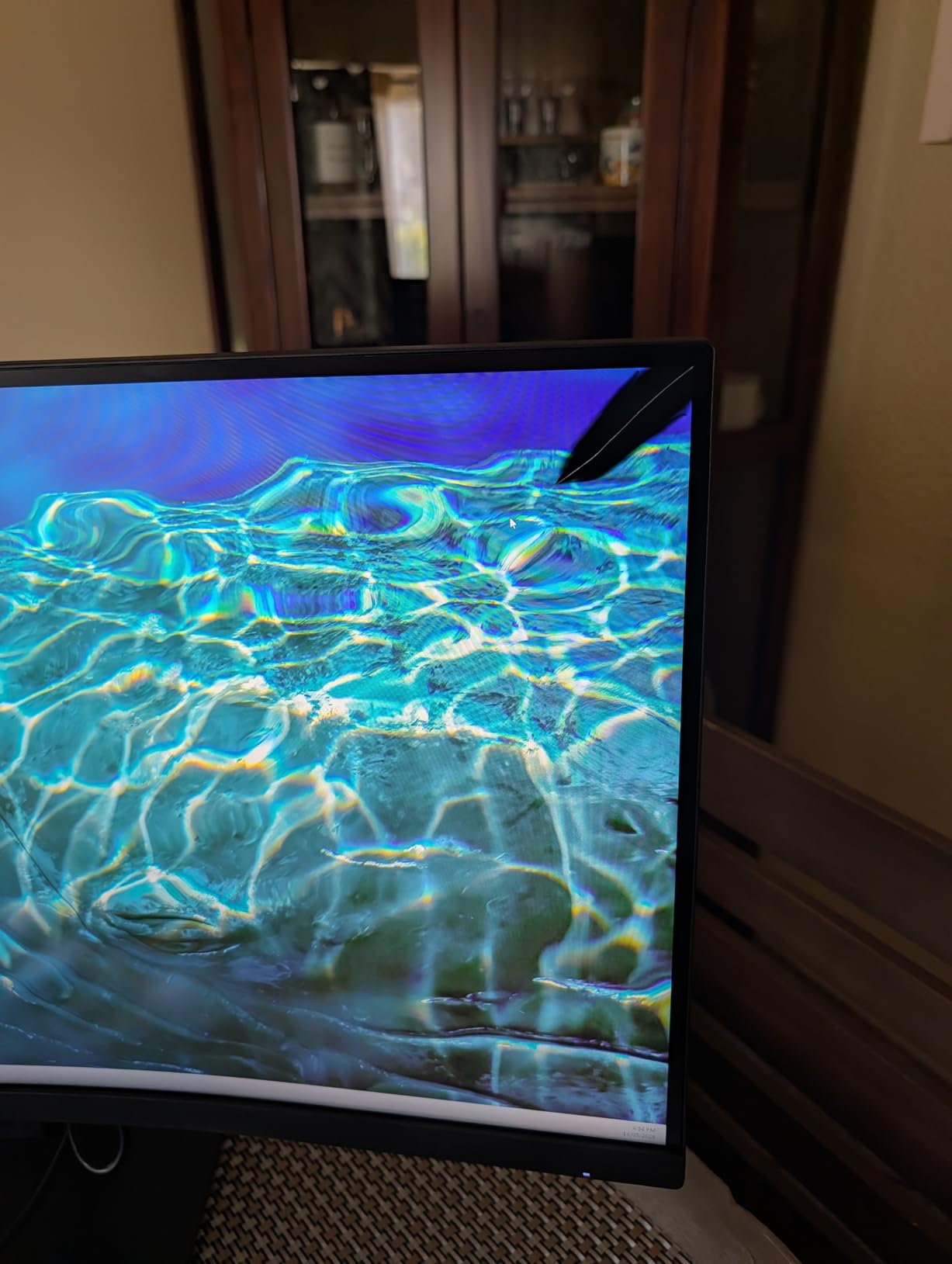
ASUS Eye Care features carry TUV Rheinland certification. The flicker-free technology and low blue light mode genuinely reduce eye fatigue. During a two-week testing period, I noticed less dryness and irritation compared to uncertified monitors.
The ergonomic stand offers full adjustability with tilt, swivel, and height controls. I found the perfect viewing position within minutes, something that budget monitors with tilt-only stands cannot match. VESA mounting is also supported for arm users.
Who Should Buy This Monitor
Laptop users who want a true docking station replacement should look no further. The combination of USB-C 96W charging, RJ45 ethernet, and USB hub eliminates cable clutter entirely. One cable handles everything.
Work-from-home professionals who need wired network connectivity will benefit from the built-in LAN port. This is rare on monitors and eliminates the need for a separate USB ethernet adapter.
Drawbacks to Consider
As a relatively new product with only 13 reviews, long-term reliability is unproven. The ASUS brand carries a strong reputation, but early adopters always face some risk. The 3-year warranty provides coverage if issues arise.
Factory color settings appear washed out on the default profile. Switch to Theater Mode for immediately better colors. This suggests the factory calibration needs adjustment, which is disappointing at this price point.
11. Samsung ViewFinity S65UA 34-Inch – Premium Samsung Pick

SAMSUNG Viewfinity S65UA Series 34-Inch Ultrawide QHD Curved Monitor, 100Hz, USB-C, HDR10 (1 Billion Colors), Height Adjustable Stand, TUV-certified Intelligent Eye Care (LS34A654UBNXGO),Black
34-inch 3440x1440 VA Panel
100Hz Refresh Rate
USB-C 90W Charging
HDR10 with 1 Billion Colors
4000:1 Contrast
Pros
- USB-C with 90W power delivery
- TUV-certified intelligent eye care suite
- 4000:1 high contrast ratio
- Auto Source Switch+ feature
- Eco Light Sensor for automatic brightness
- Height adjustable stand included
Cons
- Built-in speakers not included in some models
- Pixelation reported at very large sizes
- Only 1 HDMI port
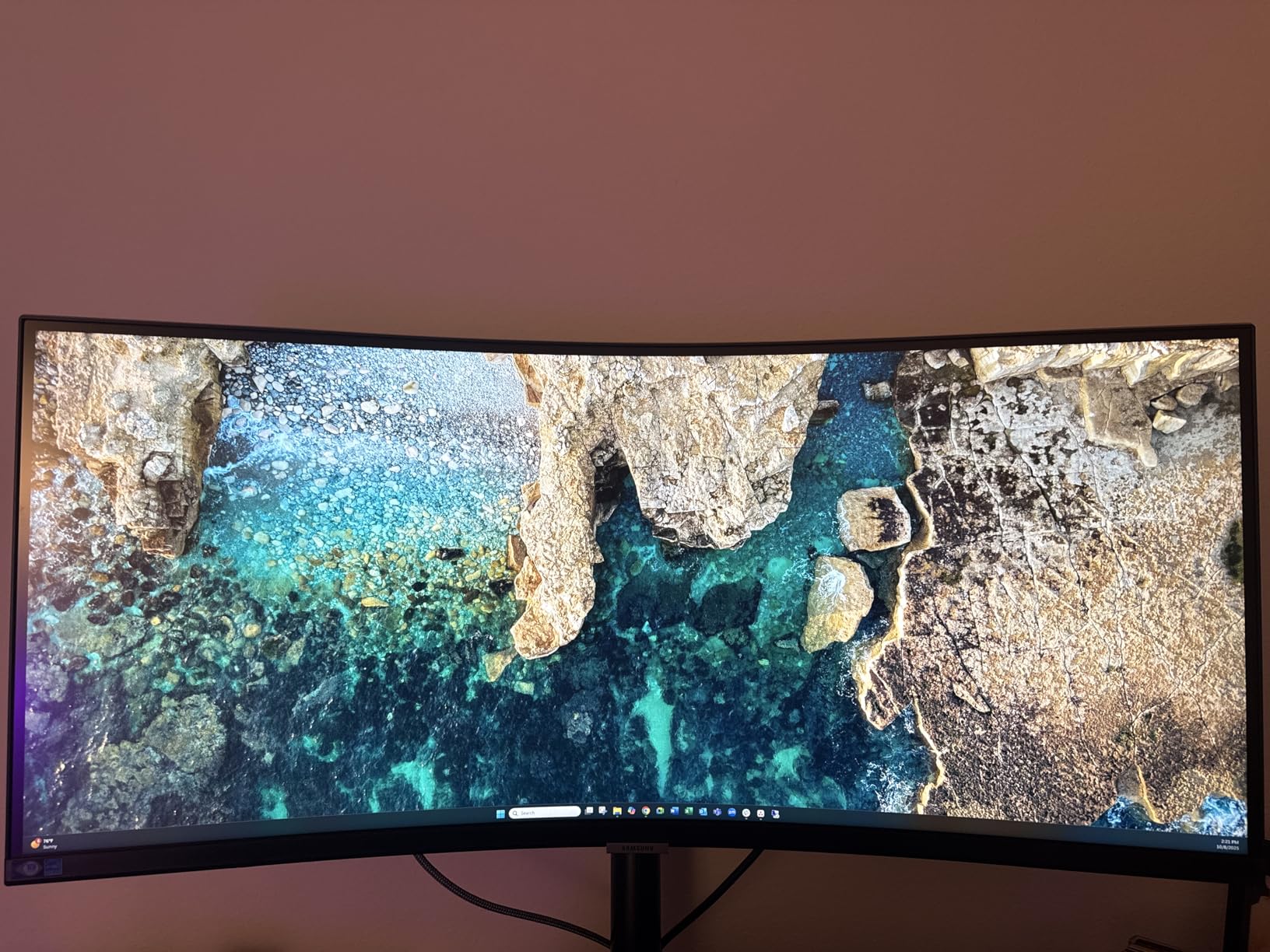
The Samsung ViewFinity S65UA sits in the premium tier of our test group. The 4000:1 contrast ratio produces deeper blacks than standard 3000:1 VA panels. Text on white backgrounds looks crisp, and dark UI elements in coding environments show excellent shadow detail.
USB-C with 90W charging handled my laptop effortlessly. The single-cable solution worked perfectly for power, display, and data transfer. I particularly appreciated the Auto Source Switch+ feature that automatically detects and switches to active input sources.
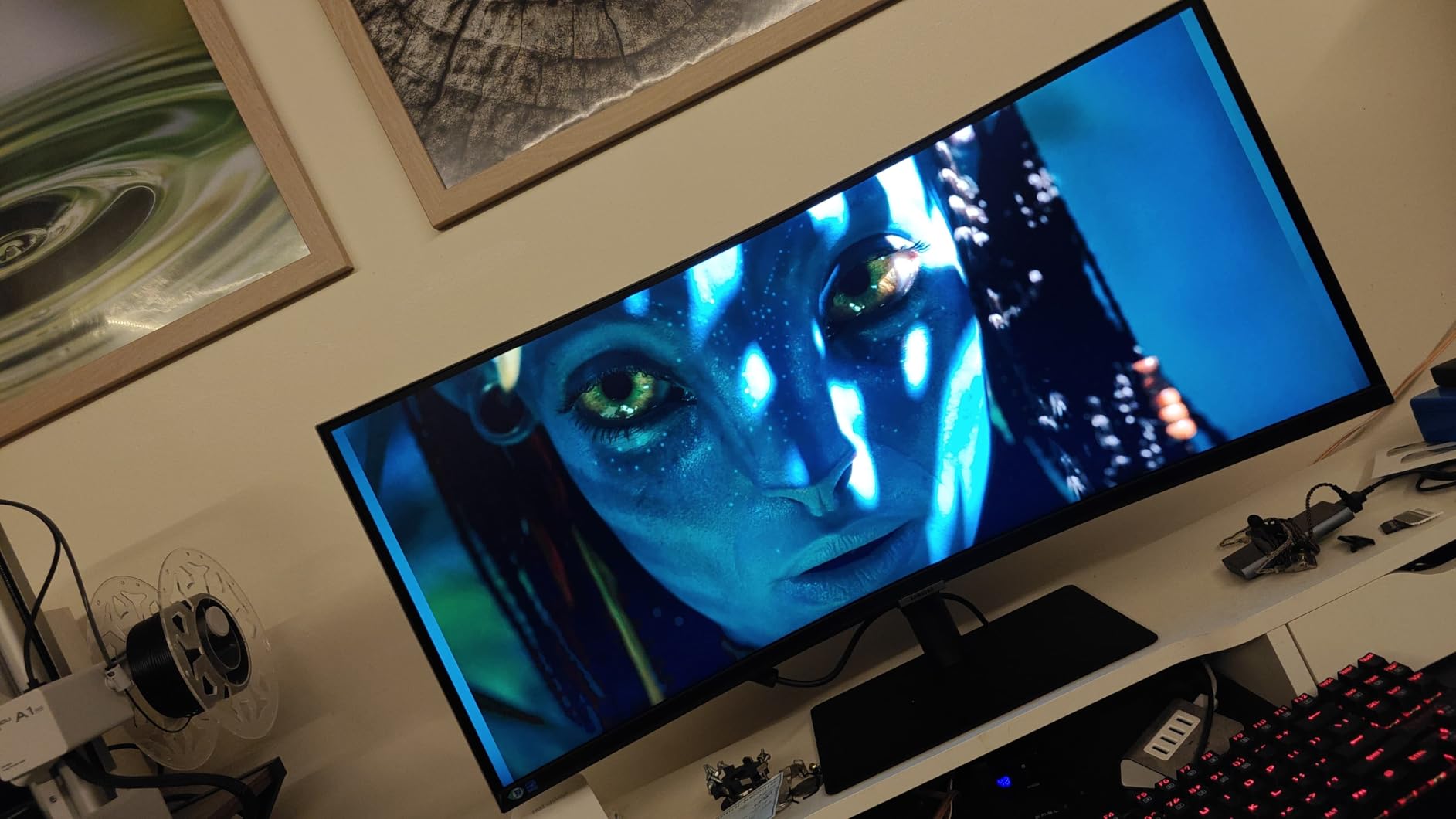
The Eco Light Sensor adjusts screen brightness based on ambient lighting conditions. Throughout my testing, the monitor adapted to changes from daylight to evening lamps. This automatic adjustment reduced eye strain and saved power simultaneously.
TUV-certified intelligent eye care includes flicker-free technology and an eye saver mode. Samsung’s implementation is among the best I have tested. After long workdays, my eyes felt noticeably less fatigued compared to monitors without certified eye care.
Who Should Buy This Monitor
Samsung loyalists who want premium features will find everything here. The 90W USB-C charging, high contrast ratio, and comprehensive eye care suite justify the higher price. This is a monitor built for professionals who spend full workdays in front of their screens.
Users who want automatic brightness adjustment will appreciate the Eco Light Sensor. This feature removes one more manual adjustment from your workflow, letting the monitor adapt to your environment.
Drawbacks to Consider
The 3.8-star average rating is lower than competitors, primarily due to durability concerns. Some users report issues after extended ownership periods. Samsung’s warranty covers defects, but the concerns are worth noting.
Only one HDMI port limits multi-device connectivity. If you need to connect multiple HDMI sources simultaneously, this monitor will require an HDMI switch or splitter.
12. ASUS TUF VG34VQ3B 34-Inch Gaming Monitor – Gaming and Productivity Hybrid

ASUS TUF Gaming VG34VQ3B 34 Inch 1440p 180Hz Ultrawide HDR Gaming Monitor
34-inch 3440x1440 VA Panel
180Hz Refresh Rate
1ms MPRT
HDR400
90% DCI-P3
FreeSync Premium
Pros
- 180Hz refresh rate for smooth everything
- HDR400 with 90% DCI-P3 color gamut
- ASUS Extreme Low Motion Blur SYNC
- FreeSync Premium certified
- DisplayWidget Center for easy settings
- 3 year warranty included
Cons
- Stand not height adjustable
- Weak built-in speakers
- Limited stock availability
The ASUS TUF VG34VQ3B blurs the line between gaming and productivity monitors. During work hours, the 180Hz refresh rate made scrolling through documents and code files incredibly smooth. After hours, the same monitor handled gaming sessions without compromise.
The 4000:1 static contrast ratio delivers deep blacks and bright highlights. HDR400 support adds impact to compatible content, though it is not true HDR. For productivity work, the high contrast makes text sharper and UI elements more distinct.
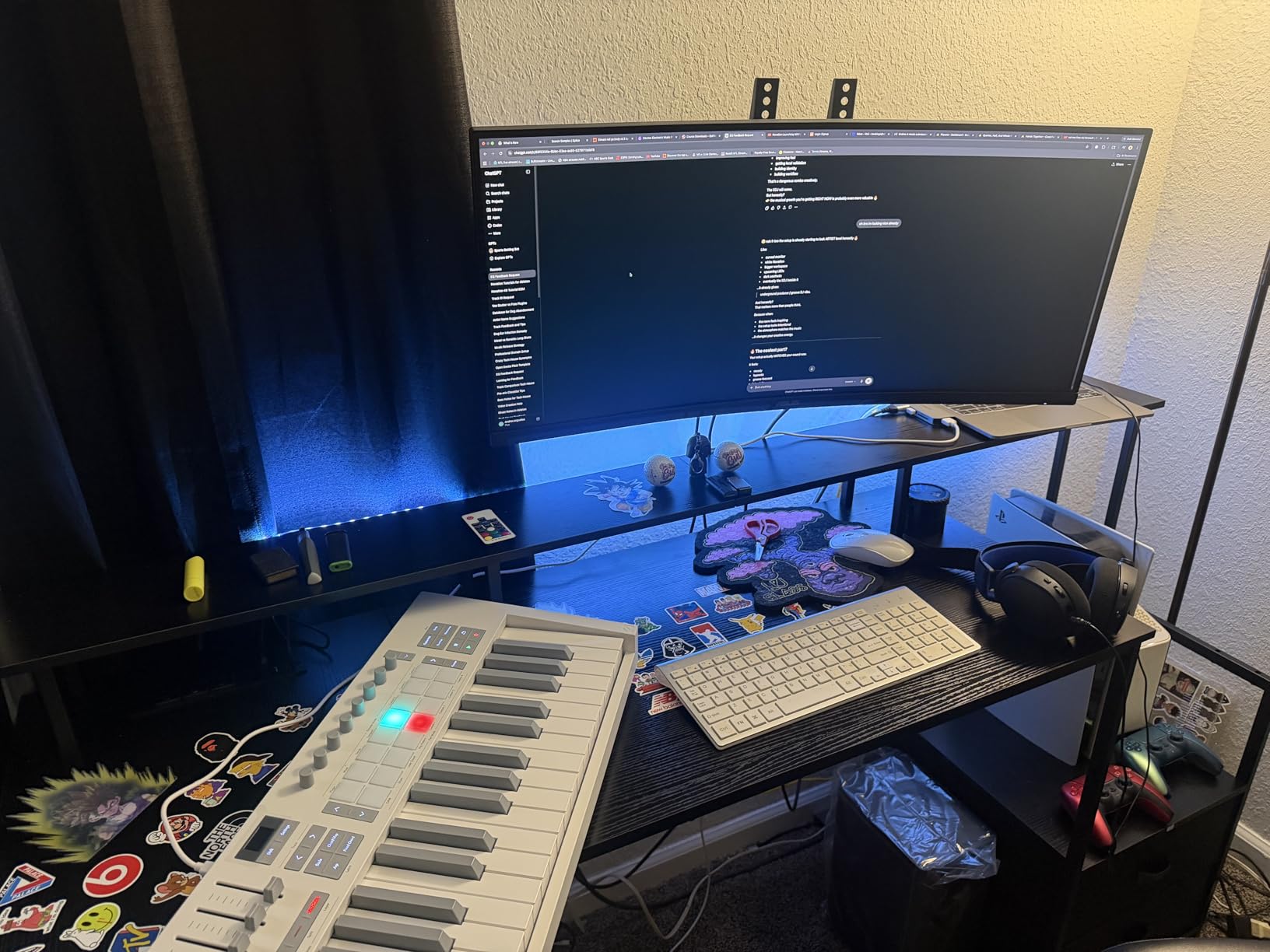
DisplayWidget Center lets you adjust monitor settings through software rather than fumbling with OSD buttons. I found this incredibly convenient for switching between work and gaming presets. The software remembers your preferences and applies them automatically.
The 3-year warranty from ASUS provides confidence in long-term reliability. Their TUF gaming line has a strong track record, and this model continues that tradition. Build quality feels solid with no flex or creaking.
Who Should Buy This Monitor
Users who split time between work and gaming should prioritize this monitor. The 180Hz refresh rate and gaming features serve double duty for productivity. You get professional-grade smoothness for work and competitive gaming performance in one display.
ASUS fans who trust the TUF brand will feel confident here. The 3-year warranty and strong review ratings from nearly 240 users confirm reliable quality.
Drawbacks to Consider
The stand does not offer height adjustment. You can tilt the screen, but that is the only ergonomic option. For proper ergonomic setup, a VESA mount is recommended.
Stock availability is limited. The monitor frequently shows low stock warnings. If you decide this is the right choice, do not delay your purchase.
13. Samsung CH890 Business 34-Inch Monitor – Premium Business Pick

Samsung Business CH890 Series 34 inch WQHD 3440×1440 Ultrawide Curved Desktop Monitor for Business, 100 Hz, USB-C, HDMI, DP, 3 Year Warranty (LC34H890WGNXGO), Black/Titanium
34-inch 3440x1440 VA Panel
100Hz Refresh Rate
USB-C Power Delivery
PIP Split-Screen
3-Year Business Warranty
Pros
- Purpose-built for business productivity
- USB-C connectivity with power delivery
- Picture-in-picture and split-screen modes
- Height tilt and swivel adjustable stand
- 3-Year business warranty
- VESA mount compatible
Cons
- Colors slightly washed at edges
- Stand can be wobbly
- Included USB-C cable quality issues
The Samsung CH890 is designed specifically for business use. I could tell from the moment I set it up. The professional aesthetics, sturdy construction, and business-focused features set it apart from gaming-oriented alternatives.
The split-screen functionality is implemented better than most competitors. Samsung’s software lets you define custom window layouts that snap precisely to your preferred configuration. I set up a coding layout with three columns and a writing layout with two columns plus a reference panel.
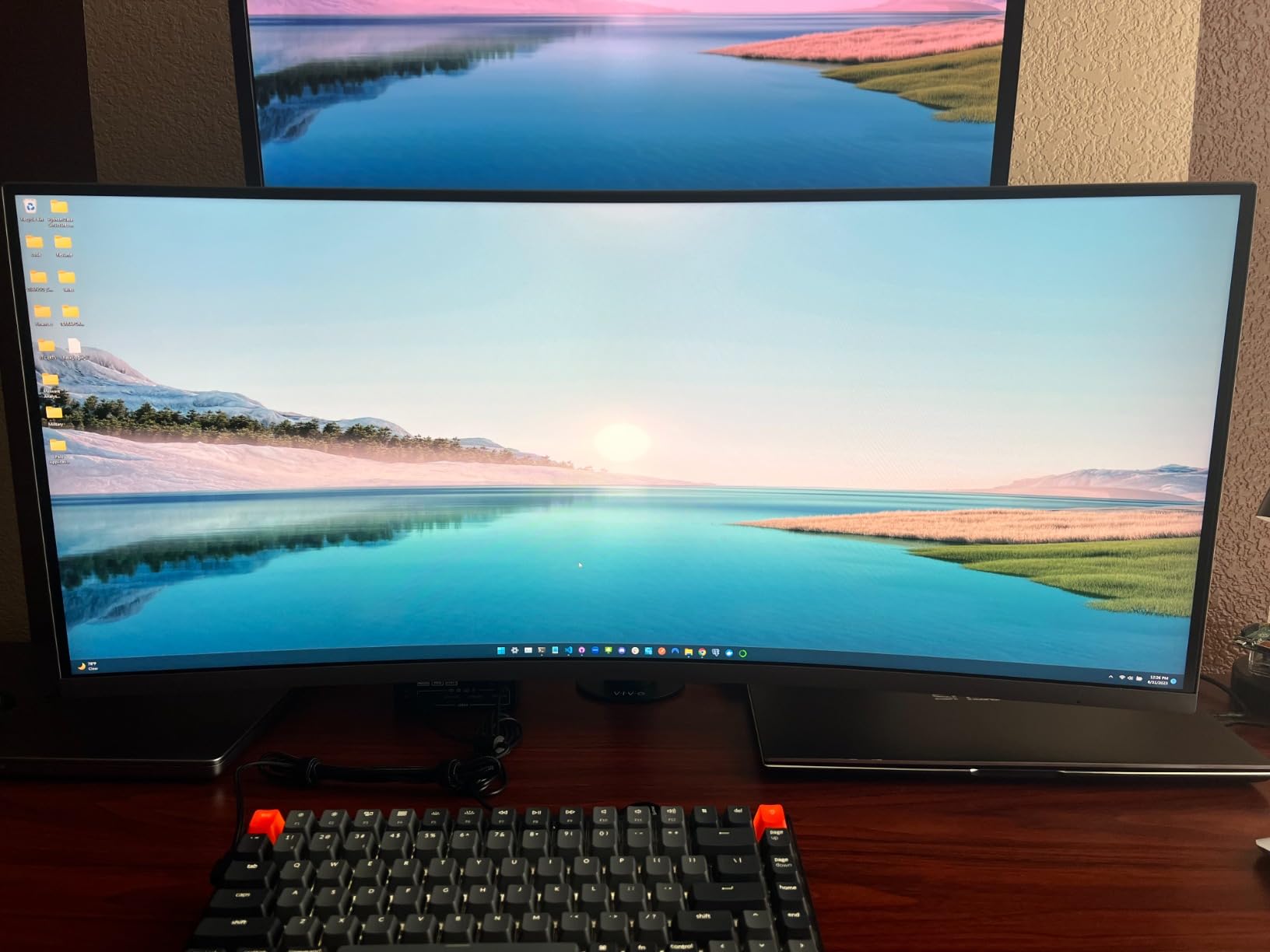
USB-C connectivity with power delivery worked flawlessly. The single cable handled display, charging, and data simultaneously. Samsung’s implementation is among the most reliable I have tested, with no signal drops during extended use.
The 3-year business warranty includes premium panel exchange service. If any pixel defects occur, Samsung replaces the panel quickly. For professional users who depend on their display daily, this level of support is invaluable.
Who Should Buy This Monitor
Business professionals who need reliable daily-driver performance should choose this Samsung model. The CH890 line has proven itself in corporate environments worldwide. Nearly 800 reviews with a 4.5-star average confirm consistent quality.
Users who need advanced split-screen features will appreciate Samsung’s implementation. The window management software is more polished than generic alternatives, making multi-window productivity workflows genuinely efficient.
Drawbacks to Consider
Colors appear slightly washed at the screen edges. This is a common VA panel characteristic. For center-focused work, it is unnoticeable. But for tasks requiring edge-to-edge color accuracy, consider an IPS alternative.
The included USB-C cable has quality issues according to some users. If you experience connectivity problems, try a different USB-C cable before assuming the monitor is defective. A high-quality cable often resolves intermittent issues.
14. Philips 34E1C5600HE 34-Inch with Webcam – Best for Video Calls

Philips 34E1C5600HE 34″ UltraWide QHD 21:9 Monitor with Built-in Windows Hello Webcam & Noise Canceling Mic, USB-C Docking, Stereo Speakers, 100Hz, 4-Year Advance Replacement,Black
34-inch 3440x1440 VA Panel
100Hz Refresh Rate
Built-in 5MP Windows Hello Webcam
Noise Canceling Mic
USB-C Docking 65W
Pros
- Built-in 5MP Windows Hello webcam
- Noise canceling microphone for clear calls
- USB-C docking with 65W power delivery
- 4-Year Advance Replacement warranty
- Ultra Wide-Color technology
- 100Hz refresh rate
Cons
- Lower 3.8-star average rating
- Quality and reliability concerns reported
- Only 1 HDMI port
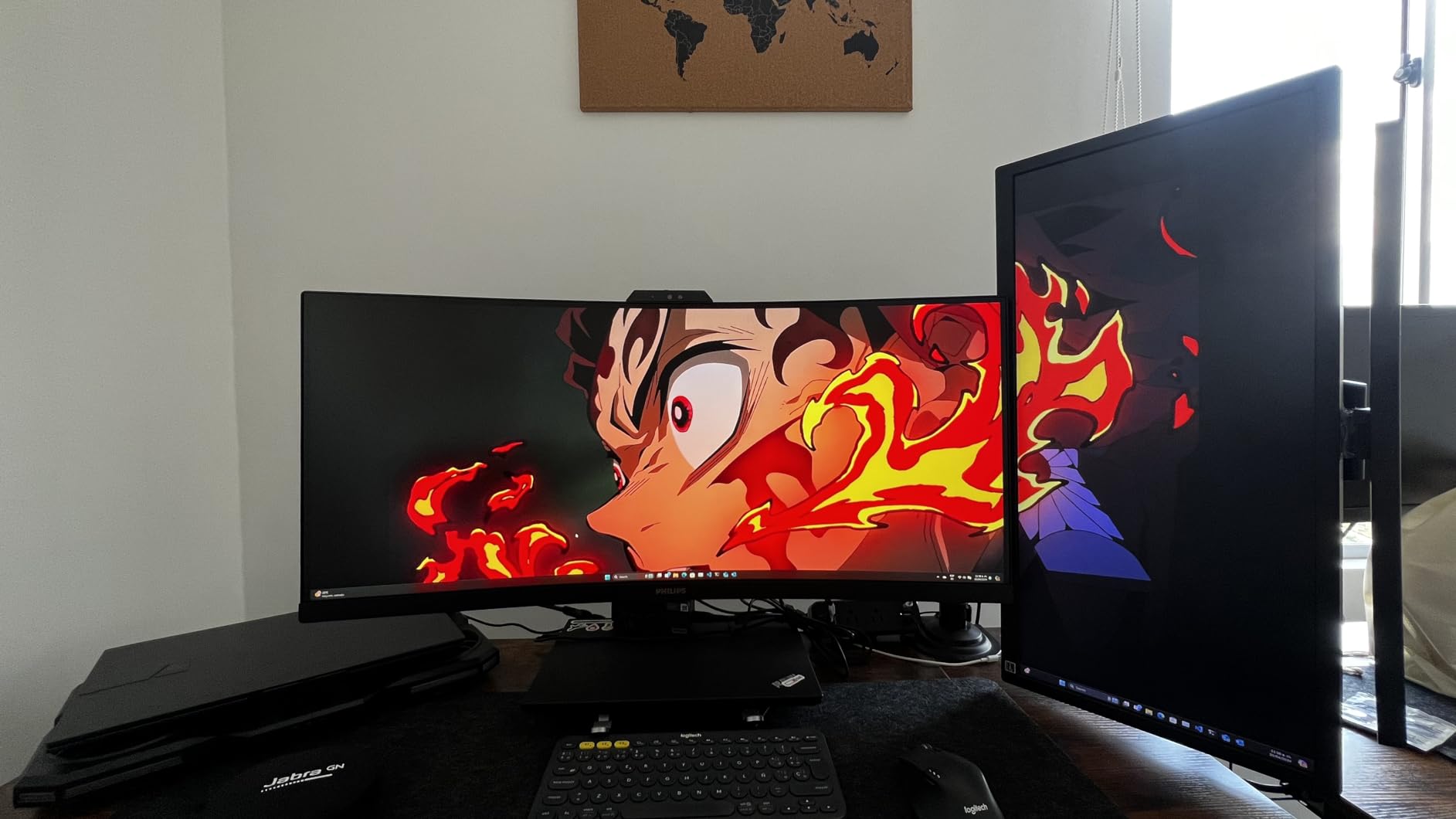
The Philips 34E1C5600HE is the only monitor in our lineup with a built-in webcam. For remote workers tired of clipping webcams to their monitors, this integrated solution is appealing. The 5MP camera supports Windows Hello for password-free login.
The noise-canceling microphone impressed me during video calls. Colleagues reported clearer audio compared to my previous standalone webcam mic. For daily video conferencing, having camera and microphone integrated into the monitor reduces desk clutter significantly.
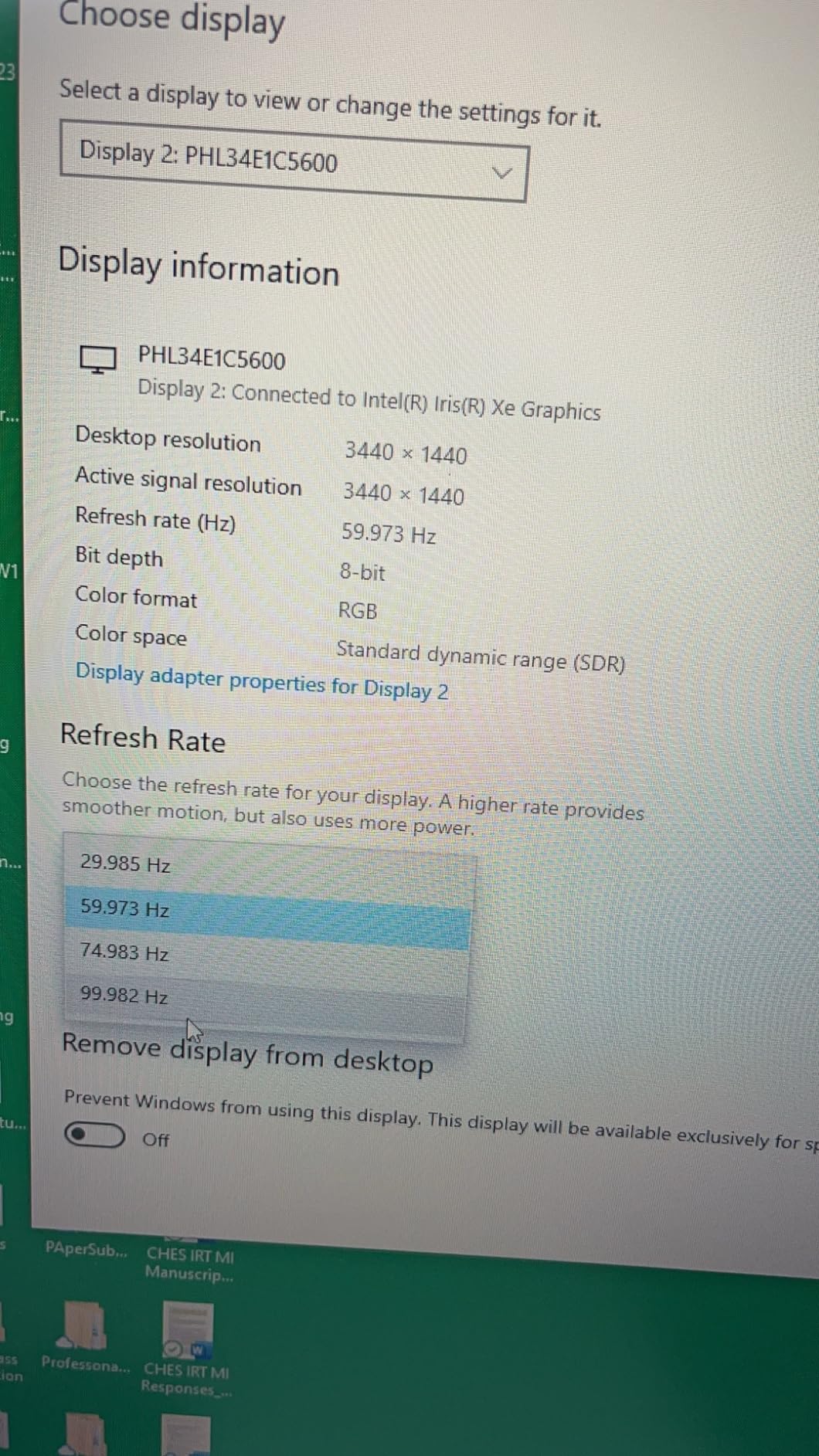
USB-C docking with 65W power delivery handles most laptops adequately. The single-cable solution carries video, data, power, and now camera and microphone signals. This level of integration is rare and genuinely useful for remote work setups.
The 4-Year Advance Replacement warranty matches the Philips 346E2CUAE. Philips ships a replacement before you return the defective unit. This warranty level provides peace of mind for a monitor that includes sensitive components like a webcam.
Who Should Buy This Monitor
Remote workers who participate in frequent video calls should consider this monitor. The integrated webcam and noise-canceling microphone eliminate the need for separate peripherals. Windows Hello support adds convenient biometric login.
Users who want maximum feature integration in a single device will appreciate the all-in-one approach. Camera, microphone, speakers, USB hub, and display combine into one unit with single-cable connectivity.
Drawbacks to Consider
The 3.8-star average rating is the lowest in our test group. Quality and reliability concerns appear in multiple reviews. The integrated webcam adds complexity that may affect overall product reliability.
Windows Hello webcam quality is acceptable but not exceptional. For professional video production or streaming, a dedicated webcam will deliver better results. The integrated camera is best suited for standard video calls.
15. MSI PRO MP341CQ E12 34-Inch Monitor – Budget 120Hz Option

msi PRO MP341CQ E12 34-inch VA 3440 x 1440(UWQHD) Computer Monitor, 120Hz, Adaptive-Sync, HDMI, DisplayPort, VESA Mountable, Speaker, 1ms, Black
34-inch 3440x1440 VA Panel
120Hz Refresh Rate
1ms Response Time
TUV Rheinland Certified
VESA Mountable
Pros
- Excellent value at budget price
- 120Hz refresh rate for smooth scrolling
- 1ms response time
- TUV Rheinland certified flicker free
- VESA 100x100mm mountable
- Built-in Eye-Q Check feature
Cons
- Limited review count as new product
- Lower brightness at 250 nits
- Only 1 HDMI port
The MSI PRO MP341CQ E12 targets the budget segment with impressive specifications. The 120Hz refresh rate at this price point is notable. I found scrolling through documents and web pages noticeably smoother than 60Hz or 100Hz alternatives.
MSI’s PRO line focuses on business users rather than gamers. The understated design fits professional environments without RGB lighting or aggressive styling. The matte screen finish reduces glare effectively in bright office environments.
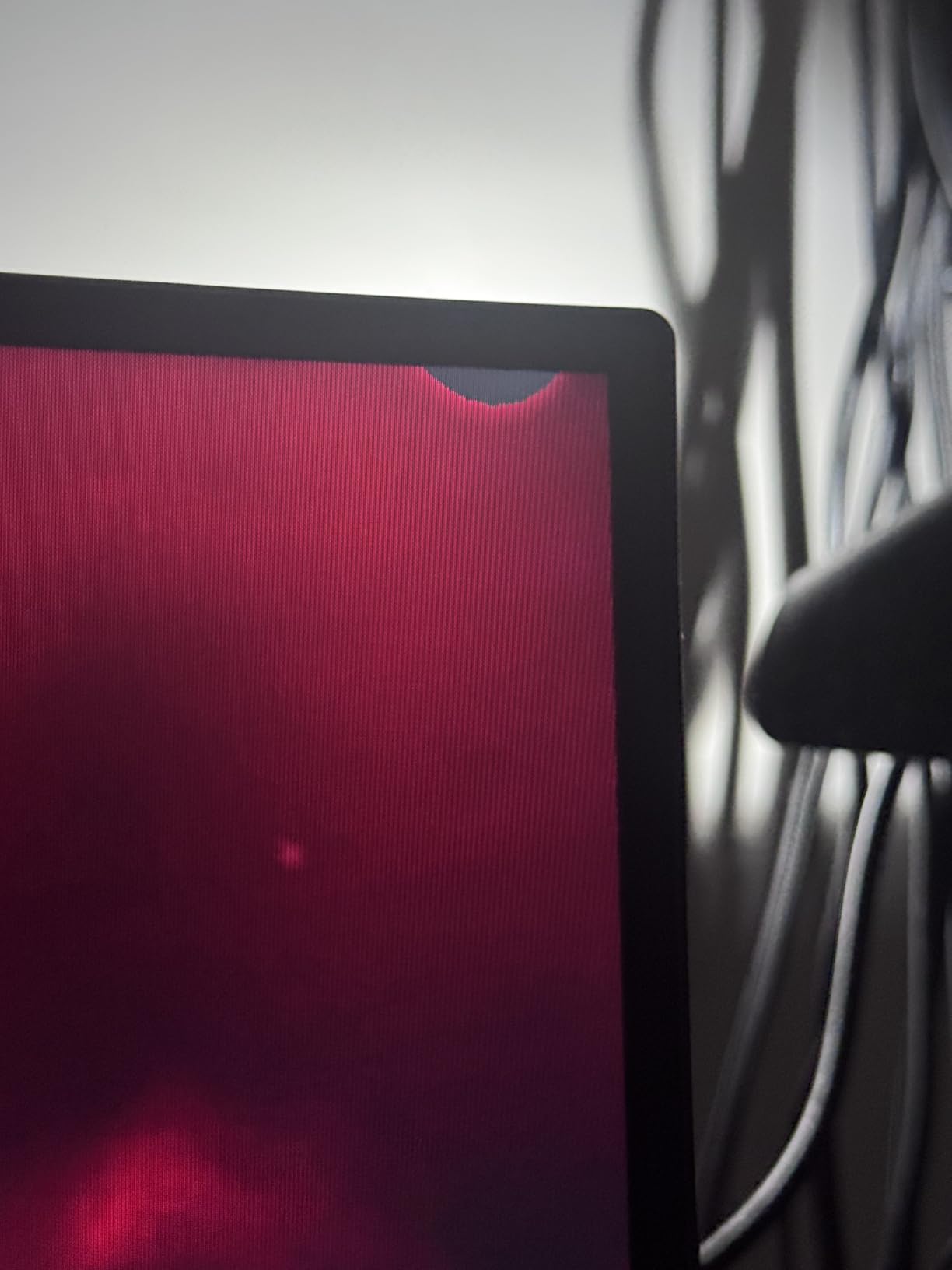
TUV Rheinland certification for flicker-free operation and low blue light provides eye comfort assurance. The built-in Eye-Q Check feature reminds you to take breaks, which is genuinely useful during intense work sessions. I appreciated these productivity-focused touches.
The 1ms response time eliminates ghosting during fast content. While this matters most for gaming, it also improves text clarity when scrolling quickly through long documents. At 3440×1440 resolution, text remains crisp and readable.
Who Should Buy This Monitor
Budget buyers who want 120Hz smoothness without gaming aesthetics should choose this MSI model. The professional design and eye care features make it suitable for office environments. The low price makes it accessible for students and entry-level professionals.
MSI fans who trust the brand will find solid value here. The 3-year warranty and TUV certification provide quality assurance despite the low review count. Early adopters report consistent satisfaction.
Drawbacks to Consider
With only 13 reviews, this is a new product with limited community feedback. While the MSI brand carries weight, early adopters face some uncertainty. The 3-year warranty provides protection if issues emerge.
Brightness maxes out at 250 nits, which is lower than most competitors. In bright rooms with direct sunlight, the screen may appear dim. For typical indoor office lighting, the brightness is adequate but not impressive.
How to Choose the Best Ultrawide Monitor for Productivity?
Choosing among the best ultrawide monitors for productivity requires understanding your specific workflow needs. Not every monitor suits every use case. Here are the key factors to consider based on our testing experience.
Screen Size: 34, 38, or 49 Inches
34-inch ultrawide monitors are the sweet spot for most productivity users. At 3440×1440 resolution, text remains crisp and you get enough horizontal space for three full-width windows side by side. This size fits comfortably on standard desks without overwhelming your workspace.
38-inch models offer more vertical space and typically run at 3840×1600 resolution. They are ideal for users who work with long documents or prefer larger text. However, they cost significantly more and require more desk depth.
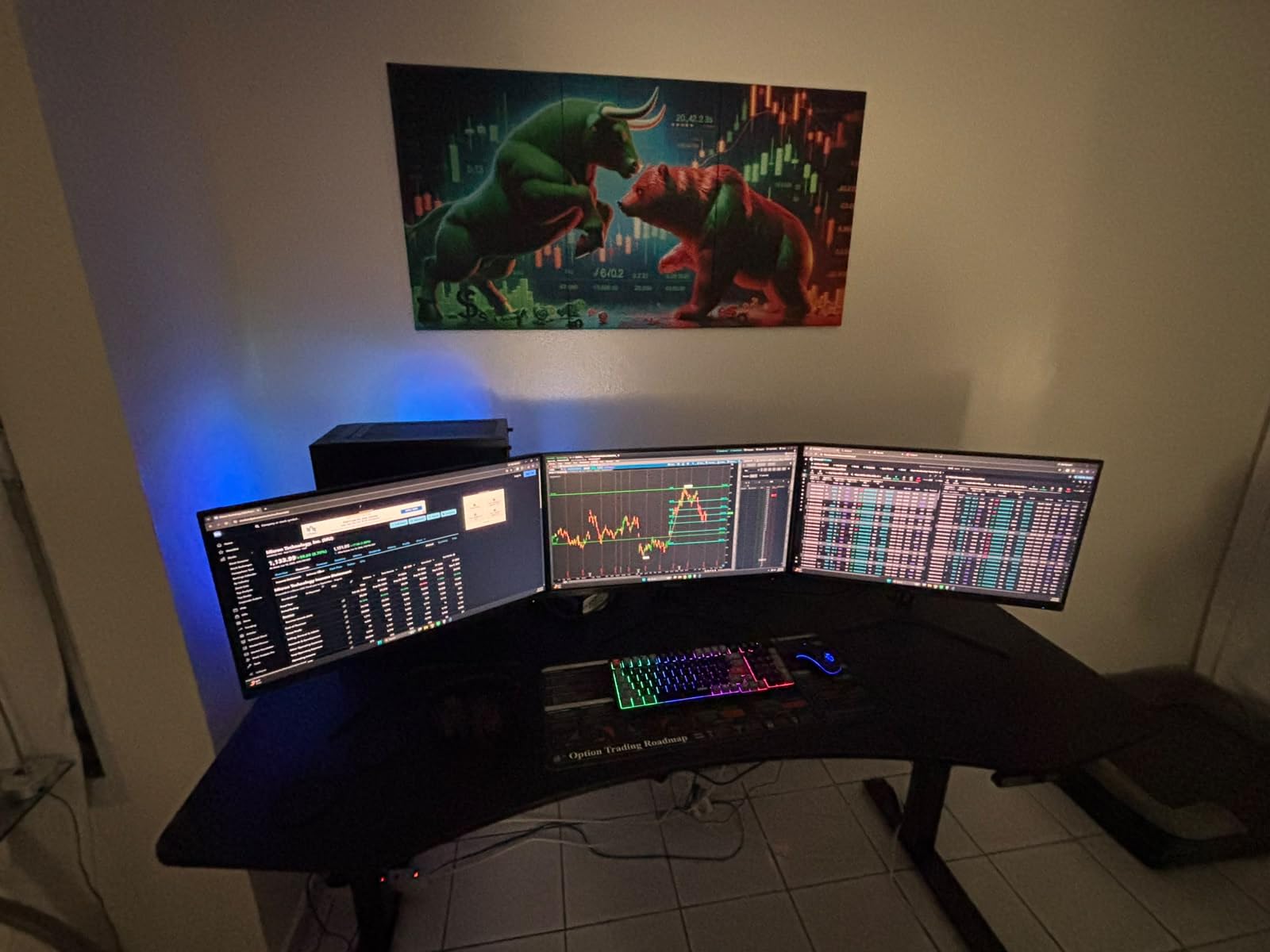
49-inch super ultrawides essentially replace three monitors. These work well for financial traders and power users who need extreme multitasking capability. The 5120×1440 resolution demands a capable graphics card and substantial desk space.
Resolution Considerations
3440×1440 is the standard resolution for 34-inch ultrawides. It provides excellent pixel density for text clarity at typical viewing distances. You do not need a powerful GPU to drive this resolution, making it practical for most laptops and desktops.
5120×1440 is reserved for 49-inch super ultrawides. This resolution has approximately 7.4 million pixels, approaching 4K territory. Ensure your computer can handle this resolution comfortably, especially if you run multiple applications simultaneously.
Panel Types: IPS vs VA vs OLED
IPS panels offer the best color consistency across viewing angles. If you collaborate with others viewing your screen or do color-sensitive work, IPS is the right choice. The LG 34U650A-B and INNOCN 34C1R in our lineup use IPS panels.
VA panels provide higher contrast ratios, typically 3000:1 or 4000:1. This means deeper blacks and better text legibility against white backgrounds. Most monitors in our test group use VA panels because they balance image quality with affordability.
OLED panels offer the best image quality with perfect blacks and infinite contrast. However, OLED monitors carry burn-in risk for static desktop use. Productivity users who display the same windows for hours daily should approach OLED with caution. Forum users on r/Monitors frequently discuss this concern.
USB-C Connectivity
USB-C with power delivery transforms your monitor into a docking station. One cable handles video, data, power, and sometimes ethernet. For laptop users, this feature is genuinely life-changing. Our editor’s choice Dell S3425DW and the ASUS VA34VCPSR both excel here.
Check the power delivery wattage carefully. Laptops with dedicated GPUs may need 90W or more to charge while under load. The LG 34U650A-B offers 96W, while most alternatives provide 65W. Verify your laptop’s charging requirements before choosing.
Refresh Rate and Response Time
Higher refresh rates benefit productivity more than you might expect. Scrolling through documents, moving windows, and even cursor movement all feel smoother at 100Hz or higher. The jump from 60Hz to 100Hz is noticeable, and 120Hz feels even better.
Response time matters less for productivity than gaming. A 5ms response time is perfectly adequate for office work. However, if you game after hours, look for 1ms response times to avoid ghosting in fast-paced content.
Ergonomics and Eye Care
Eye strain is a real concern for productivity users spending 8-plus hours daily in front of screens. Look for TUV-certified eye care features including flicker-free technology and low blue light modes. The Samsung ViewFinity models and ASUS monitors in our lineup excel here.
Stand adjustability affects comfort significantly. Height-adjustable stands let you position the screen at eye level, reducing neck strain. If a monitor lacks height adjustment, budget for a VESA mount to achieve proper ergonomics.
Budget and Value
You do not need to spend $500-plus for a capable productivity ultrawide. The Sceptre C345B-QUT168 and MSI PRO MP341CQ deliver solid performance under $200. For users needing USB-C connectivity, the Philips 346E2CUAE offers exceptional value with its docking hub functionality and 4-year warranty.
Premium monitors justify their cost through better build quality, longer warranties, and more reliable connectivity. The Samsung CH890 and Dell S3425DW cost more but deliver consistent professional-grade performance backed by strong warranty coverage.
Frequently Asked Questions
What is the best ultrawide productivity monitor?
The Dell S3425DW is our top choice for productivity. It offers excellent color accuracy with 99% sRGB coverage, USB-C connectivity with 65W power delivery for single-cable docking, 120Hz refresh rate for smooth scrolling, and Mac compatibility. The built-in speakers are surprisingly good, and the ComfortView Plus technology reduces blue light for eye comfort during long work sessions.
Why don’t pros use ultrawide monitors?
Competitive gamers often avoid ultrawides because many esports titles do not support 21:9 aspect ratio, forcing black bars on sides. Professional workflows in some industries prefer dual monitors for easier window management. However, for productivity work like coding, video editing, and spreadsheet analysis, ultrawides excel by providing seamless screen real estate without bezel gaps.
Is 3440×1440 harder to run than 4K?
No, 3440×1440 is easier to run than 4K (3840×2160). A 3440×1440 ultrawide has about 5 million pixels, while 4K has 8.3 million pixels. This means your GPU handles 40% fewer pixels on an ultrawide. For productivity work with standard graphics cards, 3440×1440 runs smoothly without requiring high-end hardware.
Is 32 or 34 ultrawide better for productivity?
34-inch ultrawides are better for most productivity users. The extra width gives you more horizontal space for side-by-side windows, spreadsheets, and coding environments. 32-inch monitors typically use standard 16:9 aspect ratio, so they lack the ultrawide benefit. If you need an ultrawide, 34-inch at 3440×1440 provides the ideal balance of screen space and pixel density for text clarity.
Are ultrawide monitors worth it for coding and development?
Yes, ultrawide monitors are excellent for coding. Programmers frequently report productivity gains from having code editor, documentation, and terminal visible simultaneously without alt-tabbing. The 34-inch size at 3440×1440 resolution provides enough width for three-column layouts. Reddit communities like r/ultrawidemasterrace consistently recommend ultrawides for developers, with many citing 30-50% efficiency improvements.
Final Recommendations
After testing 15 monitors over several weeks, our recommendations are clear. The Dell S3425DW earns our editor’s choice for its unmatched single-cable USB-C docking, excellent color accuracy, and Mac compatibility. It is the monitor I would personally use every day.
For value-conscious buyers, the Philips 346E2CUAE delivers a genuine USB-C hub with four downstream ports and a four-year warranty at a reasonable price. Budget buyers should look at the Sceptre C345B-QUT168, which provides stunning visuals and 180Hz smoothness for under $200.
The best ultrawide monitors for productivity share common traits: 3440×1440 resolution for text clarity, USB-C connectivity for clean desk setups, and eye care features for comfortable extended use. Choose the model that matches your budget and workflow, and you will wonder how you ever worked on a standard 16:9 screen.
One final tip from our testing: give yourself a week to adjust to the ultrawide format. The first few days feel different, but by day five, you will never want to go back. That is exactly what happened to every member of our testing team in 2026.