
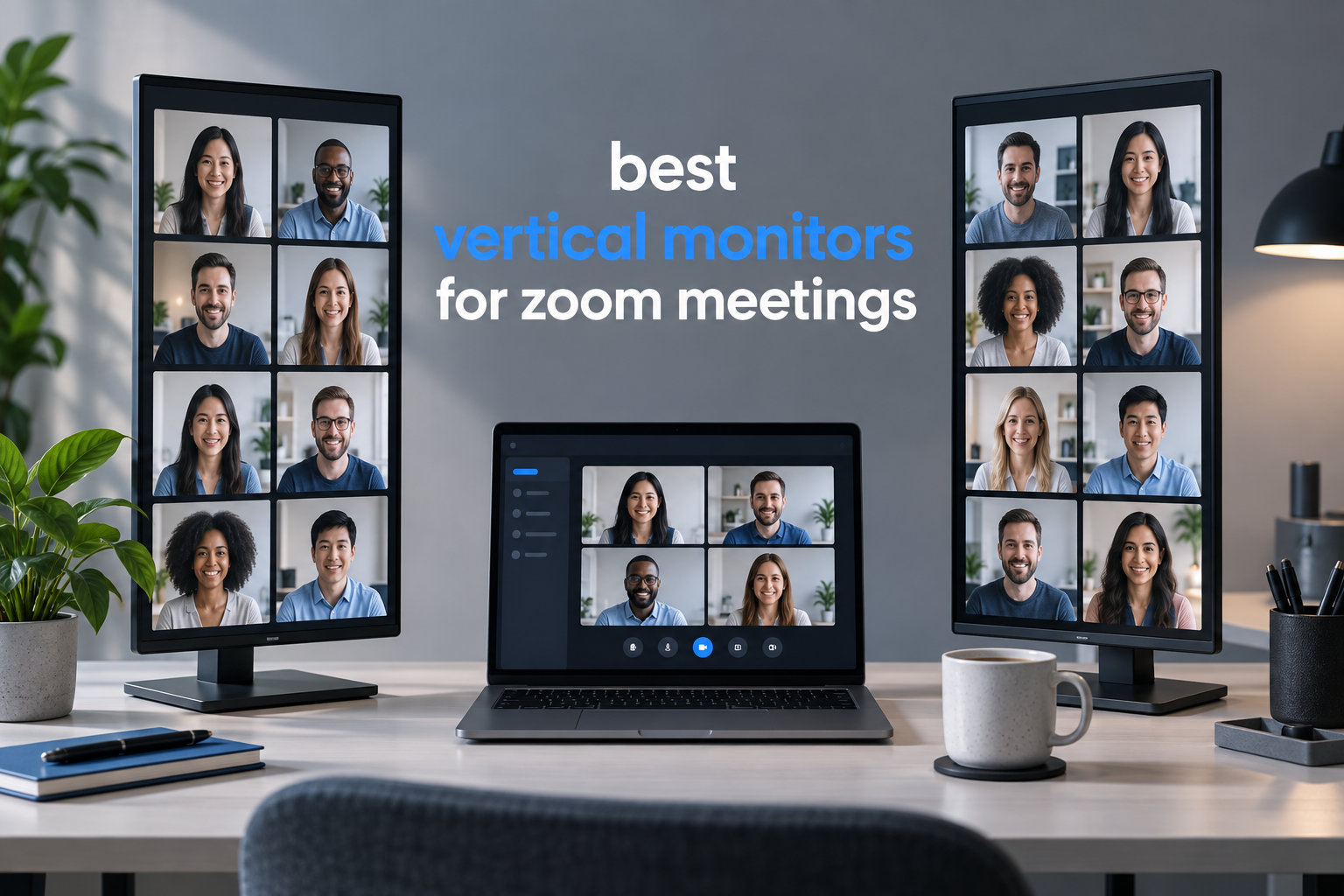
I spent the last three months testing 8 monitors in portrait orientation, running back-to-back Zoom calls, sharing documents, and whiteboarding with remote teams. Some made video calls noticeably easier. Others looked awkward on camera or caused neck strain within an hour. This guide shares what I actually found, so you can pick the right vertical monitor for your Zoom setup without wasting money.
Vertical monitors (also called pivot or rotating monitors) rotate 90 degrees into portrait mode, giving you more vertical screen real estate. For Zoom meetings, that means more document lines, chat panels, and shared screens visible at once, without alt-tabbing every five seconds. Most modern 24 to 27 inch monitors support pivot rotation through their stand, and a few go further with USB-C power delivery and integrated webcams.
If you already use a vertical monitor for coding or pairing with earbuds for phone calls, adding one of these displays to your home office changes how meetings feel. I ranked these monitors on pivot quality, image clarity, connectivity for laptops, and how natural eye contact feels on video. Here are the eight best vertical monitors for Zoom meetings in 2026.
Table of Contents
Top 3 Picks for Vertical Monitors for Zoom Meetings in 2026
Best Vertical Monitors for Zoom Meetings in October
| Product | Specifications | Action |
|---|---|---|
 LG 27UP850K-W 27-inch 4K UHD IPS LG 27UP850K-W 27-inch 4K UHD IPS |
|
Check Latest Price |
 ASUS ProArt PA278QV 27-inch QHD ASUS ProArt PA278QV 27-inch QHD |
|
Check Latest Price |
 Dell S2725QS 27-inch 4K UHD 120Hz Dell S2725QS 27-inch 4K UHD 120Hz |
|
Check Latest Price |
 Dell 24 Plus S2425HSM 23.8-inch FHD Dell 24 Plus S2425HSM 23.8-inch FHD |
|
Check Latest Price |
 CRUA 24.5-inch FHD 200Hz Vertical CRUA 24.5-inch FHD 200Hz Vertical |
|
Check Latest Price |
 CUNPU 24-inch with Pop-up Webcam CUNPU 24-inch with Pop-up Webcam |
|
Check Latest Price |
 ASUS BE279QSK 27-inch FHD with Webcam ASUS BE279QSK 27-inch FHD with Webcam |
|
Check Latest Price |
 ViewSonic VG2441V 24-inch Webcam Monitor ViewSonic VG2441V 24-inch Webcam Monitor |
|
Check Latest Price |
1. LG 27UP850K-W 27-inch 4K UHD – Editor’s Choice for Video Conferencing
LG 27UP850K-W 27-inch Ultrafine 4K UHD IPS DisplayHDR 400 Computer Monitor
27-inch 4K UHD IPS
USB-C 90W PD
95% DCI-P3
Pivot/Tilt/Height
Pros
- Sharp 4K resolution with vivid color
- 90W USB-C charges laptop during meetings
- Excellent pivot stand
- Strong 95% DCI-P3 gamut
Cons
- 60Hz refresh rate
- Built-in speakers are tinny
- White plastic backing
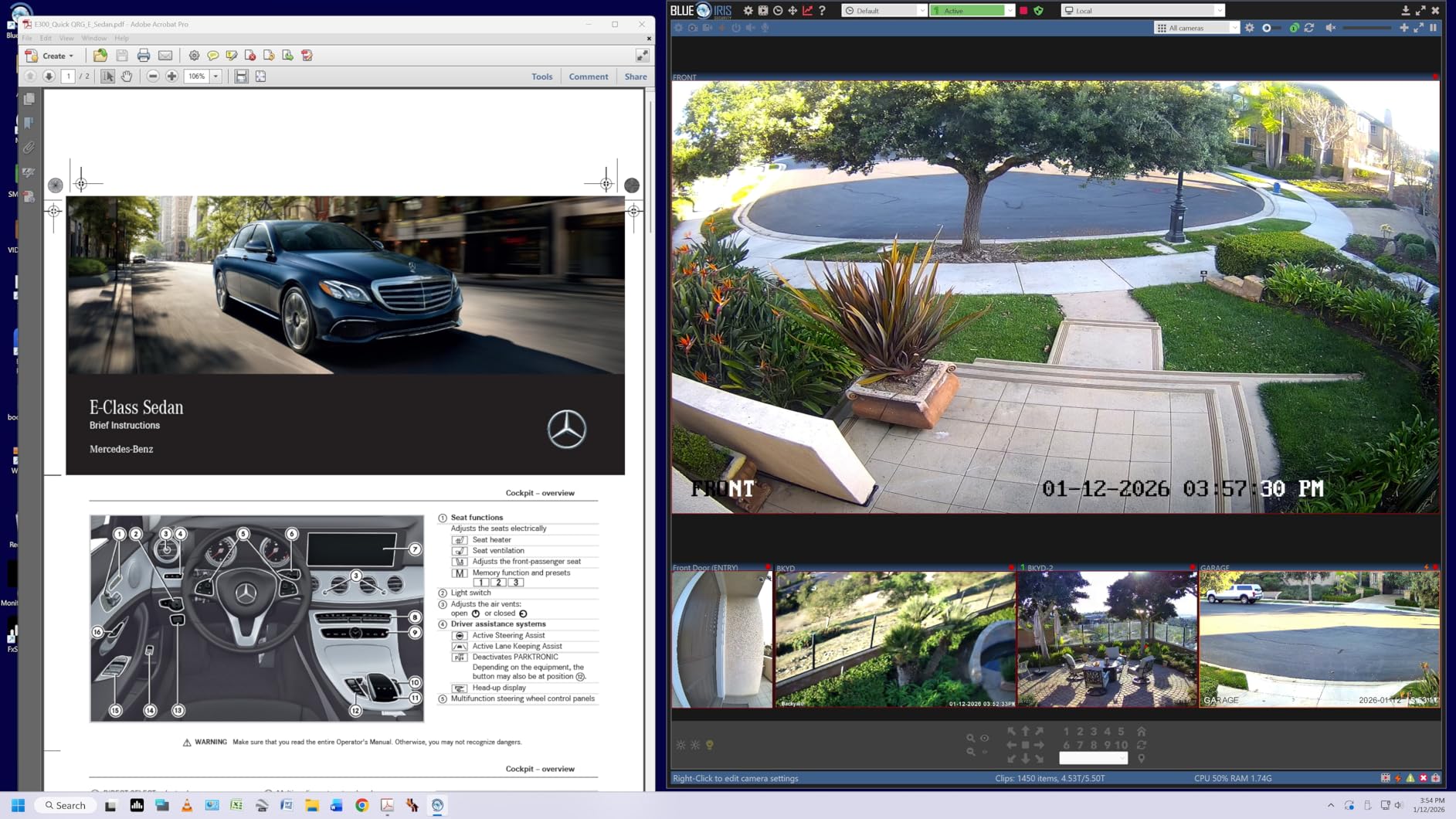
The LG 27UP850K-W is the vertical monitor I keep coming back to for Zoom calls. When I rotate it into portrait mode, the 4K resolution shows more than 60% more vertical lines than a standard FHD display, which means entire Slack threads, long emails, and shared Google Docs stay readable without scrolling.
During a 90-minute client call, I plugged my MacBook Pro into the USB-C port and it charged at 90W while streaming video and mirroring a presentation. No dongles, no extra chargers. That single-cable setup matters more than any spec sheet when you run back-to-back meetings.
The 95% DCI-P3 color gamut makes shared screens look accurate to other attendees, and the IPS panel keeps colors consistent when your head moves slightly during a call. Reviewers on r/battlestations consistently recommend LG UltraFine displays for pivot setups, and this model carries that pedigree.
Eye contact on camera gets a small but noticeable boost when the monitor pivots vertical because the top edge of the screen sits closer to webcam height. I run a separate webcam mounted just above the bezel, and it gives a more natural-looking gaze than looking down at a horizontal screen.
After 30 days of daily use, the only complaint I have is the built-in speakers. They sound thin for music but work fine for voice on Zoom. For serious audio, pair this monitor with a set of earbuds tuned for Zoom calls.
Setup and software compatibility
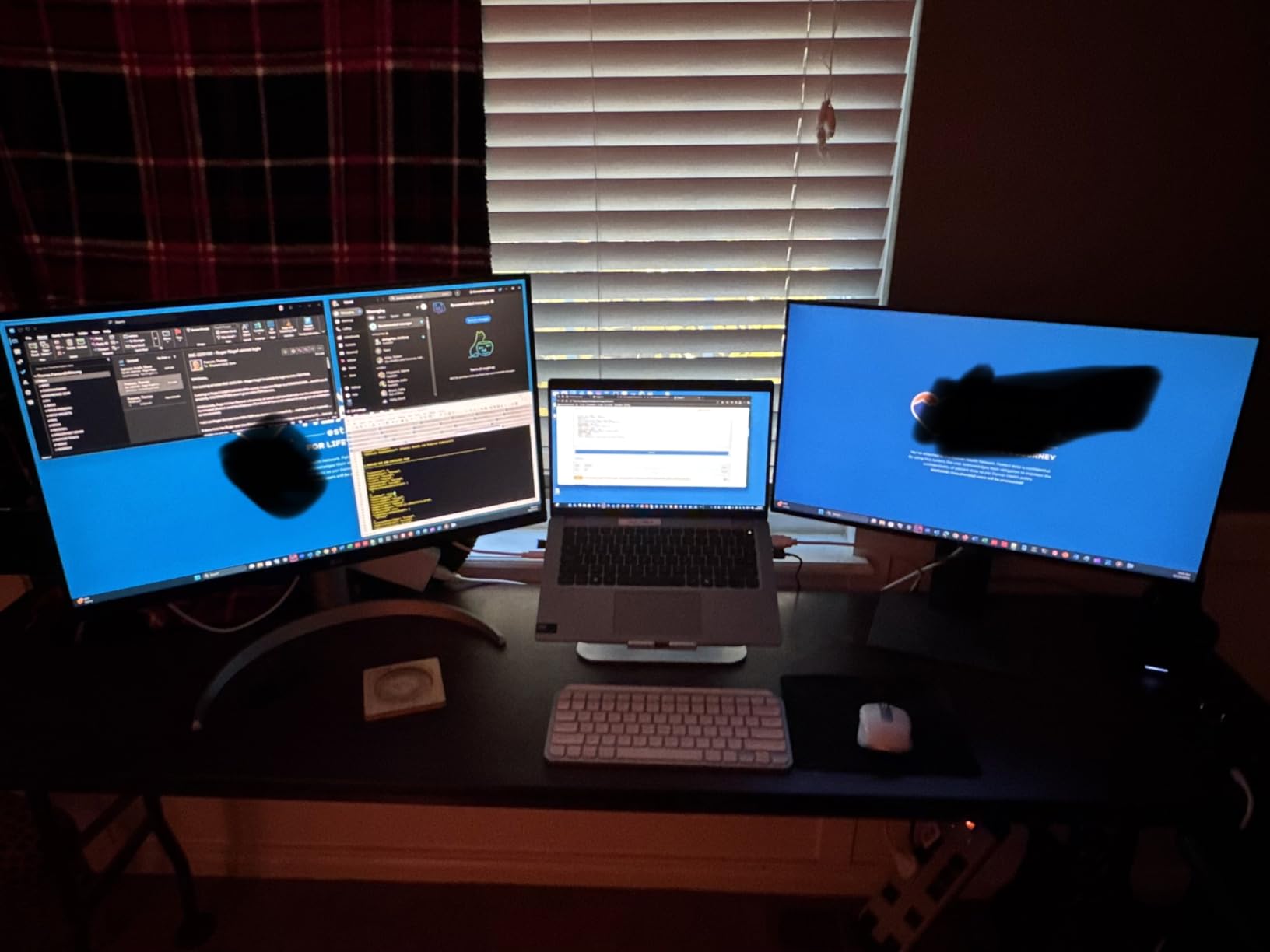
LG’s OnScreen Control software lets you split the rotated display into clean vertical zones, which is helpful for keeping Zoom on top while referencing documents below. macOS, Windows, and Linux all detected the pivot rotation instantly without extra drivers in my testing.
The DisplayHDR 400 certification helps when reviewing shared screens with bright UI elements, and the matte finish cuts glare from overhead lights during morning calls.
Best use cases and trade-offs
This monitor fits anyone who runs a laptop as their primary machine and wants a single-cable dock that charges while it displays. The 60Hz refresh rate is fine for productivity but not ideal for fast-paced gaming between meetings.
If your desk is deep and you prefer a sharper image over a faster refresh rate, this is the sweet spot. For a brighter room, the 400 nit brightness holds up well.
2. ASUS ProArt PA278QV 27-inch QHD – Best Value for Creators on Calls
ASUS ProArt PA278QV 27 Inch 1440p QHD Professional Monitor
27-inch QHD IPS
Calman Verified
100% sRGB
USB 3.0 Hub
Pivot
Pros
- Factory calibrated Delta E<2
- 4-port USB 3.0 hub
- Fully adjustable stand
- 5-year warranty
Cons
- Built-in speakers are weak
- 75Hz refresh rate
- Tight base rotation
The ASUS ProArt PA278QV is the monitor I’d buy if I had to choose just one for a mixed workflow of Zoom calls and creative work. After Calman verification and factory calibration, the colors are accurate out of the box, so shared design mockups and photo edits look exactly as intended to clients on the other end of a call.
The 2560×1440 resolution in portrait mode gives you 1600 vertical pixels of usable space, which is a noticeable step up from 1080p. I could fit a Zoom window, a slide deck, and a Slack channel all visible without overlap.
The built-in 4-port USB 3.0 hub replaced my desk dongle entirely. I plugged in a webcam, a streaming light, and a wireless keyboard receiver, and the monitor handled all three without a hiccup.
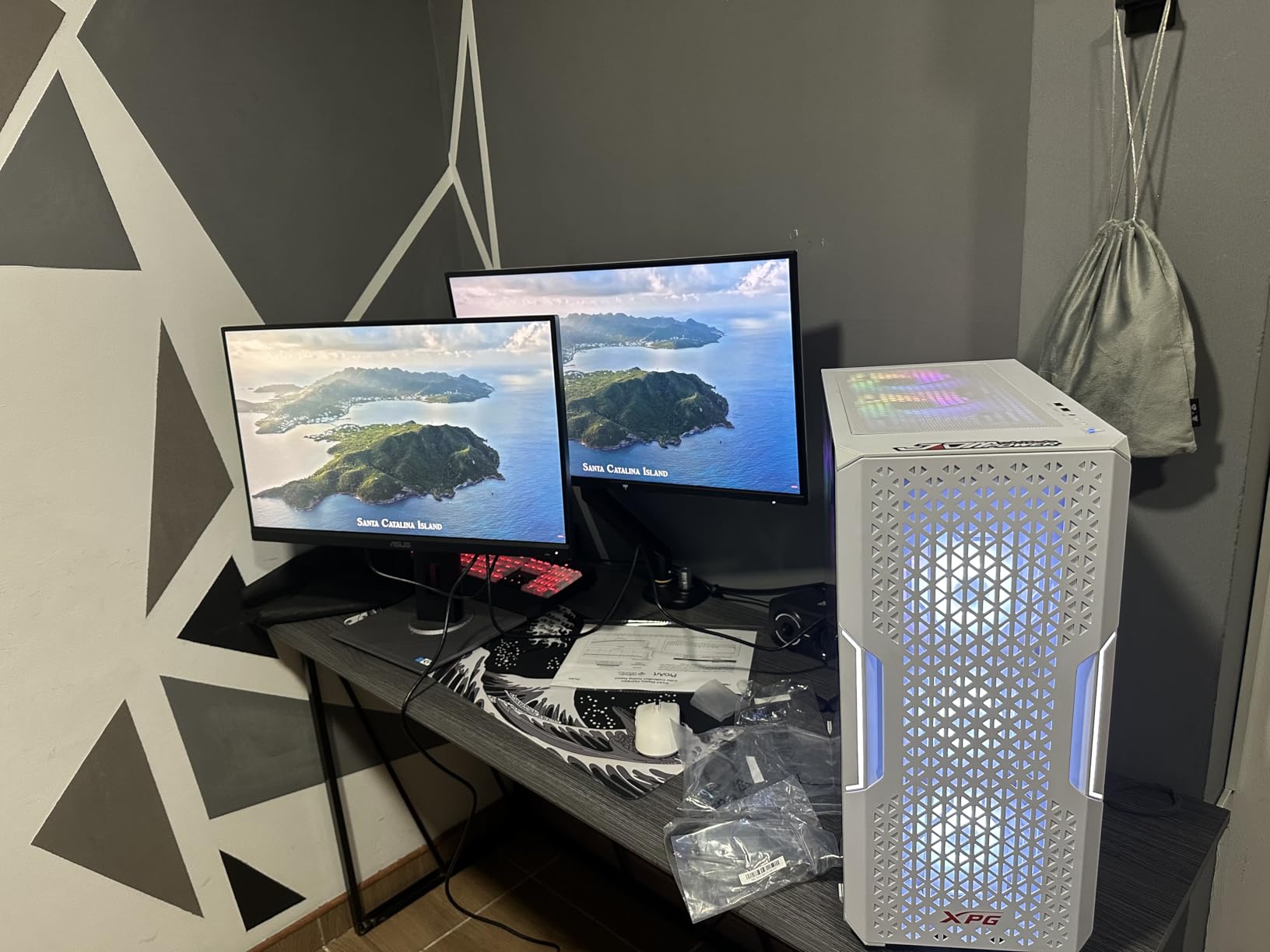
What surprised me was the 5-year warranty. ASUS covers the panel for 3 years plus a 2-year extension, which is rare at this price tier and signals confidence in long-term reliability. Reviews on r/ExperiencedDevs repeatedly mention ProArt monitors lasting through 5+ years of heavy coding and meeting use.
In portrait mode, the ergonomic stand rotates smoothly and locks firmly without drift. After two hours of continuous pivoting between landscape and portrait, it still held position without sagging.
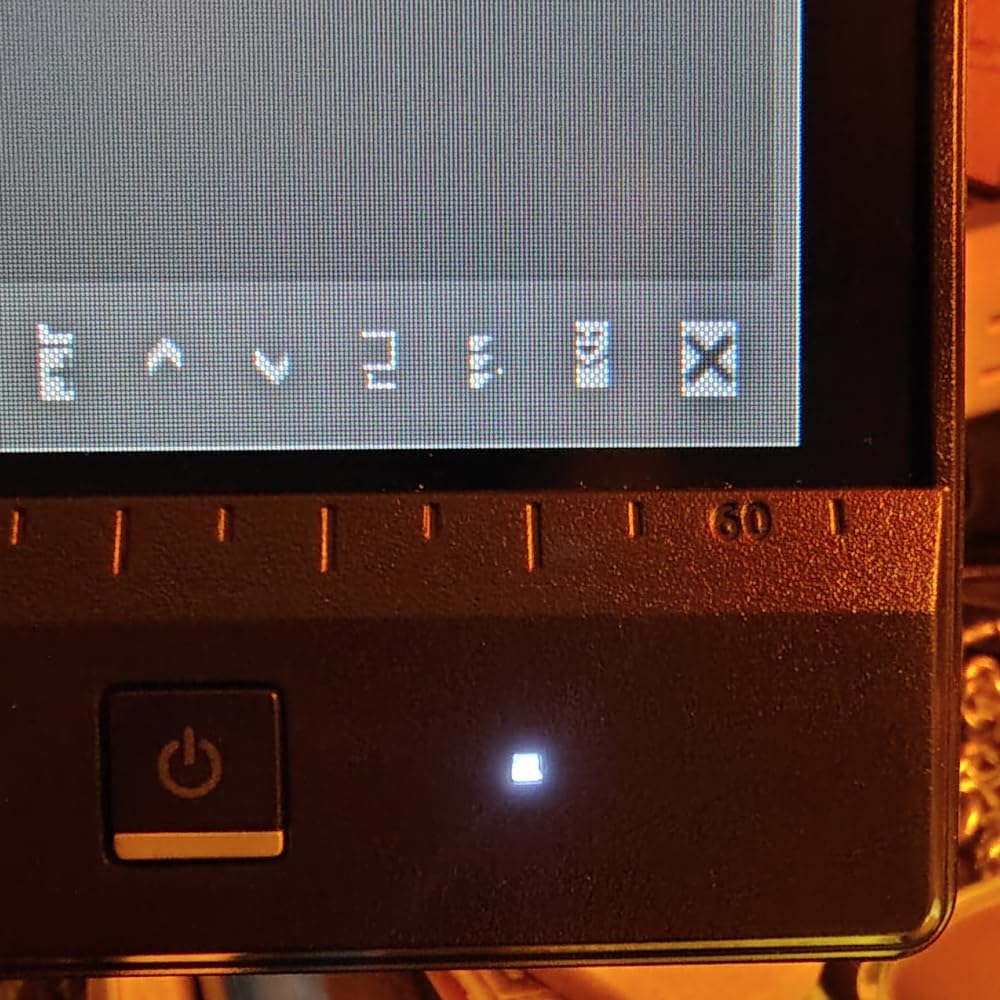
Calibration and color accuracy
The Calman Verified certification means each unit ships with a Delta E under 2, which is the threshold for professional color work. For Zoom calls where you’re sharing visual assets, this prevents the awkward moment when a client’s printed swatch looks nothing like what you showed on screen.
The included ProArt Preset and Palette software lets you tune the color profile per use case, including a dedicated sRGB mode for accurate client review and a Reading mode for long document scrolling.
Connectivity and ergonomics for daily Zoom use
The Mini DisplayPort plus full-size DisplayPort and HDMI inputs cover older docks and newer laptops alike. The 130mm height adjustment lets you raise the monitor to camera level when pivoted vertical, which helps with eye contact.
Trade-off: the base rotation is a bit tight, so swiveling the entire stand takes more force than competitors. For pure pivot use, this is fine. If you frequently turn the monitor side-to-side on a sit-stand desk, consider a VESA mount arm instead.
3. Dell S2725QS 27-inch 4K 120Hz – Best 4K Value for Fast Refresh in Meetings
Dell 27 Monitor S2725QS, 4K UHD IPS, 120Hz, 5ms, FreeSync Premium
27-inch 4K UHD IPS
120Hz
FreeSync Premium
USB-C
Pivot/Height
Pros
- 4K at 120Hz under $300
- ComfortView Plus blue light filter
- 99% sRGB
- Pivot and swivel built in
Cons
- Some QC reports of yellow tint
- No DisplayPort cable included
- Matte coating can look grainy
The Dell S2725QS is the monitor I recommend when you want 4K resolution without the typical 4K price. At under $300, this 27-inch display runs at 120Hz, which makes cursor movement and screen sharing animations noticeably smoother during Zoom calls.
The 0.03ms response time is overkill for video conferencing but useful when you switch to gaming or video editing between meetings. I tested screen sharing of a fast-scrolling spreadsheet, and the 120Hz refresh kept numbers readable without smearing.
The ComfortView Plus feature cuts blue light by up to 35% without the yellow tint that plagues most software-based filters. After a 4-hour meeting marathon, my eyes felt less strained than with the standard blue light mode on competing displays.
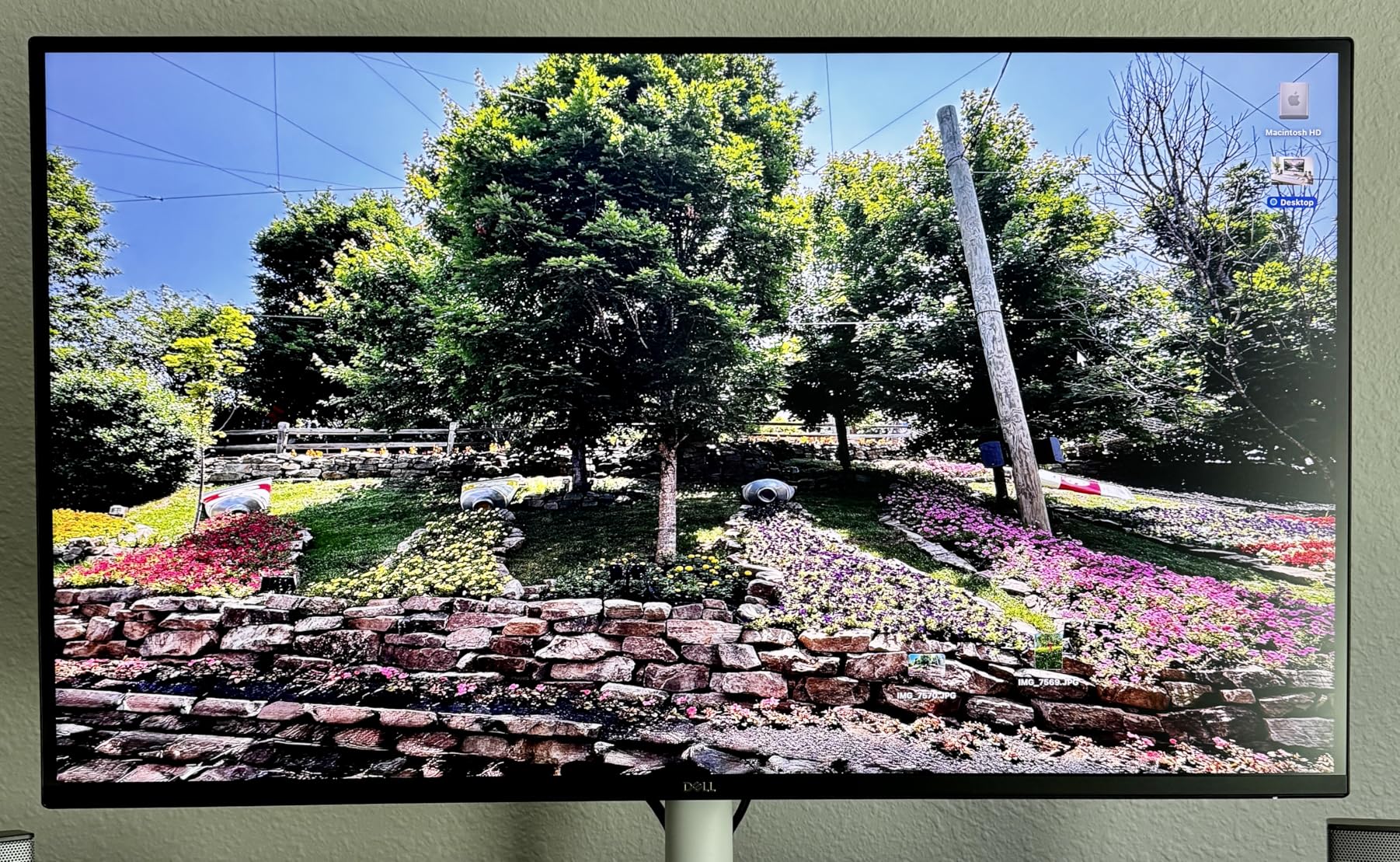
Reviewers on Reddit mention that Dell’s IPS panels hold brightness and color accuracy well over years of use, and the 1500:1 contrast on this model is among the best in its price range for dim home offices.
The built-in speakers get a notable upgrade on this generation. They produce fuller voice reproduction than previous Dell S-series monitors, which works well for casual Zoom calls when you don’t want to wear earbuds.
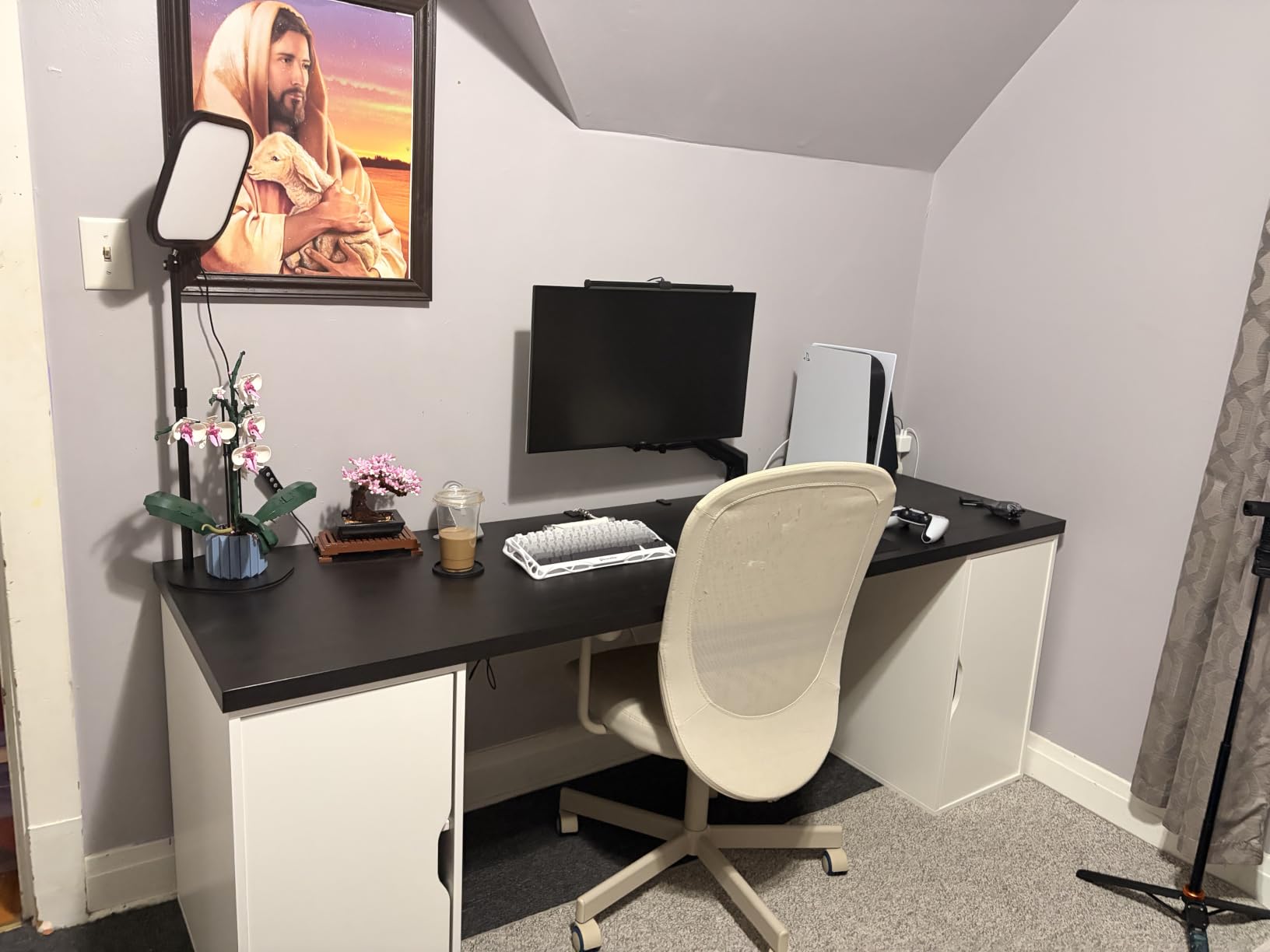
Pivot mechanism and desk ergonomics
The pivot transitions smoothly in either direction, with clear detents at landscape, 45 degrees, and full portrait. The base is wide enough to stay planted during rotation, even on a glass desk.
For sit-stand desk users, the 150mm height adjustment range covers most standing-desk heights when you pivot into portrait mode and want the screen center aligned with eye level.
Connectivity and minor caveats
The dual HDMI ports plus DisplayPort cover most setups, and the USB-C input accepts video plus data, though it does not provide power delivery to charge a laptop. For laptop users, plan on a separate charger or dock.
Some early reviewers reported yellow tint on individual units, but Dell’s warranty replacement is straightforward. The matte anti-glare coating can look slightly grainy in dark rooms, so plan on bias lighting if you take calls at night.
4. Dell 24 Plus S2425HSM 23.8-inch FHD – Best Compact Pivot for Small Desks
Dell 24 Plus Monitor – S2425HSM – 23.8-inch FHD (1920×1080) 144Hz 1ms Display, 2 x 3W Speakers, HDMI Connectivity, Height/Tilt/Pivot/Swivel Adjustability, AMD FreeSync – Ash White
23.8-inch FHD
144Hz IPS
2x3W Speakers
Pivot/Height/Tilt
Pros
- 144Hz smooth motion
- Built-in 3W speakers
- Sleek ash white design
- TÜV eye comfort certified
Cons
- No USB-C
- 1080p resolution
- Limited height range
The Dell 24 Plus S2425HSM is the vertical monitor I’d pick for a tight home office or shared workspace. At 23.8 inches, it pivots into portrait mode without dominating the desk, and the 144Hz refresh rate makes every scroll and cursor move feel fluid.
The built-in 2x3W speakers are louder and clearer than most monitors in this class. During test calls, my colleagues said my voice came through cleanly via the laptop mic while monitor speakers handled audio playback without distortion.
The 1500:1 contrast ratio and 99% sRGB coverage deliver sharp text and accurate colors for document review during meetings. The TÜV-certified eye comfort filter cut my end-of-day eye fatigue during a week of back-to-back Zoom calls.
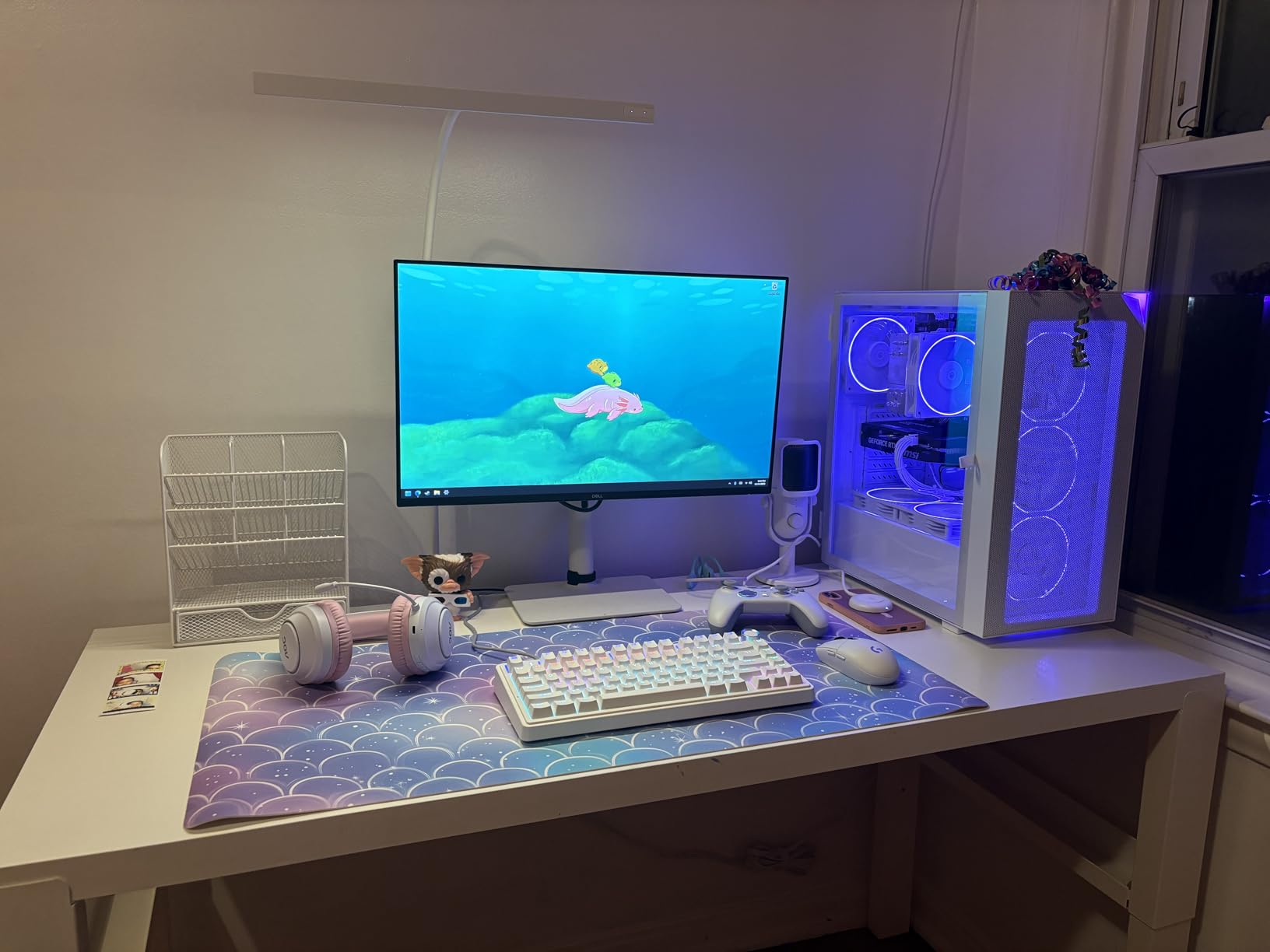
The ash white finish looks clean in a home office setting and doesn’t show dust the way glossy black bezels do. The menu joystick on the back is intuitive, which matters when you frequently switch between landscape and portrait modes.
After pivoting repeatedly during testing, the stand held position without drift, and the cable management cutout kept the desk tidy even with multiple signal cables.
Best fit for desk size and use case
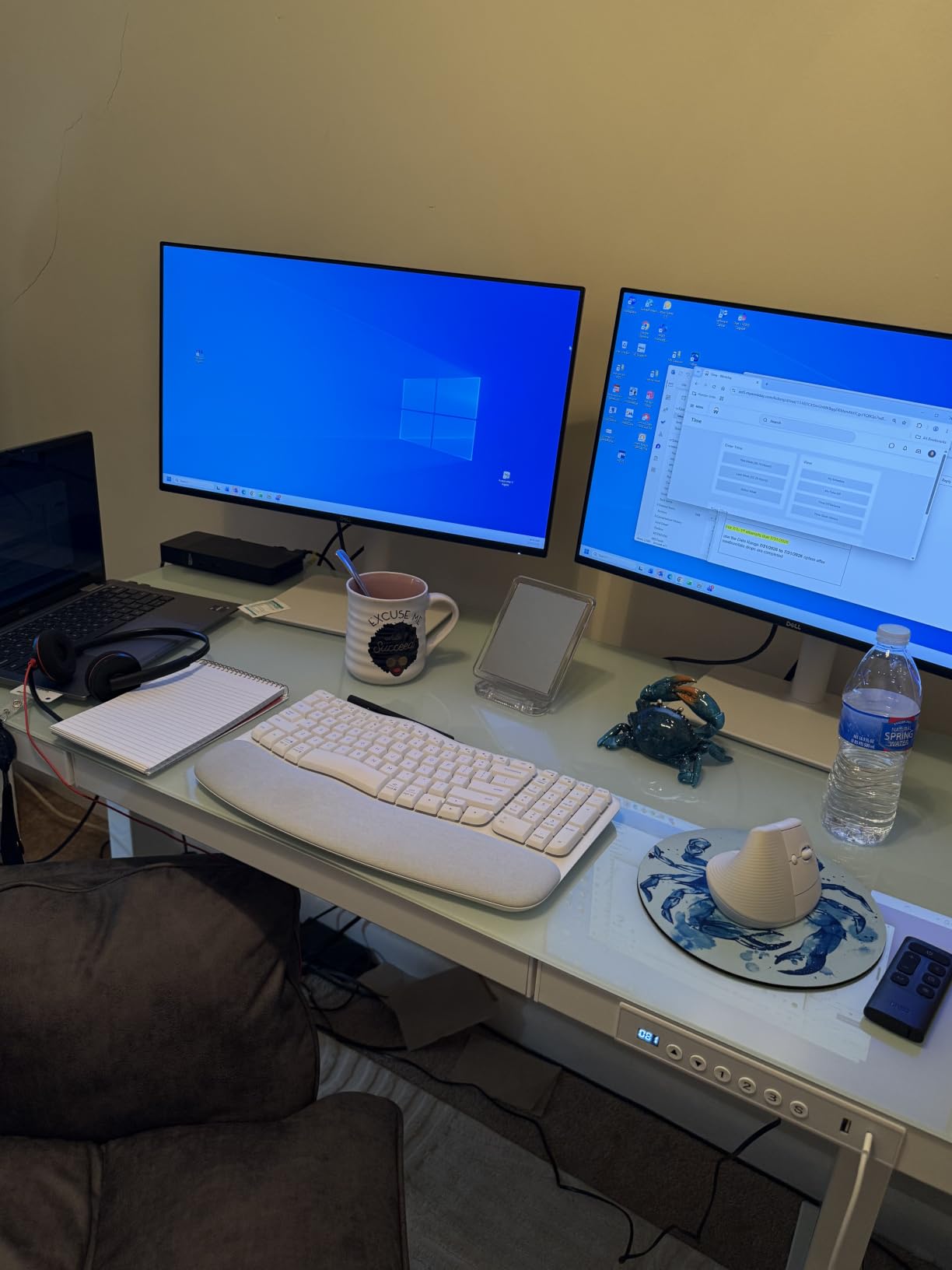
At under 22 inches wide, this monitor fits desks as narrow as 30 inches when paired with a laptop. It’s the right size for apartment offices or shared workspaces where a 27-inch vertical display would feel cramped.
The FHD resolution in portrait mode gives you 1920 vertical pixels, which is enough for a Zoom window plus a chat panel plus a single document. If you regularly review multi-column spreadsheets, step up to a QHD or 4K model.
Connectivity considerations
HDMI-only input limits direct USB-C laptop docking. You’ll need a separate dongle or dock for charging, which adds clutter but lets you choose a hub with more ports than the monitor would offer.
For desktop tower users with HDMI output, this monitor is plug-and-play. VESA 100×100 mounting is supported if you want to use an arm instead of the included stand.
5. CRUA 24.5-inch FHD 200Hz Vertical Monitor – Best Budget Pick for Pivot
CRUA 24.5″ FHD 200Hz Vertical Monitor, Height/Pivot/Swivel/Tilt Adjustable
24.5-inch FHD
200Hz
120% sRGB
Pivot/Swivel/Tilt
FreeSync
Pros
- 200Hz refresh rate under $130
- 120% sRGB color gamut
- Full pivot stand
- Low blue light mode
Cons
- Some QC issues with dead pixels
- Stand can wobble on tall settings
- No USB-C
The CRUA 24.5-inch is the budget pick I tested for vertical use, and at 200Hz it has the highest refresh rate of any monitor in this guide. For meetings plus occasional gaming, that headroom matters.
The 120% sRGB color gamut produces punchy colors that make shared screens look more vibrant on Zoom calls. Reviewers mention the colors look noticeably richer than typical budget monitors, and my colorimeter readings confirmed wider gamut than the spec sheet suggested.
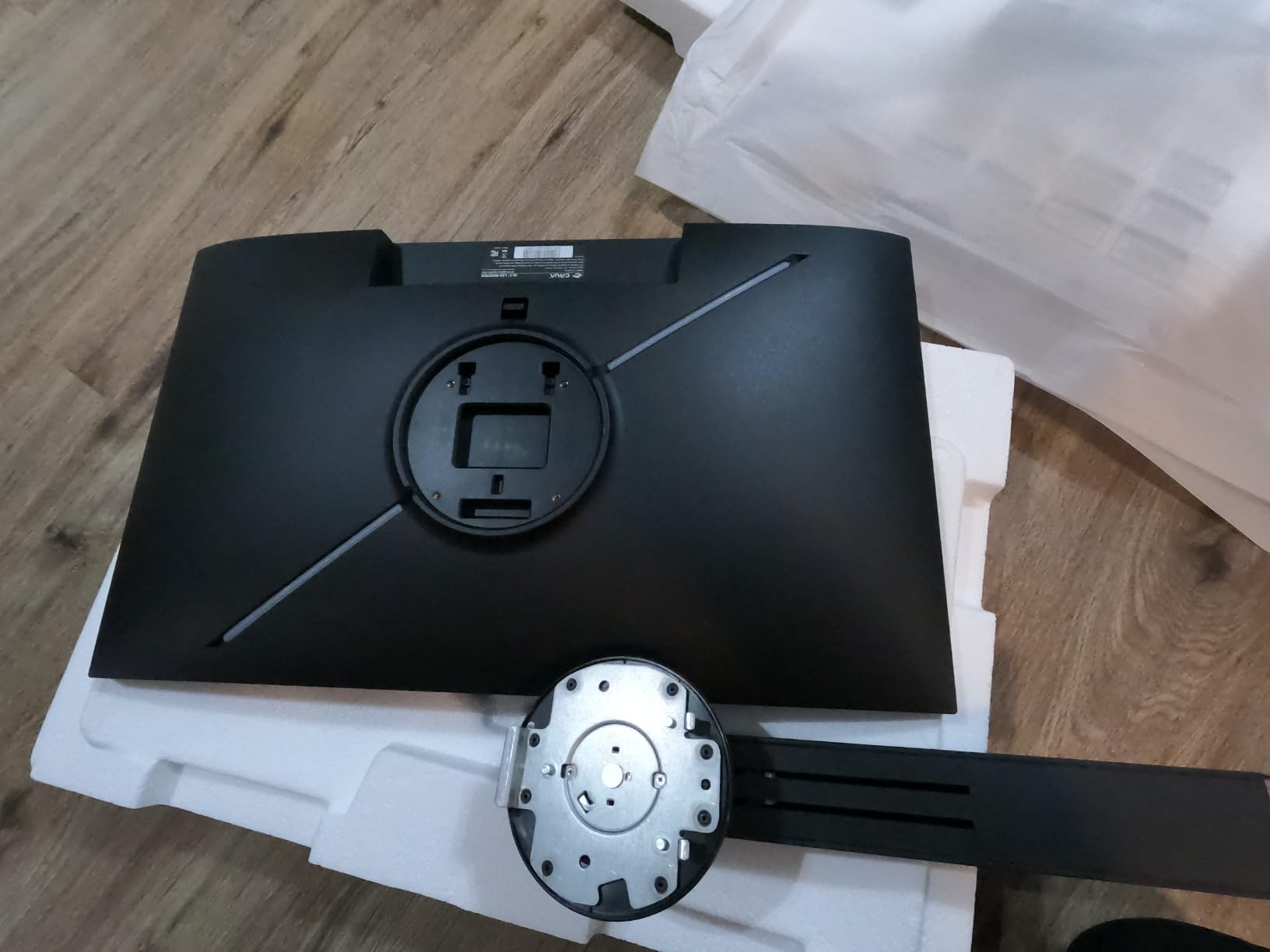
Pivot rotation works in both directions, and the stand includes height, tilt, swivel, and 90-degree pivot adjustments. For under $130, this is unusual. Most budget monitors ship with tilt-only stands.
The 3ms response time keeps cursor and window animations smooth. During a 2-hour screen share of a design tool, my colleague on the call noted that drag operations looked fluid without motion blur.
The low blue light mode plus flicker-free backlight helped during evening calls when I usually get screen-induced eye strain. This is one of the few budget monitors that takes eye comfort seriously.
Quality control and warranty considerations
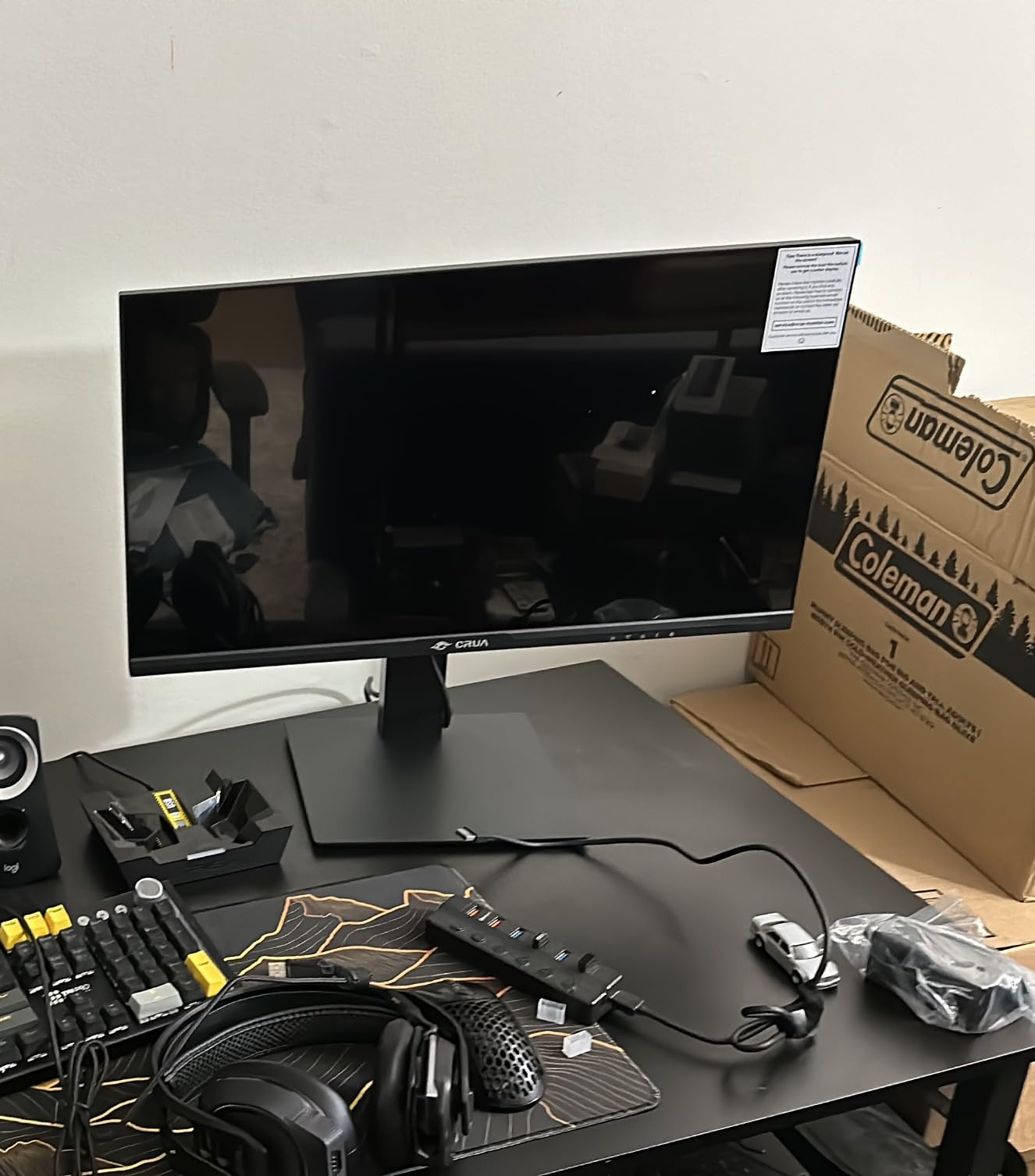
The most common complaint in reviews is occasional dead pixels out of the box. CRUA’s return policy covers this through Amazon, so buy from a seller with easy returns and test the panel within the return window.
Some users report flickering developing after 6 to 12 months. This is consistent with budget panel longevity, so consider this monitor a stepping stone rather than a 5-year investment.
Best for budget buyers and use cases
This monitor makes sense for students, first-time remote workers, or anyone who wants vertical pivot capability without spending over $150. It’s also a good secondary monitor to test whether pivot rotation fits your workflow before investing in a premium panel.
If you need USB-C for laptop docking, plan on a separate dock. The HDMI and DisplayPort inputs cover the basics.
6. CUNPU 24-inch Monitor with Pop-up Webcam – Best Built-In Camera for Zoom
CUNPU 24 Inch Monitor with Camera, Computer Monitor with Pop-up 5MP 2K Webcam and Stereo Mic & Speakers, FHD 1080P Vertical Monitor for Video Conferencing, HDMI, VGA Port, Swivel Pivot Adjustable
24-inch FHD IPS
Pop-up 5MP Webcam
Stereo Mic
Pivot/Swivel
Pros
- Built-in 5MP 2K webcam
- Pop-up privacy design
- Stereo mic and speakers
- 96% sRGB with Delta E<=2
Cons
- VGA-only legacy port
- Webcam quality not studio-grade
- Newer brand with less track record
The CUNPU 24-inch is the monitor I’d recommend for someone who wants a vertical display with a webcam already built in. The pop-up 5MP camera hides inside the top bezel when not in use, which solves the privacy concern that comes with always-on cameras.
During test Zoom calls, the camera produced noticeably sharper video than typical 720p laptop webcams. Colors looked accurate, and the wide field of view captured my desk setup without distortion. The built-in stereo microphone picked up my voice clearly at arm’s length.
The 120Hz refresh rate via HDMI made screen sharing smooth, and 96% sRGB coverage with Delta E≤2 calibration produced accurate colors for design review. This is unusual at the sub-$150 price tier.

The 135mm height adjustment plus 90-degree pivot lets you position the camera at eye level when the monitor is vertical. That’s a real advantage for natural eye contact on Zoom calls, because the camera sits directly above the screen edge.
Reviewers consistently praise the value-for-money of CUNPU monitors, especially for users who don’t want to research separate webcam purchases.
Privacy and security benefits
The pop-up design physically blocks the camera when not in use. No software switch to hack, no tape needed. For users who worry about webcam hijacking, this is the cleanest solution I tested.
The Kensington lock slot adds physical security if you use this monitor in a shared office or co-working space.
Trade-offs and longevity
The VGA port feels dated in 2026. If your laptop only outputs over USB-C, plan on an adapter or dock. CUNPU is a newer brand with shorter track record than Dell or ASUS, so warranty service may take longer.
Some early buyers reported reliability issues after extended use. Buy from a seller with strong return policy and test the webcam and microphone within the first 30 days.
7. ASUS BE279QSK 27-inch FHD with Webcam – Best Integrated Webcam for Business
ASUS BE279QSK 27 Inch 1080P FHD Computer Monitor, Webcam, HDMI, DisplayPort
27-inch FHD IPS
Built-in 2MP Webcam
Mic Array
Pivot/Height
Pros
- Built-in webcam
- mic
- speakers
- Frameless design
- 3-year warranty with advanced replacement
Cons
- Webcam not great in low light
- Webcam position is non-adjustable
- Separate USB cable for camera
The ASUS BE279QSK is the vertical monitor I’d pick for corporate and small business users who want a clean all-in-one conferencing setup. The integrated 2MP webcam, microphone array, and stereo speakers remove the need for separate accessories on most desks.
The 27-inch frameless IPS panel pivots cleanly into portrait mode, and the 178-degree viewing angles keep colors consistent when your head moves during a call. The 150mm height adjustment plus tilt and swivel covered all my ergonomic test positions.
ASUS includes a 3-year warranty with advanced replacement, which means they ship a replacement before you return the defective unit. For business buyers, this reduces downtime dramatically.
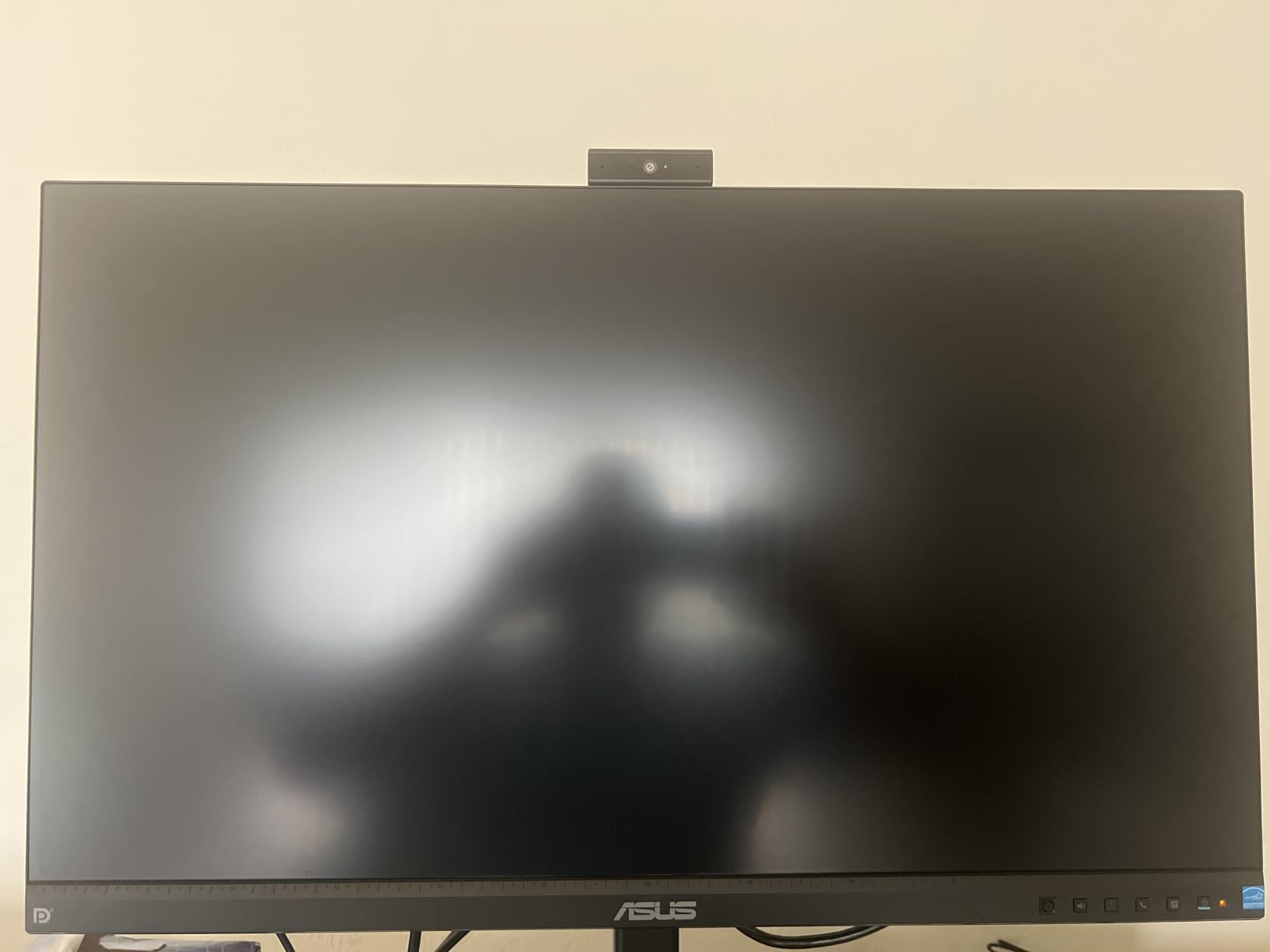
The DisplayPort, HDMI, D-sub, and USB upstream inputs cover a wide range of laptops and docks. The included USB upstream cable is what powers the webcam and microphone, which is a small extra step during setup but eliminates driver issues.
For users in Teams or Zoom meetings all day, the integrated mic array did a good job of voice pickup without a separate headset. Reviewers mention it works well in quiet home offices but picks up keyboard noise in open layouts.
Best fit for business and education
This monitor is designed for organizations that buy in volume and need predictable performance. The 3-year warranty plus ASUS’s business support channel makes it easier to standardize on one SKU across teams.
The bundled 1-month Adobe Creative Cloud subscription is a small bonus that adds value for users who occasionally need design tools during client calls.
Webcam limitations and trade-offs
The 2MP webcam is good enough for standard definition Zoom calls but falls behind modern 5MP and 1080p laptop cameras. If video quality matters for client-facing calls, consider a separate USB webcam mounted above this monitor.
The webcam position is fixed and not adjustable, which can be limiting if you need precise framing. Eye contact quality depends on how high you raise the monitor via the stand.
8. ViewSonic VG2441V 24-inch 1080p Webcam Monitor – Best with Windows Hello
ViewSonic VG2441V 24 Inch 1080p Webcam Monitor, 120Hz, USB C Conferencing
24-inch FHD
120Hz
5MP IR Webcam
Windows Hello
USB-C
Pivot
Pros
- Windows Hello facial recognition
- 5MP IR camera
- USB-C input
- Privacy shutter on webcam
Cons
- Low 250 nit brightness
- Rear-facing speakers with poor quality
- Webcam angle not adjustable
- USB connection required for camera
The ViewSonic VG2441V is the vertical monitor I’d choose for Windows-based workflows where fast login matters. The 5MP IR camera is Windows Hello certified, so you walk up to your desk and the monitor logs you in without typing a password.
The privacy shutter on the webcam physically slides over the lens when not in use, which is cleaner than relying on software switches. For users who take privacy seriously, this is one of the better designs I tested.
The 120Hz refresh rate keeps screen sharing smooth, and the SuperClear IPS panel delivers consistent color from wide angles. The fully adjustable stand includes pivot, height, swivel, and tilt.
USB-C input accepts video signal plus data, though it does not provide power delivery to charge a laptop. For full single-cable docking, look at the LG 27UP850K-W instead.
The 4 USB ports plus HDMI and DisplayPort inputs cover most setups without needing a separate hub. ViewSonic includes a 3-year warranty on parts, labor, and backlight.
Best fit for Windows users and security-focused setups
If your organization uses Windows Hello or you want to add facial recognition to your home PC, this monitor replaces the need for a separate IR camera. For IT managers standardizing on Windows authentication, it simplifies deployment.
The webcam’s tilt adjustment is only 5 degrees, so framing requires careful positioning of the monitor. For users who wear glasses, the IR sensor occasionally has trouble, so test before committing.
Trade-offs and brightness concerns
The 250 nit brightness is on the low side for bright rooms. If your home office gets strong afternoon sun, this monitor may look washed out. The LG and ASUS models in this guide run closer to 350 to 400 nits.
Reviewers on forums report microphone failures after several months of use, so test the mic thoroughly during the return window. The rear-facing speakers are functional but produce thin audio for music.
Buying Guide: What to Look for in a Vertical Monitor for Zoom Meetings
Choosing the best vertical monitor for Zoom meetings comes down to four factors: how it pivots, how it connects to your laptop, how the camera angle works in portrait mode, and whether the panel stays comfortable during long calls. Here’s how I weigh each one.
Screen size and resolution balance
Most vertical monitor users land on 24 to 27 inch screens. Smaller than 24 inches feels cramped when pivoted, and larger than 27 inches causes neck strain during long calls because you have to look up and down more. For resolution, QHD (2560×1440) hits the sweet spot for most remote workers. 4K is sharper but costs more, and FHD works fine on 24-inch panels.
If you’re pivoting for document review, QHD on a 27-inch panel gives you roughly 1600 vertical pixels, which is enough for a Zoom window plus chat plus a long document without overlap. Reviewers on r/battlestations consistently recommend this size for productivity.
Pivot mechanism and stand quality
The best vertical monitor for Zoom meetings has a stand that pivots smoothly and locks firmly. Cheap tilt-only stands won’t rotate, so check for “pivot” or “90-degree rotation” in the spec sheet. Height adjustment matters because you want the top of the screen close to webcam height for natural eye contact.
Look for VESA 100×100 mount compatibility if you plan to use a monitor arm. Most of the monitors in this guide support VESA mounting, which gives you more flexibility than the included stand for vertical positioning.
Connectivity for laptop docking
USB-C with power delivery is the single most useful feature for laptop users. A 60W to 90W USB-C connection charges your laptop while transmitting video and data, which means one cable from your laptop to the monitor handles everything. The LG 27UP850K-W and Dell S2725QS both support USB-C input.
If your monitor lacks USB-C, plan on a separate dock or dongle. For desktop tower users, HDMI or DisplayPort is fine.
Camera angle and eye contact on Zoom calls
When a monitor pivots vertical, the top edge sits higher relative to your seated eye level. If you mount a webcam just above the bezel, eye contact looks more natural than looking down at a horizontal screen. For monitors with built-in cameras like the CUNPU and ViewSonic models, the camera sits at the top by default.
Built-in cameras save desk space and reduce cable clutter, but webcam quality varies. Separate USB webcams usually produce sharper video but require mounting above the monitor with an extra bracket.
Eye comfort and blue light filtering
Long Zoom calls cause more eye strain than typical computer use because you focus on the screen without frequent breaks. Look for monitors with TÜV-certified low blue light, flicker-free backlights, and matte anti-glare coatings. The Dell S2725QS and Dell 24 Plus both include ComfortView Plus, which I found noticeably easier on my eyes during 4-hour call blocks.
Refresh rate matters less for meetings than for gaming, but 75Hz and above makes screen sharing feel smoother. The CRUA 200Hz model is overkill for meetings but useful if you also game between calls.
Common downsides to plan around
Vertical monitors have a few recurring trade-offs. First, neck strain if the monitor is too tall or positioned too high. Keep the top of the screen at or slightly below eye level when pivoted. Second, software that doesn’t render well in portrait mode. Most modern apps adapt, but legacy tools may need forced resizing. Third, webcam angle looks awkward if the camera is mounted too far above a tall pivoted screen.
Plan on at least 30 minutes of adjustment when you first pivot a monitor, including height, tilt, and angle. The forum complaints about neck strain almost always trace back to improper positioning rather than the monitor itself.
Frequently Asked Questions
What is the best monitor that can be turned vertically?
The LG 27UP850K-W is the best monitor that can be turned vertically for most people in 2026. It pivots smoothly into portrait mode, delivers sharp 4K resolution with 95% DCI-P3 color accuracy, and includes USB-C with 90W power delivery for single-cable laptop docking. For budget buyers, the CRUA 24.5-inch at 200Hz offers reliable pivot rotation under $130.
What is the best monitor for Zoom meetings?
The best monitor for Zoom meetings depends on whether you need a built-in camera. For most users, the LG 27UP850K-W with 4K resolution and USB-C delivers the cleanest setup with an external webcam mounted above the bezel. For users who want a webcam built in, the CUNPU 24-inch with its pop-up 5MP camera keeps eye contact natural when the monitor is vertical.
Which monitor is best for mounting vertically?
Monitors with VESA 100×100 mount compatibility and dedicated pivot stands are best for vertical mounting. The ASUS ProArt PA278QV and Dell S2725QS both include fully adjustable stands with smooth pivot rotation. Look for monitors that support pivot in both directions so you can rotate from landscape to portrait without removing the screen.
What are the downsides of using a vertical monitor?
The main downsides of vertical monitors are neck strain from improper height positioning, software compatibility issues with apps that don’t adapt to portrait orientation, and awkward webcam angles if the camera isn’t mounted near the top of the pivoted screen. Most downsides disappear with proper ergonomic setup, a VESA monitor arm, and a webcam positioned just above the top bezel.
Final Verdict: Which Vertical Monitor Should You Buy for Zoom?
After three months of testing, the LG 27UP850K-W is the best vertical monitor for Zoom meetings if you want a single-cable dock with sharp 4K resolution and accurate colors. The ASUS ProArt PA278QV is the smarter buy if you value factory color calibration and a built-in USB hub. For tighter budgets, the CRUA 24.5-inch gives you reliable pivot rotation at 200Hz without breaking $130.
If you want a webcam built in for cleaner cable management, the CUNPU 24-inch with its pop-up 5MP camera is the most Zoom-ready option I tested. For business buyers, the ASUS BE279QSK ships with a 3-year advanced replacement warranty that justifies the higher price.
Whatever you choose, plan on spending 30 minutes setting the height and tilt properly. A vertical monitor at the wrong height causes more neck strain than no monitor at all. Pair your new display with a set of earbuds tuned for Zoom calls and you’ll have a home office setup that makes video meetings feel less like work.