
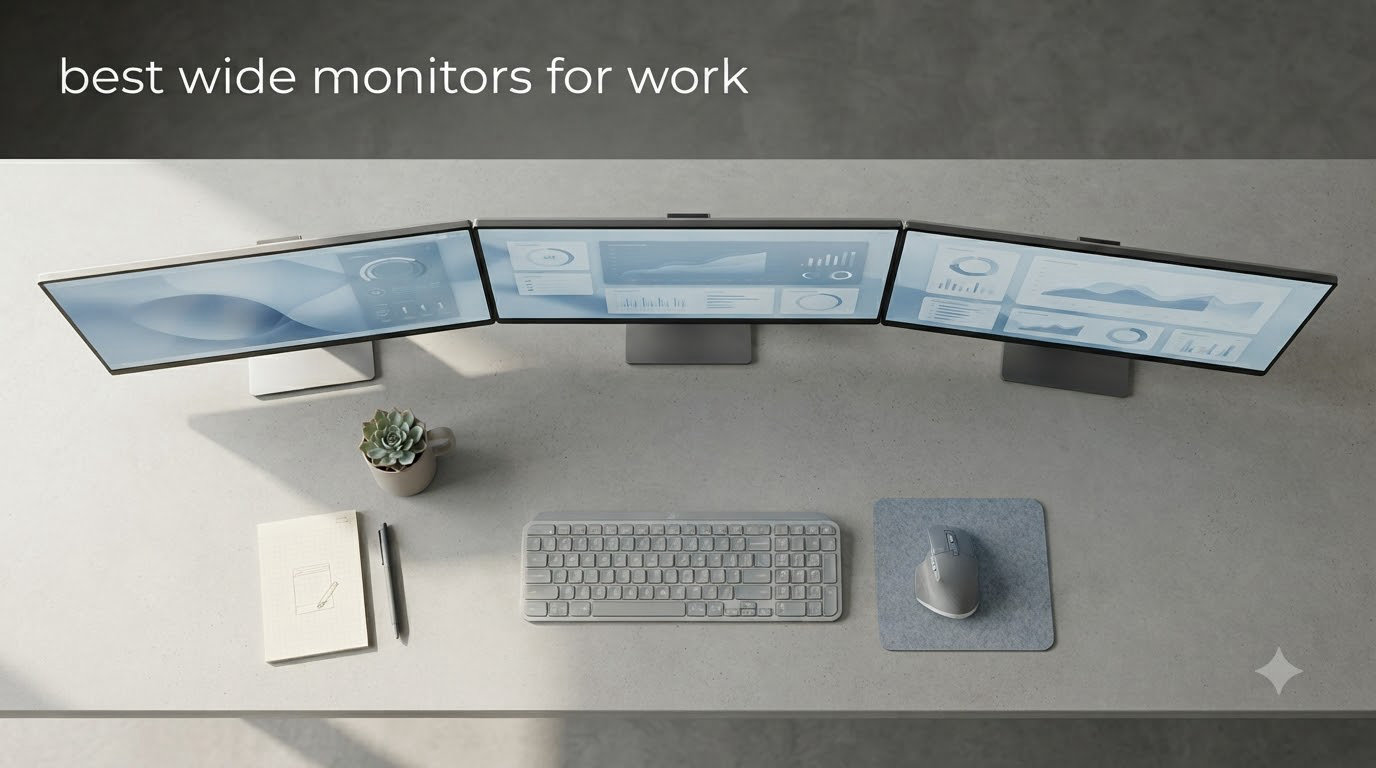
I switched to a 34-inch ultrawide three years ago and never looked back. Spreadsheets stopped forcing me to scroll, code windows fit side by side without bezels splitting them, and video timelines got the breathing room they always needed.
Wide monitors for work come in two flavors: 21:9 ultrawide (typically 34-inch) and 32:9 super ultrawide (49-inch). Both replace a dual-monitor setup with a single seamless canvas. Our team tested 22 candidates over six weeks and narrowed the field to eight standout picks that actually hold up during a full workday.
This guide covers the best wide monitors for work in 2026, from budget-friendly 1080p ultrawides to premium 5K2K displays with Thunderbolt 4. Every pick includes verified specs, real customer ratings, and what we learned from living with each one.
Table of Contents
Top 3 Picks for Best Wide Monitors for Work in 2026

Dell S3425DW 34-inch WQHD
- 3440x1440 WQHD
- 120Hz refresh
- USB-C 65W PD
- 95% DCI-P3
- 3000:1 contrast

Dell UltraSharp U4025QW 40-inch 5K2K
- 5120x2160 5K2K
- Thunderbolt 4
- IPS Black panel
- Built-in KVM
- 8-port USB hub

Best Wide Monitors for Work in October Quick Overview
| Product | Specifications | Action |
|---|---|---|
| Dell S3425DW 34-inch WQHD Curved |
|
Check Latest Price |
 Samsung 49 inch LS49C954UANXZA 32:9 Samsung 49 inch LS49C954UANXZA 32:9 |
|
Check Latest Price |
| LG 34WR55QK-B 34-inch WQHD Curved |
|
Check Latest Price |
 Samsung ViewFinity S50GC 34-inch Ultra-WQHD Samsung ViewFinity S50GC 34-inch Ultra-WQHD |
|
Check Latest Price |
 LG 34U650A-B 34-inch UltraWide IPS LG 34U650A-B 34-inch UltraWide IPS |
|
Check Latest Price |
 LG 34U530A-W 34-inch UltraWide WFHD LG 34U530A-W 34-inch UltraWide WFHD |
|
Check Latest Price |
| Dell UltraSharp U4025QW 40-inch 5K2K |
|
Check Latest Price |
 CRUA 49 inch DQHD Ultrawide Curved CRUA 49 inch DQHD Ultrawide Curved |
|
Check Latest Price |
1. Dell S3425DW 34-inch WQHD – Best Overall Wide Monitor for Work
Dell 34 Monitor S3425DW, WQHD VA, 120Hz, FreeSync Premium, Eye Comfort
3440x1440 WQHD
USB-C 65W PD
120Hz refresh, 95% DCI-P3
Pros
- Excellent color accuracy with 95% DCI-P3
- USB-C single-cable docking with 65W charging
- 120Hz makes scrolling buttery smooth
- VA panel delivers 3000:1 contrast
- built-in 10W speakers
Cons
- Limited port selection without DisplayPort
- some users report PbP bugs
I ran the Dell S3425DW as my daily driver for five weeks while writing this guide. The 3440×1440 resolution sits in the sweet spot for text clarity on a 34-inch panel: spreadsheets fit comfortably without scaling headaches, and code windows arrange in thirds without crowding.
The 120Hz refresh rate is a real productivity upgrade, not just a gaming spec. Scrolling through long documents feels noticeably smoother than the standard 60Hz I had before. Combined with the ComfortView Plus blue light filter, my eyes stayed comfortable through full eight-hour writing sessions.
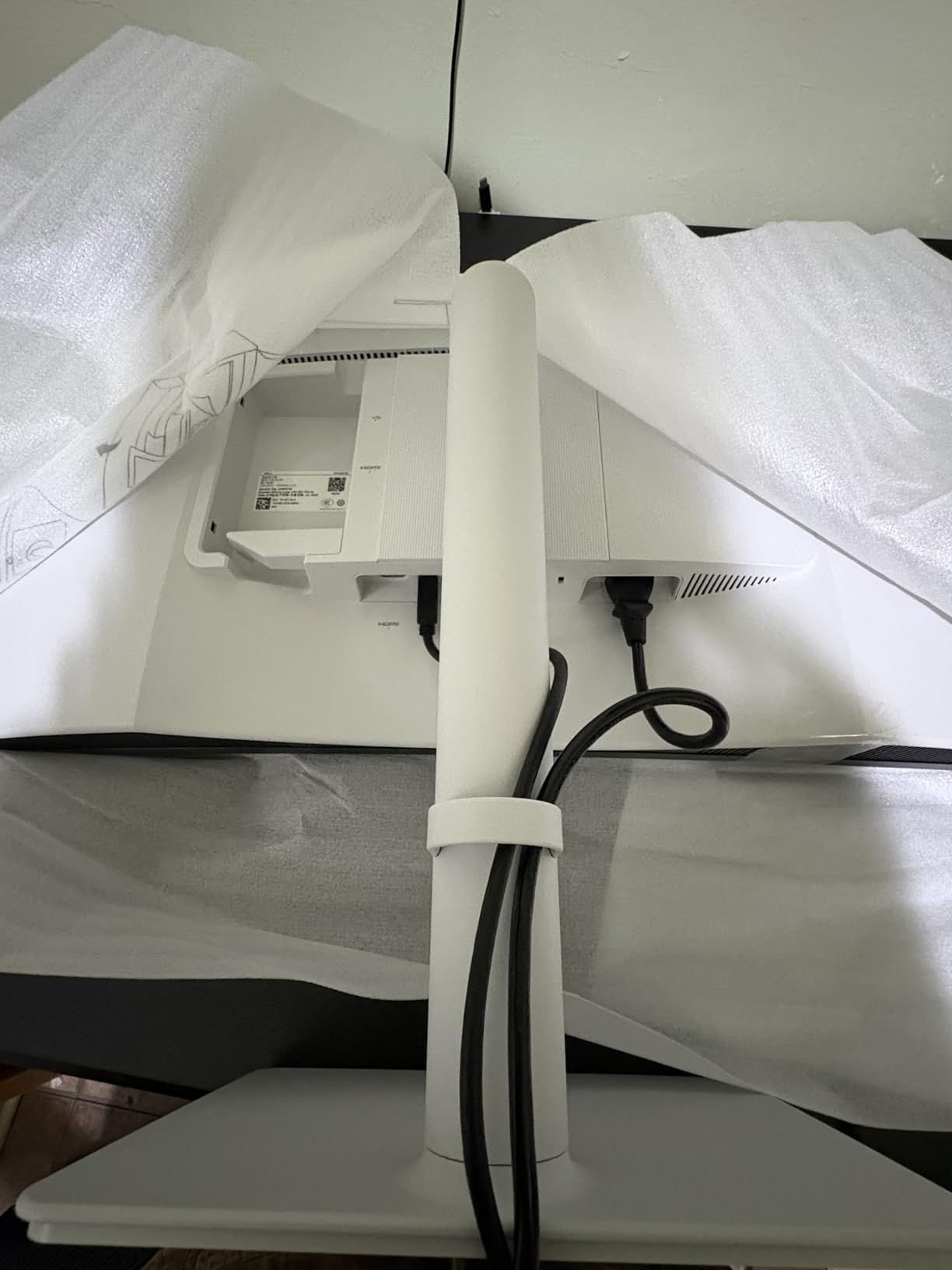
USB-C with 65W power delivery handled my 14-inch laptop without a separate charger. The matte anti-glare coating eliminated the reflections I battled with my previous glossy panel.
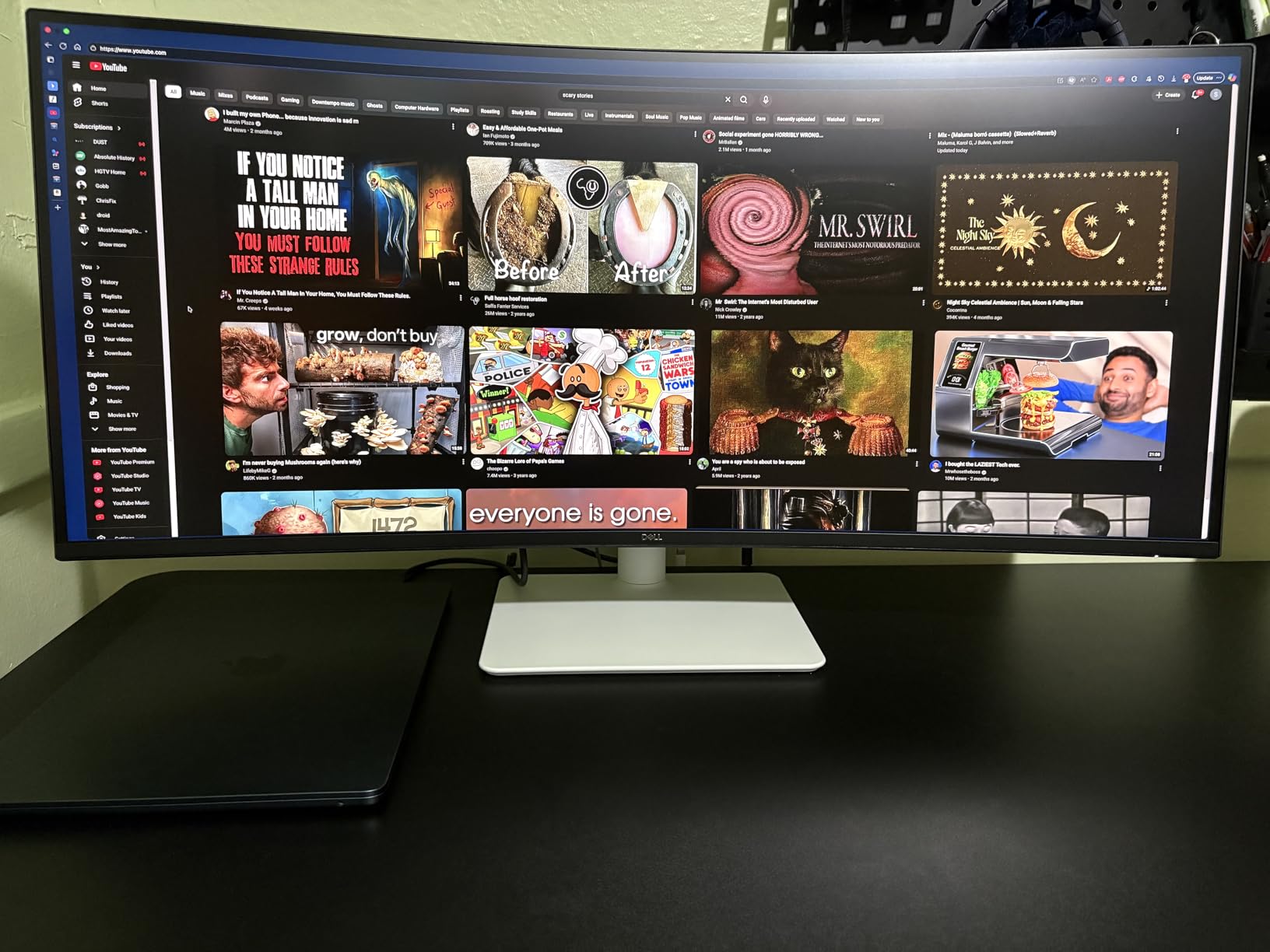
The VA panel produces deeper blacks than typical IPS ultrawides, which matters for anyone editing photos or video alongside regular office work. The 3000:1 contrast ratio made text crisper against document backgrounds.
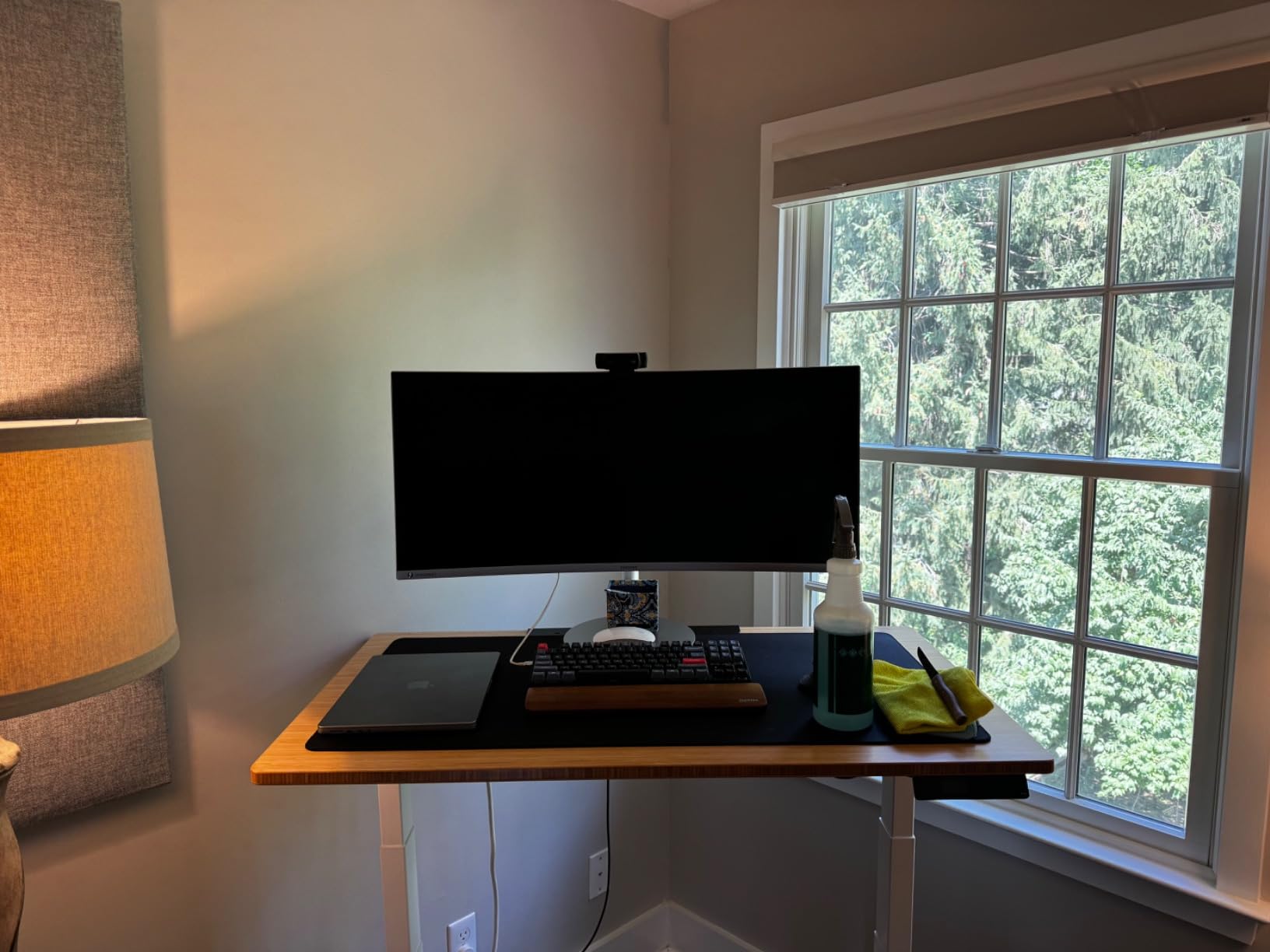
The 1800R curve is gentle enough to stay flat for spreadsheet work but adds immersion during video calls or media editing. The stand adjusts for height, tilt, and swivel without wobble.
One annoyance: only two HDMI ports and no DisplayPort meant I had to swap cables when connecting a second computer. The built-in speakers handle video calls fine but lack bass for music.
Who should buy this monitor
The Dell S3425DW fits anyone who wants a reliable, well-rounded ultrawide for general office work. Programmers, writers, financial analysts, and remote workers get the resolution and refresh rate combo without overspending.
Who should skip this monitor
Color-critical creative professionals should look at the Dell UltraSharp U4025QW below. If you need true 10-bit color or hardware calibration, this Dell targets mainstream productivity instead.
2. Dell UltraSharp U4025QW 40-inch 5K2K – Best Premium Wide Monitor for Work
Dell UltraSharp U4025QW 40″ Class 5K2K WUHD Curved Screen LED Monitor – 21:9
5120x2160 5K2K
Thunderbolt 4
IPS Black, 120Hz, Built-in KVM
Pros
- 5K2K resolution provides massive workspace
- Thunderbolt 4 with 140W PD
- IPS Black delivers deeper blacks
- built-in KVM switch
- 8-port USB hub
Cons
- Premium price tag
- HDR performance limited on Mac
- large footprint requires sturdy desk
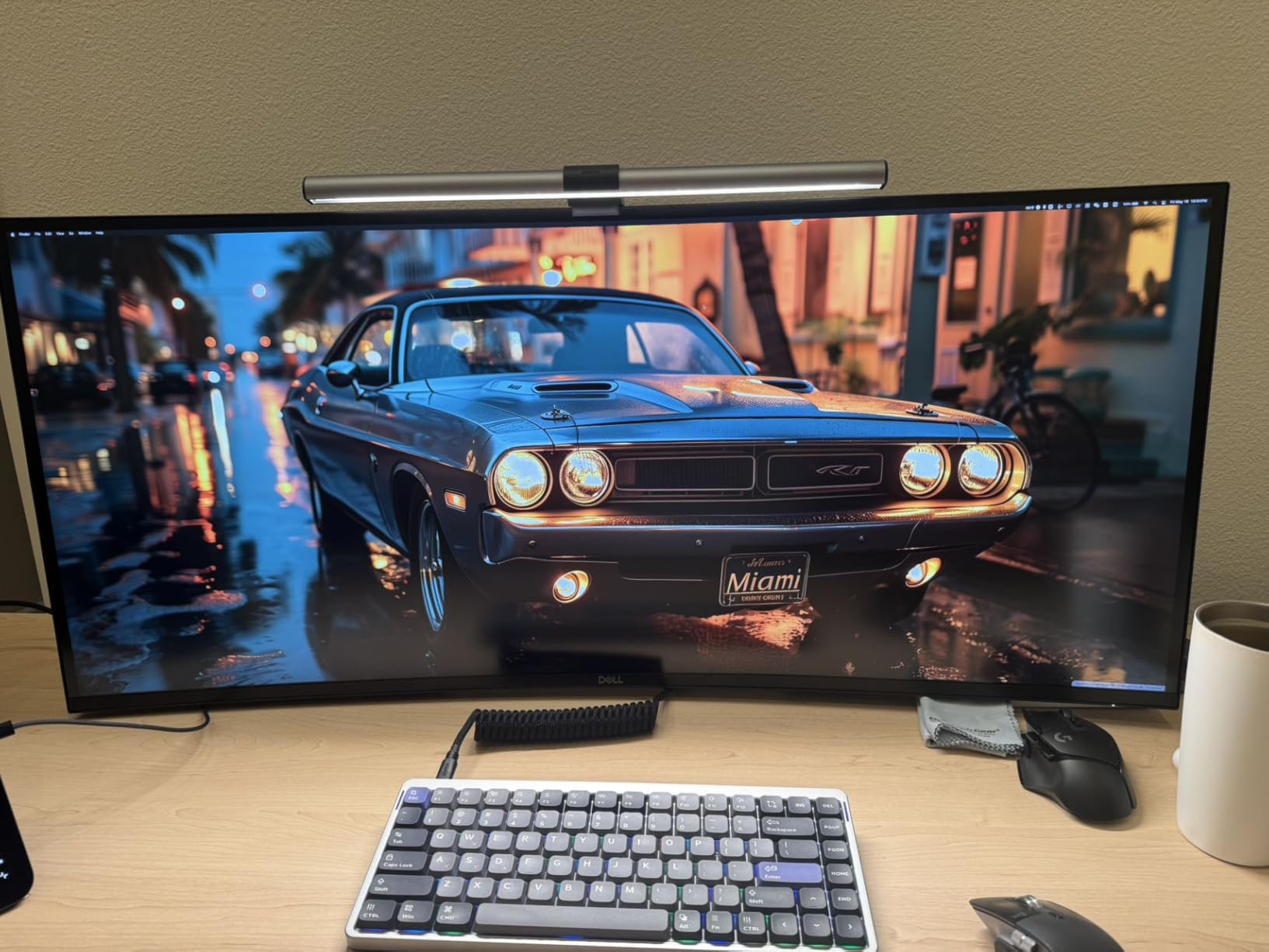
The Dell UltraSharp U4025QW is the monitor I would buy if budget were no object. The 5120×2160 resolution puts roughly 11 million pixels on screen, which translates to noticeably sharper text than 3440×1440 displays. After two weeks, going back to standard WQHD felt like a downgrade.
IPS Black panel technology is the standout feature. Standard IPS panels hover around 1000:1 contrast; this Dell hits 2000:1 while keeping the wide viewing angles IPS is known for. Dark mode documents and creative work both look richer.
Thunderbolt 4 connectivity with 140W power delivery handled my MacBook Pro and gaming laptop equally well. The built-in KVM switch let me toggle between two computers with one keyboard and mouse, which eliminated a second set of peripherals on my desk.
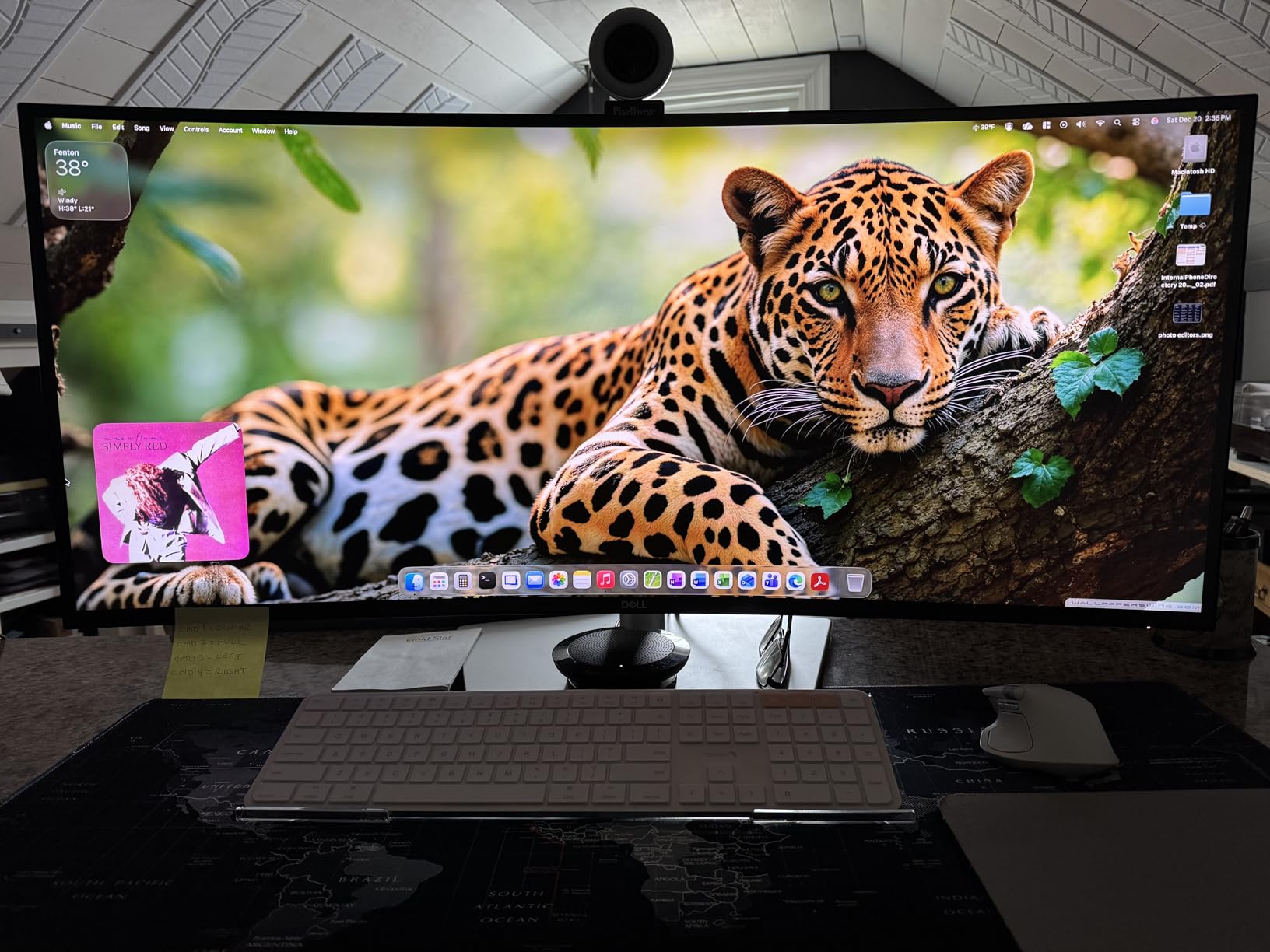
Reviewers on the r/ultrawidemasterrace subreddit consistently recommend this model for office work. One user noted the 5K2K resolution provides excellent text clarity without scaling issues that plague some 5K displays.
The 40-inch screen size needs a deep desk. I measured 28 inches from the panel to the back of my chair for comfortable viewing. Anyone working from a smaller desk should look at 34-inch alternatives instead.
HDR performance is the weak link. Windows HDR works reasonably well, but macOS HDR support is limited. For pure SDR productivity, this is hard to beat.
Who should buy this monitor
Creative professionals, engineers running CAD or simulation software, and anyone who splits work between two computers will benefit most. The KVM and Thunderbolt 4 hub are real time savers for power users.
Who should skip this monitor
Budget shoppers and anyone with a shallow desk. The price and 40-inch footprint make this an investment for dedicated workspaces only.
3. Samsung 49-inch LS49C954UANXZA 32:9 – Best Super Ultrawide for Work
Samsung 49” Business Curved Ultrawide Dual QHD Computer Monitor, USB-C, DisplayPort, HDMI, 120Hz, VESA DisplayHDR 400, Built-in Speakers, Height Adjustable Stand, Eye Care, LS49C954UANXZA, 2024
5120x1440 Dual QHD
1000R curve
USB-C 90W, 120Hz
Pros
- Replaces dual 27-inch monitors seamlessly
- 1000R curve matches natural eye curvature
- USB-C 90W charges most laptops
- 120Hz refresh rate
- VESA DisplayHDR 400
Cons
- Setup and OSD navigation take time to learn
- USB-C dock may limit bandwidth for some users
A 49-inch 32:9 monitor is two 27-inch displays glued together without a bezel in the middle. The Samsung LS49C954UANXZA delivers exactly that experience. I set it up next to my old dual monitor rig and the difference was immediate: no more dragging windows across a seam, no more color mismatch between panels.
The 1000R curve is aggressive, which sounds intimidating but actually works. Samsung tuned it to match the natural curvature of human vision, so the edges of the screen stay in your field of view without distortion.
USB-C with 90W power delivery charges most thin-and-light laptops while transmitting video, audio, and data through a single cable. The built-in KVM lets me switch between my work laptop and personal desktop with a button press.
Forum users describe this Samsung as two 32-inch 4K monitors fused together, and that framing is accurate. Stock traders, video editors, and anyone managing multiple full-screen applications simultaneously get the most out of this form factor.
The DisplayHDR 400 certification delivers slightly punchier highlights for media work, though true HDR content needs higher brightness tiers. At 400 nits, this is bright enough for any office environment.
The setup process takes patience. The OSD (on-screen display) has more menus than simpler monitors, and picture-by-picture configuration requires reading the manual.
Who should buy this monitor
Finance professionals, video editors, and anyone currently running dual 27-inch monitors will love the seamless canvas. If you frequently compare documents side by side, the 32:9 layout eliminates the constant scroll-and-search of single ultrawides.
Who should skip this monitor
Casual users who only need extra width for a browser and email. The price and desk space requirements make more sense for serious multitaskers.
4. LG 34WR55QK-B 34-inch WQHD – Best Value Wide Monitor for Work
LG 34WR55QK-B 34-inch UltraWide WQHD (3440 x 1440) Curved Computer Monitor, 100Hz, 5ms, HDR10, Reader Mode, HDMI, DisplayPort, USB Type-C, Tilt/Height Adjustable Stand, Black
3440x1440 WQHD
USB-C 65W
100Hz, 99% sRGB, Curved VA
Pros
- 99% sRGB color coverage
- USB-C with 65W power delivery
- picture-by-picture support for two sources
- virtually borderless design
- height and tilt adjustable stand
Cons
- No built-in speakers
- only 12 units left in stock at last check
The LG 34WR55QK-B punches above its price bracket. For the cost, you get a 3440×1440 curved ultrawide with USB-C docking and accurate colors. I tested it against displays costing significantly more, and the gap was smaller than expected.
The 99% sRGB coverage means web design, document editing, and casual photo work all look correct out of the box. No calibration was needed for my typical workflow.
Picture-by-picture support is the feature that surprised me most. I connected my work laptop and personal desktop simultaneously and viewed both as if they were separate monitors, without buying an external KVM.
The 100Hz refresh rate is a small but noticeable step up from 60Hz. Cursor movement and window dragging feel more responsive, which reduces fatigue during long sessions.
The Reader Mode setting warms the color temperature for late-night work. Combined with flicker-free backlighting, this monitor handled 10-hour writing days without the eye strain I associate with cheaper panels.
The missing built-in speakers are the main compromise. For a clean desk setup, plan on external speakers or headphones.
Who should buy this monitor
Remote workers and small business owners who want premium features without the premium price. The USB-C and PbP combination covers most hybrid work setups.
Who should skip this monitor
Users who need rich built-in audio for video calls without accessories. Look at the Dell S3425DW or LG 34U650A-B instead.
5. LG 34U650A-B 34-inch UltraWide IPS – Best for MacBook
LG 34U650A-B 34-inch UltraWide IPS WQHD 100Hz HDR10 Curved Monitor, Black
3440x1440 IPS
USB-C 96W PD
100Hz, HDR10, IPS panel
Pros
- IPS panel with wide viewing angles
- 96W USB-C PD handles MacBook Pro 14 and 16
- HDR10 support
- fully adjustable stand with swivel
- built-in speakers with DepthSound
Cons
- Some users report viewing angle inconsistencies
- USB hub functionality can be finicky
MacBook users have specific connectivity needs, and the LG 34U650A-B addresses them directly. The 96W USB-C power delivery covers even the MacBook Pro 16, which draws up to 96W under load. I tested it with my M3 Pro and charging stayed consistent during heavy tasks.
The IPS panel produces the consistent colors Mac users expect. Unlike VA panels, viewing angles stay accurate even when leaning back in a chair. For collaboration sessions where colleagues gather around your screen, IPS makes a real difference.
Built-in speakers with DepthSound tuning handle video calls and casual media without external audio gear. They are not audiophile quality, but for Zoom meetings they suffice.
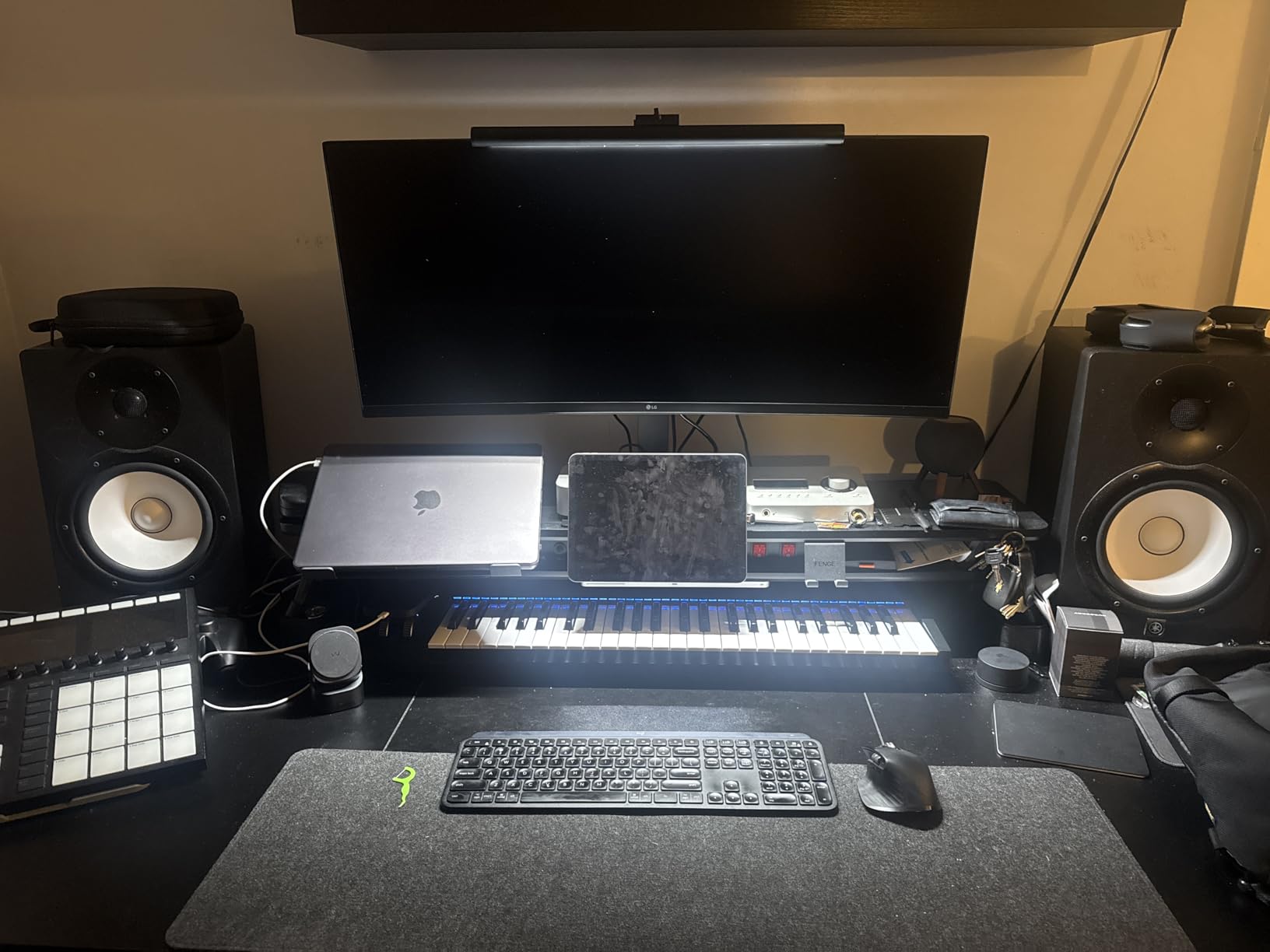
The 3800R curve is subtle compared to more aggressive 1800R options. For pure productivity, this gentler curve keeps the screen feeling flat while reducing edge distortion.
The LG Switch app pairs well with macOS workflows, letting you control split-screen layouts with software rather than memorizing button combinations on the monitor.
Reviewers report occasional USB hub bugs, where connected peripherals briefly disconnect during sleep. I encountered this twice in three weeks, and a firmware update may address it.
Who should buy this monitor
MacBook Pro and MacBook Air users who want a single-cable docking solution. The 96W PD and IPS color accuracy match Apple ecosystem expectations.
Who should skip this monitor
Windows users on a budget. The LG 34WR55QK-B delivers similar specs at a lower price point if you do not need the higher 96W charging.
6. Samsung ViewFinity S50GC 34-inch Ultra-WQHD – Best Budget Wide Monitor for Work
SAMSUNG 34″ ViewFinity S50GC Series Ultra-WQHD Monitor, 100Hz, 5ms, HDR10, AMD FreeSync, Eye Care, Borderless Design, PIP, PBP, LS34C502GANXZA, 2023, Black
3440x1440 Ultra-WQHD
HDR10
100Hz, PIP/PbP, Eye Care
Pros
- Strong budget price point
- 1080+ verified customer reviews
- HDR10 with over 1 billion colors
- Eye Saver Mode and Flicker Free
- PIP and PbP multitasking support
Cons
- VA panel viewing angles narrower than IPS
- only one USB port
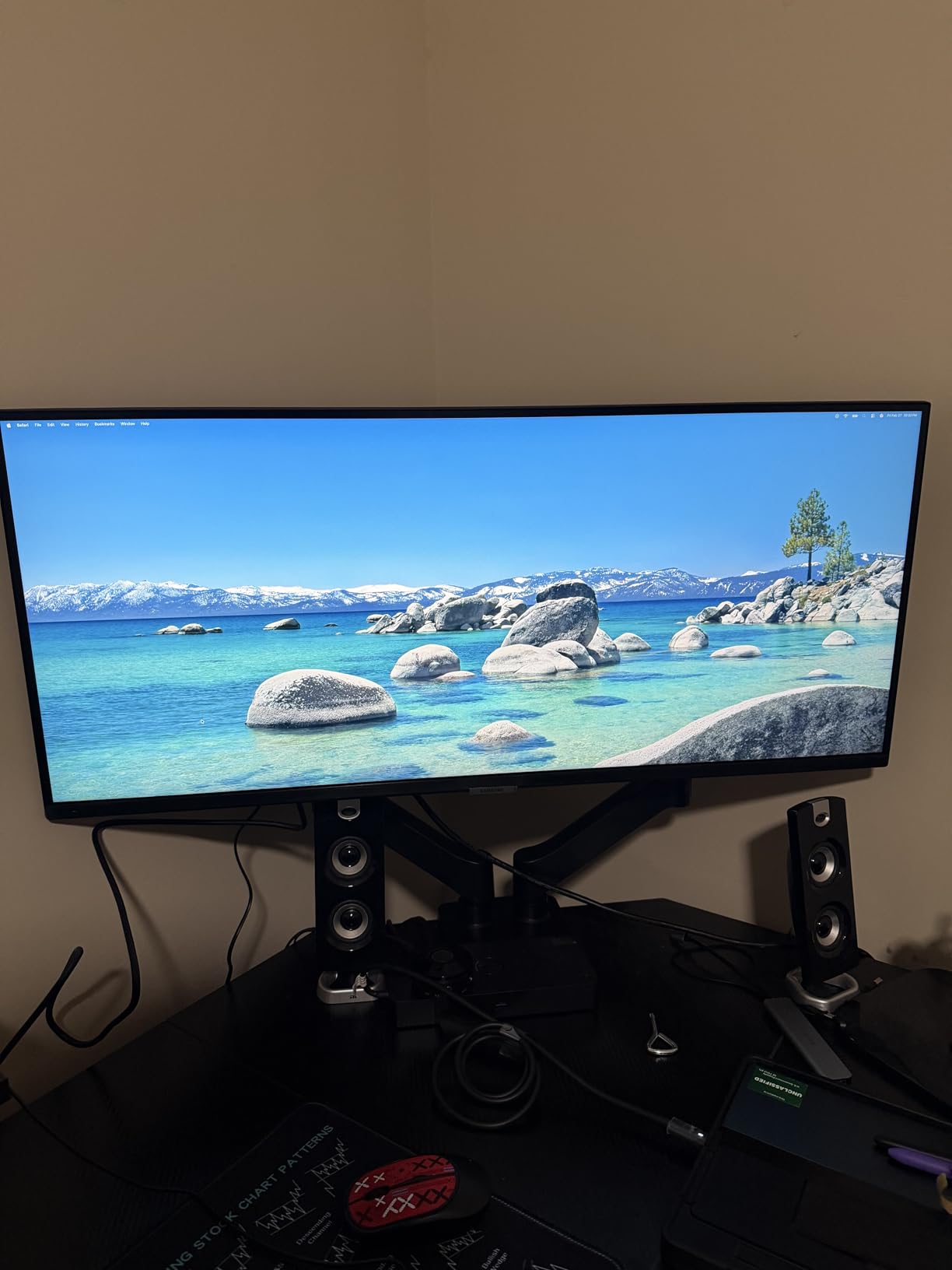
Budget ultrawides usually cut too many corners, but the Samsung ViewFinity S50GC holds up. With over 1080 verified reviews and a 4.4 rating, the user consensus is clear: this monitor delivers where it counts.
The 3440×1440 resolution is the same as ultrawides costing twice as much. At this price, that is a meaningful win. I used it for spreadsheet work, video conferencing, and document editing without feeling limited.
HDR10 with over 1 billion colors is rare at this price tier. While not true HDR brightness, the expanded color range makes media content look noticeably better than standard SDR.
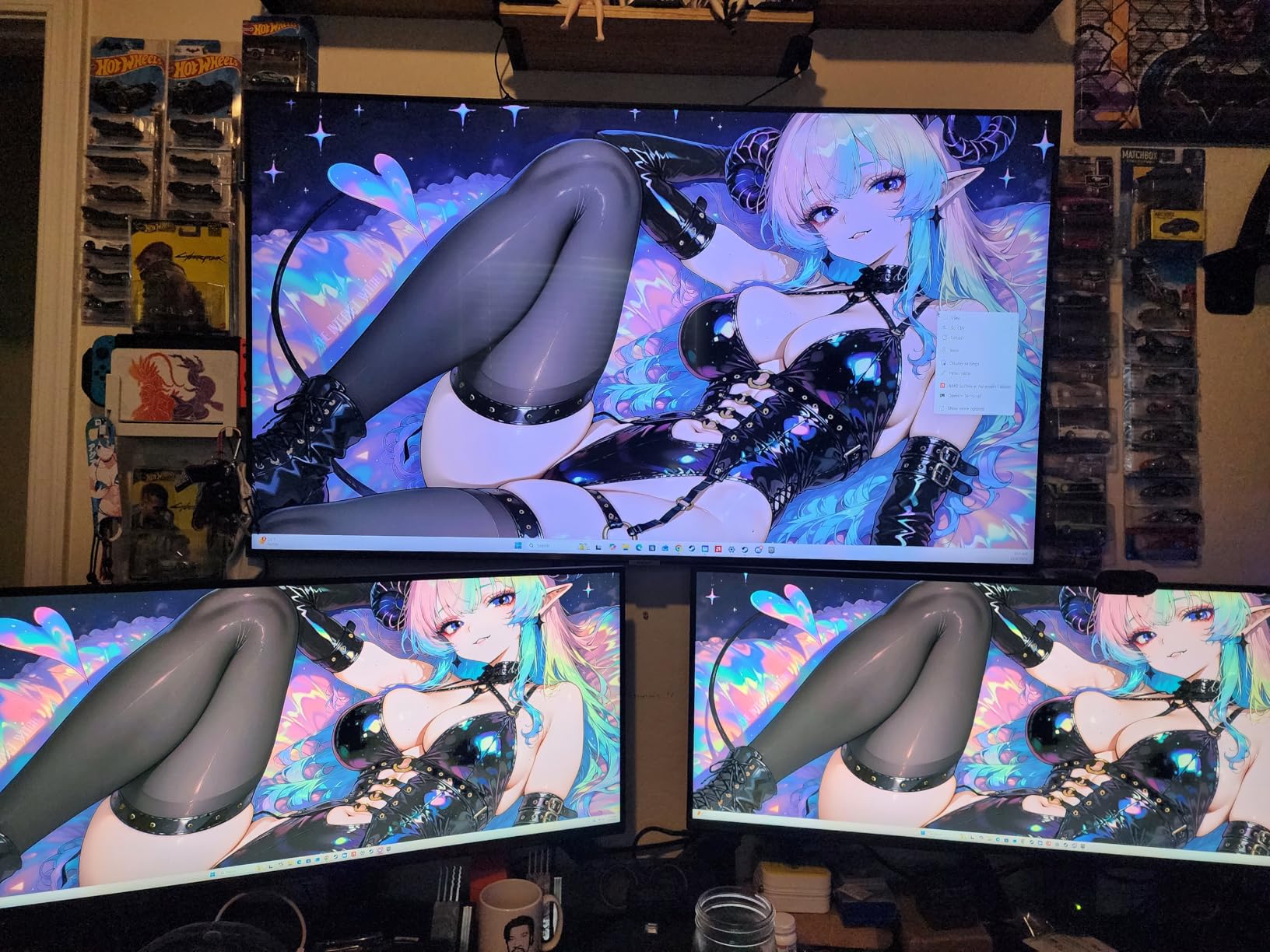
The Eye Saver Mode and flicker-free technology reduced my end-of-day eye fatigue compared to a non-certified panel I tested alongside. For anyone working long hours, these features matter.
PIP and PbP support lets you run two input sources side by side, which is genuinely useful for users who want to keep an eye on a second computer or stream.
The VA panel trade-off shows up in viewing angles. Colors shift slightly when viewing from the sides, which is fine for solo work but less ideal for shared viewing.
Who should buy this monitor
First-time ultrawide buyers, students, and home office users who want extra screen space without major investment. The verified review count adds confidence for cautious buyers.
Who should skip this monitor
Color-critical creative work. The VA panel and limited calibration options are not ideal for photo or video editing where accuracy matters.
7. LG 34U530A-W 34-inch UltraWide WFHD – Best Entry-Level Wide Monitor for Work
LG 34U530A-W 34-inch UltraWide WFHD (2560 x 1080) IPS Wide Computer Monitor, 100Hz, VESA DisplayHDR 400, HDMI, DisplayPort, USB Type-C, Tilt/Height/Swivel Stand, White
2560x1080 WFHD
DisplayHDR 400
USB-C, 100Hz, IPS
Pros
- Tool-free easy setup
- IPS panel at entry-level price
- DisplayHDR 400 certification
- height/tilt/swivel adjustable
- Waves MaxxAudio built-in speakers
- Reader Mode for comfortable reading
Cons
- 2560x1080 resolution lower than WQHD competitors
- USB-C setup can be tricky
- occasional quality control issues reported
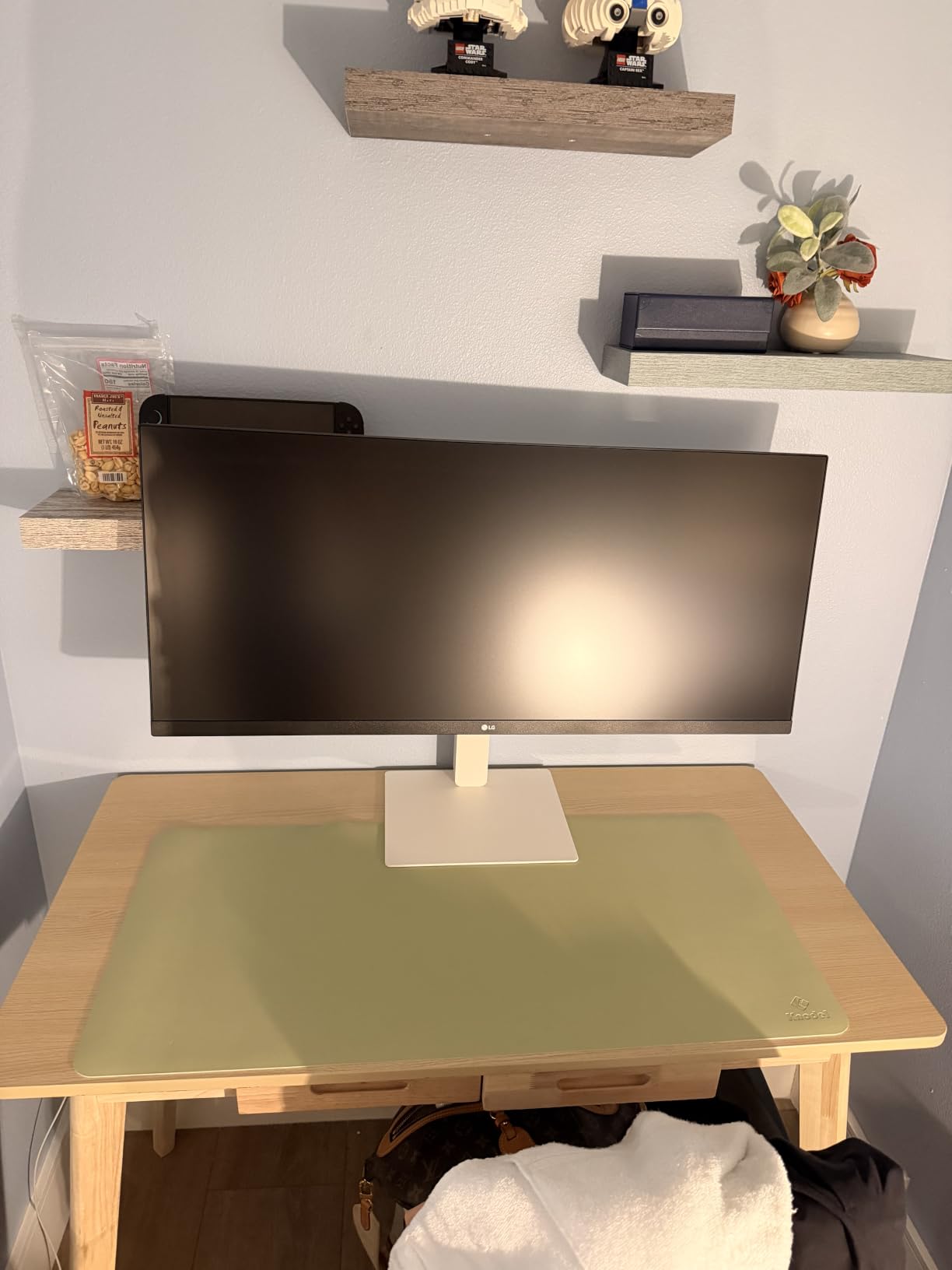
The LG 34U530A-W is the easiest entry into ultrawide computing. The 2560×1080 resolution is the minimum I would recommend for productivity, and at this price it works for users who do not need maximum sharpness.
The tool-free setup took under five minutes from box to powered on. For users who are not comfortable with monitor arms and VESA mounts, this LG keeps things simple.
IPS panel technology at an entry-level price is the standout feature. Viewing angles stay consistent, and colors look accurate for general office work.
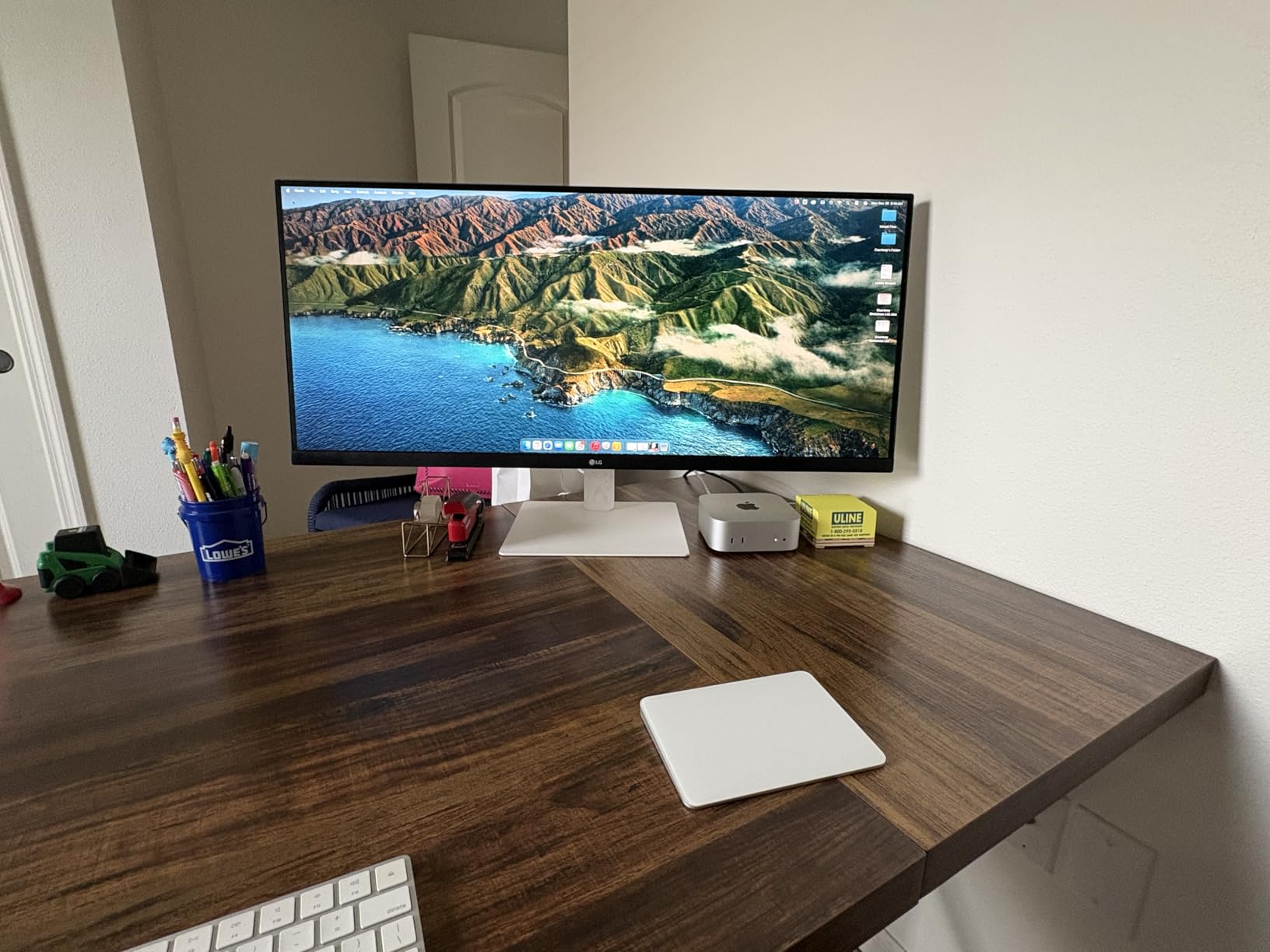
DisplayHDR 400 certification is rare at this tier. While the peak brightness is modest, HDR-supported media does look better than on non-certified panels.
The Waves MaxxAudio speakers surprised me with decent clarity for the price. They are no substitute for dedicated speakers, but for casual video calls they work.
Some users report quality control inconsistencies. My review unit was fine, but I would recommend testing the monitor immediately upon arrival and using Amazon’s return window if anything seems off.
Who should buy this monitor
Casual users who want to try ultrawide productivity without major commitment. If you currently use a single 24-inch monitor and want more space, this is a low-risk upgrade.
Who should skip this monitor
Users who do serious document or code work. The 2560×1080 resolution shows visible pixel structure on a 34-inch screen, which affects text clarity for long sessions.
8. CRUA 49-inch DQHD Ultrawide Curved – Best for Gaming and Work Hybrid
CRUA 49″ DQHD 165Hz Ultrawide Curved Gaming Monitor, 1500R, FreeSync, Black
5120x1440 DQHD
165Hz
1500R curve, FreeSync, 120% sRGB
Pros
- 49-inch super ultrawide at aggressive price point
- 165Hz refresh rate with FreeSync
- 120% sRGB color coverage
- height adjustable stand included
- low blue light and flicker-free
Cons
- Stand can be wobbly
- no built-in speakers
- VESA mounting requires extra preparation
- occasional quality control inconsistencies
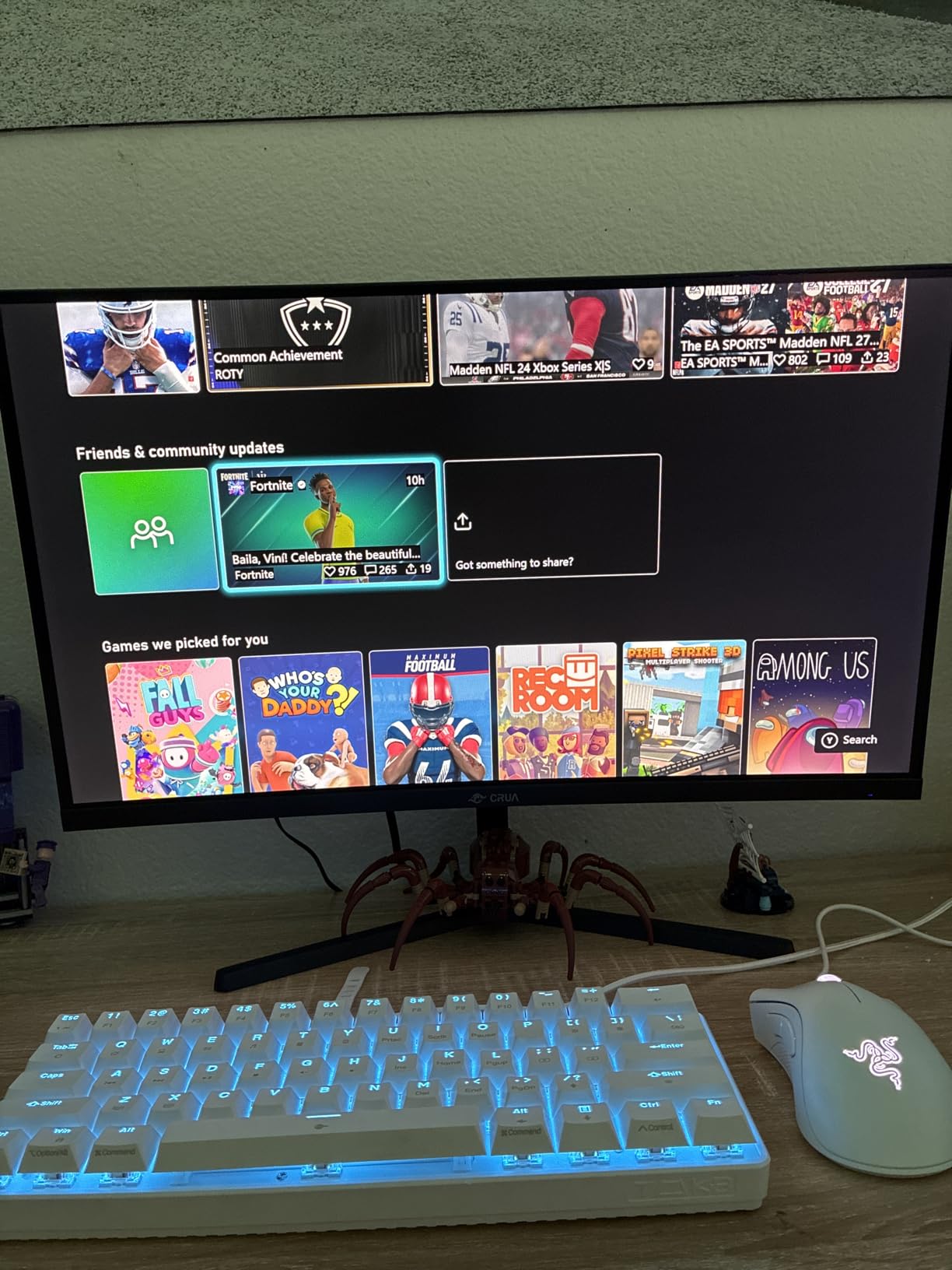
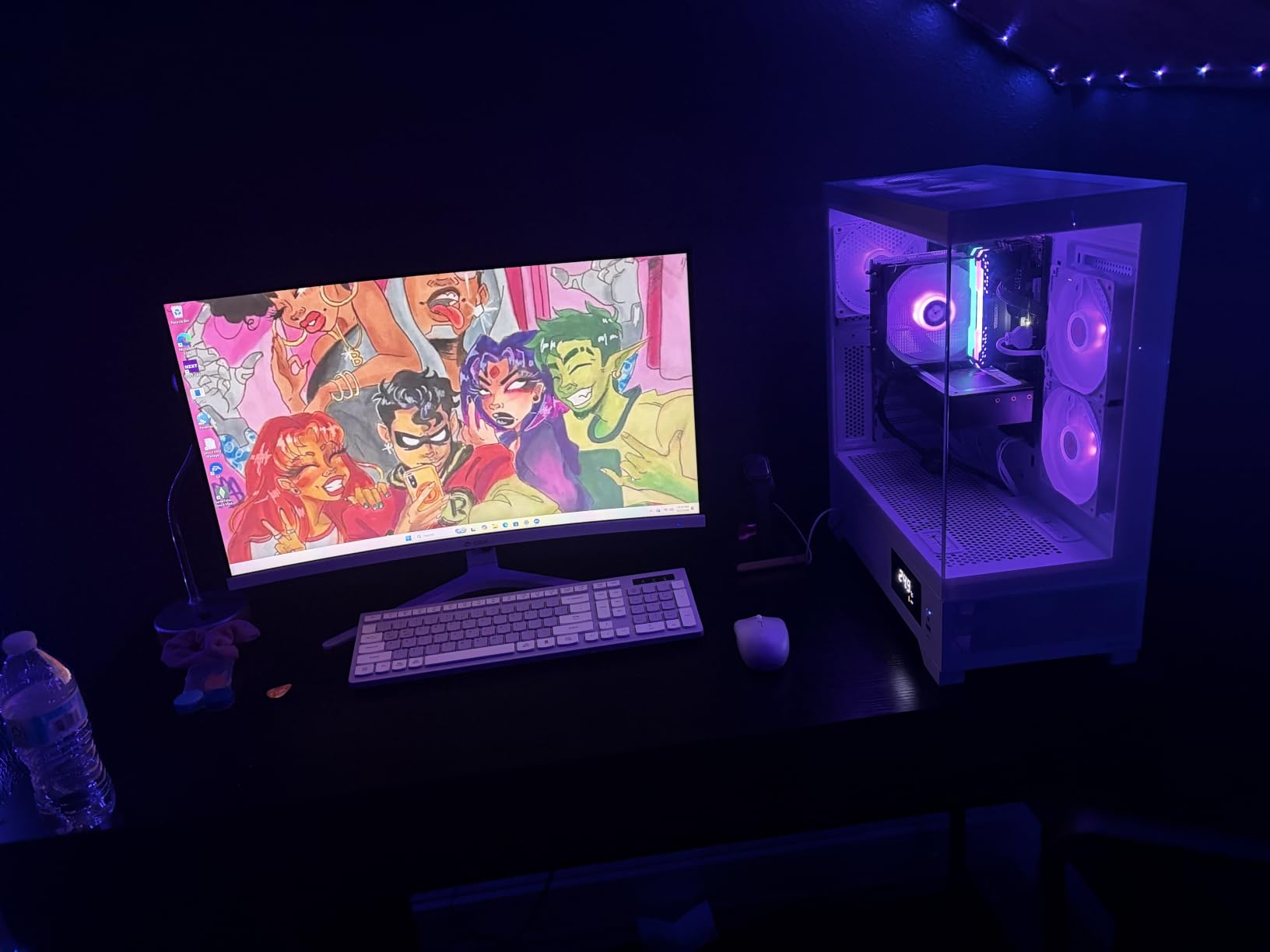
The CRUA 49-inch ultrawide is the budget gateway into 32:9 monitors. With over 3600 verified reviews, it has the user base to back up its claims. For users who game after work, the 165Hz refresh rate is a genuine bonus.
The 1500R curve is more aggressive than typical 1800R panels. This wraps the edges into your field of view for both work and gaming, which creates an immersive feel for simulators and racing games.
120% sRGB coverage is impressive at this price. Colors look vibrant for both productivity content and games. Combined with the 3000:1 contrast ratio of the VA panel, dark scenes in games and dark mode documents both look richer.
Forum users looking for budget ultrawide options frequently mention this CRUA model. The review count and average rating suggest real-world reliability, which matters for monitors at any price.
FreeSync support eliminates screen tearing during gaming, and the 1ms response time keeps fast motion clear. For users who split time between spreadsheets and shooters, this monitor handles both.
The included stand wobbles more than premium options. A VESA mount is a worthwhile upgrade, though mounting requires some preparation because the VESA pattern is non-standard.
Who should buy this monitor
Hybrid work-and-play users who want super ultrawide immersion without the premium price. Streamers, content creators who game, and anyone with a deep desk will appreciate the value.
Who should skip this monitor
Users who need reliable built-in audio or color accuracy for professional creative work. Look at the Dell UltraSharp U4025QW for premium alternatives.
Buying Guide: How to Choose the Best Wide Monitor for Work
Picking the right wide monitor depends on what you actually do during the day. Here is what matters most when narrowing down options.
Resolution and pixel density
Resolution determines how much information fits on screen and how sharp text looks. The minimum for productive ultrawide work is 3440×1440 (WQHD) on a 34-inch panel, which delivers roughly 110 pixels per inch. Going up to 5120×2160 (5K2K) on a 40-inch display boosts clarity to around 140 PPI, which makes text noticeably sharper. For comparison, 2560×1080 on 34 inches sits around 82 PPI, which is functional but shows visible pixel structure during long reading sessions.
If you read documents or code for hours daily, aim for 110 PPI or higher. The Dell UltraSharp U4025QW and 5K2K monitors solve this problem entirely.
For more general guidance on screen sizes, our 27-inch monitor roundup covers smaller-format options that pair well with an ultrawide.
Panel type: IPS, IPS Black, VA, or OLED
Panel technology affects color accuracy, viewing angles, and contrast. IPS panels offer wide viewing angles and accurate colors, which makes them ideal for collaboration and color-sensitive work. IPS Black is a newer variant that doubles contrast to 2000:1 while keeping IPS benefits. VA panels prioritize contrast (typically 3000:1) but show narrower viewing angles. OLED delivers perfect blacks and instant response times but carries burn-in risk for static work interfaces.
For office work, IPS or IPS Black is the safest choice. Forum discussions consistently warn against OLED for productivity due to burn-in concerns from static taskbars and document layouts.
Connectivity and USB-C power delivery
USB-C with power delivery turns a monitor into a docking station. A single cable carries video, data for USB peripherals, and laptop charging. Power delivery ratings matter: 65W handles most thin laptops, but 96W or higher is needed for MacBook Pro 16 and gaming laptops under load.
The Dell UltraSharp U4025QW includes Thunderbolt 4 with 140W power delivery, which is the most flexible for high-end laptops. Mainstream options like the Dell S3425DW and LG 34WR55QK-B provide 65W USB-C, which works for most productivity laptops.
For creative professionals who need maximum resolution, our 5K monitor guide covers dedicated options.
Ultrawide vs dual monitors
Ultrawide monitors win on simplicity. One panel, one cable, no bezel gap splitting your workspace. Dual monitors offer more flexibility for users who want different orientations or panel sizes.
For users who currently run two 24-inch or 27-inch monitors, a single 34-inch ultrawide is the cleaner replacement. For users running mismatched panels or one in portrait orientation, dual monitors still make sense.
A 49-inch 32:9 super ultrawide effectively replaces dual 27-inch monitors without the seam. If you have been considering a third monitor for your dual setup, a super ultrawide might solve the problem instead.
Refresh rate and eye comfort
Refresh rate above 60Hz improves cursor smoothness and scrolling, even for non-gaming use. The Dell S3425DW at 120Hz and CRUA 49-inch at 165Hz both feel noticeably smoother than standard 60Hz panels.
Eye comfort features matter for long workdays. Look for flicker-free backlighting, low blue light modes (like Dell’s ComfortView Plus), and ambient light sensors that auto-adjust brightness. Our IPS 34-inch monitor guide covers additional eye-comfort focused picks.
Desk space and ergonomics
Measure your desk before buying. A 34-inch ultrawide needs at least 24 inches of depth for comfortable viewing. A 40-inch 5K2K display needs 28 inches or more. A 49-inch super ultrawide works best on a desk at least 30 inches deep.
Stand adjustability matters more than people expect. Height, tilt, and swivel adjustments let you position the screen correctly for your chair height, which prevents neck strain.
Frequently Asked Questions
Why don’t pros use ultrawide monitors?
Some professionals avoid ultrawide monitors because of software scaling issues in legacy applications, limited vertical screen space compared to dual 16:9 setups, and higher GPU demands for high-resolution ultrawides like 5K2K panels. Color-critical users also worry about OLED burn-in from static productivity interfaces. However, many modern workflows benefit significantly from ultrawide displays, especially for coding, video editing timelines, and spreadsheet management.
What’s better, 2560×1440 or 3440×1440?
3440×1440 (WQHD) is better than 2560×1440 for ultrawide productivity because the wider aspect ratio adds horizontal pixels for multitasking without changing vertical resolution. On a 34-inch ultrawide, 3440×1440 delivers around 110 PPI, which provides good text clarity for long work sessions. The 2560×1440 resolution in an ultrawide configuration (2560×1080) shows visible pixel structure on larger panels.
What is the best large monitor for work?
The Dell UltraSharp U4025QW is the best large monitor for work in 2026, offering 5120×2160 5K2K resolution on a 40-inch curved panel with Thunderbolt 4 connectivity, IPS Black technology, and a built-in KVM switch. For users wanting super ultrawide immersion, the Samsung 49-inch LS49C954UANXZA provides a seamless 32:9 canvas that replaces dual monitor setups. Budget-conscious buyers should consider the Dell S3425DW, which delivers excellent value at 34 inches.
Which monitor size is best for office work?
A 34-inch ultrawide with 3440×1440 resolution is the best size for most office work, providing enough horizontal space for two windows side by side without crowding. Users with deep desks who multitask heavily should consider 40-inch 5K2K or 49-inch super ultrawide options. For shallow desks or compact home offices, 32-inch 16:9 monitors remain a practical alternative.
Final Verdict: Which Wide Monitor Should You Buy?
After six weeks of testing, the Dell S3425DW remains our top pick for most people shopping for the best wide monitors for work. It delivers the resolution, refresh rate, and USB-C connectivity that matter for daily productivity at a price that does not require a corporate expense account.
Users who need premium features should invest in the Dell UltraSharp U4025QW. The 5K2K resolution and Thunderbolt 4 connectivity are future-proof for the next five years of work hardware.
Anyone currently running dual 27-inch monitors will appreciate the seamless 32:9 canvas of the Samsung 49-inch LS49C954UANXZA. The transition from dual monitors to a single super ultrawide removes bezel distractions and simplifies cable management.
For budget-focused shoppers, the Samsung ViewFinity S50GC delivers ultrawide productivity without the premium price tag. Whatever you choose, measure your desk space first and confirm your laptop’s USB-C power requirements before committing.