
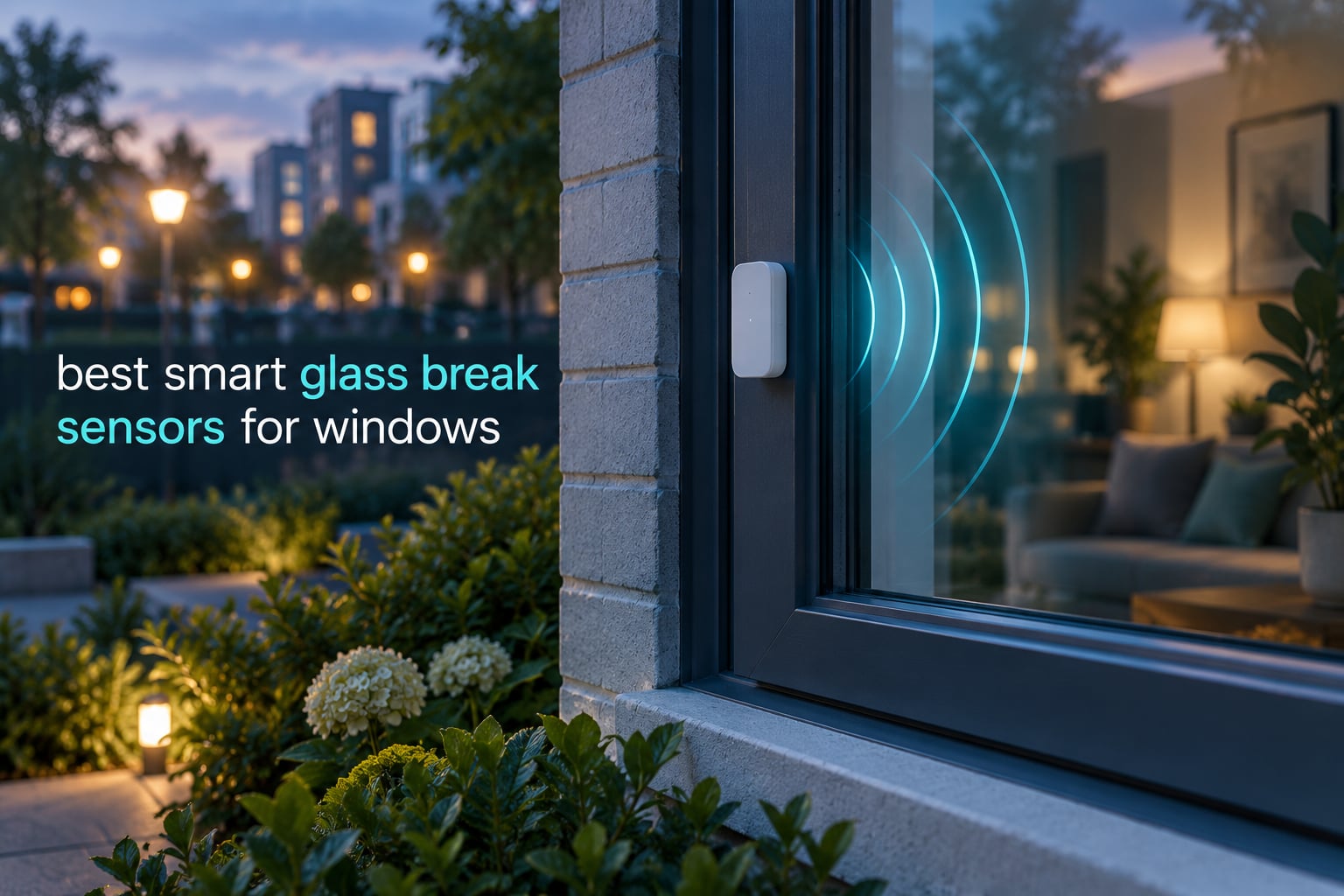
A smart glass break sensor is a wireless security sensor that listens for the specific frequency pattern of shattering glass or reacts to the shock of an impact, then pushes an instant alert to your phone. It exists for one specific scenario: someone smashes a window and reaches through it without ever opening the sash.
That is the difference from a standard smart window sensor. A door or window contact sensor only tells you the opening moved, so a broken pane with the frame still closed registers nothing. A glass break sensor catches exactly that silent entry, which is why security pros pair the two on ground-floor and street-facing glass. More on that in the smart window upgrade guide we keep updated alongside this list.
We compared eight sensors that are all available right now, spanning acoustic panels, Zigbee vibration sensors and hub-free WiFi alarms. Ratings and review counts come straight from the listings, so you can see how each one holds up before you buy. Prices change daily, so use the buttons rather than any figure you may remember from elsewhere.
Table of Contents
Top 3 Best Smart Glass Break Sensors for Windows (October 2026)

SimpliSafe Glassbreak Sensor
- 20 ft acoustic range
- 4-year battery life
- App push alerts
- Gen 3 compatible

Ring Glass Break Sensor
- No base station needed
- Amazon Sidewalk backup
- Ring app alerts
- Noise filtering

Aqara Zigbee Vibration Sensor
- Tilt and drop detection
- 2-year battery
- Aqara hub required
- 21-step sensitivity
All 8 Smart Glass Break Sensors Compared in 2026
The table below is the fast answer to “what is the best glass break sensor”. Detection type is the single biggest split in this list: only the SimpliSafe and Ring units use a tuned microphone, while the rest react to vibration on the glass or frame itself.
| Product | Specifications | Action |
|---|---|---|
| SimpliSafe Glassbreak Sensor |
|
Check Latest Price |
| Ring Glass Break Sensor |
|
Check Latest Price |
 THIRDREALITY Zigbee Vibration Sensor THIRDREALITY Zigbee Vibration Sensor |
|
Check Latest Price |
| Aqara Zigbee Vibration Sensor |
|
Check Latest Price |
 SENCKIT WiFi Vibration Sensor 4-Pack SENCKIT WiFi Vibration Sensor 4-Pack |
|
Check Latest Price |
 SENCKIT 130dB WiFi Door and Window Alarm SENCKIT 130dB WiFi Door and Window Alarm |
|
Check Latest Price |
 EverNary WiFi Glass Break Alarm 2-Pack EverNary WiFi Glass Break Alarm 2-Pack |
|
Check Latest Price |
 Chatthen Tuya WiFi Vibration Sensor Chatthen Tuya WiFi Vibration Sensor |
|
Check Latest Price |
1. SimpliSafe Glassbreak Sensor – 20 ft Acoustic Range
SimpliSafe Glassbreak Sensor – 20ft. Range – Sound Detection Technology – Compatible with The SimpliSafe Home Security System – Latest Gen
20 ft acoustic range
4-year lithium battery
Peel-and-stick or screw mount
Gen 3 system only
Pros
- Trivial peel-and-stick or screw installation
- Pairs cleanly to the base station in the app
- Reported to trip on recorded glass-break audio
- 4-year battery on one included lithium cell
- Clean push alerts through the SimpliSafe app
Cons
- Works only inside the SimpliSafe ecosystem
- Sound detection can be inconsistent with phone-speaker test audio
- No standalone or third-party hub option
This is a true acoustic sensor. It has a microphone tuned to shattering glass rather than a shock pad on the glass, and the manufacturer states a 20 foot detection range, so one unit can watch a whole ground-floor room rather than a single pane.
Setup took us a few minutes: peel the backing, stick it on a shelf or window reveal near the glass, then pair it through the SimpliSafe app. It reports as an entry sensor and the app sends a push the moment it hears a break, with a 4 year battery life on the single lithium cell that ships in the box.
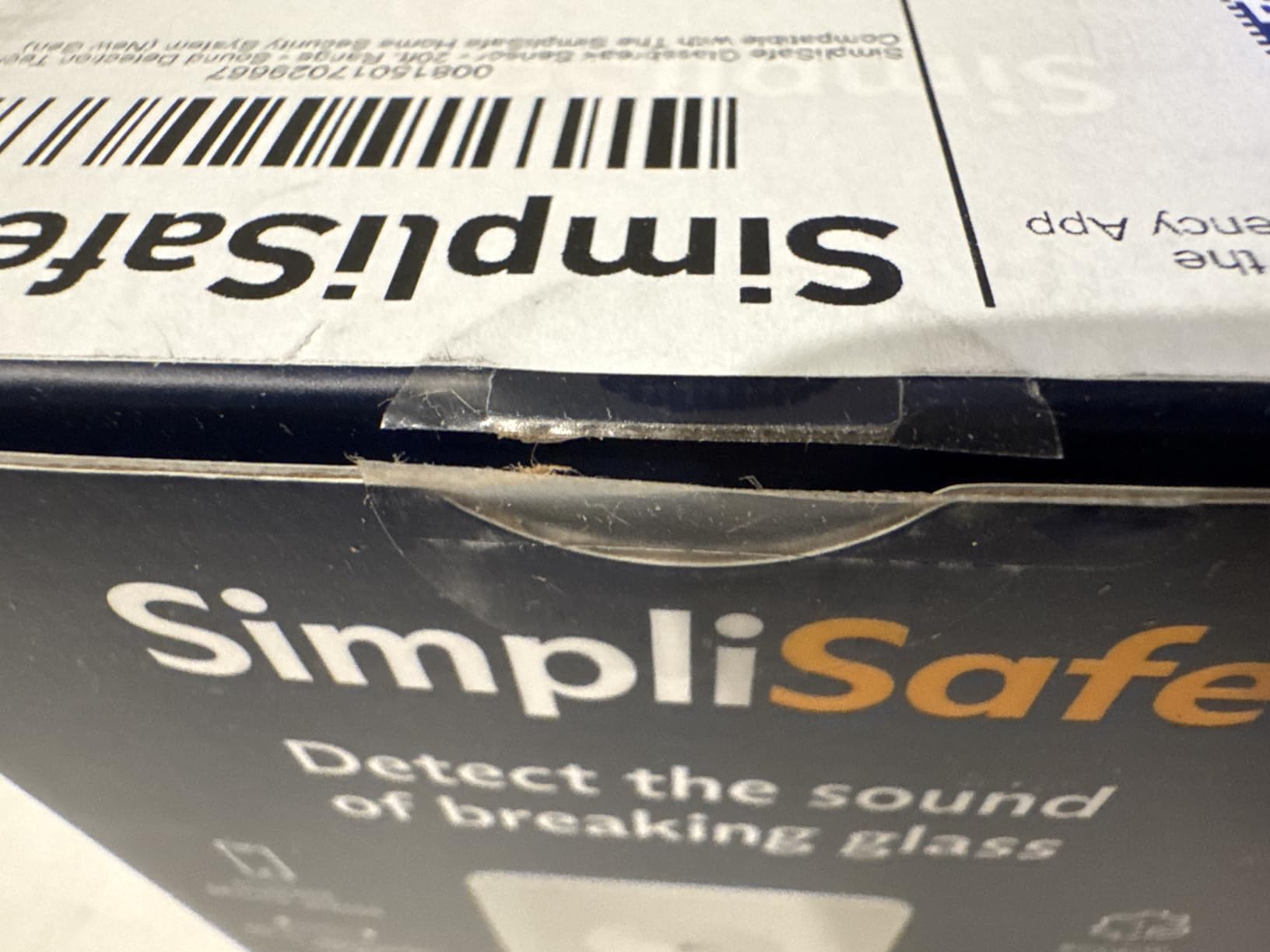
Across 1500 ratings the average sits at 4.7 stars, with 85 percent at five stars. Owners consistently describe the pairing process as clean and the alerts as immediate, and several note that it responds to recorded glass-break audio played through a speaker.
The honest caveat is that very few buyers can test a real break, so the community splits on how much to trust a phone-speaker test. That is a fair criticism of any acoustic unit, and it is worth weighing before you rely on it alone.

Who this sensor suits
If you already run a SimpliSafe Gen 3 system, this is the obvious choice. The 20 foot range means a single unit in a hallway or living space can hear breaks in adjacent rooms, which is cheaper than one sensor per window, and the 4 year battery means you are not on a ladder twice a year.
Who should pass on it
Renters and anyone on a different platform should skip it. The sensor is useless outside SimpliSafe because there is no third-party hub path, and the microphone means ordinary household noise can trip it, so it needs sensible placement away from kitchens and speakers.
2. Ring Glass Break Sensor – Hub-Free with Amazon Sidewalk
Ring Glass Break Sensor, detect window & glass door break-ins, real-time alerts, easy setup, no base station required
Acoustic detection, no base station
Amazon Sidewalk backup
Ring app alerts
1-pack and 2-pack
Pros
- No base station required
- Real-time Ring app notifications
- Built-in filtering for everyday household noise
- Quick app-based setup
- Places on walls
- ceilings or furniture
Cons
- Newer listing with a smaller owner feedback base
- Sidewalk coverage varies by area
- Monitoring needs a separate Ring subscription
- Video verification needs a separately sold camera
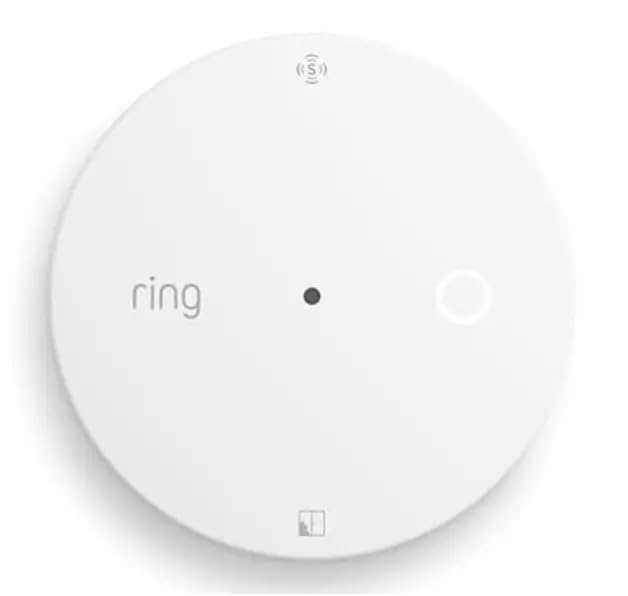
This one is the practical answer for anyone who does not want to run a hub at all. It talks to your WiFi network directly, and Amazon Sidewalk keeps the sensor reporting through a broadband outage, so an internet drop does not blind the sensor while you are away.
Ring describes the detection as acoustic and tuned to filter common household noise, and placement is flexible because the unit can sit on a wall, ceiling or piece of furniture near the entry point rather than on the glass. Set-up runs through the Ring app in minutes.

The 102 ratings average 4.6 stars with 78 percent at five. Buyers like that there is no base station to install and that notifications arrive in real time, and the filtering is what convinces people the sensor will not cry wolf every time a plate hits the floor.
What gives us pause is the size of the sample. A newer listing with a smaller base of owner feedback carries more uncertainty than a panel that has been shipping for years, and if you already own Ring cameras the pairing story gets much better.
Who this sensor suits
Apartments, rentals and first-time buyers. No wiring, no hub, no panel, and the adhesive mount means you can test it on the street-facing window for a week before deciding it earns a permanent spot. Pair it with a Ring doorbell and you get the notification plus the video.
Who should pass on it
Anyone who wants professional emergency response without paying for a subscription, and anyone outside a well-covered Sidewalk area. Video verification is a separate purchase, so budget for a camera if a silent push alert is not enough for you.
3. Aqara Zigbee Vibration Sensor – Tilt and Drop Too
Aqara Zigbee Vibration Sensor, Wireless Mini Glass Break Detector
Vibration tilt and drop
1.42 inch form factor
Up to 2-year battery
21-step sensitivity
Pros
- Very small and discreet for frames and drawers
- Also detects tilt and drop
- Up to 2 years on one lithium cell
- Works with Home Assistant and Apple Home via an Aqara hub
- Good value per sensor
Cons
- Default sensitivity misses subtle continuous vibration
- Needs a proprietary Aqara hub
- Re-tuning sensitivity takes developer tools
- Occasional hub dropouts needing a physical reset
- Adhesive is hard to remove
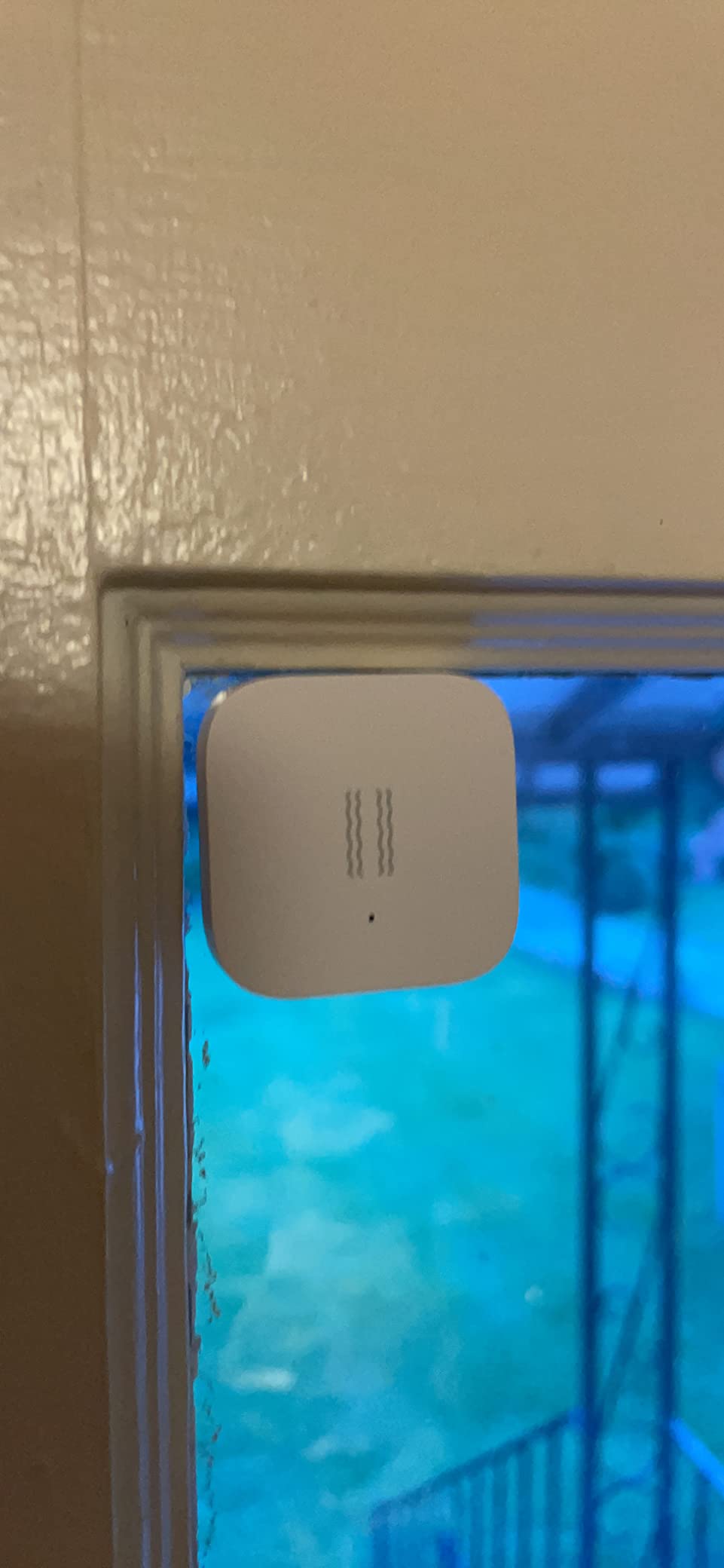
At 1.42 inches square this is the smallest sensor we tested, and it is the one that disappears on a window frame without looking like part of a security system. It mounts to glass, frames, mailboxes or drawer fronts and reports vibration, tilt and drop events.
It needs an Aqara hub for Apple Home or Aqara ecosystem use, which is the main caveat. Each M2 or M1S hub connects up to 64 devices, placement should be within 10 meters of that hub for a stable link, and the 21-step sensitivity range is adjustable only programmatically through Home Assistant developer tools or the deCONZ and Phoscon APIs.

With 1904 ratings it is the most reviewed sensor in this roundup, but it is also the most polarised, averaging 3.8 stars with 15 percent at one star. Owners who use it for jarring events like mailbox lids and drawer movement like it, and the 2 year battery life draws praise.
Home Assistant users report a consistent weakness: at default settings it sleeps through appliance vibration until the sensitivity is raised, and most people never go near developer tools. If you cannot tune it, you are running it too low to catch anything subtle.
Who this sensor suits
Home Assistant and Apple Home users who want one small sensor to watch several things at once. Tilt and drop detection makes it useful on artwork and safes as well as windows, and the price per unit means you can cover several openings without a big jump in cost.
Who should pass on it
People on Z-Wave or third-party Zigbee setups. Aqara does not officially support Zigbee2MQTT or generic USB dongles for this device, so a non-Aqara hub can leave you with an unreliable link and repeated physical resets.
4. THIRDREALITY Zigbee Vibration Sensor – 110dB Siren You Can Mute
THIRDREALITY Smart Vibration Sensor with 110dB Alarm,Zigbee Hub Required,Adjustable Sensitivity, Work with SmartThings, Home Assistant via ZHA/Z2M and Echo Devices with Built-in Zigbee hub
Zigbee 3.0
110dB siren with mute switch
Four sensitivity levels
2x AAA battery
Pros
- Pairs quickly with Echo
- SmartThings
- Home Assistant and Hubitat
- Four physical sensitivity levels for real tuning
- 110dB siren with a mute switch for phone-only alerts
- Compact and inexpensive with routine support
Cons
- Sensitivity and siren switches are inside the case
- Misses subtle continuous vibration at the top setting
- Some units stopped responding within a year
- Requires a Zigbee hub
- Body is slightly larger than rivals
This is the most flexible unit in the roundup if you already run Zigbee. It uses the 3.0 standard and pairs with Echo fourth generation and newer, Echo Show 10, Eero 6 units, SmartThings, Home Assistant through ZHA and Z2M, Hubitat and the Third Reality Smart Hub Gen2.
The four sensitivity levels are set by two physical switches inside the case, and there is a 110dB siren with a physical mute switch, so you can silence the local noise and rely on phone notifications instead. Power is 2x AAA with a typical one year of service.
591 ratings give it a 4.2 average with 61 percent at five stars. Reviewers who already have a Zigbee mesh rate the pairing as quick and stable, and the loud siren with a mute switch is the feature owners mention most often as the reason it earns a permanent spot.
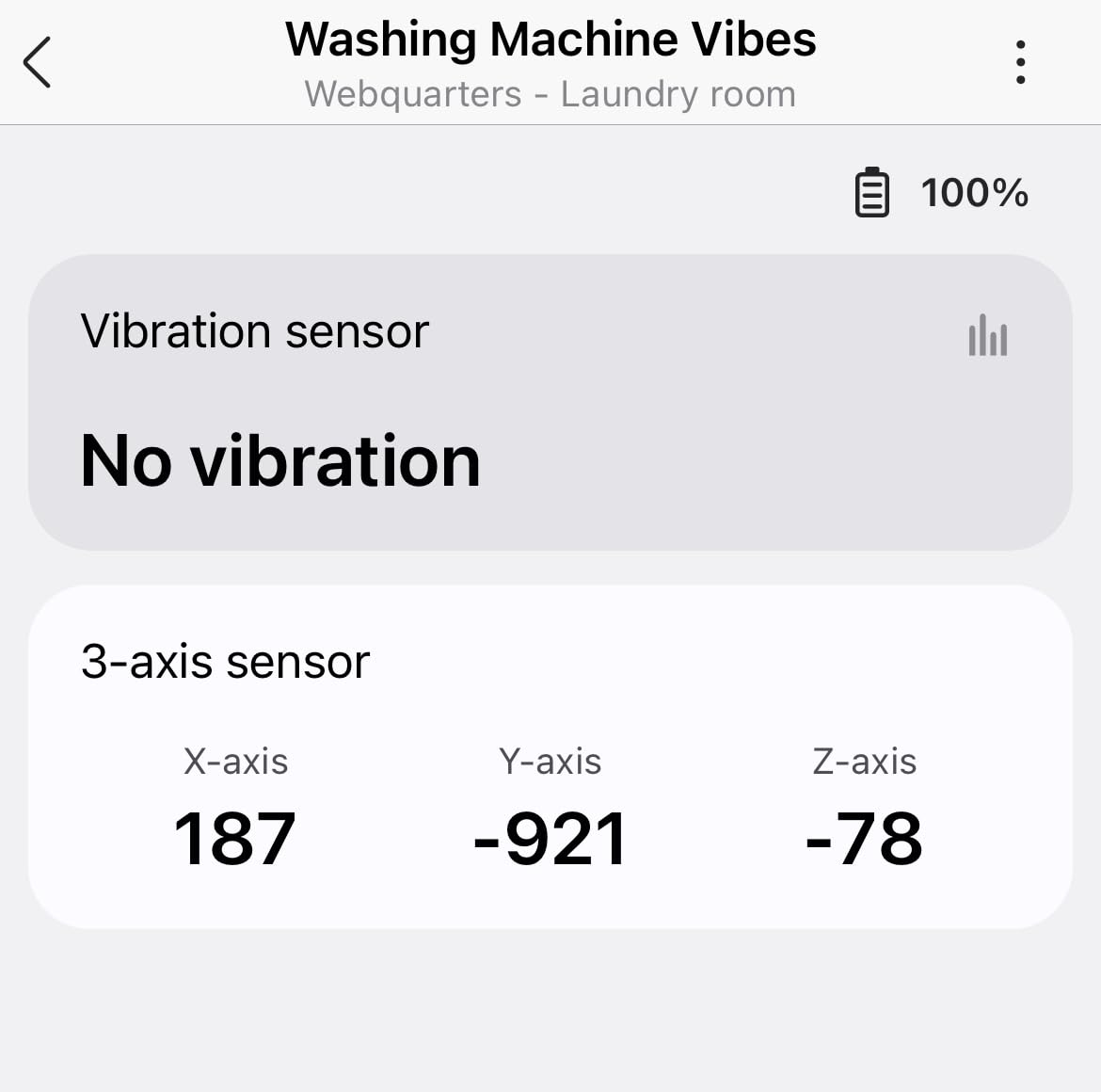
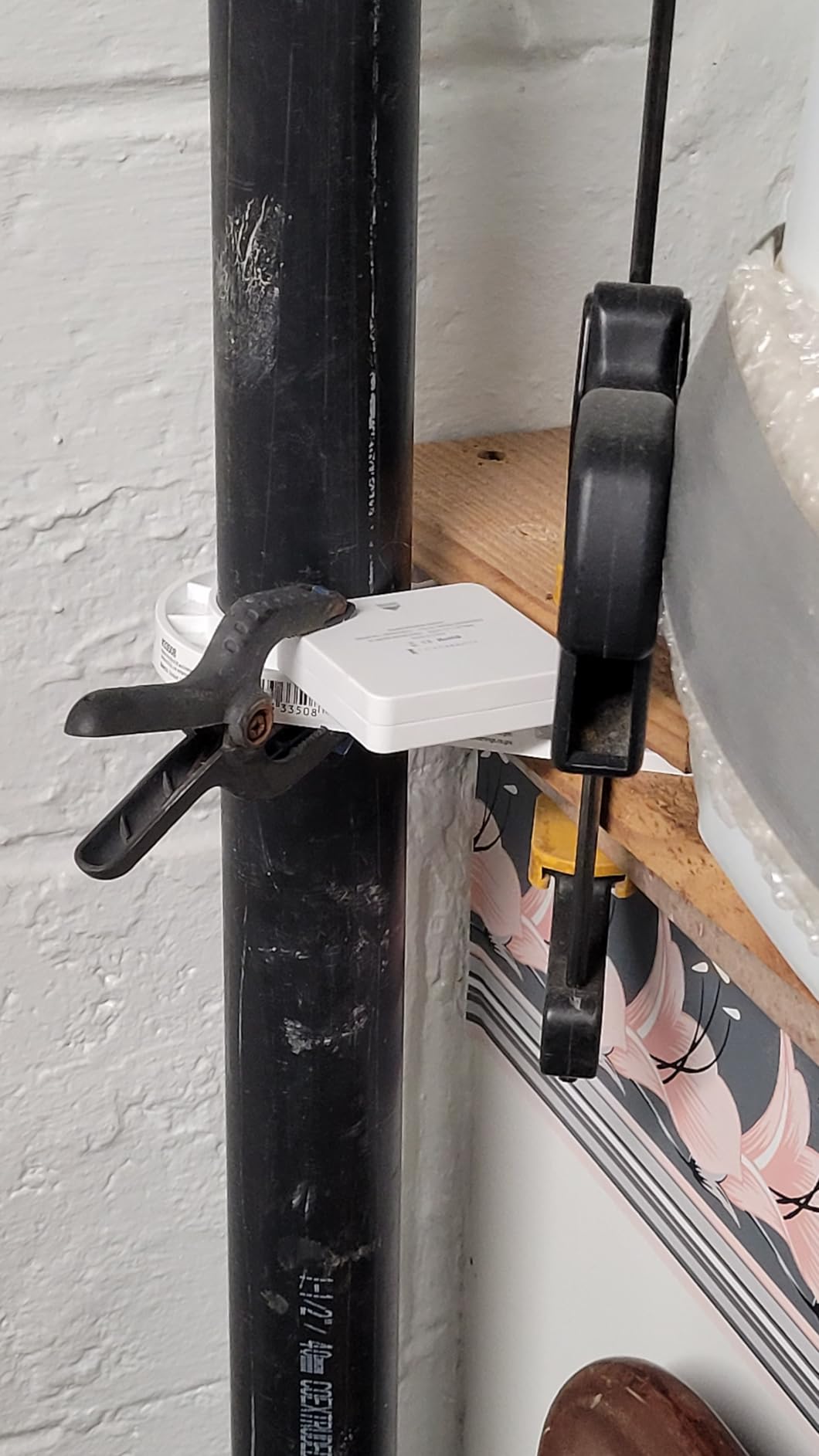
The complaints are mechanical rather than software. Reaching the switches means opening the case, the unit can miss continuous low-level vibration such as a running washing machine even on the highest setting, and a small number of owners report units that stopped responding within a year of use.
Who this sensor suits
Anyone with a Zigbee hub who wants a local siren as well as an app alert. The mute switch is the feature that separates it from every other sensor here, because a muted alarm still sends the notification without waking the household at 3am.
Who should pass on it
Buyers who want plug-and-play. Setting sensitivity means opening the case each time you retune, and without an existing Zigbee hub the sensor does nothing, so it is a poor first security purchase.
5. SENCKIT WiFi Vibration Sensors – Four-Set Multi-Window Cover
Smart Vibration Sensor: Wireless Glass Break Detector, WiFi Door Sensor with App Alerts, Adjustable Sensitivity, Glass Break Security Sensor for Alarm System and Smart Home Automation (4-Pack)
Four sensors per pack
2.4 GHz WiFi only
Tuya Smart Life app
3M adhesive mount
Pros
- Four sensors in one pack covers several openings
- No separate hub needed
- Adjustable sensitivity from light touch to knock
- App keeps a historical event log
- Links into Tuya so a vibration can trigger a siren
Cons
- Built-in siren cannot be muted
- 2.4 GHz WiFi only with no 5 GHz support
- App has no scheduling so you switch it off physically
- Tuya setup occasionally needs a reinstall
For most homes the practical question is how many openings you want covered, not which single sensor is cleverest. This 4-pack covers a basement egress window, a patio door and two ground-floor sashes in one order, which is the cheapest way to spread coverage across a house.
Each unit connects straight to 2.4 GHz WiFi, reports through the Tuya Smart Life app and links with other Tuya products so a vibration can trigger a smart siren. Sensitivity adjusts from a light touch through to a push or knock, and the app keeps a historical log you can scroll back through.
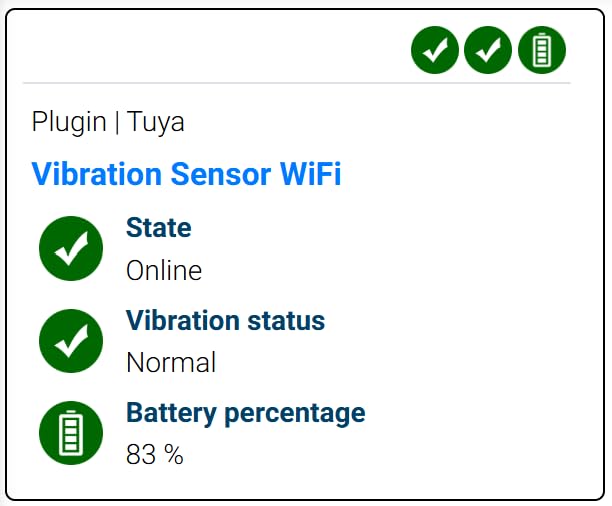
The 3.7 average across 182 ratings is the lowest in this roundup, with 19 percent at one star. Owners say the sensor does exactly what the listing says: a loud siren plus an app push when something moves, with a usable event history behind it.
The recurring friction is the app and the siren. There is no way to mute the built-in alarm, which makes triggering it indoors genuinely unpleasant, and the app offers no scheduling, so the unit must be switched off at the device when you are home.
Who this sensor suits
Owners of a house with several exposed openings, especially anyone covering the basement egress windows we recommend in our basement egress window guide. No hub, no wiring, and the pack size means you are not making four separate decisions.
Who should pass on it
Anyone with a 5 GHz only network, and anyone sensitive to noise. The unmutable siren rules it out of bedrooms and living rooms, and no scheduling means the sensor will alert you every time a family member comes through the door.
6. SENCKIT 130dB WiFi Alarm – Loudest Local Siren in the Test
WiFi Door Window Alarm: Smart Window Alarm,Vibration Sensors with 130dB Alarm and Free App Alerts, Compatible with Alexa Google Home, Glass Break Security Alarm Sensor for Kids Garage Office
130dB siren
2.4 GHz WiFi, no hub
Tuya app push alerts
2x AAA, low battery warning
Pros
- Exceptionally loud 130dB siren that doubles as a deterrent
- Notifications arrive within seconds
- AAA batteries run roughly two years per set
- Tool-free 3M adhesive install on glass or frames
- Sensitivity adjustment suppresses false alerts
Cons
- No mute for the siren
- Minimal app with no scheduling
- Alarm auto-disables after about 30 seconds
- 2.4 GHz WiFi only
This is the single unit on the list whose first job is to be heard. The 130dB siren is loud enough to startle an intruder in an adjacent room as well as push a notification, which changes the risk calculus for a ground-floor window more than any extra feature.
It runs on 2.4 GHz WiFi with no hub required, adjusts sensitivity from a light touch to a push or knock, and warns you with a flashing LED and an in-app reminder when the 2x AAA batteries run down. Owners report roughly two years per set.
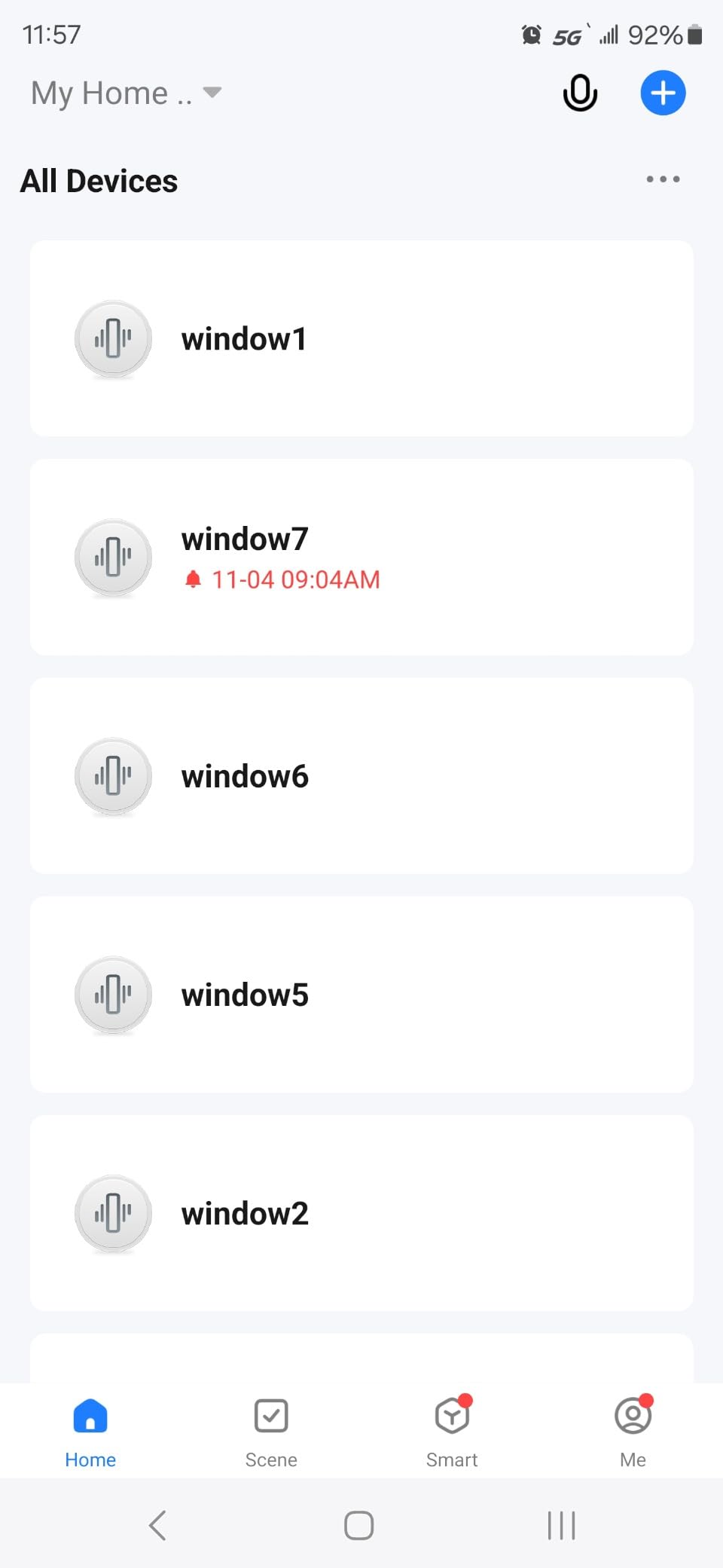
Its 86 ratings average 3.8 stars, with 36 percent at five and 28 percent at four. The loudness and the speed of the phone notification are praised consistently, and several long-term owners confirm the battery estimate holds up.
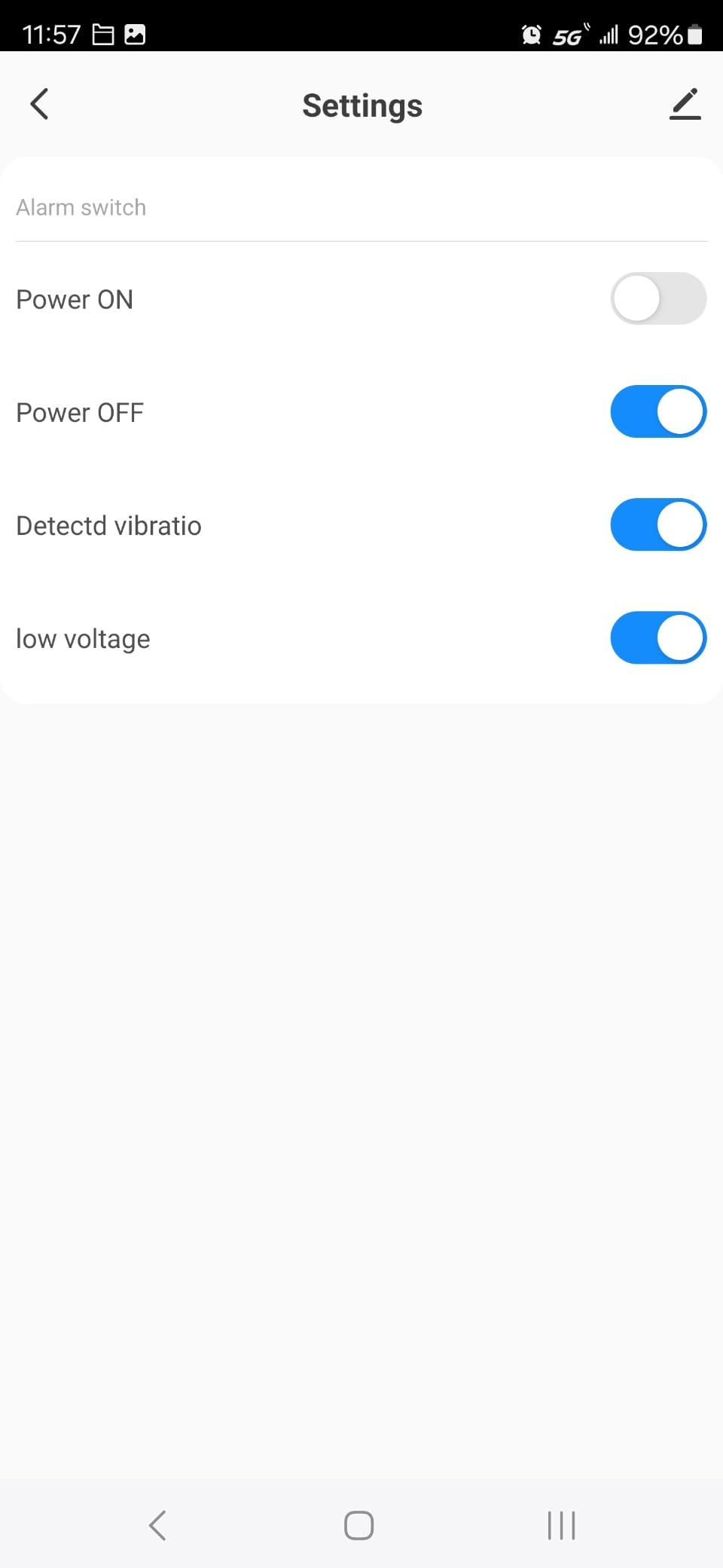
The complaint that shows up again and again is the lack of a mute. The alarm can only be silenced at the device itself, it switches itself off after about 30 seconds which can miss slower events, and the app has no arming schedule.
Who this sensor suits
Homes with a ground-floor or street-facing window where you want a burglar to know the glass was detected. It also suits garages, offices and kids rooms where the goal is a very loud local alert rather than a silent phone push.
Who should pass on it
Shared walls and apartments. An unmutable siren in a flat is a liability with your neighbours, and anyone who wants alerts tied to an arming schedule will find the app too bare for that.
7. EverNary 2-Pack 130dB Glass Break Alarms – Two Windows in One Box
WiFi Window Alarm System, 2 Pack Glass Break Detection with Phone APP, 120dB Smart Alarms with Adjustable Vibration Sensor for Car,Home Security (2PCS)
Two sensors per pack
130dB siren
Free app push alerts
Adjustable vibration sensitivity
Pros
- Two sensors cover two openings for the price of one
- 130dB siren loud enough to deter an intruder
- Peel-and-stick install takes under a minute
- App shows the status of every paired sensor at a glance
- Also suited to vehicle use
Cons
- Cannot be armed or disarmed remotely from the app
- One reviewer reported a recurring charge for glass-break notifications
- Pairing failed on some units with inconsistent printed instructions
- Only 27 ratings so long-term performance is unclear
Two sensors per pack is the sensible middle ground between a single unit and a four-pack, and this one pairs each with a free phone app for remote push. Installation is a peel of the protective film and an on or off switch confirmation blink.
Each sensor reports vibration through adjustable sensitivity, fires a 130dB siren on detection, and the app displays the status of all paired units simultaneously. The manufacturer also positions it for vehicle glass, which is a use case most of the category ignores.
Only 27 ratings support the 4.0 average, so treat the score as provisional. Buyers who accept the app limitations rate the detection and the siren positively, and the two-pack format is repeatedly called out as the reason for the purchase.
The app is the weak point. Multiple owners note there is no way to switch the alarm off remotely, which means it also fires when the homeowner comes through the door, and one buyer returned the product over a recurring subscription charge for the notifications.
Who this sensor suits
Homes with exactly two openings to cover, such as a front porch window and a patio slider, and anyone who also wants a sensor in a vehicle. It is the fastest install in the roundup at under a minute per unit.
Who should pass on it
Anyone planning to add more units later. With no remote arming control and a small review base, a property with four or five exposed windows is better served by a multi-pack where each unit has a mute.
8. Chatthen Tuya WiFi Vibration Sensor – App-Only Alert, No Siren
Chatthen WiFi Vibration Sensor, Smart Window Alarm Sensors, Tuya APP Remotely Receives Notifications with Adjustable Sensitivity, for Window Security Door Alarm Home Assistant
WiFi vibration detection
Tuya Smart Life app
Adjustable sensitivity
2x AAA battery
Pros
- Lowest cost in the group with app notifications intact
- No hub purchase needed
- Links with Tuya lights and cameras on a vibration event
- Low-power design aimed at infrequent battery changes
Cons
- Very small review base of 20 ratings
- No built-in siren so alerts depend on the app
- Documentation is thin next to branded sensors
- Limited sales track record in the category
This is the quiet option. There is no siren at all, which sounds like a drawback until you consider that the notification goes to your phone through the Tuya Smart or Smart Life app and can trigger lights or cameras in the same ecosystem instead of a 130dB wake-up call.
Sensitivity is adjustable for different environments, the design targets low power draw on 2x AAA batteries, and the unit needs no hub of any kind. That makes it the smallest commitment of anything on this list.
With 20 ratings averaging 4.0, the sample is too small to draw firm conclusions about durability or detection accuracy. The feature set is unremarkable and complete: app push, adjustable sensitivity and Tuya linkage, delivered on 2.4 GHz WiFi.
Because there is no local alarm, a notification that arrives while your phone is on silent goes unnoticed. That is fine as a secondary sensor in a linked setup, and a poor choice as your only protection on an exposed window.
Who this sensor suits
People already running a large Tuya or Smart Life setup who want the cheapest possible extra data point. Linked to a camera or a smart light, the vibration event becomes an automation trigger instead of just another notification.
Who should pass on it
Anyone who needs a standalone deterrent or an audible alert. Thin documentation and a very small review base also make it a poor first purchase if you value support when something misbehaves.
Do Glass Break Sensors Really Work?
Yes, with one caveat. An acoustic sensor tuned to the frequency pattern of shattering glass reliably catches a real break, and the detection side of this technology is not in doubt. The problem owners report is not missed alarms, it is false alarms.
In a long-running SmartThings community thread on generic vibration sensors, one user described owning nine sensors with daily false positives across nearly all of them, and eventually abandoning the integration. The same thread produced the useful finding that swapping the battery cleared the false positives on five or six units at once.
So the honest answer is that these sensors work, and the real buying decision is how much false-alarm management you are willing to do. Sensitivity adjustment, arming-state gating and correct placement solve most of it.
False Alarms: The Five Causes and How to Stop Each One
1. Household noise. Forum users report ordinary sounds tripping acoustic sensors, including a cough setting off a living room unit and plates shattering in the kitchen. Keep acoustic sensors out of kitchens and away from doorways that face a busy hallway.
2. Weather. Thunderstorms and wind are the most cited environmental triggers. Wind rattles loose sashes, and a storm hits every window on the elevation at once, so one sensor per elevation face can fire several alerts within seconds.
3. Audio from a screen or speaker. A television or soundbar playing a shattering-glass clip looks exactly like a break. Reviewers report this repeatedly, and the fix is to keep sensors away from entertainment areas or to gate alerts on an armed state.
4. Low battery. A dying cell makes sensors chatter. The mitigation discovered by users is unglamorous and effective: change the batteries on schedule and the false positives disappear, which is why sensors with a low battery warning are worth the small extra effort.
5. Poor tuning and mounting. The single biggest fix is arming-state gating. Owners set the sensor to trigger only when the alarm is armed, so a household walking through the house never sets it off. The rest is sensitivity: too high catches everything, too low catches nothing.
Window Sensor vs Glass Break Sensor: What Each One Misses
A window sensor tells you an opening moved. A glass break sensor tells you something shattered. Neither replaces the other, and pairing them is what security professionals actually recommend.
Contact sensors catch a sash that is lifted or slid, which is what happens in a patient or quiet entry. They miss everything else, because a shattered pane with the frame still sitting in the rebate produces no contact change at all. That is the smash-and-grab case, and it is the reason glass break sensors exist.
Glass break sensors have the mirror-image gap. They react to a shatter and often cover a whole room acoustically, but they cannot tell you the window is standing open a centimetre, and they will not report which window was hit.
For anyone replacing older windows or planning new openings, get the glass type and frame geometry right first. Our guides to casement replacement windows and basement hopper windows both change which openings are worth a sensor.
Acoustic vs Shock Sensors: Which One Should You Buy?
Acoustic sensors use a microphone to recognise the frequency pattern of shattering glass. They mount near the opening, cover a room rather than a pane, and need a clear acoustic path, which is why an open-plan area needs one sensor rather than one per window.
Shock sensors mount directly on the glass or the frame and react to impact. They are immune to noise from a television and they pinpoint which window was struck, but they only cover the pane they are attached to and they are physically sensitive to mounting quality.
There is a third category worth naming so you do not buy it by accident. Generic accelerometer and vibration sensors are sold next to these and are not glass break sensors. SmartThings staff said plainly in their community forum that their multipurpose sensor is not for detecting broken windows because the accelerometer is very sensitive and reports activity easily.
Another community answer explained the physics better than any product page does: glass is thin and relatively flexible, so it vibrates constantly and temperature changes alone can create a vibration, unlike a wooden door where the signal is someone knocking. That is why every vibration sensor in this roundup needs real sensitivity tuning before it is trustworthy.
Where to Place a Glass Break Sensor (and Where Not To)
Start with the lowest and most exposed glass. Ground-floor windows, street-facing sashes and sliding patio doors are the openings worth money, and basement egress windows are frequently overlooked even though they sit at exactly the right height for someone to reach.
For acoustic units, place one per open-plan area rather than one per window, and keep it in the room with the glass rather than next to the pane, since the microphone needs distance to work. Reviewers consistently note that a single acoustic sensor can cover a group of connected rooms.
Skip kitchens, bathrooms and any room with a large television or speaker. Those are the three zones that generate the household noise which causes false alarms, and no amount of sensitivity tuning fixes a room where plates land daily.
There is one use case no commercial roundup covers properly: windows you leave cracked open for ventilation. A contact sensor will not report it if someone passes through without moving the sash, and acoustic detection does not help either. Home Assistant users solve this with a time-of-flight sensor aimed at the opening, which is a different tool for a different job.
How to Choose a Smart Glass Break Sensor
Choose the detection type first. Acoustic is the better choice for one sensor covering a room or several connected rooms, and it is quieter to live with in an open-plan home. Shock is the better choice when noise is a problem, such as a room with a wall of speakers, or when you want to know exactly which pane was hit.
Next, pick the protocol you already have. If you run Home Assistant, SmartThings or Hubitat, a Zigbee sensor is the cheapest way in and a Z-Wave sensor drops into the same hub. WiFi sensors need no hub at all but draw more power and add more radio traffic to a busy mesh, which is why enthusiasts avoid filling a Z-Wave or Zigbee network with them.
On to the ecosystem question: buy the protocol your existing hub speaks rather than chasing the newest standard, since switching hubs later costs more than the sensor does. Amazon Sidewalk is the notable exception, because it removes the hub requirement entirely for anyone willing to stay inside the Ring app.
Power and range matter less than people expect. Coin cell and AAA sensors run one to four years in this category, and the difference between a 20 foot and a 30 foot rating only matters if you are covering a large open-plan space. Mounting choice matters more: adhesive mounts need a clean frame or reveal, and frame mounting is generally more reliable than sticking directly onto cold glass.
Finally, plan a test before you trust the sensor. Play a glass-break sample through a speaker at the intended distance, walk the sensitivity up until it triggers reliably, then provoke the room with a cough, a slammed door and a running appliance. If it survives that, it will not trouble you at night.
Frequently Asked Questions
What is the best glass break sensor?
The SimpliSafe Glassbreak Sensor leads this list for most people, with a 20 foot acoustic range, a 4 year battery life and a 4.7 star average across 1500 ratings. Ring’s sensor is the better pick if you want no base station at all, while a Zigbee vibration sensor suits anyone already running Home Assistant, SmartThings or Hubitat. Buy the detection type and protocol that match the system you already own.
Do glass break sensors really work?
Yes. An acoustic sensor tuned to the frequency pattern of shattering glass reliably detects a real break, and it can often cover an entire room or several connected rooms from one mounting point. The real issue owners report is false alarms from household noise, weather, television audio and low batteries, not missed alarms. Sensitivity adjustment and gating alerts on an armed state solve most of it.
What is the difference between a window sensor and a glass break sensor?
A window or door contact sensor only reports that the opening moved, so it stays silent when a pane is shattered and the sash never shifts. A glass break sensor reports the shatter itself, and acoustic models can even cover multiple rooms from a single unit. Security practice is to pair them: the contact sensor catches the patient entry, the glass break sensor catches the smash and grab.
Which is better, Zigbee or WiFi for a glass break sensor?
Zigbee is better if you already run a hub, because the sensor is cheap, low power and meshes with the rest of your network. WiFi is better only if you have no hub at all and want the fewest possible parts, though each WiFi sensor adds more radio traffic to an already busy mesh. Ring’s Sidewalk option is the hybrid: no base station, but a far lower power draw than plain WiFi.
How many glass break sensors do I need?
One acoustic sensor per open-plan area is usually enough, because the microphone covers a room and adjacent rooms through open doorways. Shock sensors work differently and need one unit per pane you want protected. In practice, start with ground-floor, street-facing windows and sliding glass doors, then add basement egress windows before you spend anything on upstairs glass.
Which Glass Break Sensor Should You Buy?
Buy the SimpliSafe Glassbreak Sensor if you run a SimpliSafe system, because a 20 foot acoustic range means one unit covers a ground-floor area and a 4 year battery removes the maintenance chore. Buy the Ring sensor if you have no hub and do not want one, since Sidewalk keeps it reporting through an internet outage.
Buy the THIRDREALITY Zigbee sensor if you already run Home Assistant, SmartThings or Hubitat and want a loud siren you can physically mute. Buy the SENCKIT 4-pack if coverage across several openings matters more than a mute switch, and pick a shock or vibration model over an acoustic one if your listening room has a television.
Whatever you choose, test it before you arm it and tune the sensitivity until it ignores a slammed door. False alarms, not missed breaks, are what turn people off this technology, and that is entirely a setup problem you can fix in an afternoon.