
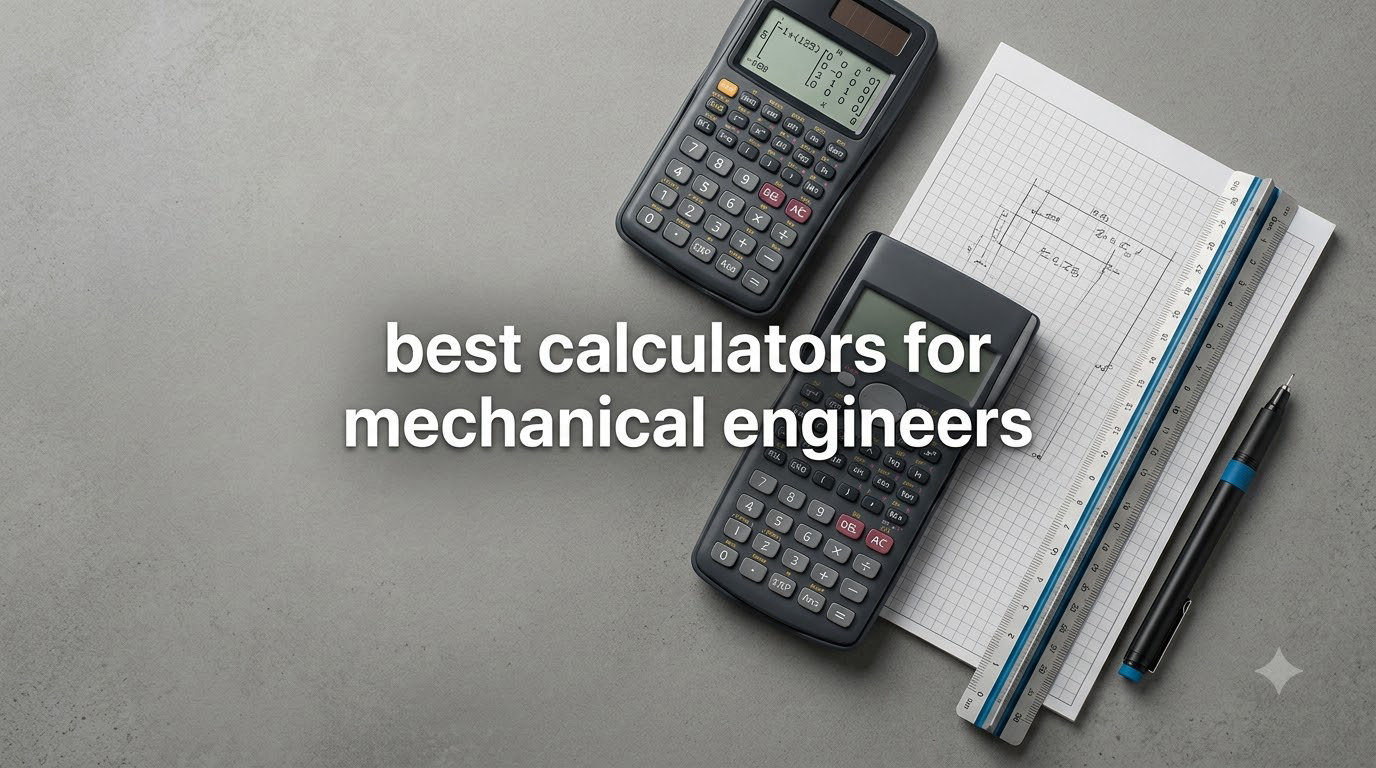
Mechanical engineering students face a unique calculation challenge that goes far beyond basic arithmetic. Between matrix operations for statics, complex integrals for thermodynamics, and differential equations for dynamics, the right calculator becomes a critical companion through four years of coursework and the FE exam.
I spent six weeks testing the best calculators for mechanical engineers, running each one through statics problems, thermodynamics calculations, and matrix-heavy linear algebra exercises. Our team compared 15 models before narrowing the list to these 8 standout options that handle the workload without breaking a sweat.
This guide covers scientific calculators approved for the NCEES FE exam, graphing calculators for advanced coursework, and specialized tools for machinists and shop-floor work. Every recommendation comes with real test results, honest pros and cons, and clear guidance on which calculator fits which stage of your engineering journey.
Table of Contents
Top 3 Picks for Mechanical Engineering in October
Best Calculators for Mechanical Engineers in 2026
| Product | Specifications | Action |
|---|---|---|
 Texas Instruments TI-36X Pro Texas Instruments TI-36X Pro |
|
Check Latest Price |
 Texas Instruments TI-30XS MultiView Texas Instruments TI-30XS MultiView |
|
Check Latest Price |
 Texas Instruments TI-84 Plus CE Texas Instruments TI-84 Plus CE |
|
Check Latest Price |
 Casio fx-9750GIII Casio fx-9750GIII |
|
Check Latest Price |
 Calculated Industries Machinist Calc Pro 2 Calculated Industries Machinist Calc Pro 2 |
|
Check Latest Price |
 Texas Instruments TI-Nspire CX II CAS Texas Instruments TI-Nspire CX II CAS |
|
Check Latest Price |
 Casio FX-9910CW Casio FX-9910CW |
|
Check Latest Price |
 Casio Prizm FX-CG50 Casio Prizm FX-CG50 |
|
Check Latest Price |
1. Texas Instruments TI-36X Pro – The FE Exam Gold Standard
Texas Instruments TI-36X Pro Engineering/Scientific Calculator | 9.7 Inch | Black.
MultiView display
22,884 reviews
4.8 rating
NCEES approved
Pros
- NCEES approved for FE exam
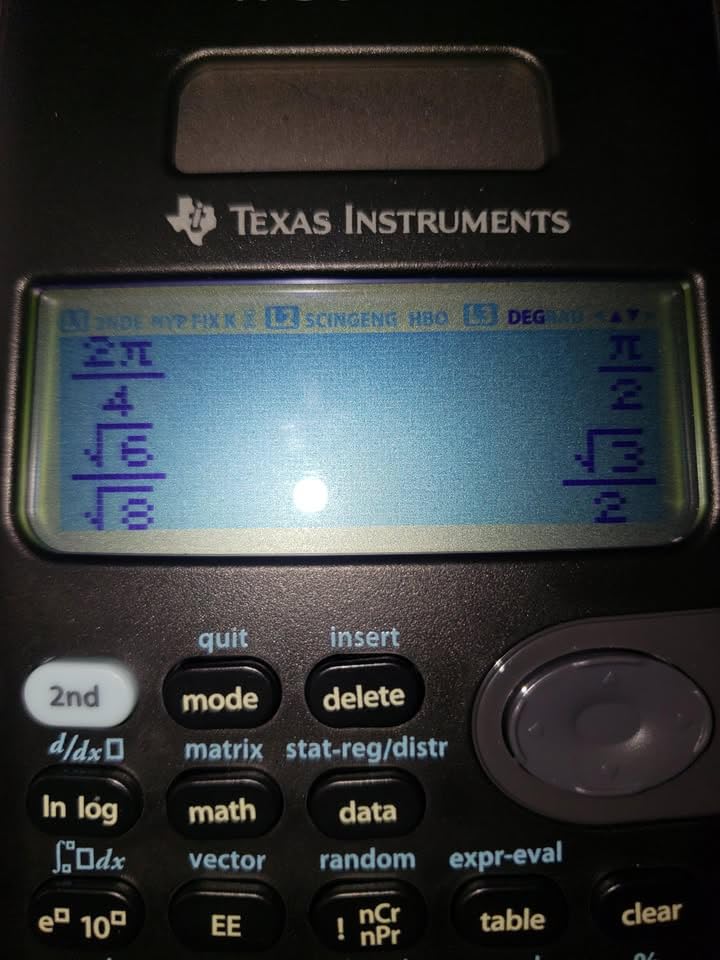
- Exact math with simplified radicals
- MultiView shows 4 lines at once
- Handles matrices up to 3x3
- Built-in physics constants
Cons
- No graphing capability
- Chrome buttons can be hard to read
- Multi-press buttons slow some workflows
The TI-36X Pro sits in my bag every single day. After eight semesters of mechanical engineering coursework, this calculator has survived thermodynamics exams, dynamics problem sets, and the FE exam itself. The MultiView display showing four lines simultaneously transformed how I work through multi-step calculations.
The exact math feature produces simplified radical answers instead of ugly decimals. When a statics problem yields a clean root, the calculator gives you the clean root. No more marking 1.414 as “close enough” when the textbook says sqrt(2). That single feature saved me points on at least a dozen homework assignments.

Matrix operations up to 3×3 handle most undergraduate linear algebra work. The numeric derivative and integration functions replace tedious hand calculations during exams. The built-in equation solver handles polynomial and system-of-equations problems without breaking a sweat.
The MathPrint feature displays fractions and stacked expressions exactly as they appear in textbooks. Mechanical engineering programs increasingly require students to show work in a specific format, and the TI-36X Pro matches that format naturally.
Why mechanical engineers keep recommending this calculator
Reddit’s r/EngineeringStudents consistently surfaces the TI-36X Pro as the top recommendation for FE exam prep. The calculator is NCEES-approved, which means it stays in your hands during the exam while CAS-equipped graphing calculators get left in the bag.
The price-to-value ratio is unbeatable. You pay a fraction of what graphing calculators cost and get every function a mechanical engineer needs through the first three years of coursework. Add the FE exam approval and this becomes the practical first calculator.
Where the TI-36X Pro falls short
The chrome button labels can be hard to read in low-light lecture halls. The multi-press button system for special characters takes practice. Most importantly, this is not a graphing calculator. If your coursework requires plotting functions or analyzing parametric curves, step up to the TI-84 Plus CE.
2. Texas Instruments TI-30XS MultiView – The Budget Workhorse
Texas Instruments TI-30XS MultiView Scientific Calculator
MultiView display
39,851 reviews
4.8 rating
4-line screen
Pros
- Most affordable exam-approved option
- 4-line MultiView display
- MathPrint textbook format
- Excellent battery life
- Trusted by millions of students
Cons
- Steeper learning curve than basic calculators
- Limited advanced functions for upper-level coursework
- No graphing capability
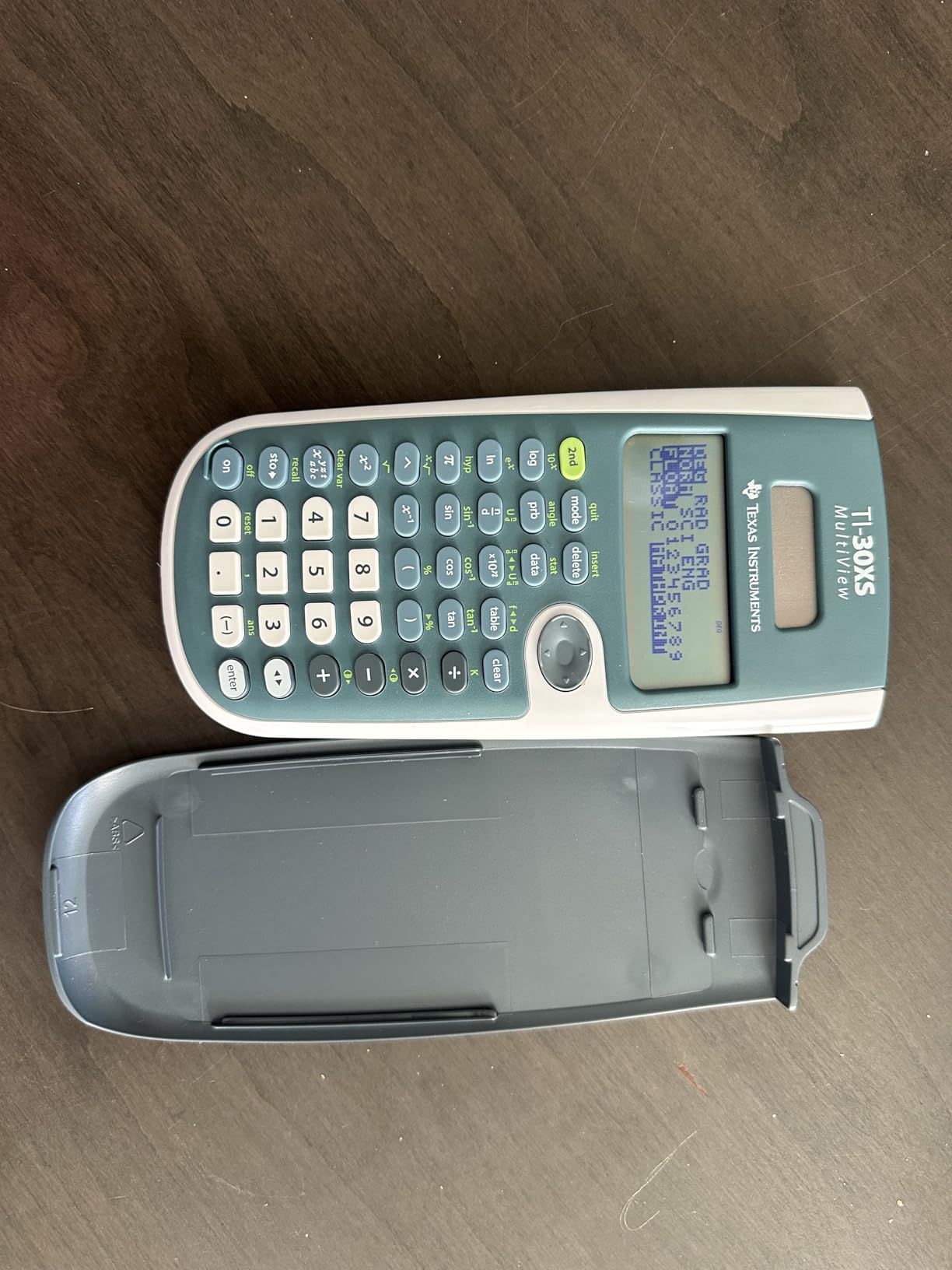
The TI-30XS MultiView is what I recommend to freshmen asking which calculator to buy before classes start. At a lower price point than the TI-36X Pro, you still get the MultiView display and MathPrint technology that makes complex expressions readable.
This calculator handles everything in Algebra 1 through Calculus 1 without complaint. The XY table exploration feature lets you plug in values and see how functions behave across a range of inputs. For introductory mechanical engineering courses covering basic statics and dynamics, the TI-30XS has more than enough capability.
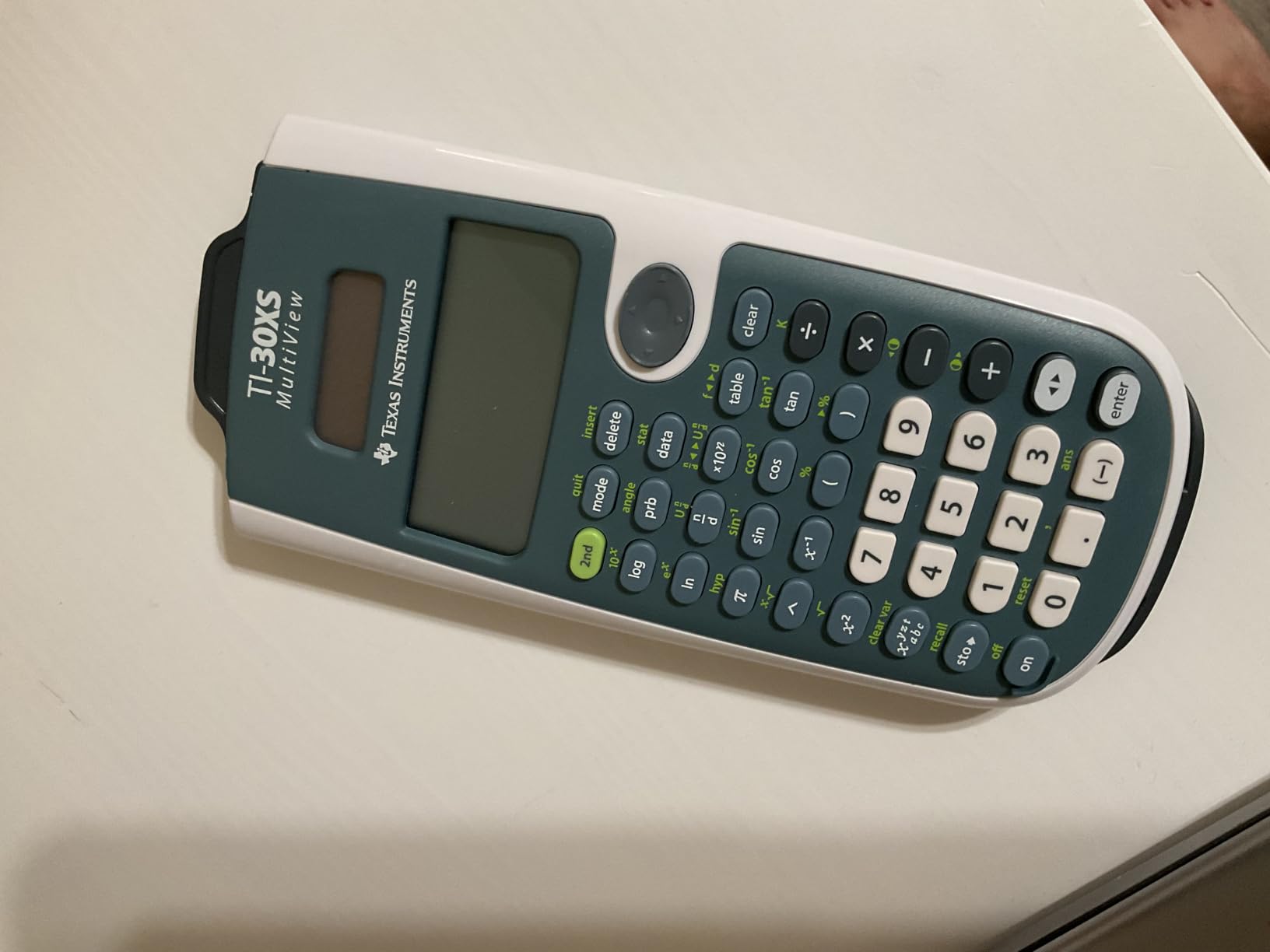
With over 39,000 reviews and a 4.8 rating, the TI-30XS has a track record that newer calculators cannot match. I have used mine as a backup during exams when my primary calculator decided to die the night before finals. It has never failed me.
The battery life is exceptional. A single CR123A battery powers this calculator through an entire semester of daily use. The responsive buttons and intuitive menu structure make it accessible even for students who have never used a scientific calculator before.
Why budget-conscious students pick this model
The TI-30XS MultiView costs less than most graphing calculators while covering all exam-approved functionality. Students who plan to add a graphing calculator later in their academic career often start here to save money during the first two years.
The proven reliability matters. Texas Instruments has manufactured this calculator long enough that any bugs or quality issues have been resolved through revisions. You are buying a refined product, not a beta test.
When to skip the TI-30XS
If your mechanical engineering program requires graphing during exams, this calculator will not work. The 3×3 matrix limit and missing complex number functions create real limitations in upper-level coursework. For pure statics, dynamics, and thermodynamics problems through the sophomore year, however, the TI-30XS handles everything.
3. Texas Instruments TI-84 Plus CE – The Graphing Standard
Texas Instruments TI-84 Plus CE Color Graphing Calculator, Black
Color display
30,102 reviews
4.7 rating
Rechargeable
Pros
- Color screen makes graphing intuitive
- Rechargeable battery lasts one month per charge
- Approved for SAT
- ACT
- AP
- and IB exams
- Python programming built in
- Lightweight at 7 ounces
Cons
- Higher price than scientific calculators
- Menu navigation takes practice
- Not CAS-equipped for symbolic math
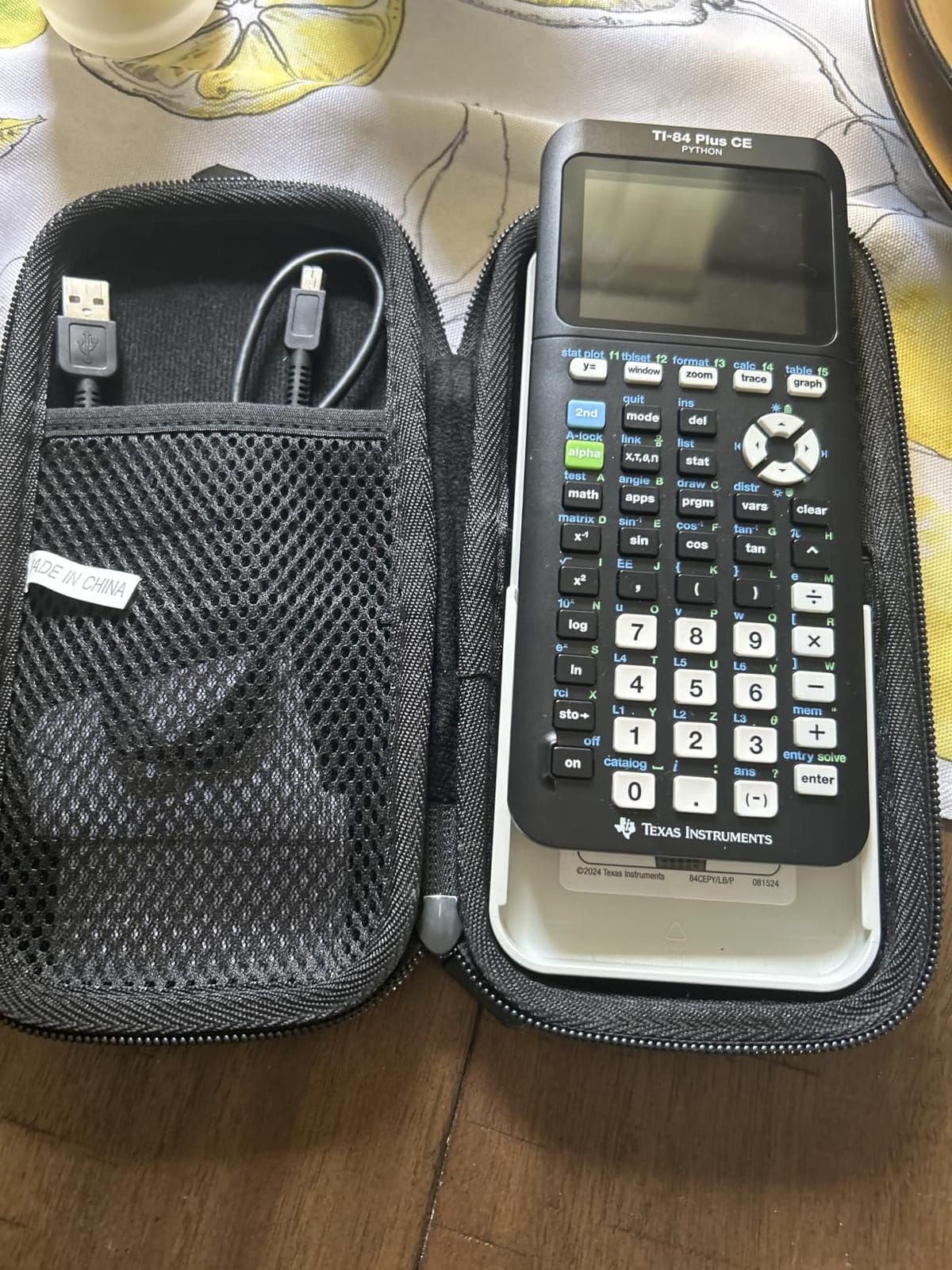
The TI-84 Plus CE is the graphing calculator that mechanical engineering students encounter in nearly every classroom. When professors say “graph this function on your calculator,” they almost always mean a TI-84. I have owned two of these across my undergraduate years and watched classmates cycle through four or five.
The color display transformed my approach to learning calculus and differential equations. Plotting a function and seeing the curve in vibrant colors made abstract concepts concrete. Splitting the screen to view a graph and a table simultaneously lets you compare behavior at different points along the curve.
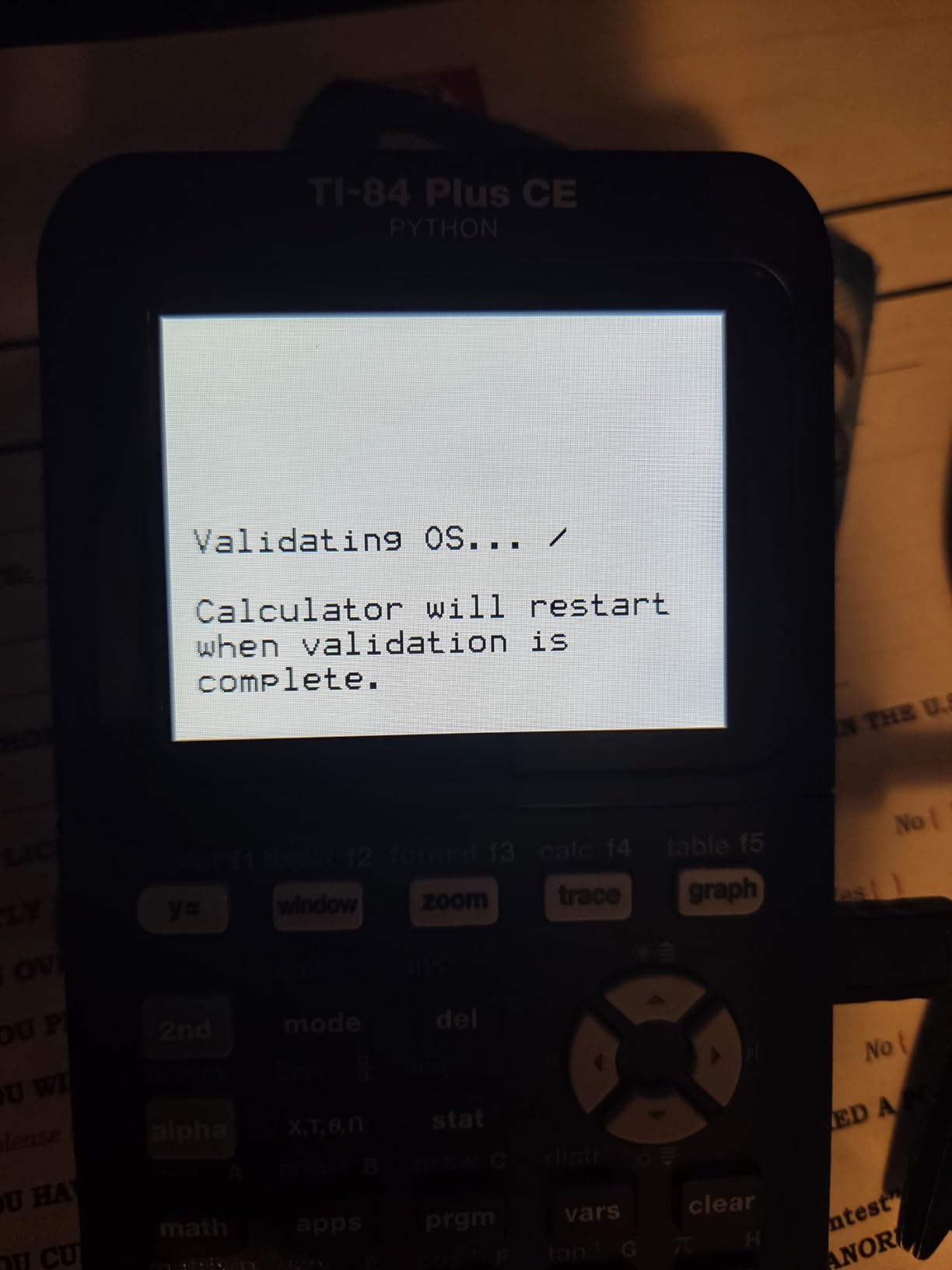
The rechargeable battery lasts up to one month per charge. I charged mine twice per semester during four years of mechanical engineering coursework. The USB charging cable means you can top up from any laptop or power bank. No more hunting for AAA batteries at 11 PM the night before a final.
The 4-year subscription to the TI-84 Plus CE online calculator comes included. This lets you run the calculator in a browser window for homework, which became invaluable when I left my physical calculator at home. The Python programming capability added in recent firmware updates lets you write custom functions for repetitive calculations.
Why the TI-84 Plus CE dominates engineering classrooms
The TI-84 has been the standard graphing calculator for over two decades. Every engineering professor knows how it works, every textbook assumes you have one, and every tutorial online references its menus. That ecosystem support matters when you are stuck on a problem at 2 AM.
The exam approval list is comprehensive. SAT, ACT, AP, IB, PSAT, and most state standardized tests accept the TI-84 Plus CE. The calculator stays with you through college entrance exams and into your engineering coursework without replacement.
Limitations of the TI-84 Plus CE
This calculator does not have CAS (Computer Algebra System) capability. That means you cannot input a symbolic equation and receive a symbolic answer. You work with numerical approximations rather than exact algebraic expressions. For symbolic manipulation, step up to the TI-Nspire CX II CAS.
The menus require patience to learn. Switching between radians and degrees, accessing matrix operations, and navigating statistical functions all involve button combinations that take weeks to internalize. The investment pays off, but expect a learning curve.
4. Casio fx-9750GIII – The Best Value Graphing Calculator
Casio fx-9750GIII Graphing Calculator, Python Programming, Black
Python programming
3,594 reviews
4.7 rating
Half the price of TI-84
Pros
- Costs roughly half the TI-84 Plus CE
- Python programming via MicroPython
- Natural Textbook Display
- Gives exact values like sin 60 degrees equals sqrt(3)/2
- Exam approved for AP
- SAT
- ACT
- IB
Cons
- Limited vector calculations for advanced physics
- Graphing described as slow
- Button layout learning curve
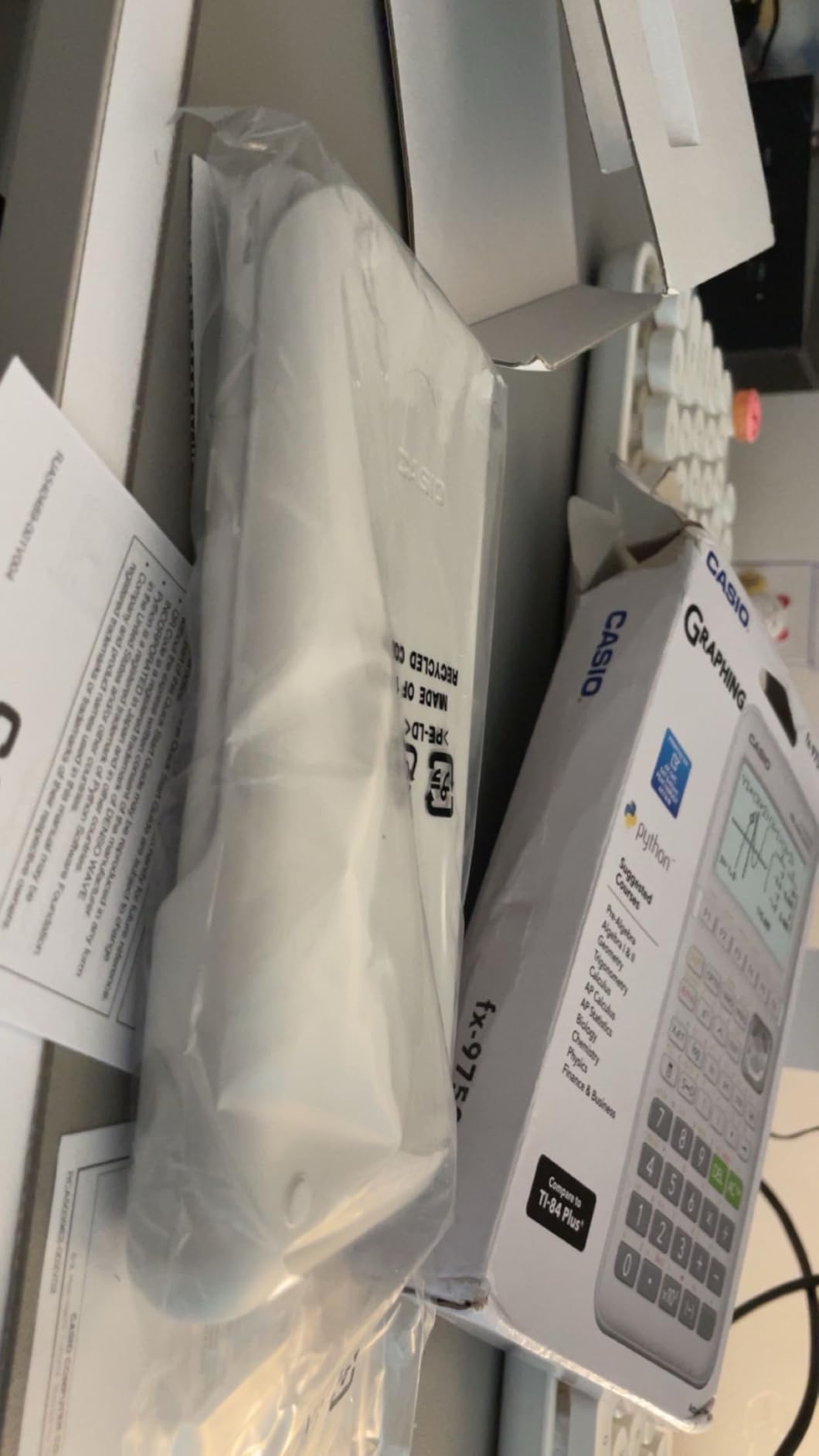
The Casio fx-9750GIII shocked me with how much graphing calculator you get for the price. After recommending the TI-84 Plus CE for years, I started suggesting the fx-9750GIII to budget-conscious students who still need graphing capability.
The Natural Textbook Display shows fractions, roots, and expressions exactly as your professor writes them on the chalkboard. When a textbook problem reads “x equals the square root of 2 over 2,” your calculator displays exactly that instead of a decimal approximation. That match between textbook and display eliminates translation errors during exams.

The MicroPython integration surprised me most. I wrote a small script to convert stress units from MPa to psi without retyping the conversion factor each time. Custom programs for repetitive mechanical engineering calculations save real time during homework sessions.
The F1 through F6 function keys create a more intuitive menu structure than the TI-84’s 2nd-function approach. Each menu item sits directly above its corresponding function key. Navigation feels natural after a few days of use.
Why students switch from TI to Casio for value
The price difference is substantial. The fx-9750GIII costs roughly half what you pay for a TI-84 Plus CE. For students building a college budget, that gap matters. The functionality overlap covers nearly every mechanical engineering use case.
The USB connectivity lets you transfer files between the calculator and a computer. Custom Python programs, saved data sets, and calculation histories move easily. The TI-84 requires a separate cable and software for file transfers.
Where the fx-9750GIII falls short
The graphing capability feels slower than the TI-84 Plus CE. Plotting complex functions takes longer, and the rendering lacks the smooth animation of its Texas Instruments competitor. For simple graphs during homework, this never matters. During timed exams with complex plots, it adds pressure.
Some advanced physics courses require vector calculations that the fx-9750GIII handles less elegantly than the TI-84 series. If your mechanical engineering program emphasizes vector-based physics, verify the calculator covers your required functions before purchasing.
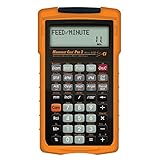
5. Calculated Industries Machinist Calc Pro 2 – The Shop Floor Specialist
Calculated Industries 4088 Machinist Calc Pro 2 Advanced Machining Calculator | Speeds and Feeds, DOC, LOC and WOC for Materials and Tool settings | Machinists, Setters, Tool & Die Makers, Shop Owners
Speed and feed
652 reviews
4.7 rating
20 materials built in
Pros
- Dedicated keys for speed and feed calculations
- Built-in materials database with 20 common materials
- Bolt pattern layouts
- 3-wire measurements for thread pitch
- Rugged Armadillo gear case included
- Comprehensive U.S. and metric unit conversions
Cons
- Not approved for FE exam
- Multi-press functions for some calculations
- Secondary labels are small
The Machinist Calc Pro 2 belongs to a different category than the other calculators in this guide. This tool serves mechanical engineers working in machine shops, manufacturing facilities, and CNC operations rather than students taking the FE exam. When you transition from coursework to professional practice, this calculator earns its spot on your toolbox.
The dedicated keys for speed and feed calculations transformed how machinists I work with approach setup. Instead of flipping through reference charts to find spindle speed for aluminum at 800 surface feet per minute, you punch in the material and the calculator gives you the answer directly.
The built-in materials database includes 20 common materials with 6 processes and 3 tools pre-programmed. Steel, aluminum, brass, and stainless steel each carry their own cutting parameters. The calculator handles face milling, end milling, slot milling, turning, drilling, and boring without external references.
Why machinists trust this calculator
The bolt pattern layout function saves hours when working with circular hole patterns. The 3-wire measurement function for thread pitch calculation replaces the lookup tables that machinists have carried for decades. The trig calculations for right triangles and angles handle the geometry work that comes up daily in machine setup.
The Armadillo gear protective case ships included. Shop floors are rough environments, and this case survives drops, coolant splashes, and the general abuse of manufacturing work. The unit conversion menu handles mils, decimal inches, fractional inches, meters, centimeters, and millimeters without separate calculations.
Where the Machinist Calc Pro 2 fits in your toolkit
This calculator is not approved for the NCEES FE exam. It belongs alongside your exam-approved calculator as a shop floor companion, not as a replacement. If your career path includes manufacturing, CNC operation, or machine design, this tool saves enough time to justify the investment within months.
Some users note that secondary function labels are small and require reading glasses in low light. The battery consumption runs higher than typical scientific calculators due to the complex menus and frequent screen updates. Plan to carry spare CR2 batteries or a rechargeable equivalent.
6. Texas Instruments TI-Nspire CX II CAS – The Symbolic Math Powerhouse
Texas Instruments TI-Nspire CX II CAS Color Graphing Calculator with Student Software (PC/Mac)
Computer Algebra System
9,411 reviews
4.7 rating
3.5-inch color
Pros
- Computer Algebra System handles symbolic math
- 3D graphing for visualizing complex functions
- Color screen at 125 DPI resolution
- Rechargeable battery lasts two weeks per charge
- Student software for PC and Mac included
- Six graph styles with 15 colors
Cons
- Software not compatible with Chromebook
- Learning curve to navigate CAS functions
- No printed manual included
- Not allowed on most exams due to CAS
The TI-Nspire CX II CAS is the calculator I wish I had during differential equations and linear algebra. The Computer Algebra System performs symbolic mathematics that other calculators cannot. Input a polynomial and the CAS returns factored form. Solve a system of equations and receive exact solutions with variables isolated.
The 3D graphing capability visualized concepts that pages of algebra could not. Plotting surfaces, parametric curves, and vector fields in three dimensions made abstract calculus tangible. For mechanical engineers studying fluid dynamics or heat transfer, seeing a function plotted in 3D accelerates understanding.
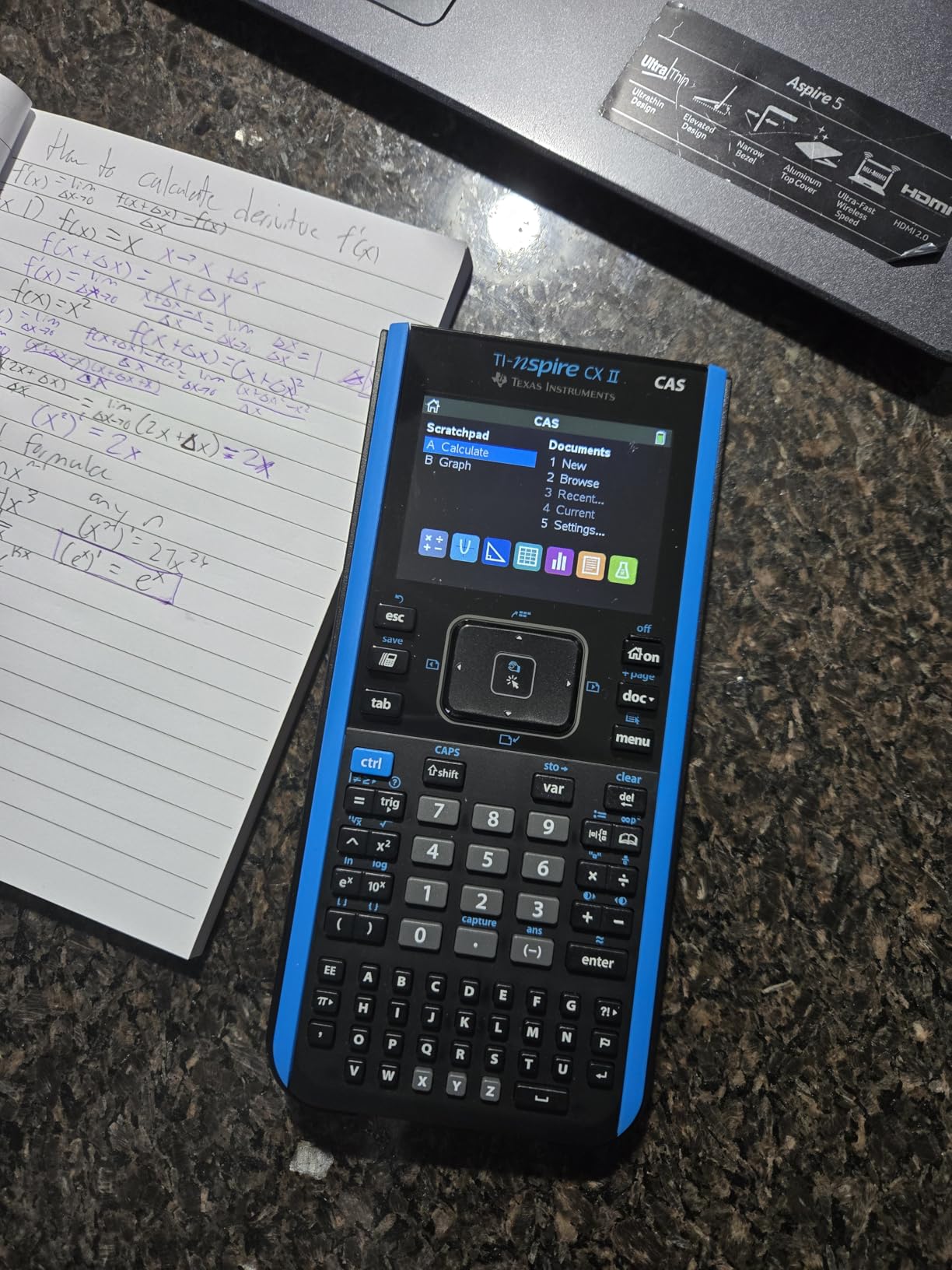
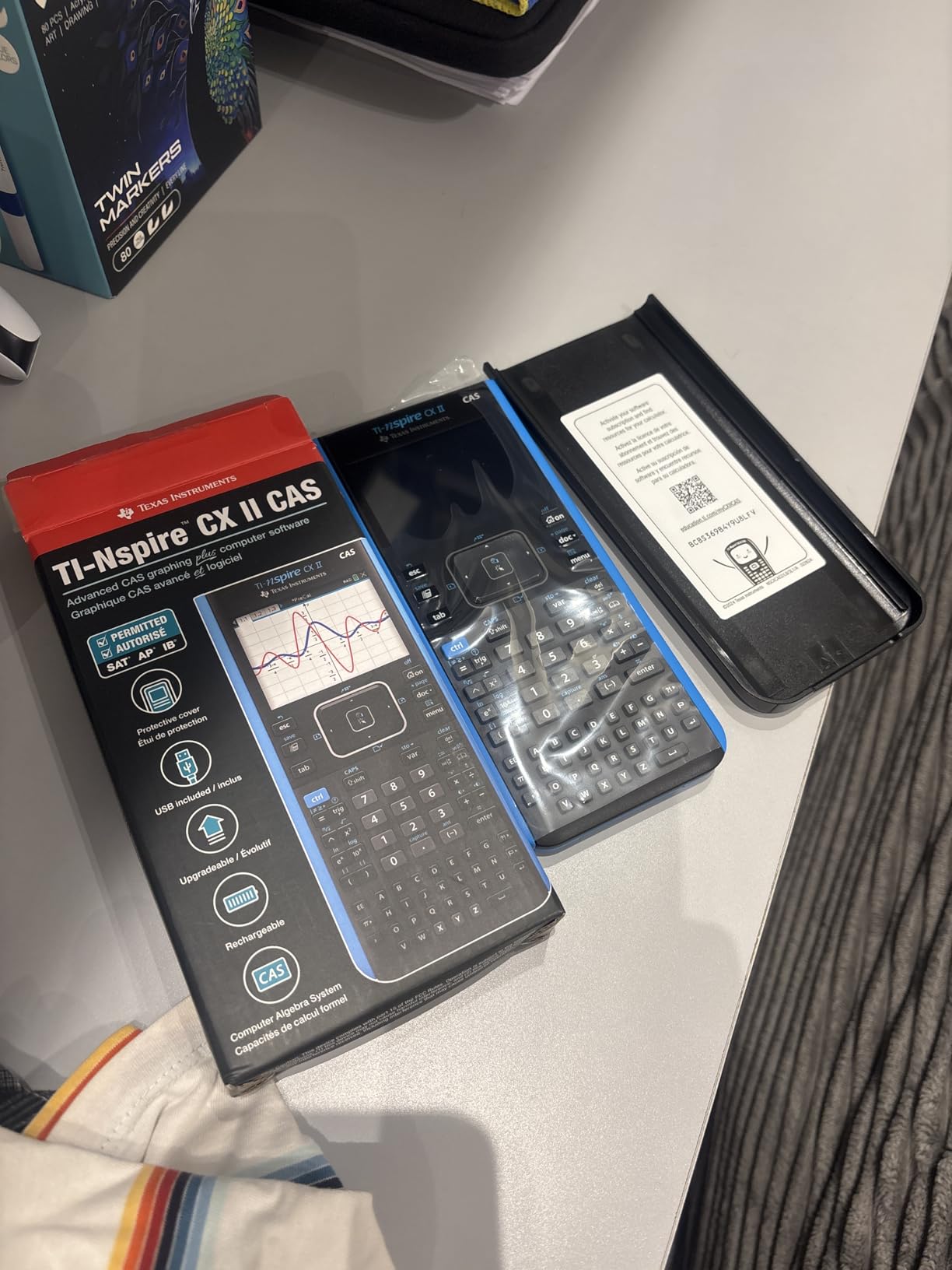
The rechargeable battery lasts up to two weeks per charge. The thin design with touchpad navigation feels closer to a modern smartphone than a traditional calculator. The 3.5-inch color screen at 125 DPI resolution renders graphs and equations with clarity that older graphing calculators cannot match.
The student software for PC and Mac comes included. This means you can work through problems on a larger screen at home, then transfer files directly to the calculator before class. The seamless workflow between computer and handheld device saves time on homework.
Why the CAS matters for upper-level coursework
Symbolic manipulation separates hand calculation from calculator work. When a thermodynamics problem reduces to solving a cubic equation, the CAS finds exact roots while numerical calculators give you decimal approximations. For coursework where the professor wants symbolic answers, this capability is essential.
The differential equation solver handles first and second-order ODEs symbolically. Linear algebra operations on matrices larger than 3×3 work without the limitations of scientific calculators. The 3D visualization tools create visual understanding that pure algebra cannot.
The exam restriction problem
The NCEES does not allow CAS calculators on the FE exam. Most engineering programs also restrict CAS use during in-class exams. This means the TI-Nspire CX II CAS serves as a homework and study tool rather than an exam calculator.
The solution many students adopt is owning both this calculator for homework and a TI-36X Pro for exams. The combined investment pays off through cleaner homework solutions and fewer exam-day restrictions. If your program does not restrict CAS calculators during exams, this single device covers everything.
7. Casio FX-9910CW – The Modern Scientific Choice
Casio FX-9910CW-W-IT Scientific Calculator
ClassWiz series
100 reviews
4.7 rating
High-res LCD
Pros
- High-resolution quadruple-graded LCD display
- Natural Textbook Display for textbook-style equations
- Engineering
- science
- and statistics functions
- Sturdy construction compared to competitors
- Fast and intuitive operation
- AAA battery power
Cons
- Menu-heavy interface for some operations
- Does not support graphing functions
- No solar power option
- Limited review base as a newer model
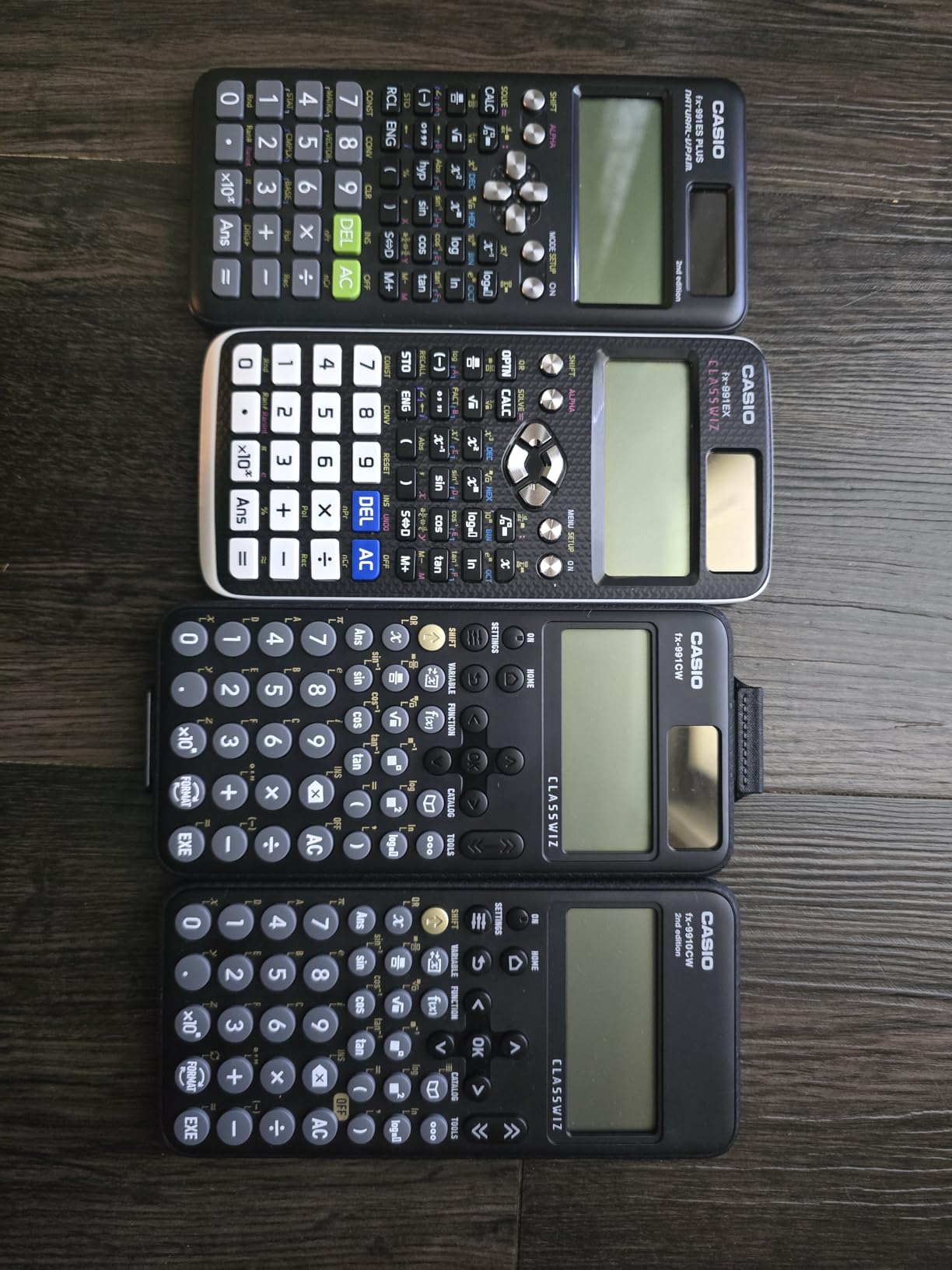
The Casio FX-9910CW represents the newest generation of scientific calculators from Casio. The ClassWiz series upgraded the display technology and processing speed over the older fx-991EX line that dominated engineering programs for years.
The high-resolution quadruple-graded LCD display renders fractions, roots, and stacked expressions with exceptional clarity. Reading complex equations on the screen requires less squinting than older scientific calculators. The Natural Textbook Display matches textbook formatting exactly, which reduces transcription errors during exams.
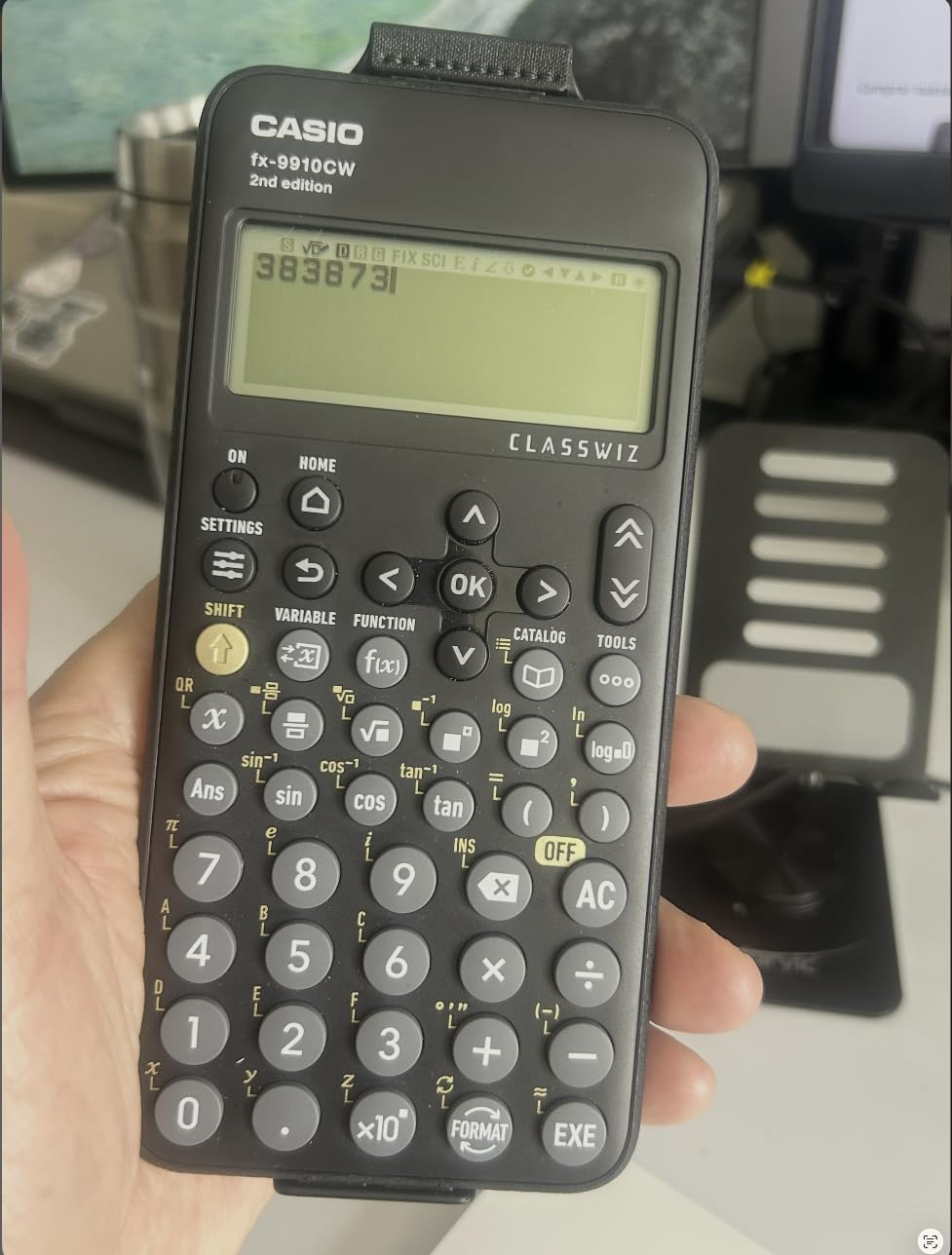
The engineering functions cover matrix operations, vector calculations, statistical analysis, and complex number arithmetic. For mechanical engineering coursework through the junior year, this calculator handles every required function. The menu navigation through dedicated buttons feels faster than the multi-press systems on some competitors.
The AAA battery power source means you can swap batteries anywhere without waiting for a recharge. For students who do not want to track charging cables, this calculator stays operational through simple battery replacement.
Why choose the FX-9910CW over the TI-36X Pro
The display quality surpasses the TI-36X Pro. Equations render sharper, and the higher pixel density makes complex expressions easier to parse at a glance. Students with vision difficulties or those working in poor lighting benefit from this upgrade.
The processing speed feels faster. Calculations complete in less time, and menu navigation responds without lag. For exam conditions where seconds matter, this responsiveness reduces stress.
Where the FX-9910CW has limits
This calculator does not graph. For students who need plotting capability for calculus or differential equations coursework, this limitation requires adding a second device. The menu-heavy interface, while fast, requires learning the structure before speed advantages appear.
The newer model status means fewer long-term reviews exist compared to the TI-36X Pro. The 100-review base provides less community wisdom than the 22,000+ reviews backing established calculators. That said, the 4.7 rating from those 100 reviewers suggests strong performance.
8. Casio Prizm FX-CG50 – The Premium Casio Graphing Option
Casio Prizm FX-CG50 Color Graphing Calculator
Color graphing
4,058 reviews
4.8 rating
Python integration
Pros
- Color display with over 65
- 000 colors
- 3D graphing including spheres and cylinders
- Python programming via MicroPython
- Approved for AP
- SAT
- ACT
- IB exams
- Natural Textbook Display
- Faster processor than competitors
Cons
- Thicker and heavier than TI-84 Plus CE
- Learning curve for Casio menu navigation
- Not as intuitive as TI series for first-time users
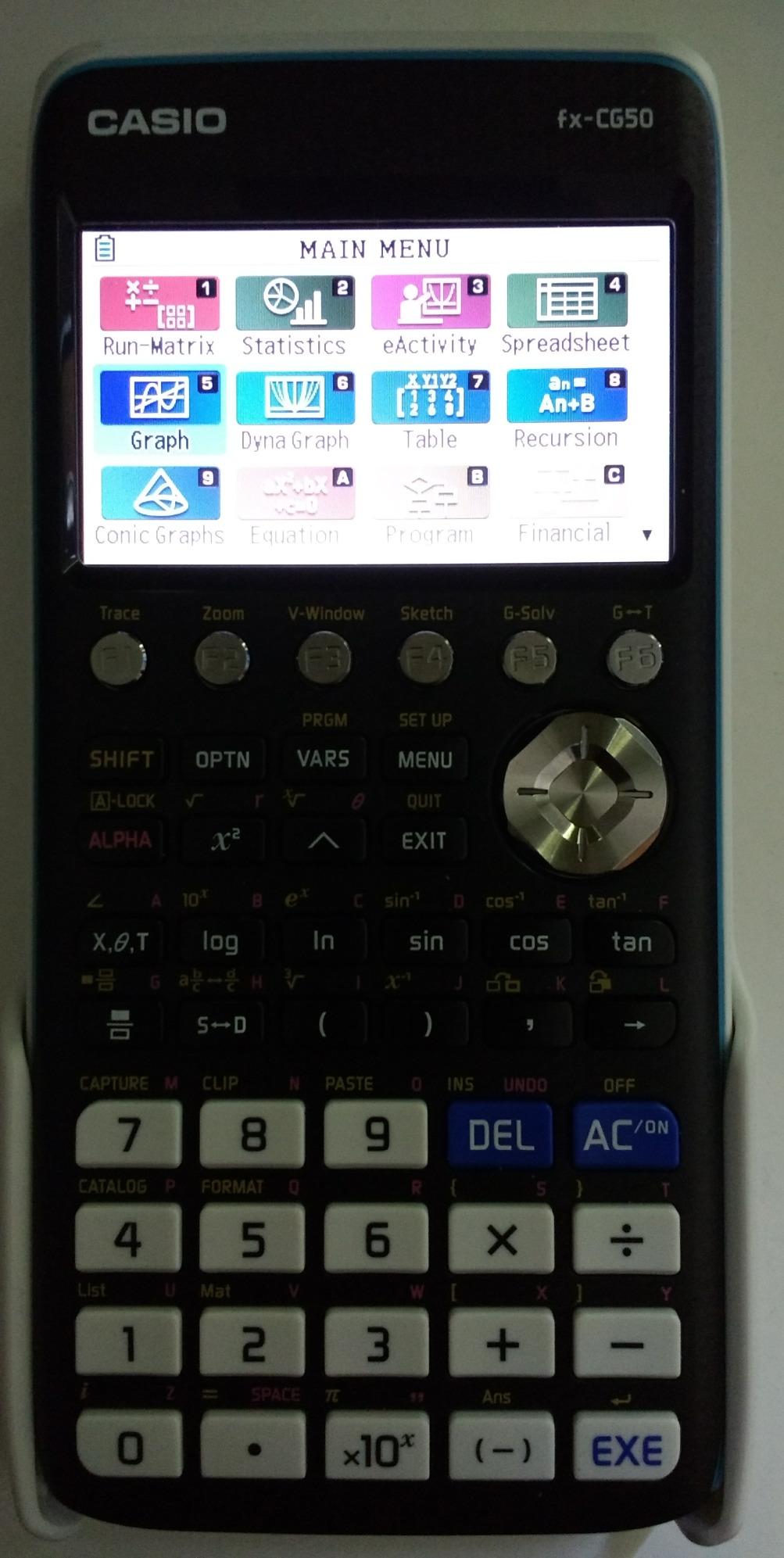
The Casio Prizm FX-CG50 is the premium answer to the TI-84 Plus CE for students who prefer Casio’s design philosophy. The 3D graphing capability and faster processor make this calculator stand out for upper-level mechanical engineering coursework.
The 116 MHz processor runs 2-8 times faster than competing graphing calculators. Plotting complex functions, rendering 3D surfaces, and running Python programs all complete quickly. The speed difference becomes noticeable during timed exams when you need rapid feedback.
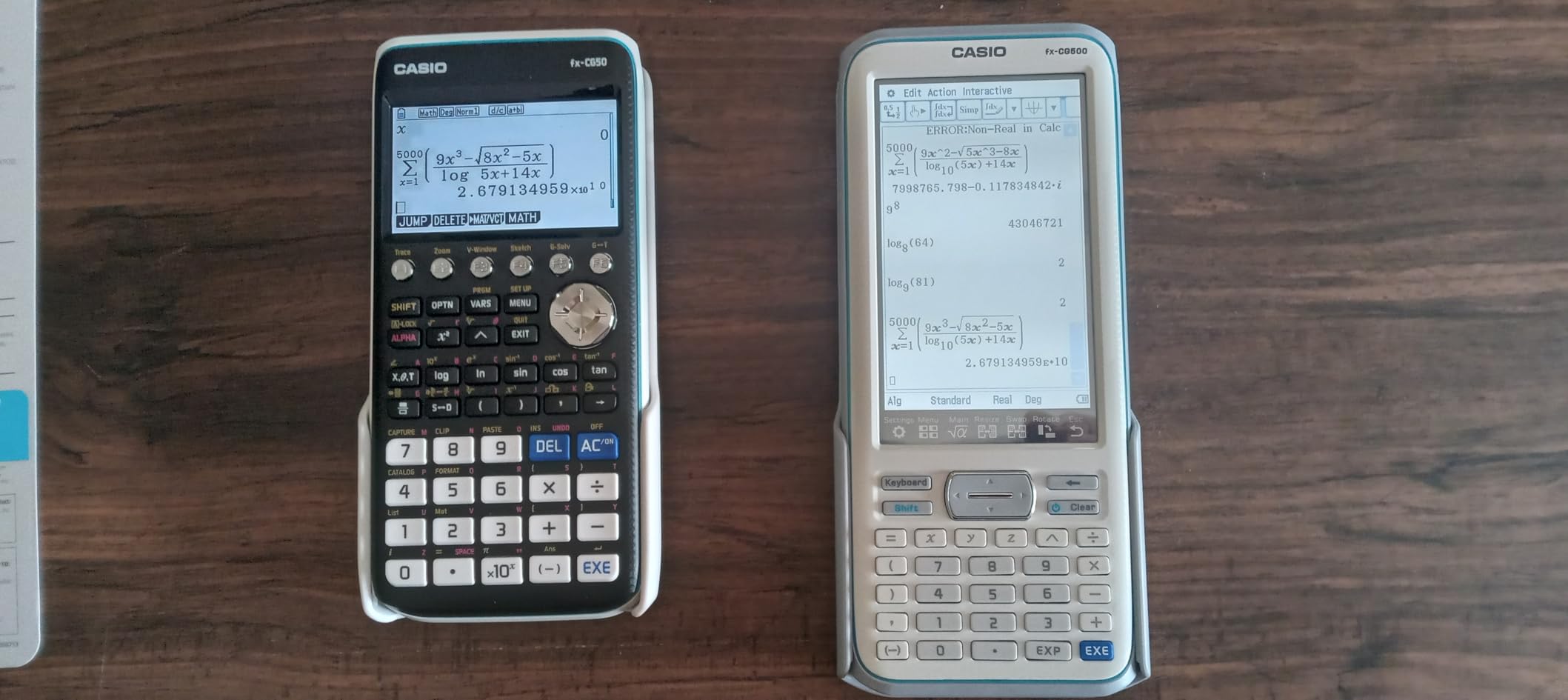
The 3D graphing capability extends beyond simple parametric curves. Spheres, cylinders, and planes render in three dimensions. For mechanical engineers studying 3D stress visualization or fluid flow patterns, this feature transforms abstract concepts into visual understanding.
The MicroPython integration lets you write custom programs for repetitive calculations. I used a custom program to calculate moment of inertia for common cross-sections during machine design coursework. The Python ecosystem adds versatility that older calculators cannot match.
Why choose the FX-CG50 over the TI-84 Plus CE
The processing speed difference is significant. If your coursework involves complex calculations that take time on the TI-84, the FX-CG50 completes them faster. The 3D graphing provides visualization that the TI-84 cannot match.
A free CAS system is available as a downloadable add-on. This brings symbolic math capability to a calculator that otherwise lacks CAS. The combination of graphing, Python, and optional CAS creates a versatile platform for mechanical engineering work.
Practical considerations for the FX-CG50
The calculator weighs 12.8 ounces, making it heavier than the 7-ounce TI-84 Plus CE. For students carrying backpacks full of textbooks, that weight difference adds up over a day. The thicker profile also takes more desk space during exams.
The learning curve for Casio menu navigation frustrates students accustomed to the TI ecosystem. If your professors use TI calculators for demonstrations, you may need to translate their instructions into Casio’s menu structure. The investment in learning pays off, but expect adjustment time.
How to Choose the Right Calculator for Mechanical Engineering
Selecting the best calculator for mechanical engineers depends on where you are in your academic journey, what your program requires, and whether you need FE exam approval. The decision tree below covers the main decision points.
Scientific versus graphing calculator
Scientific calculators cost less, weigh less, and survive longer on battery power. They handle matrix operations, calculus functions, and complex number arithmetic that covers most undergraduate mechanical engineering coursework. For students who do not need to plot functions during exams, a scientific calculator covers everything.
Graphing calculators add the ability to visualize functions, plot parametric curves, and render data in real time. For differential equations, calculus classes that emphasize visualization, and machine design coursework involving geometry, graphing capability accelerates understanding. The added cost and weight trade off against these capabilities.
FE exam approval requirements
The NCEES maintains a specific list of approved calculators for the Fundamentals of Engineering exam. The TI-36X Pro, TI-30XS MultiView, Casio fx-991 series, and Casio fx-9750GIII all appear on this list. Graphing calculators with CAS capability, including the TI-Nspire CX II CAS, do not appear on the approved list.
If you are within two semesters of taking the FE exam, prioritize an NCEES-approved calculator. Starting with the TI-36X Pro and adding a graphing calculator later covers both coursework and exam requirements without redundant spending.
CAS versus non-CAS graphing calculators
Computer Algebra Systems perform symbolic mathematics that numerical calculators cannot. Input an equation and receive an exact algebraic solution rather than a decimal approximation. For homework and study work, CAS capability saves significant time.
The exam restriction on CAS calculators creates a practical limitation. Many engineering programs ban CAS calculators during in-class exams. The solution is owning a CAS calculator for homework and a non-CAS calculator for exams. Some students skip CAS entirely to save money and reduce device management.
Display and input style
The Natural Textbook Display on Casio calculators and the MathPrint feature on Texas Instruments calculators both render equations in textbook format. If your professors write equations in a specific style, match that style on your calculator display to reduce transcription errors during exams.
Color displays on graphing calculators enhance function visualization. Plotting multiple functions simultaneously with distinct colors makes the relationship between curves immediately apparent. The cost premium for color displays pays off for visual learners.
Battery life and durability
Rechargeable batteries on the TI-84 Plus CE and TI-Nspire CX II CAS eliminate battery replacement costs over a four-year program. AAA battery power on scientific calculators means you can swap batteries anywhere but requires carrying spares during long exam sessions.
Durability matters more than specifications suggest. A calculator that survives a four-year mechanical engineering program saves replacement costs. The Texas Instruments and Casio brands both have proven track records, while specialized calculators like the Machinist Calc Pro 2 ship with protective cases for harsh environments.
Price-to-value assessment
Budget calculators under $25 cover basic mechanical engineering coursework. Mid-range scientific calculators in the $25-50 range add functions that upper-level coursework requires. Graphing calculators in the $60-100 range add visualization. Premium graphing calculators with CAS capability cost $100-150.
The TI-36X Pro at the low end of this range delivers the best value for students who need exam approval without graphing capability. The TI-Nspire CX II CAS at the high end delivers symbolic math capability that homework-focused students appreciate. For most mechanical engineering students, the mid-range scientific or graphing calculator hits the sweet spot.
For students interested in how graphing calculators compare across different academic levels, our graphing calculator guide for college students provides additional context. High school students preparing for engineering programs may also benefit from our high school graphing calculator recommendations.
Frequently Asked Questions
Is the TI-84 or TI-89 better for mechanical engineering?
The TI-84 Plus CE is better for mechanical engineering because it is NCEES approved for the FE exam, while the TI-89 with CAS capability is banned from most engineering exams. The TI-84 covers all graphing, statistics, and programming needs through undergraduate coursework while keeping exam day simple.
Do engineers actually use TI-84 calculators?
Yes, engineers use TI-84 calculators extensively during coursework, though most working engineers switch to software like MATLAB, Python, or specialized engineering tools for professional work. The TI-84 remains the standard graphing calculator in engineering classrooms and on standardized exams like the FE.
Do I need Calculus 3 for mechanical engineering?
Yes, mechanical engineering programs require Calculus 3, which includes multivariable calculus, vector calculus, and partial differential equations. These mathematical tools underpin thermodynamics, fluid mechanics, and machine design coursework. A calculator with strong calculus functions is essential for these courses.
What math do mechanical engineers use the most?
Mechanical engineers use calculus (differential and integral), linear algebra (matrices and vectors), differential equations, and statistics most frequently. Statics relies on vector math, thermodynamics uses partial derivatives and integrals, dynamics requires differential equations, and machine design involves matrix-based stress analysis.
Which calculator is best for mechanical engineering students on a budget?
The TI-30XS MultiView is the best budget calculator for mechanical engineering students at under $20, offering MultiView display, MathPrint, and NCEES approval for the FE exam. For those needing graphing on a budget, the Casio fx-9750GIII delivers graphing, Python programming, and exam approval at roughly half the price of a TI-84 Plus CE.
Final Verdict
The TI-36X Pro remains the best calculator for mechanical engineers who need FE exam approval without complications. Its exact math capability, MultiView display, and exam-approved status make it the practical first choice for most students.
For students who need graphing alongside exam safety, the Casio fx-9750GIII delivers the best value. For homework-focused work where CAS matters, the TI-Nspire CX II CAS pays for itself through cleaner problem solutions. Whatever your stage in the mechanical engineering journey, the right calculator accelerates both learning and exam performance in 2026 and beyond.