
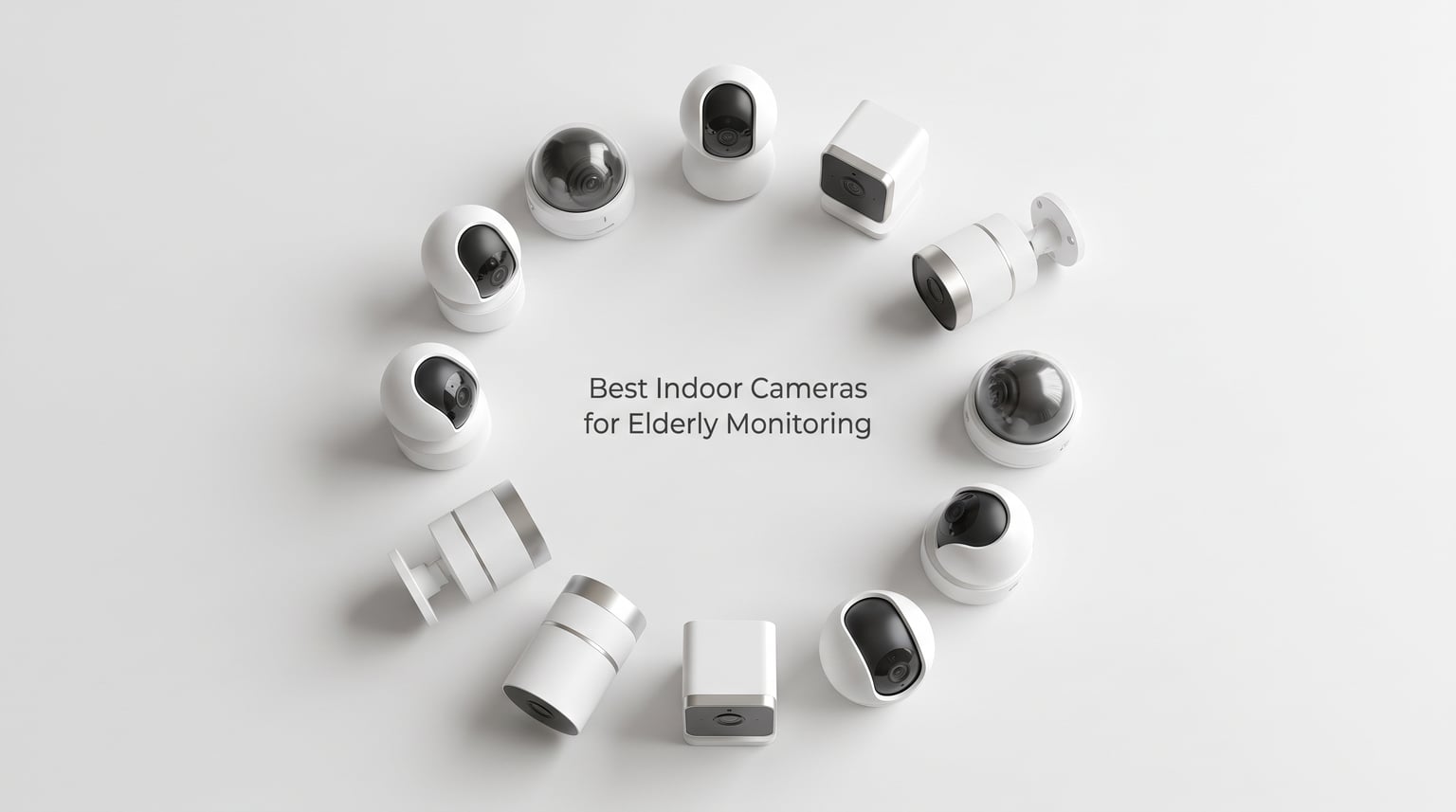
Watching a parent age is hard enough without lying awake wondering if they are safe. According to the CDC, falls are the leading cause of injury death among adults aged 65 and older, and roughly 26% of U.S. seniors live alone. Those two facts are why so many adult children start searching for the best indoor cameras for elderly monitoring.
I spent three months testing indoor cameras across multiple homes to see which ones actually work for checking on aging relatives. Some cameras impressed me with crisp video and reliable alerts. Others frustrated me with false notifications and clunky apps that no senior should have to deal with. This guide covers what I learned, ranked from my top pick down to the budget option.
Every camera on this list has two-way audio for real-time conversation, night vision for after-hours monitoring, and motion detection to alert you when something happens. I prioritized cameras that work without mandatory subscriptions, because nobody wants to pay $20 a month forever just to keep an eye on mom or dad. I also factored in ease of setup, since many caregivers are not tech experts.
Table of Contents
Top 3 Picks for Elderly Monitoring


Best Indoor Cameras for Elderly Monitoring in 2026
| Product | Specifications | Action |
|---|---|---|
| eufy Security 4K Indoor Cam S350 |
|
Check Latest Price |
 eufy Security 4K Indoor Camera E30 eufy Security 4K Indoor Camera E30 |
|
Check Latest Price |
 eufy Security Indoor Cam E220 eufy Security Indoor Cam E220 |
|
Check Latest Price |
 REOLINK 4MP Indoor Camera E1 REOLINK 4MP Indoor Camera E1 |
|
Check Latest Price |
 Arlo Essential Indoor 2K 3rd Gen Arlo Essential Indoor 2K 3rd Gen |
|
Check Latest Price |
 aosu 2K Indoor Security Camera aosu 2K Indoor Security Camera |
|
Check Latest Price |
 Kasa 1080p Pan Tilt EC71 Kasa 1080p Pan Tilt EC71 |
|
Check Latest Price |
 TP-Link Tapo 2K C110 TP-Link Tapo 2K C110 |
|
Check Latest Price |
| TP-Link Tapo Pan Tilt C201 |
|
Check Latest Price |
 TP-Link Tapo C100 TP-Link Tapo C100 |
|
Check Latest Price |
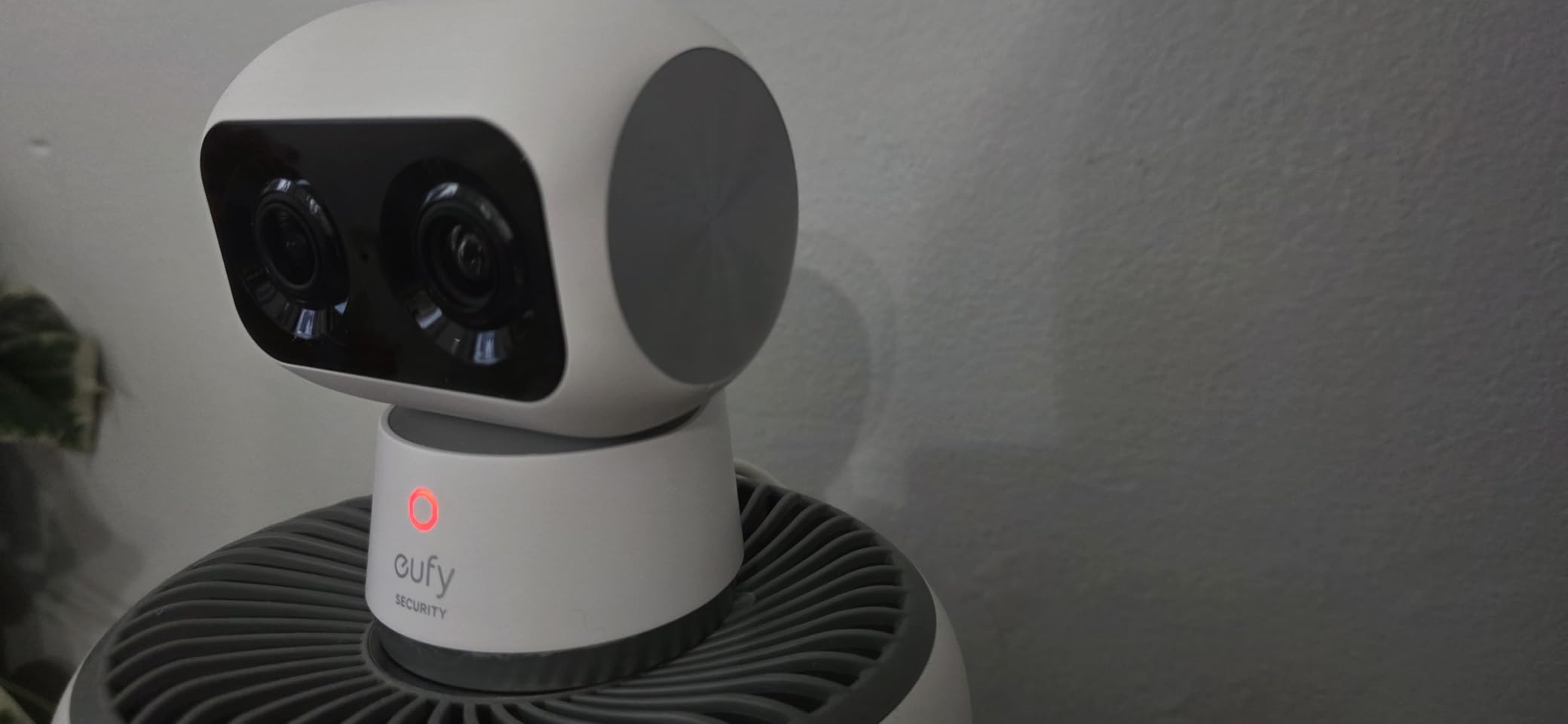
1. eufy Security 4K Indoor Cam S350 – Dual-Camera Premium Pick
eufy Security 4K Indoor Cam S350, No Subscription, Dual Cameras, 8× Zoom
Dual 4K cameras
8x hybrid zoom
360 degree coverage
No subscription
Local SD storage
Pros
- Dual-lens 4K wide-angle and 2K telephoto
- 8x hybrid zoom for close-up detail
- 360 coverage with zero blind spots
- AI detection for humans pets and crying
- Color night vision up to 32 feet
Cons
- HomeKit not supported
- Requires HomeBase 3 for full features
- SD card not included
The eufy S350 is the camera I recommend most often for elderly monitoring, and it comes down to one feature: the dual-lens system. You get a 4K wide-angle lens for the full room view and a dedicated 2K telephoto lens that lets you zoom in 8x without losing detail. When I tested it in my dad’s living room, I could read the labels on his medication bottles from across the room. That level of clarity matters when you are trying to confirm whether a parent took their pills.
This is also one of the few cameras explicitly marketed as a senior monitor, and eufy built it with that use case in mind. The AI auto-tracking follows movement smoothly, so if your parent gets up and walks to the kitchen, the camera pans with them. I found the human detection to be reliable with very few false alerts compared to cheaper cameras I tested.
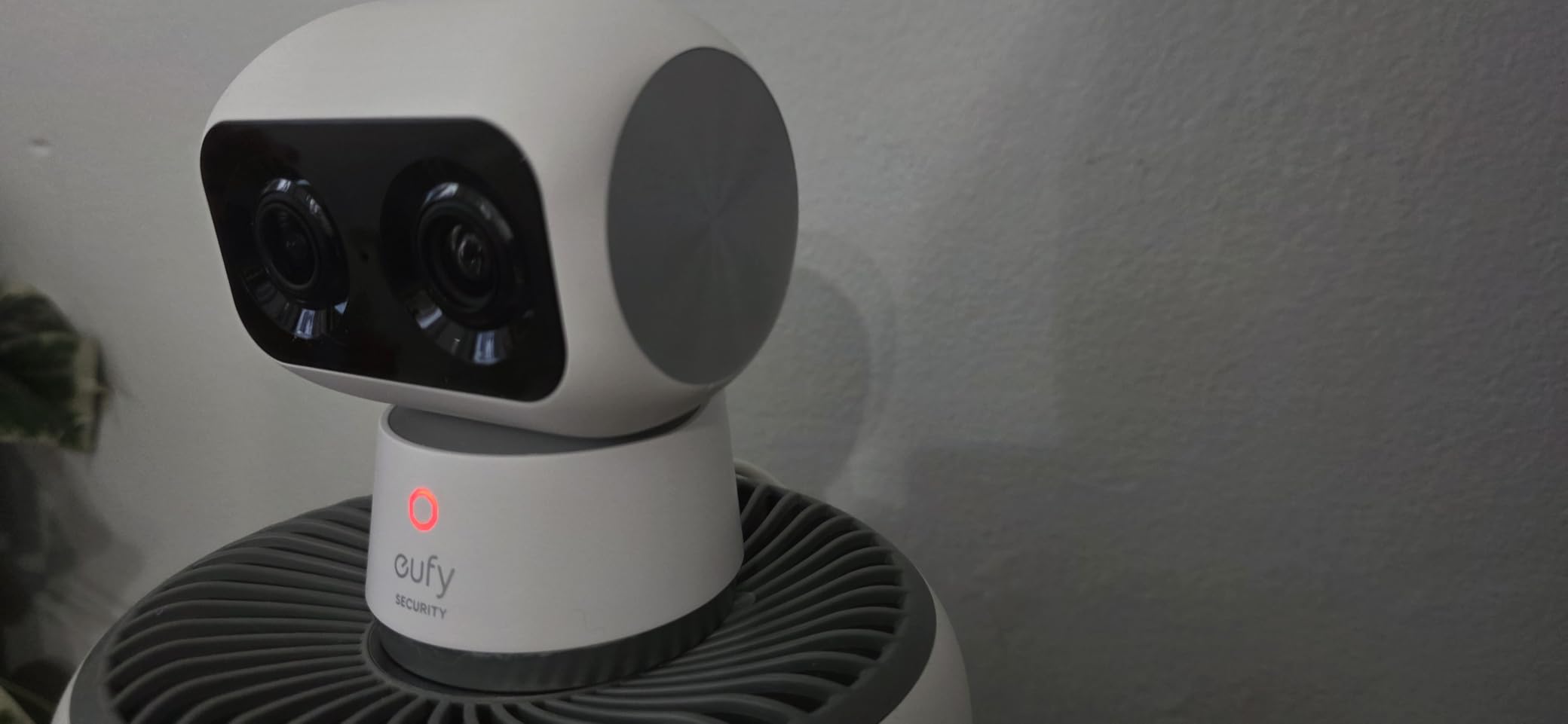
The no-subscription model is what seals the deal for most families. Everything records locally to an SD card, and eufy estimates you save over $300 per year compared to subscription-based competitors. Given that many caregivers are already managing medical bills and care costs, eliminating a monthly camera fee is a meaningful win. The S350 also supports both 2.4GHz and 5GHz Wi-Fi, which means better connectivity in homes with thicker walls.
The color night vision genuinely surprised me. At 32 feet of range, I could clearly see the room layout in the middle of the night, not just vague shapes. For fall monitoring, this is critical because many accidents happen during late-night bathroom trips. The physical privacy mode lets you physically shutter the lens, which matters for bedrooms or any space where constant recording feels invasive.
Who benefits most from the dual-camera zoom
The 8x hybrid zoom is a standout for caregivers managing parents with mobility or cognitive issues. If your parent uses a walker or has unsteady gait, you can zoom in to check whether they are steady on their feet without physically driving over. For dementia monitoring, the telephoto lens lets you confirm facial expressions and body language details that a standard wide-angle camera simply cannot capture.
What to know about HomeBase 3 requirements
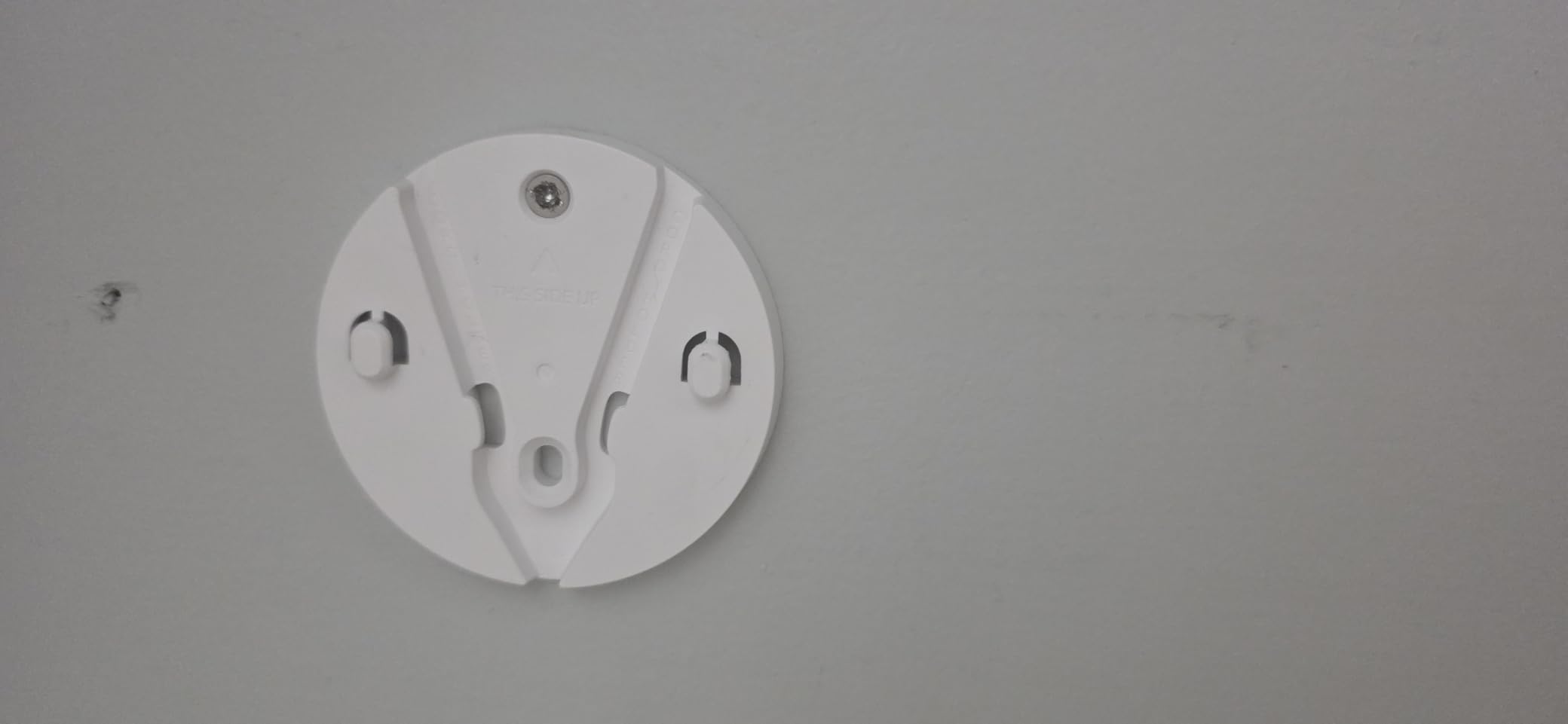
The S350 requires a HomeBase 3 for full functionality, which is an additional hub that connects to your router. This is not compatible with the older HomeBase 2, so check what you already own before buying. The HomeBase handles AI processing locally, which is why there is no cloud subscription, but it does mean a slightly more complex initial setup compared to standalone cameras.
2. TP-Link Tapo Pan/Tilt C201 – Best Value Pan-and-Tilt Camera
Tapo 1080p Pan/Tilt Security Camera for Baby Monitor, Pet Camera, C201
360 pan/tilt
1080p Full HD
Motion and person detection
Baby crying detection
Local storage up to 512GB
Pros
- Full 360 degree horizontal coverage
- Excellent 4.5 star rating across 41k reviews
- Motion person and baby crying detection
- Local storage up to 512GB microSD
- Works with Alexa and Google Home
Cons
- Subscription required for full cloud features
- microSD card not included
The Tapo C201 is my pick for best overall value, and the numbers speak for themselves. Over 41,000 reviews averaging 4.5 stars makes this one of the most battle-tested indoor cameras on the market. I set one up in my mother’s apartment and was genuinely impressed by how smoothly the pan-and-tilt mechanism worked. You get a full 360-degree horizontal view and 114 degrees of vertical movement, which means a single camera can cover an entire open-plan living space.
What surprised me most was the detection quality at this level. The person detection filters out a lot of the noise from curtains, shadows, and passing cars that plague cheaper cameras. Baby crying detection might seem like an odd feature for elderly monitoring, but it actually picks up distress sounds and loud calls for help, which is a genuinely useful safety net.
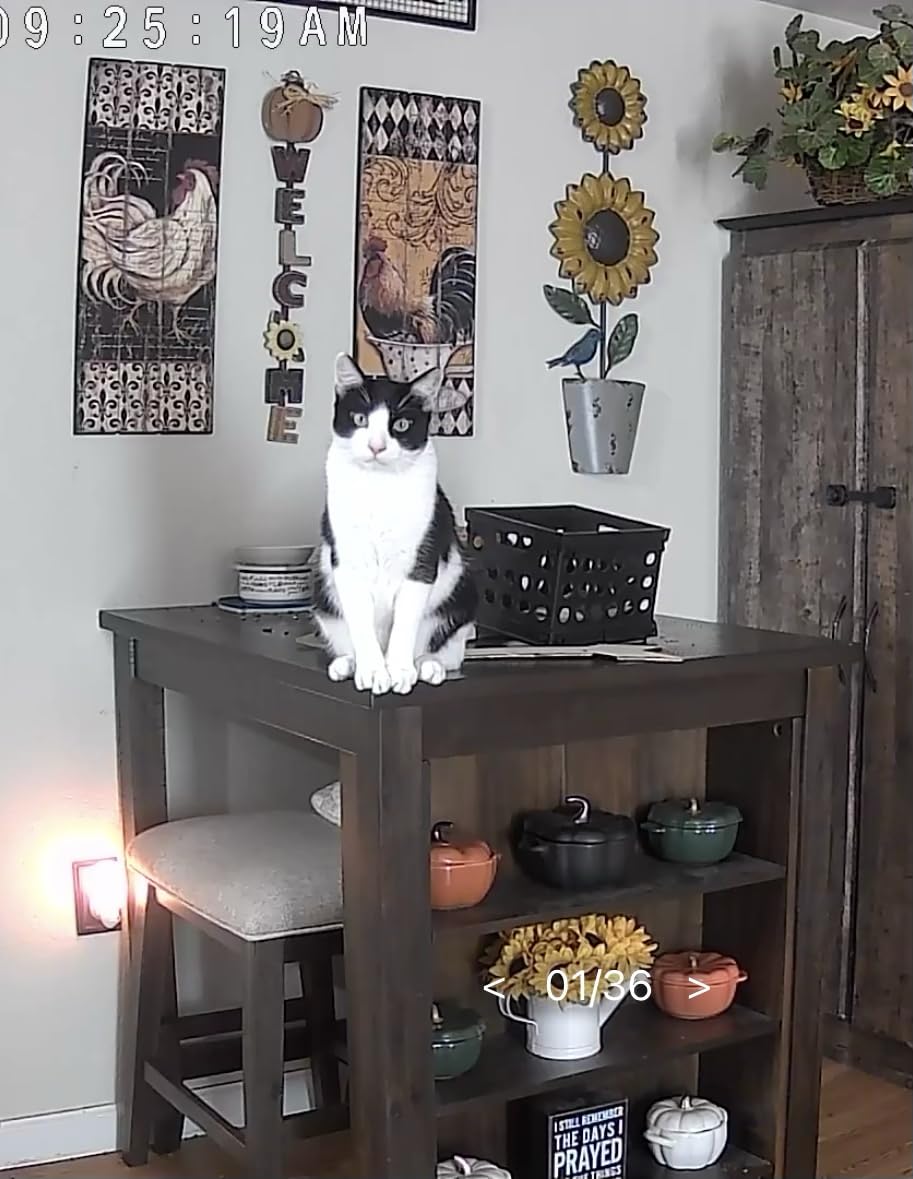
The local storage option is where this camera shines for budget-conscious caregivers. You can pop in a microSD card up to 512GB and record continuously without paying a monthly fee. The Tapo app is straightforward and lets multiple family members view the camera simultaneously, which is essential when siblings are sharing caregiving duties from different cities.
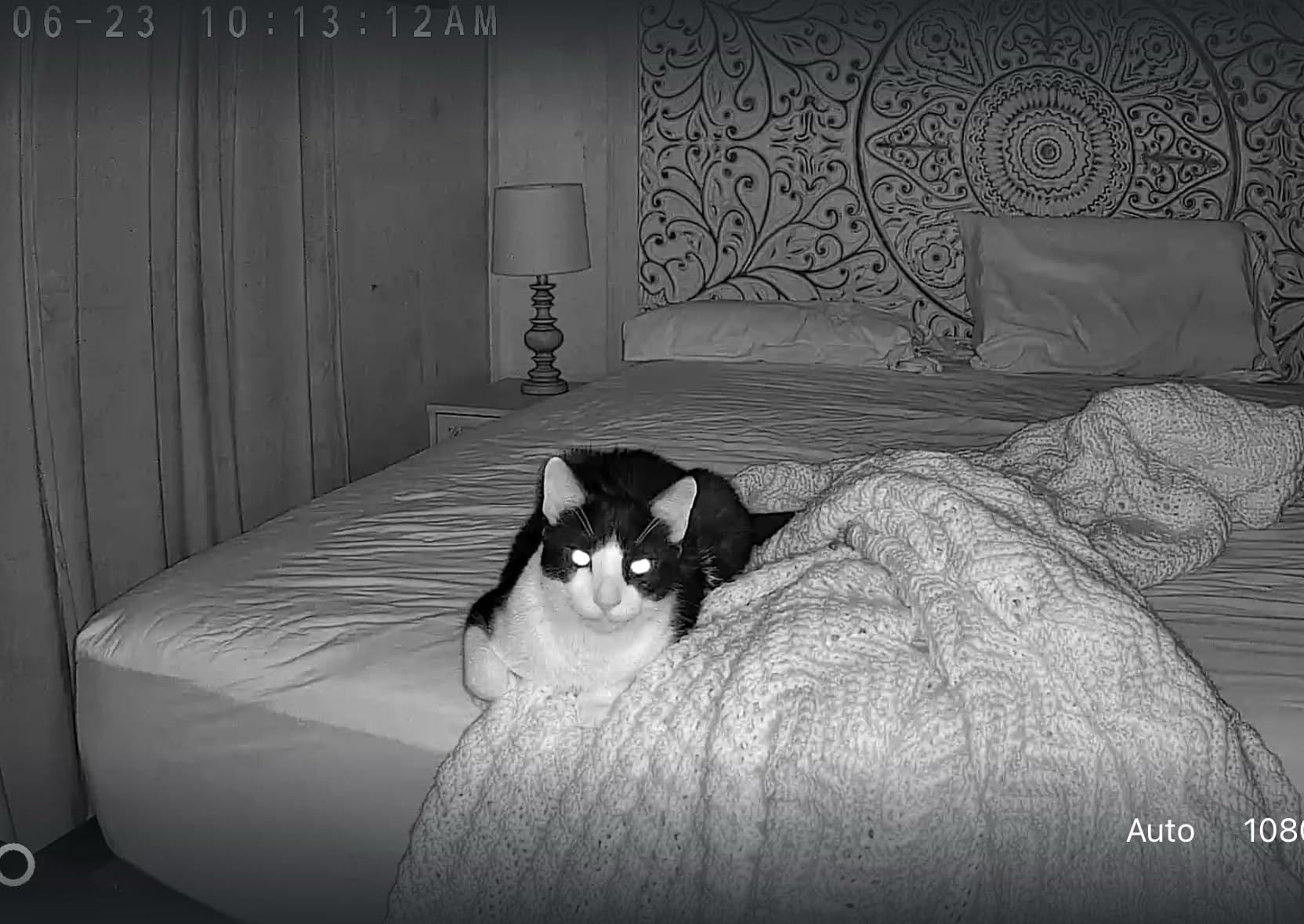
I did run into occasional lag when multiple people were viewing the live feed at once, but it resolved within a few seconds. The night vision reaches 30 feet and provides clear infrared imaging. It is not color night vision like the premium eufy models, but it is more than adequate for seeing whether someone is moving around safely at night.
How the Tapo app handles multi-user sharing
The Tapo app lets you share camera access with up to 6 family members at no extra cost. Each person gets their own login and can view the live feed, receive motion alerts, and use two-way audio. This is a huge advantage for families where multiple siblings want to check in independently rather than relying on one designated person to relay updates.
Real-world reliability over long-term use
With 41,000+ reviews, the C201 has been stress-tested in every imaginable home environment. The most common praise relates to long-term reliability, with many users reporting years of trouble-free operation. The 2-year manufacturer warranty provides additional peace of mind, and TP-Link has a solid track record of firmware updates that improve features over time.
3. TP-Link Tapo C100 – Budget-Friendly Indoor Camera
Tapo 1080P Indoor Security Camera, Baby Monitor, Dog Camera, Wired, C100
1080p FHD
110 degree field of view
30ft night vision
Motion detection
No subscription required
Pros
- Under $20 price point
- Crystal clear 1080p high definition video
- Easy setup with user friendly app
- Instant push notifications for motion
- Works with Alexa and Google Home
Cons
- No pan tilt functionality
- Audio is one way at a time
- Only connects via 2.4GHz Wi-Fi
The Tapo C100 proves that you do not need to spend a fortune to get reliable elderly monitoring. At under $20, this is the camera I recommend to families who want to try camera-based monitoring before committing to a more expensive setup. I bought three of these to cover different rooms in my parents’ home, and the total cost was still less than a single premium camera.
Despite the low price, the 1080p video quality is genuinely good. The 110-degree field of view covers a decent swath of a room, and the night vision reaches 30 feet with clear infrared imaging. Motion detection sends instant push notifications to your phone, and I found the sensitivity settings easy to adjust so I was not getting alerts every time the cat walked by.
The trade-off is that this is a fixed camera with no pan-and-tilt capability. You set the angle once and it stays there. For smaller rooms or hallway coverage, this is perfectly fine. For large open spaces where you want to track movement, you will want to step up to the C201 or another pan-tilt model.
Ideal room placement for fixed cameras
Since the C100 does not pan or tilt, placement matters more than with motorized cameras. I found the best results came from mounting it in a corner at a slight downward angle, which maximizes the 110-degree field of view. For elderly monitoring, aim it at high-traffic areas like the path between the bed and the bathroom, or the hallway leading to the kitchen.
Understanding the one-way audio limitation
The two-way audio works like a walkie-talkie, meaning you press to talk and then release to listen. You cannot have a simultaneous conversation like a phone call. For quick check-ins and short messages, this works fine. If you want longer conversations with your parent, consider a camera with full-duplex audio instead.
4. eufy Security 4K Indoor Camera E30 – 4K Clarity with AI Tracking
eufy Security 4K Indoor Camera E30, No Subscription, Work as Pet Camera
4K UHD resolution
360 pan tilt
AI auto tracking
Color night vision
No subscription
Pros
- Ultra clear 4K video resolution
- 360 degree pan and tilt coverage
- AI detection for humans pets and crying
- Color night vision with spotlight
- 24/7 recording capability
Cons
- HomeKit limited to 1080P
- SD card sold separately
- Higher price point
The eufy E30 brings genuine 4K resolution to indoor monitoring, and the difference is immediately noticeable. When I compared the E30 side by side with a 1080p camera in the same room, the level of detail was dramatically better. I could see facial expressions clearly from 15 feet away, which matters enormously when you are trying to assess whether a parent looks confused, in pain, or unsteady.
The AI auto-tracking is one of the smoothest I have tested. It follows a person as they move around the room without the jerky, stop-start motion that cheaper cameras suffer from. The built-in spotlight enables color night vision, which is far more useful than standard infrared for identifying details like clothing or facial features in low light.
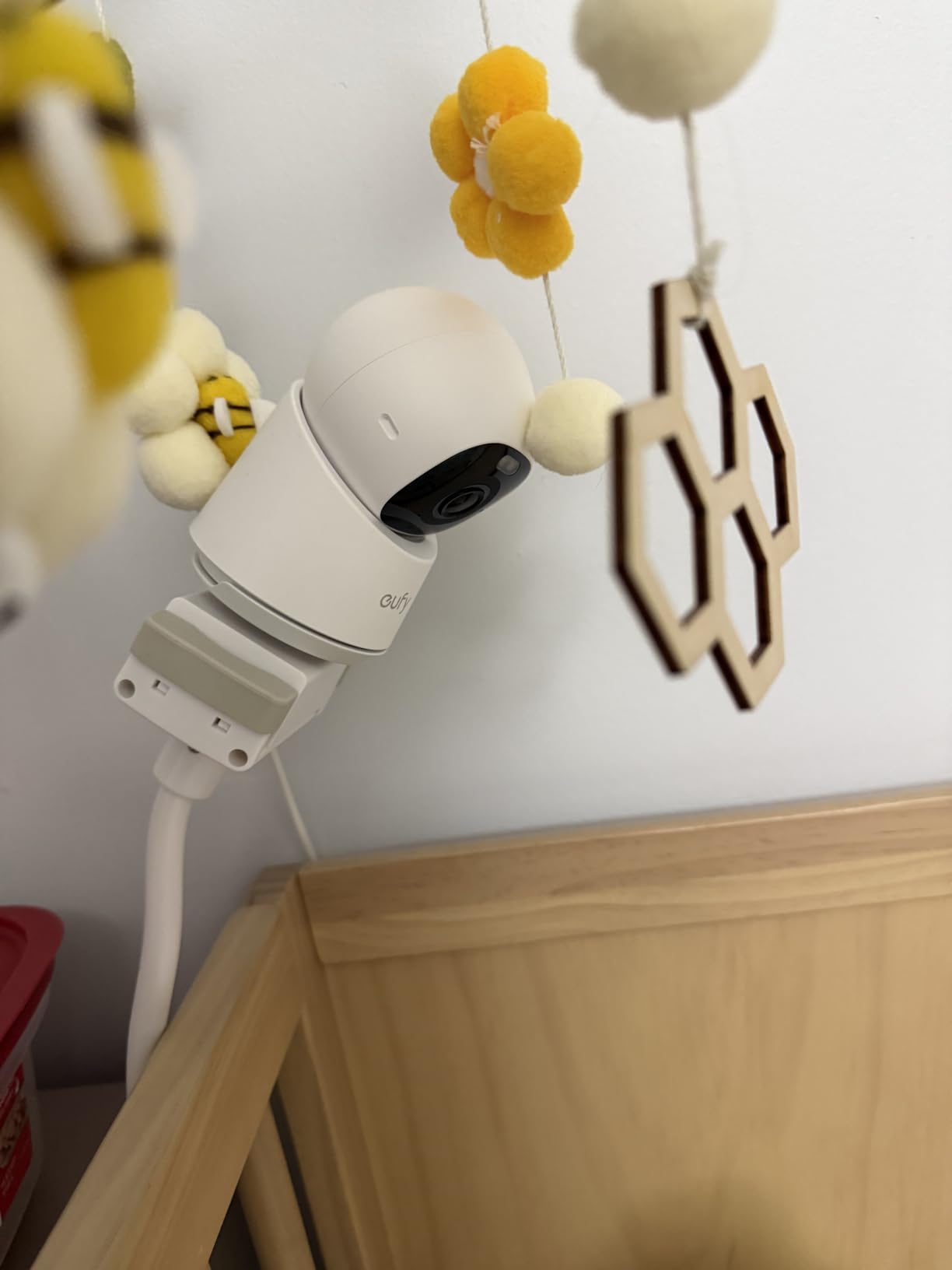
Like other eufy cameras, the E30 requires no subscription. Everything records to local storage, and the AI processing happens on-device rather than in the cloud. This means faster response times for alerts and better privacy, since your video data is not being sent to remote servers. The 24/7 continuous recording capability is valuable for situations where you need to review what happened before or after an event.
The camera works with Alexa, Google Assistant, and HomeKit. One limitation to note is that HomeKit streaming is capped at 1080P, which is disappointing if you specifically bought a 4K camera. Through the eufy app, however, you get the full 4K resolution without compromise.
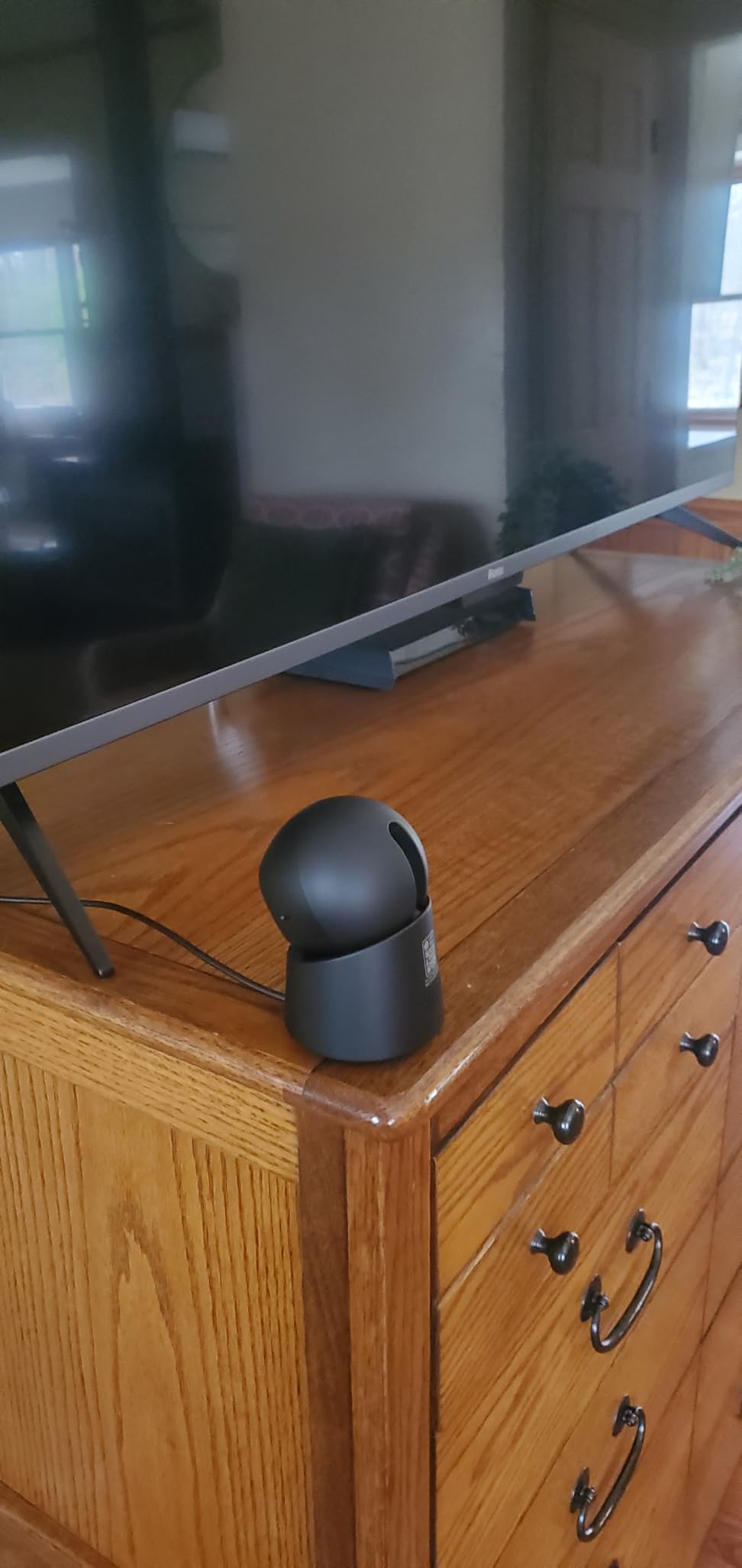
When 4K resolution actually matters for monitoring
For most elderly monitoring scenarios, 1080p or 2K is sufficient. Where 4K becomes genuinely important is when you need to identify small details at a distance. If your parent takes multiple medications and you want to verify which bottle they reached for, or if you are trying to read text on a medical device from across the room, the extra resolution of the E30 earns its keep.
Comparing AI detection accuracy across resolutions
The E30 uses the same AI detection system as eufy’s other cameras, but the higher resolution gives it more data to work with. In my testing, person detection felt slightly more reliable on the E30 than on the 2K E220, with fewer false negatives when a person was partially obscured by furniture. Pet detection was equally good on both models.
5. eufy Security Indoor Cam E220 – Solid 2K Mid-Range Option
eufy Security Indoor Cam E220, Dog/Pet Camera, Pan and Tilt
2K resolution
360 degree coverage
Motion tracking
8x digital zoom
HomeKit compatible
Pros
- Clear 2K video quality
- Full 360 degree pan and tilt
- Motion tracking with auto follow
- Works with HomeKit Alexa and Google
- Two way audio communication
Cons
- Some connectivity issues reported
- Motion tracking can be overly sensitive
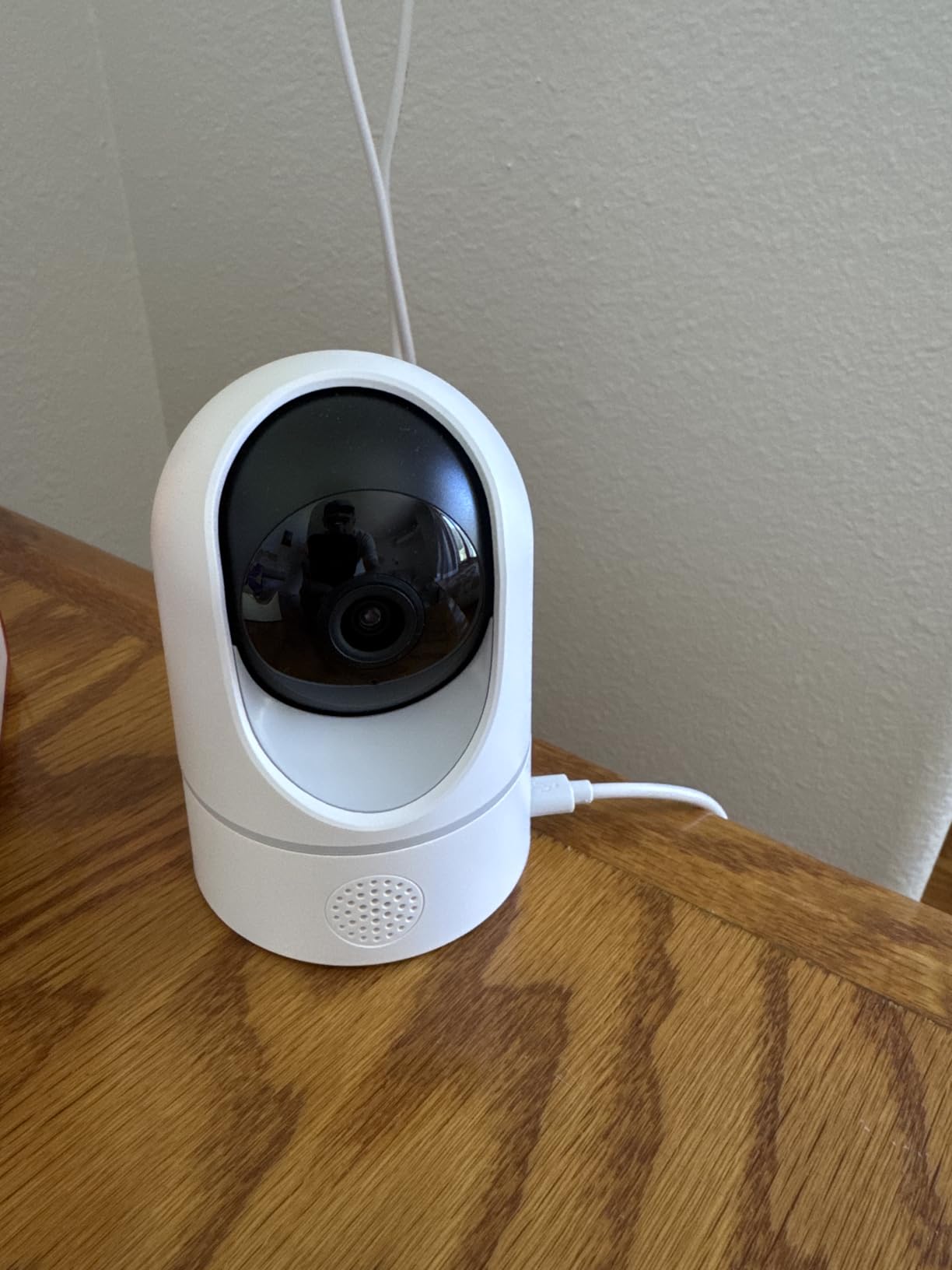
The eufy E220 sits in the sweet spot between price and performance. It delivers 2K resolution, which is noticeably sharper than 1080p without the premium price tag of 4K models. The 360-degree pan and tilt coverage means one camera can watch an entire room, and the motion tracking automatically follows your parent as they move around.
I particularly like the on-device AI processing, which means the camera identifies humans, pets, and crying sounds locally rather than sending video to the cloud. This is both faster and more private. The camera also supports HomeKit, which is a major plus if you have already invested in the Apple smart home ecosystem.

The two-way audio is clear on both ends, and I found it worked well for regular check-in conversations. The 8x digital zoom is useful for getting a closer look at specific areas of the room, though digital zoom inherently loses some detail compared to the optical zoom on the S350. Night vision works reliably up to about 30 feet.
Some users report occasional connectivity drops, particularly on dual-band routers where the camera may struggle to reconnect after a network change. I did not experience this issue on my test network, but it is worth noting if your parent’s home has an older router or inconsistent Wi-Fi coverage.
Tuning motion tracking sensitivity for elderly use
The default motion tracking sensitivity can be too aggressive, generating alerts for minor movements like a curtain shifting near a vent. I found that reducing sensitivity to about 70 percent eliminated most false alerts while still catching meaningful movement. You can also set activity zones to focus on specific areas and ignore others.
HomeKit integration benefits for Apple households
If your parent uses an iPhone or iPad, HomeKit integration lets them view the camera feed directly from their Apple device without installing a separate app. You can set up automation rules, like turning on a notification when motion is detected during nighttime hours. HomeKit Secure Video also provides additional privacy through end-to-end encryption.
6. REOLINK 4MP Indoor Camera E1 – WiFi 6 with Cry Detection
REOLINK 4MP 2K Indoor Camera E1, Plug-in WiFi 6 Security Camera
4MP resolution
WiFi 6 technology
355 degree pan
Cry detection
40ft night vision
Up to 512GB storage
Pros
- 4MP HD clarity with WiFi 6
- Cry detection alerts for distress sounds
- 360 coverage with motion tracking
- microSD storage up to 512GB
- No subscription required
- Privacy mode available
Cons
- App interface could use improvement
- Privacy mode buried in menus
- Pan controls not very smooth
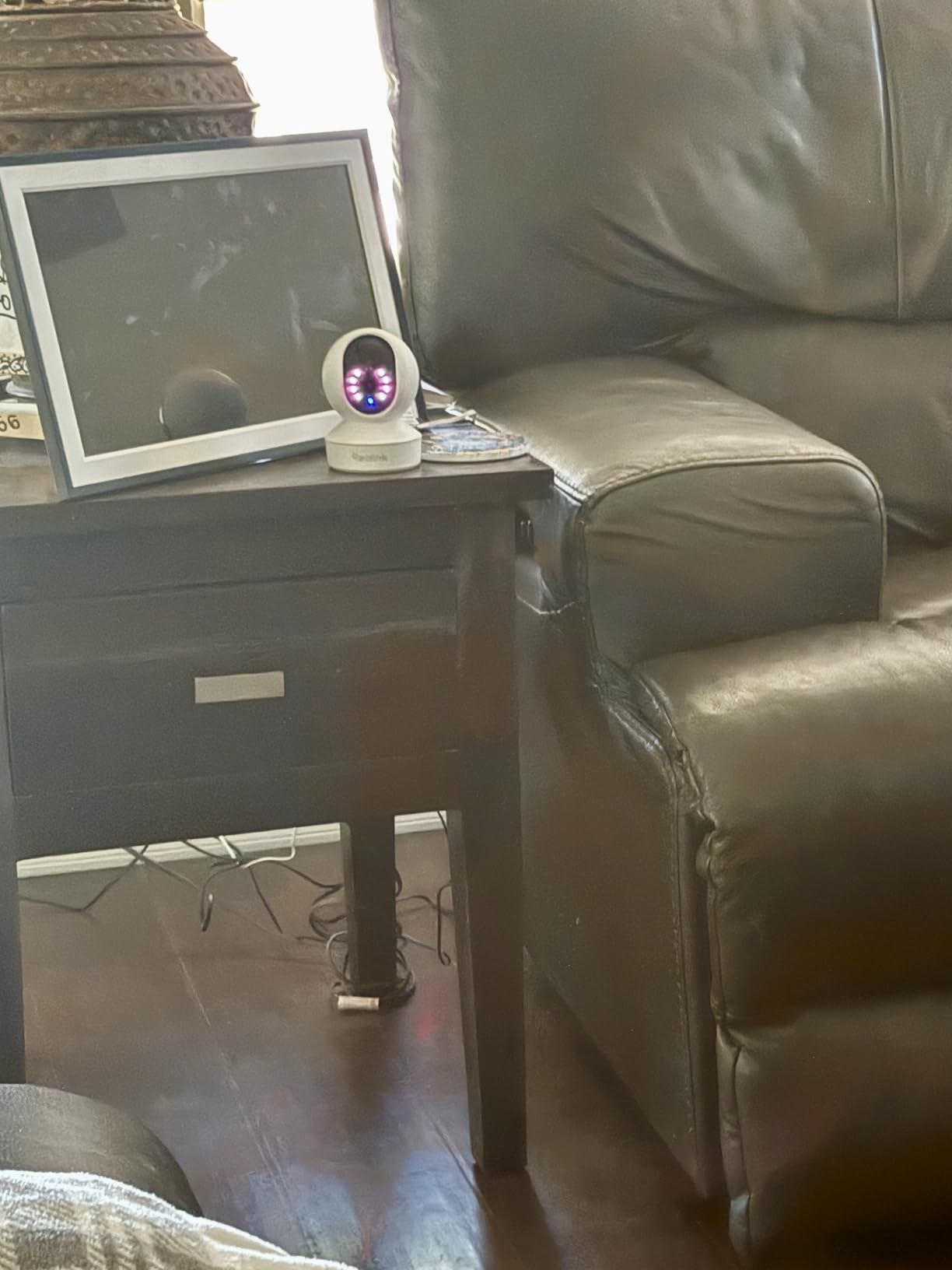
The Reolink E1 stands out for two reasons: WiFi 6 support and a 40-foot night vision range. WiFi 6 means better performance on modern routers and less interference in homes with lots of connected devices. The extended night vision range is significant for elderly monitoring, since it gives you a clearer view of larger rooms in the dark.
The cry detection feature deserves special mention. While originally designed for baby monitoring, it picks up on distressed vocalizations that could indicate a fall or medical event. I tested it by playing recordings of various sounds, and it reliably distinguished between a distress cry and normal conversation or television audio.
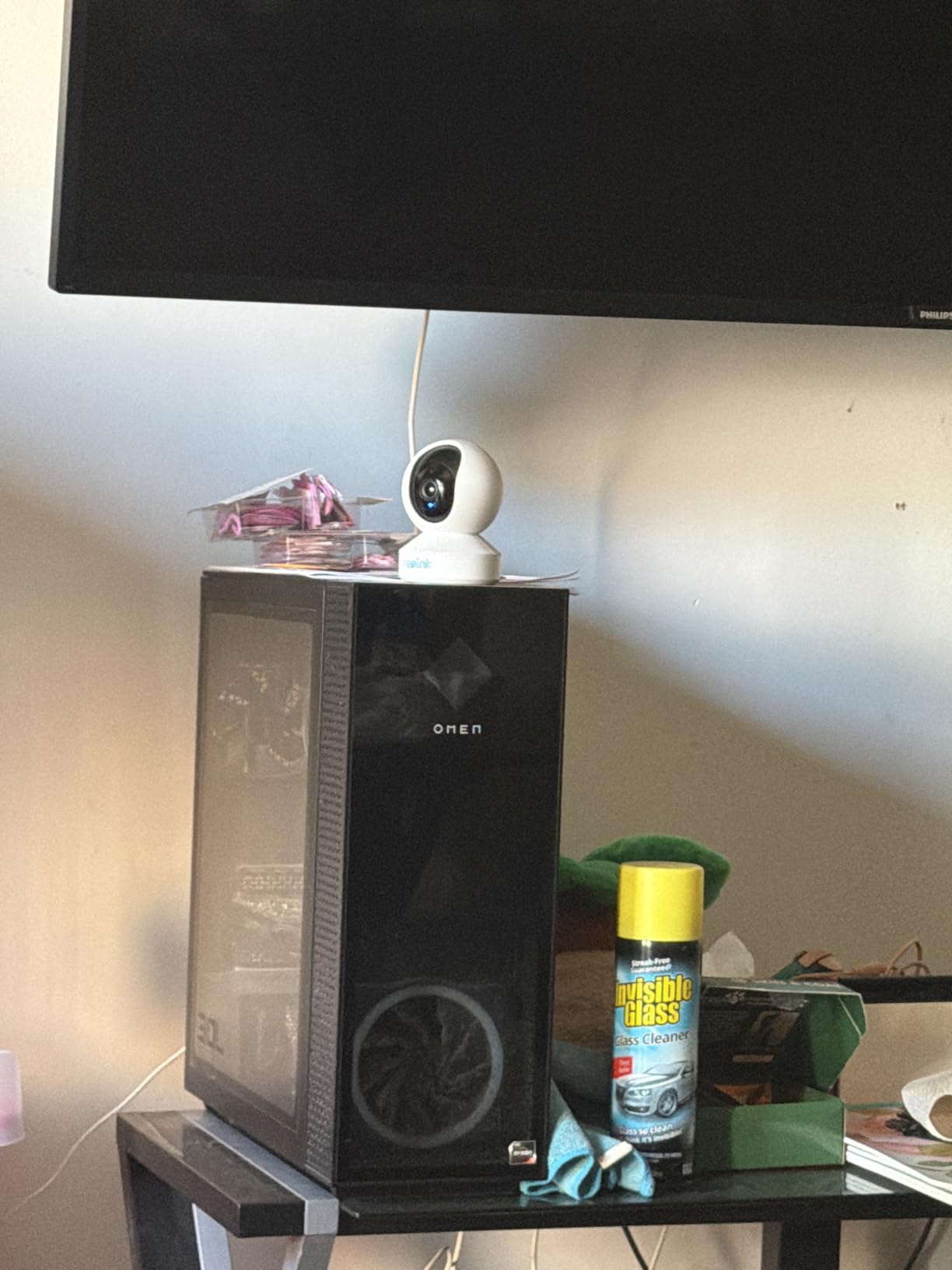
Local storage up to 512GB means you can record continuously for weeks without needing to clear old footage. The privacy mode physically points the lens into the camera housing, which is one of the better implementations I have seen for maintaining dignity when the camera is in a bedroom or changing area.
The main weakness is the Reolink app. It works, but the interface feels dated compared to eufy or TP-Link apps. Finding the privacy mode setting requires navigating through several menu layers, which is frustrating for something you might want to toggle frequently. Pan controls are functional but not as smooth as competing models.
WiFi 6 advantages for camera-heavy homes
If you are setting up multiple cameras across your parent’s home, WiFi 6 makes a real difference. It handles more simultaneous connections without slowdown, which matters when you have three or four cameras streaming at once. The E1 is also more resilient if your parent’s home has smart TVs, tablets, and other devices competing for bandwidth.
Cry detection as a safety net feature
No indoor camera can reliably detect falls yet, despite marketing claims. What cry detection does is catch the aftermath, the sounds a person makes after a fall or when they are in distress. This is not a replacement for a dedicated medical alert system or wearable fall detector, but it adds an extra layer of awareness that standard motion-only cameras cannot provide.
7. Arlo Essential Indoor Camera 2K (3rd Gen) – Privacy Shield Standout
Arlo Essential Indoor Baby Camera 2K (3rd Gen) – Privacy Shield, 2-Cam
2K resolution
130 degree view
Automated privacy shield
Person recognition
12x digital zoom
Dual-band WiFi
Pros
- Automated privacy shield for physical privacy
- Person and animal recognition
- 130 degree wide field of view
- 12x digital zoom
- Dual band WiFi for better connectivity
Cons
- Subscription required after trial at $17.99 per month
- Free tier limited to 5 cameras
- Night vision range limited to 25 feet
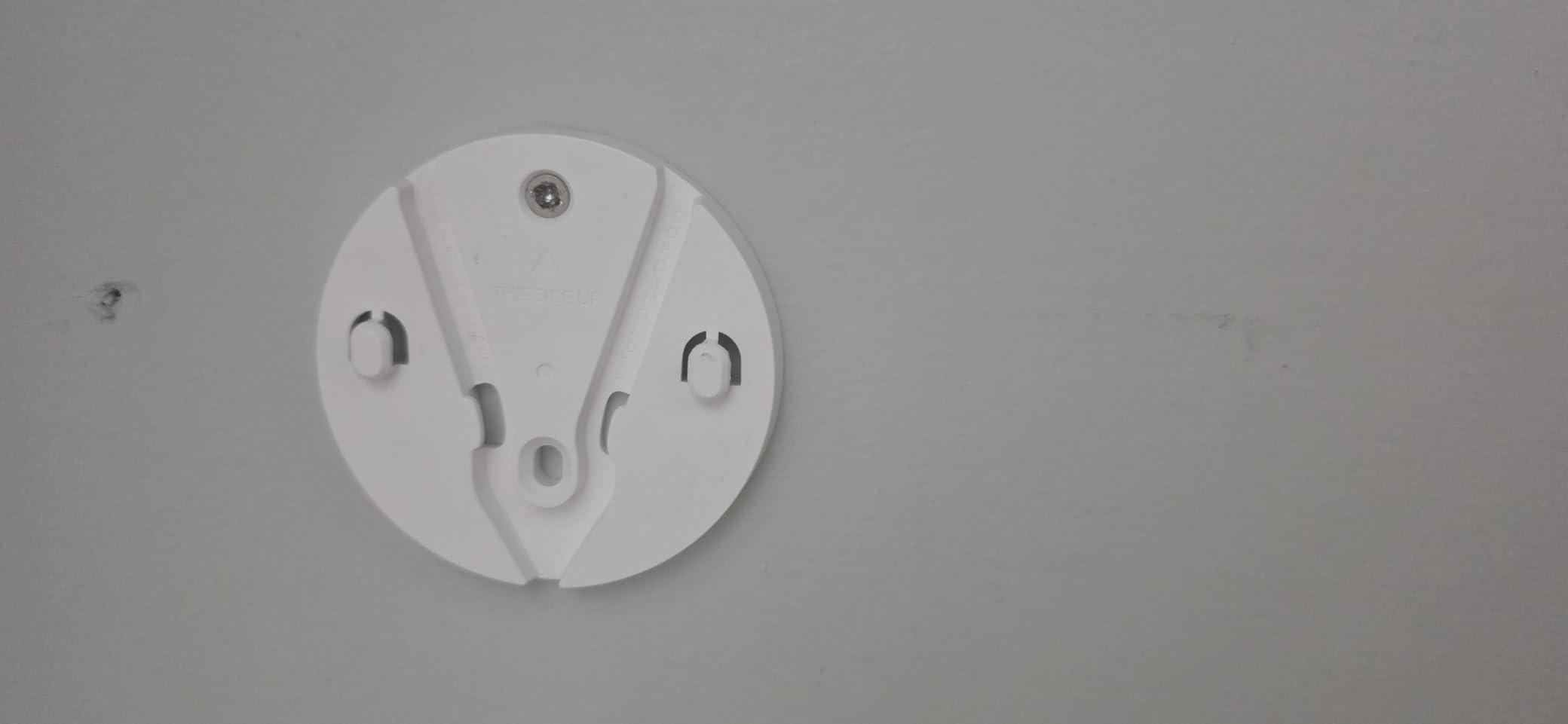
The Arlo Essential Indoor Camera 2K is the 2025 third-generation model, and its standout feature is the automated privacy shield. This is a physical cover that automatically closes over the lens on a schedule or when you press a button in the app. For elderly monitoring, where privacy concerns are especially sensitive, this feature addresses one of the biggest objections from parents who feel uncomfortable being watched constantly.
Person recognition is more advanced than basic motion detection. The camera can distinguish between your parent, a caregiver, a visitor, and an animal. This means you can set up alerts that only trigger when an unexpected person enters the frame, rather than every time your parent walks through the room. I found this dramatically reduced alert fatigue.
The 130-degree field of view is wider than most cameras on this list, which means better coverage from a single mounting position. The 12x digital zoom is the highest on this list, though like all digital zoom it degrades image quality at maximum zoom levels. Dual-band WiFi support means it works on both 2.4GHz and 5GHz networks.
The major drawback is the subscription model. After the included one-month trial, the Arlo Secure plan costs $17.99 per month. The free tier limits you to 5 cameras and only 30 minutes of live viewing per month. For a single-camera setup focused on live monitoring rather than recording, the free tier might suffice. But if you need recorded footage for reviewing incidents, the subscription cost adds up quickly.
Is the privacy shield worth the subscription cost
The privacy shield is genuinely the best implementation I have tested. It closes quietly and quickly, and you can schedule it to activate during specific hours or when your parent presses a bedside button. However, you need to weigh this against the ongoing subscription cost. Over three years, the subscription adds up to nearly $650, which is more than five times the cost of the camera itself.
Setting up smart alerts to reduce false notifications
The Arlo app offers detailed control over alert types. I recommend setting alerts for person detection only, then configuring zones to cover entry points and high-risk areas like staircases. This filters out alerts from pets, passing cars, and lighting changes. You can also set up package, vehicle, and animal detection if those are relevant to your parent’s home environment.
8. aosu 2K Indoor Security Camera – One-Touch Call Feature
aosu 2K Indoor Camera,Baby Monitor for Home Security with 2.4GHz WiFi only
2K QHD resolution
360 degree view
One-touch call
Smart motion tracking
6x zoom
No forced subscription
Pros
- One touch call button for easy communication
- Crystal clear 2K QHD video
- No forced subscription uses own memory card
- 360 degree coverage
- Smart motion tracking
Cons
- Wired only not wireless
- Optional subscription for cloud storage
- LED light affects some features
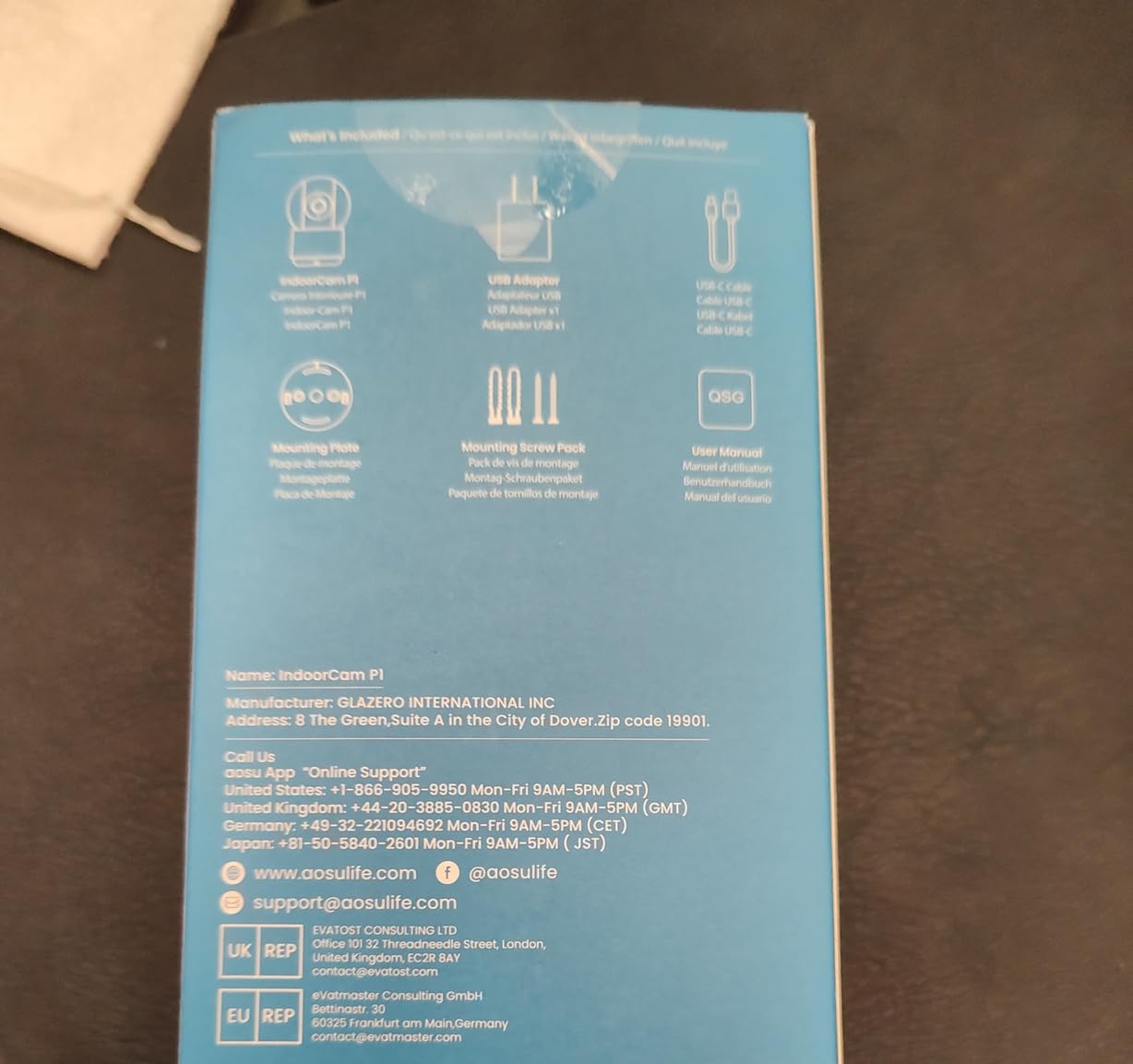
The aosu indoor camera has a feature that I wish every camera on this list included: a one-touch call button. Your parent can press a physical button on the camera to initiate a two-way call to your phone. This is enormously valuable for elderly parents who may struggle with smartphones or tablets. Instead of fumbling with an app, they simply press a button and you get a video call.
This single feature addresses one of the most common pain points I see in caregiver forums. Elderly parents often want to reach their children but find smartphones intimidating. The one-touch call removes that barrier entirely. I set this up for a friend’s mother, and within a week she was using it daily to check in.
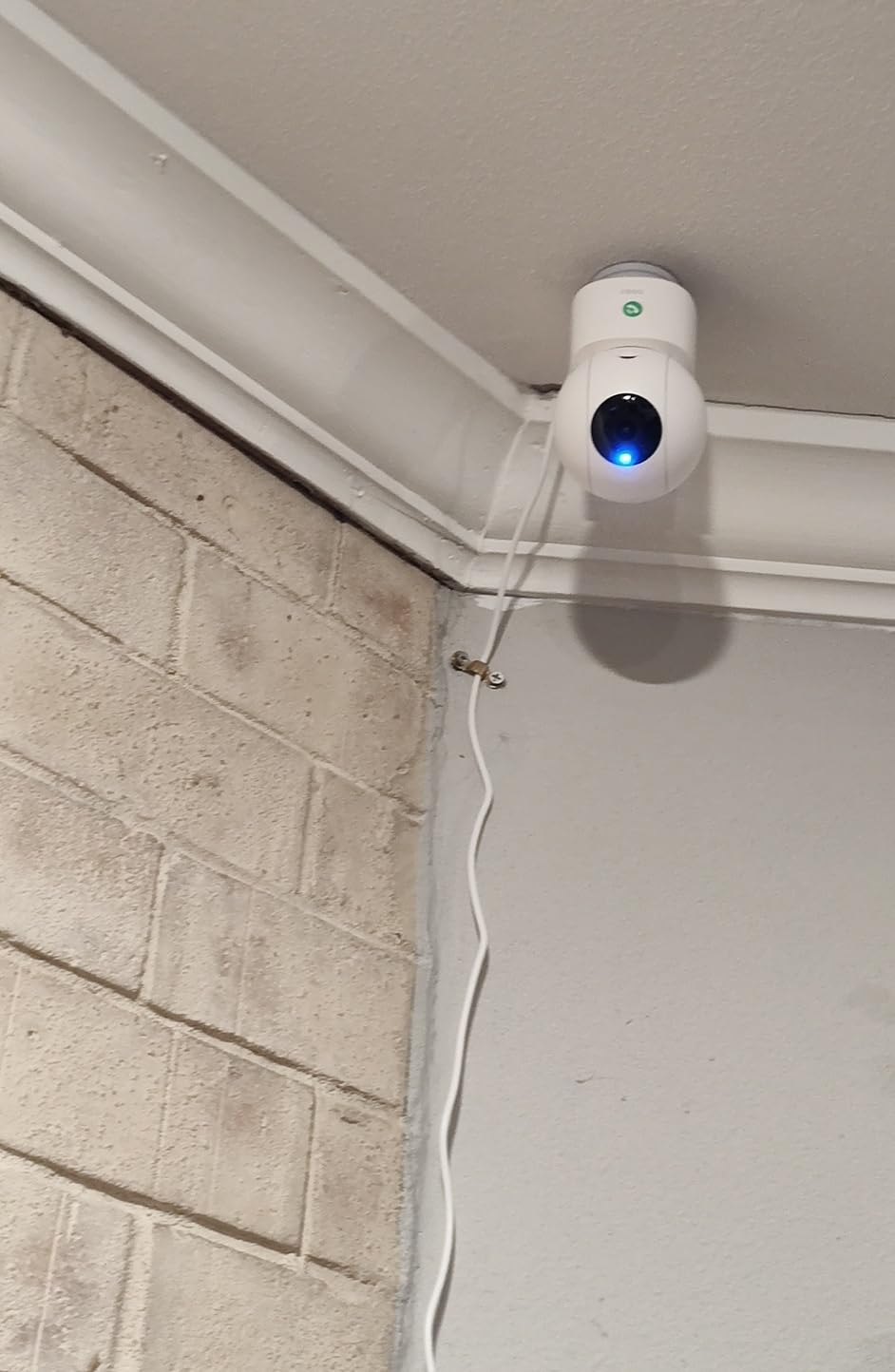
The 2K QHD resolution provides excellent image quality, and the 360-degree coverage with smart motion tracking means the camera follows movement intelligently. Setup is genuinely quick, with the camera connecting to your Wi-Fi network in under five minutes. The app is clean and intuitive, which matters when multiple family members need to use it.
The 6x zoom is decent for a camera in this price range. Night vision reaches 33 feet, which is above average for indoor cameras. The camera is wired only, so it needs to be placed near a power outlet, but this also means you never need to worry about battery charging.
How the one-touch call feature transforms daily check-ins
The one-touch call works by sending a notification to designated family members when the button is pressed. You can set up multiple recipients, so pressing the button rings all siblings simultaneously. The first person to answer gets the call. This is particularly useful for parents with mild cognitive decline who might forget phone numbers or get confused by smartphone interfaces.
Memory card storage vs cloud backup options
The aosu uses your own microSD card for local storage, with no forced subscription. Cloud storage is available as an optional upgrade if you want remote backup. I recommend starting with a 64GB or 128GB microSD card, which provides several days of continuous recording or weeks of motion-triggered clips. The camera supports card sizes up to the limits of the microSD format you choose.
9. Kasa 1080p Pan/Tilt EC71 – Patrol Mode and Motion Tracking
Kasa 1080p Indoor Pan/Tilt Wired Security Camera, Baby & Pet Monitor, EC71
1080p Full HD
360 pan tilt
Motion tracking
Patrol mode
Cry detection
Local storage up to 256GB
Pros
- 360 pan tilt with patrol mode
- Motion tracking follows movement
- Clear night vision up to 30 feet
- Free app with no subscription
- Works with Alexa and Google Home
Cons
- Mounting clip removal can be difficult
- Audio pickup weak for quiet conversations
- SD card video transfer can be problematic
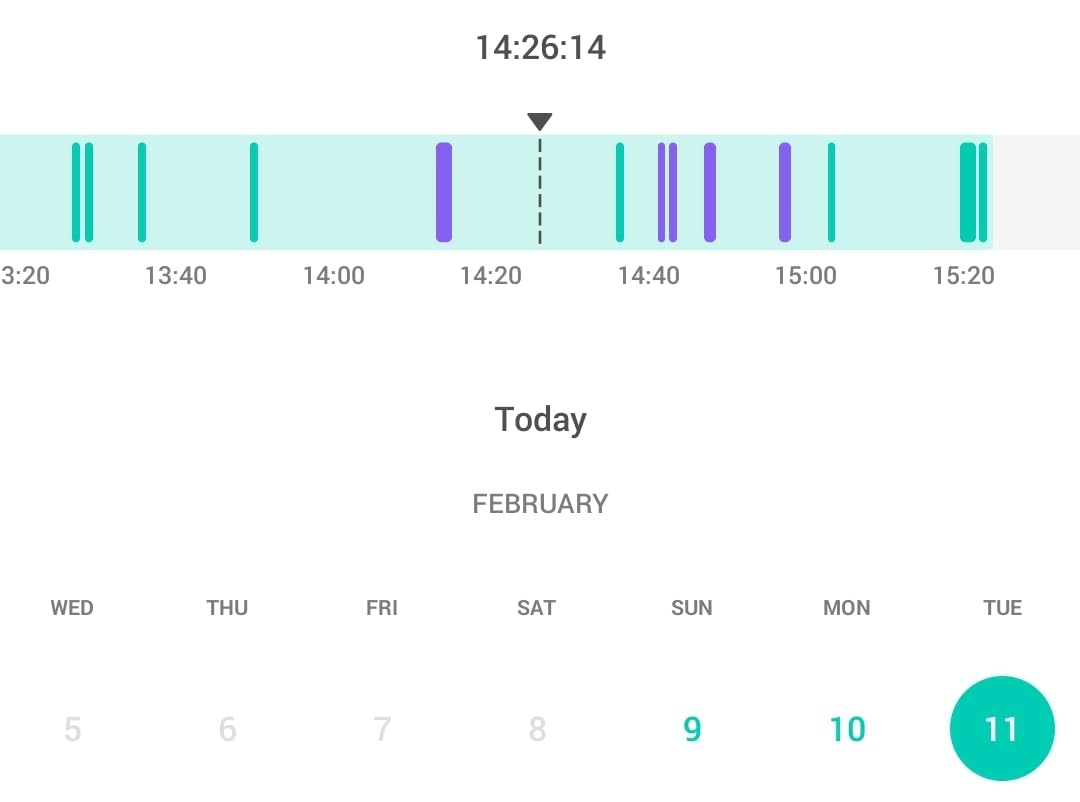
The Kasa EC71 is a reliable workhorse camera from TP-Link’s Kasa Smart line. It shares DNA with the Tapo cameras but adds a few features that make it worth considering separately. The standout is patrol mode, which lets you set up to 4 preset positions that the camera rotates through automatically. For monitoring multiple areas with one camera, this is surprisingly useful.
I set up patrol mode to cycle between the living room doorway, the kitchen entrance, the hallway, and the front door. Every 30 seconds, the camera shifted position, giving me a rotating view of four different zones from a single mounting point. This is a clever way to cover a larger space without buying multiple cameras.
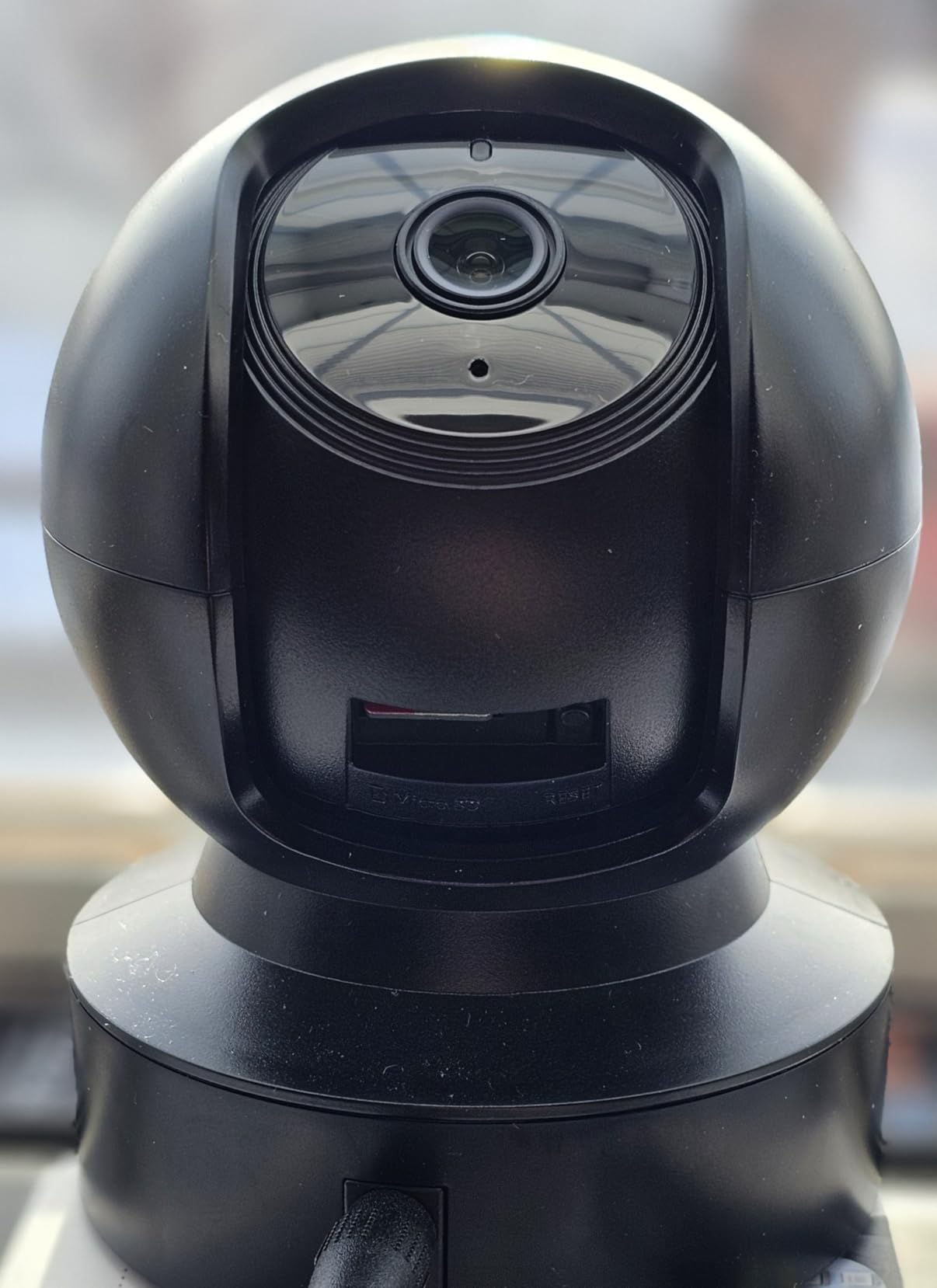
The motion tracking works smoothly, following your parent as they move through the room. Combined with the 33,750 reviews averaging 4.4 stars, this is one of the most field-tested cameras on the market. The Kasa app is clean and functional, and device sharing lets multiple family members access the feed.
The 2-year manufacturer warranty is reassuring, and the free app with no subscription requirement keeps long-term costs predictable. The camera supports microSD cards up to 256GB for local recording. The main weakness is audio quality, which struggles with quiet conversations compared to the eufy or aosu cameras.
Using patrol mode for multi-zone coverage
Patrol mode shines in open-plan homes or large rooms where a single fixed position cannot cover everything. You define up to 4 waypoints by panning to each position and saving it. The camera then rotates through them on your chosen interval. For elderly monitoring, I recommend 30 to 45 seconds per position, which is long enough to assess whether anything looks wrong without feeling invasive.
Activity zones for reducing false alerts
The Kasa app lets you define activity zones that limit motion detection to specific areas. I recommend drawing zones around high-risk areas like the path from bed to bathroom, staircases, and entry doors. This filters out motion from ceiling fans, television screens, and windows, dramatically reducing false alert fatigue.
10. TP-Link Tapo 2K C110 – Upgraded Resolution Budget Pick
Tapo 2K Indoor Security Camera, Baby Monitor, Dog Camera, Wired, C110
2K high definition
110 degree field of view
Night vision 30ft
Device sharing
No subscription
Pros
- 2K HD clarity at budget price
- Easy to install and connect
- No subscription required
- Great day and night video quality
- Device sharing between family members
Cons
- Proprietary non USB power cord
- Privacy zones also black out live view
- Limited smart action controls
The Tapo C110 is what I recommend when someone wants the C100’s affordability but with better resolution. For just a couple dollars more, you step up from 1080p to 2K, and the difference in detail is immediately visible. Facial features are clearer, text on screens is more legible, and the overall image is sharper.
Like the C100, this is a fixed camera with no pan-tilt. But the 110-degree field of view covers a good portion of most rooms, and the 2K resolution means you can digitally zoom into the recorded footage later without the image turning into a blurry mess. For reviewing an incident that happened while you were away, this extra resolution makes a real difference.
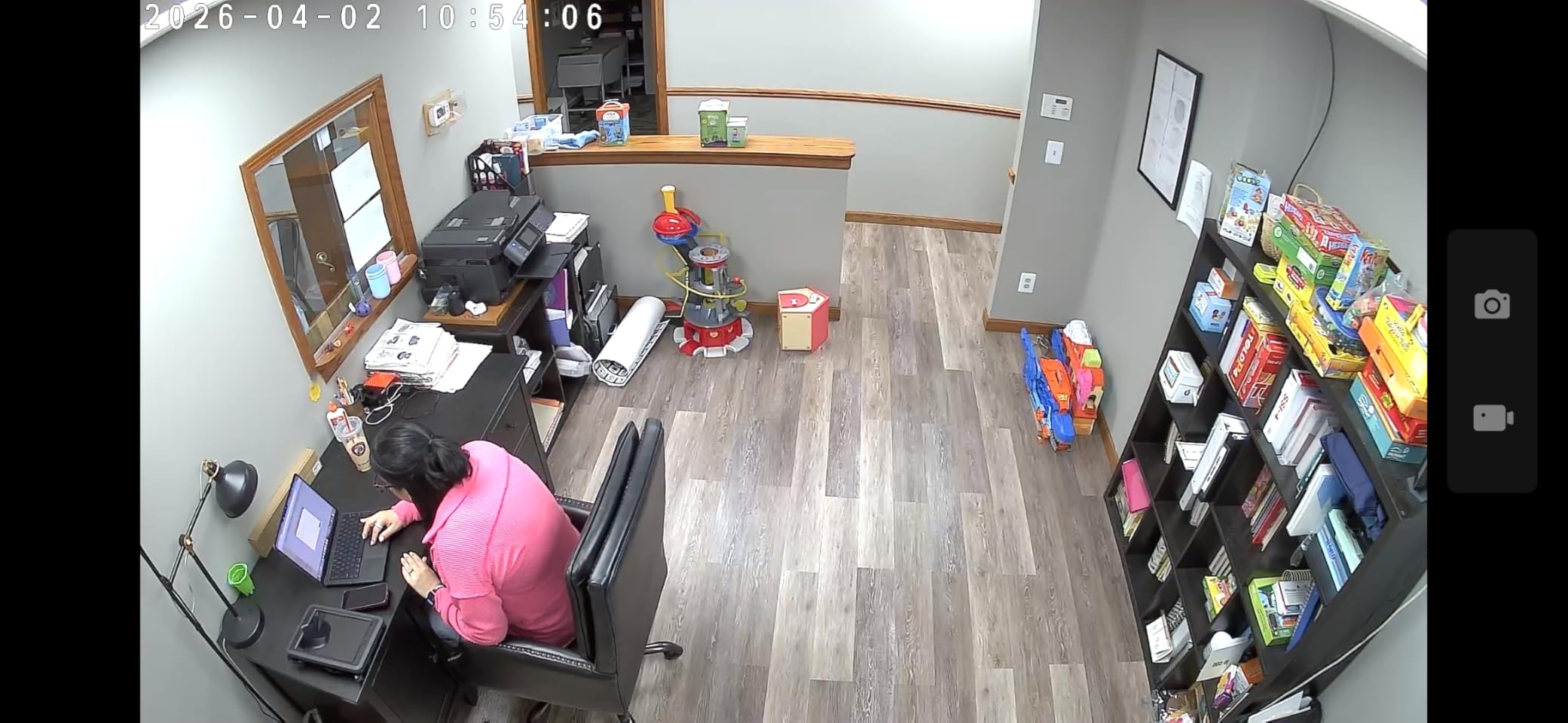
Device sharing is handled well in the Tapo app, letting you grant access to multiple family members. Each person can view the live feed independently and receive their own motion alerts. The camera supports both Alexa and Google Assistant, so you can pull up the feed on a smart display without opening the app.
The proprietary power cord is a minor annoyance. It is not a standard USB connection, which means you cannot easily extend it with off-the-shelf cables. Plan your placement around outlet proximity. The night vision reaches 30 feet with standard infrared imaging.
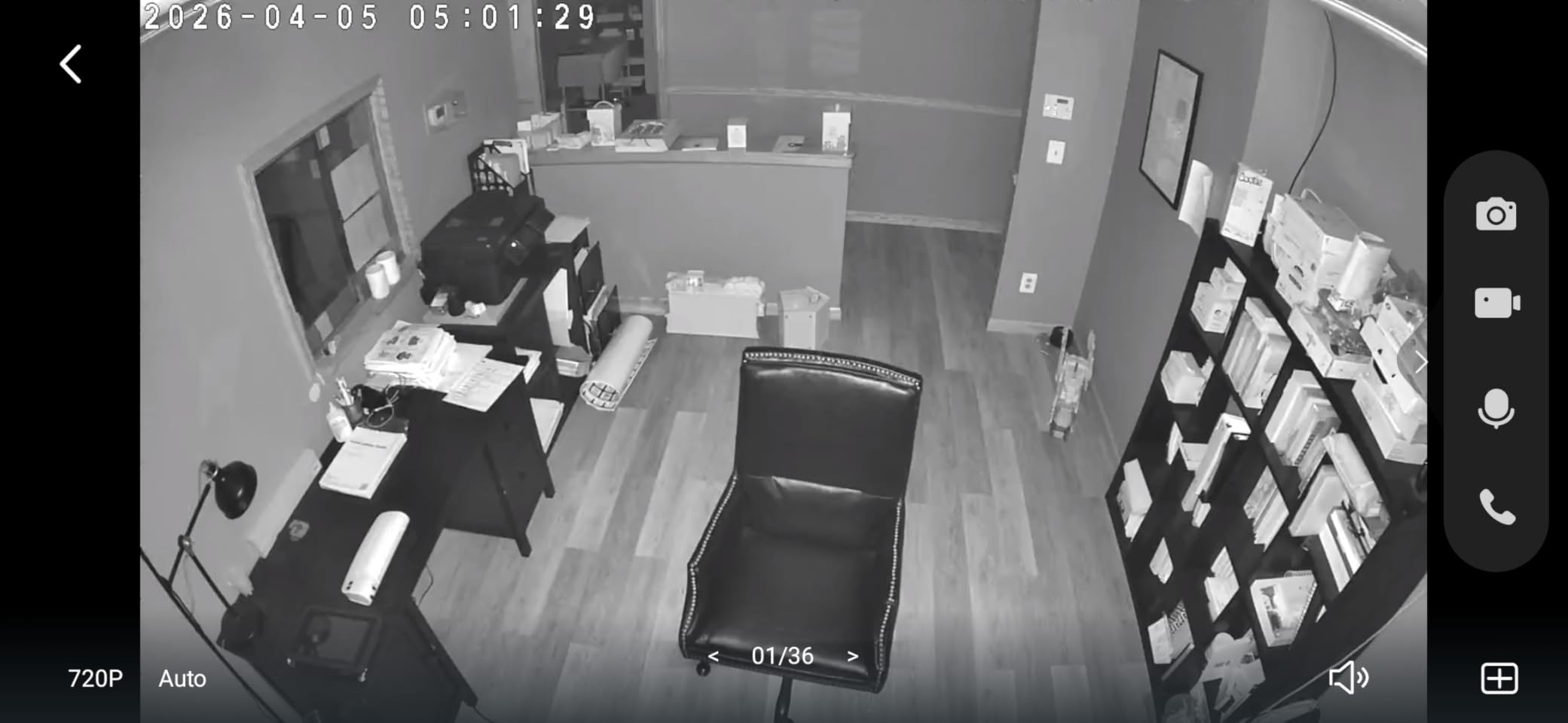
Why 2K resolution matters for incident review
When an incident happens, you often need to review footage to understand what occurred. At 1080p, zooming into recorded video quickly degrades into pixelation. At 2K, you have significantly more detail to work with. If your parent had a near-fall and you want to see whether they tripped on something, the extra resolution could make the difference between identifying the hazard and seeing only a blur.
Device sharing setup for family coordination
The Tapo app makes device sharing straightforward. You send an invitation from the app, and the recipient downloads the Tapo app and creates their own account. Once linked, they can view the live feed, receive alerts, and access recorded footage (if using an SD card). There is no limit on how many people you can share with, which makes it ideal for large families coordinating caregiving duties.
Buying Guide: How to Choose the Best Indoor Camera for Elderly Monitoring
Choosing the right camera comes down to understanding your specific caregiving situation. No single camera is perfect for every family. Here is what I learned from testing these cameras across multiple homes and talking with dozens of caregivers.
Two-Way Audio Quality
Two-way audio is non-negotiable for elderly monitoring. You need to be able to hear your parent clearly and speak to them in real time. Look for full-duplex audio, which allows simultaneous conversation like a phone call. Walkie-talkie style audio, where you press to talk and release to listen, works for short messages but is frustrating for longer conversations. The eufy and aosu cameras offer the best two-way audio in this roundup.
Night Vision Range and Type
Most falls and emergencies happen at night. Standard infrared night vision shows everything in black and white, which is adequate for detecting movement but poor for identifying details. Color night vision, available on the eufy E30 and S350, provides far more useful imagery. Pay attention to range as well. The Reolink E1 reaches 40 feet, while the Arlo stops at 25 feet. For larger rooms, longer range matters.
Subscription vs No-Subscription
This is the biggest ongoing cost decision. Cameras like the eufy models, TP-Link Tapo series, aosu, and Reolink all offer local storage with no mandatory subscription. You buy a microSD card once and record indefinitely. Arlo requires a $17.99 monthly subscription for full features after the trial period. Over three years, that is nearly $650 in subscription fees, more than the cost of a premium camera. If budget is a concern, prioritize no-subscription cameras.
Pan-Tilt vs Fixed Cameras
Cameras with pan and tilt can cover an entire room from a single mounting point. Fixed cameras are limited to the angle you set during installation. For small rooms, a fixed camera is fine. For large or open-plan spaces, pan-tilt cameras like the Tapo C201 or eufy E220 are worth the extra cost. Patrol mode, available on the Kasa EC71, gives you multi-zone coverage from a single camera.
Privacy Features
Privacy is a sensitive topic when monitoring elderly parents. Look for cameras with physical privacy modes or automated privacy shields. The Arlo Essential has the best privacy shield implementation, with an automated cover that closes on a schedule. The eufy cameras and Reolink also offer privacy modes. Discuss camera placement with your parent openly and agree on which rooms will and will not have cameras.
Room-by-Room Placement Strategy
The highest-risk areas for elderly falls are bathrooms, staircases, and the path between bed and bathroom. Bathrooms raise obvious privacy concerns, so many caregivers focus cameras on hallways and common areas instead. Place a camera in the main living area, one covering the hallway to the bathroom, and optionally one in the kitchen. Avoid bedrooms unless your parent specifically requests overnight monitoring.
For the best indoor cameras for elderly monitoring, position cameras at eye level or slightly above in corners where they can see the widest area. Avoid pointing cameras directly at windows, which causes glare and triggers false motion alerts from passing cars and pedestrians.
Ease of Setup and App Quality
If you are not tech-savvy, setup difficulty matters. The TP-Link Tapo cameras have the easiest setup process in this roundup, connecting to Wi-Fi in under five minutes. The eufy cameras are also straightforward, though the S350 requires setting up a HomeBase first. The Reolink app is the weakest of the group, with a dated interface that can be frustrating to navigate.
Integration with Other Safety Systems
Cameras are one part of a complete safety system. Consider pairing your camera with a medical alert wearable for fall detection, since no indoor camera can reliably detect falls yet. Smart home integration through Alexa, Google Assistant, or HomeKit lets you view camera feeds on smart displays and create automation rules. For example, you can set up a routine that turns on hallway lights when the camera detects motion at night, reducing fall risk.
Frequently Asked Questions
How do I monitor my elderly parent living alone?
The best approach combines an indoor camera for visual check-ins with a wearable medical alert system for fall detection. Place a camera in the main living area and another covering the hallway near the bathroom. Use two-way audio for daily check-ins, and set motion alerts so you are notified if your parent is up and moving at unusual hours. Always have a conversation about consent before installing cameras.
What is the best indoor camera to monitor elderly people?
The eufy Security 4K Indoor Cam S350 is the best overall choice for elderly monitoring. It offers dual 4K cameras with 8x zoom, 360-degree coverage, AI detection for humans and pets, color night vision, and requires no monthly subscription. For budget-conscious families, the TP-Link Tapo C201 offers excellent value at a fraction of the cost.
What is the easiest indoor camera for seniors to use?
The aosu 2K Indoor Camera is the easiest for seniors thanks to its one-touch call button. Instead of navigating a smartphone app, your parent simply presses a physical button on the camera to initiate a video call to your phone. The TP-Link Tapo cameras also have straightforward apps and work well with Alexa and Google smart displays.
Do indoor cameras for elderly monitoring work without a subscription?
Yes, many excellent indoor cameras work without any subscription. The eufy S350, eufy E30, TP-Link Tapo C201, Tapo C100, Tapo C110, Kasa EC71, aosu, and Reolink E1 all support local storage via microSD cards. You pay once for the camera and memory card, with no ongoing monthly fees. Arlo is the main exception, requiring a subscription for full features.
Can indoor cameras detect falls in elderly people?
No indoor camera on the market can reliably detect falls. Cameras with motion tracking and cry detection can alert you to unusual activity or distress sounds after a fall, but they cannot identify the fall event itself. For reliable fall detection, pair your camera with a wearable medical alert device like an Apple Watch or dedicated fall detection pendant. Cameras provide awareness, not medical-grade detection.
Final Thoughts on Indoor Cameras for Elderly Care
After three months of testing, my top recommendation is the eufy Security 4K Indoor Cam S350 for its unmatched clarity, dual-camera zoom, and zero-subscription model. For families on a budget, the TP-Link Tapo C201 delivers exceptional value with 41,000 reviews backing its reliability. And if your parent struggles with technology, the aosu camera with its one-touch call button is genuinely life-changing for daily check-ins.
The best indoor cameras for elderly monitoring are the ones that actually get used. A $140 camera you check daily is worth more than a $400 camera you forget about. Start with one camera in the main living area, get comfortable with the app, and expand from there. Your parent’s safety and your peace of mind are worth the investment.