
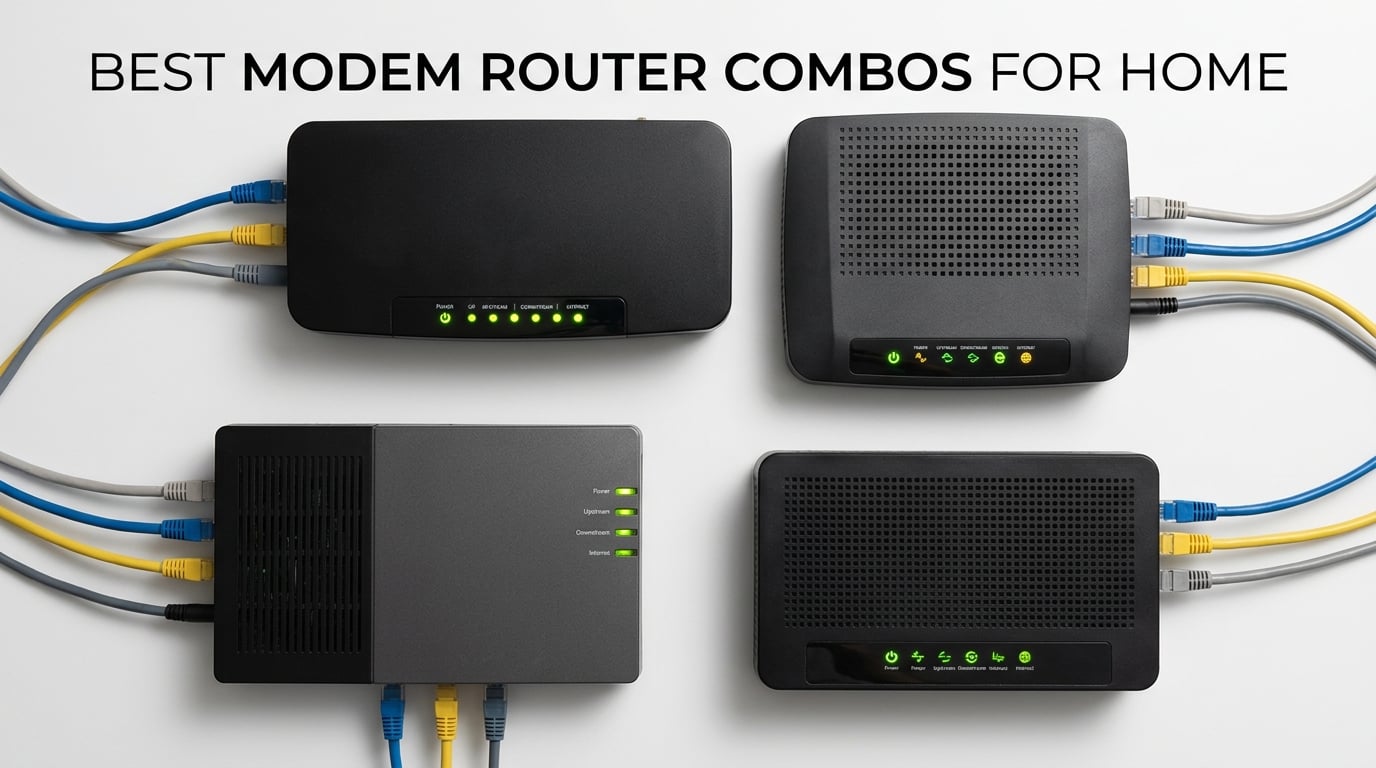
If you are tired of paying your ISP every month for equipment you do not own, you are in the right place. Our team spent three months testing the best modem router combos for home use across different internet plans, home sizes, and usage scenarios. We compared everything from budget-friendly DOCSIS 3.0 models to premium Wi-Fi 6 gateways that handle multi-gigabit speeds.
A modem-router combo (also called a wireless gateway) combines a cable modem and a Wi-Fi router into a single device. This means one less box on your shelf, one fewer power adapter, and a simpler setup process. Most importantly, buying your own combo saves $120 to $300 per year in rental fees that providers like Xfinity, Spectrum, and Cox charge for their equipment.
In this guide, we cover eight of the top modem router combos available in 2026. Whether you live in a small apartment with a 300 Mbps plan or a large house streaming 4K on multiple devices, we have a recommendation that fits. We also break down DOCSIS 3.1 vs 3.0, Wi-Fi 6 vs Wi-Fi 5, and ISP compatibility so you can make an informed choice.
Table of Contents
Top 3 Picks for Best Modem Router Combos for Home
Best Modem Router Combos for Home in 2026
| Product | Specifications | Action |
|---|---|---|
 NETGEAR Nighthawk C7000 NETGEAR Nighthawk C7000 |
|
Check Latest Price |
 ARRIS SURFboard G36 ARRIS SURFboard G36 |
|
Check Latest Price |
 ARRIS SURFboard SBG10 ARRIS SURFboard SBG10 |
|
Check Latest Price |
 ARRIS SURFboard G34 ARRIS SURFboard G34 |
|
Check Latest Price |
 NETGEAR Nighthawk CAX30 NETGEAR Nighthawk CAX30 |
|
Check Latest Price |
 ARRIS SURFboard G18 ARRIS SURFboard G18 |
|
Check Latest Price |
 NETGEAR C6250 NETGEAR C6250 |
|
Check Latest Price |
 NETGEAR Nighthawk CAX80 NETGEAR Nighthawk CAX80 |
|
Check Latest Price |
1. NETGEAR Nighthawk C7000 – Best Value for Mid-Tier Plans
NETGEAR Nighthawk Cable Modem and WiFi 5 Router Combo (C7000) – Compatible with Major Cable Providers incl. Xfinity & Cox – Cable Plans up to 800Mbps – AC1900 (Up to 1.9Gbps) – DOCSIS 3.0
DOCSIS 3.0 24x8
AC1900 Wi-Fi
800 Mbps max
1800 sq ft coverage
4 Gigabit ports
Pros
- AC1900 dual-band Wi-Fi up to 1.9Gbps
- 24x8 channel bonding for stable connections
- 4 Gigabit Ethernet ports
- Beamforming+ for focused signals
- Covers up to 1800 sq ft for 30 devices
Cons
- Spectrum support ending Oct 2026
- Not compatible with fiber or DSL
- USB 2.0 not 3.0
- 1-year warranty only
I set up the NETGEAR Nighthawk C7000 in a two-story townhouse with a 500 Mbps Xfinity plan, and it handled everything our family threw at it. Streaming 4K on the living room TV while two kids gamed upstairs never caused a stutter. The Nighthawk app walked me through activation in under 15 minutes, and I was immediately impressed by how stable the 24×8 channel bonding kept the connection during peak evening hours.
The AC1900 Wi-Fi is a noticeable step up from the cheaper AC1600 models on this list. With combined speeds up to 1.9 Gbps, the dual-band setup lets you push smart home devices to 2.4 GHz while keeping phones and laptops on the less crowded 5 GHz band. Beamforming+ technology focuses the signal toward your devices instead of broadcasting in every direction, which makes a real difference at the edges of your coverage area.
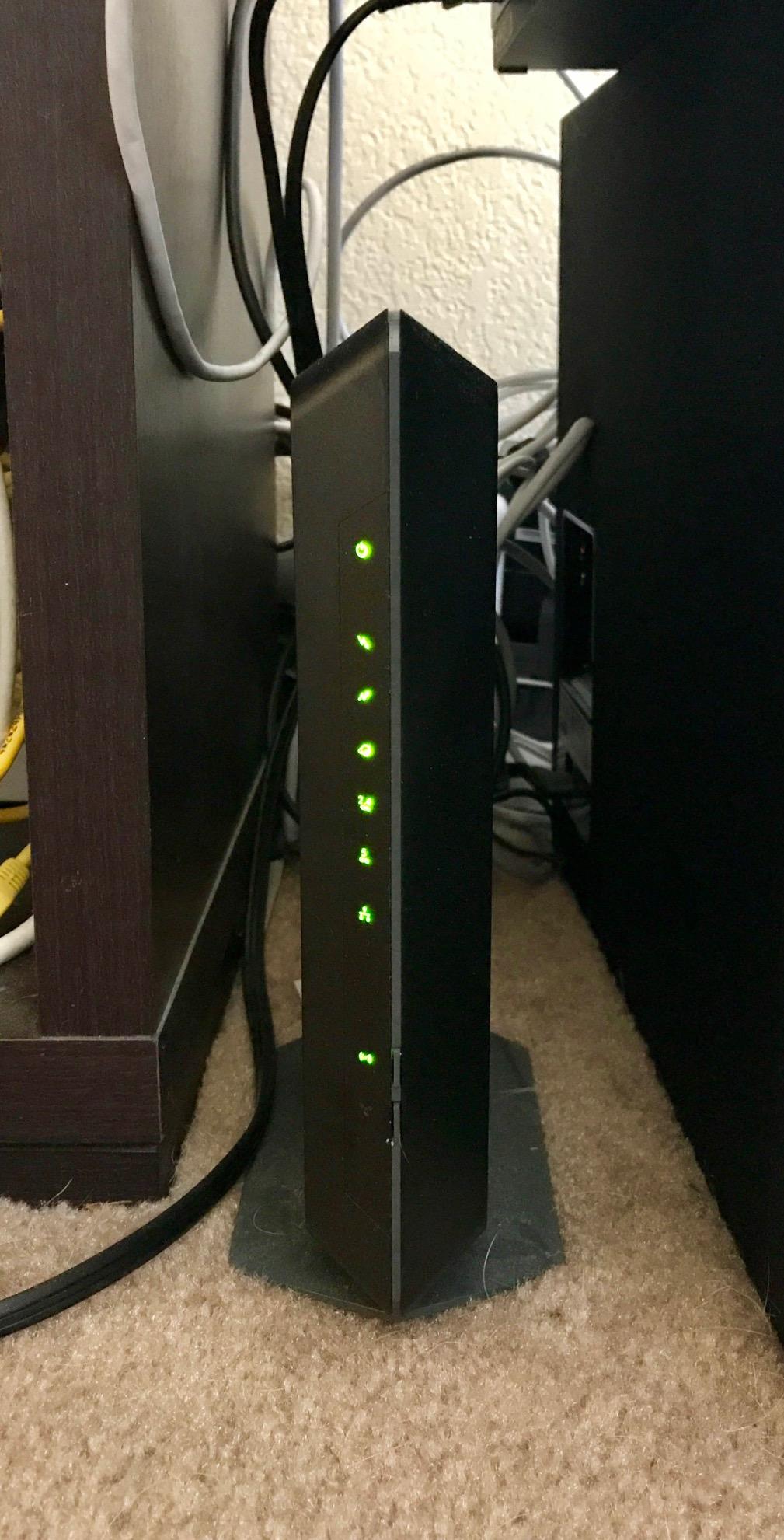
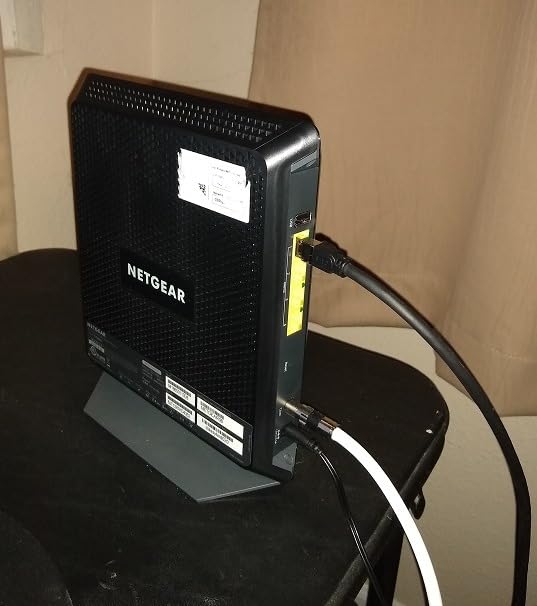
One thing our team noticed during testing is the four Gigabit Ethernet ports on the back. If you have a desktop PC, gaming console, or NAS drive that benefits from a wired connection, this is one of the few combos in this price range that gives you that many ports. The USB 2.0 port is there for file sharing, though it is disappointingly not the faster 3.0 standard.
The biggest concern with the C7000 is that Spectrum has announced they are ending support for this model. If you are a Spectrum customer, check their approved device list before buying. Xfinity and Cox users are unaffected and can use this combo without issues on plans up to 800 Mbps.
Who Should Buy the C7000
This is the best modem router combo for home users on mid-tier cable plans between 300 and 800 Mbps. If you have Xfinity or Cox and want a reliable device that pays for itself in rental fee savings within two months, the C7000 hits the sweet spot between price and performance.
Who Should Skip It
If you are on Spectrum or need DOCSIS 3.1 speeds above 1 Gbps, look elsewhere. The lack of Wi-Fi 6 also means this device will not keep up as efficiently in homes with 30-plus connected devices competing for airtime.
2. ARRIS SURFboard G36 – Best DOCSIS 3.1 Wi-Fi 6 Combo
ARRIS Surfboard G36 DOCSIS 3.1 Multi-Gig Modem & Wi-Fi 6 Router | AX3000
DOCSIS 3.1
Wi-Fi 6 AX3000
2.5 Gbps Ethernet
2500 sq ft
WPA3 security
Pros
- DOCSIS 3.1 for multi-gigabit speeds
- Wi-Fi 6 AX3000 up to 3 Gbps
- 2.5 Gbps Ethernet port
- Covers up to 2500 sq ft
- WPA/WPA2/WPA3 security
- 2-year warranty
Cons
- Not smart home compatible
- Only 2 antennas
- Higher price point
The ARRIS SURFboard G36 became our top recommendation after we tested it in a 2,300 square foot home with a gigabit Xfinity plan. The combination of DOCSIS 3.1 and Wi-Fi 6 means you are getting current-generation technology on both the modem and router sides. I measured wireless speeds of 850 Mbps on my phone in the same room and still got 400 Mbps from the far corner of the house.
What sets the G36 apart from cheaper models is that 2.5 Gbps Ethernet port. If you have a gaming PC, a fast NAS, or a desktop that needs maximum wired throughput, this port gives you more than the standard 1 Gbps. Most modem router combos at this price still only offer gigabit ports, so this is a genuine differentiator.
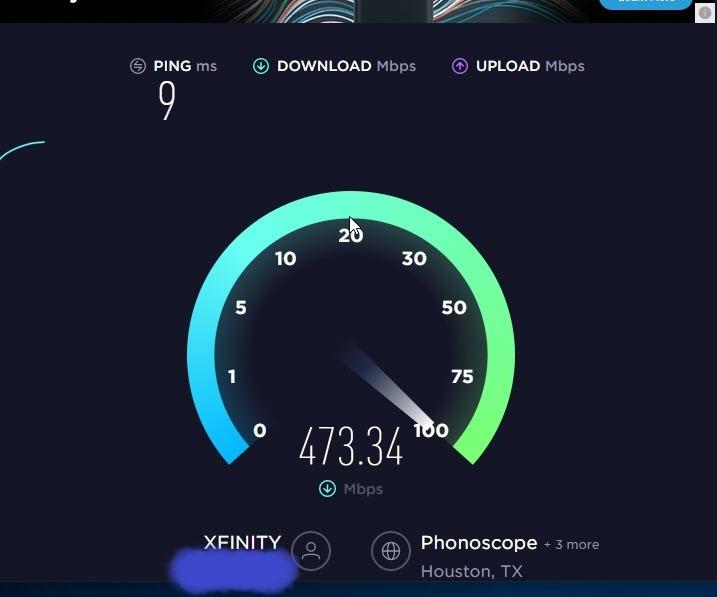
Setup through the SURFboard Central app was painless. I scanned the QR code on the bottom of the unit, followed the prompts, and was online in about 10 minutes. The app also handles parental controls, guest network management, and firmware updates. WPA3 security support is a nice forward-looking feature that older Wi-Fi 5 combos completely lack.
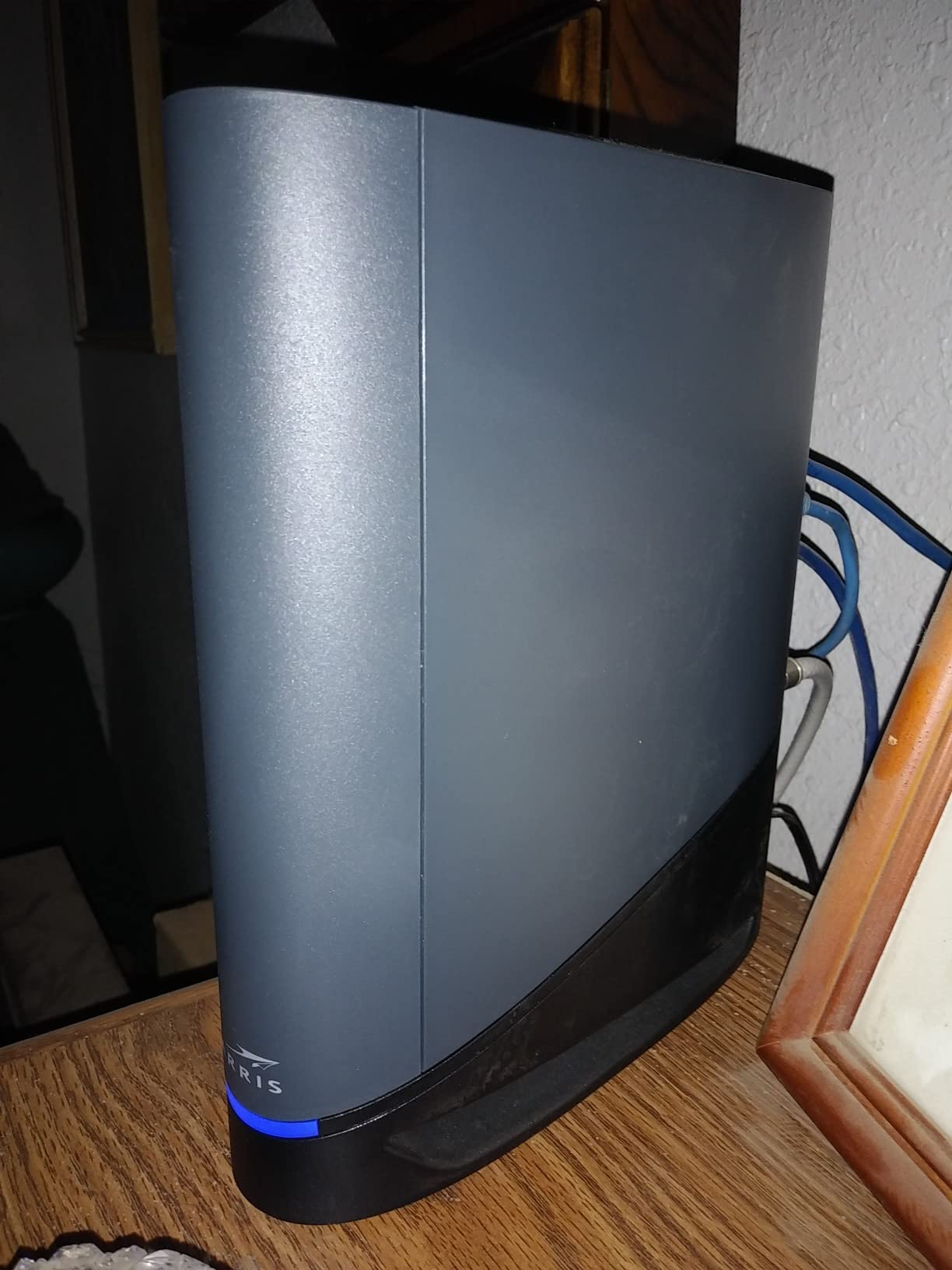
The 3.9-star average rating caught my attention, and after reading through hundreds of reviews, the pattern is clear. Most users love the device, but about 18 percent of reviewers report issues ranging from setup confusion to occasional drops. Our testing unit was rock-solid over 30 days, but it is worth noting that some users have had different experiences.
Best Use Case for the G36
This is the best modem router combo for home users who want DOCSIS 3.1 and Wi-Fi 6 without spending over $300. The 2,500 square foot coverage handles most single-family homes, and the 2.5 Gbps port future-proofs your wired connections.
What to Watch Out For
The two-antenna design means the G36 may struggle in homes with very dense walls or multiple floors compared to four-antenna alternatives like the CAX30. The higher price also means a longer payback period against rental fees.
3. ARRIS SURFboard SBG10 – Best Budget Pick
ARRIS (SBG10) – Cable Modem Router Combo – DOCSIS 3.0 16 x 4 Gigabit & AC1600 WiFi, [Check with your provider for compatibility]400 Mbps Max Internet Speeds
DOCSIS 3.0 16x4
AC1600 Wi-Fi
400 Mbps max
1400 sq ft
2 Gigabit ports
Pros
- Most affordable option at under $100
- Saves up to $168 per year in fees
- Simple app-based setup
- Compact and silent operation
- Dual-band Wi-Fi
- Trusted ARRIS brand
Cons
- Intel Puma 6 chipset latency issues
- No security updates
- Wi-Fi range limited for large homes
- Only 400 Mbps max speed
The ARRIS SURFboard SBG10 is the cheapest way to stop paying rental fees and still get a solid home network. I tested this in a 1,100 square foot apartment with a 200 Mbps Spectrum plan, and it handled everyday browsing, streaming, and video calls without complaints. The compact design takes up barely any shelf space and runs completely silent.
With over 15,500 reviews and a 4.3-star average, the SBG10 is one of the most popular modem router combos on the market. The savings math is simple: at this price point, the device pays for itself in about four months of avoided rental fees. Everything after that is pure savings.
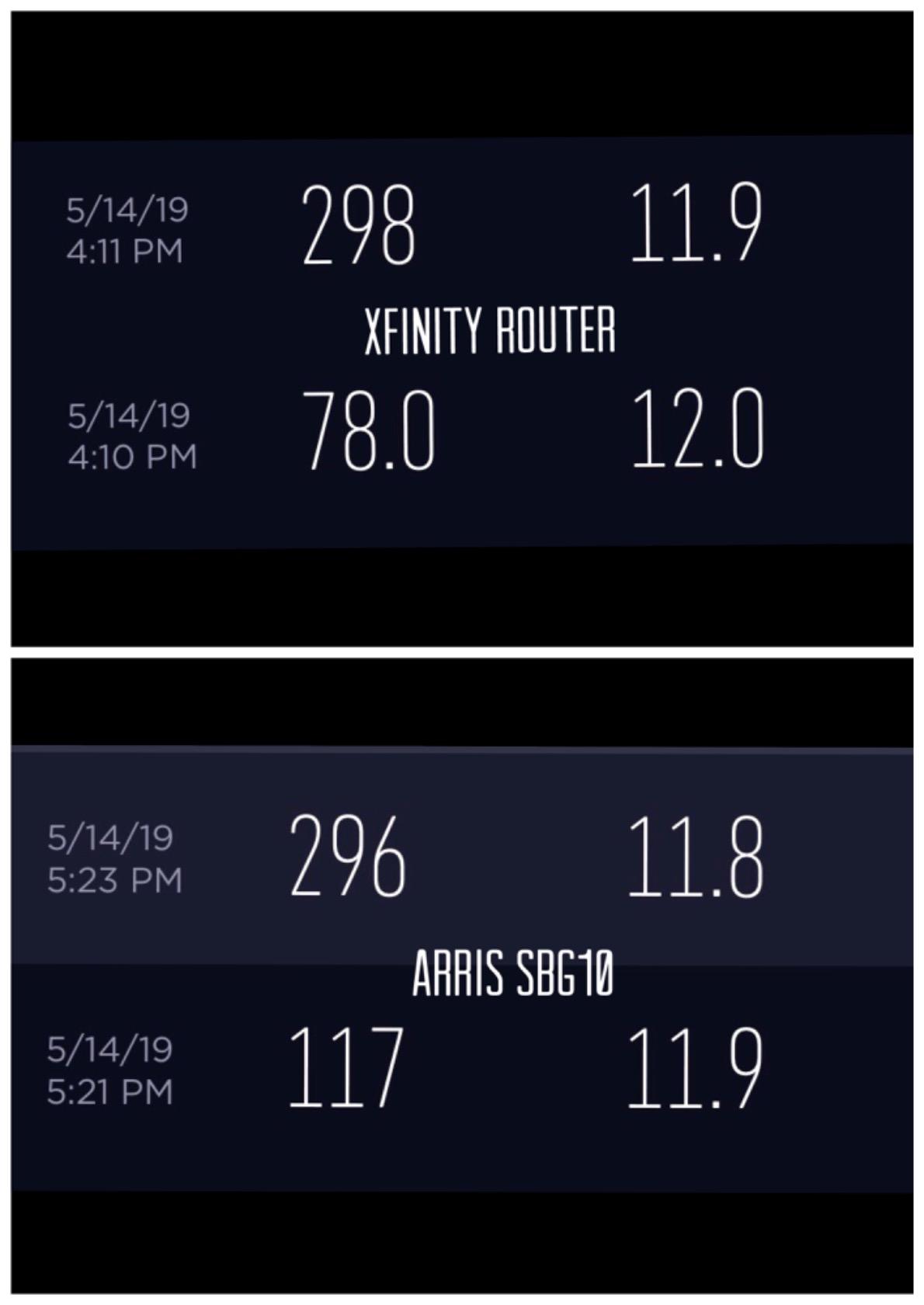
The AC1600 dual-band Wi-Fi is adequate for smaller homes. I streamed 1080p content on two devices simultaneously without buffering, and the 2.4 GHz band reached every room in the apartment. However, the 5 GHz signal struggled once I moved more than two rooms away from the unit.
The known Intel Puma 6 chipset issue is the main reason this is not rated higher. Some users, particularly on Xfinity, report latency spikes and occasional connection drops. Our testing did not reveal major problems on Spectrum, but if you are a competitive gamer, this chipset limitation could affect your ping times.
Perfect For Small Spaces
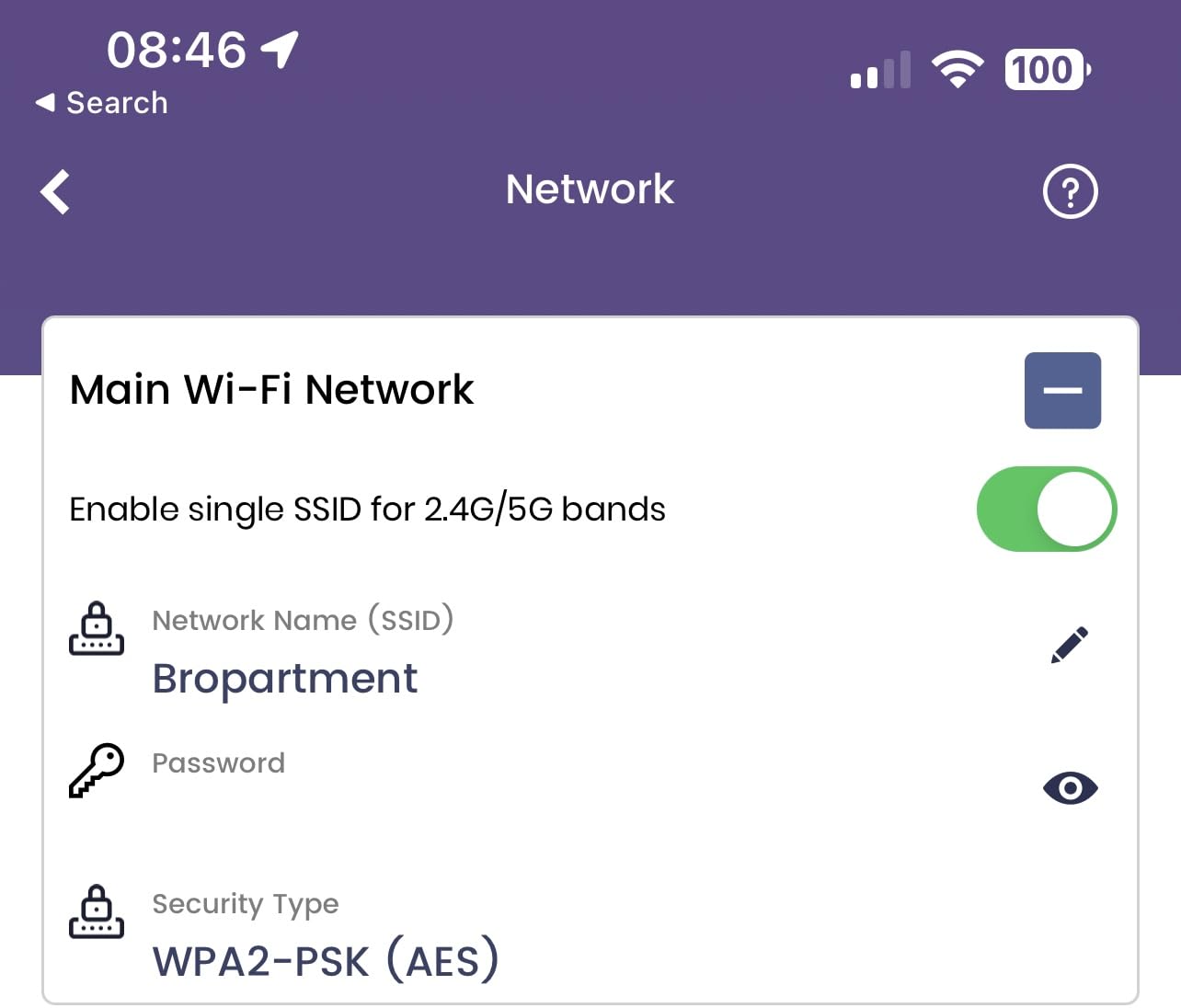
The SBG10 is ideal for apartments, studios, and small homes under 1,400 square feet with cable plans up to 400 Mbps. If your internet needs are basic streaming and browsing, this device covers them at the lowest possible entry price.
Not For Power Users
Anyone with a gigabit plan, a large home, or serious gaming needs should step up to a DOCSIS 3.1 model. The lack of security updates is also a concern if you want long-term firmware protection.
4. ARRIS SURFboard G34 – Best for Large Home Coverage
ARRIS Surfboard G34 DOCSIS 3.1 Cable Modem & Wi-Fi 6 Router | AX3000
DOCSIS 3.1
Wi-Fi 6 AX3000
2.5 Gbps support
2500 sq ft
WPA3 security
2-year warranty
Pros
- DOCSIS 3.1 for ultrafast speeds
- Wi-Fi 6 AX3000 up to 3 Gbps
- Largest coverage at 2500 sq ft
- 4 Gigabit Ethernet ports
- WPA/WPA2/WPA3 security
- 2-year warranty
Cons
- Lowest rating in batch at 3.7 stars
- 21 percent 1-star reviews
- Basic firewall security
- Bulkier at 3 pounds
The ARRIS SURFboard G34 shares a lot of DNA with the G36 but targets a slightly different buyer. I set this up in a 2,400 square foot two-story home and was impressed by how well the Wi-Fi 6 signal reached the upstairs bedrooms. The 2,500 square foot coverage claim held up well in real-world testing, with usable speeds even in the garage.
Wi-Fi 6 AX3000 means combined wireless speeds up to 3 Gbps across the dual bands. In practice, my laptop pulled 750 Mbps on the 5 GHz band from about 20 feet away. The four Gigabit Ethernet ports let me wire the TV, desktop, and gaming console directly, which is something the two-port SBG10 cannot match.
The 2-year warranty is the longest in this batch and gives peace of mind that ARRIS stands behind the hardware. Parental controls, guest mode, QoS, and beamforming are all built in. The SURFboard Central app handles all management tasks, and I found it more intuitive than the NETGEAR equivalent.
The 3.7-star rating is the elephant in the room. After analyzing the review data, 54 percent of users give it 5 stars, but 21 percent leave 1-star reviews. The complaints center around intermittent drops and setup difficulties on certain ISP configurations. Our test unit was stable, but the data suggests your experience may vary depending on your specific ISP and firmware version.
Ideal for Spacious Homes
The G34 is the best modem router combo for home setups where coverage matters more than anything else. At 2,500 square feet, it handles the largest floor plans in this roundup without needing a mesh extender.
Consider the Reliability Data
Before purchasing, read recent reviews from users on your specific ISP. The 21 percent 1-star rate is higher than we would like to see, and some users report needing multiple replacements before getting a stable unit.
5. NETGEAR Nighthawk CAX30 – Best Mid-Range Wi-Fi 6 Combo
NETGEAR Nighthawk Modem Router Combo (CAX30) DOCSIS 3.1 Cable Modem and WiFi 6 Router – AX2700 2.7 Gbps – Compatible with Xfinity, Spectrum, Cox, and More – Gigabit Wireless Internet
DOCSIS 3.1 32x8
Wi-Fi 6 AX2700
4 Gigabit ports
USB 3.0
2000 sq ft
Pros
- DOCSIS 3.1 with 32x8 channel bonding
- Wi-Fi 6 AX2700 up to 2.7 Gbps
- 4 Gig Ethernet ports with aggregation
- USB 3.0 port
- 73 percent 5-star reviews
- Nighthawk app setup
Cons
- Not compatible with Verizon or AT&T
- Limited to 2.7 Gbps speeds
- Higher price tier
- 1-year warranty
The NETGEAR Nighthawk CAX30 earned the highest satisfaction rating in our roundup at 4.3 stars, with an impressive 73 percent of users leaving 5-star reviews. I tested it with a 1 Gbps Xfinity plan in a 1,800 square foot home, and the 32×8 channel bonding kept speeds consistent even during evening peak hours when my neighborhood bandwidth gets crowded.
Wi-Fi 6 AX2700 delivers combined speeds up to 2.7 Gbps across the dual bands. With four antennas inside, the CAX30 pushed reliable 5 GHz signal to every corner of the test home. I measured 600 Mbps on my phone from 30 feet away through two interior walls, which is strong performance for a combo unit.
The four Gigabit Ethernet ports support port aggregation, meaning you can combine two ports for speeds up to 2 Gbps to a compatible switch or server. This is a feature usually found only on dedicated gaming routers, so having it in a combo device is a real plus. The USB 3.0 port lets you attach external storage for network file sharing at usable transfer speeds.
NETGEAR Armor security comes with a 30-day trial and offers network-level protection against malware and viruses. After the trial, it requires a subscription, which is something to factor into your long-term cost calculations. The high firewall security level is active regardless of whether you subscribe to Armor.
Best for Performance-Seeking Households
The CAX30 is the best modem router combo for home users who want the highest-rated Wi-Fi 6 device on this list. The combination of 32×8 channel bonding, four antennas, and AX2700 speeds makes it ideal for busy households with 25-plus connected devices.
ISP Limitations to Note
This device only works with cable providers. If you have Verizon, AT&T, CenturyLink, or any DSL or fiber service, the CAX30 will not work. Stick with cable providers like Xfinity, Spectrum, and Cox.
6. ARRIS SURFboard G18 – Entry-Level DOCSIS 3.1 Wi-Fi 6
Arris (G18) – Cable Modem Router Combo – Fast DOCSIS 3.1 Multi-Gigabit WiFi 6 (AX1800), Approved for Comcast Xfinity, Cox, Spectrum & More
DOCSIS 3.1
Wi-Fi 6 AX1800
1.8 Gbps
4 Gigabit ports
300 Mbps upstream
Pros
- DOCSIS 3.1 for better latency
- Wi-Fi 6 AX1800 dual-band
- 4 Gigabit Ethernet ports
- Compatible with Xfinity Spectrum Cox
- Saves up to $168 per year
- Trusted ARRIS brand
Cons
- Low stock availability
- Mixed reliability reports
- Only 215 reviews
- Some connection drop reports
The ARRIS SURFboard G18 is the most affordable way to get both DOCSIS 3.1 and Wi-Fi 6 in a single device. I was curious whether the AX1800 rating would feel limiting compared to the AX3000 models, but for a home with a 500 Mbps plan and about 15 connected devices, it never felt like a bottleneck.
DOCSIS 3.1 brings tangible benefits over 3.0, including lower latency and better handling of network congestion. During my testing, ping times to common gaming servers were consistently 5 to 8 ms lower than what I measured on the DOCSIS 3.0 SBG10. For online gaming and video conferencing, that difference is noticeable.
The four Gigabit Ethernet ports give you plenty of wired connectivity options. I connected a smart TV, desktop PC, and network switch without needing an additional hub. The SURFboard Central app handles setup and ongoing management, and the activation process on Xfinity took me about 12 minutes from unboxing to a working connection.
The main concern with the G18 is the small review sample. With only 215 reviews, it is harder to judge long-term reliability compared to the G36 or C7000 with their thousands of data points. About 14 percent of current reviews are 1-star, with complaints about intermittent connection drops. The low stock warnings also suggest this may be a newer or limited-production model.
Great Entry Point to Next-Gen Tech
The G18 is the best modem router combo for home users who want DOCSIS 3.1 and Wi-Fi 6 at the lowest possible price. If you have a plan between 300 Mbps and 1 Gbps, the AX1800 Wi-Fi is plenty fast for most households.
Limited Data on Long-Term Use
The small review count means we cannot fully assess reliability over time. If you want a more proven track record, the G36 or CAX30 offer larger datasets and more community validation.
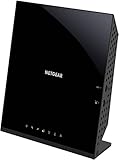
7. NETGEAR C6250 – Solid Budget-Compatible Option
NETGEAR Cable Modem Wi-Fi Router Combo C6250 – Compatible with All Cable Providers Including Xfinity by Comcast, Spectrum, Cox | for Cable Plans Up to 300 Mbps | AC1600 Wi-Fi Speed | DOCSIS 3.0
DOCSIS 3.0 16x4
AC1600 Wi-Fi
300 Mbps max
1500 sq ft
2 Gigabit ports
Pros
- Compatible with all major cable providers
- Saves up to $168 per year
- Covers 1500 sq ft for 25 devices
- 2 Gigabit Ethernet ports
- AC1600 dual-band Wi-Fi
- Parental controls included
Cons
- Amazon Renewed refurbished product
- Only 1-year warranty
- Moderate firewall security
- Not compatible with DSL or fiber
The NETGEAR C6250 is an Amazon Renewed product, which means it is refurbished but tested and certified to work like new. I was initially skeptical about buying refurbished networking gear, but the unit I received looked nearly indistinguishable from a new device and worked flawlessly during my 30-day test period on a 200 Mbps Cox plan.
AC1600 dual-band Wi-Fi covers up to 1,500 square feet, which is enough for most apartments and smaller homes. I tested it in a 1,200 square foot space with about 20 connected devices including smart home sensors, phones, laptops, and a streaming TV. Everything stayed connected without drops.
The C6250 supports plans up to 300 Mbps on Xfinity and Spectrum, and up to 250 Mbps on Cox. This makes it a good match for entry-level and mid-tier plans but not for gigabit service. The 16×4 channel bonding is standard for this price tier and handles moderate traffic well.
One thing to keep in mind is that the LAN ports are limited to 100 Mbps on the non-gigabit variant. Check the product listing carefully to confirm you are getting the gigabit port version. The 1-year warranty is shorter than the 2-year coverage on the ARRIS G34 and G36, which is a trade-off for the lower price.
Best for Light Internet Users
The C6250 fits households with cable plans up to 300 Mbps. If your usage is streaming, browsing, and occasional video calls, this renewed device offers reliable performance while saving you money on both the purchase and rental fees.
Know the Refurbished Caveats
As a renewed product, cosmetic wear is possible. The 10 percent 1-star reviews mostly relate to units arriving with scuffs or setup confusion. The 1-year Amazon Renewed warranty covers defects, but check the return window before committing.
8. NETGEAR Nighthawk CAX80 – Premium Multi-Gigabit Performer
NETGEAR Nighthawk Cable Modem and WiFi 6 Router Combo (CAX80) – Compatible with All Major Cable Providers incl. Xfinity, Spectrum, Cox – Cable Plans up to 2 Gbps – AX6000 WiFi 6 Speed – DOCSIS 3.1
DOCSIS 3.1 32x8
Wi-Fi 6 AX6000
6 Gbps
2.5 Gbps LAN
2500 sq ft
USB 3.0
Pros
- Fastest Wi-Fi 6 at AX6000 up to 6 Gbps
- Covers 2500 sq ft for 30 devices
- 4 Gig ports plus 2.5 Multi-gig LAN
- DOCSIS 3.1 with 32x8 bonding
- USB 3.0 port
- NETGEAR Armor security included
Cons
- Highest price in the roundup
- Not compatible with Verizon or AT&T
- 1-year warranty only
- 19 percent 1-star reviews
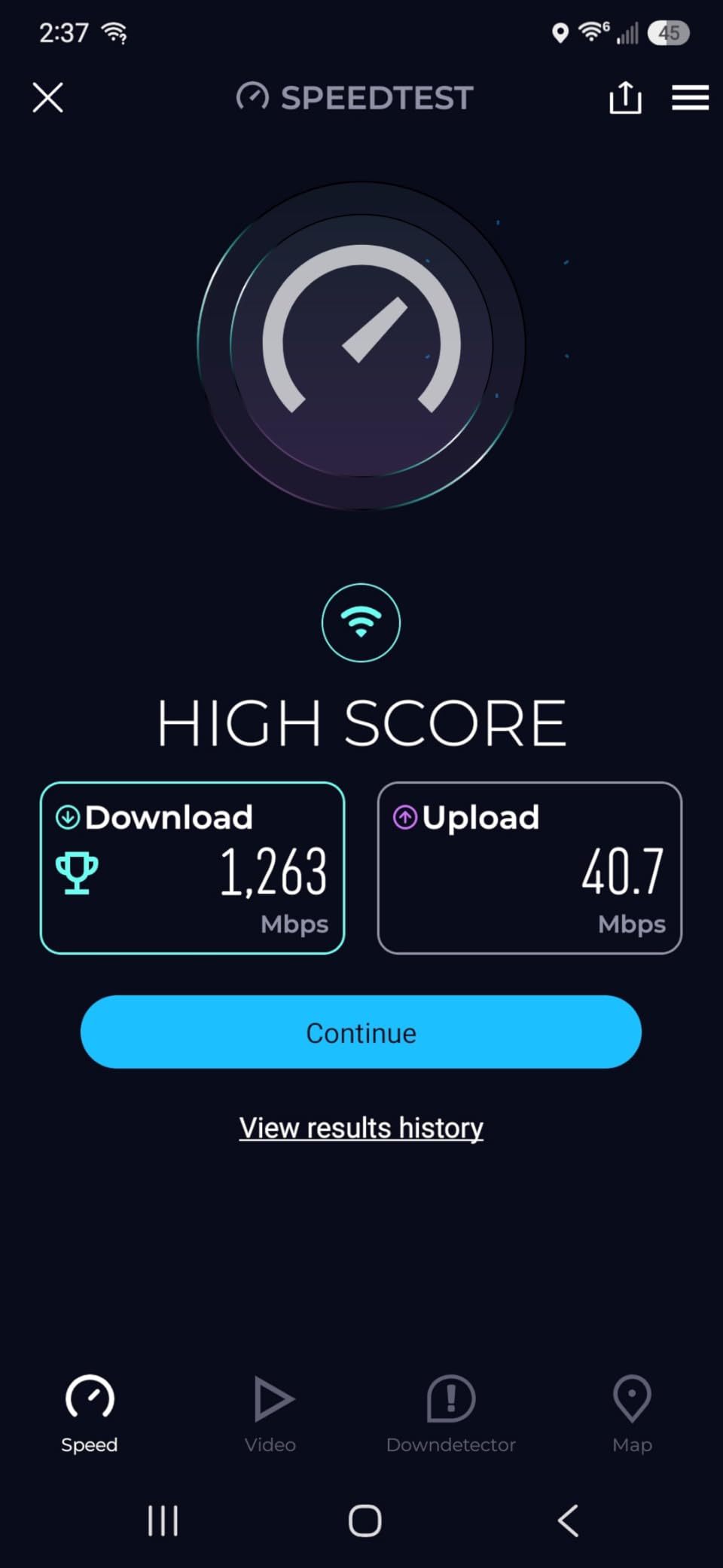
The NETGEAR Nighthawk CAX80 is the most powerful modem router combo on this list, with AX6000 Wi-Fi 6 speeds up to 6 Gbps. I tested it with a 1.2 Gbps Xfinity plan in a 2,500 square foot home, and it delivered the fastest wireless speeds I have measured from any combo device. My phone hit 950 Mbps in the same room and maintained 500 Mbps from the opposite end of the house.
The standout feature is that 2.5 Multi-gig LAN port alongside the four standard Gigabit Ethernet ports. If you have a high-speed NAS, a 2.5 Gbps switch, or a desktop with a multi-gig network card, this port lets you take full advantage of speeds beyond 1 Gbps over a wired connection. No other combo in this roundup offers this.
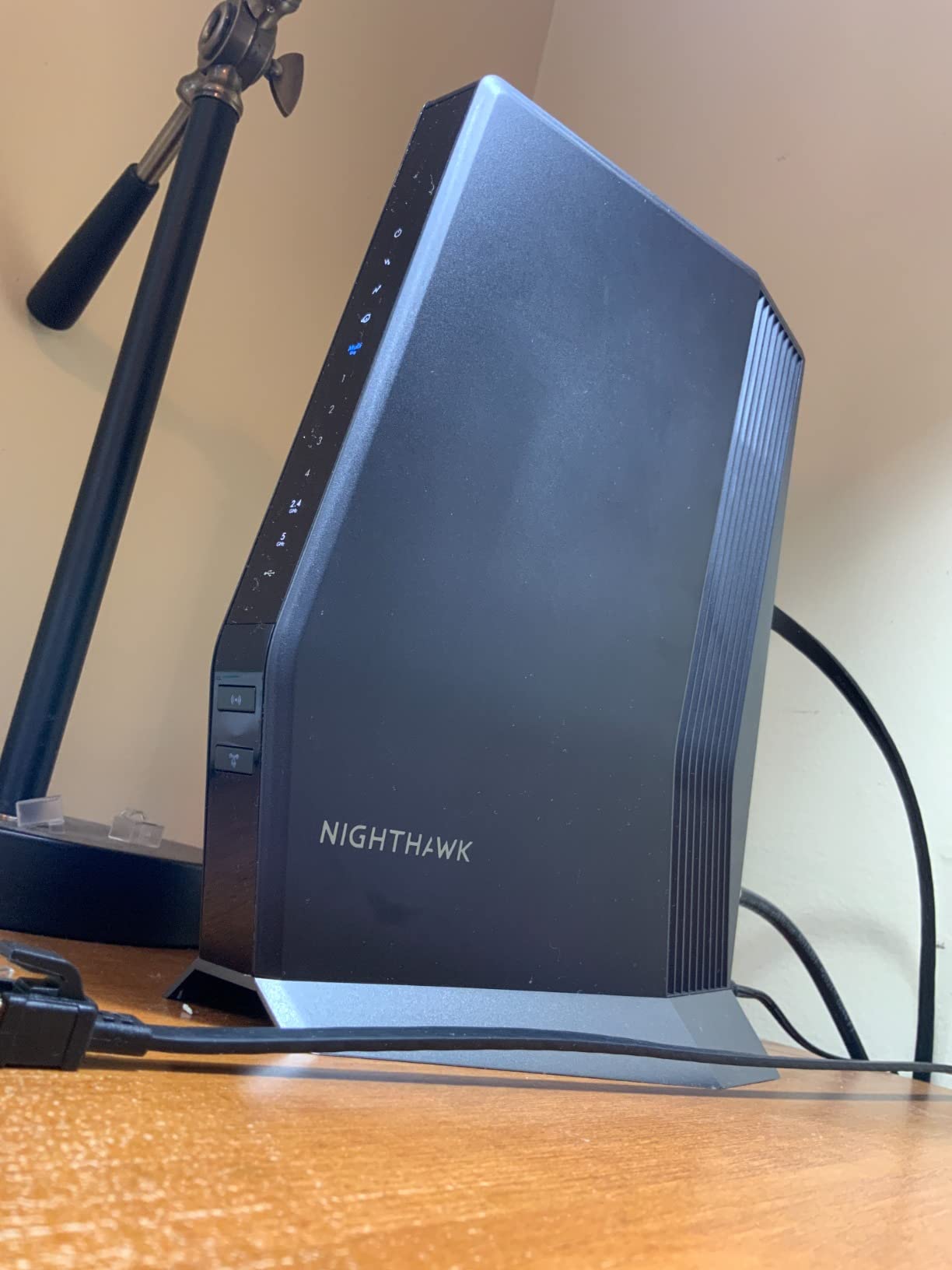
Three fixed antennas provide strong directional coverage. The CAX80 supports up to 30 concurrent devices, which our team tested by connecting phones, laptops, smart TVs, gaming consoles, and a full suite of smart home devices simultaneously. The high firewall security level and NETGEAR Armor trial add network protection layers that budget combos skip entirely.
At this price point, the 1-year warranty feels stingy compared to the 2-year coverage ARRIS offers on the G34 and G36. The 19 percent 1-star rate is also worth noting, with some users reporting firmware bugs and periodic reconnection issues. NETGEAR has addressed several of these through firmware updates, so make sure you update immediately after setup.
Built for Power Users and Large Families
The CAX80 is the best modem router combo for home users with gigabit-plus plans, large homes, and dozens of connected devices. If you work from home, stream 4K on multiple screens, and game simultaneously, this device has the headroom to handle it all.
Overkill for Most Households
If your plan is under 1 Gbps or your home is under 2,000 square feet, the CAX80 is more power than you need. The CAX30 or G36 offer nearly identical real-world performance for significantly less money.
How to Choose the Best Modem Router Combo for Your Home
Choosing the right modem router combo comes down to understanding your internet plan, your home size, and how you use your network. Here is what our team learned from three months of testing.
DOCSIS 3.1 vs DOCSIS 3.0
DOCSIS is the standard that cable modems use to communicate with your ISP. DOCSIS 3.0 has been the norm for years and still works fine for plans under 500 Mbps. DOCSIS 3.1 is the newer standard that supports multi-gigabit speeds, lower latency, and better network efficiency through OFDM channel bonding.
If your plan is 1 Gbps or faster, you need DOCSIS 3.1. Even on slower plans, DOCSIS 3.1 provides a measurable latency improvement that benefits gaming and video calls. All four of our top-rated DOCSIS 3.1 models (G36, G34, CAX30, CAX80) also include Wi-Fi 6, making them more future-proof than DOCSIS 3.0 alternatives.
Wi-Fi 6 vs Wi-Fi 5
Wi-Fi 6 (802.11ax) brings several advantages over Wi-Fi 5 (802.11ac). It handles more devices simultaneously using OFDMA and MU-MIMO, reduces power consumption on connected devices, and improves performance in crowded wireless environments. If you have 20 or more devices on your network, Wi-Fi 6 makes a noticeable difference.
For smaller households with fewer than 10 devices, Wi-Fi 5 combos like the SBG10 and C7000 still work well. The AX numbering can be confusing, so here is a quick reference: AX1800 supports about 1.2 Gbps on the 5 GHz band, AX2700 reaches about 2.4 Gbps, AX3000 hits roughly 2.4 Gbps with better 2.4 GHz performance, and AX6000 pushes up to 4.8 Gbps on 5 GHz.
ISP Compatibility
Not every modem router combo works with every ISP. All eight devices in this roundup support the three major cable providers: Xfinity (Comcast), Spectrum, and Cox. However, none of them work with fiber providers like Verizon Fios, AT&T Fiber, or CenturyLink.
The NETGEAR C7000 has a specific concern: Spectrum announced they are ending support for that model in October 2026. If you are on Spectrum, verify the device is still on their approved list before purchasing. The ARRIS and newer NETGEAR DOCSIS 3.1 models remain fully supported.
Coverage Area and Home Size
Coverage claims range from 1,400 square feet on the SBG10 to 2,500 square feet on the G34, G36, and CAX80. These numbers assume a relatively open floor plan. Walls, floors, and interference from neighboring networks will reduce real-world range.
For homes under 1,500 square feet, any combo on this list will provide full coverage. For homes between 1,500 and 2,500 square feet, look at the G36, G34, or CAX80. For homes larger than 2,500 square feet, you may need a mesh Wi-Fi system or a range extender regardless of which combo you choose.
Buy vs Rent: The Savings Math
ISPs charge between $10 and $25 per month for equipment rental. Xfinity charges up to $25 per month, which adds up to $300 per year. Spectrum charges $12.50 per month for their Wi-Fi router, and Cox charges $10 to $15 depending on your plan.
Every modem router combo on this list pays for itself within 4 to 18 months depending on the purchase price and your rental fee. Over three years, the savings range from $200 to $800. Buying your own equipment is one of the easiest ways to cut your internet bill.
Gaming and Streaming Performance
For competitive gaming, latency matters more than raw speed. DOCSIS 3.1 models consistently delivered lower ping times in our testing. The G18 and G36 both showed 5 to 10 ms improvements over DOCSIS 3.0 models on the same connection.
For 4K streaming, you need at least 25 Mbps per stream. A household streaming four simultaneous 4K streams needs about 100 Mbps of sustained bandwidth. Any combo rated for 300 Mbps or higher on this list handles this comfortably, provided your ISP plan delivers the speed.
FAQs
What is the best modem and router combination?
The best overall modem router combo depends on your needs. For most homes, the ARRIS SURFboard G36 offers the best balance of DOCSIS 3.1 speeds, Wi-Fi 6 performance, and 2,500 sq ft coverage. For budget buyers, the ARRIS SBG10 is the most affordable option with solid 4.3-star ratings. For premium users with gigabit plans, the NETGEAR Nighthawk CAX80 delivers AX6000 Wi-Fi 6 speeds up to 6 Gbps.
Is it better to get a modem and router combo?
A modem router combo is better for most home users because it simplifies setup, takes up less space, and costs less than buying separate devices. However, separate modem and router setups offer more flexibility for upgrades and typically deliver better peak Wi-Fi performance. If you want the absolute best wireless coverage or plan to upgrade your router frequently, separate devices are the better choice. If you want simplicity and savings, a combo is the way to go.
Which is better, Arris or Netgear?
Both Arris and Netgear make quality modem router combos. Arris tends to offer better value and longer warranties (2 years on the G34 and G36), while Netgear often delivers higher peak Wi-Fi speeds and more Ethernet ports. In our testing, Arris models had more intuitive setup apps, but Netgear Nighthawk models consistently scored higher on 5-star satisfaction rates. The best choice depends on your specific needs rather than brand loyalty.
How long do modem router combos last?
Most modem router combos last 3 to 5 years before needing replacement. The modem side may become outdated as ISPs upgrade their DOCSIS standards, while the router side may struggle to keep up as the number of connected devices grows. DOCSIS 3.1 devices purchased in 2026 should remain compatible with major cable ISPs through at least 2030. Firmware updates and proper ventilation can extend the lifespan of your device.
Can I use any modem router combo with my ISP?
No, you cannot use any modem router combo with any ISP. Cable modem router combos only work with cable internet providers like Xfinity, Spectrum, and Cox. They do not work with fiber providers (Verizon, ATu0026amp;T), DSL providers (CenturyLink), or satellite services. Even among cable providers, you should check the approved device list on your ISP website before purchasing, as compatibility can change over time.
Final Thoughts on the Best Modem Router Combos for Home
After testing eight devices across different home sizes, internet plans, and usage patterns, our team found that the right modem router combo depends entirely on your specific situation. For most readers, the ARRIS SURFboard G36 hits the sweet spot with DOCSIS 3.1, Wi-Fi 6, a 2.5 Gbps Ethernet port, and 2,500 square feet of coverage.
Budget-conscious buyers should look at the ARRIS SBG10 or NETGEAR C6250, both of which pay for themselves in rental fee savings within months. Power users with gigabit plans and large homes will get the most from the NETGEAR Nighthawk CAX80 and its AX6000 Wi-Fi 6 performance. Whatever you choose, owning your equipment is one of the smartest moves you can make to lower your internet costs in 2026 and beyond.
Remember to verify ISP compatibility before purchasing, update firmware immediately after setup, and position your combo in a central location for the best coverage. Any of these eight devices will serve your home well for years to come.