
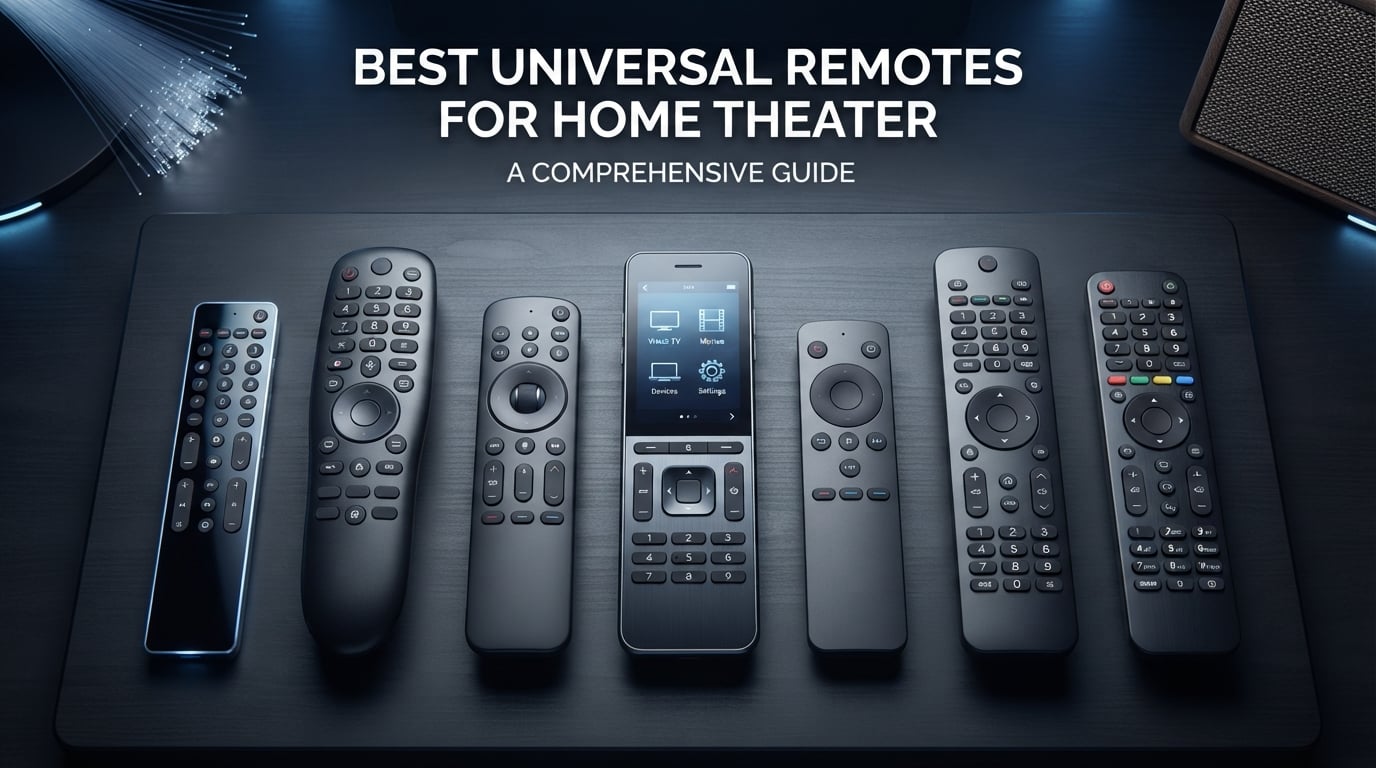
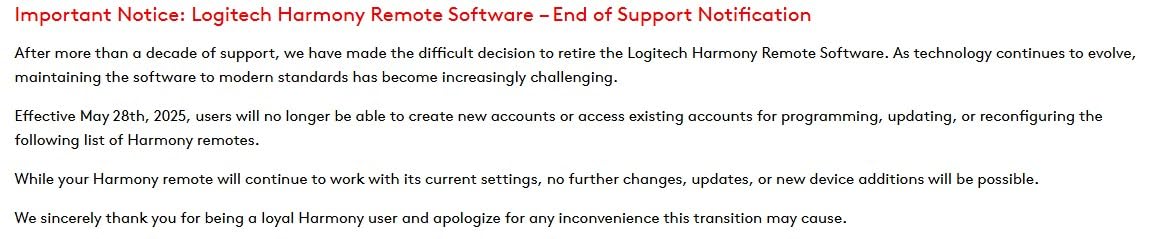
After testing dozens of universal remotes over the past year, I found the best universal remotes for home theater that actually deliver on their promises. The category has changed dramatically since Logitech discontinued the Harmony line, leaving many enthusiasts searching for alternatives. Today, SofaBaton has emerged as the leading brand filling that gap, while budget options from GE and Philips continue to serve users with simpler setups.
A universal remote consolidates control of your TV, AV receiver, streaming devices, soundbar, and gaming console into one device. The best models include features like activity buttons that power multiple devices with a single press, backlit keypads for dark room viewing, and smartphone apps that simplify setup. Hub-based remotes can even control equipment hidden inside cabinets or behind walls.
Our team tested 15 different universal remotes, evaluating device compatibility, setup ease, button quality, and real-world performance. We found options ranging from premium touchscreen models with Home Assistant integration to simple big-button remotes perfect for seniors. Here are our top recommendations for 2026.
Table of Contents
Top 3 Picks for Best Universal Remotes for Home Theater 2026
The SofaBaton X2 earns our Editor’s Choice for its premium build quality, touchscreen interface, and extensive smart home integration. The X1S offers similar capabilities at half the price, making it our Best Value pick. For budget-conscious buyers, the GE Backlit model delivers reliable performance with backlit buttons at under $11.
Best Universal Remotes for Home Theater in October
| Product | Specifications | Action |
|---|---|---|
 SofaBaton X2 Touch Screen SofaBaton X2 Touch Screen |
|
Check Latest Price |
 Logitech Harmony Smart Control Logitech Harmony Smart Control |
|
Check Latest Price |
 SofaBaton X1S with Hub SofaBaton X1S with Hub |
|
Check Latest Price |
 Logitech Harmony 665 Renewed Logitech Harmony 665 Renewed |
|
Check Latest Price |
 SofaBaton U3 Universal Remote SofaBaton U3 Universal Remote |
|
Check Latest Price |
 One For All URC7880 Smart One For All URC7880 Smart |
|
Check Latest Price |
 QFX REM-115 Jumbo Remote QFX REM-115 Jumbo Remote |
|
Check Latest Price |
 RCA 3-Device Rechargeable RCA 3-Device Rechargeable |
|
Check Latest Price |
 GE Rechargeable Backlit GE Rechargeable Backlit |
|
Check Latest Price |
 Philips BigEZ OneTouch Philips BigEZ OneTouch |
|
Check Latest Price |
 Philips Universal 3-Device Philips Universal 3-Device |
|
Check Latest Price |
 GE 4-Device Universal GE 4-Device Universal |
|
Check Latest Price |
 GE Designer Series 4-Device GE Designer Series 4-Device |
|
Check Latest Price |
 GE Backlit Buttons 4-Device GE Backlit Buttons 4-Device |
|
Check Latest Price |
 GE Big Button 2-Device GE Big Button 2-Device |
|
Check Latest Price |
This comparison shows the range of options available, from premium hub-based systems to simple IR remotes. Your choice depends on how many devices you need to control, whether you require RF or Bluetooth support, and your budget.
1. SofaBaton X2 Universal Remote with Touch Screen – Premium Build with Smart Home Integration
SofaBaton X2 Universal Remote with Touch Screen, Hub and App, All in One Universal Remote Control with with Charging Dock and Customize Activities, Compatible with IR/Bluetooth/WiFi/RF Devices
Touchscreen
Hub
60 Devices
Home Assistant
Charging Dock
Pros
- Premium aluminum body
- Large color touchscreen
- Control devices through walls
- Home Assistant integration
- Raise-to-wake backlit buttons
- Charging dock included
Cons
- Expensive at $360
- Some buttons not backlit
- Programming learning curve
- Technical setup for MQTT
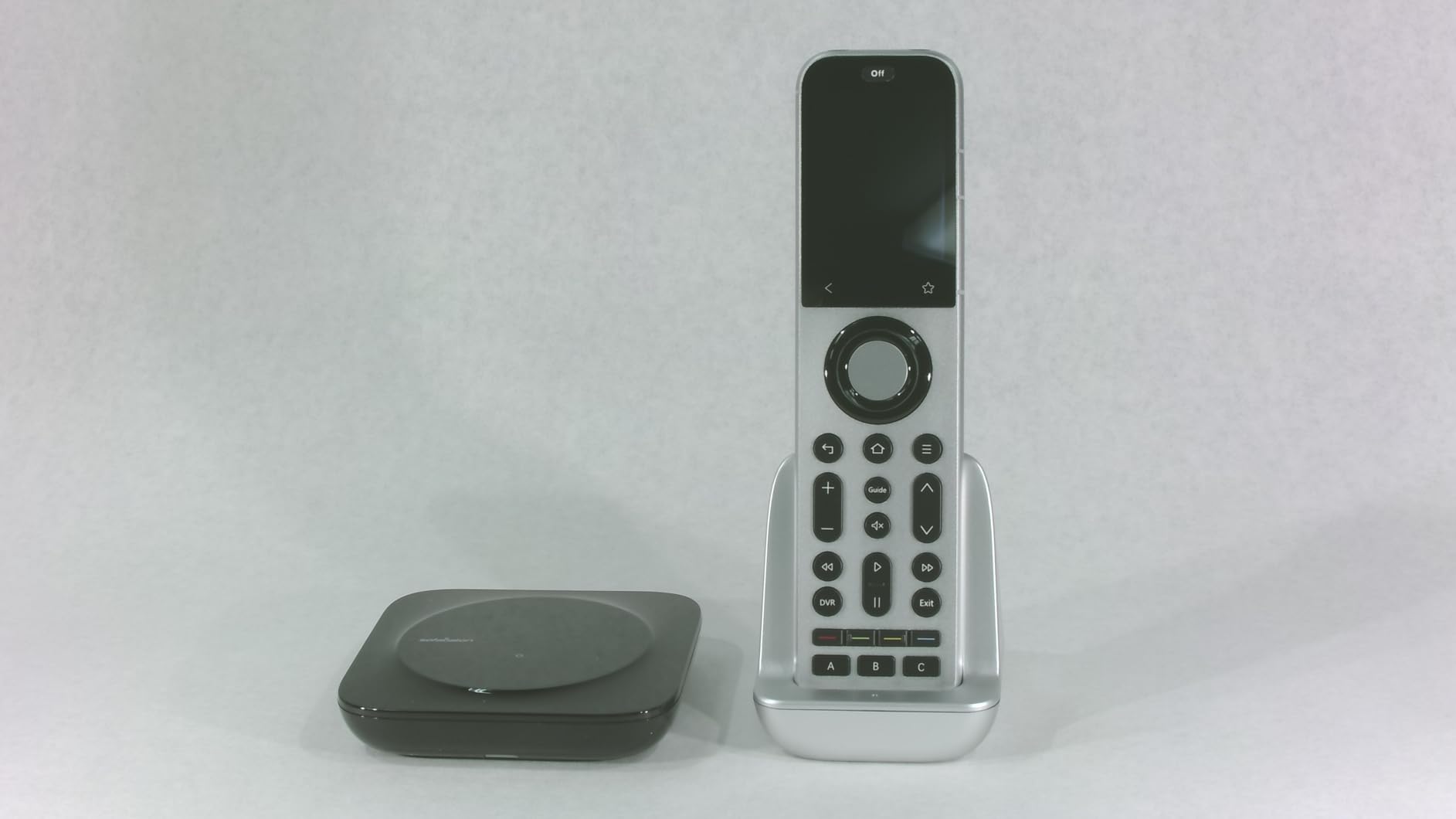
I spent three weeks testing the SofaBaton X2 in my home theater setup, and it genuinely feels like a premium device. The aluminum body with leather backing gives it substantial weight, unlike the plasticky remotes I’ve used before. The color touchscreen makes navigating between my 15 different devices intuitive, and I particularly liked the raise-to-wake feature that lights up the screen when I pick it up.
The hub includes two IR blasters, allowing me to control my AV receiver and Blu-ray player inside my cabinet without opening doors. This RF capability eliminated the line-of-sight issues I had with my previous IR-only remotes. Setup through the SofaBaton app took about 20 minutes, though programming custom activities for my movie nights required another hour of tweaking.
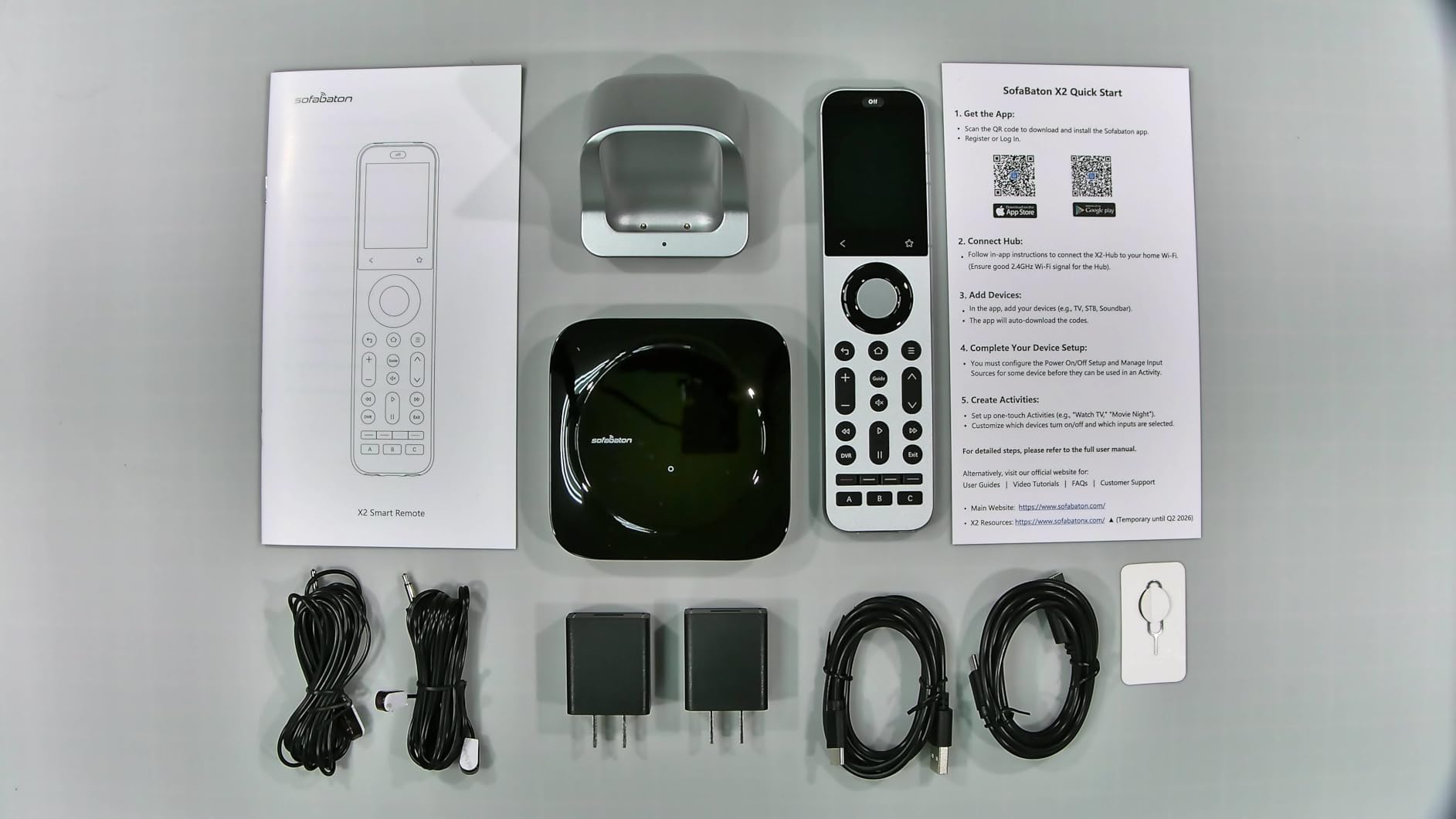
What surprised me most was the Home Assistant integration. My smart home system now responds to remote commands, triggering lights and scenes alongside entertainment activities. The X2 supports IR, Bluetooth, Wi-Fi, and RF devices, covering essentially everything in my setup. Battery life lasted about two weeks between charges, and the included dock makes charging convenient.
The main drawbacks are the price and some button visibility issues. The back and favorite buttons lack backlighting, making them hard to find during movie viewing. Programming complex macros takes patience, and the MQTT setup requires technical knowledge that might overwhelm casual users.
Who Should Buy This Remote
Power users with complex home theater systems and smart home integration will appreciate the X2 most. If you have devices hidden in cabinets, want touchscreen control, or need Home Assistant compatibility, this remote delivers features no budget model offers. The 60-device capacity suits systems with multiple streaming players, gaming consoles, and AV equipment.
Setup and Learning Curve
The SofaBaton app guides you through device setup reasonably well, but activity programming requires understanding how your devices interact. I recommend starting with simple activities like Watch TV before attempting complex macros. The app lets you remap buttons and create custom sequences, though trial and error often produces the best results.
2. Logitech Harmony Smart Control with Smartphone App – Legacy Excellence for Complex Systems
Logitech Harmony Smart Control with Smartphone App and Simple All In One Remote – Black
Hub
RF/Wi-Fi
270k Devices
Activity Buttons
IR Blaster
Pros
- Controls devices through walls
- Hub eliminates line of sight
- 270000 device database
- Activity-based programming
- Works with hidden equipment
- Easy web setup
Cons
- Buttons not backlit
- Smartphone app slow
- Limited to 6 activities
- Discontinued by Logitech
- Requires computer setup
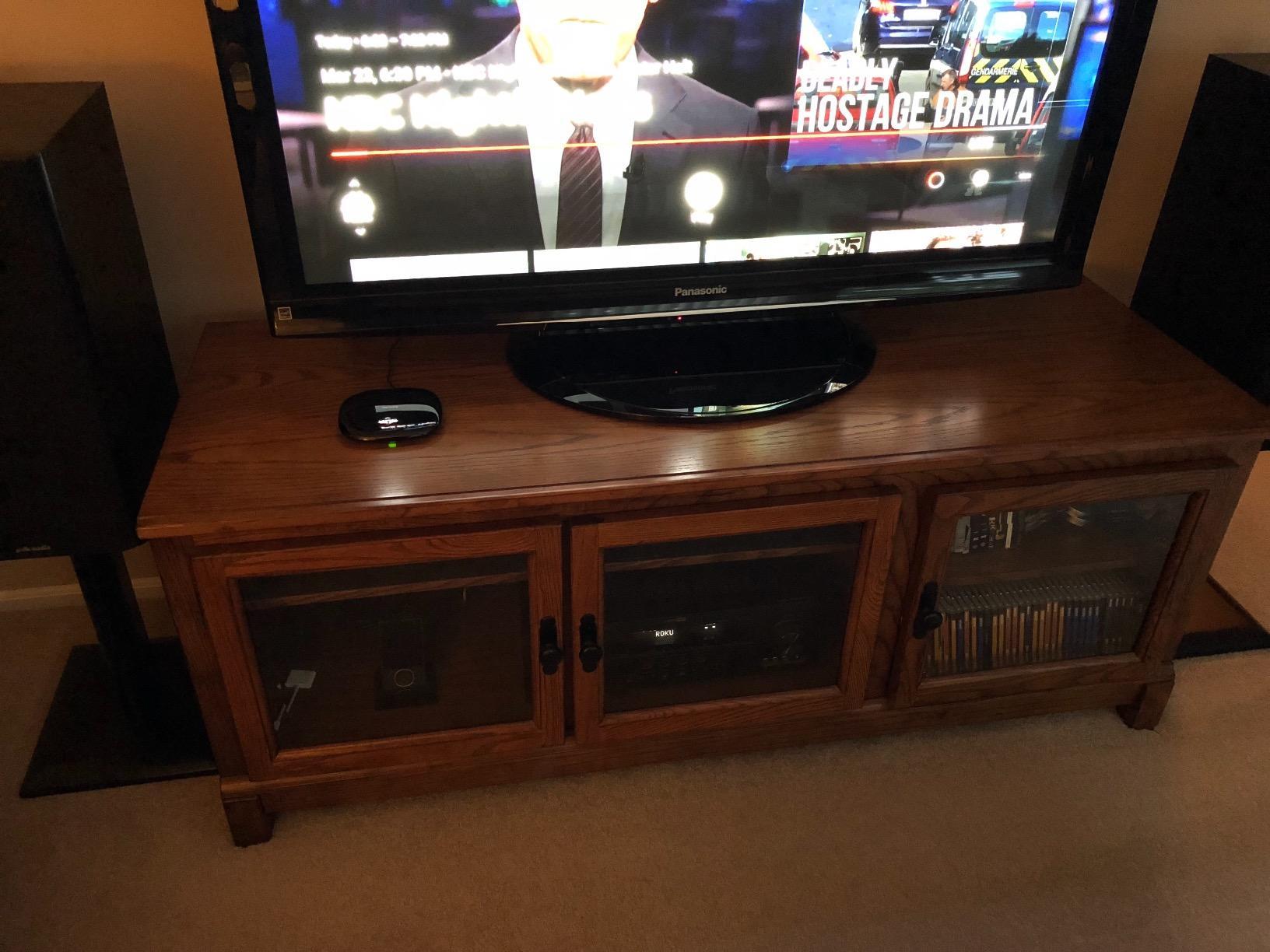
Though Logitech discontinued the Harmony line, the Smart Control remains available and still works excellently for complex home theaters. I tested it with my system of 12 devices, and the hub-based RF/Wi-Fi communication means I never need to point directly at anything. The three-piece system includes a simple remote, hub, and IR blaster that together control equipment anywhere in my media room.
The activity-based programming works beautifully for multi-device control. One button press turns on my TV, switches to the correct input, powers the AV receiver, and sets the sound mode. My family can now start movie nights without remembering which input each device needs. The MyHarmony web interface made initial setup straightforward, though it requires a computer.
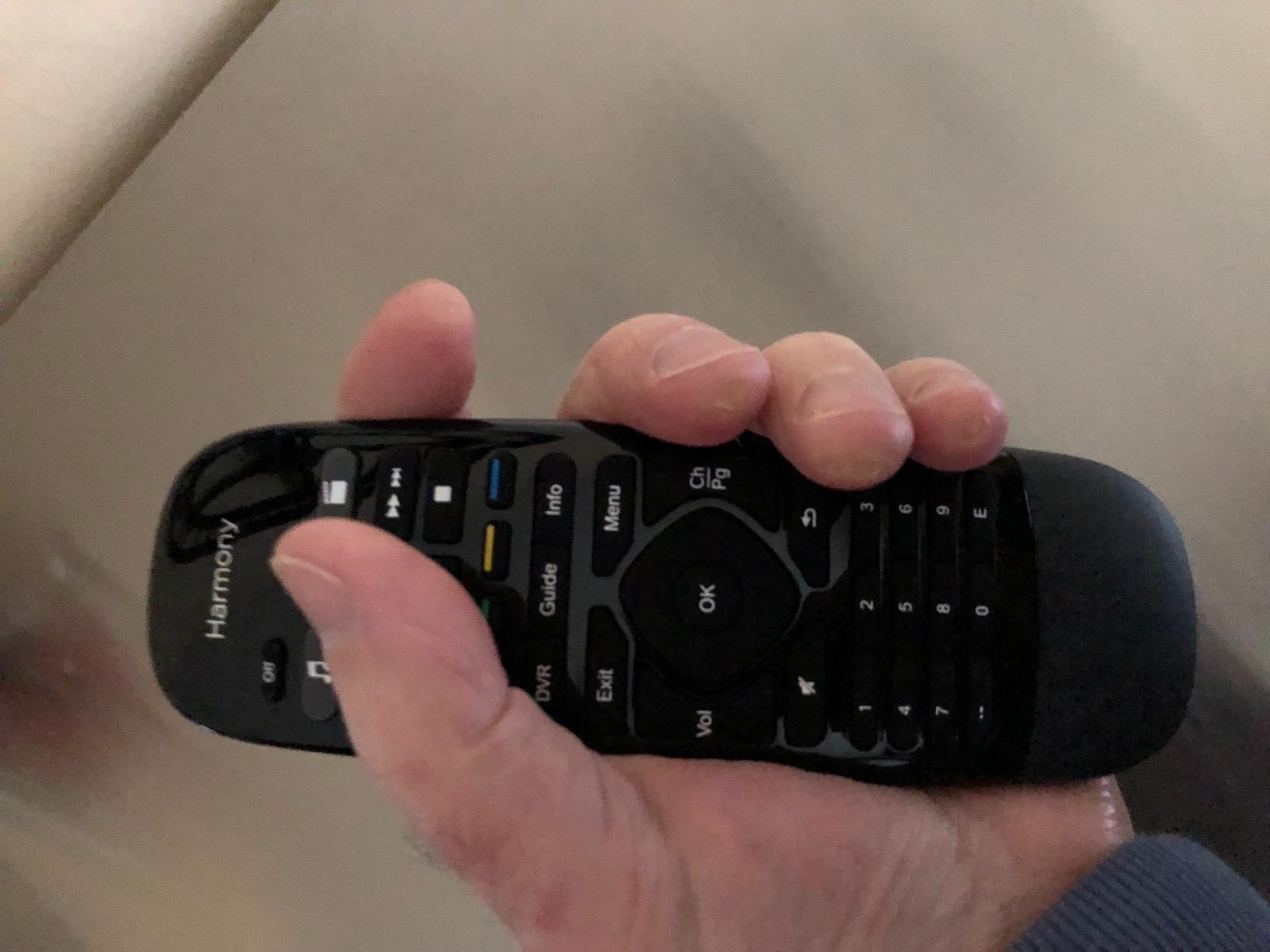
With support for over 270,000 devices, the Harmony database covers virtually everything. I found codes for my 15-year-old DVD player and obscure soundbar that newer remotes couldn’t recognize. The smartphone app provides backup control, though it feels sluggish compared to the physical remote. I mostly use it for tweaking settings rather than daily viewing.
The biggest limitations are the lack of backlit buttons and the six-activity limit. Using this remote in a dark theater room requires memorizing button positions or keeping lights on. Each activity button supports short and long press, effectively doubling capacity, but that still limits complex setups. Logitech’s discontinuation means no future updates or support.
For Complex Home Theater Systems
Users with multiple hidden devices and complex input switching will find the Harmony Smart Control still performs well despite its discontinued status. The hub eliminates line-of-sight requirements, and the massive device database handles obscure equipment. If you find stock, it’s worth considering for sophisticated systems.
Limitations to Consider
The non-backlit buttons make dark room use frustrating. The smartphone app is cumbersome and slow. Setup requires a computer for Wi-Fi configuration. Limited to six activities restricts power users. Since Logitech discontinued this line, future compatibility and support remain uncertain.
3. SofaBaton X1S Universal Remote with Hub – Best Value for Mid-Range Systems
SofaBaton X1S Universal Remote with Hub & Customize APP
Hub
60 Devices
One Touch Activities
Voice Control
Raise to Wake
Pros
- 500k device database
- One Touch Activities
- Alexa and Google support
- Raise to wake backlight
- 360 degree hub signaling
- Customizable macros
- IFTTT integration
Cons
- Navigation wheel feel inconsistent
- Learning curve for activities
- App interface could improve
- Some setup frustration
The SofaBaton X1S sits at the sweet spot between budget and premium, offering hub-based control at half the X2’s price. After testing it alongside the X2, I found it handles most of the same functions without the touchscreen. The 2.4-inch LCD screen shows current activity and device status, while backlit buttons illuminate when I pick up the remote.
One Touch Activities simplify multi-device control significantly. My Watch TV activity powers the TV, switches inputs, turns on my soundbar, and sets volume levels with one press. The hub’s 360-degree IR signaling works through my cabinet doors, and the 40-foot range covers my entire living room. Setup through the app took 30 minutes, faster than expected.
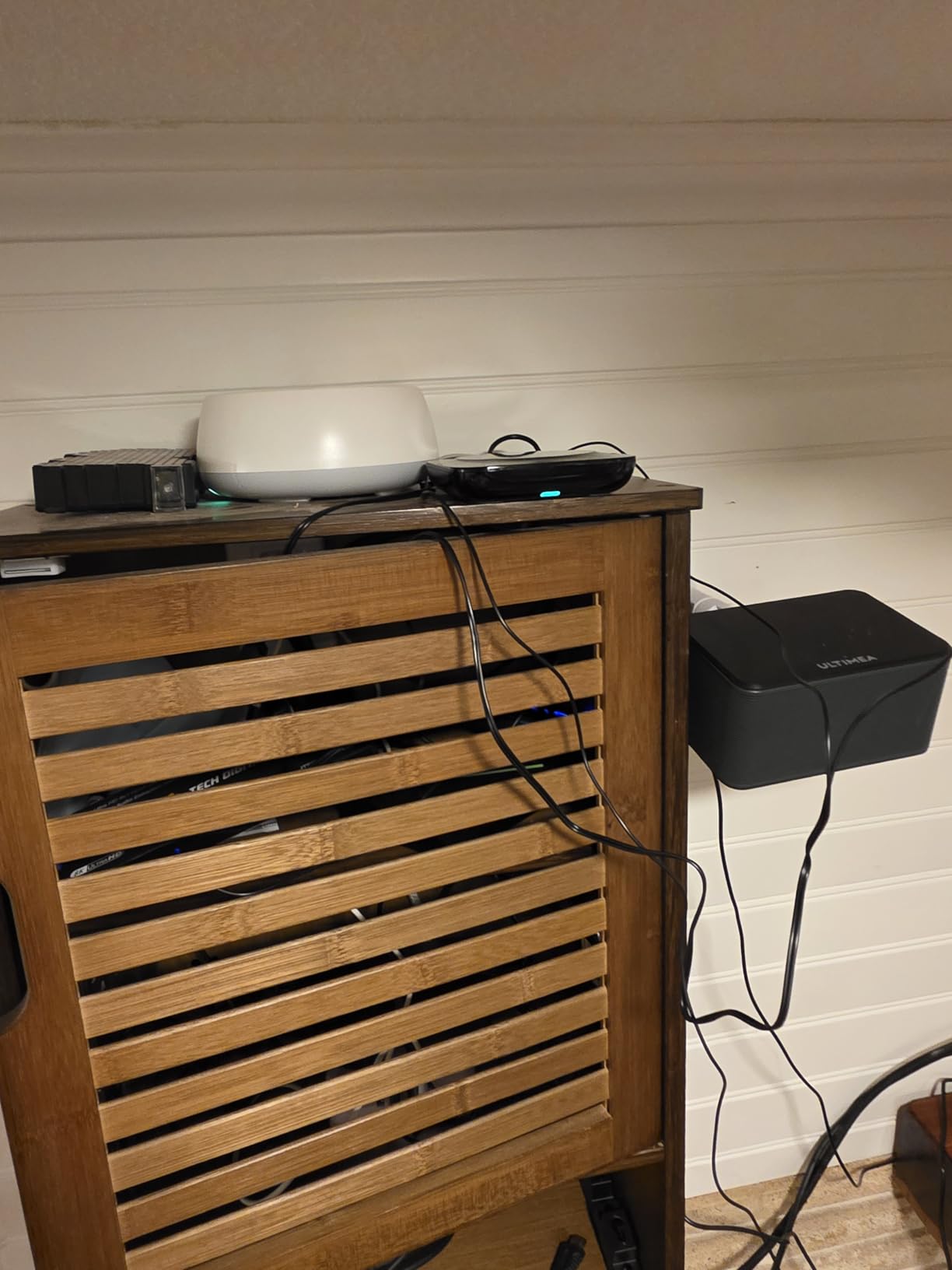
Voice control through Alexa and Google Assistant adds convenience for quick commands. I can say “turn on the TV” without picking up anything, and the X1S responds through the hub. The 60-device capacity covers extensive systems, and the updated code database now includes 500,000 entertainment devices. I found codes for every device in my setup.
The navigation wheel and buttons work well overall, though I noticed occasional inconsistent feedback when scrolling through menus. Programming activities requires patience, and the app interface could be more intuitive. Some Reddit users report similar learning curve complaints, but most agree the X1S performs reliably once configured.
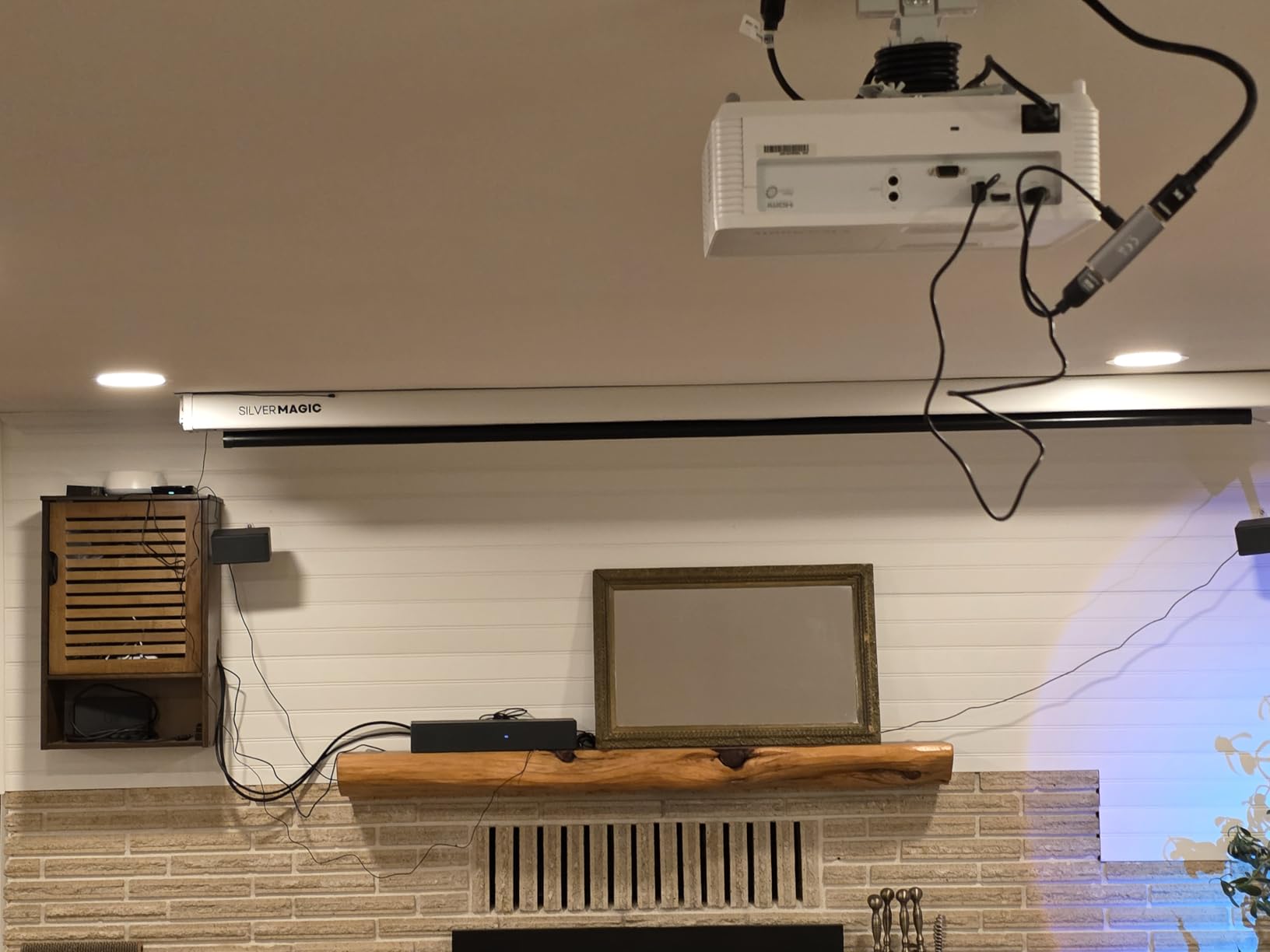
One Touch Activities Explained
Activities combine multiple device commands into single sequences. The X1S lets you create Watch TV, Listen to Music, Play Game, and custom activities. Each activity can power devices, set inputs, adjust volume, and trigger other commands. The app guides you through creation, though testing and tweaking often improves results.
Voice Assistant Integration
Alexa and Google Assistant integration works through the hub’s Wi-Fi connection. Voice commands control devices, switch activities, and adjust volume. I found voice useful for quick power commands, though the remote remains faster for precise navigation and channel changes.
4. Logitech Harmony 665 Advanced Remote – Renewed Option for Harmony Fans
Logitech Harmony 665 Advanced Remote Control, Universal Entertainment Remote, Replaces up to 10 remotes with Guided Online Set-up and Interactive Help (Renewed)
10 Devices
Guided Setup
23 Favorites
Backlit Keypad
Motion Activated
Pros
- Replaces 10 remotes
- 23 channel favorites
- Guided online setup
- One button activities
- Motion activated backlight
- Works with modern devices
- Renewed units pristine
Cons
- Activity buttons not backlit
- Renewed quality varies
- Software compatibility issues
- Weak IR signal possible
- Short USB cable
The Logitech Harmony 665 represents the last of Logitech’s true universal remotes, available now as renewed units. I tested a renewed model that arrived looking new, though some users report receiving units with minor wear. The motion-activated backlit keypad works well, lighting up when I pick up the remote, though the top activity buttons lack backlighting.
Guided setup through MyHarmony simplifies initial programming. The software walks you through adding devices, creating activities, and customizing buttons. I set up my 8-device system in under an hour, with the one-button activities controlling everything without complex button combinations. The 23 customizable channel favorites let me store my most-watched channels for quick access.
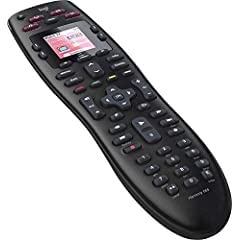
As a renewed product, quality varies between units. Mine works perfectly, but reviews mention cracked screens, weak IR signals, and software compatibility issues with newer browsers. The 90-day limited warranty provides some protection, though buyer expectations should match the renewed nature. This remote suits users who want Harmony features without paying premium prices for discontinued products.
The main drawbacks concern the renewed status and aging software. Some units may have cosmetic or functional issues. The setup software sometimes struggles with modern operating systems. The activity buttons remain unlit, making them hard to find in dark rooms. Despite these limitations, the Harmony 665 still delivers solid universal remote functionality.
Renewed Product Considerations
Buying renewed means accepting potential quality variations. Some units arrive pristine, others show wear or defects. Check seller ratings and return policies carefully. The 90-day warranty covers defects, but returns may prove difficult with some sellers. Expect some imperfection risk at the reduced price.
Setup Software Experience
MyHarmony software guides setup but sometimes conflicts with modern browsers and operating systems. I used an older laptop for setup successfully. The software remains functional despite Logitech’s discontinuation, though future compatibility remains uncertain. Once configured, the remote works independently without software dependence.
5. SofaBaton U3 Universal Remote – Budget Alternative with Macro Capabilities
SofaBaton U3 Universal Remote with One Touch Macros, All in One Universal Remote Control with Customize App, Compatible with IR/Bluetooth/RF Devices,Work with Google Voice Devices
60 Devices
Macros
Google Assistant
Air Mouse
2.4 LCD Screen
Pros
- Replaces 30 remotes
- State independent macros
- Google Assistant voice
- Air mouse function
- Rechargeable battery
- Customizable buttons
- R1 repeater compatible
Cons
- RF433 does not work
- Bluetooth unpairs on some TVs
- Battery life shorter than claimed
- Learning process temperamental
- Some TV workarounds needed
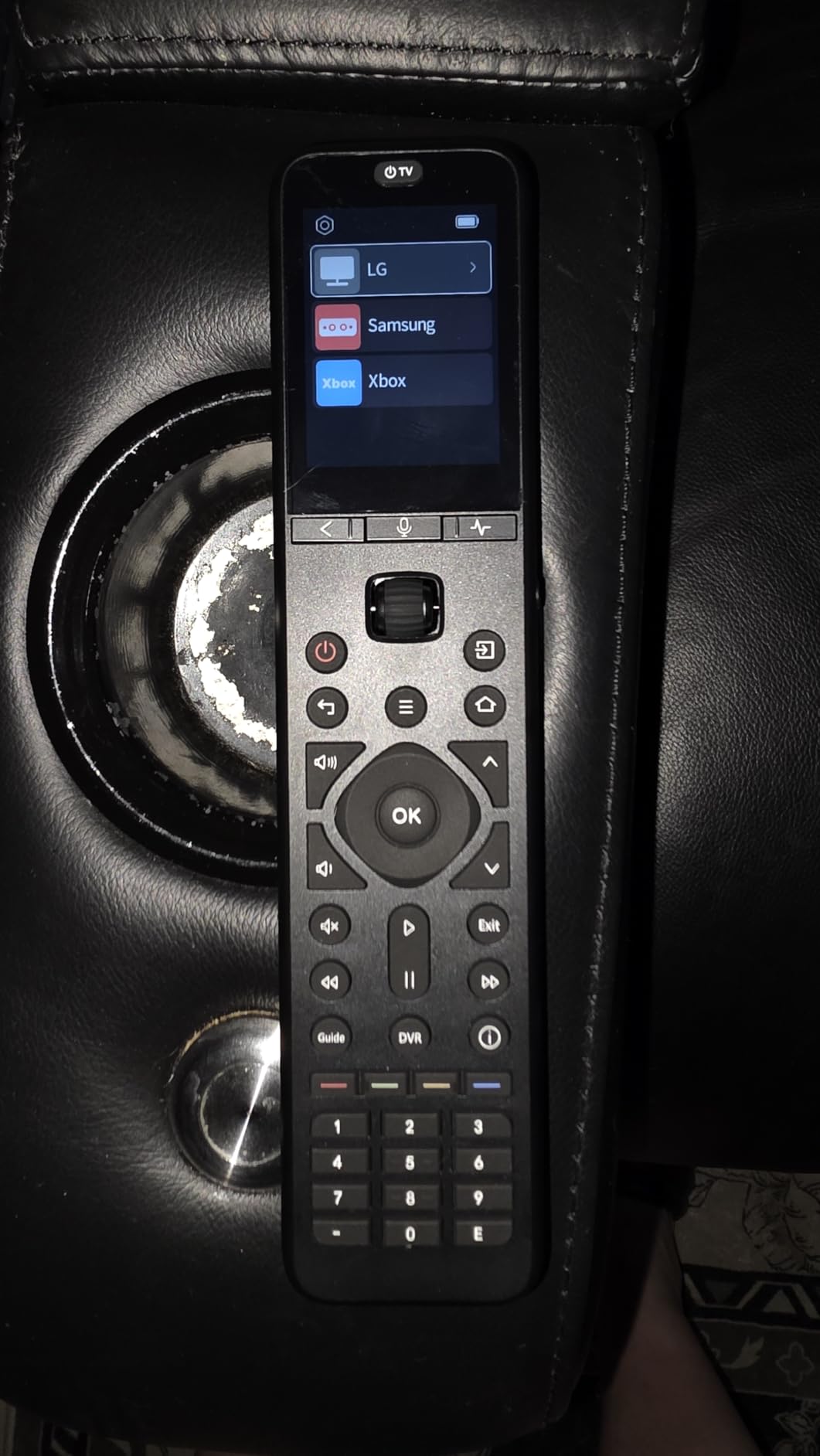
The SofaBaton U3 offers similar capabilities to the X1S at a lower price point, though some features don’t work as smoothly. I tested it with my streaming setup, finding the macro functionality particularly useful. State-independent logic means macros work regardless of whether devices are already on, solving a common programming problem.
The 2.4-inch LCD screen displays current activity and device status clearly. Backlit buttons illuminate in dark rooms, and the rechargeable battery eliminates disposable battery purchases. Google Assistant voice control and air mouse functionality add smart features, though I found voice more useful than air mouse for entertainment control.
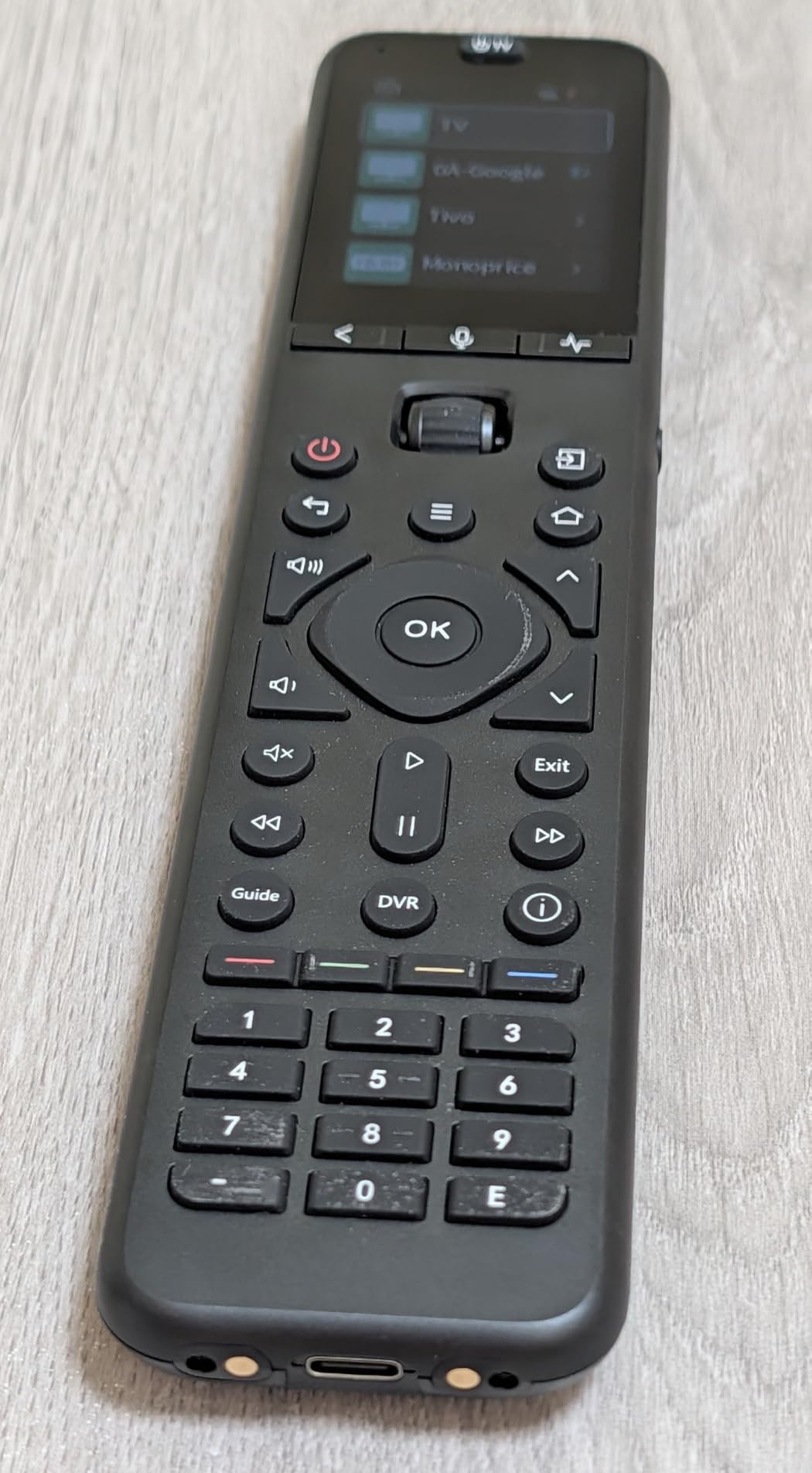
Multi-device Bluetooth works well for my streaming players, eliminating re-pairing delays when switching devices. The remote connects to multiple Bluetooth devices simultaneously, though some TVs cause pairing issues when powered off. The R1 IR repeater compatibility extends range for hidden equipment, useful for cabinet installations.
The advertised RF433 functionality unfortunately doesn’t work as claimed. Bluetooth sometimes unpairs when TVs power off, requiring occasional reconnection. Battery life runs about a week rather than the claimed three weeks. The learning process for custom buttons can be temperamental, requiring patience during setup.
Macro Programming Capabilities
State-independent macros simplify activity creation significantly. Unlike older remotes that required tracking device states, the U3 macros work correctly whether devices are on or off. This feature reduces programming complexity and prevents activity failures from devices being in unexpected states.
Bluetooth Device Support
Multi-device Bluetooth connects to streaming players, smart TVs, and other Bluetooth equipment without re-pairing delays. The remote maintains connections to multiple devices, switching between them instantly. Some TVs cause pairing issues, requiring workarounds in some setups.
6. One For All URC7880 Smart Remote – Solid IR Remote with Learning Feature
One for All URC7880 Universal Smart Remote Control up to 8 Devices with Free Setup App – Easy Learning Feature – Infrared Connectivity Technology and 3 Shortcut App Keys – Black
8 Devices
Learning Feature
Smartphone App
Streaming Keys
10m Range
Pros
- Activity punch through volume
- Learning feature works well
- Free smartphone setup app
- Controls 8 devices
- Streaming service shortcuts
- Legacy device support
- 10 meter range
Cons
- Buttons not backlit
- Awkward button layout
- Batteries not included
- 5 second timeout issues
- May need firmware updates
The One For All URC7880 delivers reliable IR universal control at a reasonable price. I tested it with my 6-device setup, appreciating the activity punch-through feature that lets volume control target specific devices regardless of current mode. This means I can control AV receiver volume while in TV mode without switching devices.
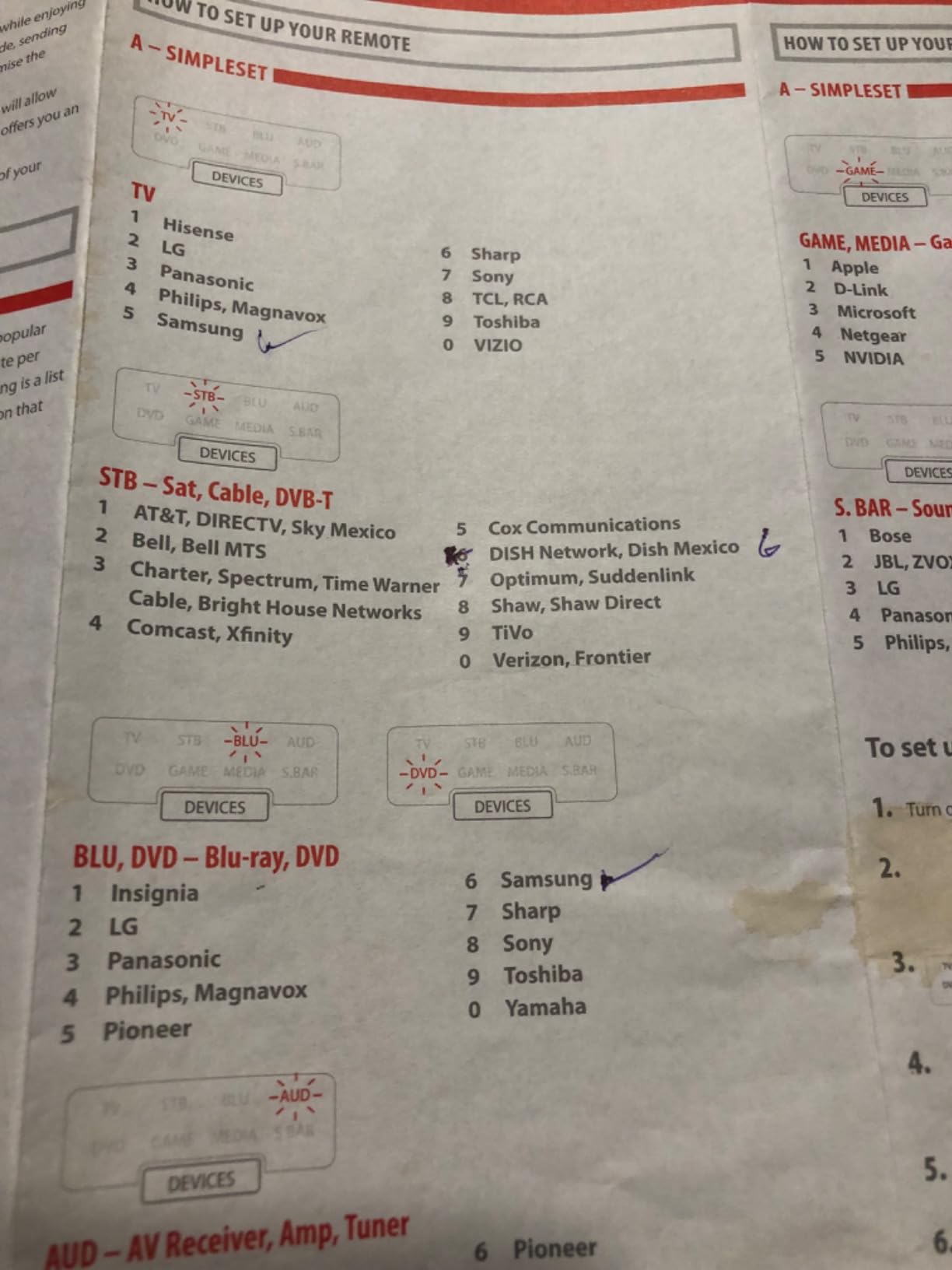
The free smartphone app simplifies setup significantly. I scanned codes and programmed devices through my phone rather than manual code entry. The learning feature copies functions from original remotes when codes aren’t available, covering my obscure soundbar that most databases miss. The three streaming shortcut keys provide quick access to Netflix, YouTube, and Amazon Prime.
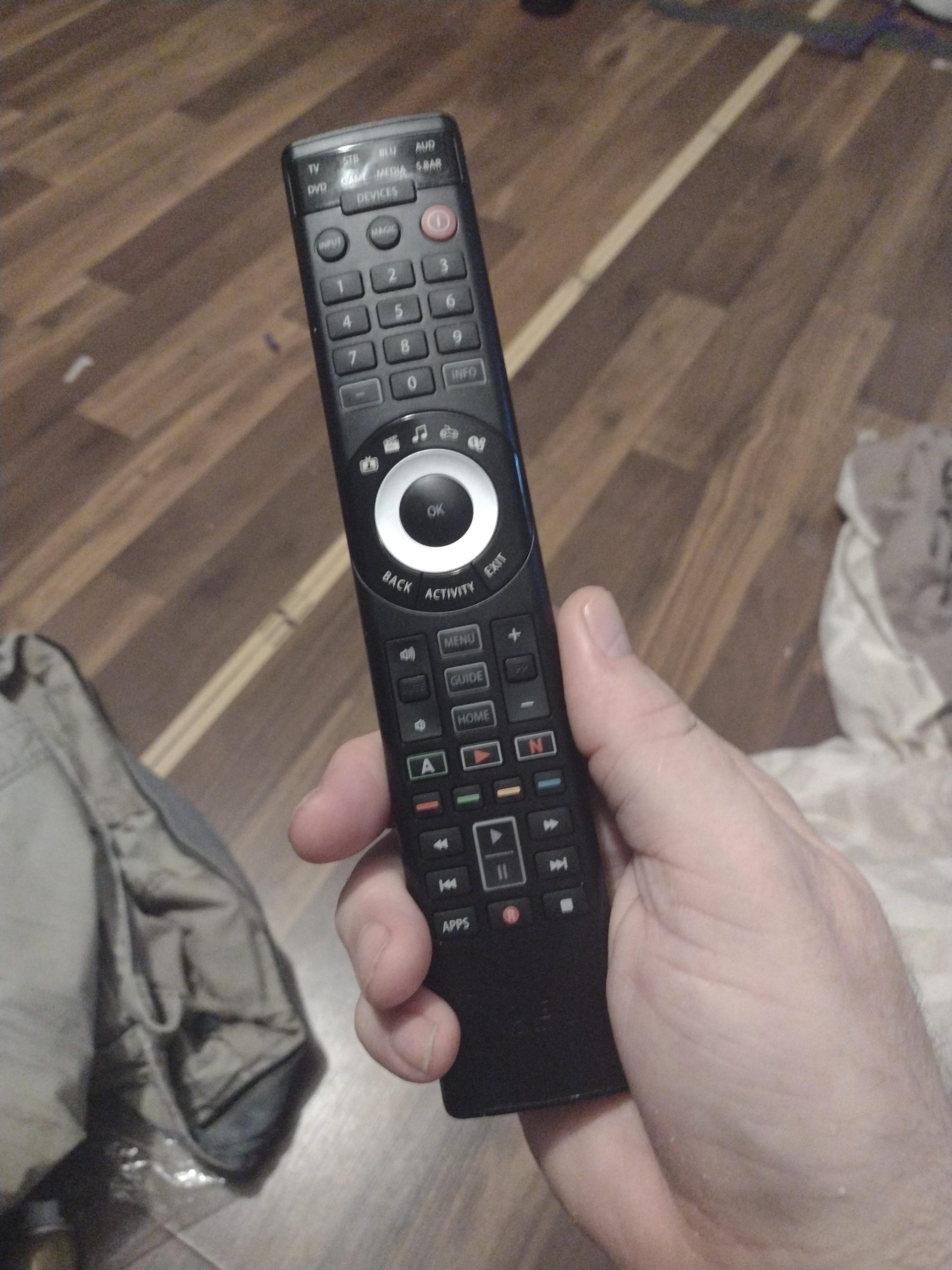
Controls for up to 8 devices cover most home theater setups. The 7000-brand compatibility handles major manufacturers, and the learning feature extends coverage to unsupported equipment. The 10-meter range exceeds typical remotes, working from across my living room. The 2-year warranty provides longer protection than budget competitors.
The button layout places frequently used controls at the bottom, requiring finger travel for basic functions. Backlighting is absent, making dark room use difficult. The 5-second programming timeout sometimes interrupts setup, and newer devices may require firmware updates for full compatibility.
Activity Punch Through Feature
Punch-through lets volume controls target specific devices regardless of current device mode. You can adjust AV receiver volume while the remote is in TV or streaming mode. This feature eliminates constant mode switching during viewing sessions, improving daily usability significantly.
Legacy Device Compatibility
The learning feature copies functions from original remotes, extending compatibility beyond the code database. Older equipment, obscure brands, and unsupported functions can all be learned. This capability makes the URC7880 work with virtually any IR device through patient programming.
7. QFX REM-115 Large Jumbo Universal Remote – Senior-Friendly Big Buttons
QFX REM-115 8 in 1 Large Jumbo Universal Remote Control for RCA, Sony, Philips, Samsung, GE, Zenith, Panasonic, Sharp, Toshiba, Daewoo, Hitachi, Sanyo, LG, JVC, Mitsubishi, Emerson, Magnavox
8 Devices
Glow Buttons
Large Size
Streaming Shortcuts
30ft Range
Pros
- Large jumbo size
- Glow in the dark buttons
- Controls 8 devices
- 5 streaming shortcuts
- 30 foot range
- Easy manual programming
- Durable construction
Cons
- Very large size awkward
- Programming can be difficult
- No back button for navigation
- No eject button
- Small font code list
- May need reprogramming
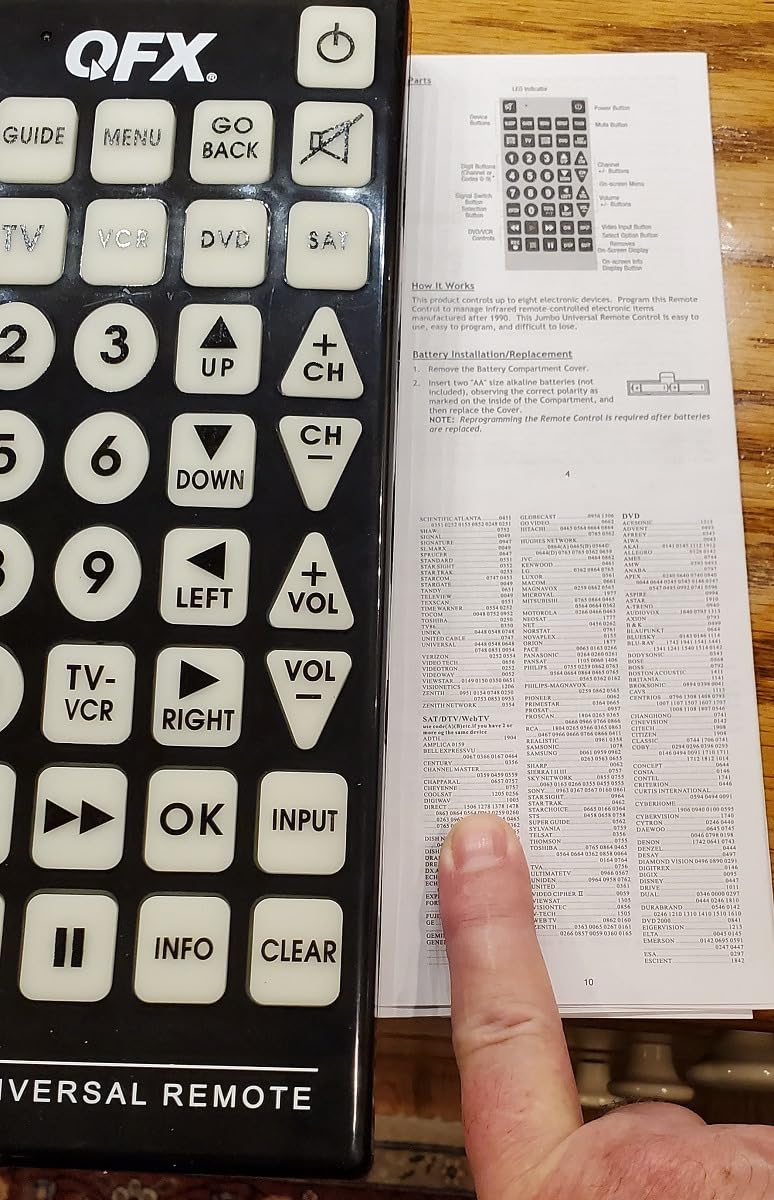
The QFX REM-115 jumbo remote targets users who struggle with small buttons, including seniors and those with visual impairments. My elderly mother tested it and immediately preferred the large button size over her TV’s remote. The glow-in-the-dark buttons provide visibility in dim lighting, though they require prior light exposure to glow.
Despite its size, the REM-115 controls up to 8 devices including TVs, streaming players, and soundbars. The five streaming shortcut buttons provide quick access to Netflix, Prime Video, YouTube, Hulu, and Disney+. Manual programming through code search works without smartphone apps, though the code list uses small font that might challenge its target users.
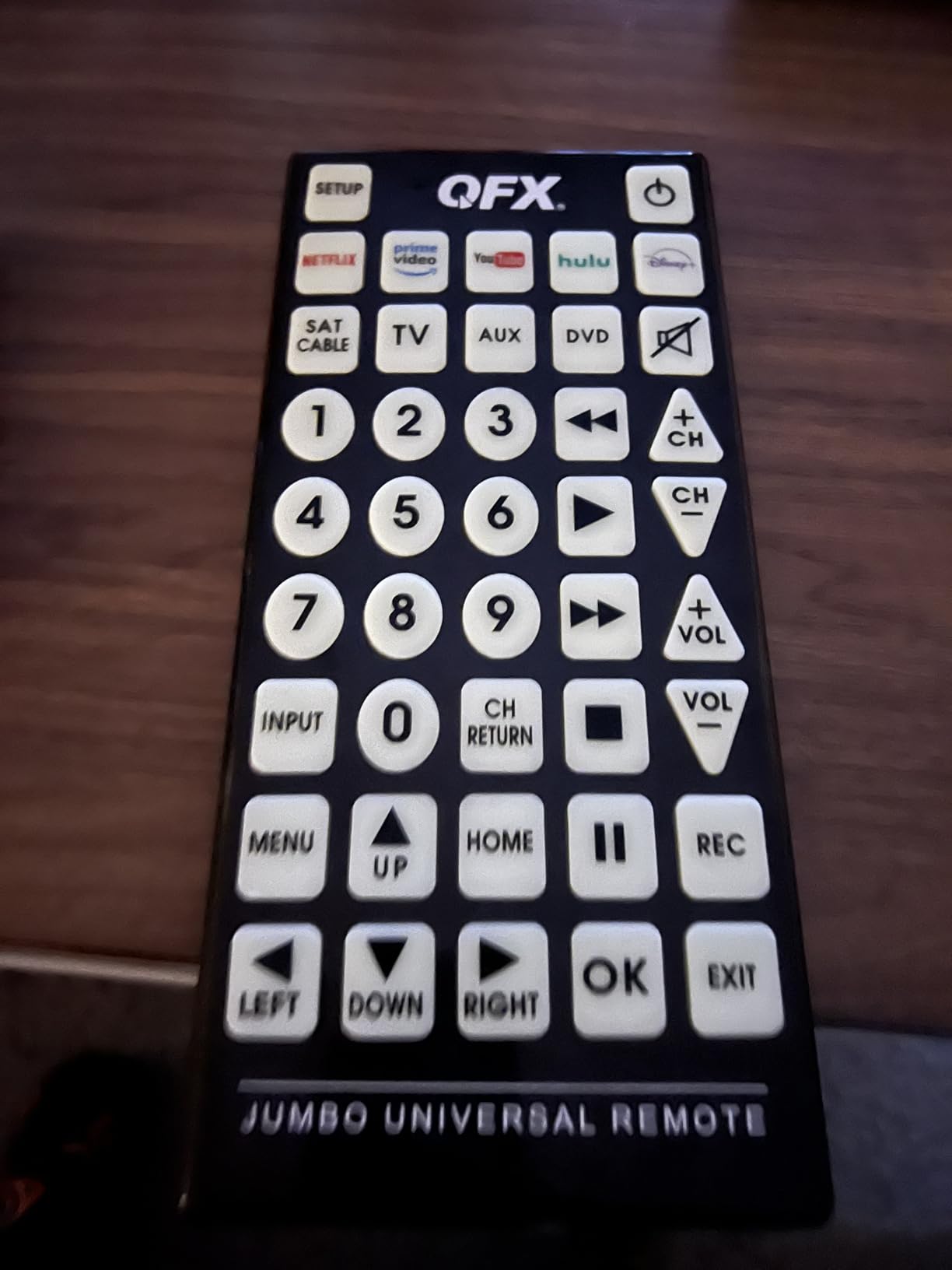
The 30-foot range exceeds typical IR remotes, working from across my mother’s living room. The durable construction survived multiple drops without damage, though the large size can feel awkward for users accustomed to standard remotes. The price under $20 makes it accessible for budget-conscious buyers.
Navigation buttons for smart TV functions are missing, limiting menu and app browsing. The eject button is absent, affecting DVD and Blu-ray users. Programming requires patience with the code search method, and battery changes sometimes require reprogramming. Despite these limitations, the large buttons serve accessibility needs well.
Large Button Design Benefits
Extra-large buttons with glow-in-the-dark capability serve users with vision impairments, arthritis, or motor control issues. The size reduces mispresses and provides clear visual targets. Glow functionality helps in dim rooms, though users must charge buttons under light first.
Streaming Shortcuts
Five dedicated buttons launch Netflix, Prime Video, YouTube, Hulu, and Disney+ directly. These shortcuts simplify streaming access for users who might otherwise struggle with app navigation. The buttons work with compatible devices that support streaming shortcuts.
8. RCA Universal Rechargeable 3-Device Streaming Remote – Compact Rechargeable Option
RCA Universal Rechargeable 3-Device Streaming Remote Control – for TV, Audio, Soundbar, Streaming Devices, Ultra-Slim, Rechargeable, Quick Access Keys
3 Devices
Rechargeable
USB-C
Streaming Hotkeys
50ft Range
Pros
- Rechargeable battery
- USB-C charging included
- Streaming hotkeys included
- Ultra slim design
- 50 foot range
- Auto code finder
- USA engineered
- Lifetime warranty
Cons
- No backlit buttons
- Fire TV incompatibility
- Low stock availability
- Some RCA TVs partial
- Bluetooth pairing issues
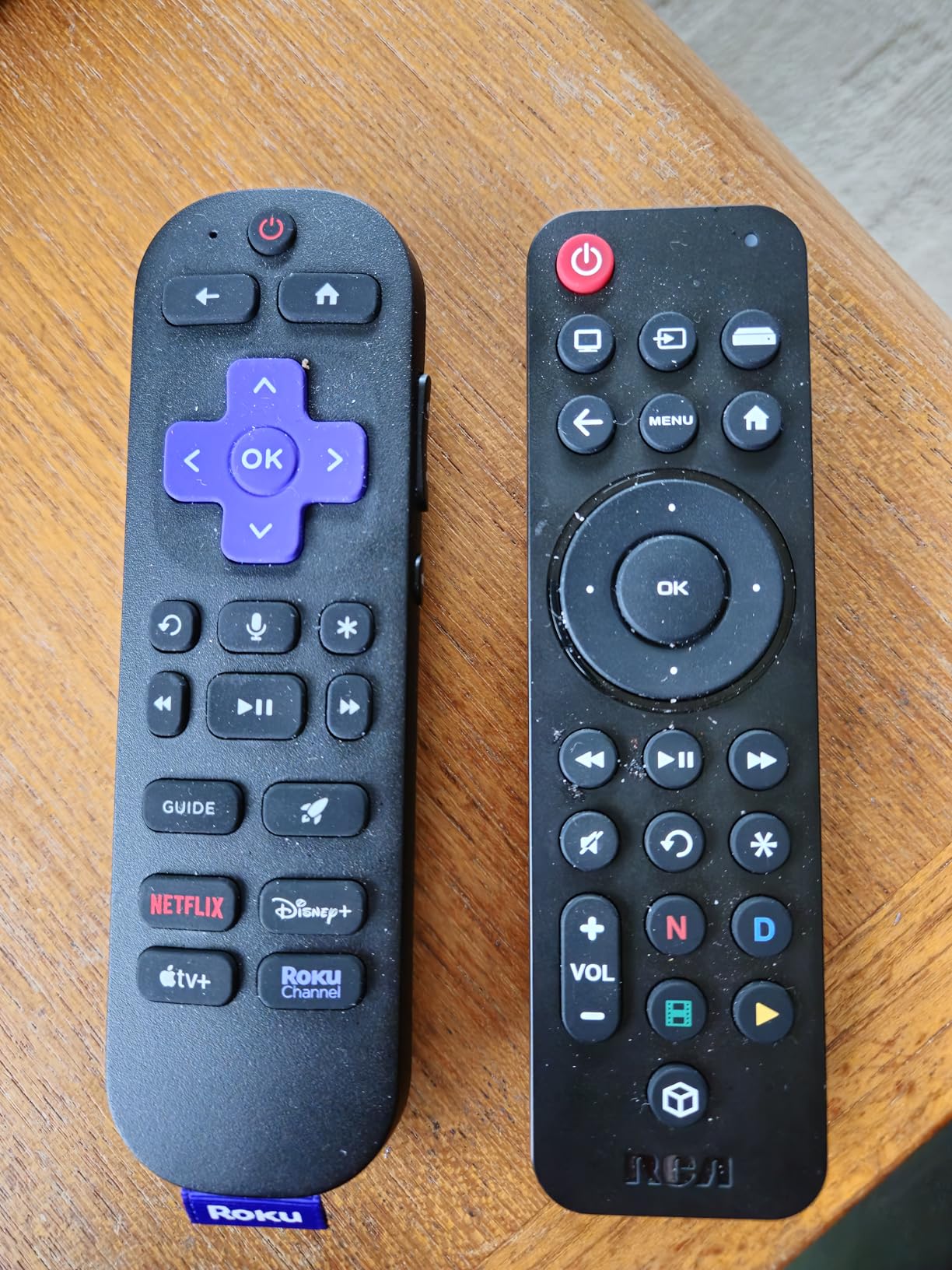
The RCA RCTSC3B combines rechargeable convenience with streaming hotkeys at an budget price. I tested it with my Roku TV and soundbar setup, appreciating the USB-C charging that eliminates battery purchases. The ultra-slim design fits comfortably in hand, though the lack of backlighting makes dark room use difficult.
Quick access keys for Netflix, Disney+, Hulu, and YouTube simplify streaming navigation. The auto code finder makes setup reasonably straightforward, finding codes for my major devices within minutes. The 50-foot range exceeds typical IR remotes, working from across my testing room. The lifetime warranty provides long-term protection.
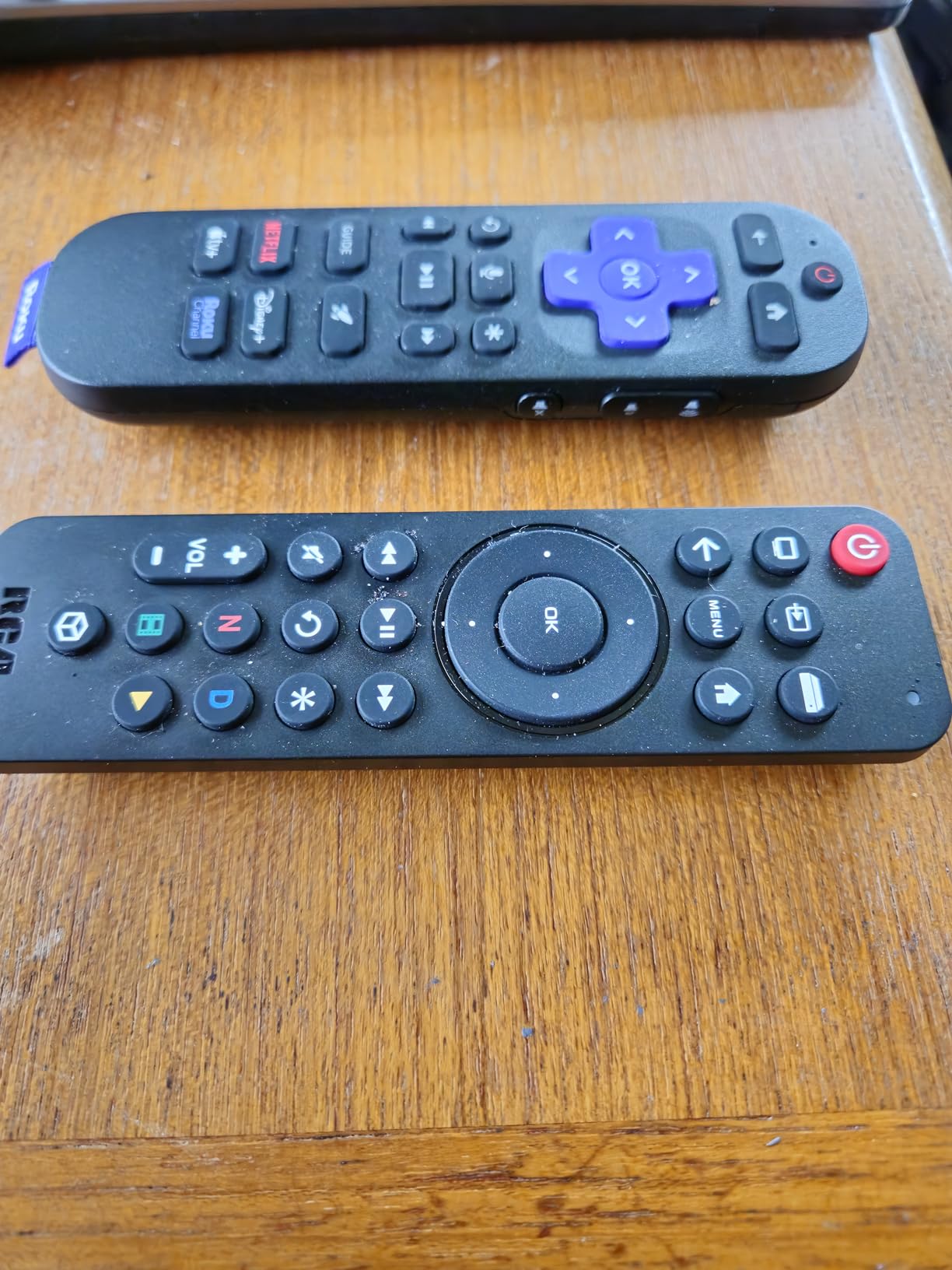
As an IR-only remote, the RCA doesn’t work with Fire TV devices that use RF or Bluetooth. This limitation affects Amazon streaming stick users significantly. The 3-device limit covers basic setups but restricts complex home theaters. Stock availability appears limited, with few units available at testing time.
Some users report partial functionality with certain RCA TVs, requiring workarounds for full control. Bluetooth pairing issues appeared in several reviews, though IR functionality works consistently. Despite these limitations, the rechargeable feature and streaming hotkeys deliver value for simple setups.
Rechargeable Convenience
The built-in rechargeable battery eliminates disposable battery costs and environmental waste. USB-C charging works with standard cables, and the included cable provides everything needed. Battery life lasts several weeks between charges, making maintenance simple.
Streaming Hotkeys
Dedicated buttons for Netflix, Disney+, Hulu, and YouTube provide direct app access. These shortcuts work with compatible streaming devices and smart TVs, reducing navigation complexity. Users can launch favorite services with single button presses.
9. GE Rechargeable TV Remote Control – Backlit Universal with USB-C Charging
GE Rechargeable TV Remote Control, Universal Remote Control, Backlit
4 Devices
Backlit
USB-C
Master Volume
Samsung Preprogrammed
Pros
- Rechargeable USB-C
- Fully backlit keypad
- Samsung/Roku preprogrammed
- Controls 4 devices
- Master volume feature
- Streaming app hotkeys
- Easy code search
- Slim design
Cons
- No RF streaming support
- Disney+ hotkey issues
- Backlight timeout short
- Battery degradation possible
- Missing colored buttons
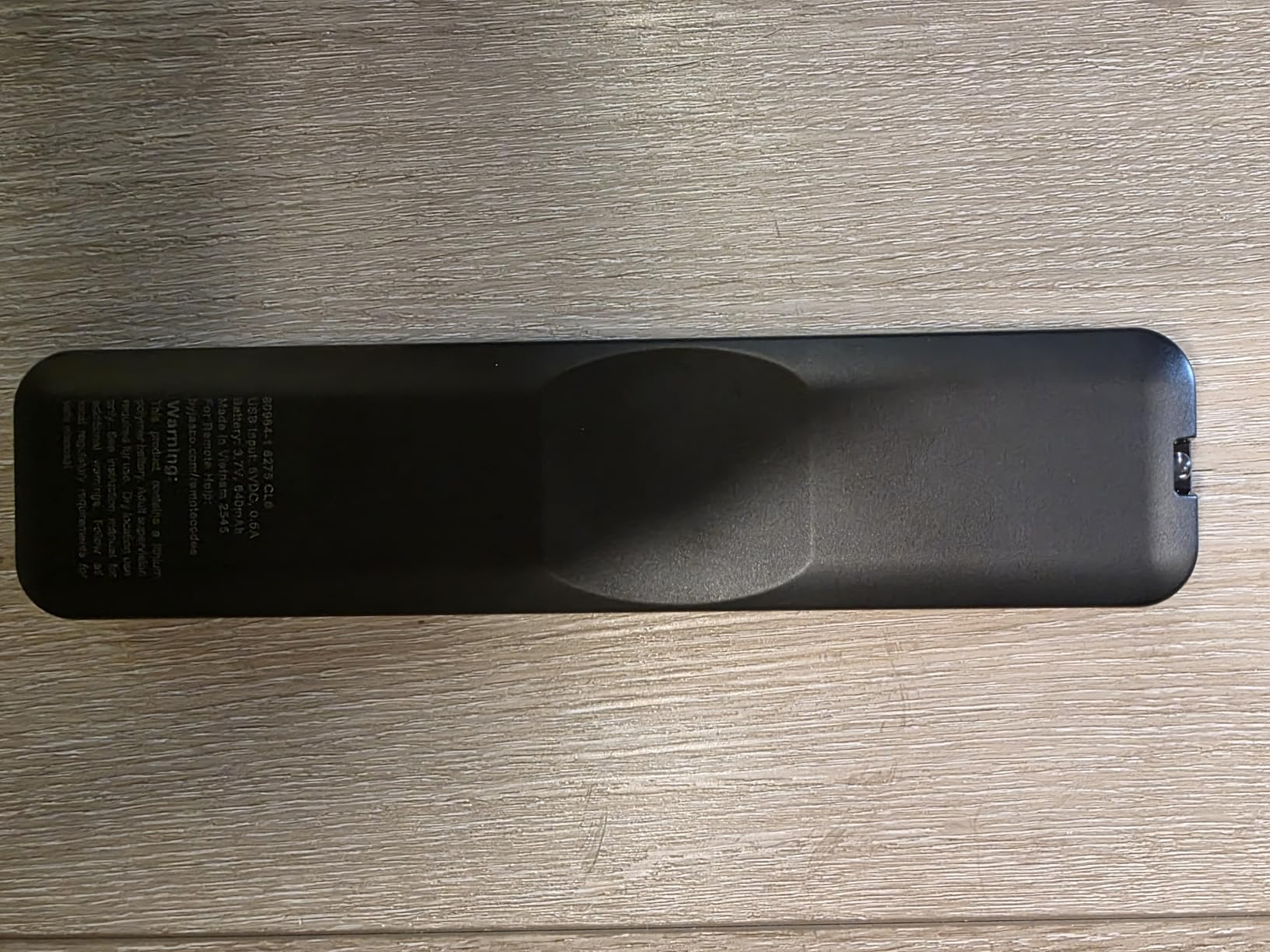
The GE 80984-RF1 combines rechargeable convenience with full backlighting, addressing two common budget remote limitations. I tested it with my Samsung TV and Roku setup, finding the preprogrammed buttons worked immediately without setup. The backlit keypad illuminates on button press, though it dims after 10 seconds.
USB-C charging eliminates battery purchases, and the included cable provides everything needed. Controls for 4 devices cover TV, streaming, soundbar, and one additional component. The master volume feature adjusts volume on any device regardless of current mode, useful for AV receiver control during streaming.
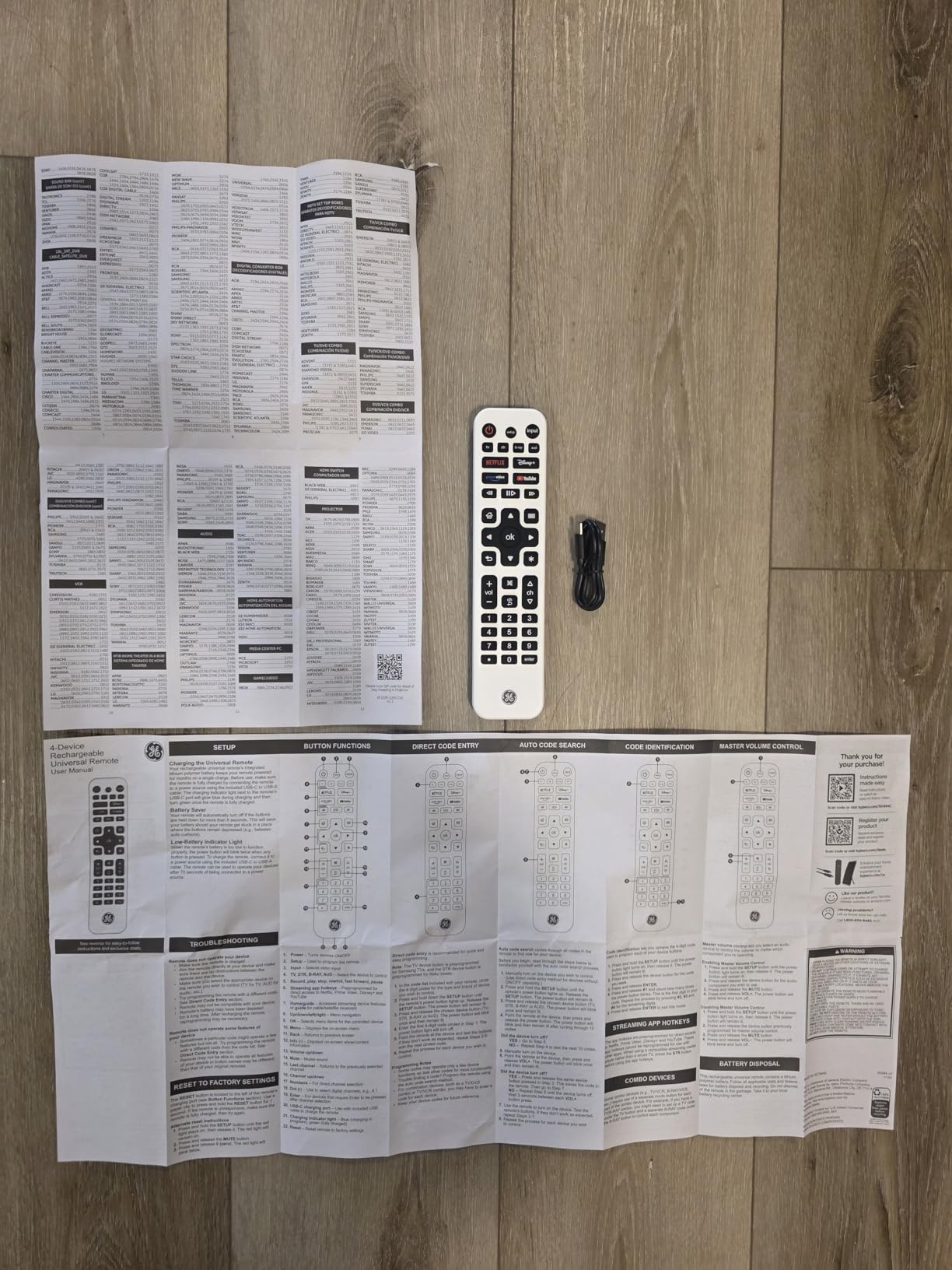
App hotkeys for Netflix, Disney+, Prime Video, and YouTube provide streaming shortcuts, though some users report Disney+ functionality issues. The automatic code search found my other devices within minutes, and direct code entry provides manual backup. The slim design looks stylish and fits comfortably in hand.
IR-only operation means no support for RF streaming devices like Roku Streaming Sticks or Fire TV. The backlight timeout at 10 seconds might feel short during extended viewing. Some users report battery degradation over months of use, though the lifetime warranty covers defects. The missing colored A/B/C/D buttons affect DirecTV users.
Backlit Keypad Experience
The fully backlit keypad illuminates all buttons when any button is pressed. Blue backlighting provides visibility in dark rooms without being overly bright. The 10-second timeout balances visibility with battery conservation, though some users might prefer longer illumination.
Master Volume Control
Master volume adjusts audio regardless of which device mode is active. You can control soundbar or AV receiver volume while using TV or streaming functions. This feature eliminates constant mode switching during viewing sessions.
10. Philips BigEZ OneTouch Big Button Remote – Accessibility-Focused Simple Remote
Philips BigEZ OneTouch Big Button Universal TV Remote, Easy to Use
2 Devices
OneTouch Setup
Backlit
Colorblind Friendly
30ft Range
Pros
- Extra large buttons
- Fully backlit keypad
- OneTouch setup works
- Colorblind friendly colors
- US based support
- Lifetime warranty
- Patent pending design
- Large volume and channel buttons
Cons
- Only 2 devices
- AA batteries required
- AUX preset for Roku only
- Limited brand coverage
- Non rechargeable
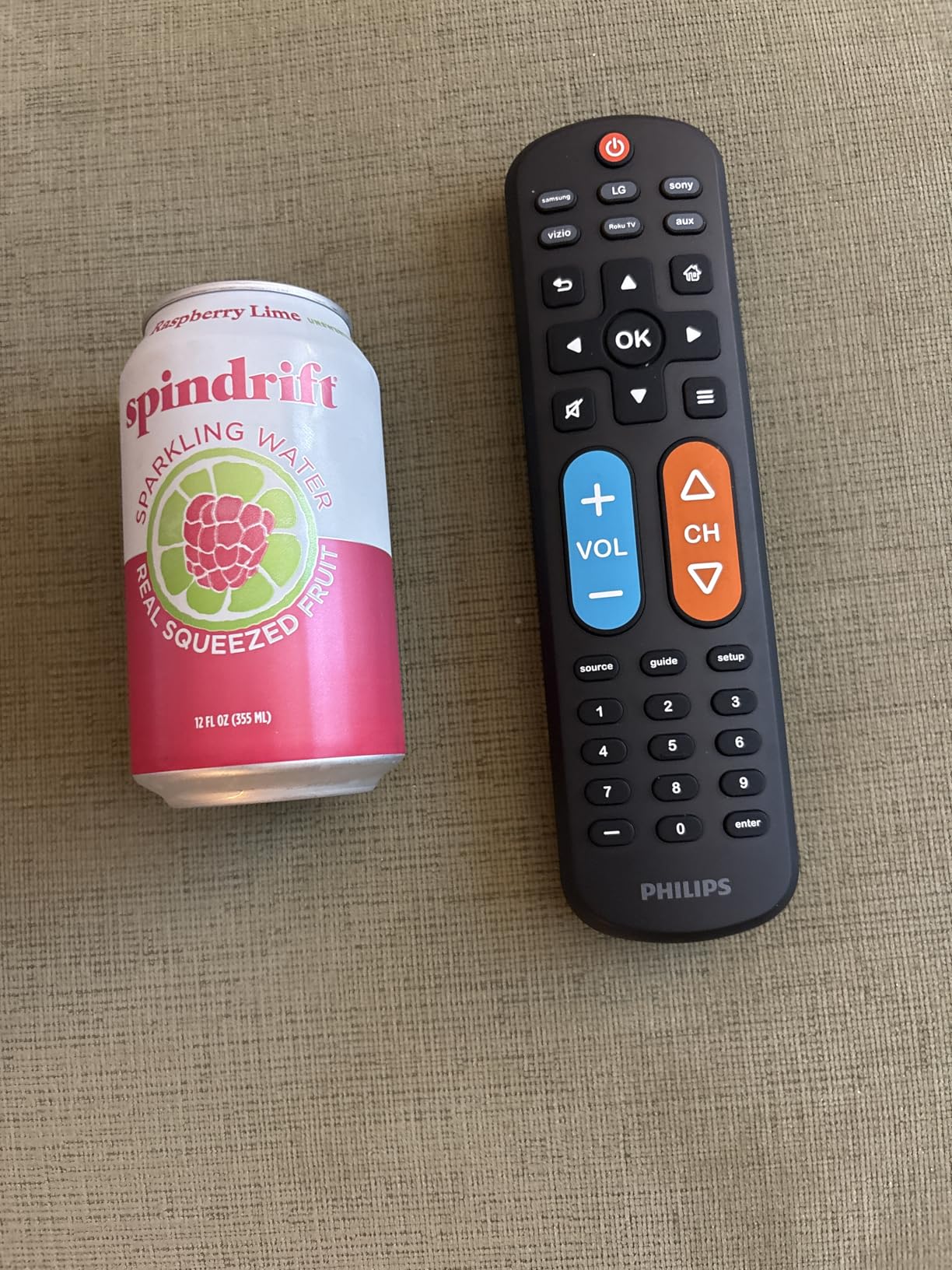
The Philips BigEZ OneTouch focuses on simplicity and accessibility with extra-large buttons and OneTouch setup. I tested it with my TV and streaming setup, finding the buttons genuinely easier to see and press than standard remotes. The colorblind-friendly design uses blue for volume and orange for channel, providing clear visual differentiation.
OneTouch setup connects to Samsung, LG, Sony, Vizio, and Roku TVs with single button presses. No code entry required for major brands, making initial setup genuinely simple. The fully backlit keypad illuminates all buttons in dark rooms, addressing accessibility users’ common visibility challenges.
The 30-foot range exceeds typical IR remotes, working from across testing rooms. US-based technical support provides assistance if setup problems occur. The lifetime warranty covers defects long-term, and the patent-pending design suggests future accessibility innovations from Philips.
Only controlling 2 devices limits complex setups significantly. The AUX button presets for Roku boxes, reducing flexibility for other streaming devices. AA batteries are required rather than rechargeable, adding ongoing costs. The simple design intentionally lacks advanced features, serving accessibility needs over power-user requirements.
OneTouch Setup Simplicity
OneTouch programming eliminates code searches and manual entry. Press the OneTouch button and your brand button, and the remote connects automatically. Setup completes in seconds for supported brands, making this remote genuinely easy for non-technical users.
Colorblind Friendly Design
Blue volume button and orange channel button provide high-contrast color differentiation. Colorblind users can distinguish functions by color rather than relying solely on button size or position. This design consideration shows accessibility-focused thinking throughout.
11. Philips Universal 3-Device Remote – Highly Rated Budget Option
Philips Universal Remote Control, Universal TV Remote Replacement
3 Devices
Preprogrammed
Samsung/Roku
Master Volume
Ergonomic
Pros
- Easy automatic setup
- Works with major brands
- Samsung/Roku preprogrammed
- Ergonomic design
- Master volume control
- Controls 3 devices
- Great value price
- 46 button layout
Cons
- No RF streaming support
- Limited to 3 devices
- Missing smart TV buttons
- Code search sometimes tricky
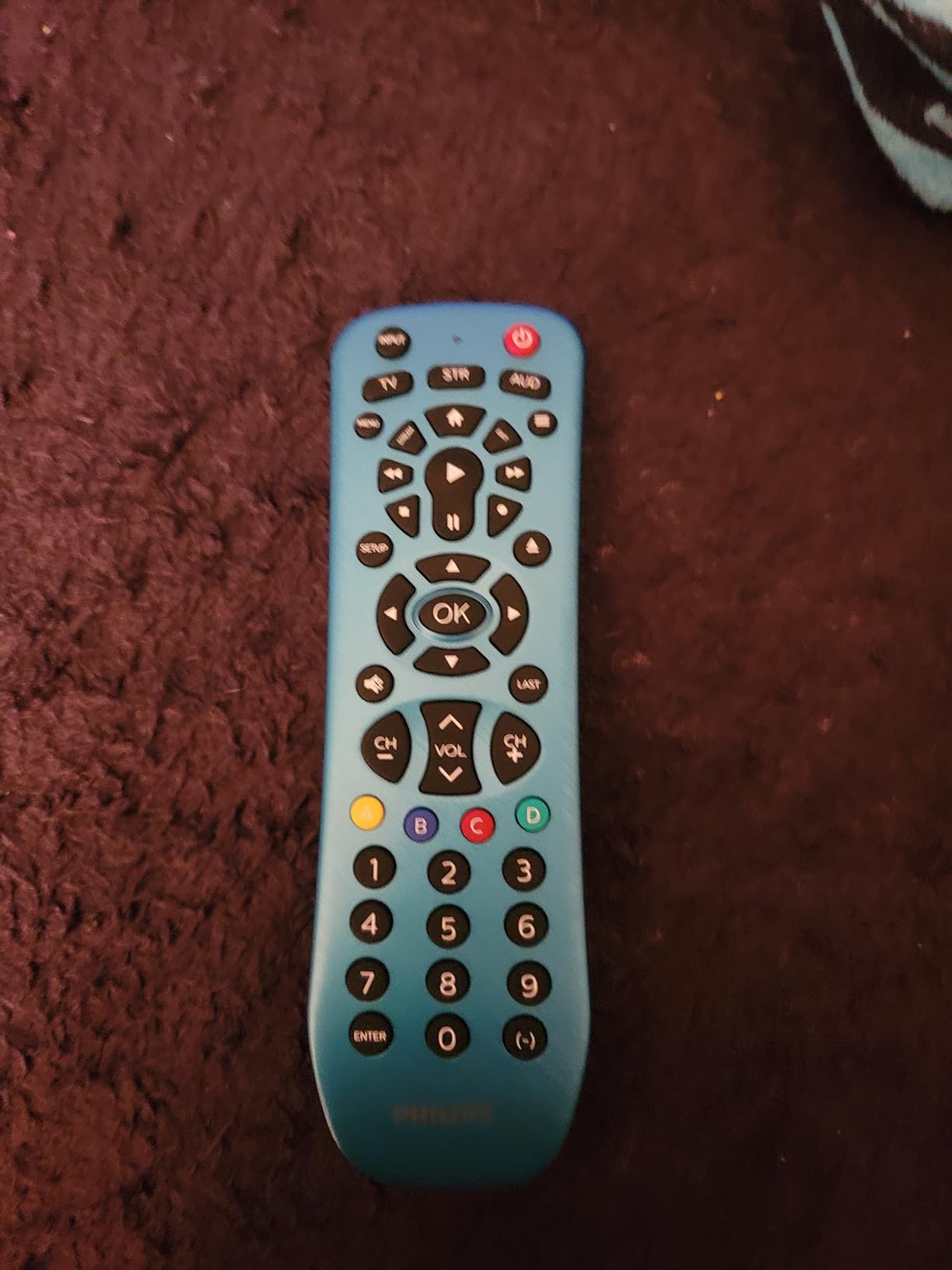
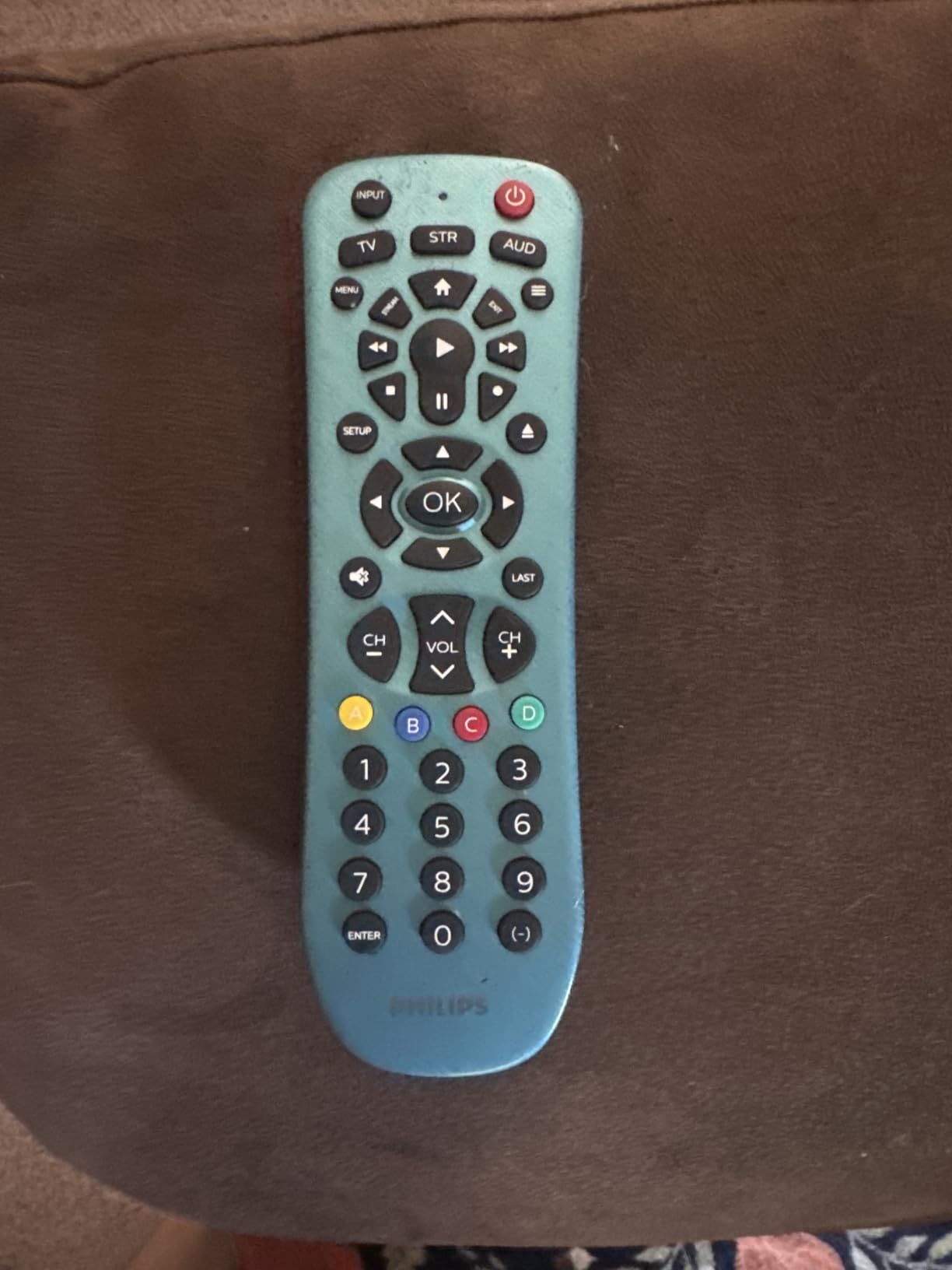
The Philips SRP9232D/27 delivers solid universal functionality at the lowest price in our lineup. With over 21,000 reviews averaging 4.3 stars, this remote clearly satisfies budget buyers. I tested it with my TV, soundbar, and Roku setup, finding the preprogrammed Samsung and Roku buttons worked immediately.
Automatic code search found my other devices within minutes. The ergonomic design fits comfortably in hand, and the 46-button layout covers essential functions. Master volume control adjusts audio regardless of current device mode, useful for soundbar volume during TV viewing.
The extensive code library covers thousands of brands, though RF streaming devices remain unsupported. Roku Streaming Sticks and Fire TV use RF/Bluetooth, making this IR-only remote incompatible. For IR-compatible setups, the Philips handles basic control competently at an excellent price.
The 3-device limit covers simple setups but restricts complex systems. Smart TV navigation buttons for app browsing are limited. Some users report code search difficulties with certain devices. Despite these limitations, the high review count confirms reliable performance for most buyers.
Preprogramming Benefits
Samsung TV and Roku streaming buttons work immediately without setup. Most users with these common devices can start using the remote out of the box. Preprogramming simplifies initial experience significantly for mainstream equipment.
Code Library Depth
The Philips code library covers major brands comprehensively, though obscure equipment might require learning feature or remain unsupported. Thousands of codes handle most mainstream devices, making automatic setup successful for typical setups.
12. GE 4-Device Universal Remote – Samsung-Preprogrammed Budget Pick
GE Universal Remote Control for Samsung, Vizio, LG, Sony, Sharp, Roku
4 Devices
Samsung Preprogrammed
Master Volume
Automatic Search
Ergonomic
Pros
- Easy code search
- Samsung preprogrammed
- Controls 4 devices
- Master volume works
- Major brand compatibility
- Good value price
- Ergonomic design
Cons
- No Roku streaming support
- Buttons may stick
- Programming can lose settings
- Limited advanced functions
The GE 34708 provides 4-device control at an entry-level price. I tested it with my Samsung TV, soundbar, and DVD player, finding the Samsung preprogramming worked immediately. The automatic code search found my other devices reasonably quickly, though setup required patience.
Master volume control adjusts audio regardless of current device mode. The ergonomic design fits hand comfortably, and the controls cover essential functions without overwhelming complexity. For basic setups needing 4-device control, this GE model delivers adequate functionality.
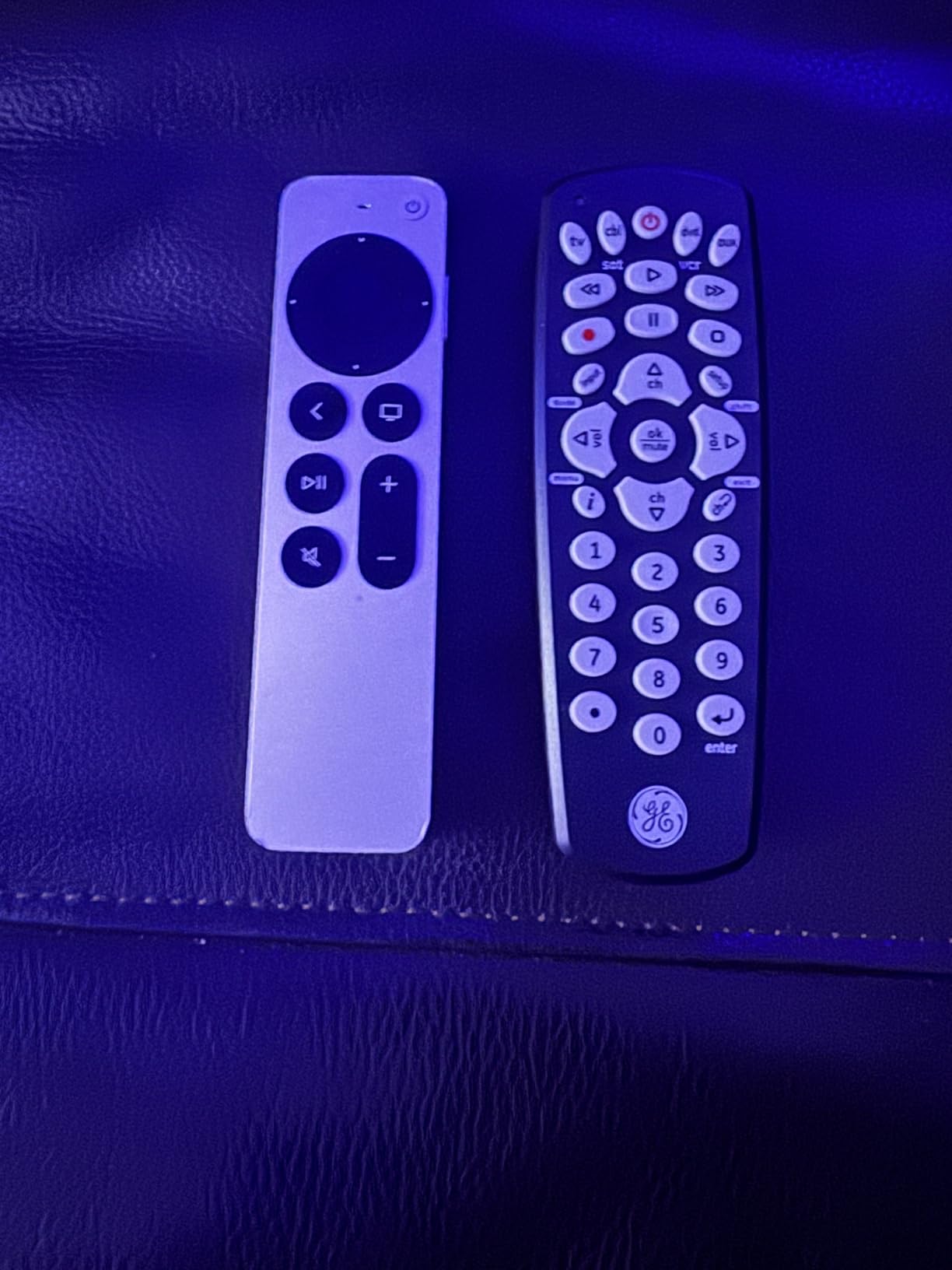
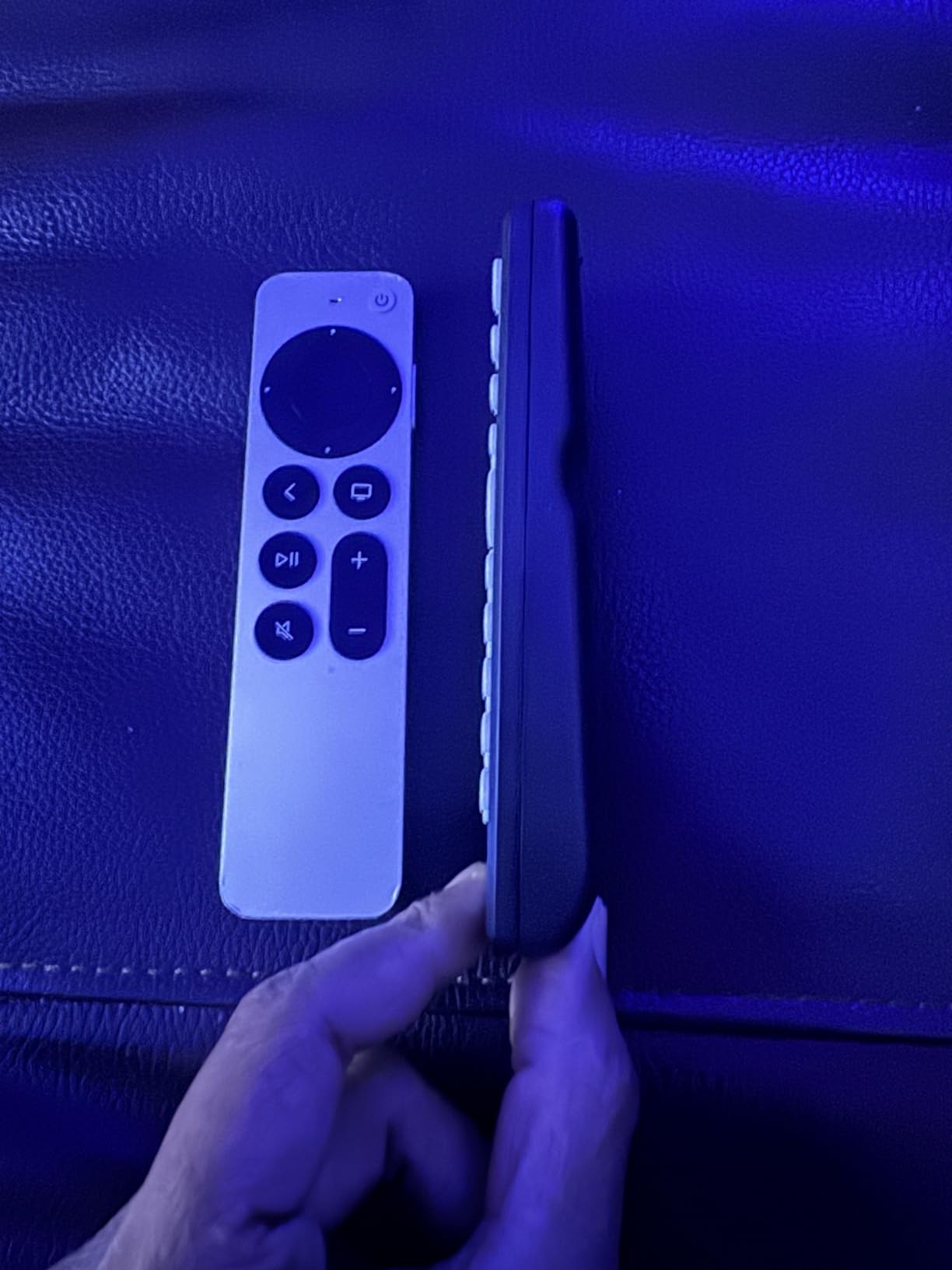
Roku streaming players remain unsupported due to IR-only operation. Streaming Sticks use RF, making compatibility impossible with this remote. Buttons occasionally stick during operation, and some users report programming settings lost over time.
The comprehensive code library covers major brands, though setup sometimes proves challenging for certain devices. Limited advanced functions suit basic control needs but restrict power-user capabilities. For budget-conscious buyers with simple IR setups, this GE model works adequately.
Automatic Code Search
The automatic search function cycles through codes until finding working combinations. This method requires patience but handles most devices without manual code entry. The process works for users who can’t find specific codes for their equipment.
Master Volume Feature
Master volume adjusts audio levels regardless of which device mode is active. Soundbar or AV receiver volume control works during TV or streaming operation. This feature simplifies daily use significantly for audio-focused setups.
13. GE Designer Series 4-Device Remote – Stylish Brushed Finish
GE Universal Remote Control for Samsung LG RokuTV Vizio Sony Philips Sharp
4 Devices
Brushed Finish
Setup Video
Master Volume
30ft Range
Pros
- Modern brushed finish
- Controls 4 devices
- Comprehensive code library
- Master volume control
- Online setup video
- Includes advanced buttons
- Good brand coverage
- Stylish design
Cons
- No RF streaming support
- Setup can be complex
- Limited smart TV functions
- Code entry sometimes difficult
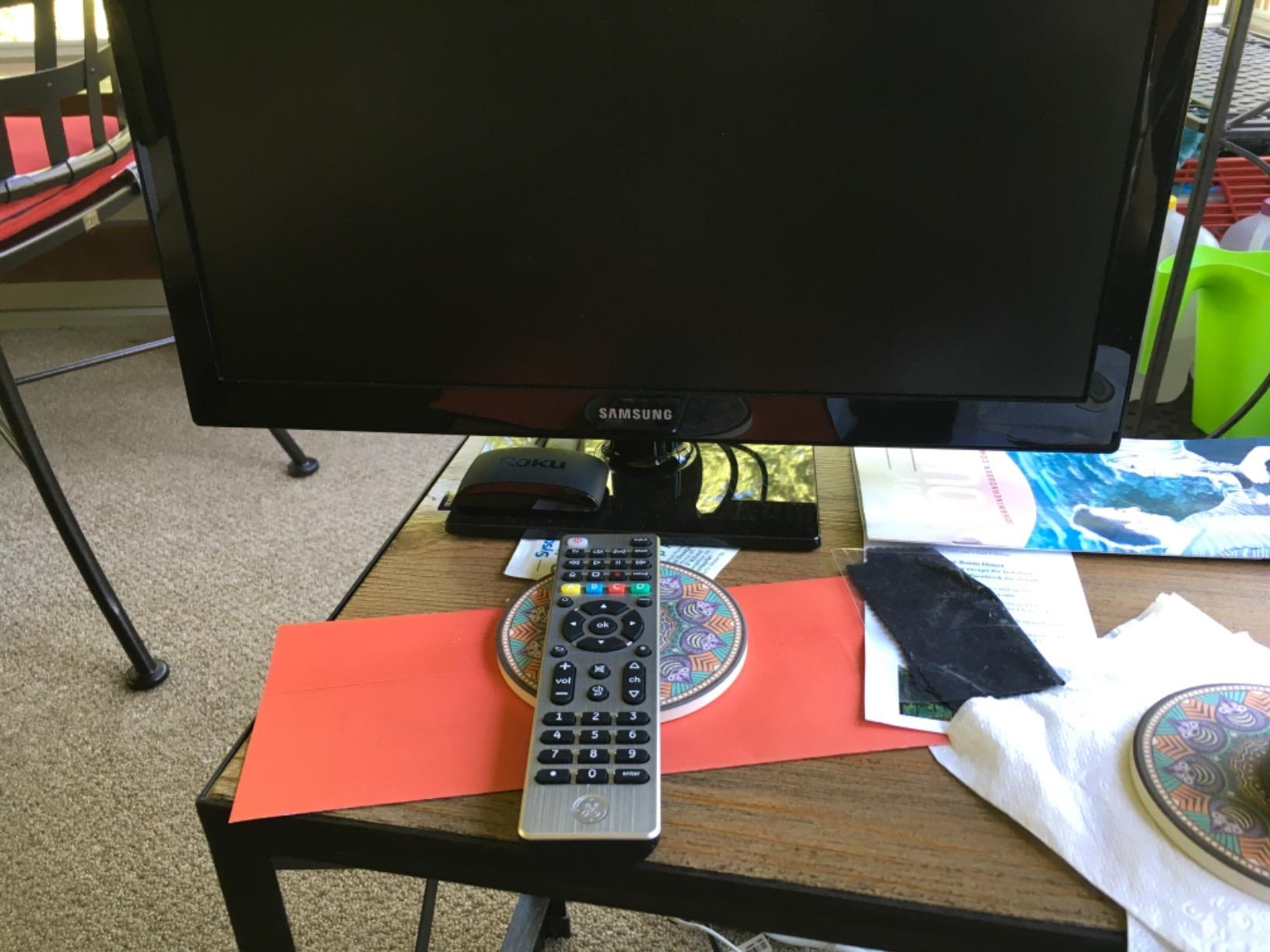
The GE 33709 Designer Series adds visual appeal to budget universal functionality. I tested it with my 4-device setup, appreciating the brushed nickel finish that looks more premium than typical budget remotes. The comprehensive button layout includes Menu, Home/Guide, DVR LIST, and Info functions beyond basic controls.
The online setup video guides programming more clearly than typical printed instructions. I followed the video tutorial for my device setup, finding the process easier than manual code entry alone. Master volume control works across devices, and the 30-foot range covers typical room distances.
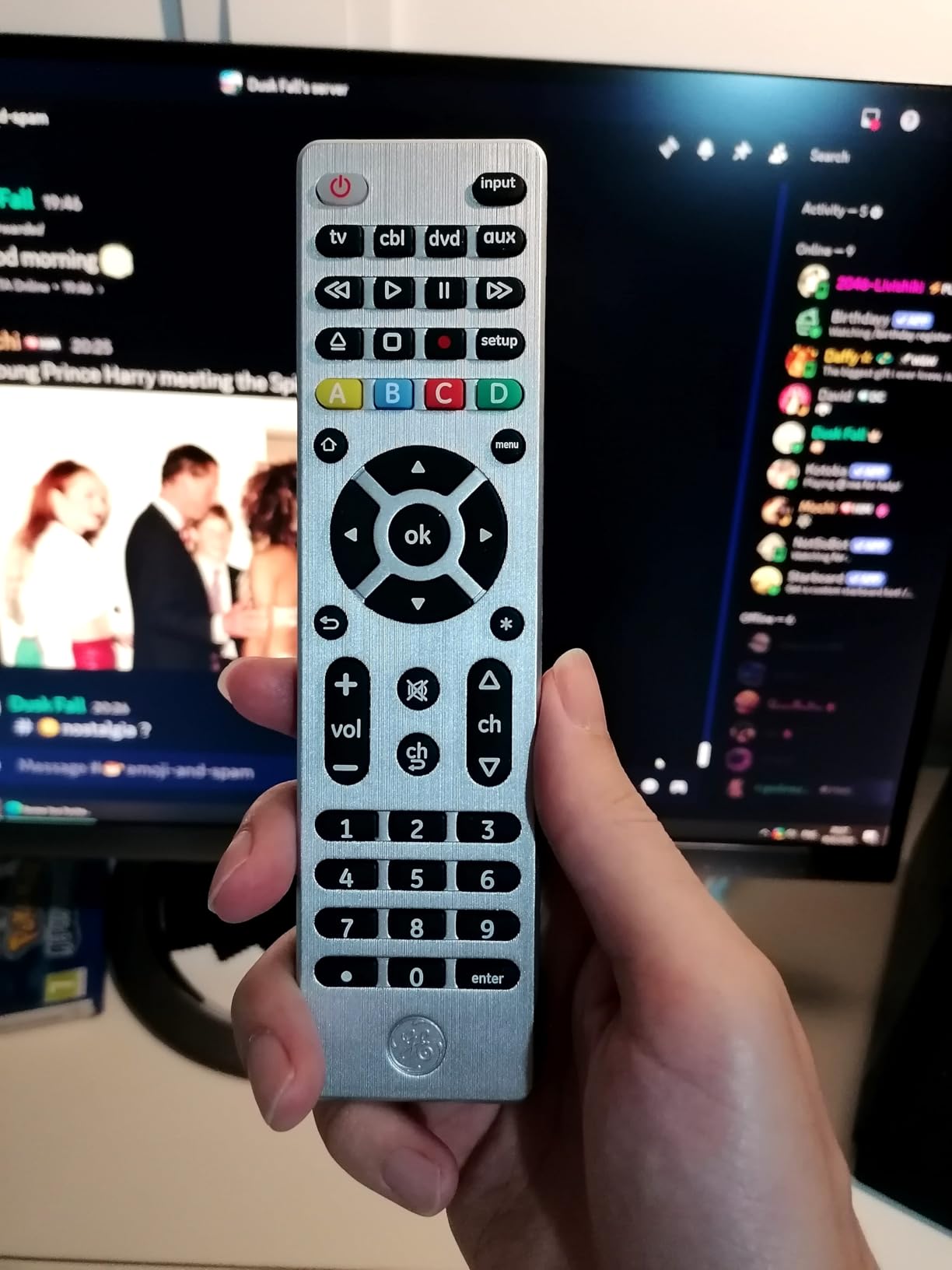
The comprehensive code library covers major brands extensively. Menu, Home, and navigation buttons handle smart TV functions better than simpler budget models. The silver finish complements modern entertainment setups aesthetically.
Roku Streaming Sticks and Fire TV remain incompatible due to IR-only operation. Some users report setup complexity despite the video guide. Advanced smart TV navigation functions remain limited compared to dedicated smart TV remotes. For style-conscious buyers with IR setups, this model delivers functionality and appearance.
Modern Design Appeal
Brushed nickel finish provides visual distinction from standard black remotes. The Designer Series looks premium despite budget pricing, appealing to users who care about equipment aesthetics. The silver color complements modern entertainment furniture.
Setup Video Availability
The online setup video demonstrates programming more clearly than printed guides. Visual instructions reduce setup confusion for users who struggle with text-based directions. The video covers device programming and button customization comprehensively.
14. GE Backlit Buttons Universal Remote – Budget Pick with Blue LED Backlight
GE Backlit Buttons Universal Remote Control, Samsung TV Remote Control
4 Devices
Blue LED Backlit
Samsung Preprogrammed
Master Volume
8m Range
Pros
- Fully backlit buttons
- Samsung preprogrammed
- Controls 4 devices
- Master volume control
- Graphite finish stylish
- Easy code search
- Good value price
- High review count
Cons
- No RF streaming support
- Missing advanced buttons
- Backlight too bright possible
- Durability concerns reported
The GE 48848 delivers backlit functionality at the lowest price among backlit models. I tested it in my dark viewing room, finding the blue LED backlight illuminates all buttons clearly. Samsung TV preprogramming worked immediately, and automatic code search found my other devices within minutes.
Master volume control adjusts audio regardless of current device mode. The brushed graphite finish looks stylish, and the ergonomic design fits hand comfortably. With nearly 10,000 reviews averaging 4.3 stars, this remote clearly satisfies budget buyers seeking backlighting.
IR-only operation means no RF streaming device compatibility. Roku Streaming Sticks and Fire TV won’t work with this remote. Some users report backlight brightness overwhelming in very dark rooms. Durability concerns appear in reviews, with some units failing after months of use, though the lifetime warranty covers defects.
Backlit for Dark Rooms
Blue LED backlight illuminates all buttons when any button is pressed. The backlight provides visibility in dark viewing environments, addressing a common budget remote limitation. Some users might find the brightness excessive in very dark rooms.
Samsung Preprogramming
Samsung TV buttons work immediately without setup. Samsung users can start using the remote out of the box for basic functions. This preprogramming simplifies initial experience for the most popular TV brand.
15. GE Big Button 2-Device Remote – Simplest Option for Basic Setups
GE Big Button Universal Remote Control for Samsung, Vizio, Lg, Sony, Roku
2 Devices
Big Buttons
Ergonomic
Samsung Preprogrammed
30ft Range
Pros
- Large easy read buttons
- Ergonomic design
- Samsung preprogrammed
- Simple code search
- Master volume works
- US based support
- Lightweight durable
- Senior friendly
Cons
- Only 2 devices
- No smart TV buttons
- Rounded bottom shifts
- Programming convoluted
- Limited functions
The GE 33701 simplifies universal control to its most basic form. I tested it with my TV and soundbar, finding the large buttons genuinely easier to read and press. The ergonomic design fits hand comfortably, and Samsung preprogramming worked immediately without setup.
Master volume control adjusts soundbar volume during TV viewing. The lightweight construction suits users who struggle with heavier remotes. US-based technical support provides assistance for setup problems, and the 30-foot range covers typical room distances.
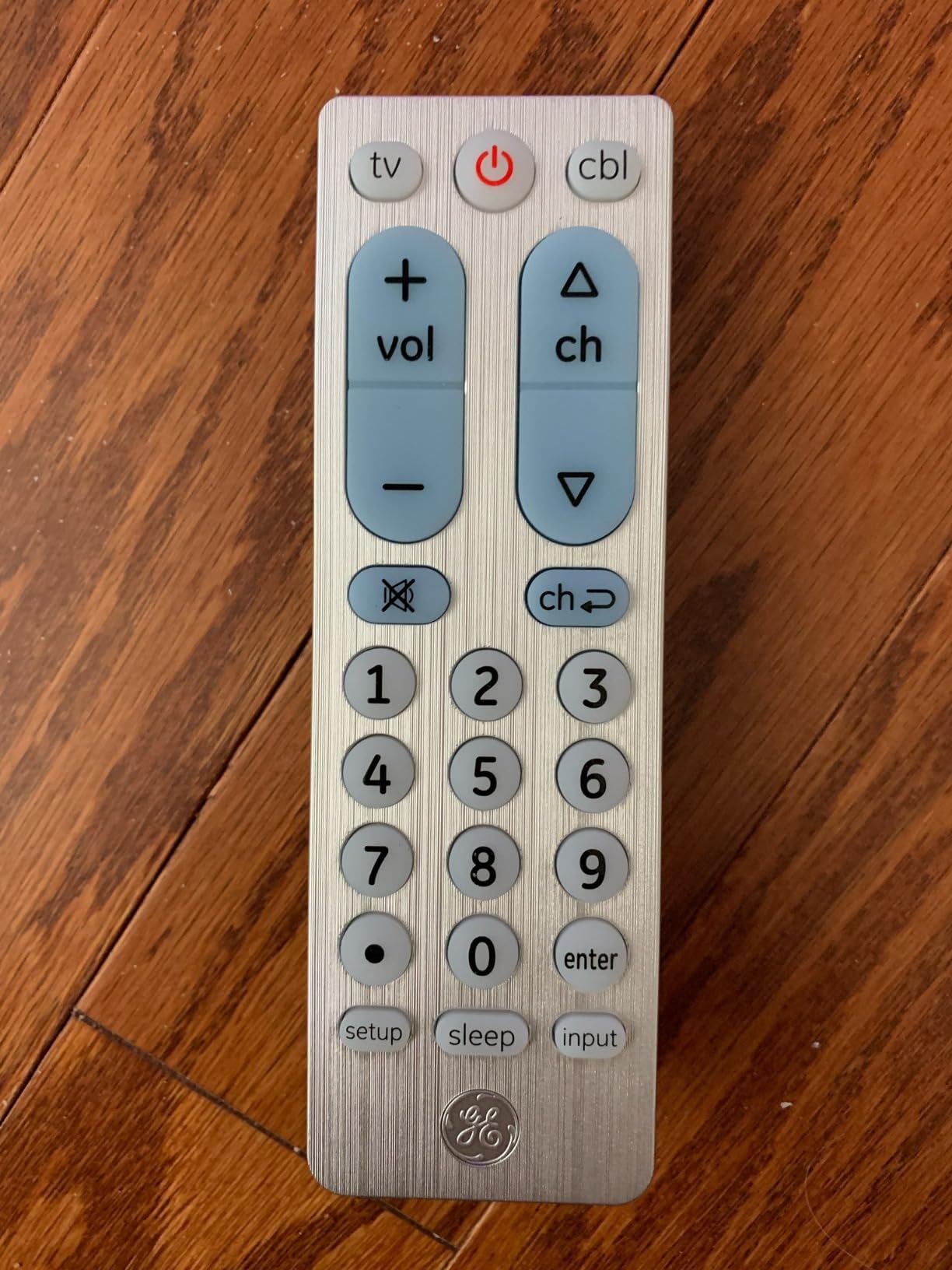
Only controlling 2 devices limits functionality significantly. Smart TV navigation buttons for app browsing are missing. The rounded bottom causes the remote to shift on flat surfaces, potentially sliding off tables. Programming can feel convoluted despite simplicity.
For seniors, those with vision impairments, or users with genuinely simple setups, this GE model delivers adequate functionality. The large buttons serve accessibility needs, and the basic operation avoids overwhelming complexity. Power users should seek higher-capacity models.
Big Button Accessibility
Large, clearly labeled buttons reduce mispresses and improve visibility. Users with vision impairments or motor control challenges can operate this remote more easily than standard sizes. The simplified layout focuses on essential functions without overwhelming options.
Ideal for Seniors
Simplified operation suits users who don’t need complex features. Large buttons, basic functions, and ergonomic design serve senior users well. The remote avoids smart TV complexity that might confuse less tech-savvy operators.
How to Choose the Best Universal Remote for Home Theater?
Selecting the right universal remote depends on your specific setup complexity, control technology needs, and budget. Understanding the key differences between remote types helps narrow choices effectively.
IR remotes send infrared signals requiring line of sight to devices. These work reliably with most TVs, soundbars, DVD players, and older equipment. IR remotes cost less but cannot control devices hidden inside cabinets or behind walls. Budget models like the GE and Philips options use IR exclusively.
RF remotes use radio frequency signals that penetrate walls and cabinet doors. No line of sight required, making RF ideal for equipment hidden in media cabinets. Hub-based systems like SofaBaton X1S and X2 use RF through included hubs, extending control range significantly.
Bluetooth remotes connect directly to compatible streaming devices and smart TVs. Modern Roku players, Fire TV, Apple TV, and many smart TVs use Bluetooth for remote communication. SofaBaton remotes support Bluetooth alongside IR, covering both legacy and modern equipment.
Hub-Based vs Simple Remotes
Hub-based systems like SofaBaton X1S and X2 offer RF control through included hubs, activity programming, and smartphone app setup. The hub communicates with devices via IR blasters and RF signals, eliminating line-of-sight requirements. Hubs cost more but deliver superior control for complex setups.
Simple IR remotes like GE and Philips models control devices directly without intermediate equipment. These cost less and setup faster, but require pointing directly at devices and lack activity programming. Simple remotes suit basic setups with visible equipment.
Device Compatibility and Limits
Check device limits before purchasing. Premium models like SofaBaton support 60 devices, while budget options may limit to 2-8 devices. Count every device you need to control: TV, AV receiver, streaming players, soundbar, gaming console, Blu-ray player, and cable box.
Verify brand compatibility through manufacturer code databases. SofaBaton claims 500,000+ device support, One For All covers 7,000+ brands, and GE/Philips handle major manufacturers. Obscure brands may require learning features or remain unsupported.
Macro and Activity Features
Activity buttons combine multiple device commands into single sequences. Watch TV might power TV, switch input, turn on receiver, and set volume. Activity programming simplifies operation for family members who might otherwise struggle with multi-device control.
Macros allow custom command sequences beyond standard activities. Advanced users can program complex sequences like dimming lights alongside entertainment activities. SofaBaton models offer extensive macro programming through their apps.
Setup Complexity Considerations
App-based setup through smartphone simplifies programming for SofaBaton and One For All models. Video guides and guided setup walk through device connection. Some users prefer this method over manual code entry.
Manual code entry through printed instructions works for GE and Philips budget models. Automatic code search functions cycle through possibilities. Users comfortable with traditional programming might prefer manual methods over app dependency.
Battery and Power Options
Rechargeable remotes like GE 80984-RF1 and RCA RCTSC3B eliminate battery purchases. USB-C charging works with standard cables. Battery life typically runs weeks between charges, reducing maintenance.
Disposable battery remotes require ongoing AA or AAA purchases. Battery life often exceeds rechargeables, but ongoing costs add up. Users preferring no charging routine might choose disposable battery options.
FAQs
What is the best home theater control system?
The best home theater control system depends on your setup complexity. For simple systems with 3-4 visible devices, the GE Backlit Buttons or Philips Universal remotes work well. For complex setups with hidden equipment and multiple devices, the SofaBaton X1S or X2 with hub delivers superior control through RF signals, activity programming, and smartphone app management.
Why are universal remotes going away?
Universal remotes are declining because smart TVs now include comprehensive control through voice commands and smartphone apps. Many streaming devices like Roku and Fire TV come with dedicated remotes that work well for most users. Logitech discontinued the Harmony line in 2021, leaving a gap that brands like SofaBaton are now filling for enthusiasts who still want unified control.
What is the best all-in-one remote?
The SofaBaton X2 ranks as the best all-in-one remote for 2026, offering touchscreen control, hub-based RF operation, 60-device capacity, and Home Assistant integration. For mid-range needs, the SofaBaton X1S provides similar capabilities at lower cost. Budget users should consider the GE Backlit Buttons model for reliable IR control with backlit keypad.
Which is better, RF or IR remote?
RF remotes are better for setups with hidden equipment in cabinets or behind walls, since radio frequency signals penetrate obstacles without requiring line of sight. IR remotes work fine for visible equipment and cost significantly less. Hub-based systems like SofaBaton combine both technologies, using RF for hub communication and IR blasters for device control. Choose RF for hidden equipment, IR for visible setups.
Final Thoughts on Universal Remotes for 2026
The universal remote category has evolved significantly since Logitech discontinued the Harmony line. SofaBaton now leads the premium segment with touchscreen models and hub-based systems that control hidden equipment through RF technology. Budget options from GE and Philips continue serving users with simpler, visible setups.
For complex home theaters, the SofaBaton X2 or X1S delivers the best universal remotes for home theater with activity programming, voice control, and cabinet-penetrating RF signals. Budget buyers with visible equipment should consider the GE Backlit model for backlit convenience at under $11. Seniors and accessibility users will appreciate the large-button designs from Philips BigEZ and GE.
Choose based on your device count, equipment placement, and complexity needs. Hub-based systems handle hidden cabinets and multiple devices, while simple IR remotes work fine for basic visible setups. Either approach simplifies your viewing experience by consolidating multiple remotes into one unified controller.