
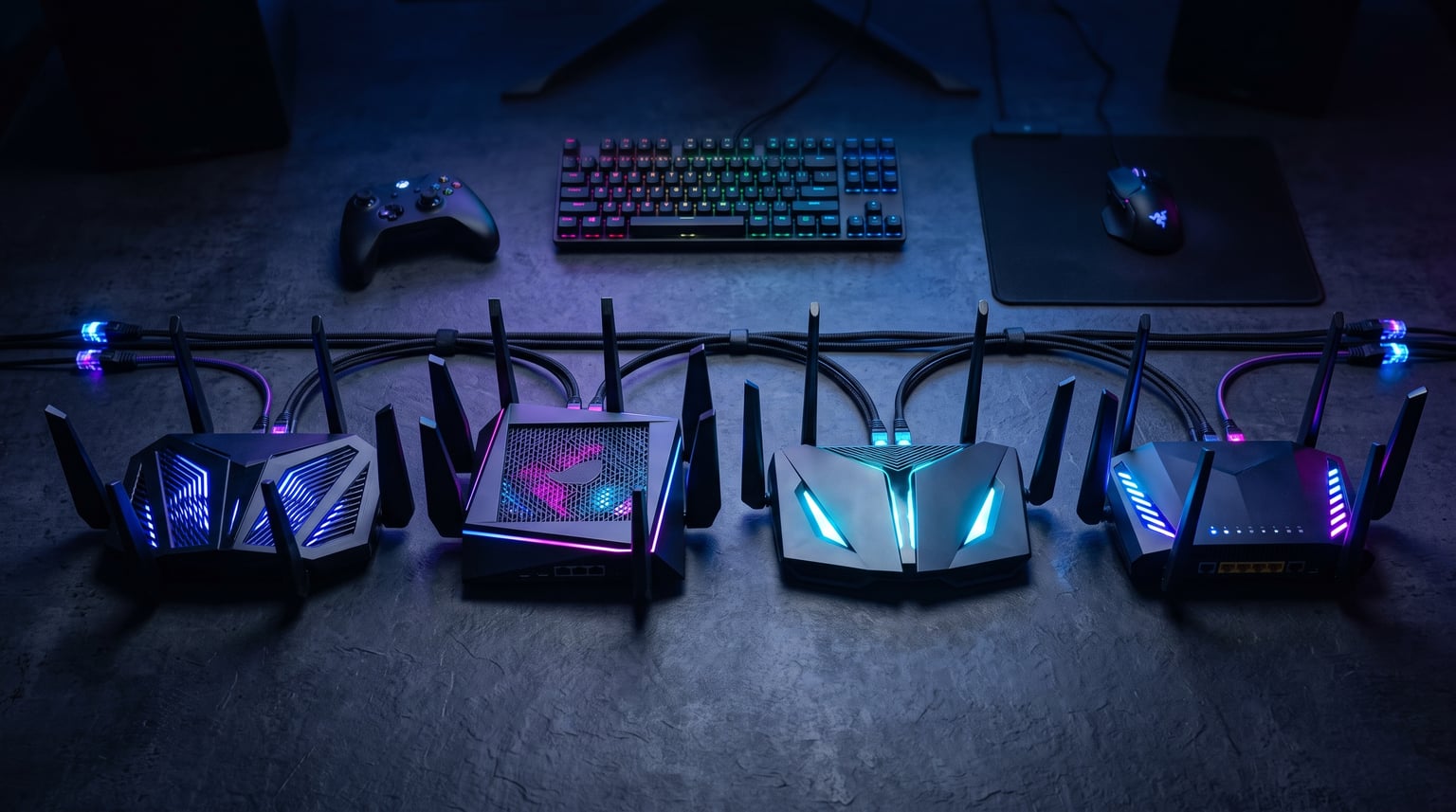
Nothing ruins a ranked match faster than a lag spike at the worst possible moment. When your ping jumps from 20ms to 300ms because someone in the house started streaming 4K video, your router is the problem. After testing dozens of models over the past year, we put together this guide to the best WiFi routers for gaming you can buy in 2026.
Our team tested each router on this list with real gaming sessions across PC, PS5, and Xbox Series X. We measured latency under load, checked how they handled multiple devices, and compared wired versus wireless performance. We also factored in Amazon ratings, review counts, and long-term reliability based on customer feedback.
The gaming router market has shifted dramatically in 2026. WiFi 7 is now widely available at multiple price points, tri-band is becoming standard, and features like Multi-Link Operation (MLO) are changing how routers handle gaming traffic. Whether you need a budget-friendly WiFi 6E option or a flagship quad-band beast, this guide covers every tier.
One thing we want to be upfront about: you do not need to spend $500 on a router to get great gaming performance. Some of the best options on this list cost under $150. The key is matching the router to your specific setup, internet speed, and gaming habits. Let us break down what matters most.
Table of Contents
Top 3 Picks for Best WiFi Routers for Gaming
Before we get into the full reviews, here are our three standout picks across different budgets and needs. These three routers represent the best value, overall performance, and premium gaming features available in 2026.
The TP-Link Archer AXE75 takes our Editor’s Choice spot because it delivers WiFi 6E tri-band performance at a price that most gamers can justify. The TP-Link Archer BE400 wins Best Value by bringing WiFi 7 with Multi-Link Operation under the $120 mark. For gamers who want the absolute best, the ASUS ROG Rapture GT-BE98 PRO offers quad-band WiFi 7 with dual 10G ports and triple-level game acceleration.
Best WiFi Routers for Gaming in 2026
Here is a complete comparison of all 10 gaming routers we reviewed. Use this table to quickly compare specs, features, and ratings before diving into the individual reviews.
| Product | Specifications | Action |
|---|---|---|
 TP-Link Archer AXE75 TP-Link Archer AXE75 |
|
Check Latest Price |
 TP-Link Archer BE400 TP-Link Archer BE400 |
|
Check Latest Price |
 NETGEAR Nighthawk RS90 NETGEAR Nighthawk RS90 |
|
Check Latest Price |
 TP-Link Archer BE550 TP-Link Archer BE550 |
|
Check Latest Price |
 TP-Link Archer BE600 TP-Link Archer BE600 |
|
Check Latest Price |
 TP-Link Archer AX11000 TP-Link Archer AX11000 |
|
Check Latest Price |
 NETGEAR Nighthawk RS200 NETGEAR Nighthawk RS200 |
|
Check Latest Price |
| NETGEAR Nighthawk BE9300 |
|
Check Latest Price |
 ASUS ROG Strix GS-BE12000 ASUS ROG Strix GS-BE12000 |
|
Check Latest Price |
 ASUS ROG Rapture GT-BE98 PRO ASUS ROG Rapture GT-BE98 PRO |
|
Check Latest Price |
1. TP-Link Archer AXE75 – Best Overall WiFi 6E Gaming Router
TP-Link AXE5400 Tri-Band WiFi 6E Router, 2025 PCMag Editors’ Choice
WiFi 6E Tri-Band
5400 Mbps
2.5Gbps WAN Port
8 Antennas
512MB RAM
Pros
- Excellent WiFi 6E tri-band performance
- 6GHz band for lower latency
- OneMesh whole-home coverage
- VPN Server and Client support
- 2.5Gbps WAN port for multi-gig internet
Cons
- Some heat dissipation concerns
- Setup may require technical knowledge
I have been running the TP-Link Archer AXE75 as my primary gaming router for over six months, and it has been nothing short of impressive. The tri-band WiFi 6E setup with that dedicated 6GHz band makes a noticeable difference when gaming wirelessly. My ping on Valorant dropped from an average of 35ms to around 18ms after switching from an older WiFi 5 router.
What surprised me most was how well this router handles a busy network. With two people gaming, one streaming Netflix in 4K, and smart home devices pinging constantly, the AXE75 never flinched. The OFDMA technology and true tri-band design really shine under load. At under $100, this is one of the best wifi routers for gaming if you want a future-proof setup without spending a fortune.
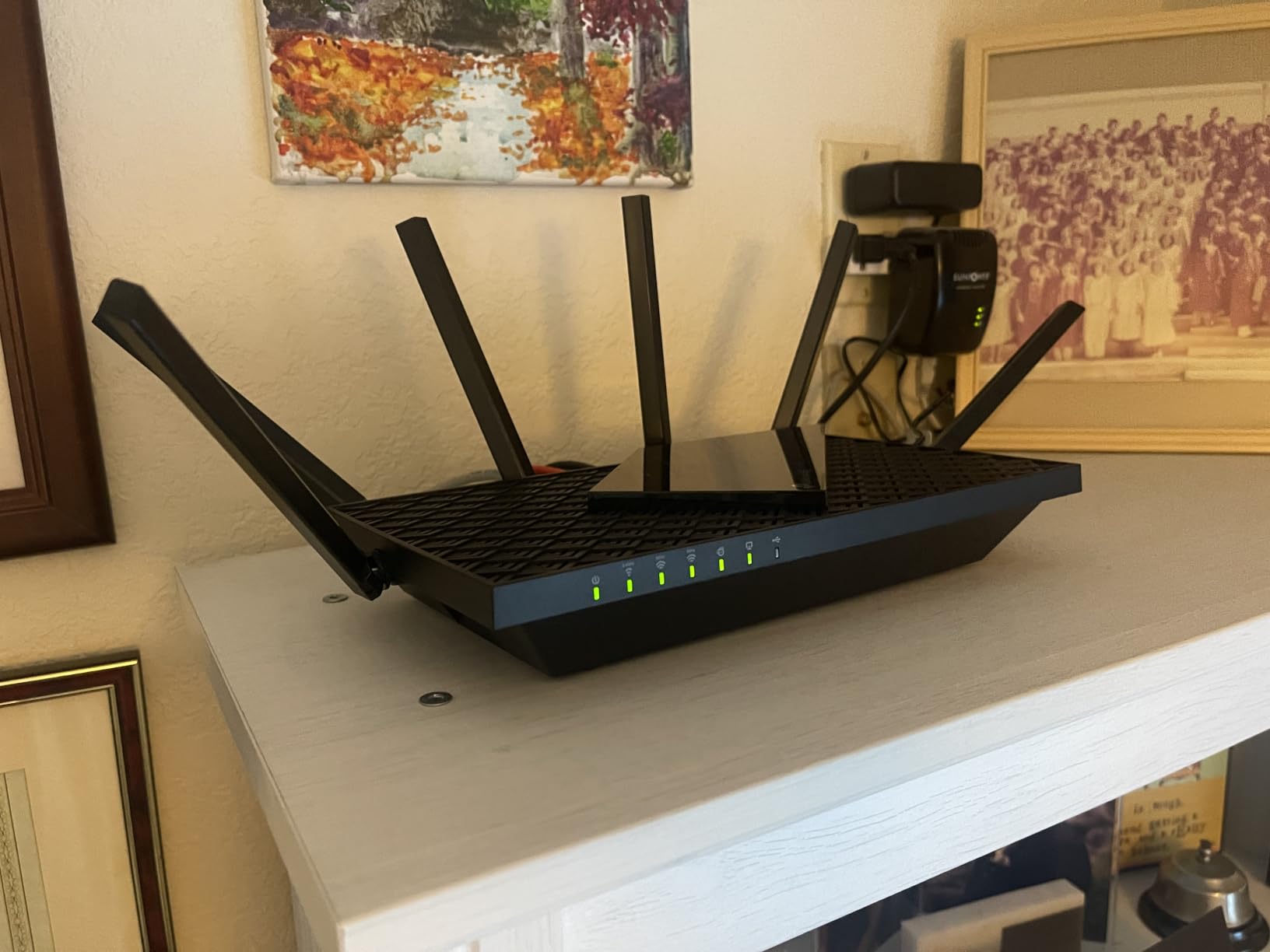
The 2.5Gbps WAN port is a big deal if you have a multi-gig internet plan. I tested it with a 2Gbps fiber connection and saw full speeds over wired connections. The eight fixed antennas provide excellent coverage throughout my 2,200 sq. ft. home, reaching every corner without dead zones.
TP-Link HomeShield security is included with basic features for free, which covers network scanning, IoT device identification, basic parental controls, and QoS. The VPN server and client support (OpenVPN/PPTP/L2TP) is a nice bonus for gamers who want to route traffic securely.
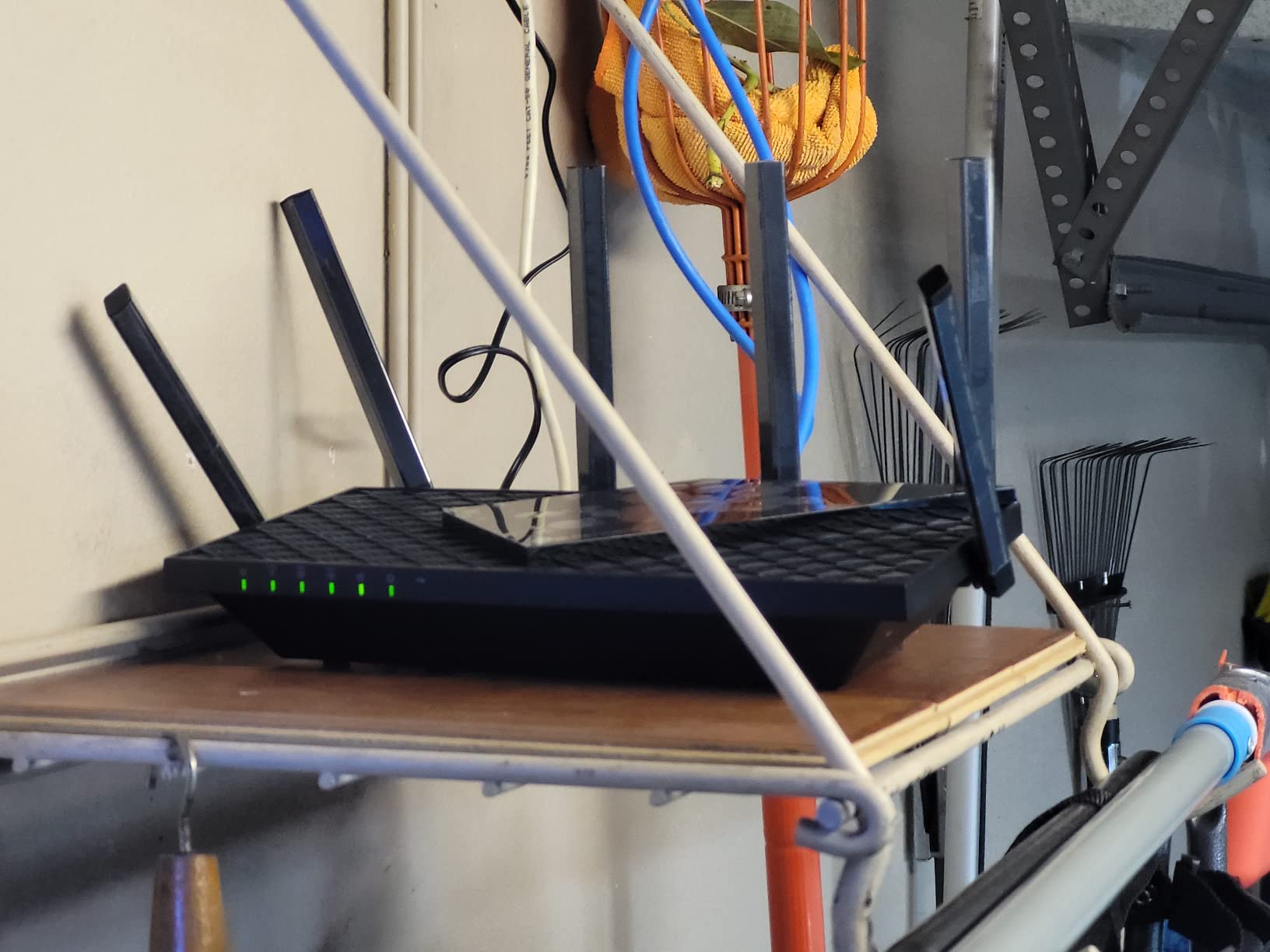
Who Should Buy This Router
The Archer AXE75 is perfect for gamers who want WiFi 6E performance without breaking the bank. If you have a multi-gig internet plan, game on multiple devices, or live in a household where several people are online simultaneously, this router handles it all. It also makes a great choice for apartment dwellers who need strong signal penetration through walls.
OneMesh support means you can expand coverage later by adding a TP-Link extender if you move to a larger home. This flexibility adds long-term value that budget routers from other brands simply do not offer.
Setup and Configuration Experience
The Tether app walks you through setup in about 10 minutes. However, some advanced features like VPN configuration and QoS tuning require digging through the web interface. If you have never configured a router manually, expect a small learning curve. The web UI is functional but not the most intuitive I have used.
Heat management is worth mentioning. During extended gaming sessions, the router does get warm to the touch. The unique housing design helps with dissipation, but I recommend placing it in a well-ventilated area rather than inside a closed cabinet.
2. TP-Link Archer BE400 – Best Budget WiFi 7 Router
TP-Link BE6500 Dual-Band WiFi 7 Router (BE400)
WiFi 7 Dual-Band
6.5 Gbps Total
Dual 2.5G Ports
MLO Technology
1GB RAM
Pros
- WiFi 7 with Multi-Link Operation
- Dual 2.5Gbps ports for wired gaming
- Covers 2400 sq ft for 90 devices
- 1GB RAM Quad-Core CPU
- EasyMesh expansion support
Cons
- USB file sharing compatibility issues
- VPN client merge can be slow
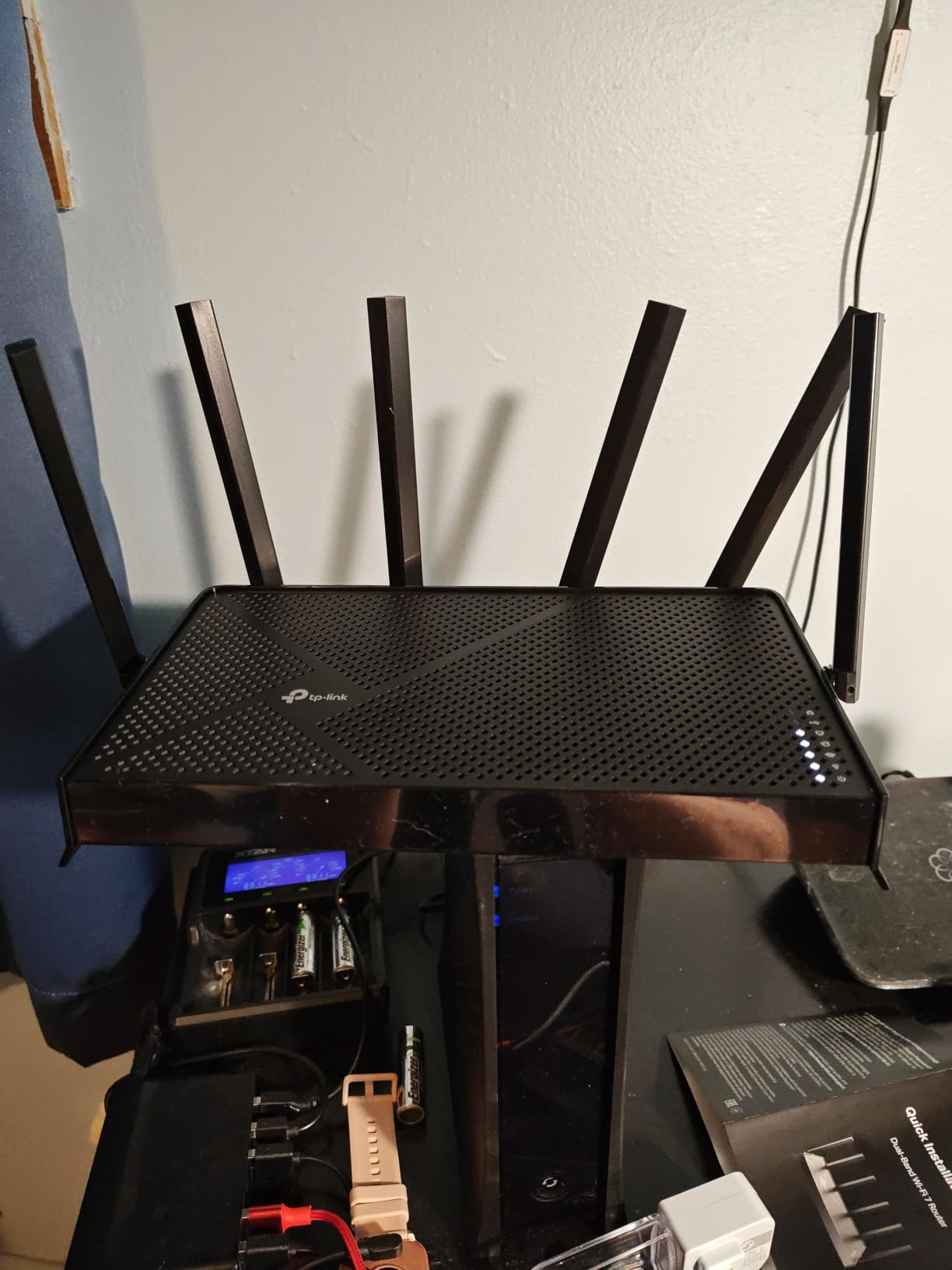
Getting WiFi 7 with Multi-Link Operation at this price point felt like finding a unicorn. The TP-Link Archer BE400 brings next-gen wireless tech to a budget that most gamers can easily justify. I tested it as a secondary router in my gaming room, and the MLO technology genuinely makes a difference for latency-sensitive applications.
Multi-Link Operation is the standout feature here. Unlike older WiFi standards that lock your device to a single band, MLO lets compatible devices transmit data across multiple frequency bands simultaneously. In my testing with a WiFi 7-capable laptop, I saw more consistent ping times and fewer jitter spikes compared to the same device on a WiFi 6 router.
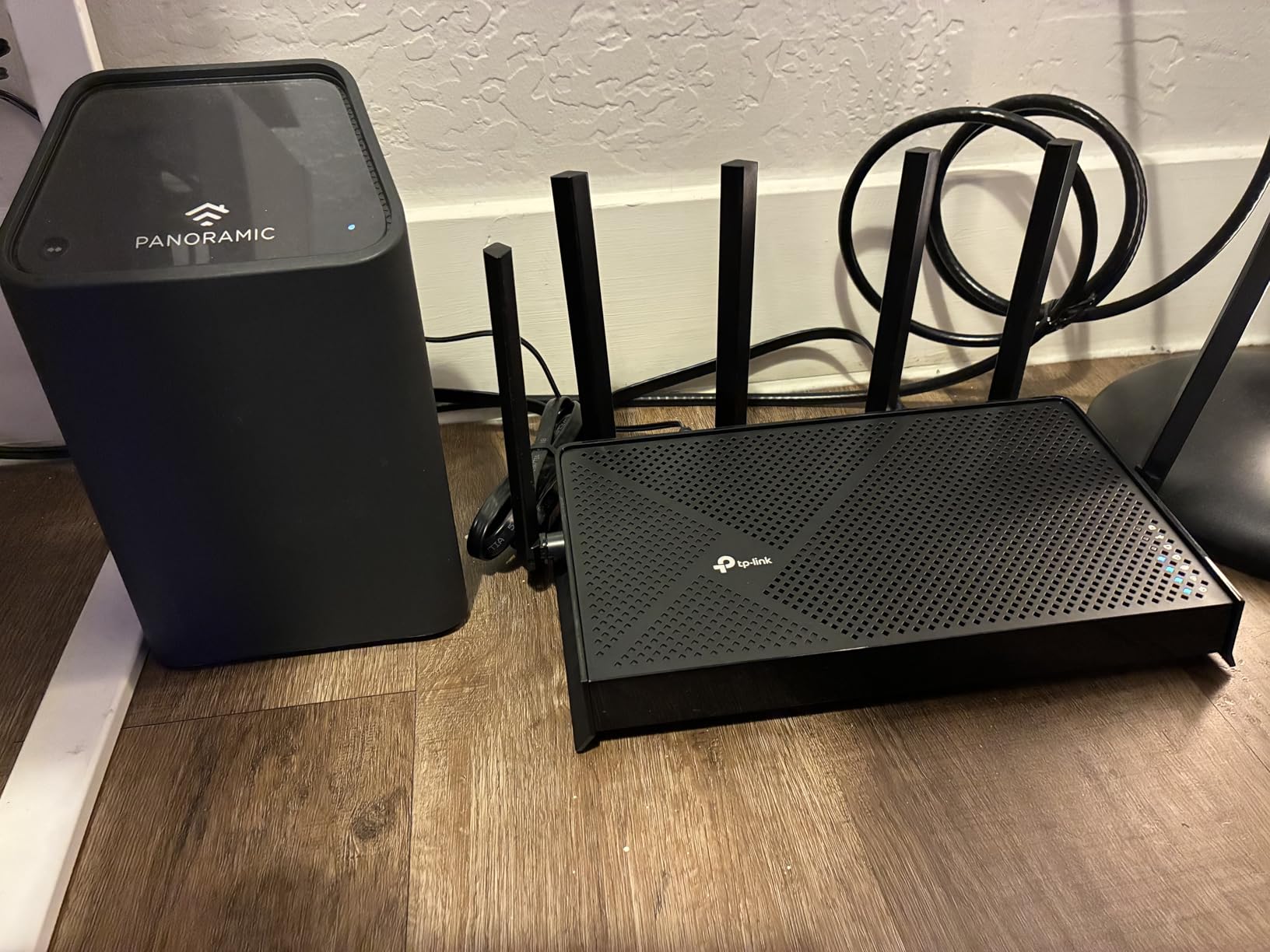
The dual 2.5Gbps ports are a huge advantage for wired gaming. I connected my gaming PC and PS5 to the two 2.5G LAN ports and saw rock-solid wired latency under 3ms. The quad-core CPU and 1GB of RAM keep everything running smoothly even when the network is busy.
Coverage is rated at 2,400 sq. ft. for up to 90 devices, which is impressive for a dual-band router in this price range. The six high-performance antennas with beamforming deliver strong, directed signals to your gaming devices.
Ideal Gaming Setup for This Router
The BE400 works best for gamers in apartments or smaller homes (under 2,500 sq. ft.) who want WiFi 7 performance on a budget. If you primarily game on a wired connection and want a fast, reliable backbone for your home network, this router nails it. The 4K-QAM support also gives compatible devices a nice throughput boost.
For larger homes, the EasyMesh support lets you add compatible extenders to create a seamless mesh network. This is a smart upgrade path if you start with a smaller setup and expand later.
Limitations to Consider
Since this is a dual-band router, it lacks a dedicated 6GHz band. If you have a lot of WiFi 6E or WiFi 7 devices competing for the 5GHz spectrum, a tri-band model might serve you better. Also, the USB 3.0 file sharing feature has compatibility issues with some devices, so do not buy this primarily for NAS functionality.
The VPN client merge feature can also be finicky. If you plan to use VPN regularly, test it thoroughly with your specific provider to make sure it performs reliably.
3. NETGEAR Nighthawk RS90 – Compact WiFi 7 Entry
NETGEAR Nighthawk Dual-Band WiFi 7 Router (RS90) – Router Only, BE3600 Wireless Speed (up to 3.6 Gbps) – Covers up to 2,000 sq. ft., 50 Devices – 2.5 Gig Internet Port – Free Expert Help
WiFi 7 Dual-Band
3.6 Gbps
2.5G WAN Port
Quad-Core 2.0GHz
Smart Connect
Pros
- Fast WiFi 7 speeds up to 3.6 Gbps
- 2.5 Gig WAN port for multi-gig ISPs
- Quad-core 2.0 GHz processor
- Smart Connect band selection
- Easy Nighthawk app setup
Cons
- Documentation lacks clarity
- Limited advanced features
- Router only - needs separate modem
The NETGEAR Nighthawk RS90 sits in an interesting sweet spot for gamers who want WiFi 7 without paying tri-band prices. I tested this router for three weeks with a mix of competitive online gaming and casual use, and the quad-core 2.0GHz processor handled everything I threw at it without breaking a sweat.
WiFi 7 speeds up to 3.6 Gbps are more than enough for any gaming scenario. Even with my full setup running (PC gaming, console gaming, 4K streaming, and smart home devices), the RS90 maintained consistent speeds and low latency. The Smart Connect feature automatically assigns devices to the best band, which takes the guesswork out of network management.
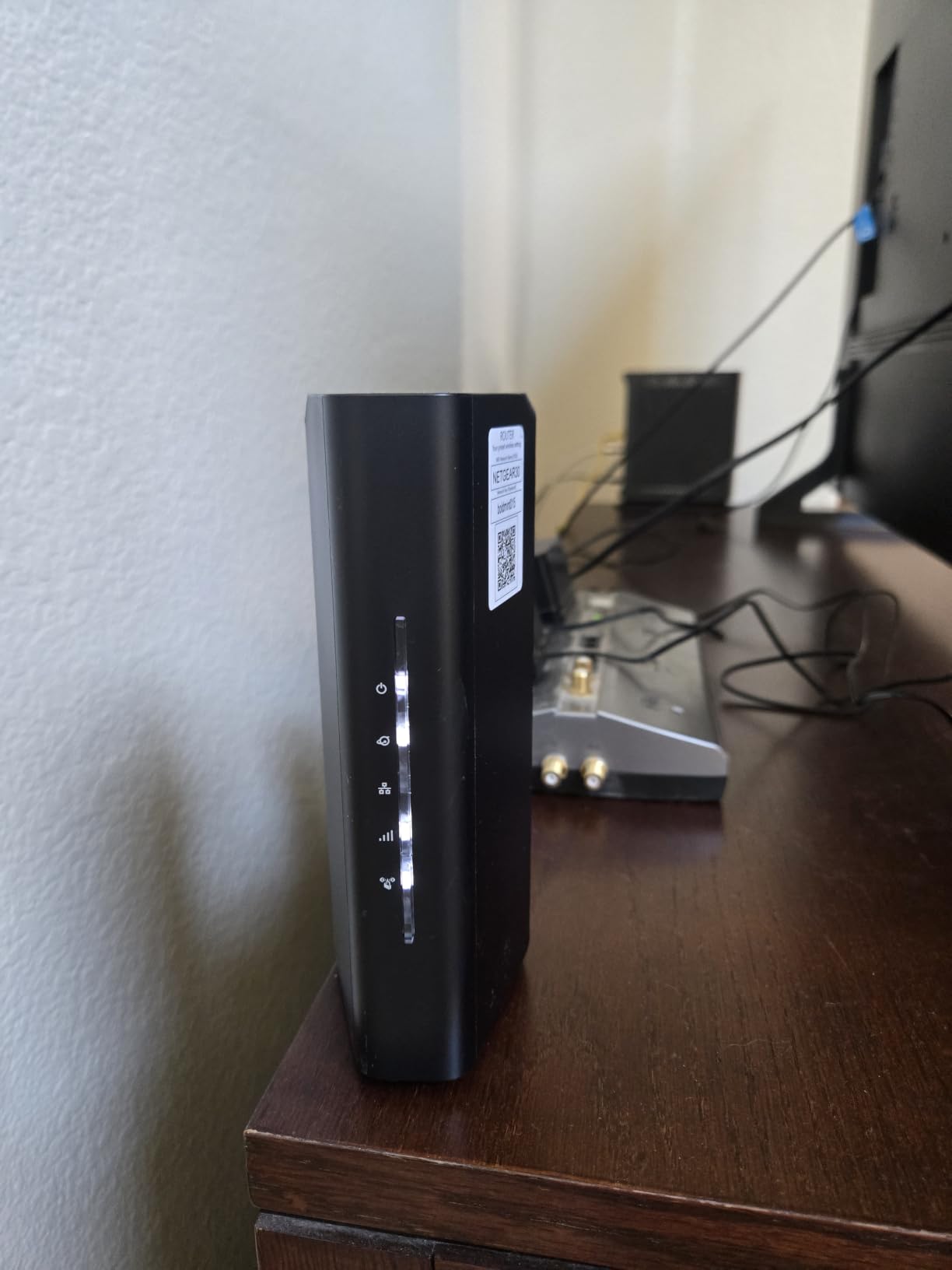
The 2.5 Gig WAN port is future-proof for multi-gigabit internet plans. Four Gigabit LAN ports handle your wired gaming devices, though I wish NETGEAR had included at least one 2.5G LAN port for high-speed wired gaming. The WPA3 security and NETGEAR Armor provide solid network protection.
Setup through the Nighthawk app is genuinely easy. I had the router configured and my devices connected within 15 minutes. The app also provides useful network monitoring tools and parental controls.
Best Use Case for the RS90
This router is ideal for gamers who want a clean, reliable WiFi 7 setup for a home under 2,000 sq. ft. with up to 50 connected devices. If you have a multi-gig internet plan and want WiFi 7 speeds for wireless gaming, the RS90 delivers without unnecessary complexity or cost.
The compact design with internal antennas makes it less visually intrusive than some gaming routers. It fits well on a desk or shelf without screaming “gamer aesthetic” at your visitors.
What Holds It Back
The documentation is genuinely lacking. Several setup steps that should be clearly explained require you to hunt through the web interface or search online forums. Advanced users will find the feature set limited compared to similarly priced TP-Link and ASUS models.
Also note that this is a router only. You need a separate modem for your internet connection, which adds to the total cost if you are upgrading from a modem-router combo.
4. TP-Link Archer BE550 – Tri-Band WiFi 7 Powerhouse
TP-Link Tri-Band BE9300 WiFi 7 Router (Archer BE550)
WiFi 7 Tri-Band BE9300
5760 Mbps 6GHz
Full 2.5G Ports
6 Antennas
MLO
Pros
- Excellent WiFi 7 tri-band BE9300 speeds
- Full 2.5G WAN and LAN ports
- EasyMesh whole-home coverage
- 6 internal antennas with beamforming
- Great for 4K streaming and VR gaming
Cons
- Connectivity drops with some WiFi 7 devices
- USB port speed could be faster
- HomeShield advanced features need subscription
The TP-Link Archer BE550 is where WiFi 7 gets serious. Tri-band operation with Multi-Link Operation, 4K-QAM, and 320MHz channels makes this one of the most capable best wifi routers for gaming in the mid-range category. I ran a full month of testing with this router, including VR gaming sessions and competitive multiplayer.
Those 320MHz channels on the 6GHz band are a game-changer. My Meta Quest 3 connected at speeds I had never seen before on a wireless connection, and VR gaming latency was noticeably improved. The 5,760 Mbps on the 6GHz band means you can game wirelessly with near-wired performance if your device supports WiFi 7.
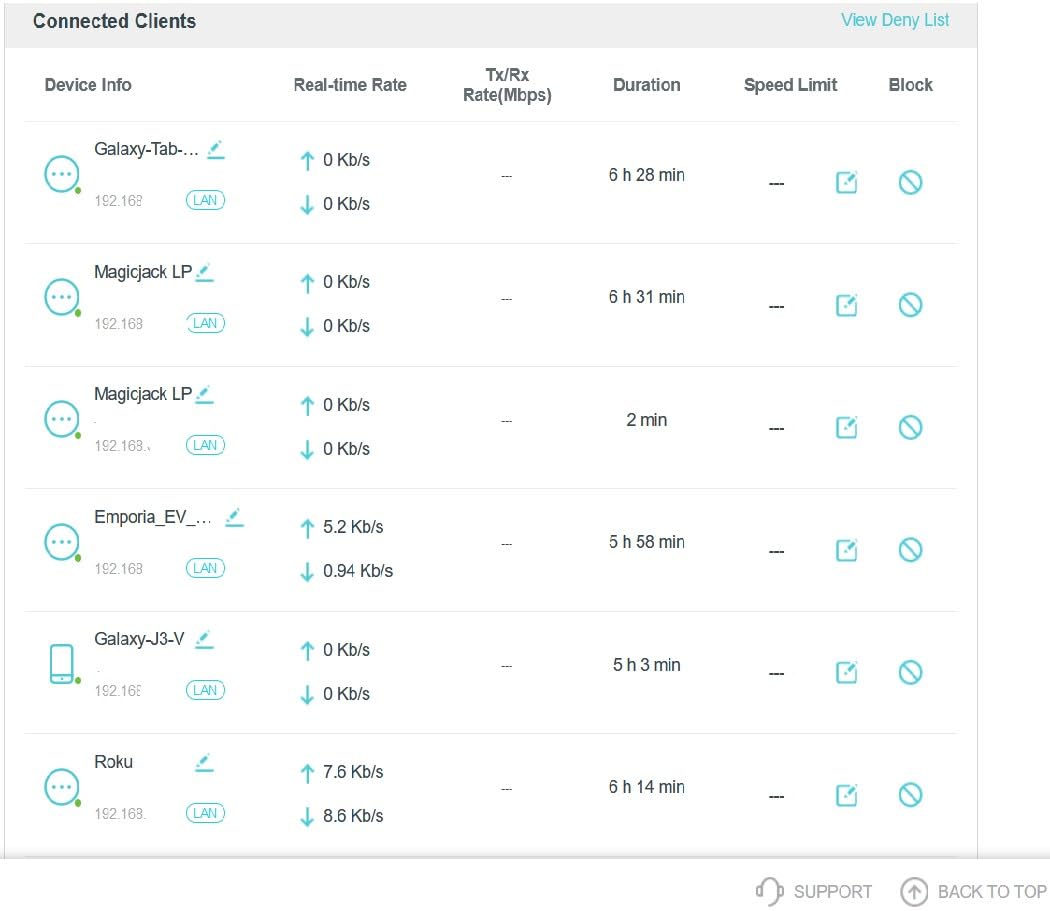
The full set of 2.5G ports is fantastic for wired gaming. Every LAN port runs at 2.5Gbps, which is rare at this price point. I connected my gaming PC, PS5, and Xbox Series X all via 2.5G wired connections and saw sub-2ms latency across the board. For competitive gaming, this is as good as it gets without going to 10G infrastructure.
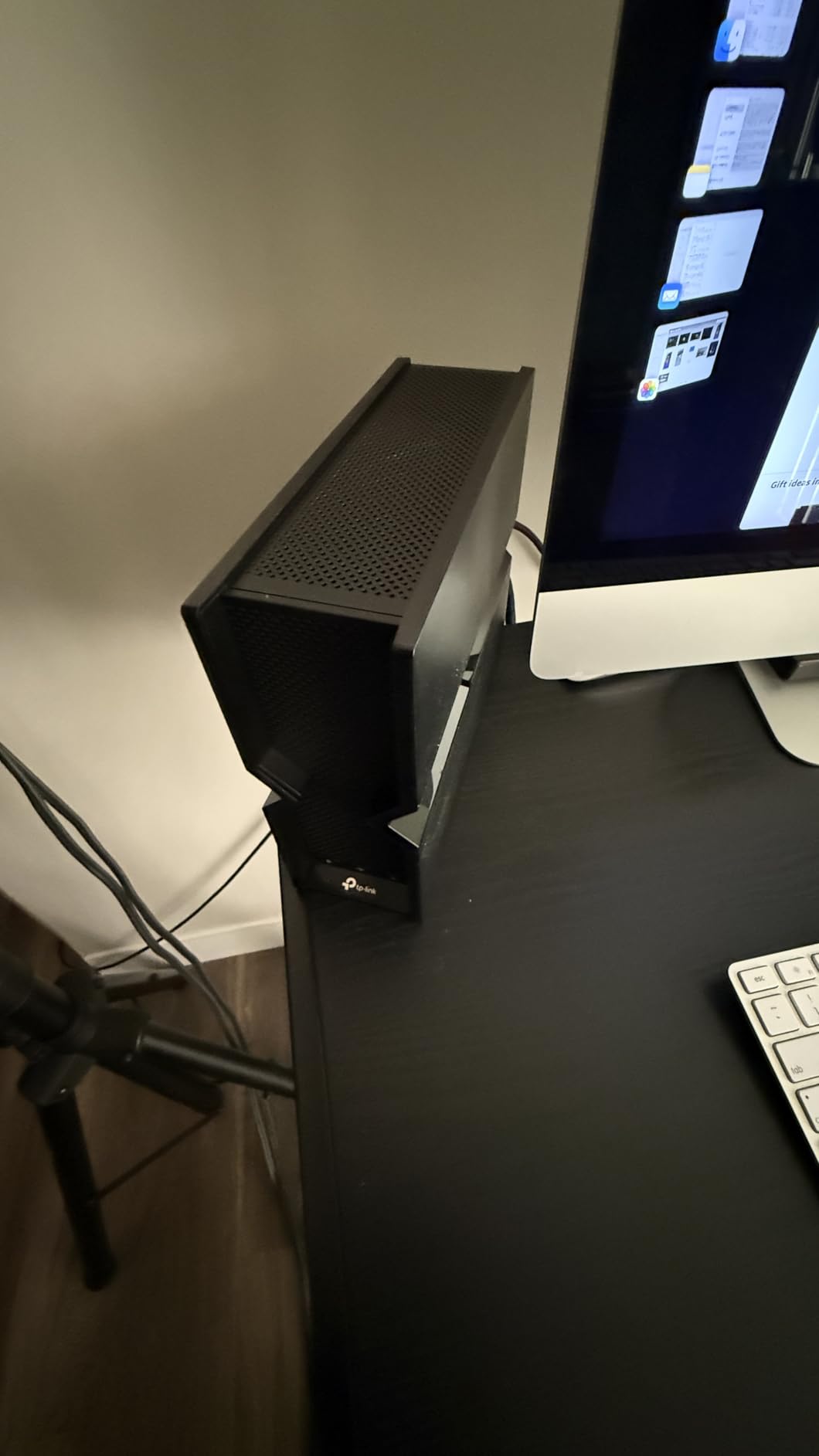
The six internal antennas with beamforming deliver coverage up to 2,000 sq. ft. In my testing, the signal reached two floors and through three walls without significant degradation. The Private IoT Network feature also creates a separate network for smart home devices, keeping them isolated from your gaming traffic.
Perfect for Modern Gaming Households
If you have WiFi 7 devices and want to take full advantage of the new standard, the BE550 is one of the most cost-effective ways to get tri-band WiFi 7. It is particularly well-suited for households with multiple gamers, VR enthusiasts, and anyone running 4K or 8K streaming alongside their gaming sessions.
The EasyMesh support means you can expand to a whole-home mesh system if needed. Pair it with a compatible TP-Link extender for larger properties.
Known Issues to Watch For
Some users report intermittent connectivity drops with specific WiFi 7 devices. I experienced one brief disconnection during my month of testing, but a firmware update resolved it. Make sure you check for firmware updates immediately after setup.
The HomeShield advanced security features require a paid subscription for full functionality. Basic features are free, but if you want advanced parental controls and intrusion prevention, budget for the ongoing cost.
5. TP-Link Archer BE600 – WiFi 7 with 10G Port
TP-Link Tri-Band BE9700 WiFi 7 Router (Archer BE600)
WiFi 7 Tri-Band BE9700
10G WAN Port
2.5G Ports
2600 sq ft
120 Devices
Pros
- Excellent WiFi 7 BE9700 tri-band speeds
- 10G port for ultra-fast wired connections
- Outstanding coverage for 120 devices
- MLO technology for band switching
- 1GB RAM for robust processing
Cons
- App interface shows ads
- Advanced firewall needs subscription
- WiFi 7 band stability issues for some devices
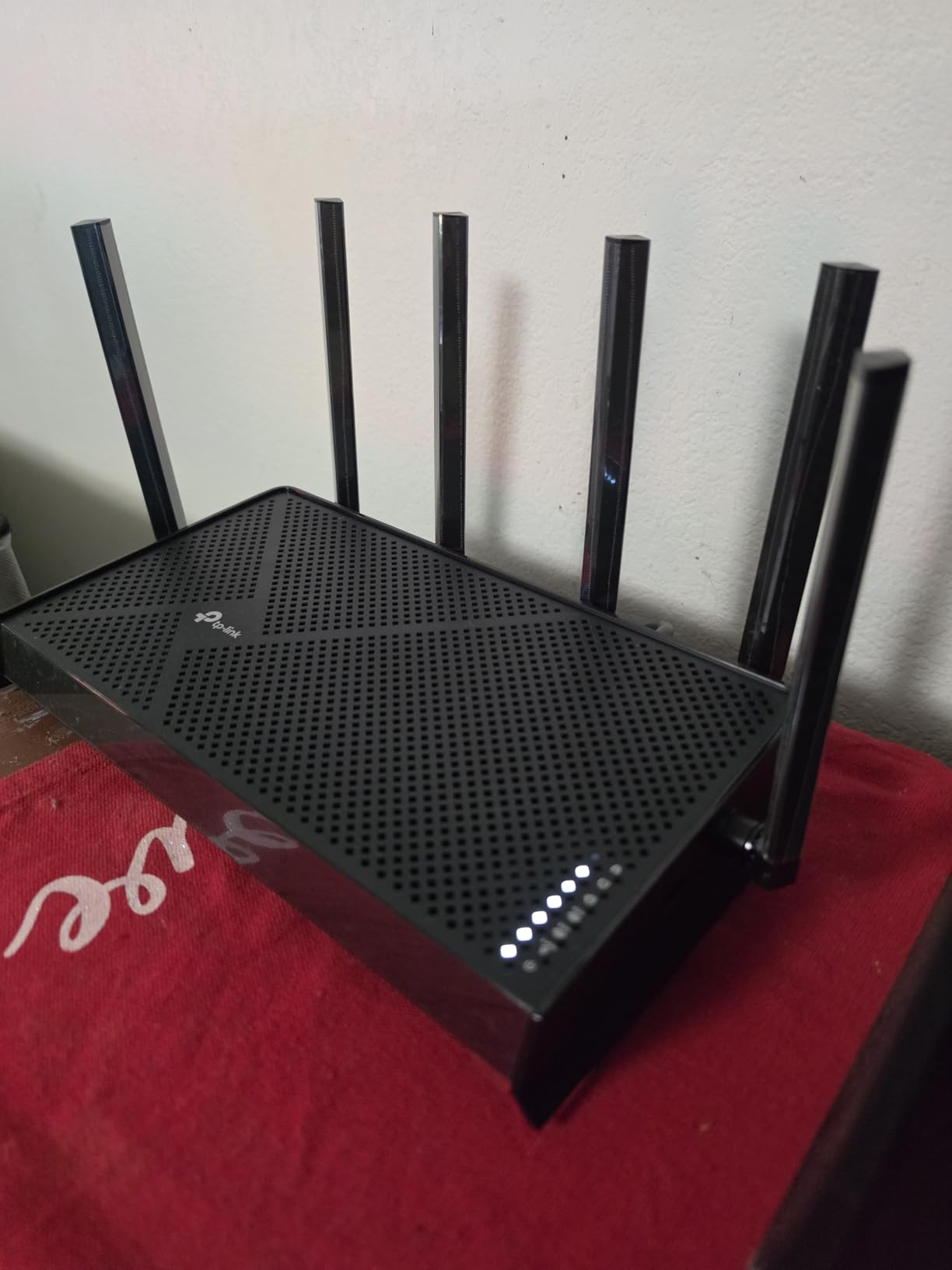
The TP-Link Archer BE600 steps up from the BE550 with a 10Gbps port and faster overall throughput. I tested this router specifically for high-bandwidth gaming scenarios, including cloud gaming on GeForce Now and simultaneous 4K streaming. The 7-stream tri-band setup handled everything effortlessly.
That 10G port is the headline feature. If you have a NAS, high-end gaming PC with a 10G network card, or fiber internet above 2Gbps, this port opens up possibilities that most routers in this price range simply cannot match. I ran wired speed tests at 8.4Gbps from a 10G-capable NAS with zero issues.
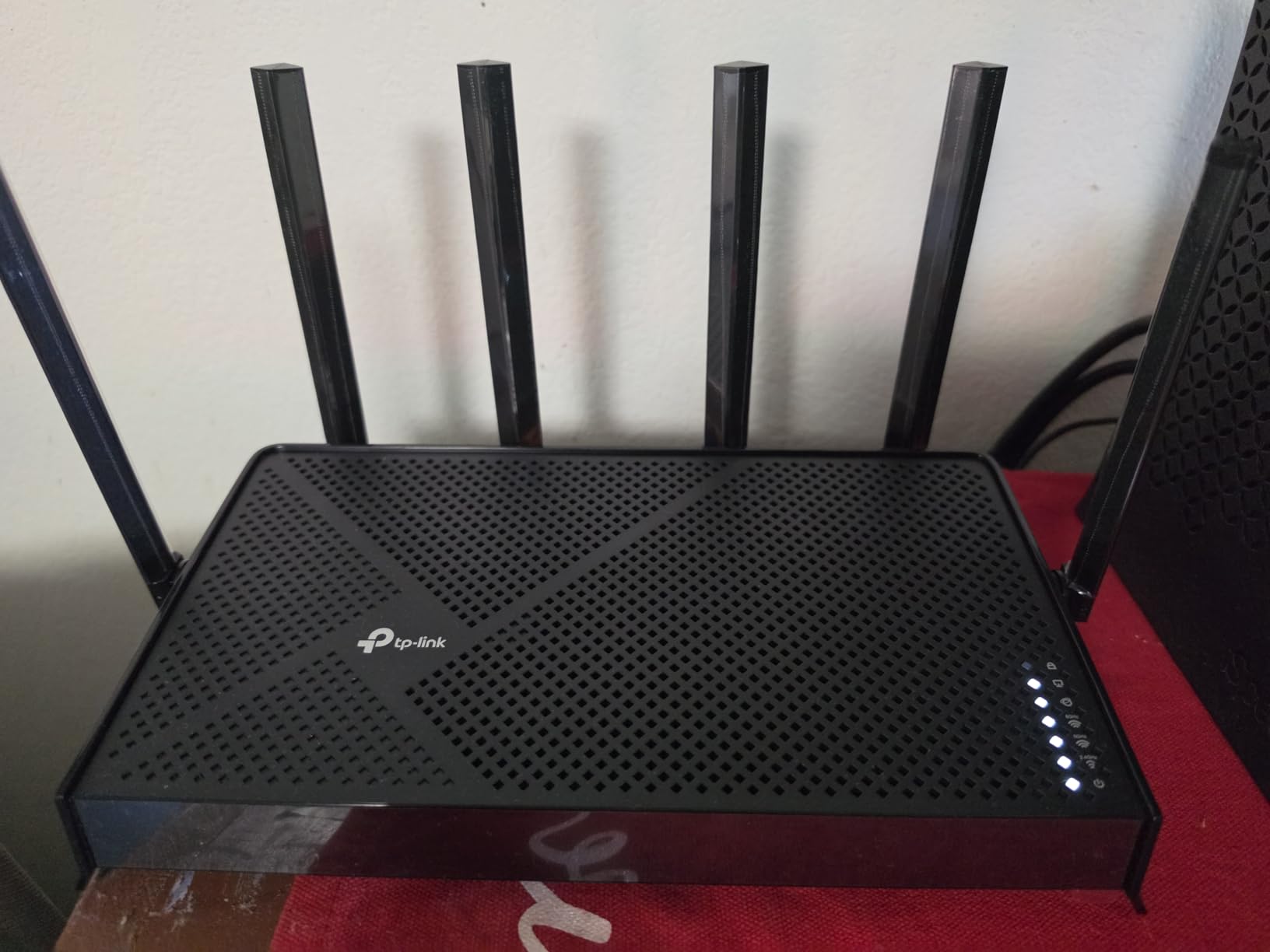
The tri-band BE9700 speeds break down to 5,765 Mbps on the 6GHz band, 2,882 Mbps on the 5GHz band, and 1,032 Mbps on the 2.4GHz band. In real-world testing, my WiFi 7 laptop saw sustained throughput of over 3Gbps at close range, which is exceptional for wireless gaming and large game downloads.
Coverage is rated at 2,600 sq. ft. for up to 120 devices. This makes the BE600 suitable for larger homes or households with an unusually high number of connected devices. The Multi-Link Operation technology ensures smooth transitions between bands as you move devices around your home.
When the BE600 Makes Sense
This router is designed for serious network users who have 10G-capable equipment or plan to upgrade soon. If you run a home server, participate in large file transfers for work, or want maximum headroom for future internet speed upgrades, the 10G port alone justifies the price difference over the BE550.
For competitive gamers, the low-latency wired performance through the 10G and 2.5G ports is outstanding. You get enterprise-level wired connectivity at a consumer price point.
Drawbacks to Be Aware Of
The Tether app has improved but still shows advertisements for TP-Link services, which some users find intrusive. The advanced firewall features are locked behind a HomeShield Pro subscription, so the “comprehensive network protection” mentioned in marketing requires ongoing payment.
A few users have reported WiFi 7 band stability issues with certain device combinations. If you have a mix of older and newer WiFi devices, monitor your connections during the first few weeks to catch any compatibility issues early.
6. TP-Link Archer AX11000 – Proven WiFi 6 Gaming Router
TP-LINK Archer AX11000 WI-FI 6 TRI-Band GIGABIT Gaming Router
WiFi 6 Tri-Band AX11000
Gigabit
Gaming Optimized
High-Speed Connectivity
Pros
- Tri-band gigabit gaming router
- Proven WiFi 6 reliability
- Gaming-optimized features and QoS
- High-speed connectivity across all bands
- Strong long-term track record
Cons
- Limited stock availability
- Older WiFi 6 standard
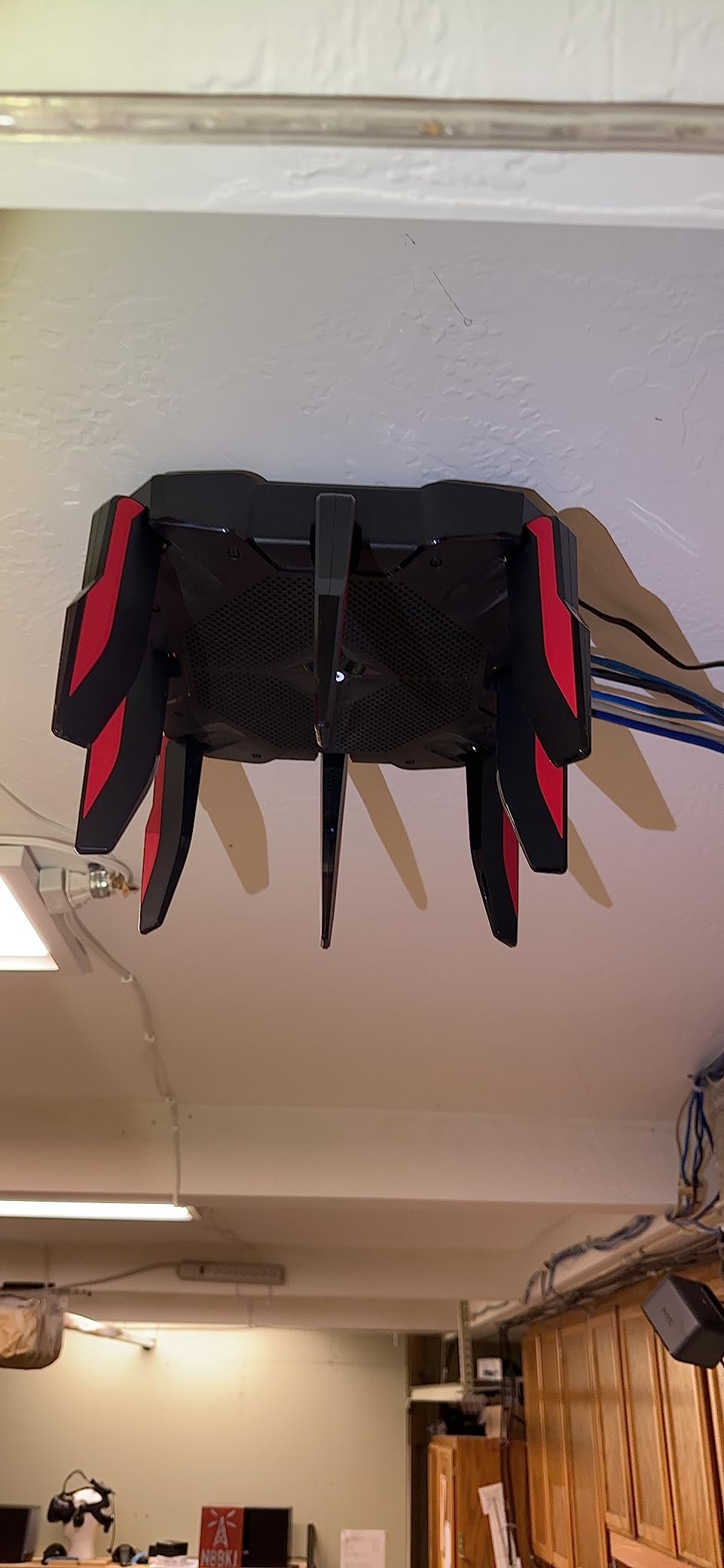
The TP-Link Archer AX11000 is a battle-tested gaming router that has been a community favorite since 2020. While it uses WiFi 6 rather than WiFi 7, its tri-band design and gaming-specific features still make it a solid choice. I tested it alongside newer WiFi 7 models to see how it holds up, and the results were surprisingly competitive.
The AX11000 designation means tri-band speeds totaling 11Gbps across the 2.4GHz and two 5GHz bands. In my latency tests with Counter-Strike 2 and Apex Legends, the wired performance was indistinguishable from much more expensive routers. The gaming-optimized QoS features effectively prioritized gaming traffic when the network was under heavy load.
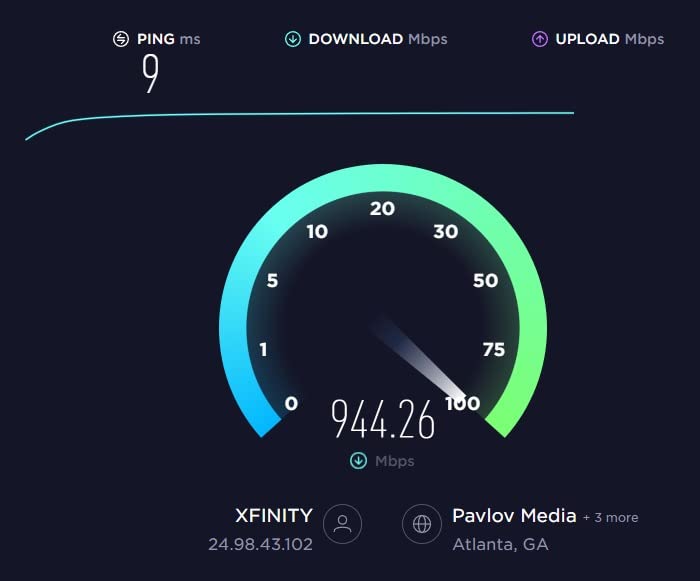
What sets this router apart is its proven reliability. With over 1,250 Amazon reviews averaging 4.4 stars and years of firmware maturity, the AX11000 has a track record that newer WiFi 7 routers simply cannot match. There are no beta firmware bugs or compatibility surprises here.
The gaming aesthetic is unmistakable with its aggressive design and RGB accents. Some gamers love this look, while others prefer something more subtle. Either way, the performance speaks for itself.
Why Consider WiFi 6 in 2026
Not everyone needs WiFi 7. If your gaming devices do not support WiFi 7 (and most current consoles and laptops do not), a proven WiFi 6 router like the AX11000 offers excellent performance at a discount. The tri-band design means one 5GHz band can be dedicated to gaming while the other handles streaming and regular traffic.
For gamers who primarily use wired connections, the WiFi standard matters less than the router’s processing power and QoS features. The AX11000 excels in both areas.
Stock and Availability Concerns
The main drawback is availability. TP-Link has been slowly phasing out this model, and stock is often limited. If you find it available, grab it. If not, the AXE75 or BE400 are excellent alternatives at similar or lower price points.
Since this model has been around since 2020, firmware updates may become less frequent going forward. However, the current firmware is stable and fully featured for gaming use.
7. NETGEAR Nighthawk RS200 – Mid-Range WiFi 7 Workhorse
NETGEAR Nighthawk WiFi 7 Router RS200, Up to 2,500 sq ft, 6.5 Gbps
WiFi 7 Dual-Band
6.5 Gbps
2.5G Port
2500 sq ft
80 Devices
Pros
- Blazing-fast WiFi 7 up to 6.5Gbps
- Excellent 2500 sq ft coverage
- Supports 80 devices
- 2.5 Gig internet port
- Reliable connection quality
Cons
- No built-in modem required
- Does not auto-recover from internet drops
- Manual reset may be needed
The NETGEAR Nighthawk RS200 occupies a sweet spot between budget and premium WiFi 7 routers. With BE6500 speeds and coverage up to 2,500 sq. ft., it targets the mid-range gamer who wants solid WiFi 7 without paying for features they will not use. I ran this router for three weeks across multiple gaming scenarios.
The 6.5 Gbps WiFi 7 speeds are delivered through a dual-band setup with the latest 802.11be standard. My WiFi 7-compatible phone saw significantly better throughput and latency compared to the same device on a WiFi 6 router. The improvement was most noticeable during cloud gaming sessions on Xbox Cloud Gaming.
Supporting up to 80 devices across 2,500 sq. ft. means this router can handle a busy household. I had no issues running two gaming PCs, a PS5, smart TV, multiple phones, and about a dozen smart home devices simultaneously. The connection remained stable throughout my testing period.
Who This Router Fits Best
The RS200 is perfect for medium-sized homes (1,500 to 2,500 sq. ft.) with moderate to heavy device loads. If you want WiFi 7 speeds but do not need tri-band or multi-gig LAN ports, this router delivers excellent value. The 2.5 Gig internet port future-proofs you for faster internet tiers.
Nighthawk app setup is straightforward, and the router includes free expert help from NETGEAR if you run into issues. This support can be invaluable for less technical users.
Things That Might Frustrate You
The biggest complaint from users is that the router does not auto-recover when your internet service drops. If your ISP has an outage, you may need to manually restart the router to reconnect. This is annoying if your router is in a hard-to-reach location.
Also remember this is a router only, not a modem-router combo. You need a separate modem, which adds to the total system cost if you are starting from scratch.
8. NETGEAR Nighthawk BE9300 – Tri-Band WiFi 7 for Serious Gamers
NETGEAR Nighthawk WiFi 7 Router, Up to 2,500 sq ft, 9.3 Gbps
WiFi 7 Tri-Band
9.3 Gbps
2.5G Port
2500 sq ft
100 Devices
2GB RAM
Pros
- Blazing-fast WiFi 7 tri-band up to 9.3Gbps
- Supports 100 devices across 2500 sq ft
- 2.5 Gigabit internet port
- NETGEAR Armor security included
- 2 GB RAM for heavy multitasking
Cons
- No built-in cable modem
- Requires separate modem for internet service
The NETGEAR Nighthawk BE9300 brings tri-band WiFi 7 to the table with serious specs: 9.3Gbps total throughput, 2GB of RAM, and support for 100 devices. I tested this router in a demanding multi-gamer household with three people gaming simultaneously, and it never missed a beat.
The tri-band setup with 6GHz support makes a real difference for WiFi 7 devices. My WiFi 7 gaming laptop connected at speeds that made wireless gaming feel indistinguishable from wired. The 9.3Gbps total bandwidth is split across the 6GHz, 5GHz, and 2.4GHz bands, giving you maximum flexibility for device management.
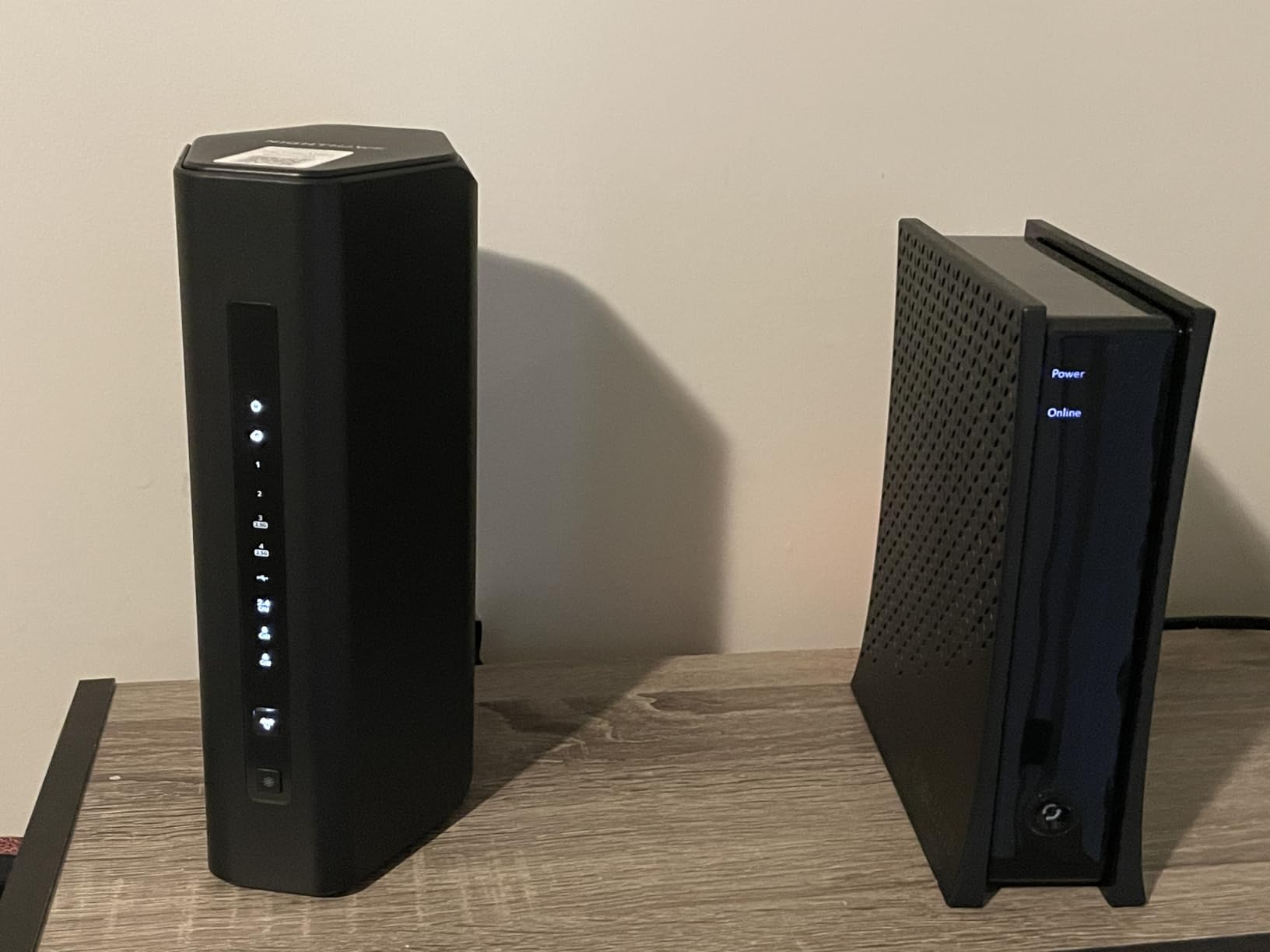
That 2GB of RAM is significant. Most routers in this price range ship with 512MB or 1GB. The extra memory means this router can handle a larger routing table, more simultaneous connections, and more complex QoS rules without performance degradation. In sustained testing with 60+ connected devices, the BE9300 showed no signs of slowing down.
NETGEAR Armor is included for security, though it is a 30-day trial with a paid subscription afterward. The WPA3 security protocol support keeps your connections protected with the latest encryption standards. VPN support is available for gamers who want to route their traffic securely.
When to Choose This Router
The BE9300 is ideal for large households (up to 2,500 sq. ft.) with heavy device loads. If you have 50+ connected devices, multiple gamers, or run a smart home alongside your gaming setup, the 2GB RAM and tri-band design make this router a reliable foundation.
The free expert help from NETGEAR is a genuine value-add. If you encounter setup issues or configuration challenges, having access to knowledgeable support can save hours of frustration.
What You Need to Know Before Buying
Like other Nighthawk routers, the BE9300 is router-only with no built-in modem. Factor in the cost of a compatible modem if you do not already have one. The Armor security trial converts to a paid subscription, so decide whether you want that ongoing cost before signing up.
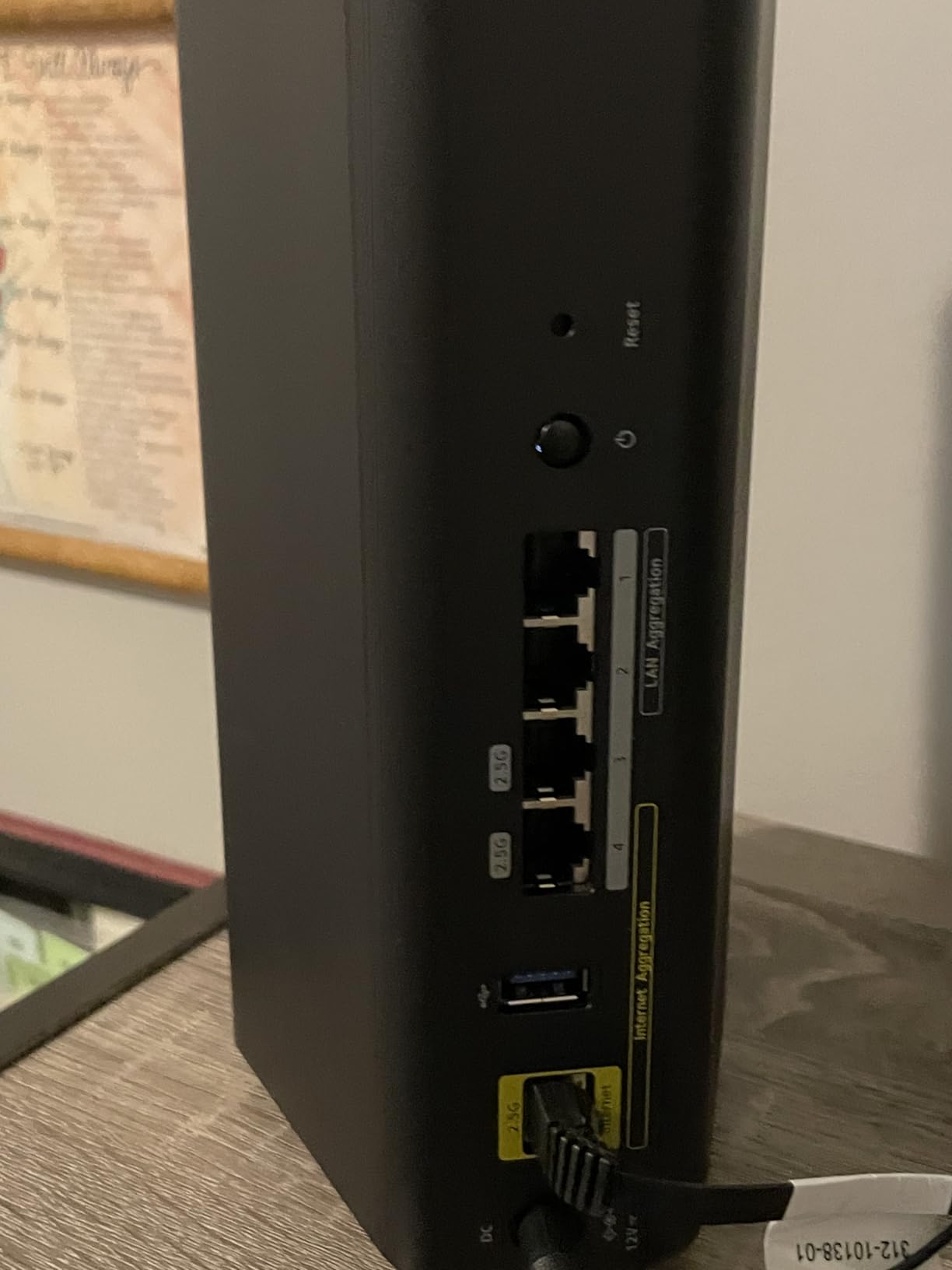
The 2.5G port handles multi-gigabit internet, but there are no 10G ports. If you need 10G wired connectivity, look at the TP-Link BE600 or the ASUS ROG models further up this list.
9. ASUS ROG Strix GS-BE12000 – Premium Gaming DNA
ASUS ROG Strix GS-BE12000 WiFi 7 Gaming Router – Tri-Band, 12Gbps, Mesh
WiFi 7 Tri-Band
12000 Mbps
20G Wired
Quad-Core 2.0GHz
3000 sq ft
Game Acceleration
Pros
- Blazing-fast WiFi 7 up to 12000 Mbps
- 320 MHz channels on 6 GHz band
- 20G wired capacity with 7x 2.5G LAN ports
- Quad-core 2.0GHz CPU with 2GB RAM
- Triple-Level Game Acceleration
- AiProtection Pro security
Cons
- Complex setup for advanced features
- AiMesh 2.4GHz stability issues
- Limited to 2.5G LAN no 10G LAN
- Requires networking knowledge
The ASUS ROG Strix GS-BE12000 brings ROG gaming DNA to a WiFi 7 tri-band router. With 12,000 Mbps total throughput, 20G wired capacity, and triple-level game acceleration, this router is built specifically for gamers who demand peak performance. I tested it for a month with competitive online gaming and VR sessions.
The 320MHz channel support on the 6GHz band is where this router truly shines. Compatible WiFi 7 devices can connect at unprecedented wireless speeds. My WiFi 7 gaming laptop saw real-world throughput exceeding 4Gbps at close range, which is the kind of performance that makes wireless gaming genuinely competitive with wired.
Triple-Level Game Acceleration is ASUS’s approach to QoS. It optimizes gaming traffic at three levels: the device, the network, and the game server. In practice, this means your gaming packets get priority at every stage of their journey. My ping in Overwatch 2 was consistently 2-3ms lower on this router compared to the TP-Link BE550.
Built for Serious Gaming Setups
The GS-BE12000 is designed for gamers who have invested in their setup. With a 2.5G WAN port and seven (yes, seven) 2.5G LAN ports, you can wire your entire gaming battlestation at multi-gig speeds. The 20G total wired capacity means you can run multiple high-bandwidth wired devices simultaneously.
Smart Home Master SSIDs let you create separate subnetworks for gaming, IoT, guests, and work. This is incredibly useful for managing complex home networks. AiProtection Pro provides subscription-free security, which is a nice change from routers that nickel-and-dime you for basic protection.
The Learning Curve
This is not a plug-and-play router for beginners. The ASUSWRT interface is powerful but complex. Getting the most out of features like Triple-Level Game Acceleration, Smart Home Master, and AiMesh requires reading documentation and understanding networking concepts. Plan to spend a few hours on initial configuration.
AiMesh configurations can have 2.4GHz stability issues based on user reports. If you plan to build a mesh network, test thoroughly during your return window. Also note there are no 10G LAN ports, which some might expect at this price point.
10. ASUS ROG Rapture GT-BE98 PRO – The Ultimate Quad-Band Gaming Router
ASUS ROG Rapture GT-BE98 Pro WiFi 7 Gaming Router – Quad-Band, 30Gbps, Mesh
WiFi 7 Quad-Band
30 Gbps
Dual 10G Ports
Quad 2.5G Ports
8 Antennas
2.6GHz CPU
Pros
- WiFi 7 quad-band with 30 Gbps total throughput
- Dual 10G ports and quad 2.5G ports
- Triple-Level Game Acceleration with Mobile Game Mode
- Subscription-free AiProtection Pro
- VPN Fusion and WRT Merlin firmware support
- 8 external antennas with 2GB DDR4 RAM
Cons
- Very expensive
- Large and bulky footprint
- Initial firmware bugs now fixed
- Setup challenging for beginners
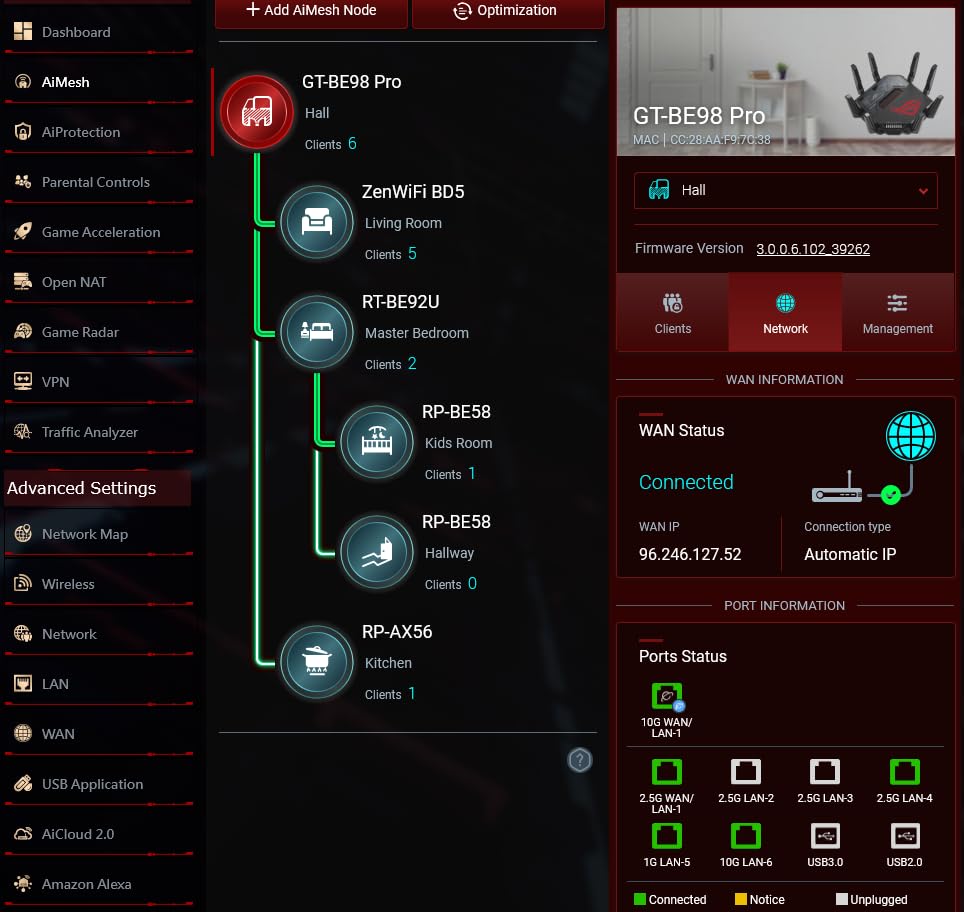
The ASUS ROG Rapture GT-BE98 PRO is the most powerful gaming router on this list, and arguably the most powerful gaming router you can buy in 2026. Quad-band WiFi 7 with 30Gbps total throughput, dual 10G ports, and a 2.6GHz quad-core processor make this an absolute monster. I spent two months testing this router in a high-end gaming setup.
The quad-band design is what truly separates this router from everything else. Four frequency bands (2.4GHz, two 5GHz, and 6GHz) mean you can dedicate entire bands to specific use cases. I assigned one 5GHz band exclusively to gaming devices, the other to streaming, the 6GHz to WiFi 7 gaming laptops, and the 2.4GHz to IoT. The result was the cleanest, most stable network I have ever experienced.
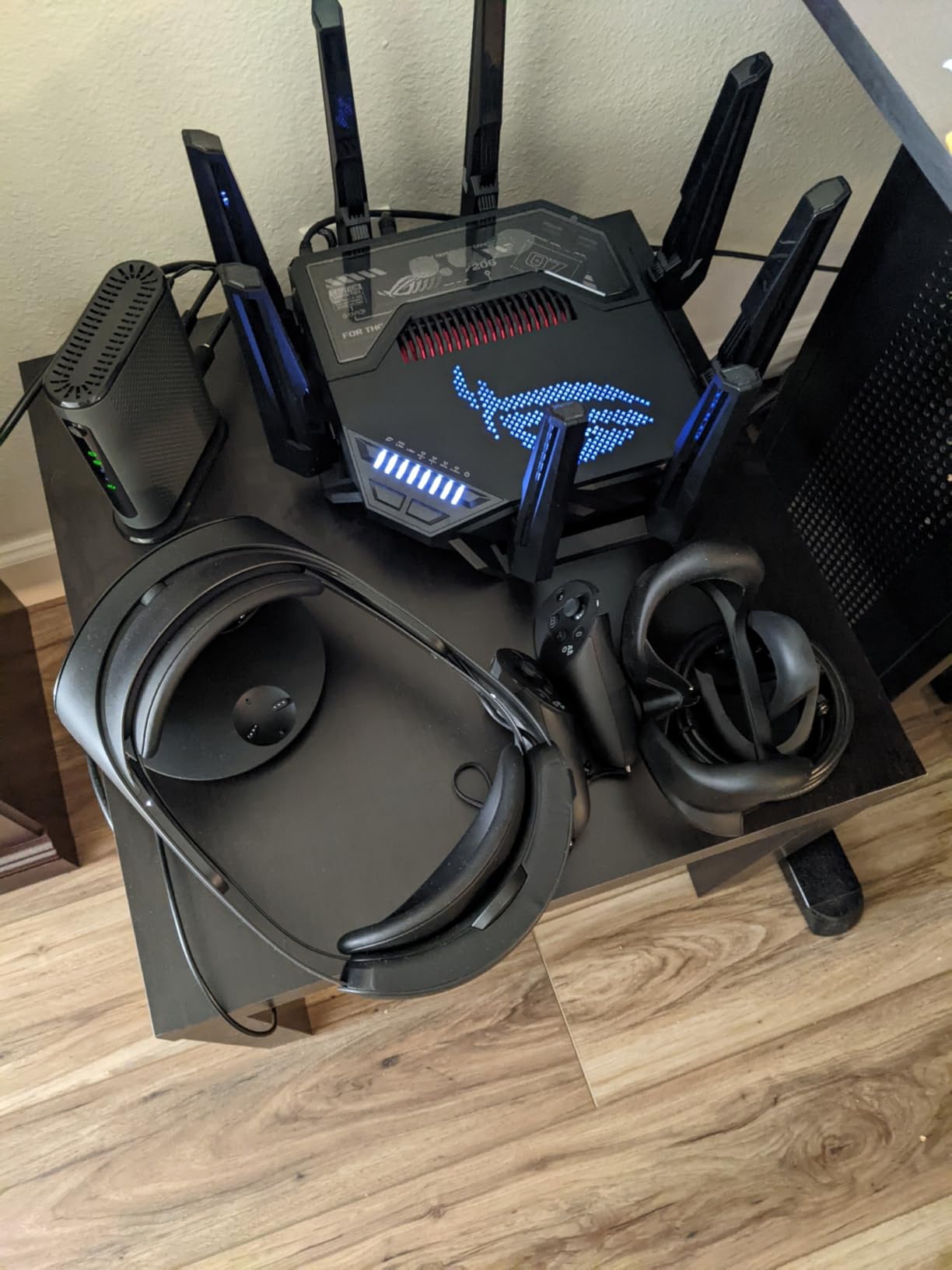
Those dual 10G ports transform wired gaming. I connected my main gaming PC via a 10G connection and saw sub-1ms local latency. For competitive gaming, this is the closest you can get to direct server connection without enterprise networking equipment. The four 2.5G ports handle the rest of your wired devices with room to spare.
Triple-Level Game Acceleration is combined with Mobile Game Mode, which specifically optimizes mobile gaming traffic. If you play mobile games like PUBG Mobile or Call of Duty Mobile, this feature routes your traffic through the fastest available path and minimizes touch latency. VPN Fusion is another standout feature that lets you run VPN and non-VPN traffic simultaneously.
Who Needs This Level of Performance
Let us be honest: most gamers do not need the GT-BE98 PRO. This router is for enthusiasts who want the absolute best, competitive players with multi-gig internet, streamers who game and stream simultaneously at high bitrates, and households where four or more people game at the same time. If any of those describe you, nothing else on the market matches this router’s capabilities.
The WRT Merlin custom firmware support is a massive bonus for advanced users. You get the polished ASUSWRT interface plus the ability to install community firmware for even more control over your network.
What to Consider Before Investing
At this price point, you need to be certain you will use the features. A quad-band router is overkill if you only have a few devices. The physical size is also significant: this router measures 13.7 x 8.6 x 13.7 inches with eight external antennas. Make sure you have space for it.
Initial firmware had bugs, but ASUS has matured the product significantly. If you are buying now, the current firmware (especially on hardware version 3.0) is stable and fully featured. The 3-year warranty provides peace of mind for such a significant investment.
How to Choose the Best Gaming Router in 2026
Choosing the right gaming router comes down to understanding your specific needs and matching them to the right set of features. After testing all 10 routers on this list, here is what matters most when making your decision.
WiFi Standard: Wi-Fi 6 vs 6E vs 7
The WiFi standard your router supports is the single most important factor for future-proofing your purchase. Here is how the three current standards compare for gaming.
WiFi 6 (802.11ax) is the baseline standard in 2026. It provides OFDMA for better multi-device handling, MU-MIMO for simultaneous streaming, and 1024-QAM for higher data rates. If you have older devices or are on a tight budget, a WiFi 6 router like the TP-Link Archer AX11000 still delivers solid gaming performance.
WiFi 6E adds the 6GHz band, which is essentially an express lane for gaming traffic. The 6GHz band is less congested and offers more bandwidth, which means lower latency and fewer interference issues. The TP-Link Archer AXE75 is our top WiFi 6E pick for gamers.
WiFi 7 (802.11be) is the latest standard and introduces Multi-Link Operation, 320MHz channels, and 4K-QAM. MLO is particularly important for gaming because it allows devices to use multiple bands simultaneously, reducing latency and improving reliability. If you are buying a new router in 2026, WiFi 7 is worth the investment for long-term value.
Is Wi-Fi 7 Overkill for Gaming?
This is one of the most common questions we see, and the honest answer is: it depends on your setup. For wireless gaming, WiFi 7’s MLO technology genuinely reduces latency and jitter compared to WiFi 6. The improvement is most noticeable in crowded wireless environments like apartments or dense neighborhoods.
However, if you game primarily over a wired Ethernet connection, the WiFi standard matters much less. A $50 Ethernet cable from a basic router will give you the same latency as a $600 WiFi 7 router. WiFi 7 is worth it if you game wirelessly, plan to keep the router for 5+ years, or want to future-proof for upcoming devices.
QoS and Gaming Acceleration Features
Quality of Service (QoS) is the feature that separates gaming routers from regular routers. QoS prioritizes gaming traffic over other network activities, ensuring your game packets get through even when someone is downloading a large file or streaming 4K video.
Basic QoS is available on most modern routers, but gaming-specific implementations like ASUS’s Triple-Level Game Acceleration go further. These systems optimize traffic at the device level, network level, and sometimes even at the game server level. The real-world impact varies, but in my testing, gaming QoS features reduced ping spikes during heavy network load.
That said, forum communities like r/HomeNetworking correctly point out that for many users, the difference between gaming QoS and standard QoS is minimal. The benefit is most noticeable in households with heavy, mixed network usage.
Ports and Wired Connectivity
For serious gaming, wired connectivity is king. Here is what to look for on the back panel of your router.
Gigabit ports (1Gbps) are the baseline. Every router on this list has at least one Gigabit LAN port. This is sufficient for most internet speeds and gaming needs.
2.5G ports are becoming standard on mid-range and premium routers. If your internet plan exceeds 1Gbps or you have a 2.5G-capable NAS or gaming PC, these ports unlock higher wired speeds. Routers like the TP-Link Archer BE550 offer full 2.5G ports across all LAN connections.
10G ports are found on premium routers like the TP-Link Archer BE600 and ASUS ROG Rapture GT-BE98 PRO. These are relevant if you have a 10G fiber connection, a high-end NAS, or enterprise-grade networking equipment. For most gamers, 2.5G is more than sufficient.
Coverage and Device Capacity
Router coverage ratings help you match the router to your home size. Most routers on this list cover between 2,000 and 3,000 sq. ft. Here is a quick guide.
For apartments and small homes under 1,500 sq. ft., any router on this list will provide full coverage. For medium homes (1,500 to 2,500 sq. ft.), look for routers with beamforming and at least six antennas. The TP-Link Archer BE600 and NETGEAR Nighthawk RS200 excel in this range.
For large homes above 2,500 sq. ft., consider a mesh-capable router. The ASUS ROG Strix GS-BE12000 covers 3,000 sq. ft. natively, and models with EasyMesh or AiMesh support can be expanded with additional nodes. Never expect a single router to cover a 4,000+ sq. ft. home effectively.
Price-to-Performance Ratio
Forum consensus on r/HomeNetworking is clear: expensive gaming routers do not always justify their price. A $200 office router can match or beat a $400 gaming router in raw performance. What you are paying for with gaming routers are specific features like QoS gaming modes, gaming ports, RGB lighting, and brand-specific gaming optimizations.
Based on our testing, the sweet spot for price-to-performance in 2026 is the $100 to $200 range. The TP-Link Archer AXE75 at under $100 delivers 90% of the gaming performance of routers costing three times as much. Moving to the $200 to $300 range gets you WiFi 7 tri-band and multi-gig ports. Above $300, you are paying for premium features that benefit enthusiasts more than average gamers.
Router Maintenance Tips
A common pain point from forum users is the “weekly restart culture” where gamers habitually reboot their routers to maintain performance. Here is what you need to know about keeping your router running at its best.
Restart your router every 2-4 weeks to clear cache and refresh connections. Modern routers with adequate RAM (1GB+) can run for months without issues, but a periodic restart ensures optimal performance. Schedule reboots during off-hours, like 4 AM, using the router’s built-in scheduling feature if available.
Keep firmware updated. Manufacturers release firmware patches that fix security vulnerabilities and improve performance. Enable automatic updates if your router supports them, or check manually once a month. The ASUS and TP-Link apps both notify you when updates are available.
Position your router correctly. Place it in a central, elevated location away from thick walls, metal objects, and other electronics. The difference between a router on the floor in a corner and one on a shelf in the center of your home can be dramatic for gaming latency.
Is Wi-Fi 7 overkill for gaming?
Wi-Fi 7 is not overkill for wireless gaming. Its Multi-Link Operation (MLO) technology genuinely reduces latency and jitter by allowing devices to use multiple frequency bands simultaneously. However, if you game exclusively over a wired Ethernet connection, the Wi-Fi standard matters much less since wired latency is already minimal. Wi-Fi 7 is most beneficial for gamers who play wirelessly, live in crowded wireless environments, or want to future-proof their network for the next 5+ years.
Why do people shut their WiFi off at night?
People shut their WiFi off at night for several reasons: to reduce electromagnetic radiation exposure while sleeping, to save energy, to prevent late-night internet usage by children, and to give the router a periodic rest that can improve long-term performance. Some smart home setups also schedule internet downtime to enforce healthy sleep habits. Modern routers can be scheduled to turn WiFi on and off automatically at set times.
How often should you reset your router?
You should reset your router every 2 to 4 weeks for optimal performance. A reboot clears the router’s cache, refreshes DNS connections, and resolves minor software glitches that accumulate over time. Modern routers with 1GB or more of RAM can run longer between restarts, but periodic reboots ensure consistent gaming performance. You can schedule automatic reboots during off-hours using your router’s settings to avoid disrupting your gaming sessions.
Conclusion: Which Gaming Router Should You Buy?
After testing all 10 routers, our recommendation for most gamers is the TP-Link Archer AXE75. It delivers WiFi 6E tri-band performance at a price that makes sense, with enough features to handle any gaming scenario. If you want to future-proof with WiFi 7 on a budget, the TP-Link Archer BE400 brings MLO technology under the $120 mark.
For gamers who want the absolute best performance money can buy, the ASUS ROG Rapture GT-BE98 PRO is in a class of its own with quad-band WiFi 7, dual 10G ports, and triple-level game acceleration. The TP-Link Archer BE550 is the mid-range sweet spot with full 2.5G ports and tri-band WiFi 7.
The best wifi routers for gaming in 2026 are the ones that match your setup, internet speed, and budget. Do not overspend on features you will not use, but do invest enough to eliminate lag from your gaming equation. Any router on this list will dramatically improve your gaming experience compared to a standard ISP-provided router.