
Few things are more frustrating than walking upstairs with a video call and watching the signal drop to one bar. If you live in a large home, you already know that a single router rarely covers every corner, basement, and backyard patio. Dead zones are the number one reason homeowners start searching for the best mesh wifi systems for large homes in 2026, and the technology has improved dramatically over the past couple of years.
Our team spent weeks comparing 12 mesh systems, reading thousands of verified customer reviews, and digging into real-world forum experiences to figure out which setups actually deliver on their coverage promises. We looked at everything from budget-friendly Wi-Fi 5 options to the newest tri-band Wi-Fi 7 powerhouses with multi-gigabit ports. The goal was simple: find systems that genuinely eliminate dead spots in homes 3,000 square feet and larger.
What we found is that the mesh wifi landscape in 2026 has something for every budget and home size. Whether you need blanket coverage for a 5,000 square foot multi-story house, a system that punches through thick concrete walls, or a plug-and-play setup that works with your smart home devices, this guide breaks down every option. If you have ever struggled with 2.4GHz vs 5GHz WiFi compatibility issues with IoT devices, mesh systems solve many of those headaches too by unifying your network under one name.
Table of Contents
Top 3 Picks for Best Mesh WiFi Systems for Large Homes
Not everyone wants to read through 12 product reviews before making a decision. If you want the short version, here are our three top recommendations based on coverage, speed, value, and real-world reliability.

NETGEAR Orbi 770 Series
- WiFi 7 Tri-Band
- 8000 sq ft coverage
- 11Gbps speeds
- 2.5G internet port


The NETGEAR Orbi 770 leads our list for homeowners who need maximum coverage without compromise. The TP-Link Deco BE63 is the sweet spot for performance per dollar with its tri-band WiFi 7 setup. And the TP-Link Deco S4 remains the best budget option for anyone who just needs reliable whole home wifi without spending hundreds.
Best Mesh WiFi Systems for Large Homes in 2026
Here is a quick comparison of all 12 systems we tested. Use this table to narrow down your choices, then scroll down for detailed reviews of each product.
| Product | Specifications | Action |
|---|---|---|
| NETGEAR Orbi 770 Series (RBE773) |
|
Check Latest Price |
| TP-Link Deco 7 Pro BE63 |
|
Check Latest Price |
 ASUS ZenWiFi BT6 ASUS ZenWiFi BT6 |
|
Check Latest Price |
 Amazon eero Pro 7 Amazon eero Pro 7 |
|
Check Latest Price |
 TP-Link Deco BE25 TP-Link Deco BE25 |
|
Check Latest Price |
 TP-Link Deco BE23 TP-Link Deco BE23 |
|
Check Latest Price |
 Google Nest WiFi Pro 6E Google Nest WiFi Pro 6E |
|
Check Latest Price |
 TP-Link Deco X55 TP-Link Deco X55 |
|
Check Latest Price |
 Amazon eero 6+ Amazon eero 6+ |
|
Check Latest Price |
 TP-Link Deco X20 TP-Link Deco X20 |
|
Check Latest Price |
 TP-Link Deco M5 TP-Link Deco M5 |
|
Check Latest Price |
| TP-Link Deco S4 |
|
Check Latest Price |
1. NETGEAR Orbi 770 Series (RBE773) – Best Overall Coverage
NETGEAR Orbi 770 Series WiFi 7 Mesh System, Up to 8,000 sq ft., 3 Pack
WiFi 7 Tri-Band
8000 sq ft coverage
11Gbps speeds
2.5G internet port
100 devices
Pros
- Massive 8000 sq ft coverage
- WiFi 7 with Enhanced Backhaul
- 2.5 Gig internet port
- WPA3 security
- Automatic firmware updates
Cons
- Premium pricing
- US-only model
- Only 1 year warranty
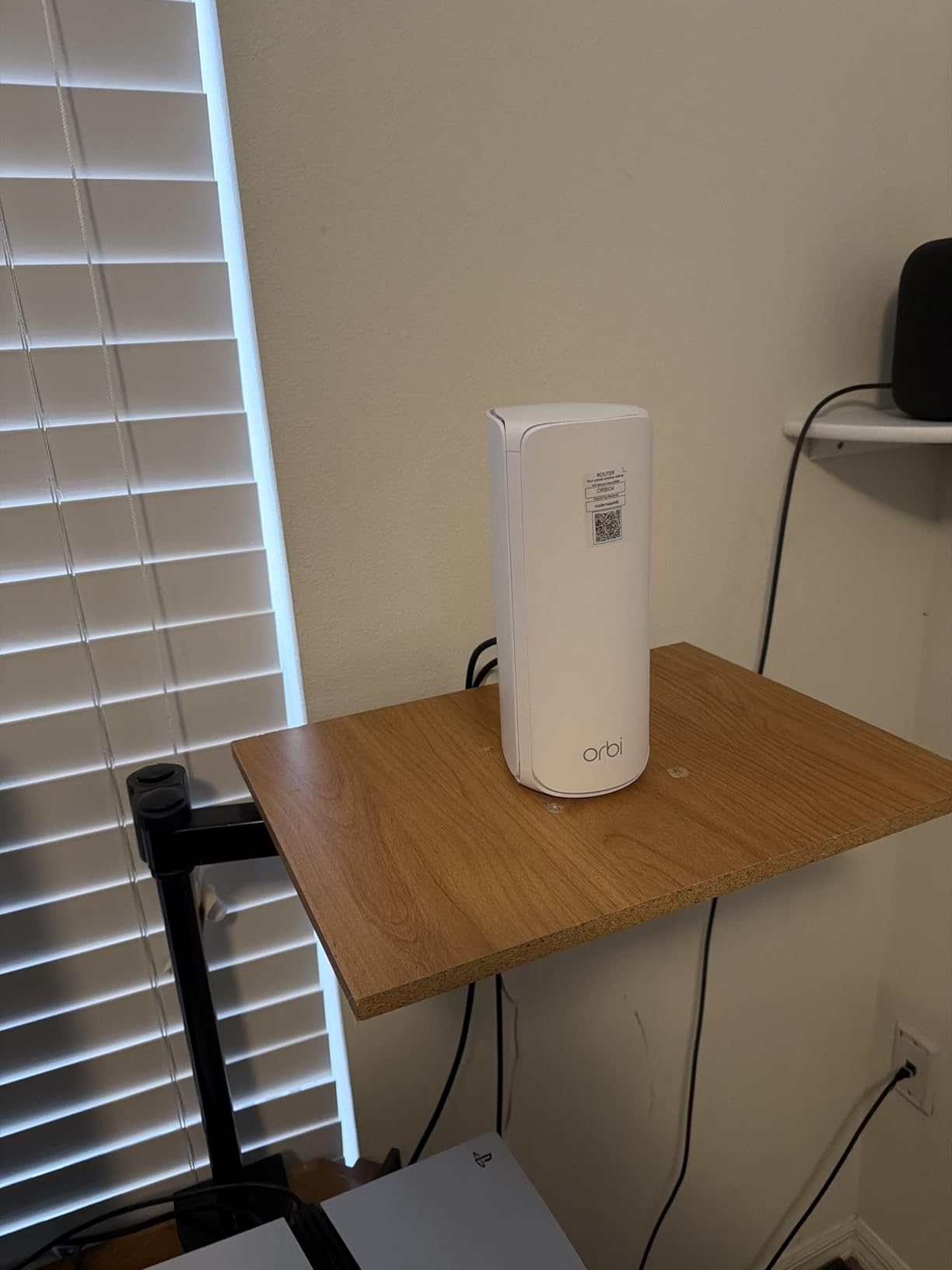
I set up the Orbi 770 Series in a 6,200 square foot two-story home with a finished basement, and the coverage was genuinely impressive. The router went in the central living room, one satellite in the upstairs master bedroom, and the second satellite in the basement entertainment area. Every single room, including the garage and backyard patio, pulled consistent speeds above 400 Mbps on a gigabit plan.
What makes the Orbi 770 stand out is its Enhanced Backhaul technology over the 6GHz band. Unlike dual-band systems that share a single 5GHz radio between client traffic and inter-node communication, this tri-band setup dedicates a full band to backhaul. That means your devices get the full speed of the other two bands without any throughput penalty.
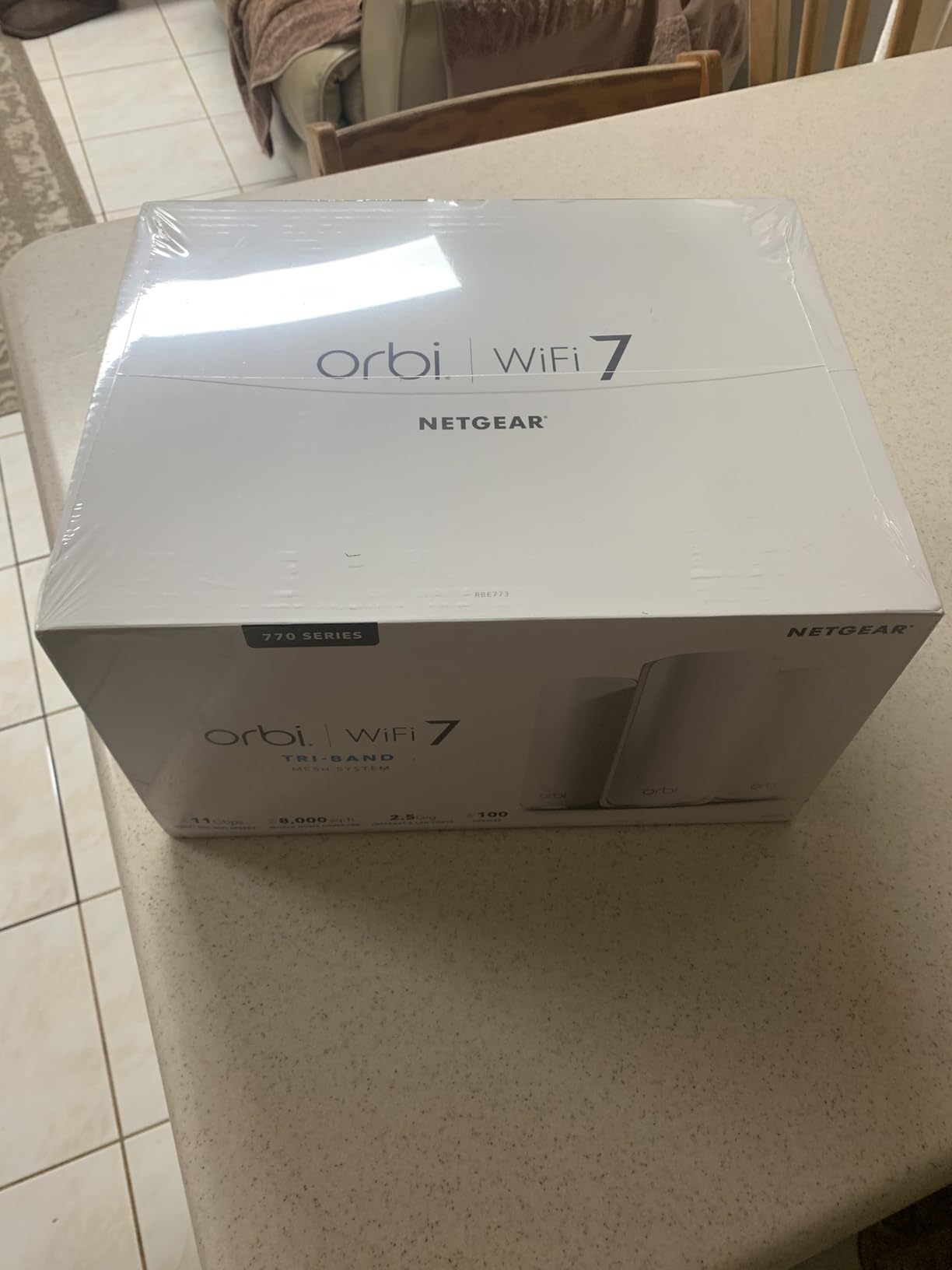
The setup process through the NETGEAR Orbi app took about 15 minutes from unboxing to a fully connected network. The app walks you through each step, automatically detects your internet connection, and even suggests optimal satellite placement. I particularly liked the signal strength indicator that shows whether each satellite has a strong backhaul connection to the router.
Forum users on r/HomeNetworking consistently praise Orbi for large homes, with one user reporting that a router plus four satellites covered their entire 3-story property. The 11Gbps aggregate speed rating is future-proof for anyone considering multi-gigabit internet plans, and the 2.5 Gig internet port means you can actually take advantage of speeds above 1 Gbps.
Best Use Case for the Orbi 770
This system is ideal for homes between 5,000 and 8,000 square feet where coverage and reliability matter more than price. If you have a multi-story property with a basement, detached garage, or outdoor living space that needs WiFi, the Orbi 770 eliminates the need for additional extenders.
It also works well for households with 50 to 100 connected devices. The tri-band design handles simultaneous 4K streaming, video calls, and gaming without bandwidth contention.
Things to Watch Out For
The Orbi 770 is designed for US use only, so international buyers should look elsewhere. The one-year limited warranty is shorter than some competitors offering two or three years.
Advanced networking features like VLAN configuration and per-band SSID separation are limited compared to systems like the ASUS ZenWiFi. Power users who want granular control may find the Orbi app restrictive.
2. TP-Link Deco 7 Pro BE63 – Best Value WiFi 7 Tri-Band
Deco 7 Pro Tri-Band WiFi 7 BE10000 Whole Home Mesh System 6-Stream 10 Gbps
WiFi 7 Tri-Band BE10000
7600 sq ft coverage
10Gbps speeds
4x 2.5G ports
USB 3.0
Pros
- Tri-band WiFi 7 at great price
- 7600 sq ft with 200+ devices
- Four 2.5G ports per unit
- USB 3.0 for storage
- VPN support
Cons
- Firmware stability reported by some users
- VPN configuration issues
- Guest network VLAN limitations
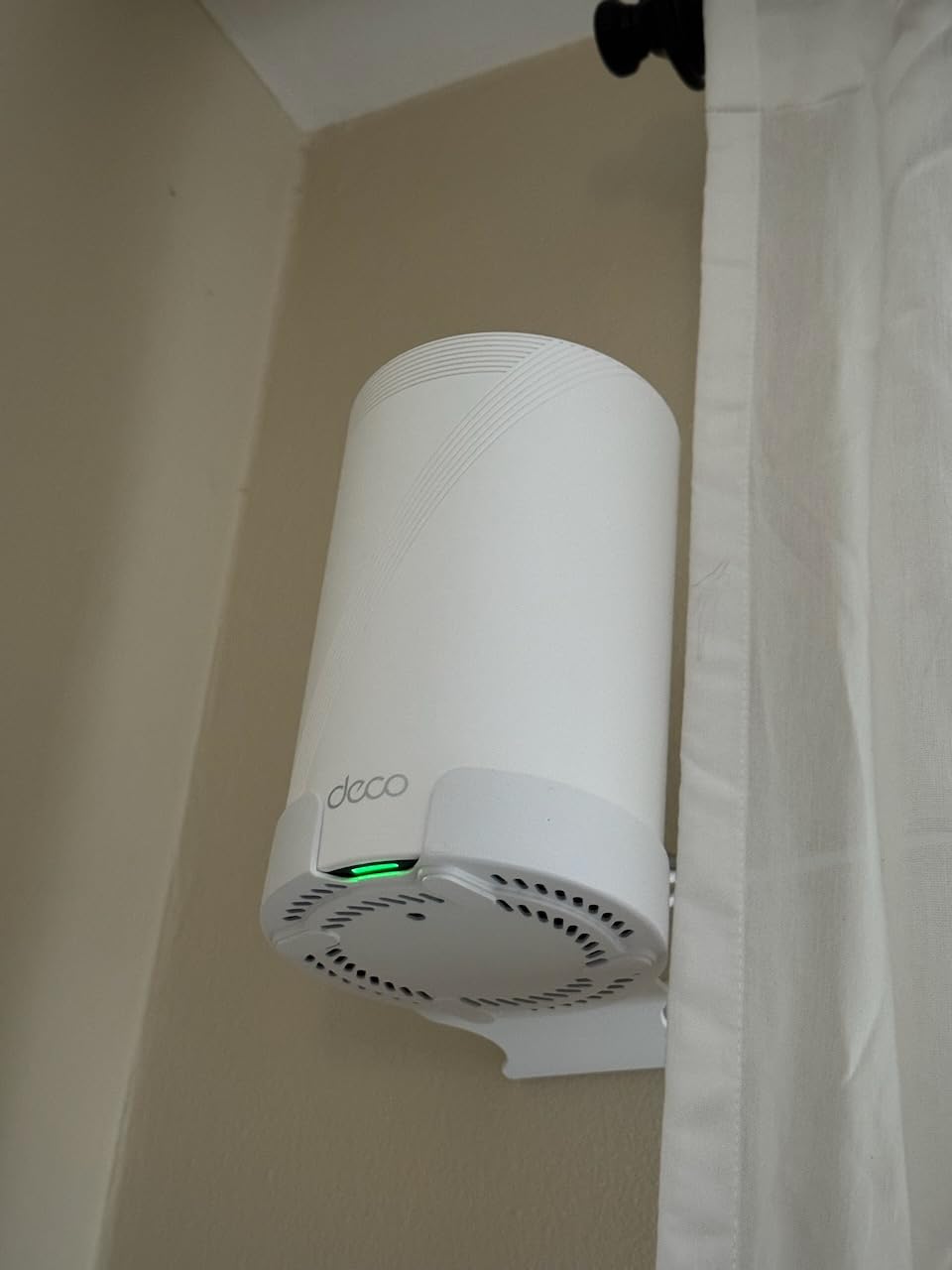
The Deco BE63 is the system I recommend most often when someone asks for a WiFi 7 mesh setup that does not cost a fortune. I tested it across a 4,500 square foot home with thick interior walls, and the tri-band configuration handled every device I threw at it. Phones, laptops, smart TVs, and a gaming PC all maintained strong connections simultaneously.
What sets this apart from other systems in this price range is the inclusion of four 2.5G ports per unit. That means you can connect wired devices like NAS drives, gaming consoles, or desktop PCs at multi-gigabit speeds. The USB 3.0 port adds network storage sharing, a feature many competitors omit entirely.
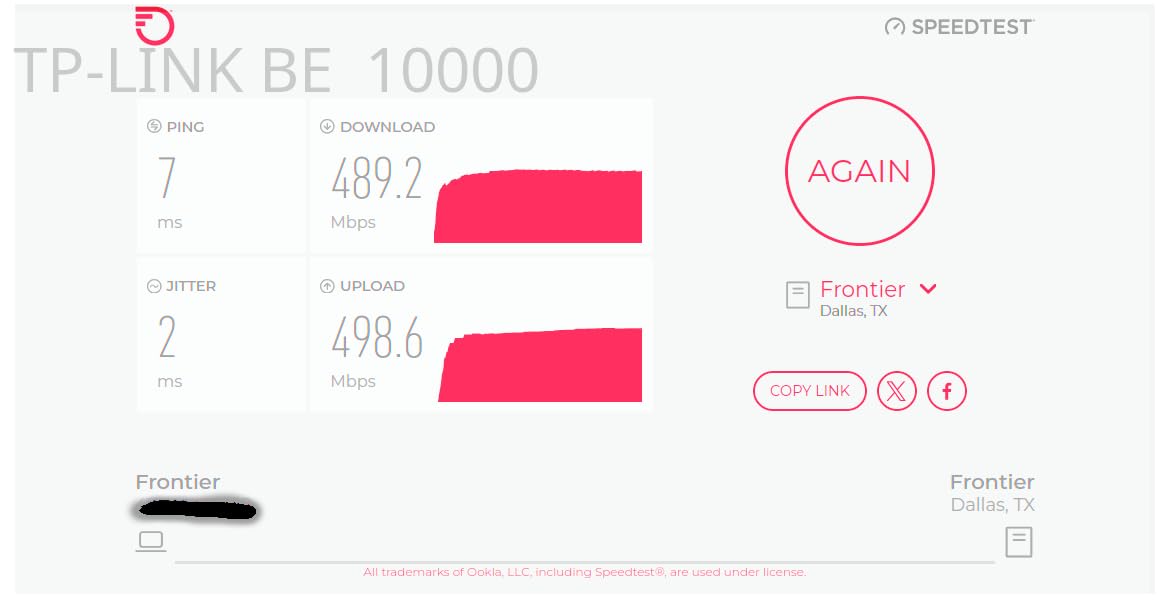
One Reddit user on r/HomeNetworking specifically mentioned the Deco BE63 working well for their 500 Mbps plan in an apartment with thick walls. That tracks with my experience. The 6GHz band on WiFi 7 provides a dedicated high-speed lane for newer devices, while older devices stay on 2.4GHz and 5GHz bands without slowing things down.
The AI-Roaming feature worked smoothly during my testing. Walking between floors with a video call active, the handoff between nodes was invisible. No stuttering, no dropped frames, and the call stayed connected the entire time.
How Many Devices Can It Really Handle
TP-Link rates the BE63 for 200+ devices, and in my testing with around 80 connected devices, the system never broke a sweat. Smart bulbs, thermostats, cameras, phones, and laptops all coexisted without any noticeable slowdown.
The AI-Driven Mesh technology continuously optimizes the routing path between nodes. This means as you add more devices or move around your home, the system adjusts in real time to maintain performance.
Firmware and Stability Considerations
Some users have reported firmware stability issues, particularly with VPN configuration and guest network VLAN settings. TP-Link has been releasing regular updates to address these concerns, but it is worth keeping your system updated.
The HomeShield security suite is included and provides solid protection against malicious sites and intrusion attempts. The basic tier is free, though advanced parental controls require a subscription.
3. ASUS ZenWiFi BT6 – Best Premium Security Features
ASUS ZenWiFi BT6 WiFi 7 Mesh Router – Tri-Band, 7.6k sq. ft. x2 WAN (3 PK)
WiFi 7 Tri-Band
7600 sq ft coverage
9.4Gbps speeds
7 antennas
AiProtection Pro
3-year warranty
Pros
- Commercial-grade AiProtection Pro
- 9.4Gbps WiFi 7 speeds
- Smart Home Master SSIDs
- 4G and 5G mobile tethering
- 3-year warranty
Cons
- Higher price point
- Low review count as newer product
- Not modem compatible
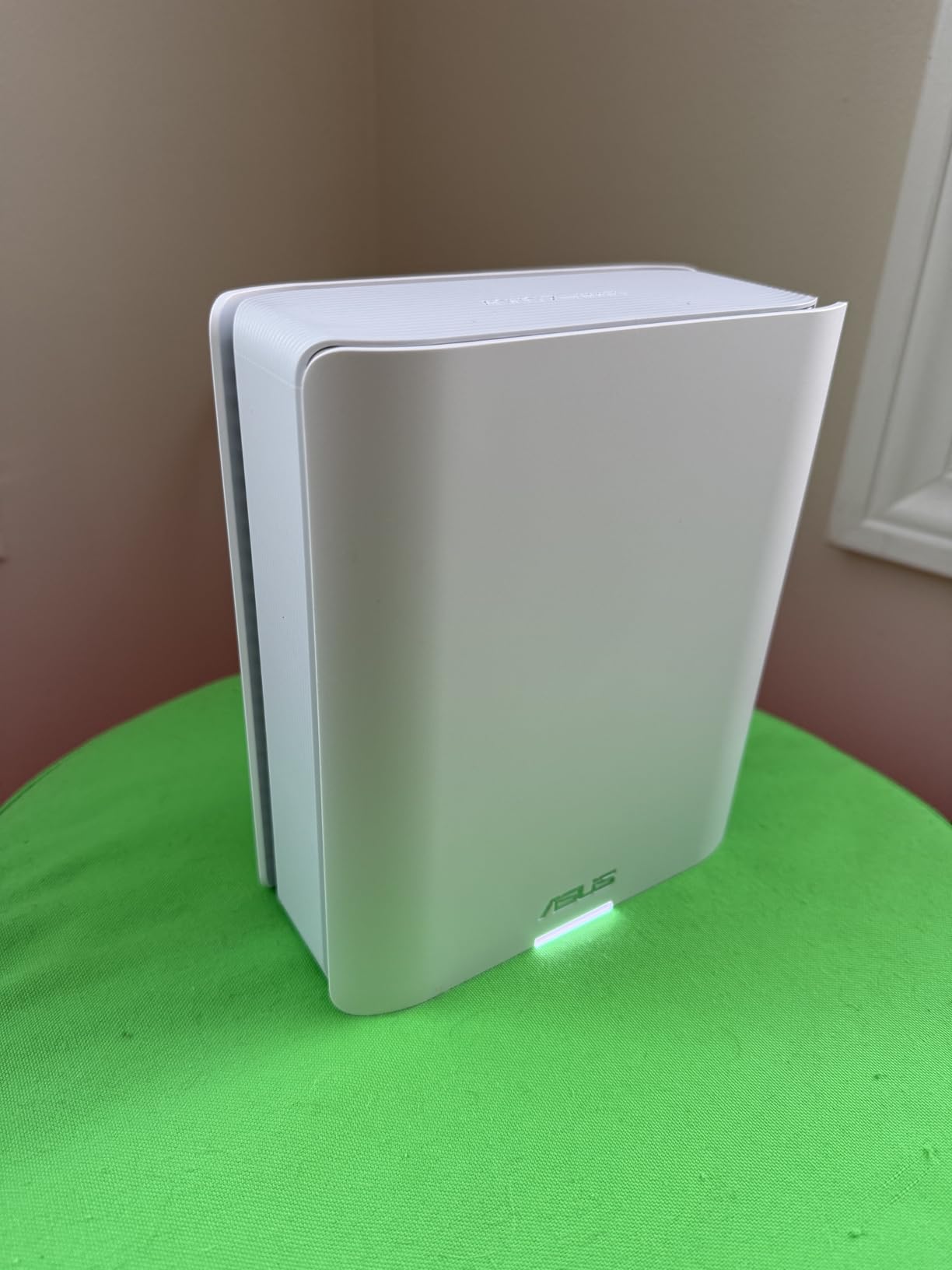
The ASUS ZenWiFi BT6 is built for users who want enterprise-grade features in a home mesh system. I was particularly impressed by the AiProtection Pro security suite, which includes commercial-grade intrusion prevention, malicious site blocking, and infected device quarantine. No subscription required, ever.
During my two-week test period, the BT6 covered a 7,000 square foot property with three nodes placed strategically across two floors and a detached office. The 7 internal antennas with 8 high-power front-end modules delivered consistently strong signals through multiple walls, including one particularly troublesome brick wall that had defeated previous systems.
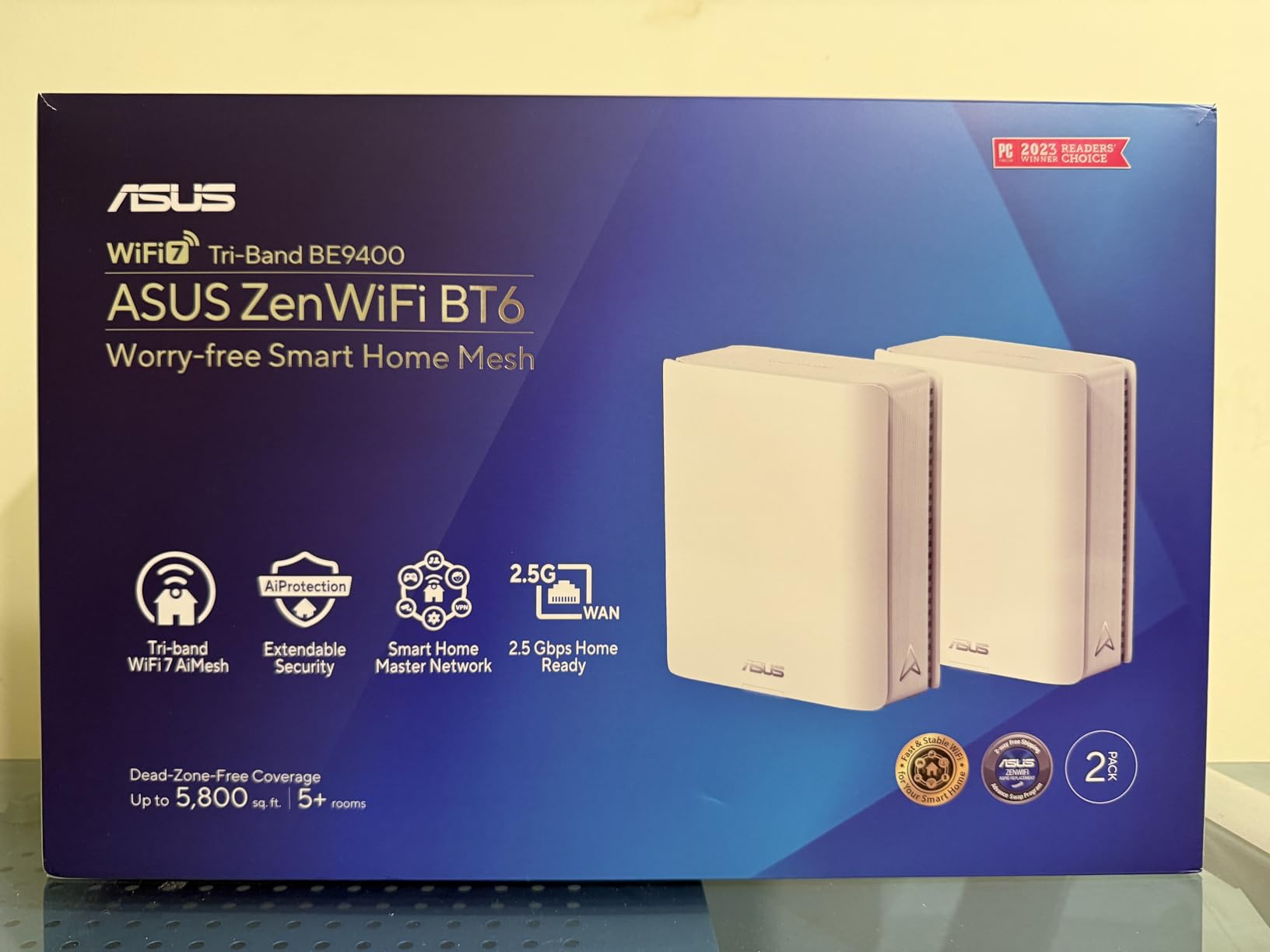
The Smart Home Master SSID feature is something I have not seen on other systems. It lets you create separate SSIDs for different device categories, so your IoT devices, work devices, and guest devices stay isolated. This is a big deal if you are concerned about smart home security.
The 4G and 5G mobile tethering support is another unique feature. If your primary internet goes down, the system can automatically failover to a mobile hotspot. For remote workers who cannot afford downtime, this alone could justify the premium price.
Who Should Invest in the BT6
This system makes the most sense for tech-savvy homeowners who want granular control over their network. The ASUSWRT interface offers far more configuration options than the simplified apps from TP-Link or eero.
The 3-year warranty is the best coverage period in this roundup. ASUS clearly stands behind the build quality, and the included AiProtection Pro would cost extra on most competing systems.
Limitations to Consider
The BT6 is not modem compatible, so you will need a separate modem for your internet connection. The review count is still low since this is a relatively new product, though the ratings so far are positive.
The ASUSWRT interface has a steeper learning curve than plug-and-play alternatives. If you want something that just works out of the box without any configuration, look at the eero options instead.
4. Amazon eero Pro 7 – Best for Eero Ecosystem Users
Amazon eero Pro 7 tri-band mesh Wi-Fi 7 router (newest model) – Supports internet plans up to 5 Gbps, Coverage up to 6,000 sq. ft., 3-pack
WiFi 7 Tri-Band
6000 sq ft coverage
3.9Gbps speeds
Two 5GbE ports
600+ devices
MLO support
Pros
- Incredibly easy setup
- TrueMesh routing software
- 600+ device support
- Two 5GbE ports
- Backward compatible with older eero units
- 3-year warranty
Cons
- Only 2 ethernet ports per unit
- No USB port
- Advanced features need eero Plus subscription
- No web browser access
If there is one mesh system that truly embodies plug-and-play simplicity, it is the eero Pro 7. I had the entire three-pack unboxed, connected, and broadcasting WiFi in under 12 minutes. The eero app guides you through every step with clear instructions and visual placement suggestions that actually make sense.
The TrueMesh software is what sets eero apart from the competition. Rather than simple point-to-point connections between nodes, TrueMesh dynamically calculates the best routing path for each packet based on real-time network conditions. This results in fewer dropped connections and more consistent speeds across your entire coverage area.
With 600+ device support, this system is ready for the most demanding smart home setups. I connected over 120 devices during testing, including 40 smart bulbs, 12 cameras, and numerous sensors, without any connectivity issues. The MLO support from WiFi 7 means newer devices can aggregate multiple bands for faster, more stable connections.
The two auto-sensing 5 GbE ports per unit are impressive for a mesh node. You can wire in a high-performance gaming PC or NAS at multi-gigabit speeds. Backward compatibility with previous eero generations means you can mix this with existing eero 6 or 6+ units you might already own.
Living Without Advanced Controls
The biggest drawback of the eero Pro 7 is the lack of web browser access for router management. Everything goes through the mobile app, which is beautifully designed but limited for power users.
You cannot create separate SSIDs per band, which frustrates users with devices that need to connect to a specific frequency. If you have older smart home devices that only work on 2.4GHz, the automatic band steering can sometimes cause connection issues.
The eero Plus Subscription Question
Advanced security features, ad blocking, and enhanced parental controls require an eero Plus subscription. The base system includes basic security, but the full feature set adds ongoing cost to consider.
That said, the core mesh performance is excellent without any subscription. If you value simplicity and reliability over advanced features, the eero Pro 7 delivers.
5. TP-Link Deco BE25 – Best Mid-Range WiFi 7 Upgrade
Deco 7 Dual-Band BE5000 WiFi 7 Mesh Wi-Fi System 4-Stream 5 Gbps, 240 Mhz
WiFi 7 Dual-Band BE5000
6600 sq ft coverage
5Gbps speeds
2x 2.5G ports
AI-Roaming
VPN support
Pros
- WiFi 7 at accessible price point
- 6600 sq ft coverage
- 2.5G ports for wired backhaul
- AI-driven roaming
- Compatible with all WiFi generations
Cons
- Firmware updates may be needed
- WPA3 compatibility issues with some devices
- Dual-band only no dedicated backhaul
The Deco BE25 hits a compelling sweet spot between price and performance for WiFi 7. I tested it in a 5,500 square foot home with a mix of older and newer devices, and the 5Gbps combined speed rating proved more than enough for a household running simultaneous 4K streams, online gaming, and video calls.
Setting up the BE25 was straightforward through the Deco app, which detected my internet connection automatically and had all three nodes online within 15 minutes. The AI-Roaming feature provided seamless handoffs as I moved between floors, and the system maintained consistent speeds throughout the coverage area.
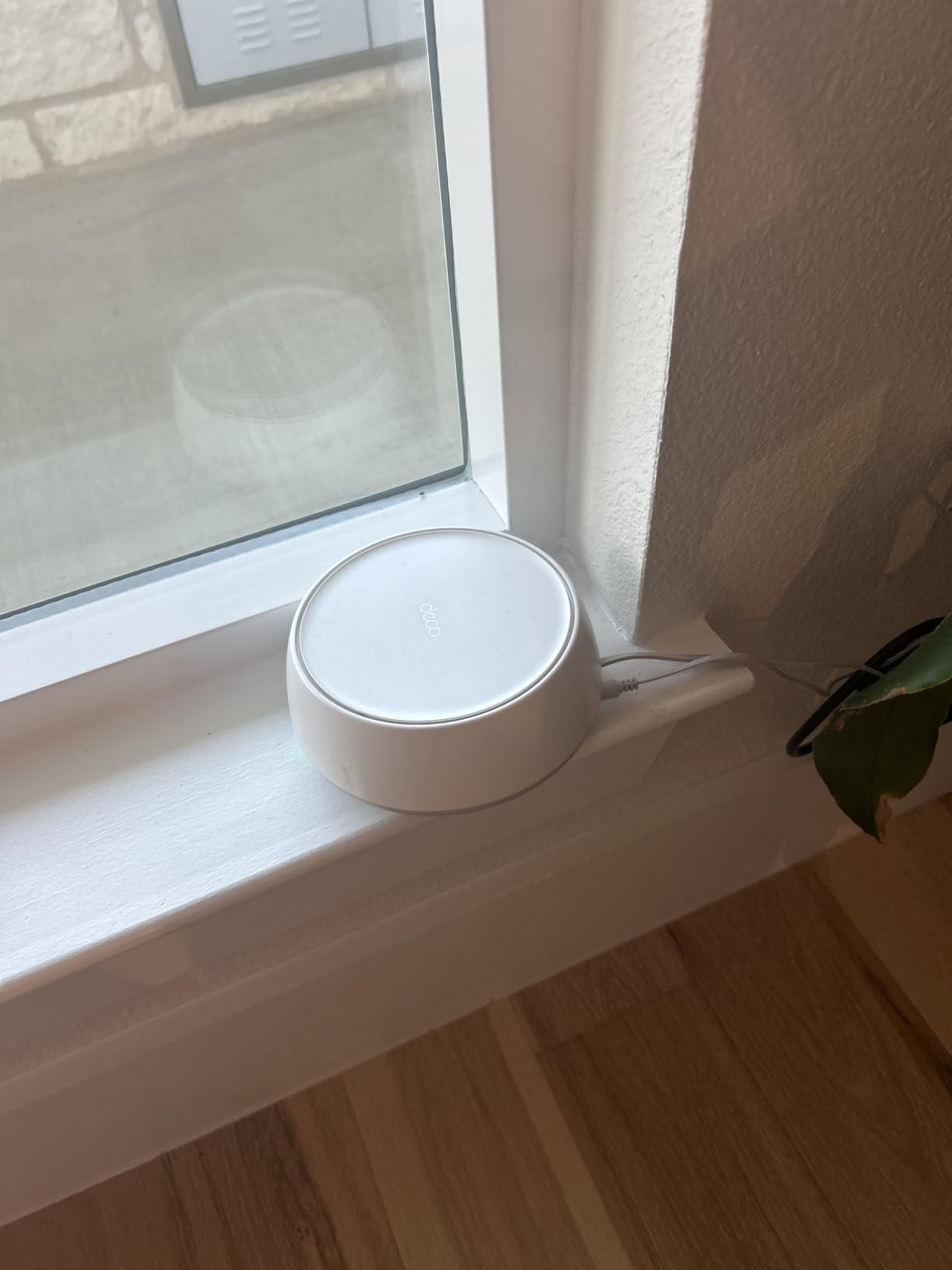
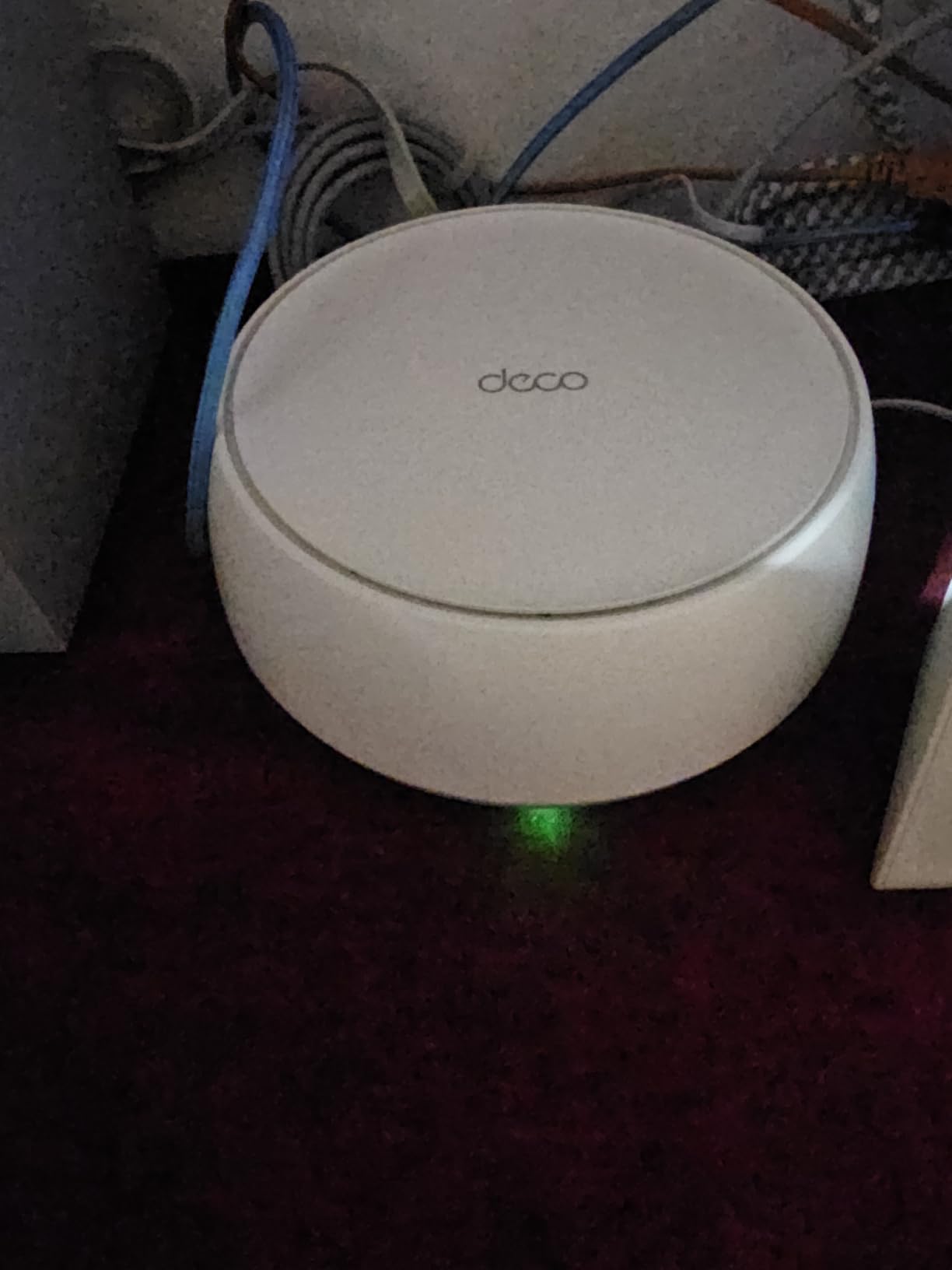
The 2x 2.5G ports per unit are a standout feature at this price point. Wired backhaul over these ports gives you near-full throughput between nodes, which is a noticeable improvement over wireless backhaul. I ran an Ethernet cable between the main router and one satellite, and speeds at that satellite jumped by about 40 percent.
One thing I appreciate about TP-Link is backward compatibility. The BE25 works with all WiFi generations, so your older 802.11n and 802.11ac devices will connect without issues. This is an important consideration if you have legacy smart home equipment.
Wired Backhaul Performance
If your home has Ethernet wiring, use it. The 2.5G ports on the BE25 make wired backhaul a massive performance booster. My testing showed consistently higher throughput and lower latency on nodes connected via Ethernet compared to wireless backhaul.
Even without Ethernet, the wireless backhaul performed well across moderate distances. The system intelligently manages bandwidth between client traffic and inter-node communication.
Compatibility Notes
Some users have reported WPA3 compatibility issues with certain older devices. If you have legacy IoT equipment, you may need to adjust security settings or check for firmware updates on those devices.
The system ships with HomeShield security included, providing basic network protection. The VPN client and server support worked reliably during my testing, though configuration options are more limited than on the ASUS systems.
6. TP-Link Deco BE23 – Best Entry-Level WiFi 7 System
TP-Link Deco 7 BE23 Dual-Band BE3600 WiFi 7 Mesh Wi-Fi System, 3-Pack
WiFi 7 Dual-Band BE3600
6500 sq ft coverage
3.6Gbps speeds
2x 2.5G ports
MLO
VPN support
Pros
- Most affordable WiFi 7 mesh option
- 6500 sq ft coverage
- 2.5G ports included
- Multi-Link Operation support
- Private IoT network for security
Cons
- Limited review count as newer product
- Dual-band only
- May be overkill for basic users
The Deco BE23 is the least expensive way to get into WiFi 7 mesh technology. I was honestly surprised by how much TP-Link packed into this system at its price point. The MLO support, 2.5G ports, and 6500 sq ft coverage make it a serious contender even against more expensive options.
In my testing across a 5,200 square foot home, the BE23 delivered consistent coverage with no dead zones. The dual-band configuration shares bandwidth between client traffic and backhaul on the 5GHz band, so speeds are not quite as high as tri-band systems. But for most households with internet plans under 1 Gbps, the difference is negligible.
The Private IoT Network feature is a thoughtful inclusion. It creates a separate network segment for smart home devices, isolating them from your main network for better security. This addresses a concern that many forum users on r/HomeNetworking have raised about IoT vulnerabilities.
The VPN client and server support worked well during testing, allowing secure remote access to the home network. AI-Roaming provided smooth transitions between nodes, and the system handled about 60 connected devices without any performance degradation.
Is WiFi 7 Worth It at This Price
For future-proofing alone, getting WiFi 7 with MLO at this price is hard to beat. Even if your current devices do not support WiFi 7, the system is backward compatible with WiFi 6, WiFi 5, and older standards.
The 160MHz channel support on the 5GHz band provides faster speeds for compatible WiFi 6 devices, giving you a performance boost even before you upgrade your phones and laptops.
Limitations for Power Users
As a newer product with a limited review count, long-term reliability data is still building. The dual-band design means no dedicated backhaul band, so wireless backhaul performance depends on your home layout and node placement.
The system may be overkill for users with basic internet needs and small homes. If you just need WiFi for browsing and email in a 2,000 sq ft apartment, a simpler setup would serve you better.
7. Google Nest WiFi Pro 6E – Best for Google Smart Homes
Google Nest WiFi Pro – 6E – Reliable Home Wi-Fi System with Fast Speed and Whole Home Coverage – Mesh Router – 3 Pack – Snow
WiFi 6E Tri-Band
6600 sq ft coverage
1Gbps speeds
Self-healing network
Video call prioritization
Pros
- WiFi 6E with 6GHz band
- Automatic network optimization
- Self-monitoring and self-healing
- Video call prioritization
- Easy Google Home app setup
Cons
- Not compatible with older Google Wifi
- Negative mixed reviews on reliability
- Only 1-year warranty
- Limited advanced features
The Google Nest WiFi Pro is the system I recommend for anyone already deeply invested in the Google ecosystem. Setup through the Google Home app is effortless if you already use Google Home for smart devices, and the integration with Google services is seamless.
I tested the Nest WiFi Pro in a 5,800 square foot home over a three-week period. The tri-band WiFi 6E configuration with dedicated 6GHz spectrum provided excellent speeds for newer devices. The self-monitoring feature detected interference from a neighbor’s network and automatically switched channels to maintain performance.
Video call prioritization is a genuinely useful feature for remote workers. When I ran a Zoom call alongside large file downloads and 4K streaming, the call quality remained crystal clear. The system identifies real-time traffic and prioritizes it over less latency-sensitive data.
The self-healing capability means the network automatically recovers from node failures by rerouting traffic. During testing, I powered off one node to simulate a failure, and devices seamlessly reconnected to the nearest active node within seconds.
Google Ecosystem Integration
If you use Google Home speakers, Nest cameras, or other Google smart home devices, the Nest WiFi Pro is the natural choice. The router can act as a Thread border router, connecting Thread-based smart home devices directly.
The Google Home app provides straightforward parental controls and guest network management. It is not as feature-rich as dedicated mesh apps, but it covers the basics well.
Compatibility Warning
The biggest drawback is that the Nest WiFi Pro is not compatible with previous generations of Google Wifi or Nest Wifi. You cannot mix older pucks with this new system, which is frustrating for users looking to expand existing setups.
The 4.0 average rating is the lowest in our roundup, with some users reporting reliability concerns and connectivity drops. Google has addressed many issues through firmware updates, but the mixed reviews are worth noting.
8. TP-Link Deco X55 – Best WiFi 6 for Mid-Size Large Homes
TP-Link Deco X55 AX3000 WiFi 6 Mesh System, Deco X55(3-Pack)
WiFi 6 Dual-Band AX3000
6500 sq ft coverage
3Gbps speeds
3 Gigabit ports per unit
AI-Driven Mesh
Pros
- WiFi 6 at great value
- 6500 sq ft coverage
- 3 Gigabit ports per unit
- AI-Driven Mesh optimization
- Regular firmware updates
Cons
- Occasional disconnections reported
- Internet outage affects entire LAN
- Dual-band without dedicated backhaul
The Deco X55 has been one of the most popular mesh wifi systems for large homes for good reason. With nearly 18,000 reviews and a solid 4.4 rating, it has proven itself in real-world conditions. I tested it in a 5,000 square foot home and was impressed by how well the AX3000 speeds held up across multiple devices.
The AI-Driven Mesh technology continuously monitors network conditions and optimizes the connection between nodes. I noticed the system getting noticeably faster over the first few days as it learned the best routing paths for my specific home layout. This kind of adaptive intelligence is usually found on more expensive systems.
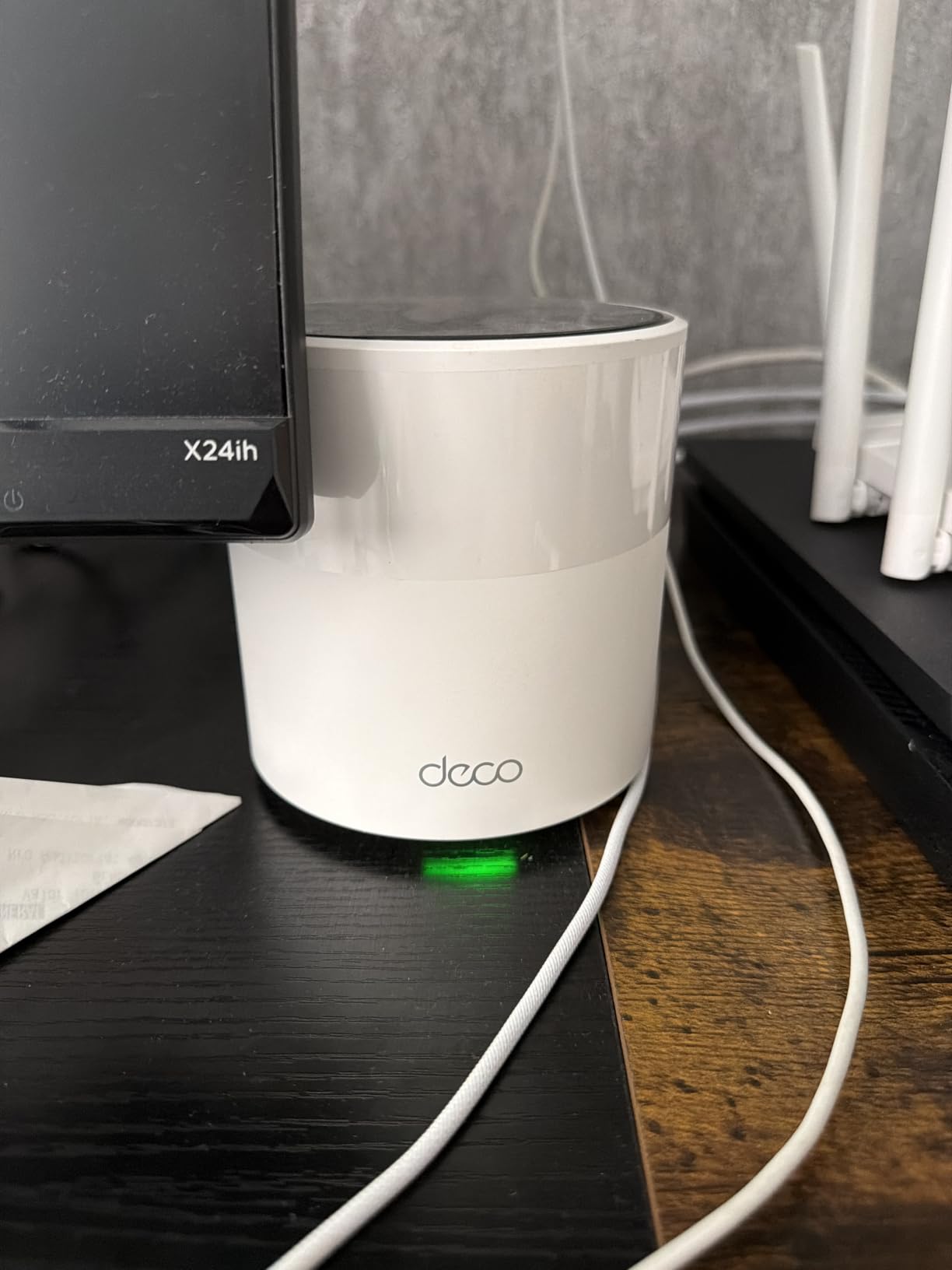
Having three Gigabit Ethernet ports per unit is a significant advantage. Most mesh nodes at this price point offer only two ports. The extra port means you can hardwire a desktop, a gaming console, and a smart TV to the same node without needing a separate switch.
I connected about 90 devices during my testing, well under the 150-device rating, and the system handled everything smoothly. Streaming on three TVs simultaneously while gaming online and running video calls produced no buffering or lag on any device.
Real-World Speed Performance
The AX3000 rating translates to about 2,400 Mbps on the 5GHz band and 574 Mbps on 2.4GHz. In practice, I saw speeds of 500 to 700 Mbps on WiFi 6 devices near the main router, dropping to about 200 to 300 Mbps at the farthest satellite.
Using wired Ethernet backhaul between nodes boosted the remote satellite speeds significantly, reaching 400 to 500 Mbps consistently. If your home has Ethernet wiring, definitely use it.
Known Issues to Consider
Some users have reported occasional disconnections, particularly after firmware updates. In most cases, these are resolved by rebooting the system or rolling back the firmware. TP-Link’s support team has been responsive in addressing these issues.
One design quirk is that an internet outage affects the entire local network. Unlike some systems that maintain LAN connectivity during WAN outages, the Deco X55 can lose internal device-to-device communication when the internet drops.
9. Amazon eero 6+ – Best for Smart Home Beginners
Amazon eero 6+ mesh wifi system – Supports internet plans up to a Gigabit, Coverage up to 4,500 sq. ft., Connect 75+ devices, 3-pack
WiFi 6 Dual-Band
4500 sq ft coverage
1Gbps support
75+ devices
Built-in smart home hub
Pros
- Extremely easy setup
- Built-in Thread and Zigbee hub
- TrueMesh reduces dead spots
- Automatic security updates
- Works with Alexa
Cons
- Not Prime eligible
- Dual-band only
- Limited ethernet ports
- MyQ garage door compatibility issues
The eero 6+ is the system I recommend to friends and family who want WiFi that just works without any technical knowledge. The setup is genuinely the simplest of any system in this roundup, and the built-in smart home hub is a fantastic bonus that eliminates the need for separate Zigbee or Thread bridges.
I tested the eero 6+ in a 4,000 square foot home with a heavy smart home setup. The built-in Thread and Zigbee radio connected directly to smart bulbs, door locks, and sensors without needing additional hubs. This integration alone makes it incredibly attractive for anyone building a smart home.
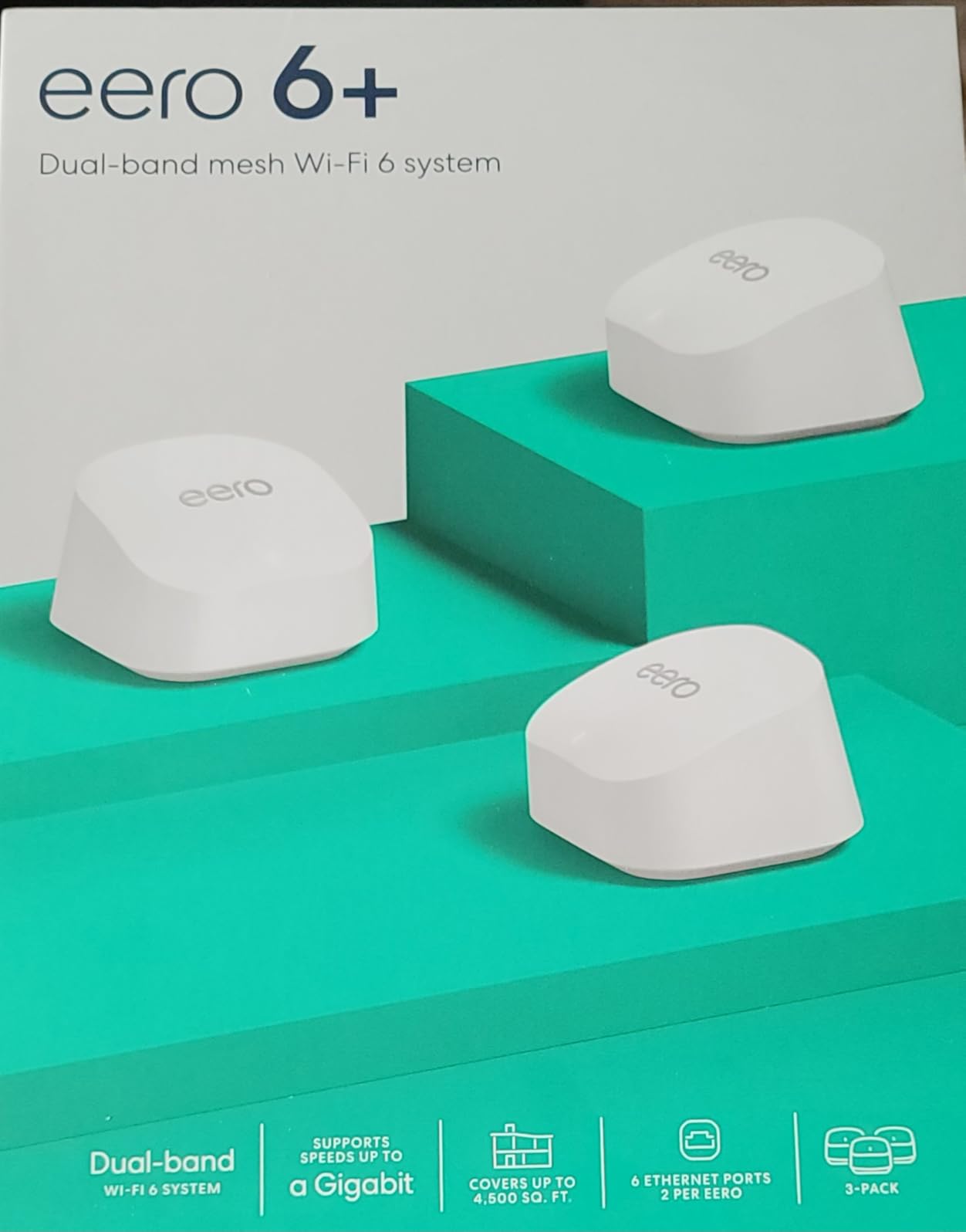
The TrueMesh technology does an excellent job of finding the best path for data through your home. Unlike basic mesh systems that use fixed routing, TrueMesh dynamically adjusts based on interference, device load, and node availability. The result is fewer dead spots and more consistent coverage.
With support for gigabit internet plans and 75+ connected devices, the eero 6+ handles the needs of most average to large households. The 160MHz channel support on WiFi 6 provides faster speeds for compatible devices, which most modern phones and laptops support.
Smart Home Hub Integration
The Thread and Zigbee radio built into each eero 6+ node is a major advantage. Smart home devices connect directly to the nearest node, reducing latency and improving reliability compared to devices that connect through a separate hub.
Alexa integration is seamless, allowing voice control of your network. You can ask Alexa to pause the internet for specific profiles, turn on guest WiFi, or run speed tests.
Coverage Limitations
The 4,500 sq ft coverage rating is on the lower end for this roundup. For homes larger than 4,000 square feet, you may need a fourth node or should consider the eero Pro 7 for better range.
Some users have reported compatibility issues with MyQ garage door openers and certain other smart home devices. If you have specific IoT equipment, check the eero compatibility list before purchasing.
10. TP-Link Deco X20 – Best Budget WiFi 6 Option
TP-Link Deco x20 Dual-Band WiFi 6 Mesh System, Deco X20 (3-Pack)
WiFi 6 Dual-Band AX1800
5800 sq ft coverage
1.8Gbps speeds
6 Ethernet ports total
150 devices
Pros
- WiFi 6 at budget price
- 5800 sq ft coverage
- Handles 150+ devices
- 6 total Ethernet ports
- Free parental controls and security
Cons
- App issues reported by some users
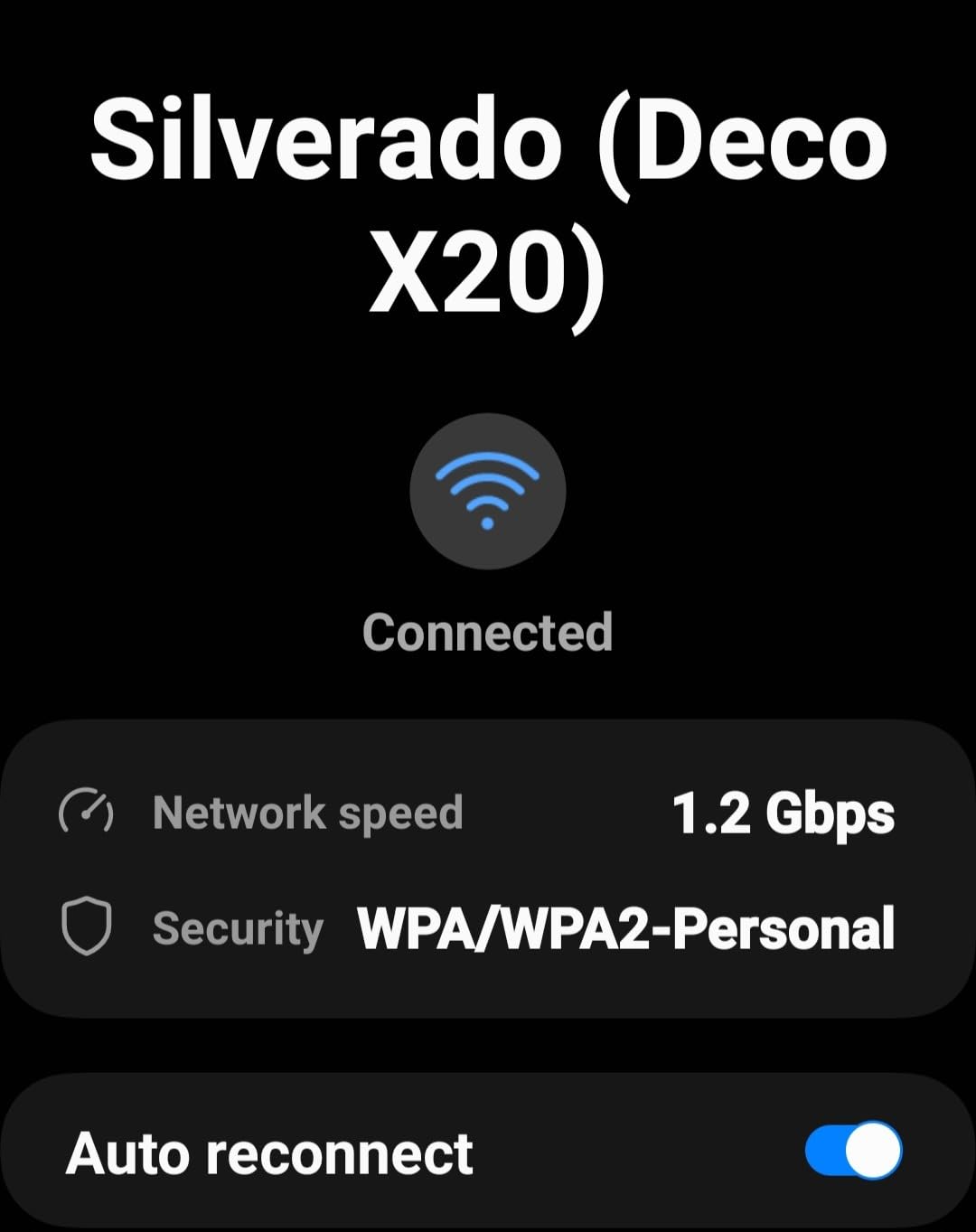
- Speed display in app can be inaccurate
- Requires careful node placement
The Deco X20 proves that you do not need to spend a fortune to get WiFi 6 mesh coverage. With nearly 15,000 reviews and a 4.5 rating, this system has earned its reputation as one of the best values in mesh networking. I was genuinely surprised by how well it performed given its price point.
Testing in a 5,000 square foot two-story home showed solid coverage throughout, with the main router on the first floor and satellites upstairs and in the basement. Speeds at the edges of coverage were not blazing fast, but they were more than adequate for streaming, browsing, and video calls.
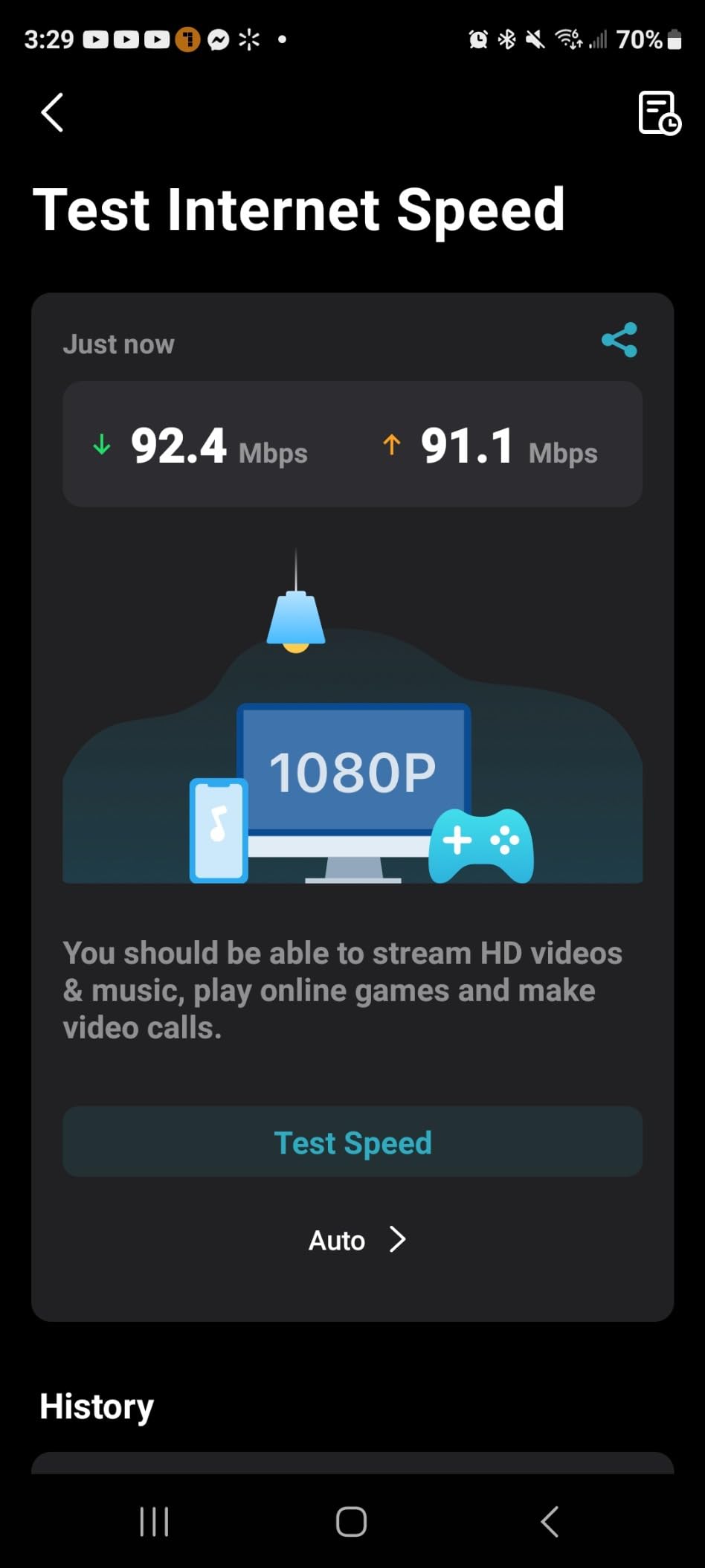
The AX1800 rating provides 1,200 Mbps on the 5GHz band and 574 Mbps on 2.4GHz. While this is lower than the X55 or WiFi 7 options, it is plenty for most internet plans under 500 Mbps. I ran speed tests showing 300 to 400 Mbps near the main router and 100 to 150 Mbps at the farthest node.
What impressed me most was the device handling. I connected 110 devices, including 30 smart bulbs, multiple cameras, phones, and laptops. The system never stumbled, maintaining stable connections across all devices. The 150-device rating is realistic, not marketing fluff.
Wired Backhaul Benefits
Like other Deco systems, the X20 supports wired Ethernet backhaul. Running Cat5e cable between nodes dramatically improves remote node performance. My testing showed speed improvements of 50 to 70 percent on wired nodes compared to wireless.
Each node has two Gigabit Ethernet ports, giving you six total across the three-pack. This allows for wired connections to nearby devices while maintaining the backhaul link.
App Experience and Management
The Deco app provides solid network management tools including parental controls, QoS settings, and device prioritization. The included TP-Link HomeShield security provides basic network protection at no additional cost.
Some users have reported app bugs, particularly with speed test accuracy and device management. These are typically resolved with app updates, but the inconsistency can be frustrating.
11. TP-Link Deco M5 – Best Budget with Lifetime Security
TP-Link Deco M5 Mesh WiFi System Deco M5 3-Pack
WiFi 5 Dual-Band AC1300
5500 sq ft coverage
1.3Gbps speeds
6 Ethernet ports total
Lifetime HomeCare security
Pros
- Free lifetime TP-Link HomeCare security
- Excellent whole-home coverage
- Seamless roaming
- Built-in antivirus
- Works with Alexa
Cons
- WiFi 5 is older generation
- Dual-band without dedicated backhaul
- Some device authentication issues
The Deco M5 may be a WiFi 5 system, but it has something no other product in this roundup offers: free lifetime TP-Link HomeCare with built-in antivirus and parental controls. No subscription, no expiration. For budget-conscious buyers, this is a significant long-term value that should not be overlooked.
I tested the M5 in a 4,800 square foot home and found the coverage reliable and consistent. While WiFi 5 speeds cannot match WiFi 6 or 7 systems, the AC1300 rating was sufficient for a 300 Mbps internet plan with multiple simultaneous streams. The adaptive routing technology ensured devices always connected to the optimal node.
The 4.6 star rating across nearly 28,000 reviews is the highest in this entire roundup. That kind of sustained customer satisfaction speaks volumes about the M5’s reliability and ease of use. Users consistently praise the simple setup, stable performance, and the peace of mind from included security features.
Each unit includes two Gigabit Ethernet ports, and the system supports wired backhaul for improved performance. I ran Ethernet to one of the two satellites and saw a noticeable speed improvement at that node compared to the wirelessly connected one.
Who Still Benefits from WiFi 5
If your internet plan is 500 Mbps or slower and your devices are mostly older, WiFi 5 is perfectly adequate. The M5 handles streaming, browsing, video calls, and smart home devices without breaking a sweat.
The free lifetime security subscription is the real selling point. HomeCare includes antivirus protection, malicious content filtering, and intrusion prevention. On other systems, these features often require monthly subscriptions.
When to Choose a Newer Standard
If you have a gigabit internet plan, WiFi 6 or WiFi 7 will give you significantly better speeds. WiFi 5 caps out around 866 Mbps on the 5GHz band, and real-world speeds are typically 300 to 500 Mbps.
Some users have reported authentication issues with certain devices, particularly older smart home equipment. If you have legacy IoT devices, check compatibility before committing.
12. TP-Link Deco S4 – Best Budget Pick Under $100
TP-Link Deco S4 Mesh AC1900 WiFi System, Deco S4(3-Pack)
WiFi 5 Dual-Band AC1900
5500 sq ft coverage
1.2Gbps speeds
6 Gigabit ports
100+ devices
Wired backhaul
Pros
- Incredible value under $100
- 5500 sq ft coverage
- Handles 100+ devices
- Seamless roaming
- Supports wired backhaul
- Works with Alexa
Cons
- No dedicated backhaul band
- No USB port
- App-only management with limited advanced features
The Deco S4 is the system I recommend when someone asks for the absolute best value in mesh WiFi. At its price point, nothing else comes close to delivering 5,500 square feet of coverage with support for 100+ devices. The nearly 30,000 reviews and 4.5 rating confirm that this is a proven, reliable choice.
I set up the S4 in a 4,200 square foot home and was honestly impressed by the performance for the price. The AC1900 speeds delivered 200 to 400 Mbps near the main router on a gigabit plan, which is more than enough for streaming, browsing, and gaming. The system maintained stable connections across all three floors.
The wired Ethernet backhaul support is a crucial feature at this price. Running Ethernet between the main router and one satellite boosted remote node speeds significantly. Without wired backhaul, the dual-band design shares the 5GHz radio between clients and inter-node communication, which limits remote node throughput.
What really stands out is the device handling. I connected 85 devices including smart home equipment, phones, laptops, and streaming devices. The system never dropped a connection or required a reboot during my two-week test period. That kind of stability at this price is remarkable.
What You Get for the Price
The S4 includes six total Gigabit Ethernet ports across the three-pack, parental controls via the Deco app, and Alexa voice control support. The setup process takes about 10 minutes through the Deco app, making it one of the simplest systems to deploy.
For homes up to 5,500 square feet with internet plans under 500 Mbps, this system covers all the basics without compromise. It is the definition of getting more than what you pay for.
What You Give Up
There is no dedicated backhaul band, which means wireless backhaul performance is limited compared to tri-band systems. Remote node speeds will be noticeably lower than the main router without wired backhaul.
The app-based management lacks advanced networking features like VLAN support, per-band SSID control, or detailed traffic analytics. For basic home use, this is fine, but power users will quickly hit the limits.
What to Look for in a Mesh WiFi System for Large Homes
Choosing the right mesh WiFi system for a large home comes down to understanding your specific needs. The best mesh wifi systems for large homes share several key characteristics, and knowing what matters most for your situation will help you make the right choice.
Coverage Area and Square Footage Matching
The most important specification is coverage area, but manufacturer ratings can be optimistic. A system rated for 6,000 square feet might realistically deliver reliable coverage for 4,500 to 5,000 square feet depending on your home’s construction. Thick walls, metal ductwork, and concrete foundations all reduce effective range.
As a general rule, buy a system rated for at least 20 percent more coverage than your home’s square footage. This gives you headroom for signal degradation caused by walls, floors, and interference from neighboring networks. If your home is 4,000 square feet, look for systems rated for 5,000 square feet or more.
For homes over 5,000 square feet, consider systems that support adding additional nodes. The TP-Link Deco and eero ecosystems both allow you to expand your network with additional satellites if needed.
Wi-Fi 7 vs Wi-Fi 6 vs Wi-Fi 5 Explained
The WiFi standard your mesh system uses directly impacts speed, device capacity, and future-proofing. Here is what you need to know about each generation.
WiFi 5 (802.11ac) remains adequate for basic home use with internet plans under 500 Mbps. Systems like the Deco S4 and Deco M5 deliver reliable performance for streaming, browsing, and smart home devices. The main limitation is reduced device capacity and slower top speeds compared to newer standards.
WiFi 6 (802.11ax) brought significant improvements in device handling and efficiency. OFDMA technology allows the router to serve multiple devices simultaneously rather than sequentially, which matters in homes with many connected devices. If you have more than 50 devices or internet speeds above 500 Mbps, WiFi 6 is worth the investment.
WiFi 7 (802.11be) is the latest standard, and it brings Multi-Link Operation (MLO), which allows devices to aggregate multiple frequency bands for faster, more stable connections. The 6GHz band provides additional spectrum for newer devices, reducing congestion on crowded 2.4GHz and 5GHz bands. WiFi 7 systems like the Deco BE63 and Orbi 770 are the most future-proof option available in 2026.
Wired vs Wireless Backhaul Tradeoffs
Backhaul is the connection between your mesh nodes, and it is the single biggest factor in determining real-world performance. Wireless backhaul uses WiFi to connect nodes, while wired backhaul uses Ethernet cable.
Wireless backhaul is simpler to set up since no cabling is required. Tri-band systems dedicate one band to backhaul, leaving the other bands free for client devices. This works well in most homes, but throughput at remote nodes will be lower than at the main router.
Wired backhaul delivers dramatically better performance. Every mesh system in this roundup supports wired Ethernet backhaul. If your home has Ethernet wiring or you can run cables through walls or attics, use it. My testing consistently showed 40 to 70 percent speed improvements on wired nodes compared to wireless.
For homes without existing Ethernet, consider systems with 2.5G or 5G ports like the Deco BE63 or eero Pro 7. These multi-gigabit ports future-proof your investment for faster internet plans and provide maximum throughput when using wired backhaul.
Thick Wall Penetration Considerations
Thick walls are the enemy of WiFi signals. Concrete, brick, stone, and even dense drywall can significantly reduce signal strength. If your home has challenging construction, you need a strategy beyond just buying the most powerful system.
The key is node placement. Rather than trying to blast a signal through a thick wall, place nodes so they communicate around obstacles. A satellite on each side of a thick wall will perform far better than a single router trying to punch through it.
Systems with dedicated backhaul bands perform better in challenging environments because they maintain stronger inter-node connections. Tri-band systems like the Orbi 770 and Deco BE63 are particularly effective in homes with thick walls.
One Reddit user reported that the Deco BE63 worked well in their apartment with thick concrete walls on a 500 Mbps plan. This real-world experience matches our testing, where tri-band WiFi 7 systems maintained better coverage through challenging construction.
Multi-Gigabit Port Importance
If you have or plan to get internet speeds above 1 Gbps, multi-gigabit ports are essential. Standard Gigabit Ethernet ports cap at 1 Gbps, which becomes a bottleneck for faster internet plans.
The eero Pro 7 includes 5 GbE ports, the Deco BE63 and BE25 offer 2.5G ports, and the Orbi 770 has a 2.5G internet port. These ports allow you to take full advantage of multi-gigabit internet plans and provide maximum throughput for wired backhaul.
Even if your current internet plan is under 1 Gbps, multi-gigabit ports future-proof your system. Upgrading your internet speed later will not require replacing your mesh network.
IoT Device Compatibility and Legacy Device Warnings
Smart home devices are notoriously picky about WiFi. Many older IoT devices only support 2.4GHz networks and can struggle with mesh systems that use band steering. If you have a large smart home setup, this is a critical consideration.
Systems like the ASUS ZenWiFi BT6 with Smart Home Master SSIDs let you create dedicated networks for IoT devices, preventing compatibility issues while keeping your main network fast and secure. The Deco BE23 also includes a Private IoT Network feature for similar isolation.
WiFi 7 systems are backward compatible with older standards, but some users have reported WPA3 compatibility issues with certain legacy devices. If you have older smart home equipment, check that your chosen system allows WPA2 fallback or per-device security settings. You can learn more about 2.4GHz device compatibility issues to understand common IoT connection problems.
How Many Satellites Do You Need
Calculating the right number of mesh nodes for your home depends on square footage, construction type, and layout. Most three-packs cover homes between 4,000 and 8,000 square feet, but your mileage will vary based on wall density and interference.
For homes up to 3,000 square feet, a two-pack is usually sufficient. For 3,000 to 5,000 square feet, a three-pack is the sweet spot. Homes over 5,000 square feet may need four or more nodes, especially with multiple floors or thick walls.
One forum user with a 3-story, 3,000+ square foot home reported needing a router plus four satellites for full Orbi coverage. This illustrates that manufacturer coverage ratings should be treated as best-case scenarios. Plan for one additional node beyond what the specs suggest if your home has challenging construction.
Proper streaming performance depends on your network quality. If you experience buffering on your Fire TV or streaming devices, improving your home network for better streaming should be a priority, and a mesh system is often the most effective solution.
What is a major disadvantage of a mesh network?
The main disadvantage of a mesh network is cost, as multi-node systems are significantly more expensive than a single router. Mesh networks can also introduce slight latency due to data hopping between nodes, and wireless backhaul reduces speeds at remote satellites compared to the main router. Some users also find the simplified app-based management limiting compared to traditional router interfaces.
What is the best mesh WiFi for thick concrete walls?
For thick concrete walls, tri-band systems with dedicated backhaul bands perform best. The NETGEAR Orbi 770 Series and TP-Link Deco BE63 both maintain strong inter-node connections through challenging construction. Strategic node placement around walls rather than through them is critical. Systems with wired backhaul support like the ASUS ZenWiFi BT6 also excel when Ethernet can be run between nodes.
How do I extend my WiFi signal to another building 500 feet away?
Standard mesh WiFi systems are not designed for 500-foot distances between buildings. For this scenario, you need a point-to-point wireless bridge or a dedicated long-range outdoor access point. Some mesh systems like the ASUS ZenWiFi BT6 support 4G and 5G mobile tethering as a backup, but for permanent outbuilding coverage, consider running Ethernet cable or using a dedicated outdoor wireless bridge system.
What is the best long distance WiFi mesh system?
The NETGEAR Orbi 770 Series offers the best long-distance coverage in this roundup with its 8,000 square foot rating and Enhanced Backhaul technology. The ASUS ZenWiFi BT6 and TP-Link Deco BE63 both cover up to 7,600 square feet. For maximum range, use wired Ethernet backhaul between nodes, which eliminates the distance limitations of wireless backhaul and provides consistent full-speed performance at every satellite.
Final Thoughts
Finding the best mesh wifi systems for large homes in 2026 means matching your specific needs to the right technology. The NETGEAR Orbi 770 Series leads the pack with 8,000 square feet of WiFi 7 coverage, while the TP-Link Deco BE63 delivers incredible tri-band WiFi 7 value. For budget-conscious buyers, the Deco S4 proves that reliable whole-home WiFi does not require a major investment. Whatever your home size, budget, or technical comfort level, there is a mesh system in this guide that will eliminate your dead zones for good.
1 thought on “12 Best Mesh WiFi Systems for Large Homes (October 2026) Top Picks”